Cursor demo
A visible cursor operates the interface.
15,015 scenes · page 39 of 251
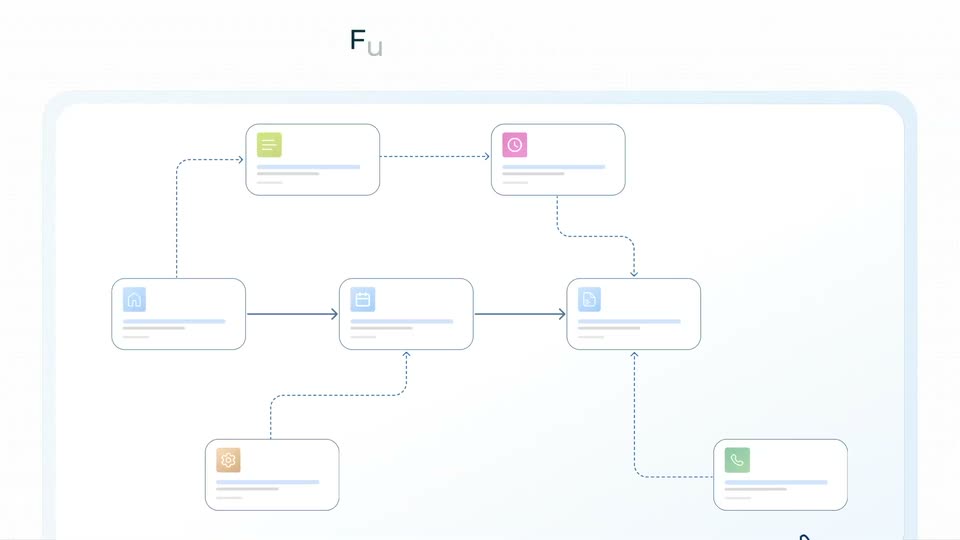 1:00–1:04Locata · Introducing LocataSmall rounded icon cards assemble a workflow on a pale panel, solid arrows linking the main row and dashed connectors drawing in around side cards. The headline reads Fully automated, then becomes Fully customizable as a hand cursor drags the phone card to the end of the row.
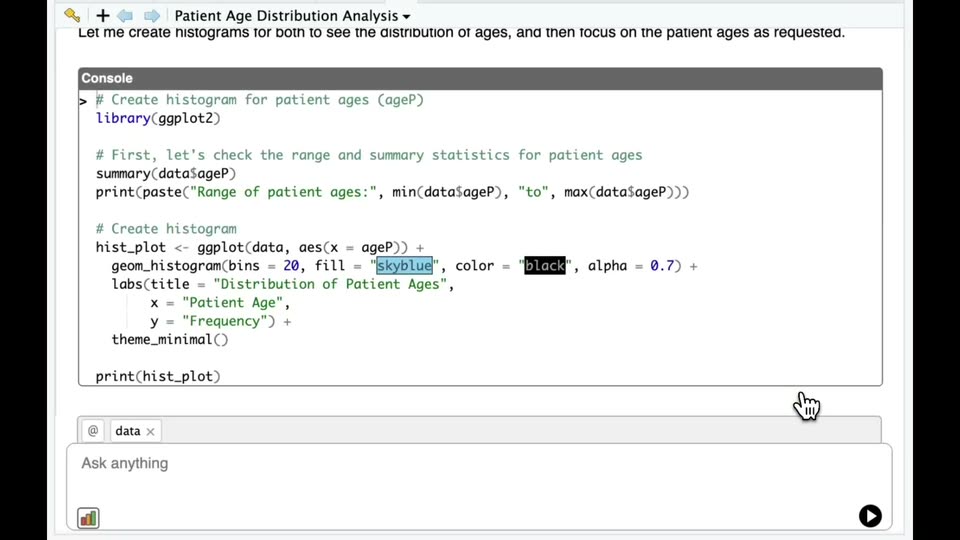 0:34–0:36Lotas · Rao — Cursor for RStudioA product interface shows a console pane full of R code building a histogram under the title Patient Age Distribution Analysis. A hand cursor drifts down to a green approve button beside a Cancel button and presses it; an Ask anything field rests below.
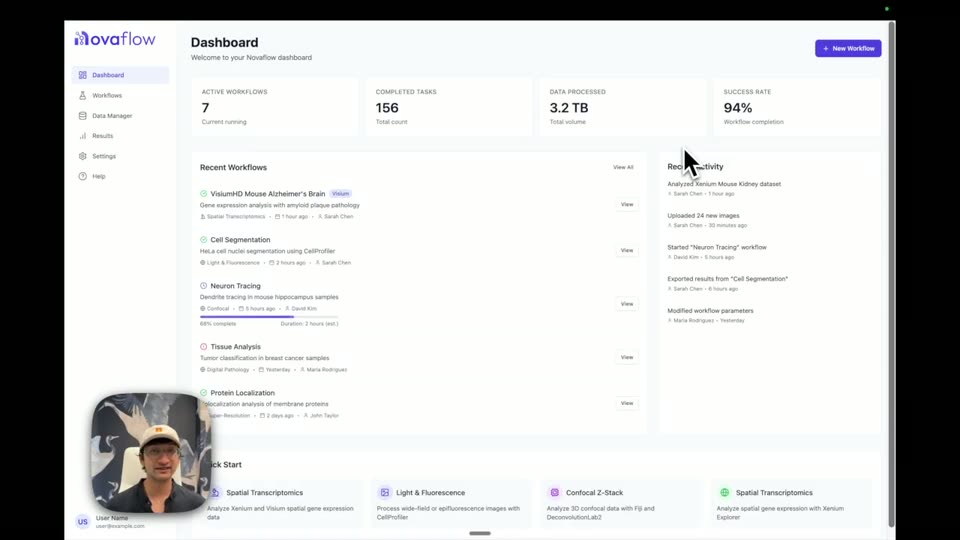 0:34–0:46Novaflow · Novaflow Launch VideoA Novaflow dashboard fills the frame with a presenter's video call tile pinned to the lower left. The layout stays static until the view zooms into the top-right corner, where a hand cursor points at the purple New Workflow button.
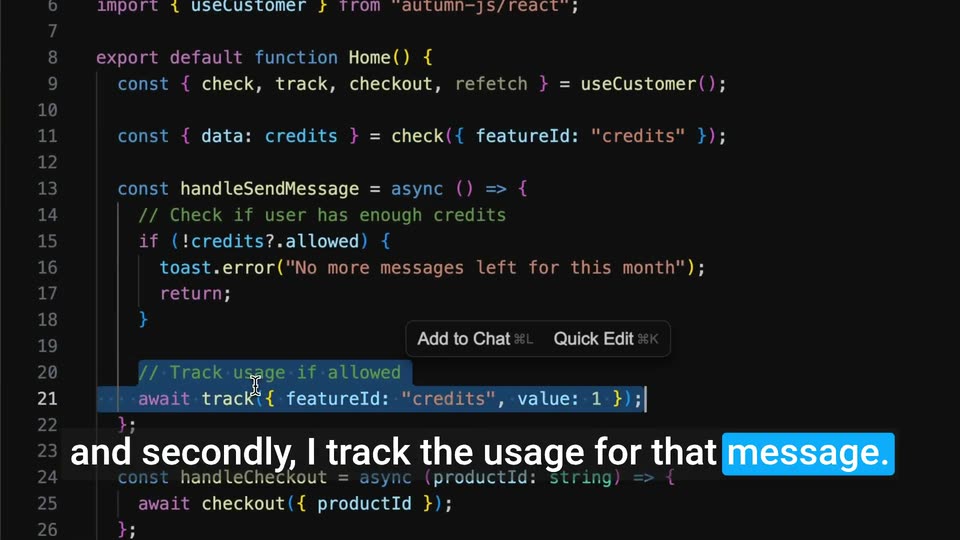 1:22–1:28Autumn · Autumn: Stripe for AI StartupsA dark code editor shows a syntax-highlighted React function with a blue selection bar and a small 'Add to Chat' tooltip. White subtitles run along the bottom, a blue highlight sweeping across key words. The view then zooms out to the full editor window with open tabs.
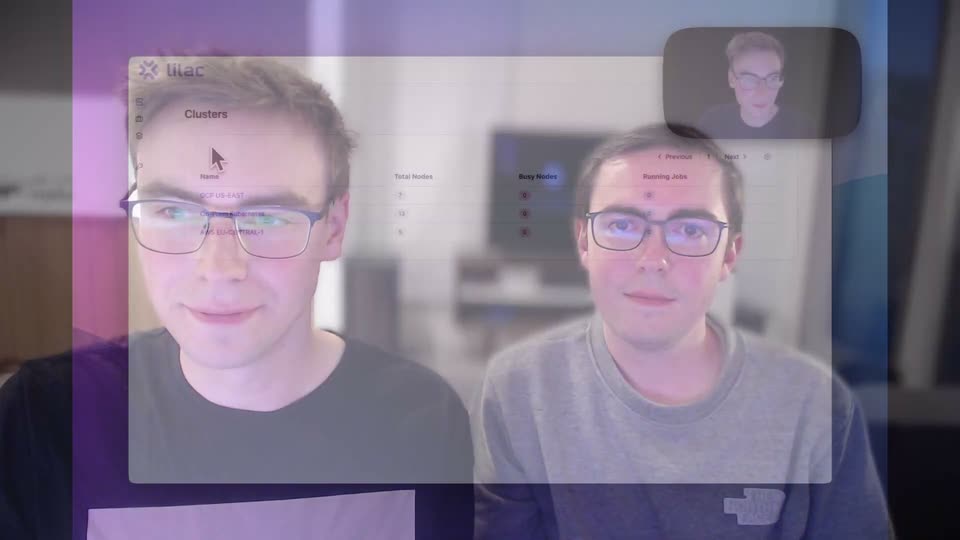 0:27 · 0.8sLilac · Lilac Launch -- Ensuring GPU Availability!Two men sit in a room as a white interface panel fades in, displaying a clusters table and a small video inset of the speaker in the top right.
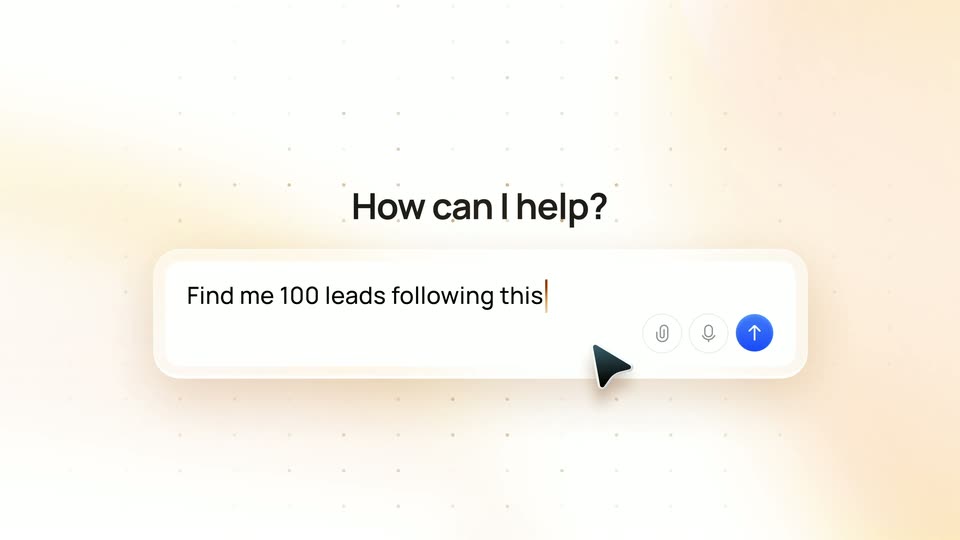 0:10–0:12Lindy · Lindy - Lindy 3.0 is live. You can now create agents with a simple prompt anA white rounded prompt bar sits centered on a cream gradient with a faint dot grid, under the heading “How can I help?” A black cursor arrow glides toward the blue send button while the query “Find me 100 leads following this ICP” types out with a blinking caret.
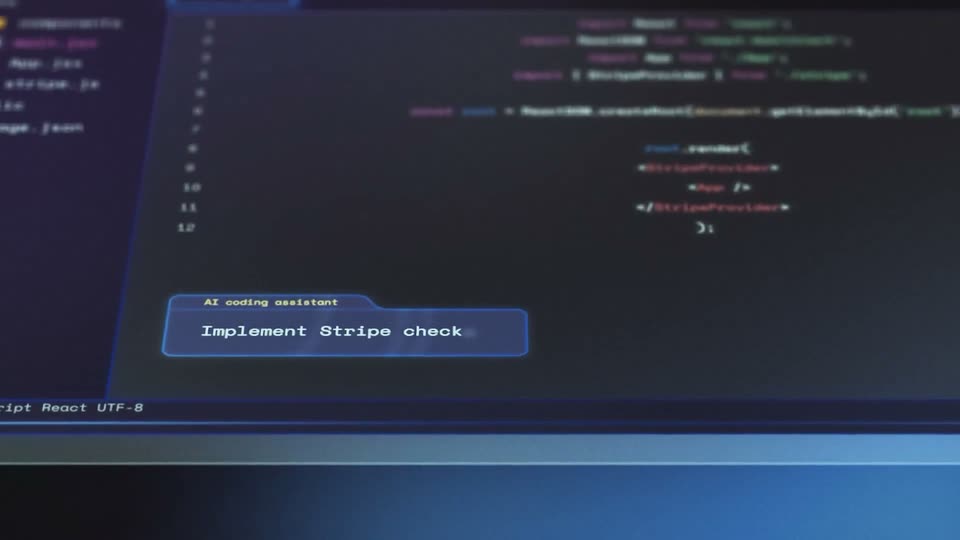 0:17–0:19Nia · arlan rakh - introducing nia. ship reliable code 10x fasterClose-up of a dark code editor with syntax-highlighted code and a file tree. A white cursor glides to the blue 'AI coding assistant' folder, and a dark tooltip reading 'Implement Stripe checkout' slides in beside it.
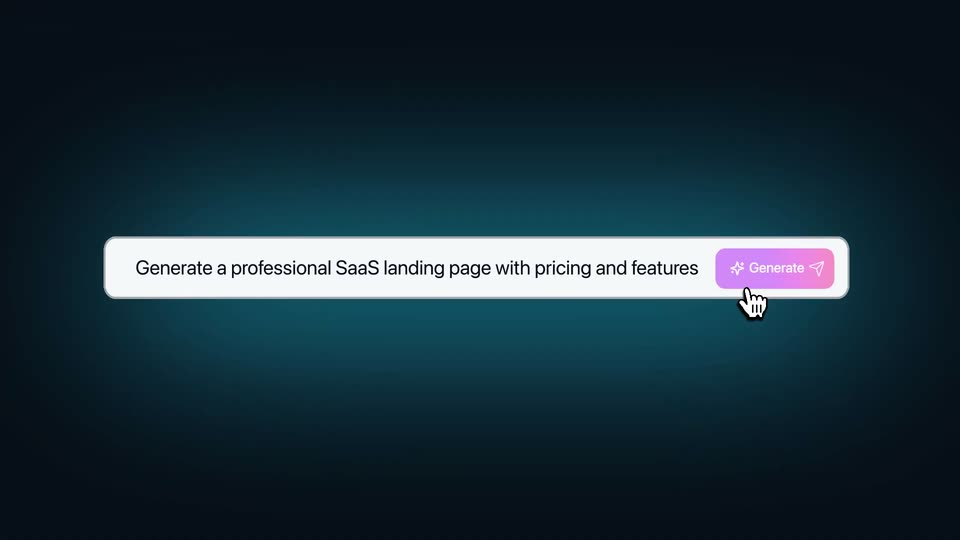 0:15–0:17VibeFlow · YC Launch Video: VibeFlowA white rounded prompt bar on a dark teal gradient. The prompt types in letter by letter while the bar zooms out to a centered size; a purple Generate button with sparkle and send icons appears, and a hand cursor moves in to hover.
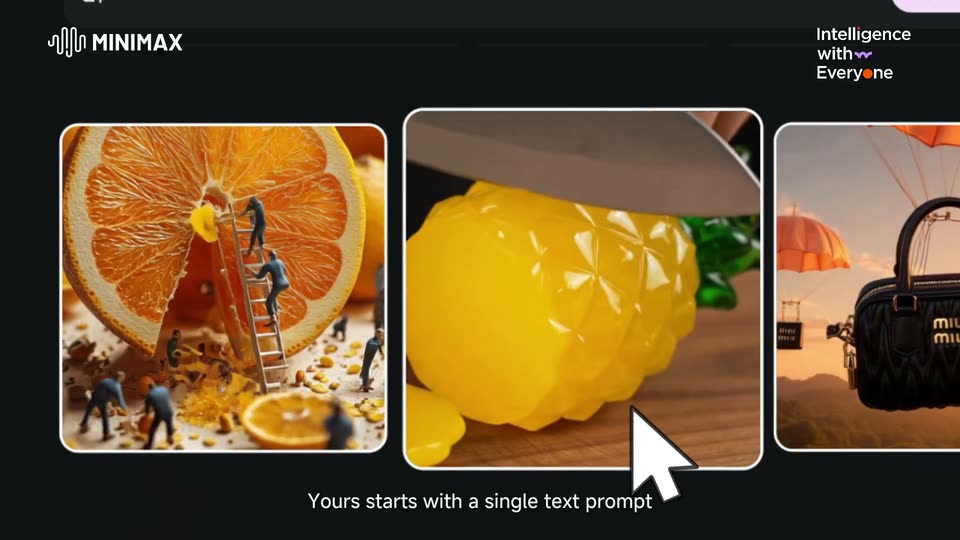 0:05–0:06Hailuo · MiniMax Design (H3) - 🚀 Hailuo Agent Templates just leveled up 🎬 Editable Storyboards are hThree video thumbnails sit in a row on a dark background. The center clip, a yellow jelly being sliced by a knife, gains a bright white border as a cursor arrow appears over it, and the caption below fades out.
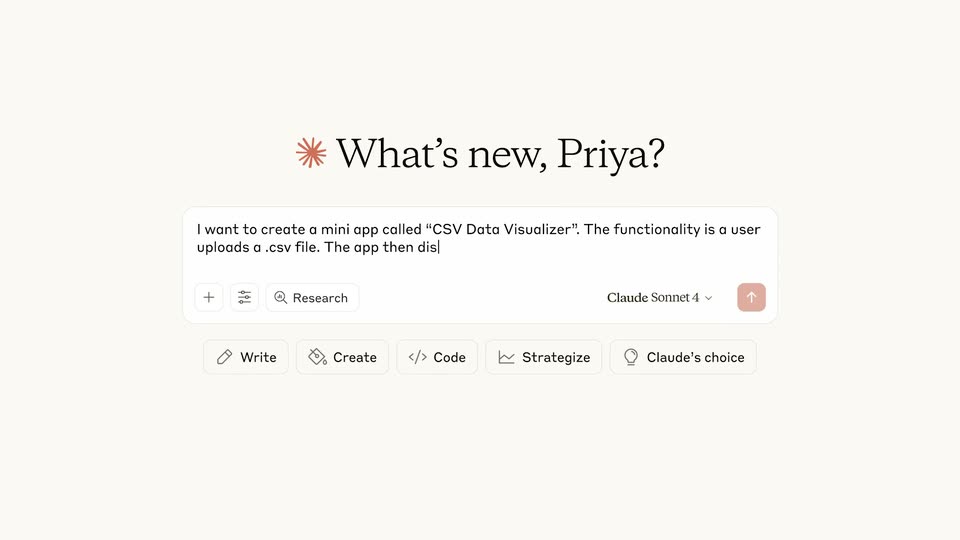 0:02–0:07Anthropic · Anthropic - Claude artifacts are now even better. Upload PDFs, images, code fileA hand-drawn chat panel with black corner scribbles on coral zooms into a clean cream screen showing the “What’s new, Priya?” greeting. A prompt to build a CSV Data Visualizer app types into the input box.
 0:02–0:03The Browser Company · Dia - Sometimes you need a bit more… power. Reasoning models, now availablA locked-off close-up of a webpage header shows a red Log In button beside a Chat button with a blue speech bubble. A black cursor hovers and drifts upward toward the Chat button, above a video player displaying a blue Honda motorcycle.
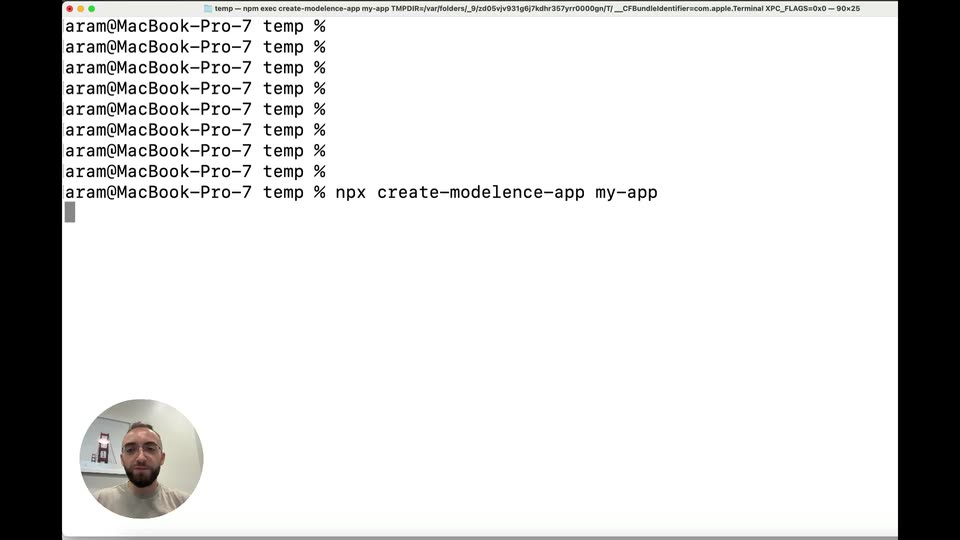 0:15–0:19Modelence · Modelence - Launch DemoA macOS terminal window on a white background types the command npx create-modelence-app my-app, then prints two lines of output, while a circular webcam feed of a bearded man sits in the lower-left corner.
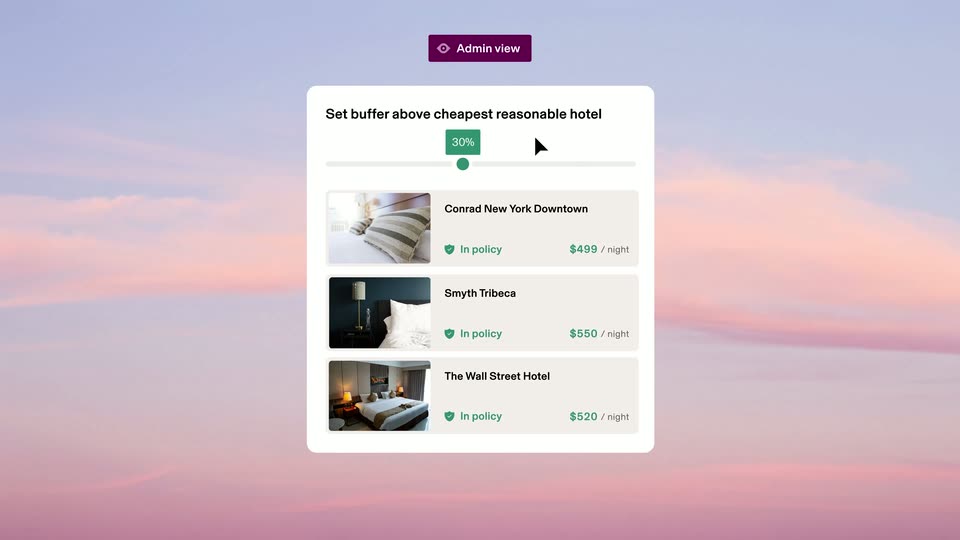 0:19–0:30Rippling · Rippling - It’s time to say goodbye to the days of out-of-policy travel spendingA white settings card fades in over a soft pink sky, tagged with a purple Admin view badge. A cursor drags a slider from 0% to 30%, and two hotel rows switch from red Out of policy to green In policy as the value rises. The card then fades out.
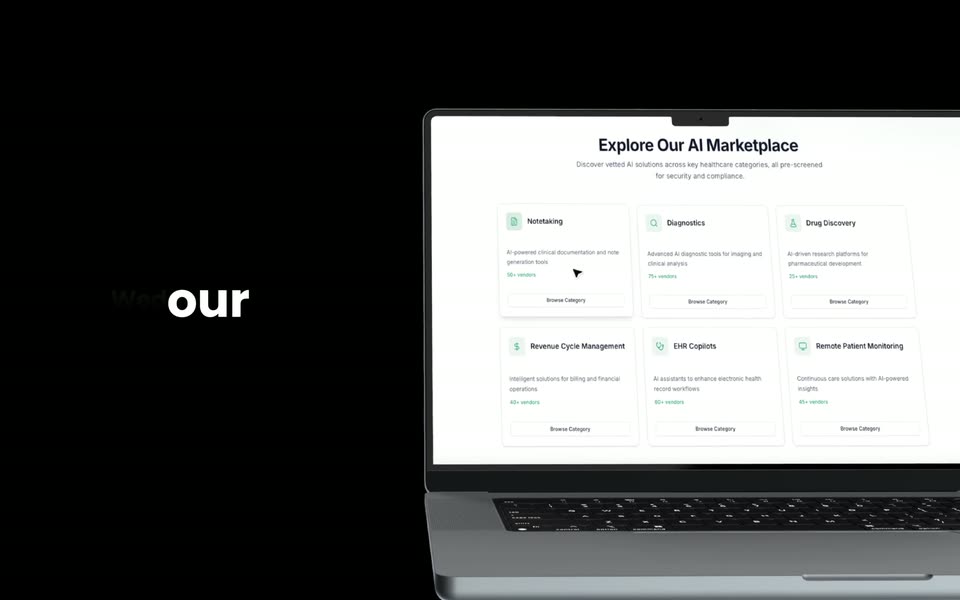 0:38–0:40Wedge · Introducing WedgeA silver laptop in 3D angle holds a white marketplace grid of category cards on the right. On the black left, bold white words 'with AI', 'from' and 'pre-vetted' appear one by one while a cursor glides across the cards.
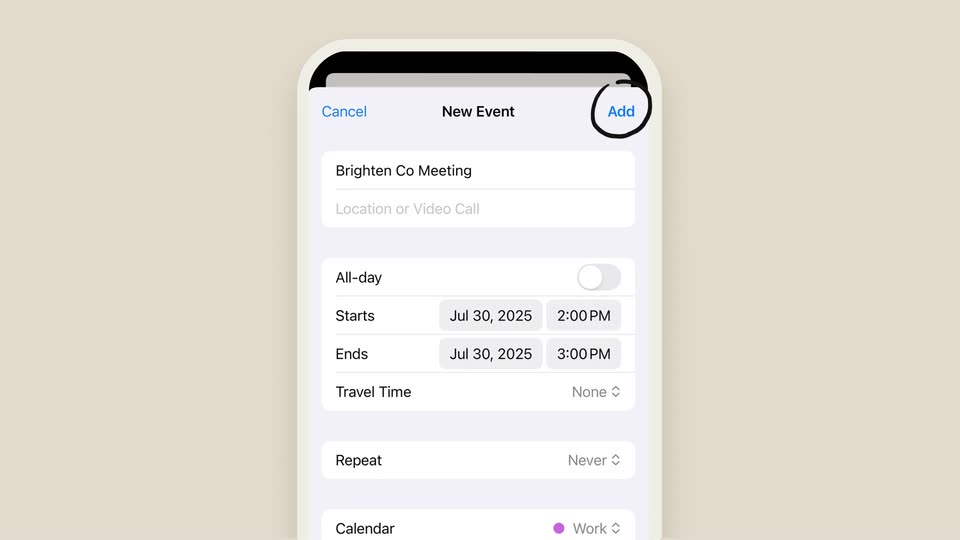 0:36–0:38Anthropic · Anthropic - New on mobile: Draft and send emails, messages, and calendar invitesA flat phone mockup on a beige background shows a calendar New Event form titled Brighten Co Meeting. A black tap circle presses the Add button, then the form slides down to reveal a chat thread confirming the event was added.
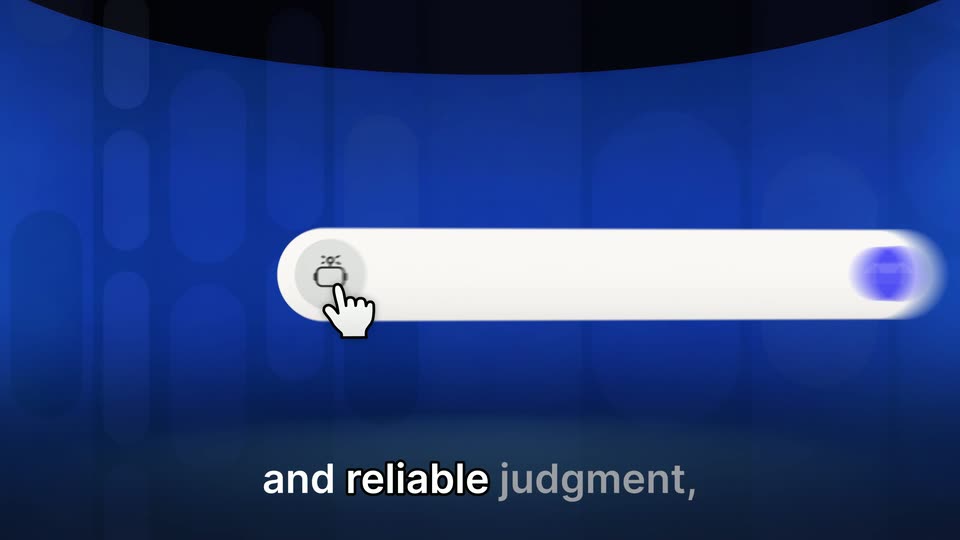 0:18–0:20Descript · Descript - Never edit alone again. Underlord is now available in beta. UnderlorOn a blue stage with a dark dome and a wall of rounded panels, a white hand cursor hovers as a white pill-shaped input bar scales out from the center to full width. The bar carries a small lightbulb icon on the left and a blue up-arrow button on the right, while a caption line at the bottom swaps from one phrase to the next.
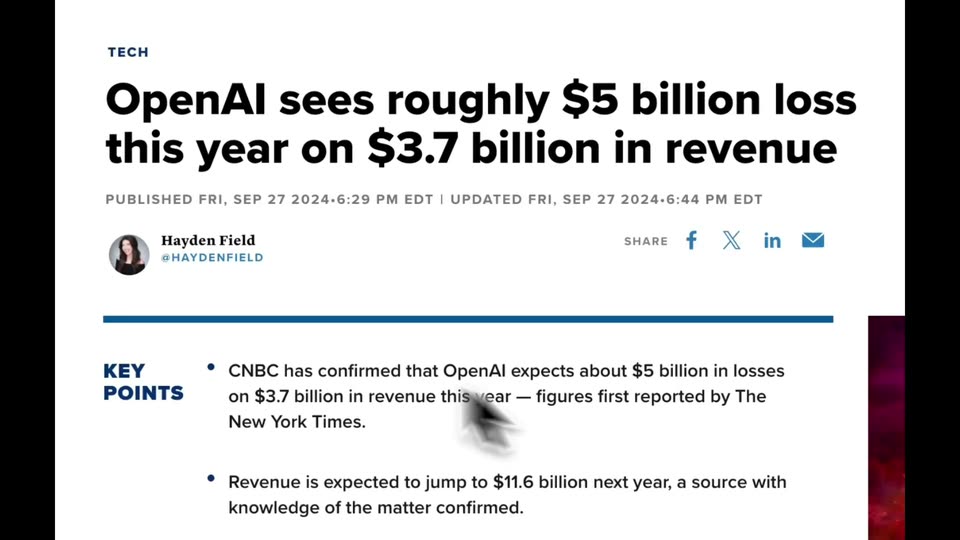 0:15–0:18Imprezia · Imprezia Launch VideoA white news article card slides from the right edge to the left across a black background. A cursor drifts over the byline and the key points list, then the card softens into blur as it exits.
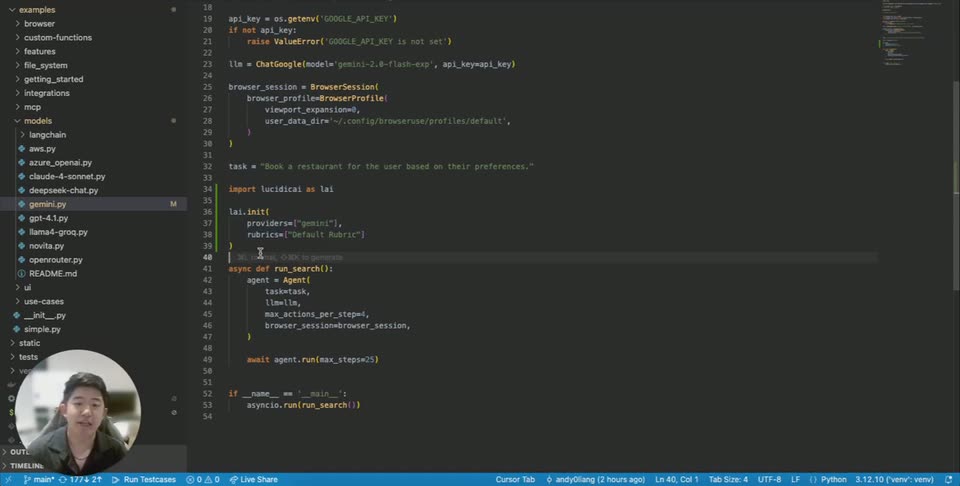 0:09–0:23Lucidic AI · Lucidic HN DemoA dark code editor fills the frame with a Python script, while a small circular webcam feed of a man sits in the lower left. A cursor moves through the code, highlighting the import line and the init call, and a small tooltip pops up beside it.
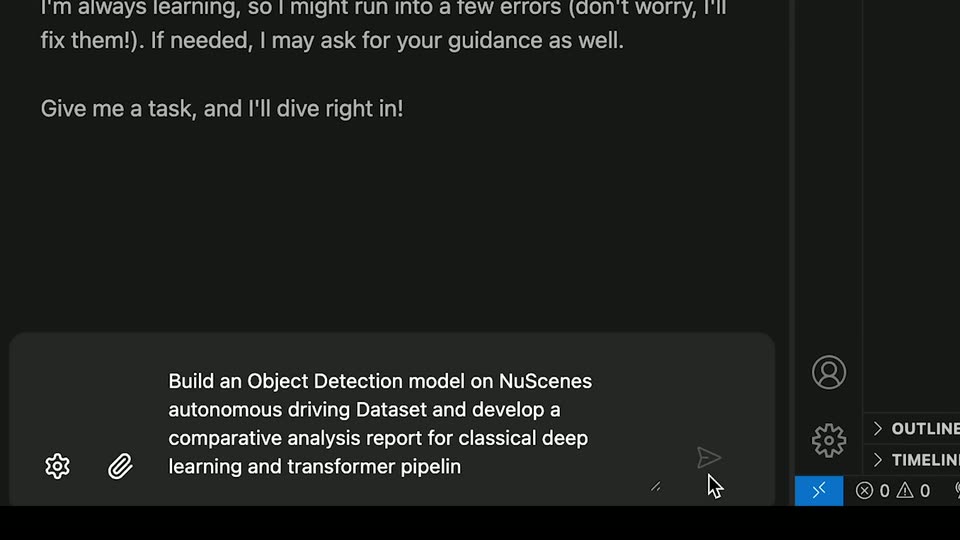 0:42–0:49Neo AI · Neo AI - Introducing NEO: The first Agentic Machine Learning Engineer. It worA dark chat screen shows a prompt typed letter by letter into the bottom input bar, then the send icon flashes blue as the view scrolls up to reveal the assistant's bulleted plan. A cursor rests on the send button.
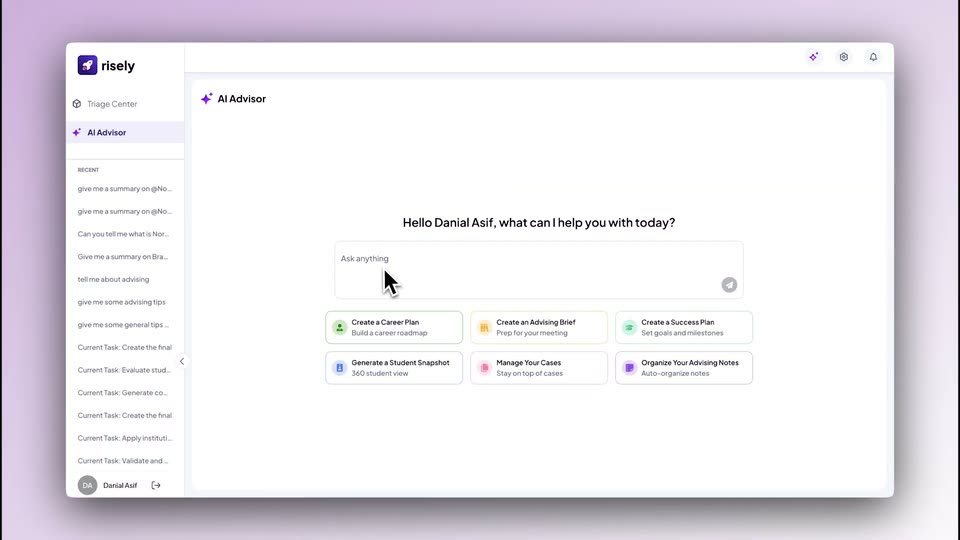 0:27–0:28Risely AI · Introducing Risely: AI agents that automate administrative tasks for universitiesA locked-off view of the risely AI Advisor screen, with a left sidebar and a greeting line above an input box. A cursor glides down from the center to the input field, while six suggestion cards sit in a grid below.
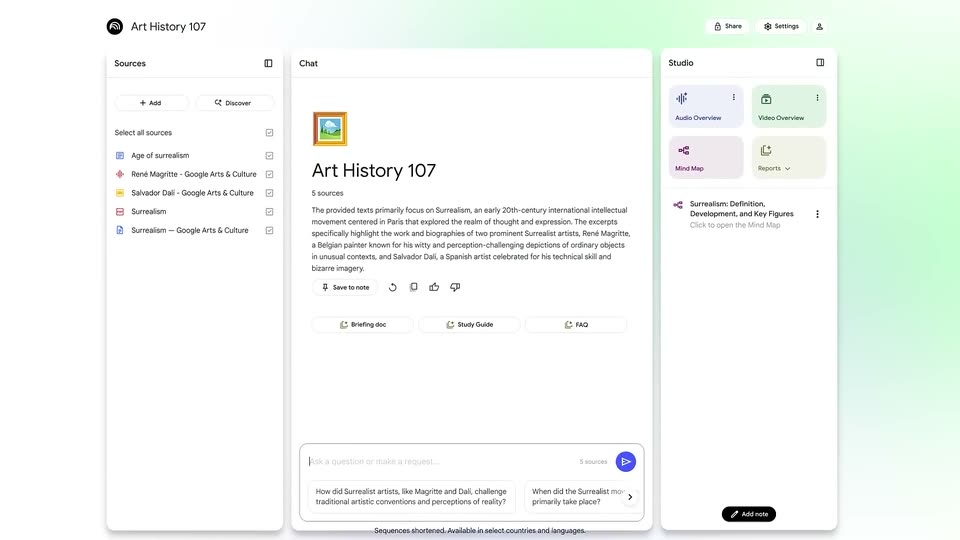 0:00 · 0.8sGoogle · Introducing NotebookLM Video OverviewsA flat three-panel notebook interface sits on a pale background. The center chat panel shows an Art History 107 note card with body copy and action chips; the right Studio panel lists overview tiles. A cursor drifts in near the Discover button. A disclaimer caption runs along the bottom.
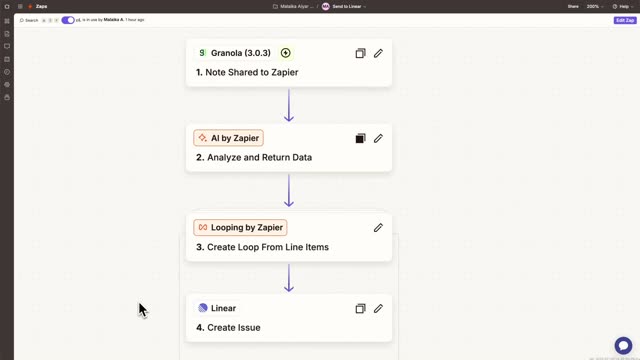 0:33–0:47Granola · Introducing Granola + Zapier | Your meeting notes, now connected with over 8,000 appsA locked-off view of the Zapier editor shows four step cards stacked vertically, linked by purple arrows. A cursor drifts across the dotted canvas, and near the end a horizontal strip of app icons inserts itself between the first and third steps, with the Granola icon highlighted.
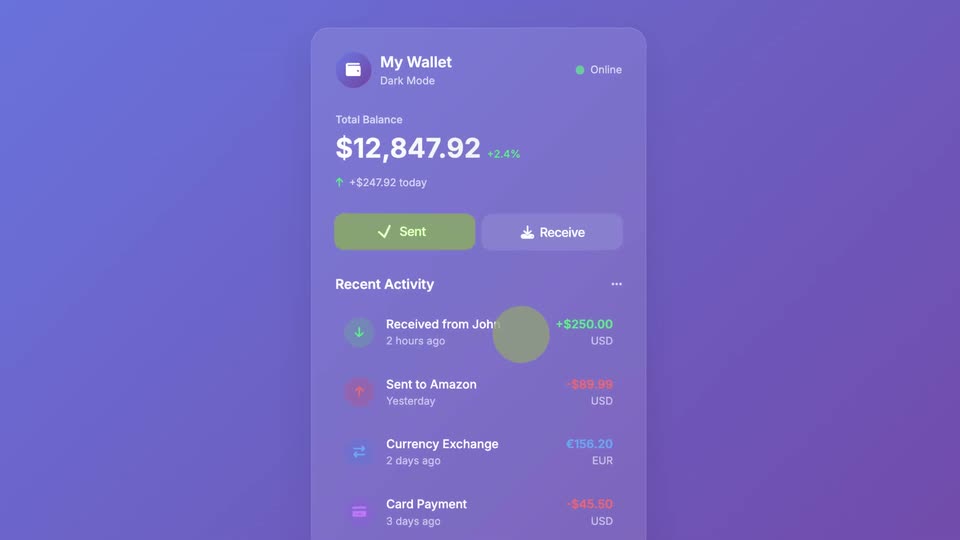 0:15–0:18Design Arena · Design Arena: Can AI Actually Design?A frosted wallet card on a purple gradient settles its doubled labels, then a soft olive dot glides down the card and taps the Sent button, which fills green and gains a checkmark while the transaction list stays still.
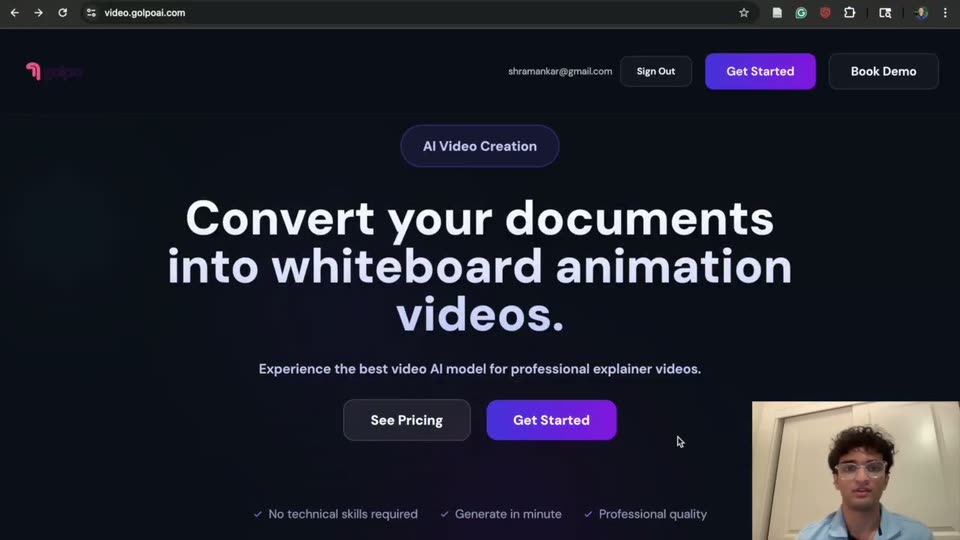 0:38–0:39Golpo · Y Combinator - Golpo (@GolpoAI) is the most powerful AI video generator for explaineA dark landing page with a white headline and a purple Get Started button cuts to a video creation form with a prompt box. A mouse cursor moves down and rests on the Generate Video button. A small webcam feed of a man sits in the corner at first.
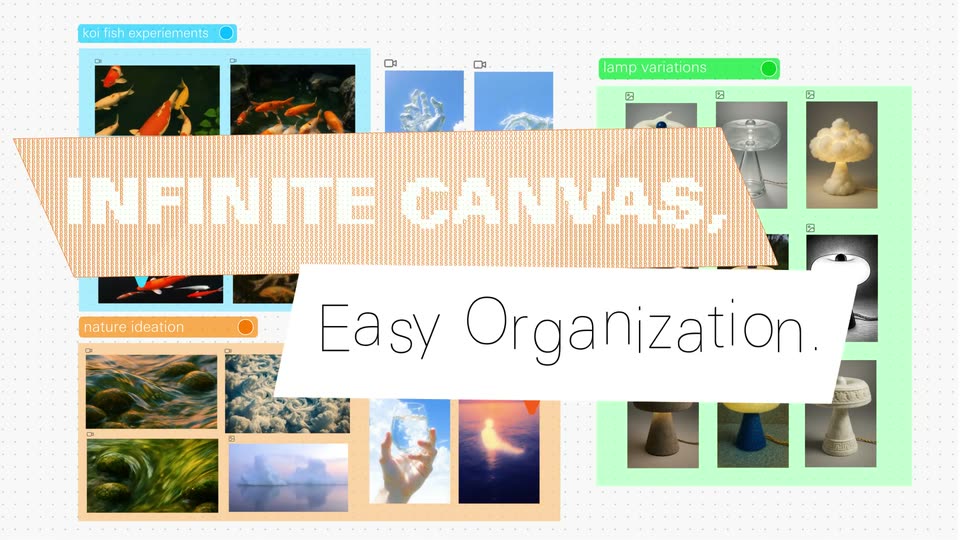 0:13–0:17Stewdio · 🍲 Stewdio: Creative Intelligence Meets Infinite CanvasThe camera pulls back from a close-up to reveal a dotted canvas holding three colored boards of koi, lamp, and nature media, as blue and orange cursors drift over the tiles. Two angled ribbon banners then appear with the headlines, and the view pushes in on them.
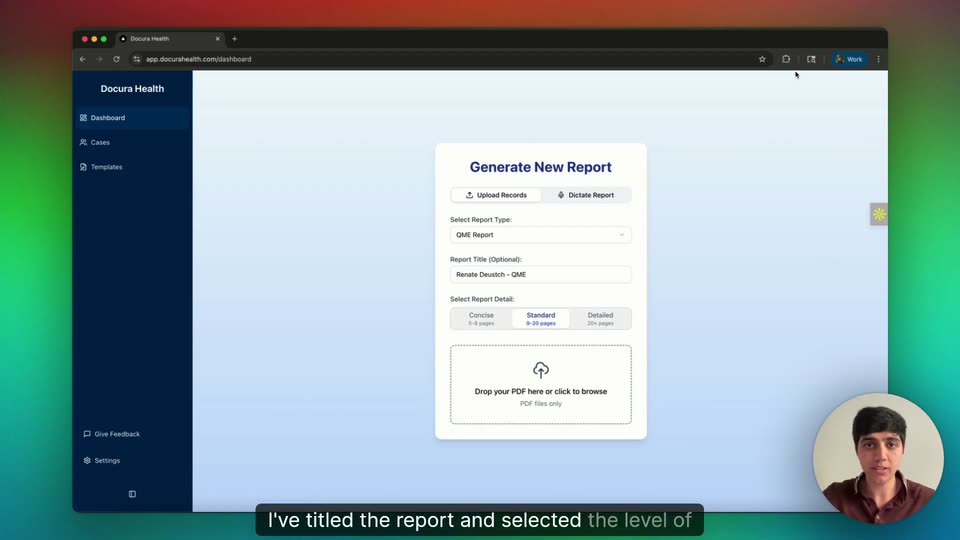 0:10–0:24Docura Health · Docura Health DemoA browser window on a gradient background shows the Docura Health app's Generate New Report card; a presenter's head sits in a circular inset bottom right. Captions roll at the bottom, then the view zooms in on the card as the cursor reaches the PDF drop zone.
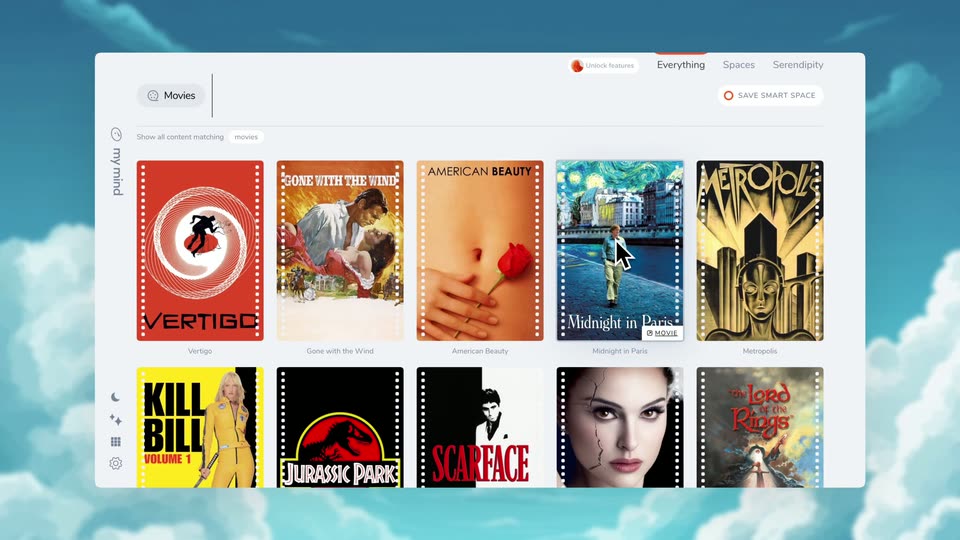 0:04–0:05mymind · mymind - You asked for it, we shipped it 🧡 We hope you enjoy this new feature!A flat white file window floats over a blue sky with soft clouds. A grid of movie poster thumbnails settles into two rows as the header switches to a Movies label, and a black cursor hovers over the Midnight in Paris tile.
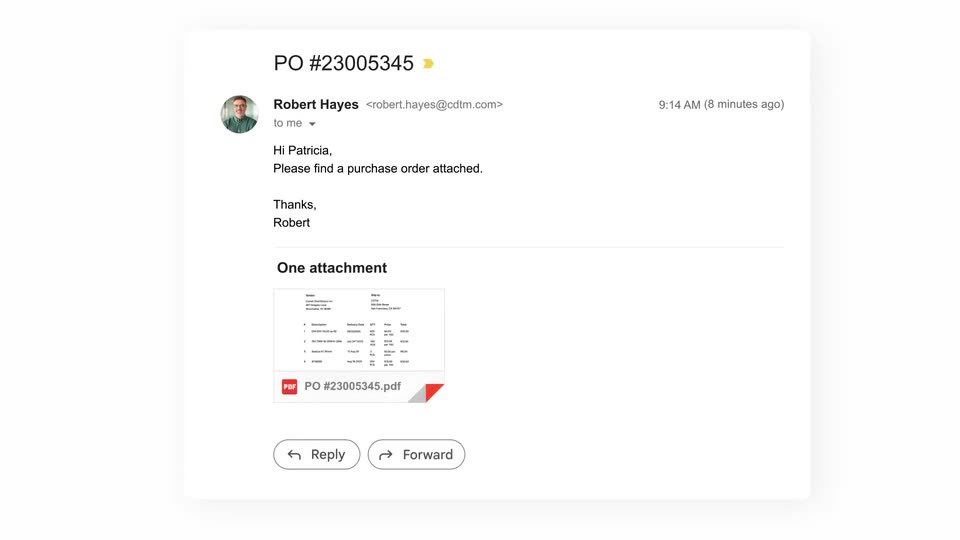 0:18–0:23Comena · Comena Launch Demo - Automated PO ProcessingA white email card with a purchase order PDF attachment fades in on a light background. The view zooms into the card as a black cursor glides to the Forward button.
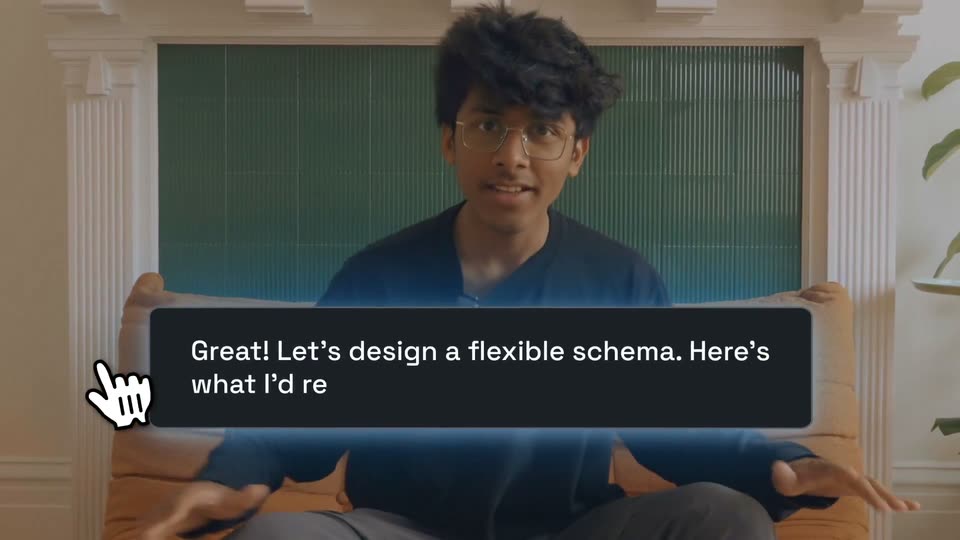 1:21–1:32Supermemory · Dhravya Shah - Introducing the all new supermemory 💥 we killed the AI memory lock-iA curly-haired man in glasses sits cross-legged on an orange couch, talking to camera. A dark chat card in the foreground types a prompt, then shows a searching status and a code block, while a cartoon hand cursor clicks and points.
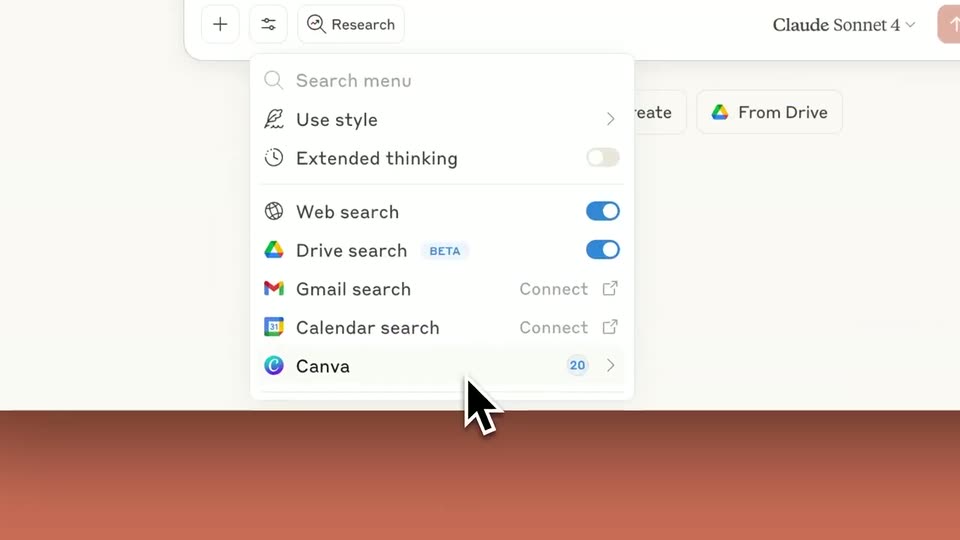 0:02–0:06Anthropic · Anthropic - Turn written content into professional designs with Claude + @canvaA browser window mockup of a chat app sits on a brick background. A cursor moves to the sliders button and a search-connectors dropdown opens below it. The view zooms into the menu, then pulls back as the menu closes.
 0:02–0:04Figma · Figma - Prompt it. Then push it to make it better. Figma Make, now availableA white cursor moves onto a blue circular button with an up arrow and clicks it. Quick cuts follow to a code editor with a file tree and App.tsx imports, then a dark screen pairing the brand logo with the word Thinking...
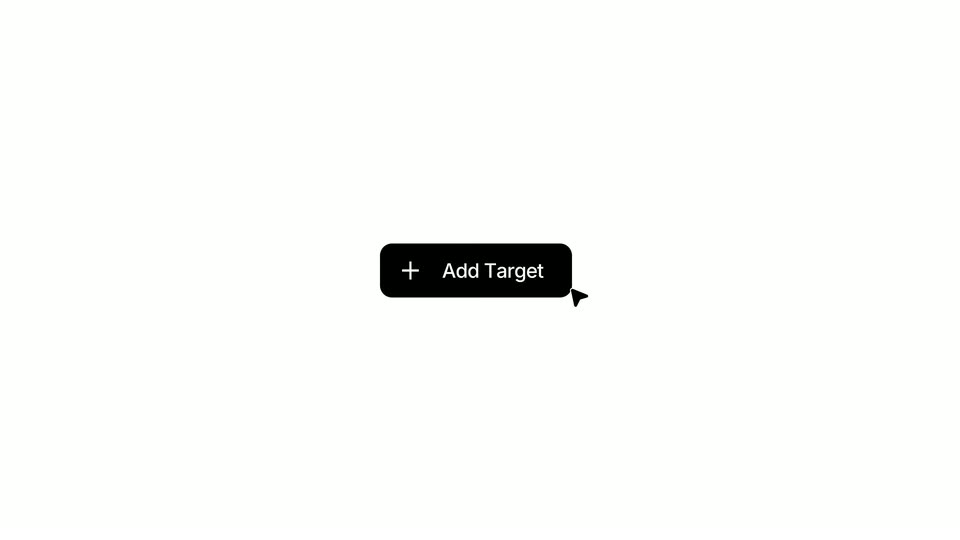 0:15–0:17GhostEye · Introducing: GhostEyeA centered three-item menu on a white background. A cursor slides in from the right and rests on the middle Add Target option, which highlights into a solid gray pill with white text while the other two fade. The menu then fades out, leaving the cursor.
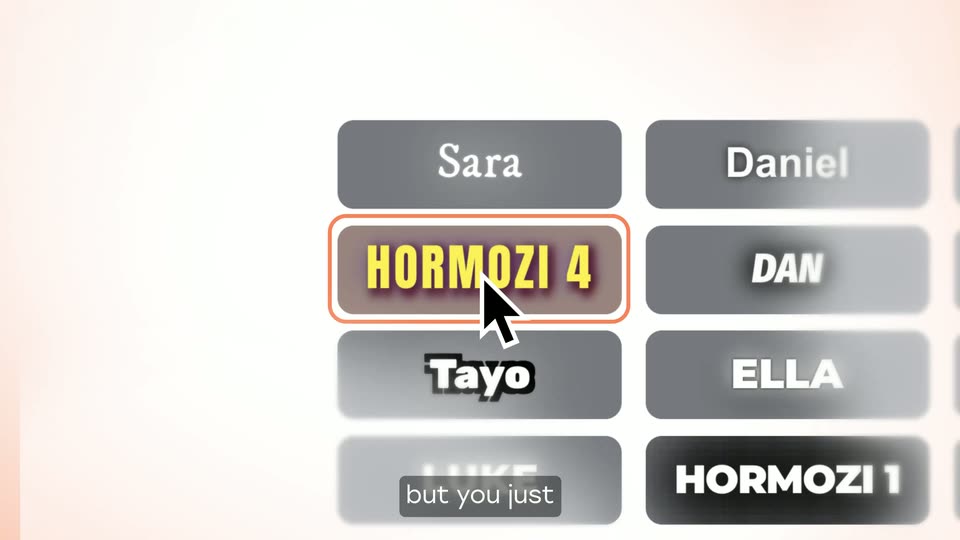 0:24 · 0.5sSubmagic · Submagic - Today, we’re launching the world’s first short-form video editing APIA close-up of a grid of gray name buttons on a cream background. A black arrow cursor hovers over the HORMOZI 4 tile, whose orange highlight border pulses. A small caption reads but you just at the bottom of the frame.
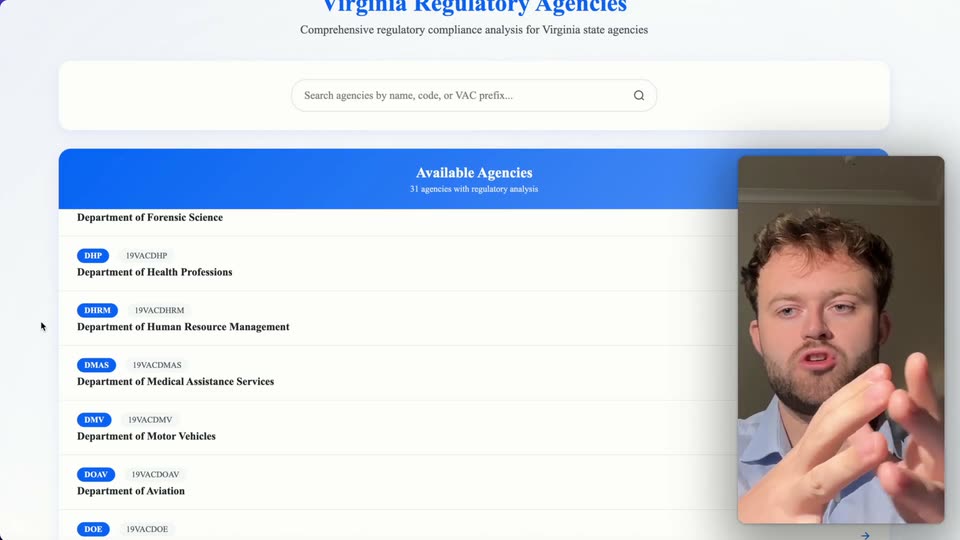 0:08–0:18Vulcan Technologies · Virginia Required Our Product by LawA regulatory-agency web page with a blue header and search bar fills the left, while a man in a light blue shirt talks and gestures in a rounded webcam inset on the right. Near the end the agency list scrolls down to reveal the Department of Taxation row.
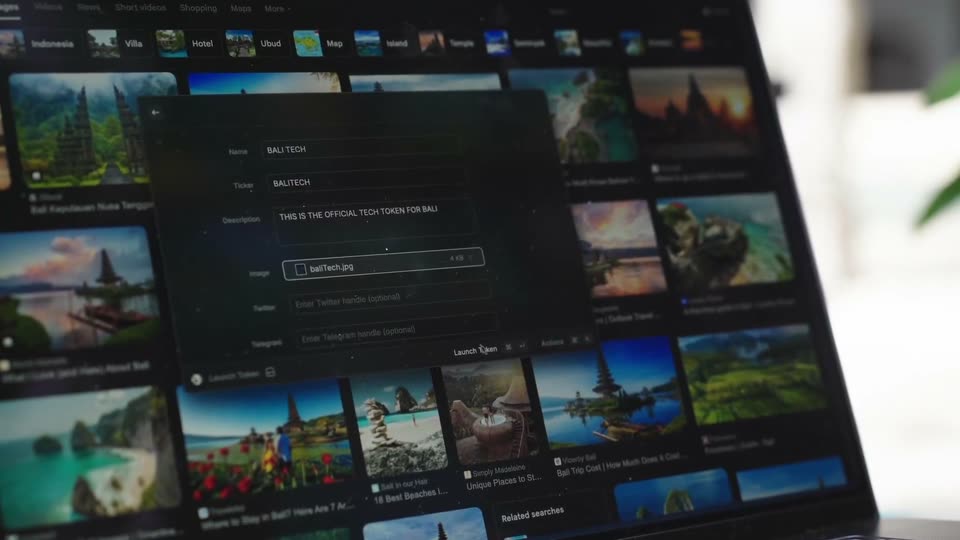 0:48–0:50SendAI · Yash - Introducing SendAI Raycast Analyse. Buy/Sell. Limit Orders. DCA. LauA laptop screen fills the frame, a dark token-launch form with BALITECH fields floating over a grid of Bali travel thumbnails. The cursor glides across the form and rests on the Launch Token button as the lens racks from soft to sharp.
 0:43–0:46Sira · HR, Payroll & Time Tracking… Automated in Minutes with AI 🤯A tilted chat panel labeled Lauren slides in under the headline Confused About Labor Laws. The view zooms into the input field as a question about California labor policy is typed, the orange cursor clicks send, and the message appears as a right-aligned bubble.
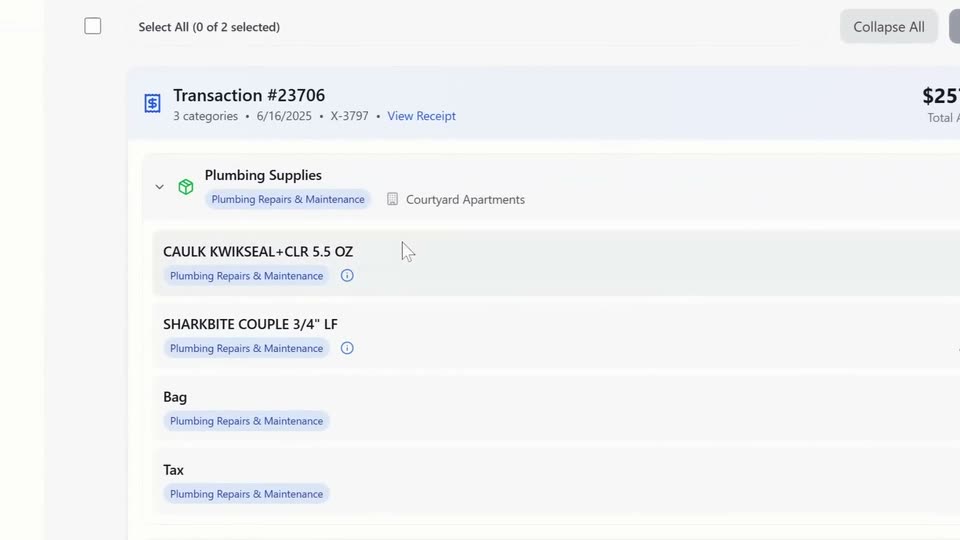 0:18–0:19IronLedger.ai · The easiest way to do your property accounting | Save 100s of hours coding invoices and expensesA light expense interface displays a transaction header, category tags, and line items. A cursor moves down the right side of the list, hovering near the item rows.
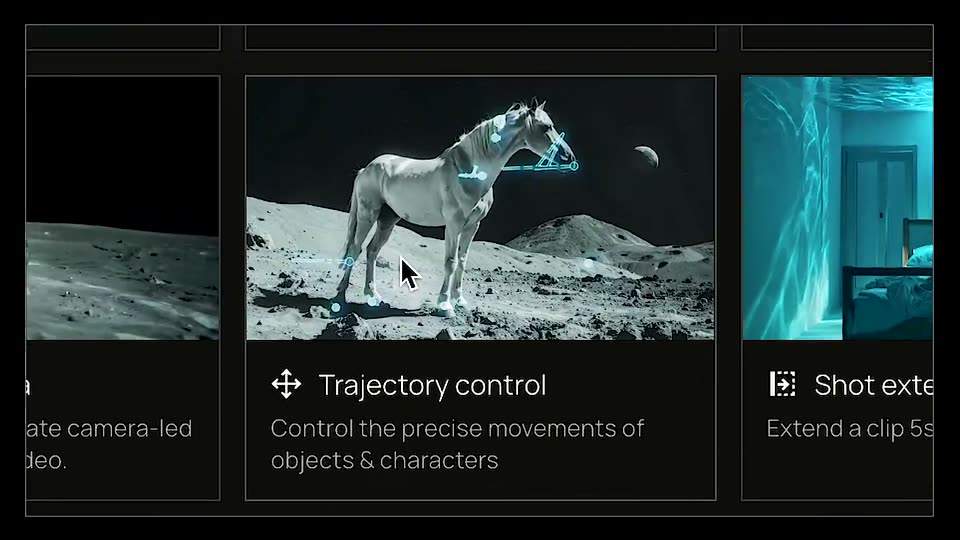 0:02–0:04Marey · Moonvalley - Most AI video tools rely on text prompts or preset motions to defineA dark grid of feature cards zooms in on a central card showing a horse on a rocky surface, overlaid with cyan trajectory lines and control points. A cursor hovers over the card while the label Trajectory control and its caption sit below.
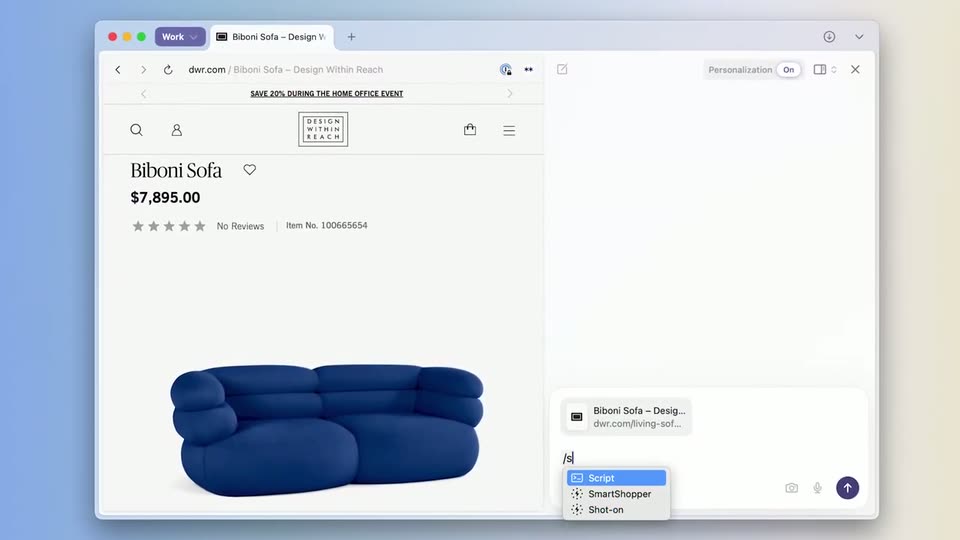 0:09–0:11The Browser Company · Dia - Need inspiration? There’s a /skill for that. 🖼️ Dia Skills Gallery vA flat browser window shows a navy puffy sofa product page on a soft blue-to-cream gradient. In the right-side chat panel, a cursor opens a skill dropdown, then /sm is typed into the input field, surfacing a highlighted SmartShopper suggestion chip.
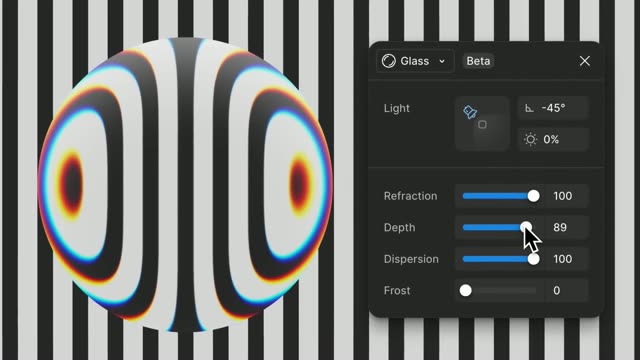 0:03–0:07Figma · Introducing Figma’s new glass effectA 3D glass sphere on the left refracts a black-and-white stripe backdrop, beside a dark control panel with Glass sliders. A cursor drags the Depth slider down, and the sphere's refraction tightens, magnifying the stripes in real time.
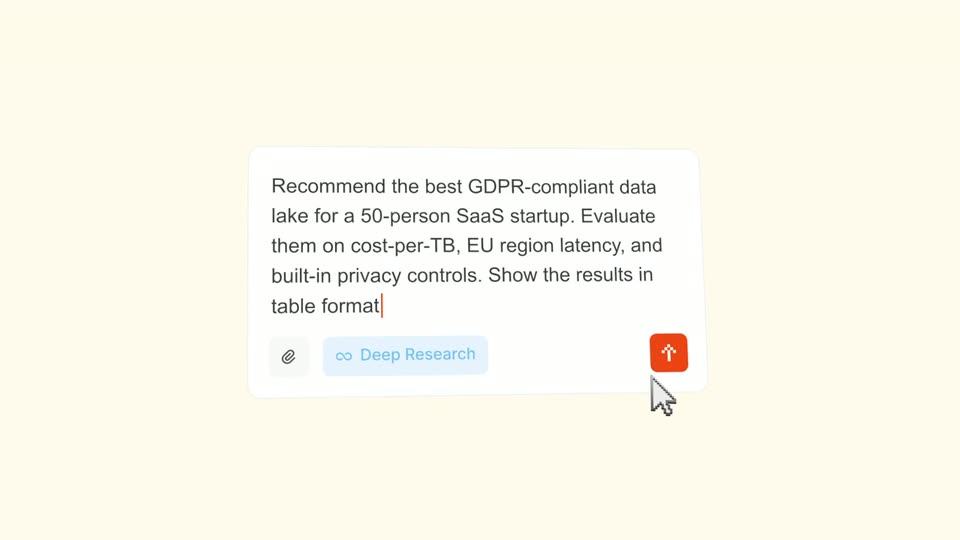 0:12–0:19Mistral AI · Mistral AI - Introducing powerful new features in Le Chat, making it more capableA white chat input card settles on a cream background as a prompt types itself in, then a cursor clicks the Deep Research pill and the orange send button. The card morphs into a Researching panel with a pixelated progress bar.
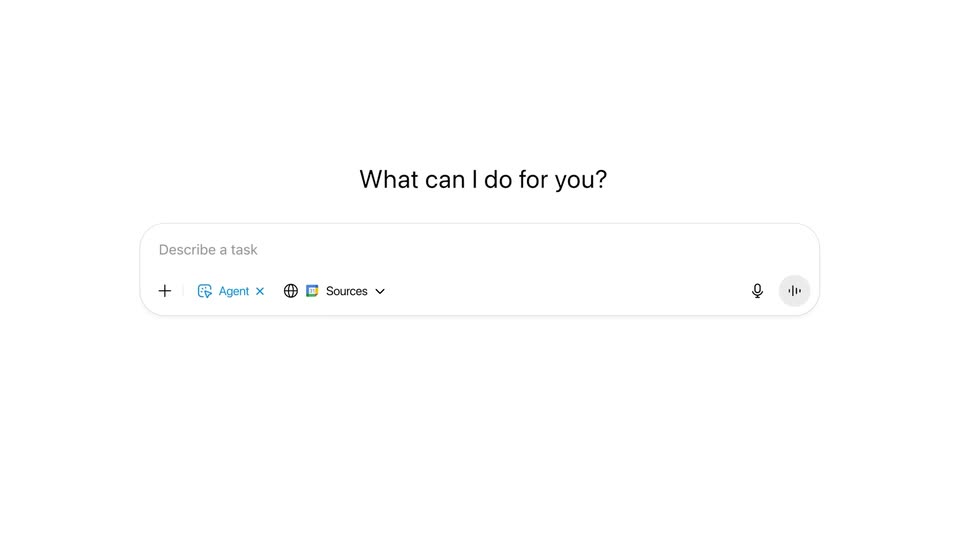 0:11–0:14OpenAI · Introducing ChatGPT agentA white chat screen shows a centered headline above an input field. A cursor opens the Tools menu, moves down the option list, and selects Agent mode. The menu closes and the field updates to a task prompt with an Agent chip and a Sources control.
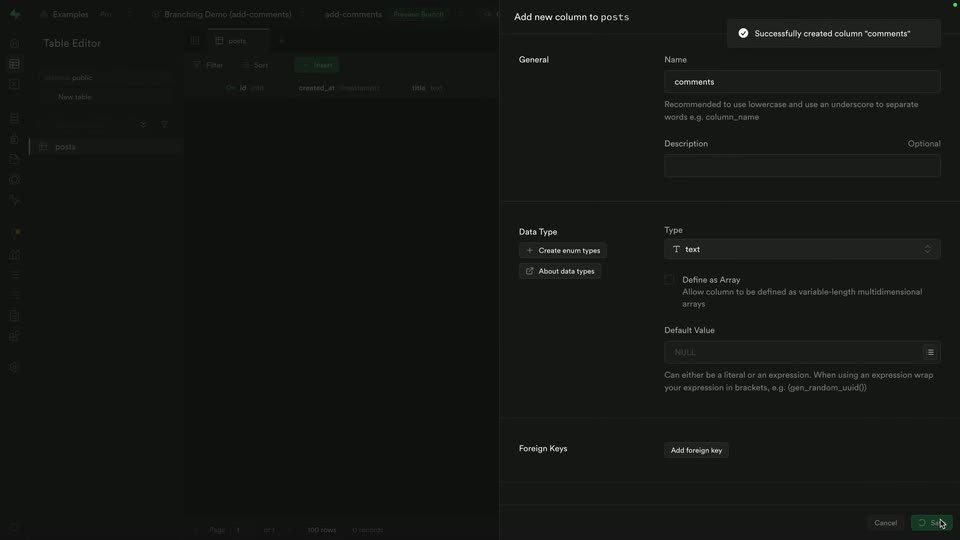 0:30–0:31Supabase · Branching just got a whole lot easier!In a dark table editor, the right panel shows the Add new column form with 'comments' typed in the Name field. The cursor moves to the green Save button; the panel slides out to the right as a success toast pops in at the top.
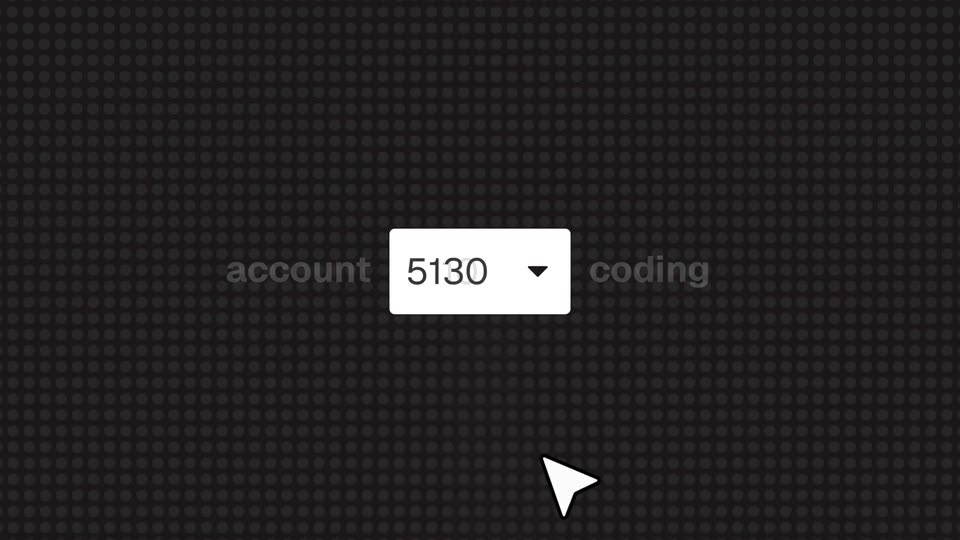 0:13–0:14Finto · Finto (Y Combinator) - AI Accounting for EnterprisesOn a dark dotted grid, a small white code field sits center frame while a cursor hovers over it; the value counts up from 51 to 5130 and a dropdown caret appears. The gray labels account and coding fade in on either side, and a blurred invoice drifts up behind.
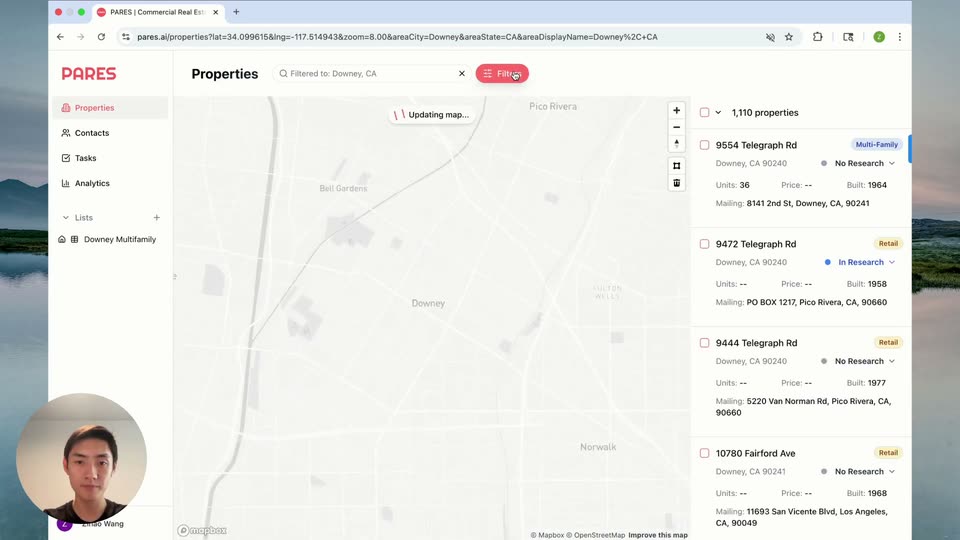 0:46–1:40PARES AI · PARES AI Launch VideoScreen recording of the PARES app beside a small circular presenter video. A cursor opens a centered modal, types a list name, then searches a city. The map zooms in as red filter chips appear, shrinking the markers to four dots before an export dialog opens.
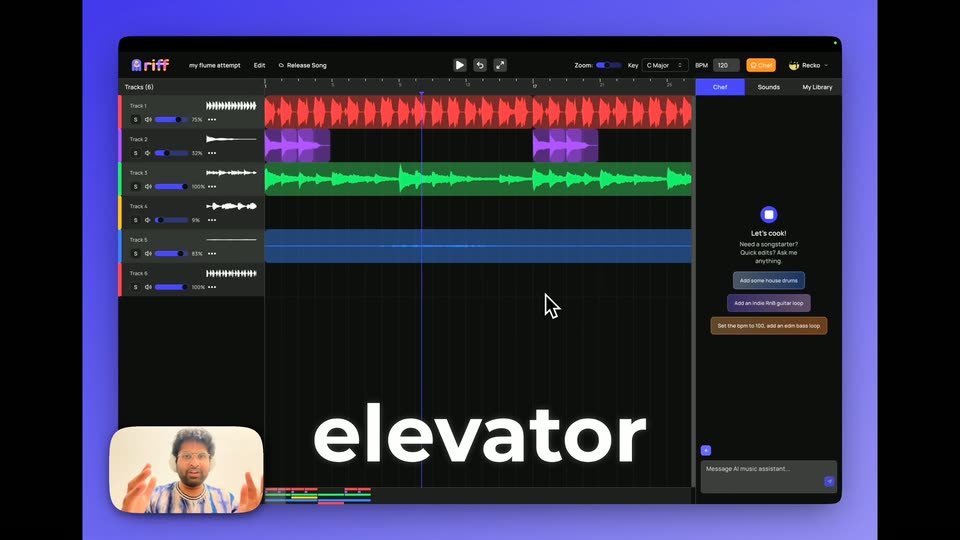 0:26–0:38Physical Turing · Welcome to RiffA pink flash fades to a screen recording of the riff DAW: colored waveforms, an AI chat panel, and a small webcam inset of a gesturing man. Large white words pop over the timeline to match the voiceover, then the cursor moves to the chat input.
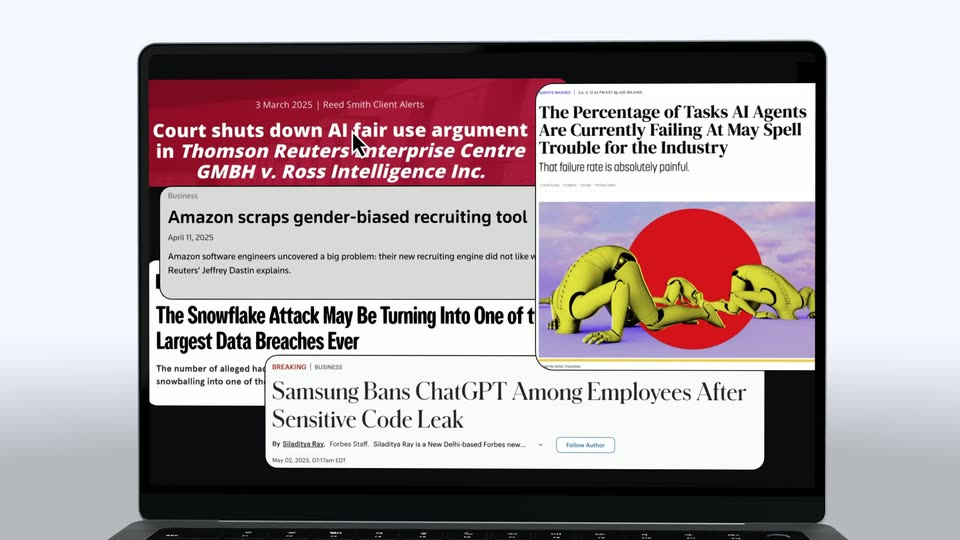 0:24–0:25TectoAI · Introducing Tecto - Governance Platform for AI EmployeesA laptop in 3D perspective sits on a plain light background, its screen filled with overlapping news article cards and a red banner. A cursor glides across the headlines. The camera holds steady.
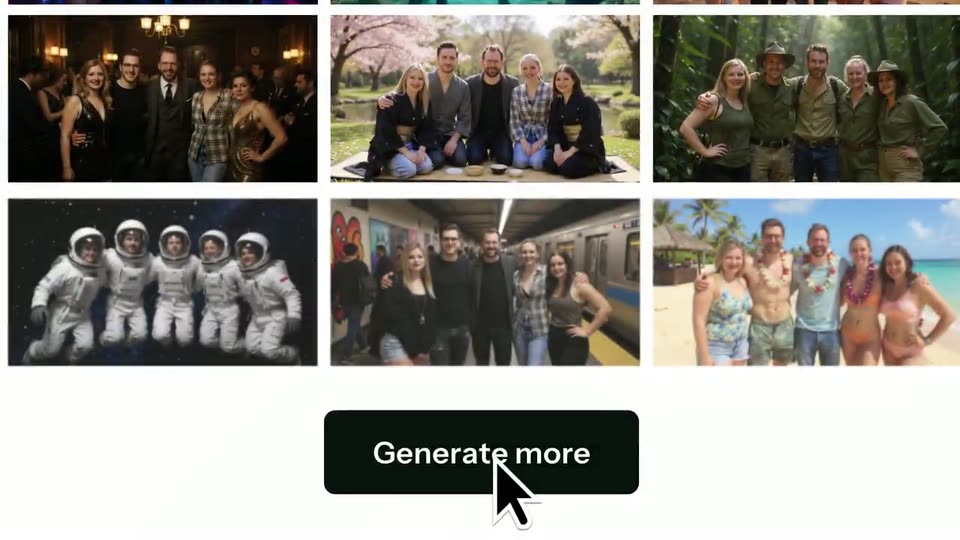 0:08–0:12Black Forest Labs · Black Forest Labs - We just shipped the Kontext Komposer + Kontext-powered Presets TraA 3x2 grid of AI group photos scrolls upward, swapping in new scenes like astronauts and a subway, while a black Generate more button with a cursor arrow sits fixed at the bottom.
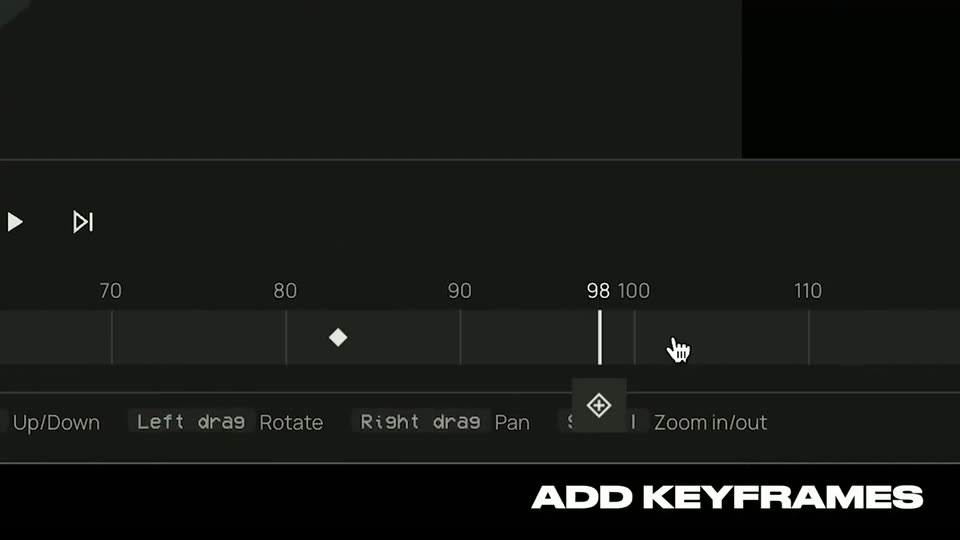 0:09–0:11Marey · Moonvalley - Most AI tools generate footage. Marey helps you direct it. Marey givA dark editor timeline fills the lower half of the screen as a hand cursor drags along the ruler and taps keyframe diamonds to add them. Grayscale lunar footage pans in the preview panel above. A bold white caption reads ADD KEYFRAMES at the bottom right.
 0:19–0:21Motives · Motives AIA blue Launch Research Project button with a hand cursor outline rests on a light gray field, then a white flash cuts to a grid of video call participants that fades in.
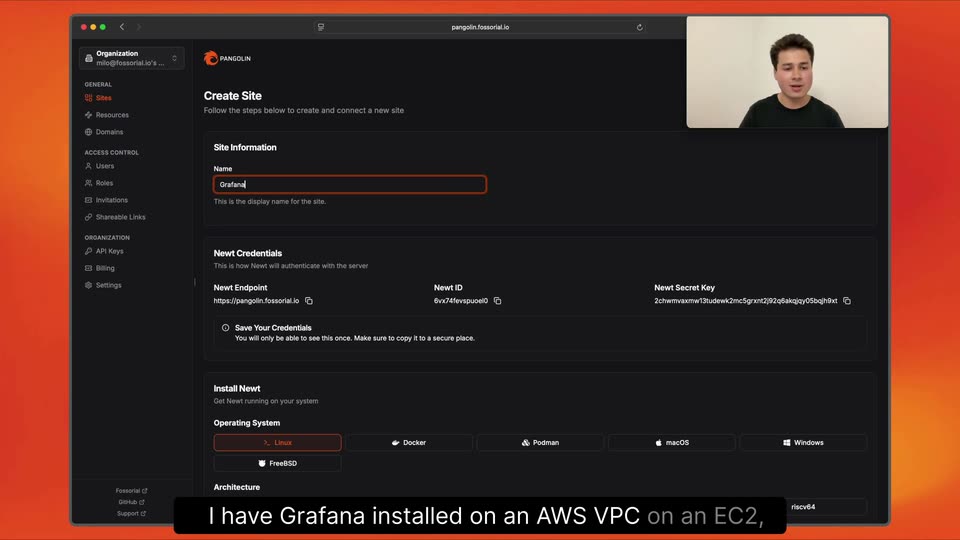 0:00–0:18Pangolin · Pangolin - Secure gateway to your private networksA dark web dashboard fills the frame over an orange gradient, with a small presenter webcam in the top right. The cursor clicks Add Site, types Grafana into the name field, selects Docker, and clicks Create Site, revealing the new site settings page. White captions swap at the bottom.
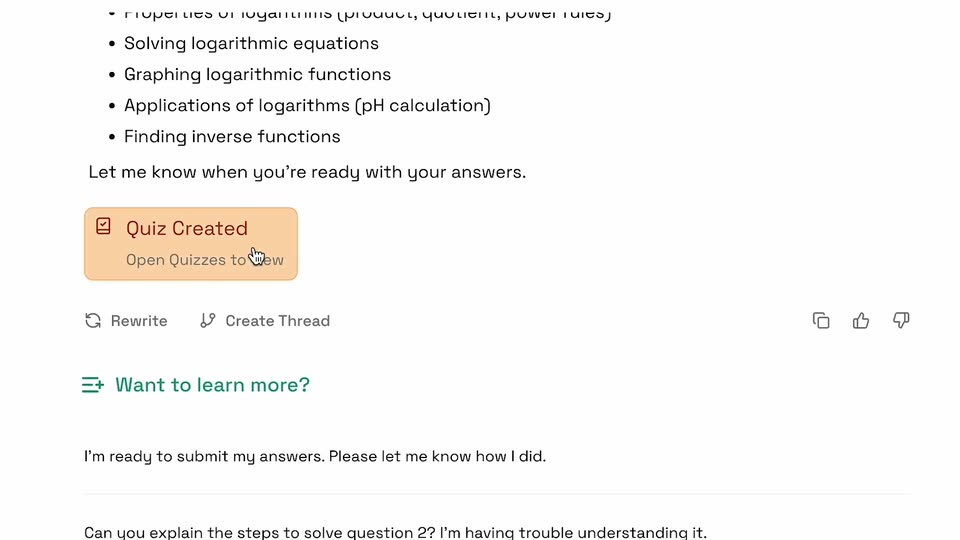 0:43–0:44Opennote · Introducing OpennoteA chat interface displays a list of math topics and an orange button with a checkmark icon. A hand cursor hovers over the button as the layout settles.
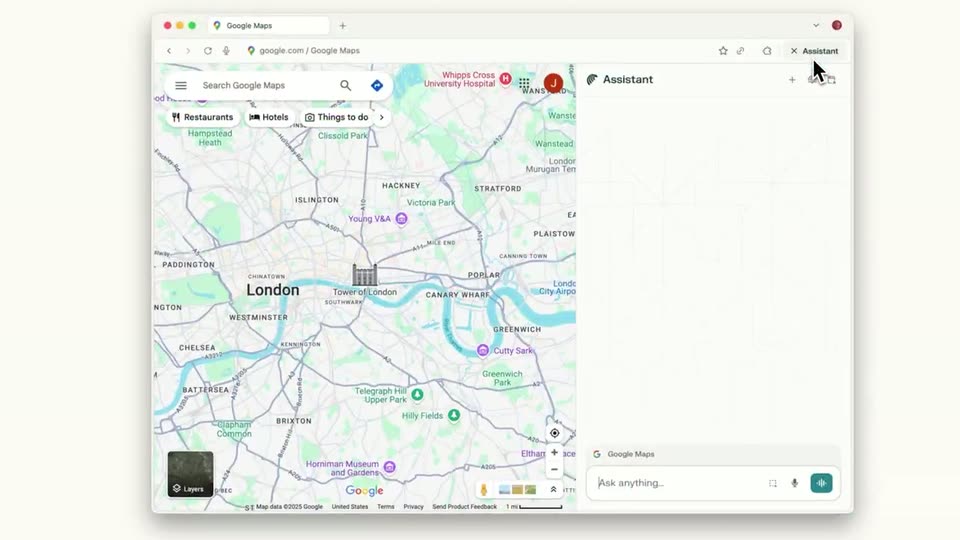 0:15–0:16Perplexity · Perplexity - Comet is here. A web browser built for today’s internet.A browser window with Google Maps of London sits in 3D perspective on a white background, rotating from an angled view to face the viewer. A cursor hovers over the red chat button at the top right, marked by the caption “Ask more”.
 0:37–0:39Oki Home · Oki AI - Personalized Updates on Company ProgressA white notification card with an envelope icon and the title sits centered on a blank background. A cursor clicks it, the card fades out, and a full dashboard with a left sidebar and report text reveals behind it, its lines animating in.
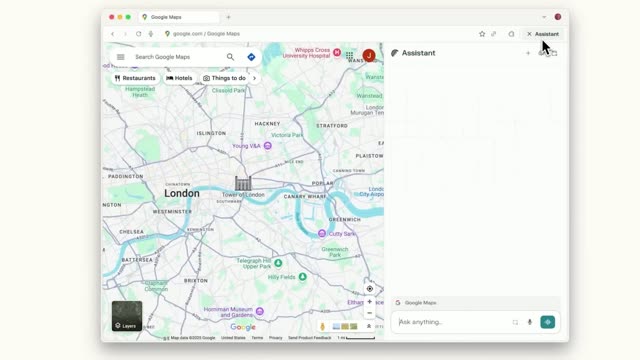 0:15–0:16Perplexity · Introducing Comet: Browse at the Speed of ThoughtA browser window showing the Google Maps interface scales up on a pale background while a cursor slides to the top right and clicks the red Assistant button.
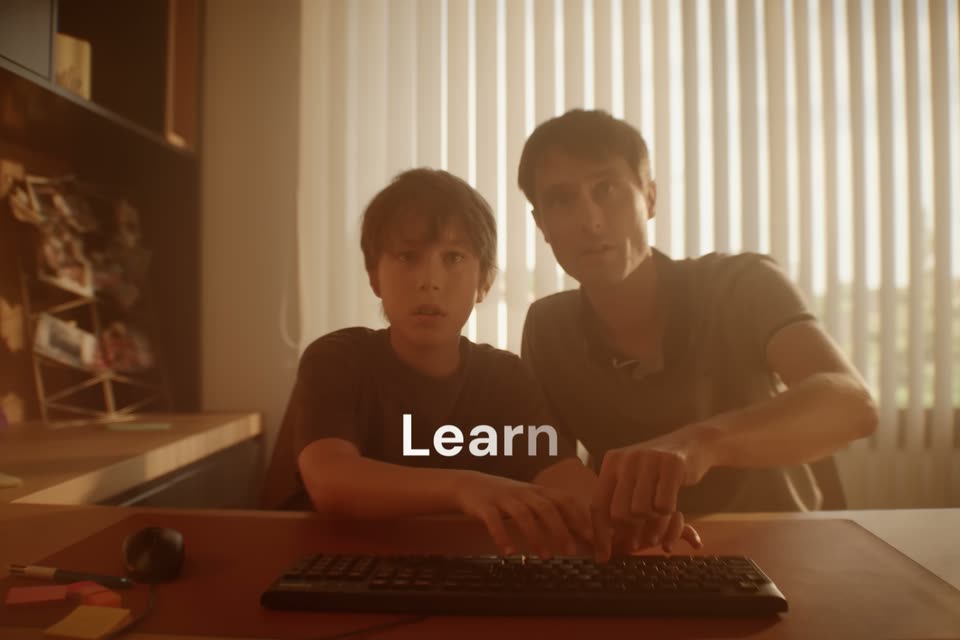 0:06–0:08Pollen Robotics · Your open-source companion - Reachy MiniA boy and a man sit at a desk in a sunlit room while the boy types on a keyboard. The word Learn holds center as a dark interface panel with a search bar and a button dissolves in over the footage, a cursor gliding across it.
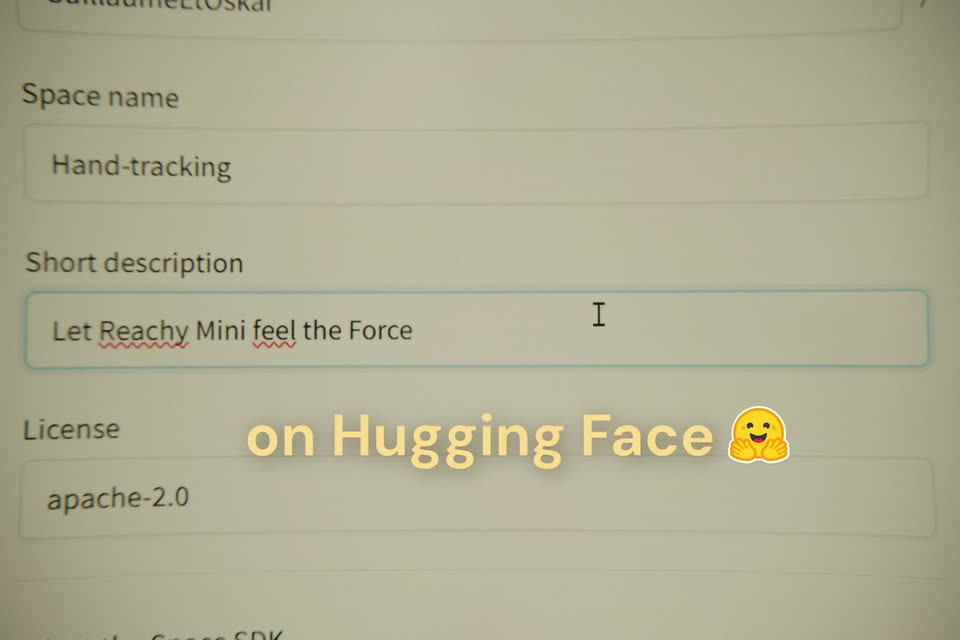 0:08–0:11Reachy Mini · Thomas Wolf - Thrilled to finally share what we've been working on for months at @hA Hugging Face Create a new Space form scrolls down its filled fields as a hand cursor clicks Create Space, ending on Creating Space with a red no-entry icon. A pale-yellow caption on Hugging Face 🤗 overlays the lower half, fading in and out.
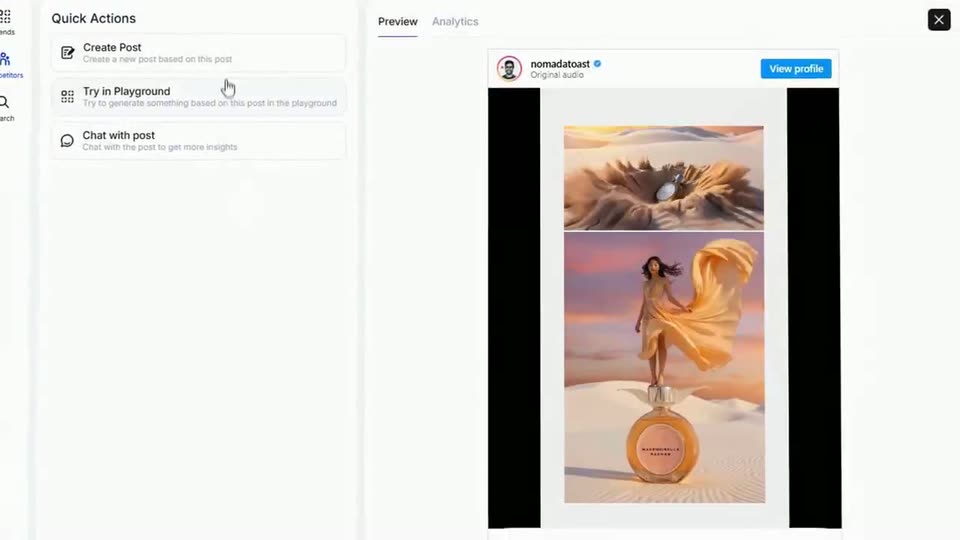 0:01–0:02Scade · scade.xyz - Meet Scade. The first full-cycle marketing system Forget the 30-persA tilted 3D view of the app dashboard rotates flat as the Quick Actions panel yields to an open Copilot chat typing a greeting; on the right a phone mockup displays a perfume post while a cursor hovers over it.
 0:00–0:01Jitter · Jitter - New this week: Pen tool & morphing 🖊️ You can now draw your ownA close-up of the editor's top toolbar zooms in from the full workspace, then a white cursor arrow slides in to point at the pen tool icon before moving away.
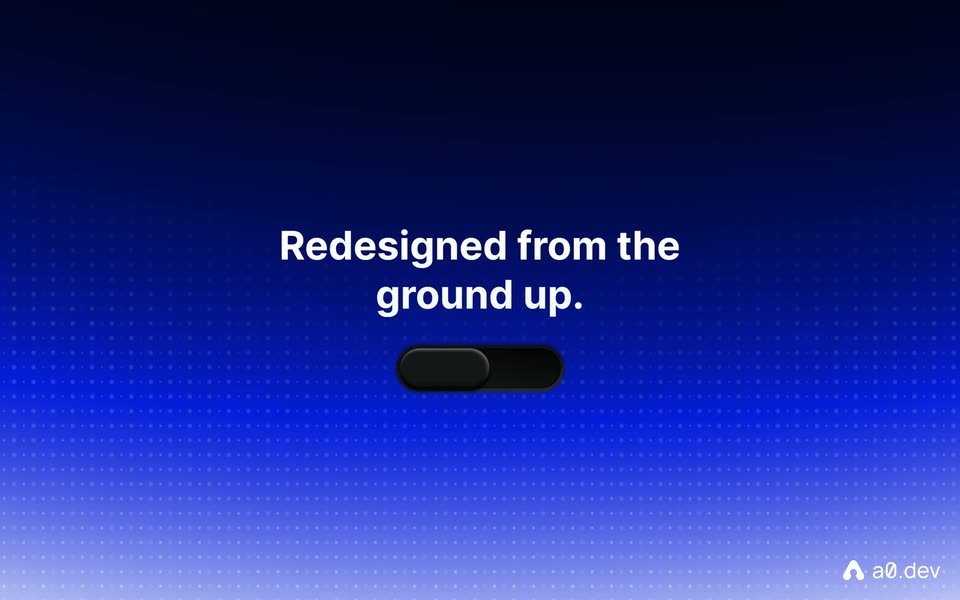 0:07–0:08a0.dev · a0.dev - Phase 1 (WAGMA)The frame fades from black into a blue dotted gradient as the white headline “Redesigned from the ground up.” sits centered over a dark toggle switch. A white cursor slides in from below and hovers on the toggle, while the a0.dev mark holds in the bottom right.