1:02

Introducing Claude Meetings
Anthropic · AI · Nov 2026
Design Arena · Jul 2025 · 0:30 · Full motion · AI-annotated
Design Arena’s 0:30 launch film runs 21 scenes, about 1.5 s each. The product shows up at 0:01 and 4 features are revealed. There is no explicit call to action. The video is built as a fast cut montage of short kinetic type cards and UI mockups, alternating light and black backgrounds to mark each feature beat. Its signature moves are crossfading wallet interfaces, words that slide in from opposite corners and shrink into cards, and a constellation of glowing nodes that resolves into the brand lockup.
Is this your launch? to your site or press kit.
Anthropic · AI · Nov 2026
Lottielab · Jun 2026
Films whose music sounds like this one, voice left out
Zora · Electronic dance music
Rive · Electronic dance music, synthwave, trance
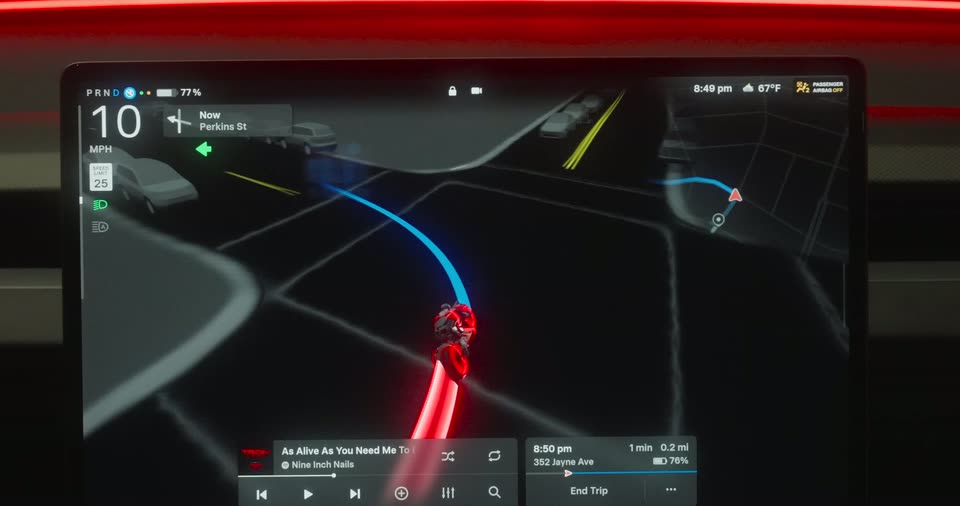
Tesla · Electronic dance music, dubstep, electro house
A wallet interface card sits centered on a purple gradient that darkens to near black. The card crossfades between two states, the balance and activity list swapping from one layout to another with a brief text overlap.
Techniques: Morph
Camera: Static
A flat wallet card sits centered on a purple gradient. It crossfades from a current-balance view into a My Wallet view, the total balance figure scaling up as the rows and labels morph into place.
Techniques: Morph, Kinetic type
Camera: Static
Two flat wallet interface cards crossfade at center on a purple gradient. A dark balance panel sharpens as its total figure scales up, then dissolves into a lighter member dashboard card that ghosts out.
Camera: Static
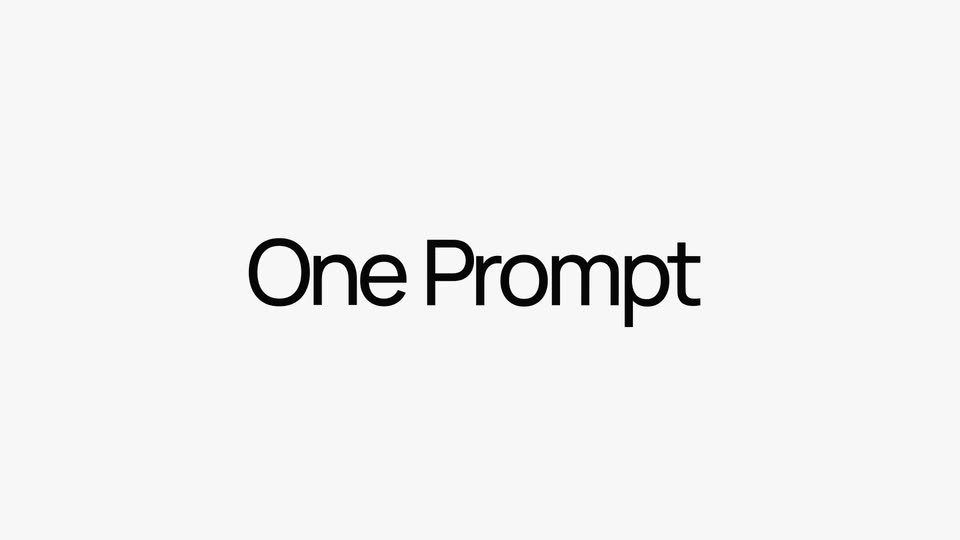
Large gray words 'One' and 'Prompt' slide in from opposite corners, meet at center to form 'One Prompt', then the phrase shrinks into a small white card that scales down and vanishes, leaving an empty light background.
On-screen text: “One Prompt”
Techniques: Kinetic type, Morph
Camera: Static
A white input bar sits centered on a light gray field. The gray label One Prompt gives way to the typed prompt Make a glass wallet component as the round arrow button brightens to green, then the camera pushes in past the letters until they fill the frame.
Techniques: Kinetic type, UI zoom
Camera: Static
On a black field, a white line runs horizontally into a glowing node holding the OpenAI knot mark. A second line branches off toward the upper right and ends in a bare glowing circle that swells as the clip runs.
Camera: Static
A web of thin white lines and glowing dots on black pulls back from close-up to a full constellation of small app icons, then the gray text “Hundreds of” appears at center.
On-screen text: “Hundreds of”
Camera: Pull out
On black, the white headline 'Hundreds of Tools' builds with a blue four-pointed star, while small colored blobs, a purple badge, an orange asterisk and a pixel H pop in around it. The headline then swaps to the single word 'Infinite'.
On-screen text: “Hundreds”, “of Tools”, “Infinite”
Techniques: Kinetic type
Camera: Static
Three columns of the word Infinite in light-gray sans scroll vertically across a black background, each column at a different speed so the bright rows drift out of alignment. The repeated text fills the frame edge to edge.
On-screen text: “Infinite”
Techniques: Kinetic type
Camera: Pan
The word Designs slides up into the center of a black background, then holds in a locked-off frame.
On-screen text: “Designs”
Techniques: Kinetic type
Camera: Static
A grid of wallet interface mockups in light and dark themes sits on a white background and pans slowly. A large headline slides across the frame over the cards.
On-screen text: “Designs”
Techniques: Kinetic type
Camera: Static
Two wallet app mockups sit side by side on a white field, a purple panel and a dark panel, each with a grey “Vote Left as Winner” bar beneath. The view drifts right and scales up, pushing the dark panel off and sliding a light third panel in from the edge.
On-screen text: “Vote Left as Winner”, “Vote Left as Winner”
Techniques: Split screen, UI zoom
Camera: Static
A frosted wallet card on a purple gradient settles its doubled labels, then a soft olive dot glides down the card and taps the Sent button, which fills green and gains a checkmark while the transaction list stays still.
Techniques: Cursor demo
Camera: Static
The word Vote stays centered in black on a light gray field. Four app screens appear around it, one per corner: a light balance card, a dark trading panel, a purple activity list, and a blue profile card.
On-screen text: “Vote”
Camera: Pull out
A light-mode wallet card on a purple gradient panel scales up toward center while a dark panel slides in from the right edge. A gray bar with white text slides up from the bottom to label the left design.
On-screen text: “Vote Left as Winner”
Techniques: UI zoom
Camera: Pull out
A purple gradient card holds a wallet balance screen that fades out, leaving a blue circular loading spinner at the center. A green banner below carries the white caption Vote Left as Winner, which slides in.
On-screen text: “Vote Left as Winner”
Camera: Push in
A white asterisk mark scales down and lifts above the wordmark Rank on a flat yellow card, the lockup settling into a centered sign-off.
On-screen text: “Rank”
Camera: Static
A yellow rectangle on white holds a white starburst mark and the word Rank, then shrinks horizontally to a narrow left strip. A purple fish icon and a rounded 32.2% chip fade in on the strip as the panel collapses.
On-screen text: “Rank”, “32.2%”
Techniques: Masking
Camera: Static
A descending bar chart with percentage labels and small icons above the top bars fills the frame. It shrinks toward the top left as oversized words Crown and the Best slide in at the top and bottom edges, then slide out.
On-screen text: “Crown”, “the Best”
Techniques: Kinetic type
Camera: Pull out
A ring of pale green rounded dashes spins on a light background, one dash marked in olive and one in tan. The circle rotates with motion blur, then contracts and fades toward the center.
Camera: Static
A blurred green laurel wreath and wordmark sharpen into a centered lockup on a light off-white background. The wreath icon sits left of the black serif name, then the frame holds still for the remainder of the clip.
On-screen text: “DesignArena.ai”
Camera: Static