Cursor demo
A visible cursor operates the interface.
15,001 scenes · page 37 of 251
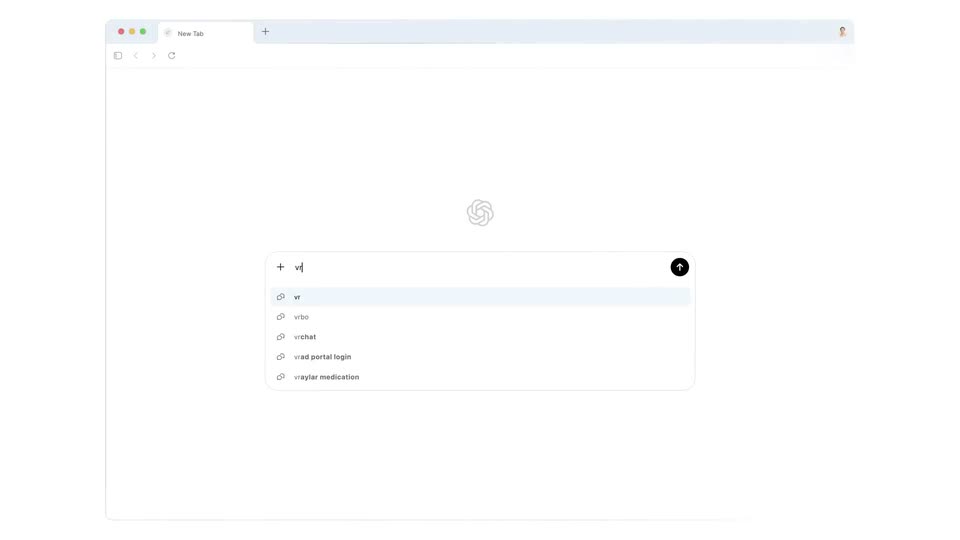 0:09–0:14OpenAI · Introducing ChatGPT AtlasA flat browser window wipes in from left to right on a white background, then the backdrop shifts to a blue gradient. A cursor types “vrbo” into the address bar, a suggestion list expands below it, and the cursor clicks a dark round button on the right.
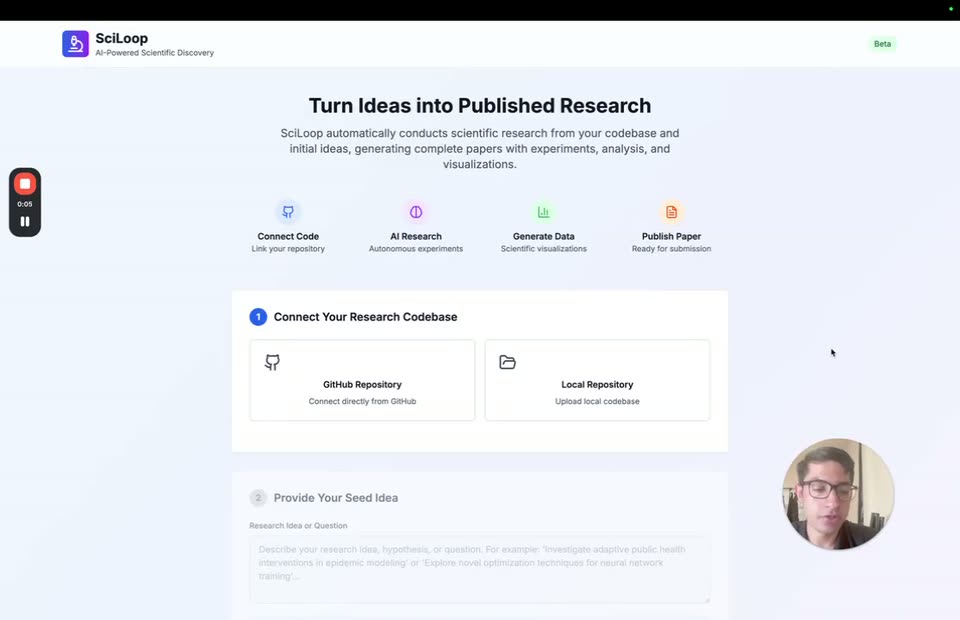 0:00–0:07Sciloop · Sciloop - End to End Scientific DiscoveryA screen recording of the SciLoop onboarding page shows the headline, four feature icons and a codebase connection panel, with a circular webcam of the presenter in the corner. A cursor drifts across the page, then the view pulls back to frame the window over a forest backdrop.
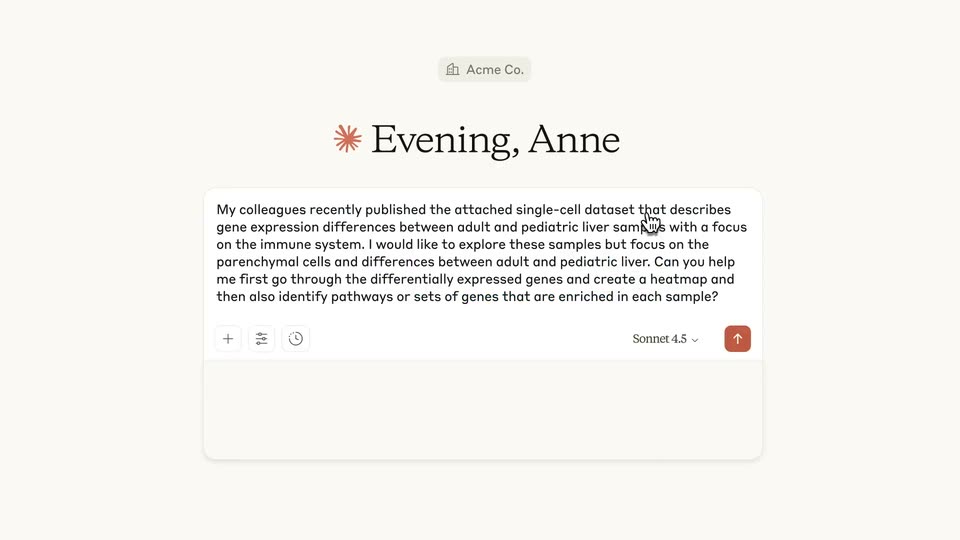 0:02–0:12Anthropic · Anthropic - We’re building tools to support research in the life sciences, from eThe full app window zooms into the chat composer as a long prompt types itself. A cursor drags two CSV files into the box, they settle as chips, and the cursor clicks the red send button.
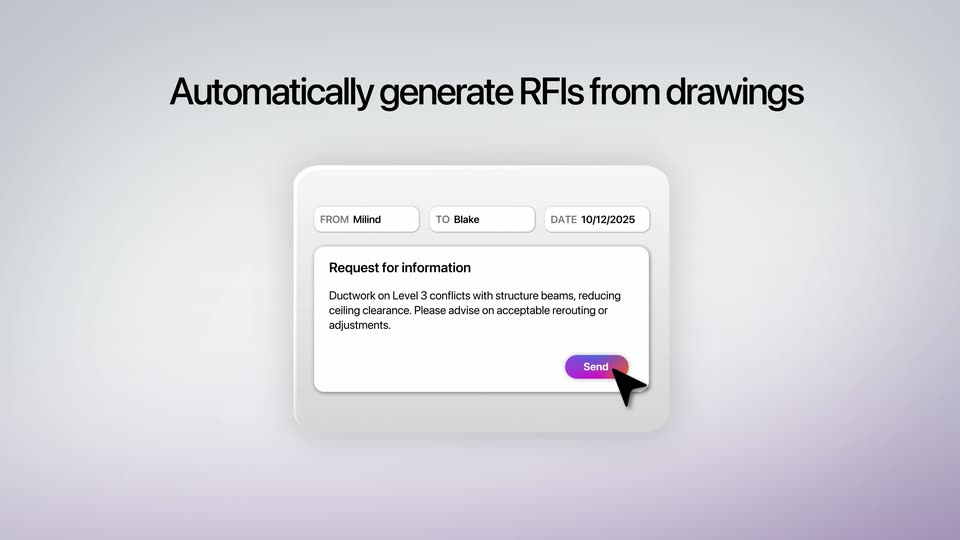 0:42–0:49Helonic · Articulate: The Construction & Solar PainkillerA white form card fades in below a bold black headline. The body text types out, then a black cursor arrow slides in and clicks the purple Send button before the card slides up and fades out.
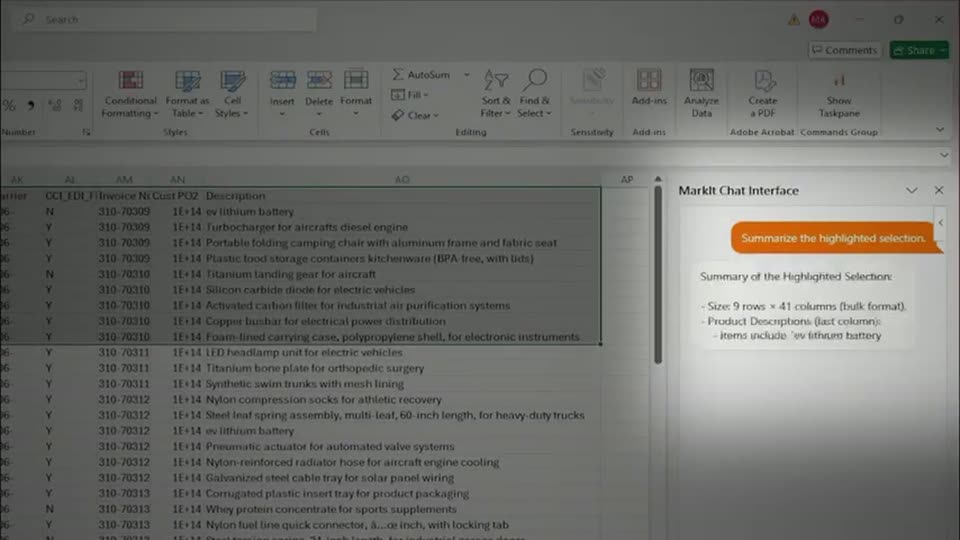 0:10–0:17MarkIt · MarkIt Launch VideoA dense spreadsheet fills the frame with a chat panel docked on the right. A large serif headline “We fix tariffs.” holds center, then the view zooms in, a cursor types a prompt into the chat box, and an orange chip plus a bulleted summary fill the panel.
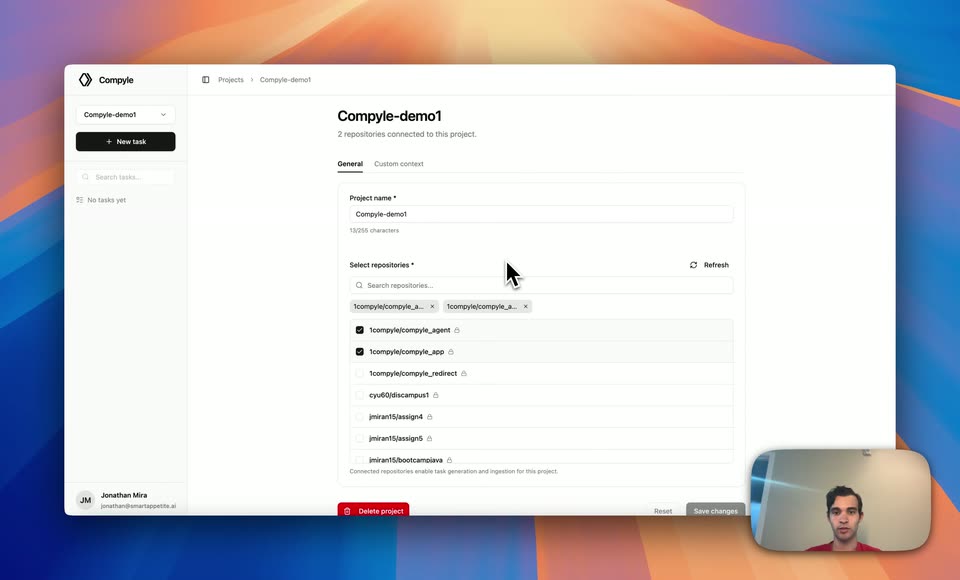 0:00–0:35Compyle · Compyle | Demo VideoA static screen recording of the Compyle project settings page on a colorful abstract background. A repository checklist with two selected repos fills the main panel; a rounded webcam tile in the lower right shows the speaker talking as the cursor drifts across the list.
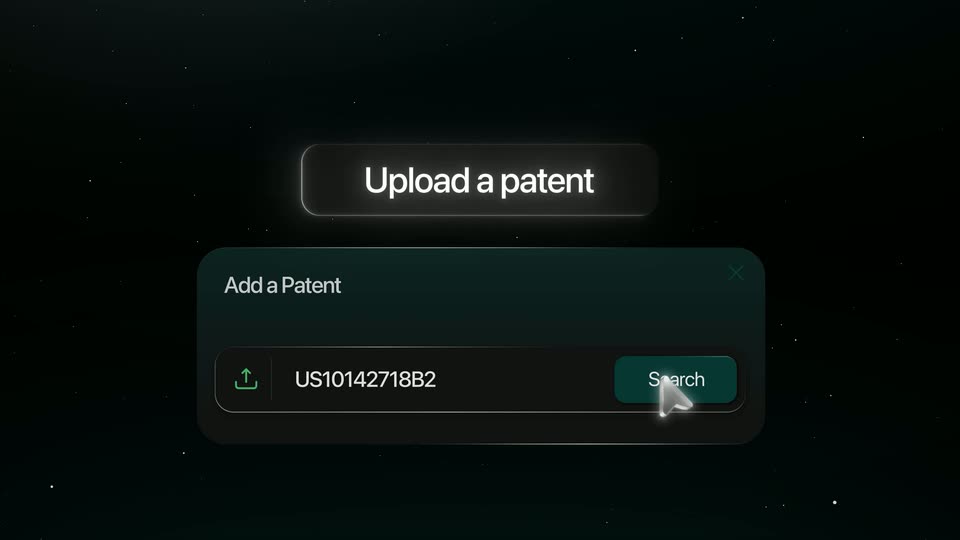 0:13–0:17Patent Watch · Patent Watch Launch VideoA dark starfield holds a glowing “Upload a patent” button above a dark panel where US10142718B2 is typed into a field next to a teal Search button. A white arrow cursor glides in from the lower right and hovers over Search as the layout drifts slowly upward.
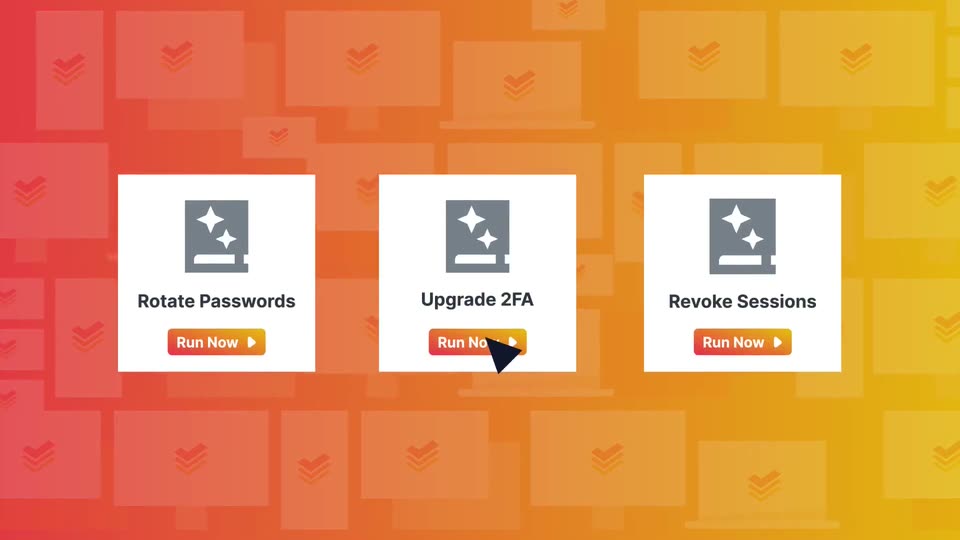 0:47–0:48Multifactor · Multifactor: Share Online Accounts with Humans & AI Agents (0:59)Three white cards with gray icons and orange Run Now buttons pop in from left to right over a gradient background tiled with laptop icons. A black cursor slides in and hovers over the middle button.
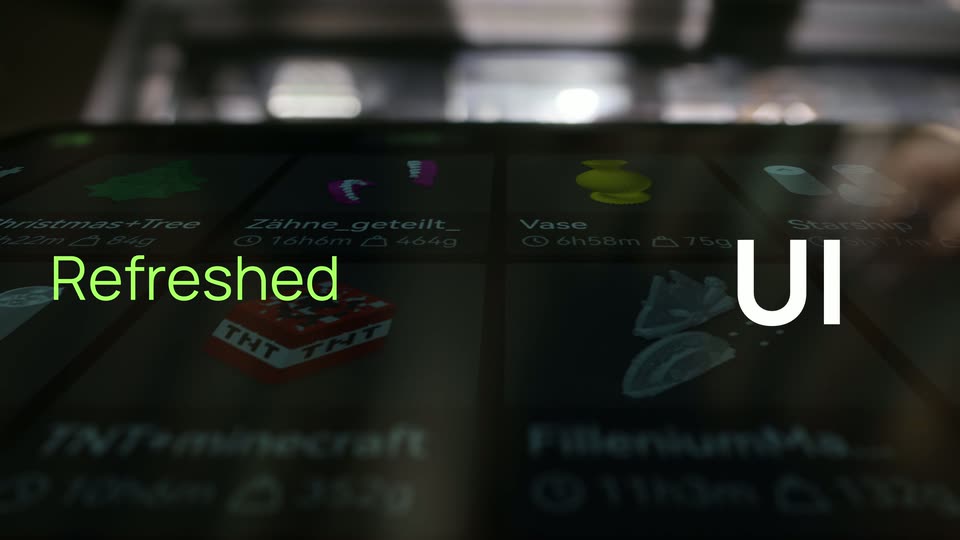 0:17–0:18Bambu Lab · The P2S is here! Our most popular printer just got smarter. 🚀Close-up of a tablet showing a grid of 3D model thumbnails, a finger swipes across the top of the screen while the words Refreshed and UI stay fixed over the frame.
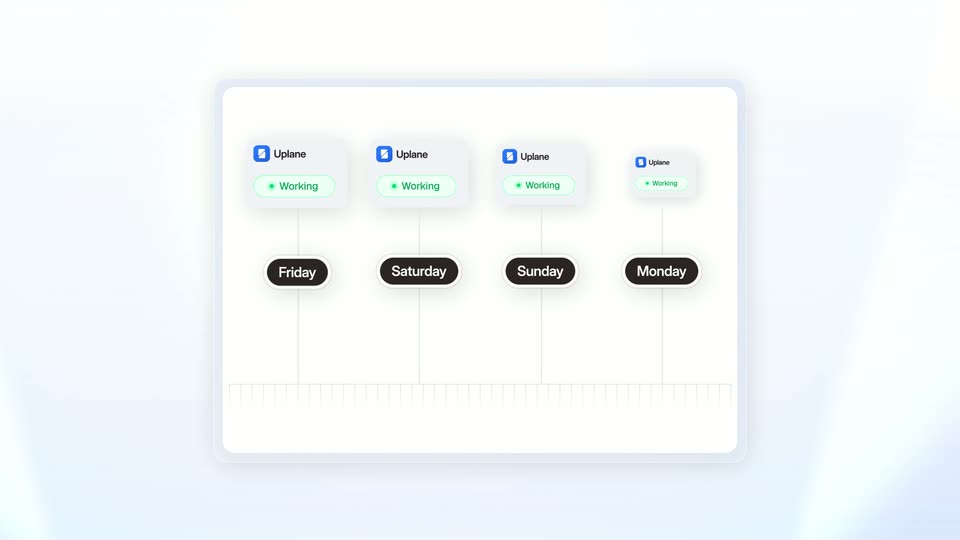 0:34–0:39Uplane · Uplane - Marketing will never be the sameA pale blue field holds a white timeline card. Dark day pills pop in left to right, each gaining a small Uplane status card above it. The card then shrinks to a small window at left as a cursor hovers and a dark uplane tooltip slides in.
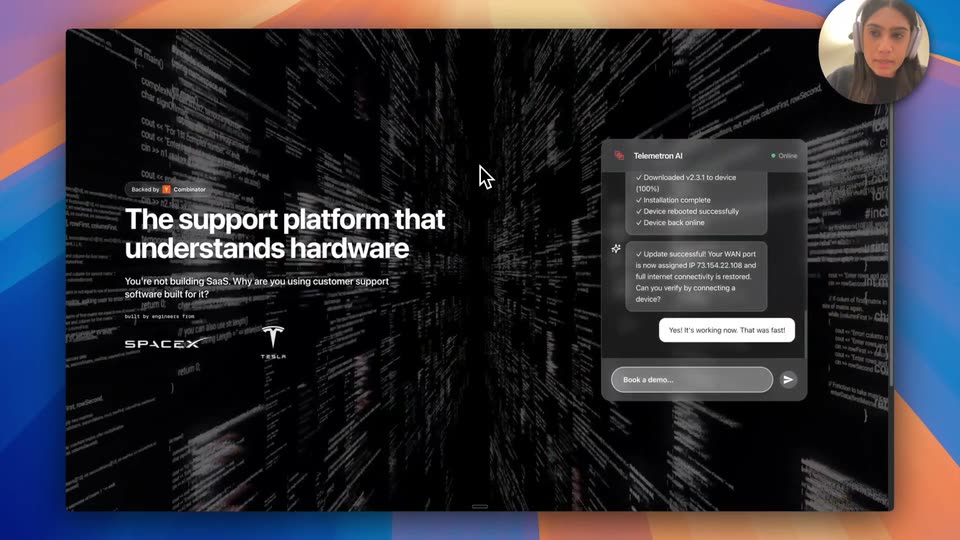 0:00–0:05Layers · Telemetron DemoA tilted 3D laptop mockup floats over a striped orange and blue gradient, with a presenter webcam circle in the top right. The screen shows a dark landing page of scrolling code columns; a white cursor hovers center while the Telemetron AI chat panel on the right types out support messages and scrolls upward.
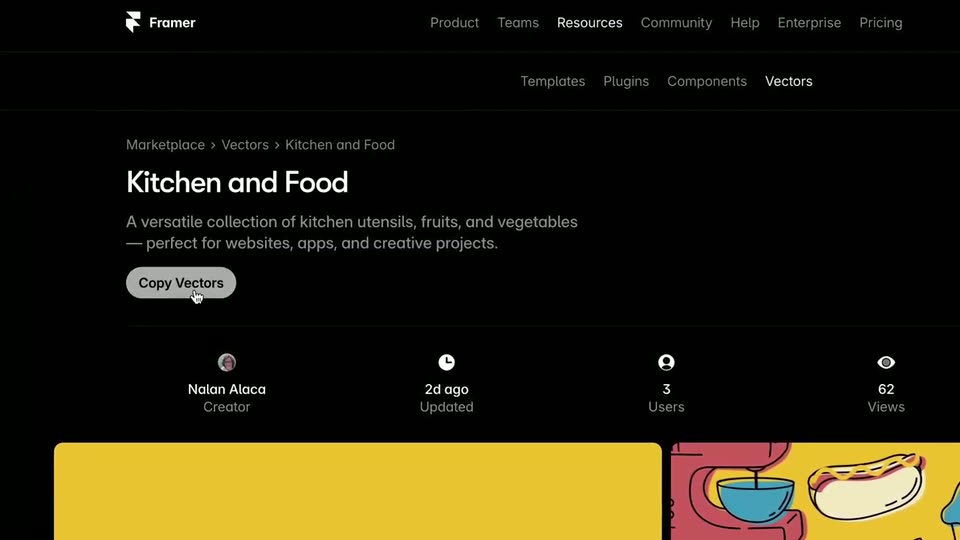 0:15–0:18Framer · Framer - 🖌️ Vectors are now available on the Framer Marketplace. Easily add reA dark Framer marketplace page for the Kitchen and Food vector set holds still. A cursor glides down from the page center to the white Copy Vectors button, hovers, and clicks, flipping the label to Copied Vectors.
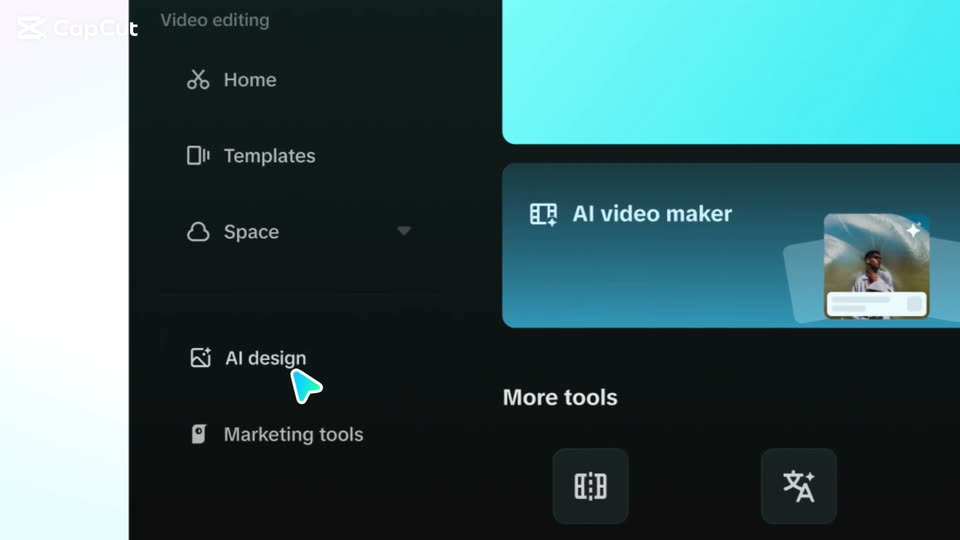 0:06–0:07CapCut · CapCut - Your all-in-one e-comm toolkit is here. Meet the new CapCut Desktop!A dark CapCut desktop interface shows a left sidebar and a right panel with an AI video maker card. A cyan cursor glides from the right panel to the sidebar and hovers over the AI design item, which highlights.
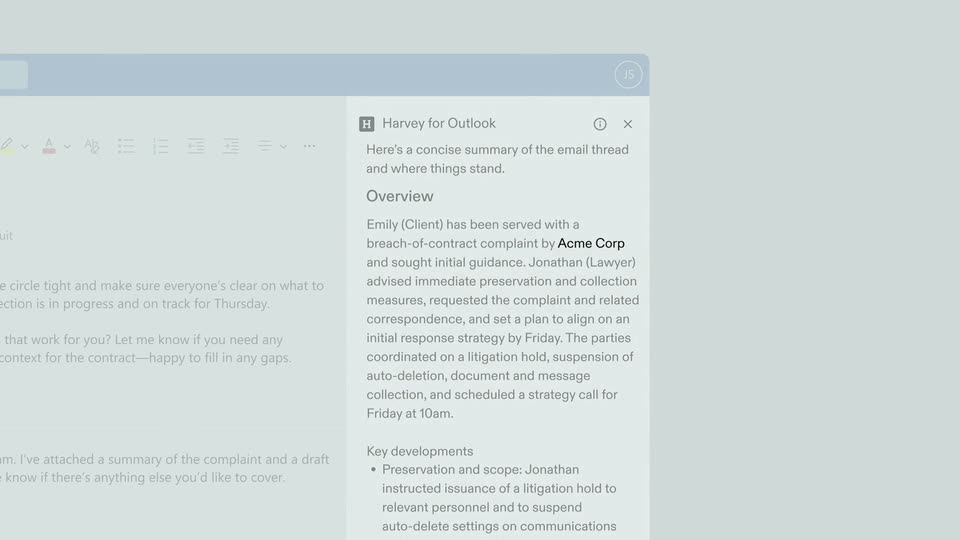 0:20–0:32Harvey · Work Without BoundariesAn Outlook compose window sits left as the Harvey for Outlook panel slides in from the right. A prompt fills the input, the cursor taps send, a spinner turns, and a summary with Overview and Key developments streams in. The panel dims as a white Acme Corp pill pops up.
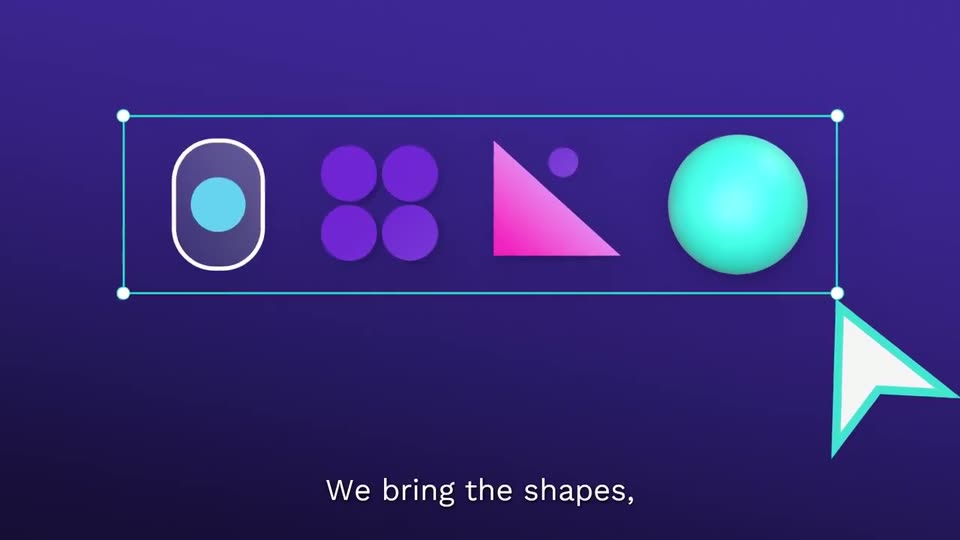 0:11–0:12Penpot · Penpot - This is Penpot, the open-source design & code toolOn a purple gradient, a white cursor with a teal outline drags the right handle of a teal selection box, stretching it to reveal a row of flat shapes: a blue dot in a white rounded square, purple circles, a pink triangle and a teal sphere. The caption sits at the bottom.
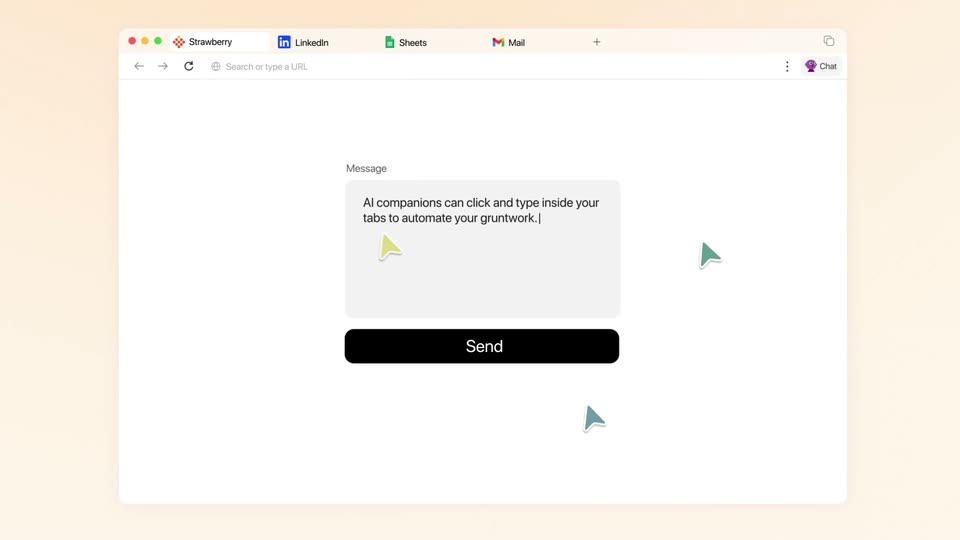 0:07–0:12Strawberry · Charles Maddock - We've raised $6M from General Catalyst, EQT Ventures, and founders ofA flat browser window shows a message field that types out a sentence as several colored cursors drift around the page. A blue cursor clicks the Send button, which flips to a checkmark, while gray caption pills swap at the bottom.
 0:16–0:17n8n · n8n.io - 🚀 Introducing AI Workflow Builder (Beta) - Turn prompts into living wA glowing orange-to-pink gradient button labeled Create Workflow sharpens from blur on a dark background. A black-and-white cursor arrow glides to its lower-right corner as if to click, then the headline And now you can bring it to life in minutes scales in.
 0:08–0:09Clicks Health · Clicks (YC F25) Launch VideoA tilted 3D perspective close-up of a dark job-filter UI. A white cursor arrow clicks the checkbox beside the USD 100,000 to 150,000 salary range, filling the box white as the voiceover says every single day.
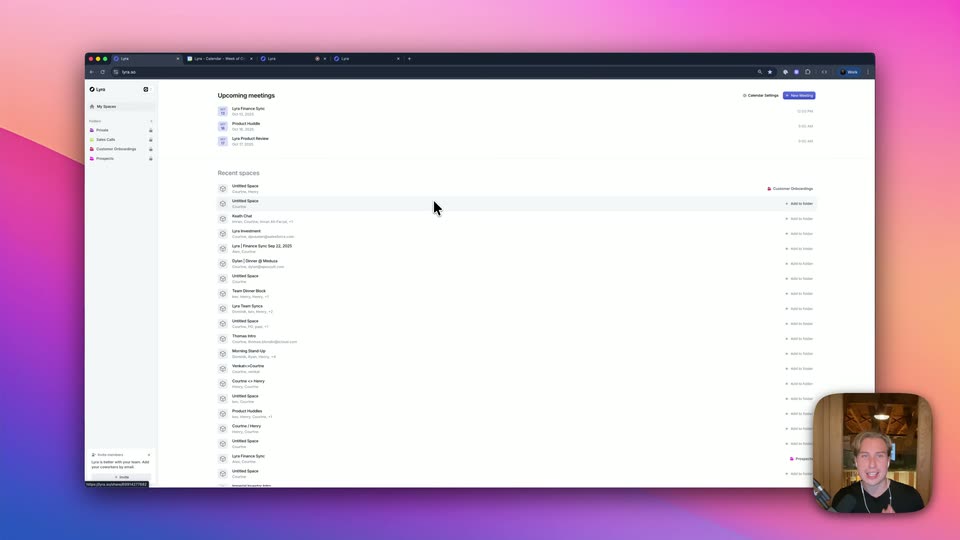 0:02–0:03IRBC · Lyra, The Final Meeting Platform.A flat Lyra browser window on a pink-purple gradient shows upcoming meetings and a recent spaces list. A cursor hovers mid-list while a small rounded video tile of a man with a microphone sits in the lower right corner.
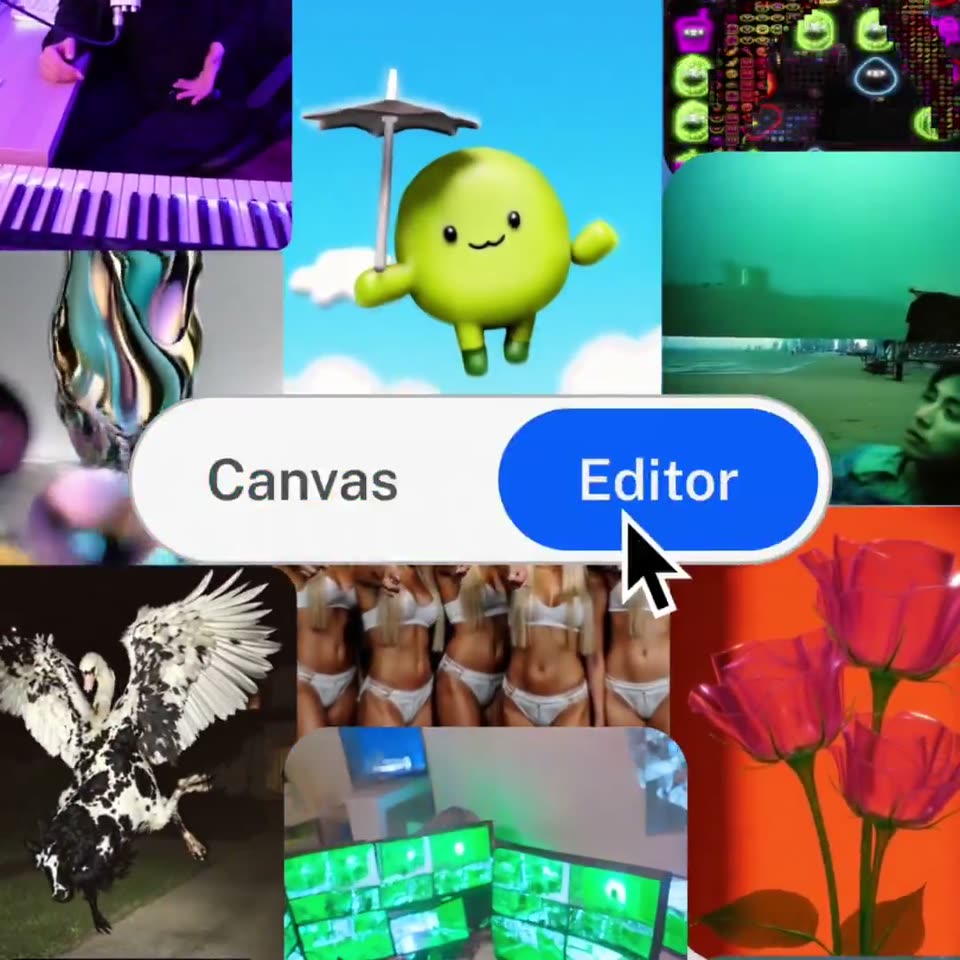 0:03–0:06Kaiber · Kaiber - Most AI tools just generate. But Superstudio helps you create. MakeA grid of colorful video thumbnails fills the frame as a pill toggle labeled Canvas and Editor slides in at center. A cursor moves from the blue Canvas side to the Editor side, switching the highlight.
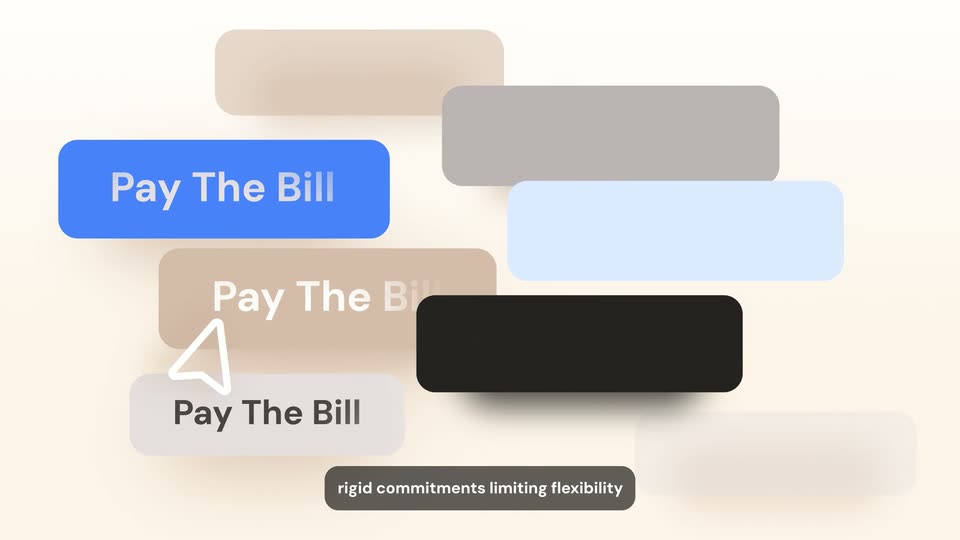 0:07–0:10Opsima · Opsima - We commit. You save.A cluster of rounded “Pay The Bill” buttons in blue, tan, gray and black drifts and fades across a cream background while a white cursor arrow hovers over them. A dark pill caption at the bottom updates to “rigid commitments limiting flexibility.”
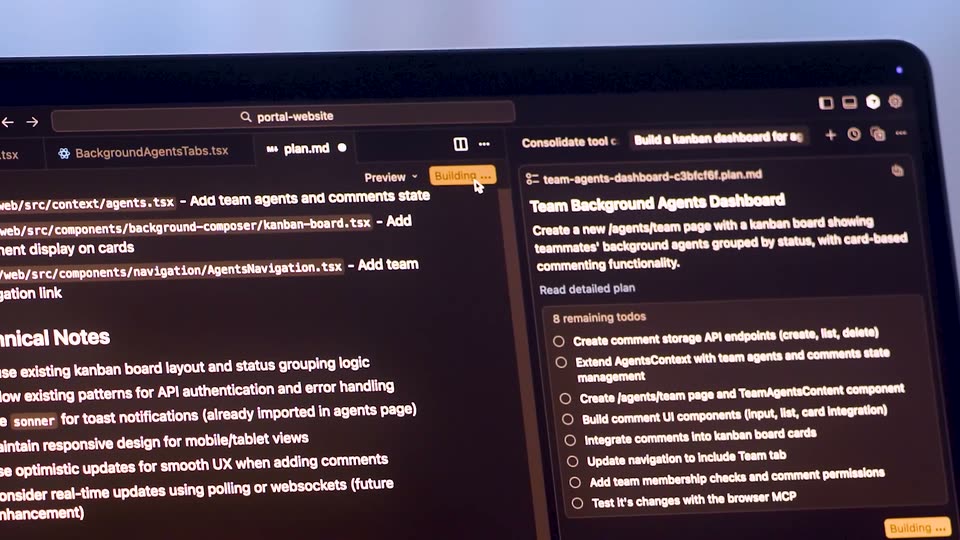 1:30–1:33Cursor · Introducing Plan ModeA tilted close-up of a laptop screen shows a code editor: a markdown plan with technical notes on the left and a task panel listing eight todos on the right. A cursor hovers over the orange Building button as the camera drifts slightly closer.
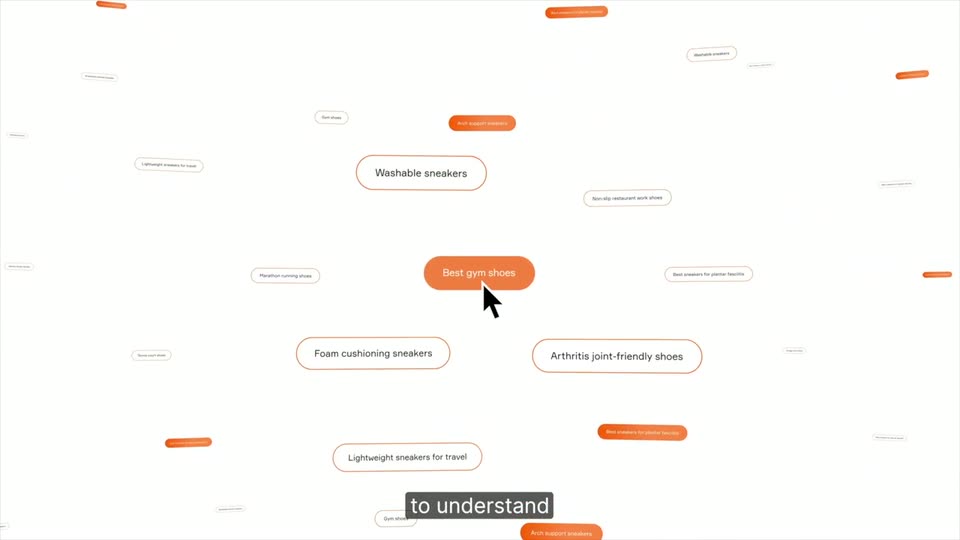 0:37–0:42Meridian · Alex Dees - Introducing Meridian. 50% of searches are now powered by AI (Think CA cursor glides over a white field of scattered pill-shaped tags, some filled orange, as the camera slowly pushes in and the tags drift at different depths. An orange panel then wipes up the frame, leaving the final caption over a small spark.
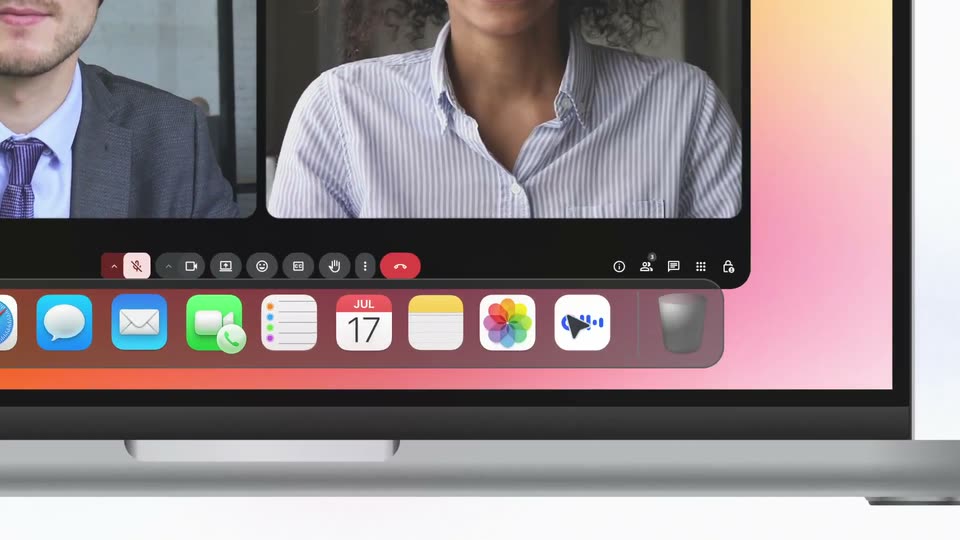 0:11–0:15Otter · Otter.ai - Introducing the Otter Desktop App for Mac 🖥️ and Windows coming soon!A front-facing MacBook on a white background shows a two-person video call. The view zooms into the Dock at the bottom of the screen as the cursor moves to the Otter.ai icon and its tooltip pops up.
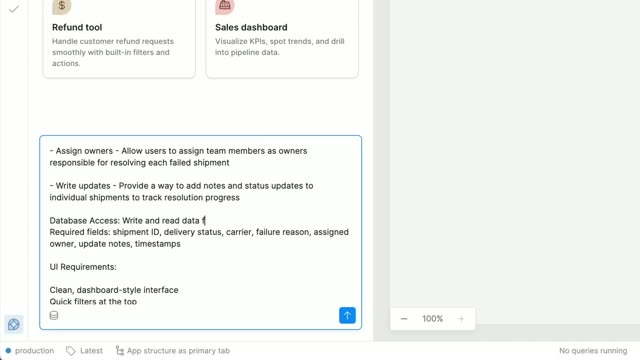 0:15–0:34Retool · Introducing Enterprise AppGen: AI-Assisted Development from RetoolA screen recording of a design tool zooms into the chat input as a multi-line prompt is typed, listing features for a shipment triage app. The cursor adds an @ mention, opens a resources list, picks a database chip, then hovers a resource icon.
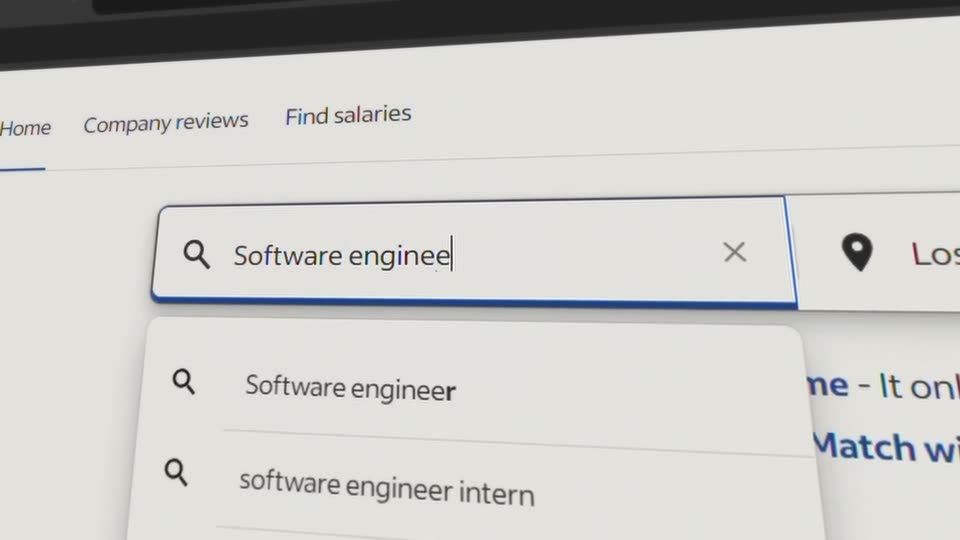 0:02–0:03Sorce · Y Combinator - Sorce (@sorcejobs) is building Tinder for Jobs. When you swipe rightA tilted 3D view of a job site search field where a cursor types “Software engineer,” then the frame reframes to a column of job cards with company, salary and location details.
 0:11 · 0.4sComplyDo · Compliance is CHAOS. ComplyDo (YC F25) - The most flexible enterprise compliance engine.A locked-off document page with a Chinese title is shown, then a print preview panel appears with German loading text and settings. A cursor hovers near the print option; the static caption reads It's very expensive.
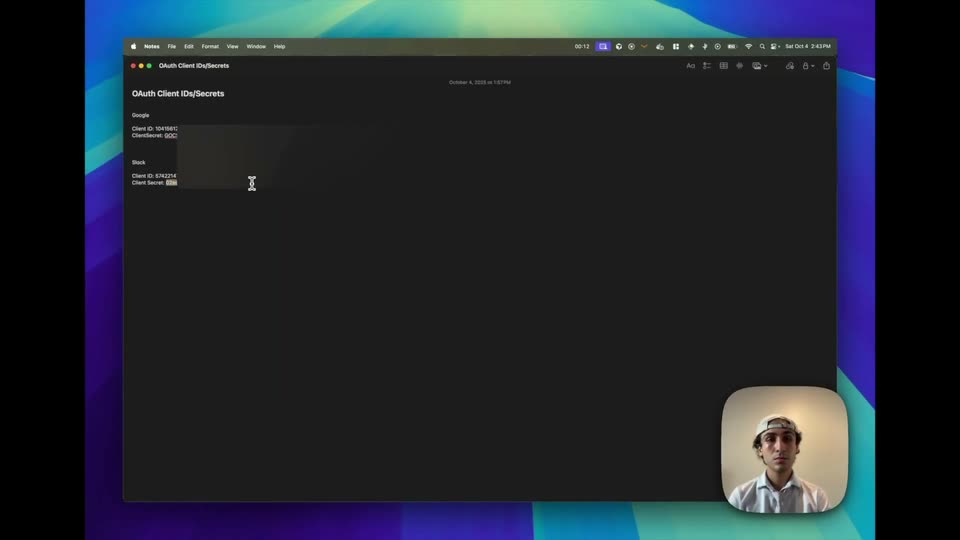 0:28–0:29Metorial · Introducing Metorial - YC F25A screen recording opens on a macOS Notes window listing OAuth client IDs, then transitions to a browser modal asking for a client secret. A cursor hovers the form while a small rounded webcam self-view of a man in a cap sits in the bottom right corner.
 0:56–0:59Boom AI · Boom VideoA white pill button labeled Book your demo sits centered on a pale gray field. A blue cursor drifts in from the lower right and rests on the button's rim as a soft cyan halo swells around it.
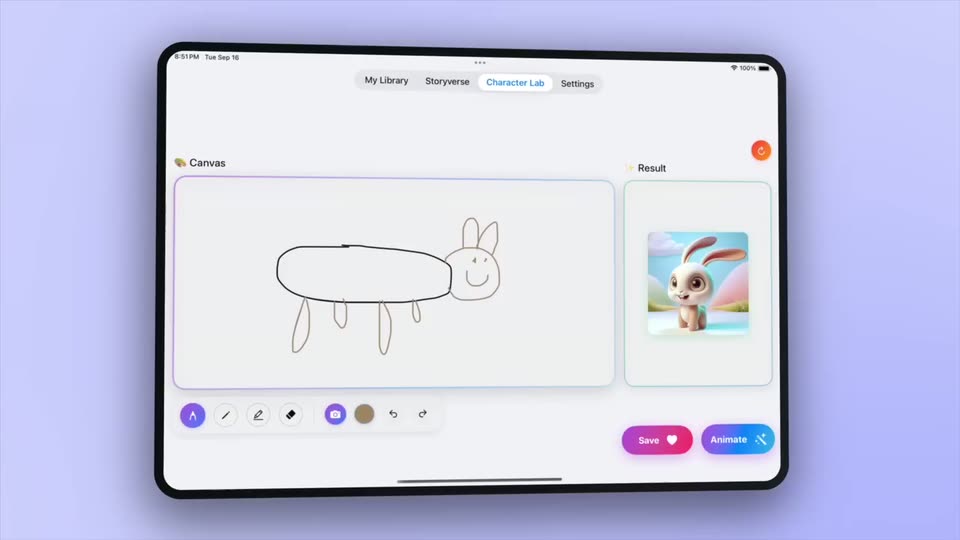 0:13–0:20Pixley AI · Introducing Pixley AIA tilted tablet floats on a lavender background. Its screen shows the Character Lab, where a cursor sketches a rabbit on the canvas, taps Animate, and a 3D rabbit appears in the Result panel. The tablet fades out as the gray title Custom Episodes settles in.
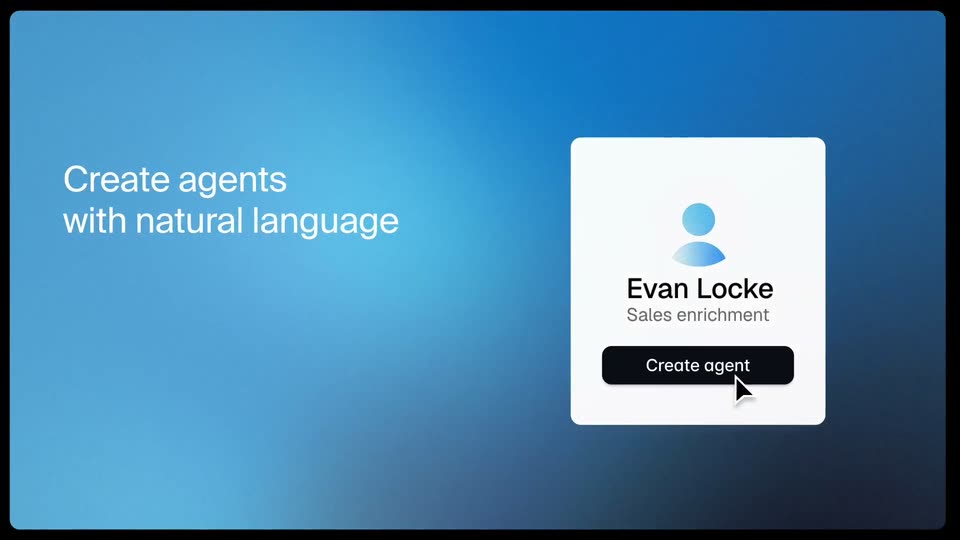 0:24–0:27Nexus · Nexus - Enabling business teams to build agent without codingA white contact card with a person icon, the name Evan Locke and a Sales enrichment line sits on a blue gradient, with the headline Create agents with natural language on the left. A cursor glides to the Create agent button, then the card blurs and slides away as a list panel of import and sync options rises from the bottom.
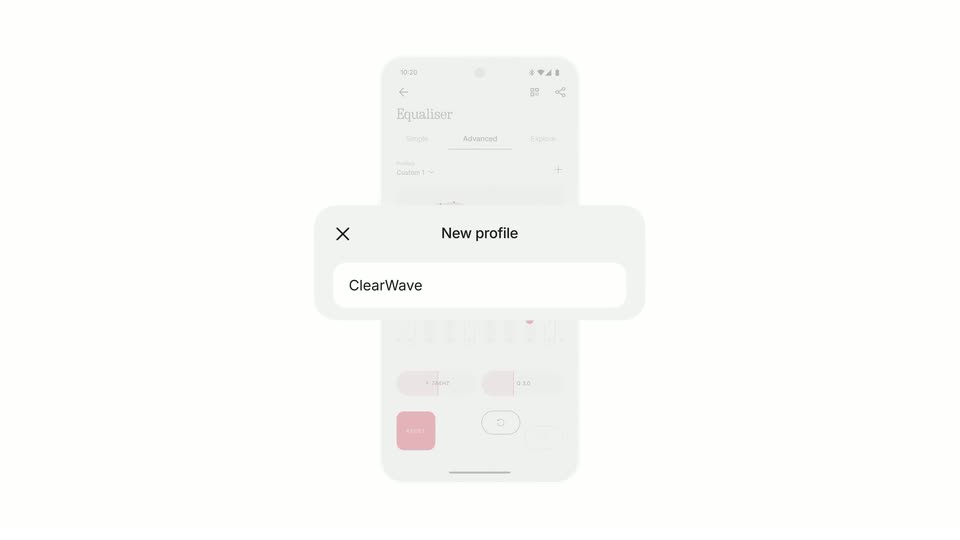 1:49–1:50Nothing · Introducing PlaygroundA phone mockup of an equaliser app fades in on a white background, its New profile dialog open. The text ClearWave is typed character by character into the input field, a blinking cursor at the end.
 0:27–0:29Mem · Mem - Meet Mem, your AI thought partner.A soft gradient pill button labeled Voice mode with a microphone icon floats on a white field. A hand cursor glides up and presses it, the button scaling up as it is clicked, locked-off frame.
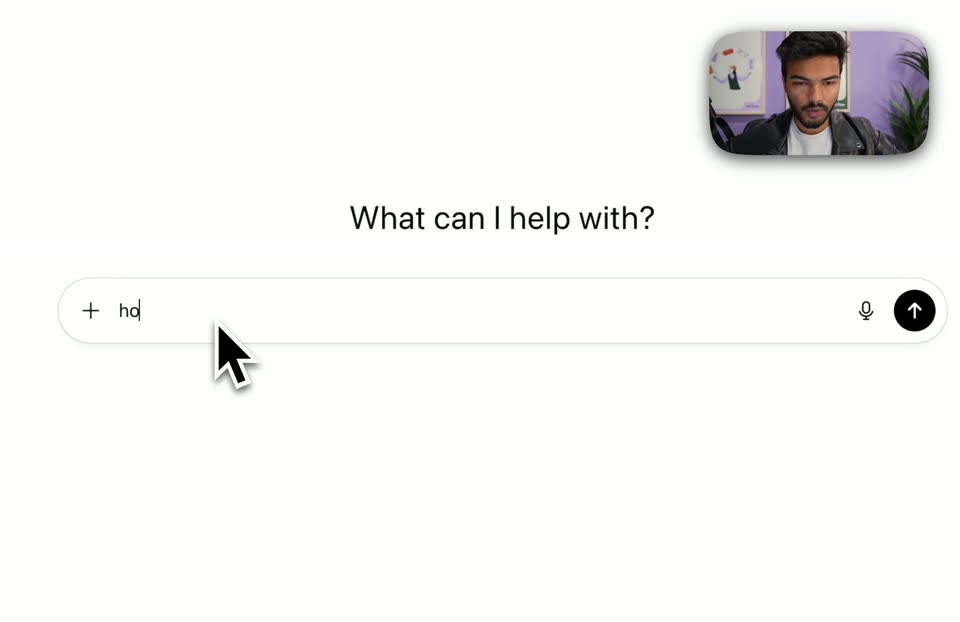 0:00 · 0.8sWispr Flow · Intro to Wispr Flow: voice-to-text AI that turns speech into clear, polished writing in every app.A white assistant screen with a small self-view tile of a man top right. Center, the line “What can I help with?” holds still. A black cursor drops onto the input bar as “how” types in.
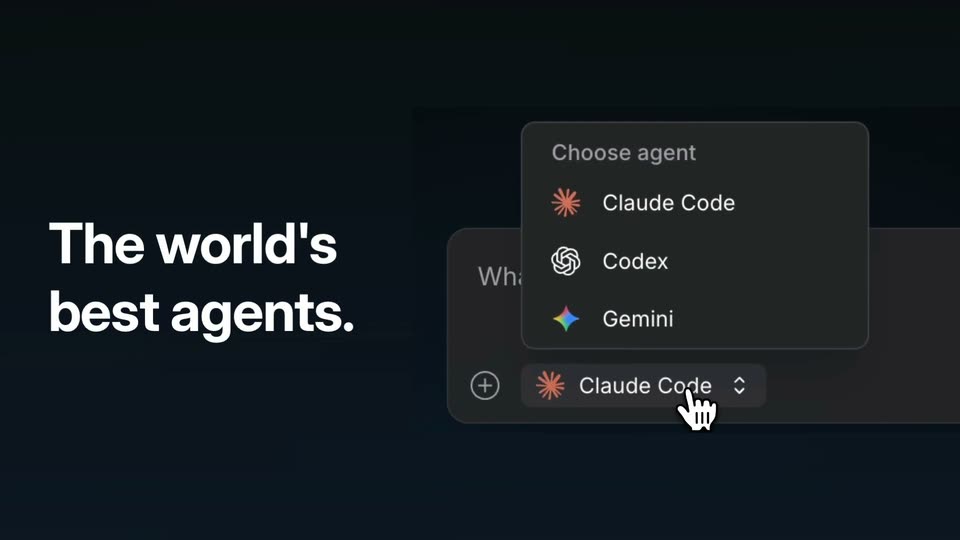 1:08–1:16Bolt · bolt.new - Today vibe coding goes pro. Introducing Bolt v2: → World's best ageA dark prompt card on the right holds a build field and an agent selector; a hand cursor taps the selector, a dropdown of agent names opens above it, and the cursor slides to the Gemini row. On the left, a white headline reveals.
 0:48–0:53Iron Grid · Zyner.io | Portfolio - Irongrid - YC Launch Video - YC S25A 5x3 grid of black squares on white, the center one flickering gray as a cursor hovers it. The corner and edge squares morph into lightning bolts on dark tiles, then shrink to small dots.
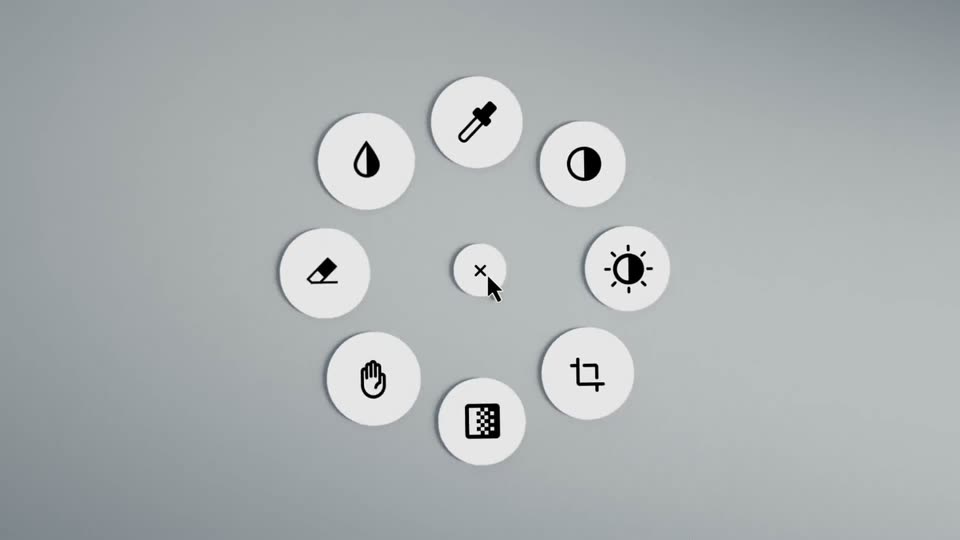 0:16–0:18Logitech · Introducing Logitech MX Master 4 | Our most advanced wireless mouseA blurred close-up of a center button with a cursor pulls back to reveal a ring of eight white circular icon buttons on a gray field, all snapping into focus. The cursor rests on the center X button as the ring settles.
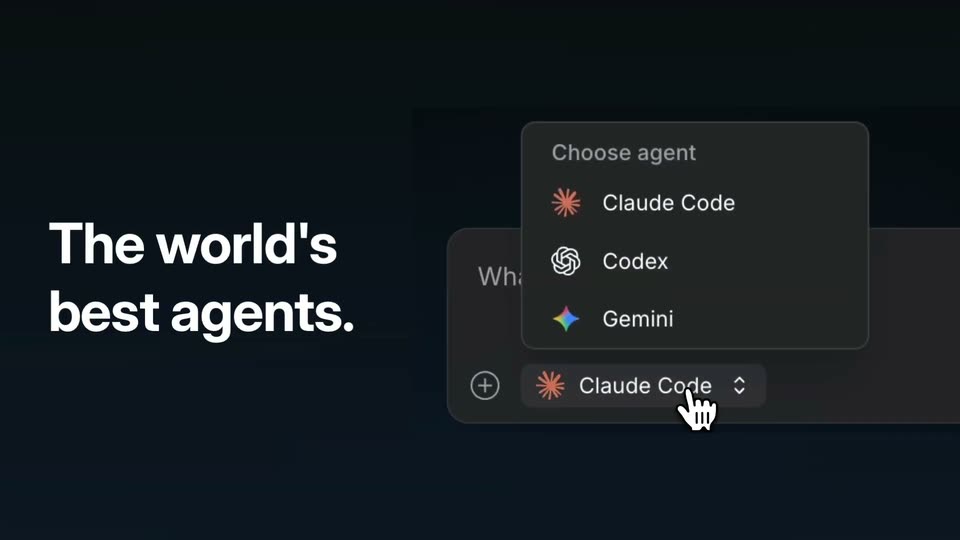 1:10–1:16StackBlitz · Bolt.new V2 Is Here: The Future of BuildingA dark input panel slides in from the right with a prompt field and a Claude Code selector. A white cursor taps the selector, a Choose agent menu opens listing Claude Code, Codex and Gemini, and the cursor moves between options, while the headline appears on the left.
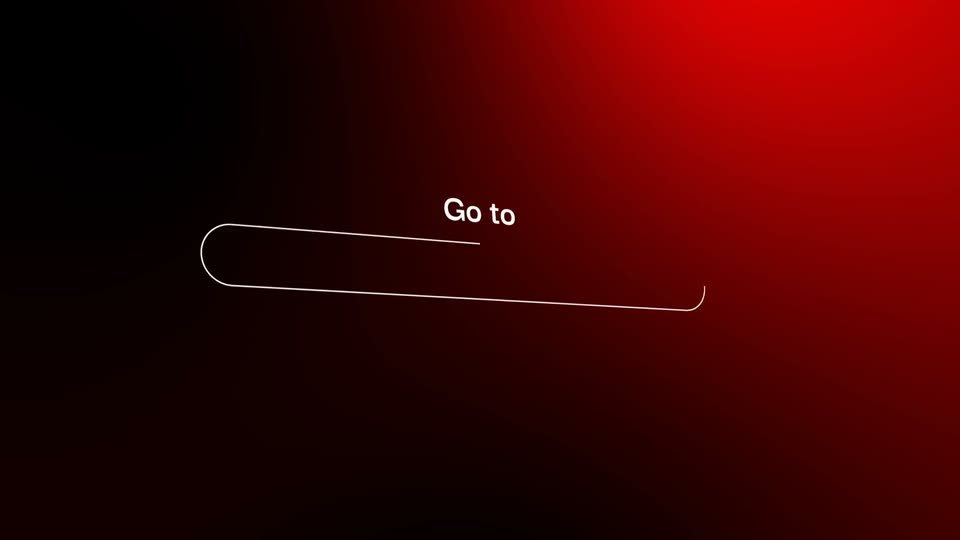 0:00–0:12SyncMonster.AI · AI Lip Sync, Dubbing & Video Translation Demo | SyncMonsterA red glow drifts across a black backdrop as white and red words type in one by one to form the pitch line, then a tilted 3D search bar draws in, syncmonster.ai is typed, and a cursor clicks the red Search button.
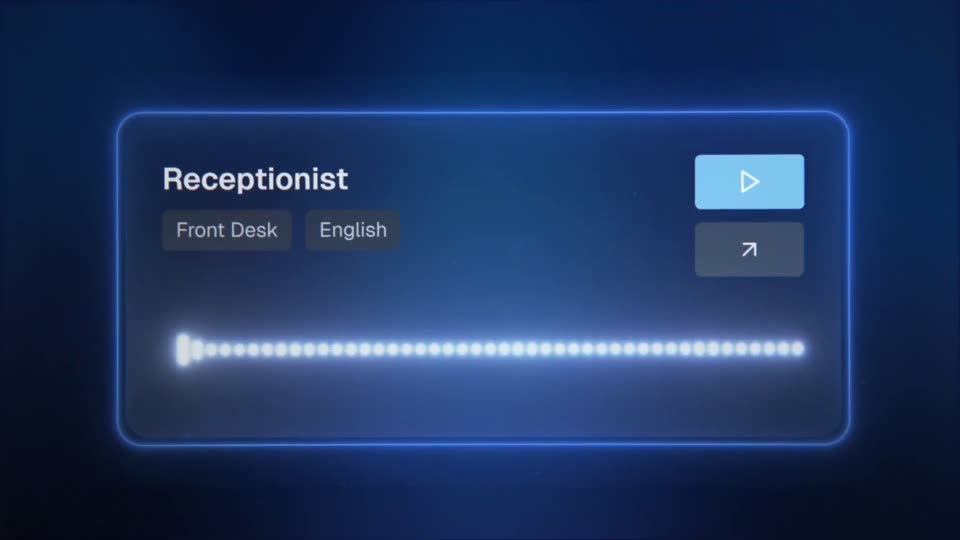 0:17–0:21Bolna AI · Bolna - Voice AI for IndiaA blurry headline gives way as focus racks onto a glowing blue agent card titled Receptionist; its description line dissolves into a row of bright dots that fills the width while a cursor glides in and rests on the play button.
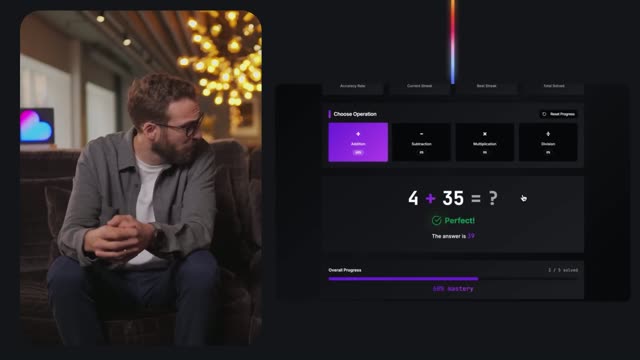 0:48–0:52Lovable · Introducing Lovable Cloud & AIA split screen pairs a bearded man on a couch at left with a dark math app at right, where a cursor types 39 into 4 + 35, a green Perfect! appears, the equation becomes 19 + 17, and a stats header slides in.
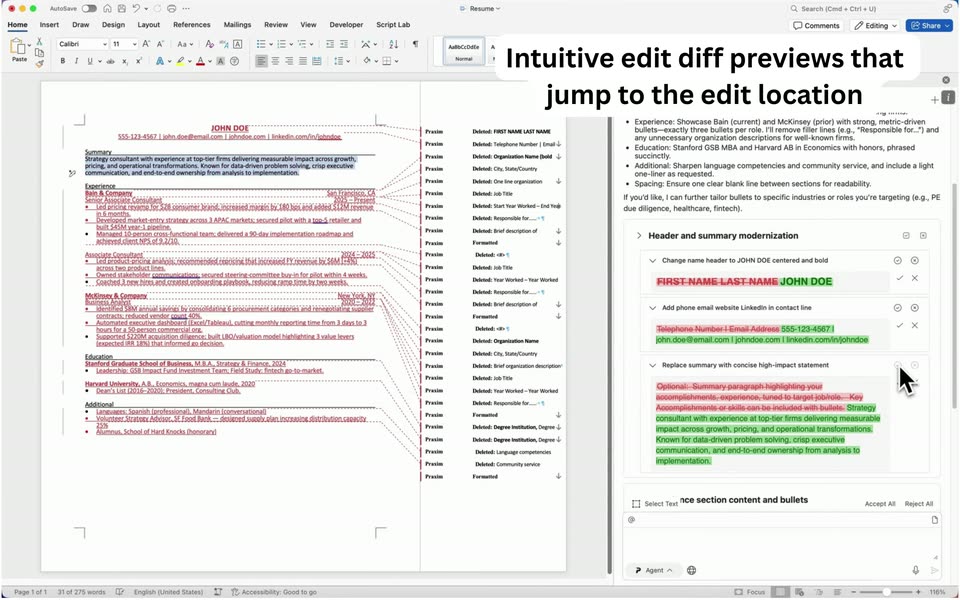 0:00–0:21Praxim · Praxim for Word DemoA Word window pairs a resume template with an AI agent panel. The view zooms in as a cursor taps the mic and a prompt fills the box. The agent searches the web, then tracked changes fill the document. The cursor accepts each diff preview, rewriting the resume.
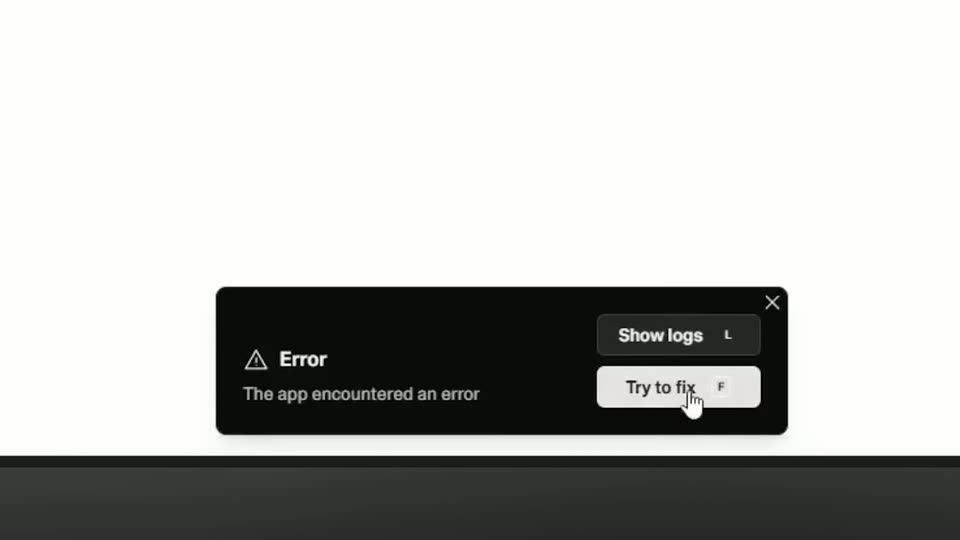 0:09–0:10Anything · Introducing Anything MaxA dark error notification card rests on a plain white background, showing a warning icon, the title Error and the line The app encountered an error, with two buttons on the right. A cursor glides to the Try to fix button and presses it. The frame stays locked off.
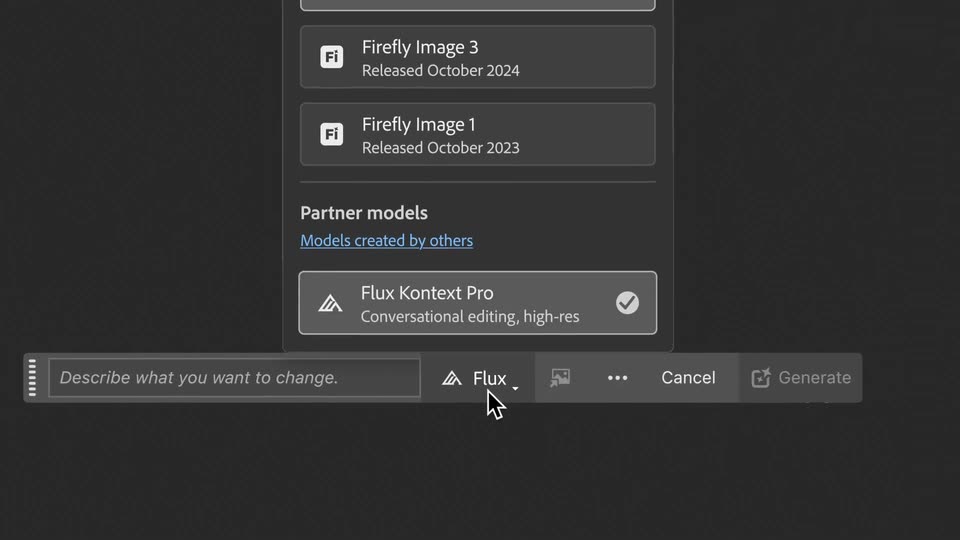 0:02–0:07Black Forest Labs · Black Forest Labs - FLUX.1 Kontext [Pro] is now in Photoshop! Starting today, creators wA dark prompt bar materializes with a light glint, then its content scrolls left to expose the input field and model selector. A cursor clicks the Flux button, and a dropdown opens above, settling on Flux Kontext Pro with a checkmark.
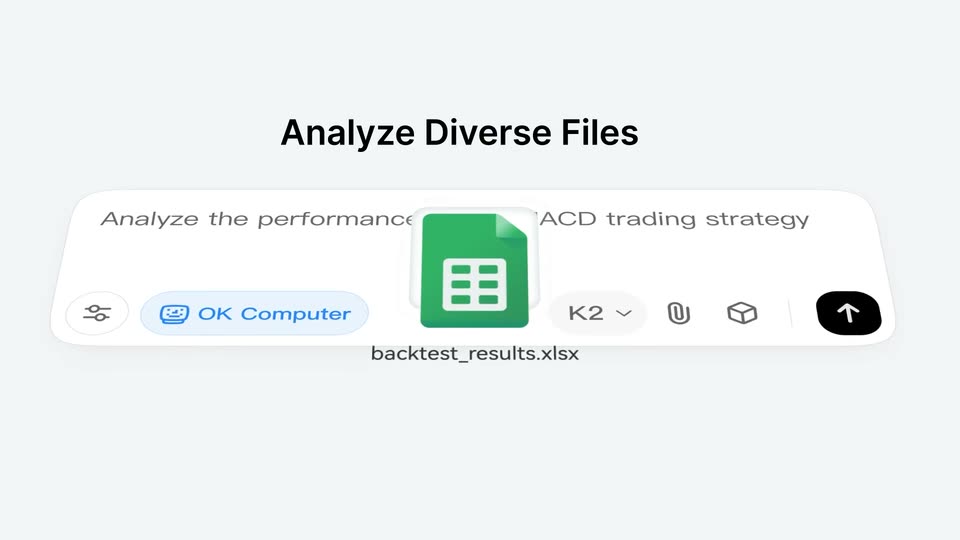 0:31–0:35Moonshot AI · Kimi.ai - Say hi to OK Computer, Kimi's agent mode 🤖🎸 Your AI product & engA bold title sits above the product's white input bar on a light gray field. A green spreadsheet icon with a cursor arrow lands in the bar's center, then slides up as a red Python icon takes its place, while the file caption below switches names with each swap.
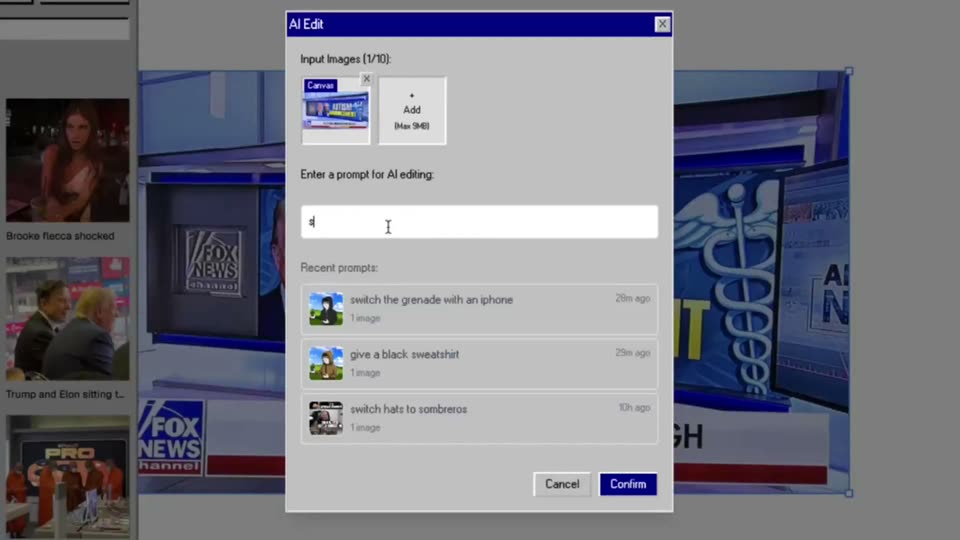 0:38–0:40Memelord · Jason Levin - ANNOUNCEMENT: I raised $3 million to make memes. Yes, seriously. MA centered 'AI Edit' dialog overlays a blurred news-studio backdrop. A cursor types 'switch' into the prompt field above a list of recent prompts, with a column of meme thumbnails running down the left edge.
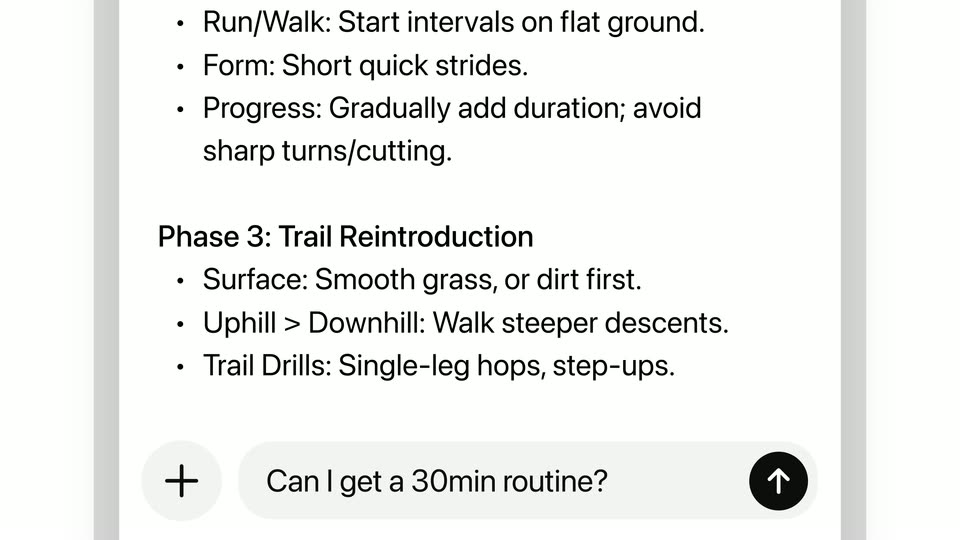 0:40–0:44OpenAI · Introducing ChatGPT PulseClose-up of a chat interface showing a bulleted running plan. In the bottom input field, the question 'Can I get a 30min routine?' types out character by character, then the list scrolls up slightly.
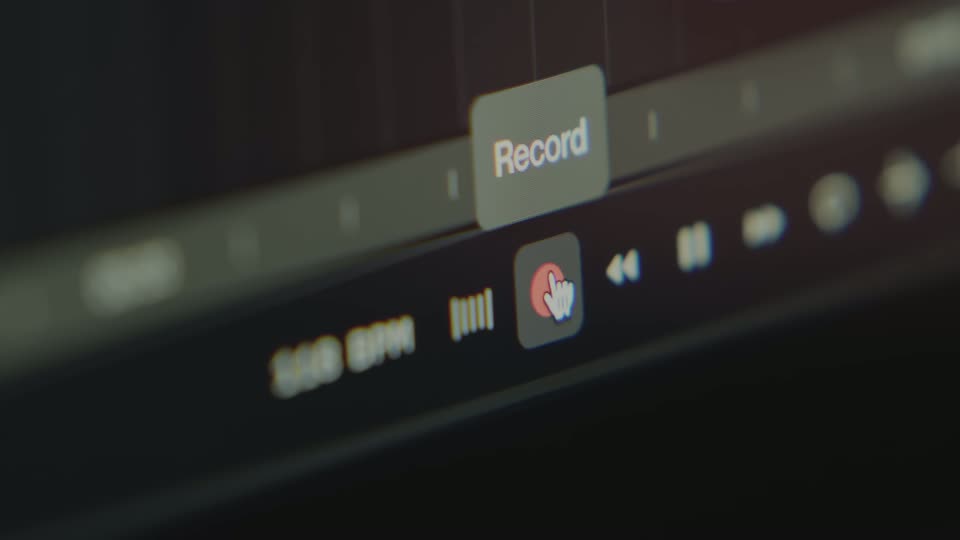 0:01–0:02Suno · Suno Studio – The first-ever generative audio workstationA tilted close-up of a dark audio interface holds a still Introducing SUNO Studio headline. A white hand cursor moves onto the red record button, and a Record tooltip appears above it.
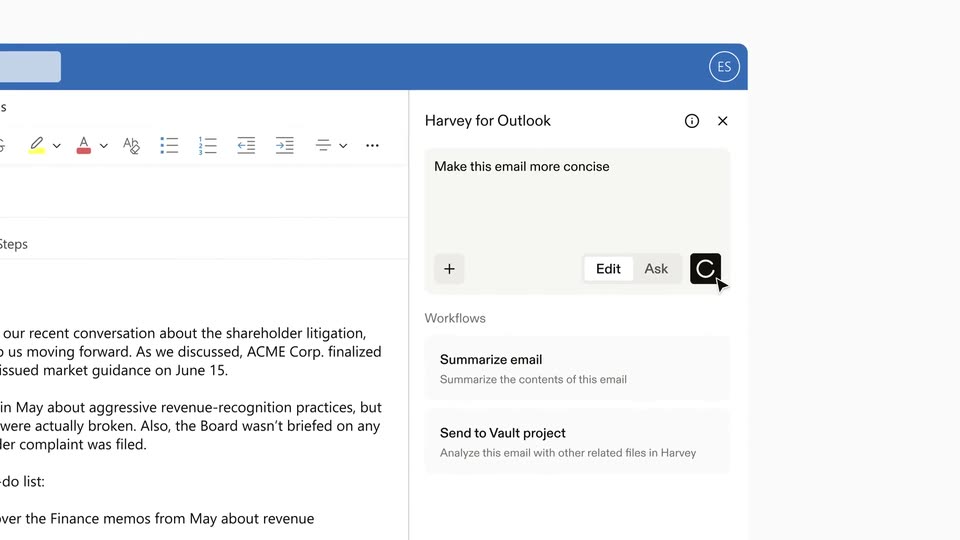 0:19–0:26Harvey · Outlook Add-InThe Outlook compose screen with a Harvey for Outlook panel on the right. The frame zooms into the panel as the phrase Make this email more concise types into the prompt box, then a cursor clicks the arrow button, a spinner loads, and the view pulls back to full width.
 0:15–0:16Burp · Lottielab - Introducing Burp - Your AI motion editor. ✨ Waitlist is now officialA tilted close-up of a white interface shows a dark rounded Generate button with a white hand cursor at its right edge, above a thin yellow-to-blue gradient line. Blurred prompt text sits at the top. The cursor shifts slightly toward the button as the frame holds.
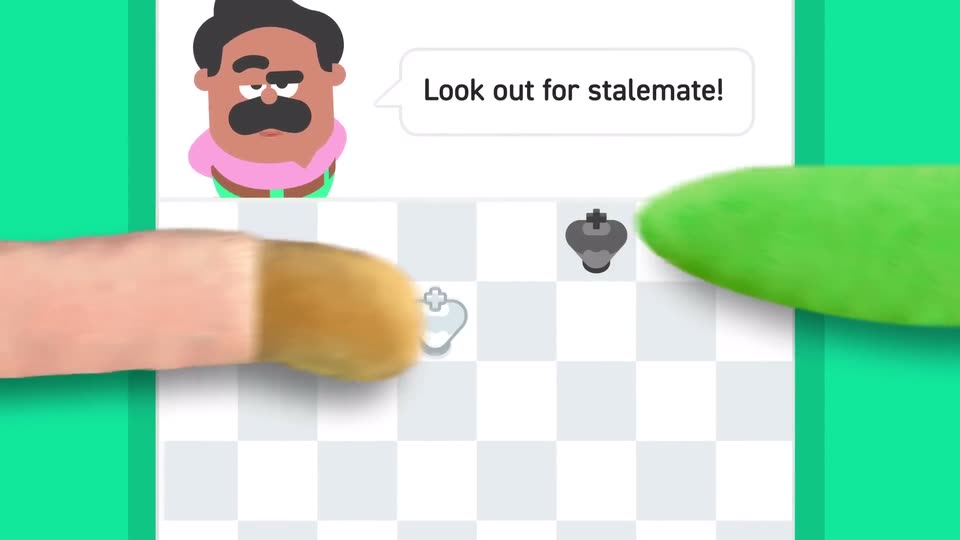 0:56–0:58Duolingo · Introducing...Duolingo Chess!A tight close-up of a chess app frames a mustached cartoon opponent with a popping speech bubble and a board holding a white king and black pawn. A real finger and a green stylus hover over the squares, the stylus dragging the pawn, beneath a green-outlined 'STALEMATE HELPER!' headline.
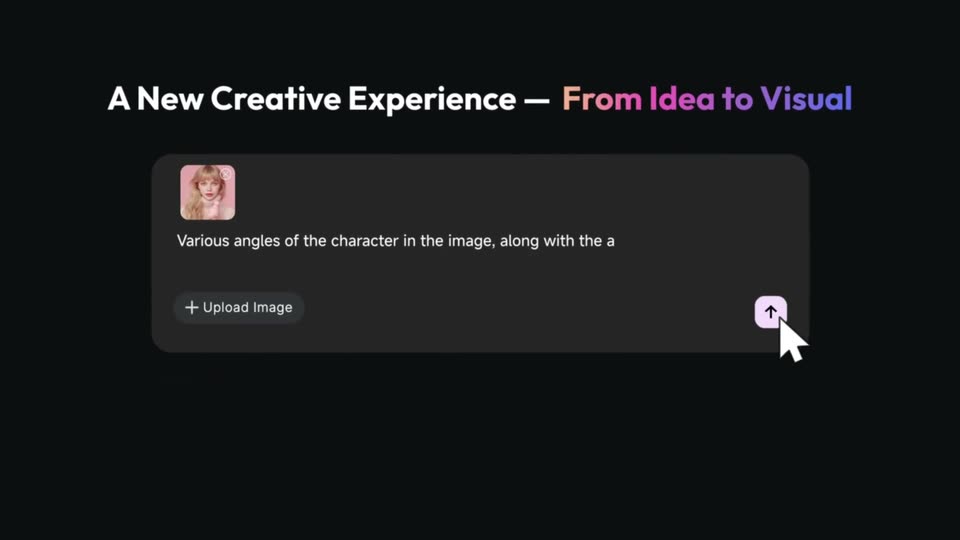 0:00–0:02Hailuo · MiniMax Design (H3) - Introducing Hailuo AI Agent: Your next-gen creative flow — FREE for oA large headline slides in above a dark chat input card. A cursor hovers over the upload button as a text prompt types out and a small portrait thumbnail appears. A larger portrait image slides in at the bottom right.
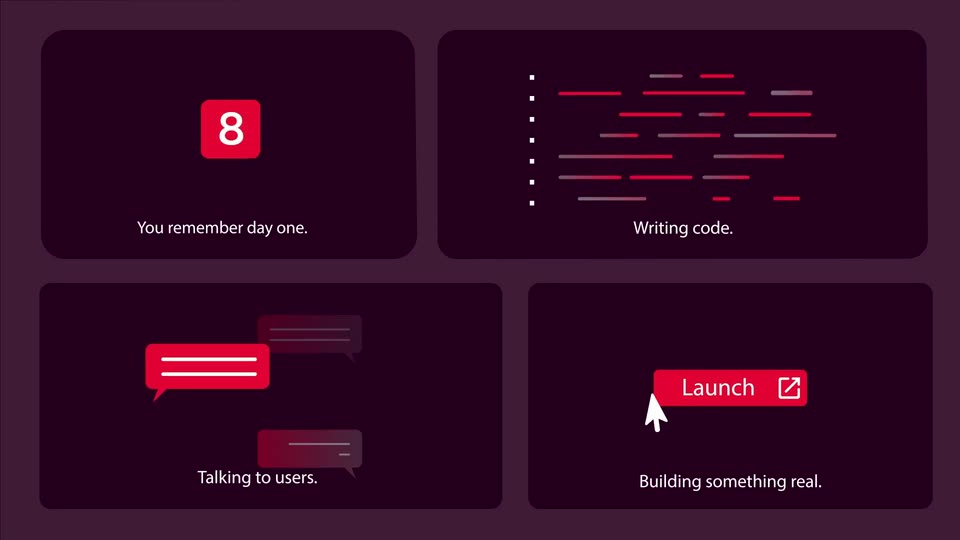 0:09–0:13Mesmer · Mesmer: The AI Operating System for Engineering • Vision VideoFour dark rounded panels on a maroon background. A red day counter ticks from 3 to 9 with a white card flipping over each digit, abstract red and gray code lines shuffle, chat bubbles pop in and out, and a cursor moves to click a red Launch button.
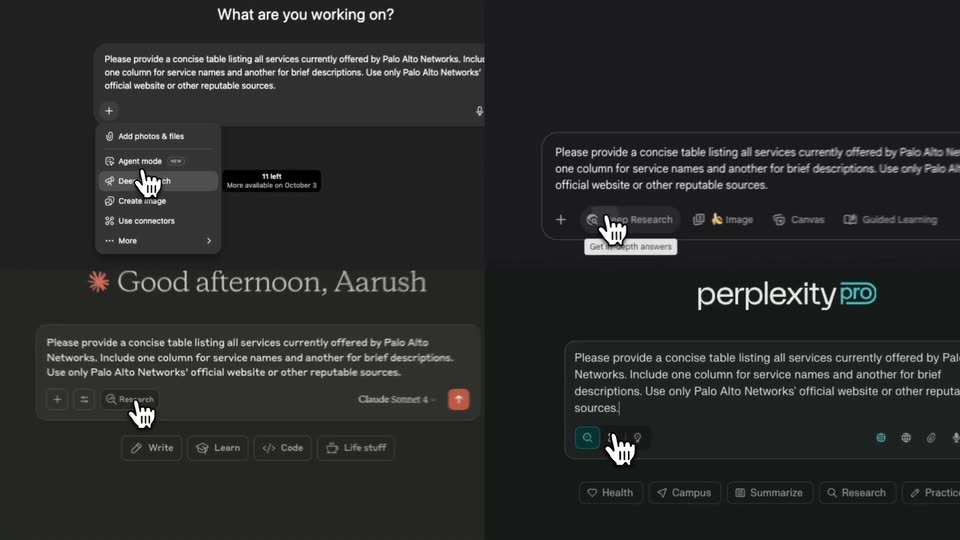 0:05–0:07Aviro · Cortex by AviroA split screen shows two AI chat interfaces, each holding the same typed prompt. On the left, a cursor clicks a button and a dropdown menu opens; on the right, a cursor hovers over the matching button.
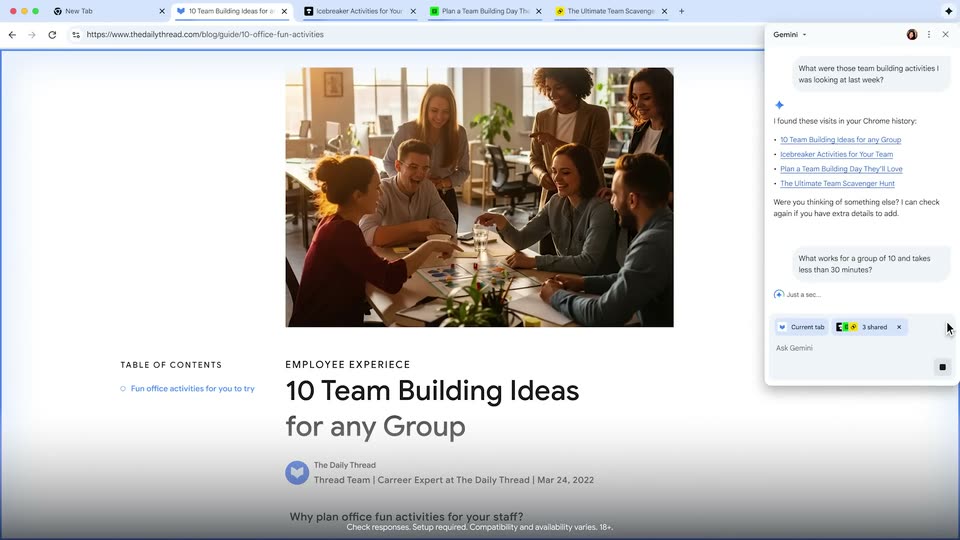 0:13–0:20Google · Behind the Browser: AI Edition HighlightsA Chrome window shows a team-building article beside an open Gemini panel. A cursor ticks three tab checkboxes, then a current-tab chip appears. The cursor types a follow-up question and sends it; the panel streams a bulleted list of activity ideas while the article stays still.
 0:00–0:01Notion · Introducing Notion 3.0: AgentsA black square icon with a white letter N is centered on a light background. A black mouse cursor moves from the bottom right toward the icon and hovers at its lower right corner.
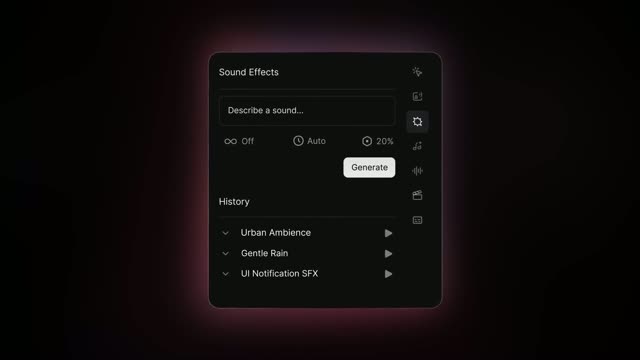 0:16–0:21ElevenLabs · Introducing Studio 3.0 — The Best AI Audio Models in One EditorA dark rounded panel on a black background with a red rim glow shows a music prompt and history list, then crossfades into a sound effects variant. The panel slides up as a cursor hovers a history row, popping a blue “Urban” tooltip.
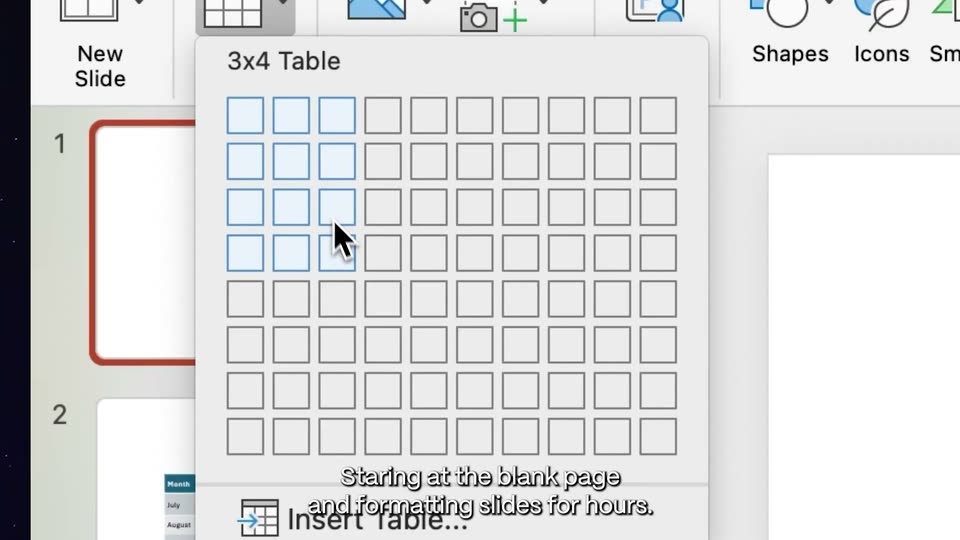 0:17–0:18Gamma · Gamma - Gamma 3.0 is here, so we put our CEO in a spaceship. And it got millClose-up of a presentation app's insert-table dropdown. The cursor drags across a grid of squares, the blue highlight grows from a 2x3 to a 3x4 block and the label updates to match. A white caption with black outline sits at the bottom.
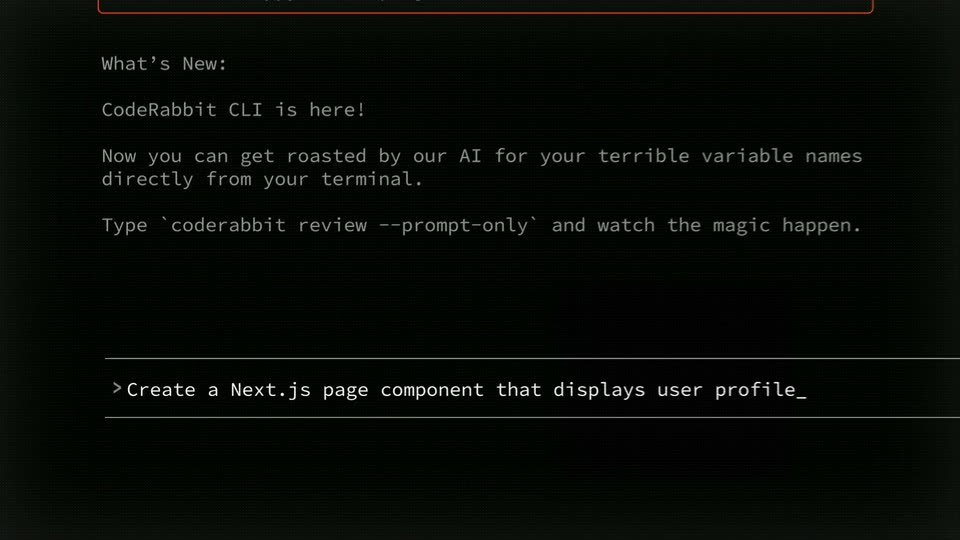 0:00–0:02CodeRabbit · CodeRabbit - Introducing CodeRabbit CLI! 🎉 CodeRabbit's smart CLI reviews act asA dark terminal window shows a red-outlined welcome box and release notes. At the bottom, a prompt types out a command about a Next.js page component, then the view scrolls up and the prompt line clears to an empty cursor.
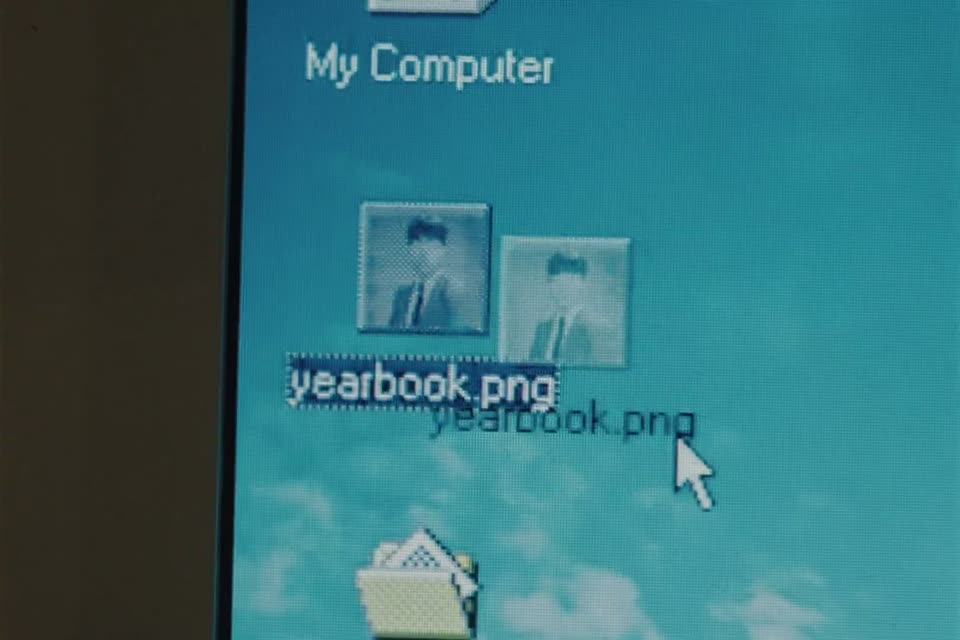 0:06–0:07Reve · Reve - Reimagine reality.Close-up of a Windows desktop on a monitor: a cursor drags the yearbook.png file icon to the right, leaving a duplicate beside the original. The My Computer icon sits above against a blue sky wallpaper.