Cursor demo
A visible cursor operates the interface.
15,001 scenes · page 36 of 251
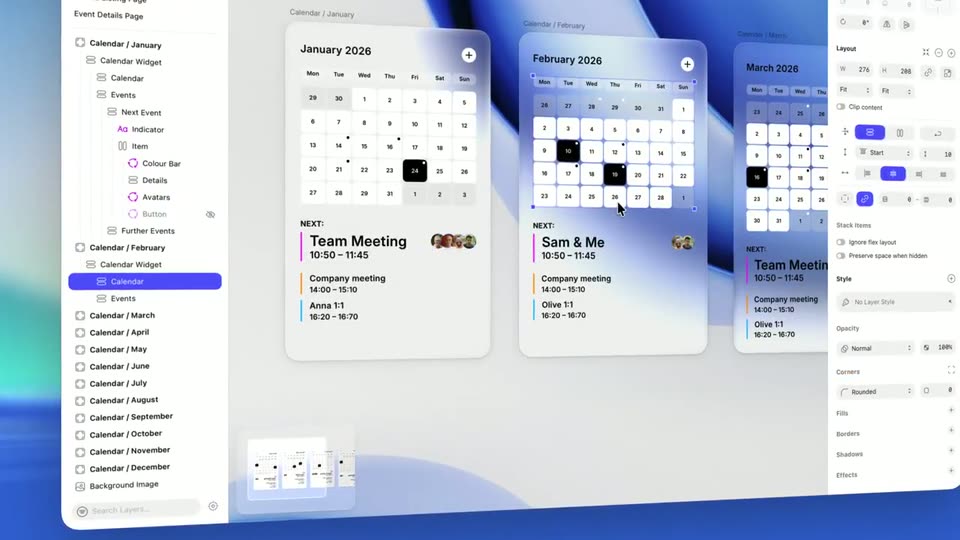 0:03–0:18Sketch · Sketch - We’ve got a biiiig update for you. A complete redesign of Sketch. MayA design app window floats in slight 3D perspective over a blue desktop. The view zooms across its layers panel and three calendar widgets while a cursor opens a context menu and selects items, then reframes to the toolbar where the pen tool draws a bezier curve.
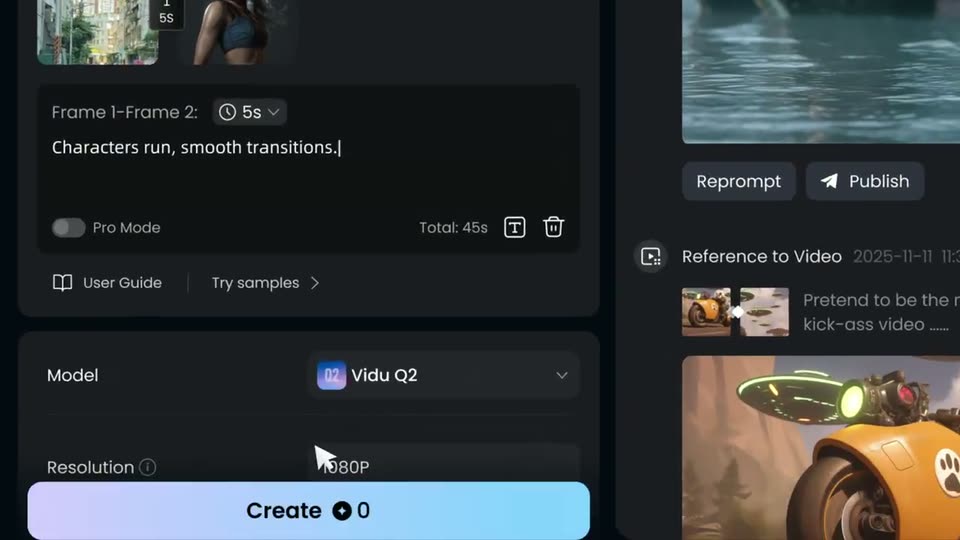 0:02–0:05Vidu · Vidu AI - 10-Image video creation with seamless creative transitions Upscale noA dark UI interface pans down the left panel to reveal a text prompt box and model settings. A cursor hovers over the model dropdown while a generated video of fantasy characters plays on the right.
 0:02–0:05Manus · Manus - Today we're launching Manus Browser Operator. Any browser can now beOn a light gray field, five rounded browser icon tiles pop in above a thin horizontal line. A white cursor slides to the Chrome tile, which scales up and breaks free while the others dim. A circular hand icon fades in at the bottom.
 0:17–0:18Framer · Framer: Stop Waiting. Start Shipping.A dark web editor fills the frame: a layers panel on the left, an empty black canvas in the center, and a properties panel on the right. A white cursor glides over the canvas while the layout stays still.
 0:00–0:04Docket · Docket: recorded steps demoA left workflow panel and a right embedded browser show a docket login page. A cursor clicks the email field and types an address as step cards fill in. A red arrow points to each area while gray captions swap between two lines.
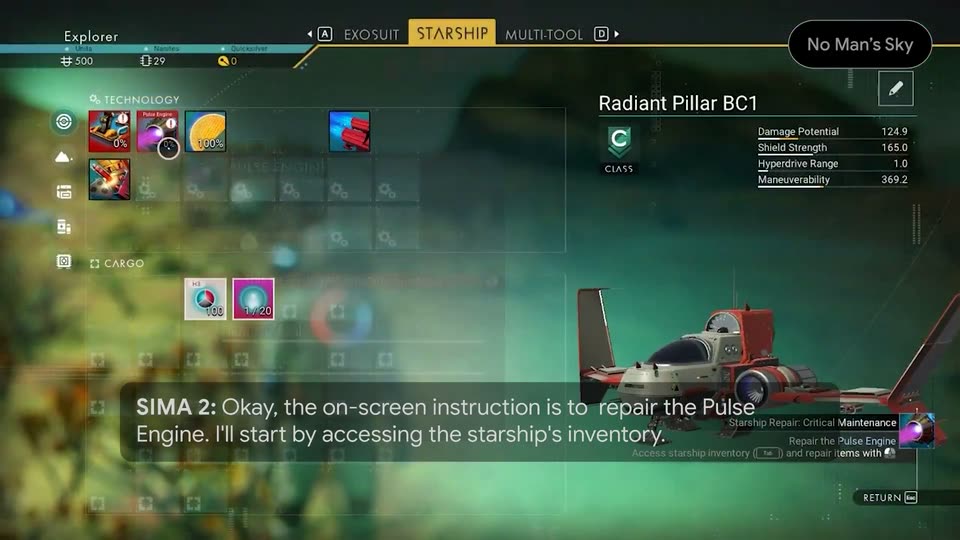 0:24–0:26SIMA 2 · Google DeepMind - SIMA 2 is our most capable AI agent for virtual 3D worlds. 👾🌐 PowereA starship repair menu over a blurred green backdrop; a cursor glides across the technology grid and selects the damaged Pulse Engine, opening its repair panel, while a red and white ship rests on the right.
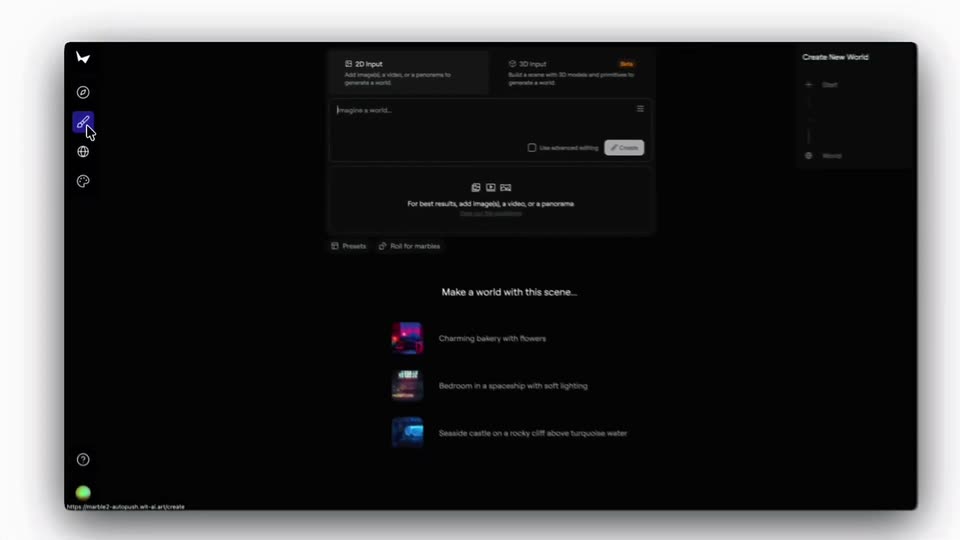 0:21–0:24World Labs · Welcome to Marble!A dark world-building interface floats at a slight 3D angle on white. The cursor glides down the left rail and clicks the pencil icon; the gallery of world thumbnails blurs away into the Create page with its 2D input panel and scene suggestions.
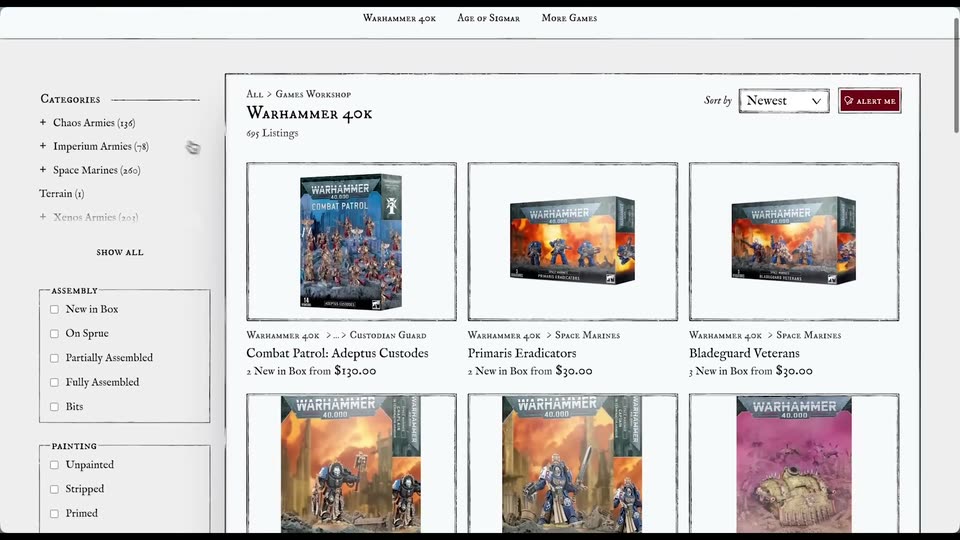 1:33–1:35Miniswap · Introducing Miniswap — The Marketplace For Tabletop GamesA web store page shows a category sidebar beside a grid of miniature boxes. A cursor moves down the list, the page scrolls, then the view zooms into the Chaos Armies heading with its product cards.
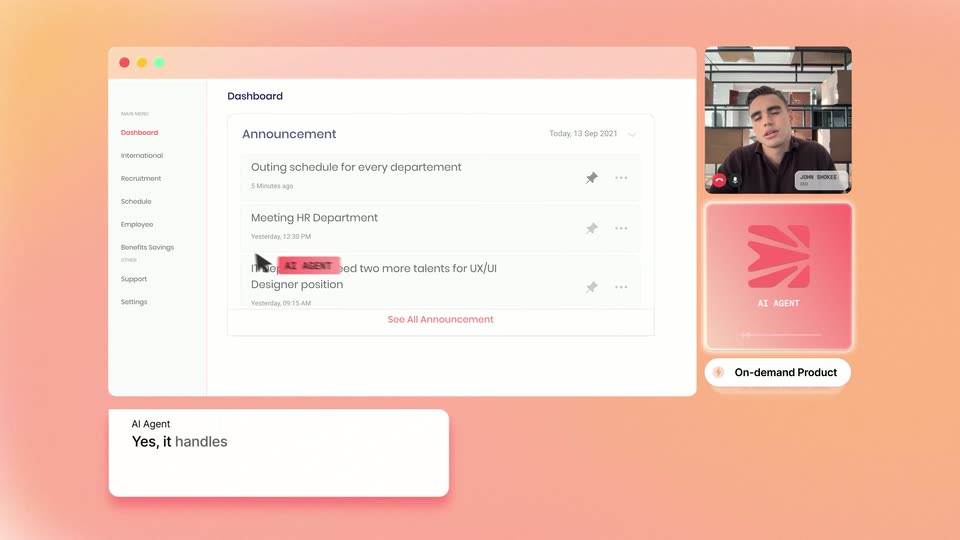 0:26–0:39Karumi · Launch Karumi, your AI demo agentA flat HR dashboard mockup sits on a peach gradient beside a video call window and an AI Agent card. A cursor glides across the cards, zooming into the schedule and announcement panels, then clicks International to reveal a world map, while chat bubbles type out the dialogue.
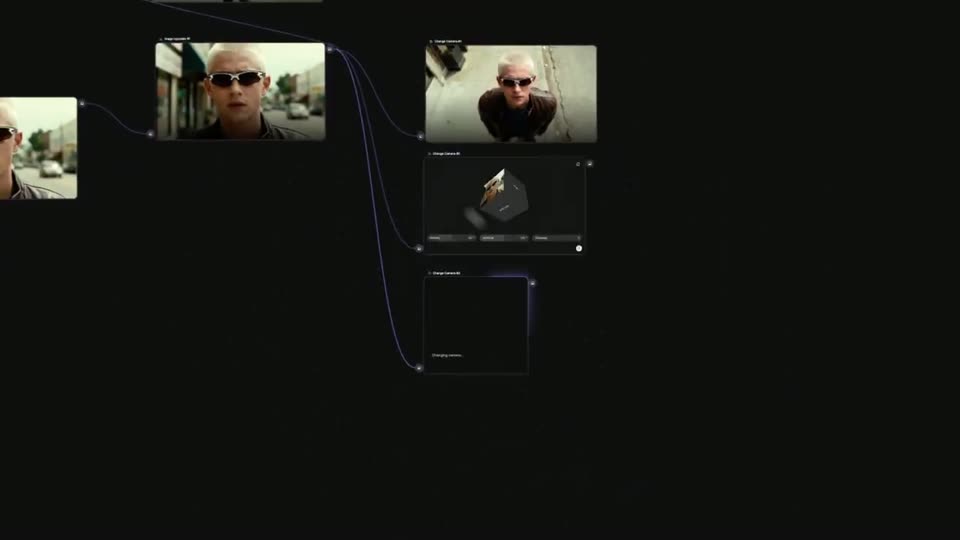 0:03–0:13Magnific · Magnific - Introducing Camera Angles Rotate views, shift angles, change perspecOn a dark dotted canvas, node cards linked by purple curves each hold a 3D cube with a portrait on its faces. A gray cursor drags sliders to spin the cube, and a context menu pops up. The view pans and zooms between nodes, then pulls back to the graph.
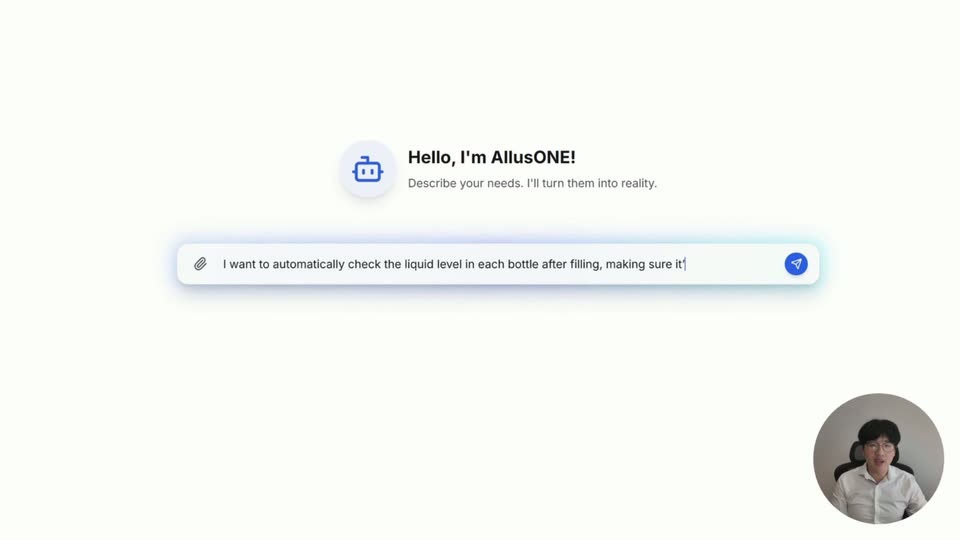 0:15–0:39Allus AI · Allus AI: Transforming Manufacturing with Next-Gen Vision Foundation ModelA white AllusONE app window sits on a blue gradient, with a circular webcam of the presenter pinned bottom right. The cursor taps the prompt bar, the frame zooms onto the greeting, and a bottle-inspection request types itself in, ending on a click of the blue send button.
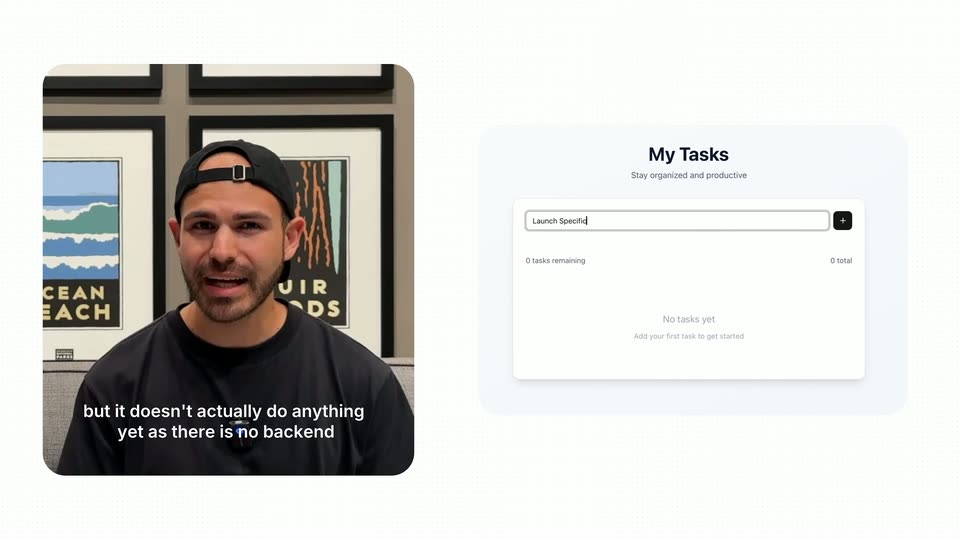 0:55–1:03Specific · Introducing SpecificSplit screen: a man in a black cap talks left while a 3D browser mockup of a todo app sits right. The mockup zooms into the input field, a cursor types a task and clicks the plus button, then the panel cuts to a dark terminal.
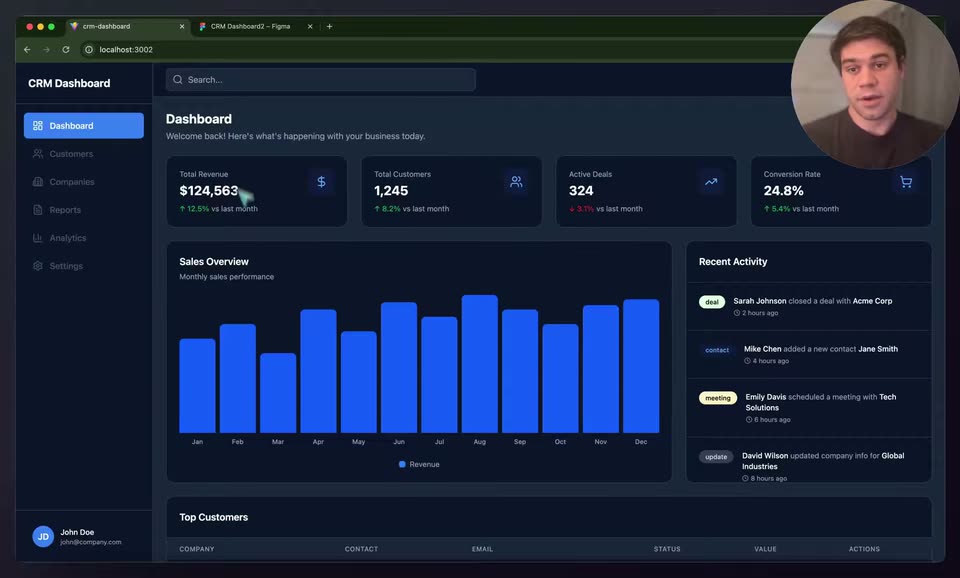 0:12–0:22Coasts · JSX Tool DemoA dark CRM dashboard fills a browser window, with a circular webcam of a presenter in the top right corner. The cursor glides across the screen, hovering over bar chart columns to pop value tooltips, then over the page heading and a sidebar item.
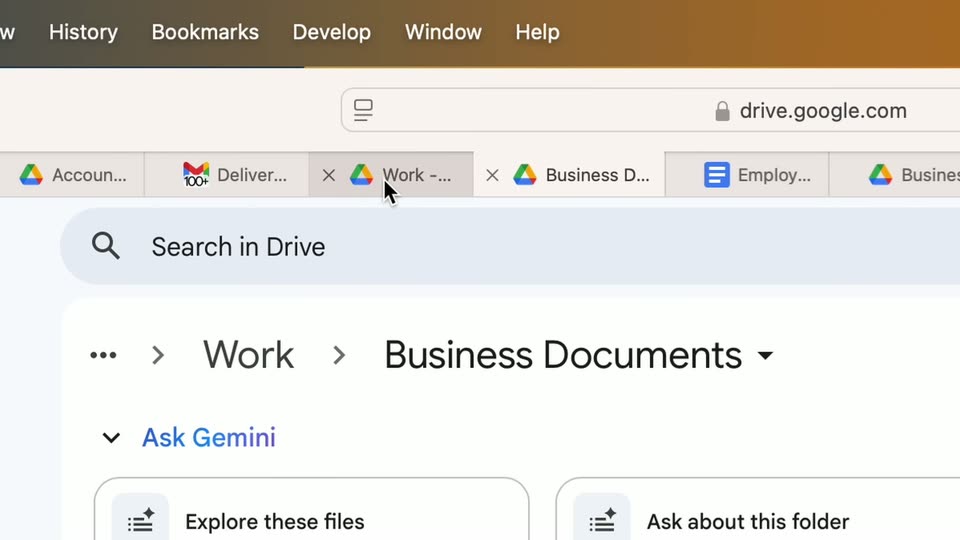 0:05–0:06Logical · Logical | The Proactive Desktop CopilotA browser window displays Google Drive; a Google Docs editor overlay crossfades away, and a white cursor moves across the open tabs. The Drive view resolves on the Business Documents folder with a search bar and Ask Gemini panel.
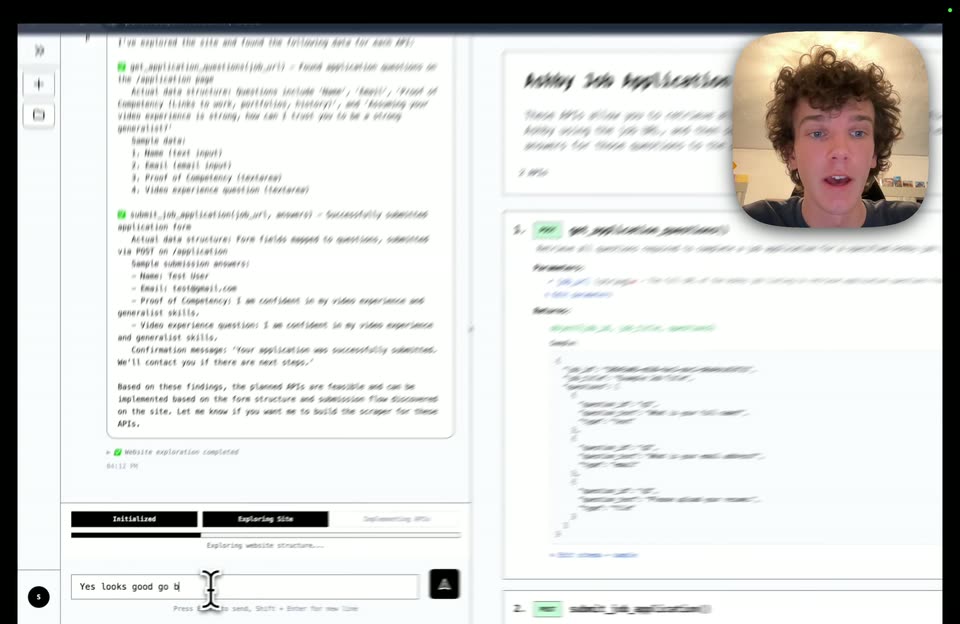 0:00–1:06Parse · Interact with any website without a browser - ParseA screen recording of the Parse web app plays under a rounded webcam inset of a presenter. A cursor types a URL and prompt, clicks Start Scraping, then the view switches to a chat where the bot generates an API panel. The cursor approves and runs tests.
 0:28–0:30MSPilot · OpenBuilder — Open Source Alternative to LovableOn a dark blue dotted grid, a flat error dialog card sits beneath the headline. A white cursor glides from the bottom corner to the glowing Fix with AI button, becomes a hand pointer, and clicks it while the card drifts slowly downward.
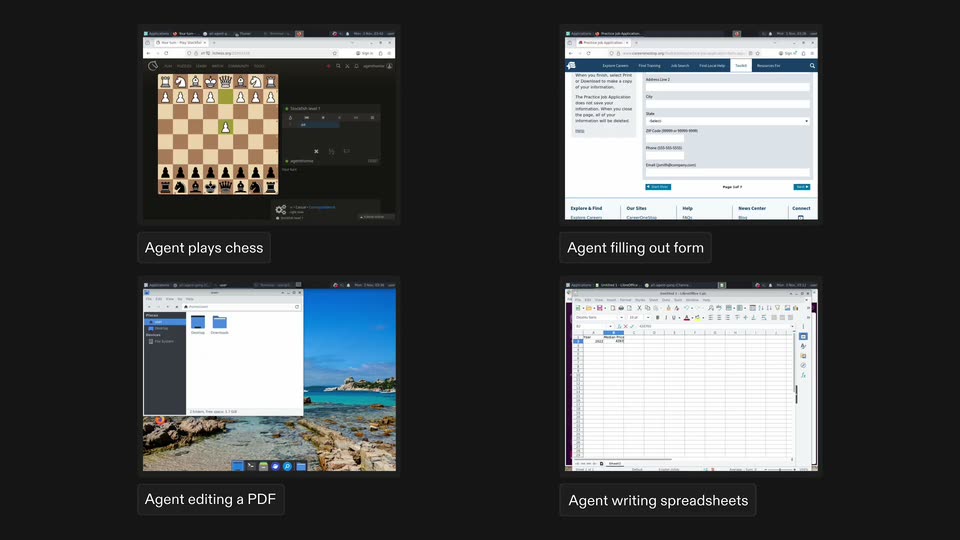 0:16–0:18Orgo · Introducing Orgo - Computers for AI AgentsFour browser windows in a 2x2 grid on a black background run live tasks: a chess game, a job application form, a PDF editor and a spreadsheet, each with a caption below. The frame then zooms into the chess window.
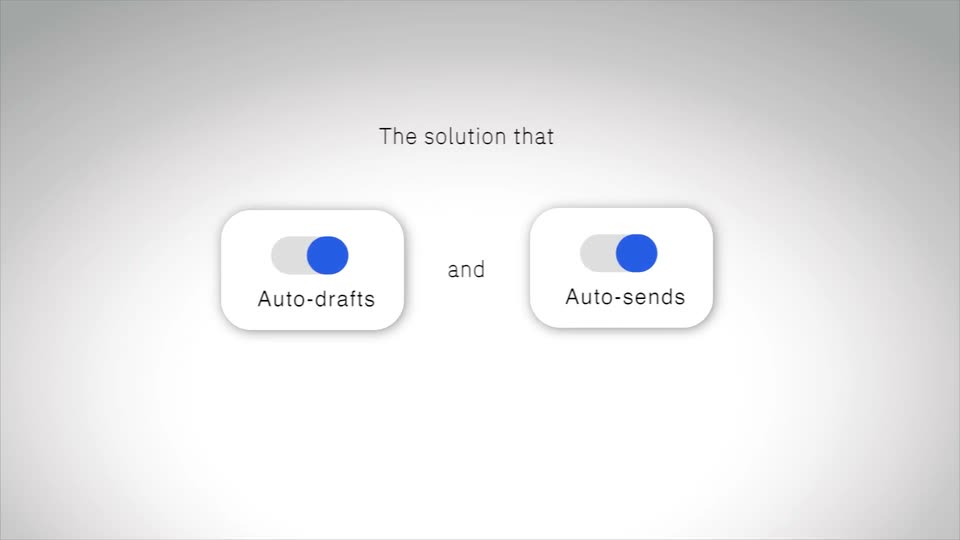 0:12–0:16Proxis · Proxis AI Email AgentsA black cursor flips two white toggle cards, Auto-drafts and Auto-sends, from gray to blue beneath the heading The solution that. The cards then slide together and overlap as the frame blurs into a product inbox screen and fades out.
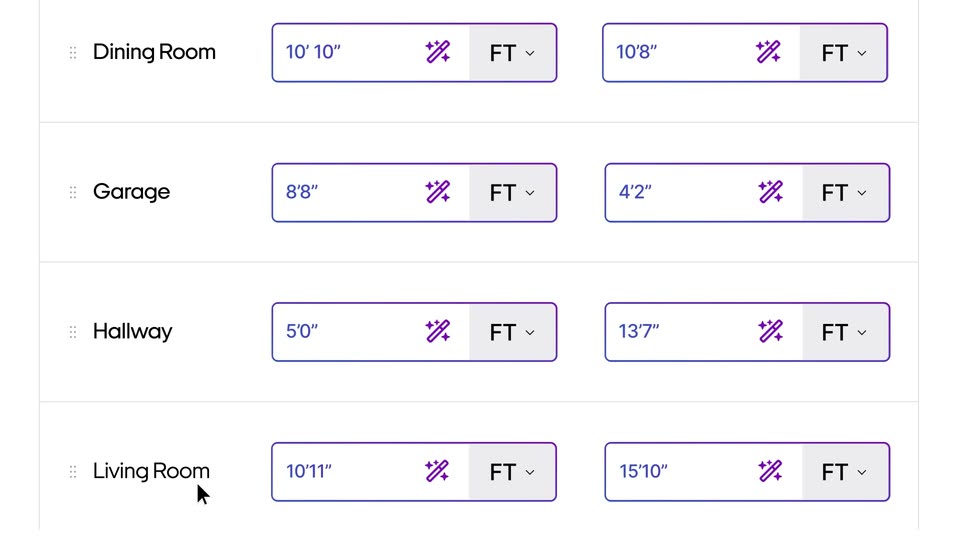 0:06–0:11Street · Street.co.uk AI CommercialA UI panel shows a black floor plan beside a dashed Add more slot, with a purple Create using Street AI button below. The view scrolls down to a room list whose dimension fields flash a purple gradient as values fill in. A cursor hovers the button, then the rows.
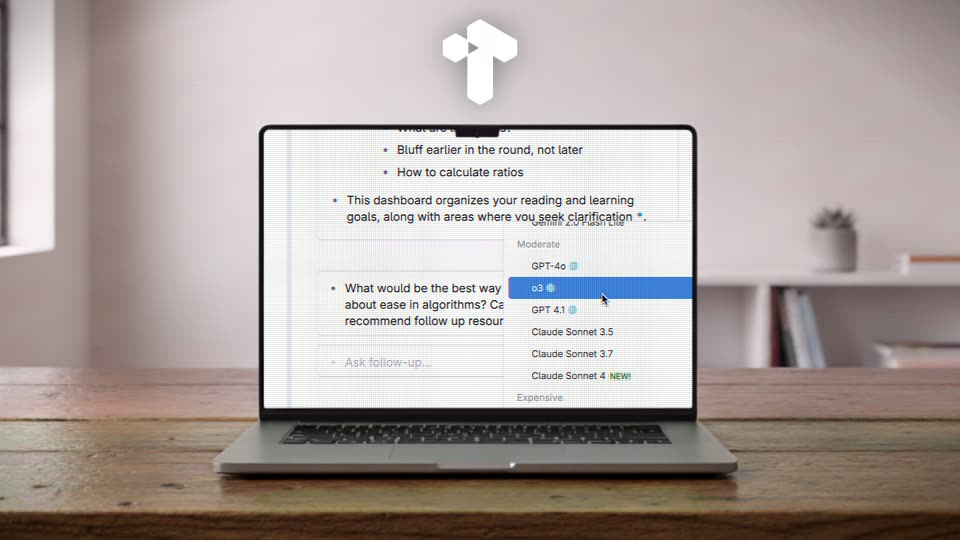 0:17–0:20Tana · Tana Outliner Offline Is HereA laptop sits on a wooden desk in a softly lit room, its screen showing a list of questions with AI model names. A cursor moves down and clicks the send button as a Send tooltip pops up, while a white logo hovers above the lid.
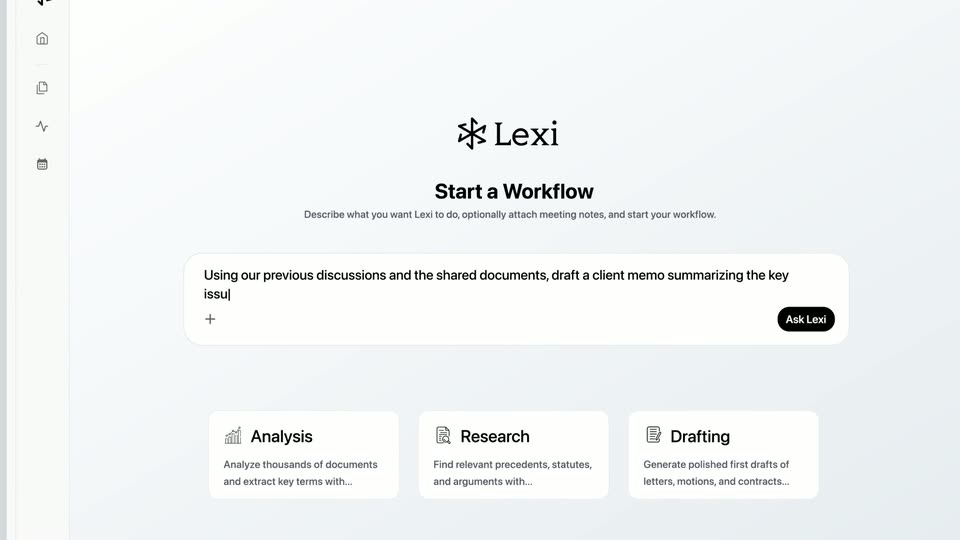 0:15–0:20Lexi · Lexi | Launch VideoA teal Lexi logo and tagline sit left of a browser window showing the Start a Workflow screen. The logo blurs and slides away as the view zooms into the input field, where a prompt types out and a cursor moves to the Ask Lexi button.
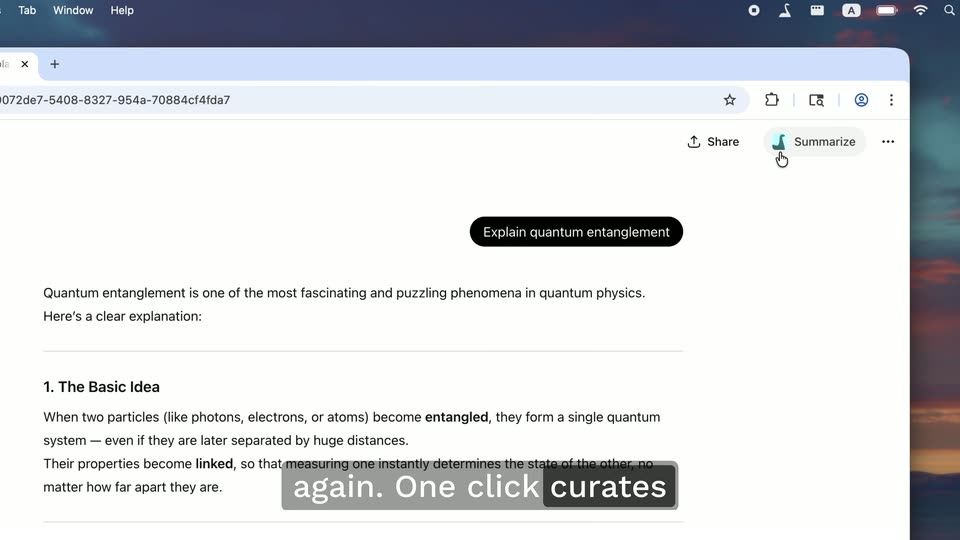 0:16–0:18Nessie · Nessie - AI knowledge base for your mindA note answer fills the frame, then the view zooms out to a full app window as a cursor hovers over Summarize. A dark caption pill sits at the bottom.
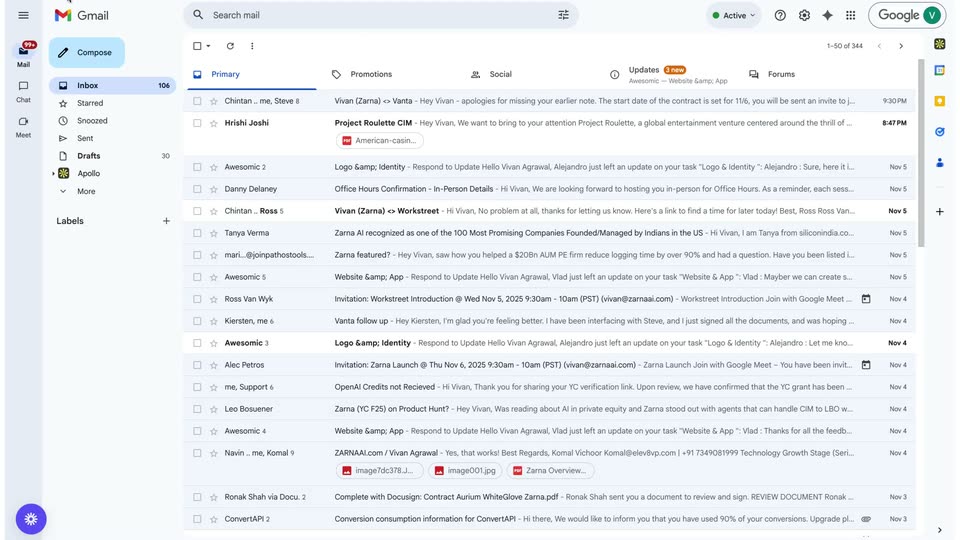 0:05–0:08Zarna · Demo Video - ZarnaA light Gmail inbox fills the frame, listing dozens of messages with sender names and preview lines. The view stays static while a cursor glides in and hovers over the top row, highlighting it.
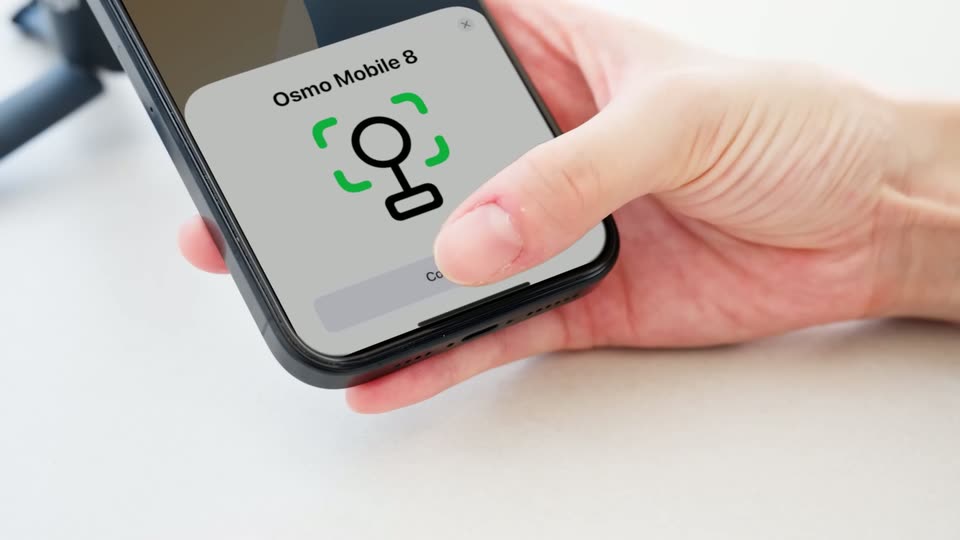 0:15–0:16DJI · Introducing DJI Osmo Mobile 8, Phone Gimbal In Tune With Every MoveA close-up of a hand holding a smartphone over a white desk. The screen shows a connection interface with a gimbal icon. A finger enters the frame and taps the Connect button at the bottom.
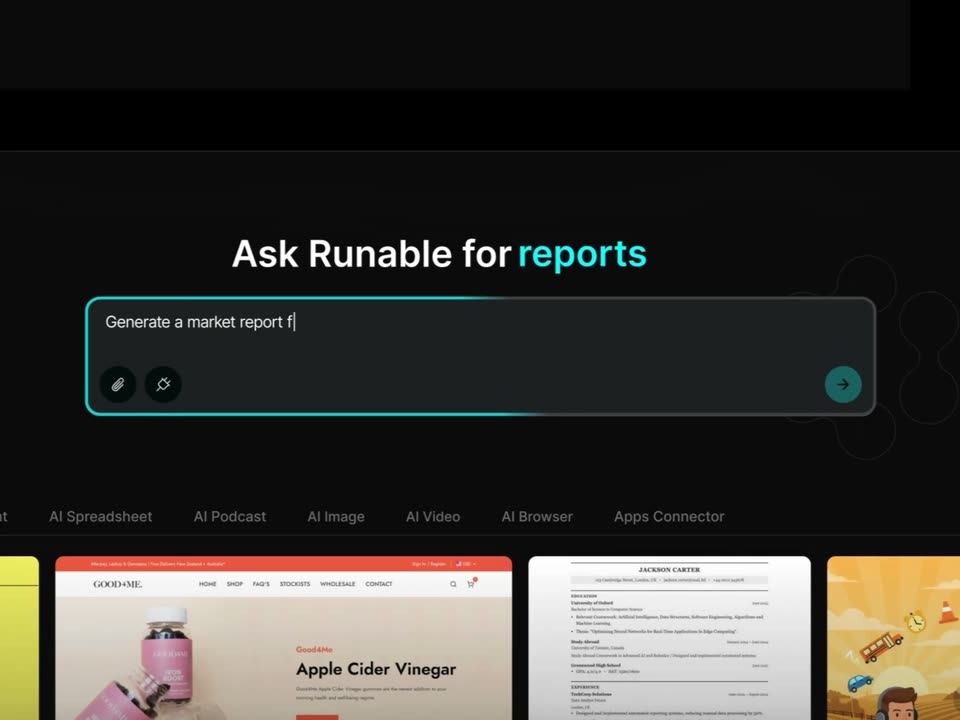 1:18–1:19Runable · Runable - introducing runable the general ai agent for every task slides, wA dark input field with a cyan border sits under the headline Ask Runable for reports. A caret types a prompt into the field while a row of feature tabs and document thumbnails line the bottom.
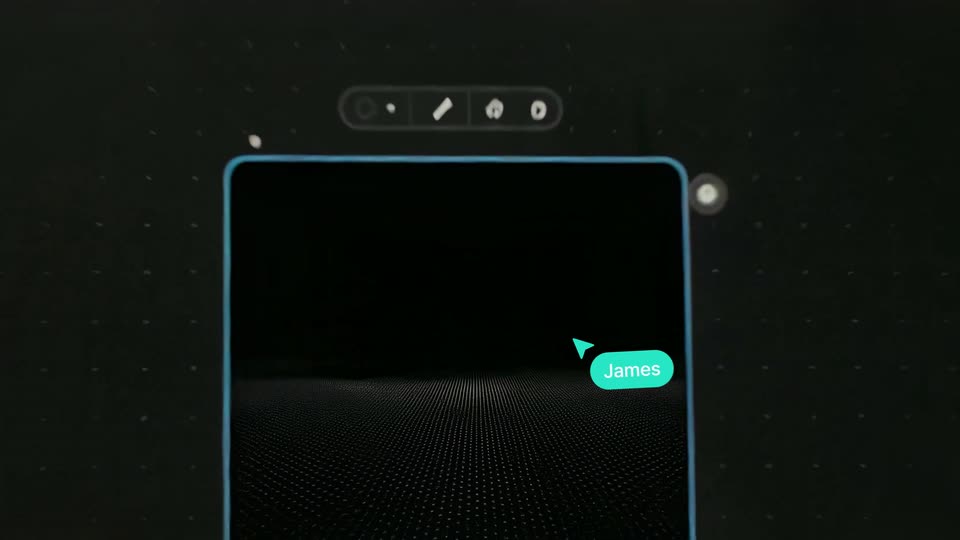 0:12–0:13Freepik · Magnific - Introducing Freepik Spaces An infinite canvas where teams create, coA dark dotted grid floor recedes behind a cyan-bordered screen frame as the camera pushes in until the frame fills the view. A teal cursor points to a sliding James pill on the right while blurred toolbar buttons drift up and out.
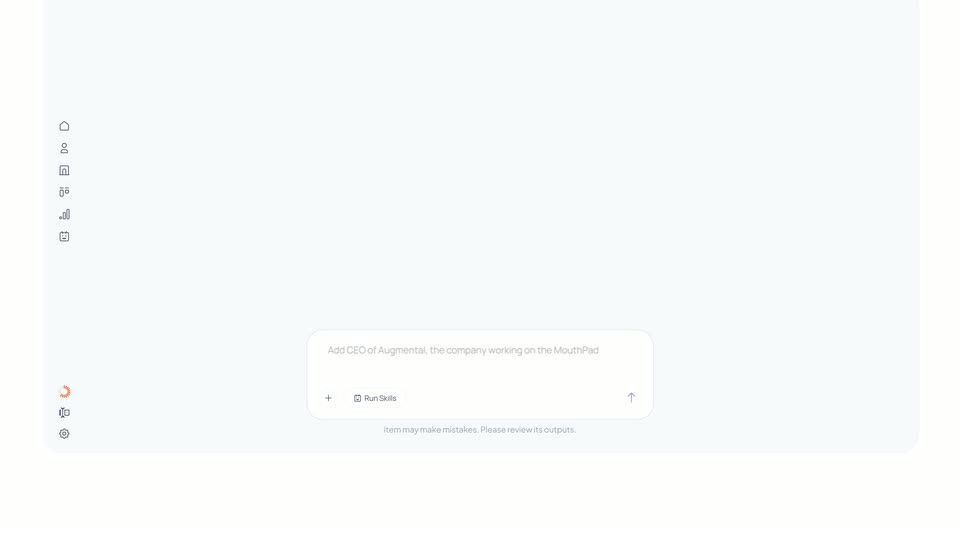 1:03–1:20Item · item YC Launch!A contact card for Ray Eames assembles, then scrolls to action chips as a cursor clicks Send Renewal Email. The view zooms into a self-typing draft email, then resets to the chat bar, where a typed prompt brings up a new contact card and a Create New Event chip.
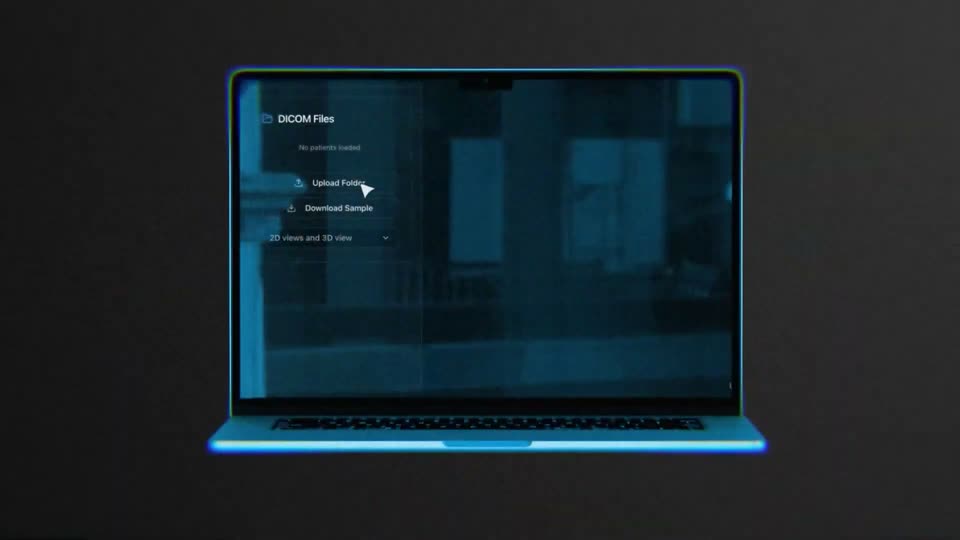 0:49 · 0.6sNucleo · Nucleo - Automated cancer diagnosticsA front-facing laptop mockup with a glowing blue rim sits on a dark gray background. Its screen displays a DICOM file panel with a cursor hovering over the Upload Folder button. The frame stays locked off throughout.
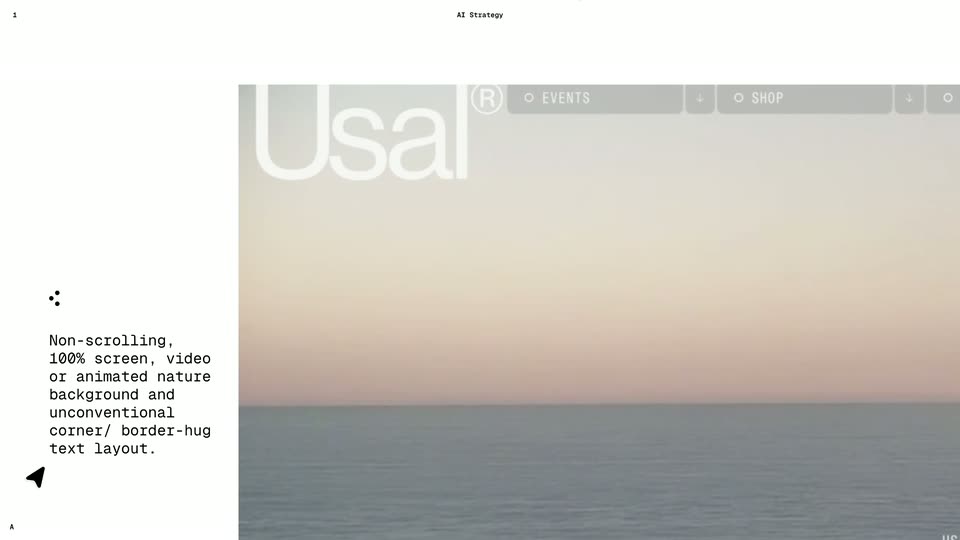 0:36–0:40Semiotic · Semiotic - YC LaunchA white slide titled AI Strategy holds a sunset-over-sea landing page with the Usal logo and EVENTS, SHOP buttons on the right. A cursor drags a selection box around the logo, then a monospace caption appears at the lower left describing the layout.
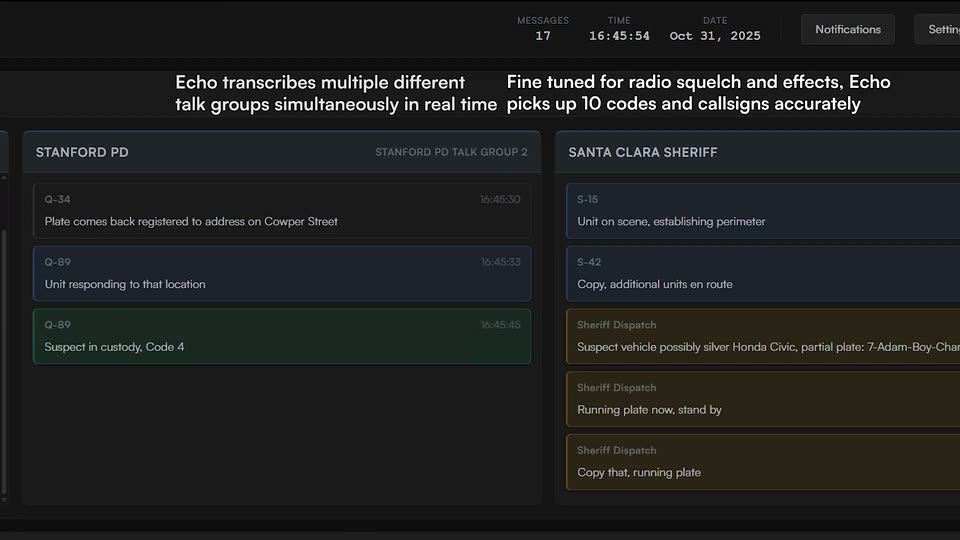 0:30–0:35Lakonia · Introducing: LakoniaA dark transcription dashboard shows two live police radio columns; the view pans right to reveal a third column while messages type in, then cuts to a collapsed category list and fades to black.
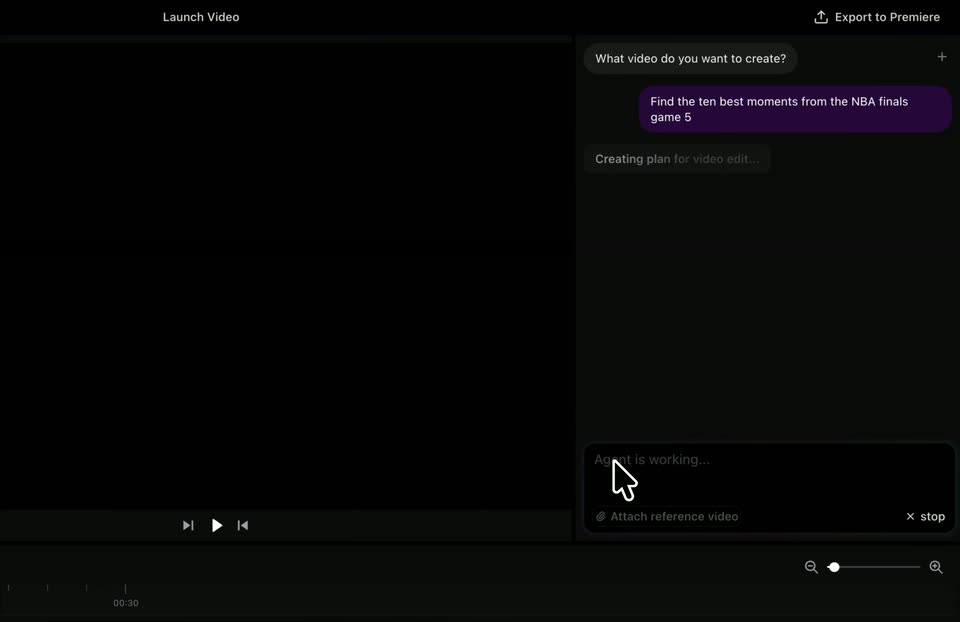 0:09–0:14Narrative · Narrative: Cursor for Professional Video EditorsA dark editing app reframes onto a chat panel. A cursor clicks the prompt field and types a request to find the ten best moments from an NBA finals game, then sends it. The agent begins planning, and the view dissolves.
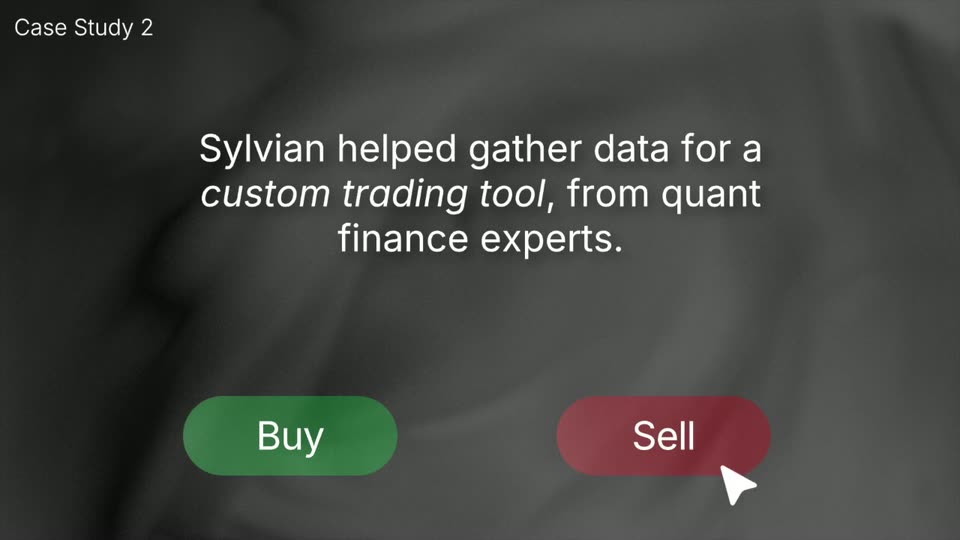 0:40–0:48Sylvian · Introducing SylvianOver a blurred dark gray backdrop, a white caption fades in phrase by phrase above a green Buy and a red Sell pill button, while a white cursor hovers back and forth between the two buttons.
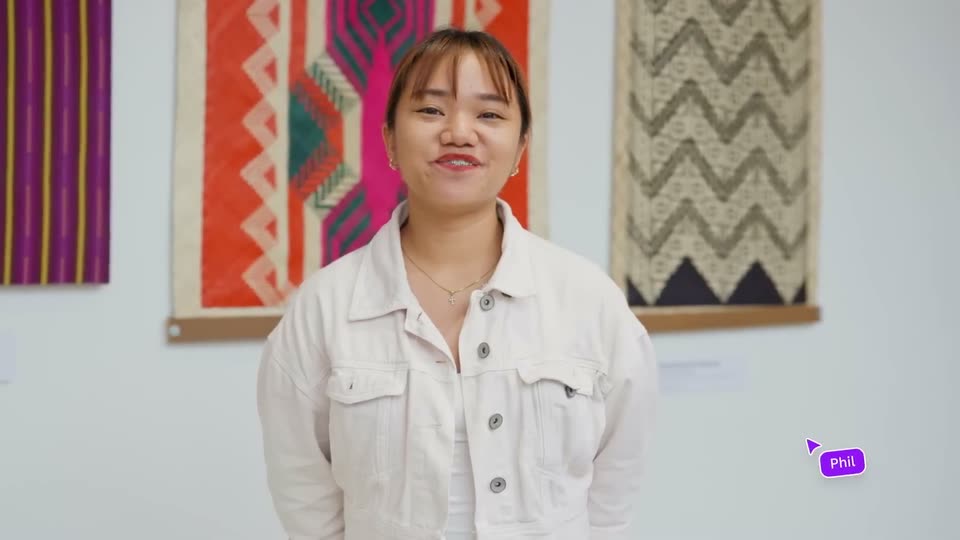 1:38–1:39Canva · Introducing Canva Video 2.0A smiling woman with braces in a white jacket stands before colorful woven tapestries and talks to camera. The shot then frames as a rounded card with a blue-purple gradient edge while a purple cursor drops a small purple 'Phil' name badge into the lower right.
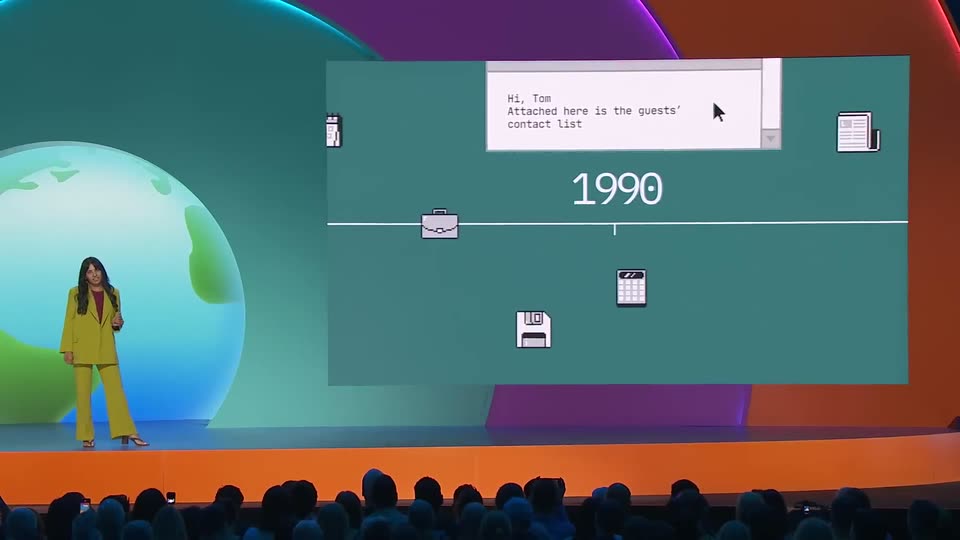 0:43–0:45Canva · Introducing Email Design in CanvaA presenter in a yellow suit stands left of a stage with a globe backdrop. The large screen on the right shifts from a colorful at-sign graphic to a teal timeline settling on 1992, as a small email window with a cursor slides in at the top.
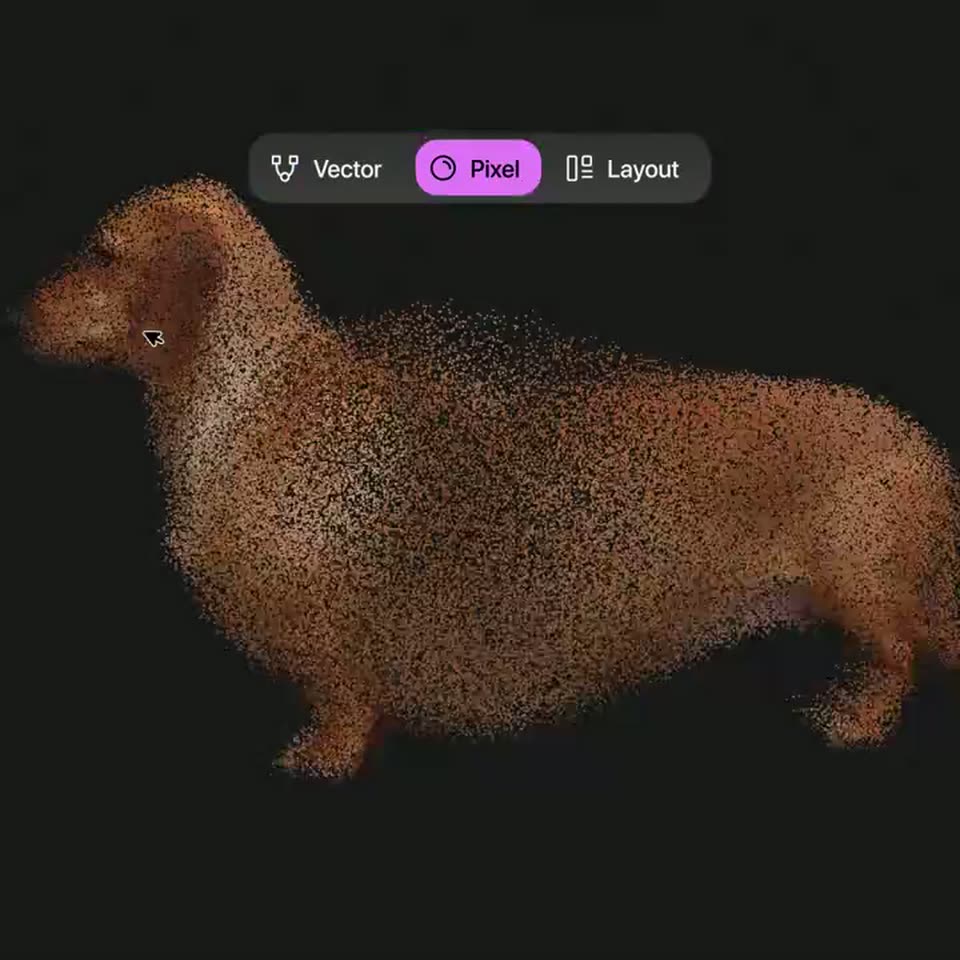 0:12–0:13Affinity · Affinity - The all new Affinity is here! Design, edit photos and layout your worOn a dark canvas, a top segmented control reads Vector, Pixel, Layout with Pixel lit pink. A dachshund cutout shatters into a drifting cloud of small square particles, two cursors resting on its body.
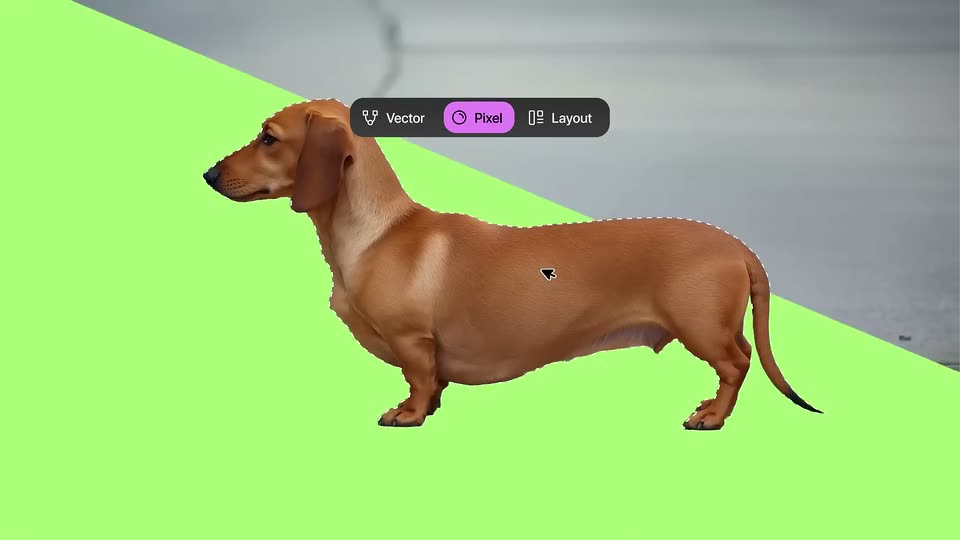 0:29–0:30Affinity · Creative FreedomA selected dachshund stands on a concrete canvas with a dark mode toolbar (Vector, Pixel, Layout) floating above and a cursor on its body. A flat lime-green field wipes in diagonally from the top-left corner across the frame.
 0:20–0:23Affinity · Welcome to the all new AffinityA dark pill on black shows the brand mark and “Layout”, which slide out left as a vector icon and “Vector” label slide in. A cursor hovers and the pill flashes blue, then a “Pixel” option with a clock icon sits to its right.
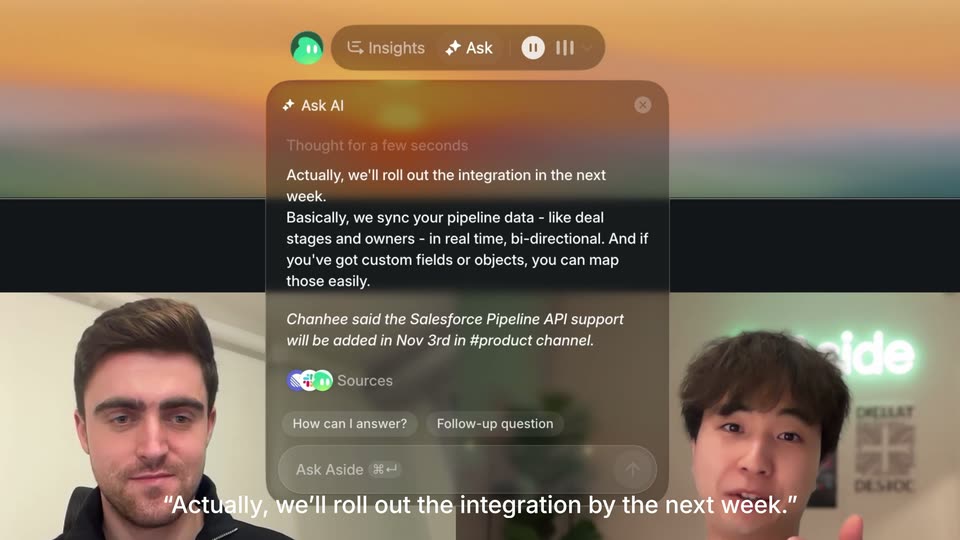 0:16–0:23Aside · Introducing AsideA close-up of the AI assistant pill over a blurred video call; a cursor clicks the How can I answer? button and the Ask AI panel types out an answer. The view then pulls back to reveal the full call window with two participants.
 0:06 · 0.8sCanva · Canva - Yep, you heard it right. No watermarks, no paywalls, no awkward exporOn a pink gradient, a white editing card with video thumbnails, a Jamie tag and a send button sits above the word seconds. The card shrinks left as the Jamie tag and button zoom out to the right, and a large purple cursor appears.
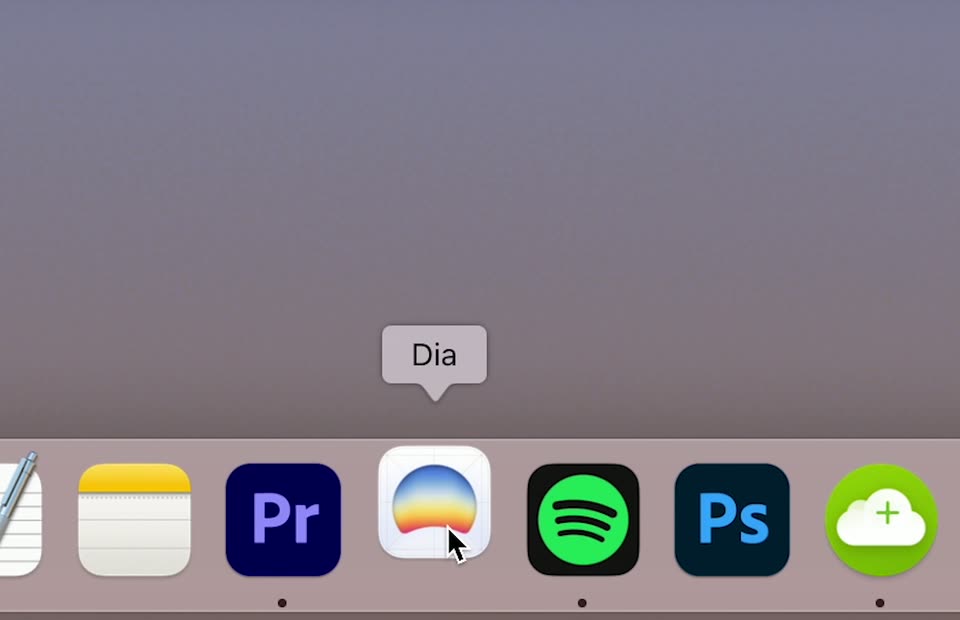 0:04–0:07The Browser Company · Dia - 3️⃣ new features live in Dia today: - Focus Mode - Custom keyboard sClose-up of the macOS dock on a soft purple gradient. The cursor hovers the Spotify icon, its tooltip appears, then slides left to the white Dia icon, which presses down and shows a loading bar in its tooltip. The frame stays locked.
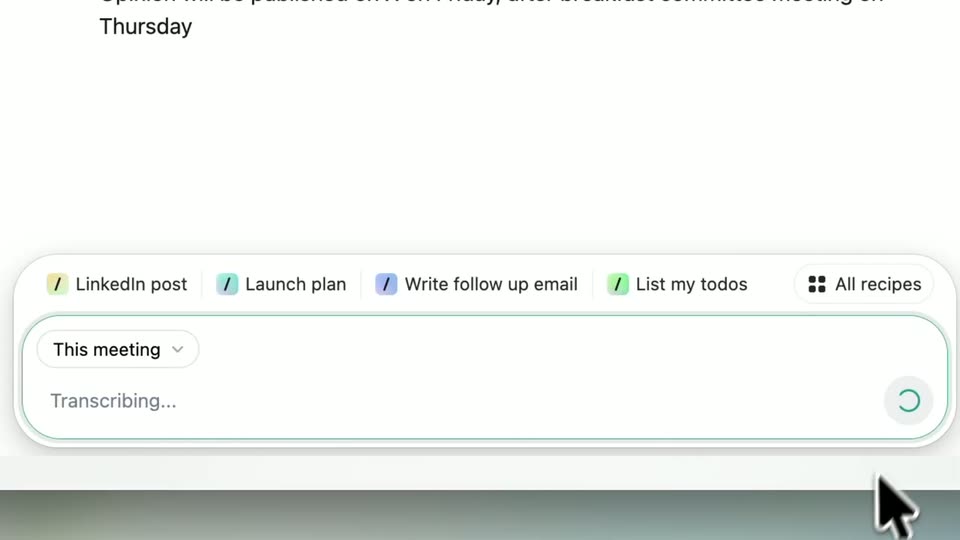 0:11–0:20Granola · Granola - NEW ✨ Talk to Granola Chat. Now you can talk to Chat, and it'll ansA notes window sits on a soft gradient. The cursor clicks the microphone in the bottom bar; the frame zooms in as a green waveform and timer record, then a spinner reads “Transcribing...”. The view pulls back and a chat panel slides in with an AI recap.
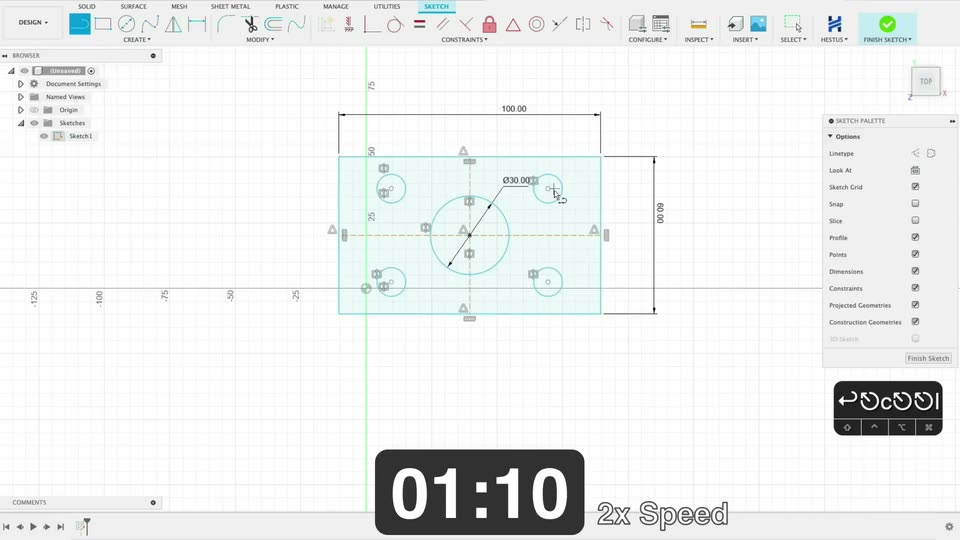 0:06–0:50Hestus, Inc. · Sketch Helper, AI copilot for CAD by @HestusInc.A CAD sketching interface plays at double speed as a cursor draws and dimensions a rectangle, adds construction lines, a central circle and four corner circles, then an inner rectangle. A black timer badge and a 2x Speed label sit at the bottom.
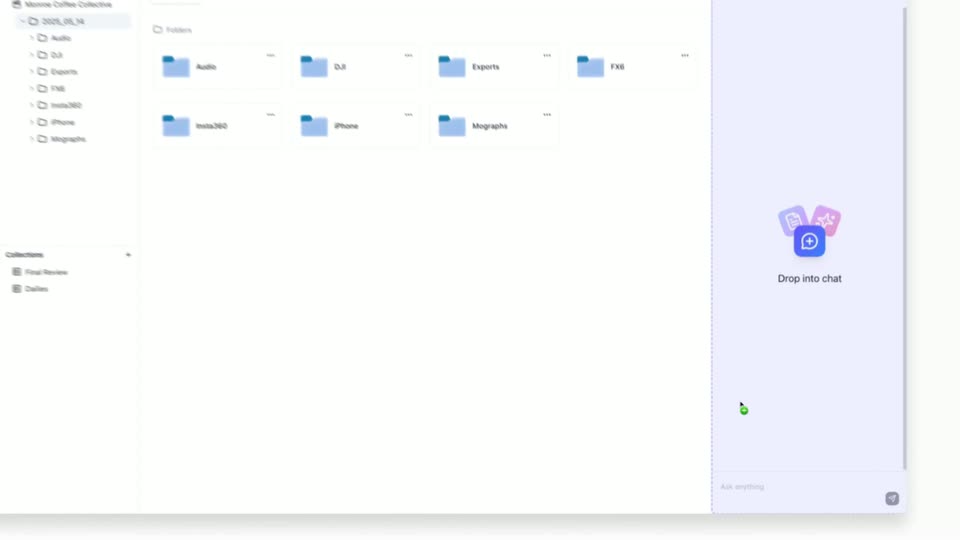 0:33–0:35Aspect · Aspect: AI platform for enterprise media content | YC F25A project interface fades in from a washed-out state to full opacity. The right chat panel reveals a speech bubble icon and a prompt line, and the PDF file chip scales into a larger card at the bottom as a cursor moves in.
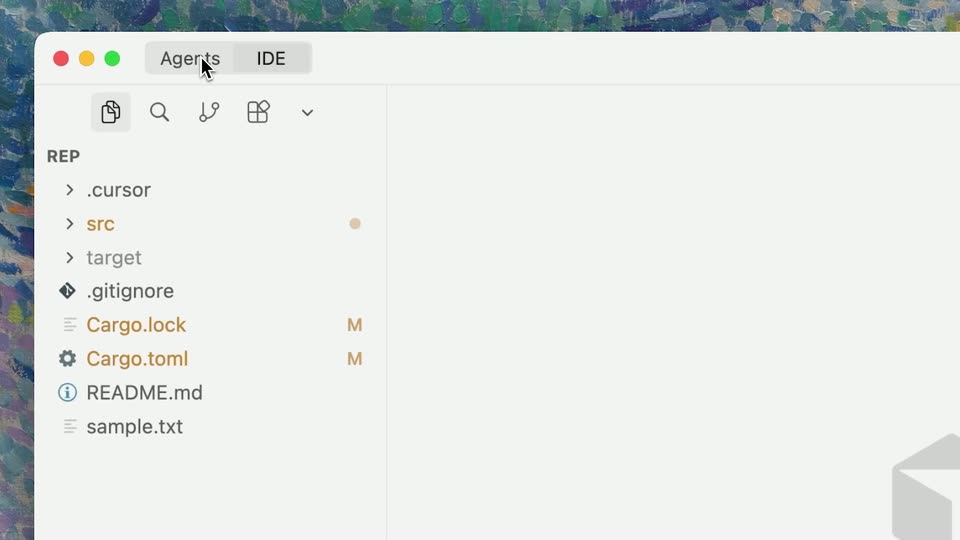 0:11–0:15Cursor · Introducing Cursor 2.0A Cursor window shows the IDE, then the view pushes into the toolbar as the cursor clicks Agents. The sidebar swaps to an agent list, and a still caption reads And a new Cursor built for agents.
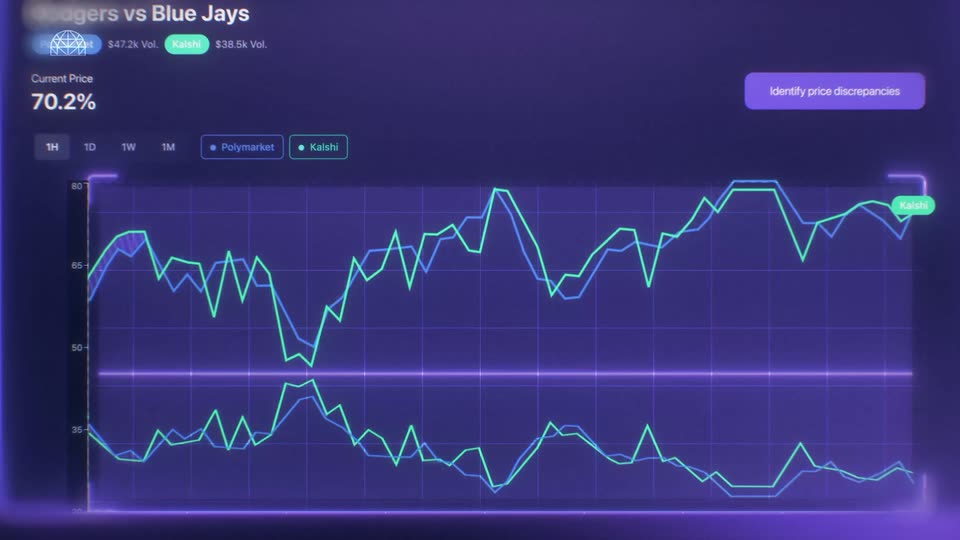 0:26–0:31Dome · Dome - A Unified API for Prediction MarketsA glowing purple UI panel with a two-line price chart sits below a white headline. A cursor clicks a button, the view zooms into the chart, the gap between the lines fills with hatching, and a caption types in at the bottom.
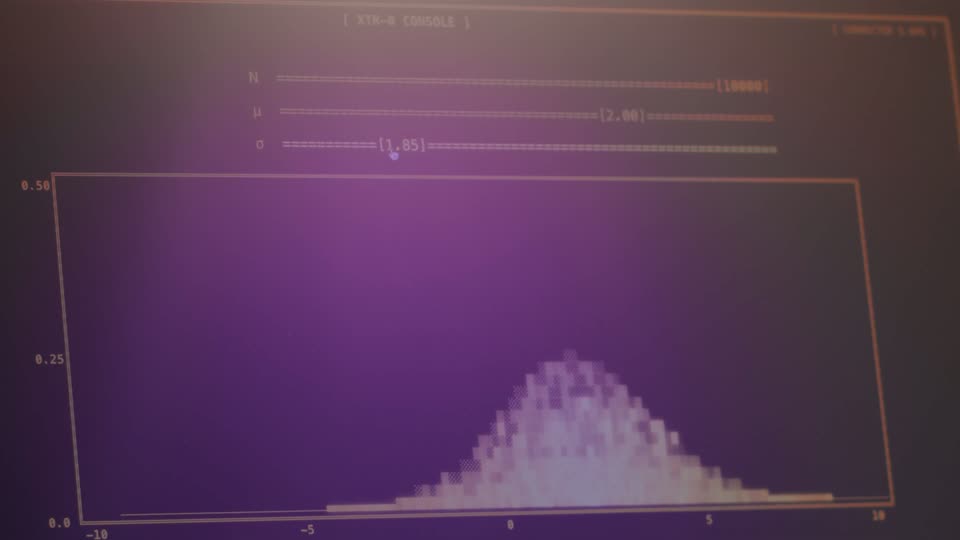 3:43–3:48Extropic · Extropic - Hello Thermo World.A tilted close-up of a violet console screen shows a pixelated white bell-curve histogram. Parameter values for N, mu and sigma are typed in while a small cursor hops between rows, and the curve shifts right and widens as the numbers change.
 0:02–0:07Superhuman · Superhuman - Meet Superhuman: the new AI platform that combines powerful tools likOn a cream background, 'Introducing' scales in at center, then gives way to 'Our new identity' with a lavender highlight around 'new'. A cursor moves in, the highlight grows into a selection box with corner handles, and 'new' transforms into a bold italic 'NEW'.
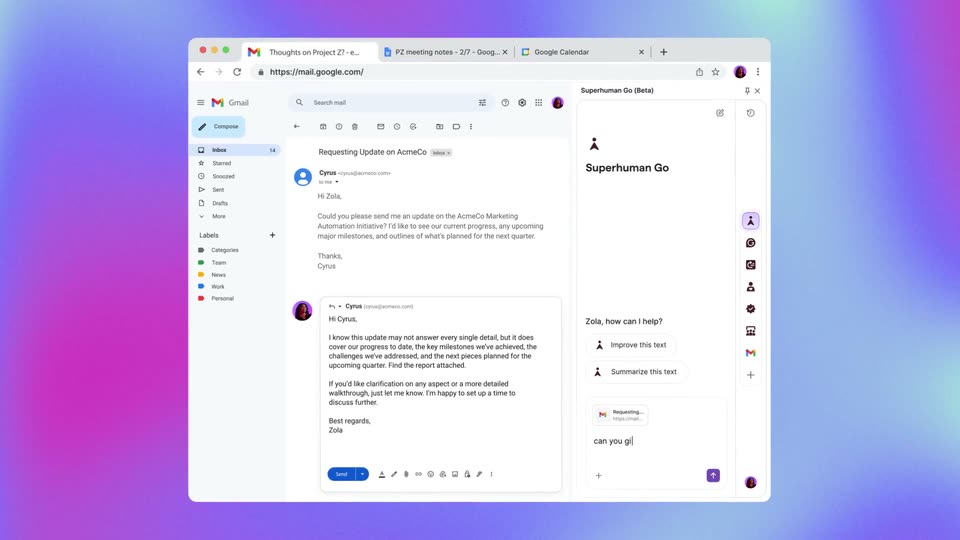 0:00–0:05Superhuman · Superhuman - We built Superhuman Go for you. Go is the proactive AI assistant thatA Gmail window tilted in 3D on a purple gradient zooms flat as a hand cursor clicks a person icon, opening a Superhuman Go side panel. The camera reframes on the panel while the cursor hovers the feedback prompt.
 0:14–0:16Flowith · Derek Nee - introducing the OpenAI Atlas killer. might be the last browser you'llA plain light-gray desktop with a macOS dock along the bottom edge. The cursor glides down to the dark FlowithOS app icon, which magnifies among its neighbors, and a small 'flowithOS Beta' tooltip fades in above it.
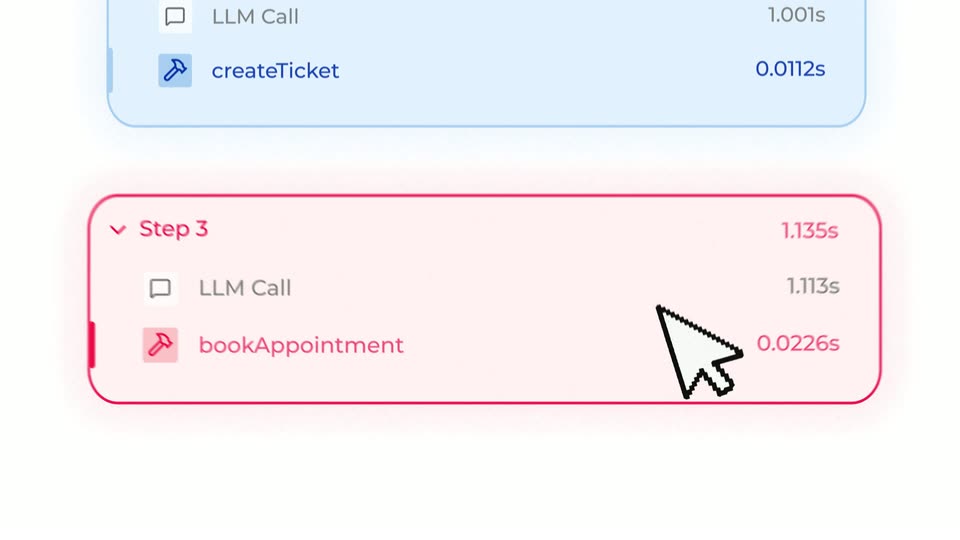 0:24–0:28The Context Company · The Context Company | Observability for AI agents to help developers fix failures fastA white dashboard card scrolls down past a prompt box and a step list, then reframes on a red-outlined Step 3 row; a cursor arrow hovers at its right edge while a static headline reads your agent [FAILS].
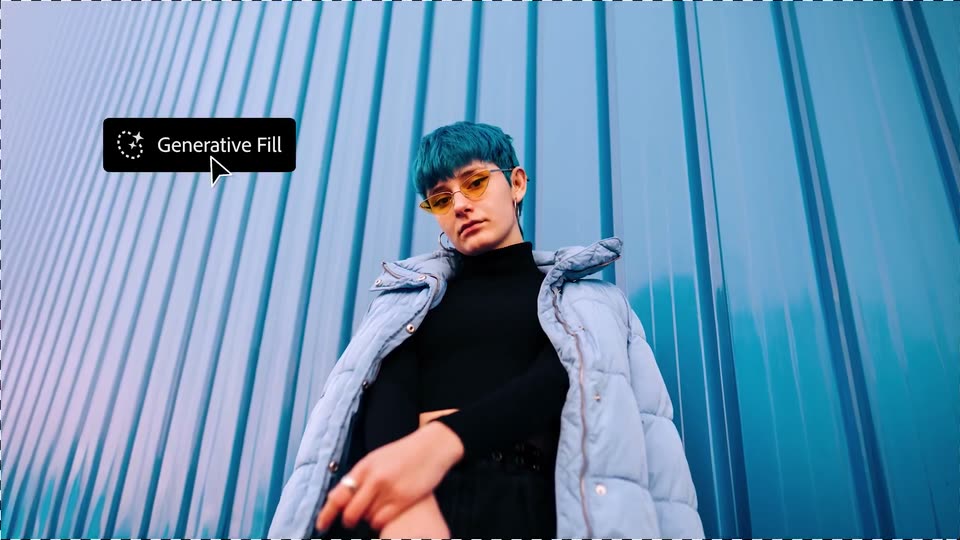 0:02–0:03Topaz Labs · Topaz Labs - @Adobe + Topaz Labs 🤝🙌 Just announced—you can now access select TopazA photo of a blue-haired person in yellow sunglasses and a pale puffer jacket fills the editor canvas against a blue corrugated wall. A dark Generative Fill pill sits top left while a white cursor hovers over it, then the view zooms in on the person.
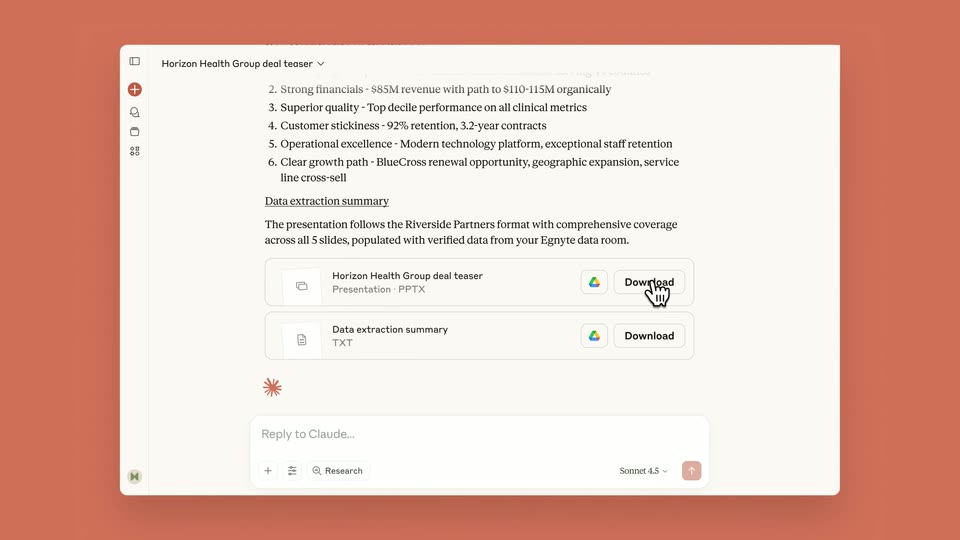 0:26–0:28Anthropic · Anthropic - We’re expanding Claude for Financial Services, with an Excel add-in,A chat interface on a terracotta background lists deal points and two file cards; a hand cursor clicks the Download button on the first card, then a dark presentation slide titled Horizon Health Group slides up from the bottom in front of the chat.
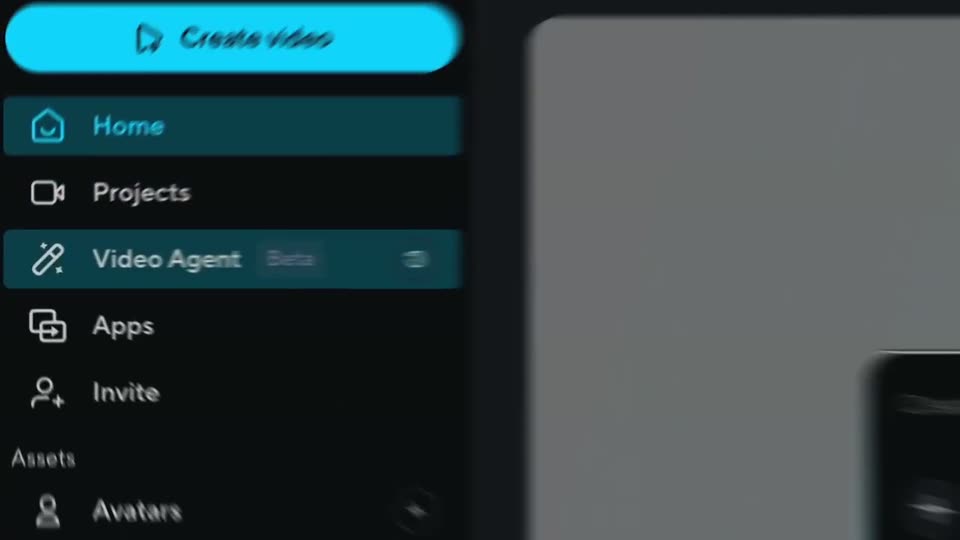 1:13–1:14HeyGen · HeyGen - If you can explain it, you can animate it. Turn your ideas into custThe HeyGen app interface fills the frame, then the view reframes onto the left sidebar. A cursor moves down the menu from Home to Video Agent, which highlights in teal as it is selected.
 0:02–0:03Argil · Manuarii - Introducing “Argil Atom” the most controllable video AI model in theA dark UI drop zone with a dashed border holds the label “Pick or upload your avatar” while a cursor drags a photo of a woman’s face into it. The label fades, the photo settles at center and scales up to a large rounded card, briefly showing “loading...”, with the Argil mark fixed at the bottom.
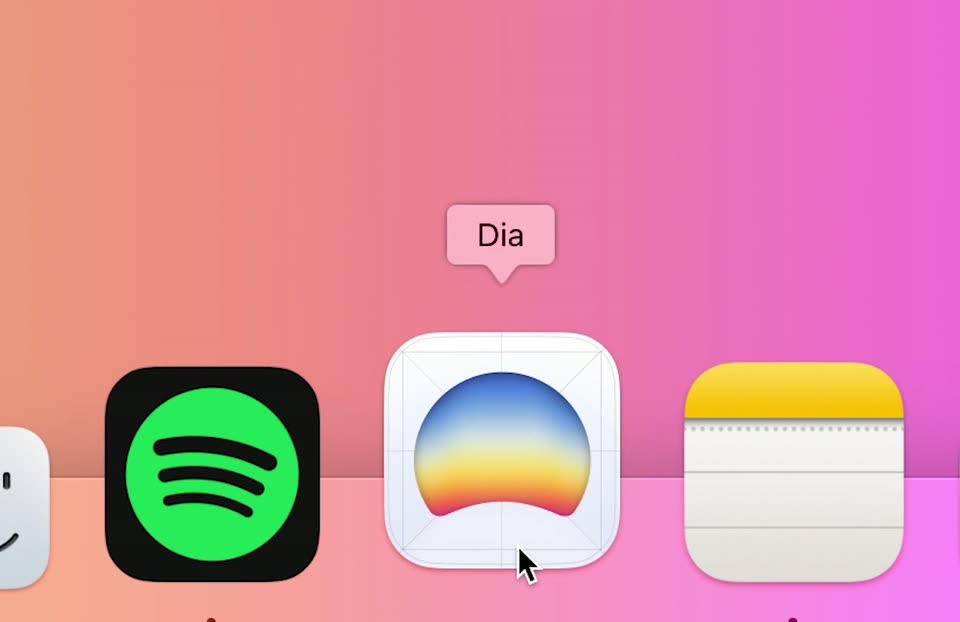 0:07–0:08The Browser Company · Dia - Complex Skills, simple words. Create expert-level prompts with the rClose-up of a macOS dock on a pink-orange gradient wallpaper. The Dia icon, a white tile with a faint grid and a blue-to-red gradient sphere, sits between Spotify and Notes. A white arrow cursor rests at its lower corner as the small “Dia” tooltip slides in above the icon.
 0:00–0:01Jitter · Jitter - New this week: Jitter plugin for Figma Buzz 🎉 Drive engagement by adA white toggle switch sits in a card. A black cursor arrow grabs the right-side knob and drags it left, the track color shifts from blue to magenta mid-drag. The knob carries a black line icon of a cone with radiating lines.
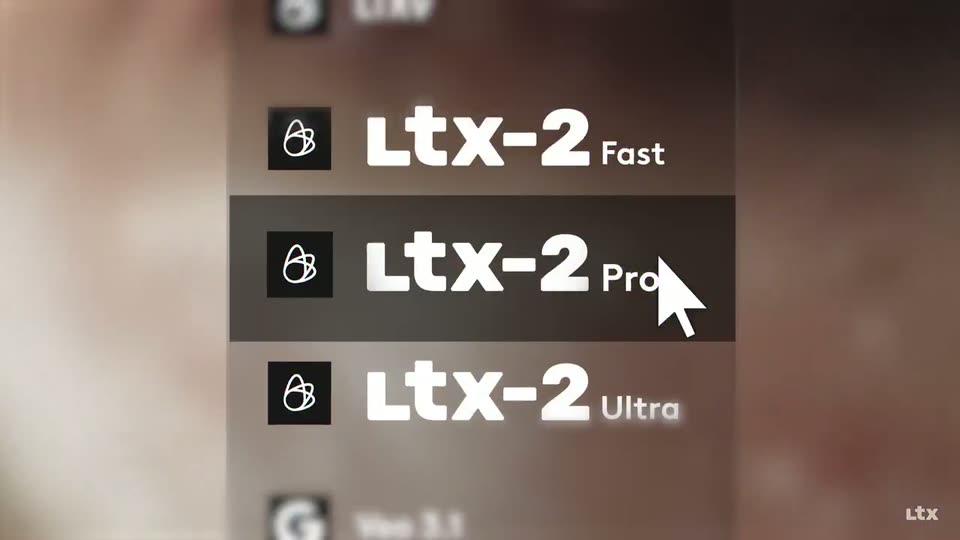 0:07–0:08LTX · LTX.io - Today we’re launching LTX-2 in LTX (we're more than a studio). LTX-2A blurred list of model options sharpens into focus as a white cursor glides onto the highlighted Ltx-2 Pro row. The list scrolls slightly upward, revealing Ltx above and Veo 3.1 below.
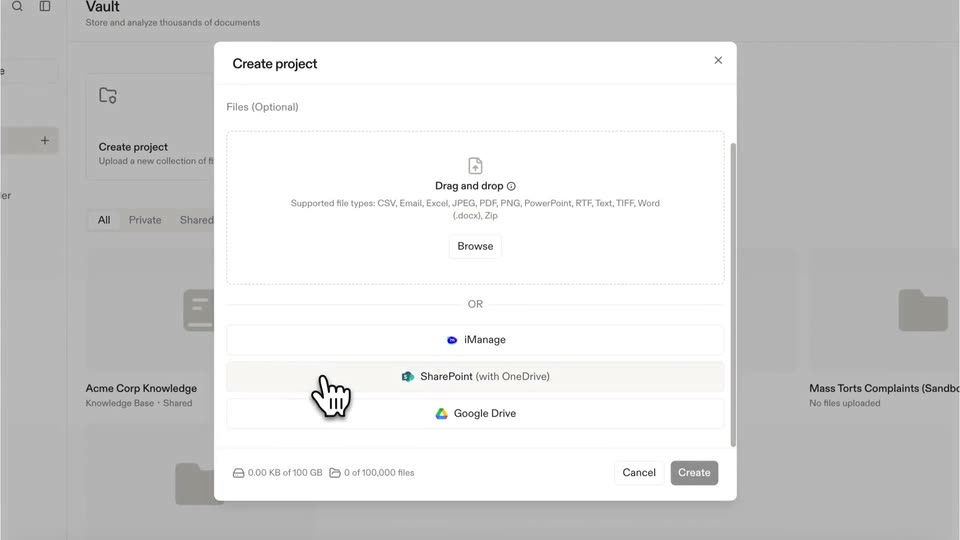 0:21 · 0.5sHarvey · Microsoft IntegrationsA dimmed Vault dashboard sits behind a white Create project modal; a static caption reads Access Institutional Knowledge. A pointing-hand cursor hovers over the SharePoint row in the source list, highlighting it, while the drag-and-drop area and the Cancel and Create buttons stay fixed.
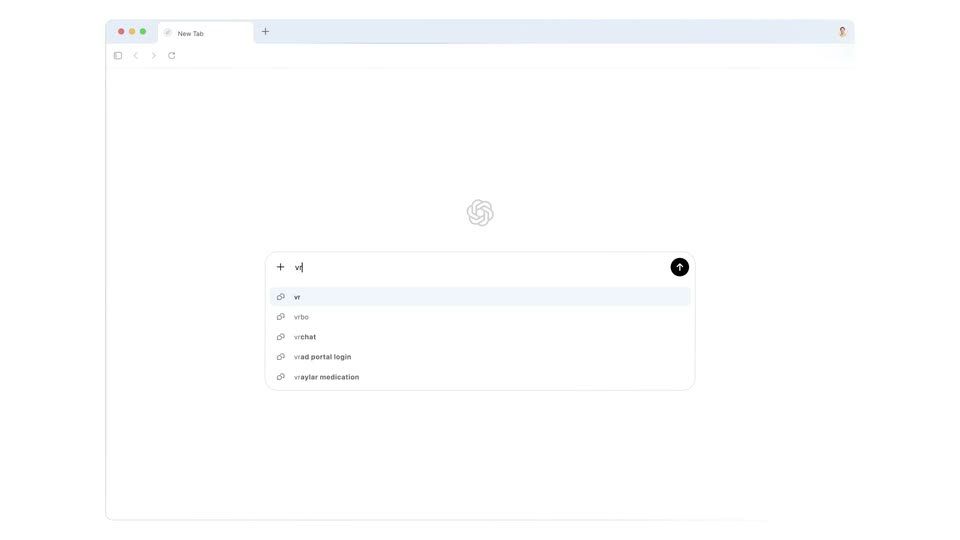 0:09–0:14OpenAI · OpenAI - Meet our new browser—ChatGPT Atlas. Available today on macOS:A flat browser window sits centered on a plain background that fades to a soft blue gradient. The address bar is typed into as “vrbo.com”, a suggestion list expands beneath it, and a cursor glides over to the up-arrow button at the bar’s right edge.
 0:26–0:27Lovable · Introducing our Shopify IntegrationA woman with a laptop sits on a couch at left as a chat input card at right types the clothing-store prompt and a cursor taps the pink send button; the card then scales up to center while the person defocuses.