Cursor demo
A visible cursor operates the interface.
15,001 scenes · page 35 of 251
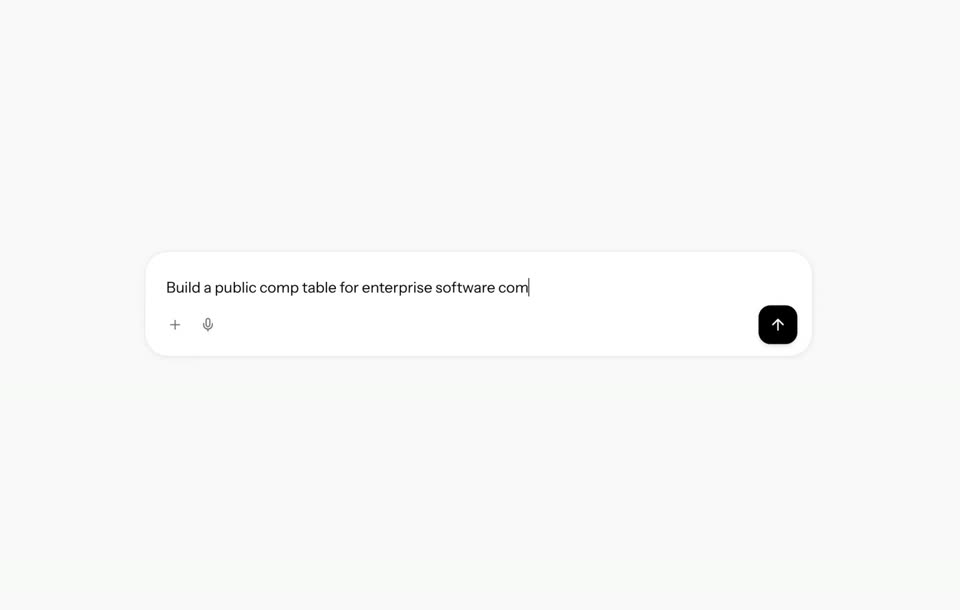 0:01–0:07Doe · doe - Big update: Doe is reinventing work. We’re cutting time spent on offA white prompt bar sits centered on a light gray background. A black cursor slides in, clicks the field, and the prompt “Build a public comp table for enterprise software companies” types out letter by letter. The send button fills from gray to black, and the cursor moves to it and presses it.
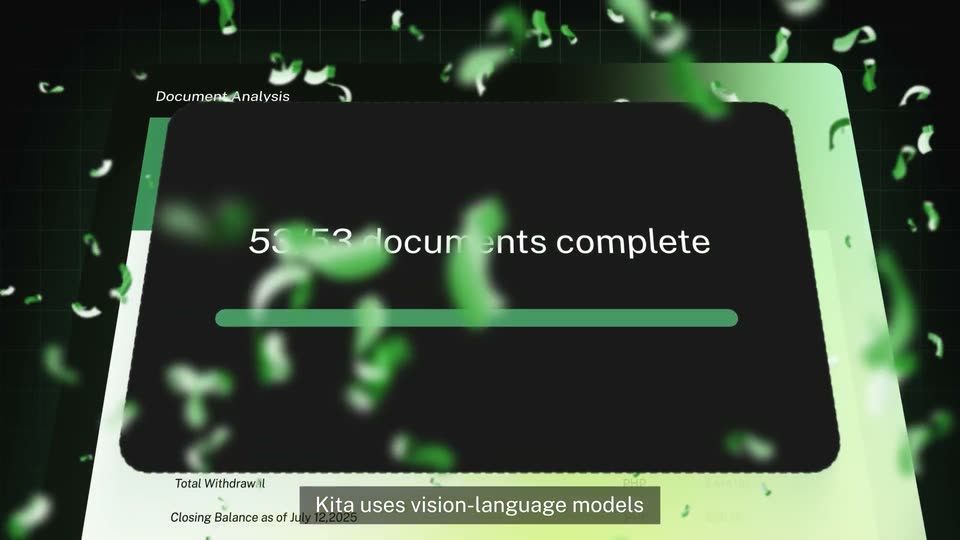 0:24–0:27Kita · Kita (YC W26) – Launch VideoA dark upload card on a grid background shows hand cursors over the drop zone as the counter ticks from 44 to 53 of 53 documents and the progress bar fills. The card then dissolves into a burst of green particles, leaving the 53/53 documents complete line on screen.
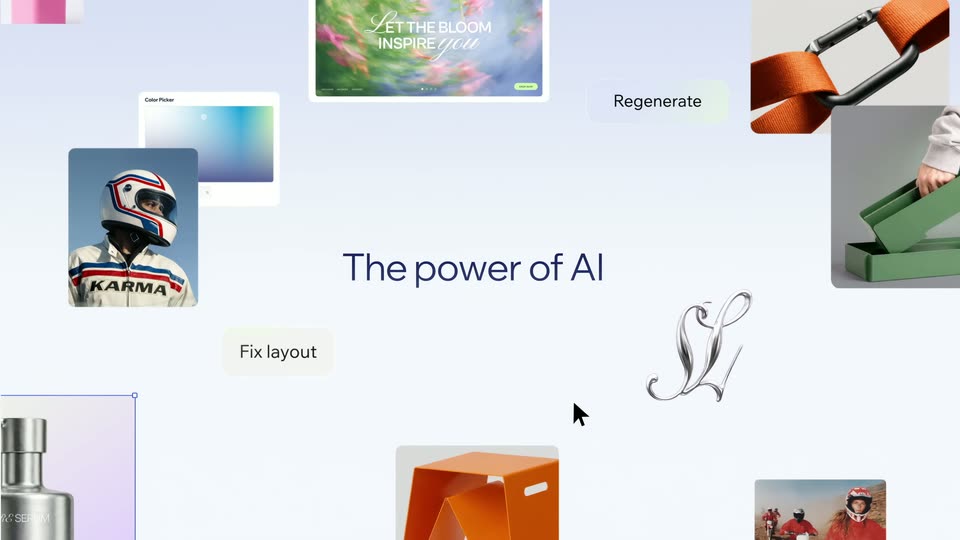 0:05–0:06Wix Harmony · Wix Harmony: The new way to createA pale gray canvas fills with scattered product UI chips and content cards, a color picker, Regenerate and Fix layout buttons, a floral banner, a helmeted mannequin and boxes, fading in around a central serif headline that slides in. A cursor drifts toward the Fix layout button.
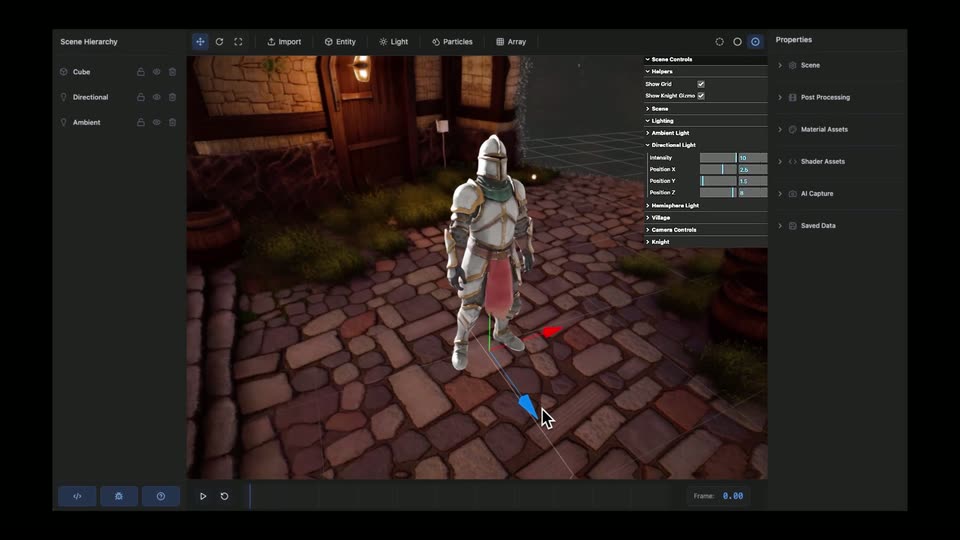 0:08–0:10World Labs · World Labs - The World API is live. Generate persistent, explorable 3D worlds froA white 'Gaming' headline appears over a white-armored knight in a cobblestone village viewport. The view widens to the full 3D editor, then a cursor drags the blue transform gizmo at the knight's feet next to a light-properties panel.
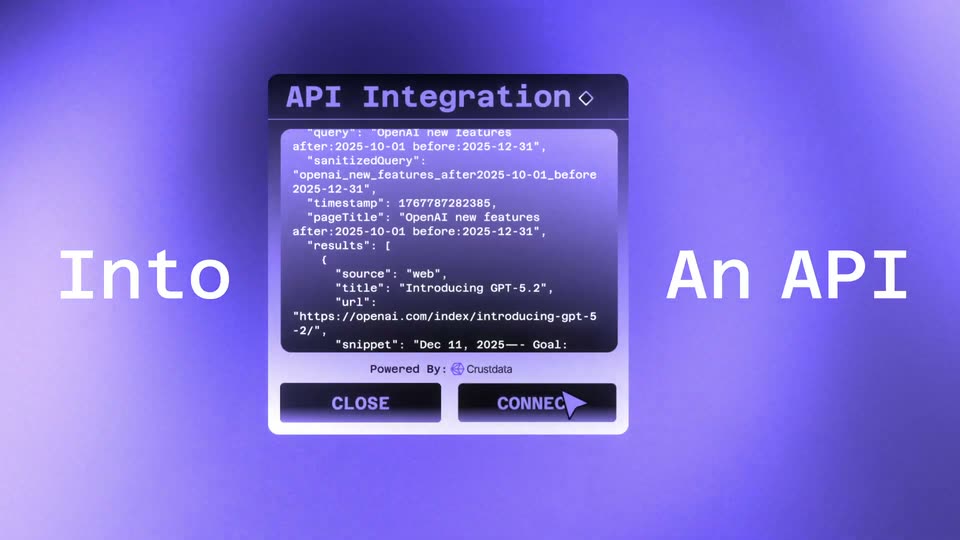 0:01–0:02Crustdata · Crustdata: Web Search APIA purple gradient background frames a centered API Integration modal that fades in and sharpens, revealing a JSON code block and CLOSE and CONNECT buttons. The white words Into and An API sit on either side, and a cursor slides onto the CONNECT button.
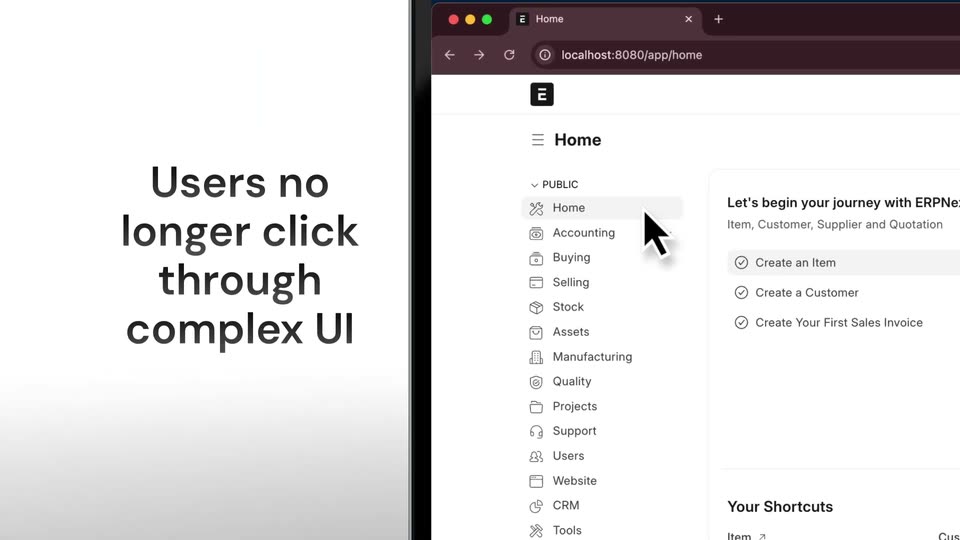 0:08–0:09Turnstone · Crow Launch VideoA white laptop mockup in 3D perspective shows an ERP dashboard, then the camera zooms into the screen as a bold black headline slides in on the left. A cursor hovers over the sidebar menu.
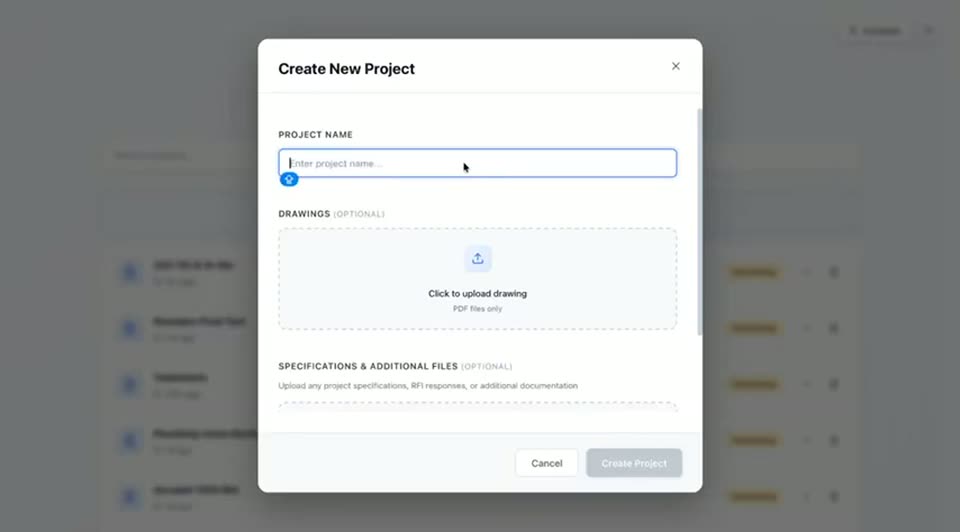 0:00–0:04Bidflow · Bidflow DemoA white Create New Project dialog sits over a blurred dashboard. A cursor clicks the project name field, types Demo as a name-suggestion list flashes, then moves to the upload box while the Create Project button turns blue.
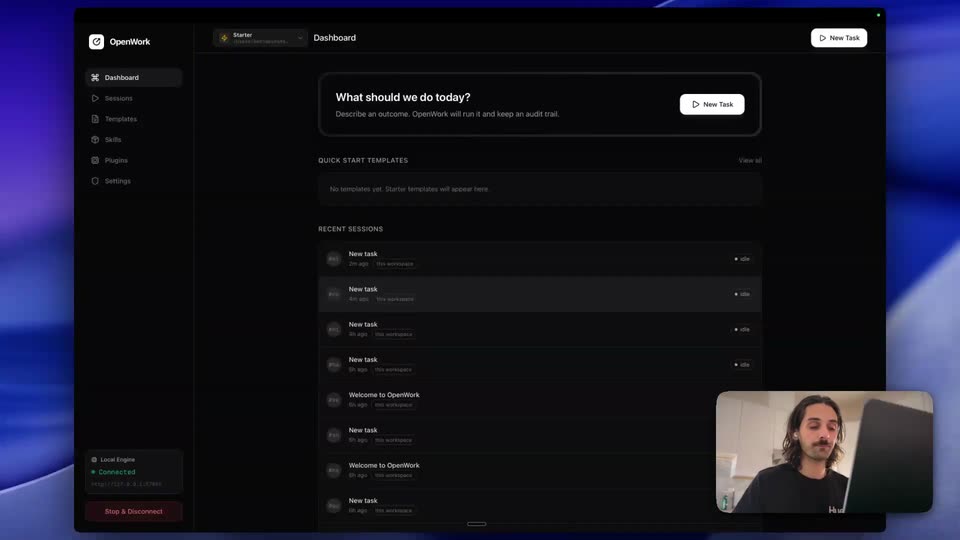 0:12–0:18OpenWork · OpenWork: The open-source alternative to Claude CoworkA dark OpenWork dashboard fills the frame, showing a prompt box, a template section and a recent sessions list, with a small video of a man speaking in the lower right corner. At the end the view zooms in and a cursor appears near the New Task button.
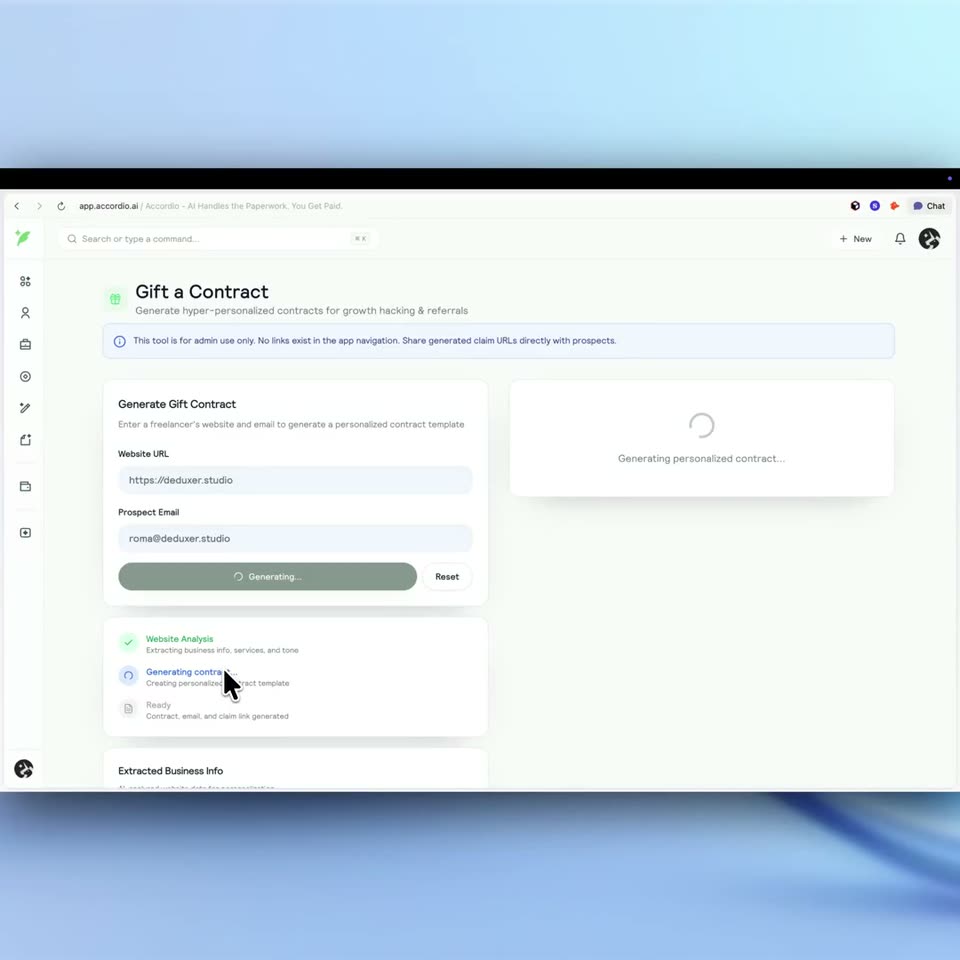 0:00–0:17Accordio · Accordio AI - Vibe coded a gift contract tool yesterday. Took 2 hours. Add someoneA browser window shows the Accordo app's Gift a Contract form. A cursor types a URL and email, then clicks Generate Contract. The frame zooms into the form and back out, then scrolls down to reveal an extracted business info table with tags.
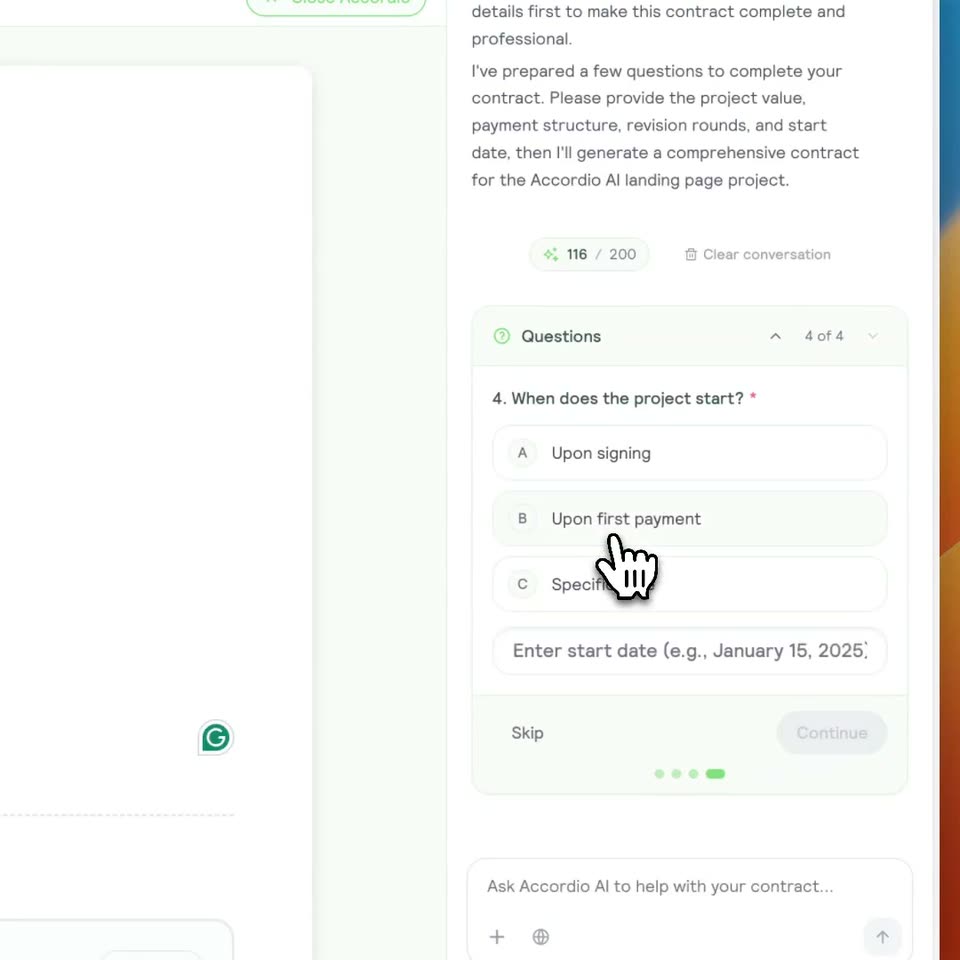 0:00–0:14Accordio · Accordio AI - Founders spend way too much time on contracts. In 2026, you describA browser window of a contract app on a colorful abstract background zooms into its right-hand AI panel. A cursor clicks through four multiple-choice questions in a chat card; each selected option highlights green as the next question loads.
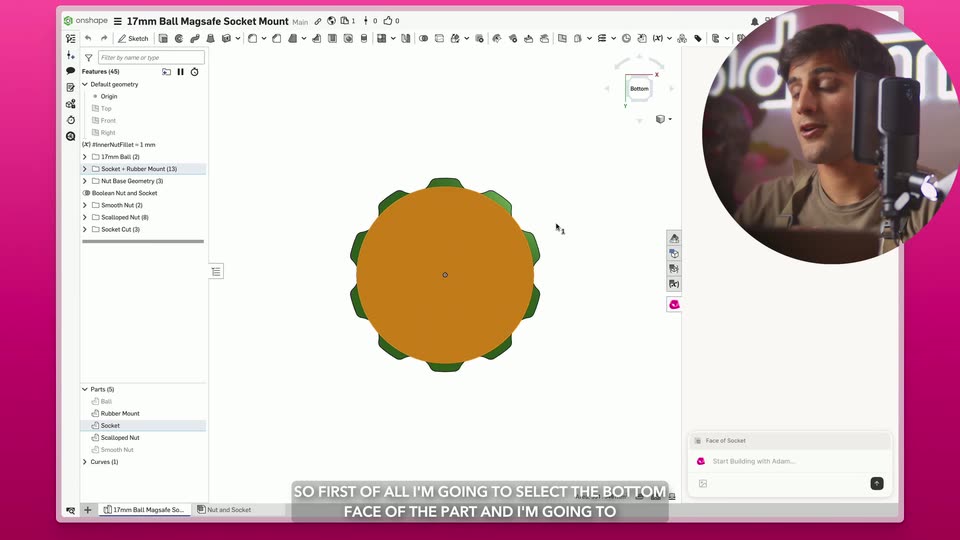 0:22–0:25Adam · adam - Introducing Adam, the first AI mechanical engineerA CAD screen on a pink desktop shows a green and gray socket model in 3D. The model rotates from a three-quarter view to face its bottom, which highlights orange when selected, while a circular webcam of the presenter sits top right. White subtitles run along the bottom.
 0:00–0:02The Browser Company · Dia - Never late, always prepared. Meeting Tab Groups, now in Dia.A browser window with a glowing calendar tab sits beside an open calendar panel listing events. A cursor moves from the tab to the event list while the view reframes, shrinking the browser and enlarging the calendar.
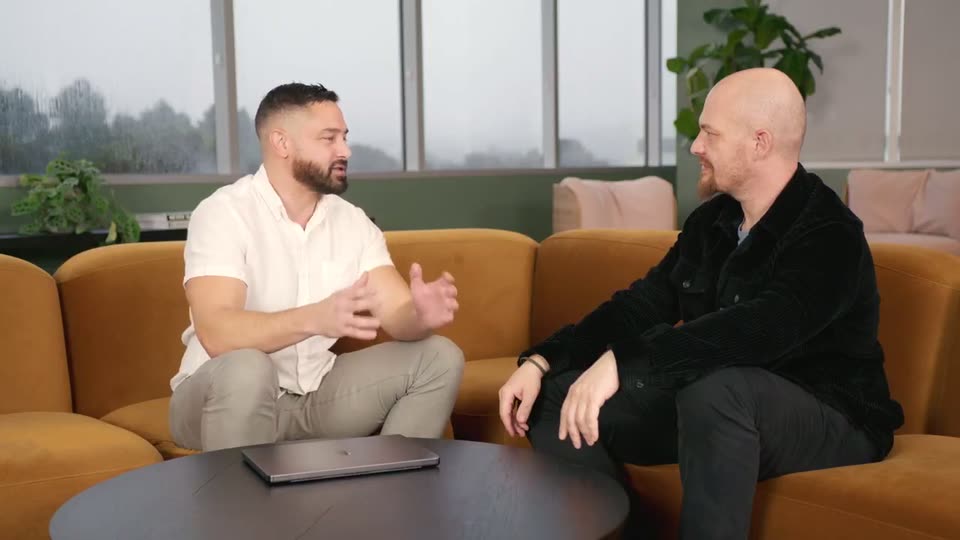 1:49–2:00Replit · Replit ⠕ - AI builds web apps well. Mobile apps have been harder. Now, the iTwo men sit on a mustard sectional in a bright lounge, the bearded man in a white shirt talking and gesturing while the bald man in a black jacket listens. He reaches for the closed laptop on the table as the frame dissolves into the product's prompt screen.
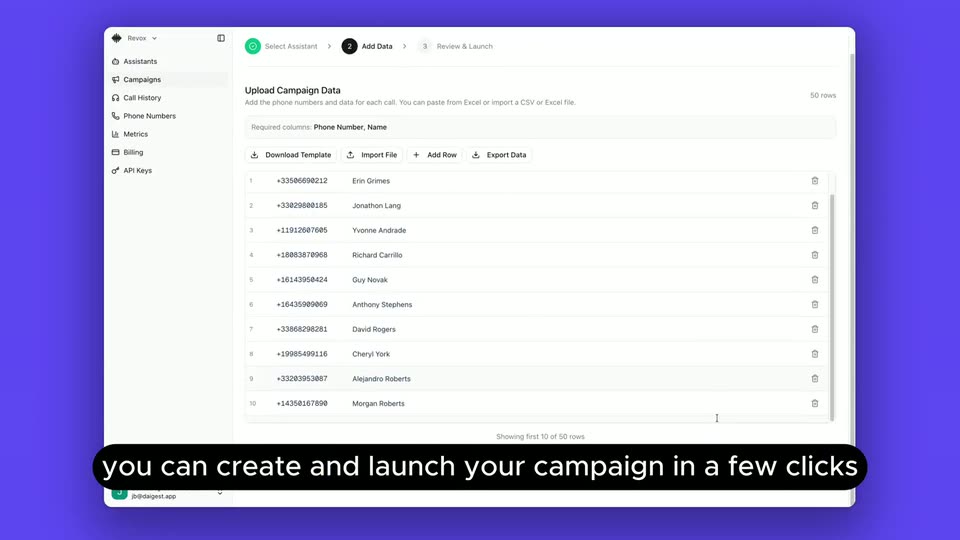 0:48–0:52Revox · Revox - We raised $3M to build Revox: Stripe for AI phone calls. We’re buildA 3D-tilted campaign builder UI on a violet background advances through three steps: an assistant dropdown opens, a data table populates with rows, then a summary panel shows a cursor on the launch button. A black caption pill reads across the bottom.
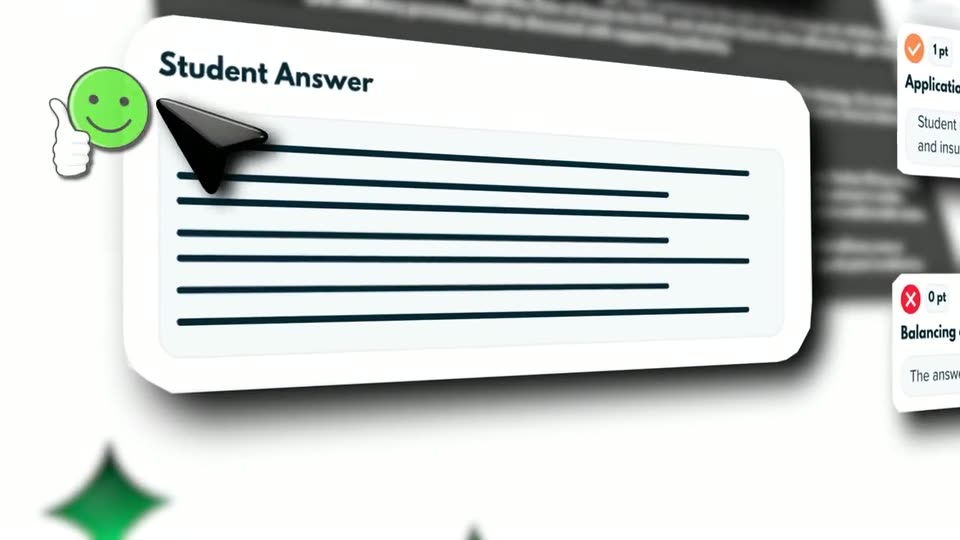 0:19–0:22Eduface · SaaS Explainer Video for Eduface (Motion Graphics)A 3D stack of grading cards sits under a navy “AI Grading” headline. The camera pushes in to reframe on the student answer and AI feedback cards as a cursor and thumbs-up, thinking, thumbs-down emoji pop in.
 0:05–0:07Skillsync · Y Combinator - Skillsync helps companies find elite (but overlooked!) engineers on GA white Google search page fills the frame, the multicolor logo centered above a rounded search bar. The query types out as “how to find great coders to hire” while autocomplete suggestions shuffle beneath, then a black cursor moves in and clicks the bar.
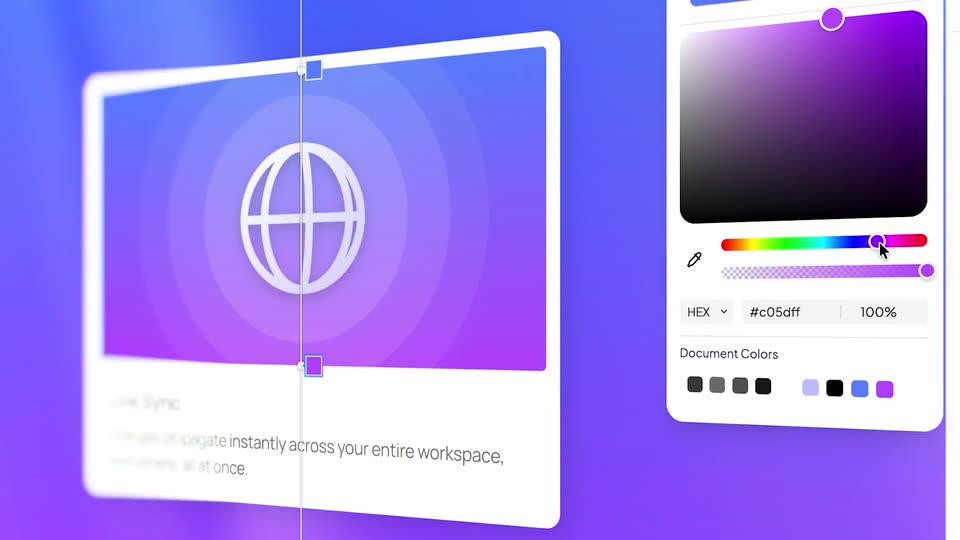 0:18–0:19Lottielab · Lottielab - Introducing Bento Blocks! 🍱 A brand new template pack with bento-styTwo floating UI cards sit in 3D perspective on a gradient field that shifts from blue to magenta. A cursor drags the hue slider on the color picker, and the left card's globe image and accent color update to match.
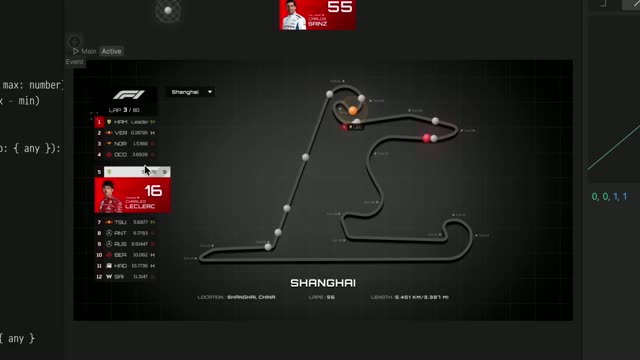 0:14–0:15Rive · Scripting is Live in Rive ✨A dark F1 dashboard fills the screen: a leaderboard on the left cycles highlighted rows, a driver card pops up beside each, while a Shanghai track map on the right shows small dots moving along the circuit. A cursor drifts over the list.
 0:02–0:05Anthropic · Introducing Cowork: Claude Code for the rest of your workA white pill button labeled Chat sits centered on a cream background as a cursor hovers below it. The pill widens to reveal a grayed Cowork segment, the cursor slides right and the white highlight shifts under Cowork, then the button shrinks to a tiny orange shape.
 0:02–0:05Anthropic · Claude - Introducing Cowork: Claude Code for the rest of your work. Cowork leOn a cream background, a black cursor hovers a white Chat pill, which expands right to reveal a beige Cowork segment, then settles into a two-part toggle with a thin divider.
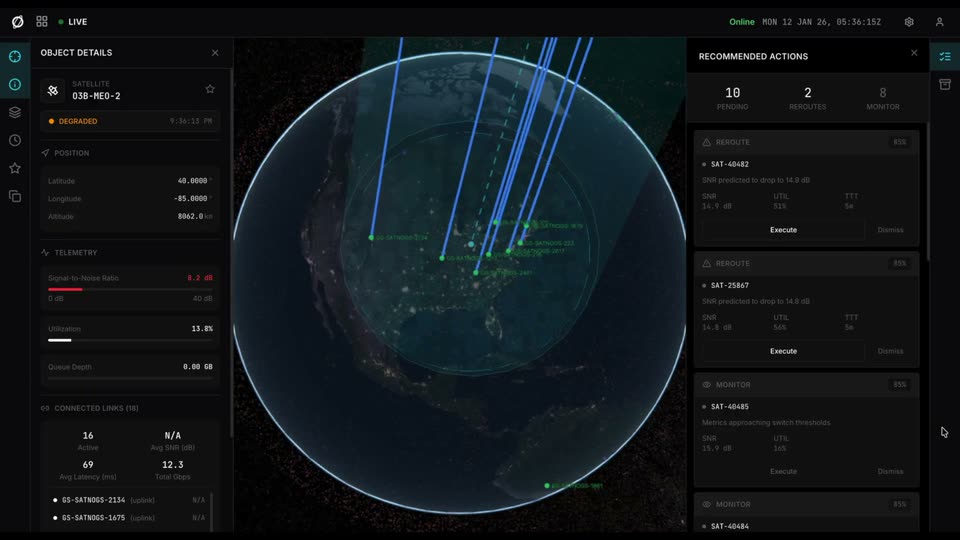 0:20–0:32Constellation Space · Constellation — The Operating System for Space (YC W26)A dark satellite-ops dashboard frames a 3D Earth globe in the center. Blue link lines draw from the orbiting satellite to green ground-station markers as the globe zooms in. The right panel loads and fills with reroute cards; a cursor drifts across.
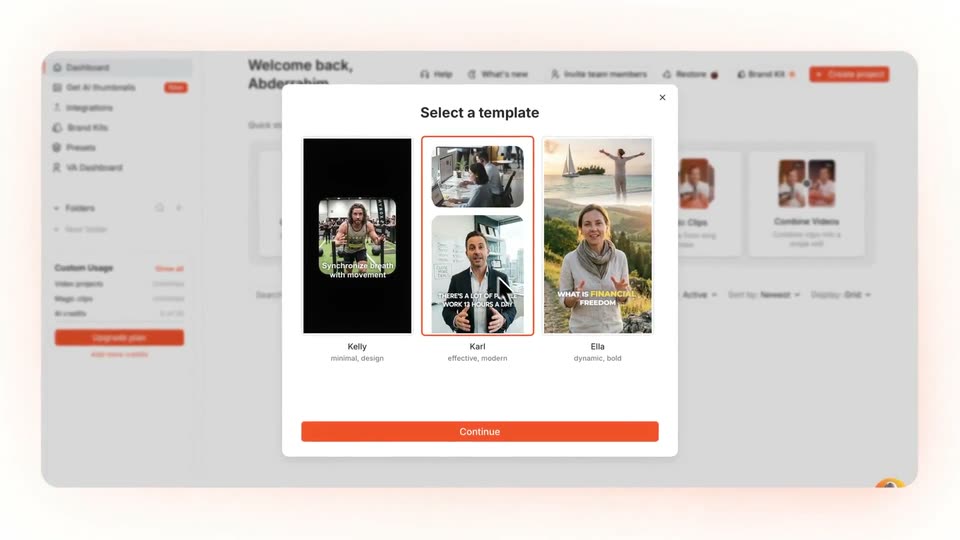 0:04–0:07Submagic · Submagic - Introducing AI Auto Edit, a new way to edit videos. What if video edA white template-selection modal slides in over a blurred dashboard. A cursor moves to the middle thumbnail, which gains an orange outline, then rests on the orange Continue button.
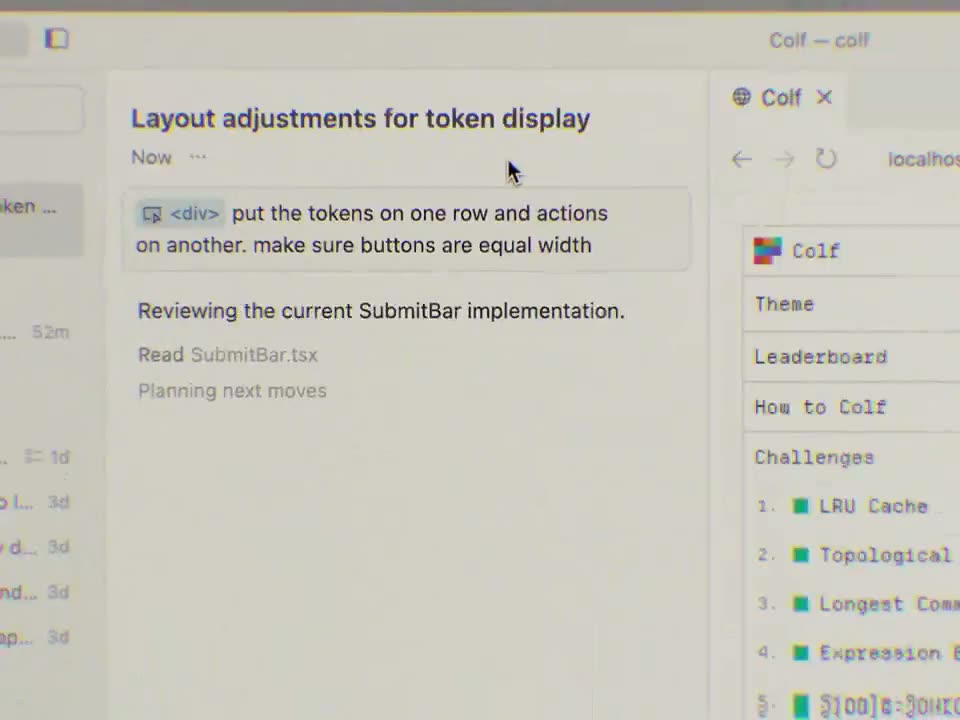 0:52–0:53a16z · a16z - It's time to build.A chat interface types a prompt, then a quick white transition reveals a new screen. The input reads Create an app that plans and organizes my travel itinerary, and a status panel above shows Deciding on app setup and doc creation.
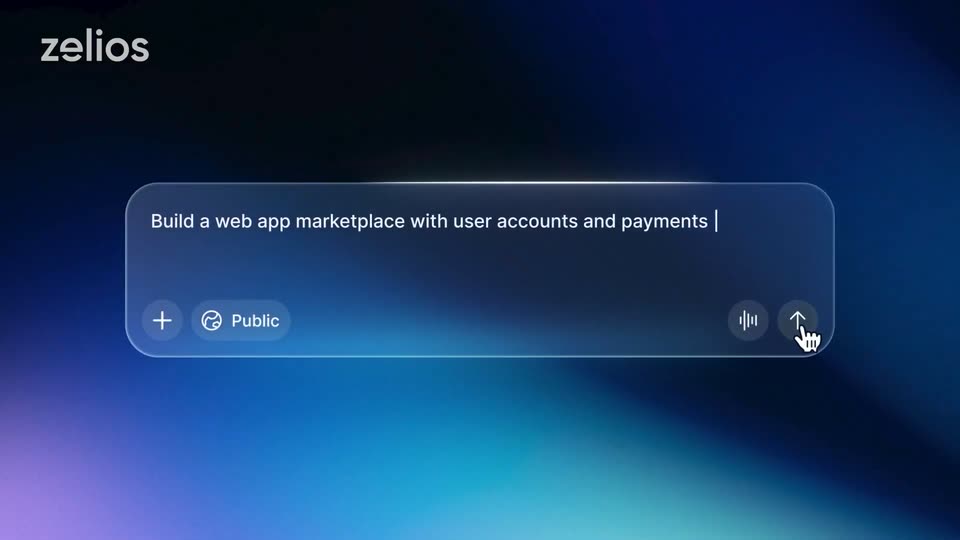 0:16 · 0.8sLovio · Best AI Product Video for SaaS | LovioA frosted-glass prompt box floats on a dark blue gradient, holding the typed line about a web app marketplace with a blinking caret. A white hand cursor glides up and taps the up-arrow send icon at the box's right edge.
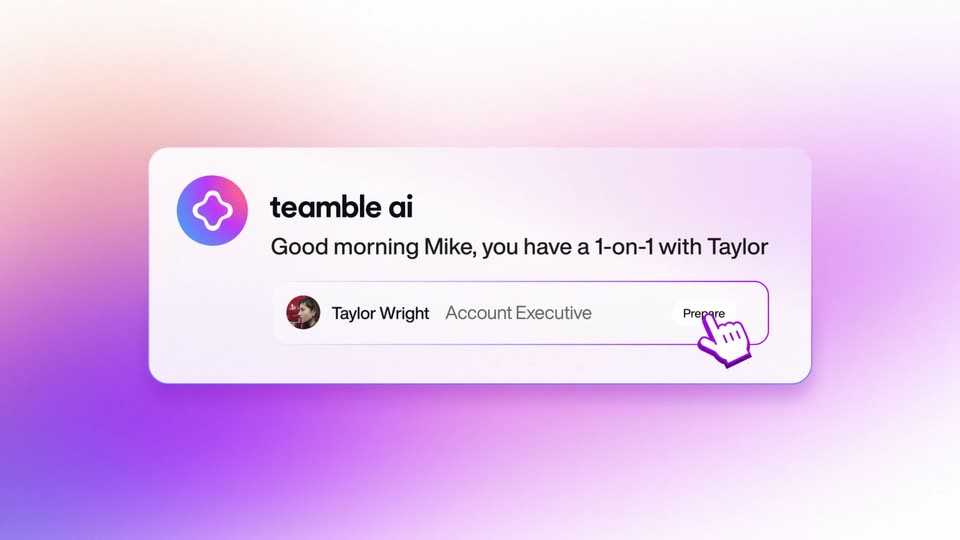 0:15–0:17Teamble · Teamble launch filmA white teamble ai chat card sits centered on a soft pink and purple gradient. A purple cartoon hand cursor glides in from the lower right and taps the Prepare button inside the card.
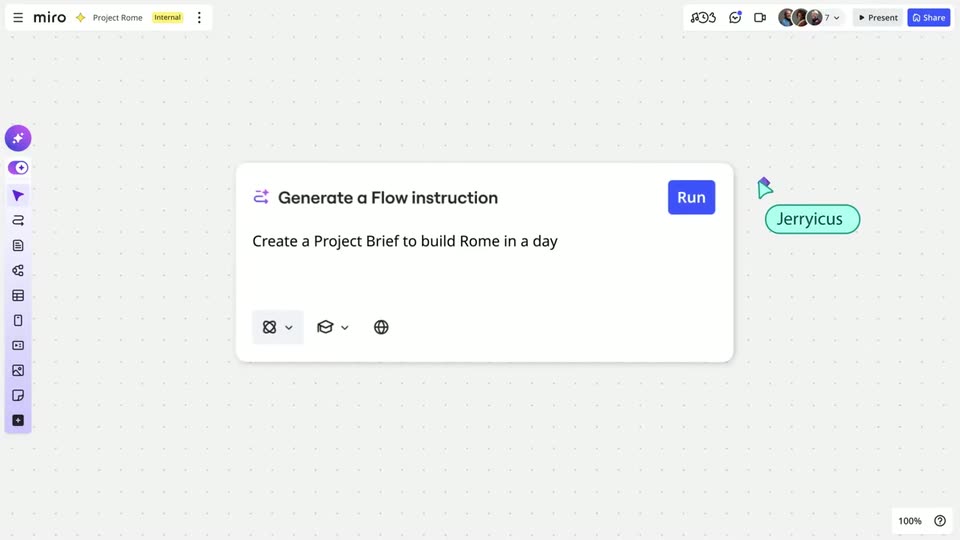 0:16–0:19Miro · Miro - With the Miro AI Innovation Workspace, teams can get practically anytOn a dotted Miro canvas, a white instruction card sits center. The green Jerrycus cursor types a one-line prompt, the Run button turns blue, then the view pans right and a large periwinkle frame slides in with Discard, Iterate and Add to canvas buttons above it.
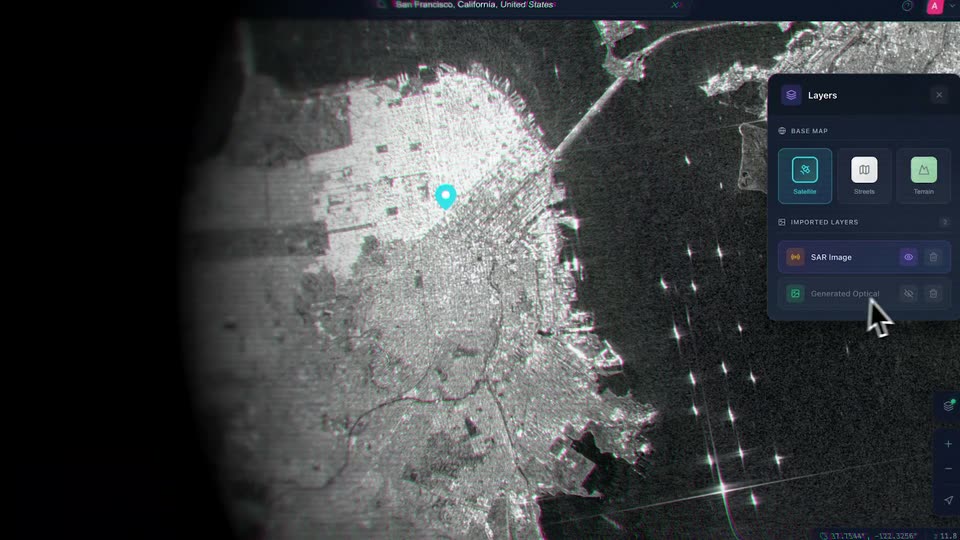 0:22–0:25AxionOrbital Space · Axion - A family of State-of-the-Art models for 24/7 Earth Observation - YC W26 LaunchA grayscale radar map of San Francisco fills a dark viewer, with a Layers panel on the right. A cursor glides over the map, then a circular mask opens and zooms onto the panel as a hand cursor hovers a row. The headline 'It works at night' overlays the scene.
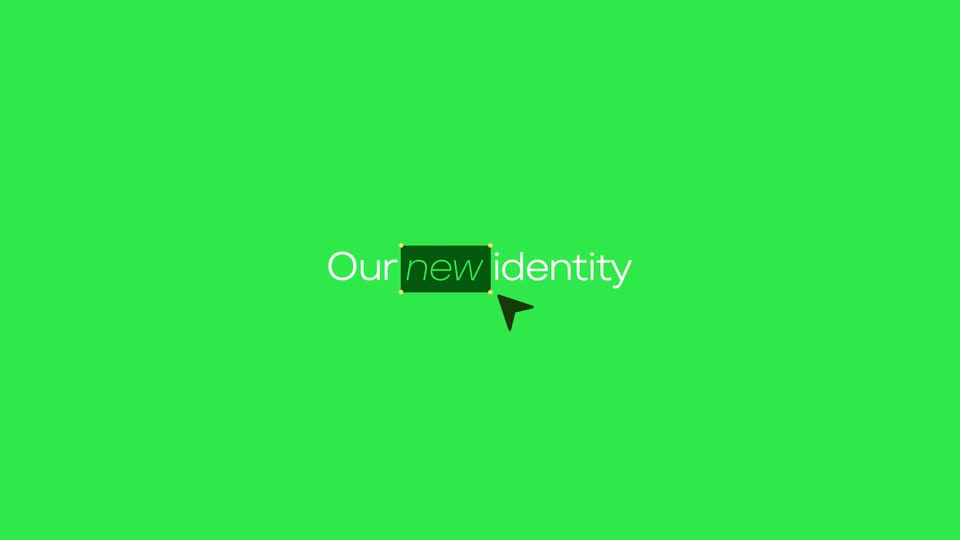 0:00–0:04Busha · Busha - Welcome to a new era. Say hello to Busha 3.0 🚀 #Busha3.0On a flat green field, the word Introducing fades in, then Our new identity appears. A black cursor selects the word new, which snaps to bold uppercase NEW as a green selection box with yellow corner handles scales up to frame the line.
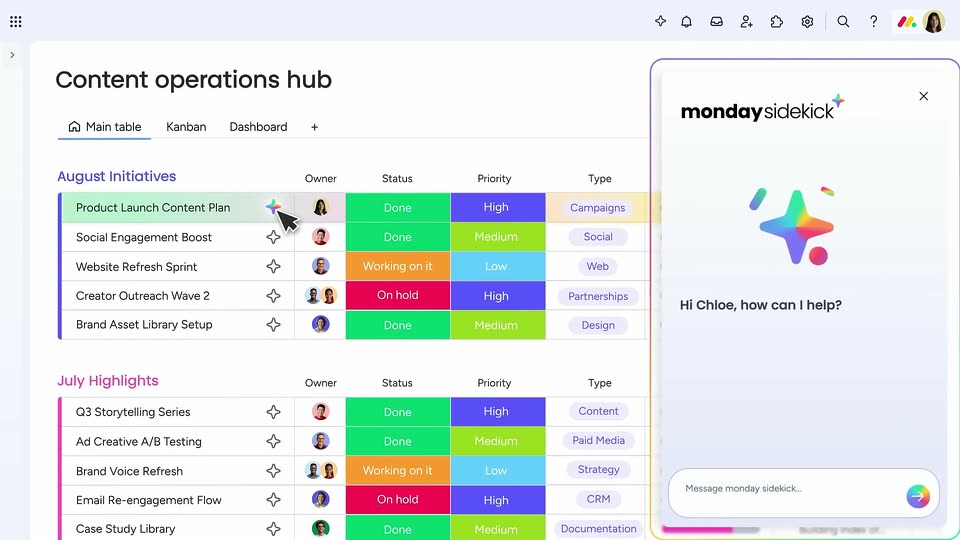 0:05–0:09monday sidekick · monday sidekick: AI that actually worksA monday.com table titled Content operations hub fills the frame, with green, orange and red status pills and blue, green priority pills. A cursor clicks the sparkle icon on the first row, and a monday sidekick panel slides in from the right, showing a multicolor star and the greeting Hi Chloe, how can I help? with suggestion buttons.
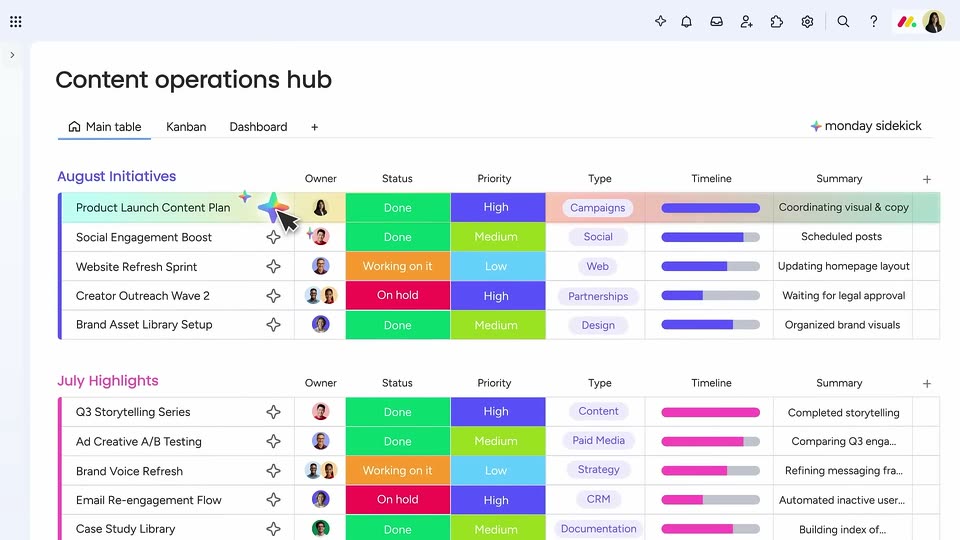 0:05–0:08monday sidekick · monday sidekick: AI that actually worksA project table fills with colored status and priority pills. A cursor clicks the star icon on the first row, highlighting it. A sidekick panel slides in from the right, showing a 3D star logo and a greeting prompt.
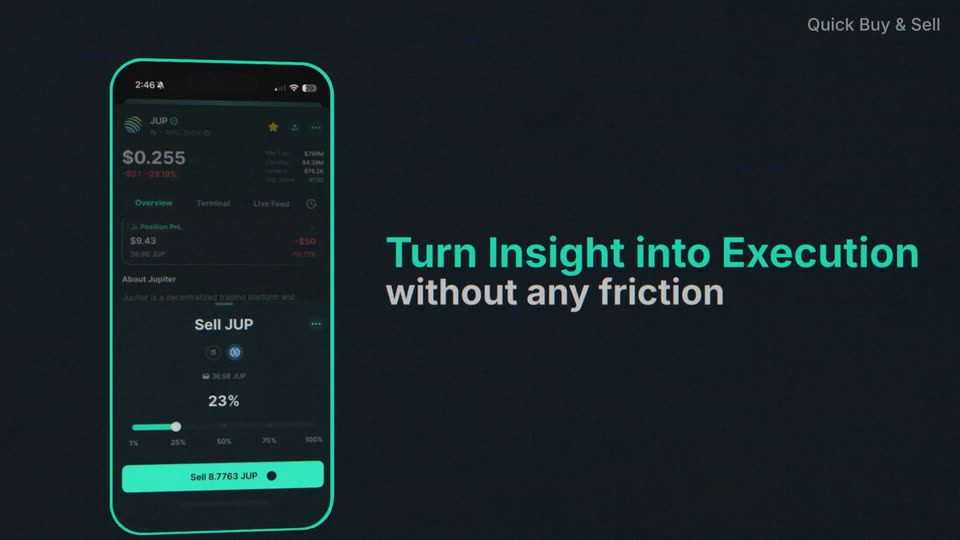 1:02–1:07Jupiter · Jupiter - To kick off the new year with a bang, we are announcing Jupiter MobilA glowing phone mockup tilts into place on the left, its sell slider sweeping through percentages while the sell amount updates. A cursor taps the green sell button, a success toast pops up, and the phone scrolls up as the teal headline holds on the right.
 0:09–0:10Oxus · Oxus: Modern intelligence for better auditsA close-up of a spreadsheet listing employee IDs, names and email addresses. A green cell outline shifts down one row to Mia Lee's email field as a black cursor hovers over it. The framing stays static.
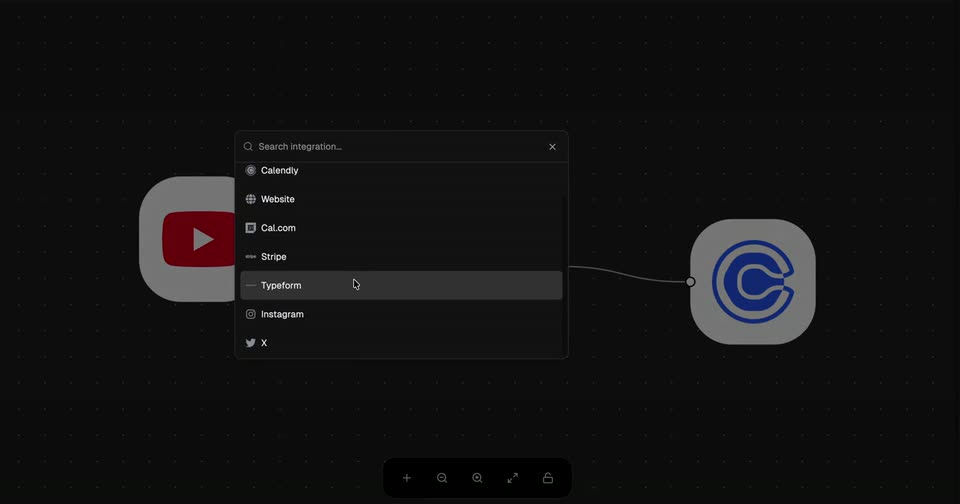 0:00–0:09Pulse · Pulse App - Fresh new animations for the funnel builder page. If you're new herA dark node editor shows three white app tiles (YouTube, globe, blue C logo) linked by curved lines. A cursor opens an integration list, picks Typeform, and drags a new Typeform tile into place above the row.
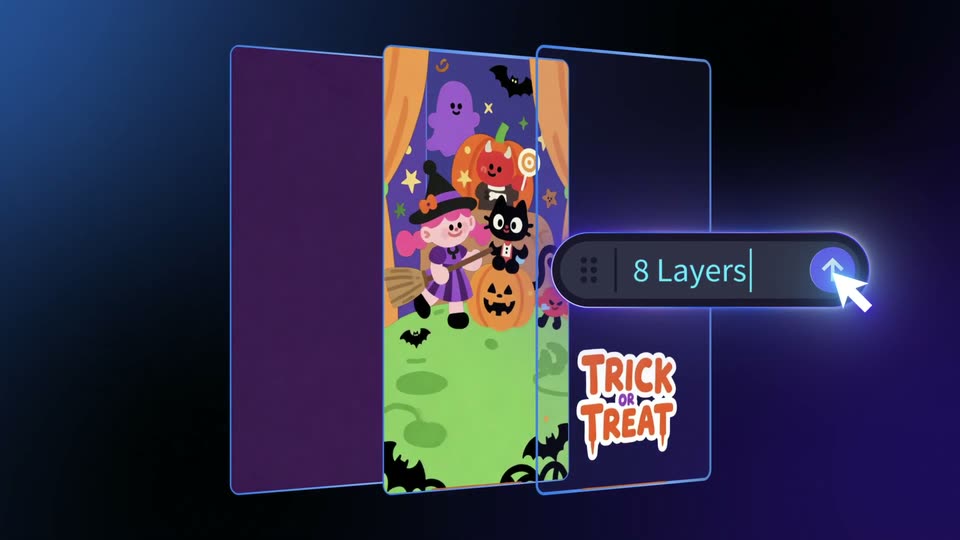 0:09–0:11Qwen · Qwen - 🎨 Qwen-Image-Layered is LIVE — native image decomposition, fully openA Halloween illustration on a vertical card splits into separate layers that fan apart in 3D as two glass panels swing open. A cursor taps an up arrow on a side pill, raising the layer count from 3 to 8.
 0:06–0:08Anthropic · Let Claude handle work in your browserA blank Google Docs window sits centered on a beige background. A white cursor glides from the right edge up to the Share button in the top bar and hovers, tinting it light blue.
 0:00–0:04Raycast · New Raycast. Coming 2026A glassy search bar in 3D perspective appears over a dark background, showing a diamond logo, a blinking caret, and the “Search” placeholder. The bar scales up as a letter is typed, then the view reframes to reveal a results row with a clipboard icon and a “ch” chip.
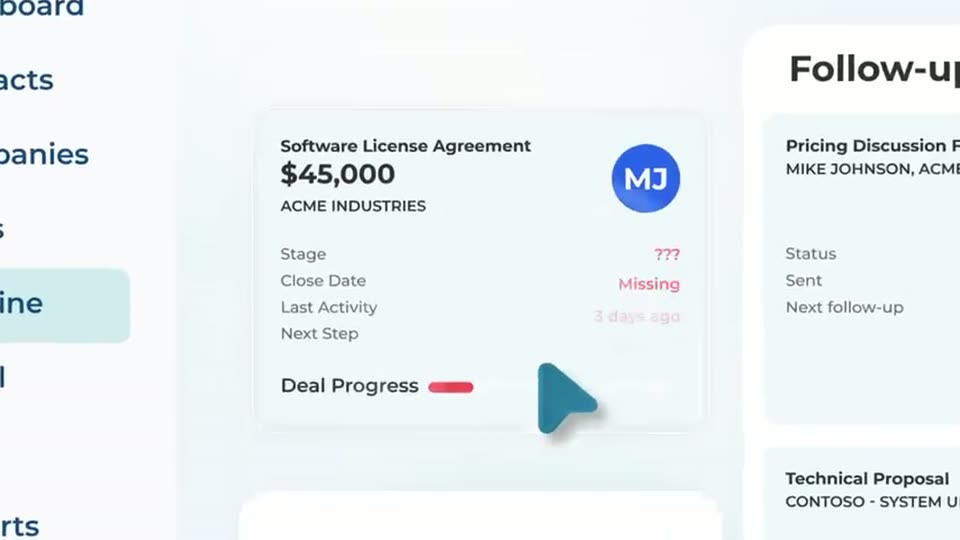 0:08–0:11Ergo · Ergo (joinergo.com) Launch VideoA flat CRM dashboard with a sidebar and three columns sits on a light gradient background. The view pushes in on the middle column as a blue 3D cursor hovers a deal card, which expands to reveal stage, close date and a progress bar.
 0:04–0:05Lovable · Lovable - Introducing Lovable Connectors. Build more powerful apps by connectiA pale grid of integration cards fills the frame; a gradient cursor hovers the Miro tile, which flips to a green Enabled badge. The screen crossfades to a purple gradient settings view as a white panel slides up, revealing a left menu and a Connectors panel.
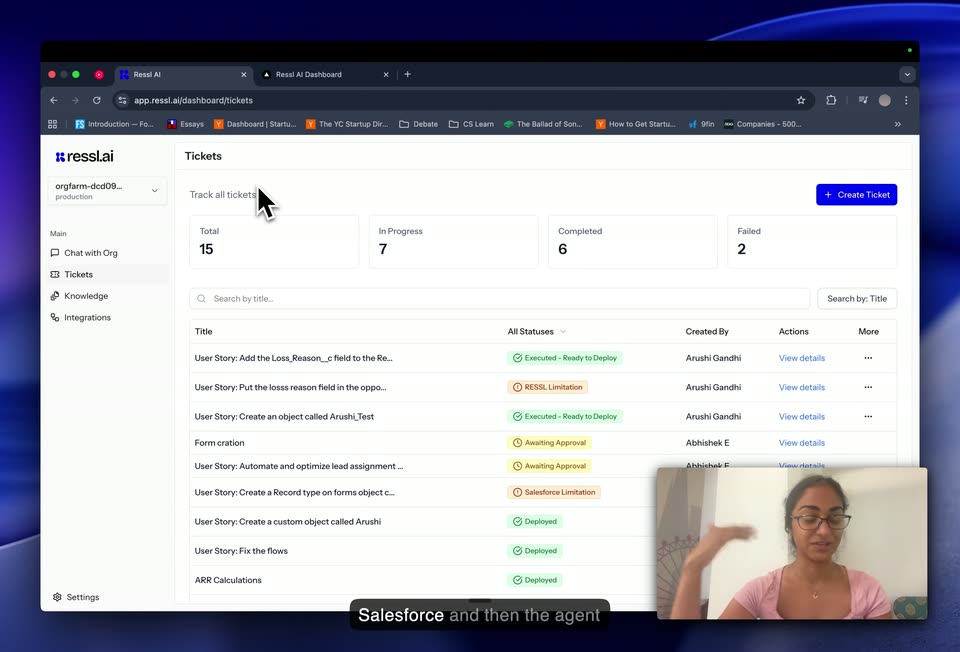 0:00–0:41Ressl · Ressl AI x Launch BookfaceA browser window shows the resslai Tickets dashboard with stat cards and a ticket table, static throughout. A small video inset in the bottom right shows a woman speaking and gesturing. Subtitle captions roll at the bottom. Near the end, a cursor clicks Create Ticket, opening a form modal.
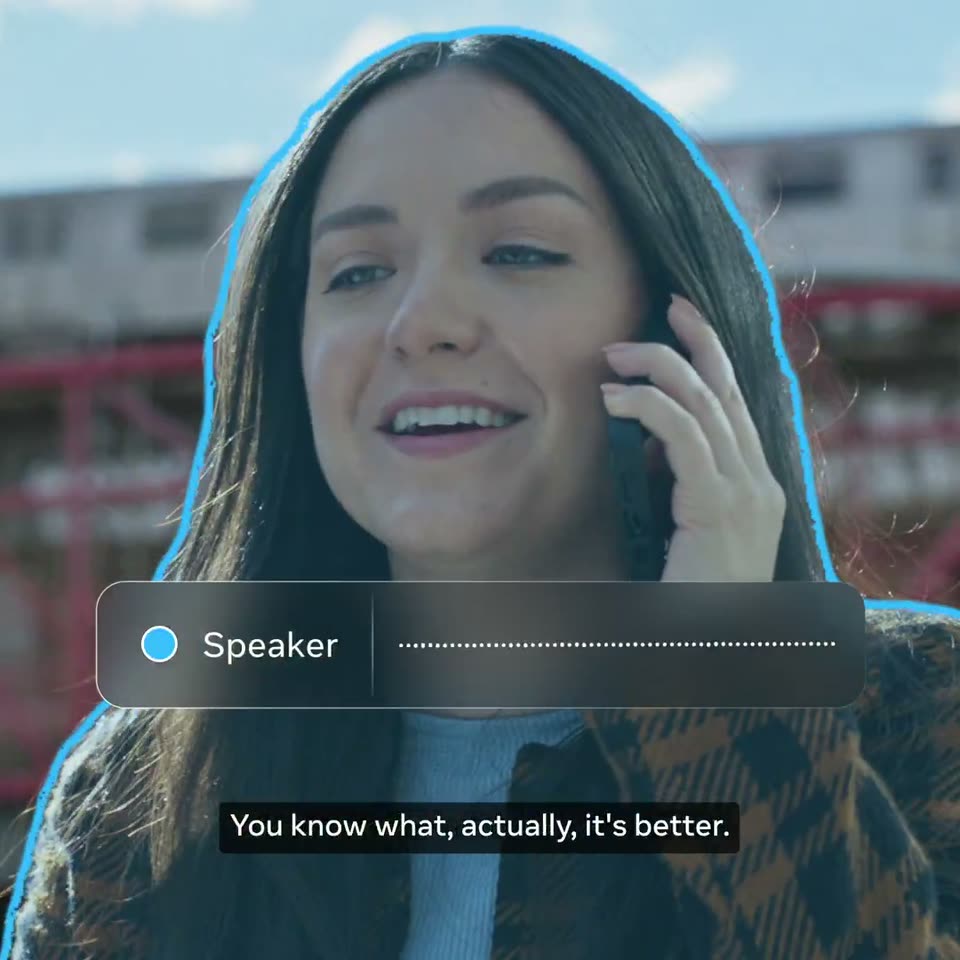 0:20–0:29Meta · AI at Meta - 🔉 Introducing SAM Audio, the first unified model that isolates any soA woman on a phone in front of a blurred red coaster. A green sketch outline traces the passing train and a cursor points to it; a blue outline then traces the woman as a labeled waveform bar appears. Subtitles run along the bottom.
 0:52–0:56Sierra · Sierra: introduction to videoA rounded chat input pill centered on a cream background. 'Graet, ty' is typed with a red squiggle, then deleted and retyped as 'I mean great, sorry' while the pill widens and the send button slides right; it turns blue and a cursor arrow clicks it.
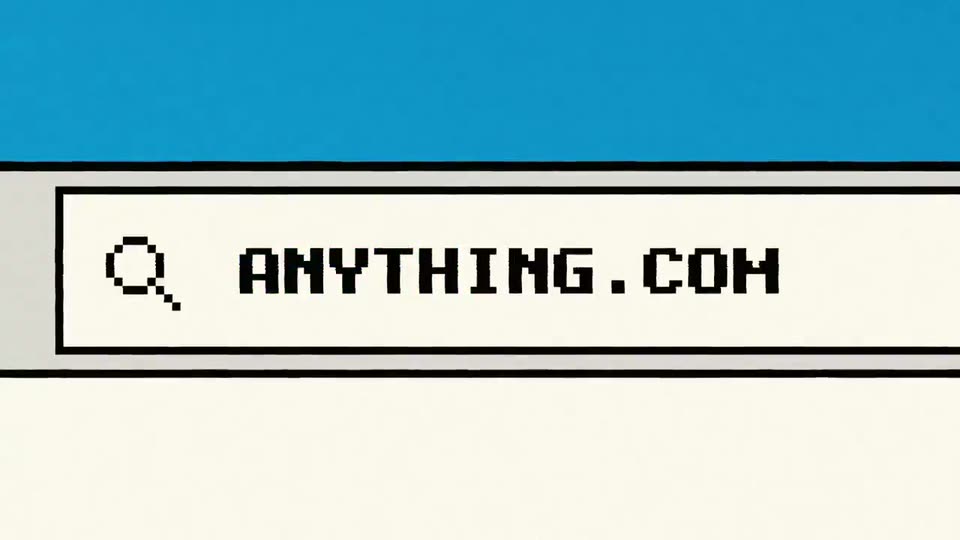 0:06–0:08Anything · Anything - we took the internet’s best domainA pixel-art browser search bar fills the frame. The query CREATEANYTHING.COM is typed, then the CREATE part is selected in a blue highlight and deleted, leaving ANYTHING.COM. A pixel arrow cursor appears below the bar and drifts a few pixels.
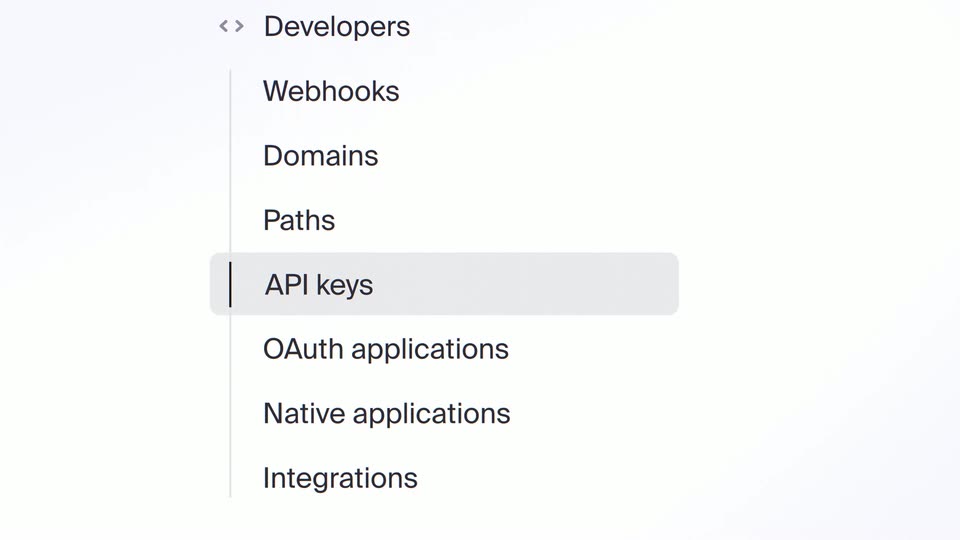 0:06–0:08Clerk · Clerk - Introducing API Keys Public Beta Secure your routes with Clerk's manA light sidebar menu lists Developers, Webhooks, Domains, Paths, API keys and OAuth applications; the API keys row carries a gray highlight bar. The list scrolls up a few rows while a cursor arrow rests at the right edge.
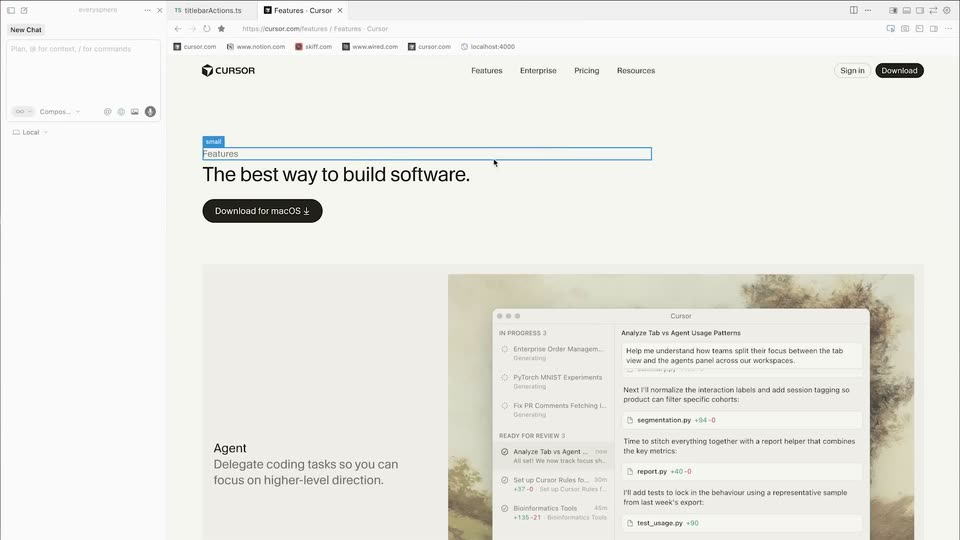 0:20–0:27Cursor · A new visual editor: design directly in your codebaseA browser window displays the Cursor features page. The cursor moves to the top right corner and clicks, then a blue selection outline snaps onto the header, the Features label, and the main heading one after another.
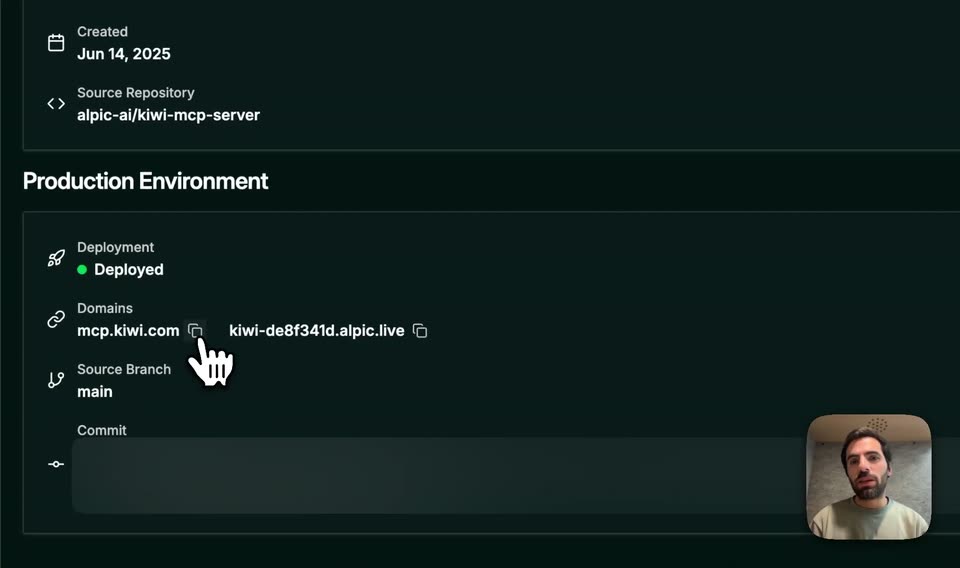 0:00–0:29Alpic · Alpic launch week 2: PlaygroundA dark ALPIC dashboard shows the Overview page with a Production Environment card listing domains and branch. A man in a beige shirt speaks in a small webcam box at bottom right. A cursor drifts over the page, then the view zooms into the domains row before pulling back.
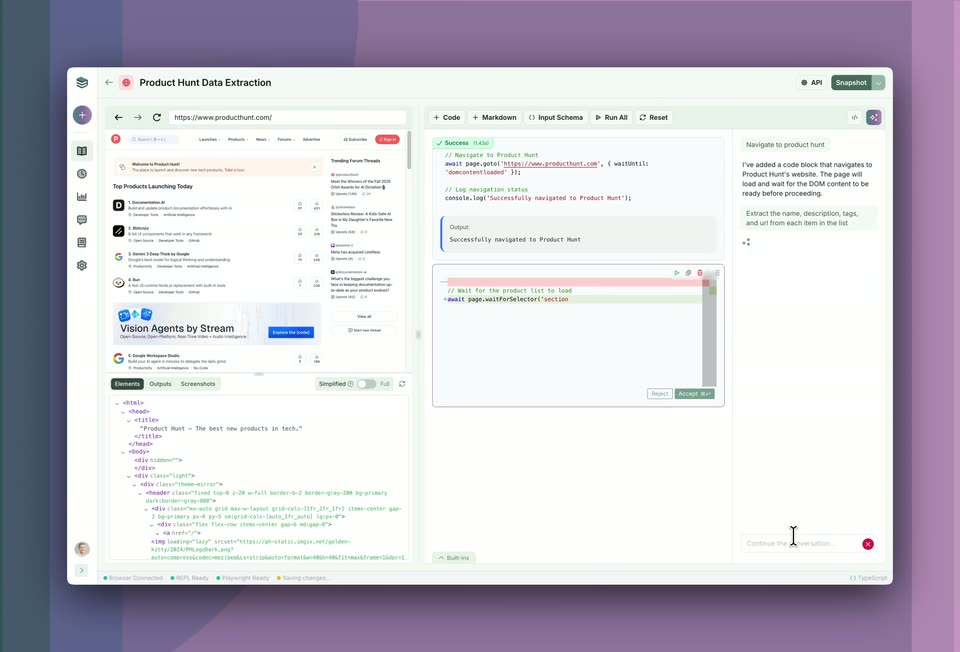 0:06–0:27Kilvin · BrowserBook YC DemoThe app window dissolves in, then the camera zooms into the notebook input as a cursor types “Navigate to product hunt” and clicks send. The view pulls back to show the browser load Product Hunt while code blocks and screenshot thumbnails fill the side panels.
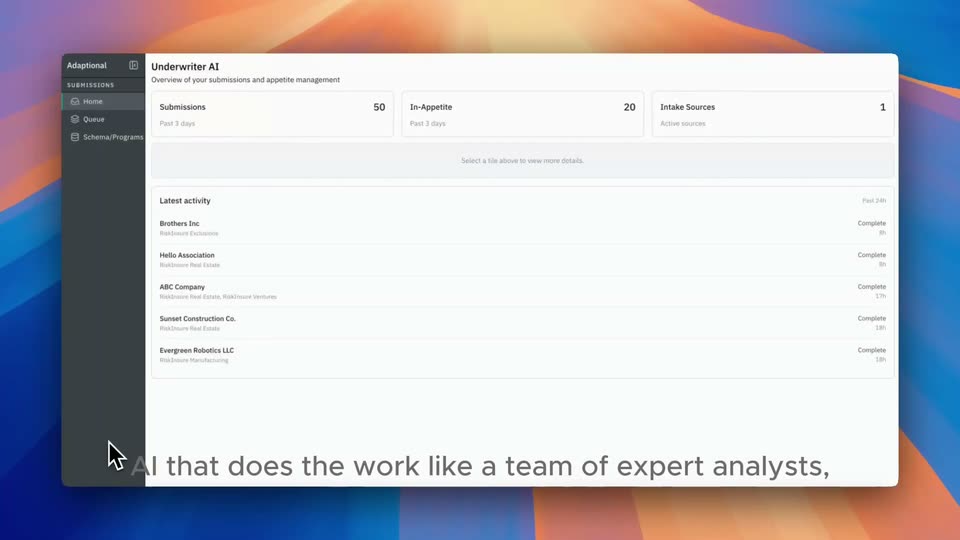 0:32–0:41Adaptional · Adaptional IntroThe Adaptional dashboard sits tilted in 3D over a blue and orange gradient, a cursor arrow rests at the lower left. A gray tagline cycles at the bottom while a hand cursor taps the Queue menu, then the view zooms into the top-left of the interface.
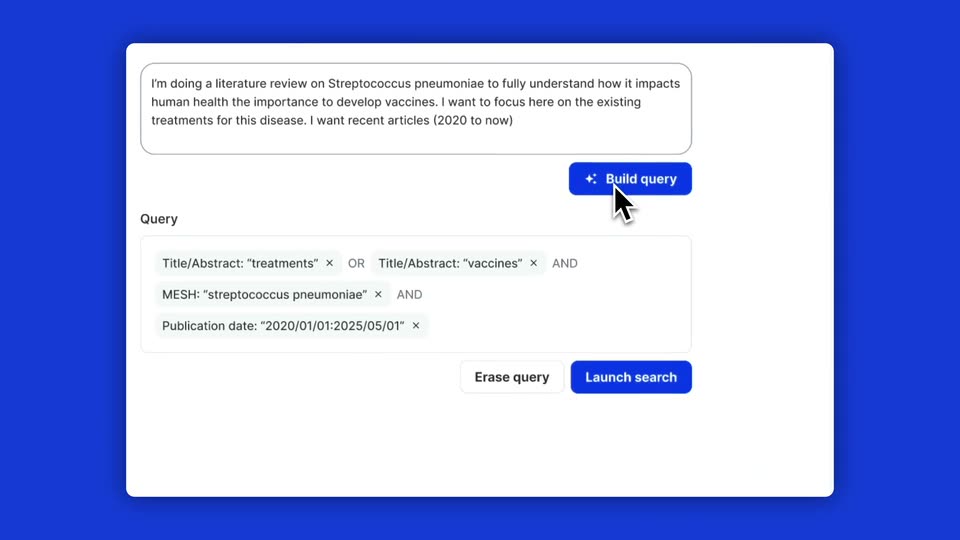 0:02–0:09Biolevate · Biolevate launch filmA white search panel on a blue background. A cursor clicks the input field and a literature review request is typed; Build query then generates a chip-based query below. The cursor clicks Launch search and the panel switches to a Searching state with a blue logo.
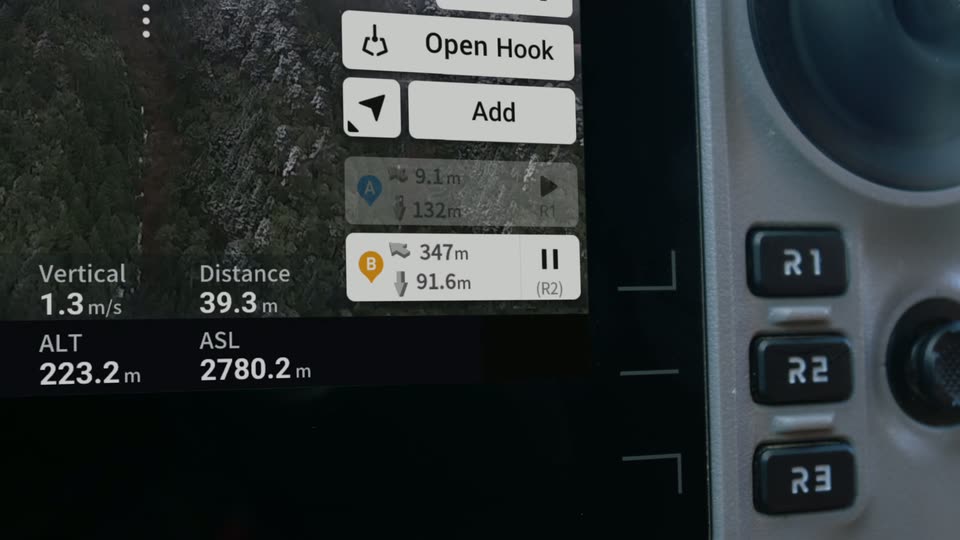 3:17–3:19DJI · Introducing DJI FlyCart 100 | Achieve More DeliveriesClose-up of a drone controller screen showing a map with waypoint rows A and B beside the physical R1, R2, R3 buttons. A finger taps the play control on row B, the icon flips to pause and the distance counts down while row A dims. A white caption sits at the bottom.
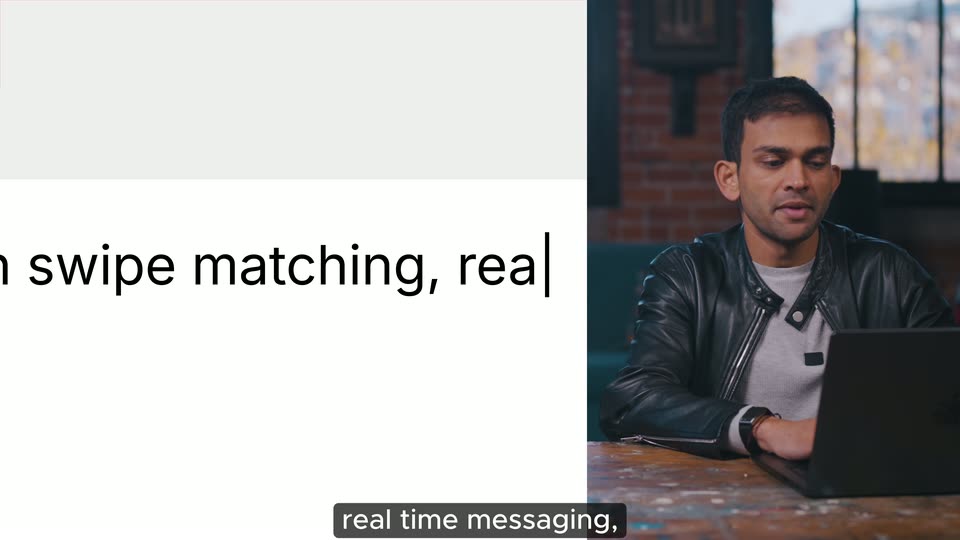 0:24–0:31Anything · Anything - Introducing Anything Max: Vibe Coding that's leaps above Lovable andSplit screen: a man in a leather jacket talks at a laptop on the right; on the left a white prompt box types a dating-app request, then zooms into the words before pulling back to reveal the full text and a send button. A cursor appears.
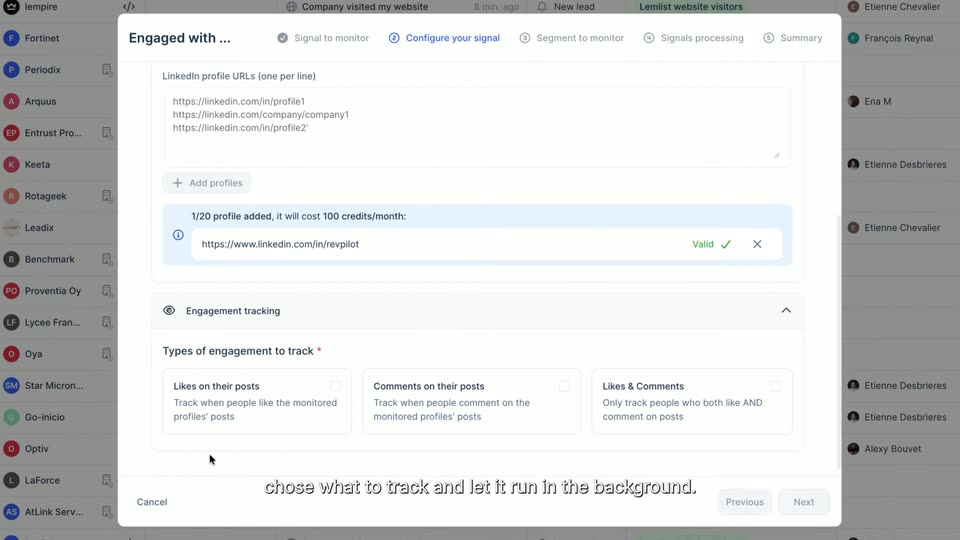 1:25–1:26Lemlist · Never miss the moment your lead is ready to talk. Use lemlist's Intent Signals instead.A modal dialog sits over a dimmed dashboard. A cursor clicks the Add profiles button, a validation banner with a green check appears, then three engagement cards fill with blue checkmarks as the cursor rests on the blue Next button. A white caption runs along the bottom.
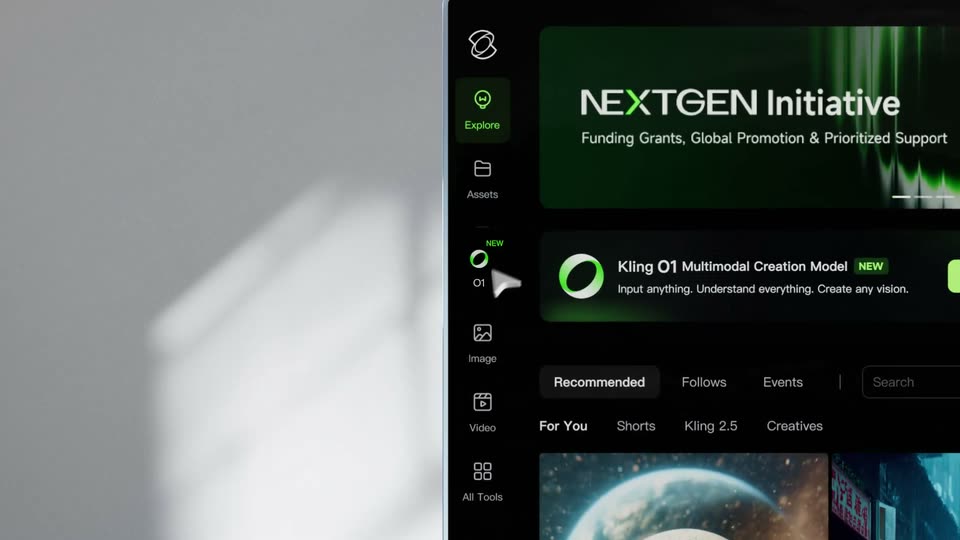 0:03–0:05Kling AI · Kling AI - Kling Omni Launch Week Day 1: Introducing Kling O1 — Brand-New CreatiA dark app interface angled in 3D perspective sits beside a blurred white foreground panel. A white cursor glides down the left sidebar and clicks the O1 tile, which highlights in green as the main panel shows the NEXTGEN Initiative banner.
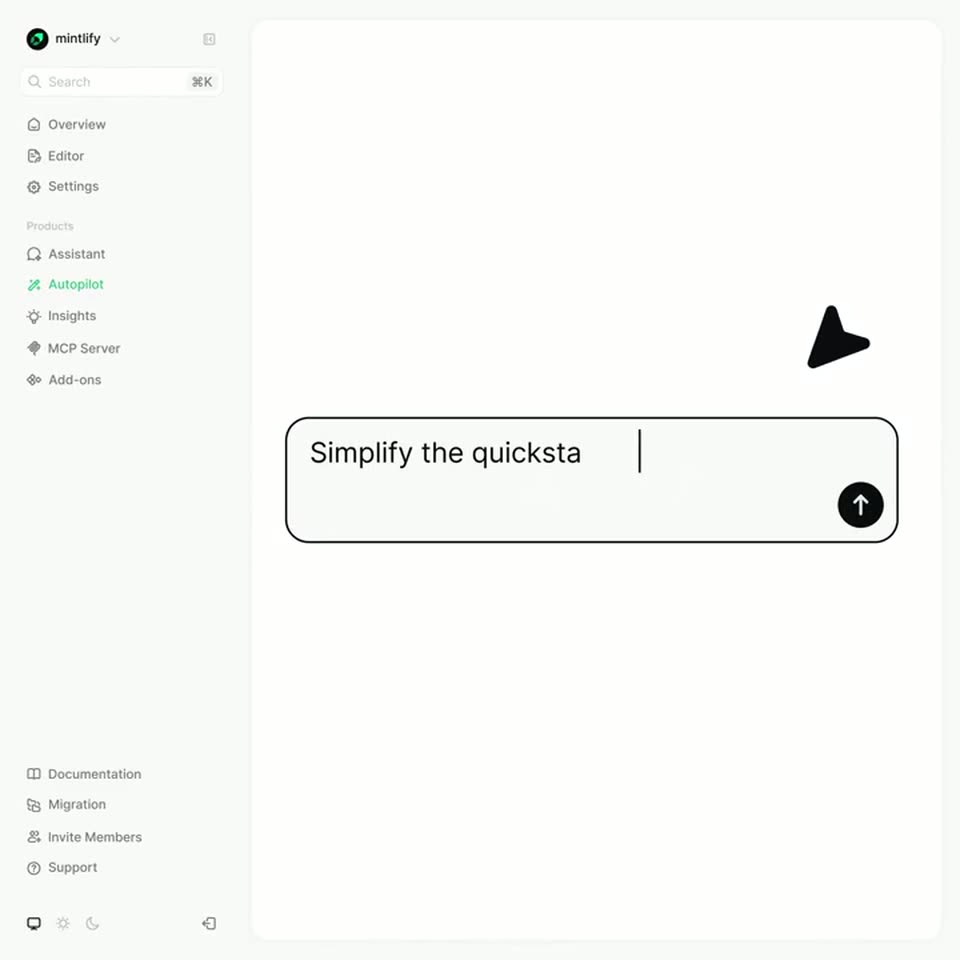 0:06–0:09Mintlify · Mintlify - The mintlify agent is now available on the web, in addition to Slack,A flat product UI with a left sidebar. In the center a black New Chat pill fades into an outlined prompt field while the text Simplify the quickstart page types in. A black arrow cursor glides from the button to the send icon and clicks it.
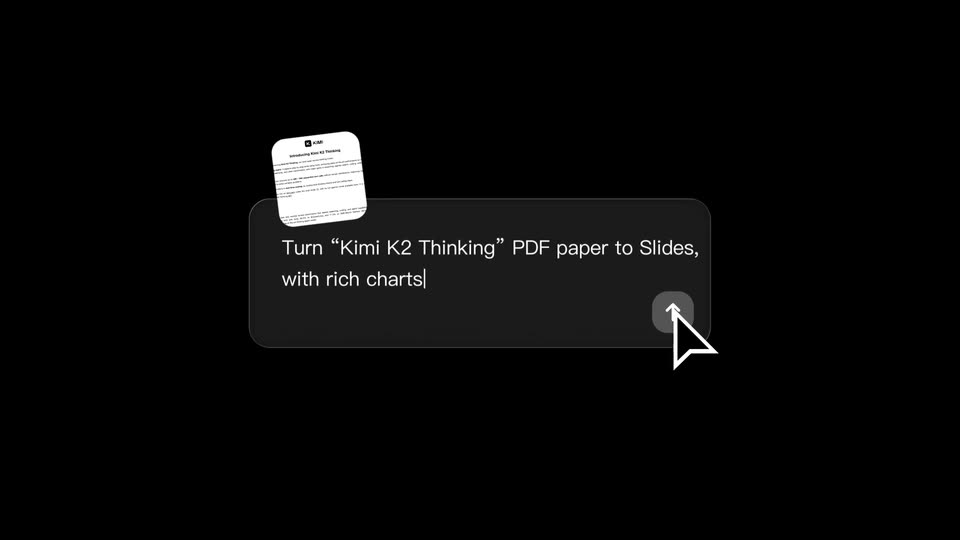 0:13–0:14Moonshot AI · Kimi.ai - Meet Kimi Agentic Slides! Now with Nano Banana Pro 🍌 🎁 ThanksgivingA tilted white PDF thumbnail settles into the top-left of a dark input box holding a two-line prompt about turning a Kimi paper into slides. A white cursor glides from the lower right to the scaling send button on black.
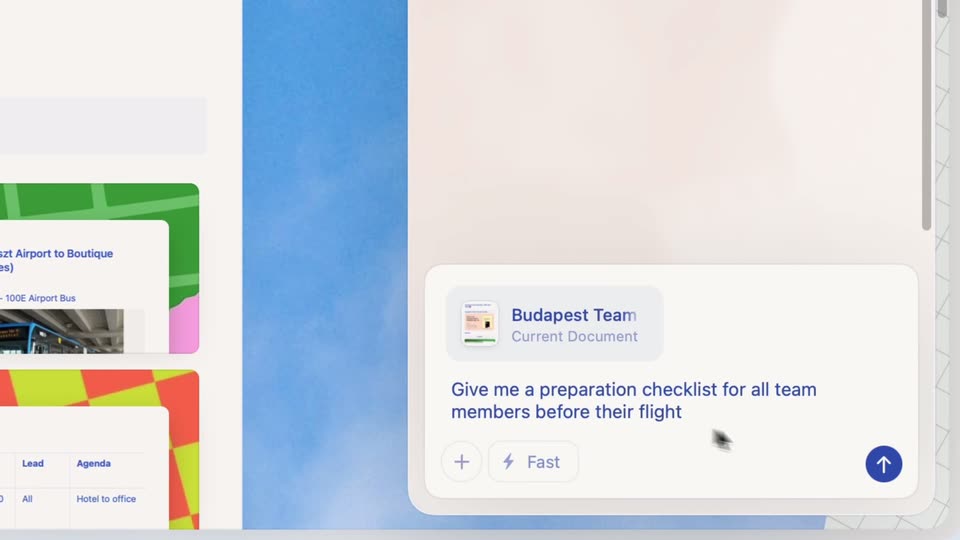 0:10–0:13Craft · Introducing the new Craft Assistant, MCP & API and more!A prompt card on the right holds a request for a flight preparation checklist. A cursor opens a model dropdown, hovers the Fast option, then moves to the blue send button. Document cards sit on the left.
 0:28–0:29Google · Google Gemini: Mr. Fuzzy’s Big AdventureA dark input field fills the frame as the word snowboarding types out behind a blue caret, then the caret vanishes. A bottom toolbar holds a slider icon, a clapperboard labeled Video, and an X.
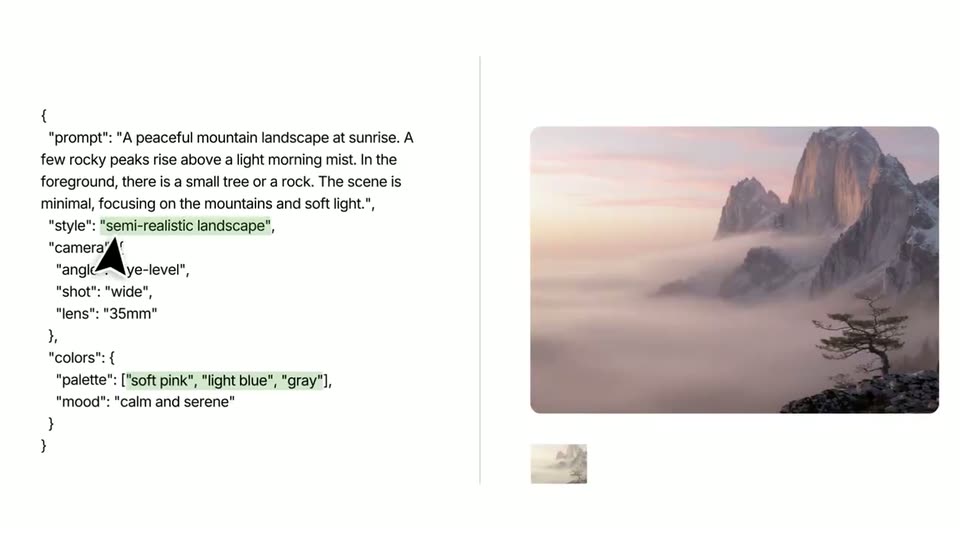 0:25–0:28Black Forest Labs · Black Forest Labs - FLUX.2 is here - our most capable image generation & editing modeA split screen pairs a JSON prompt on the left with a generated mountain landscape on the right. Both resolve from blur to sharp, a cursor hovers over the color palette line, and two thumbnails appear beneath the image.
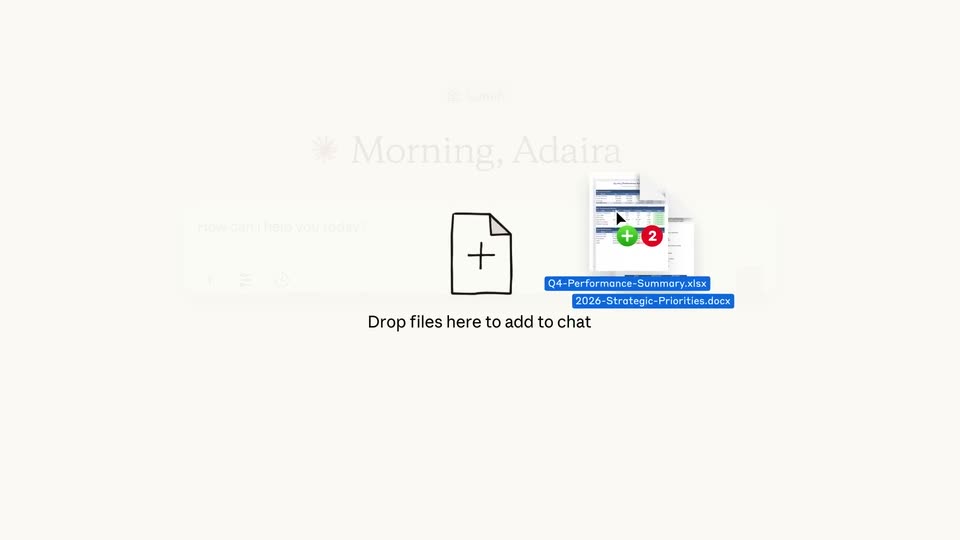 0:08–0:10Anthropic · Claude works with you on slides, spreadsheets, and contract redlinesA cursor drags two file thumbnails, tagged with blue name labels, from the bottom right onto a file-plus drop zone captioned “Drop files here to add to chat” over a dimmed chat screen. The overlay then fades away to reveal the full interface with its greeting and input field.
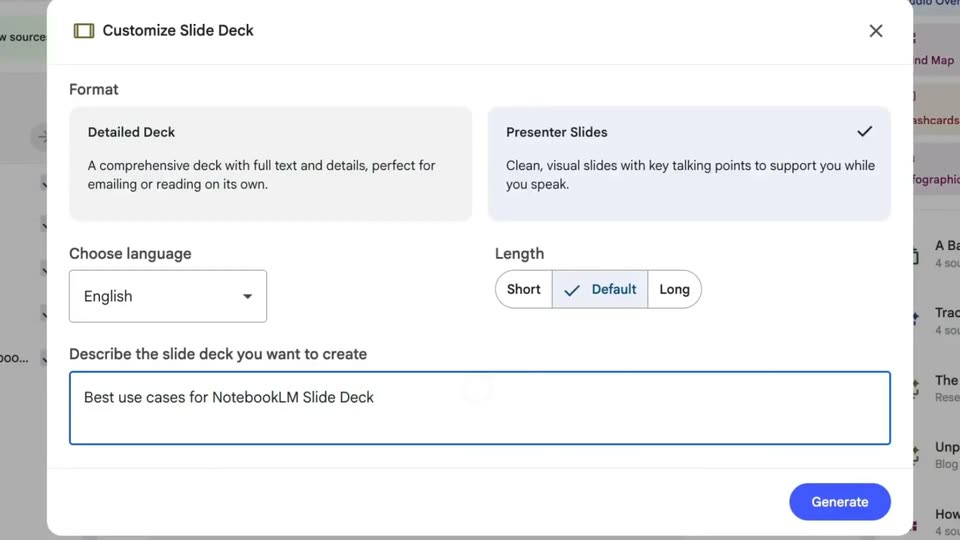 0:01–0:08Google · NotebookLM introducing Slide DecksA white Customize Slide Deck modal slides in from the left over a blurred studio screen. The description field fills with typed text, a spinner spins on the blue Generate button, then the modal fades to reveal the generated Introducing Slide Decks document.
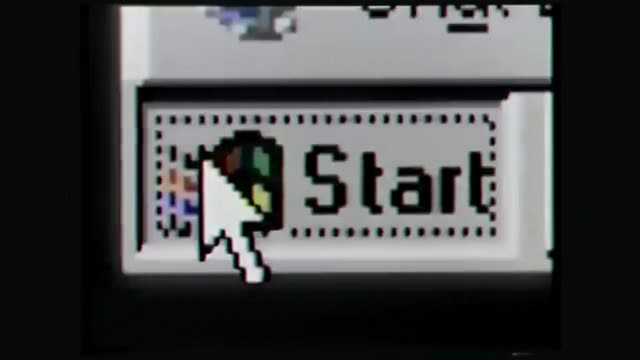 0:03–0:04Raycast · A New Start | Raycast for WindowsA pixelated retro screen shows a Start button with a multicolored pixel icon. A white pixel cursor rests on the icon, and a dotted focus outline snaps around the button.