Cursor demo
A visible cursor operates the interface.
14,987 scenes · page 33 of 250
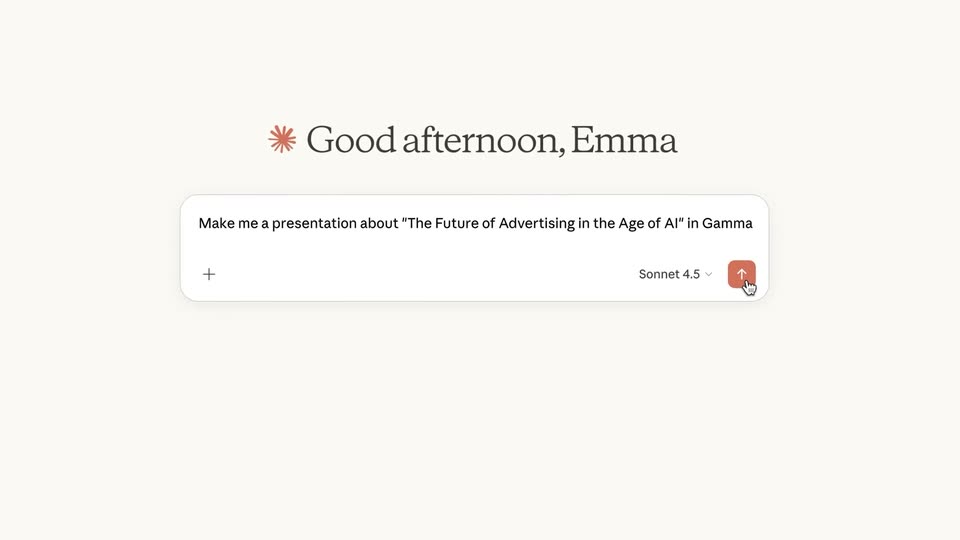 0:06–0:11Gamma · Gamma - Gamma is now on @claudeai! You can generate a presentation with GammCentered on a cream background, a coral starburst mark sits beside a serif greeting above a white input field that types a prompt letter by letter. A hand cursor taps the coral send button; the frame scrolls up as the AI's italic reply types in.
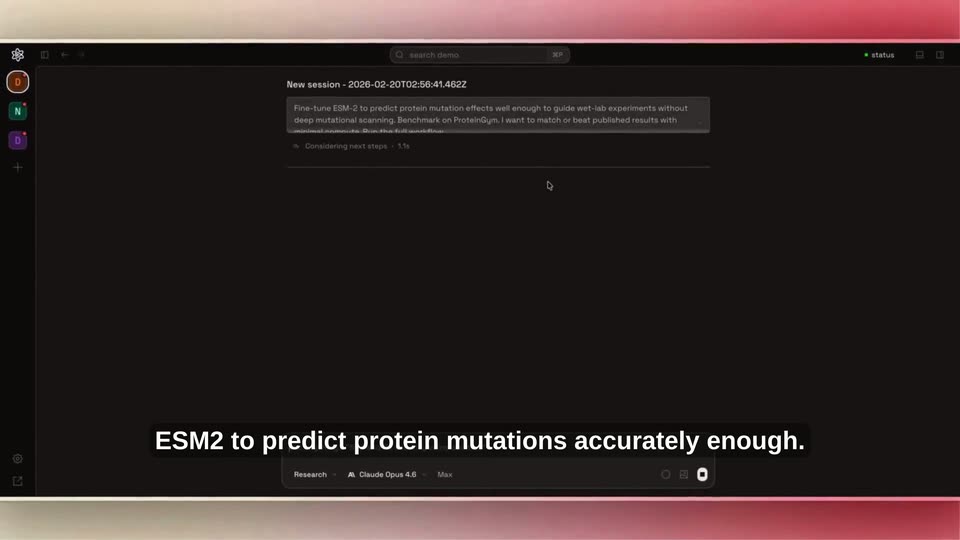 0:15–0:25SynScience · Y Combinator - .@SynScience is building AI co-scientists for end-to-end scientific rA close-up of a dark chat input shows a typed prompt, first highlighted then plain, as a cursor clicks the send button. The frame zooms out to reveal the full app window in a red gradient border, where status lines and a step-by-step plan begin typing.
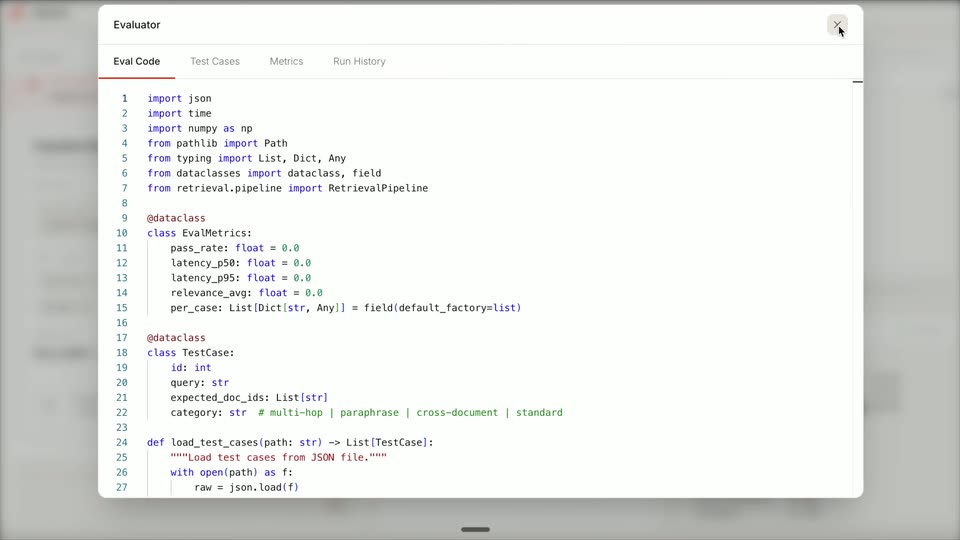 0:35–0:38Aemon · Aemon (YC W26) — The AI R&D EngineerA white modal titled Evaluator opens over a blurred app, its Eval Code tab showing Python source. A cursor drifts to the close icon, then the code scrolls down to reveal the evaluate function.
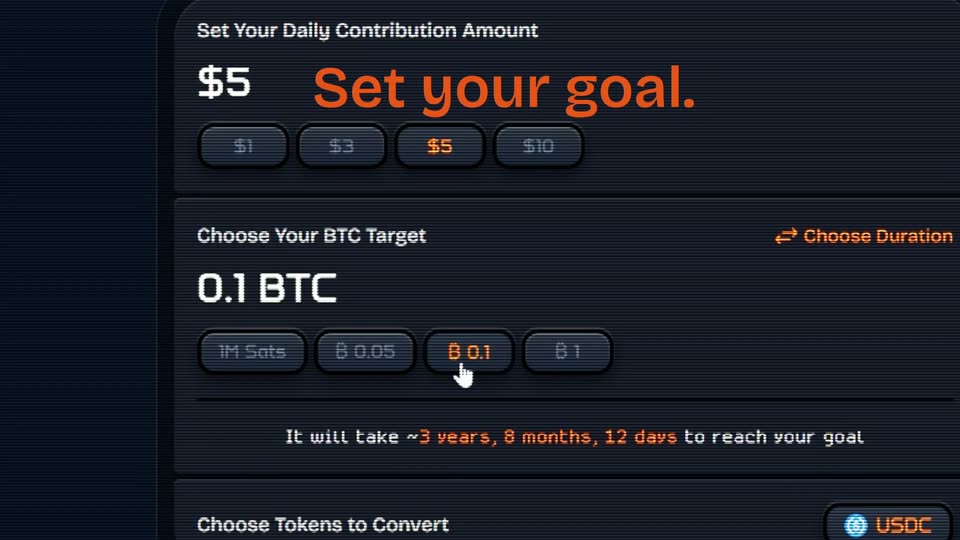 0:04–0:05Bitmor · Bitmor - we build a habit, for your future. stack sats with @bitmor_btcA dark savings interface is shown in close-up. A cursor hovers over the 0.01 BTC target button while the orange phrase Set your goal. types in word by word across the top of the screen.
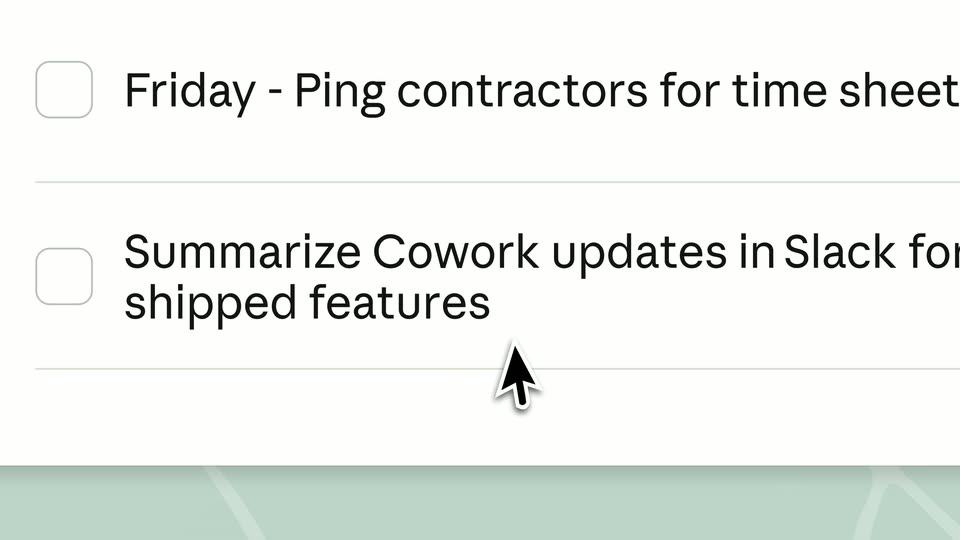 0:00–0:03Anthropic · Claude - New in Cowork: scheduled tasks. Claude can now complete recurring taA white checklist card on a pale green background shows a serif 'Scheduled tasks' pill; the list then zooms in as the cursor moves down, and a new row, 'Summarize Cowork updates in Slack for shipped features,' slides in.
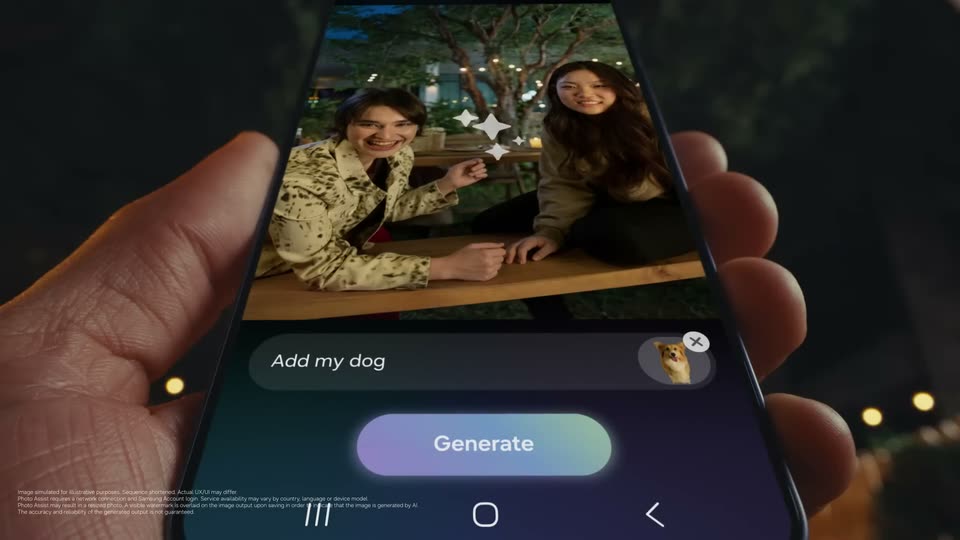 2:15–2:19Samsung · Introducing Galaxy S26 Ultra | Galaxy AI | SamsungA hand holds a phone showing a photo of two women at a table. The prompt “Add my dog” types into the input field with a small dog thumbnail, the thumb taps the Generate button, and white sparkles flash over the photo.
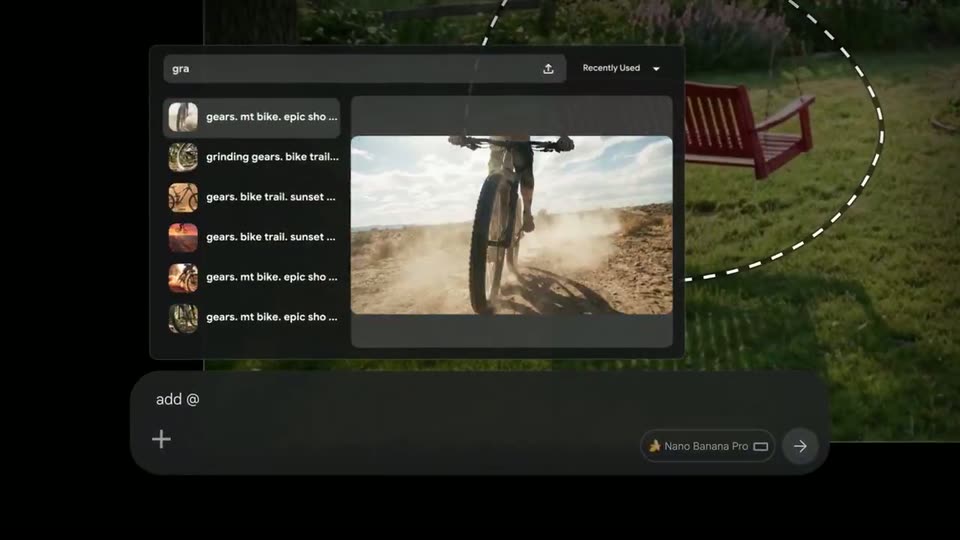 0:06–0:13Google · Google Flow - Today we're expanding Flow into a full AI creative studio. We’ve redeThe editor's garden photo fills the frame as the view zooms onto the red swing bench. A cursor picks the lasso tool, draws a dashed selection around the bench, then types add @ in the prompt bar, opening a search panel that filters saved reference images to grandparents portraits.
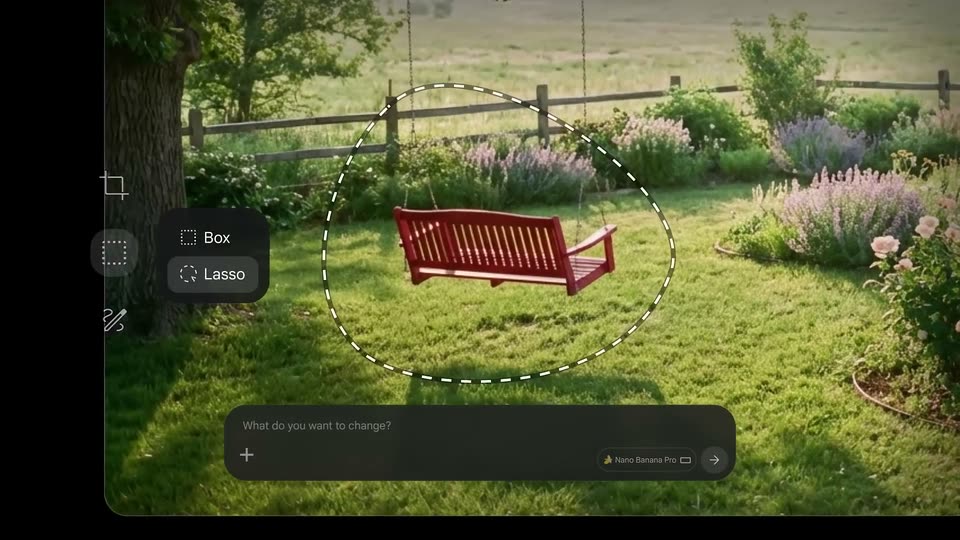 0:06–0:10Google · Introducing the New Flow, Your AI Creative StudioA photo editor window shows a sunlit garden with a red swing bench. A cursor opens the selection menu, picks Lasso, and draws a dashed loop around the bench while the view zooms in. The prompt field types add @ and a panel of recent suggestions rises.
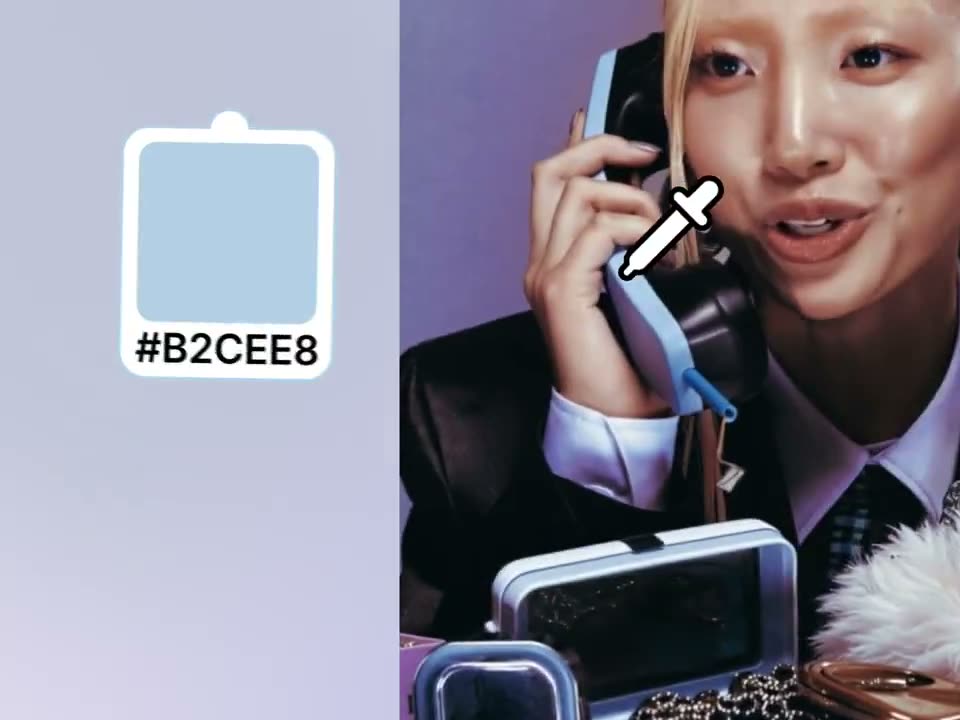 0:01–0:03Higgsfield · Higgsfield AI 🧩 - SOUL 2.0 HEX is LIVE on Higgsfield! 🧩 You asked for more control. WeOn a lavender background, a photo panel sits beside a white color-swatch card. A white eyedropper icon samples a spot in the photo, updating the swatch fill and hex code, then the panels flip sides to show a blonde woman holding a blue phone.
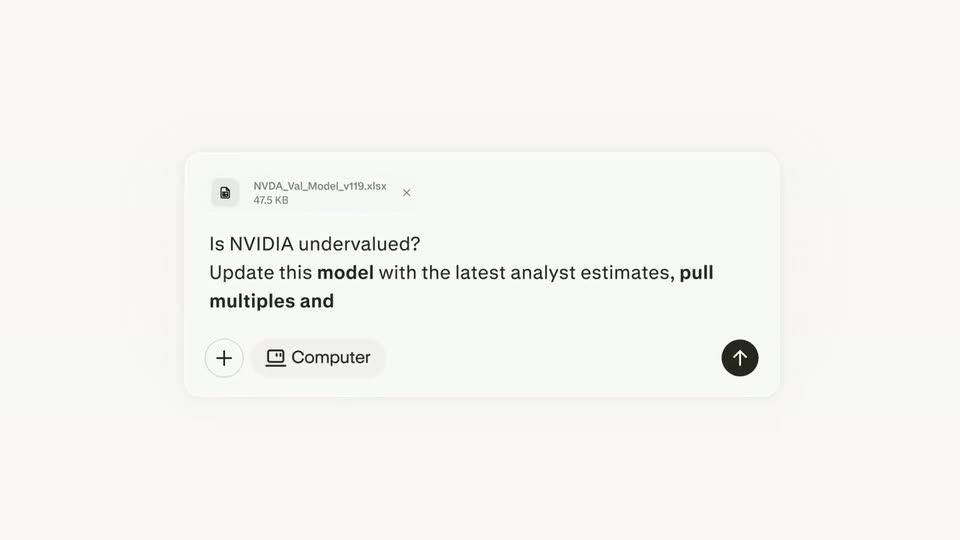 0:02–0:12Perplexity · Perplexity - Introducing Perplexity Computer. Computer unifies every current AI cA segmented control with Ask and Computer options sits on a cream background; the cursor drags the white selection to Computer, then the control morphs into a prompt card where a multi-line question is typed out with a file chip, and the cursor clicks send.
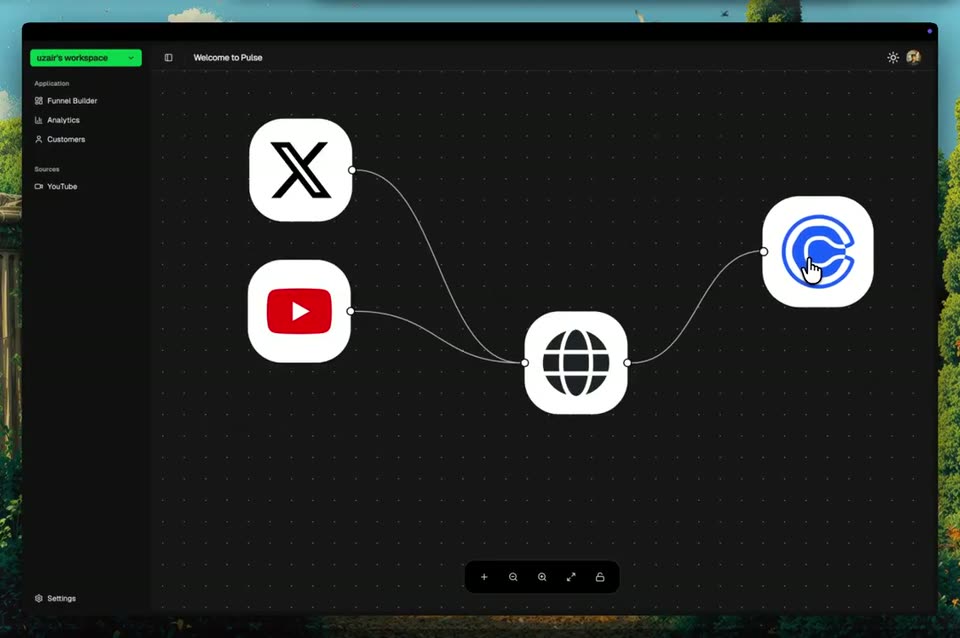 0:00–0:03Pulse · Pulse App - Psst, dark mode is here. If you're running youtube lead gen offers,A dark canvas links white tiles for X, YouTube, a globe and a blue C icon with lines. The cursor hovers the blue tile, which lifts with a ring, then the view zooms to the bottom toolbar as the cursor clicks the plus button and an 'Add node' tooltip appears.
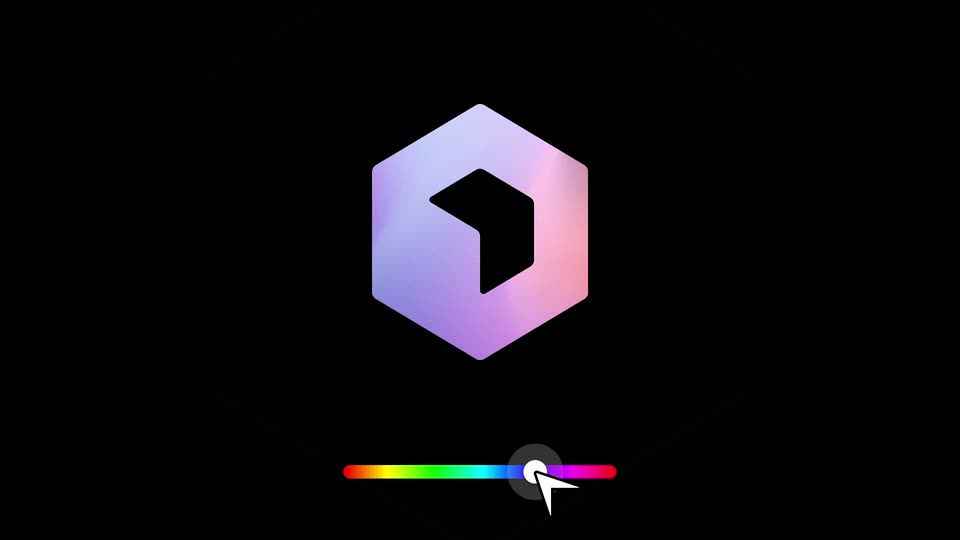 0:06–0:08QuiverAI · Joan Rodriguez - Introducing @QuiverAI, a new AI lab and product company focused on frA hexagonal logo mark with vector selection handles sits on a black canvas. A white cursor moves over the shape, then drags a rainbow color slider below it, shifting the fill from flat blue to a pink-red gradient.
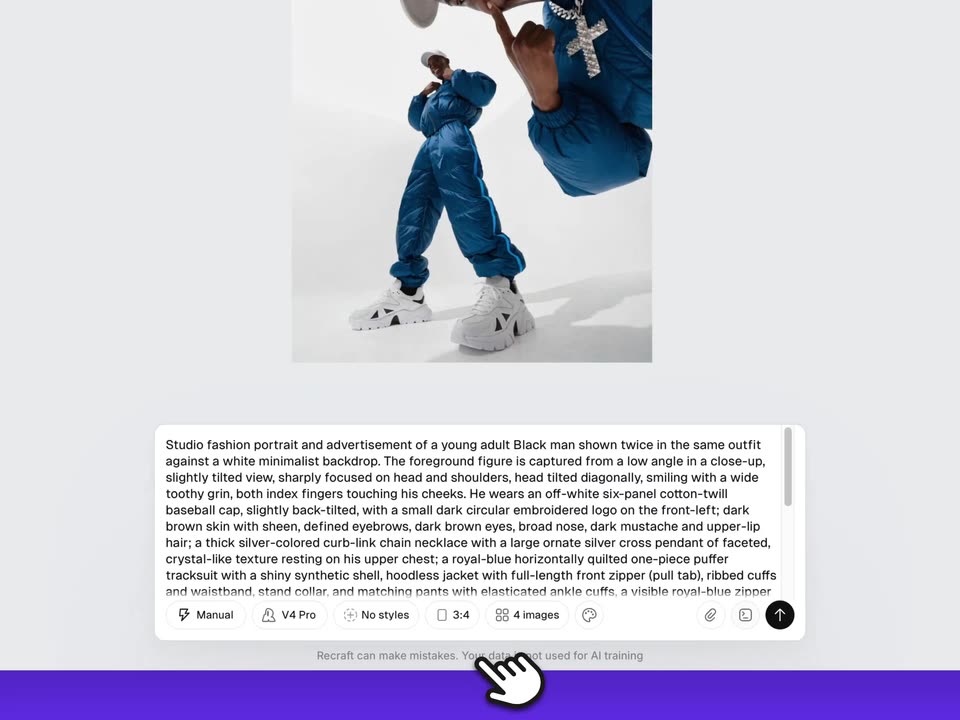 0:00–0:10Recraft · Recraft - Recreate any image. Yes, really. Our Extract Prompt tool analyzes anA wide editor view on a purple background zooms into a dark context menu; a hand cursor hovers over Extract prompt to reveal a tooltip. The camera then moves to the image showing Generating, then to the prompt bar as a long caption fills it and is highlighted.
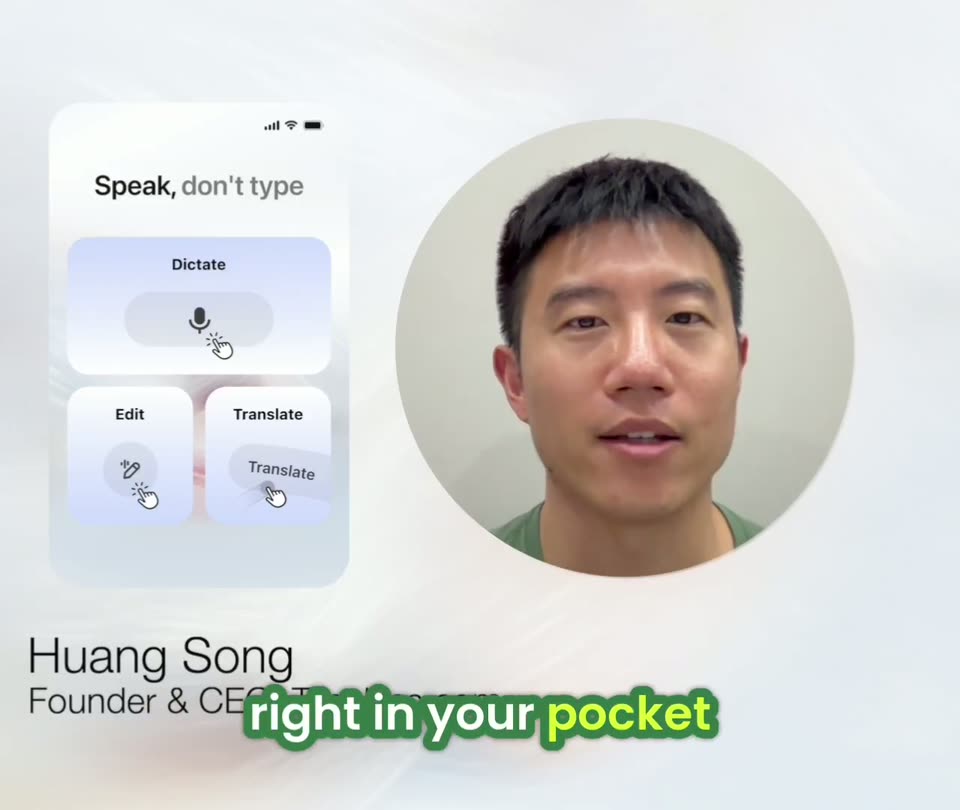 0:05–0:24Typeless · Huang Song - The world doesn't need another app that captures every "um," "like,"A man speaks to camera in a circular frame on the right; a flat phone mockup on the left shows the Typeless app, switching from an app-store card to Dictate, Edit and Translate tiles tapped by a hand cursor. Green-outlined subtitles roll along the bottom.
 0:21–0:22Whop · Steven Schwartz 🦅 - We are excited to announce that @tether, the largest stablecoin compaA light search bar fills in as the query is typed, then a blue focus ring appears and a dropdown of account suggestions opens below it. A cursor arrow moves down to hover over the TBPN entry.
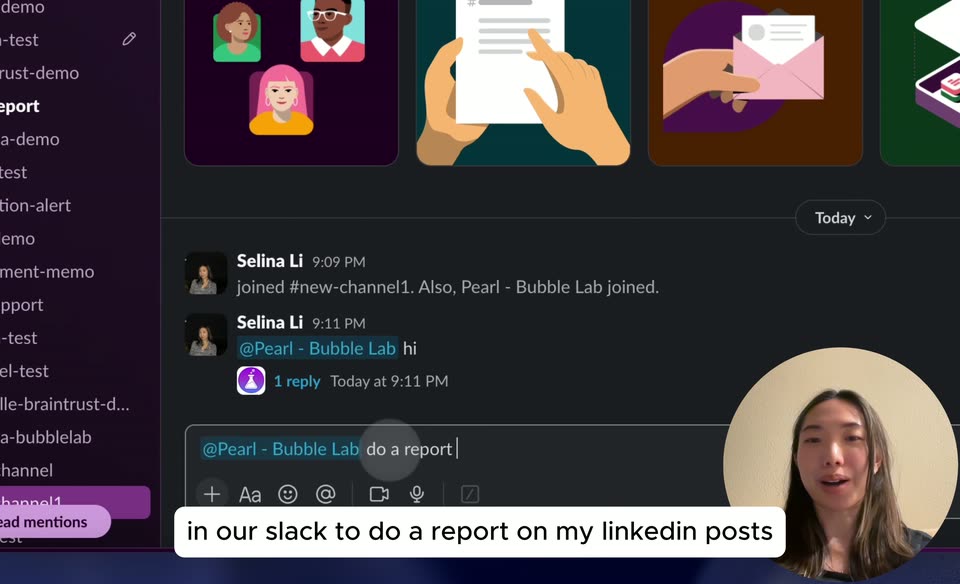 0:22–0:27Bubble Lab · Pearl in Slack (Bubble Lab) demo!A dark chat interface zooms from a wide view into a channel; a cursor clicks the at-sign, a mention list opens, and a message to a bot is typed. A circular presenter video sits bottom right, with a white caption bar below.
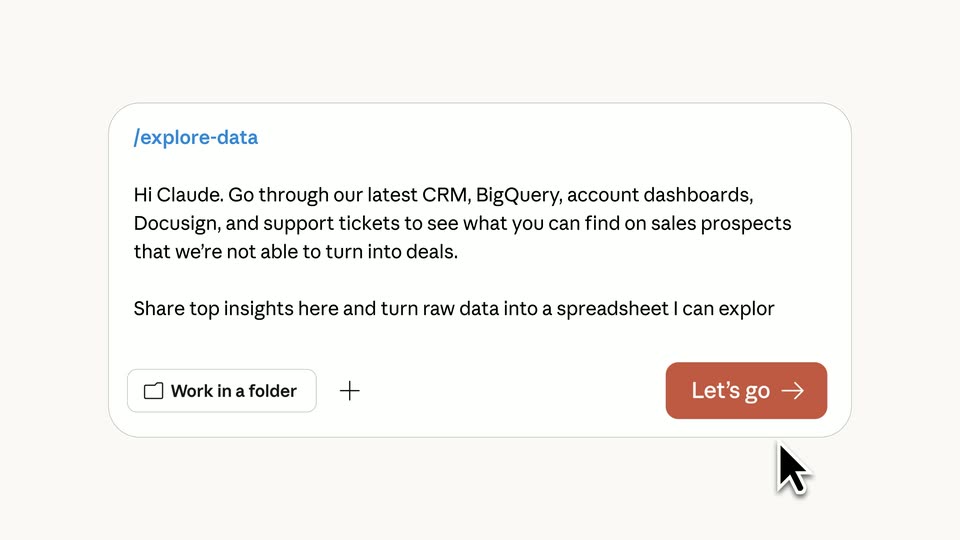 0:15–0:19Anthropic · Claude - Introducing Cowork and plugin updates that help enterprises customizeA cursor clicks the /explore-data chip under a serif headline, and the frame zooms into the prompt box as a message about CRM and sales data types in. A hand cursor taps the red Let's go button, then the screen fades to white.
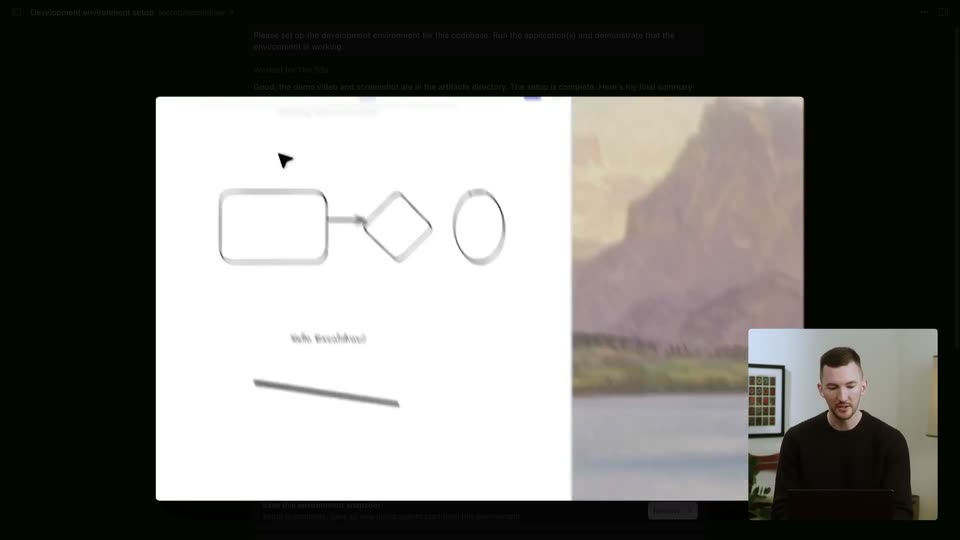 0:27–0:34Cursor · A computer for every agentA dark code-editor screen plays a demo video of the Excalidraw whiteboard: a cursor selects tools and draws a diagonal arrow while the view zooms in and out. A live-action inset of the presenter gestures from the bottom right corner.
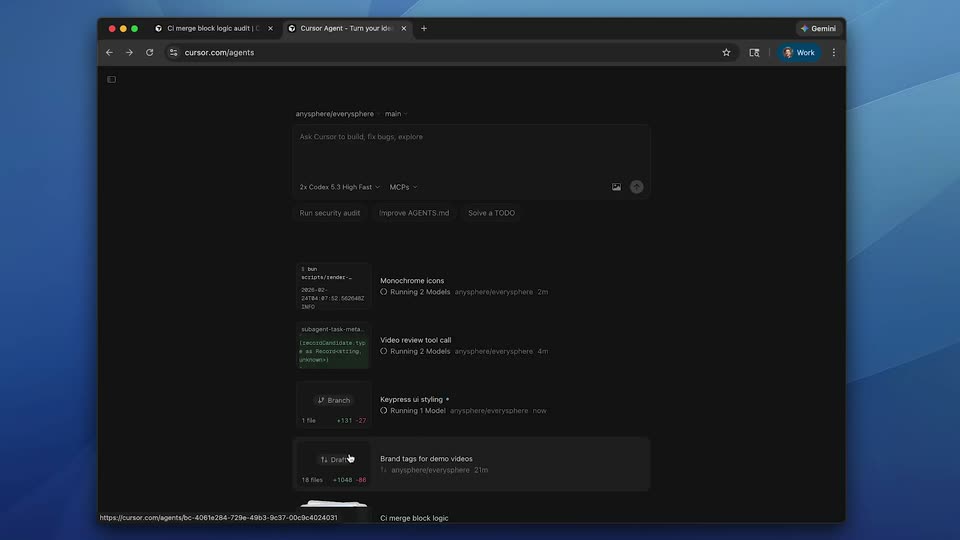 0:04–0:06Cursor · Cursor now shows you demos, not diffsA locked-off shot of a dark browser window showing the Cursor agents dashboard and a list of running tasks. A mouse cursor hovers over the Brand tags for demo videos row while the address bar URL updates to a long agent link.
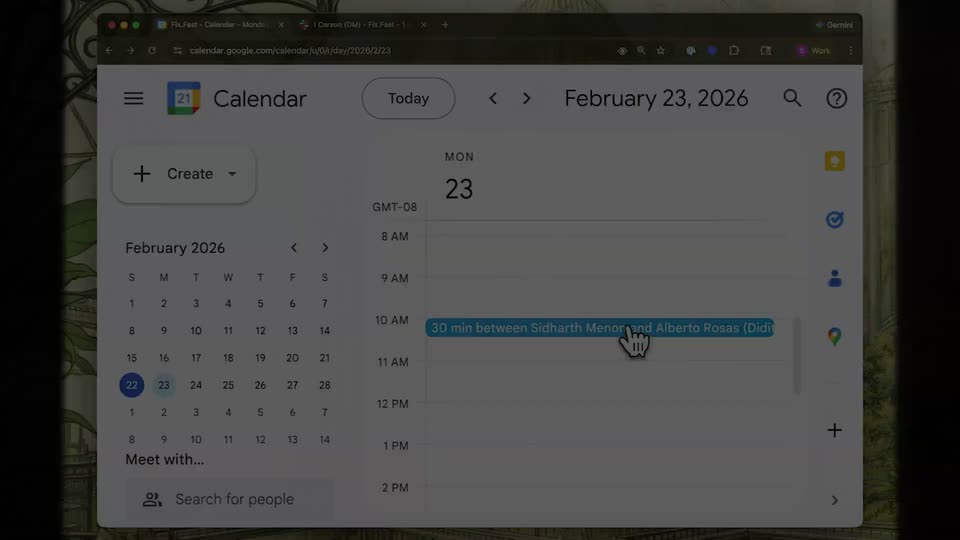 1:36–1:37/dev/fast · Introducing Carson, an adaptive assistant with serious securityA full-screen email and CRM interface with four panels holds on a blurred desk background, then cuts to a Google Calendar day view. A hand cursor hovers over a 10 AM event block, the meeting the contact just booked.
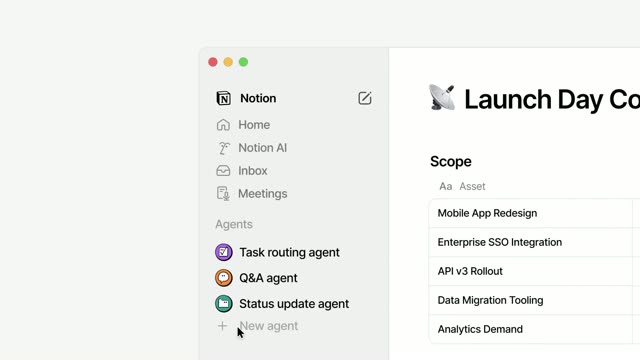 0:15–0:17Notion · Meet Custom Agents: Your 24/7 AI TeamA Notion window tilted in 3D perspective floats on a light background. A cursor clicks New agent in the sidebar and a Status update agent row slides in. The window fades out as the headline Hello, Custom Agents. appears centered.
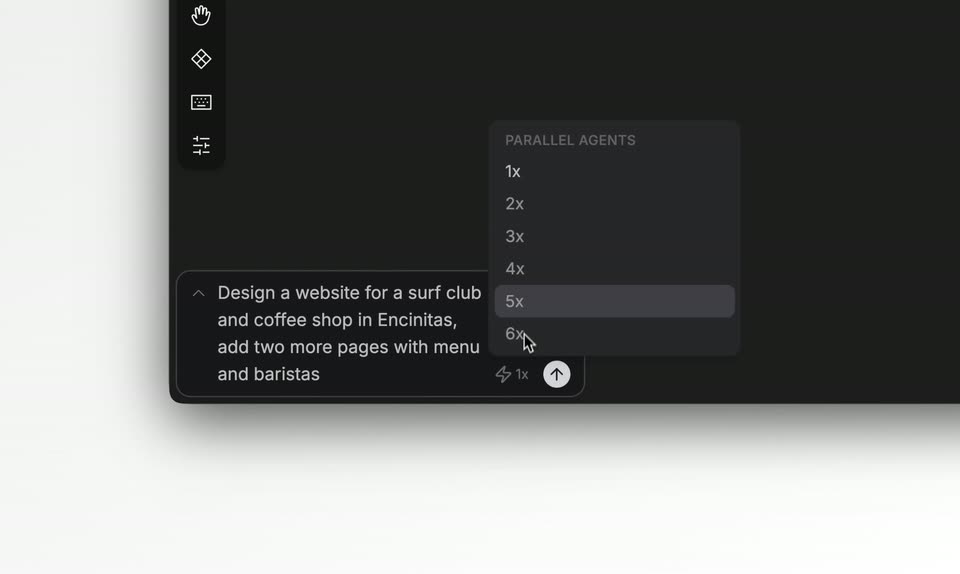 0:00–0:04Pencil · Tom Krcha - Pencil just crossed 100,000 users! Today we are introducing SWARM modA dark interface close-up shows a prompt typed into the input bar about a surf club and coffee shop site. A cursor clicks the 1x control, a Parallel Agents menu opens, and the cursor picks 6x.
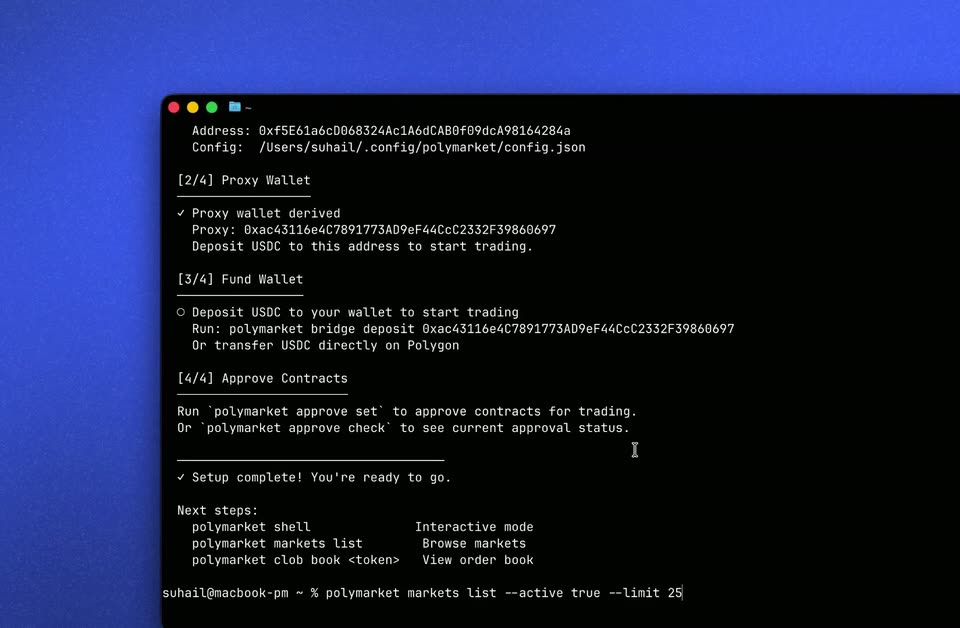 0:05–0:06Polymarket · Suhail Kakar - introducing polymarket cli - the fastest way for ai agents to accessA black macOS terminal window on a blue background displays completed setup output, wallet addresses and a next-steps list. At the bottom prompt, the command polymarket markets list --active true --limit 25 is typed in, and a fresh cursor line appears beneath it.
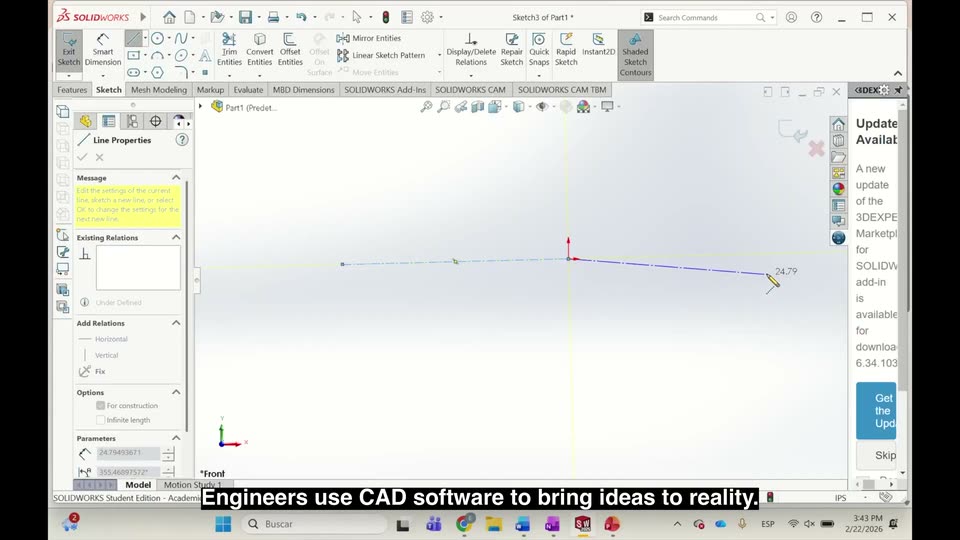 0:08–0:10Y Combinator · Y Combinator - Aurorin is building new professional CAD Software from the ground upA SolidWorks sketch window fills the frame as a line is drawn left to right, its length and angle updating with live measurements. A bottom caption carries the narration, then swaps to a new line.
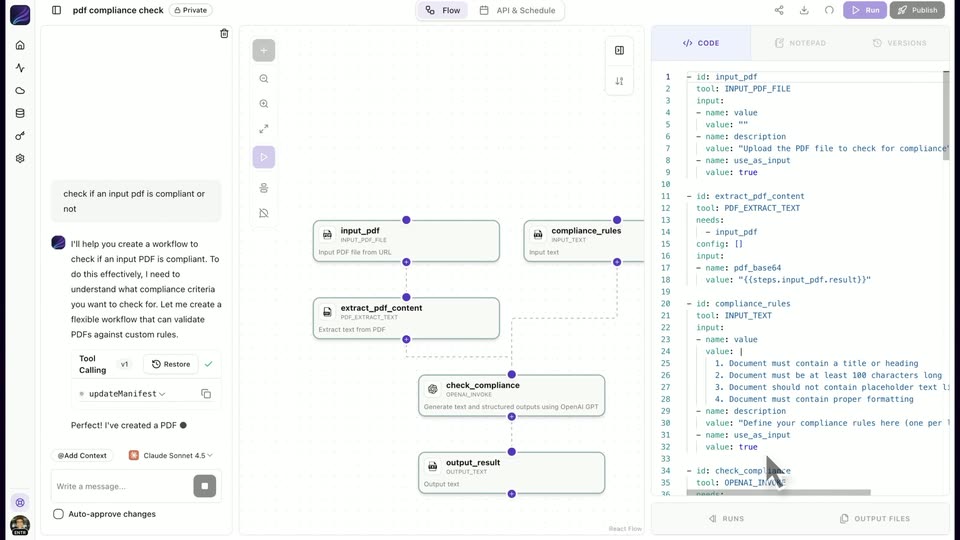 0:16–0:17Jinba · Jinba (YC W26) - Workflow Builder for Enterprise AI AutomationA three-panel workflow interface: the left chat log updates, the center canvas draws a five-node flow diagram, and the right code editor fills with lines of code. A black cursor glides from the node graph to the code panel.
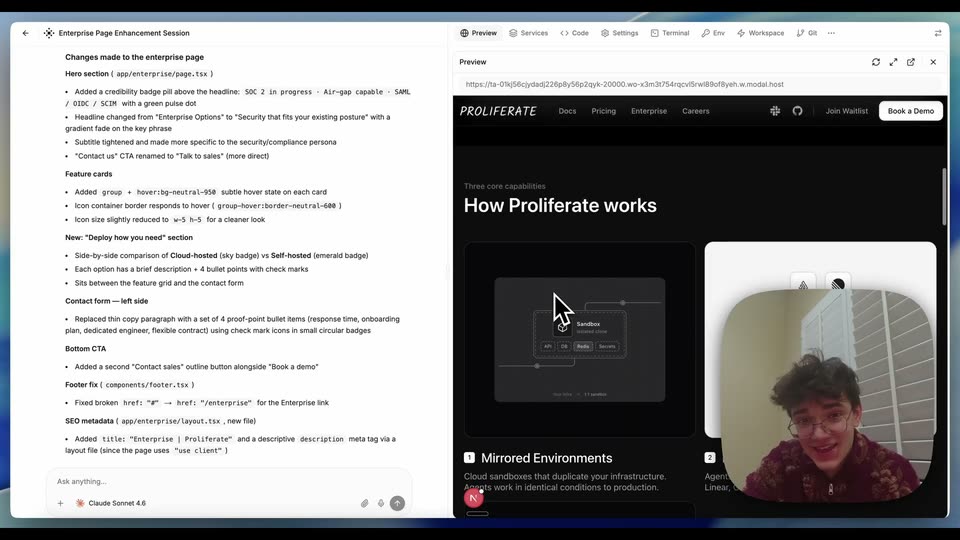 0:16–0:27Proliferate · Proliferate VideoA dev tool window splits the frame into a left change-log panel and a right Proliferate preview that scrolls from the hero headline down to the capabilities section, a cursor hovering over it, with a small video call of a talking man in the corner.
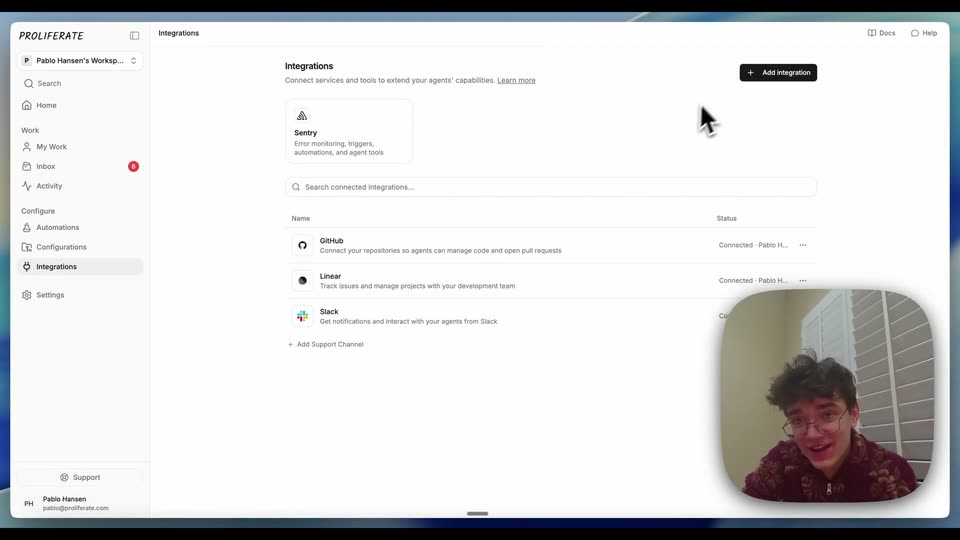 0:27–0:30Proliferate · Y Combinator - Local coding agents can't do end-to-end work at your company. @prolifA screen capture of the Proliferate Integrations page shows a left sidebar and a list of connected tools. A cursor glides to the Add integration button and clicks it, opening a modal grid of available services. A rounded webcam video of a man holds the bottom-right corner.
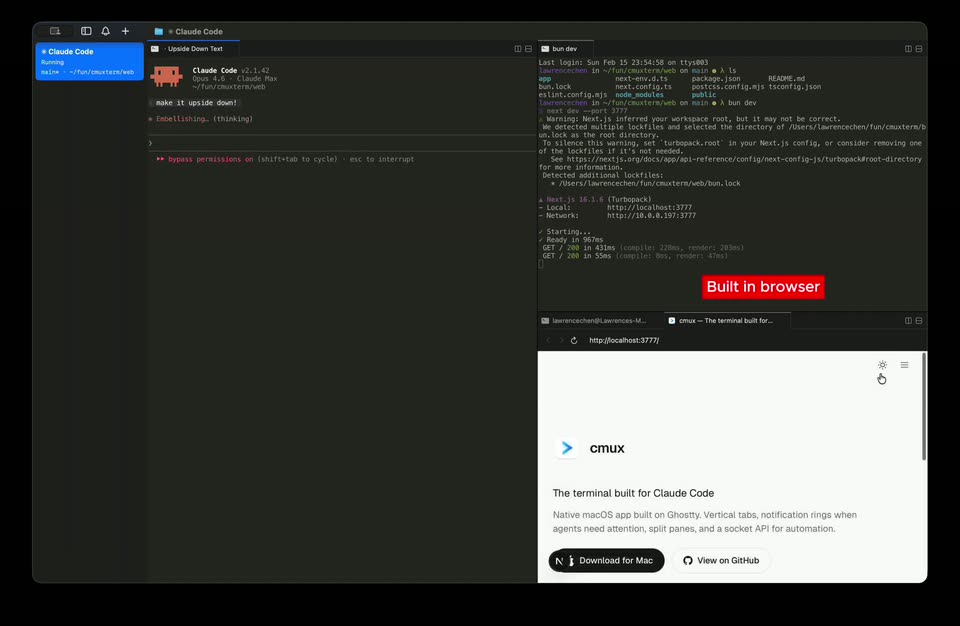 0:14–0:16cmux · cmux - the terminal built for multitaskingA dark desktop splits into a Claude Code chat, a terminal log, and a browser at localhost:3777. The browser page loads the cmux landing view while a red “Built in browser” caption hovers over it and a cursor moves inside the window.
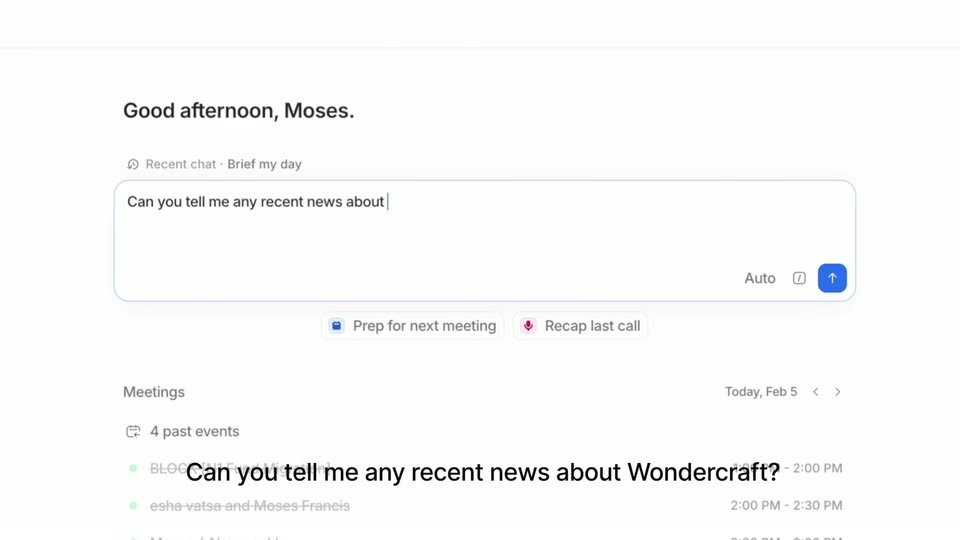 0:26–0:32Attio · Attio | Prepare for meetings with Ask AttioA white dashboard card on a dark grainy background zooms in, then the view reframes onto the chat input where a cursor clicks and types a query, with a black caption repeating the query along the bottom.
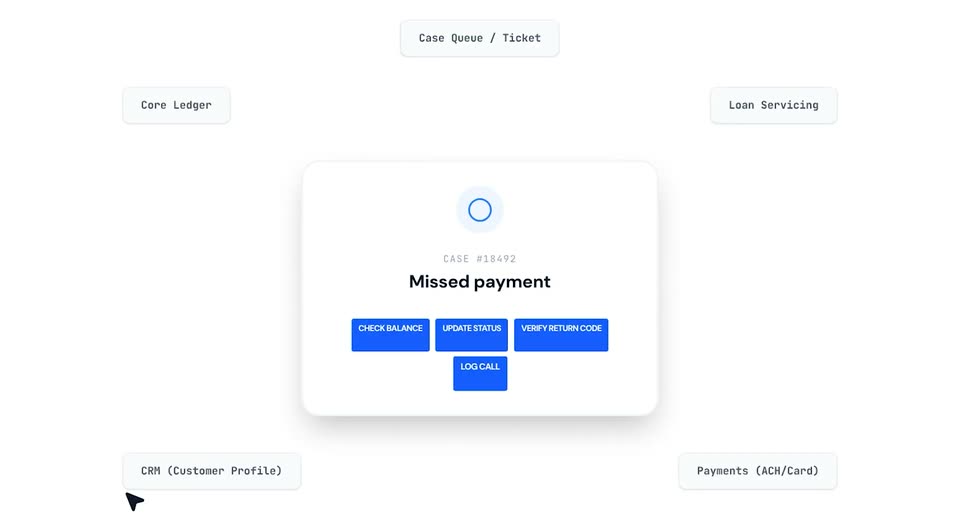 0:17–0:21Proximitty · Proximitty (YC W26) - Launch VideoA white ticket card titled “Missed payment” sits at the center of a plain field as five pill labels naming other systems fade in around it. A cursor darts between them while blue action buttons pop into the card one by one.
 0:03–0:05Rork · Introducing Rork Max. Best AI for iOS apps. Website that replaces XcodeA gray pill button on white holds a dark circle with a bird mark and the gray label Rork Max, a cursor below it. The circle turns orange and slides right across the pill, pushing the label left until it sits partly behind the circle.
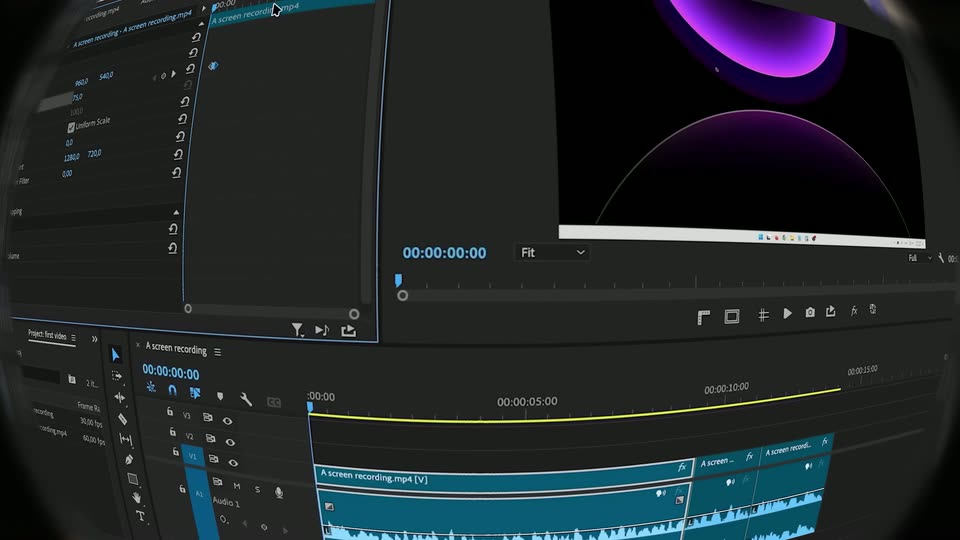 0:05–0:06Wideframe · Wideframe - AI agent for video work outside the NLEA video editing app bends in fisheye 3D perspective as the playhead scrubs forward; the preview monitor switches from purple circles to a white settings page while a cursor drifts across the panels.
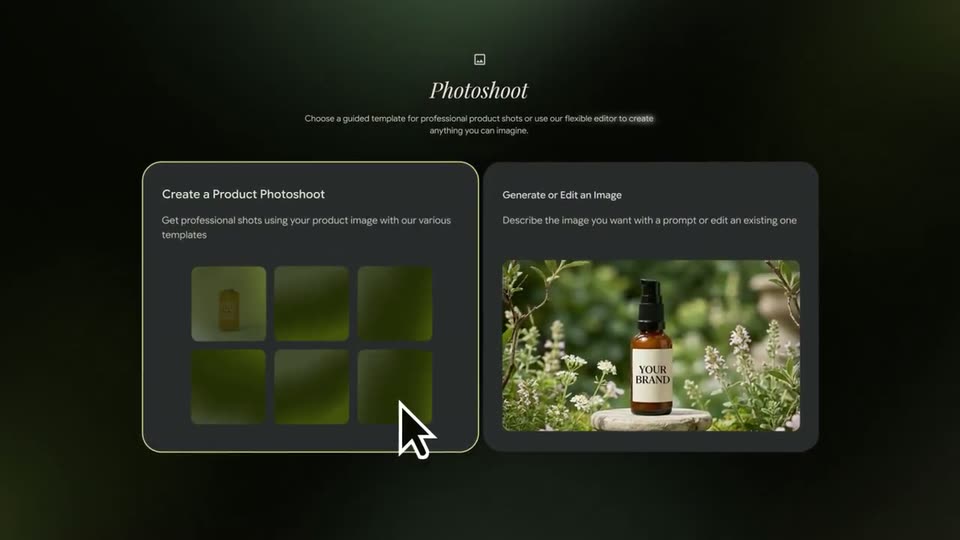 0:05–0:10Pomelli · Google Labs - Today, we’re introducing Pomelli’s latest feature update, ‘PhotoshootA dark UI screen fades in showing a Photoshoot heading and two cards, Create a Product Photoshoot and Generate or Edit an Image. A cursor hovers the left card, adding an olive border, while its thumbnails swap to a single large bottle preview and back. The screen fades to black.
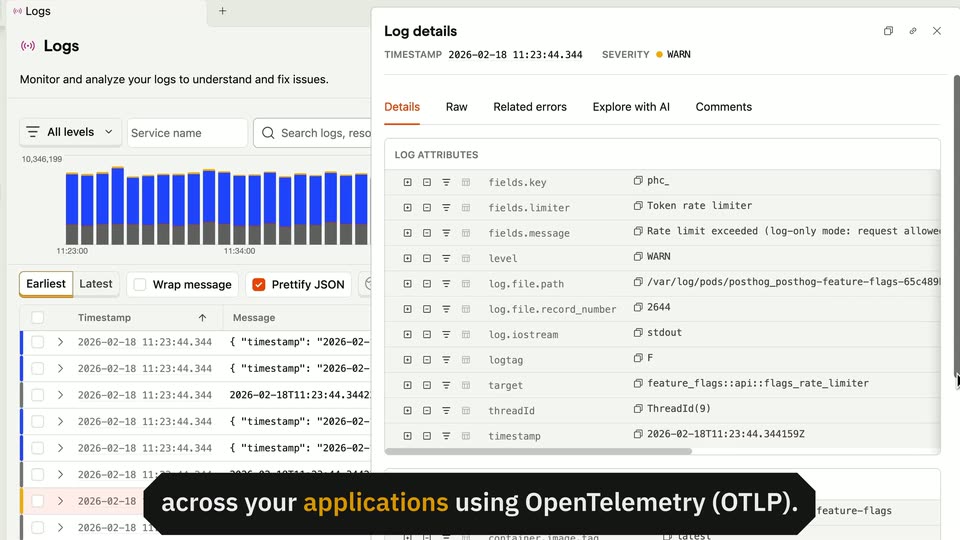 1:05–1:10Posthog · PostHog - Introducing Logs by PostHog - Free, up to 50 GB for free every monthA PostHog Logs screen shows a log list and blue bar chart on the left, a Log details panel on the right. A cursor hovers over the Details tab and attribute rows, then scrolls the panel down to the JSON log message. A black caption bar at the bottom carries the feature copy.
 0:03–0:05Rork · Rork - Introducing Rork Max AI that one-shots almost any app for iPhone, A dark gray pill button sits on a light background, a cursor resting beneath it. The cursor vanishes as the circular bird logo slides right and the gray text Rork Max slides left, swapping places, while an orange glow blooms around the logo.
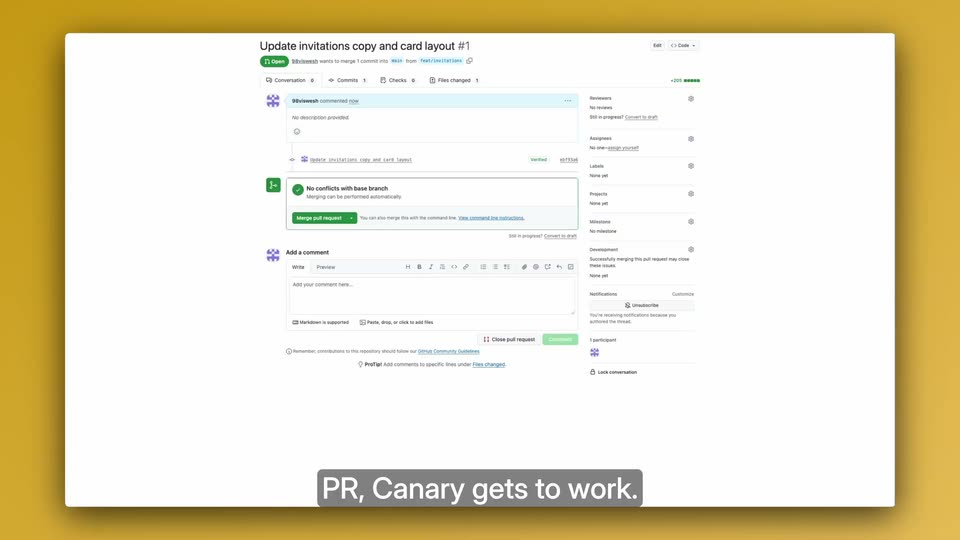 0:21–0:25Canary · Canary - Friday. 5:47 PM. Quick Claude session, small auth refactor. LGTM, meA hand cursor clicks the green Create pull request button on a flat GitHub page, then the view pulls back to show the whole pull request card floating in 3D on a yellow background. A gray caption bar at the bottom reads “PR, Canary gets to work.”
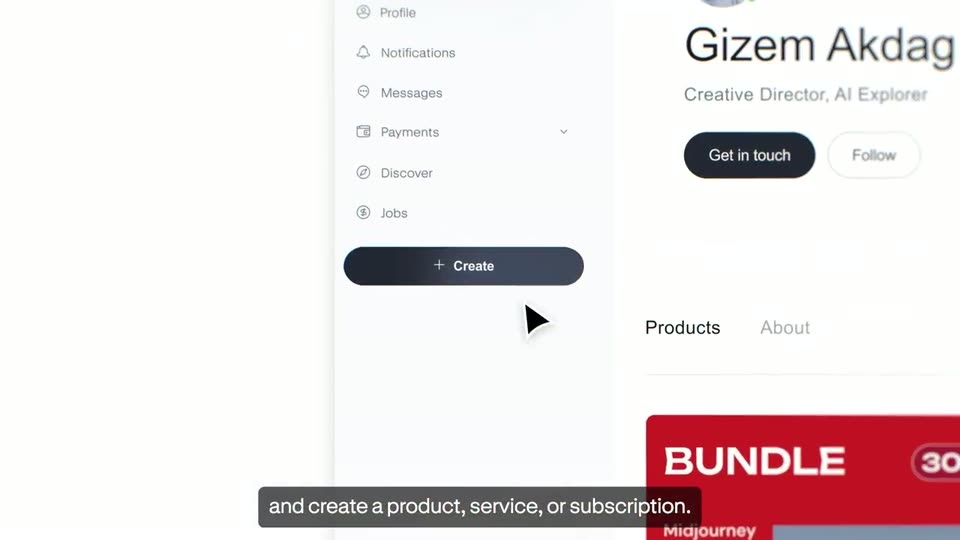 0:22–0:24Contra Payments · ben - Introducing Contra Payments. The first payments platform that lets yA blurred creator profile page fills the frame, then the view zooms onto the left sidebar. A cursor moves to the dark Create button and hovers, switching it to an outlined state. Subtitles run along the bottom.
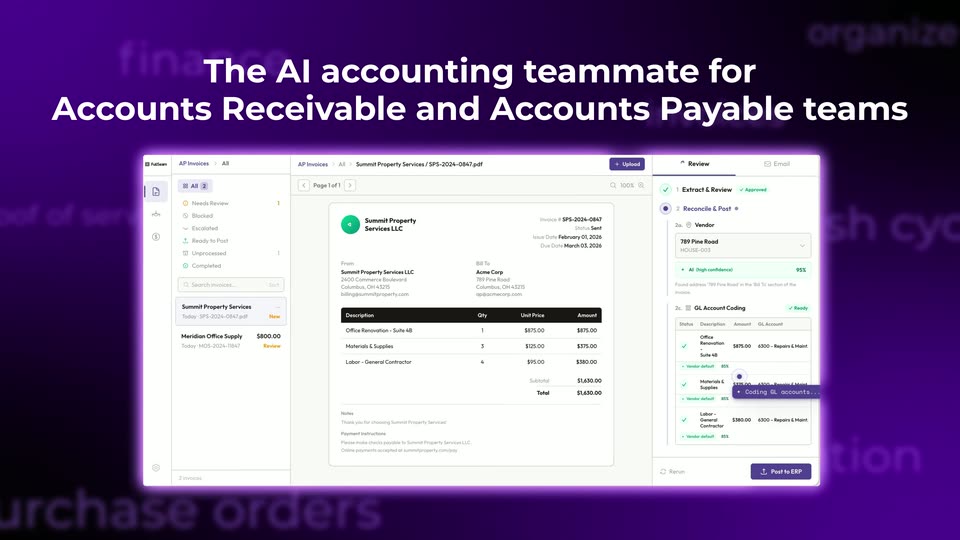 0:09–0:17FullSeam · FullSeam Launch VideoHeadline above a floating Tulip AP-invoice UI on a purple field of blurred finance words; the UI settles from a 3D tilt, a cursor runs tooltips through reading, vendor matching and GL coding, then the panel clones side by side.
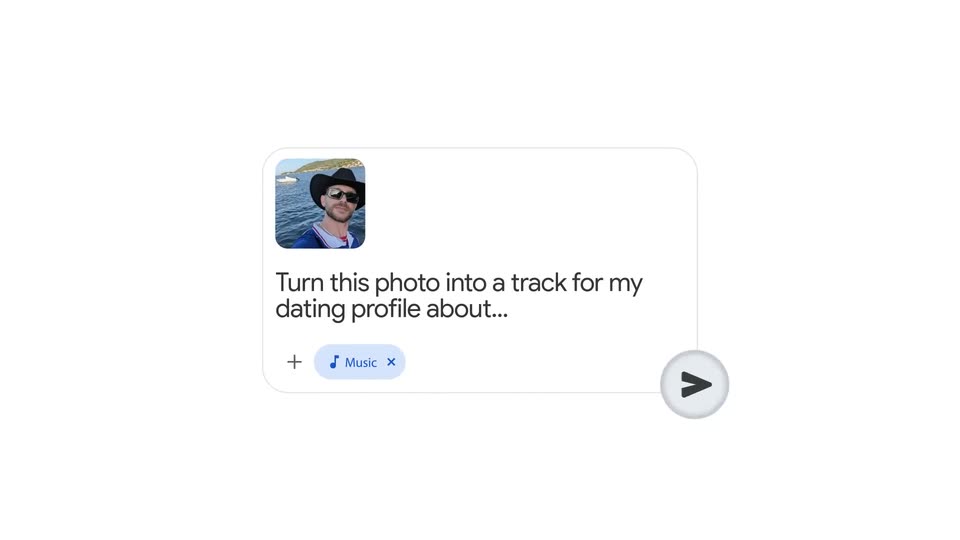 0:21–0:26Google · Introducing Lyria 3 music generationA pixel cursor drags a tilted cowboy photo into a white prompt card over a faint blue tagline, then taps as the prompt types out. It cuts to a 3D-tilted track card showing a red lasso-heart illustration and a pause button.
 0:21–0:24Lyria · Google - Meet Lyria 3, our latest music generation model from @GoogleDeepMind.A pixel hand cursor drags a tilted photo of a man in a cowboy hat into a white composer card; the photo snaps upright into the left slot while the cursor lifts away, and a line of text begins typing beneath it.
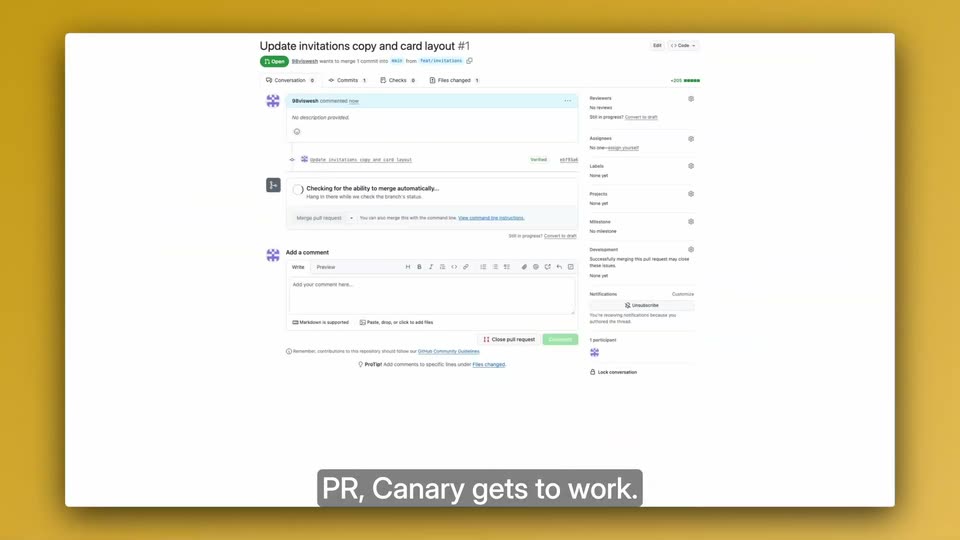 0:21–0:25Canary · Canary Launch VideoA close-up of a GitHub pull request page shows a hand cursor pressing the green Create pull request button under a dark caption bar. The view blurs and pulls back to the full PR page, tilted in 3D on a mustard yellow background.
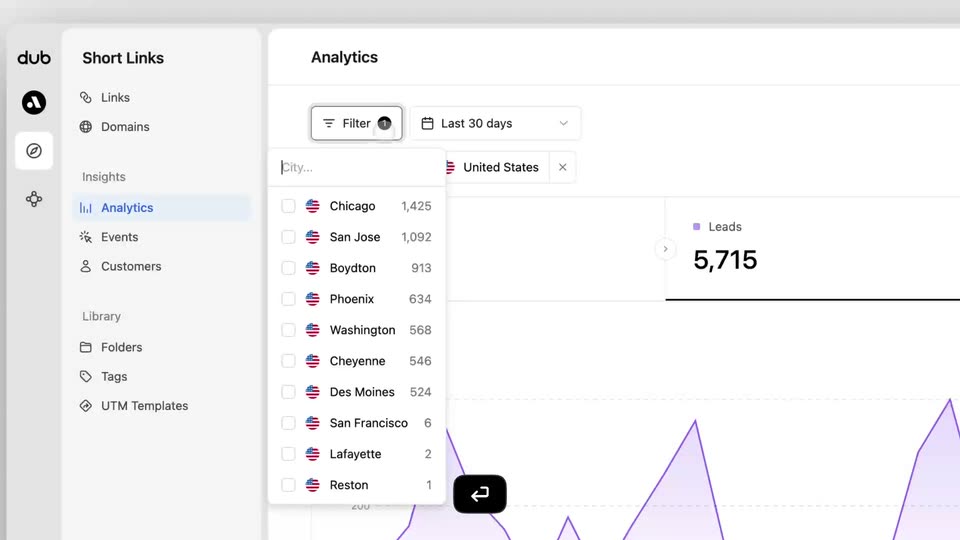 0:00–0:16Dub · Dub: new filtersA white analytics dashboard fills the frame. The view zooms into the Filter control, where a black cursor pill opens a dropdown, checks United States, then Chicago. Filter chips appear and the metric numbers and purple chart update. The frame zooms back out to the full dashboard.
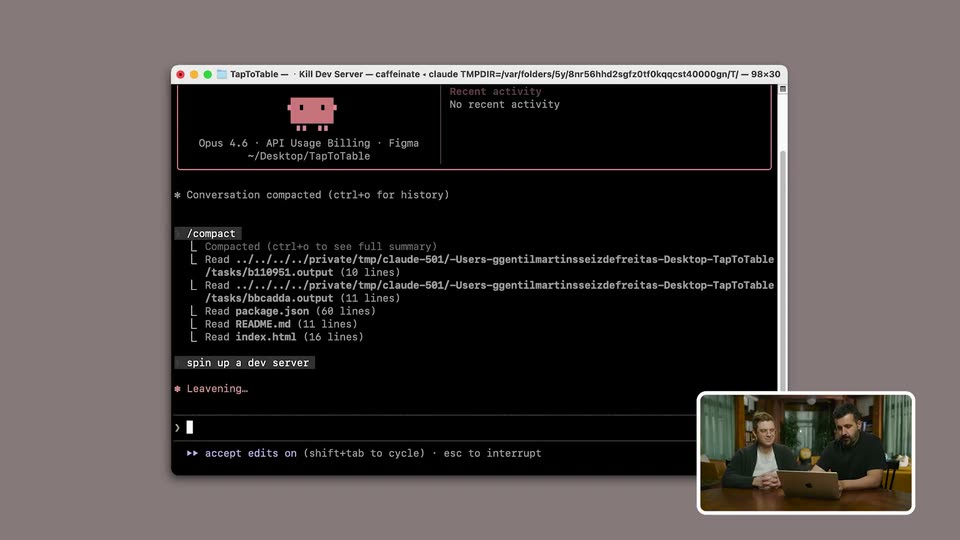 1:27–1:31Figma · Figma - Tired: code or canvas Wired: code AND canvas Introducing Claude CodeA dark terminal window types the command “spin up a dev server” at the prompt, then submits it and scrolls to show background process output. A small live-action inset of two men at a laptop sits in the lower right corner.
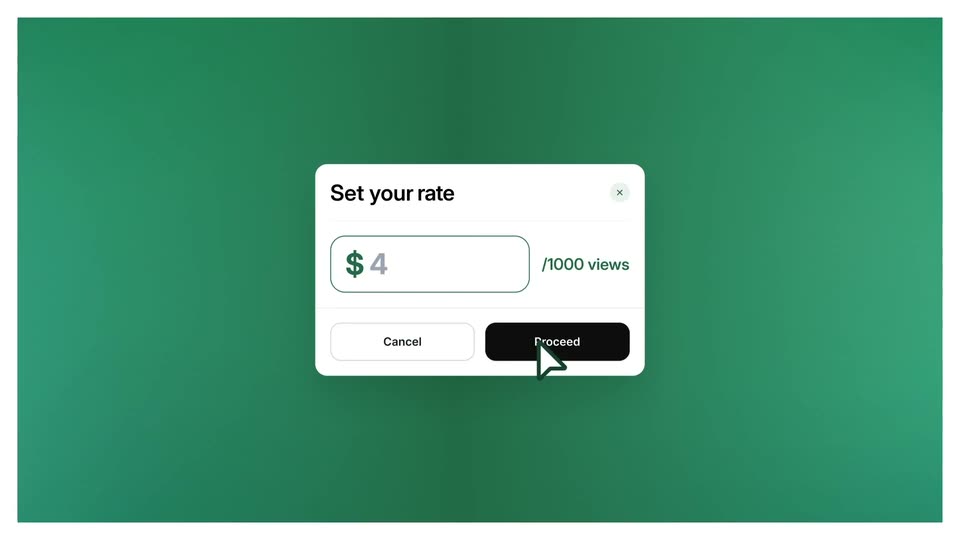 0:25–0:29Grade · Grade: Performance-Based Payroll, $380k Paid in 30 DaysA white 'Set your rate' modal sits centered on a green screen as a black 'We can' headline slides off the top. A cursor moves into the field, the value scales from $0 to $4, then rests on Proceed while the green frame warps into a curved shape.
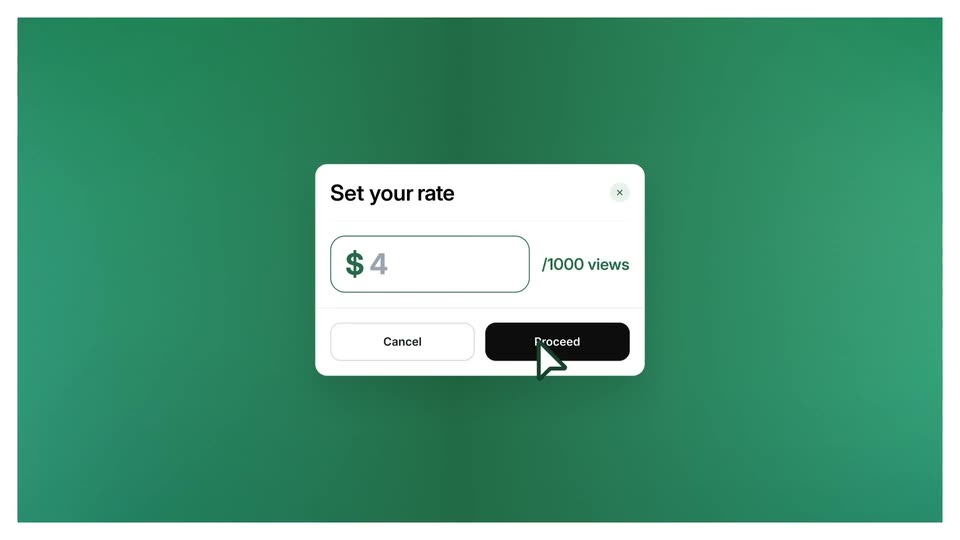 0:25–0:29Grade · Y Combinator - .@usegrade is building payroll for performance, helping companies payThe black headline “We can” slides up off a green field as the “Set your rate” modal scales in at center. A cursor clicks the amount field, the value changes from $0 to $4, then moves to the Proceed button as the backdrop ripples.
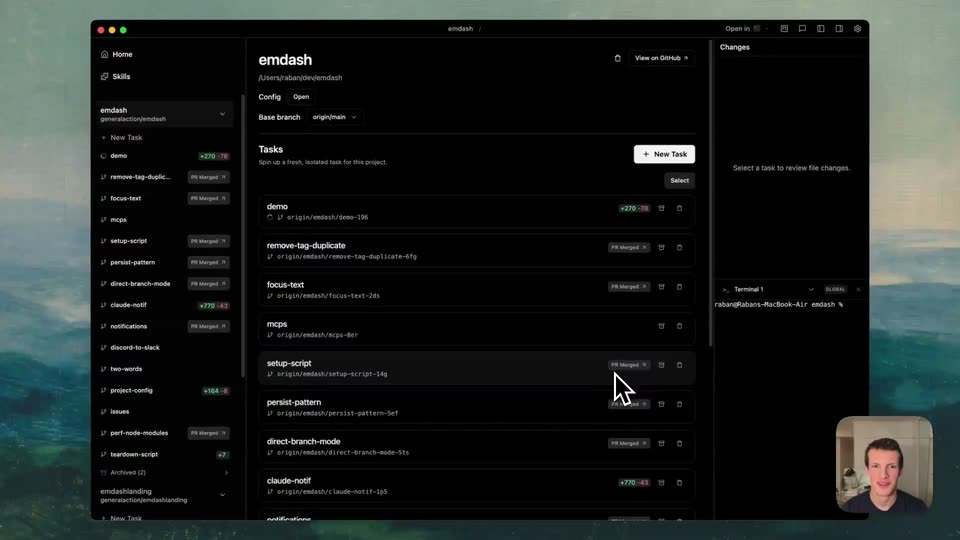 0:09 · 0.6sEmdash · Y Combinator - .@emdashsh is building an open-source Agentic Development EnvironmentA dark emdash interface fills the frame, a project list on the left, a task list in the center, a terminal on the right, over an ocean desktop. A small webcam self-view sits bottom right. A white cursor hovers a task row as a caption fades in at the bottom.
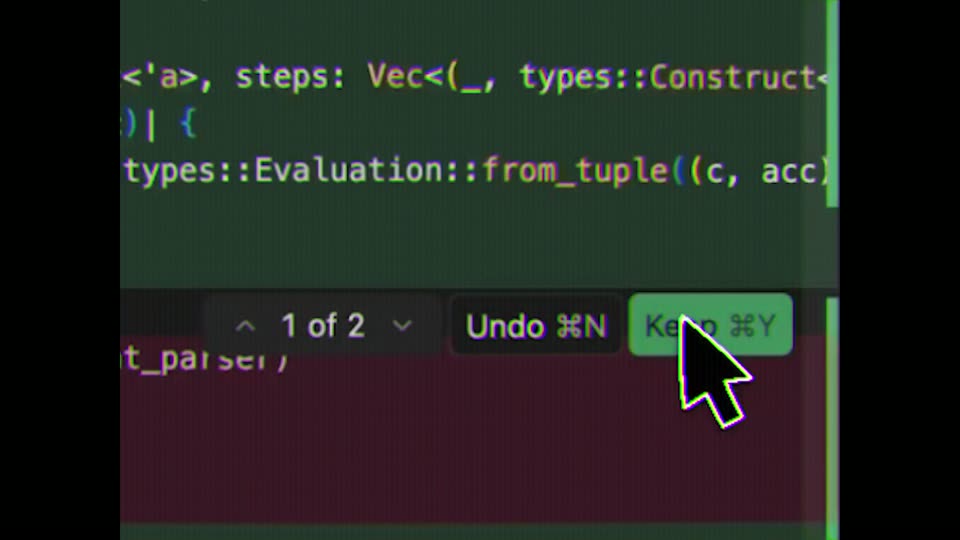 0:07 · 0.7sSkillsync · Nars - Convert your github into a live resume Use this shortcut to turn youA close-up of a code editor shows Rust code on a dark green field. A bottom toolbar reads 1 of 2, Undo and a green Keep button, with a large white cursor arrow resting on Keep.
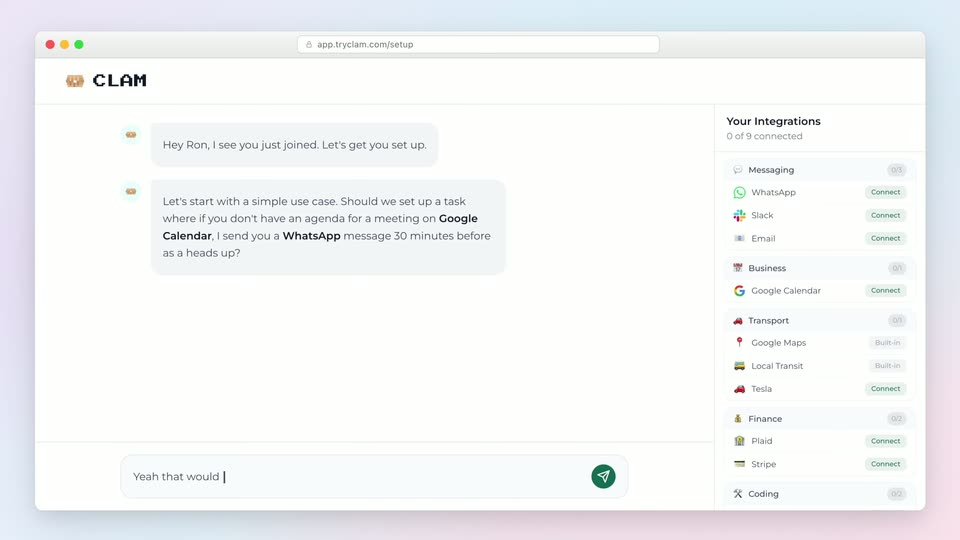 0:11–0:26BaseFrame · Clam (YC W26) - Security meets OpenClawA browser window of the Clam chat, with an integrations list on the right, fades in over a pastel gradient. Messages appear one by one, the user types a reply, then a cursor clicks the Google Calendar Connect button and a sign-in modal pops up.
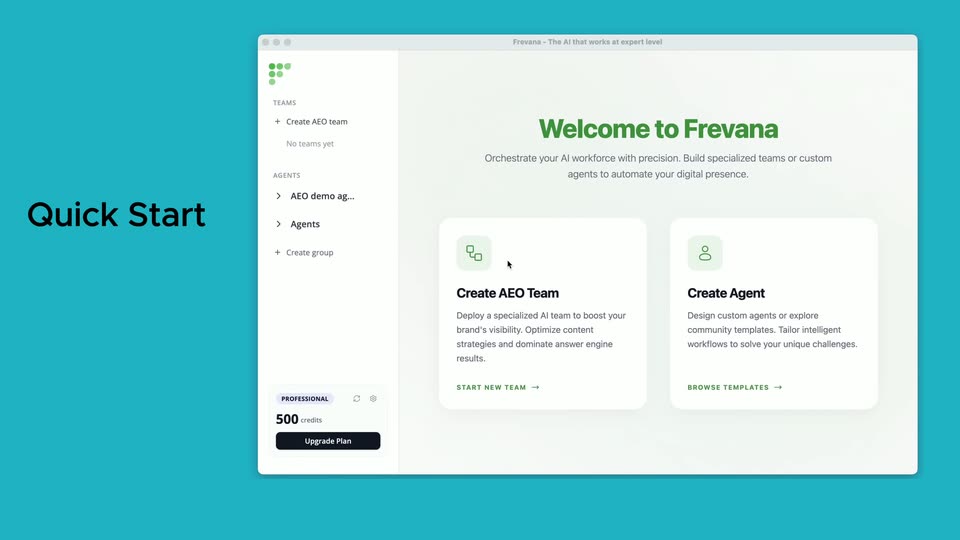 0:15–0:16Frevana · Frevana AEO Agent Team Launched 🎉A flat browser window of the Frevana app sits on a solid teal background, showing a welcome screen with two cards. A black headline reads on the left while a cursor drifts in to hover over the first card.
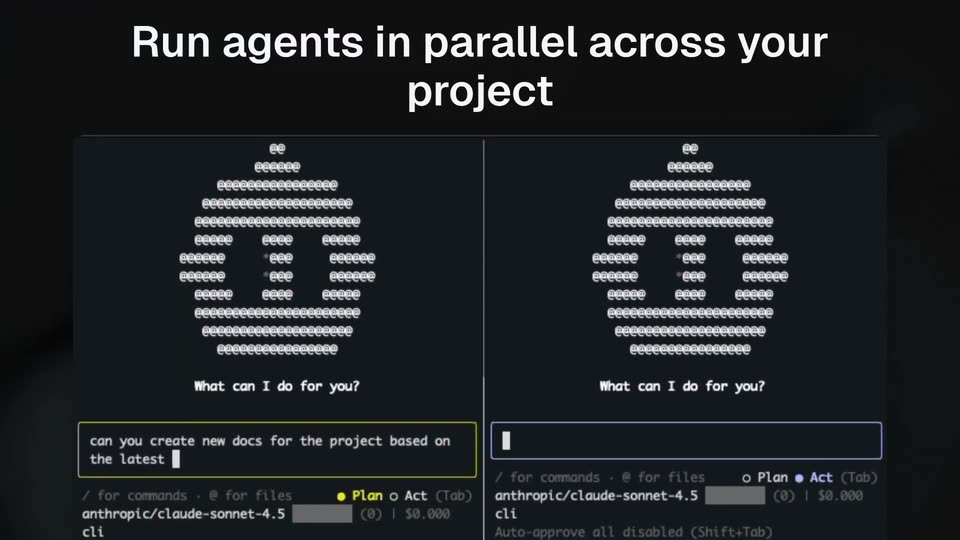 0:34–0:35Cline · Cline - Introducing Cline CLI 2.0: An open-source AI coding agent that runs eTwo dark CLI windows sit side by side beneath a white headline. The left window types a prompt into a yellow-bordered input field, the right shows a blinking cursor in a blue field.
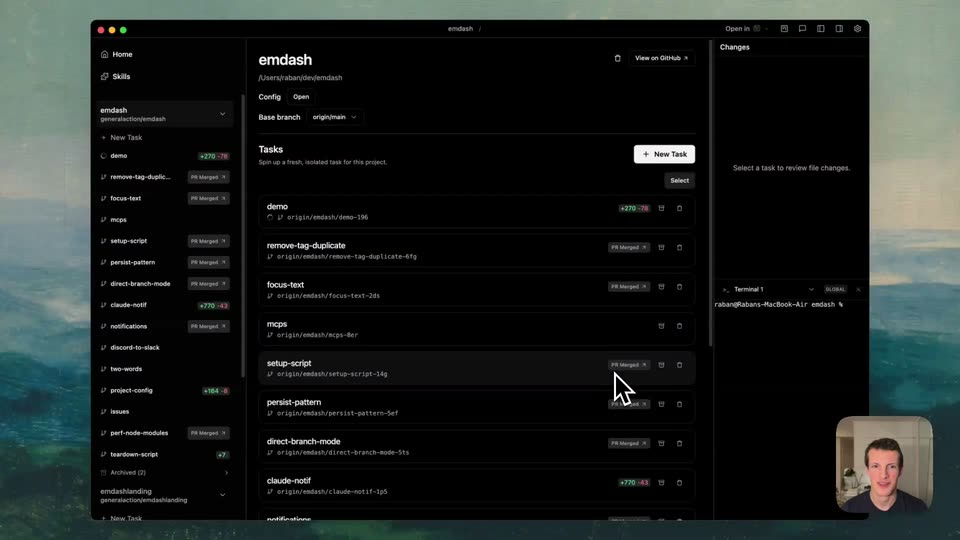 0:09 · 0.6sEmdash · Launch Emdash (YC W26)A dark task-management interface fills the screen over a blurred ocean wallpaper, with a small webcam feed of a man in the bottom right corner and a cursor resting over the task list. The view stays static.
 0:02–0:03Polymarket · Polymarket - Bitcoin up or down? 5 minute up/down crypto polymarkets are now liA dark pill badge with a Bitcoin B icon and the words 5 minute markets sits centered on a black navy field. The view zooms into the badge so the coin circle grows to dominate the frame, the label slides off the right edge, and a glowing cursor arrow appears beneath the coin.
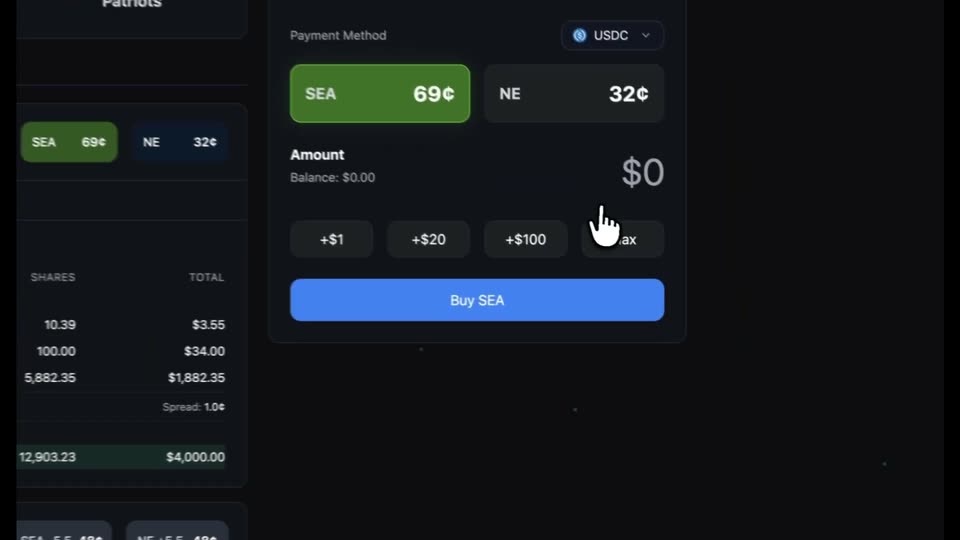 0:03–0:08Unifold · Unifold - Universal Deposit InfrastructureA screen recording zooms from the full Alpha Arcade market list into a single Seahawks versus Patriots card, then into its trading panel. A white caption box states the USDCa requirement while a cursor hovers over the amount buttons.
 0:47–0:52Arbitrum · Scaling Arbitrum EverywhereA 3D Earth globe floats on a purple-blue gradient, white dots and dashed lines tracing a network on its surface. White dollar signs pop in, forming a ring that orbits the globe. A hand cursor hovers over it as a 3D letter P of dollar bills slides in from the left.
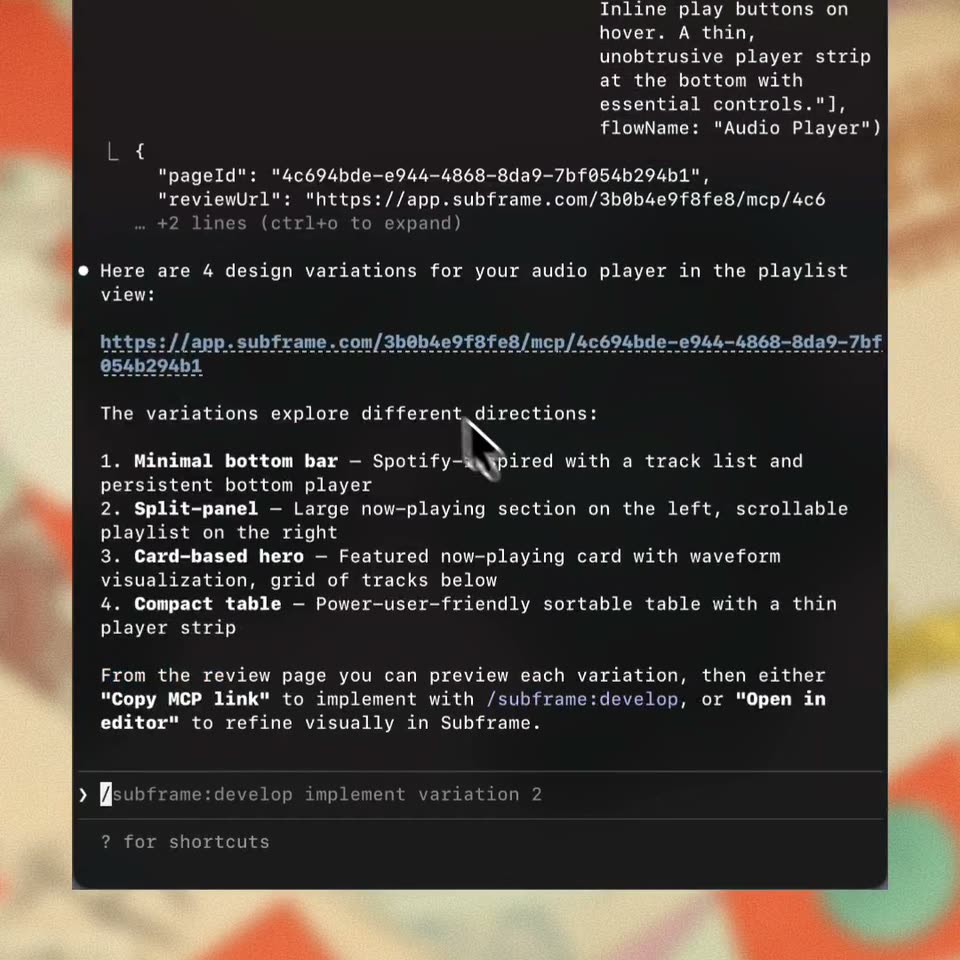 0:09–0:12Design Canvas · Irvin Zhan - Today we’re launching Design Canvas for AI agents. AI can build a feA dark terminal over a blurred colorful background streams white monospace text listing four audio player design variations. A mouse pointer clicks the review URL, and the frame zooms in on the highlighted link.
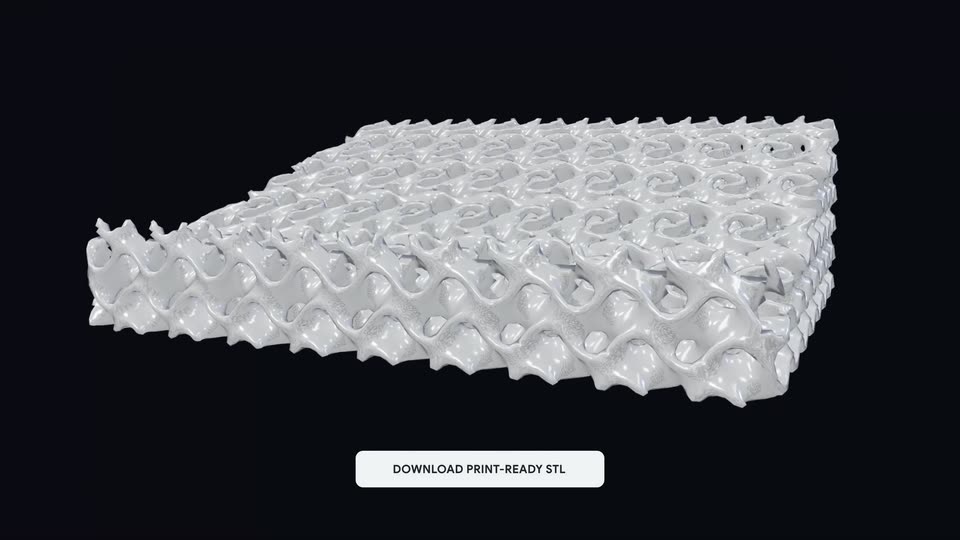 0:23–0:26Google · Google Gemini - Today, we’re releasing a significant upgrade to our specialized reasoA white 3D-printed lattice plate turns and pulls back on a black rounded panel, which then expands to full screen. A pale download button pops in at the bottom, the view reframes upward to center it on a light gray field, and a hand cursor appears beside it.
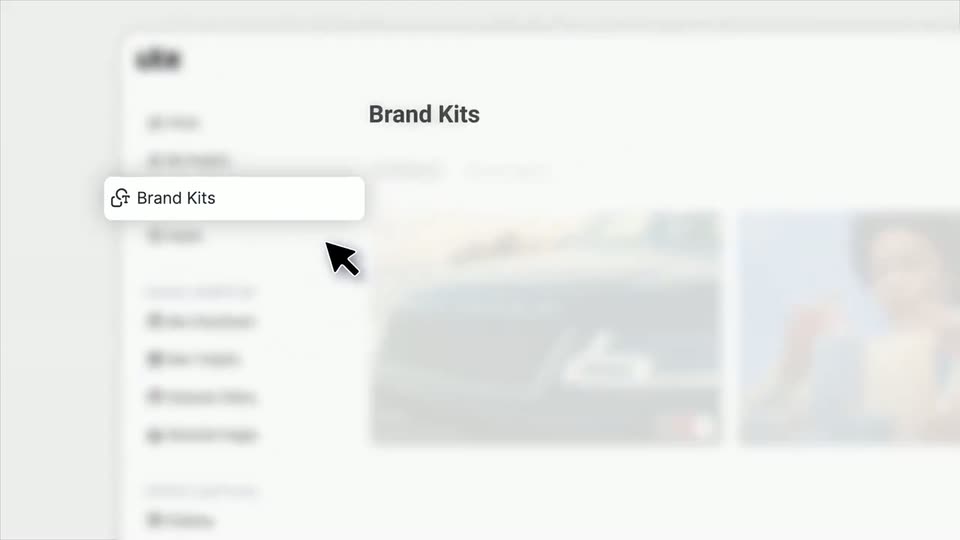 0:03–0:04Lightricks · LTX.io - Introducing Brand Kit. A new enterprise feature in LTX Studio that lA blurred app view shows a cursor resting on a Brand Kits menu row, then the frame reframes into the Brand Kits page where a dashed New Brand Kit card sits centered and the cursor glides toward it.
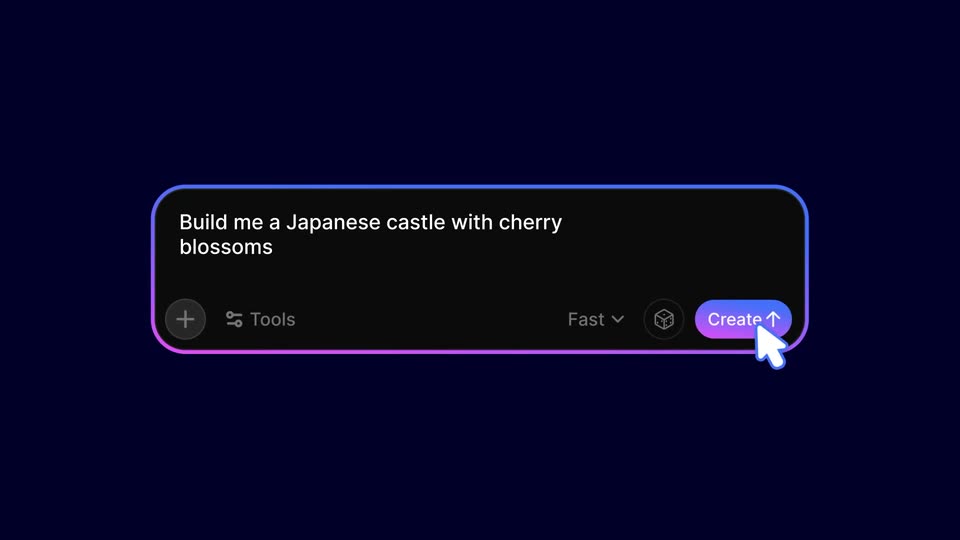 0:05–0:08osu.ai · TSM - INTRODUCING @OSUAIapp 👀 Our team has been hard at work on a desktopA dark prompt bar with a blue-to-purple gradient border sits on a navy field. White text types out behind a blinking caret, then a white arrow cursor glides in and rests on the purple Create button at the bar's right edge.
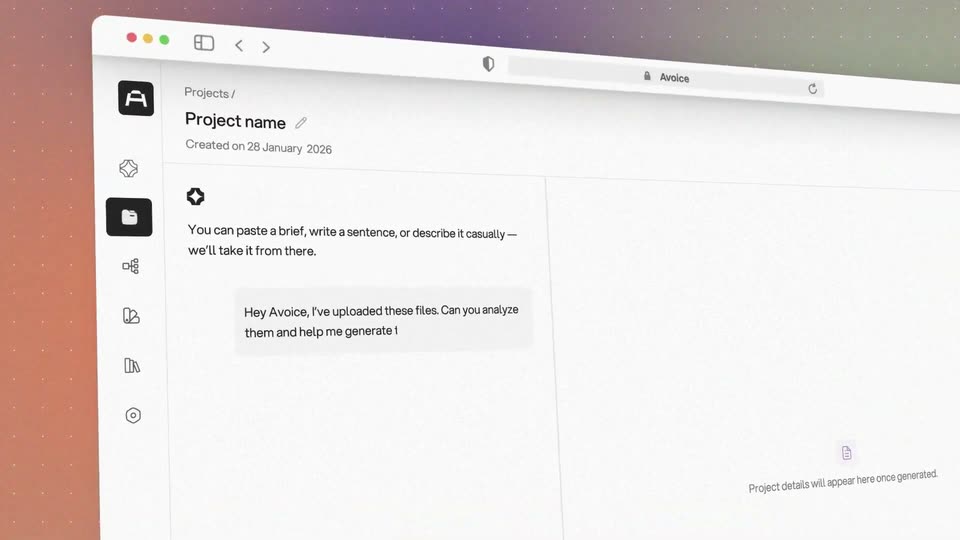 0:17–0:22Avoice · Avoice | The AI Workspace For ArchitectsA tilted browser mockup of the Avoice app resolves from blur, then the camera zooms onto the Projects page as the cursor hovers the Create project button. The view reframes onto a chat thread where a user asks Avoice to analyze three uploaded PDF files.
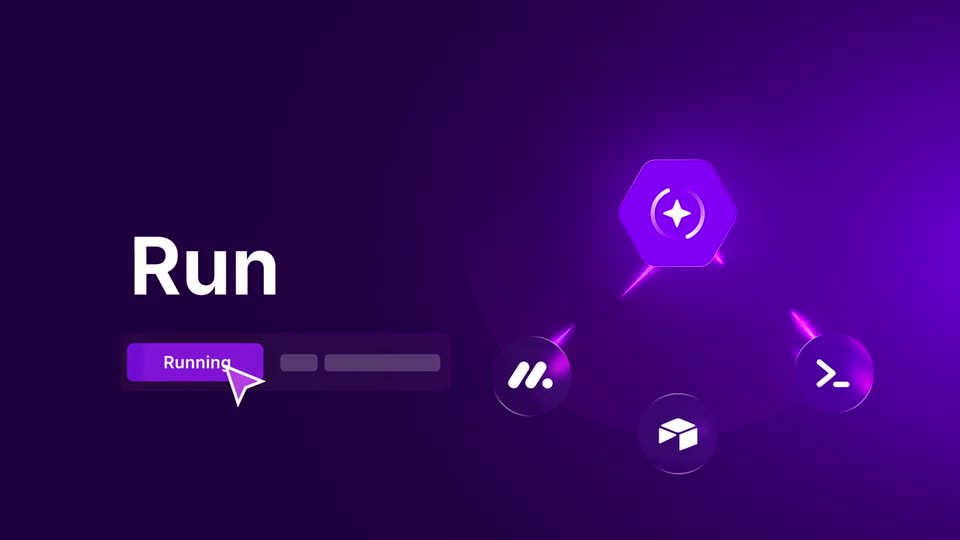 0:21–0:25Make · Make - Make AI Agents are here - reimagined 🦾 #AIAgents promised a lot. ButA purple gradient field holds a large white “Run” headline on the left and a “Run once” button under a white cursor. The cursor clicks the button, which flips to “Running,” while a hexagon hub and three circular icons link up with glowing pink beams that pulse outward.