Cursor demo
A visible cursor operates the interface.
14,987 scenes · page 32 of 250
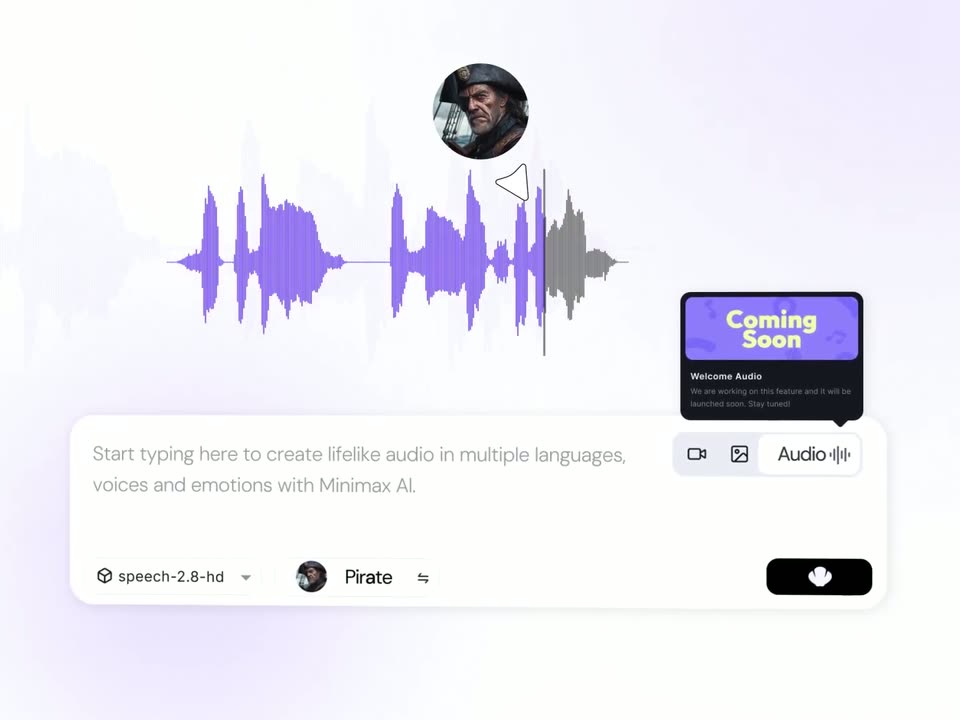 0:20–0:24Hailuo · MiniMax Design (H3) - Hailuo Workspace Just ...Leveled Up! One Flow. Infinite Creations. 💡A slightly tilted audio panel floats on a pale lavender gradient. A mouse cursor drags across the waveform from left to right, and the bars fill purple behind it; a circular pirate avatar hovers above and a dark “Coming Soon” tooltip sits at the right.
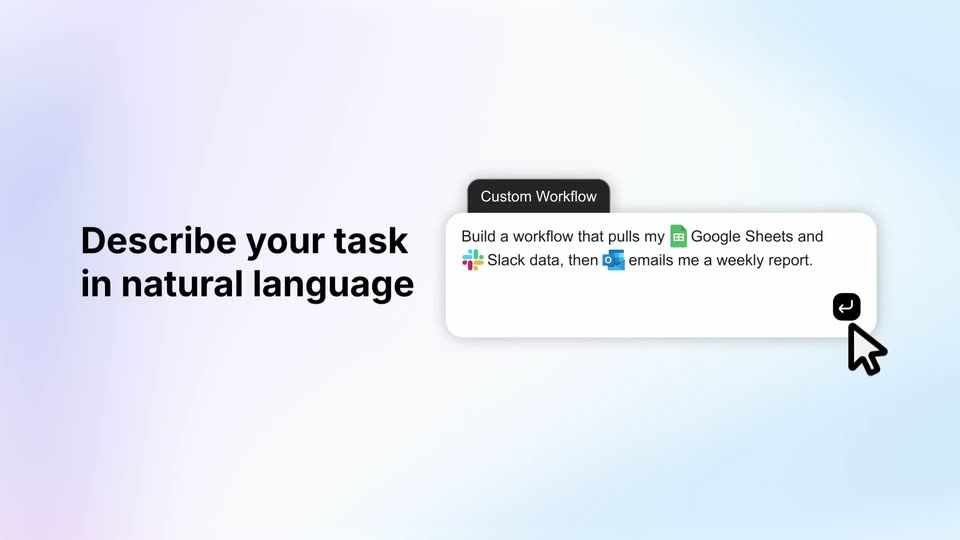 1:04–1:07Genspark · Genspark - 🚀 Introducing Genspark AI Workspace 3.0: Your First AI Employee We'vA flat UI on a soft blue gradient: a bold black headline sits left of a white input card labeled Custom Workflow. A prompt types itself in, a cursor clicks the send button, then the panel blurs and dissolves into a workflow builder showing a Step 1 trigger card.
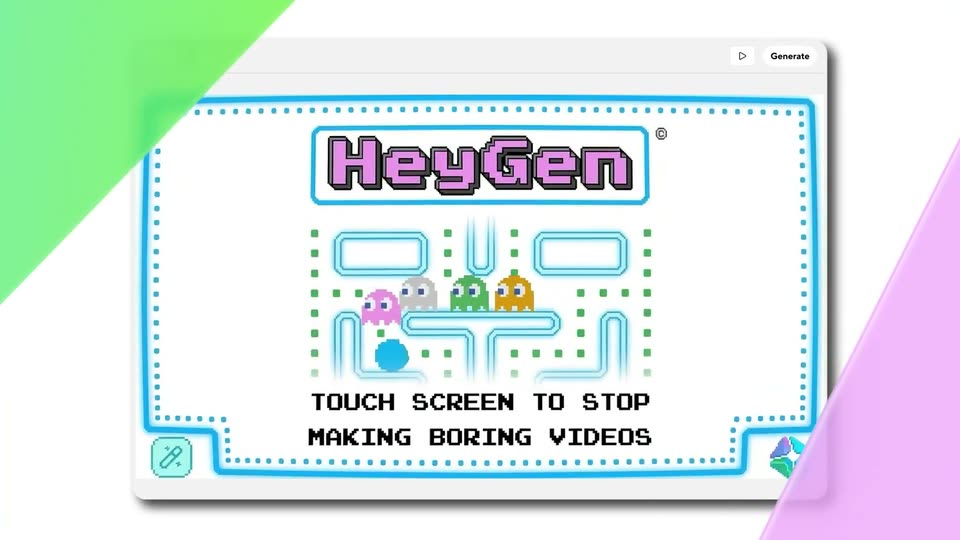 0:00 · 0.7sHeyGen · HeyGen - Most videos fail in the first 3 seconds. They all look the same. TodA browser window mockup on a green and lavender striped background shows a pixel Pac-Man maze with four ghosts and the HeyGen logo. The window scales in from a blur, and a blue hand cursor slides up from the bottom right toward the tagline.
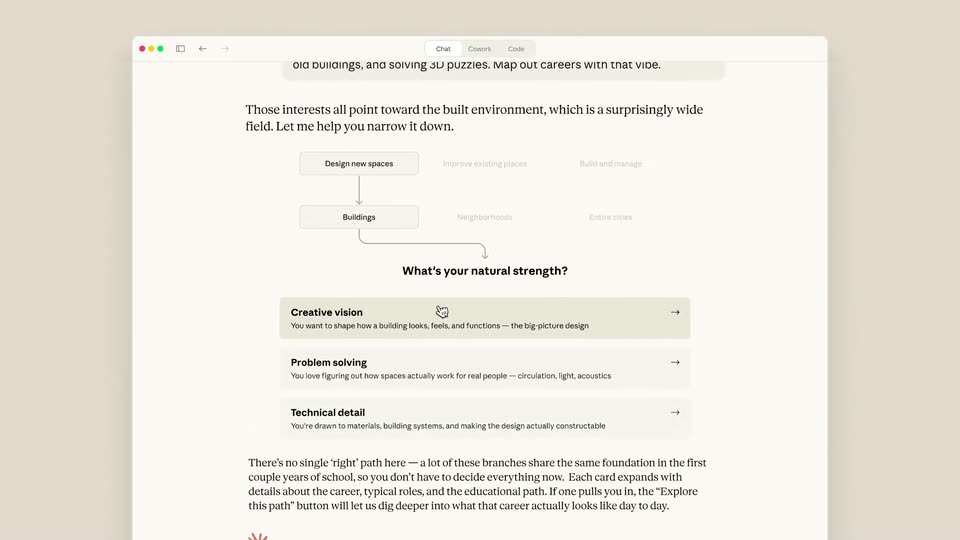 0:17–0:21Anthropic · Claude - Claude can now build interactive charts and diagrams, directly in theA browser window shows a chat interface mapping architecture careers. The page scrolls up slightly as a cursor clicks the Buildings row, and the option list updates to a new question; the cursor then clicks the Neighborhoods node in the flowchart.
 0:01–0:03HydraDB · Nishkarsh - We've raised $6.5M to kill vector databases. Every system today retrA light gray screen holds a centered input bar with a paperclip icon and a circular up-arrow button. The question types out character by character into the bar, then a mouse pointer fades in at the lower right and the caption and it appears at the bottom.
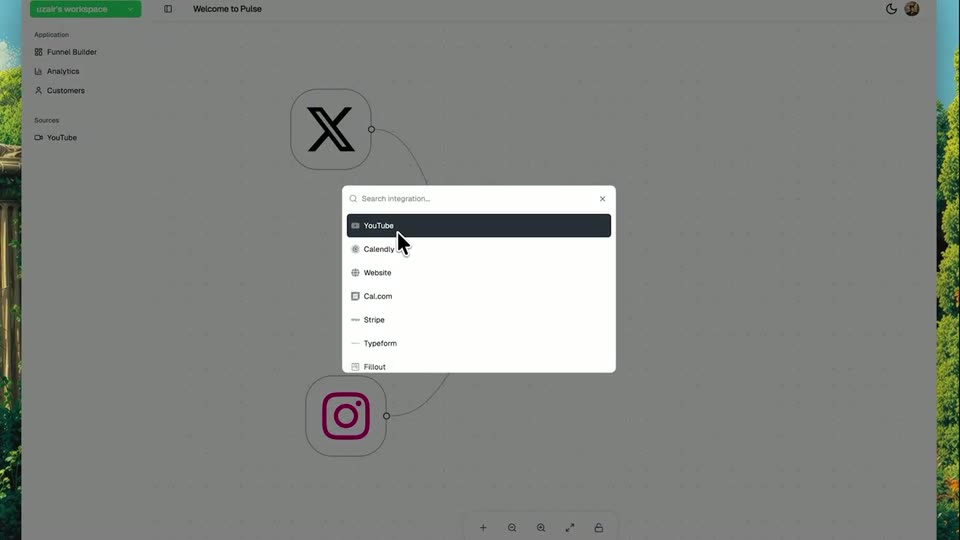 0:03–0:04Pulse · Pulse App - YouTubers creating b2b content keep looking at youtube dashboard thinA dotted-grid canvas holds three linked integration nodes, an X, a globe and an Instagram mark, while a search modal lists apps. A cursor glides down the list. The frame stays locked off.
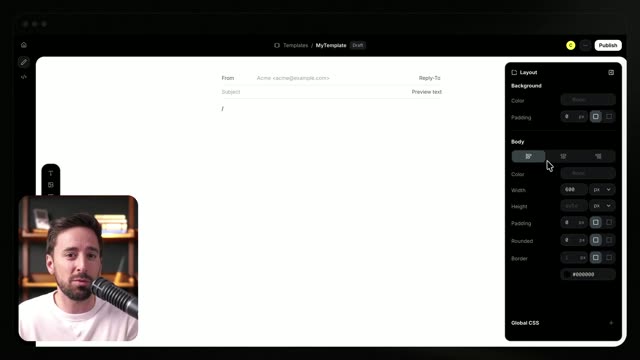 0:13–1:07Resend · The NEW Email Editor is here!A dark email-template editor fills the frame, its cursor tapping the left toolbar to pop open component menus while the right panel flips between Layout and Text settings. A small talking-head video of a man at a microphone sits in the lower-left corner.
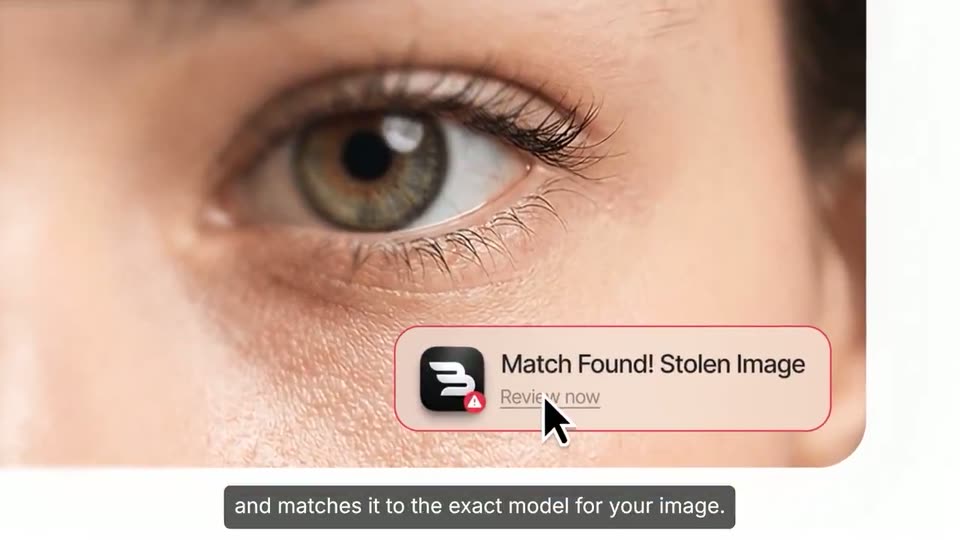 0:59–1:02Bustem · oliverb - We raised $64M for this moment: Introducing Bustem. Bustem scans theA close-up of a model's eye in a rounded card zooms in tightly on the iris. A red-outlined notification pill with a black icon and red warning triangle slides in over the image, and a cursor clicks the underlined link. Subtitles narrate the match along the bottom.
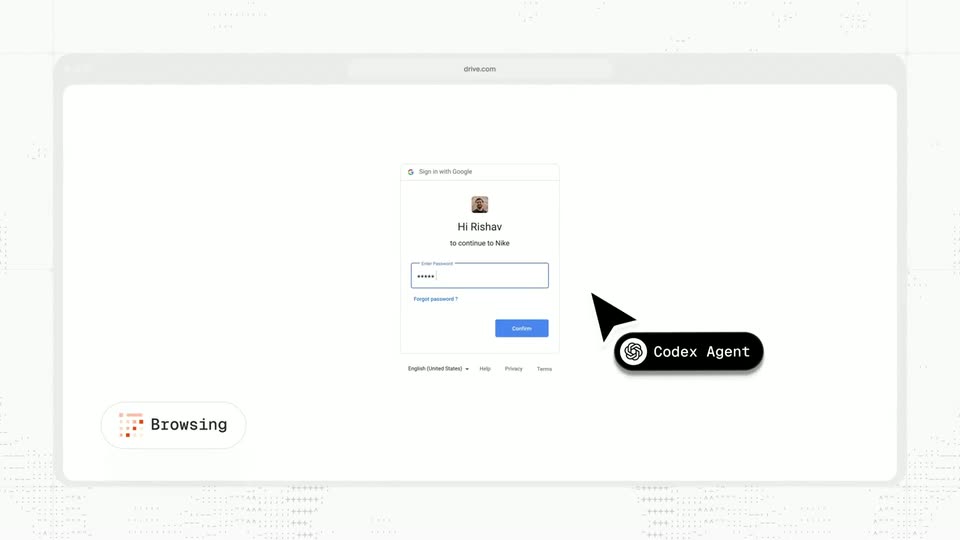 0:30–0:32Firecrawl · Firecrawl - Introducing the new Firecrawl CLI 🔥 The toolkit for agents to scrapeA flat browser window displays a Google sign-in page. The account chooser switches to a password field as the cursor clicks, and a black Codex Agent pill slides in beside it. A Browsing chip with an orange dot icon sits in the lower-left corner.
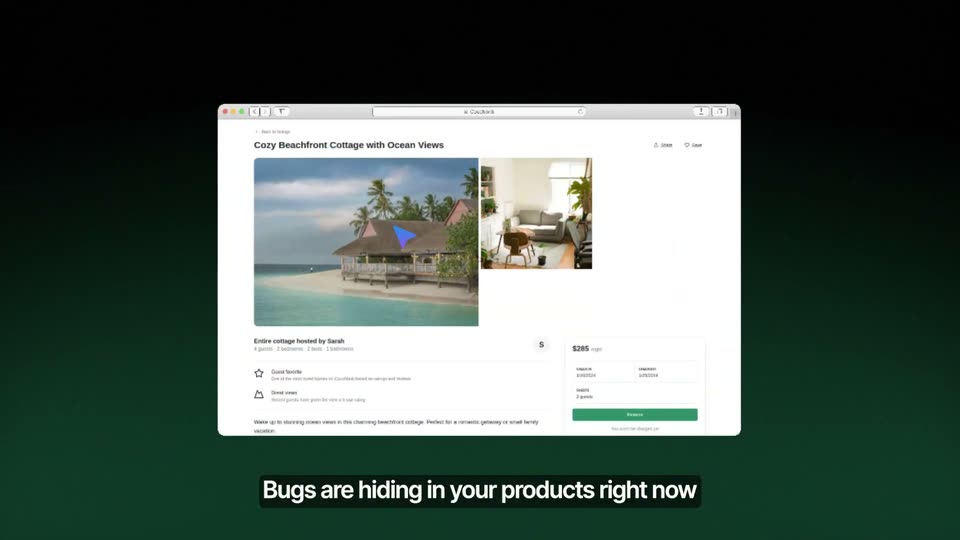 0:08–0:11Lucent · Lucent Launch VideoA dark green backdrop holds a large white headline that fades out as a flat browser window scales up to center, showing a cottage listing page. A blue cursor drifts across the page while a black caption bar at the bottom swaps its line.
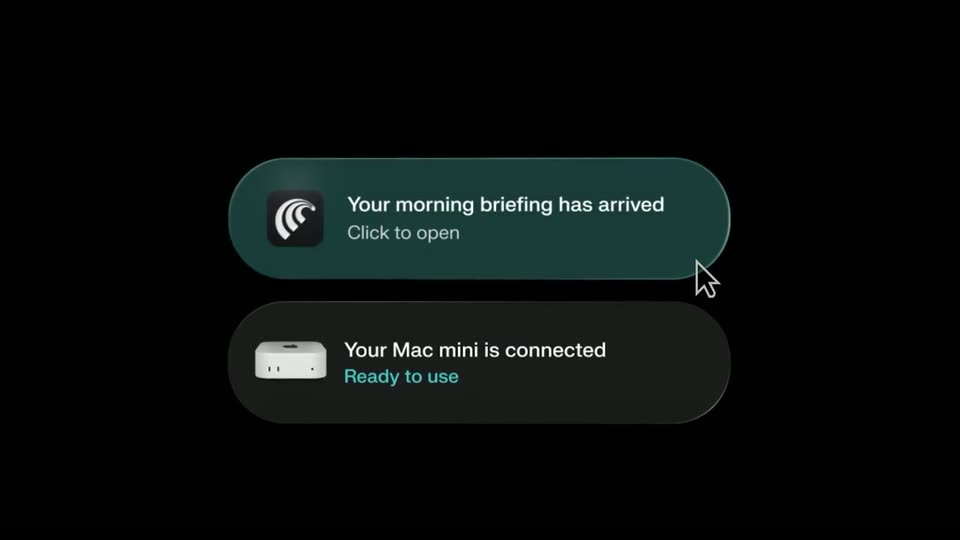 0:03–0:08Perplexity · Perplexity - Announcing Personal Computer. Personal Computer is an always on, locA white Mac mini shrinks into the icon of a teal pill reading “Mac mini discovered, Connecting...”, then “Syncing...”. A second pill slides in above with “Your morning briefing has arrived”, and the first updates to “Your Mac mini is connected, Ready to use”. A cursor hovers near the top banner.
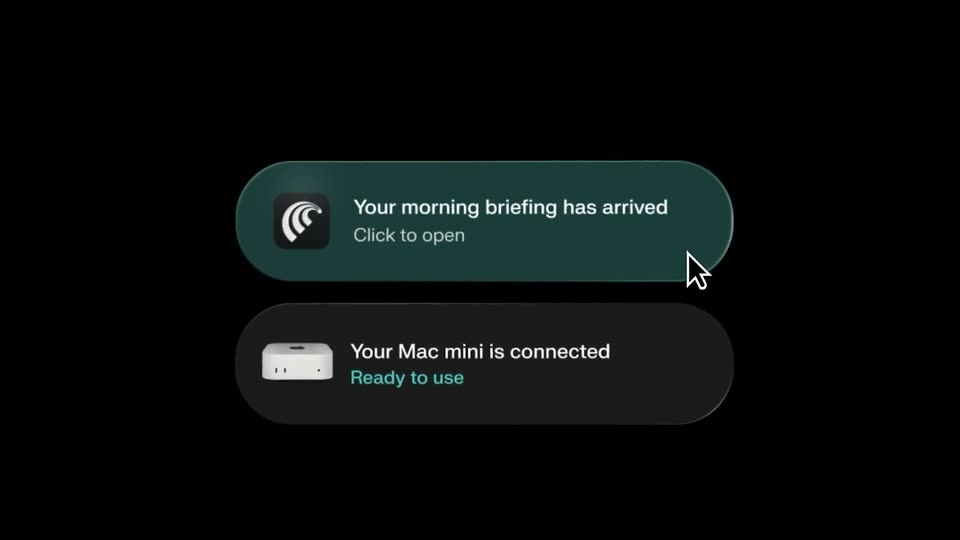 0:06–0:08Perplexity · Personal Computer, by PerplexityTwo stacked notification pills on black: a teal one with a podcast icon and a gray one with a Mac mini icon and a loading ring. They ease into place while a cursor glides in from the right and drifts down toward the lower banner.
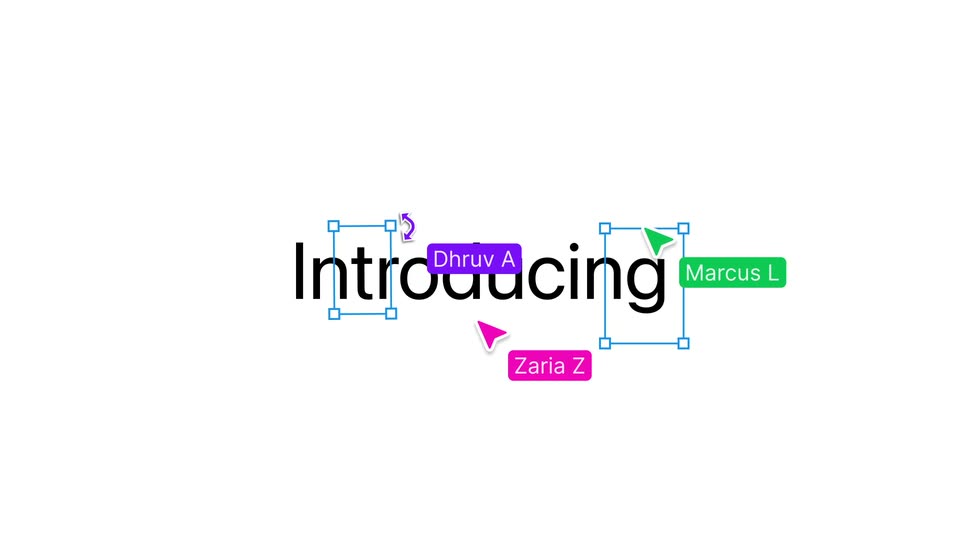 0:00–0:05Anything · Anything - BREAKING: design-first vibe coding is here! import your Figma designOn a white field, a pink cursor drags a blue selection box as the word Introducing scales up in black. Two more cursors with name tags join, the box splits into two and shifts, then everything settles into one box framing the word.
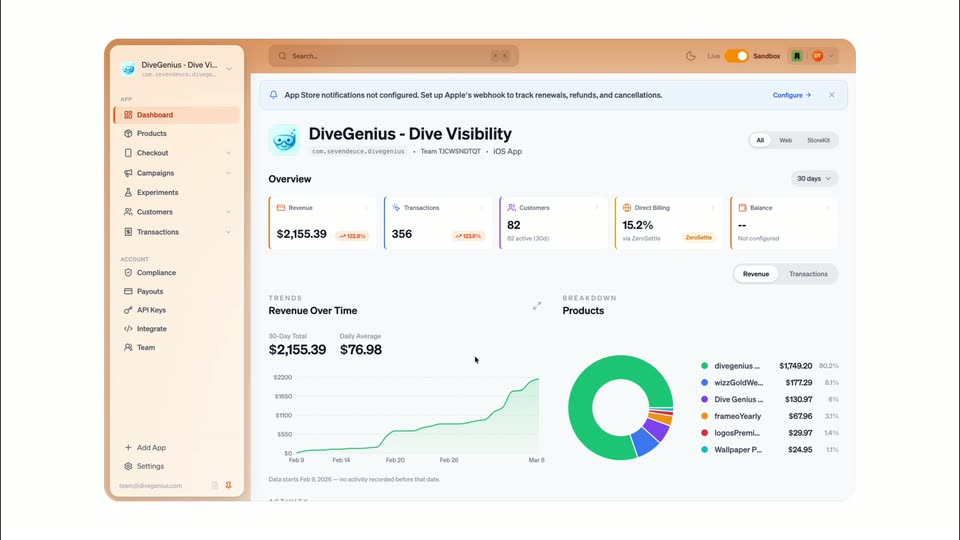 0:47–0:53ZeroSettle · Y Combinator - ZeroSettle (@ZeroSettle) is building a drop-in direct billing SDK forA tilted 3D mockup of the DiveGenius dashboard floats on a light background. A cursor glides down the left sidebar, highlights Dashboard, then clicks Products, and the main panel switches to a product list table.
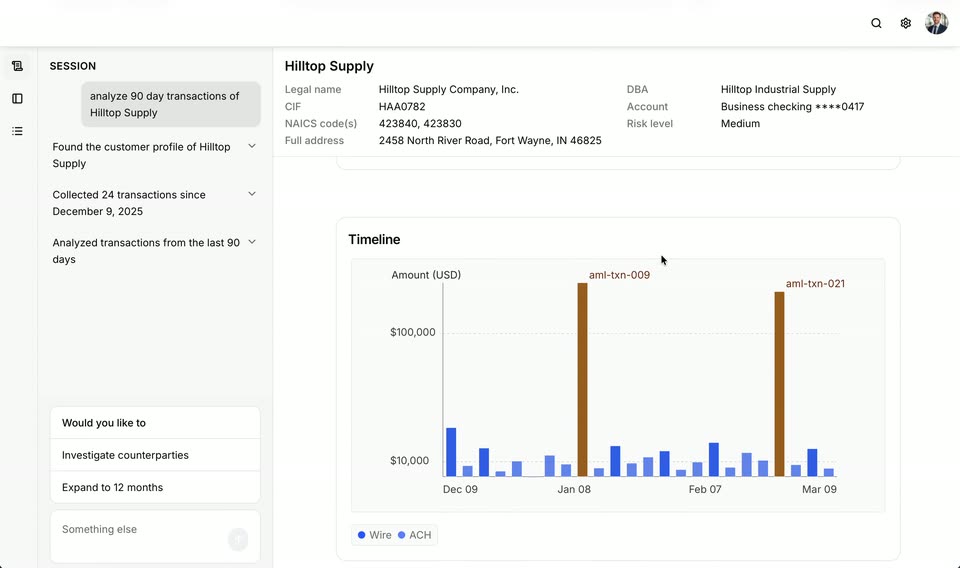 0:00–0:24Fenrock AI · Fenrock AI - back office AI agents for banks and private lendersA banking AI agent interface. The cursor clicks the send button in a centered prompt box. A left session panel logs step-by-step statuses while the main panel fills with a profile table, summary card, bar chart with two orange outlier bars, and transactions table, scrolling down as sections load.
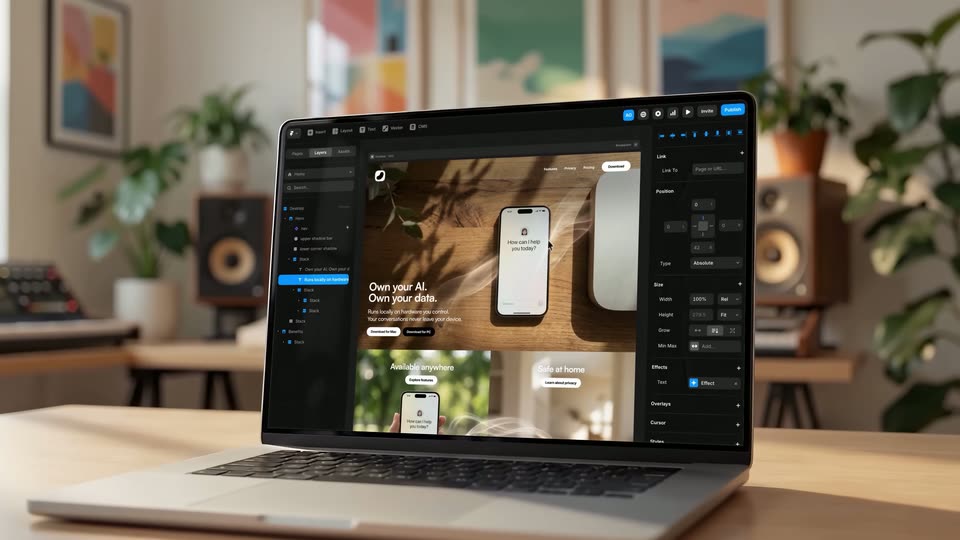 0:02–0:03Framer · Framer Convert: Understand, Test, and Optimize.A silver laptop rests on a wooden desk in a blurred home office, its screen filling the frame with a website editor. A phone mockup and a hero headline sit on the canvas while a cursor hovers, and the camera pushes in slowly.
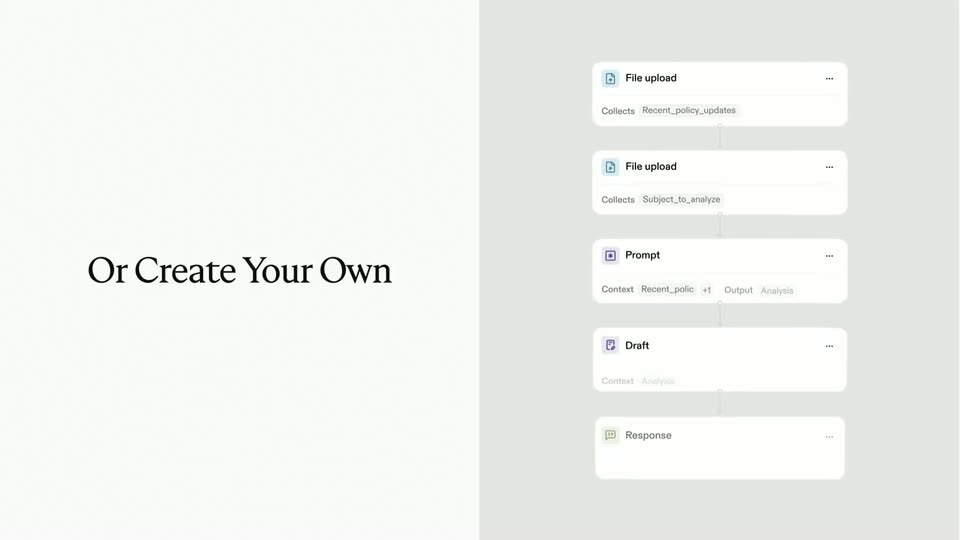 0:10–0:14Harvey · Harvey - Introducing Agent Builder in Harvey. Teams can build autonomous agentSplit frame: a static serif headline, Or Create Your Own, on a white left panel, a gray right panel showing the interface. A hand cursor taps a Create New Agent button, then File upload, Prompt, Draft and Response cards slide in and scroll up past Add step.
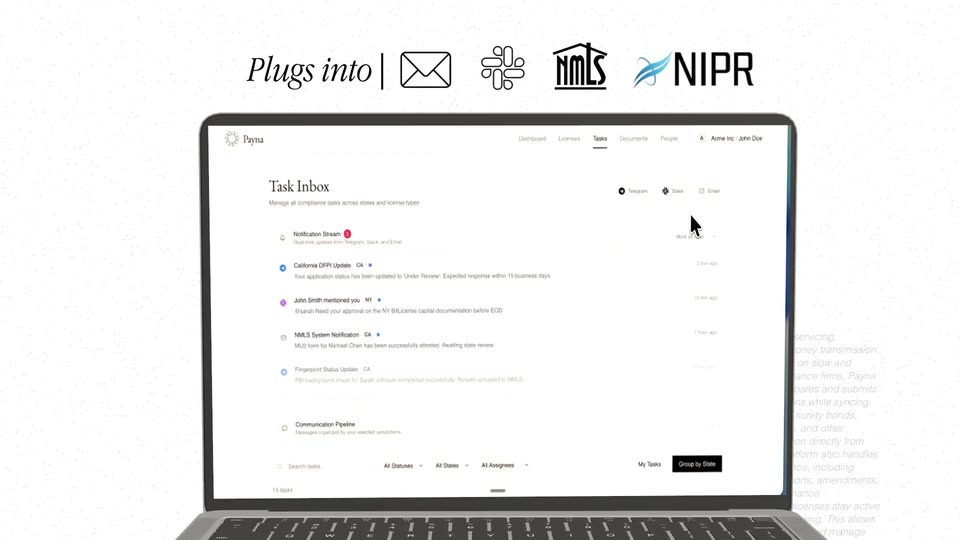 0:22–0:26Payna · Payna (YC W26) LaunchA 3D laptop mockup on a speckled white background shows a Payna dashboard, then a Task Inbox as a cursor opens a dropdown. Above it the serif headline Plugs into types out, then envelope, Slack, NMLS and NIPR logos appear, while the camera pushes in.
 0:15–0:17Reve · Reve - Show, not tell.A smiling woman in a pink chunky-knit beanie looks to the side against a white backdrop. A floating UI card enters on the right with a snowy forest crop, a prompt field, and a check button, while a cursor rests on the image.
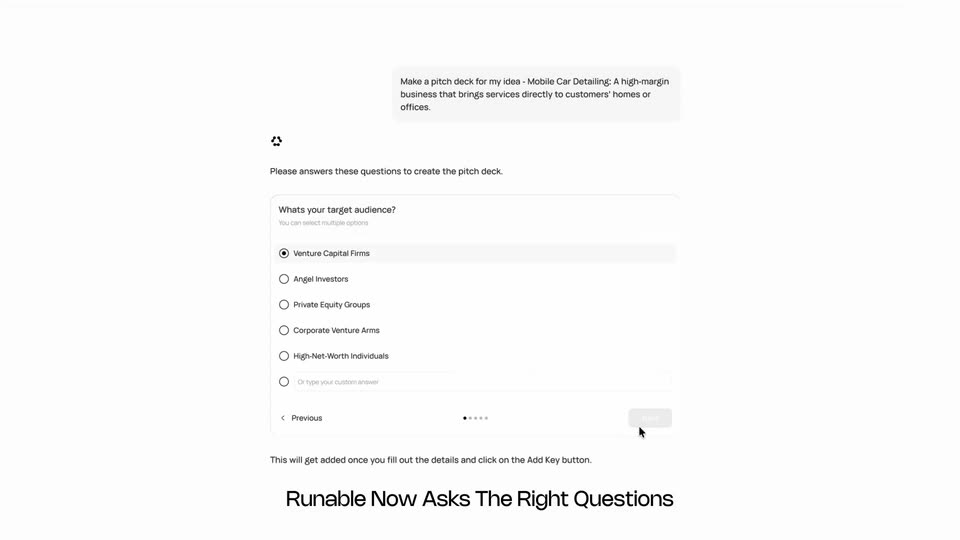 0:45–0:49Runable · Umesh Kumar - Introducing Runable 2.0 — the best way to work with AI. Runable nowA light pitch-deck form fills the frame. A cursor clicks the Venture Capital Firms radio, then drifts to the Next button. A bottom caption reads Before Building Anything, then swaps to Runnable Now Asks The Right Questions. The UI blurs and scrolls down to the next question.
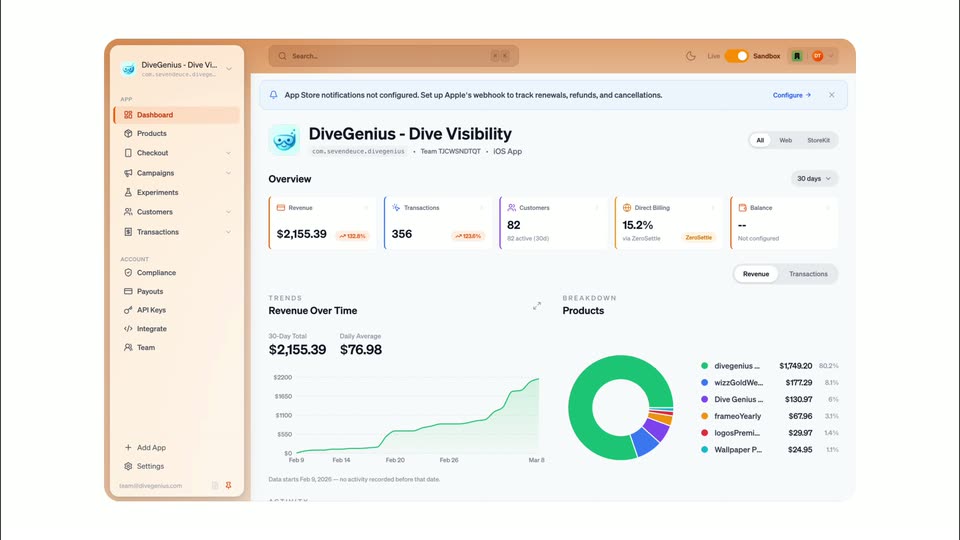 0:47–0:53ZeroSettle · ZeroSettle - Keep More of your Mobile App Revenue with Direct Billing!A billing dashboard floats in 3D perspective on a cream background, showing stat cards, a revenue line chart and a product donut chart. A cursor glides over the screen, then the view dissolves into a Products list with prices and subscription counts.
 0:00 · 0.8sMintlify · Mintlify - Introducing workflows for always on self-updating docs. Let workflowA white rounded button with a plus icon and the words New Workflow sits centered on black. A cursor arrow at its lower right turns from white outline to solid black as the button scales up, suggesting a click.
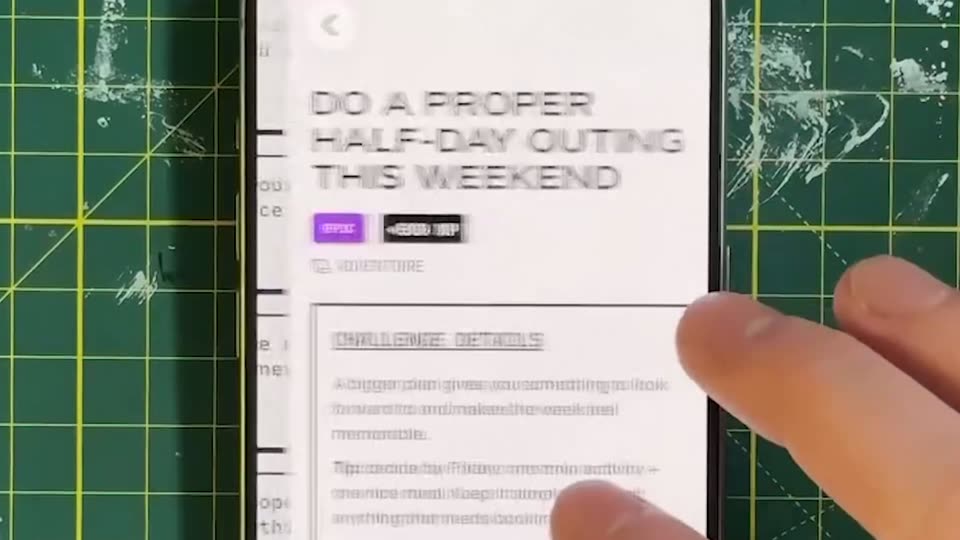 0:27–0:28Wabi · wabi - Allow me to reintroduce myself.A hand holds a phone over a green grid cutting mat and taps through a quest list, moving from task cards with XP and difficulty badges to one expanded quest detail card.
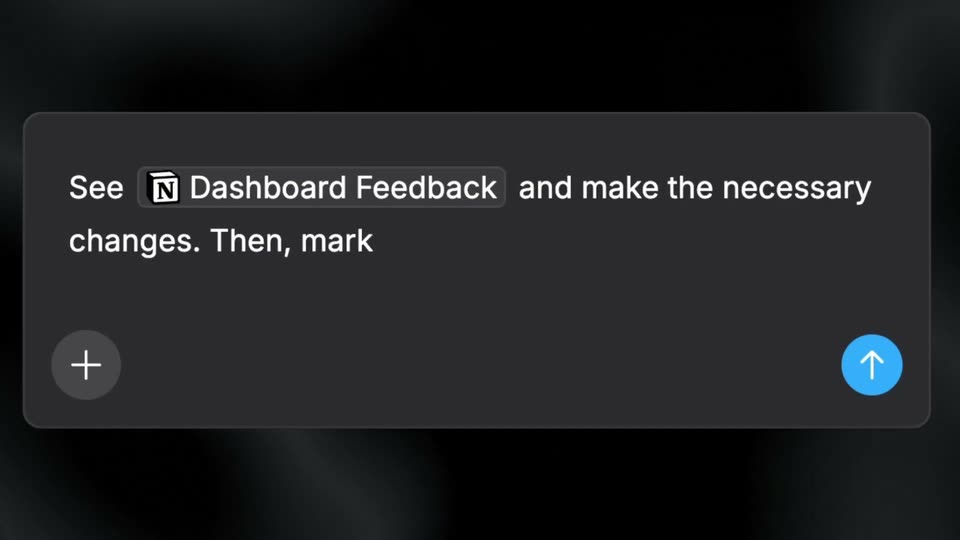 0:03–0:13Bolt · bolt.new - Your company's context, now in Bolt. Introducing Connectors (MCP). GA dark app home shows a cursor opening the plus menu, selecting Connectors, and flipping on the Linear toggle. The view zooms into the prompt box, where a sentence types itself with Notion and Linear chips, then the cursor clicks the send button as a title card reads Introducing Connectors.
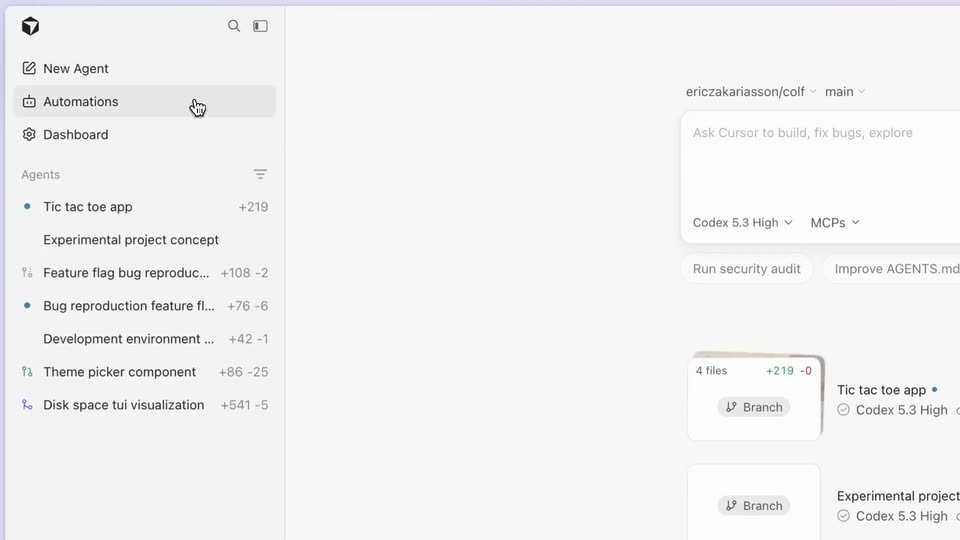 0:03–0:04Cursor · Introducing Automations: always-on coding agentsA light-themed app interface fills the frame. A left sidebar lists navigation items and agent entries, while the right panel shows a prompt field and task cards. A hand cursor hovers over the Automations row, the layout staying static.
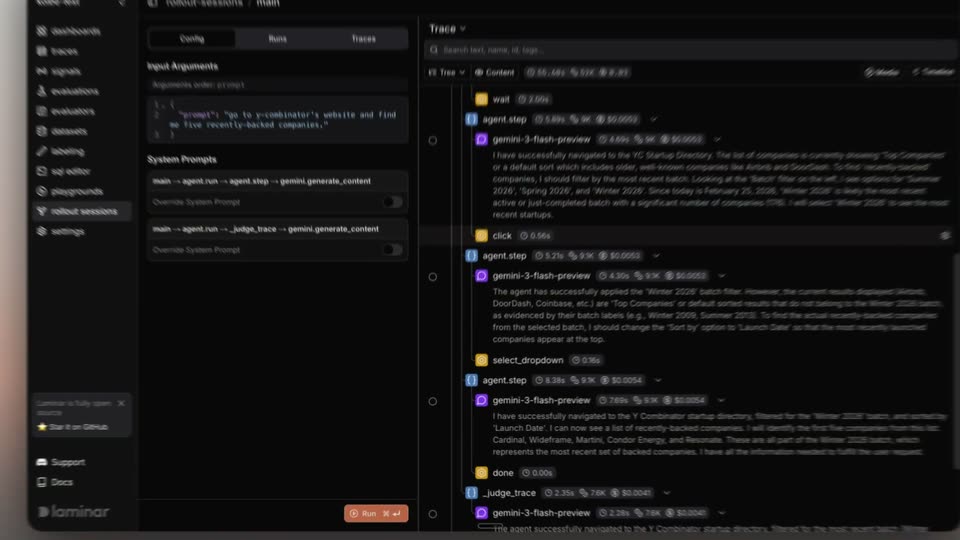 0:00–0:23Laminar · debugger browser useA dark Laminar web app appears in a browser window. A cursor types a prompt, clicks Run, and the right pane fills with a scrolling trace tree while the frame zooms into the interface.
 0:28–0:30Luma AI · Introducing Luma AgentsClose-up of a white rounded panel with a gray circular up-arrow button on a dotted gray field. A black cursor slides in from the bottom right and hovers the button; the frame dims and a small “Thin” tooltip pops in beside it.
 0:28–0:30Luma AI · Luma - Introducing Luma Agents. Creative agents that make you prolific. YouA close-up of a white rounded card on a dotted gray background holds a gray circular button with a white up arrow. A black cursor slides in from the corner and rests on the button, which switches to a loading spinner with the small label Thin.
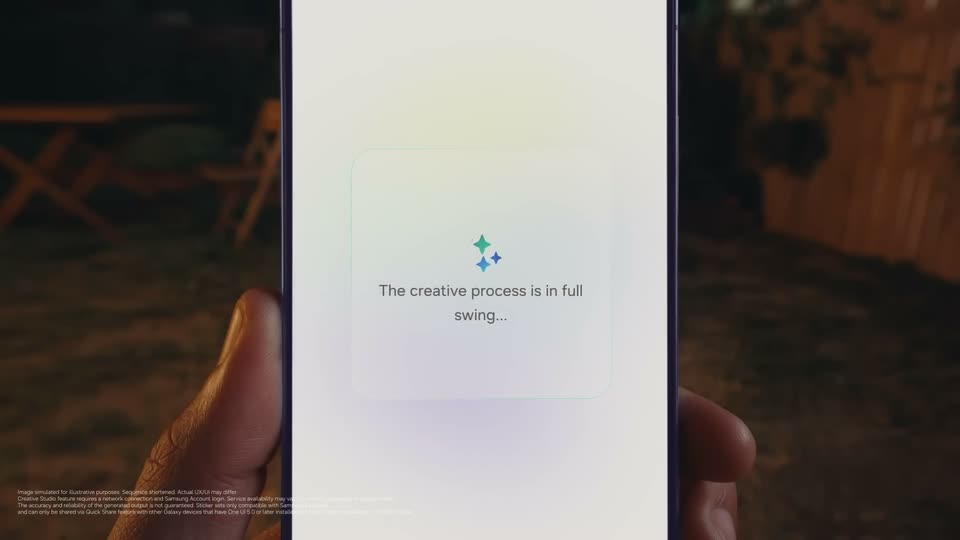 2:31–2:35Samsung · Introducing Galaxy S26 Ultra | Galaxy AI | SamsungA hand holds a phone; a thumb taps Generate under a dog photo with a Doodle tool. The screen fades to a white card with a star spinner, then resolves into a corgi sticker sheet with a party hat and a grid of variations.
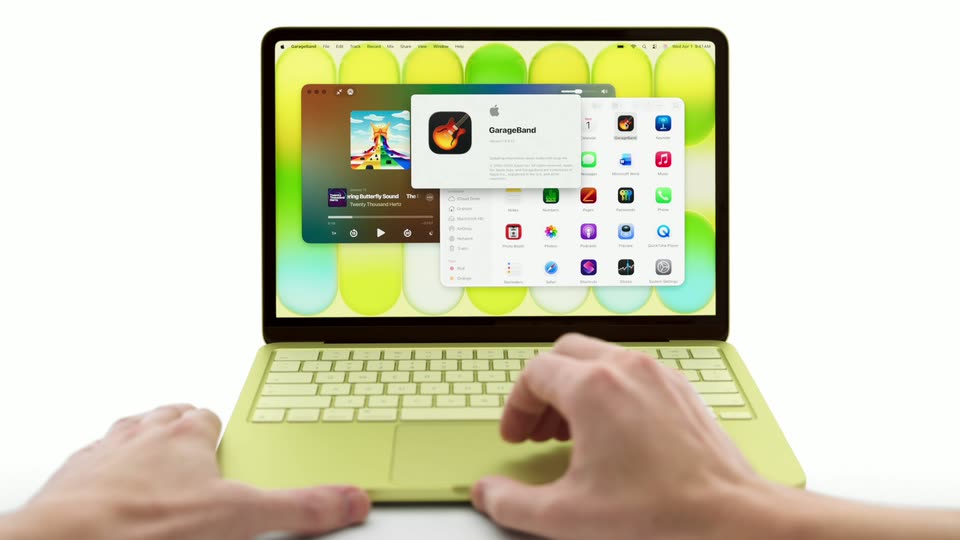 2:11–2:13Apple · Hello, MacBook NeoA yellow MacBook on a white desk, both hands resting on the keyboard and trackpad. The screen shows the macOS Launchpad with rows of app icons; the cursor hovers over GarageBand and a tooltip appears.
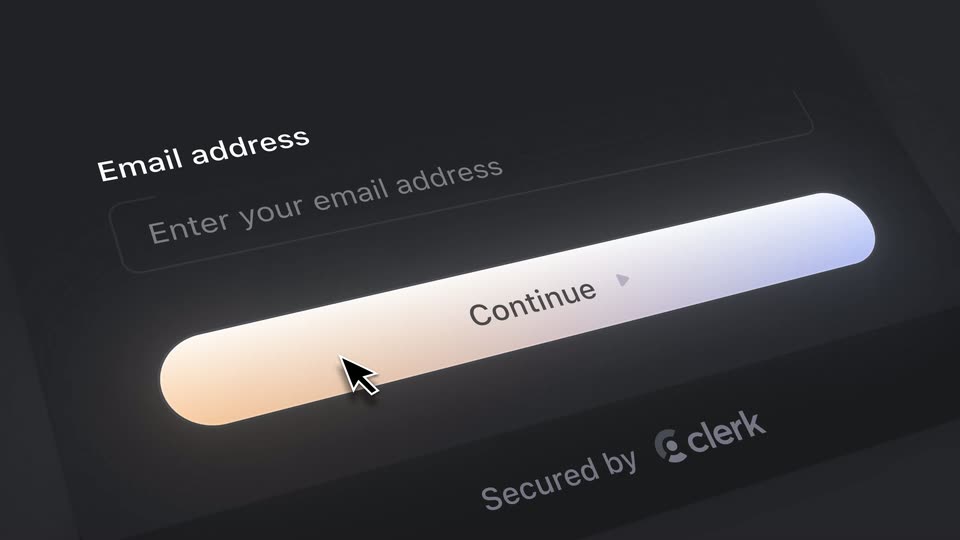 0:19–0:20Clerk · Clerk - Your UI. Our APIs. Core 3 upgrades our hooks to make building customIn 3D perspective, the view opens tight on a dark Continue button. A cursor hovers and a peach glow spreads across the pill, flaring to white. The camera pulls back to show the email field and a Secured by clerk footer.
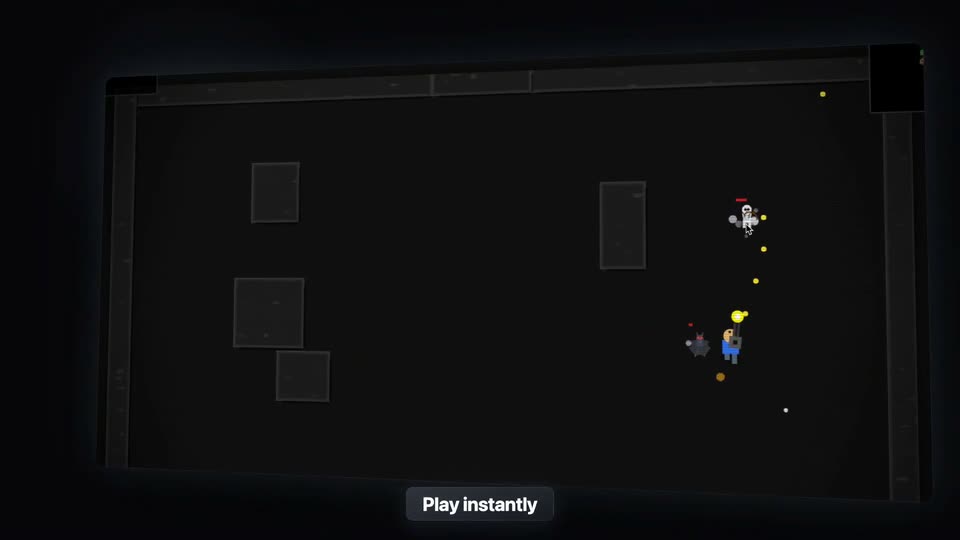 0:11–0:14CodeWisp · CodeWisp - AI Game Creation PlatformA pixel-art game runs on a tilted dark screen. A blue character shoots a green enemy, yellow dots and gray particle bursts scatter, and a white enemy flashes on hit while a cursor moves. A Play instantly button rests at the bottom edge.
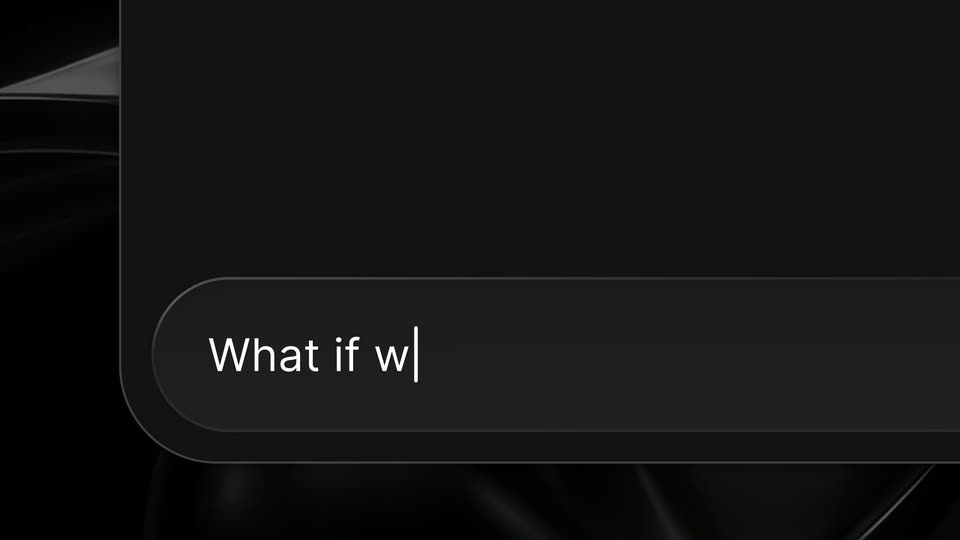 0:00–0:04Glaze · Raycast - Today we're launching Glaze 💠 Create any desktop app in minutes by cA dark app window with a centered prompt sits on a black silk backdrop; the camera pushes in on the bottom input field, and a text caret types a sentence letter by letter.
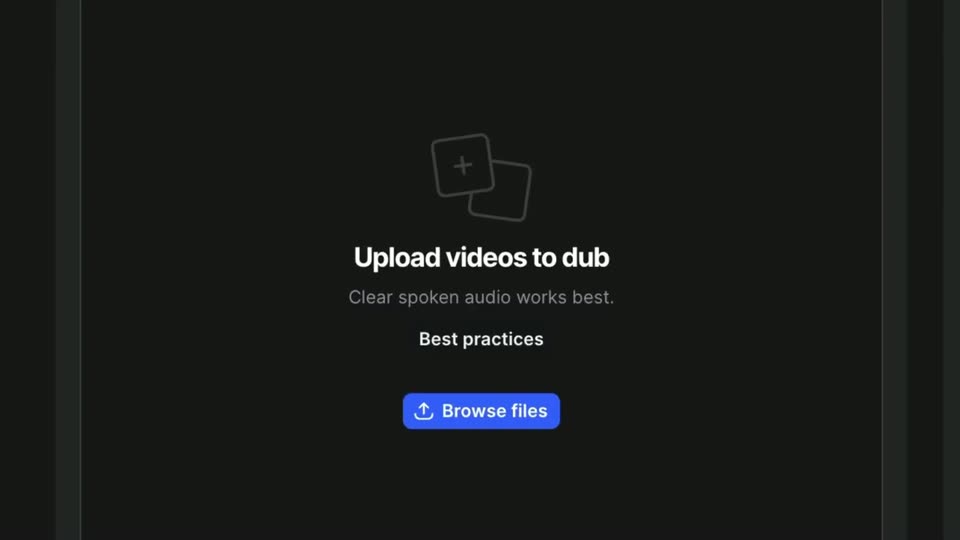 0:19–0:21Lightricks · LTX.io - Introducing Dubbing and Captions in LTX Studio. Now available for enA dark settings menu lists Dubbing and Captions rows under a SCALING label, with a large outlined cursor hovering the Dubbing row. The view then zooms into the Dubbing panel, revealing an upload prompt with a blue Browse files button.
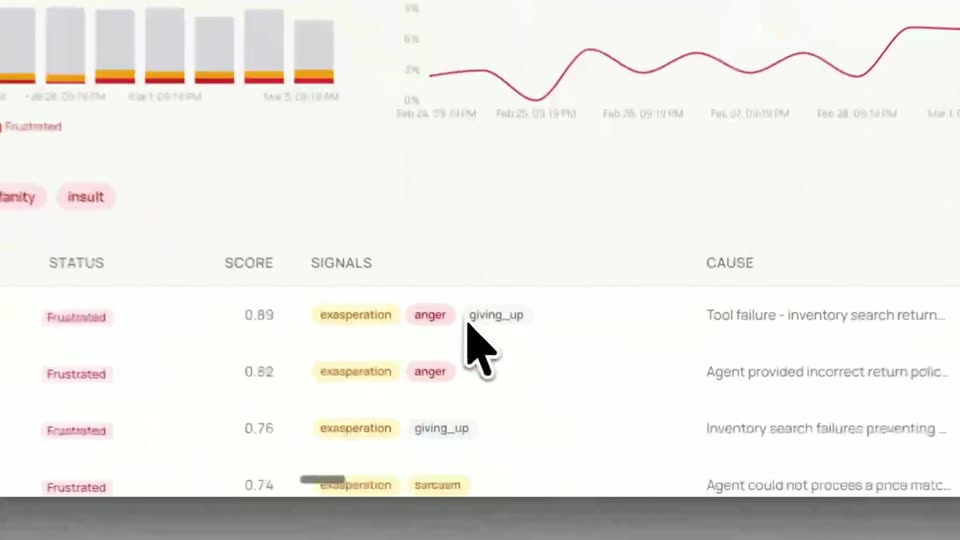 0:40–0:42Moda · Moda Launch YCA white analytics dashboard titled User Frustration fills the frame, showing stat cards, two charts and a conversation table. The view then zooms into the table rows as a black cursor hovers over the colored signal tags.
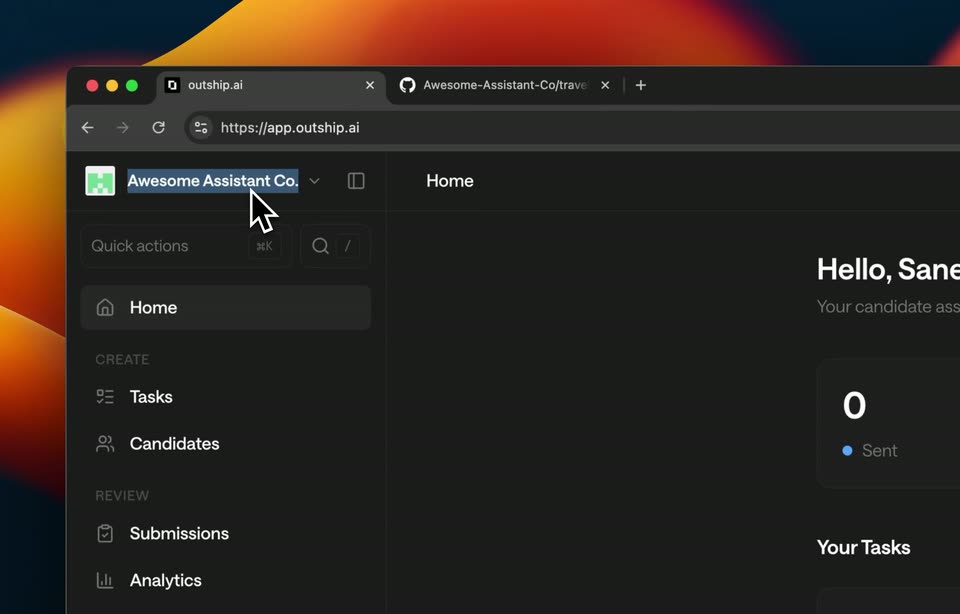 0:09–0:12Outship · OutshipA dark dashboard in a browser window sits over a warm gradient background. The frame zooms in on the top-left corner while a cursor glides from the sidebar menu to the open browser tab.
 0:07–0:08Submagic · Submagic - Introducing our new Publishing feature. A new way to share your contA white card holds a vertical video of a man, a Language dropdown set to English, and an orange Generate Captions button under a cursor. The card exits and the headline The results are appears above the clip, now captioned Hey everyone
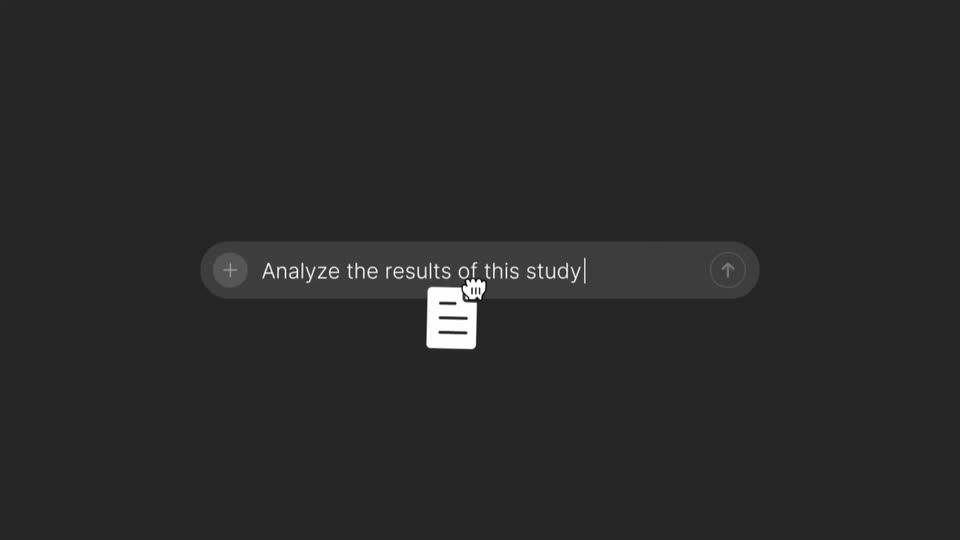 0:01–0:02The Token Company · The Token Company (YC W26) Launch VideoOn a dark field, a rounded command bar types the prompt about analyzing study results, then a white document icon with a hand cursor slides up from below and docks into the bar's left slot.
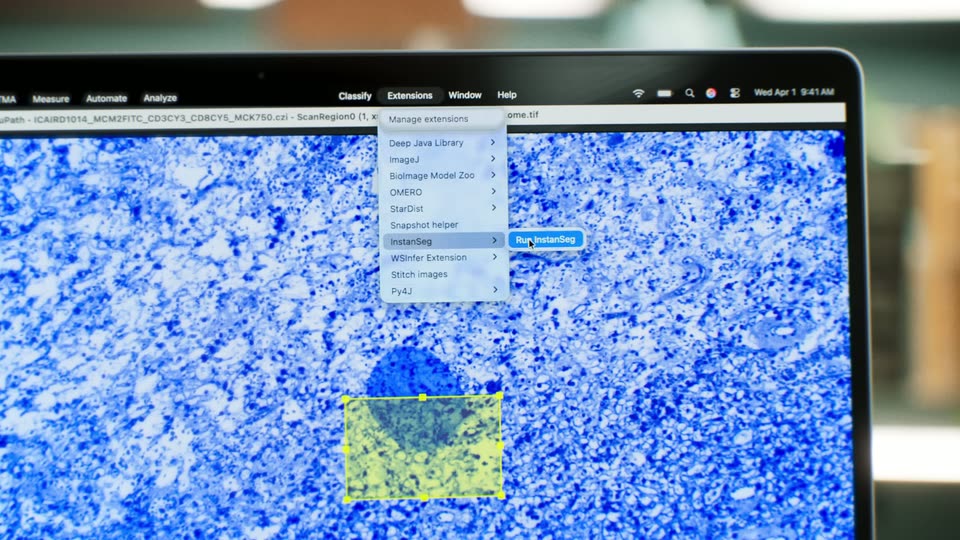 0:39–0:40Apple · The new MacBook Pro with M5 Pro and M5 MaxA close-up of a laptop screen shows a blue speckled image with a yellow selection box. The cursor opens the Plugins menu, hovers over StarDist, and a submenu slides out with Run StarDist highlighted.
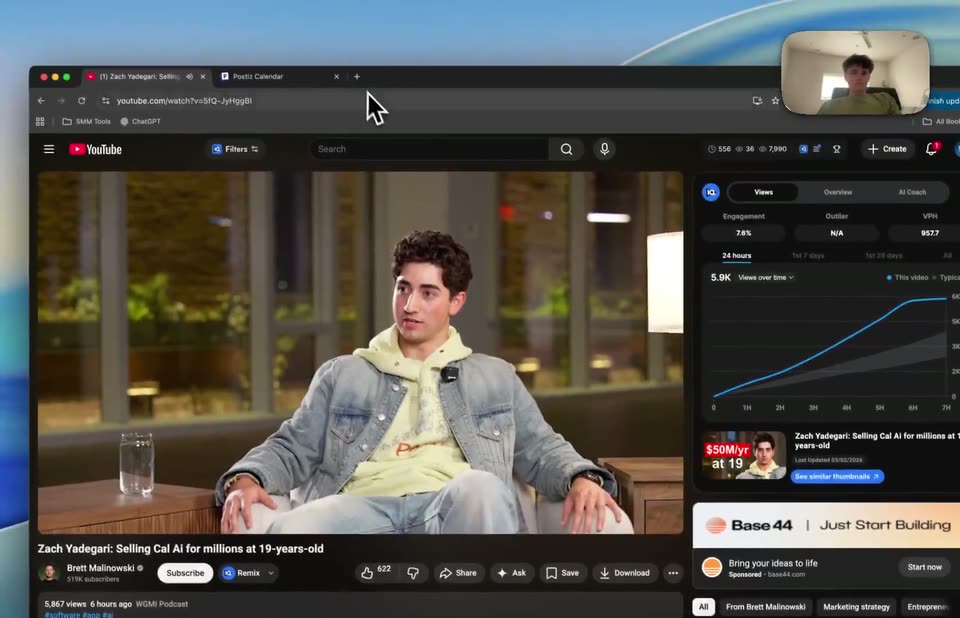 0:00–0:02Clippers · 0xMarioNawfal - CLIPPERS ARE DONE. Drop a YouTube link. AI finds the viral cuts, ediA tilted 3D browser window showing a YouTube video page rotates to face the camera on a blue desktop. A cursor moves from the video play button to the search field and the address bar. A small webcam feed sits in the top-right corner.
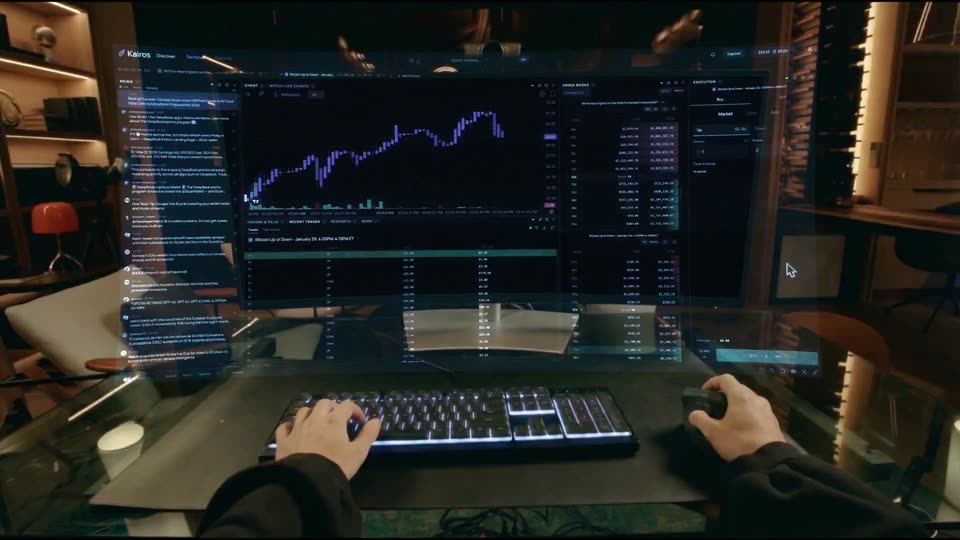 0:43–0:44Kairos · Kairos - THE OPPORTUNE MOMENT IS HERE. KAIROS. RT for Access.Hands type on a backlit keyboard and work a mouse at a glass desk while a translucent Kairos trading dashboard floats in 3D above it, showing a candlestick chart, news feed and order book. A Confirm Order dialog pops up center screen with a market buy of 400 at $36.520 on Polymarket, and a cursor arrow moves toward the Confirm button.
 0:00 · 1sKodo · Michael Goldstein - The way we design hasn’t changed in 20 years. We think it’s time itOn a black background, a white outlined cursor glides to a blue wireframe corner marked by square handles and drags it, pulling the lines from a right-edge corner into an L shape. One smooth drag, no other elements.
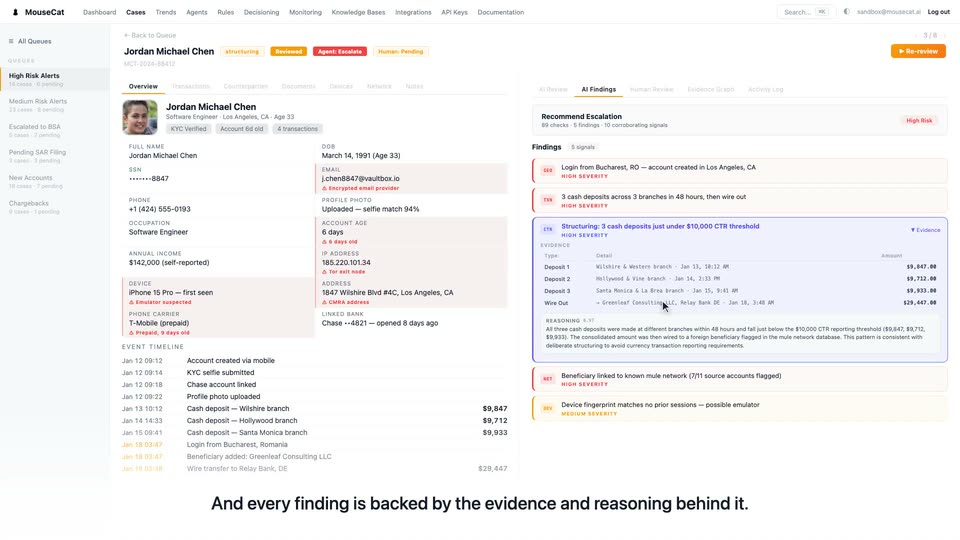 0:07–0:17MouseCat · MouseCat 🐭🐱 AI-Powered Fraud InvestigationsA fraud case file sits on the left with red flags popping in under its fields, while the right panel streams a checklist of AI checks, then switches to a findings list where one row expands into an evidence table. The screen crossfades to a second, low-risk case.
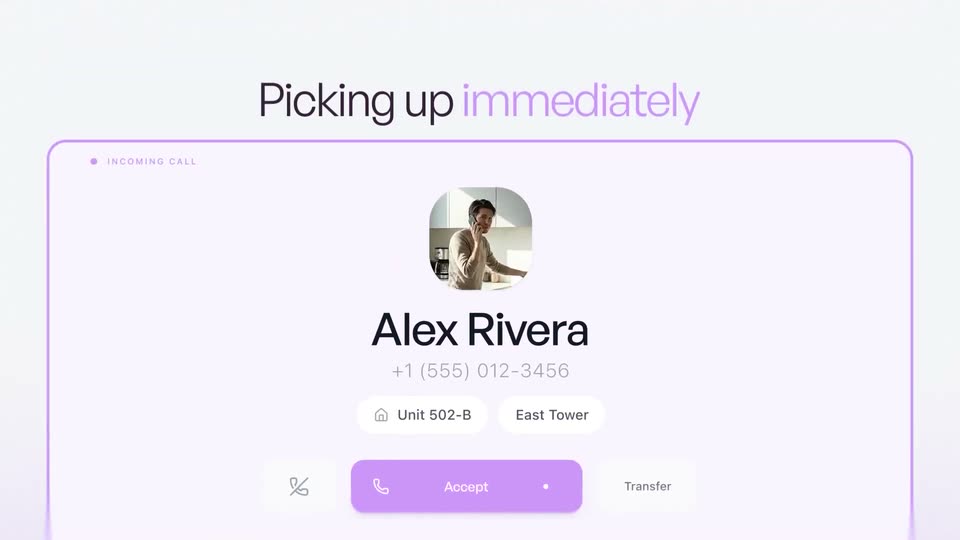 0:11–0:13Samora AI · Samora (YC W26): Multilingual and Production Grade Voice AgentsA purple-outlined incoming call card settles beneath the headline, showing a circular photo of a man in a kitchen, his name, number and two address chips. A purple tap circle presses the Accept button as the card slides down into place.
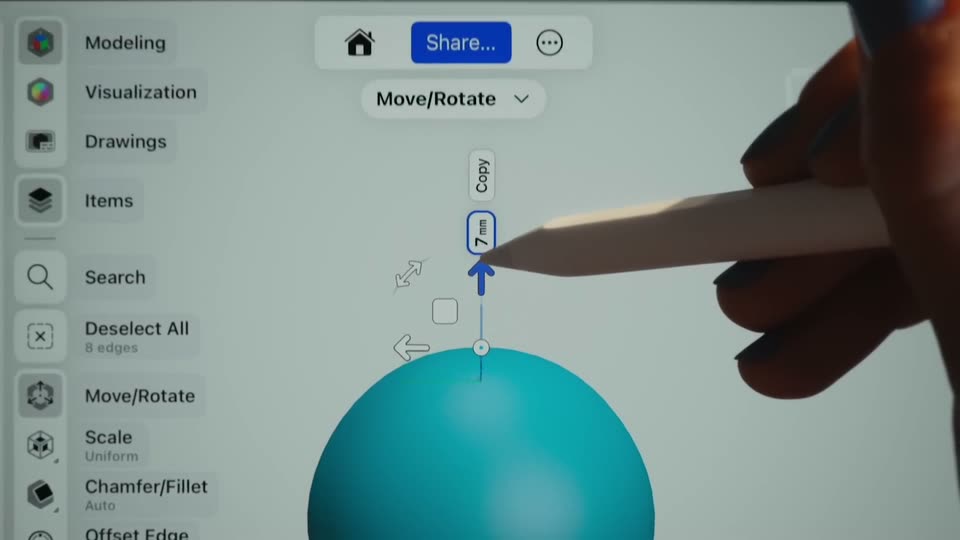 0:13–0:15Apple · Introducing iPad Air with M4A close-up of a hand holding a white stylus drags a dimension value on a tablet running a 3D modeling app, rounding a blue blob into a sphere. The shot then cuts to a 3D hand model wearing a chain bracelet as the stylus points at it.
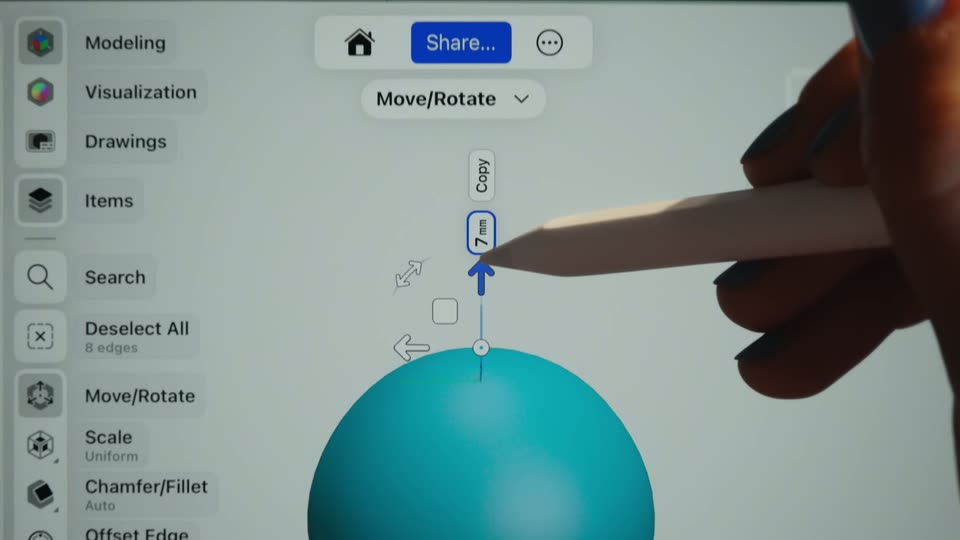 0:13–0:15iPad Air · iPad Air with M4A hand holds a white stylus over a tablet, dragging a 7 mm dimension arrow above a blue 3D model on a CAD screen; the left toolbar crossfades between tool states, then the shot cuts to the stylus resting on white cloth.
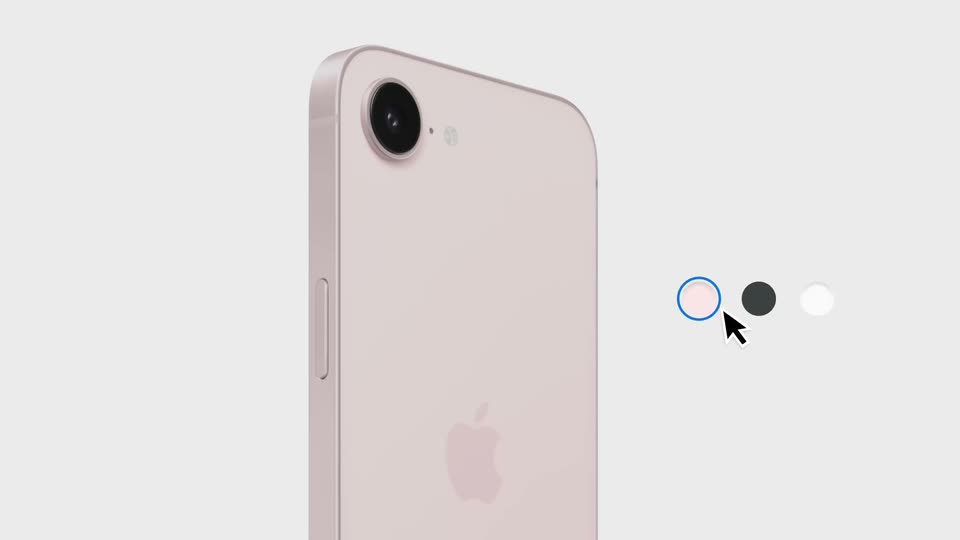 0:04–0:05iPhone 17e · iPhone 17e: A Powerful iPhone at a Great PriceA pink iPhone back in 3D angle sits left of center against a light gray field. Three color swatches float on the right; a cursor clicks the black dot and the body color switches from pink to black.
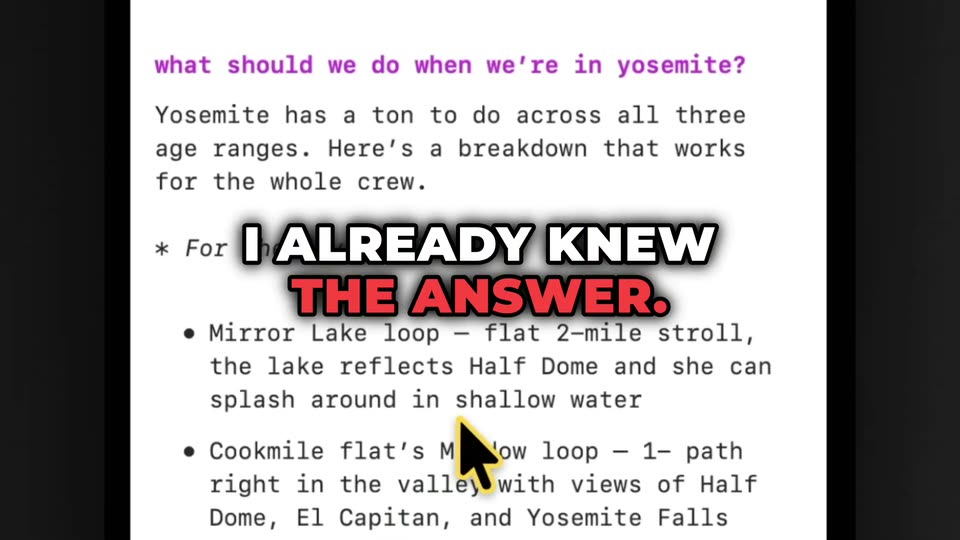 0:11–0:15jo · jo 1.0 releaseA white document with monospace text scrolls upward as a yellow cursor arrow moves down the page. Large bold captions with heavy black outlines pop in over it, phrase by phrase, in orange, red, and white.
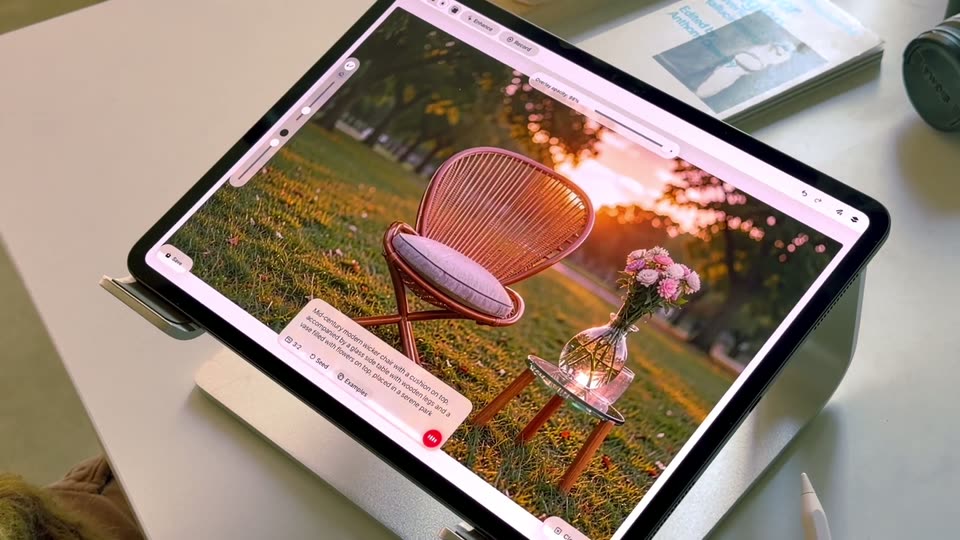 0:12–0:28Krea · Krea - introducing Voice Mode. speak as you draw and get changes in real-tA hand with a white stylus sketches on a tablet propped on a desk, its screen showing an AI image editor. The park scene warms to sunset, then a vase of flowers and willow trees grow in as the stylus draws. White captions at the bottom narrate each step.
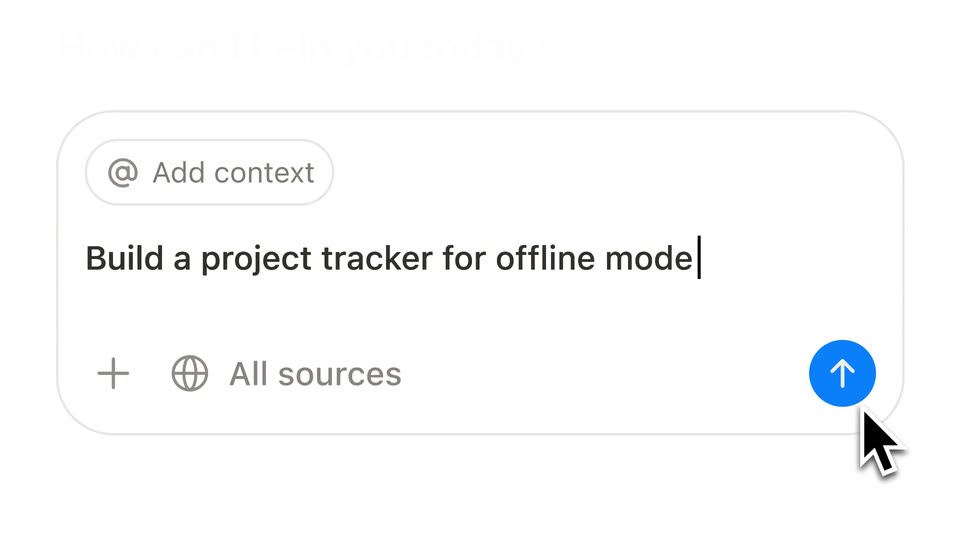 0:26–0:28Notion · Notion - Allow us to reintroduce ourselves.A rounded prompt input box sits on a white background, with an Add context pill and an All sources row. The prompt Build a project tracker for offline mode types out, then a black cursor arrow moves in and rests on the blue send button.
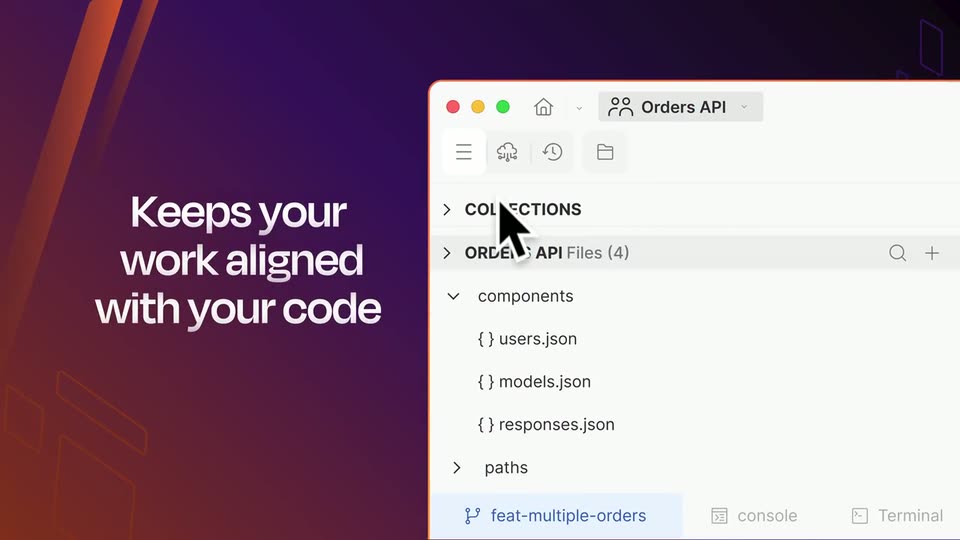 0:22–0:24Postman · Postman - The AI-native API platform is here. Meet the new Postman. 🚀 🔸 API sA white API client window with a file tree sits on the right over a purple gradient with an orange diagonal stripe, while the white headline holds on the left. A black cursor slides in and hovers over the COLLECTIONS row.
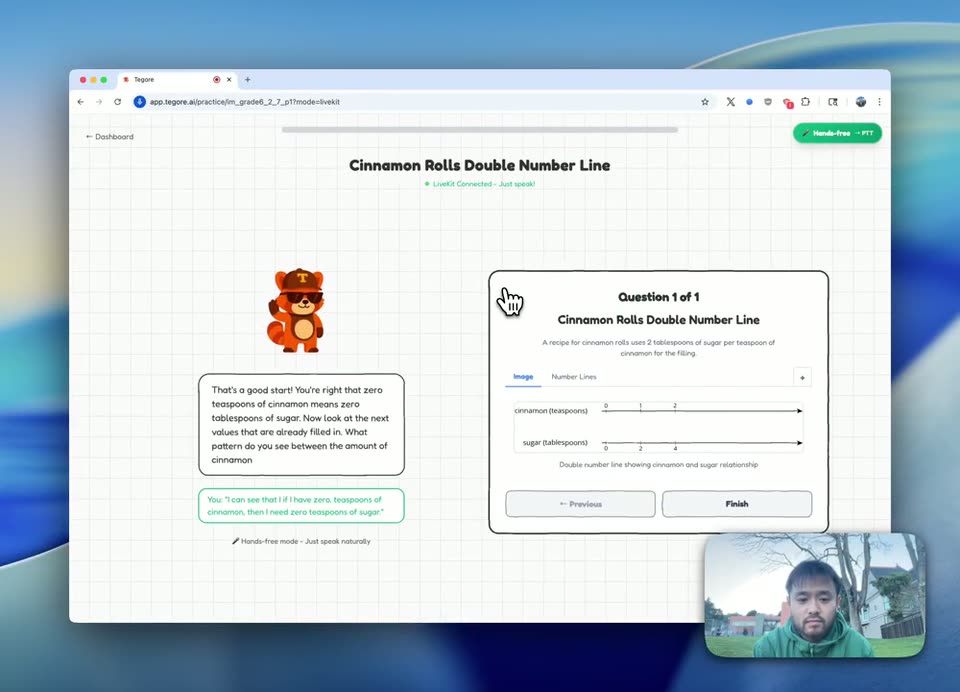 0:14–1:41Tegore · Tegore AI: The Math Bear - The promise of 1:1 high-quality on-demand tutoring is here! Watch tA browser window pulls back from a close-up to reveal a math practice app: bear mascot, question card, student video tile. A cursor taps Push-to-talk, then a spoken transcript types into chat bubbles. The view zooms into the card as the cursor clicks a question mark, filling in 3.
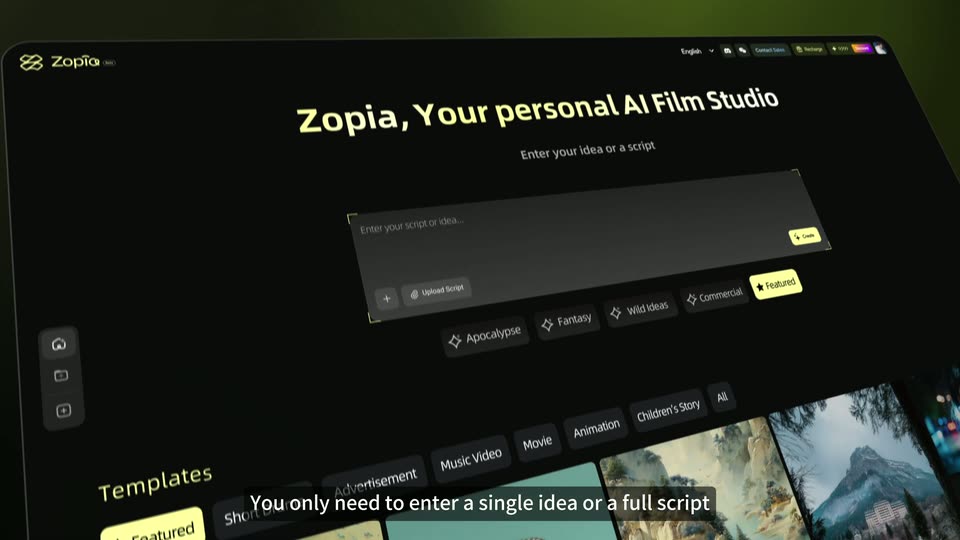 0:20–0:24Zopia · Zopia AI - We’re introducing Zopia — an end-to-end AI Video Director Agent for FA tilted 3D view of the dark Zopia interface shows the headline and an empty prompt field. The camera zooms into the field as a sentence types out, then settles flat-on with a cursor hovering the yellow Create button. A caption runs along the bottom.
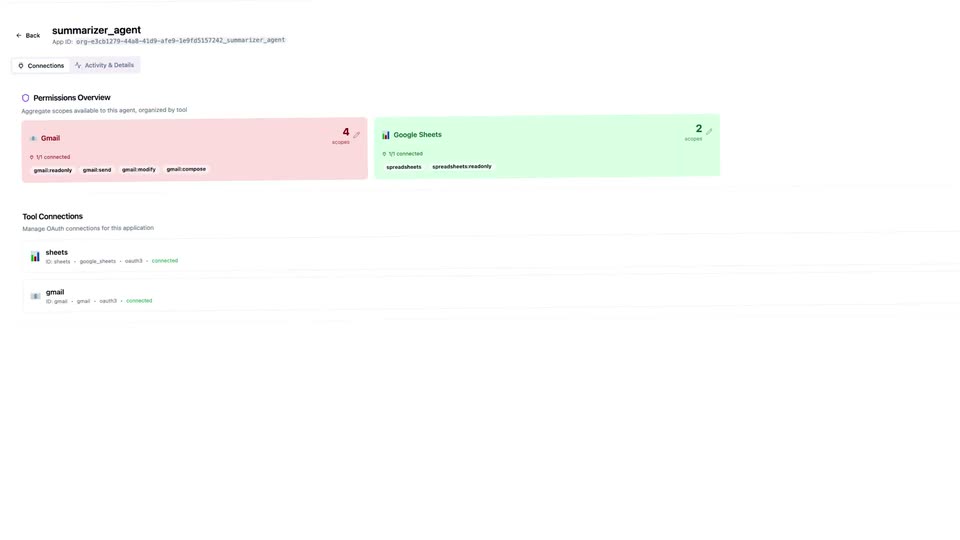 0:30–0:32Agentic Fabriq · Agentic Fabriq YC W26 LaunchA cursor clicks the Manage link on the summarizer_agent row of an applications table, then the view switches to that agent's detail page showing permission scope cards for Gmail and Google Sheets.
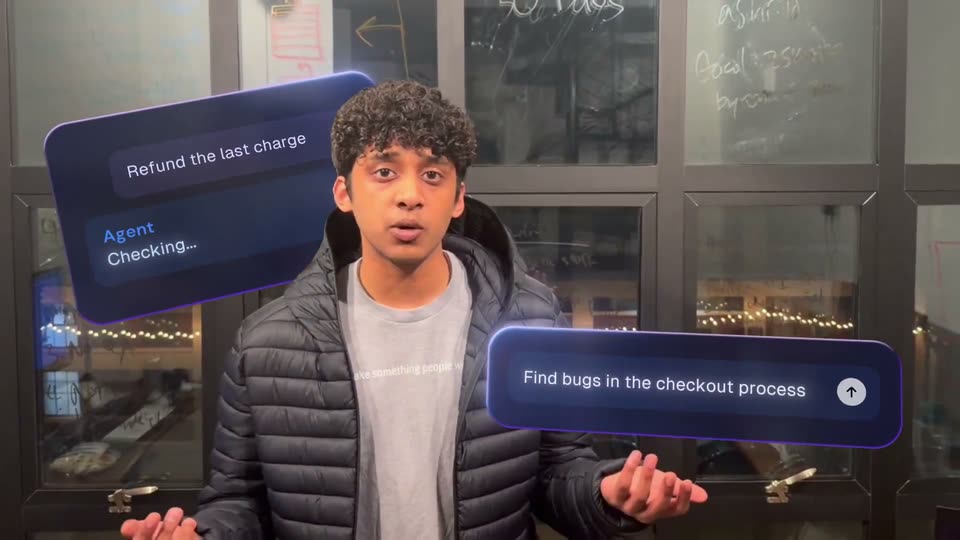 0:00–0:07Ashr · Y Combinator - Ashr tests agents with synthetic sounds, images, texts, files, videosA young man in a black puffer jacket talks to camera before a glass wall with handwritten notes. Two tilted dark-blue chat panels slide in with prompts 'Refund the last charge' and 'Find bugs in the checkout process'. A cursor and pixel hand point at them, then they fade out.
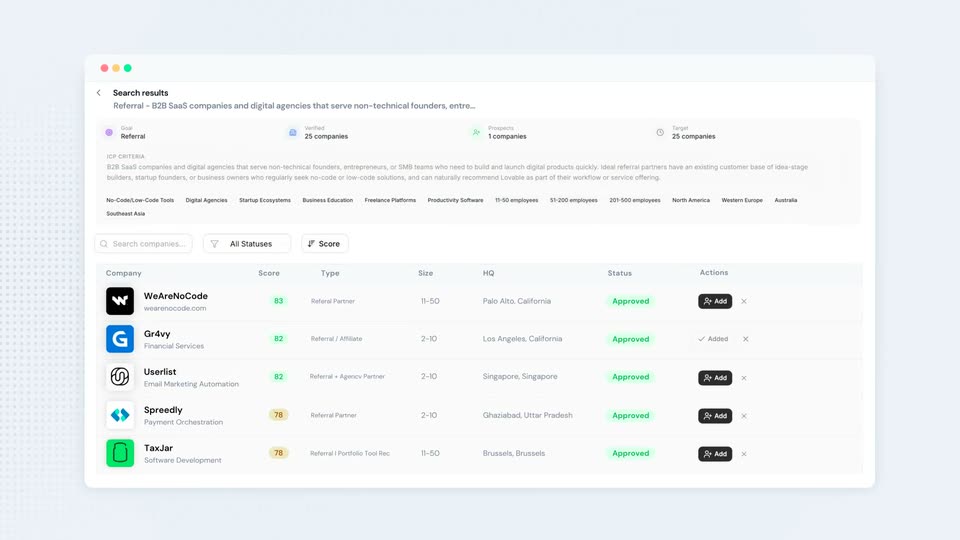 1:04–1:10ArzuleAI · Y Combinator - .@ArzuleAI builds AI agents that help B2B SaaS companies identify whiThree white company cards drift into a vertical list on a dotted background, then the view pulls back to reveal the full search-results window with a data table. A cursor moves to the first row and hovers the Add button.
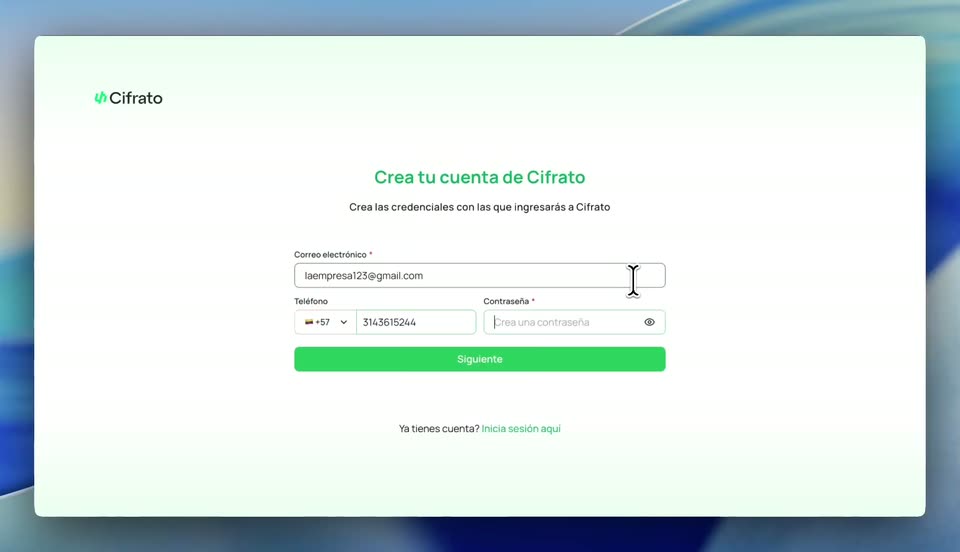 0:00–0:07Cifrato · Demo CifratoA white Cifrato sign-up form sits on a blurred blue backdrop in a locked-off frame. A cursor types an email, phone and password, each field flashing a red border and error message as it fills. The form then scrolls to a second panel with company data fields.
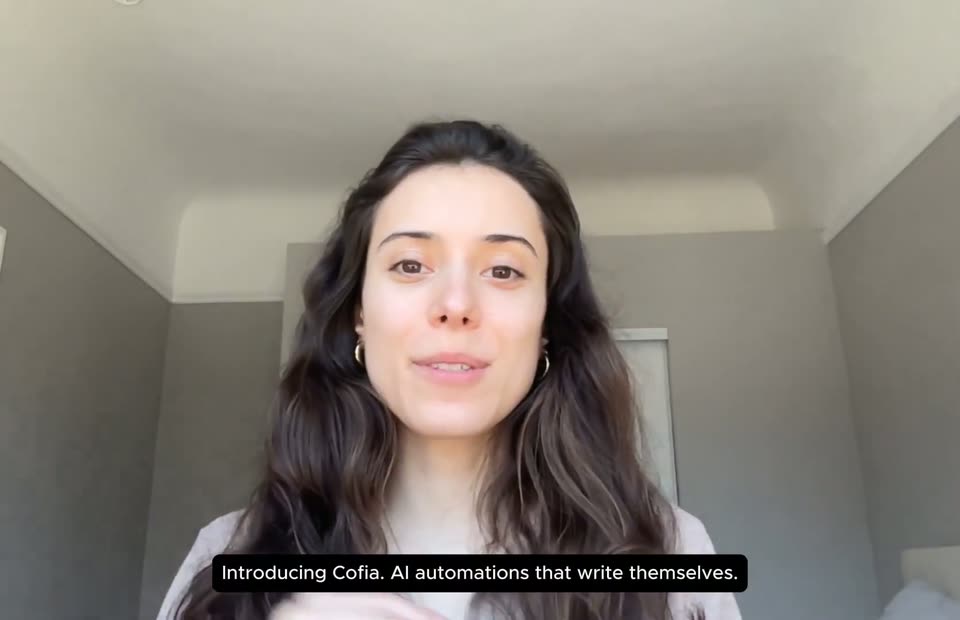 0:03–0:04Cofia · Introducing CofiaA woman talks to camera in a gray room, then the shot pulls back so her video becomes a small window on the left while a desktop screen with a notification dropdown fills the rest. A cursor hovers over the dropdown.
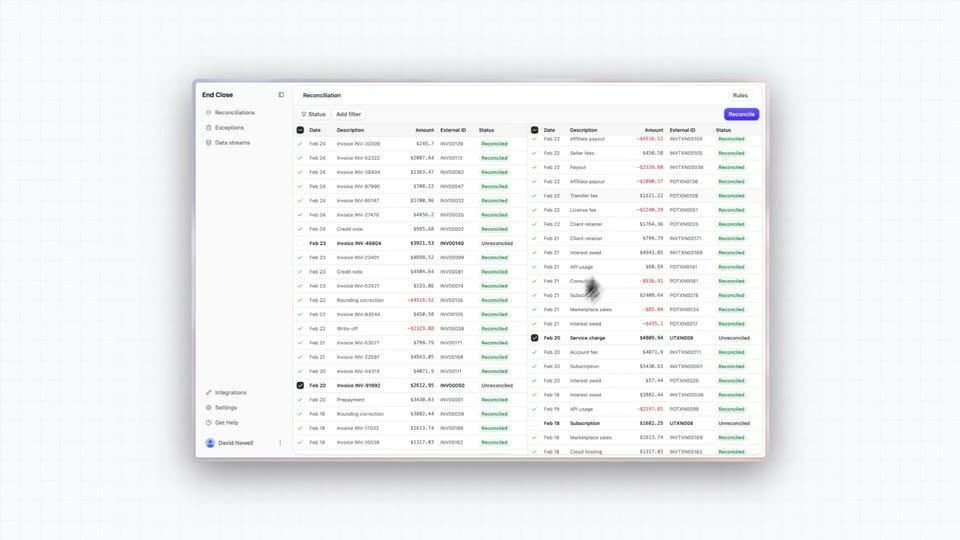 0:51–0:53End Close · Y Combinator - End Close builds automatic reconciliation for payments companies, repA reconciliation screen shows two side-by-side data tables on a floating white card. A cursor glides to the right table and hovers over a row as a Reconcile button appears and the panel lifts with a soft shadow.
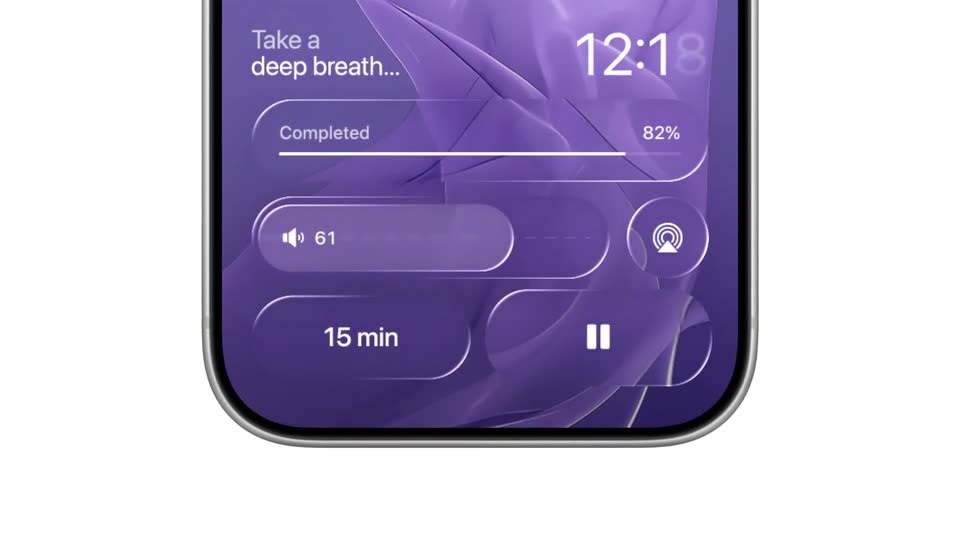 0:05–0:10Anything · Anything - Anything + Liquid Glass make stunning mobile apps with Apple's hotteA phone mockup on white shows a purple meditation app; a hand cursor types a prompt and clicks the send button. The view zooms into the screen as the controls turn into outlined glass pills, play becomes pause, and the timer ticks 12:18 to 12:21, then the phone fades out.