0:38
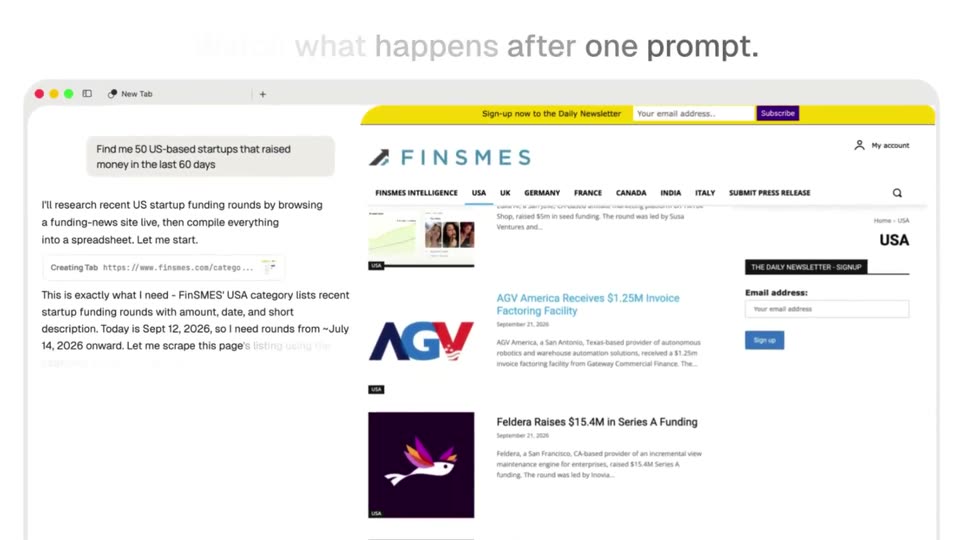
Polar Browser - 30 seconds of typing can now turn into 100 hours of GTM work. Introd
Polar Browser · Sep 2026
Mintlify · Mar 2026 · 0:12 · AI-annotated
Mintlify’s 0:12 launch film runs 6 scenes, about 2.0 s each. The product shows up at 0:00 and 1 feature is revealed. There is no explicit call to action. The video runs as one continuous light-gray stage where white cards type, scale, and stack to walk through the workflow feature, bookended by a black click-in opener and a centered logo sign-off. Its signature moves are the cursor-driven scale-in, the monospace type-on reveal, the fanned card stack that locks into place, and a single green accent linking text, date pills, and progress bars at a slow deliberate pace.
Is this your launch? to your site or press kit.
Polar Browser · Sep 2026
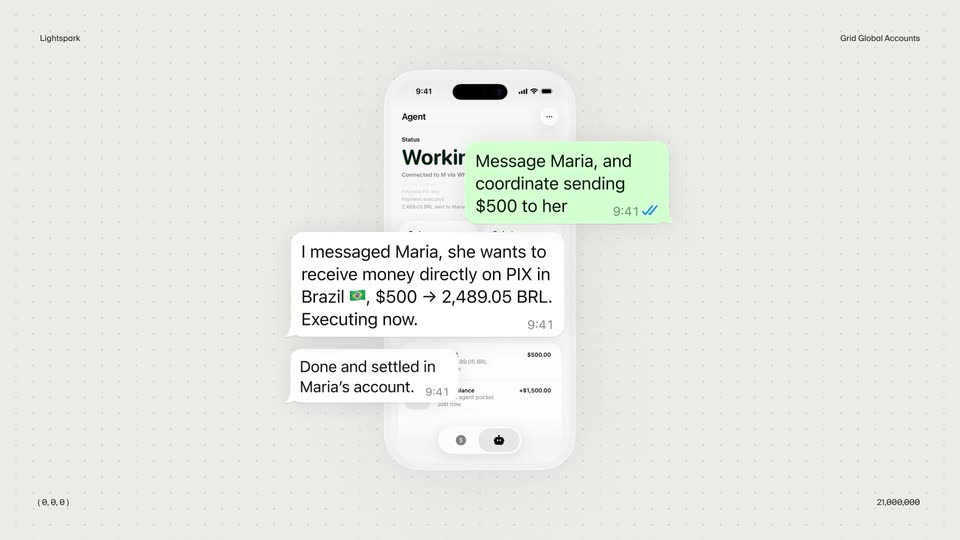
Lightspark · Apr 2026
A white rounded button with a plus icon and the words New Workflow sits centered on black. A cursor arrow at its lower right turns from white outline to solid black as the button scales up, suggesting a click.
Techniques: Cursor demo
Camera: Static
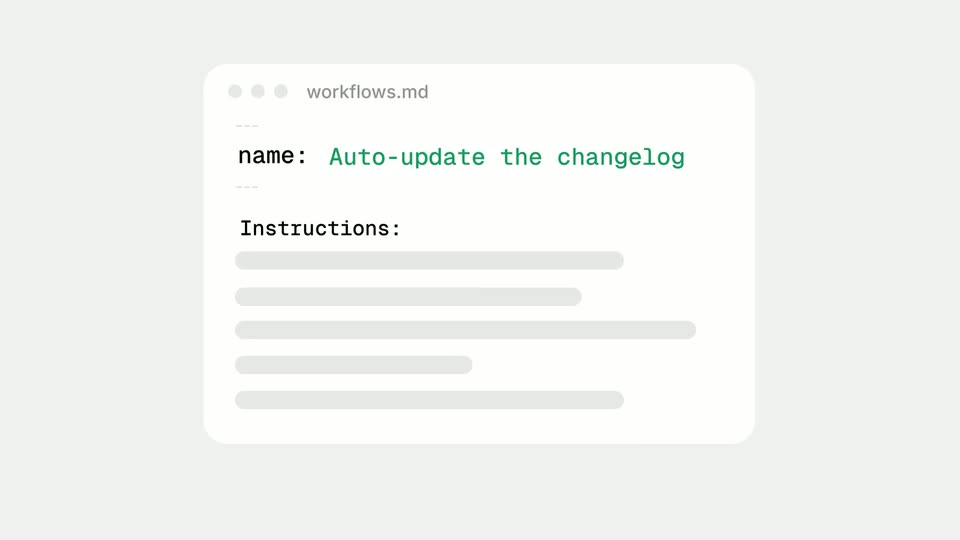
A white editor window titled workflows.md sits on a light gray field. Green monospace text types out after name:, then Instructions: and gray placeholder bars appear. The window shrinks to a small pill at the top while a white sheet slides in from the left.
Techniques: Kinetic type, UI zoom, Morph
Camera: Static
A white changelog card on a gray background scales in, dated entries with gray placeholder lines stack up as the list scrolls, then the view reframes onto a new window mockup titled “Translate docs”.
Techniques: UI zoom
Camera: Static
Four white browser-window mockups stack on a pale gray field, each titled with a feature. The front card, Auto-update docs, fills in with gray placeholder bars and a green progress bar as the stack locks into place.
On-screen text: “Translate docs”, “Fix grammar and broken links”, “Enforce style guide”, “Auto-update docs”
Techniques: 3D mockup
Camera: Static
Four flat browser-window cards fan in a stack on a light gray background. The front card, titled Auto-update docs, holds placeholder text bars with one green bar; the cards behind read Enforce style guide, Fix grammar and broken links, and Translate docs. The frame stays locked off.
On-screen text: “Translate docs”, “Fix grammar and broken links”, “Enforce style guide”, “Auto-update docs”
Camera: Static
A green leaf mark and the lowercase wordmark sit centered on a plain light background. The wordmark shifts from gray to black, then the lockup holds still as the sign-off.
Camera: Static