0:44
shubham - Introducing Agnost AI. The first infrastructure that lets your AI age
Agnost AI · May 2026
Reve · Mar 2026 · 0:35 · AI-annotated
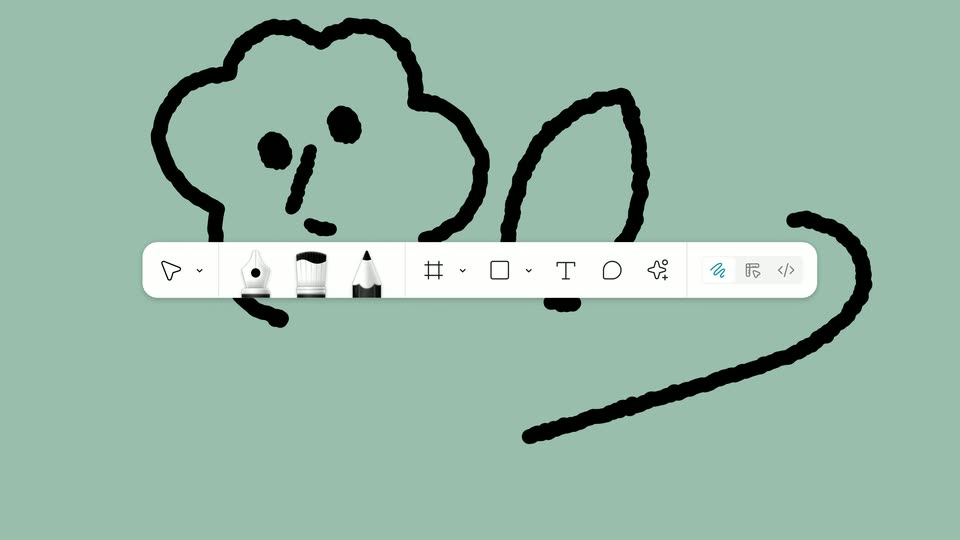
Reve’s 0:35 launch film runs 27 scenes, about 1.3 s each. The product shows up at 0:31 and 1 feature is revealed. There is no explicit call to action; a voiceover carries the film. The video opens with macro pen tips that zoom out into a 3D toolbar, then announces the Annotations feature with kinetic script type and a long run of live-action and 3D demos (beanie, background, sun, moon, invert, spotlight, draw) before signing off with the Reve logo. Pacing is a brisk cut rhythm over locked-off title cards, with signature moves like the dashed blue selection box, the object-to-interface zoom-out, and type that morphs through blue, rainbow clay, and chrome finishes.
Is this your launch? to your site or press kit.
Agnost AI · May 2026
Figma · Design · May 2025
Three pen tips appear in sequence, centered on a white background: a purple fountain pen nib with gold trim, a blue ballpoint tip, then a black textured grip. The first sits inside a faint gray rectangle.
Camera: Static
A magenta marker tip, its body wrapped in a black band with a pink logo, points up from the bottom edge of a white frame, then the frame clears to blank white.
Camera: Static
A plain white field holds the center as the tip of a blue pen, its body a pale blue cone with a soft shadow, slides up from the bottom edge into view.
Camera: Static
A 3D blue-tipped stylus fills the frame in close-up, then a zoom-out reveals a light-gray drawing toolbar holding the stylus, a pink eraser, a slider with a blue knob and a rainbow color wheel. A second row of three tool buttons, the middle pen icon highlighted, slides in below.
Techniques: 3D mockup
Camera: Static
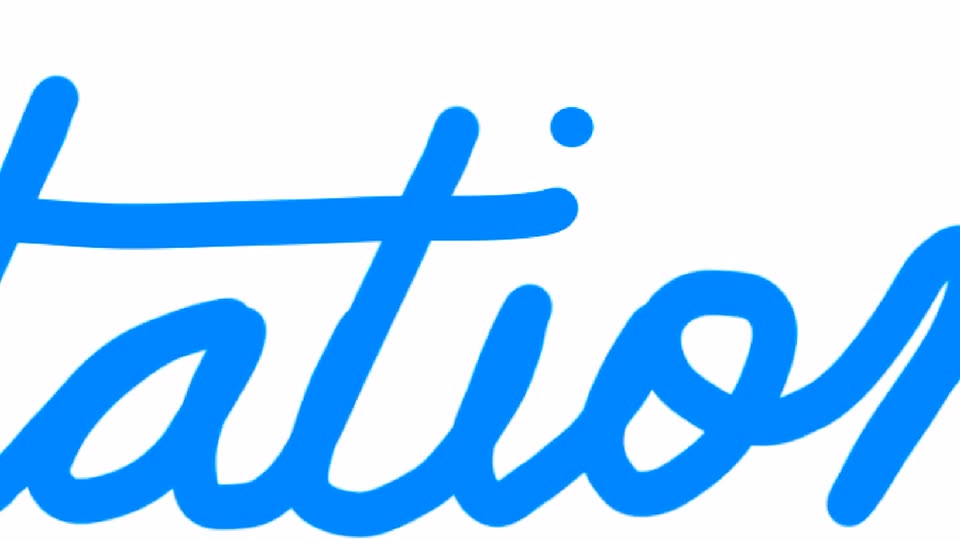
A giant blue handwritten word, “annotations”, sits on a plain white background. The letters are larger than the frame and drift slowly to the left, so the script slides past the edges over the short clip.
On-screen text: “annotations”
Techniques: Kinetic type
Camera: Pan
On a plain white field, the cursive word annotations morphs from a thin blue outline into a glossy rainbow 3D clay script, while the flat black caption are here holds steady beneath it.
On-screen text: “annotations”, “are here”
Techniques: Morph
Camera: Static
A white frame holds the word 'annotations' in a beveled chrome cursive script with a soft drop shadow, centered above the phrase 'are here' in plain black sans-serif. Both lines stay locked and static for the duration.
On-screen text: “annotations”, “are here”
Camera: Static
Extreme close-up of a woman's eyes on a gray background, fading in from dim. A dashed blue selection rectangle with corner handles resizes over the face, settling around one eye, while the caption “annotations are here” stays still.
On-screen text: “annotations”, “are here”
Camera: Pan
A close-up photo of a smiling woman with dark hair sits in a rounded card on a white grid background. A white pill button with a red beanie icon and the words Add this beanie scales in at the right.
Camera: Static
A woman's eye and dark hair are cropped on the left against a white backdrop. A white rounded card with a pink knitted-beanie icon and the black words Add this beanie scales in on the right, its left edge forming a small pointer.
On-screen text: “Add this beanie”
Techniques: Kinetic type
Camera: Static
A smiling woman in a pink chunky-knit beanie looks to the side against a white backdrop. A floating UI card enters on the right with a snowy forest crop, a prompt field, and a check button, while a cursor rests on the image.
On-screen text: “Add this beanie”
Techniques: Cursor demo
Camera: Static
A person in a pink knit hat sits at the left edge while a right panel shows a snowy forest image with selection handles. A cursor hovers over the image as the prompt field types out a request, then the checkmark button fills black.
Techniques: Split screen, Cursor demo
Camera: Static
Extreme close-up of a person in profile at the left edge, dark hair tucked under a pink knitted beanie, against a soft-focus blue patterned backdrop. The locked-off frame holds still as small text scales in over the blur.
On-screen text: “口”, “0”, “@”, “add this to the background”
Camera: Static
A locked-off close-up shows a smiling woman with a dark bob and a pink knitted pom-pom hat looking to the right. The background is a blurred, snow-covered forest.
Camera: Static
A locked-off shot of a snow-laden pine forest with light snow falling. A hand-drawn orange sun icon with radiating rays pops in at the top center of the frame and holds.
Camera: Static
A 3D-rendered winter forest holds still: snow-laden evergreens stand in rows, a bright sun glows through the upper canopy, and long shadows stretch across the white snow beneath a pale blue sky.
Camera: Static
A 3D pine forest meadow dotted with wildflowers shifts from sunlit day to purple dusk in a fast change. A glowing orange tent appears in the center, enclosed by a thin white rectangular outline.
Camera: Static
A dusk camping scene fills the frame: a glowing orange tent sits center-right beside a crackling campfire in the foreground, with pine trees and a purple sky behind. A moon icon in a rounded button at top right brightens from dim to white.
Camera: Static
On a black field, the white word Annotate holds center, then cuts to Directly as a gray rounded tag reading Invert this graphic appears beneath it. The frame stays locked off and the pace is slow.
On-screen text: “Annotate”, “Directly”, “Invert this graphic”
Techniques: Kinetic type
Camera: Static
A close-up of a gray rounded tooltip reading “Invert this graphic” sits over large white text “Directly” on a black background, with a small white glow at the tooltip's top edge. The frame is locked off and the text is still.
Camera: Static
A plain white background holds the black word Directly, centered. The wordmark slides into position and locks off, filling the frame as a single line of type.
On-screen text: “Directly”
Camera: Static
A white box with a dashed border wipes left to right across a gray frame, revealing the black word Directly, which then swaps in place for the word Spotlight.
On-screen text: “Directly”, “Spotlight”
Techniques: Masking, Kinetic type
Camera: Static
The word Spotlight holds centered in black on a plain white field, completely still across the shot.
On-screen text: “Spotlight”
Camera: Static
On a black field, a small white lowercase word “or” sits left of center, then the line scales up and the word “just” joins it to read “or just.”
On-screen text: “Spotlight”, “or”, “or just”
Techniques: Kinetic type
Camera: Static
On a black field, the white lowercase phrase “or just” holds still at left while a dark purple panel at right shows a white cursive word “draw” writing itself out stroke by stroke until the full flourish lands.
On-screen text: “or just”, “draw”
Techniques: Kinetic type
Camera: Static
A plain black frame holds the white text “Now on Reve” centered in the lower middle. The line stays locked off and static for the full duration, with no motion or additional elements.
On-screen text: “Now on Reve”
Camera: Static
A black frame centers a small white emblem built from vertical stripes, shaped like a butterfly. The tagline “Now on Reve” holds still in the frame, the lock-up reading as a sign-off.
On-screen text: “Now on Reve”
Camera: Static