
0:26
Explore
doe - Big update: Doe is reinventing work. We’re cutting time spent on off
Doe · Jan 2026 · 0:26 · Full motion · AI-annotated
- Length
- 0:26
- Scenes
- 10 · 2.7 s avg
- Product on screen
- 0:21
- Features shown
- 2
- Call to action
- 0:21 · 82%
- Voiceover
- No
- Views
- 13K on X
as of November 15, 2026
00:00:00 / 00:26:40
- Length
- 0:26
- Scenes
- 10 · 2.7 s avg
- Product on screen
- 0:21
- Features shown
- 2
- Call to action
- 0:21 · 82%
- Voiceover
- No
- Views
- 13K on X
as of November 15, 2026
Doe’s 0:26 launch film runs 10 scenes, about 2.7 s each. The product shows up at 0:21 and 2 features are revealed. The call to action lands at 0:21 (82% in). The video plays as one continuous agent run cut into beats: a typed prompt, a spreadsheet that fills itself, a deadpan 'wait 1 sec' card, a stack of CRM and email windows that populate, then the wordmark and a URL. Its style is flat light-gray minimalism with locked-off frames, and its signature moves are letter-by-letter typing, cell-by-cell fills, and a word-by-word logo build.
No filming indicatedEstimated needs: 2 capture groups — your screens or recordings · 1 official logo — reused across the film
Is this your launch? to your site or press kit.


doe - Big update: Doe is reinventing work. We’re cutting time spent on off, scene by scene
· 10 scenes as text
01 · Hook · 0:00–0:01
A single line of text on a plain light gray background fades in from a pale gray to a solid dark gray, then holds. The frame is locked off with no camera movement.
On-screen text: “What can I help you with?”
Camera: Static
02 · Feature reveal · 0:01–0:07
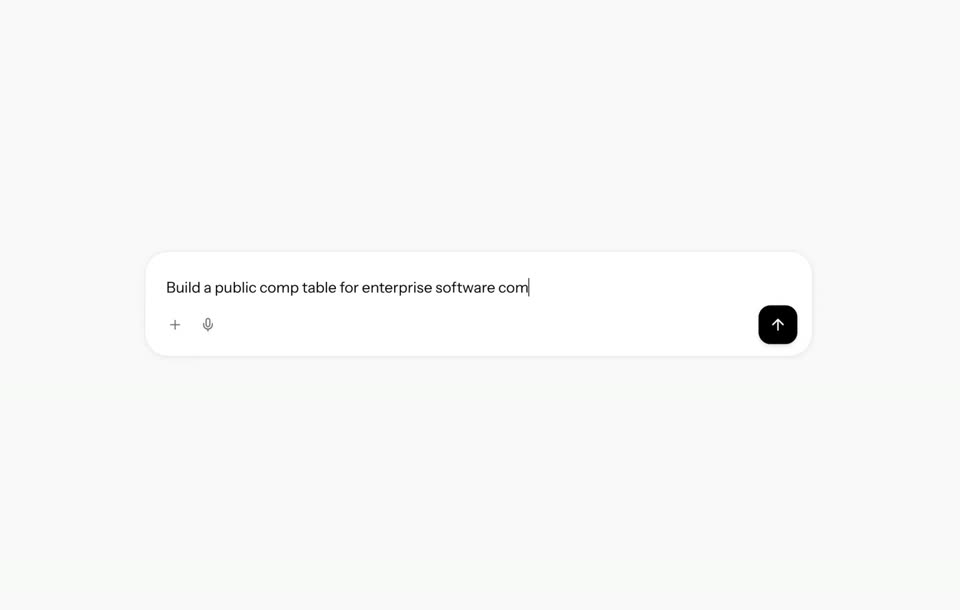
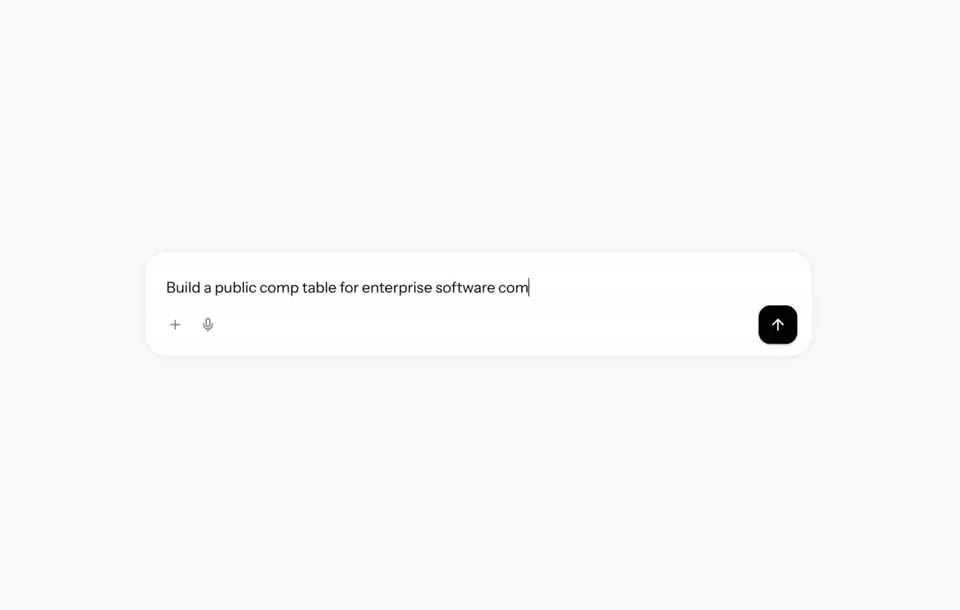
A white prompt bar sits centered on a light gray background. A black cursor slides in, clicks the field, and the prompt “Build a public comp table for enterprise software companies” types out letter by letter. The send button fills from gray to black, and the cursor moves to it and presses it.
Techniques: Cursor demo
Camera: Static
03 · Feature reveal · 0:07–0:11
A white spreadsheet card floats on a light gray field. A dark blue header row sits above rows that fill in one by one, a blue cell border hopping between fields as values type into the formula bar.
Camera: Static
04 · Feature reveal · 0:11–0:14
On a plain off-white background, black text types itself out character by character with a thin cursor: 'Wait 1 sec', then a second line 'add them to our crm' appears below it. The frame stays locked off and centered throughout.
On-screen text: “Wait 1 sec”, “add them to our crm”
Techniques: Kinetic type
Camera: Static
05 · Feature reveal · 0:14–0:16
On a plain light gray background, three centered lines of black text hold still while the top line, Wait 1 sec, scales up in size. The frame stays locked off with no camera move.
On-screen text: “Wait 1 sec”, “add them to our crm”, “and then find the most qualified leads and launch an email sequence to them”
Techniques: Kinetic type
Camera: Static
06 · Feature reveal · 0:16–0:19
Four browser windows float in a stacked cluster on a light gray field. A HubSpot email draft slides in from the left while the Salesforce and LinkedIn panels shift right. In the spreadsheet, status cells fill with yellow Ready and Nurture rows.
Techniques: Parallax
Camera: Static
07 · Feature reveal · 0:19–0:21
Three overlapping interface panels sit in a layered stack. The front window, titled Doe, swaps its content from a leads table to an email-sequence schedule, while the side panels hold an email draft and a pipeline grid.
Camera: Static
08 · Product intro · 0:21–0:21
A black wordmark builds word by word on a near-white field, 'doe', then 'did', then 'it', re-centering as each word lands, while a faint blurred interface card and square fade out behind it.
On-screen text: “doe did it”
Techniques: Kinetic type
Camera: Static
09 · CTA · 0:21–0:23
The black lowercase logo doe did it holds centered on a near-white field, static. In the final beat it softens and fades to gray as a faint explore now at line emerges behind it.
On-screen text: “explore now at”
Camera: Static
10 · CTA · 0:23–0:26
A plain off-white frame holds two centered lines of lowercase text. The small gray line sits above the larger black URL, both fading in from pale gray to full contrast on a locked-off shot.
On-screen text: “explore now at”, “doe.so”
Camera: Static