Cursor demo
A visible cursor operates the interface.
15,025 scenes · page 43 of 251
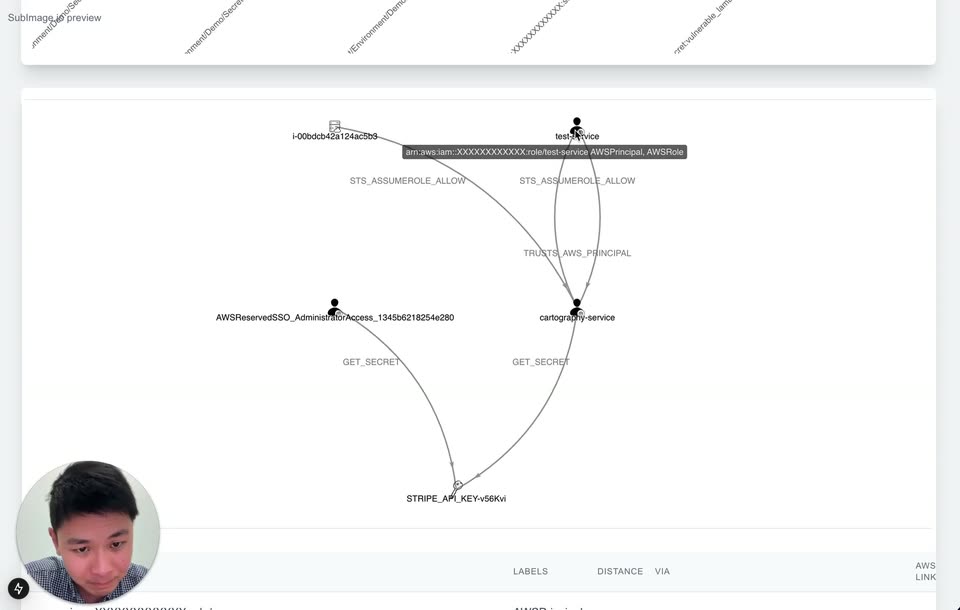 0:00–1:01SubImage · My Stripe API key was leakedA flat screen capture of a secrets dashboard. The cursor hovers the third bar of the Principals per Secret chart, popping a dark tooltip, then scrolls down past a node-link access graph to a principals table. A circular webcam of the presenter sits in the lower-left corner.
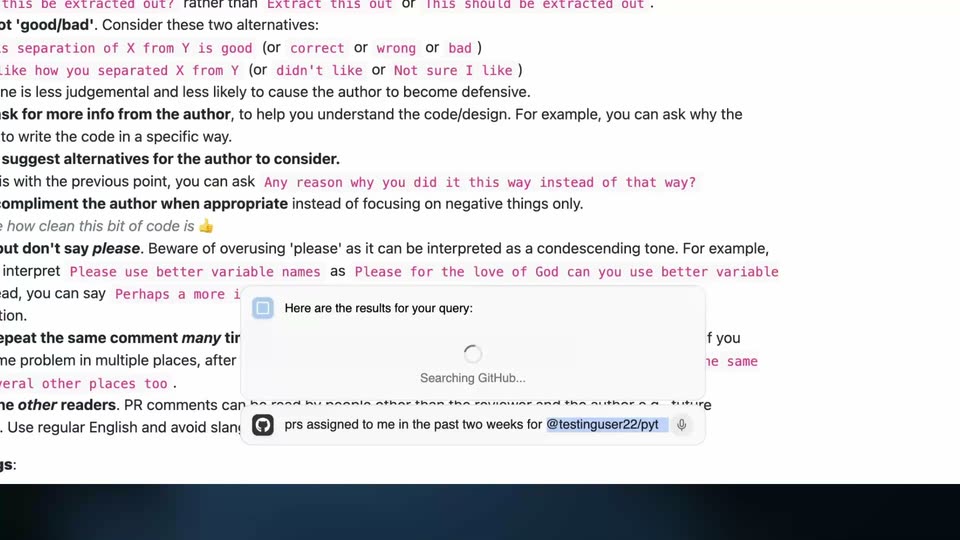 0:22–0:37Thirdlayer · Meet Dex - Your AI Coworker for the Browser.A close-up of a floating AI chat card over a code-review guide page. The input is typed, highlighted, then retyped with a repo path as autocomplete options and a spinner appear; the result list updates. The view zooms out to the full browser window.
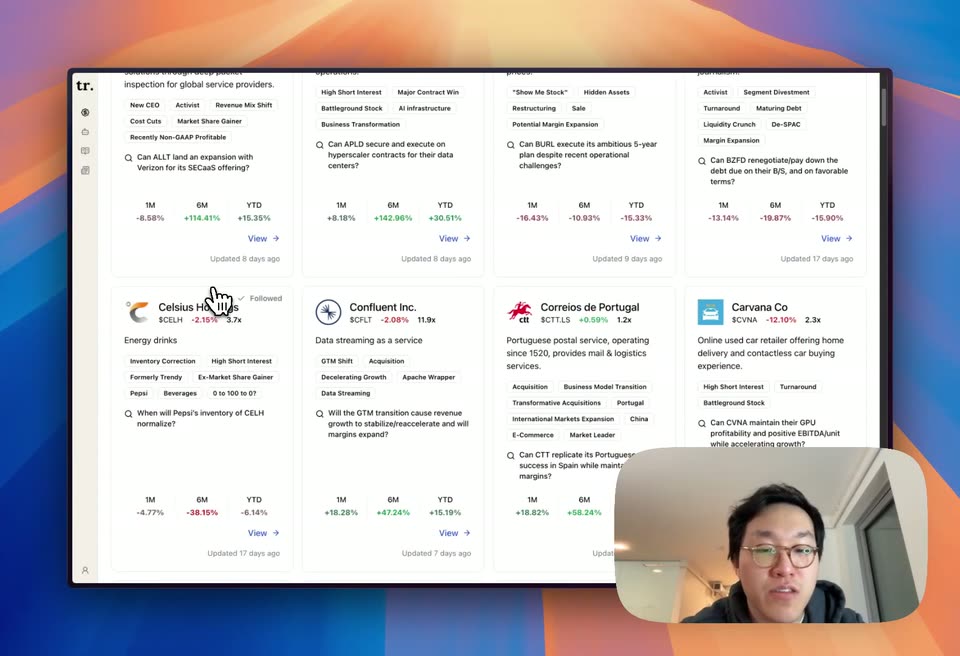 0:12–0:31Trata · Launch YC Trata (W25)A 3D-tilted browser window shows the Equities dashboard, a grid of stock cards, on a blue-and-orange gradient. A webcam self-view sits in the corner. A cursor hovers, clicks Follow on a card, then the grid scrolls down to reveal more tickers.
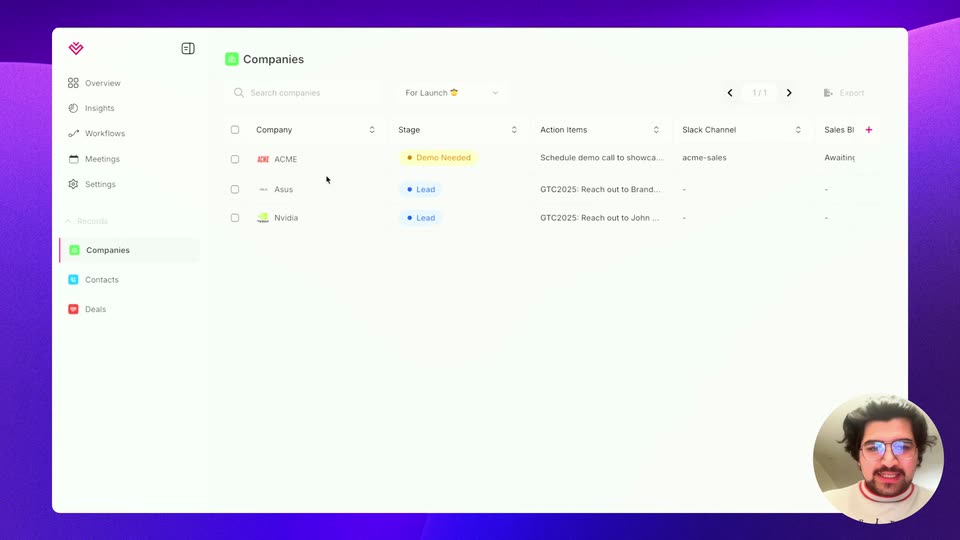 0:00–0:12Verbiflow · Verbiflow (YC W25) - LaunchA flat screen recording of a CRM companies table on a purple gradient background, with a circular webcam inset of a presenter in the bottom right. The cursor drifts up to the ACME row, then the view zooms into the table, cropping the sidebar.
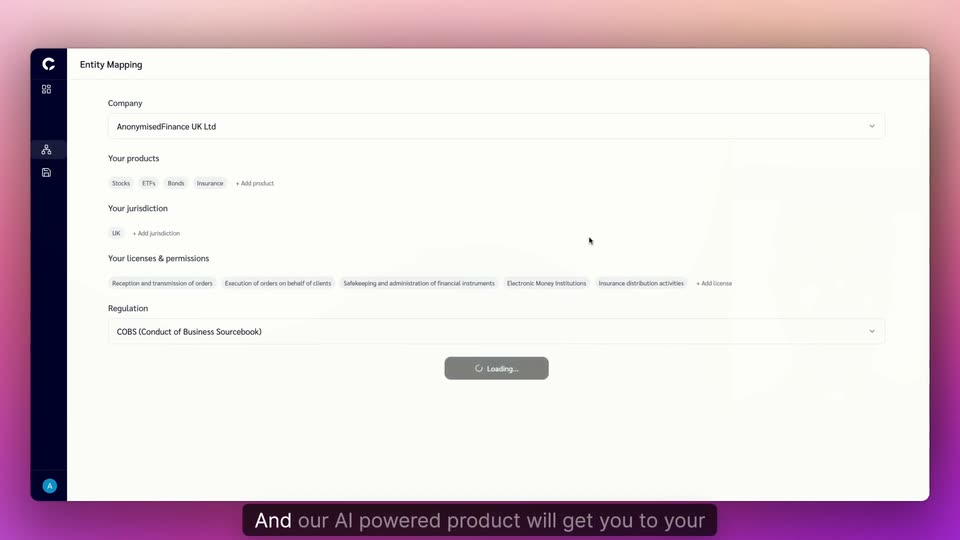 0:09–0:21Cardamon · Cardamon LaunchClose-up of the Entity Mapping form: the cursor picks a company from the dropdown. The view zooms out to the full app, then in on the Regulation list as the cursor selects COBS and clicks Begin Mapping. A spinner runs, then a results table of COBS items appears.
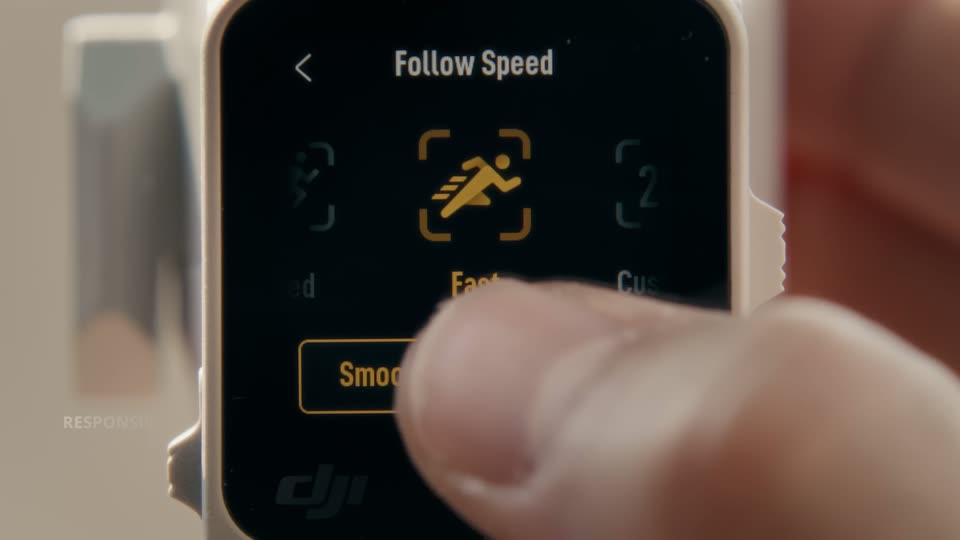 1:19–1:22DJI · Meet DJI RS 4 Mini: Compact and Lightweight Gimbal Designed for CreatorsTight close-up of a gimbal touchscreen on a warm, blurred beige background. A finger taps the Smooth icon, and the screen switches to the Follow Speed menu where the Responsive option glows orange as a caption fades in at the lower left.
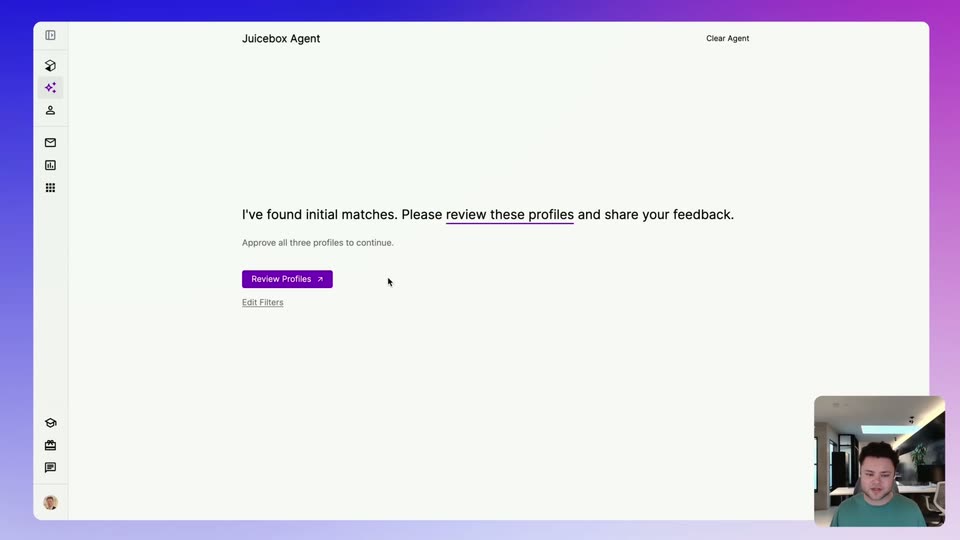 0:31–0:35Juicebox · Introducing Juicebox AgentsA white product interface on a purple gradient shows an agent message and a purple Review Profiles button. A cursor glides to the button and clicks it, opening a profile review panel with candidate details, while a small webcam feed of a man sits in the lower right corner.
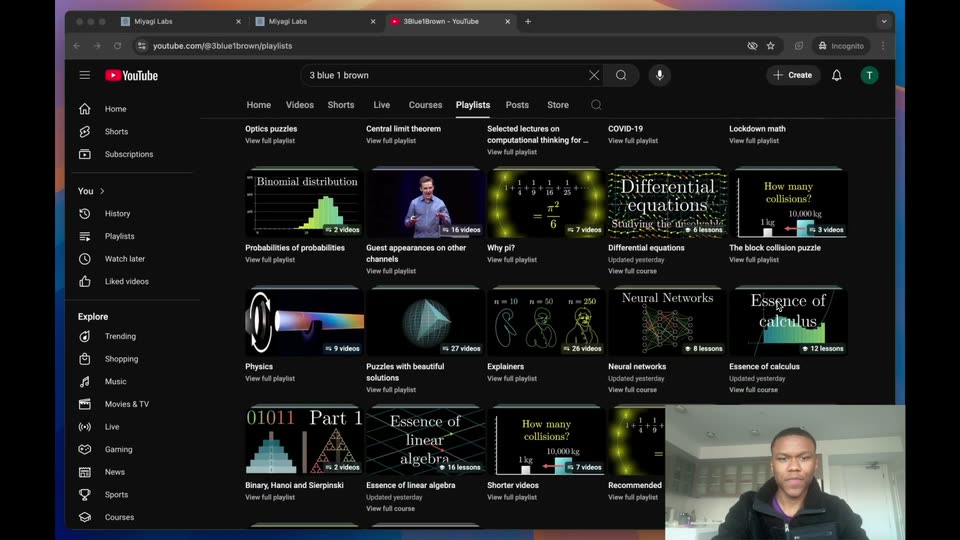 0:23–0:31Miyagi Labs · Miyagi Labs (YC W25) Launch DemoA dark YouTube channel page for 3Blue1Brown fills a browser window, with a small video-call window of a man in the lower right. The page scrolls through playlist thumbnails, then blurs and zooms onto a right-click menu as the cursor picks “Copy link address”; a “Link copied” toast pops.
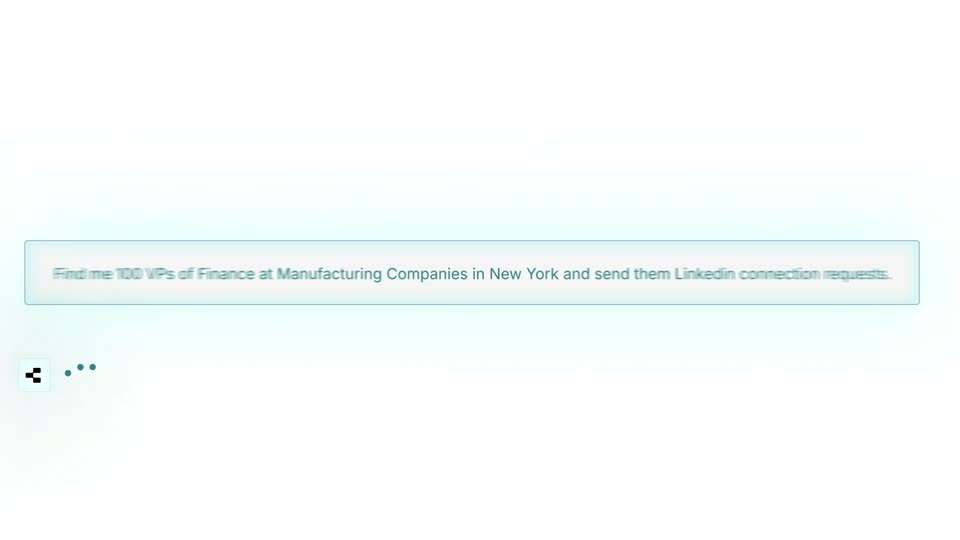 0:13–0:16Fuse AI · FuseAI Launch VideoA white search bar on a pale blue gradient shows a prompt typed letter by letter. A large cursor clicks the send arrow, the bar fades, and the full sentence re-centers as a small caption above a back arrow and three loading dots.
 1:34–1:35Monad · Monad - Monad Testnet is live. Try it out here:A small glowing rounded window holding an anime clip sits in the center of a black screen, a white cursor to its right. The window scales up to fill the frame, revealing two cartoon characters standing on a grassy field under a blue sky.
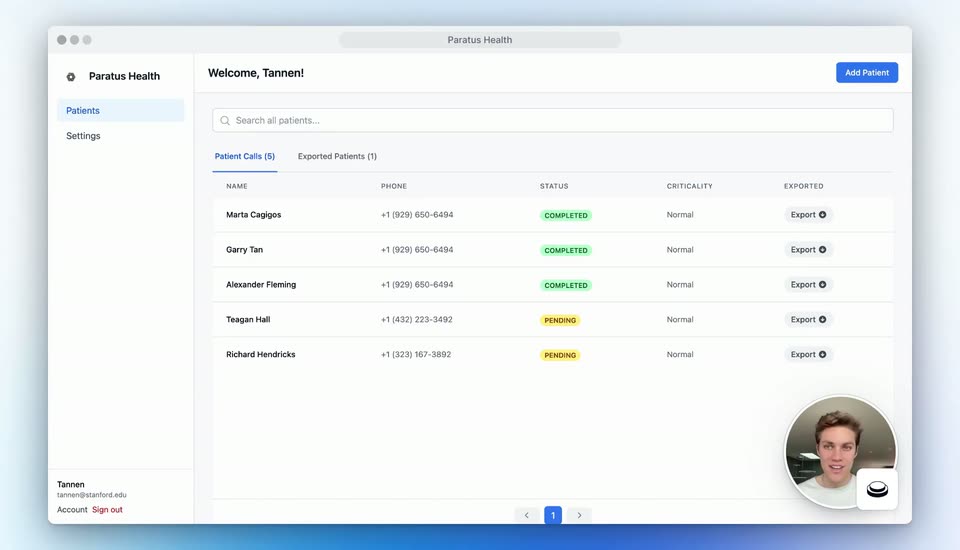 0:04–0:12Paratus Health · Paratus Health - Product DemoA browser window shows the Paratus Health dashboard with a patient list and colored status badges. A circular webcam feed of a man talking sits in the lower right. A mouse cursor glides across the rows and rests on the Add Patient button.
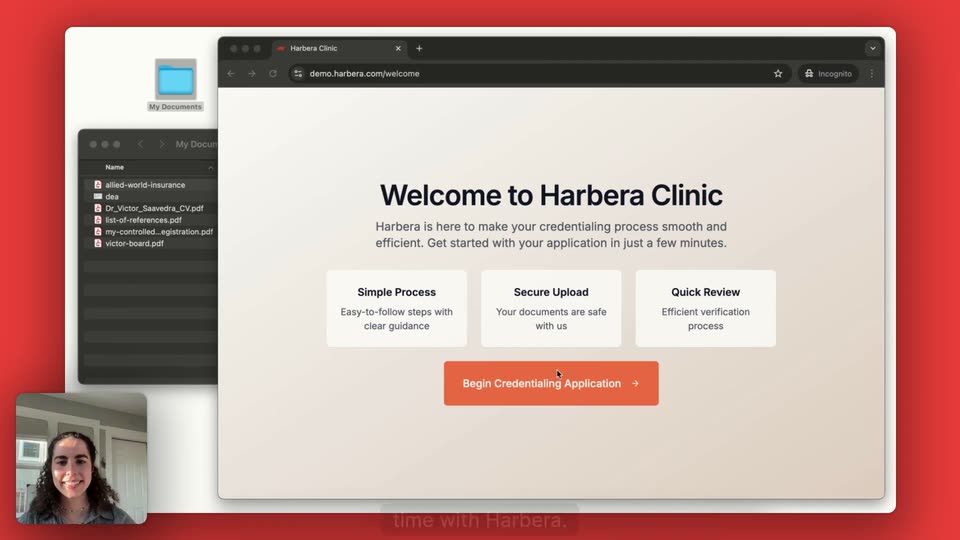 0:00–0:07Harbera · Launch YC: HarberaA browser window shows the Harbera Clinic welcome page over a file list, with a small video-call inset of a woman in the corner. Subtitles appear at the bottom as the cursor moves to the orange button and a Provider Registration form modal zooms in.
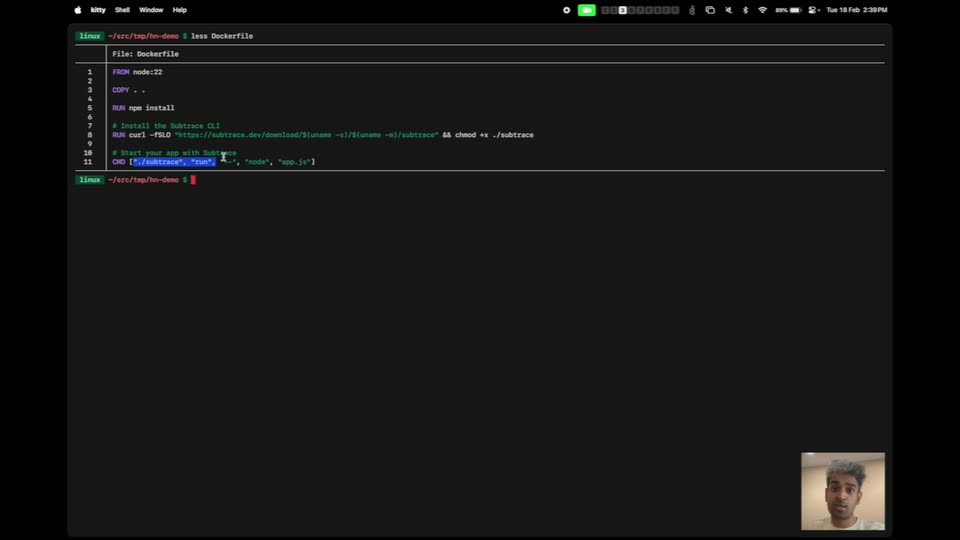 0:41–1:03Subtrace · Subtrace: Wireshark for Docker ContainersA dark macOS terminal fills the frame, showing a Dockerfile opened with less, its lines color-coded. An I-beam cursor drifts down the file, selecting the Subtrace install line and the run command, while a small webcam inset of the presenter sits in the bottom-right corner.
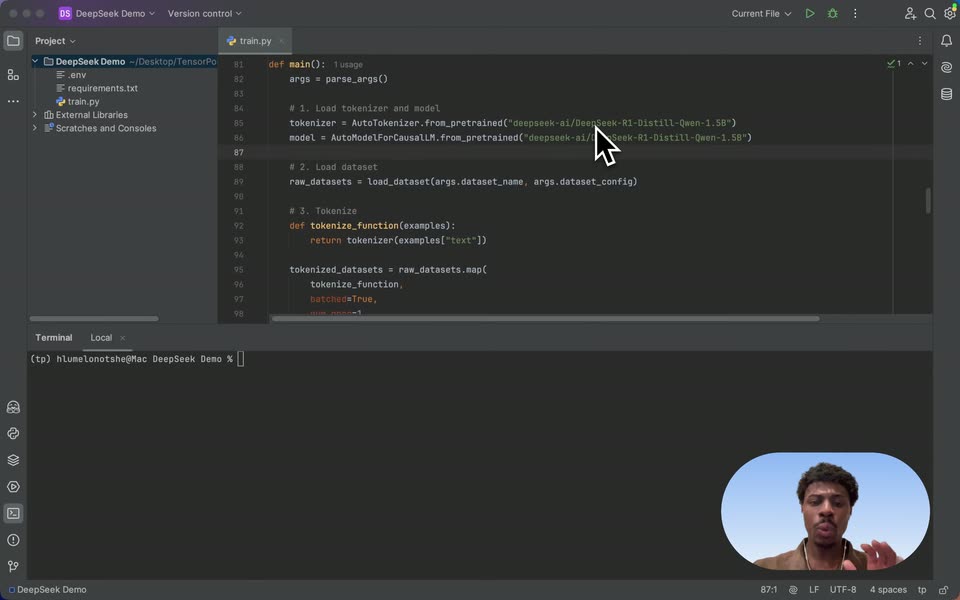 0:12–0:17TensorPool · TensorPool (W25) - The Easiest Way to Access GPUsA dark IDE shows a Python training script with line numbers and a terminal panel below. A circular webcam feed of the presenter occupies the bottom right corner. A mouse cursor glides across the code, hovering over a model-loading line.
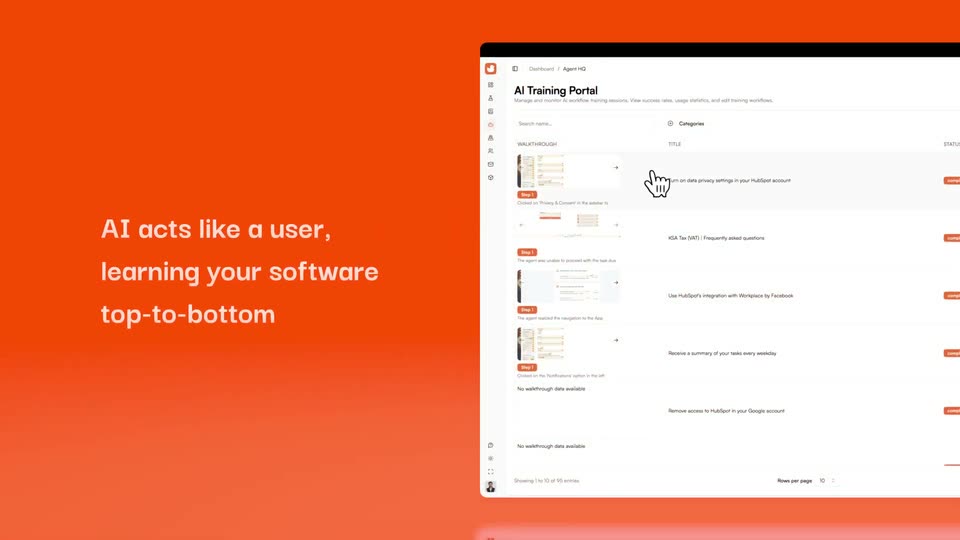 0:00–0:05SAMMY Labs · SAMMY Labs - Product TourOn a flat orange background, a white headline sits on the left while the AI Training Portal screen fades in on the right. A hand cursor icon glides down the list of walkthroughs, then the headline fades out.
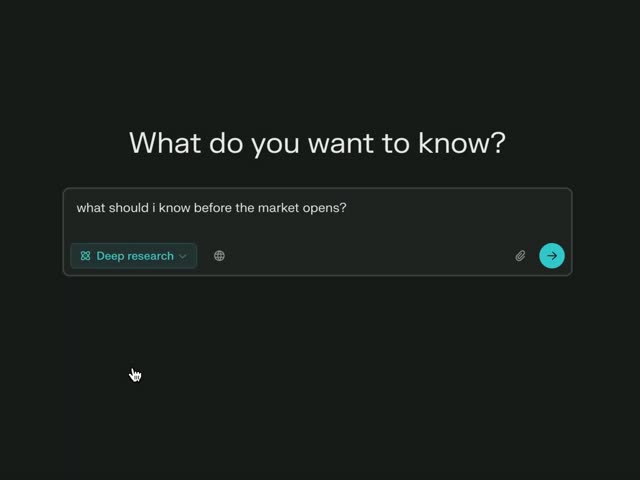 0:04–0:09Perplexity · Introducing: Deep Research on PerplexityDark search page with a typed query fades in beneath a white headline. An open mode menu lists search options; a cursor glides down to Deep research and selects it, the menu collapses into a teal pill, the view pulls back slightly, and the scene fades out.
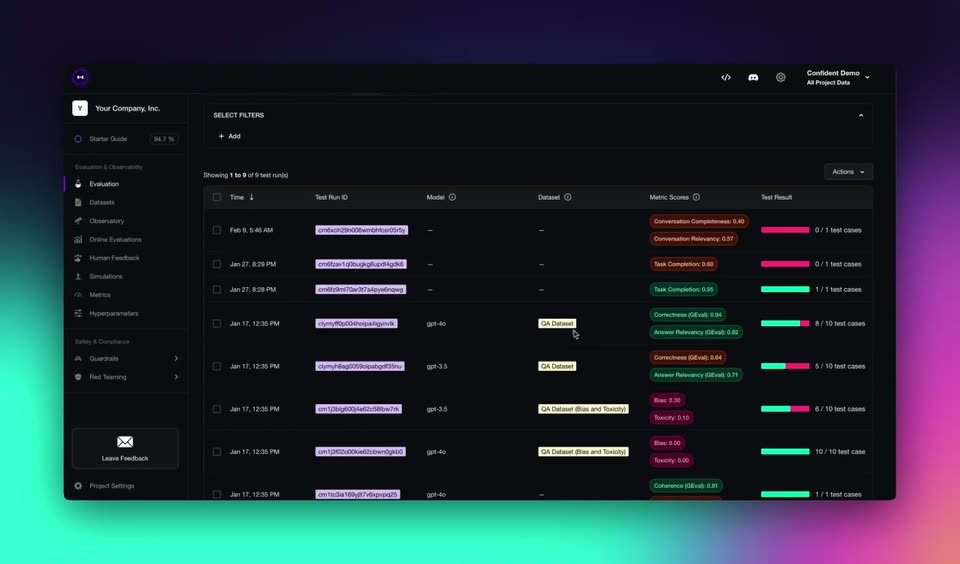 0:00–0:27Confident AI · Confident AI Launch YCA dark evaluation dashboard floats on a teal-to-pink gradient. The camera zooms into the test-run table, rows of model scores and colored result bars scroll by, then pulls back as the cursor hovers over metric badges, then zooms in again on the scores column.
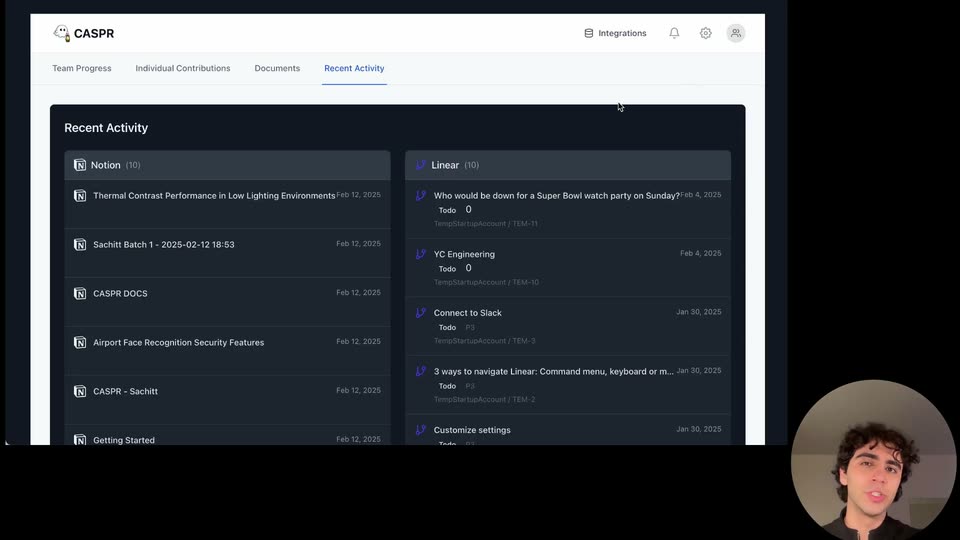 0:13–0:14Peppr AI · Peppr AI Demo VideoA dark dashboard lists recent activity in two columns, Notion and Linear. A cursor drifts up to the Integrations button in the top bar. A circular webcam of the host stays pinned in the bottom right corner.
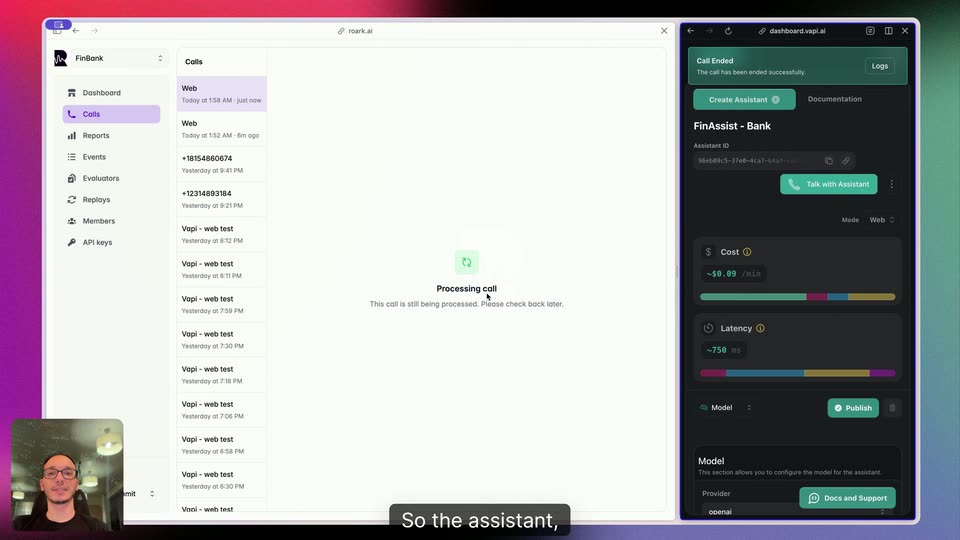 0:00–1:15Roark · Roark (YC W25) - DemoTwo browser windows sit side by side: the FinBank calls dashboard left, the VAPI assistant dashboard right, with the presenter's webcam in the corner. A cursor clicks Talk with Assistant, a call runs and ends, then the view zooms into the logged transcript and compliance flags.
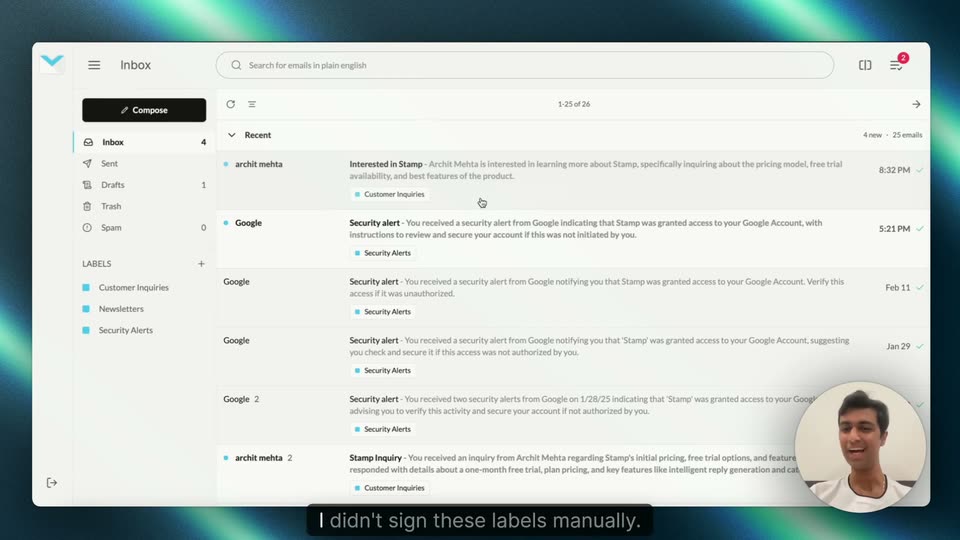 0:08–0:39Stamp · Introducing Stamp: The AI Native Email ClientA flat screen recording of an email inbox lists recent messages, each preview carrying a bold subject and one-line summary. The view zooms in on the rows, holds, then pulls back as the cursor hovers and clicks a view toggle; a circular webcam of the presenter and bottom captions stay fixed.
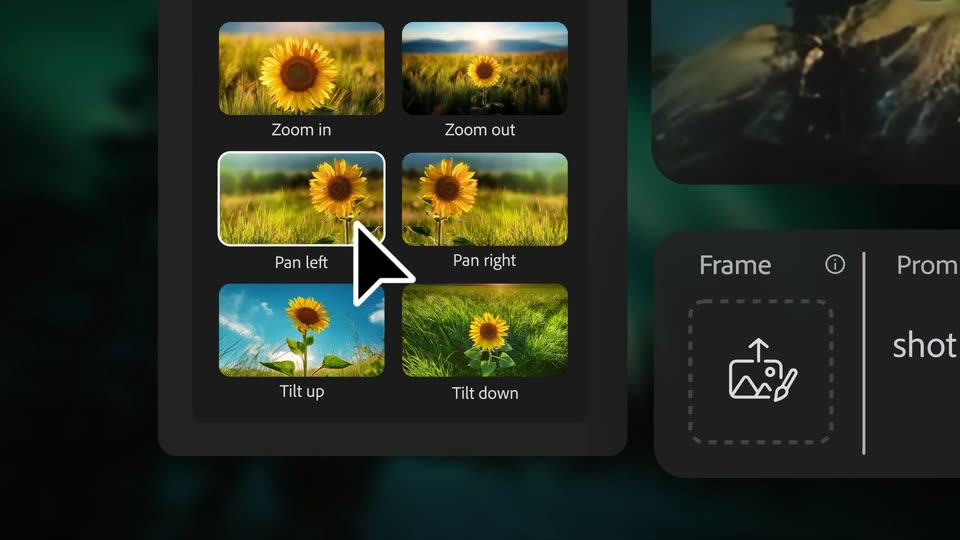 0:10–0:12Adobe · Meet Firefly Video Model | AdobeA dark camera-settings panel floats over an aurora preview image. The view zooms into the Motion grid while a cursor glides to the Pan right thumbnail, which lights up with a white outline.
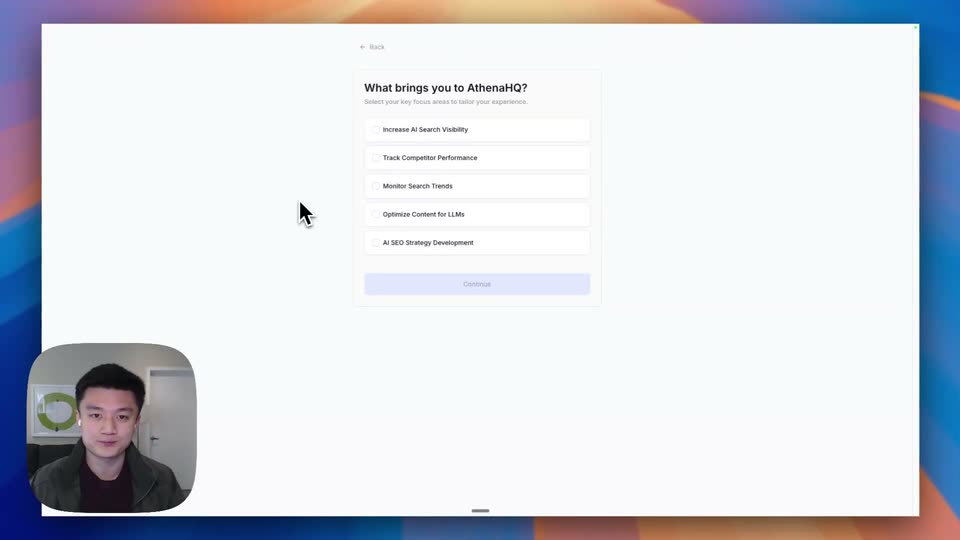 0:00–0:21AthenaHQ · AthenaHQ with Andrew, Co-Founder and CEOA white onboarding form titled “What brings you to AthenaHQ?” sits over a colorful gradient, with a small webcam inset of a man talking in the lower left. The cursor checks three option boxes, the Continue button turns solid purple, and the frame zooms in as the cursor clicks Continue.
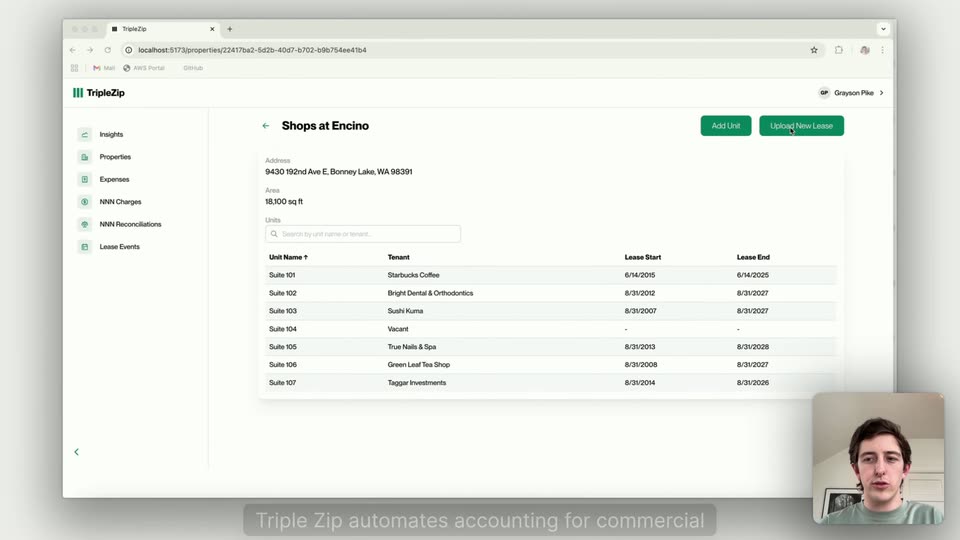 0:00–0:06OpenIntake · TripleZip (W25) - AI for Commercial Real Estate AccountingA flat screen capture of the TripleZip property dashboard sits on a gray backdrop, with a small presenter webcam in the lower right corner. White subtitle lines cycle along the bottom. Near the end the cursor clicks the green Upload New Lease button, opening a centered file-upload modal.
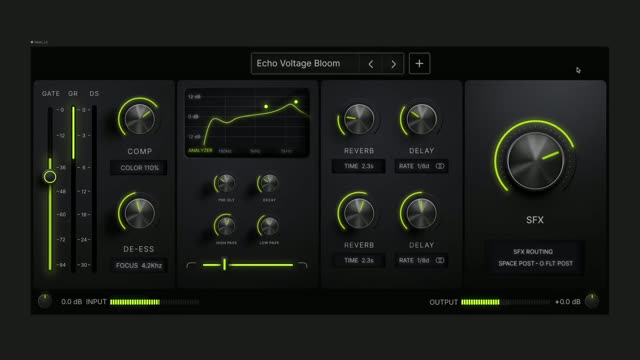 0:03–0:04Rive · Feathering AnnouncementA dark audio plugin interface fills the frame, its knobs, sliders and meters ringed in glowing yellow-green. A cursor glides rightward across the top bar while the static headline VECTOR FEATHERING, a NEW badge and the powered-by line hold in place.
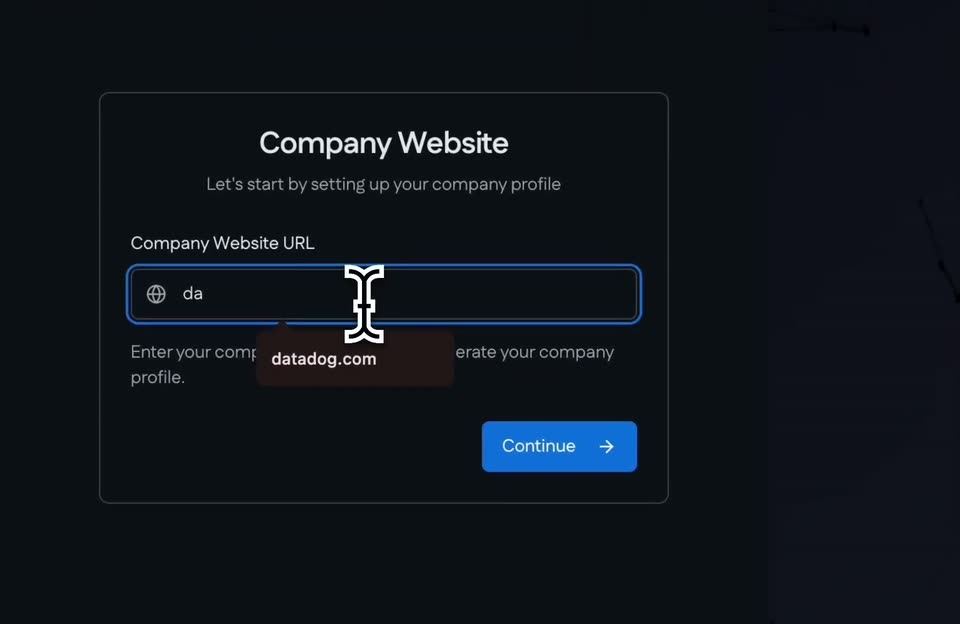 0:00–0:04Flowtel · Casixty DemoA dark onboarding screen zooms into a Company Website form card. An oversized I-beam cursor hovers over the URL field as datadog is typed and a suggestion dropdown appears, then the card drifts out of frame.
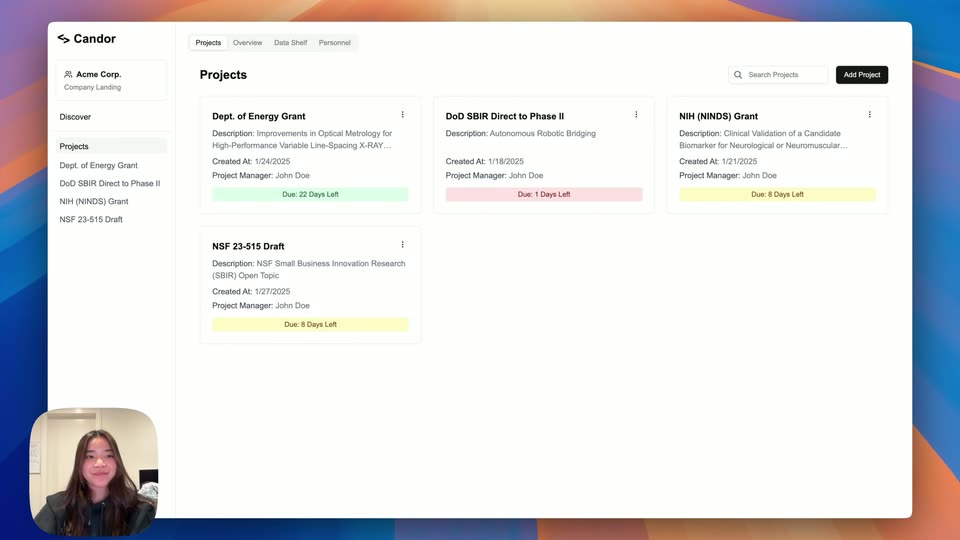 0:00–0:21Candor · Candor (YC W25) Demo || Win Government Funding With AIA static Candor dashboard shows a Projects page with four grant cards and a left sidebar over a blue-orange gradient. A small rounded webcam inset in the corner shows a presenter talking. A hand cursor clicks Discover, and the view zooms into the Discover page with filter dropdowns.
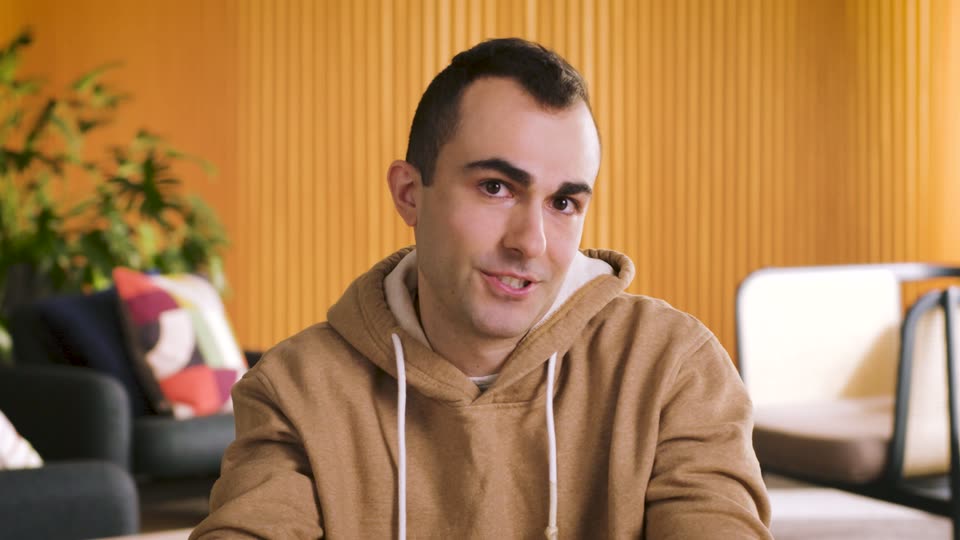 0:36–0:39Amplitude · Amplitude Guide and Survey OverviewA man in a tan hoodie talks to camera against an orange ribbed wall. A white notification banner with bold black text and a yellow underline slides in from the left, then a cursor arrow glides across and the banner disappears.
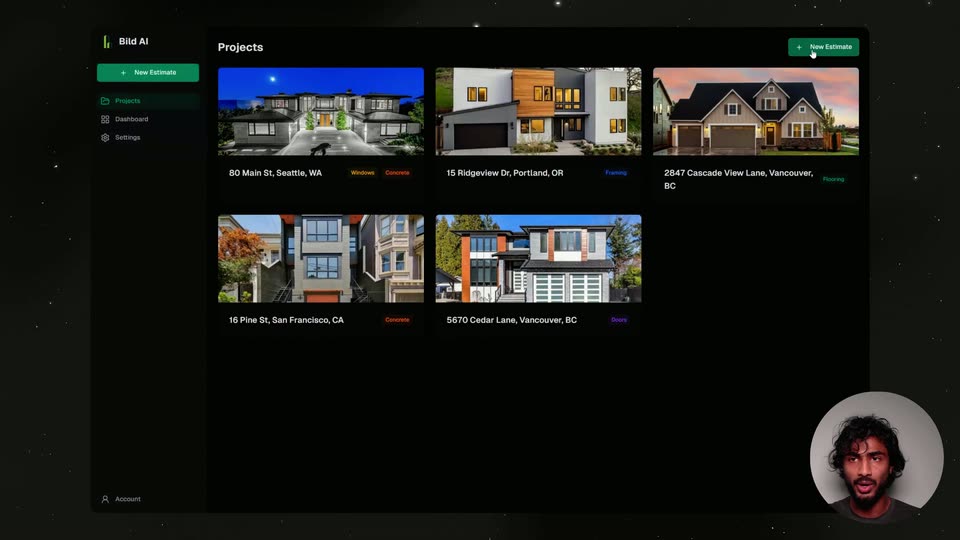 0:22–0:23Bild AI · Read Blueprints Using Bild AIA dark projects dashboard with five house cards sits flat against a starfield. A bearded presenter in a gray shirt scales down from a large rounded panel into a small corner circle, while a cursor drifts to the green New Estimate button.
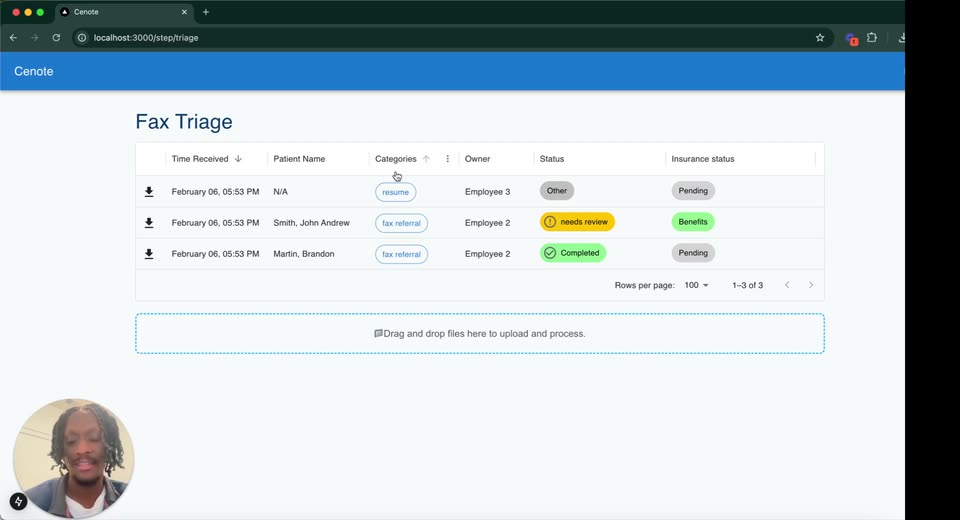 0:00–1:55Cenote · Cenote DemoA static screen recording of the Cenote 'Fax Triage' table in a browser. Rows shift from blue 'Extracting data' pills to filled names, tag pills and status badges, then the cursor clicks the Categories header to sort. A circular webcam of the presenter sits bottom-left.
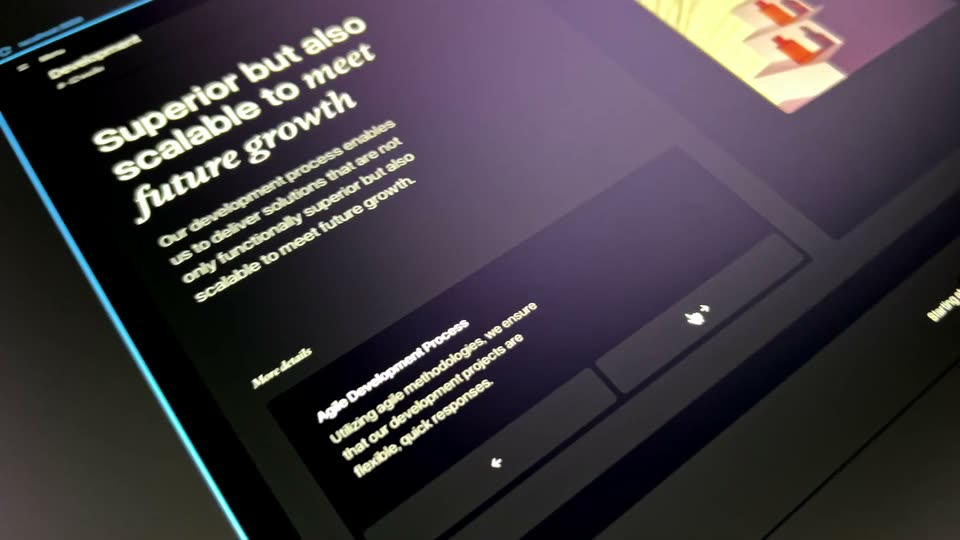 0:26 · 0.7sOnlook · Onlook - The Open-Source Cursor for DesignersA tilted website screen in 3D perspective scrolls from a dark contact form titled Let's start talking to a Scaling business section with a paragraph and a list of names, where a cursor hovers over the entries.
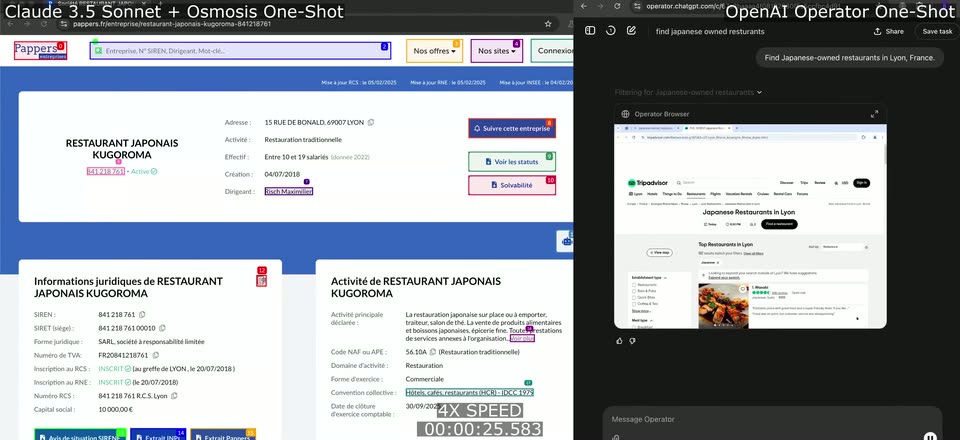 0:04–0:06Osmosis · Osmosis Demo (Head-to-Head with OpenAI Operator)A split screen compares two AI browser demos: the left pane holds a French company-registry page for a Japanese restaurant, the right pane stacks a chat prompt above a TripAdvisor results window. A cursor hovers in the right window while a speed counter ticks at the bottom.
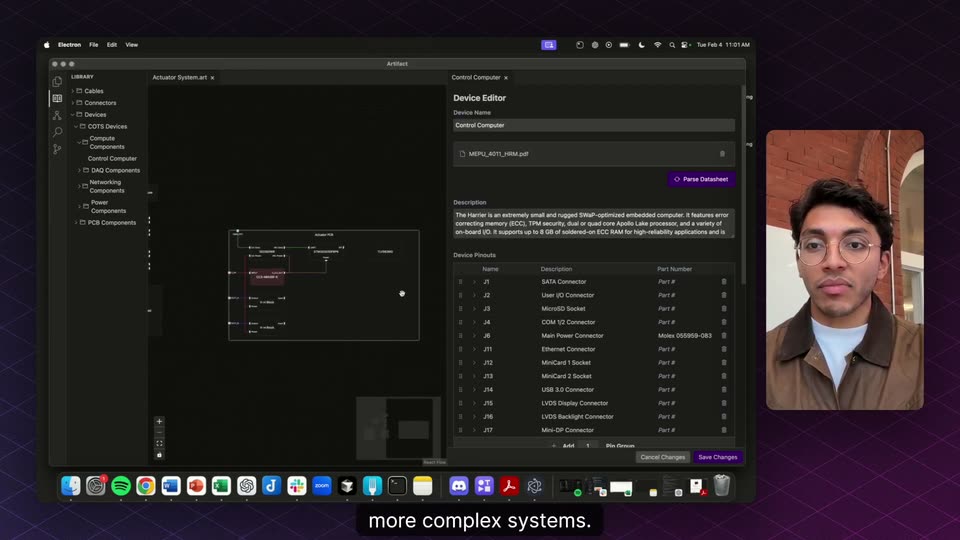 0:15–0:36Artifact · Artifact - A Modern Workspace for Electrical DesignA dark desktop app fills the frame with a small webcam video of the presenter on the right. The cursor right-clicks the diagram canvas, opens a file dialog, drops a new component block, then opens a pin-table popup.
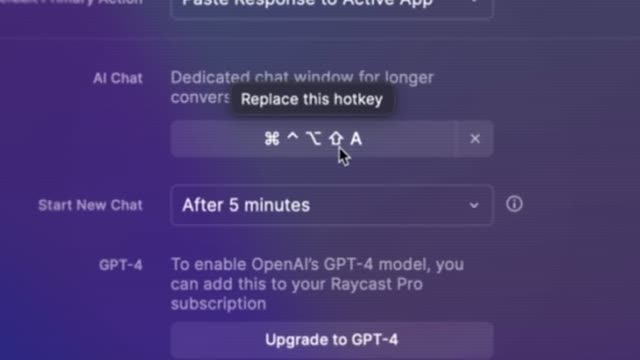 0:07–0:09Raycast · Raycast Just Got You A New KeyA macOS screen shows the Raycast settings window over a purple gradient, with a small webcam feed of a man in the lower corner. The view zooms into the AI Chat row, where a cursor hovers the hotkey field and a 'Replace this hotkey' tooltip pops up.
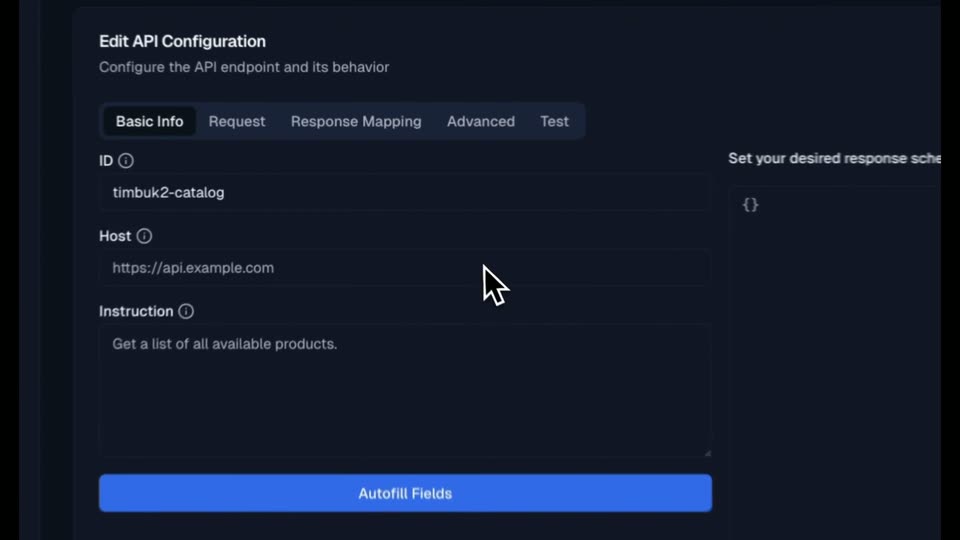 0:20–0:39superglue · superglue (YC W25) - product demoA dark Superglue configuration form sits on a colorful gradient background. The cursor moves to the Host field, accepts the autofill chip https://timbuk2.com, and types get me all the products into the Instruction box. The view zooms in on the form, then back out.
 0:00–0:14Excellence Learning · Excellence Learning DemoA browser window shows the Excellence homepage with a tablet mockup of a math document. The view zooms into the document, an Explain chip opens a chat panel that answers a question, the cursor types a follow-up, then the view zooms out and the cursor clicks the demo button, fading to a blank page.
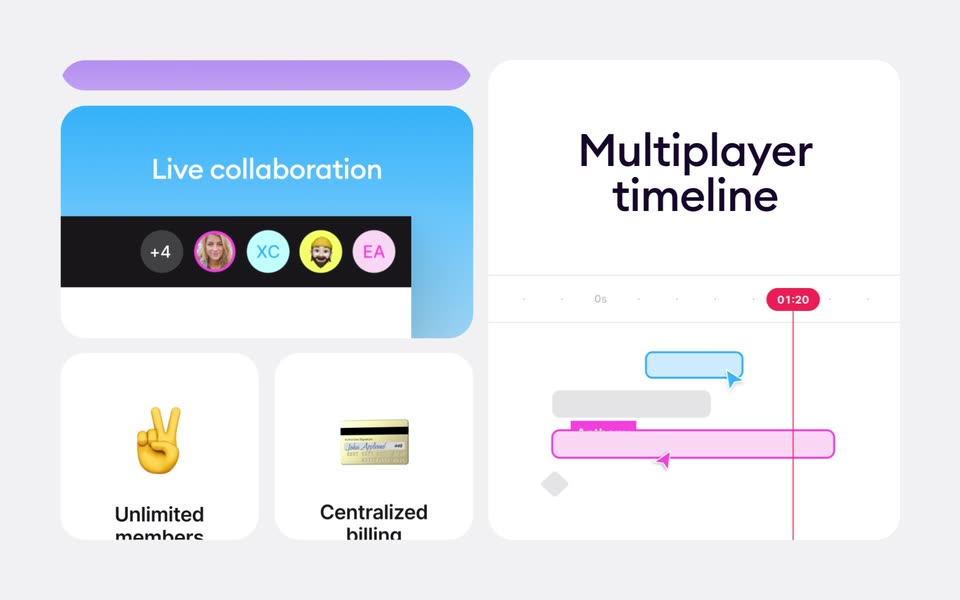 0:01–0:04Jitter · Jitter for Teams · JitterA left column of feature cards reorganizes on a gray background: the purple 'New' card slides out, the blue 'Live collaboration' card rises, and 'Unlimited members' and 'Centralized billing' cards slide in below. On the right, a 'Multiplayer timeline' card shows colored cursors with name tags moving along the tracks.
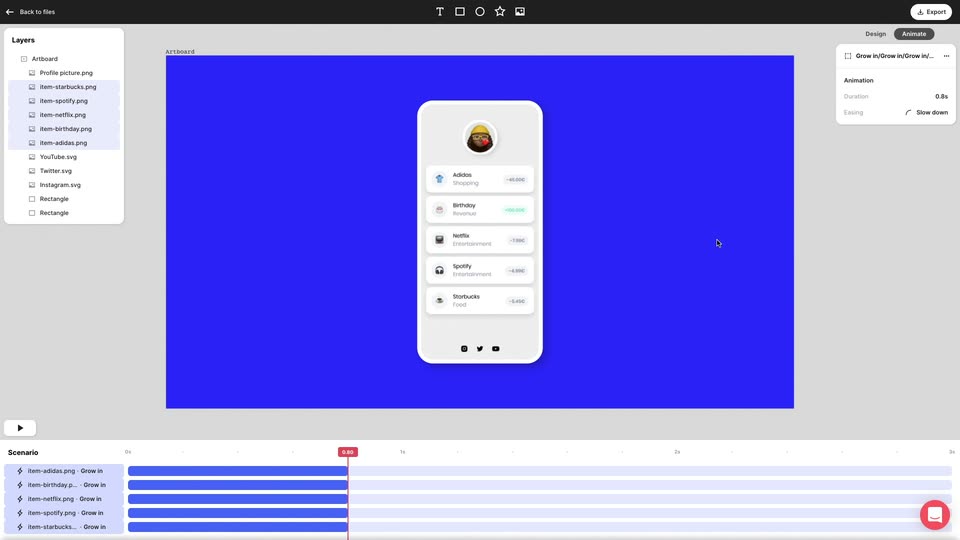 0:04–0:08Jitter · Jitter is now in public beta! · JitterA motion design tool fills the screen, a white profile card with app rows on a blue canvas. The cursor selects layers in the left panel and opens the animation panel on the right, while staggered bars build up on the bottom timeline.
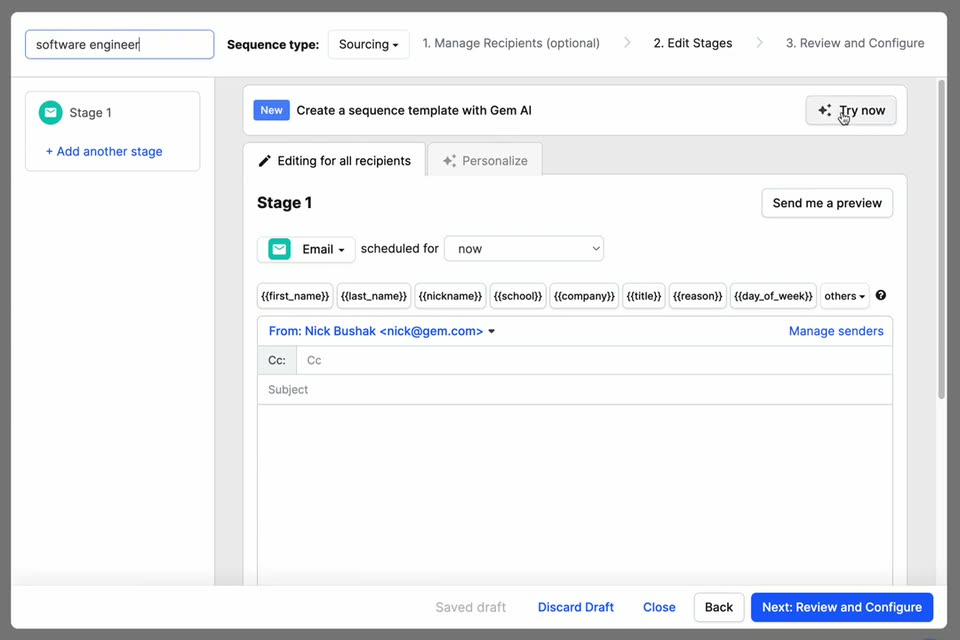 0:00–0:01Gem · Gem: create template with AIA cursor glides across a white email sequence editor and hovers over the Try now button at the top right. The interface shows merge tags, sender fields and a stage timeline, all static.
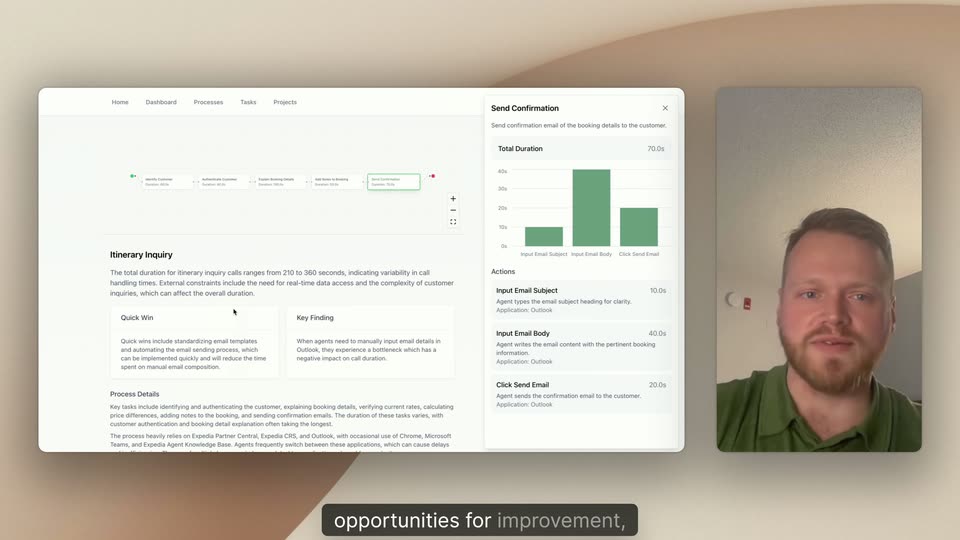 0:24–0:59Calltree · Calltree IntroductionA product dashboard on the left switches from workflow cards to a process flow diagram as a cursor clicks a step, opening a side panel with a bar chart, while a man in a green shirt talks to the camera in a small right panel.
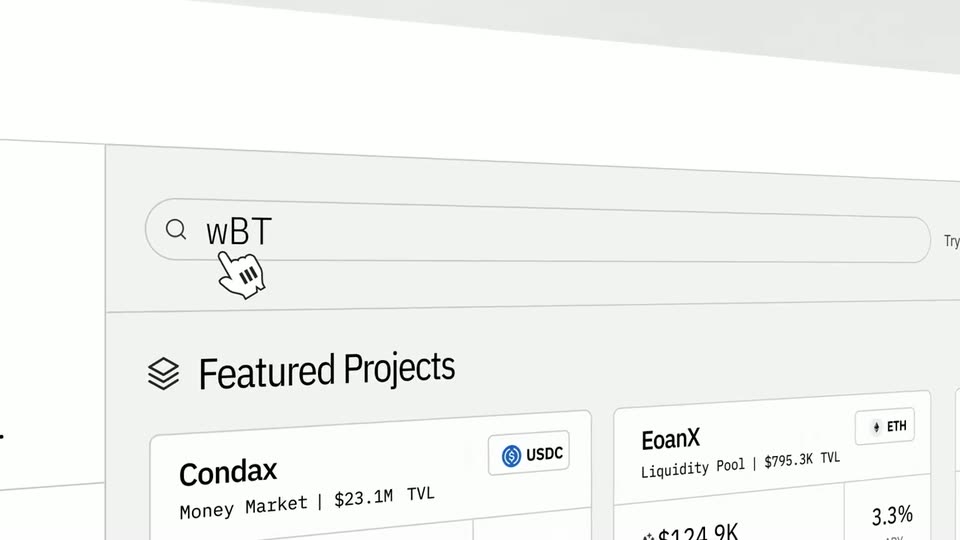 0:39–0:42Berachain · Berachain Foundation 🐻⛓ - Henlo, and furthermore, Boyco.A light web dashboard floats in tilted 3D perspective, its search bar above a row of project cards. A hand-drawn cursor slides down, clicks the search field, and types wBTC while the view slowly pushes in.
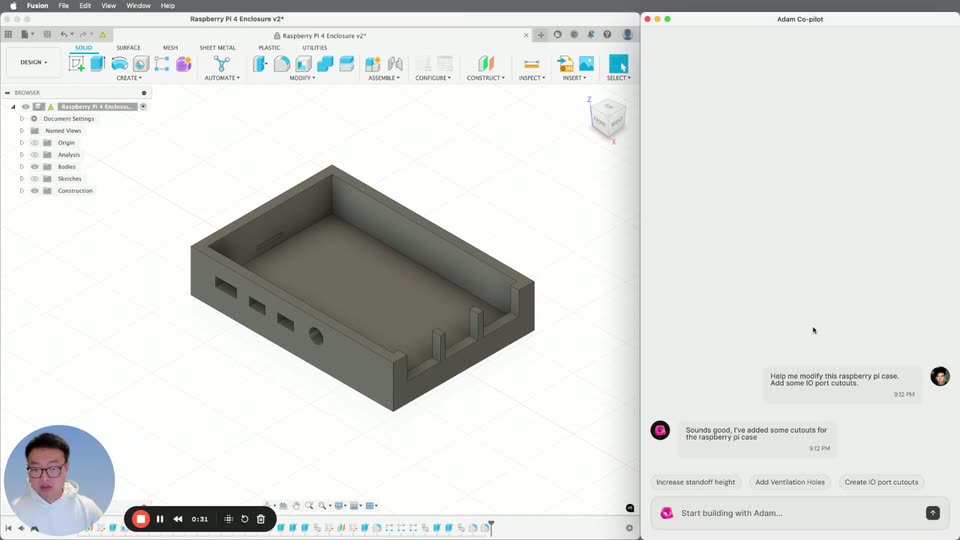 0:00–0:53Adam · Adam Co-pilotA split screen shows a Fusion viewport with a gray 3D box on the left and the Adam Co-pilot chat on the right. A cursor types a prompt and clicks a face, and the box updates with port cutouts and a grid of ventilation holes.
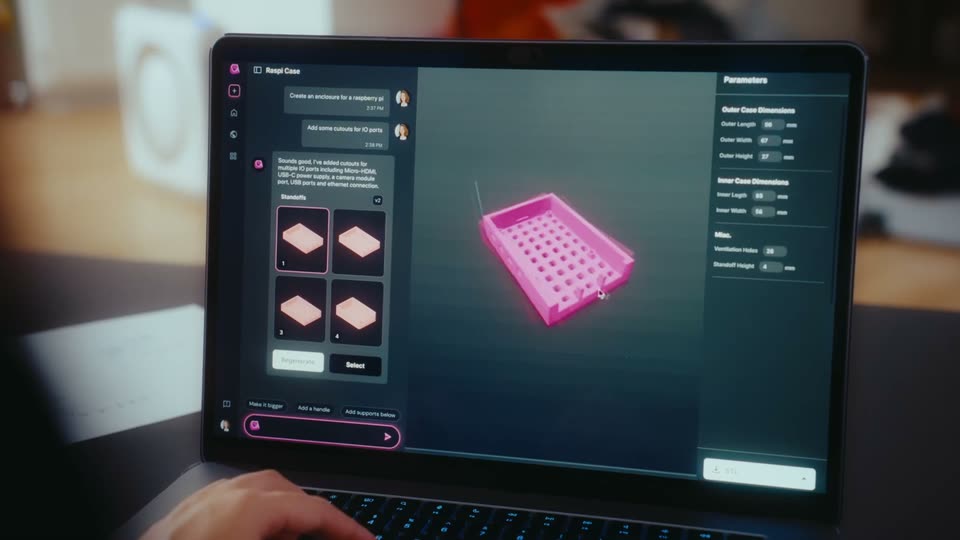 0:38–0:39Adam · The easiest way to do CAD (with AI)A laptop on a desk shows a dark design app: a chat column on the left, a pink Raspberry Pi case turning slowly in the central 3D viewport, and a parameters panel on the right. A hand rests on the keyboard while the cursor drifts across the screen.
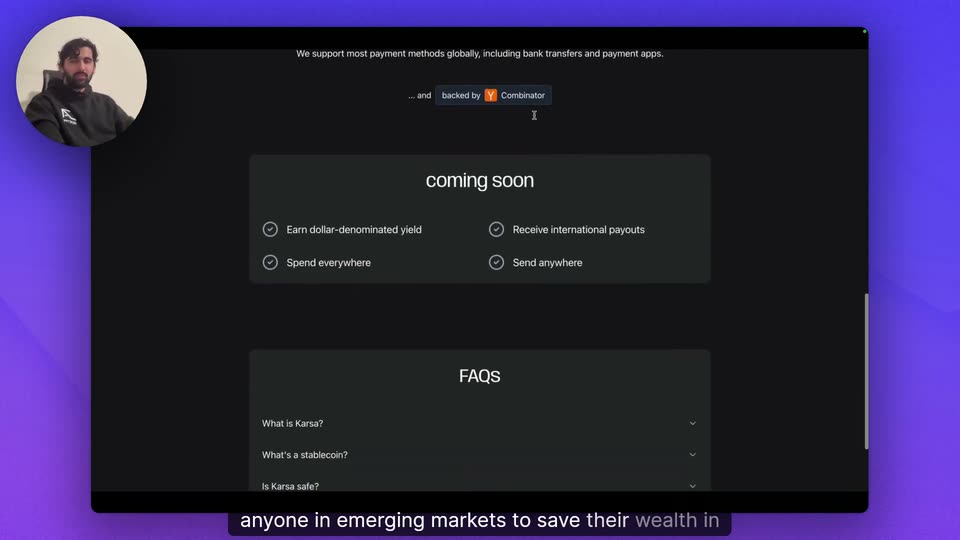 0:00–0:09Karsa · Karsa DemoA tilted laptop mockup on a purple background shows the Karsa website's green hero section with a gold-coin pattern, beside a circular webcam inset of a man. The page scrolls down through feature and FAQ sections, then back up, as a cursor drifts and bottom captions appear.
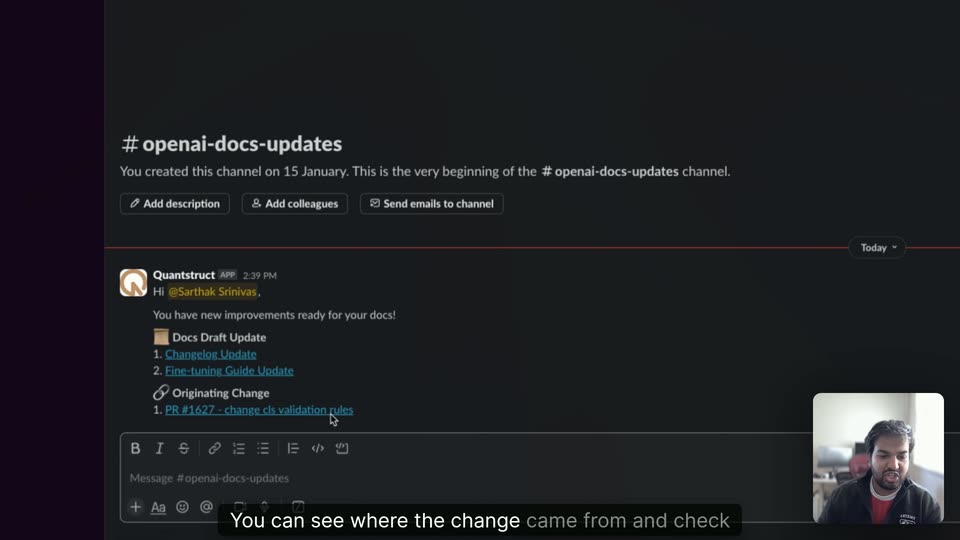 0:08–0:18Quantstruct · Quantstruct Launch VideoA dark Slack-style channel zooms in on a Quantstruct bot message listing doc draft updates and a source pull request. A webcam tile of a presenter sits bottom right while white captions narrate; the cursor hovers a link to reveal its URL.
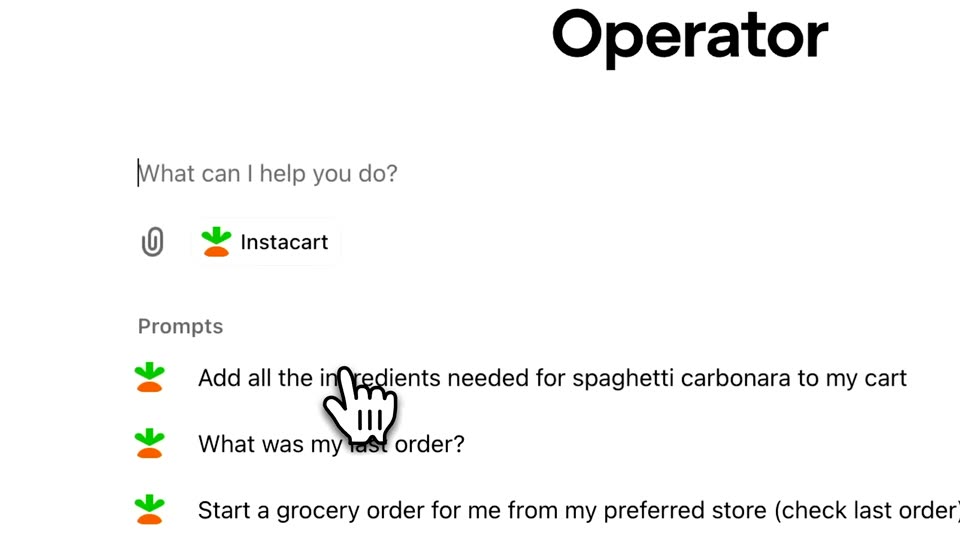 0:27–0:37OpenAI · Demonstrating OperatorThe Operator interface opens on a wide view with the Travel tab and suggestion cards. The frame zooms in as a hand cursor types instacart into the prompt field, the app chip switches to Instacart, and the prompt list updates to grocery tasks. The cursor hovers over the first prompt.
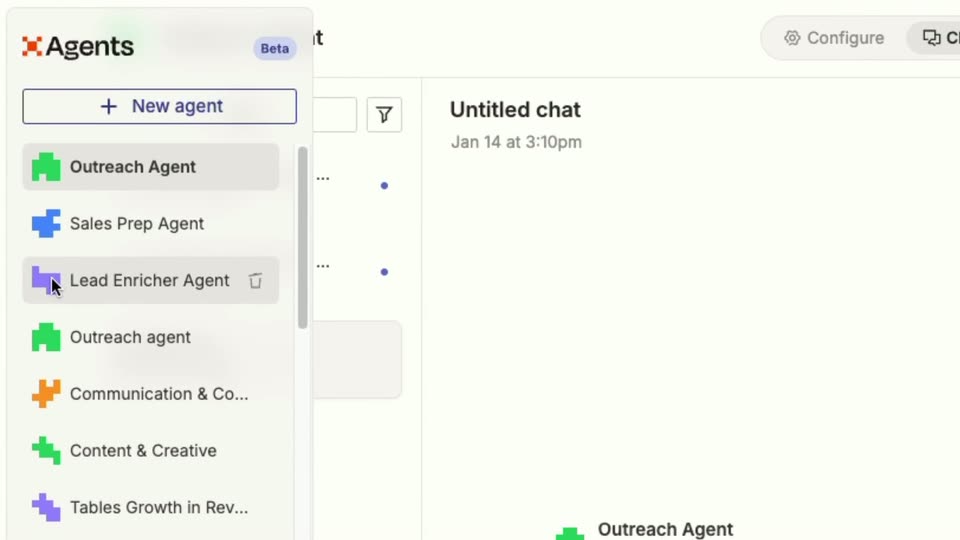 0:04–0:07Zapier · Introducing Zapier Agents: The Future of Automation is Here!The agents dashboard fades in from dim to full brightness, showing a left list of named agents beside a chat panel. A cursor moves down the list, then the whole screen blurs and zooms out to white.
 0:03–0:04Deepeye Medical · deepeye TPS, easy to use AI assistant for optimizing IVI therapy planning.A dark medical imaging interface shows a grayscale retinal scan with a top toolbar and a red CLOSE button. A white cursor moves across the screen as the caption '1.Click on deepeye TPS icon' fades in, the last three words boxed in blue.
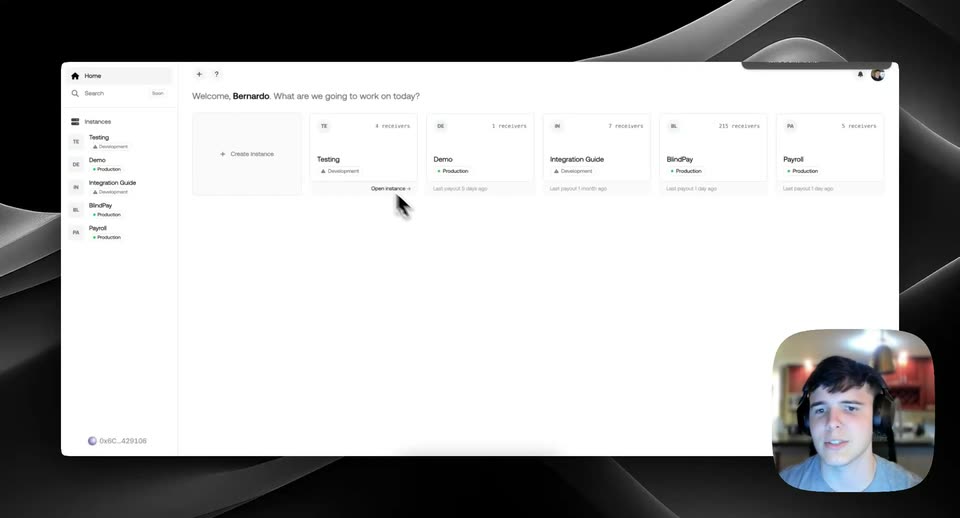 0:00–0:13BlindPay · BlindPay - DemoA light web dashboard over a dark abstract backdrop, with a small webcam cutout of a man in headphones at bottom right. A cursor glides over the instance cards, hovers Testing to reveal an Open instance link, then clicks Demo as the view zooms into a receivers page.
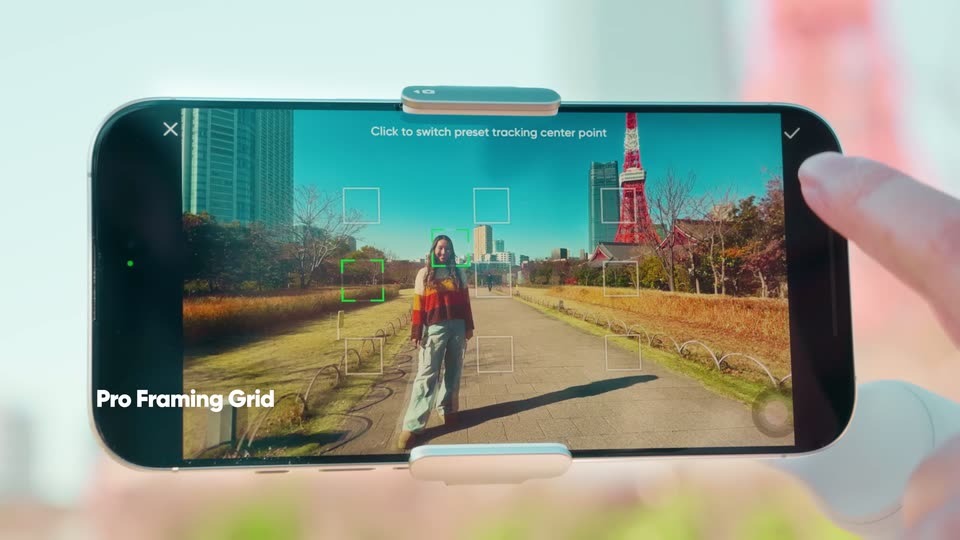 1:18–1:22Insta360 · Introducing Insta360 Flow 2 Pro - Your Pocket AI FilmmakerA landscape phone on a gimbal, angled in 3D, shows a camera app viewfinder of a woman walking a park path. A finger taps the screen; a green box locks to her face and the viewfinder zooms in. Caption “Pro Framing Grid” sits bottom left.
 0:01–0:03Recraft · Recraft - Seamless patterns are here! Designers, now you can create endless, peA light gray canvas with a white icon toolbar across the top left. A black pointer cursor sits mid-frame, then a teal square is drawn with green corner handles as a crosshair cursor rests on its bottom-right corner.
 0:14–0:15Something · something - Interact for early access. Coming soonA dark 3D circuit landscape with glowing nodes fills the lower frame; the headline AI Generated Tokens hovers above. A tilted card with a prompt field and blue Generate button slides in as a cursor hovers over the button, and the camera tracks forward.
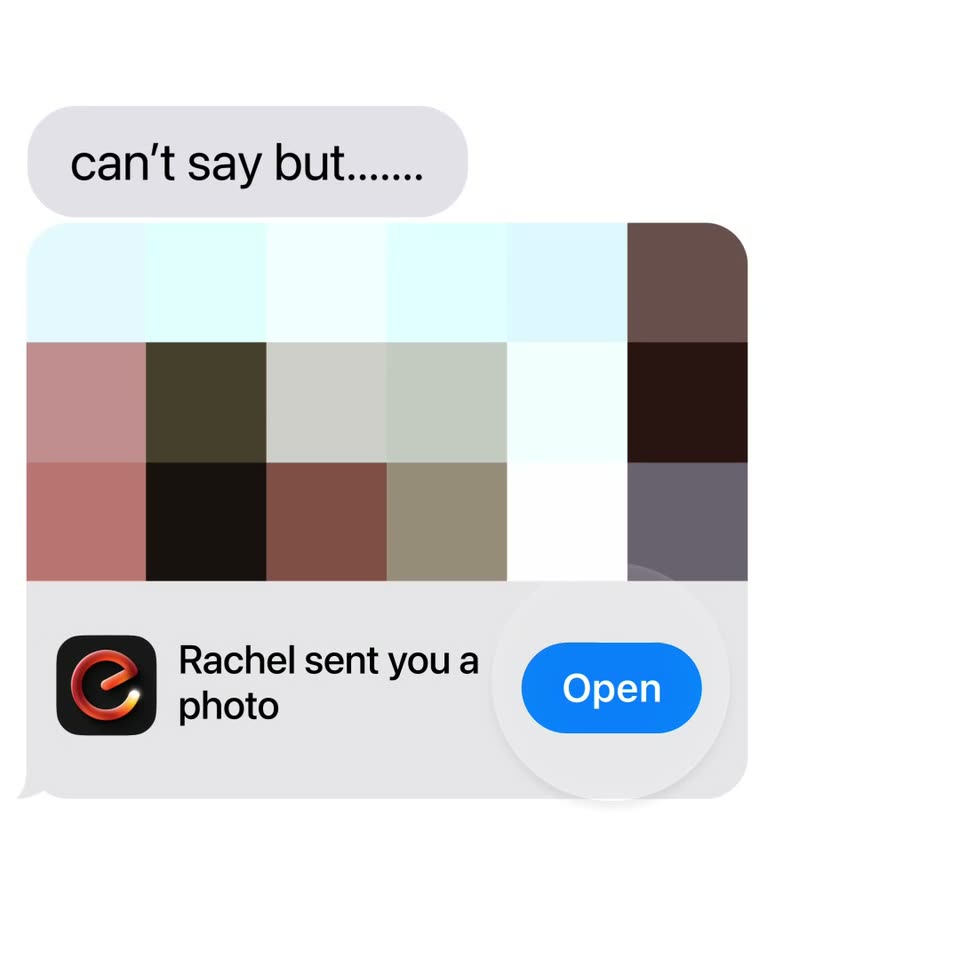 0:11–0:14Explode · Nikita Bier - Ladies and gentlemen, I pleased to announce my latest app: IntroduciA gray bubble “can’t say but........” and a blue bubble “what are you up too” slide into a white chat screen. A photo card with a color-block mosaic slides up, pushing the blue bubble off the top. A white tap circle pulses over the blue Open button, pressing it.
 0:30–0:31Superhuman · New Year, New InboxOver a blurred blue email, a Remind me menu with a clock icon appears top-left. A search field types w as the options tomorrow and next week fade in, with tomorrow highlighted.
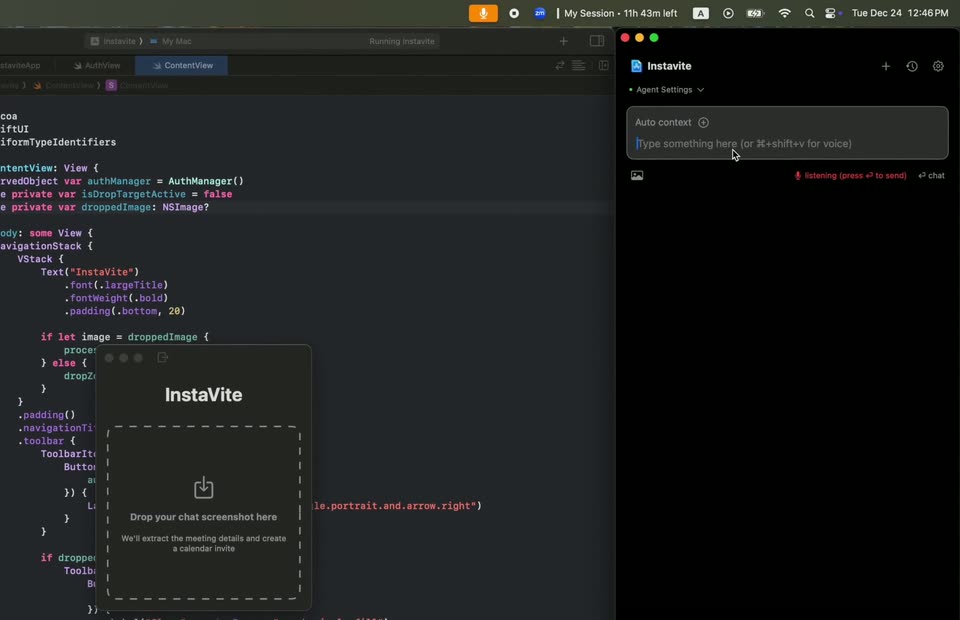 0:00–1:20Alex · Alex - Xcode AI Coding AssistantScreen recording of a Mac desktop: Xcode on the left, an AI agent chat on the right. White captions 'Agent Mode' and 'Project Memories' appear lower left. The view zooms in as the user prompts the agent to study the project; the chat streams notes, then code edits appear.
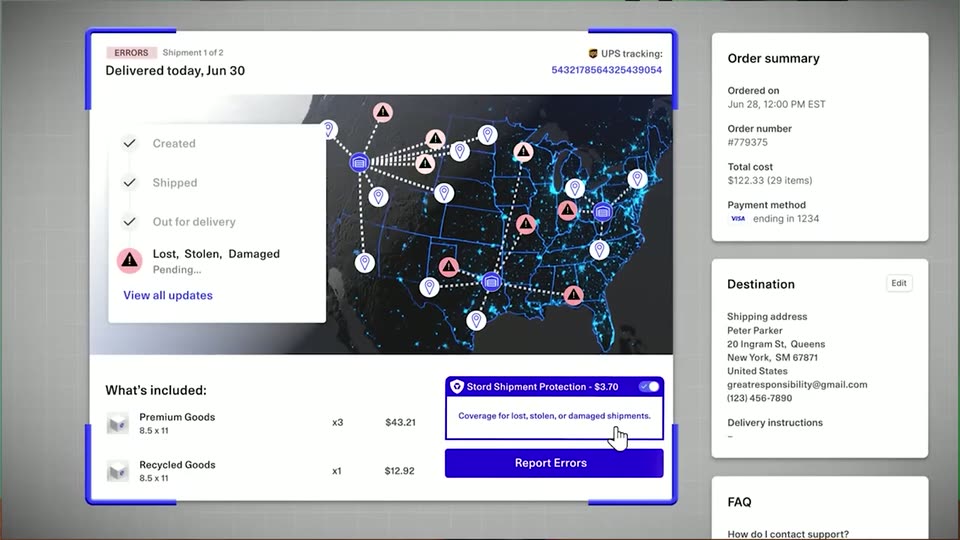 0:51–0:54Stord · Stord Accelerator AnnouncementA close-up over a US map of tracking pins zooms out to the full dashboard as a cursor clicks a protection toggle blue, then a Report Item button slides in below it.
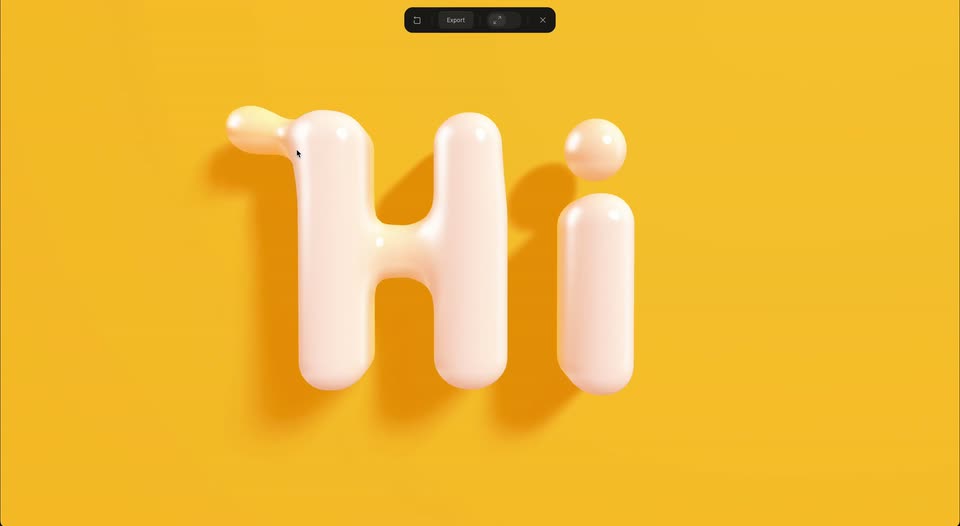 0:00–0:01Spline · Introducing 3D Shape Blend with Spline - SDF VolumesA glossy pale-pink 3D word Hi sits centered on a flat yellow field, lit from above with soft cast shadows. The dot of the i bounces and stretches into a liquid bridge, while a small sphere and a mouse cursor drift near the left and the letters.
 0:07–0:08Lottielab · Lottielab - After months in public beta, we’re thrilled to announce that LottielaA close-up of a dark motion-graphics software timeline, slightly tilted, with a purple glow on the left edge. The layer list scrolls fast, ghosting rows of text and parameter values, while a white arrow cursor drifts down the left column.
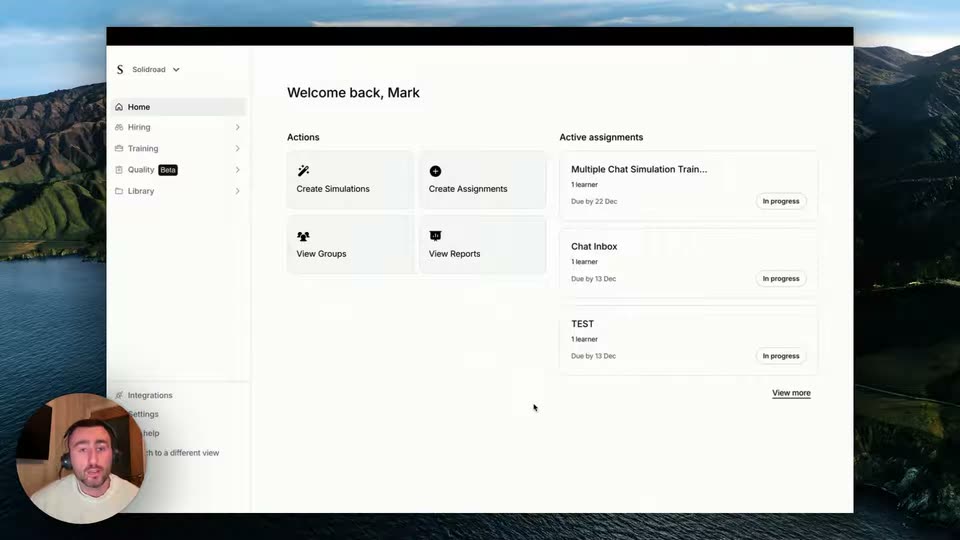 0:00–0:13Solidroad · Solidroad YC Launch DemoA static screen recording of the SolidRoad dashboard shows a welcome header, an Actions grid and an Active assignments list, while a small circular webcam of the presenter sits in the lower left and a cursor drifts across the page to hover the Library menu.
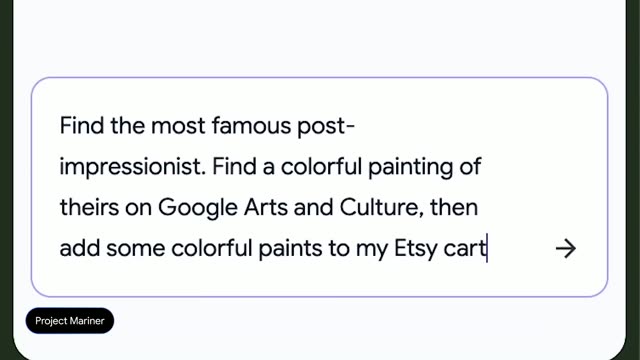 1:31–1:38Google · Introducing Gemini 2.0 | Our most capable AI model yetA Gemini prompt field types out a request about post-impressionist art and Etsy paints, letter by letter with a blinking caret. The frame then pulls back to reveal the sent prompt as a pale purple bubble in the chat, with the Gemini header above.
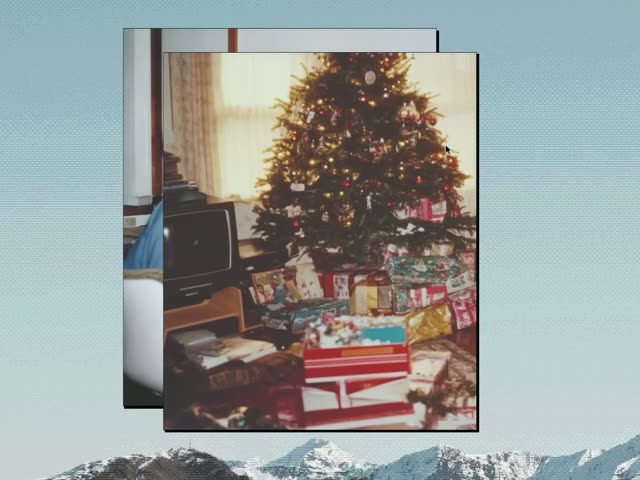 0:45–0:48Shopify · Shopify Editions Winter '25 | IntroductionTwo overlapping vintage photos sit on a halftone blue field above a mountain strip. The front photo holds a lit Christmas tree, piled presents and an old TV. A cursor drifts down the right edge, and a small family photo pops into the center of the tree.