Cursor demo
A visible cursor operates the interface.
15,025 scenes · page 45 of 251
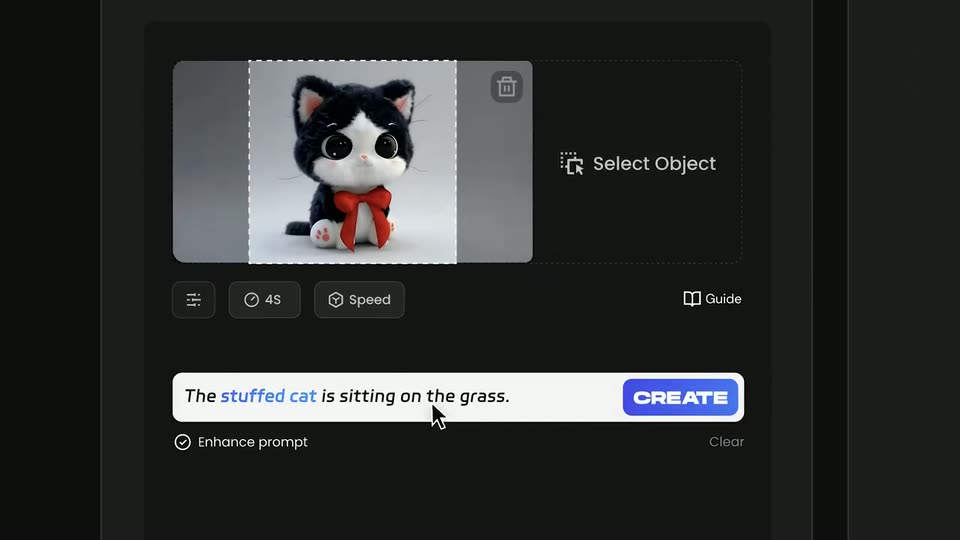 0:07–0:12Vidu · Vidu AI - 🥳Object Consistency is here!🚀 With the new "Reference to Video" featA dark video-creation interface shows a cursor dropping a cat photo into a dashed drop zone, then clicking the blue Create button beside a filled prompt field. The view reframes onto the input row as a generated clip of the cat on grass slides in at the right.
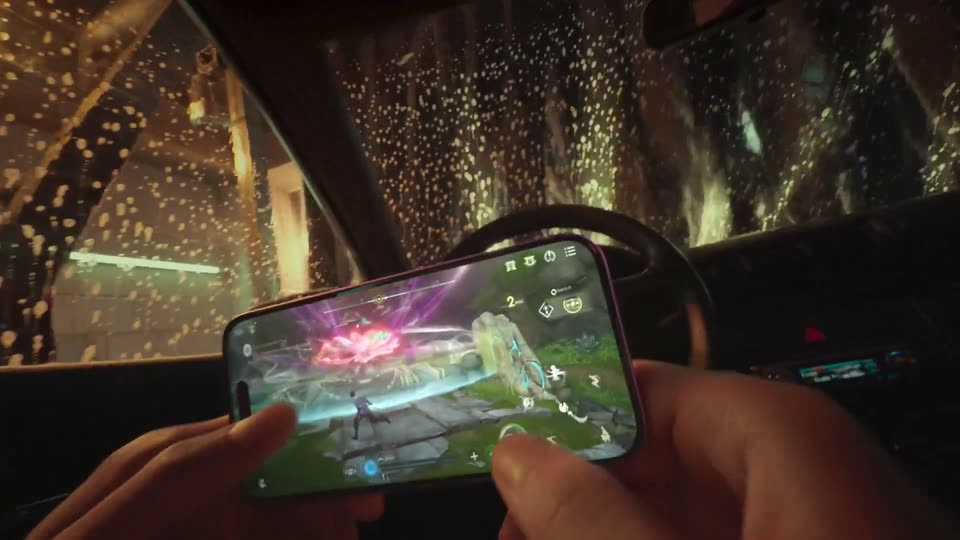 0:21–0:22Apple · Tim Cook - Welcome to the new era of iPhone! Built for Apple Intelligence, theFirst-person view from the driver's seat at night, rain beading on the windshield. A hand holds a phone running a fantasy battle game, the thumb tapping the screen as a character fires a pink spell, the car's glowing dashboard to the right.
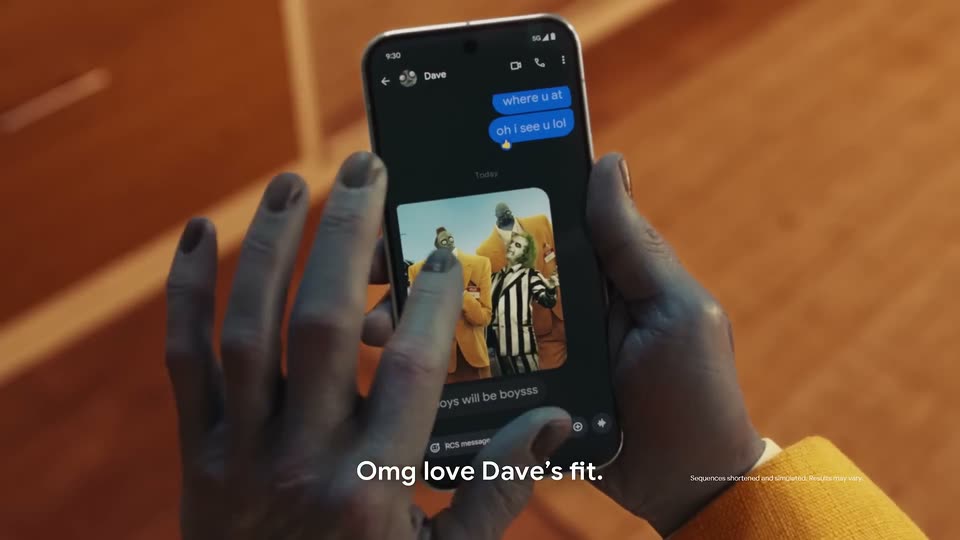 0:20–0:21Google · New ways to search: Beetlejuice Beetlejuice (ft. Bob)A hand holds a phone showing a dark message thread with Dave, including a photo of three people in yellow suits. A finger taps the screen and the contact header updates to a Google search. A white caption reads Omg love Dave's fit. at the bottom.
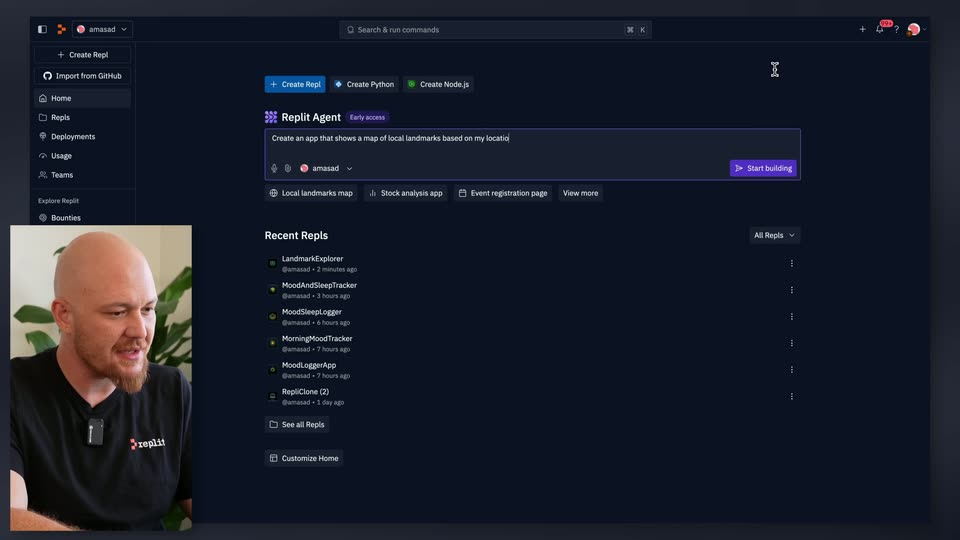 0:39–0:42Replit · Meet the Replit AgentA dark Replit home screen fills the frame; a man speaks in a bottom-left video inset. A prompt types itself into the Replit Agent field, the Start building button becomes Crunching Repl, then the screen cuts to a dark loading page with an orange three-square logo.
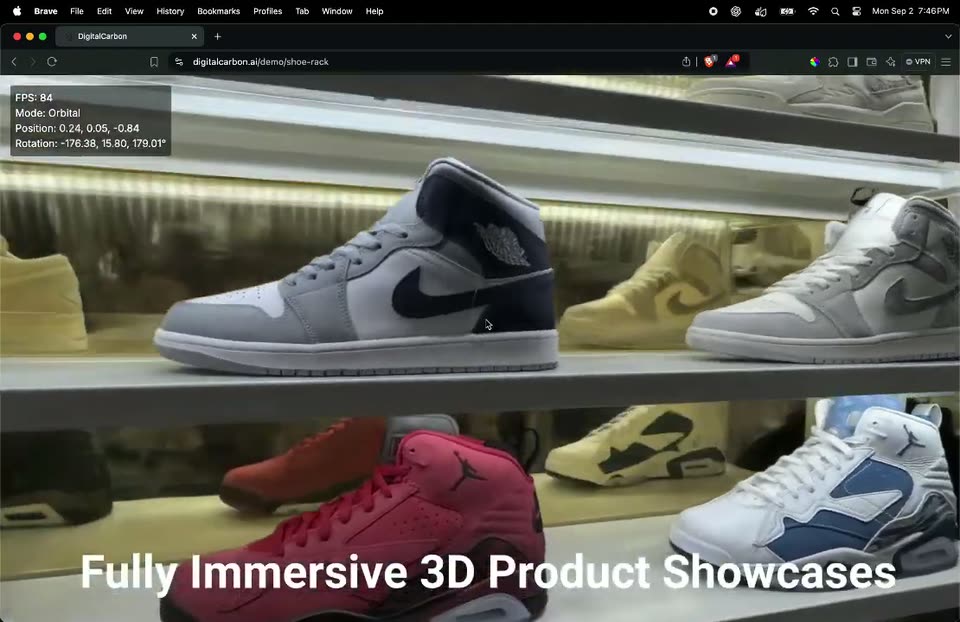 0:23–0:32DigitalCarbon · DigitalCarbon DemoA browser window displays a 3D rack of sneakers; the camera orbits slowly around the shelves, drifting past grey, red and white high-tops. A white caption sits at the bottom, and a small debug readout updates in the top-left corner.
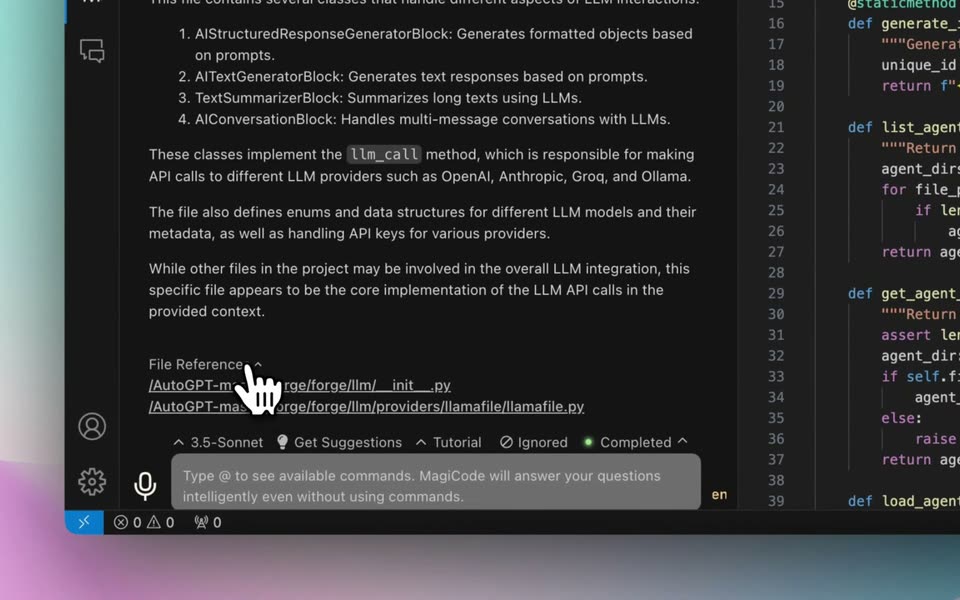 0:04–0:31MagiCode · MagiCode: Your Proactive Pair ProgrammerA dark code editor zooms between a full window and a close-up of a chat panel. A query is typed, an AI answer streams in with file paths, then a hand cursor expands the references and opens a file showing Python code.
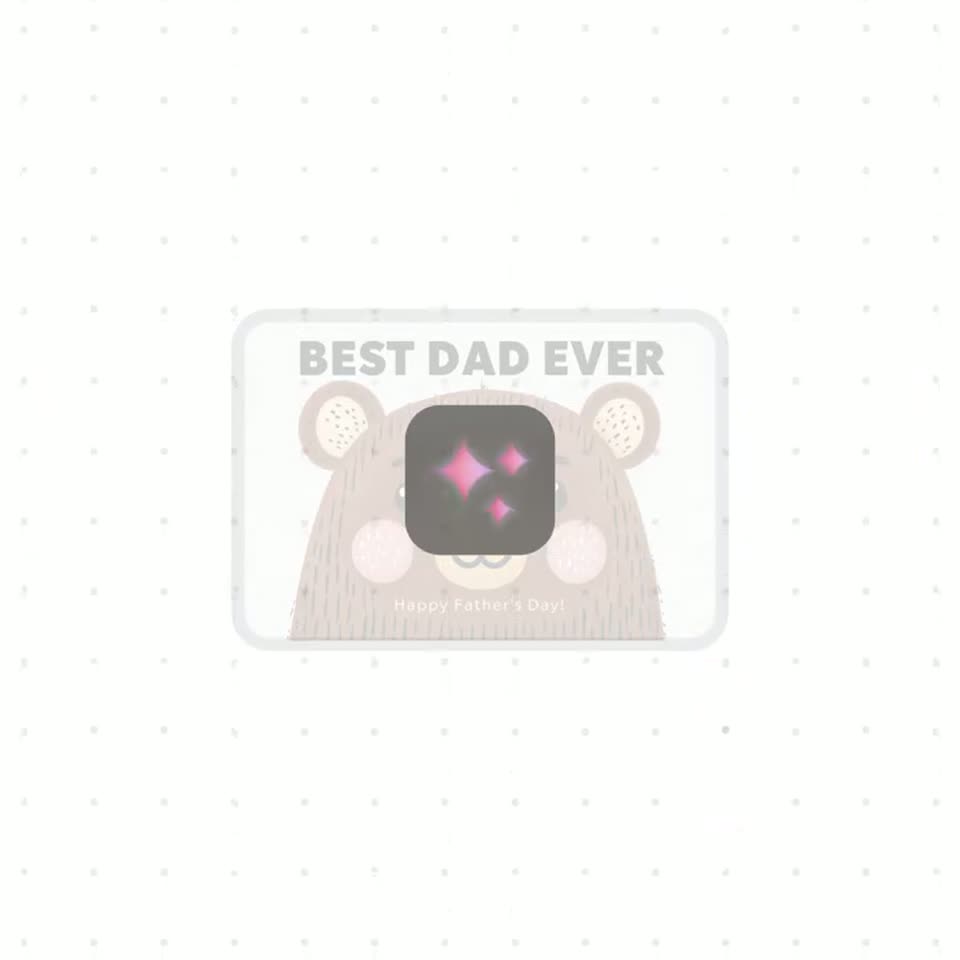 0:15–0:19Playground · Playground - Welcome to the new Playground Use AI to design logos, t-shirts, sociA dark prompt bar types “Make it about Mother's Day” beside a blue Create button on a dotted white background. A purple cursor clicks the button; a sparkle badge pulses over a faded bear card, then the card fades in with its caption switched to “Happy Mother's Day!”.
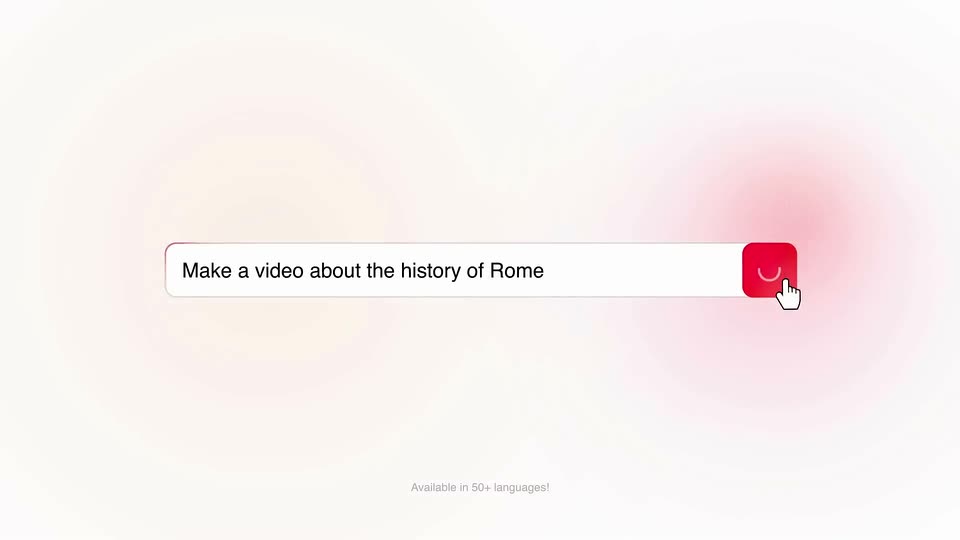 0:03–0:04VideoGen · Introducing VideoGen 3.0A white prompt bar with typed text and a black logo button sits centered on a pale pink gradient. A cursor arrow glides to the button and clicks it, turning it red with a hand icon. A small gray caption stays fixed at the bottom.
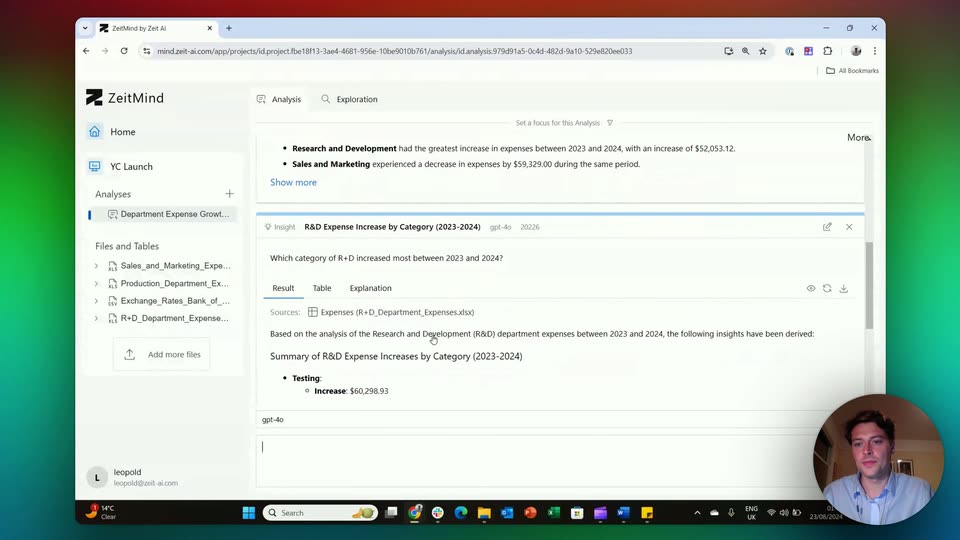 0:00–1:23Zeit AI · YC LaunchA screen recording of the ZeitMind web app fills the frame over a gradient backdrop, with a circular webcam of the presenter in the corner. A cursor uploads spreadsheets, then types expense questions as answer cards fill in below.
 0:07–0:08Discord · Amazon Music is now on DiscordA teal product screen shows the amazon music Listening Party title framed by 3D headphones, a speaker and a turntable. A white hand cursor glides from the avatars at the bottom left toward the title on the right.
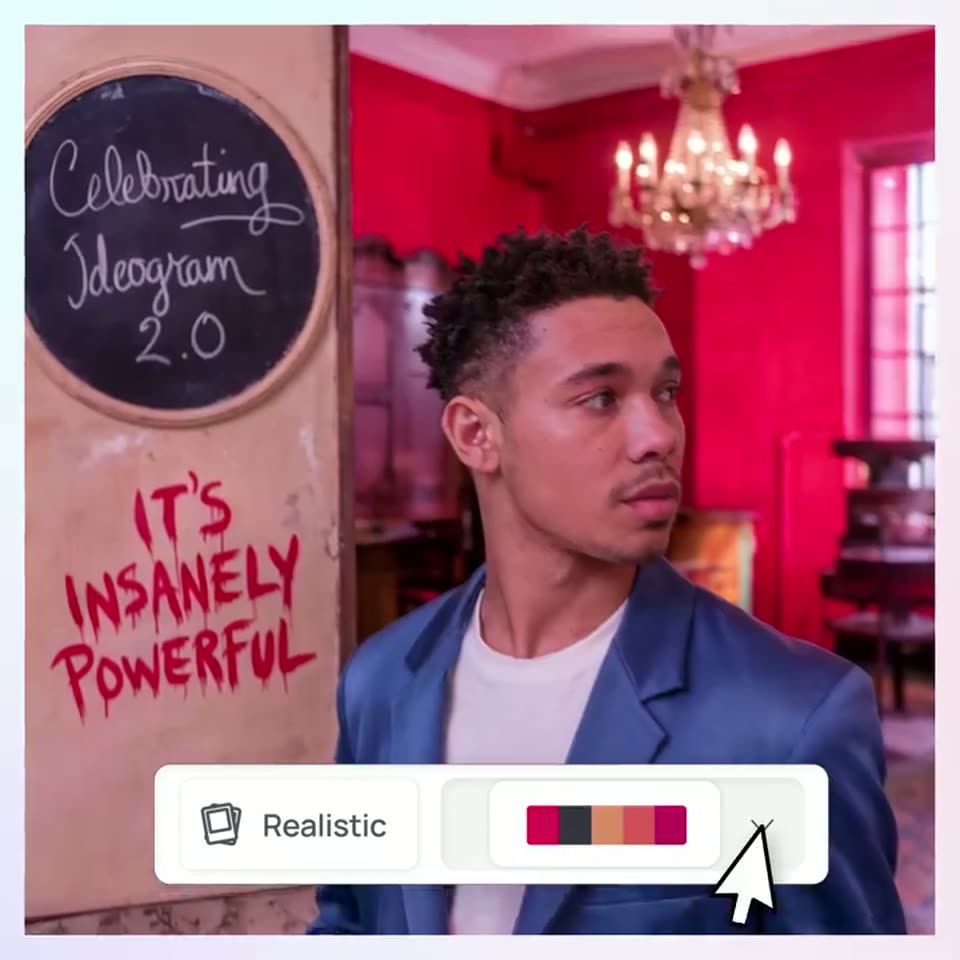 0:10–0:11Ideogram · Ideogram - Introducing Ideogram 2.0 — our most advanced text-to-image model, nowA man in a blue blazer stands in a red room beside a chalkboard reading “Celebrating Ideogram 2.0.” A large white cursor moves from the board to a color-palette swatch on the bottom UI bar, then to the dropdown chevron.
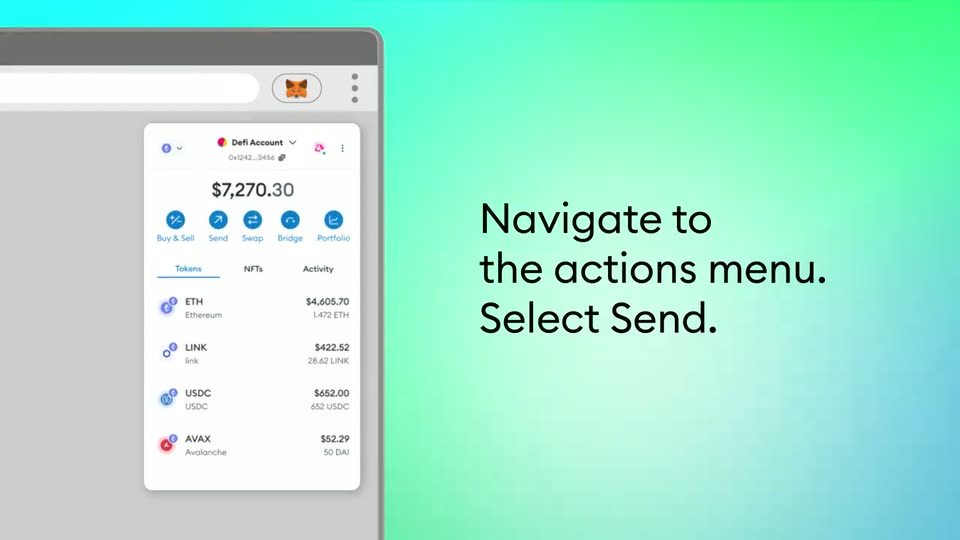 0:31–0:36MetaMask · MetaMask 🦊 - More calm with MetaMask 🧘 Introducing our "Send and Swap" feature: SA browser window on a green gradient holds a wallet card showing a balance and action icons. A cursor taps Send, and the card swaps to a send form with a From field and account list. A caption on the right reads the step, then fades out.
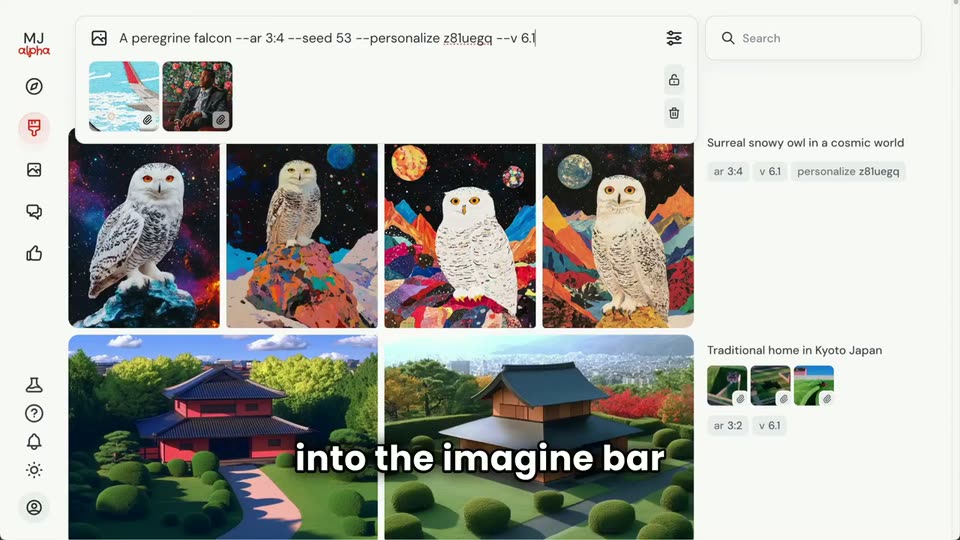 0:00–0:08Midjourney · Midjourney - We're releasing a new web editor today. This combines many previouslyScreen capture of the Midjourney home screen with a grid of generated owl and house images. A cursor moves to the top prompt bar, a text caret appears, and a falcon prompt with two reference thumbnails types itself in, while white caption phrases swap in at the bottom.
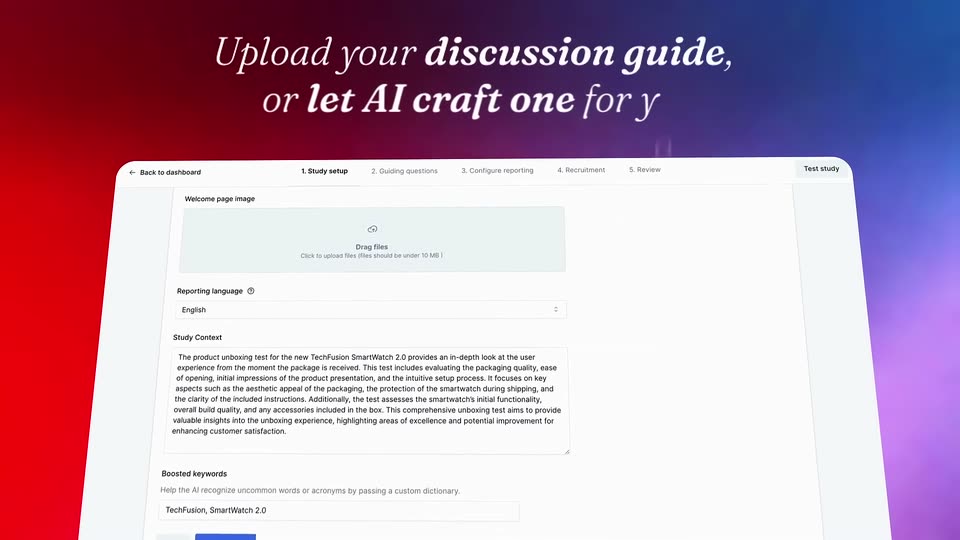 0:27–0:28Conveo · Conveo in 60 SecondsA 3D-tilted white study-setup panel floats over a red-to-violet gradient. A white serif italic headline types out word by word at the top, then the panel content scrolls through upload, guiding-questions and boosted-keywords sections while a cursor drags a smartwatch image.
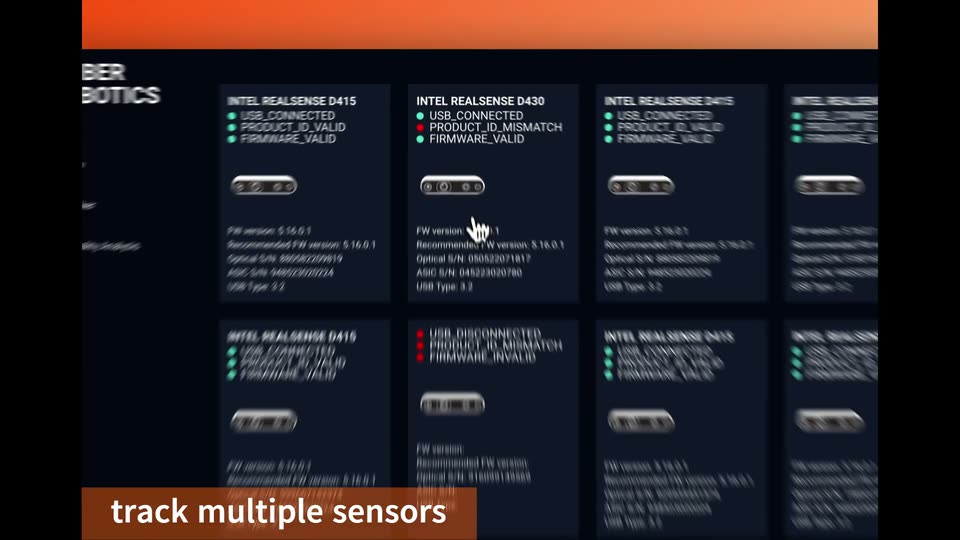 0:02–0:04Ember Robotics · 🔥 Introducing Ember Assistant 🔥- Robotics Camera System Assistant!A dark dashboard grid of Intel Realsense sensor cards with status dots zooms in toward the cards. A cursor hovers over one card while the caption 'track multiple sensors' types in word by word on an orange band at the bottom.
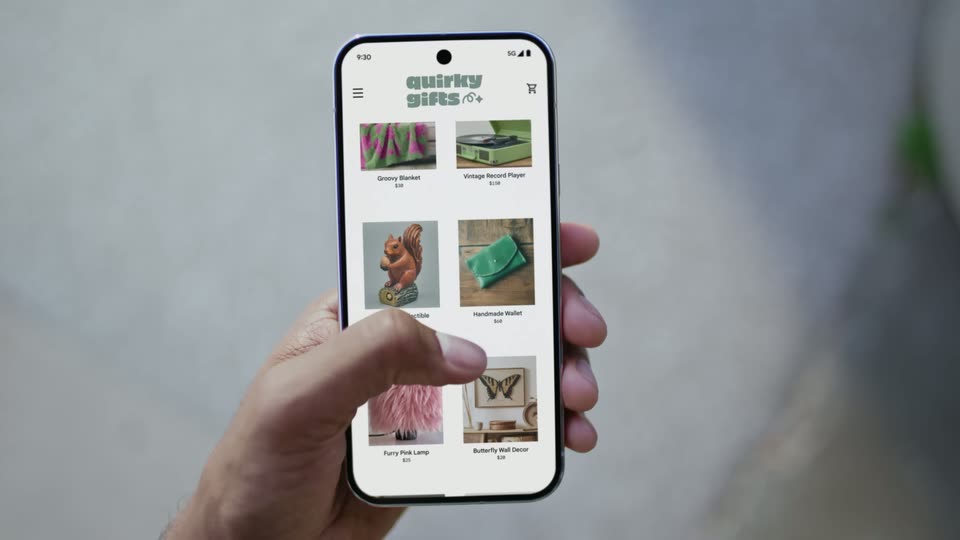 0:18–0:20Google · Meet Google Pixel 9 and Pixel 9 Pro With Gemini | The Best of Google AIA hand holds a phone against a blurred grey wall, the thumb swipes up to scroll a two-column grid of quirky gift products. The quirky gifts+ logo stays fixed at the top of the white interface while product cards move past.
 0:08–0:09Lottielab · Lottielab - Interactivity is now live on Lottielab. 📣A black cursor taps a white app icon with a lightning bolt on a pale gray field. The icon flips to a lavender fill with a purple bolt, and a white card with a plus sign drops in below it as a second smaller card slides in at its right.
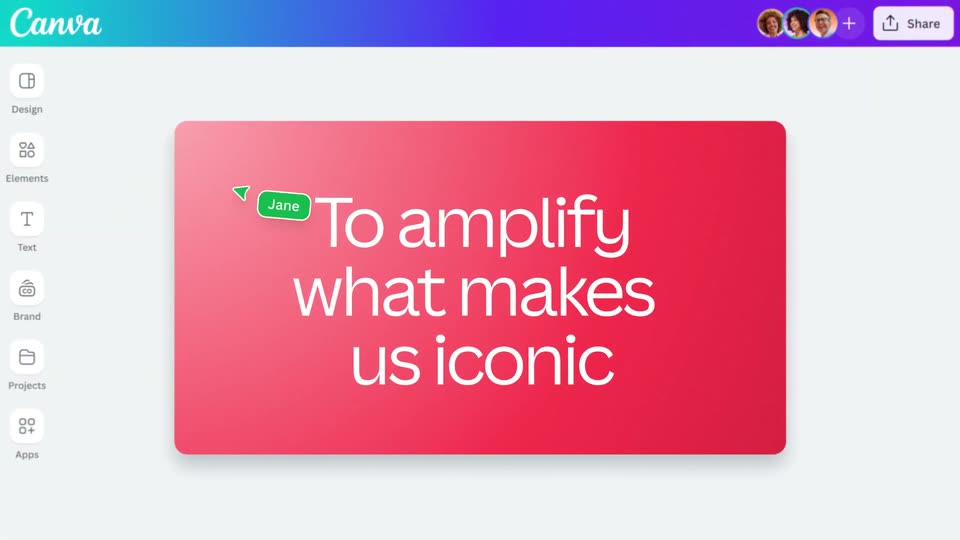 0:38–0:40Canva · Introducing Canva’s Brand RefreshThe Canva editor opens on a light canvas holding a red gradient card with the white headline 'To amplify what makes us iconic'. Two green 'Jane' collaboration cursors drift from the right edge of the card to the left icon rail while the card eases up in size.
 0:03–0:05OpusClip · OpusClip - Introducing 𝘾𝙡𝙞𝙥𝘼𝙣𝙮𝙩𝙝𝙞𝙣𝙜, the first-ever multimodal AI clipping thatA heavy three-line headline on black slides up and out, revealing a centered search field. A cursor hovers it as Genres fills in and a dropdown list opens, then the element slides up and exits.
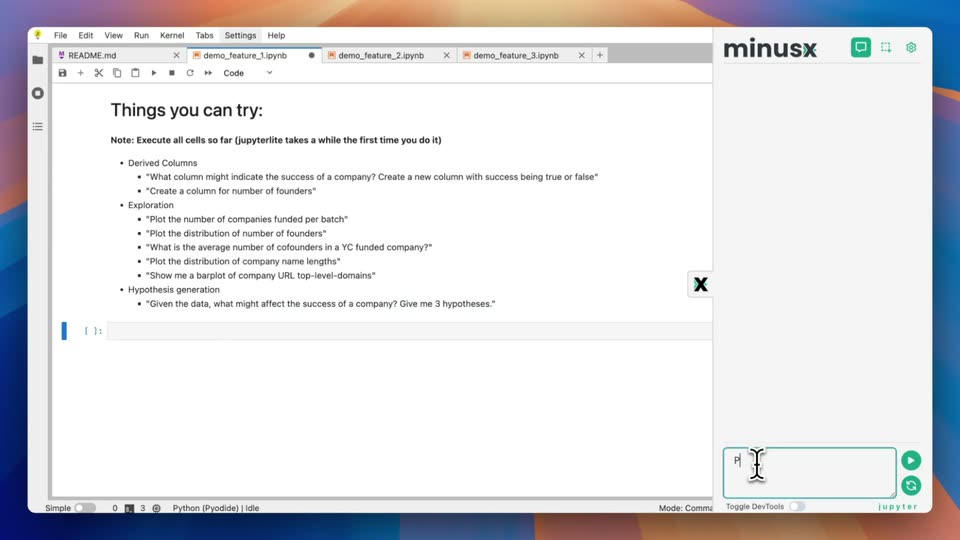 0:06–0:12MinusX · MinusX: AI Data Scientist for Jupyter and MetabaseA Jupyter notebook showing a company data table scrolls under a moving cursor. A right sidebar with the minusx logo slides in, the cursor types a prompt into the chat box, and a green assistant card with generated code appears beside the notebook.
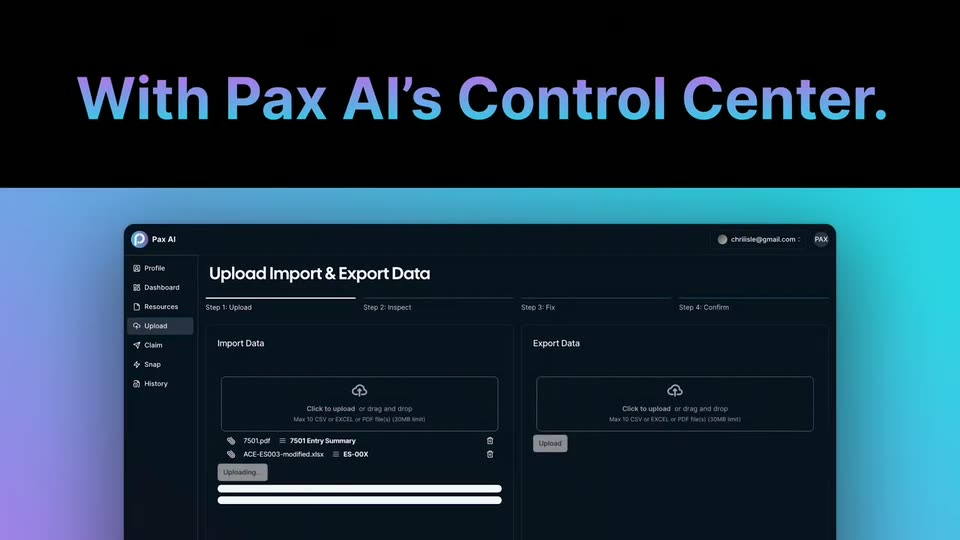 0:09–0:11Pax · Pax AI (YC s24) LaunchA blue-to-purple gradient headline sits above a dark Pax AI dashboard showing an import and export data screen. Progress bars fill and a cursor hovers over a file list.
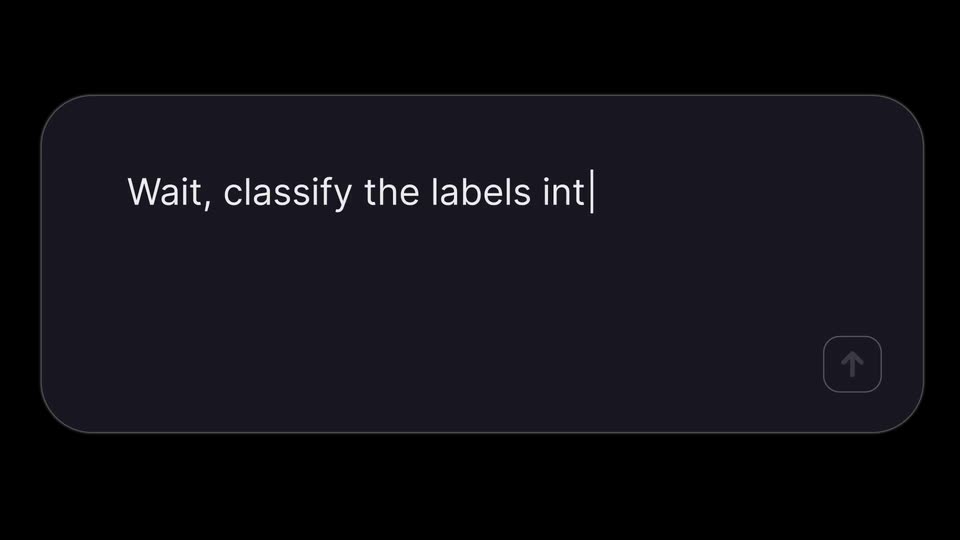 0:20–0:26Overeasy · Meet IRISA dark rounded text field on black. A blinking caret types “Wait,” deletes back to “W,” then types a prompt classifying labels into teams, listing Red Bull and Mercedes. A small up-arrow send button sits in the field's lower-right corner.
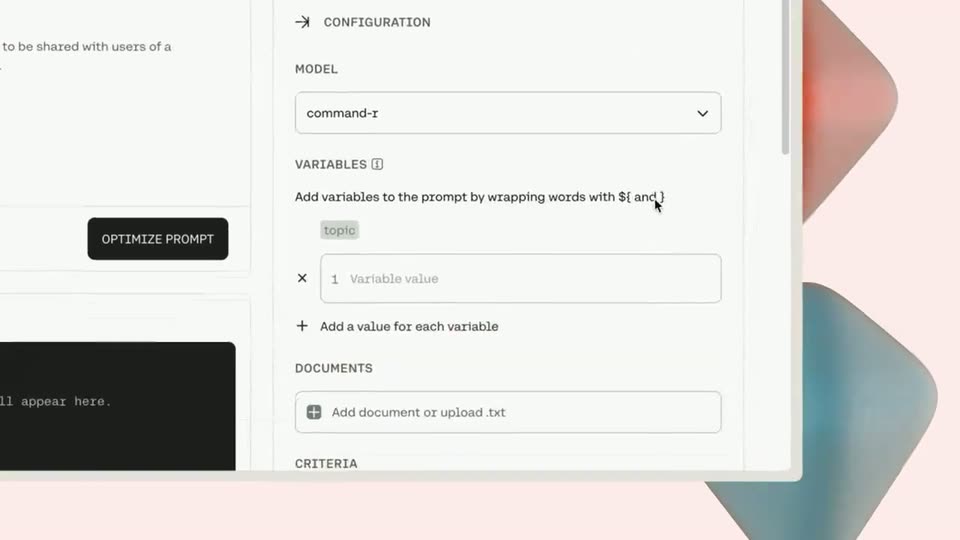 0:15–0:16Cohere · Cohere - We are excited to be introducing Prompt Tuner in beta today. It is aA white Prompt Tuner panel sits on a pale pink background beside a curved 3D ribbon. The view zooms into the form as a cursor hovers over the variables and model fields, then pulls back to reveal the full card and the brand logo at the bottom.
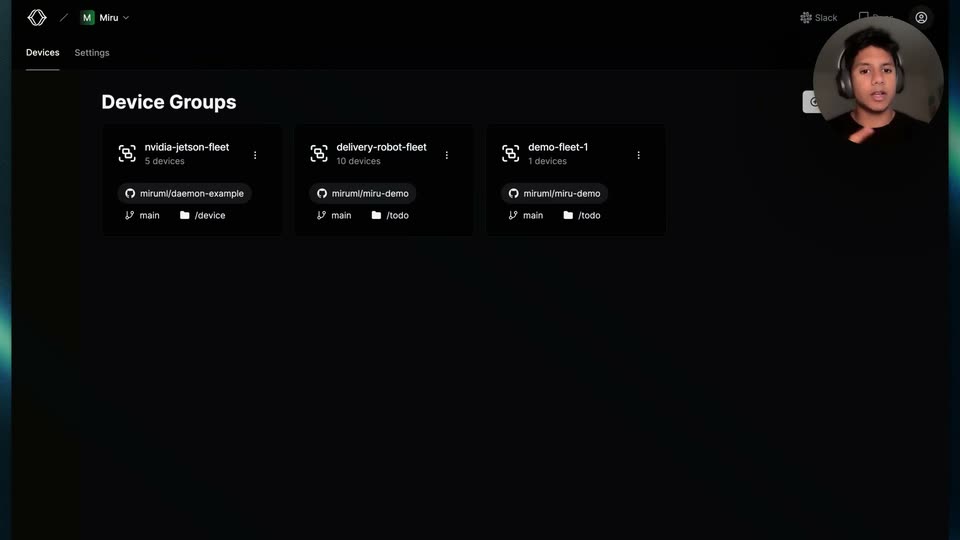 0:35–1:03Miru · Miru Demo YC LaunchA dark Device Groups screen lists three fleet cards with device counts and repo badges. A person in a circular webcam inset at the top right talks and gestures with both hands. Near the end a cursor slides in from the right and rests on the third card.
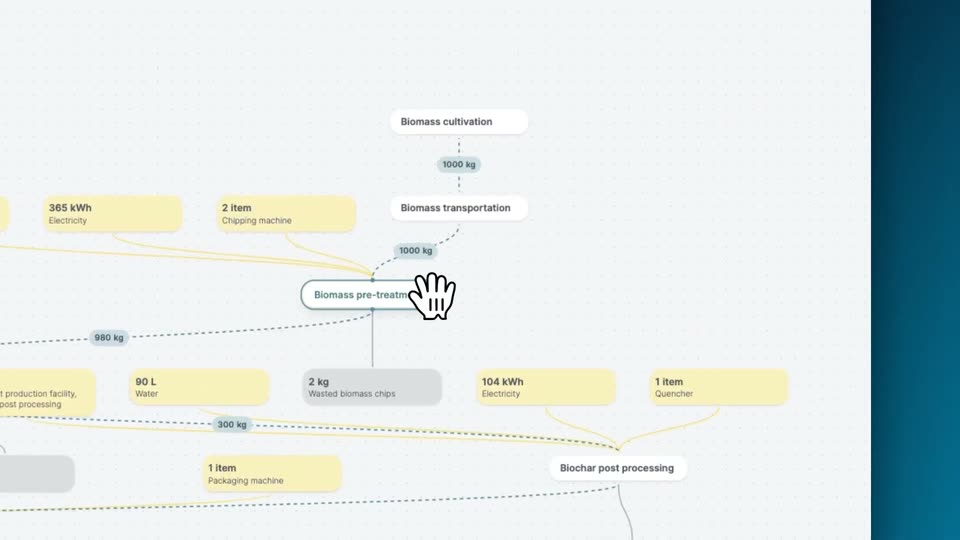 0:00–0:05Offstream · Offstream: Streamlined carbon compliance for project developersA white OFFSTREAM interface card sits on a dark blue field, its LCA flowchart of small yellow and gray nodes filling the canvas. The view zooms into the diagram as a grab-hand cursor drags it, panning across nodes such as Biomass pre-treatment and Biochar post processing.
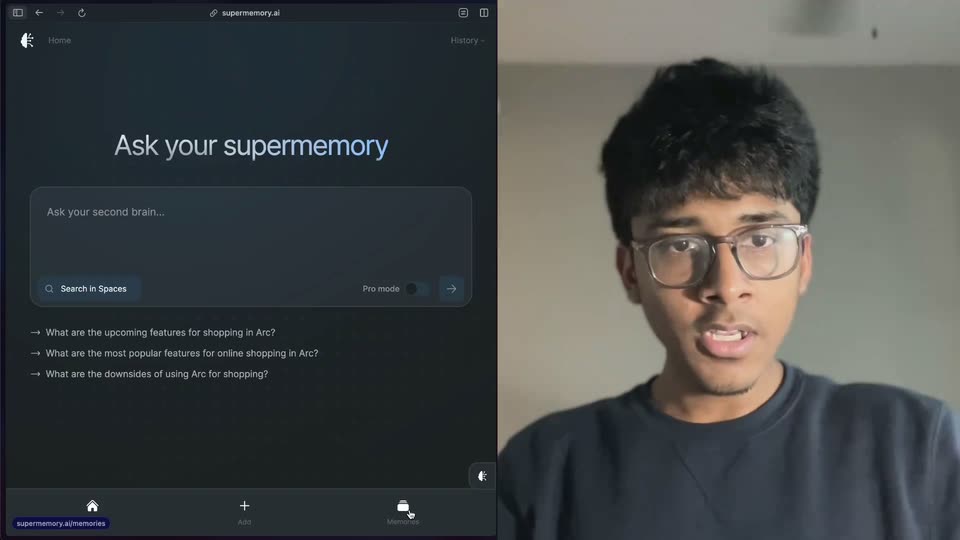 0:05–0:07Supermemory · Dhravya Shah - Introducing supermemory (again). an ai second brain for all your saA split screen pairs the supermemory.ai browser page on the left with a bespectacled host talking on the right. A cursor glides down the dark interface toward the bottom navigation bar while the host speaks.
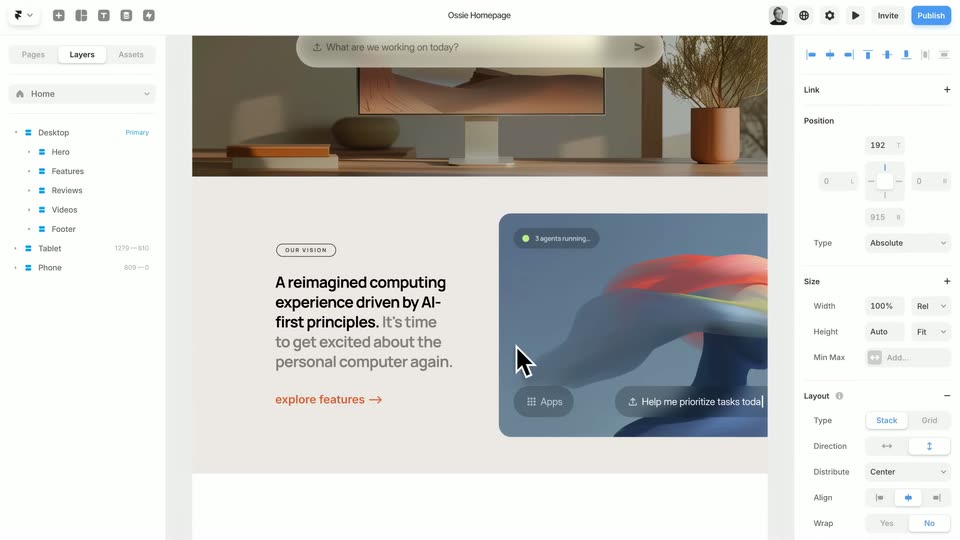 0:07–0:10Framer · Framer Design: Design on an intuitive CanvasA design tool canvas displays a webpage mockup; the view scrolls down and zooms into a feature card that gains a blue selection frame, two pointer cursors, and a typed line in its input field.
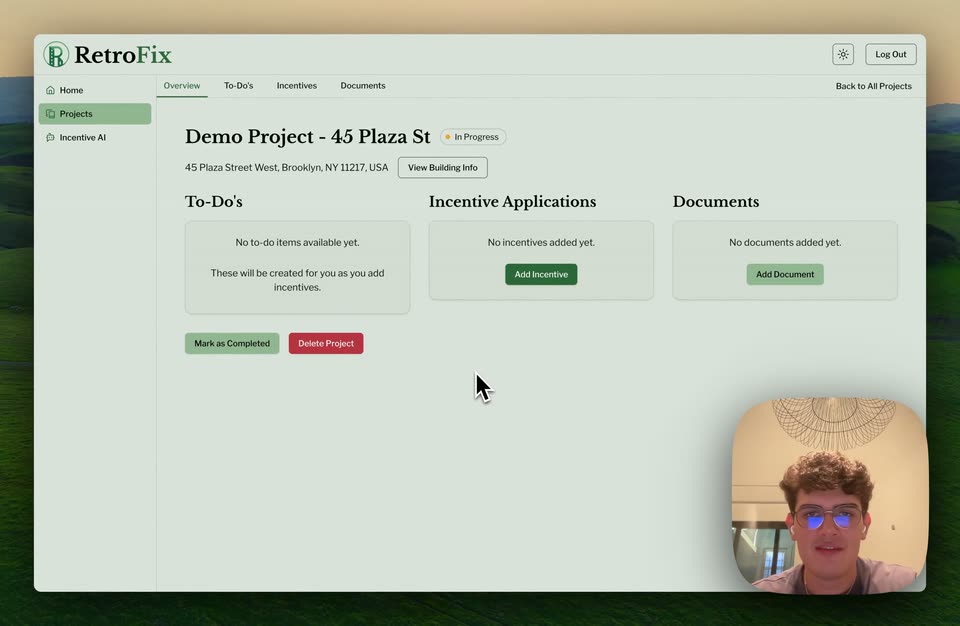 0:00–0:21RetroFix · RetroFix Product DemoA RetroFix project overview page fills the frame over a blurred landscape, with a small rounded video of a presenter in the bottom right. The view zooms into the empty To-Do's and Incentive panels, then the cursor clicks Add Incentive, opening a recommendation dialog.
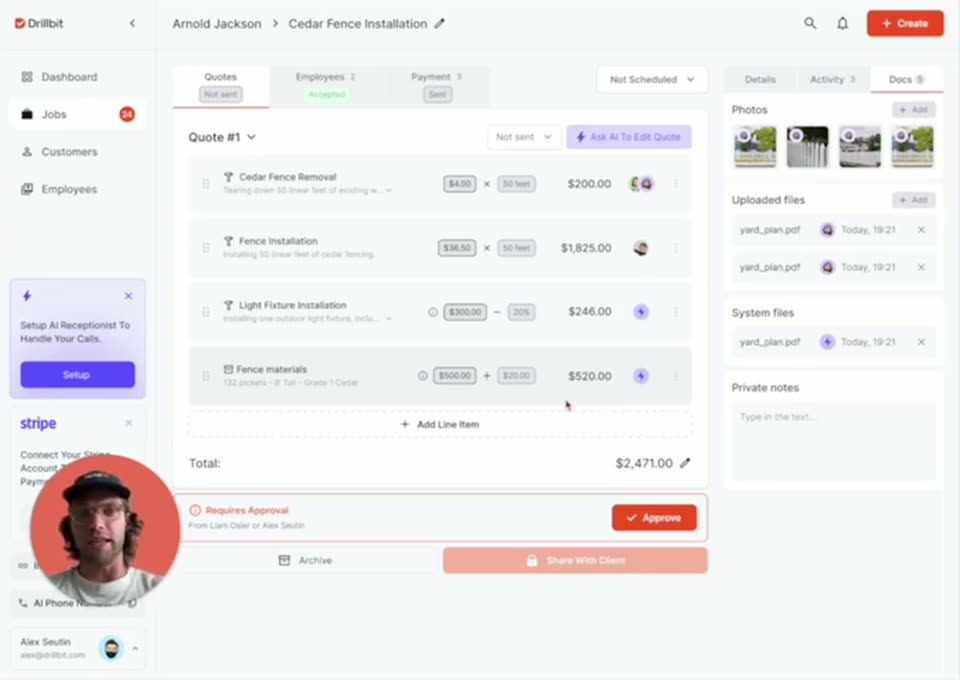 0:42–1:13Drillbit · Drillbit DemoA Drillbit job page for Cedar Fence Installation fills the screen, listing quote line items and a $2,471 total. A circular inset shows a man in a cap talking. The cursor clicks the Employees tab, swapping the center list and right panel to a job summary.
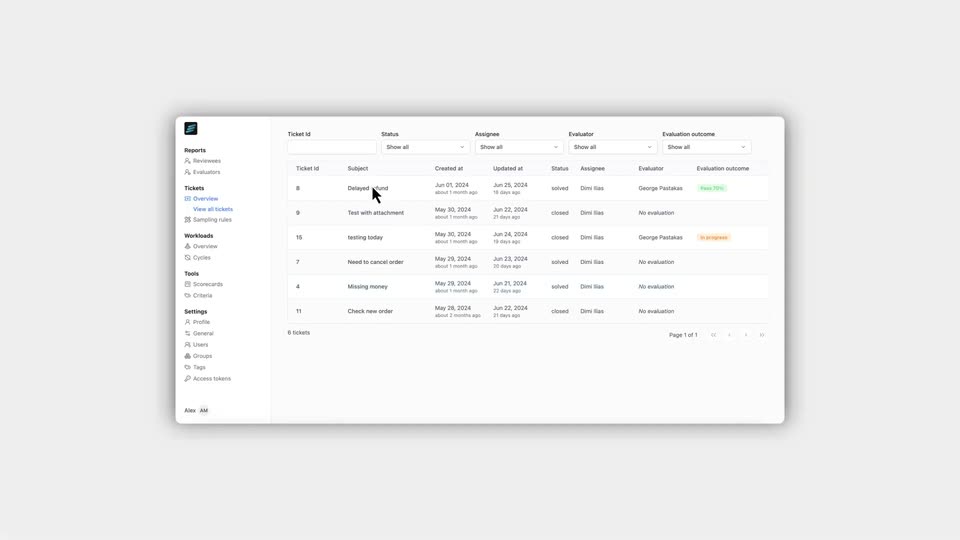 0:18–0:19Intryc · Intryc YC Launch videoA ticket management interface with a left navigation sidebar and a central data table scales up toward the viewer. A mouse cursor hovers over the table rows, which list ticket IDs, subjects, dates, statuses, and evaluation outcomes.
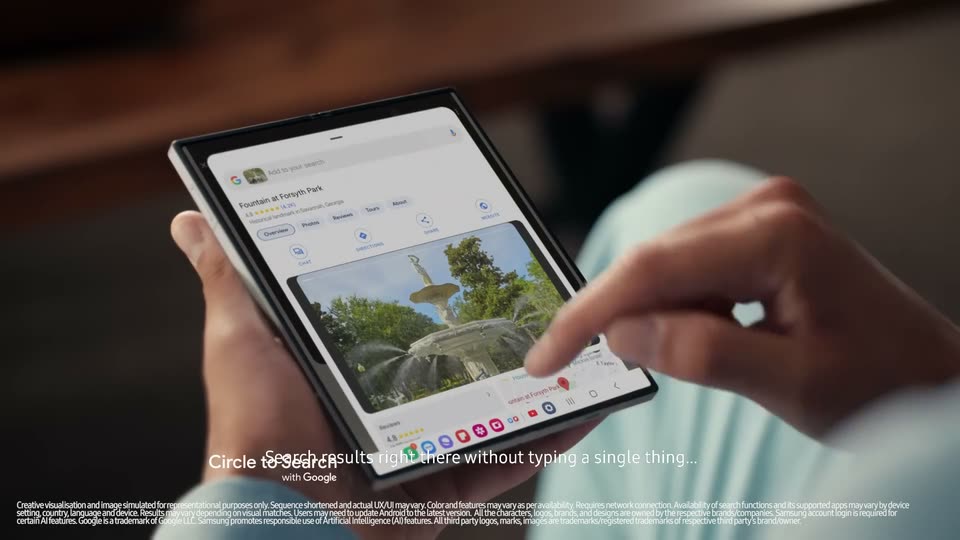 0:39–0:45Samsung · Introducing Galaxy Z Fold6 and Z Flip6 | SamsungClose-up of a hand holding a foldable phone showing a Google search photo of a fountain. A finger draws a white circle around the fountain, then the screen shows a results card for Fountain at Forsyth Park. White captions fade in at the bottom.
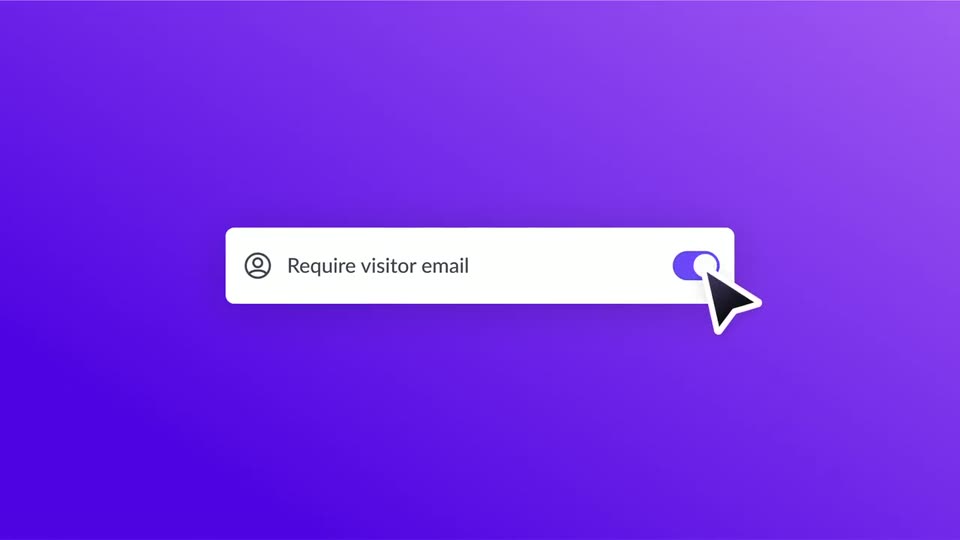 0:00–0:03Pitch · Pitch - Now you can put a name to each visit tracked in your presentation anaA white settings card with a user icon and an off toggle sits on a purple gradient. A cursor slides in and flips the toggle on, then the card rises to reveal a 3D-tilted analytics dashboard below.
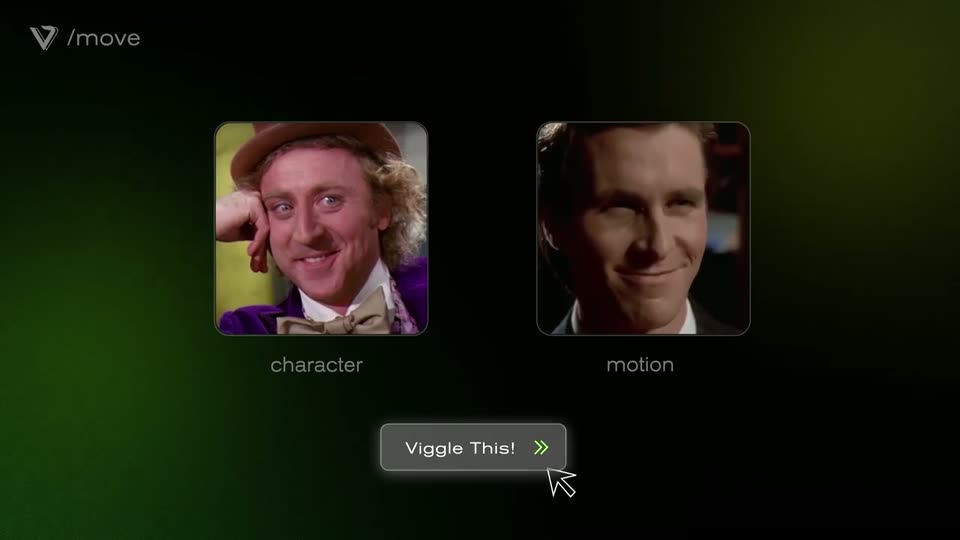 0:04–0:08Viggle · ViggleAI - Viggle's new feature "Move" is now live! Visit to animate your pic riTwo rounded cards labeled character and motion fill with a portrait photo and a video still on a dark green gradient. A cursor clicks the Viggle This! button, and the cards tilt in 3D while the images inside shift with a parallax wiggle.
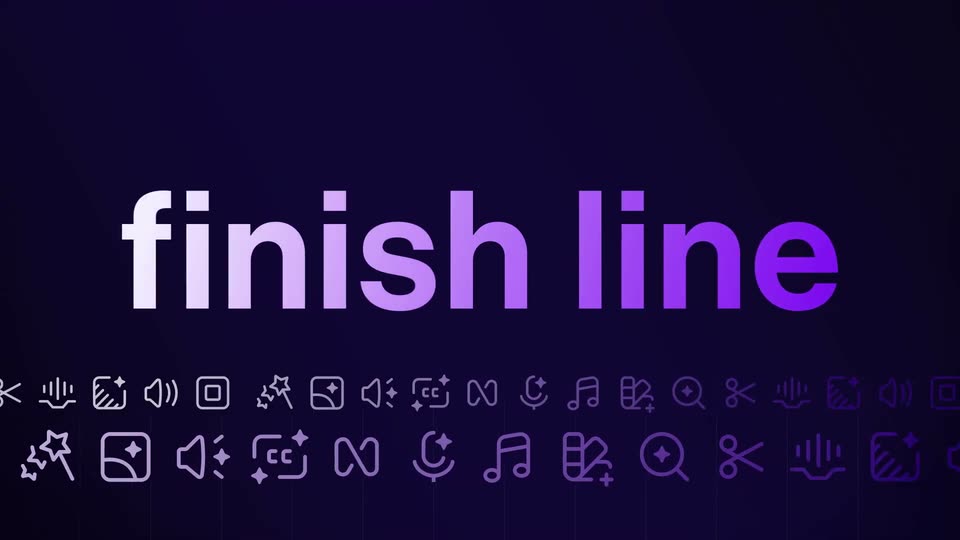 0:20–0:22Captions · Mirage - What if AI could edit your videos for you? Now it can. Introducing AA gradient headline reads 'Get right to the' above a scrolling strip of line icons on dark purple. The text swaps to 'finish line' as a small rounded 'AI Edit' toggle card with a mouse cursor fades in behind it.
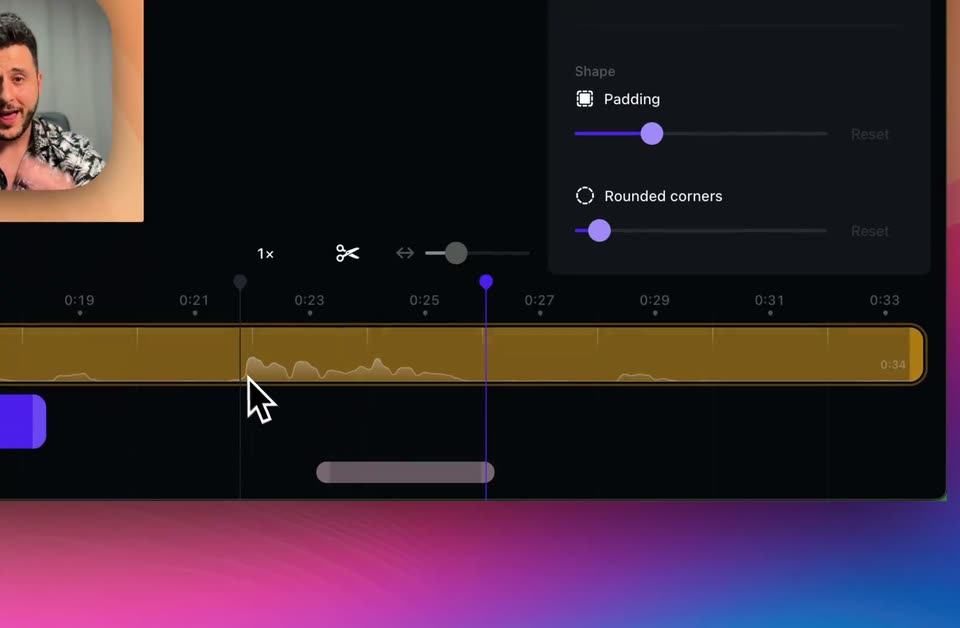 0:00–0:05Screen Studio · Screen Studio - There is a major new update coming soon to Screen Studio! The updateA dark video-editor window floats in 3D perspective over a warm pink and orange gradient. The view zooms into the timeline strip, a cursor clicks a small layout toggle, then the camera pulls back to the full window.
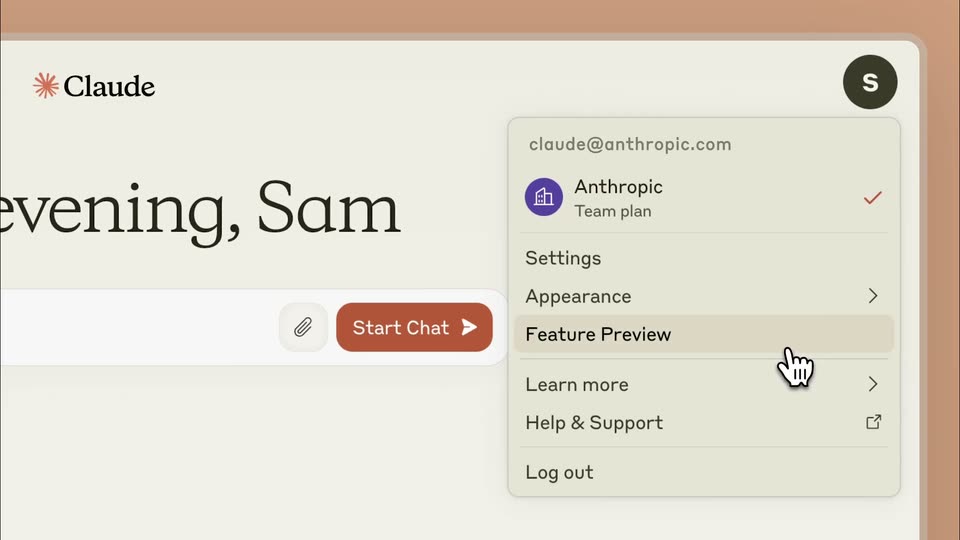 0:00–0:01Anthropic · Claude 3.5 Sonnet for sparking creativityA close-up of the Claude web interface shows an open account dropdown on the right. A white hand cursor glides from the avatar down the menu and hovers over Feature Preview, which tints darker.
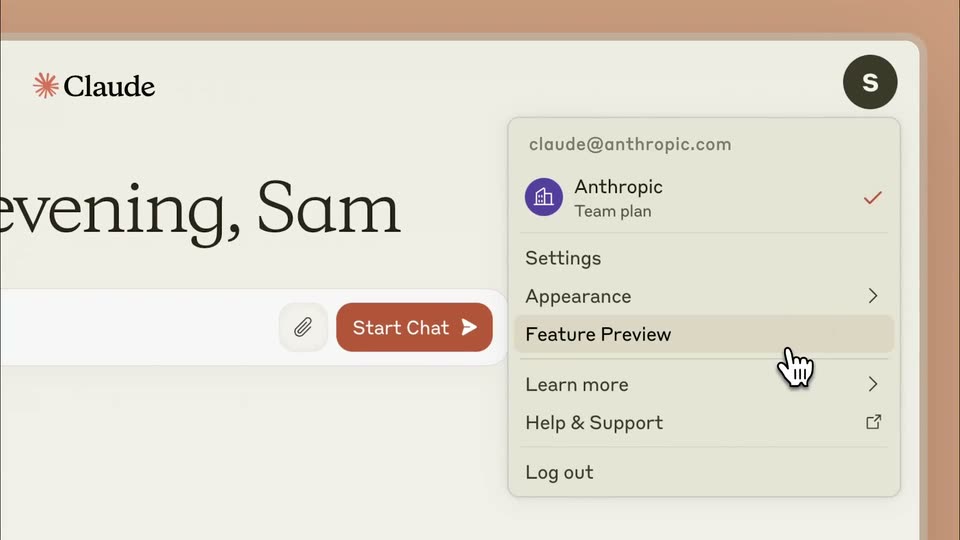 0:00–0:01Anthropic · Anthropic - We're also launching a preview of Artifacts on You can ask Claude toA Claude account dropdown sits open on a cream interface; a hand cursor glides down to Feature Preview, which highlights. The menu then slides away as a Feature Preview panel slides in from the left.
 0:00 · 0.5sRiverside · Riverside - Introducing the new Conversation Studio. With full HD live streamingA dark video-call grid with a 'Marsha' tile and a side panel reframes into a browser window with a 'Riverside' tab and URL bar. A white 'New' callout bubble sits over the control bar, then the bubble drops away leaving the word centered as the cursor hovers a button.
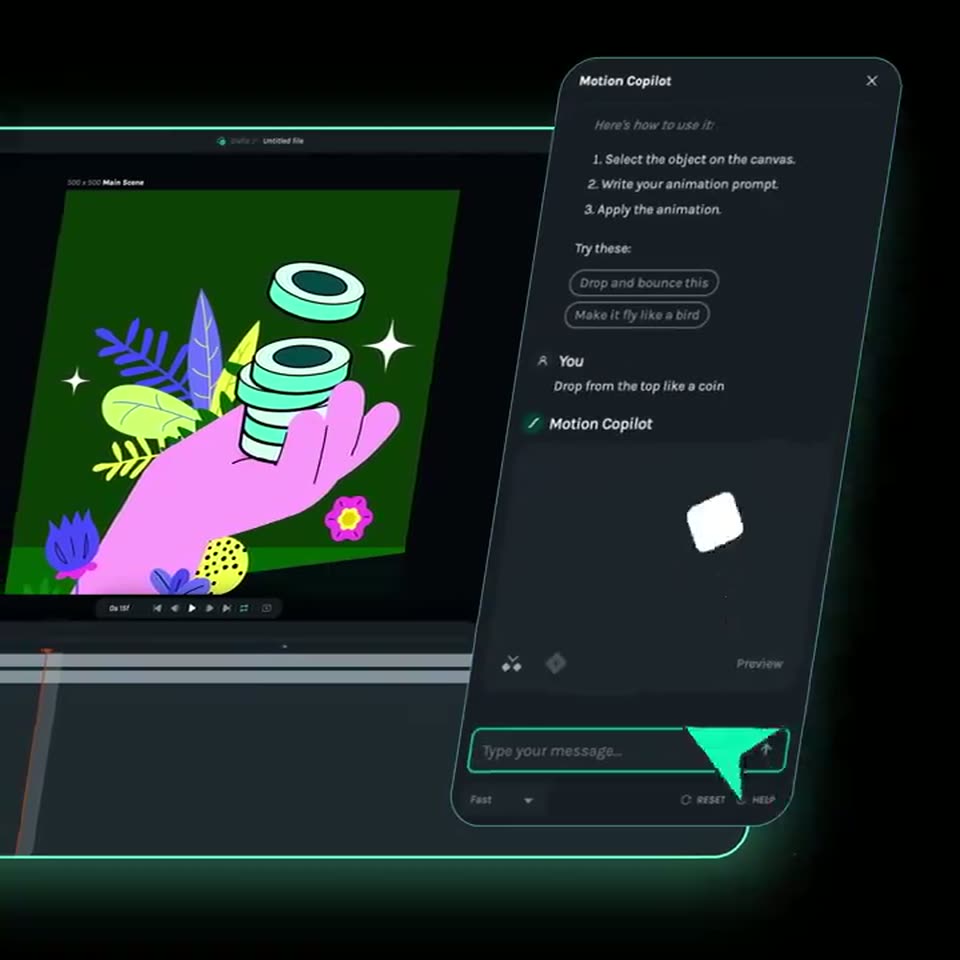 0:13–0:19LottieFiles · LottieFiles - 🚀 Introducing Motion Copilot! - Describe your animation in any languA dark Motion Copilot chat panel floats at an angle over the editor. A green cursor types a prompt into the input field and clicks send; the message posts and the cursor clicks apply animation. The camera pulls back to reveal the What's new list and timeline.
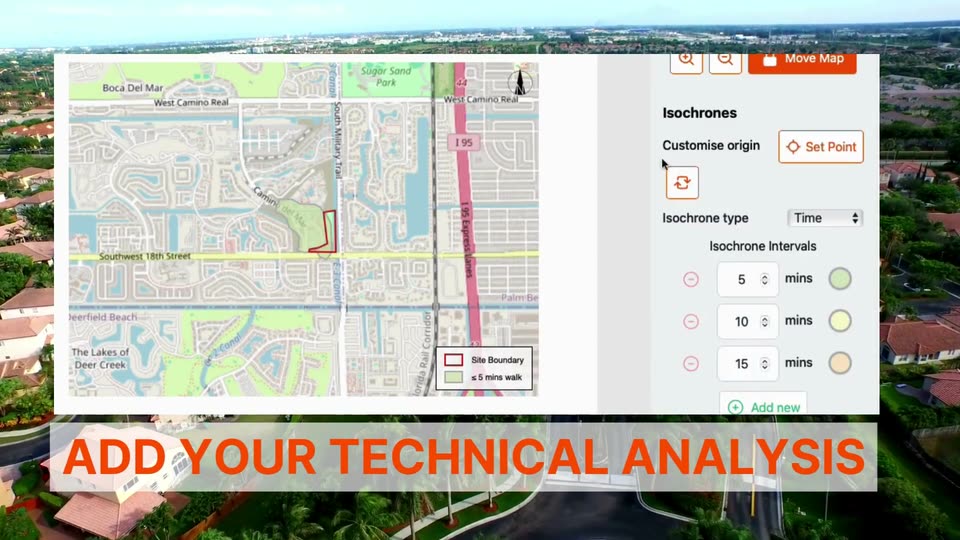 0:07–0:10SchemeFlow · SchemeFlow Intro VideoA flat map interface with an isochrones panel sits over an aerial view of a suburban neighborhood. A cursor clicks the Add new button, a 15 minute interval row appears, and colored walk-time layers expand across the map. The cursor then clicks zoom in.
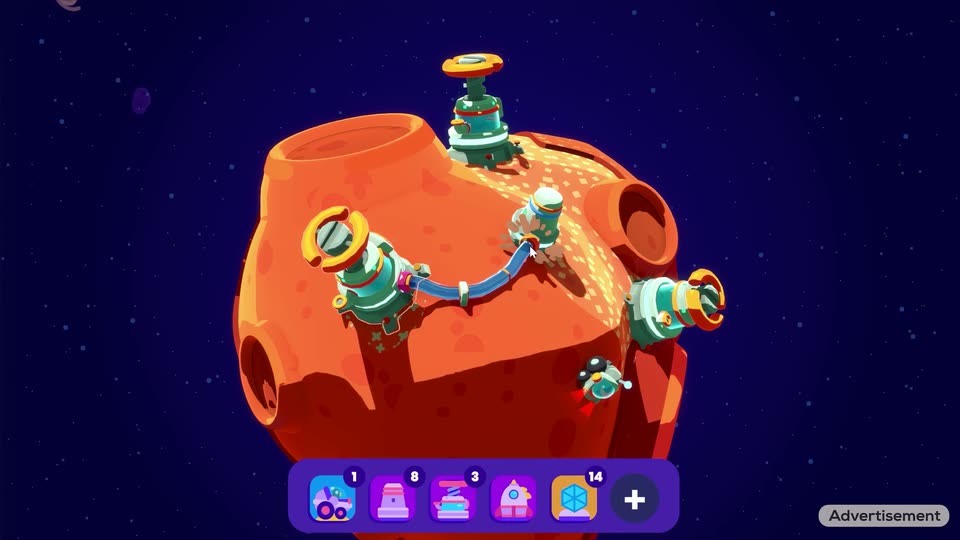 0:17–0:26Star Birds · We Are Making a VIDEO GAMEA 3D orange planet drifts in a starry void as the camera orbits it. Teal machines pop onto its surface, kicking up dust, and a blue pipe links two of them. A flat icon toolbar with number badges sits at the bottom while a white cursor drifts across the frame.
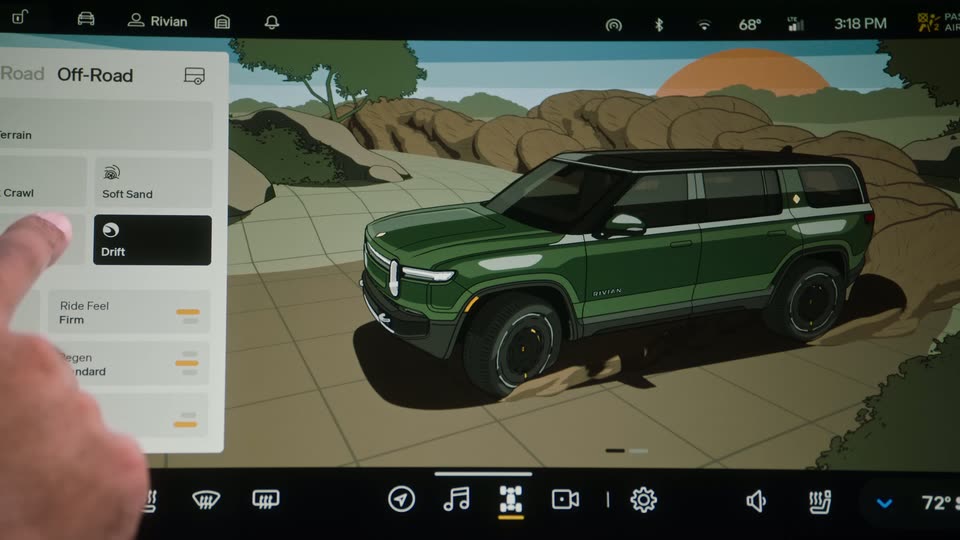 0:26–0:30Rivian · Meet the New R1 | Favorite Things | RivianThe infotainment screen shows the Off Road menu beside a green SUV in a painted desert scene. The view crossfades in, pushes in slightly, then a finger taps the Drift tile.
 0:07–0:08Microsoft · The new Microsoft Planner is here! Streamline the planning, management, and execution of workA close-up of a purple All button on a pink interface. A purple cursor hovers over the button, with a search icon on the left and a Priv label on the right.
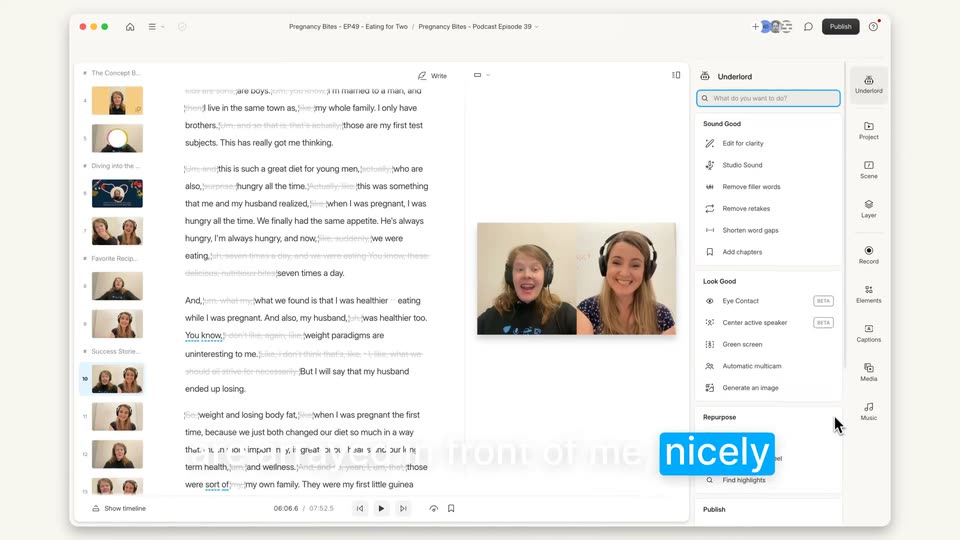 1:41–1:47Descript · Descript - Today, we're launching Descript's new AI assistant editor, Underlord.A desktop editing app fills the frame: a transcript on the left, a video of two women center, and an Underlord menu on the right. A cursor glides down the right sidebar while large blue caption words pop in at the bottom, following the voiceover.
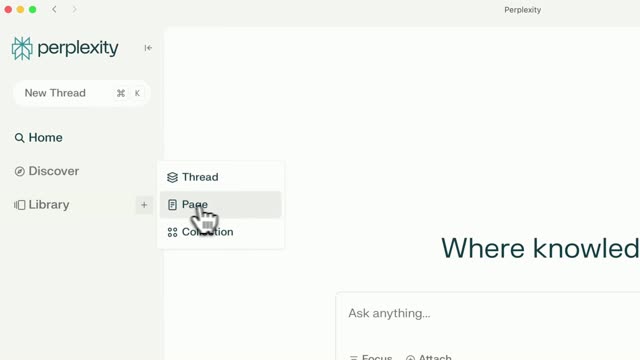 0:03–0:09Perplexity · Introducing Perplexity PagesScreen recording of the Perplexity web app in a browser window. The view zooms into the left sidebar, a hand cursor clicks the plus icon beside Library, and a small menu with Thread, Page, Collection pops up as the cursor moves to Page.
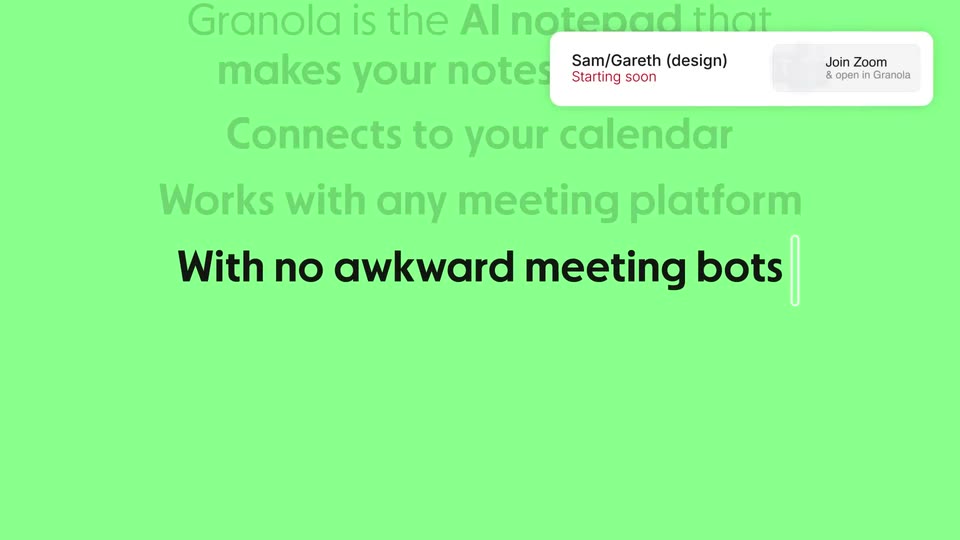 0:12–0:20Granola · Meet Granola – the AI notepad for people with back-to-back meetingsOn a plain green background, four bold lines type out one by one with a blinking caret, each fading dim as the next begins. A white meeting notification slides in top right, cycling Zoom, Teams and Meet buttons, while a cursor moves to click.
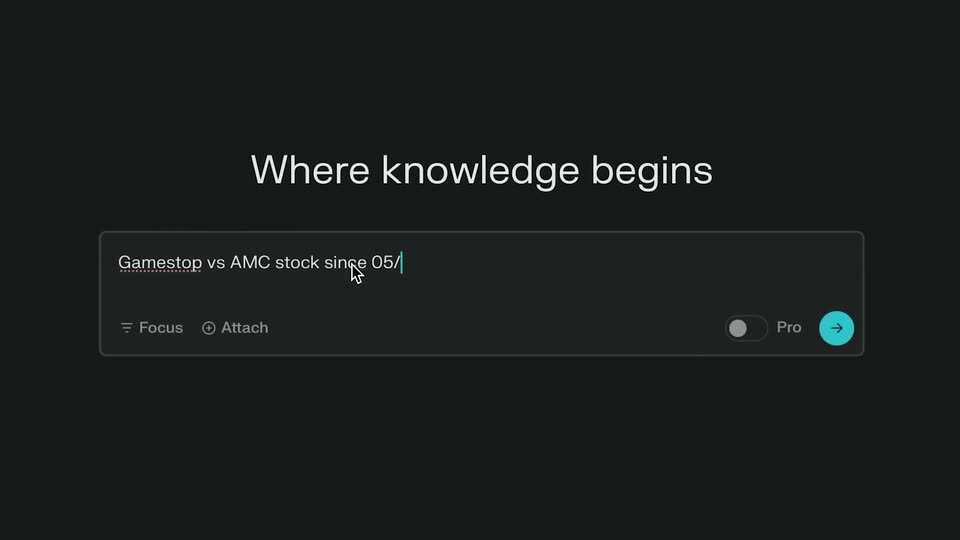 0:05–0:07Perplexity · Introducing Interactive Knowledge CardsA dark screen holds the headline Where knowledge begins above a rounded search field. A mouse pointer hovers as a query is typed character by character into the field, which shows Focus, Attach, a Pro toggle and a teal send button.
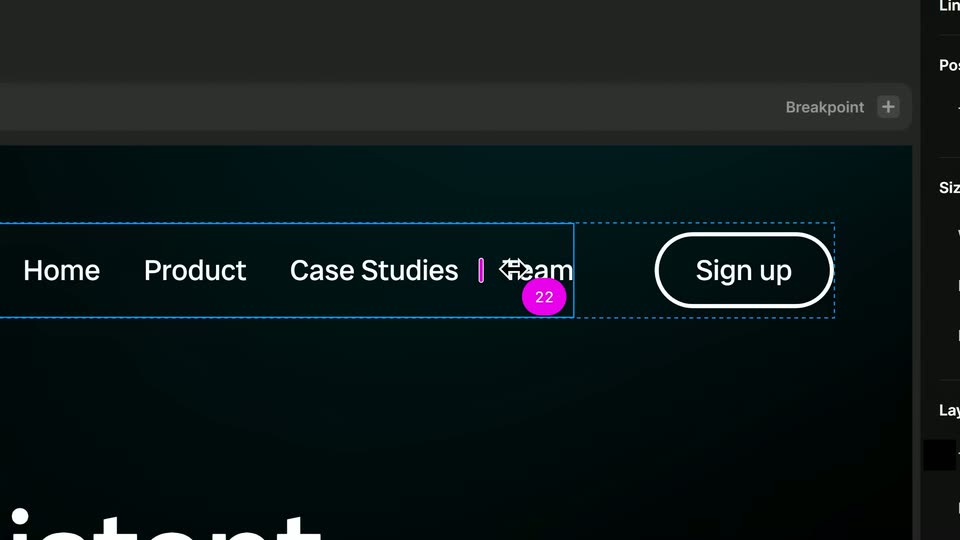 0:03–0:04Framer · Framer: All Design, No Code, Real WebsitesA close-up of a design tool canvas shows a dark website nav bar with white links and a white-outlined Sign up button, each inside blue dashed selection boxes. A cursor hovers near the Team link while a pink circular badge counts up from 120 to 225. A right panel shows a Breakpoint control.
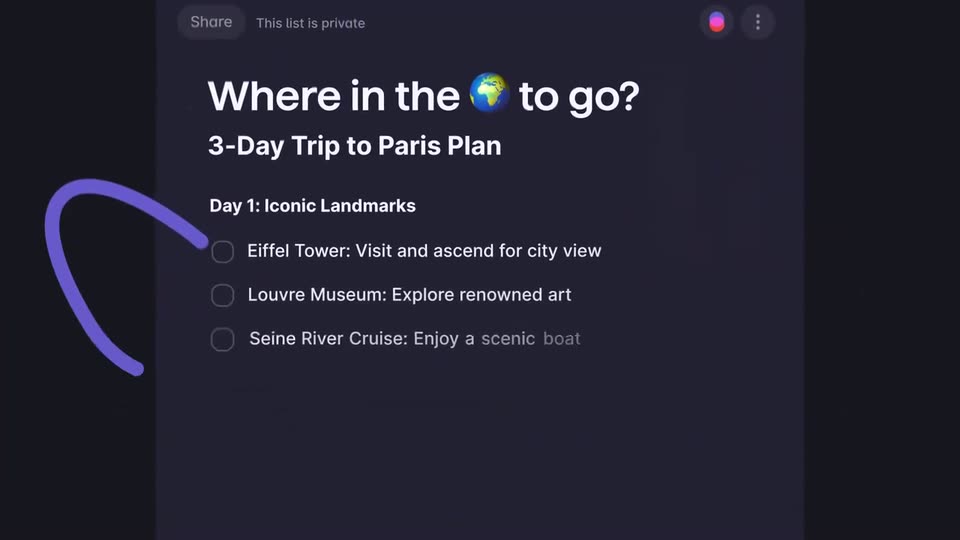 0:05–0:18Superlist · Superlist - Make it happen. Make it reality. Make it magic. 👉 Make is our firsA dark note card sits under a white headline that crossfades between two lines. A cursor types a prompt and clicks a button, a red and purple squiggle draws across the frame, and the card fills with a generated Paris plan before the view pulls back to the full app.
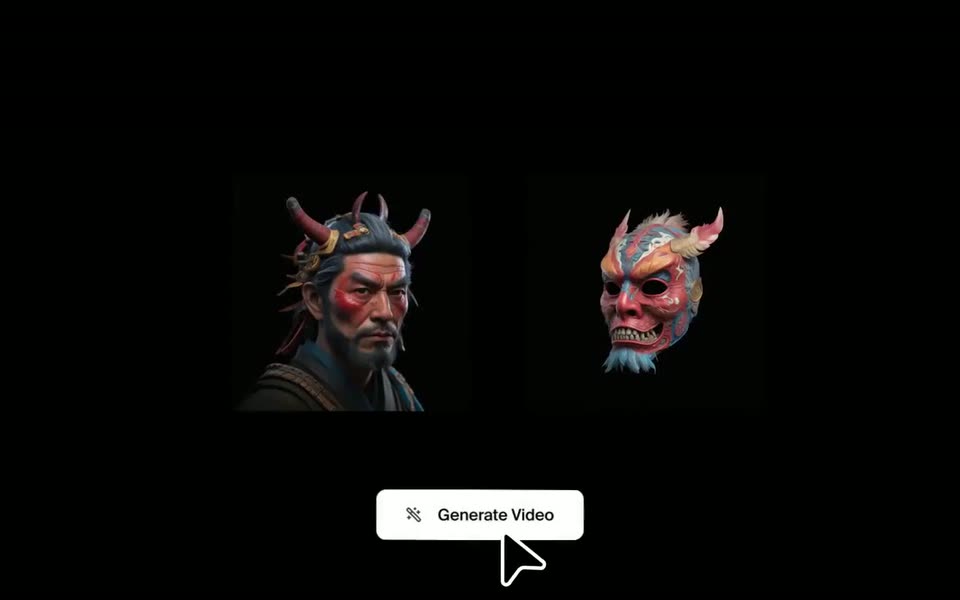 0:00–0:02Krea · Krea - Krea Video is here! this is how it works 👇 - (sound on)Two painted stills, a horned man and a horned mask, sit side by side on black. The left still expands to center as the right fades out, and a dim Generate Video button brightens to white beneath a cursor that slides up onto it.
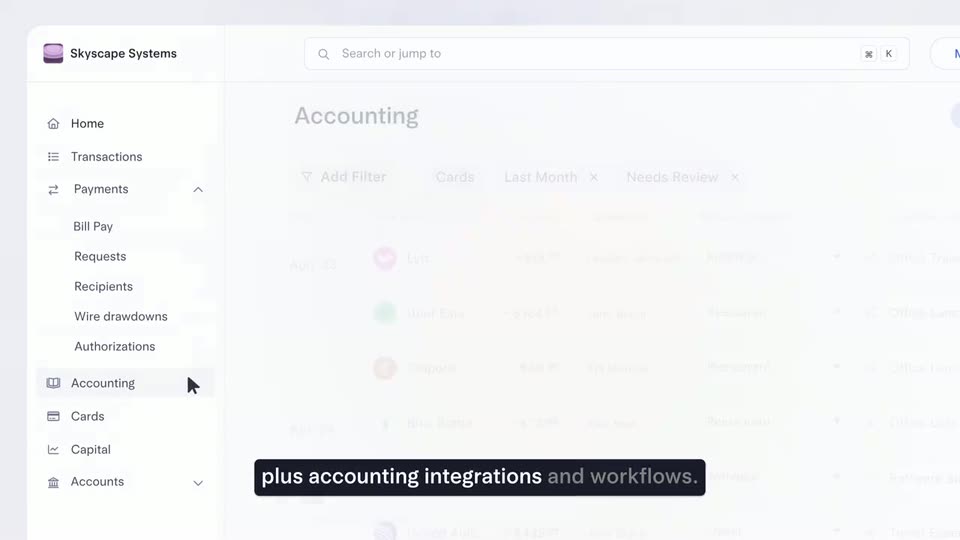 0:38–0:41Mercury · Mercury - The next evolution of Mercury is here. Introducing new software thatA light accounting app screen shows a Bill Pay dashboard with stat cards and a bill list. A dark caption bar at the bottom shows the launch line, then swaps to the next phrase. A cursor clicks Accounting in the sidebar and the panel switches to a transactions table.
 0:00–0:03Affinity · Affinity - Variable font support is now available in #Affinity 2.5 (beta)! JoinA dark purple background holds a horizontal dock of colorful app icons along the bottom. A white cursor hovers over the orange icon, which scales up, while a dark rounded tooltip above it reads Affinity Publisher 2 Beta.
 0:01 · 0.5sThe Browser Company · The Browser Company - Arc on Windows is finally here. No more waitlists, no more betas. DA close-up of a retro window title bar with three beveled square buttons on a dark strip against a blue gradient. A pixelated white arrow cursor rises from the bottom edge and stops over the leftmost button.
 0:01 · 0.5sThe Browser Company · Arc on Windows. Download now.Tight close-up of a retro window title bar on a light blue background, showing gray minimize, maximize and close buttons. A large pixelated white cursor rises from below and presses the minimize button.
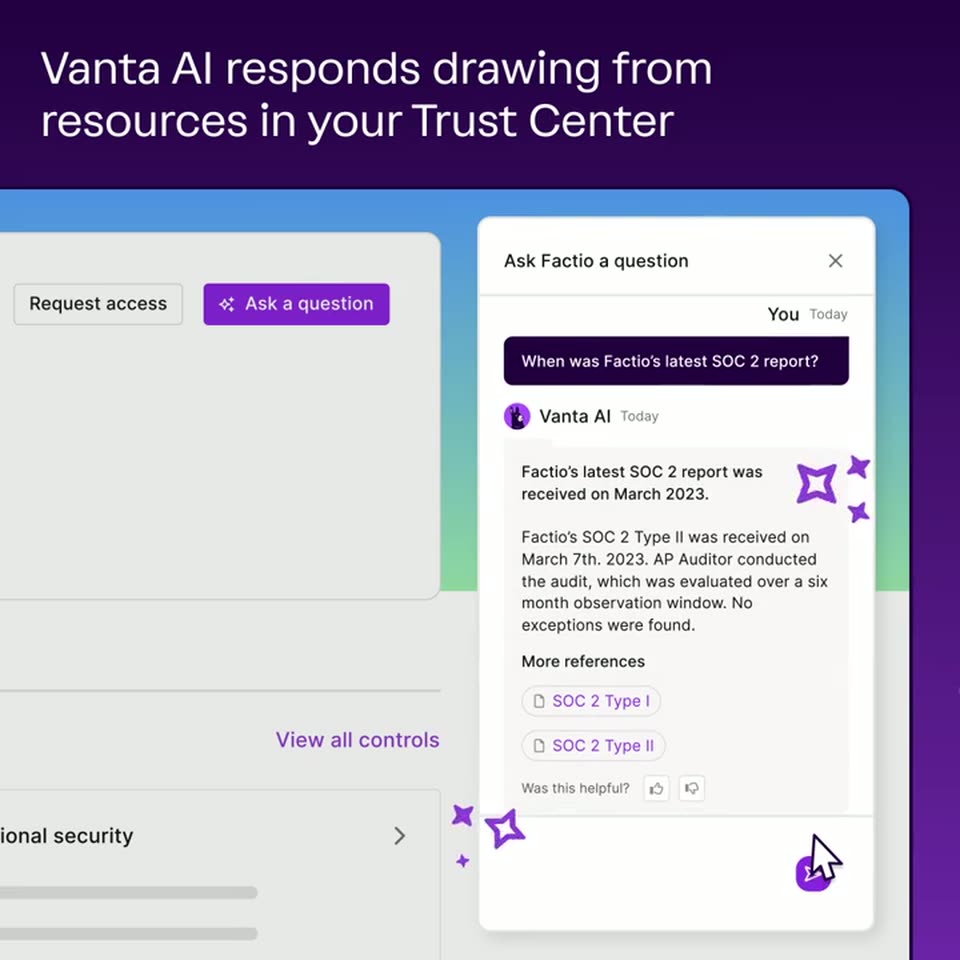 0:03–0:16Vanta · Vanta: VantaAIA flat Trust Center page sits on a purple gradient under a white headline. The view zooms to the top-right as a cursor clicks Ask a question, types and sends a query; a Vanta AI reply with reference pills and sparkles fills the panel, then the UI slides off left.
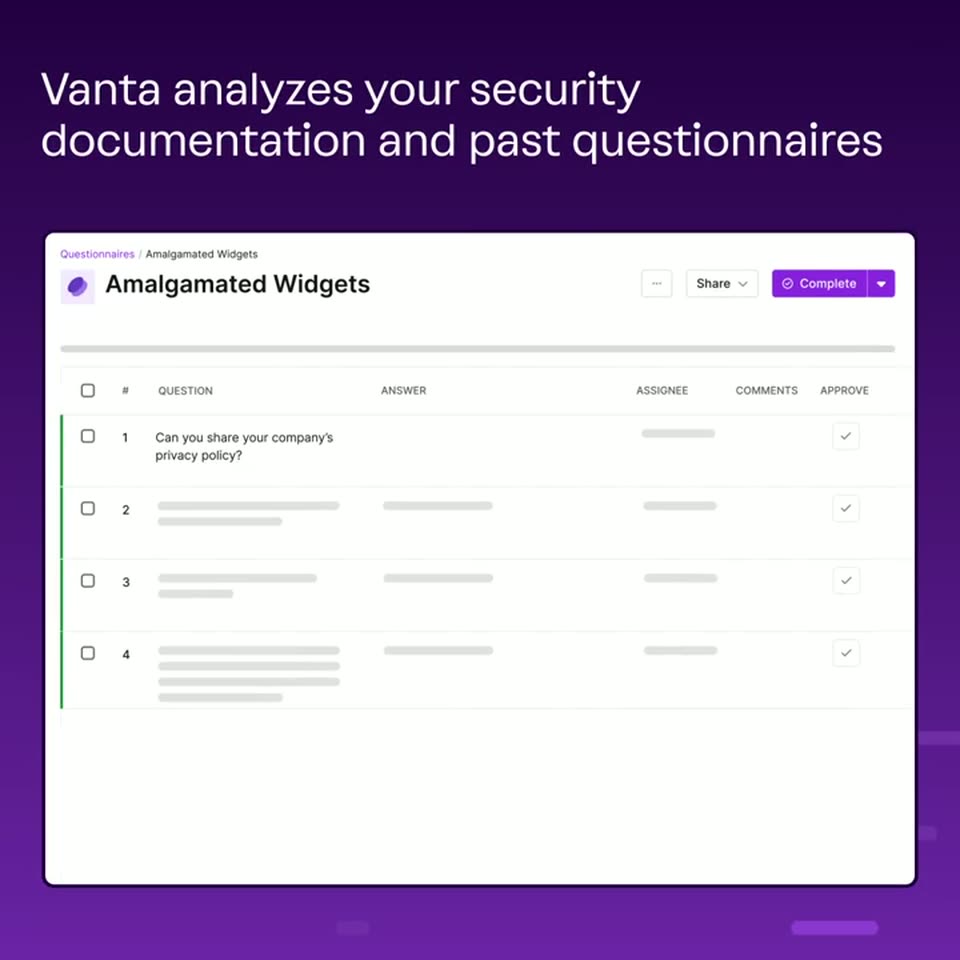 0:03–0:09Vanta · Vanta: questionnaireA tilted 3D view of the Vanta questionnaires list zooms in as a cursor hovers the Add button, then reframes to a flat questionnaire detail page where the first question types itself out beneath a white headline on a purple field.
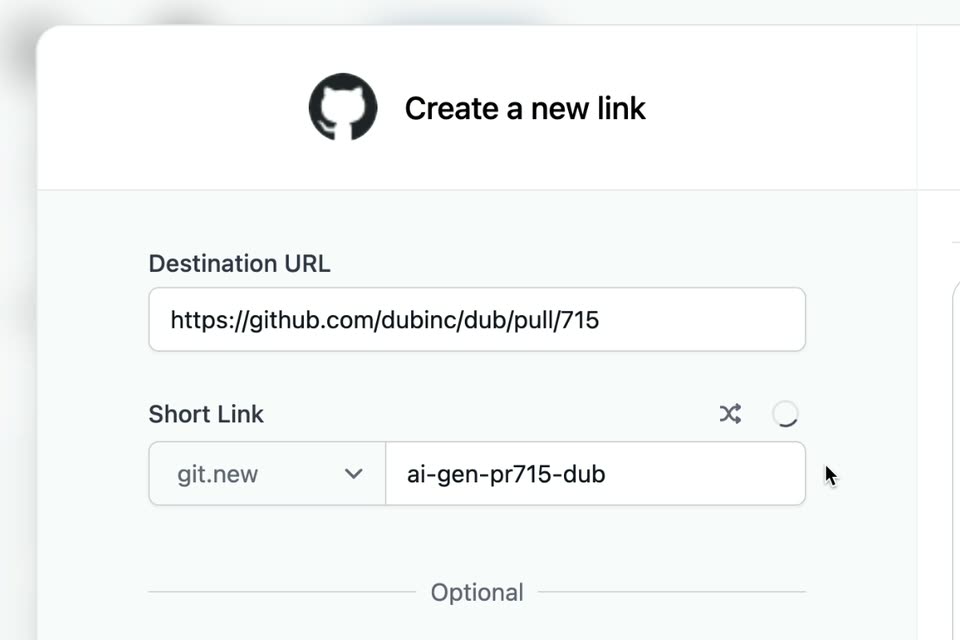 0:00–0:04Dub · Dub: AI featuresClose-up of a white Create a new link form with a GitHub mark. The hand cursor clicks the sparkle icon beside the Short Link field, and the random slug sYccIro is replaced by ai-gen-pr715-dub as the Create Short Link with AI tooltip fades out.
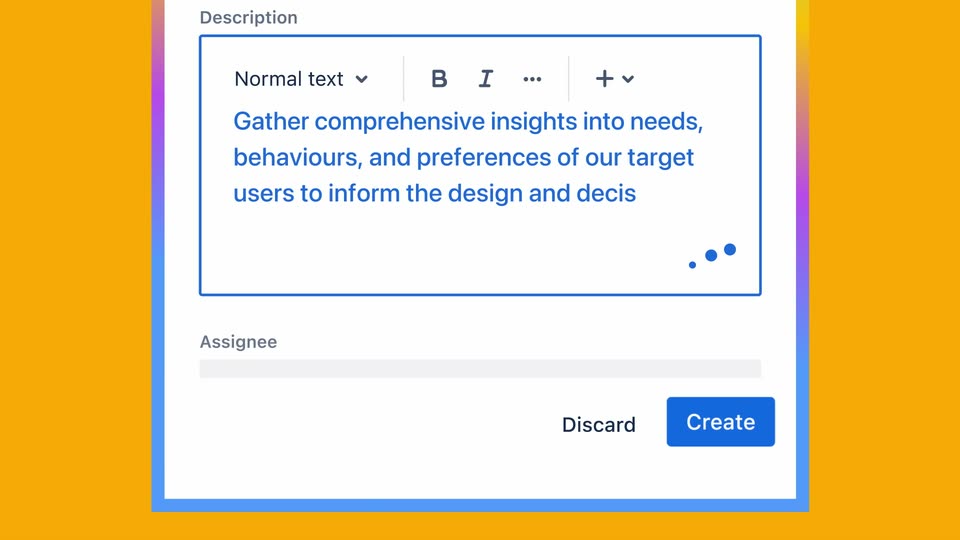 0:31–0:33Atlassian · Welcome to the next era of Jira - Inside AtlassianA white task form card on a textured orange background. Blue text types out line by line in the description field while the card's border shifts through a blue, purple and teal gradient. A purple cursor arrow slides in from the right and clicks the Create button.
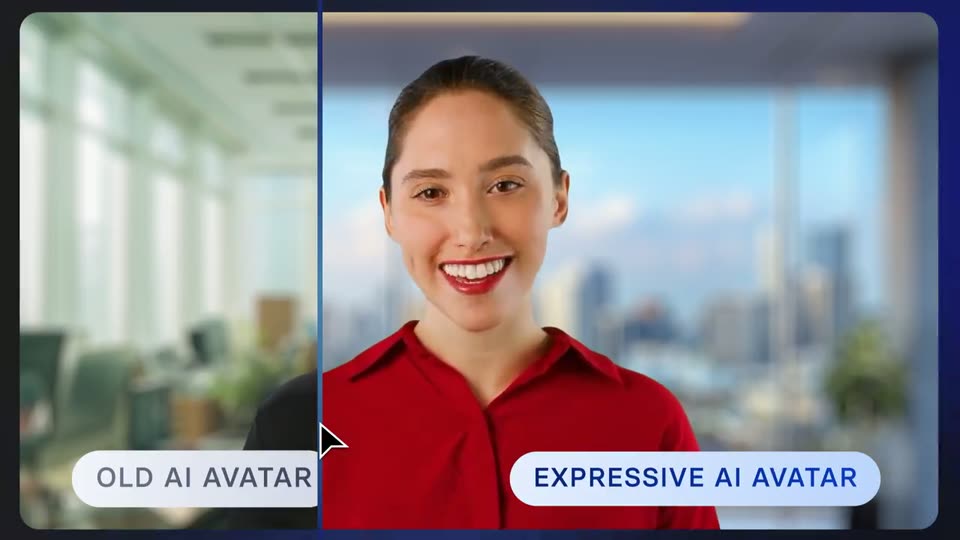 0:21–0:27Synthesia · Synthesia 🎥 - 💥 This is it. This changes everything. 💥 For the first time in histA split screen shows the same woman as a dim avatar on the left and a vivid one in a red shirt on the right. A cursor drags the blue divider left until the expressive side fills the frame, then the shot settles into a small centered card.
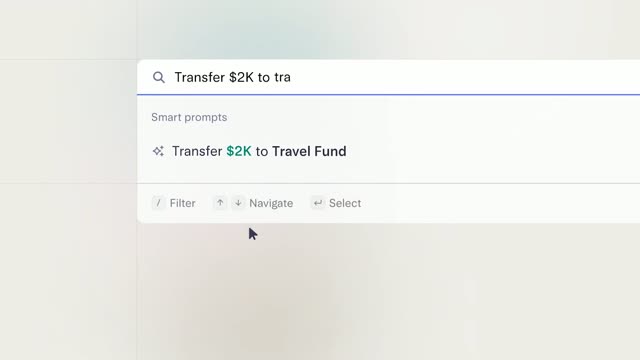 0:24–0:27Mercury · It's hereA close-up search bar types out a transfer query as its dropdown suggestion updates to a specific account, a cursor hovers below. The interface fades out and a centered tagline appears on the cream background.