Cursor demo
A visible cursor operates the interface.
15,034 scenes · page 46 of 251
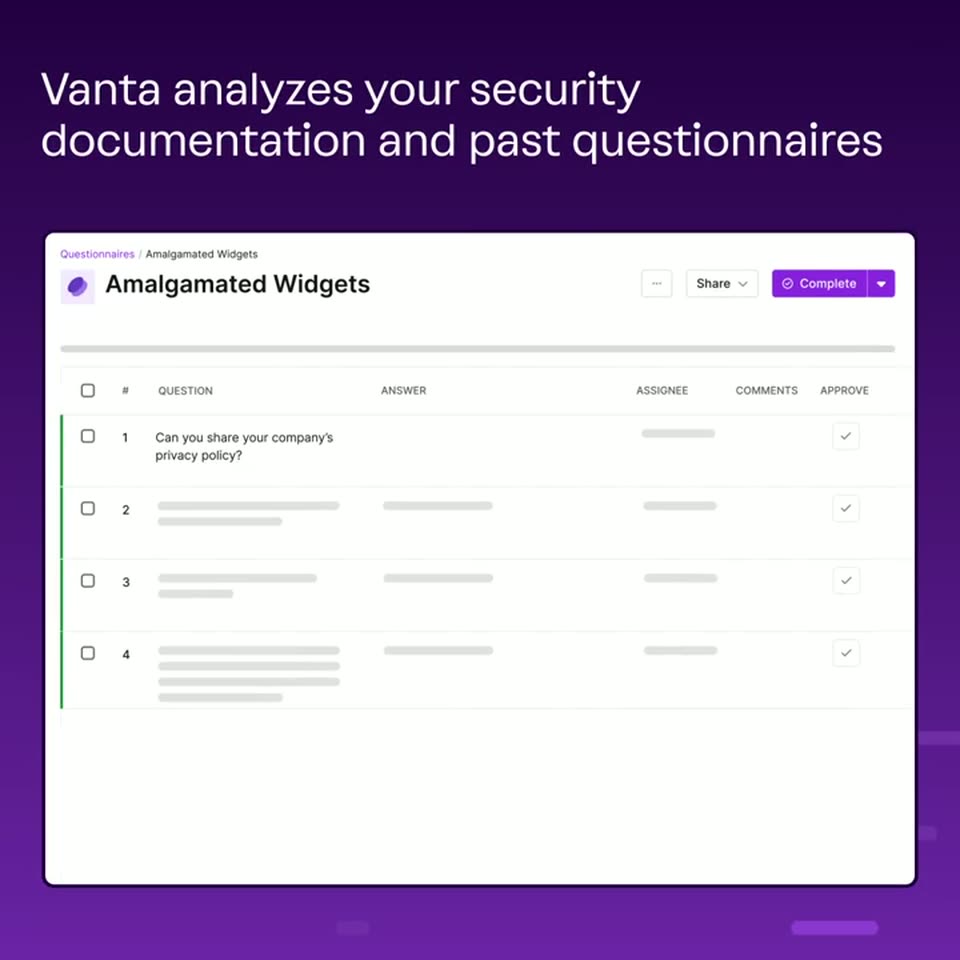 0:03–0:09Vanta · Vanta: questionnaireA tilted 3D view of the Vanta questionnaires list zooms in as a cursor hovers the Add button, then reframes to a flat questionnaire detail page where the first question types itself out beneath a white headline on a purple field.
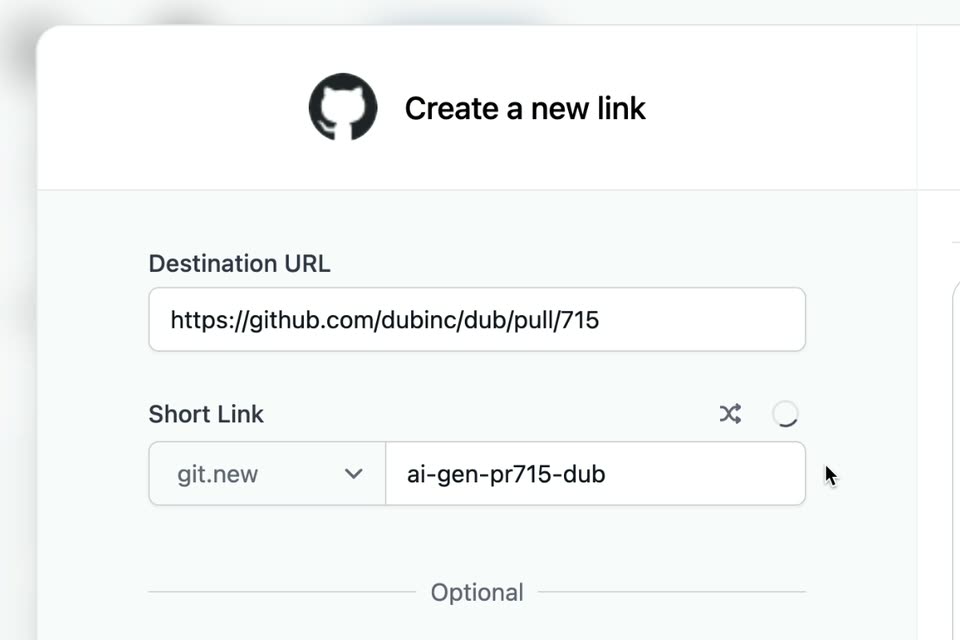 0:00–0:04Dub · Dub: AI featuresClose-up of a white Create a new link form with a GitHub mark. The hand cursor clicks the sparkle icon beside the Short Link field, and the random slug sYccIro is replaced by ai-gen-pr715-dub as the Create Short Link with AI tooltip fades out.
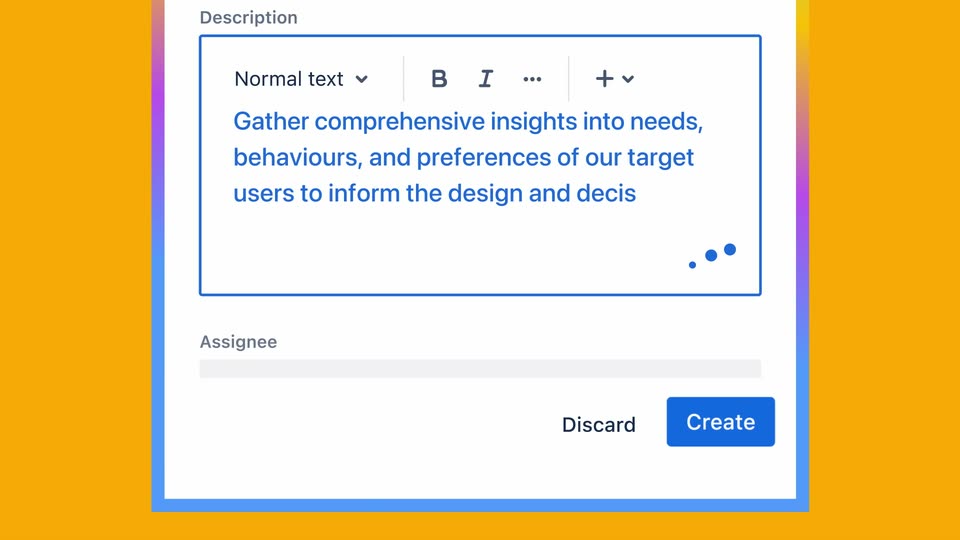 0:31–0:33Atlassian · Welcome to the next era of Jira - Inside AtlassianA white task form card on a textured orange background. Blue text types out line by line in the description field while the card's border shifts through a blue, purple and teal gradient. A purple cursor arrow slides in from the right and clicks the Create button.
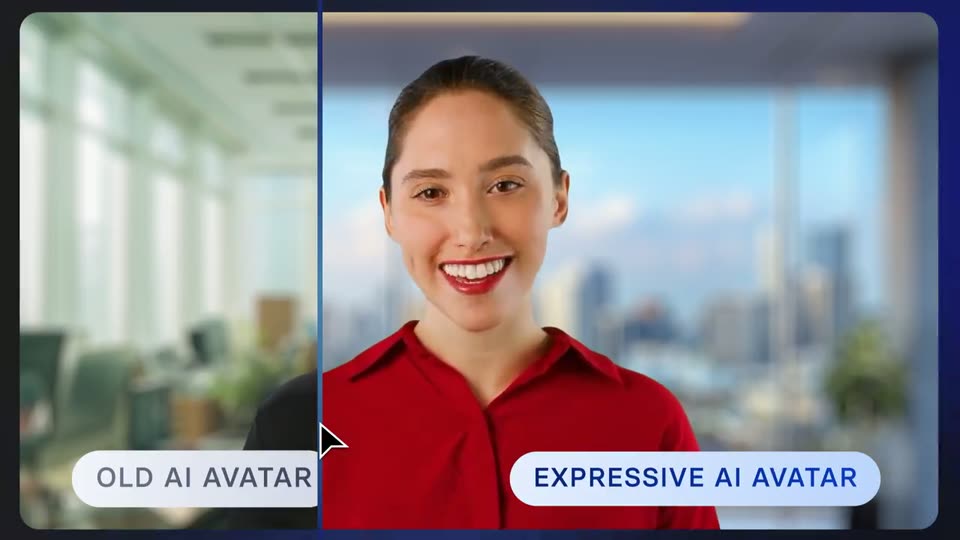 0:21–0:27Synthesia · Synthesia 🎥 - 💥 This is it. This changes everything. 💥 For the first time in histA split screen shows the same woman as a dim avatar on the left and a vivid one in a red shirt on the right. A cursor drags the blue divider left until the expressive side fills the frame, then the shot settles into a small centered card.
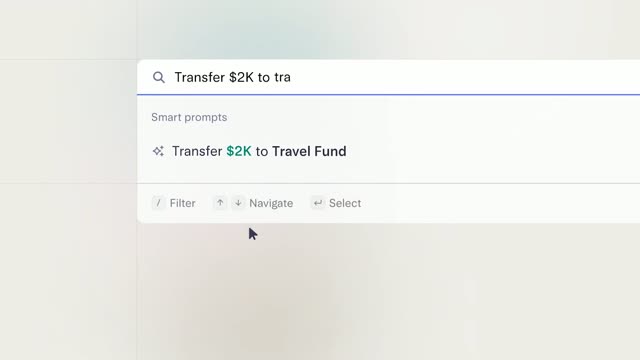 0:24–0:27Mercury · It's hereA close-up search bar types out a transfer query as its dropdown suggestion updates to a specific account, a cursor hovers below. The interface fades out and a centered tagline appears on the cream background.
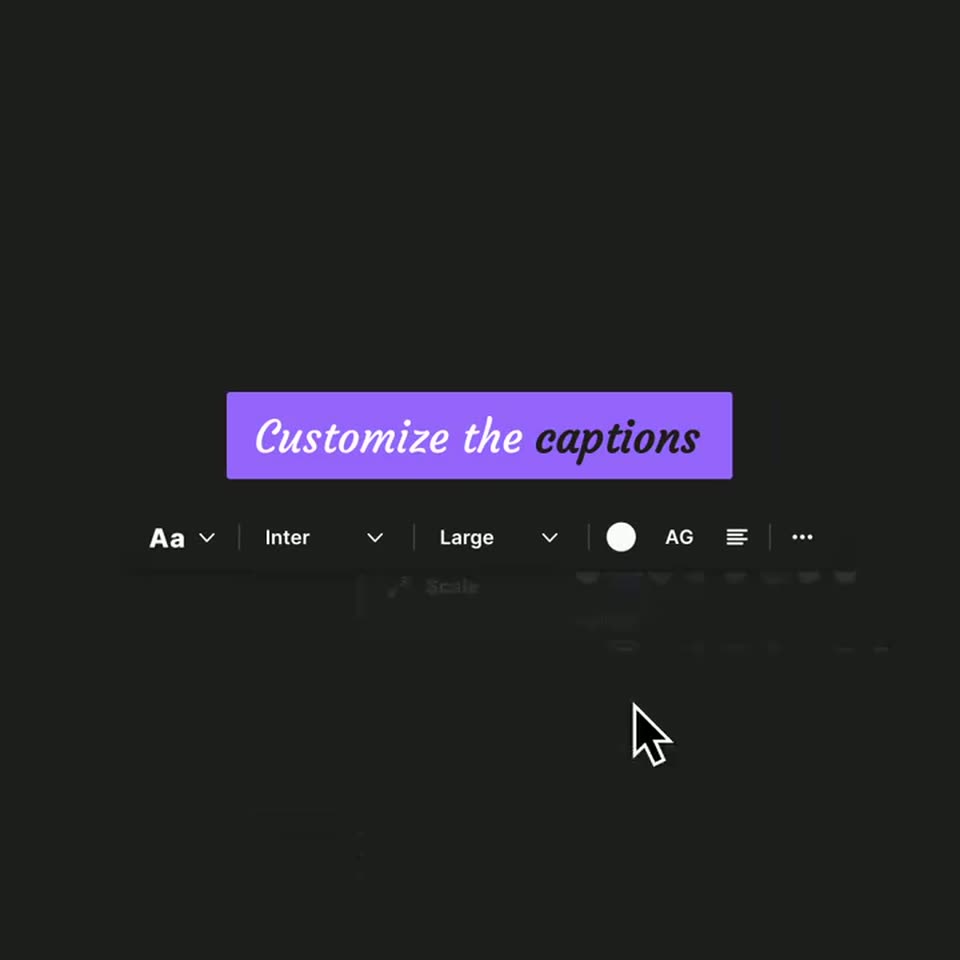 0:03–0:07Riverside · Riverside - NEW: Audiograms are now available on Riverside Turn your audio-onlyA dark caption editor centers a purple bar reading “Customize the captions” above a formatting toolbar. A cursor opens the font menu, the caption restyles to an italic serif, then the cursor picks a pink swatch and the bar turns pink with black highlight text.
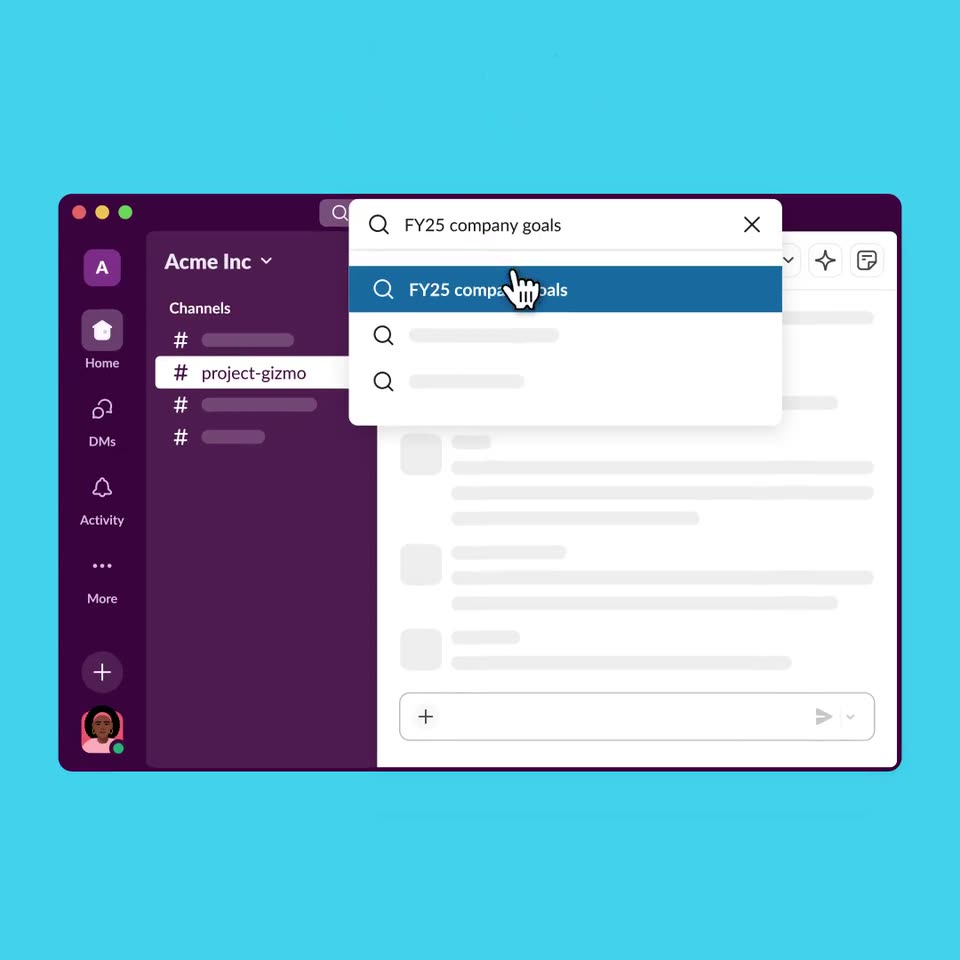 0:03–0:07Slack · Slack - Time is valuable. Slack AI gives you more of it. 🙌✨ And starting todA flat Slack-style app mockup sits on a cyan field beneath the tagline. A cursor clicks the top search bar, a dropdown opens, the cursor types a query and hovers the top result while the tagline fades out.
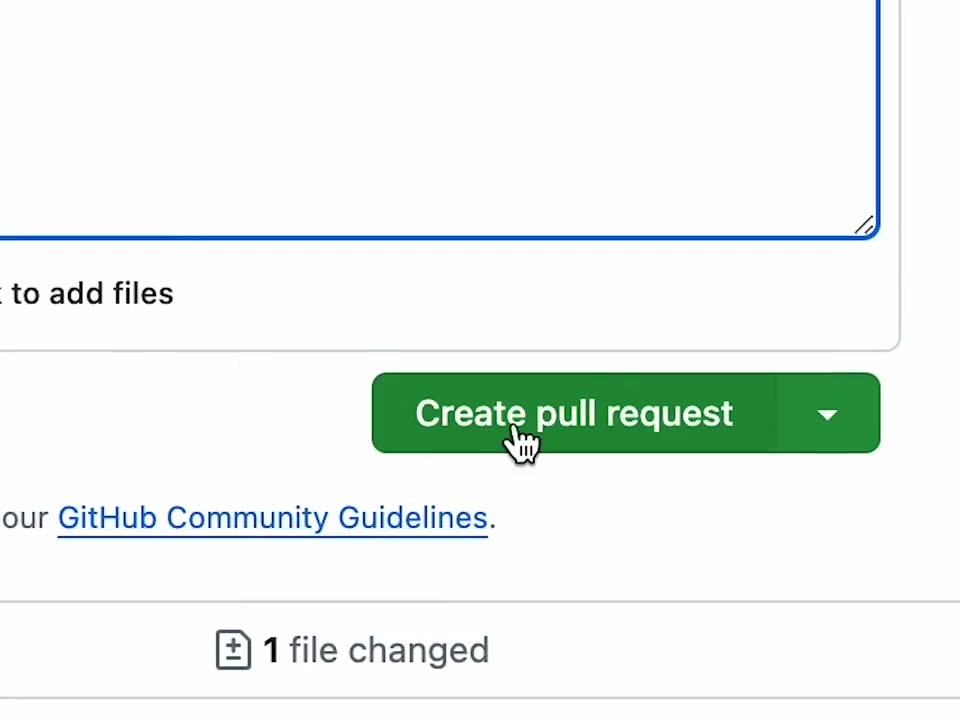 0:00–0:01The Browser Company · The Browser Company - One small step for sidebars.... 🛠️ GitHub Live Folders Land in ArcA close-up of a GitHub screen frames a green Create pull request button. An arrow cursor moves onto the button and becomes a hand pointer as the page scrolls up slightly.
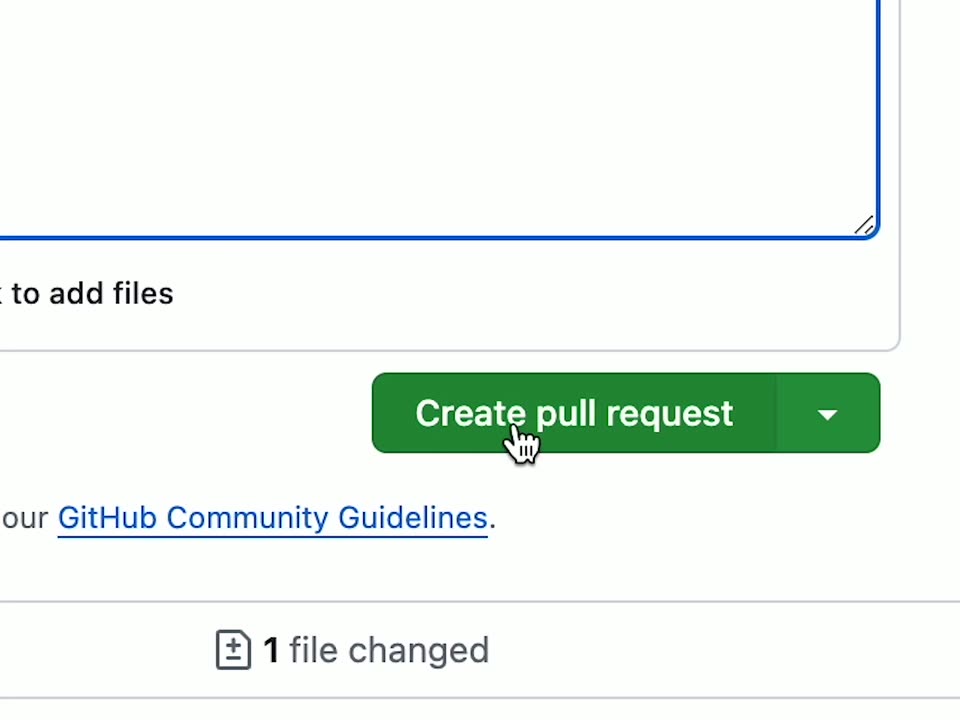 0:00–0:01The Browser Company · Introducing Live Folders in Arc | Your sidebar is aliveA close-up of a GitHub screen holds on a green Create pull request button. A cursor glides in from the left, turns into a hand pointer, and presses the button as the surrounding UI drifts slightly.
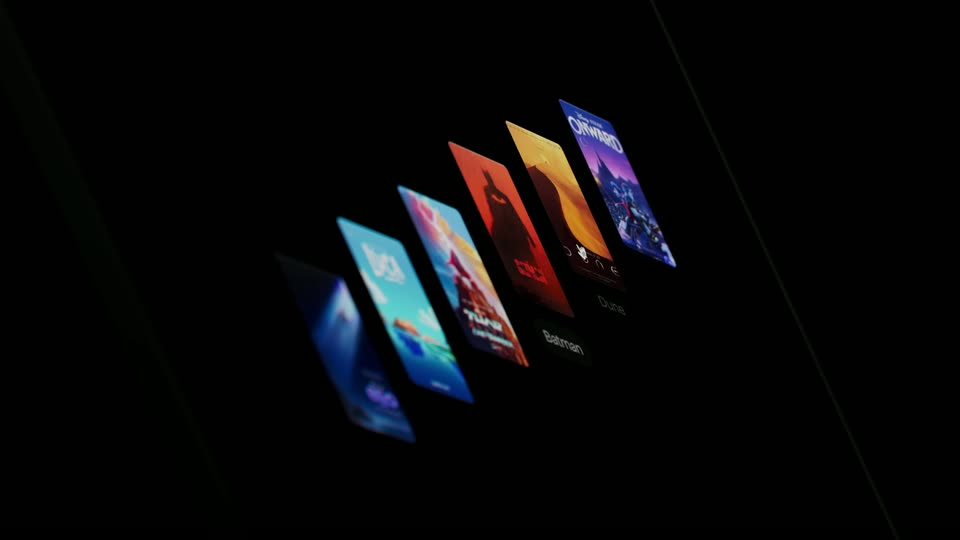 0:19–0:23Framer · Introducing 3D Transforms in Framer — Rotate, Skew, Perspective & more on a freeform canvasA row of movie poster cards floats in 3D perspective on black, tilted diagonally. A hand cursor moves across them, and a white label pops up under each card as it is highlighted, while the camera pans along the row.
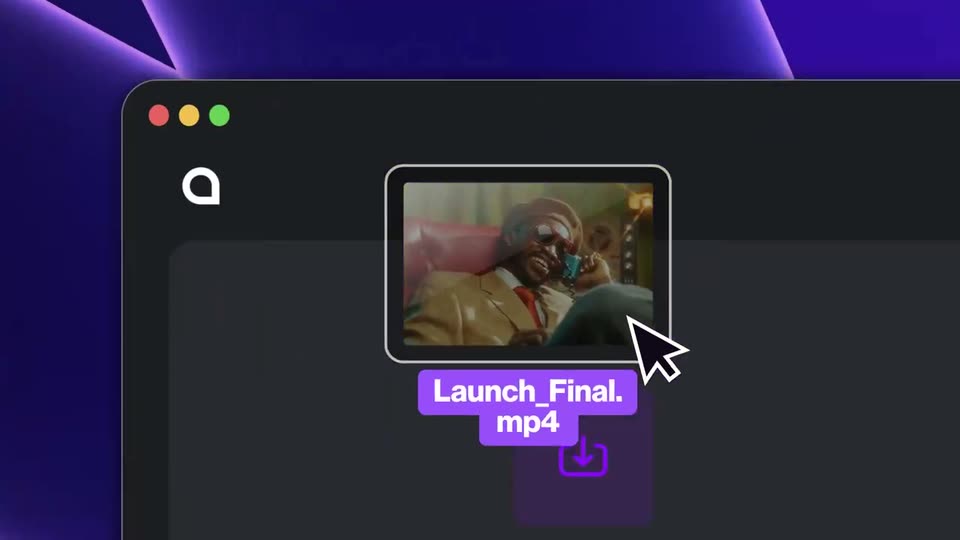 0:00–0:01Captions · Mirage - Introducing Captions for web. Video editing made simple, thanks toA video file icon named Launch_Final.mp4 rests on a dark field of diagonal purple beams, a white cursor hovering over it. The shot then zooms into a dark app window with a small logo, the file framed inside and a purple highlight behind its name.
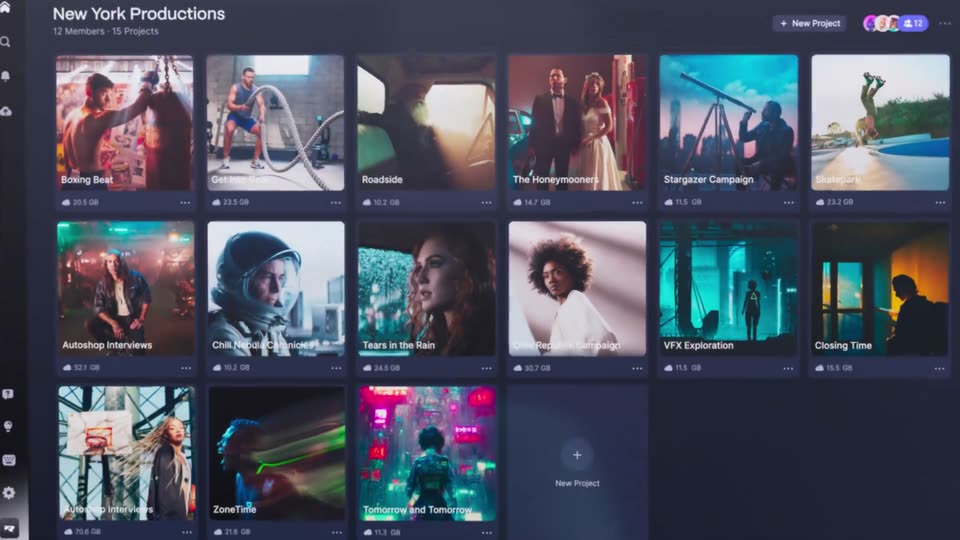 0:07–0:12Frame.io · Frame.io - It's here. The all-new Version 4. Now in beta.A neon border highlights a project card in a dark thumbnail grid as a cursor hovers. The camera pulls back through the grid and app header, then out to the monitor on a desk in a dim room.
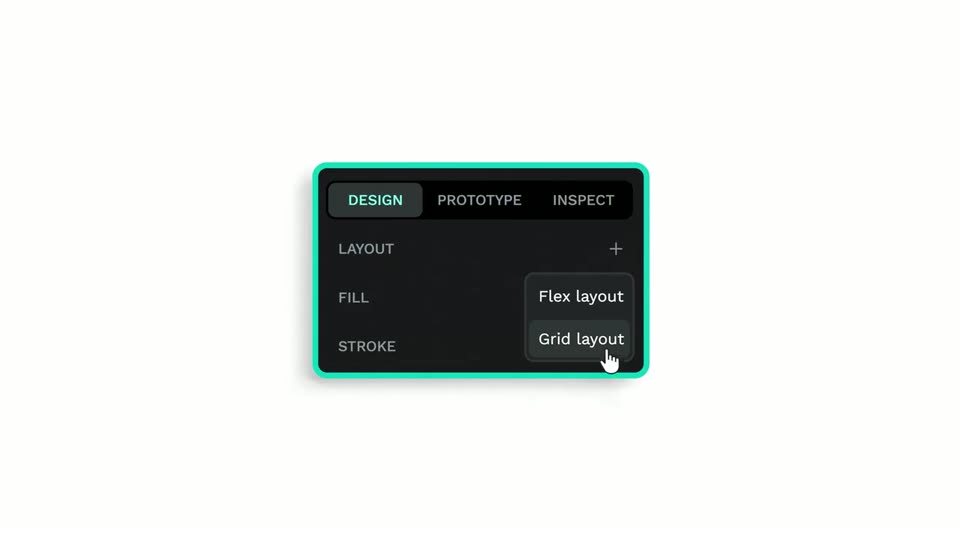 0:17–0:20Penpot · Penpot - 💥 Penpot 2.0 is now available! Explore & enjoy the unique featurA dark properties panel with a teal border sits on white, its labels decoding from scrambled glyphs into clean text. A white hand cursor taps the plus icon on the Layout row, opening a dropdown with Flex layout and Grid layout, then hovers Grid layout as the panel scales up.
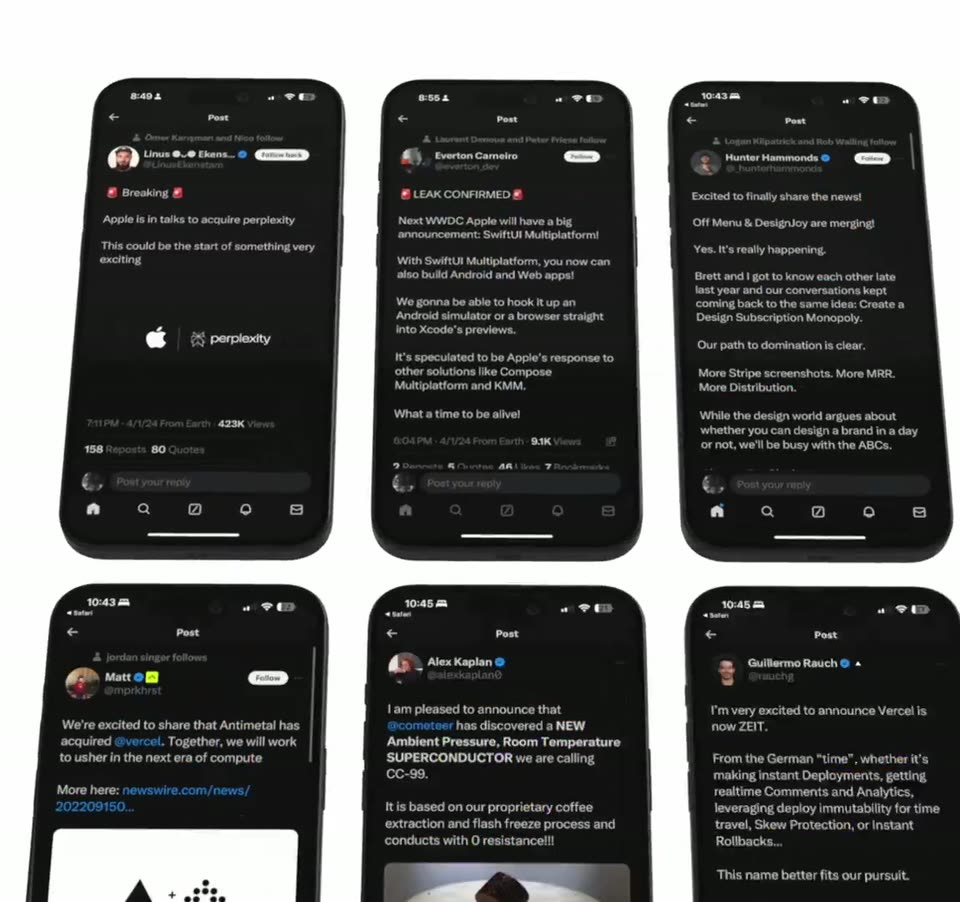 0:00–0:01Rotato · Morten from Rotato - Circles, half circles and grids rolling out to beta users soon:A flat grid of black phone mockups showing social media posts fills a white background, then the camera tilts and pulls back to reveal the wall of screens in 3D perspective, drifting across the posts. A cursor hovers over one phone near the end.
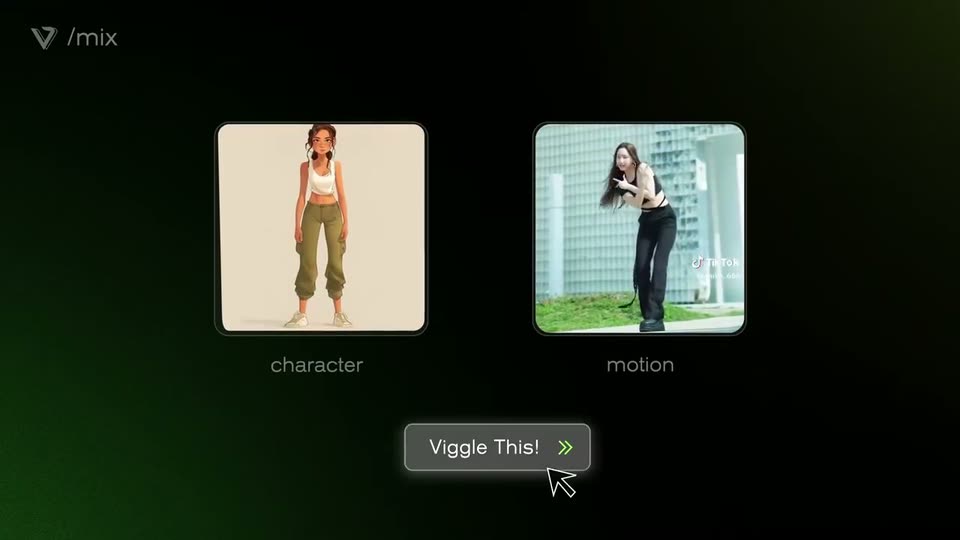 0:09–0:12Viggle · ViggleAI - VIGGLE'S NEW MODEL IS HERE! Controllable video generation is our mA dark green-glowing screen shows two rounded cards, a 3D woman labeled character and a video slot labeled motion, over a Viggle This! button. The motion card plays a dancing woman as a cursor rests on the button.
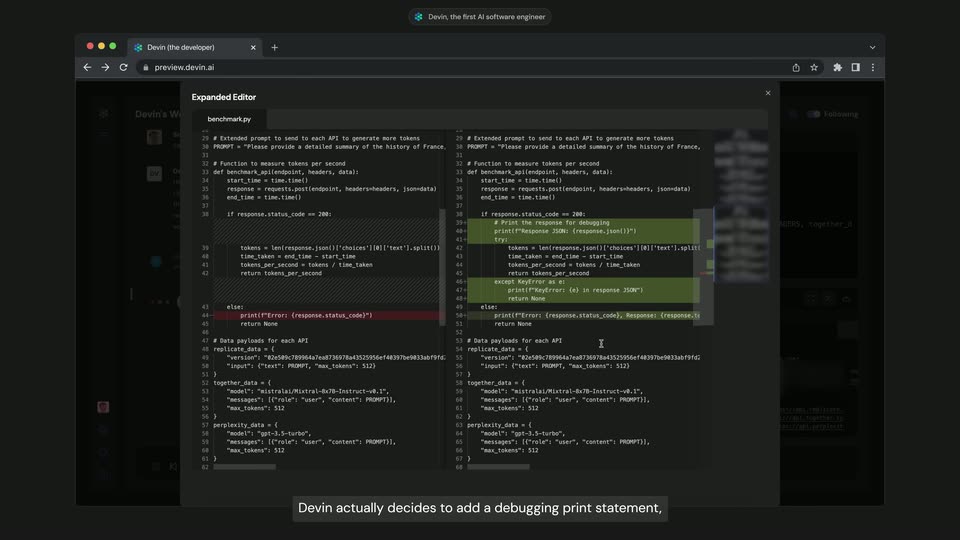 0:58–1:04Cognition · Introducing Devin, the first AI software engineerThe Devin code editor expands to a full-screen split diff. The left pane shows the original Python file; the right pane highlights new debugging print lines in green as the view scrolls down. A bottom caption narrates the change while a cursor moves to the close icon.
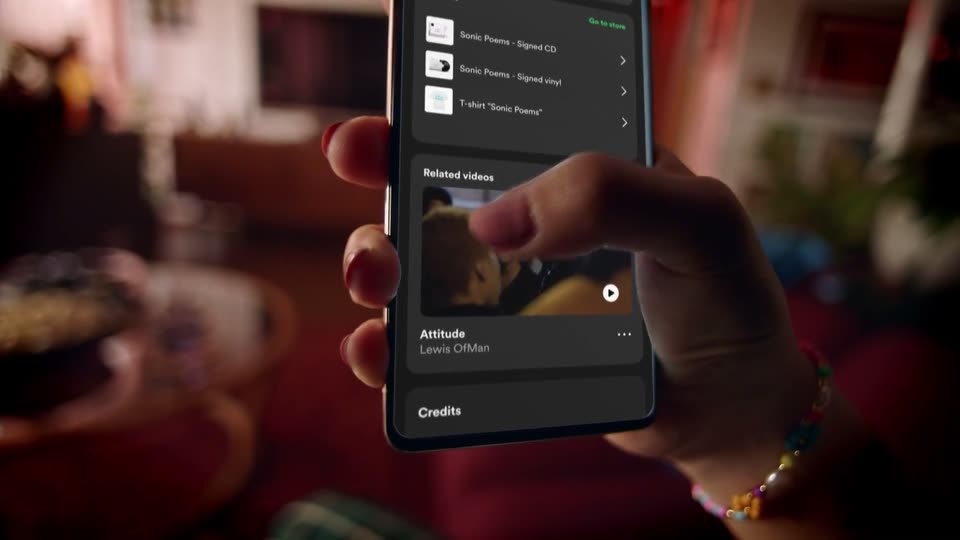 0:27–0:29Spotify · Music Videos Rolling Out in Beta to Premium Spotify Users Across Select Markets — SpotifyA hand holds a smartphone in a dim, blurred living room. The thumb swipes the music app screen, the merch list scrolls up, and the Related videos card with the Attitude clip and the Credits row slide into view.
 0:08–0:11Hebbia · Hebbia - Introducing the biggest change to AI products since ChatGPT. Enter tA translucent glass panel floats in 3D perspective with a glowing cursor arrow hovering over a folder icon labeled Board Decks, a blurred headline behind it. The camera pushes in on the folder, then the panel warps and dissolves into a liquid-glass shape.
 0:00–0:01Netlify · Netlify - Problems debugging your build? AI can take a look. Learn more here:A dark blue terminal log with line numbers and timestamps fills the frame. A mint-green rounded pill sits centered, holding a terminal icon, the words “Why did it fail?” and a small AI badge, with a white cursor at its lower right edge. The shot holds still.
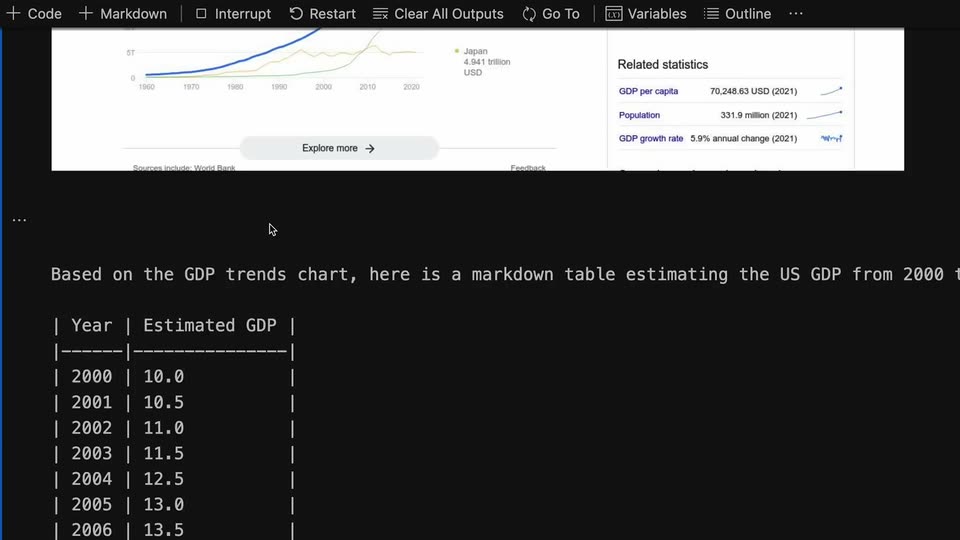 0:24 · 0.8sAnthropic · Claude 3 Opus as an economic analystA dark notebook interface shows a markdown GDP table and a line chart with a related statistics panel. The view scrolls down to reveal the chart while a cursor hovers over the table.
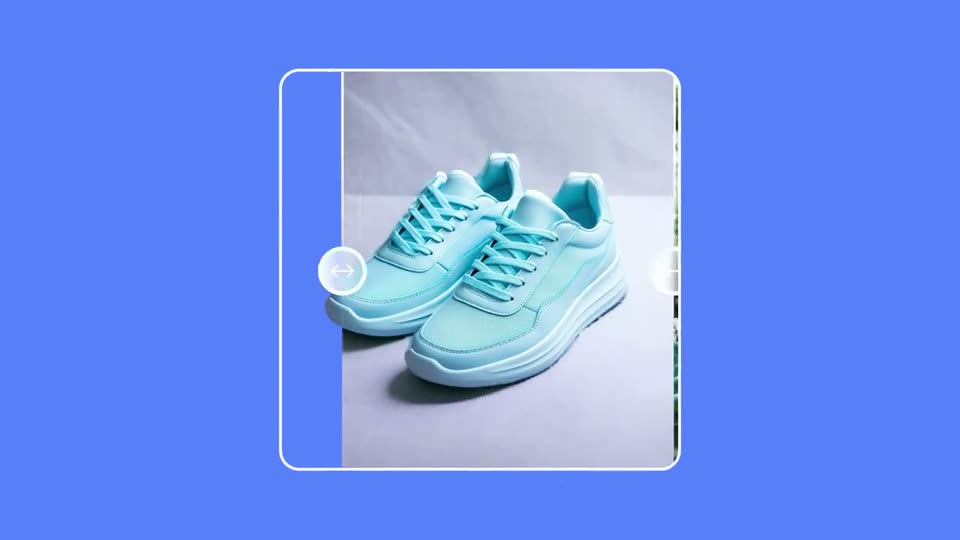 0:29–0:32Photoroom · Photoroom - 🚀 Today Photoroom is announcing the next generation of AI photo-editiA rounded card on a blue field holds a pair of mint sneakers above a Generate Backgrounds button. A white cursor clicks the button, and the card's backdrop wipes from flat blue to a photo of the shoes on pebbles beside a succulent, with arrow controls at the edges.
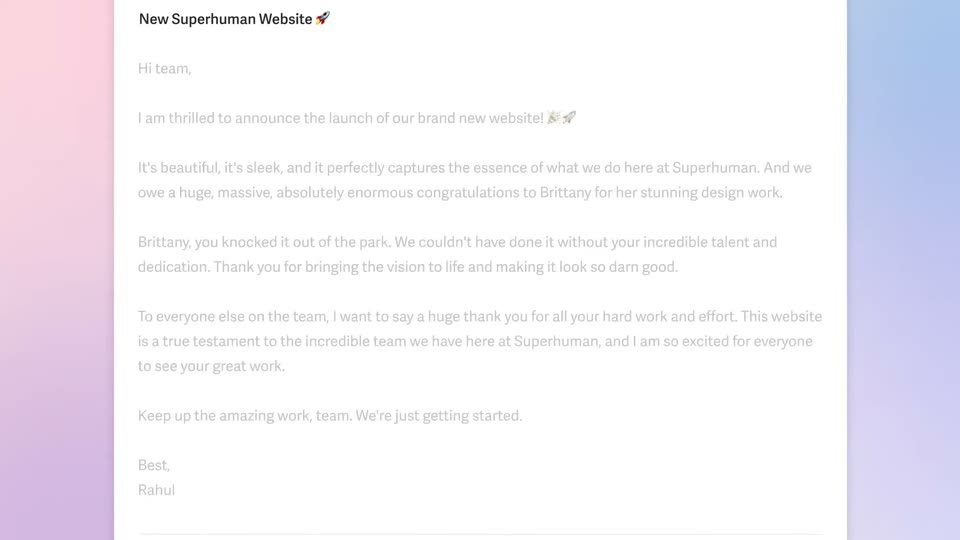 0:46–1:00Superhuman · Superhuman AI 2.0A white email composer card floats on a soft pink-to-blue gradient. Brief notes are typed into the draft box, which flashes 'Writing...' then expands to reveal a full AI-drafted email; the view scrolls and a cursor clicks Accept.
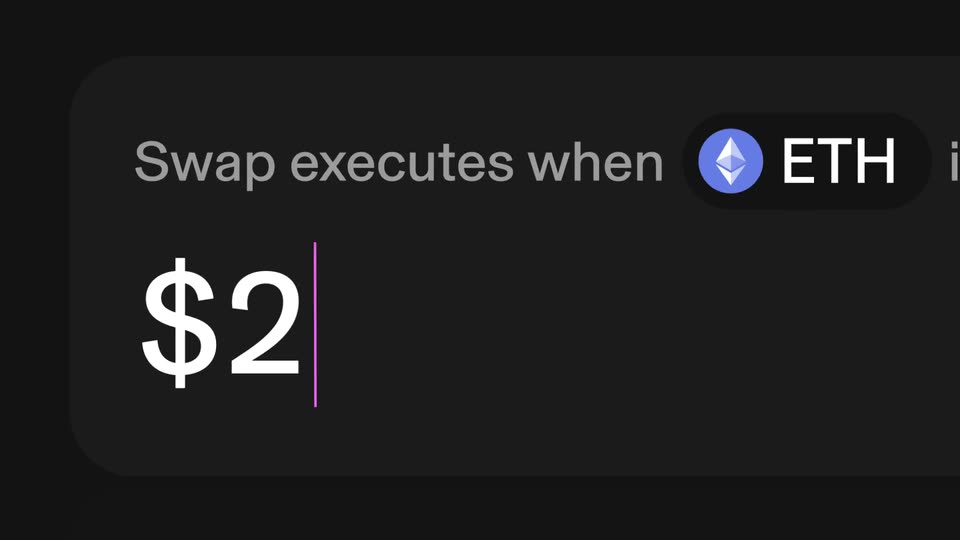 0:07–0:09Uniswap · Set and Forget Swaps: Introducing Limit Orders on UniswapThe card zooms in on the price field as $2,209.81 slides out; a cursor types $2,800 digit by digit, then the view pulls back to the full card and the value turns from gray to white.
 0:35–0:41Uniswap · All New Uniswap Extension and More Tools for Users to Swap SmarterA dark limit-swap form in close-up: the price field shows a pink caret as the value changes from $2,209.81 to $2,800, then the frame pans down through the pay and receive rows, expiry pills and the pink Submit button.
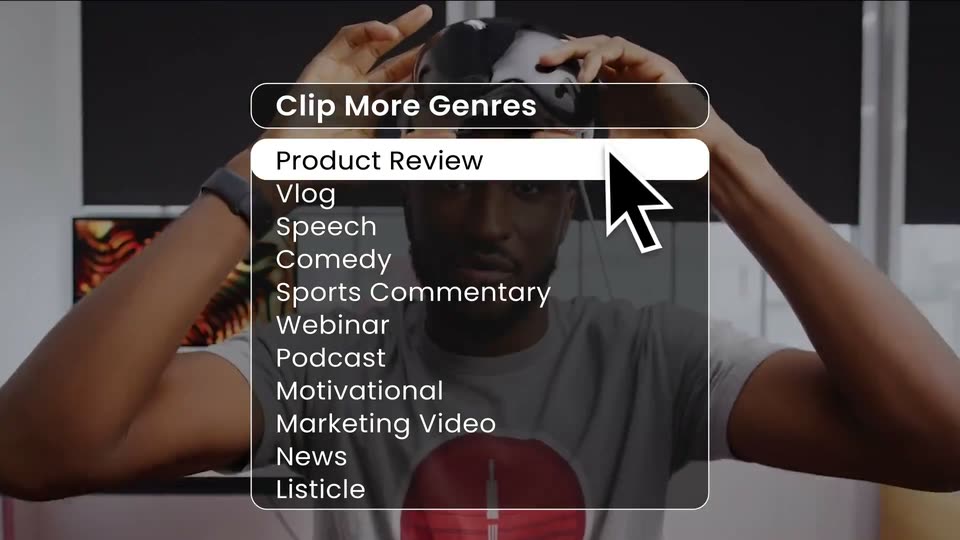 0:07–0:10OpusClip · OpusClip - Introducing OpusClip 3.0. The smartest AI video clipping tool just goA white title 'OpusClip 3.0' scales and fades on black. A rounded dropdown menu titled 'Clip More Genres' expands over a dimmed shot of a man putting on a VR headset, a white cursor resting on the 'Product Review' row.
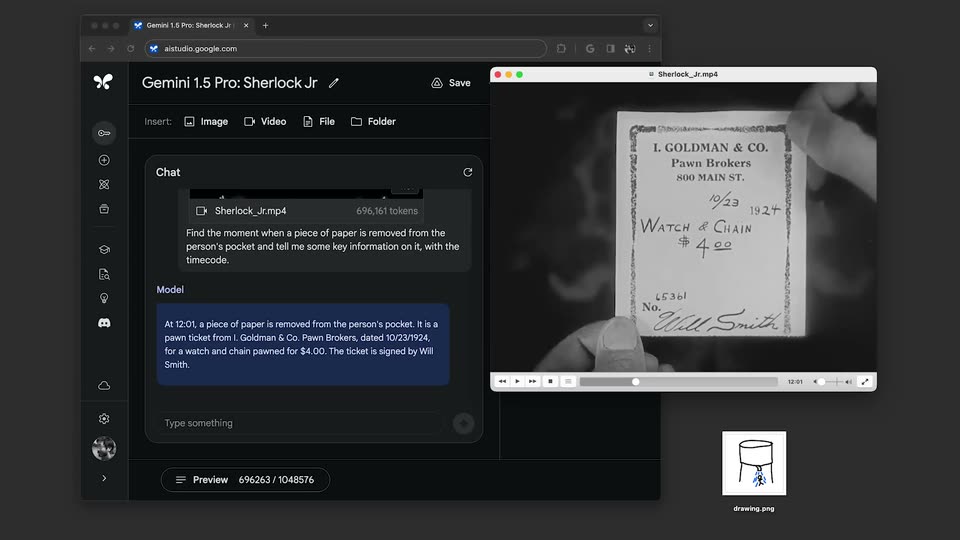 0:18–1:19Google · Multimodal prompting with a 44-minute movie | Gemini 1.5 Pro DemoA dark Gemini chat screen in a browser beside a video player window. A prompt is typed and sent; a timer counts as the model describes a pawn ticket, then the film jumps to 12:01 and holds on the ticket. A second prompt with a hand-drawn image returns a timecode.
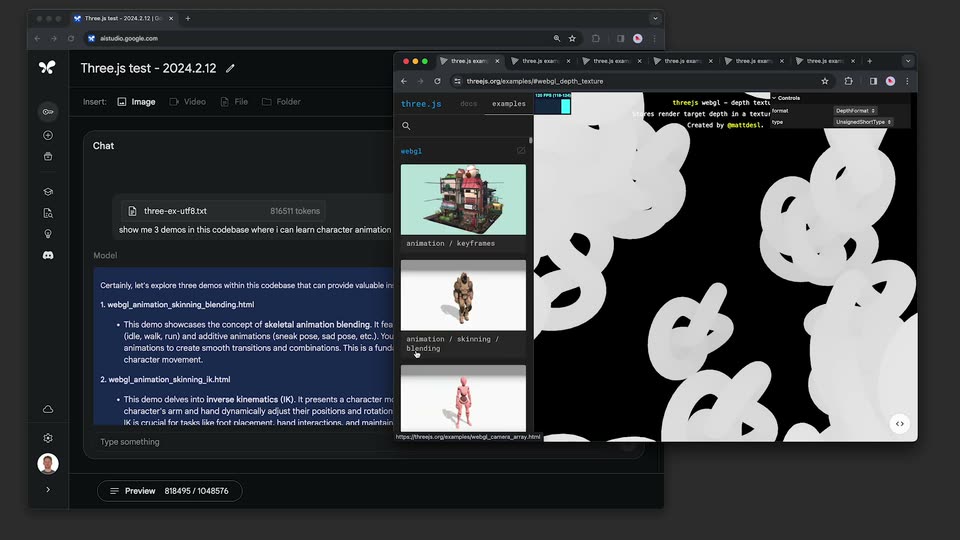 0:13–0:18Google · Problem solving across 100,633 lines of code | Gemini 1.5 Pro DemoA dark chat interface on the left lists three demos while a browser on the right runs a white depth-texture render. A central thumbnail column scrolls down through example previews, a cursor hovers over them, and the column swaps to a webgl animation list.
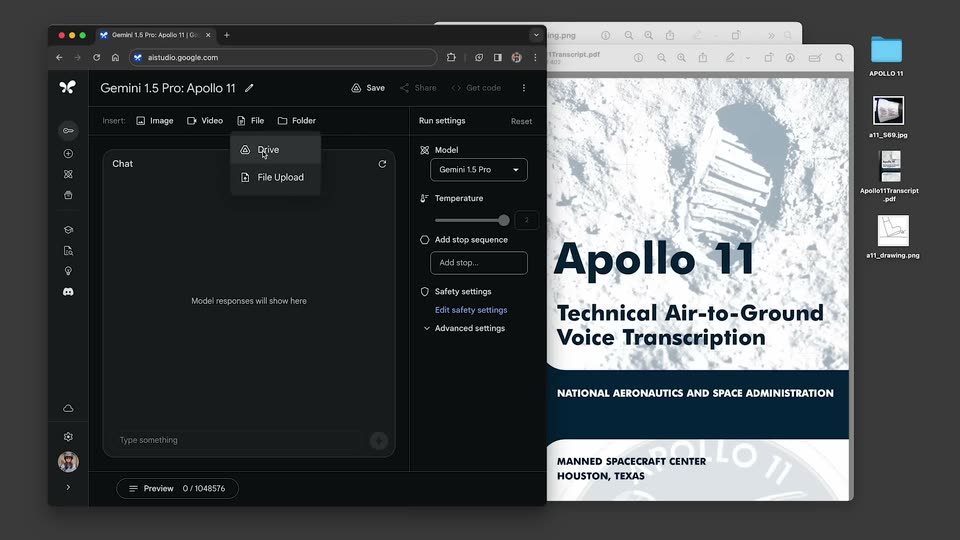 0:17–0:18Google · Reasoning across a 402-page transcript | Gemini 1.5 Pro DemoA dark AI chat window sits left of an open Apollo 11 PDF cover. A cursor hovers the File button, a gray tooltip fades in, then the cursor clicks and a small two-item dropdown opens.
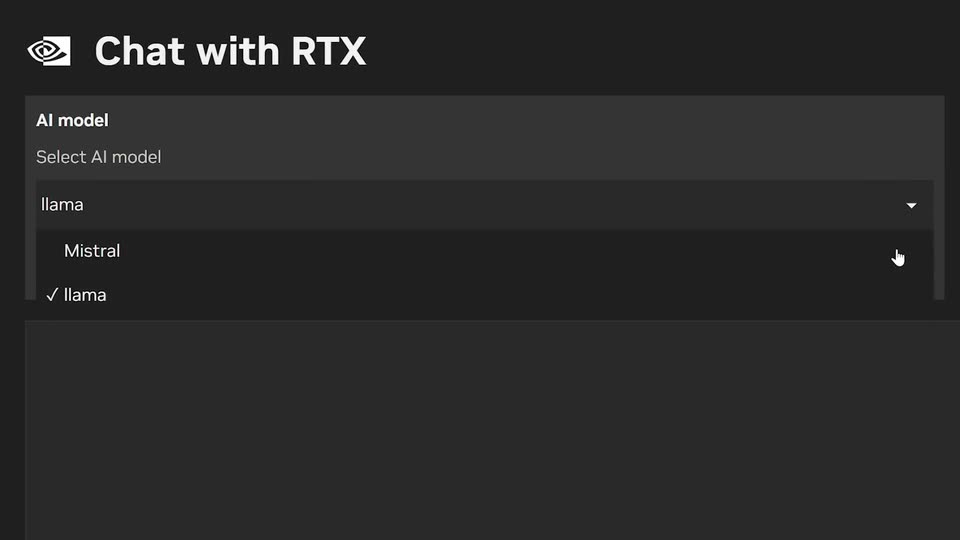 0:11–0:13NVIDIA · Create A Personalized AI Chatbot with Chat With RTXA dark Chat with RTX screen zooms in on the AI model panel as the Dataset panel fades out. The model dropdown opens to a list of options and the cursor moves down to hover over Mistral.
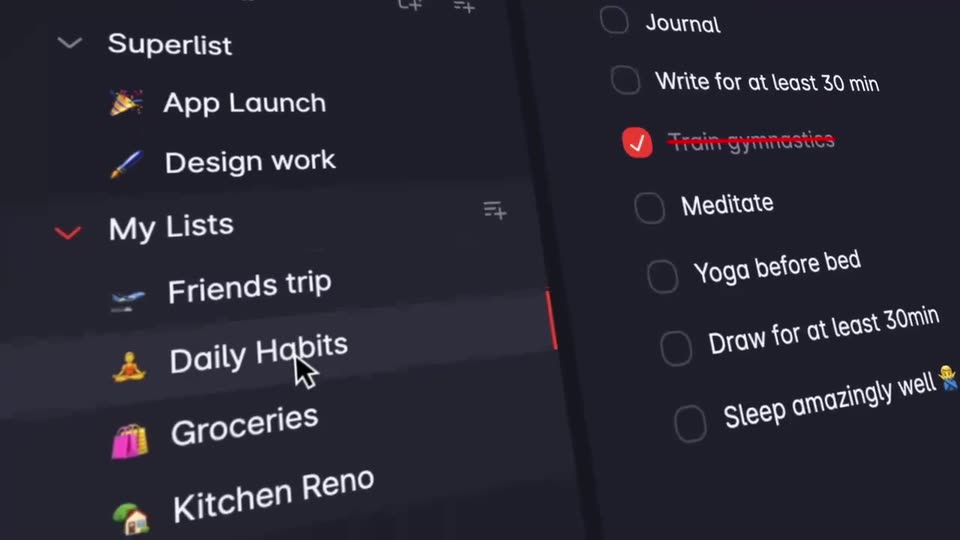 0:20–0:22Superlist · Superlist - We've got wunderful news: Today, we're releasing Superlist 1.0 – theThe dark interface of a to-do app sits at a 3D angle, sidebar of lists left, task list right. A white cursor slides down the sidebar to Groceries, highlighting it, while the right panel shows Salad and Butter checked off with red strikethroughs.
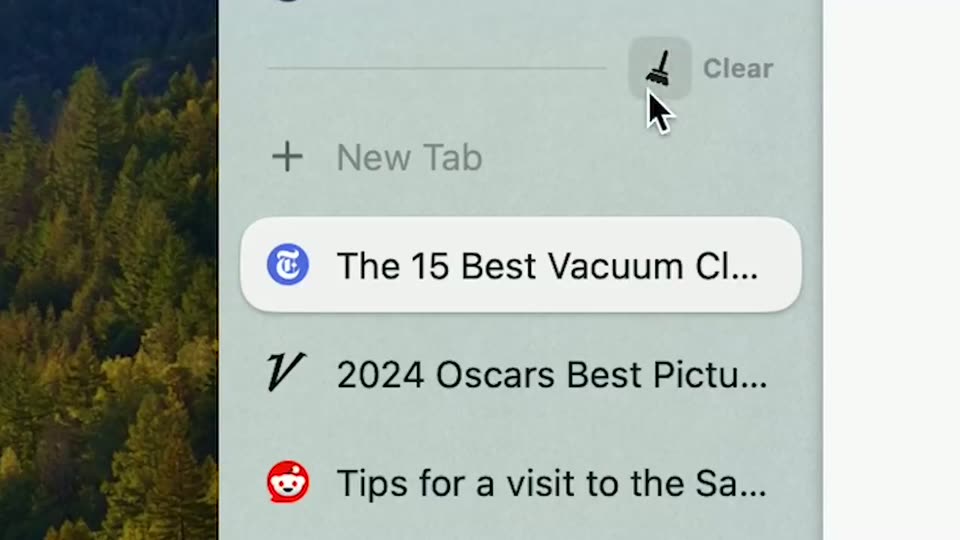 0:05–0:06The Browser Company · The Browser Company - A browser that tidies for you? Tidy Tabs, now in Arc!A light new-tab panel over a forest backdrop lists saved tabs; a cursor moves toward the Clear control while the list shifts slightly downward.
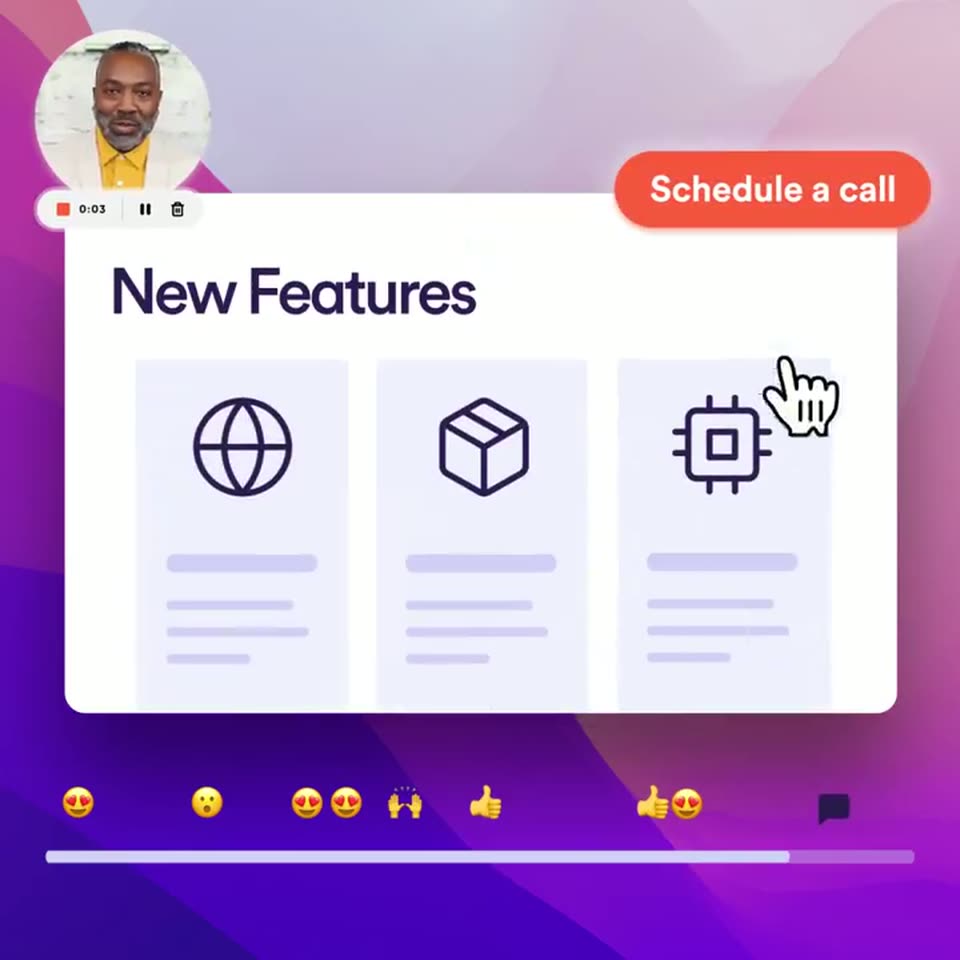 0:03–0:06Loom · Loom - 🚨 Sales & customer-facing teams — unlock more revenue with Loom!A white video-call window on a purple gradient shows a “New Features” page with three icon columns, a row of reaction emojis and a progress bar. An orange “Schedule a call” button pops in at the top right as a hand cursor slides in and clicks it.
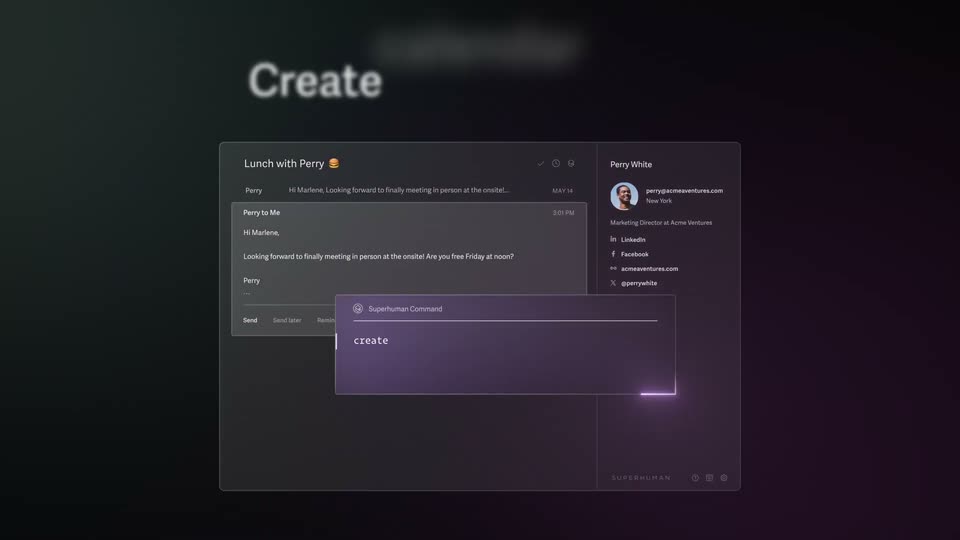 1:02–1:03Superhuman · Introducing SuperhumanThe view settles on a dark email thread titled Lunch with Perry as the Superhuman command bar opens and create even is typed, revealing a Create Event option. A blurred Create calendar events headline hovers above the window.
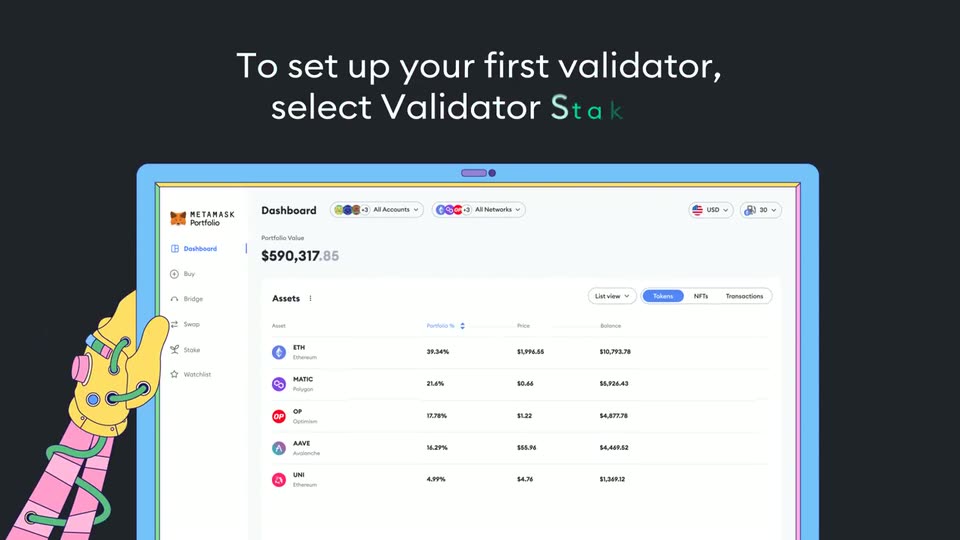 0:29–0:32MetaMask · MetaMask 🦊 - Introducing Validator Staking on MetaMask Portfolio.🦊 With a 32 ETHA tilted 3D view of a Metamask portfolio dashboard sits on a dark background as a yellow cartoon hand points at its left edge. White headline text builds word by word above, and a cursor glides to the Stake menu item.
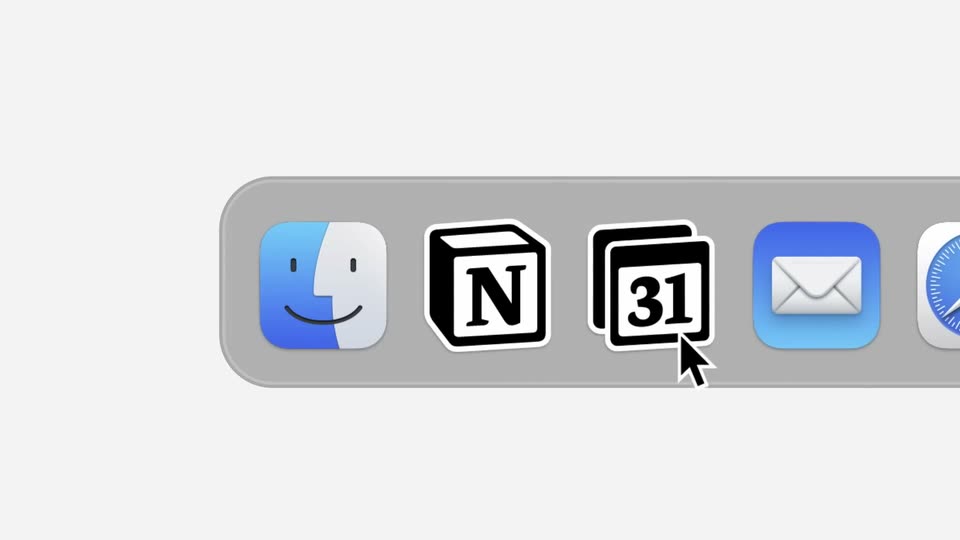 0:04–0:07Notion · Meet Notion CalendarA macOS dock with Finder, Notion, Calendar, Mail and Safari icons rests on a pale gray field. A cursor moves to the Calendar icon, which scales up, and the Notion Calendar window for January 2024 opens, reframing the view to the full interface.
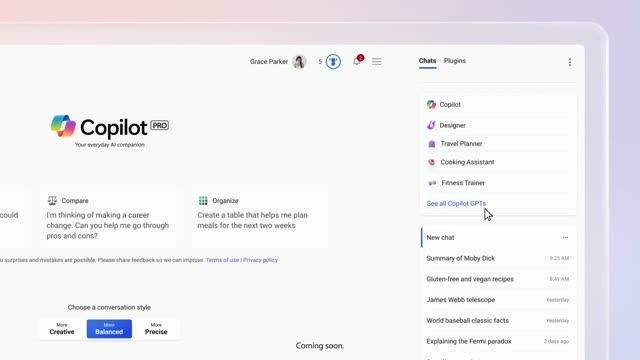 0:13–0:15Microsoft · Introducing Copilot Pro: Supercharge your Creativity and ProductivityA tilted Copilot PRO browser window floats over a pink-to-purple gradient. The camera pushes in on the right sidebar as a cursor glides toward the See all Copilot GPTs link. A Coming soon. caption sits below the window.
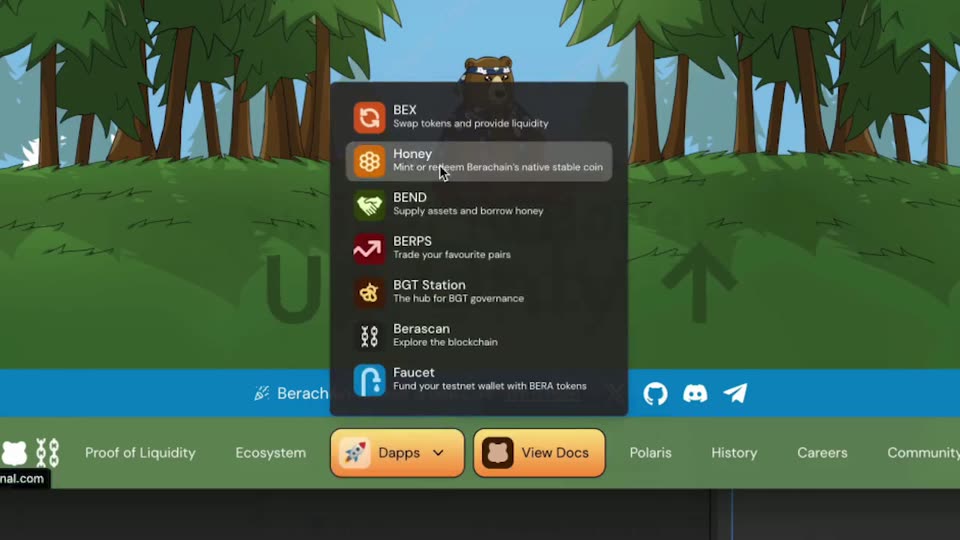 0:19–0:21Berachain · Berachain Foundation 🐻⛓ - Berachain’s Public Testnet "Artio" is now live. The March of the BerA website screen shows a cartoon bear sitting in a cartoon forest. The Dapps dropdown menu opens at center, listing seven products with colored icons. The cursor moves down the list, hovering over BEX and Honey. A blue banner across the bottom announces the testnet launch.
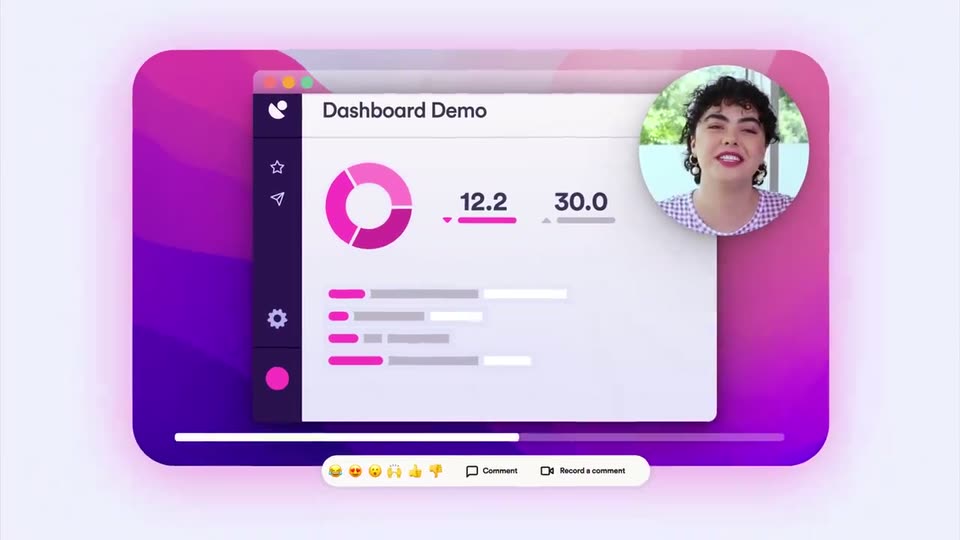 0:00–0:03Loom · Loom - It’s a new year — and it’s easier than ever to embrace new ways of woA dashboard mockup sits in a browser window with a presenter's webcam circle top right; a hand cursor clicks the orange record button on a left toolbar. The frame then zooms out to a rounded purple player, adding an emoji reaction bar and comment buttons below.
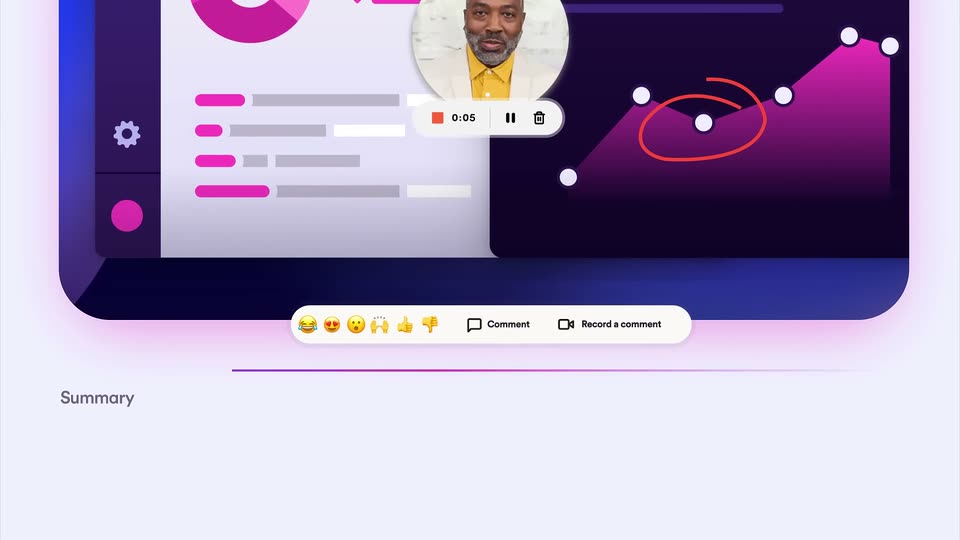 0:08–0:18Loom · Work Faster and Smarter with Loom AIA dashboard demo plays in a rounded card with a presenter bubble and comment bar. A hand cursor circles a chart point in orange. A 'Quick Adjustment!' header slides in above; below, a Summary paragraph and 'Code Review' and 'Bug Fix!' tags with a code line appear.
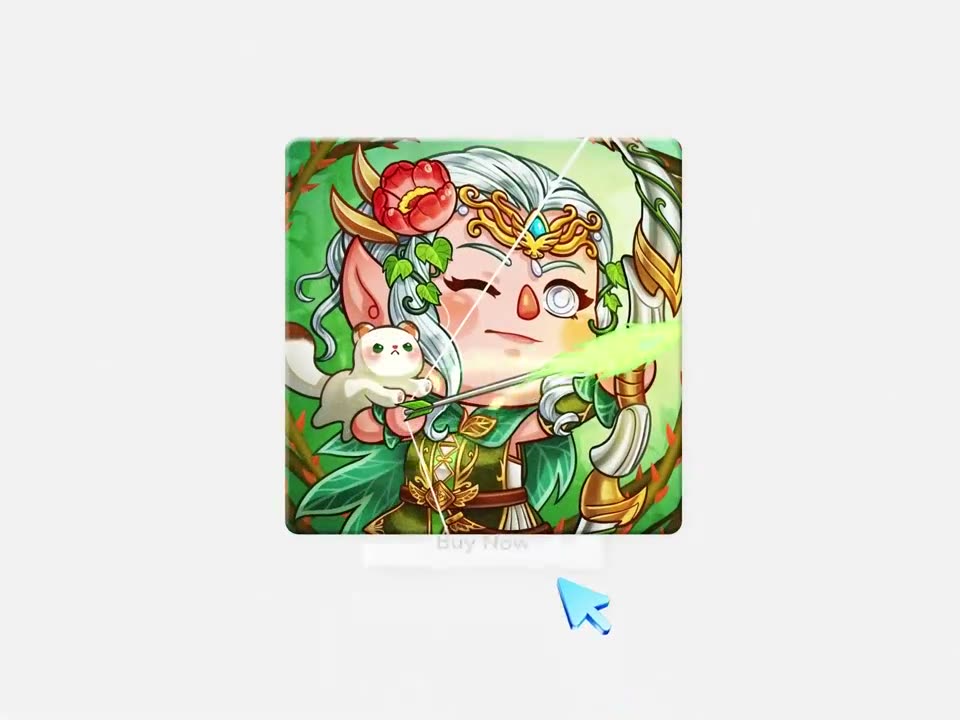 0:00–0:02OpenSea · OpenSea - NFTs just got a whole lot easier. Introducing the new OpenSea onboaA square illustration of a winking elf archer firing a glowing green arrow sits on a light gray field above a white Buy Now button. A blue cursor taps the button, then a rounded Connect Walle card scales up from below.
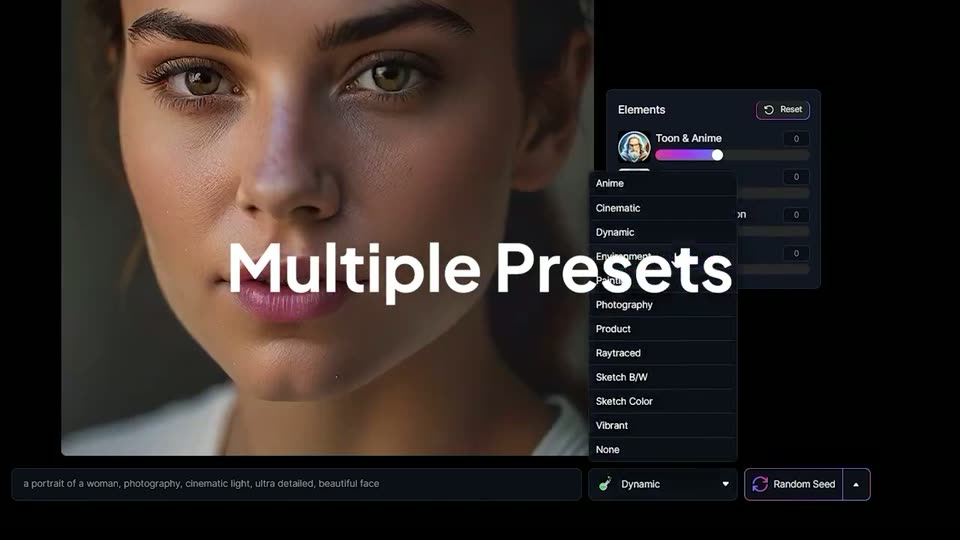 0:12–0:13Leonardo AI · Leonardo.Ai - Realtime Gen is now LIVE for all users ⏱️ Type and watch your promptA dark image-generation interface shows a woman's portrait on the left and an Elements slider panel on the right. The portrait brightens as a cursor clicks the style dropdown, and the headline Multiple Presets fades in across the center.
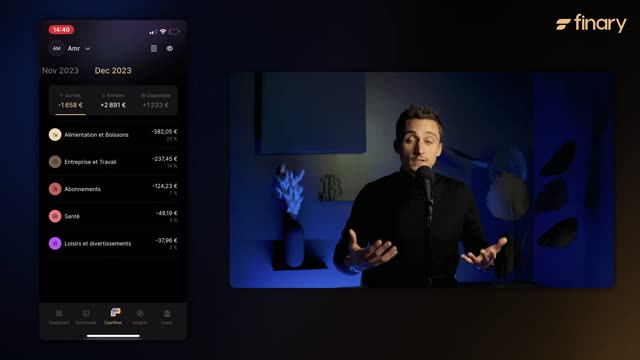 0:38–0:54Finary · Gérez votre budget efficacement et simplement avec Finary !Split layout: a dark phone mockup on the left, a presenter in a blue-lit room on the right. A cursor taps the Cashflow tab; the screen swaps to a green donut chart, then a scrolling list of expense categories, before dissolving into a 3D-tilted full-screen view.
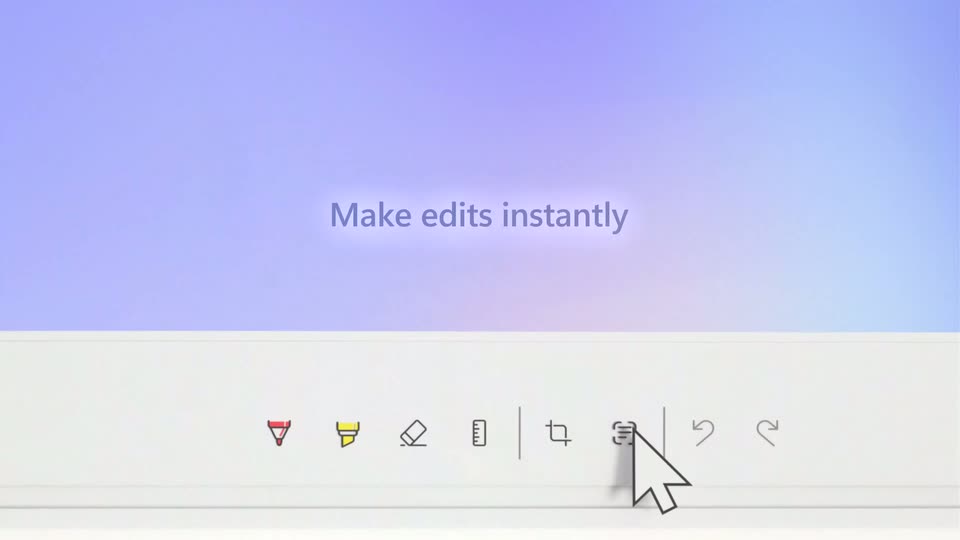 0:13–0:14Microsoft · Introducing AI in Windows 11A photo in an editor fades to a soft purple field of floating color squares. A bottom toolbar sharpens as a cursor glides to a layer icon, and the headline “Make edits instantly” settles in the center.
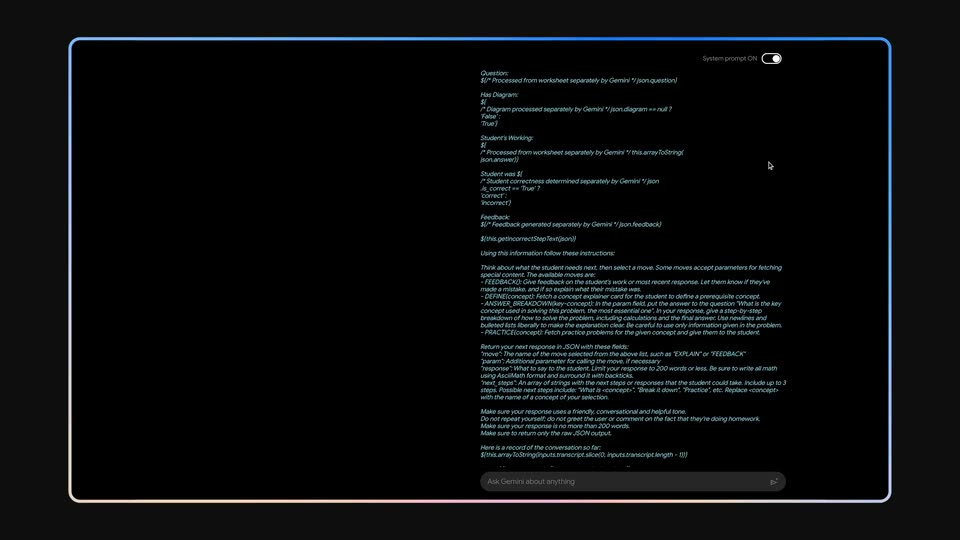 0:06–0:19Google · Math & physics with AI | GeminiA dark panel with a color-cycling gradient border fills the frame. A cursor flips the System prompt toggle on in the top-right, and a long block of prompt text appears in the right column, scrolling upward. The bottom bar reads “Ask Gemini about anything.”
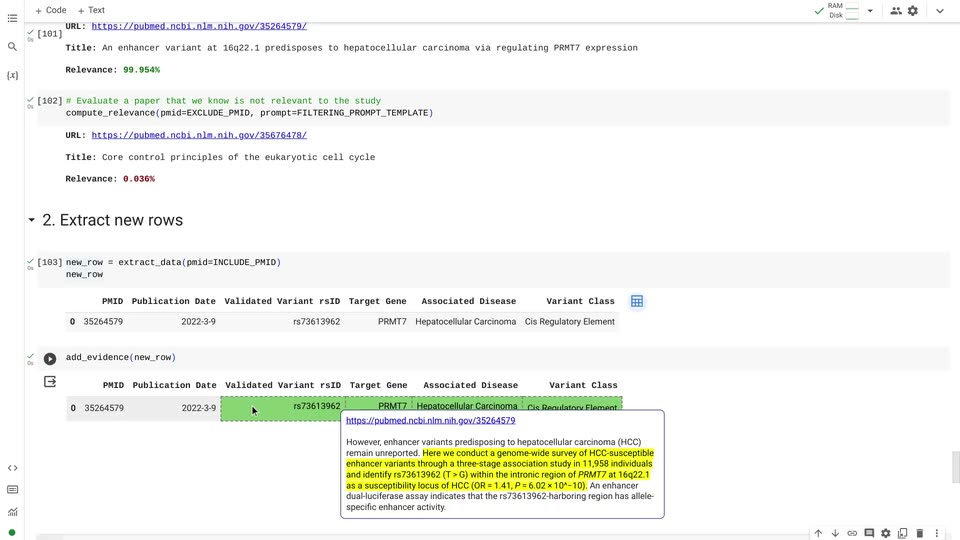 1:19–1:26Google · This is changing the way scientists research | GeminiIn a code editor, a results table shades its cells green by confidence, with a legend below. A cursor hovers a cell to open a popup quoting the matching paper text.
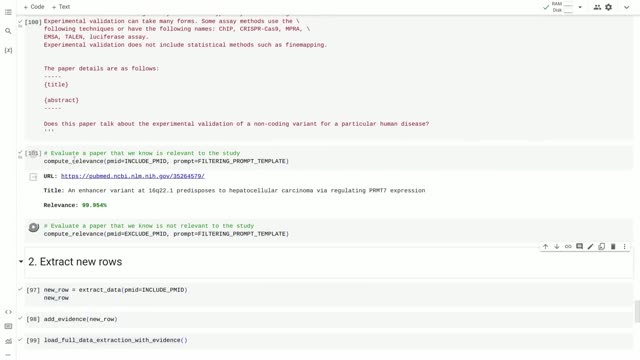 0:24–0:31Google · Google's newest AI in 90 seconds | GeminiA notebook code view scrolls down past a long prompt template. Two result blocks fade in, each showing a paper URL, title and a relevance percentage. A rounded selection outline, first blue then red, frames the blocks in turn as a mouse pointer hovers over them.
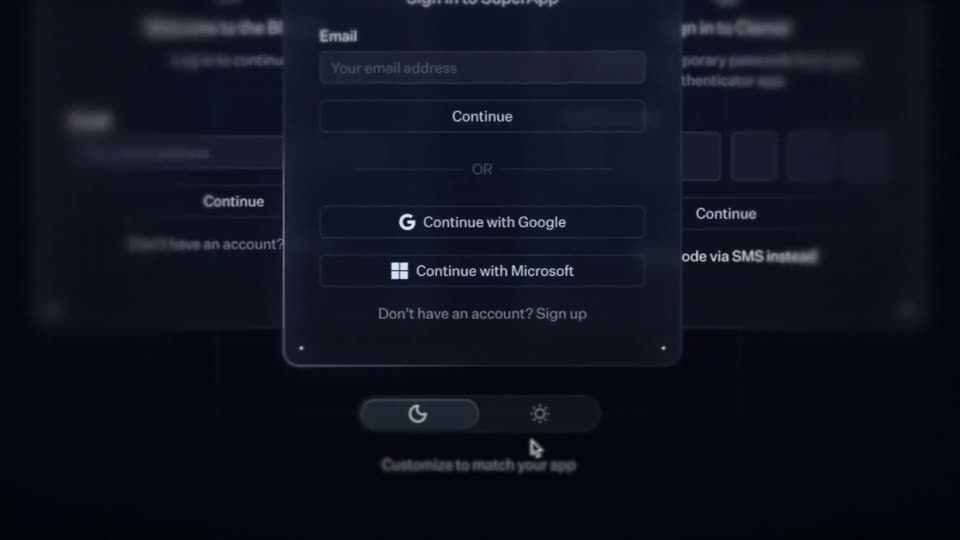 0:09 · 0.8sAuthKit · WorkOS - Introducing @AuthKit — an open source auth UI built on @radix_ui.A dark sign-in card sharpens into focus at center while two login cards behind it stay blurred. Below it, a cursor moves onto the sun icon of a dark/light toggle under the caption Customize to match your app.
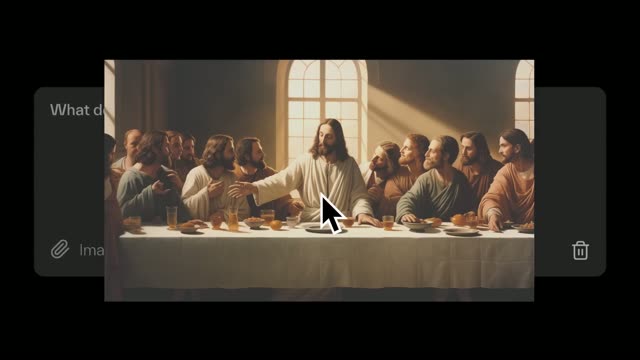 0:23–0:24Pika · Introducing Pika 1.0, An Idea-to-Video PlatformA dimmed Last Supper painting scales up to fill the center as a large white cursor glides over it. A dark prompt bar with a paperclip and trash icon fades in at the sides, under the static headline.
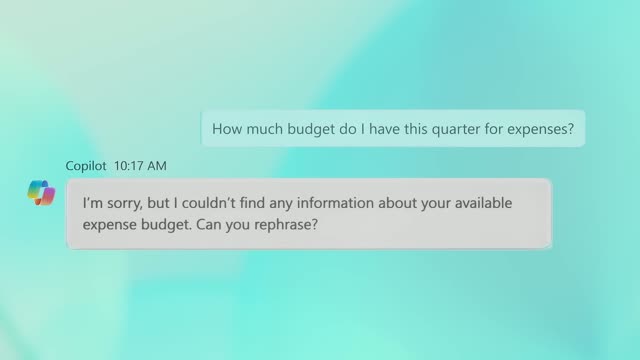 0:09–0:15Microsoft · Introducing Microsoft Copilot Studio | Your Copilot, Your WayA gradient Copilot logo hovers above a chat input box on a soft teal background. A cursor types a budget question, then clicks send; the box lifts into a message bubble, a Copilot reply fades in below, and both fade out.
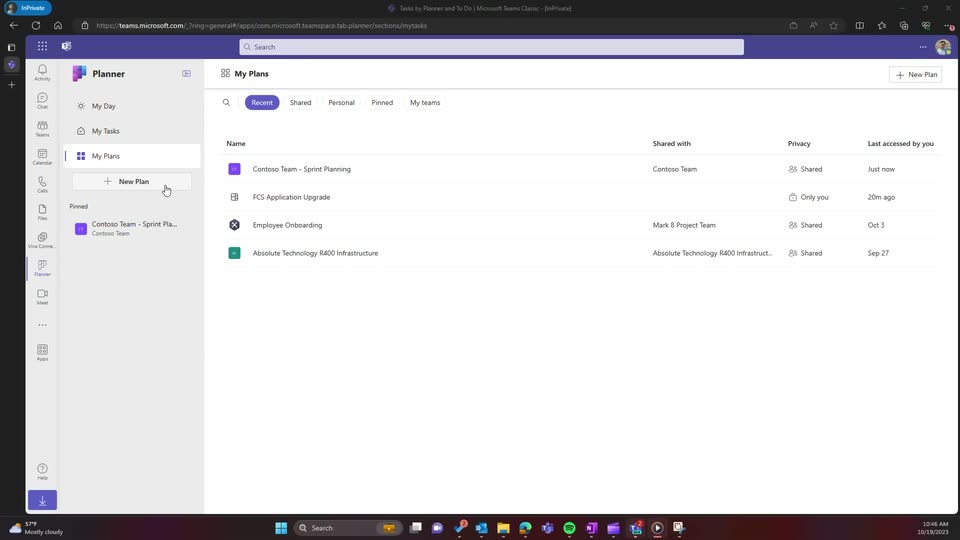 0:24–0:26Microsoft · Meet the new Microsoft PlannerA locked-off screen capture of Planner's My Plans page in Teams. The cursor glides from the search bar to the New Plan button in the left sidebar and clicks it, triggering an Almost ready toast in the top right. Title and presenter credit stay static.
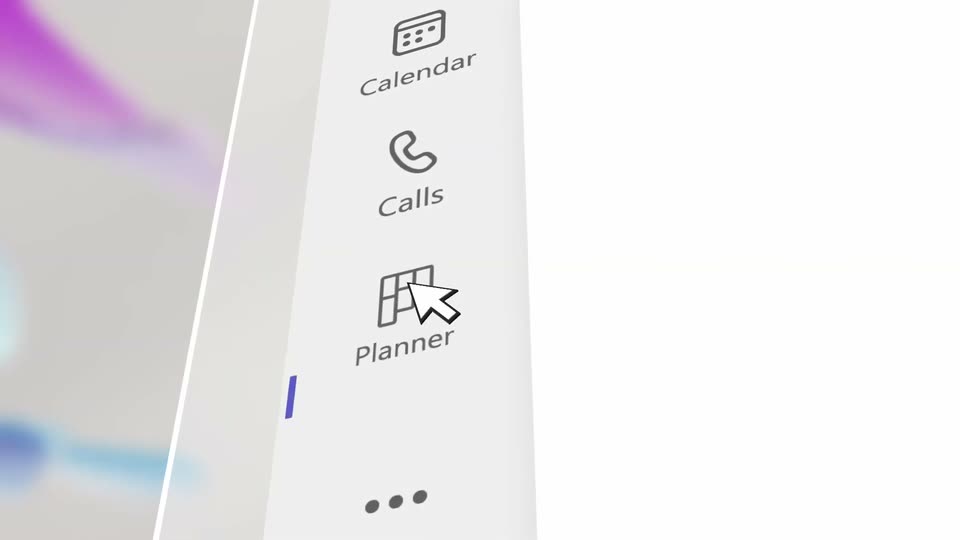 0:19–0:20Microsoft · The new Microsoft Planner: Manage all your tasks and plans in one simple, familiar experienceA tight close-up of a white app sidebar lists Calendar and Calls icons against a blurred purple background. The camera pulls back to reveal the full Planner window as the cursor moves to the highlighted Planner item in the sidebar.
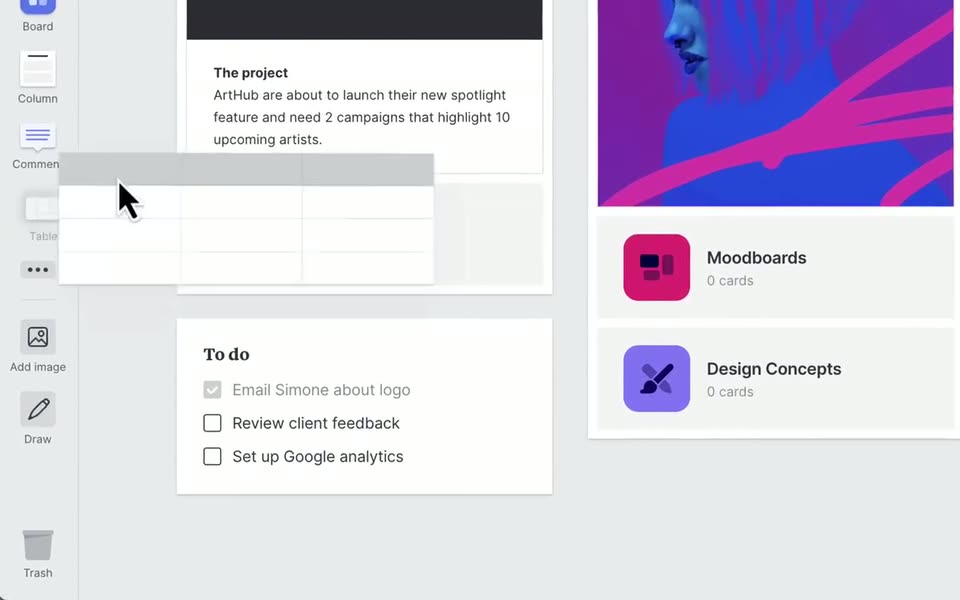 0:00–0:01Milanote · 28 reactions | We've just added Tables to Milanote 🎉 Use them to plan project timelines, calculate budgets and keep track of all the details. We've included the best parts of a spreadsheet (formulas, cell types and basic formatting), without the complexity. Try them out and tell us what you think! | MilanoteThe campaign board interface zooms in from a full-screen view to a close-up of the left columns. A hand cursor glides to the Table icon in the left sidebar and hovers there, while the About and Research & Design cards settle into frame.
 0:03–0:06Notion · Introducing Q&A: Get AI-powered answers to your questions in NotionA man in a mustard shirt and glasses sits before a bright city window, talking to camera. On the right, a small sparkle badge pops in and expands into a white Ask Notion AI chat card, with a cursor resting on the send button.
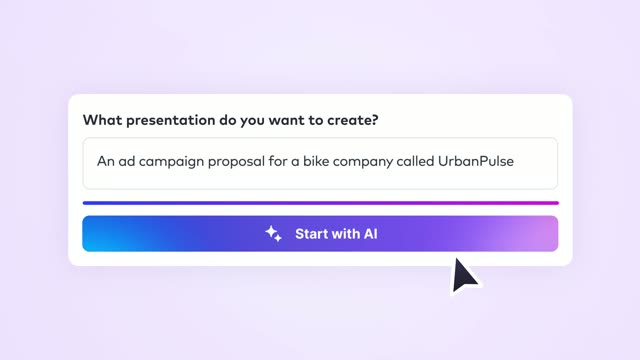 0:17–0:22Pitch · Introducing Pitch 2.0A white prompt card sits on a pale lavender field. The prompt types out in the input box while a blue-to-purple progress bar fills. A dark cursor slides in from the lower right toward the gradient Start with AI button, and the frame zooms in on the button.
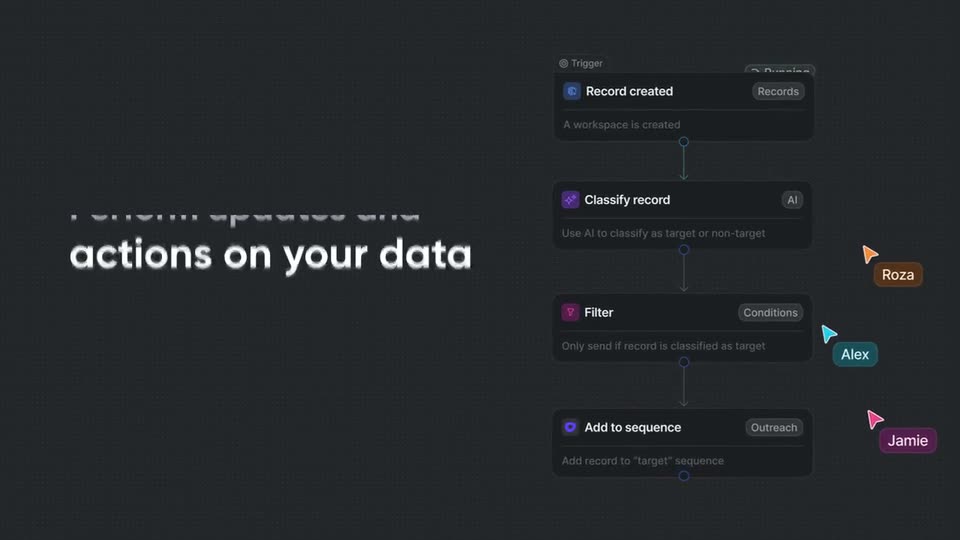 0:15–0:23Attio · Attio - Automations is live on @ProductHunt! 🚀 🛠️ Build powerful workflows fOn a dark background, a four-card automation workflow assembles on the right while bold headlines cycle on the left. Named cursors (Roza, Alex, Jamie) hover over each card, status badges flip from Running to green Completed, and a confetti burst fills the frame.
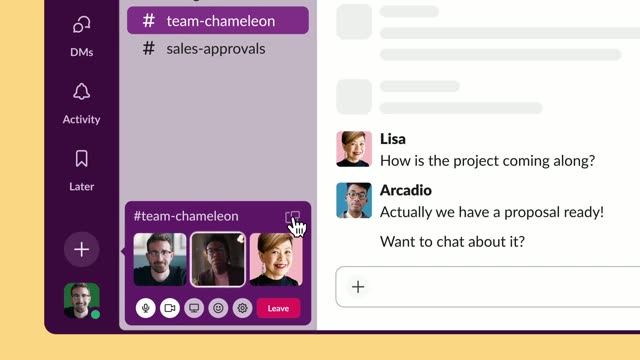 0:00–0:26Slack · Introducing new coworking capabilities in Slack huddlesA flat chat-app window on a yellow background zooms in as two messages type in, then a hand cursor taps the headphone icon. A purple huddle card with participant tiles slides into the sidebar and detaches into a floating video window.
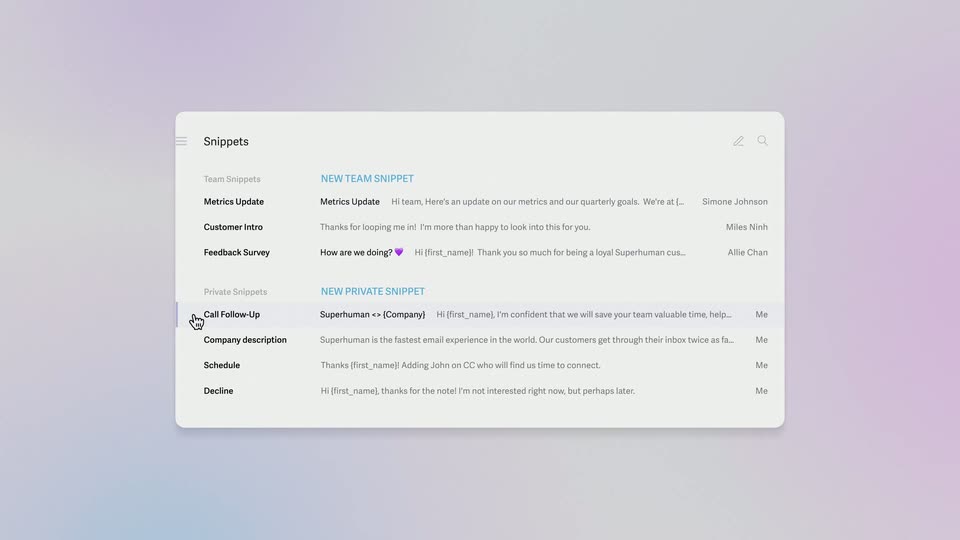 0:11–0:14Superhuman · Superhuman for Teams 🤝A blurred Snippets list sharpens into focus against a soft purple-to-blue gradient. A cursor hovers over a private snippet row, then a centered detail card opens over the dimmed list, displaying the message body with highlighted tokens.
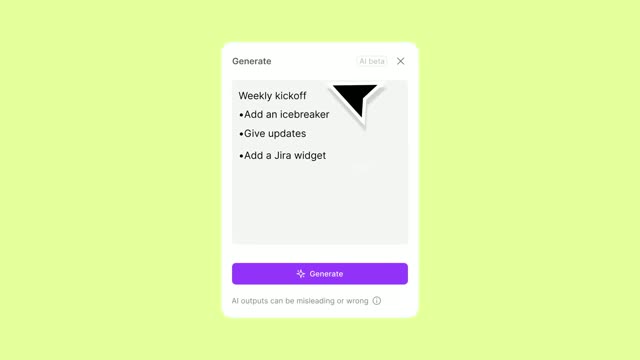 0:04–0:09Figma · Introducing FigJam AIA white modal card on a lime green background resolves from a skeleton loader into an AI Generate panel. A black cursor types Weekly kickoff into the field, bullet points fill in below, the purple Generate button appears, and the cursor clicks it.
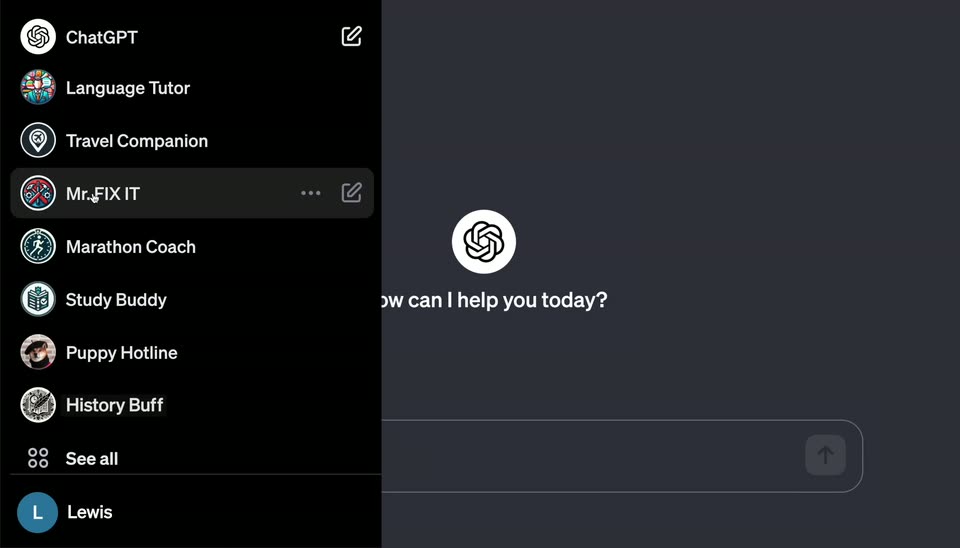 0:01–0:02OpenAI · Introducing GPTs in ChatGPTA dark two-panel chat interface holds steady. The left sidebar list of named GPTs slides into place while a white cursor hovers down the rows. The right panel keeps the white ChatGPT mark above the greeting line and an empty input bar.
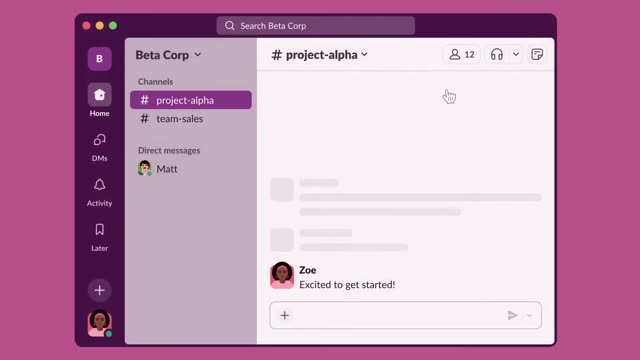 0:17–0:18Slack · Introducing canvas | A new surface to share and organize knowledge | SlackA flat chat workspace window slides in from the right over a pink backdrop and settles to the left. A hand cursor then appears near the top-right member and call icons.