Cursor demo
A visible cursor operates the interface.
15,034 scenes · page 48 of 251
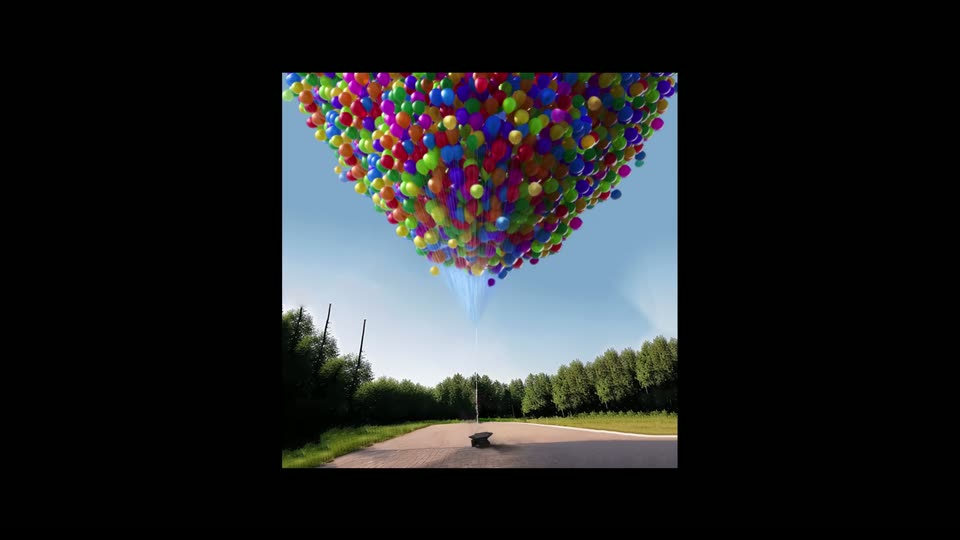 0:31–0:36OpenAI · Introducing GPT-4A portrait clip of a huge cluster of multicolored balloons hovering over a tree-lined road sits centered on a black field. A white frame scales down to hug the clip while a mouse cursor drifts at its right edge, then the shot holds.
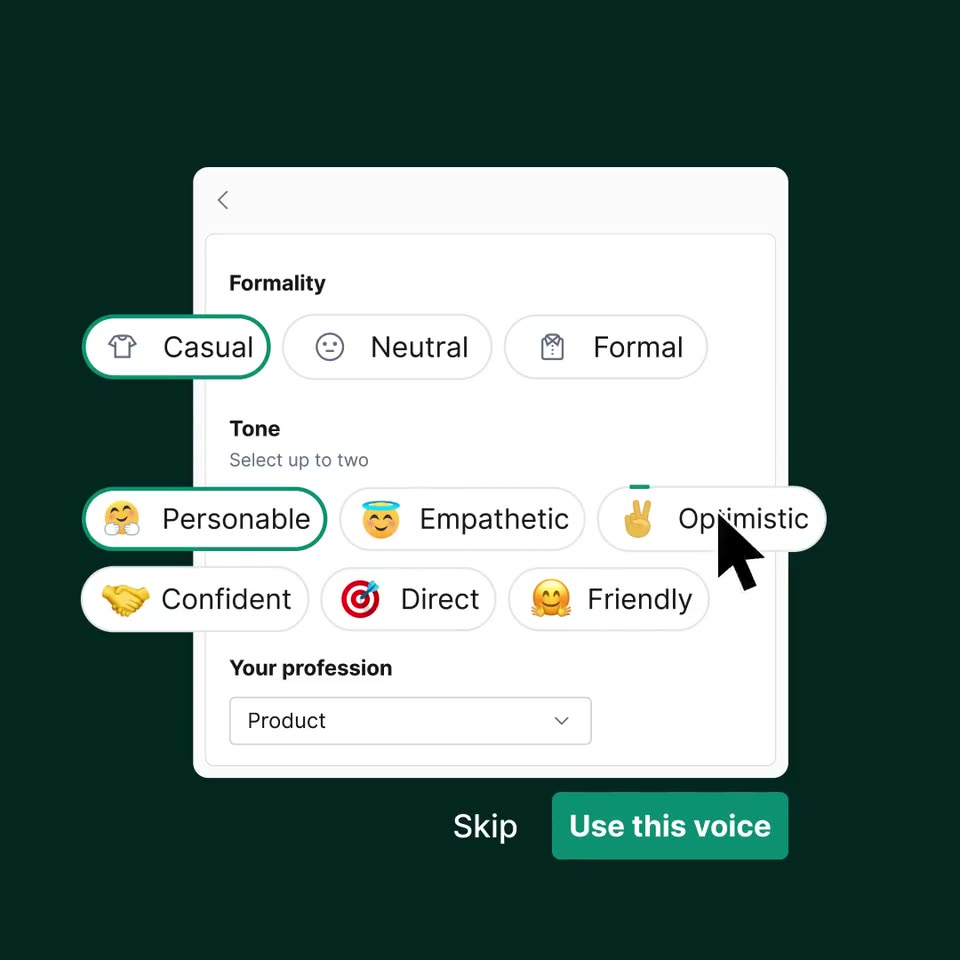 0:08–0:11Grammarly · Superhuman - Introducing GrammarlyGO—a new generation in writing. Speed up your wA white voice-settings card eases in from a blurred offset on a dark green field. A black cursor taps the Casual, Personable and Optimistic chips, each gaining a green outline, then hovers over the green Use this voice button.
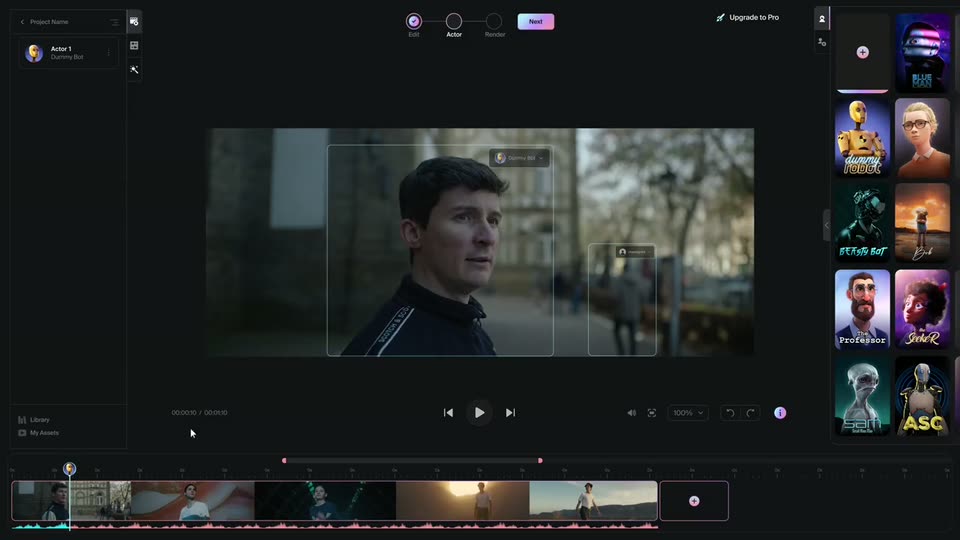 0:12–0:14Wonder Studio · Autodesk Flow Studio - We are proud to introduce Wonder Studio. An AI tool that automaticalIn a dark editor, a cursor drags a robot character card from the right library onto a man in the preview, drawing a selection box around his head. The left panel updates to list him as Actor 1.
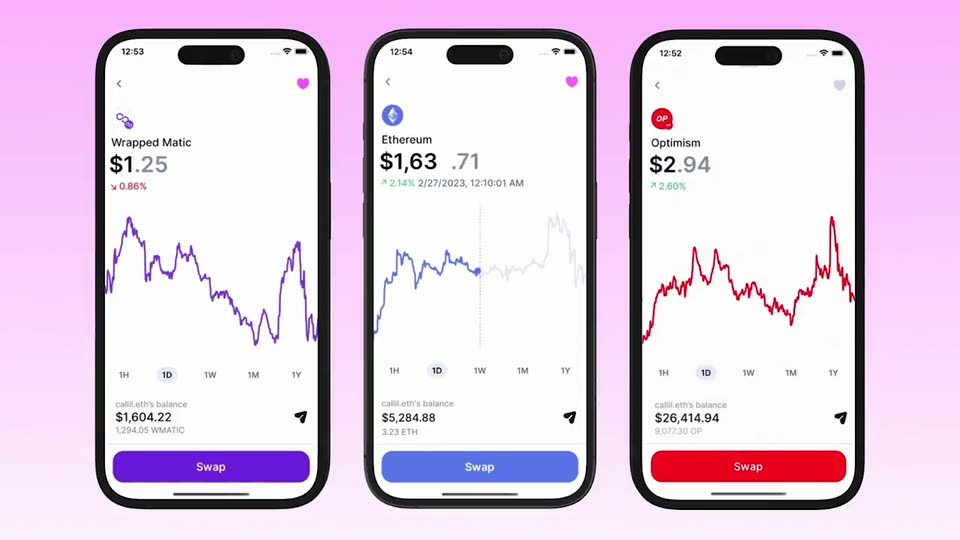 0:08–0:10Uniswap · Uniswap - 1/ Introducing the Uniswap mobile wallet 🦄✨ A completely self-custodThree phone mockups sit side by side on a pink background, each showing a crypto price screen with a colored line chart. On the middle phone a dashed playhead sweeps across the chart, redrawing the blue line and updating the price, then a cursor moves to the Swap button.
 0:12–0:17Microsoft · Introducing the new Bing in Windows and MoreClose-up of a Windows taskbar search bar: the cursor clicks the field and a query is typed while the view pans right. The frame zooms onto the Bing chat icon that pops into the field, and the caption 'The new Bing' swaps to 'Let's chat'.
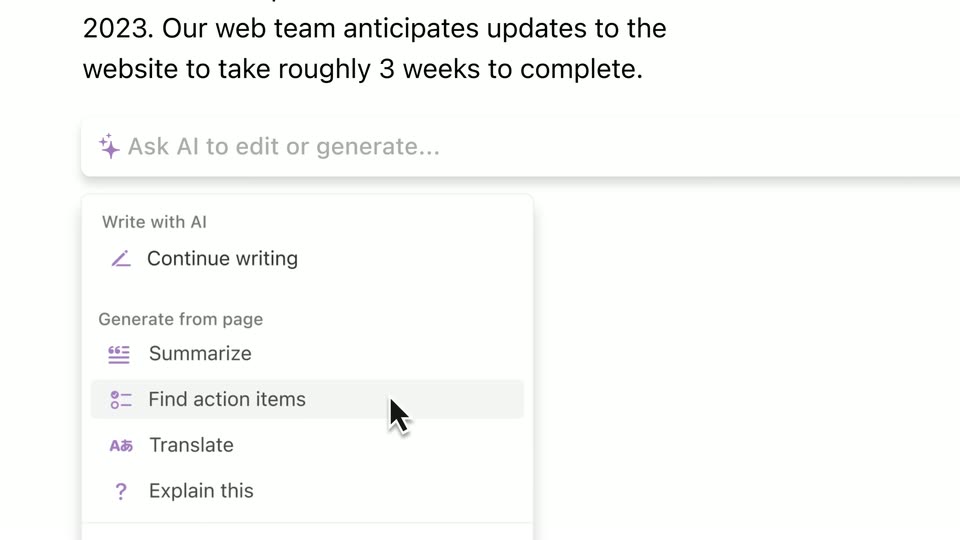 0:09–0:12Notion · Notion AI is here, for everyoneA document editor shows a paragraph and an AI input bar. The bar expands and a command menu drops down with options like Continue writing, Summarize, Find action items, Translate, Explain this. A hand cursor hovers over Find action items, then an arrow cursor drifts right across the empty space.
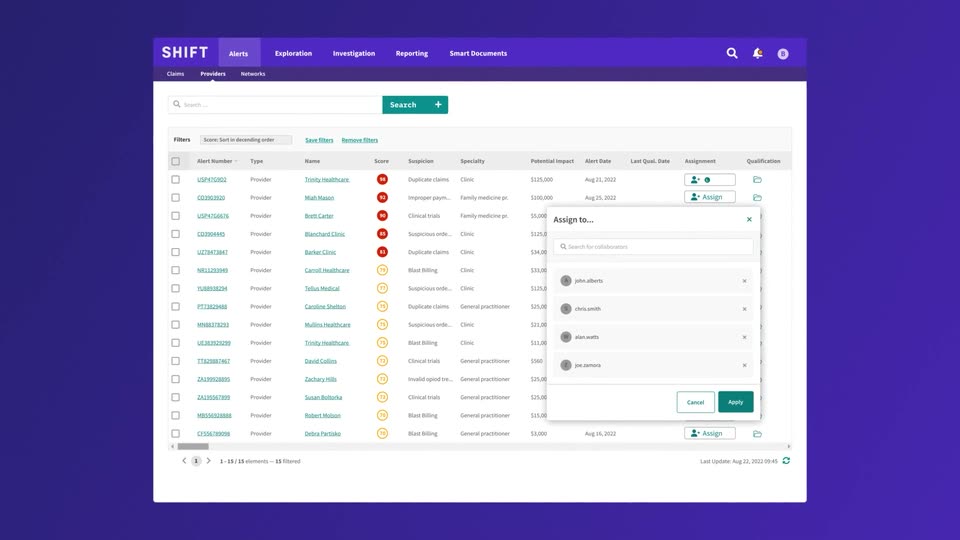 0:08–0:13Shift Technology · SHIFT_Improper Payment Detection_Integrated Case Management_Video_V4A purple alerts table fills the frame. An Assign dropdown opens over the right-hand column, listing four collaborators; the cursor selects joe.zamora, then the whole interface blurs out.
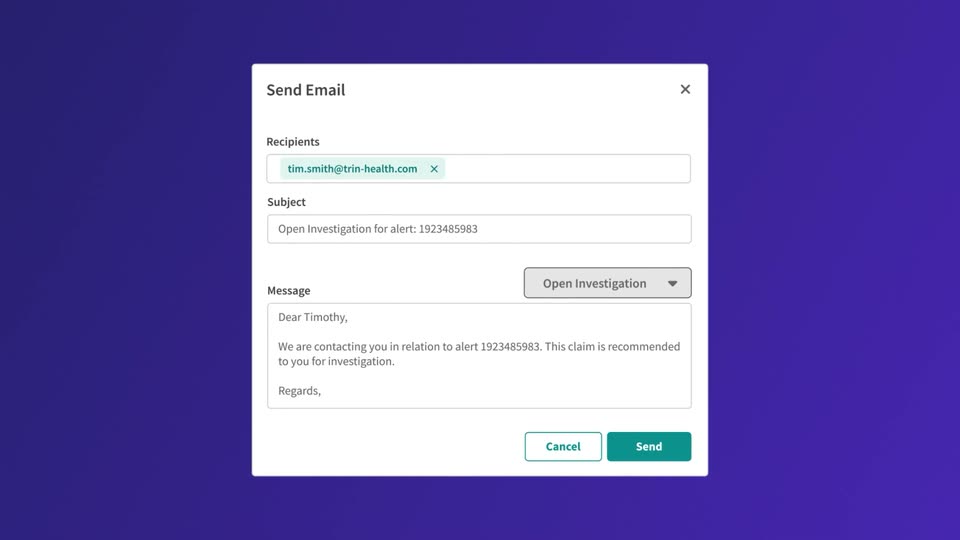 0:16–0:21Shift Technology · SHIFT_Improper Payment Detection_Integrated Case Management_Video_V4A white Send Email dialog is centered on a purple field. The template dropdown opens and Open Investigation is selected, filling the message box with the template body. A cursor moves to the Send button and presses it.
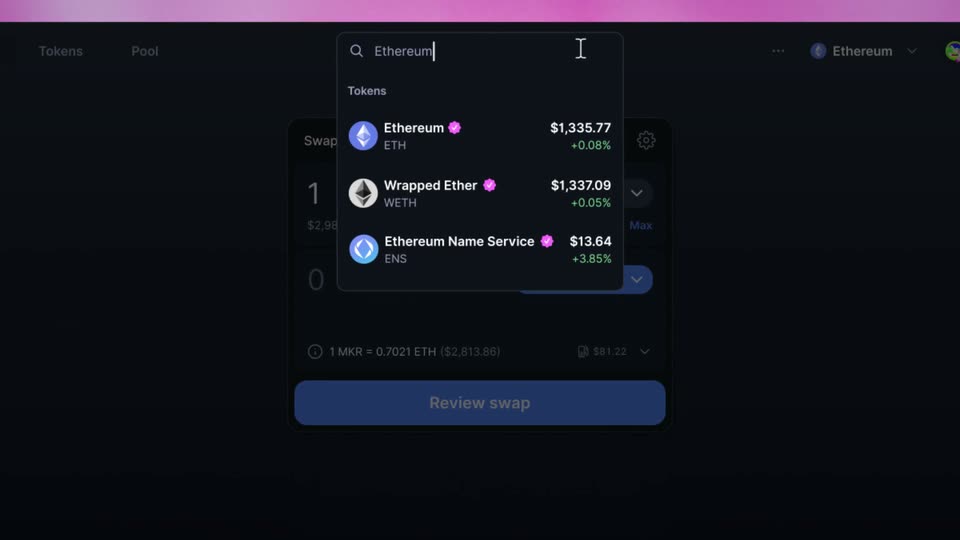 0:05–0:12Uniswap · Introducing the Refreshed Uniswap Web AppA dark swap interface sits on a pink gradient background. The view zooms into the search bar as a cursor clicks it and a token dropdown opens. The cursor types Ethereum, filtering the list to three results, then the view zooms back out to the full screen.
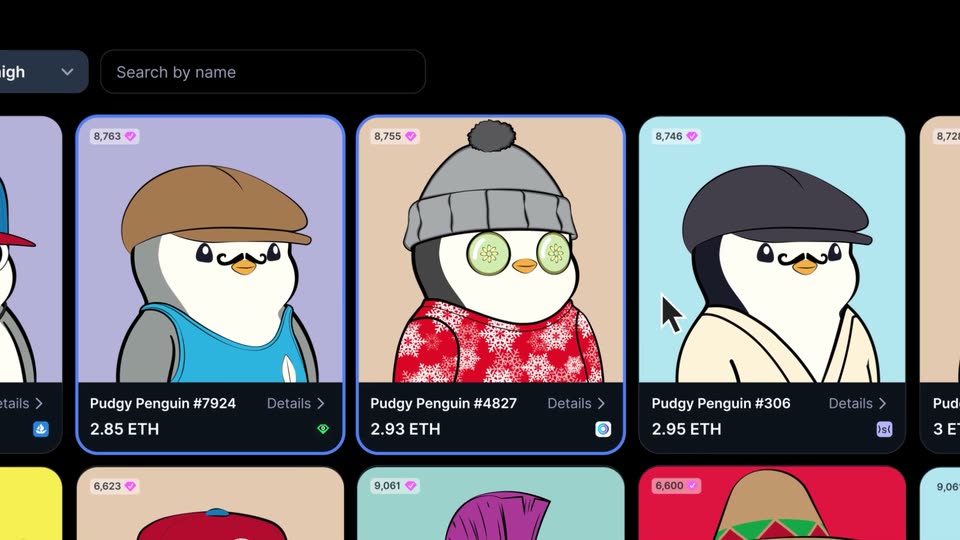 0:14–0:18Uniswap · NFTs are Officially Live on Uniswap!A dark NFT marketplace grid of cartoon penguin cards fades in, a cursor hovers across the cards, outlining them in blue, then a purchase complete modal rises over the blurred grid.
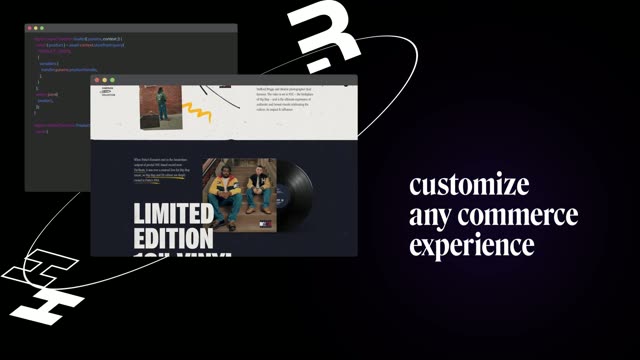 0:23–0:25Shopify · Shopify Editions Winter ’23 is liveA browser window on black scrolls a music storefront from a 'PLAY' hero to a 'LIMITED EDITION 12'' VINYL' block, layered over a code editor, while white 3D letters and a yellow bag logo float around it and a serif headline reads 'customize any commerce experience'.
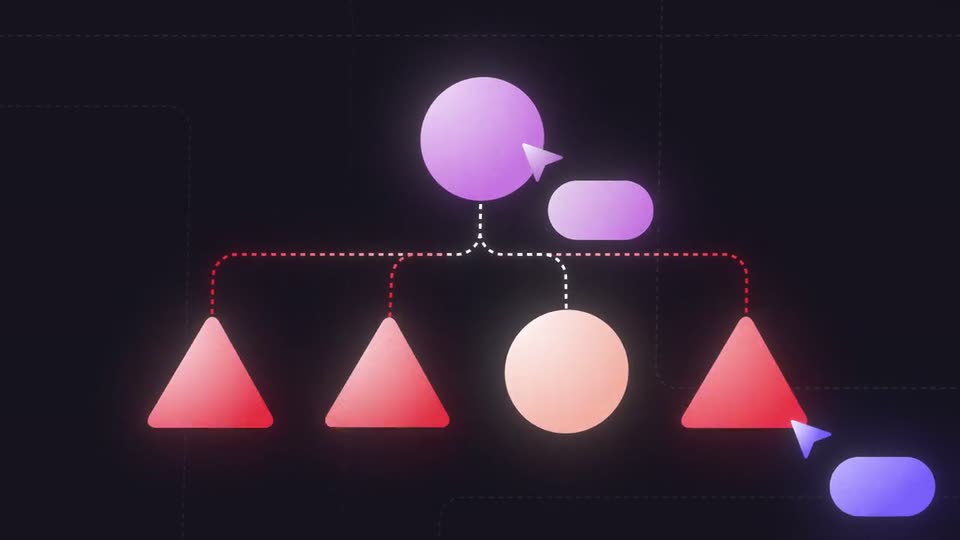 0:21–0:30Liveblocks · Liveblocks - #LiveblocksLaunchWeek – Day 1 Introducing Liveblocks 1.0: the compleA node diagram on a dark background: a purple square above four colored squares joined by dashed lines. The shapes morph into circles, then triangles, while a cursor arrow hovers over them and the links and shapes turn red.
 0:02–0:05Loom · Loom - 🆕 Need a better way to keep track of looms you want to get back to?A chat window mockup sits on a dark purple field, the Loom logo top left. A Loom video card scales up in the center, its thumbnail gaining a colorful gradient border and a Watch Later button. The frame then zooms into the button as a white cursor hovers over it.
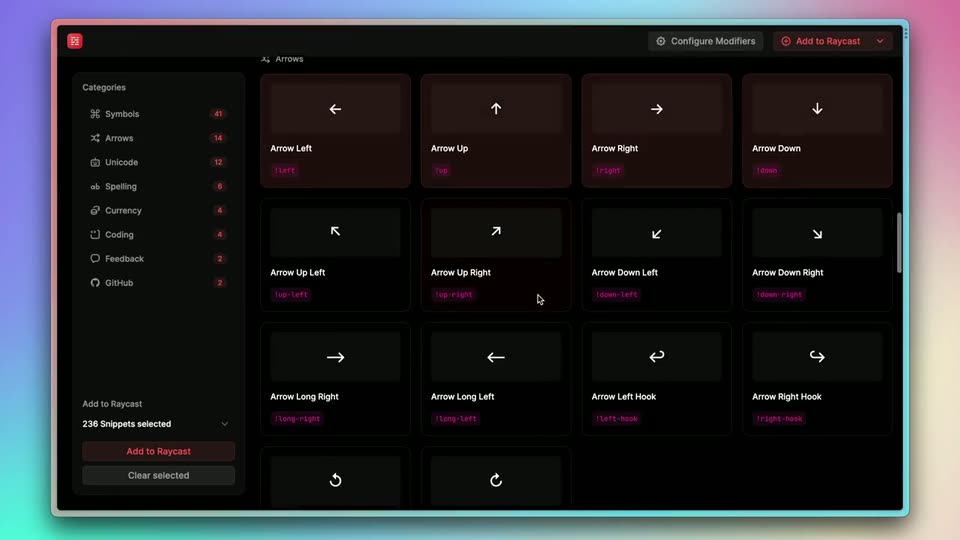 0:07–0:20Raycast · Raycast - 🕵️♂️ Announcing Snippet Explorer — our first open source project! AA dark Raycast snippet picker sits on a pastel gradient. The cursor drags a blue selection box across rows of symbol cards, the grid scrolls down through Arrows and Unicode, then zooms into the Unicode section as a second box selects a block of cards.
 0:29–0:33Deel · deel - Your wish is granted.🧞♂️✨ A whole new Deel is here, and we're movinA cream headline sits over a green field of pink waves, orange stars, a globe and a smiley. The headline cuts out and a flat interface card scales in at center, sidebar icons popping in, as a yellow cursor points at it.
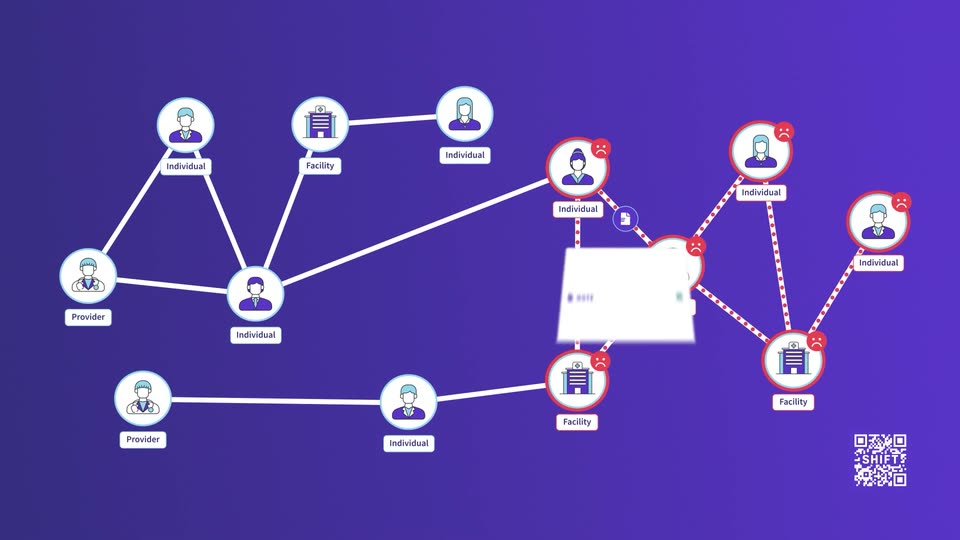 0:24–0:35Shift Technology · SHIFT_Improper Payment Detection_RPNA_Video_FINALFlat network graph of person and facility icons on a purple field; red rings and sad-face badges flag a cluster linked by dashed red lines. The view zooms out, then a cursor clicks a note icon and a white NOTE dialog pops in before the cursor clicks Done.
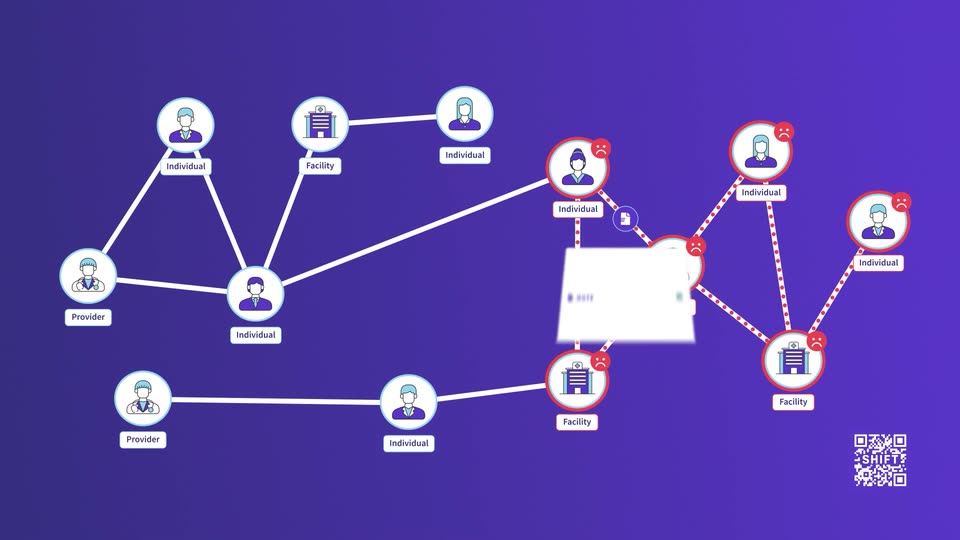 0:24–0:35Shift Technology · SHIFT_Improper Payment Detection_RPNA_Video_FINALBlurred close-up of one node pulls back to a network graph of Individual, Provider and Facility nodes on purple. Red rings and sad badges pop onto flagged nodes one by one, dashed red lines extending between them. A NOTE dialog types a fraud note; a cursor moves to Done.
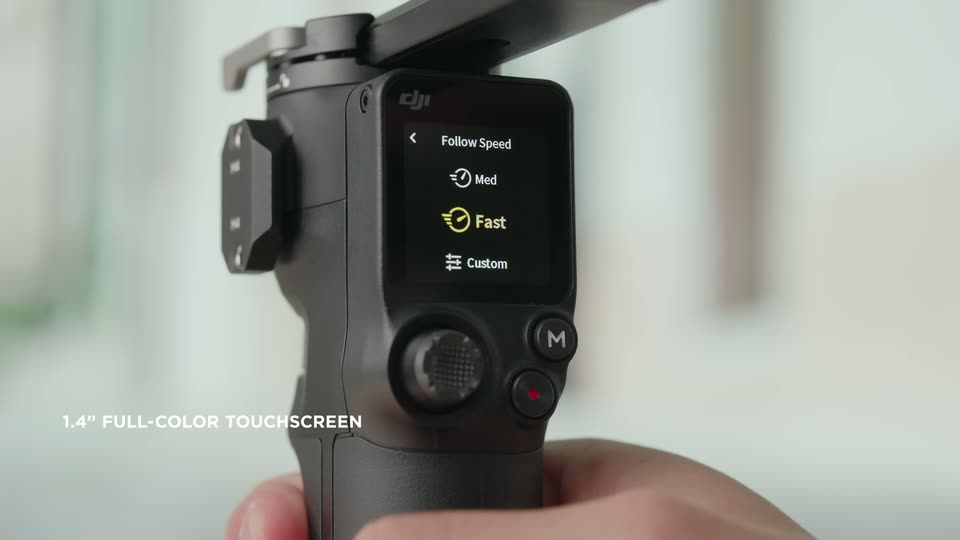 1:30–1:32DJI · Meet DJI RS 3 Mini | Our Smallest Pro-Level Gimbal YetClose-up of a hand holding a black DJI gimbal. A finger taps the small touchscreen, switching the display from a four-tile grid to a Follow Speed list. A white caption sits in the lower left, and a large RONIN headline slides in at the end.
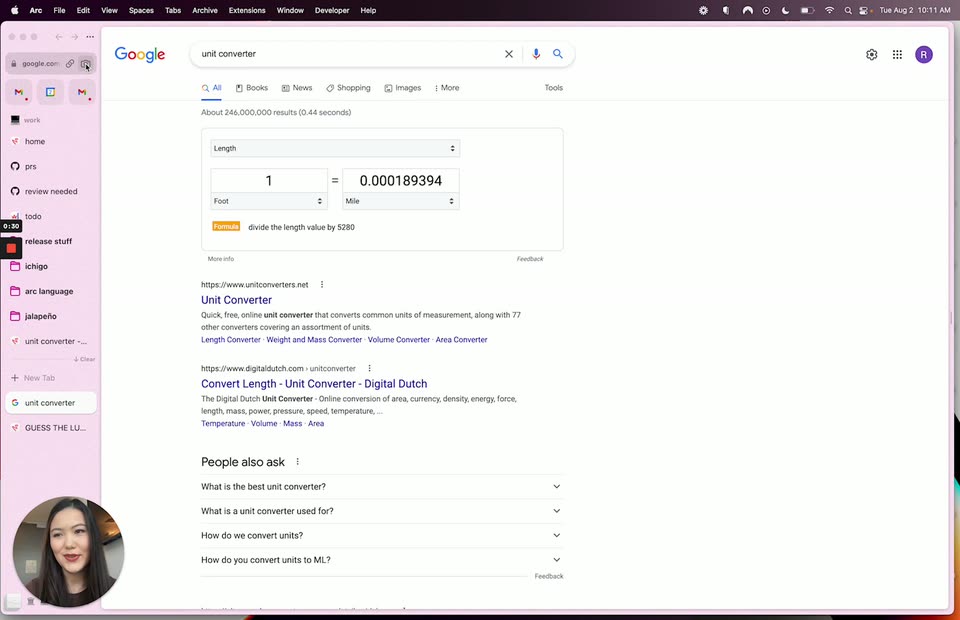 0:26–0:31The Browser Company · Arc Browser | Introducing Live Captures on Easel with RoseyA browser window shows a Google search results page with a pink sidebar and a circular video call of a woman at the lower left. A cursor moves up to the address bar and hovers a small icon, popping a tooltip.
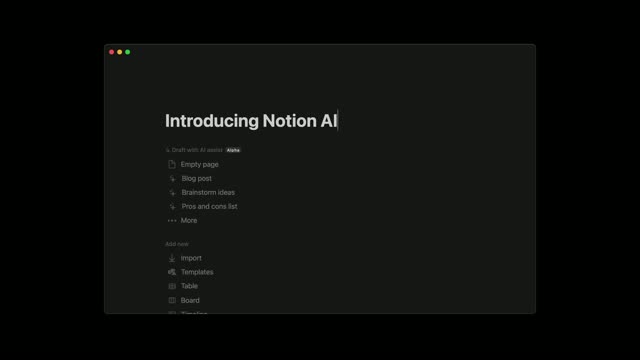 0:00–0:08Notion · Introducing Notion AIA dark Notion window on black shows a command menu under the title field. The 'Untitled' placeholder gives way to 'Introducing Notion AI' typed with a blinking caret; at the end the window blurs and recedes, leaving the headline centered on black.
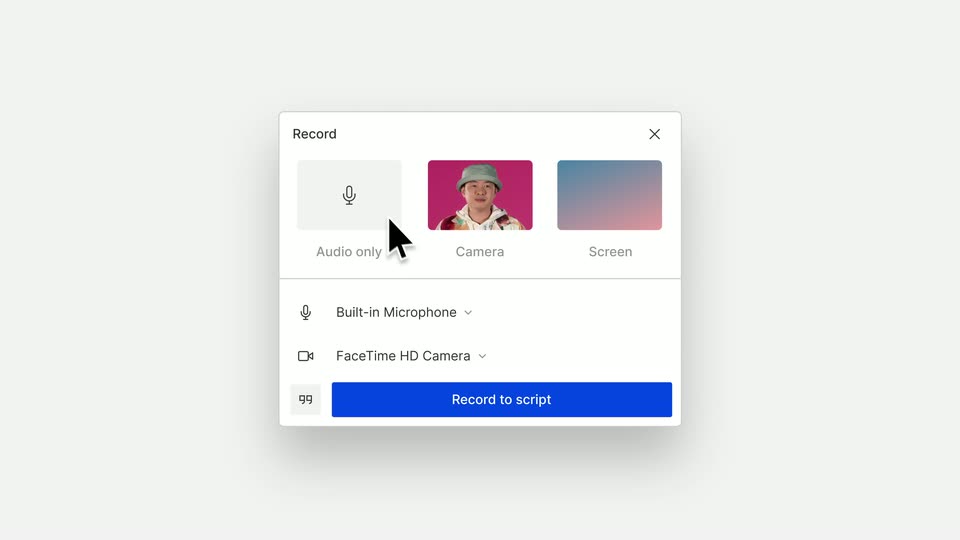 0:00 · 0.9sDescript · The new Descript – made for podcastersA white Record dialog sits centered on a pale gray background. A black cursor slides left from the Camera tile to the Audio only tile, which lights up with a blue selection border.
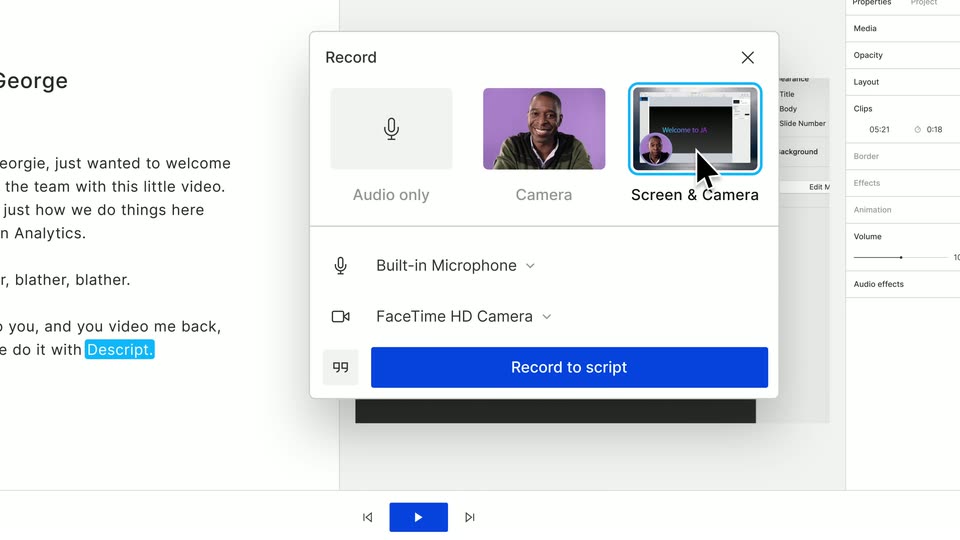 0:16–0:17Descript · The new Descript – made for professionalsA Record dialog sits over a document editor, showing Audio only, Camera and Screen & Camera tiles plus mic and camera dropdowns and a blue Record to script button. A cursor glides to the Screen & Camera tile, which gains a blue selection ring.
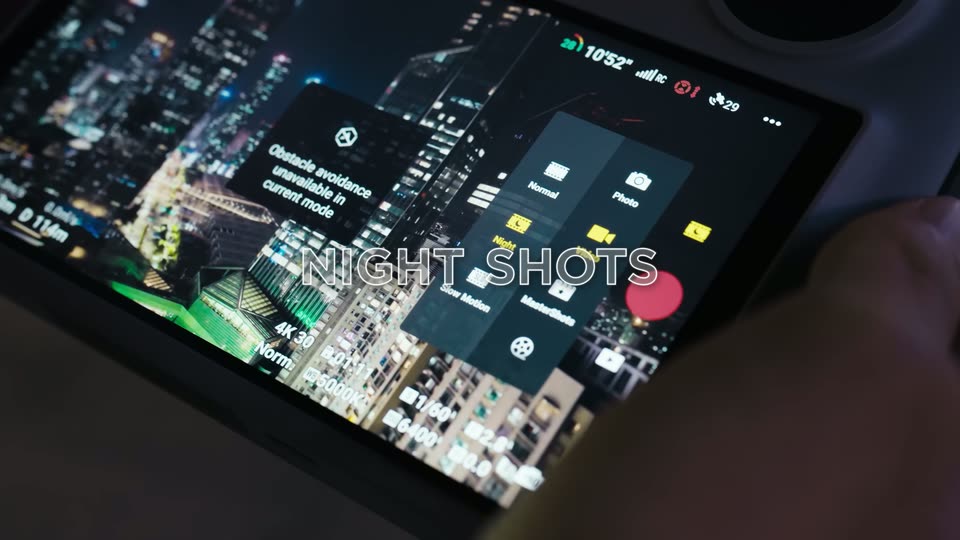 0:47–0:49DJI · DJI - Introducing Mavic 3 ClassicMacro close-up of a drone controller screen showing a night city feed; a finger taps the display and a mode menu expands, selecting Night. The white title NIGHT SHOTS assembles from two separated words into one centered line.
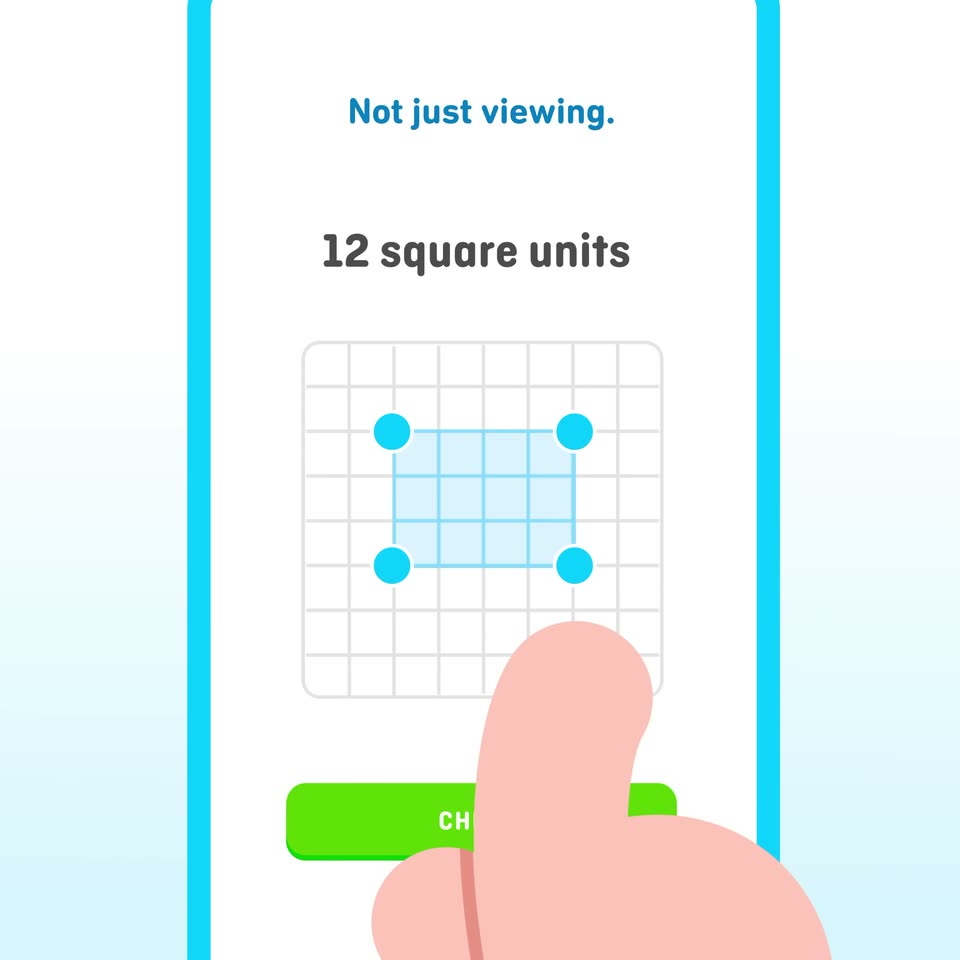 0:18–0:19Duolingo · Introducing Duolingo MathA flat white app screen shows a grid with a light blue 4-by-3 rectangle and blue corner dots, captioned by the lines above. A cartoon hand in a blue sleeve taps the grid, then slides down to press the green CHECK button.
 0:53 · 0.4sBoston Dynamics · Automated Thermal Inspections with Spot | Boston DynamicsA dim office desk with a monitor, lamp and red tumbler cuts to a flat close-up of a blue screen listing repeated white filename rows. A white arrow cursor with red outline hovers at the middle row.
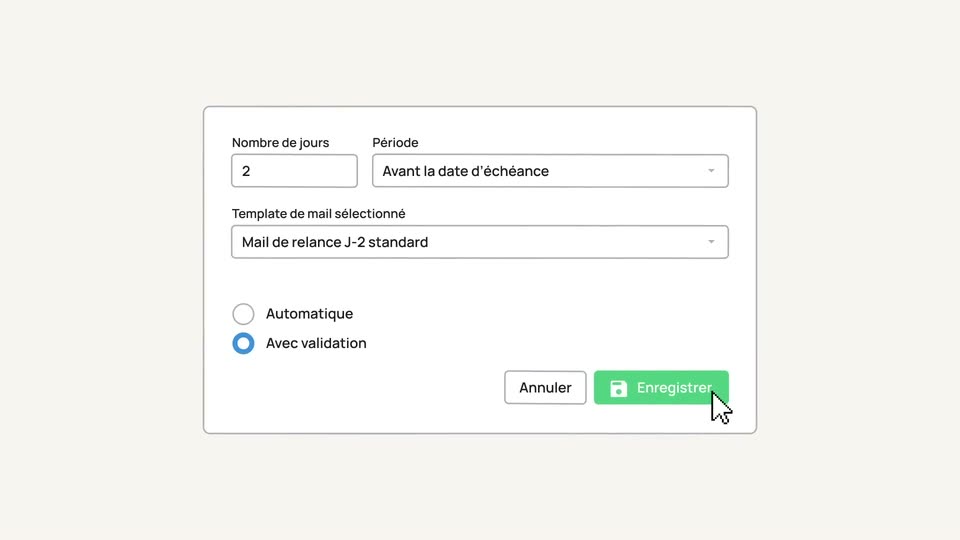 0:29–0:31Pennylane · Présentation - PennylaneTwo overlapping white form panels on a beige background align into a single card; the cursor ticks the 'Avec validation' radio, then clicks the green Enregistrer button.
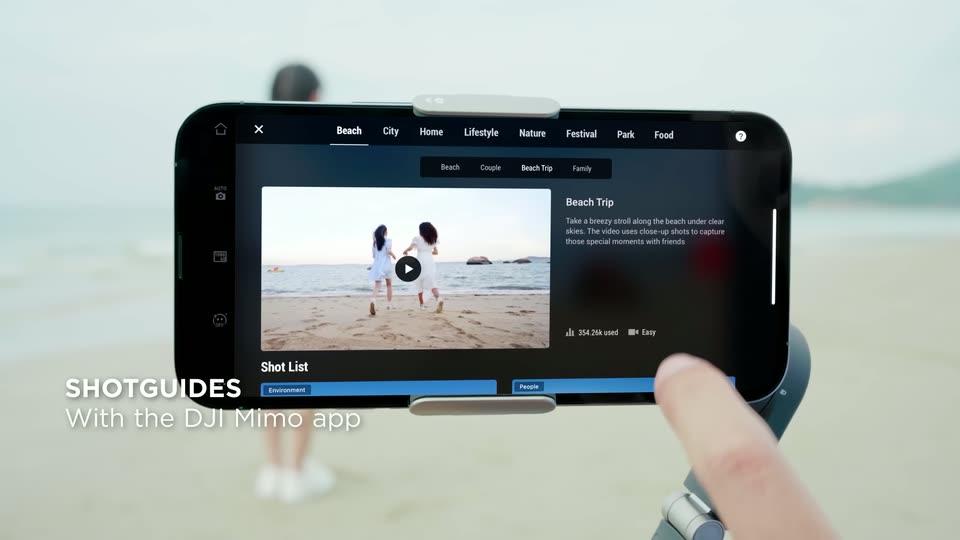 1:16–1:17DJI · DJI - Meet Osmo Mobile 6A tablet on a gimbal shows the DJI Mimo app's Shot List, with a beach video thumbnail and category tabs, against a blurred beach where a person walks. A hand enters and taps the right side of the screen as a white caption fades in at lower left.
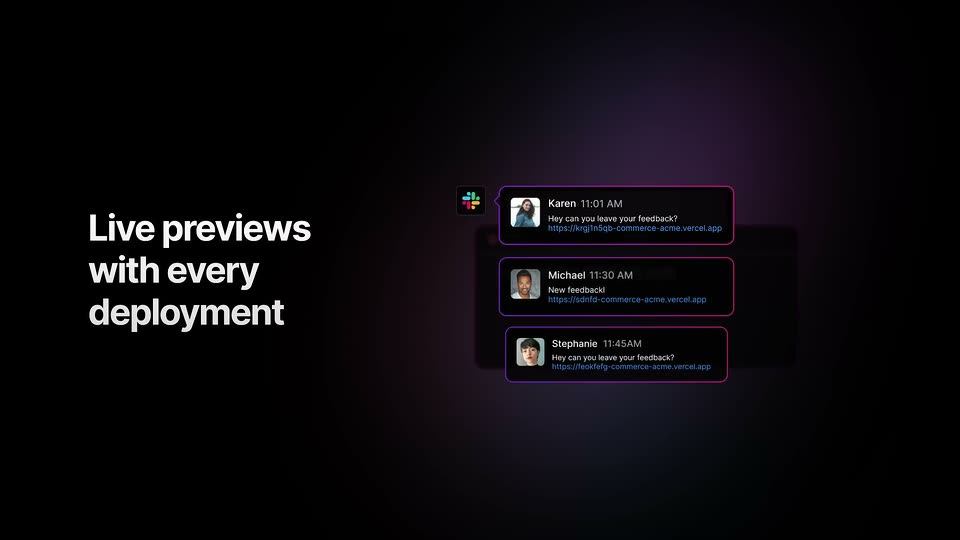 0:06–0:10Vercel · Introducing commenting on Preview DeploymentsWhite bold headline 'Live previews with every deployment' holds left over a dark field. Right, a terminal types a git push command, then a Slack icon and feedback cards slide in as a pink cursor points to a link, then a white browser window pops in front.
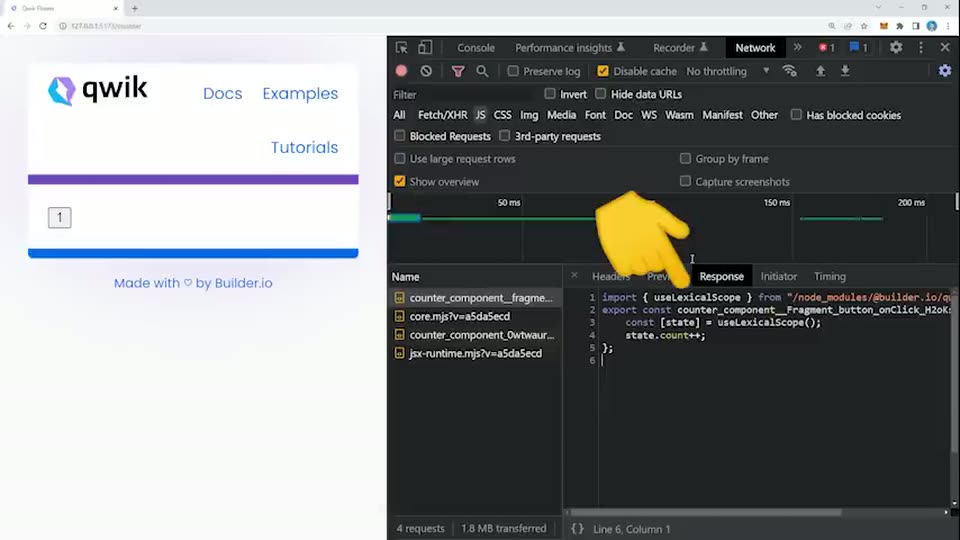 2:46–3:09Builder.io · Qwik… the world's first O(1) JavaScript framework?A browser window splits into a Qwik demo page and the dark DevTools Network tab. The counter button is clicked, JS requests load, and big black-outlined stickers read ZERO JS then DEFERRED JS while a yellow hand points to the timeline.
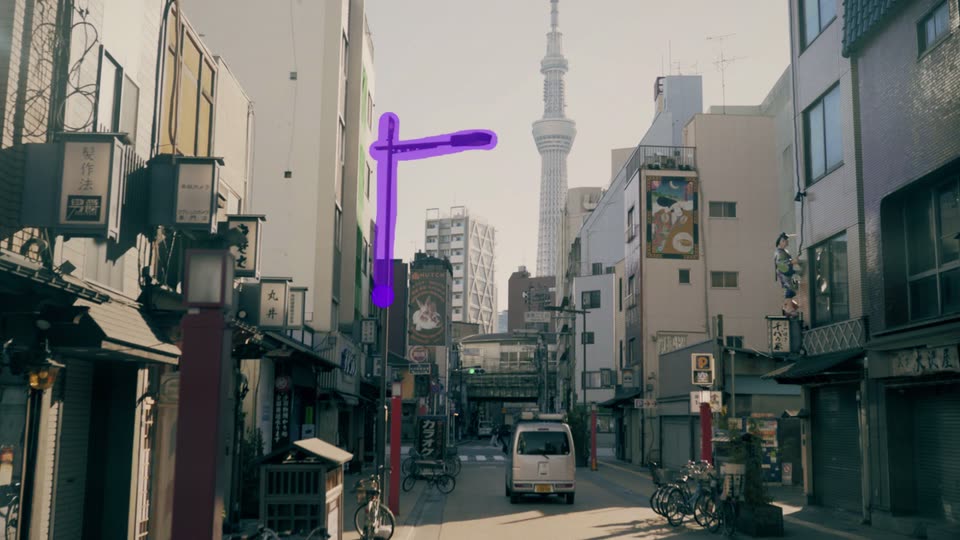 0:14–0:19Runway · Text to Video: Early Access Waitlist | RunwayA Tokyo street with the Skytree in the distance. A dark command pill types “Remove object” beside an Add button, then a cursor clicks the streetlight, a purple outline traces the pole, and the light vanishes.
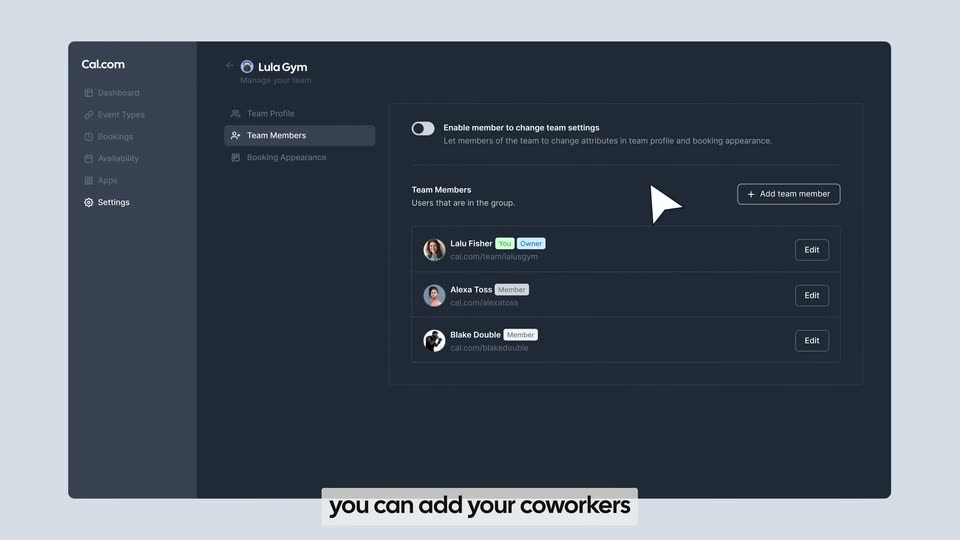 0:21–0:23Cal.com · Cal.com introducing TeamsA dark Cal.com settings panel slides in from the left with a fading echo layer, settling on the Team Members page. A white cursor drifts toward the Add team member button. A white caption box at the bottom shows the line word by word.
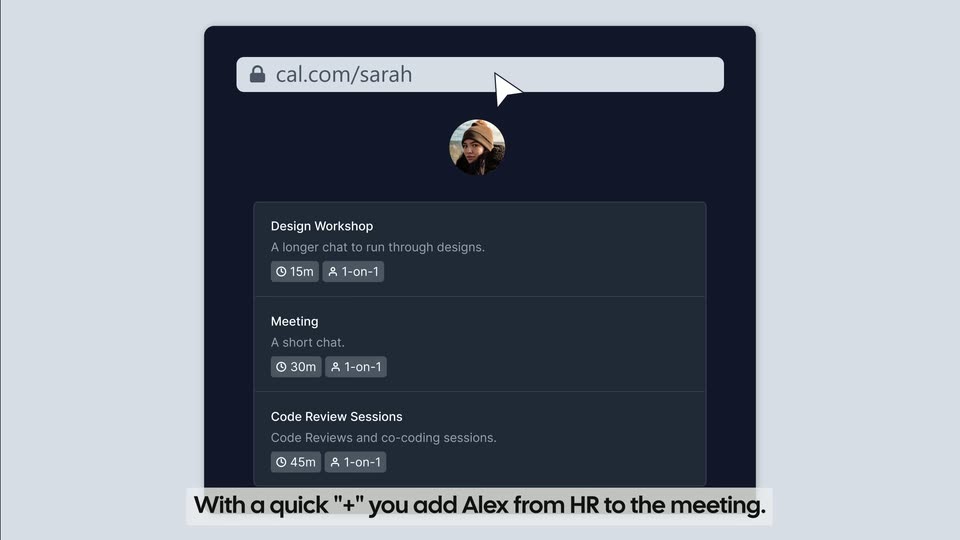 0:27–0:35Cal.com · Cal.com introducing Dynamic Group LinksA dark profile card fills the frame on a gray background, showing Sarah Yao's avatar, name, and three meeting rows. A white cursor appears, the header swaps for a URL bar, and cal.com/sarah+alex types out as the card dims.
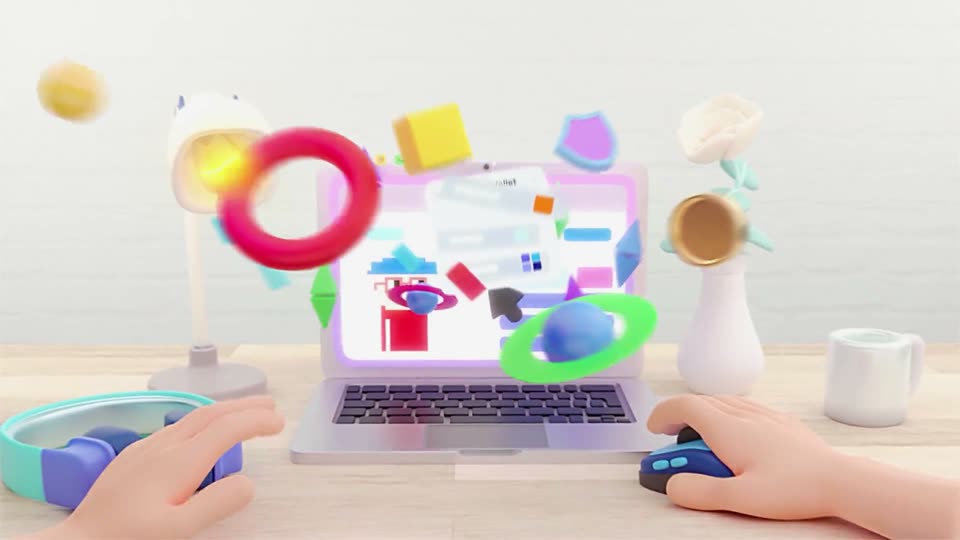 0:00–0:06Family · Family - Hello! Today we're introducing ConnectKit, a powerful React componentA 3D rendered desk: hands type on a laptop while a cursor clicks a stylized webpage. A wallet popup appears, the pixel avatar reshapes, then colorful 3D shapes burst out of the screen toward the camera and the frame flashes white.
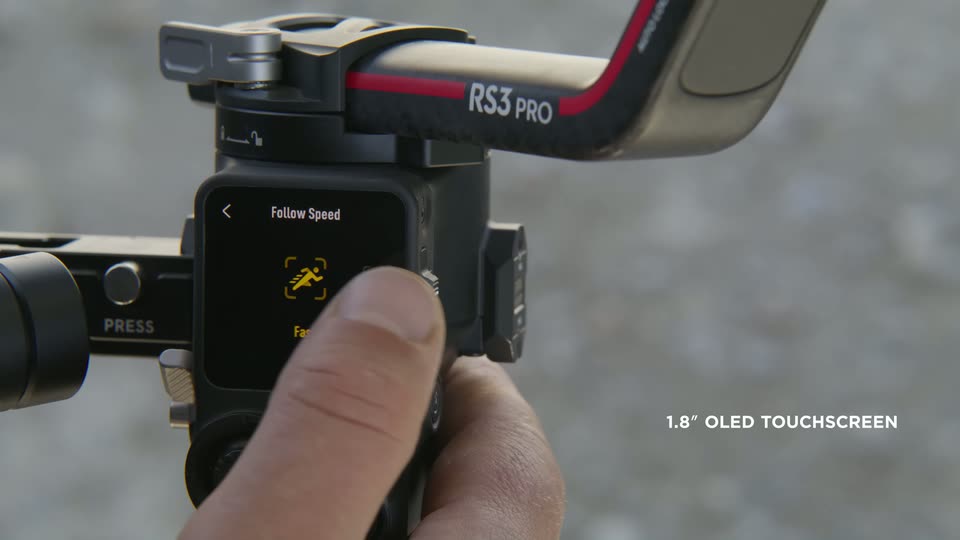 0:52–0:56DJI · DJI - Introducing DJI RS 3 ProA hand holds a gimbal in close-up as a finger taps its touchscreen, opening the Follow Speed menu and switching the mode from Slow to Fast. A white caption in the lower right reads 1.8″ OLED TOUCHSCREEN.
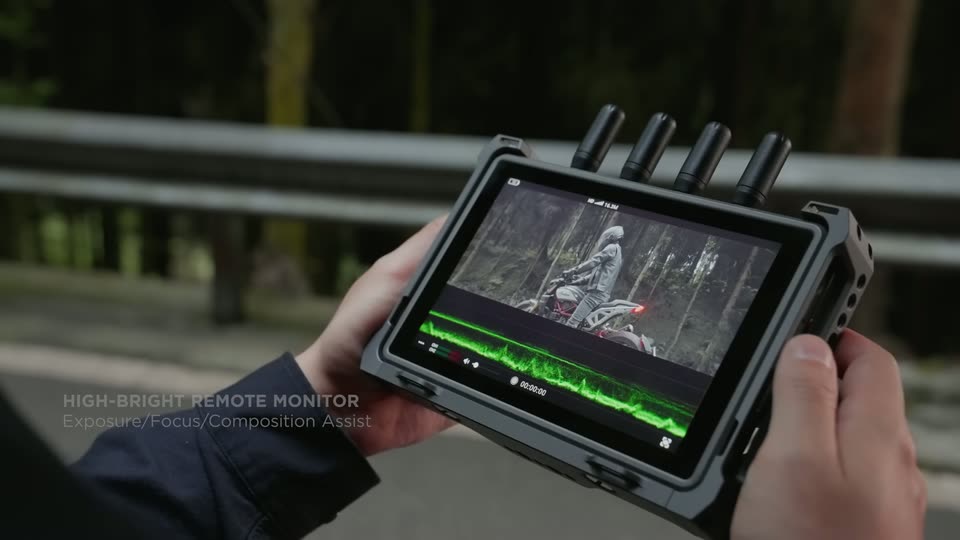 1:44–1:49DJI · DJI - Introducing DJI TransmissionA pair of hands holds a rugged monitor with four antennas, its screen showing a rider on a motorcycle. A finger taps the touchscreen, a settings menu slides in, then a green waveform fills the bottom. A white caption holds in the lower left against a blurred roadside.
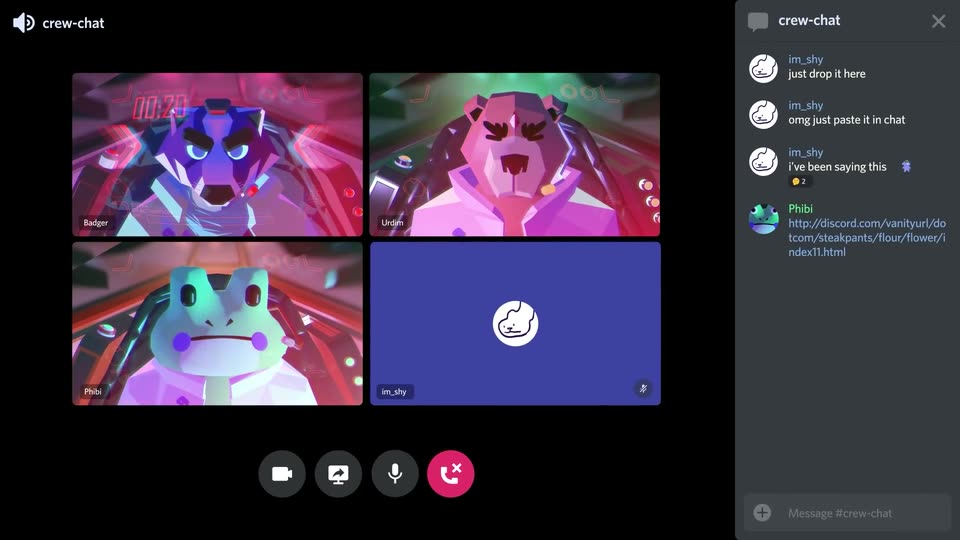 0:40–0:44Discord · New Feature Alert: Text Chat in VoiceA tight shot of a pink low-poly bear video tile with a floating chat bubble and hand cursor pulls back to reveal the full four-tile call grid, bottom toolbar, and right-hand message panel, then pushes into the chat.
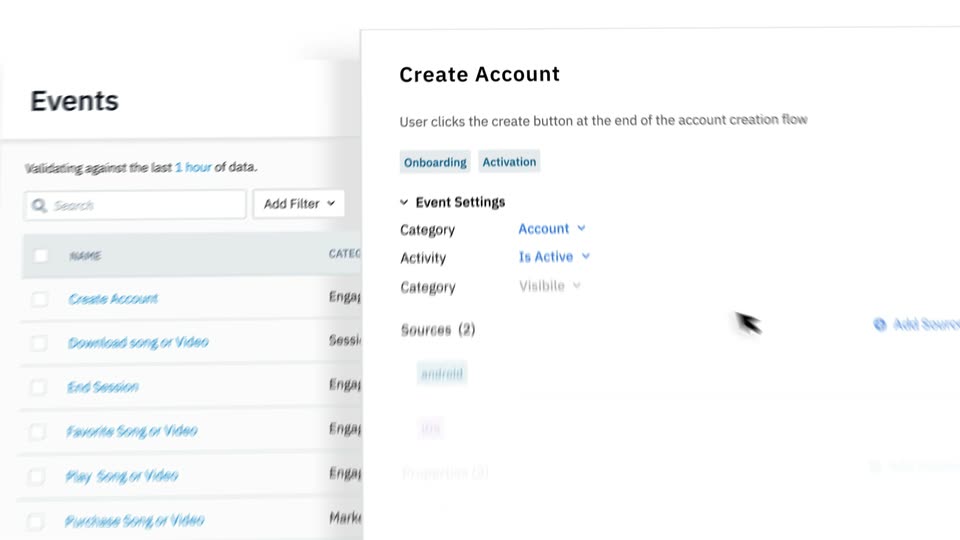 0:16–0:20Amplitude · Introducing Amplitude CDPA white event-detail card slides in from the right over an Events list, settling into a side-by-side layout as the frame pulls back. The heading types out letter by letter and a cursor glides down to hover the Get Started button.
 0:06–0:08Pitch · Introduction to Pitch | Create beautiful presentations with your teamA 3D-tilted interface straightens to a front view as a black 3D cursor slides up from below to the blue New presentation button.
 1:07–1:08Boston Dynamics · No Time to Dance | Boston DynamicsA dim industrial motor is framed close-up in low light. A teal scan-line overlay flickers across the body, then a hard cut lands on a dark file browser listing two image thumbnails, a white cursor hovering over the top row.
 0:09–0:14Bitstack · Bitstack : Épargnez en Bitcoin sans aucun effortA flat search bar on a light gray background expands, and a cursor types a query letter by letter into the field. The cursor clicks the blue magnifying glass button, and the bar slides to the top, revealing a white panel below.
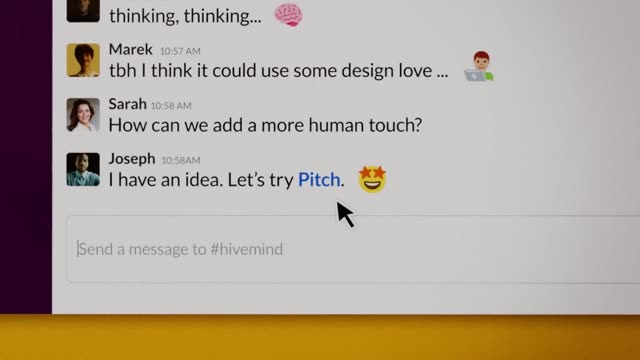 0:16–0:20Pitch · Introducing recordings | Turn presentations into expressive video narrativesA team chat app on an iMac screen in a 3D desk scene with a plant and pencil. The camera zooms into the window as Joseph's message appears: 'I have an idea. Let's try Pitch.' with a party emoji, and a cursor moves over the word Pitch.
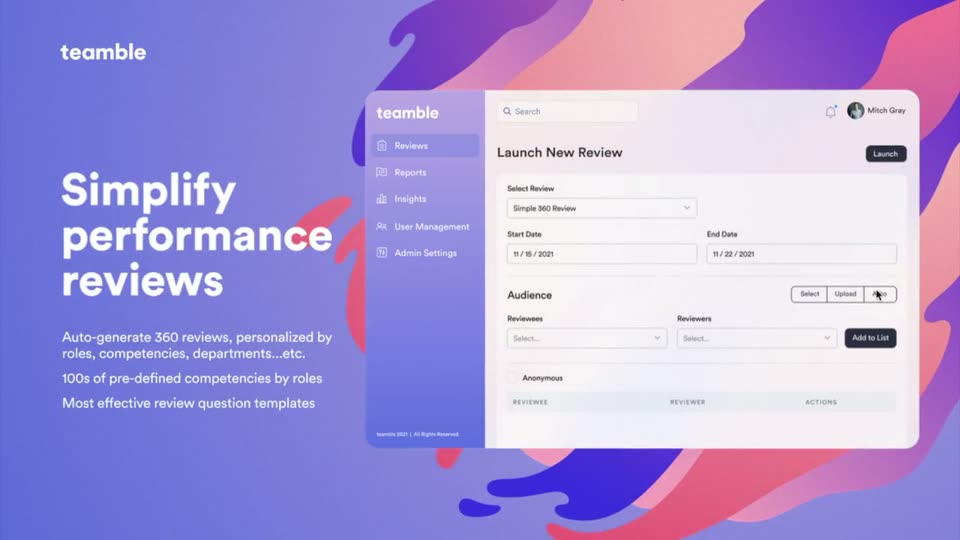 0:06–0:17Teamble · Teamble - 👋 Say hello to Teamble People Management Suite! 🚀 Launching our 3rdA flat teamble app window on a purple gradient with abstract shapes: a cursor clicks the Simple 360 Review card, the panel switches to a Launch New Review form with a reviewer table, then the cursor clicks Launch and the window fades. A white headline and bullets sit left.
 0:24–0:25Discord · @Everyone Merch Collection Now AvailableA tilted close-up of a dark dialog box on a screen shows a file field, a comment row with a smiley icon, and a blue Upload button beside a Cancel label. A white cursor arrow and a hand pointer hover over the Upload button as the button text slides in.
 0:02–0:03Airtable · Airtable: introducing interface designerA laptop on a desk shows a white Airtable card with a circular avatar, the name Mastermind, and a blue Sign in button. A black cursor glides in from the lower right and presses the button, which scales on the click.
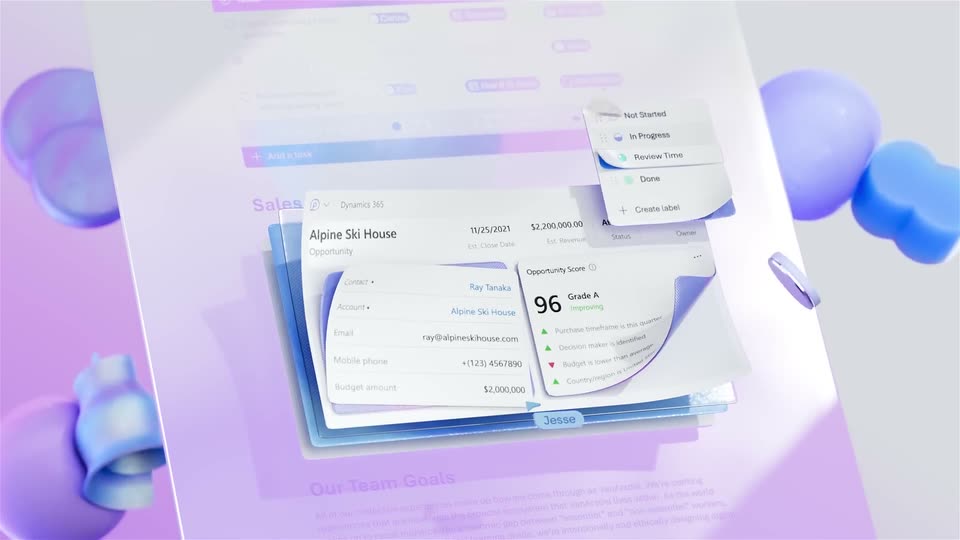 0:30–0:32Microsoft · Introducing Microsoft LoopA tilted Microsoft Loop page rotates as the camera pushes into the Task List. A Dynamics 365 card for Alpine Ski House, scored 96, lifts out and floats in 3D while a dropdown opens and a cursor highlights Review Time. Blue blobs and name tags drift around.
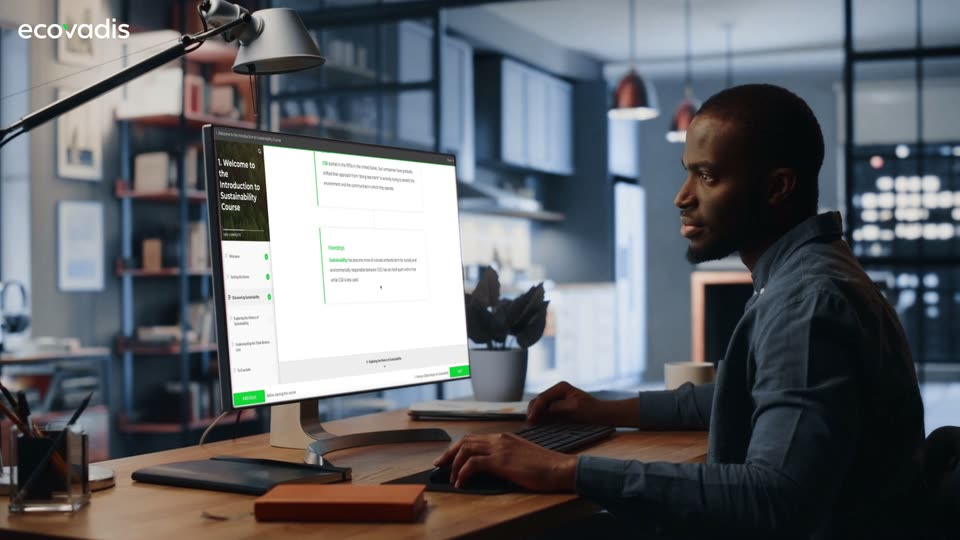 0:59–1:09Ecovadis · EcoVadis Academy Launch VideoA man in a blue shirt works at a keyboard on a wooden desk in a dim office. The monitor shows a sustainability course page that scrolls and switches to a new lesson. The camera slowly pushes in, and the ecovadis wordmark stays in the top left.
 0:23–0:26Loom · Introducing CanvasA dark macOS desktop fills the frame with the menu bar across the top. The cursor glides from the right edge up to the top-right status icons and hovers near the Control Center, while the rest of the screen stays empty.
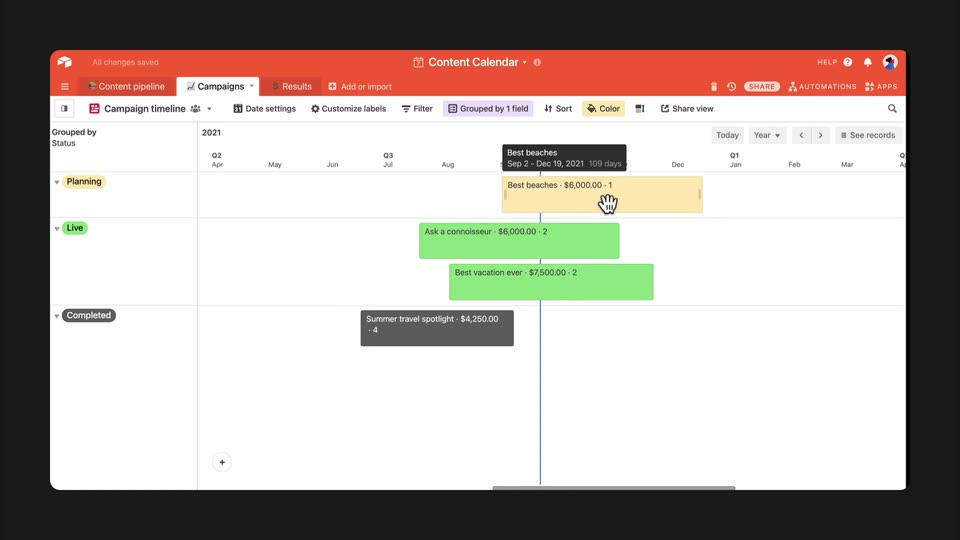 0:00–0:05Airtable · Introducing Timeline View | AirtableA calendar timeline window on a dark background. A cursor drags the right edge of a green bar to extend its range, then grabs a yellow bar and slides it left across the month headers as the view pans, live tooltips updating the dates.
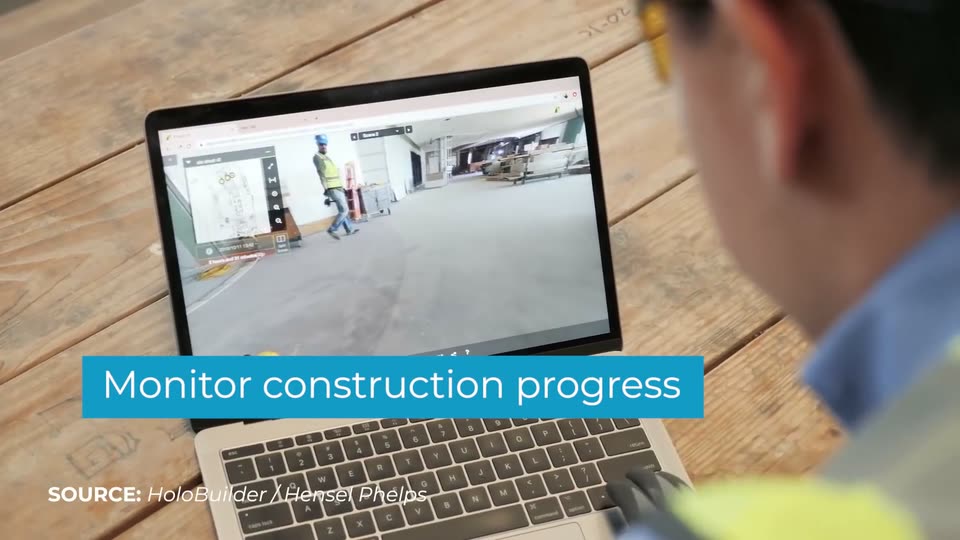 0:18–0:21Boston Dynamics · Spot on Site: Construction SolutionOver-the-shoulder shot of a worker in a yellow vest watching a construction video on a laptop at a wooden table; a blue bar expands to reveal the headline, then a cut to an aerial map of the site with a cyan outline and a cursor.
 0:02–0:05Microsoft · Introducing Windows 365A tilted browser window floats over a blue gradient backdrop. The cursor clicks the address bar and types windows365.microsoft.com while the view zooms in on the toolbar. Weather and app icons sit below.
 0:52–0:53Microsoft · Introducing Windows 11A translucent Start tile with a four-pane logo sits centered on a soft blue gradient. A cursor hovers over the lower pane, then the whole tile scales down while the Start label stays fixed below.
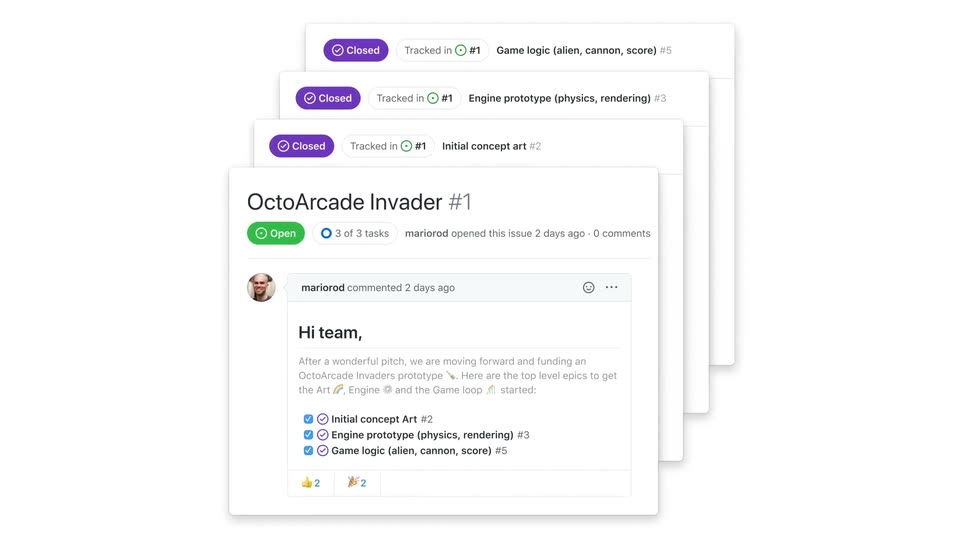 0:02–0:09GitHub · The new GitHub IssuesA tilted issue card rotates flat on a light background. A cursor clicks Convert to issue on a task, and three linked issue cards fan out behind it. Checkboxes fill with blue checks, sub-issue badges flip from green Open to purple Closed, reaction counts tick up.
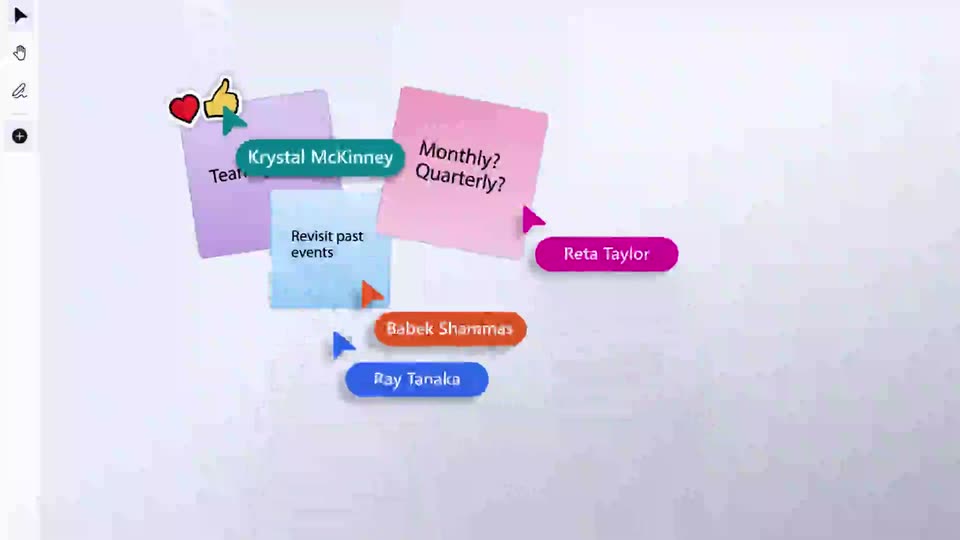 0:01–0:07Microsoft · Meet the new Microsoft Whiteboard designed for Hybrid WorkA pixelated mosaic resolves into a whiteboard app. Four colored collaborator cursors glide across the canvas as sticky notes pop in. A rainbow marker line sweeps in a curve from one note to a cursor.
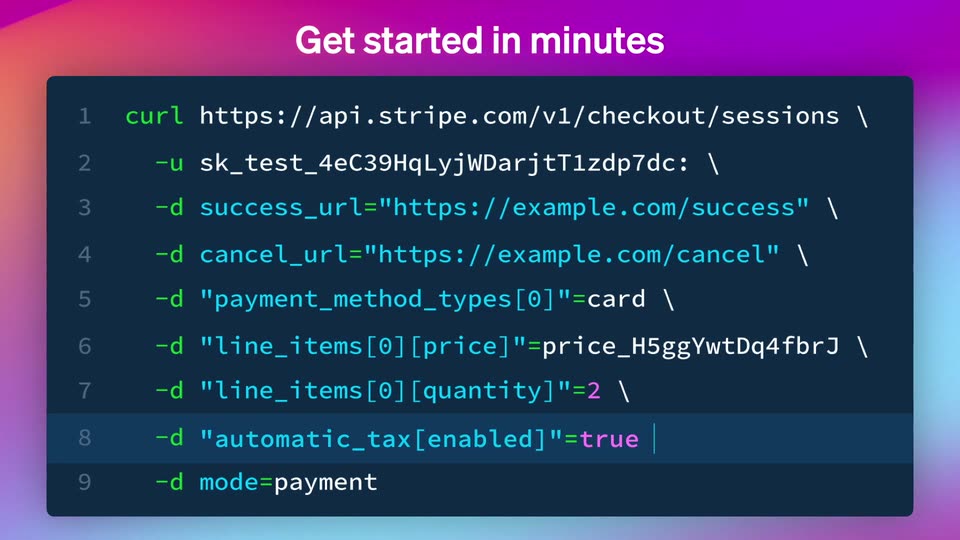 0:09–0:14Stripe · Introducing Stripe TaxA dark code panel types a Stripe curl command character by character under a white headline on a colorful gradient. At the end, the panel slides up and left, shrinking as a tax jurisdiction dashboard table slides in.
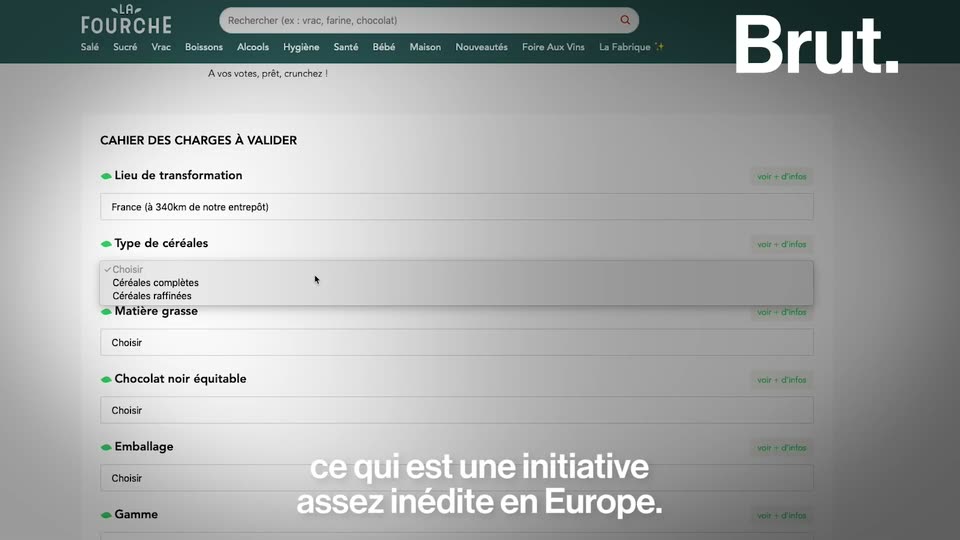 1:45–1:50La Fourche · La Fourche, l'épicerie bio qui casse les prix, mais pas les producteursA web form for La Fourche fills the screen. A cursor opens the Lieu de transformation dropdown, selects France, then opens Type de céréales and highlights Céréales raffinées. White subtitles cycle at the bottom; the Brut. logo sits top right.
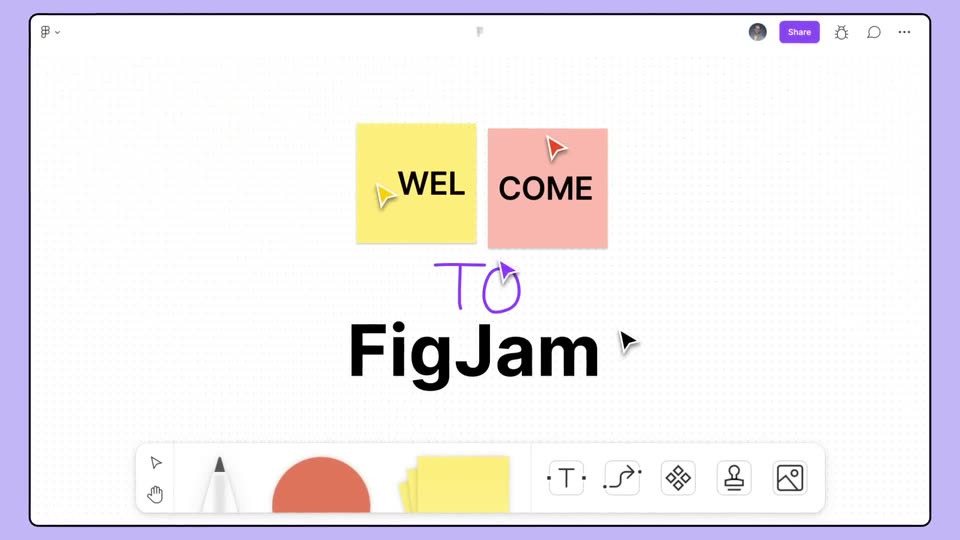 0:00–0:01Figma · Welcome to FigJamA FigJam canvas on a dotted grid: a yellow sticky slides in beside a pink one to spell WELCOME, purple marker strokes draw TO, and large black FigJam text sits below. Several colored cursors drift across the canvas above a bottom toolbar.
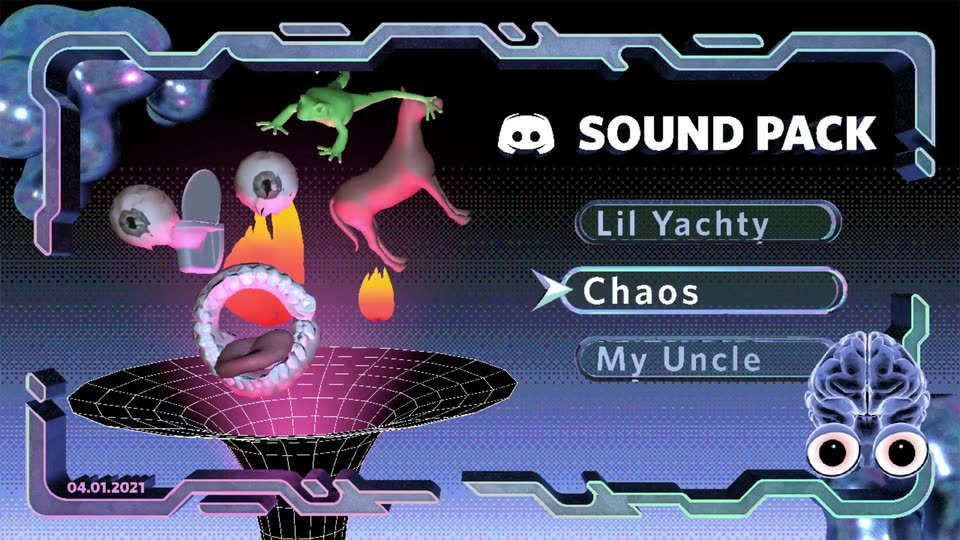 0:38–0:49Discord · Announcing Discord Sound Packs ft. Lil YachtyA Discord-style menu on the right lists Lil Yachty, Chaos, My Uncle, the cursor arrow moving from Chaos to My Uncle. Above a wireframe funnel, a frog, deer, eyeballs, flames and a spiked donut tumble in 3D; a googly-eyed brain sits bottom right.
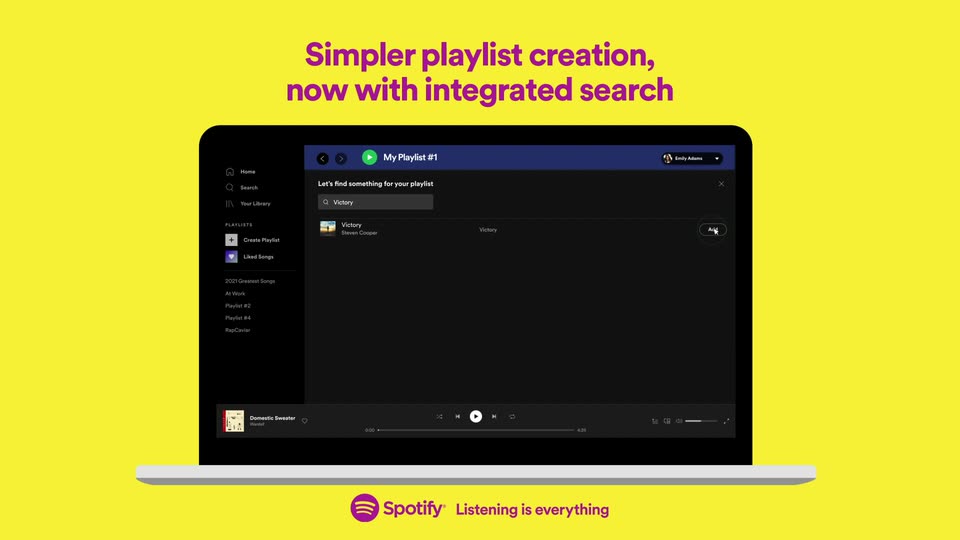 0:12–0:21Spotify · Introducing a New Spotify Experience Across Desktop App and Web Player — SpotifyA front-facing laptop on a yellow field shows the Spotify playlist view. The camera zooms into the screen as a search field fills with Victory, a result appears, and a cursor clicks Add, then pulls back to the full laptop with the new track listed.
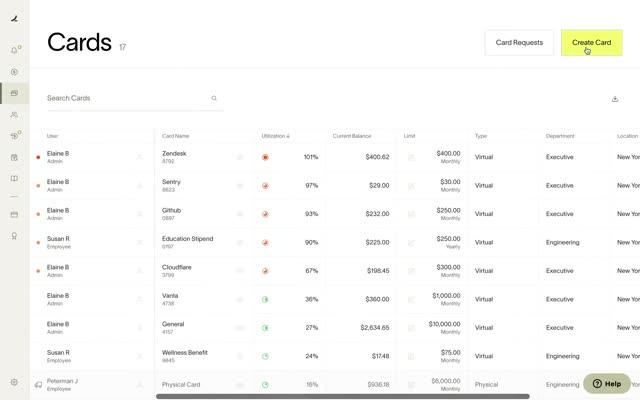 0:05–0:06Ramp · Meet Ramp: The finance automation platform that saves you time & moneyA cursor glides to the yellow Create Card button on a cards list view, then the screen crossfades into a New Card template picker showing virtual and physical card options.
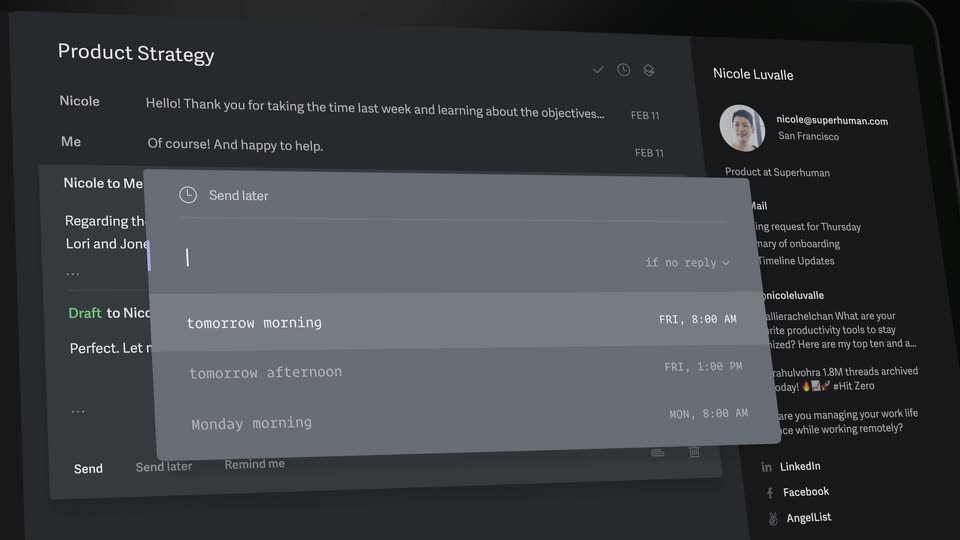 0:28–0:30Superhuman · Introducing SuperhumanA laptop screen in 3D perspective shows a dark messaging app. The command field types the words letter by letter, and the dropdown menu switches from send options to a list of time suggestions.