Cursor demo
A visible cursor operates the interface.
15,048 scenes · page 50 of 251
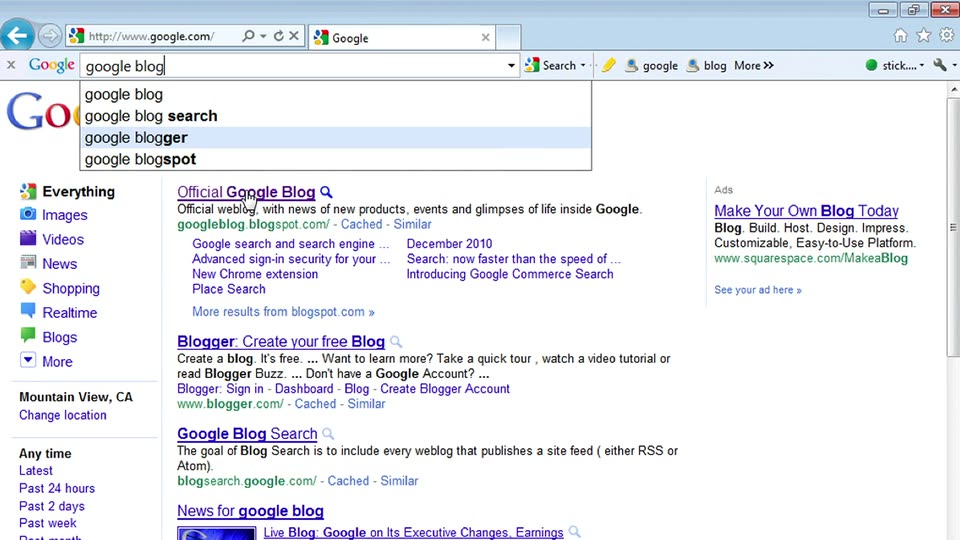 0:09–0:12Google · Introducing Google Toolbar 7A browser window shows the Google search page. The user types 'google blog' into the search box, and the autocomplete dropdown plus the results list refresh with each keystroke. A mouse cursor hovers the suggestion list and a highlight lands on one entry.
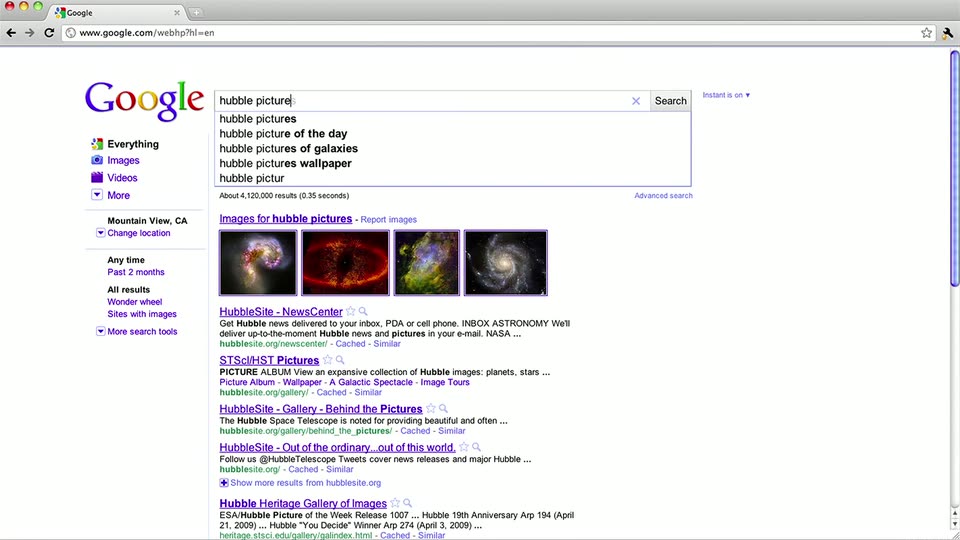 0:03–0:04Google · Introducing Instant PreviewsA browser window frames a Google search page. A cursor types hubble pictures into the search box, and the autocomplete dropdown of suggestions refreshes beneath it. Below, a row of galaxy thumbnails and result links stay static.
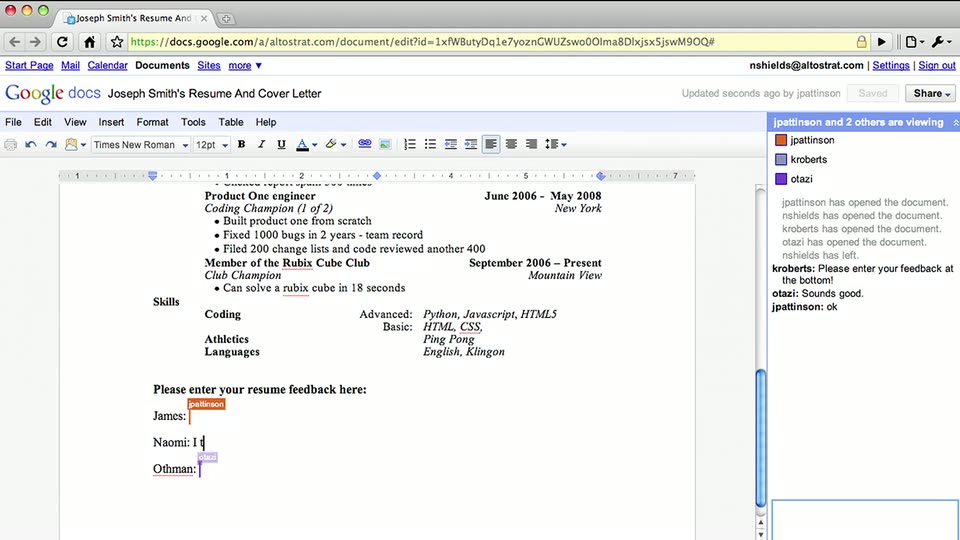 0:26–0:57Google · Introducing a new Google DocsA Google Docs window in a browser shows a resume being edited: a cursor drags a ruler tab stop to center the name, then drags a lava lamp photo to the right margin. The view scrolls to a feedback line where three named users type comments at once.
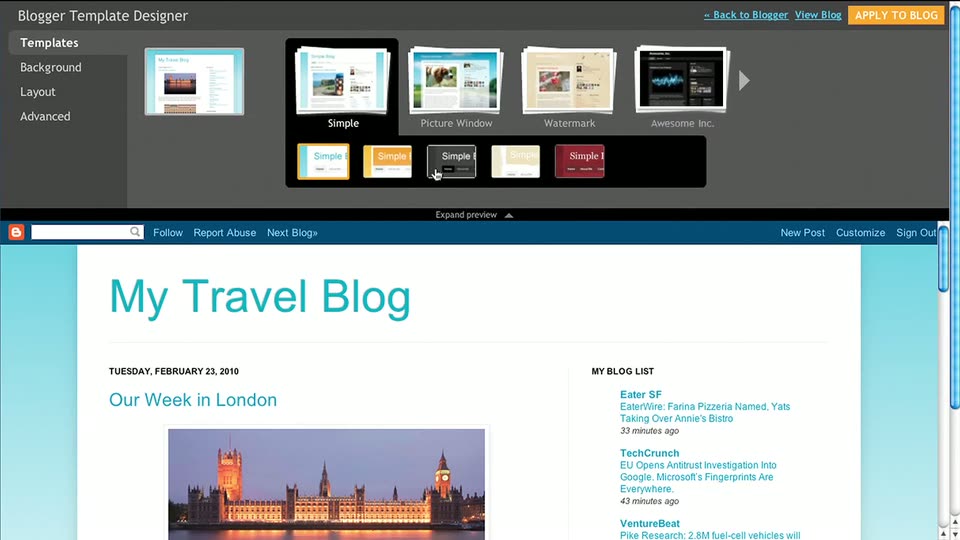 0:05–0:06Google · Introducing the Blogger Template DesignerA Blogger template designer screen shows a row of theme thumbnails and color swatches above a live blog preview titled My Travel Blog. A cursor glides across the color swatches while a caption reads Choose a professional design.
 0:02–0:03Google · Introducing the Street View snowmobileA centered gray line on white cuts to a first-person Street View of a snowy road, pine trees and a blue sign, with map controls and a hand cursor at center. A headline caption sits over the view.
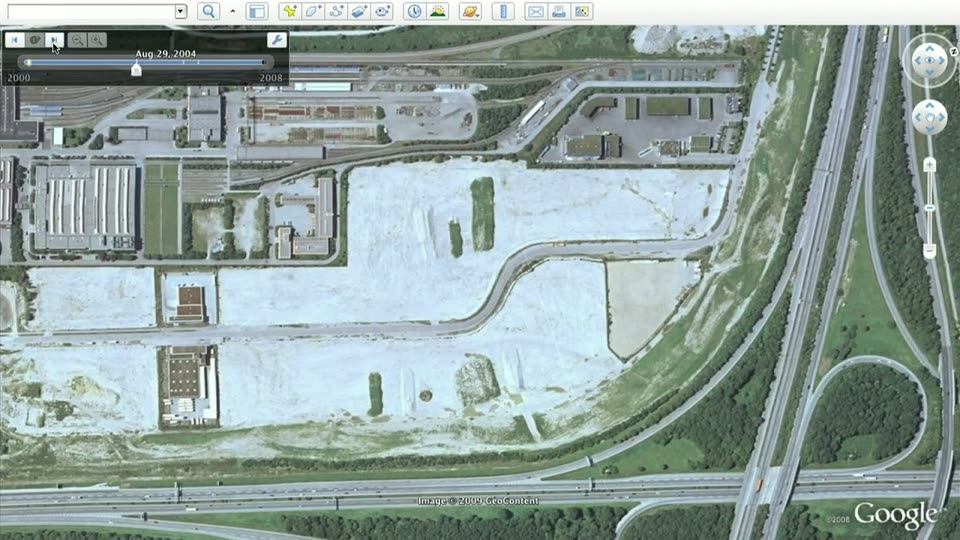 0:07–0:08Google · What's New in Google Earth 5.0A top-down satellite map of an industrial zone fills the frame, with a toolbar of layer icons along the top and a time slider in the top-left showing Aug 29, 2004. A cursor rests on the slider's play button as the view holds still.
 0:26–0:31Google · Street View now available in New ZealandThe Google Maps page shows a map of New Zealand while the cursor drifts across it. The view then zooms into the top search field as the address 222 Victoria Street, Auckland is typed in.
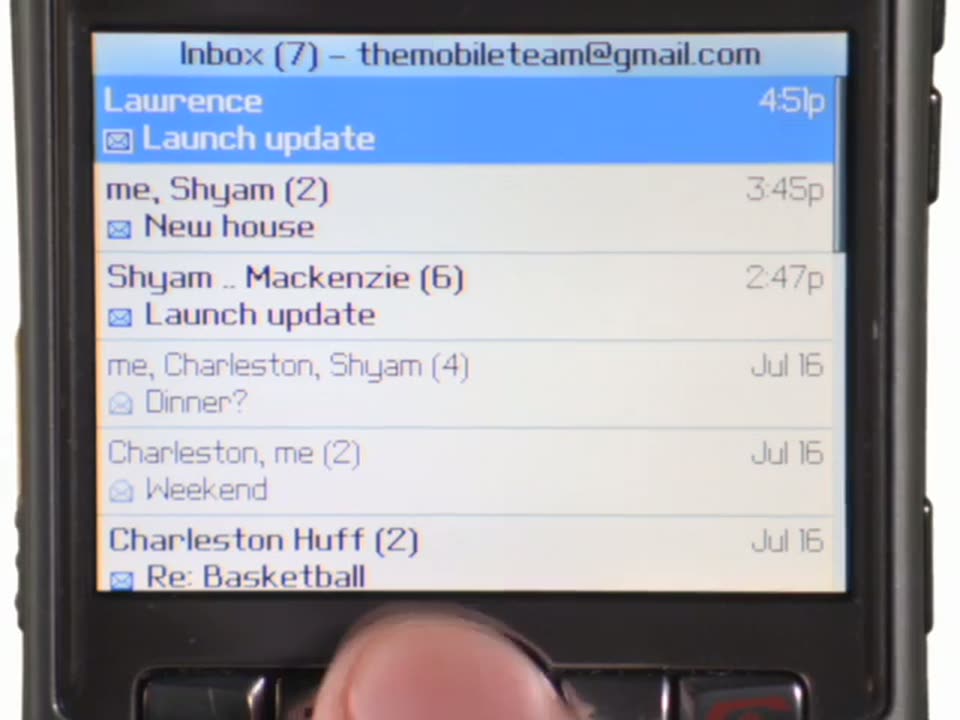 1:12–1:13Google · Introducing Gmail for mobile 2.0A close-up of a phone screen shows a Gmail inbox list. A thumb presses the navigation key at the bottom, scrolling the list up as the blue selection bar moves from the top row to a middle entry.
 0:02–0:05Google · New Tab PageA browser window shows the Google homepage. A faint “New tab page” label and a Google watermark fade out at the start. The cursor then moves up to the new tab button at the top of the window.
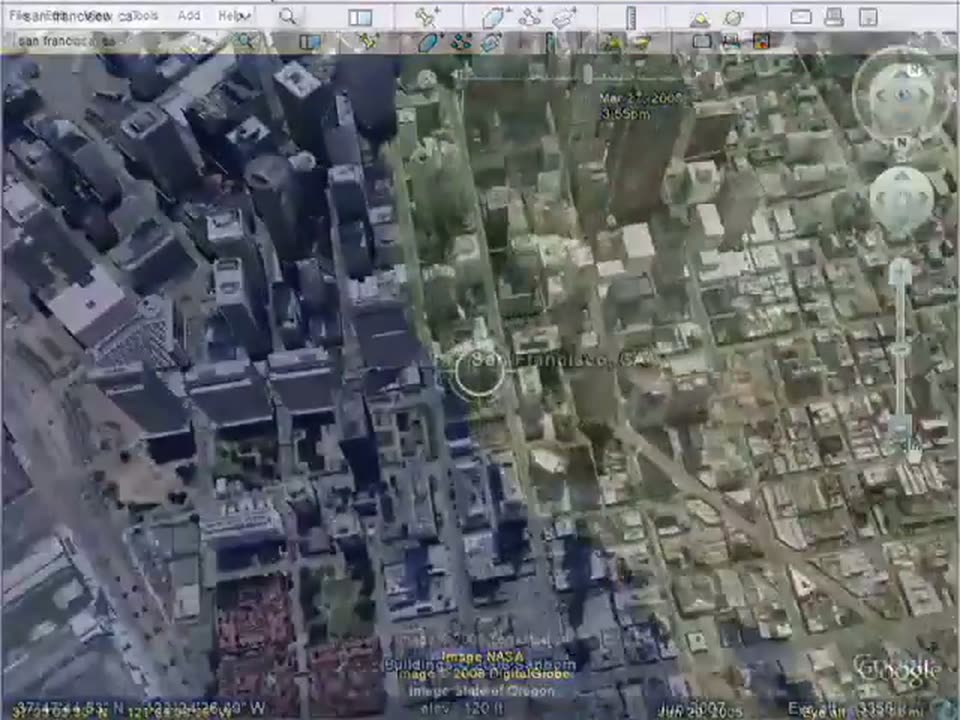 0:01–0:04Google · New features in Google Earth 4.3A translucent blue globe with the Google wordmark and the caption “Explore new features in Google Earth.” fades into a satellite view of North America, then dives into San Francisco, where a cursor drags the zoom slider over 3D buildings.
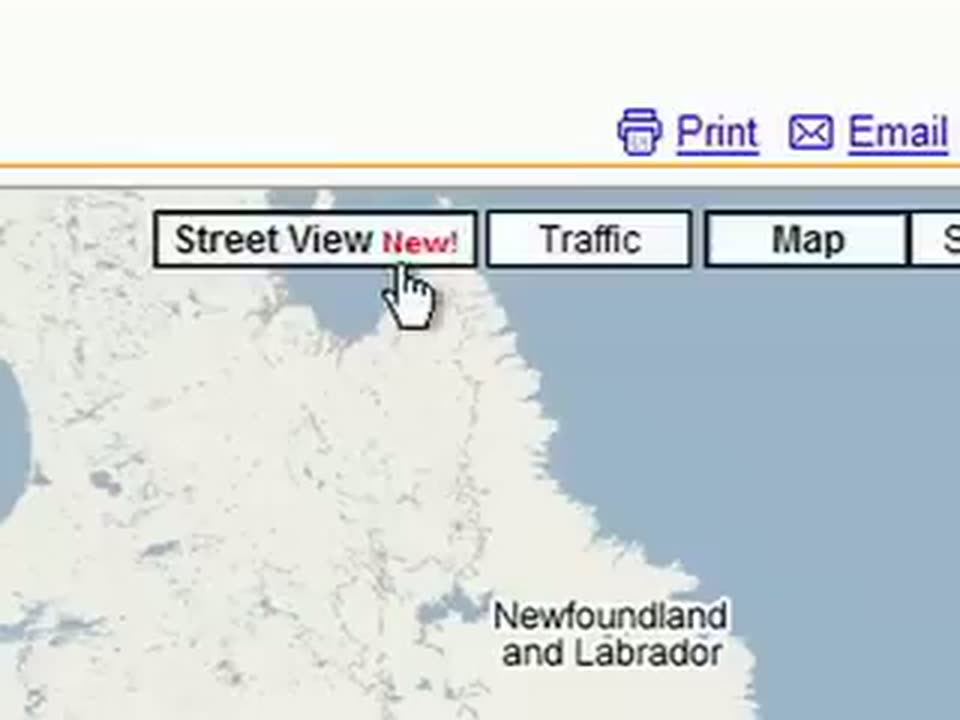 0:21–0:23Google · Google Maps Street View - launch videoA hand cursor drifts up from a map of Newfoundland and Labrador and presses the Street View button in the toolbar, which darkens as it is clicked. Print and Email links sit in the top right corner above the button row.
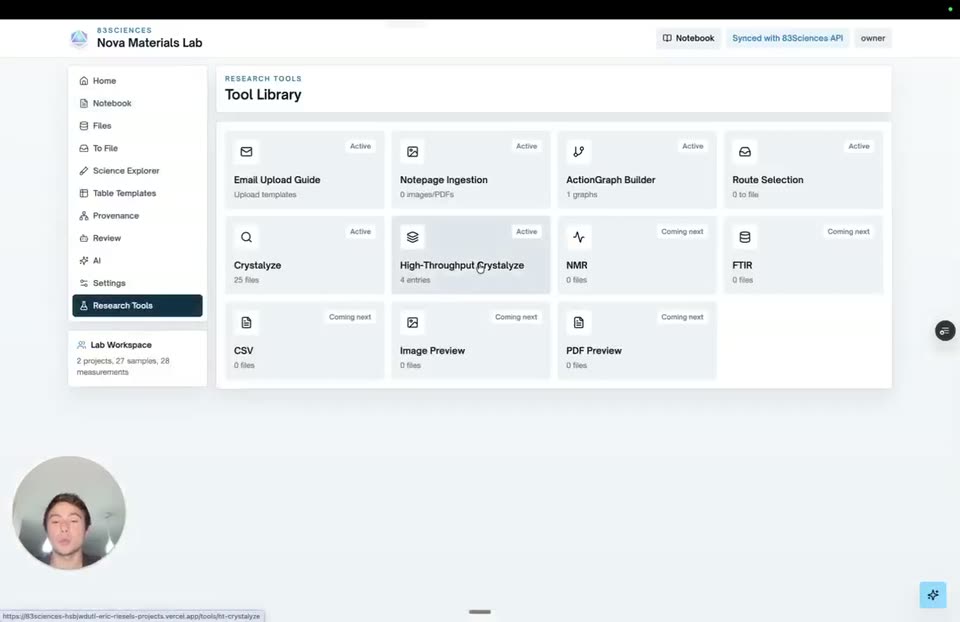 0:48–0:5083 Sciences · 83 Sciences Future of Scientific Discovery | 83 SciencesA web app screen shows a tool library grid beside a navigation sidebar, with a circular video feed of a presenter in the lower left. A loading overlay fades out at the start, then a cursor hovers over the High-Throughput Crystalyze card, highlighting it.
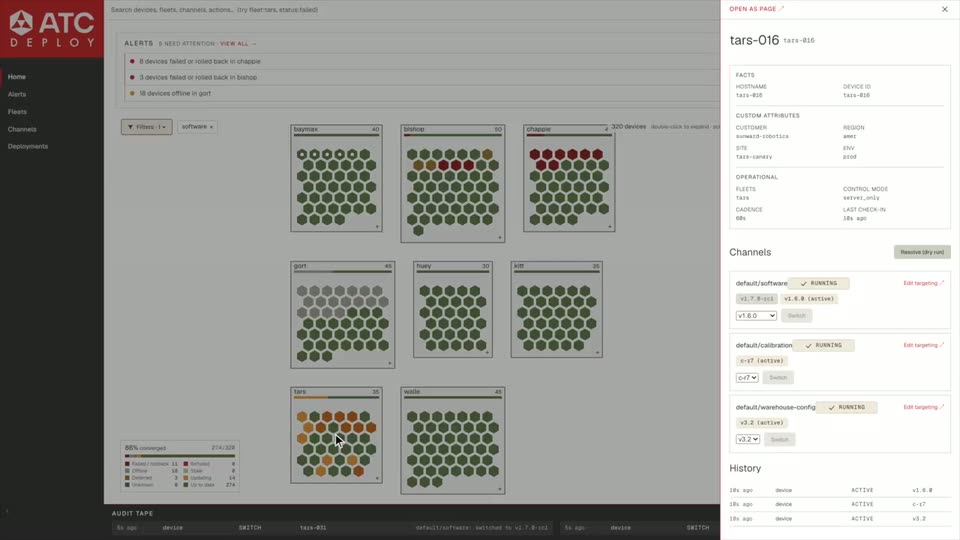 1:07–1:10Agency Tool Company · Introducing Agency Tool Company and ATC Deploy: fast, reliable software delivery for robots. Robotics teams build machines for fields, warehouses, factories, and other places where networks areA dark dashboard shows a grid of hexagonal fleet maps, a left nav rail, and a right detail panel for device tars-016. A cursor hovers over the tars map while the bottom audit tape and history list tick with fresh timestamps.
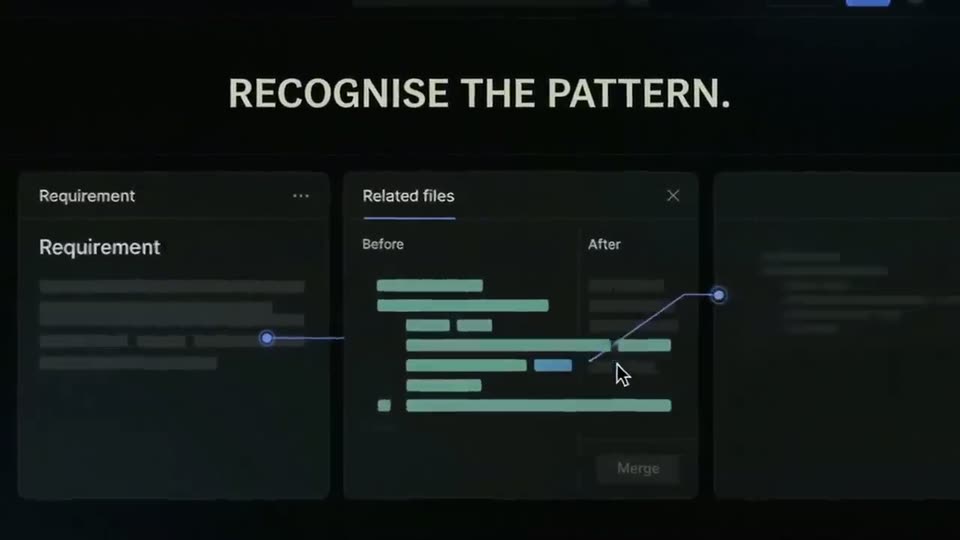 0:20–0:26Akon Labs · #ai #governance #coding | Akon Labs (YC S26)A dark IDE view shows a Related files panel with Before and After code lines. A green box highlights the Before block, lines glow teal, and blue connectors draw between nodes as the frame zooms out to a network of related cards. A serif headline swaps to RECOGNISE THE PATTERN.
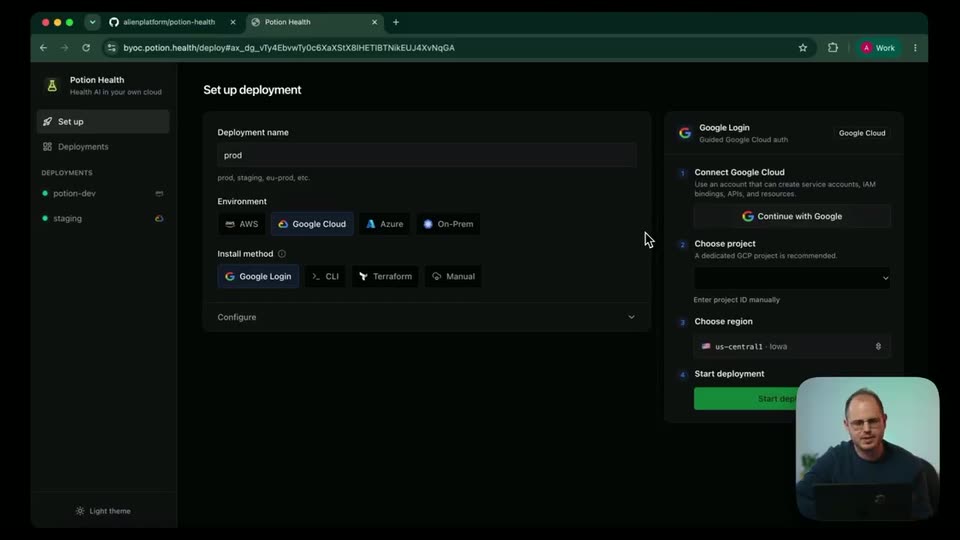 1:35–2:03Alien · We're launching the Alien platform today, backed by a $5M seed from Basis Set, Jibe Ventures, and angels from OpenAI, Google, and Databricks. We've built it so that when your next $300K enterpriseA dark browser window shows the Potion Health deployment portal: a form with environment and install buttons beside a step-by-step CloudFormation panel. A cursor highlights the URL bar, hovers the launch button, and the right panel switches to a Google Cloud setup. A presenter's webcam sits bottom-right.
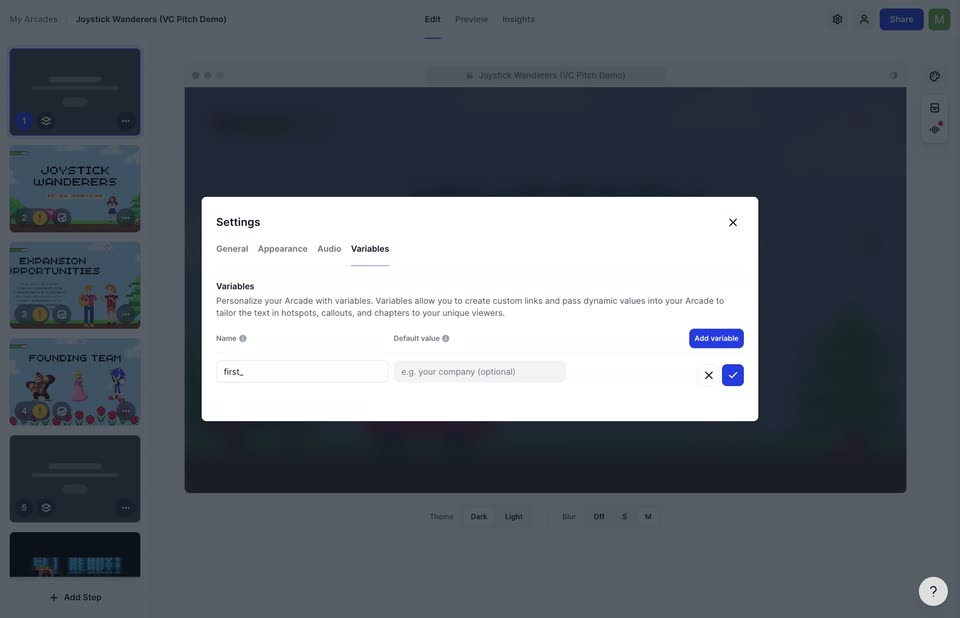 0:03–0:18Arcade · Arcade Adventure 👾A white Settings dialog sits centered over a dimmed app window; the cursor moves from the top bar into the dialog, clicks the Variables tab, then the Add variable button, types first_name into the new row, and confirms it with a checkmark.
 0:13–0:18Aside · AsideOn a dark screen, an Ask AI bar sits at the bottom while refusal chat bubbles stack up above it. A dock of app icons slides in; a hand cursor drags the colorful star icon and the tilted bubbles into the trash, then the word Introducing appears centered.
 0:58 · 0.2sAssuryn · Assuryn posted on LinkedInThree flat product cards with illustrations, prices and green SOLD buttons sit on a dotted teal background. The cards dim as a white cursor arrow moves onto the left card.
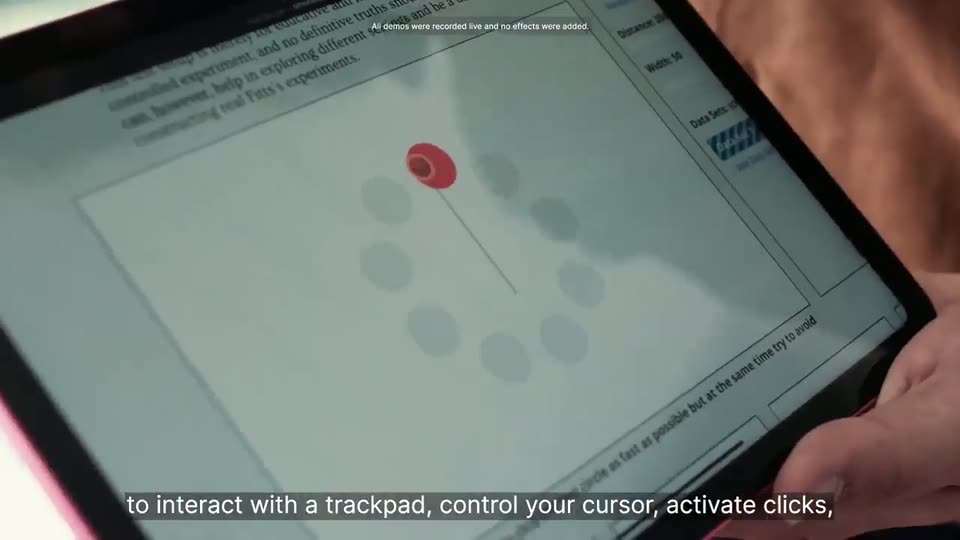 0:39–0:40Augmental · MouthPad is a touchpad you drive with your tongue. Now available across the US. Over 100 people already use it, some for up to 16 hours/day. It works for gaming, for CAD, for Figma, and we're inA tilted close-up of a tablet held in a hand; the screen shows a grid of gray circles with one red dot and a thin line, while a finger taps the lower edge. Subtitles caption the bottom of the frame throughout.
 0:44–0:47Billow AI Labs · AI can now close your books from Microsoft Teams 🤯 Billow is an AI for Finance that’s built on top of your existing stack (NetSuite, QBO, Bill, Excel, SharePoint, etc.) Tag it in your chat and ask… | Joanathan McIntoshA browser search bar on a cream field types thebillow.ai, then blurs and fades as the Billow logo and wordmark settle in with a Book a Demo button and URL below. A cursor hovers on the button.
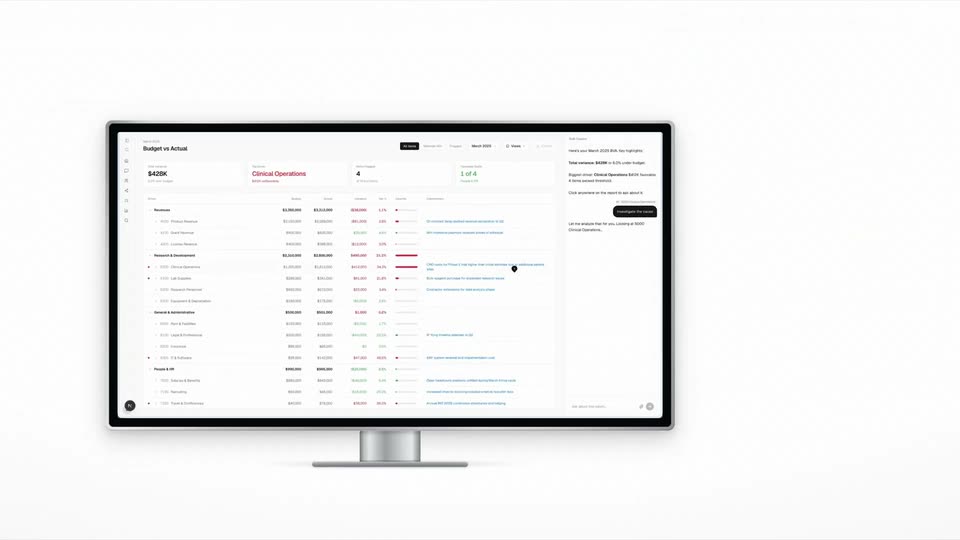 0:30–0:33Billow AI Labs · Billow - YC LaunchA budget dashboard on a desktop monitor sits beside three detail cards; the headline opens through a horizontal mask, a cursor clicks a row and a tooltip appears, then the cards drop out and the wordmark Billow masks in as the frame fades to white.
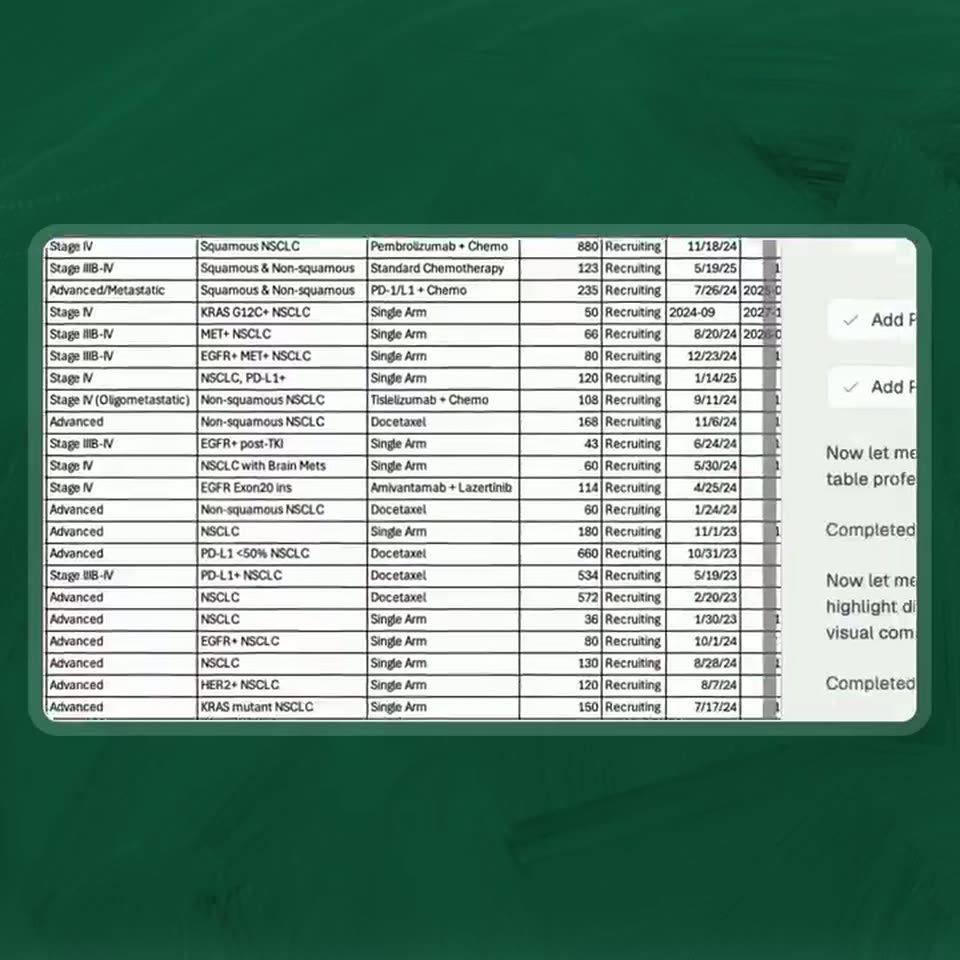 0:14–0:25Billow AI Labs · #clinicaltrials #biotechanalytics #aliinhealthcare #excelpower #dataintegration #billowai | Billow (YC S26)A clinical-trial spreadsheet zooms in on a dark green desk, then pans right across columns from NCT ID to Start Date, revealing a chat panel. The panel types a request for new columns, shows an @mention list, and sends it as a cost summary appears.
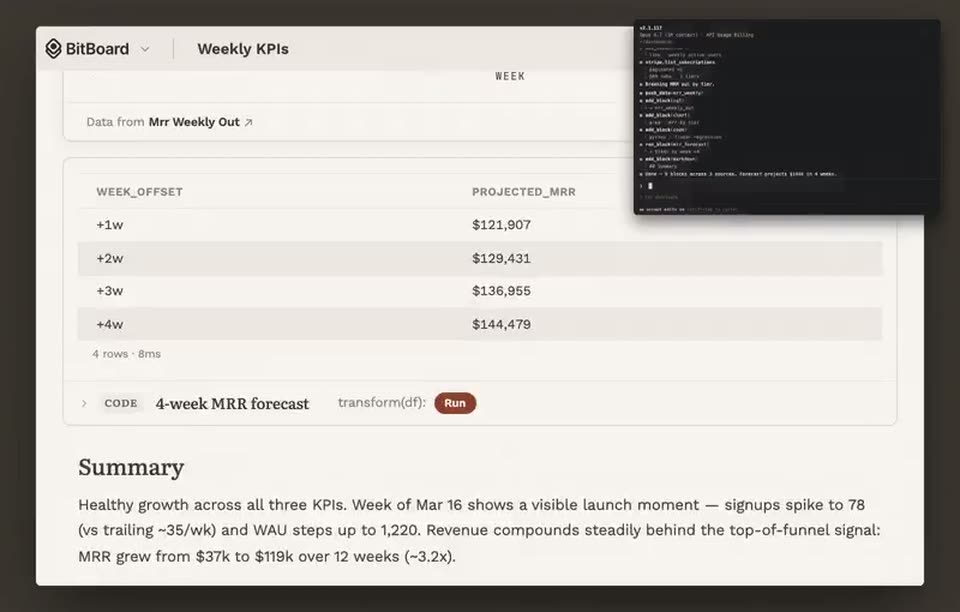 0:10–0:15BitBoard · Launch BitBoard for AI Data Analysis CollaborationA crossfade settles into the BitBoard Weekly KPIs view, which scrolls down past a stacked area chart to a four-week MRR forecast table and Summary text. A corner terminal finishes typing and closes, then a cursor moves to the code row's expand arrow.
 0:10–0:11Brex · Brex: budget drilldown offsiteA light product dashboard dissolves from a Marketing overview into a Demand Gen detail view; the left summary card swaps its total and the right expense panel reflows. A black cursor hovers over member avatars, then rests mid-frame.
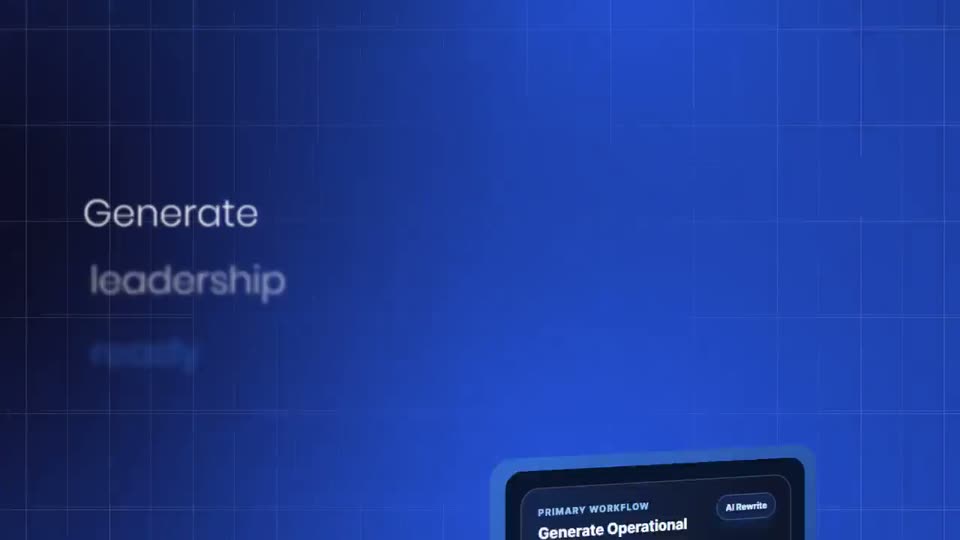 0:27–0:28BridgeOpsOne · BridgeOpsOne Platform Overview | BridgeOpsOneOver a blue grid, a dark card of monitoring notes with a cursor sits left of a white headline. The layout flips: the headline slides to the left while a workflow card with a dropdown fills the right.
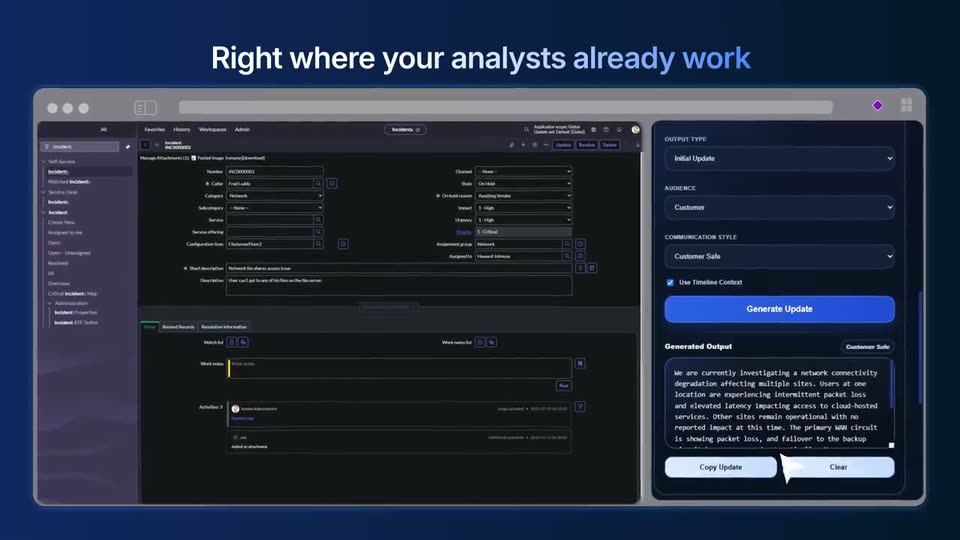 0:19–0:32BridgeOpsOne · Turning Technical Details Into Clear Operational Updates | BridgeOpsOneA dark blue background holds a tilted browser mockup showing a ticketing screen and a right-side update panel. A cursor clicks Generate Update, generated text appears in the output box, then the cursor moves toward Copy Update as top headlines change.
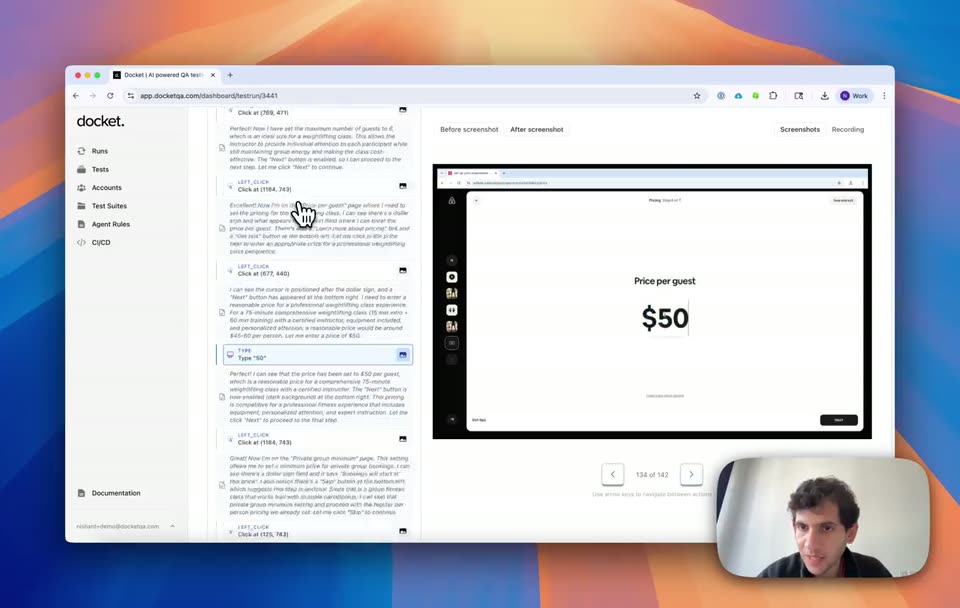 1:31–2:00Docket · #ai #qa #e2etest #yc #airbnb #productmanagement #developerexperience | Docket (YC P25)Close-up of the docket dashboard: a cursor hovers over the instructions, then the view zooms out to the full window. The left action log scrolls step by step while the right viewer advances through Airbnb's itinerary flow, ending on the submit page. A facecam sits in the corner.
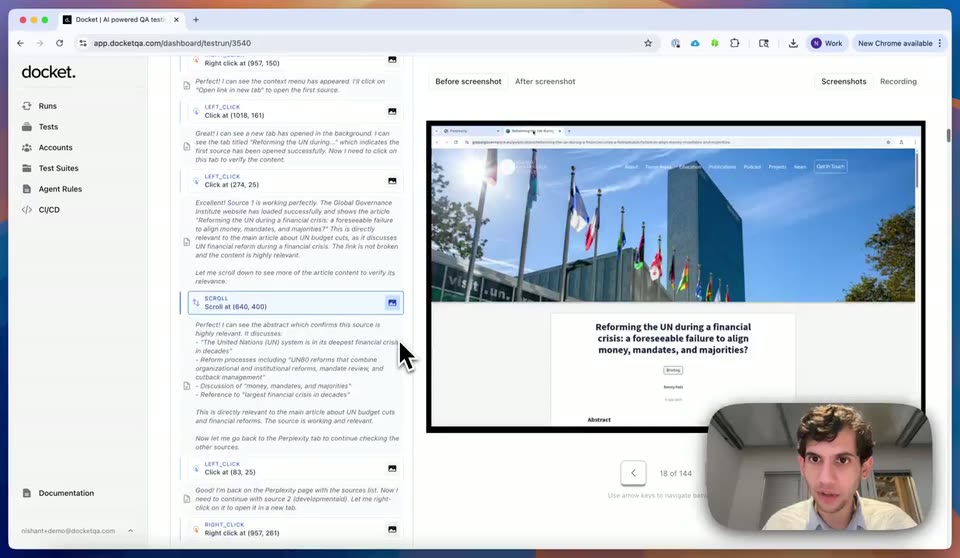 0:20–0:37Docket · #ai #qa #e2etest #yc #perplexity | Docket (YC P25)A Docket QA dashboard fills the frame: a scrolling list of test steps left, a before/after browser preview right, and a presenter webcam bottom right. The list scrolls as the preview cycles through source pages, then the view zooms into the left column.
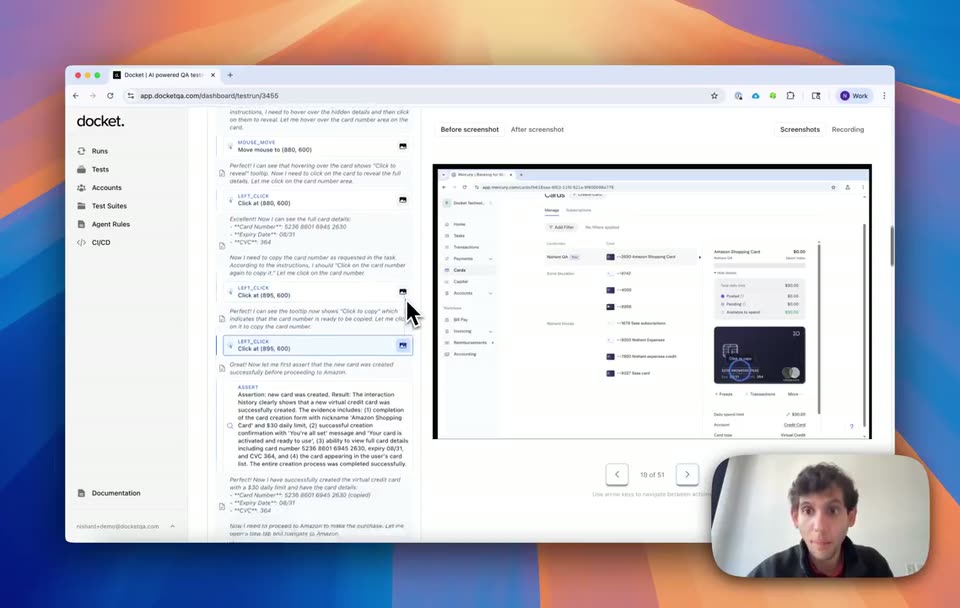 0:17–0:29Docket · #fintech #qa #ai #e2etest #yc #automation | Docket (YC P25)A browser window shows the docket QA interface: a scrolling step log left, a before/after screenshot viewer right, and a small webcam feed of a presenter bottom right. The log scrolls through click and type steps as the right panel flips through card-creation screens, then the view zooms in.
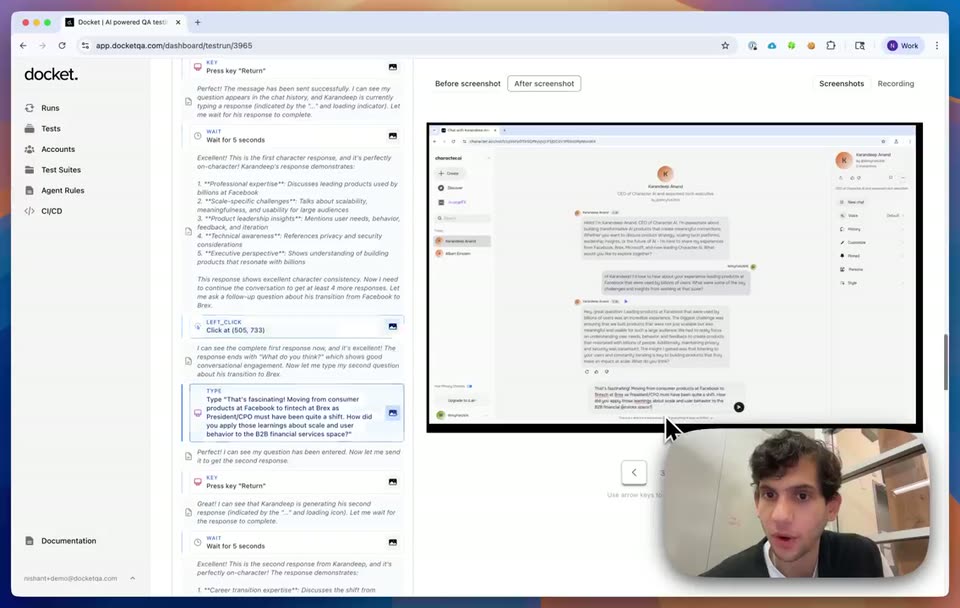 0:23–1:34Docket · How do you test a Gen AI platform… with personality? With Docket (YC X25), we created a Character.AI persona for their CEO - then had a full conversation with him, end-to-end, using just natural… | Docket (YC P25)A split-screen recording shows the docket QA log scrolling left while the character.ai browser right advances from a magic-link page to a filled character form and a growing chat. A presenter's webcam sits bottom right, then the view zooms into a highlighted assertion block.
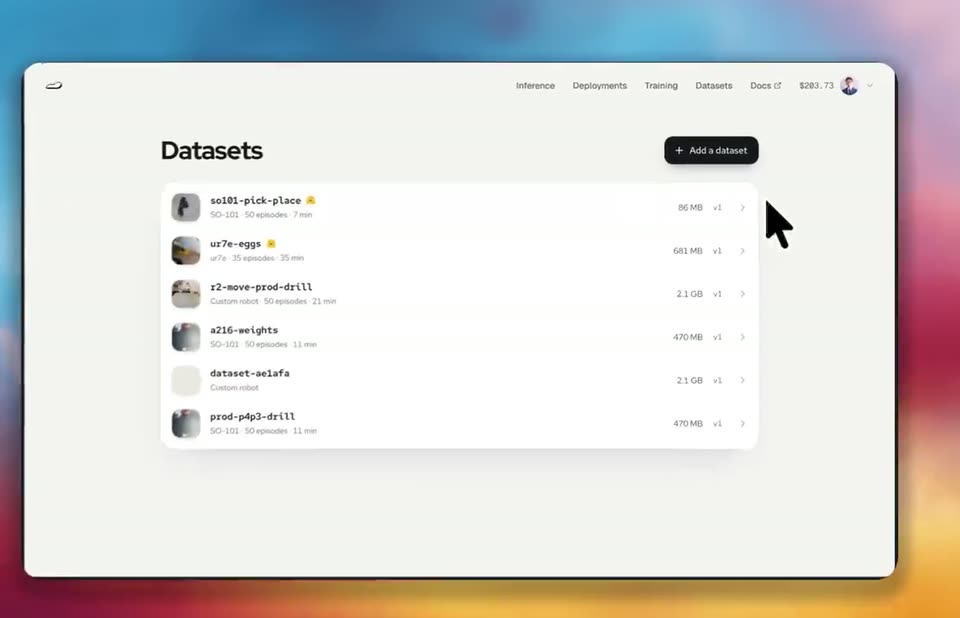 0:06–0:08Dreamscale Labs · Dreamscale Datasets is now live! | Dreamscale Labs (YC F26)A tilted Datasets screen slides into the center of a soft multicolor gradient backdrop and settles flat. A white hand cursor then glides across the panel and presses the dark Add a dataset button, while the dataset rows and top menu stay still.
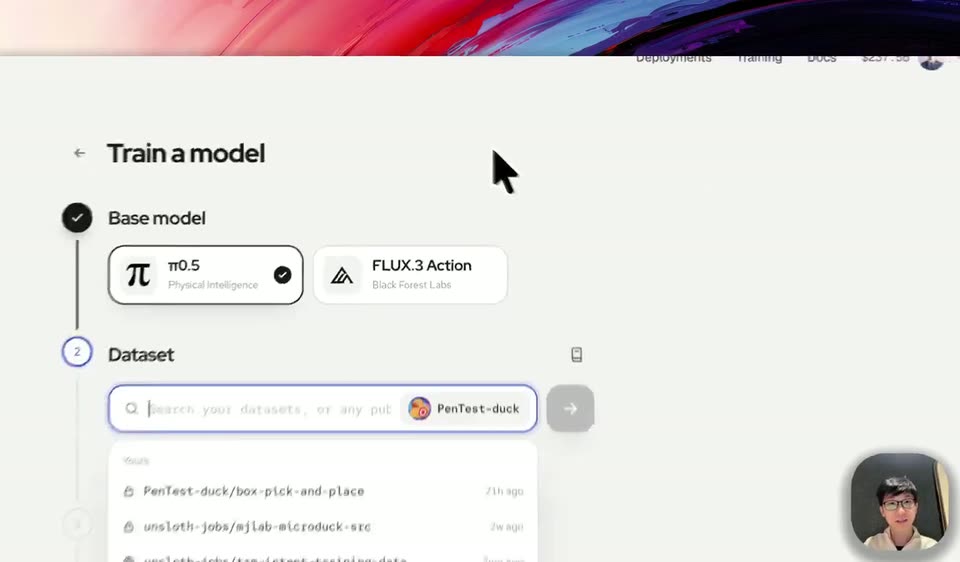 0:06–0:08Dreamscale Labs · Training is live on Dreamscale! | Dreamscale Labs (YC F26)A light gray Train a model screen shows two base-model cards. A black cursor glides down to the checked π 0.5 card, then a small FLUX.3 Action tooltip pops up beside it while the dataset search field lights up.
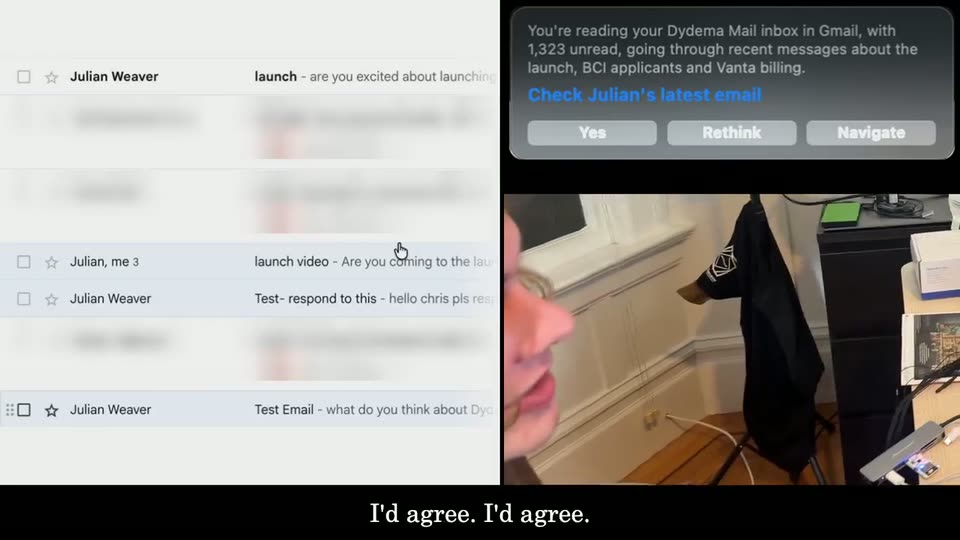 1:37–1:56Dydema · We’re officially launching with Y Combinator! Dydema is building personal, programmable brain–computer interfaces: you pick a thought and bind it to anything, like a key, a game or an agent. No… | Dydema (YC F26)Split screen: left, a Gmail inbox list that zooms in from the full window, with a cursor hovering a row; top right, an agent prompt card whose text and buttons swap; bottom right, a person in a white brain-computer headset talks. Subtitles caption the voiceover.
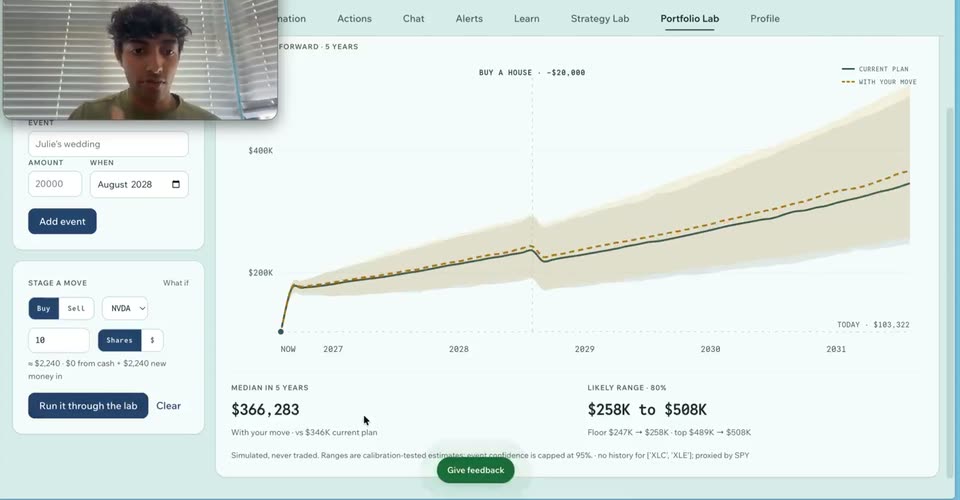 0:45–1:35Ekpa · New feature release! Portfolio Lab --> be confident about your financial future. goekpa.com | EkpaA screen recording of the Portfolio Lab app fills the frame, with a small webcam feed of a man in the top-left. A cursor opens a ticker dropdown, picks NVDA, types a share count, and clicks a button; the chart redraws with a dashed line as the page scrolls.
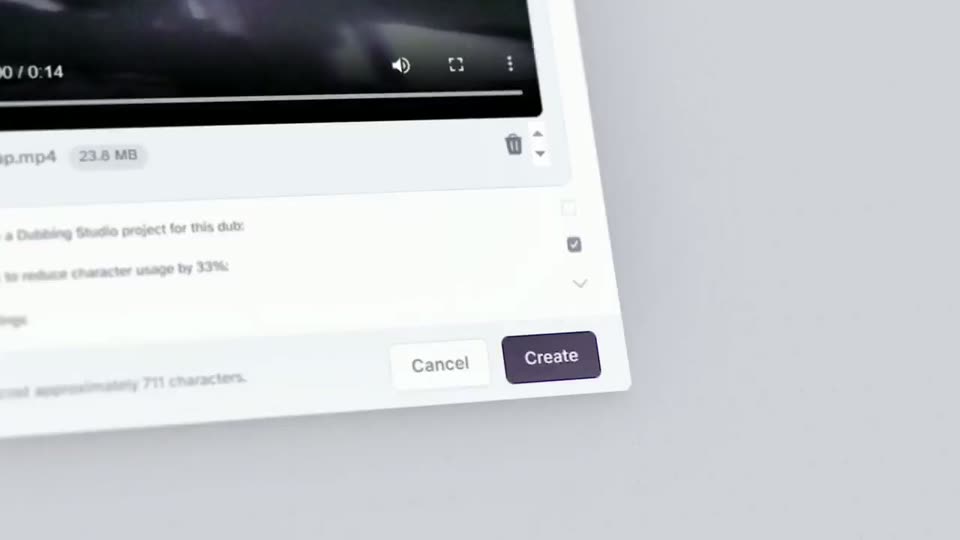 0:07–0:10ElevenLabs · Introducing Dubbing Studio. Our Dubbing Studio gives you precise control when translating your videos for global audiences. We detect and label each of your speakers and create an editable scriptA tilted 3D panel shows a source picker with an uploaded video and a language dropdown. A cursor opens the dropdown, hovers Spanish, then clicks the dark Create button, which shows a loading spinner as the panel drifts and blurs.
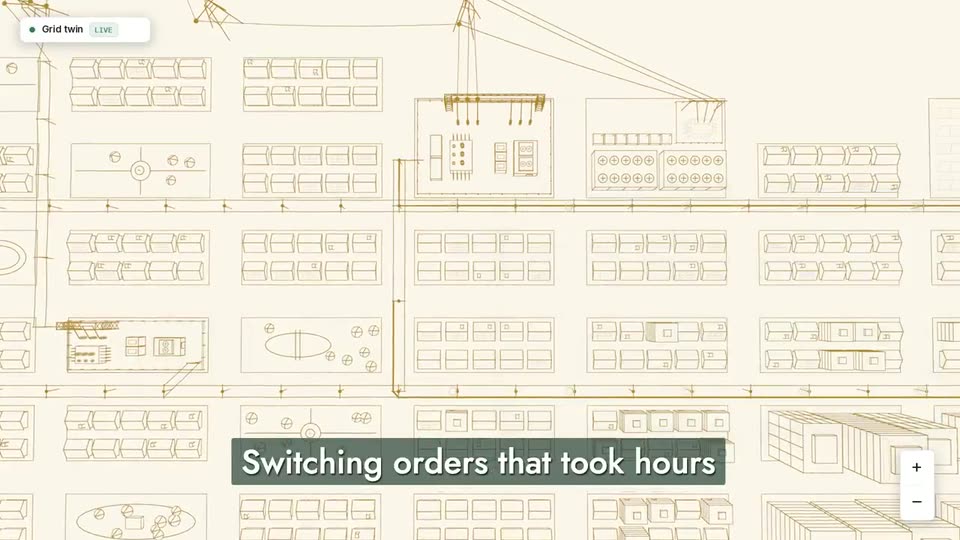 0:59–1:08Evardi · Evardi (YC F26) builds AI agents that engineer the grid edge: the transformers and local lines where rooftop solar, batteries, EVs, and data centers connect. Outages cost Americans up to $121B in aA cream blueprint grid map fills the frame as a red outage-risk badge pops in left and a white Mitigation agents panel slides in right, its Apply button clicked by a cursor. Captions swap below; the map then tilts into 3D as a Twin check panel opens.
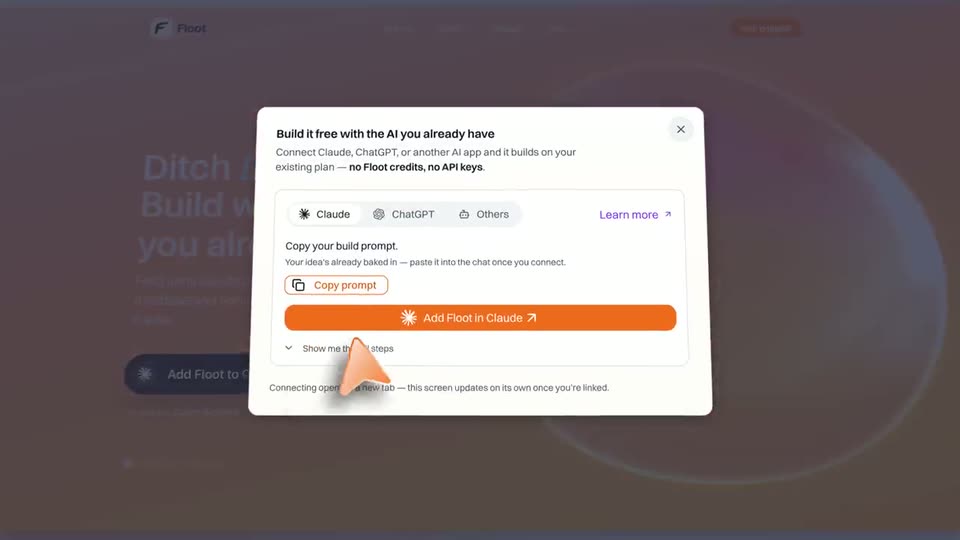 0:10–0:13Floot · Claude and ChatGPT can already write you an app. Getting it live is another story. Today we're fixing that: connect Floot, and you can build and ship real apps directly inside Claude and ChatGPT -A 3D-tilted Float landing page with a glass orb at the right straightens as the camera zooms onto the CTA row. A cursor clicks Add Float to Claude, opening a connection modal, then hovers the orange Add Float in Claude button.
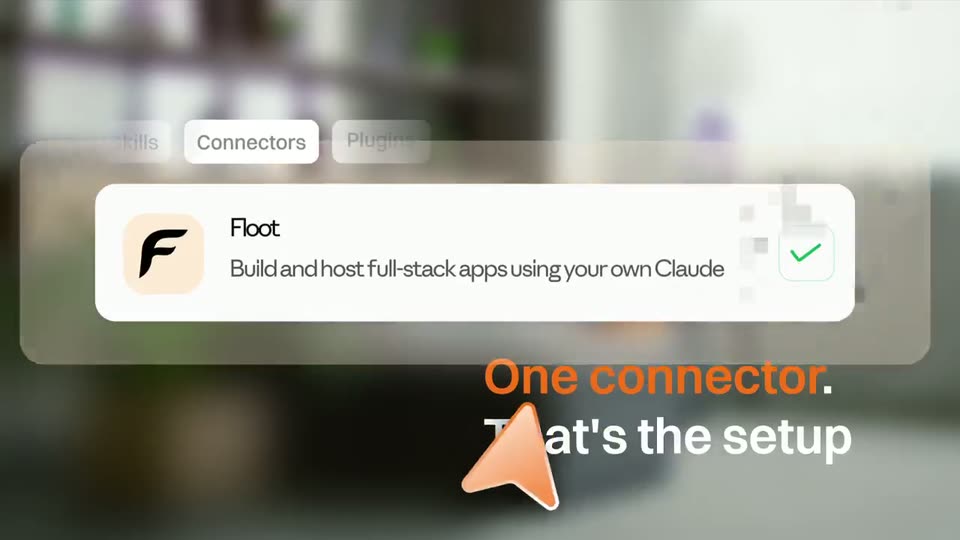 0:10–0:11Floot · Your website is now an iPhone app. Just ask ChatGPT or Claude. Take any website you’ve built on Floot, say “make this a mobile app,” and we’ll run the build and send your app to TestFlight andA blurred desk scene sits behind a white connector panel with a green check; an orange cursor drifts down as a pixel wipe clears the right edge, under the static caption “One connector. That's the setup”.
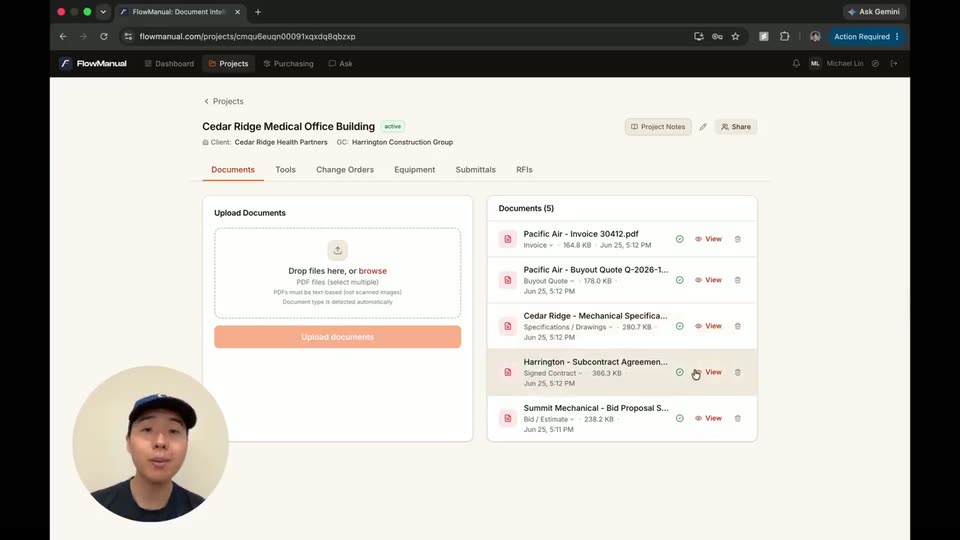 0:09–0:11FlowManual · Hey! This is FlowManual; an AI-native back office for construction contractors. Here’s a little demo to show you what we’ve been working on. We've talked with hundreds of contractors and realized… | FlowManual (YC S26)A browser window shows a project documents page: an upload panel left, a list of five PDF files right. A circular video call of a man in a cap sits in the lower left. The cursor glides to the fourth row and hovers its View button, tinting the row.
 1:04–1:05ForecourtIQ · Most dealerships are losing sales… and don’t even realise it. Customers walk onto your forecourt. No one sees them. No one approaches them. They leave. That’s a missed opportunity - every single… | ForecourtIQA dark field holds a blurred green-and-white ring around a centered pill button reading Notification. Two blue cursors drift in from below, one stopping at the button's right edge as the label scales up.
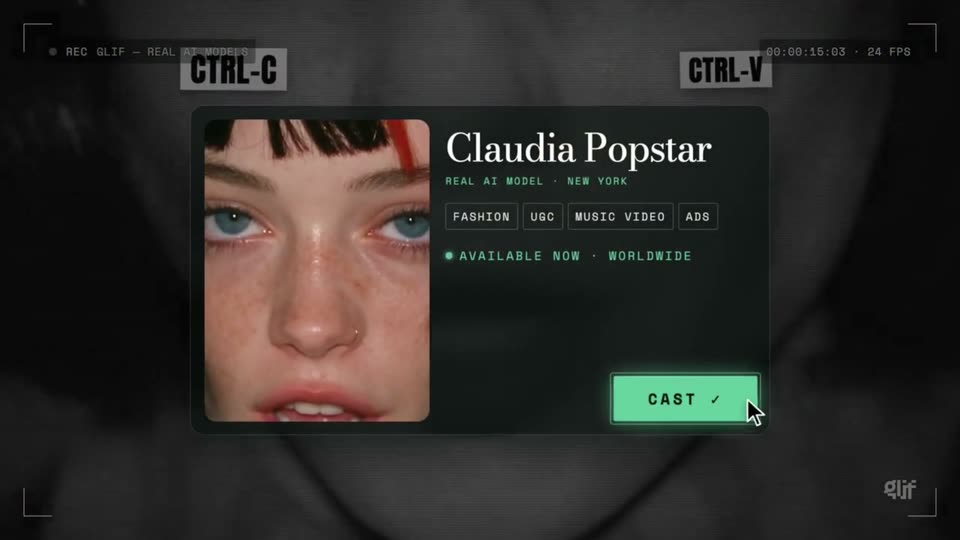 0:21 · 0.8sGLIF · Glif Signs Claudia, the AI Pop StarA dark profile card for an AI model sits centered over a blurred, gridded background, framed by a camera HUD with REC label, timecode and CTRL-C / CTRL-V tags. A cursor clicks the CAST button, which fills solid green.
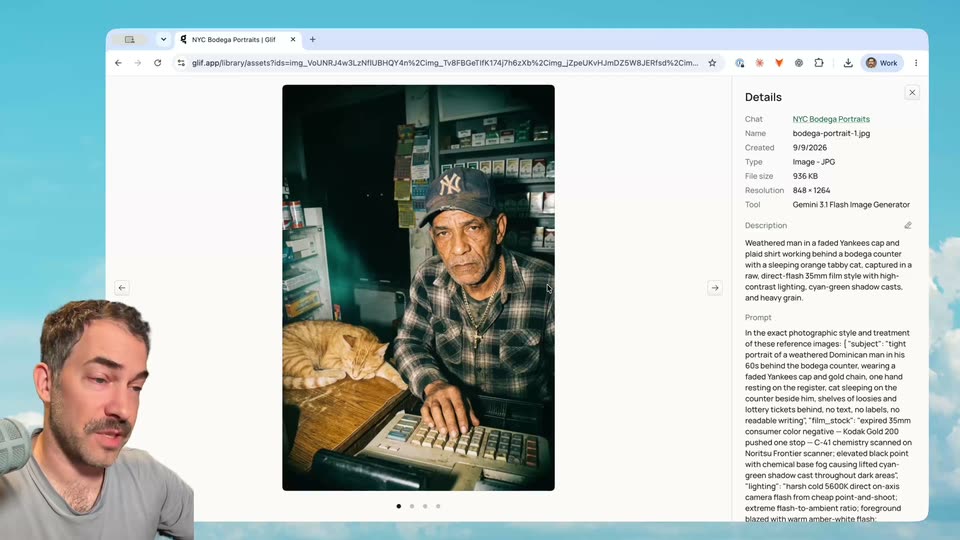 1:01–1:44GLIF · Glif Styles - Consistent AI Image AestheticsA browser window shows an image viewer with a details sidebar, while a presenter in the bottom-left corner speaks into a mic. A cursor hovers by the arrows, and the portrait slides sideways from a helmeted delivery worker to an older bodega owner.
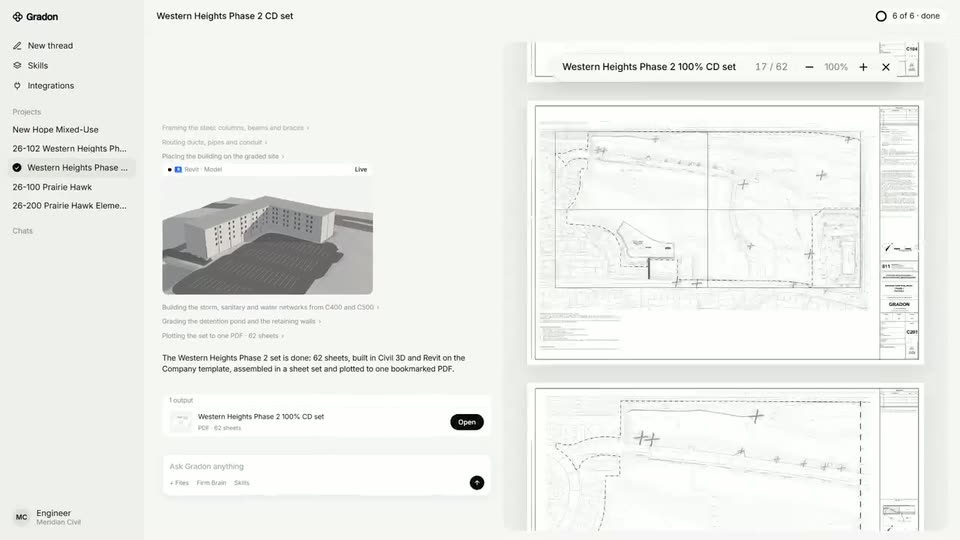 0:27–0:35Gradon · Gradon is the all-in-one AI workspace for AEC firms. From CAD and design to plans and calculations, here’s a breakdown of what it does 👇A product chat thread scrolls up to reveal a finished PDF output card. A cursor clicks Open, and a drawing-sheet viewer slides in from the right, flipping through engineering plans as the frame pulls back to the full app layout.
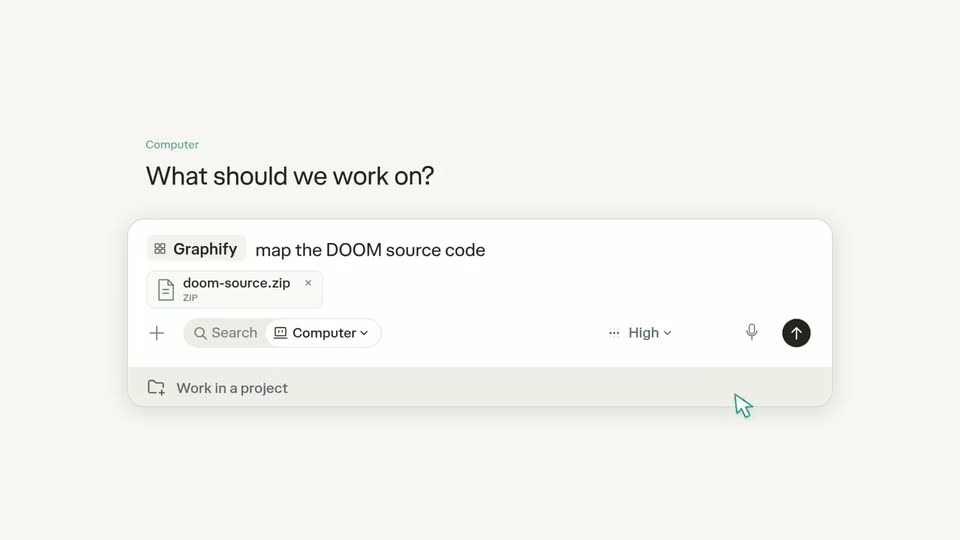 0:10–0:16Graphify Labs · Graphify is now in Perplexity Every user gets 5,000 free credits through Oct 31 to turn any codebase into an interactive map of files, functions, and dependencies. Point it at your repo and go. | Graphify Labs (YC S26)A light prompt box under the heading What should we work on? holds a doom-source.zip chip. A teal cursor types and selects a Graphify skill, finishes map the DOOM source code, clicks send. The view cuts to a code atlas with a labeled node graph and community list.
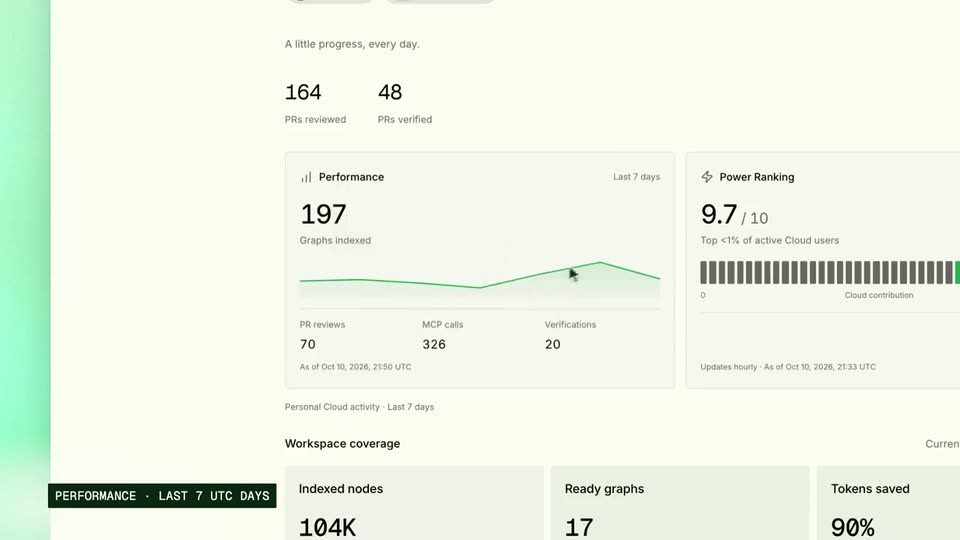 0:07–0:16Graphify Labs · introducing graphify profiles! Go claim for yourself graphify.com/@safishamsi | Graphify Labs (YC S26)A light profile dashboard: a cursor clicks Copy profile link, a Copied check pops in, then hovers the green line chart to open a data tooltip. The view pans and zooms across the Performance and Power Ranking cards as lower-third captions name each section.
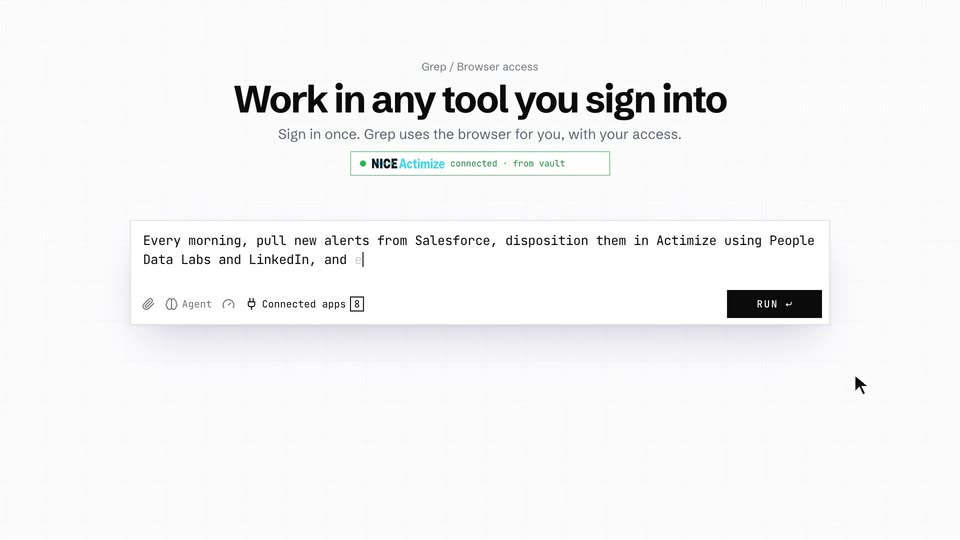 0:50–0:54Grep AI · Connected Accounts Across Grep 2026-10-14 10.55A product page shows the headline “Work in any tool you sign into” above a command box. Monospace text types out a Salesforce workflow sentence, then a cursor glides to the black RUN button.
 0:22–0:23Hemut · Hemut launch filmA dark blue field holds an orange rounded button reading Contact Agent in white, with a black cursor hovering over it. The button blurs and drifts upward, casting a reflection below, as the cursor slides to the right edge.
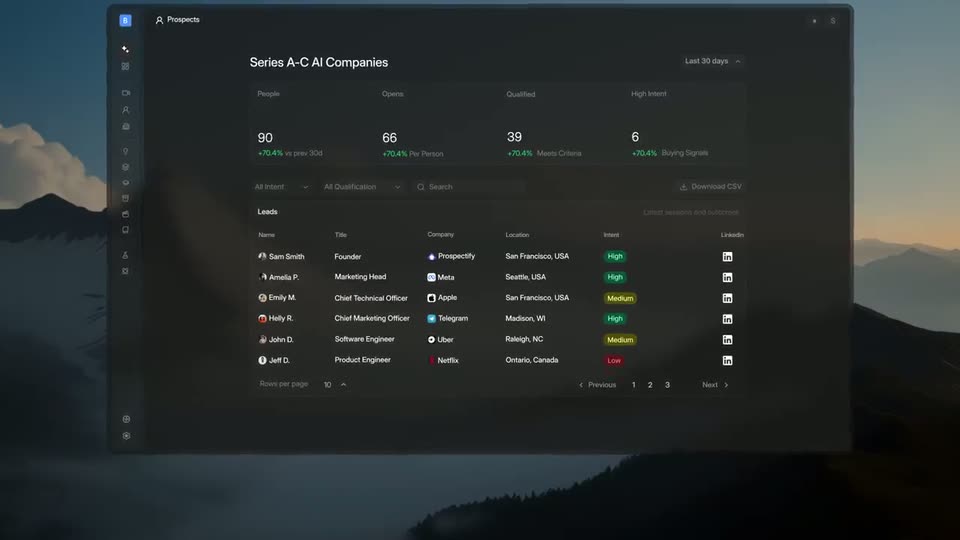 0:13–0:17Hobbes · Your outbound should not ask for 30 minutes. It should lead with a demo. We just launched Hobbes for Outbound. Every prospect gets a live demo, personalized to their context and use case. TheyA dark dashboard panel fades in over a mountain sunset. Its stat counters tick upward while the leads list fills to six rows, then a cursor hovers the top entry.
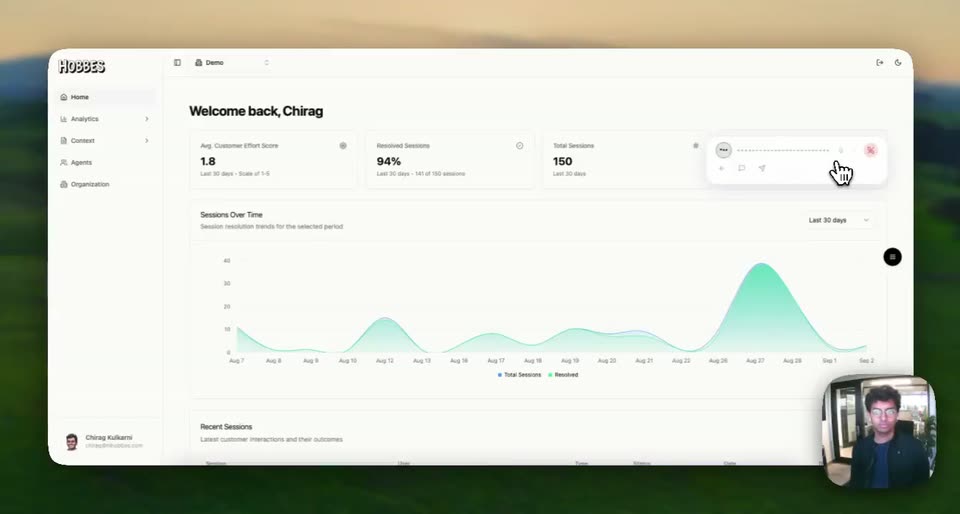 0:20–0:53Hobbes · 🎤 Hobbes speaks! 🎤 Why give Hobbes a voice? Because nobody likes dealing with the “learning curve.” Clicking through menus, digging through docs, hopping on a “quick” Zoom… even typing in chat -… | Chirag KulkarniA close-up of a white voice pill sits over a blurred dashboard; the camera pulls back to reveal the Hobbss analytics screen as a tilted 3D mockup while a hand cursor hovers at the widget. It then pushes into the sidebar, where the cursor clicks Context to expand Knowledge Center.
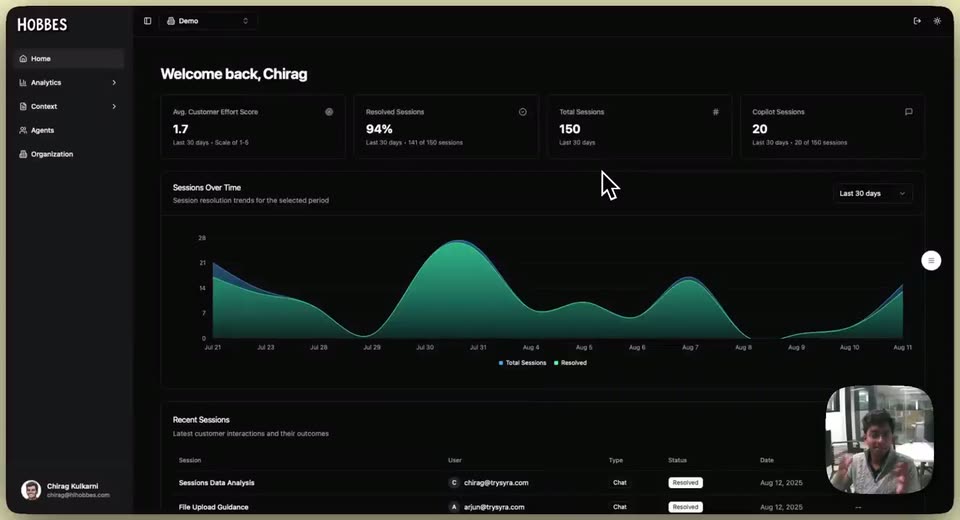 0:03–0:04Hobbes · 🚨Major update🚨 Syra is now Hobbes (hihobbes.com)! As we worked with some amazing teams this year, we saw a big gap in the agent landscape: visual context. Agents trained on knowledge bases + helpA dark analytics dashboard fills the screen with a left sidebar, a row of stat cards, a green area chart and a sessions table. A white cursor hovers at the center while a small video of the speaker sits in the bottom right corner.
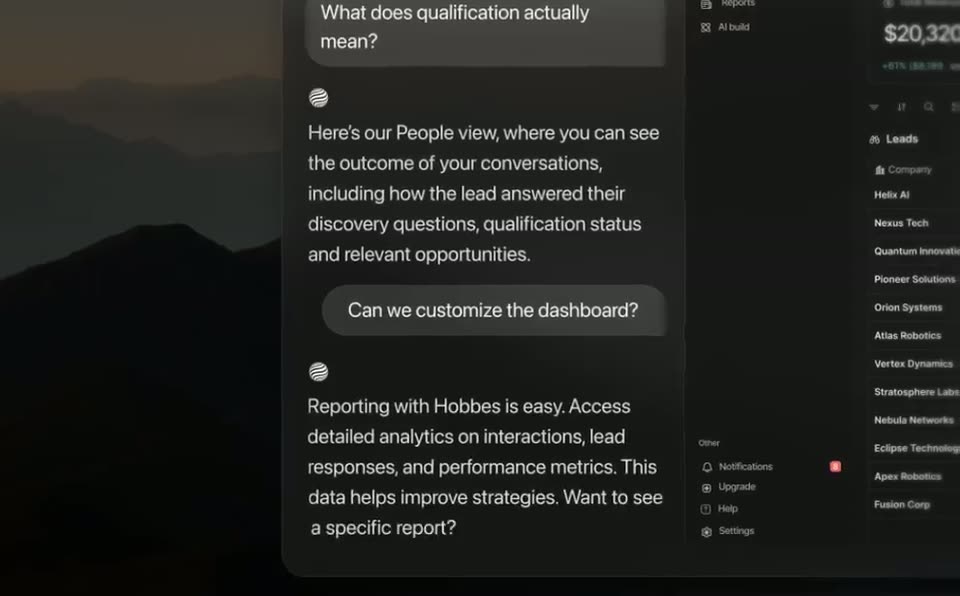 0:11–0:16Hobbes · Today, we are shipping Hobbes Sandboxes. Hobbes creates an interactive replica of your product that buyers can explore alongside your agent. A buyer asks how reporting works. Hobbes opens the rightA dark chat panel scrolls its conversation upward, then the camera pulls back to reveal the full dashboard behind it, with revenue metrics, a bar chart, and a leads table. A cursor hovers near the view controls.
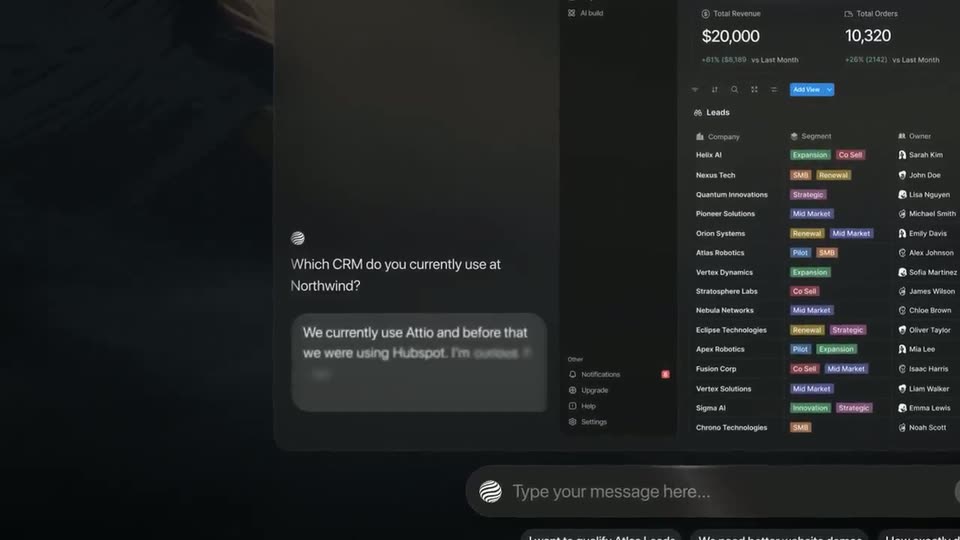 0:12–0:25Hobbes · We just launched a new look for Hobbes Modern products need modern buying experiences. Not static tours. Not demo request forms. Not “book time next week and we’ll show you around.” Buyers wantA dark CRM dashboard floats in 3D over a misty mountain backdrop while a cursor types an email into the chat bar. The view then zooms into the chat panel, where a reply message types out word by word beside a leads table.
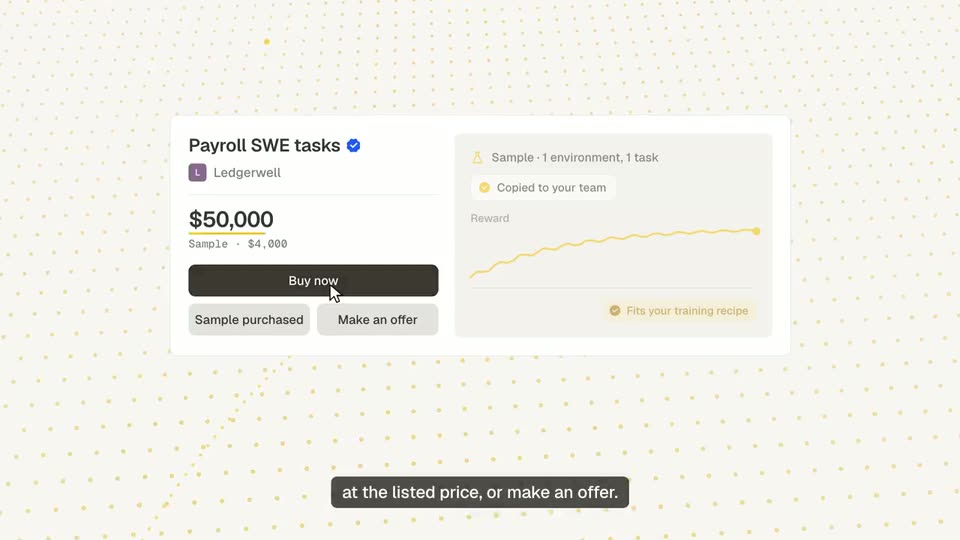 0:57–1:05HUD · We're announcing the public beta of datavendor.ai We spent the last two years building the best solution for people buying and selling data, whether you're a researcher in a lab or a company tryingA flat UI card for a $50,000 listing sits on a dotted cream background. A cursor clicks Try sample, a reward chart draws in, then the cursor selects Make an offer and a $45,000 offer form appears; the card shrinks to a yellow chip.
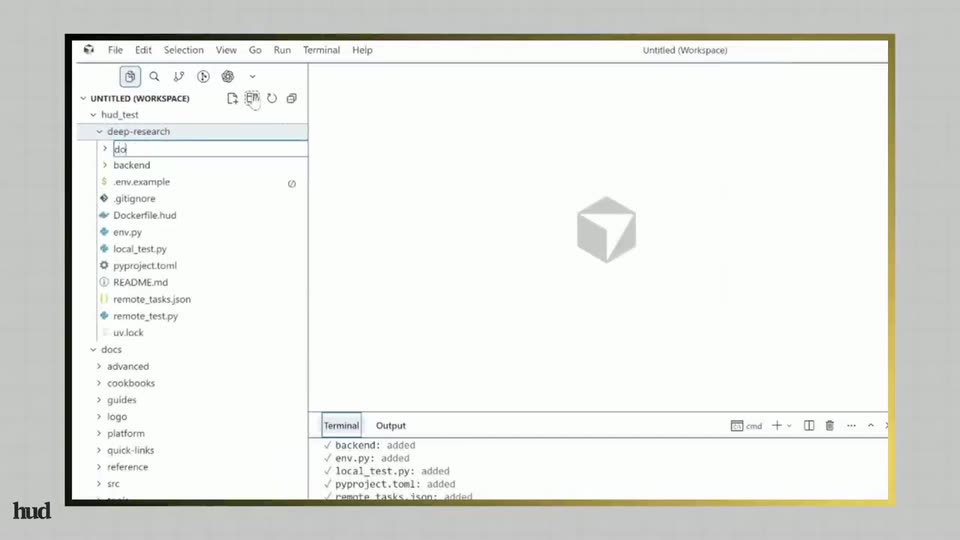 0:55–1:08HUD · Today, we're launching the public beta of the HUD platform. HUD lets you build reinforcement learning environments for training across 40+ models including GPT, Kimi, Qwen and many more. If you'reA tilted 3D frame holds a code editor as its terminal types 'hud init' and lists presets, then downloads a deep-research template. The view zooms into the terminal, pulls back to the file tree, and a cursor opens a markdown doc.
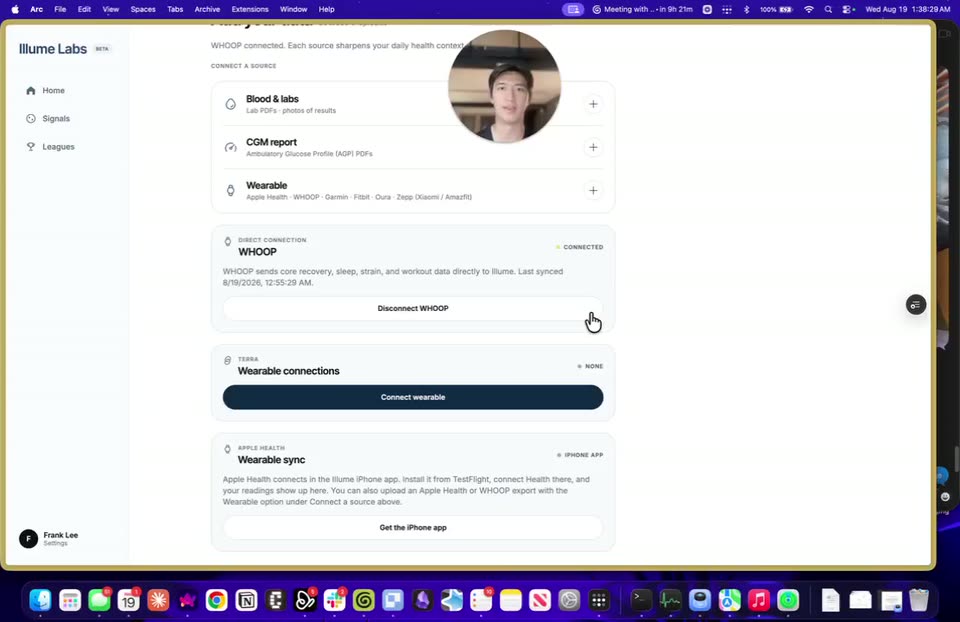 0:13–0:51Illume Labs · Sharing an update on Illume, your personal health companion you can text, anywhere, which we've been building at Y Combinator! It connects your wearables, lab results, nutrition, and workouts, to… | Illume Labs (YC S26)A screen recording of the Illume Labs web app on a Mac desktop. The Add your data page settles in after a brief crossfade, listing data sources with a circular profile photo. A cursor hovers over the Disconnect WHOOP button, then drifts to the right edge.
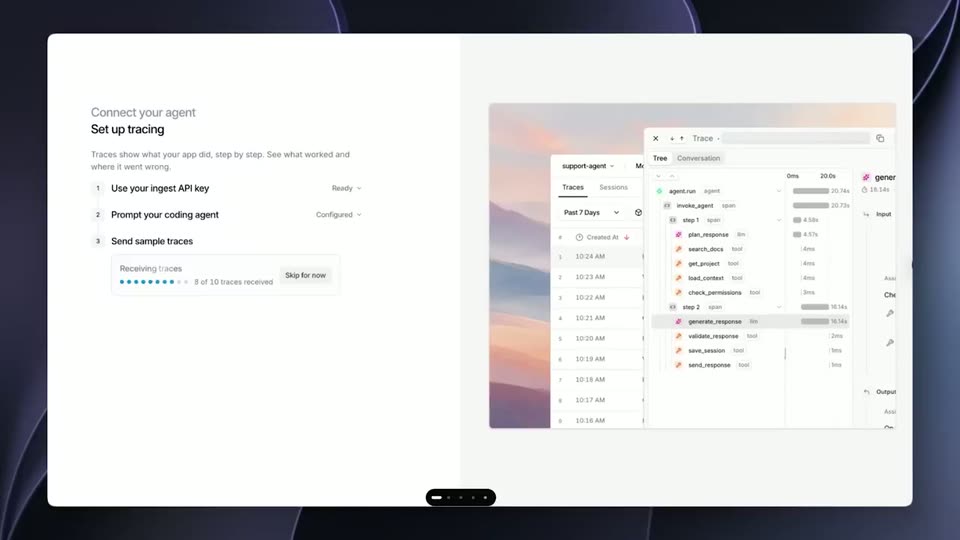 0:06–0:13Judgment Labs · See Judgment Labs’ activity on LinkedInA product window floats tilted in 3D over a dark flowing background. A cursor clicks the red Copy button, a tooltip pops up, then the setup steps tick to Configured and a progress bar counts up to 8 of 10 traces while the window rotates flat.
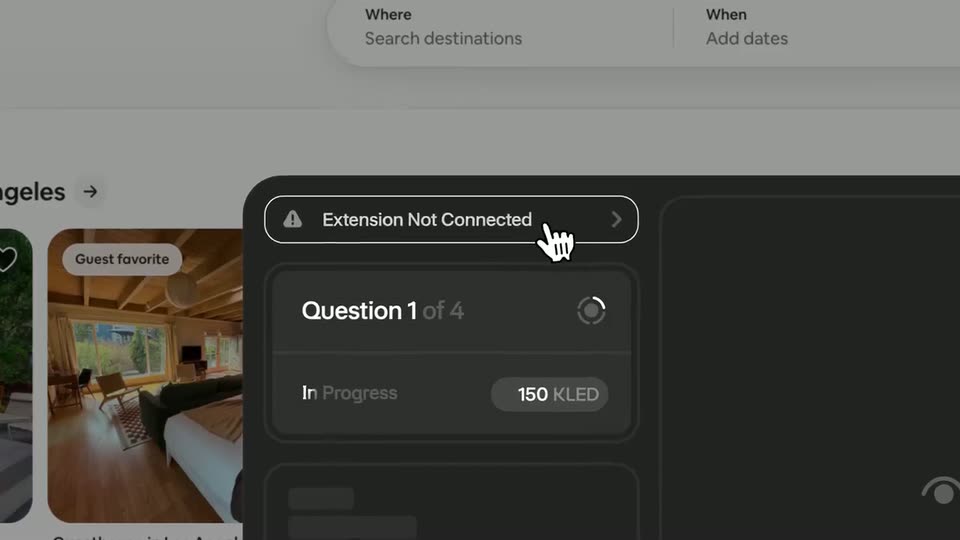 0:06 · 0.6sKled · We created the world’s best captcha. The first captcha that is: free for companies, pays you to solve it, impossible to bot, and instead of showing you images of random traffic lights, you’re shown… | Avi PatelA dark card showing a warning icon and a hand cursor slides left out of frame, exposing a property listing grid on the left beside a wallet connection panel on the right.
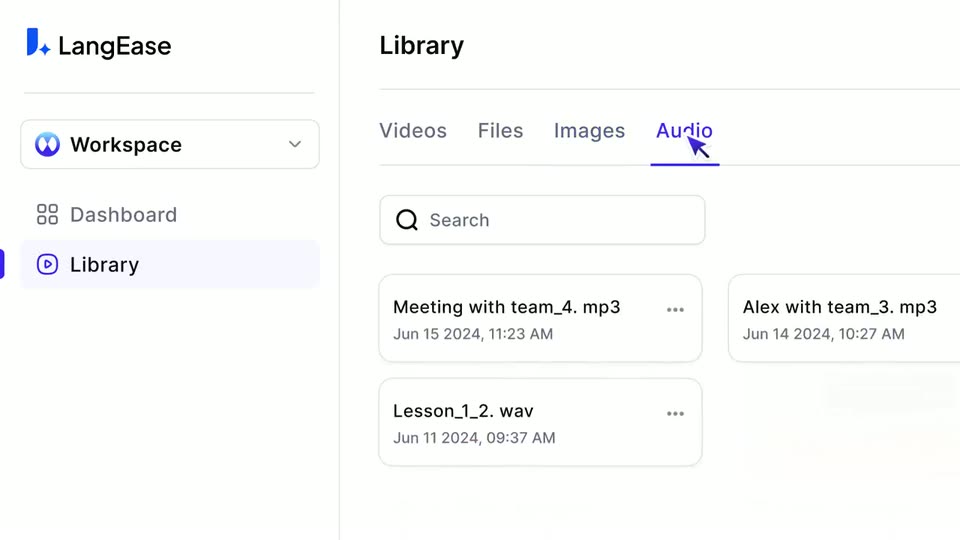 0:06–0:11LangEase · Imagine reaching a global audience without breaking a sweat. 🌎 LangEase is making it a reality. Our AI-powered localization platform is coming soon! Join the waitlist for exclusive early access.… | LangEaseA library interface with a left navigation rail and a tabbed content panel. A cursor clicks the Files, Images and Audio tabs in turn, and the card grid below swaps from document previews to newspaper image thumbnails to audio file rows.
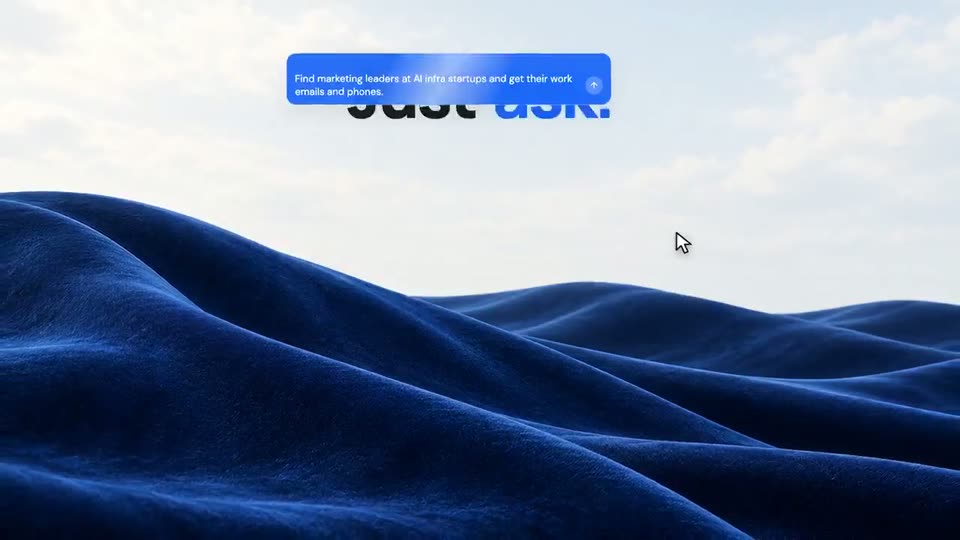 0:10–0:12Lantern AI · See Lantern AI (YC F26)’s activity on LinkedInA blue velvet dune landscape under a pale sky holds a floating white prompt bar beneath the headline Just ask. The query types in, the cursor taps send, and the bar morphs into a blue chat bubble drifting up-left as the headline fades.
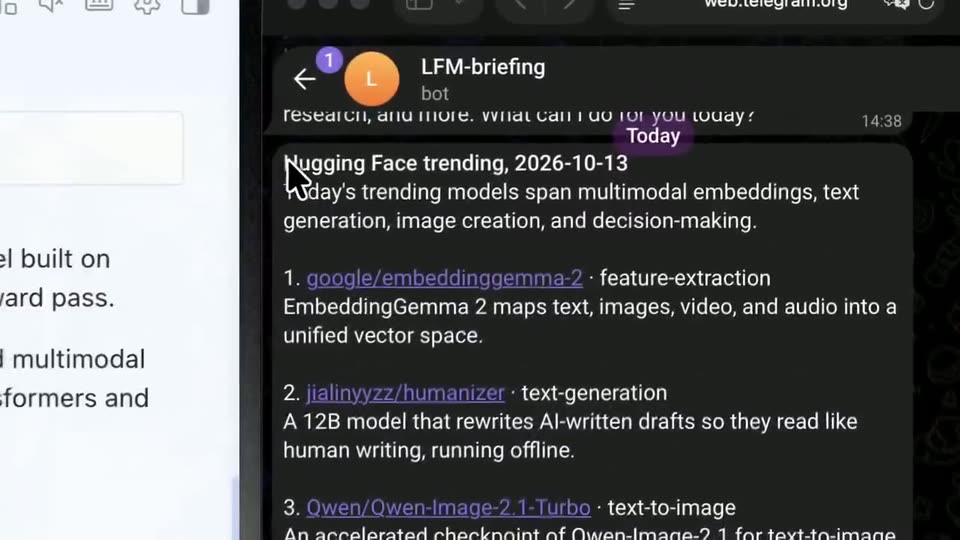 0:05–0:06Liquid AI · Today we release 𝙻𝙵𝙼𝟸.𝟻-𝟸𝟺𝙱-𝙰𝟸𝙱, the largest model in the 𝙻𝙵𝙼𝟸.𝟻 family. It is a 24B-parameter reasoning model with just 2B active parameters per token, designed to work throughA split view shows a light chat assistant with a terminal panel on the left and a dark Telegram bot message on the right. The frame then zooms into the Telegram panel as a cursor hovers over the model list.