Cursor demo
A visible cursor operates the interface.
15,048 scenes · page 51 of 251
 0:13–0:14Magic Patterns · Announcing our $6M Series A and Magic Patterns 2.0. We’ve grown profitably, hit $1M ARR, and quietly built an AI design tool loved by product managers, designers, and website builders. PreviouslyA dark dropdown menu lists four layer actions on a black background. A white cursor hovers over Bring to Front. A glitchy wireframe grid with scattered white squares flashes behind the panel before the frame clears.
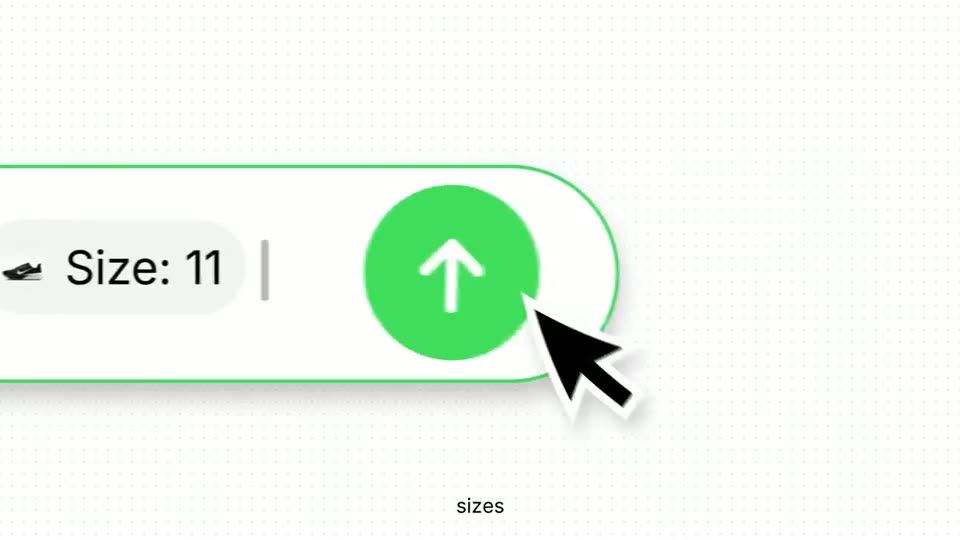 0:18–0:22magicX · Excited to announce this huge leap forward in search. Today, Shopify stores now have passed Amazon with the most powerful search, called AI Autocomplete. Search technology hasn’t changed for 15… | AI Autocomplete by MagicXA search bar fills with filter chips while a size dropdown sits below, a bottom caption cycling type, categories, sizes, prices. The view zooms onto a green up-arrow button as a cursor clicks it.
 0:07–0:11Magnific · 🔥 Magnific Upscaler For Video 🔥 (BETA TESTING) Seedance at 720 res wasn't cool. You know what's cool? Seedance at 4k res! FINALLY The most anticipated Magnific feature of all times It's aA blonde woman in a 1920s bob and white collar with black bow tie, in profile in a dim room, turns to face the camera. A thin white vertical line with left and right chevrons glides across the frame, trailing a hand cursor.
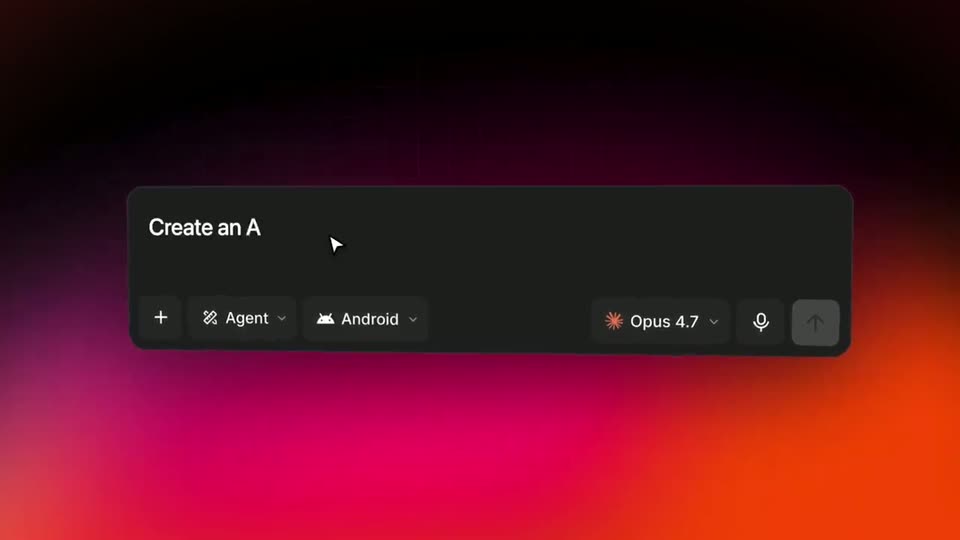 0:07–0:11MWM · #mwmai #android #kotlin #ios #swift #mobileapps #ai #googleplay #appstore | MWMA dark command bar tilts in 3D over a pink-to-orange gradient, a cursor picks Android from an open dropdown, then the bar flattens as a prompt types in, and the scene cuts to a black laptop screen.
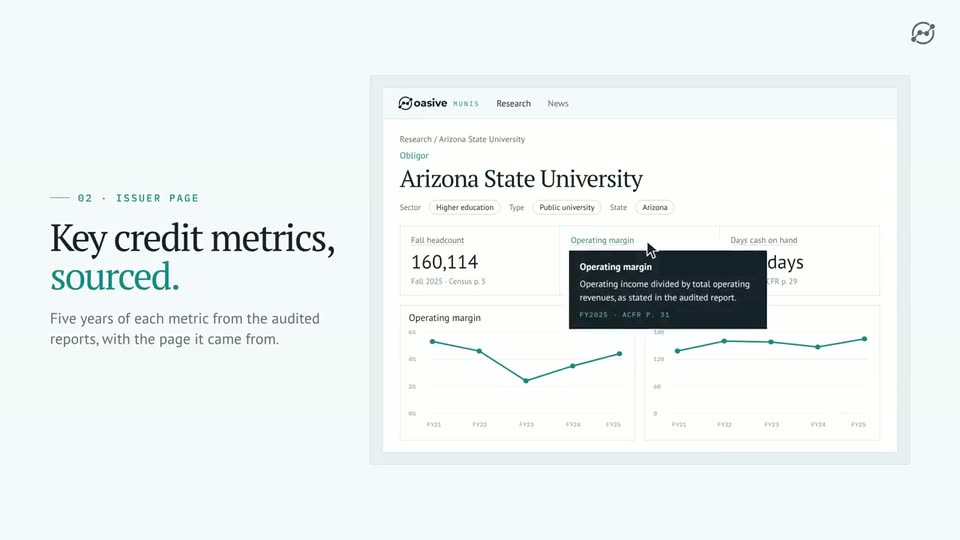 0:13–0:19Oasive · See Oasive (YC F26)’s activity on LinkedInA two-panel layout pairs a serif headline on the left with the product's issuer page on the right, where two line charts draw in. A cursor hovers the operating margin card, a dark tooltip explains the metric, then the source link highlights before the scene fades.
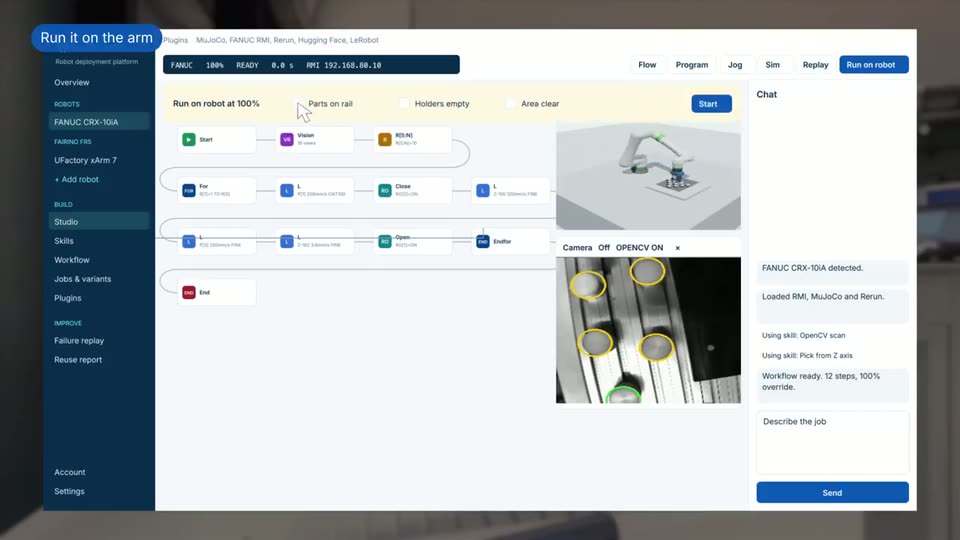 0:31–0:36Odin Robotics · See Odin Robotics (YC F26)’s activity on LinkedInThe Odin Robotics UI shows a node workflow. A cursor clicks Sim, opening a panel with a robot arm simulation and camera feed, then clicks Run on robot. A blue caption switches from “Check it on the digital twin” to “Run it on the arm”.
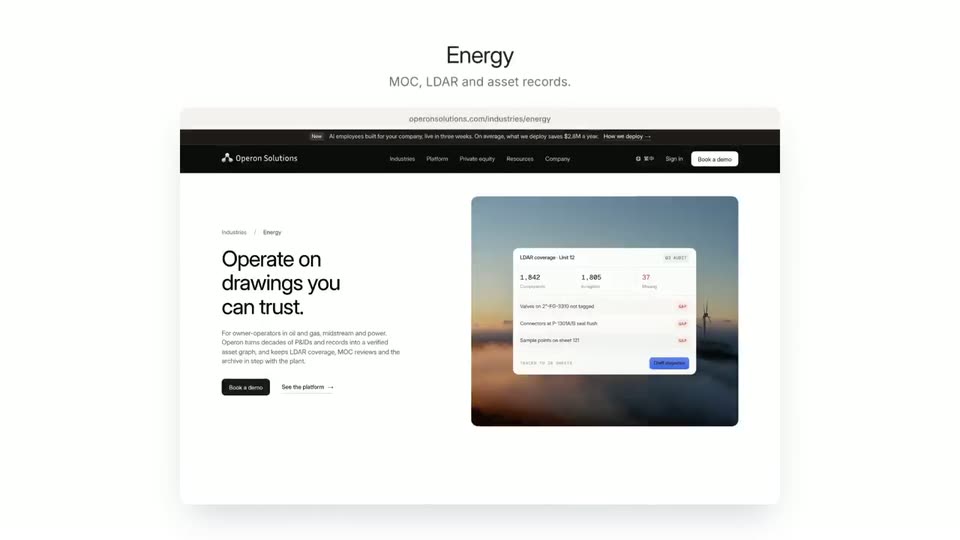 0:44–0:46Operon · Operon's New Home: operonsolutions.com | Operon SolutionsA tilted 3D mockup of the Operton Solutions energy page floats on a white background. The headline Energy and a gray subtitle fade in above it, then a cursor glides down to hover the Book a demo button.
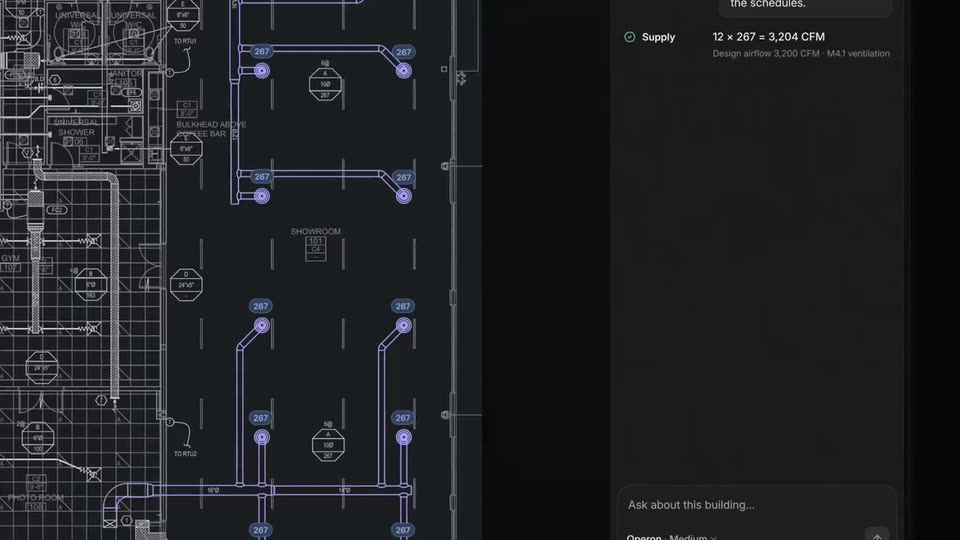 0:59–1:14Operon · Operon Solutions posted on LinkedInA dark HVAC plan fills the center of a three-panel app. A cursor hovers a diffuser, types a prompt in the right chat box, and sends it. The plan zooms out as purple dots trace ducts to twelve diffusers, then reframes on the showroom as results fill the chat.
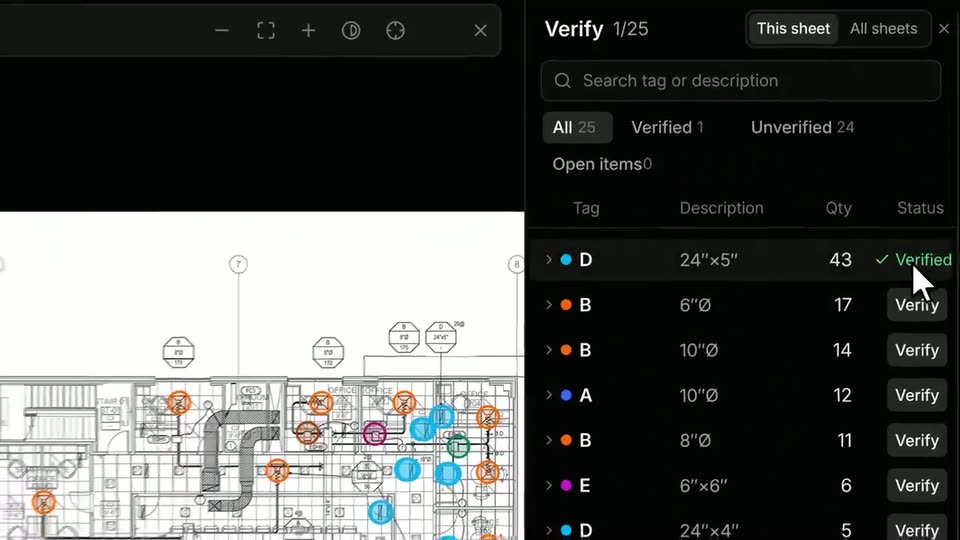 0:14–0:16Operon · We've received overwhelming requests from the HVAC & Construction industry over the past few months and today we're excited to launch our first product in this space! | Operon SolutionsA 2D floor plan with colored marker dots fills the left half; a dark Verify panel lists tagged items on the right. A cursor clicks the top row's Verify button, the status changes to a green Verified check, and the 0/25 counter ticks to 1/25.
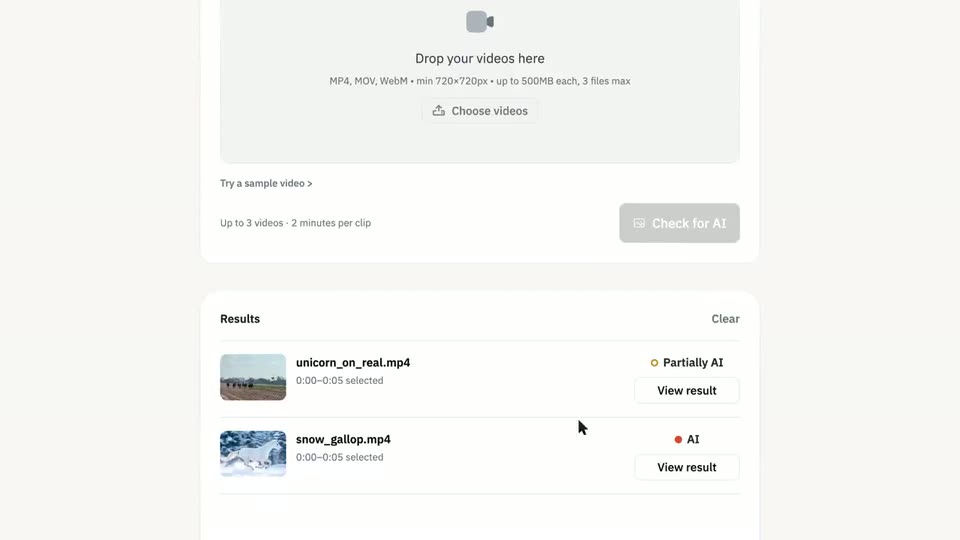 0:22–0:24Pangram · Introducing Pangram Image 1.0, our newest model for AI image and video detection. Pangram Image 1.0 identifies 99.2% of AI-generated images while maintaining a 0.27% FPR. It integrates into our… | Pangram LabsA web app screen shows a video analysis tool with two files finishing their analysis. A cursor clicks a View result button and the layout switches to a detail view with a video player and a results panel.
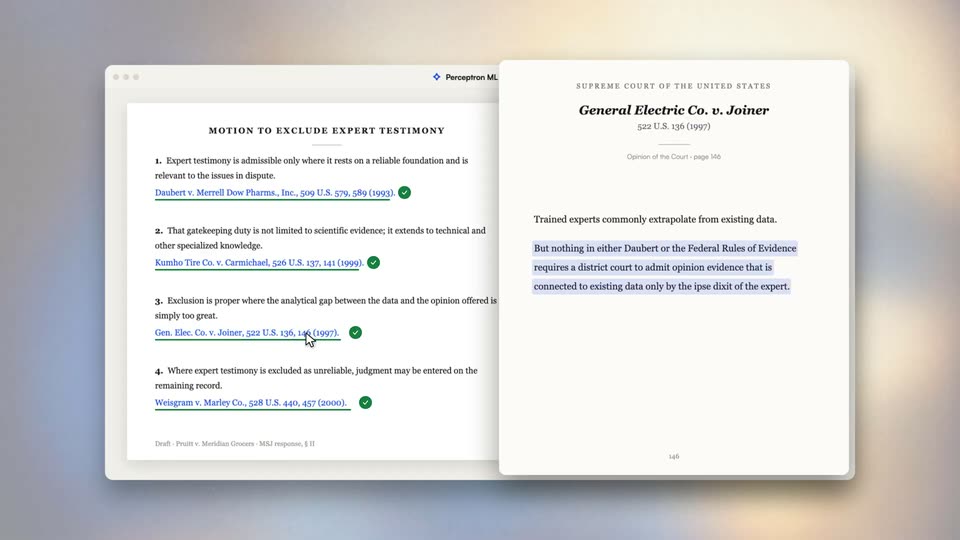 1:38–1:41Perceptron ML · Perceptron ML (YC S26)Two document windows sit side by side on a blurred gradient backdrop. The left draft lists numbered points with blue case citations and green check marks, a cursor hovering on one; the right panel shows the source opinion with a purple-highlighted passage. The left header bar fades in.
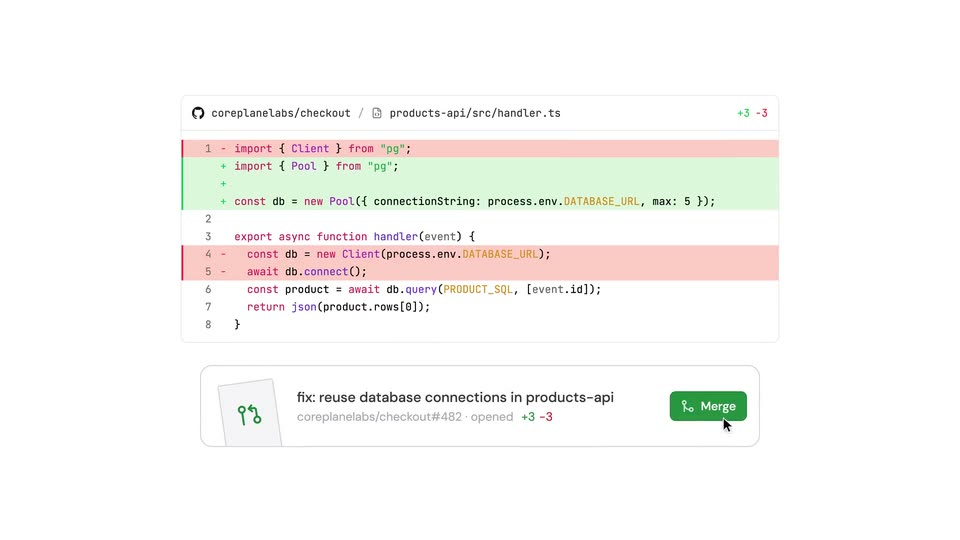 0:31–0:35Polylane · Introducing Polylane · PolylaneA code diff panel with red and green lines sits on a white background. A pull request card fades in below it, then a cursor moves to the green Merge button and clicks, turning it into a purple Merged state.
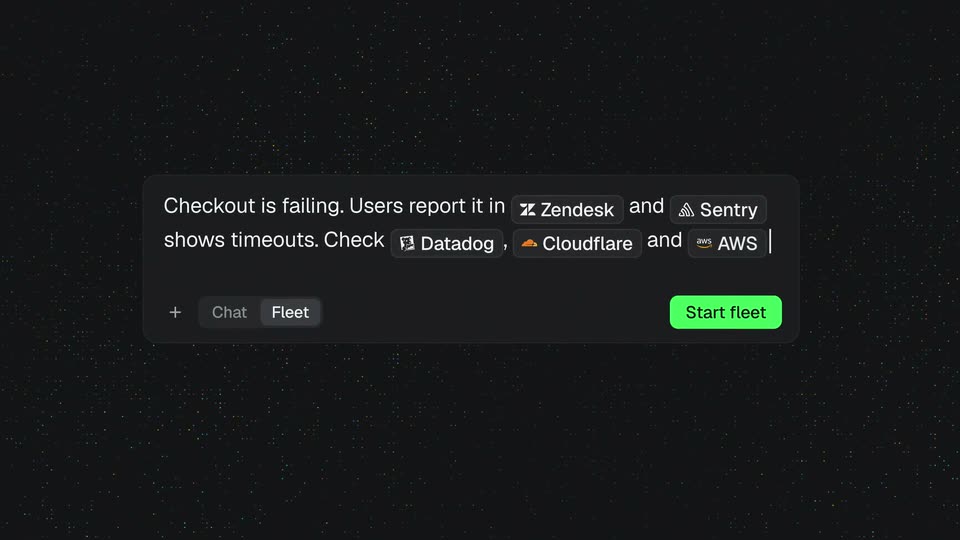 0:02–0:08Polylane · Polylane: fleet darkOn a dark starry backdrop, a centered chat input fills as a prompt is typed letter by letter, each @-mention snapping into a pill chip with a brand logo (Zendesk, Sentry, Datadog, Cloudflare, AWS). A cursor moves to the green Start fleet button and clicks it.
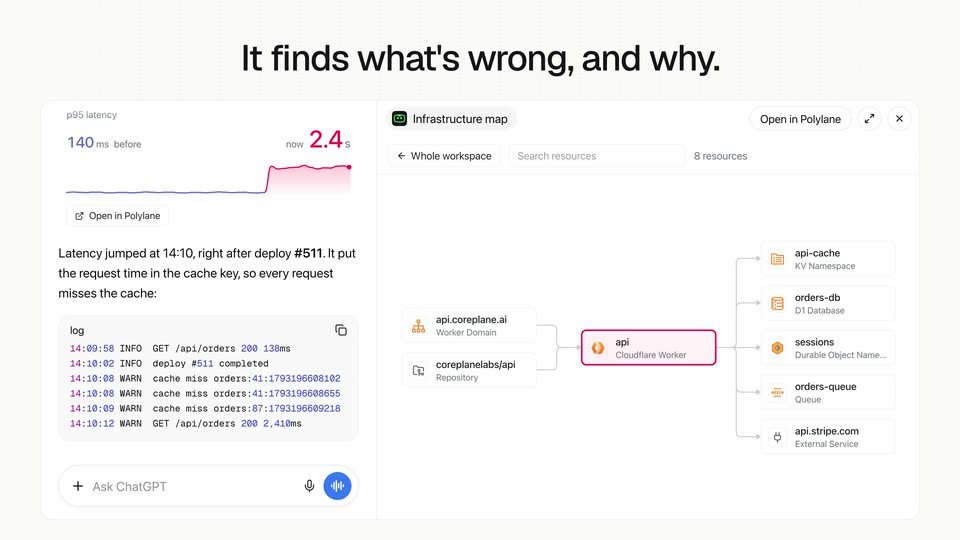 0:12–0:36Polylane · Polylane for ChatGPT · PolylaneA two-panel product UI shows a chat agent beside an infrastructure map. A cloud of colored dots grows, a cursor clicks a node, the cloud morphs into a node-link diagram, and the left panel scrolls through an issue card, logs, and a diff as headlines crossfade above.
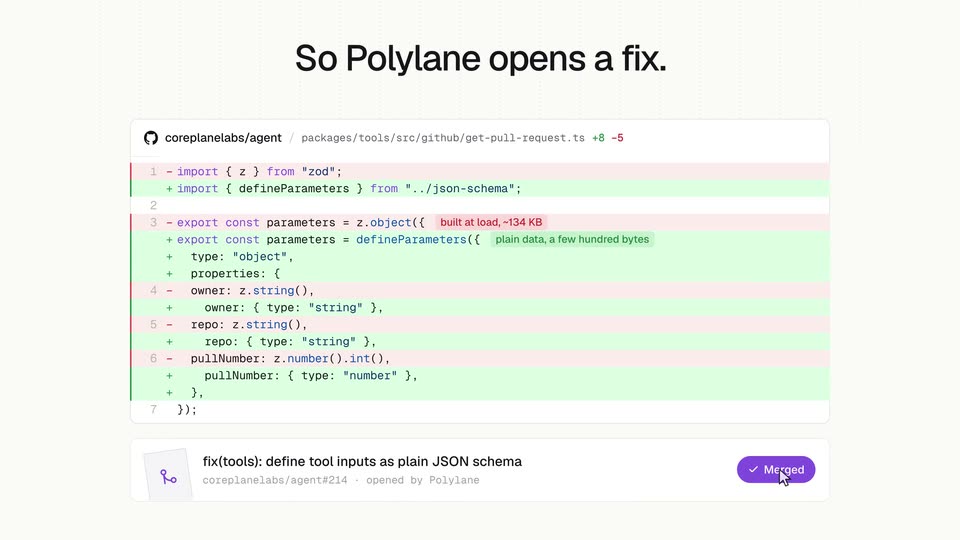 0:34–0:37Polylane · Polylane for Cloudflare · PolylaneA black headline sits above a code diff panel with red and green lines and two colored annotation pills. A cursor moves to the green Merge button at the bottom and clicks it, turning it into a purple Merged badge.
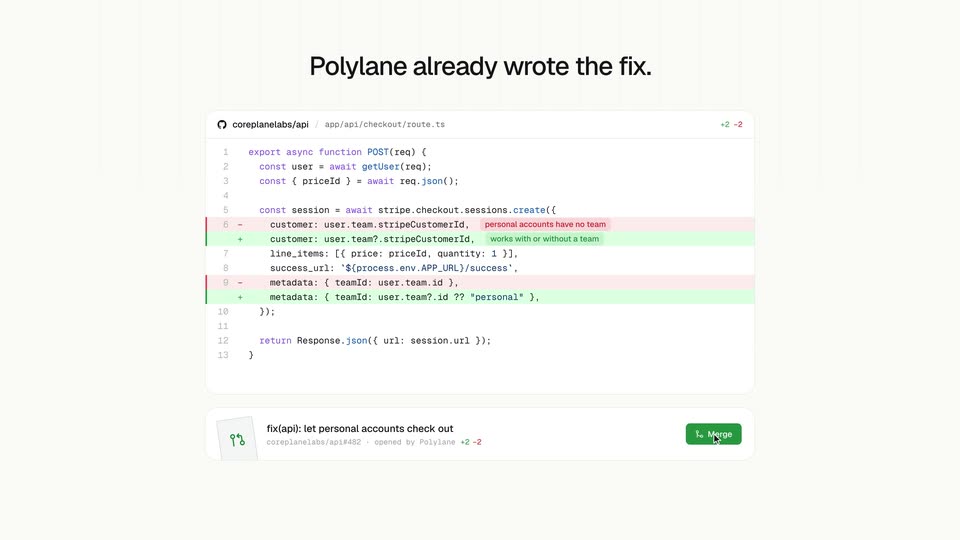 0:28–0:35Polylane · Polylane for Vercel · PolylaneA code diff card sits under a bold headline that crossfades as red error lines give way to green fix lines and a pull-request card slides up. A cursor clicks the Merge button, turning it purple Merged, then a blue status pill fades in at the top.
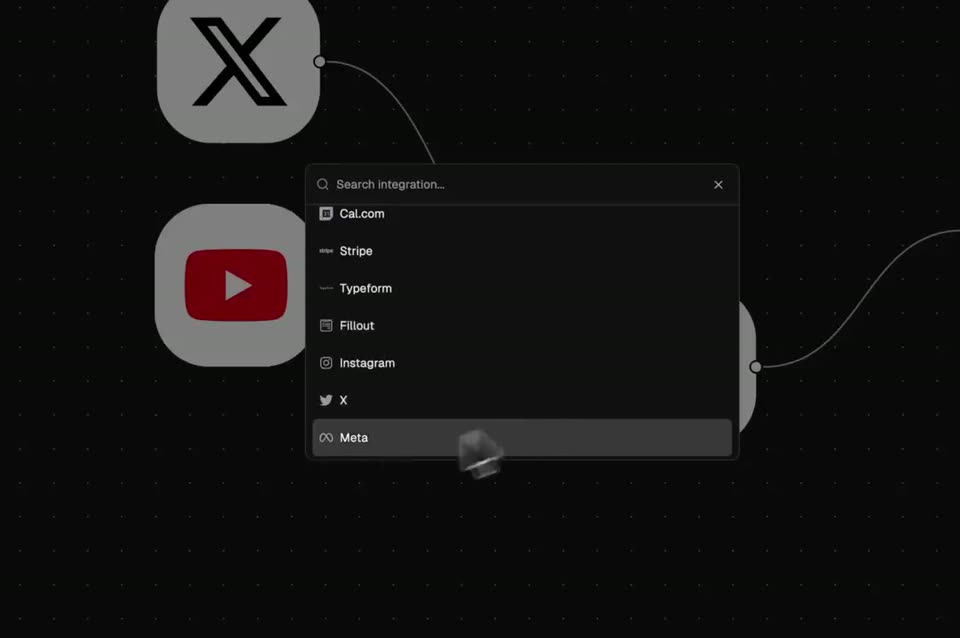 0:03–0:07Pulse · Psst, dark mode is here. If you're running youtube lead gen offers then you need to setup some tracking for your content, because YouTube dashboard only tells views. Pulse makes it easy by giving… | PulseOn a dark dotted canvas, an integration search panel opens over a flow of connected tiles. The cursor glides down the list, rows highlight and the list scrolls, then the panel fades out leaving the X, YouTube and globe nodes linked by curved lines.
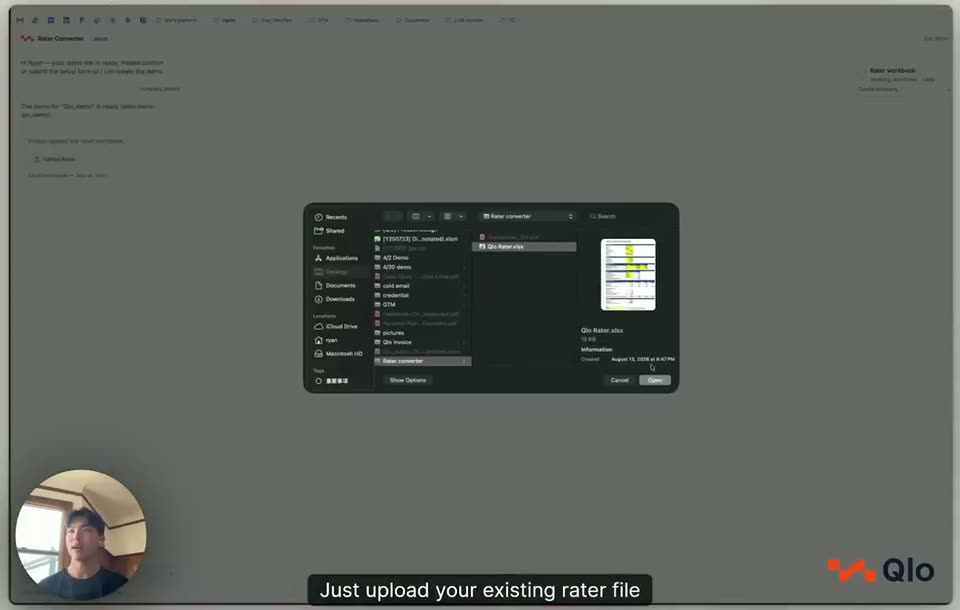 0:24–0:26Qlo · Your rater shouldn’t take months to implement. Today, we’re launching Qlo’s Rater Converter. Give it an existing Excel rating file. It turns that file into a working digital rater inside Qlo while… | Ryan HuA screen recording of a dark macOS file dialog over the Qlo Rater Converter page. The cursor selects an Excel file and a preview thumbnail appears, while a circular webcam of the presenter stays in the lower left corner.
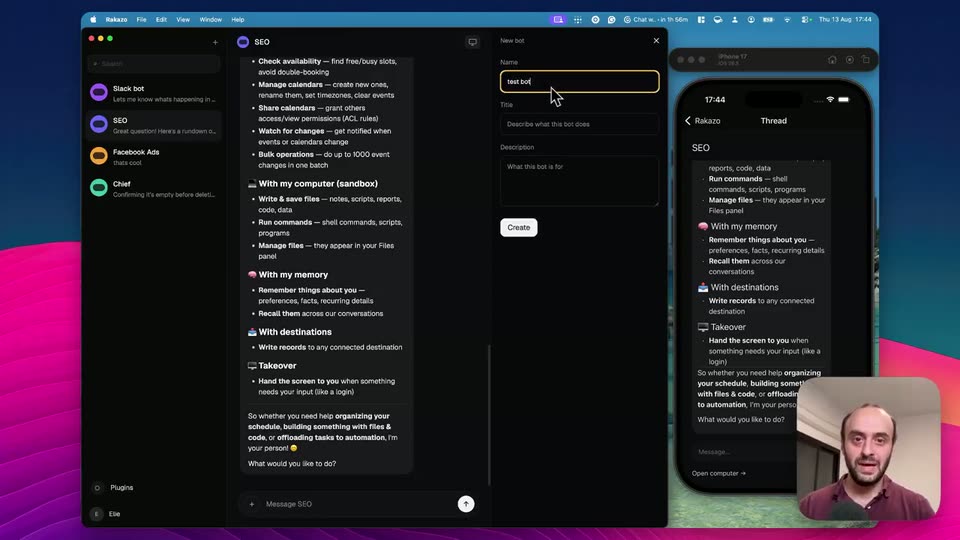 0:17–0:20Rakazo · Eliezer Steinbock | SpaceXAI | 27 likes · 6 commentsIn a dark desktop app, a cursor types test bot into the Name field of a New bot form, then moves into the Title field. An iPhone mockup and a small video call of a man sit beside the window.
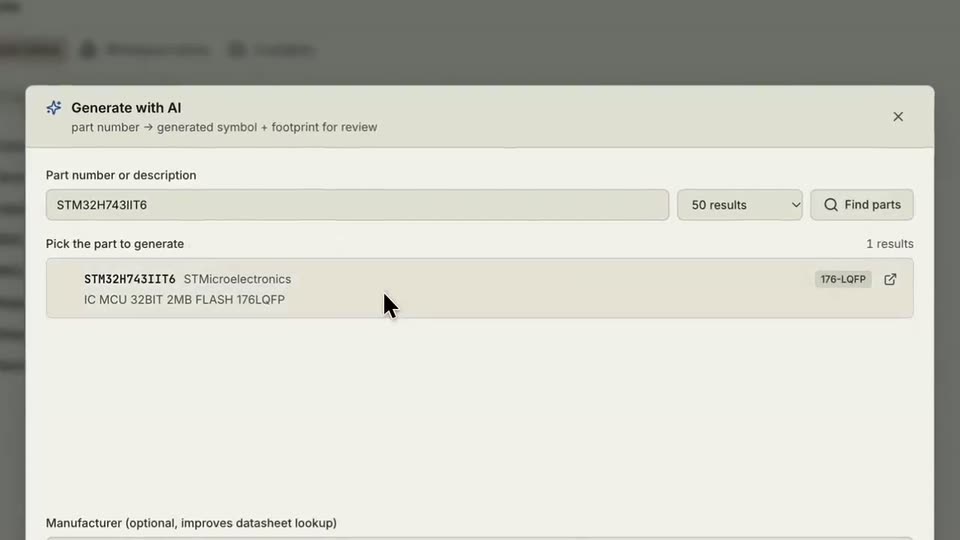 0:02–0:06Resin Technologies · Stop drawing component libraries by hand. Give Resin any MPN or datasheet and it builds the symbol and footprint, with every pin and pad traceable to the source datasheet. | Resin TechnologiesA product modal titled Generate with AI opens over a dimmed dashboard. A cursor types a part number, clicks Find parts, and a single result row appears. The panel scrolls down to reveal an orange Generate button, which the cursor presses.
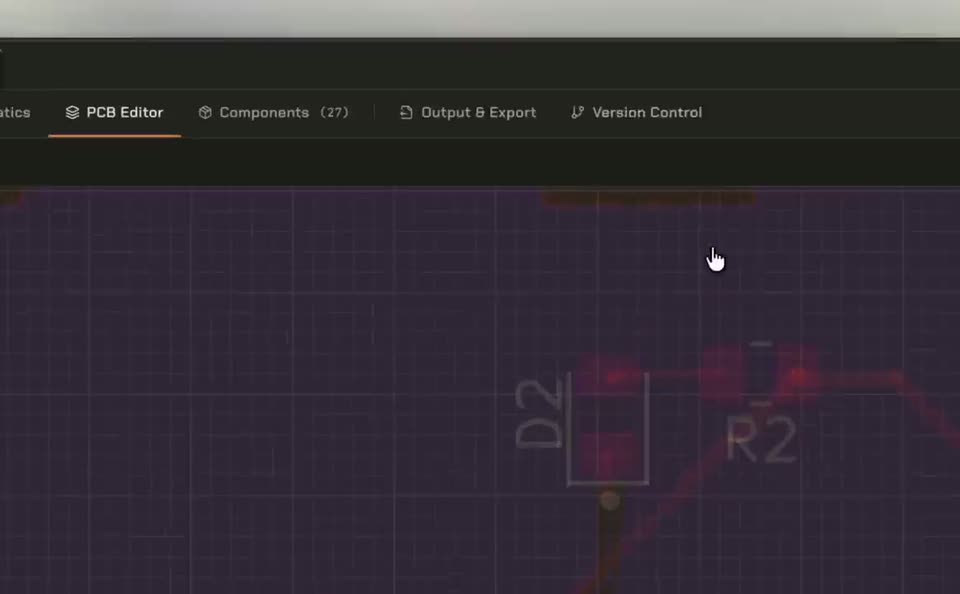 0:07–0:09Resin Technologies · Introducing Semantic Diffs. You can now *see* what changed across revisions -- parts, traces, vias etc. -- instead of inspecting blobs of text. Live now for all users! | Resin TechnologiesA dark PCB editor canvas with a grid and component labels fills the frame, then the view zooms in on the top toolbar. The cursor moves right to hover over Version Control, which grows larger as the menu items scale up with the zoom.
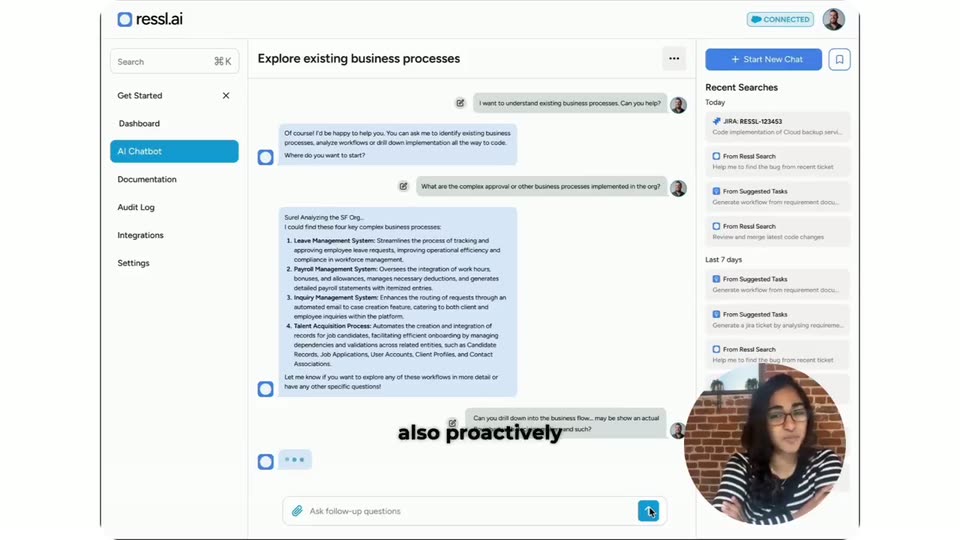 0:24–0:49Ressl · Introducing Ressl AI ~ We're building an AI Admin to help companies fall in love with their Salesforce orgs again ❤️ Our product is aimed at assisting admins in every phase of the SalesforceA locked-off view of the ressl.ai chatbot interface fills the frame, with a circular presenter video in the lower right. Chat messages build in the center while bold black captions type out the voiceover phrase by phrase, ending on a flowchart.
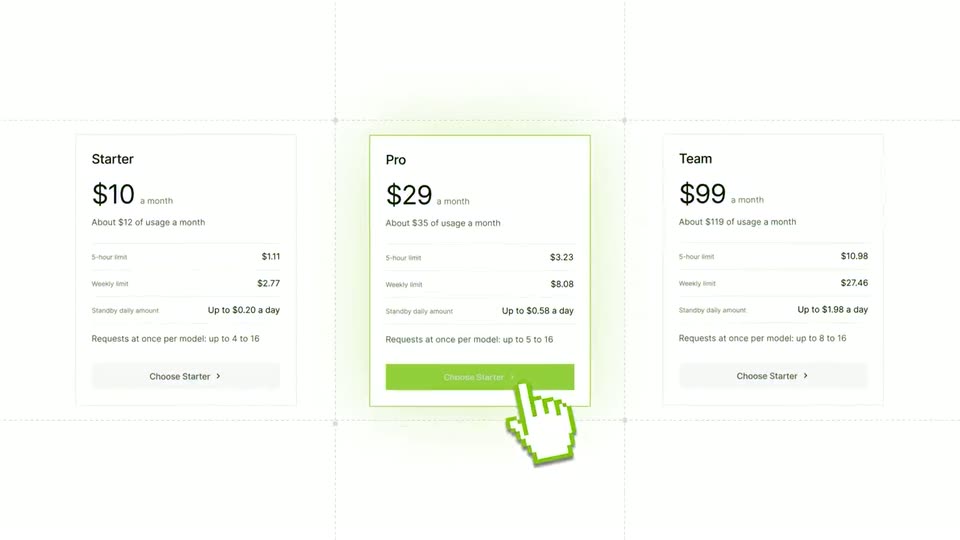 0:26–0:27RightNow · runinfra coding plan is live the fastest open models in claude code, codex, opencode and 16 more agents. from $10 a month more usage per dollar and faster tok/s than other providers. both, not one… | RightNow InferenceThree pricing cards for Starter, Pro and Team sit side by side on a white dotted grid. The Pro card carries a green outline, and a pixelated green hand cursor hovers over its button, which brightens to solid green.
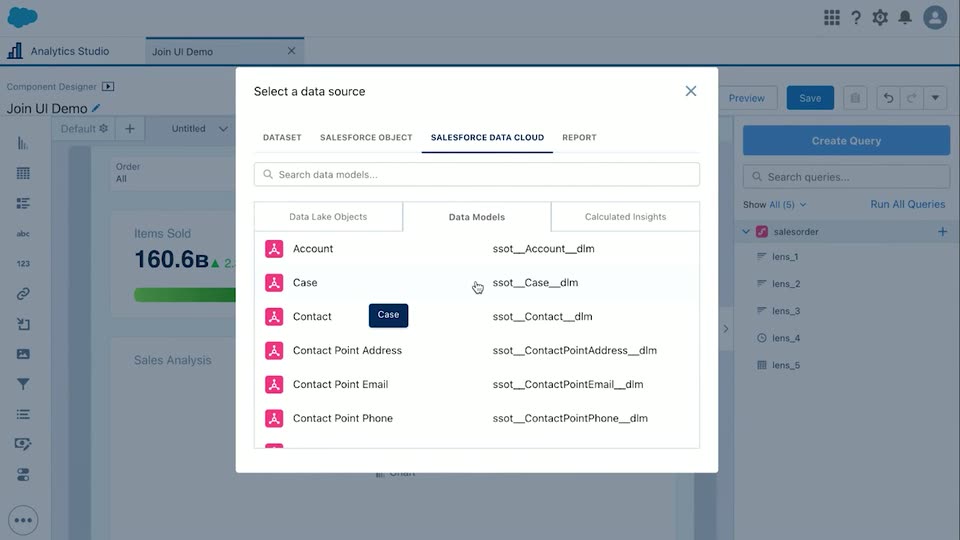 0:26–0:33Salesforce · Analytics - Join Data User InterfaceA dimmed analytics app sits behind a centered data source modal. The cursor clicks the Data Cloud tab, then the Data Models sub-tab, and scrolls the list down to a Sales Order row, where a tooltip appears beside it.
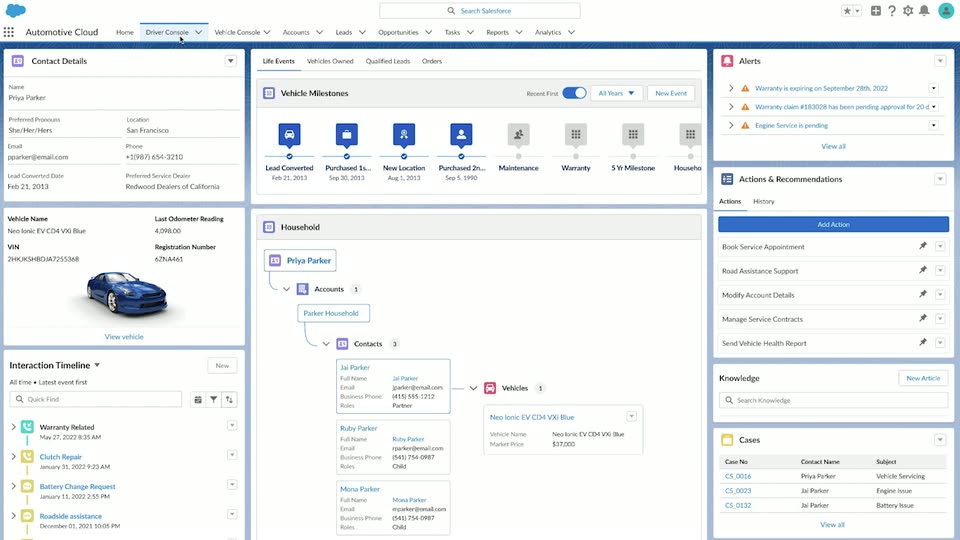 1:04–1:16Salesforce · Automotive Cloud - Automotive Cloud IntelligenceA full-screen view of the Automotive Cloud dashboard holds static. Three columns of panels show contact details with a blue car, a vehicle milestones timeline and household chart, plus alerts and actions lists. A cursor drifts up to hover the Driver Console tab.
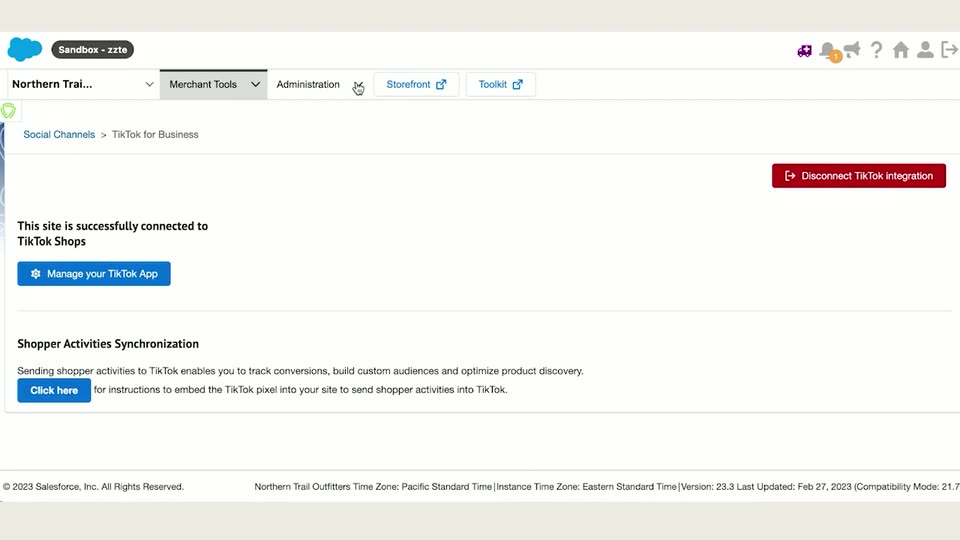 0:27–0:31Salesforce · Commerce Cloud - TikTok Integration for Commerce EnhancementsA static screen recording of the Commerce Cloud admin panel shows the TikTok for Business integration page with its connected status and action buttons. The cursor moves up to the top navigation and clicks Administration, opening a wide dropdown menu filled with columns of settings links.
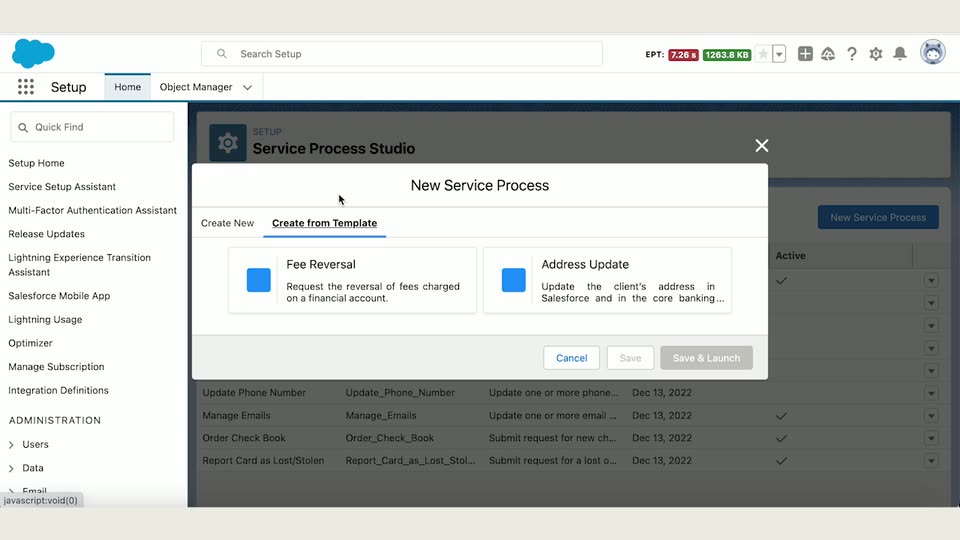 0:32–0:41Salesforce · Financial Services Cloud - Service Process AutomationA Salesforce Setup screen with a New Service Process modal open. The cursor clicks the Create from Template tab, showing two template cards with blue icons, then returns to the Create New tab with empty name fields.
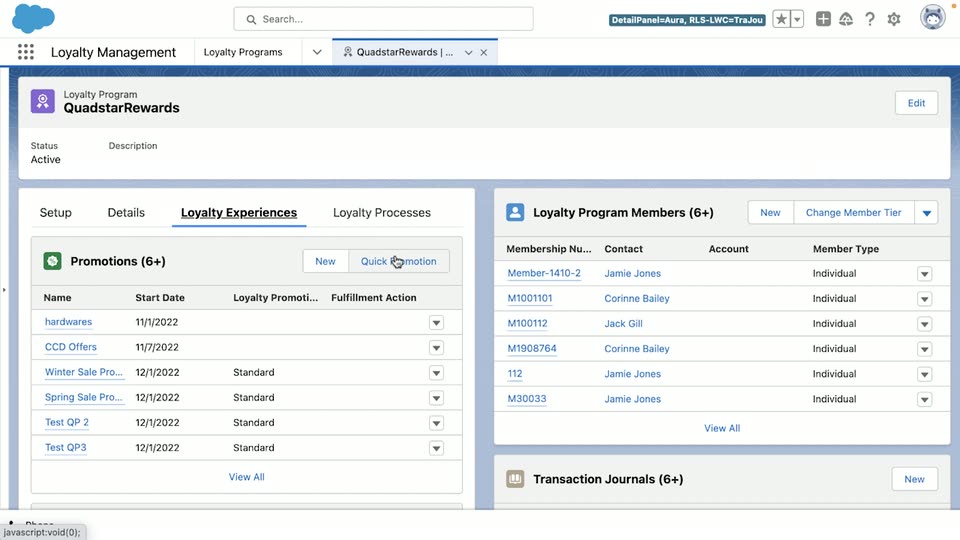 0:19–0:24Salesforce · Loyalty Management - Quick Promotion SetupA desktop loyalty-management interface fills the frame. The cursor clicks the Loyalty Experiences tab, the left panel swaps to a promotions list, then the cursor moves to and clicks the Quick Promotion button.
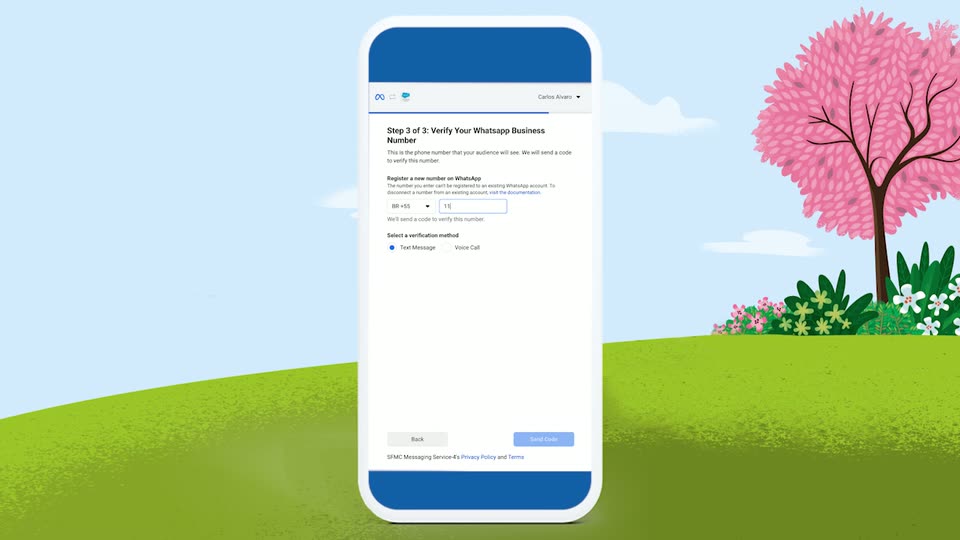 0:06–0:17Salesforce · Marketing Cloud - WhatsApp Business Messaging: Direct IntegrationA flat phone mockup sits on an illustrated hill with a pink tree. Inside, a WhatsApp setup flow advances through screens with quick dissolves: a cursor clicks Continue, opens a dropdown, picks a country, types a phone number, then rests on the Send Code button.
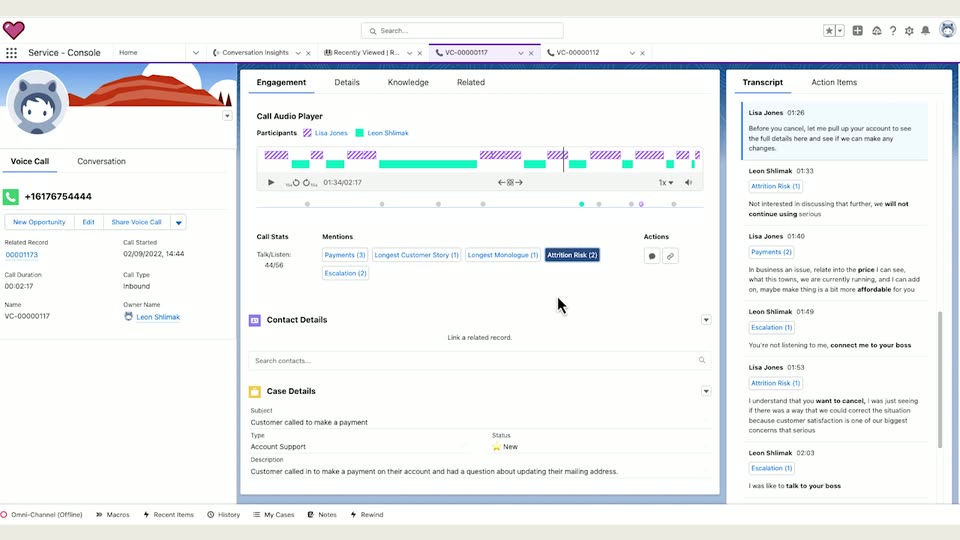 0:25–0:41Salesforce · Service Cloud - Salesforce Contact Center: Insights & SchedulingA Salesforce service console fills the frame. A cursor clicks the audio timeline, then the Attrition Risk mention tag, which turns blue and scrolls the transcript to the matching message.
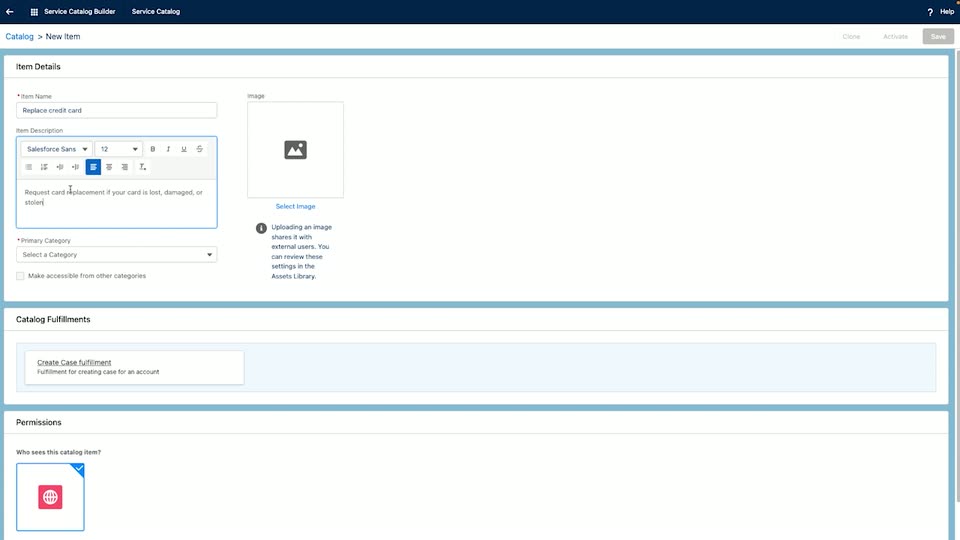 0:21–0:30Salesforce · Service Cloud - Service CatalogA web form for a new catalog item loads with a brief blue tint and spinner, then a cursor types “Replace credit card” into the Item Name field, fills the description box, and opens the Primary Category dropdown to pick “Disputes & Fraud”.
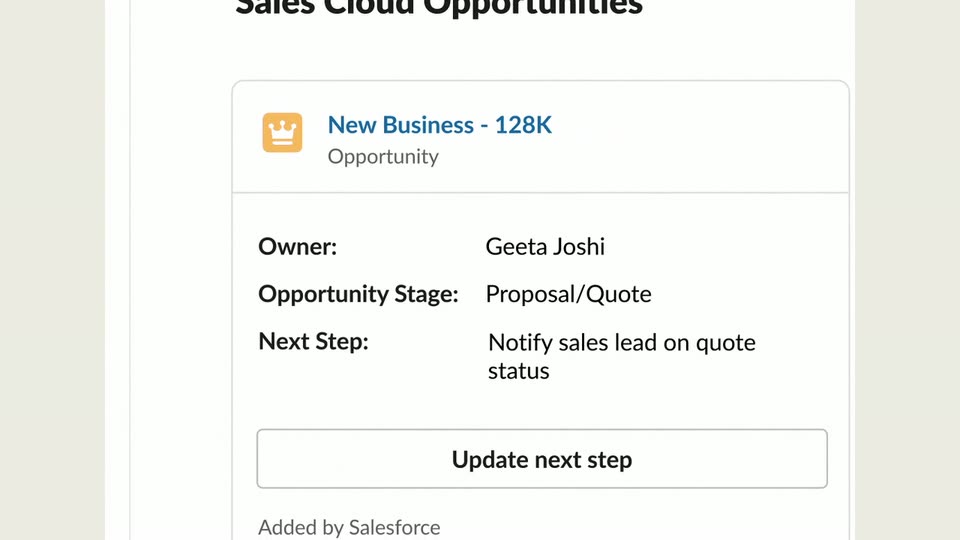 0:40–0:49Salesforce · Slack - CanvasA white Salesforce card sits over a dimmed list view, a hand cursor hovering its button. A modal dialog opens over the darkened screen; the cursor types a new Next Step value and clicks Save. The modal slides away and the card slides back in showing the updated value.
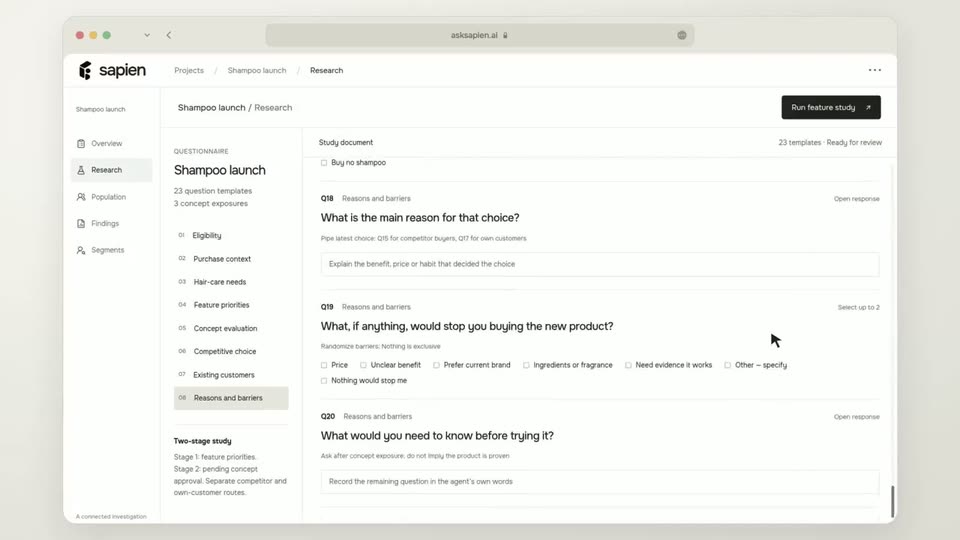 0:21–0:29Sapien · Introducing Sapien: simulated populations for predicting consumer behavior. Companies invest millions in products and campaigns based on what people say they want. But people’s intentions don’tA flat browser view of the Sapien tool: a status line counts up to “23 templates · Ready for review”, the cursor clicks the top-right button, and the questionnaire scrolls fast down with motion blur before cutting to a Findings table ranking eight features across five audience columns.
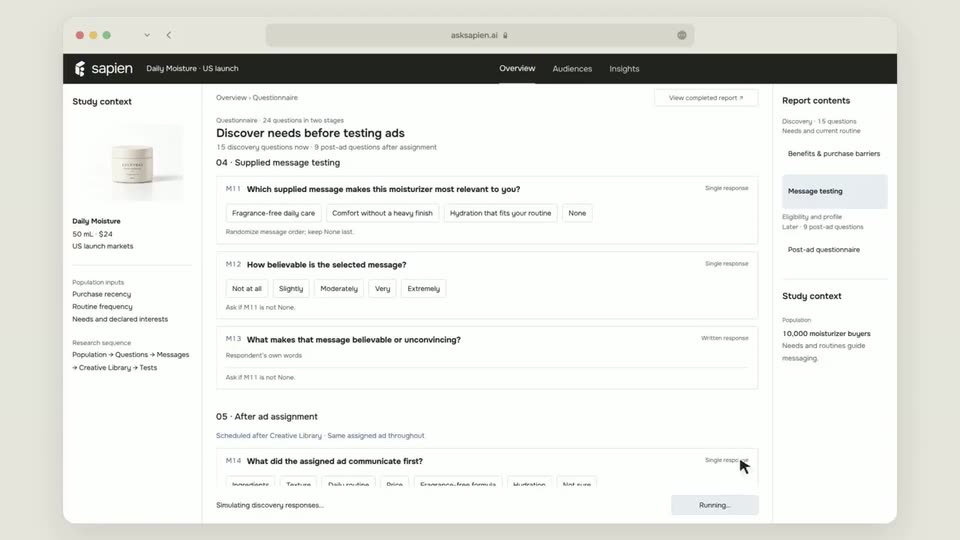 0:21–0:29Sapien · Introducing Sapien for marketing: predict what converts before you spend. Test messaging, creative, branding, landing pages, offers, and targeting against simulated populations of your exact ICPA browser window shows the Sapien questionnaire for a moisturizer launch. The page scrolls down through question sections while the right sidebar highlights each section, then cuts to a results view with two bar charts comparing benefits and barriers.
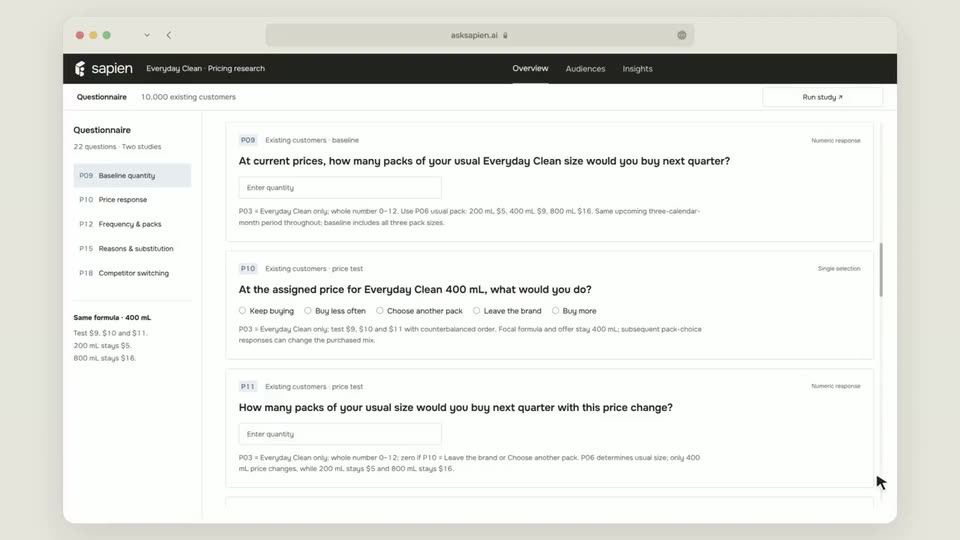 0:26–0:29Sapien · We’re launching Sapien for pricing and offer testing. See how demand changes at each price, which customers you’d keep, and which new buyers you could win. Before you change a single priceA browser window displays a pricing questionnaire with three question cards while the cursor hovers at the right edge. The view then switches to an analytics screen with a segment filter sidebar, a line chart of volume demand, and a report contents panel.
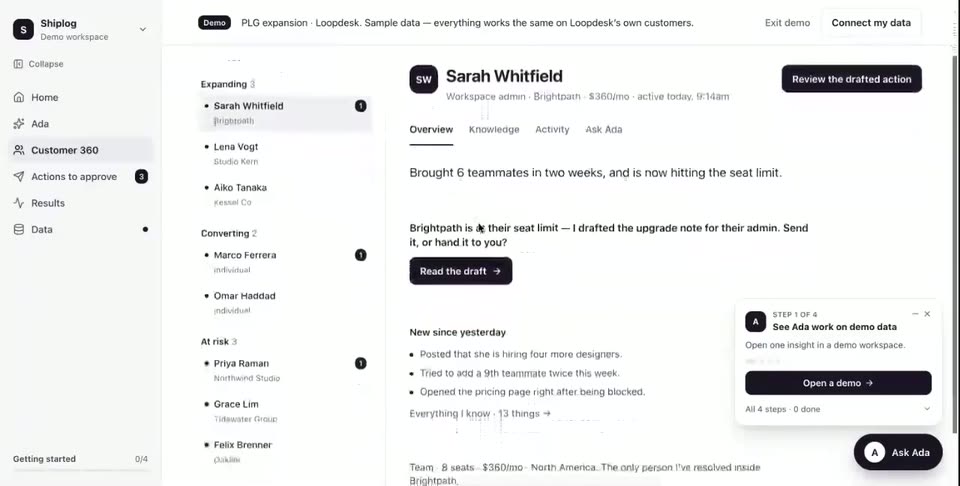 0:45–1:10Shiplog · #customersuccess #ai #saas #productledgrowth #revenuegrowth | Shiplog (F/AI F26)Flat capture of the Shiplog Customer 360 view, held static: a left list of names beside a right profile panel for Sarah Whitfield. A cursor then scrolls both columns upward to reveal more entries and clicks the close icon on the floating demo card.
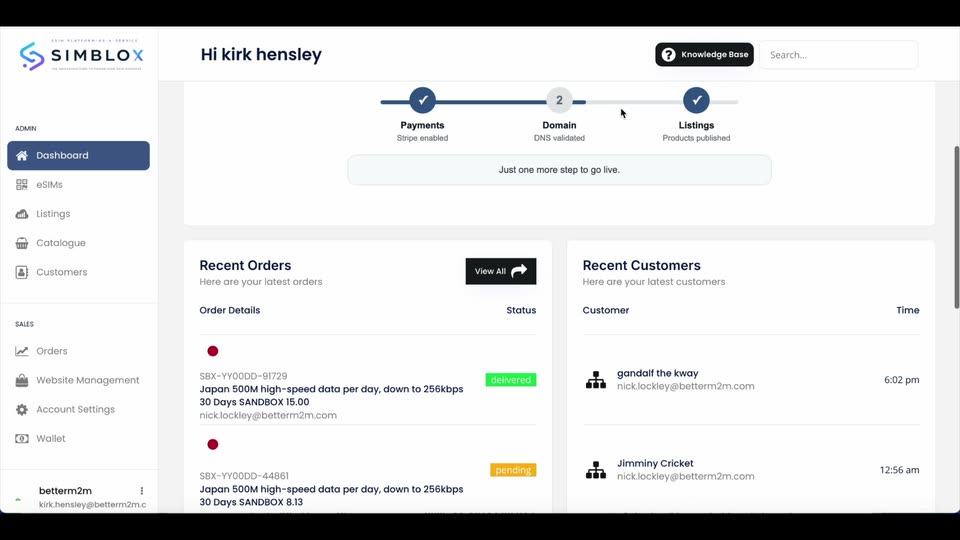 0:12–0:29SimBlox · SimBlox: minute demoA flat eSIM dashboard view with a left sidebar and a grid of metric cards. A cursor moves across the screen as the page scrolls down to reveal Recent Orders and Recent Customers lists, then scrolls back to the top.
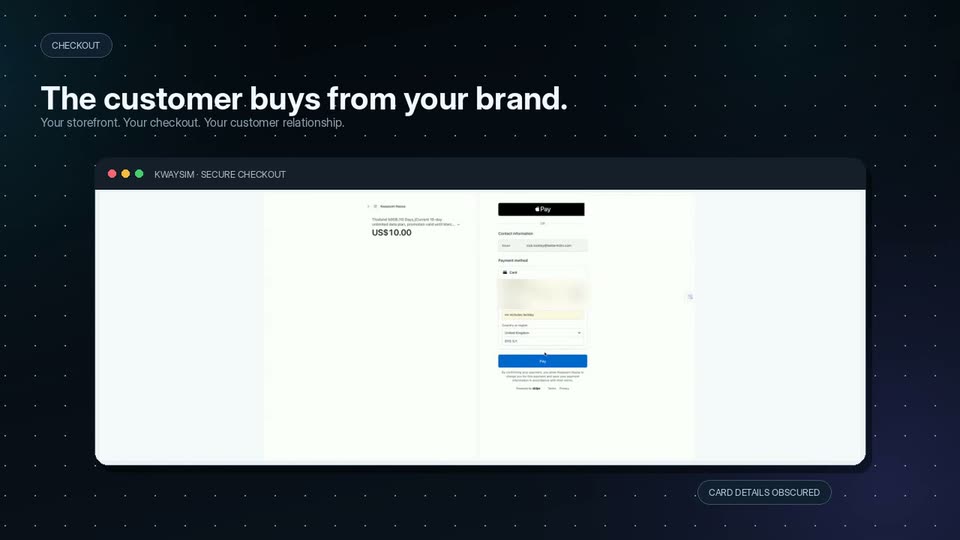 0:47–0:53SimBlox · SimBlox launch filmA locked-off frame holds the headline over a dark dotted grid while a centered browser mockup plays a checkout flow: a verification dialog closes, a country dropdown opens and selects United Kingdom, the card number fills in, and the cursor clicks Pay.
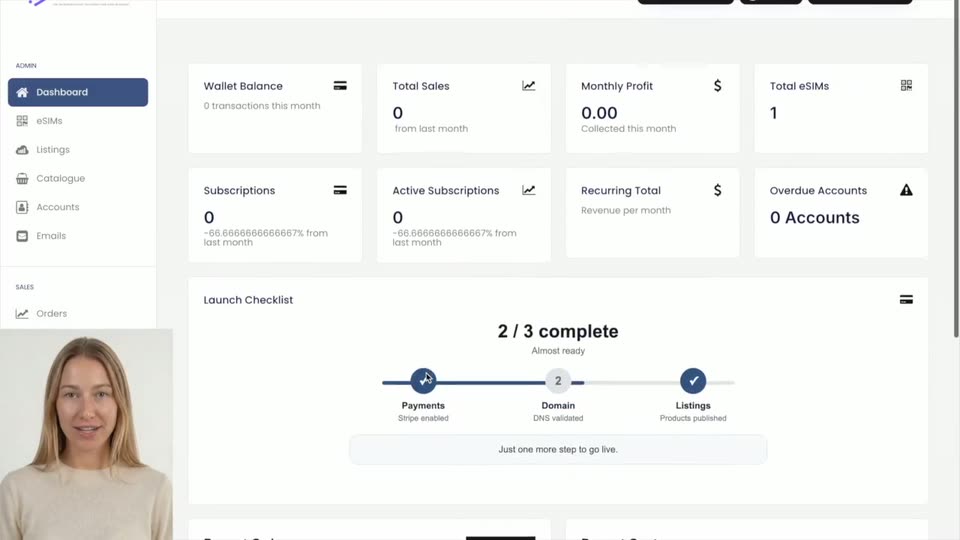 1:18–1:20SimBlox · SimBlox: apps demoA dashboard screen scrolls up to reveal the top row of stat cards while the mouse cursor moves to hover the eSIMs item in the left sidebar. A presenter appears in a small video inset at the bottom left corner.
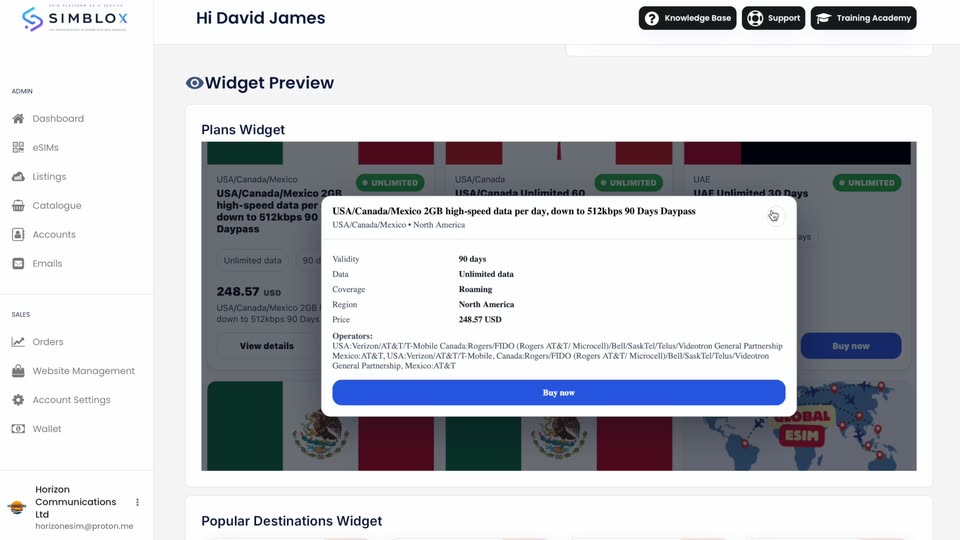 0:07–0:08SimBlox · SimBlox: web widgets demoA Symblox admin dashboard shows a Plans Widget with eSIM cards and an open details modal listing a 90-day daypass and operators. A cursor glides from the View details button to the right edge of the modal.
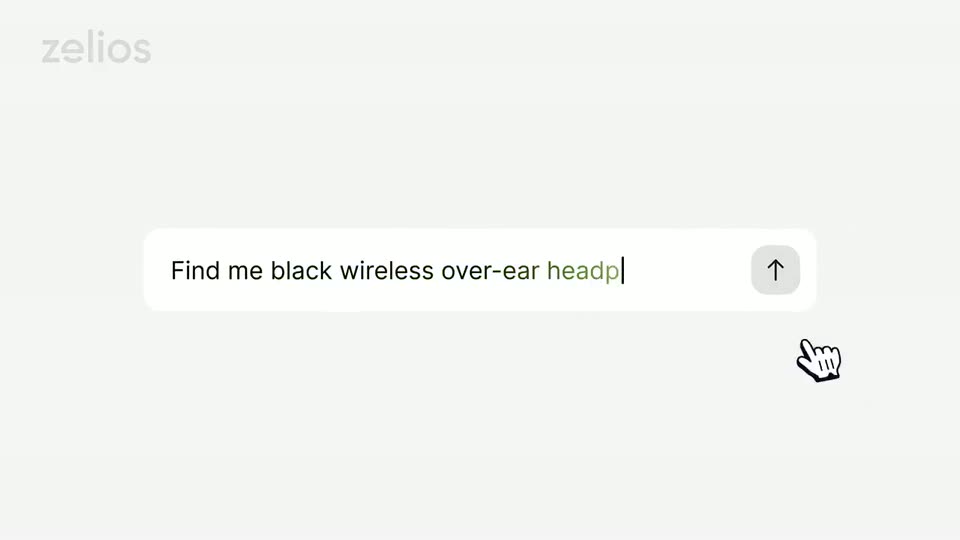 0:23–0:25SKUVE · Big thanks to the Zelios team for bringing Skuve to life in such a clear and engaging way! Skuve is all about making e-commerce product data smarter, simpler, and more actionable - and we love how… | SkuveA white rounded search bar on a light gray field types out the query letter by letter, then a hand cursor moves in and clicks the up-arrow button at the bar's right end.
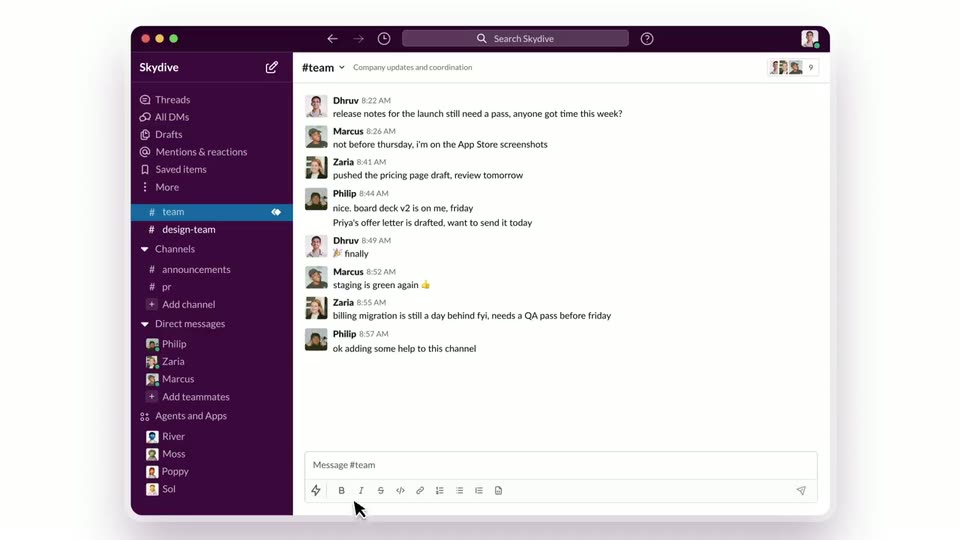 0:04–0:07Skydive · Agents should work where you already work Bring your agents directly into Slack Give them tasks, ask questions, loop them into team conversations | SkydiveThe Skydive chat window zooms up to fill the frame, then reframes to a close-up of the sidebar and composer. A cursor moves from the agents list into the message field, where a text caret appears. A static headline reads “Agents your entire team can use.”
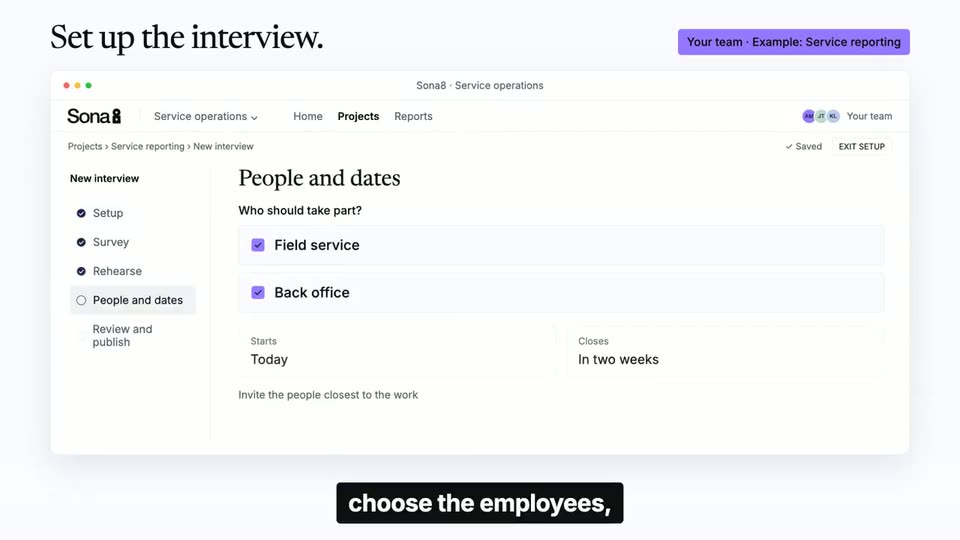 0:09–0:11Sona8 · Thought it was time to show more of the platform! 🚀 See how our AI interviews help companies improve workflows by capturing the process knowledge employees rarely write down. Employees explain… | Sona8 (YC F26)Under a serif headline, a flat Sona setup screen cycles through three steps: a question typed in a text field, two employee checkboxes ticked, then a review page with a cursor over the publish button. Black caption chips appear at the bottom.
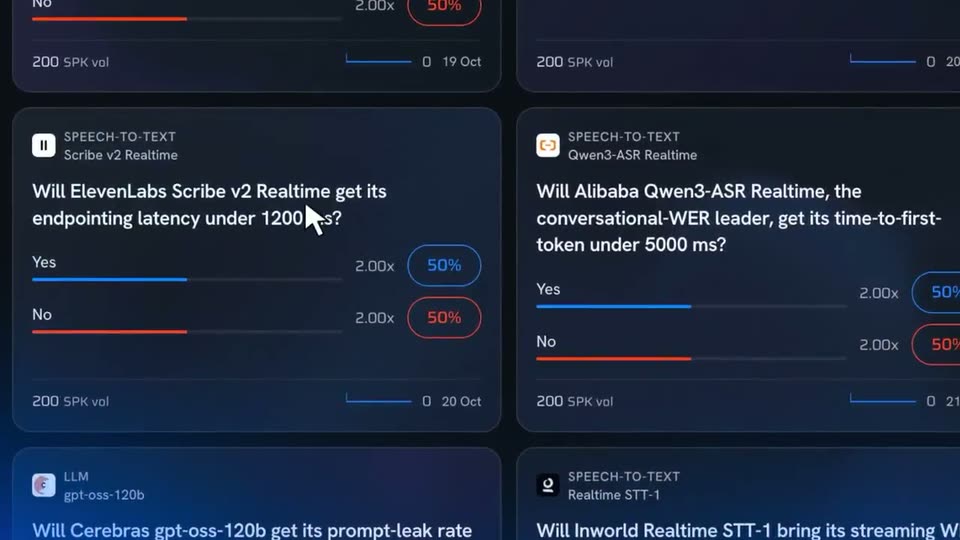 0:11–0:13Speko · We built Polymarket for Voice AI. Everyone in voice AI has opinions about where the models are going. Which vendor ships next. Which one gets faster. Which one finally gets accurate enough for real… | Speko (YC S26)A dark prediction-market dashboard fills the frame, a grid of cards each showing a model question with Yes and No bars and 50% tags. The view reframes from a wide grid to two cards side by side, a white cursor hovering over them, while a large white headline question overlays the top before dropping away.
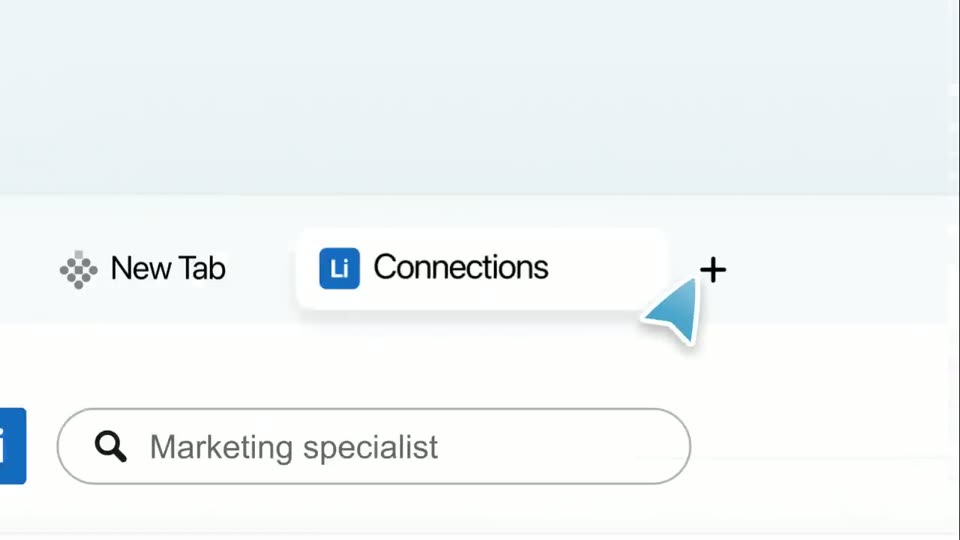 0:16–0:17Strawberry · Strawberry 1.0 is here. It marks a shift in how your team can work with AI. In Strawberry, you can create or hire virtual colleagues, called "Companions". Companions learn your preferences andA blue cartoon figure holding a paper plane flies across a tilted browser window, then exits as the window flattens to show a New Tab, a Connections tab and a search field.
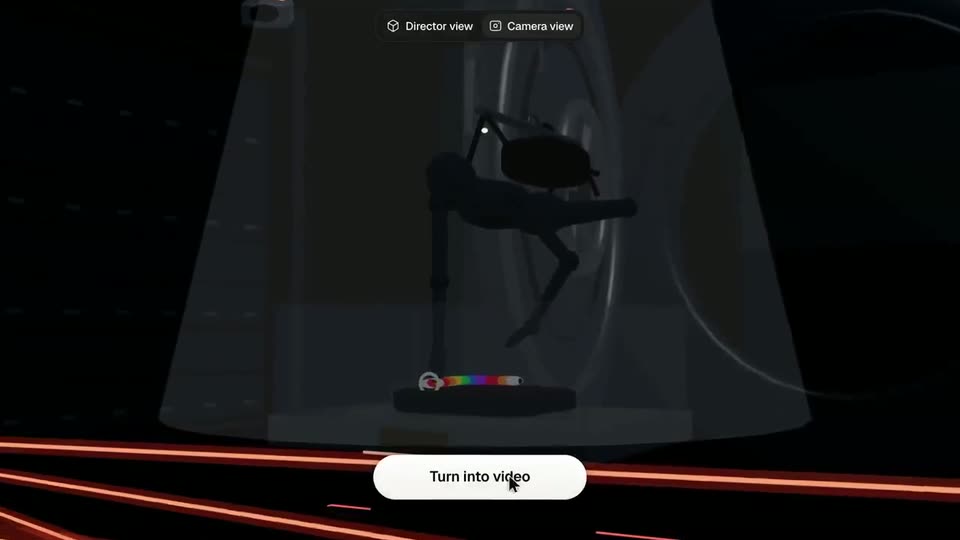 0:24–0:25Sunra · Build the scene in 3D. Get it back as video. This heist was never filmed. A vault, a laser grid and a thief on a wire, staged as a 3D scene in Sunra, then used as the reference for the final… | Sunra.aiA dark 3D viewport shows a black camera rig inside a translucent dome above a rainbow light bar. A top toggle offers Director view and Camera view, and a white Turn into video button scales in at the bottom as the cursor moves to it.
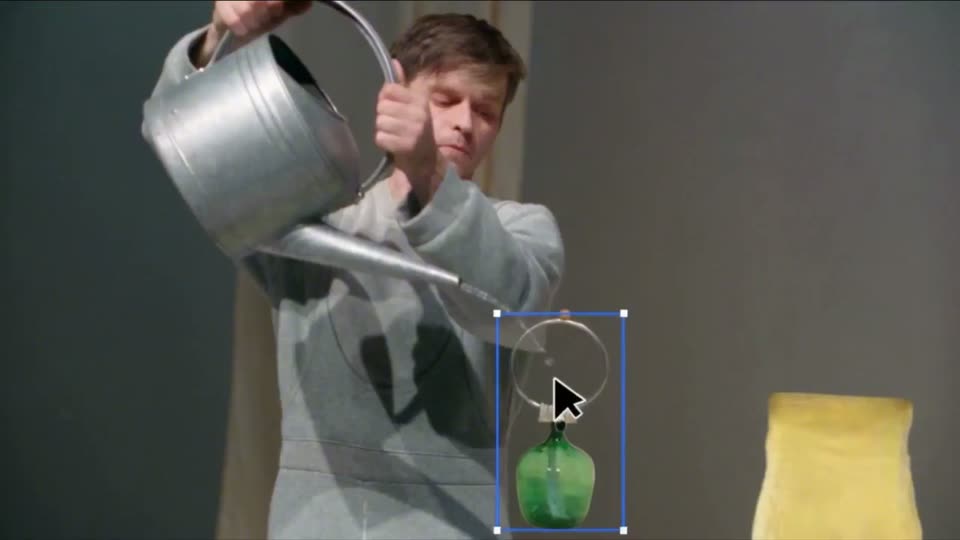 0:08–0:16Sunra · Meet Layerize ☀️ Turn a flat image into layers you can work with. Separate foreground elements into editable layers, then move, resize or replace them to refine your composition. Reposition a product… | Sunra.aiA man in a grey sweatshirt pours water from a metal watering can while a green glass bottle with a metal ring sits on a yellow pedestal. A blue selection box and cursor snap onto the bottle, then drag it off the pedestal and down into mid-air.
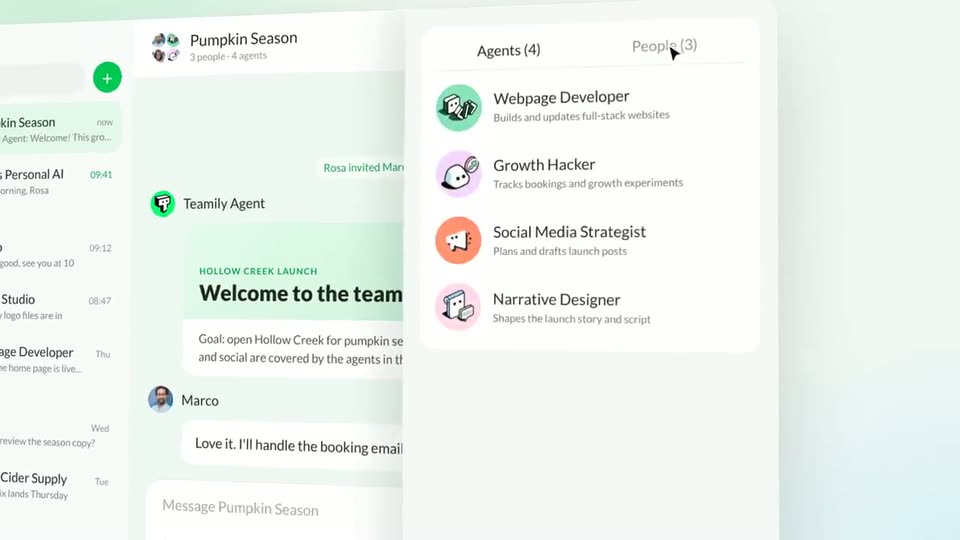 1:12–1:15Teamily AI · 150,000 small business owners and employees are already using Teamily AI. Today, we're opening it to everyone: your personal AI agent and an entire team of AI agents, ready to work for you and your… | Teamily AIA light green chat app fills the frame, then the window slides left to reveal a right-hand panel. A cursor clicks the People tab, swapping the agent list for three members, Rosa, Marco and Jen, each with a short role caption.
 0:14–0:15Tegore · #learnwithtegore #aitutor #tegore | Tegore (YC X25)A browser window displays a quiz page on a grid background. A cursor hovers over a blue push-to-talk button at the top right. A small video feed of a person is visible in the bottom right corner.
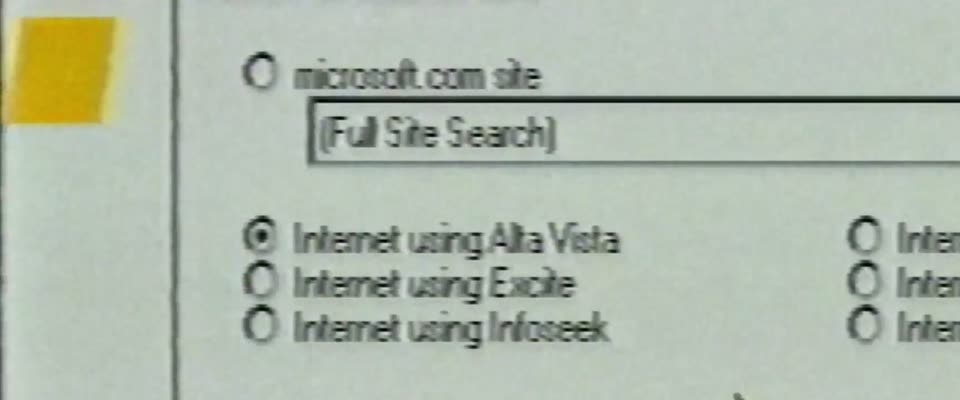 0:03–0:04Tilion · The internet is the most powerful thing we ever built together. It gave a kid in Lagos the same library as a professor at MIT. It let two people in a garage reach a billion customers. Every great… | Tilion (YC F26)A close-up of a gray software interface shows a text box and a list of radio buttons. A hand cursor hovers over the Alta Vista option.
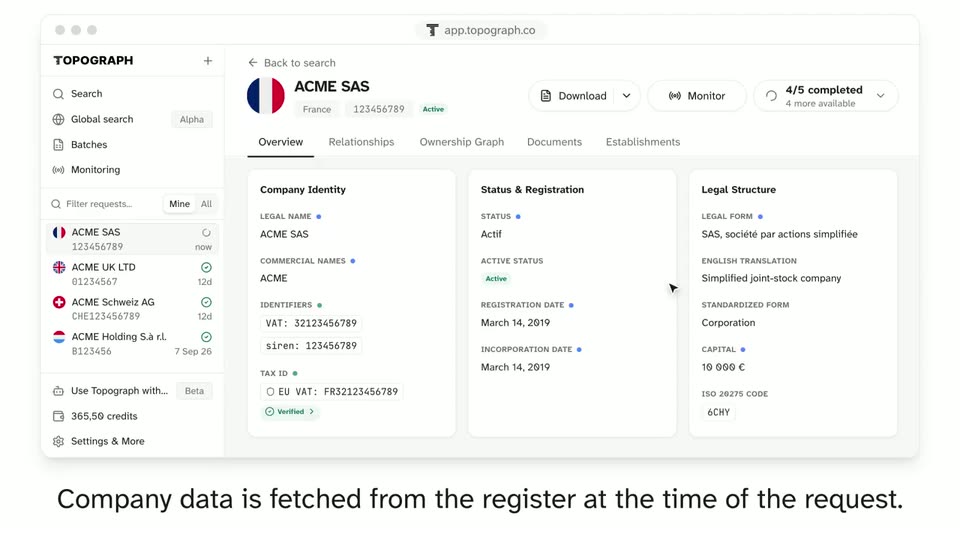 0:06–0:09Topograph · Company data for KYB checks sits in national registers, each with its own website, login and way of ordering documents. Topograph connects to these registers directly and brings them into one place.… | TopographA flat browser window of the Topograph app shows the ACME SAS profile. The “Company Search” heading and an open search dropdown fade out, then fields in three cards fill in one by one as the counter runs from 0/5 to 5/5.
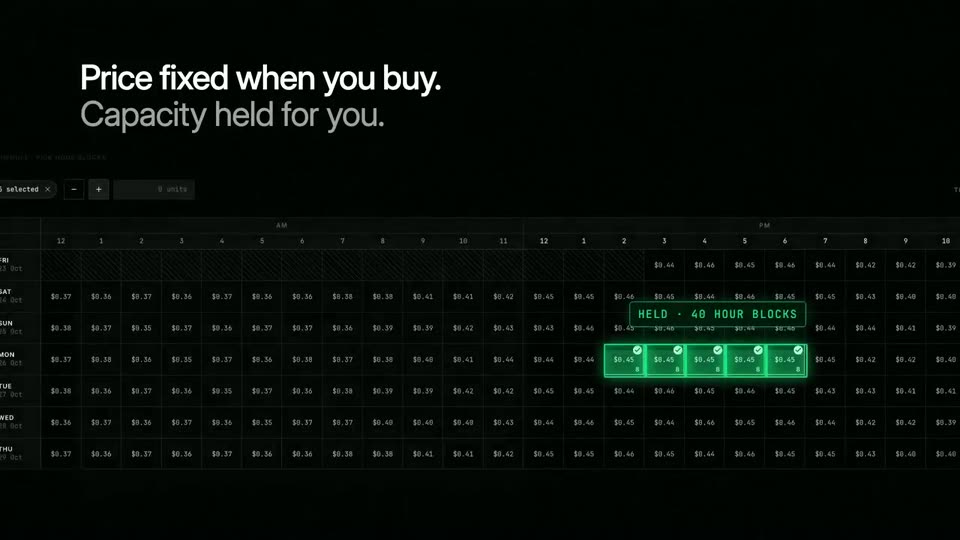 0:19–0:22Touchmark · Dedicated hourly throughput is LIVE on Touchmark. Reserved in advance with SLAs, priced below on-demand. Don't need the throughput? Sell it back. touchmark.ai | Touchmark (YC S26)On a dark hourly pricing grid, a summary panel lists a 40 hour block total and a white BUY button. The cursor clicks it; the panel closes and a row of cells turns green with checkmarks under a held tag. The headline text stays fixed in the top left.
 0:03–0:04Tranched · Introducing the new tranched.fi Our new tranched.fi website is live 🎉 We have reimagined credit, rebuilt it from blockchain primitives. A year after the first loans were tokenised on the… | TranchedA dark browser mockup of a finance site tilts in 3D perspective on a glossy surface, framed by a white headline above and a caption below. The view pushes in and flattens to center the loan tokeniser panel, with a cursor resting on its button.
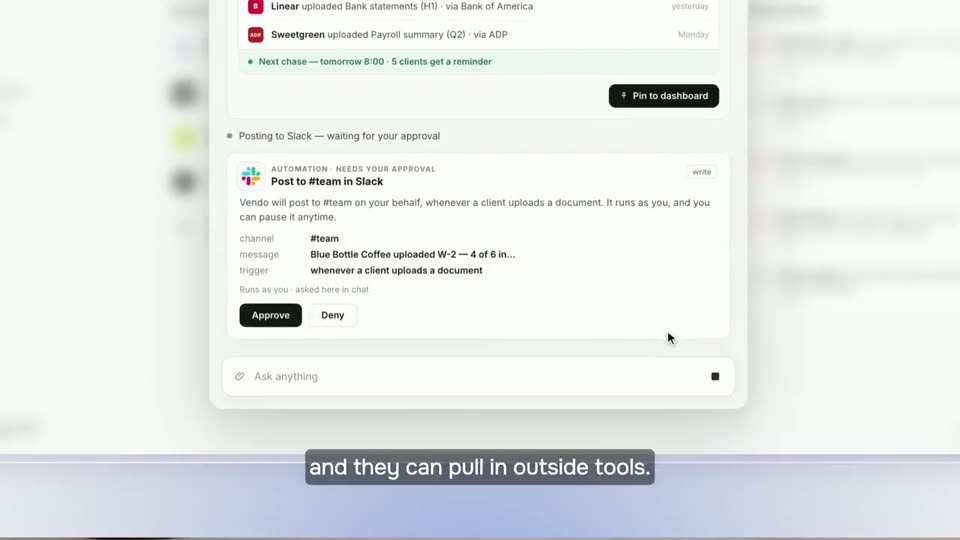 0:28–0:30Vendo · Vendo (YC S26) lets your users build their own features on top of your product. Software is supposed to fit the way you work, but no company can ship a separate version of its product for everyA light inbox panel scrolls up, bringing a 'Latest arrivals' list and a Slack approval card into view as a cursor hovers on the right; a caption bar reads at the bottom.
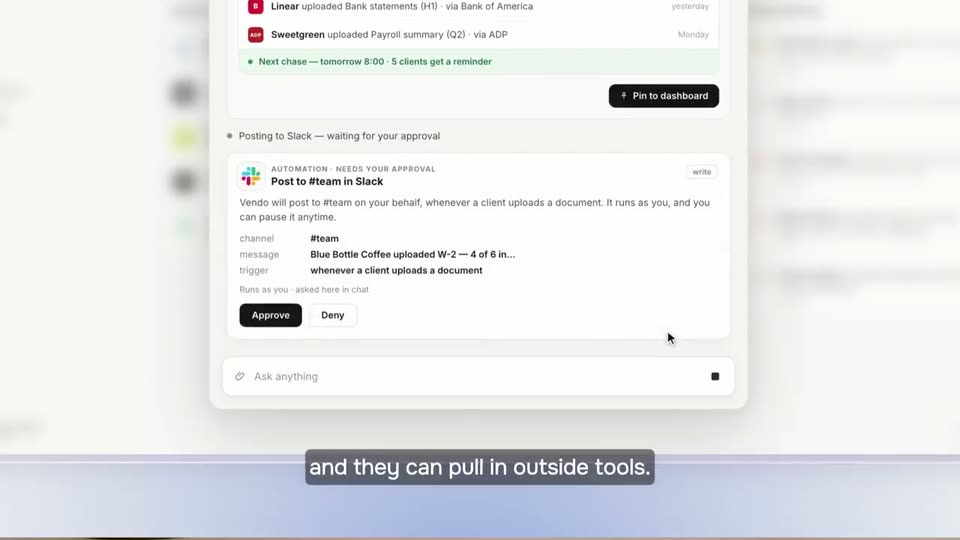 0:28–0:30Vendo · Vendo (YC S26) is officially live. The future of dynamic software is here. | Gradon (YC F26)A white inbox list of vendor messages scrolls up, revealing a new Slack approval card at the bottom. The cursor hovers beside the card as a dark Pin to dashboard tooltip pops in, while a caption pill sits fixed at the bottom.
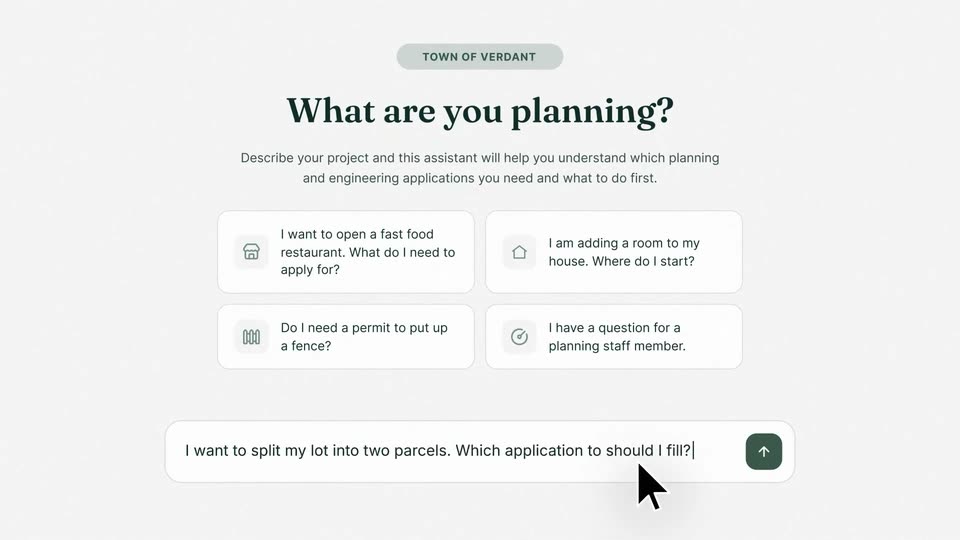 1:06–1:09Verdant · Verdant AI launch filmA flat chat interface for Town of Verdant shows a planning prompt with four suggestion cards. A cursor types a lot-splitting query into the input field, then the sent message and an assistant reply bubble appear.
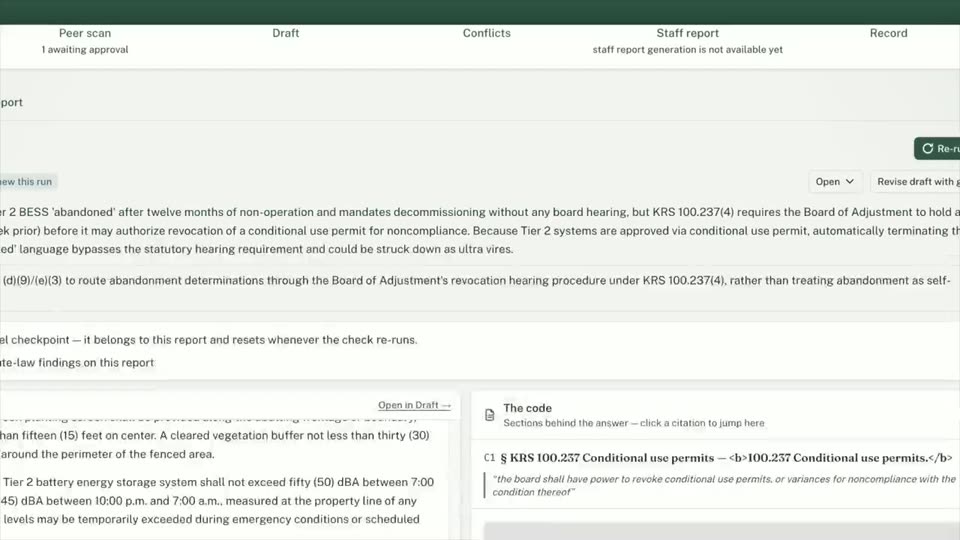 0:55–0:57Verdant · Data center development is broken. Verdant (YC S26) fixes that. Local governments are the backbone of industrial development - through zoning codes, they determine where, when, and how anything getsA workflow timeline sits above a regulation document in the product interface. The view reframes onto the Conflicts tab, where highlighted text and a side panel of code citations fill the screen, and a cursor hovers over a re-run check button.
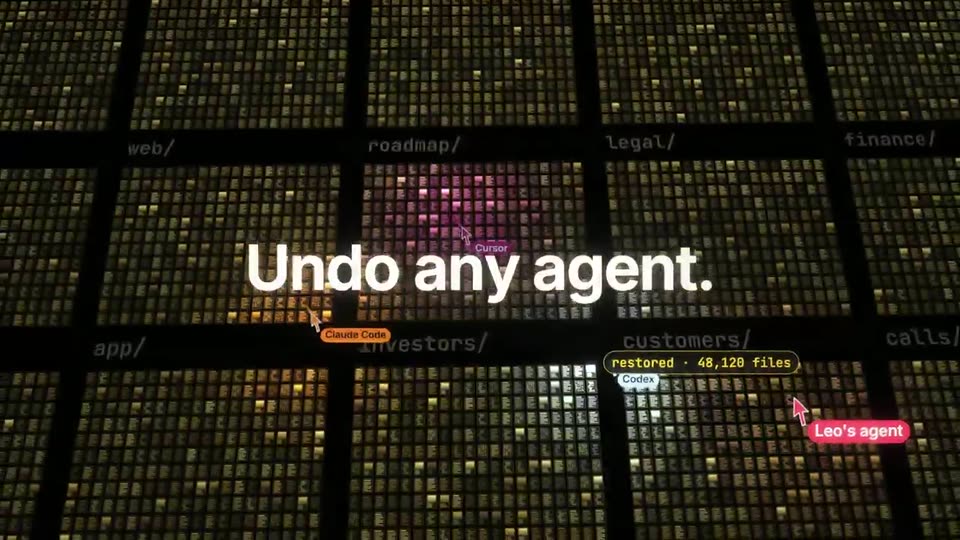 0:32–0:35Wondersearch · See FlashDrive (YC F26)’s activity on LinkedInA tilted 3D wall of file icons darkens under the headline “Your agent deletes everything.” The frame goes near black with a huge “Rewind.” title, then the grid floods back with gold cells and restored-file tags as “Undo any agent.” appears.
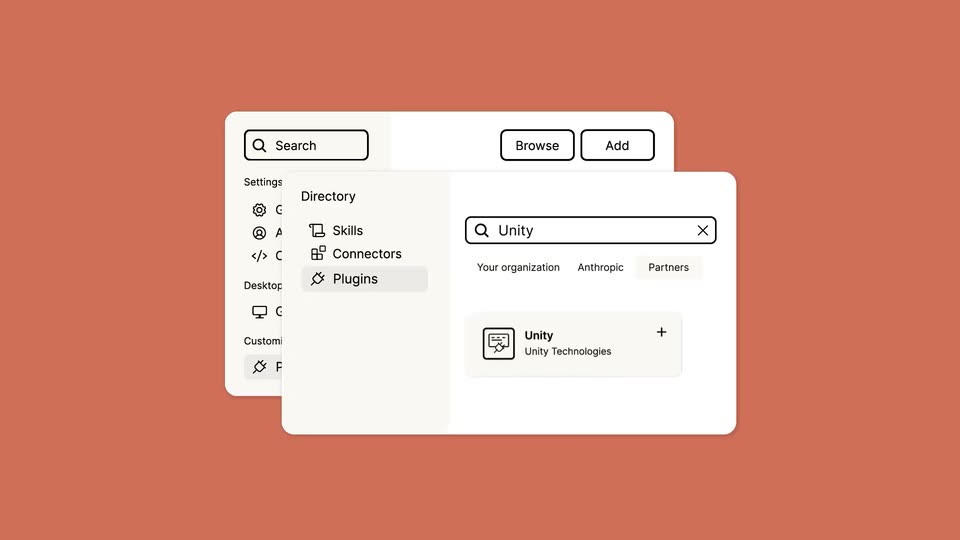 1:01–1:09Unity · Unity CLI 1.0 and Unity Pipeline APIsTwo flat white UI panels sit on a terracotta background, the front one a plugin directory with Plugins selected. A cursor clicks into the search field, types Unity, a Unity result card slides in, and the cursor clicks its plus button.
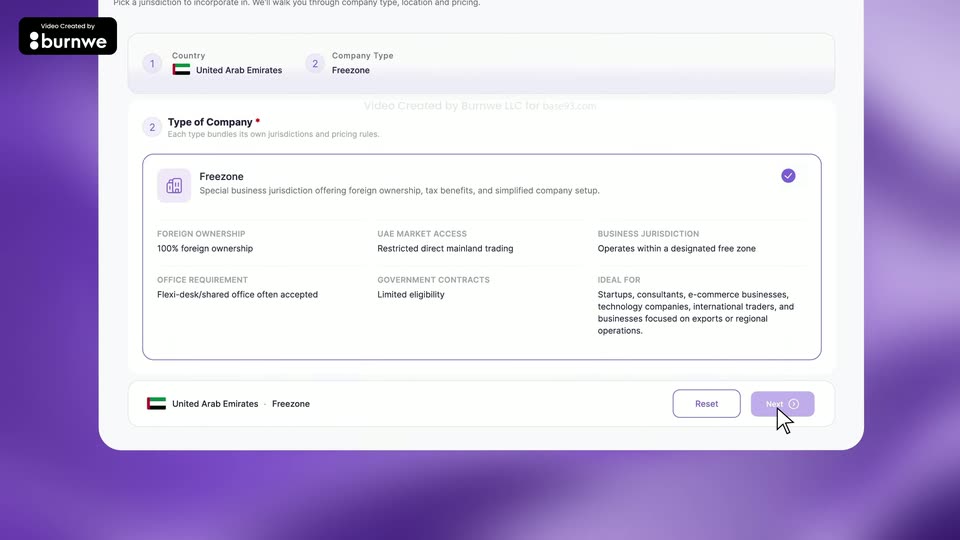 0:31–0:32Base93 · Motion Graphic Explainer for Business Services Platform | Base93A white company-registration form sits on a purple gradient. The top header line and top-right buttons fade out while a cursor glides onto the purple Next button. The selected Freezone card, with its detail columns, stays still.