Cursor demo
A visible cursor operates the interface.
15,034 scenes · page 49 of 251
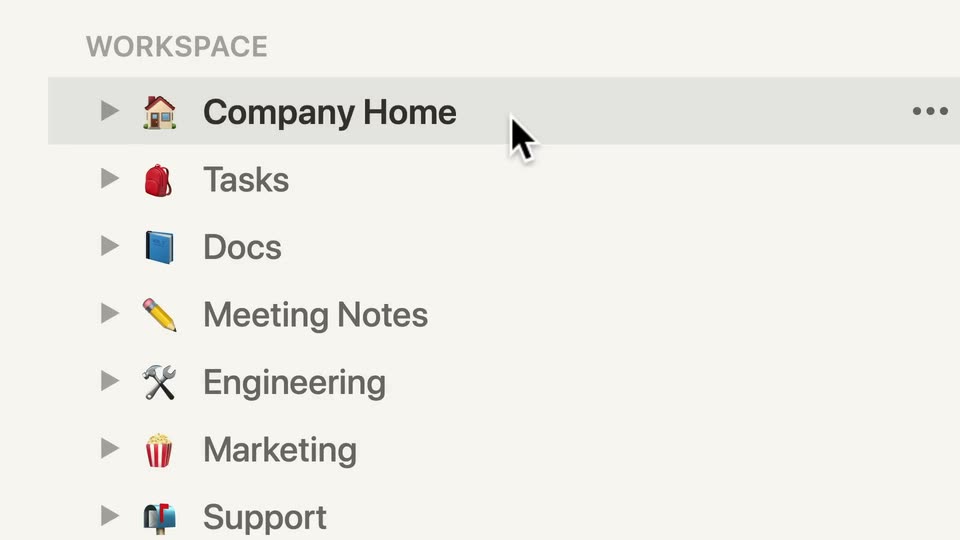 0:06–0:08Notion · What is Notion?A light workspace sidebar lists emoji-labeled items under a WORKSPACE header. The cursor glides from the highlighted Tasks row up to Company Home, and the row highlight shifts with it.
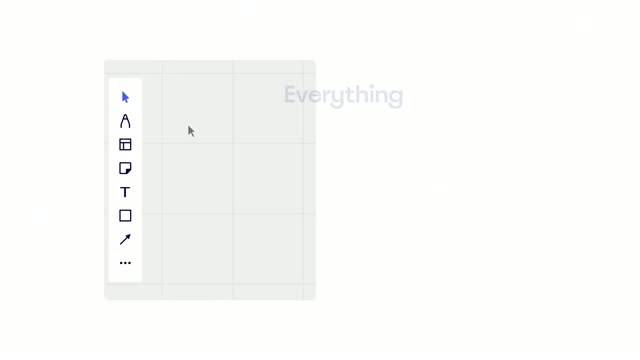 0:13–0:14Miro · Meet Miro Lite, the free online visual workspace for teamsA Figma interface with a left toolbar and grid canvas. A cursor glides down the toolbar and selects the text tool, while a large dark headline fades in on the right over the empty canvas.
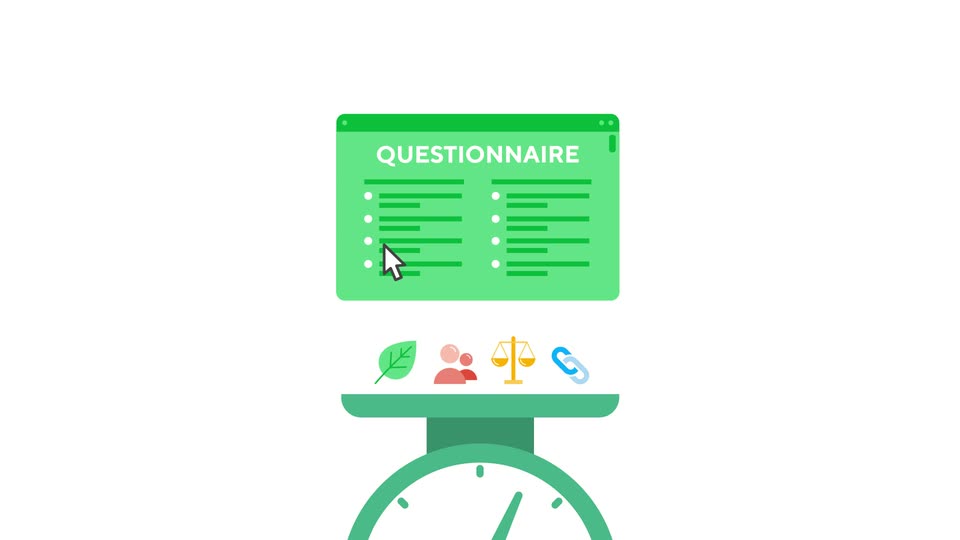 2:12–2:20Ecovadis · EcoVadis Ratings Solution Overview - About PageA flat green questionnaire window titled QUESTIONNAIRE settles onto a teal balance scale above a clock face. A white cursor glides over the two columns of bullet points while a leaf, a group, a scale and a link icon rest on the platform.
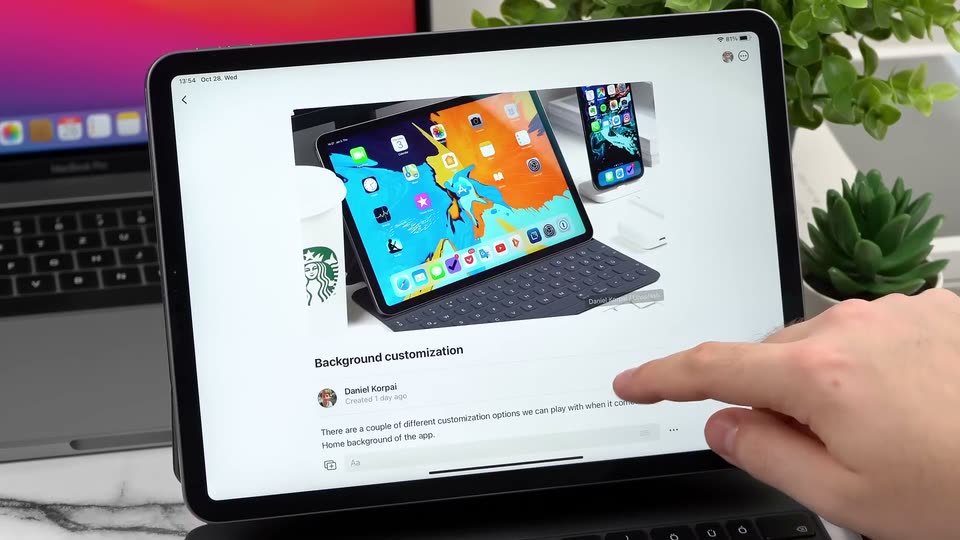 0:38–0:39Craft · Introducing Craft for iPhone, iPad, and MacClose-up of an iPad on a desk, with a laptop and plants behind it. A finger taps the screen and the app crossfades from a post list to a full post showing a photo of an iPad with a colorful map wallpaper.
 0:49–0:59Atlassian · Introducing Jira Service ManagementA white card with four status icons sits on blue beside a dark panel with a top-down F1 car line drawing. Icons turn to green checks in sequence, a hand taps the car's tire, the card expands to a workflow flowchart, then the car glows green under a SUCCESSFUL banner.
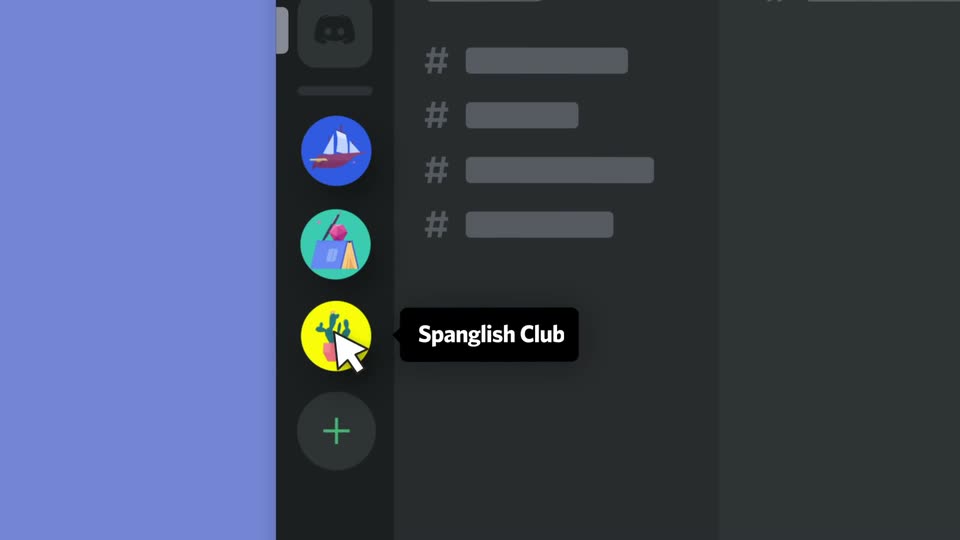 0:10–0:18Discord · How Discord Works in 148,000 Miliseconds or LessA dark chat app window floats on a periwinkle field; the white SERVERS headline holds center while three round server icons drift into the left rail. The view zooms into the rail, and a cursor hovers each icon and the plus button, popping name tooltips.
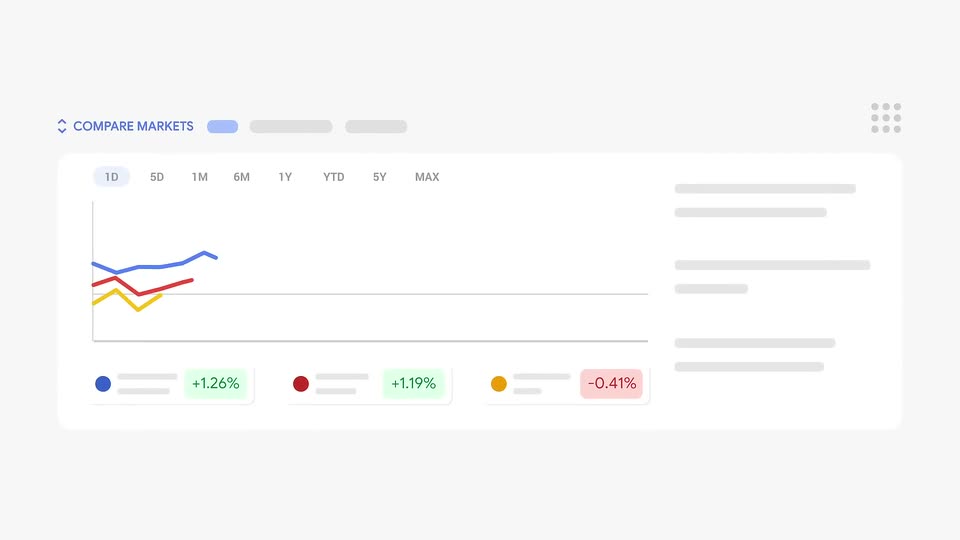 0:15–0:21Google · Meet the new Google FinanceA light stock dashboard shows market tickers, a search field, and five ticker cards; a cursor drifts up to the Compare Markets header, then the view reframes to a chart panel where blue, red, and yellow lines draw in across the grid.
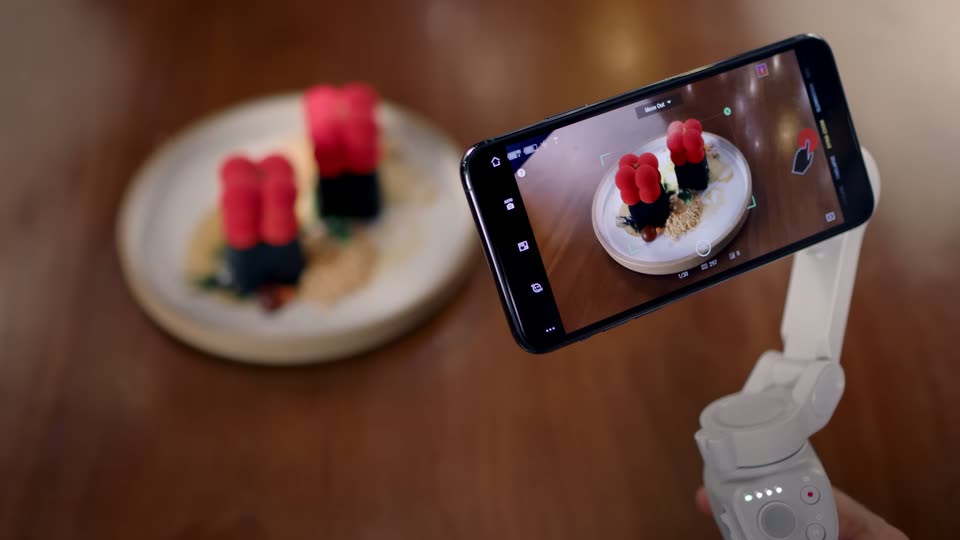 0:41–0:44DJI · DJI - Introducing DJI OM 4A hand holds a smartphone on a white gimbal above a wooden table, its screen showing a camera app framing a plate with two red-topped sushi bites; the real plate blurs in the background. A finger taps the screen, then lifts away as the hand steadies the gimbal.
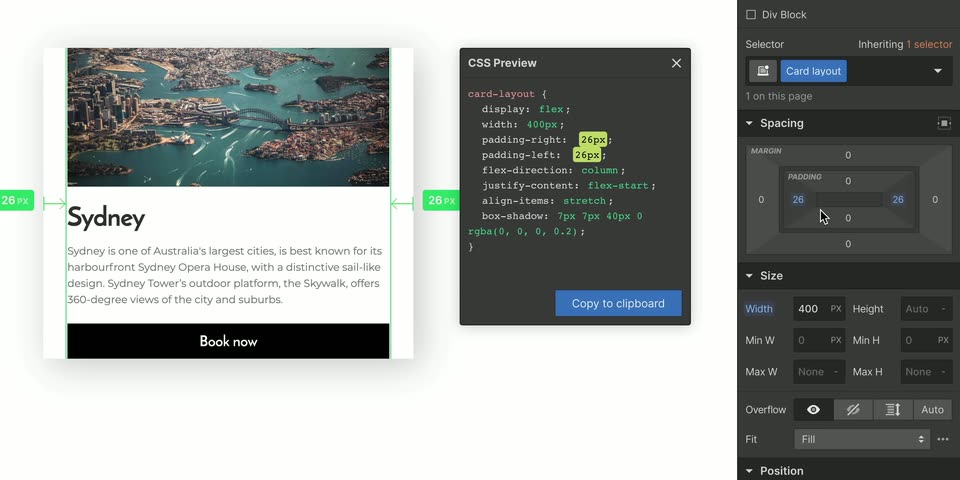 0:08–0:12Webflow · Webflow University 2.0: Learn web design, development, and time travel — visuallyA design tool shows a Sydney travel card on the left and a CSS Preview panel beside it. A cursor drags the padding value in the right panel; the card's white padding widens and narrows live, green pixel badges appear on its edges, and the code updates.
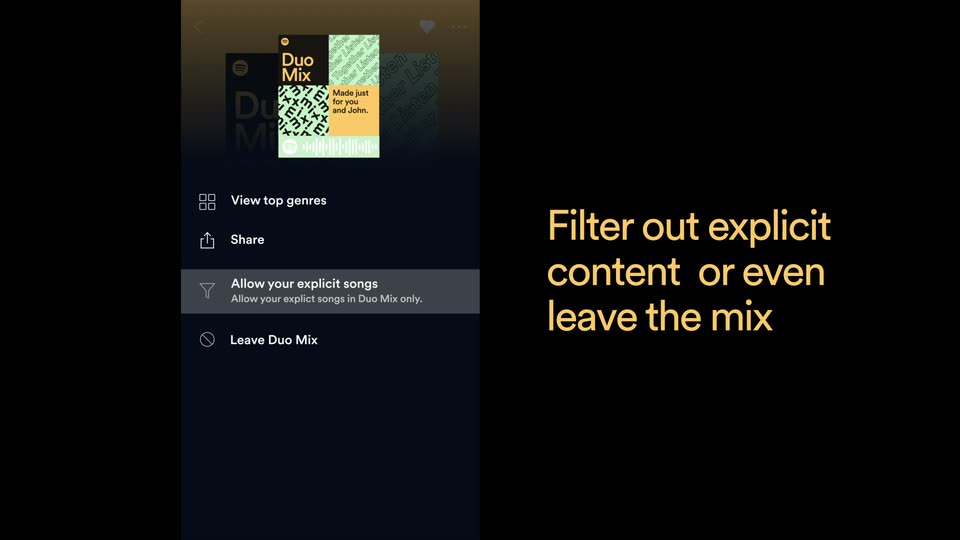 0:20–0:25Spotify · New Spotify Premium Duo Subscription Plan Launches in 55 Markets — SpotifyA phone screen of the Duo Mix feature sits on the left against black. A tap indicator hits the three-dot menu, the view scrolls, then a dark menu slides up listing explicit-song and leave-mix options. Static orange copy on the right states the feature line.
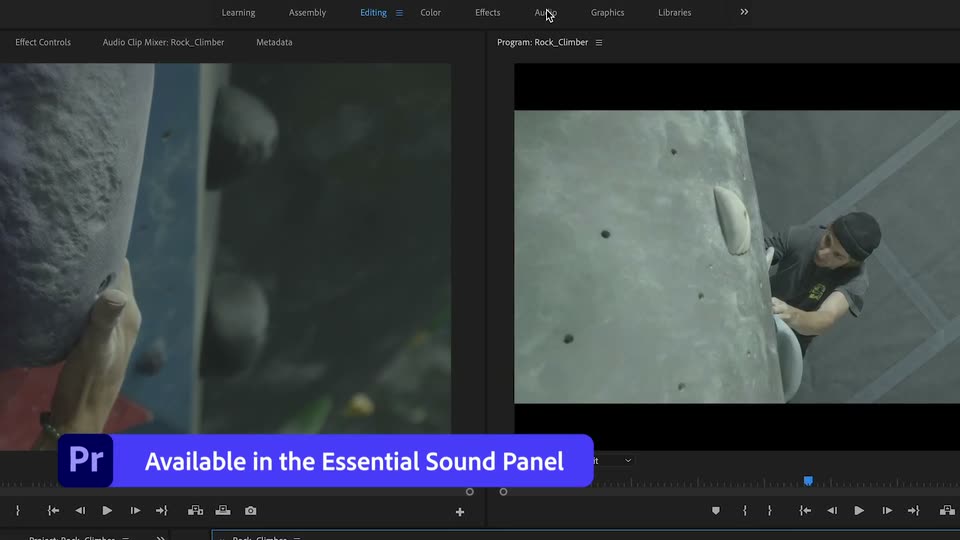 0:06–0:12Adobe · New in Premiere Pro - Introducing Adobe Stock Audio | Adobe Creative CloudThe Premiere Pro workspace fills the frame, two monitors showing a rock climber above a multi-track timeline. A cursor moves along the top menu bar. A blue banner with the Pr logo and white text slides up from the bottom, holds, then slides out.
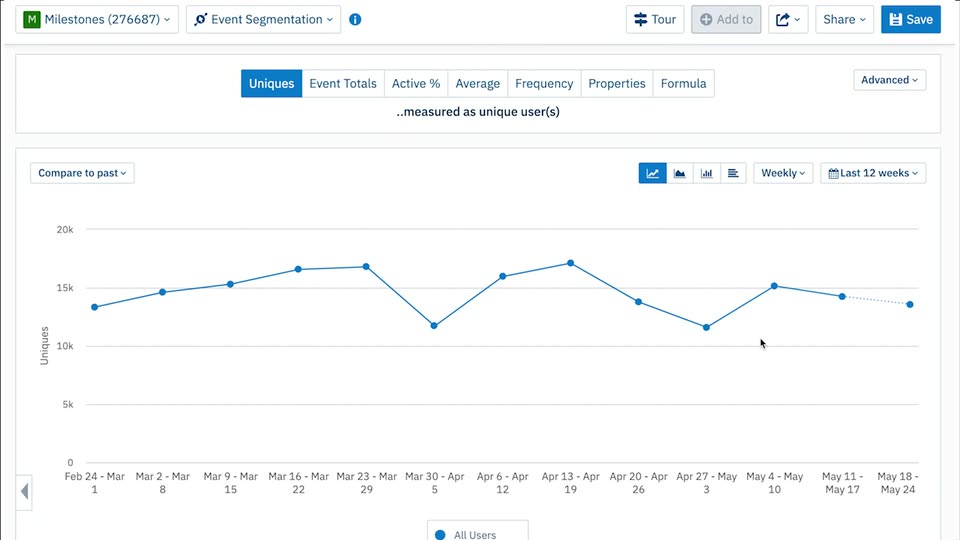 0:35–0:44Amplitude · Milestone AnalysisA cursor works through an analytics dashboard, opening a property dropdown, choosing Historical Count and the value 1st, then the view scrolls down to a line chart. The cursor hovers a data point, raising a value tooltip and a menu of actions.
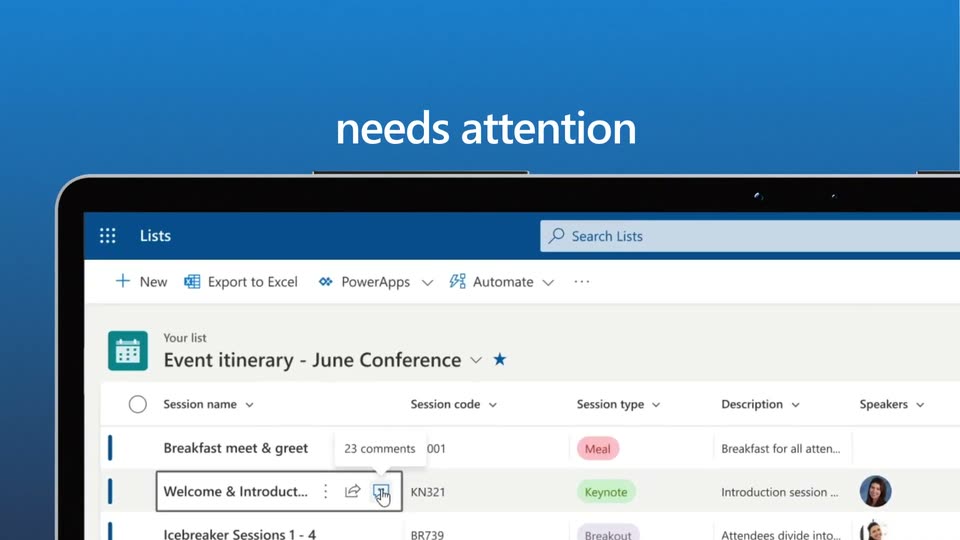 0:21–0:23Microsoft · Announcing Microsoft Lists - a new Microsoft 365 app to track information and organize workA tilted 3D laptop mockup shows a lists table, rotating to face the camera as the view zooms into one row where a cursor opens a small icon menu. A white headline reads needs attention at the top over a blue field.
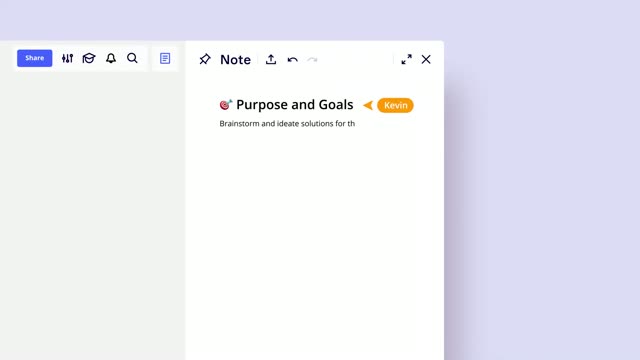 0:14–0:18Miro · Introducing Miro for meetings and workshopsA Miro app window sits tilted in 3D perspective on a lavender field. The view pushes into the canvas as an orange cursor tagged Kevin moves to a Note card, where the title Purpose and Goals and a paragraph of body copy type in.
 0:15–0:17Microsoft · Introducing Microsoft Editor: Write confidently across your Office apps and favorite websitesA 3D scene on a light gray surface: the black word publically sits above a red wavy tube as a cursor hovers, and a white card slides in below listing publicly and openly, then tilts as a blue sphere drops in.
 0:04–0:06Pitch · A first look at PitchA presentation app screen, showing a grid of colorful slide thumbnails, floats on a blue backdrop. The card eases into a slight 3D tilt while the background drifts, giving a layered parallax feel.
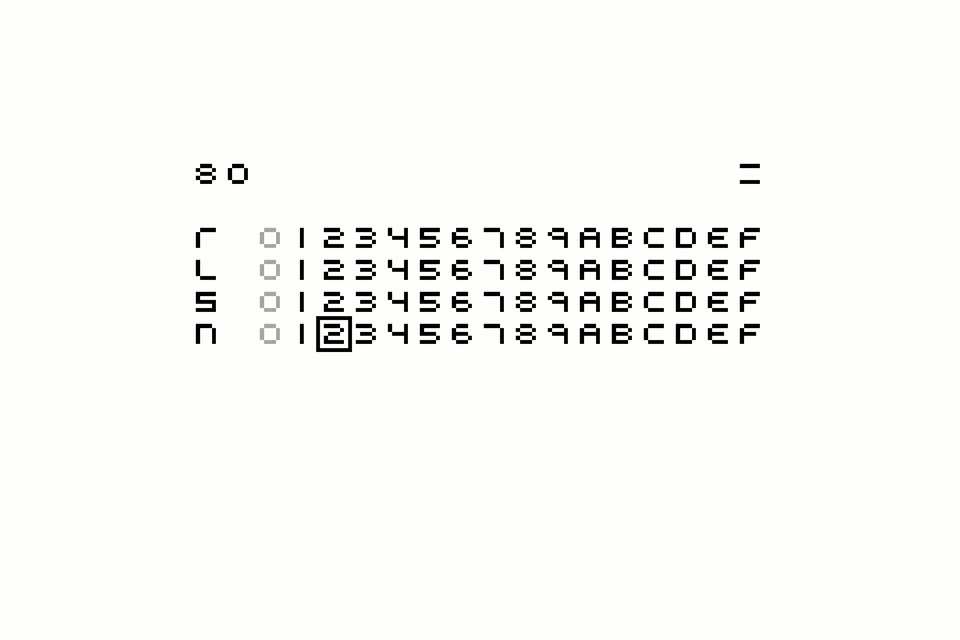 0:11–0:18Analogue · Nanoloop for Analogue PocketA square selection box hops across a pixel character grid of four rows labeled R, L, S, N, each listing 0123456789ABCDEF under a “80 =” header. It steps from the 3 in the top row to the 2 in the lower rows, one move per second.
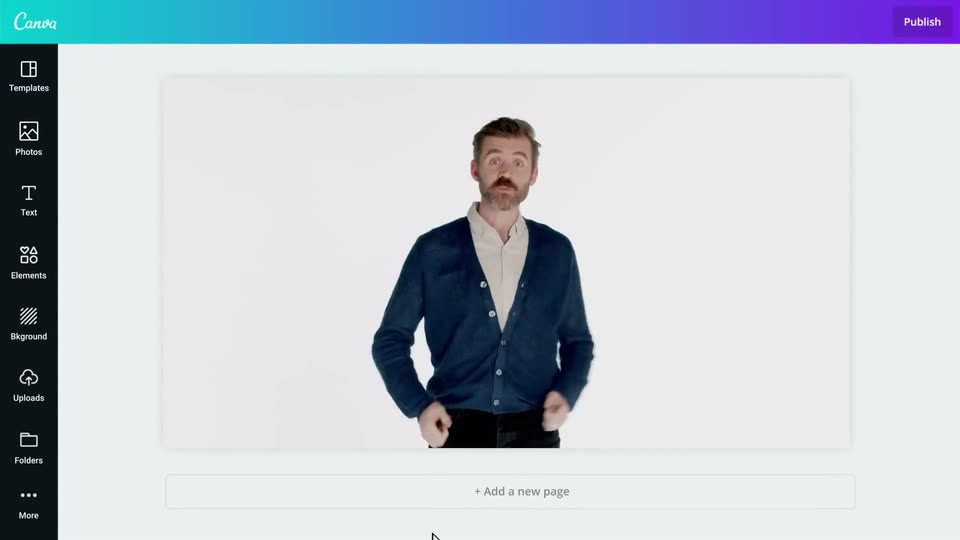 0:49 · 0.8sCanva · Introducing Canva | CanvaInside the Canva editor, a man in a blue cardigan stands on the white canvas, gesturing with open palms toward the camera. The left sidebar and top bar frame the workspace, and a cursor appears at the bottom edge near the Add a new page bar.
 0:06–0:15Bricks.AI · Bricks.ai - Accélérez vos ventesA white web interface shows four columns of French checkbox lists under the BRICKS header. A cursor clicks boxes in the Solutions, Expertise and Futur columns, filling them green, then presses the green Generate button, whose label switches to Generating.
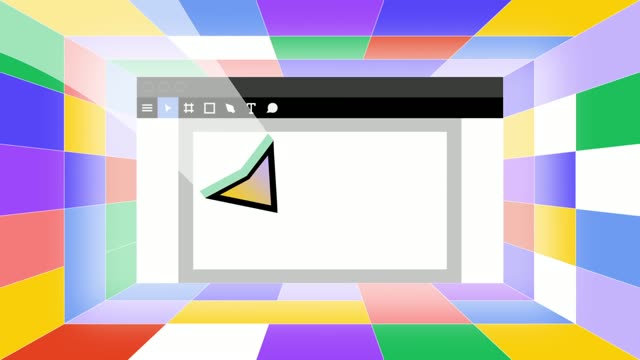 0:32–0:35Figma · What's Figma? [2019]A locked-off 3D tunnel of flat multicolored panels frames a design tool window: black toolbar tiles fly in from the edges and snap together into a browser mockup with a dark toolbar and an empty white canvas. A cursor then appears on the canvas and a short green stroke is drawn near its lower edge.
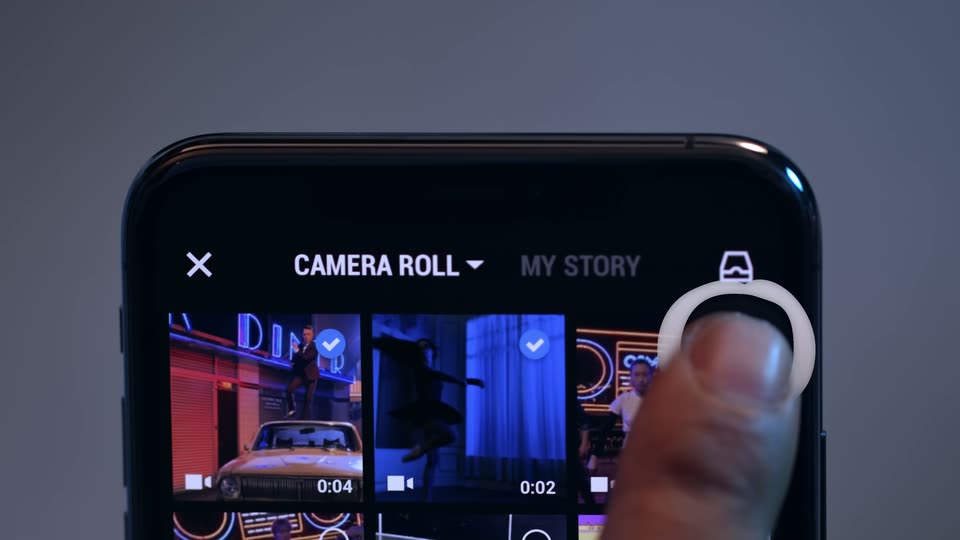 1:54–1:56DJI · DJI - Say Hello to Osmo Mobile 3Close-up of a phone's story editor on a plain gray backdrop, locked off on the top of the device. A finger enters from below, taps the first video thumbnail so a blue check mark pops in, then moves right to tap the second clip.
 0:21 · 0.5sMicrosoft · New SharePoint innovationsA teal panel rests flat on a white grid floor inside a wireframe 3D room. At its right edge a stack of swatches fans out from dark teal to white, and a white cursor hovers over the top. The camera pulls back to frame the whole panel.
 0:37–0:39Miro · Say hello to MiroA white rounded pill holding the black line “Create the next big thing” sits centered on a flat coral background. A dark navy cursor arrow slides up from the lower right to rest against the pill’s bottom edge.
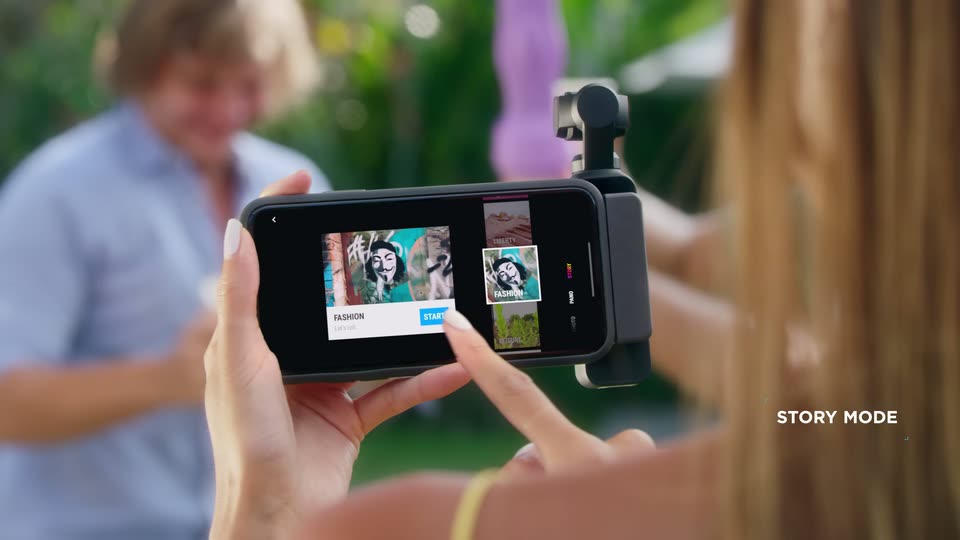 1:51–1:54DJI · DJI - Meet Osmo PocketA hand holds a phone on a gimbal outdoors, its screen showing template cards for LEISURE and FASHION with a START button, while a finger taps to scroll the list. Blurred people stand in the background and a white STORY MODE caption sits in the lower right.
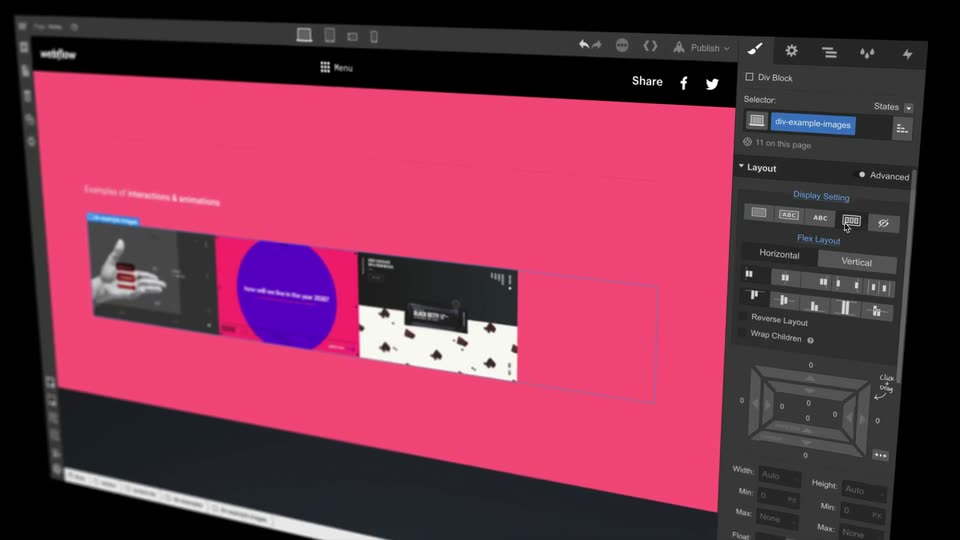 0:04–0:05Webflow · Meet the design tool from the future — WebflowA tilted 3D mockup of the Webflow editor fills the frame, a pink canvas with image thumbnails on the left and a dark settings panel on the right. The panel updates to show Flex Layout options as a hand cursor hovers over the controls.
 0:20–0:24Webflow · Design, build, and launch — with WebflowDark backdrop with faint isometric wireframes. A white headline types in word by word, then a purple line appears, as a Webflow editor window showing the Clients page slides up. The camera pushes in; the table swaps for client logos and a cursor hovers in the right panel.
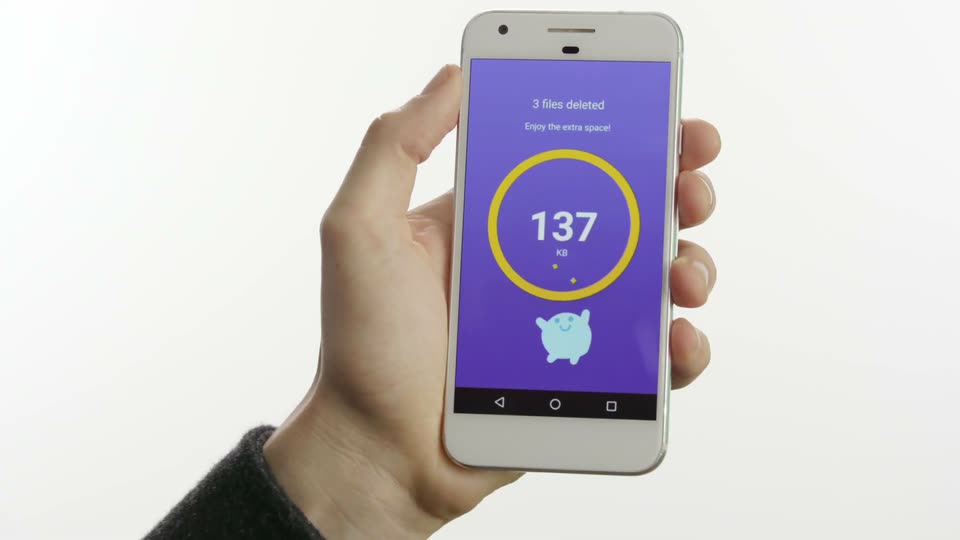 1:18–1:23Google · Introducing Bad Joke DetectorA hand holds a white phone on a white backdrop. A finger taps three joke cards to select them, then a delete bar. The screen turns purple and a yellow ring draws around 137 KB, with a small blue piggy bank icon below.
 0:08–0:11Discord · Spotify is now available on DiscordA dark member list fades in from black, showing a blue robot avatar labeled Wumpo and a yellow smiley avatar labeled You with a green status dot. A white hand cursor slides in and hovers under the You row as the Listening to Spotify status brightens.
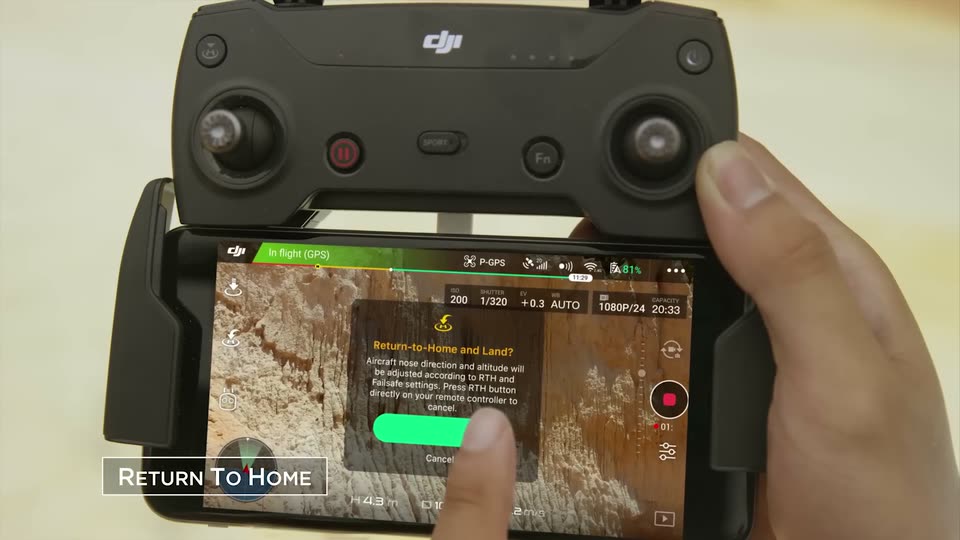 0:59–1:00DJI · DJI - Introducing SparkClose-up of a DJI controller with a phone mounted, showing the Return-to-Home dialog over a map view. A finger presses the green RTH button while a boxed caption reads in the lower left.
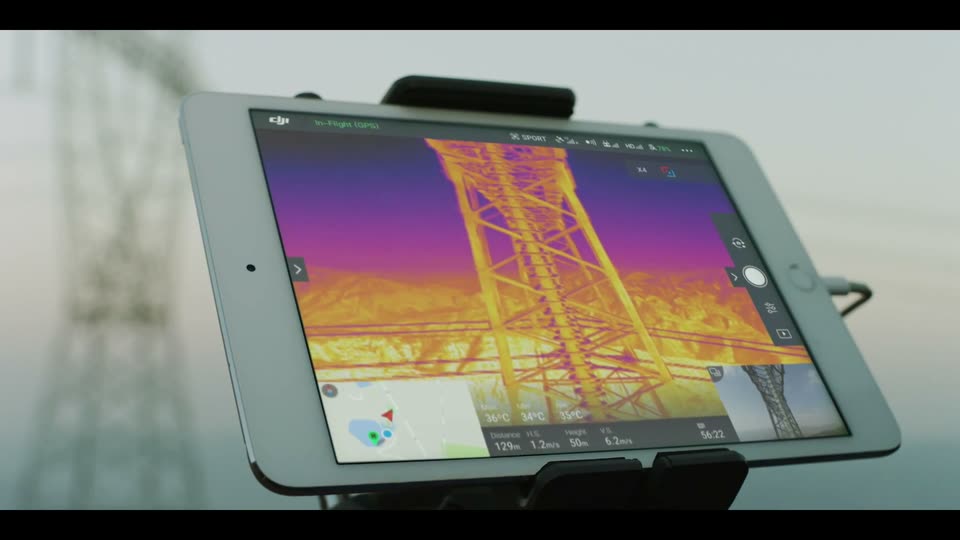 1:23–1:26DJI · DJI – Introducing the Matrice 200 SeriesA tablet in a mount shows a drone feed of a steel transmission tower. A finger taps the screen and the feed wipes from a normal image to an orange and purple thermal view, which expands to fill the display while the visual feed shrinks to a corner thumbnail.
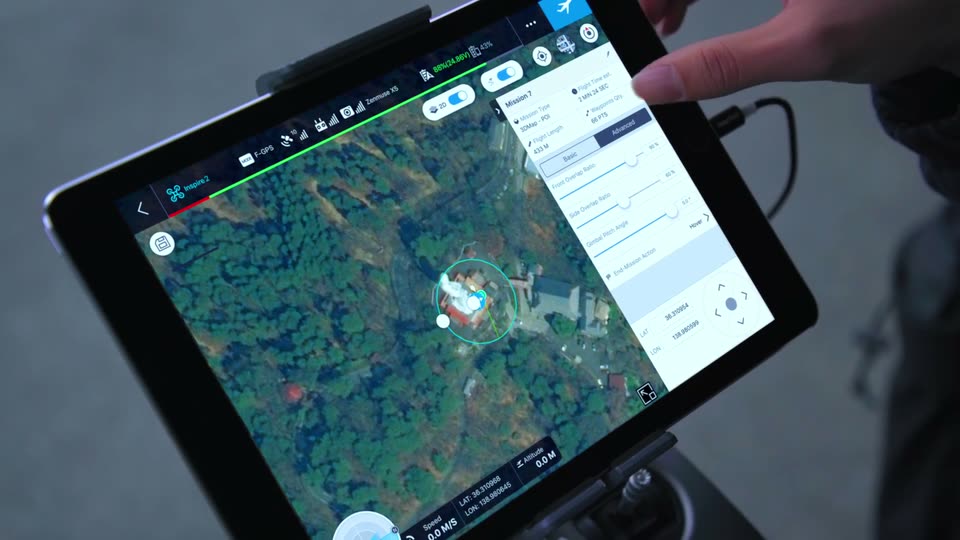 1:56–1:59DJI · DJI – Introducing DJI GS ProA tablet tilted at an angle shows a drone mapping app: a satellite map with a circular selection left, a mission settings panel right. A finger taps down the panel, moving from a toggle to the Advanced tab as sliders and fields remain visible.
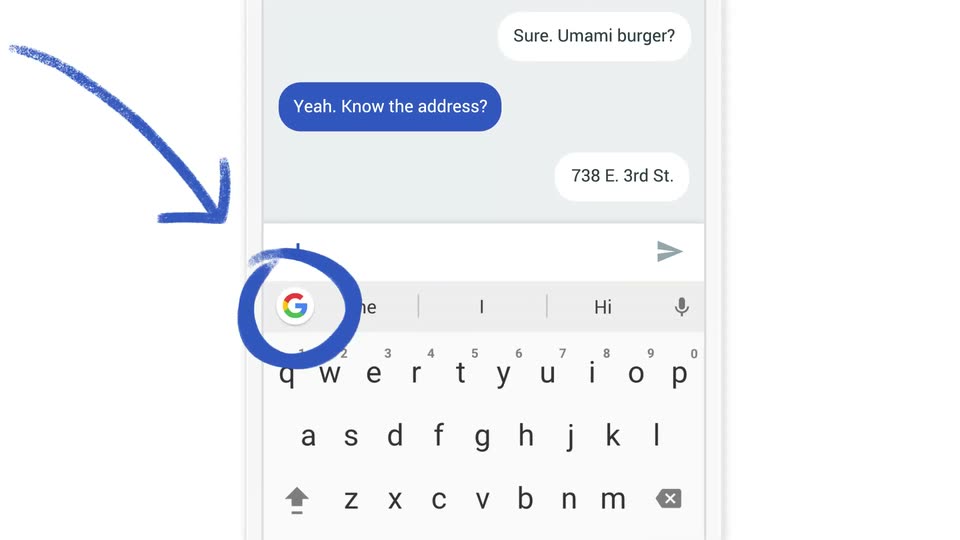 0:25–0:30Google · Gboard: now available for AndroidA Google wordmark and search bar sit left of a flat phone mockup; the view zooms into the messaging keyboard where a hand-drawn blue arrow and circle point to the small G icon, then a finger taps it.
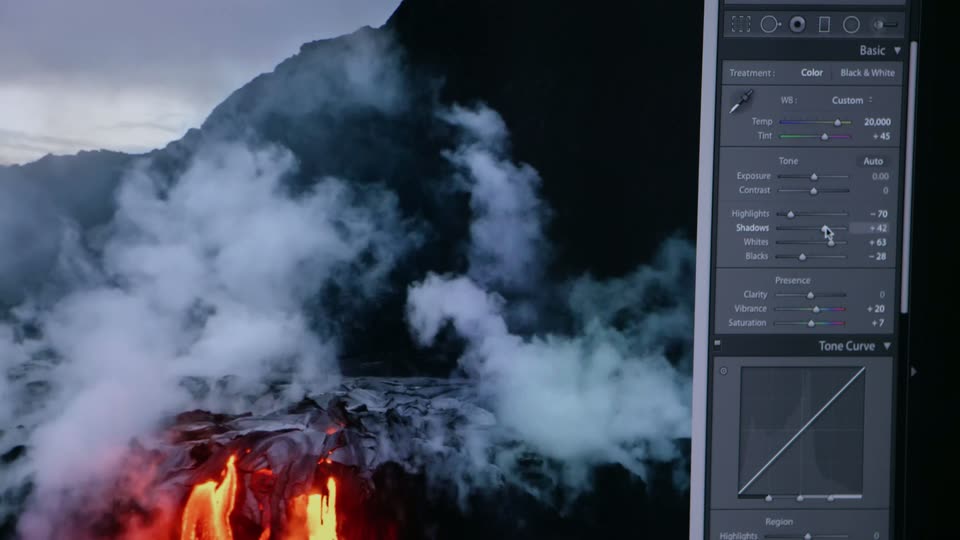 1:36–1:38DJI · DJI – Introducing Phantom 4 ProA volcanic scene with rising smoke and glowing lava fills the left, while a color-grading panel sits on the right. A cursor drags the Shadows slider upward and the shadows in the footage lift, revealing more detail.
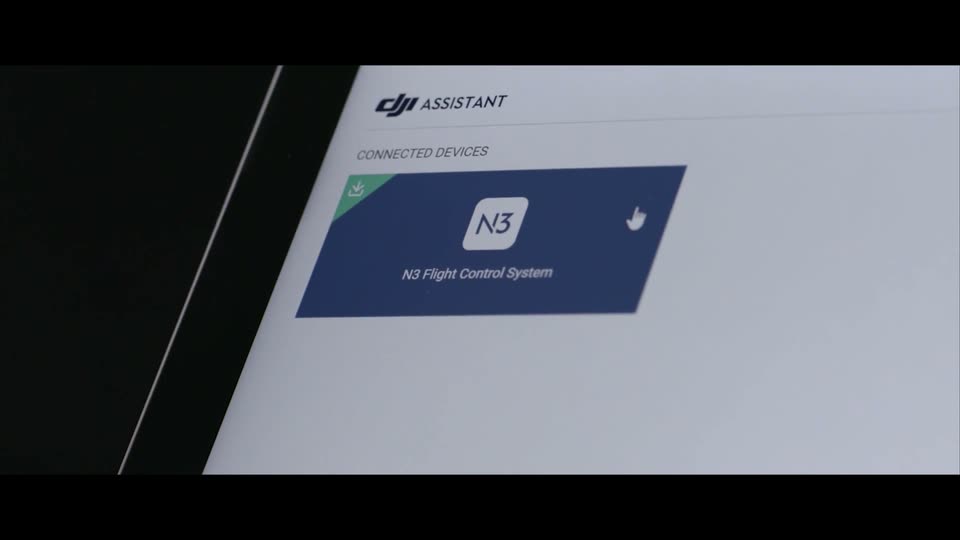 1:43–1:45DJI · DJI - Introducing the N3Close-up of a tilted laptop screen showing the DJI Assistant app. A white hand cursor hovers over a dark blue card labeled N3 Flight Control System beneath the Connected Devices heading. The frame is locked off.
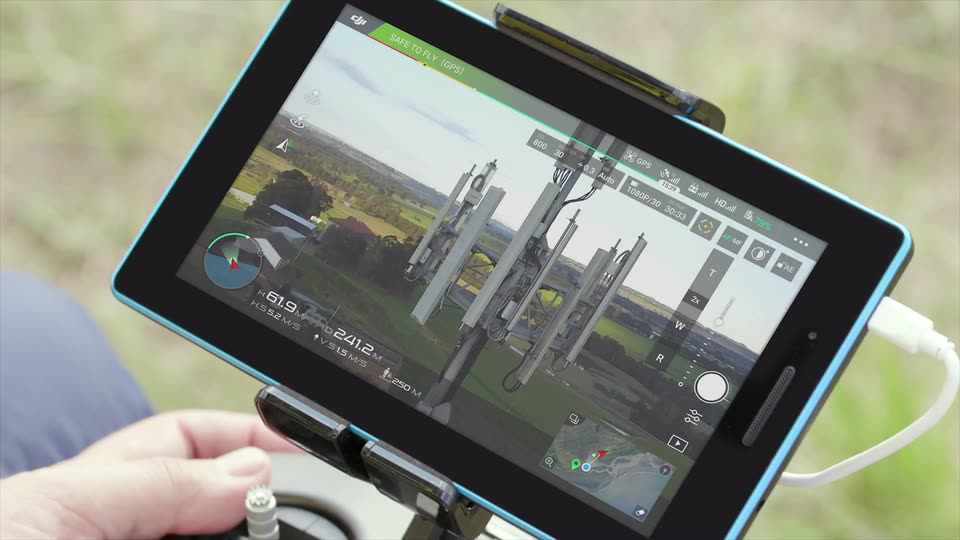 1:16–1:19DJI · DJI – Introducing Zenmuse Z30A close-up of a tablet mounted on a stand outdoors shows a live drone feed of a quadcopter hovering beside a metal structure over a field. A finger taps the screen while the other hand holds the controller joystick.
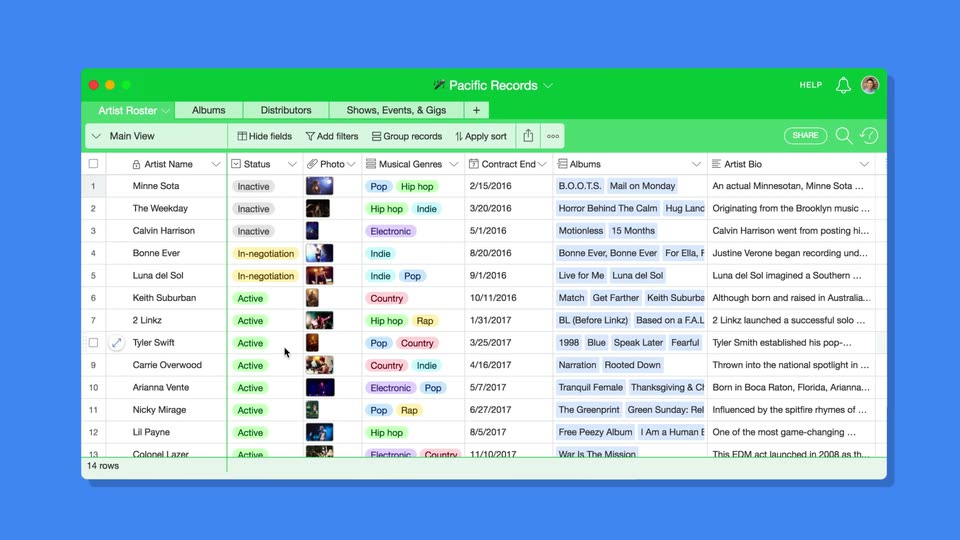 0:09–0:20Airtable · Meet AirtableA green spreadsheet window titled Pacific Records sits flat on a blue field. A cursor clicks a row checkbox, then edits the status cell, which opens a dropdown while the header shows saving and saved, then the window blurs out fast.
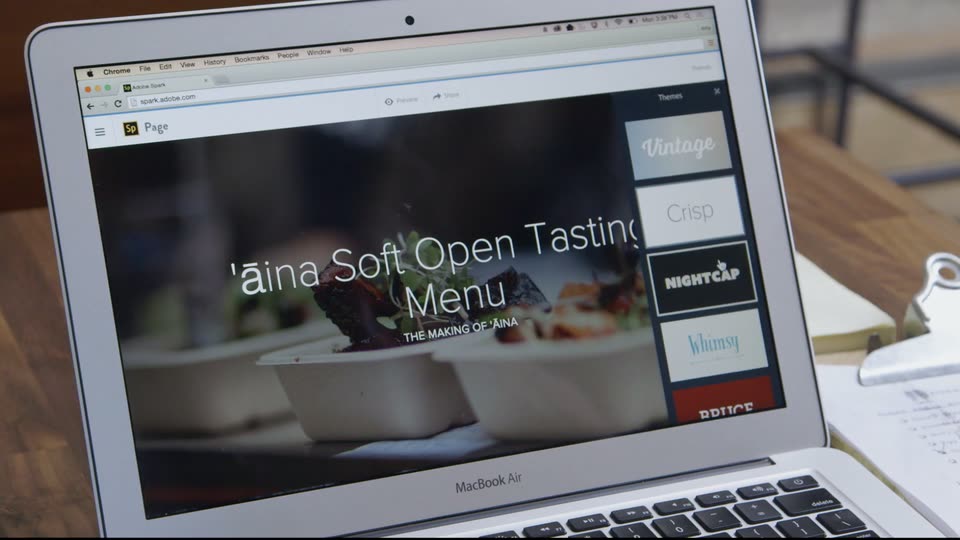 0:36–0:37Adobe · Meet Adobe Spark | AdobeA white MacBook Air on a wooden desk displays a restaurant site with a plated-dish hero image and a right rail of theme tiles; a cursor rests near the Crisp tile. The camera slowly pushes in.
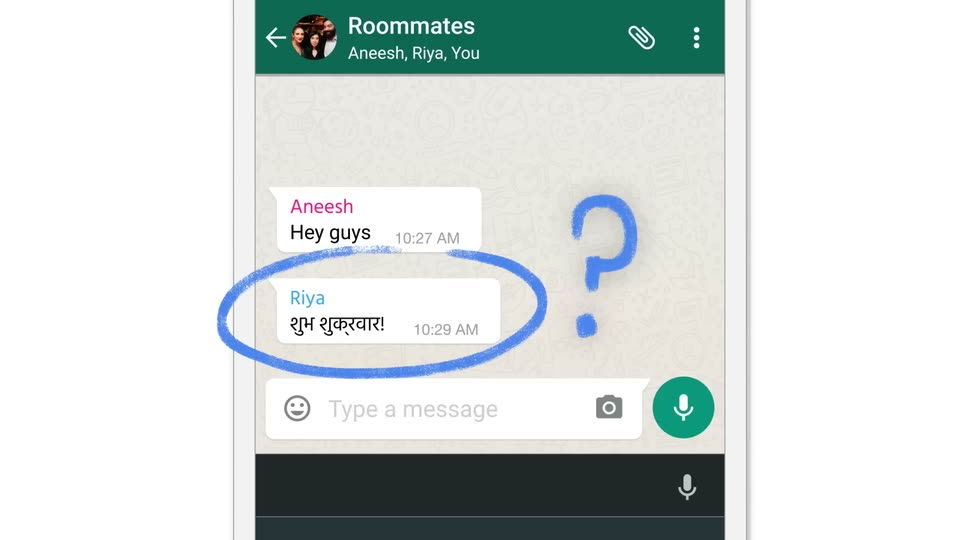 0:40–0:49Google · Introducing Tap to TranslateA front-on WhatsApp “Roommates” chat shows two bubbles, one in Hindi. A blue marker circle and question mark draw around it, then a live-action finger taps and holds the bubble, selecting it and swapping the header to action icons, under the static caption “Tap to Translate”.
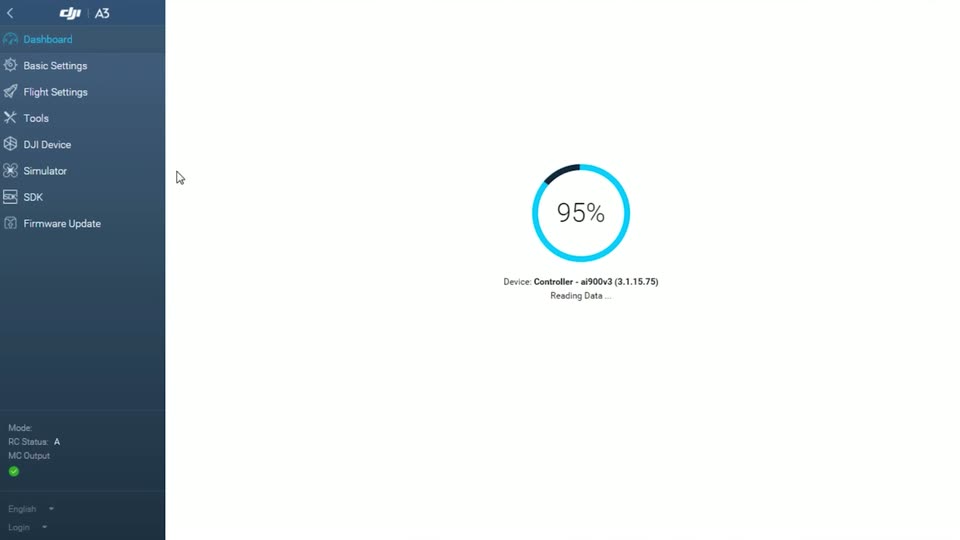 1:40–1:41DJI · DJI – Introducing the A3 and A3 ProA dark blue menu sidebar lines the left of the DJI Assistant 2 window. In the white main panel a circular progress ring fills from dark to cyan as the percentage counts up from 87 to 91, with device text below; a cursor rests at the left edge.
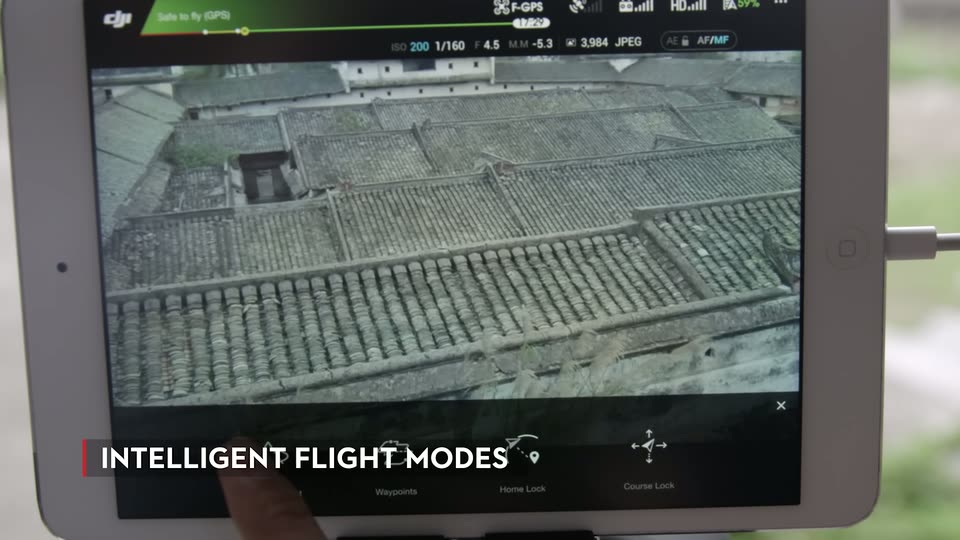 1:58–1:59DJI · DJI – Introducing the Matrice 600A white tablet in landscape shows a drone app with an aerial view of tiled rooftops and a row of flight-mode icons along the bottom. A finger taps the menu while a white headline with a red bar sits in the lower left.
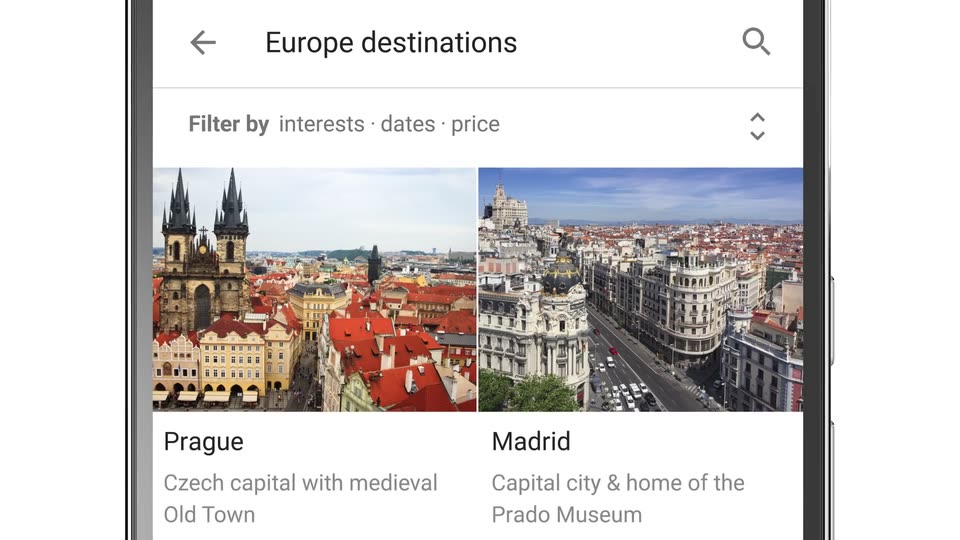 0:15–0:21Google · Introducing Destinations on GoogleA phone screen shows a travel app's Europe destinations grid. The view opens cropped on the Prague and Madrid cards, emphasizing dates and prices, then zooms out to reveal the full screen and filter bar. A tap ripple pulses over the filter row.
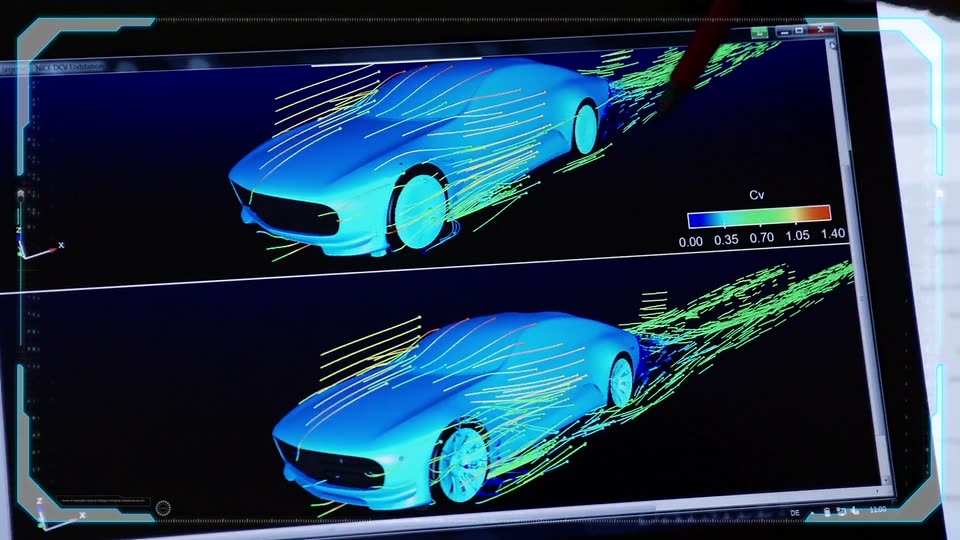 1:06–1:07Mercedes-Benz · Intelligent Aerodynamic Automobile – the “Concept IAA” – Mercedes-Benz originalA hand taps a tablet screen with a stylus. The screen shows two angled views of a blue car model overlaid with green and orange airflow streamlines, with a color scale bar at the right.
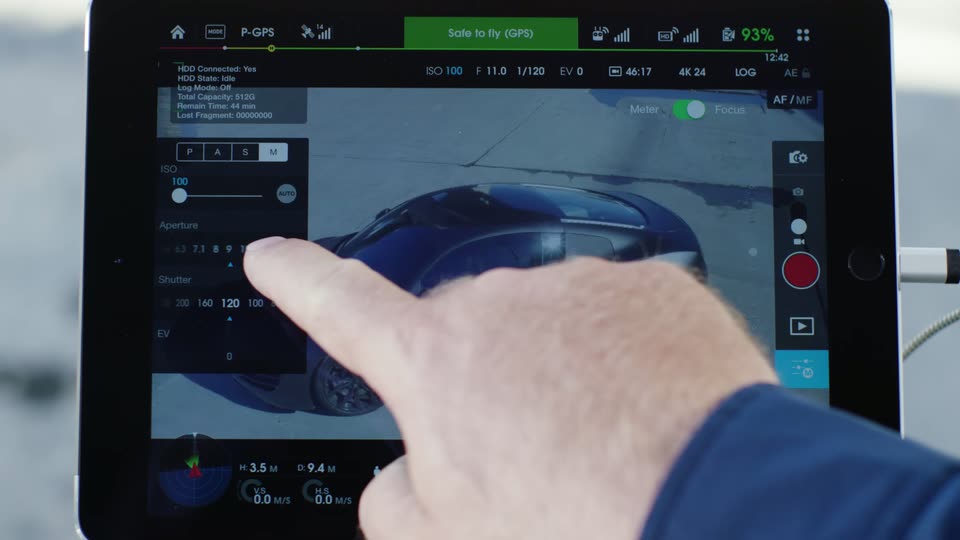 1:02–1:03DJI · DJI - Introducing the DJI Zenmuse X5 SeriesA close-up of a tablet in landscape shows a drone controller app with a green GPS banner and a live aerial feed of a blue car. A finger in a blue sleeve drags down the left settings panel, touching the ISO, aperture and shutter rows.
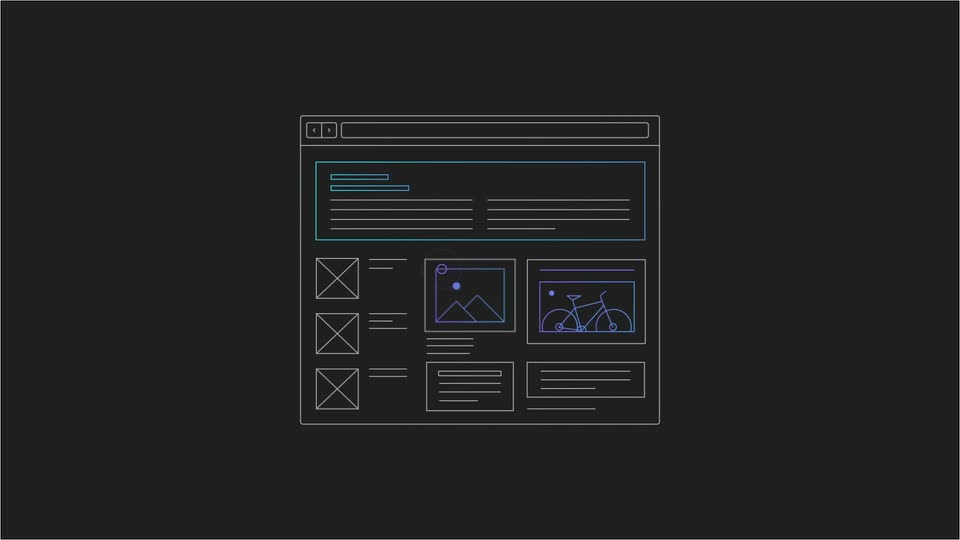 1:12–1:16Webflow · Introducing Webflow CMSOn a dark field, a thin white wireframe of a browser window holds a hero block and a grid of X-marked placeholders. A small blue dot travels the layout, the hero outline glows blue, and the placeholders morph into line-art icons: mountains, a bicycle, and small thumbnails.
 0:23–0:24DJI · Introducing the all-new DJI GO mobile appA hand taps the DJI GO icon on a mounted iPad home screen. The display dissolves from the app grid to a black splash screen, where the white DJI logo sits centered.
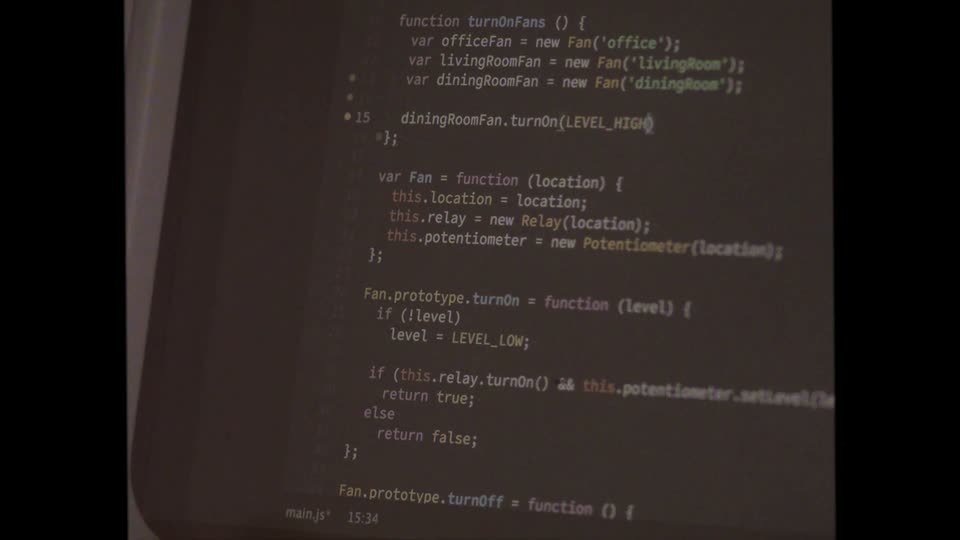 0:23–0:30GitHub · Introducing Atom 1.0!Static close-up of a dark code editor at a slight angle, showing JavaScript for a Fan controller. The lines scramble briefly, then the caret types on line 15 as an autocomplete list pops up with LEVEL_HIGH, LEVEL_MED, LEVEL_LOW; LEVEL_HIGH is chosen.
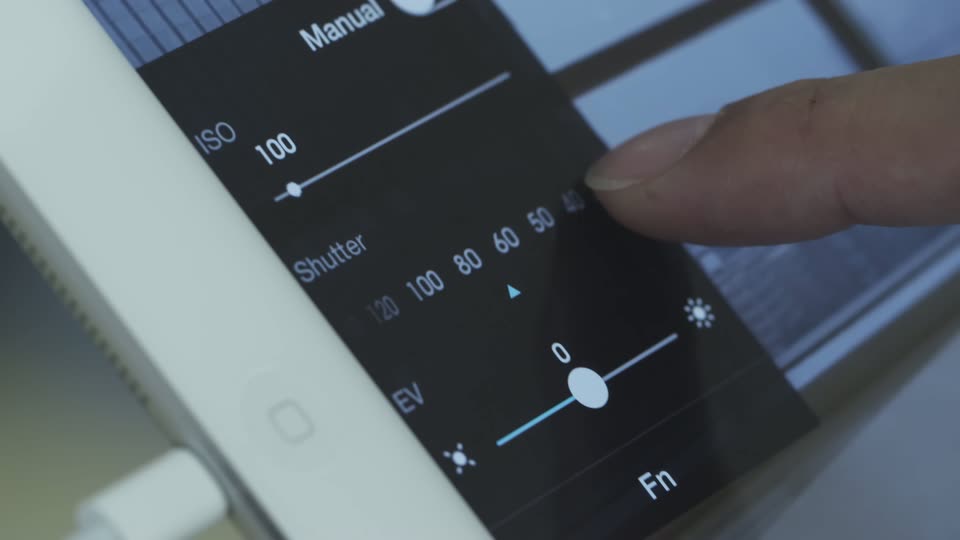 2:32–2:33DJI · DJI – Introducing the Inspire 1A tilted macro shot of a white tablet shows a dark camera manual screen with ISO, Shutter and EV sliders. A fingertip taps the shutter scale and drags the slider, then a white flash cuts to a grid of white line icons on a plain background.
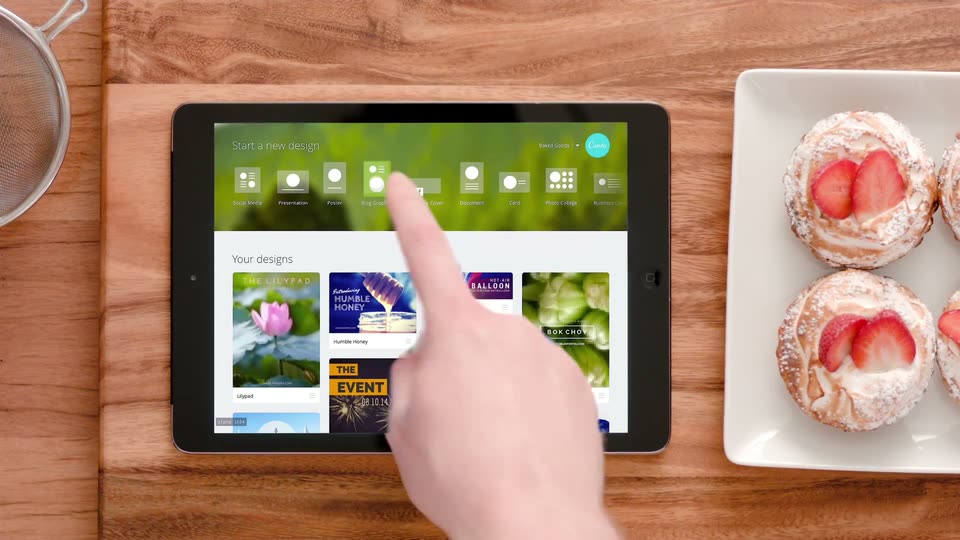 0:10–0:11Canva · Beautiful Design on the iPad — Introducing the Canva AppTop-down locked-off shot of a tablet on a wooden table, flanked by a metal strainer and a plate of strawberry pastries. A finger taps the design app, moving from the template row to a thumbnail below.
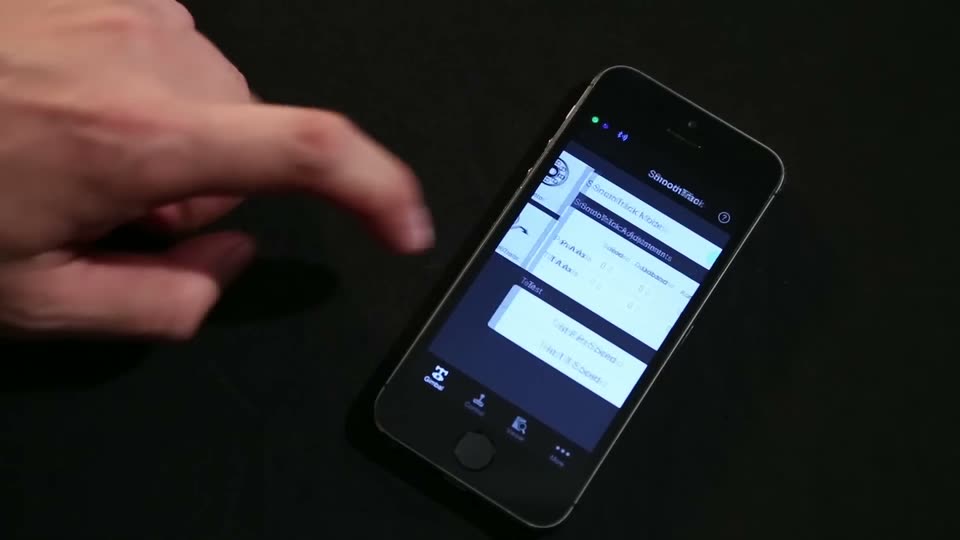 3:23–3:24DJI · DJI - Introducing the RoninA finger taps a tile on a phone lying on a black surface, switching the app from a Wizard grid of Macro and Exposure cards to a Gimbal Back settings view with two sliders.
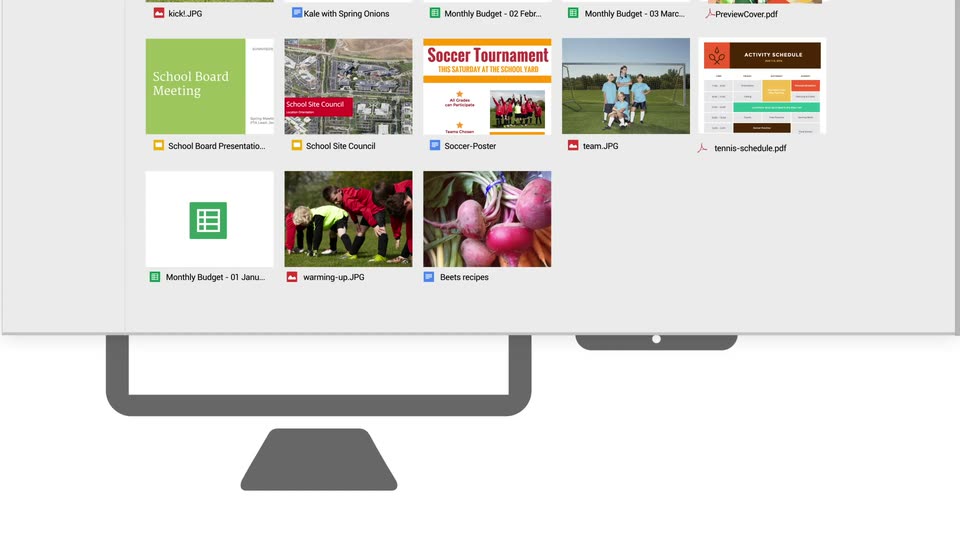 0:07–0:08Google · Meet the new Google DriveFlat vector desktop, tablet, and phone mockups bearing the Drive logo sit before a scrolling file grid. The devices exit as the grid fills the frame, and a cursor glides over a file thumbnail.
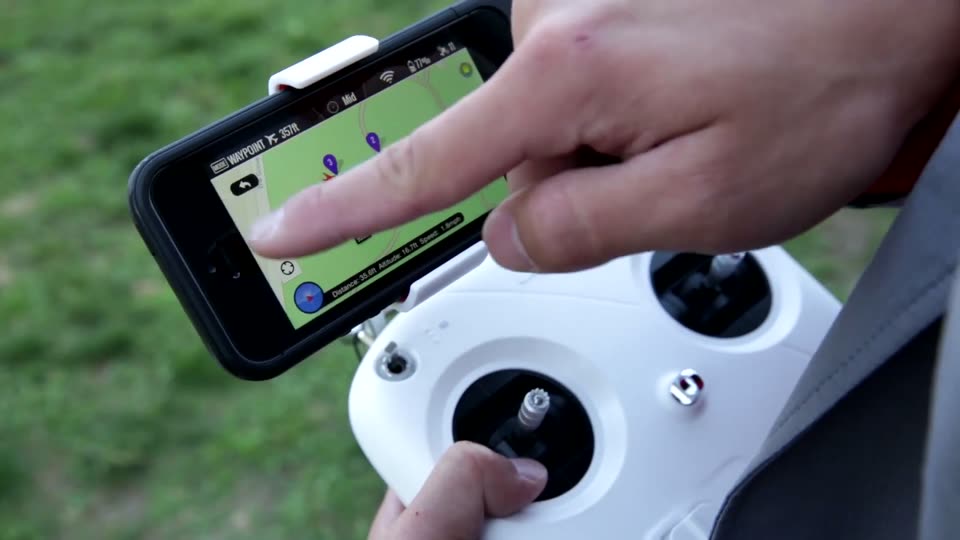 0:15–0:17DJI · DJI - Introducing Ground Station for the Phantom 2 Vision SeriesA hand holds a white two-stick drone controller with a smartphone clipped on top, showing a green map with purple waypoint pins. A finger taps the screen, the map cuts to a live field camera view, then the finger rests on the left control stick, grass blurred behind.
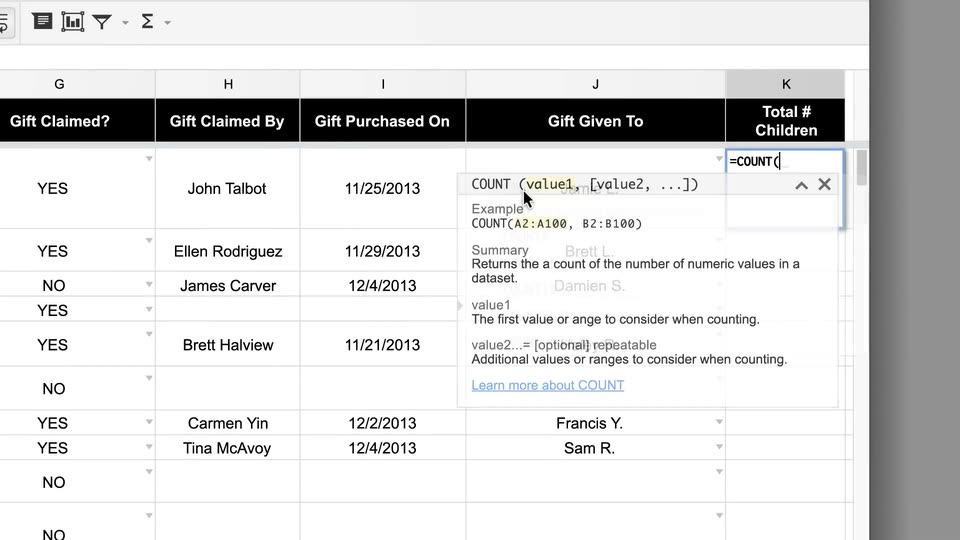 0:15–0:23Google · Meet the new Google SheetsA wide spreadsheet of child gift data scrolls rapidly down through dozens of rows, then the view reframes onto the rightmost column. A cursor types a COUNT formula, a function dropdown opens, and the cell resolves to 1000.
 0:43–0:45Google · Introducing Gmail BlueA tight, soft-focus close-up of an email interface shows a blue COMPOSE button above the Inbox and Starred labels while a cursor glides toward the button. The shot then cuts to a woman with glasses and long hair, speaking against a dark background.
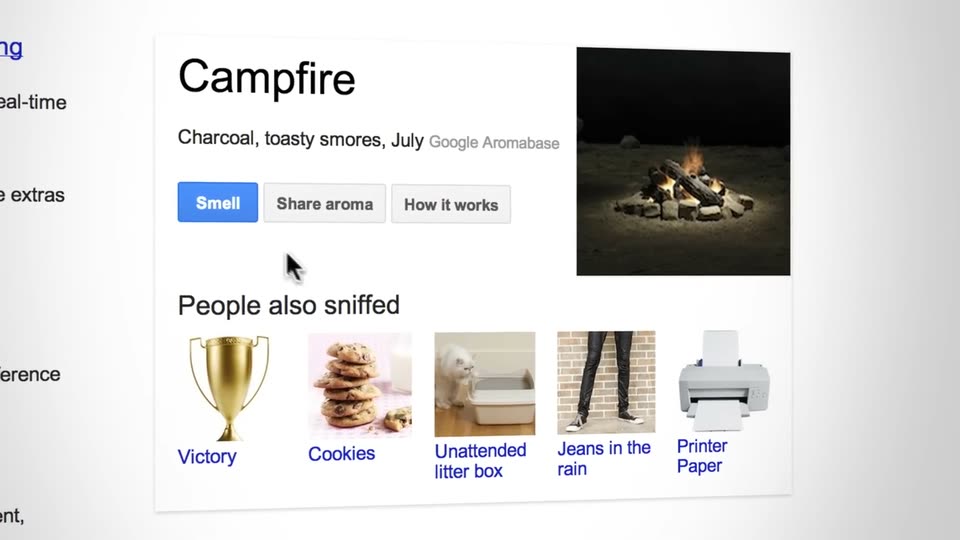 1:01–1:05Google · Introducing Google NoseA white search-result card titled Campfire, with a campfire photo, a blue Smell button and a row of related thumbnails, is set in 3D perspective. A cursor moves in and clicks the Smell button as the card tilts.
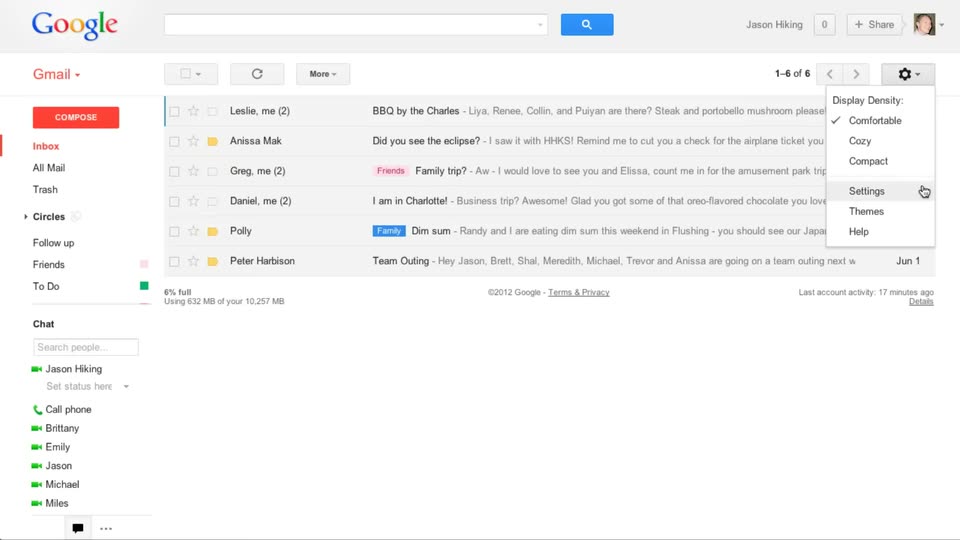 0:03–0:05Google · Introducing Custom Themes in GmailA Gmail inbox fills the screen. A cursor moves to the settings gear in the top right, opens the dropdown, and selects Themes. The view switches to the Settings page, where rows of color and HD theme swatches fill the main panel. The cursor drifts across the swatches.
 1:47–1:53Google · Introducing the Knowledge GraphThe multicolor Google logo fades in over a white background, then the search bar and two buttons appear below it. The query Leonardo da Vinci types into the box letter by letter, and a hand cursor moves to click the Google Search button.
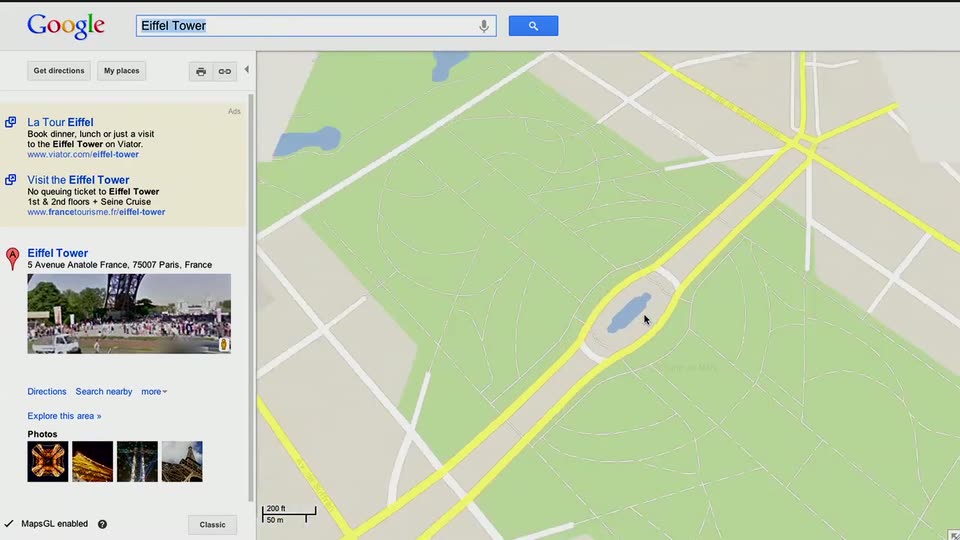 0:36 · 0.5sGoogle · Introducing the Google Fiber BarA Google Maps screen displays the Eiffel Tower search results in the left panel. The map on the right zooms in and pans toward a small blue pond in the green park, with a cursor resting beside it.
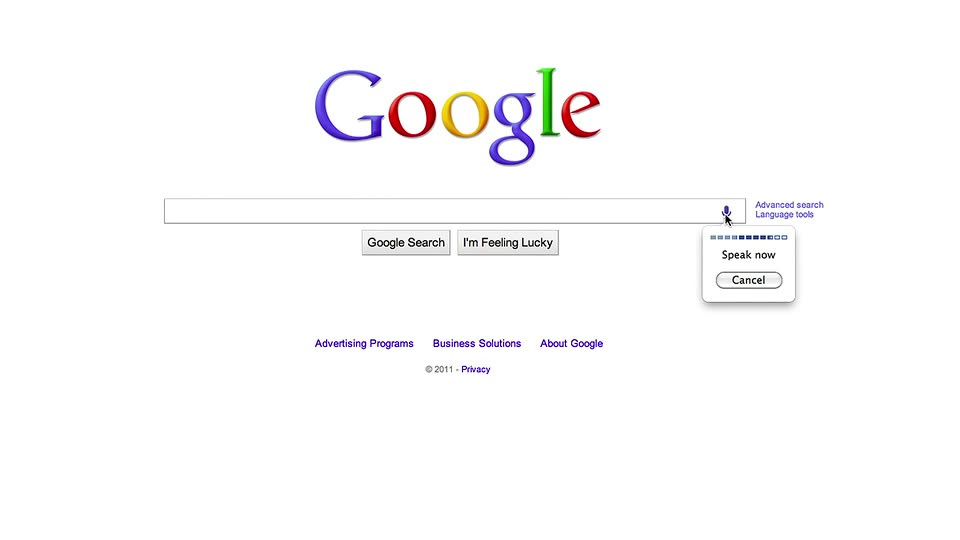 0:05–0:11Google · Introducing Voice Search for your computerThe classic Google homepage fills a white screen. A cursor glides to the microphone icon in the search box and clicks it, popping open a small dialog with a pulsing dash row, a Speak now line and a Cancel button. The dialog then swaps to a spinning loader.
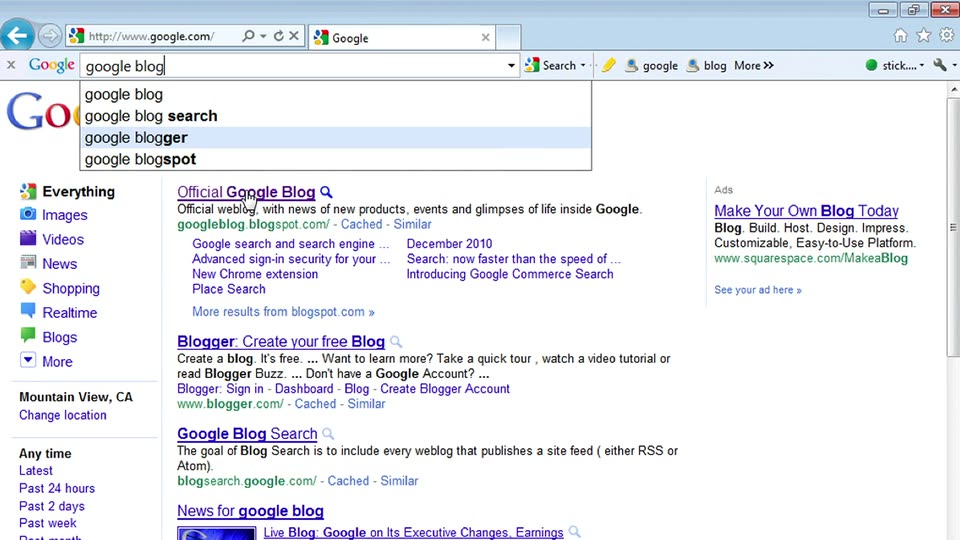 0:09–0:12Google · Introducing Google Toolbar 7A browser window shows the Google search page. The user types 'google blog' into the search box, and the autocomplete dropdown plus the results list refresh with each keystroke. A mouse cursor hovers the suggestion list and a highlight lands on one entry.
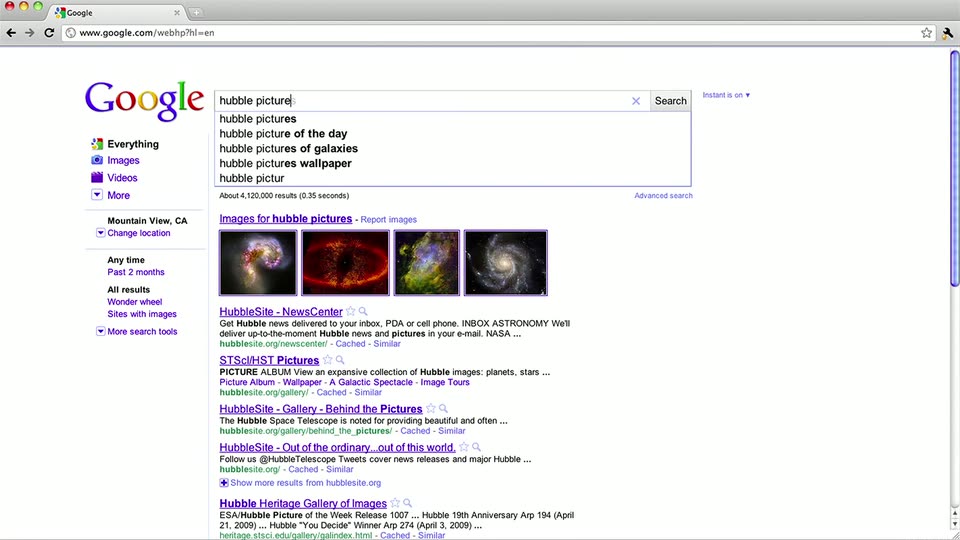 0:03–0:04Google · Introducing Instant PreviewsA browser window frames a Google search page. A cursor types hubble pictures into the search box, and the autocomplete dropdown of suggestions refreshes beneath it. Below, a row of galaxy thumbnails and result links stay static.