Cursor demo
A visible cursor operates the interface.
15,034 scenes · page 47 of 251
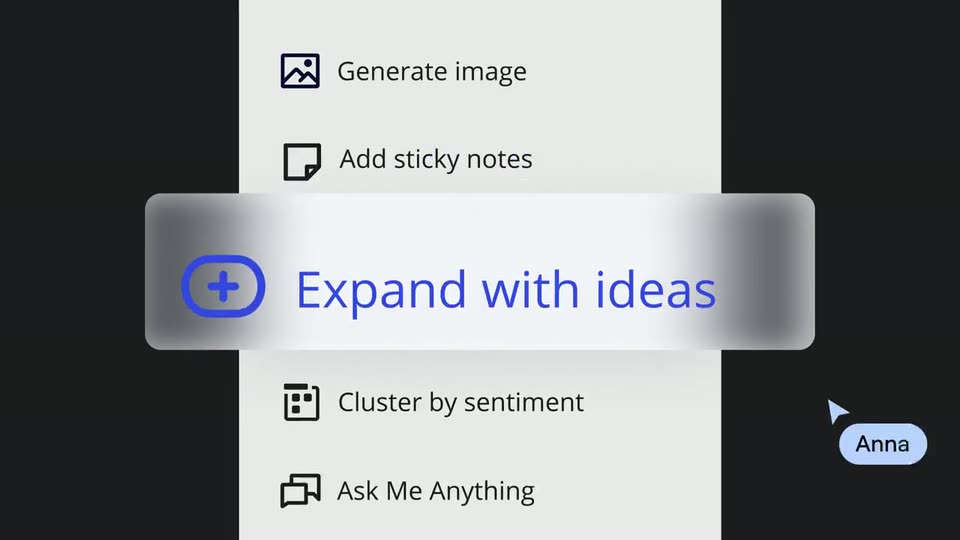 0:04–0:08Miro · Miro - Meet your AI partner for innovation, launching November 1. What wilA frosted highlight bar slides down a light Miro Assist menu on a dark background, enlarging each option in blue as it passes. The list scrolls to reveal more items, a cursor labeled Anna enters from the right, and the headline Introducing AI for innovation slides in.
 0:14–0:16Splice · Splice - Find your spark in seconds ⚡️ We’ve expanded Create mode so you canA dark purple interface view centers the white headline Switch styles. A white cursor moves upward as a five-line style list scales in, then stops beside the pink Dance Pop option.
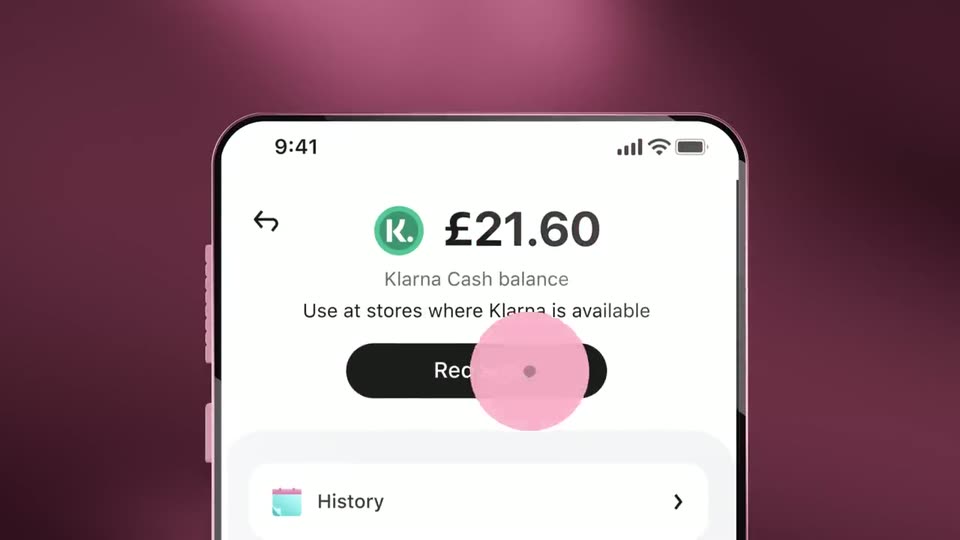 0:27–0:28Klarna · Klarna - 🚀 New product alert!🚀 📸 Snap, search, and shop with AI-powered imageA 3D phone mockup eases up onto a magenta gradient, showing a Klarna cash balance screen. A pink tap ripple pulses on the Redeem button while the word Earn scales in.
 0:04–0:13Vercel · Introducing v0: Generative UIA black pill prompt bar on white shows the question, then widens to reveal an avatar and lock and enter icons. Prompts type in; each finished line slides up and fades as the next appears. A cursor clicks the enter icon and the bar collapses to a dot.
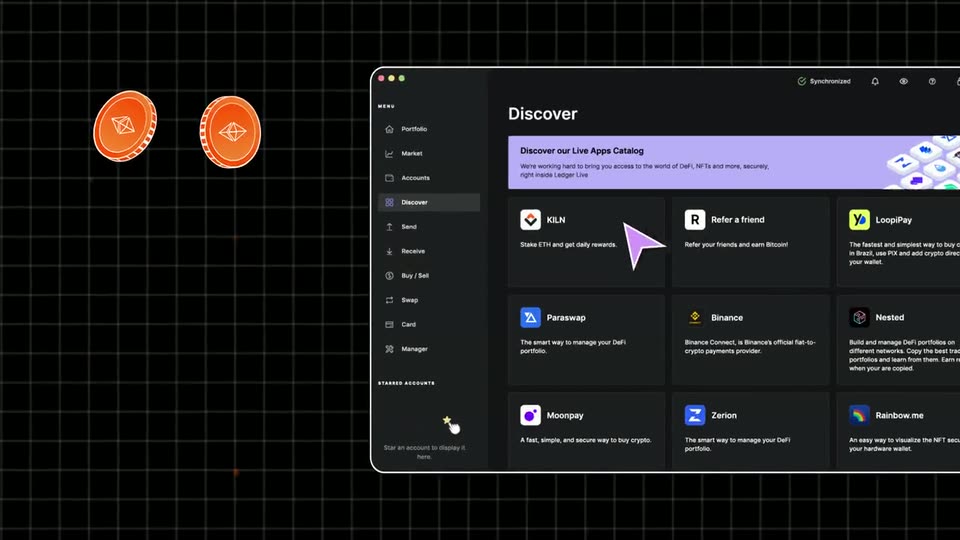 0:04–0:06Ledger · Ledger - If you want to stake ETH from the security of your Ledger, but don'tOver a black grid, two orange coins spin in 3D beside the white caption NO PROBLEM!. A laptop mockup on the right shows the product interface, which jumps from a Discover catalog to a staking screen as a cursor selects the Solo Staking tab.
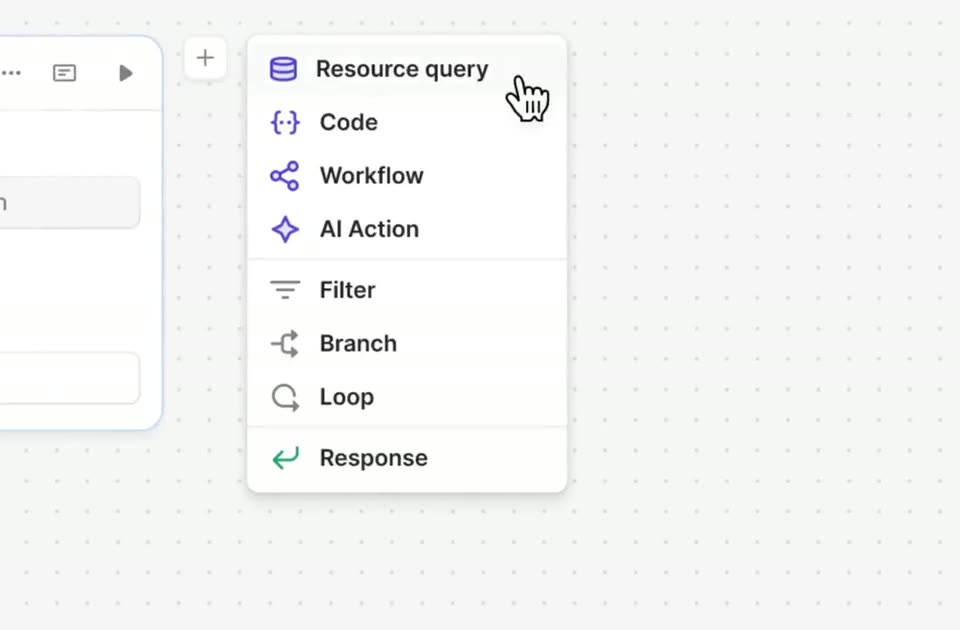 0:00–0:03Retool · Retool - Say hello to the fusion of visual programming, code, and AI. RetoolA workflow canvas with a trigger node fills the frame, then the view zooms to a plus button. A hand cursor clicks it, opening a menu of node types, and hovers over Resource query.
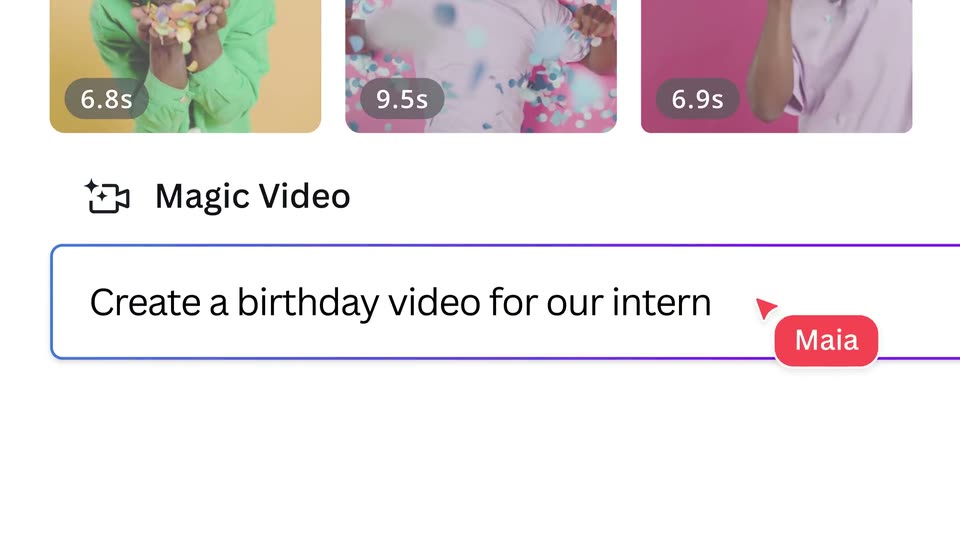 0:18–0:21Canva · Canva - Meet Magic Studio. Supercharge your workflow with all the power of AIThree video cards of people tossing confetti, each with a duration badge, line up on white. The view pans down to the Magic Video heading and a prompt box, where the typed text fills in while a red Maia cursor sits at the end.
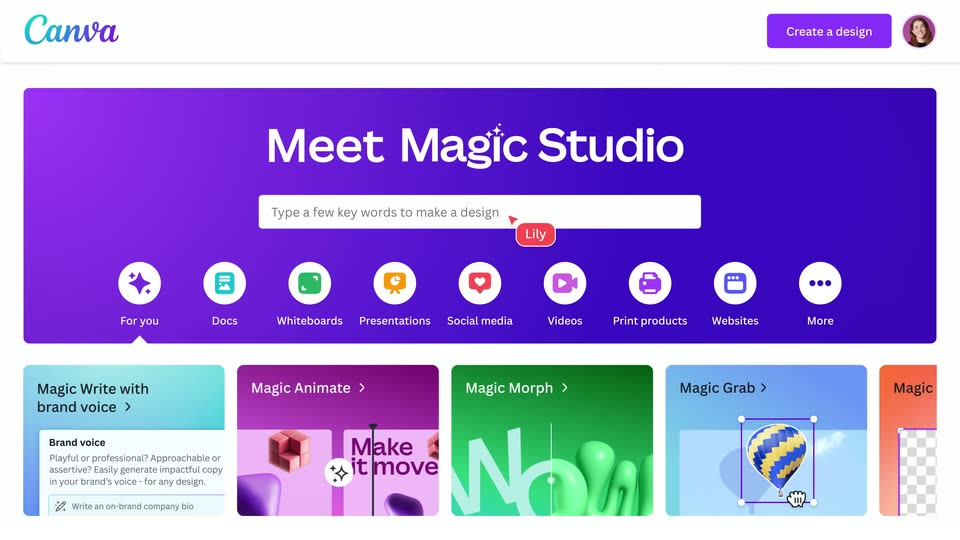 0:08–0:10Canva · Meet Magic Studio | Let the power of AI supercharge your workA flat Canva homepage scrolls up, the purple Meet Magic Studio hero rising as a row of feature cards (Magic Write, Animate, Morph, Grab) slides into view. A collaborator cursor tagged Lily glides over the search field and category icons.
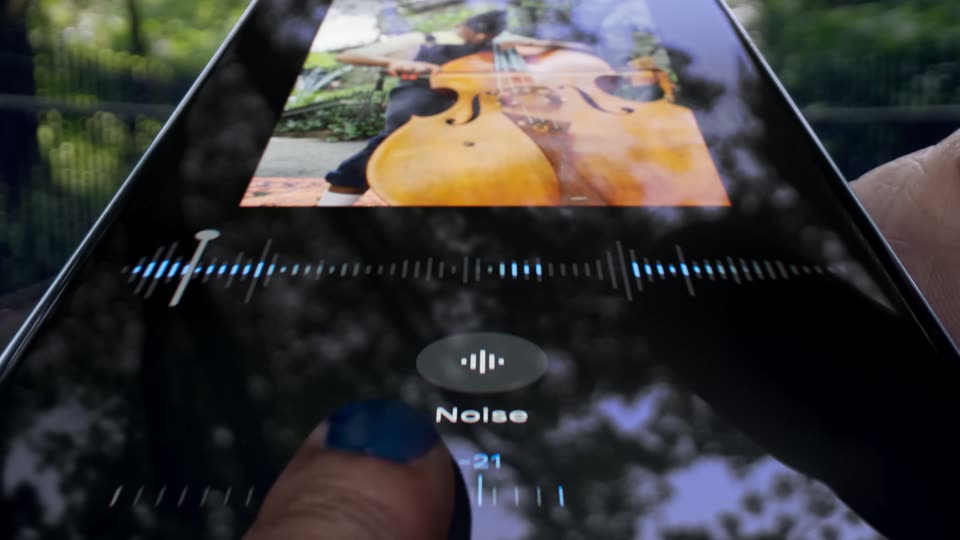 0:20–0:24Google · Meet Google Pixel 8 and Pixel 8 ProA tilted phone held in a hand shows the app over a blurred park. A cellist clip plays at the top; the Audio Eraser label gives way to Identifying sounds..., then a waveform and Noise slider appear. A blue-nailed finger drags the slider from -31 to -37.
 0:10–0:11Framer · Framer - 🌎 Hola, Bonjour, こんにちは! Introducing AI-powered Localization for yourA dark interface top bar holds a profile avatar, globe, gear and play icons plus an Invite button and a blue Publish button. A white cursor rises from below and clicks the globe icon, which highlights. A left panel shows a Breakpoint label above a glowing blue Sign up button.
 0:12–0:22Slack · Conversations in SlackA purple circle on a terracotta background expands into a pill reading # channel, which swaps to # sales-team. The pill slides left to reveal four circular headshots, and a cartoon hand cursor hops from avatar to avatar.
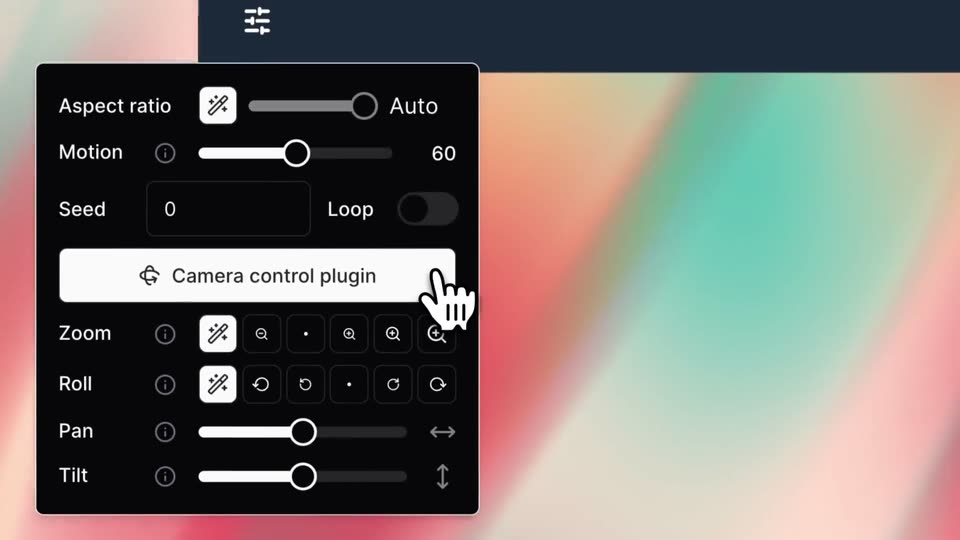 0:04–0:08Genmo · Genmo - Camera movement drives emotion, pace, and mood in filmmaking. AnnounA dark prompt bar over a blurred gradient background zooms into a settings panel. A hand cursor taps the camera control plugin button, revealing zoom, roll, pan and tilt sliders, then presses a zoom icon.
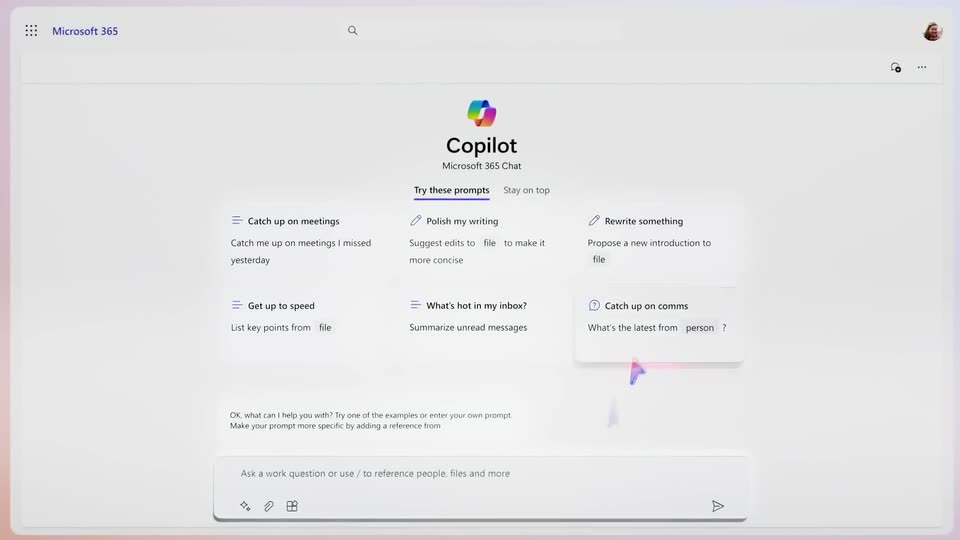 0:01–0:03Microsoft · Introducing Microsoft 365 ChatA blurred, overexposed Microsoft 365 home sharpens into focus, revealing the Copilot chat screen with a grid of prompt cards. A cursor glides to the bottom-right card, which lifts with a drop shadow and a pink glow along its base.
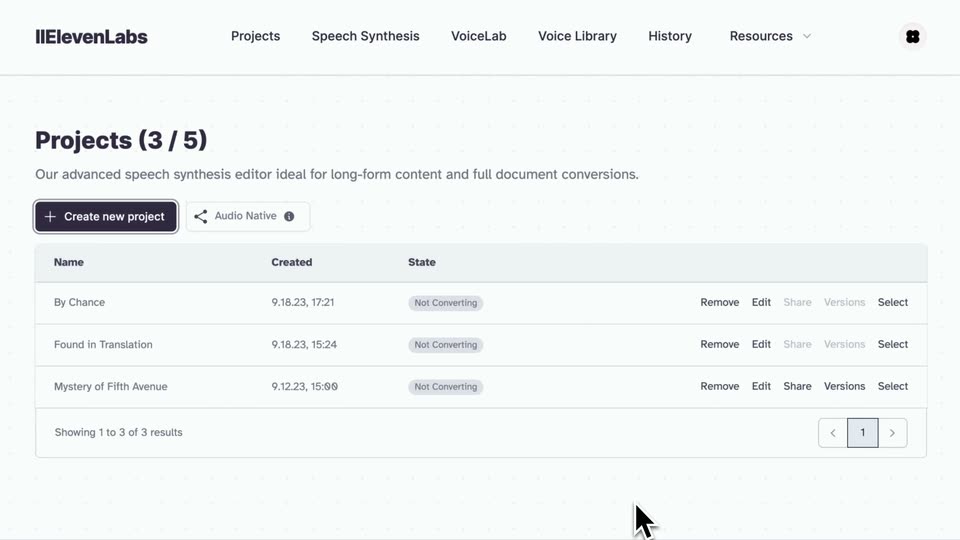 0:08–0:15ElevenLabs · Introducing: ProjectsA cursor clicks Create new project in the ElevenLabs Projects table; a modal opens with project-type options, then a form named By Chance with an attached PDF. Clicking Create closes the modal and adds a new row, raising the count to 3 of 5.
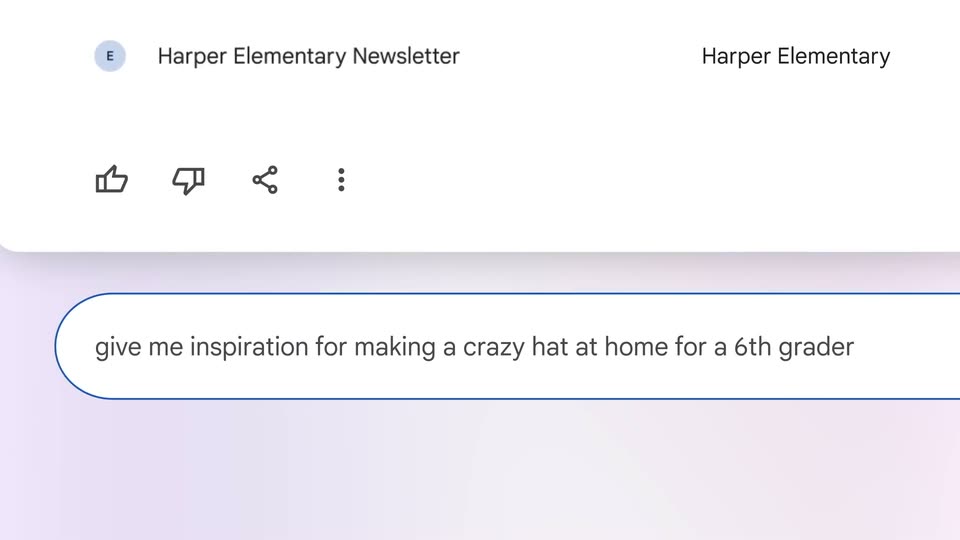 0:34–0:38Google · Introducing Extensions ✨ | BardA Gmail email about a school newsletter and a parent-volunteer call sits above the inbox list. The view scrolls down to the compose box, where a query about a crazy hat is typed out letter by letter, then the email card fades away.
 0:04–0:05beehiiv · beehiiv 🐝 - new beehiiv who disA black pill button with white text 'Launch a newsletter' and a pink offset shadow sits on a blue field, flanked by wavy lines and dashed arcs. A white cursor arrow slides from the lower right to point upward at the button.
 0:34–0:36beehiiv · beehiiv 🐝 - your newsletter 🤝 quality sponsors enter: the built in ad networkSmall payment cards with pink-blue headers scatter on white, then fly inward around a central beekeepers card, flanked by chart cards. A blue cursor arrow points at it before drifting off; a blue pill caption below reads the tracking, reporting, then and payments for you.
 0:31 · 0.5sSlack · A new day for work, powered by AIA flat illustrated messaging app window is centered on screen. It snaps from a dark blue theme over vertical color bars to a white theme with a purple sidebar over solid cyan, while a cursor drifts down along the right edge.
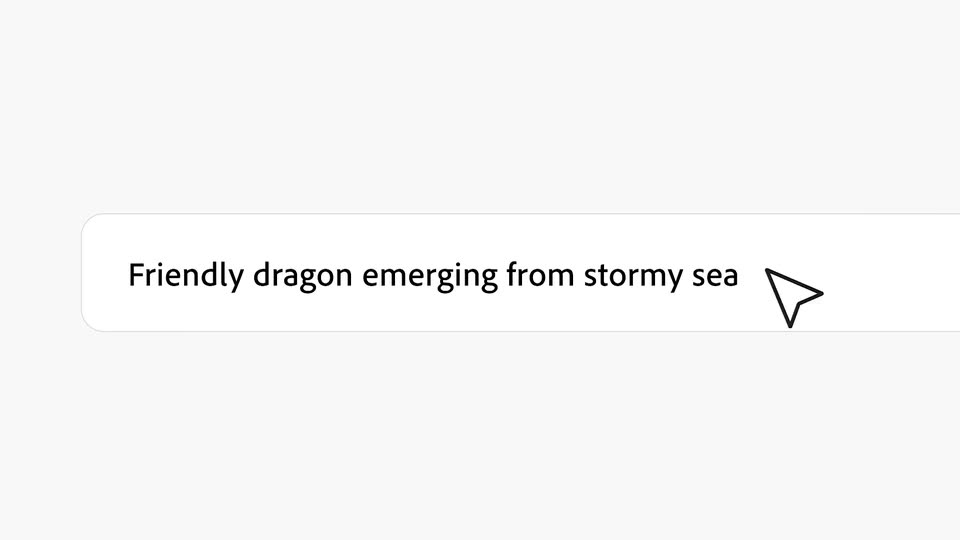 0:02–0:04Adobe · Adobe Firefly: Out of Beta & Ready For Your Imagination | AdobeA white rounded input field on a light gray background types the prompt letter by letter, then a blue Generate button pops in at the right edge as a cursor slides in and presses it.
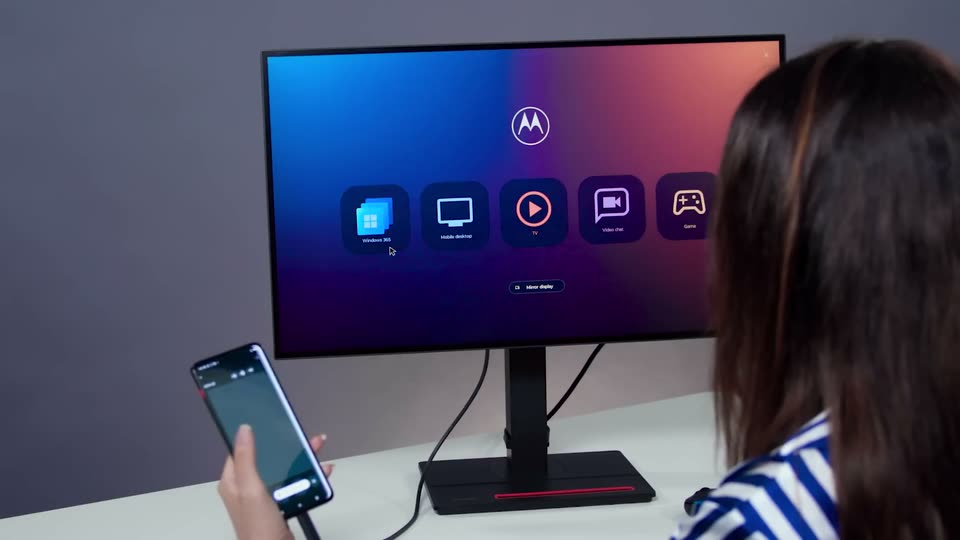 0:51–0:58Microsoft · Windows 365: Introducing Enhanced Windows 365 App Experience – Re-imagining mobile productivityOver-the-shoulder shot of a woman holding a phone at a desk, facing a monitor showing a tile menu under the Motorola logo. A cursor on the screen taps the Windows 365 tile, the display switches to a four-square loading animation, and the phone updates to a white image list.
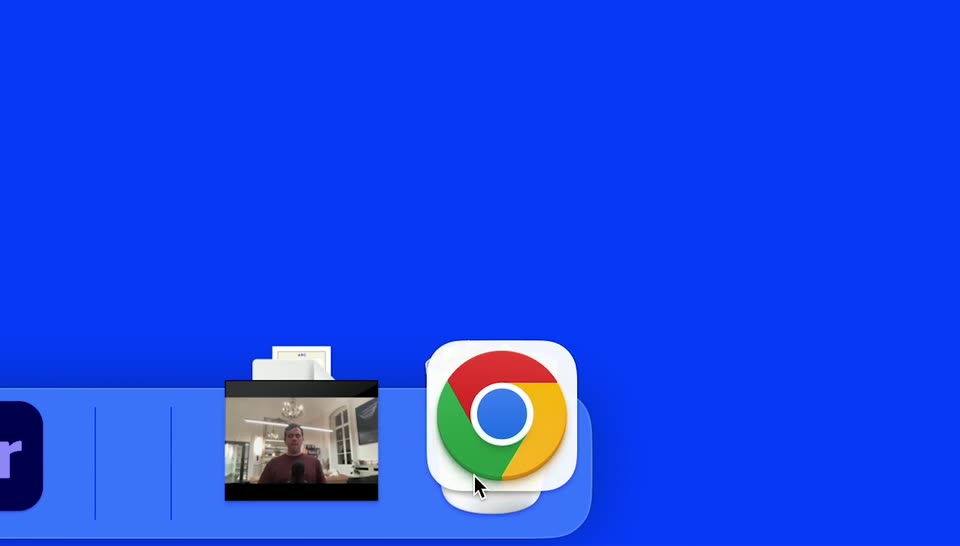 0:08–0:09The Browser Company · Arc for Students | Everything in its right placeA macOS Dock on a plain blue background: the Chrome icon bounces in place, then slides right toward the trash can as its tooltip switches from Google Chrome to Remove from Dock, with a cursor resting on the icon.
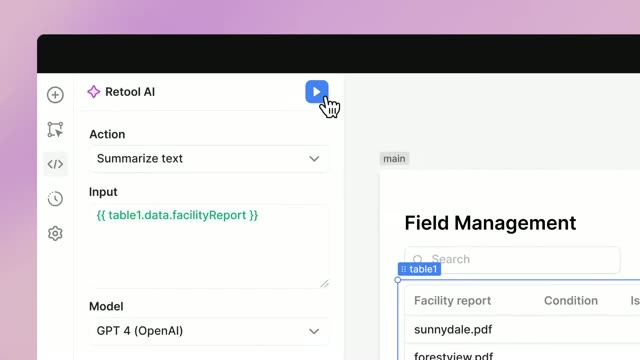 0:00–0:02Retool · Introducing Retool AI—powerful AI building blocksA flat browser mockup of the Retool AI app sits on a pink gradient, then the frame zooms into the interface. A hand cursor clicks the blue play button, which spins into a checkmark as green and yellow condition pills fill the table rows.
 0:03–0:04Liveblocks · Liveblocks - Introducing the most advanced platform for Yjs. →A document editor tilts in 3D against a black background, showing a top toolbar, a pink avatar and a black Share button. A cursor glides in from below and presses the Share button.
 0:06–0:08Loom · Introducing Loom AIA woman in a coral top talks inside a circular cutout centered on a dark purple field of drifting soft orbs. A red circle with a white square and a hand cursor pop in at the cutout's lower right.
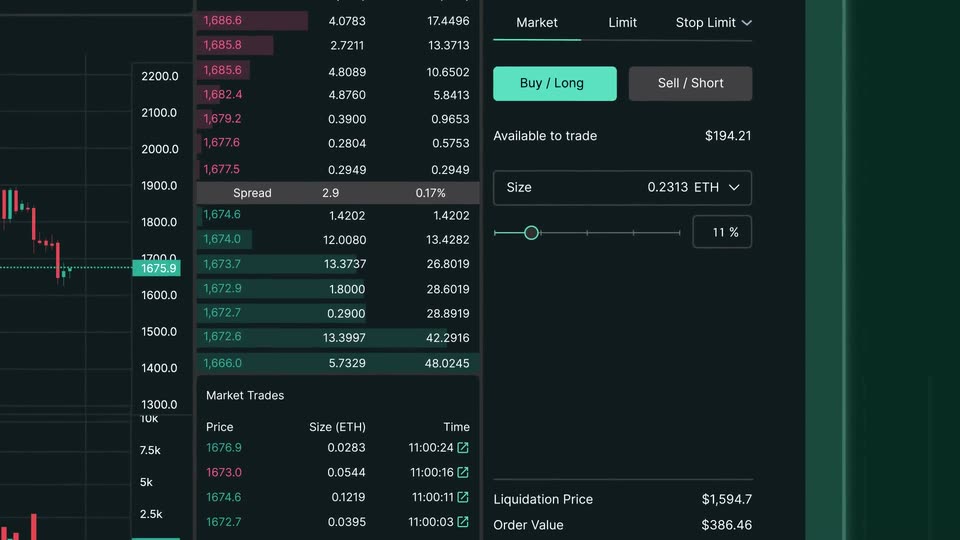 0:08–0:12Hyperliquid · Hyperliquid - Welcome to Hyperliquid. Trade 40+ perps on the Hyperliquid L1, incluA crypto trading interface floats in 3D perspective, framed by a glowing teal outline on a dark green field. The camera zooms into the order panel, where a ring-shaped cursor drags the position-size slider to set the trade amount.
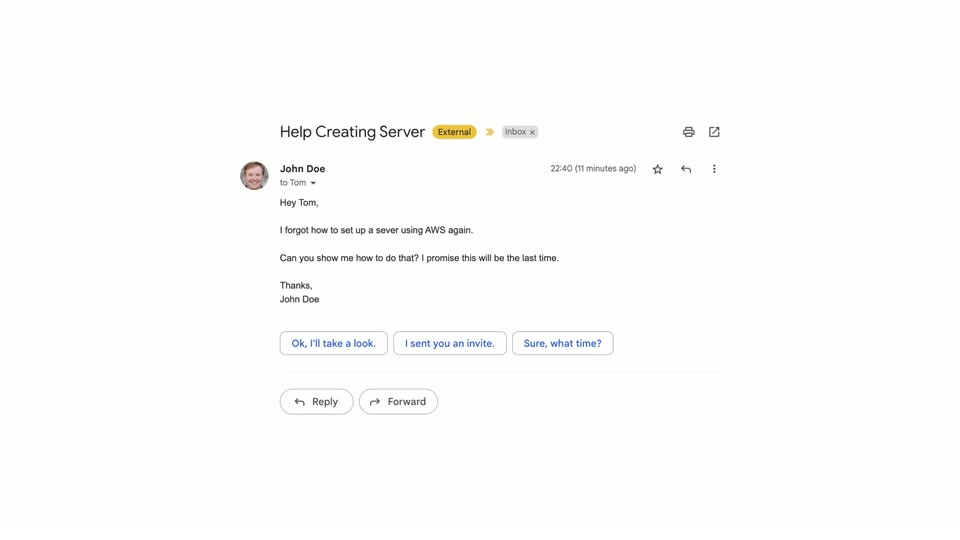 0:12–0:15Loom · Loom | Sync Faster, Meet LessA white email view shows a message titled Help Creating Server with quick-reply chips; a cursor hovers over the first chip, then a reply panel with a text editor and blue Send button slides in from the right as the background blurs.
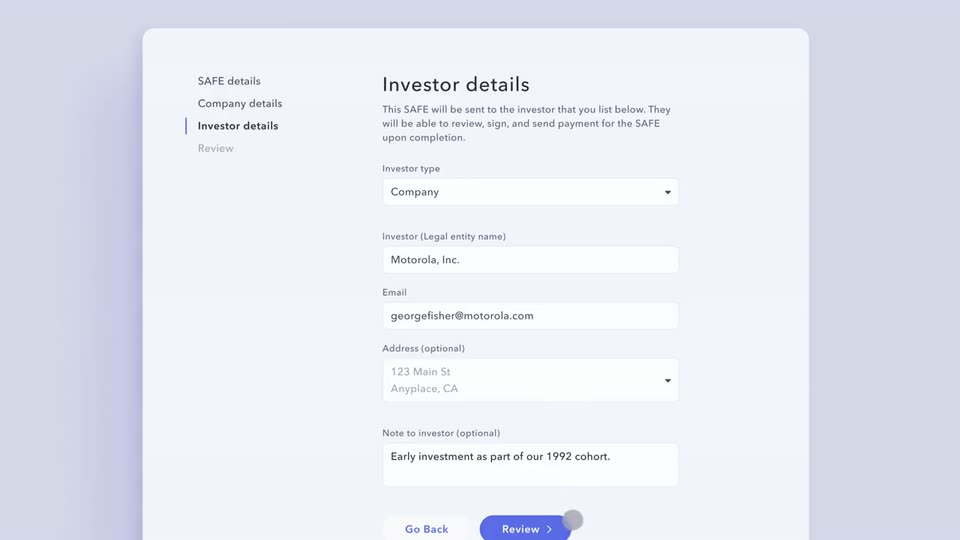 0:03–0:17Mercury · Mercury - Introducing: SAFEs by Mercury for C-Corps. You can now customize, siA SAFE creation form scrolls down, then crossfades through the Company, Investor, and Review steps while a gray cursor dot taps the Next and Send SAFE buttons. The left sidebar highlights each step in turn as fields fill with sample data.
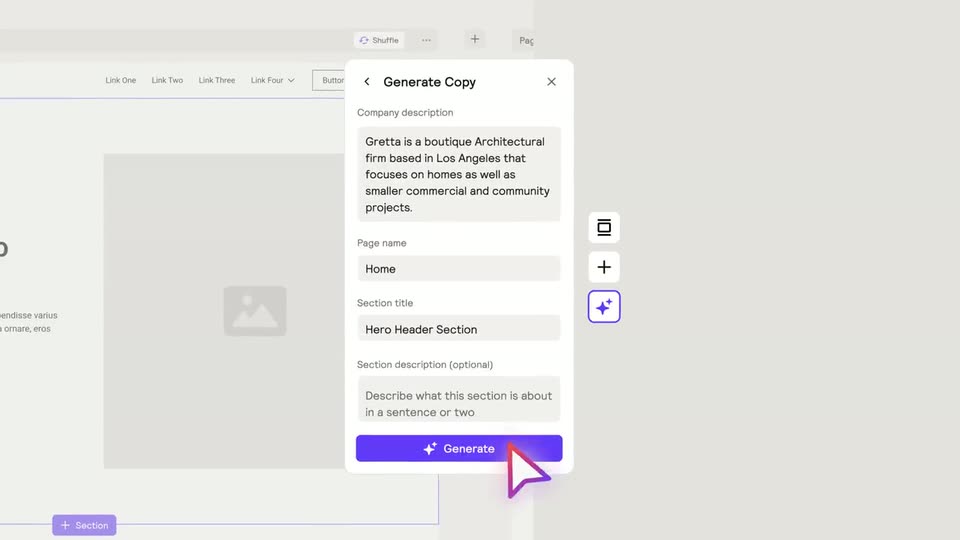 0:09–0:11Relume · Relume - The fastest way to design & build a website with the help of AI ✨A white Generate Copy dialog scales in over a dimmed page builder, its form fields filling with sample text. A red outlined cursor glides along the bottom edge of the purple Generate button from left to right.
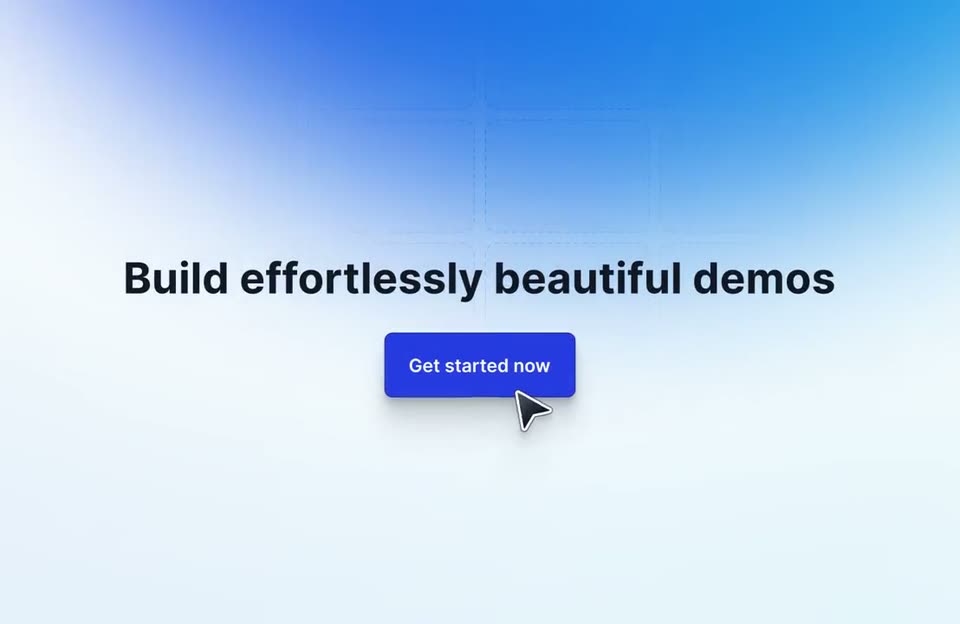 1:57–2:04Arcade · Arcade - 🕹 Introducing new creator tools to create effortlessly beautiful demos.A blue-to-white gradient with a faint dashed grid holds the headline “This is an Arcade,” with “Arcade” in blue. It blurs out as “Build effortlessly beautiful demos” and a blue “Get started now” button fade in; a cursor hovers the button, then the whole card blurs out.
 0:13–0:14beehiiv · beehiiv 🐝 - Introducing beehiiv AI ✨ Coming live from UranusA pink rounded button labeled Start writing with a pencil icon sits centered on white, a small sparkle twinkles at its right edge. It then gives way to a blank document editor card with a top toolbar and a blue arrow cursor at the lower right, while a blue caption pill stays at the bottom.
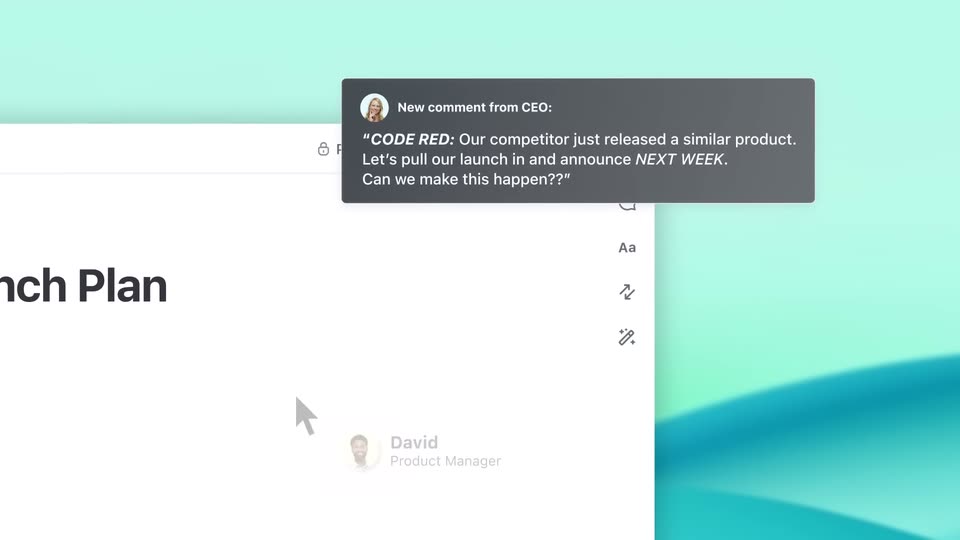 0:02–0:09ClickUp · Introducing ClickUp AIA white document window on a teal gradient background holds a launch plan. A dark CEO comment toast drops in at the top right, the view zooms onto it, then a cursor brings up a small David, Product Manager chip before the frame blurs out.
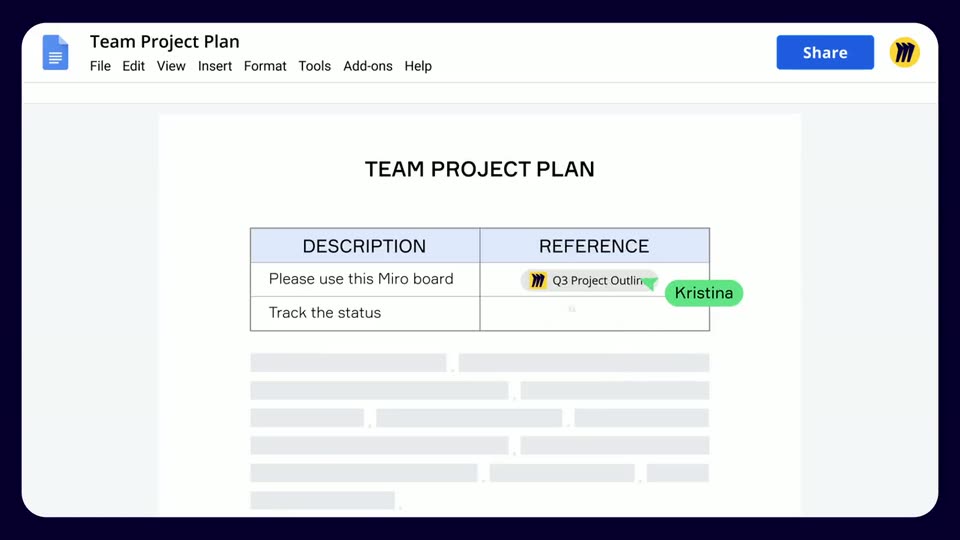 0:07–0:15Miro · Miro - Make Miro part of your Google Docs, with smart chips! Use smart chipsA Google Docs table: a green cursor trailed by a Kristina presence tag types “Please use this Miro board”, opens a context menu, pastes a Miro URL, and swaps it for a Q3 Project Outline chip, then a board preview card pops up.
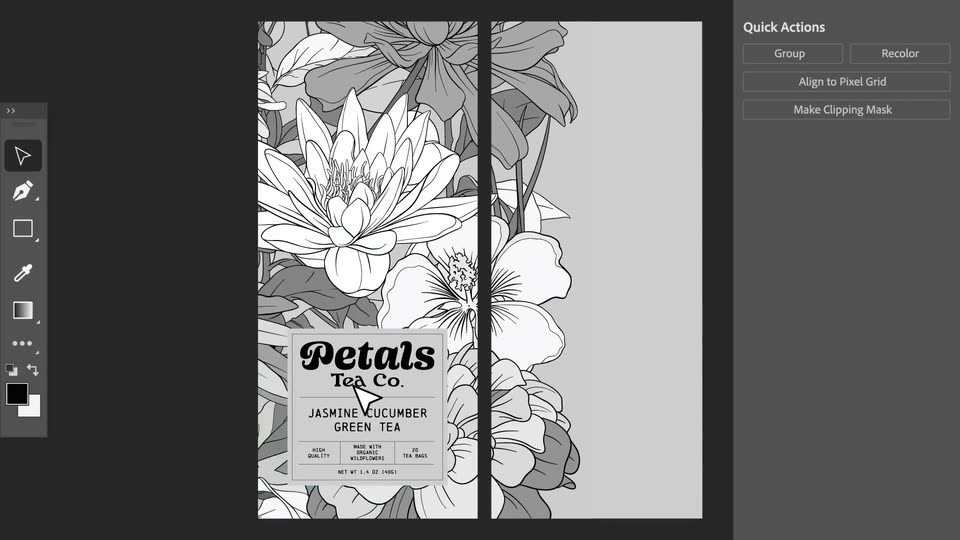 0:05–0:06Adobe · Adobe Illustrator x Adobe Firefly: Announcing Generative Recolor | AdobeInside a dark design-app interface, a black-and-white floral line-art canvas is split by a vertical gap. A cursor drags the Petals Tea Co. label from the bottom left onto the artwork as the two halves slide together and the view zooms in on the canvas.
 0:19–0:24Netlify · Netlify - We’re proud to announce the launch of Netlify Connect! Give your webBlue and teal geometric shapes, a wireframe cube and gradient discs, settle on the left of a dark navy field as a 3x3 grid of white icons forms on the right. A cursor glides across the grid, then the grid slides toward center while the left shapes drift out.
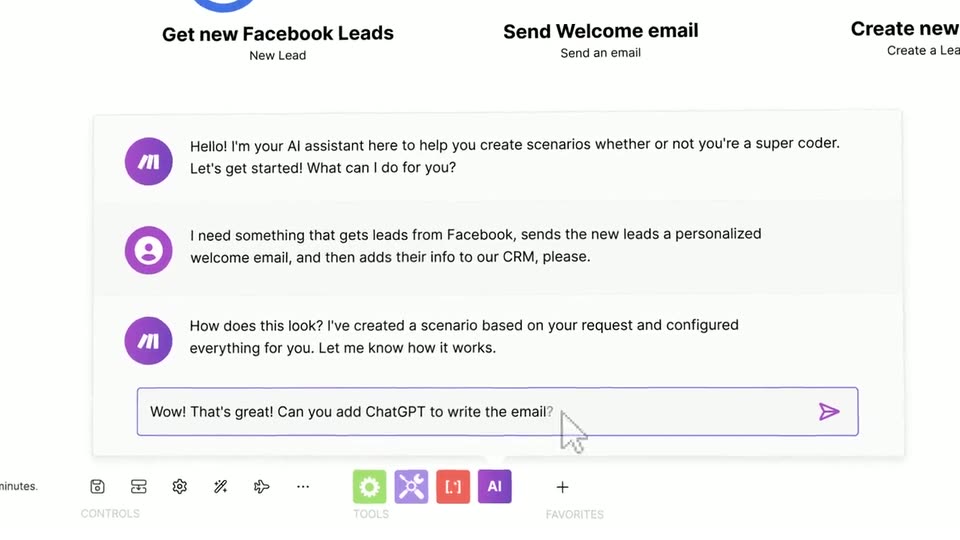 0:07–0:26Make · Make - Make's AI era is coming. Discover how soon, you’ll be able to transfoA cursor drives the AI assistant: it types a prompt into the chat, sends it, and the view zooms out to the full app, tilting in 3D as the scenario flow grows from two nodes to four.
 0:15–0:18Superhuman · Superhuman - Introducing our new enterprise AI features! With Grammarly Business,A blurred document card sits on a pale blue field as a white tooltip titled 'Octopus' pops over a hovered word, the cursor resting on it. Two smaller cards, Key Contacts and Related Materials, then slide in below. A large black caption holds the bottom of the frame.
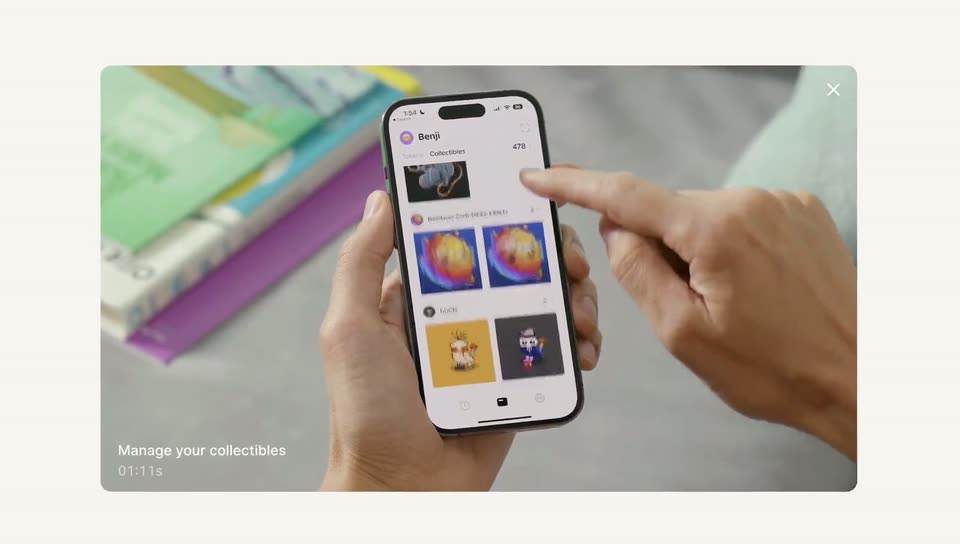 0:02–0:03Family · Family - Fun update! Our shiny new website is now live at Take a look and discA pair of hands holds a smartphone showing the Benji collectibles grid; a finger taps and scrolls the item tiles. The shot sits in a rounded player frame over a blurred desk of stacked books, captioned “Manage your collectibles” at lower left.
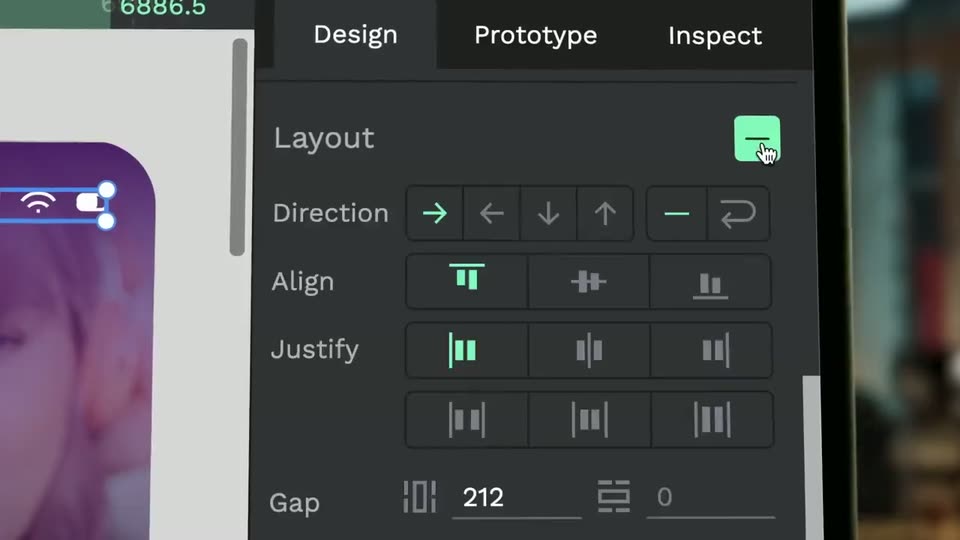 0:01–0:02Penpot · Penpot - Flex Layout, best of both worlds Flex Layout is Penpot’s ground-breaA dark properties panel of a design tool fills the frame beside a blurred purple canvas. A hand cursor clicks the green plus button next to Layout, and the section expands to reveal Direction, Align and Justify rows while the button switches to a minus.
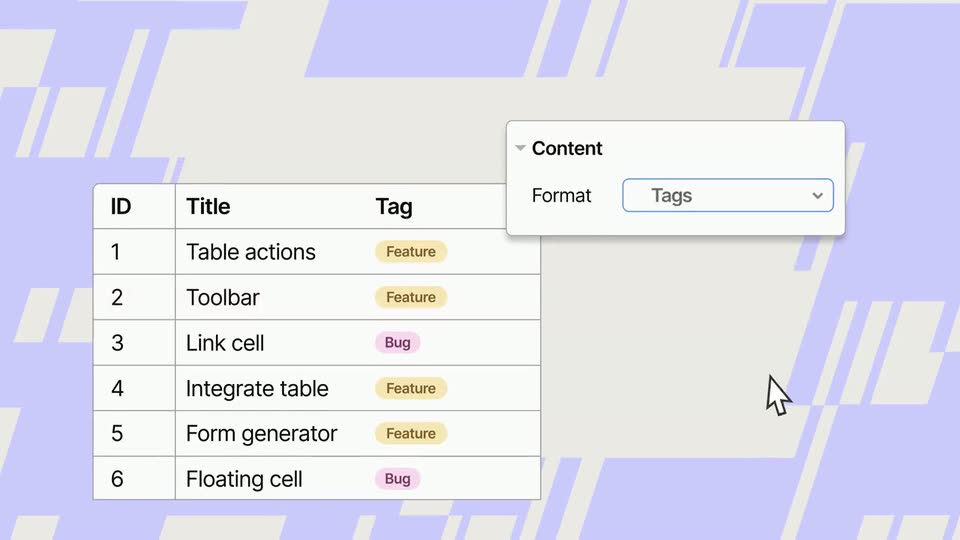 0:10–0:15Retool · Retool - Faster, stronger, smarter. ⚡We’ve supercharged our Table.⚡ Try it ouA white data table with ID, Title and Tag columns sits on a lavender field of cream shapes. A hand cursor clicks a row, a Format dropdown opens and selects Tags, then a Filter bar slides in above the table.
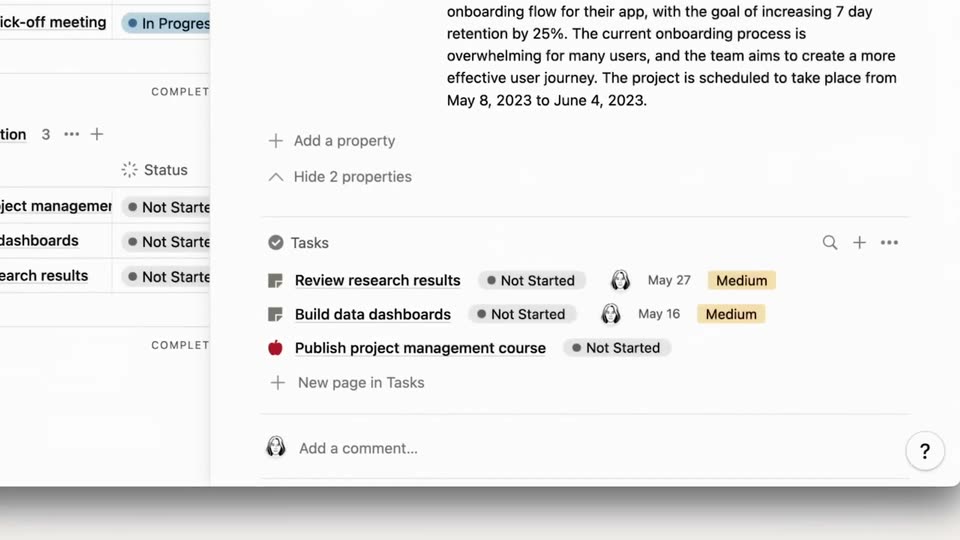 0:23–0:30Notion · Welcome to Notion ProjectsA Notion window on a light gray background. A cursor types a task name into a selected row, opens an emoji picker, and picks a red apple icon. The view then zooms in on the updated row and pulls back to a board view.
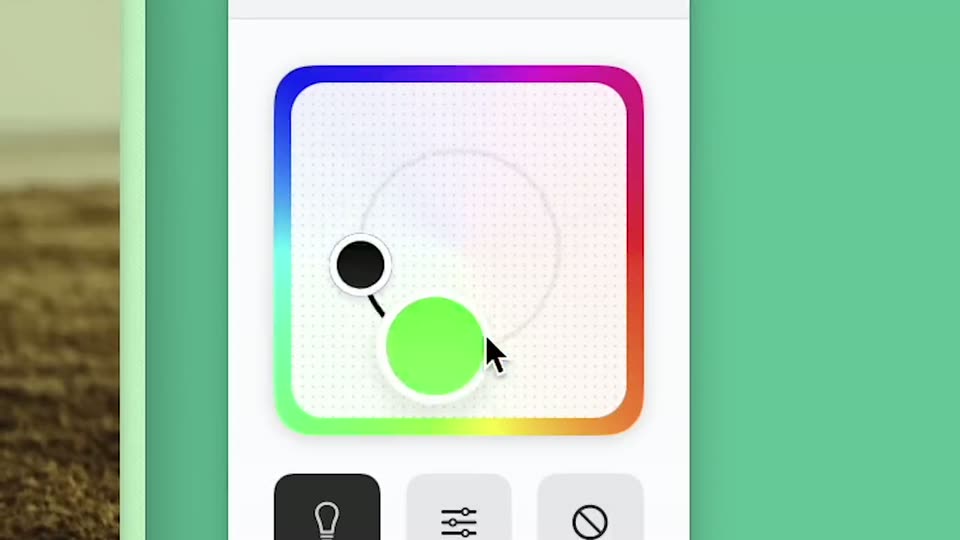 0:06–0:07The Browser Company · The Browser Company - What if the internet... was actually 𝑦𝑜𝑢𝑟 internet? 🎨 Introducing BA close-up of a phone app screen shows a dotted canvas with a rainbow gradient border. A cursor drags a control dot along a curved path, and the dot shifts from purple to teal to green. Below, three icon buttons sit in a row.
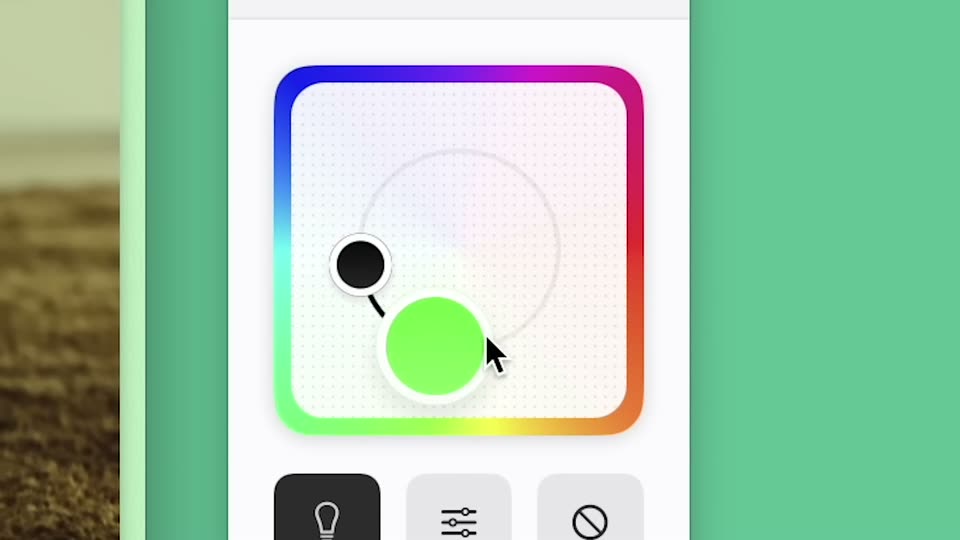 0:06–0:07The Browser Company · Boosts by Arc | Meet Your New InternetA white cursor drags a round knob along a curve on a dotted canvas with a rainbow gradient border, the knob shifting from blue to green. Three icon buttons sit below the canvas on a white panel against a blurred green background.
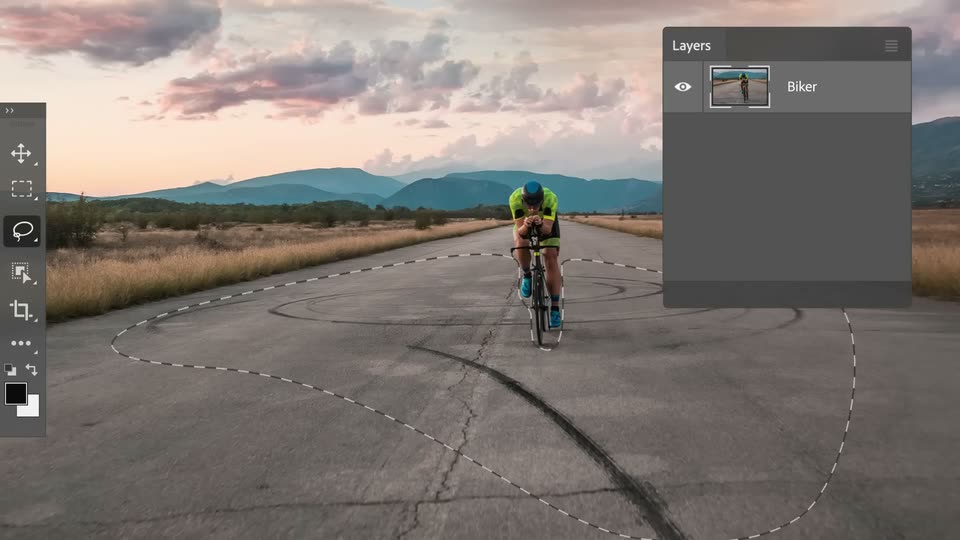 0:03–0:05Adobe · Adobe Photoshop (beta) x Adobe Firefly: Announcing Generative Fill | AdobeOver a locked-off desert road shot of a cyclist, a left tool rail and a Layers panel sit on the frame. Two pen cursors trace a white line that wraps around the rider and resolves into a dashed path isolating the biker.
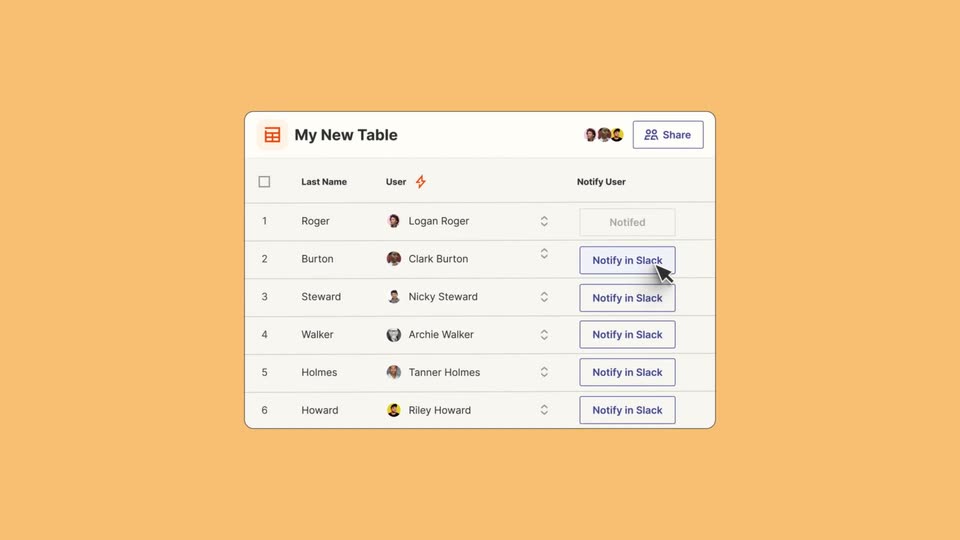 0:15–0:17Zapier · Introducing Zapier TablesA white table card sits centered on a flat orange field. A cursor hovers the Notify in Slack buttons, then the card swaps to a First Name, Last Name, Email layout with an orange Create Zap button as the cursor moves to it.
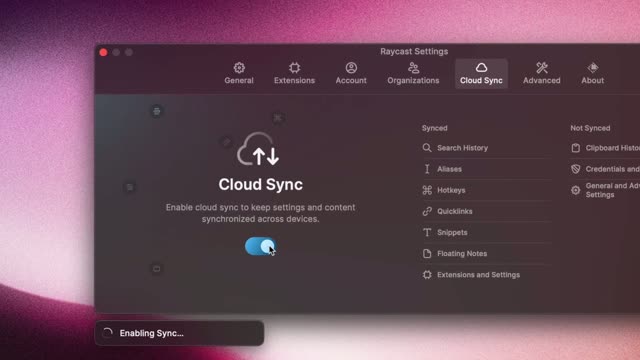 0:16–0:17Raycast · Introducing Raycast ProA tilted dark settings window floats over a pink gradient. A cursor flips the Cloud Sync toggle on while a toast reads Enabling Sync. A large white Theme Studio headline then scales in across the center of the window.
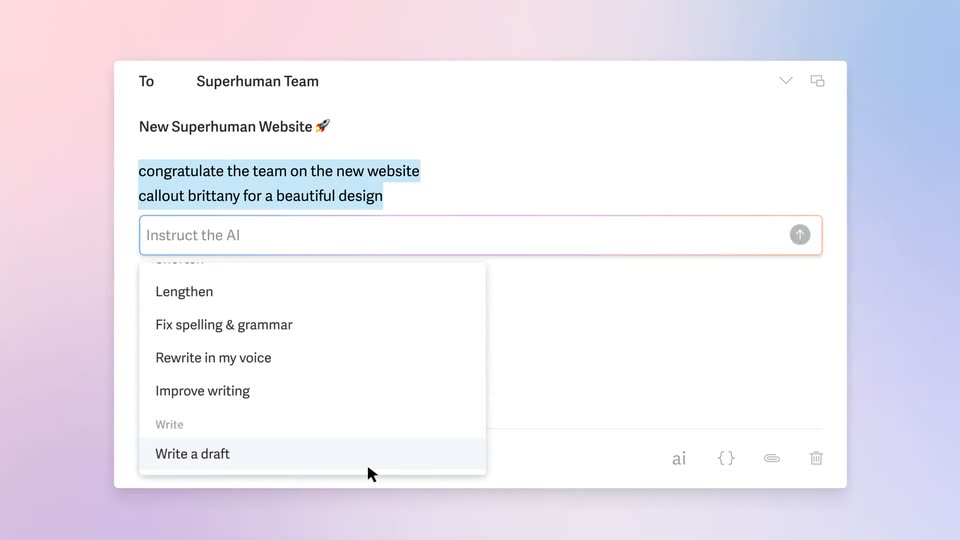 0:06–0:16Superhuman · Superhuman AIOn a pastel gradient, a white email composer card types a rough draft, then zooms in as a line is highlighted and a formatting bar appears. A cursor clicks the ai button, chooses Write a draft, and a full message types itself into the body.
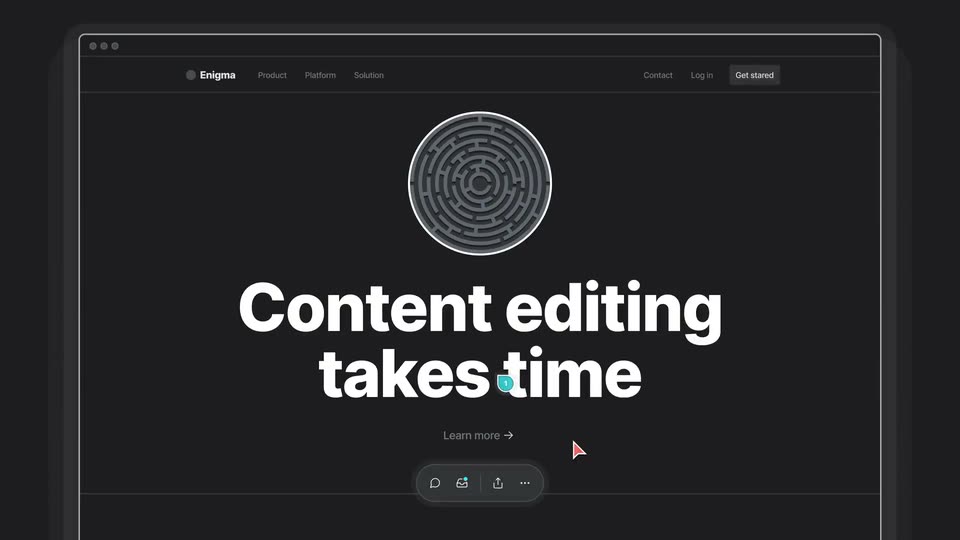 0:02–0:04Vercel · Vercel - Introducing Visual Editing for Headless ◆ Designed with our launch pA dark browser window shows the Enigma homepage: a circular maze icon above the bold white headline 'Content editing takes time'. The headline scales as the maze brightens, and a red cursor moves to the Learn more link, briefly revealing a comment pin and toolbar.
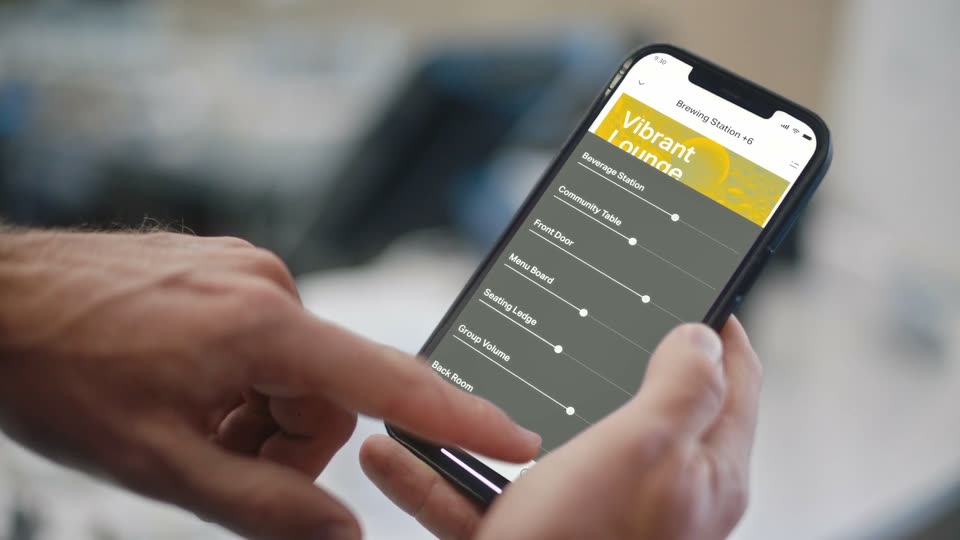 0:30–0:32Sonos · Introducing Sonos Pro | Sound at your serviceA hand holds a phone at an angle, its screen showing the app's zone controls under a yellow Vibrant Lounge header. A finger drags the Group Volume fader while the list of zones stays in frame; the shot is a tight close-up with a blurred bar background.
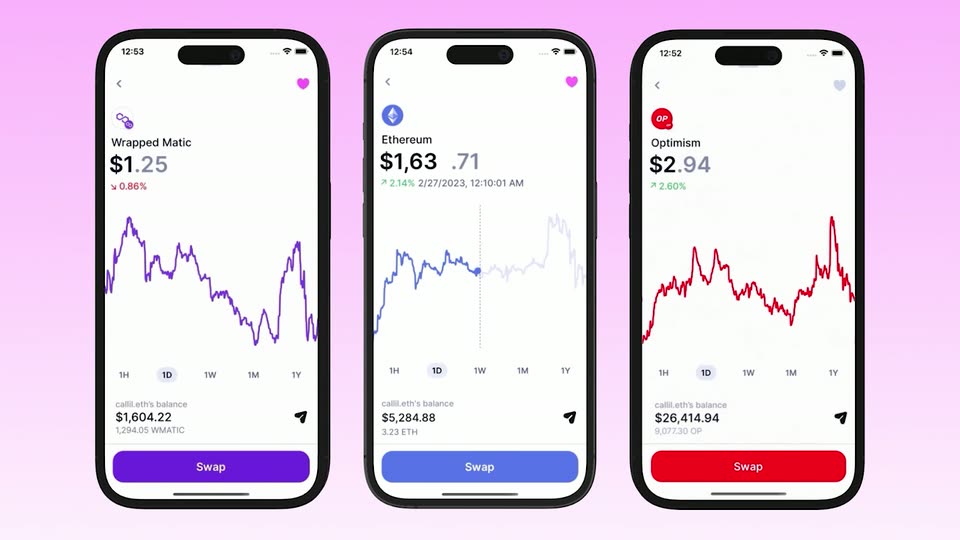 0:08–0:10Uniswap · Uniswap App is available nowThree phone screens sit side by side on a pink background, each showing a crypto price chart and a colored Swap button. A dashed playhead sweeps left to right across the middle Ethereum chart as a gray touch dot presses its Swap button.
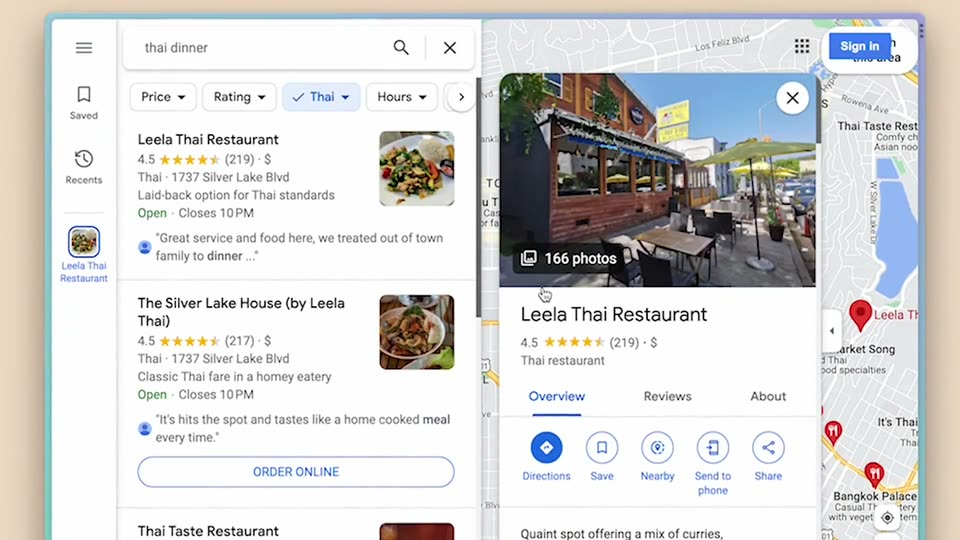 0:18–0:20The Browser Company · The Browser Company - Save yourself a click, or even two.... Site Search is now in Arc!A tilted 3D mockup of a map app fills the frame: a Thai dinner results list on the left, a restaurant card on the right over a map. A cursor hovers the card photo, which crossfades from a food bowl to the storefront exterior.
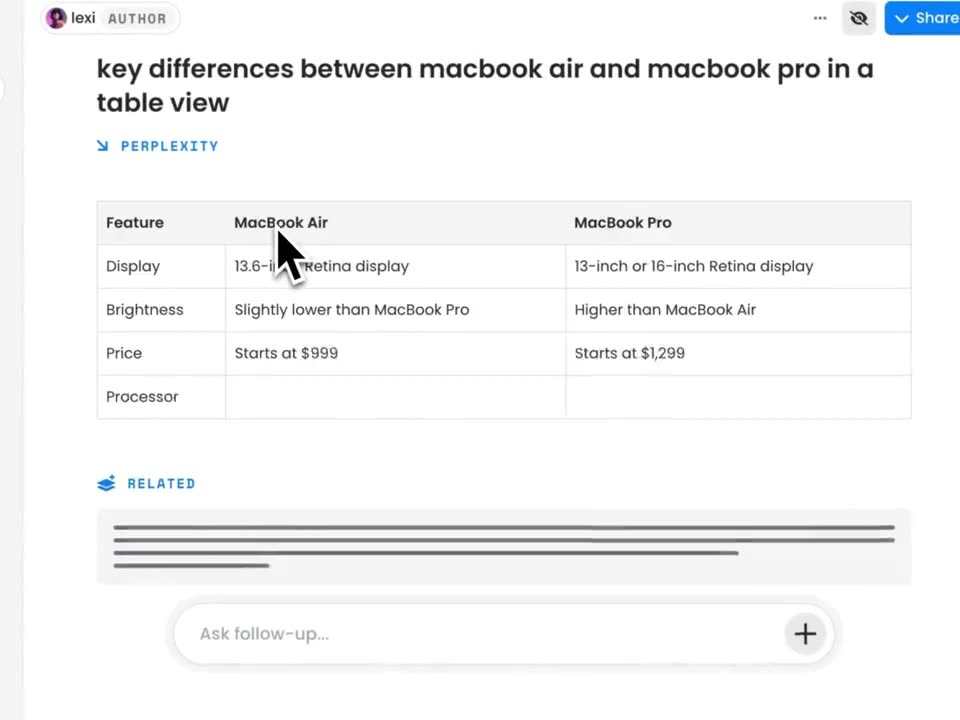 0:21–0:25Perplexity · Perplexity - We are excited to launch the next version of Introducing login, threaA flat Perplexity screen shows a query heading and a comparison table that fills in from gray skeleton lines into populated rows for MacBook Air and Pro. A black cursor hovers over the table while a follow-up input sits below and body text types in at the bottom.
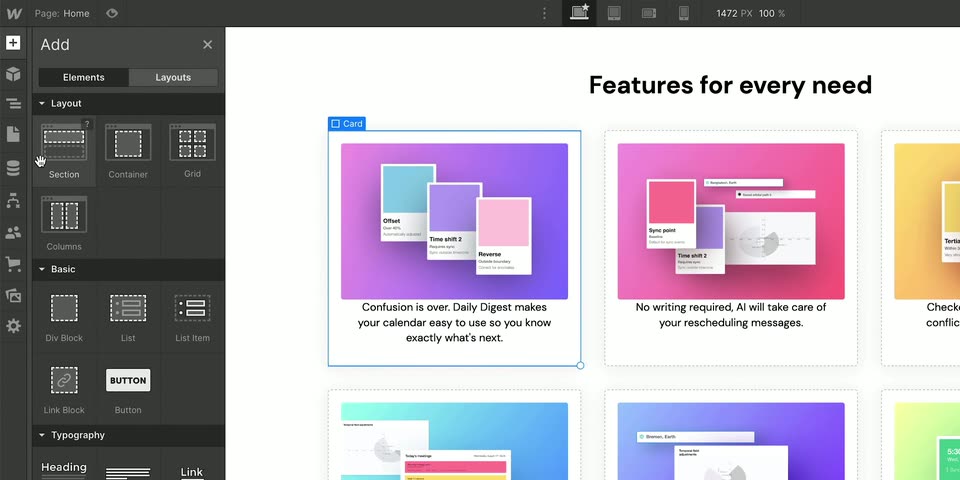 0:25–0:28Webflow · Introducing WebflowA web design tool fills the screen, its canvas showing a heading and a grid of colorful feature cards. The cursor clicks the plus icon, the left panel switches to an Add menu, the cursor hovers Div Block and Heading, then the view zooms into the cards.
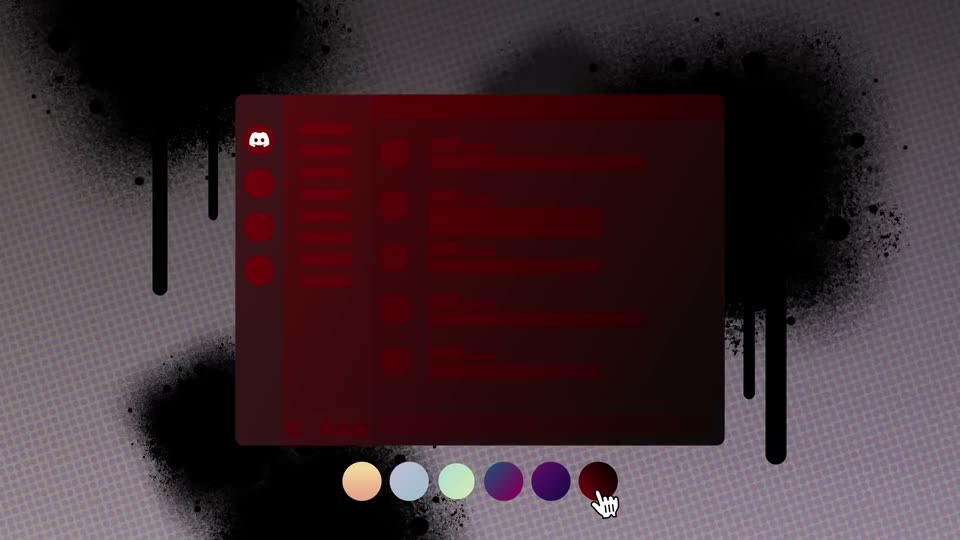 0:13 · 0.5sDiscord · Announcing 4 new Nitro PerksA flat purple-to-blue mockup of a chat screen floats on a gray dotted grid with black ink splatters. A white hand cursor taps a row of color swatches beneath it, moving from the purple circle to the red one.
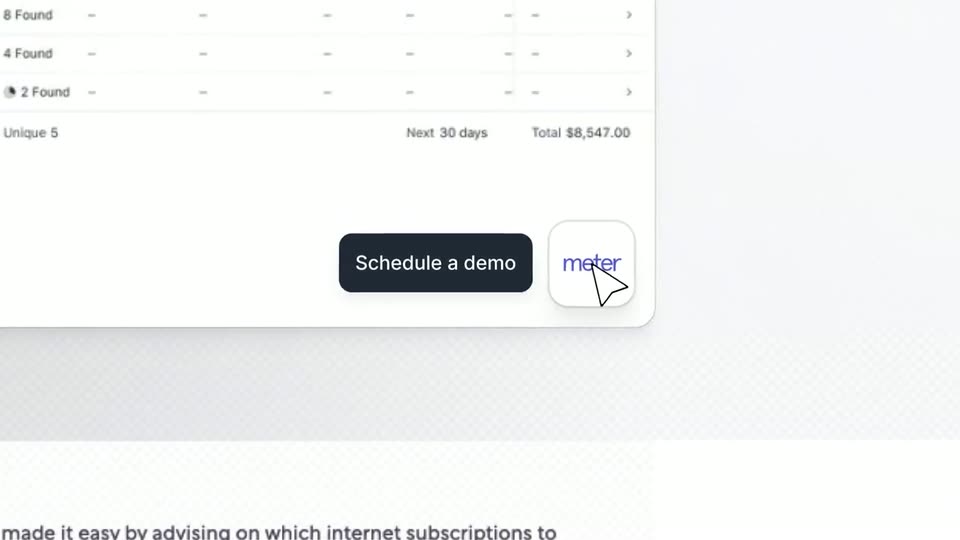 0:09–0:12Arcade · Arcade - Introducing Arcade Growth:A flat webpage panel holds a 3D-tilted dashboard mockup with a circuit table. The camera zooms into the mockup's bottom-right corner, where a dark Schedule a demo button slides in beside the meter logo and a cursor hovers it.
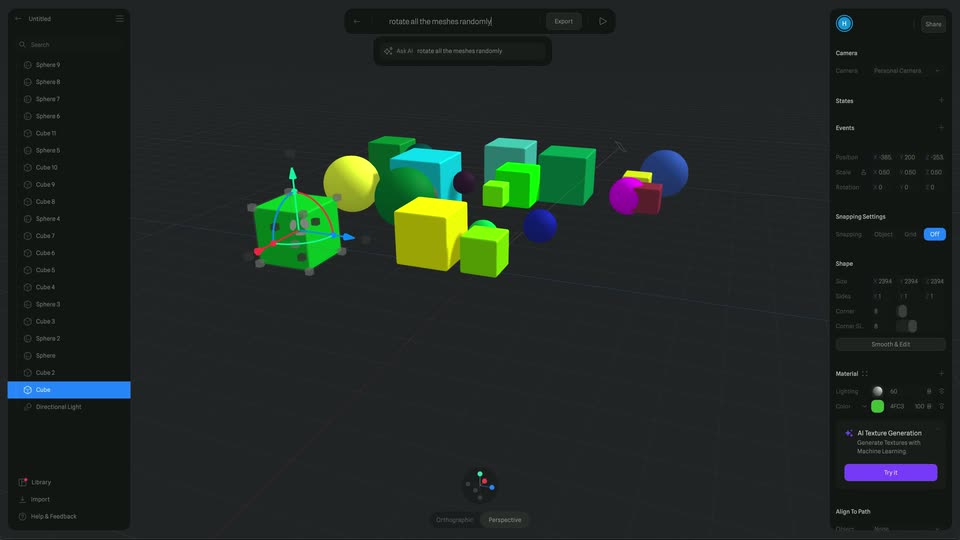 0:03–0:11Spline · Introducing Spline AI - Design in 3D using AIA dark 3D editor fills the frame. A cursor types AI commands into the top bar, a suggestion dropdown drops below, and a cluster of colored cubes and spheres in the perspective viewport spreads, rotates and scatters. Side panels list objects and material settings.
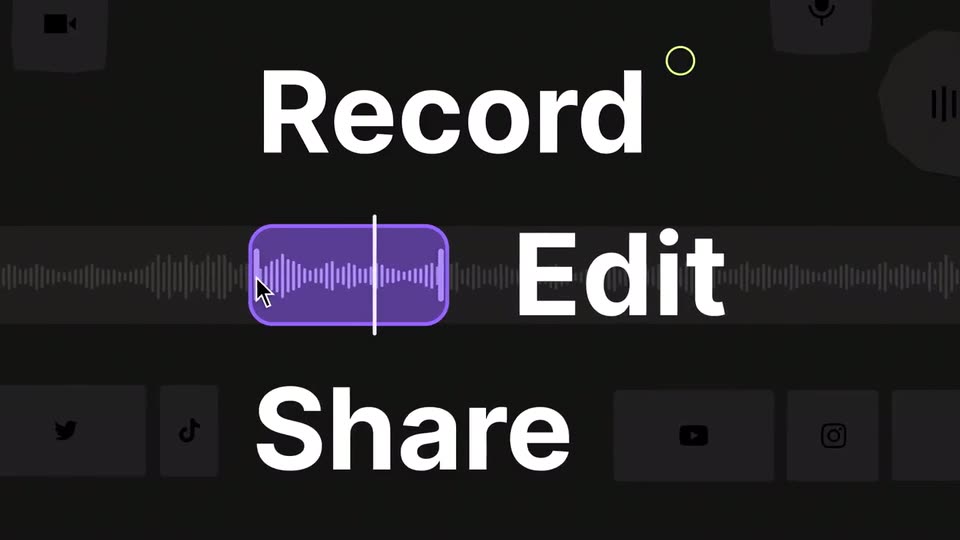 0:13–0:17Riverside · Riverside - Meet the new Riverside. The one place to record, edit, and share yourA dark interface shows a purple audio waveform bar with a cursor, flanked by dimmed record, mic and share icons. Large white words Record, Edit and Share slide in over the bar, naming the workflow.
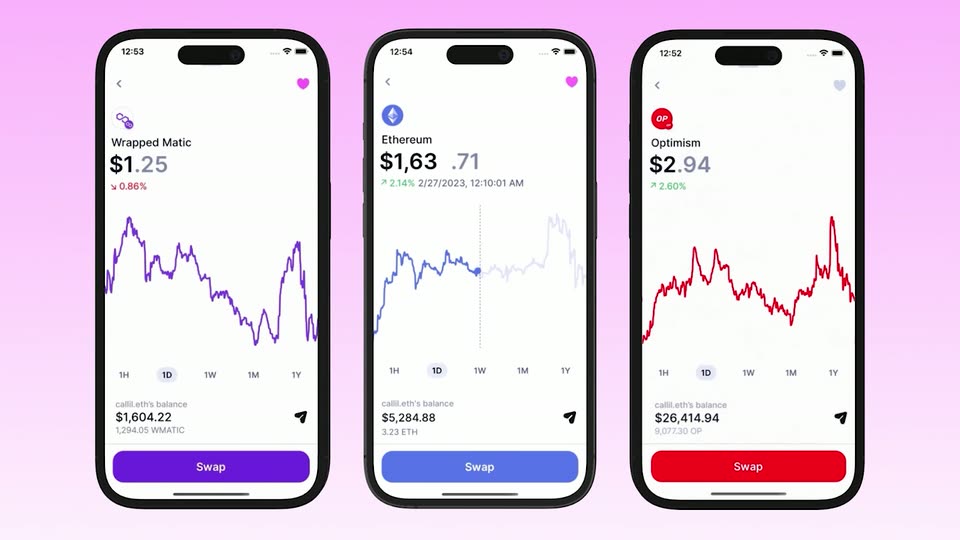 0:08–0:10Uniswap · Uniswap Mobile App Early AccessThree phone screens sit side by side on a pink field, each showing a crypto asset with a colored chart and matching Swap button. On the center Ethereum screen the price ticks and a dashed line sweeps across the chart. A gray touch dot then taps the Swap button.
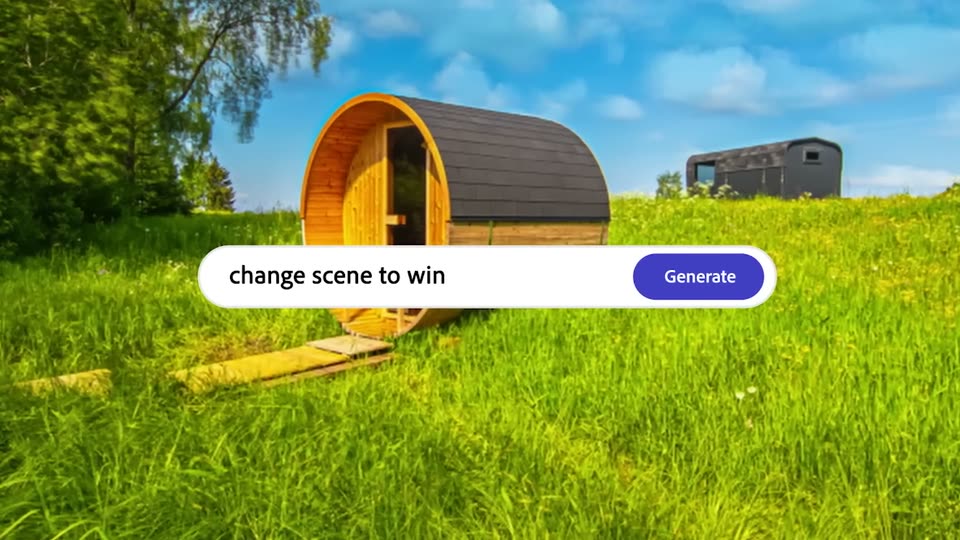 0:01–0:03Adobe · Adobe Firefly: Family of New Creative Generative AI Models | AdobeA bright 3D field with a curved wooden cabin and a second dark cabin under blue sky. A white prompt bar floats mid-frame; a cursor clicks in and types a prompt beside a blue Generate button.
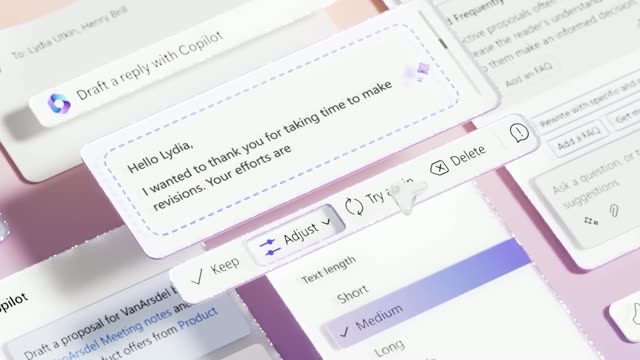 0:25–0:29Microsoft · The Microsoft 365 Copilot AI Event in Less than 3 MinutesA 3D perspective collage of Copilot UI cards floats over a pink gradient, the central draft-reply card cycling through wordings while a white cursor hovers the Try again button. A Verge quote headline slides and scales in over the layout.
 0:37–0:41Runway · Introducing Gen-2: Text to Video | RunwayBlack serif “Text to Video” crossfades into “GEN-1”, then into bold “GEN-2” on a white field. A dark prompt bar appears with a typed letter, a blinking cursor, and a Generate button.