Cursor demo
A visible cursor operates the interface.
15,048 scenes · page 53 of 251
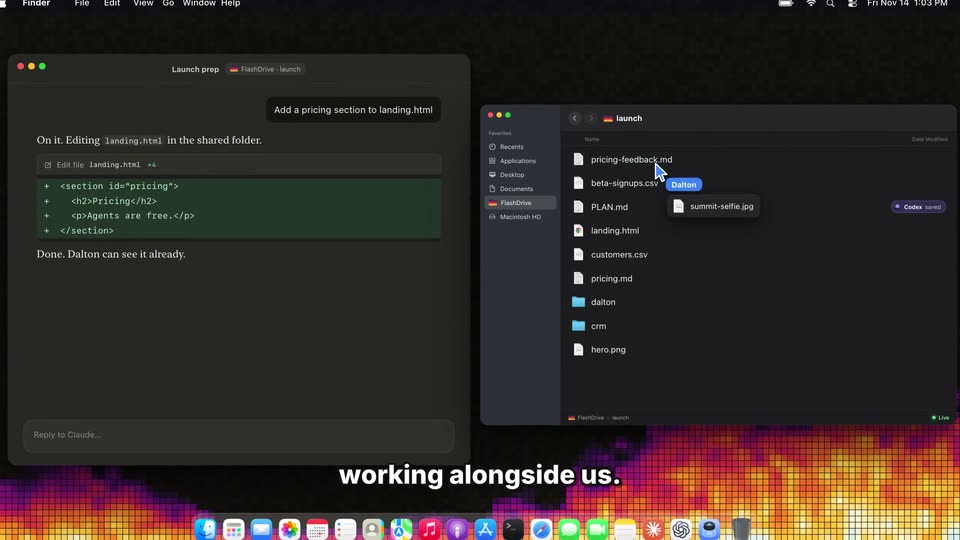 0:22–0:28Evokoa · FlashDrive (YC F26): A shared drive for your team and all your AI agentsA dark macOS desktop shows two windows side by side: an AI chat on the left types an HTML pricing section, while a Finder folder on the right gains new files with Dalton presence tags. A video call ends in the top corner. White subtitles run along the bottom.
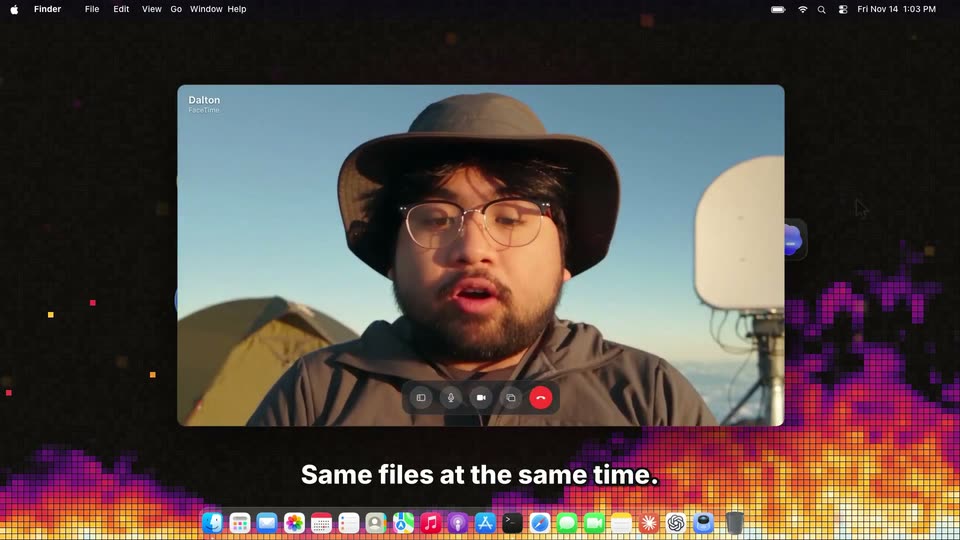 0:13–0:14FlashDrive · dale - Today we’re launching FlashDrive with @ycombinator 🚀 FlashDrive is aA macOS desktop shows a shared folder tied by dotted lines to two contacts and app icons. The cursor clicks the green FaceTime button, and a video call window with two people opens over the folder. The caption changes to “Same files at the same time.”
 0:06–0:07Google · Google DeepMind - Genie 4 is now available in Project Genie. It brings native audio, rOn a black screen, a gray pill button labeled Create with a right arrow sits center frame while a white hand cursor hovers beneath it. The cursor taps the button, which blurs and scales away, leaving only a small disclaimer line at the bottom.
 0:17–0:18Google · Introducing the new Project Genie, powered by Genie 4A gray pill button reading Create with a right arrow sits centered on black. A white hand cursor moves in and presses it, then a white circle expands from the center to cover the frame.
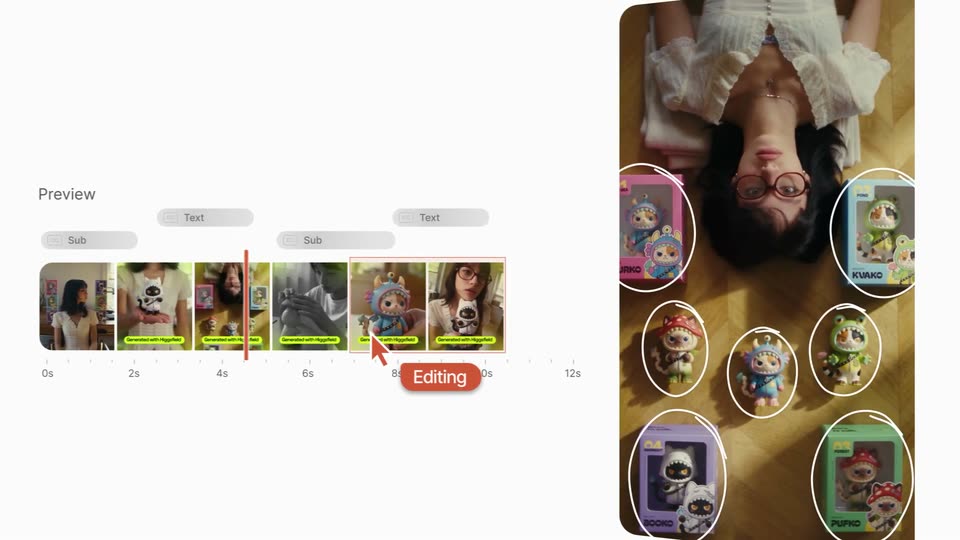 0:33–0:34Higgsfield · Higgsfield AI 🧩 - Introducing Higgsfield MCP 2.0 for Claude. Your entire creative studA flat editor screen: on the left a thumbnail timeline zooms out to reveal the full 0 to 12 second range with a red Editing button, while the right side shows a vertical preview of a person lying among toy figures as white circle outlines appear around the toys.
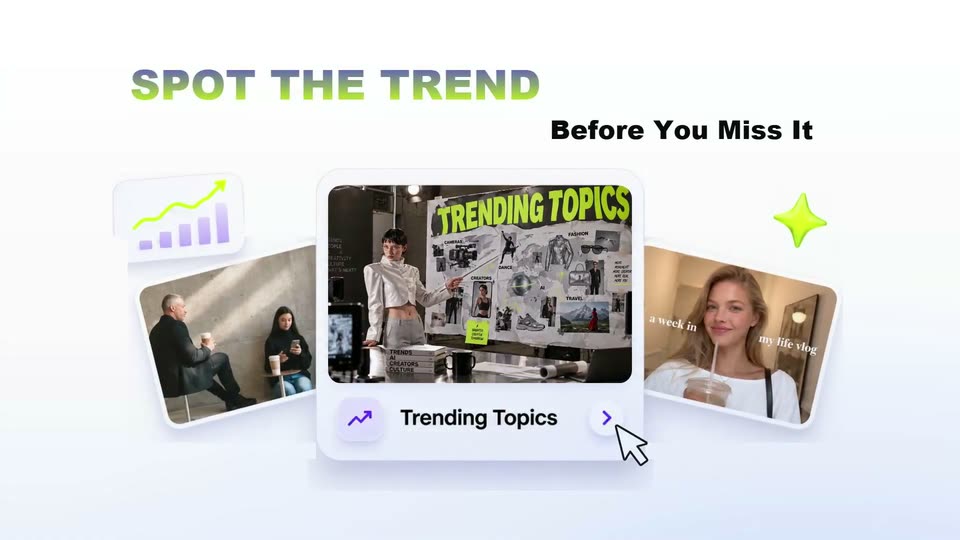 0:09–0:10Inspo · Meet AI Inspo, your all in one AI powered social media management platform.A light stage holds the gradient headline SPOT THE TREND above a central Trending Topics card flanked by tilted video thumbnails. A cursor glides in from the right and hovers the card's chevron button.
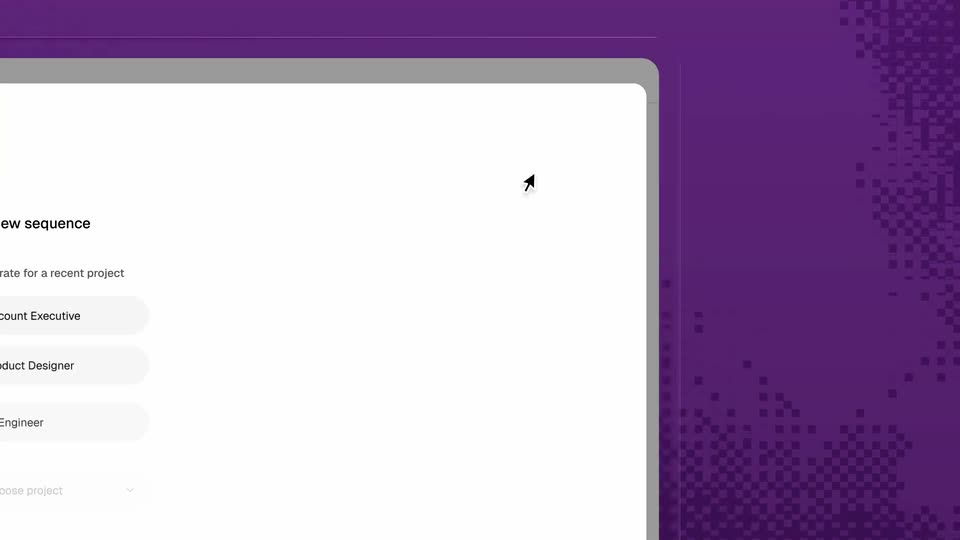 0:46 · 0.5sJuicebox · Introducing Smarter Sequences from JuiceboxA white interface panel floats on a purple dotted backdrop. The view cuts from an analytics row with a bar chart to a new sequence form listing roles, while a cursor glides from the top button toward the right.
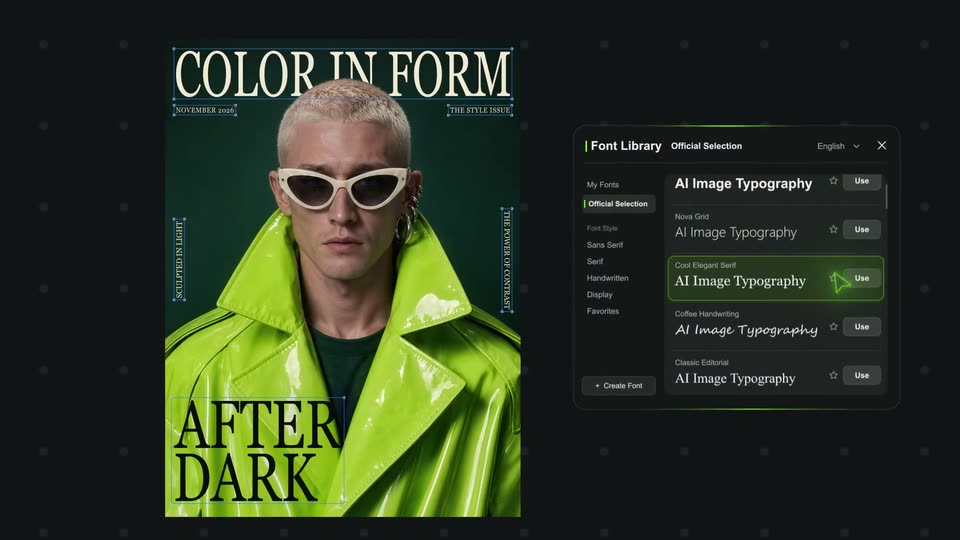 1:01–1:03Kling AI · Meet Kling Image 4.0A design tool shows a magazine cover on the left and a Font Library panel on the right. A green cursor clicks Use buttons, swapping the cover's headline fonts, then the view zooms into the green jacket.
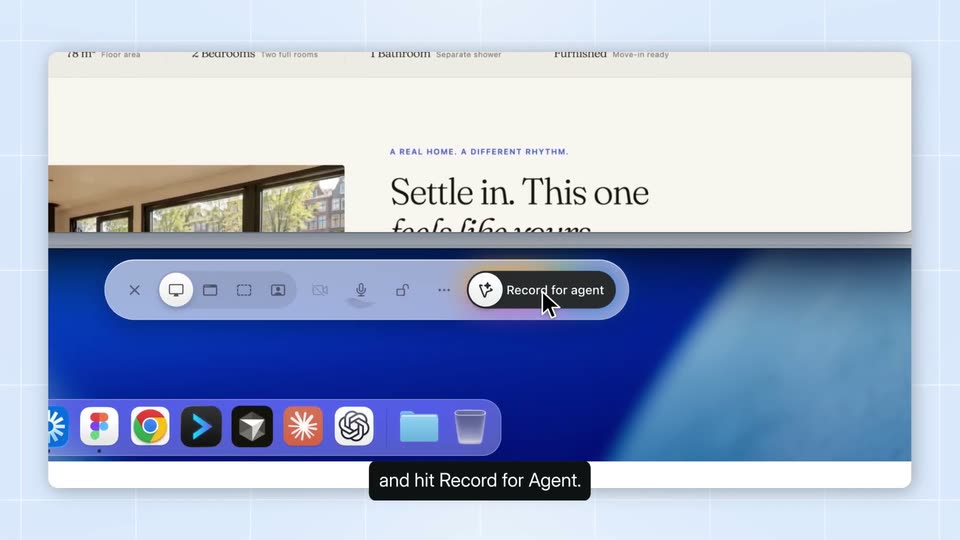 0:16–0:18Loom · Show your AI agent what to do with Record for agent | Rovo at WorkA macOS screen shows a real-estate listing in a browser over a blue desktop and a dock. A floating toolbar hovers in the middle; a cursor clicks the Record for agent button, which lights up and starts a red 0:00 timer.
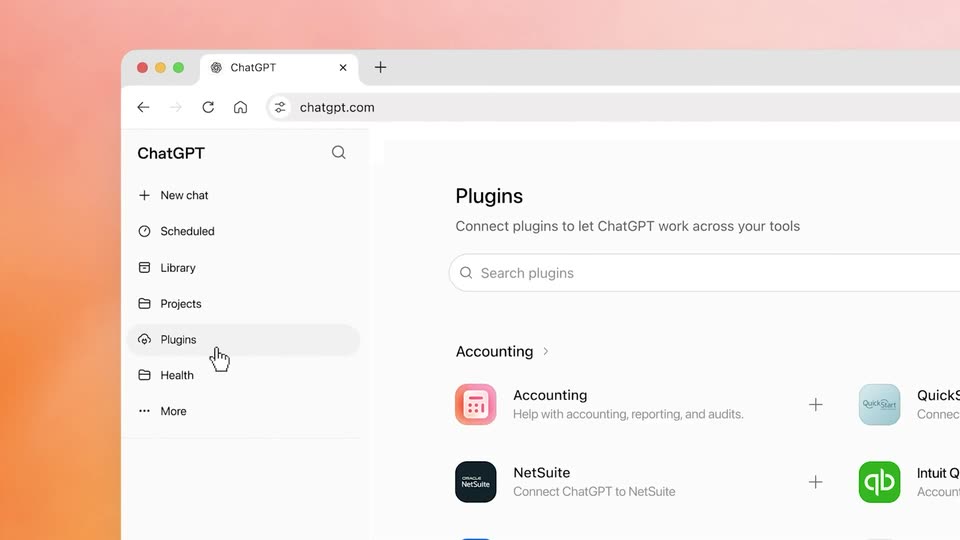 0:03–0:04OpenAI · Introducing ChatGPT for AccountingA browser mockup of the ChatGPT plugins page sits in slight 3D perspective on an orange gradient. The window slides right and the plugin list scrolls as a hand cursor rests on the Plugins menu item.
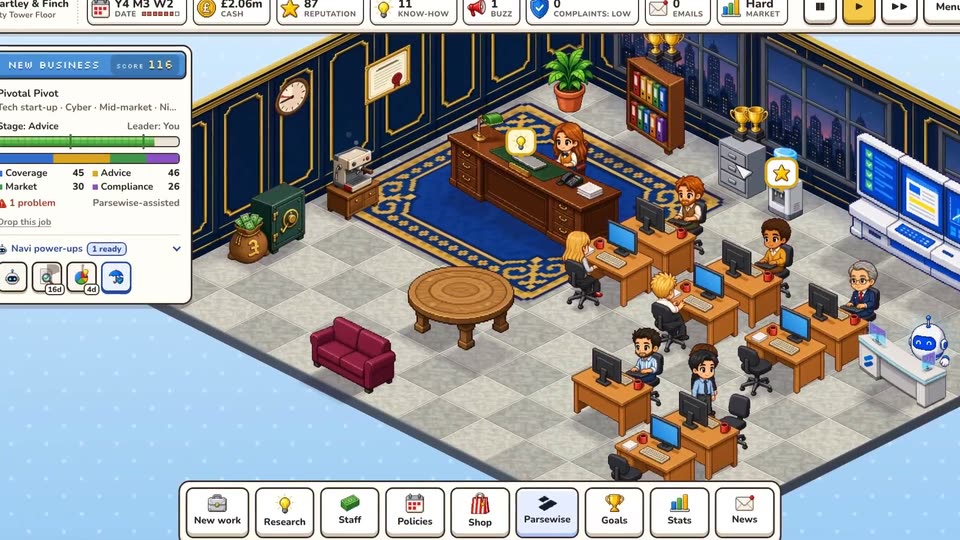 0:17–0:18Parsewise · Parsewise presents... Insurance Broker SimulatorA 2D isometric office fills the frame: cartoon staff sit at desks, a woman stands at a central desk, and stat panels line the left, top and bottom edges. A cursor glides from the right wall to the bottom toolbar and hovers the Parsewise button, which lights up blue.
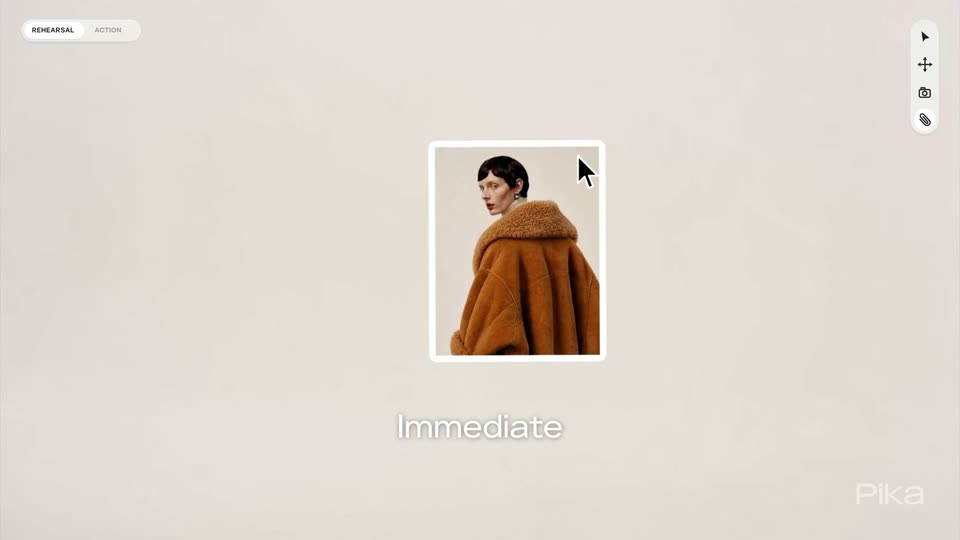 0:33–0:34Pika · Pika Enact | A Research Preview of Scenes that RespondA cursor drags a white-framed card of a woman in a brown fur coat from the center of a beige canvas to the upper right, and the photo updates to a new pose. The word Immediate sits below the card, and the Pika logo is in the lower right.
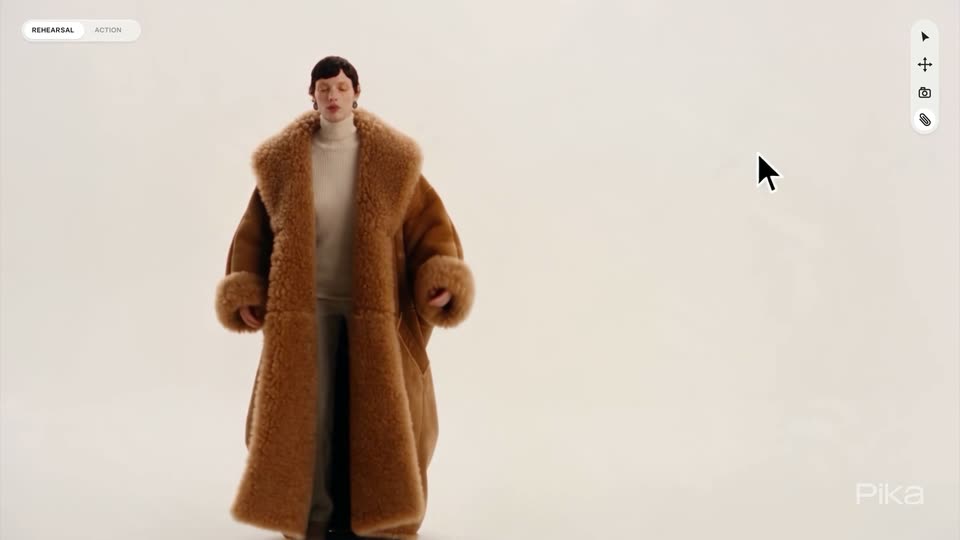 0:34–0:36Pika · Pika - Today, we’re excited to share Enact, a research preview of scenes thaA woman in a brown fur coat stands centered on a white studio background inside the Pika interface, with a REHEARSAL/ACTION toggle top left and a vertical icon rail on the right. A cursor arrow drifts across the right as the lower caption swaps from Immediate to Responsive.
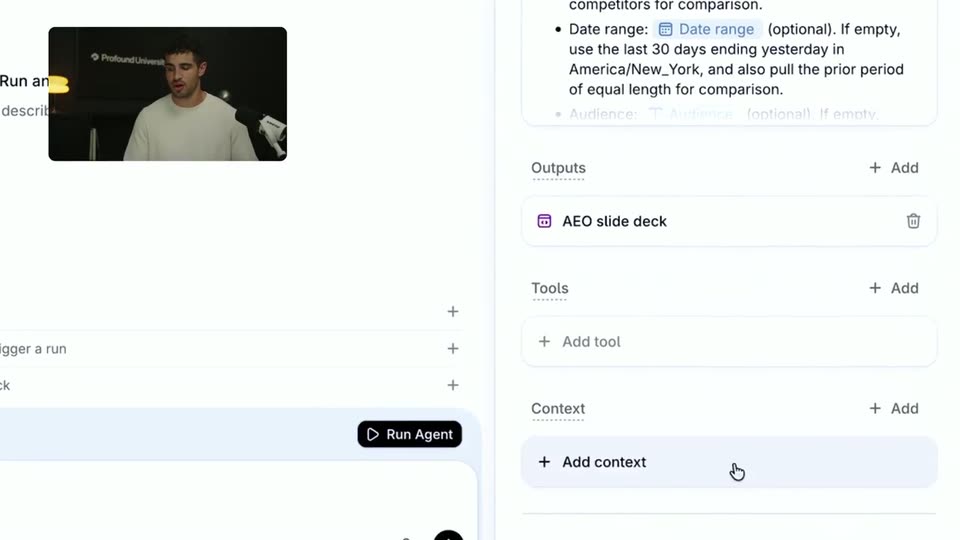 0:37–1:04Profound · Dylan Babbs - Today we're launching a new generation of Agents in @profound, now poA browser window shows the agent builder UI with a small video of the presenter in the top-left corner. The view zooms into the right-hand settings panel and scrolls past Triggers, Inputs and Instructions. The cursor clicks the Add button under Context, opening a menu of sources.
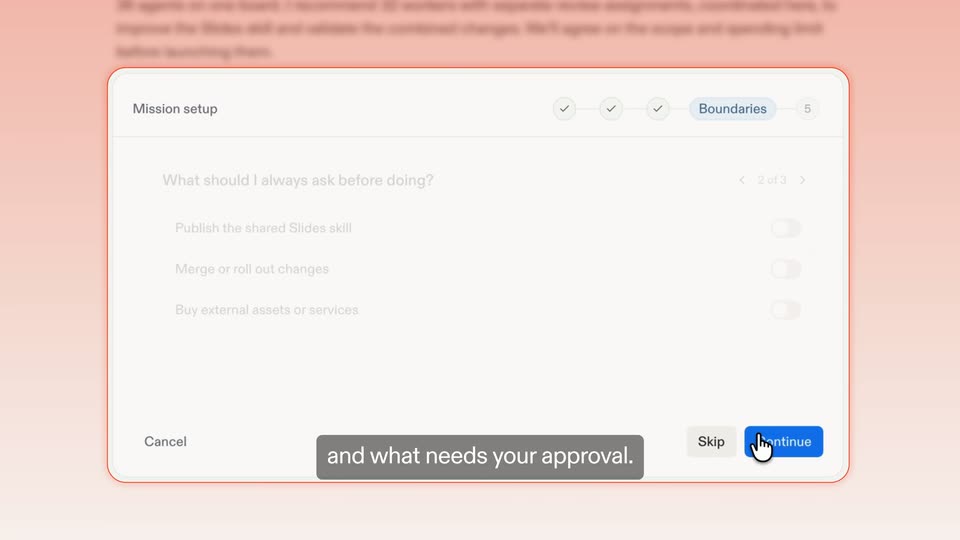 1:02–1:06Replit · Replit Missions | Pursuing outcome-based resultsA white Mission setup modal cross-fades between three steps: a success checklist, a budget field, and approval toggles, with a cursor moving over the controls. Bottom captions swap in sync with the voiceover, then the shot cuts to a woman at a laptop.
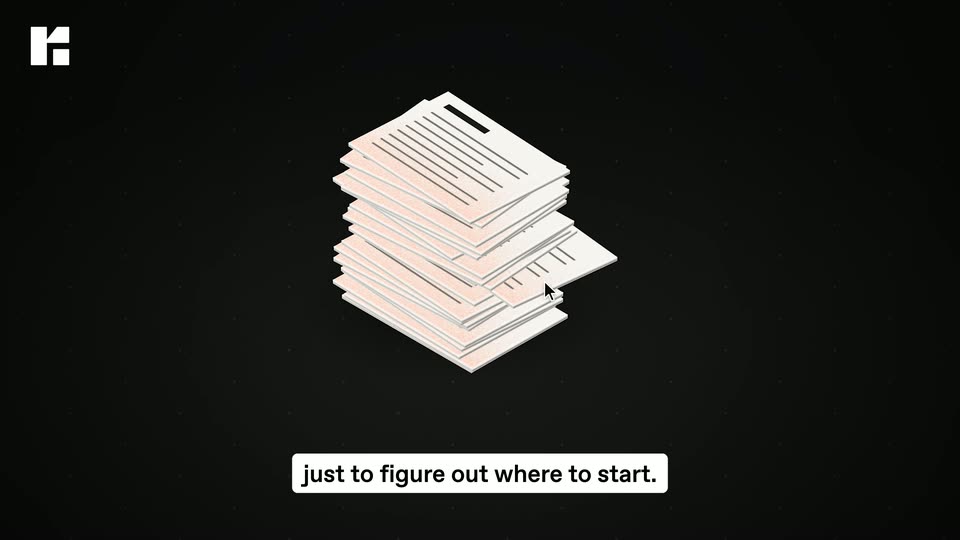 0:20–0:27Roma · Turn Granola Meeting Notes Into Tasks AutomaticallyAn isometric stack of cream document pages grows on a dark dotted grid as new sheets drop in from above, then tilts and collapses into a scattered pile while a cursor hovers nearby. White subtitle captions swap at the bottom.
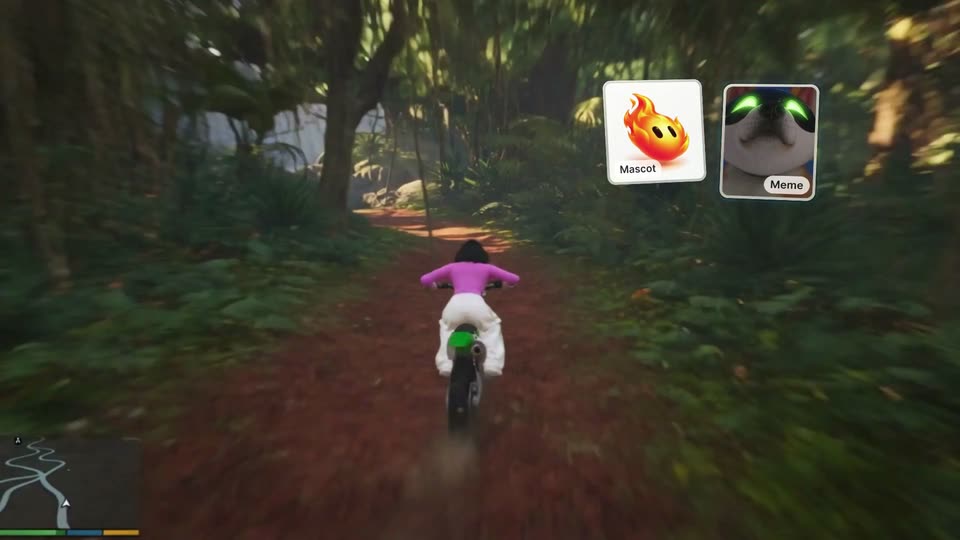 0:13–0:19Sandwatch · Sandwatch - Introducing Director V2 The most powerful AI video director and ediA follow cam tracks a rider in a pink top on a green dirt bike through a jungle and a canyon. Top right, a 'Mascot' card and a 'Meme' card pop in, then a blue 'Generate' button with a cursor. The rider leaps off a cliff over a waterfall.
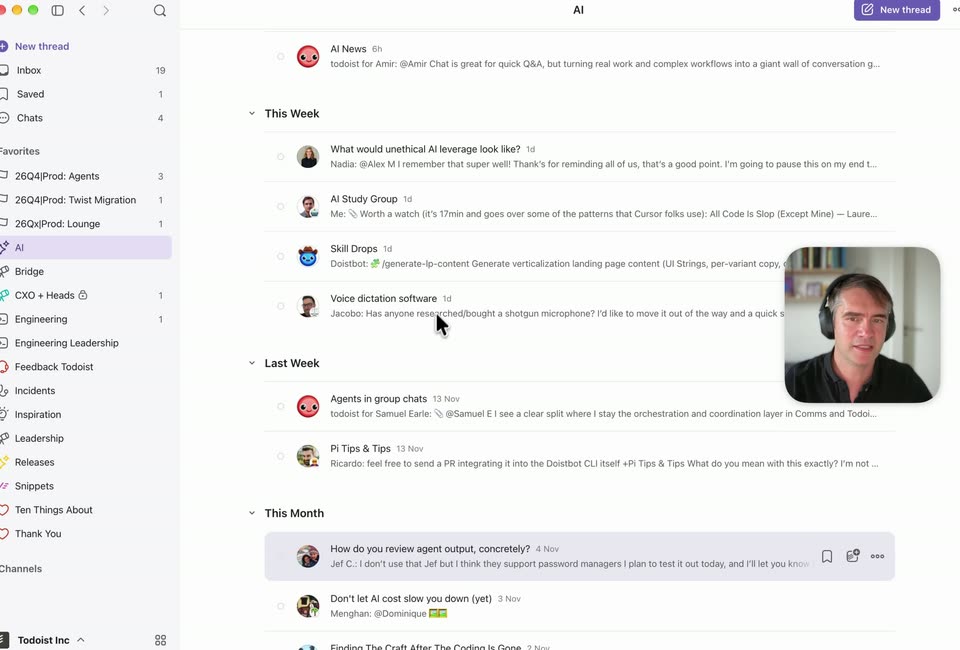 0:24–0:29Todoist · Amir Salihefendić - Todoist Comms is now in public beta 🚀 What's in it: ⋅ Turn any threA thread-list interface fills the frame beside a small webcam inset of a man wearing headphones at the lower right. A cursor hovers across rows, highlighting each and revealing action icons, while the view zooms into the list and back.
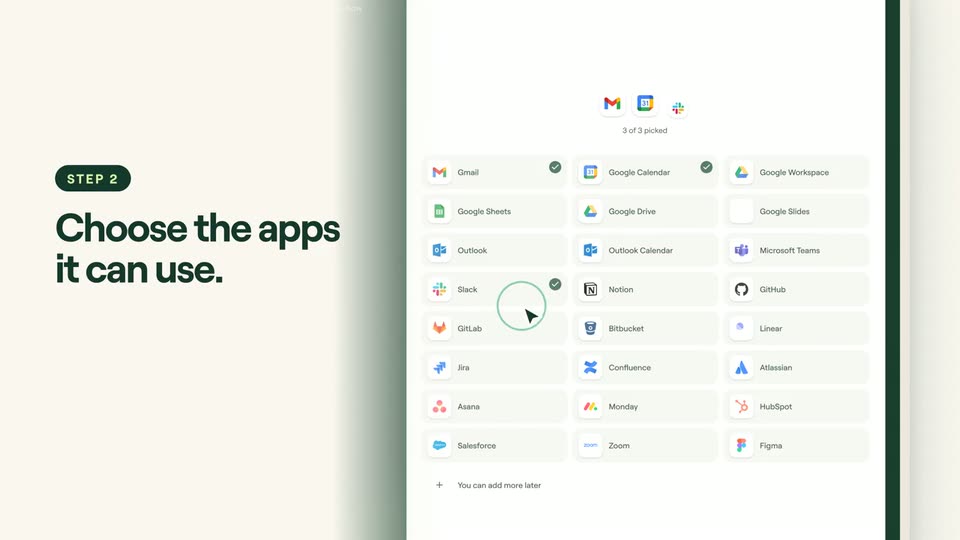 0:14–0:16Willow · Willow | AI Basecamp - 1/ "Ask me before you delete anything" is a prompt. Prompts get summA green STEP 2 headline sits left of an app grid where a cursor clicks three apps, the counter jumping to 3 of 3 picked. The grid then swaps to a connected-apps list as the headline changes.
 2:48–2:49AgentMail · Michael Kim - Today, we’re introducing Outbound-Spam Protection for AgentMail. SpaA dark notification banner with an orange border and an orange @ icon sits centered on a light gray field. A cursor drifts up toward it while white captions read “And you don't” and then “too much marketing” at the bottom.
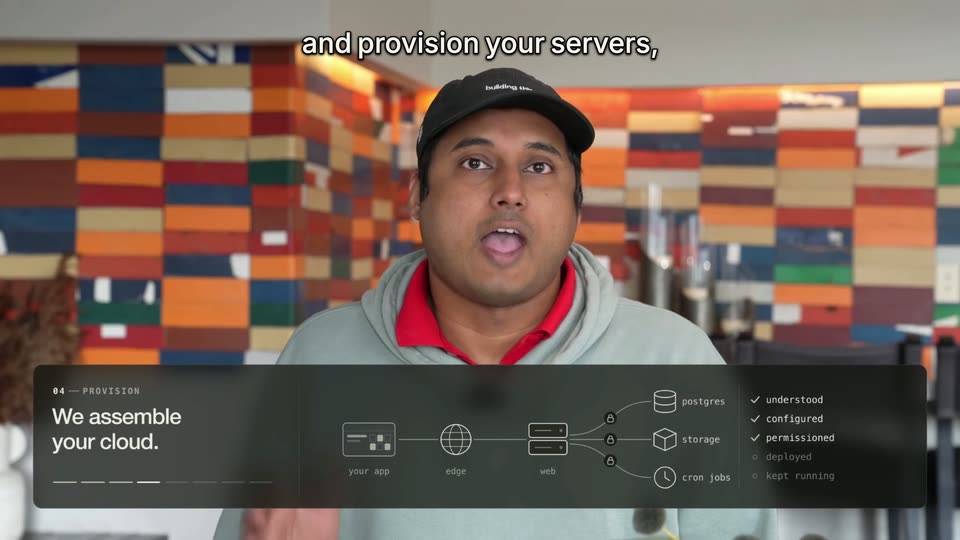 0:43–0:52Ample Computer · Ample's YC F26 Launch VideoA man in a black cap and gray hoodie talks to camera in front of a wall of multicolored book spines. A dark lower-third panel steps through the product flow: an approve screen with a cursor, then a diagram of app, edge, web, postgres, storage, cron jobs with lines drawn and checkmarks ticking off, ending on a go-live bar.
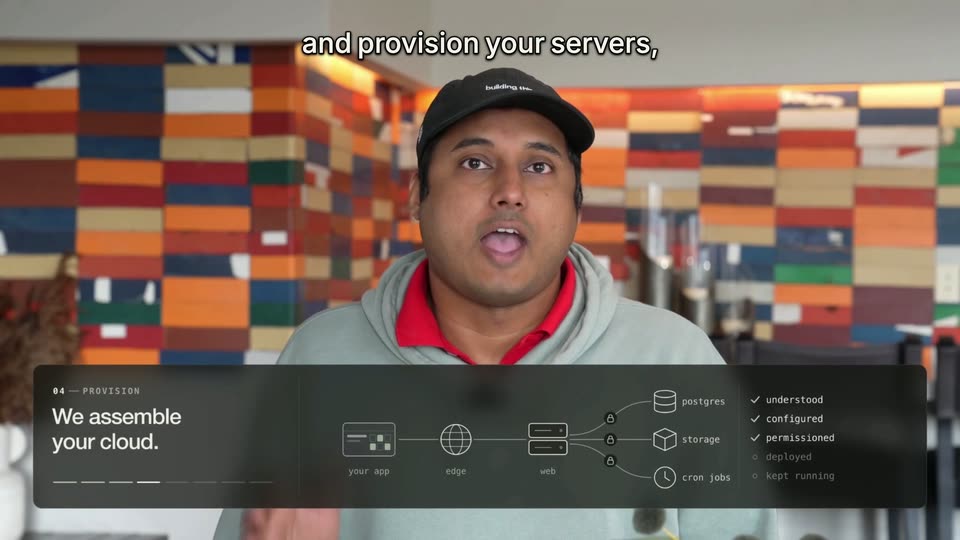 0:43–0:52Ample Computer · Ravi Mishra - Today we're launching Ample on YC. Ample is the one-stop cloud proviA man in a cap and hoodie speaks to camera before a wall of colored blocks. A dark bottom bar cycles through numbered steps, a permission list with a cursor on an Approved button, then a node diagram that builds while a checklist ticks off. White captions top the frame.
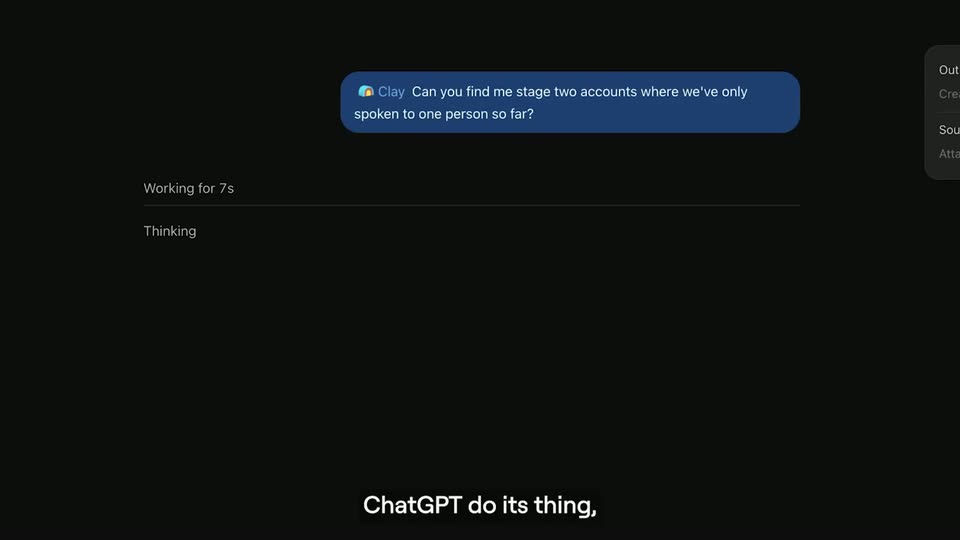 0:54–1:01Clay · Clay - Today, we’re excited to relaunch our official MCP connection with @OpA dark chat interface shows a voice waveform filling the input bar, then a cursor clicks the send button as the typed query appears. The view zooms into the conversation, where a blue message bubble and a Thinking status appear above bottom captions.
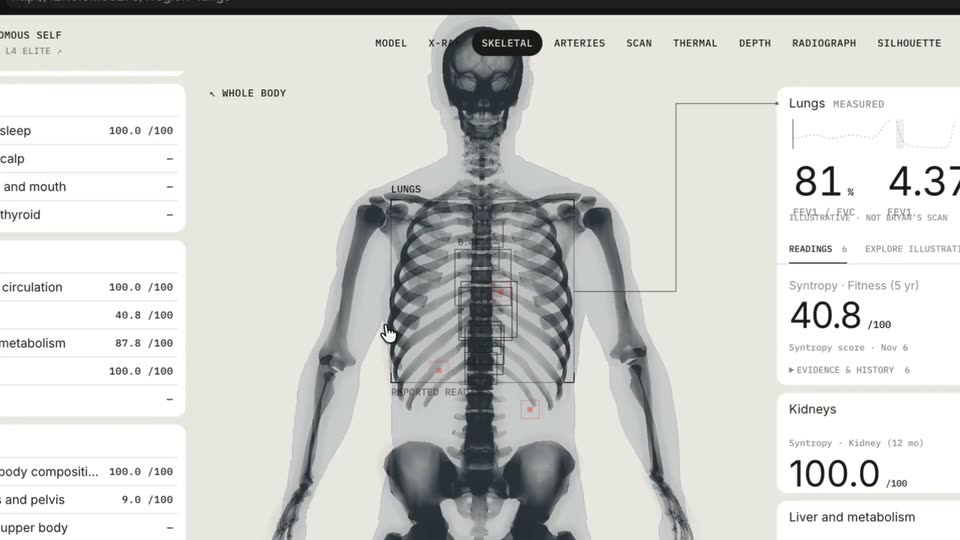 1:07–1:08Cognition · Cognition - Meet Devin Bots. From writing firmware to merging thousands of PRs aA cream-toned health dashboard frames a full-body skeletal X-ray between two data panels listing organ scores. A hand cursor hovers over the left ribcage inside a thin circular marker, drifting slightly while the frame stays locked.
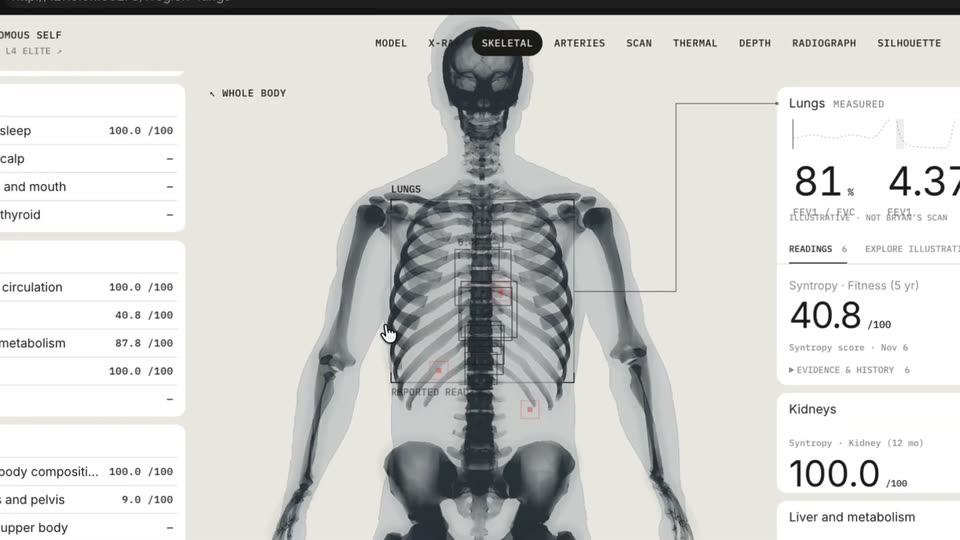 1:07–1:08Cognition · Meet Devin BotsA body-scan interface fills the frame: a grayscale skeletal X-ray of a torso sits center, flanked by metric lists on the left and score panels on the right. A hand cursor hovers over the lung area inside a dashed selection box, the SKELETAL tab highlighted in a black pill.
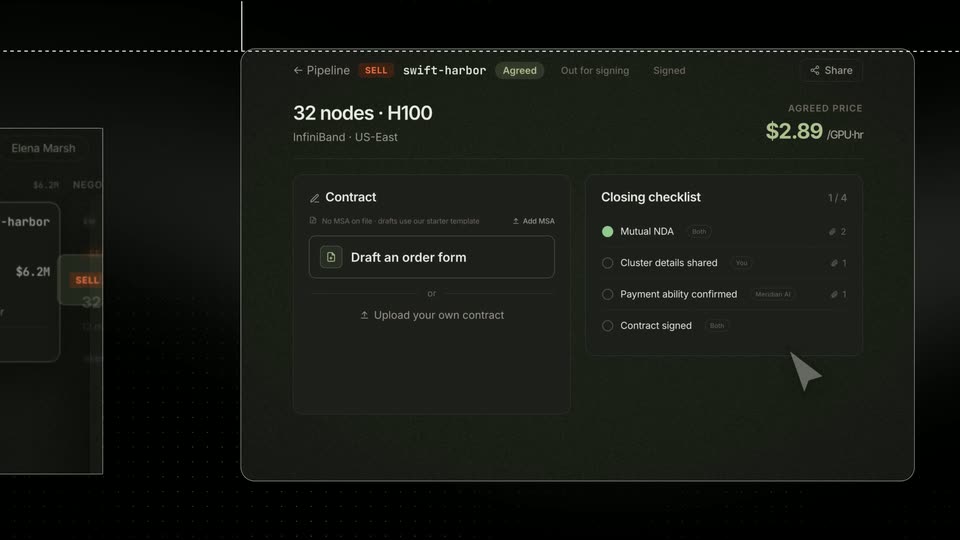 0:42–0:43ComputeDesk · Andrawes - Announcing @ComputeDesk raised $45M, led by @lightspeedvp, to solveA dark deal panel for a 32-node H100 trade holds a contract card on the left and a closing checklist on the right. A cursor glides from the top edge down to the checklist rows while the layout stays static.
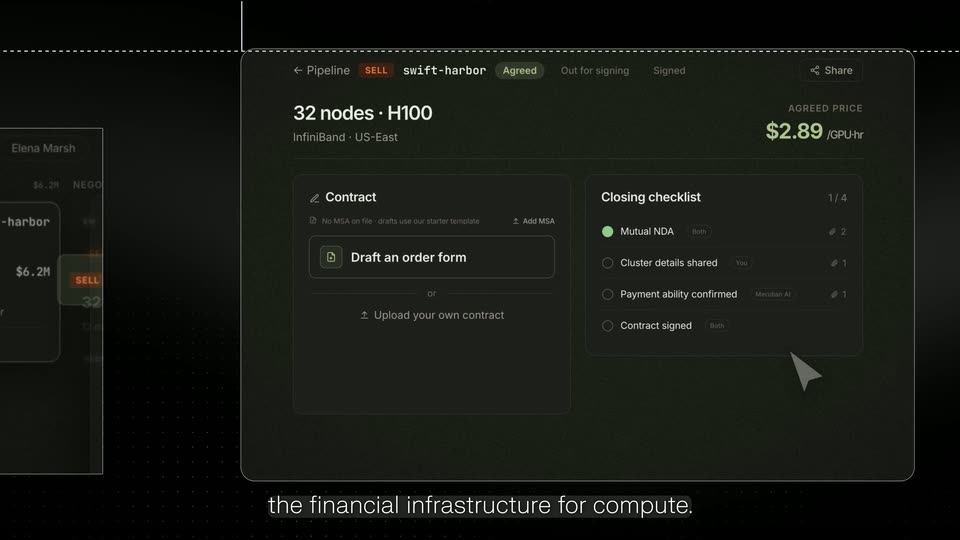 0:42–0:43ComputeDesk · Compute Desk: Announcement VideoA dark interface card shows a compute trade with a buyers list and a cursor over a Strike button. The view switches to a contract panel and closing checklist while the cursor moves to a Share button. A white caption reads the financial infrastructure for compute.
 0:05–0:06Delphina · Delphina: ncaa x2A close-up of a spreadsheet row highlighted in blue shows the text “Use the data AI agent to make my picks”. A white hand cursor glides in and clicks the row as the view zooms slightly.
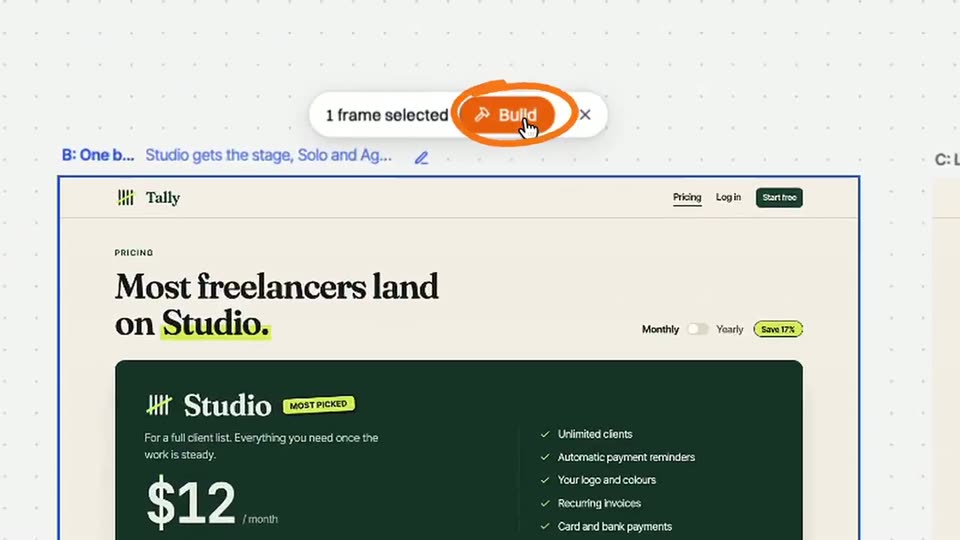 0:23–0:25Floot · Vibe coding doesn’t have to mean AI slop. Building an app is now faster and cheaper than ever. But it’s dangerous to let the AI take the full reign and ship something generic for you. Floot is theOn a design canvas, a cursor selects a Tally pricing frame and clicks the orange Build button; the view zooms in, then the dark Studio card morphs into an AI chat panel where a text cursor blinks in the input field.
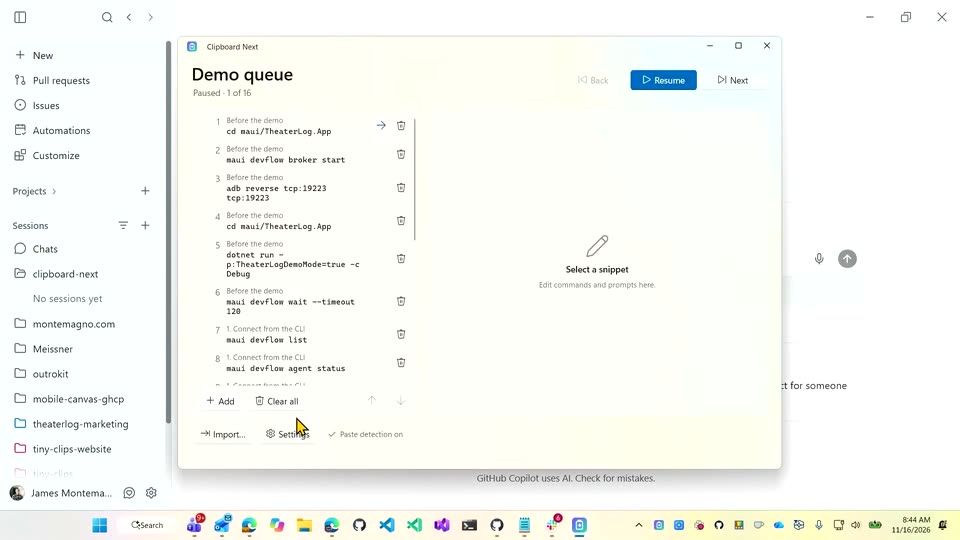 0:36–0:39GitHub · Stop manually picking AI models: how GitHub Copilot Fusion worksA Demo queue window lists numbered terminal commands beside a blue Resume button. The cursor drifts across the panel, then the window closes to reveal the main chat screen with a GitHub mark and three suggestion cards.
 0:28–0:30Gojiberry · Romàn - 🚨 Introducing the world’s first High-Intent Lead Database. 800M+ leaA white pill search bar on a peach gradient starts in close-up and pulls back as a query types itself out, a red placeholder resolving to '50-500 employees'. A cursor taps the Search button, and '12,480 contacts founds' slides in above a dotted field pattern.
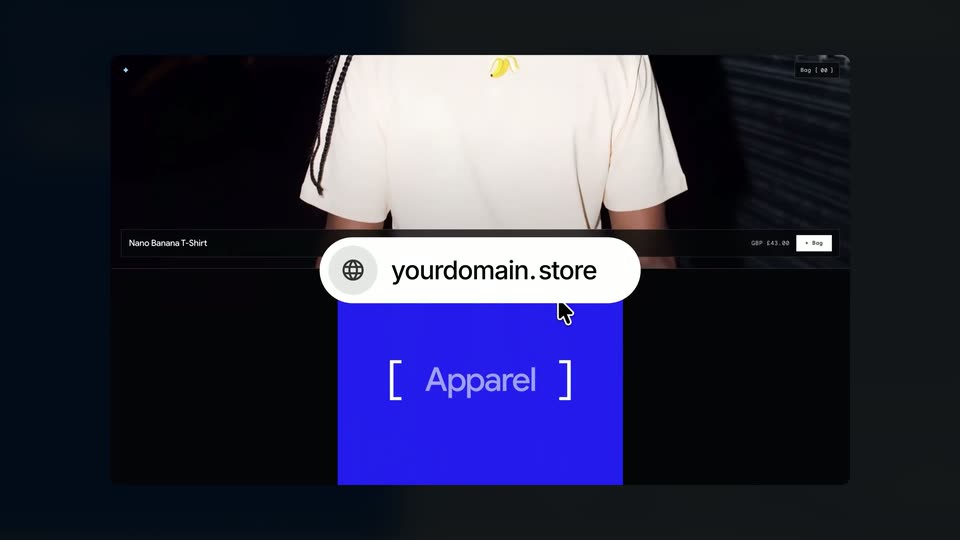 0:15–0:16Google · Google AI Studio - make it yours: introducing custom domains in ai studio turn your ideA floating storefront window shows a model in a white banana t-shirt against a night city backdrop. A white URL pill with a globe icon and a cursor sits centered as the interface scales up, revealing product rows and a blue Apparel tag.
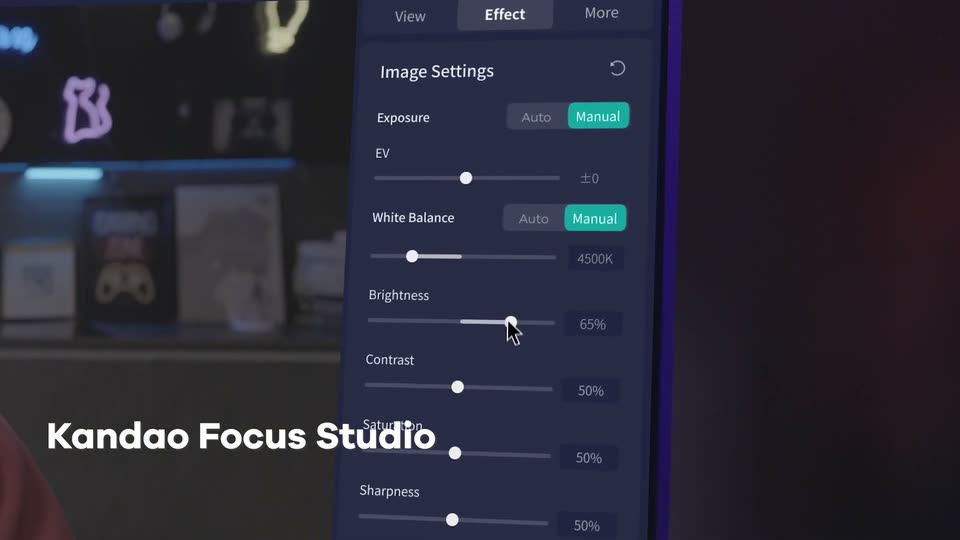 1:29–1:31Kandao · Kandao Focus & Focus SE is LIVE NOW!A close view of Focus Studio shows the gaming preview beside exposure, white-balance, brightness and contrast controls. A white cursor adjusts the sliders as the interface framing moves.
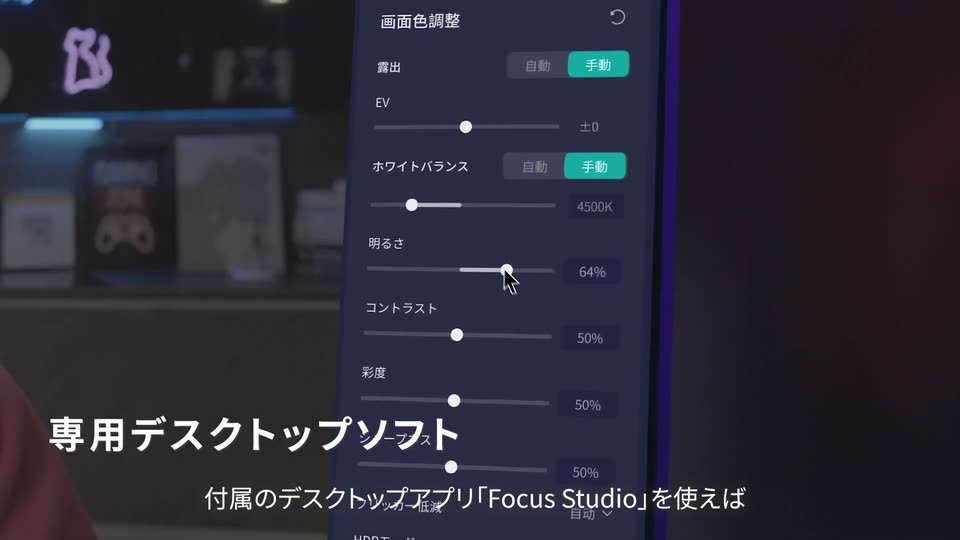 1:31–1:33Kandao · Kandao Focus / Focus SE 新登場!A phone stands in slight 3D perspective over a blurred live-action room, its screen showing a color-adjustment panel. A hand cursor taps the manual toggle, then drags the white-balance and contrast sliders while the values update.
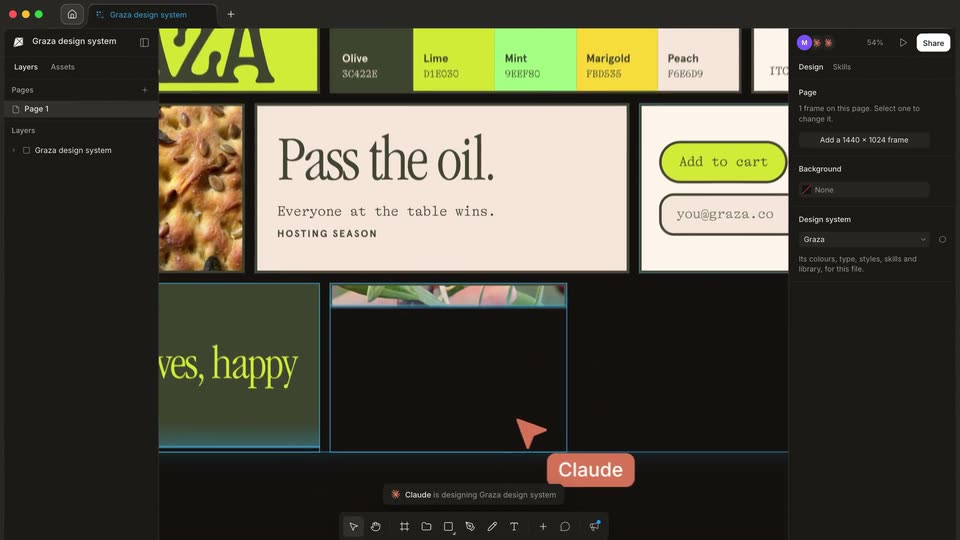 0:12–0:16Kite.new · Loukman - Excited to launch Kite today The design canvas for agents and humansA dark design-tool screen shows the Graza design system page: colour swatches, a GRAZA logo tile, a 'Pass the oil.' headline and a token table appear on the canvas as an orange cursor moves and a 'Claude' badge hovers. The view zooms out to reveal the full layout.
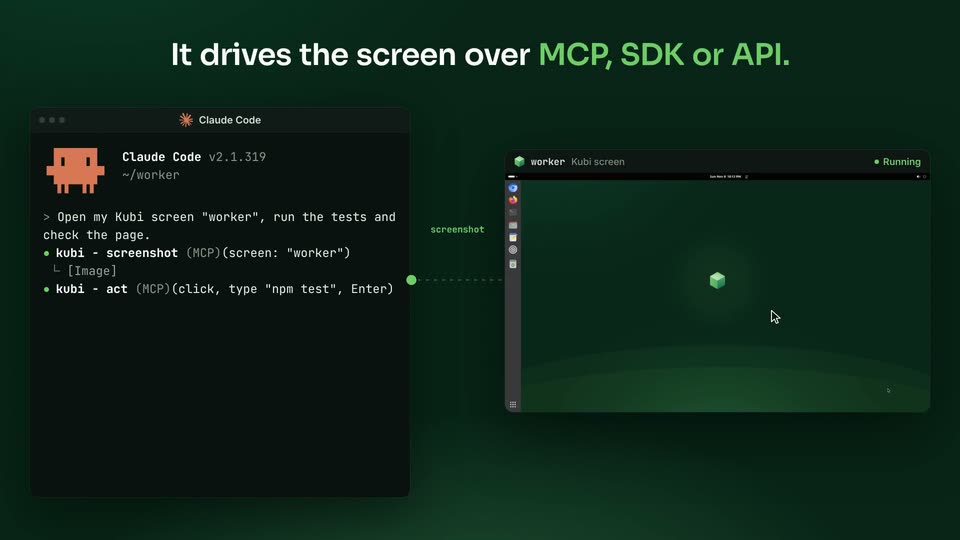 0:22–0:23Kubi · Arthur Katcher - Another sandbox startup launch. Ah sh*t, here we go again. IntroduciTwo flat interface windows sit side by side on a dark green field: a Claude Code terminal on the left and a worker screen on the right. A dashed line labeled screenshot joins them as a green dot travels across, and a cursor clicks on the right panel.
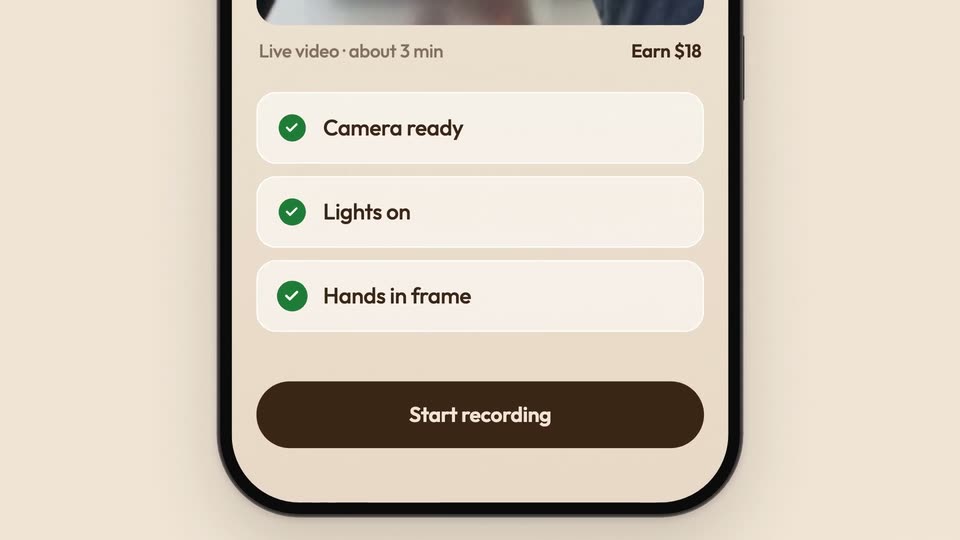 0:19–0:21Micro1 · micro1 - Introducing roots by micro1. The future of intelligence will learn fA phone mockup on cream shows a task video and a three-item checklist. A static index number and headline frame it. The view zooms into the lower screen as empty circles fill with green checkmarks, then a cursor hovers over the dark Start recording button.
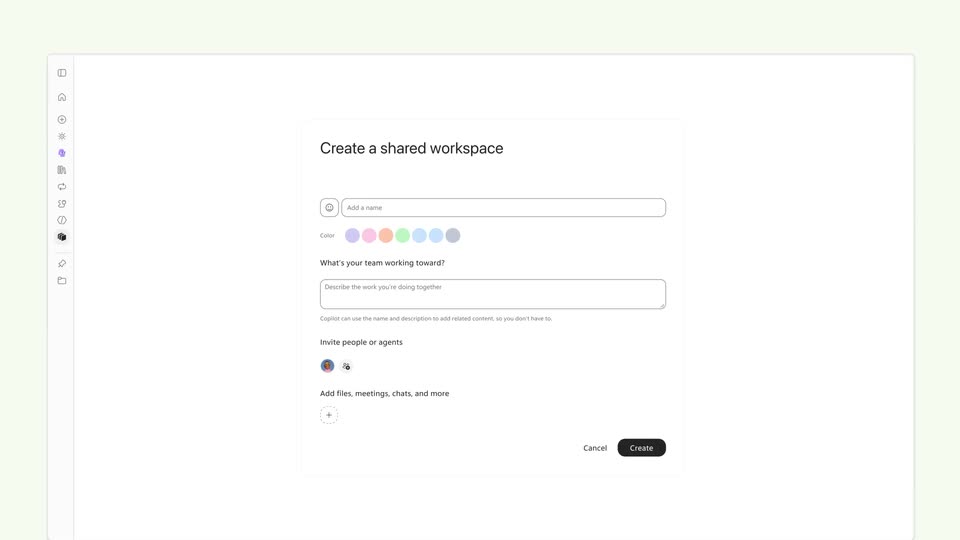 0:13–0:14Microsoft · Introducing Copilot Workspaces | Microsoft Ignite 2026A gray cursor hovers over a dashed New workspace card on a plain background, then the view reframes outward to a full Create a shared workspace form. The gray heading scales in above input fields, color dots and a black Create button.
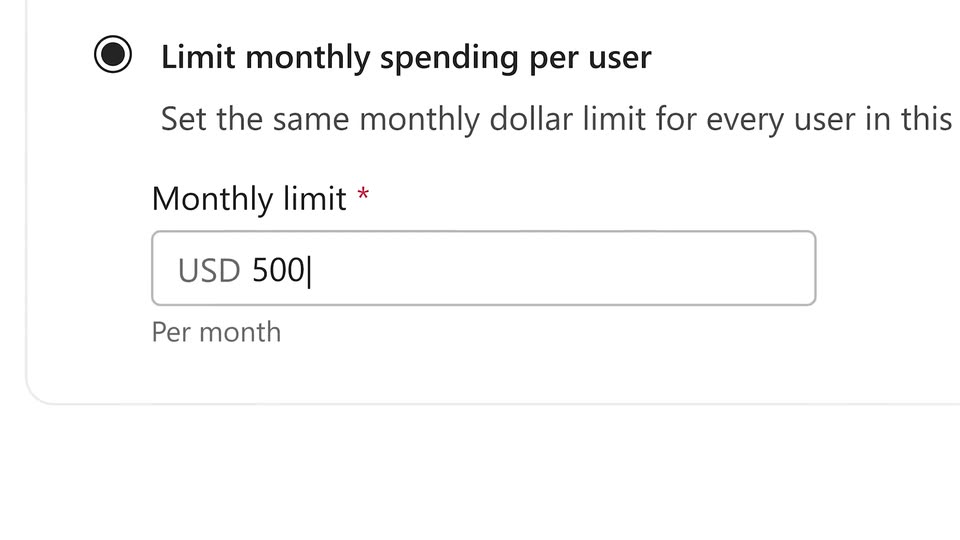 0:13–0:16Microsoft · Optimize your AI spend with Microsoft Agent 365A white settings panel scrolls up, the selected radio option changes, and the view settles on a Monthly limit field where a number is typed with a blinking caret.
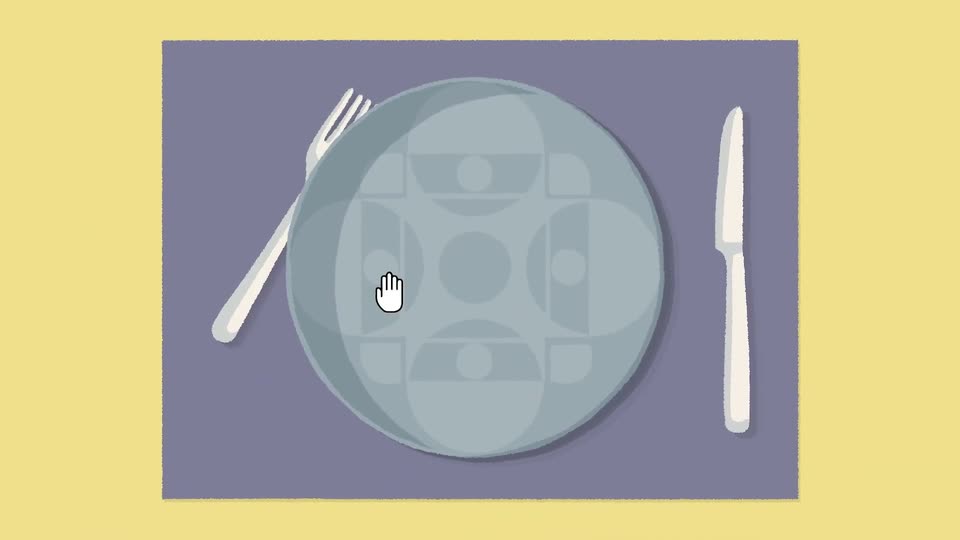 0:18–0:28Nintendo · A Little to the Left Nintendo Switch 2 Edition – Launch TrailerA flat place-setting illustration on a yellow background: a purple placemat holds a patterned plate, fork and knife. White hand cursors grab the cutlery, slide it to new positions and spin the placemat, re-tidying the layout.
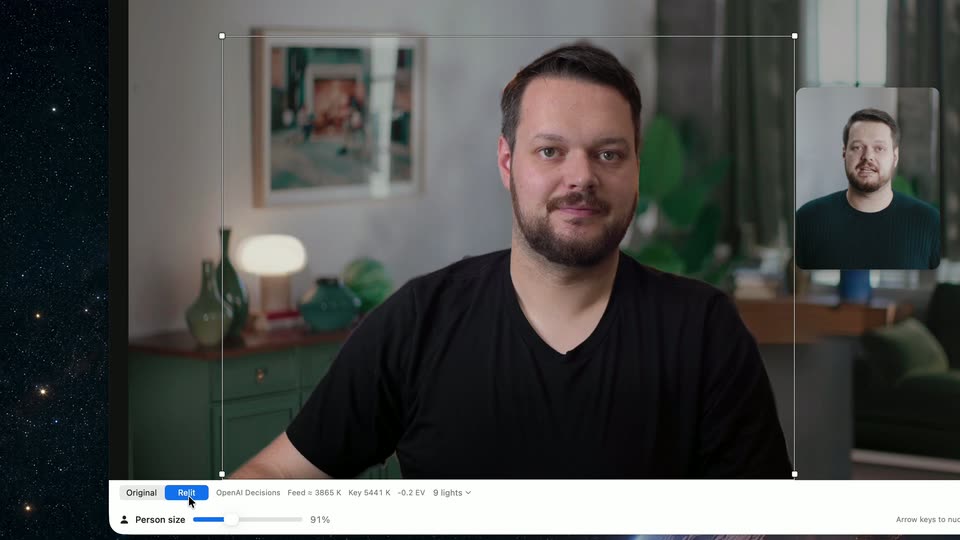 1:00–1:07OpenAI · Building 3D video sets with GPT-6.2 AstraA flat software window floats over a starry space backdrop with Earth's glow at the bottom. The window scales up to fill the frame, then the view zooms into the interface as a cursor clicks the Relit toggle and opens a Room lights panel.
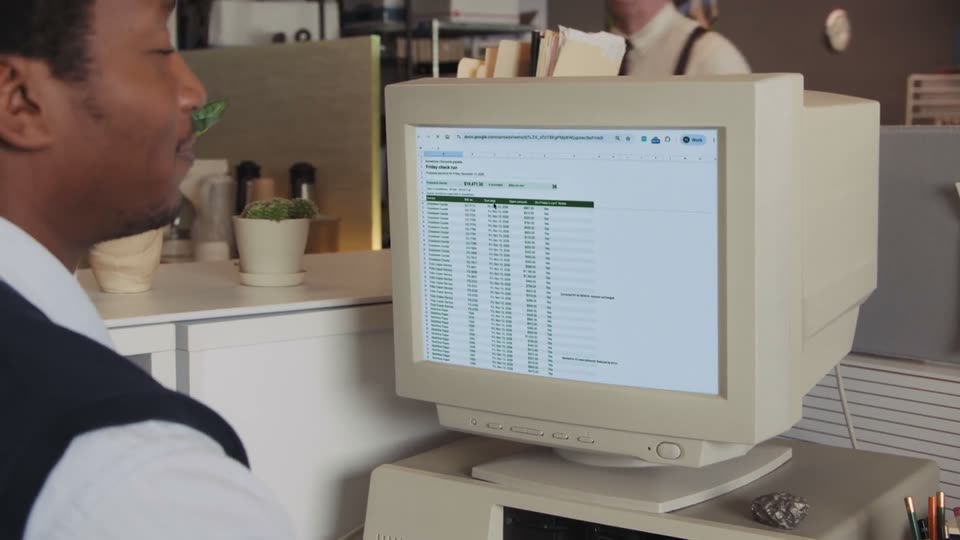 1:15–1:16OpenAI · GPT-6.2 Astra and GPT-6.2 Sol—Models built for the real worldA man in a vest watches a beige CRT monitor on an office desk. A spreadsheet table fills the screen as a small chart window closes. He turns his head slightly while colleagues work blurred in the background.
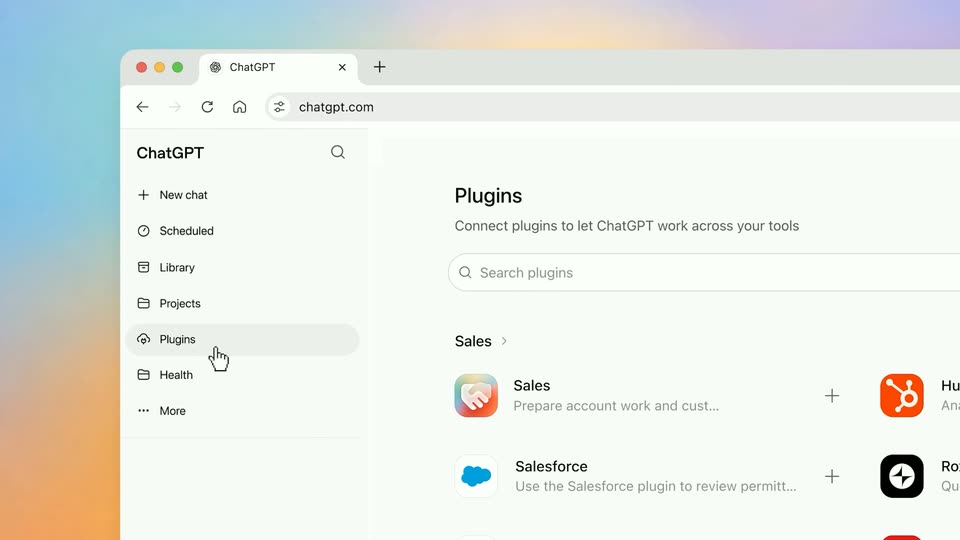 0:03–0:04OpenAI · Introducing ChatGPT for SalesA tilted ChatGPT browser window floats over a soft gradient backdrop. The camera zooms into the main panel as a cursor hovers the Plugins item, and the plugin cards under the Sales heading fill the frame.
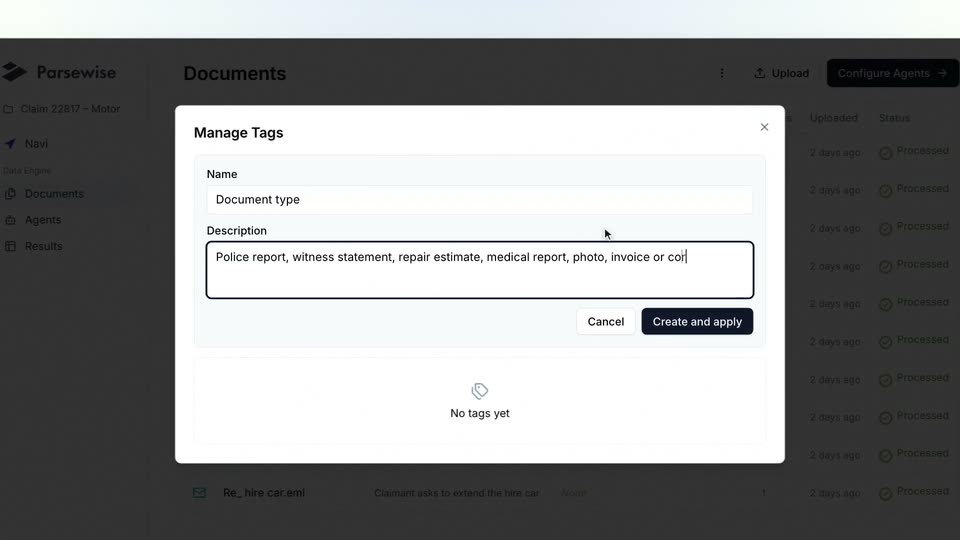 0:08–0:13Parsewise · Document Tagging on ParsewiseA Manage Tags dialog fades in over a dimmed documents list. A cursor clicks the Name field and types Document type, then fills the Description box with a list of document kinds before moving to the Create and apply button.
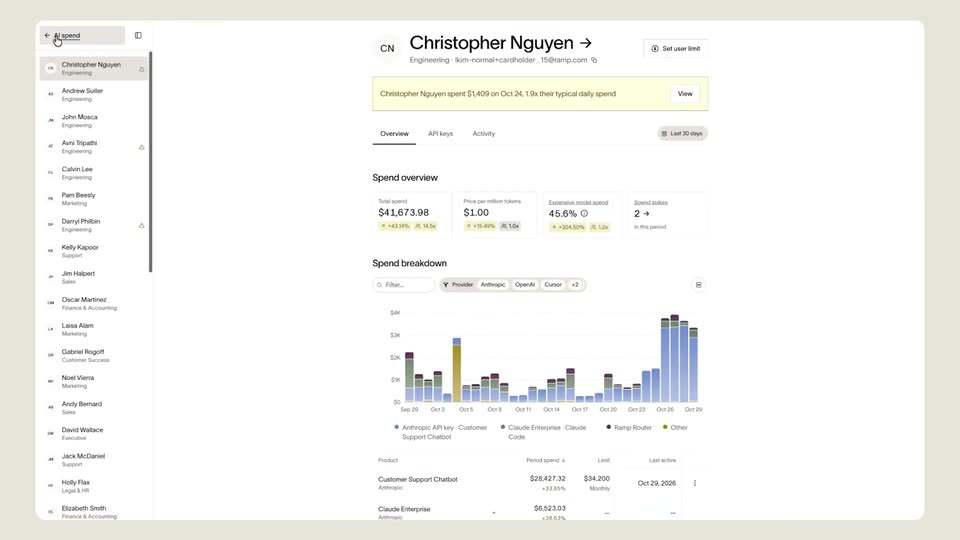 0:54–0:57Ramp · AI spend x Router demoA light analytics dashboard fills the frame. A sidebar lists team members; the main panel shows a user header, a yellow alert banner, four spend stat cards, a stacked bar chart, and a data table. A cursor moves from the top-left button to the open space beside the list.
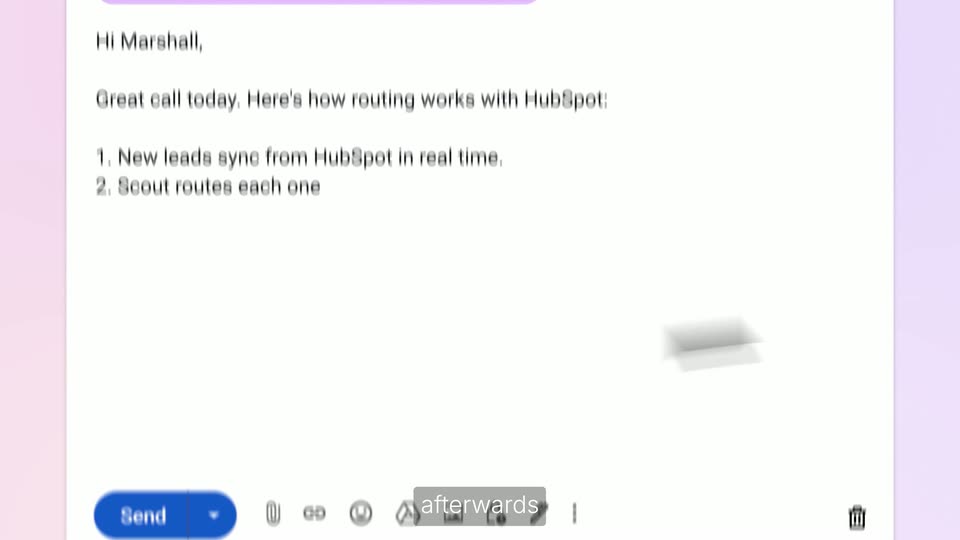 0:35–0:37Spara · David Walker - Today we’re launching Scout, the AI assistant built for sales. It liA close-up of an email composer fills the frame while the body types itself line by line into a numbered list. A hand cursor clicks the blue Send button, then the camera pulls back to show the full rounded card on a pink-purple gradient, with gray caption chips reading the voiceover.
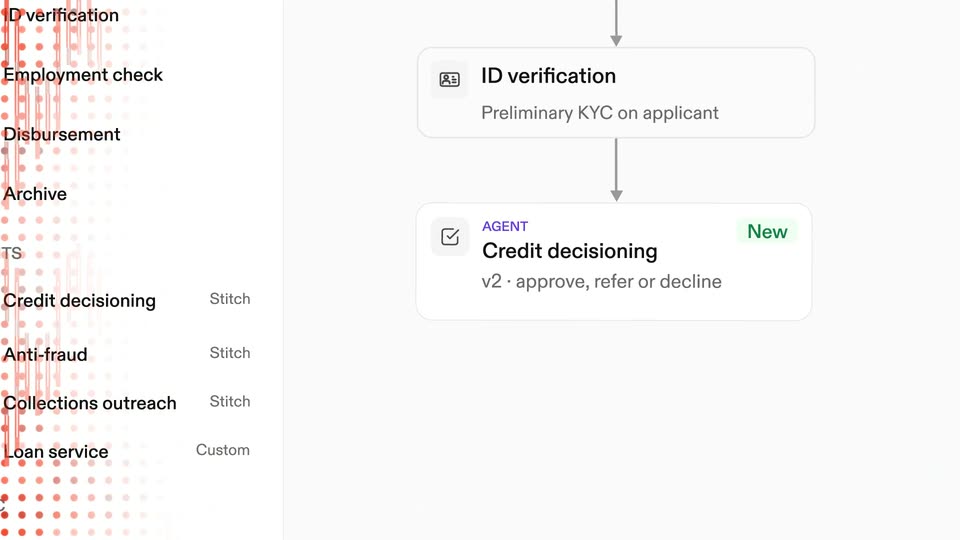 0:40–0:45Stitch · Stitch - Introducing Stitch AI: put agents to work, native inside the Stitch oA cursor drags the Credit decisioning agent from the left sidebar into the workflow canvas, dropping it below the ID verification node with a connecting arrow. The view then zooms in on the new node as its red dashed drag border settles into a plain card.
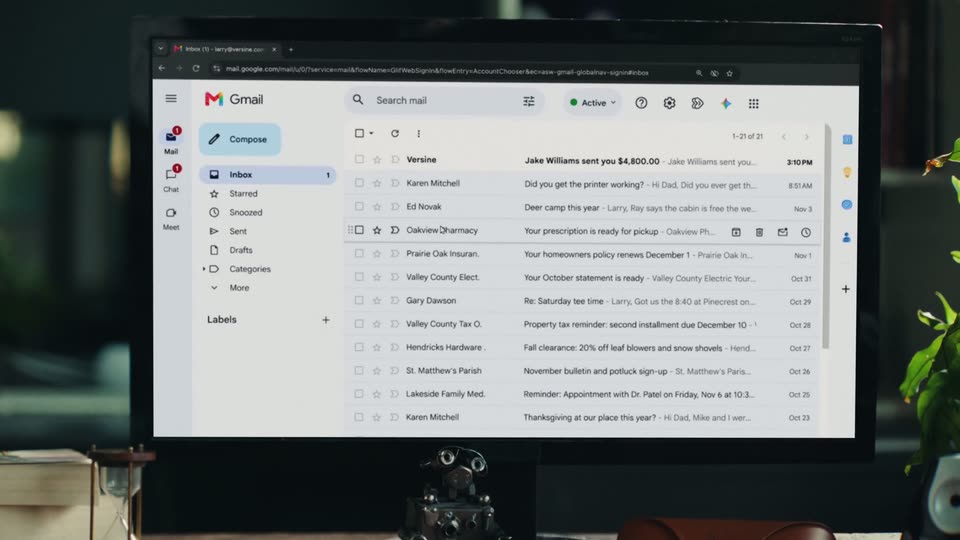 1:02–1:03Versine · Param - We are going to kill Venmo. To start, we’re giving you $100 to send tA monitor on a desk in a dim room shows an email inbox list. A cursor glides up the message rows while the surrounding set, a small figurine, a plant and a chair, stays still.
 0:10 · 0.7sVoyage Labs · Manik Gupta - Yogesh and I just raised $12M to help everyone experience more of theA cursor hovers over a chat input holding a typed sentence, then clicks the black circular send button. The frame zooms out to reveal the full app layout, a left panel with a setup card and the larger message on the right.
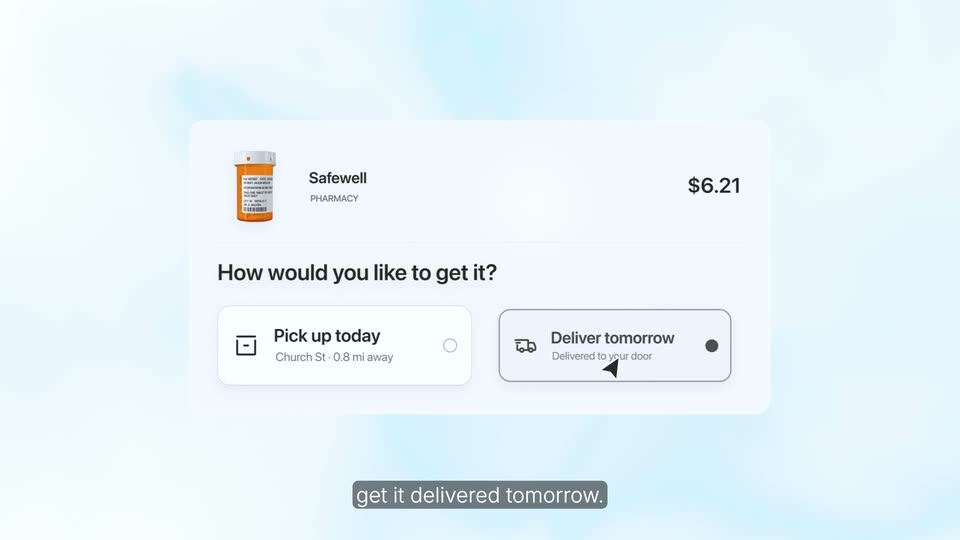 0:54–0:57August · Anuruddh Mishra - We raised $12M from @Accel and @PeakXV to put AI through the bullshitA white product card slides in from the right and settles center on a soft blue background, showing a pharmacy item and two fulfillment options. A cursor moves to the Deliver tomorrow option and selects it, its radio filling. A bottom caption reads Pick it up yourself or.
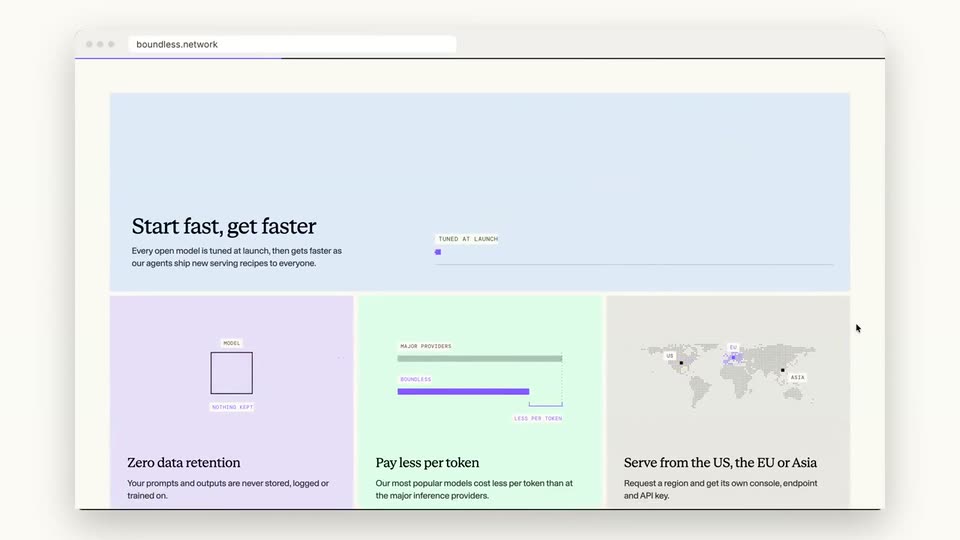 0:09–0:13Boundless · Boundless - Boundless: Inference for hypergrowth. New website →A browser window showing the boundless.network homepage scrolls vertically. The top section with the headline and two buttons slides up and out, revealing a line chart and three feature cards for data retention, token cost and regions. A mouse cursor sits at the right edge.
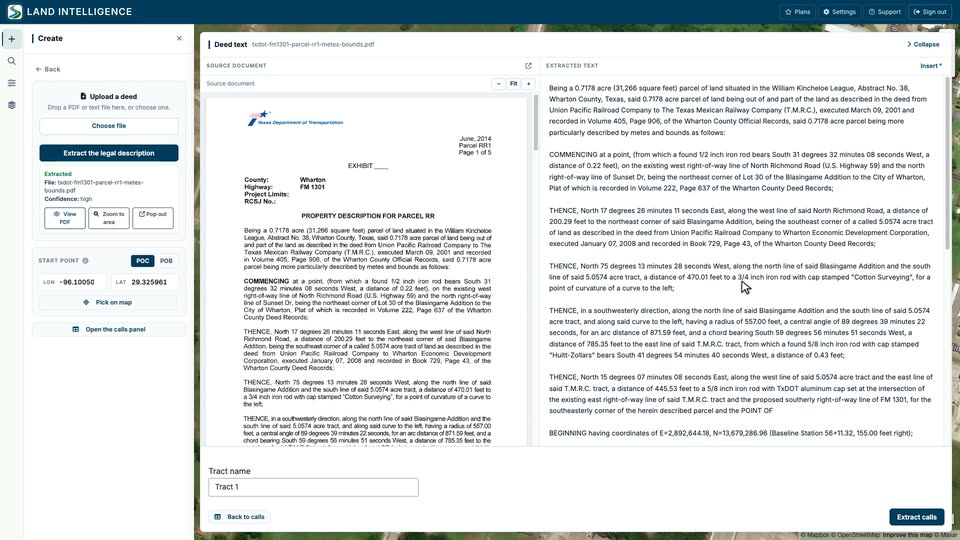 0:14–0:23Clearfork Intelligence · Kyle Walker - Launching today: Land Intelligence. Upload a deed and AI reads the lA three-panel web app shows an uploaded deed beside its extracted legal text. The cursor drifts over the document, then clicks Extract calls, and a dark dialog with a counting timer pops up at the top as the extract button spins.
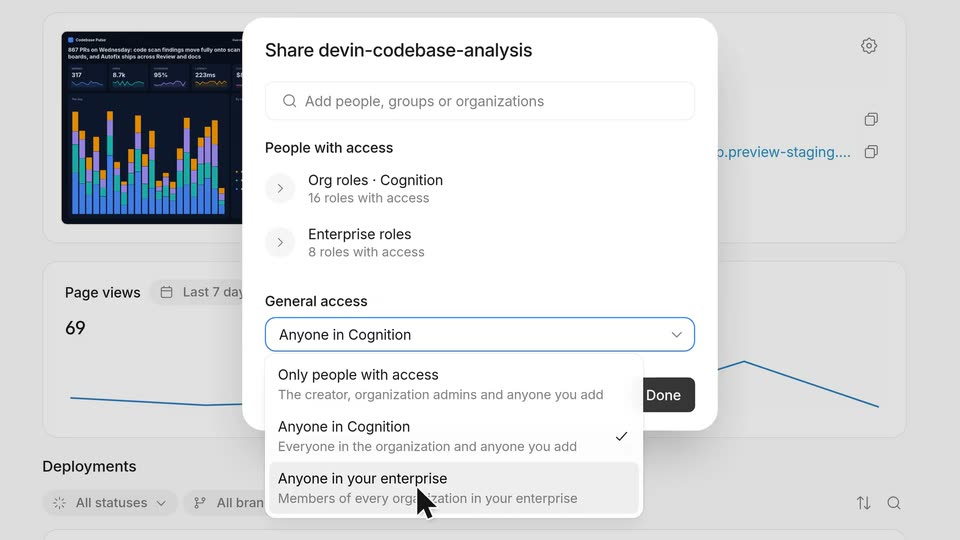 0:05–0:12Cognition · Introducing Devin AppsA cursor clicks Share on an app page, and a permissions dialog scales in over a dimmed dashboard. The cursor opens the access dropdown, picks a broader option, then clicks Copy link, which flips to Copied.
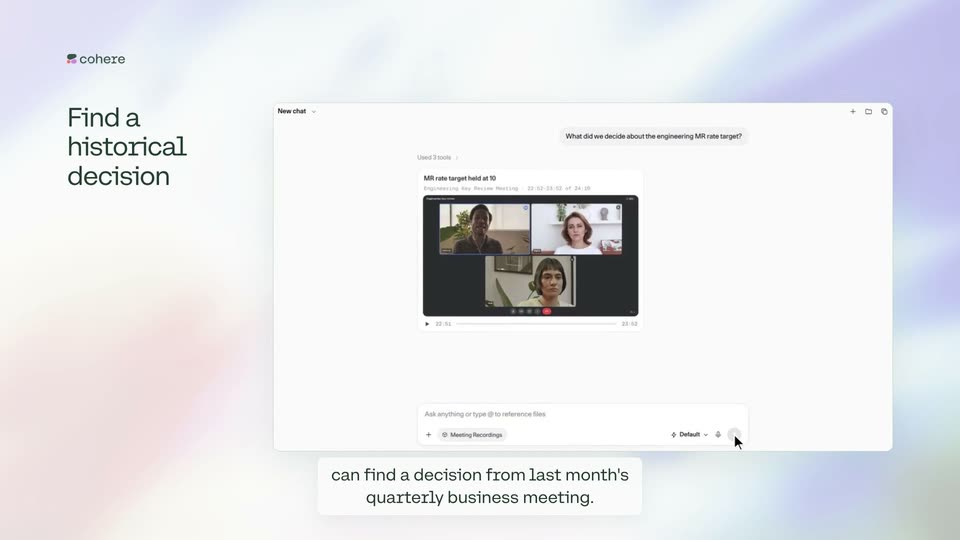 0:58–1:04Cohere · Cohere - Introducing: Video Intelligence in Compass. Make every moment in youA Cohere chat window on a pastel gradient: a question about an MR rate target is typed and sent, the app searches meeting recordings, then shows a meeting video and a written answer. A serif headline 'Find a historical decision' sits left, a caption box at bottom swaps two lines.
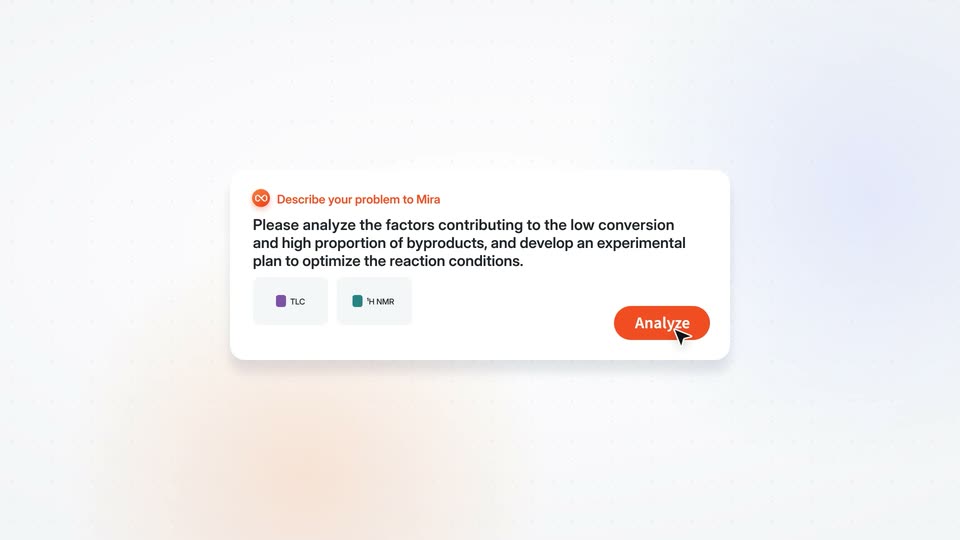 0:07–0:09DeepPrinciple · Deep Principle - We’re introducing Mira Science, a general-purpose computing platformA white prompt card sits on a soft gradient background. Black body text types out a chemistry request word by word while a cursor hovers over the orange Analyze button. The card then shrinks and morphs into a small white tile holding a circular loading spinner.
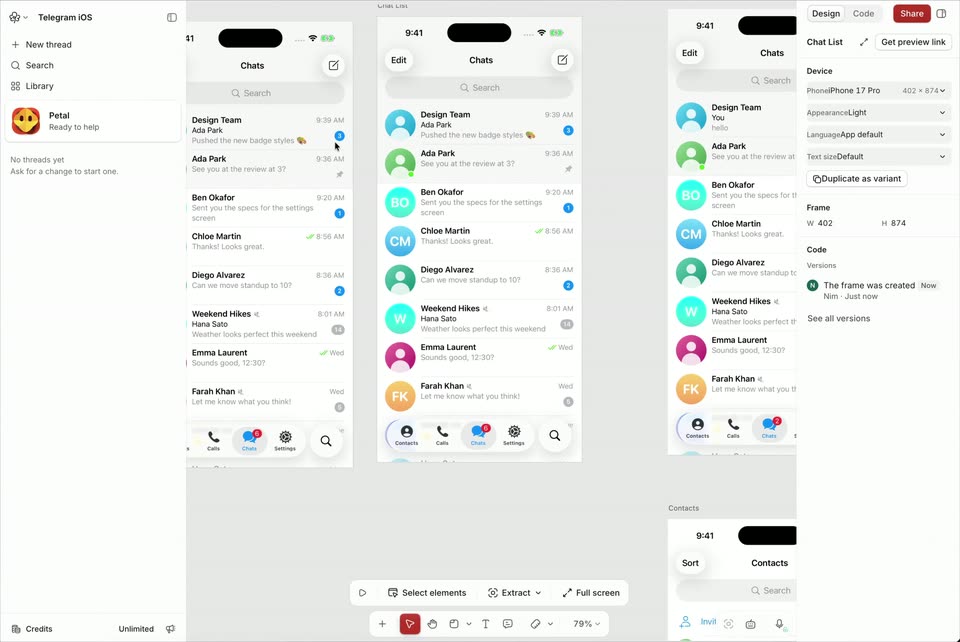 0:16–0:28Dessn · nim - Introducing iOS for the web. This is Telegram (written in Swift andA design tool canvas shows a grid of Telegram phone mockups. A cursor clicks the first frame, the right panel loads its properties, then the view zooms in. The cursor selects a contact name and changes its colour to red, which updates across the frames.
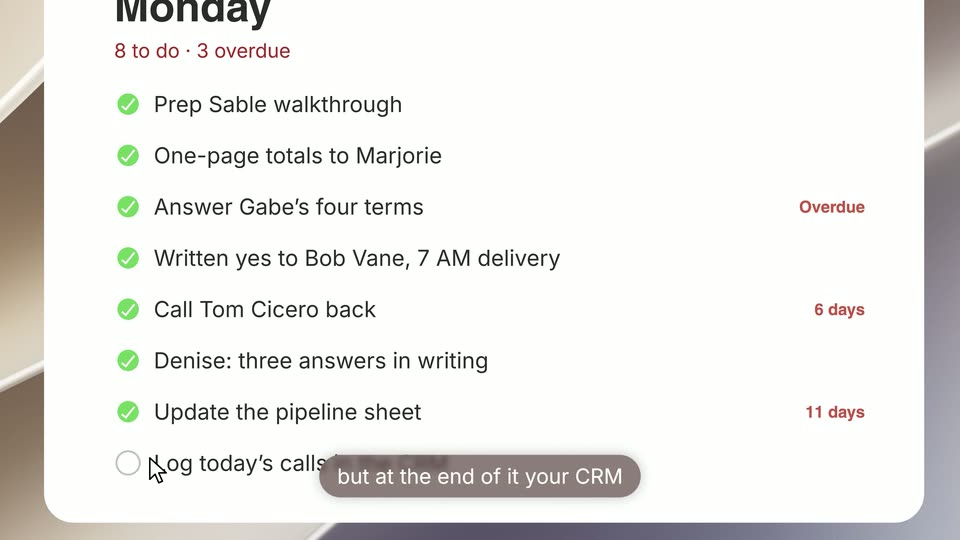 0:14 · 0.8sDreamteam · Anand Venkatraman - We just raised $53M from Accel India, Together Fund, and Premji InvesA white Monday to-do list card fills the frame, rows of tasks with green checkmarks and red due dates. A cursor moves down the list, ticking off the remaining boxes one by one. A dark rounded caption pill with white text sits at the bottom edge.
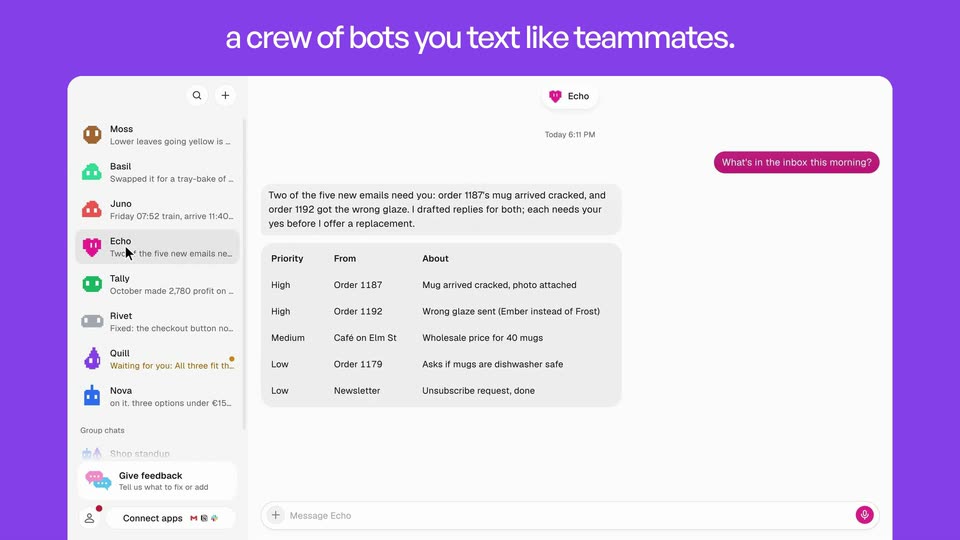 0:05–0:07dusk · siddharth - introducing dusk bot free open source Grok Bot alternativeA messaging app on a purple background. The white chat panel shows the bot Nova with a flight table under a tagline. The cursor moves up the sidebar, the active chat switches to Echo and its email table, and the tagline disappears.
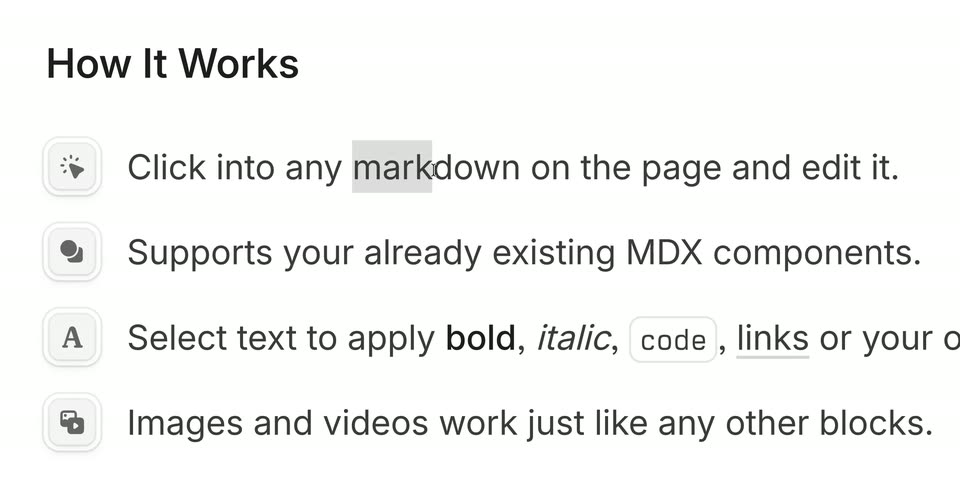 0:06–0:14Esqia · Jakub Krehel - Introducing Esqia An easy way to edit MDX directly on your page. IfA bulleted list under a 'How It Works' heading fills a light panel. A cursor types 'and edit it' onto the first line, then drags across the word 'markdown' to highlight it. A small floating toolbar pops up and the cursor clicks the italic button, slanting the word.
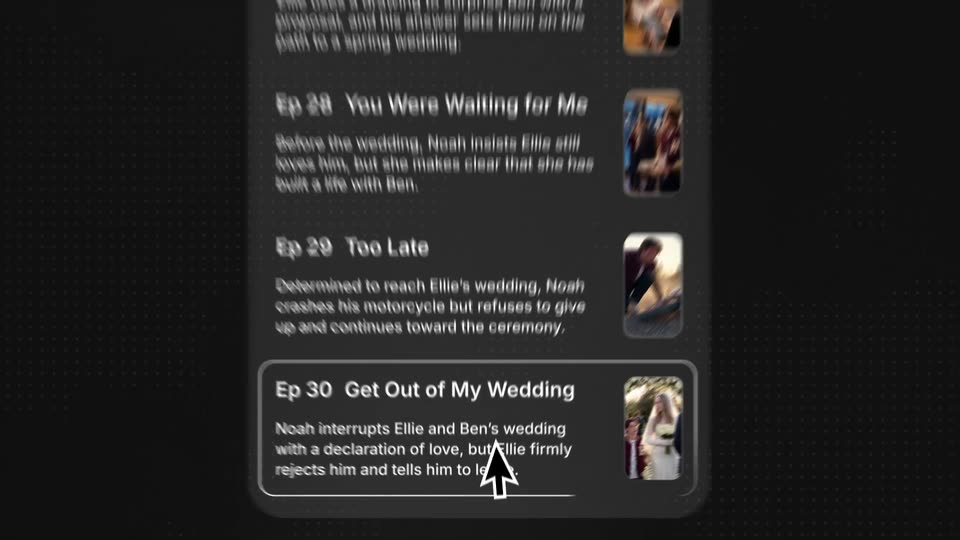 1:04–1:07Higgsfield · Higgsfield AI 🧩 - Introducing Short Drama Studio. Drop a script → get a full season ofA dark podcast episode list scrolls down fast as a cursor drags the scrollbar, then the panel slides aside and the view reframes onto a blurred wedding video in a vertical frame.