0:38
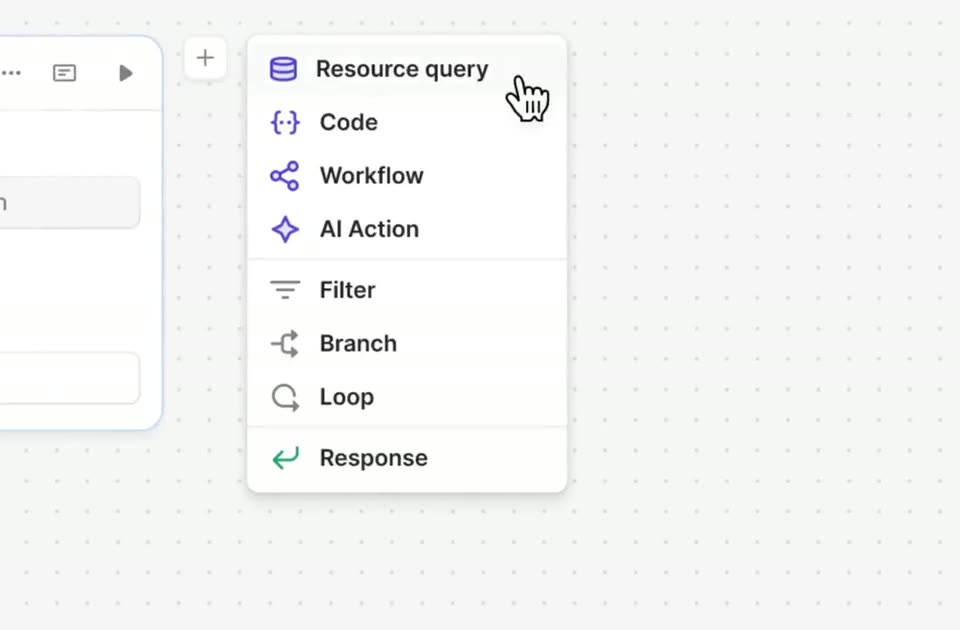

Retool - Say hello to the fusion of visual programming, code, and AI. Retool
Retool · Developer tools · Oct 2023
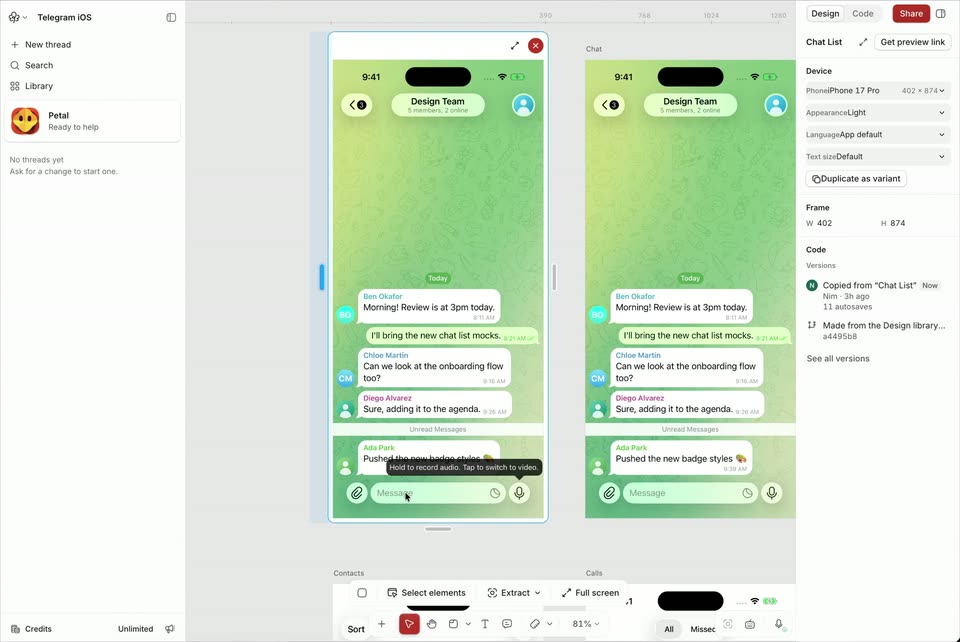
Dessn’s 0:38 launch film runs 5 scenes, about 7.7 s each. The product is on screen from the first frame. There is no explicit call to action. The video is a single continuous screen recording of a design tool, walking through a Telegram iOS mockup set with cursor-driven edits. Its style relies on smooth zooms, crossfades and 3D tilts to keep attention on the editable frames.
Is this your launch? to your site or press kit.
Retool · Developer tools · Oct 2023
Phone Harness · B2B · Oct 2026
A design tool canvas holds nine phone mockups of a green messaging app. The view zooms onto the selected Chat List frame, which swaps to a chat screen; a cursor taps the input, a keyboard rises, hello is typed and sent, and the frame returns to the list.
Techniques: UI zoom, Morph, Cursor demo
Camera: Push in
A design tool workspace shows two phone mockups of a messaging app. The left phone tilts in 3D perspective while a New Message sheet slides up over the chat list. The right green chat view and the properties panel stay static.
Techniques: 3D mockup
Camera: Static
A Figma canvas holds a Telegram iOS mockup in a phone frame, flanked by a left navigation rail and a right properties panel. The phone screen dissolves from a single chat view into a stacked chat list while the right panel switches its selected frame, all at a steady pace.
Camera: Pull out
A design tool canvas shows a grid of Telegram phone mockups. A cursor clicks the first frame, the right panel loads its properties, then the view zooms in. The cursor selects a contact name and changes its colour to red, which updates across the frames.
Techniques: Cursor demo, UI zoom
Camera: Push in
Inside a design tool, a cursor clicks the Ada Park row in a phone mockup, then the selection outline grows to wrap the whole device. The frame's content crossfades from the chat list to a green group-chat detail and back, while a properties panel updates on the right.
Techniques: Cursor demo, Morph
Camera: Static