Cursor demo
A visible cursor operates the interface.
15,025 scenes · page 44 of 251
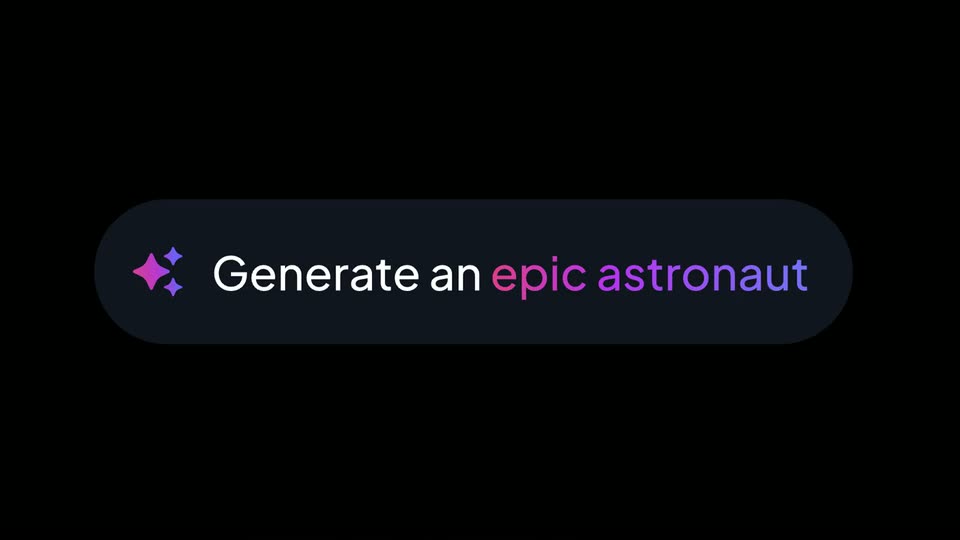 0:06–0:07Leonardo AI · Leonardo.Ai - ✨ Meet Flow State – Leonardo's newest feature for unlocking boundlessOn black, a dark rounded prompt bar holds the typed command with a text caret, the words epic astronaut in a pink-to-purple gradient. The bar then shrinks to a thin gradient outline as a pointer cursor sits at its lower edge.
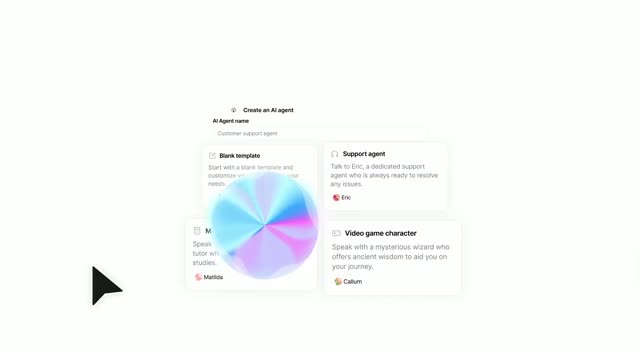 0:03–0:05ElevenLabs · Introducing ElevenLabs Conversational AgentsA flat product screen shows a Create an AI agent form with a name field and four template cards. A black cursor hovers over the Blank template card as the panel shifts up and right to center, and a soft pink blob fades in at the lower left.
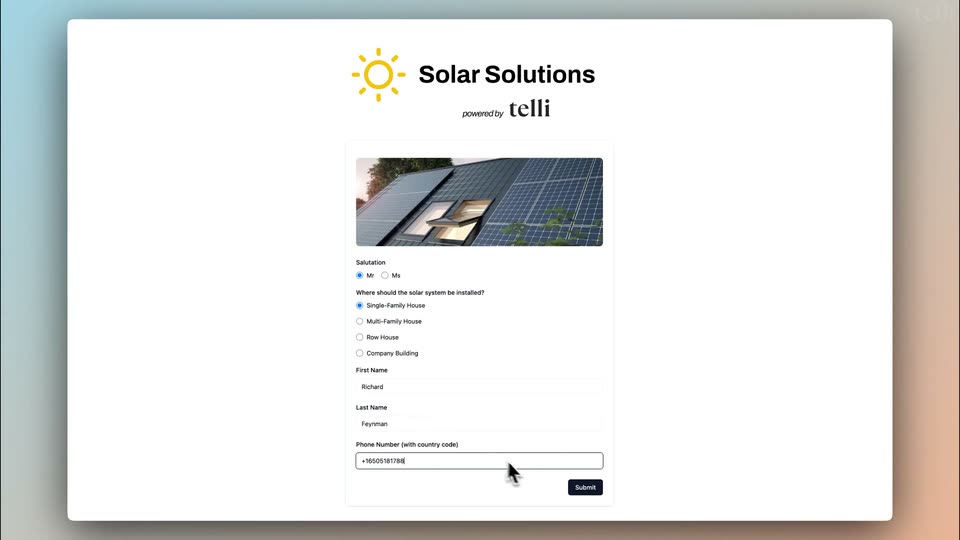 0:40–0:42telli · Launch YC - telli - outbound call automation for B2C companiesA white Solar Solutions lead form on a soft gradient background. The shot zooms into the form while a cursor types digits into the phone number field, then drifts down toward the Submit button.
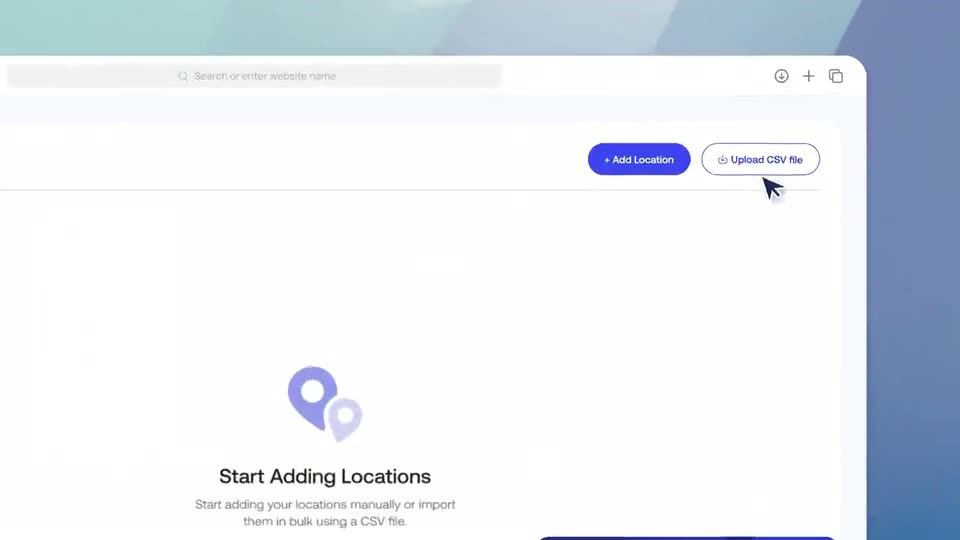 0:00–0:01StoreTrack · StoreTrack: headerA tilted browser window of the StoreTrack web app floats over a macOS desktop with the dock visible. The frame zooms in on the top-right action bar while the cursor moves to hover the Upload CSV file button.
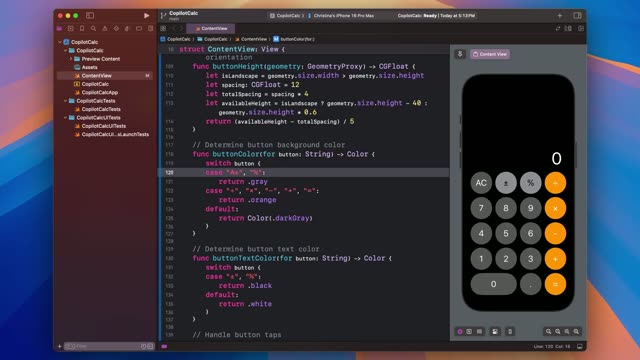 0:00–0:37GitHub · Introducing GitHub Copilot in XcodeA screen recording of Xcode on a colorful gradient background. Swift code for a calculator app fills the editor while a live iPhone preview sits on the right. A cursor edits the button list, the preview updates to add an AC key, and the code scrolls down.
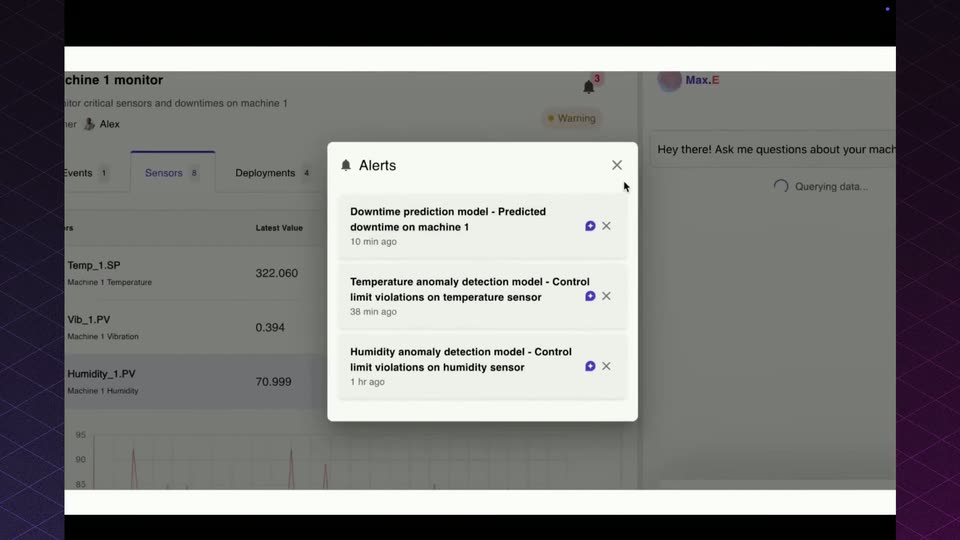 0:51–0:52Vortexify · Praxis AI LaunchA close-up of an alerts panel shows a cursor pressing an AI Explain button on the first alert card, a tooltip appearing. The view then zooms out to reveal the full machine monitor dashboard behind the modal as the cursor moves to the close icon.
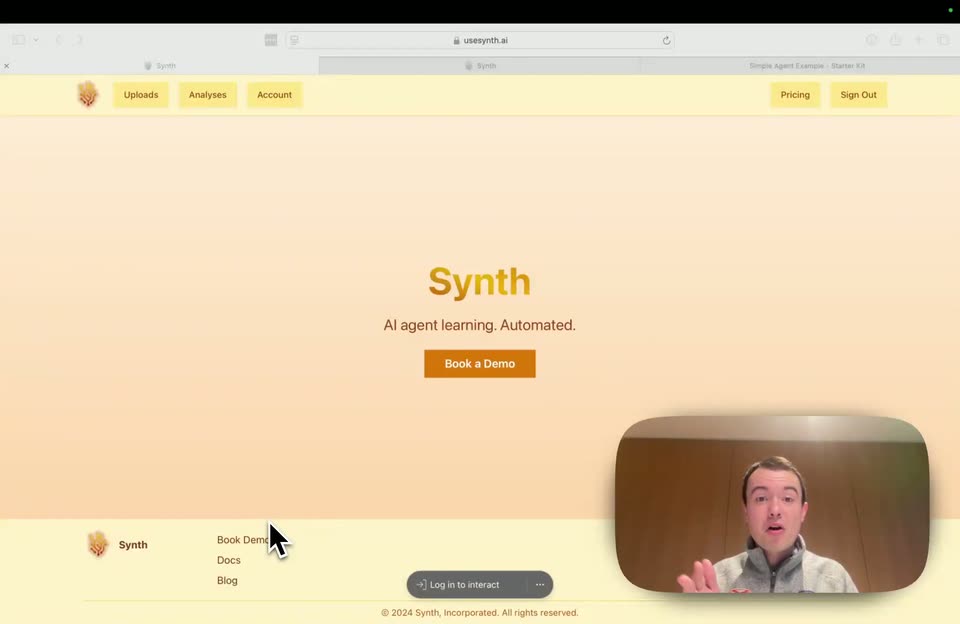 0:00–0:36Synth · Synth AI YC LaunchThe Synth landing page sits static in a browser, peach gradient with an orange headline and a Book a Demo button. A rounded webcam inset in the lower right shows the founder talking and gesturing; near the end the cursor glides to the button.
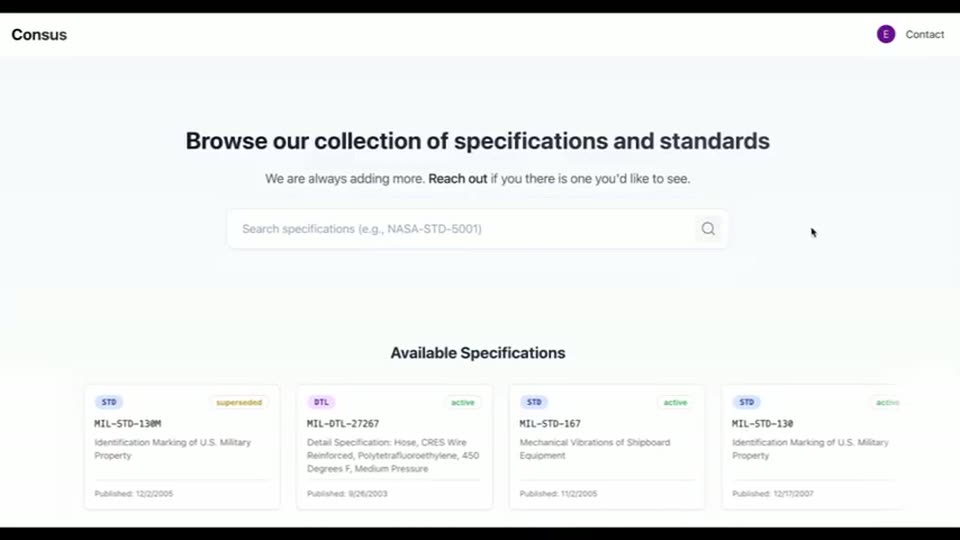 0:11–0:16Consus · Consus IntroA light gray product page shows a headline and a search bar above a row of specification cards. A cursor glides from a card to the search field, which lights up with a purple focus ring, then the ring fades as the cursor drifts right.
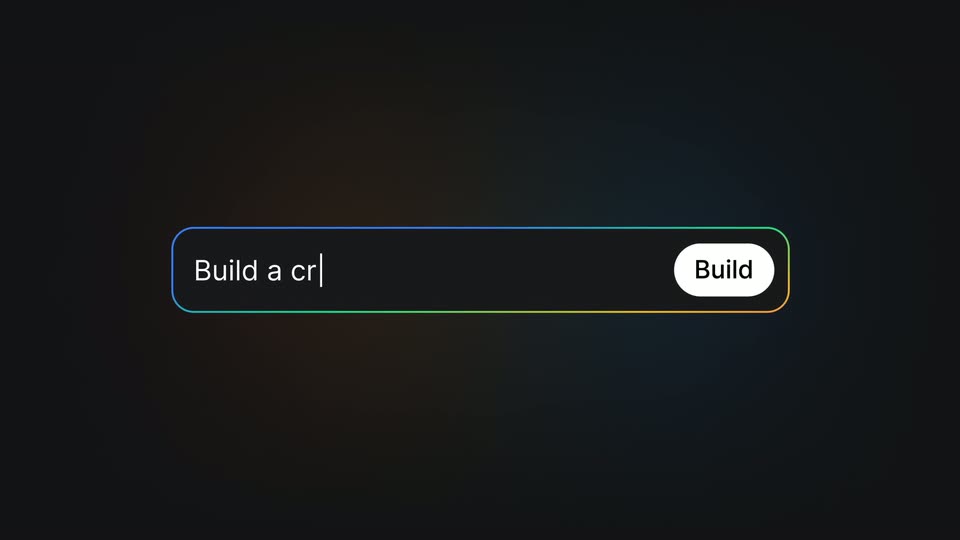 0:10–0:13Lovable · Lovable – An AI Full-Stack EngineerA rounded input field with a blue-to-orange gradient border sits centered on a near-black background. Typed prompts cycle inside it: a financial dashboard, a crypto app, a website with a chatbot. A hand cursor glides in from below, hovers over the white Build button, and presses it.
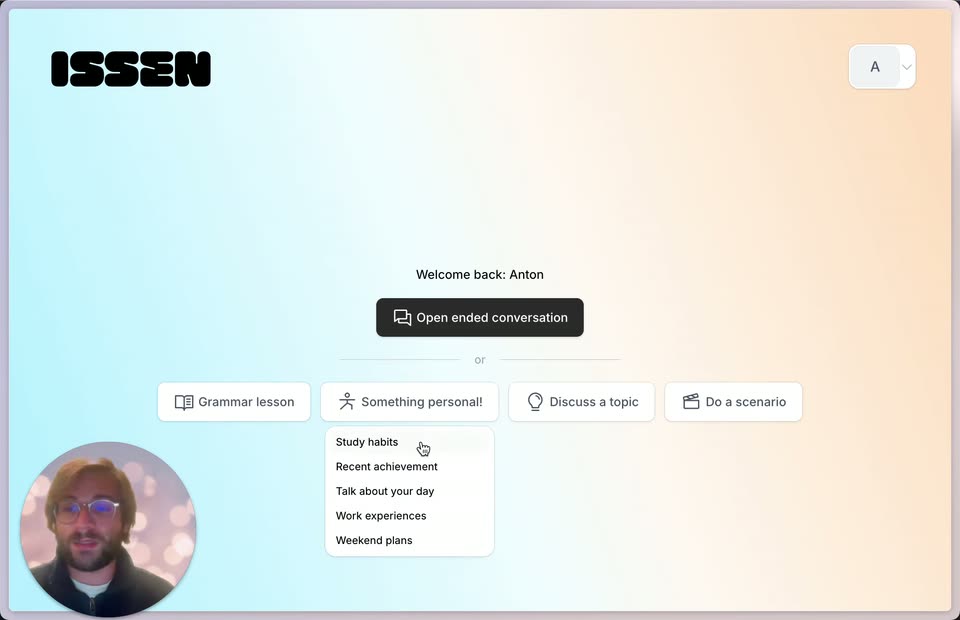 0:00–0:42ISSEN · ISSEN - Exploring AI Language Tutoring with Santiago from Mexico City 🌎A language-tutor home screen on a blue-to-peach gradient shows a welcome line, a dark conversation button, and four white option pills. A cursor hovers each pill, opening dropdown menus of lesson topics, while a circular video of a male tutor plays bottom left.
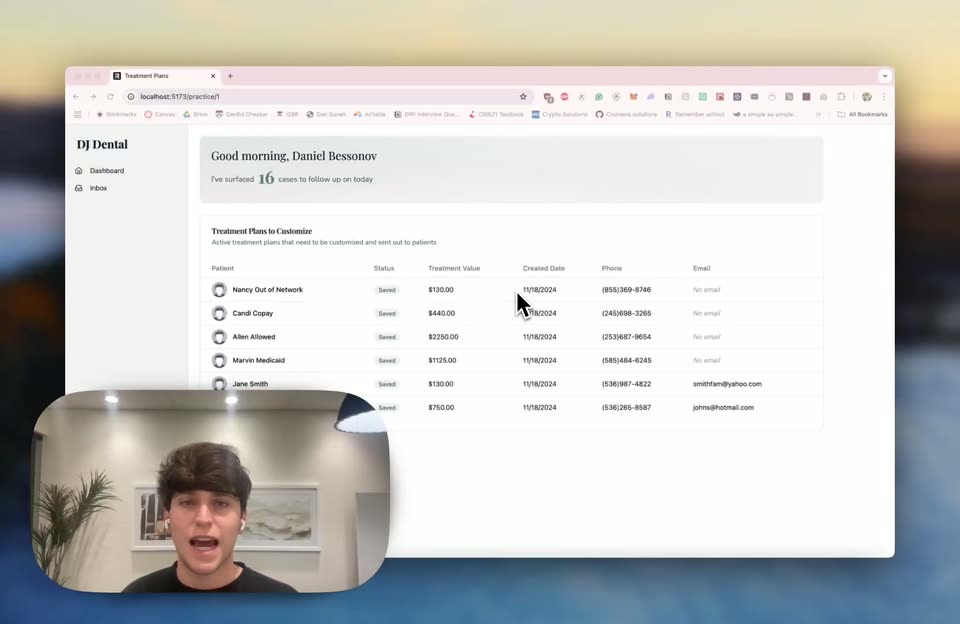 0:00–0:26Avora · ShowAndTell: AI agents for dental patient operationsA browser window shows the DJ Dental Treatment Plans table with patient rows and a mouse cursor, while a young man speaks in a rounded webcam window at the lower left. The clip ends with a zoom into the table rows.
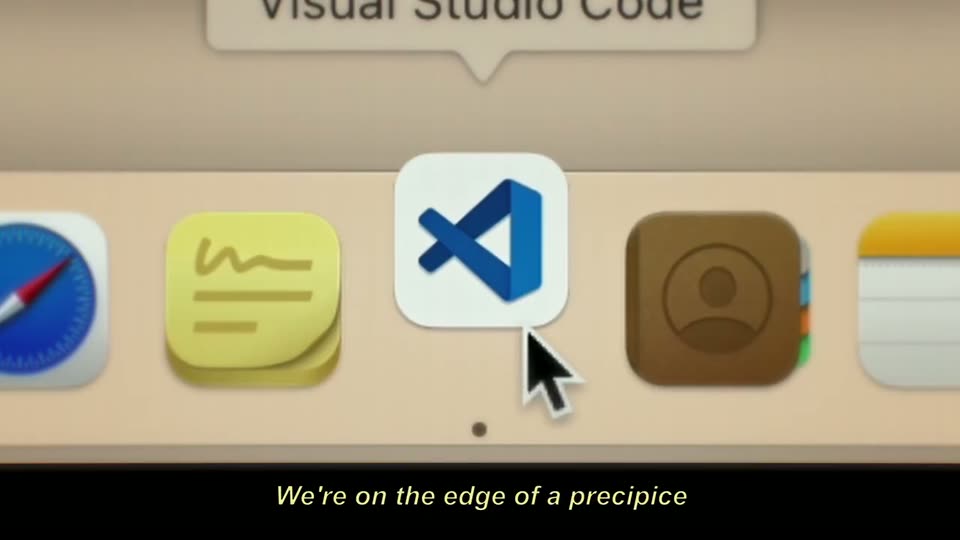 0:08–0:09Browserbase · Browserbase - What will you 🅱️uild?Tight close-up of a macOS dock row of app icons. A black arrow cursor glides onto the blue Visual Studio Code icon, which lifts with a white highlight while its name tooltip scales in above it. Subtitles caption the voiceover on a black band at the bottom.
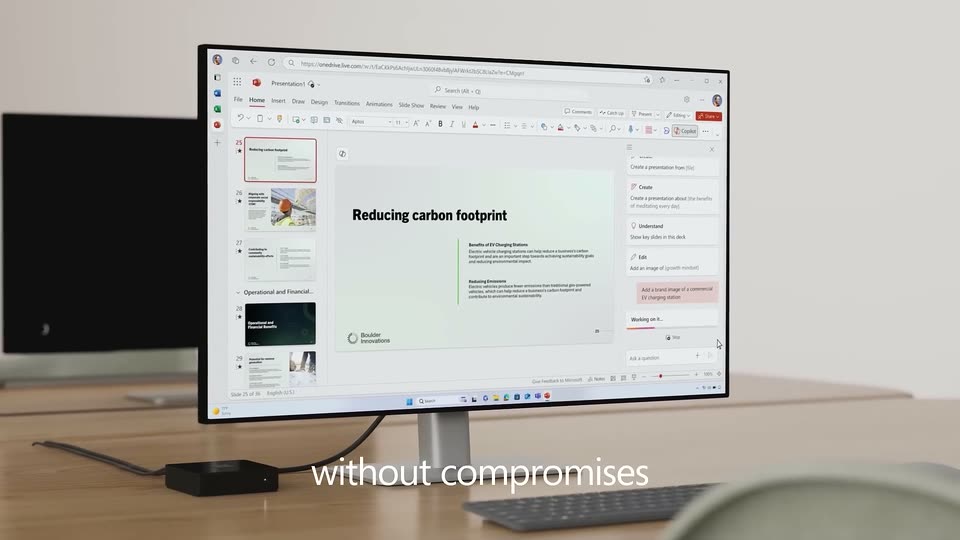 0:28–0:35Microsoft · Introducing Windows 365 Link: Satya Nadella at Microsoft Ignite 2024Locked-off shot of an angled desk monitor showing a browser with a presentation slide and a Copilot panel. A cursor types a prompt into the panel, then the panel closes to reveal slide images. White caption lines appear across the bottom.
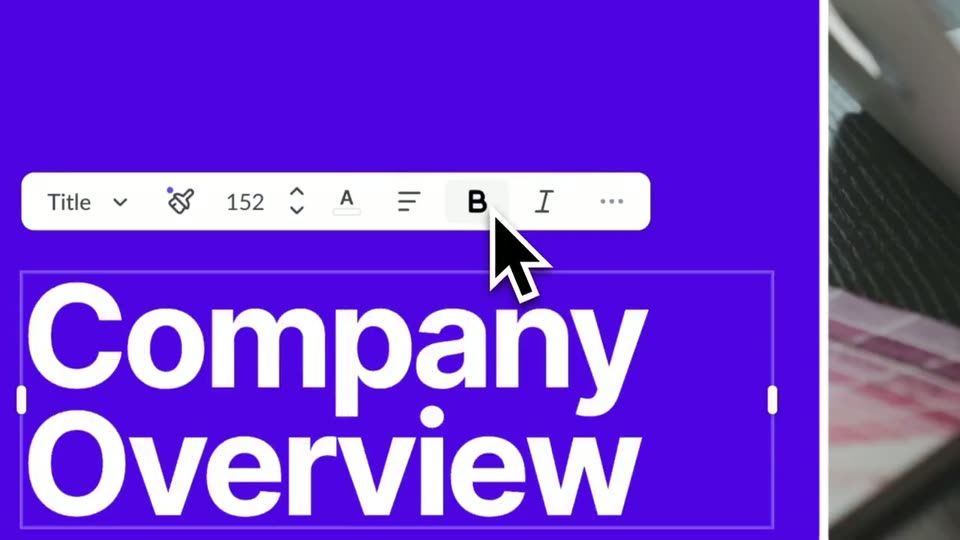 0:00–0:01Pitch · Pitch - Pitch is now more than just presentation software — it’s a complete pA white formatting toolbar floats over a purple slide; a cursor clicks the Bold button and the white 'Company Overview' heading snaps from thin to heavy weight, while a thin out-of-focus strip of desk footage runs down the right edge.
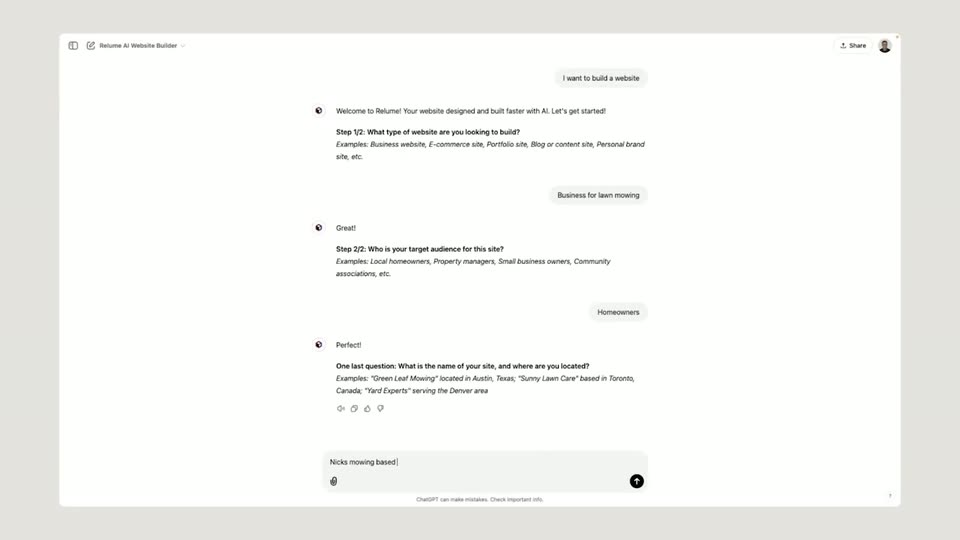 0:05–0:07Relume · Relume - With ChatGPT, you can now build an entire website structure, in minutA white Re:ume AI Website Builder chat window scrolls up as the dialogue advances through setup questions and a final confirmation. A hand cursor hovers over the message field, then over the “Check out your website” button.
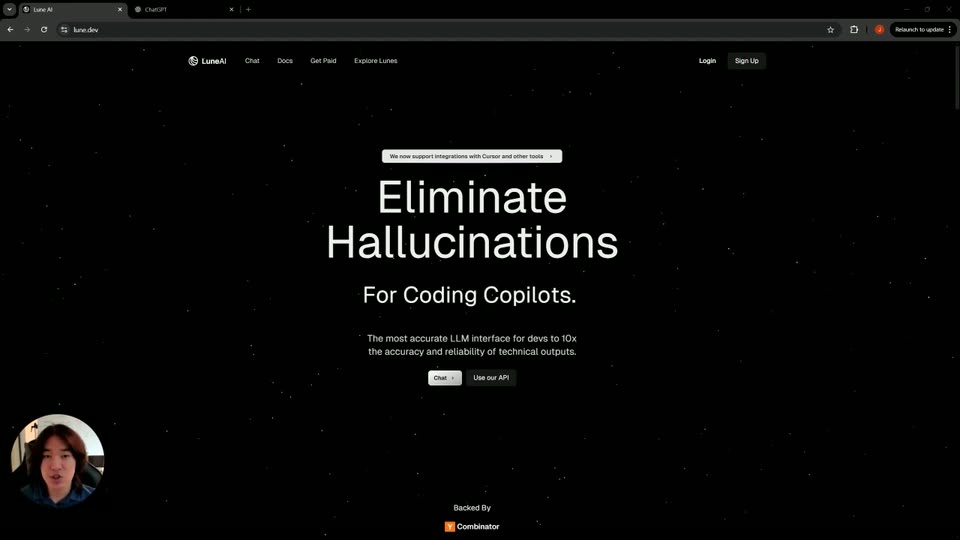 0:00–0:20Endstack · Lune AI DemoScreen recording of the LumeAI landing page on a black starfield. The large headline stays fixed while the subtitle types and cycles through phrases such as “For Coding Copilots.” A circular face-cam of the presenter sits bottom-left, and a cursor hovers the nav near the end.
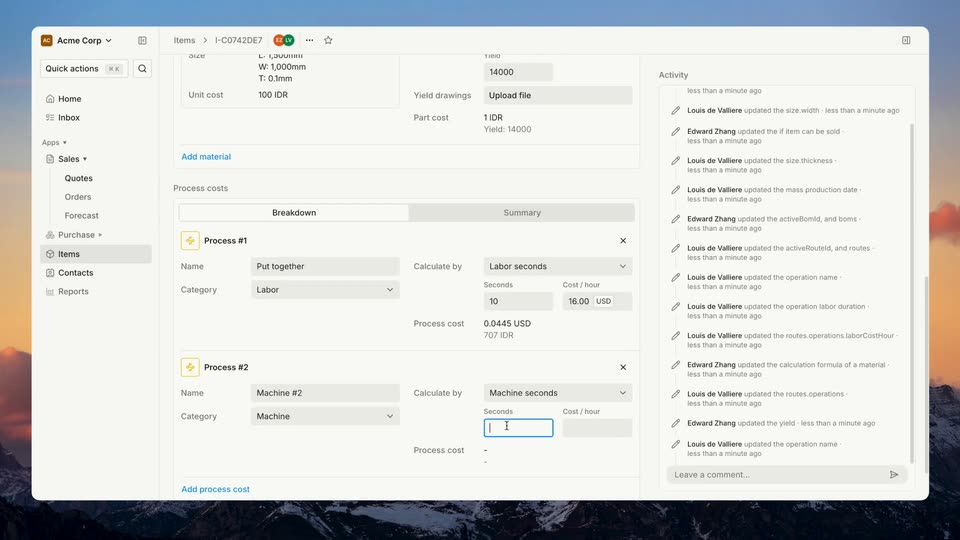 0:40–1:01Tiny · Tiny (YC F24) Launch VideoA flat product window sits on a sunset mountain wallpaper. A cursor fills form fields while the page scrolls and the right-hand activity log fills with new entries. The view zooms into the feed as a comment is typed.
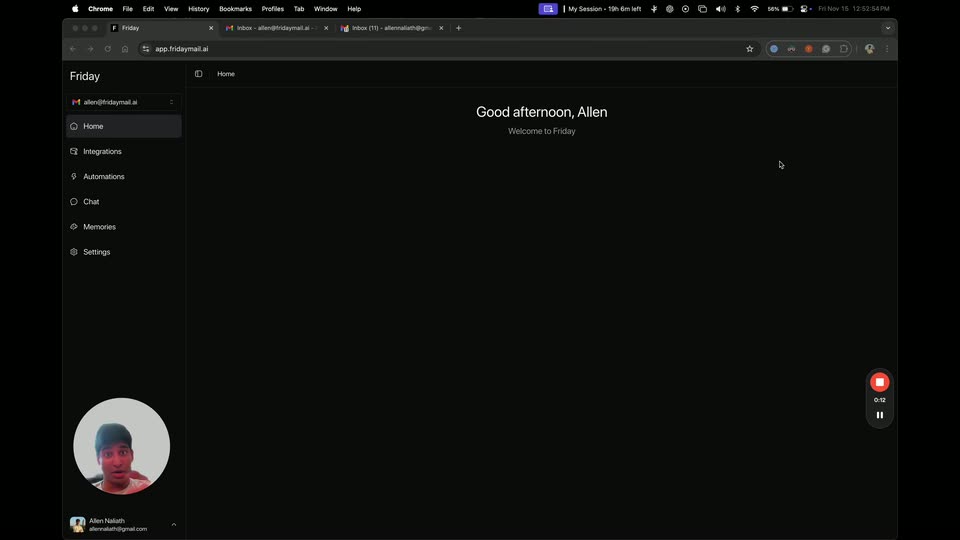 0:06–0:24Freestyle · Friday - Never Check Your Email AgainA dark web app home screen in a Chrome window holds a centered greeting, Good afternoon, Allen, above Welcome to Friday. A circular webcam avatar of a man in the lower-left sidebar updates continuously. At the end the cursor moves to the left menu and hovers over Integrations.
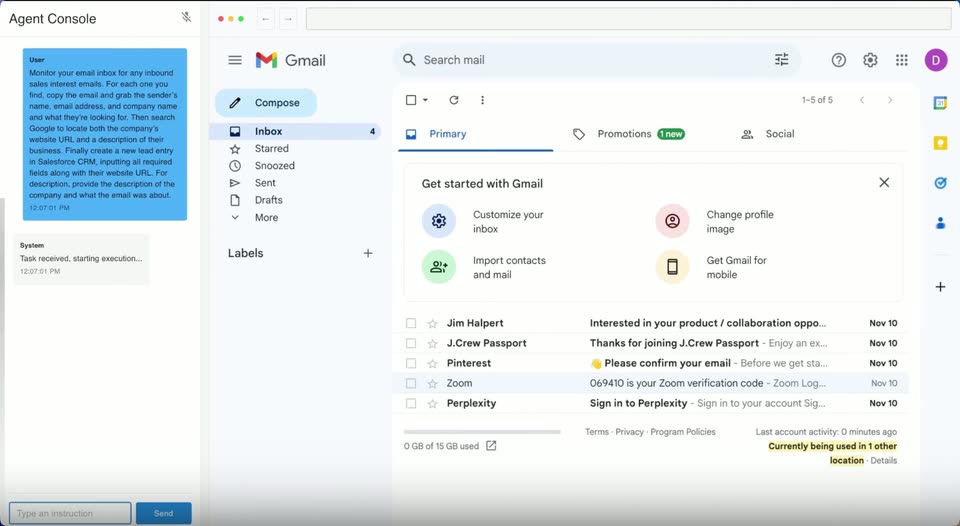 0:00–0:14Kura AI · Kura CRM demoA split view pairs an Agent Console chat on the left with a Gmail inbox on the right. Planner and Executor messages drop into the console while the Gmail panel switches from the inbox list to an opened email, a red box marking a word in the body.
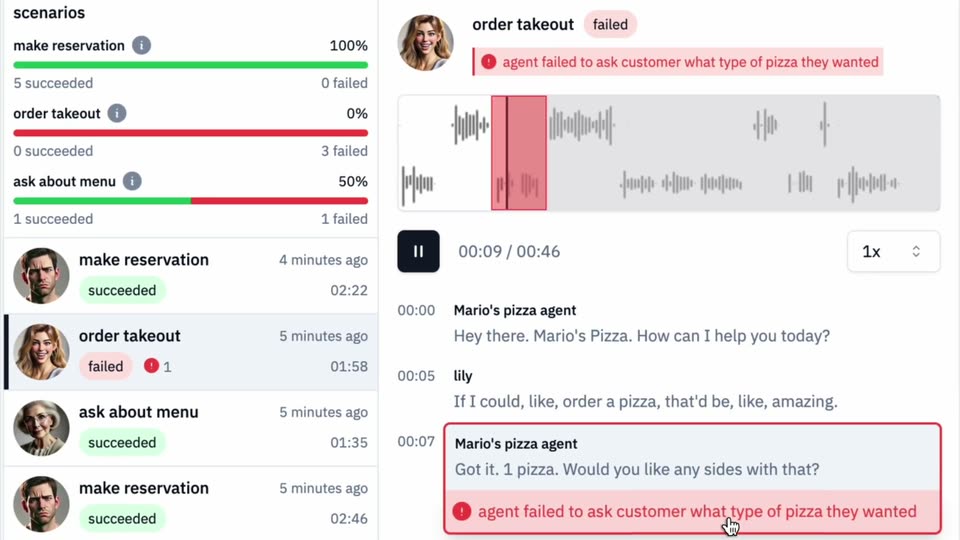 0:15–0:19fixa · fixa launch video.A two-panel call dashboard fills the frame as the headline 'step 3. analyze calls' assembles at the top. The view zooms into the right-hand transcript; a cursor hovers the red error flag beside the agent line, while the left list of scenarios and calls stays static.
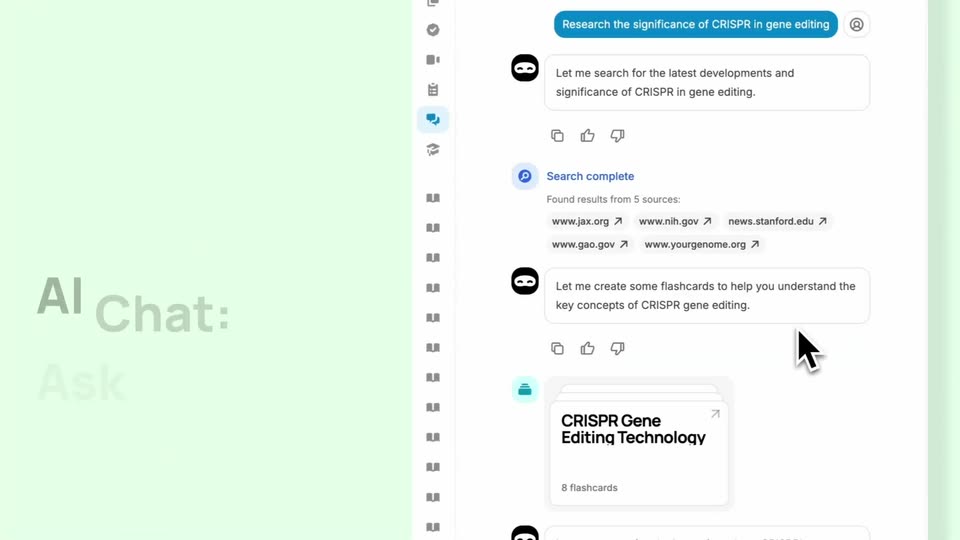 0:26–0:30General Learning · StudyDojo (YC F24) Launch VideoOn a pale green background, the headline 'AI Chat: Ask any question' fades in word by word at left, then fades out. At right, the AI chat panel scrolls up through a CRISPR research conversation as a cursor hovers over the replies.
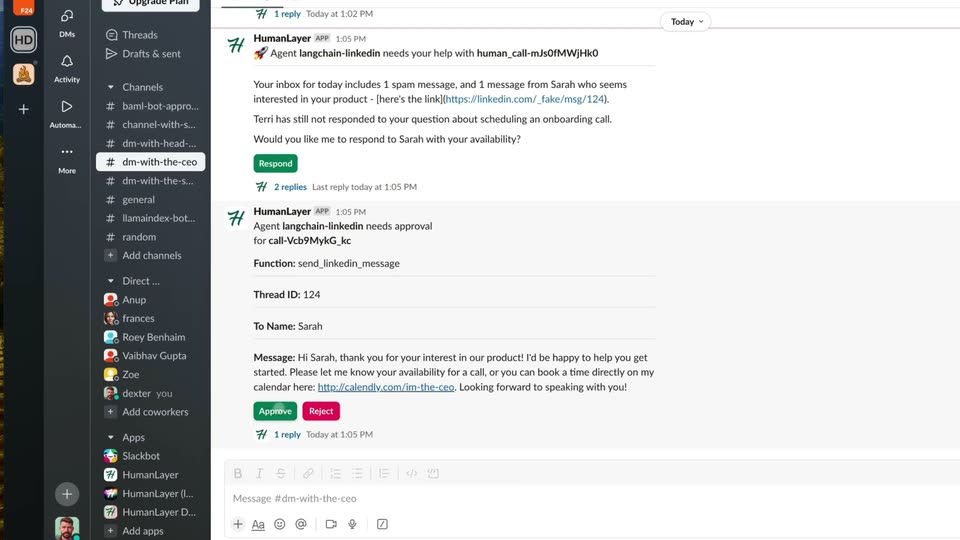 1:59–2:03HumanLayer · HumanLayer Deep DiveA split view of a Slack workspace and a code editor reframes onto the Slack thread. A cursor clicks the Approve button on a message request, and the thread updates from one reply to two.
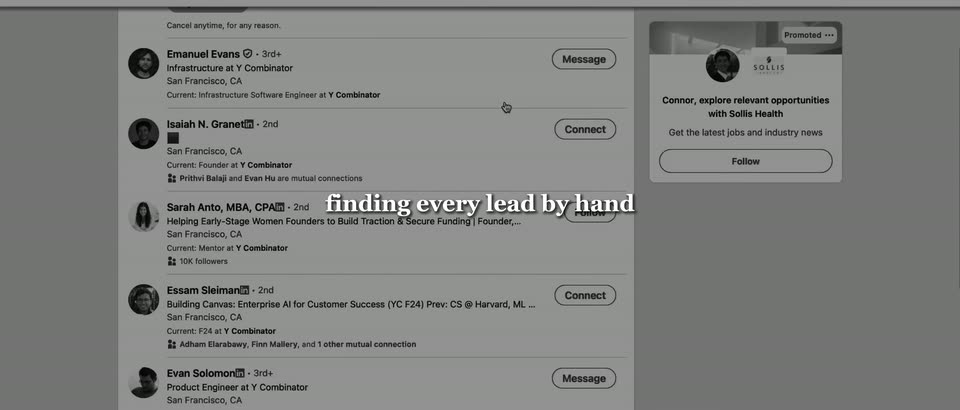 0:14–0:16Origami · Origami Agents (YC F24) - Find who's lookingA flat LinkedIn view shows a connection list scrolling up on the left beside a promoted Sollis Health card on the right. A cursor travels down the rows. A centered caption reads finding every lead by hand.
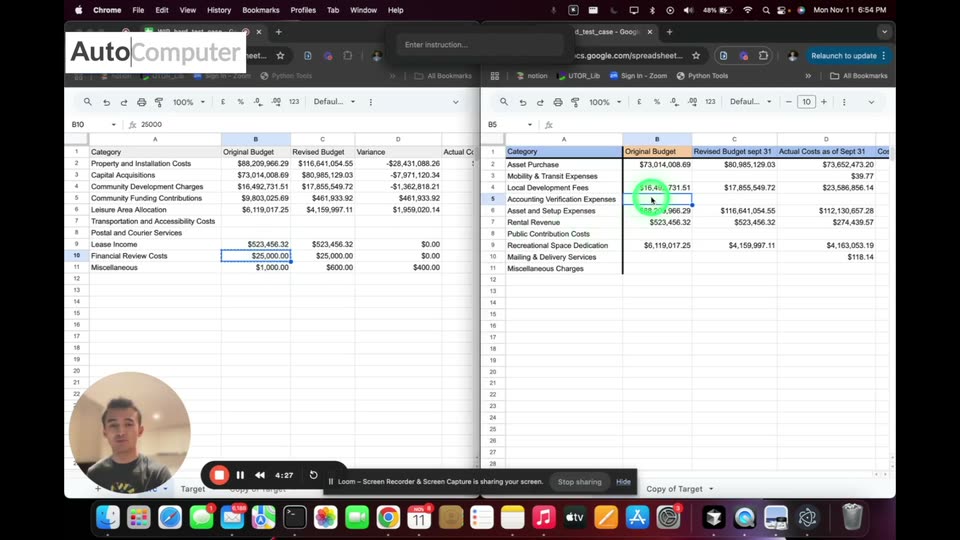 0:00–0:44AutoComputer · AutoComputer (YC F24) — DemoA macOS screen shows two Google Spreadsheets side by side, with the presenter's webcam circle at lower left and a recording timer below. A green-ringed cursor selects budget cells on the left sheet, then enters values in the right sheet, and the view zooms in on both spreadsheets.
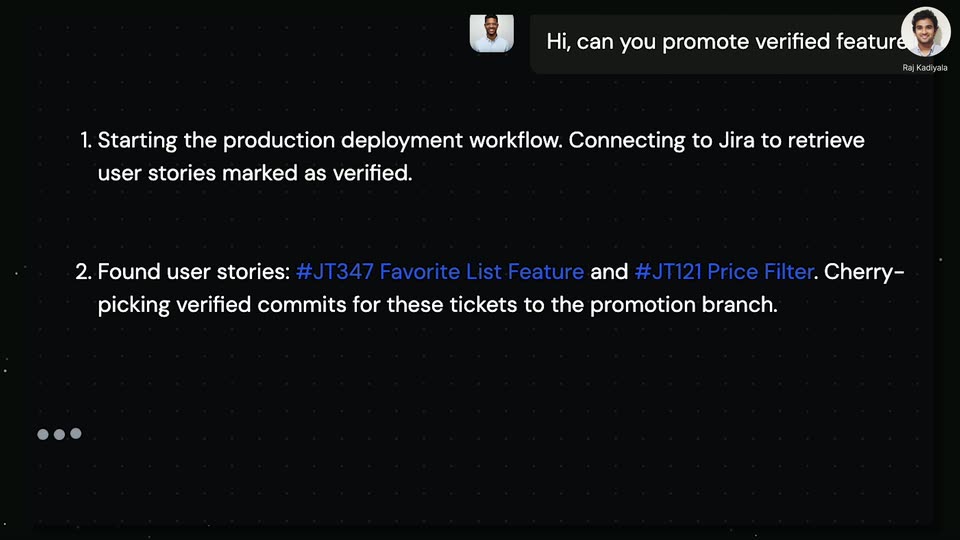 0:22–0:34Laminar · SRE.ai - AI Agents for Salesforce DevOpsA dark chat UI: a prompt is typed into the input field as the camera zooms in, green Salesforce tags above. The message sends, and the agent's reply streams in as a numbered list of deployment steps, ending with action icons and a cursor over a link.
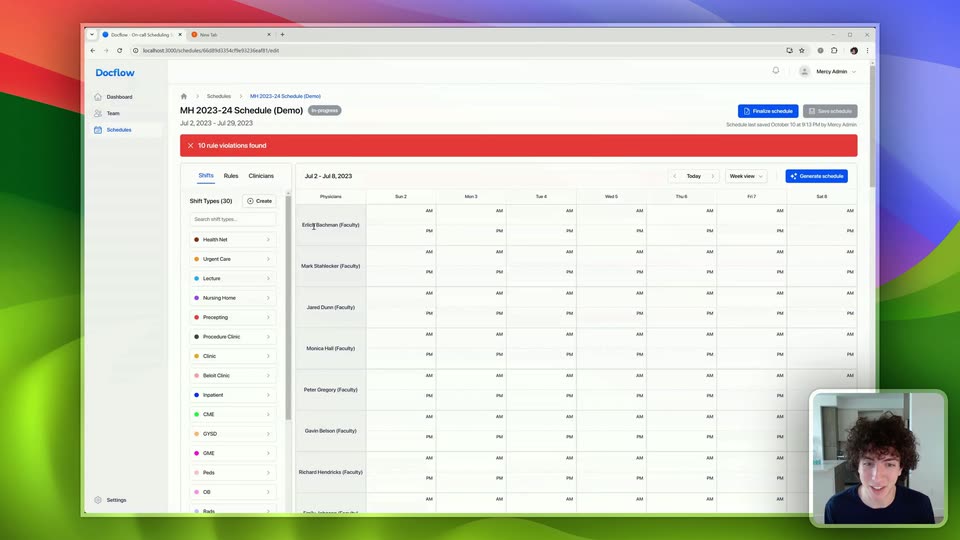 0:00–2:00Durate · Docflow (YC F24) Launch YC VideoA browser window shows the Docflow schedule grid on a gradient desktop, with the presenter's face-cam in the corner. The cursor hovers the week grid, then the view zooms into the toolbar as the grid fills with colored shift tags and the red banner turns green.
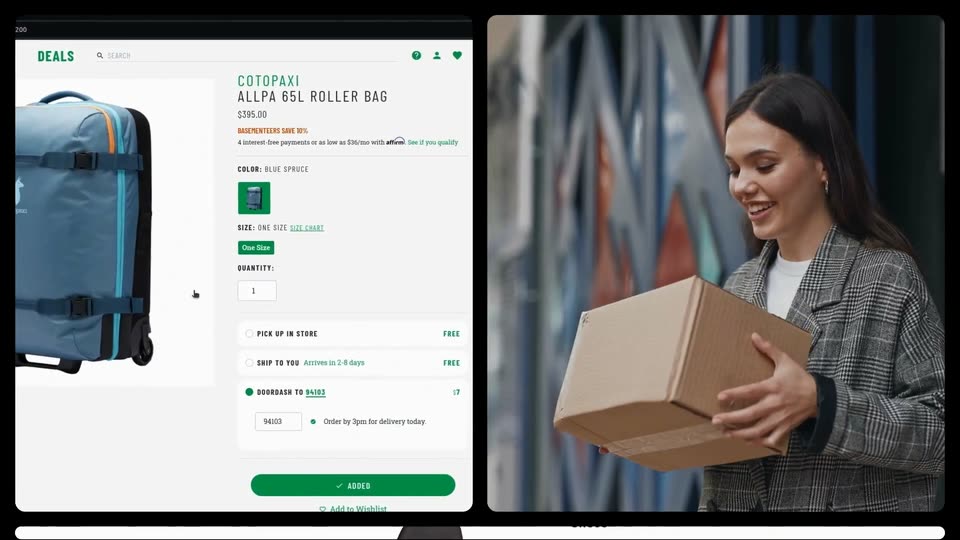 0:03–0:05Getcho · Getcho Launch YCSplit screen: a product page for a blue roller bag slides in from the left, a cursor hovers and the add-to-bag button flips to added, while on the right a woman in a houndstooth blazer takes a cardboard box from a courier and smiles.
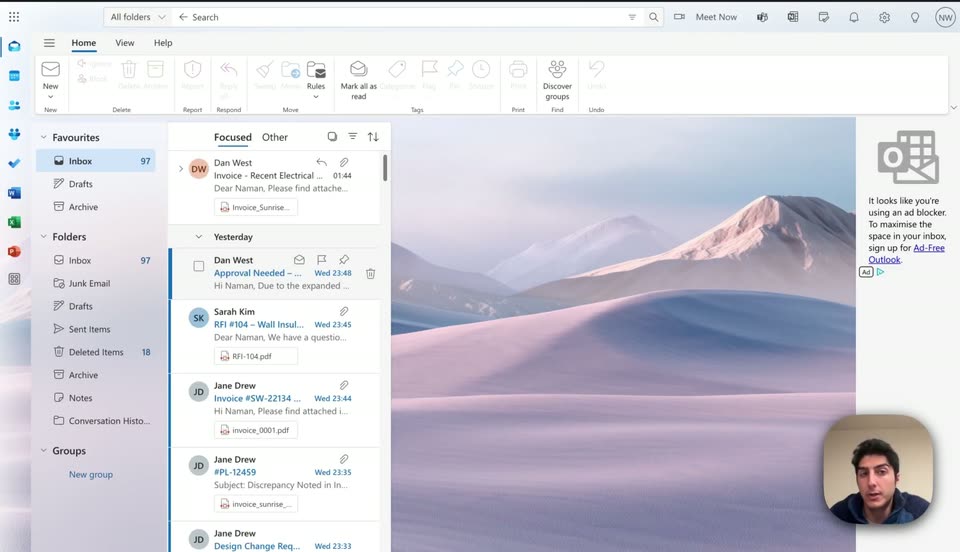 0:00–0:19Karmen · Karmen DemoA full-screen Outlook inbox lists emails over a desert backdrop, with a small webcam video of the speaker in the bottom-right corner. The list scrolls once, then a cursor hovers over a row to reveal its quick-action icons.
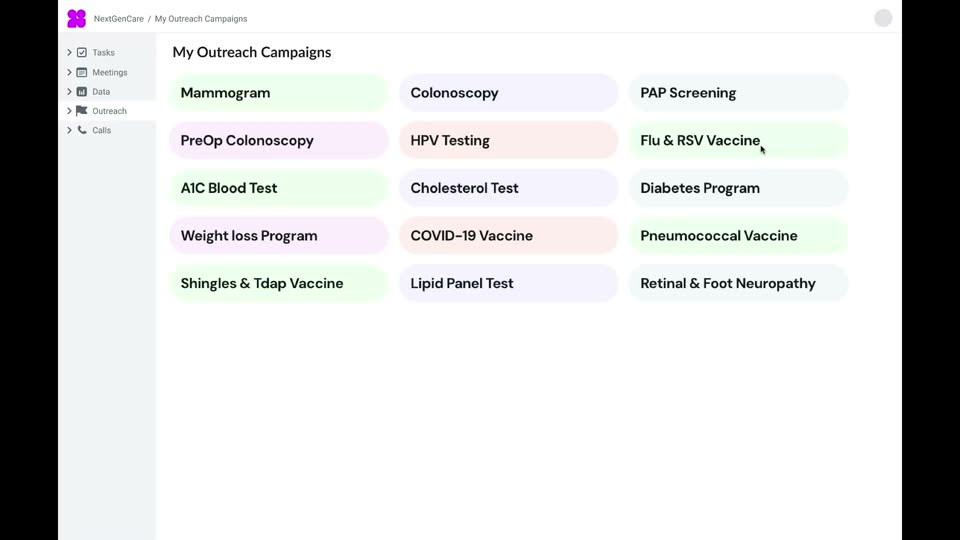 0:00–0:05Careforce · OutreachFlow - Helpcare AI AgentsA product dashboard shows a grid of pastel campaign pills under the heading My Outreach Campaigns. A cursor travels from the lower right across the empty space and stops on the PAP Screening card, which tints blue on hover.
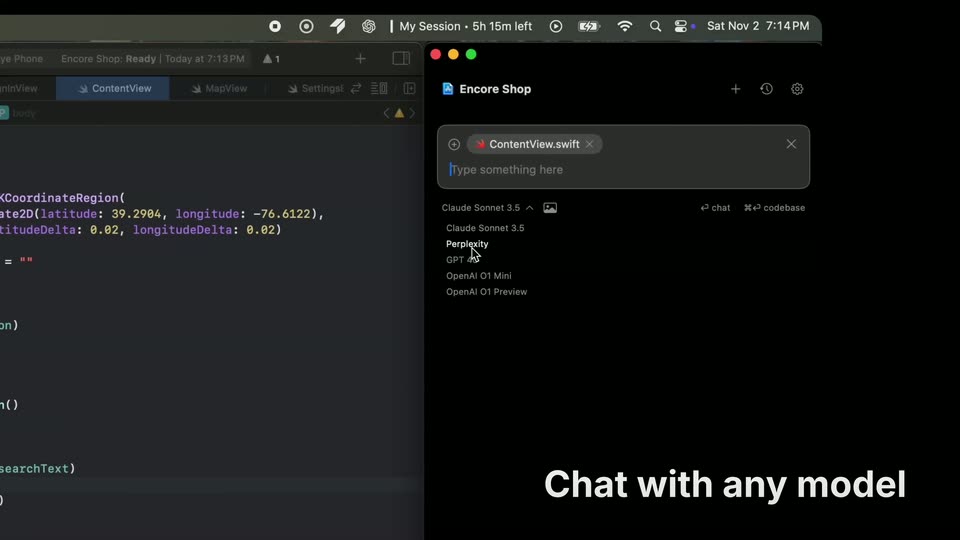 0:04–0:07Alex · Alex - Your AI Copilot for XcodeA locked-off screen capture splits the frame: Xcode with Swift code on the left, the Encore Shop AI panel on the right. A cursor opens the model dropdown and travels down the list of model names. A white caption holds at the bottom right.
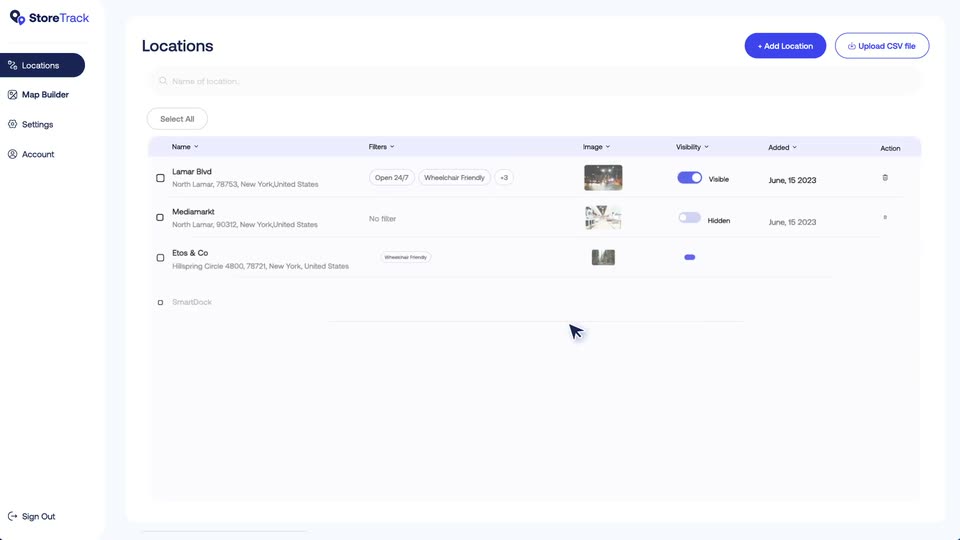 0:16–0:22StoreTrack · Product Explainer Video for SaaS | StoreTrack | ZeliosA tilted browser window of the StoreTrack app sits on a blue desktop, then flattens as the view zooms into the Locations page. A cursor clicks Upload CSV, drags a blue CSV file into the modal, a progress bar fills, and a table of store locations populates.
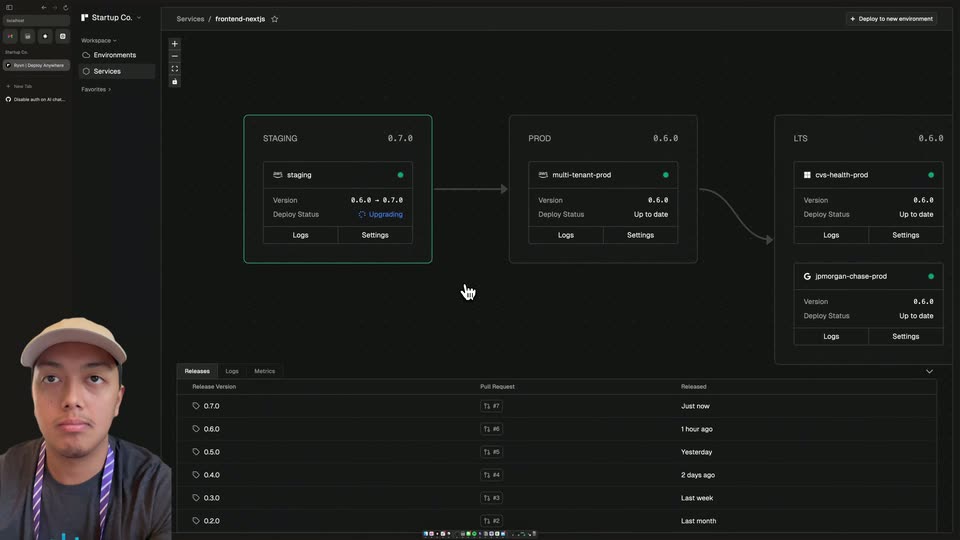 0:16–0:18Ryvn · Ryvn | On-prem deployments, without the stressA dark dashboard shows three environment cards connected by arrows, with the staging card outlined in teal and its deploy status reading Upgrading. A hand cursor moves across the canvas above a release list, while a small webcam presenter sits in the bottom left corner.
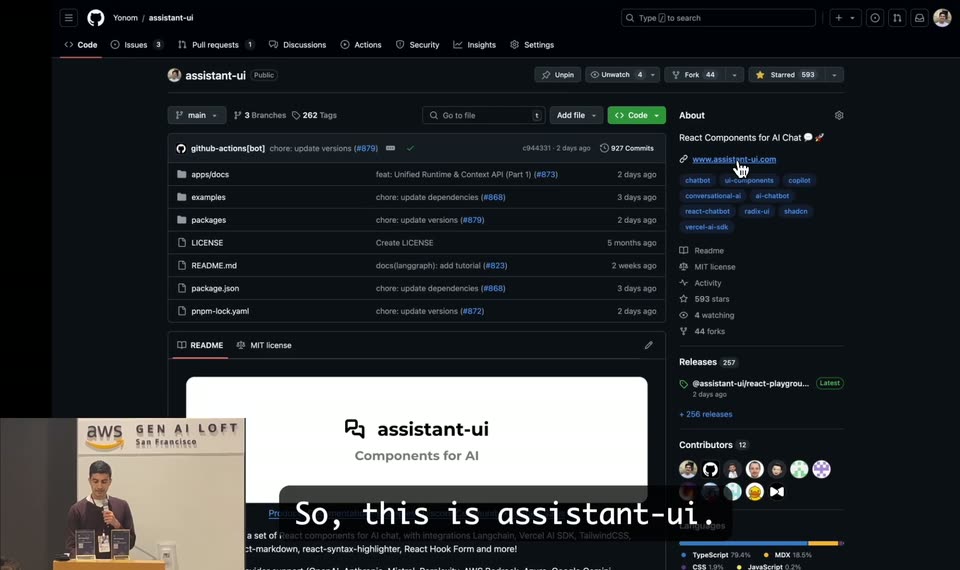 0:28–0:31assistant-ui · assistant-ui | AWS GenAI Loft DemoThe GitHub page for assistant-ui settles in from a brief zoom, a speaker's webcam inset in the lower left; a cursor clicks the website link in the About panel while captions run along the bottom.
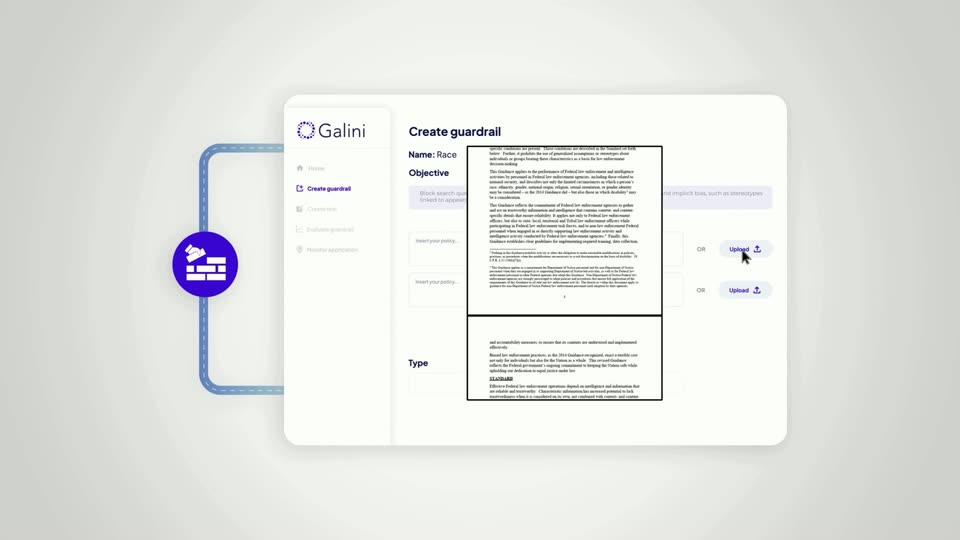 1:13–1:34Galini · Galini Product DemoA white interface card floats in 3D perspective over a pale background. A cursor types a name and objective, then clicks upload to display a scrolling preview of a legal document before closing it.
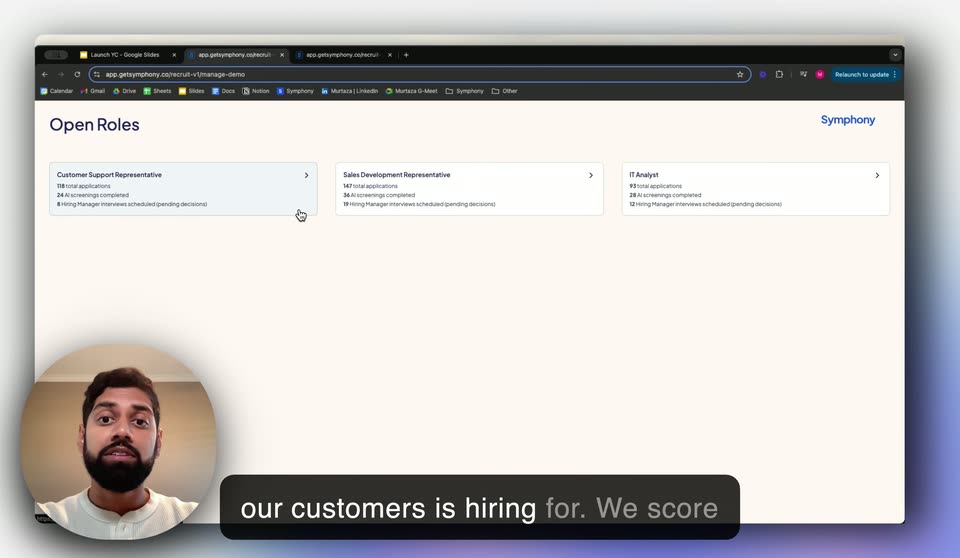 0:22–0:24Symphony · Symphony - Conversational AI-Recruiter for customer-facing roles.A browser window holds the Symphony Open Roles page, three job cards in a row. A circular video-call avatar of a bearded man anchors the lower left, and a dark caption bar runs along the bottom. The frame stays still while a cursor hovers over the first card.
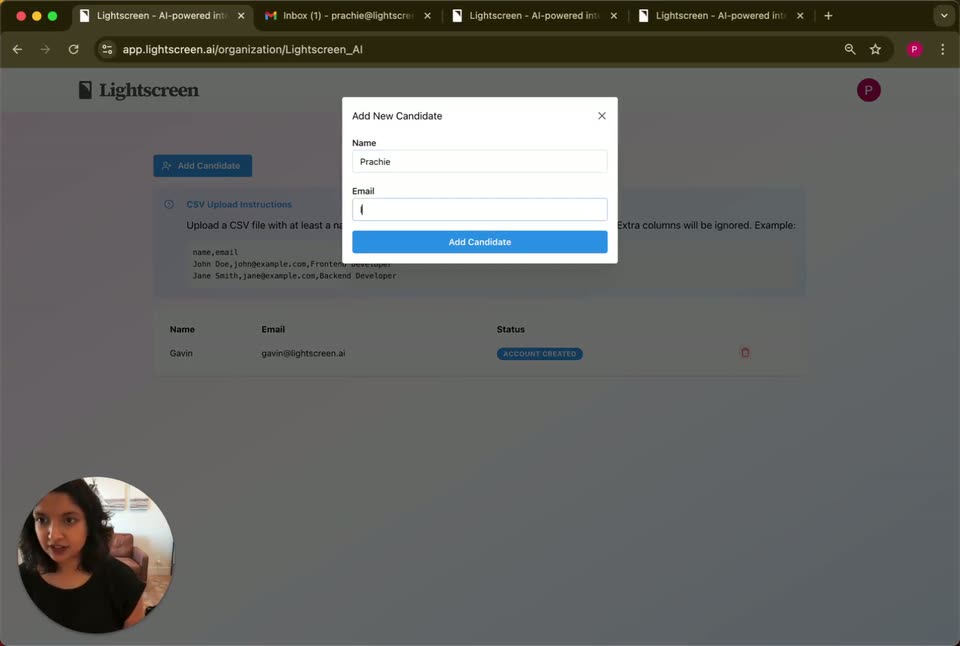 0:00–0:25Lightscreen AI · Lightscreen AI: Voice Agent for Uncheatable Tech ScreensA browser window shows the Lightscreen AI candidate dashboard, with a circular webcam of the presenter in the lower left. A cursor clicks Add Candidate, fills the modal form, and a new row with a NOT STARTED badge appears in the table.
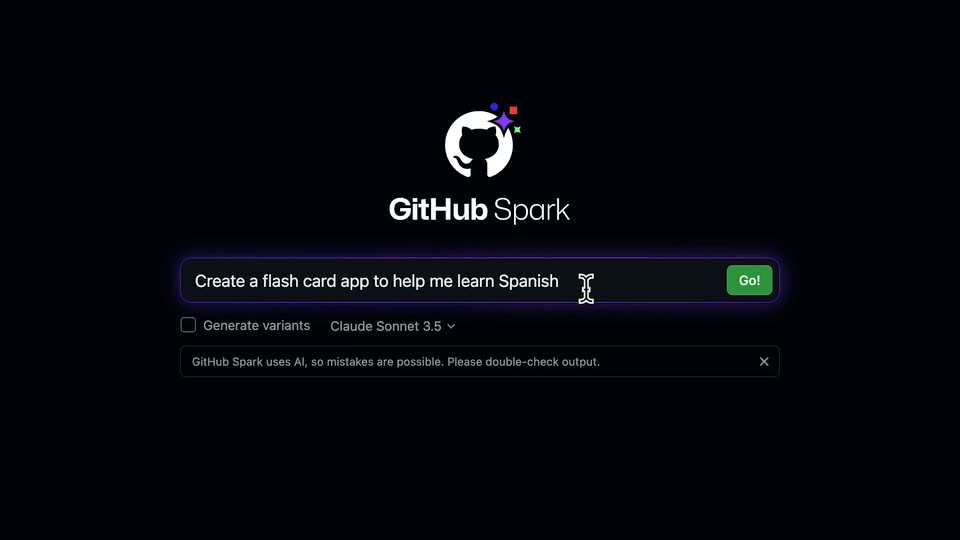 0:05–0:07GitHub · What is GitHub Spark? Introducing a brand new way to build powerful, AI assisted applicationsOn black, the GitHub Spark logo and wordmark sit above a violet-glowing prompt field. A sentence types in letter by letter, then a hand cursor moves to the green Go button and clicks it. A tagline is held still on the frame.
 0:01–0:02Penpot · Penpot - We are excited to announce the introduction of our brand new Plugin SOn a plain white background, a purple outline cursor glides left while a row of gray icon tiles, a rounded rectangle, a dashed square and a circle-in-square, slides in from the right and settles. The cursor hovers over the first tile as the row comes to rest.
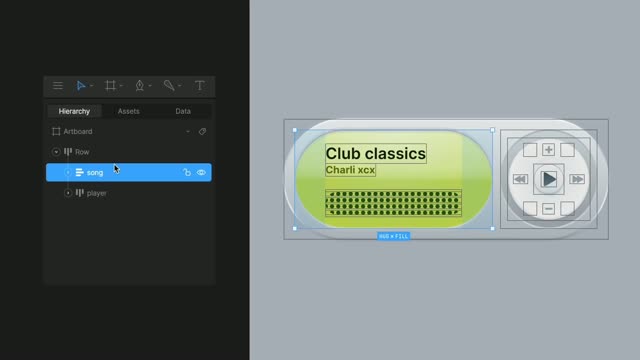 0:18–0:20Rive · Responsive Layouts have landedSplit view of a design app: a dark hierarchy panel on the left, a light canvas on the right. A cursor selects rows as the canvas reflows, one wide track card becoming three side by side; the “Club classics” headline slides and “Charli xcx” scales.
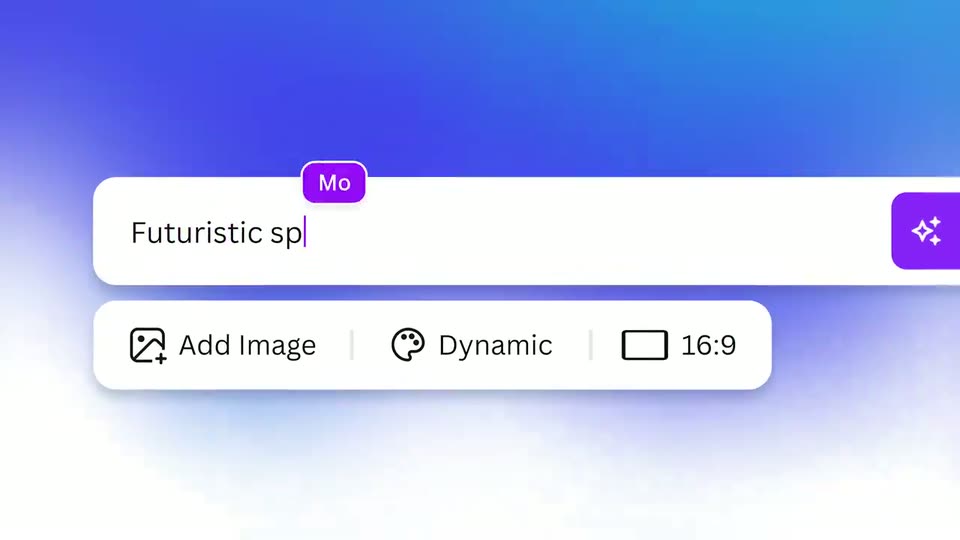 0:02–0:05Canva · Canva - 1️⃣ Bring a new dimension to your ideas with Dream Lab.The large white Dream Lab heading scales out as the view zooms into the prompt field, where a purple Mo cursor types Futuristic space flowers above the Add Image, Dynamic and 16:9 toolbar.
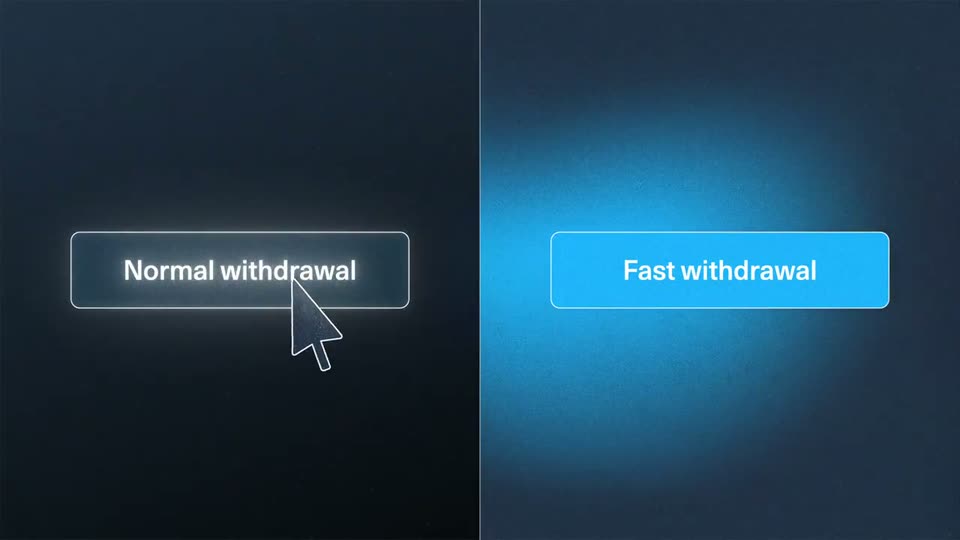 0:00–0:02Arbitrum · Arbitrum - The days of waiting 7 days to move your assets are gone. Fast WithdrA split screen compares two withdrawal options. On the dark left, a Normal withdrawal button becomes a circular ring with a 07 00 05 countdown; on the blue right, a filled Fast withdrawal button stays put. Cursors click each side.
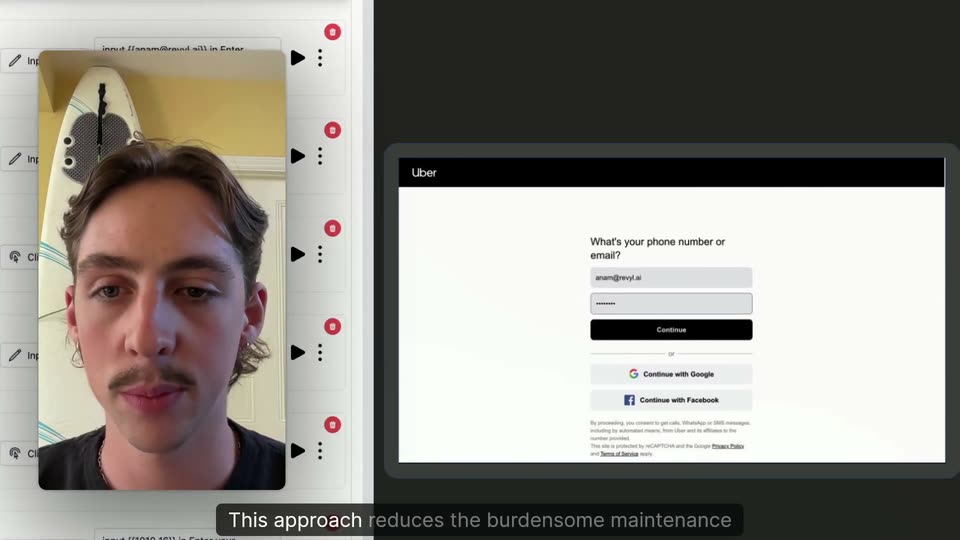 0:24–0:30Revyl · Launch YC: Revyl (F24)A presenter's webcam anchors the left while the view pans across a test-steps list and a browser window on the Uber login page. A cursor hovers over Continue as the password field shows Loading.
 0:00–0:01Syntetica · Syntetica | Beautiful ChemistryA flat green chroma-key rectangle fills the frame on a black field, with a white arrow cursor in the lower left that drifts slightly downward over the plate.
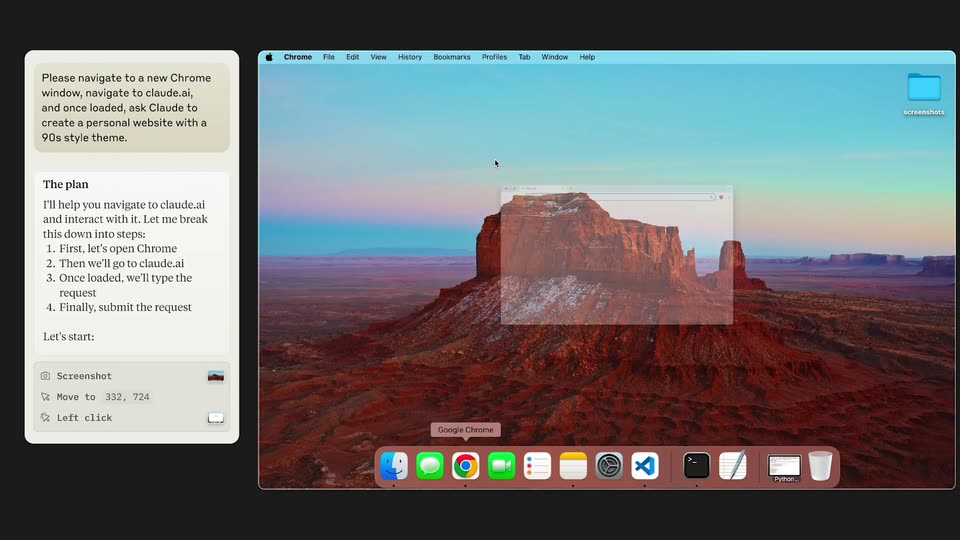 0:37–0:39Anthropic · Claude | Computer use for codingA split view pairs a white task card on the left, listing a prompt, a four-step plan and action rows, with a Mac desktop on the right. A cursor moves to the Chrome icon in the dock and a new Chrome window opens over the desert wallpaper.
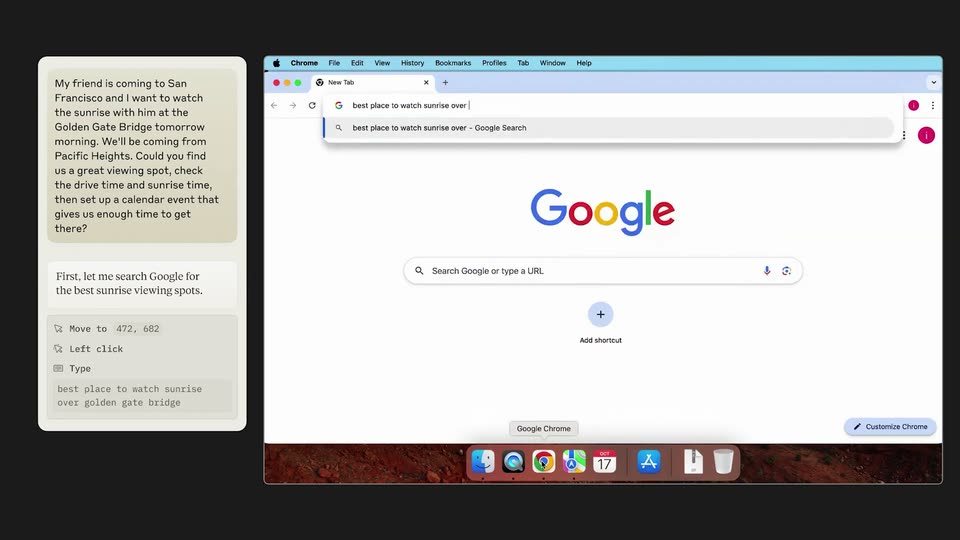 0:31–0:36Anthropic · Claude | Computer use for orchestrating tasksScreen recording of Google Chrome on a Mac, with a cream caption card on the left listing the task and an action log. A cursor types a sunrise search query into the address bar as autocomplete suggestions drop down.
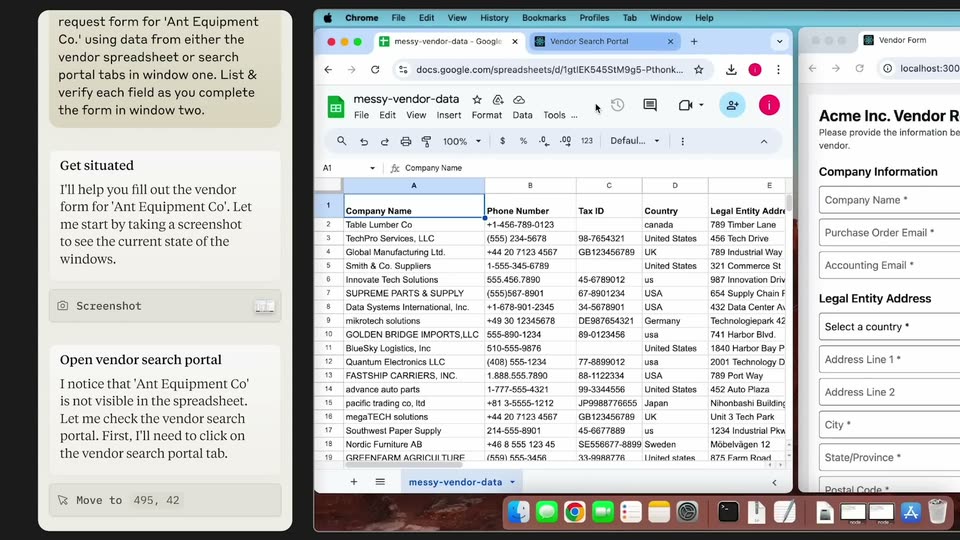 0:59–1:05Anthropic · Claude | Computer use for automating operationsThree windows sit side by side: an instruction panel, a Google Sheets spreadsheet, and a vendor form. The left panel scrolls up to reveal a Move to button, then the cursor moves to the Vendor Search Portal tab and hovers, popping a tooltip.
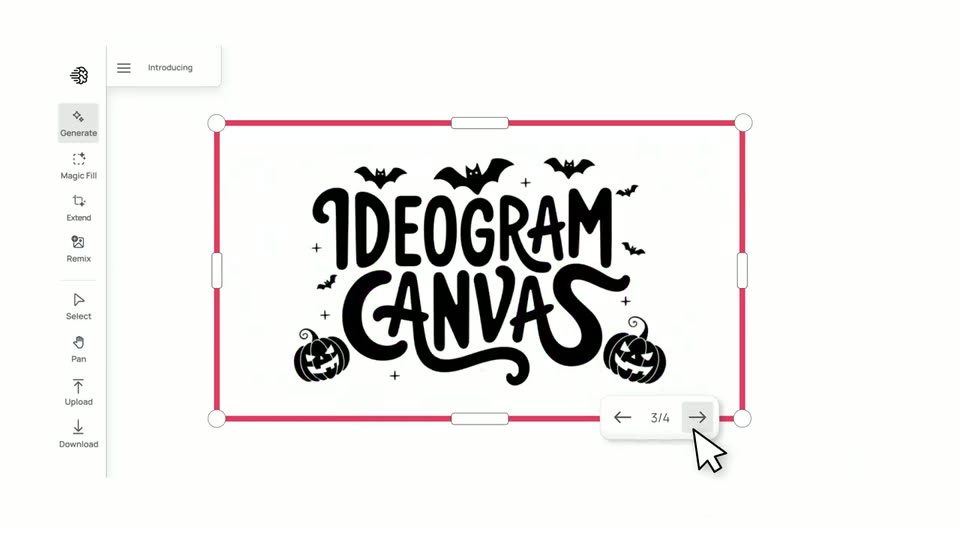 0:05–0:08Ideogram · Ideogram - Today, we’re introducing Ideogram Canvas, an infinite creative boardA flat product UI shows a left tool rail and a white canvas framed in pink. The words Ideogram Canvas cycle through generated styles, from bold black to colorful Halloween to handwritten script. A cursor clicks the right arrow in a bottom-right pager, the counter advancing from 1/4 to 4/4.
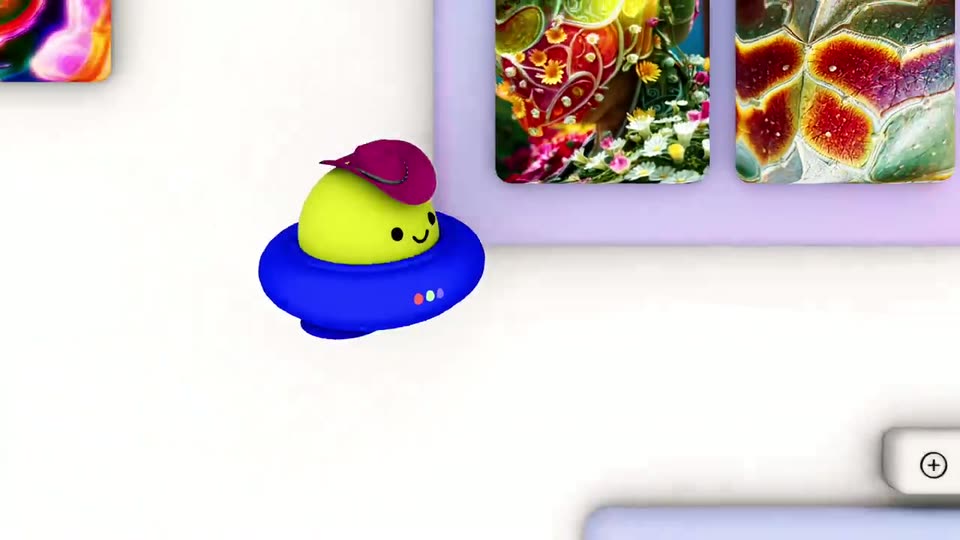 0:32–0:33Kaiber · Kaiber - Human creativity can't be automated. Great artists get it. We get itA yellow mascot in a red hat bobs inside a blue saucer, tumbling as it drifts down a cream canvas; image cards and a purple panel rise at top, a toolbar with a scaling plus sign grows at bottom right, and a cursor pops in at left.
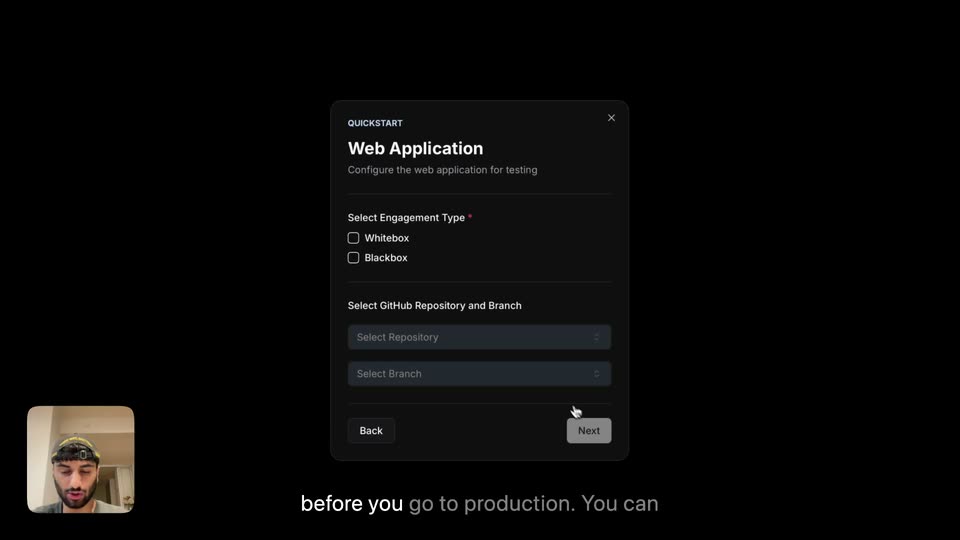 0:00–0:33Gecko Security · Gecko AI — Web App DemoA browser mockup in 3D perspective holds a dark quickstart dialog over a black, blue-lit backdrop, with a webcam inset of the speaker at lower left. The frame zooms to the dialog as a cursor types, selects Web Application, picks a repo and branch, then a Congratulations panel appears.
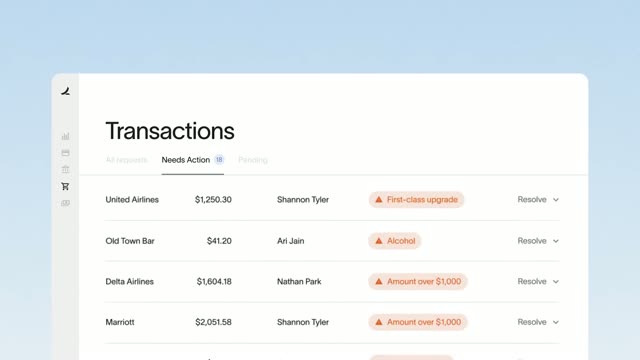 0:37–0:45Ramp · Meet Ramp: A smart finance operations platform that saves you time and moneyA flat transactions table rests on a light blue field. A cursor clicks the Needs Action tab and the rows reorder to surface flagged entries with orange warning pills. The view then zooms into the top of the list as a first-class upgrade row appears.
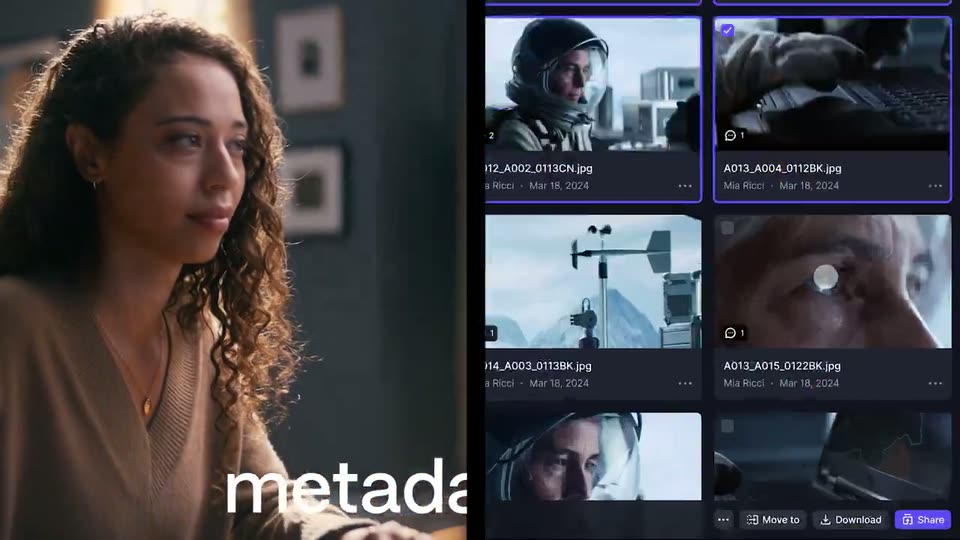 0:08 · 0.5sFrame.io · Frame.io - Move creative projects forward faster with Version 4.A split screen pairs a curly-haired woman in a beige sweater, gazing at a screen, with a dark file-manager interface on the right. A grid of thumbnails sits above Download and Share buttons, a white cursor hovers on Share, the panel cuts to a monitor showing a green line graph.
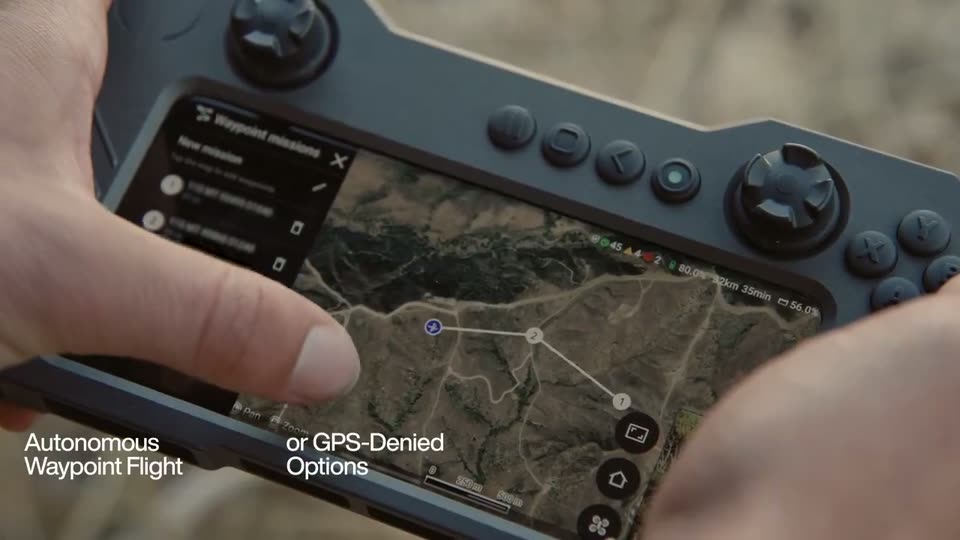 0:43–0:46Anduril · Anduril Industries - Introducing the Bolt family of man-packable Autonomous Air Vehicles fA finger taps a satellite map on a drone controller screen, adding numbered waypoints to a plotted route while the mission panel on the left updates. The camera holds a locked-off close-up.
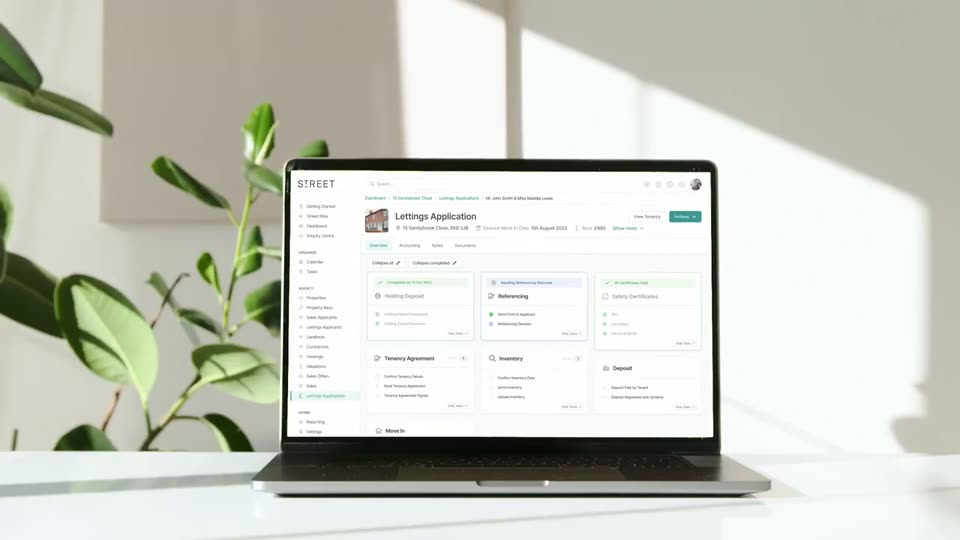 0:14–0:15Street · Street.co.uk (old)A laptop on a white desk, a leafy plant blurred in the background, displays the STREET lettings application page. A grid of status cards fills the screen while a cursor hovers over the Referencing card. The shot is static with soft natural window light.
 0:02–0:05Street · Street.co.uk - Street AIA tilted 3D view of the Street web interface zooms in fast on the “Use Street AI” button. The button snaps into focus as a cursor hovers over it, then it slides off the right edge, leaving a blank frame.
 0:04–0:06Jam · Jam.dev - Our biggest launch yet! ⚡️ Meet Jam for Customer Support End-user reA close-up of an email reply composer zooms in as a cursor clicks the dark Send button. The drafted screen-recording message jumps to the top as a sent bubble, and a fresh empty reply box slides in below.
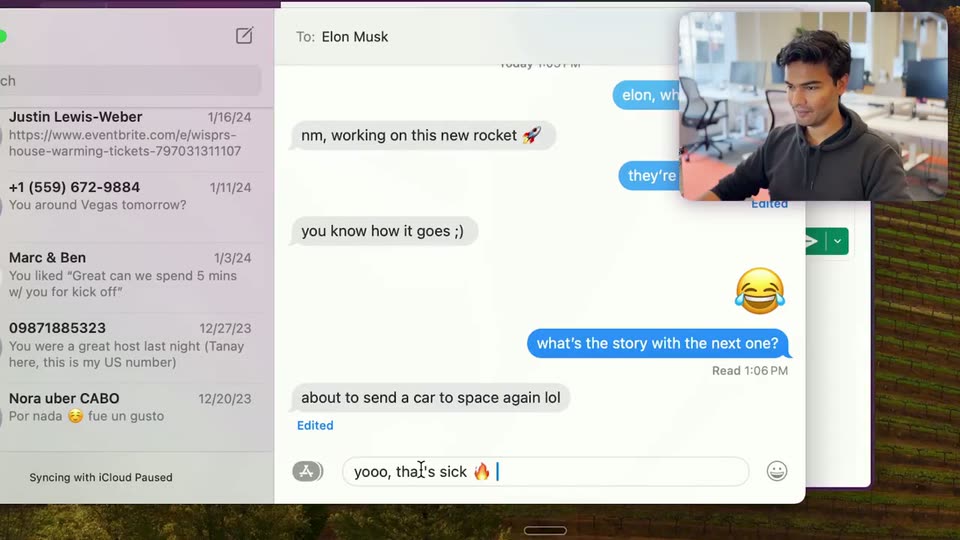 0:14–0:18Wispr Flow · Wispr Flow - Today, we’re excited to announce Wispr Flow 🚀 Just speak, and FlowA messaging app on a blocky terrain desktop shows a chat with Elon Musk, a left contact list, and a video call of a man in a gray hoodie. A cursor types a flame-emoji reply that pops into a blue bubble as the thread scrolls up.
 0:00–0:01Notion · Introducing the new Notion AIA black 3D cube logo with a serif N sits centered on a light gray field as a cursor drifts near it. The cube shrinks into a flat circular icon with a tan ring while a light blue panel fades in behind, and the cursor points at the icon.
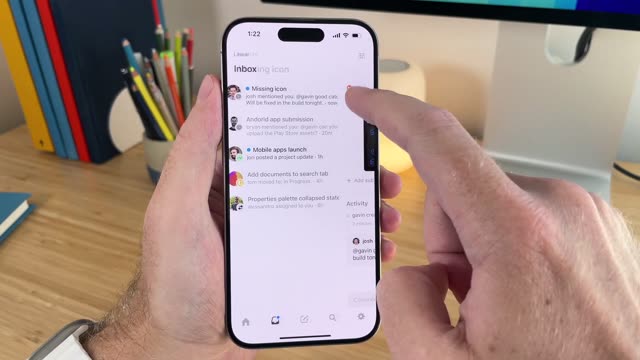 0:22–0:23Linear · Introducing Linear MobileA hand holds an iPhone showing the Linear inbox list. The index finger taps the top issue, and the screen switches to the issue detail view with a comment thread. Shot tight on the phone against a wooden desk with pencils.
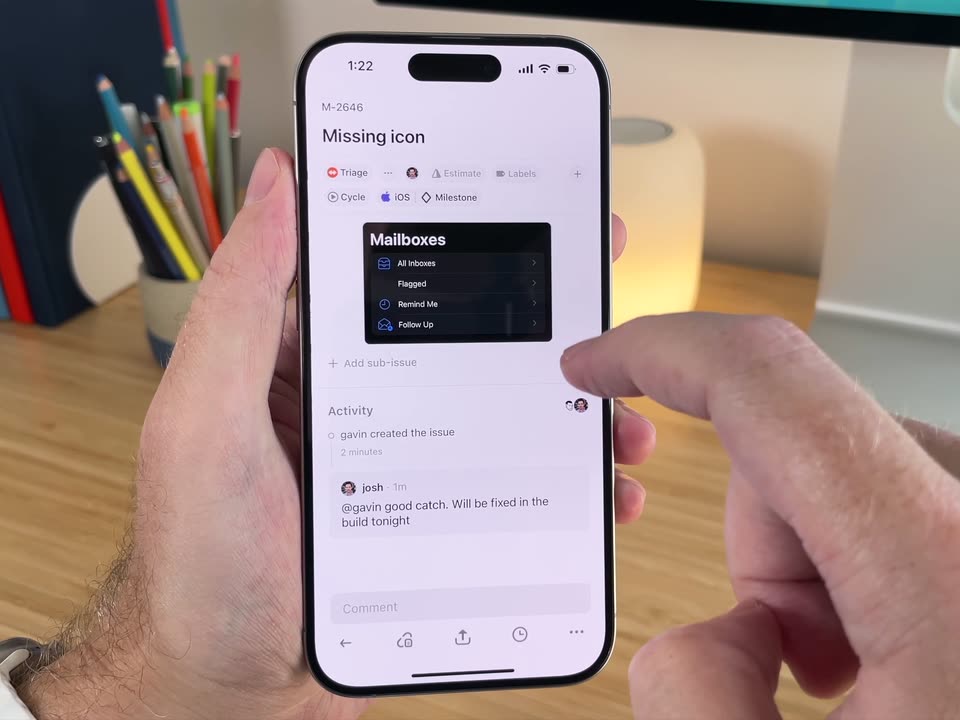 0:23–0:24Linear · Linear: release 392A 438E 9EE7A hand holds a phone over a desk with colored pencils and a lamp. The Linear inbox list fills the screen, then a finger tap on the top row switches the view to the issue detail, showing properties and a comment thread.
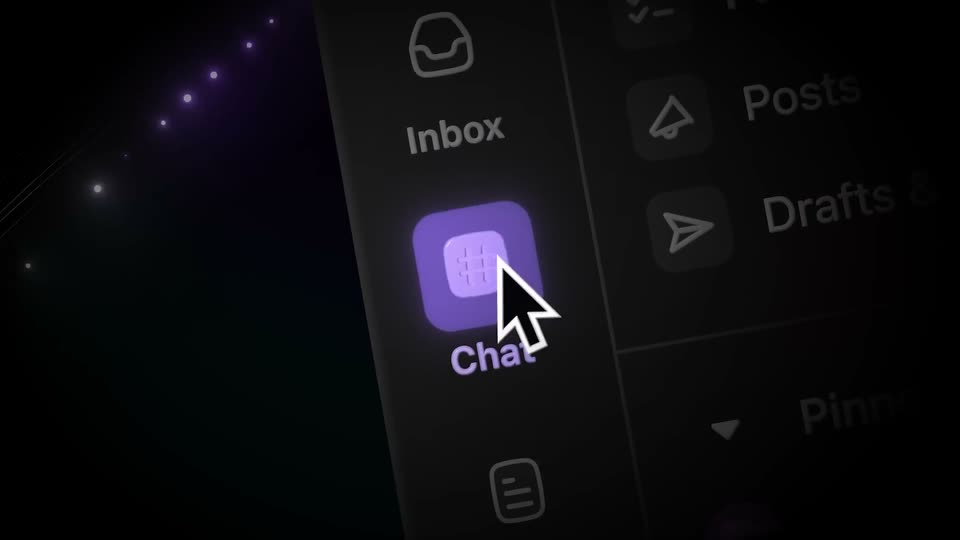 0:18–0:20ClickUp · Introducing ClickUp ChatA dark app sidebar floats in 3D space, the Chat icon glowing purple. The camera pushes in as a white cursor clicks the icon, sending purple particle lines arcing toward the Posts and Drafts panel.