Cursor demo
A visible cursor operates the interface.
15,152 scenes · page 130 of 253
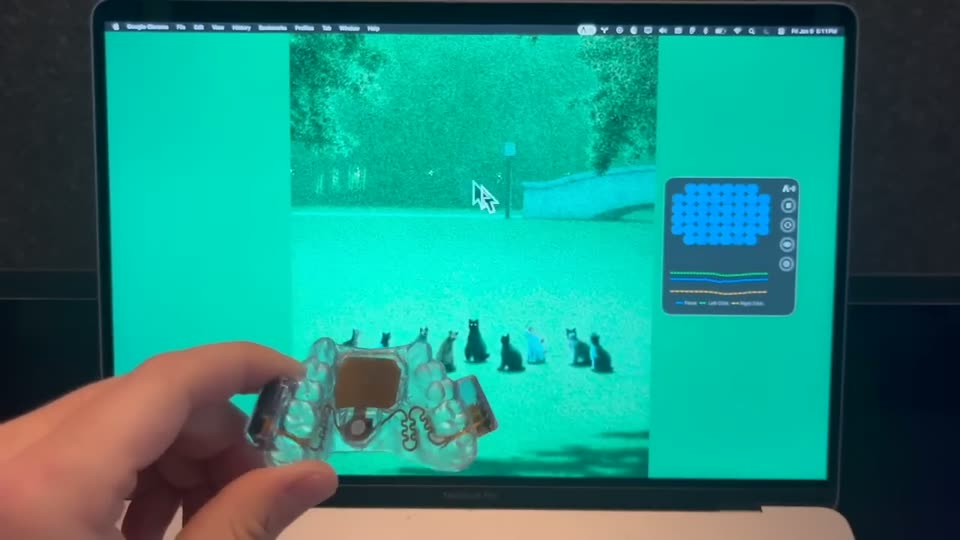 1:01–1:05Augmental · MouthPad is now availableA hand holds a transparent 3D-printed controller with copper wiring in front of a MacBook showing a teal interface with a row of seated cat silhouettes; the on-screen cursor follows the hand's small tilts.
 0:25–0:26HeyGen · HeyGen - Introducing companion mode The difference between ordering a video aA dark rounded prompt bar holds the typed line with a blinking caret, set over slowly shifting iridescent purple and green 3D shapes on black. A white arrow cursor rests at the bar's right edge.
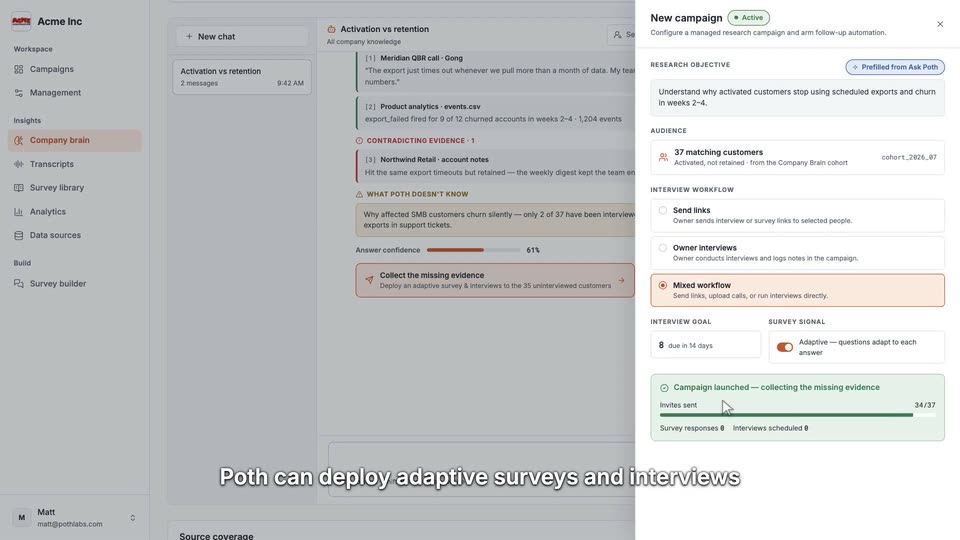 1:19–1:26Poth Labs · Ask PothA dimmed app screen holds a white New campaign drawer on the right. A cursor clicks the orange Launch campaign button, a green status box appears and its progress bar fills, the header badge switches to Active, then the drawer slides right to reveal a second panel behind it.
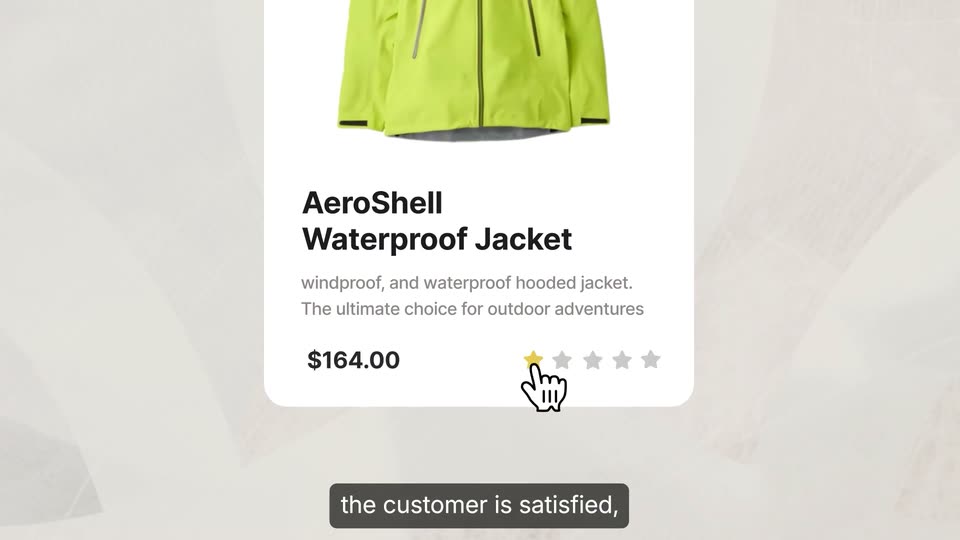 1:27–1:29Gorgias · Romain Lapeyre - We’ve raised over $100M to create AI customer support that doesn’t soA white product card for a green jacket sits on a beige abstract background. The frame zooms in as a cartoon hand cursor taps the star row, filling the stars yellow one by one. A caption bar sits at the bottom.
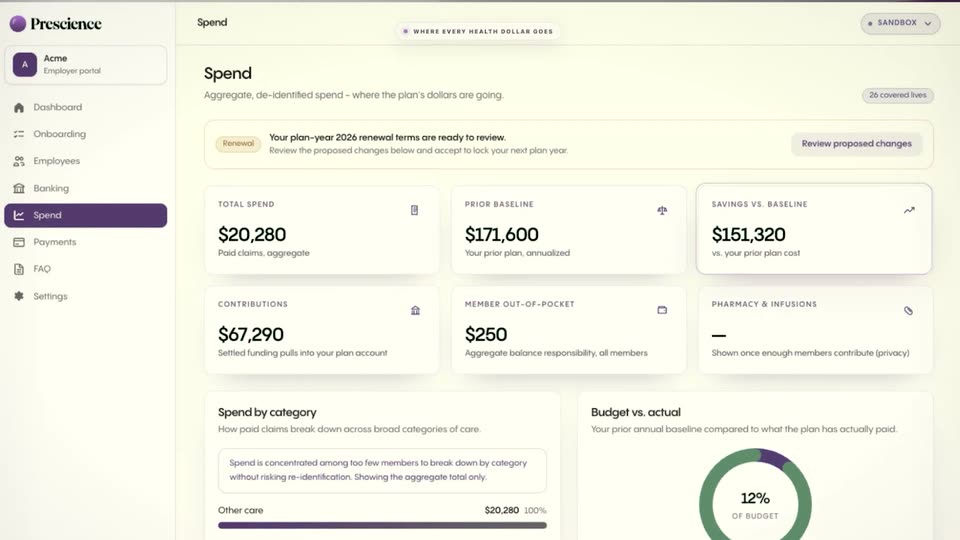 1:00–1:03Prescience, Inc. · Prescience - Launch YC - Modern Health InsuranceA light dashboard screen shows the Spend page with six stat cards of dollar figures and a donut chart; a cursor hovers over the highlighted Spend item in the sidebar. The screen cross-dissolves into a man in a tan jacket talking to camera against purple walls.
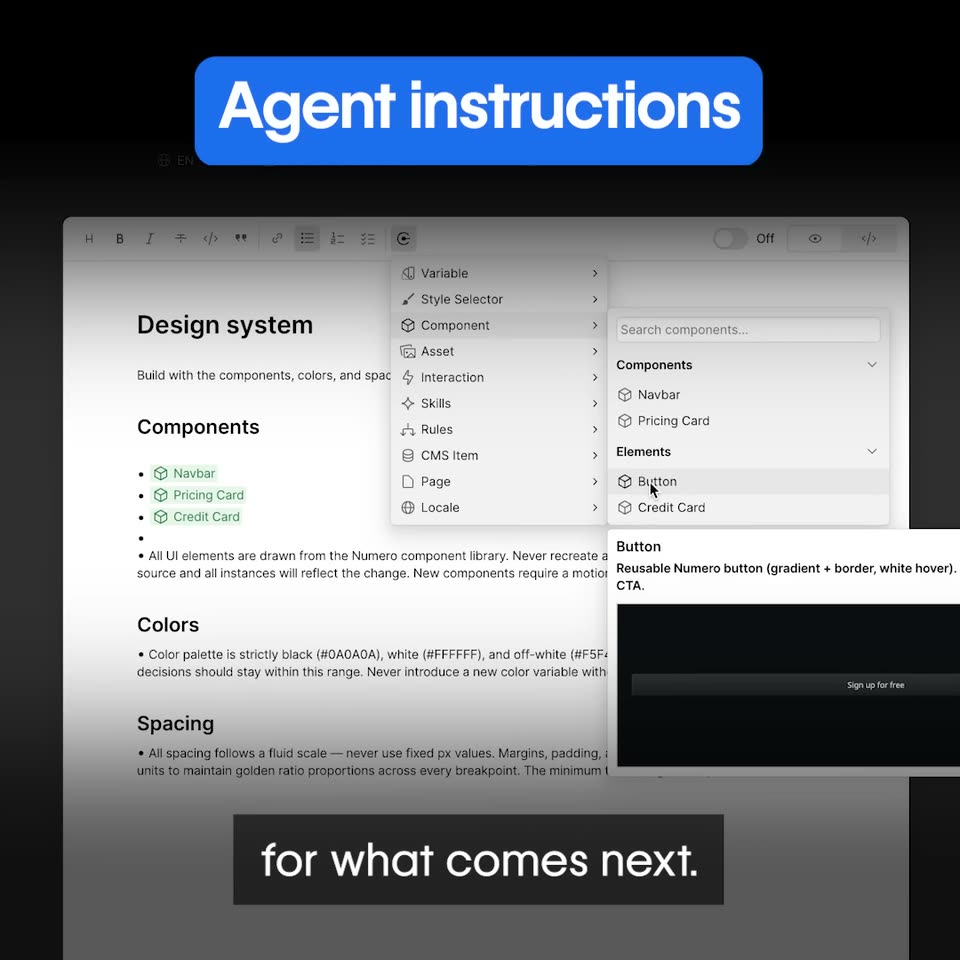 0:14–0:17Webflow · Webflow MCP 2.0 just droppedA design-system document is open in an editor as a cursor picks Button from the component library and inserts it into the Components list. A blue badge reads 'Agent instructions' above; a bottom caption swaps from 'with everything that you need' to 'for what comes next.'
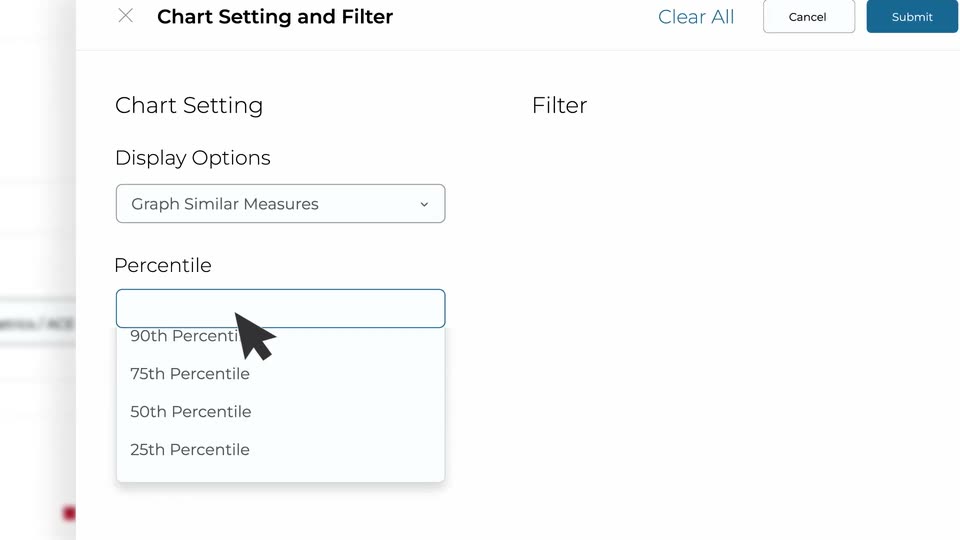 0:42–0:47American Heart Association · Healthcare Product Explainer Video | American Heart Association x MotionCueA black headline sits over the American Heart Association dashboard, then the view reframes onto a Chart Setting panel as the background blurs. A cursor opens the Percentile dropdown and selects 90th Percentile.
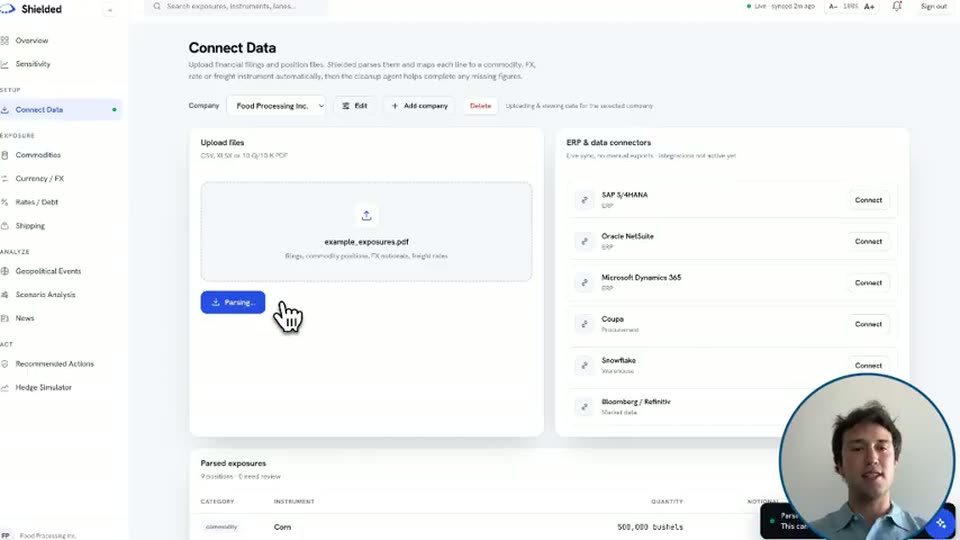 0:24–0:27Shielded · Shielded Live DemoA cursor hovers over the file drop zone on the Connect Data screen, then clicks the blue Parse document button as a PDF filename appears. A Document parsed modal pops up in the center while a presenter's webcam sits in the bottom-right corner.
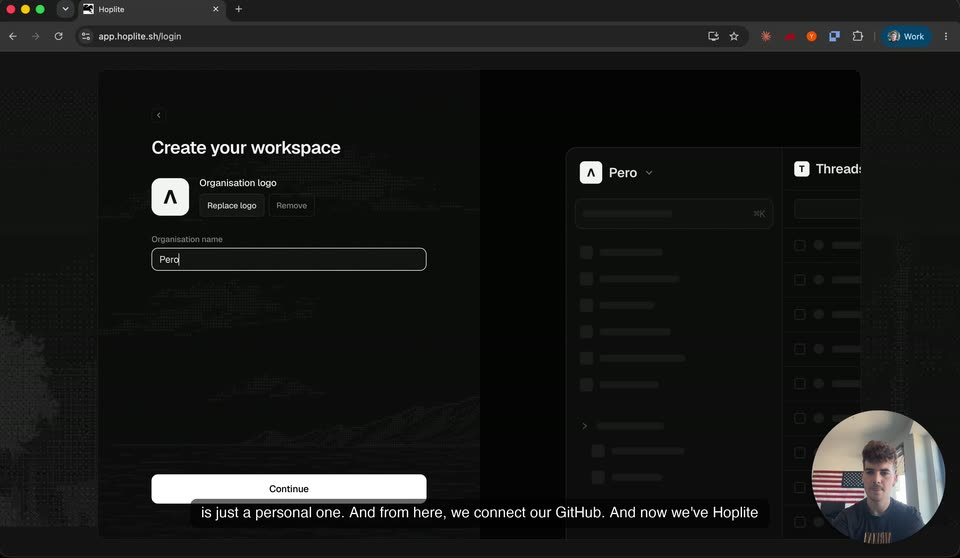 0:12–0:25Hoplite · Ryan Morrissey - We have spent weeks making the best cloud coding platform out thereA dark browser screen records a Google sign-in, the cursor clicking an account, then the Hoplite onboarding: a profile form, the workspace name typed letter by letter, and a GitHub import step. A circular webcam of the presenter and subtitles sit in the corners.
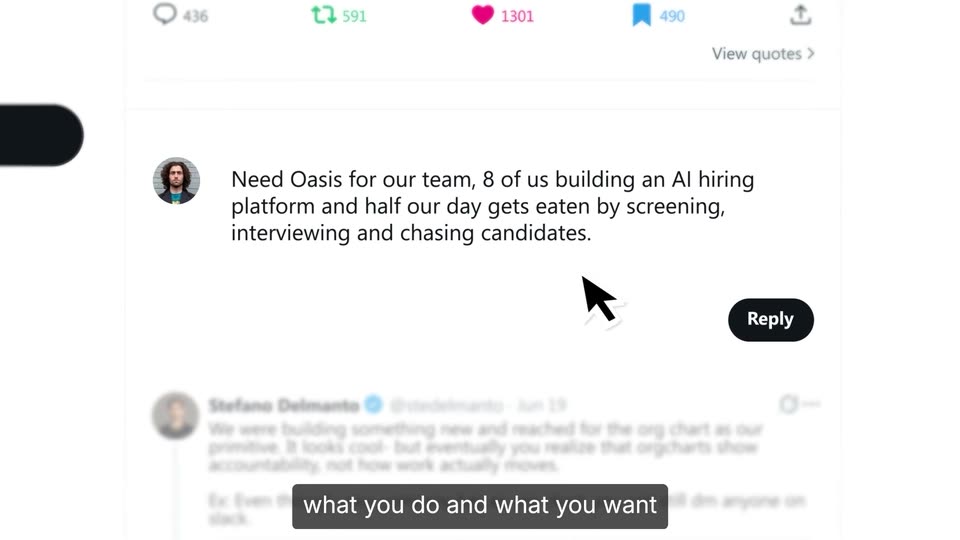 1:52–1:57Oasis · Stefano - Your next coworker won’t be human. Introducing Oasis: The first virtThe view zooms into the reply box of a post as a black cursor taps it and a user's message types out word by word, with dark caption bars at the bottom relaying the voiceover.
 0:19–0:23OpusClip · OpusClip - The #1 AI video clipping product is now agent friendly. IntroducingA zoom pushes into the Claude chat input while the prompt “Schedule the 3 best clips to post at optimal times next week” types in, then a white cursor with a green outline moves to the orange send button.
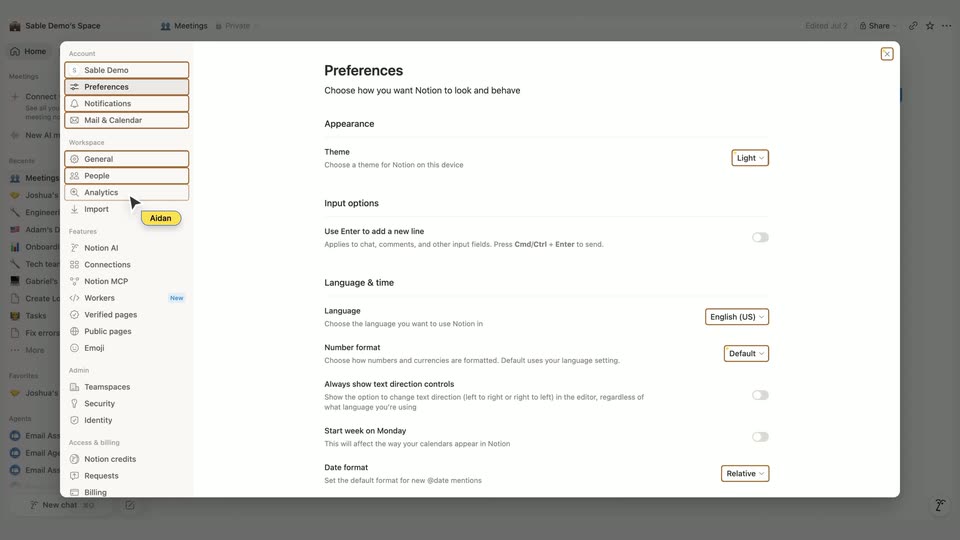 1:05–1:09Sable · Nim Ravid - Introducing Aidan, your newest AI employee Aidan is the first computA dimmed Notion workspace shows an open Preferences panel. A cursor labeled Aidan travels down the account sidebar, outlining each menu item in turn with an orange border, from Preferences to Notion AI. The clip ends with a quick blur and offset.
 0:52–0:54Scalar Field · Scaler Field | Agentic Trading DeskA dark navy button labeled '$ Invest' sits centered on a light gray field. A white cursor glides up and hovers over it, then a white modal card scales in from behind the button, blurring it out, to reveal the strategy title and subtitle.
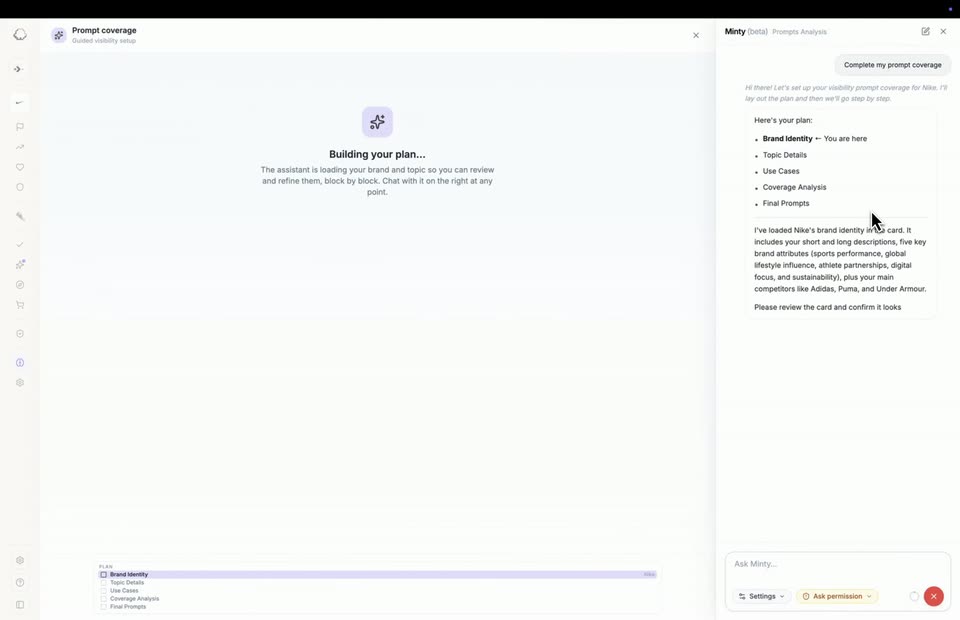 0:28–0:43GetMint · GetMint Demo in 60 Seconds: Track Your Visibility on ChatGPT, Gemini and PerplexityA white two-pane interface. The left panel holds a “Building your plan...” placeholder that swaps to a Nike brand card with value tags and a confirm button. The right chat streams a step list and explanation while a bottom progress bar fills; the cursor moves to the confirm button.
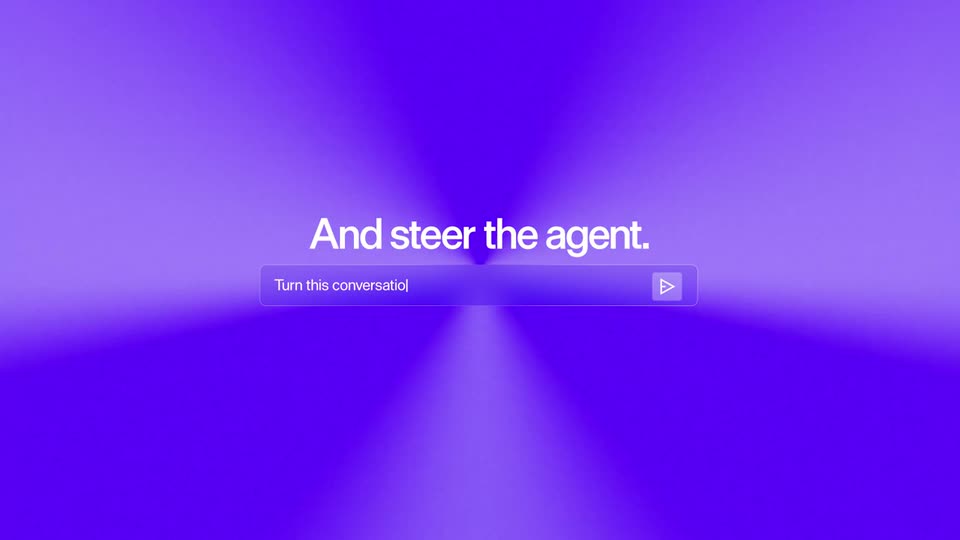 0:32–0:41Pylon · Pylon - Customer support is going agentic. Today, we’re introducing the newWhite headline “You make every decision.” holds center over a purple radial gradient as a translucent Suggested actions card expands into three rows, then fades. The headline swaps to “And steer the agent.” while a prompt bar types a command, and “Run agents” fades in at left.
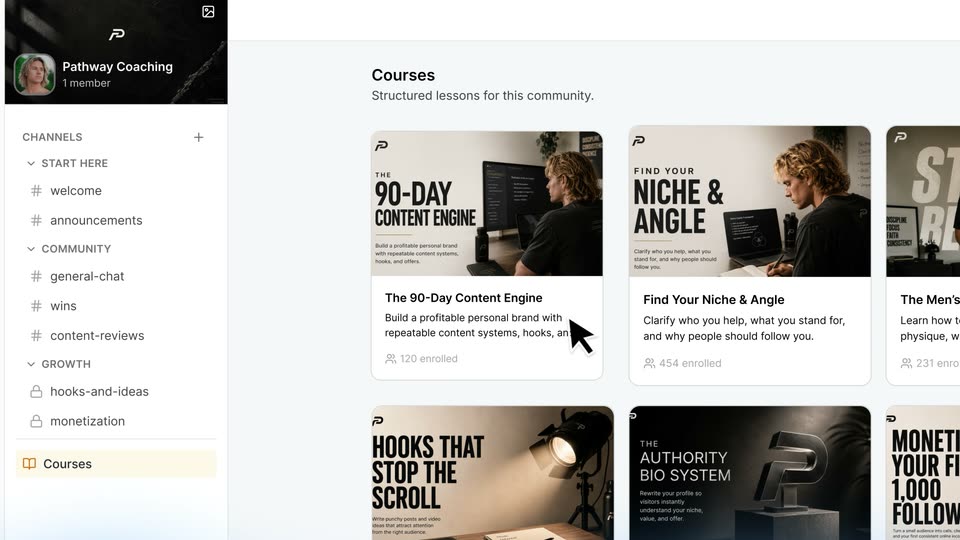 0:20–0:22Commas · Commas | Where you make money on the internetA community dashboard with a channel sidebar and a grid of course cards. The view zooms in as a cursor glides to the first card, which brightens to white while the others dim.
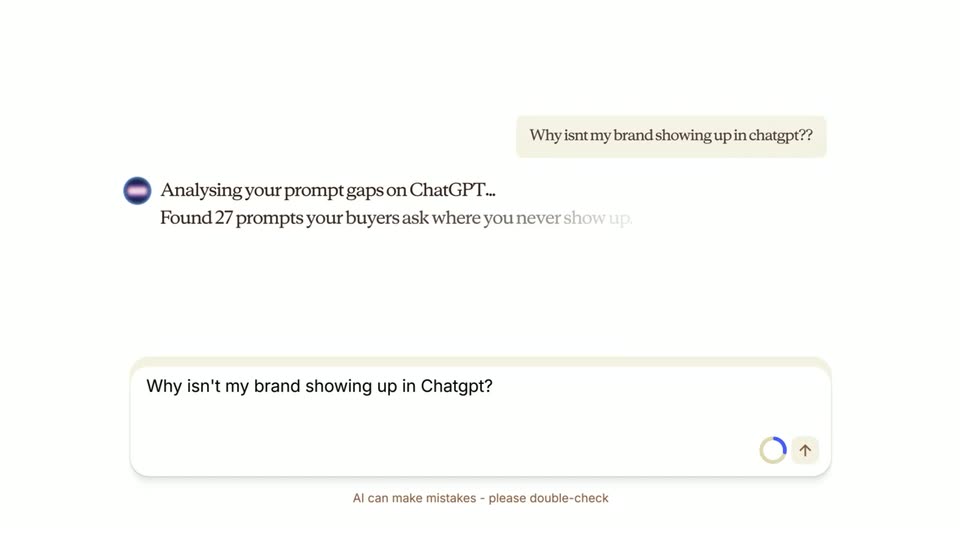 0:20–0:29CrowdReply · CrowdReply - Today we're introducing Claude for Marketing. The first AI agent thaA white chat interface: a cursor hovers over the input bar as a question types itself in, then the view switches to the thread where the AI orb types an analysis line. The screen scrolls up to three beige cards that fill in with gap findings.
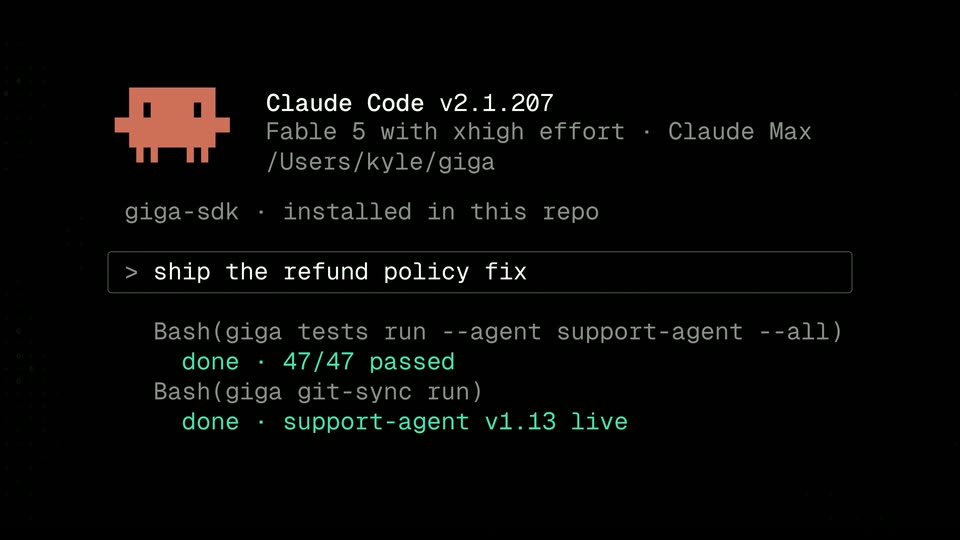 0:55–0:58Giga (Scout) · Giga - Everyone is trying to build a support agent. Now you can build one iA terminal UI types the prompt 'ship the refund policy fix', runs two Bash tasks, and prints green done lines for 47/47 passed tests. It cuts to a black screen where the white wordmark 'Builk' sits beside a solid square cursor.
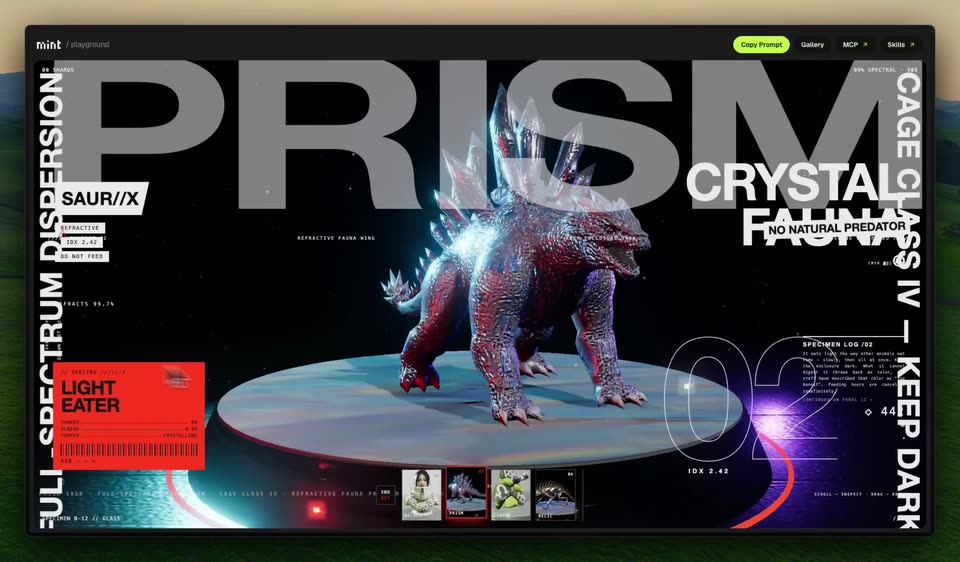 0:03–0:04Mint MCP · tamrat - Introducing Mint MCP - It turns your coding agent into a 3D engine!A dark specimen page fills the screen: a crystalline purple Triceratops rotates on a circular platform beneath a huge gray PRISM headline, a bright glint flashes on its spikes, and a cursor drifts from the red LIGHT EATER tag toward the creature's foot.
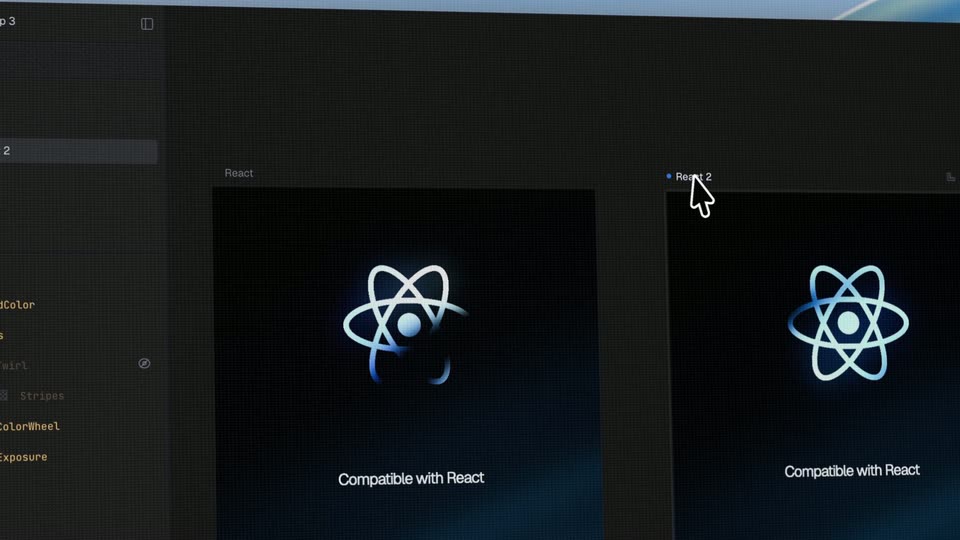 0:15–0:16Shaders · shaders - Introducing Shaders v3 🔥 Our biggest release yet. Built for design eA dark editor sidebar and two React logo panels sit in a tilted 3D layout. A terminal window labeled Claude Code slides in front of the left panel as the cursor moves right. The camera rolls the scene into a slanted perspective.
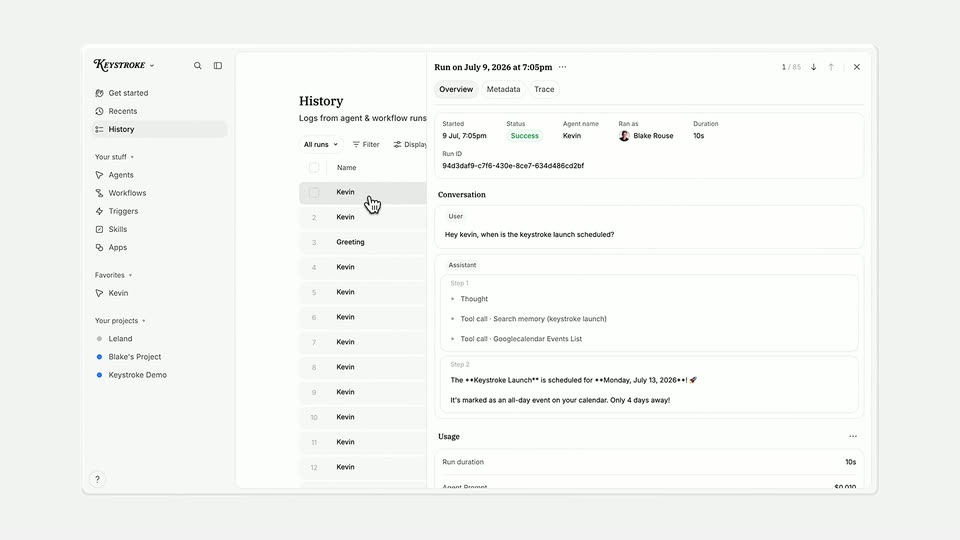 0:54 · 0.7sKeystroke · Blake Rouse - Introducing Keystroke: an n8n alternative built for Cursor, Claude CoThe Keystroke interface fills the frame in flat 2D, showing a left nav rail, a History list of agent runs, and a right panel with a run conversation and usage stats. A hand cursor hovers over the top row of the list. The screen holds still.
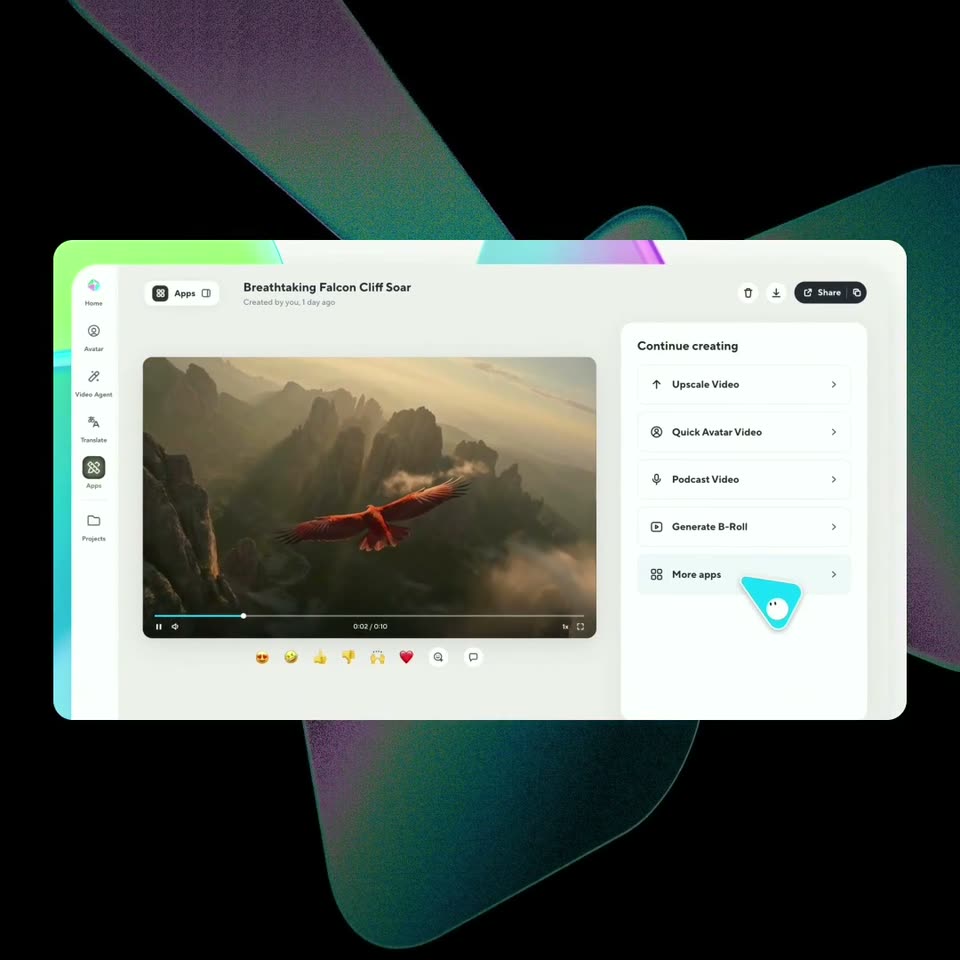 0:32–0:34HyperFrames · HeyGen - Figma -> HyperFrames Designers can now ship launch videos straighA product interface card floats over drifting gradient blobs on black; a cyan cursor glides from the video player to the right menu as the falcon clip plays and the card drifts with the background.
 0:28–0:30Jurni AI · Alex Socoloff - Another Friday, another brand launch. Excited to share the new brandA tight close-up of a white card on a pink gradient, its lower corner holding a black share button with an up arrow. A black cursor hovers over the button while two pill prompts, 'How do I connect ads?' and a dashed 'Show more', slide up into view below.
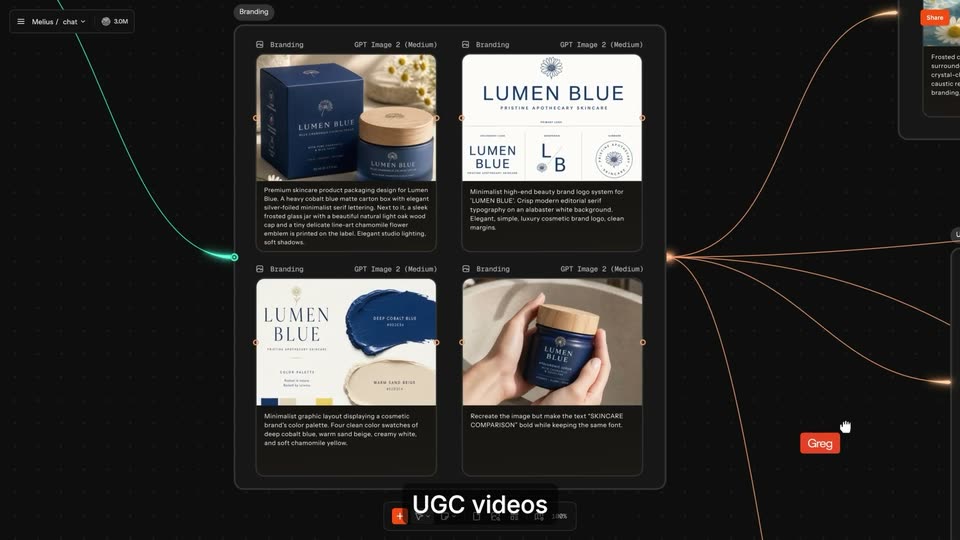 0:14–0:15Melius · joowon - If you’re a creative not using AI you’re fcked. Introducing Melius:A dark node-graph canvas shows four LUMEN BLUE cosmetic image cards linked by curves to a right-side node. The view pulls back to reveal a Video node and UGC Video card as a cursor tagged Greg hovers. A bottom caption swaps from product photos to UGC videos.
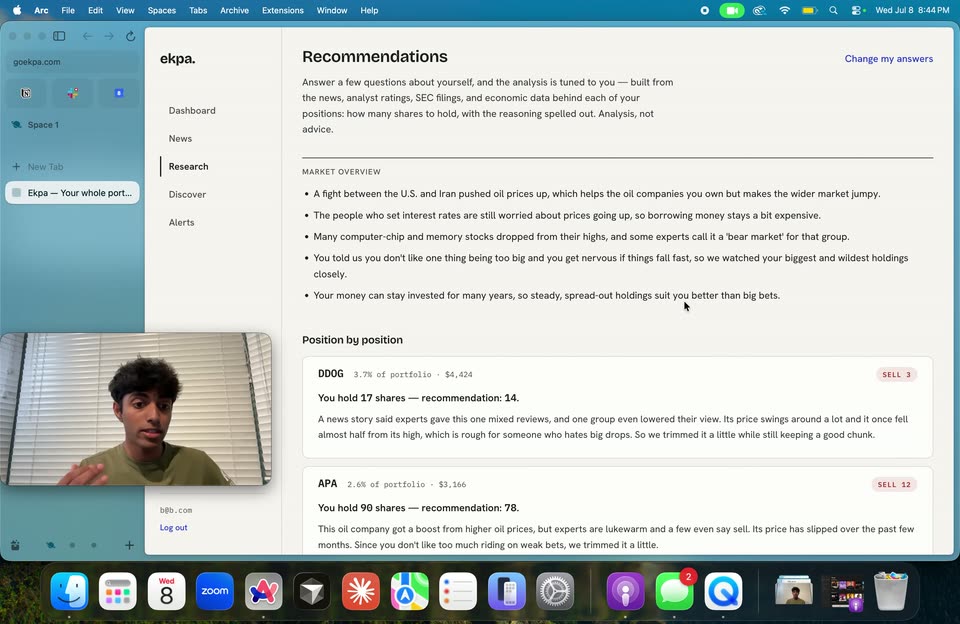 0:41–0:57Ekpa · Ekpa Demo VideoA macOS screen shows the ekpa browser app's Recommendations page, with a small video-call window of a presenter in the lower left. The cursor scrolls the stock list down and back up, then clicks Discover, switching the view to a questionnaire.
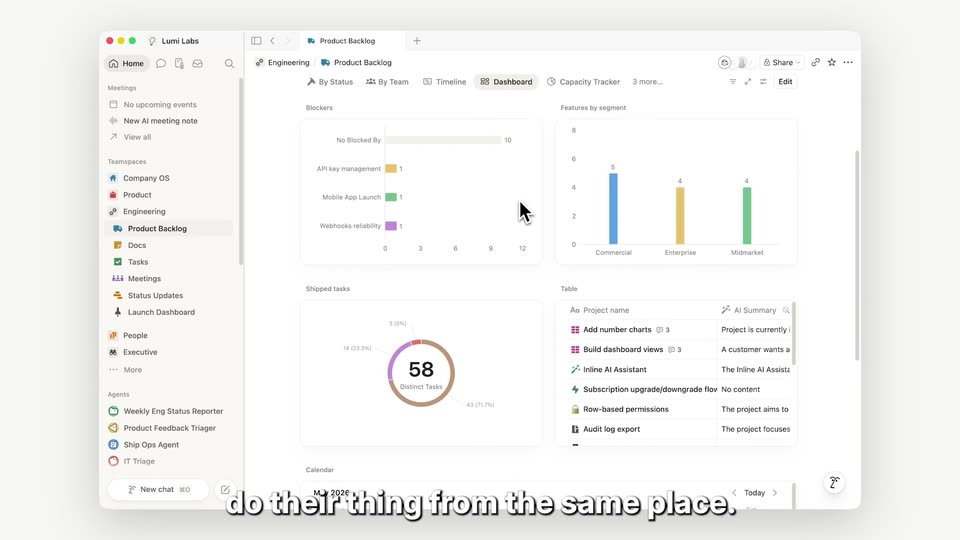 0:51–0:56Notion · Notion - Introducing Ship OS: The agent-native way to ship software. Run yourA flat Notion-style window on a light background shows a kanban backlog. A cursor clicks the Dashboard tab, the board switches to a grid of charts, then the view scrolls down to reveal a donut chart and a calendar.
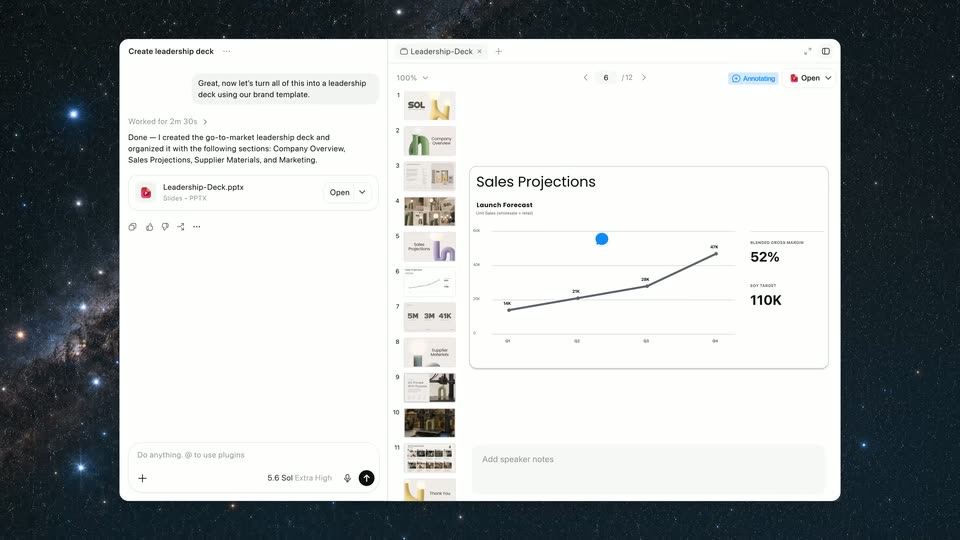 1:02–1:04OpenAI · Meet ChatGPT WorkA presentation editor window floats over a starry sky. The left chat panel shows a finished deck file while the right slide, titled Sales Projections, draws its line chart upward and a blue dot pops in. A cursor hovers near the top right.
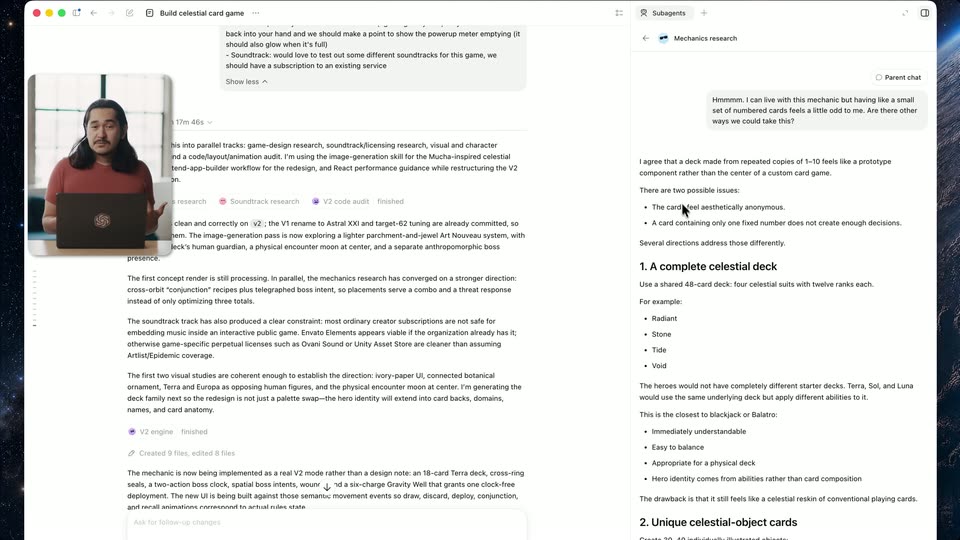 1:14–1:23OpenAI · Meet GPT-5.6A split product UI fills the frame: a design document on the left, a Subagents panel on the right. The cursor clicks through the panel as its content flips between research notes and a done list, a video thumbnail pops onto the left, then the whole interface tilts into 3D.
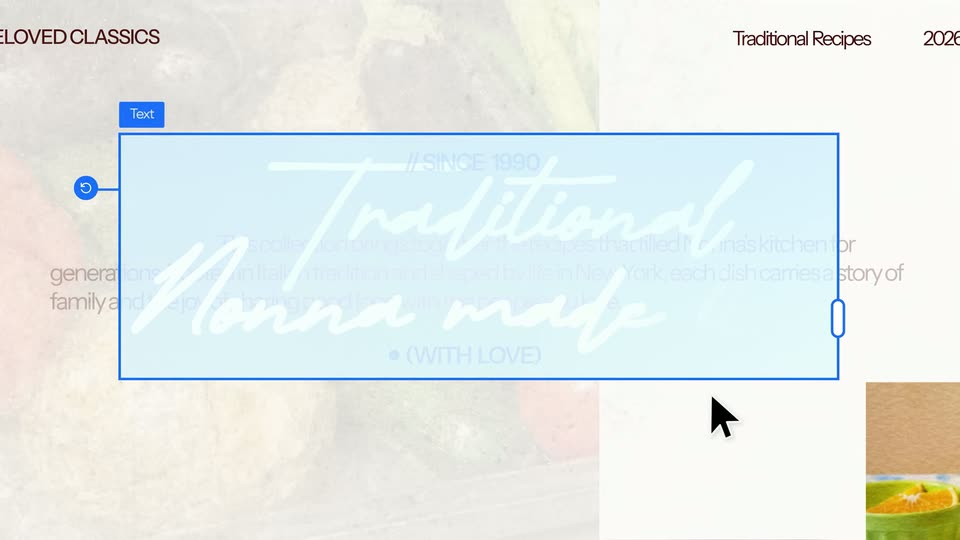 0:23–0:26Wix Harmony · The new way to tell your story | Wix HarmonyA design tool screen shows a recipe-book canvas with a red script headline. A cursor selects the text, a blue box and a menu appear, then the headline changes from 'Traditional heritage cuisine' to 'The way Nonna made it'.
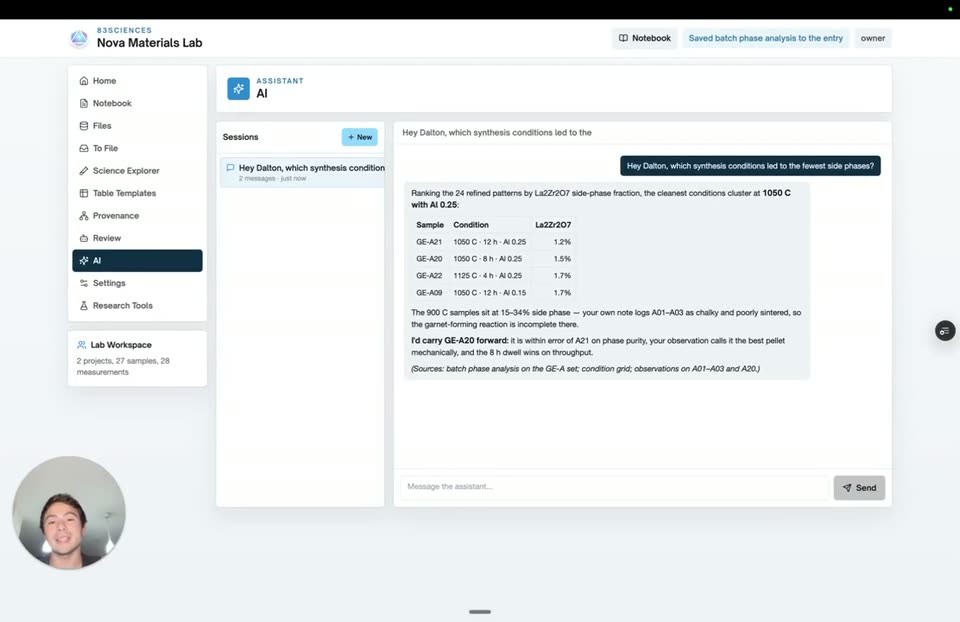 1:10–1:3983 Sciences · 83 Sciences - The next industrial era will be built on materials discoveries and inScreen capture of the Nova Materials Lab app: the cursor clicks the chat input, the spoken question lands as a dark blue bubble, “Dalton is thinking” dots pulse, then an answer card with a data table fills in. A circular webcam feed of the presenter holds the lower left corner.
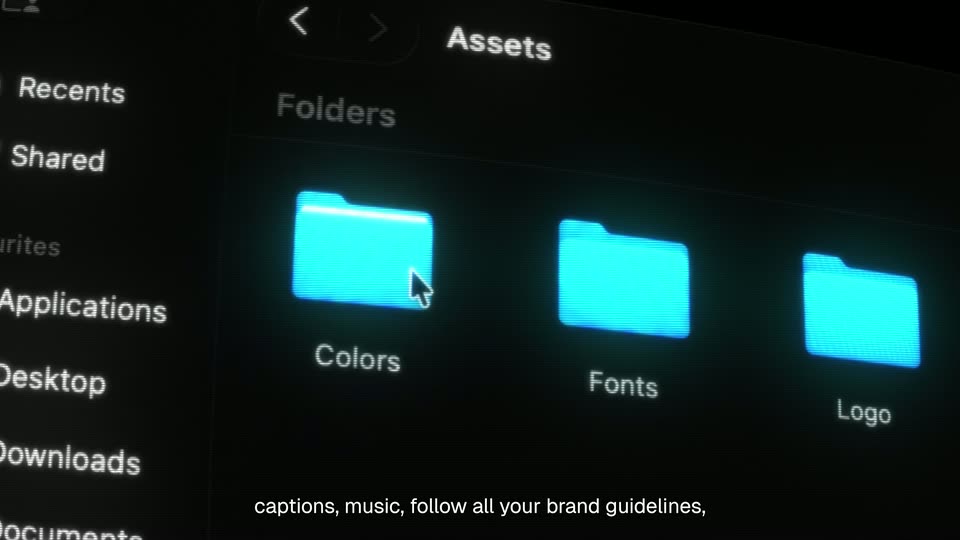 0:13–0:14Clueso · Fully Automate Your Product Videos | Clueso AgentsA dark asset manager screen, tilted in perspective, shows three blue folders labeled Colors, Fonts and Logo. A white cursor hovers over the Colors folder, which gains a blue selection box around its label.
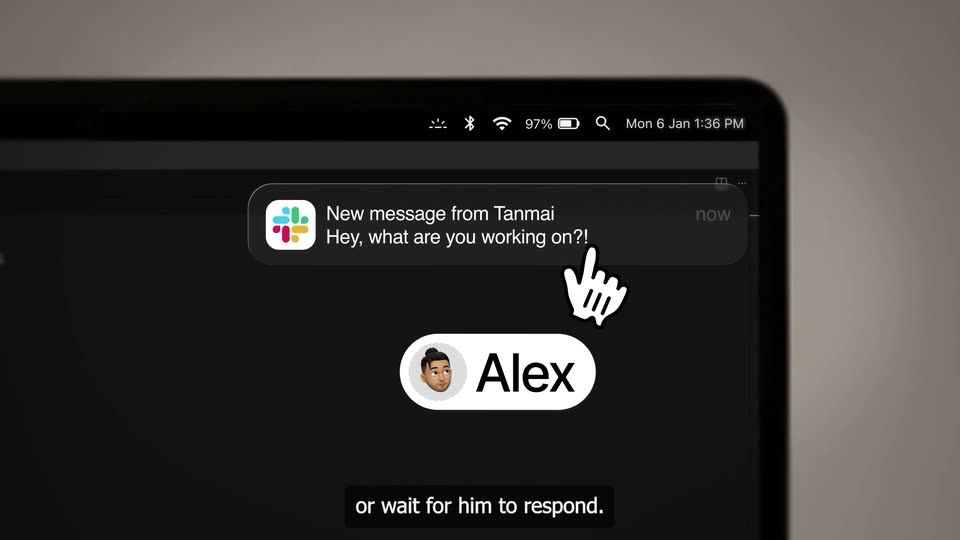 0:34–0:39PromptQL · Tanmai Gopal - We raised $136M to kill Slack. Introducing PromptQL: The first AI veA MacBook on a desk shows a dark code editor; the camera pushes into the screen as a Slack notification banner drops in at the top. An arrow cursor and a hand pointer hover near the banner while an 'Alex' avatar chip rests below.
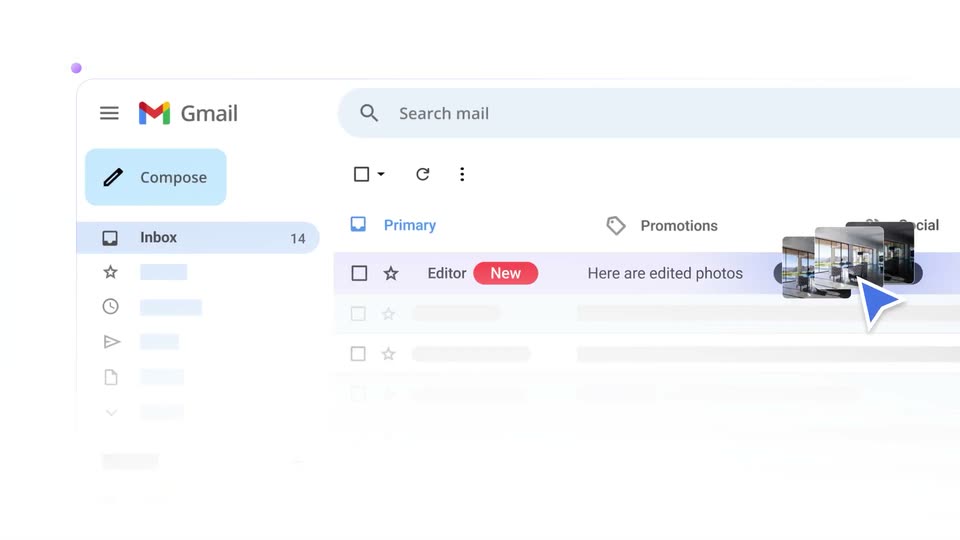 0:11–0:13AutoHDR · Best SaaS Product Video | AutoHDRA Gmail inbox interface fills the frame behind a blue notification banner showing a date and time. The banner clears, revealing the inbox, and a new email row with a photo thumbnail appears at the top. A blue cursor glides from the lower left to point at the row.
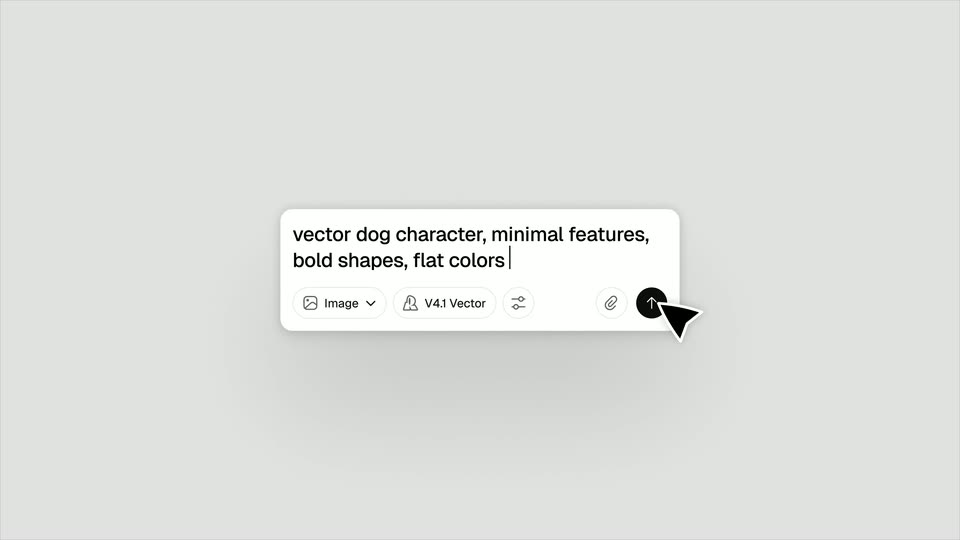 0:14–0:17Recraft · Recraft - You asked, we delivered. Say hello to Recraft’s Vector Editor. TweakA white prompt box sits centered on a light gray field. The prompt text types out over two lines, then a black arrow cursor glides in from the lower left and hovers over the round black send button.
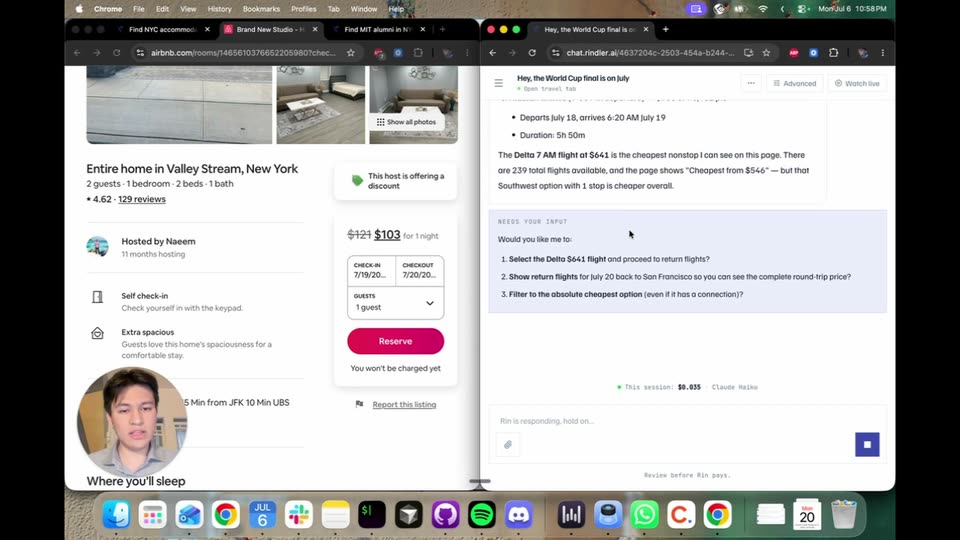 1:04–1:32Rindler · Rindler LaunchTwo Mac browser windows sit side by side. The left Airbnb listing scrolls down to its $103 price and Reserve button, with a small video-call inset of a man. The right AI chat types out flight options and a numbered input box as a cursor moves and clicks.
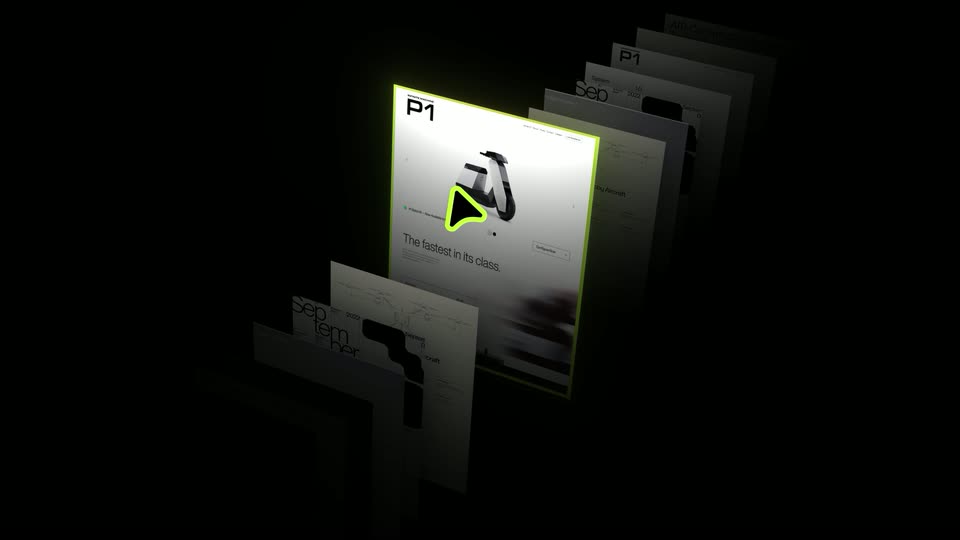 0:49 · 0.4sKyrall · OsamaAtwi - Today, we're officially launching Kyrall Until now, AI models couldnA fanned stack of white document cards sits in 3D perspective on black. The front card, outlined in glowing green, shows a black abstract mark and a small caption. A bright green cursor arrow glides leftward across it while the stack holds still.
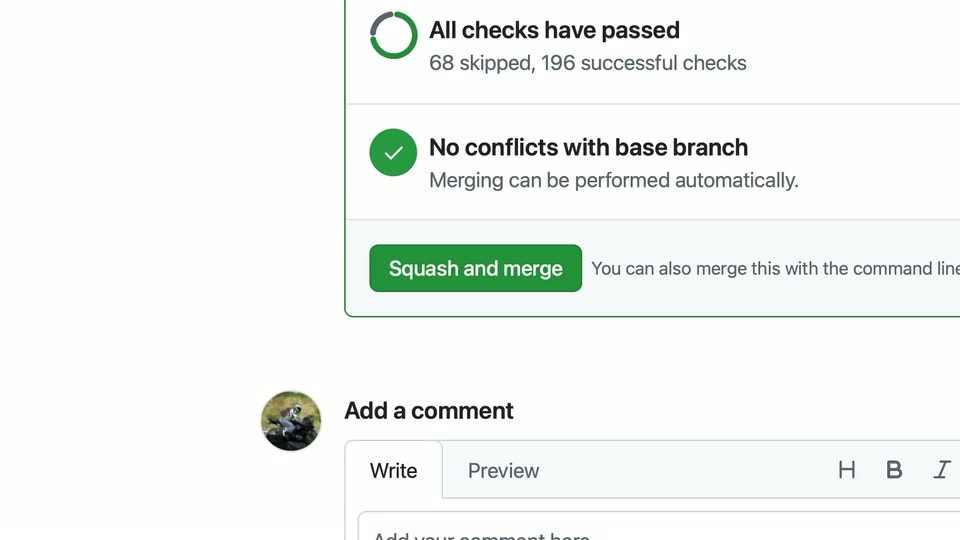 0:33–0:36Posthog · PostHog - Don't open PostHog. @PostHog in Slack.A PostHog comment card with a pull request link and emoji reactions slides left, revealing a GitHub pull request page in focus. The view zooms onto the green merge button as a hand cursor hovers over it, then a white panel wipes across the screen.
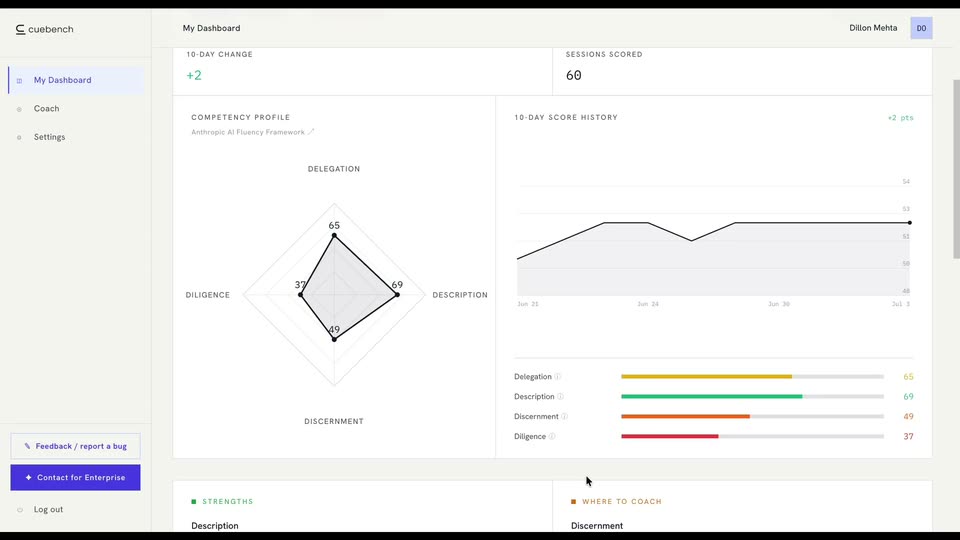 0:17–0:53CueBench · CueBench for Developers DemoA flat white cuebench dashboard fills in with an orange score of 51, a radar chart and a line graph, then the cursor scrolls down the page and hovers metric rows to pop up definition tooltips.
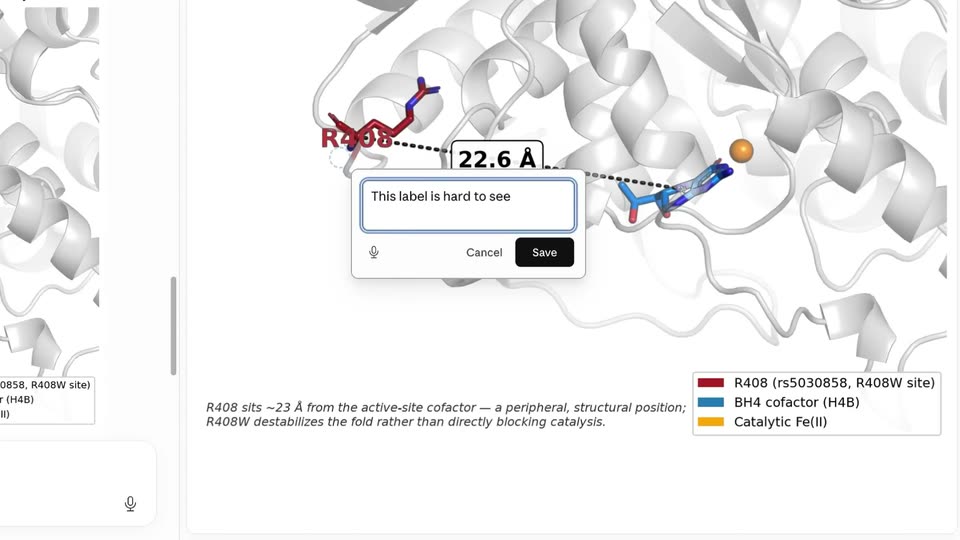 0:25–0:30Anthropic · Introducing Claude Science (now in beta)A 3D protein ribbon model with a red residue and blue cofactor linked by a dashed line reading 22.6 Å. An annotation box appears, the words This label is hard to see type in, then the box fades and a numbered badge 1 lands on the residue.
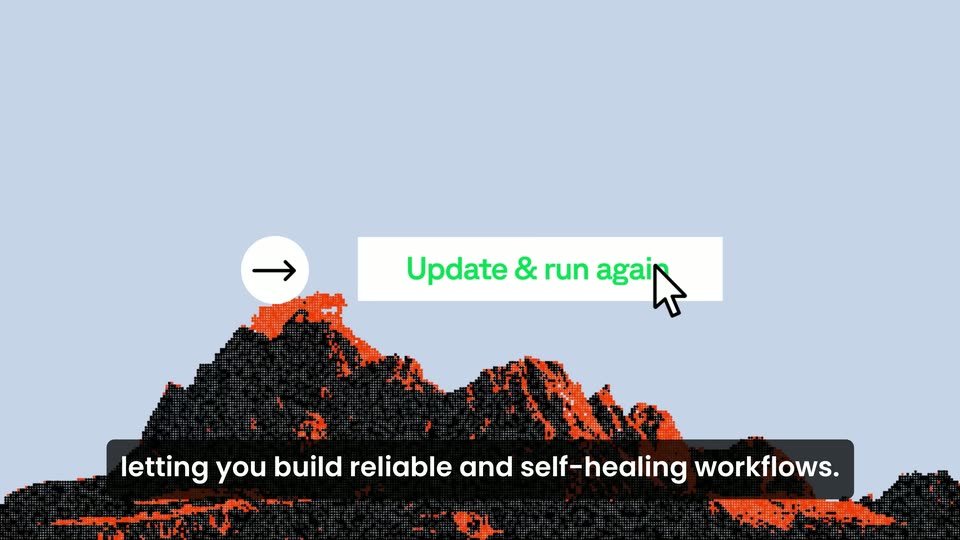 0:11–0:13Browserbase · Browserbase - Computer use is finally reliable. It just needed a real harness. NowA white pill button reading “Optimize this session” in red floats over a pixelated black-and-orange mountain range, with a cursor on its arrow. The label then swaps to green “Update & run again” with the arrow on the left, while a static caption bar stays at the bottom.
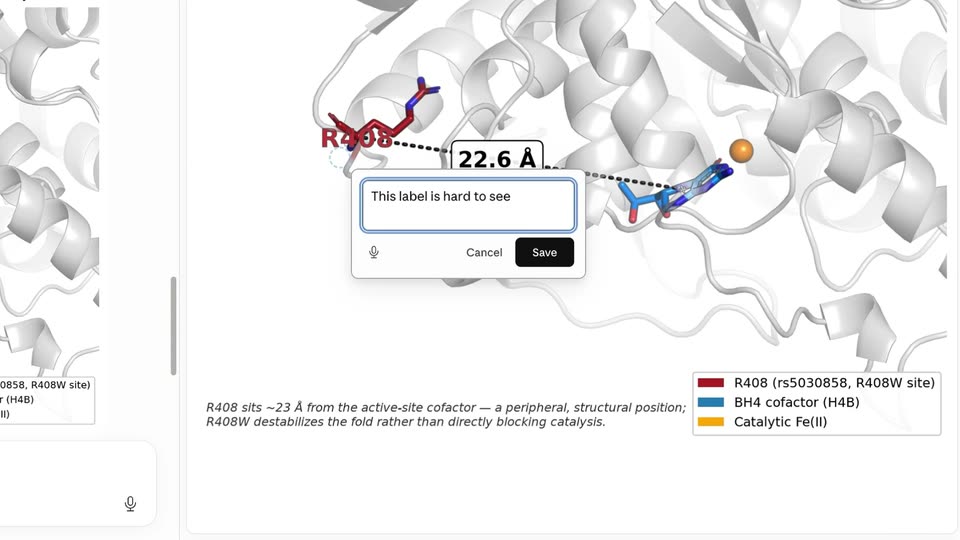 0:25–0:30Anthropic · Claude - Introducing Claude Science, a new app designed with every stage of reA 3D protein ribbon view shows a red residue and a blue cofactor joined by a dashed line with a 22.6 Å tag. A crosshair cursor hovers, an input box appears, 'This label is hard to see' is typed and saved, and a small numbered badge takes its place.
 0:31–0:32Riffle · deo - introducing riffle 2.0 welcome to the social era of music creation.A dark list of audio loop names and BPM metadata sits in tilted 3D perspective with shallow focus. A white cursor hovers over a highlighted row while the list drifts downward, blurring the top and bottom rows.
 0:38–0:39Riverside · Nadav Keyson - AI Videos are ALL slop. AI should be making you a content machine.A dark interface panel shows a Schedule button and a purple Publish button; a pink cursor hovers over Publish as the panel slides up and blurs, then a pink pill labeled AI Distributor slides in from the right. A white caption reads And this week's post captions.
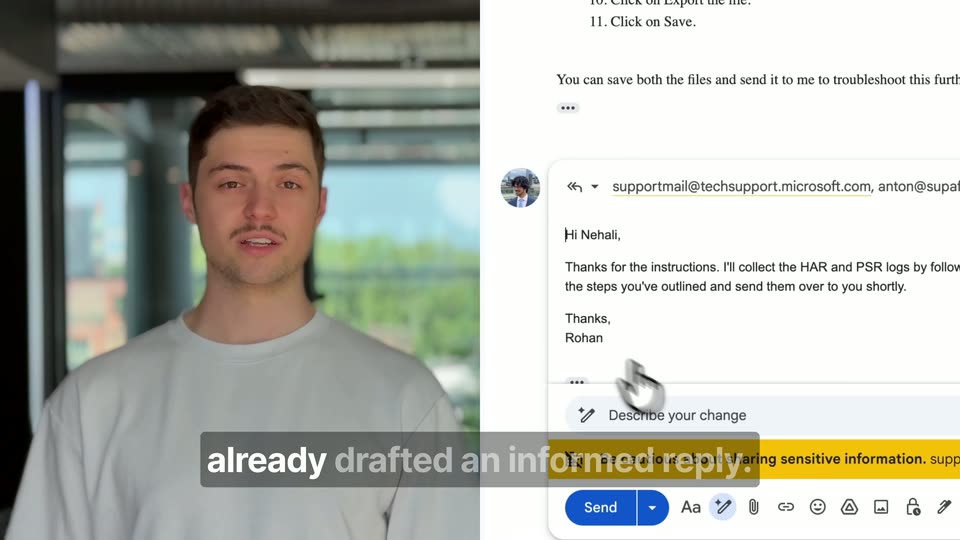 0:32–0:34Supafax · rohan 🗺️ - Today, we're launching Supafax: the first assistant you don't have toA presenter in a white sweatshirt stands on the left of a split screen while an email app on the right shows a cursor clicking a draft line and moving down to a pre-filled reply body. White captions sit on a dark bar at the bottom left.
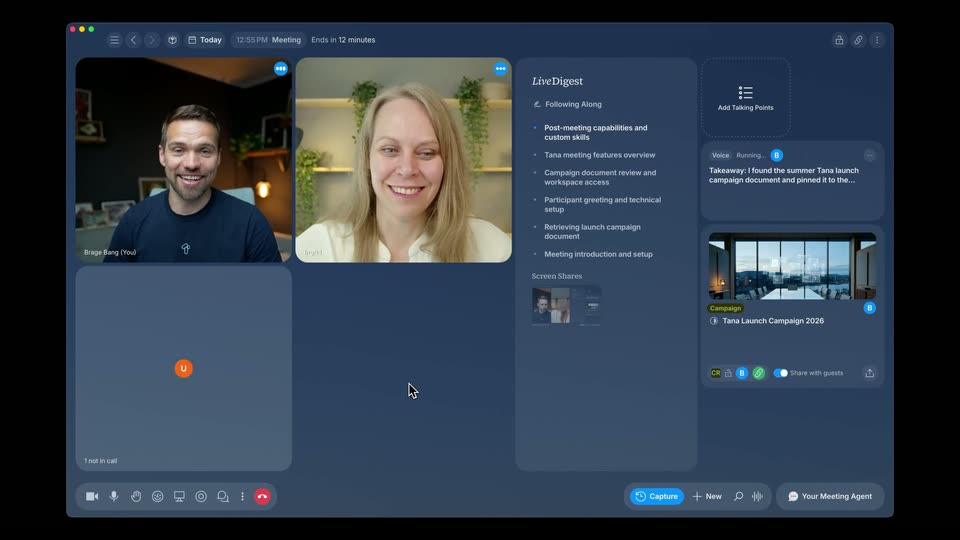 0:44–1:02Tana · Beyond AI Meeting Notes: Meet the New TanaA dark video-call screen shows two participants in tiles beside a Live Digest panel. A coding-agent prompt menu closes, a new bullet slides into the digest list, and the cursor moves to the red end-call button and clicks it as the participants wave.
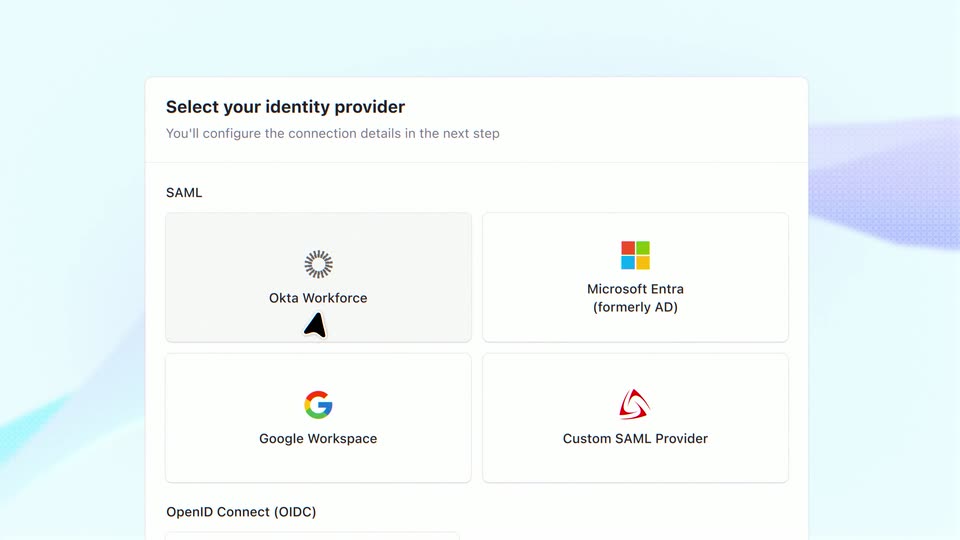 0:21–0:24Clerk · Clerk - Give your customers control of their SSO setup. Now their IT adminsA white settings card listing four identity provider tiles eases into place on a soft blue and purple gradient background. A cursor glides in from the lower left and hovers over the Okta Workforce tile.
 1:52–1:57Giga (Scout) · Giga - Introducing Scout. Tell it the KPI you care about, like funded deposA notification pill with a small app icon and the line 'Scout is waiting for your API update' holds on a soft gradient, then blurs out. A black 'Create API' button pops in and a cartoon hand cursor clicks it before the whole element blurs and shrinks away.
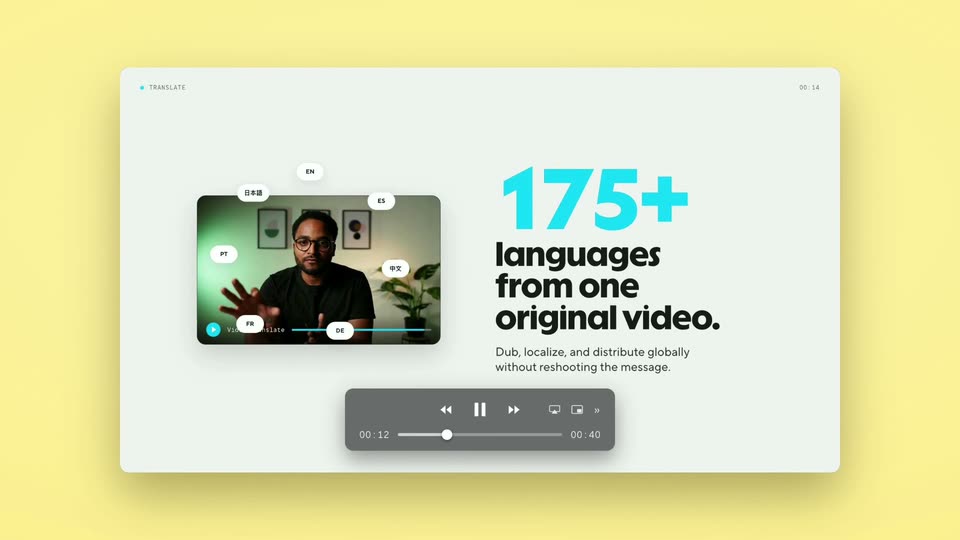 0:58–1:01HeyGen · HeyGen - The next generation of HyperFrames skills is here 9 workflows your aA light gray player card slides in from the left on a yellow background, showing a talking-head video ringed by language bubbles and a large cyan 175+ headline. A cursor clicks the play button, switching it to pause as the timeline advances.
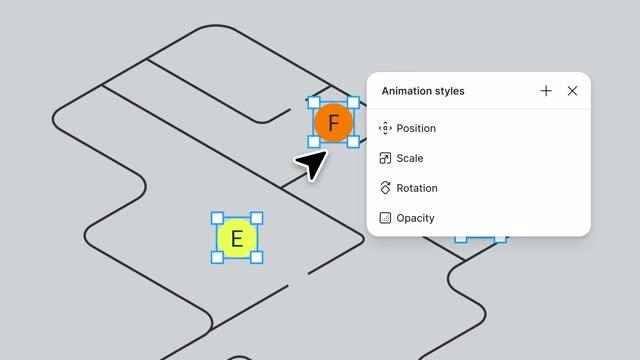 0:22–0:25Figma · Introducing Figma Motion: Your canvas now has a timelineA tilted wireframe canvas with lettered shape elements; the view reframes onto the orange F circle as the cursor selects it. An Animation styles panel opens and the cursor highlights Scale. A white card slides in from the left, covering the scene.
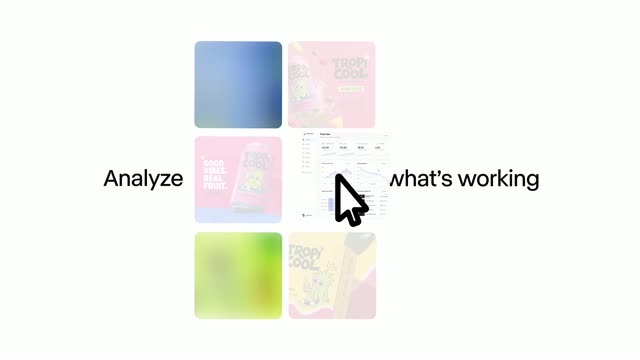 0:37–0:40Runway · Introducing Runway Agent 2.0 | RunwayAn ad grid and analytics reference sit on white while Analyze what's working builds across the layout. A cursor selects the references as the cards fade out.
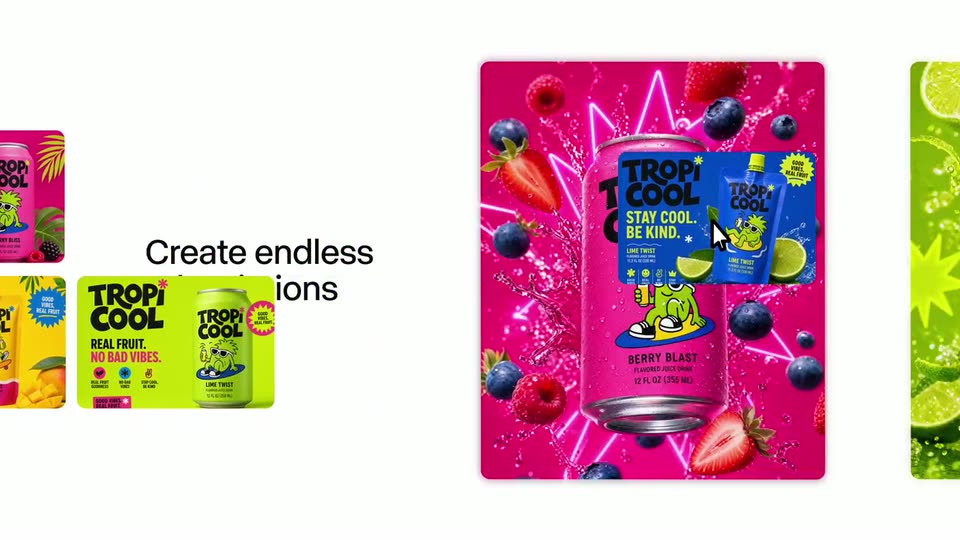 0:29–0:30Runway · Runway - Introducing Agent 2.0 Go from a simple prompt to fully realized markA white product gallery shows rows of Tropi Cool can and pouch mockups scrolling left at different speeds, a cursor hovers on the blue card, and a pink can card slides to center as a green card enters from the right.
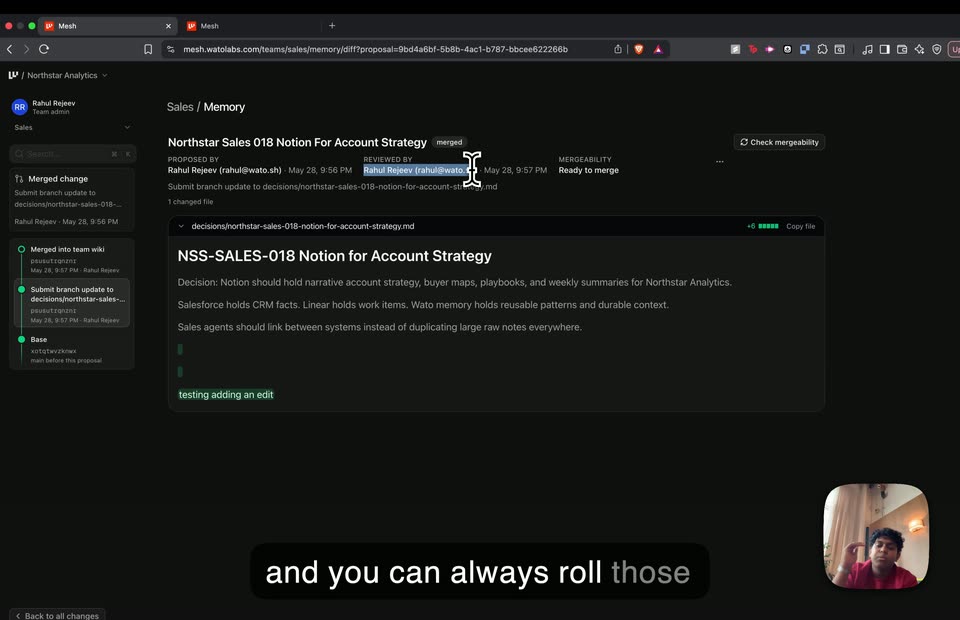 2:15–2:24Wato · Wato - A feature that sales teams love: Live Artifacts. Here's a revenue-riA dark web app screen shows a left list of change proposals; the cursor selects one and the main pane fills with a document header and body text. A small face-cam sits in the bottom right corner while white subtitles swap along the bottom.
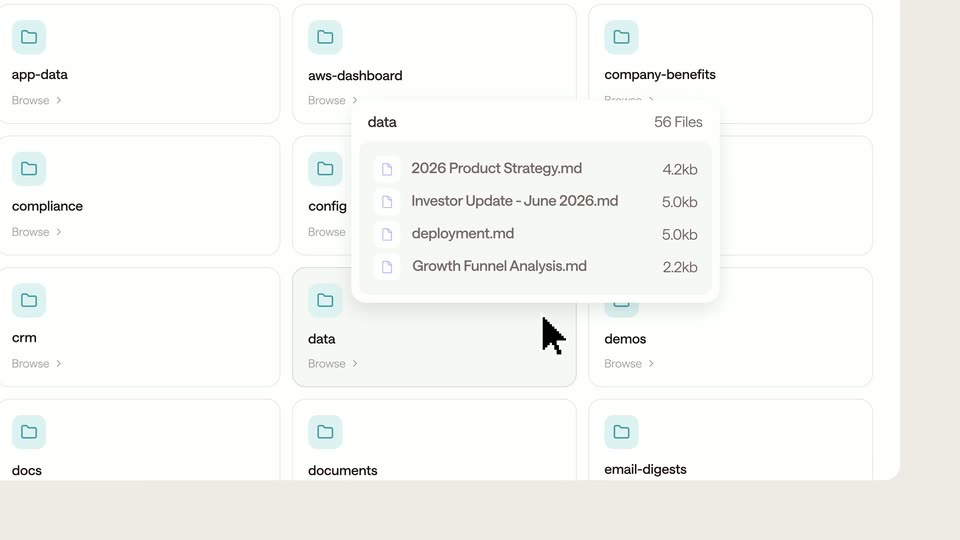 0:39–0:41Zaro · Zaro.ai - Today, we're excited to launch Zaro. Your knowledge is scattered acrA wide view of the Files dashboard zooms into the folder grid. A cursor glides to the data folder, and a popover fades in listing four markdown files with their sizes.
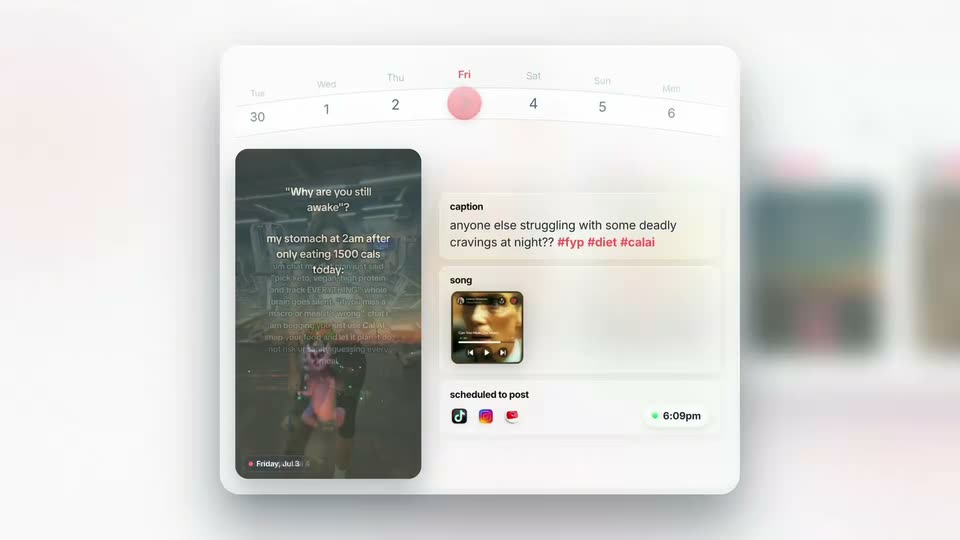 0:33–0:38Anthropic · Jock Ferguson - Today, we're introducing Claude for Content. Just enter your websiteA flat scheduling panel sits on a blurred pink backdrop. A week strip marks Fri 3 over a vertical preview of a dancing 3D character, with caption, song and schedule cards at right. The panel swaps to the next post, Tue 7, with a food clip and a cursor.
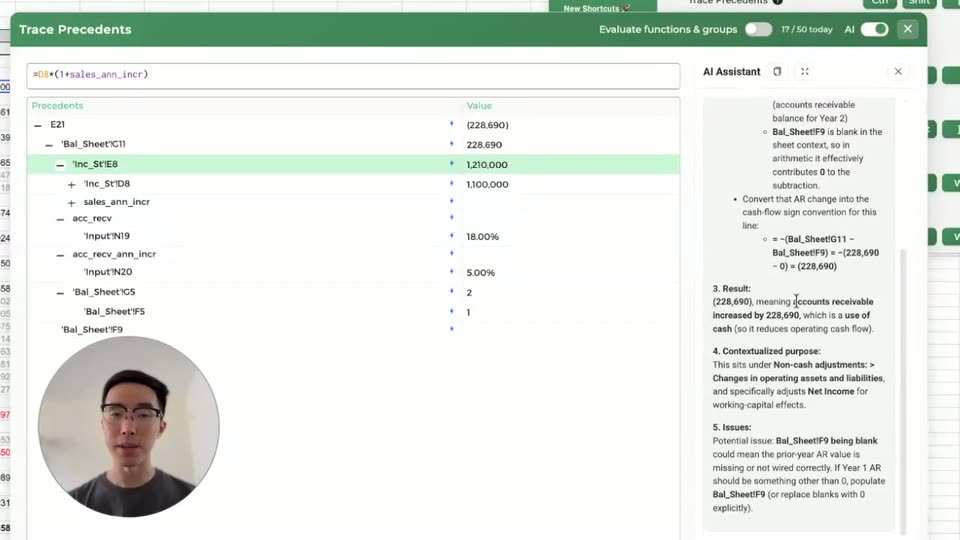 0:24–0:31Dimely · SheetWhiz Trace Precedents AI DemoA white precedent-tracing panel slides in over a green spreadsheet, then the AI Assistant text on the right scrolls down while a cursor hovers; a circular webcam of a man in glasses sits bottom left.
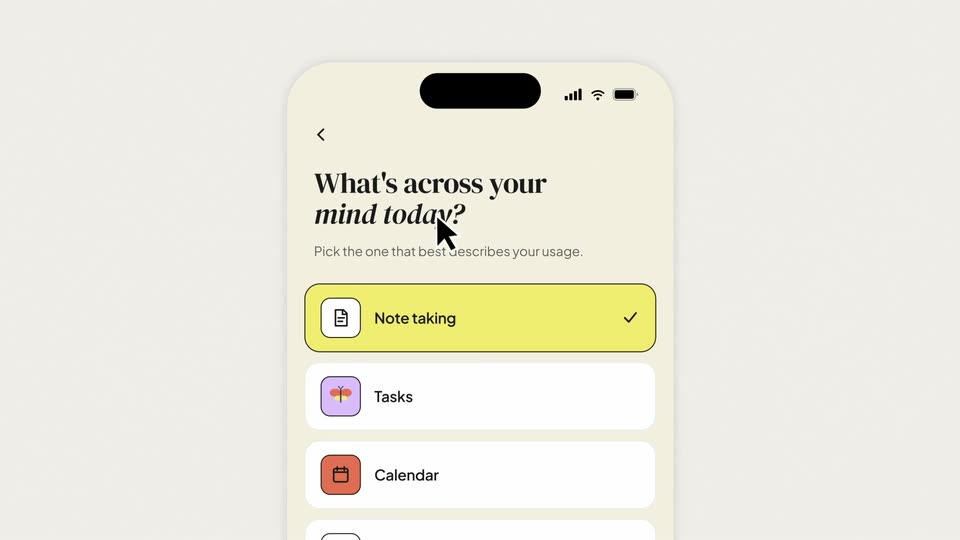 0:16–0:18Genspark · Genspark - 🎨 Introducing Genspark Design The next-gen AI for design and creatioThree Pollenote phone screens line up; the left two fade out as the right screen, with Note taking highlighted, slides to center and enlarges. A cursor then selects the heading, opening a TEXT EDIT panel with font, color and weight controls.
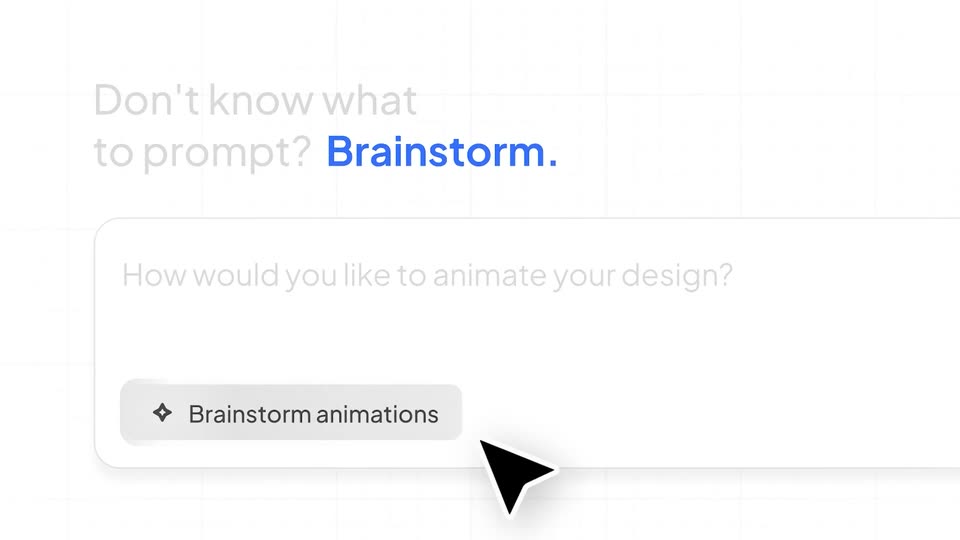 0:18–0:21Lottielab · Lottielab - Introducing Magic Animator beta 3.0✨ Prompt and edit animations in FA white card on a faint grid shows a prompt question. Above, 'Don't know what to prompt?' sits as 'Brainstorm.' fades in in blue-purple, then the first line dims. A black cursor glides to the 'Brainstorm animations' chip, which takes a cyan-to-pink outline and fills gray on selection.
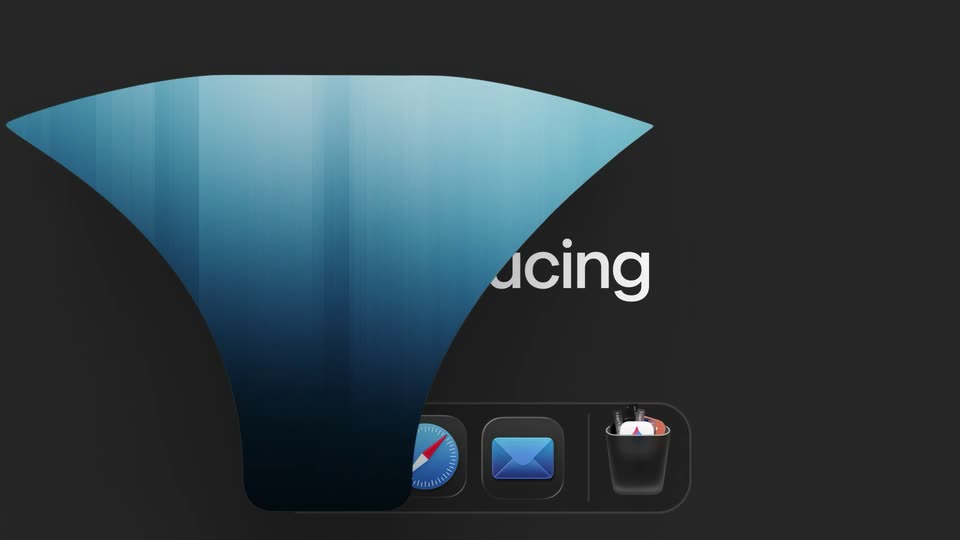 0:17–0:19Aside · jun - Today, we're launching Aside, the AI browser you’ve waited for. ⋅ CrA dark gray frame holds the white headline, which grows from a partial word to the full title while a macOS dock sits below. A hand cursor rests on the icons, then the first blue icon lifts and scales up, its rounded corner curving across the upper left as its gradient fills the frame.
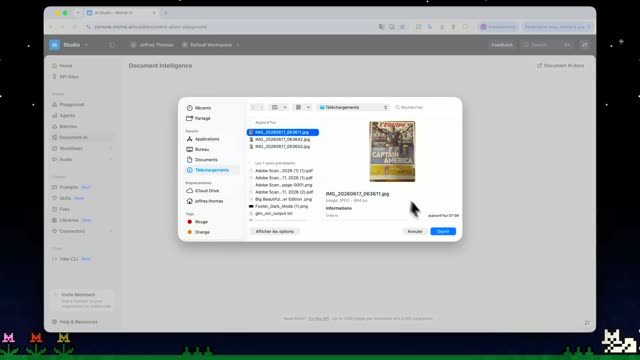 1:52–1:55Mistral AI · Introducing Mistral OCR 4A cursor clicks Upload files on the Mistral Document Intelligence page, a macOS file picker opens, a newspaper image is selected, and the view switches to show the image beside a Bounding Boxes panel with a confidence slider.
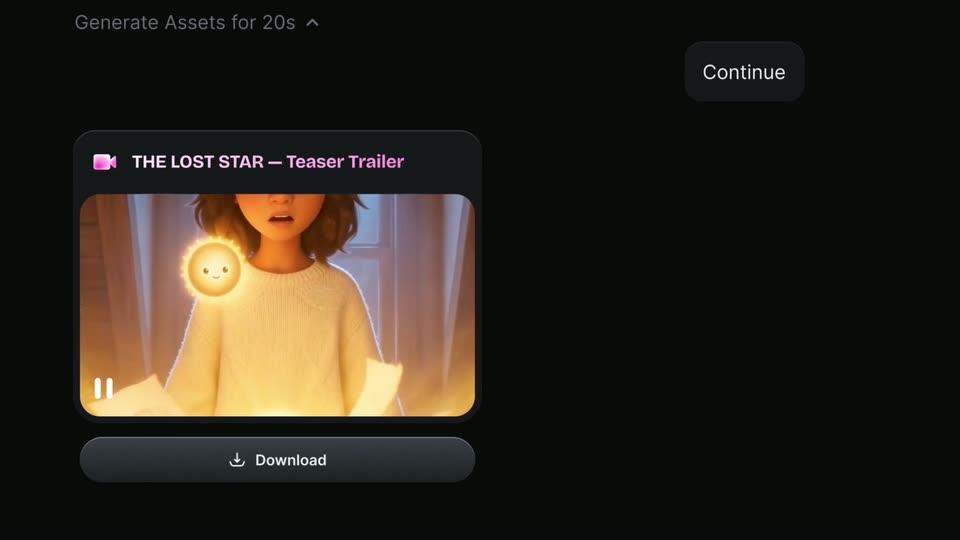 0:43–0:46OpenArt · OpenArt - The way videos are made is about to change. Introducing OpenArt DireA dark product interface shows a video card for a teaser trailer, playing a 3D girl with a glowing sun on her shoulder as the footage cuts from storyboard sketches to rendered animation. A cursor hovers over the Download button, then the panel drifts down slightly.