1:27

Archal - API sandboxes, built for AI agents
Archal · B2B · Aug 2026
Webflow · Jul 2026 · 0:30 · Full motion · AI-annotated
Webflow’s 0:30 launch film runs 11 scenes, about 2.8 s each. The product is on screen from the first frame and 4 features are revealed. The call to action lands at 0:22 (74% in), over a voiceover. Black-field launch video built on a single blue accent and a recurring rounded blue feature badge that stamps each capability at top center. Pacing is fast and rhythmic, cutting between a sharp title card, screen-recorded UI, and bottom caption bars, then closing on a static URL card and an animated logo lockup.
Is this your launch? to your site or press kit.
Archal · B2B · Aug 2026
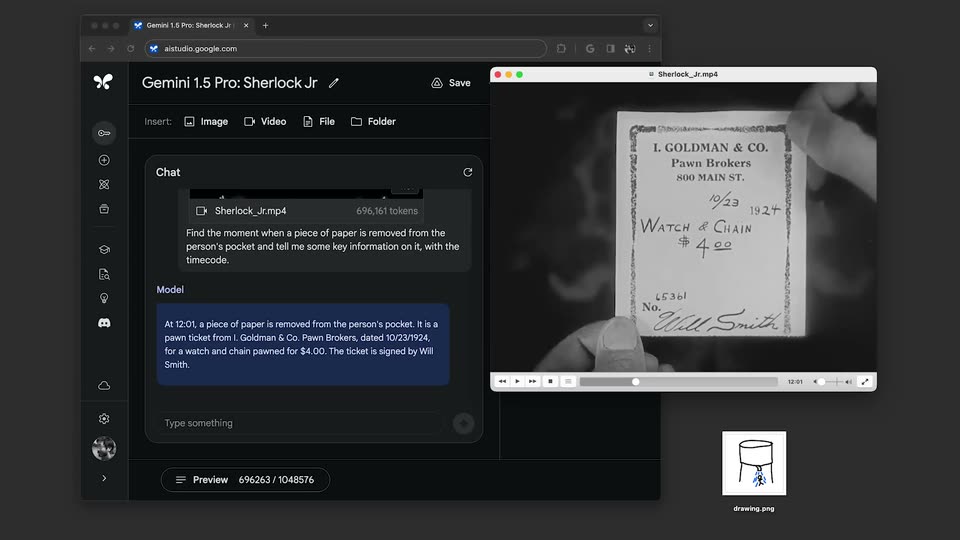
Gemini · Feb 2024
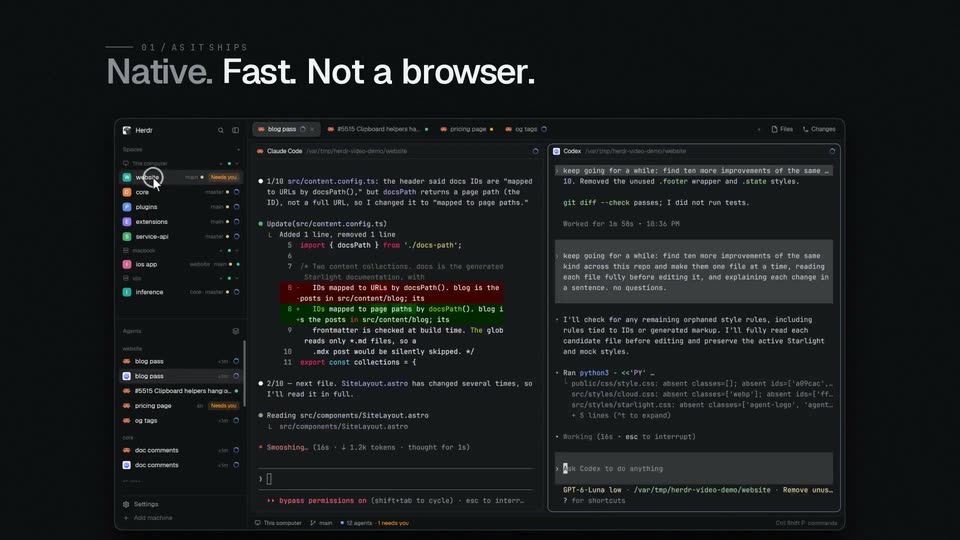
herdr · B2B · Oct 2026
Films whose music sounds like this one, voice left out
Superhuman · Modern electronic
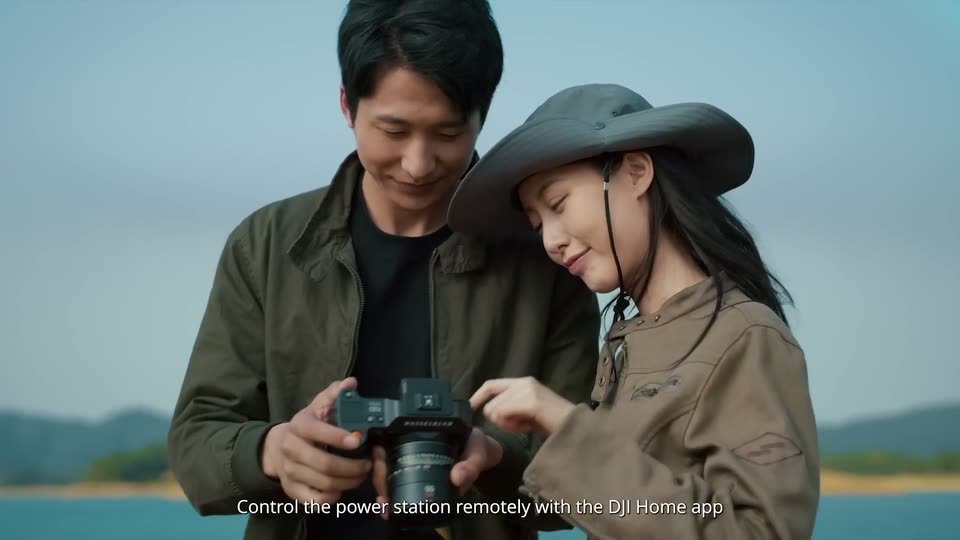
DJI · Electronic
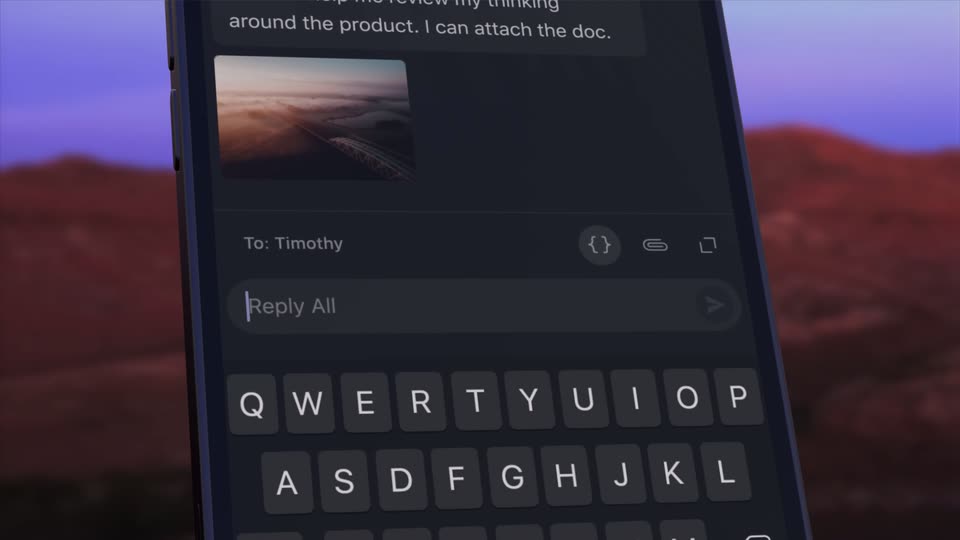
Phone Harness · Modern electronic
On a black background, the word Webflow sharpens from a blur into a crisp white headline inside a thin outlined box, while a blue gradient panel carrying MCP 2.0 settles beneath it. A white caption, For a growing number of marketing teams, fades in below.
On-screen text: “Webflow”, “MCP 2.0”, “For a growing number of marketing teams,”
Techniques: Kinetic type
Camera: Static
The white 'Webflow MCP 2.0' headline on black blurs out as a dark chat screen with a greeting and a typed prompt fades in at the top, while the caption 'For a growing number of marketing teams,' stays fixed at the bottom.
On-screen text: “Webflow”, “MCP 2.0”, “For a growing number of marketing teams,”
Camera: Static
A white chat card with “Hey there, Keegan” sits on top while a prompt is typed into its input. A dark Numero editor slides in below, showing a blog page with a large heading and a photo of a hand holding a phone. White captions appear at the bottom.
On-screen text: “For a growing number of marketing teams,”, “work is increasingly happening inside of a chat window.”, “Not just ideation or copywriting,”
Techniques: Split screen, Cursor demo
Camera: Static
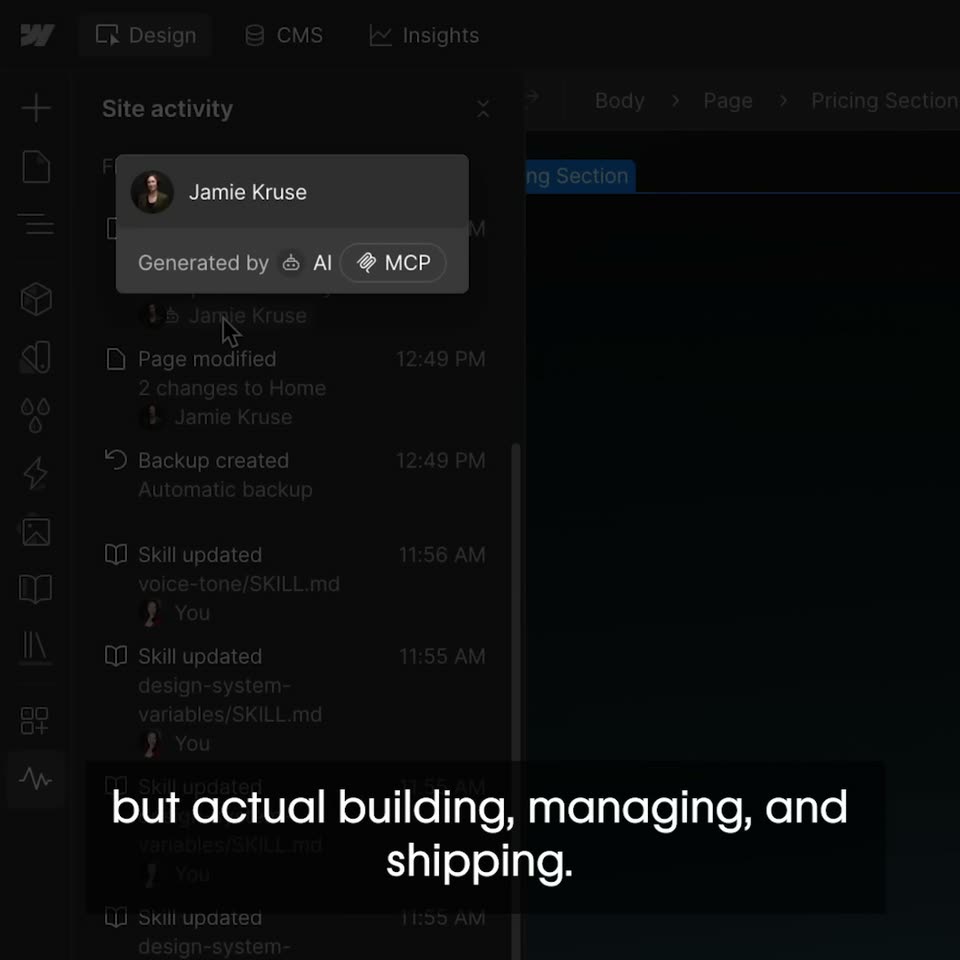
A dark site-activity panel lists recent changes; the cursor hovers a row and a tooltip pops up with the author and AI/MCP badges as the panel dims. A cut reveals the design canvas with a properties panel, a blue headline badge on top, and a new caption below.
On-screen text: “but actual building, managing, and shipping.”, “Design & Build faster with AI”, “MCP 2.0 empowers you to move faster”
Techniques: Cursor demo
Camera: Static
A dark design-tool screen with a properties panel on the right and a rocky landscape on the canvas. The description field types itself out to end with 'automatically.' beneath a blue 'Design & Build faster with AI' badge, while a white caption runs along the bottom.
On-screen text: “Design & Build faster with AI”, “MCP 2.0 empowers you to move faster”
Camera: Static
A dark CMS editor fills the frame, showing a Publish now button, an author card and an image settings panel. A cursor glides from the settings panel onto the blue Publish now button. A blue headline badge sits at the top while a white caption at the bottom swaps to a second line.
On-screen text: “Design & Build faster with AI”, “MCP 2.0 empowers you to move faster”, “with everything that you need for what comes next”
Techniques: Cursor demo
Camera: Static
A design-system document is open in an editor as a cursor picks Button from the component library and inserts it into the Components list. A blue badge reads 'Agent instructions' above; a bottom caption swaps from 'with everything that you need' to 'for what comes next.'
On-screen text: “Agent instructions”, “with everything that you need”, “for what comes next.”
Techniques: Cursor demo
Camera: Static
A dimmed analytics dashboard fills the frame beneath a blue “Analyze” pill badge at top center. A dark caption bar at the bottom shows “Moving fast matters,” then swaps to “but doing so the right way.”
On-screen text: “Analyze”, “Moving fast matters,”, “but doing so the right way.”
Camera: Static
A Site access screen lists four teammates with emails while a role dropdown stays open from Site manager to Reviewer. A blue Governance pill sits at the top as the cursor glides down the options, and subtitle bars swap at the bottom.
On-screen text: “Governance”, “but so does getting it right.”, “And it's free for everyone,”
Techniques: Cursor demo
Camera: Static
A black screen holds the white URL webflow.com/feature/mcp centered and static. A caption at the bottom reads And it's free for everyone, then changes to so check out the link to learn more. before clearing. The frame is locked off with no camera move.
On-screen text: “webflow.com/feature/mcp”, “And it's free for everyone,”, “so check out the link to learn more.”
Camera: Static
On a black field, a blue W mark scales up and settles at center, then the white Webflow wordmark slides in from the right and sharpens to complete the centered logo lockup, which holds.
Camera: Static