Cursor demo
A visible cursor operates the interface.
15,152 scenes · page 129 of 253
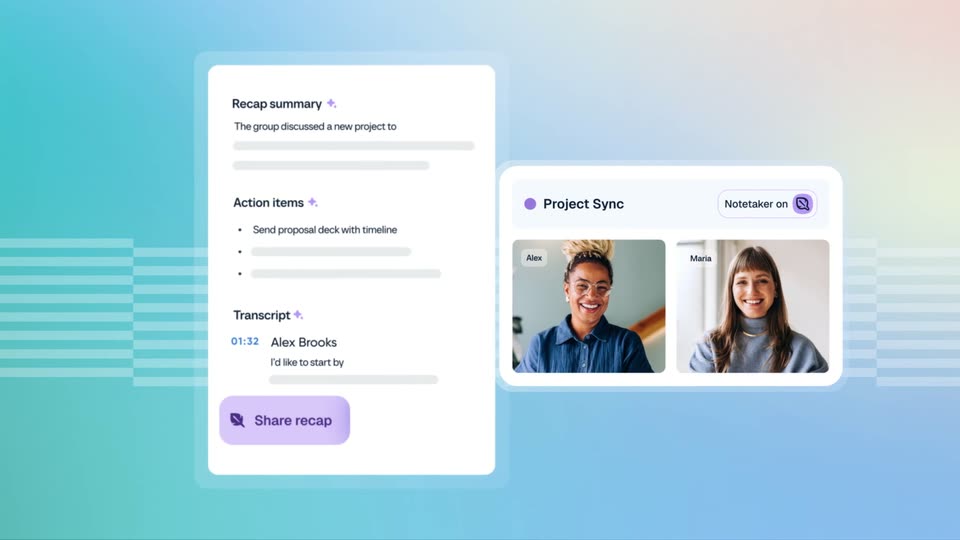 0:50–0:53Calendly · Austin Bauwens - Calendly is more than just your meeting scheduler. It was an honor woTwo white UI cards float over a teal-to-peach gradient crossed by pale line stripes. The front card shows a two-person video call with a cursor at the Notetaker pill; the card behind types out a recap summary, action items and transcript, then both drift apart.
 0:37–0:38Spline · Introducing Spline V2 - AI Agents, WebGPU and MCPThe frame fades in from black to a close-up of a dark interface. A centered headline sits above a chat input bar with folder chips and a cursor arrow resting on the field, while a faint perspective grid fills the right edge.
 1:05–1:11unfair.so · Ted - meet unfair: our take on how creator marketing should work 1) find cA blue button with the URL unfair.so/creators holds center on white as pixelated pink diamonds and green dollar signs burst out from behind it and scatter across the frame. A cursor tagged UNFAIR AGENT rests at its corner, then the caption first post today appears below.
 0:14–0:15Merge · Shensi Ding - We just cut AI spend by 75% across an entire workforce in one click.A cursor clicks the Merge status icon in the macOS menu bar, and a white card fades in below showing a Protected status, a two-color progress bar, and a weekly usage bar chart.
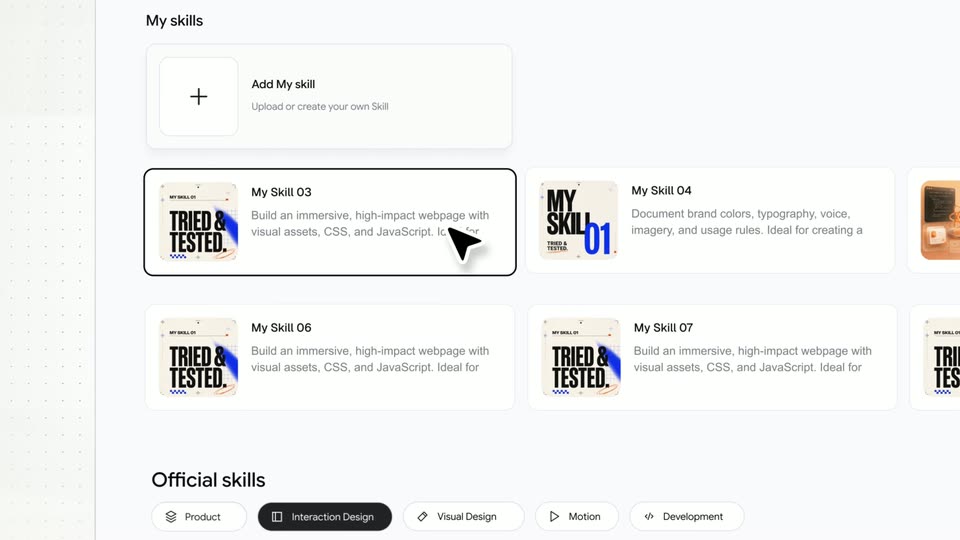 0:38–0:39OJO · OJO - Today, we're introducing OJO: The first Design Agent Team Workspace.A light product interface shows a grid of skill cards under a My skills header. A black cursor hovers over one card, which shifts from a white hover overlay to a black-bordered selected state while the list nudges upward.
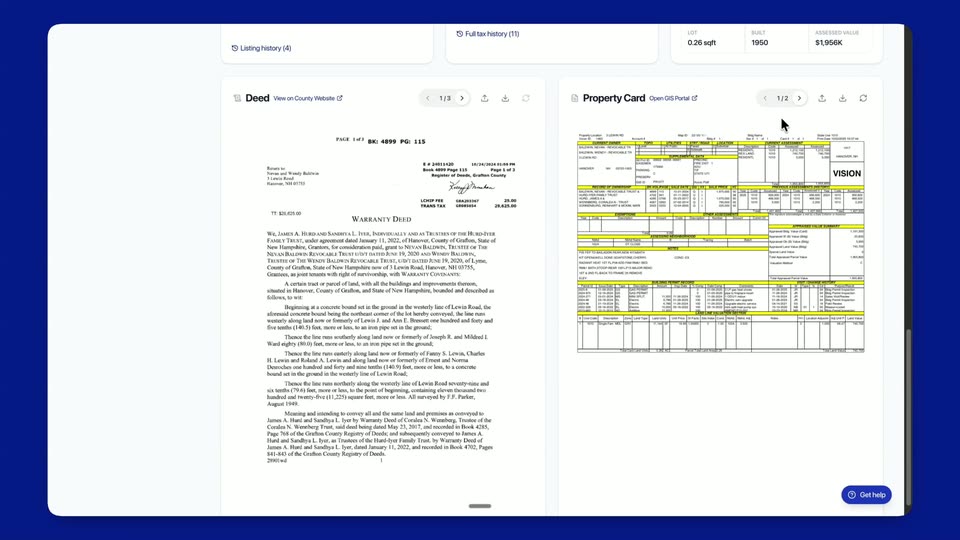 0:34–0:37RealPact · Ranvir Deshmukh - Real estate is a trillion-dollar industry running on decades-old softA white interface panel on a blue field holds two documents side by side, a scanned deed on the left and a property card table on the right. A cursor slides in and rests on the next-page arrow of the right panel. The frame stays locked off.
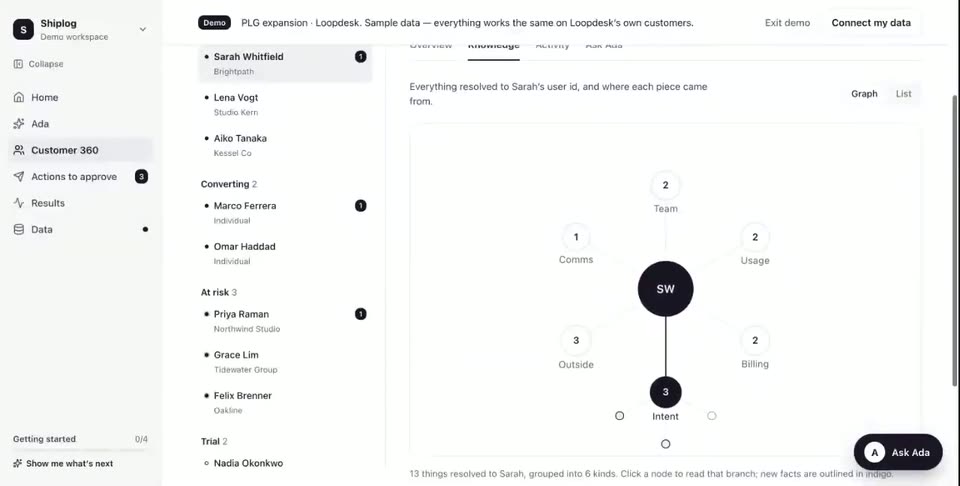 1:10–1:14Shiplog · AI for Customer Success: How Ada Automates Expansion, Retention & Churn PreventionA light three-column dashboard. The cursor clicks the Knowledge tab, swapping the right panel from a text summary to a node graph centered on a black SW node with six labeled branches. The view then scrolls down to reveal a list of intent items beneath the graph.
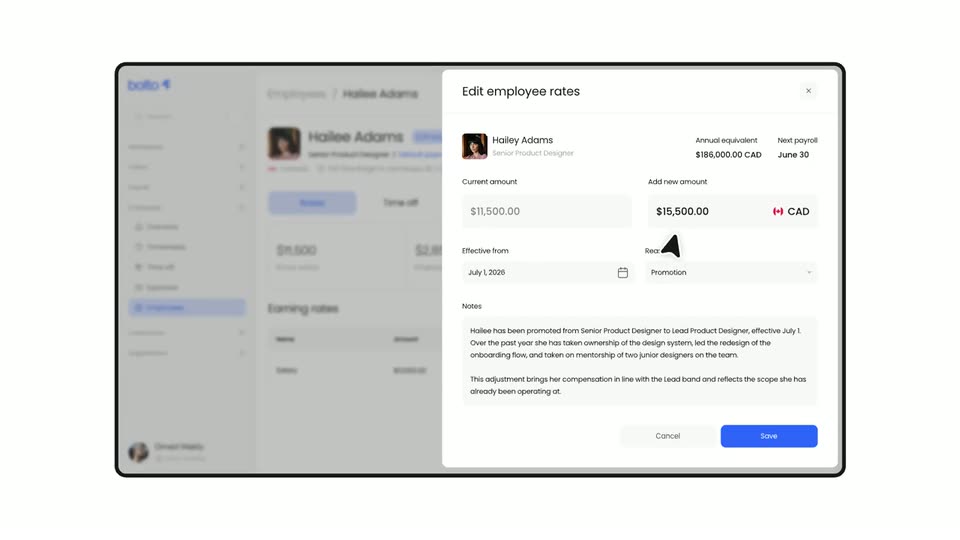 0:14–0:18Bolto · Mern Singh - today, we’re introducing a refreshed @boltohq platform hr & payrA tablet mockup on white shows the balto app. A rates modal slides in from the right over a blurred employee profile; a cursor types a new amount and clicks Save, then the modal slides out to the right.
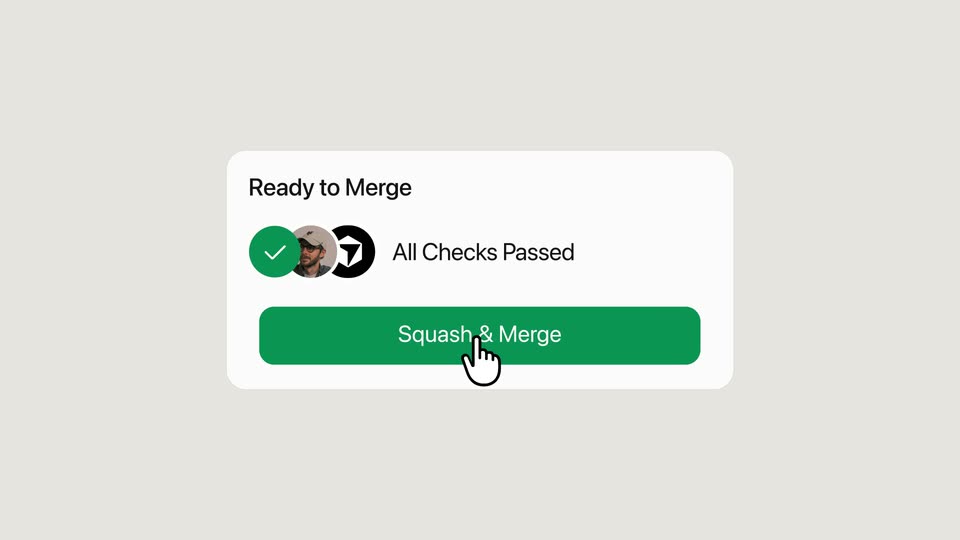 0:18–0:20Cursor · Cursor - Origin, our code hosting platform, is now live. It's fast, easy to uA white pull-request card on a light gray field drifts left across the frame. It holds a green check, two avatars, a black logo and the line All Checks Passed above a green Squash & Merge button. A hand cursor rises from below and taps the button.
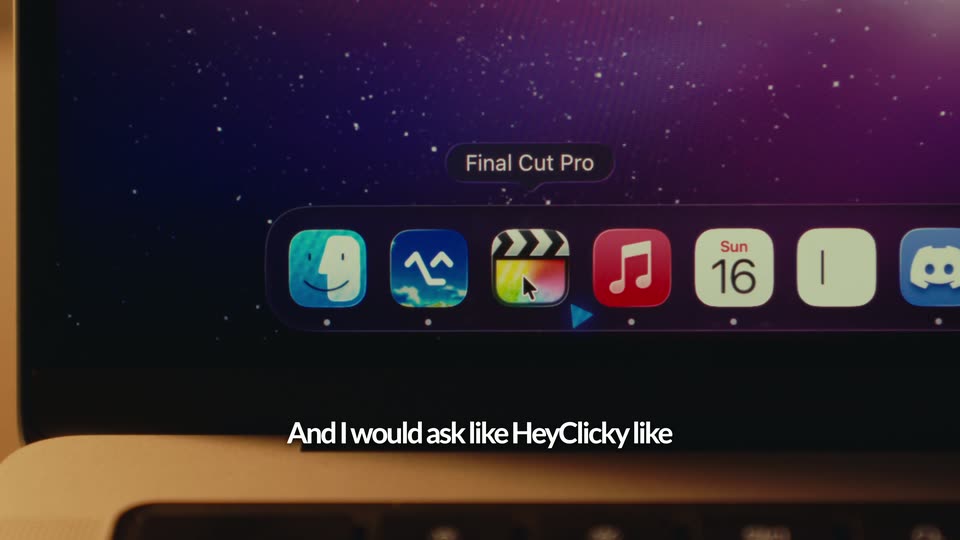 0:38–0:40HeyClicky · heyclicky - he can flyA locked-off close-up of a laptop screen shows the macOS dock over a starry purple wallpaper. A speech-bubble label above the dock switches from HeyClicky to Final Cut Pro as a cursor hovers the clapperboard icon. A white subtitle sits at the bottom.
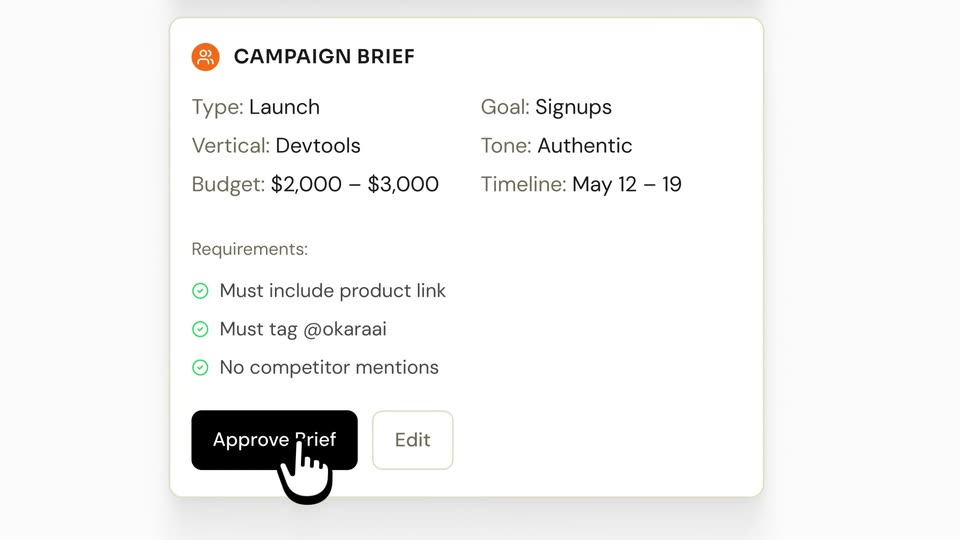 0:42–0:43Okara · Okara - Today we're introducing Okara AI CMO v2. Drop in your website and itA white campaign brief card with two buttons sits above a light gray headline. The frame zooms in on the card, the headline turns black, and a hand cursor glides onto the dark Approve Brief button.
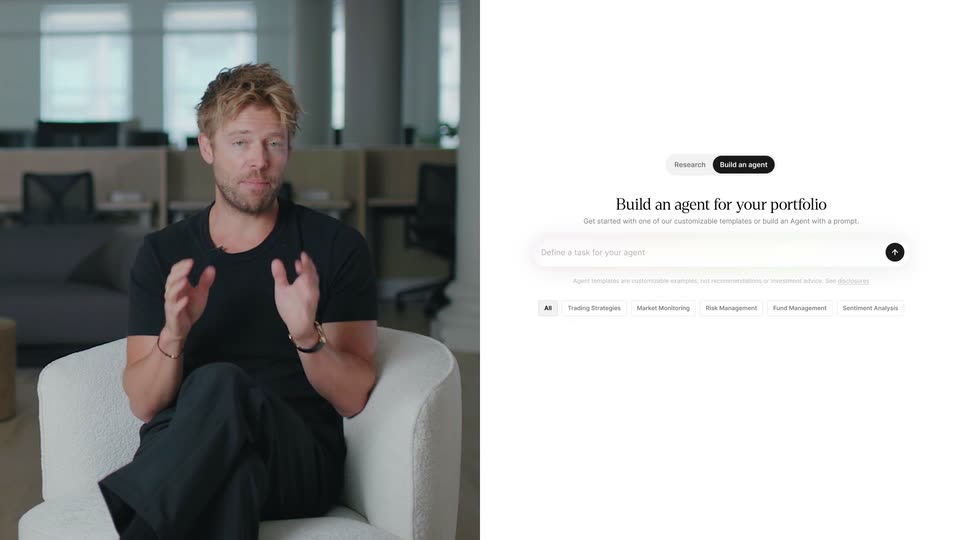 0:49–0:54Public · Public - BREAKING: New updates to AI Agents on Public → We’ve launched the fiSplit screen: a man in a black t-shirt sits in a white armchair on the left, gesturing. On the right, the interface fades from a green line chart to an agent builder page with a search bar and category chips, a cursor on a New icon.
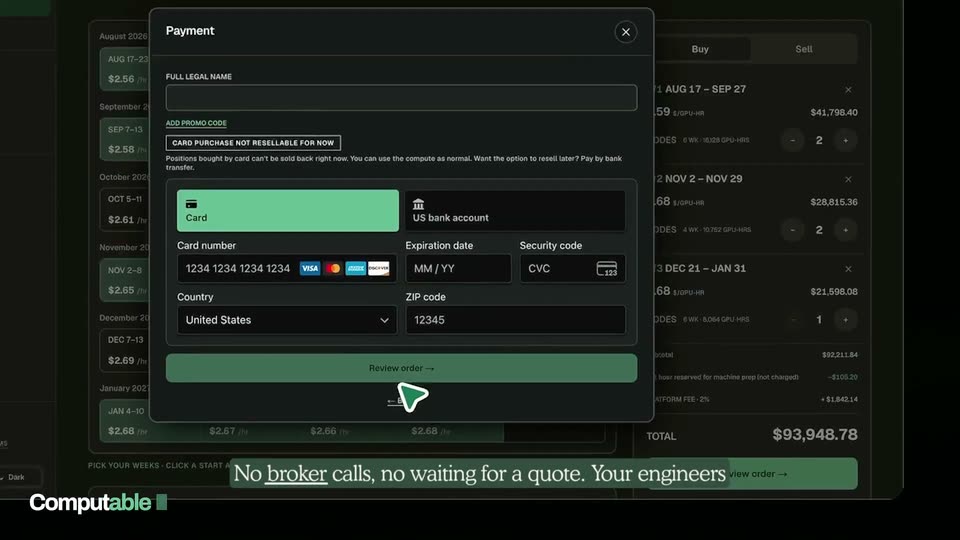 0:48–0:49Computable · Launch YC: ComputableA checkout modal with a card payment form fills a browser window; the cursor rests near the Review order button, then the modal closes and the frame pulls back to the full marketplace page listing NVIDIA H100 weeks and a $93,948.78 total, while a caption runs along the bottom.
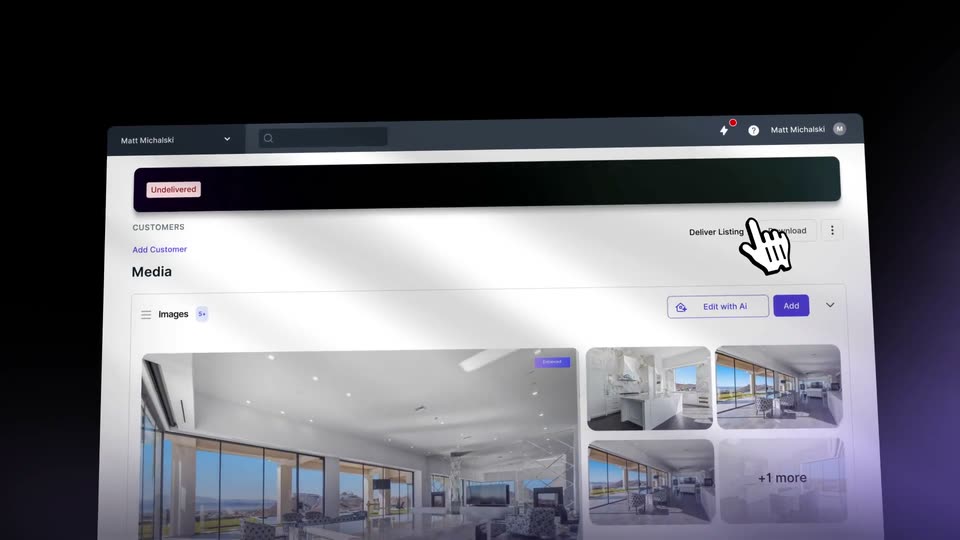 0:38–0:42AutoHDR · Best AI Product Launch Video | AutoHDRA 3D mockup of a white customer media page rotates from a steep side angle to face the camera against a dark glowing background. A white hand cursor slides across the screen, tapping the Deliver Listing, Download and Images controls as a light sweep glints over the panel.
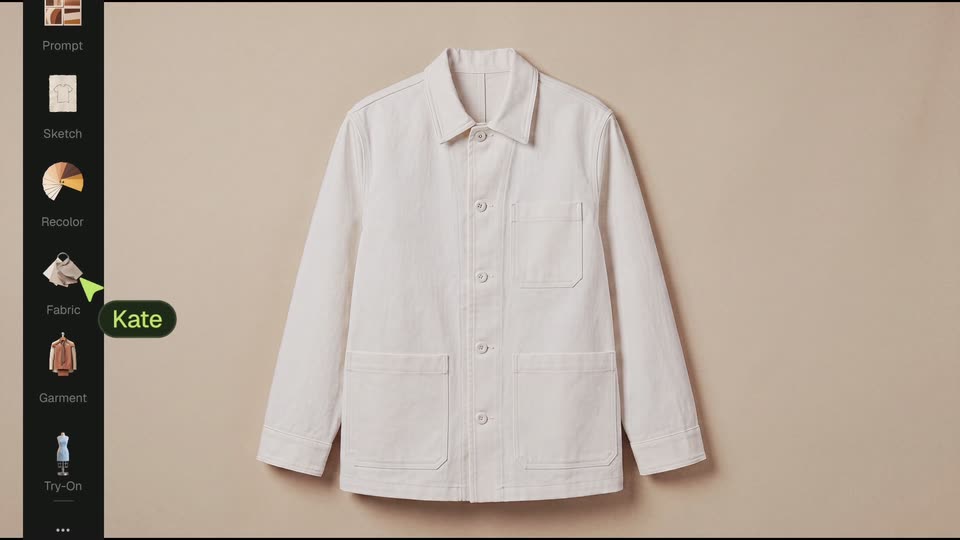 0:18–0:19Fashion Studio · FLORA © - Introducing Fashion Studio. Fashion Studio is a curated set of toolA green cursor tagged Kate moves from the center of a white shirt to the Fabric icon in the left sidebar, and a Fabric Swap panel with drop-down fields slides in from the right edge.
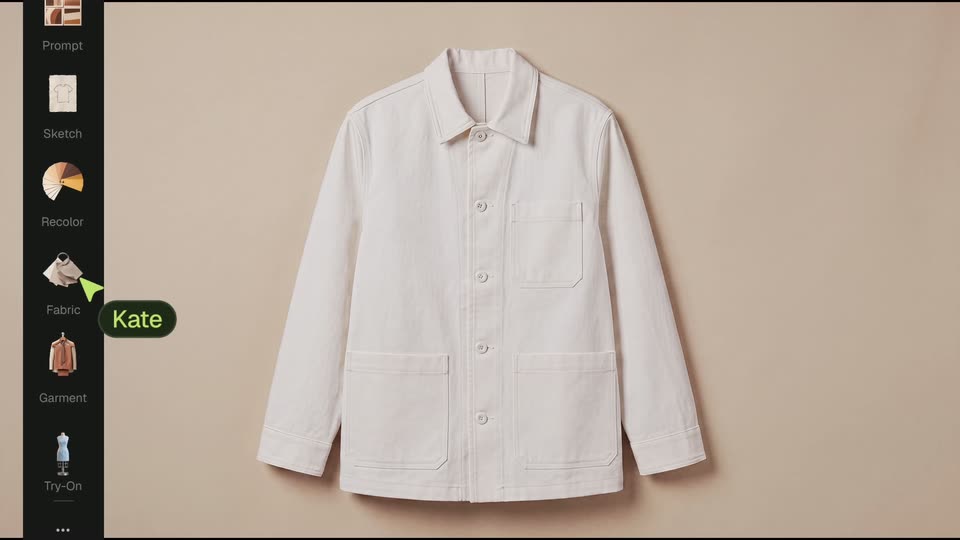 0:18–0:19FLORA · Introducing Fashion StudioA white shirt lies on a beige canvas beside a vertical tool rail. The cursor tagged Kate glides from the shirt to the Fabric icon, which lights up green, and a Fabric Swap panel slides in from the right.
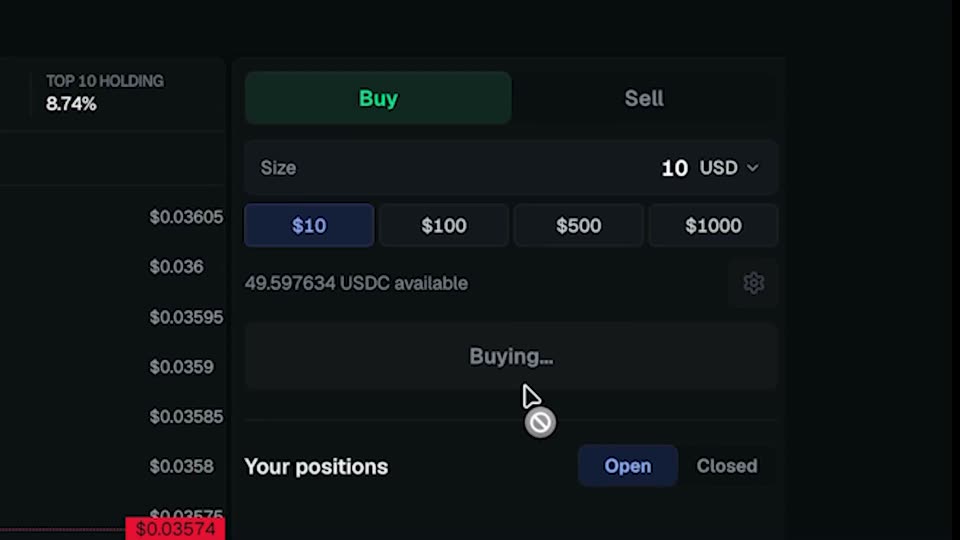 0:27–0:28Arbital · Arbital – Trade memes, stocks, and perps from one placeA dark crypto trading screen with a price ladder on the left and a buy panel in the center. The cursor clicks the blue Buy STONKROKER button, and the view zooms slightly in as the button flips to a Buying state with a loading spinner.
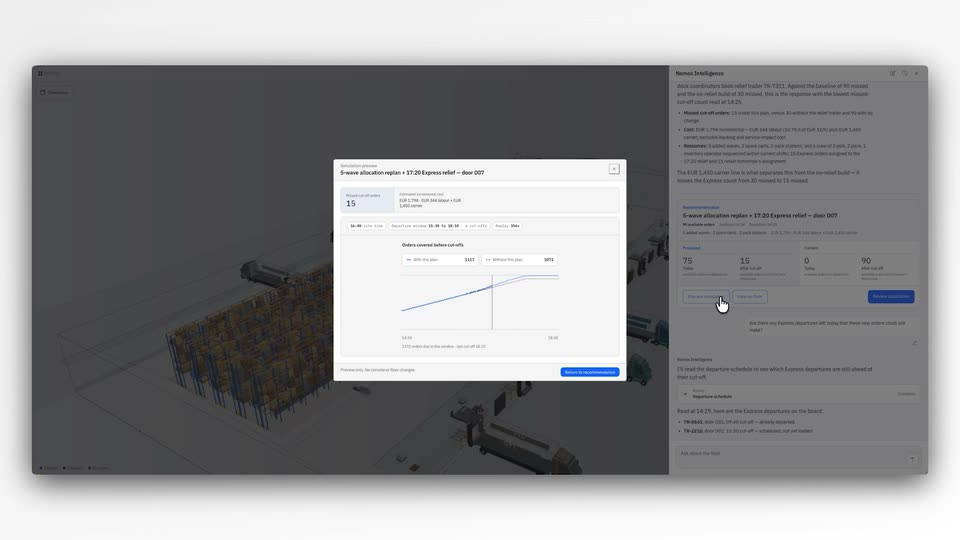 0:57–1:03Haladir · Jibran Hutchins - Today at @Haladirofficial, we are launching Nomos Sandbox, an interacA close-up of a warehouse planning panel pulls back to reveal the full app as a tilted 3D mockup over a 3D warehouse render. A centered modal draws a line chart while its figures count up, then the modal slides away as the cursor moves to a return button.
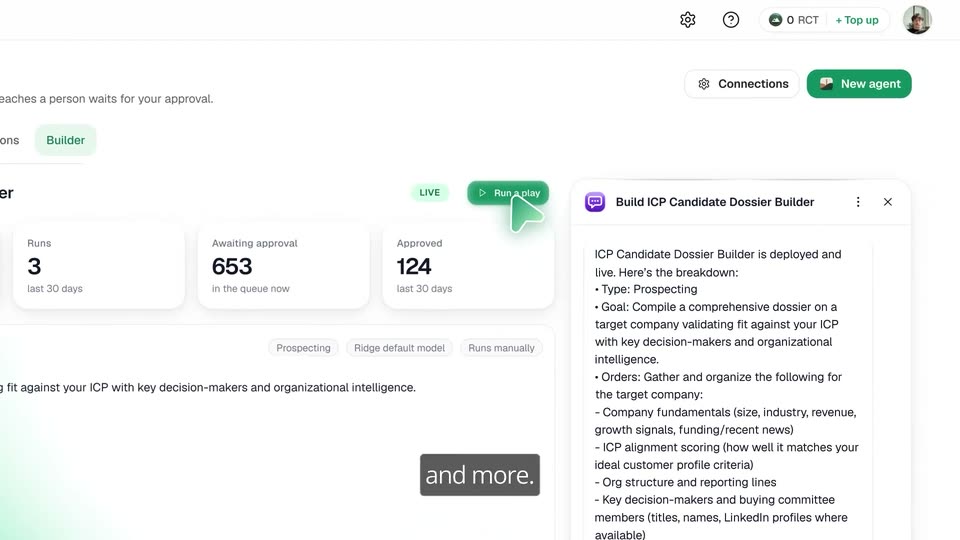 0:51–0:52Ridge · Ridge - Introducing Ridge Forge! For the past year, our autonomous agents haA light product dashboard with stat cards and a right-hand chat panel fills the frame. A green cursor arrow hovers over the green Run a play button as the view drifts right to reveal the panel.
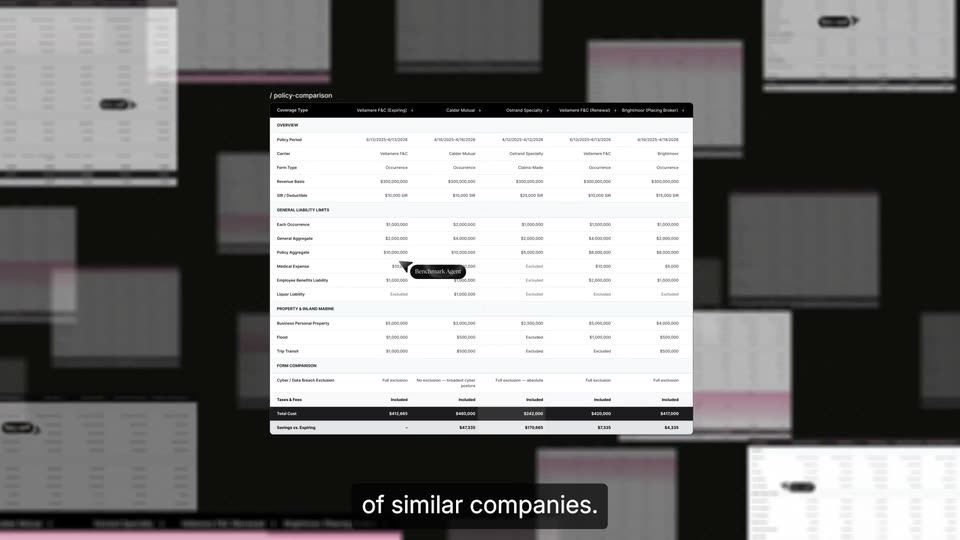 0:50–0:52With Coverage · JD Ross - In 2014, I took on real estate brokers w/ my company Opendoor In 202A policy-comparison table sits in sharp focus at center, with blurred duplicates of the same table flanking it left and right for depth. A cursor tagged 'Benchmark Agent' hovers over a cell as the camera zooms into the grid; white captions on black pills read at the bottom.
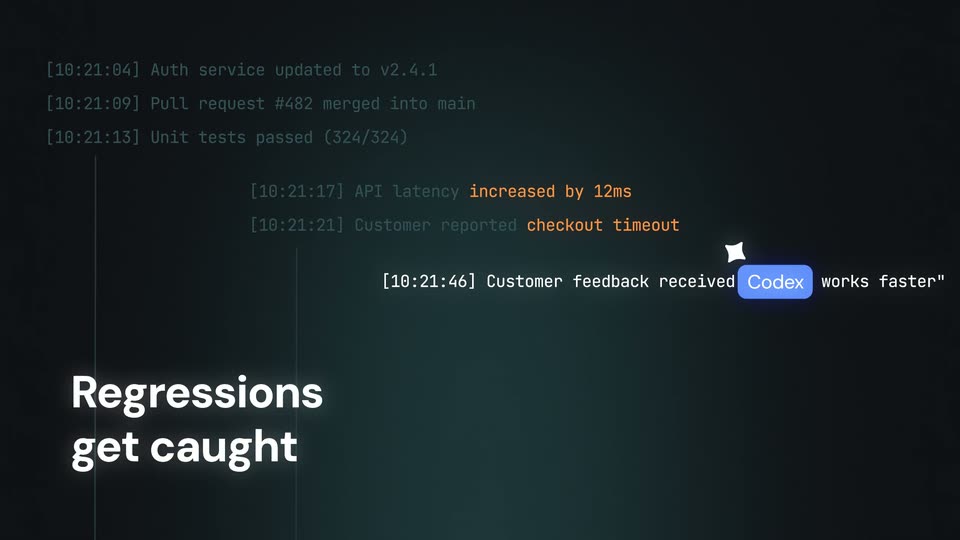 0:32–0:34Cold tea · Ohans Emmanuel - Introducing Coldtea. The ADE for shipping self-driving software. PurA dark console log scrolls upward as timestamped lines appear one by one, with a blue Codex button and a cursor arrow hovering at right. On the lower left, the white headline builds line by line: Regressions, then get caught.
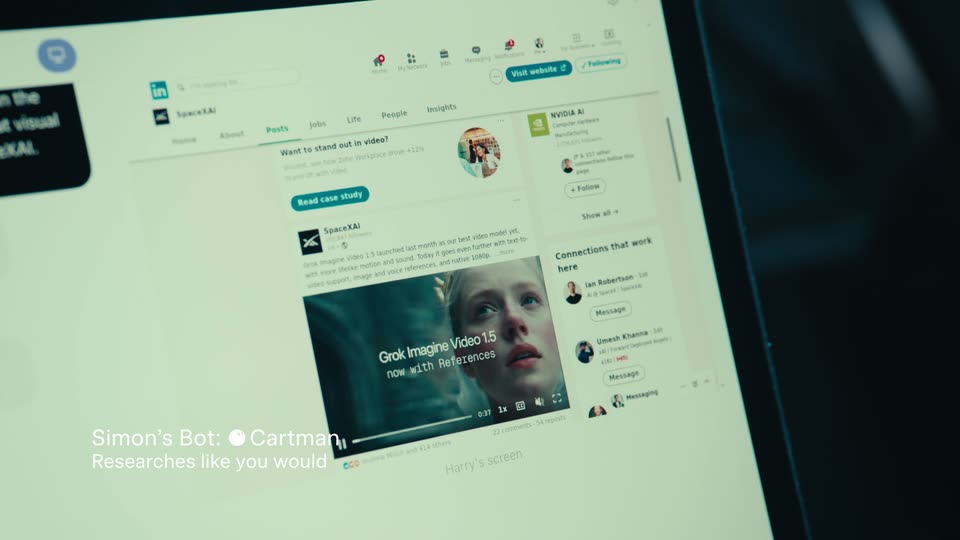 0:50–0:52xAI · Grok Bot - Introducing Grok Bot, now in early beta. Bots are AI teammates thatAn angled close-up of a laptop screen, soft at first then sharp, shows a LinkedIn feed with a video playing before the page reloads to a blank loader with a cursor. A chat panel sits at the left edge under a white lower-third caption.
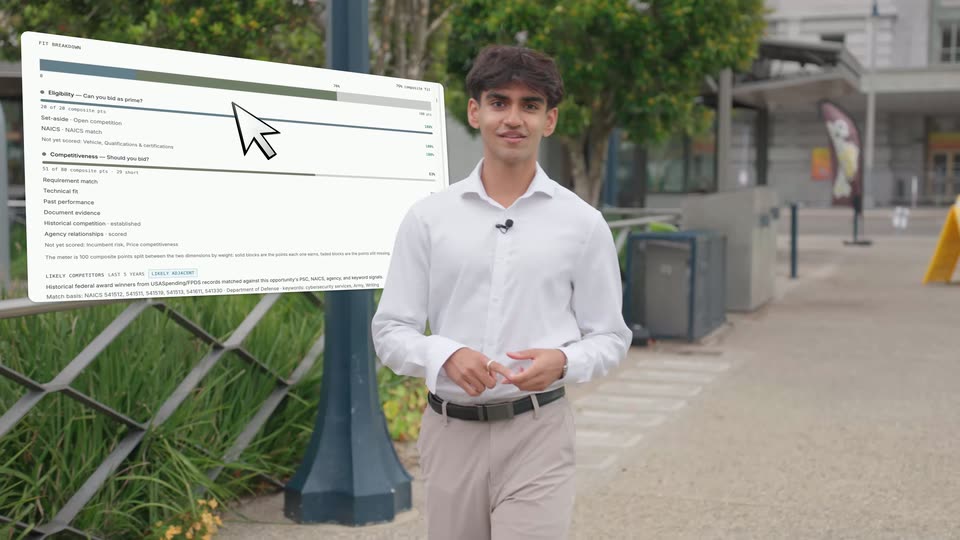 0:43–0:46Capto · Chromie - The AI operating system for government contractingA presenter in a white shirt stands on an outdoor path, gesturing as he talks. A large tilted document interface floats at his left, its rows scrolling up while two outlined cursor arrows point at the eligibility and competitiveness bars.
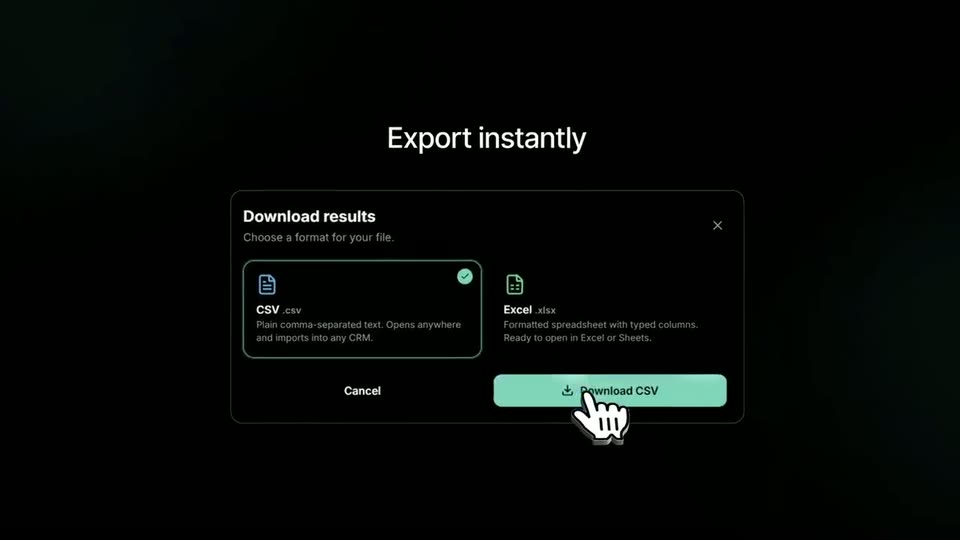 1:18–1:20LandAtlas · LandAtlas: demoA dark download dialog with CSV and Excel format cards sits under the headline. A hand cursor slides across and presses the Download CSV button, which lights up green as the cursor holds on it.
 1:03–1:04Lindy · Flo Crivello - Today, we kill the AI agent and introduce the AI employee: Lindy TeamA large black cursor glides right toward a blue Save & Continue button at the corner of a dialog, beside a red Close button. A white circular badge with a black abstract mark rests on the tan field below, and a caption reads or even build its own integrations.
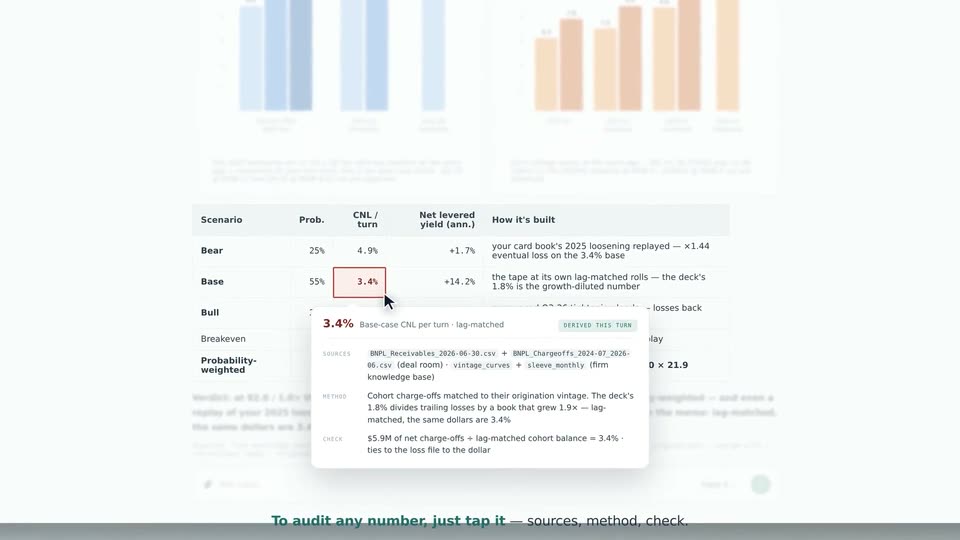 1:01–1:04Levocred AI · Introducing Levocred AI (YC S26)A blurred credit dashboard sits behind a sharp scenario table. A cursor taps the 3.4% cell, which gains a red outline as a detail card drops in with sources, method and check. A teal caption states the audit line, then the bar swaps to the Levocred footer.
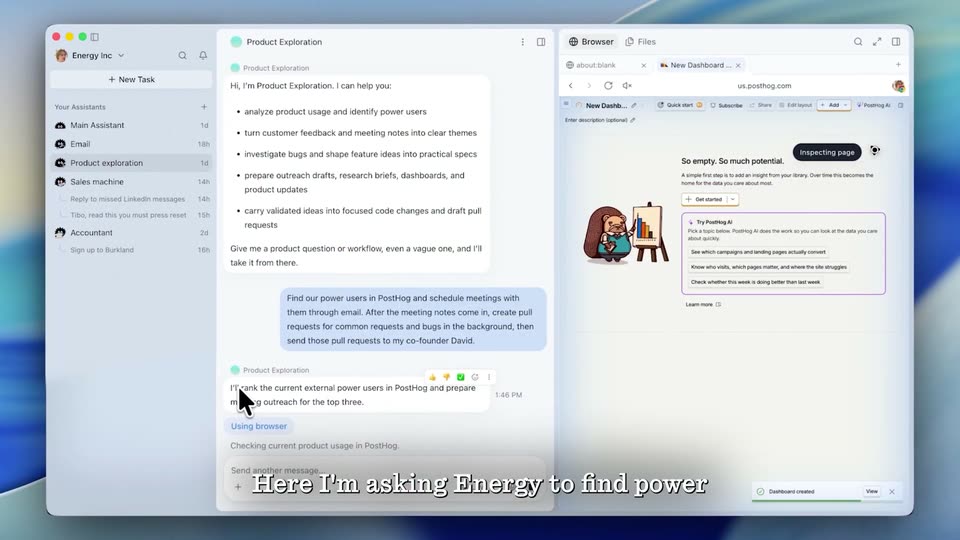 0:45–0:48Energy · gabriel - 3 months ago i resigned from @OpenAI. today we are launching EnergyA tilted 3D screen shows a chat assistant on the left and a PostHog browser on the right. The browser switches from a dashboards list to a new dashboard page while a cursor moves, and a white caption rolls along the bottom.
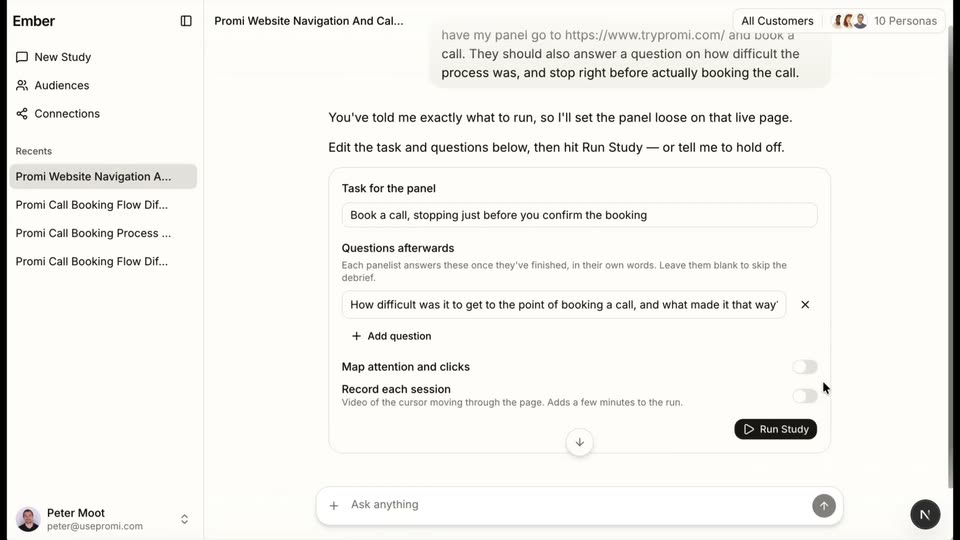 0:19–0:26Promi · Promi Digital Twins DemoA diagonal wipe reveals the Ember interface, which scrolls up as the assistant types a reply and a task card slides in. A second question types itself, the cursor flips a toggle, then clicks Run Study, collapsing the card into a Thinking indicator.
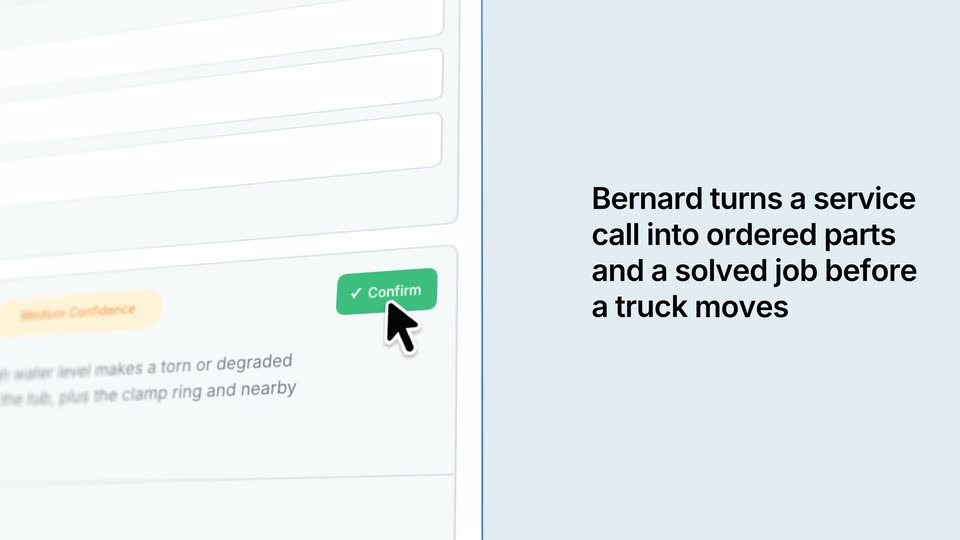 0:41–0:47Bernard · Meet Bernard: AI for Appliance Repair, From First Call to First-Time FixA tilted 3D view of a predictions list scrolls, then reframes onto a green Confirm button as a cursor clicks it. A light-blue panel opens on the right, building the caption line by line, before the screen flips to a Diagnosis Assistant card.
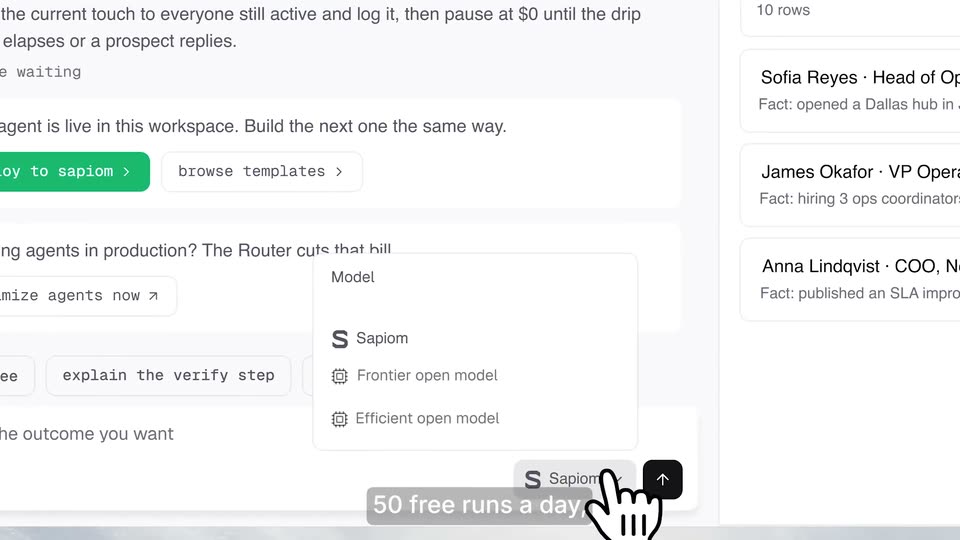 1:43–1:48Sapiom · Ilan Zerbib - @sapiom just raised a $35 million Series A from @dragonflyvc , @AccelA bright Sapiom workspace screen: left sidebar of agent folders, a Free plan card, and a prompt bar with action chips. A hand cursor moves along the toolbar, popping tooltips, while the frame pans right past a model picker to the agent detail cards.
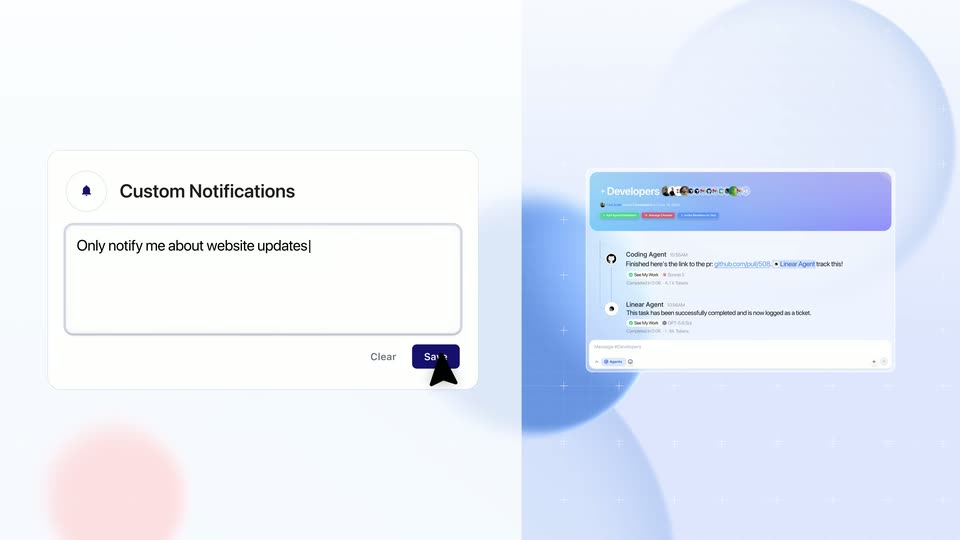 0:46–0:49Sila · Introducing SilaTwo flat UI cards on a pale gradient background with plus marks: a Custom Notifications settings card on the left and a team chat card on the right. The frame sharpens from a blur, then a black cursor glides in and presses the Save button.
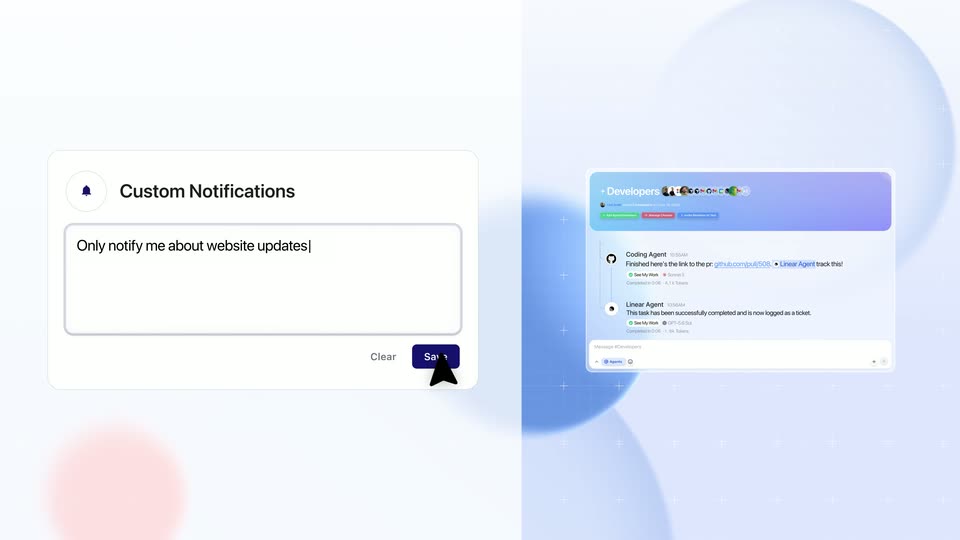 0:46–0:49Sila · Mith Paresh Patel - Introducing Sila backed by @ycombinator : Messaging built for 2026 AA blurry, zoomed-in view of two product panels pulls back to a locked-off layout: a Custom Notifications card left, a Developers chat card right. Text types into the notification field as a cursor moves to and presses the Save button.
 1:43–1:49Wispr Flow · Tanay Kothari - It's no secret how we feel about typing at Wispr Flow. The truth is,Serif headlines appear on cream, first “Meeting notes you can finally trust.” after a hand-drawn illustration, then “Notetaker works wherever you do.” above Zoom, Meet and Teams icons, then a URL pill with a cursor, before a cut to a live-action boardroom with two girls and a teddy bear.
 0:43–0:46Arcads · arcads AI - We raised $16M to build Claude Code for Meta Ads Introducing Mark: TA dark prompt field types out “Create an unboxing style review video, use some of my B-roll assets,” then the frame zooms onto the up-arrow send button as a white cursor arrow glides in and presses it.
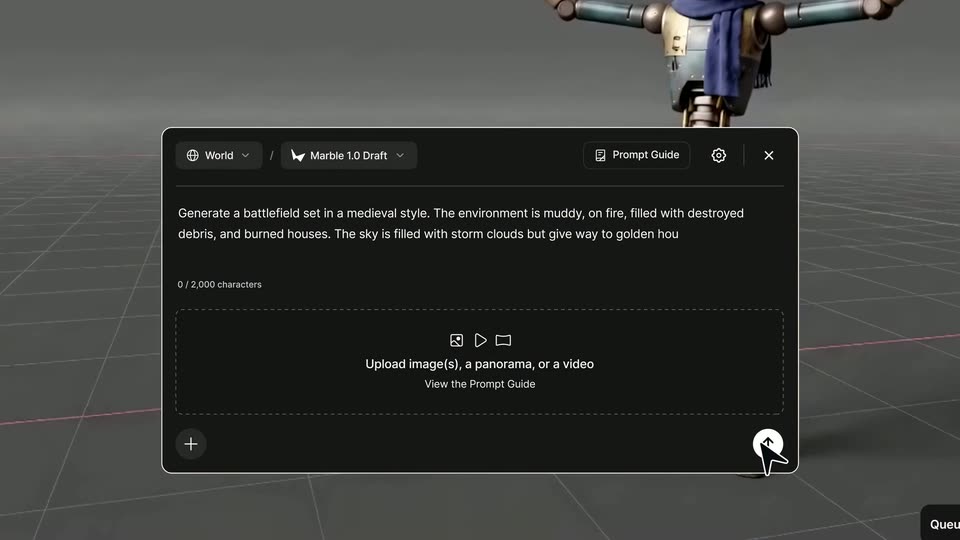 0:55–0:58Autodesk · Autodesk Flow Studio - AI video has a control problem. Most AI tools generate in 2D. FilmmaA dark prompt panel floats in a gray 3D viewport beside a goggled robot. The camera pushes in on the panel as a battlefield prompt fills the text field, then a cursor moves to the send button at the panel's corner.
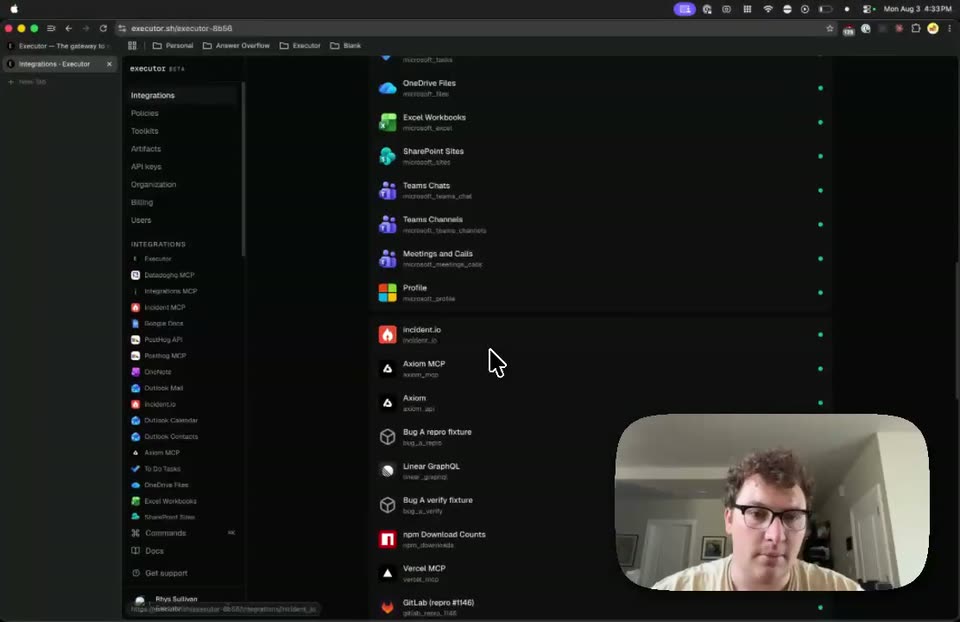 0:22–0:23Executor · Executor DemoA dark dashboard screen shows a left sidebar and a central list of integrations scrolling upward. A small video tile in the lower right shows a man with glasses talking, and a mouse cursor hovers over the list.
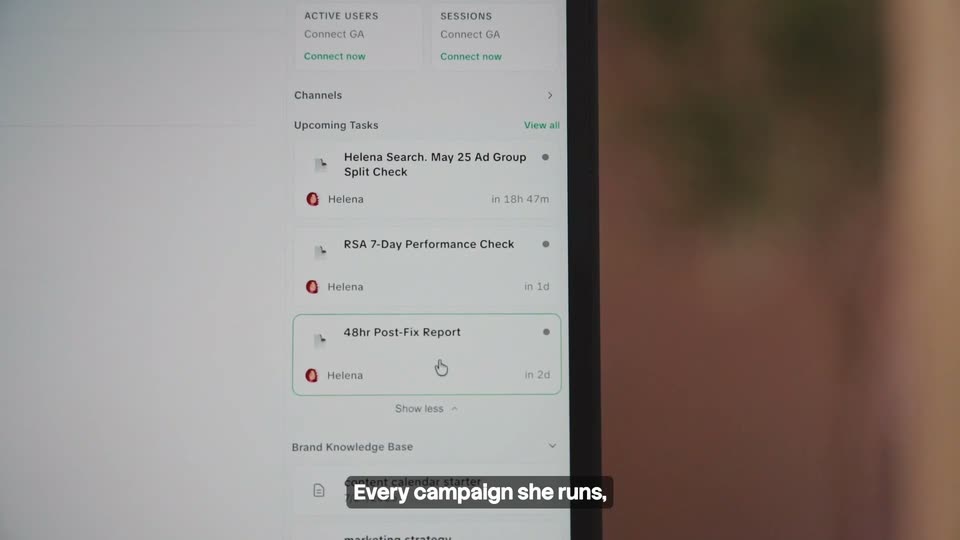 0:16–0:19Enrich Labs · Seijin Jung - introducing Helena, the world's first self-improving AI marketer. $1A close-up of a dashboard's Upcoming Tasks list on a monitor. A hand cursor moves down the list, and a green outline highlights each task in turn as the list scrolls slowly. White subtitles on a dark bar at the bottom narrate the feature.
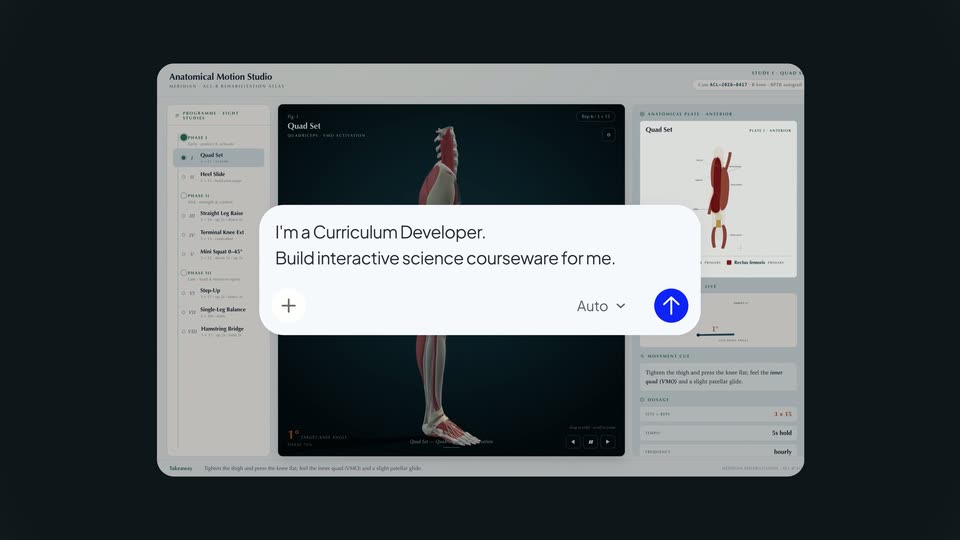 0:43–0:47Qwen · Qwen - Cowork: Any role, build beyondA flat anatomy-courseware app UI on a dark background. A centered prompt box types a two-line sentence with a blinking caret, then the text is replaced by a longer paragraph. Behind it, a 3D leg model loops a motion in the main panel.
 0:52–0:54Scalar Field · Amandeep Singh - We’re incredibly excited to share what we’ve been building over the pA dark navy rounded button labeled $ Invest sits centered on a white field. A white cursor arrow drifts in from the lower right, hovers, and clicks, opening a modal card titled Invest in NCAV/MV Strategy (Graham Deep Value) behind it.
 0:24–0:25Superblocks · Brad Menezes - Today we’re partnering with AWS to launch Superblocks 3.0: the secureA koala logo hovers above a prompt card on a light background as a black cursor waits. The card fills with a typed CRM request, then the frame widens to a full app window with a sidebar and a planning line typing out. A caption pill sits at the bottom.
 0:28 · 0.3sMigma AI · Taha - a product this good deserved a launch video that matched it. so we bA dark email preview interface floats in 3D perspective over a red-orange gradient. Three named cursors, John, Andy and Alex, drift across the email, pointing at the headline and the Learn More button. A task list with green checkmarks sits in the left panel.
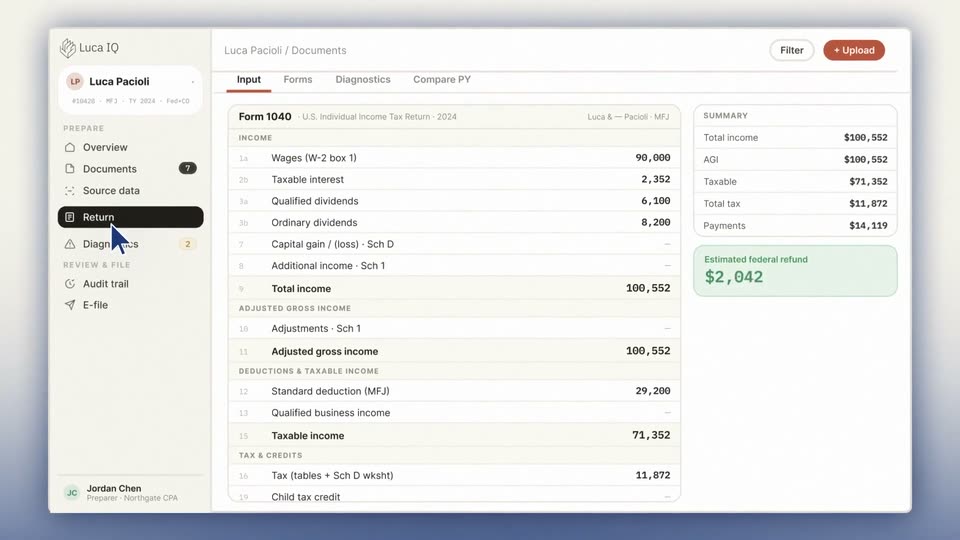 0:58–1:01Luca IQ · Luca IQ (YC S26) LaunchA flat tax-app interface shows a Form 1040 line-item list; the right-hand summary fills from zeros to a $2,465 refund. The cursor taps Return, then the panel swaps to a W-2 form and the cursor rests on Audit trail.
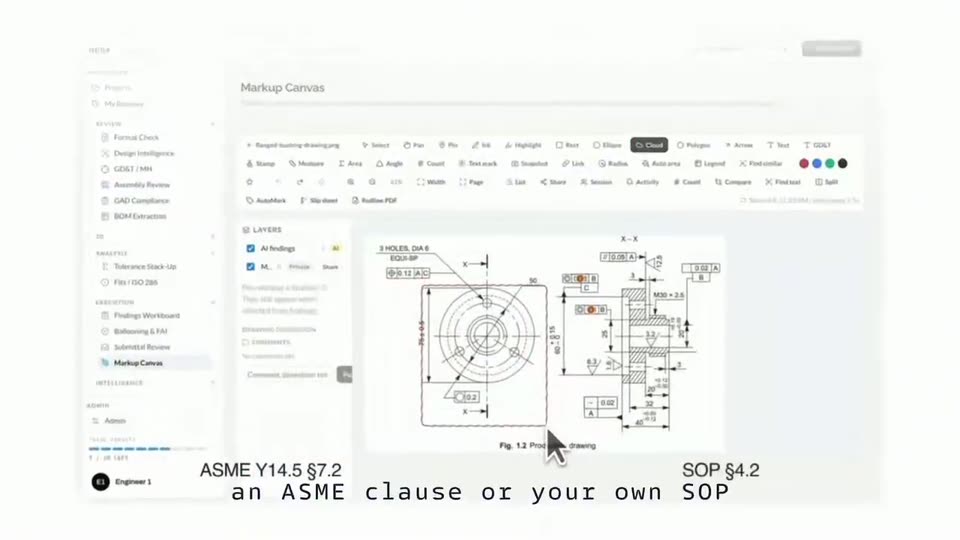 0:49–0:52The Manufacturing Intelligence Company · Meera - Introducing Hera (YC S26), built to catch $1,000 mistakes in mechanicA light markup UI displays an engineering drawing with a cursor on the canvas. The bottom caption types out word by word as side labels fade, then the interface blurs to a single drawing page centered on white while a new caption fades in on the left.
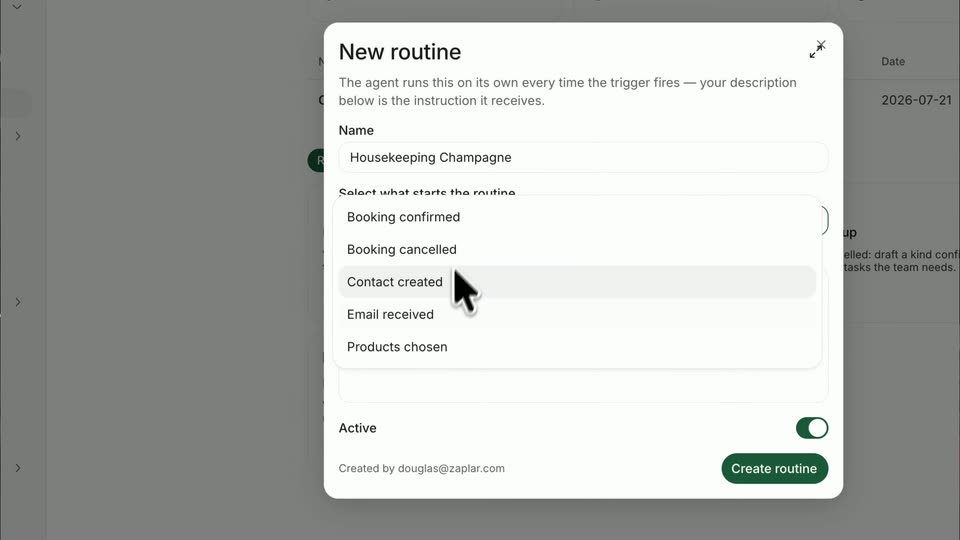 1:18–1:28Zaplar · Zaplar: the AI-native operating system for hotels (Y Combinator S26)A cursor clicks Routines in the sidebar, opening the routines list, then clicks New routine. A modal opens; the cursor types a name, selects the Products chosen trigger, and starts a description, as the frame zooms into the modal.
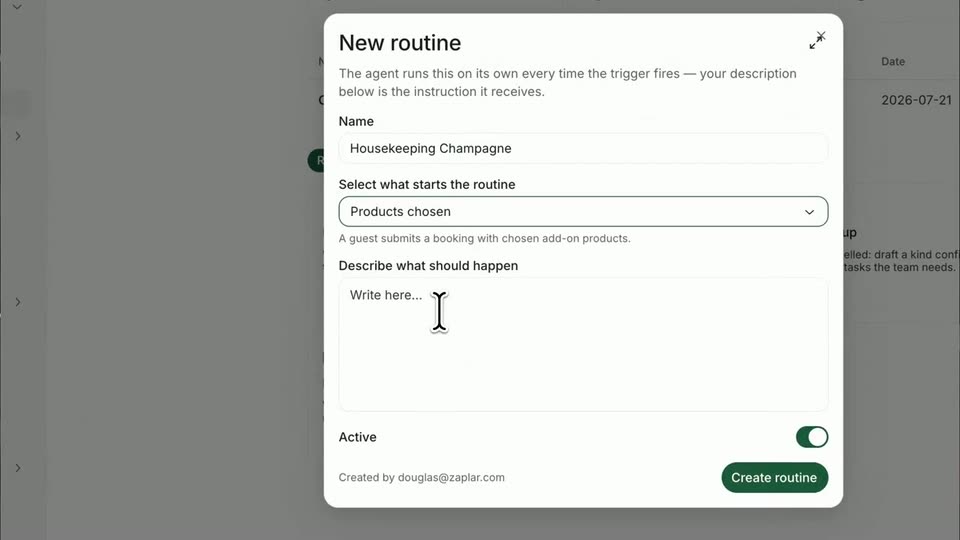 1:22–1:28Zaplar · Zaplar (YC S26) - Today, we're launching Zaplar (YC S26) Zaplar is the agentic hotel oA product UI shows a New routine dialog over a Routines page. A cursor types a name, opens a trigger dropdown, selects Products chosen, then types a description, while the camera zooms into the dialog and back.
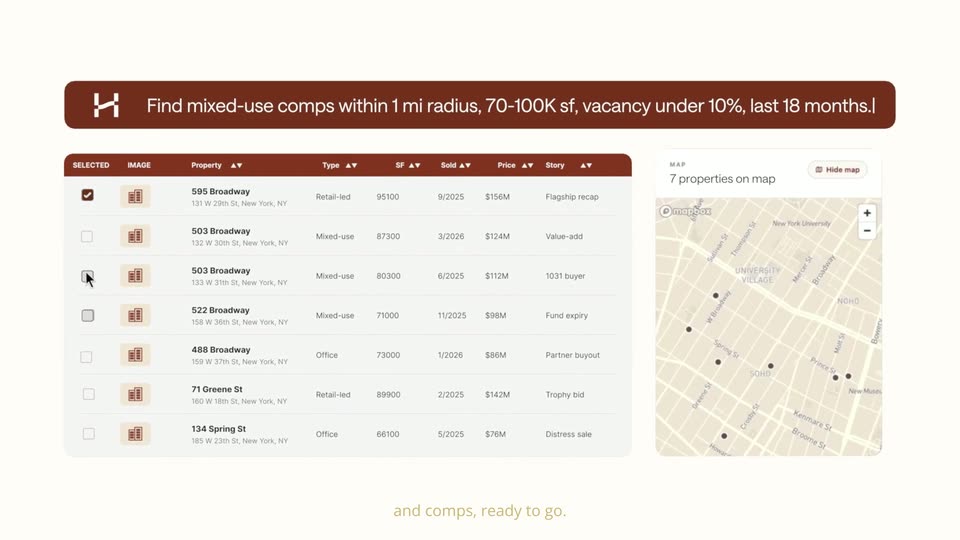 1:51–1:54Henry AI · Henry AI - Today it's official: Henry has raised a $16.5M Series A, led by @FirsA product screen shows a maroon prompt bar above a property list and a side map. A cursor moves down the list and clicks checkboxes, selecting rows, while a tan caption sits at the bottom.
 0:20 · 0.8sReplit · Introducing Replit DesignA rounded rectangle with a glowing pink border sits on a light gray background. A blurred image fills the frame under a white halftone dot pattern that recedes toward the top right corner, while a black cursor rests just below the frame.
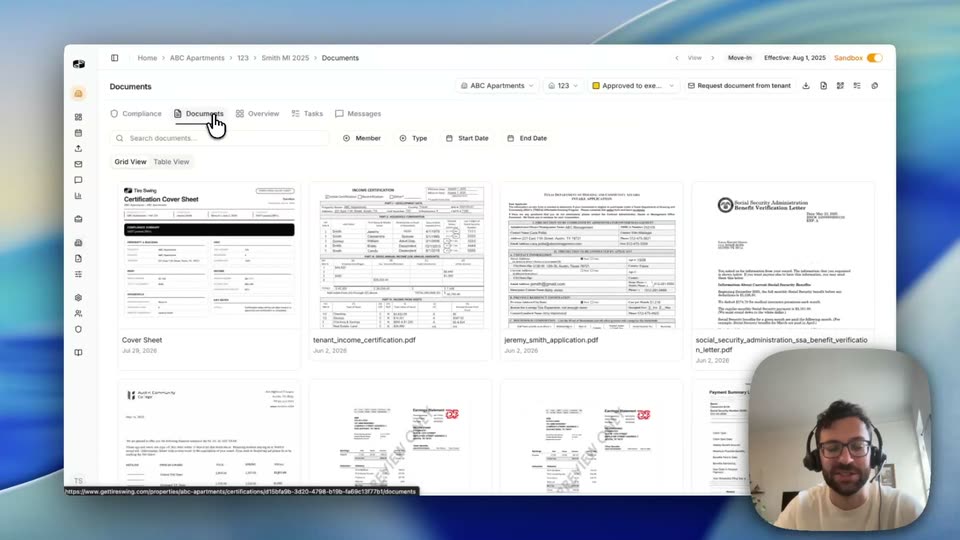 0:19–0:28Tire Swing · Tire SwingA product window on a blue gradient shows a documents grid; the view zooms in until the interface fills the frame. A cursor hovers a PDF thumbnail, popping up action icons, then scrolls the list to reveal more files. A presenter's webcam sits in the corner.
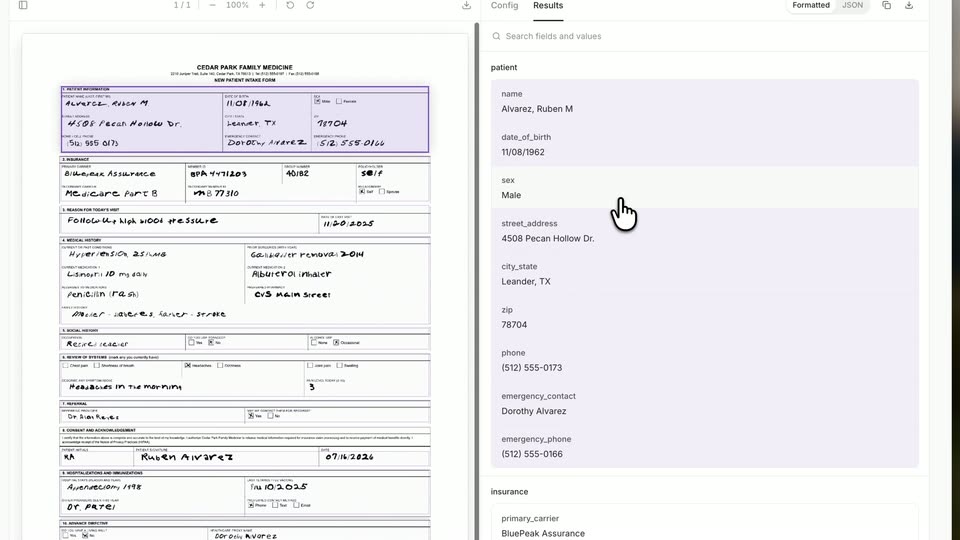 0:53 · 0.9sHanji · David Yu - Introducing Hanji. Turn your scanned, faxed, and handwritten documenThe product screen splits into two panes: a scanned handwritten medical intake form on the left and a structured field list on the right showing extracted patient data like name, address and phone. A hand cursor rests over the sex field while the panel stays static.
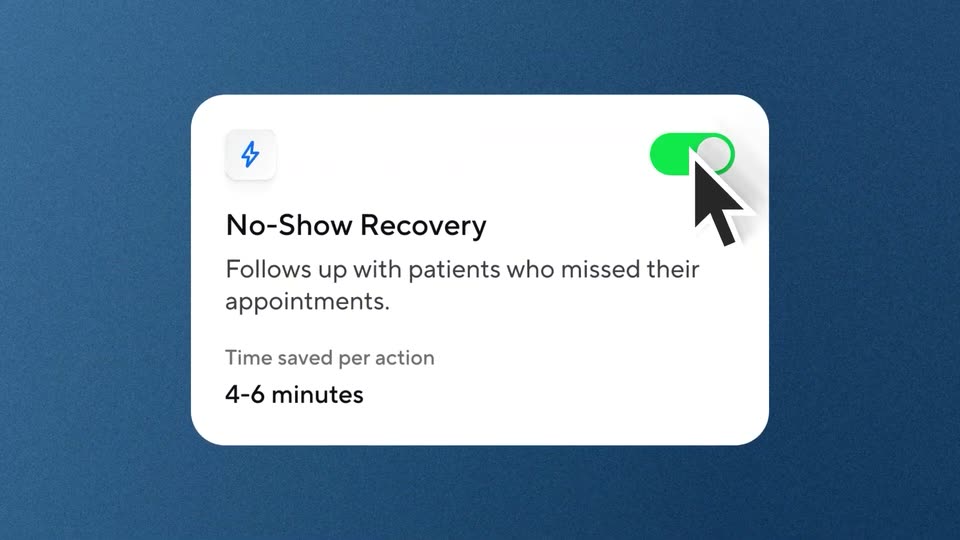 1:40–1:41Sully AI · Sully AI - 120 Second Product VideoOver a blue textured background, a white feature card for No-Show Recovery slides up and centers as the previous calling screen fades out. A black cursor moves to the top-right toggle and clicks it, turning the switch green.
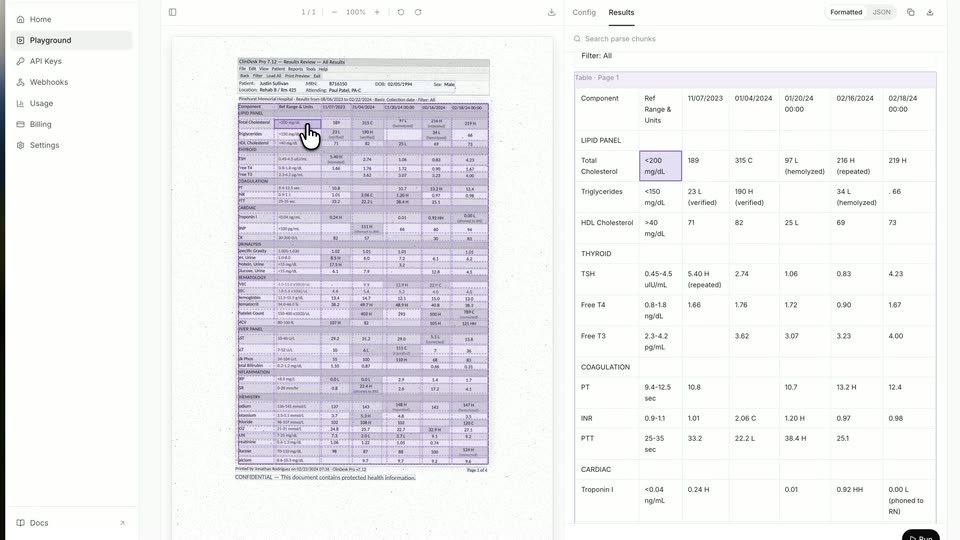 0:56–1:00YouLearn · Introducing Hanji, turn your hardest documents into reliable dataA split interface shows a dense lab report PDF on the left and a parsed data table on the right. A cursor clicks a cholesterol value, highlighting the matching cell in both panes, then the whole window tilts into 3D against a dark backdrop.
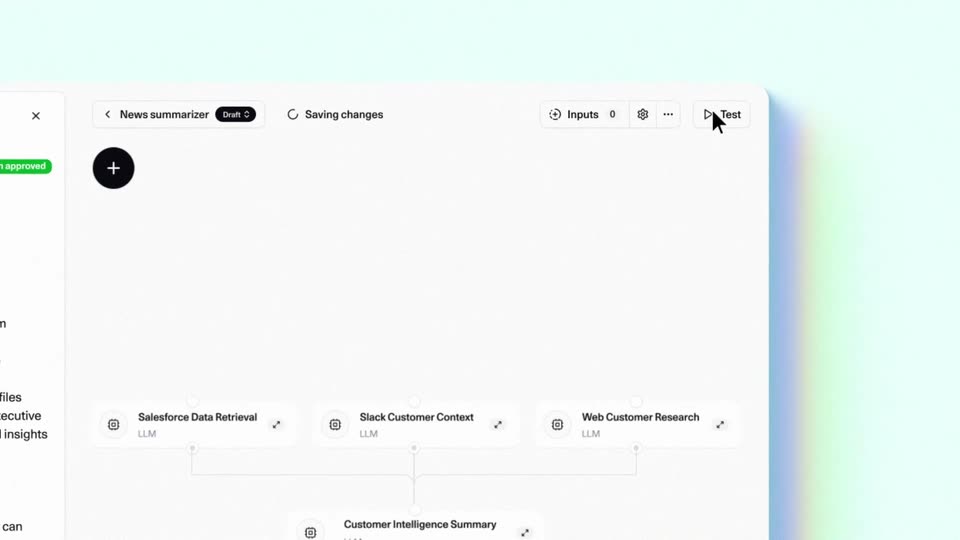 0:22–0:24North Automations · Cohere - Introducing North Automations Use plain language to design automatedA workflow canvas with four nodes sharpens and zooms forward as a left summary panel blurs into a ghost. A cursor clicks the Test button in the top bar, and a status panel slides in from the right edge.
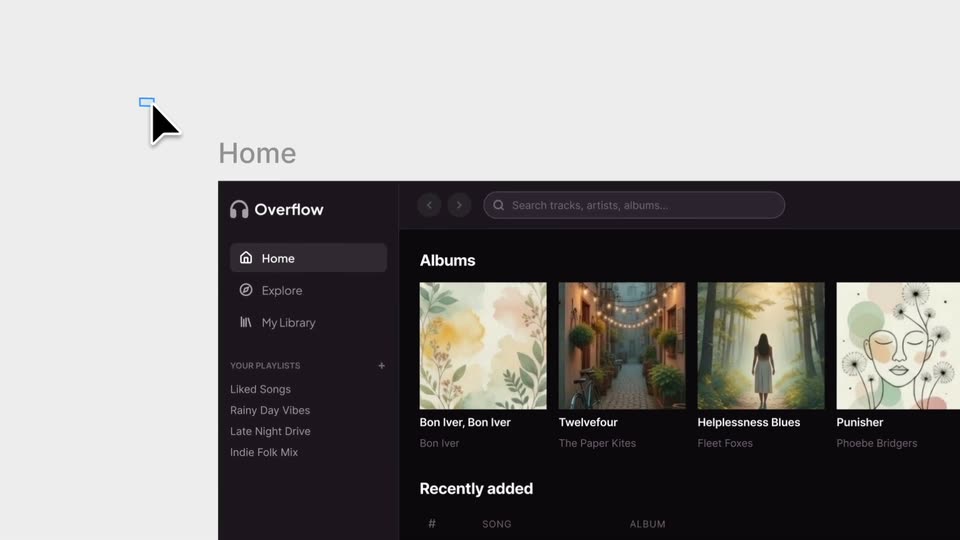 0:30–0:31Paper · Stephen Haney - Getting started in Paper is now really easy You can start your desigA dark interface is shown. A cursor moves from the top left, hovers over the Home menu item to highlight it, then moves to the top right to hover over the search bar.
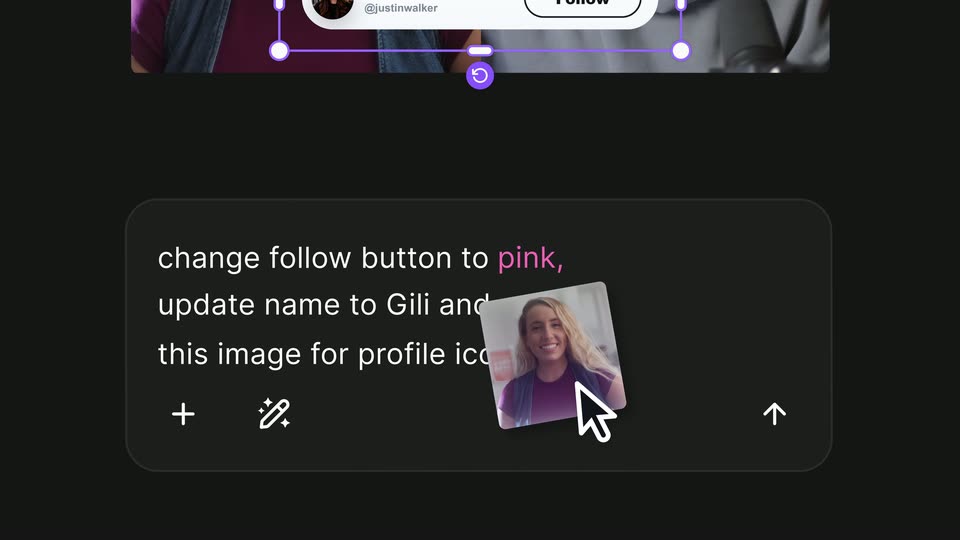 0:07–0:13Riverside · Riverside - Motion graphics, now on Riverside. Generate and customize them righAbove a locked profile card ringed by purple handles, a dark prompt box types an edit command, the word pink in magenta, and a portrait thumbnail snaps into its corner; a white cursor clicks the send arrow.
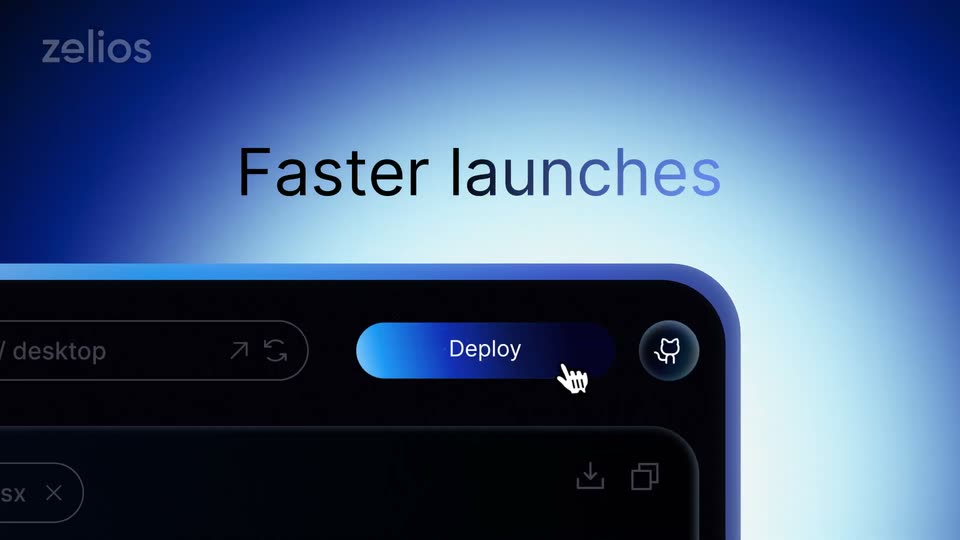 0:39–0:41Lovio · AI App Builder Product Demo Video Example | LovioA soft blue gradient holds the headline 'Faster launches' while a dark interface panel slides up from the bottom edge. The panel's Deploy button glows blue as a hand cursor hovers over it.
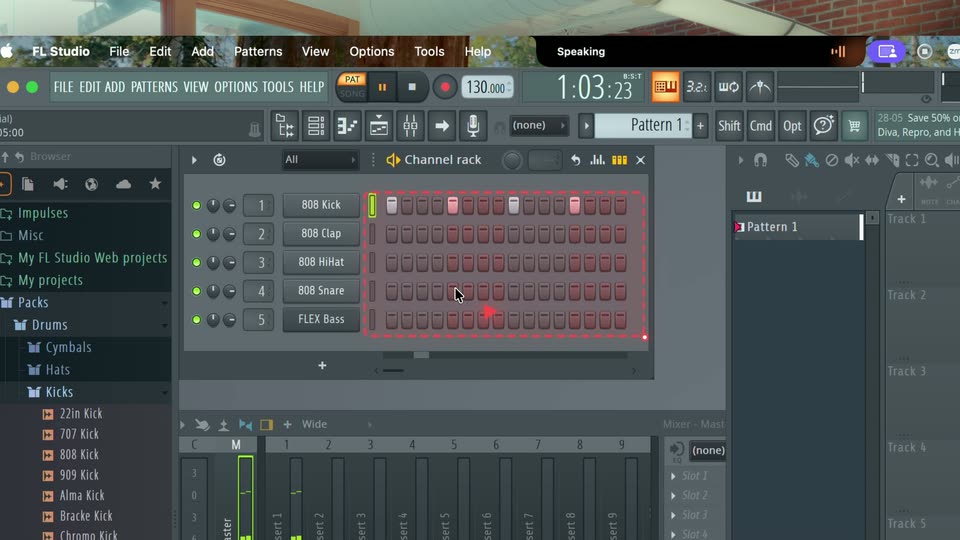 1:43–1:50HeyClicky · we built an ai that draws on your screen.A FL Studio channel rack step sequencer fills the frame, locked off. A white cursor moves down the snare row and clicks step 5, then step 13, lighting the cells red. White captions at the bottom narrate each click.
 0:32–0:33Lovable · Lovable - Every ad in SF says "agents agents agents" We skipped the billboardA tight close-up of a white chat input on a magenta field. The word Build is typed beside a dropdown chevron and microphone icon. A black cursor arrow glides in from the lower right and rests on the dark circular send button with a white up arrow.
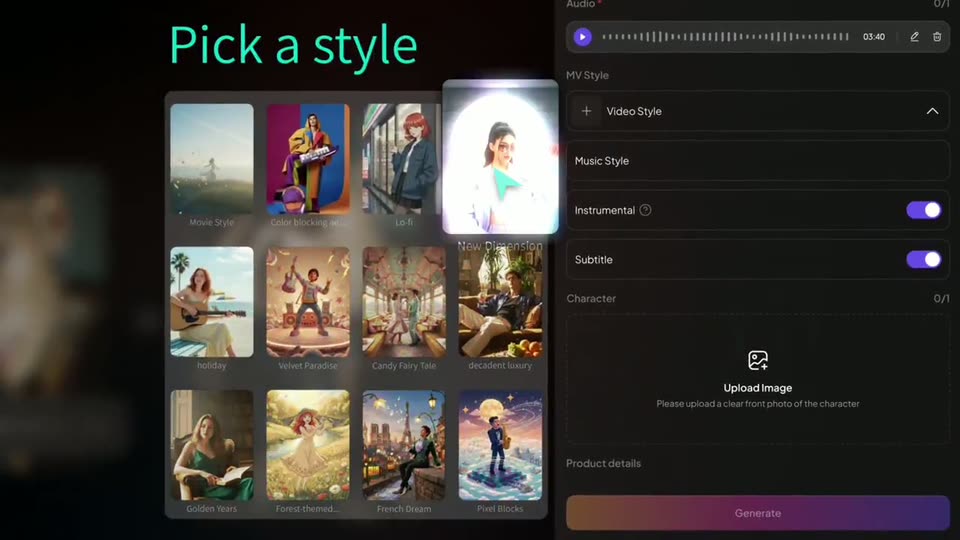 0:05–0:06PixVerse · PixVerse - Wanna turn any song into a music video? VibeMV is live now! Just uploA dark product interface shows a grid of style thumbnails under a teal “Pick a style” headline on the left, with a settings panel of toggles and a Generate button on the right. A teal cursor hovers a thumbnail that lifts up enlarged with a soft glow.
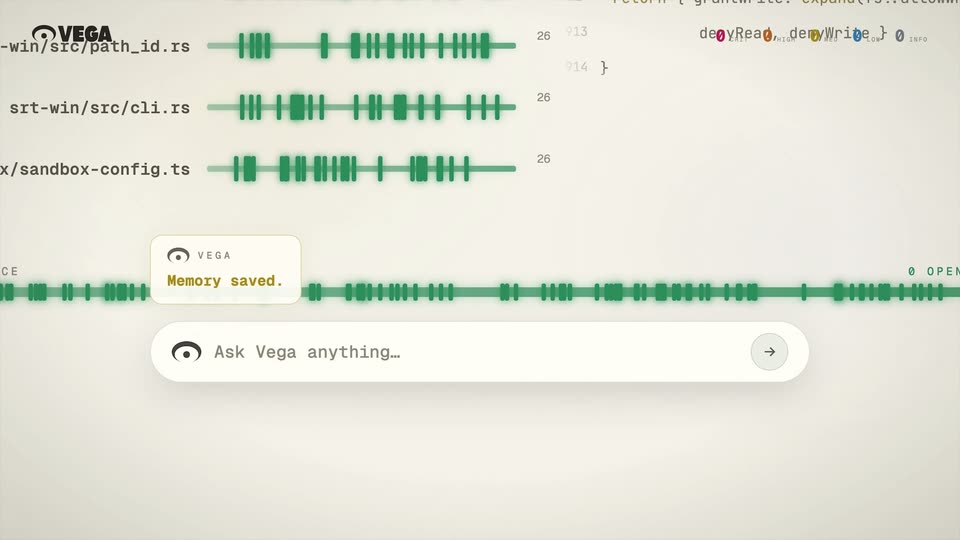 0:30–0:51NebuSec · Vega Launch VideoA code-review UI lists files with colored finding ticks as a white card cycles CRITICAL, HIGH and MEDIUM findings, a progress ring counts to 100 and the rows turn green. The view reframes onto the chat bar, a cursor ticks two prompts, and a monitoring card streams commit rows.
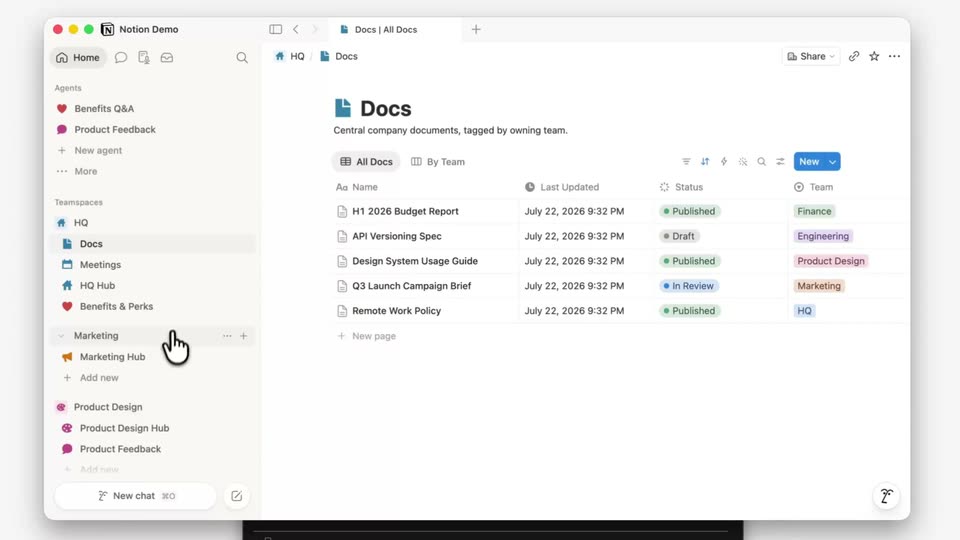 0:42–0:45Notion · Notion - Now in beta: Notion as code. Define an entire workspace in TypeScripA Notion window displays a Docs table with a left sidebar. A hand cursor moves down to Marketing Hub, and the main panel cross-fades from the document list to the Marketing Hub page.