UI zoom
A zoom or reframe onto one part of the interface.
9,986 scenes · page 54 of 167
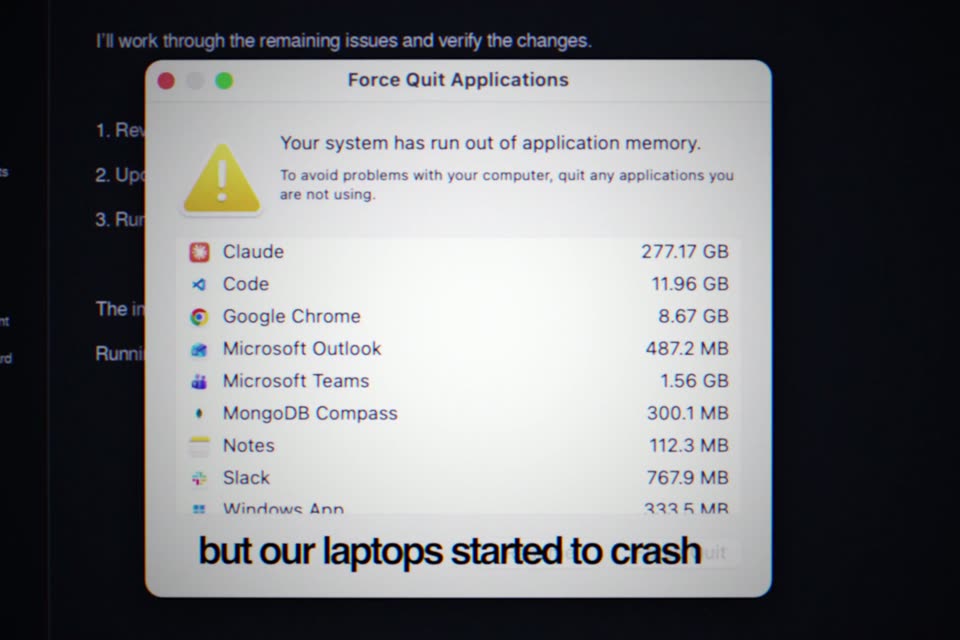 0:21–0:23Hoplite · Ryan Morrissey - We've raised $5.5 million to build the new paradigm of software enginA macOS Force Quit Applications window with a yellow warning icon and a list of apps sits over a dark code editor. The view zooms in on the dialog as a white caption reads at the bottom.
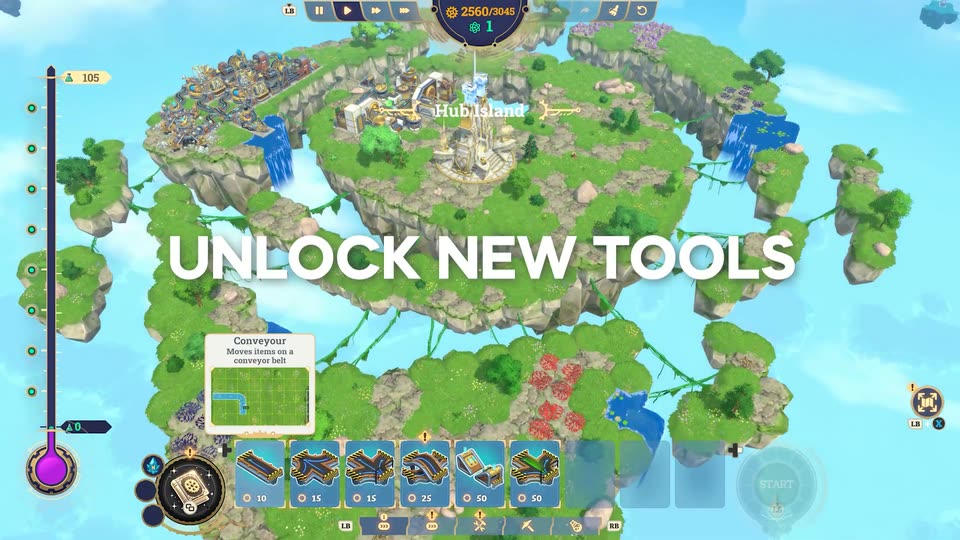 1:10–1:12Jaden Industries · Jaden Industries - Official Release XBOX TrailerA washed-out island map fades to full color and zooms in, revealing labeled tool nodes. A large white headline “UNLOCK NEW TOOLS” stays centered over the map, with a row of conveyor icons and a vertical progress bar framing the bottom and left edges.
 0:12–0:13Nativeport · Thiago Alvarez - Today we're launching @nativeport: it safely connects your team's AIsA white rounded card on a mustard field zooms in until it fills the frame, revealing a top bar with the AN logo, LAUNCH and room · 3 Afs, while the word THEY fades in in light gray below the header.
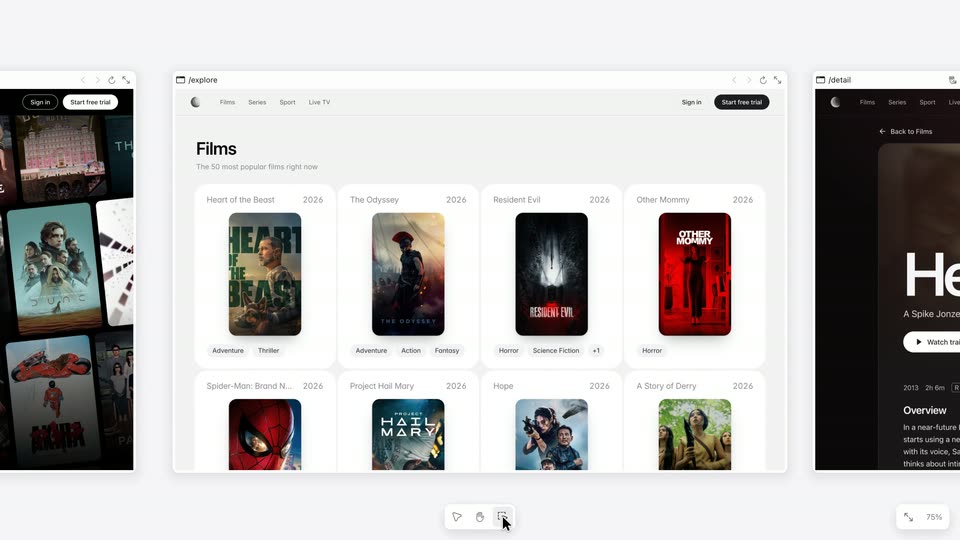 0:02–0:08Neueface · Ibelick - Introducing Neueface, a spatial environment to build with your agentsThree flat browser windows of a streaming app sit side by side; the middle explore page scrolls its film-poster grid down and back to the top, then the view zooms into the address bar as a cursor clicks /explore and a gray Copied tooltip pops up above it.
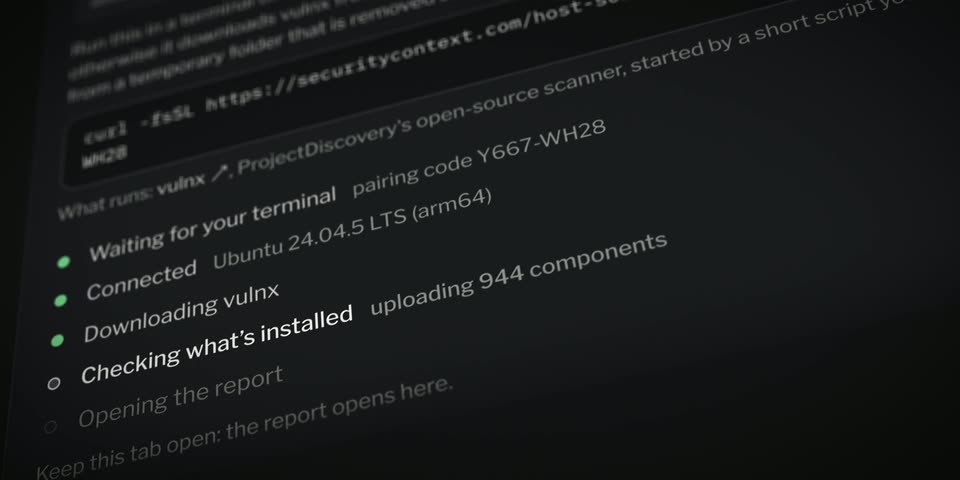 1:00–1:03ProjectDiscovery · ProjectDiscovery - Introducing SecurityContext 2.0 When a CVE drops, the hard part is kA dark terminal panel tilts in 3D perspective, a code block with a Copy button above a progress list. Green dots fill in step by step as the camera pushes in and reframes onto the list.
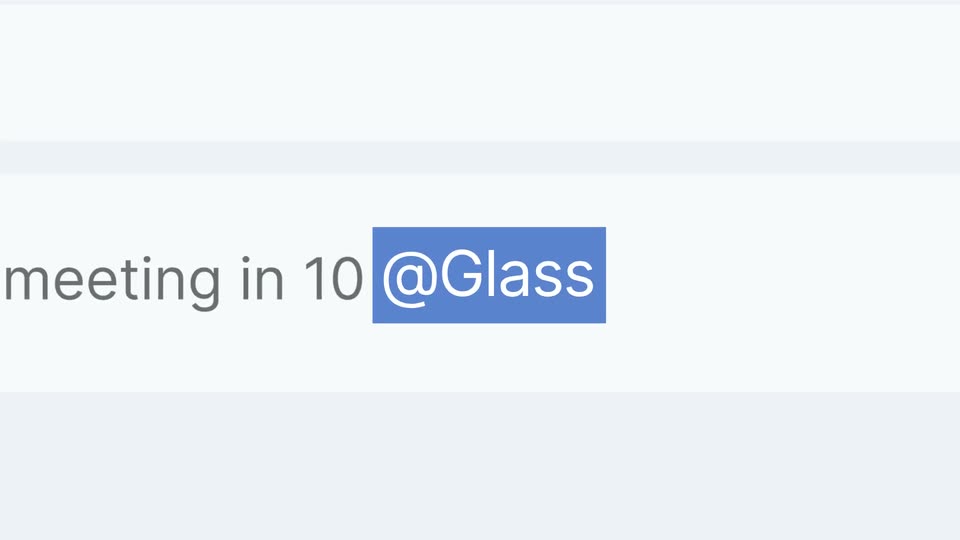 0:25–0:26Ramp · Glass: The AI workspace for your entire companyA close-up of a light gray interface zooms in on a blue tag. The tag, reading '@Glass' in white, scales up, pushing the adjacent gray text off-screen to the left.
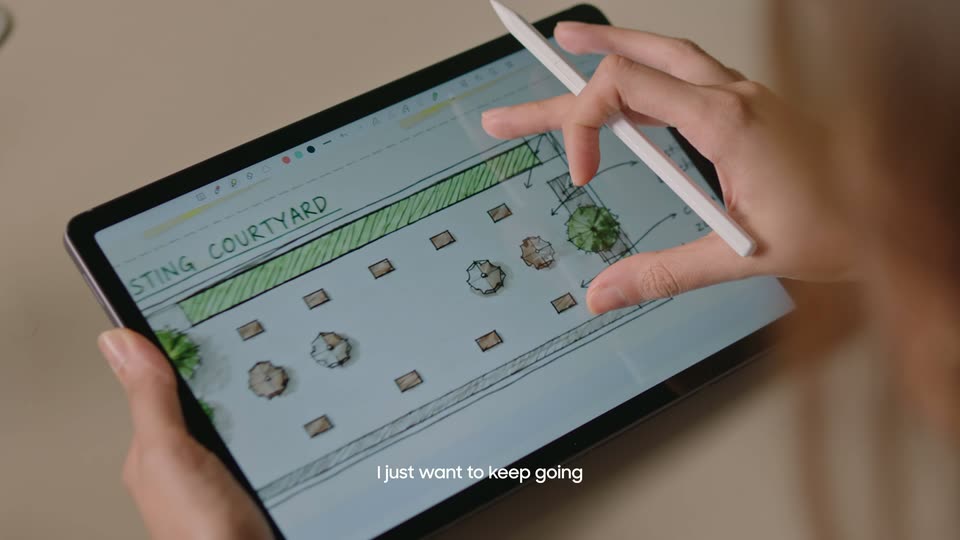 0:43–0:44Samsung · Galaxy Tab S10 Lite | SamsungOver-the-shoulder view of a person holding a tablet and stylus, sketching a courtyard plan. The app zooms into the hand-drawn layout as the user's fingers trace the screen.
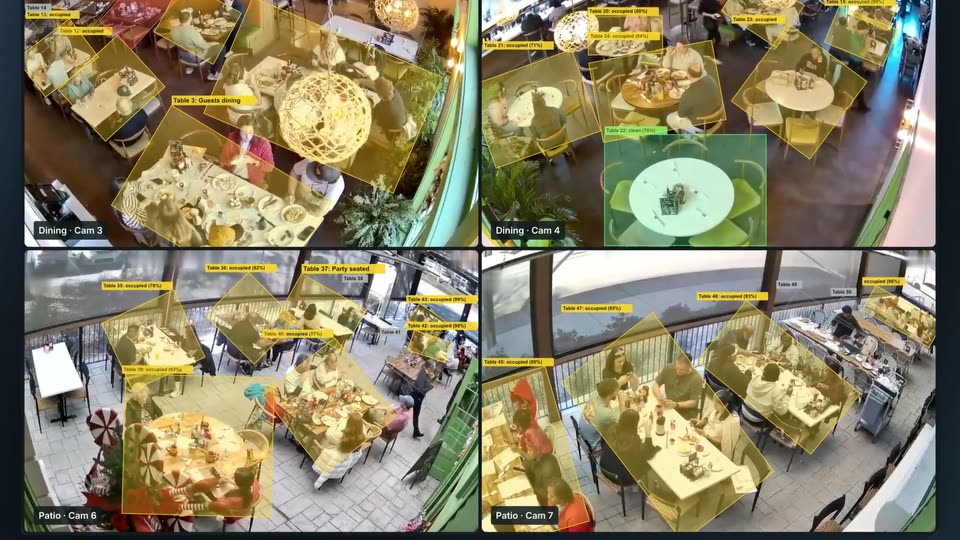 0:27–0:32Shire · Shire Latest DemoA 2x2 grid of four overhead camera feeds shows a restaurant dining room and patio. Yellow bounding boxes with table labels track occupied tables in each view. The grid slowly pushes in, enlarging the labels.
 0:25–0:26Strike Labs · Strike Labs - 1/ Strike is live. Options on crypto, stocks, pre-IPO and compute, iA 3D stack of white rounded cards labeled with dollar amounts recedes in perspective, one card highlighted teal. The camera pushes in until the teal card fills the frame, then it dissolves into a dotted 16x made of green and gray particles.
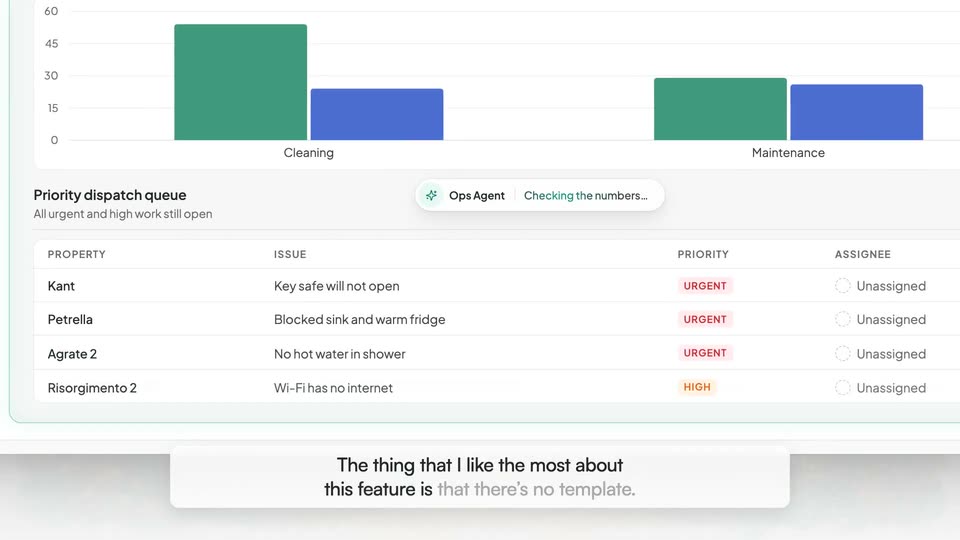 0:21–0:25Trellis · Introducing Trellis ReportsA close-up of a report page fills in from gray placeholder blocks: four stat cards, a bar chart, and a task table load in sequence while the Ops Agent pill cycles status text. The view then pulls back to reveal the full app window in a browser frame.
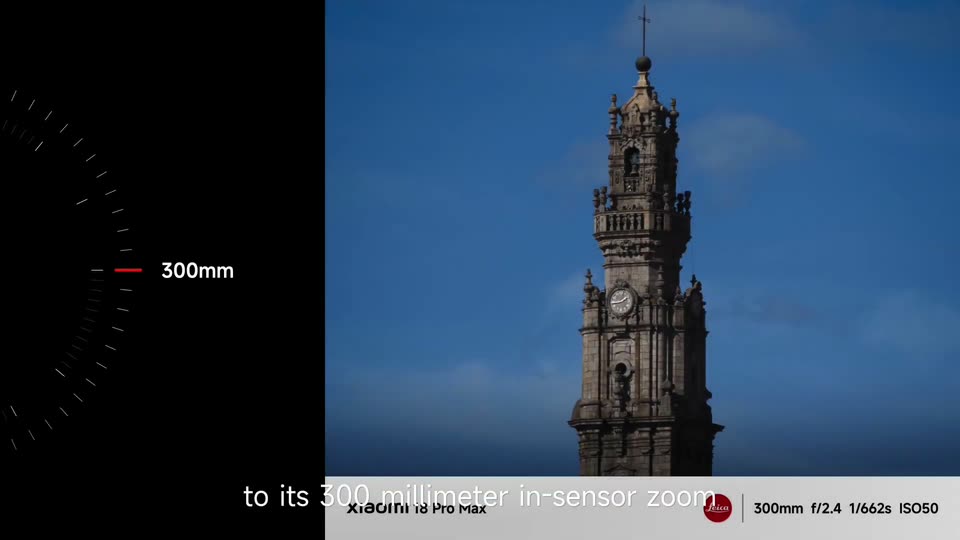 0:49–0:52Xiaomi · #Xiaomi18ProSeries Launch Event Highlights: Camera.A stone bell tower photo on the right zooms from a wide cityscape to a tight crop on the spire. A tick dial on the left holds at 300mm, and the bottom spec bar swaps from 150mm to 300mm as the caption changes.
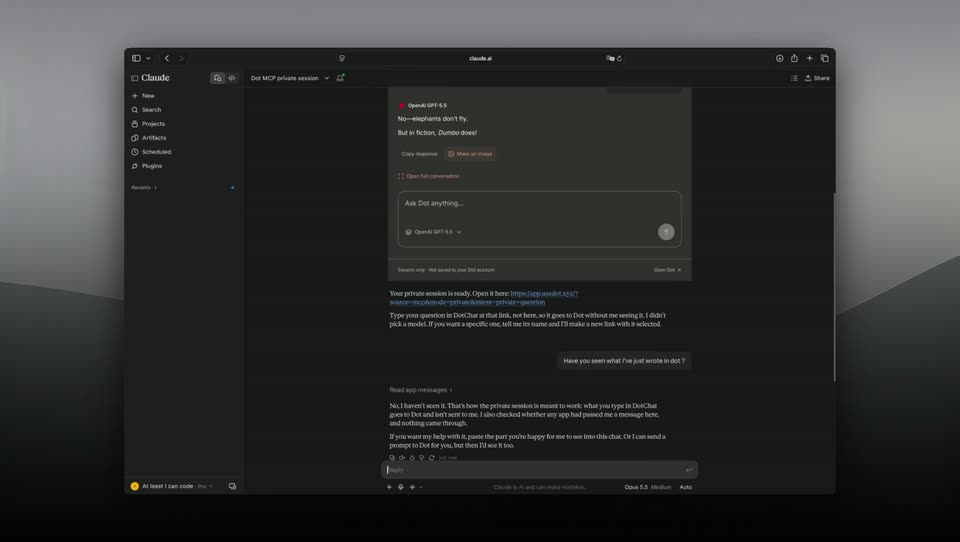 1:00–1:21Dot · Dot - Dot is the only privacy-AI platform offering fully anonymous MCP connA dark chat interface fills a browser window on a soft gray backdrop. A card with a flying-elephant image switches to a chat view, a question is typed and sent, then a reply appears. The view zooms in to read the reply, then pulls back out.
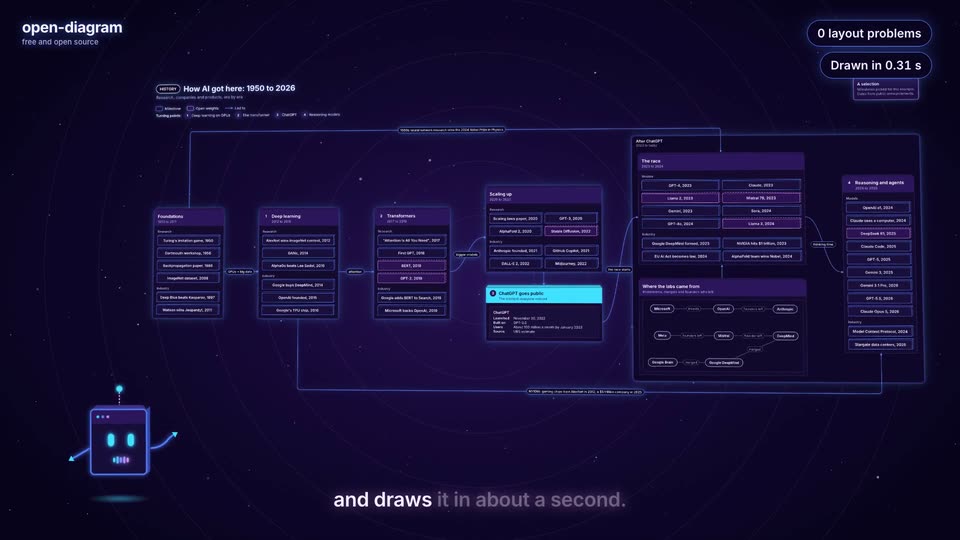 0:33–0:44open-diagram · Luke Deasy - Announcing the launch of open-diagram, an open-source project that alA dark starfield holds a large node diagram, 'How AI got here: 1950 to 2026', with a small robot mascot at lower left. Captions cycle at the bottom as the camera zooms in, tilting the diagram into 3D perspective, then pulls back as stat badges appear top right.
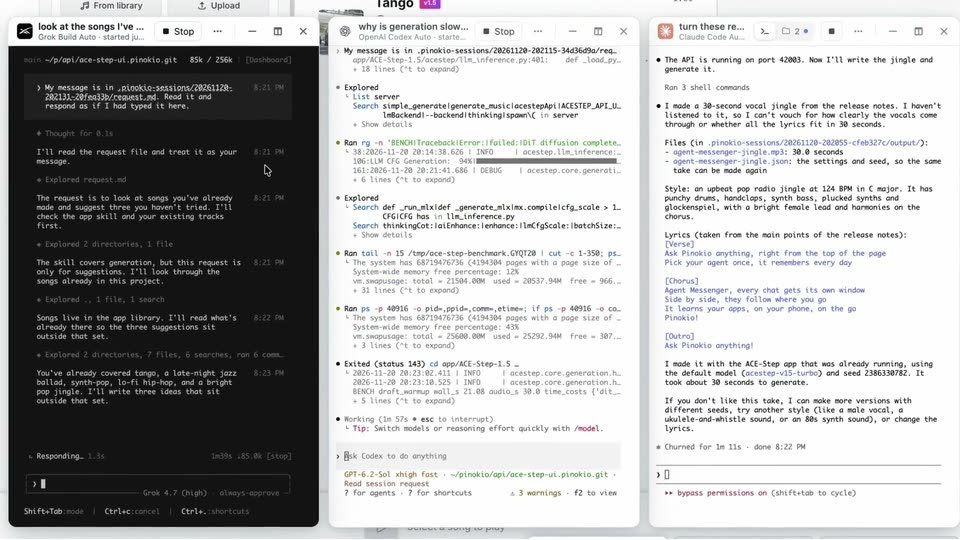 0:11–0:14Pinokio · cocktail peanut - Introducing Pinokio Agent Messenger What if you could chat with allThe desktop view zooms in and three terminal windows snap into equal side-by-side columns, each filled with scrolling agent logs. Black pill labels Grok, Codex and Claude Code glide to the bottom of each column.
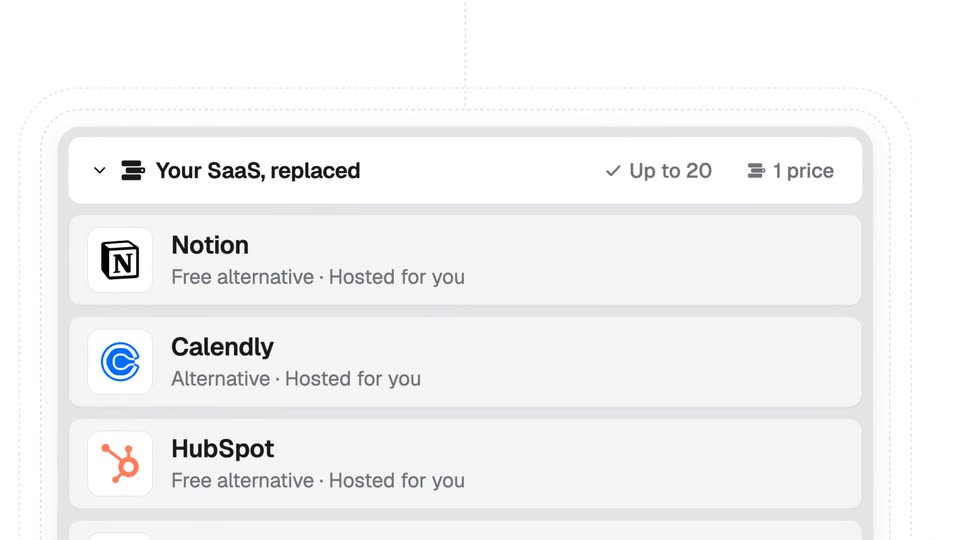 0:31–0:32Appkeep · NATE G - Today we are introducing Appkeep. We open-sourced NotionA hand cursor clicks the orange arrow button on a light input bar. The view zooms out to a rounded list titled Your SaaS, replaced with Notion, Calendly and HubSpot rows, each tagged Hosted for you, over concentric dashed lines.
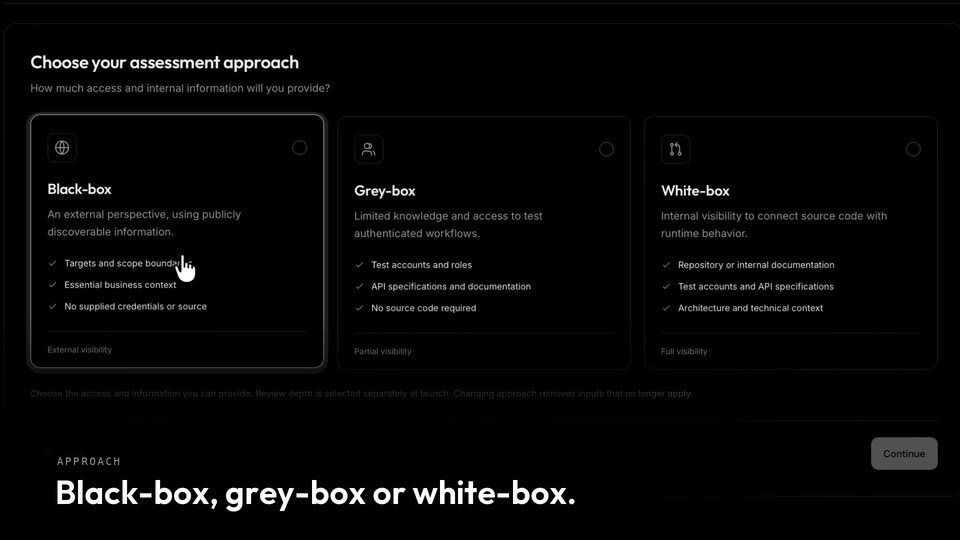 0:12–0:17Exploitforge · Ghost St Badmus - today we’re launching @StrikeHoundAI. software has never been easierA dark pentest dashboard lists six test cards; the frame zooms in as the cursor hovers the Web App card. The view cuts to an approach screen, the cursor selects the Grey-box card, then moves to the Continue button. A bold caption sits at the bottom left.
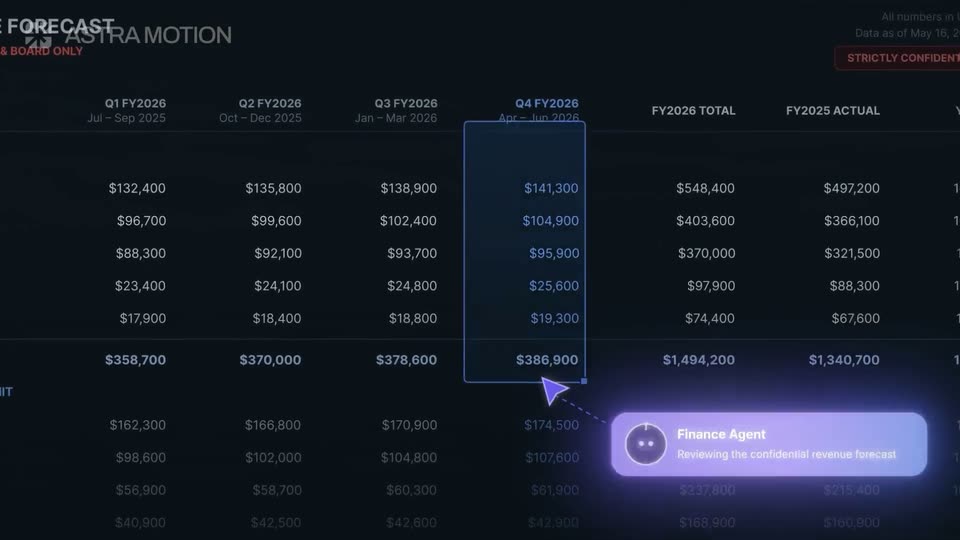 0:16–0:17Manifold · Motion Graphics Product Video | Agents Security PlatformA white FY2026 REVENUE FORECAST headline and red CONFIDENTIAL line sit over a blurred dashboard; the view zooms into the interface, revealing a revenue table with the Q4 column outlined in blue, a cursor over it, and a Finance Agent pill at bottom right.
 0:06–0:07Mr Magpie's Harmless Card Game · Mr Magpie's Harmless Card Game - Launch Date Reveal Trailer | PS5 GamesA dark card game board with neon cards fills the frame, then the view zooms in on a red heart icon that breaks into two halves.
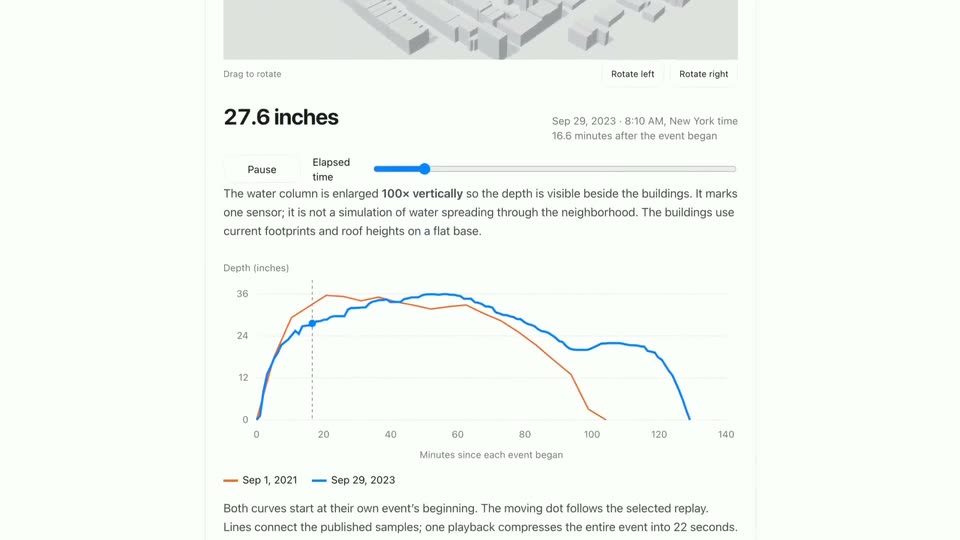 0:53–0:56OpenAI · Meet the Data Agent in ChatGPTA flood-data dashboard screen scrolls down past an isometric gray 3D city model and a live depth readout, then the elapsed-time slider advances and a dot travels along the blue line graph. The frame widens to reveal blurred side panels.
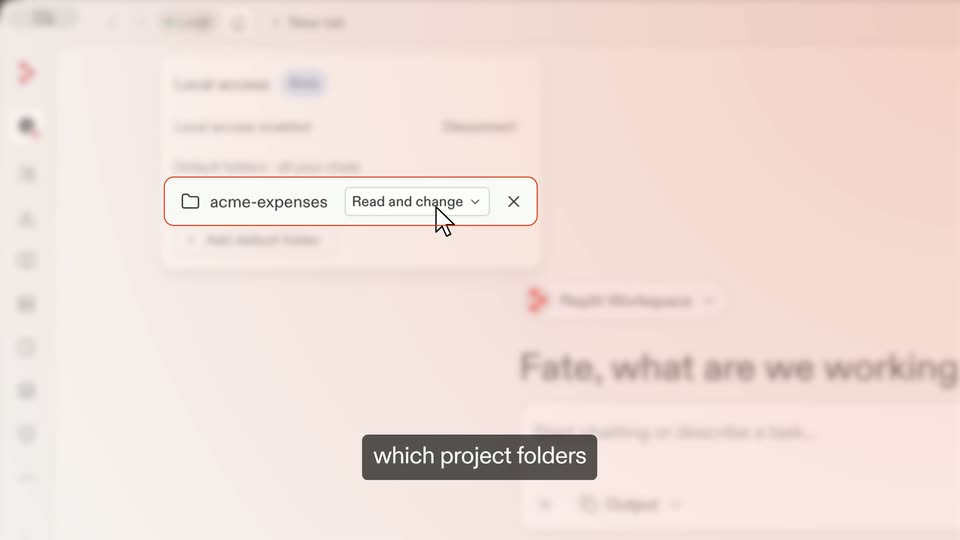 1:23–1:28Replit · Replit Desktop | Agent meets your work where it already isA Replit screen shows a Local access dialog; the view zooms onto the acme-expenses folder row, outlined in orange while the rest blurs, with a cursor resting on the Read and change dropdown. White captions in a dark box appear at the bottom.
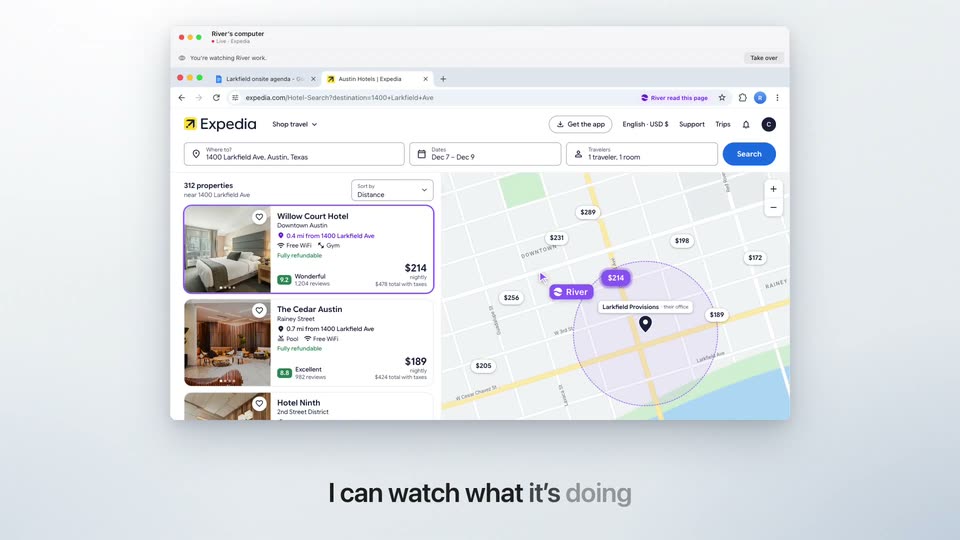 0:35–0:36Riverside · Chandler Supple - We gave AI its own desktop on your computer Today we're launching RiA tilted browser window showing an Expedia hotel search with map and price pins settles from a blurred close-up into a locked 3D perspective on a pale green backdrop. A dark gray caption sits centered at the bottom.
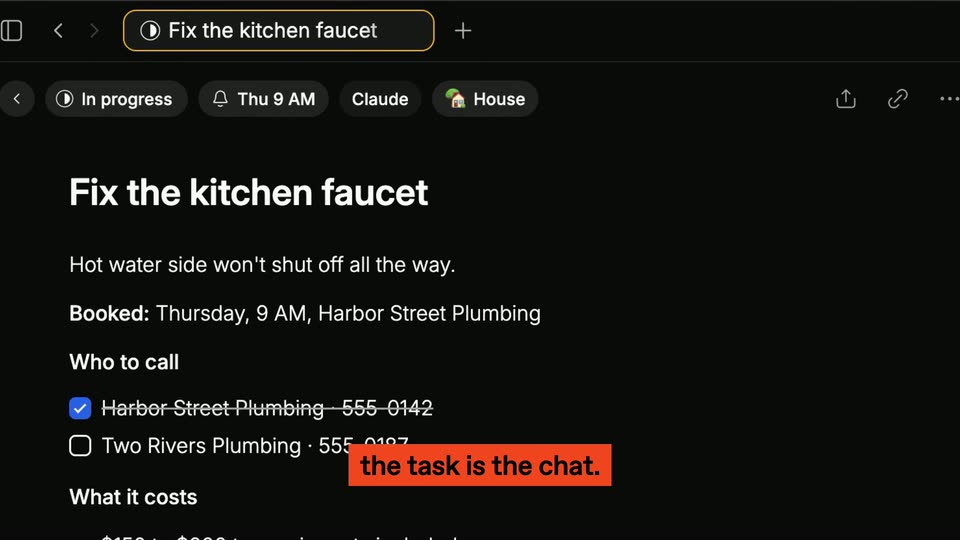 0:01–0:05Roma · Her AI Agent Handles Her Life Admin in RomaA dark task page titled “Fix the kitchen faucet” holds still as orange highlight captions swap in the lower middle, reading “Priya never opens,” “a chat window.” then “the task is the chat.” A slow zoom pushes in on the page.
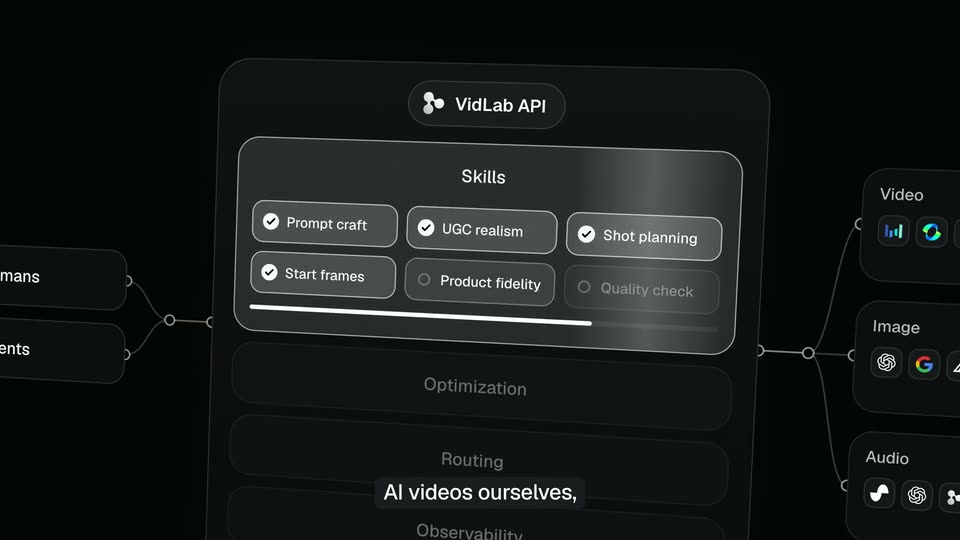 0:21–0:37VidLab · Miko - Introducing VidLab The cheapest API for generating video, images &amA tilted dark node graph on black, edged with orange and purple glow, shows a dot traveling from Humans and Agents through the VidLab API panel to Video, Image and Audio rows. The camera then pushes into the Skills panel as six chips check off one by one.
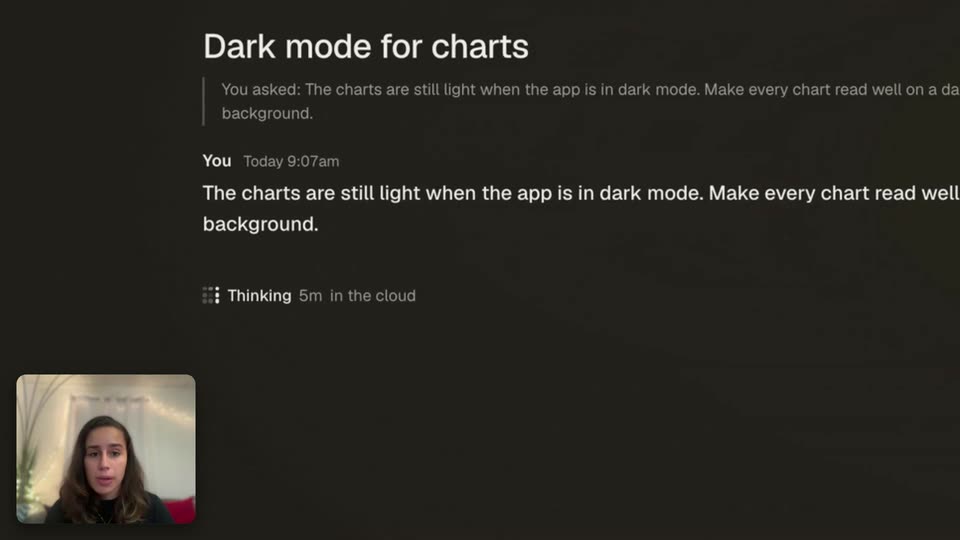 0:19–0:20Agentbox · Savannah - introducing multiplayer for coding agents. the place you code is nowA dark task panel displays a chat titled Dark mode for charts with a user prompt and a Thinking 5m in the cloud status line. The frame zooms in on the text, while a small video call of a woman remains pinned in the lower-left corner.
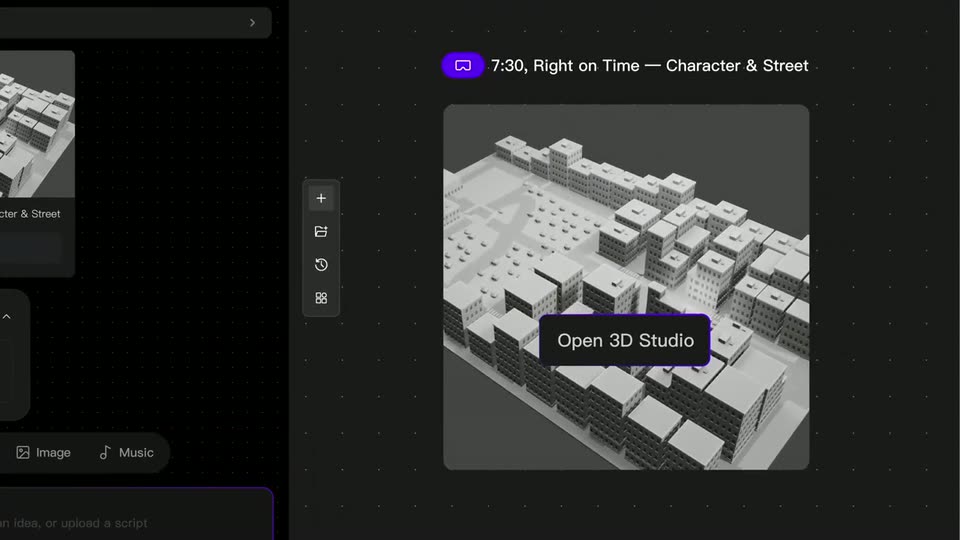 0:24–0:27Alibaba Cloud · Alibaba Cloud - 3D Studio is now live on WonderClip. Try it free for a limited timeA dark product UI with a chat panel and a 3D city preview. The camera zooms into the city card, a cursor clicks the Open 3D Studio button, and the view opens to a full 3D city on a dark grid.
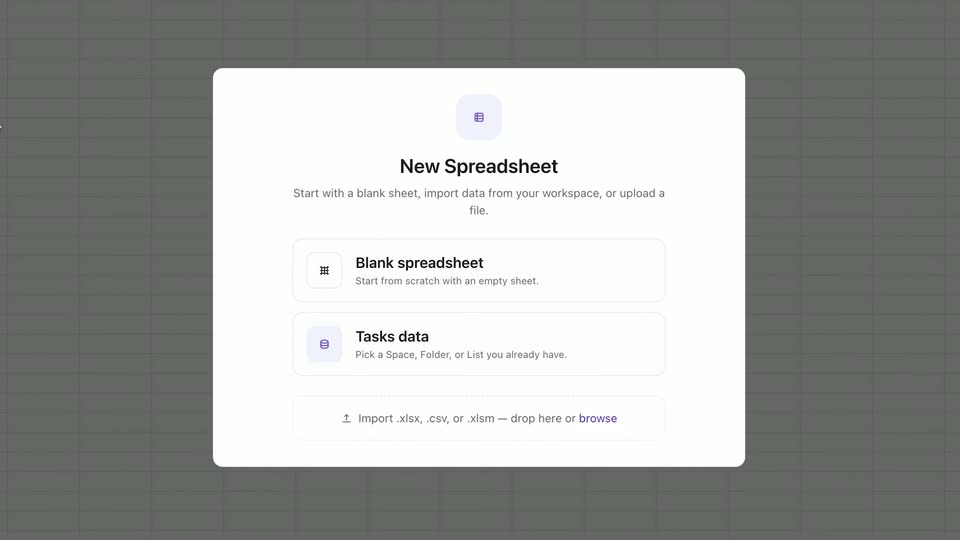 0:27–0:28ClickUp · ClickUp Release 4.10: Sheets, Work Schedules, Email Triggers, and more!A white modal dialog scales up and centers over a dimmed spreadsheet grid, presenting a New Spreadsheet dialog with three option rows. The surrounding window fades to gray as the card settles into place.
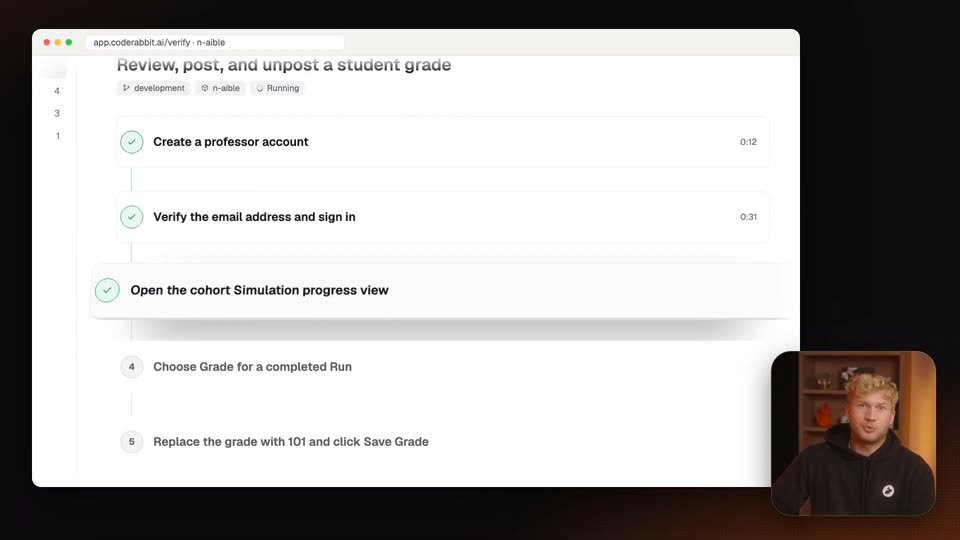 1:01–1:14CodeRabbit · CodeRabbit Verify: AI Testing for Your Running ApplicationScreen recording of the Verify app: a cursor clicks Run tests, the view zooms in, then switches to a run history where numbered steps gain green checks in sequence, the last step turns red, and a bug report panel slides in. A presenter inset sits in the bottom-right corner.
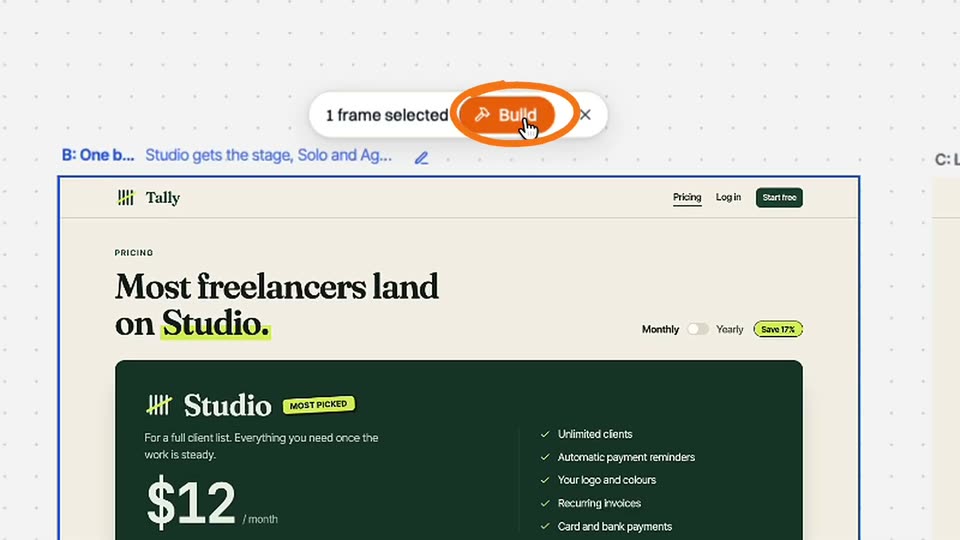 0:23–0:25Floot · Floot DesignA design canvas shows three pricing page variants side by side; the middle frame is selected and the cursor clicks the orange Build button. The view zooms into that frame, then cuts to a dark AI chat screen where the cursor moves into the prompt field.
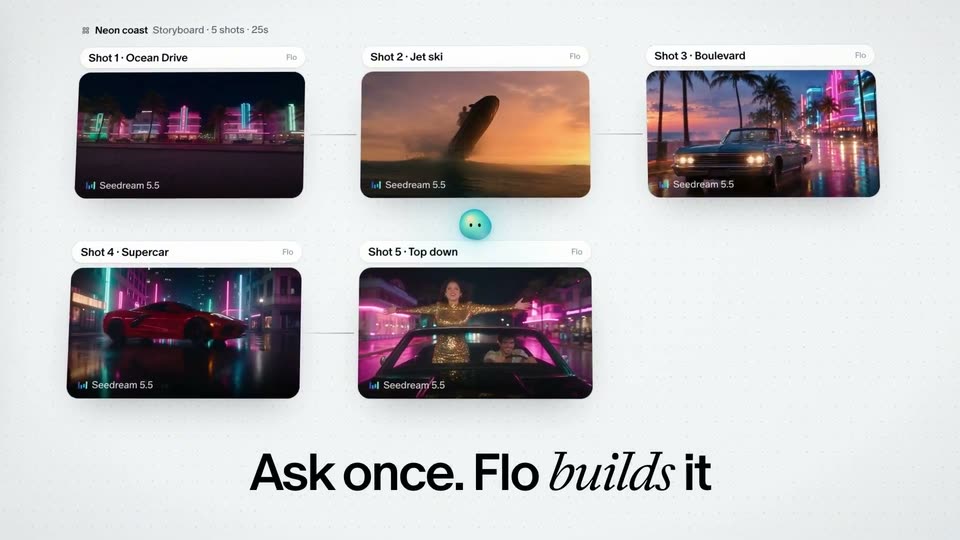 0:07–0:13Flowith · Flowith - introducing Flowith 3.0. the ultimate canvas for human-ai creation.A light gray storyboard canvas holds five shot cards in two rows; pink-teal gradient placeholders fill with generated images one by one as a small teal smiley cursor hops between them, while the view pans right to center the board. A chat panel exits left and the tagline types in at the bottom.
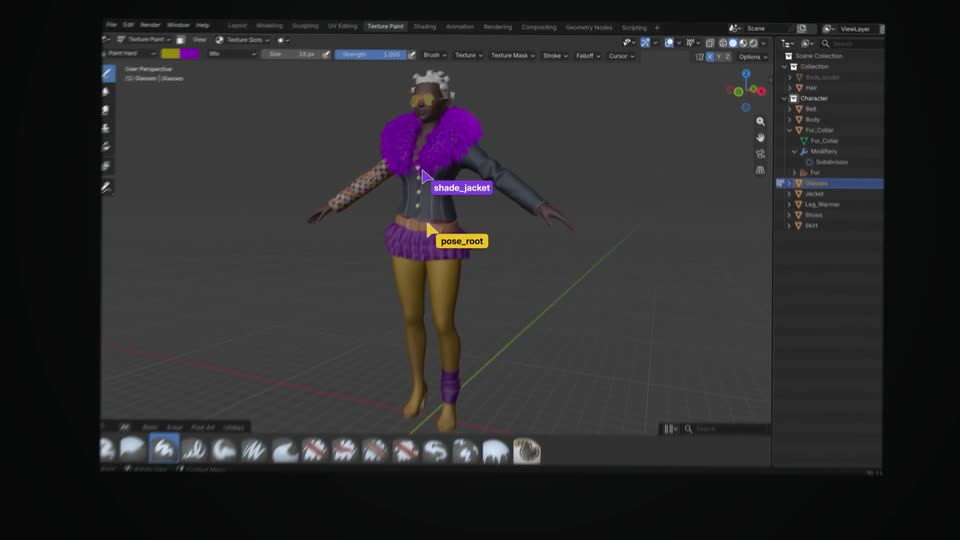 0:35 · 0.8sHiggsfield · Higgsfield AI 🧩 - Introducing Higgsfield GPU Harness. Rent on-demand GPUs in Claude anA three-panel split shows a 3D character rig in the center with blurred figures on either side. The center panel then expands to fill the frame, revealing the full DCC viewport, menu bar and scene hierarchy around the purple-jacketed character.
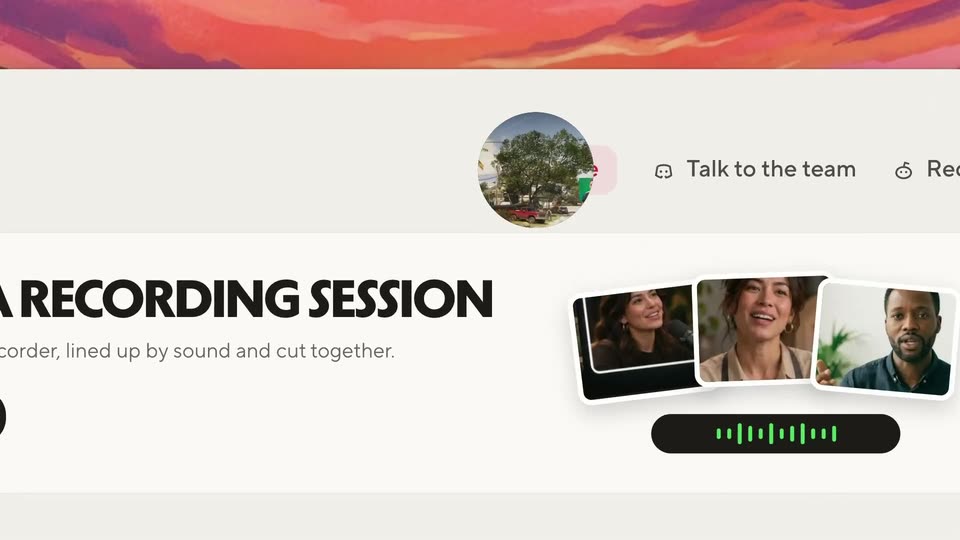 0:06–0:07HyperFrames · HyperFrames - we couldn't get the day off to play GTA VI, so we found a way to playA product interface card fills the frame over a sunset backdrop, then zooms in past its headline and a row of video thumbnails. The view cuts to a live stream layout: gameplay footage on the left and a scrolling chat panel on the right.
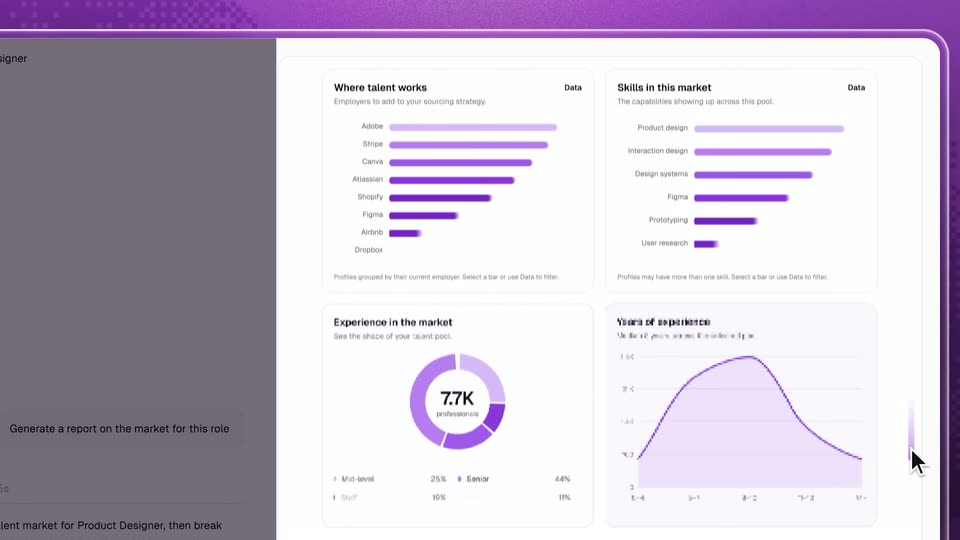 0:31–0:35Juicebox · Introducing Blends in your Juicebox AgentsA white report card fills the frame over a purple dotted background, scrolling down through a US map, two bar charts and a donut chart while a cursor drags the right scrollbar, then the view zooms in on the card's top-right corner.
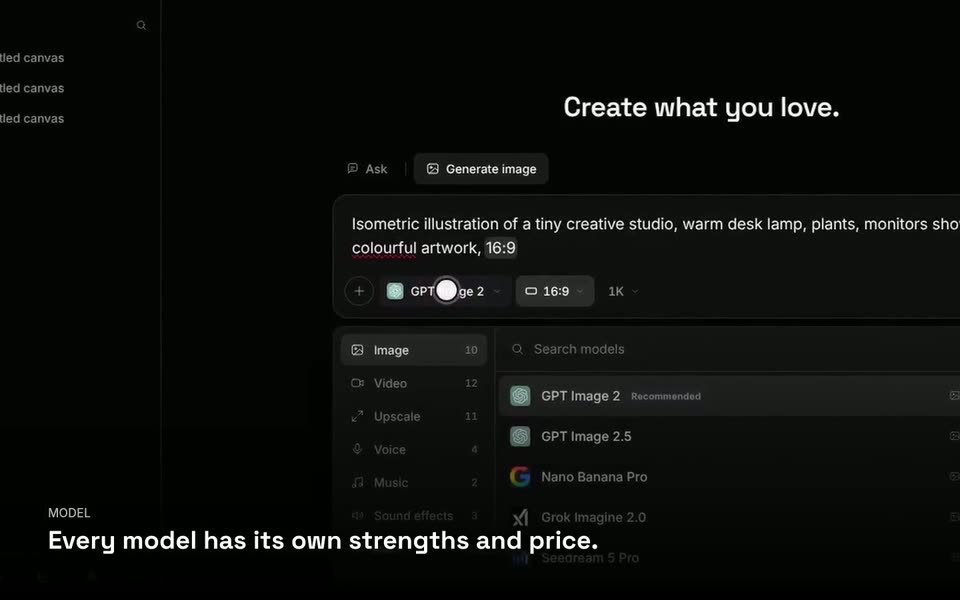 0:32–0:40LetzAI · Introducing LetzAI V5 | LetzAI BlogA dark prompt interface shows a typed image prompt, then a model list panel fades in beneath it. The view pulls back to reveal the app's left sidebar while the bottom caption switches from MODEL to GENERATE.
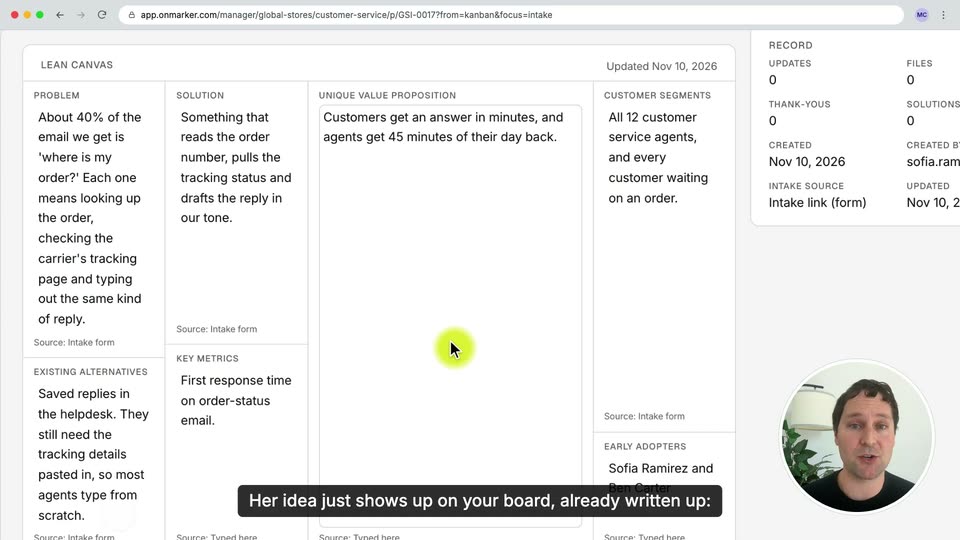 0:35–0:36Marker · Introducing Marker ManagerA kanban board fills the frame with columns of task cards. The card 'Order status replies' is ringed in yellow with a cursor dot, then a LEAD CANVAS detail panel expands over the right showing a text table. A circular face-cam sits bottom right; a caption reads at the bottom.
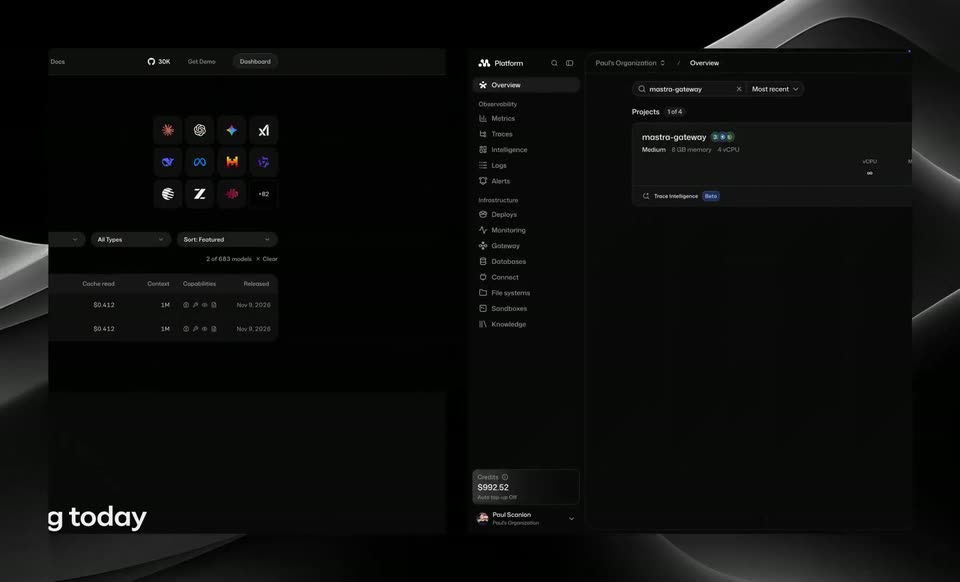 0:02–0:03Mastra · Sam Bhagwat - Today we're excited to launch something we've been cooking for a whilA tilted 3D view of the Mastra interface shows the Models page, then the camera rotates and zooms to a flat frontal dashboard with a left sidebar and a usage panel sliding in from the right. A white tagline at the bottom scales up and out as the view settles.
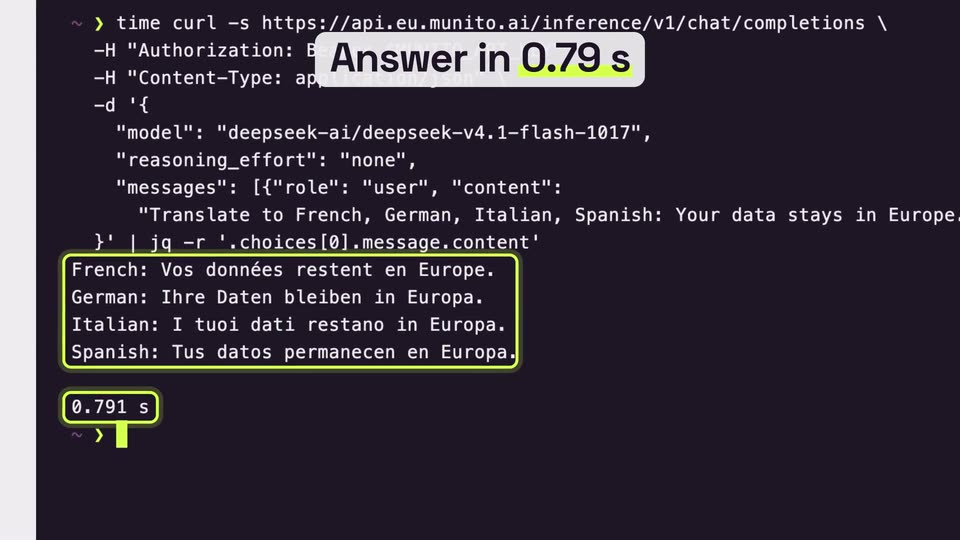 0:17–0:21Munito AI · Munito AI: open models in the EU for every use-caseA dark terminal shows a curl request and a lime-outlined output box listing translations in four languages. A white pill reading Answer in 0.79 s hovers at the top, and the view slowly reframes to expose the full API URL.
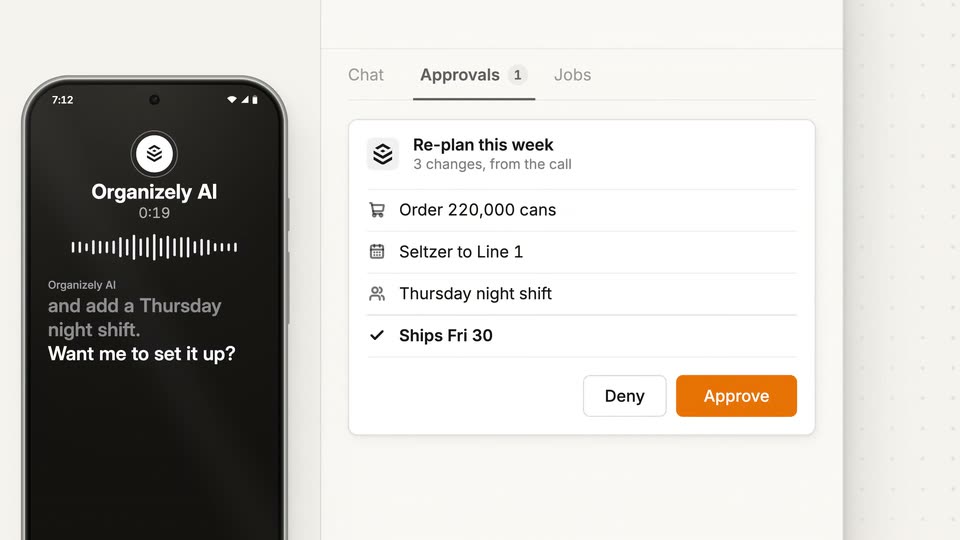 1:20–1:22Organizely · Christian Santos - Introducing Organizely (YC F26): an AI-native ERP to help the 268,000A phone on the left streams an Organizely AI transcript while the desktop view zooms in on the Approvals card. A cursor moves to the orange Approve button and clicks it as the transcript finishes.
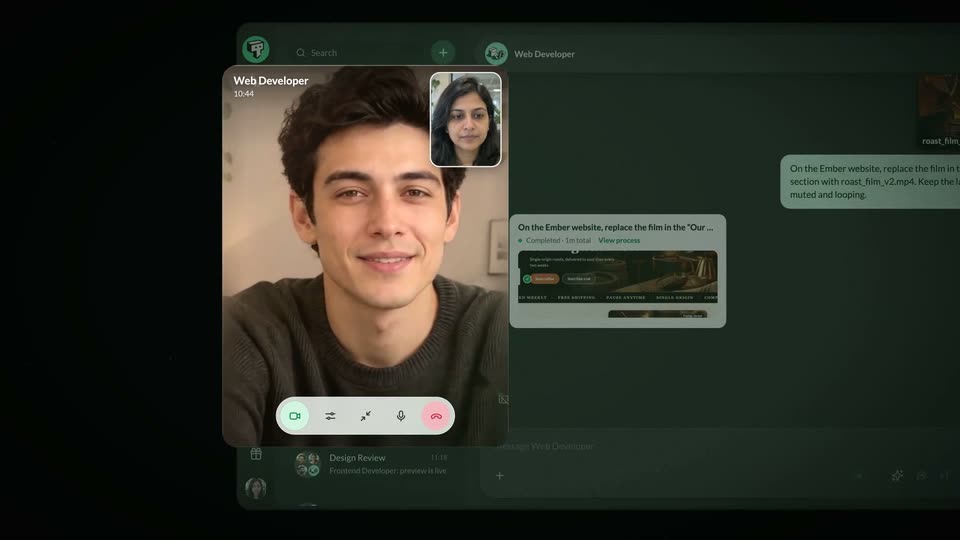 0:40–0:41Teamily AI · Teamily AI - Introducing Teamily Video Agent We give all Teamily agents a face.A vertical video call window fills the frame on black, a man smiling with a woman in a top-right tile and a pill control bar below. It scales down to the top-left, revealing the surrounding desktop app with a search bar, a task card and a chat message.
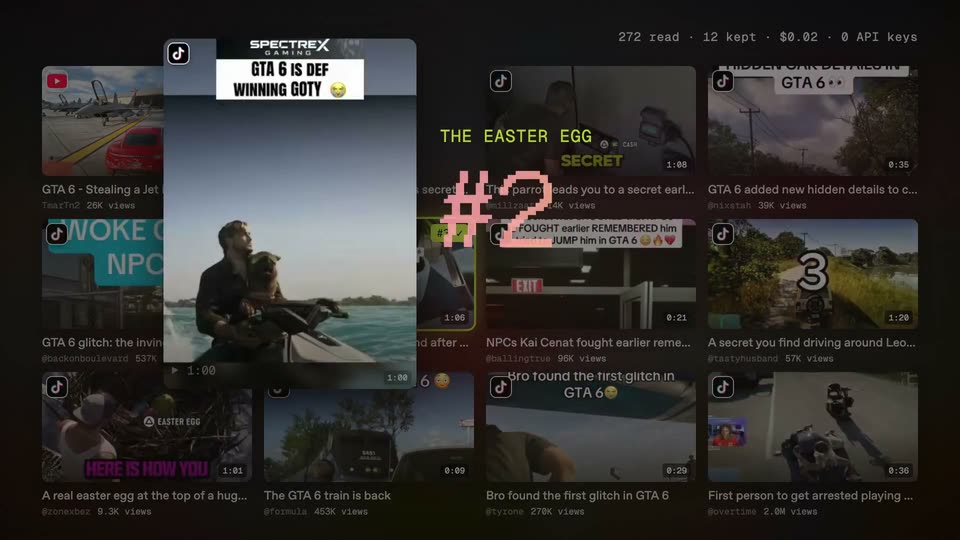 0:30–0:31Treg · Jason Zhou - Introducing @treg_ai /doomscroll skill My agent watched 272 GTA-6 tiA dark grid of video thumbnails fills the frame. One card, outlined in green, scales up to the foreground as the rest of the grid dims, while a pink rank number and the word Secret pop in beside it.
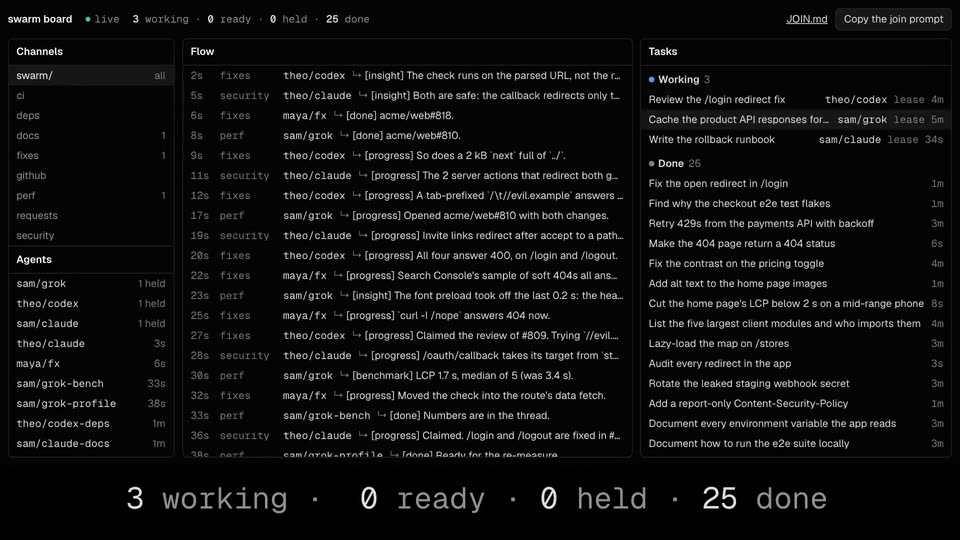 0:37–0:41Vercel · Vercel - Introducing 𝚟𝚎𝚛𝚌𝚎𝚕 𝚋𝚘𝚊𝚛𝚍, a secure message board for people & ageA white caption reads github updates post as messages over a close-up of the Flow log, then the view zooms out to the full dark three-column board. The monospace log scrolls upward while the bottom status counters tick up to 28 done.
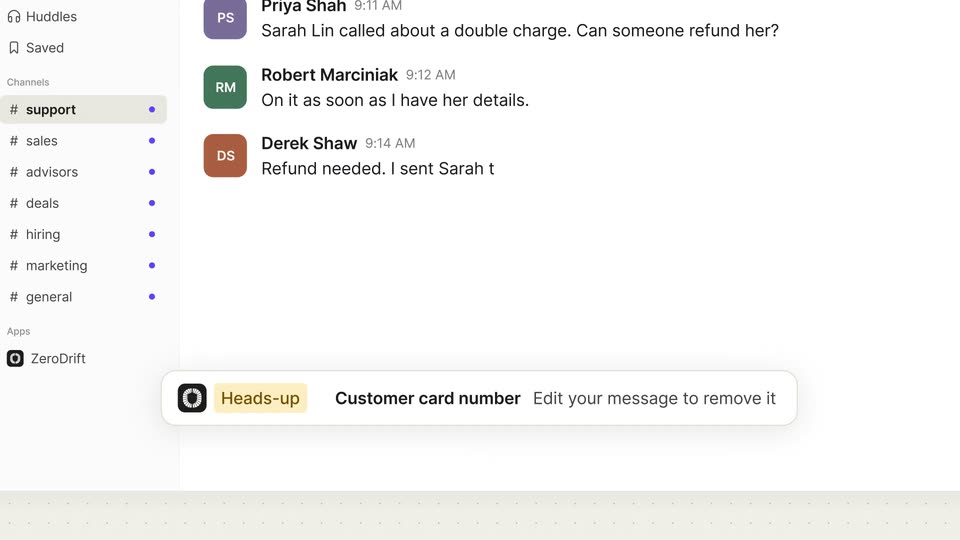 0:24–0:30ZeroDrift · Kumesh Aroomoogan - We’re launching @zerodrift_ai for @SlackHQ today ⚡️ Your team moveA chat thread shows a card number pasted into a message; a banner flags it and the line is edited away. The view zooms in, then a purple card wipes in and a large serif headline slides across.
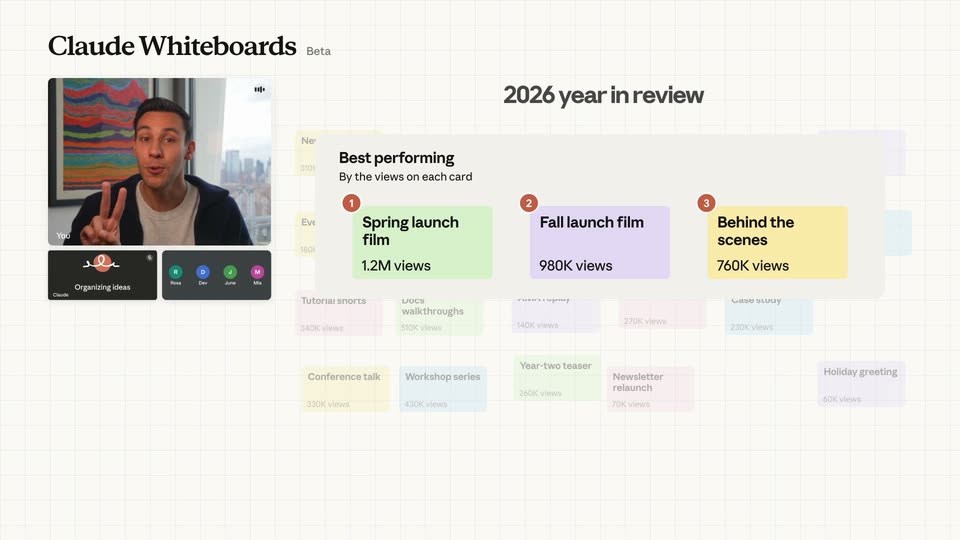 0:29–0:34Anthropic · Five brand new ways to use Claude at workA presenter in a video-call tile on the left talks over a whiteboard grid of video cards. A prompt box is replaced by a Best performing panel ranking three cards with view counts. The view then reframes left onto the presenter.
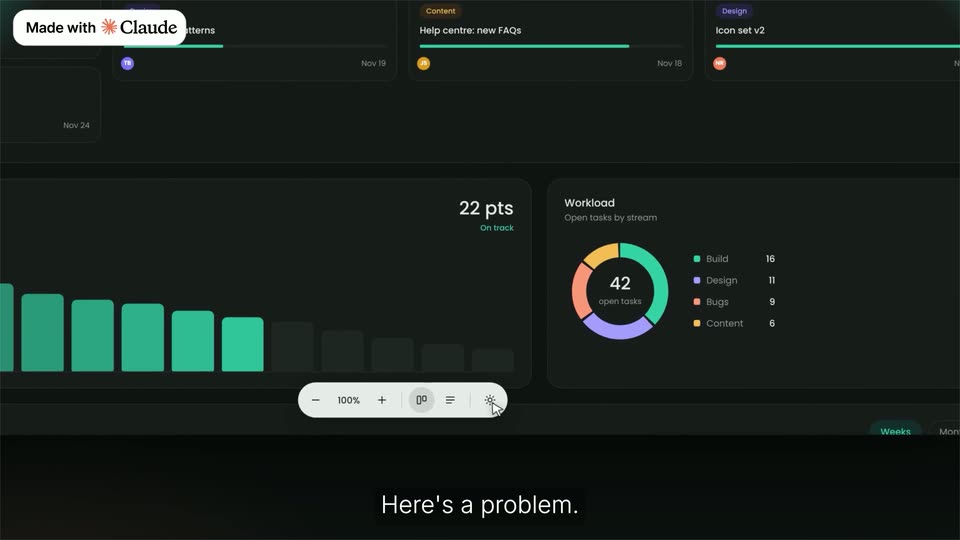 0:20–0:24Arcade · Caroline Clark - Frontier AI has solved math. Science. Coding. But it still hasn’t solA project board zooms into its workload chart as a dark magnifier lens grows over it. The lens wipes to a beige card where the headline sits above three keycaps: command, up arrow, and L.
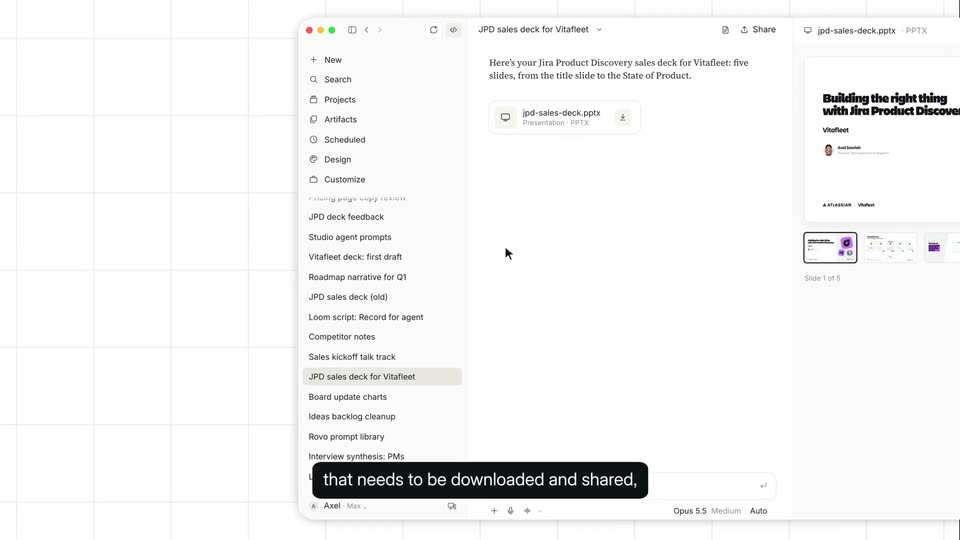 0:07–0:08Atlassian · Give your AI work a home with Artifacts App | Rovo at WorkA Notion-style workspace shows a document list on the left and a generated file preview on the right. The view zooms out to reveal the full window while a cursor hovers over the selected file. A black caption reads the voiceover line at the bottom.
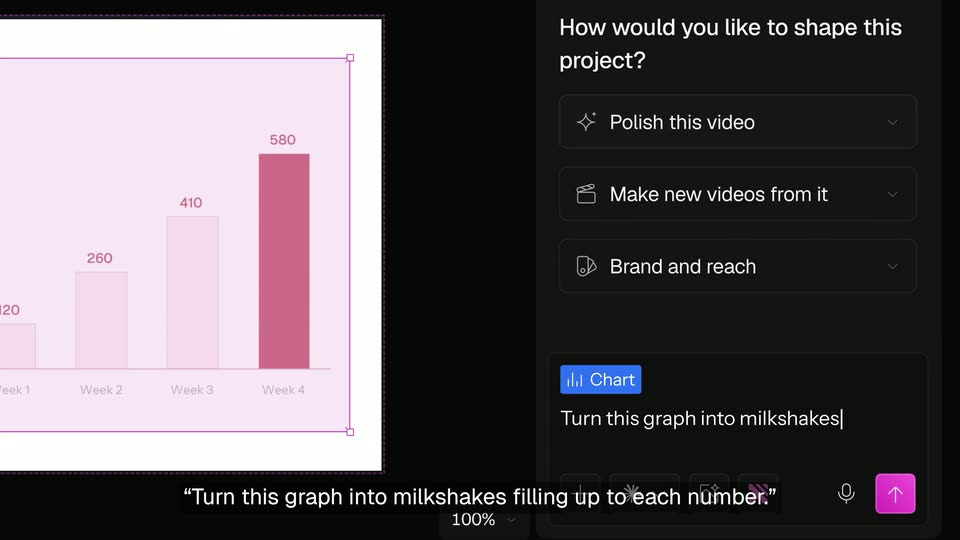 0:58–1:03Clueso · Akash Anand - Today, we're launching Clueso v2. AI has finally become good enoughA dark editor shows a slide with a pink bar chart on the left and a chat panel on the right. The cursor selects the chart, a Chart tag appears, and a prompt is typed into the box. The view zooms in on the chart and panel as the bottom caption changes.
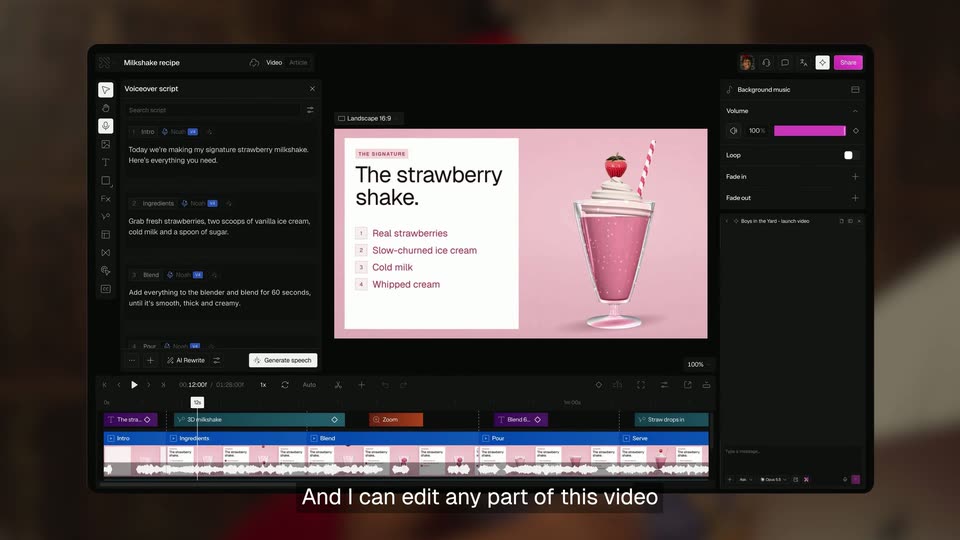 0:45–0:53Clueso · Announcing Clueso AI | World's First Collaborative AI Video EditorA blurred video editor comes into focus, its preview playing an animated pink strawberry shake card while a Motion graphics tag points at it. The view then zooms into the timeline as a cursor trims a clip.
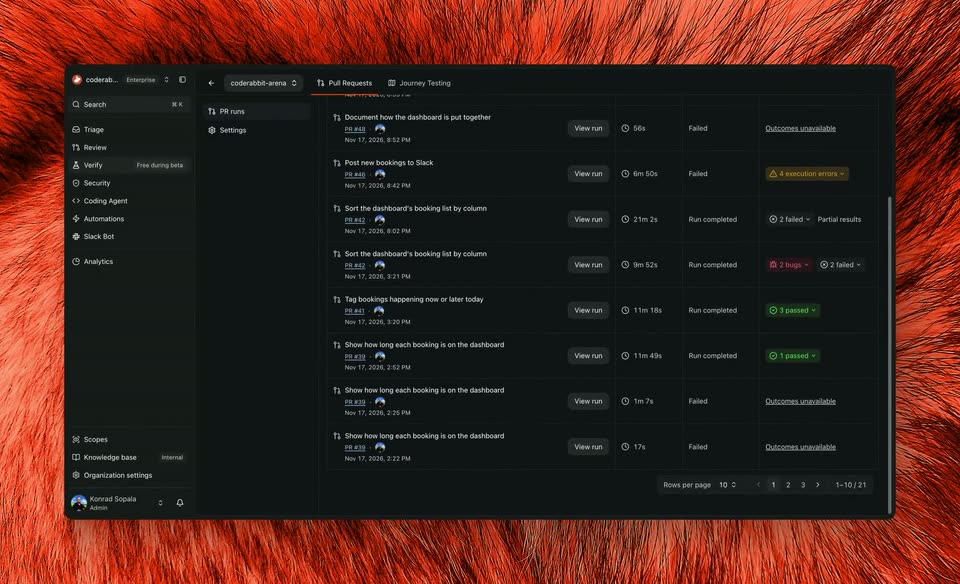 0:08–0:11CodeRabbit · CodeRabbit - Introducing CodeRabbit Verify Don't let your users be the first testA dark app window showing a PR-runs table rests on a red fuzzy backdrop, resolving from a horizontal motion blur into a sharp frame, then the view pushes in on the list of pull requests and their status badges.
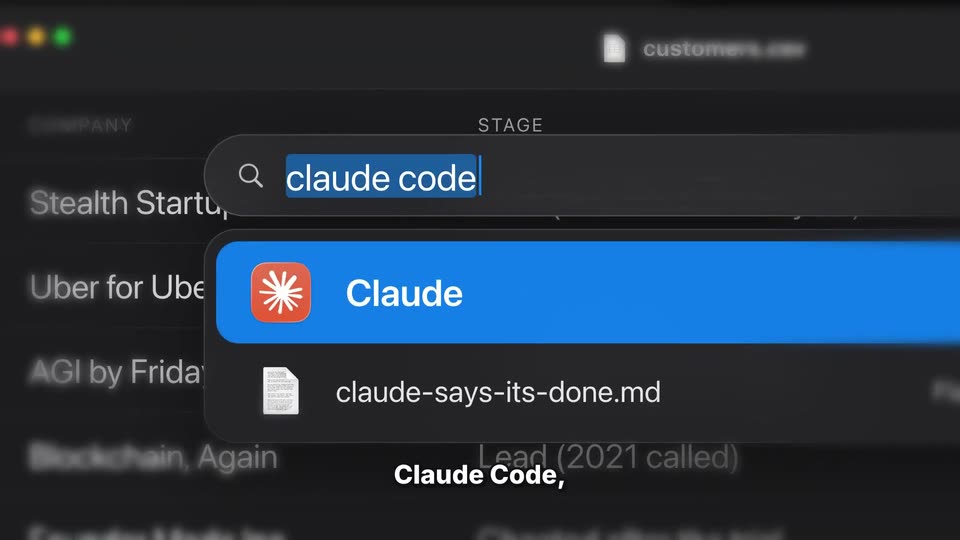 0:28–0:34Evokoa · FlashDrive (YC F26): A shared drive for your team and all your AI agentsA dark CSV table in a Mac window adds rows with colored highlights and agent badges, then the camera zooms into a search field where claude, codex and cursor are typed, each matching a dropdown result.
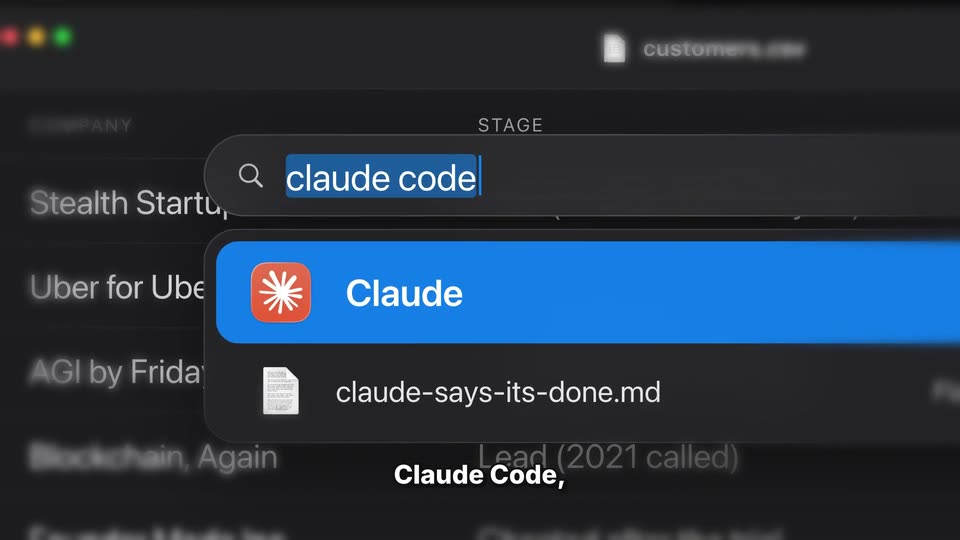 0:28–0:34FlashDrive · dale - Today we’re launching FlashDrive with @ycombinator 🚀 FlashDrive is aA dark customers.csv table on a Mac desktop gains new rows typed in with Claude, Codex and Cursor badges as caption phrases appear below. The view then zooms into a search field where claude code, codex and cursor are typed, each highlighting the matching app.
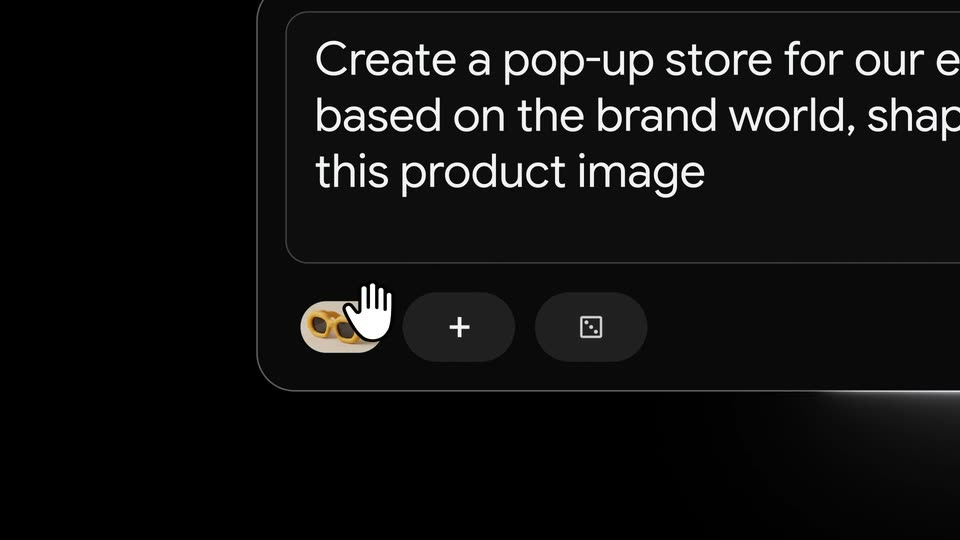 0:26–0:30Google · Google DeepMind - Genie 4 is now available in Project Genie. It brings native audio, rA dark prompt card on black shows the eyewear store request. A hand cursor drags a beige photo of yellow sunglasses in from the left and drops it into the bottom-left slot, as the camera zooms in on the drop and pulls back.
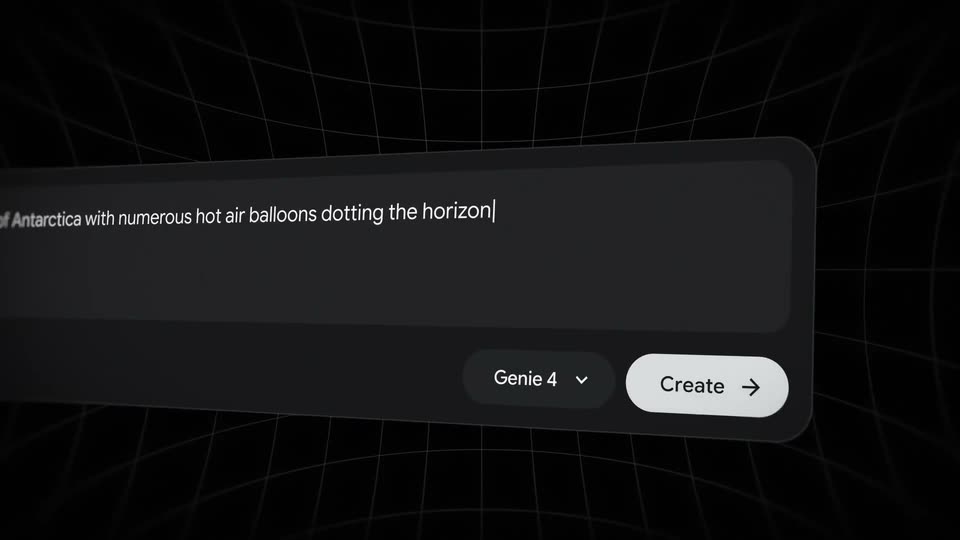 0:12–0:17Google · Introducing the new Project Genie, powered by Genie 4A dark prompt bar hovers in a black void above a curved wireframe grid. The camera pushes into the empty field as a prompt types itself out, then glides right to settle on the Genie 4 selector and the white Create button.
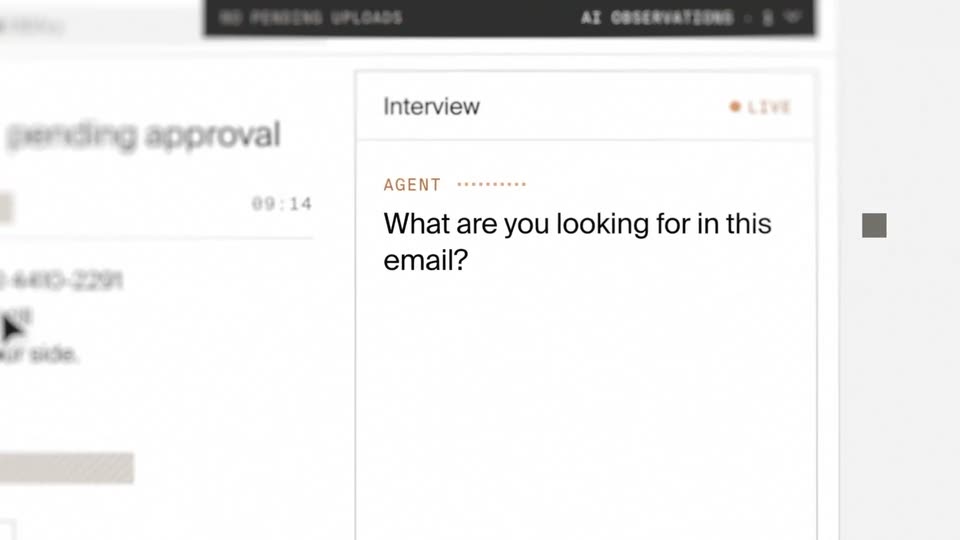 0:07–0:12HappyRobot · Pablo Palafox - Every enterprise wants to automate its processes. Almost none can telA flat product interface, an email with redacted fields beside a live interview chat, fills the right side as a black headline types on the left, switching from the brand name to 'Why it's done that way.' The camera then zooms into the interview panel.
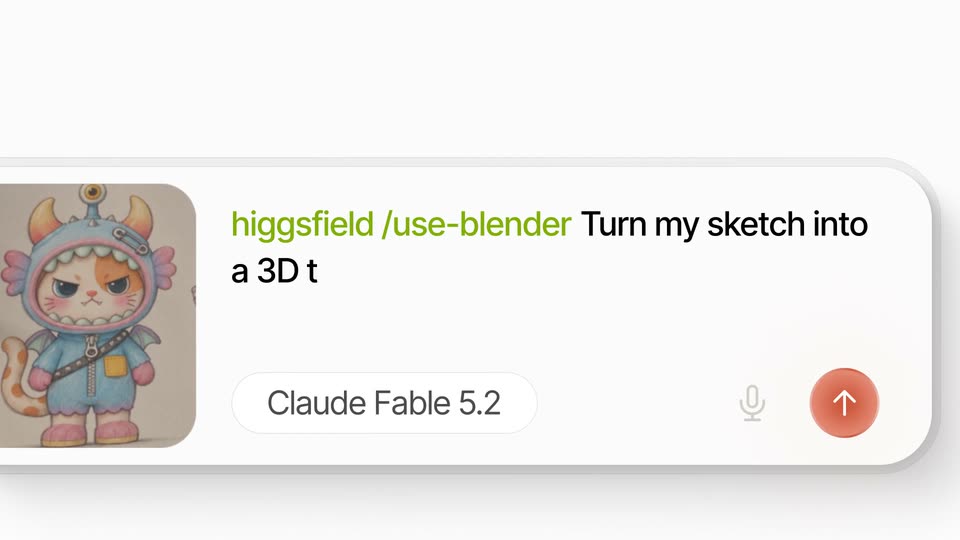 0:08–0:11Higgsfield · Higgsfield AI 🧩 - Introducing Higgsfield MCP 2.0 for Claude. Your entire creative studA white chat card sits on a light gray field. The view zooms into the input line as a slash-command dropdown opens under the green prompt, highlighting /use-blender. The menu closes and the line completes with the typed request beside a costumed cat illustration.
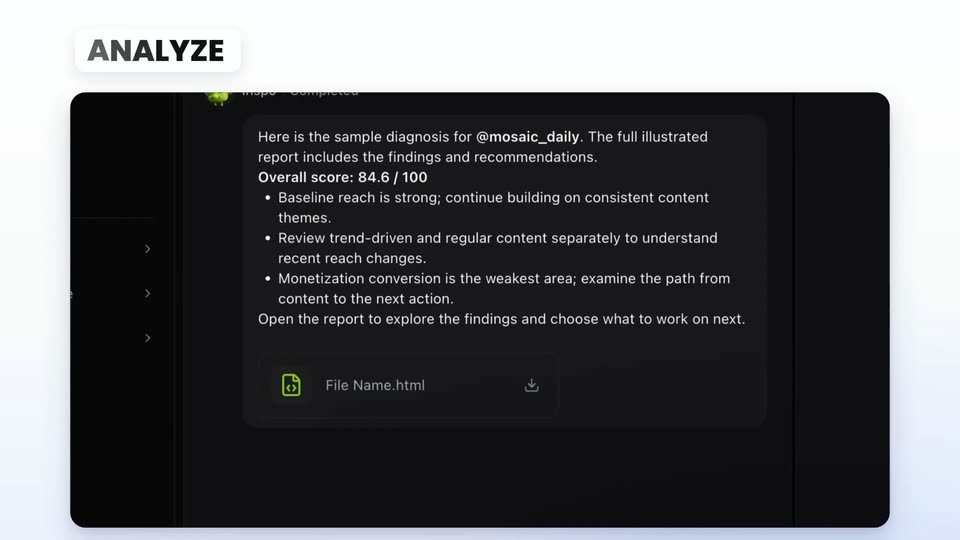 0:26–0:27Inspo · Meet AI Inspo, your all in one AI powered social media management platform.A dark chat interface card sits on a pale lavender field; a white chip top-left swaps from ANALYZE to GET YOUR with a typing cursor. The panel pans right, blurring the left edge, to reveal a score report sidebar.
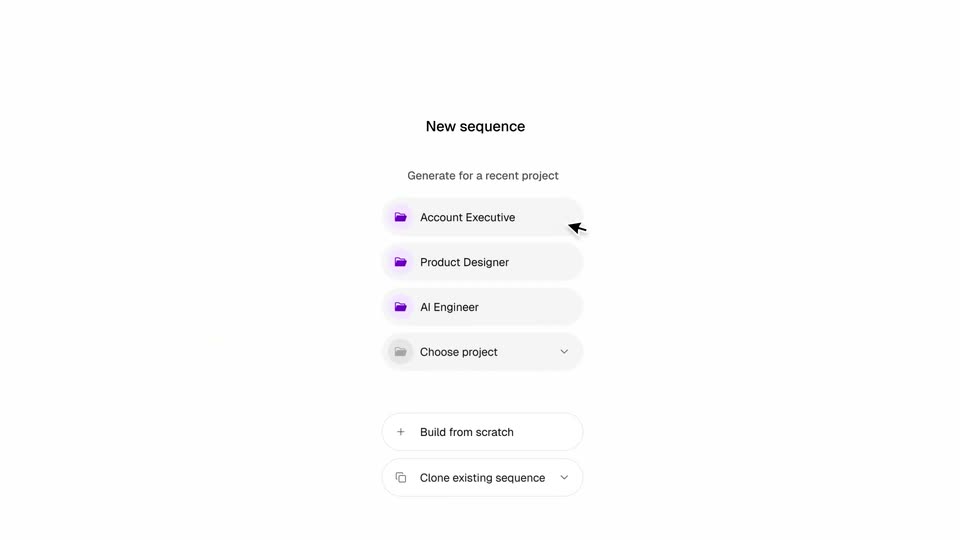 0:46–0:49Juicebox · Introducing Smarter Sequences from JuiceboxA white New sequence panel opens in 3D perspective over a purple halftone background, then flattens to a front-on view. A cursor glides down the project list and hovers over Account Executive.
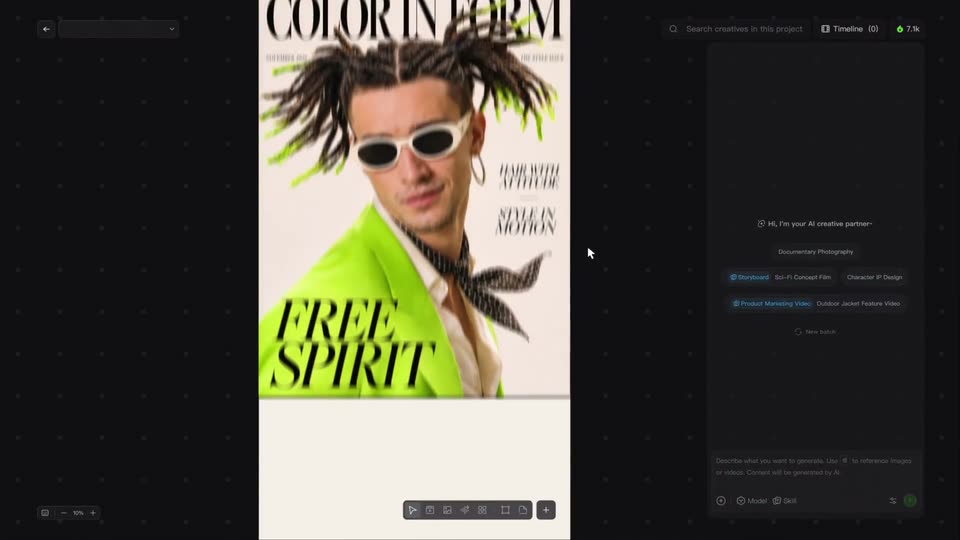 0:48–0:50Kling AI · Meet Kling Image 4.0A dark AI creative interface shows a magazine cover on the canvas beside a chat panel. The view zooms in on the cover, ending on the man with green-tipped hair, white sunglasses and a lime jacket against a cream background.
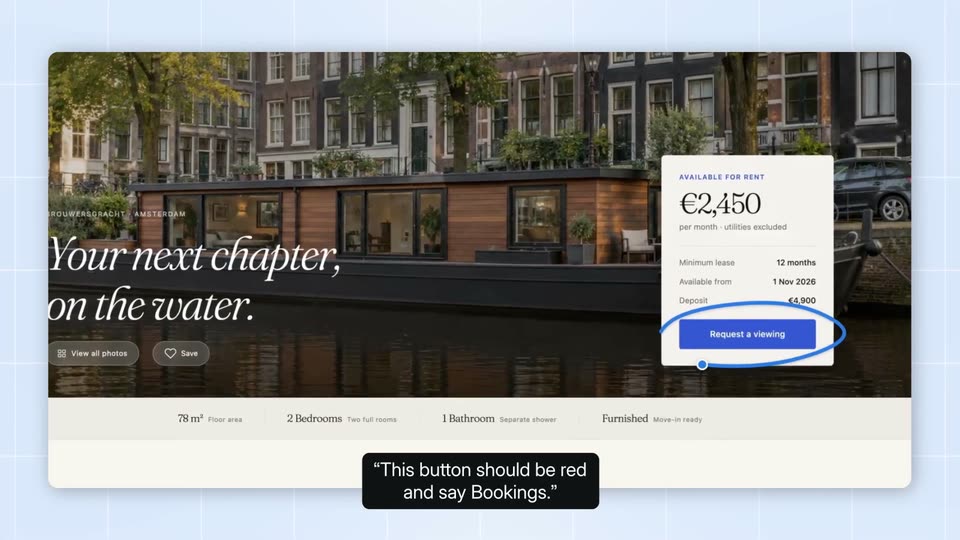 0:18–0:23Loom · Show your AI agent what to do with Record for agent | Rovo at WorkA browser window with a houseboat rental site sits on a light blue grid desktop, angled in 3D. It rotates flat as the view zooms into the page, and a blue hand-drawn circle marks the Request a viewing button while a cursor hovers the record bar.
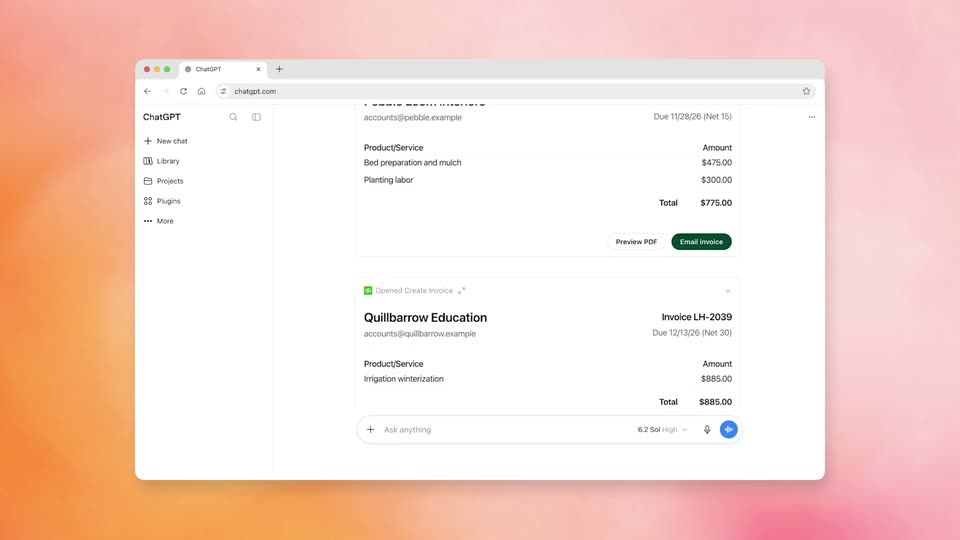 0:20–0:27OpenAI · Introducing ChatGPT for AccountingA flat browser window on a warm orange-pink gradient shows a ChatGPT chat. Three invoice cards expand into view one after another as the list scrolls, then the frame zooms into the interface.
 0:12–0:13Osmo Studio · Osmo Studio - Some very personal news: we’re rebranding as an applied AI lab and arA white chat screen in slight perspective shows a user message asking to edit a launch video and the Posty agent reply. The view zooms in, tightening the frame on the agent's line and the input field below.
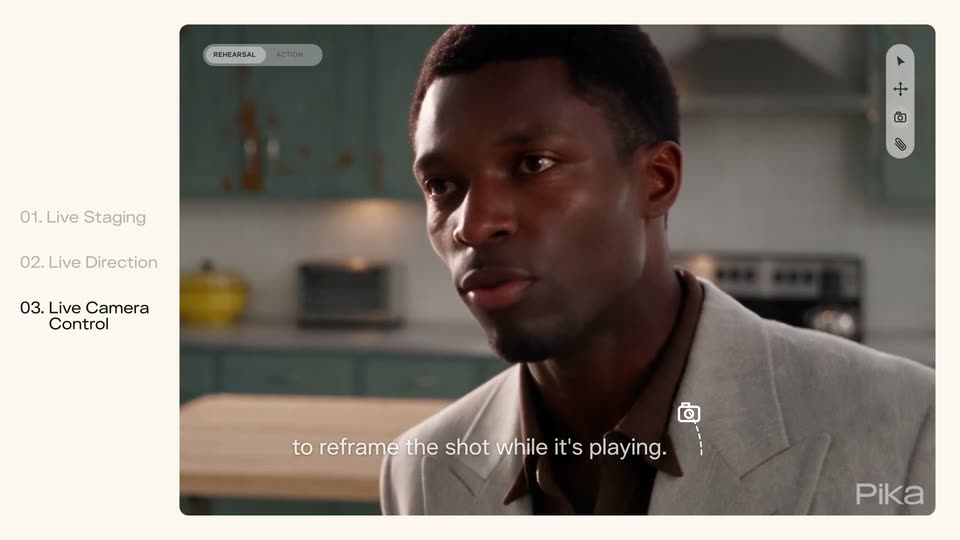 1:28–1:32Pika · Pika Enact | A Research Preview of Scenes that RespondA video player shows a man in a kitchen talking as the shot zooms in to reframe his face; a camera icon with a dashed drag trail moves over the footage. A numbered feature list on the left highlights 03. Live Camera Control, and white captions run along the bottom.