1:40

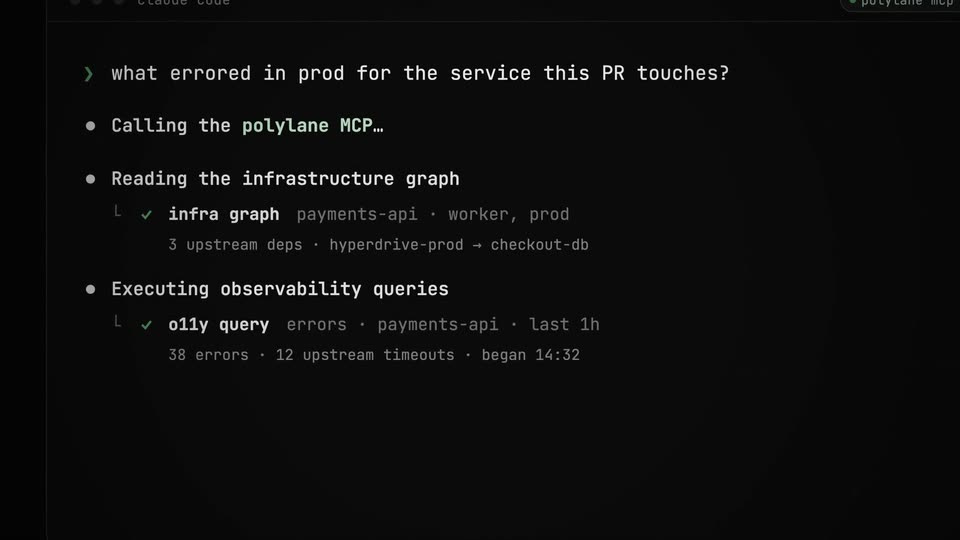
ElevenLabs Developers - Introducing creative tools in ElevenLabs MCP. Available now in: Code
ElevenLabs Developers · Sep 2026
Roma · Nov 2026 · 0:38 · Full motion · AI-annotated
Roma’s 0:38 launch film runs 10 scenes, about 3.9 s each. The product shows up at 0:11. The call to action lands at 0:35 (91% in), over a voiceover. The video is built as a slow user story that alternates locked-off dark interface recordings with explanatory isometric-cube graphics, and every line of the voiceover is mirrored by a bold orange caption bar that pops in sync. Its style rests on a strict black-and-orange palette, gentle push-in zooms on the UI, and the recurring labeled cubes that turn the abstract workflow into a tidy visual system.
Is this your launch? to your site or press kit.
ElevenLabs Developers · Sep 2026
Windsurf · Developer tools · May 2025
Films whose music sounds like this one, voice left out
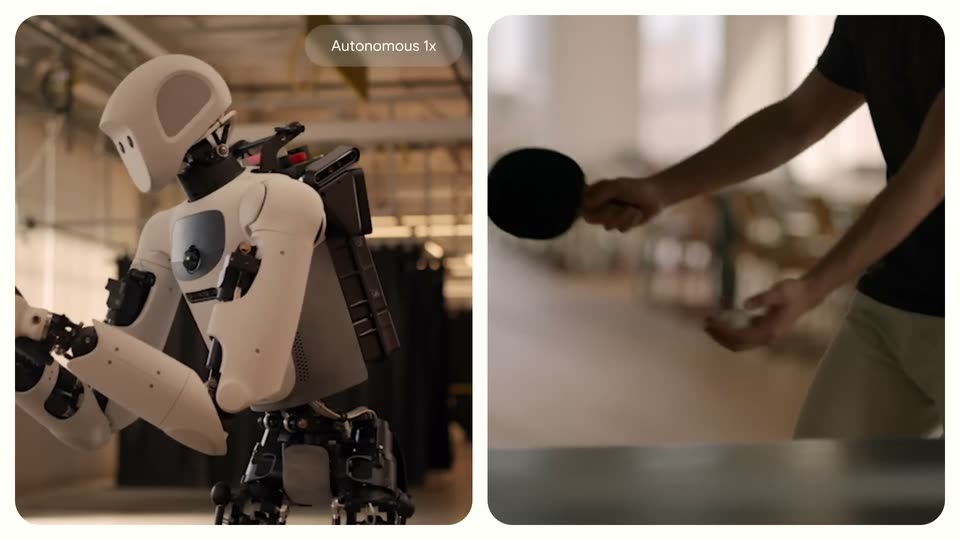
Google Deepmind · Electronic
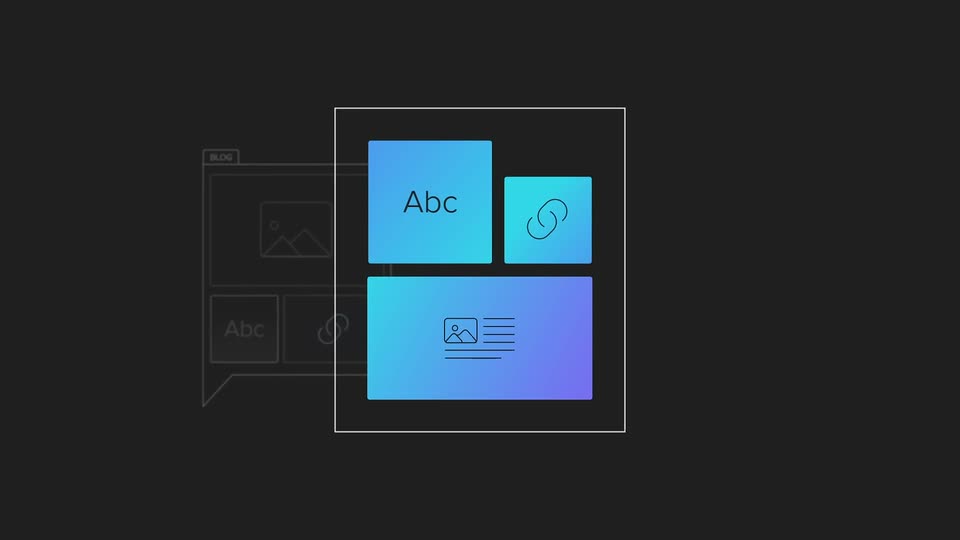
Webflow · Modern electronic
Runway · Modern electronic
A dark interface shows a left sidebar and a cost list on the right. The view zooms in on a user card with a flat avatar and the name Priya at the bottom left as the list scrolls up and out, above an orange caption bar.
On-screen text: “One of our users,”
Techniques: UI zoom
Camera: Push in
A dark task page titled “Fix the kitchen faucet” holds still as orange highlight captions swap in the lower middle, reading “Priya never opens,” “a chat window.” then “the task is the chat.” A slow zoom pushes in on the page.
On-screen text: “Priya never opens”, “a chat window.”, “the task is the chat.”
Techniques: Kinetic type, UI zoom
Camera: Static
A dark task screen shows a faucet repair detail with checkboxes, then switches to a House list holding two to-do cards. Orange caption boxes appear at the bottom, first reading the task is the chat, then She keeps three lists.
On-screen text: “the task is the chat.”, “She keeps three lists”
Camera: Static
A dark task app screen shows a left sidebar with the House list highlighted and two To do cards on the right. Orange caption boxes at the bottom swap text in sync with the voiceover.
On-screen text: “She keeps three lists”, “for the messy parts of life.”, “Tax quotes”
Techniques: Kinetic type
Camera: Static
A dark task app shows a sidebar of lists and two task cards on the right. The sidebar highlight shifts between items as orange caption boxes with black text pop in at the bottom, reading the list names in sequence.
On-screen text: “Taxes.”, “The move.”, “The house.”
Techniques: Kinetic type
Camera: Static
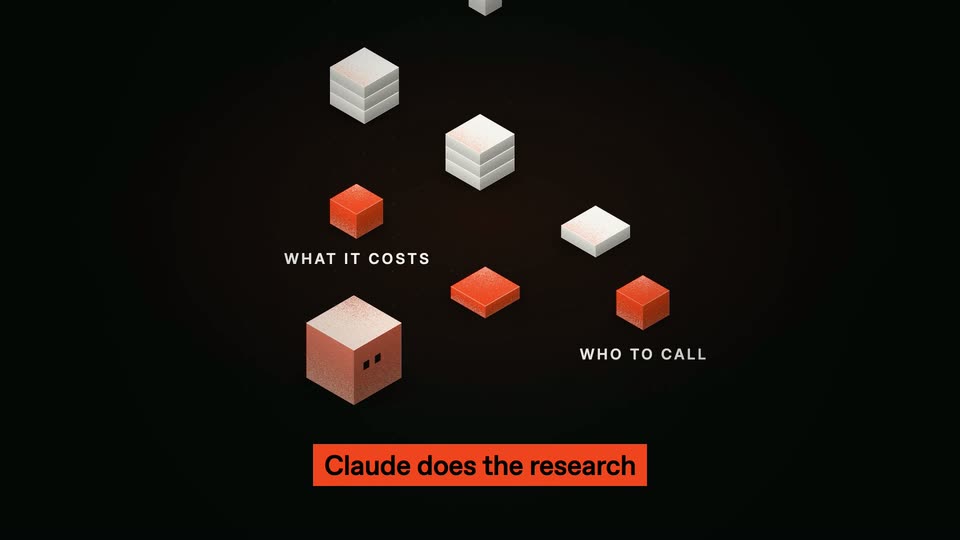
On a near-black background with a faint warm glow, isometric cubes labeled TAXES, MOVING, HOUSE, WHAT IT COSTS, WHO TO CALL and ONE QUESTION pop into view one by one, while a bold orange caption bar at the bottom cycles through black text lines. The camera is locked off.
On-screen text: “TAXES”, “MOVING”, “HOUSE”, “When she wants help,”, “she hands a task”, “to Claude.”, “Every hour,”, “WHAT IT COSTS”, “Claude does the research”, “ONE QUESTION”
Camera: Static
A dark task page titled Fix the kitchen faucet sits in a locked-off frame, showing a Who to call card with a checked, struck-through plumber and a What it costs line. An orange caption box on the right swaps its text from Who to call. to What it costs. while the rest of the interface stays still.
On-screen text: “Who to call.”, “What it costs.”, “ONE QUESTION”, “and writes it into the task.”
Camera: Static
The dark app window on an orange field zooms into the task chat, where a short reply and a follow-up confirmation appear. Captions land on orange highlights, then the interface fades out and three labeled 3D cubes rise in.
On-screen text: “Then one line in the chat,”, “ending with one question.”, “She answers”, “from her phone.”, “Two words.”, “Next, picks up”, “Claude picks up”, “from there.”, “Priya makes the decisions.”
Techniques: UI zoom, Kinetic type
Camera: Push in
Isometric white, orange and rust cubes sit on a black grid, each tagged with a small white label. The bottom caption bar reads “Priya makes the decisions.”, then swaps to “Claude does the legwork.” The scene fades to a dark grid as a blue line enters from the left.
On-screen text: “WHAT IT COSTS”, “ONE QUESTION”, “WHO TO CALL”, “Priya makes the decisions.”, “Claude does the legwork.”
Camera: Static
A thin white line traces a path across an orange grid, then dissolves as the Roma wordmark and tagline fade in with a soft glow, the URL roma.app settling beneath.
On-screen text: “The to-do list for your agents”, “roma.app”
Techniques: Kinetic type
Camera: Static