UI zoom
A zoom or reframe onto one part of the interface.
9,986 scenes · page 52 of 167
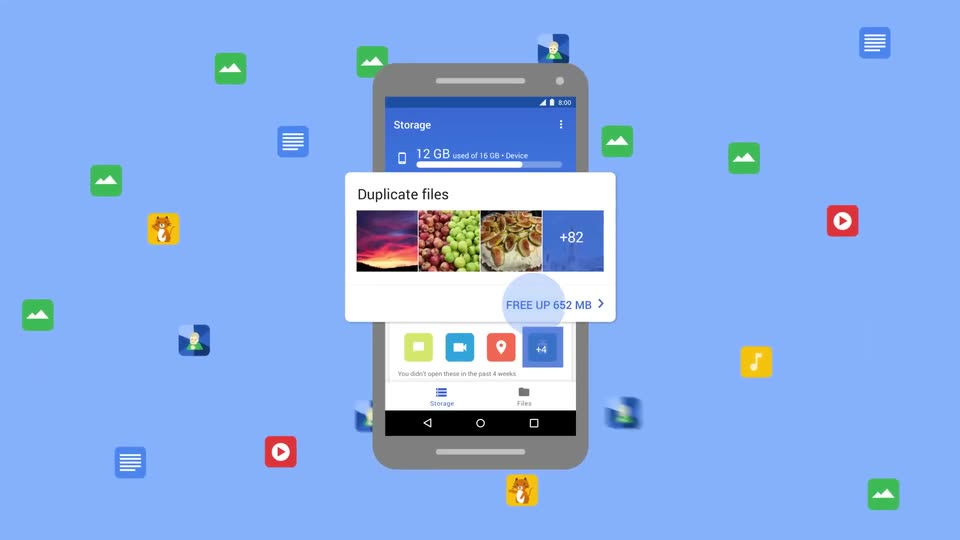 0:08–0:12Google · Introducing Bad Joke DetectorA flat gray phone mockup sits centered on a blue field of drifting app icons. Its storage screen's Duplicate files card scales up, the view switches to a grid of 82 selected photos, then a blue circle pops over the phone reading 107 MB cleared, with an orange arc.
 0:00–0:06Google · Introducing Subscribe with GoogleA white phone mockup on a pale background shows a news app. The view zooms into a world map banner with red and black icons, then scrolls down past gray article lines to a paywall panel listing silver and gold subscription prices.
 0:25–0:26Google · Meet Google Pixel 2 | More, more, moreA selection rectangle over a portrait of a red-haired woman expands across the frame, then the interface reframes to a sharp centered crop of her face over a blurred backdrop, with a slider and tag icon at the bottom.
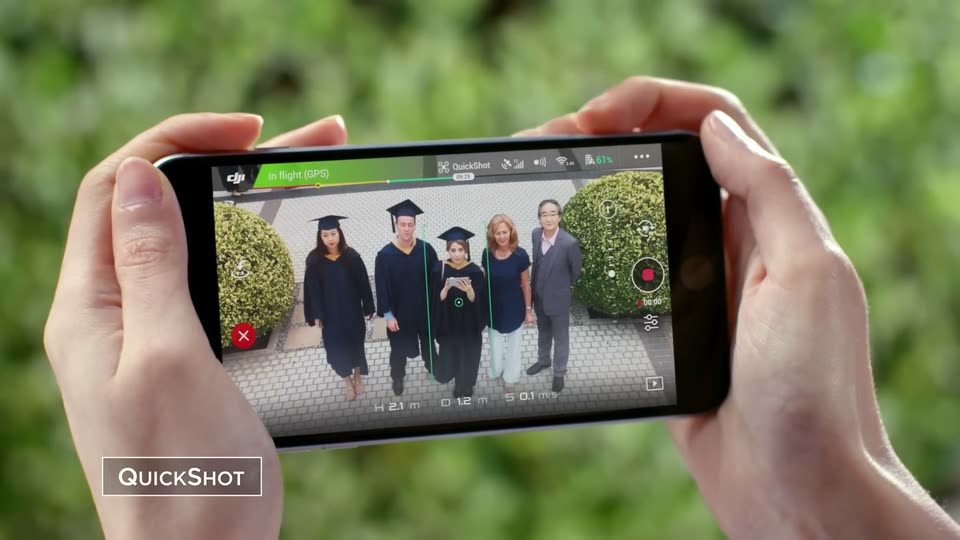 1:18–1:20DJI · DJI - Introducing SparkTwo hands hold a phone in landscape against a blurred green background. The screen shows a drone live view of graduates and a row of flight mode buttons. A thumb taps a button, and the view reframes onto the subjects with a green tracking box.
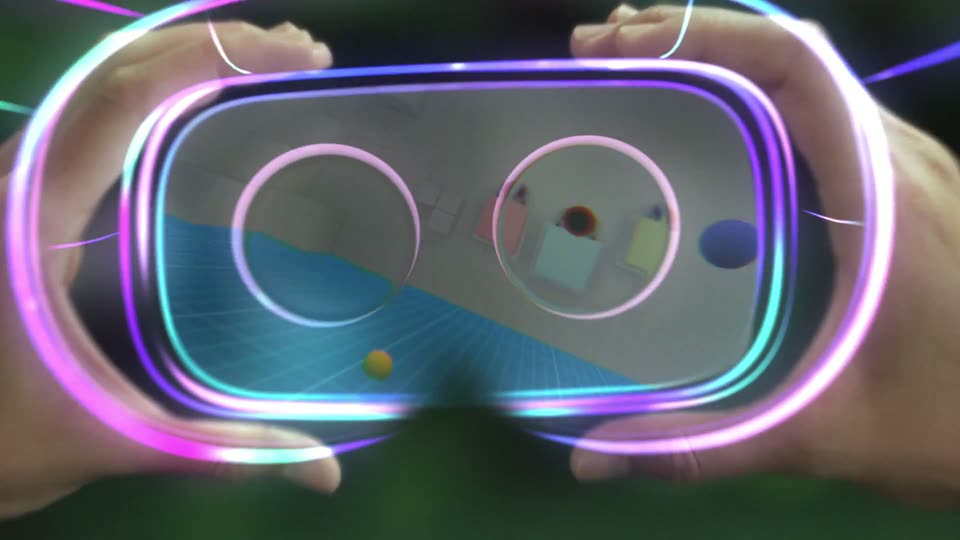 0:02 · 0.5sGoogle · Introducing WorldSense: Move naturally in VRTwo hands hold a VR headset to the camera, its frame wrapped in a pulsing neon outline of pink, purple and cyan. The camera pushes in fast, blurring the hands, to reveal a virtual room with a blue floor and floating colored shapes inside the lenses.
 0:15–0:24Microsoft · Introducing Microsoft To-Do, now in PreviewA white iPhone fades in on a light background, its home screen filled with app icons. Red badges pop onto several icons, then the camera zooms toward the To-Do icon as a large To-Do label fades in on the left, before pulling back to the centered phone.
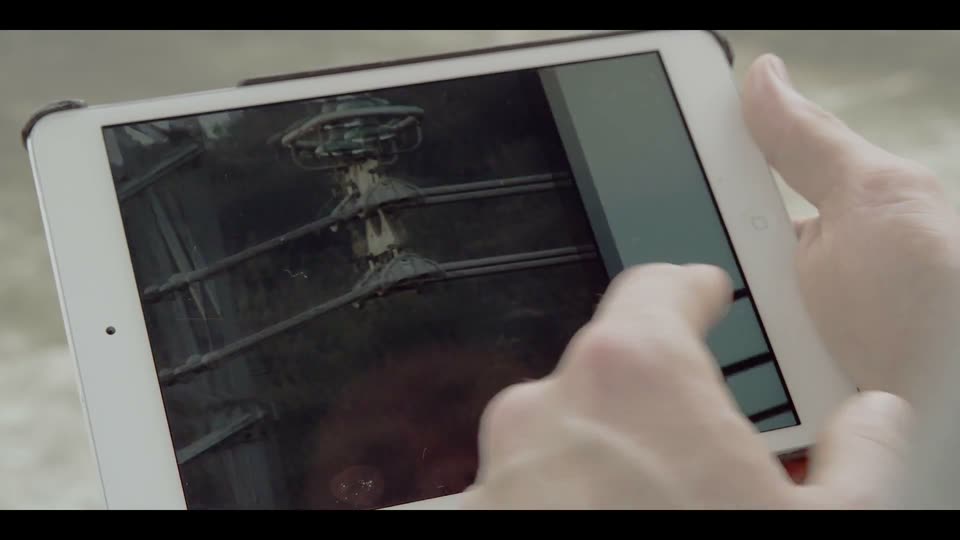 1:09–1:11DJI · DJI – Introducing the Matrice 200 SeriesHands hold a white tablet in landscape, showing a photo of a steel power pylon over dry hills. A finger pinches the screen and the image zooms in on the insulator stack and sagging wires.
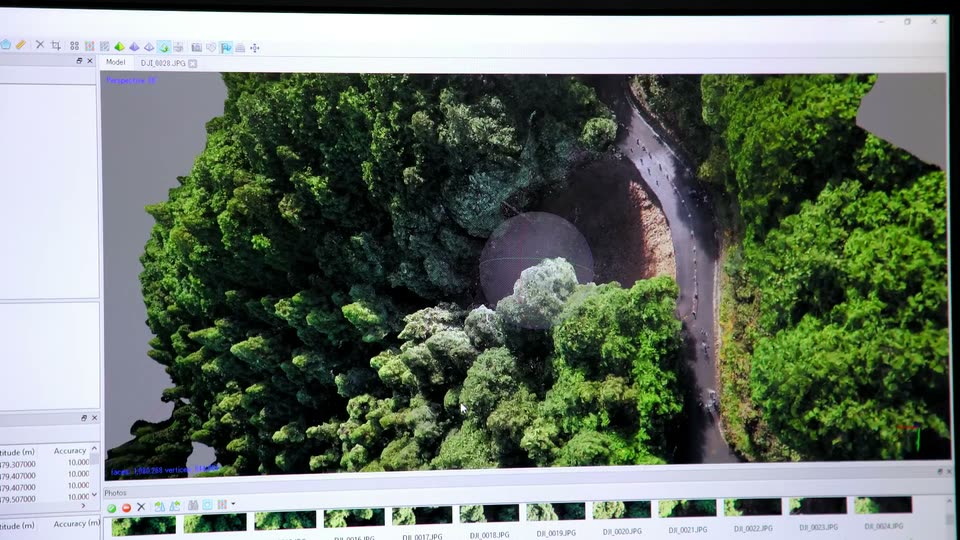 1:24–1:27DJI · DJI – Introducing DJI GS ProA photogrammetry app window shows a 3D forest model with a curving road; the viewport pans, then the view zooms into the model until the dark aerial terrain fills the screen.
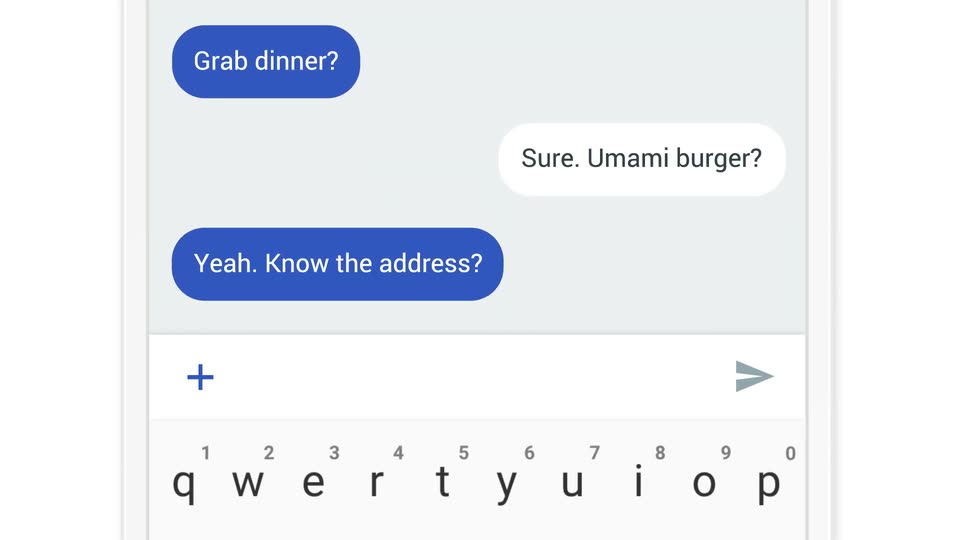 0:01–0:09Google · Gboard: now available for AndroidA flat white phone mockup zooms into its screen, where a chat thread builds up: a blue 'Grab dinner?' bubble, a white reply, then another blue bubble, before the view pulls back to the full phone.
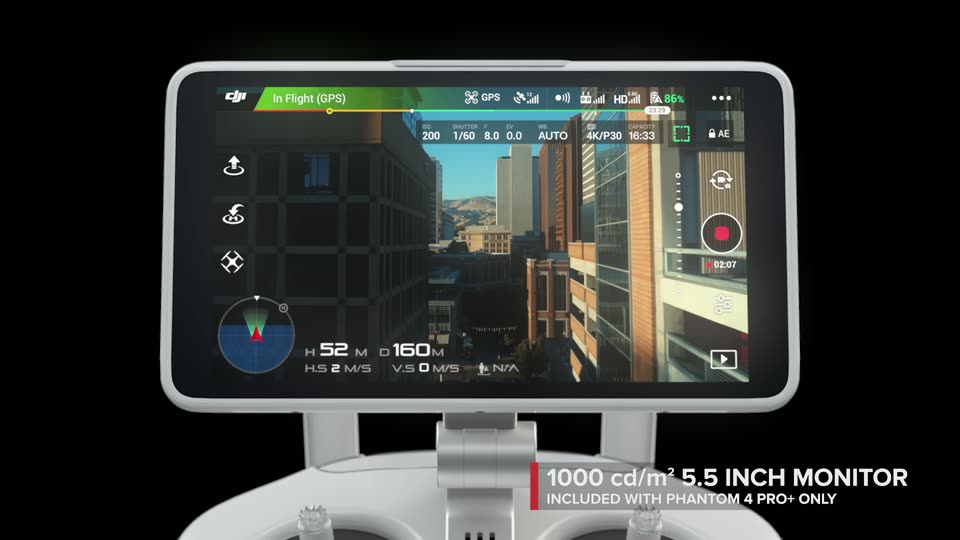 1:46–1:51DJI · DJI – Introducing Phantom 4 ProA white drone controller with a built-in monitor sits on black as the camera pushes in on the screen, showing a live city feed with flight HUD. A caption marks the 5.5-inch monitor, then a woman in a hard hat packs a car trunk.
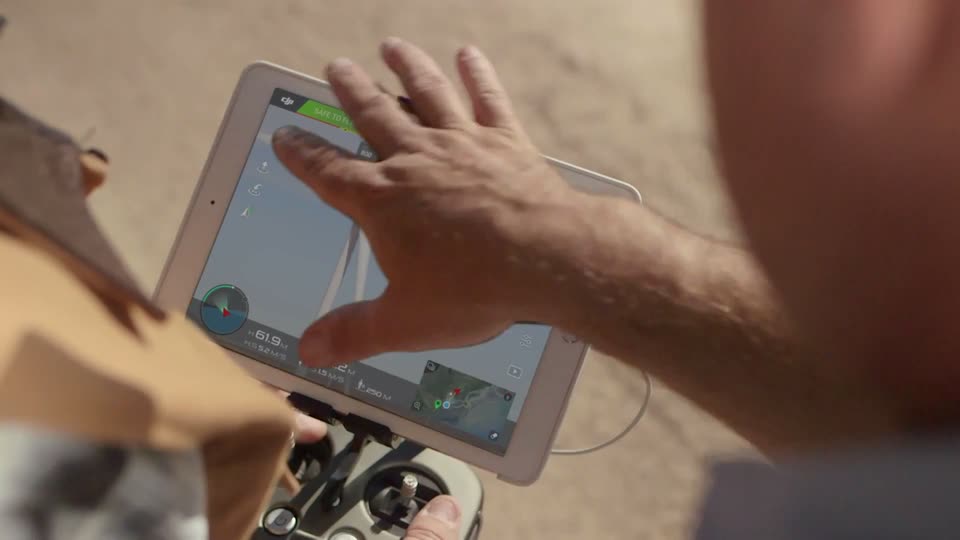 2:51–2:56DJI · DJI – Introducing Zenmuse Z30Over-the-shoulder close-up of a tablet mounted on a drone controller in a desert. A finger taps the screen and the drone's live feed zooms in on a wind turbine.
 0:52–0:53Google · Meet your Google Assistant, your own personal GoogleA flat gray phone mockup hovers over a blue assistant avatar, a cluster of blue, red, green and yellow dots, and a small white reservation card. The shot zooms into the phone, reframing on its lower screen and navigation buttons as the other elements exit the frame.
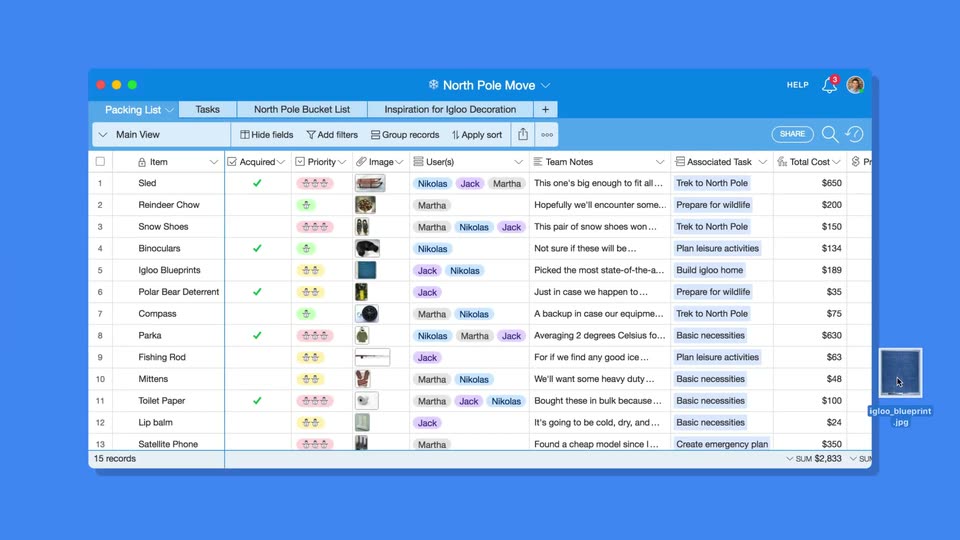 0:34–0:52Airtable · Meet AirtableA database window titled North Pole Move sits on a blue field. The view zooms into the left columns, pans across the table, then a cursor drags a file thumbnail from the right edge into the Image column, dropping it on the Igloo Blueprints row.
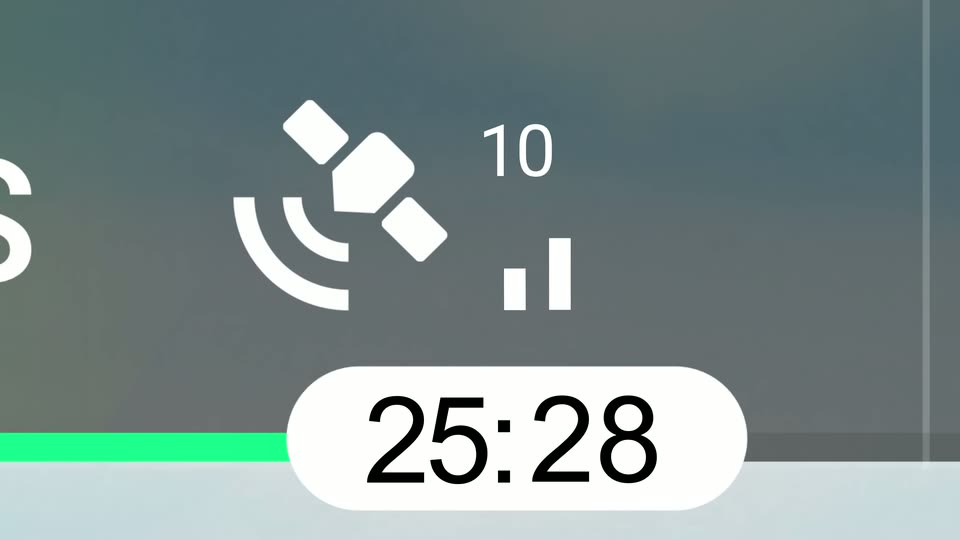 1:35–1:36DJI · DJI - Introducing the DJI MavicThe DJI app's aerial coastline view fills the frame, then the camera zooms into the top status bar, blurring the rest, to highlight the GPS and satellite signal indicators.
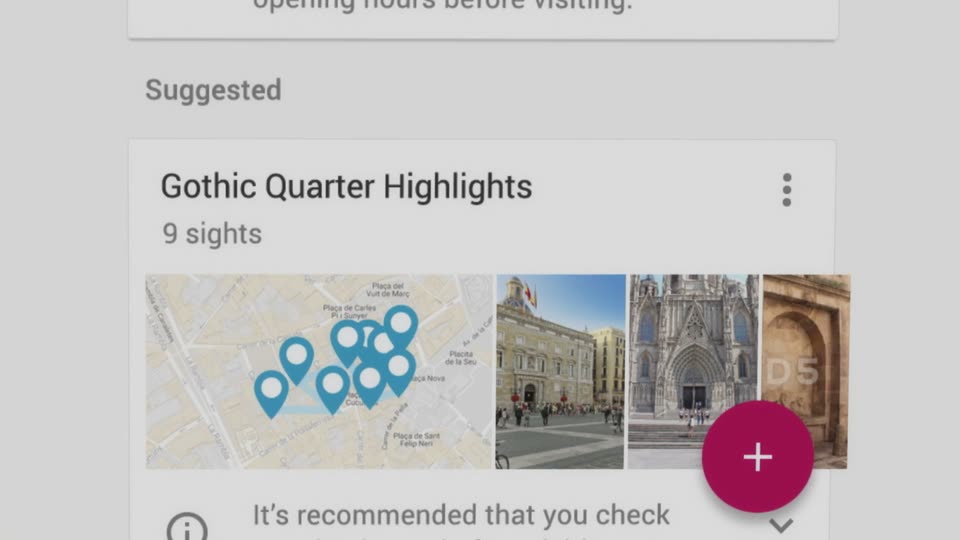 0:48 · 0.6sGoogle · Introducing Google TripsA tilted app screen in 3D perspective rotates flat toward the camera while zooming in on a suggested card, revealing a map with blue pins, a row of photos, and a pink plus button.
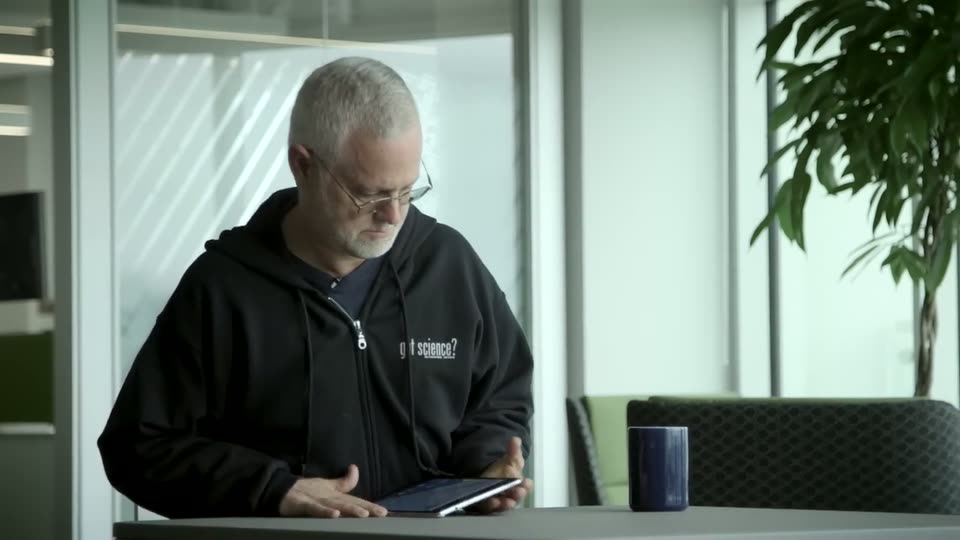 0:24–0:33Google · Introducing Voice Access BetaA man in a black hoodie walks through a bright office holding a tablet, sets it on a table beside a blue mug, and taps the screen. The camera reframes to a close-up of the tablet, which shows a May 2015 calendar with the 11th highlighted.
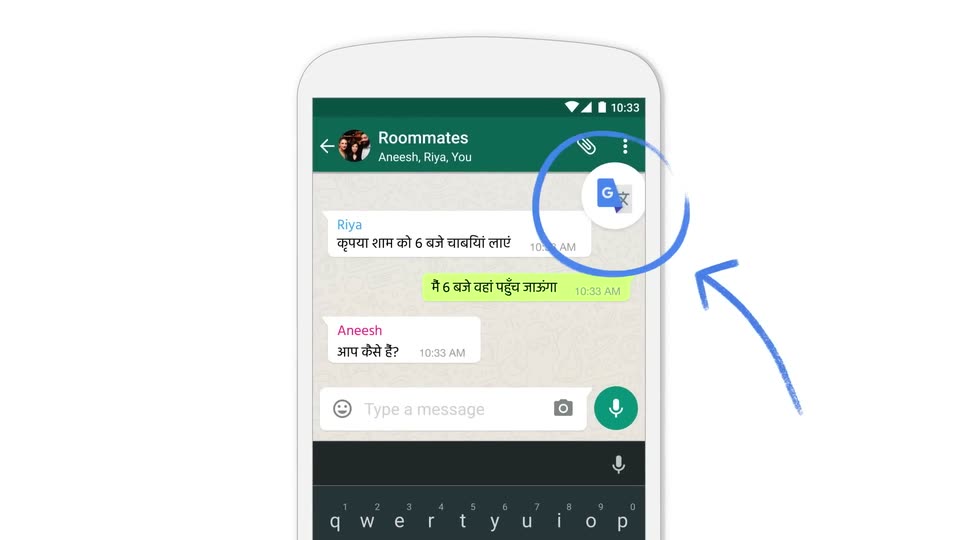 0:26–0:36Google · Introducing Tap to TranslateA blue G logo card sits left of a 3D phone mockup showing a Hindi group chat. The view zooms into the screen; a small Translate icon appears in the chat header, circled by a hand-drawn blue ring and arrow, and pulses.
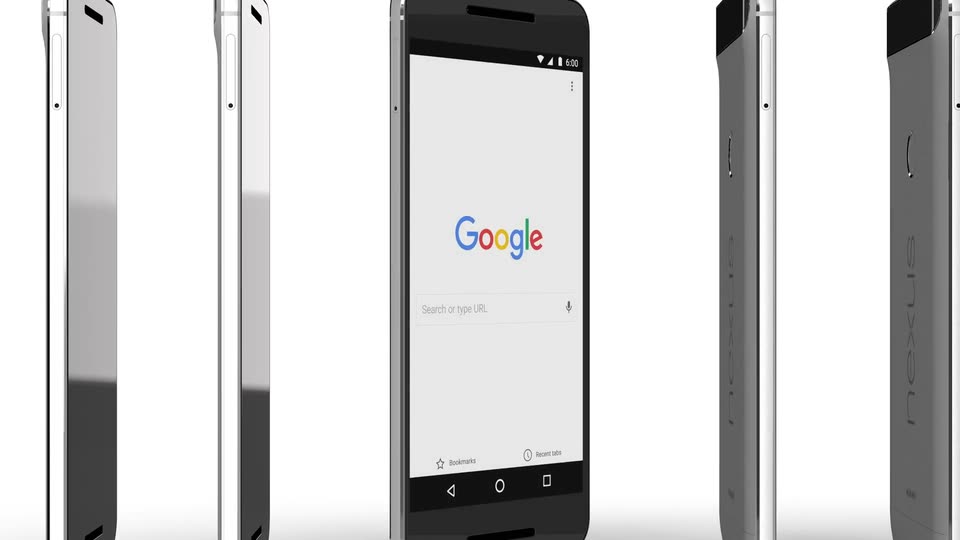 0:04 · 0.5sGoogle · Introducing Destinations on GoogleA row of smartphones stands upright in 3D on a white background, the center unit facing forward with the Google search screen. The camera pushes in until that screen fills the frame, then holds still.
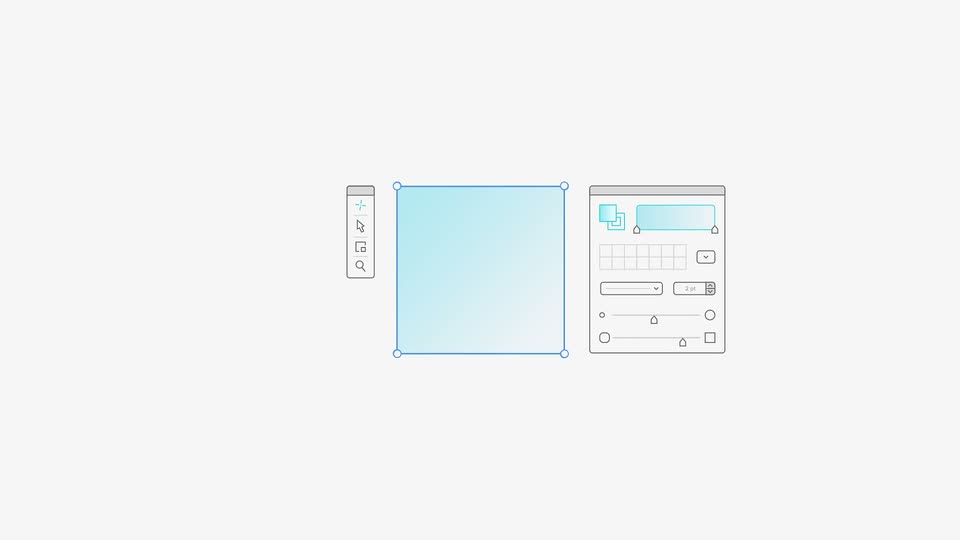 0:01–0:04Webflow · Introducing Webflow CMSA blue square on a design canvas is selected with a dashed outline; its corners round and a gradient fill fades in while the side panels update, then the view pulls back to reveal the full app window.
 0:56–1:01Google · Introducing Project SunroofA hand-drawn browser window lists solar providers with install counts and website links. Checkboxes tick on the SunEdison and SunWork rows, then the view zooms into the SunEdison row. The window fades to a white field where a grainy yellow sun disc appears.
 1:00–1:05GitHub · Introducing Atom 1.0!A grainy close-up of a code editor: a partial comment line on the left, a diff column of gray, green and red bars on the right. The view drifts down and settles on the status bar reading UTF-8, C, master, +102, -20.
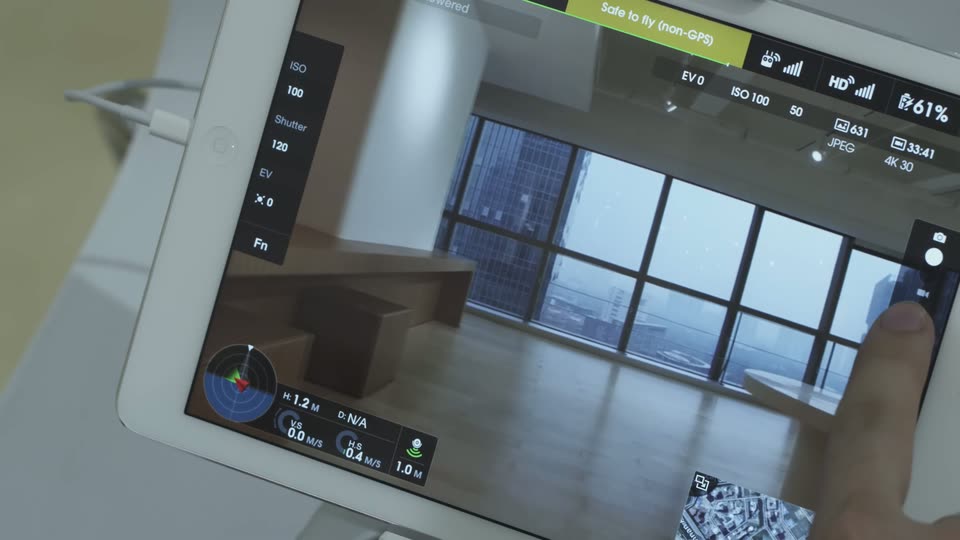 2:30–2:32DJI · DJI – Introducing the Inspire 1A white tablet sits in 3D perspective, its screen showing a drone app with an indoor camera view and flight readouts. A finger taps the right edge, then the frame zooms into the Manual menu as the finger drags the shutter slider across its scale.
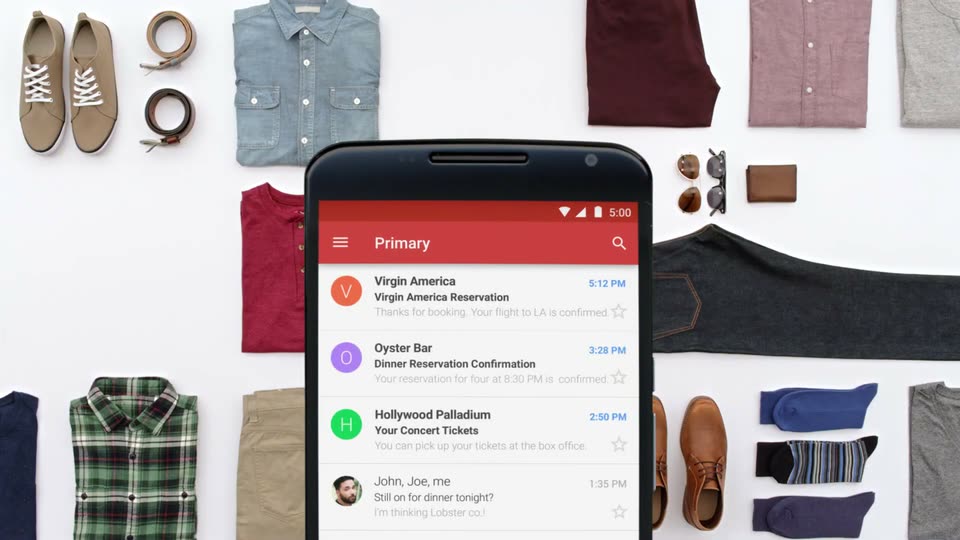 0:07–0:08Google · The new Google Calendar app for Android and iPhoneA flat lay of folded shirts, shoes, belts and socks on white. A slim phone in the center scales up to fill the frame, revealing a red-headed notification list. A blue knit beanie with a red band then grows to dominate the frame.
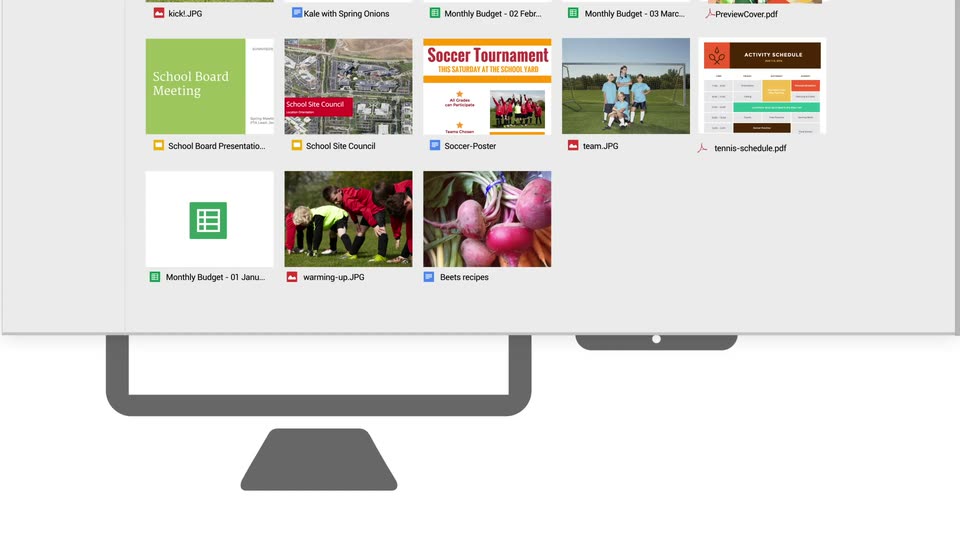 0:07–0:08Google · Meet the new Google DriveFlat vector desktop, tablet, and phone mockups bearing the Drive logo sit before a scrolling file grid. The devices exit as the grid fills the frame, and a cursor glides over a file thumbnail.
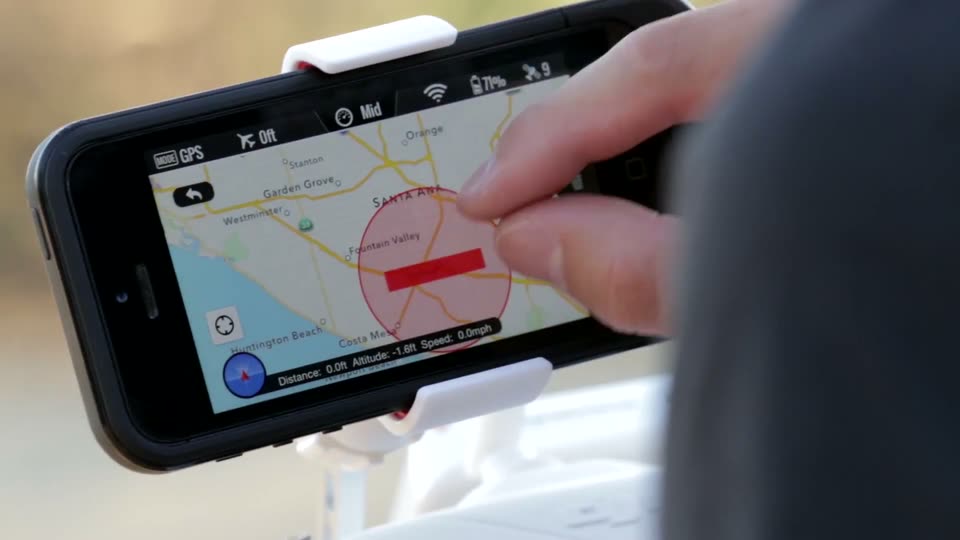 0:55–0:57DJI · DJI - Introducing Ground Station for the Phantom 2 Vision SeriesA smartphone clamped in a white holder displays a map with red no-fly circles; a finger taps and zooms into one zone. Cut to a bearded man in a plaid shirt holding a white drone controller as he speaks.
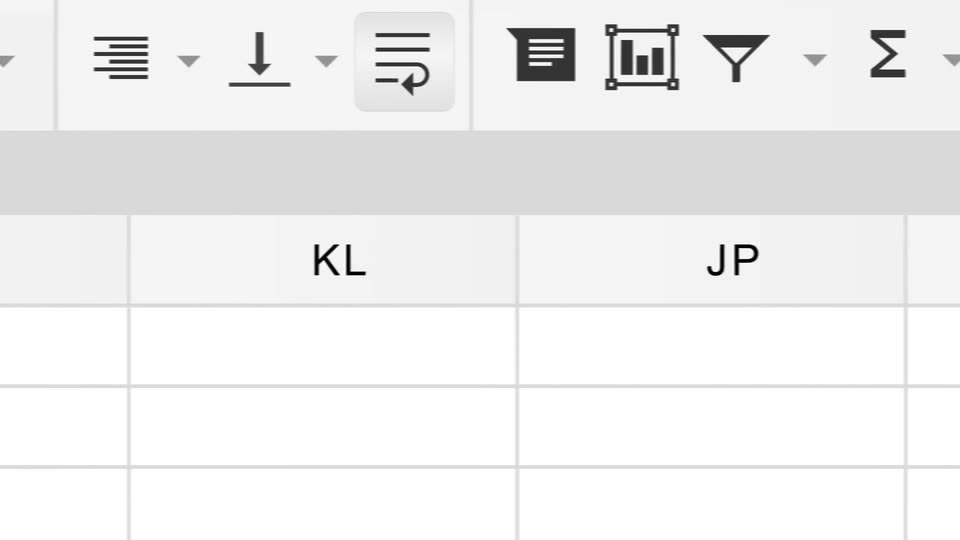 0:05–0:14Google · Meet the new Google SheetsThe camera pulls back from a tilted close-up of the green-and-white grid to the full empty Toy Drive spreadsheet, reframes on the toolbar icons, then a tight column of numbers scrolls past in a rapid loop.
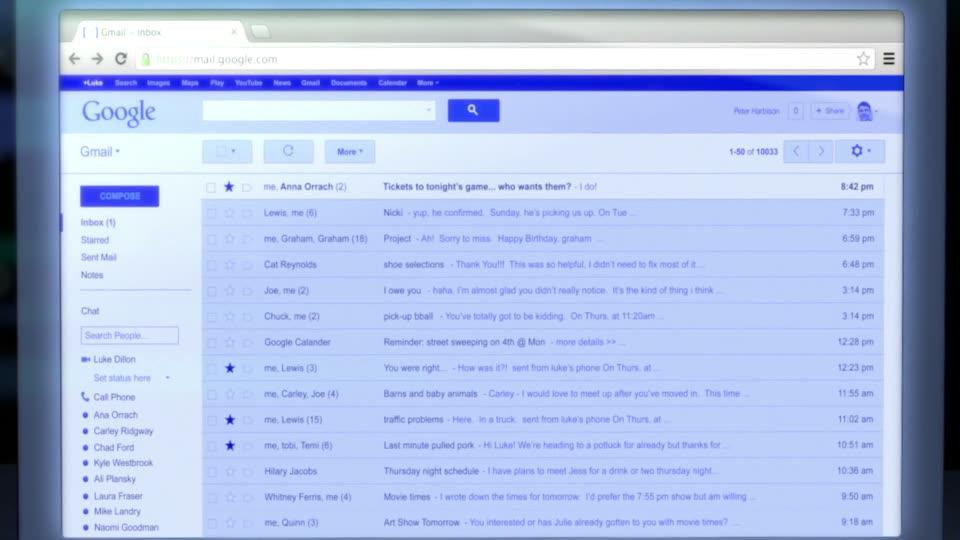 1:24–1:30Google · Introducing Gmail BlueA blue-framed monitor shows a Gmail inbox list that starts heavily out of focus and gradually racks into focus while the camera pushes in on the rows of messages.
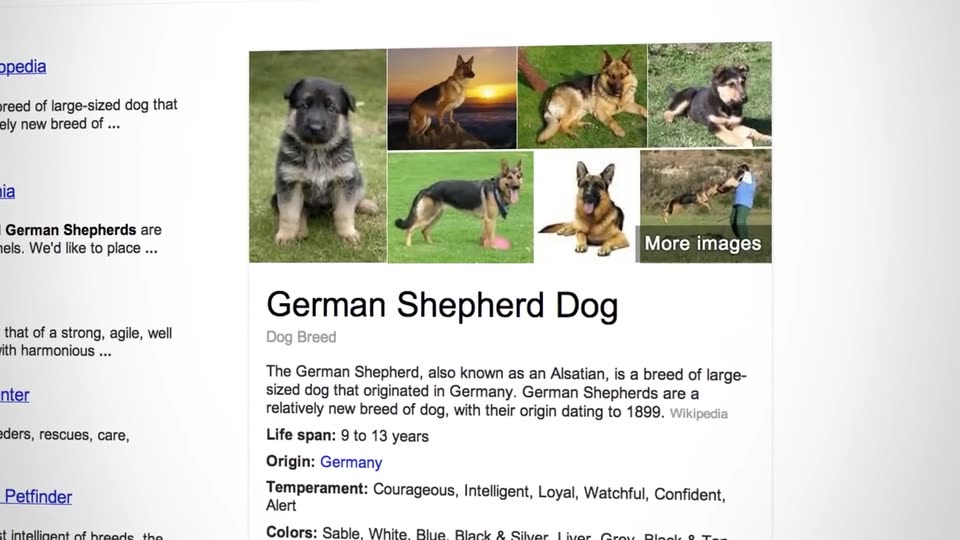 0:16–0:18Google · Introducing Google NoseA search results page for a German Shepherd Dog holds the knowledge panel with dog photos and breed details static while the left column of text links scrolls slowly to the left.
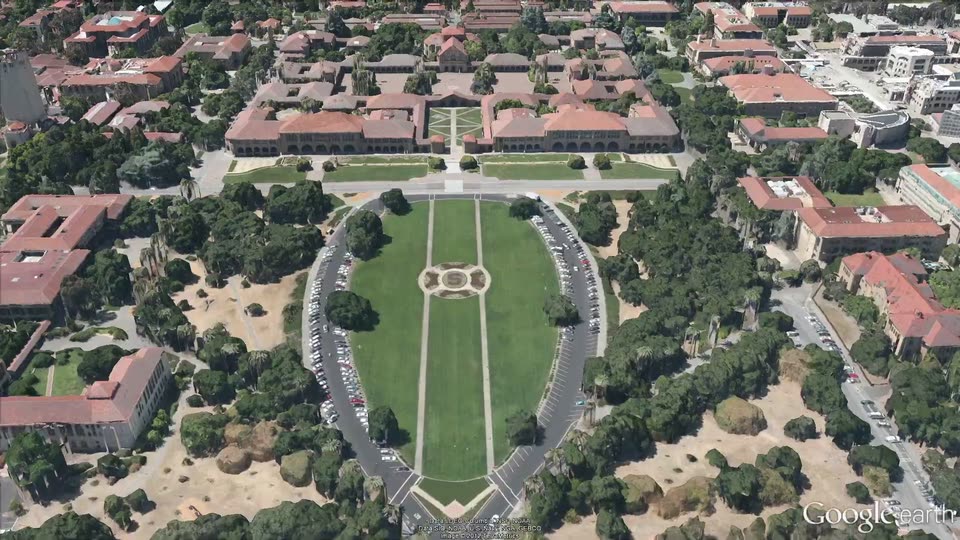 0:23–0:27Google · New 3D imagery for Google EarthA 3D satellite map of a red-roofed campus with a central green oval moves forward and tilts down, framing the lawns and walkways. The Google Earth wordmark remains in the lower right corner.
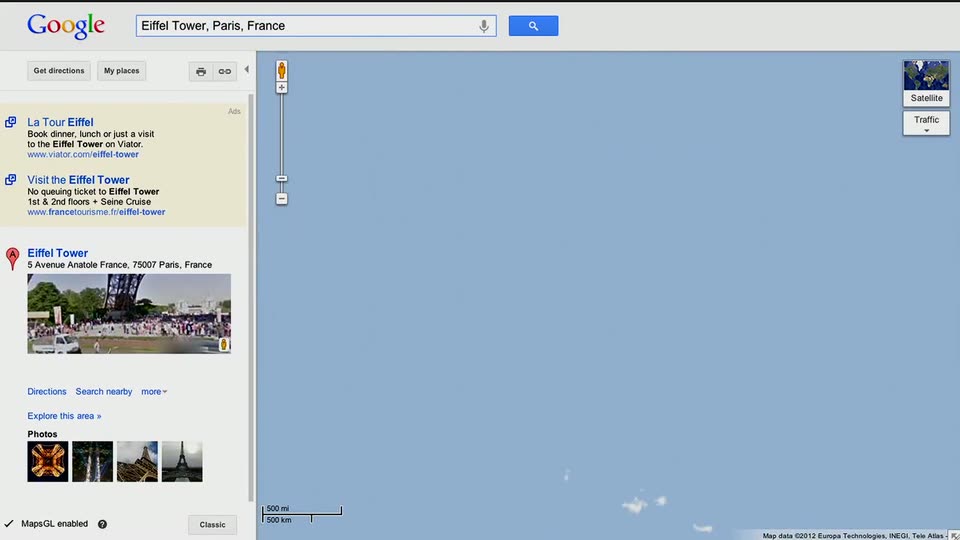 0:32–0:33Google · Introducing the Google Fiber BarThe Google Maps interface shows Eiffel Tower results and photos in the left column. On the right, the map of North America clears to a blank blue field as the view reframes toward the searched location.
 0:03–0:07Google · Introducing Google Toolbar 7A browser window shows the Google homepage. The view zooms into the top bar and pans right across the address bar, tabs, and the Google Toolbar's Search and More buttons, while the upper edge of the multicolor Google logo slides along the bottom.
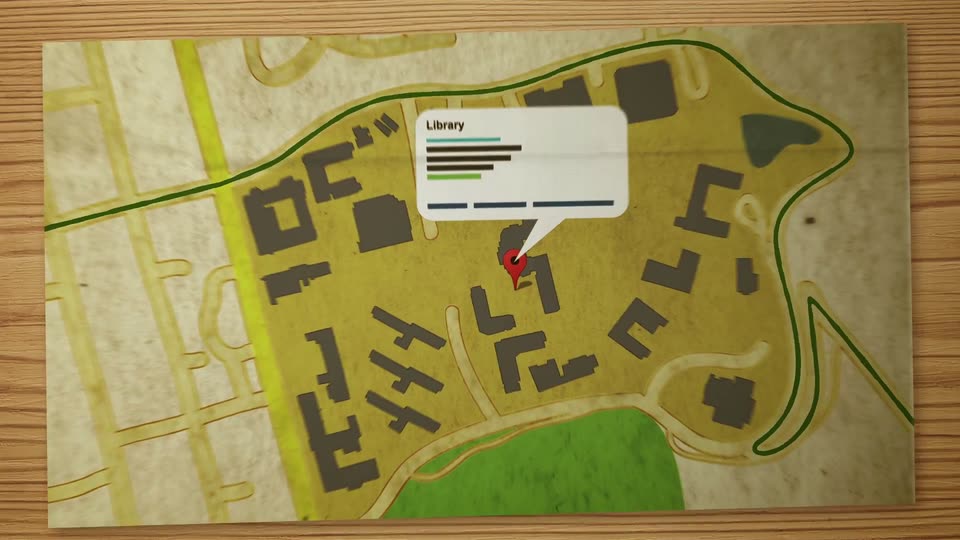 0:06–0:07Google · Introducing Google Map Maker for the United StatesA top-down map zooms out from a close crop of a yellow highlighted zone to reveal a park with building footprints, green paths and a red pin. A white rounded card labeled Library pops in above the pin with a pointer tail, its text lines filling in.
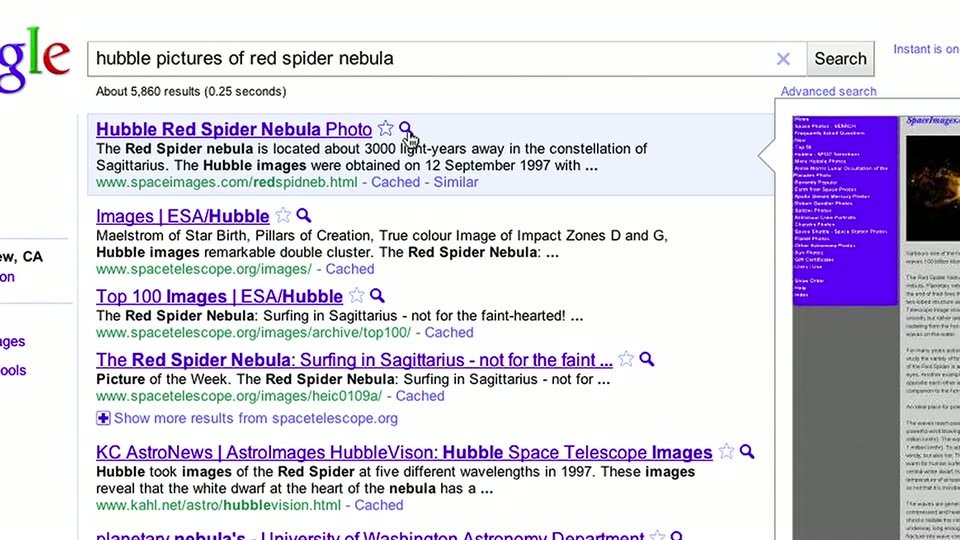 0:04–0:13Google · Introducing Instant PreviewsA Google results page fills the browser as the query 'hubble pictures of red spider nebula' is typed and results refresh. The view zooms onto the first result while the cursor hovers its magnifying glass icon, and a preview panel of the linked page slides in at the right.
 0:02–0:05Google · Introducing a new Google DocsThe Google docs wordmark slides in at left beside a white desk with a blue monitor and chair. A white cloud holding five app icons drops above the screen, linked by dotted lines, and the view zooms into the cloud as the icons rotate.
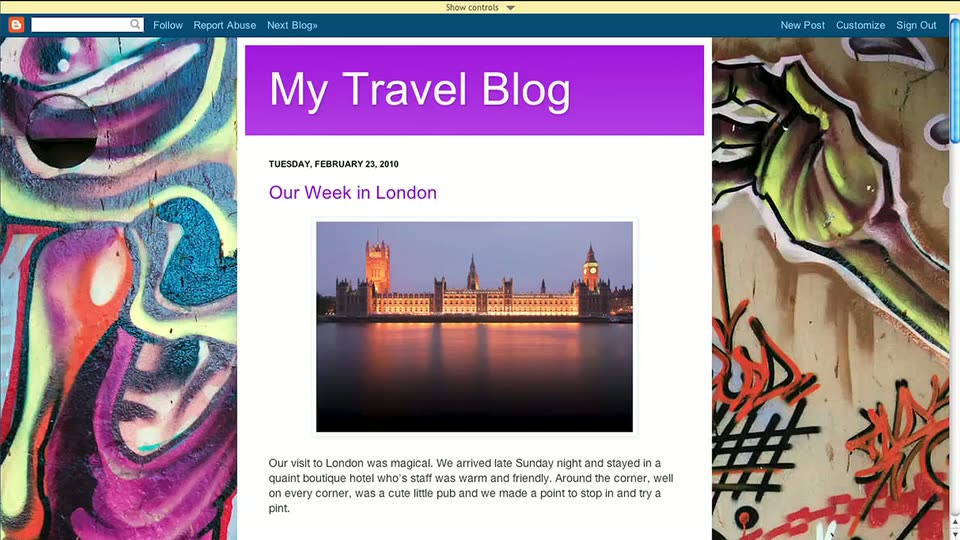 0:48 · 0.4sGoogle · Introducing the Blogger Template DesignerA web browser window displays a blog interface. The view pans right and zooms in, revealing a sidebar with a blog list and shifting the page background from a graffiti style to a bright red abstract pattern.
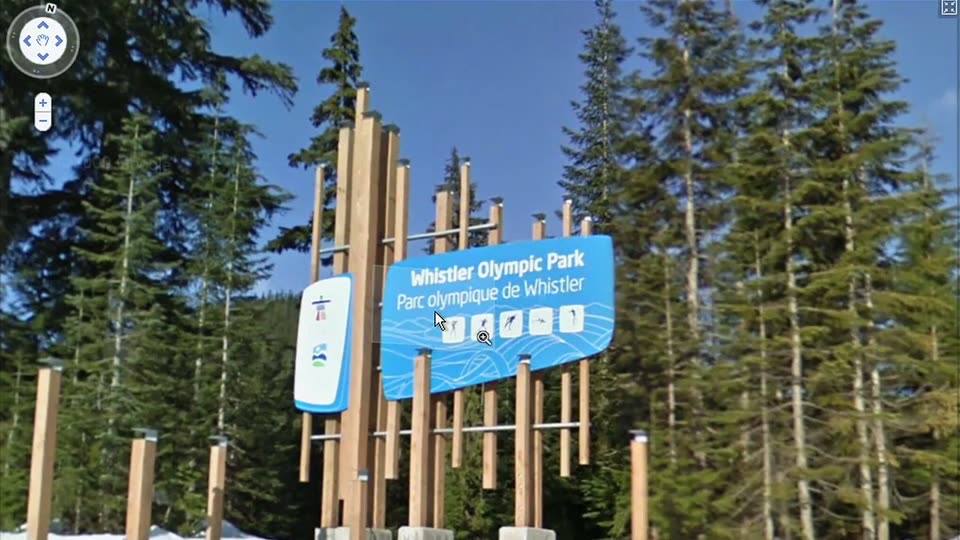 0:03–0:07Google · Introducing the Street View snowmobileA 3D snowy road with a white line runs through a pine forest. The camera flies forward, then zooms in on a blue Whistler Olympic Park sign on wooden posts, its small icons sliding in. A hand cursor and a paper-plane marker sit on the road.
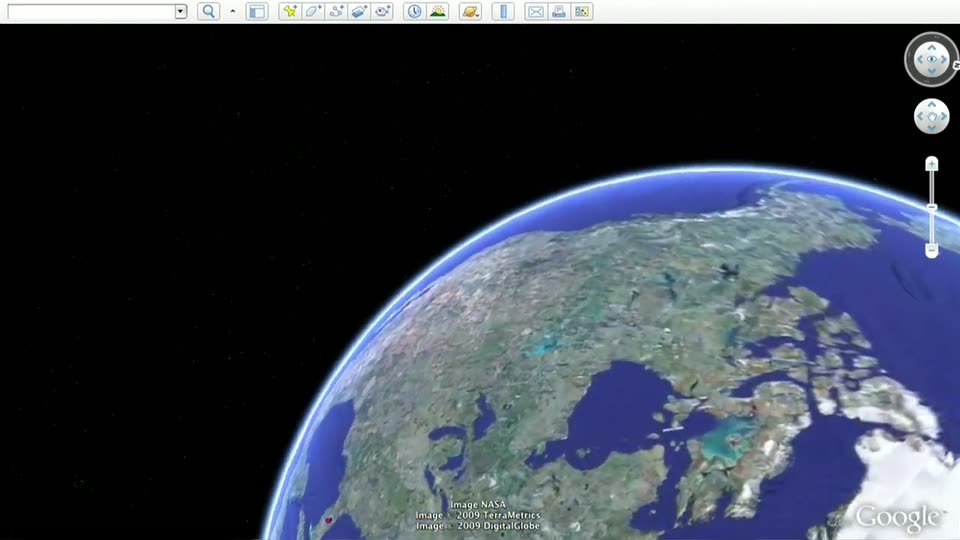 0:04–0:06Google · What's New in Google Earth 5.0The Google Earth app window fills the frame, the planet hanging in black space with North America centered, top toolbar and right-side tilt controls visible. The 3D camera pushes in from a full-globe view down to the curved atmospheric horizon over the continent. Faint stars dot the background and attribution lines sit at the bottom edge.
 0:26–0:31Google · Street View now available in New ZealandThe Google Maps page shows a map of New Zealand while the cursor drifts across it. The view then zooms into the top search field as the address 222 Victoria Street, Auckland is typed in.
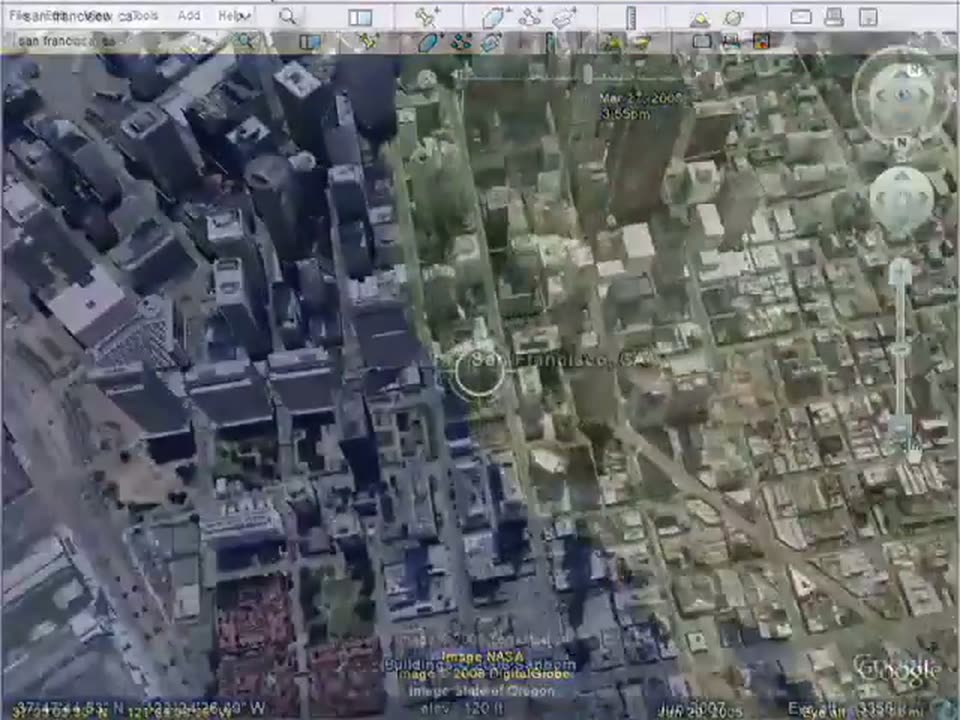 0:01–0:04Google · New features in Google Earth 4.3A translucent blue globe with the Google wordmark and the caption “Explore new features in Google Earth.” fades into a satellite view of North America, then dives into San Francisco, where a cursor drags the zoom slider over 3D buildings.
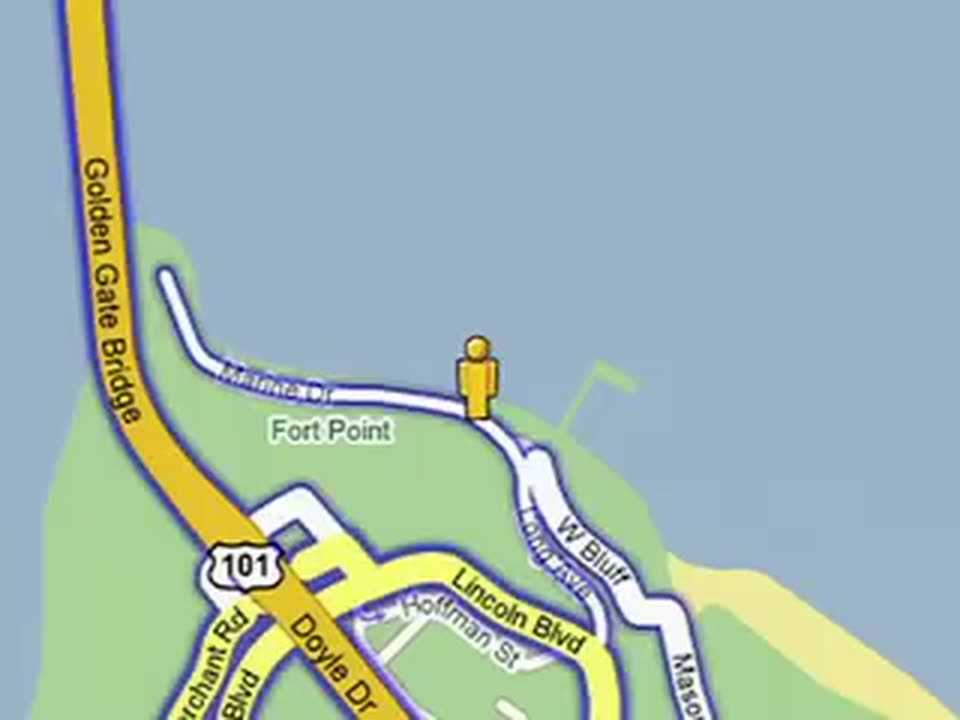 0:25–0:27Google · Google Maps Street View - launch videoA map of the San Francisco coastline shows Fort Point and the Golden Gate Bridge. A yellow person icon pops in on the shore, a hand cursor points at it, and the map drifts into a slight zoom.
 0:06–0:07Agentcard · You ask once. We search 5,000+ stores, you approve with face id, the order goes out. | Agentcard (yc s26)A dark agentcard vault card with a translucent checkmark badge holds center on a blue gradient, then the frame zooms out to reveal the chat thread above, showing the agent's messages and the Amazon order.
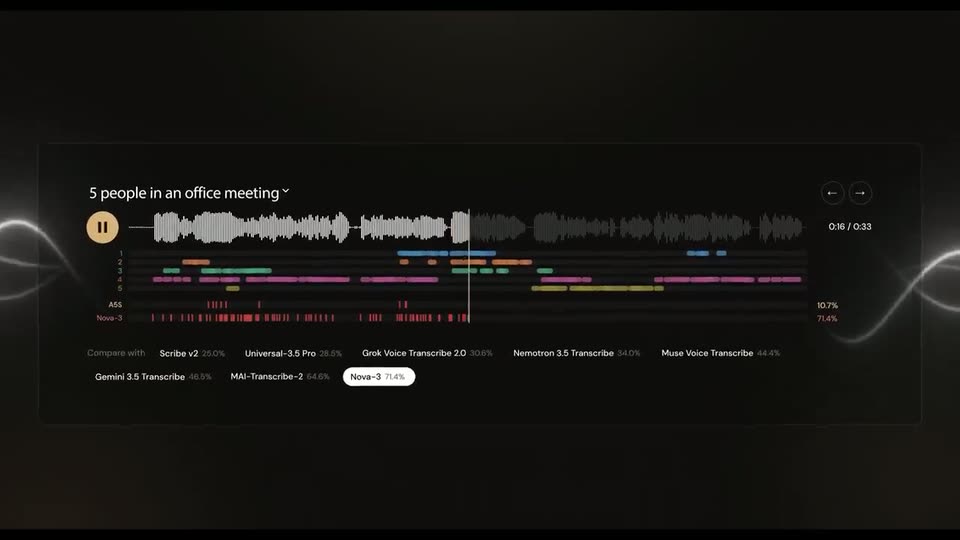 0:32–0:34AirCaps AI · Introducing A5S Async V1: the world's most accurate speech recognition model for speaker-attributed transcription. Ranks #1 on Voice Arena, ahead of ElevenLabs, AssemblyAI, Deepgram, NVIDIA, Meta &A dark transcription UI racks focus from a blurry close-up to a sharp letterboxed frame. A waveform with a moving playhead sits above colored speaker bars, and a row of model names with accuracy percentages lines the bottom.
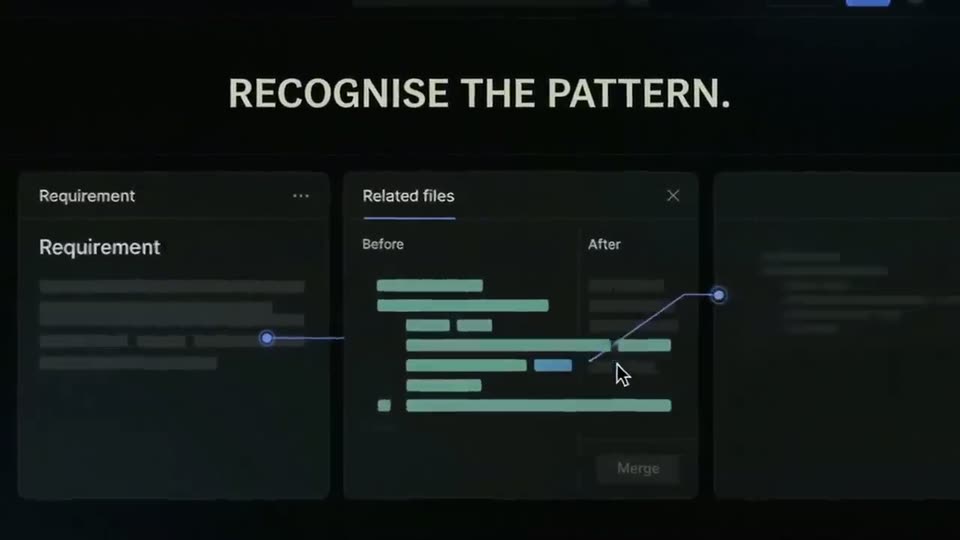 0:20–0:26Akon Labs · #ai #governance #coding | Akon Labs (YC S26)A dark IDE view shows a Related files panel with Before and After code lines. A green box highlights the Before block, lines glow teal, and blue connectors draw between nodes as the frame zooms out to a network of related cards. A serif headline swaps to RECOGNISE THE PATTERN.
 0:11–0:13Almanac · We just killed two biggest limitations of your favourite AI agents: Their memory and Your laptop Almanac’s agents have unlimited memory, their own computers, browsers and access to the tools theyA grid of circular profile avatars with names and blue presence dots scales up on a light gray screen. A back arrow button and a video camera button fade in at the top corners as the zoom settles.
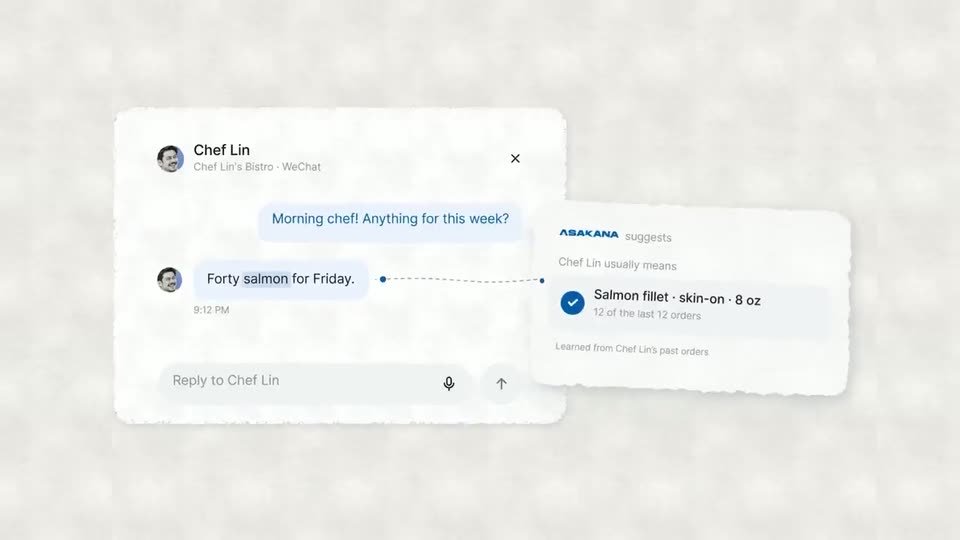 0:56–1:00Asakana · Asakana (YC F26) automates sales and the entire back office for food distributors. Restaurants still order by text, WhatsApp, phone, or a photo of a handwritten note, often not in EnglishA close-up of a chat card pulls back to a 3D stack of paper cards on a tablet outline, as the serif headline 'It knows what he means' slides in line by line. The stack then settles into flat chat and suggestion cards joined by a dotted line.
 0:35–0:37Aside · AsideA password-manager list scrolls up as the Credit card header scales, then a Chase.com webpage mockup unfolds downward from the Open Chase.com row, filling the lower frame with a blue promo banner.
 0:26–0:27Billow AI Labs · Billow - YC LaunchTwo front-facing iMac mockups sit side by side on white, comparing a red manual progress bar against a full blue Billow bar under a black headline. The left monitor slides off-frame left as the right one centers and its header shifts from blue to green.
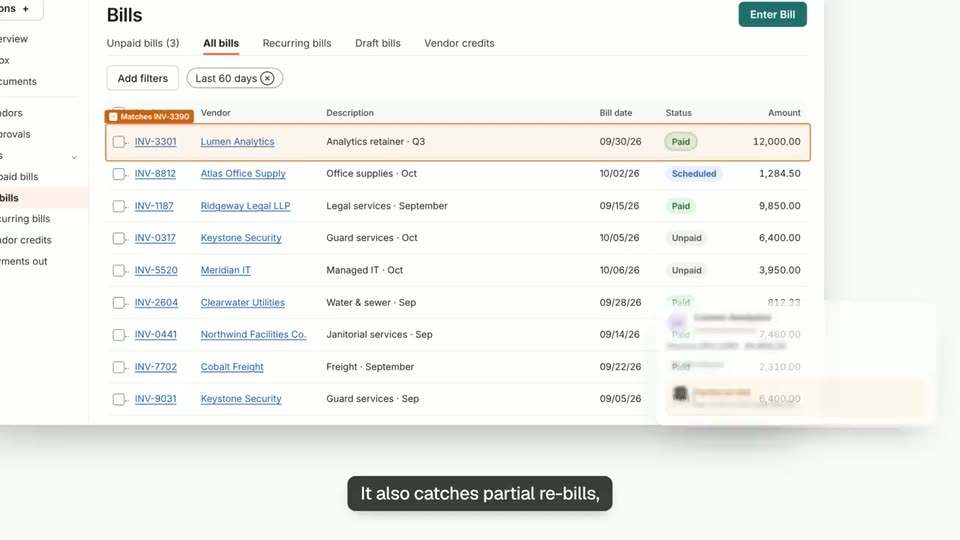 0:16–0:19Billow AI Labs · Last week, we showed our AI running Accounts Payable and many were skeptical 👀 "What if the AI misses a duplicate invoice, or pays a scammer?" So we made this video to show the guardrails weA blurred bills table zooms out to a sharp interface view. An orange outline highlights the first row as a detail card slides in at right, then the highlight jumps down a row and the card swaps to a new vendor with an Already paid note.
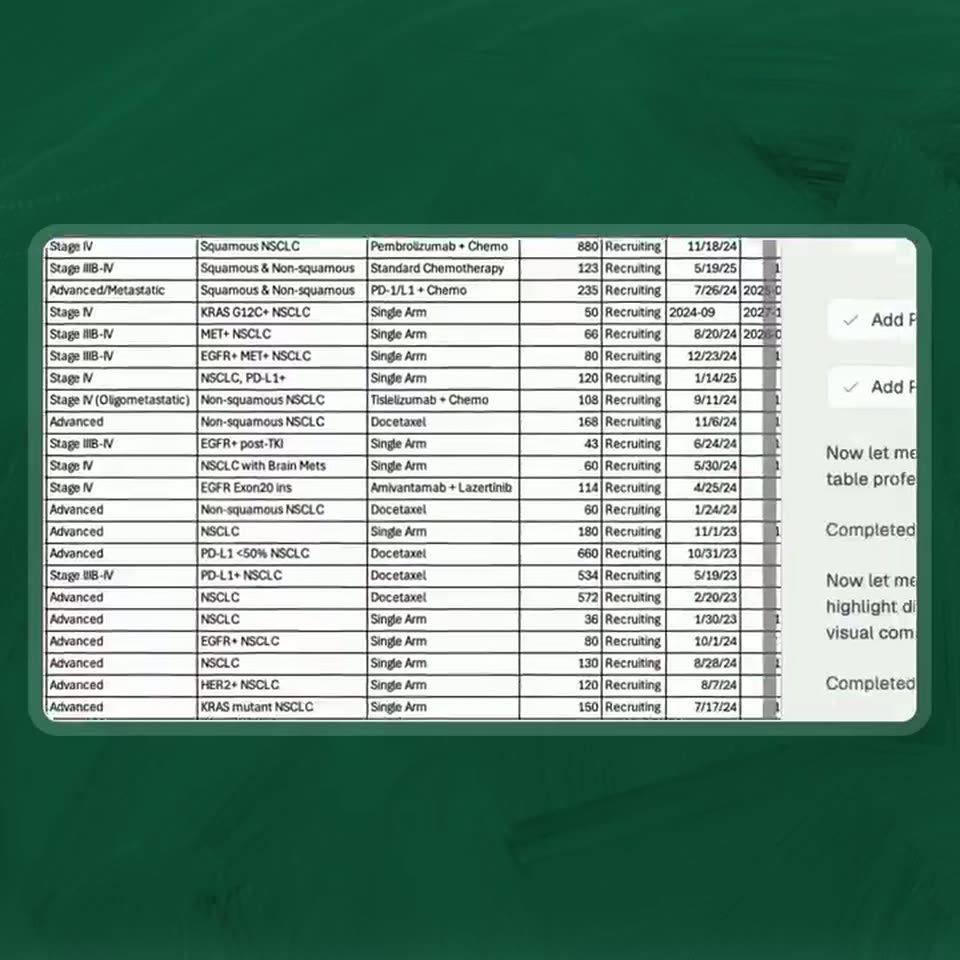 0:14–0:25Billow AI Labs · #clinicaltrials #biotechanalytics #aliinhealthcare #excelpower #dataintegration #billowai | Billow (YC S26)A clinical-trial spreadsheet zooms in on a dark green desk, then pans right across columns from NCT ID to Start Date, revealing a chat panel. The panel types a request for new columns, shows an @mention list, and sends it as a cost summary appears.
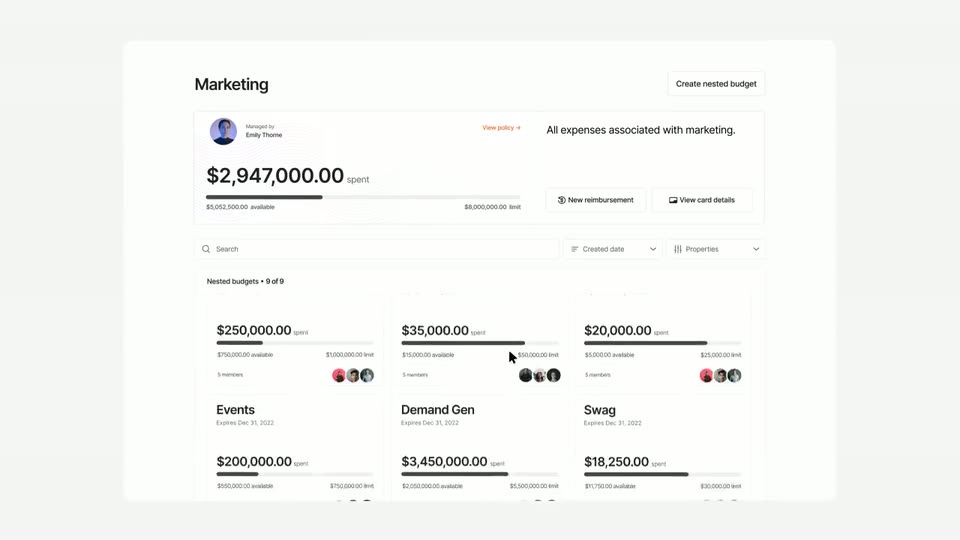 0:05–0:10Brex · Brex: budget drilldown offsiteA budget dashboard opens on a single Marketing summary card, then pulls back to the full screen with a header, summary panel and a grid of nested budget cards. The grid scrolls to reveal Events, Demand Gen and Swag, then the view shrinks and outlines the Demand Gen card.
 0:34–0:35BridgeOpsOne · BridgeOpsOne Platform Overview | BridgeOpsOneA dark phone mockup in 3D perspective on a blue grid background displays an incident timeline screen. The left headline fades out as the phone scales up, filling the right side of the frame.
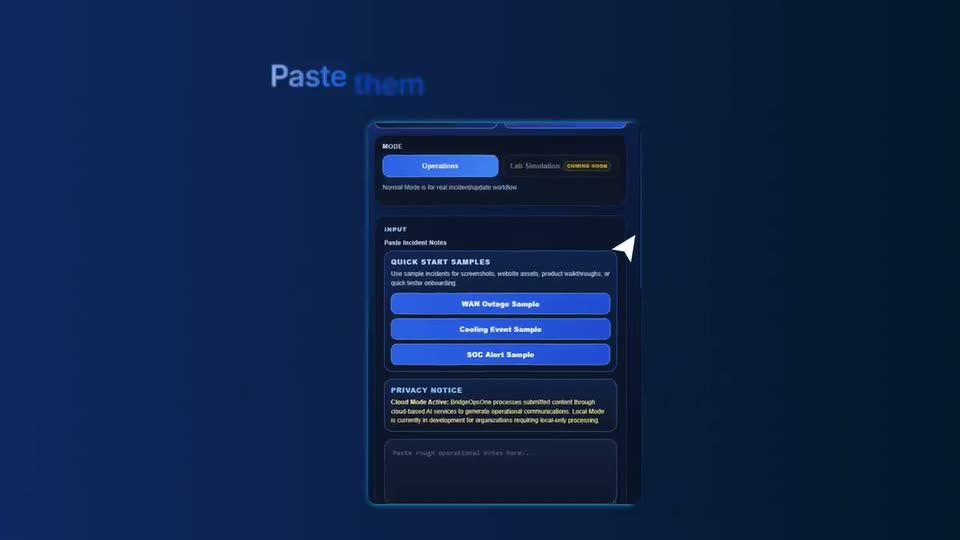 0:12–0:13BridgeOpsOne · Turning Technical Details Into Clear Operational Updates | BridgeOpsOneA tilted 3D panel of the BridgeOpsOne interface sits on a dark blue field as the headline above swaps from 'Take your operational notes' to 'Paste them into BridgeOpsOne.' The panel then slides down to reveal the Privacy Notice and Primary Workflow rows.
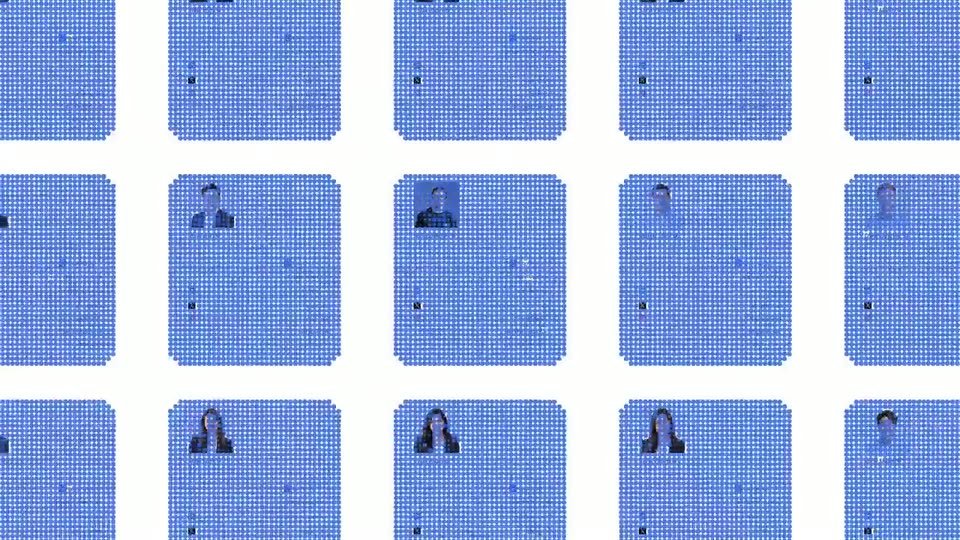 0:11–0:12Context.dev · 80M companies was a good start Now it's time for the people behind them | Context.dev (YC S26)A grid of blue pixel tiles, each holding a small headshot, resolves into white profile cards with photos, names, and detail rows. The whole grid whips into a blurred spin, then settles as the frame pulls back to a wider view of the directory.
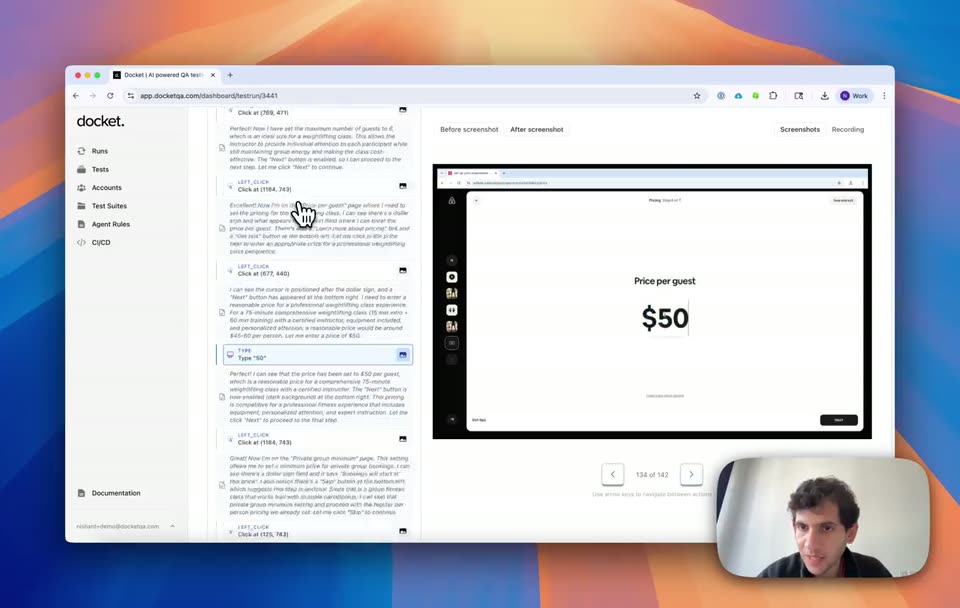 1:31–2:00Docket · #ai #qa #e2etest #yc #airbnb #productmanagement #developerexperience | Docket (YC P25)Close-up of the docket dashboard: a cursor hovers over the instructions, then the view zooms out to the full window. The left action log scrolls step by step while the right viewer advances through Airbnb's itinerary flow, ending on the submit page. A facecam sits in the corner.
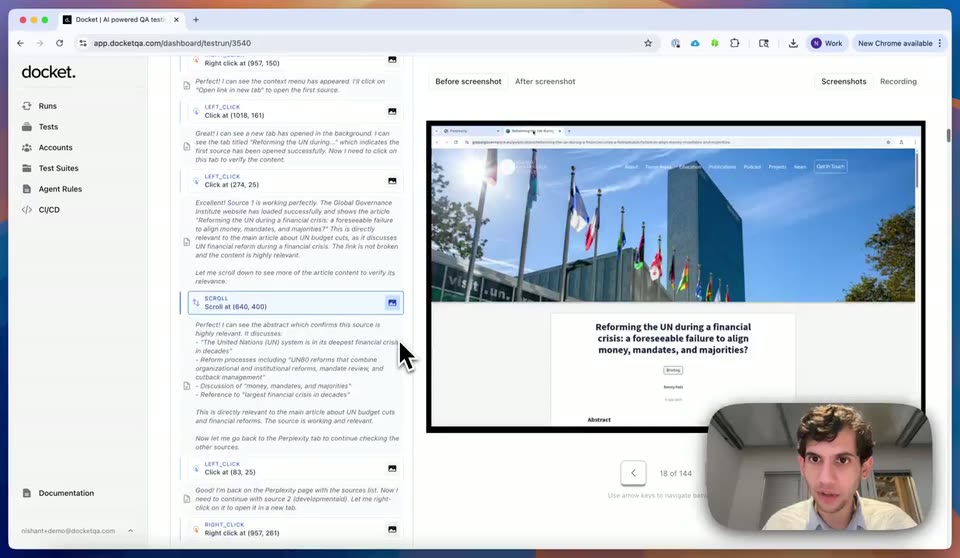 0:20–0:37Docket · #ai #qa #e2etest #yc #perplexity | Docket (YC P25)A Docket QA dashboard fills the frame: a scrolling list of test steps left, a before/after browser preview right, and a presenter webcam bottom right. The list scrolls as the preview cycles through source pages, then the view zooms into the left column.
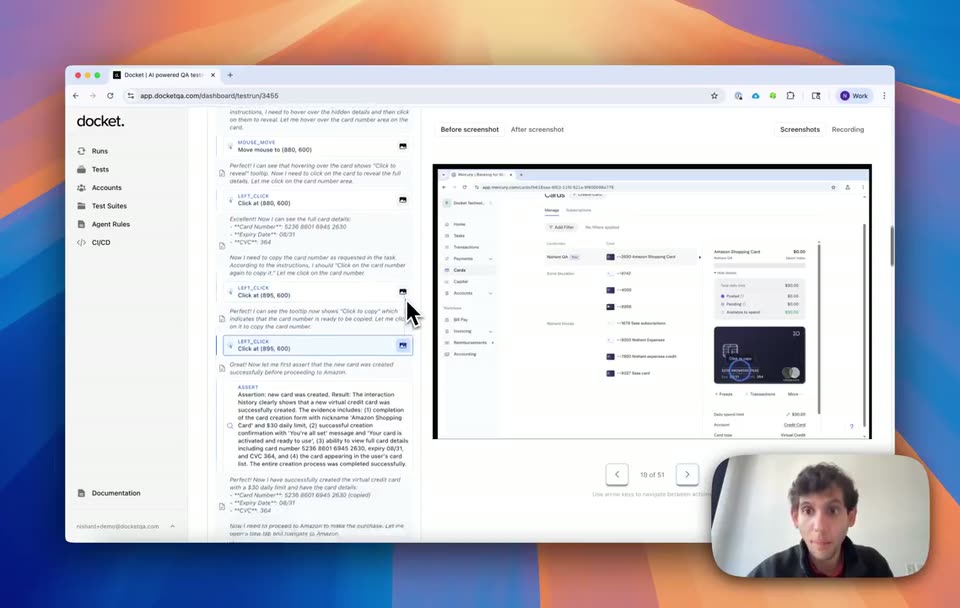 0:17–0:29Docket · #fintech #qa #ai #e2etest #yc #automation | Docket (YC P25)A browser window shows the docket QA interface: a scrolling step log left, a before/after screenshot viewer right, and a small webcam feed of a presenter bottom right. The log scrolls through click and type steps as the right panel flips through card-creation screens, then the view zooms in.
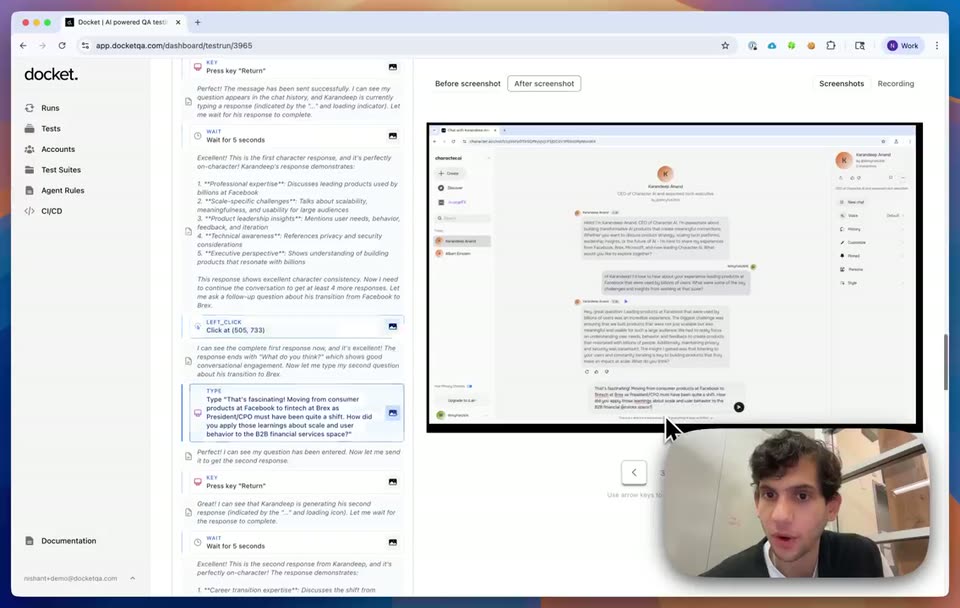 0:23–1:34Docket · How do you test a Gen AI platform… with personality? With Docket (YC X25), we created a Character.AI persona for their CEO - then had a full conversation with him, end-to-end, using just natural… | Docket (YC P25)A split-screen recording shows the docket QA log scrolling left while the character.ai browser right advances from a magic-link page to a filled character form and a growing chat. A presenter's webcam sits bottom right, then the view zooms into a highlighted assertion block.
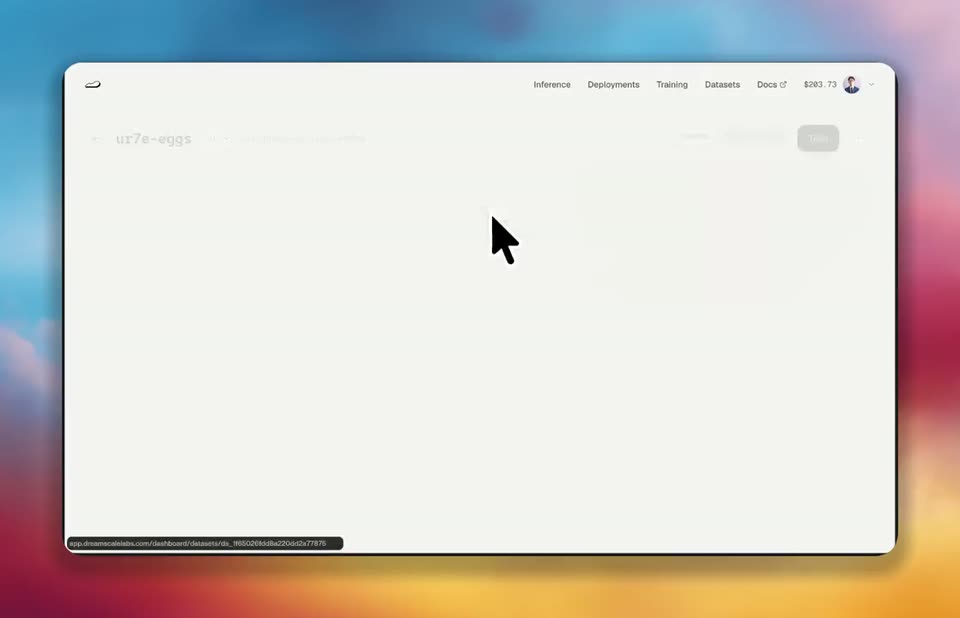 0:08–0:09Dreamscale Labs · Dreamscale Datasets is now live! | Dreamscale Labs (YC F26)A browser window on a soft multicolor background shows a datasets list. A hand cursor hovers over a row, then the view zooms into that dataset's episode grid while the cursor turns into a black arrow.
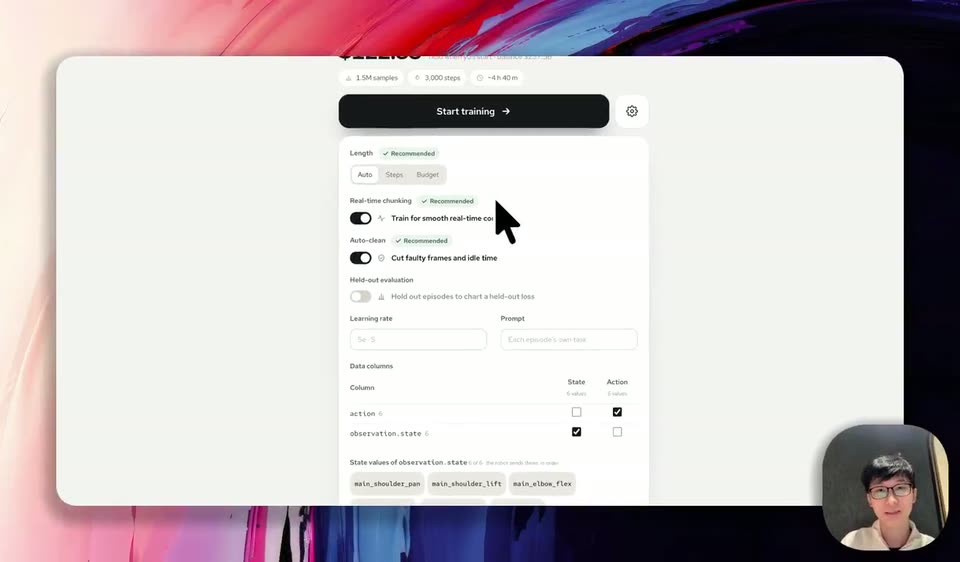 0:08–0:30Dreamscale Labs · Training is live on Dreamscale! | Dreamscale Labs (YC F26)A rounded product window over a painted backdrop shows a model-training form. A cursor selects a base model and dataset, the view scrolls to a price and start button, then a gear opens an advanced panel with toggles and tooltips. A presenter's webcam feed sits in the corner.
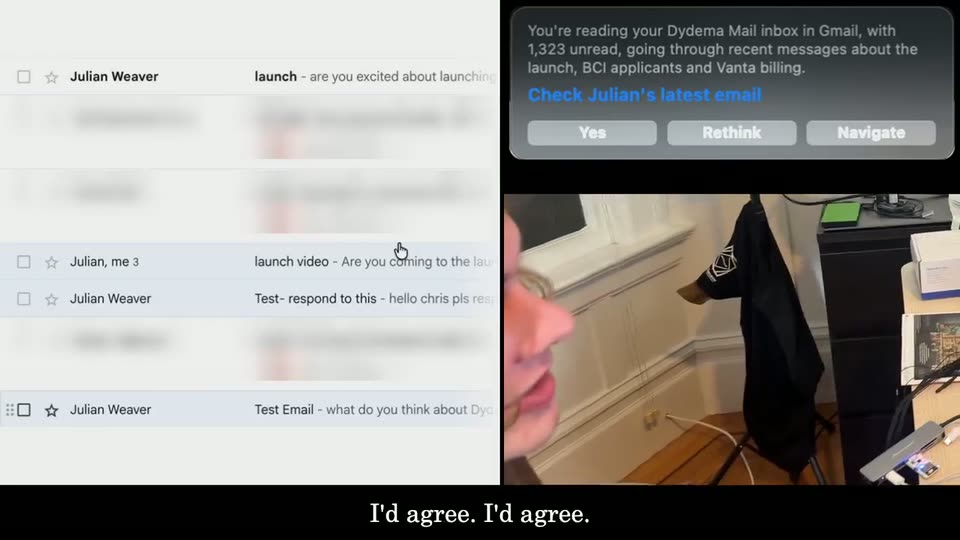 1:37–1:56Dydema · We’re officially launching with Y Combinator! Dydema is building personal, programmable brain–computer interfaces: you pick a thought and bind it to anything, like a key, a game or an agent. No… | Dydema (YC F26)Split screen: left, a Gmail inbox list that zooms in from the full window, with a cursor hovering a row; top right, an agent prompt card whose text and buttons swap; bottom right, a person in a white brain-computer headset talks. Subtitles caption the voiceover.