UI zoom
A zoom or reframe onto one part of the interface.
9,977 scenes · page 51 of 167
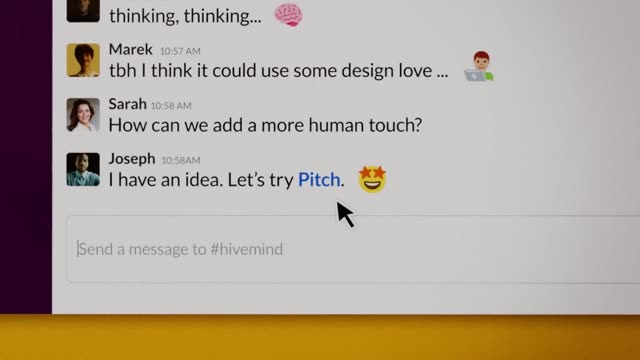 0:16–0:20Pitch · Introducing recordings | Turn presentations into expressive video narrativesA team chat app on an iMac screen in a 3D desk scene with a plant and pencil. The camera zooms into the window as Joseph's message appears: 'I have an idea. Let's try Pitch.' with a party emoji, and a cursor moves over the word Pitch.
 1:38–1:51Storyteller Tactics · Storyteller Tactics - Kickstarter VideoOn a dark navy field, a hand-drawn projector screen plays a video of a gray-bearded man talking, with a small silhouette of the operator at the right. The shot pushes in until his face fills the frame, and a microphone wanders in front of him.
 0:19–0:21Discord · @Everyone Merch Collection Now AvailableA woman with round glasses rests her chin on her hand, frowning as she looks at a laptop. The camera tilts down past a soft green foreground blur to the screen, showing a file thumbnail with a blue arrow and the word STINKS above the name stinks.png.
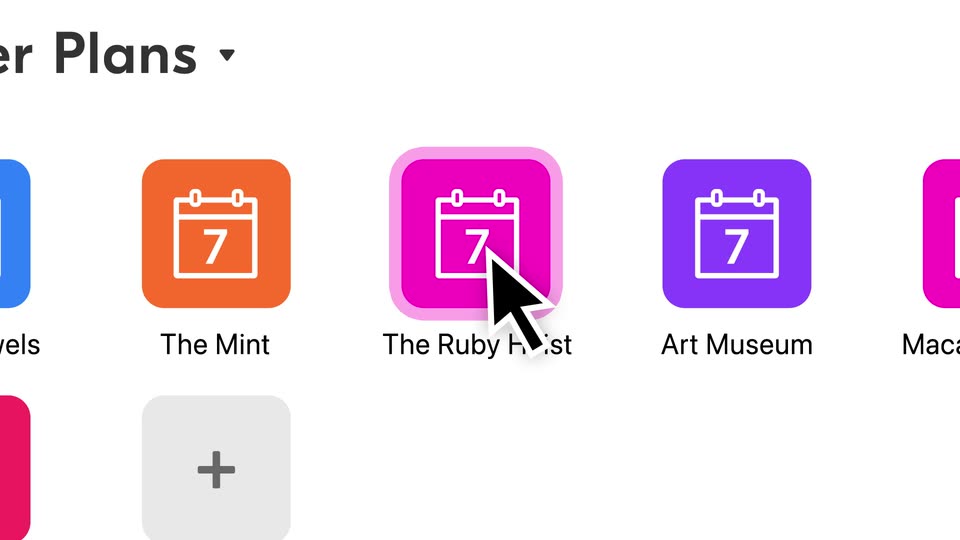 0:04–0:06Airtable · Airtable: introducing interface designerA 3D laptop on a desk shows the Airtable interface, then the view zooms into the Master Plans row. A black cursor glides to the pink Ruby Heist calendar tile, which lights up with a highlight ring.
 0:07–0:09Microsoft · Introducing Microsoft LoopA white notification card tilts in 3D perspective on a blue-to-pink gradient, its image filled with glossy blue, purple and pink blobs and spheres that drift and rotate around it. The camera pushes in, the shapes growing until they fill the frame.
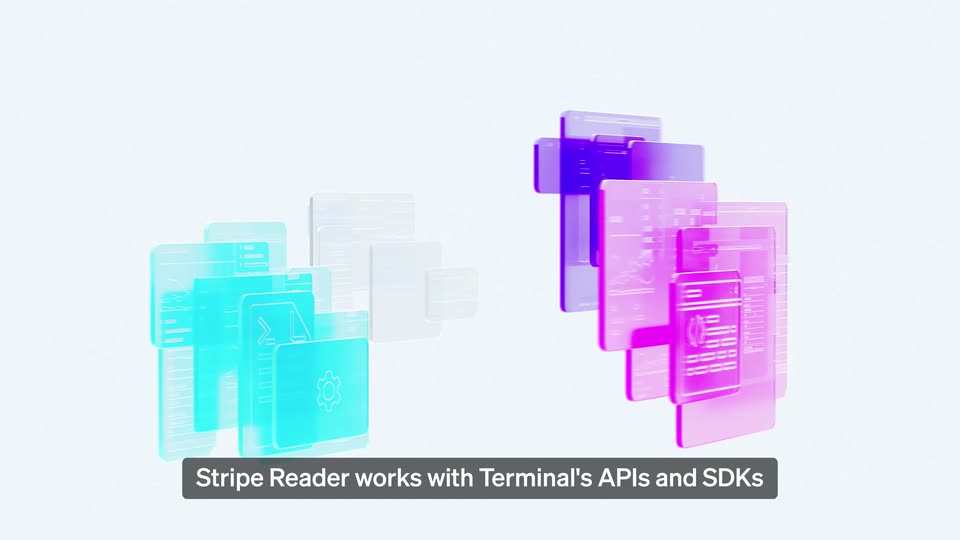 0:27–0:32Stripe · Introducing Stripe ReaderTranslucent cyan, magenta and purple UI panels with code brackets and gear icons float and rotate in 3D perspective on a light background. The cluster splits into two groups, then the view zooms into the blue panels. A dark caption bar holds the text at the bottom.
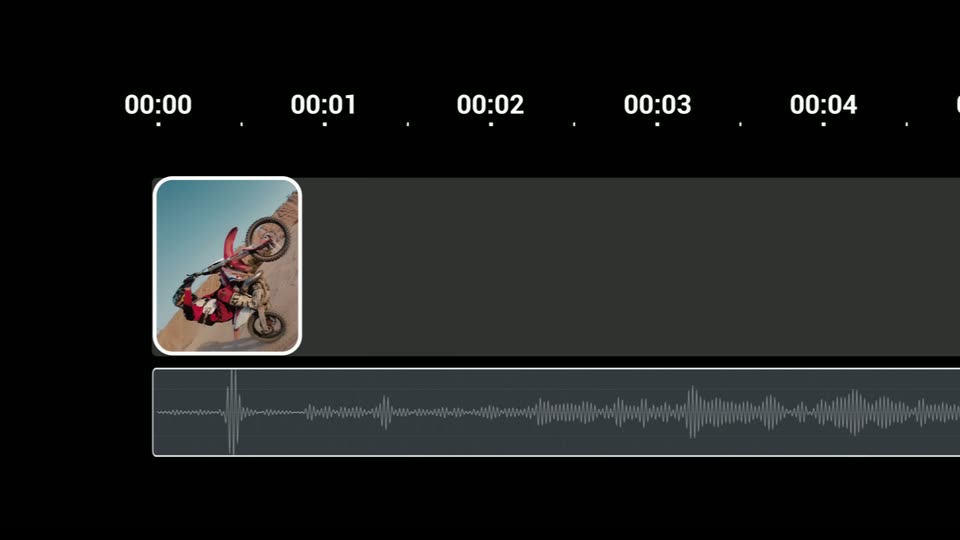 2:19 · 0.8sDJI · DJI - Introducing DJI Action 2A dark editing timeline zooms out from a blurred close-up to a sharp wide view. A single clip thumbnail of a motocross rider sits above a gray audio waveform, with white timecode markers running along the top.
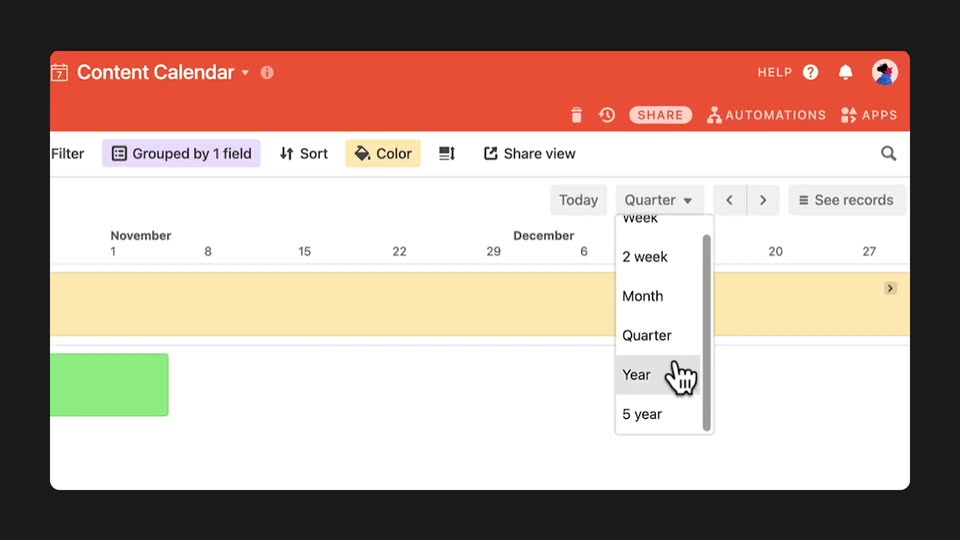 0:37–1:13Airtable · Introducing Timeline View | AirtableA screen recording of a content calendar app. The cursor collapses the sidebar, switches timeline views, and zooms into the date-scale menu to pick Year. It then drags the edges of colored campaign bars, with tooltips showing the updated dates.
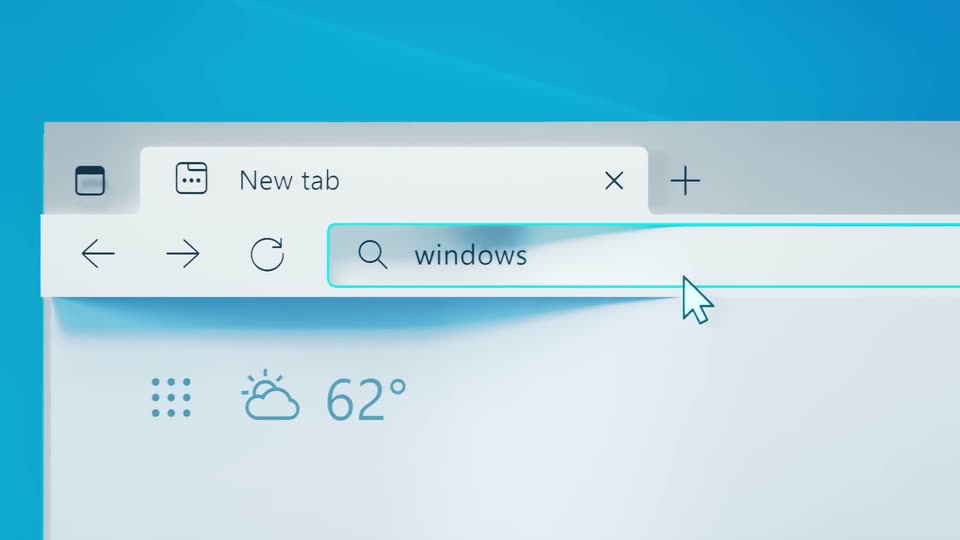 0:02–0:05Microsoft · Introducing Windows 365A tilted browser window floats over a blue gradient backdrop. The cursor clicks the address bar and types windows365.microsoft.com while the view zooms in on the toolbar. Weather and app icons sit below.
 0:33–0:39Microsoft · Introducing Windows 11A light blue Windows desktop with a centered taskbar. A frosted Start menu panel rises from the bar, tilts into 3D perspective, and the camera pushes in on the pinned app grid. The caption at the bottom stays fixed throughout.
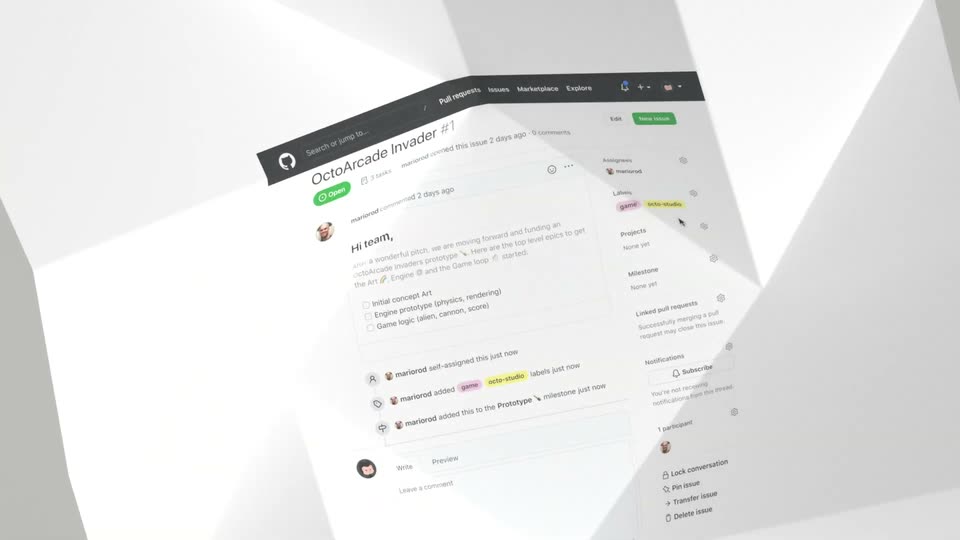 0:02 · 0.8sGitHub · The new GitHub IssuesA white pleated sheet unfolds and flattens in 3D against a gray backdrop, its center fold opening to reveal a dark GitHub-style issue page. The tilted interface straightens and the framing settles on the flat, full-screen view.
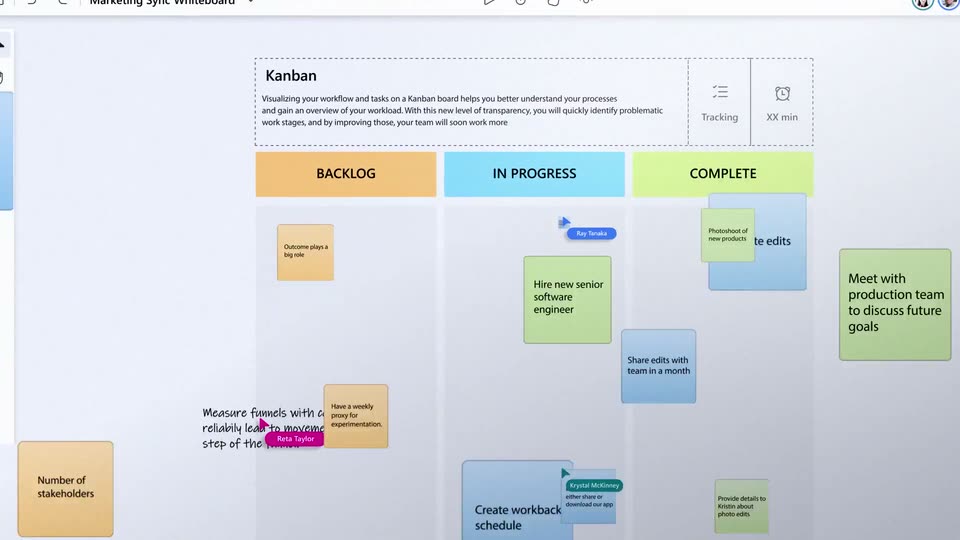 0:30–0:33Microsoft · Meet the new Microsoft Whiteboard designed for Hybrid WorkA whiteboard interface opens zoomed in on a Kanban title and three column headers. The view pulls back to reveal the full board, with colored sticky-note cards stacked under BACKLOG, IN PROGRESS and COMPLETE, while named multiplayer cursors drift across the canvas.
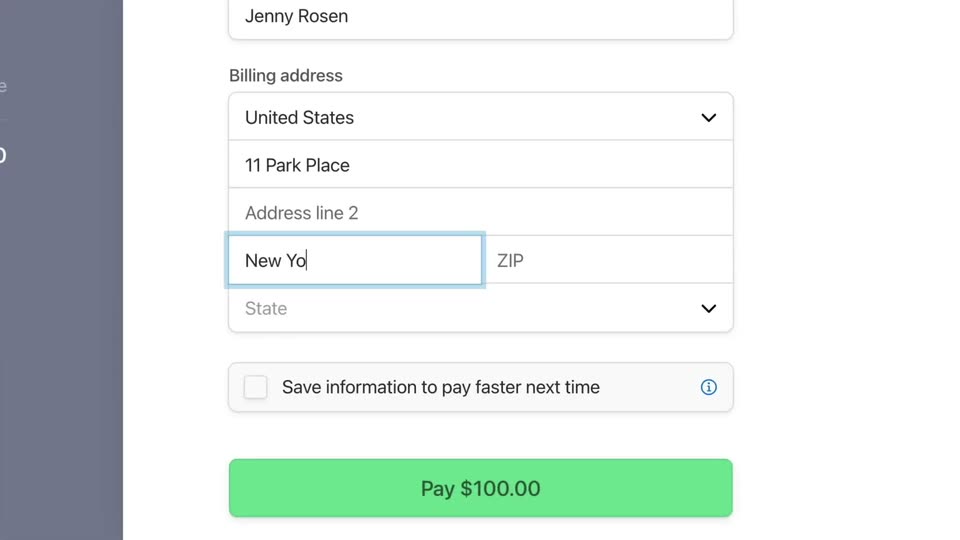 0:20–0:24Stripe · Introducing Stripe TaxA Stripe checkout fills in automatically: the card form on the right completes email, number and name while the invoice sits on the left. The view zooms into the billing address as city and ZIP are typed, the state auto-fills, then the frame blurs out.
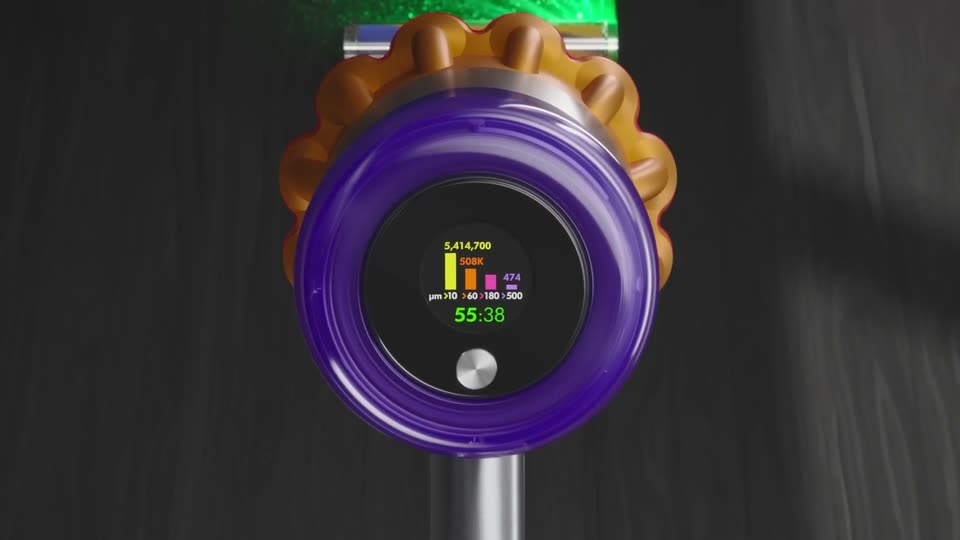 0:23–0:25Dyson · Discover Dyson V15 Detect™ laser technology | TV commercial for cordless vacuum innovationA 3D render of a Dyson cyclone assembly, amber body and purple ring, sits on dark wood. The camera pushes in on the circular display as a particle count and color bar chart update and a green timer counts down.
 0:28–0:30La Fourche · La Fourche, l'épicerie bio qui casse les prix, mais pas les producteursA flat-lay screenshot of the La Fourche website on a yellow background, with bio jars and boxes arranged diagonally. A white caption reads Brut. top right, while a large white and green caption un magasin en ligne proposant des produits bio a prix réduits slides up over the lower section as the frame pans down.
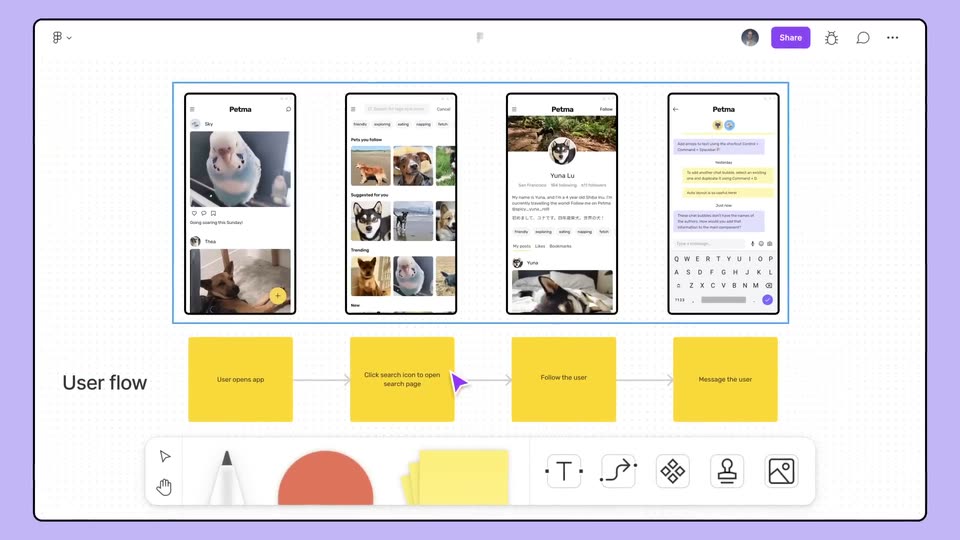 0:39–0:41Figma · Welcome to FigJamA tight view of four phone mockups on a white canvas zooms out to reveal the full user flow, with yellow step cards and arrows linking the screens and a toolbar along the bottom.
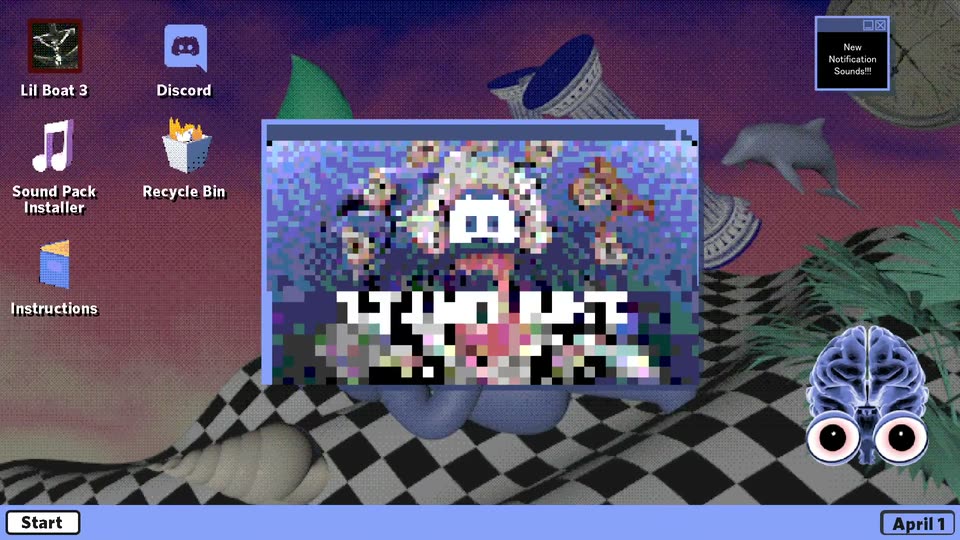 0:21–0:22Discord · Announcing Discord Sound Packs ft. Lil YachtyA white retro monitor in 3D perspective shows a cluttered desktop, and a pixel-art game window opens at its center. The camera pushes in until the screen fills the frame, while a floating 3D brain with two eyeballs stays at the right edge.
 0:12–0:21Spotify · Introducing a New Spotify Experience Across Desktop App and Web Player — SpotifyA front-facing laptop on a yellow field shows the Spotify playlist view. The camera zooms into the screen as a search field fills with Victory, a result appears, and a cursor clicks Add, then pulls back to the full laptop with the new track listed.
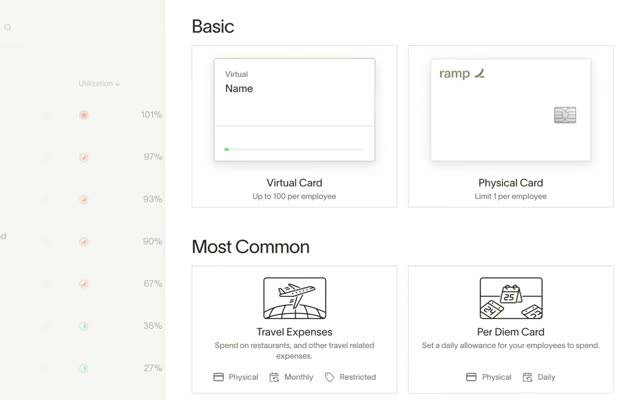 0:06–0:07Ramp · Meet Ramp: The finance automation platform that saves you time & moneyA card-management interface fills the frame, a left list of employee cards beside a right New Card panel with Basic and Most Common templates. The view slowly zooms and reframes toward the right panel, pushing the list's left columns off screen.
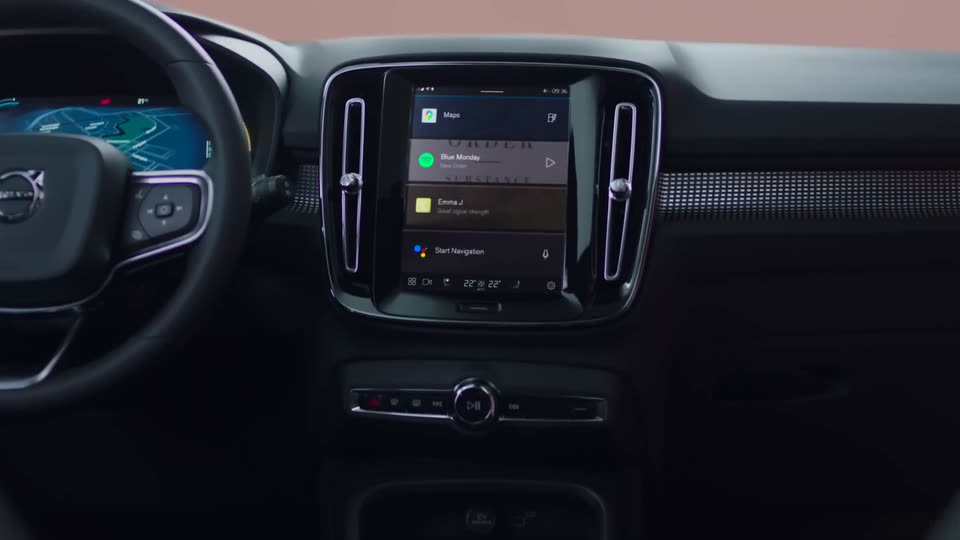 0:55–0:56Volvo · XC40 Recharge. Now fully electric.A dark car cabin brightens as the camera pushes in on the center console. The infotainment screen shows a navigation list, with the Start Navigation row highlighted and sliding into place.
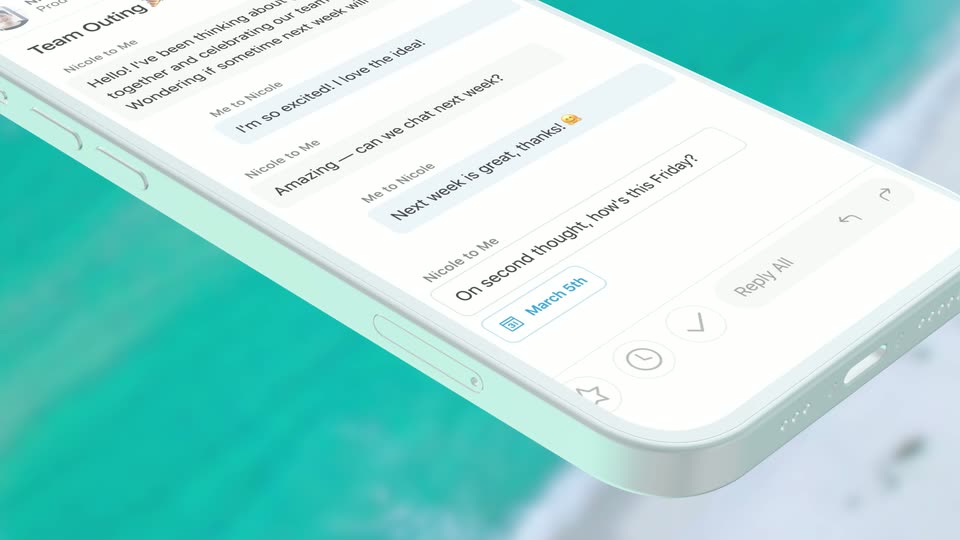 0:12–0:14Superhuman · Introducing SuperhumanA white phone floats at a diagonal angle over a blurred teal backdrop, its screen showing an email thread about a team outing. The view reframes to the reply field, where a suggested message and a date chip appear beside the Reply All button.
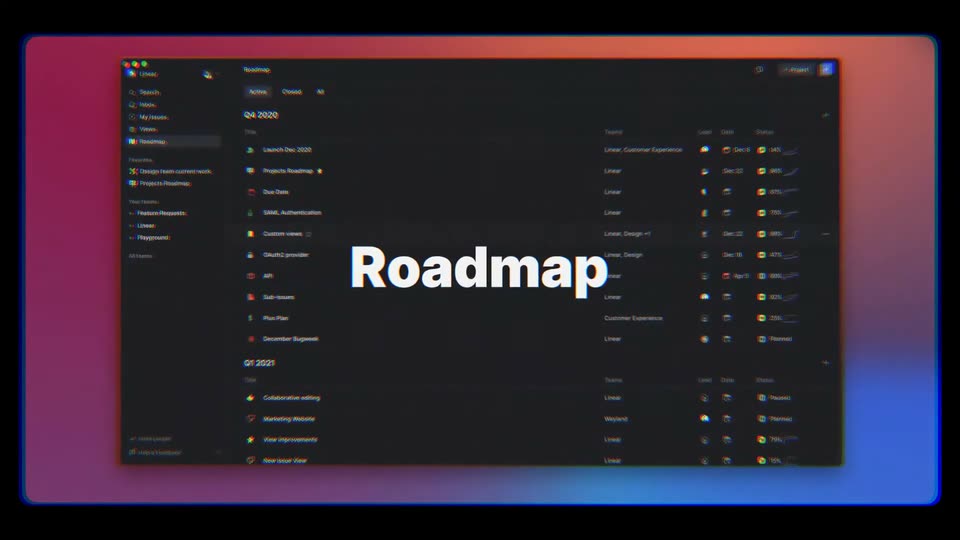 0:04–0:07Linear · Linear 2020.12 releaseA dark roadmap window on a pink-to-blue gradient with a glowing blue frame scales up from a small centered size, a faint echo trailing it. A large white word Roadmap scales in over the window's center.
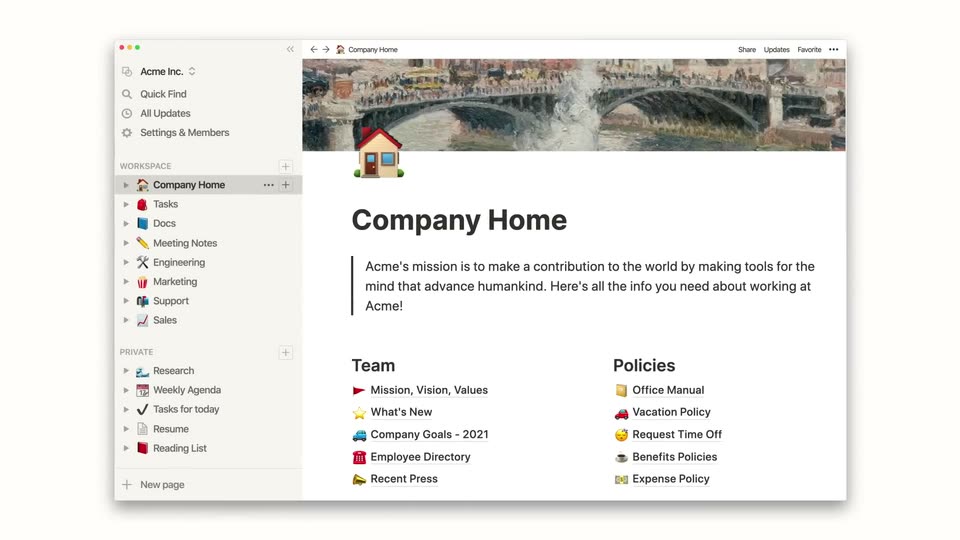 0:08–0:13Notion · What is Notion?A tight crop of a Notion page, Company Home, with a bridge banner and two emoji-linked columns, zooms out to show the full window and its sidebar. The backdrop then turns cream.
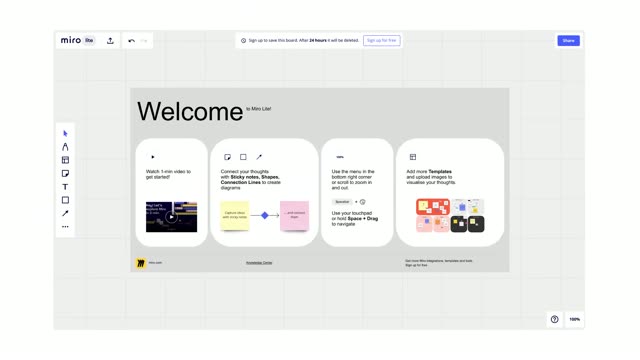 0:10–0:13Miro · Meet Miro Lite, the free online visual workspace for teamsA zoomed-out Miro board shows a welcome card with a blue caption badge reading “Use the board for 24 hours”. The view zooms in to frame the full interface, and the badge drops away.
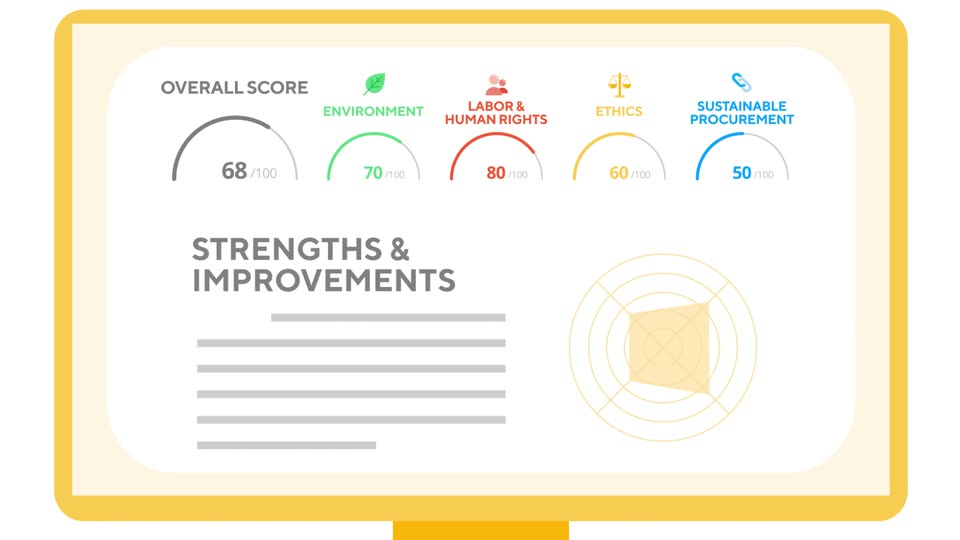 2:37–2:57Ecovadis · EcoVadis Ratings Solution Overview - About PageA flat yellow monitor shows a SCORECARD dashboard with an ecovadis Gold badge. Gauges fill and numbers count up, then the view zooms into the gauge row, pans across categories, and reveals a STRENGTHS & IMPROVEMENTS section as an orange radar chart draws itself.
 0:09–0:12Atlassian · Introducing Jira Service ManagementFlat vector illustration: the camera pulls back from a telemetry dashboard showing a race car feed, track map and charts to reveal two engineers in blue uniforms and red headsets. The woman points at the car view, then rests a hand on her chin.
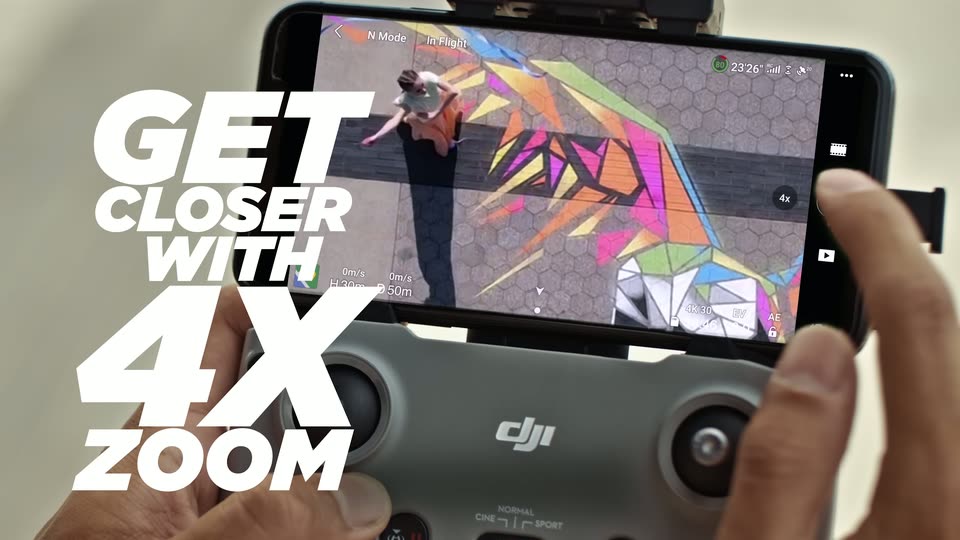 0:10–0:14DJI · DJI - Meet DJI Mini 2Hands hold a gray DJI controller with a phone on top, its screen showing a dancer in a colorful geometric costume. A thumb pinches the screen, zooming the feed to 4x, while bold white text swaps from the first block to the second.
 0:10–0:18Discord · How Discord Works in 148,000 Miliseconds or LessA dark chat app window floats on a periwinkle field; the white SERVERS headline holds center while three round server icons drift into the left rail. The view zooms into the rail, and a cursor hovers each icon and the plus button, popping name tooltips.
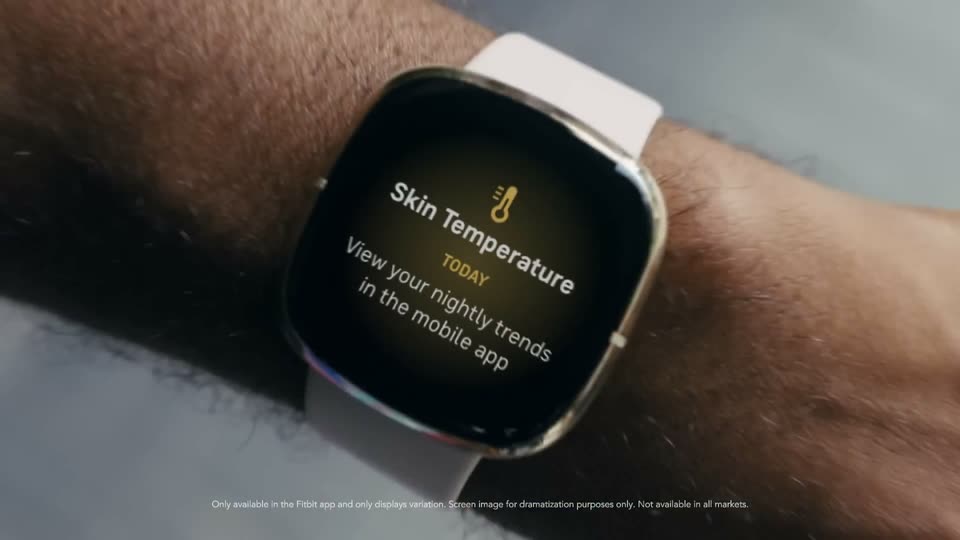 0:20–0:23Fitbit · Transform Your Health with Fitbit SenseA wrist with a white-banded Fitbit watch is framed in close-up against a blurred interior. The camera pushes in on the dark screen showing the Skin Temperature tile, then the image goes soft and blurs out.
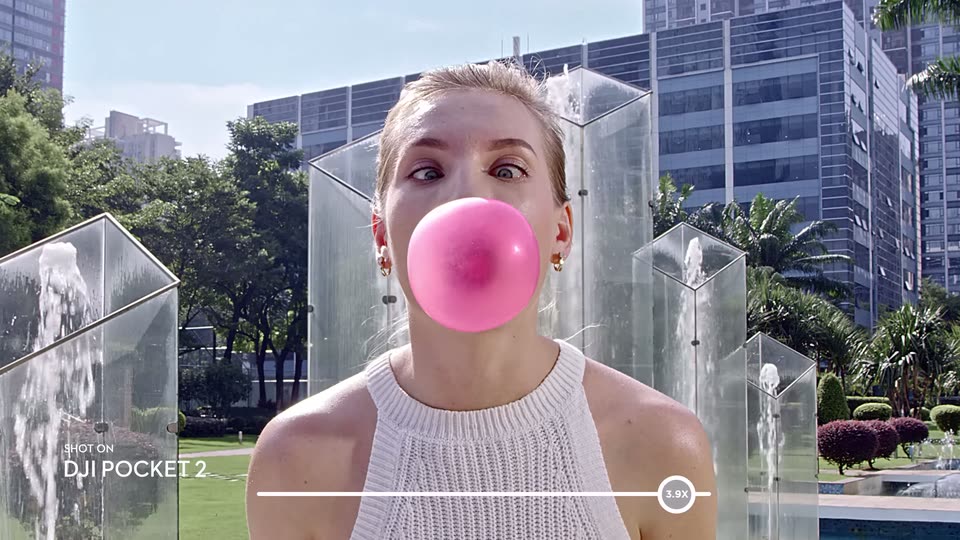 0:19–0:21DJI · DJI – Meet DJI Pocket 2A woman blows a pink bubblegum bubble in front of glass prism fountains and office towers. The frame zooms in as the camera's zoom bar slides right and the badge scales up to 4X.
 0:00–0:10Google · Meet the new Google FinanceA white Google search bar is centered on a plain background. Three queries type out letter by letter with a blinking caret: 'trending stocks?', 'today's financial news?', 'what does market cap mean?'. The field clears, then the view zooms in on the G logo as a small gray caption appears.
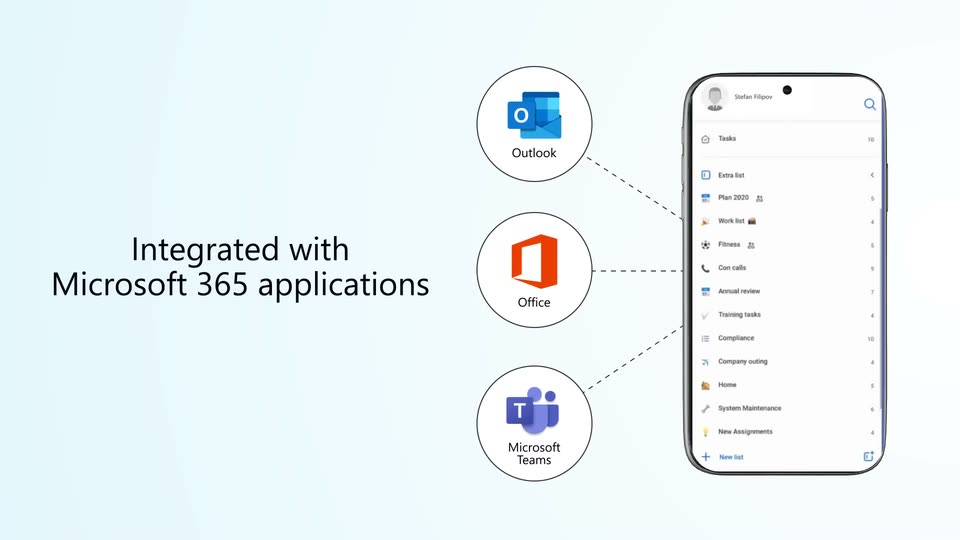 0:39–0:40Microsoft · Meet Microsoft To DoA light blue slide pairs a black headline on the left with three circular app icons (Outlook, Office, Microsoft Teams) linked by dashed lines to a phone mockup on the right. The camera zooms in, reframing onto the phone, which shows a task list app screen with dated entries.
 0:04–0:08Spotify · New Spotify Premium Duo Subscription Plan Launches in 55 Markets — SpotifyTwo phone screens on orange and green panels show personalized feeds for Jane and John, beside a gold serif headline on black. The camera zooms into the Duo Mix tile, which expands into a four-part grid with one empty dashed slot.
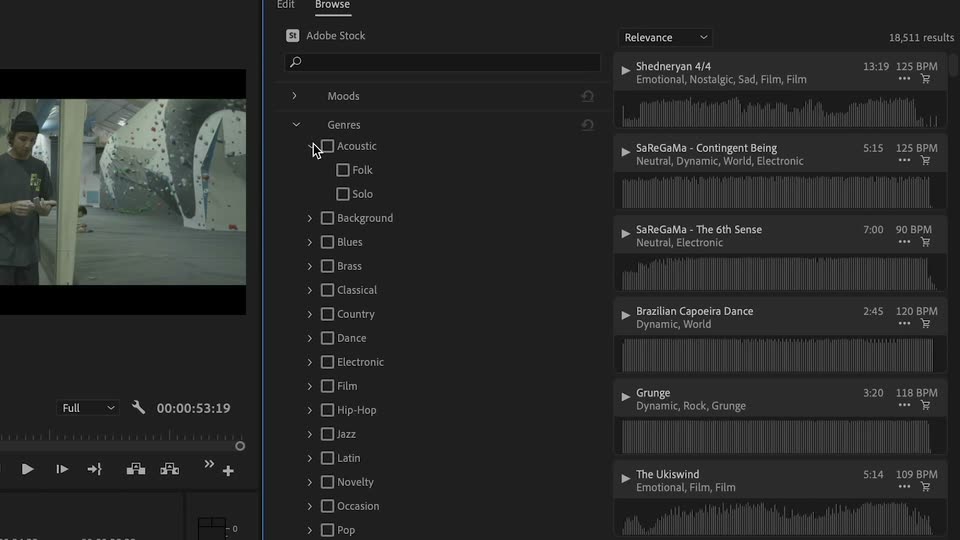 0:12–0:24Adobe · New in Premiere Pro - Introducing Adobe Stock Audio | Adobe Creative CloudThe Premiere Pro interface pans right, then reframes on the Essential Sound Browse panel. A cursor expands the Moods and Genres filter lists, then hovers the tempo slider while a climbing clip plays in the monitor.
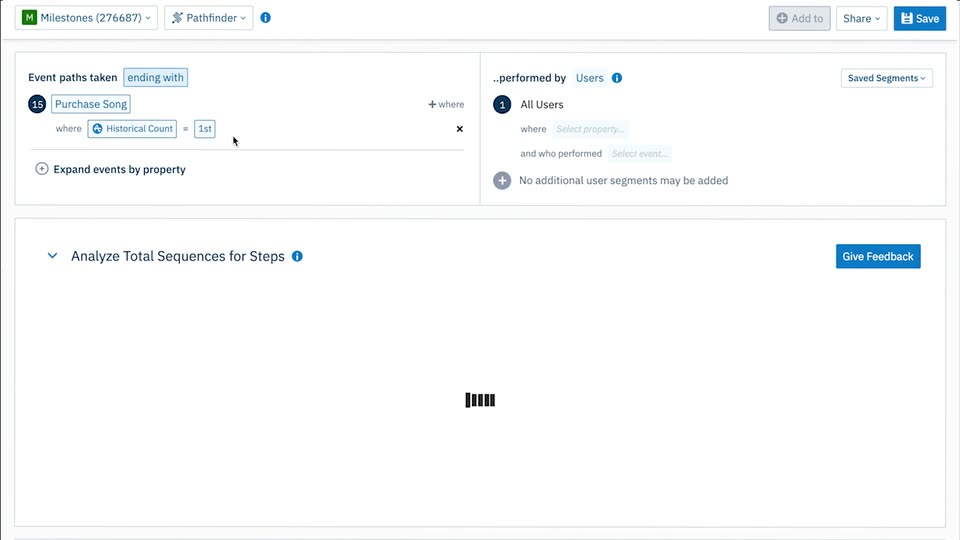 0:56–1:01Amplitude · Milestone AnalysisA Mixpanel Pathfinder screen. A cursor clicks the 'starting with' dropdown and selects 'ending with'; the step badge jumps to 15 and the bar chart clears into a loading spinner as the view scrolls down to the bottom toolbar.
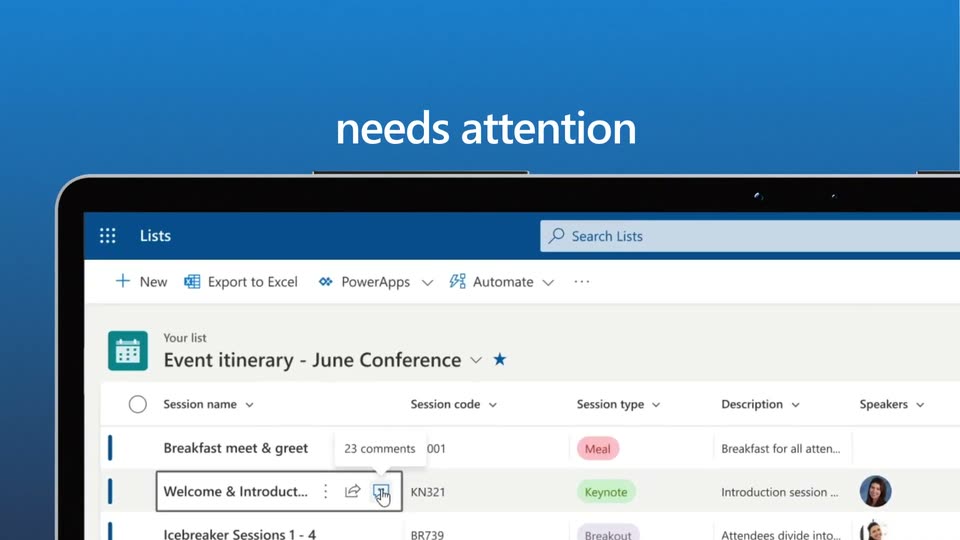 0:21–0:23Microsoft · Announcing Microsoft Lists - a new Microsoft 365 app to track information and organize workA tilted 3D laptop mockup shows a lists table, rotating to face the camera as the view zooms into one row where a cursor opens a small icon menu. A white headline reads needs attention at the top over a blue field.
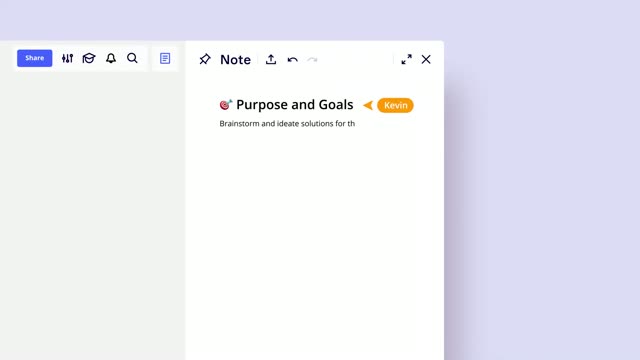 0:14–0:18Miro · Introducing Miro for meetings and workshopsA Miro app window sits tilted in 3D perspective on a lavender field. The view pushes into the canvas as an orange cursor tagged Kevin moves to a Note card, where the title Purpose and Goals and a paragraph of body copy type in.
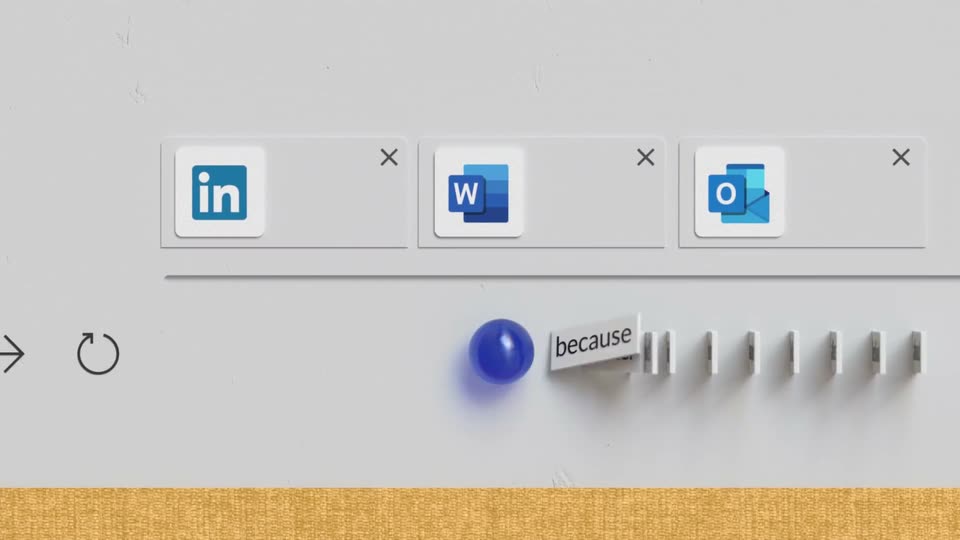 0:04–0:07Microsoft · Introducing Microsoft Editor: Write confidently across your Office apps and favorite websitesA glossy blue sphere rolls right across a row of small white flip tiles, turning each one over to reveal a word. The camera then pulls back to show the full 3D browser window with LinkedIn, Word, and Outlook tabs above a LinkedIn page.
 0:14–0:22Pitch · A first look at PitchA close-up of the app's top bar shows collaborator avatars popping in beside a Share button. The frame pulls back to the full editor, where a cursor drags a card to reorder the columns, then zooms in and clicks Comment to open a comment panel.
 1:37–1:43reMarkable · Introducing reMarkable 2 — the paper tablet (2020)An e-reader on a black background shows a page of serif text. The camera zooms in steadily on the screen, ending in a macro shot of the word 'writes' where the pixel grid is visible.
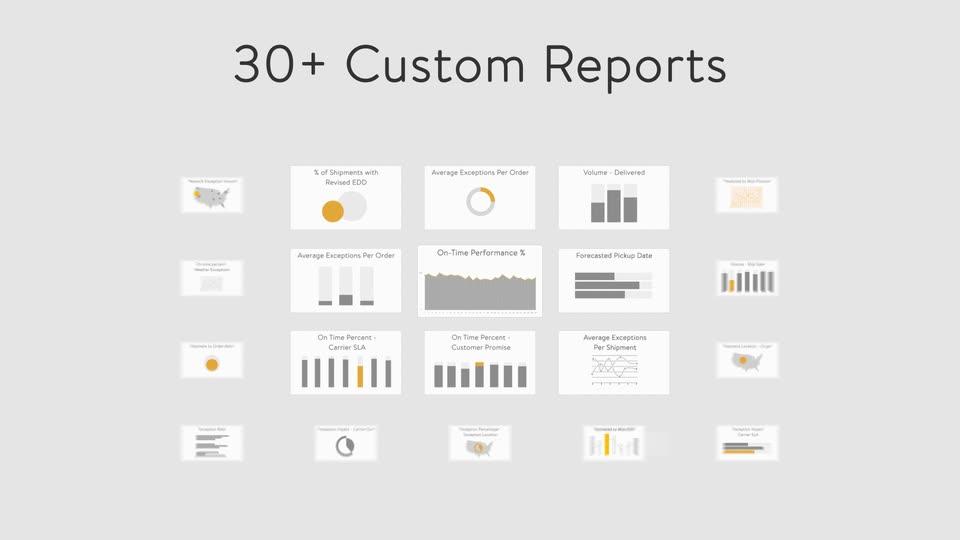 0:50–0:51Convey · Convey - Discover Overview - Real-time Network InsightsA single report card with a bar chart sits centered under the headline, then the view pulls back to reveal a grid of two dozen report cards, each showing a different chart type.
 0:41–0:42Canva · Introducing Canva | CanvaA bearded man in a blue blazer spins on a wheeled office chair in a white studio. The shot pulls back to reveal the editor interface: a left icon sidebar, a gradient top bar and a Publish button.
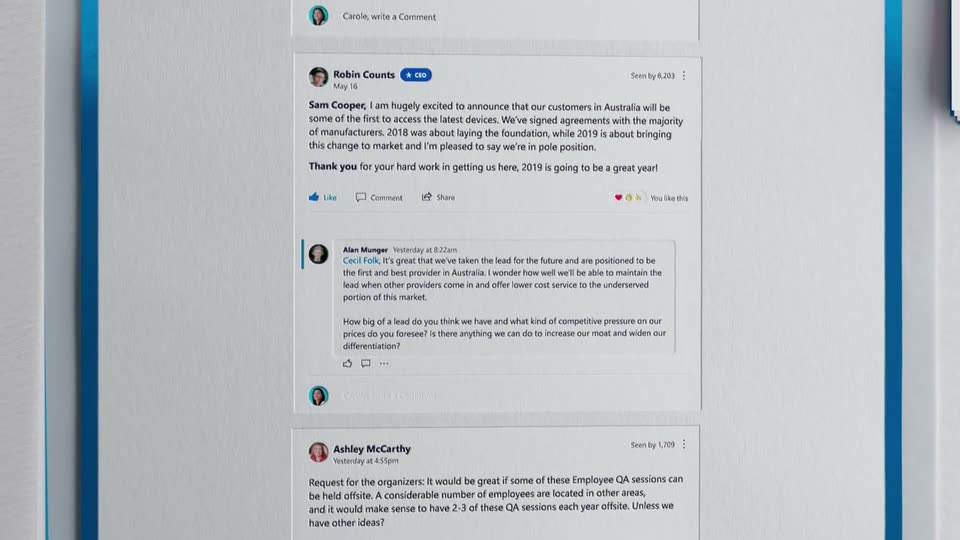 0:11–0:15Microsoft · The new Yammer in Microsoft 365A tablet in 3D perspective displays a community feed on a light gray screen. The view pushes in as the interface scrolls down past a purple header, user posts and threaded comments.
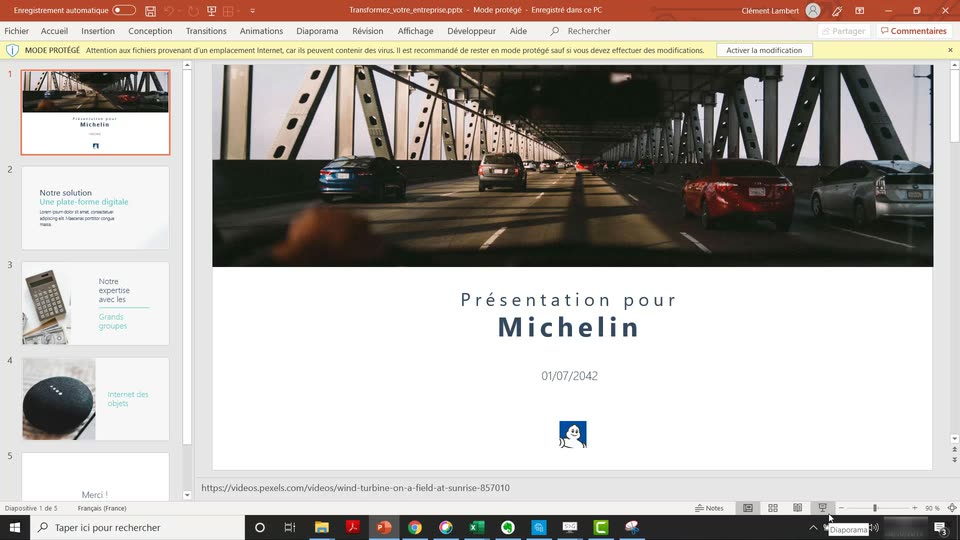 0:29–0:31Bricks.AI · Bricks.ai - Accélérez vos ventesA Windows desktop shows PowerPoint open on a title slide: a bridge traffic video above the words Présentation pour Michelin and a date. The slide content scales up gently while the window frame stays locked.
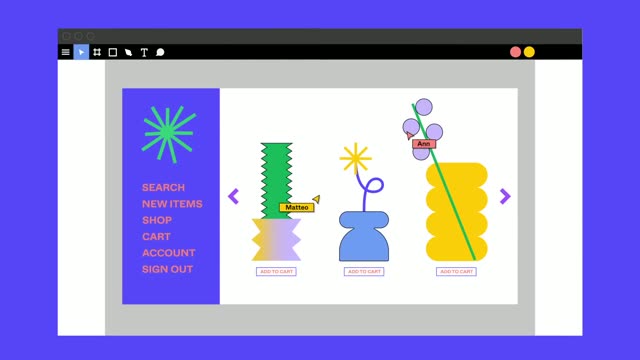 0:59–1:04Figma · What's Figma? [2019]A flat browser-window mockup of a Figma canvas sits on a solid violet background, showing a shop interface with a purple sidebar menu and three illustrated products, each with an ADD TO CART button. Two named collaborator cursors, Matteo in yellow and Ann in pink, drift across the artboard, dropping selection boxes on the green zigzag plant and the yellow asterisk while Ann drags the long green stem; at the end the view pans left and a coral code
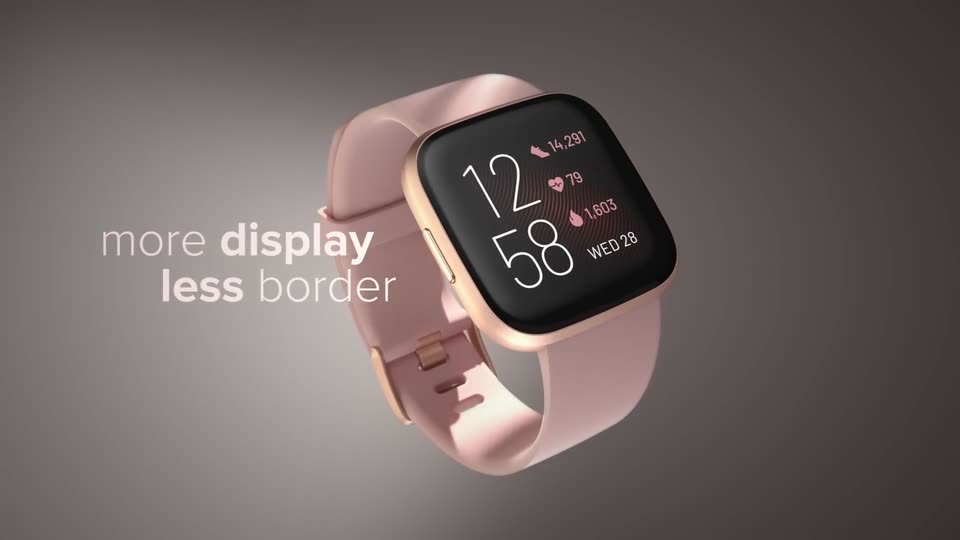 0:29–0:33Fitbit · Introducing Fitbit Versa 2A rose-gold smartwatch with a pale pink band spins in 3D on a gray gradient, turning from its back sensor to the front face showing 12:58. The camera then pushes in as a second watch face rises in the foreground, blurring the first.
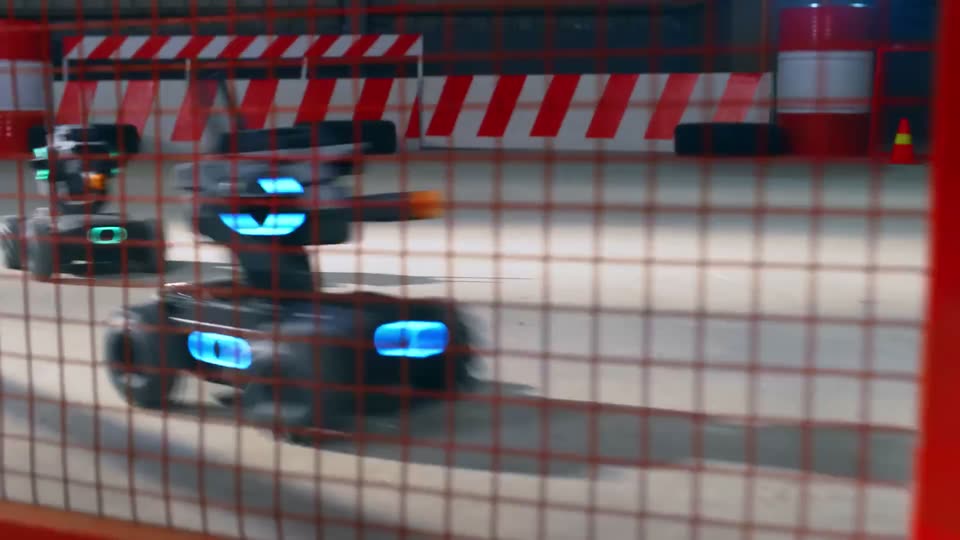 1:34 · 0.6sDJI · DJI - Meet the RoboMaster S1A mobile racing game screen shows a leaderboard, a 03:32 timer and an HP bar over a grainy track, then the frame tightens on a white car with blue lights speeding across a grid floor past red-and-white striped barriers as the HUD thins out.
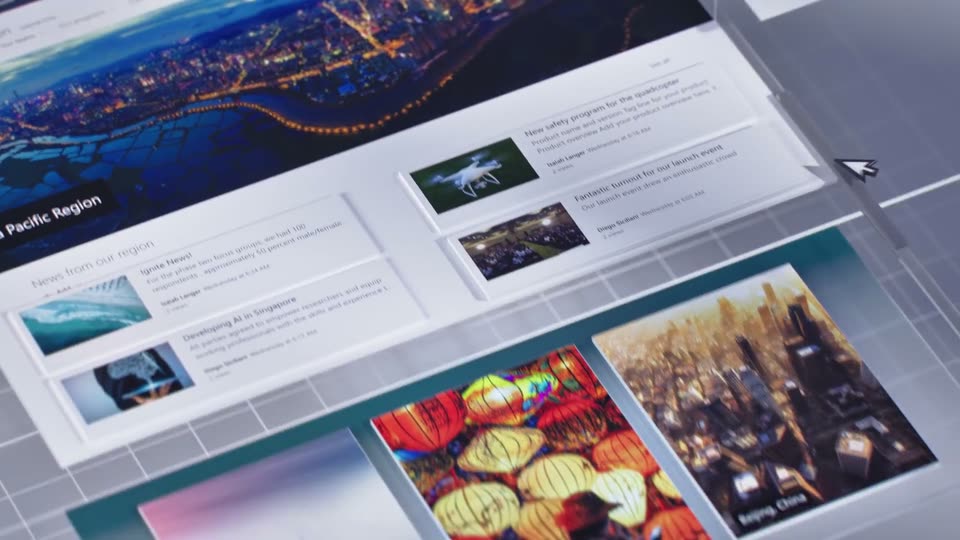 0:21–0:24Microsoft · New SharePoint innovationsA tilted 3D mockup of a corporate webpage floats over a gray grid floor, showing a night-city hero image, article cards and a links sidebar. The camera pushes in on a white text card while a black cursor arrow hovers at its corner.
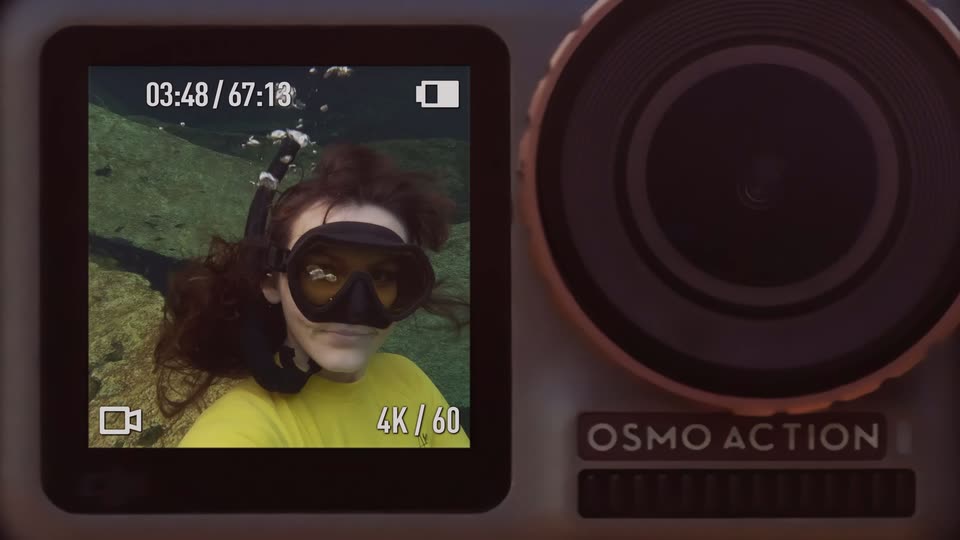 0:09–0:10DJI · DJI - Introducing Osmo ActionA tight crop on the Osmo Action's front screen shows an underwater diver in a mask, the recording HUD ticking. The frame pulls back to reveal the full camera body, the copper-ringed lens and the OSMO ACTION label.
 0:14–0:15Google · Introducing Screen Cleaner in the Files appA black phone mockup sits centered on white, showing a blue home screen. The view zooms rapidly into the screen with motion blur, filling the frame with the wallpaper and dock icons.
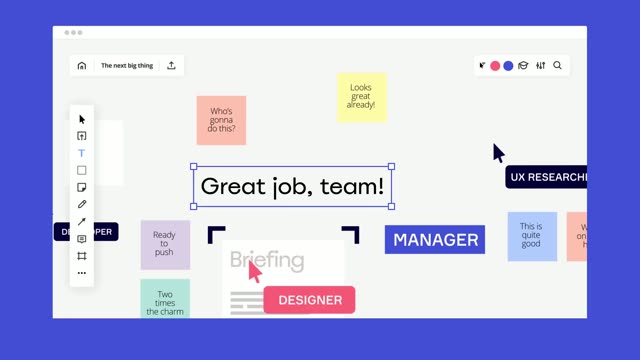 0:39–0:41Miro · Say hello to MiroA flat design-tool window on a blue field zooms out from the selected Great job, team! text to a board of sticky notes, a briefing card and collaborator tags. A red cursor hovers the briefing as comment badges appear and a pencil draws at the top.
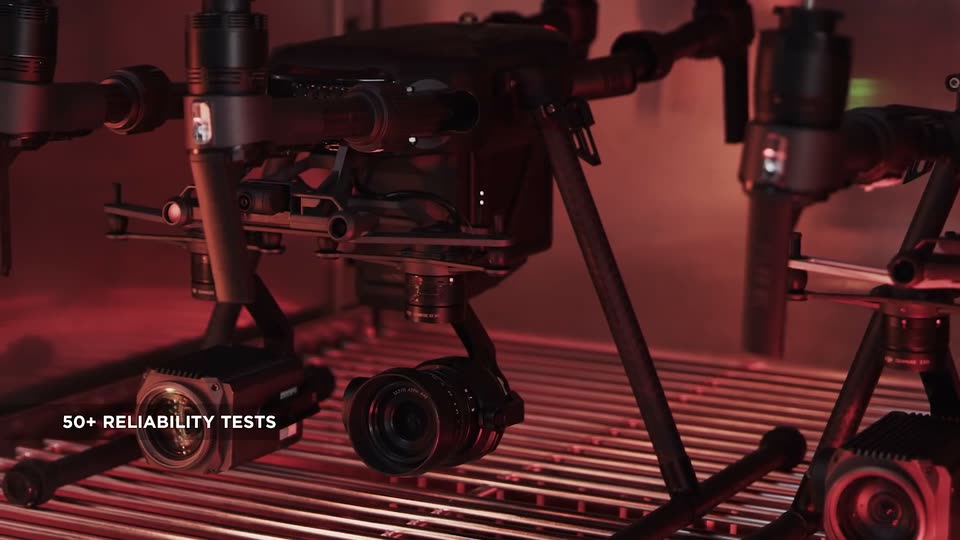 0:36–0:37DJI · DJI – Introducing the Matrice 200 Series V2Red-lit rack of Matrice 200 drones with the caption 50+ RELIABILITY TESTS in the lower left. The view pushes in to a tight close-up of the dark carbon-fiber body and gimbal camera, its red status LED glowing.
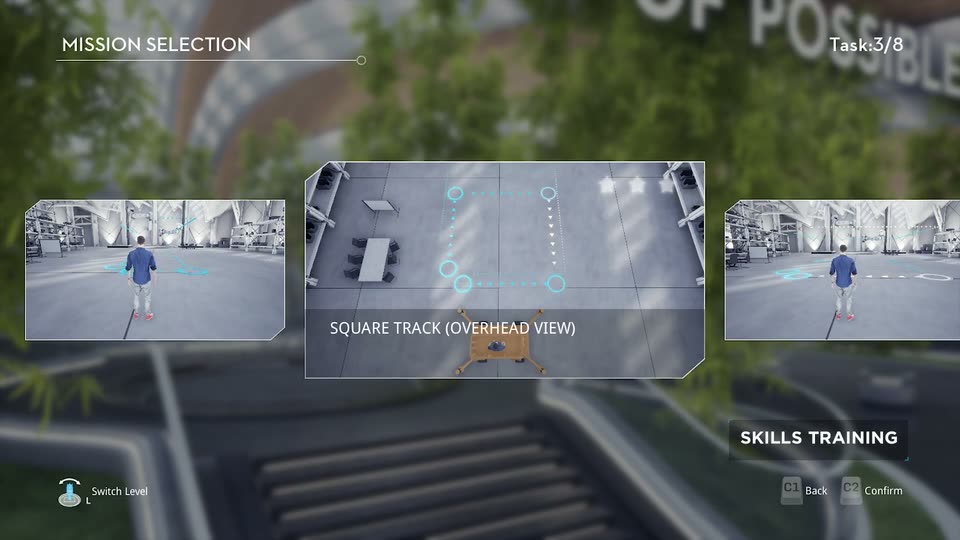 0:53–0:56DJI · DJI - Introducing DJI Flight SimulatorA mission selection menu floats over a blurred 3D park. A carousel of angled preview cards scrolls left, the center card enlarging to show a warehouse with a man and an orange quadcopter on a blue path. The task counter steps up and a SKILLS TRAINING tag highlights.
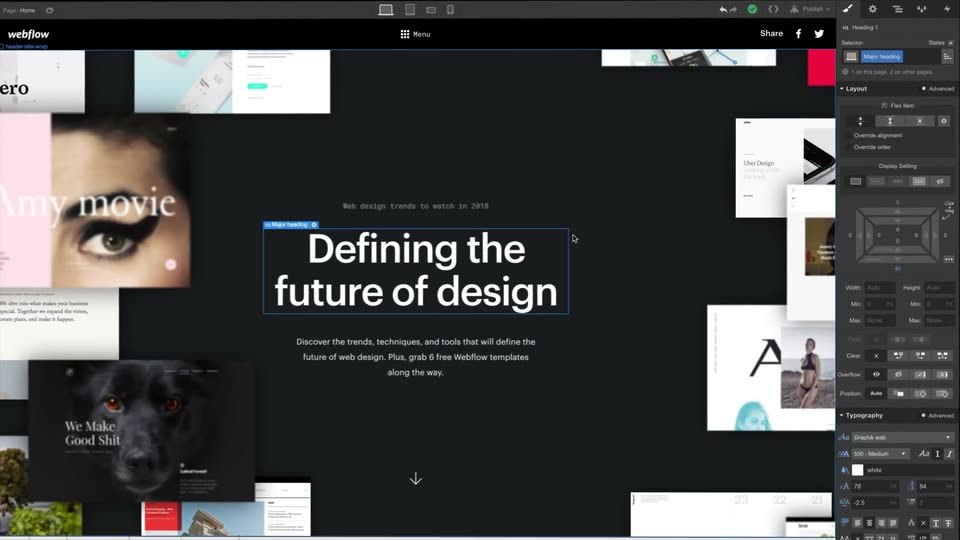 0:00–0:04Webflow · Meet the design tool from the future — WebflowA dark Webflow editor interface floats in tilted 3D perspective, soft-focused, then rotates to a flat, sharp head-on view as the frame pushes into a template hero reading “Defining the future of design”, ringed by scattered thumbnail cards.
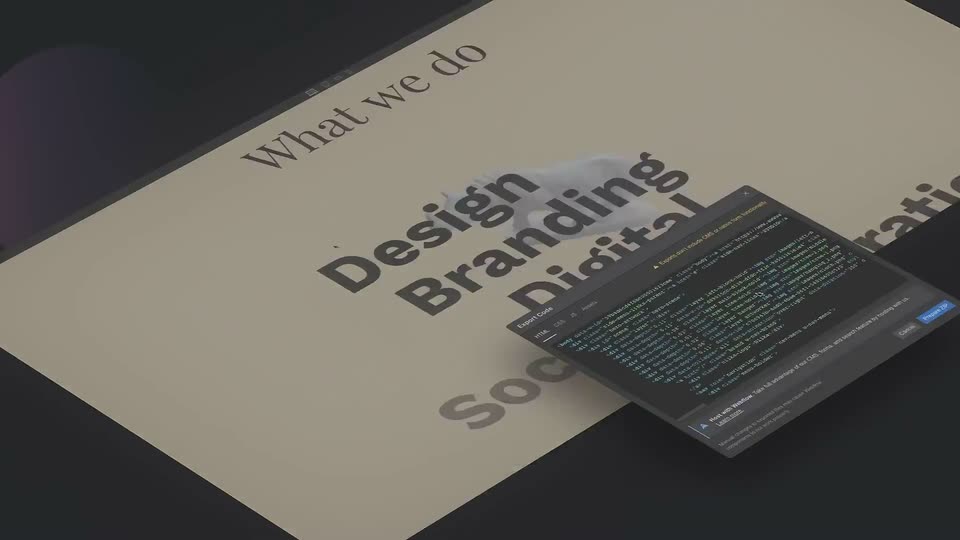 0:15–0:16Webflow · Design, build, and launch — with WebflowA tilted 3D webpage mockup floats in a dark void with purple cubes. A pink-and-white headline sits left. The camera dollies in as a dark code panel slides over the page's right edge while its large service words slide vertically.
 0:49–0:55Google · Introducing the new Google NewsA white phone mockup sits centered on a light gray background. Its news feed scrolls up through story cards from various outlets, then the view zooms in on the CNN card about the Puerto Rico blackout, ending on its View full coverage button.
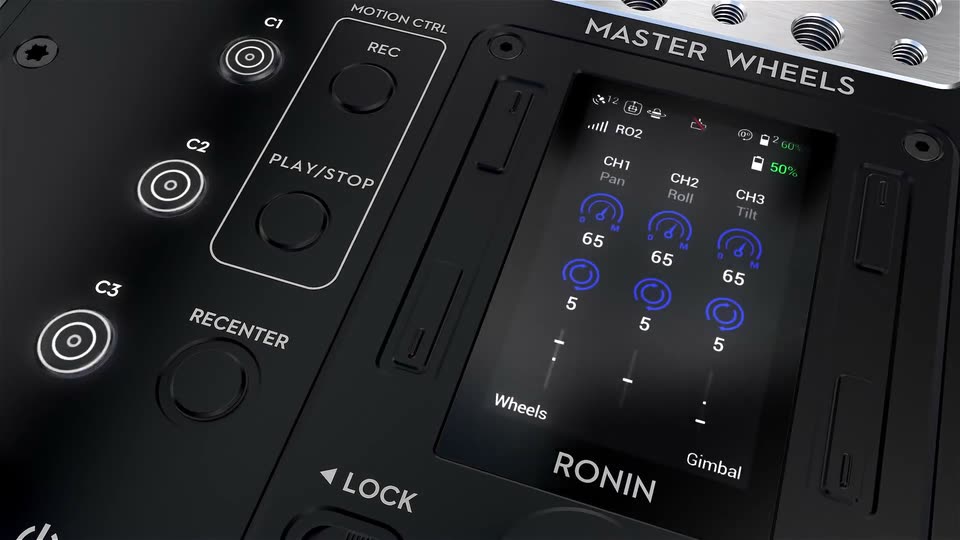 0:43–0:45DJI · DJI - Introducing Master WheelsA dark gimbal console fills the frame at a low angle, its screen showing three channel dials and the RONIN label. The camera pushes in slowly, centering on the display and the glowing C1, C2, C3 buttons beside the REC and PLAY/STOP keys.
 0:08–0:12Google · Introducing Bad Joke DetectorA flat gray phone mockup sits centered on a blue field of drifting app icons. Its storage screen's Duplicate files card scales up, the view switches to a grid of 82 selected photos, then a blue circle pops over the phone reading 107 MB cleared, with an orange arc.
 0:00–0:06Google · Introducing Subscribe with GoogleA white phone mockup on a pale background shows a news app. The view zooms into a world map banner with red and black icons, then scrolls down past gray article lines to a paywall panel listing silver and gold subscription prices.
 0:25–0:26Google · Meet Google Pixel 2 | More, more, moreA selection rectangle over a portrait of a red-haired woman expands across the frame, then the interface reframes to a sharp centered crop of her face over a blurred backdrop, with a slider and tag icon at the bottom.