UI zoom
A zoom or reframe onto one part of the interface.
9,986 scenes · page 53 of 167
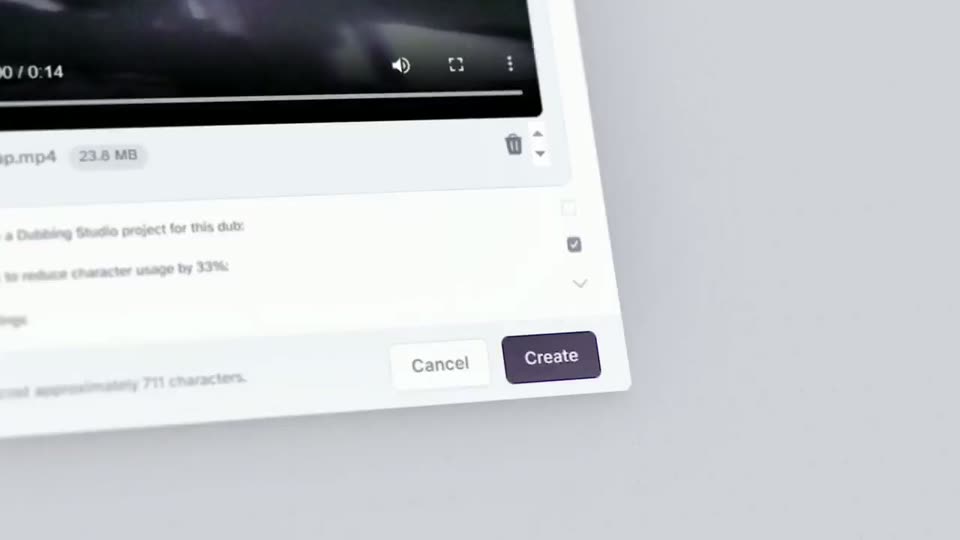 0:07–0:10ElevenLabs · Introducing Dubbing Studio. Our Dubbing Studio gives you precise control when translating your videos for global audiences. We detect and label each of your speakers and create an editable scriptA tilted 3D panel shows a source picker with an uploaded video and a language dropdown. A cursor opens the dropdown, hovers Spanish, then clicks the dark Create button, which shows a loading spinner as the panel drifts and blurs.
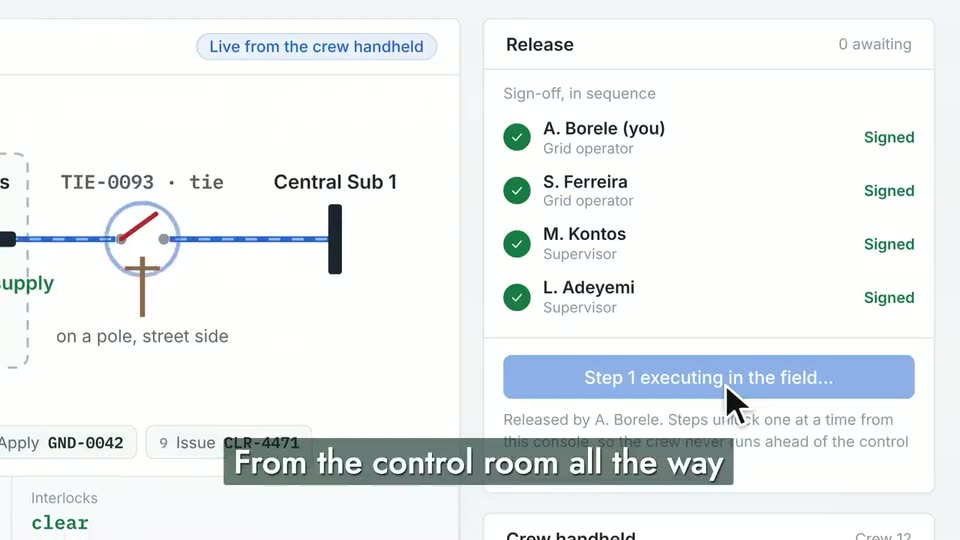 1:25–1:28Evardi · Evardi (YC F26) builds AI agents that engineer the grid edge: the transformers and local lines where rooftop solar, batteries, EVs, and data centers connect. Outages cost Americans up to $121B in aA product interface fills the frame; a cursor clicks the green Release to crew button, which flips to a blue executing state. The view then scrolls down to a phone mockup showing the crew work order. Lower-third captions swap in sync with the voiceover.
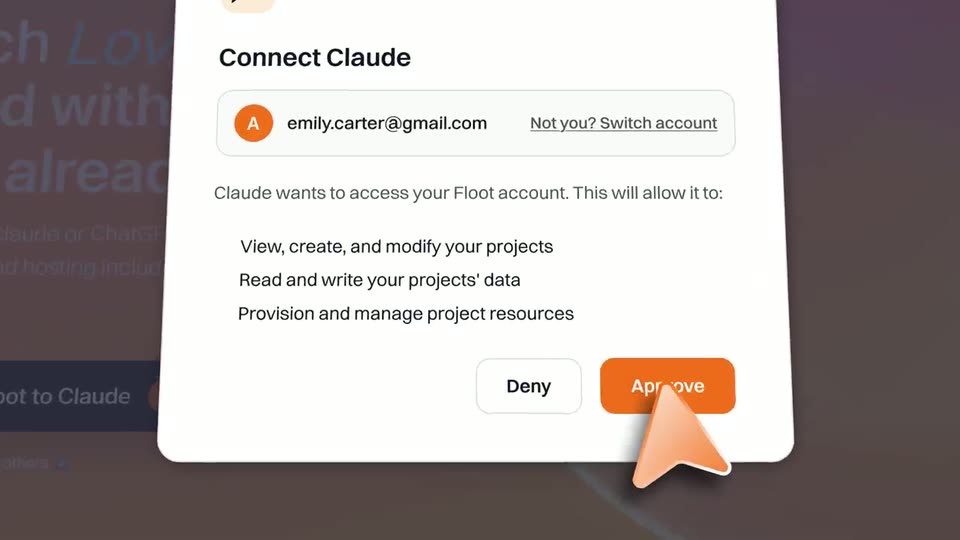 0:13–0:15Floot · Claude and ChatGPT can already write you an app. Getting it live is another story. Today we're fixing that: connect Floot, and you can build and ship real apps directly inside Claude and ChatGPT -A white Connect Claude dialog overlays a blurred app screen as the view tightens. A large orange cursor glides to the orange Approve button and clicks it.
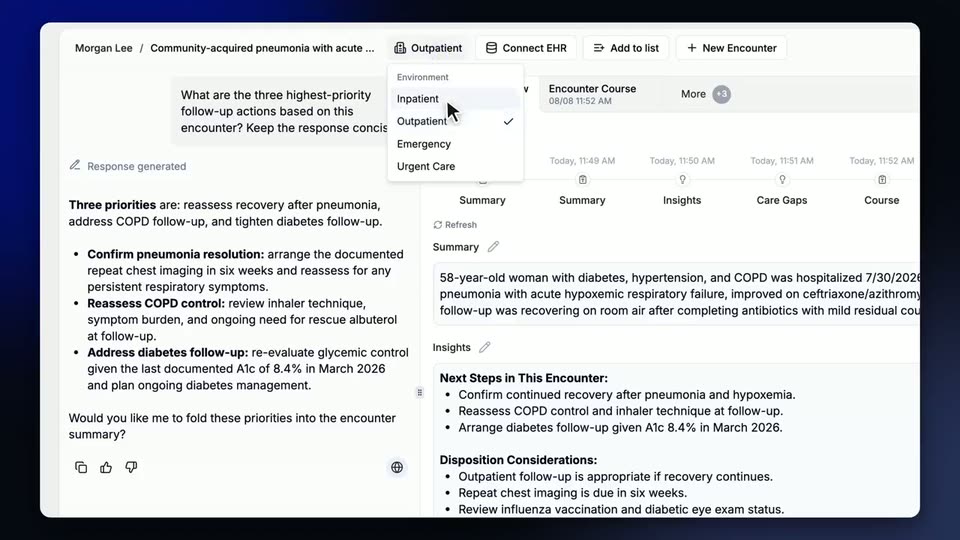 0:01–0:05Glass Health · Introducing Environments in Glass for Clinicians, a new way to tailor each patient encounter to the care setting. Clinicians can choose Inpatient, Outpatient, Emergency, or Urgent Care for each… | Glass HealthA clinical AI interface fills the frame. A cursor hovers over the Outpatient button, opening an environment dropdown, then the view zooms into the right panel showing Summary, Insights and Care Gaps cards.
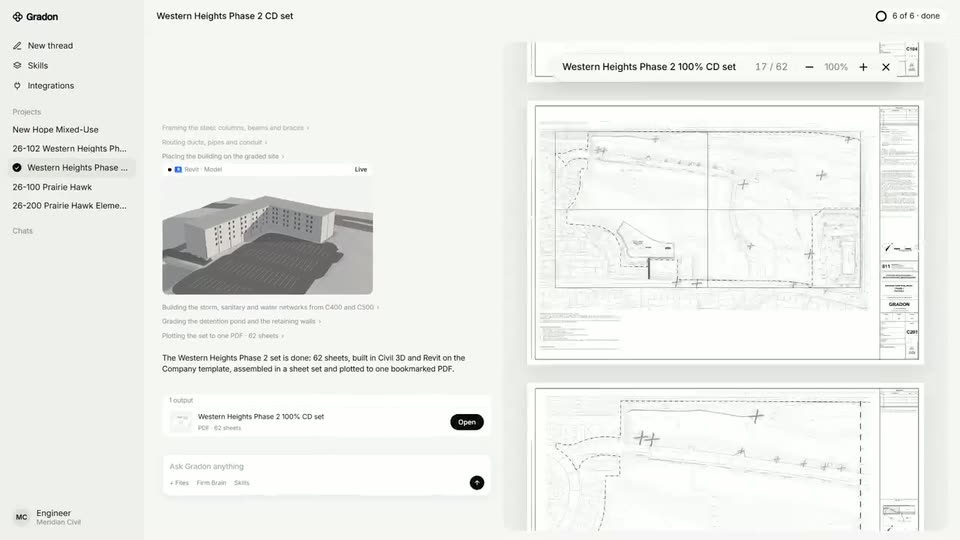 0:27–0:35Gradon · Gradon is the all-in-one AI workspace for AEC firms. From CAD and design to plans and calculations, here’s a breakdown of what it does 👇A product chat thread scrolls up to reveal a finished PDF output card. A cursor clicks Open, and a drawing-sheet viewer slides in from the right, flipping through engineering plans as the frame pulls back to the full app layout.
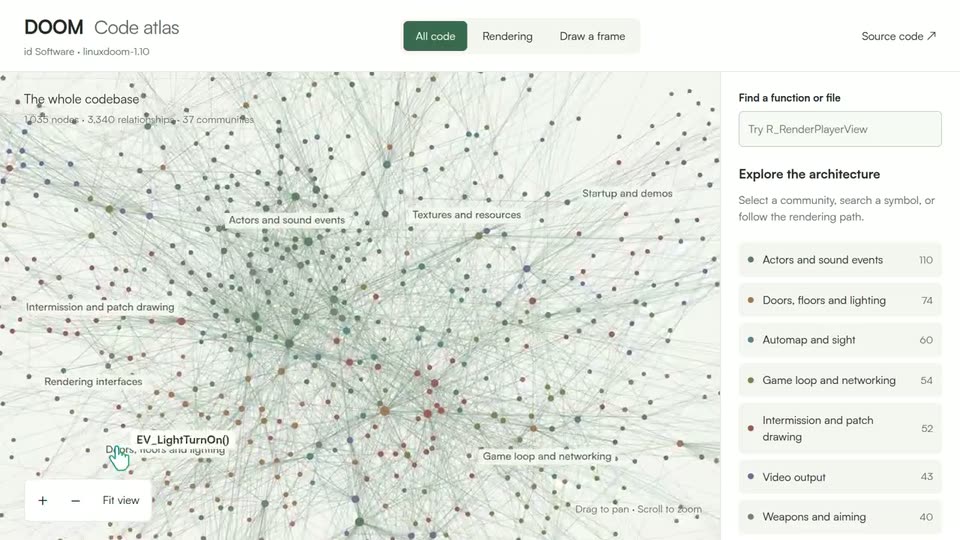 0:16–0:20Graphify Labs · Graphify is now in Perplexity Every user gets 5,000 free credits through Oct 31 to turn any codebase into an interactive map of files, functions, and dependencies. Point it at your repo and go. | Graphify Labs (YC S26)A light web interface displays a network graph of code nodes beside a community list. A cursor clicks the plus button, zooming into the graph, then selects a node and the right panel switches to a source code view.
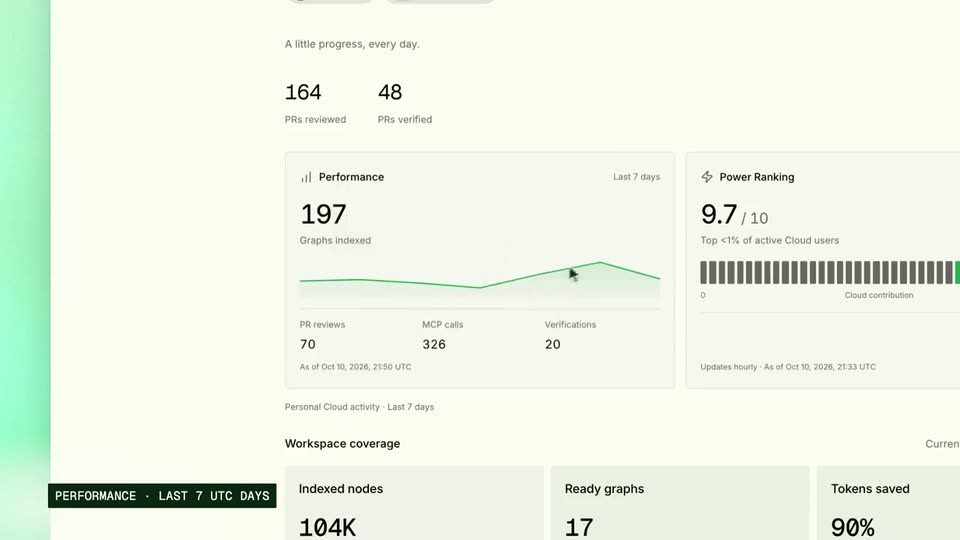 0:07–0:16Graphify Labs · introducing graphify profiles! Go claim for yourself graphify.com/@safishamsi | Graphify Labs (YC S26)A light profile dashboard: a cursor clicks Copy profile link, a Copied check pops in, then hovers the green line chart to open a data tooltip. The view pans and zooms across the Performance and Power Ranking cards as lower-third captions name each section.
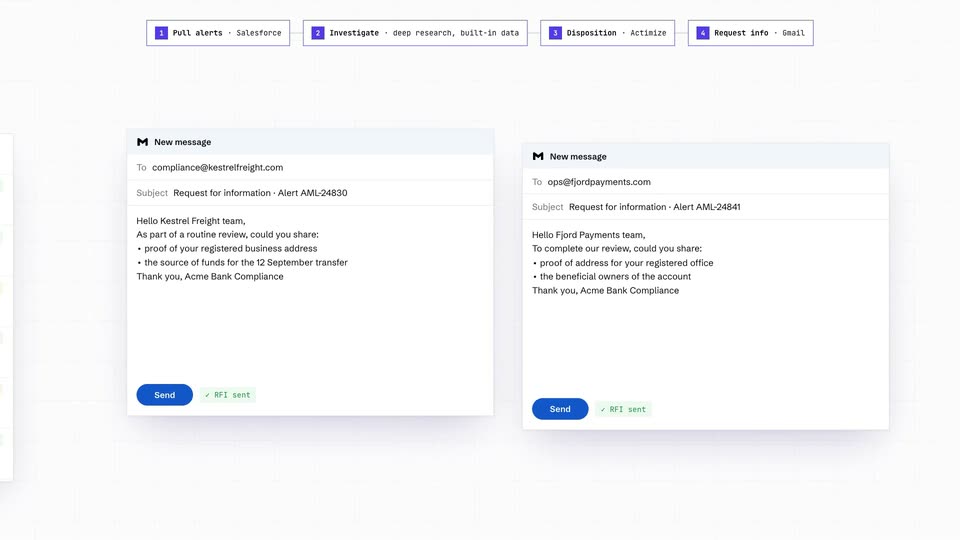 1:05–1:12Grep AI · Connected Accounts Across Grep 2026-10-14 10.55Two Gmail compose windows sit side by side under a four-step workflow bar; their email bodies type in line by line while green RFI-sent chips appear. The frame then pulls back to reveal the full pipeline, and the panels blur out.
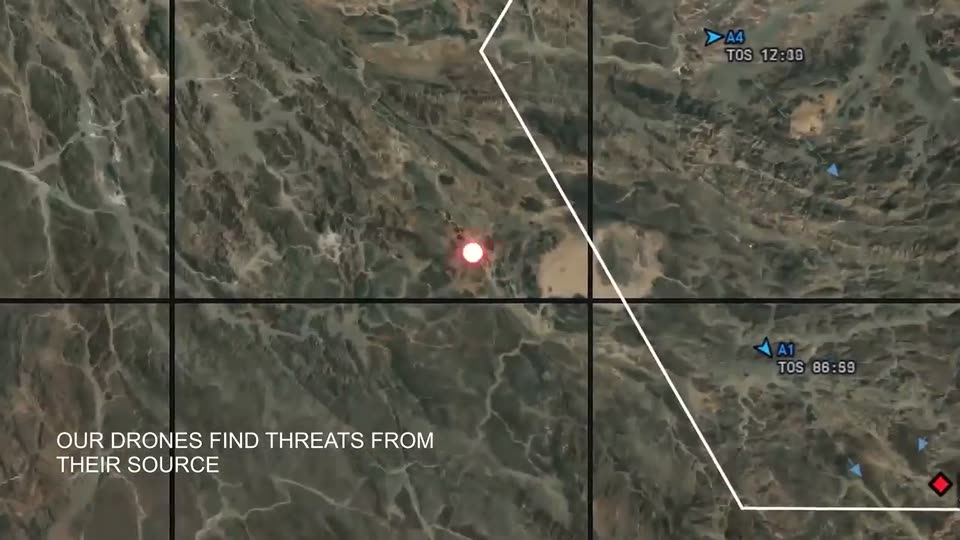 0:40–0:42Greypoint Industries · Greypoint Industries (YC S26) builds drone swarms that find enemy drone operators on the battlefield. Over 70% of casualties in Ukraine come from drones. The entire defense space is focused on… | Greypoint Industries (YC S26)A satellite map with a black grid and a white boundary outline fills the frame, dotted with red and blue markers. The view zooms in toward a pulsing red dot at the center while a white caption holds in the lower left.
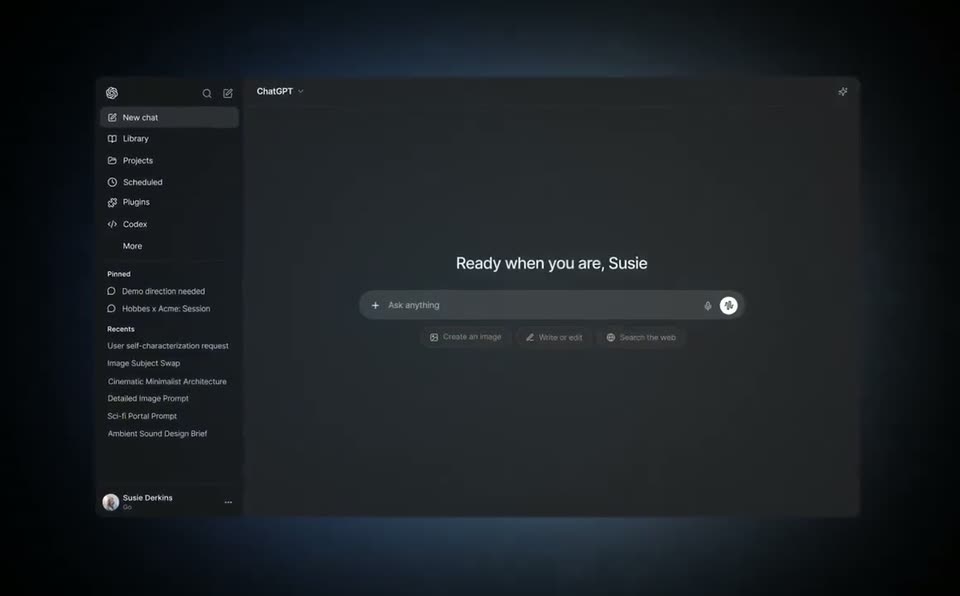 0:22–0:24Hobbes · Every decision in your business can now be backed by real buyer conversations. Today, the Hobbes API is live. Every demo Hobbes runs is a buyer sharing their use-case, what they want and where they… | Chirag KulkarniA dark chat interface is unveiled as a blue panel wipes away from the right, exposing the greeting line and the input bar. The view then reframes to a larger input field with three action pills sliding in below it.
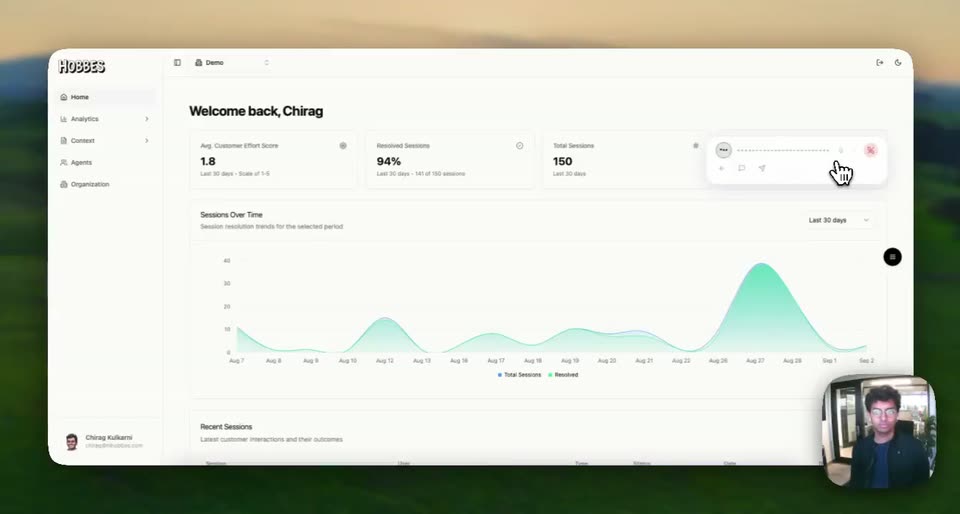 0:20–0:53Hobbes · 🎤 Hobbes speaks! 🎤 Why give Hobbes a voice? Because nobody likes dealing with the “learning curve.” Clicking through menus, digging through docs, hopping on a “quick” Zoom… even typing in chat -… | Chirag KulkarniA close-up of a white voice pill sits over a blurred dashboard; the camera pulls back to reveal the Hobbss analytics screen as a tilted 3D mockup while a hand cursor hovers at the widget. It then pushes into the sidebar, where the cursor clicks Context to expand Knowledge Center.
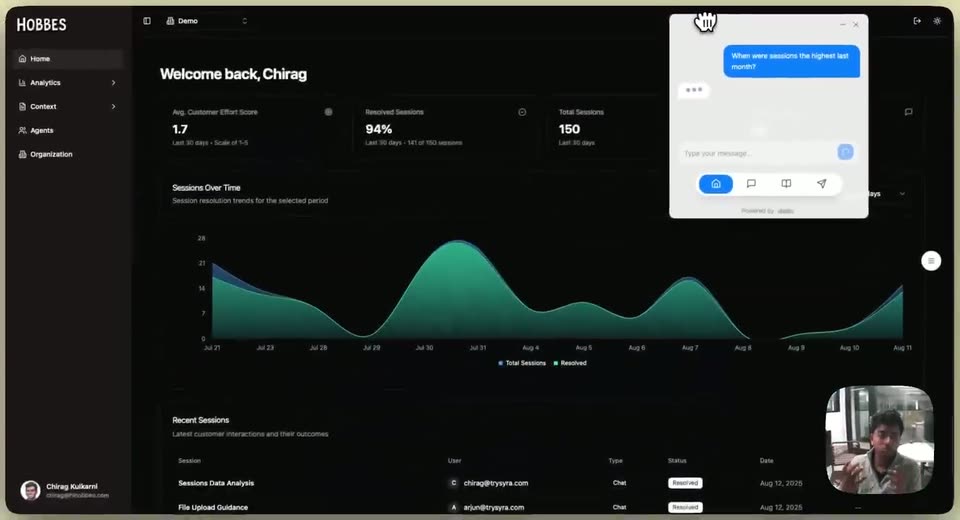 0:39–0:40Hobbes · 🚨Major update🚨 Syra is now Hobbes (hihobbes.com)! As we worked with some amazing teams this year, we saw a big gap in the agent landscape: visual context. Agents trained on knowledge bases + helpA white chat window with a blue question bubble and a hovering hand cursor sits over a blurred dashboard; the view pulls back to reveal the full dark analytics screen with charts and a session table, a webcam selfie pinned in the corner.
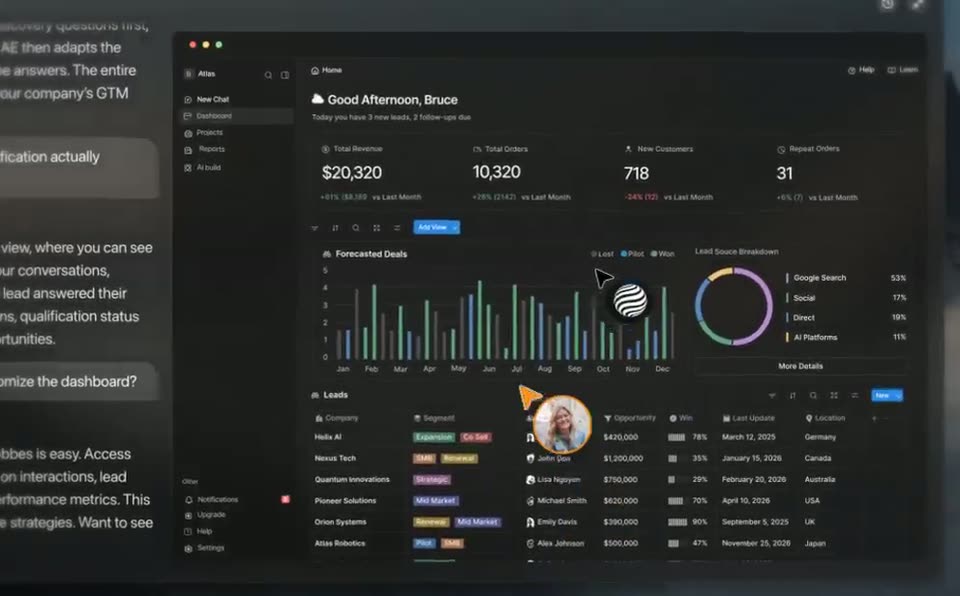 0:16–0:21Hobbes · Today, we are shipping Hobbes Sandboxes. Hobbes creates an interactive replica of your product that buyers can explore alongside your agent. A buyer asks how reporting works. Hobbes opens the rightA dark CRM dashboard fills the frame, then pulls back to reveal it as an app window in 3D perspective. The window tilts and rotates while a circular avatar with an orange ring glides across the leads table, chart and sidebar.
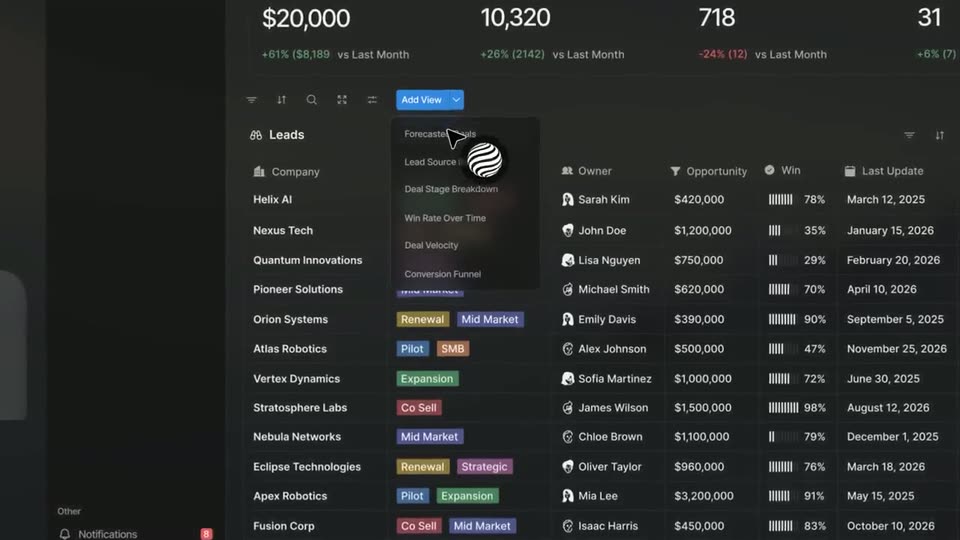 0:25–0:29Hobbes · We just launched a new look for Hobbes Modern products need modern buying experiences. Not static tours. Not demo request forms. Not “book time next week and we’ll show you around.” Buyers wantA dark CRM dashboard fills the frame. A cursor clicks the blue Add View button, opening a dropdown of chart options. The frame zooms out to reveal the full dashboard with a bar and a donut chart. A circular logo with white wavy stripes drifts over the center.
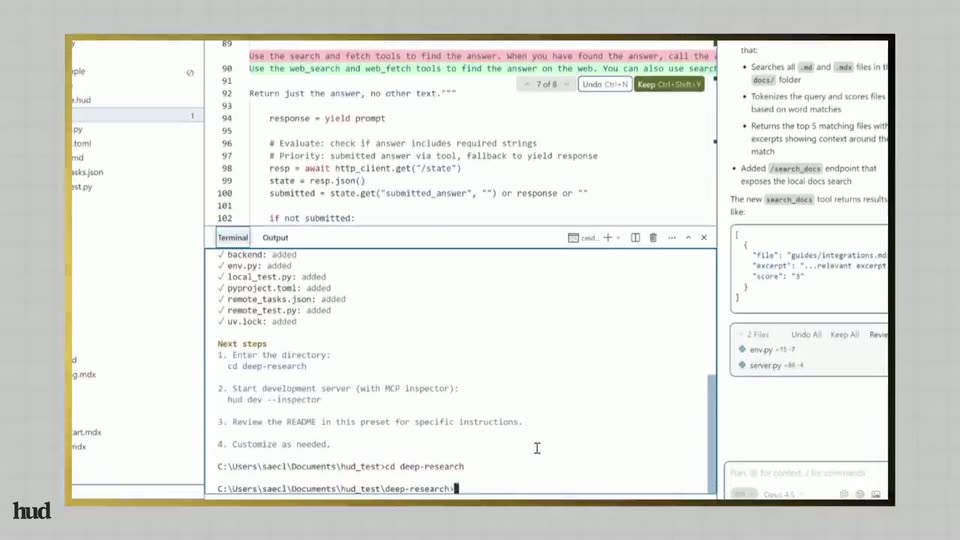 1:14–1:25HUD · Today, we're launching the public beta of the HUD platform. HUD lets you build reinforcement learning environments for training across 40+ models including GPT, Kimi, Qwen and many more. If you'reA code editor window fills the frame. The view zooms into the Python file, where a red diff line and a shortcut tooltip appear, then reframes onto the terminal as a deploy command runs and logs scroll, before pulling back to the full workspace showing a success message.
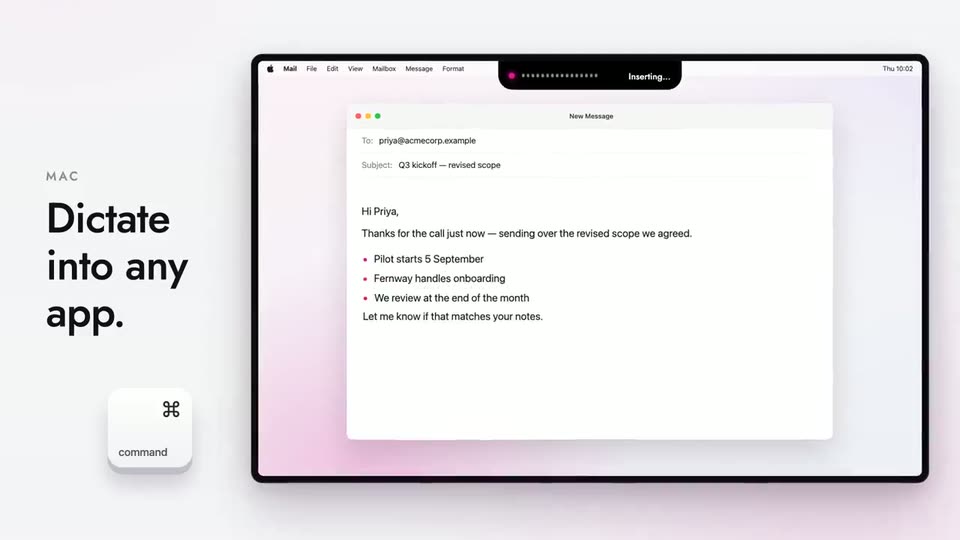 0:20–0:26MAI Second Brain · I didn't hire a motion designer for this launch video. I handed Opus 5.5 my codebase. Say hello to the newest member of the app family: MAI Second Brain 👇 My days are constant context switchingA Mac display in 3D perspective shows the Mail app with a black dictation pill and timer at the top. The camera pulls back as “Dictate into any app.” blurs in on the left beside a command key icon; dictated words type into the email body, then bullet points appear.
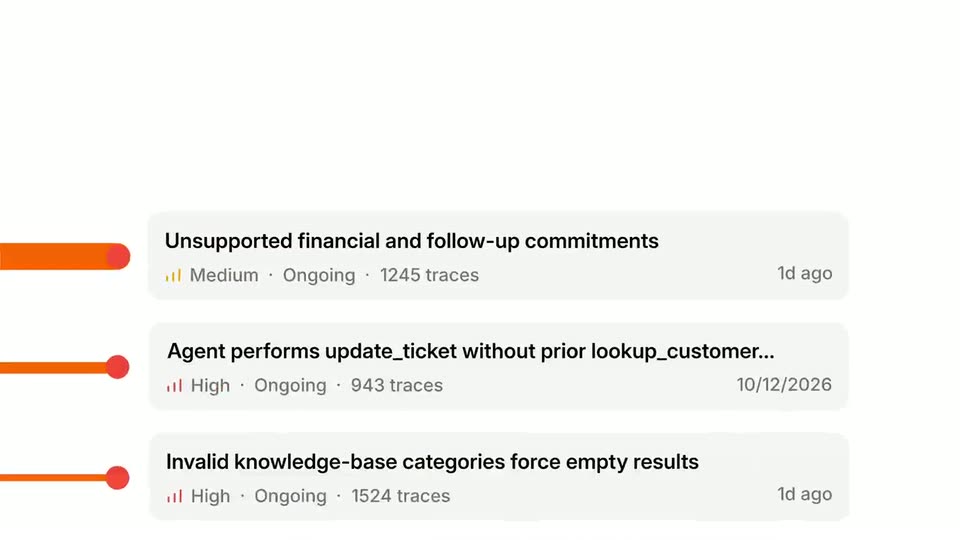 1:24–1:26Judgment Labs · See Judgment Labs’ activity on LinkedInA white screen shows a list of insight cards, each paired with an orange bar and dot on the left. The frame zooms in on the top card, scaling it up until it fills the screen.
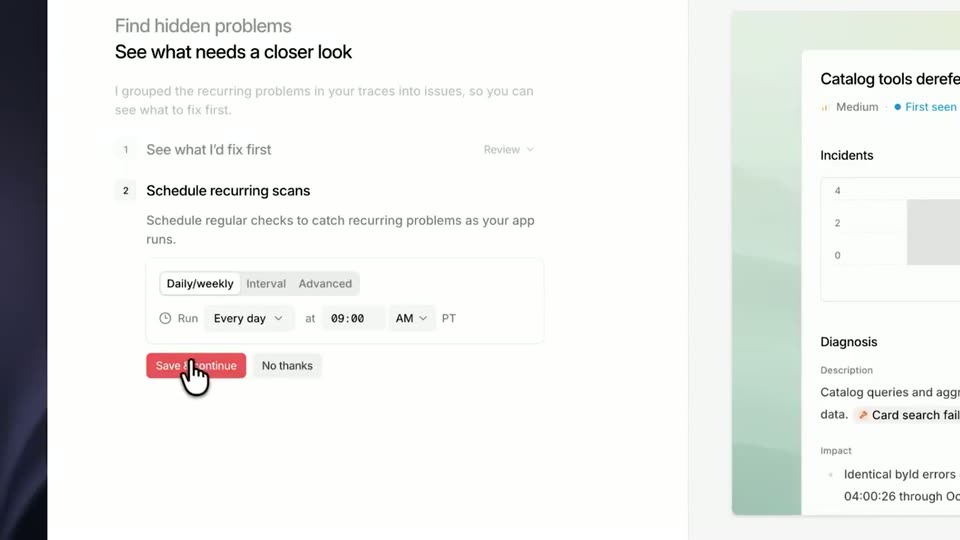 0:25–0:27Judgment Labs · See Judgment Labs’ activity on LinkedInA close-up of a scan-scheduling panel; a hand cursor hovers over the red Save & continue button beside an issue detail card. The view then pulls back to frame the whole interface inside a tablet mockup on a dark background.
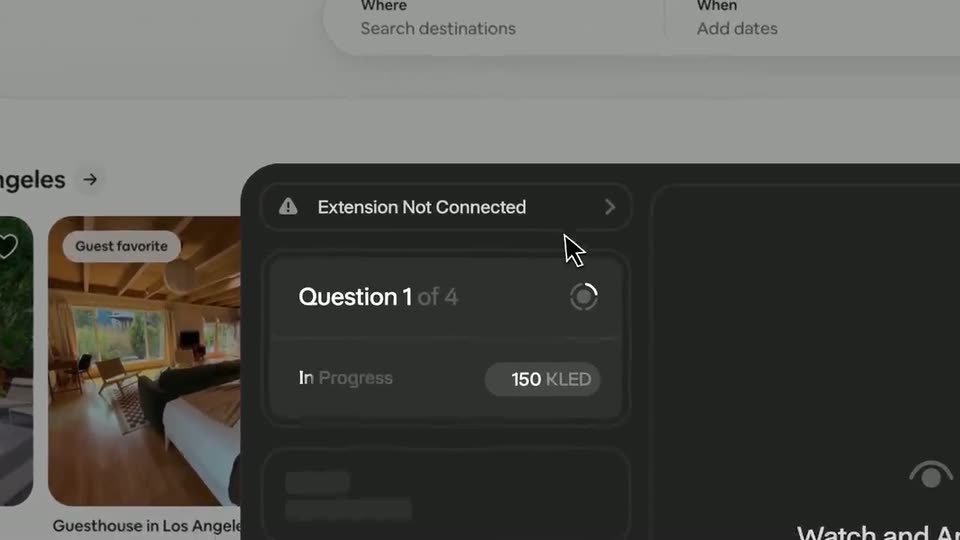 0:04–0:06Kled · We created the world’s best captcha. The first captcha that is: free for companies, pays you to solve it, impossible to bot, and instead of showing you images of random traffic lights, you’re shown… | Avi PatelA dark extension panel floats over a blurred travel listing page. The frame zooms in on the panel's top section, and a hand cursor glides to hover the Extension Not Connected bar. The adjacent panel holds a headphone icon and a two-line caption.
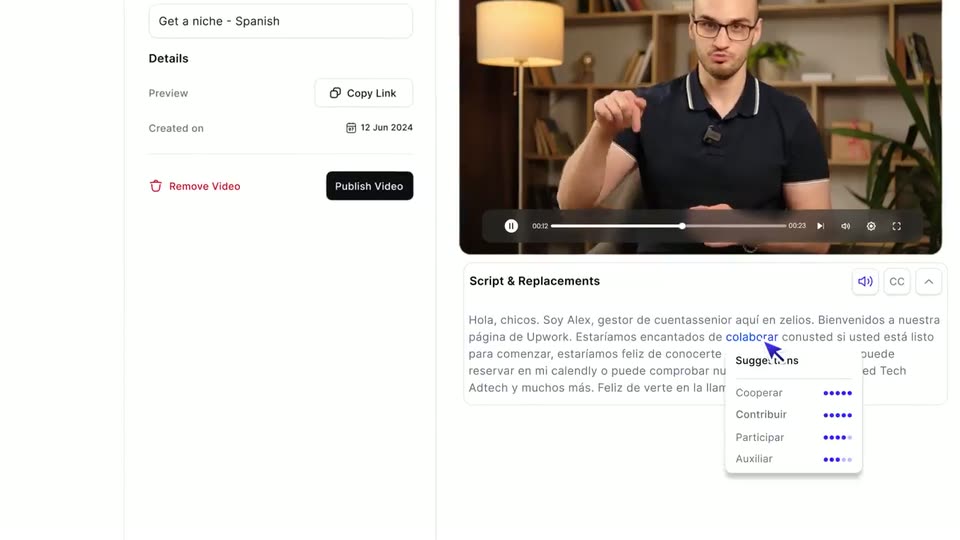 0:30–0:48LangEase · Imagine reaching a global audience without breaking a sweat. 🌎 LangEase is making it a reality. Our AI-powered localization platform is coming soon! Join the waitlist for exclusive early access.… | LangEaseA browser window on a Windows desktop shows the LangEase library page with a video preview of a man speaking Spanish. The camera zooms in as a cursor toggles voice and subtitle buttons, expands the script panel, clicks a word, and picks a replacement from a dropdown.
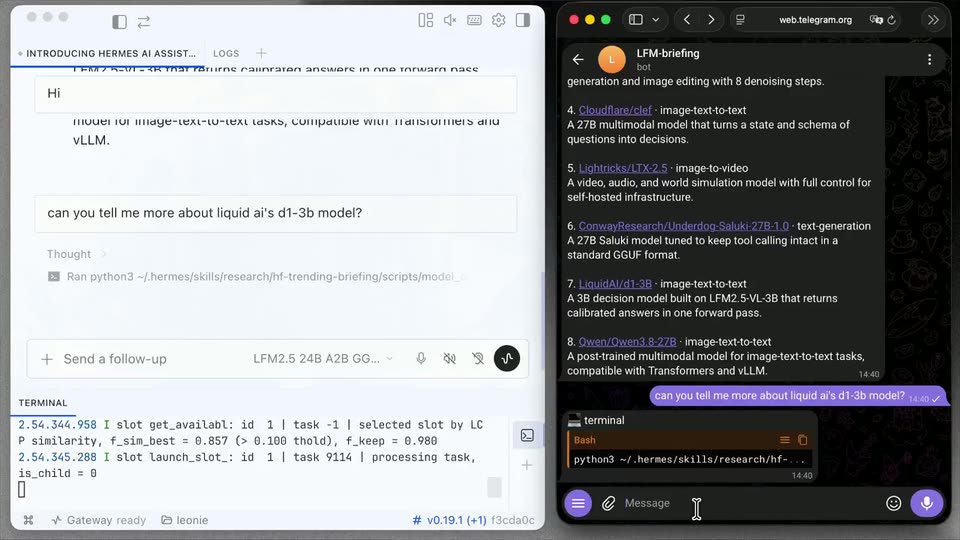 0:12–0:31Liquid AI · Today we release 𝙻𝙵𝙼𝟸.𝟻-𝟸𝟺𝙱-𝙰𝟸𝙱, the largest model in the 𝙻𝙵𝙼𝟸.𝟻 family. It is a 24B-parameter reasoning model with just 2B active parameters per token, designed to work throughSplit screen pairs a desktop chat app with a tilted phone. The shot zooms in as a caret types and sends a question in the phone field. Both panels react: the desktop logs a command, the phone adds a terminal card. A blur transition ends the shot.
 0:18–0:22magicX · Excited to announce this huge leap forward in search. Today, Shopify stores now have passed Amazon with the most powerful search, called AI Autocomplete. Search technology hasn’t changed for 15… | AI Autocomplete by MagicXA search bar fills with filter chips while a size dropdown sits below, a bottom caption cycling type, categories, sizes, prices. The view zooms onto a green up-arrow button as a cursor clicks it.
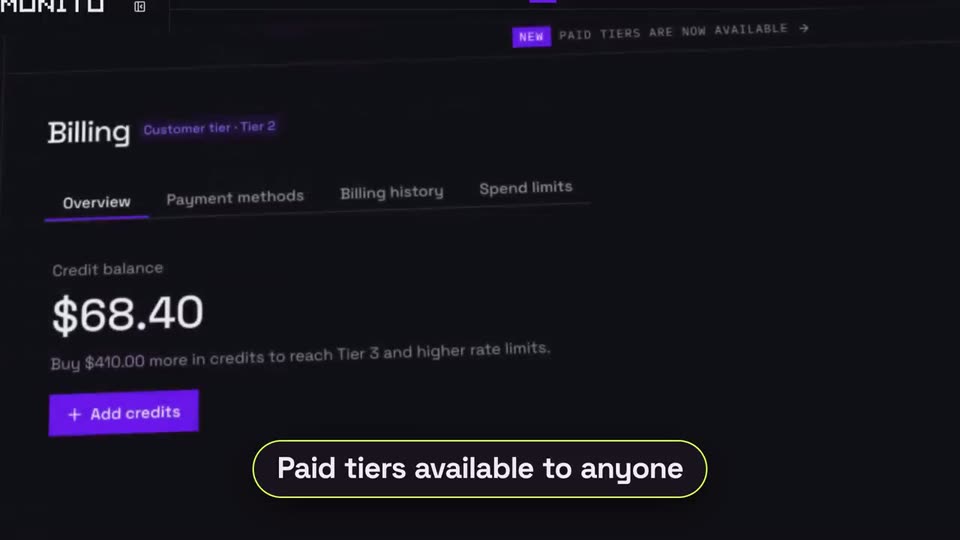 0:11–0:18Munito AI · Two new things today in the Munito console. Paid tiers, open to anyone. No “contact sales”, no “let’s find 30 minutes”. Add credits in the console: the more you add, the higher your tier and your… | Munito AIPixelated purple squares dissolve to reveal a dark billing dashboard. A cursor clicks Add credits, confirms 50.00 USD, and presses Pay; the balance jumps to $68.40 and the tier badge glows Tier 2 as the camera zooms in. A yellow-outlined caption sits at the bottom.
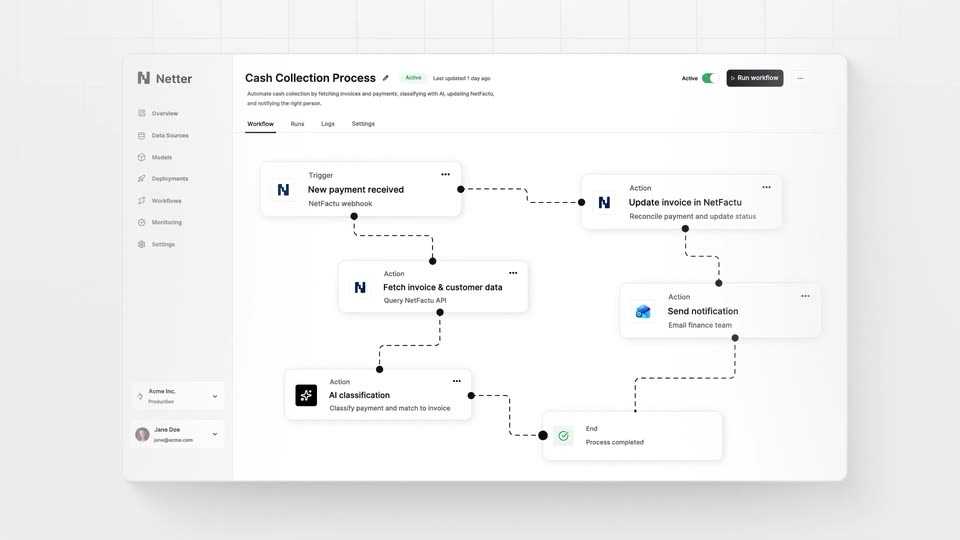 0:32–0:35Netter · NETTER 1 - Samuel LadroueThe view zooms out from a close-up of two linked workflow nodes to reveal the full Netter workflow builder, with a left sidebar and a canvas of six nodes joined by dashed lines. A large headline scales in at the end.
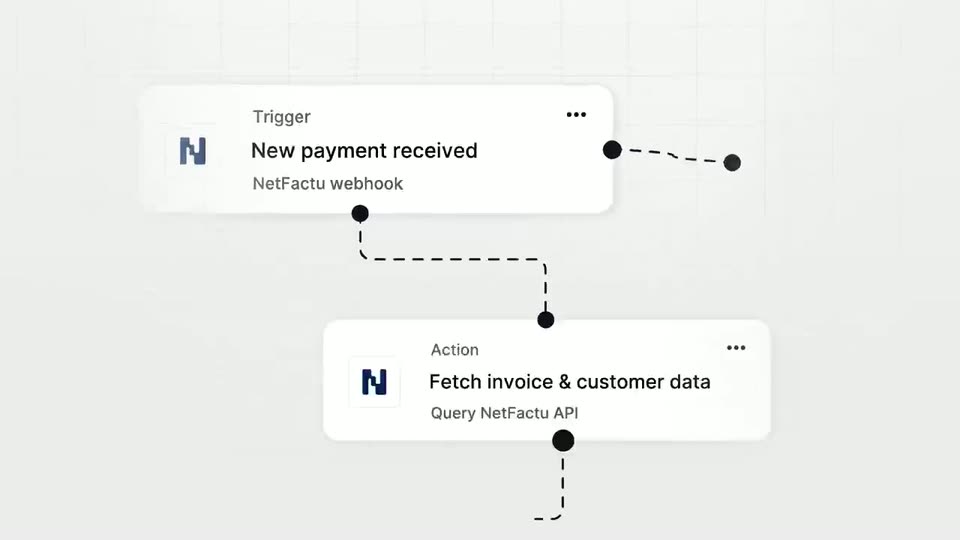 0:32–0:33Netter · Netter (YC P26) helps companies regain control over their data, so teams can pilot their activities with high precision. Most companies are sitting on years of valuable data, spread across differentA close-up of two workflow cards, a trigger and an action, zooms out to reveal the full Netter app with a left sidebar and a third action card. The dashed connector line links the three nodes with moving dots.
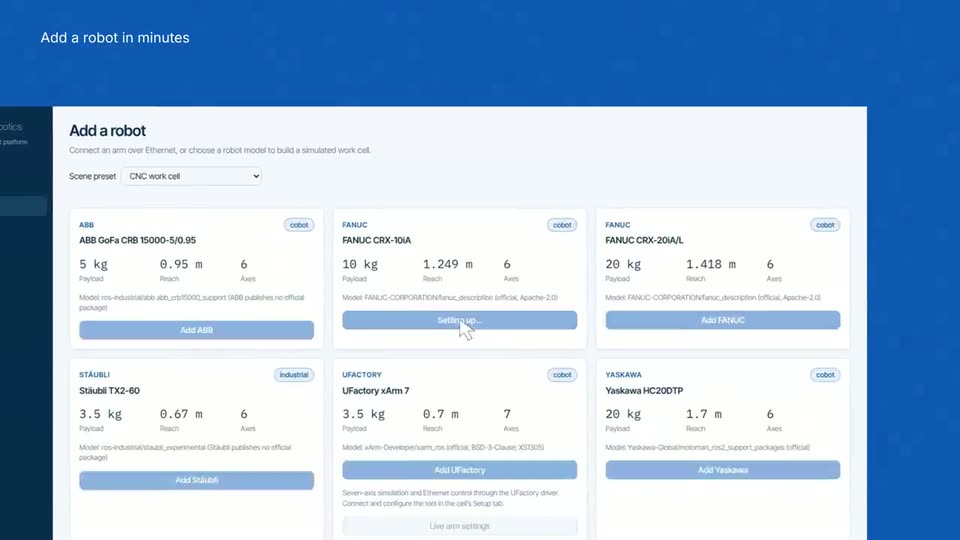 0:57 · 0.6sOdin Robotics · See Odin Robotics (YC F26)’s activity on LinkedInA blue banner with the white headline 'Add a robot in minutes' tops a white panel of six robot cards, each showing payload, reach and axes plus a blue Add button. A cursor hovers over the UFACTORY card as the view zooms in, cropping the left sidebar.
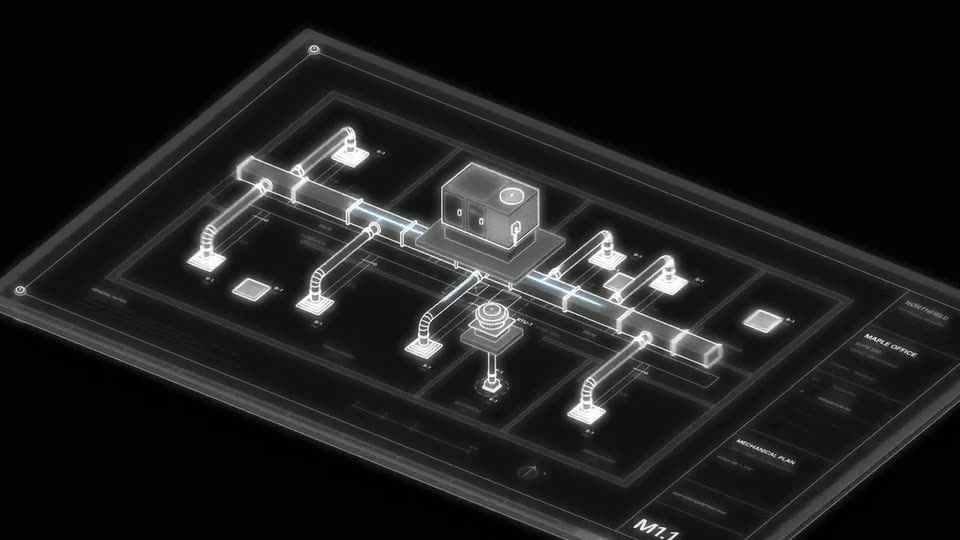 0:06–0:10Operon · HVAC / Mechanical @ hvac.operonsolutions.com | Operon SolutionsA translucent blueprint sheet floats in black space, its blue node network fading into a white mechanical plan. The camera pushes in from a wide 3D angle to a close-up of ductwork, floor terminals, and a wireframe equipment box.
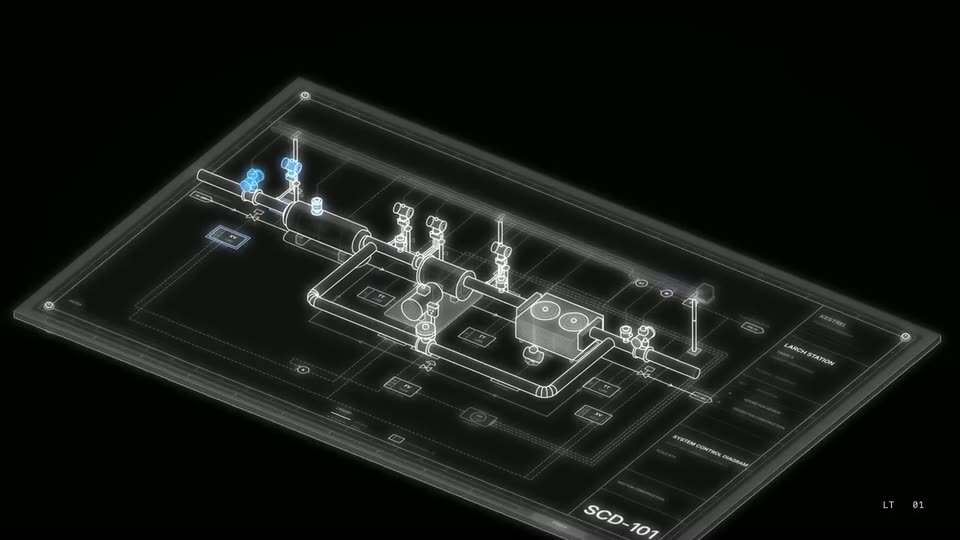 0:11–0:17Operon · Operon for Electrical | Operon SolutionsA white wireframe piping diagram on a transparent panel floats on black. The flat drawing extrudes into 3D pipes and valves, blue highlights pulse on the valves, then the camera tilts and zooms to the legend as a 3D cabinet pops out from the panel edge.
 0:25–0:26Operon · Operon Solutions posted on LinkedInA dark drawing viewer holds on a single circuit schematic crossed by a red trace line, then pulls back to reveal a dense grid of schematic thumbnails.
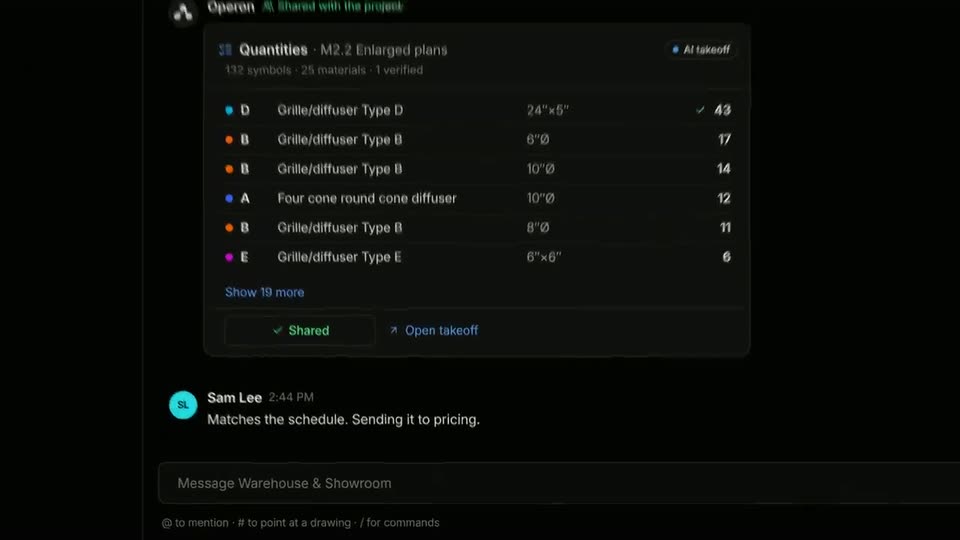 0:22–0:24Operon · We've received overwhelming requests from the HVAC & Construction industry over the past few months and today we're excited to launch our first product in this space! | Operon SolutionsA close-up of a dark Quantities list panel sharpens as a cursor hovers over its buttons, then the view pulls back to the full chat app with sidebar, revealing a nested takeoff card. The headline “Ask the agent. Loop in the team.” appears over the interface.
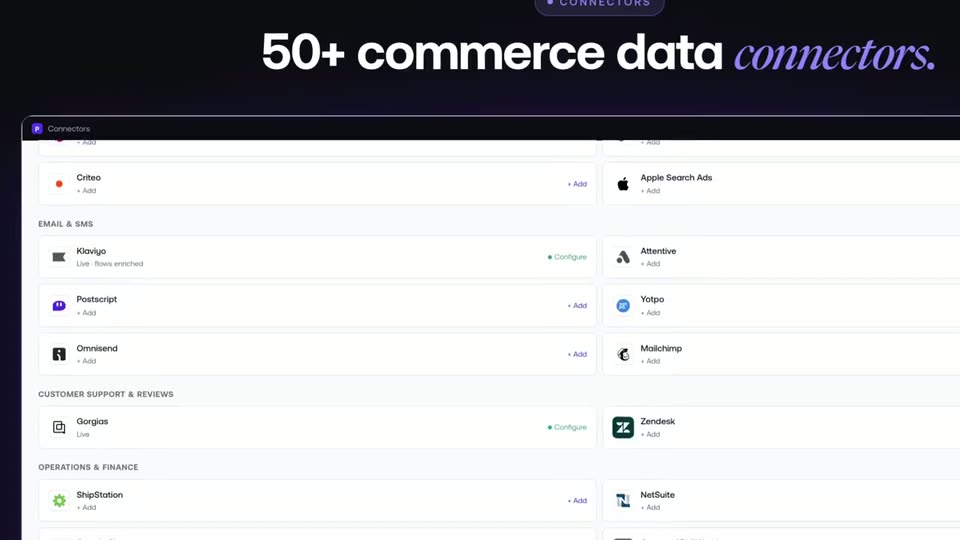 0:07–0:12Polar Analytics · Dashboards are dead. Agents are everywhere. Five years ago, you bought a BI tool because someone needed a chart. Today? Claude is in Slack. ChatGPT is in ops. Finance is querying Sheets. Your… | David DokesThe Polar logo and the headline “50+ commerce data connectors.” sit above a white Connectors panel on a dark background. The camera pushes into the panel as its two-column list of integrations scrolls, then pulls back to the full frame.
 0:08 · 0.8sPolar Analytics · Thrilled to share that Polar is officially joining Anthropic ...Claude directory ;) Today is a big day. Anthropic just approved our MCP. We're officially in the Claude directory, alongside dataA close-up of a chat input bar zooms in on a plus button as a dark tooltip with white text appears beside it. Below, rounded buttons for Code and Write sit in a row on a light background.
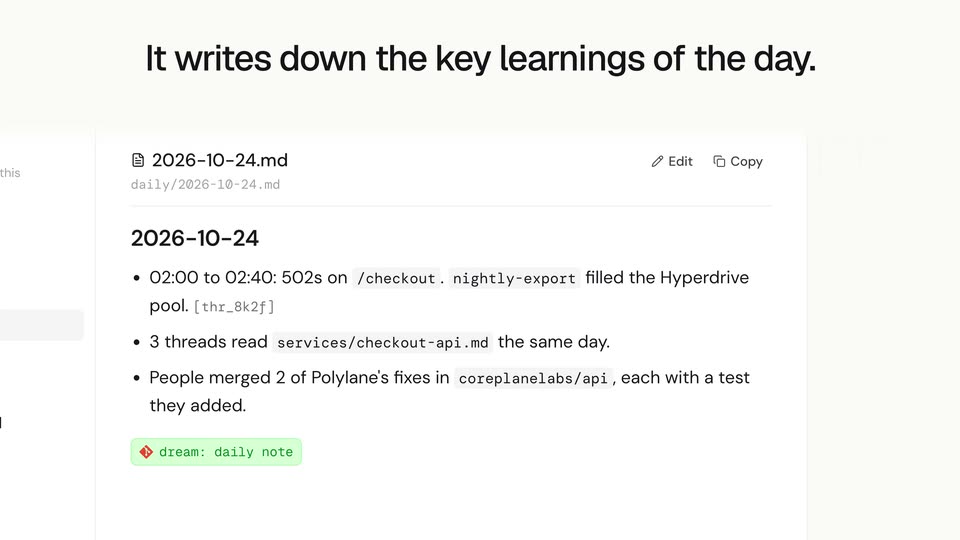 0:22–0:27Polylane · Memory you can read and edit · PolylaneA flat memory file browser sits below a centered headline that crossfades to a second line. The right pane shows the daily note with three bullets and a green tag, then the view zooms into the document and the repo file loads as the headline swaps.
 0:13–0:14Pulse · Psst, dark mode is here. If you're running youtube lead gen offers then you need to setup some tracking for your content, because YouTube dashboard only tells views. Pulse makes it easy by giving… | PulseA dark dotted canvas shows X, YouTube and Instagram icons joined by thin curves to a globe icon. The frame pulls back to reveal the Pulse dashboard and left sidebar, while a hand cursor glides onto the Analytics menu item.
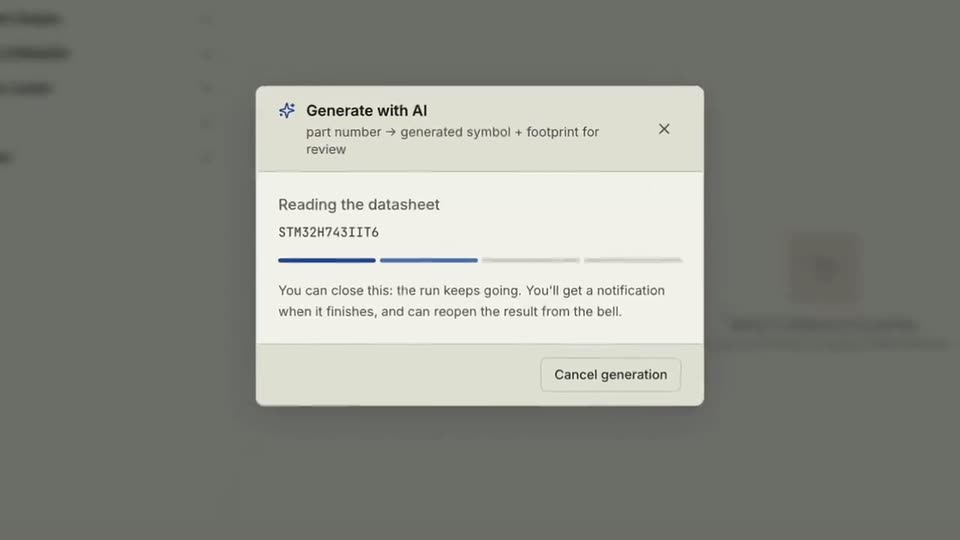 0:06–0:09Resin Technologies · Stop drawing component libraries by hand. Give Resin any MPN or datasheet and it builds the symbol and footprint, with every pin and pad traceable to the source datasheet. | Resin TechnologiesA centered “Generate with AI” modal sits over a dimmed, blurred app screen. The status line cycles from “Finding the datasheet” to “Reading the datasheet” to “Reading package dimensions”, a segmented progress bar fills, and the whole modal slowly scales up.
 0:07–0:09Resin Technologies · Introducing Semantic Diffs. You can now *see* what changed across revisions -- parts, traces, vias etc. -- instead of inspecting blobs of text. Live now for all users! | Resin TechnologiesA dark PCB editor canvas with a grid and component labels fills the frame, then the view zooms in on the top toolbar. The cursor moves right to hover over Version Control, which grows larger as the menu items scale up with the zoom.
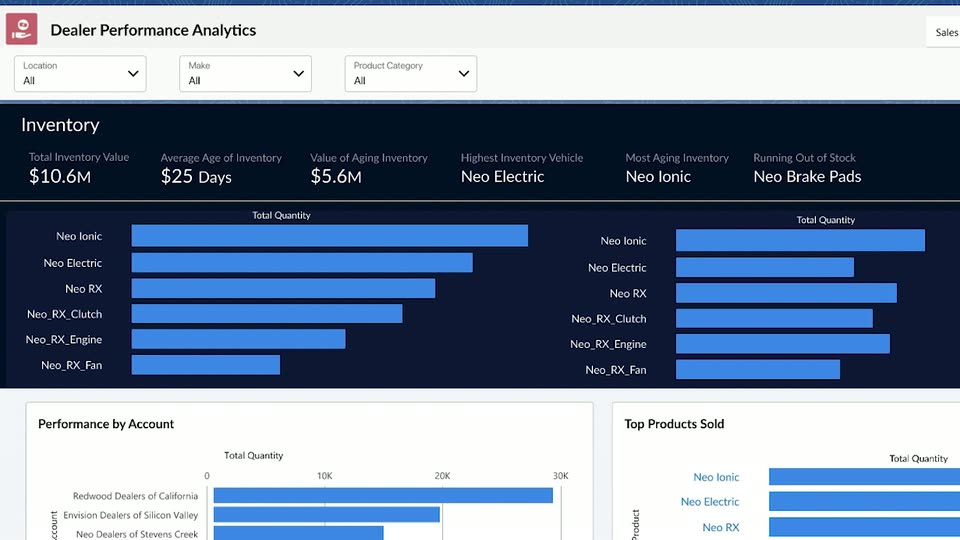 0:32–0:40Salesforce · Automotive Cloud - Automotive Cloud IntelligenceA full-screen analytics dashboard shows inventory KPIs and blue horizontal bar charts. At the end the frame zooms out, revealing the dashboard as one panel inside a wider Salesforce Automotive Cloud app with a visits sidebar on the right.
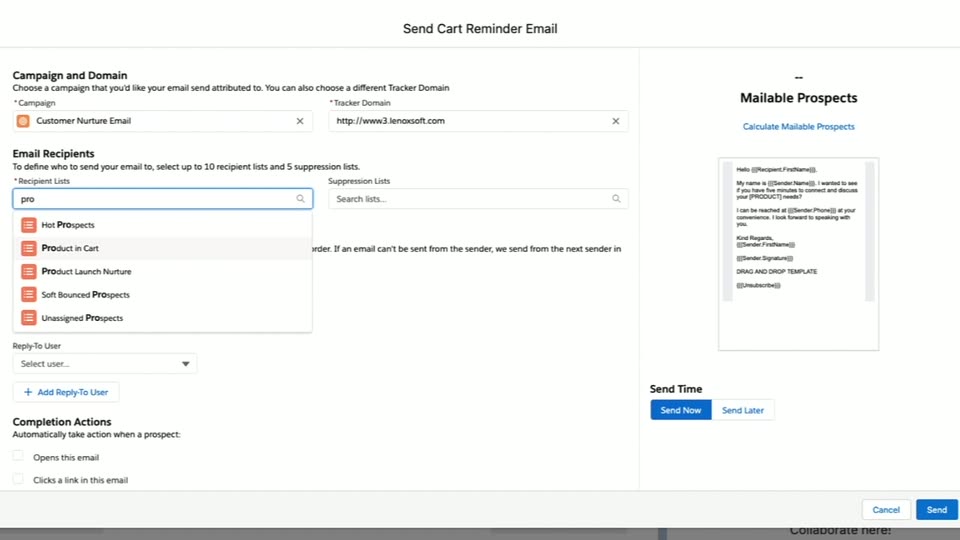 0:42–0:51Salesforce · Marketing Cloud - Account Engagement: Data Cloud IntegrationAn email-send dialog floats over a marketing platform; the frame zooms into the dialog, then the recipient search refilters from 'pro' to 'ca' lists while the campaign switches to Customer Onboarding.
 0:49–0:50Salesforce · Slack - CanvasA Slack-style workspace fills the frame: dark purple sidebar with a channel list, white pane with gray placeholder lines and colored avatar squares. The view zooms in slightly while a hand cursor hovers at the right.
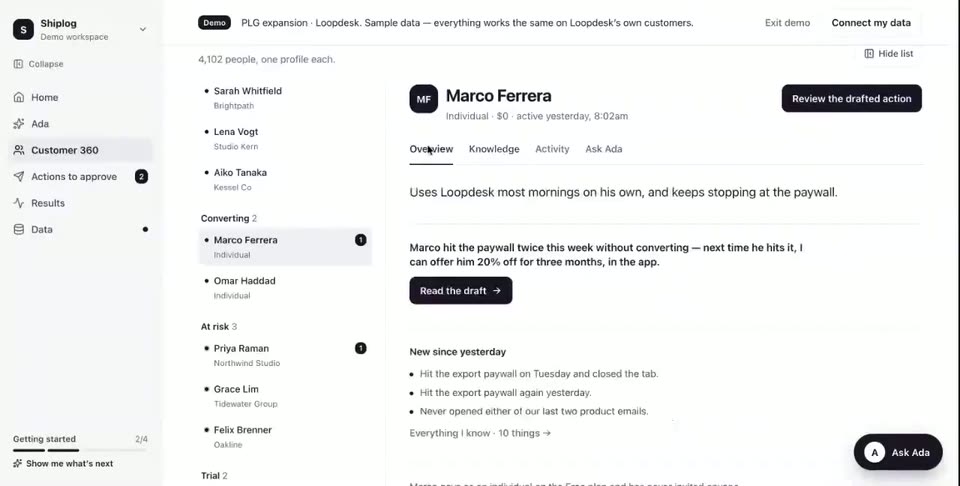 3:10–3:17Shiplog · #customersuccess #ai #saas #productledgrowth #revenuegrowth | Shiplog (F/AI F26)A SaaS dashboard shows a customer list on the left and a profile panel for Marco Ferrera on the right. The profile tabs cycle from Ask Ada to a Knowledge graph to an Overview summary, then the frame zooms in on the right panel.
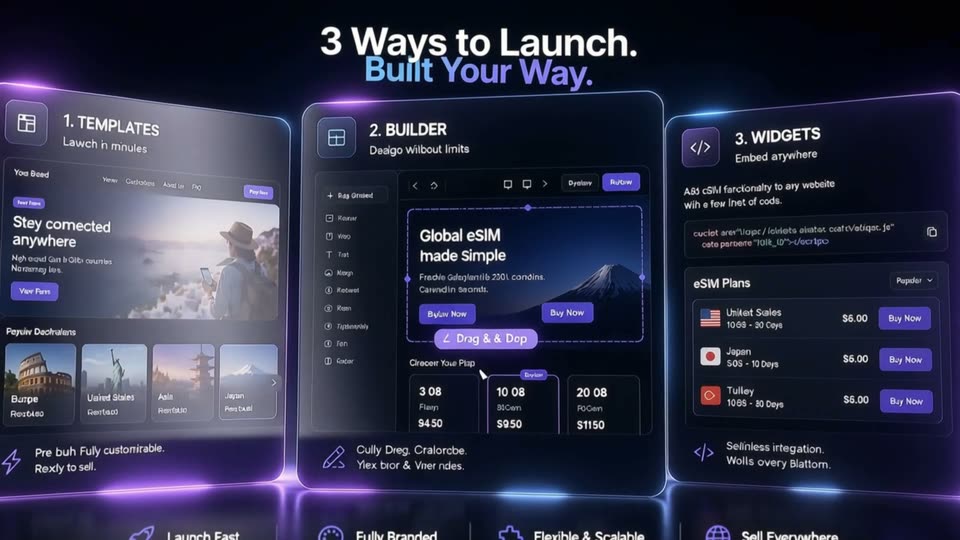 2:28–2:30SimBlox · SimBlox: minute demoThree glowing phone mockups stand in 3D perspective on a dark background, each showing a different eSIM interface, under a bold headline. The camera pushes in toward the center phone, ending in a close-up of its builder screen.
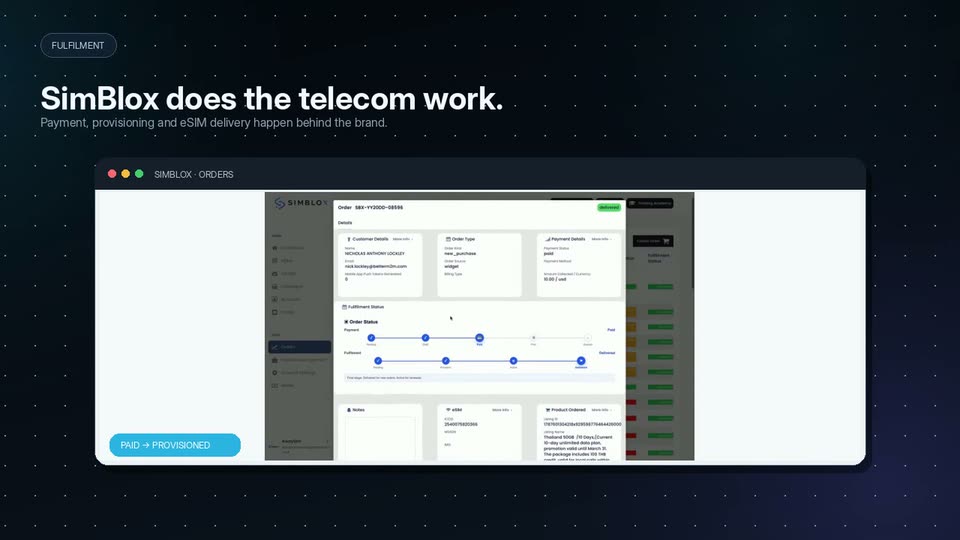 0:53–0:56SimBlox · SimBlox launch filmA flat browser mockup of the SimBlox orders table sits under a static headline. A cursor clicks a row, the view zooms into an order detail panel with status cards, then scrolls down to reveal the eSIM and notes.
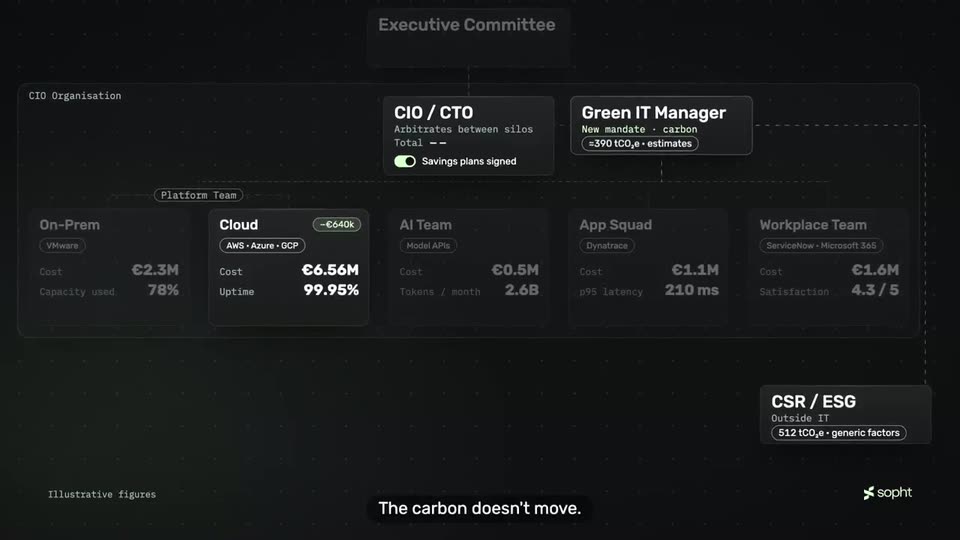 0:39–0:58Sopht · In 2026, IT is under pressure from every side. The market keeps shifting and budgets are getting tighter. - AI is changing how IT runs, and what it costs. - Cloud bills keep climbing. Carbon… | Sopht I B Corp certifiedA dark org-chart UI zooms out to reveal the full CIO dashboard. A headline notes every team hits its target while IT misses its own. A savings toggle flips on, the Cloud cost drops, cards dim, red no-change badges appear, then it fades to black.
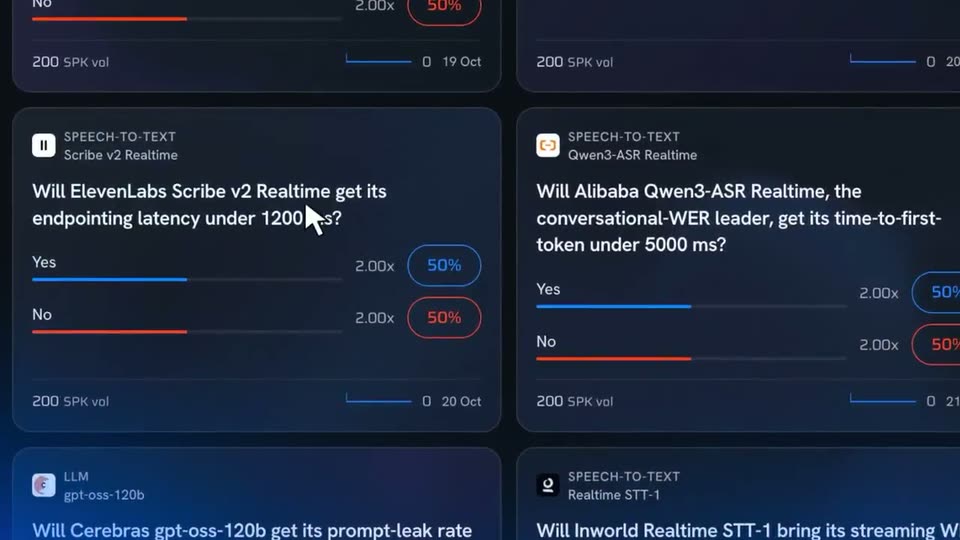 0:11–0:13Speko · We built Polymarket for Voice AI. Everyone in voice AI has opinions about where the models are going. Which vendor ships next. Which one gets faster. Which one finally gets accurate enough for real… | Speko (YC S26)A dark prediction-market dashboard fills the frame, a grid of cards each showing a model question with Yes and No bars and 50% tags. The view reframes from a wide grid to two cards side by side, a white cursor hovering over them, while a large white headline question overlays the top before dropping away.
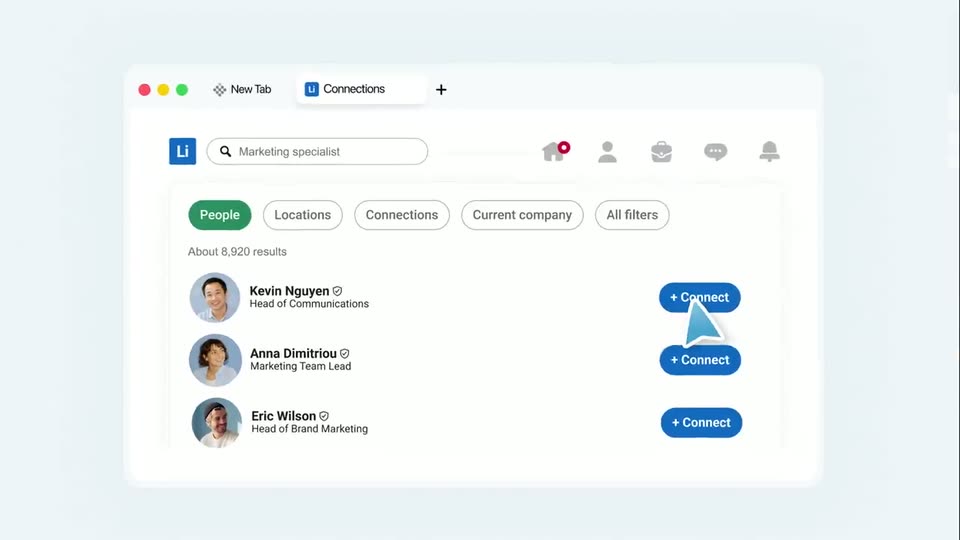 0:17–0:18Strawberry · Strawberry 1.0 is here. It marks a shift in how your team can work with AI. In Strawberry, you can create or hire virtual colleagues, called "Companions". Companions learn your preferences andA zoomed-in LinkedIn search field pulls back to reveal the full browser window with a results list, then a cursor moves down and hovers a blue Connect button.
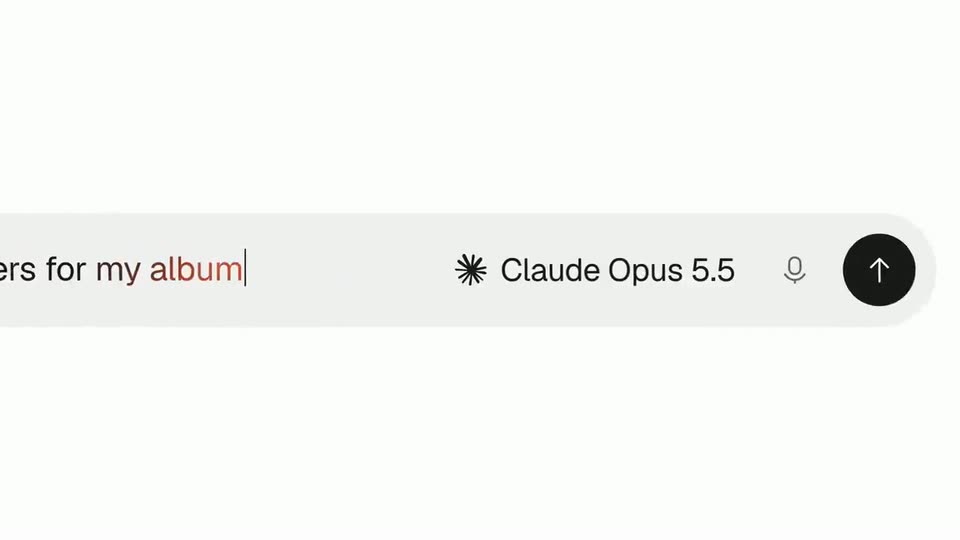 0:51–0:54Sunra · Today we're launching Sunra MCP , with the most accessible pricing in the industry. Every leading image, video and audio model, right inside Claude, ChatGPT and the AI assistant you already use. Each… | Sunra.aiA pale gray input bar on white shows the placeholder 'Ask anything' beside a 'Claude Opus 5.5' tag. The frame zooms in tightly as the prompt types out, then eases back to show the completed bar with a gray caption above it.
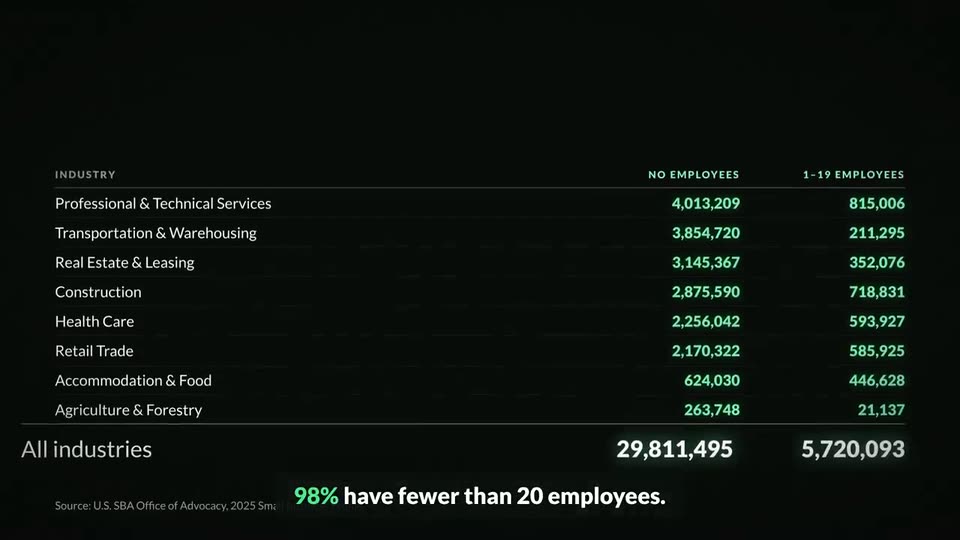 0:30–0:32Teamily AI · 150,000 small business owners and employees are already using Teamily AI. Today, we're opening it to everyone: your personal AI agent and an entire team of AI agents, ready to work for you and your… | Teamily AIA dark data table of industries and employee counts scales up from the lower-left corner to fill the frame. A caption at the bottom reads 98% have fewer than 20 employees, with a small source line at the lower left.
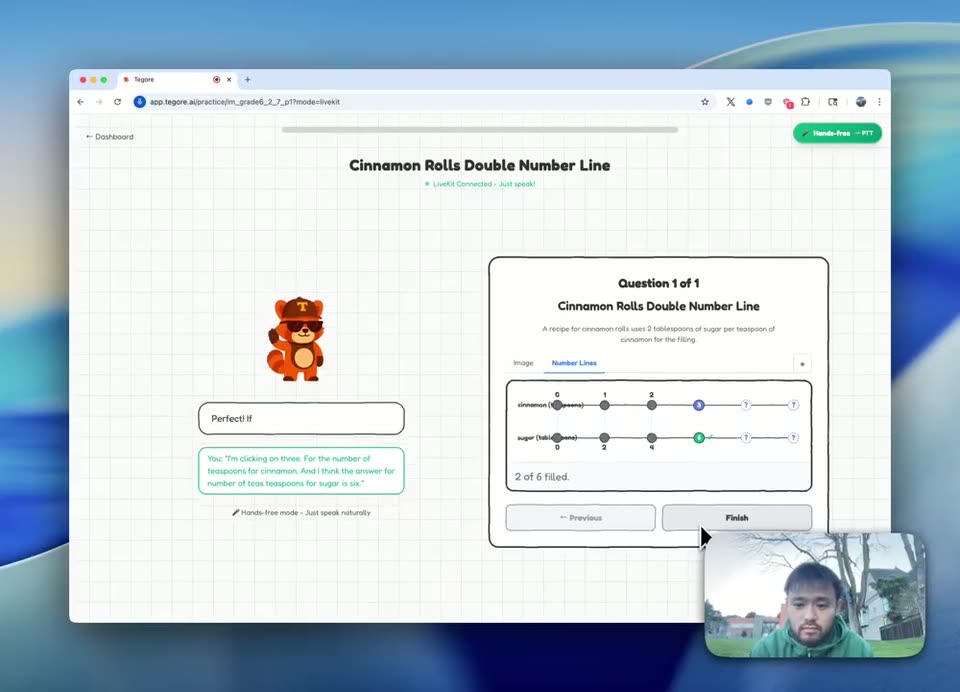 1:54–2:25Tegore · #learnwithtegore #aitutor #tegore | Tegore (YC X25)Screen recording of a math tutoring app with a webcam of a man in a green hoodie in the corner. A cursor clicks blanks on a double number line, the view zooms into the question card as it presses Finish, then returns as feedback types into the chat box.
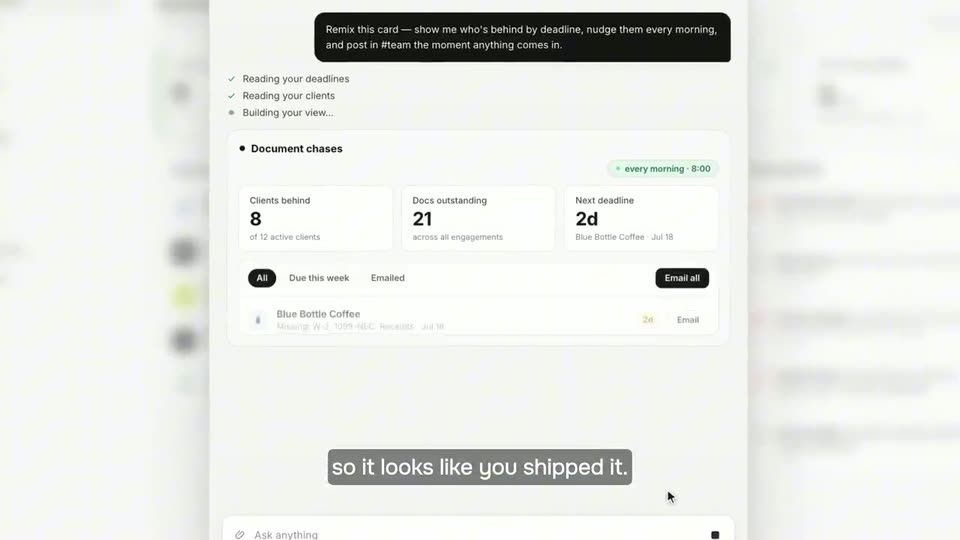 0:18–0:28Vendo · Vendo (YC S26) is officially live. The future of dynamic software is here. | Gradon (YC F26)A white modal card floats over a blurred app window. The camera slowly zooms in as the card fills with a checklist, three stat tiles, a client table and a green reminder row. Subtitle captions swap in at the bottom.
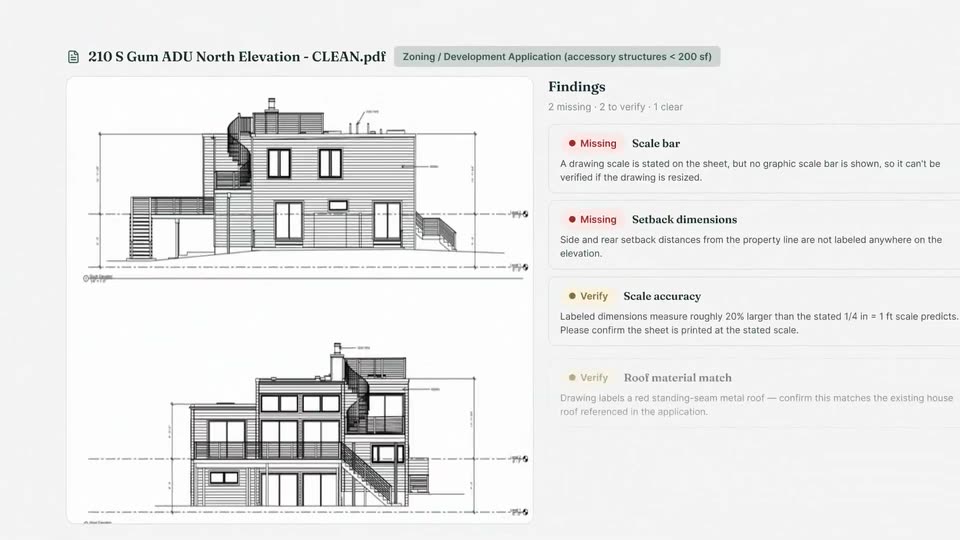 1:11–1:14Verdant · Verdant AI launch filmA tight crop on an architectural elevation drawing zooms out to reveal the whole review interface, the document on the left and a Findings list on the right with colored status dots. The serif Findings heading scales down as the panel fills in.
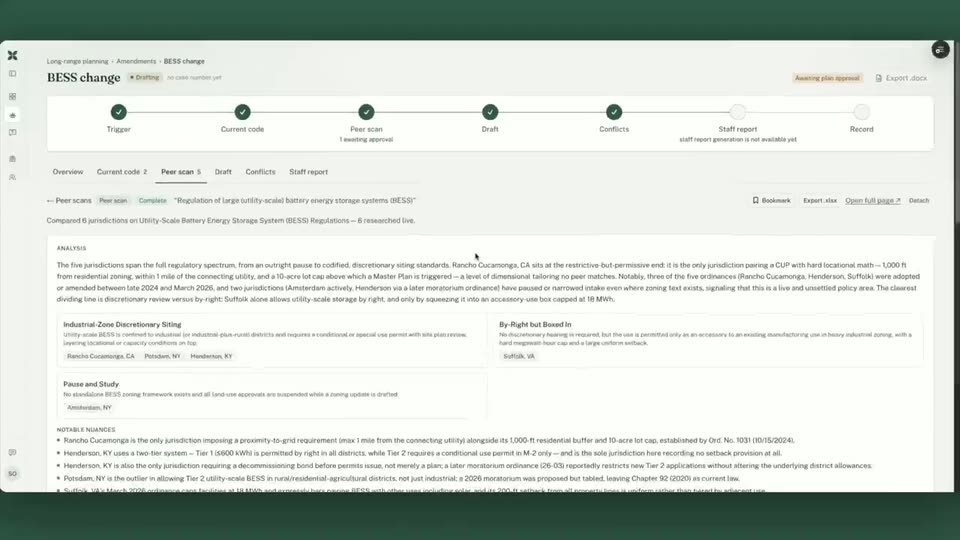 0:50–0:55Verdant · Data center development is broken. Verdant (YC S26) fixes that. Local governments are the backbone of industrial development - through zoning codes, they determine where, when, and how anything getsA product interface card floats on a dark green field, tilted in 3D perspective. The camera pushes into the peer-scan comparison table, then pulls back to reveal the analysis cards and the top progress stepper.
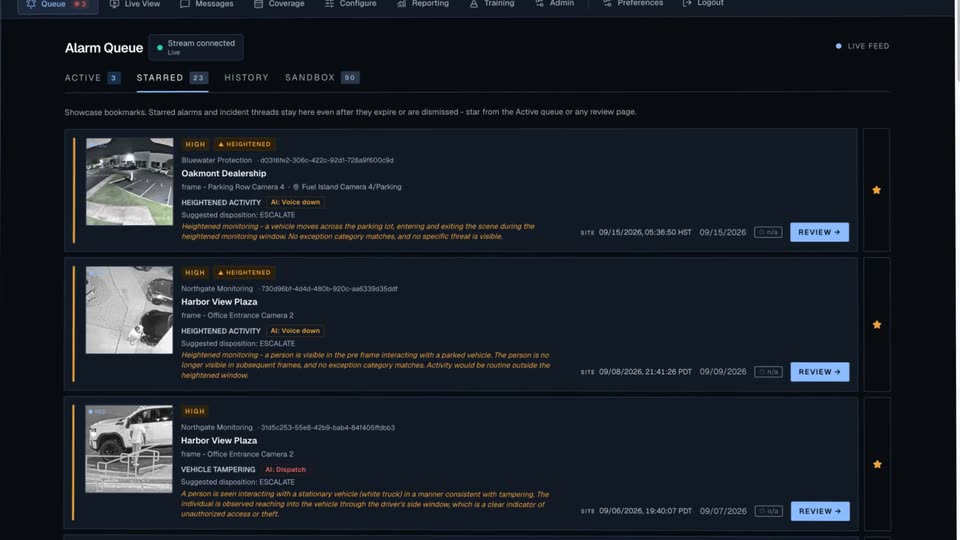 0:52–0:53Verdun · Verdun launch filmA dark security dashboard shows the Starred tab of an Alarm Queue, with three incident rows pairing grayscale camera thumbnails, severity tags and review buttons. The frame slowly pushes in on the list as the top navigation crops out of view.
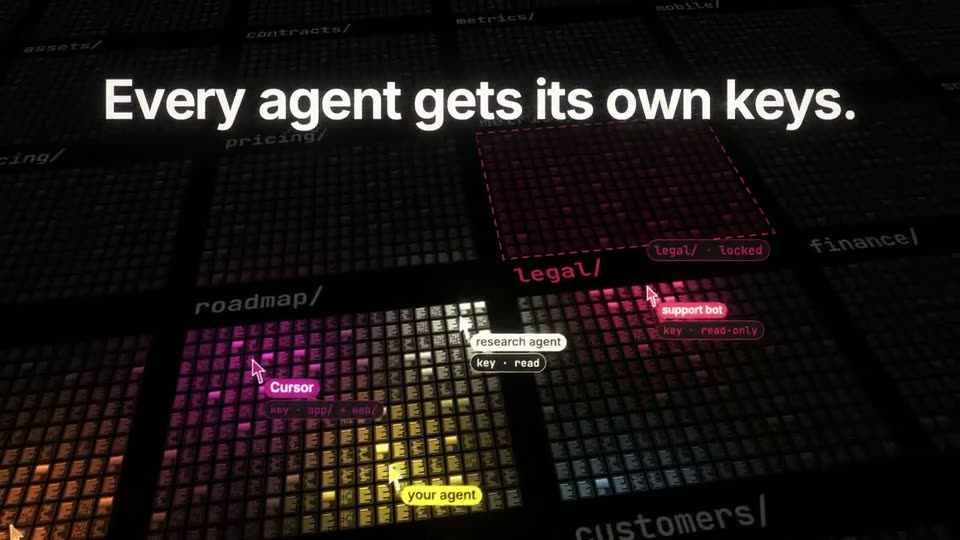 0:22–0:28Wondersearch · See FlashDrive (YC F26)’s activity on LinkedInA 3D grid of document tiles glows in named folders while colored agent cursors and permission tags appear around it. Large white headlines swap across the top as the camera drifts and pushes in on the locked legal folder.
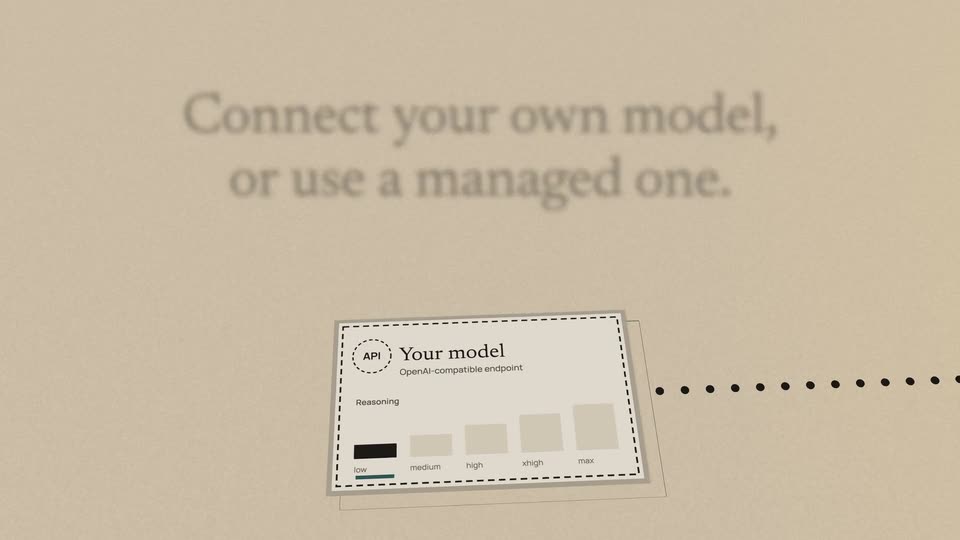 0:18–0:33Kimpton · Kimpton · We build what AI learns fromA dot-matrix sphere anchors dotted lines linking a model card on the left to a column of benchmark cards on the right. The view then pushes in on the card as it cycles GPT-5.6 Sol, Gemini 3.5 Flash, Claude Sonnet 4.6 and Your model, its reasoning bars filling in.
 3:13–3:18Unity · Unity CLI 1.0 and Unity Pipeline APIsA dark version-control interface with a file tree and a commit panel on the right zooms in on the commit message field, where a blinking caret types the word Updated.
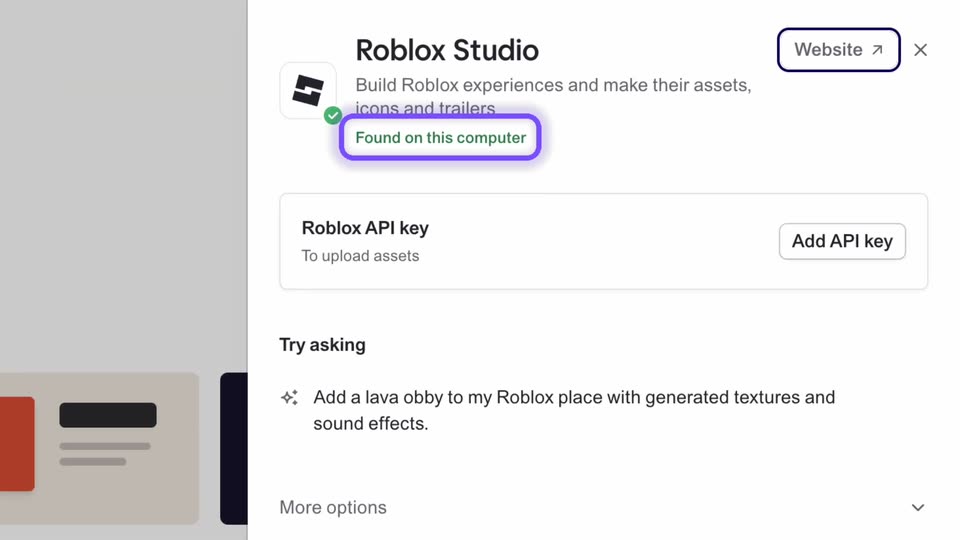 0:14–0:15Voyager · Connect Roblox Studio to Voyager (Build an Obby with One Prompt)A Roblox Studio settings panel sits on the right while an app grid of cards fills the left. The camera zooms in to isolate the panel, and a purple outline highlights the green-check status reading Found on this computer.
 0:09–0:14Brightside Games · Football Tactics: Dare to Dream - Official Announcement TrailerPixel soccer match on a striped green pitch with ponds and a waterfall. A white arrow marks the shot to the goal; the score ticks to 1-0, the view zooms in, and a yellow GOAL! banner stamps the center.
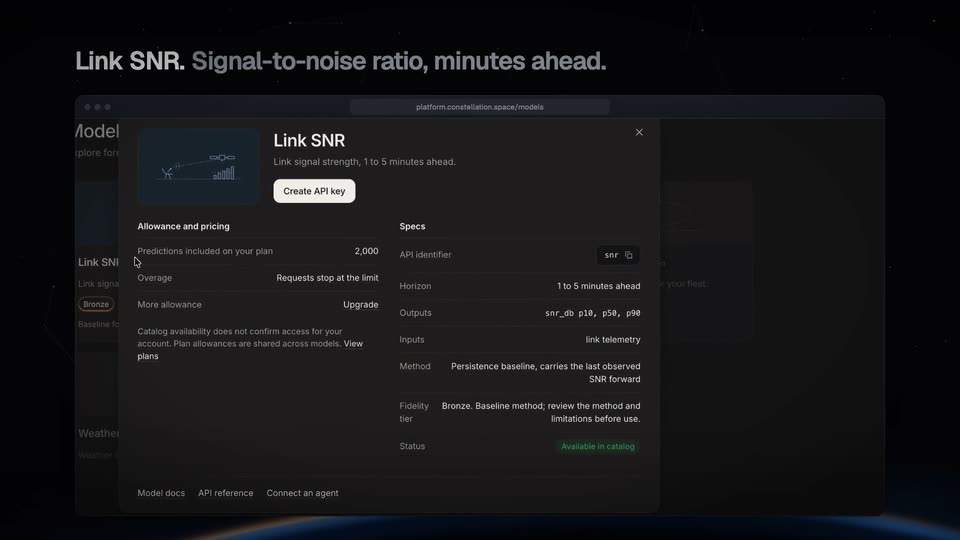 0:12–0:27Constellation Space · Space intelligence for all: Constellation SpaceA tilted 3D browser mockup of a models catalog floats over a starry space backdrop. A headline builds word by word above it, then a cursor clicks a card to open a Link SNR detail modal. The camera slowly pushes in, ending on the highlighted Horizon row.
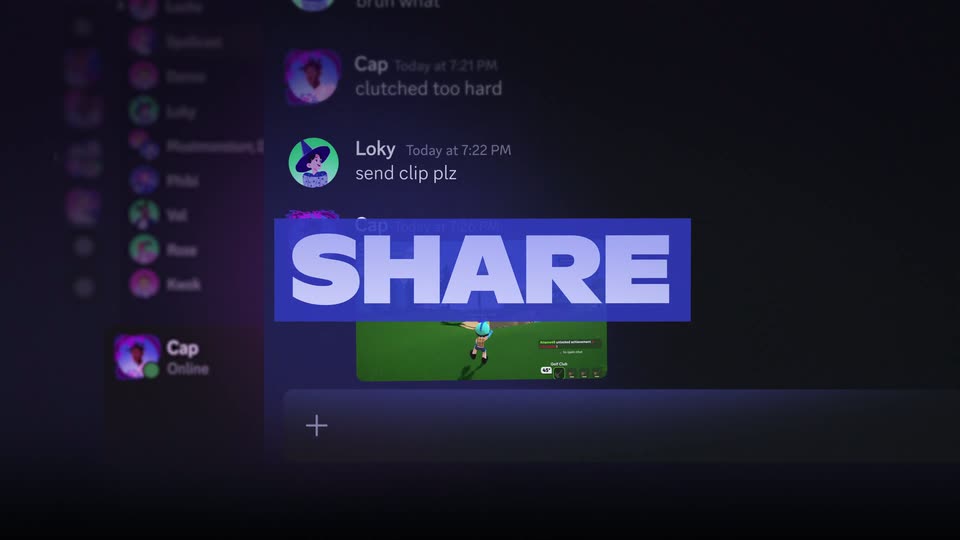 0:14–0:15Discord · Auto Clips | Available on DISCORD in Nitro Early AccessA dark chat interface with a contact list and message threads; a blue SHARE label hovers over a small golf clip, which enlarges and sharpens while the background chat comes into focus.
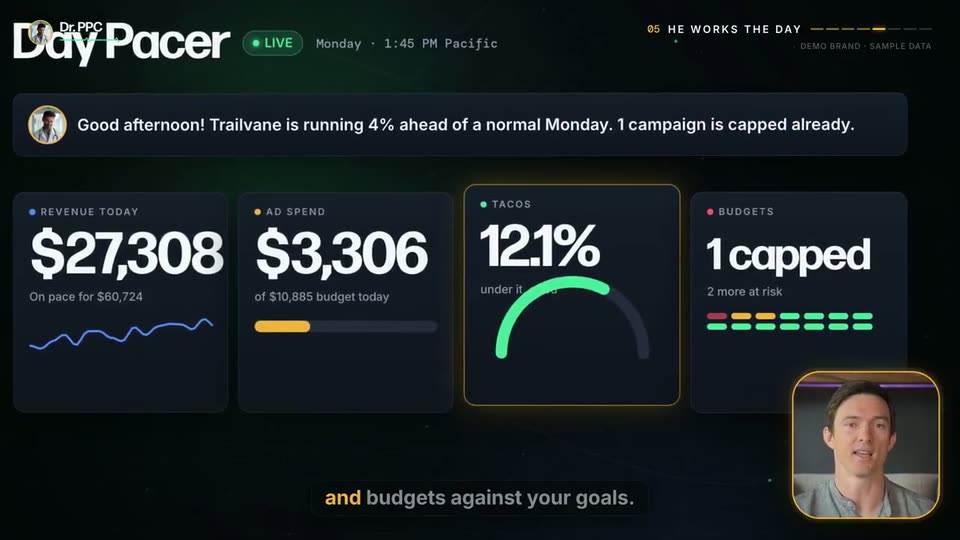 1:16–1:22Full Circle Agency · Ken Freeman - Game over for managing Amazon ads by hand. Today we're introducing DA dark dashboard fills the screen: the Dr. PPC message types out, then four metric cards with counting numbers pop in. A presenter's face sits in a small orange-bordered window at bottom right. At the end the view zooms right onto a campaign detail row.