UI zoom
A zoom or reframe onto one part of the interface.
9,977 scenes · page 49 of 167
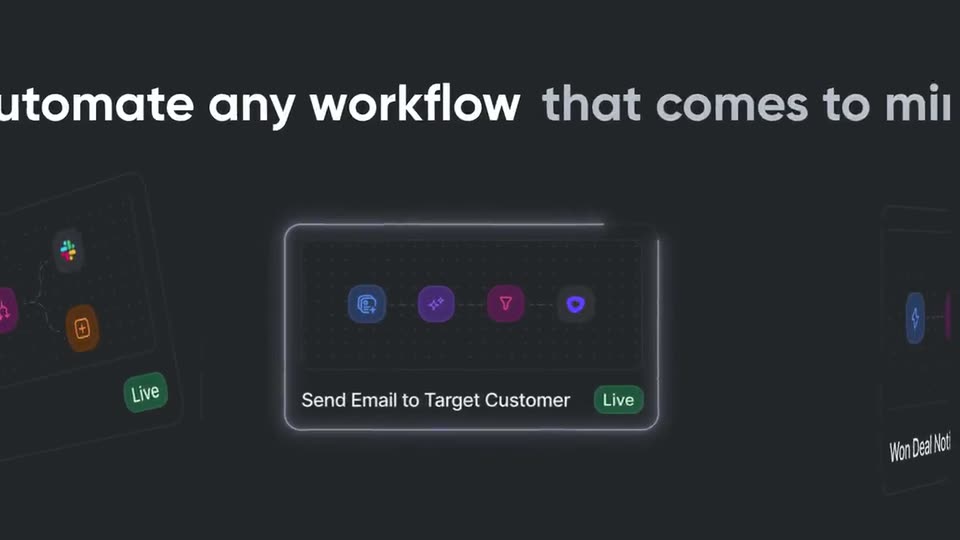 0:13 · 0.8sAttio · Attio - Automations is live on @ProductHunt! 🚀 🛠️ Build powerful workflows fA dark grid of workflow cards sits behind a bold headline. The camera zooms into the central card, outlined in a glowing white border, while the surrounding cards dim and slide to the edges.
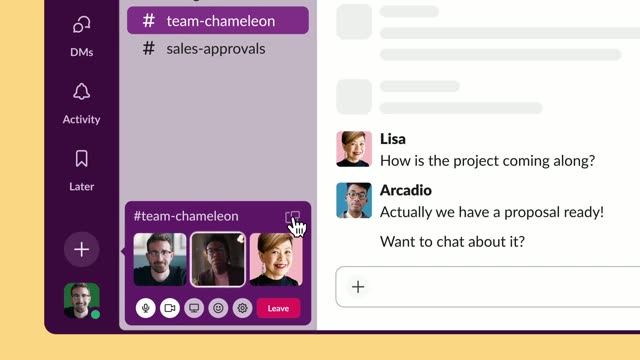 0:00–0:26Slack · Introducing new coworking capabilities in Slack huddlesA flat chat-app window on a yellow background zooms in as two messages type in, then a hand cursor taps the headphone icon. A purple huddle card with participant tiles slides into the sidebar and detaches into a floating video window.
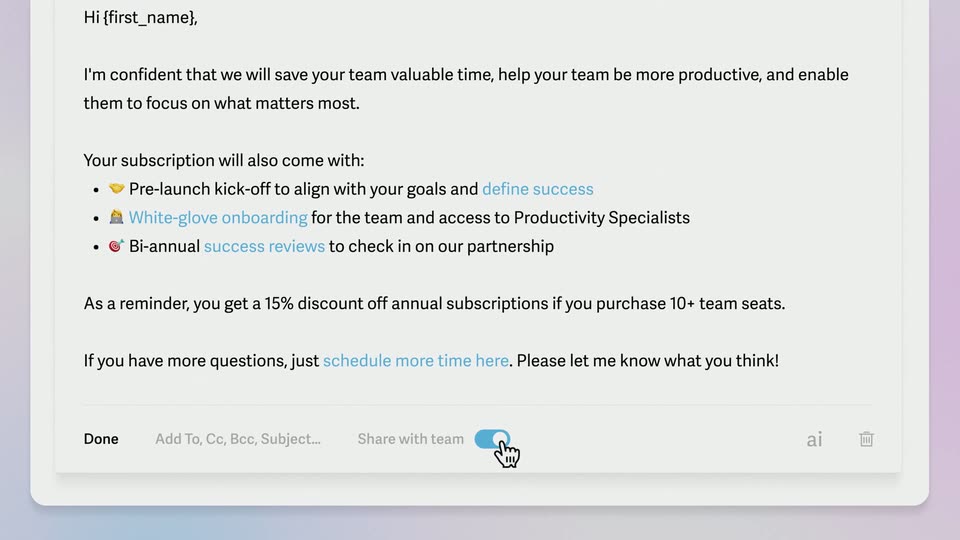 0:14–0:21Superhuman · Superhuman for Teams 🤝A small Private Snippet card floats over an email draft, then the view zooms to the full email as the card closes. A hand cursor clicks Edit, which flips to Done, then turns the Share with team toggle blue.
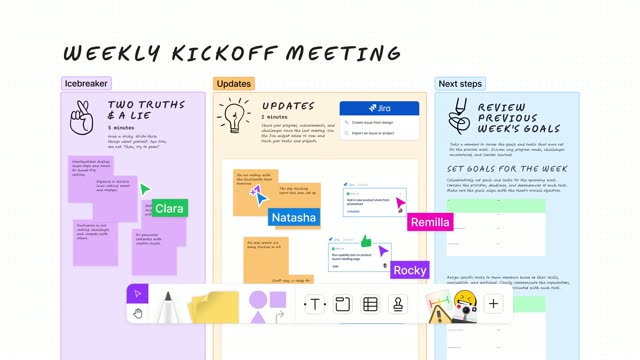 0:11–0:14Figma · Introducing FigJam AIThe view zooms out from a purple icebreaker card to a full whiteboard titled Weekly Kickoff Meeting, with three columns of sticky notes, a Jira widget, and four named cursors moving over the cards above a bottom toolbar.
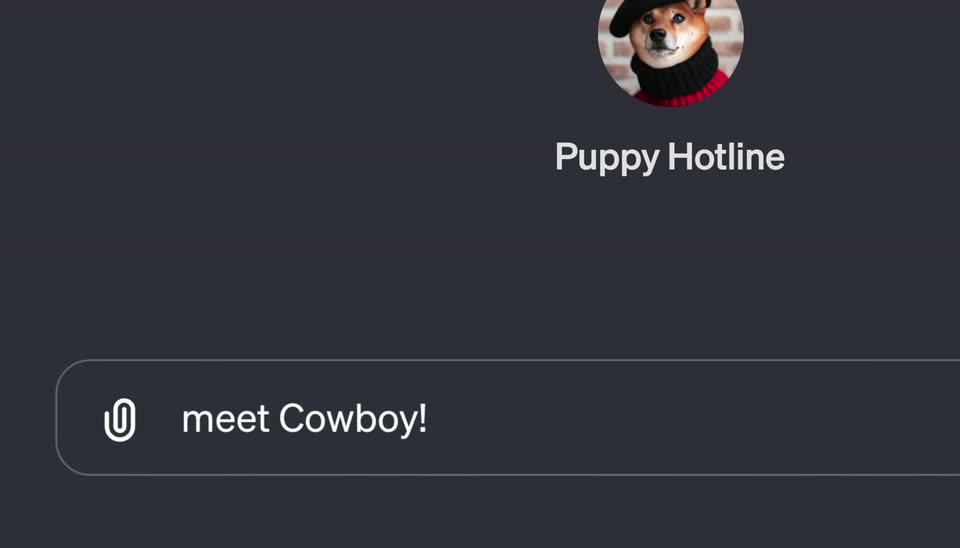 0:05–0:10OpenAI · Introducing GPTs in ChatGPTDark chat screen with a dog avatar and the name Puppy Hotline above an empty message bar. The view zooms in as meet Cowboy! is typed, then a photo of a dachshund on grass loads into the attachment thumbnail.
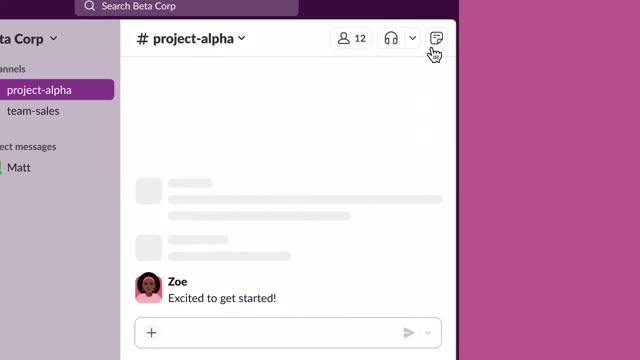 0:18–0:19Slack · Introducing canvas | A new surface to share and organize knowledge | SlackA Slack-style workspace shows the # project-alpha channel. A cursor clicks the panel icon in the top right, and a right sidebar slides in with Project Alpha details, key resources, and stakeholder avatars. The view reframes to follow the panel.
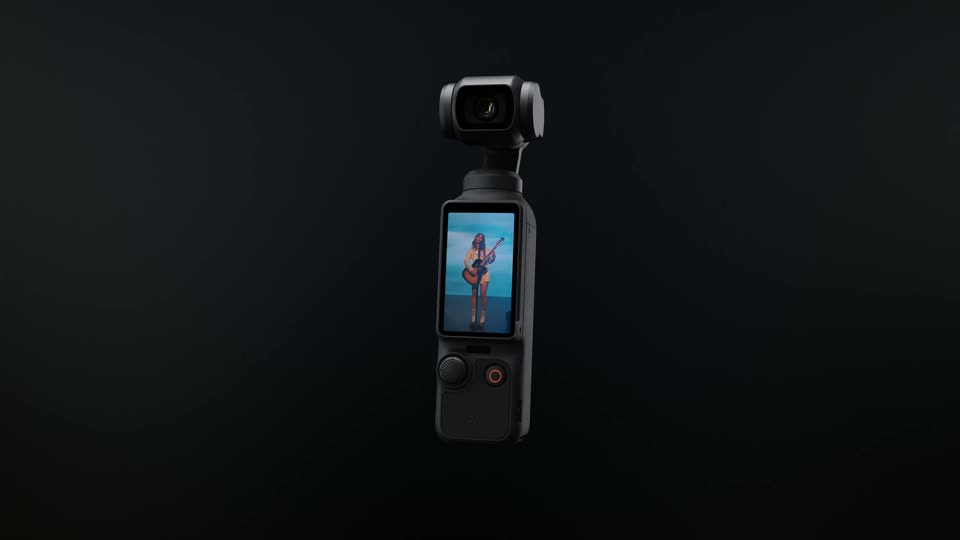 0:04–0:07DJI · Introducing DJI Osmo Pocket 3A small black gimbal camera floats in a dark void, turning from a side profile to a front view as its screen plays a clip of a person strumming an acoustic guitar. The view then pushes in, framing the screen and the dial and orange-ringed button below it.
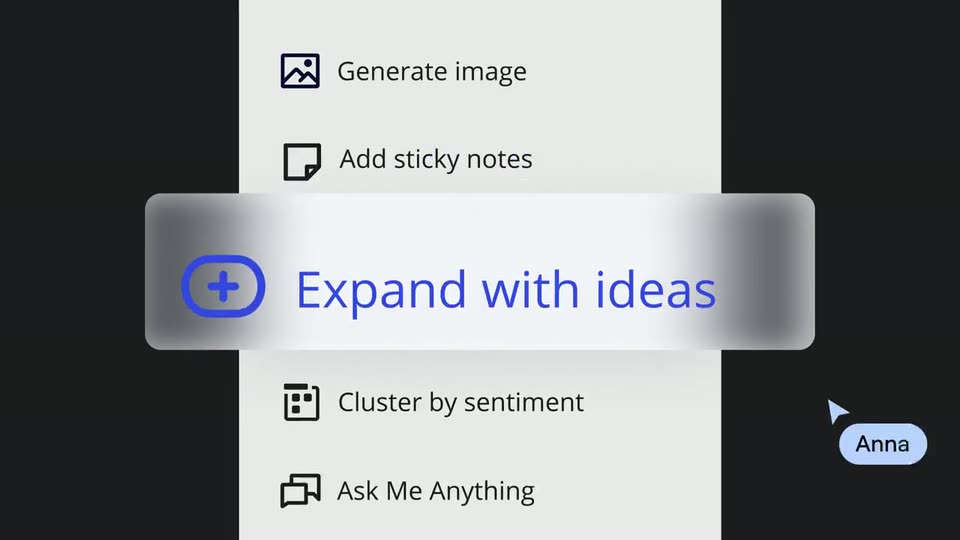 0:04–0:08Miro · Miro - Meet your AI partner for innovation, launching November 1. What wilA frosted highlight bar slides down a light Miro Assist menu on a dark background, enlarging each option in blue as it passes. The list scrolls to reveal more items, a cursor labeled Anna enters from the right, and the headline Introducing AI for innovation slides in.
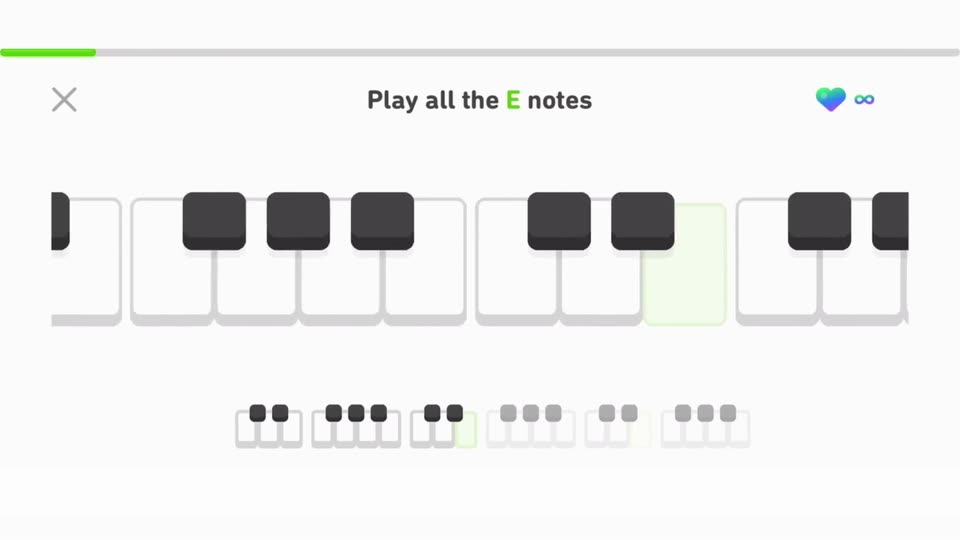 2:46–2:51Duolingo · Introducing Music on Duolingo - See Duolingo's newest Music course!A music-app lesson screen with a green progress bar and the title “Play all the E notes” at top. A row of piano keys scrolls horizontally while a soft green highlight with small dots marks the E keys, and a smaller key-pattern strip scrolls in sync below. The view then reframes to a new title and a speaker button.
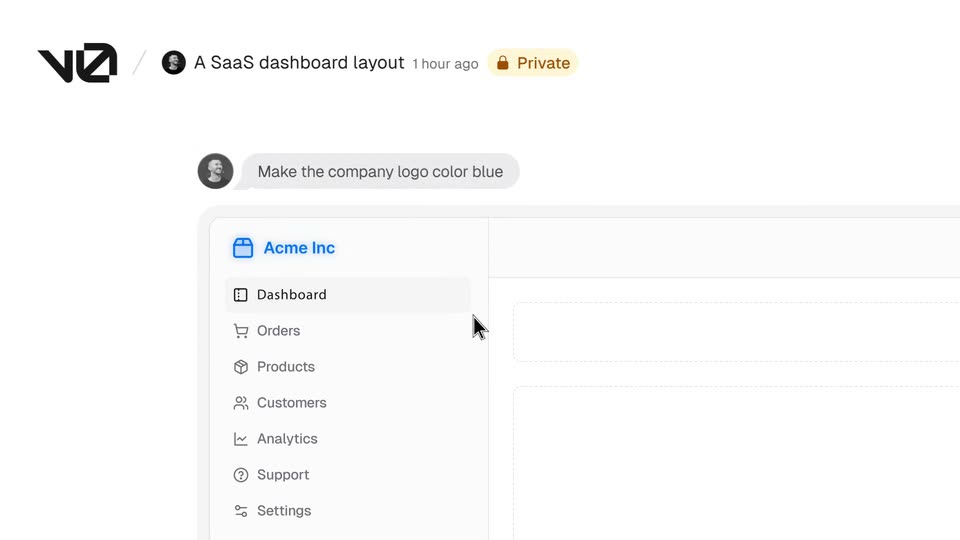 0:13–0:29Vercel · Introducing v0: Generative UIThe cursor clicks the Acme Inc header of a dashboard mockup, a prompt box opens, and the instruction Make the company logo color blue is typed; Update turns the logo blue. The view zooms out, and the cursor clicks the Canvas button, and the mockup fades.
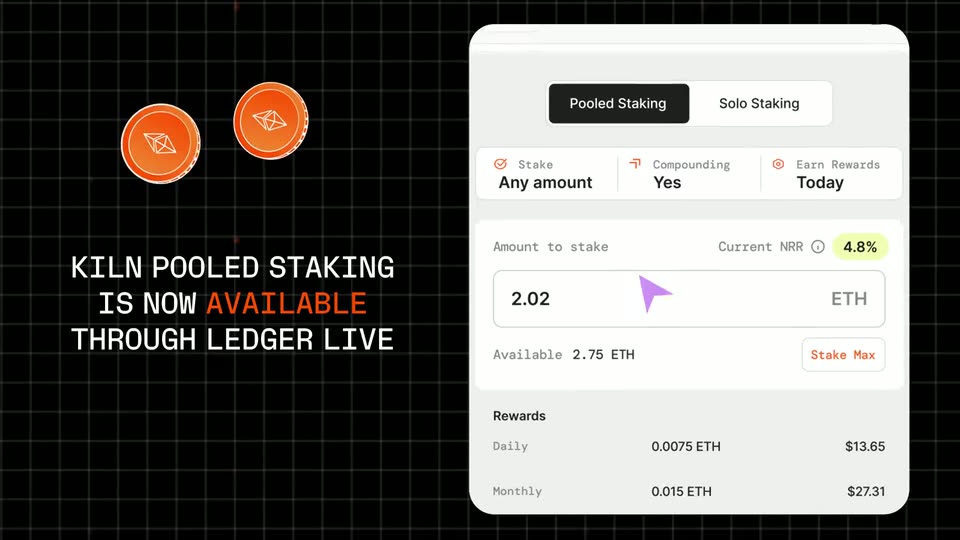 0:06–0:10Ledger · Ledger - If you want to stake ETH from the security of your Ledger, but don'tA black grid stage holds two floating orange Ethereum coins and a white monospace headline that decodes from scrambled letters. On the right, the Kiln staking panel updates its fields as a purple cursor hovers the Pooled Staking toggle, then the panel zooms in.
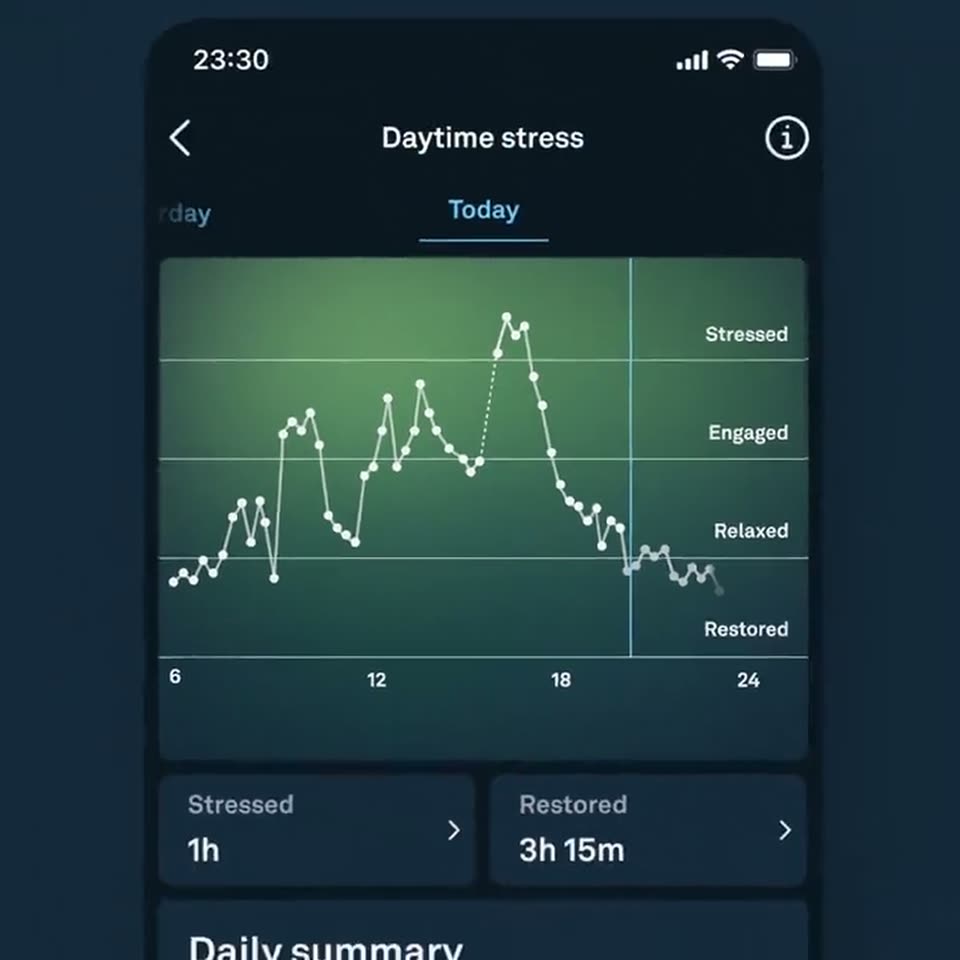 0:17–0:19Oura · ŌURA - Introducing Oura's new Stress feature! We now track your stress &amA white line graph on a green gradient fills the frame, with the caption “And the recovery” below. The view zooms out to reveal the chart inside a phone screen showing the Daytime stress header and two summary cards.
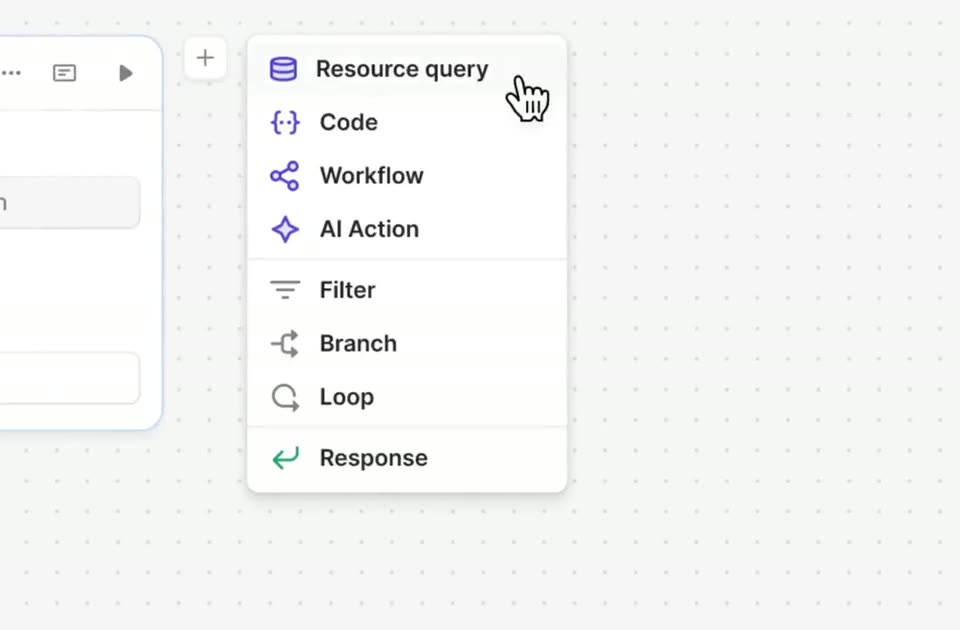 0:00–0:03Retool · Retool - Say hello to the fusion of visual programming, code, and AI. RetoolA workflow canvas with a trigger node fills the frame, then the view zooms to a plus button. A hand cursor clicks it, opening a menu of node types, and hovers over Resource query.
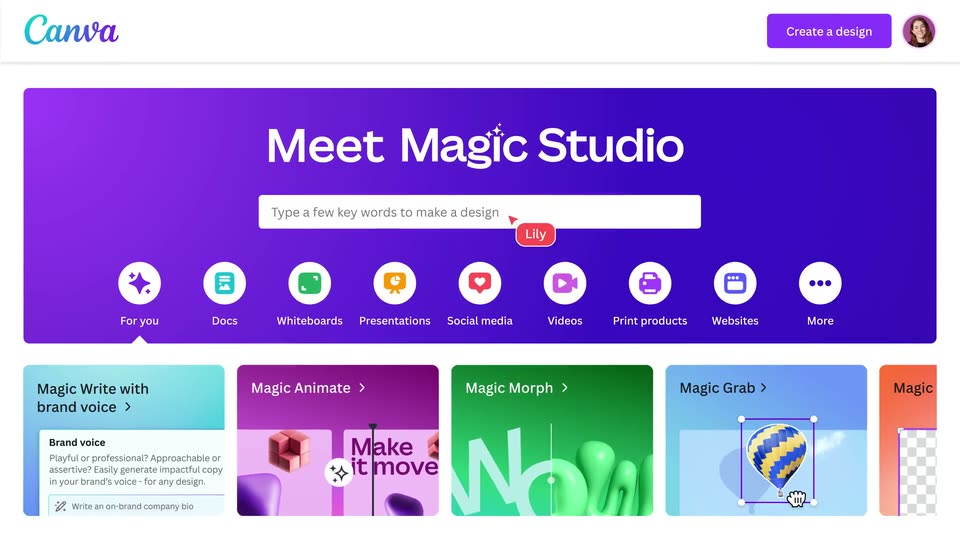 0:08–0:10Canva · Canva - Meet Magic Studio. Supercharge your workflow with all the power of AIThe view pulls back from a tight crop of the purple Magic Studio hero to the full Canva page, exposing the logo, search field, row of category icons, and a horizontal band of colored feature cards along the bottom.
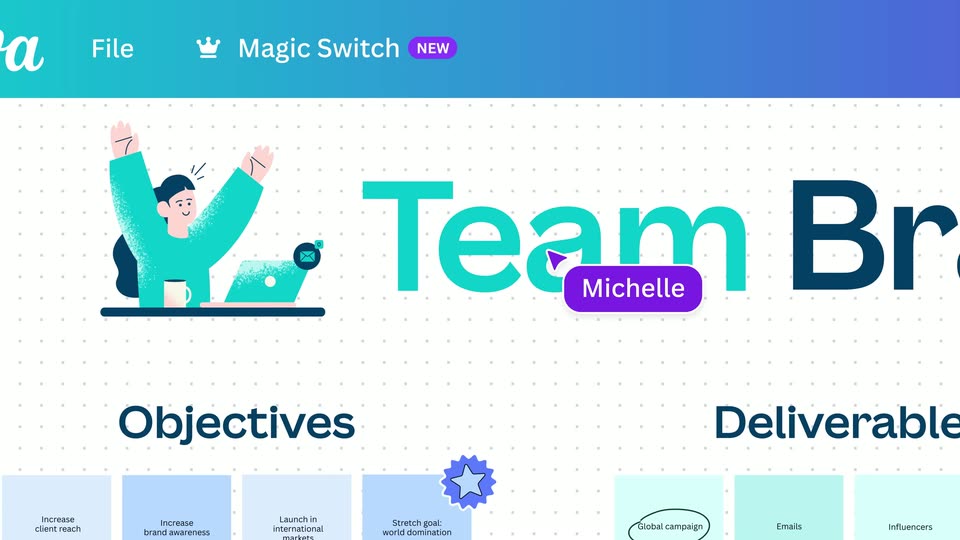 0:29–0:31Canva · Meet Magic Studio | Let the power of AI supercharge your workA Canva Team Brainstorm board with six labeled columns and several colored collaborator cursors fills the screen, then the view zooms in on the title and the jumping-person illustration.
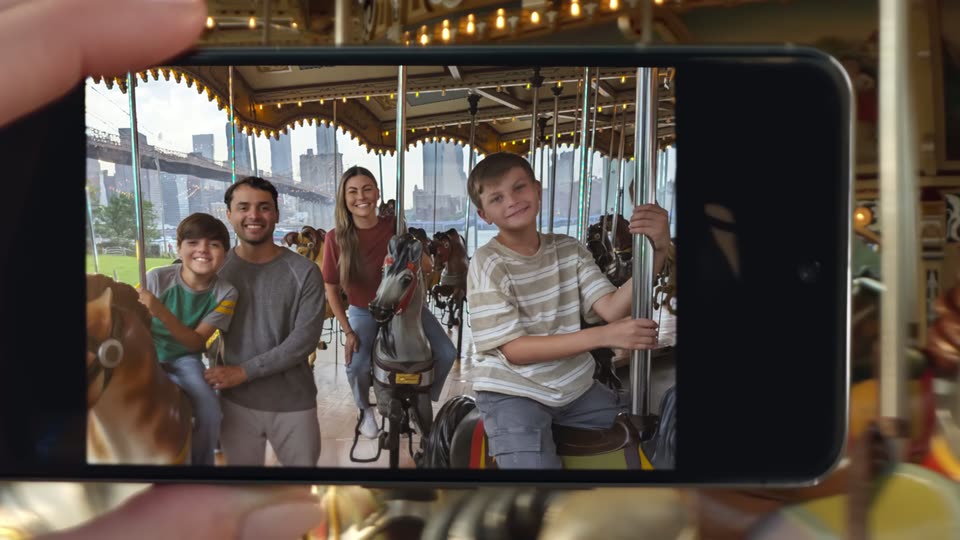 0:47–0:48Google · Meet Google Pixel 8 and Pixel 8 ProA hand holds a phone horizontally in front of a lit carousel, its screen framing a family of four on the horses. The shot zooms into the screen until the live view fills the frame.
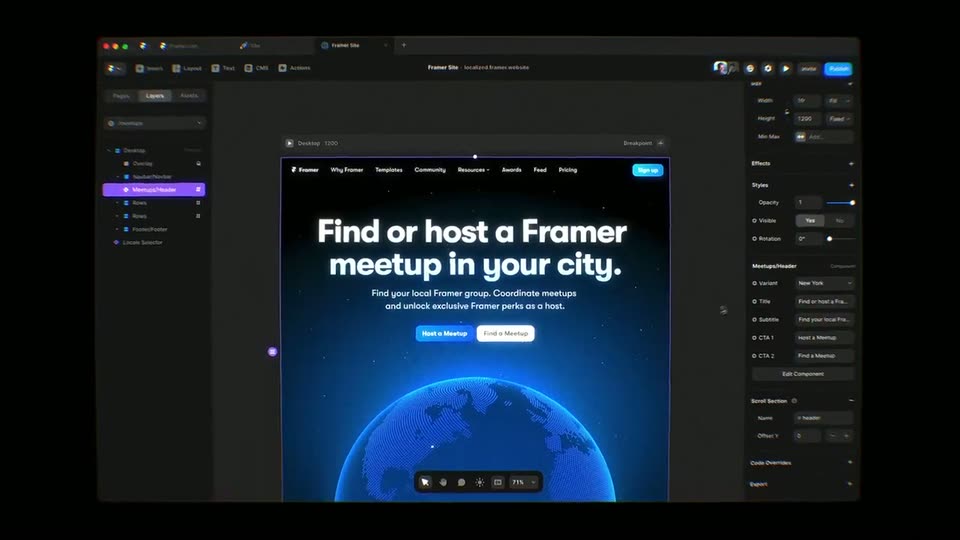 0:20–0:21Framer · Framer - 🌎 Hola, Bonjour, こんにちは! Introducing AI-powered Localization for yourA dark Framer editor fills the frame, its center canvas showing a bright blue globe under a white headline. The view zooms in toward the right properties panel, framing the Meetups/Header component, variable fields and component list in close-up.
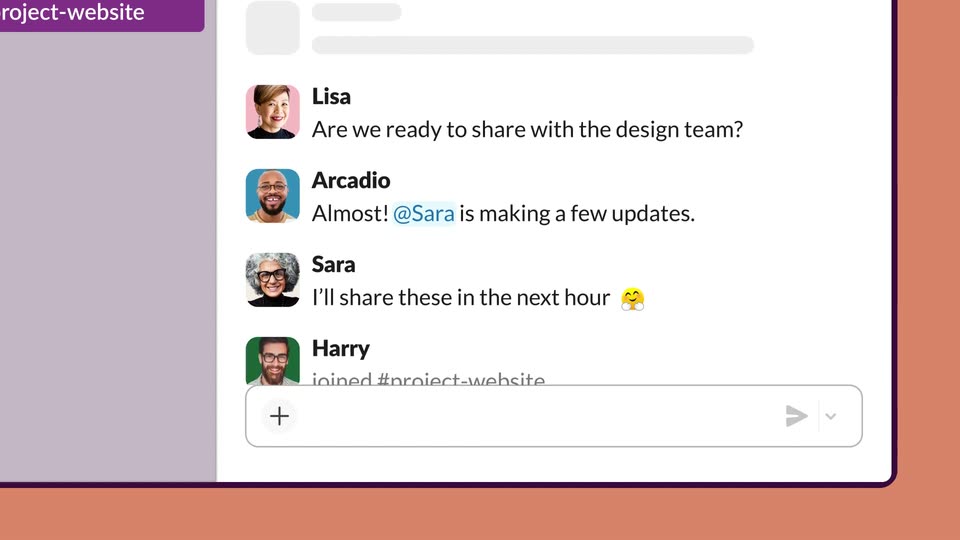 0:29–0:42Slack · Conversations in SlackA purple chat window on an orange background: a cursor selects the project-website channel, the view zooms into the thread, a question is typed and sent, replies from three users and a join notice appear one by one, then the camera pulls back to the full window.
 0:01–0:03Headspace · Nexus Studios - 🚀Exciting news from #MetaConnect! ⭐️ ⚡️Introducing a virtual playgroA hand holds a VR headset from behind; the camera pushes into the lenses and the view opens into a virtual garden where a hand lifts a glowing cube.
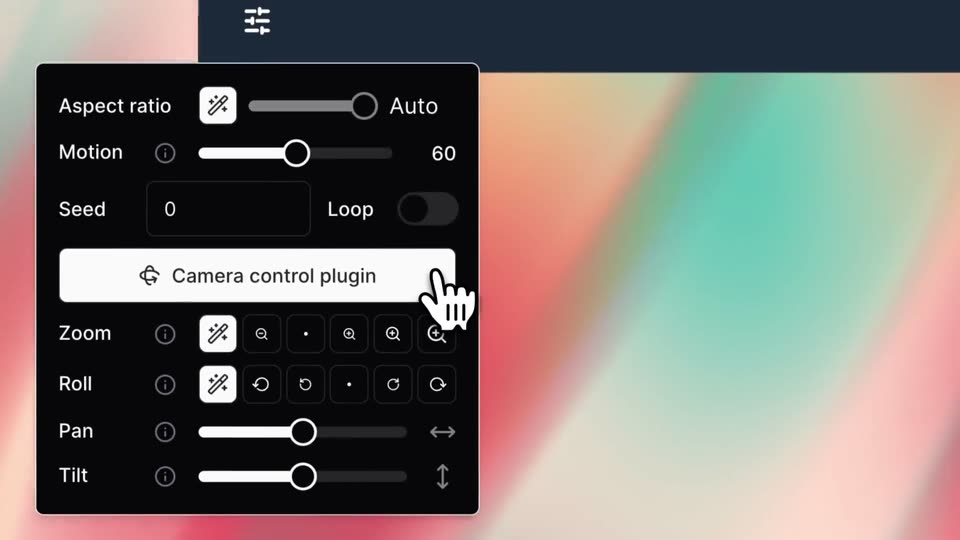 0:04–0:08Genmo · Genmo - Camera movement drives emotion, pace, and mood in filmmaking. AnnounA dark prompt bar over a blurred gradient background zooms into a settings panel. A hand cursor taps the camera control plugin button, revealing zoom, roll, pan and tilt sliders, then presses a zoom icon.
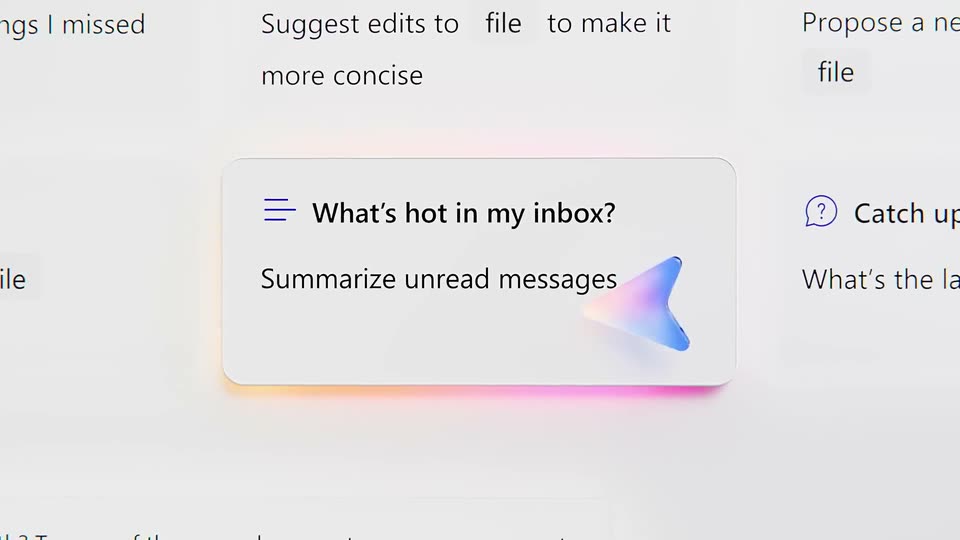 0:03–0:04Microsoft · Introducing Microsoft 365 ChatA grid of prompt suggestion cards on a light background zooms in on the central card, which shows a list icon and the line What's hot in my inbox? with a subtitle, while a gradient 3D arrow bobs over its corner and a pink glow pulses beneath it.
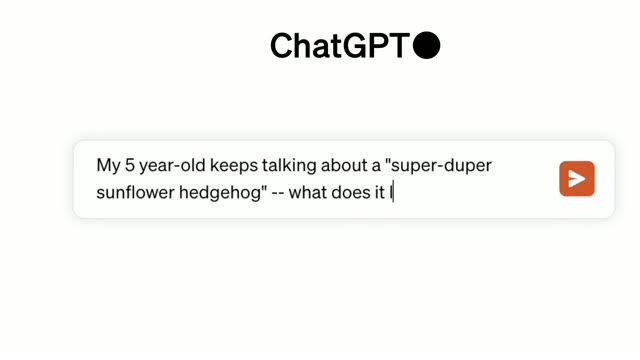 0:00–0:06OpenAI · Introducing DALL·E 3The ChatGPT wordmark sits above a white rounded search bar on a pale background. A prompt types out letter by letter with a blinking cursor, the bar expands to two lines, and the frame zooms in on the field.
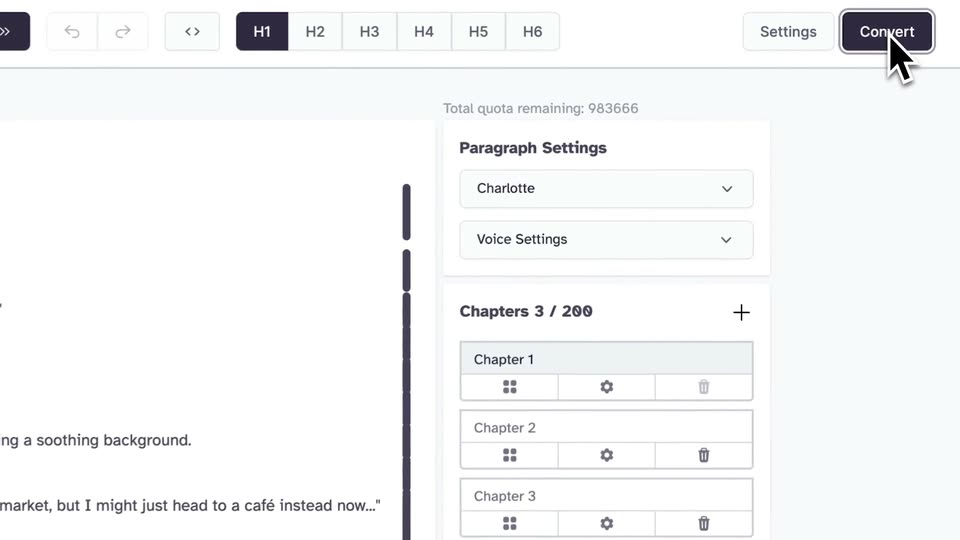 0:17–0:18ElevenLabs · Introducing: ProjectsA two-pane editor fills the frame: a chapter document on the left, a settings and chapter list on the right. The view zooms in toward the right pane while a cursor rests on the Convert button, and a large Full Conversion label scales in.
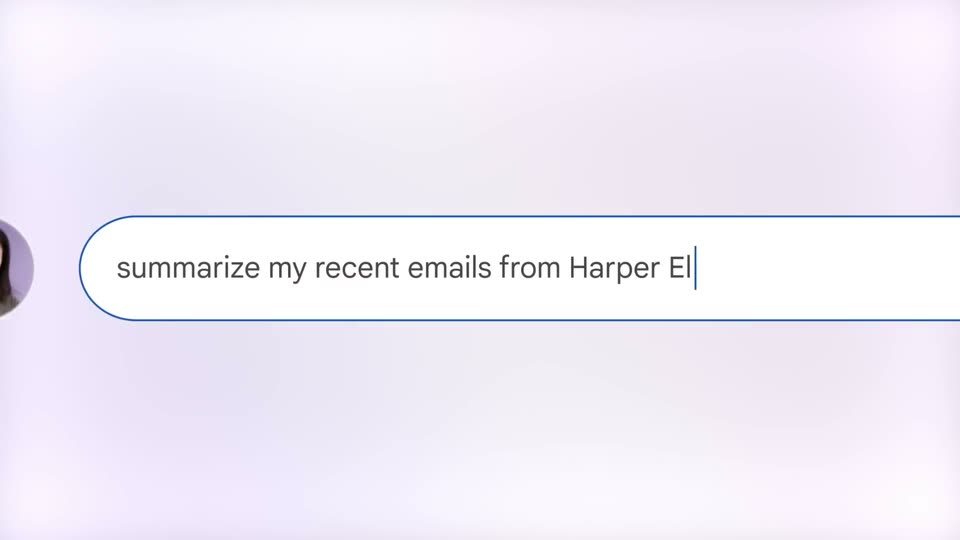 0:25–0:27Google · Introducing Extensions ✨ | BardA rounded blue-outlined prompt bar with a circular user avatar sits on a pale lavender background. The text “summarize my recent emails from Harper Elementary school” types out word by word behind a blinking caret as the camera pulls back from a close-up to the full bar.
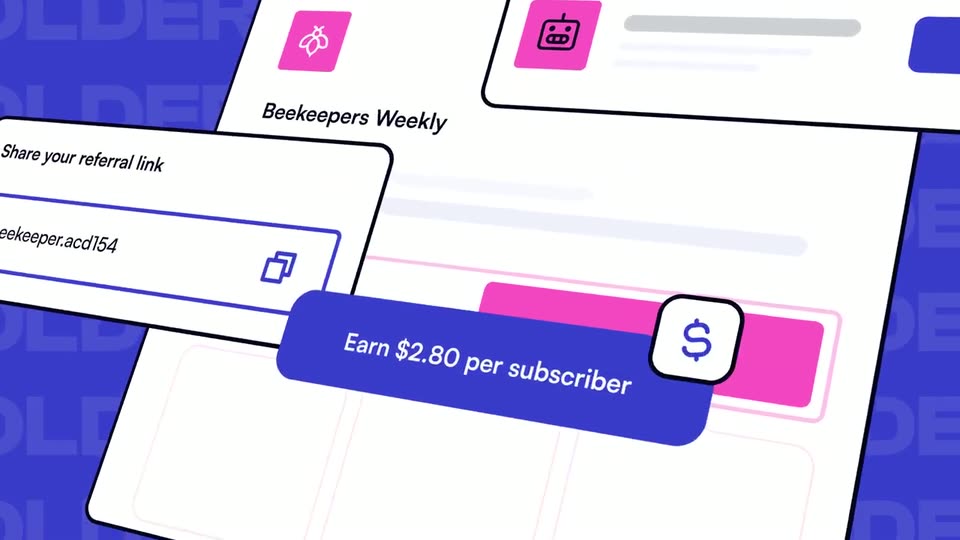 0:11–0:14beehiiv · beehiiv 🐝 - new beehiiv who disTilted white UI cards showing a newsletter referral flow zoom in over a blue patterned background. A pink dome wipes up from the bottom, pushing the cards down and revealing CREATIVE in white.
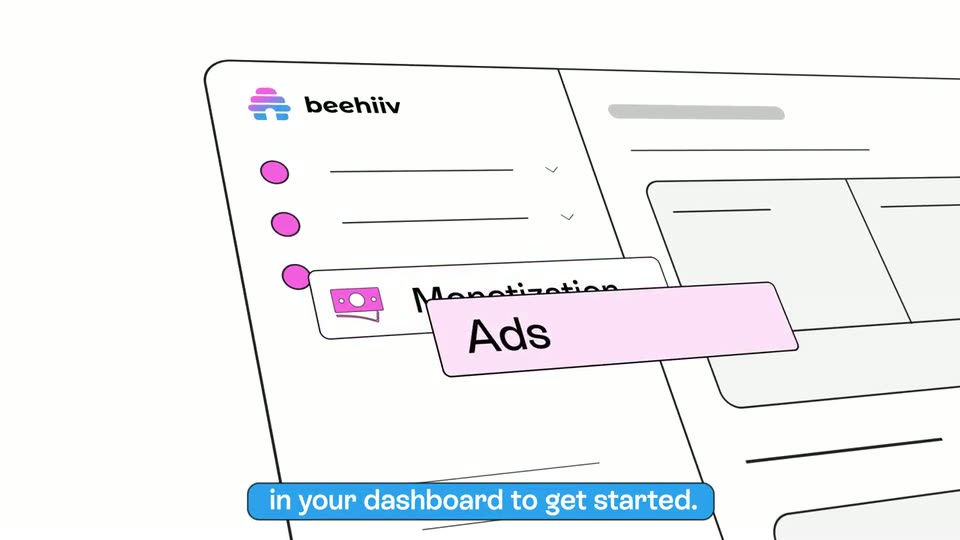 0:13–0:19beehiiv · beehiiv 🐝 - your newsletter 🤝 quality sponsors enter: the built in ad networkA line-art beehiiv dashboard sits beside a schedule card as the camera pans right and zooms into the sidebar. A pink highlight lands on the Monetization row, then the Ads tab pops out in perspective while blue caption pills swap at the bottom.
 0:06–0:08Slack · A new day for work, powered by AIOn a flat green field, a vector browser window with a purple sidebar and yellow placeholder rows. A larger window behind it slides away, then the front window with person icons shrinks toward the center.
 0:36 · 0.8sAdobe · Adobe Firefly: Out of Beta & Ready For Your Imagination | AdobeA text-effect editor on white shows the words TIGER FUR filled with orange-and-black tiger fur. The right-hand control panel and the bottom row of letter swatches fade out, reframing the textured wordmark alone and centered.
 0:00–0:05Loom · Loom - 😎 Record with confidence: Loom AI automatically removes the ums, ahA video player with a speaker's avatar and a transcript panel sit side by side. The frame zooms into the transcript, where pink outline rings sweep around the silence labels in two waves, then the labels fade out and the view returns to the full layout.
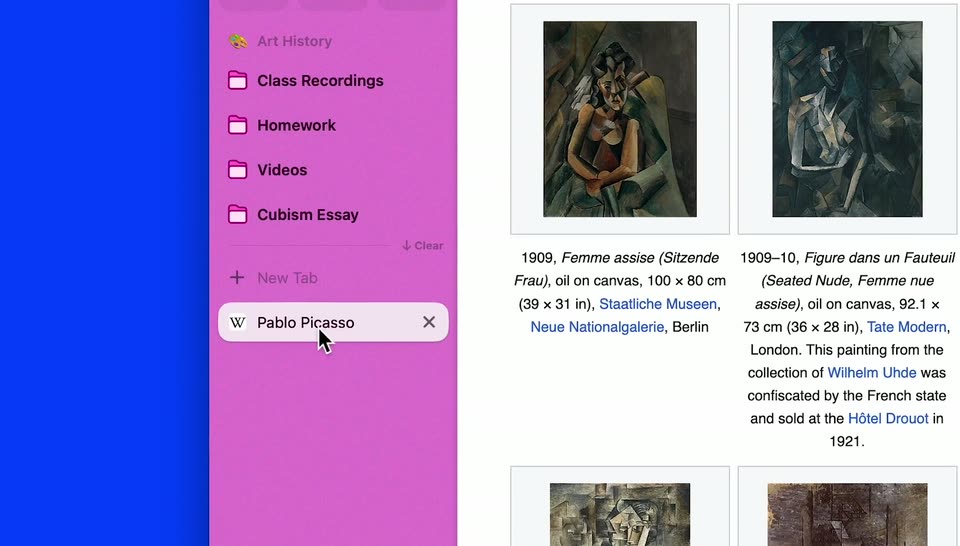 0:09–0:12The Browser Company · Arc for Students | Everything in its right placeA flat browser window with a pink sidebar of saved folders sits on a blue field. The camera zooms into the sidebar as the cursor hovers the highlighted “Pablo Picasso” tab, shown as a white pill with a close button.
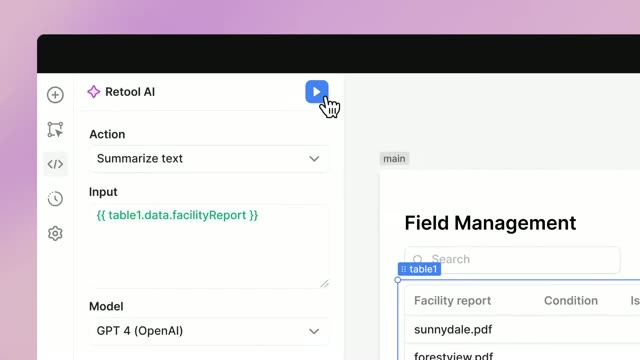 0:00–0:02Retool · Introducing Retool AI—powerful AI building blocksA flat browser mockup of the Retool AI app sits on a pink gradient, then the frame zooms into the interface. A hand cursor clicks the blue play button, which spins into a checkmark as green and yellow condition pills fill the table rows.
 0:09–0:14Liveblocks · Liveblocks - Introducing the most advanced platform for Yjs. →A dark 3D frame with glowing corner dots holds redacted code, gray pill bars with purple punctuation. The camera pushes straight into the code, the bars growing until the screen fills with out-of-focus symbols.
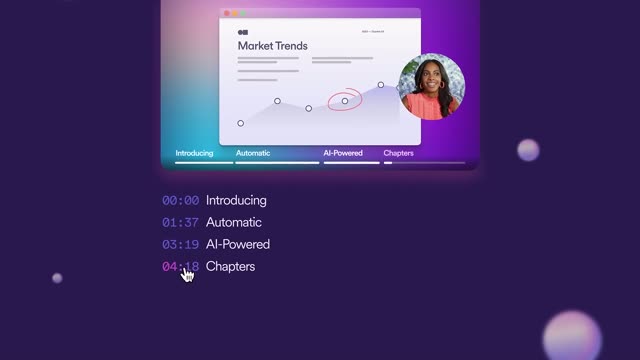 0:18–0:20Loom · Introducing Loom AIA video player card with a line chart and a round video-call avatar sits above a timestamped chapter list. The list slides out as the card re-centers, then a Suggested Tasks panel with checkmarks slides in from the right.
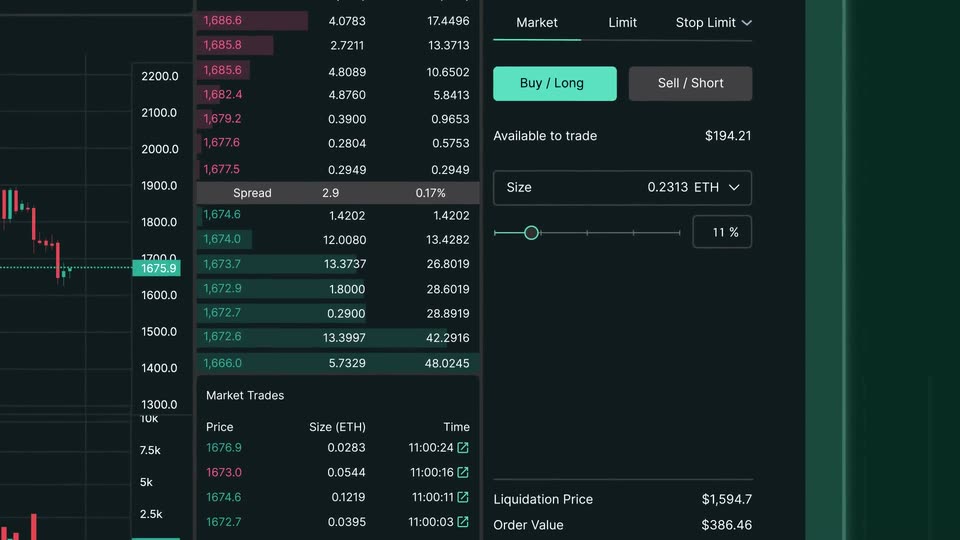 0:08–0:12Hyperliquid · Hyperliquid - Welcome to Hyperliquid. Trade 40+ perps on the Hyperliquid L1, incluA crypto trading interface floats in 3D perspective, framed by a glowing teal outline on a dark green field. The camera zooms into the order panel, where a ring-shaped cursor drags the position-size slider to set the trade amount.
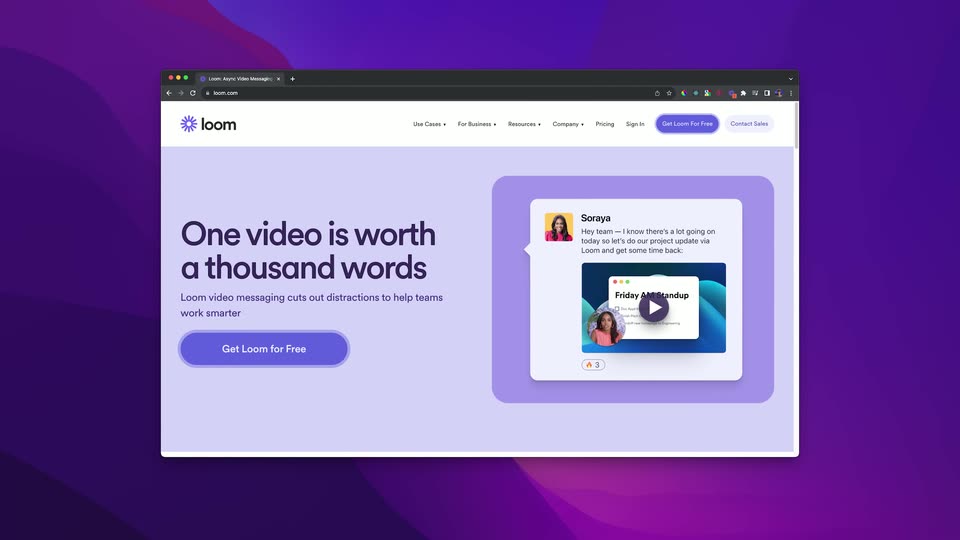 0:00–0:04Loom · Loom | Sync Faster, Meet LessA flat browser window showing the Loom homepage rests on a purple gradient background. The camera slowly pushes in, enlarging the headline on the left and the video-message card on the right.
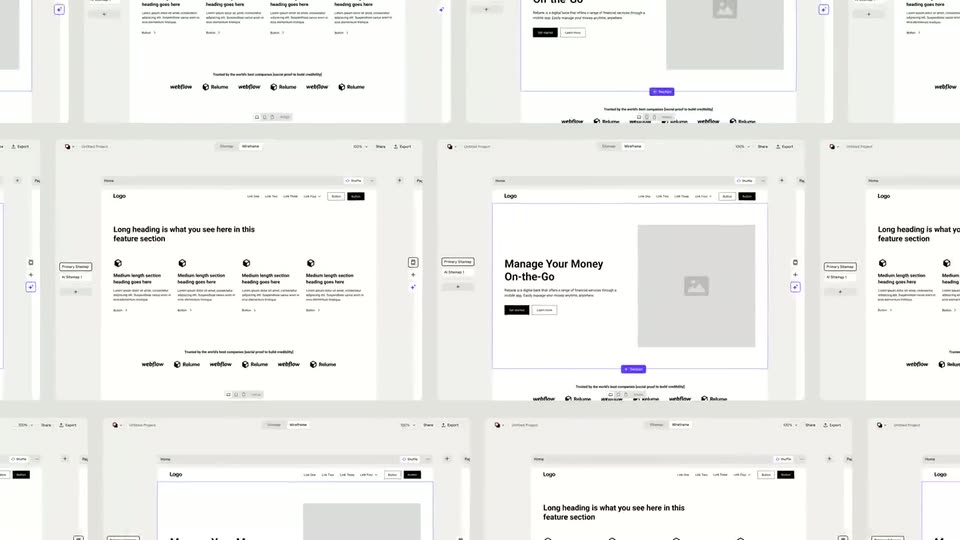 0:29–0:31Relume · Relume - The fastest way to design & build a website with the help of AI ✨A perspective grid of website-builder mockups fills the frame, then the camera zooms into the central window as the others blur. A large dark gray headline, to empower, fades in over the focused interface.
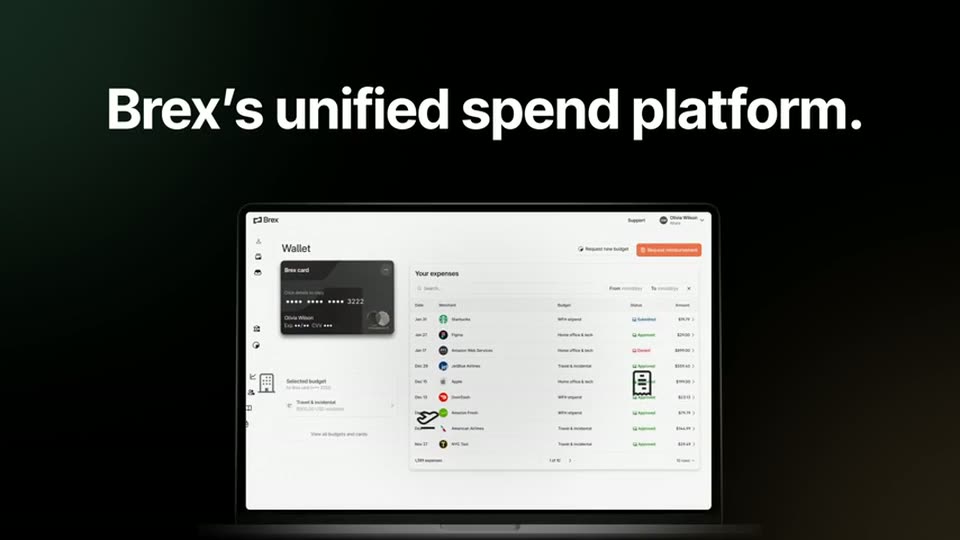 0:58–0:59Brex · Brex Launches PayablesA white product window holding a Wallet view with a dark card and an expense list scales up from a small centered card to fill the frame. A bold white headline sits above it on black and drifts toward the top edge as the window grows.
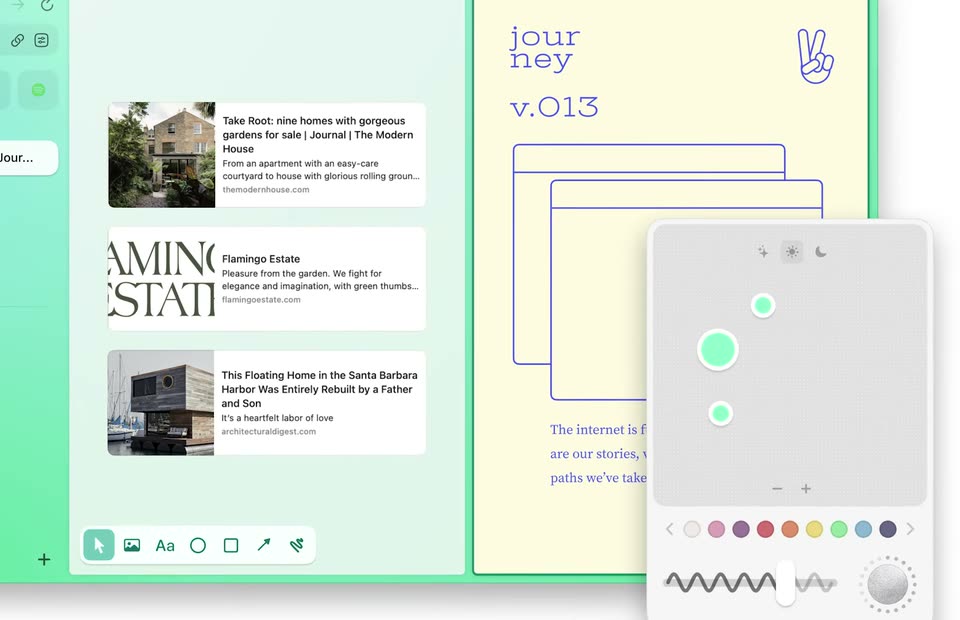 0:26–0:28The Browser Company · Arc 1.0 | Everything or nothingA close-up of a browser window with an article feed and a yellow page zooms out to reveal the full blue browser frame, sidebar and floating color panel. A small caption, Photo Gallery, sits still in the frame.
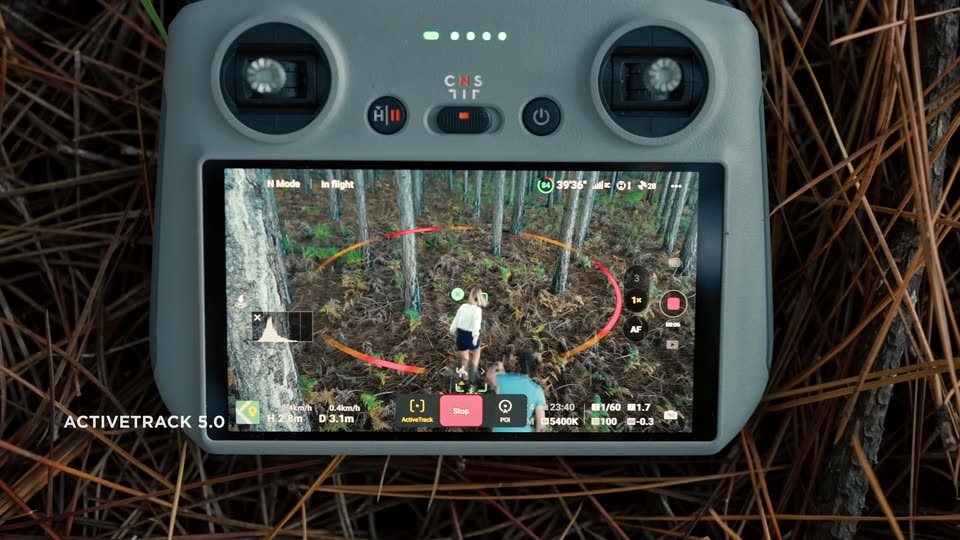 2:08–2:10DJI · Introducing DJI Air 3A close-up of a gray drone remote controller on pine needles shows its screen with a forest drone view and a red tracking circle around a person. The frame tightens slightly on the screen as the tracking interface updates.
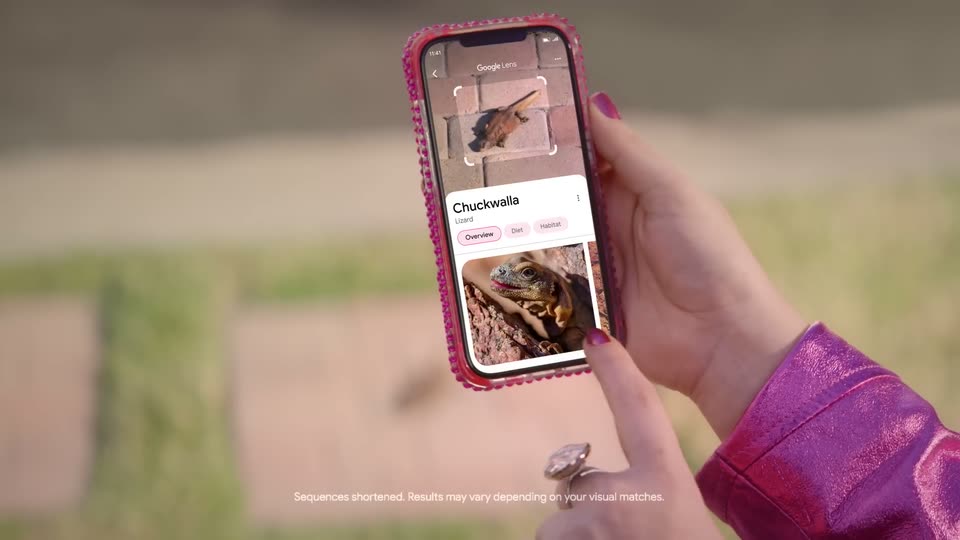 0:12–0:16Google · New ways to search: Barbie (ft. Meg Stalter)A hand in a pink sleeve holds a phone with a pink case against a blurred outdoor background. The screen shows the Google app, a finger taps the Lens icon, the view switches to a lizard on a brick path, and a result card labeled Chuckwalla slides up.
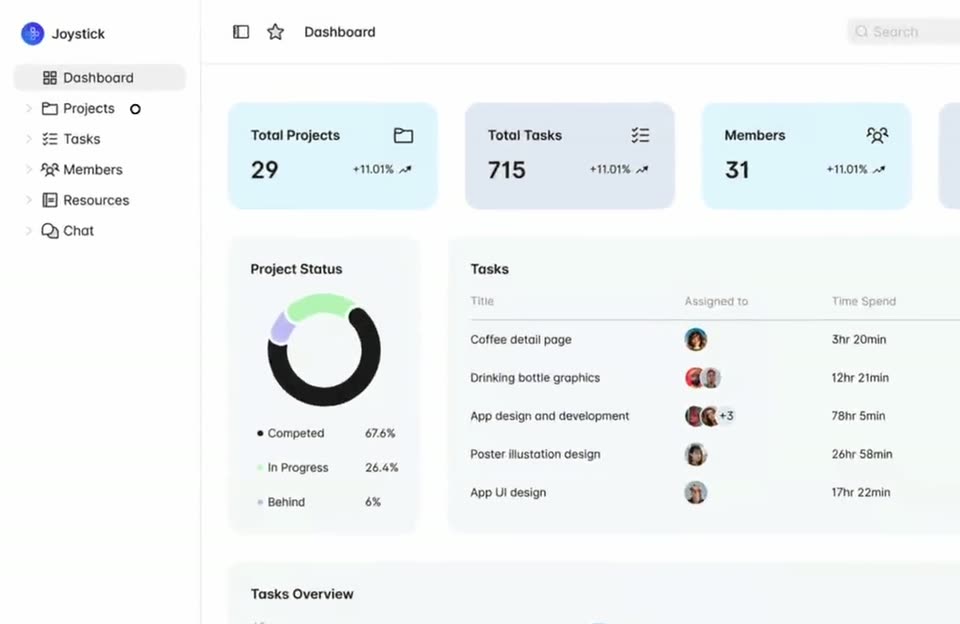 0:22–0:32Arcade · Arcade - 🕹 Introducing new creator tools to create effortlessly beautiful demos.A blurred dashboard sits under a centered overlay with the title “Introducing Pan and Zoom”, a caption, and a blue “Check it out” button. The blur lifts to the sharp interface, a tooltip marks the Projects item, and the view zooms into the Projects grid.
 0:36–0:38Nothing · Phone (2): Lights, camera, less distractionA close-up of a phone screen shows two black circular app icons, Recorder and Composer, on a blurred gray background. The frame slowly zooms out, the icons and their white labels scale down and settle, the device edge stays black on the right.
 0:02–0:04Bear · Bear - Markdown Notes - Say hello to Bear 2!🎉 Packed with over 20 new features and a sparkliA white text field fills with the typed words 'Inspiration is' behind a blinking red caret, a hamburger menu sitting to the left. The camera then pulls back to reveal the field inside a tilted smartphone mockup in 3D perspective.
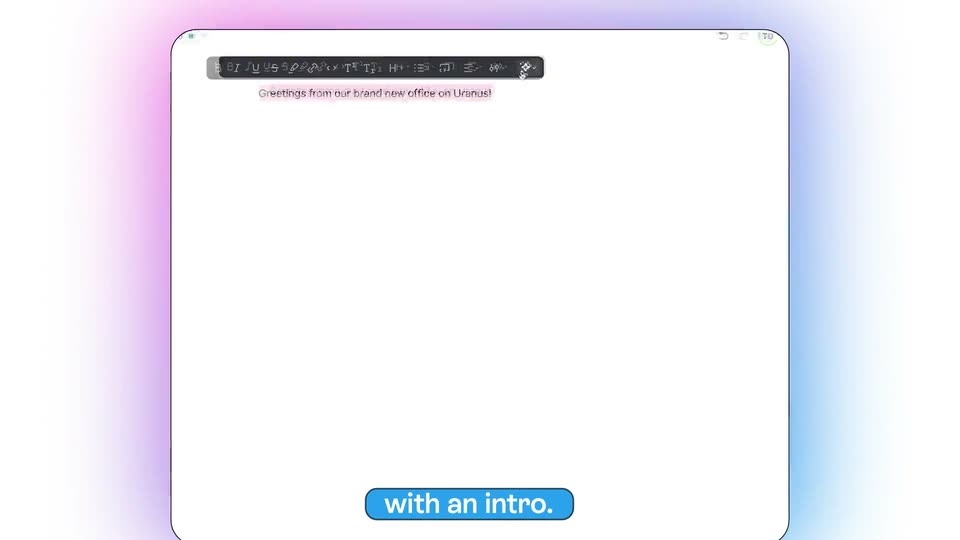 0:14–0:17beehiiv · beehiiv 🐝 - Introducing beehiiv AI ✨ Coming live from UranusA white document editor on a pink-blue gradient shows a greeting sentence, with blue caption pills at the bottom reading 'I'll get started' then 'with an intro.' The view zooms into the dark toolbar as a cursor opens a sparkle menu listing AI writing options.
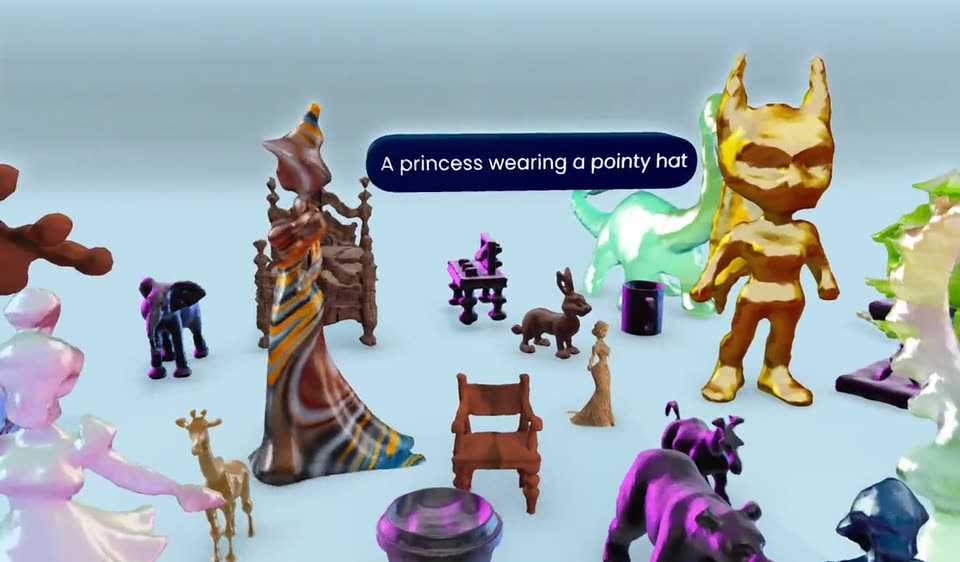 0:02–0:08Genmo · Genmo - Diffusion for virtual worlds: we've trained a new model to create 3DA 3D viewport of colorful generated models on a pale blue plane pulls back to reveal the full field, then reframes on a striped princess on a throne as a second prompt bubble appears.
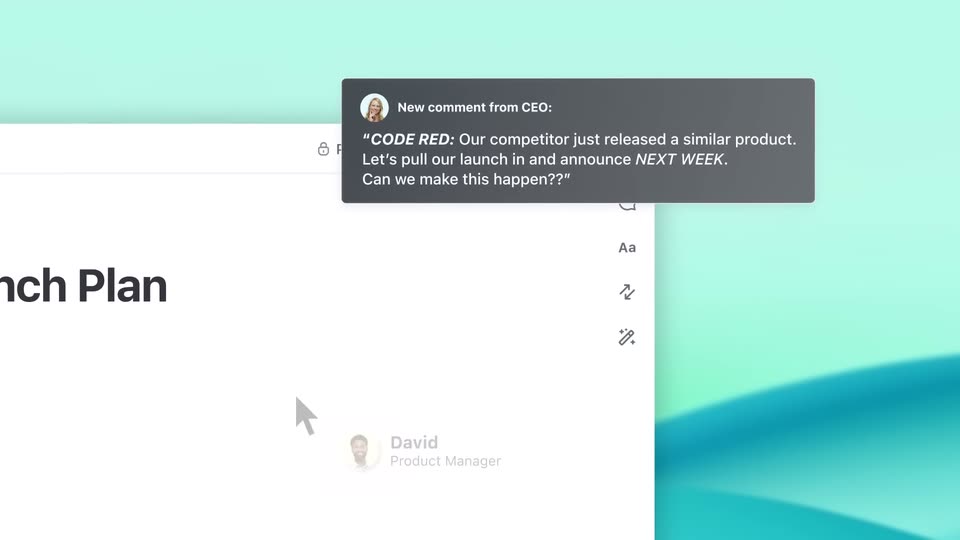 0:02–0:09ClickUp · Introducing ClickUp AIA white document window on a teal gradient background holds a launch plan. A dark CEO comment toast drops in at the top right, the view zooms onto it, then a cursor brings up a small David, Product Manager chip before the frame blurs out.
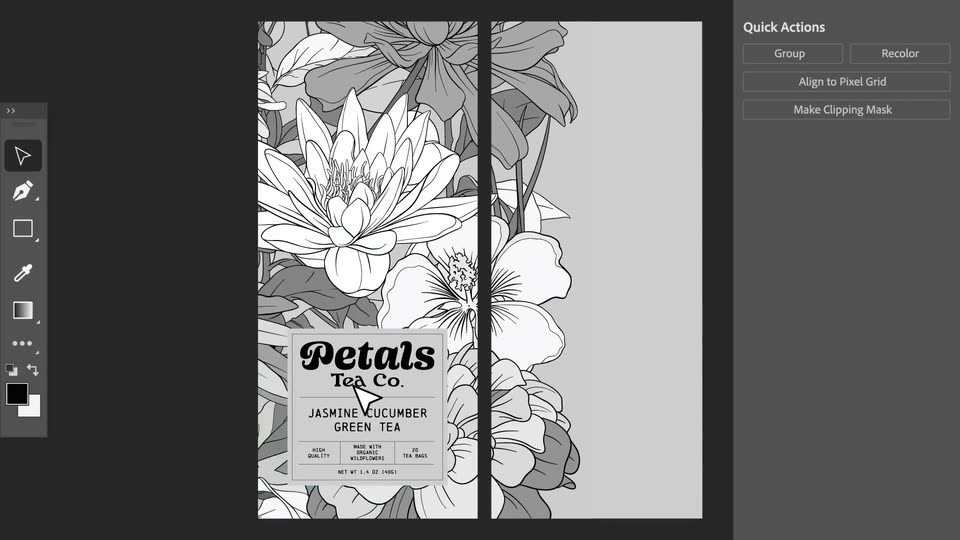 0:05–0:06Adobe · Adobe Illustrator x Adobe Firefly: Announcing Generative Recolor | AdobeInside a dark design-app interface, a black-and-white floral line-art canvas is split by a vertical gap. A cursor drags the Petals Tea Co. label from the bottom left onto the artwork as the two halves slide together and the view zooms in on the canvas.
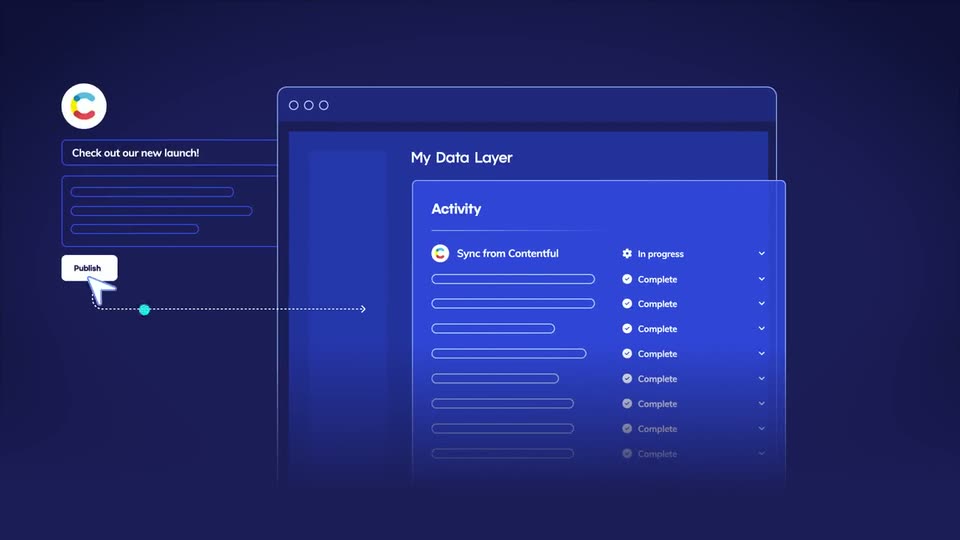 0:28–0:30Netlify · Netlify - We’re proud to announce the launch of Netlify Connect! Give your webA blue interface mockup shows a My Data Layer window with an Activity panel of sync rows marked In progress and Complete. A page card on the left holds a Publish button linked by a dotted line, the cursor moves to it, and the view zooms in.
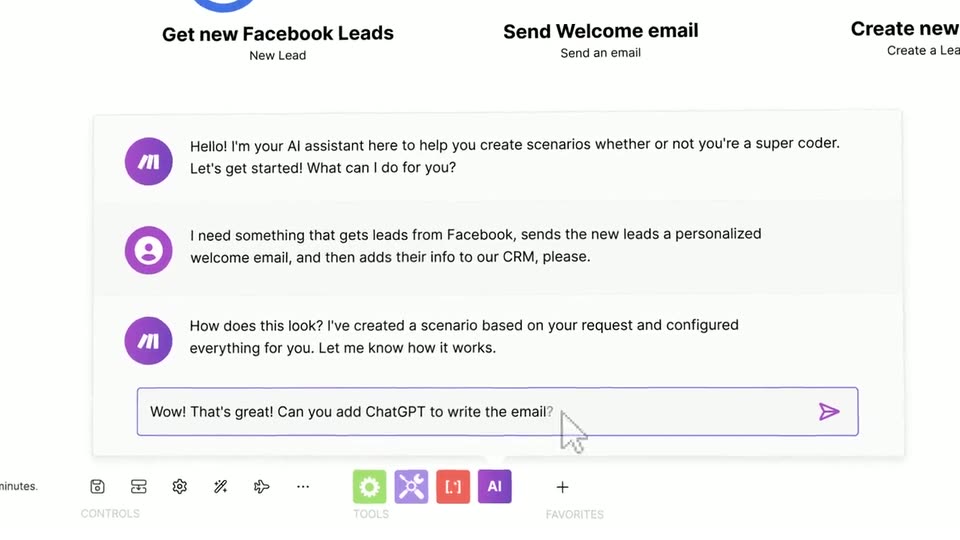 0:07–0:26Make · Make - Make's AI era is coming. Discover how soon, you’ll be able to transfoA cursor drives the AI assistant: it types a prompt into the chat, sends it, and the view zooms out to the full app, tilting in 3D as the scenario flow grows from two nodes to four.
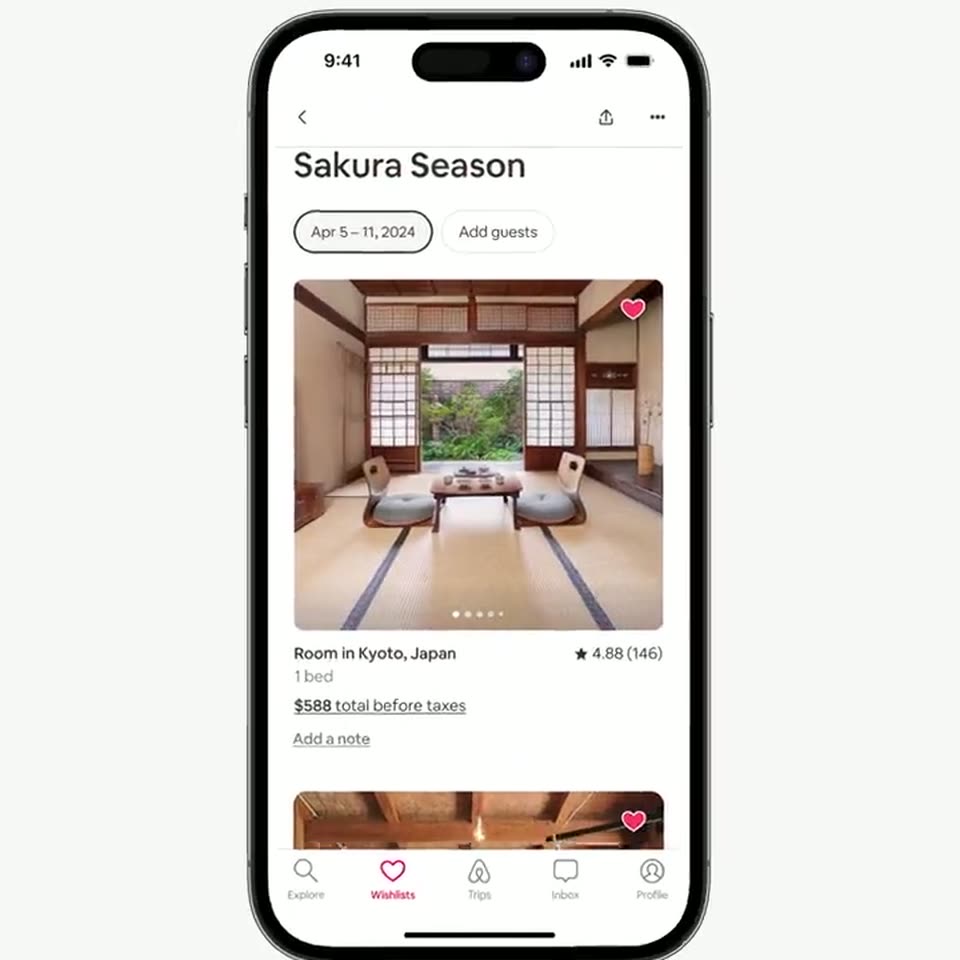 0:04–0:05Airbnb · Airbnb - calling all planners, wanderlusters, and people who spend a whole lotA front-facing iPhone on a light gray background zooms in toward the screen. The app shows a Kyoto room listing titled Sakura Season with a photo and price, the content sliding up as the frame tightens.
 0:09–0:11Family · Family - Fun update! Our shiny new website is now live at Take a look and discA wallet screen shows a QR code on a white rounded card over a dark background. The code begins black with a pulsing circular scan ripple, then the dots and center mark turn blue as the ripple fades. The view zooms in slightly, cropping the gray caption at the bottom.
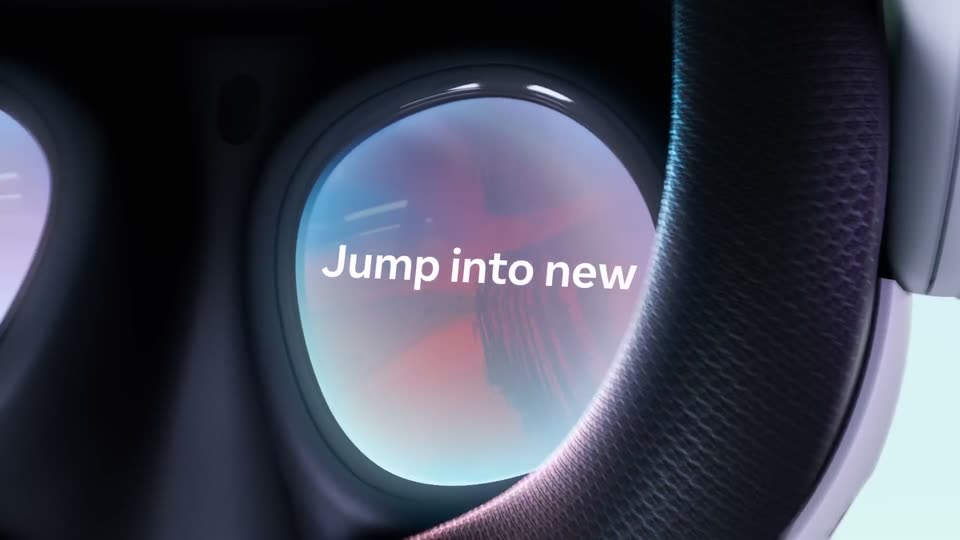 0:52–0:54Meta · Introducing Meta Quest 3 | Coming This FallA 3D headset shell fills the frame on a pale background. The camera pushes into the round lens, which opens onto a red radial tunnel, while white text types out across the glass.
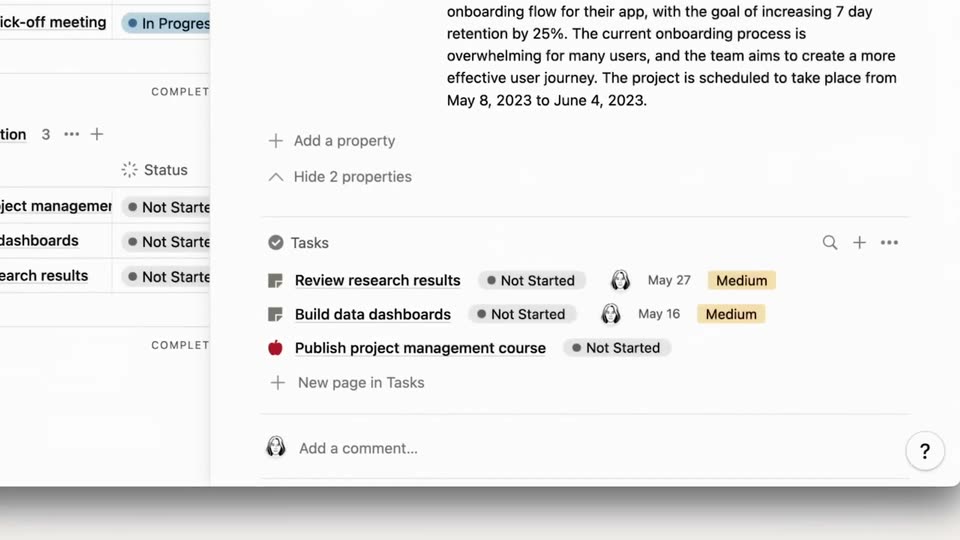 0:23–0:30Notion · Welcome to Notion ProjectsA Notion window on a light gray background. A cursor types a task name into a selected row, opens an emoji picker, and picks a red apple icon. The view then zooms in on the updated row and pulls back to a board view.
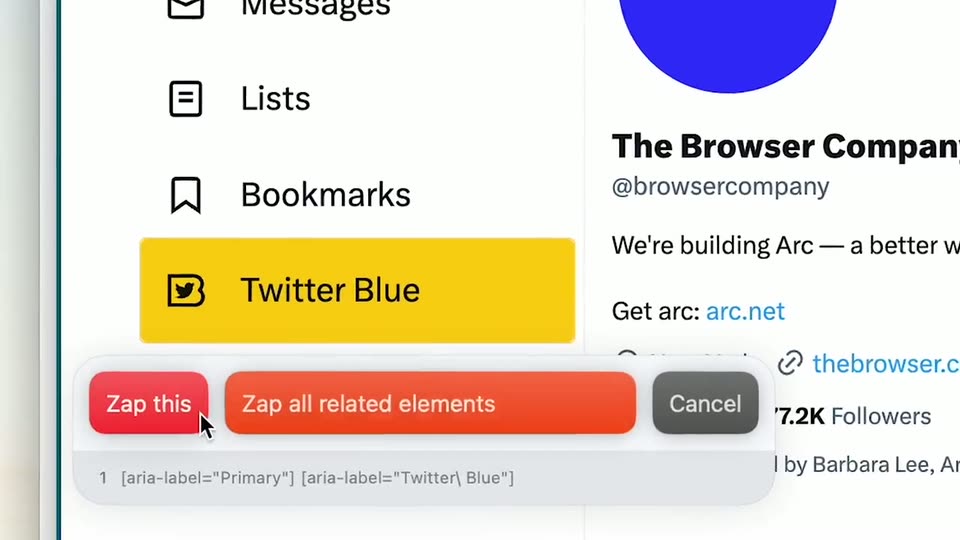 0:14–0:16The Browser Company · The Browser Company - What if the internet... was actually 𝑦𝑜𝑢𝑟 internet? 🎨 Introducing BA Twitter profile page for The Browser Company fills the frame. A cursor glides down the left menu, highlighting Lists then Twitter Blue in yellow, and a floating bar with red Zap buttons slides in at the bottom before the view zooms onto it.
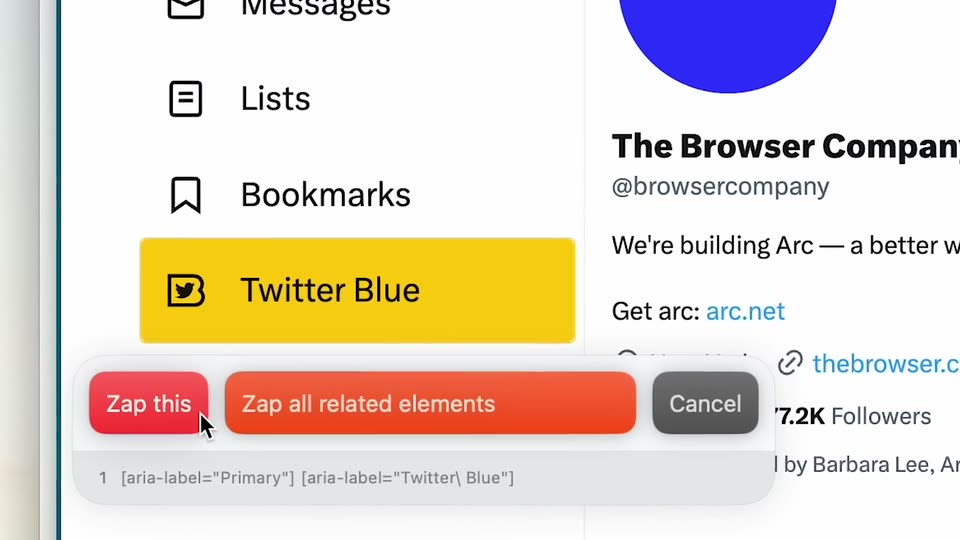 0:14–0:16The Browser Company · Boosts by Arc | Meet Your New InternetA browser sidebar beside a Twitter profile. The cursor moves down and hovers the Twitter Blue item, which fills yellow, then a Zap panel with red buttons slides up at the bottom as the frame zooms in on the selection.
 0:04–0:05Discord · Say Hello to the Wumpus Mic and Stream DeckA vertical list of round avatars sits in a dark column between a blue patterned panel and a gray panel. The view zooms in on the central blue pig face, which carries a red badge reading 1, as the side panels fade out.
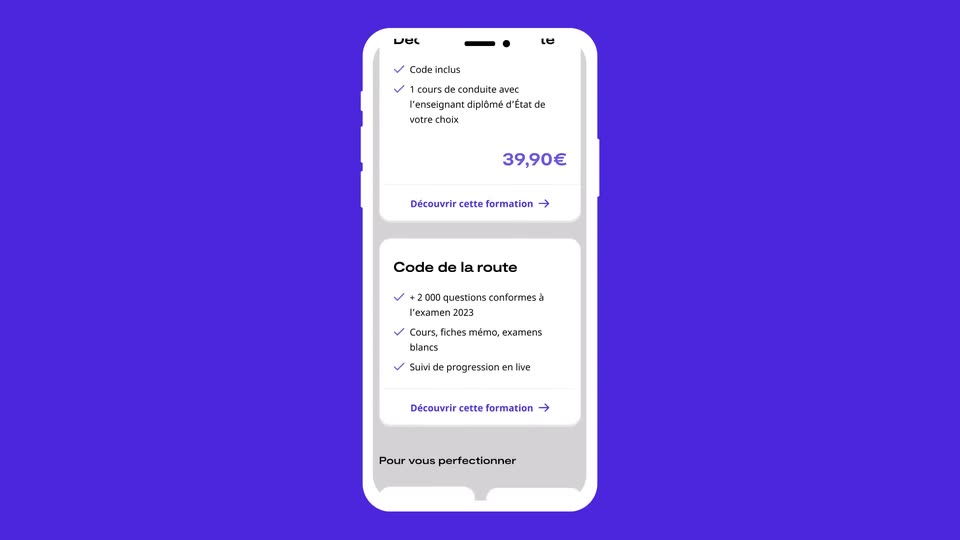 1:04–1:14Ornikar · Le PERMIS avec ORNIKAR : comment ça marche ?A white phone mockup on a purple field shows a French driving-school page. The pricing cards scroll down, then back up, and the view zooms into the Objectif Permis card as a pink “Recommandé pour vous !” badge pops in at its top edge.
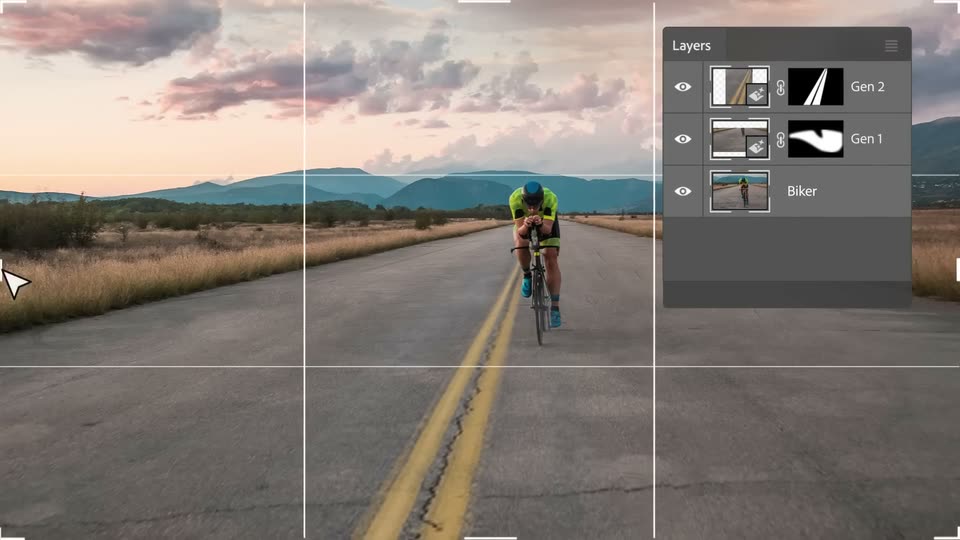 0:11–0:14Adobe · Adobe Photoshop (beta) x Adobe Firefly: Announcing Generative Fill | AdobeA photo editor interface shows a cyclist on a desert road. A cursor clicks the Generate button beside the prompt reading yellow road lines, then the frame reframes to a cropped, gridded view where the road center line is now a solid yellow double line.
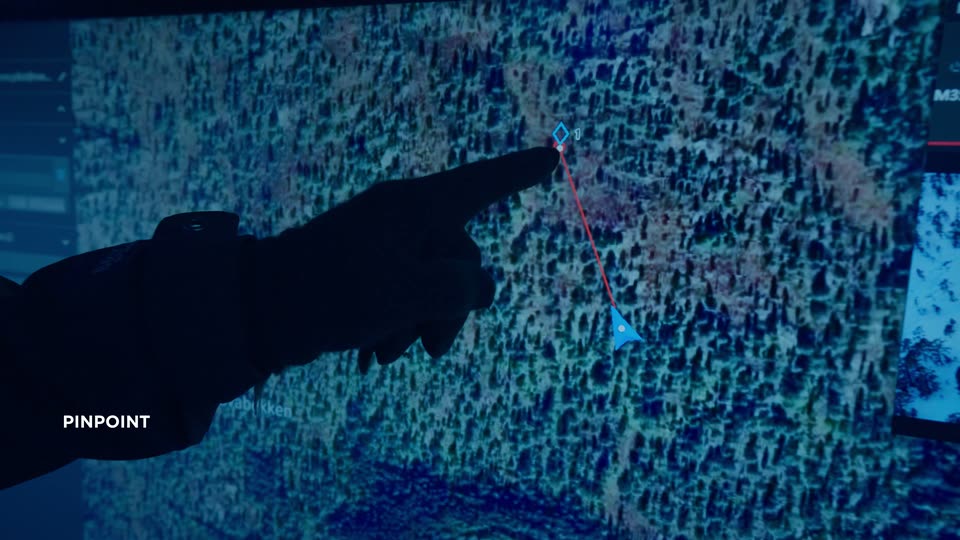 3:01–3:05DJI · DJI Enterprise - Introducing Matrice 350 RTKA red line links a blue drone icon to a spot on a blue-tinted aerial map, then a diamond marker pops in at its end. The view pulls back to reveal the map on a large display as a gloved hand points at it, while the caption PINPOINT fades in lower left.
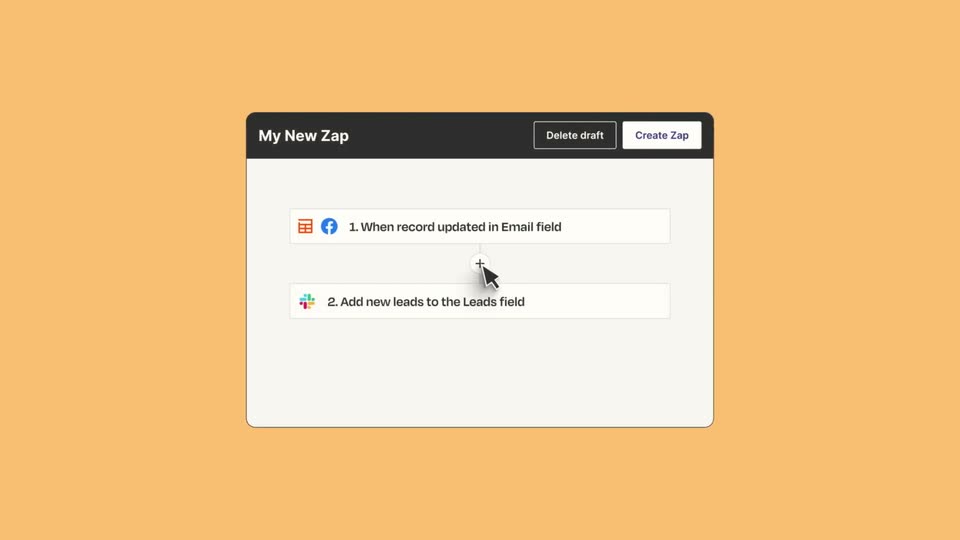 0:19–0:22Zapier · Introducing Zapier TablesA Zap builder card sits centered on a flat orange background, its dark header reading My New Zap. A trigger row with spreadsheet and Facebook icons appears above a plus button, and a cursor glides in to hover over the plus.