UI zoom
A zoom or reframe onto one part of the interface.
9,977 scenes · page 48 of 167
 0:03–0:16Vanta · Vanta: VantaAIA flat Trust Center page sits on a purple gradient under a white headline. The view zooms to the top-right as a cursor clicks Ask a question, types and sends a query; a Vanta AI reply with reference pills and sparkles fills the panel, then the UI slides off left.
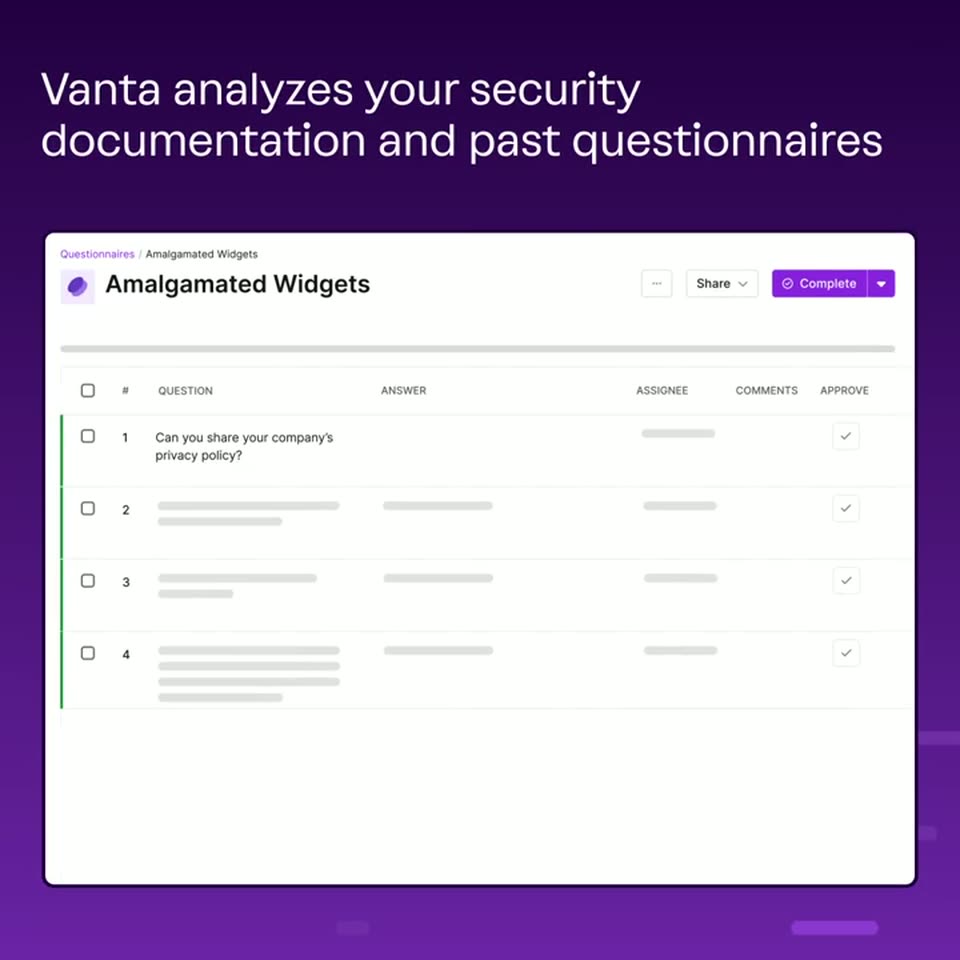 0:03–0:09Vanta · Vanta: questionnaireA tilted 3D view of the Vanta questionnaires list zooms in as a cursor hovers the Add button, then reframes to a flat questionnaire detail page where the first question types itself out beneath a white headline on a purple field.
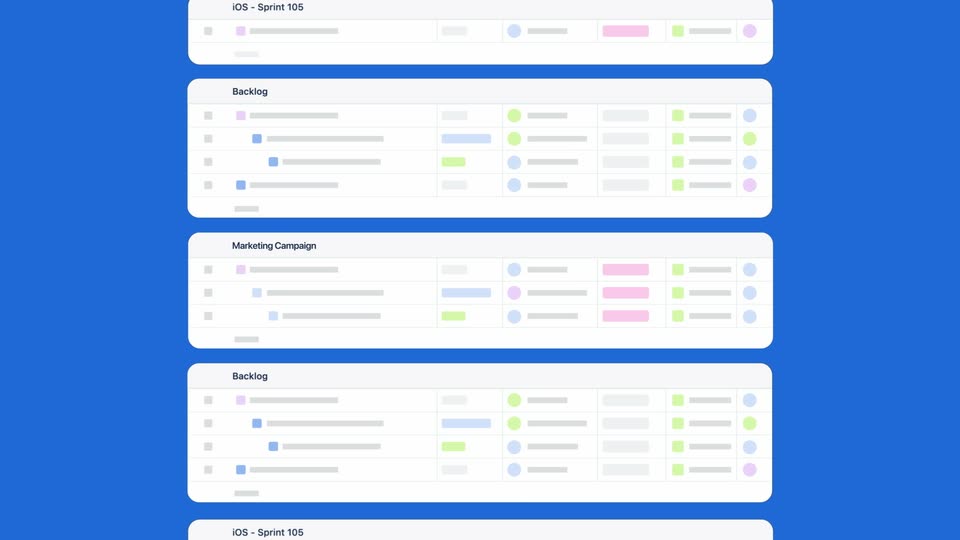 0:13–0:14Atlassian · Welcome to the next era of Jira - Inside AtlassianA white 'with list view' caption sits on a blue field beside a flat magnifying-glass icon with a green handle. The orange lens ring expands to fill the frame, opening a circular reveal onto white list cards labeled Backlog and Marketing Campaign.
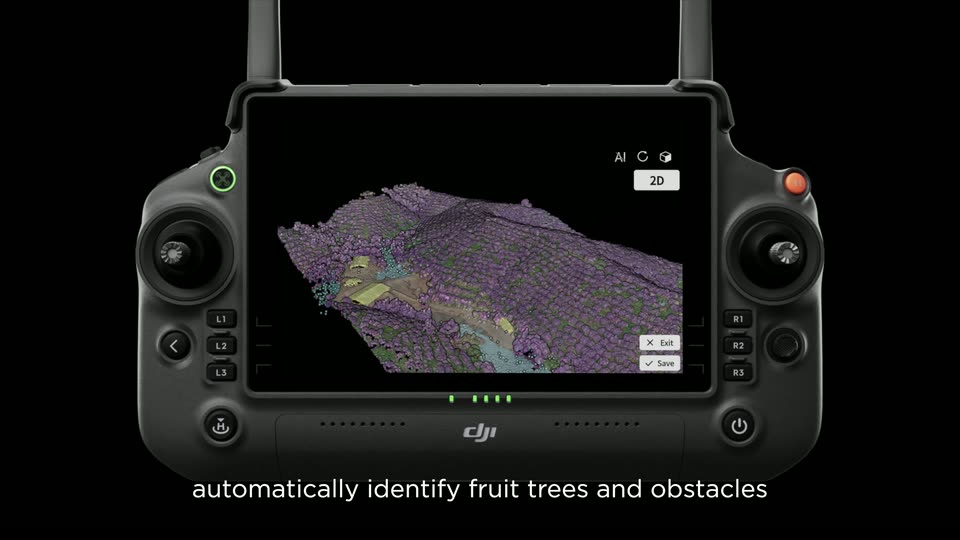 2:02–2:08DJI · Meet DJI Agras T50A black DJI RC Plus controller with two antennas tilts from a low angle to a front view on black, then the camera pushes in on its screen, where a green 3D terrain map crossfades to a purple point-cloud map with yellow and blue patches. White captions read at the bottom.
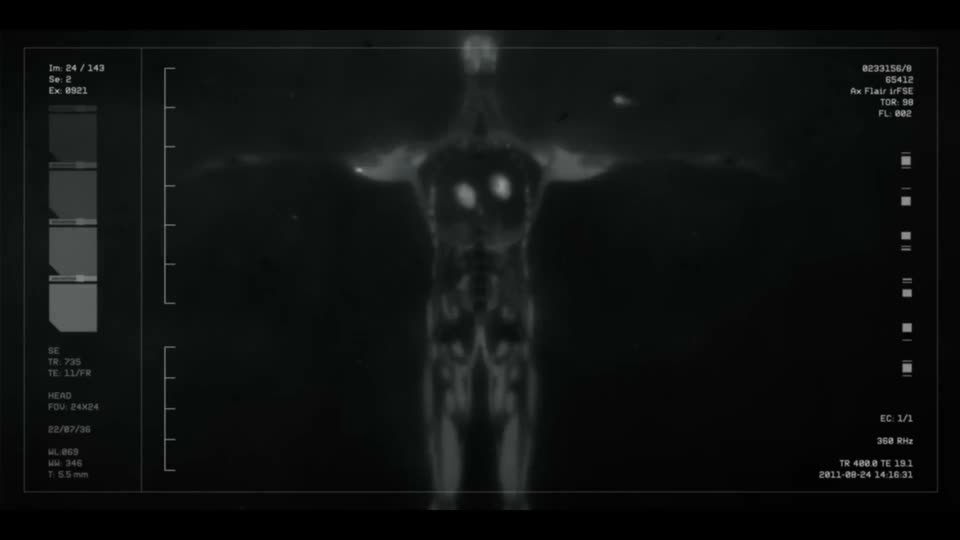 0:04–0:05Lamborghini · Urus SE - Dare To Live MoreA grayscale full-body scan fills a black screen, framed by columns of small technical readouts on both edges. The image zooms toward the chest, where two bright oval shapes glow.
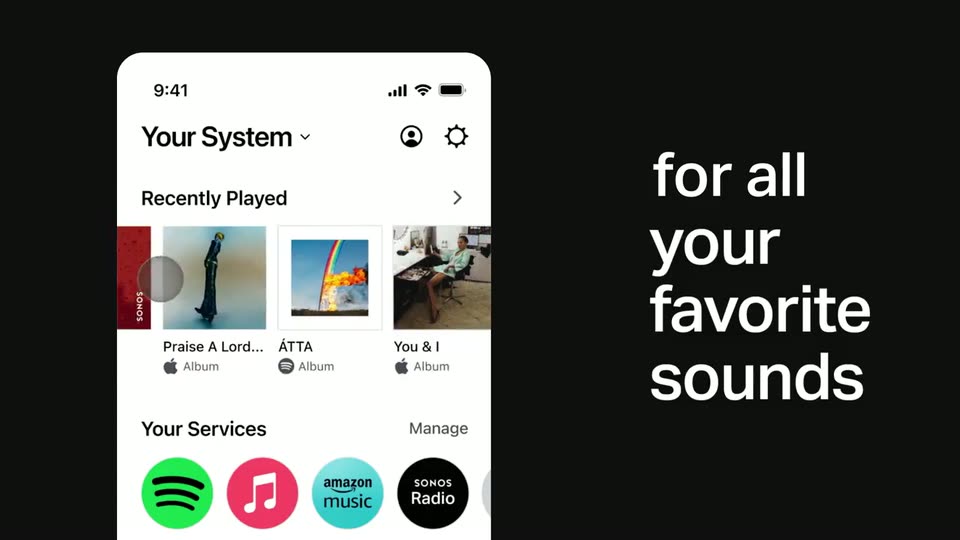 0:06–0:10Sonos · Sonos - A fresh look. Quicker access to your music. Easier control. The SonosA woman sits on a leather sofa at left as a phone mockup of the Sonos app floats on black. The camera zooms into the screen, the Recently Played row scrolls sideways, and the headline changes from A new Home to for all your favorite sounds.
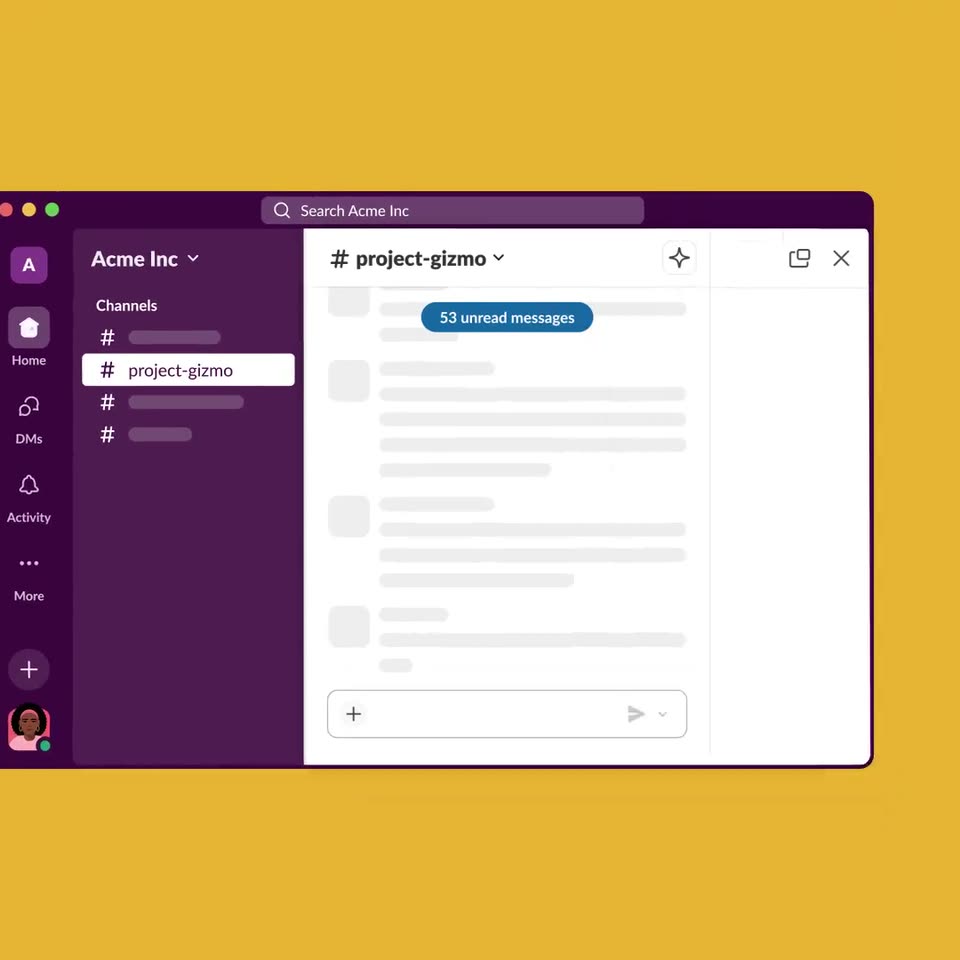 0:17–0:23Slack · Slack - Time is valuable. Slack AI gives you more of it. 🙌✨ And starting todClose-up on a chat app toolbar over a yellow background. A hand cursor clicks the sparkle icon, opens a menu, and picks 'Unreads'. The frame zooms out to the full window, then an AI side panel slides in with a loading spinner.
 0:09–0:11The Browser Company · The Browser Company - One small step for sidebars.... 🛠️ GitHub Live Folders Land in ArcAn angled, soft-focus interface tilts in 3D as the view reframes from a green Submit review button to a pull-request list. A cursor hovers over a list item while the right panel shows the PR detail with an Open button.
 0:09–0:11The Browser Company · Introducing Live Folders in Arc | Your sidebar is aliveA GitHub-style interface floats in 3D perspective, its panels angled and receding. The frame opens tight on a green Submit review button with a cursor, then pulls back to reveal the repository sidebar, a pull request list, and a code editor with chevron markers.
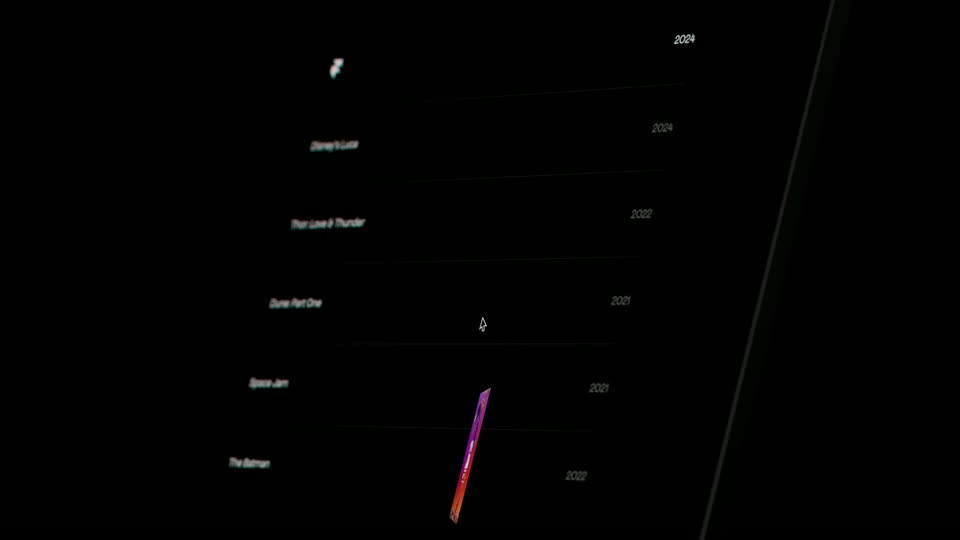 0:26–0:31Framer · Introducing 3D Transforms in Framer — Rotate, Skew, Perspective & more on a freeform canvasA dark, tilted list of movie titles in 3D perspective; a white cursor moves down the rows as tilted poster cards pop in beside them. The camera pulls back to reveal a large gray Slide word above a row of poster cards.
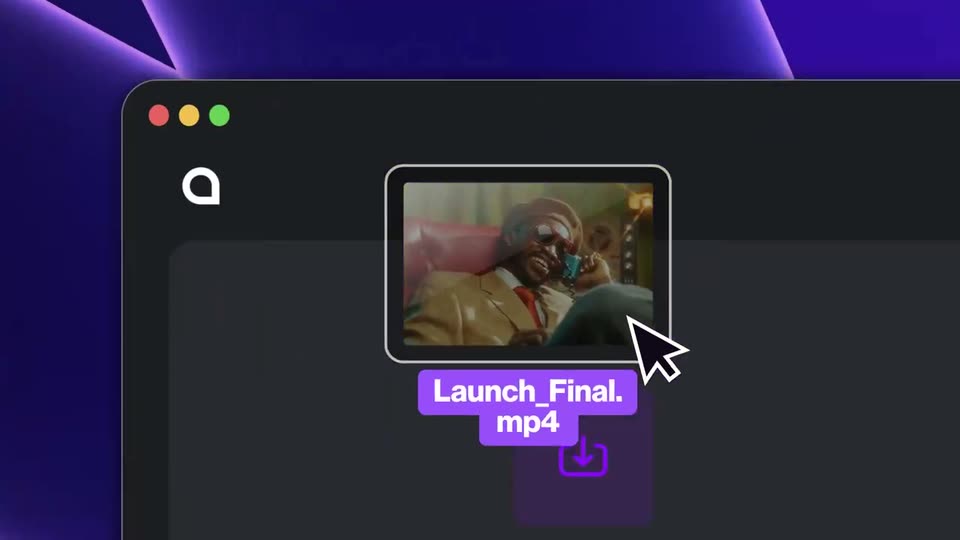 0:00–0:01Captions · Mirage - Introducing Captions for web. Video editing made simple, thanks toA video file icon named Launch_Final.mp4 rests on a dark field of diagonal purple beams, a white cursor hovering over it. The shot then zooms into a dark app window with a small logo, the file framed inside and a purple highlight behind its name.
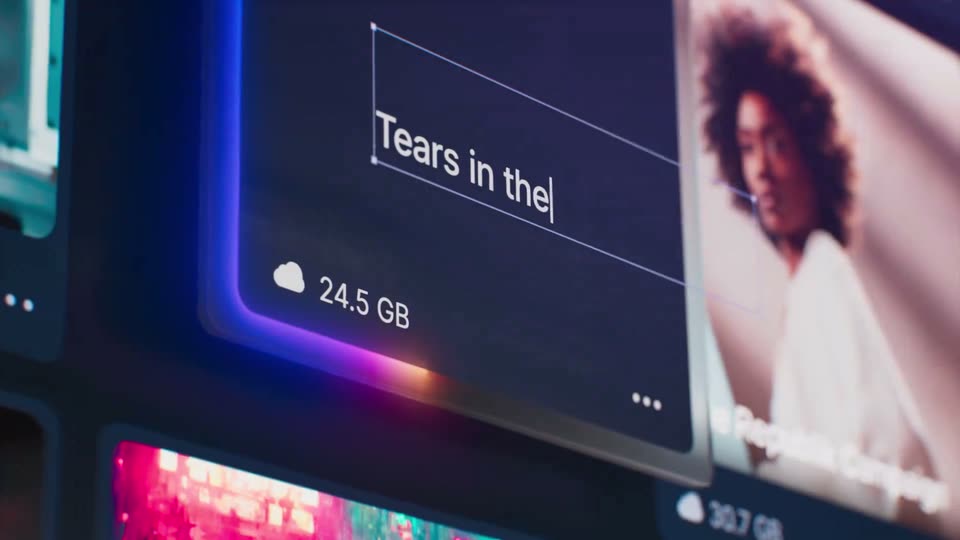 0:05–0:07Frame.io · Frame.io - It's here. The all-new Version 4. Now in beta.A 3D file card tilts toward camera as the title Tears in the Rain types itself into a text box, a glowing edge lighting its left side. The view then pulls back to a row of three angled cards, each with a thumbnail and a cloud size.
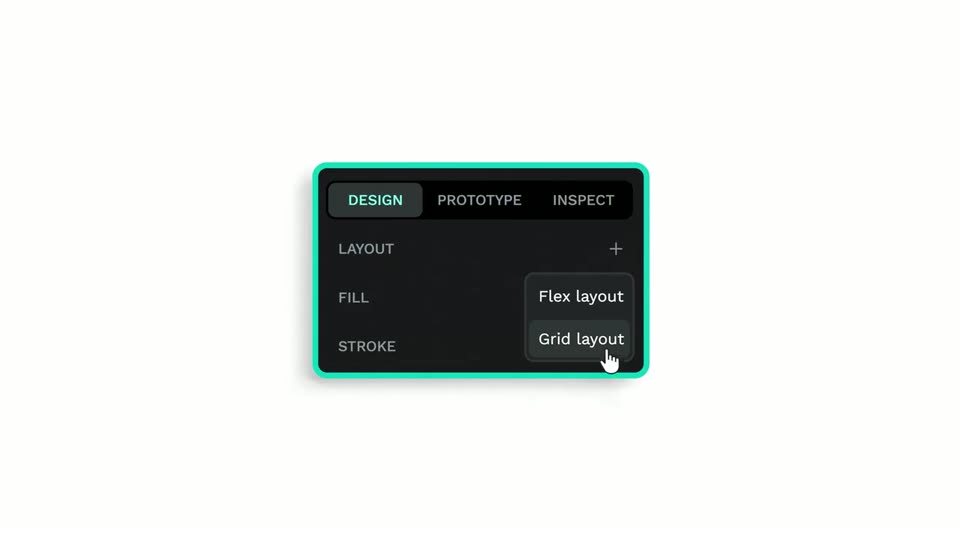 0:17–0:20Penpot · Penpot - 💥 Penpot 2.0 is now available! Explore & enjoy the unique featurA dark properties panel with a teal border sits on white, its labels decoding from scrambled glyphs into clean text. A white hand cursor taps the plus icon on the Layout row, opening a dropdown with Flex layout and Grid layout, then hovers Grid layout as the panel scales up.
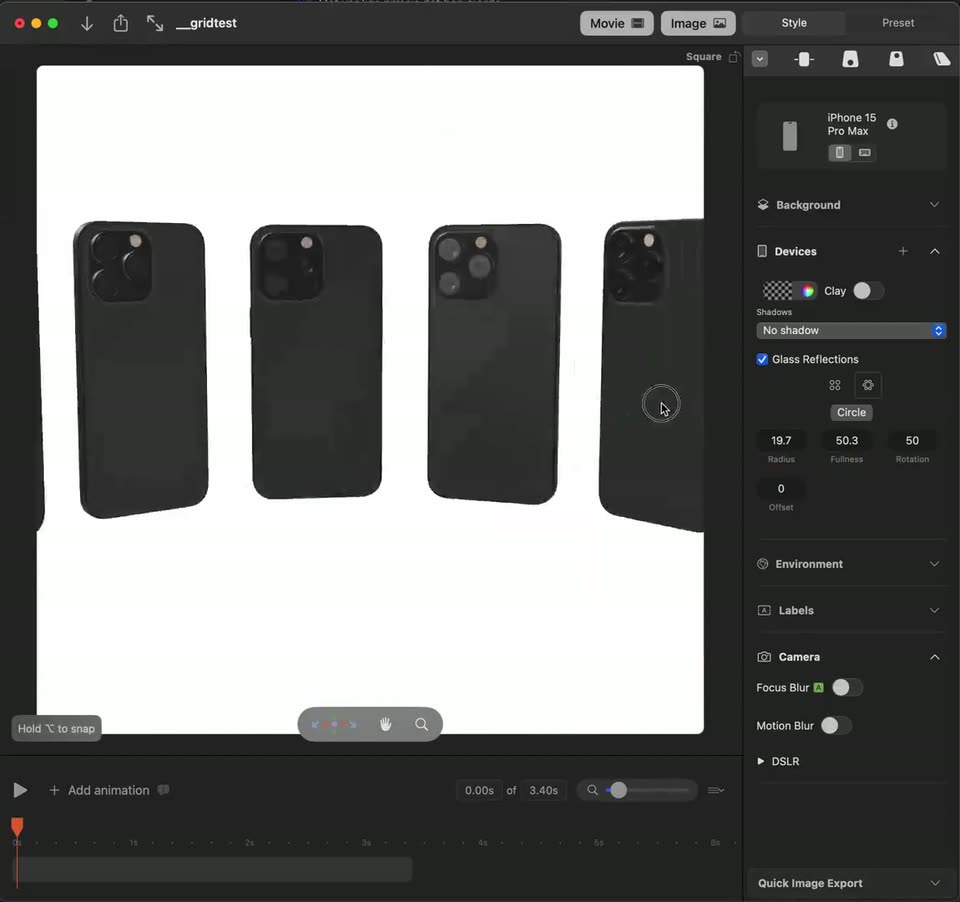 0:07–0:09Rotato · Morten from Rotato - Circles, half circles and grids rolling out to beta users soon:Inside a dark design-tool interface, three black iPhone mockups float in 3D perspective on a light canvas; the center phone shows a social post with a photo of a cube on a magnet. The view reframes to the phones' camera backs as the cursor drifts across the canvas.
 1:30 · 1sEcovadis · IQ Plus with Vitals Solution OverviewA browser window of the ecovadis dashboard shows four colored columns for Environment, Labor & Human Rights, Ethics and Sustainable Procurement. The view zooms into the header as the logo scales up and the columns clear to a white settings screen with a green band.
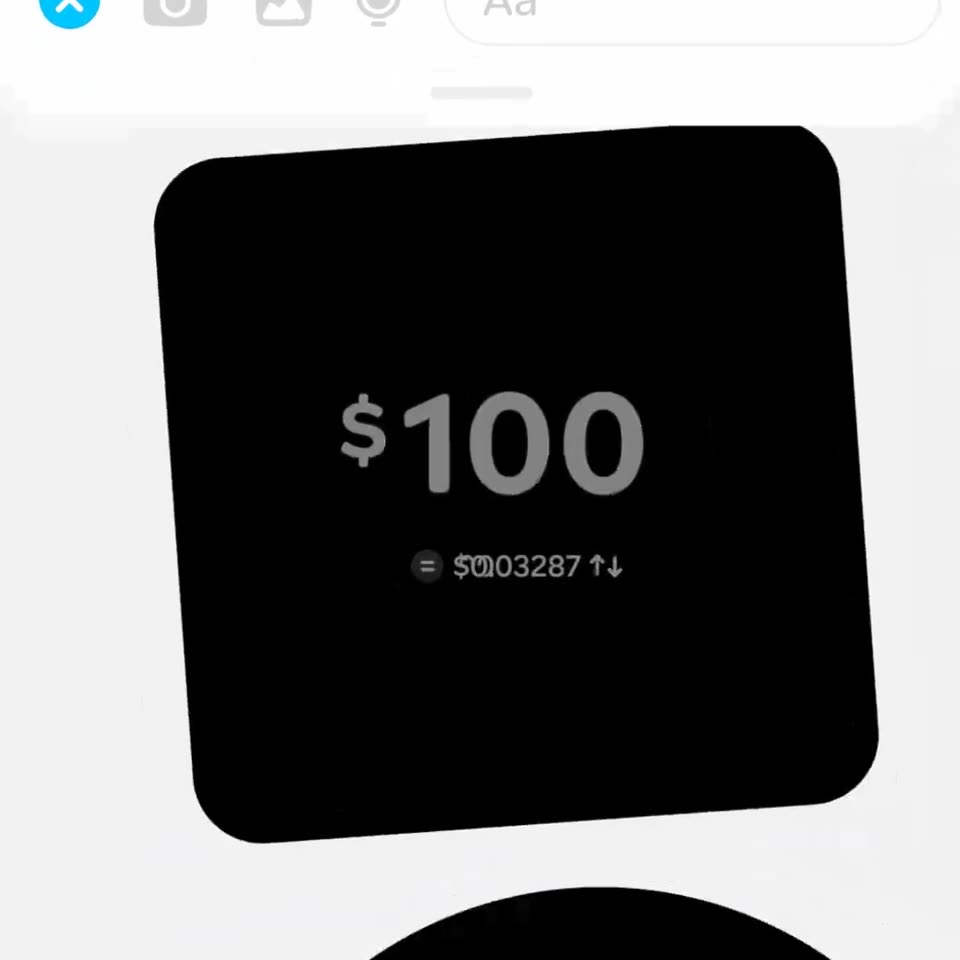 0:18 · 0.8sFamily · Family - Messaging has arrived in Family! Engage in end-to-end encrypted chatsA close-up of a dark price panel zooms out, leaving a black card with $100 floating on white, while a black circle slides in from the right and the top toolbar drifts up out of frame.
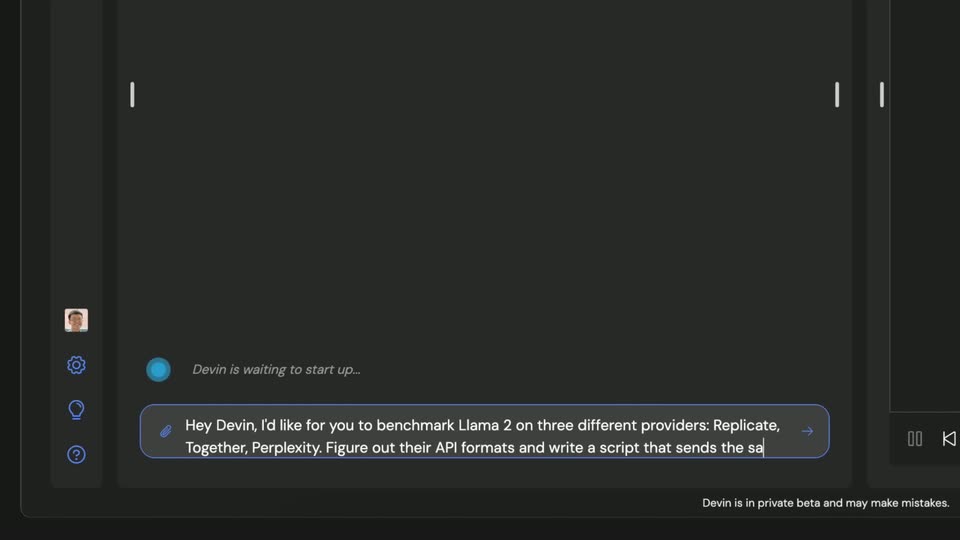 0:12–0:22Cognition · Introducing Devin, the first AI software engineerA dark browser window opens on the Devin interface. The view zooms into the chat input as a benchmark prompt is typed, then pulls back as the message is sent and the right panel switches from Shell to Planner.
 0:06–0:08Hebbia · Hebbia - Introducing the biggest change to AI products since ChatGPT. Enter tA 3D search bar holding a query floats among glassy cubes and file icons on a pale blue field, then the camera pushes in until the query text fills the frame and goes soft.
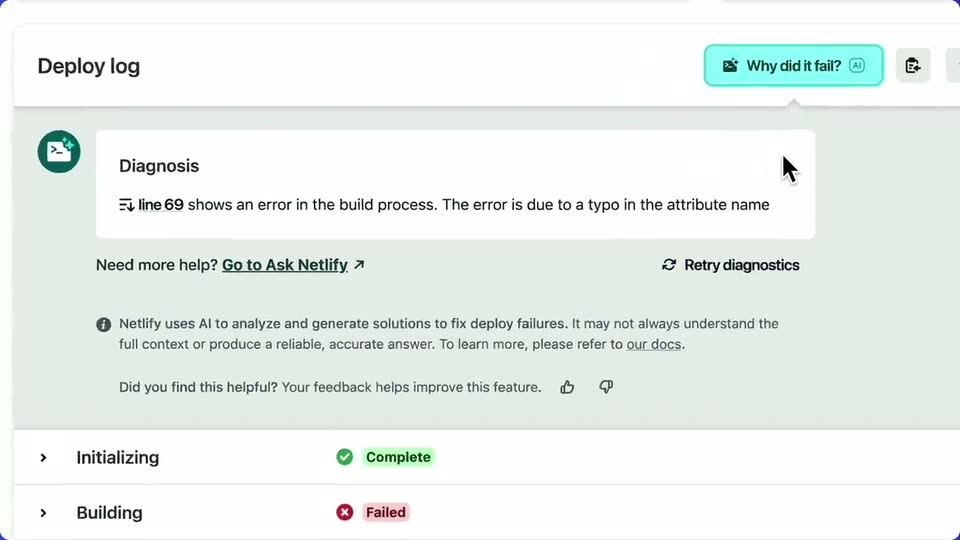 0:06–0:14Netlify · Netlify - Problems debugging your build? AI can take a look. Learn more here:A close-up of a teal “Why did it fail?” AI button reframes out to reveal a deploy log list with Complete, Failed and Skipped status pills. A cursor hovers and clicks the button, opening an AI diagnosis panel that loads, then fills with Diagnosis and Solution text.
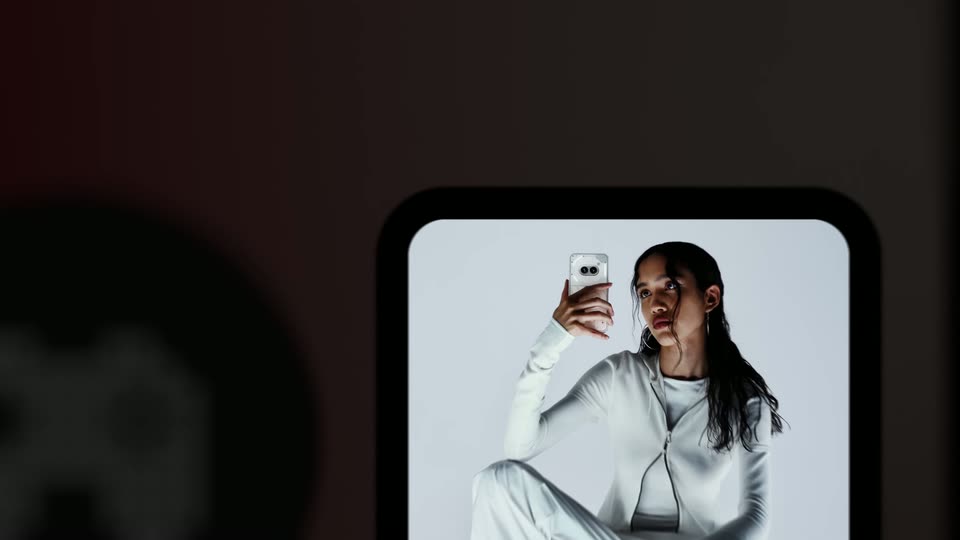 2:22–2:24Nothing · Phone (2a): Powerfully UniqueA 3D phone mockup floats on black, its red gradient screen showing a pixel logo icon and a selfie photo widget. The camera pushes in on the widget, the icon blurs behind, until the woman's selfie fills the frame. A dotted DISPLAY label holds at the left edge.
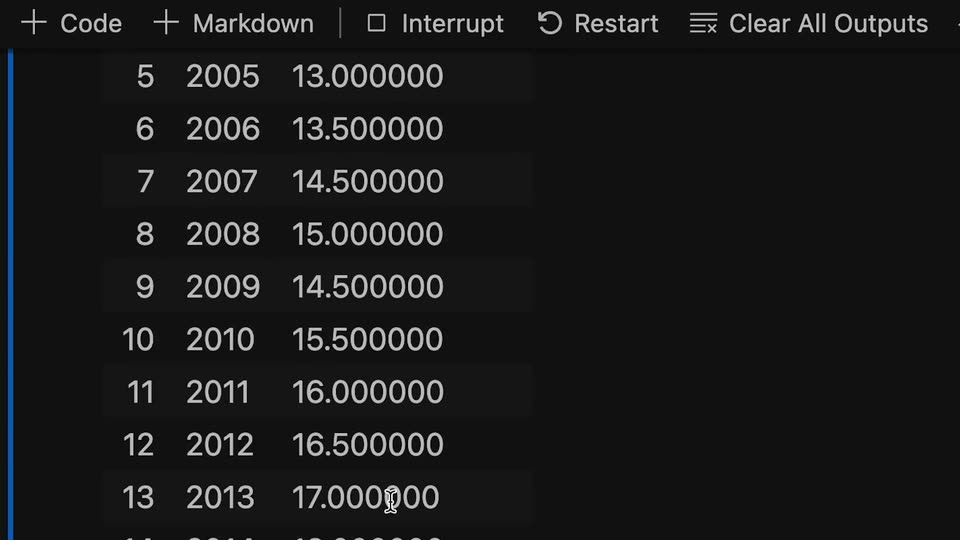 0:39–0:44Anthropic · Claude 3 Opus as an economic analystA dark code editor displays a markdown table of years and GDP values. The view scrolls to a rendered data table, panning through the rows, then returns to the markdown source.
 0:15–0:16Ideogram · Ideogram - Introducing Ideogram 1.0: the most advanced text-to-image model, nowA generator screen keeps a prompt line and a Generate button locked while the generated photo of a scowling tabby cat in a purple armchair, holding a cardboard sign reading UNTIL NOW!, zooms in slowly.
 0:10–0:17PlanetScale · PlanetScale - 🎉 Introducing schema recommendations You will now automatically receA dark dashboard UI is shot at an angle with shallow focus. The frame reframes onto the Insights tab as a green dot lights up, then a green View recommendations pill with a lightbulb icon and a 2 badge pops in beside it.
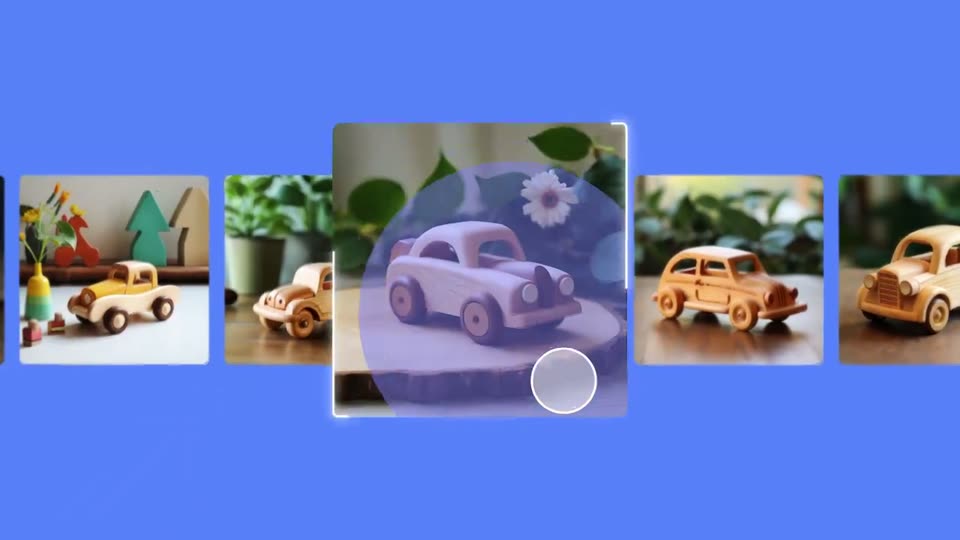 0:09–0:10Photoroom · Photoroom - 🚀 Today Photoroom is announcing the next generation of AI photo-editiA horizontal strip of photo cards showing wooden toy cars slides across a solid blue background. The center card scales up and lifts toward the viewer while the others shrink and drift aside, and a thin white circle fades in just below it.
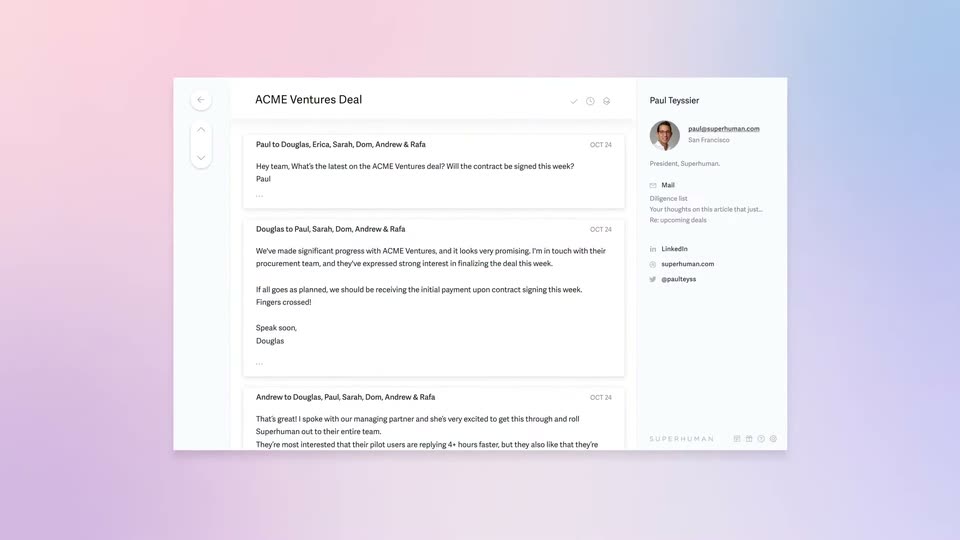 0:22–0:24Superhuman · Superhuman AI 2.0A white email-thread window titled ACME Ventures Deal sits on a pink-to-blue gradient, with a contact card for Paul Teyssier on the right. The view slowly zooms in, pushing the right panel off frame and filling the screen with the message list.
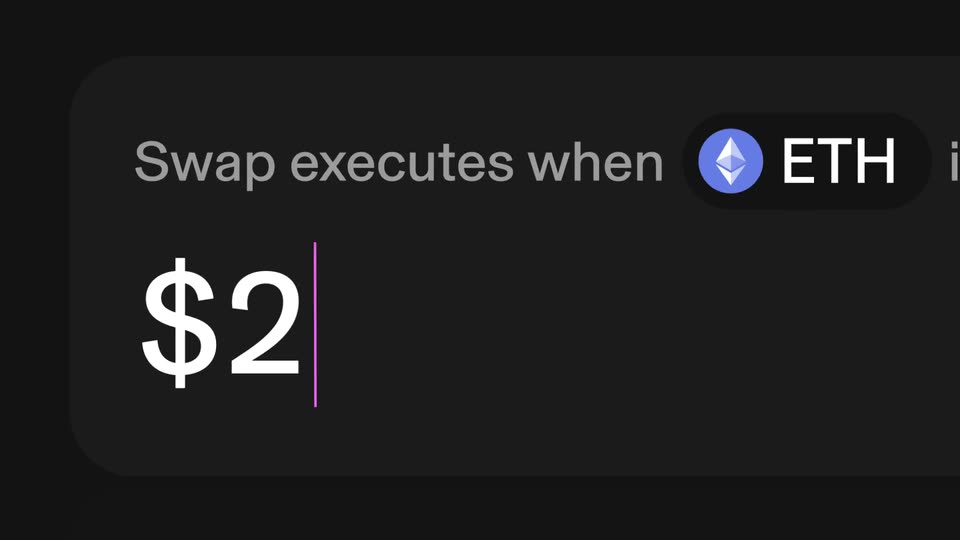 0:07–0:09Uniswap · Set and Forget Swaps: Introducing Limit Orders on UniswapThe card zooms in on the price field as $2,209.81 slides out; a cursor types $2,800 digit by digit, then the view pulls back to the full card and the value turns from gray to white.
 0:14–0:16Uniswap · All New Uniswap Extension and More Tools for Users to Swap SmarterA dark Uniswap browser window on a magenta field starts as a close-up of the address bar and hayden.eth, then reframes to the full PEPE token page with swap panel, then shifts to the top-left extension header.
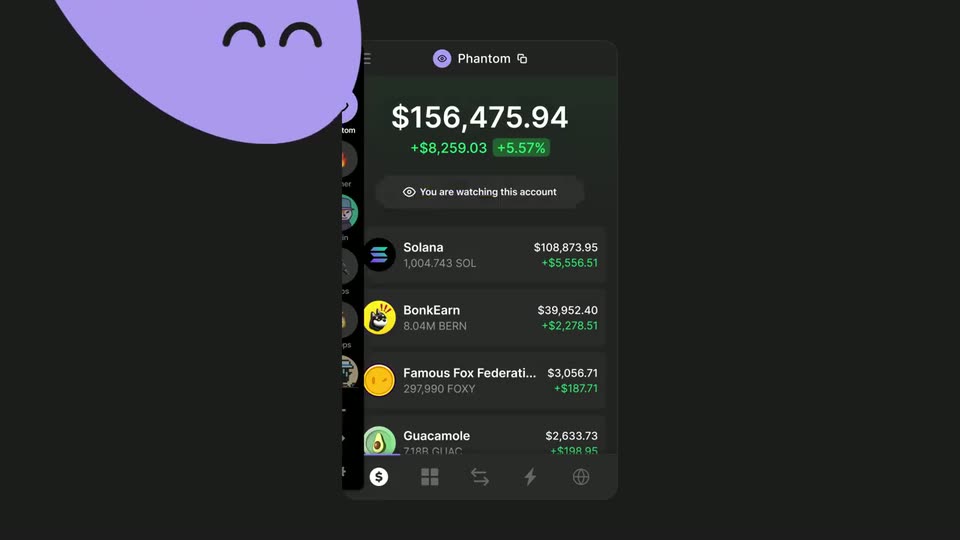 0:09–0:10Phantom · Phantom - Introducing: Wallet Watcher 👀 Add any wallet as a view-only accountA dark crypto wallet app UI centered on black. The selected account switches from Burner to Phantom, updating the balance and holdings list, while a large light-purple circle with two dark eyes zooms in over the top-left sidebar.
 0:29–0:30Google · Introducing Google One AI PremiumA white card showing a party invitation prompt and blue lines tilts in 3D perspective over a pale gradient. The camera pushes into the bottom bar, settling on a Cancel link beside a blue Creating... button.
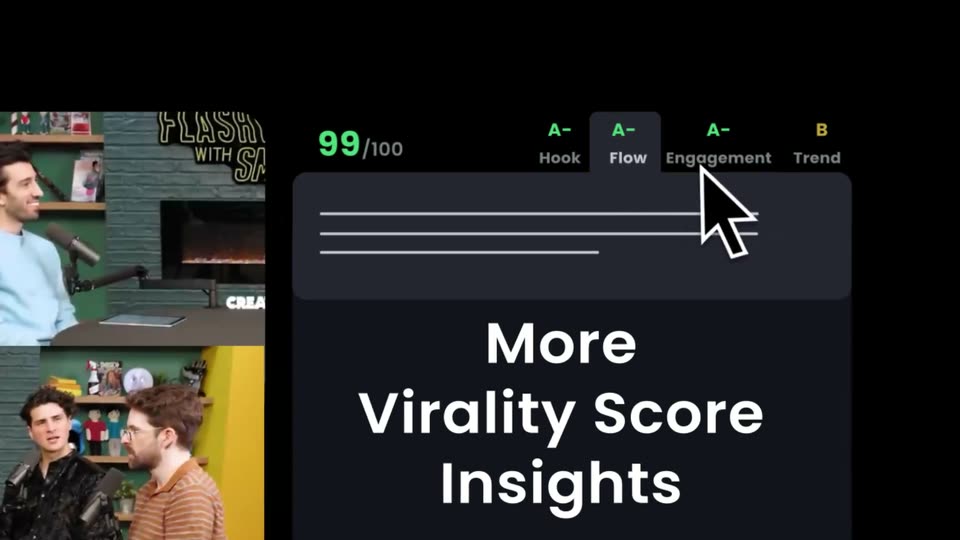 0:16–0:20OpusClip · OpusClip - Introducing OpusClip 3.0. The smartest AI video clipping tool just goTwo podcast video clips stack on the left while a dark panel slides in on the right, its green score counting up to 99/100 above Hook, Flow, Engagement and Trend tabs. A white cursor arrow hovers across the tabs as a large headline blurs into focus below.
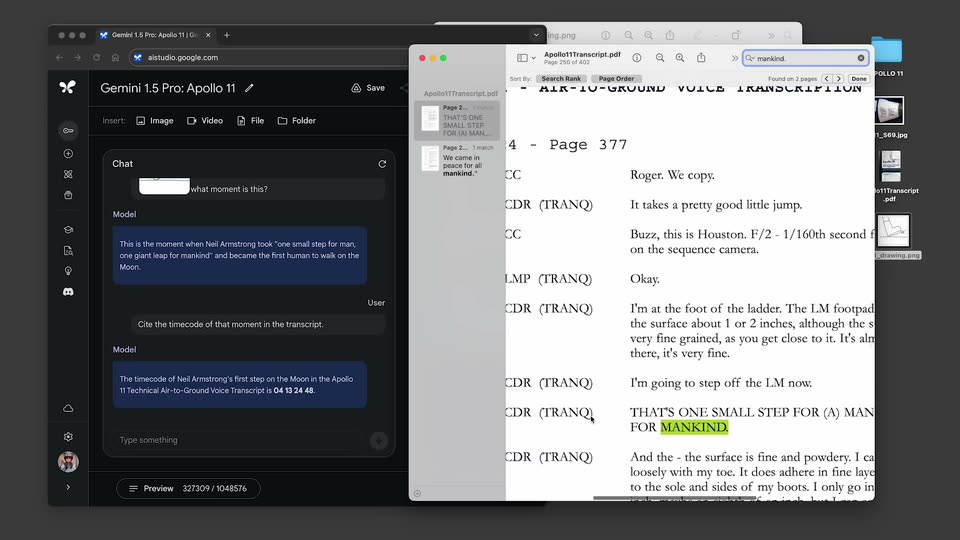 1:29–1:39Google · Reasoning across a 402-page transcript | Gemini 1.5 Pro DemoA dark Gemini chat panel sits beside a PDF transcript viewer. The viewer zooms from the full page to the highlighted line 'THAT'S ONE SMALL STEP FOR (A) MAN, ONE GIANT LEAP FOR MANKIND,' beside timecode 04 13 24 48, while the chat stays static.
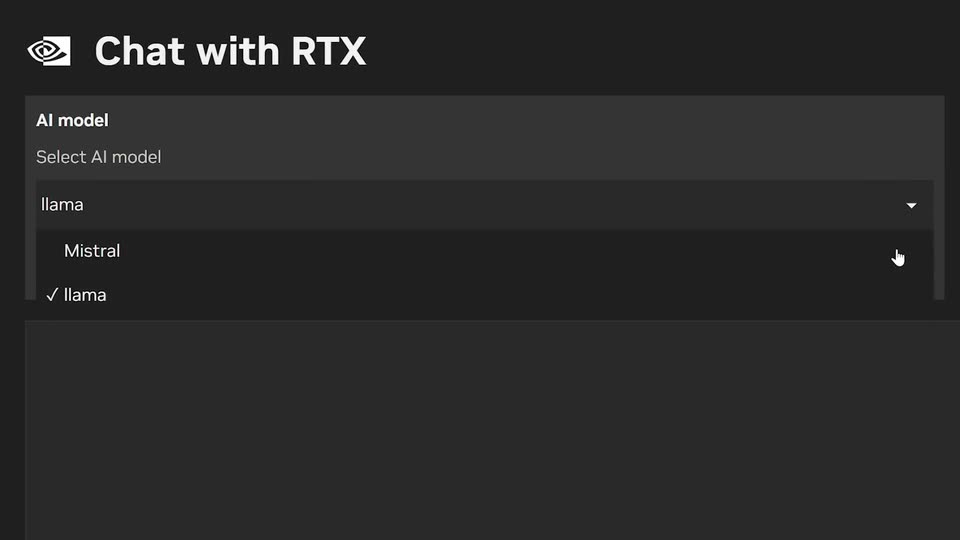 0:11–0:13NVIDIA · Create A Personalized AI Chatbot with Chat With RTXA dark Chat with RTX screen zooms in on the AI model panel as the Dataset panel fades out. The model dropdown opens to a list of options and the cursor moves down to hover over Mistral.
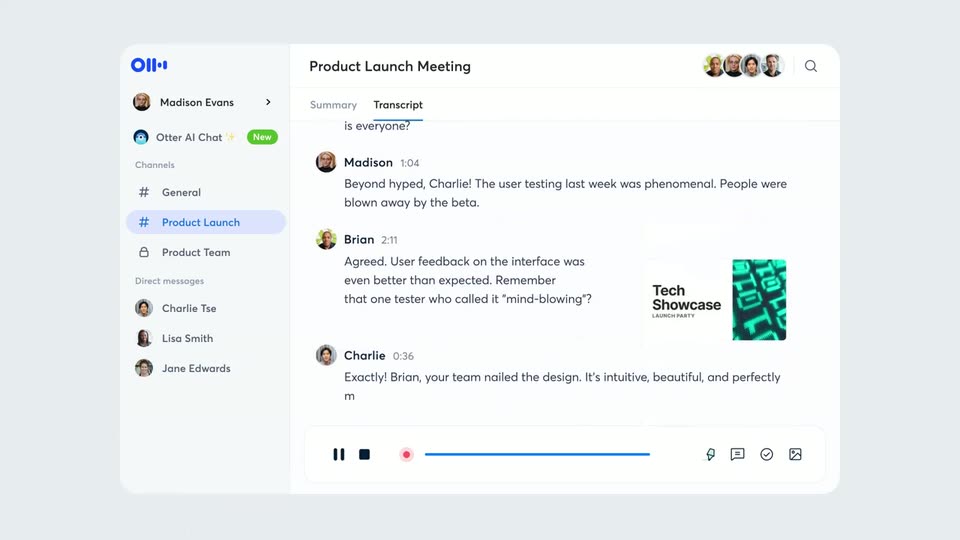 0:10–0:19Otter · Otter.ai - Introducing Meeting GenAI ✨ Say goodbye to lost insights and helloA light app window fades in showing a meeting transcript; messages type in one by one as a corner otter mascot pops up a dark speech bubble reading “Get automatic meeting notes!”. The view then zooms onto the Summary and Transcript tabs and fades out to an empty gray field.
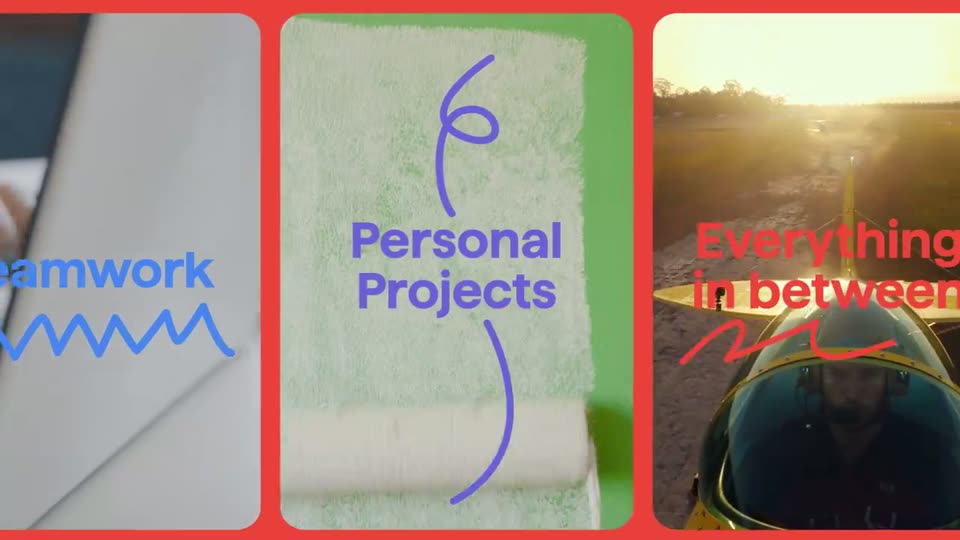 0:23–0:24Superlist · Superlist - We've got wunderful news: Today, we're releasing Superlist 1.0 – theThree vertical panels on a red background show a whiteboard, a wall being painted, and an astronaut at sunset, each with a hand-drawn label. The view zooms into the left panel, which resolves into the app's project view as a cyan line draws across.
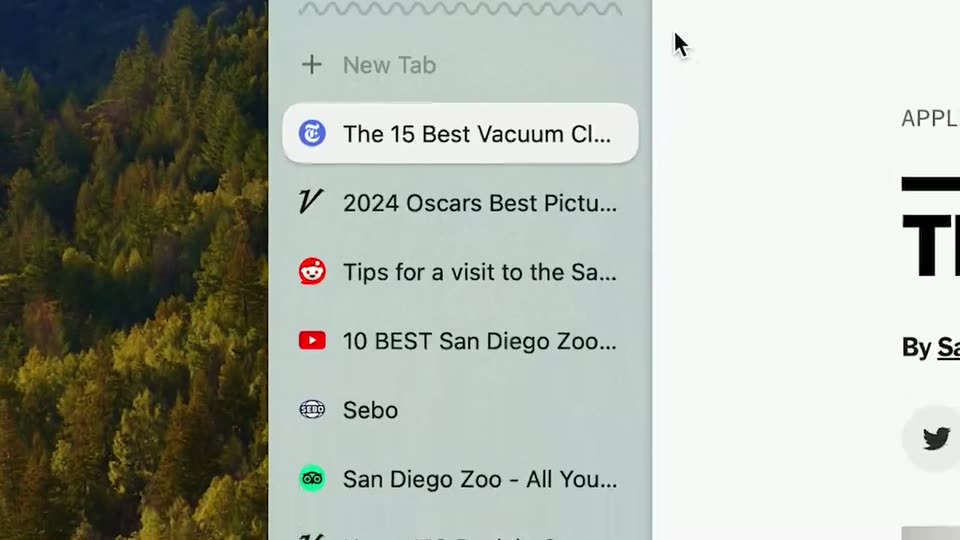 0:06–0:07The Browser Company · The Browser Company - A browser that tidies for you? Tidy Tabs, now in Arc!A close-up of a browser tab list over a forest photo; the cursor hovers the Clear control, the list scrolls up one row and the highlighted tab shifts, while the page on the right reframes to reveal its header and a vacuum image.
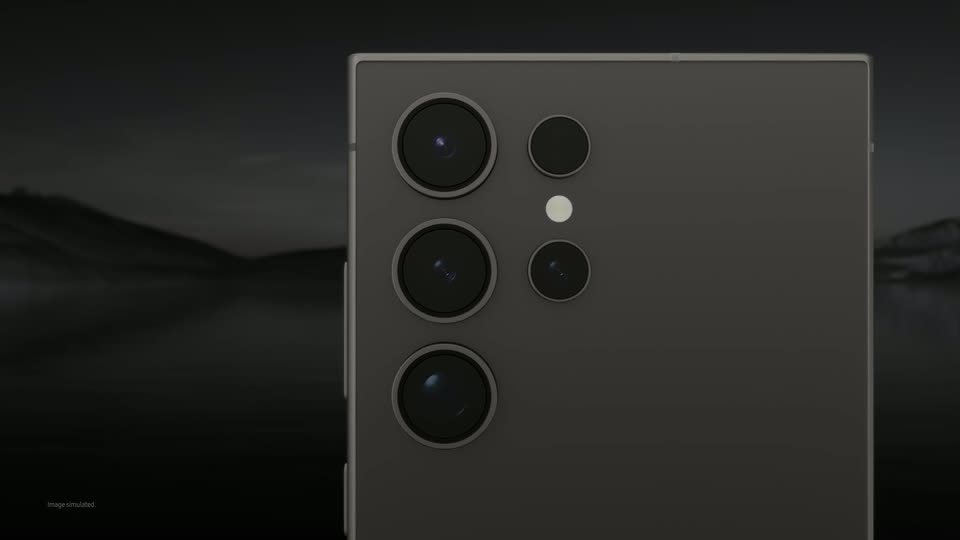 0:54–0:55Samsung · Galaxy S24 Series: Design Film | SamsungA 3D render of a black Samsung phone's back starts as an extreme close-up on the top camera lens, then pulls back to reveal the full upright device centered in a dark mountain-and-water landscape. The SAMSUNG wordmark sits at the base of the phone.
 0:02–0:03Loom · Loom - 🚨 Sales & customer-facing teams — unlock more revenue with Loom!A flat video-player card floats on a purple gradient, left half white with a man's avatar and the title Feature Roadmap, right half a yellow-and-blue abstract shape. Confetti dots scatter over the card at the open, then reaction emojis and a filling progress bar line the bottom.
 0:00–0:02Amie · Amie - labours of love take time – after 2 years in beta we’re today introduA tilted 3D mockup of a calendar and todos app sits below a white 0 logo and a white two-line headline. The camera zooms into the pastel calendar blocks, then the view flattens into a centered rounded card on a light gray background.
 0:43–0:45Amie · Amie - your calendar is your personal philosophy… hear our vision for todayA blurred woman sits in a green-lit room while translucent UI cards float in 3D space in front of her, carrying labels like “Design conference” and “Dear Jony, your feedback today”. The camera pushes through the field, so the near cards scale up and the depth layers drift apart.
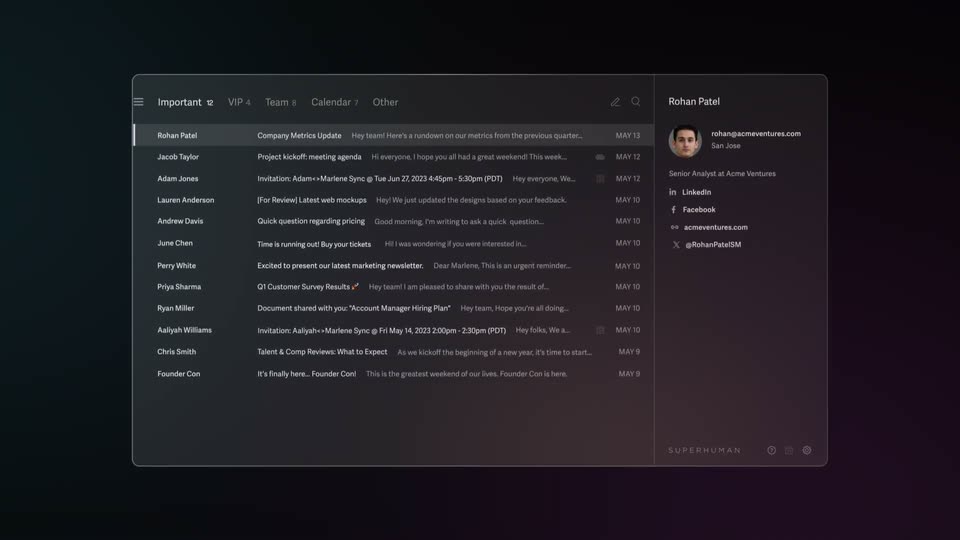 0:05–0:06Superhuman · Introducing SuperhumanA dark email inbox fills the frame under a static Welcome to Superhuman caption. The list scrolls, a meeting card scales up at center, and the right profile panel switches from Emily Nguyen to Rohan Patel.
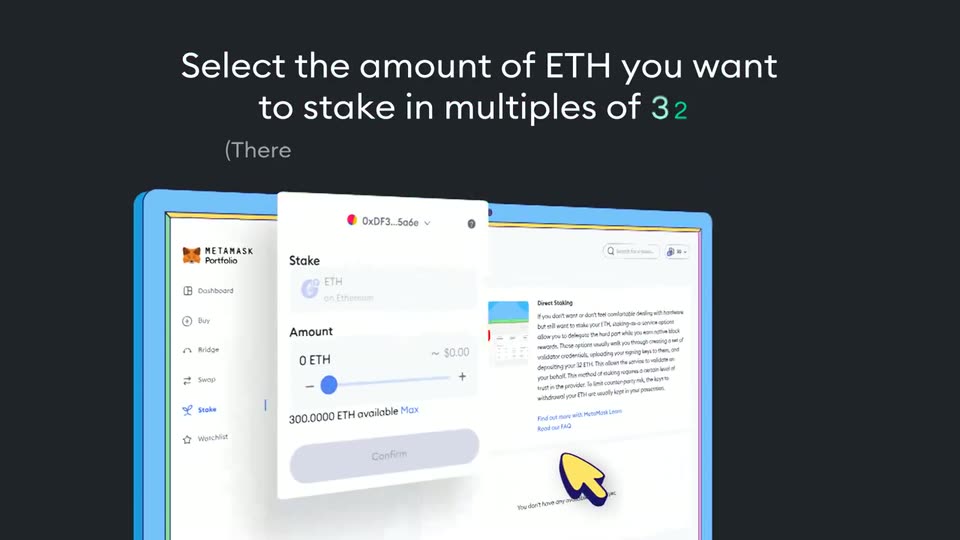 0:37–0:39MetaMask · MetaMask 🦊 - Introducing Validator Staking on MetaMask Portfolio.🦊 With a 32 ETHA white headline types out over a dark background above a tilted blue-framed window showing a MetaMask staking screen. The window straightens and zooms into the staking panel, exposing the amount slider and Confirm button, as a gray sub-line begins to type.
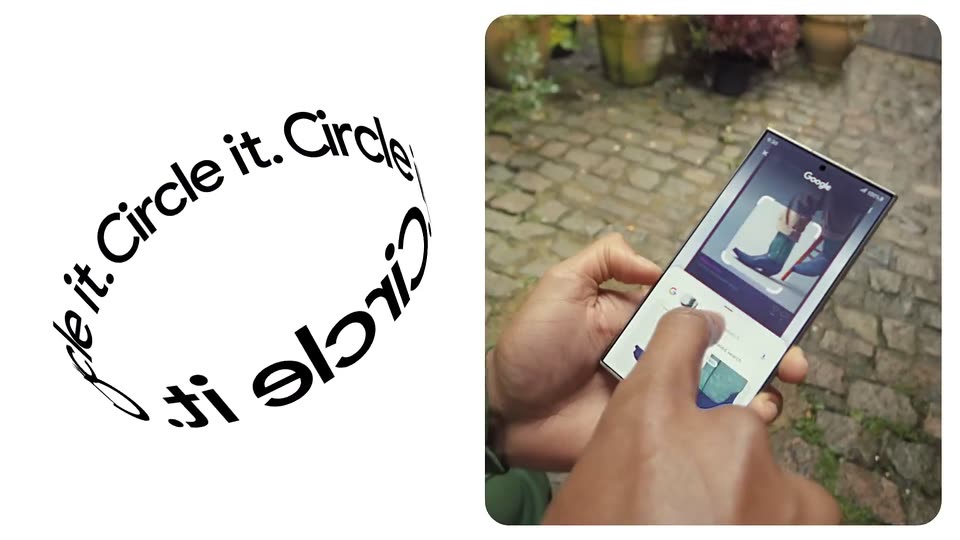 0:13–0:14Google · Introducing a new way to search | Circle to SearchA split screen shows a ring of the words Circle it. on the left and a hand holding a phone with a white circle drawn over a search result on the right. The view then zooms into the phone screen, filling the frame with the circled shoe image and the search bar.
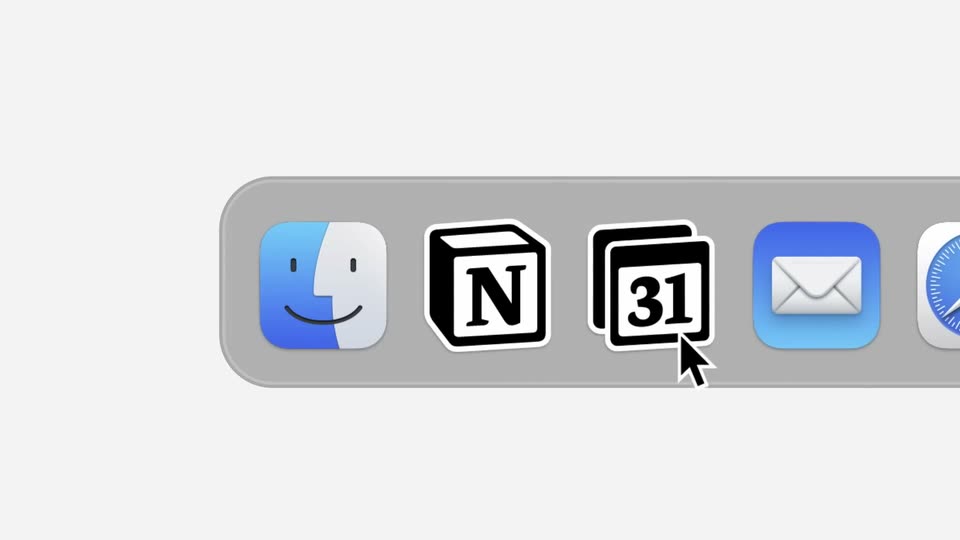 0:04–0:07Notion · Meet Notion CalendarA macOS dock with Finder, Notion, Calendar, Mail and Safari icons rests on a pale gray field. A cursor moves to the Calendar icon, which scales up, and the Notion Calendar window for January 2024 opens, reframing the view to the full interface.
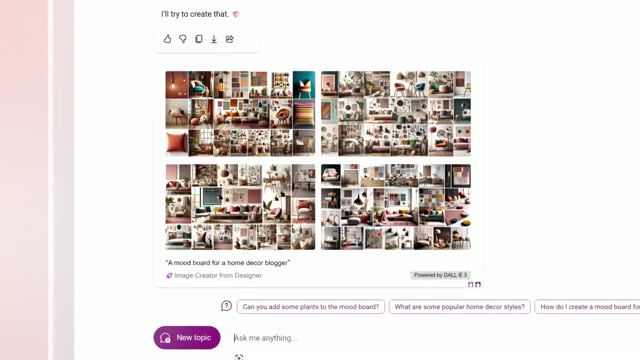 0:03–0:09Microsoft · Introducing Copilot Pro: Supercharge your Creativity and ProductivityA Copilot prompt produces a colorful moodboard on a floating window. The interface tilts in perspective and the camera reframes toward the generated images.
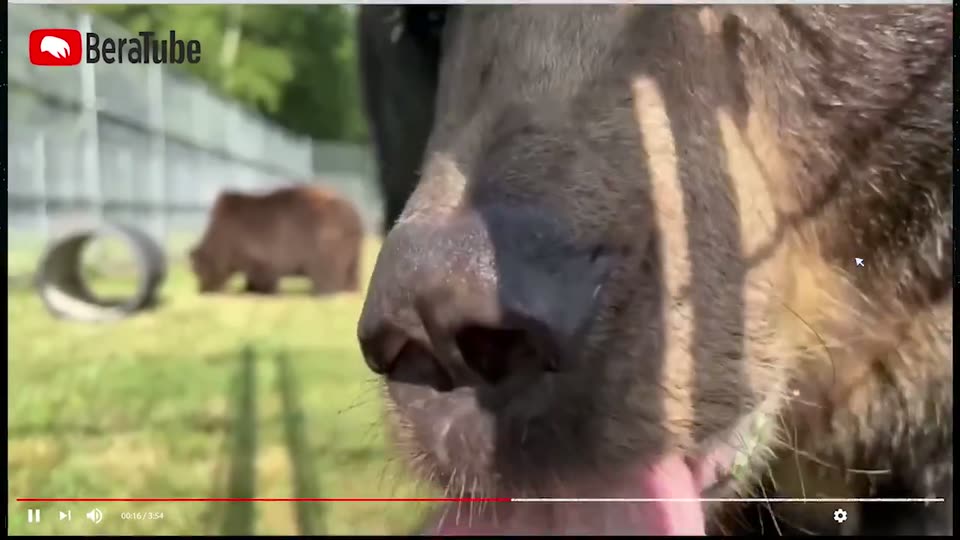 0:13–0:14Berachain · Berachain Foundation 🐻⛓ - Berachain’s Public Testnet "Artio" is now live. The March of the BerA tight close-up of a panting dog's nose fills the frame, then the view pulls back to reveal the whole BeraTube player window floating on a starfield, a yellow bowl at the bottom of the video.
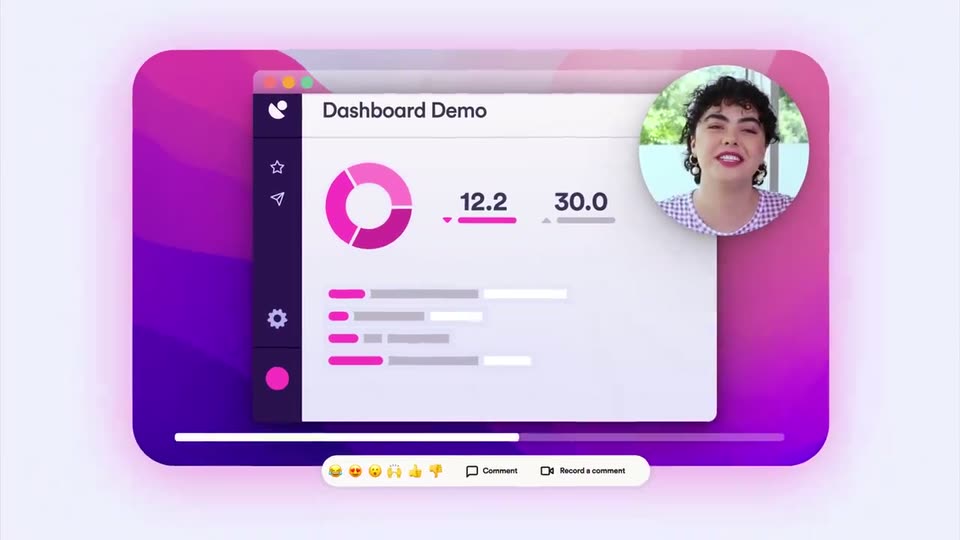 0:00–0:03Loom · Loom - It’s a new year — and it’s easier than ever to embrace new ways of woA dashboard mockup sits in a browser window with a presenter's webcam circle top right; a hand cursor clicks the orange record button on a left toolbar. The frame then zooms out to a rounded purple player, adding an emoji reaction bar and comment buttons below.
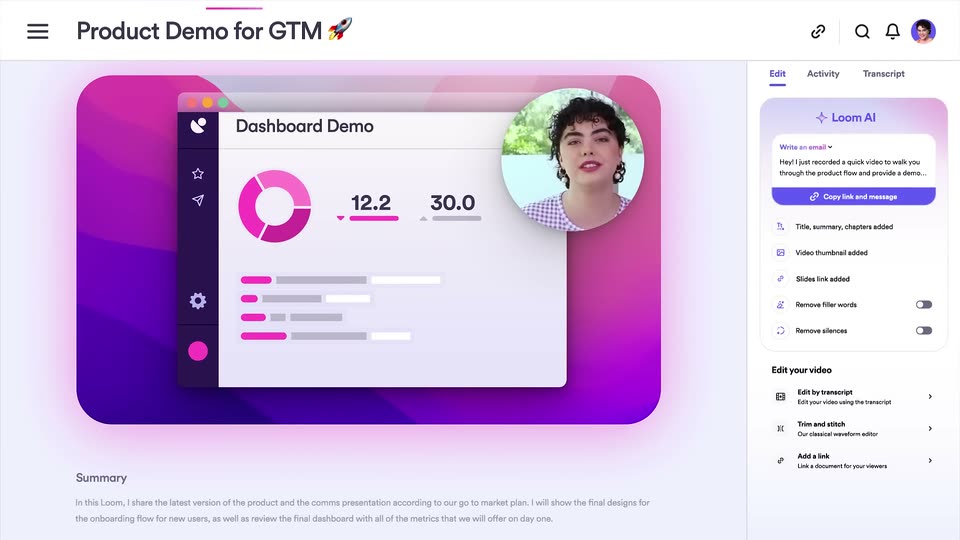 0:00–0:07Loom · Work Faster and Smarter with Loom AIA dashboard demo window with a pink donut chart and a round webcam of a talking woman zooms out to a Loom player card, then to the full page with a right-hand AI panel and summary text.
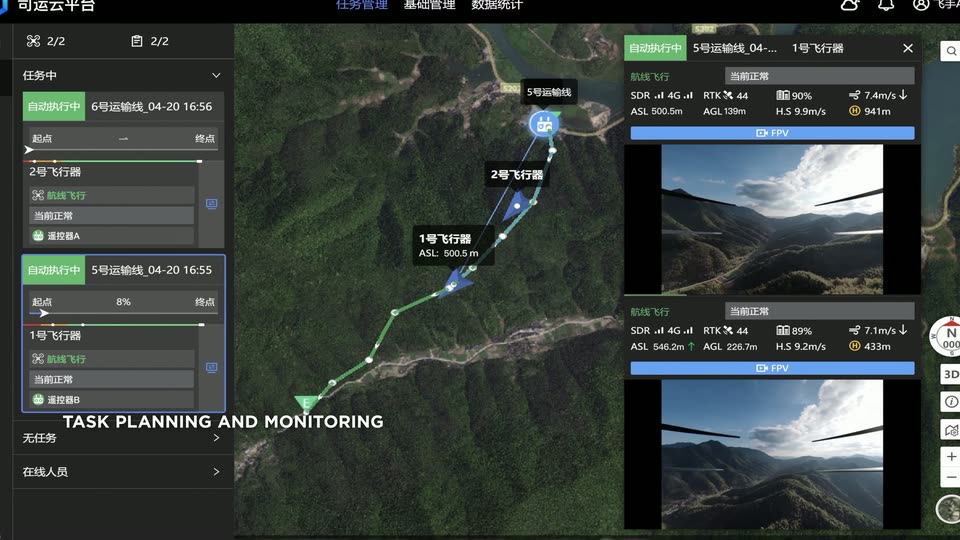 3:08–3:12DJI · Introducing DJI FlyCart 30 | DJI DeliveryA dark drone-ops dashboard fills the frame: a left task list, a central 2.5D terrain map with green flight routes and labeled drone markers, and two FPV mountain feeds stacked on the right. The view slowly zooms into the map while a white caption sits at lower left.
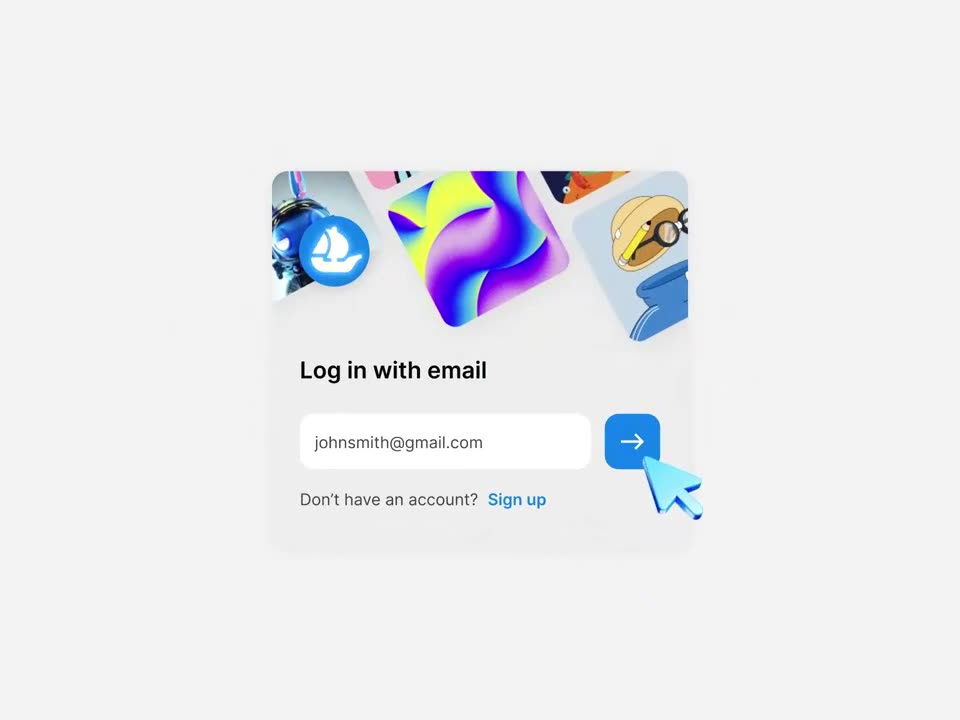 0:15–0:18OpenSea · OpenSea - NFTs just got a whole lot easier. Introducing the new OpenSea onboaA login card sits centered on a light gray field as a gray headline fades in and out over it. An email is typed into the field and a 3D blue cursor clicks the arrow button, then the frame zooms into the card.
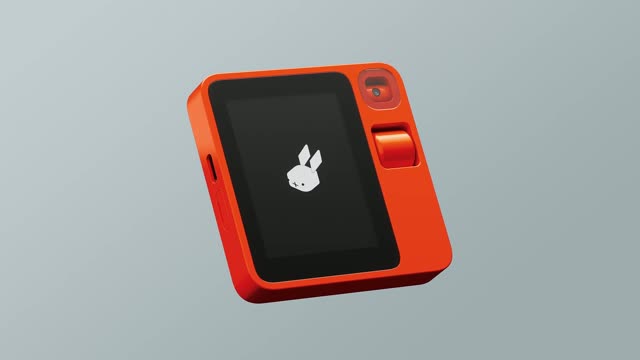 0:48–0:52Rabbit · rabbit r1: $199, no subscription.A small orange handheld camera with a black screen and white rabbit logo floats on a light gray background. The camera pushes in as the device tilts, and the screen fills the frame, showing a large white 4 that scales up, then a 0.
 0:08–0:09Leonardo AI · Leonardo.Ai - Realtime Gen is now LIVE for all users ⏱️ Type and watch your promptA photorealistic white horse runs across a golden grass field in a portrait frame, with a dark prompt bar at the bottom showing the typed query and a blinking caret. The image then scales down into a small centered thumbnail on a black background.
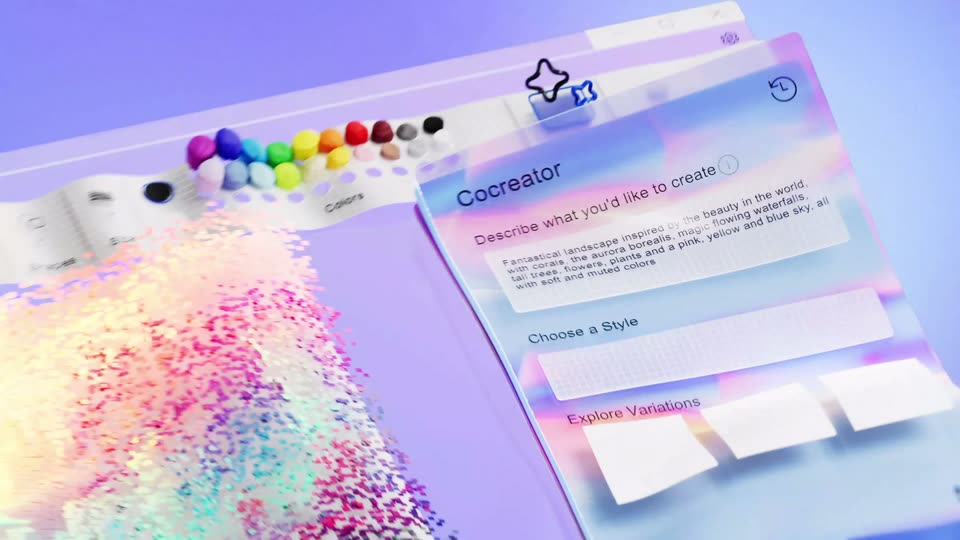 0:03–0:05Microsoft · Introducing AI in Windows 11A 3D-tilted design app interface shows a white canvas beside a Cocreator panel. A blue wash clears as the camera pushes in toward the panel and a pink pixelated landscape renders on the left. A static dark blue headline “Spark new ideas effortlessly” overlays the center.
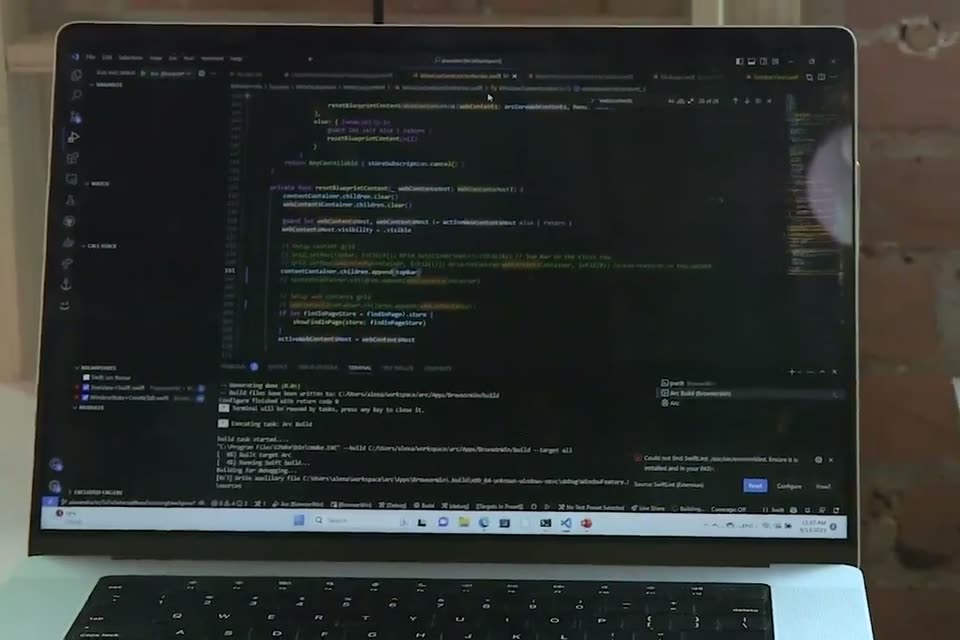 0:06–0:07The Browser Company · The Browser Company - It starts today. The first Arc on Windows beta invites are out - andA white laptop on a wooden desk shows a dark code editor. The view zooms into the right-hand panel, bringing a reply section with a REPLY button and a 0 replies count into focus.
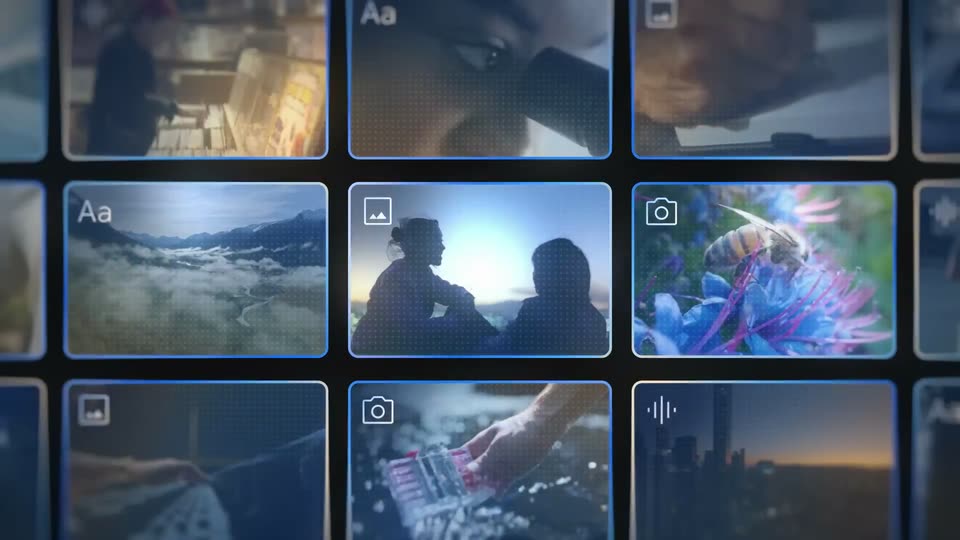 1:32–1:36Google · Google's newest and most capable AI | GeminiA grid of media thumbnails floats on a dark 3D wall; small type, camera, and waveform icons fade into tile corners while the center sunset clip is highlighted with a blue outline and dotted overlay. The camera then pulls back, shrinking the grid into the distance.
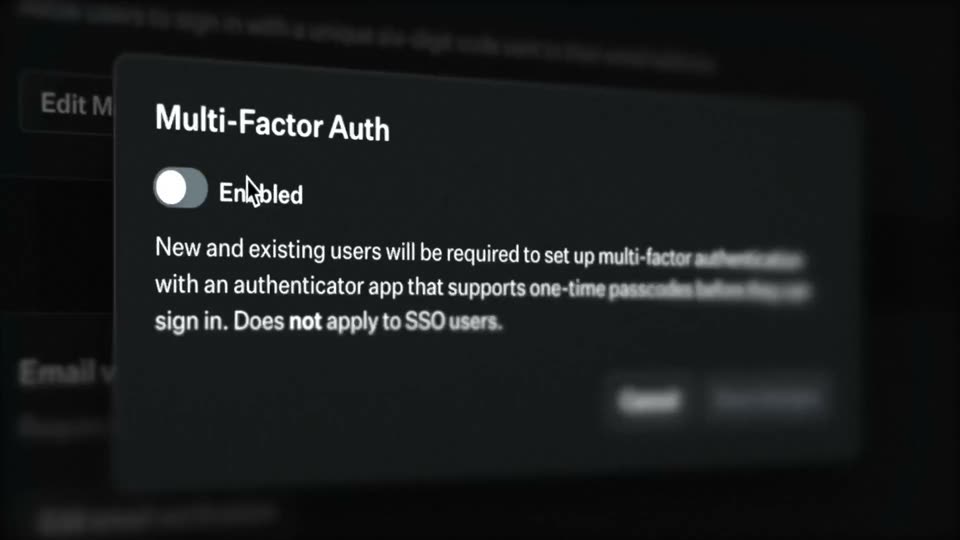 0:15 · 0.5sAuthKit · WorkOS - Introducing @AuthKit — an open source auth UI built on @radix_ui.A dark settings card holds sharp focus while the surrounding interface blurs out. The card's heading and body text swap from Multi-Factor Auth to Email + Password, each paired with a purple toggle set to Enabled. A white cursor hovers at the toggle.
 0:02–0:03Pika · Introducing Pika 1.0, An Idea-to-Video PlatformA dark prompt field with the tail of a typed prompt sits on black beside an outlined Generate button with a star icon. The button zooms in fast, blurring into a large white card that fills the frame.
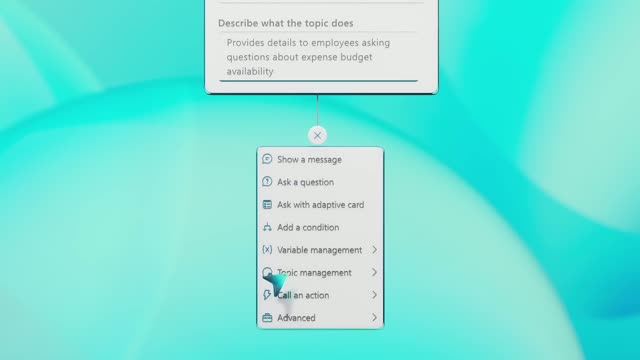 0:24–0:27Microsoft · Introducing Microsoft Copilot Studio | Your Copilot, Your WayFloating 3D cards of a chatbot builder tilt over a soft cyan gradient. The view scrolls down the Trigger card as a cursor moves to a dropdown list of actions.
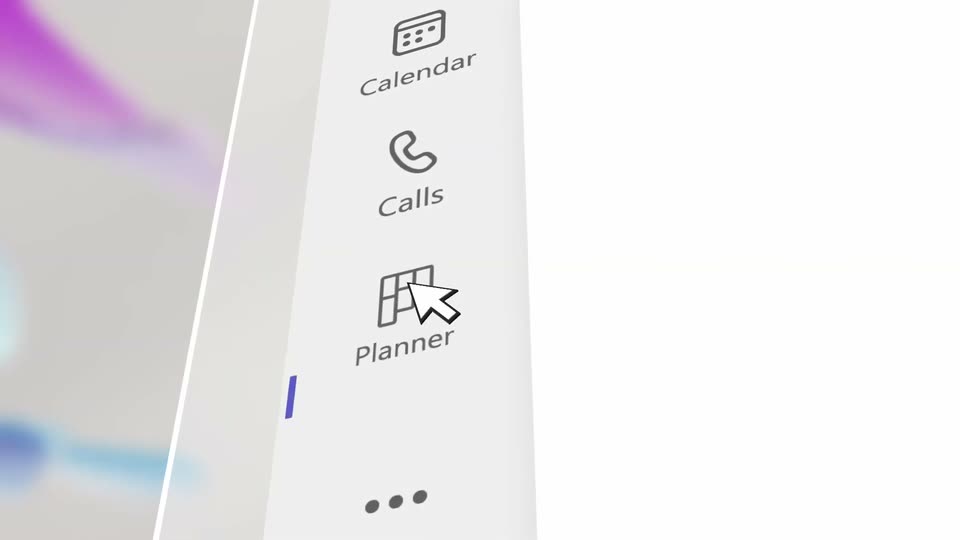 0:19–0:20Microsoft · The new Microsoft Planner: Manage all your tasks and plans in one simple, familiar experienceA tight close-up of a white app sidebar lists Calendar and Calls icons against a blurred purple background. The camera pulls back to reveal the full Planner window as the cursor moves to the highlighted Planner item in the sidebar.
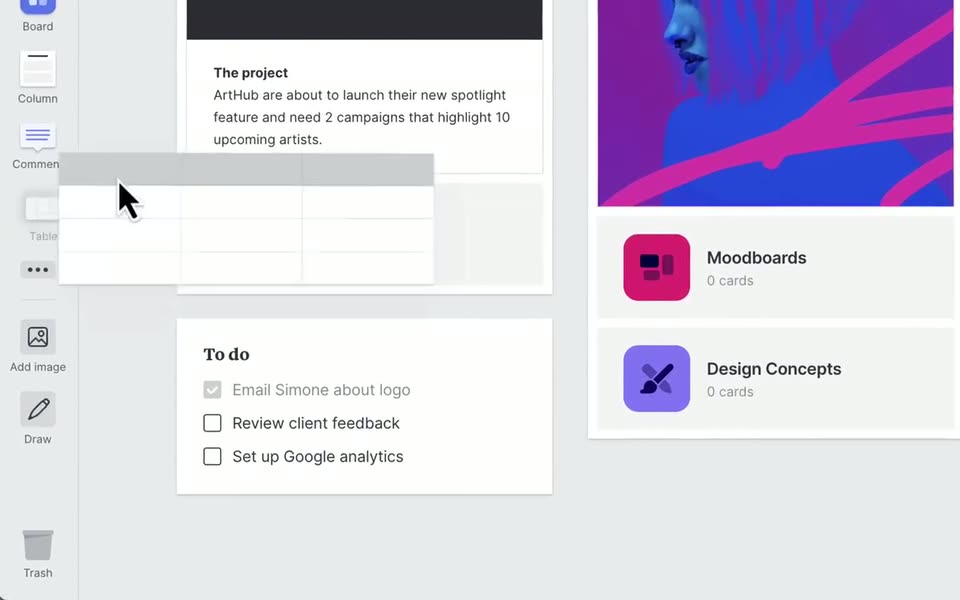 0:00–0:01Milanote · 28 reactions | We've just added Tables to Milanote 🎉 Use them to plan project timelines, calculate budgets and keep track of all the details. We've included the best parts of a spreadsheet (formulas, cell types and basic formatting), without the complexity. Try them out and tell us what you think! | MilanoteThe campaign board interface zooms in from a full-screen view to a close-up of the left columns. A hand cursor glides to the Table icon in the left sidebar and hovers there, while the About and Research & Design cards settle into frame.
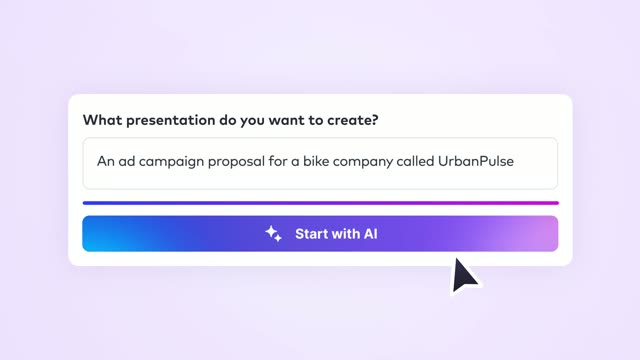 0:17–0:22Pitch · Introducing Pitch 2.0A white prompt card sits on a pale lavender field. The prompt types out in the input box while a blue-to-purple progress bar fills. A dark cursor slides in from the lower right toward the gradient Start with AI button, and the frame zooms in on the button.