UI zoom
A zoom or reframe onto one part of the interface.
9,973 scenes · page 46 of 167
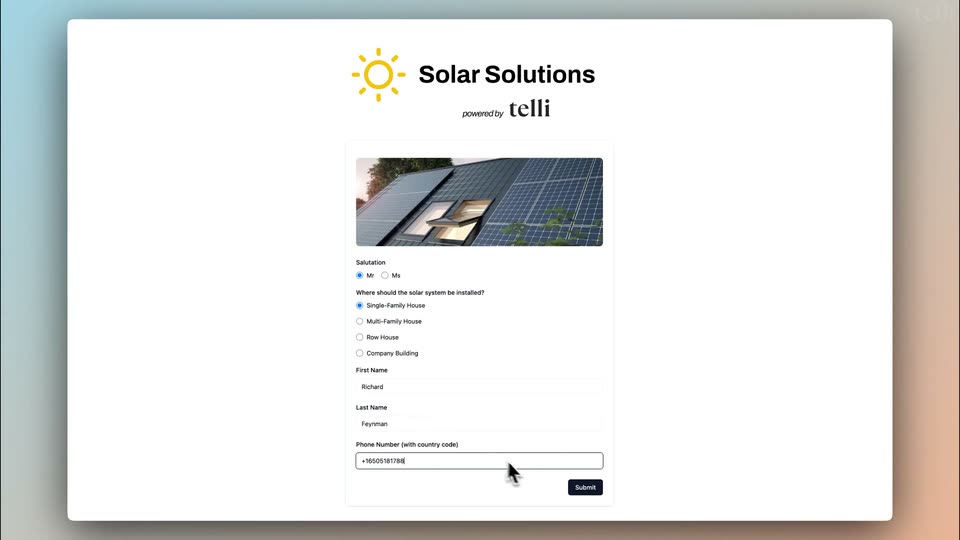 0:40–0:42telli · Launch YC - telli - outbound call automation for B2C companiesA white Solar Solutions lead form on a soft gradient background. The shot zooms into the form while a cursor types digits into the phone number field, then drifts down toward the Submit button.
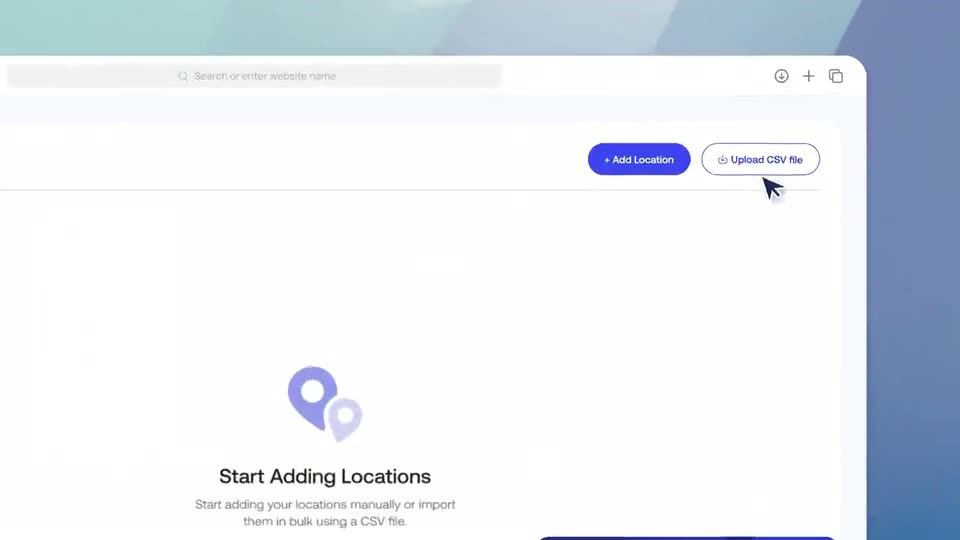 0:00–0:01StoreTrack · StoreTrack: headerA tilted browser window of the StoreTrack web app floats over a macOS desktop with the dock visible. The frame zooms in on the top-right action bar while the cursor moves to hover the Upload CSV file button.
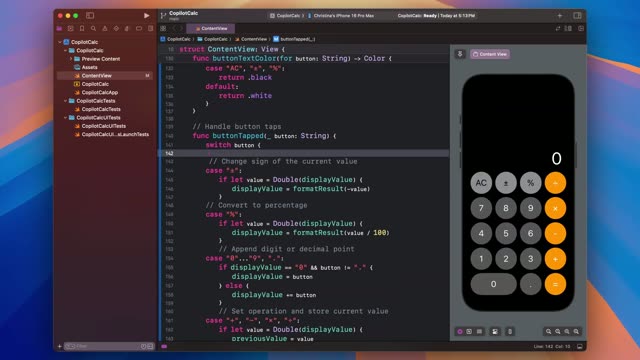 0:37–0:55GitHub · Introducing GitHub Copilot in XcodeA code editor with Swift source sits left of a phone simulator running a calculator app. The code scrolls while digits are tapped on the calculator, the display builds to 144 and resets to 0, then the view zooms into the code.
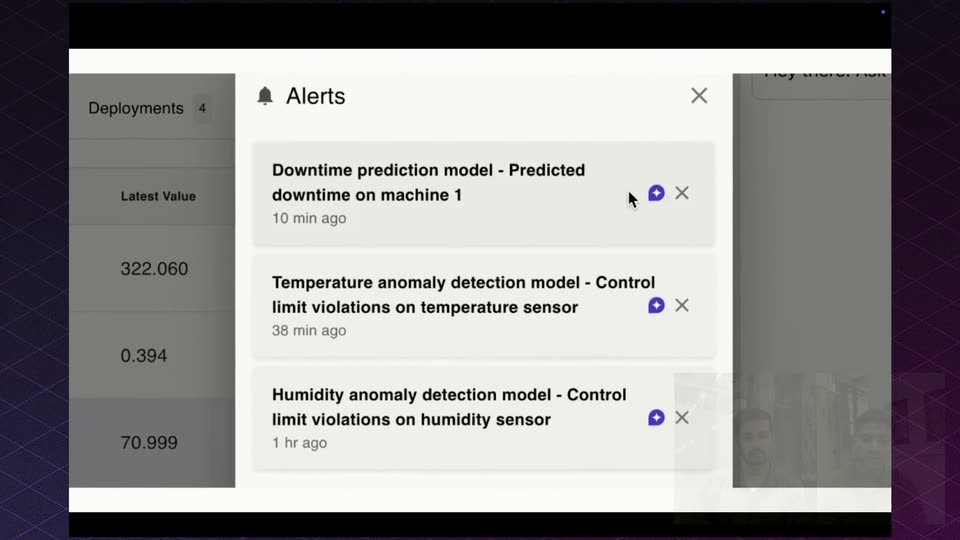 0:50–0:51Vortexify · Praxis AI LaunchA product dashboard fills the frame, then the view zooms onto a white alerts panel listing three anomaly detections with timestamps. A cursor hovers near the top. A small video-call window of two presenters stays pinned in the bottom-right corner.
 0:36–0:37Synth · Synth AI YC LaunchA browser window shows the Synth website, its orange logo and tagline centered on a cream page, with a cursor resting near the top-right nav. A small rounded video inset of a man speaking sits in the lower right as the view zooms toward the header.
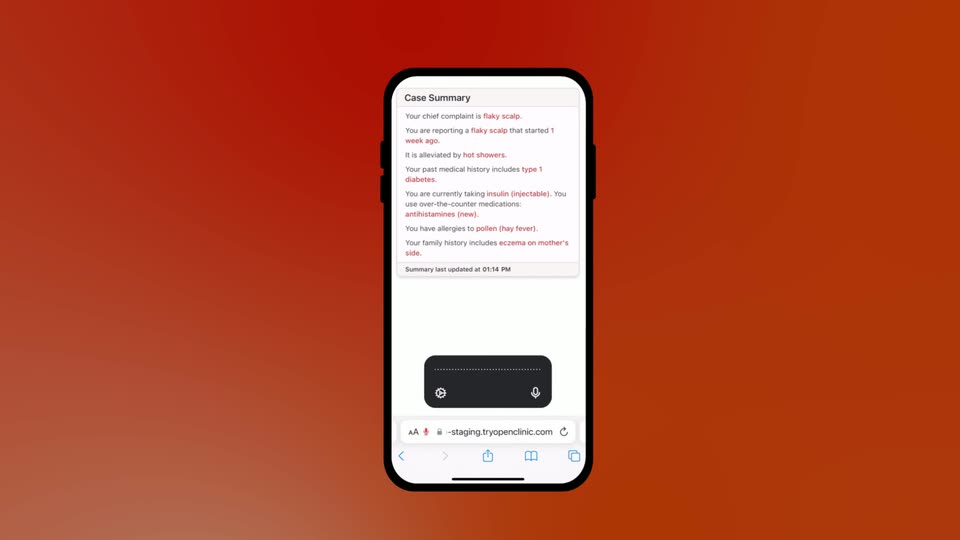 0:22–2:07FutureClinic · OpenClinic (YC F24) - DemoA flat phone mockup on an orange gradient shows a voice widget with animated waveform, a case summary, a patient list, and a patient page. The camera zooms in and out on the screen while a caption fades in and huge white DOCTOR DASHBOARD text scrolls behind the phone.
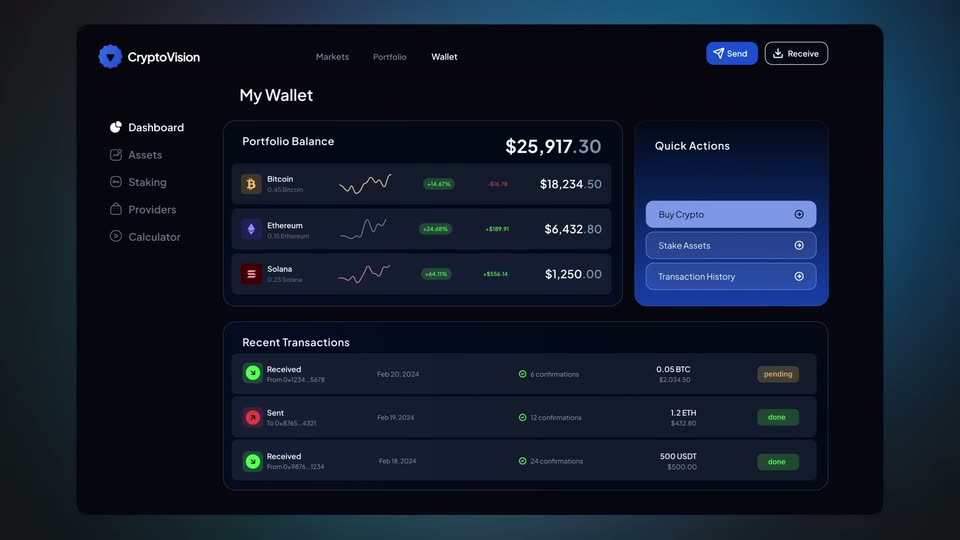 0:16–0:17Lovable · Lovable – An AI Full-Stack EngineerA dark crypto wallet dashboard fills the frame: a portfolio balance card, three asset rows with sparklines, and a recent transactions list. The camera slowly pushes in on the interface as the My Wallet heading settles into place.
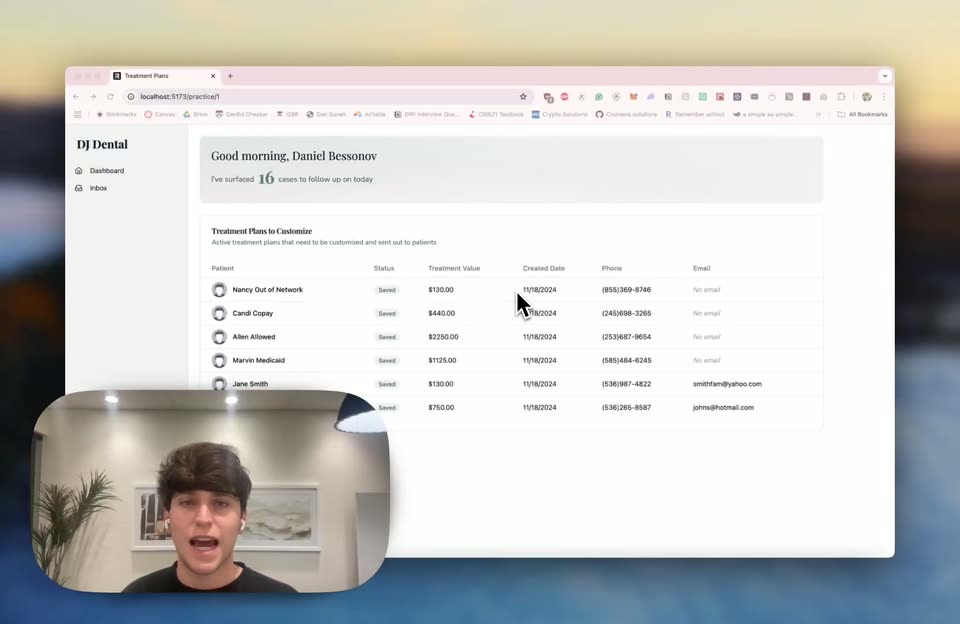 0:00–0:26Avora · ShowAndTell: AI agents for dental patient operationsA browser window shows the DJ Dental Treatment Plans table with patient rows and a mouse cursor, while a young man speaks in a rounded webcam window at the lower left. The clip ends with a zoom into the table rows.
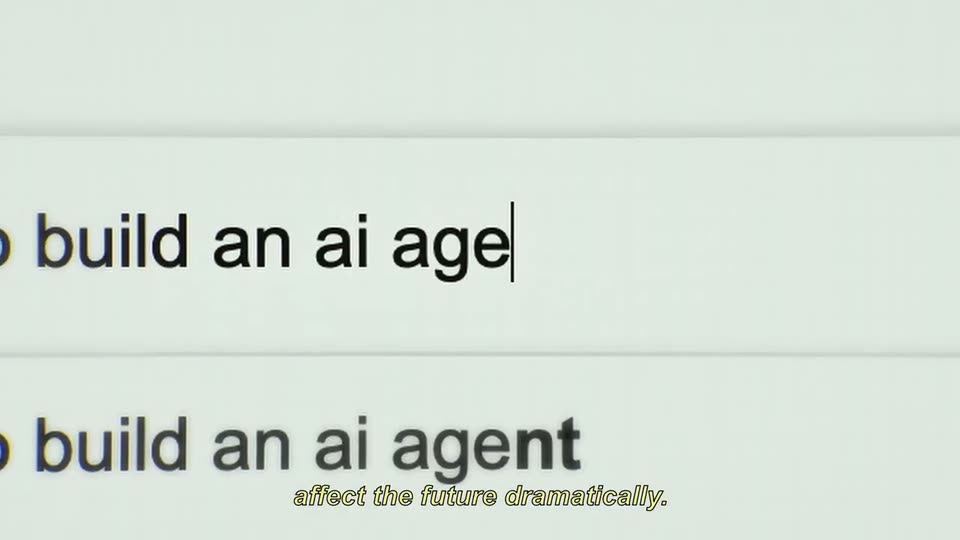 0:06–0:08Browserbase · Browserbase - What will you 🅱️uild?A Google search page types into the search bar while a dropdown of suggestions lists AI queries. The frame zooms in step by step onto the bar and the first two results. A yellow italic caption sits at the bottom edge throughout.
 0:26–0:28Microsoft · Introducing Windows 365 Link: Satya Nadella at Microsoft Ignite 2024A white Windows sign-in card with a blue four-pane logo and small gray 'Connecting...' text sits on a blue abstract desktop, then the view zooms in until the login screen fills the frame.
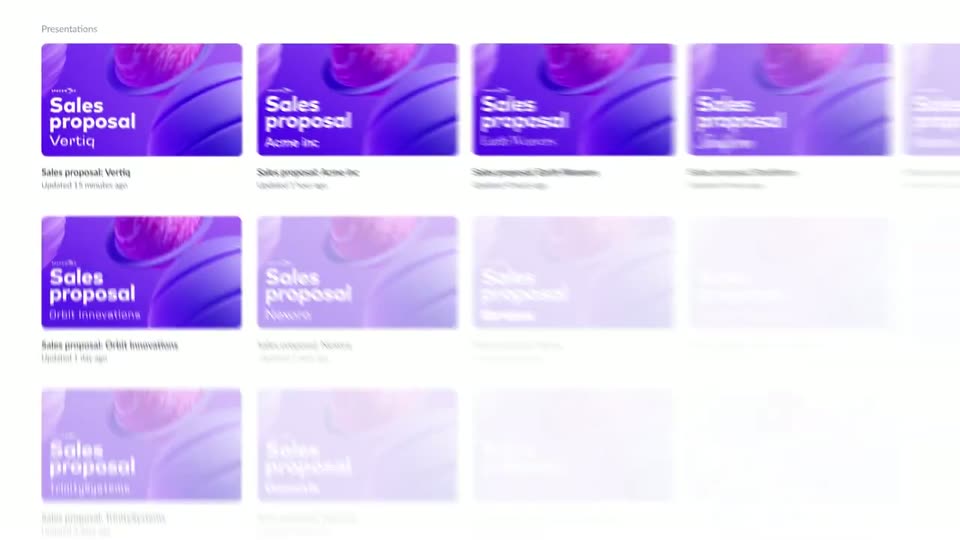 0:12–0:16Pitch · Pitch - Pitch is now more than just presentation software — it’s a complete pA zoomed-in purple card labeled 'Sales proposal Vertiq' fills the frame, then the view pulls back to a 'Presentations' grid of matching cards, each with a rendered purple sphere and a client name. The continuous zoom-out reveals the full list.
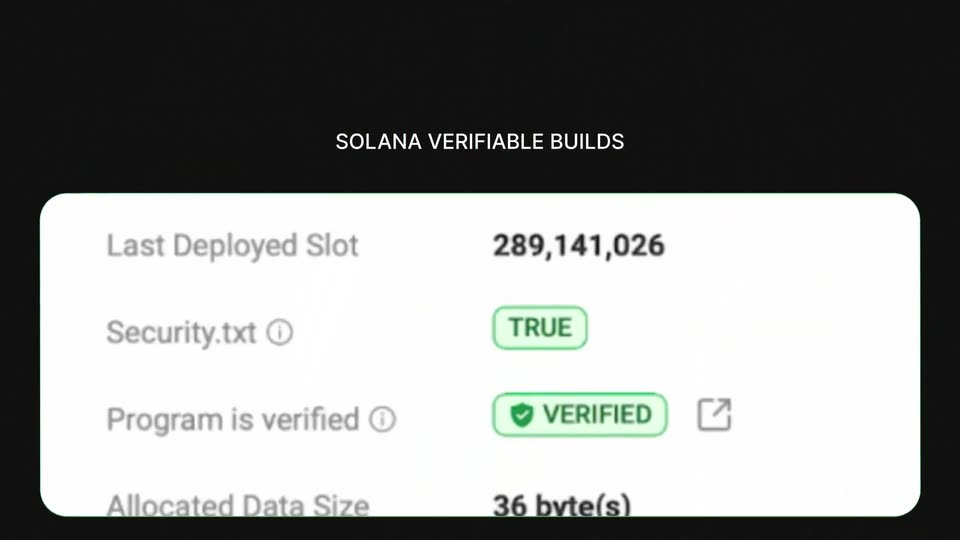 0:08–0:10Solana · Solana - Introducing Solana Verifiable Builds — a new era of transparent, veriA white program-info panel sits on black under the white heading SOLANA VERIFIABLE BUILDS. The panel scrolls, then quickly reframes down to the verified row, collapsing into a thin banner as light green diagonal stripes fill its right edge.
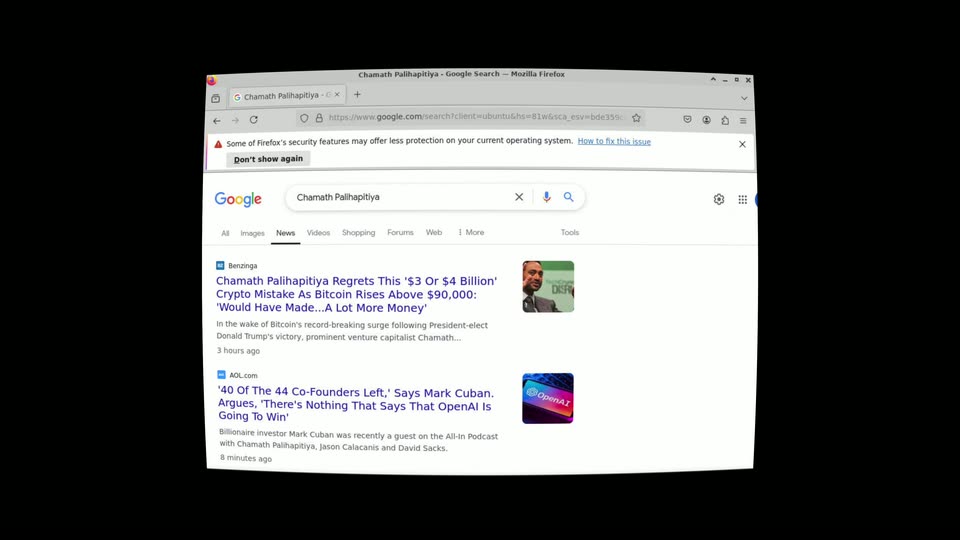 0:19–0:21Capy · Introducing Scrapybara: A Computer For Your AIA Firefox window tilted in 3D perspective on a black field shows a Google search for Chamath Palihapitiya. The view zooms in as the results switch from the overview panel to a list of news headlines.
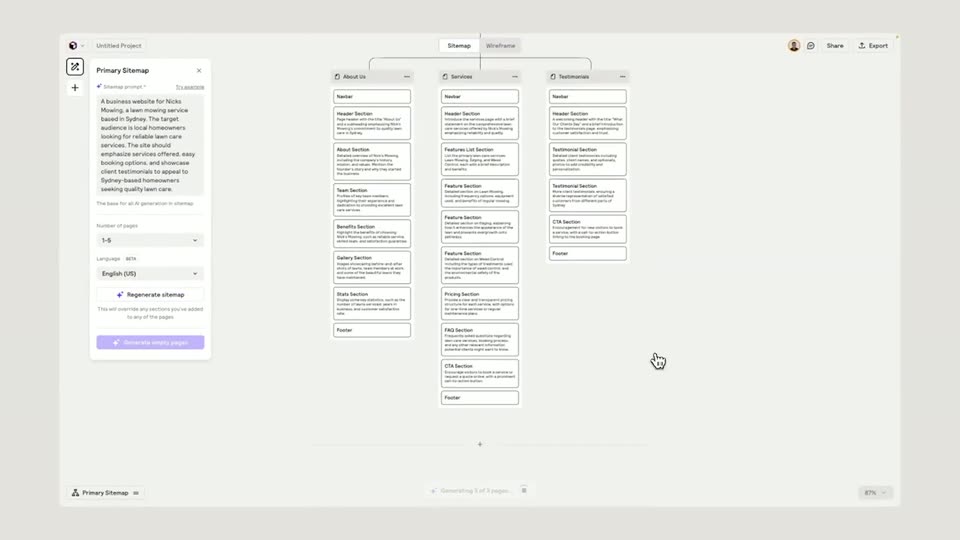 0:07–0:09Relume · Relume - With ChatGPT, you can now build an entire website structure, in minutA wireframing interface displays a sitemap. The view zooms out from a single 'Home' page to reveal three main branches: 'About Us', 'Home Services', and 'Testimonials', each containing detailed wireframe sections.
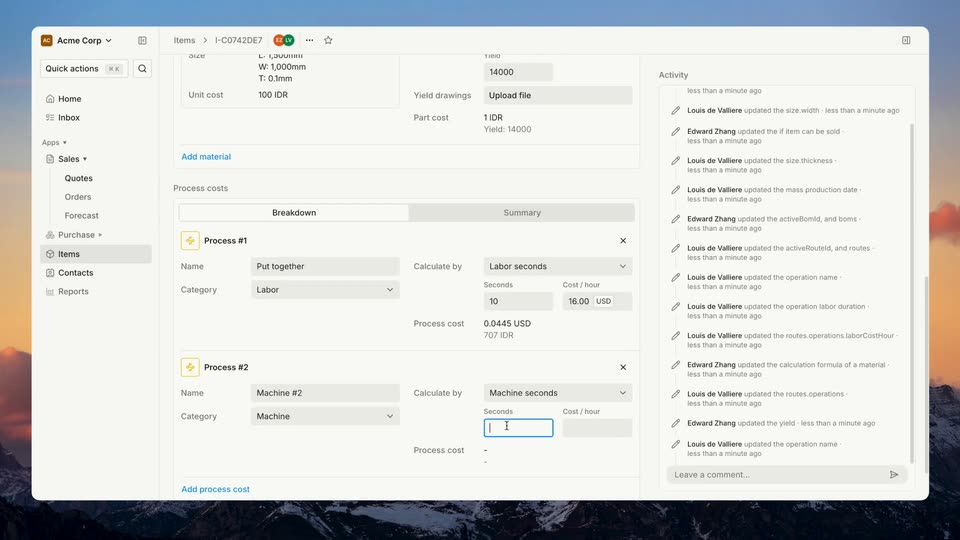 0:40–1:01Tiny · Tiny (YC F24) Launch VideoA flat product window sits on a sunset mountain wallpaper. A cursor fills form fields while the page scrolls and the right-hand activity log fills with new entries. The view zooms into the feed as a comment is typed.
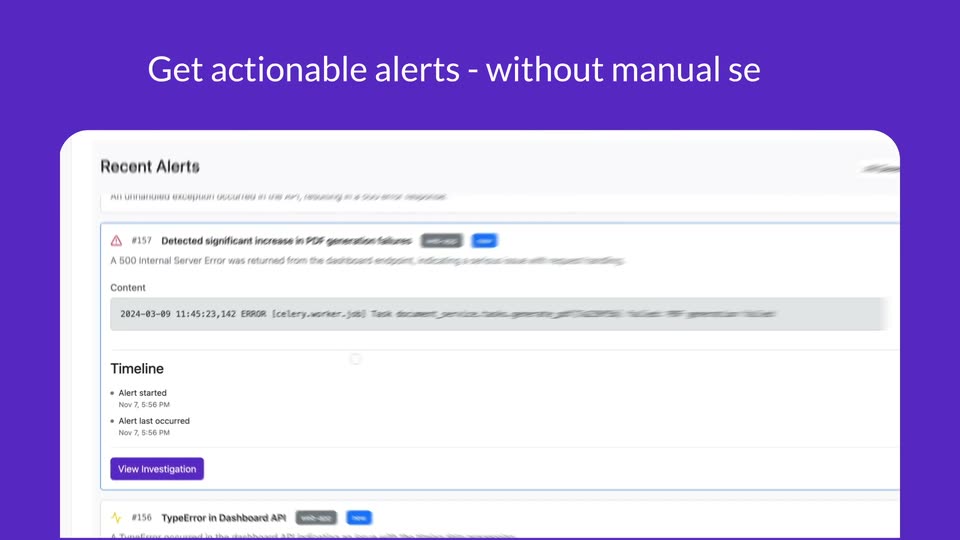 0:26–0:36Relvy AI · Relvy AI - Automate Troubleshooting - Launch VideoA white card with the Relvy dashboard rises into frame on a purple field under the headline “Relvy monitors logs and metrics 24x7”. The view scrolls down to an expanded alert, the headline changes to “Get actionable alerts - without manual setup”, then it zooms in on the alert.
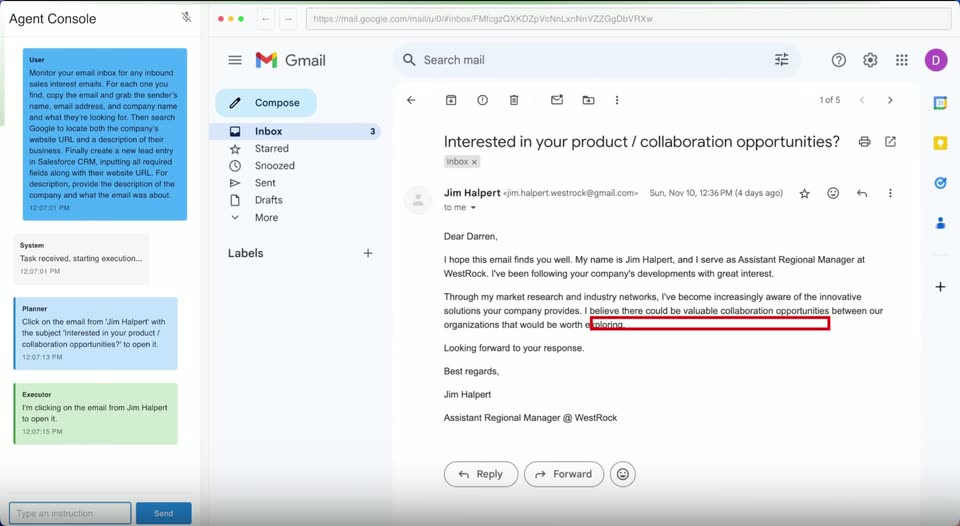 0:14–0:22Kura AI · Kura CRM demoA two-panel view holds an agent console with stacked task cards beside a Gmail email, where a red rectangle highlights the phrase 'collaboration opportunities'. The frame stays still, then zooms into the console, blurring the email and centering the Planner card.
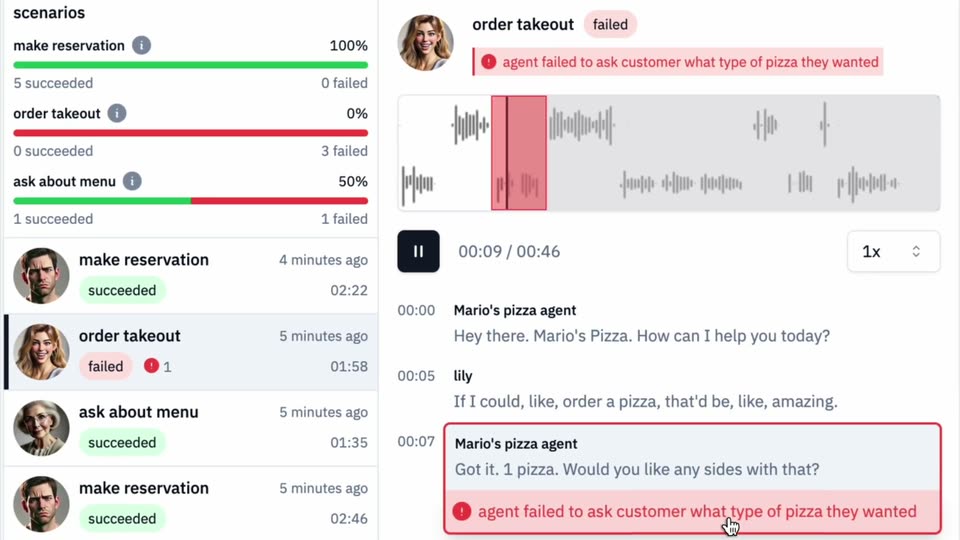 0:15–0:19fixa · fixa launch video.A two-panel call dashboard fills the frame as the headline 'step 3. analyze calls' assembles at the top. The view zooms into the right-hand transcript; a cursor hovers the red error flag beside the agent line, while the left list of scenarios and calls stays static.
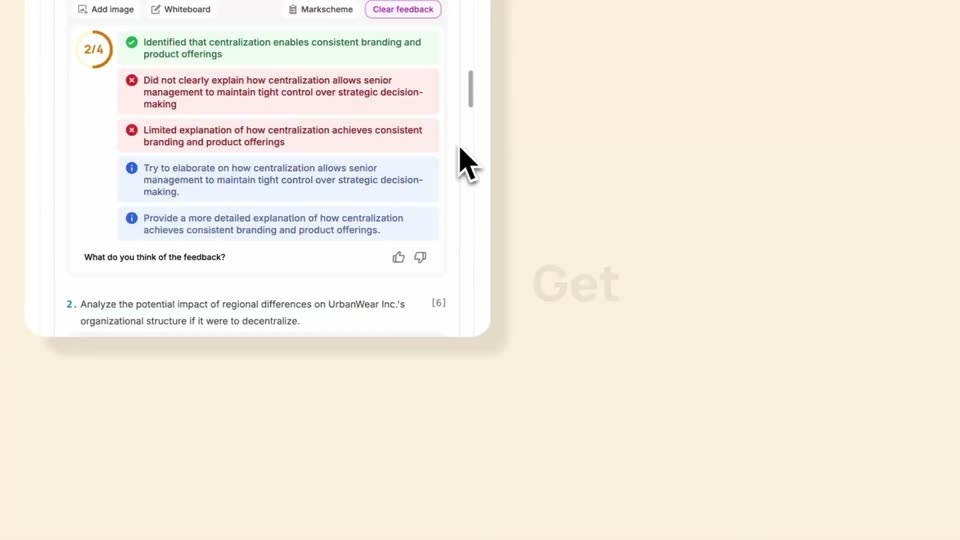 0:24–0:26General Learning · StudyDojo (YC F24) Launch VideoA tilted exam interface card sits on the left as a large gray headline reads on the right. The camera zooms into the card, revealing a scored feedback panel with green ticks and red crosses, then the frame fades to a plain mint background.
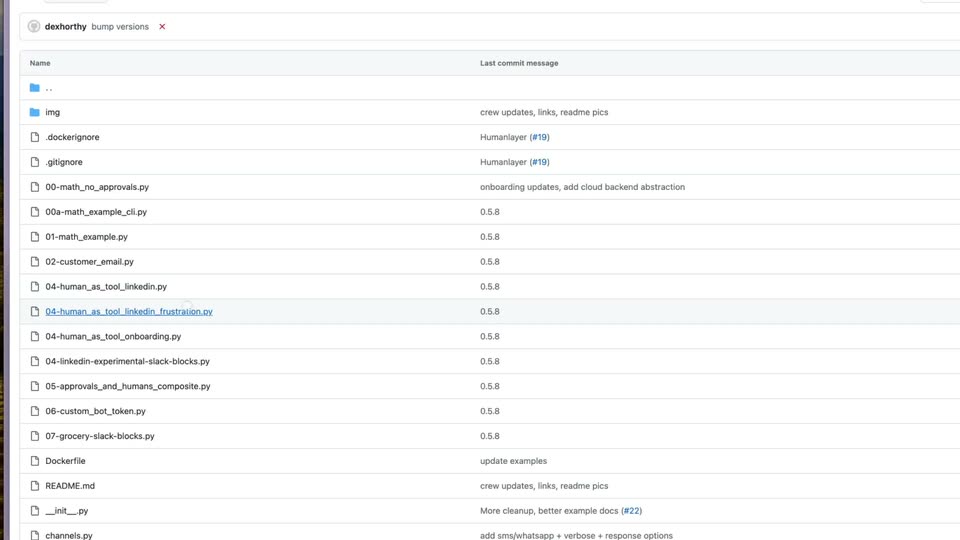 0:52–0:56HumanLayer · HumanLayer Deep DiveA GitHub repository page for the humanlayer examples folder is shown full-frame, then the view zooms into a subdirectory listing Python example files and reframes onto one source file displaying lines of code.
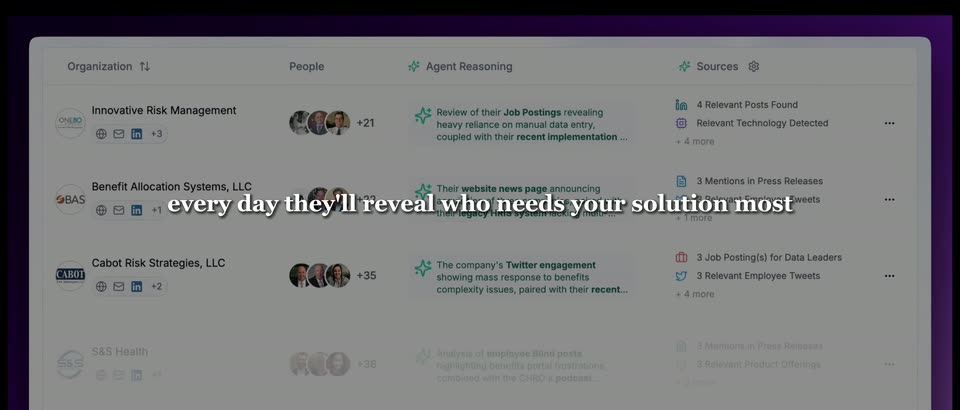 0:26–0:28Origami · Origami Agents (YC F24) - Find who's lookingA tilted interface table of company rows sits in 3D perspective on a purple field. The view zooms in and scrolls down as new rows load, while a white italic caption holds center.
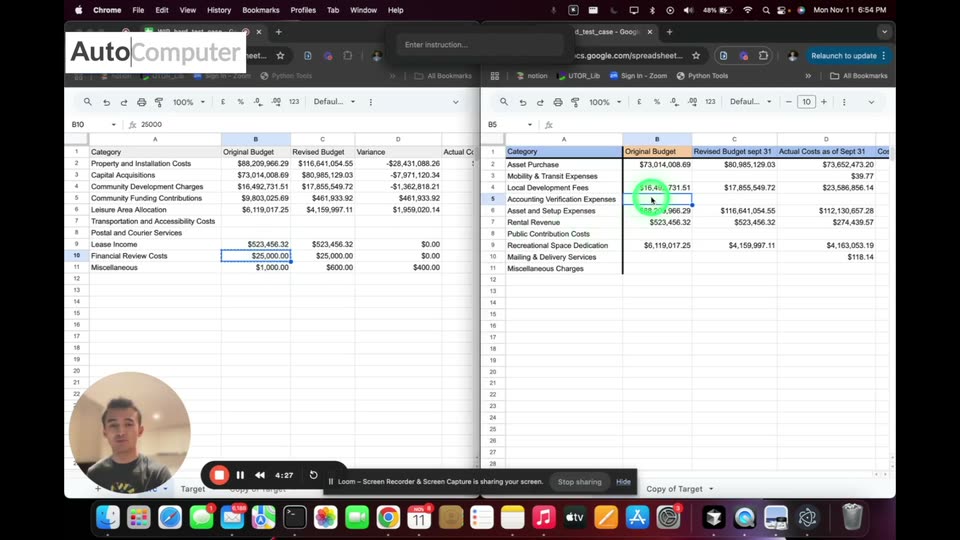 0:00–0:44AutoComputer · AutoComputer (YC F24) — DemoA macOS screen shows two Google Spreadsheets side by side, with the presenter's webcam circle at lower left and a recording timer below. A green-ringed cursor selects budget cells on the left sheet, then enters values in the right sheet, and the view zooms in on both spreadsheets.
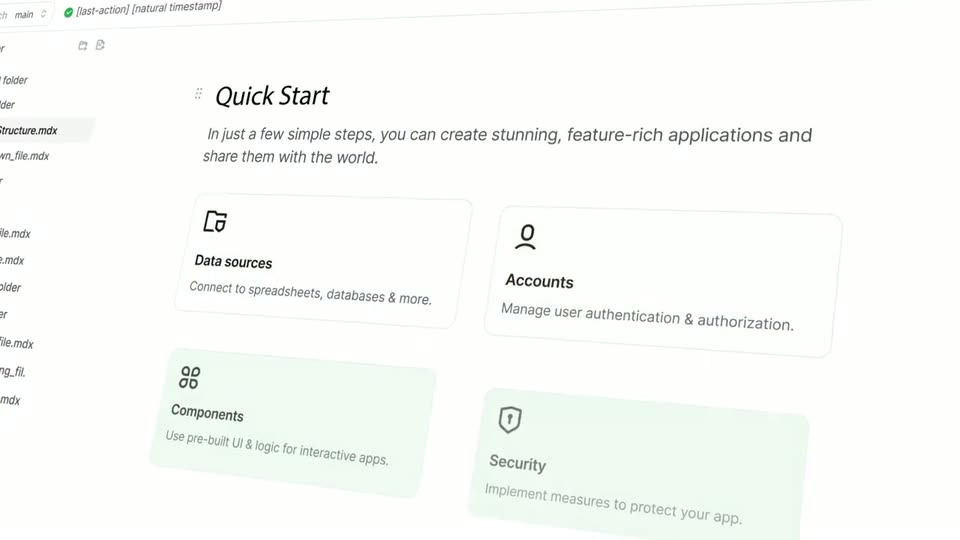 0:04–0:05Mintlify · Mintlify - Introducing our new Web Editor! You can now create, edit, and publisA light documentation interface with a file explorer sidebar is framed wide, then the view zooms in to center the Quick Start heading and a grid of four feature cards, each with an icon and label.
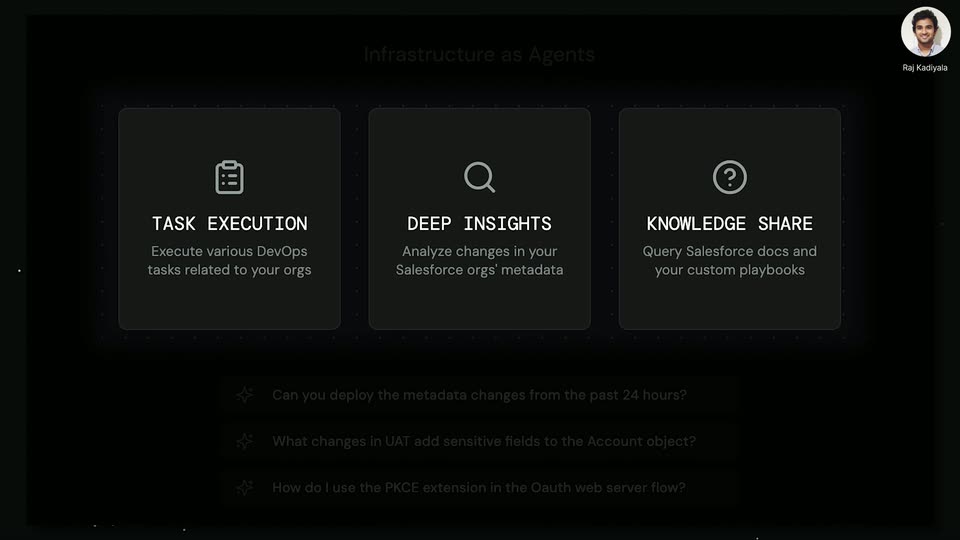 0:10–0:22Laminar · SRE.ai - AI Agents for Salesforce DevOpsDark chat UI of sre.ai showing the AlphaSRE agent with three feature cards and prompt suggestions. The view zooms in on the cards, pushing the sidebar out of frame, then zooms back out to the full window.
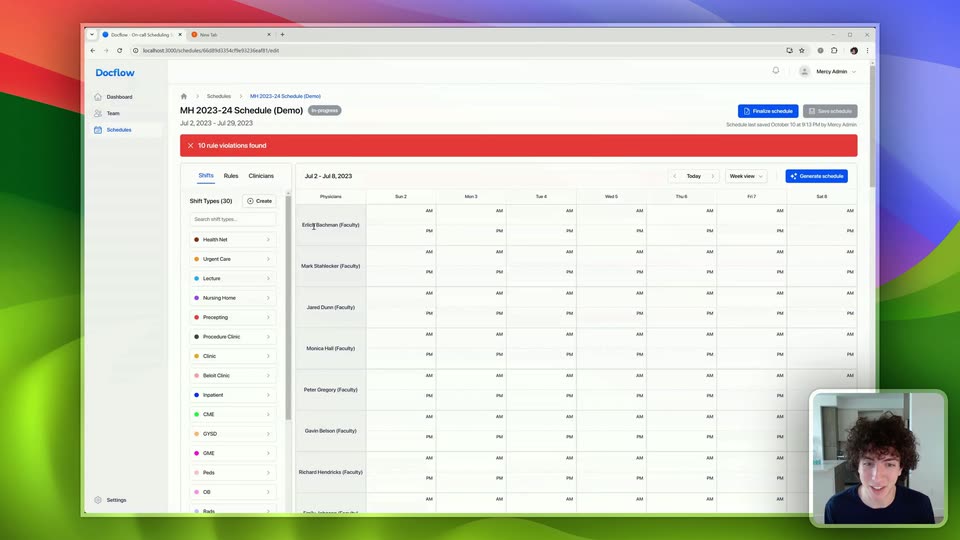 0:00–2:00Durate · Docflow (YC F24) Launch YC VideoA browser window shows the Docflow schedule grid on a gradient desktop, with the presenter's face-cam in the corner. The cursor hovers the week grid, then the view zooms into the toolbar as the grid fills with colored shift tags and the red banner turns green.
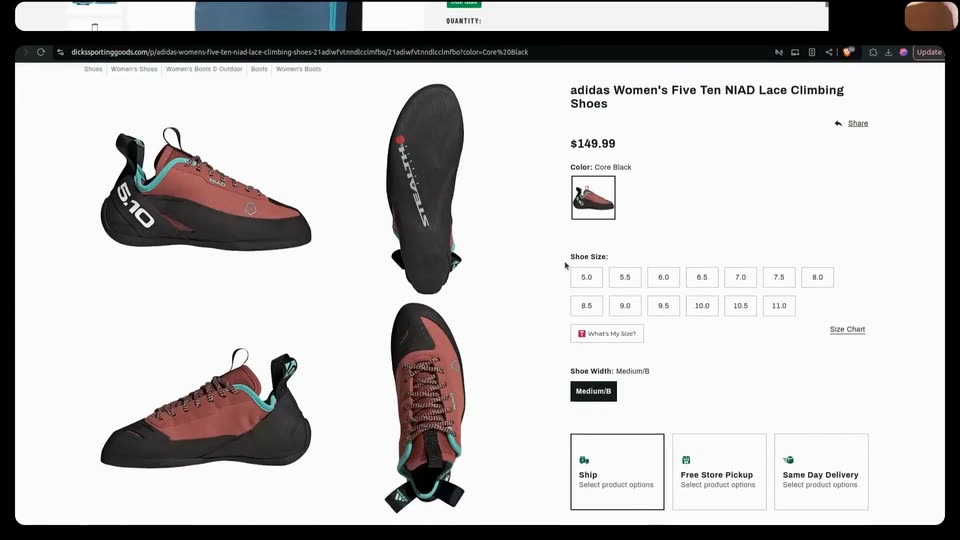 0:08–0:09Getcho · Getcho Launch YCTwo stacked Dick's Sporting Goods product pages, a roller bag on top and climbing shoes below, reframe into a single full-page view of the shoes with an orange holiday banner. A cursor hovers over the layout as the price and shoe image shift into place.
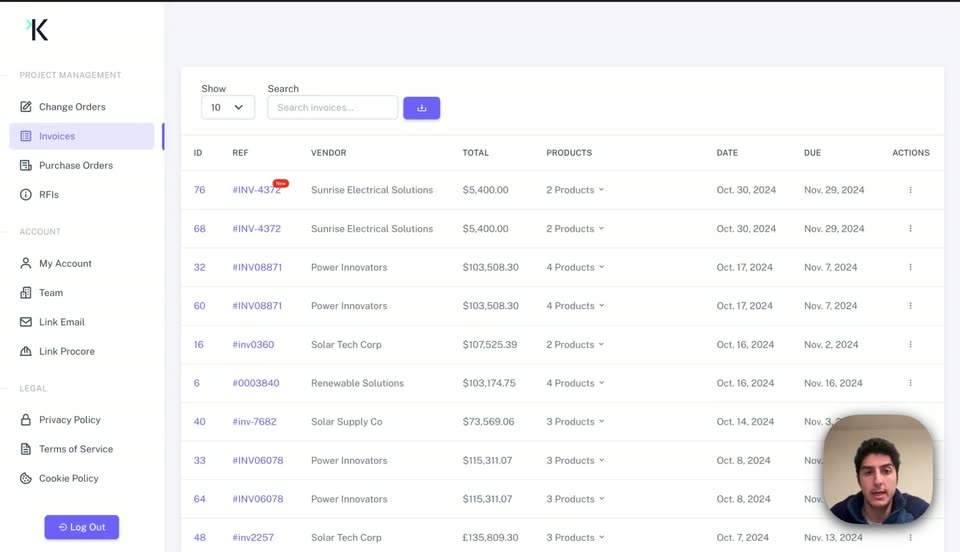 0:19–0:34Karmen · Karmen DemoAn invoice dashboard fills the frame: left sidebar, search bar, and a table of vendor rows, with a small webcam of a presenter in the corner. The cursor moves over the list, then the view zooms in on the top rows to point at a red 'New' badge.
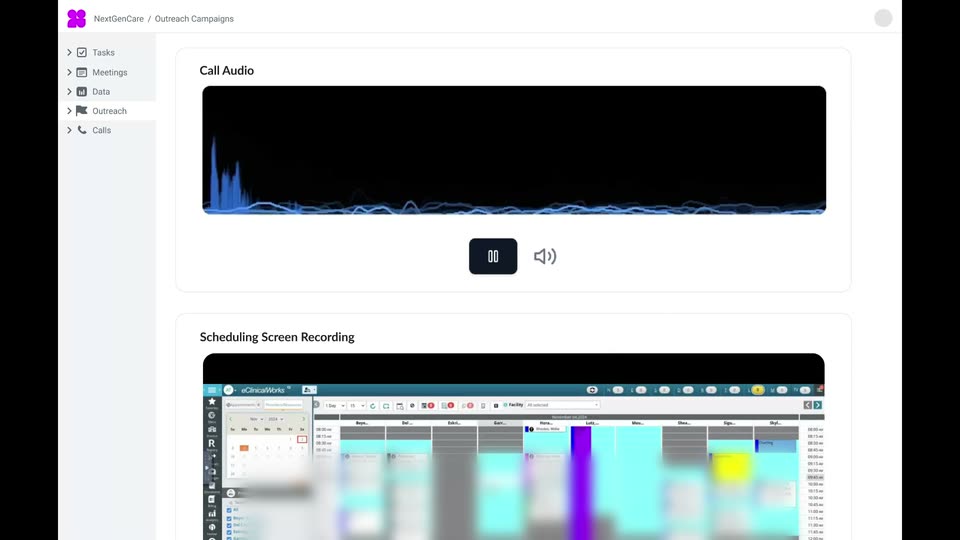 0:15–0:44Careforce · OutreachFlow - Helpcare AI AgentsA product dashboard plays a blue call-audio waveform on black while a cursor drifts over the page. It scrolls down to a blurred scheduling screen recording, which wipes diagonally to another calendar view and zooms in.
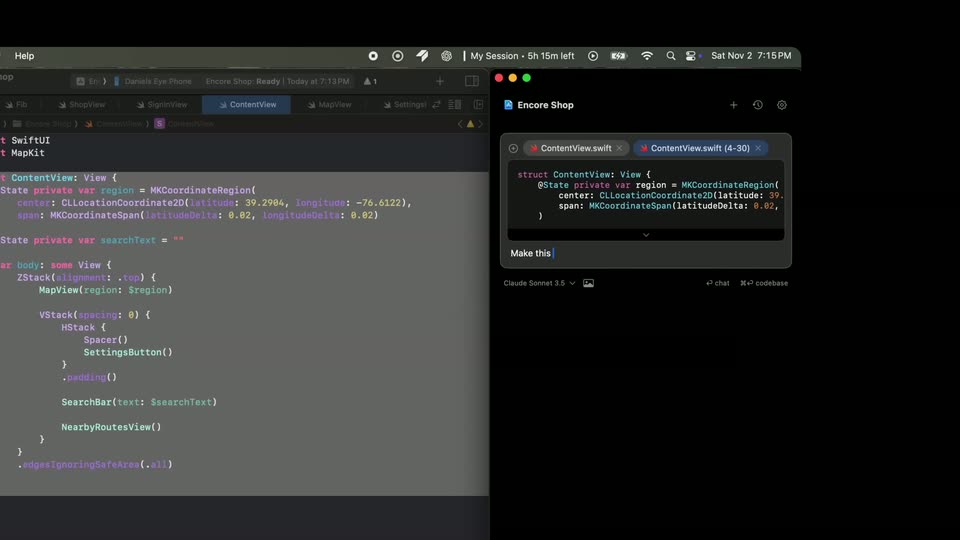 0:09–0:14Alex · Alex - Your AI Copilot for XcodeA dark Xcode window displays Swift code on the left and an AI chat panel on the right. The frame zooms in as the chat input is filled with text, then shows a waiting state. A caption scales in over the screen.
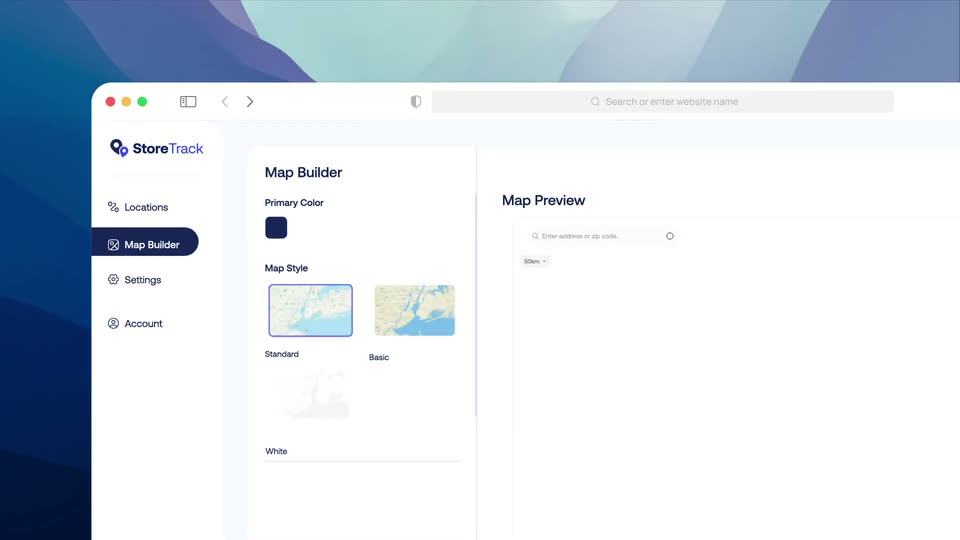 0:13–0:14StoreTrack · Product Explainer Video for SaaS | StoreTrack | ZeliosA 3D browser mockup of the StoreTrack Map Builder scales in from an angled view to fill the frame, revealing the sidebar, map style options, and a live map preview of New York stores on a macOS desktop.
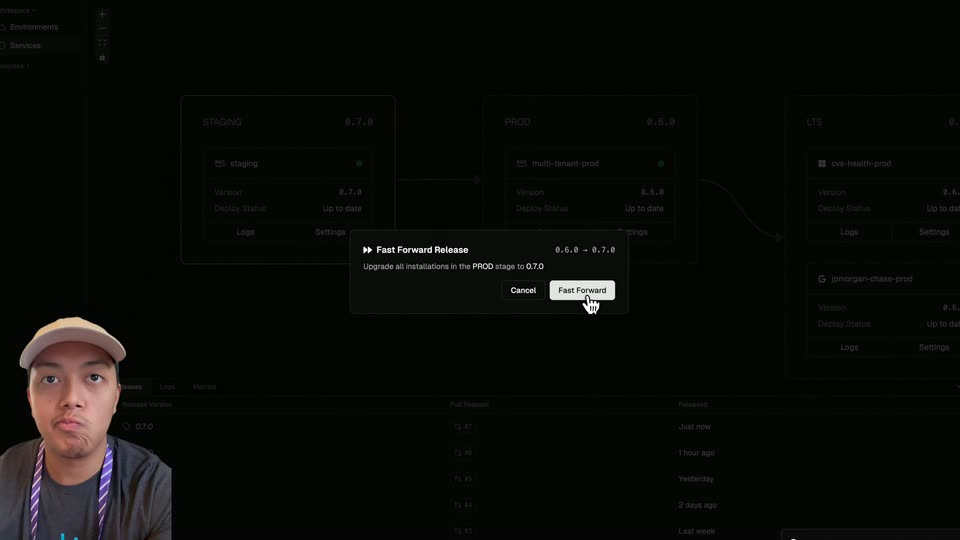 0:20–0:22Ryvn · Ryvn | On-prem deployments, without the stressA dark deployment dashboard shows three stage cards, STAGING, PROD and LTS, with a release list below. A cursor moves to a Fast Forward Release dialog and clicks the Fast Forward button. A small webcam feed of a man in a cap sits in the lower left.
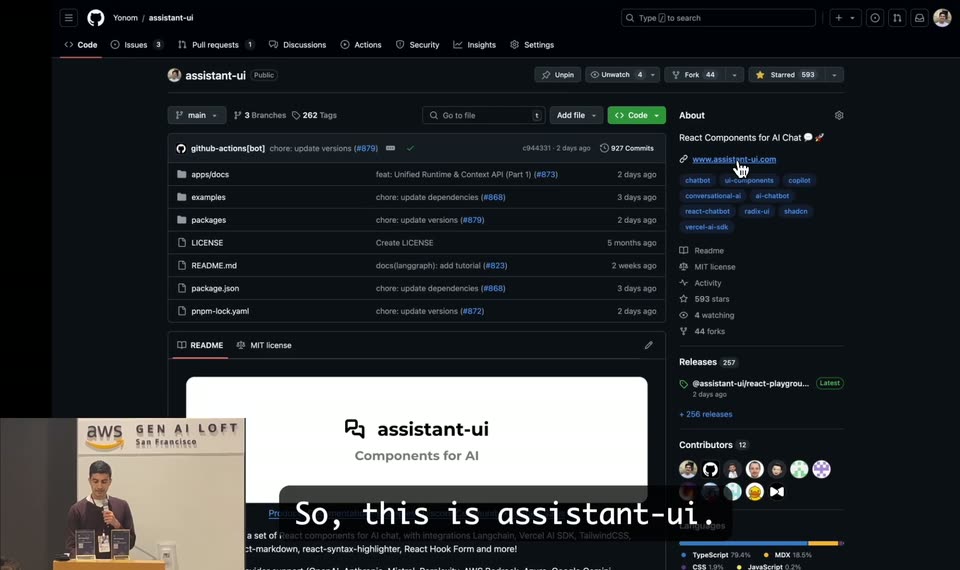 0:28–0:31assistant-ui · assistant-ui | AWS GenAI Loft DemoThe GitHub page for assistant-ui settles in from a brief zoom, a speaker's webcam inset in the lower left; a cursor clicks the website link in the About panel while captions run along the bottom.
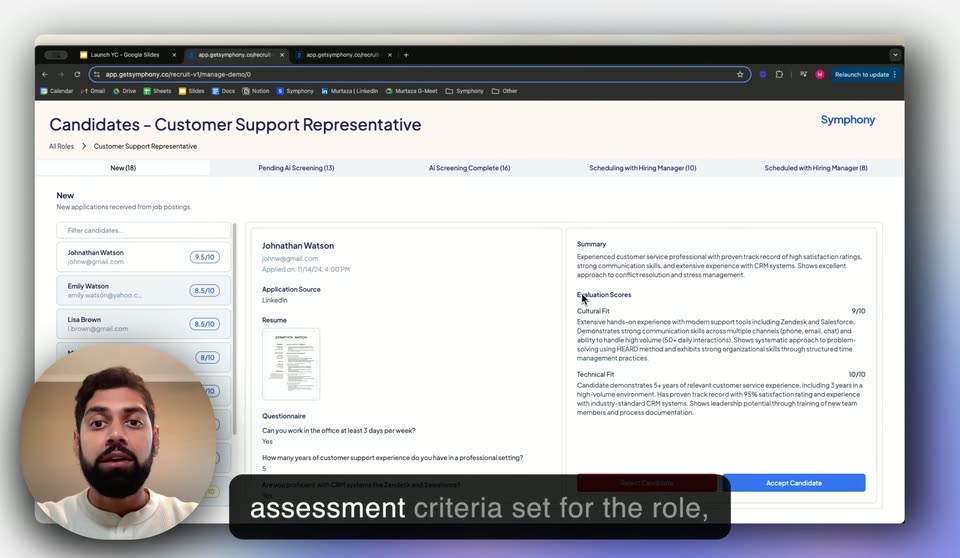 0:25–0:29Symphony · Symphony - Conversational AI-Recruiter for customer-facing roles.The Symphony candidates page fills with applicant cards and a detail panel, then the view zooms into the Evaluation Scores column. A presenter's face sits in a circular window at the bottom left while subtitles run along the bottom.
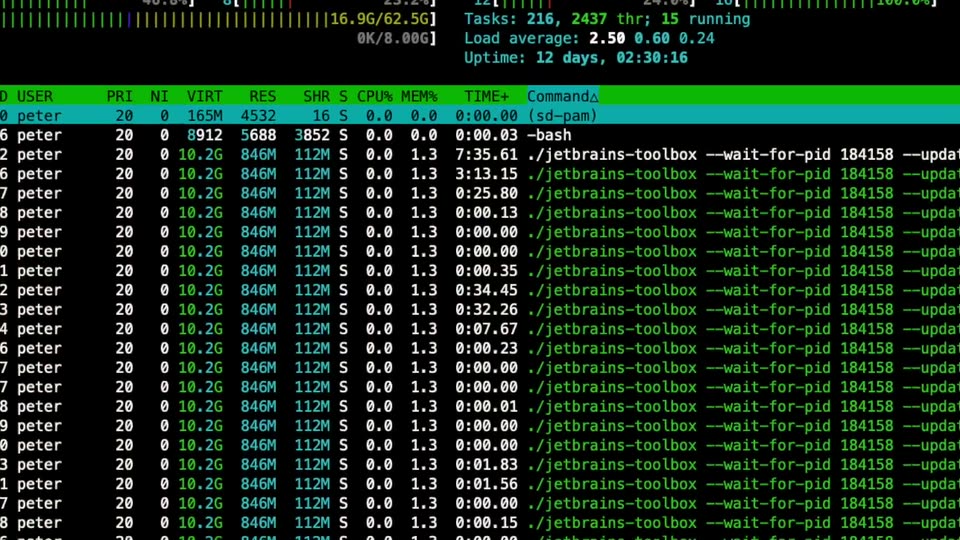 0:14–0:17Zed · Zed - 🚀 Introducing Zed v0.159! Today we're excited to launch Zed SSH RemoA full-screen terminal process monitor in green and cyan monospace text fills the frame; a centered white serif caption appears over it while the view pushes closer to the rows.
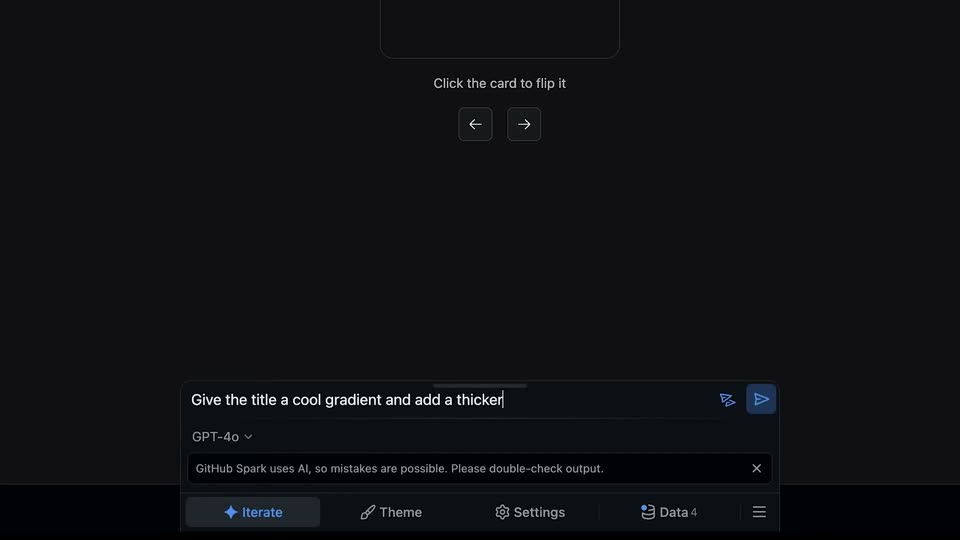 0:11–0:17GitHub · What is GitHub Spark? Introducing a brand new way to build powerful, AI assisted applicationsA dark interface close-up: a cursor opens the model dropdown, picks GPT-4o, then types a styling prompt into the input bar. The frame pulls back to reveal the full GitHub Spark window with a Spanish flashcard and the typed prompt.
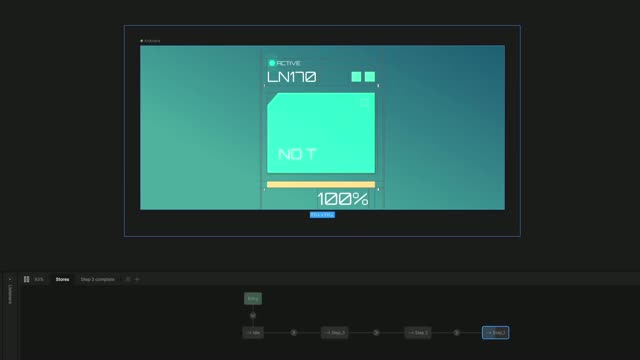 0:41–0:43Rive · Responsive Layouts have landedA dark motion editor shows a teal status panel with five cards and a 50% readout; the canvas zooms in on the first card as its bar fills to 100%, while the Step.1 node in the bottom flow diagram highlights.
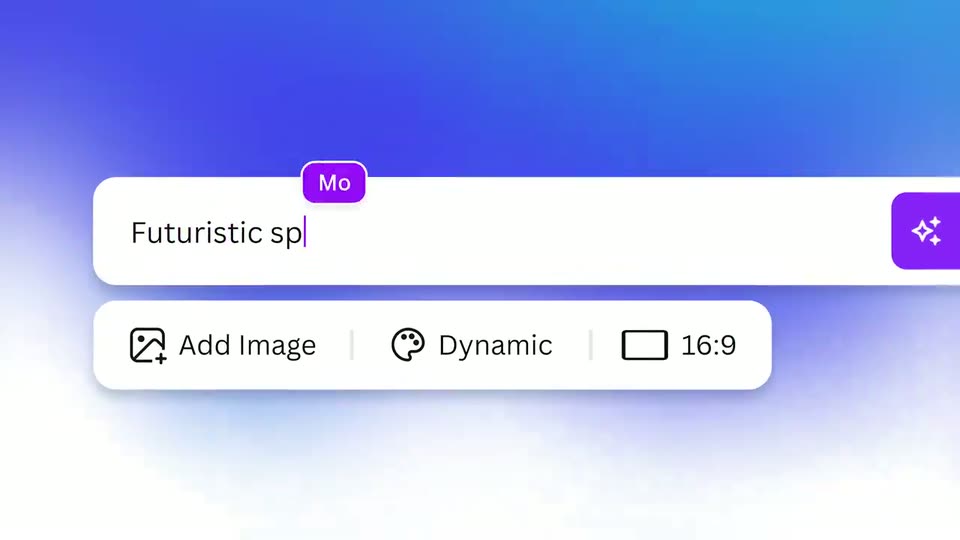 0:02–0:05Canva · Canva - 1️⃣ Bring a new dimension to your ideas with Dream Lab.The large white Dream Lab heading scales out as the view zooms into the prompt field, where a purple Mo cursor types Futuristic space flowers above the Add Image, Dynamic and 16:9 toolbar.
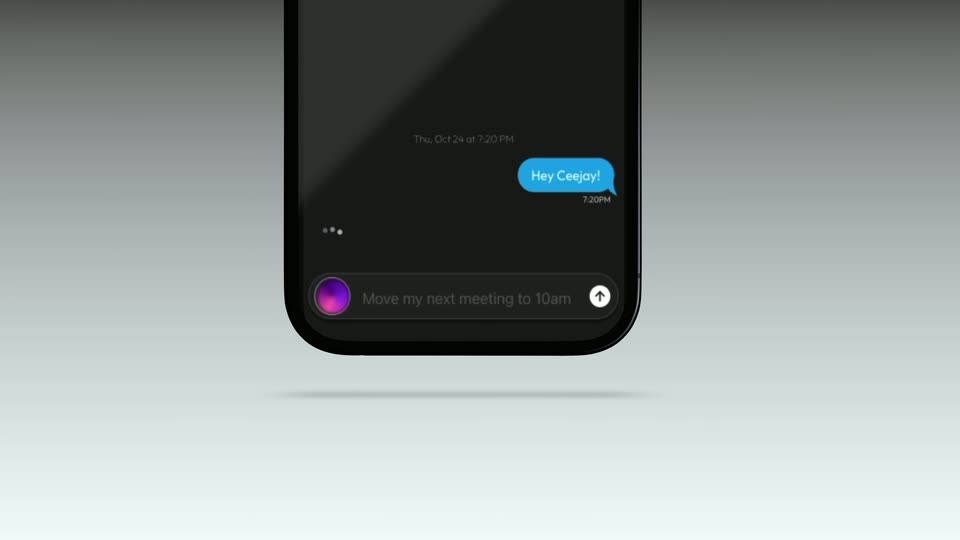 0:06–0:10Doublezero · Introducing Ceejay, your personal assistant for work.A black smartphone floats in 3D over a gray gradient. The camera zooms to the lower screen, where a purple-orb voice pill types a command, a blue message bubble pops in, and a gray assistant reply appears beneath it.
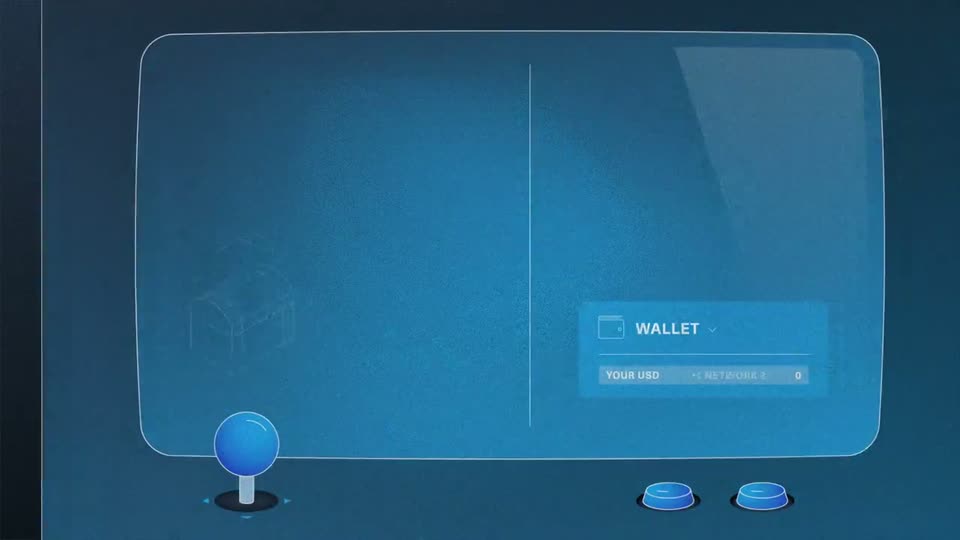 0:08–0:09Arbitrum · Arbitrum - The days of waiting 7 days to move your assets are gone. Fast WithdrA dark blue field with a soft radial glow and the caption Fast withdrawal zooms into a floating wallet card. The card fills the frame as a wallet label and amount row appear on the right, while a pin and three pill buttons sit on a floor plane below.
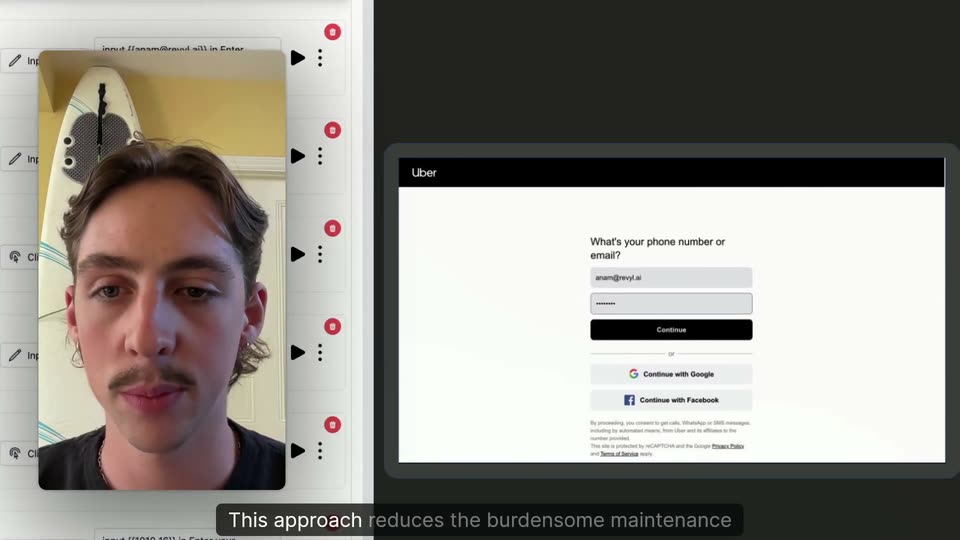 0:24–0:30Revyl · Launch YC: Revyl (F24)A presenter's webcam anchors the left while the view pans across a test-steps list and a browser window on the Uber login page. A cursor hovers over Continue as the password field shows Loading.
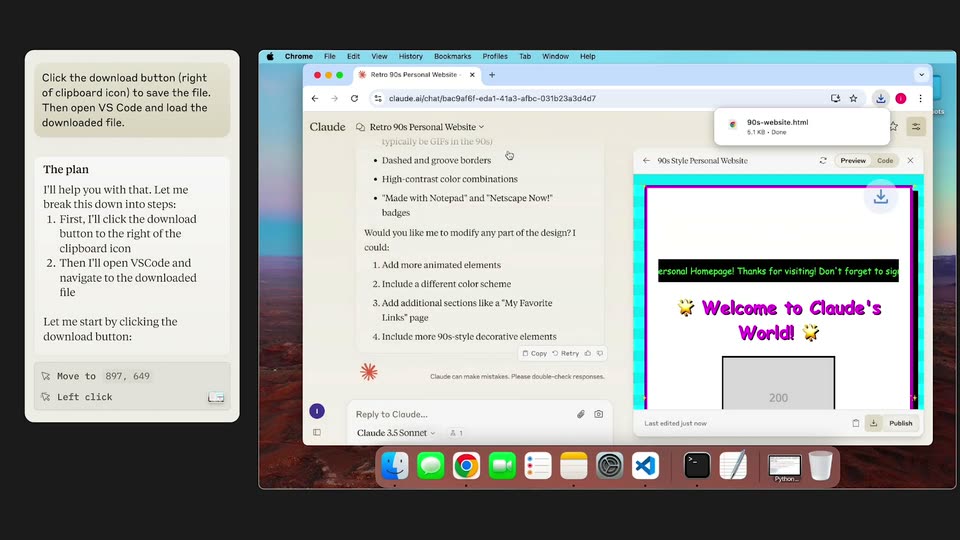 1:12–1:22Anthropic · Claude | Computer use for codingA large instruction line condenses into a chat input card with a Send button over the Claude window. The frame then widens to reveal a left Action log panel as the agent clicks the download button, a file saves, and the cursor hovers the VS Code dock icon.
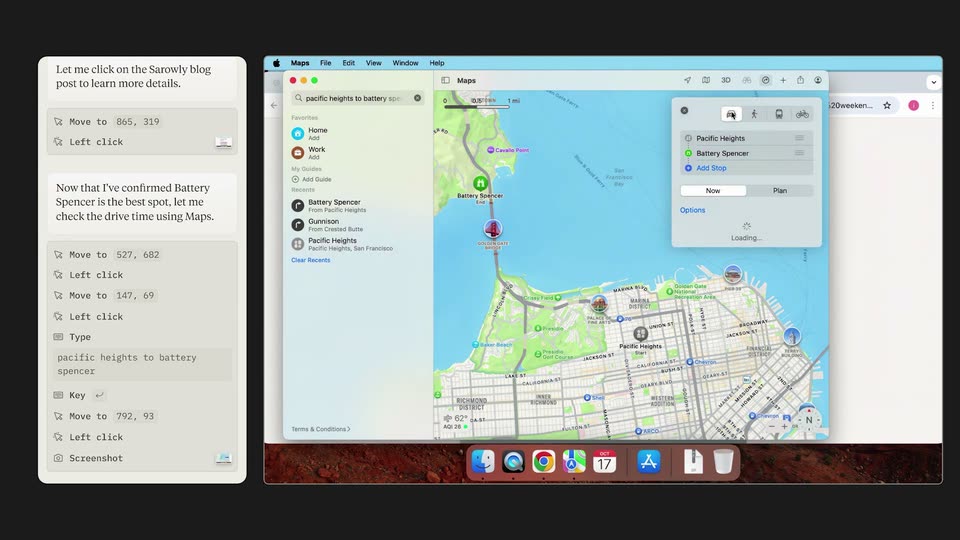 0:46–1:08Anthropic · Claude | Computer use for orchestrating tasksA Mac desktop recording shows the Maps app. The cursor types a route query, selects directions from Pacific Heights to Battery Spencer, and the map zooms in as a blue route and travel-time options load. A step list scrolls in a left panel.
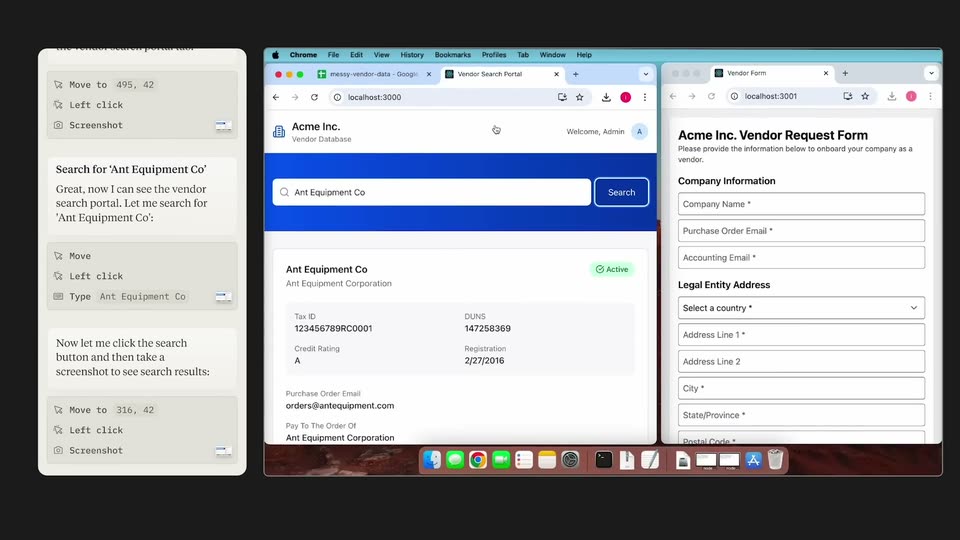 1:05–1:23Anthropic · Claude | Computer use for automating operationsA Mac desktop shows three windows: a scrolling assistant chat log, a vendor database in Chrome, and a vendor form. A cursor types 'Ant Equipment Co' into the search field and clicks Search, revealing a company result card, then the view zooms out to the full desktop.
 0:00–0:01Ideogram · Ideogram - Today, we’re introducing Ideogram Canvas, an infinite creative boardA white rounded pill button reading Magic Fill, paired with a dashed selection icon and sparkles, sits centered on black and scales up to fill the frame.
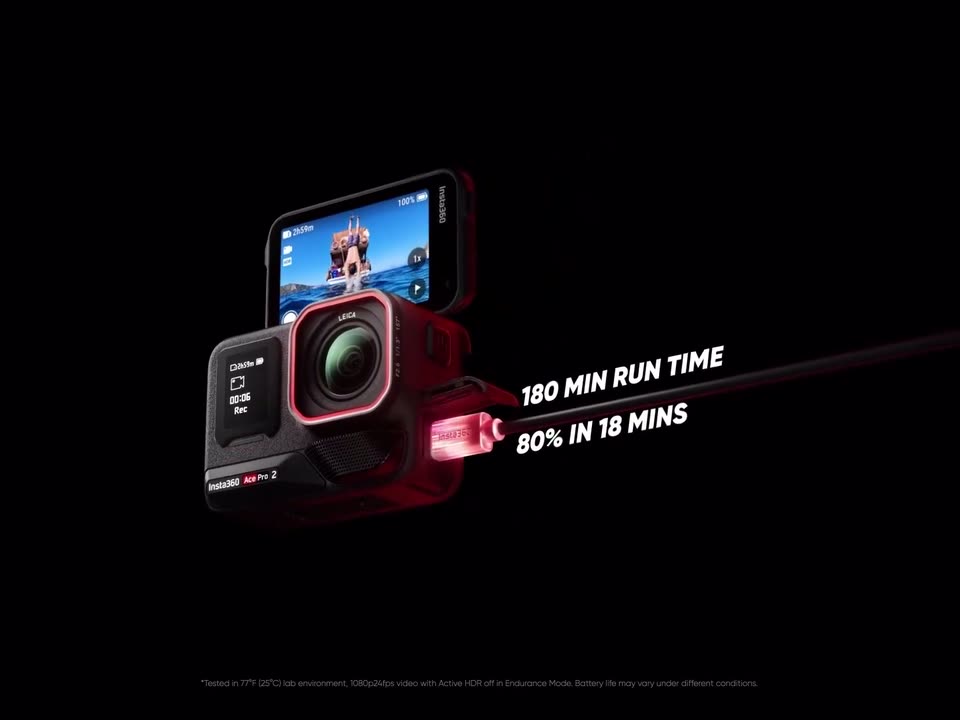 0:42–0:44Insta360 · Insta360 - Meet Insta360 Ace Pro 2, our brand-new 8K AI-powered action cam, co-eA black action camera with a phone on top floats in 3D on black, a red cable plugged into its side. White text slides in from the right with run time and charging stats. The phone shows a dog on a boat, then a fast blur zooms into the screen.
 0:08–0:12World · World - Introducing World App 3.0, the super app for humans. Now featuring MiFour icons (grid, dollar, people, blue globe) drift on white, then settle into the bottom of a rounded white card as a tab bar. The camera zooms in while the active icon shifts from the globe to the dollar sign, then to the grid dots at the left.
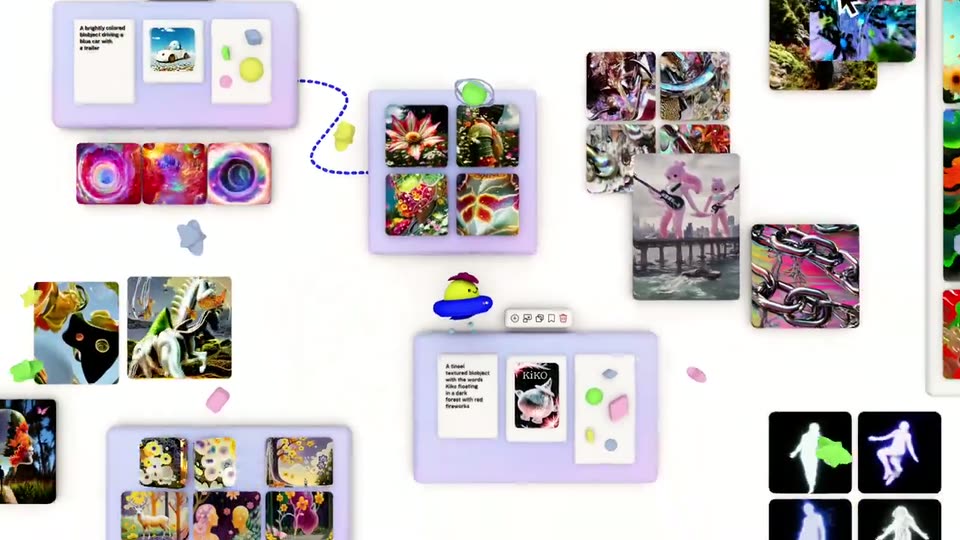 0:33–0:35Kaiber · Kaiber - Human creativity can't be automated. Great artists get it. We get itA white board of image tiles in lavender cards zooms out from a close-up of a flower grid to the full canvas with a top toolbar and numbered sidebar. A white arrow cursor and a blue blob tool topped by a small figure glide over the tiles.
 0:01–0:02Monzo · Monzo 🏦 - Monzo Business is now open for (bigger) small businesses! 🚀 Our newA tight close-up of the app's card list pulls back to a tilted phone mockup on a dark blue field. The words It feels better with Monzo appear one by one around the device, while a small disclaimer line stays fixed at the bottom.
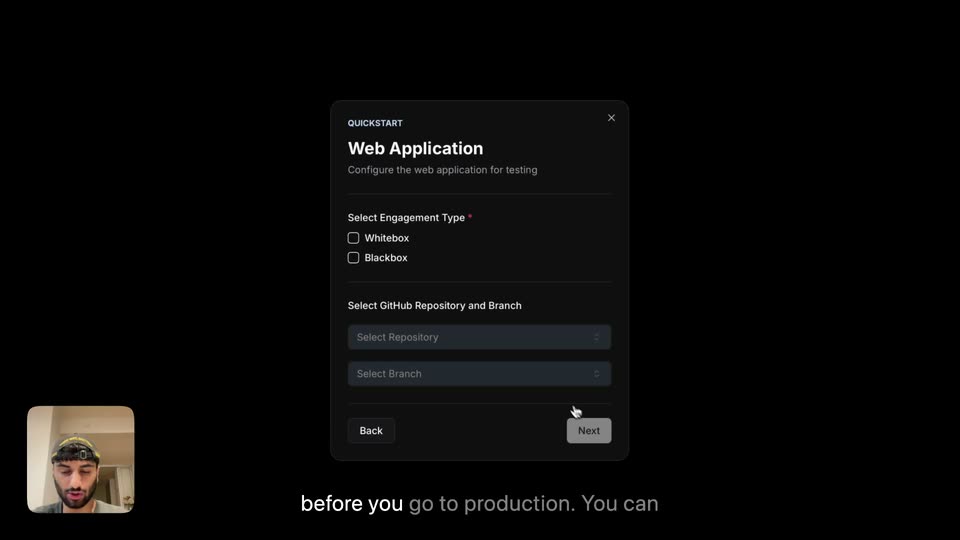 0:00–0:33Gecko Security · Gecko AI — Web App DemoA browser mockup in 3D perspective holds a dark quickstart dialog over a black, blue-lit backdrop, with a webcam inset of the speaker at lower left. The frame zooms to the dialog as a cursor types, selects Web Application, picks a repo and branch, then a Congratulations panel appears.
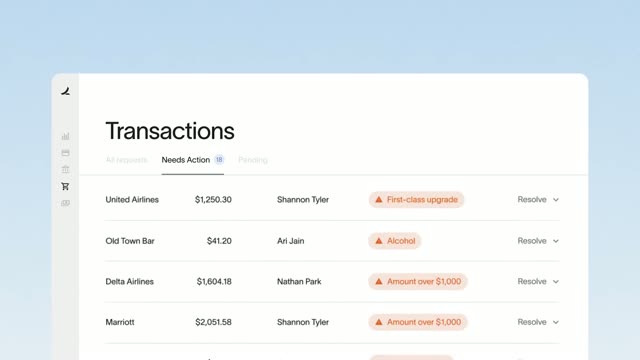 0:37–0:45Ramp · Meet Ramp: A smart finance operations platform that saves you time and moneyA flat transactions table rests on a light blue field. A cursor clicks the Needs Action tab and the rows reorder to surface flagged entries with orange warning pills. The view then zooms into the top of the list as a first-class upgrade row appears.
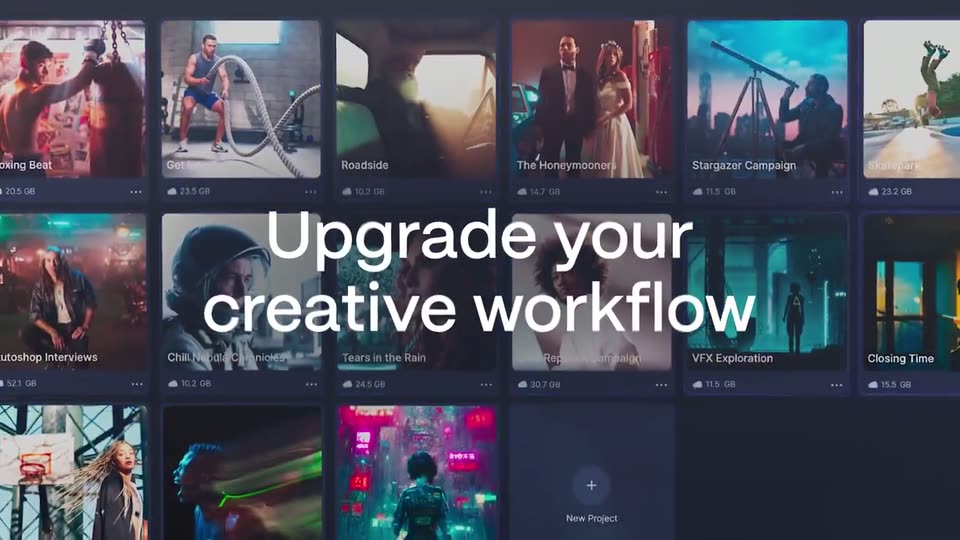 0:00–0:01Frame.io · Frame.io - Move creative projects forward faster with Version 4.A dark grid of video project thumbnails fills the frame as the white headline scales down from oversized to a centered two-line lockup over the interface.
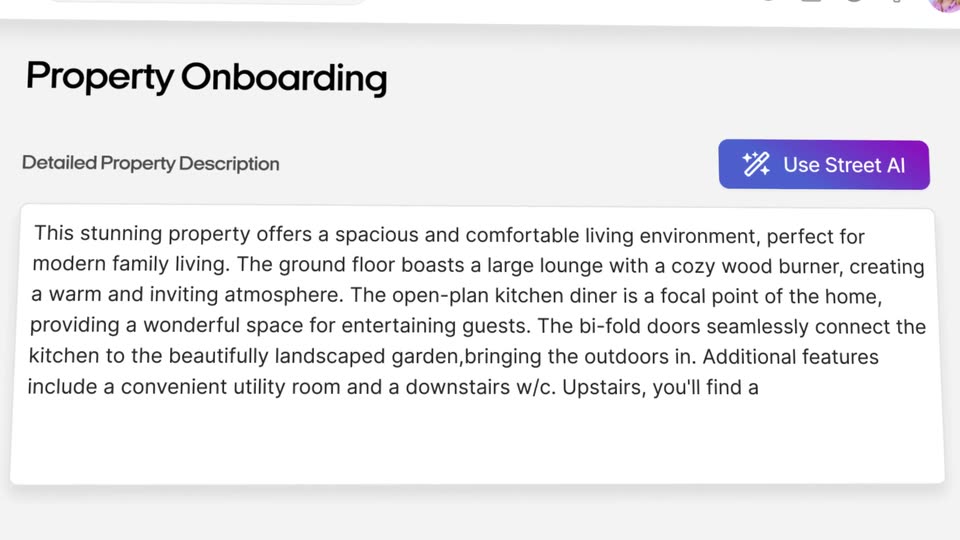 0:33–0:36Street · Street.co.ukA property-onboarding form sits in a tilted 3D perspective, then the camera flattens and zooms in as a long description auto-types into the empty field. The purple Use Street AI button stays fixed at the right.
 0:02–0:05Street · Street.co.uk - Street AIA tilted 3D view of the Street web interface zooms in fast on the “Use Street AI” button. The button snaps into focus as a cursor hovers over it, then it slides off the right edge, leaving a blank frame.
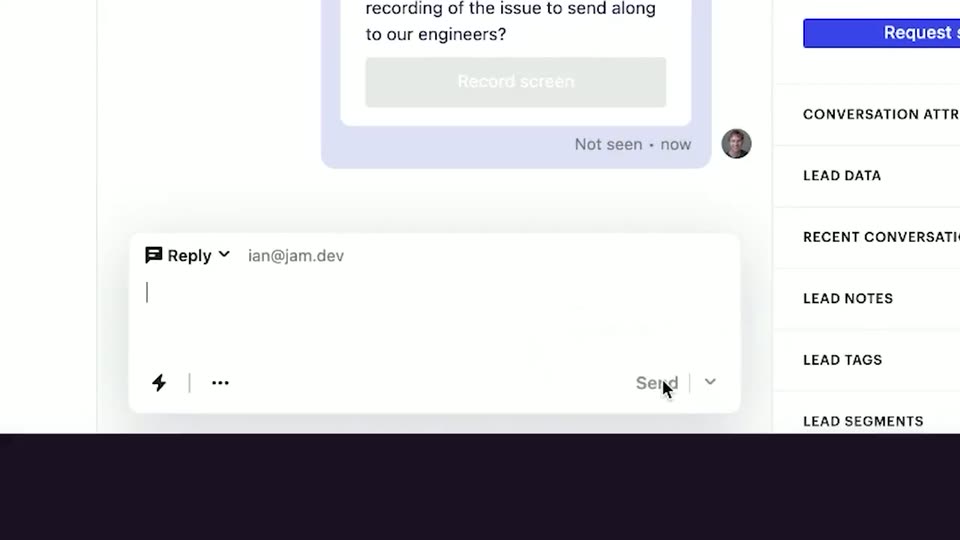 0:04–0:06Jam · Jam.dev - Our biggest launch yet! ⚡️ Meet Jam for Customer Support End-user reA close-up of an email reply composer zooms in as a cursor clicks the dark Send button. The drafted screen-recording message jumps to the top as a sent bubble, and a fresh empty reply box slides in below.
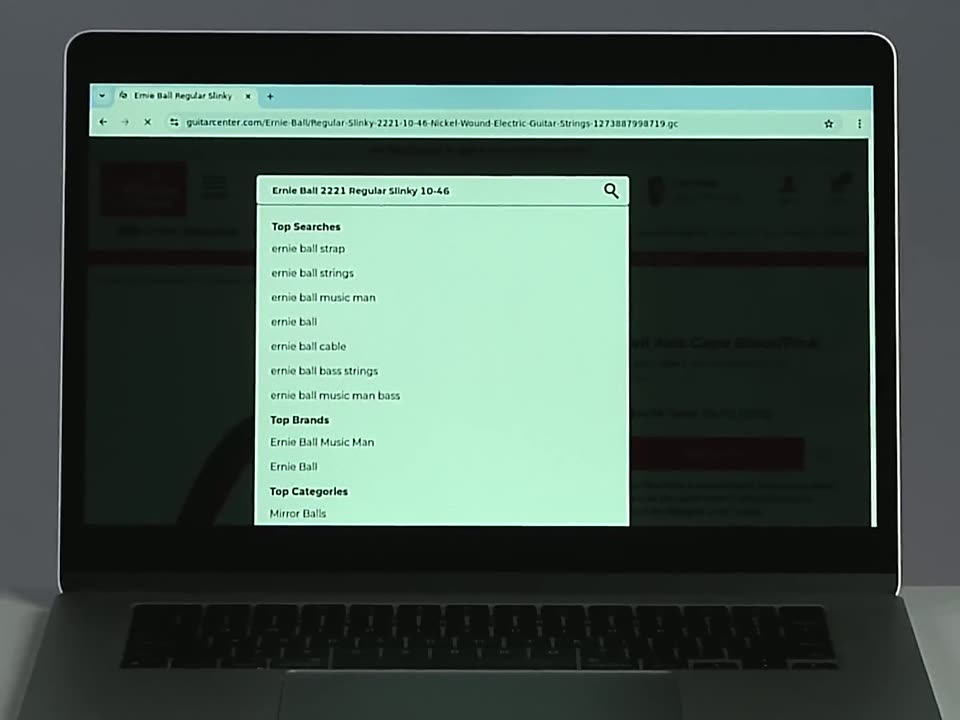 0:03–0:06Rabbit · LAM playgroundA laptop screen shows a web browser on a dark page. The search field text changes while a suggestion dropdown stays open, and the view pushes in toward the screen.
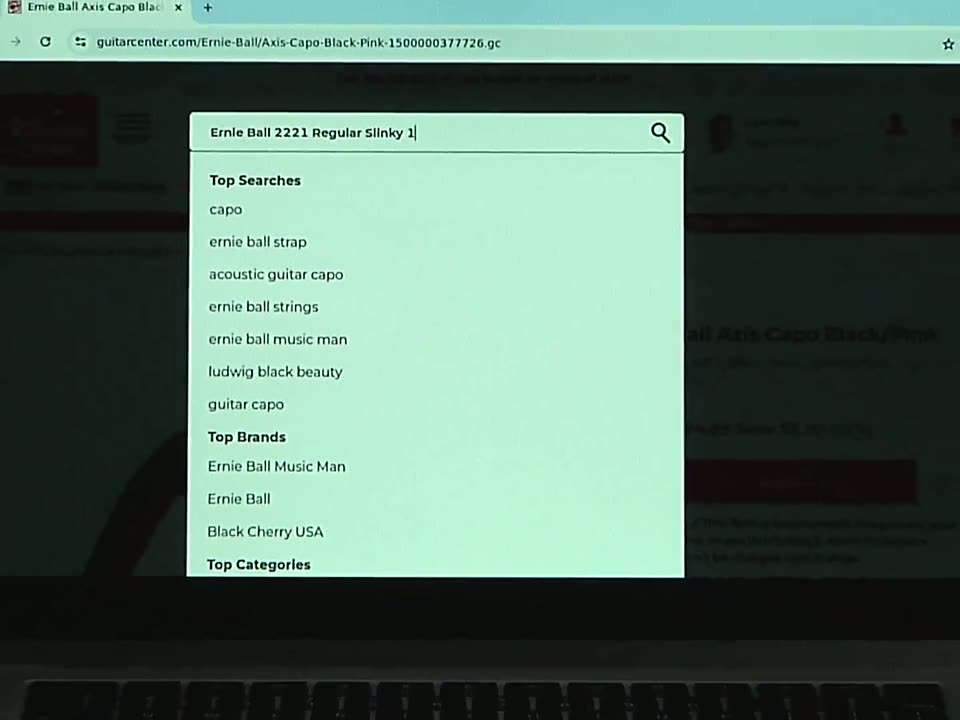 0:00–0:03Rabbit · rabbit inc. - LAM playground is now open for all r1 users 🛝 order:A web search box on a laptop screen fills in as a query is typed, with a dropdown of suggested terms below it. The frame pulls back to reveal the browser window and the laptop keyboard.
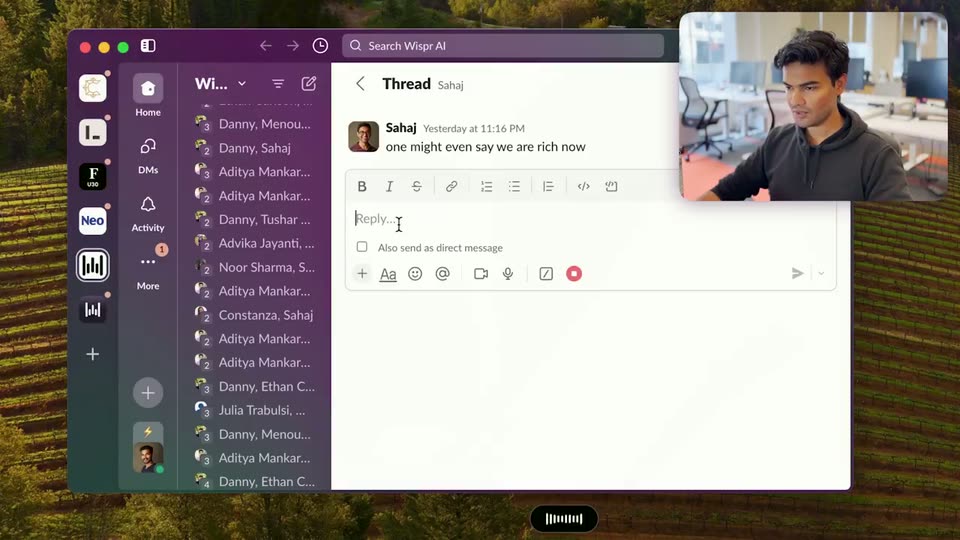 0:06–0:14Wispr Flow · Wispr Flow - Today, we’re excited to announce Wispr Flow 🚀 Just speak, and FlowA messaging app window over a field photo, with a small live video of a man in the top-right. The thread's empty reply box shows a pulsing audio pill, then the view zooms in as the dictated reply 'Hey Sahaj, you wanna meet at 6pm?' fills the field.
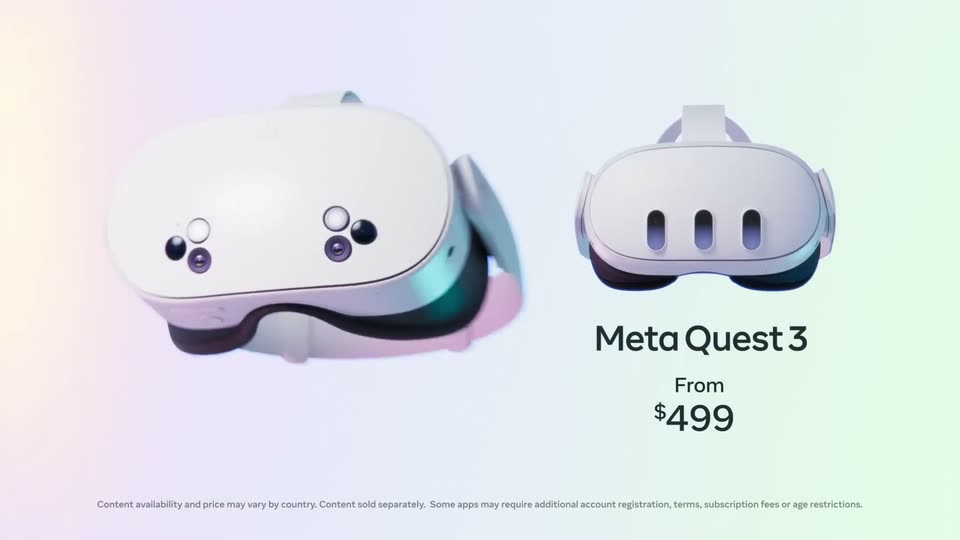 1:00–1:01Meta · Introducing Meta Quest 3SA tight close-up of a white Meta Quest 3 headset pulls back to reveal two floating headsets on a soft pink-to-green gradient. The title and price fade in at the right while small legal copy sits along the bottom edge.
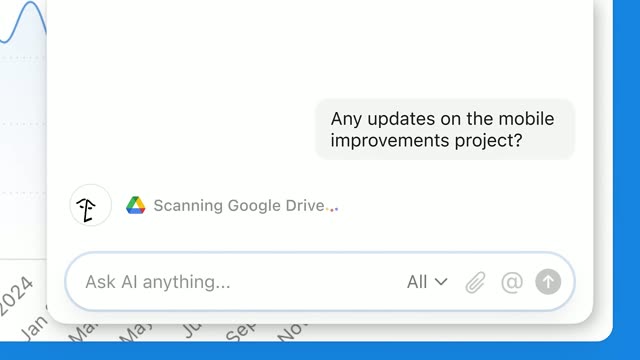 0:14–0:16Notion · Introducing the new Notion AIA white chat panel shows a question bubble and a scanning status cycling from Notion to Google Drive with animated dots. The view zooms out to reveal the panel over a dashboard on the left and a large circular face logo on the blue field to the right.
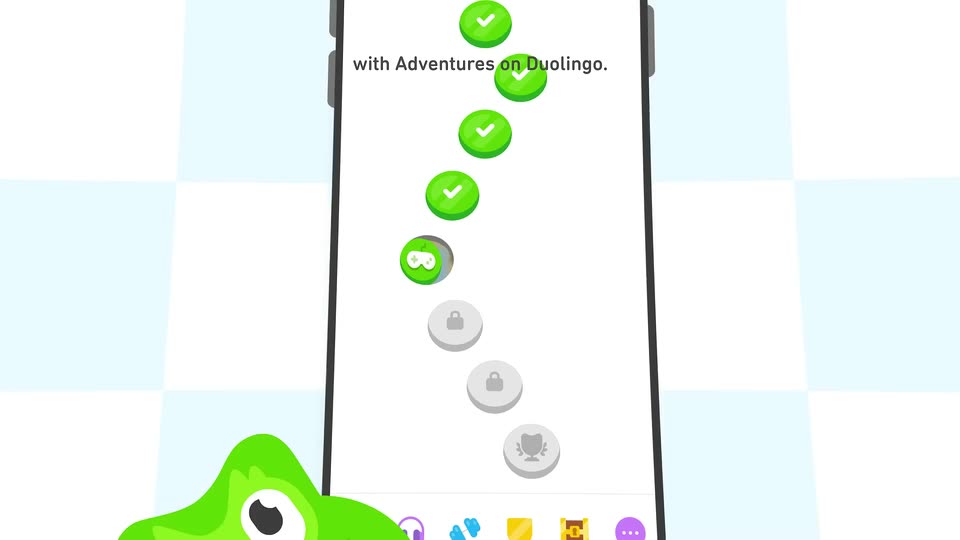 0:29 · 0.8sDuolingo · Introducing Duolingo AdventuresA green owl mascot covers a blurred phone; it slides out to the bottom left as the frame reframes to the phone screen, bringing the checkmark path and a highlighted mask bubble into focus.