UI zoom
A zoom or reframe onto one part of the interface.
9,973 scenes · page 47 of 167
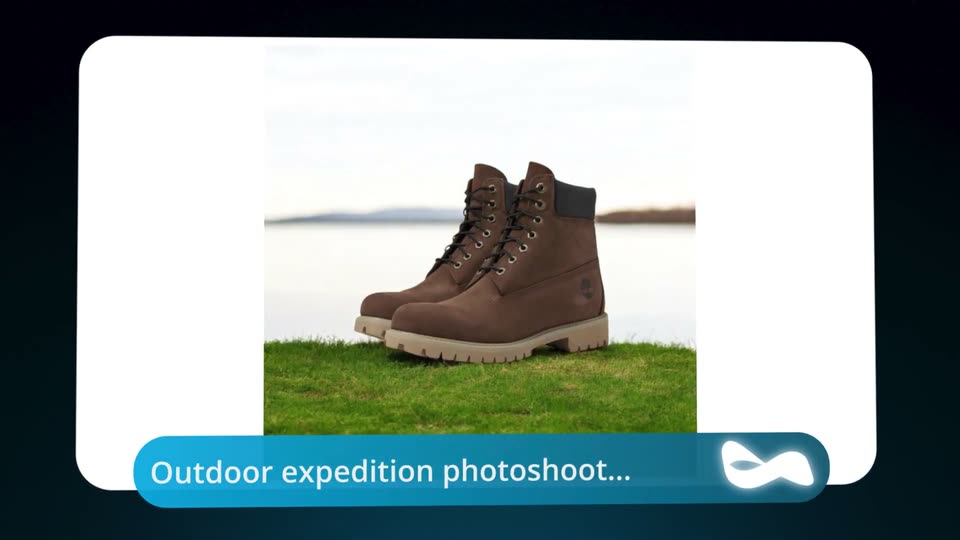 0:10 · 0.4sRemade · Remade Video Launch: Transform Smartphone Photos into Stunning Videos!A white rounded card holds a photo of brown hiking boots on grass by a lake. The card scales up as a blue caption pill with a white logo slides down and out of frame.
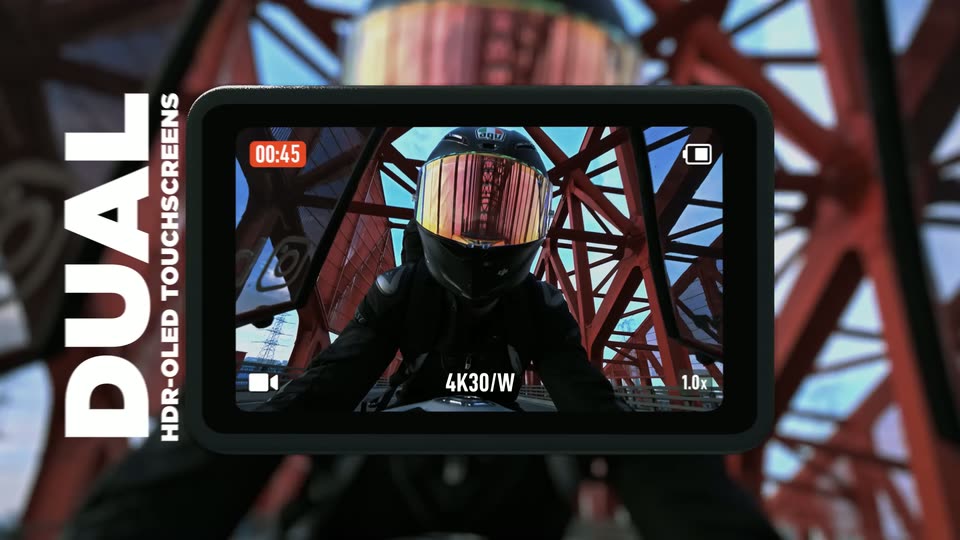 1:00–1:02DJI · Meet DJI Osmo Action 5 Pro - The Action Camera With Revolutionary Image QualityFull-frame action-cam footage of a helmeted rider on a red steel bridge, with a viewfinder HUD, reframes into a centered phone screen over a blurred copy of the same shot. Large vertical white text and a smaller vertical caption slide in on the left.
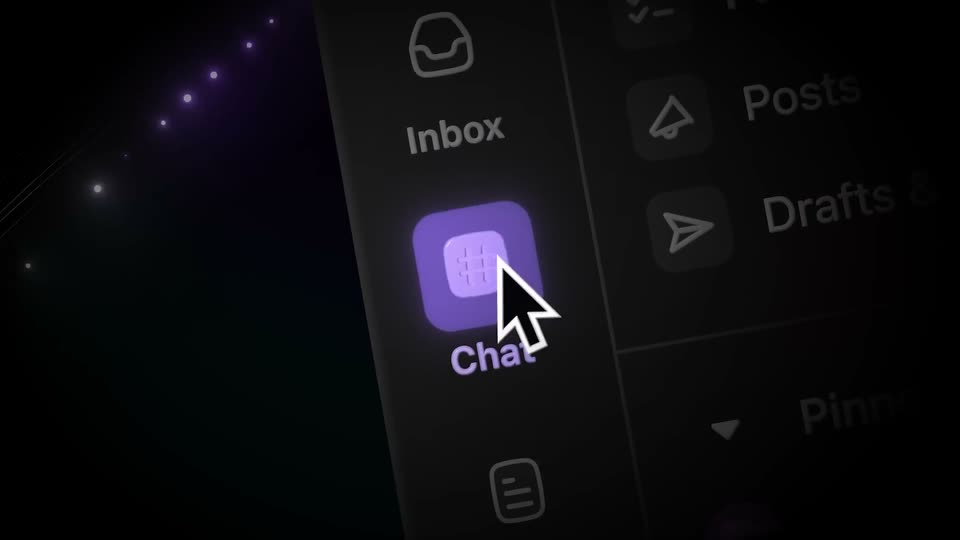 0:18–0:20ClickUp · Introducing ClickUp ChatA dark app sidebar floats in 3D space, the Chat icon glowing purple. The camera pushes in as a white cursor clicks the icon, sending purple particle lines arcing toward the Posts and Drafts panel.
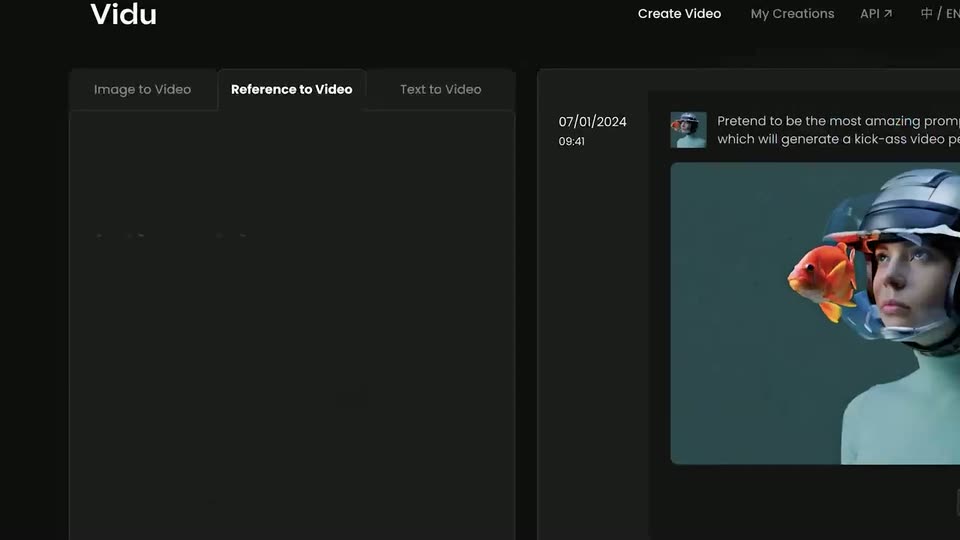 0:06–0:07Vidu · Vidu AI - 🥳Object Consistency is here!🚀 With the new "Reference to Video" featA close-up of the dark interface with mode tabs and a video card shrinks into a circular cutout on black as oversized white words scale and slide across the frame.
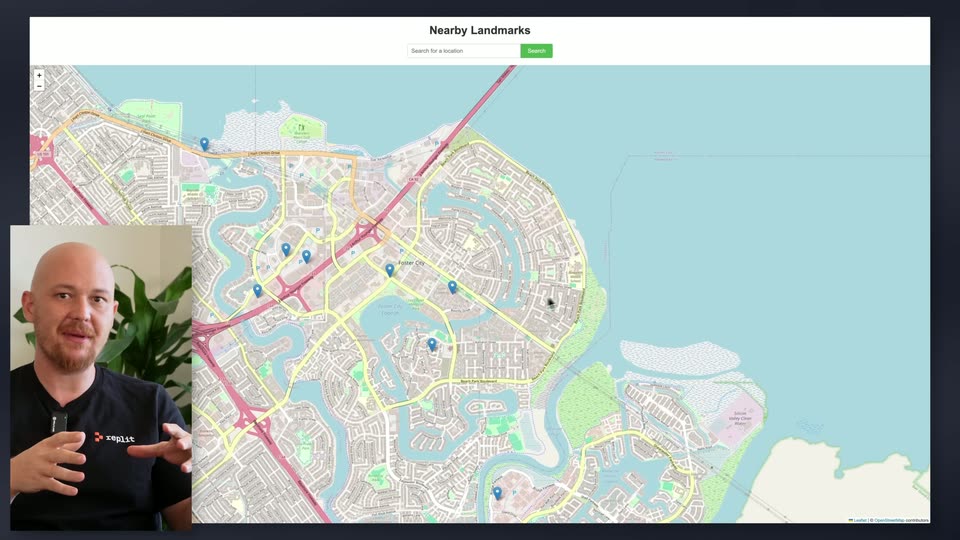 2:59–3:07Replit · Meet the Replit AgentA man in a small box at bottom left gestures while a web map of the Bay Area fills the rest of the frame. The map zooms into Foster City, blue pins cluster, and the cursor clicks a pin to open a white info card.
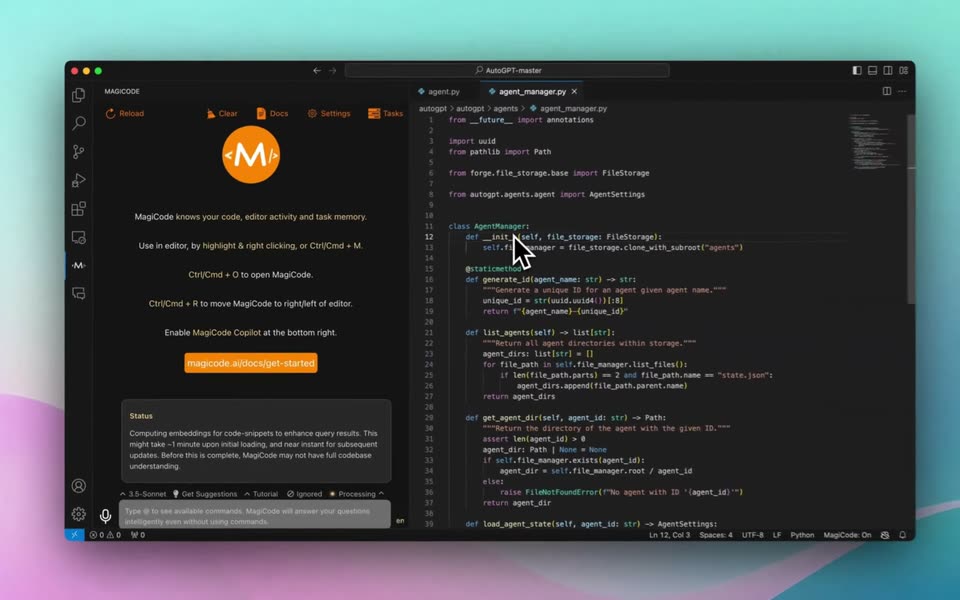 0:00–0:04MagiCode · MagiCode: Your Proactive Pair ProgrammerA close-up of a dark code editor follows the MagiCode panel as its status text updates and a green progress bar fills, then the camera pulls back to frame the whole editor window in 3D over a pastel gradient.
 0:28–0:30Playground · Playground - Welcome to the new Playground Use AI to design logos, t-shirts, sociA green rounded card reading brat sits on a white dotted field as the frame zooms in. A dark green image block and a blue Create button scale into the card center. A static headline above reads Turn it into a meme!
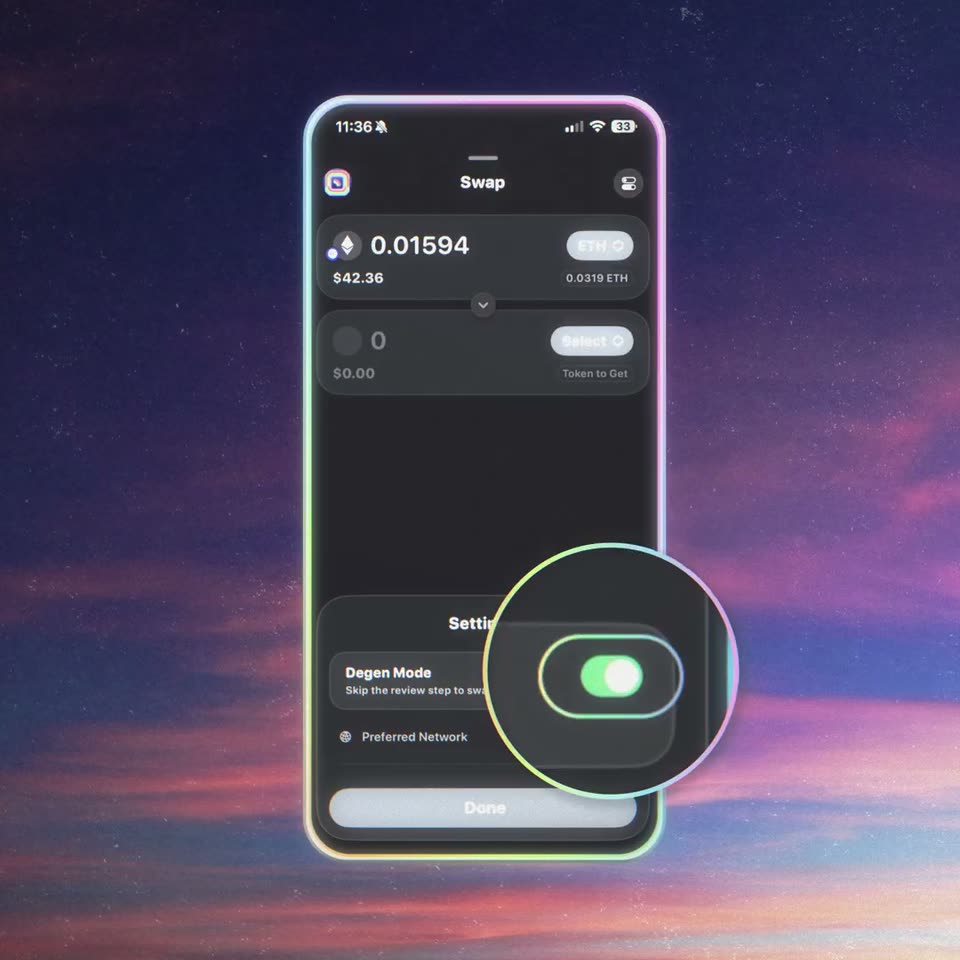 0:02–0:05Rainbow · Rainbow - Introducing Degen Mode — bringing bot-like speed to your trades withoA phone mockup with a glowing neon border floats in a starry purple sky. A circular magnifier lens drifts down the screen, zooming first onto the swap icon, then onto the Degen Mode toggle as it flips on, revealing the settings panel.
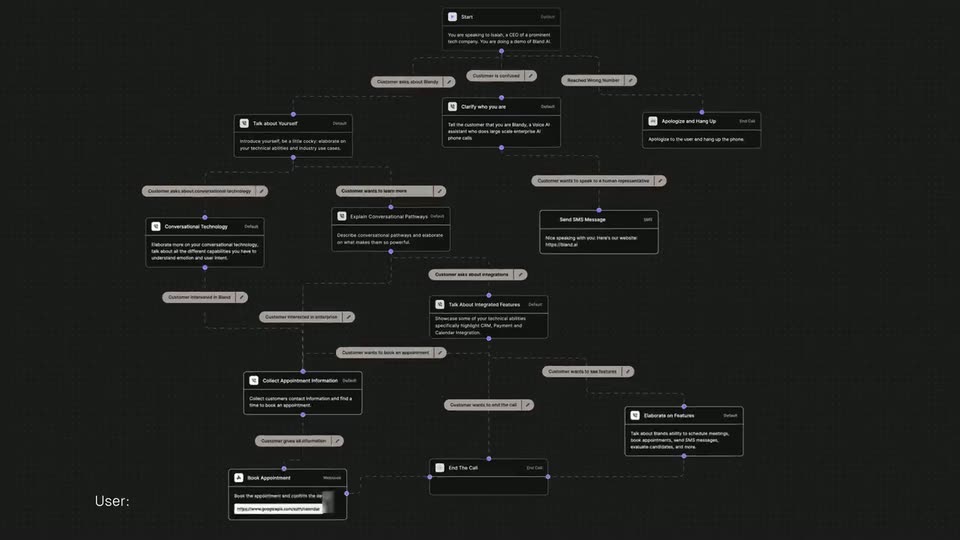 0:21–0:25Bland · Bland - Today, marks a major milestone for us. We’ve closed our series A withOn a dark dotted grid, a conversation-flow diagram assembles itself: the Start node and branch pills fade in, then the full node graph expands with dashed connectors. A caption bar at the bottom types out Bland AI's greeting line by line, then the camera zooms into the top nodes.
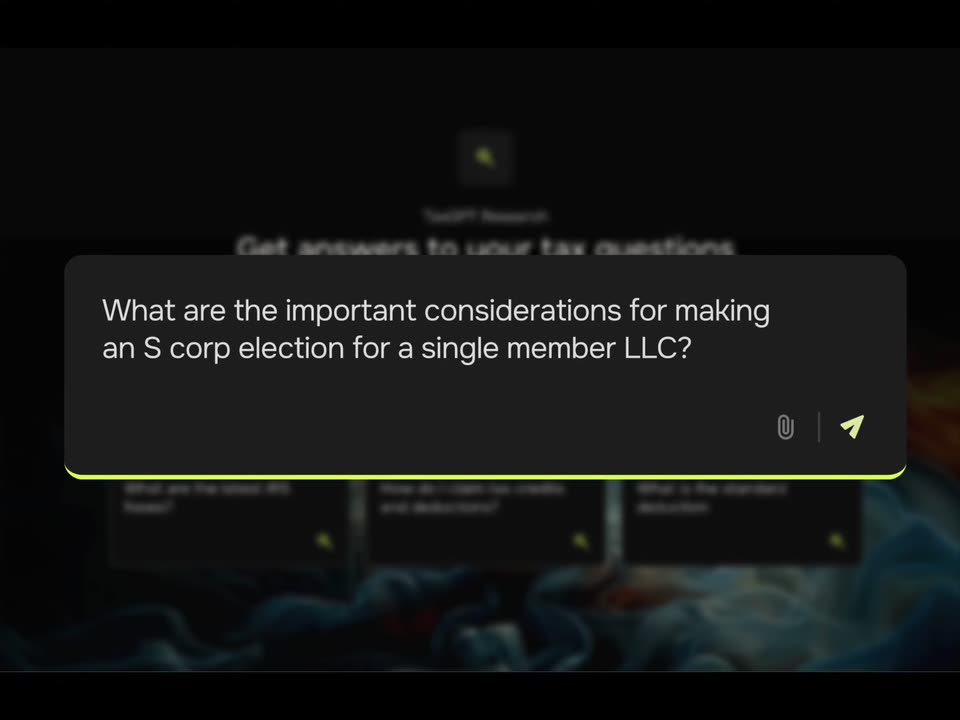 0:06–0:12TaxGPT · TaxGPT: AI Tax co-pilot for accountants and tax professionalsA dark tax research screen zooms into the search box while a question about an S corp election for a single member LLC types itself out, then eases back to the full layout with three suggestion cards below.
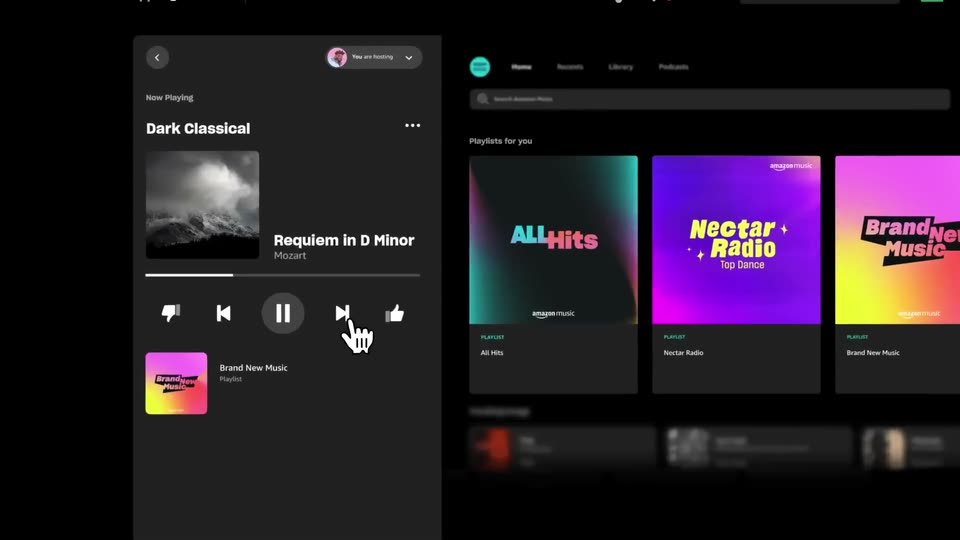 0:08–0:10Discord · Amazon Music is now on DiscordA dark music app screen zooms into the Now Playing panel as the album art cross-fades from a black-and-white mountain to a teal ALL Hits cover and the title swaps to Listening Party. A white hand cursor taps the next-track button.
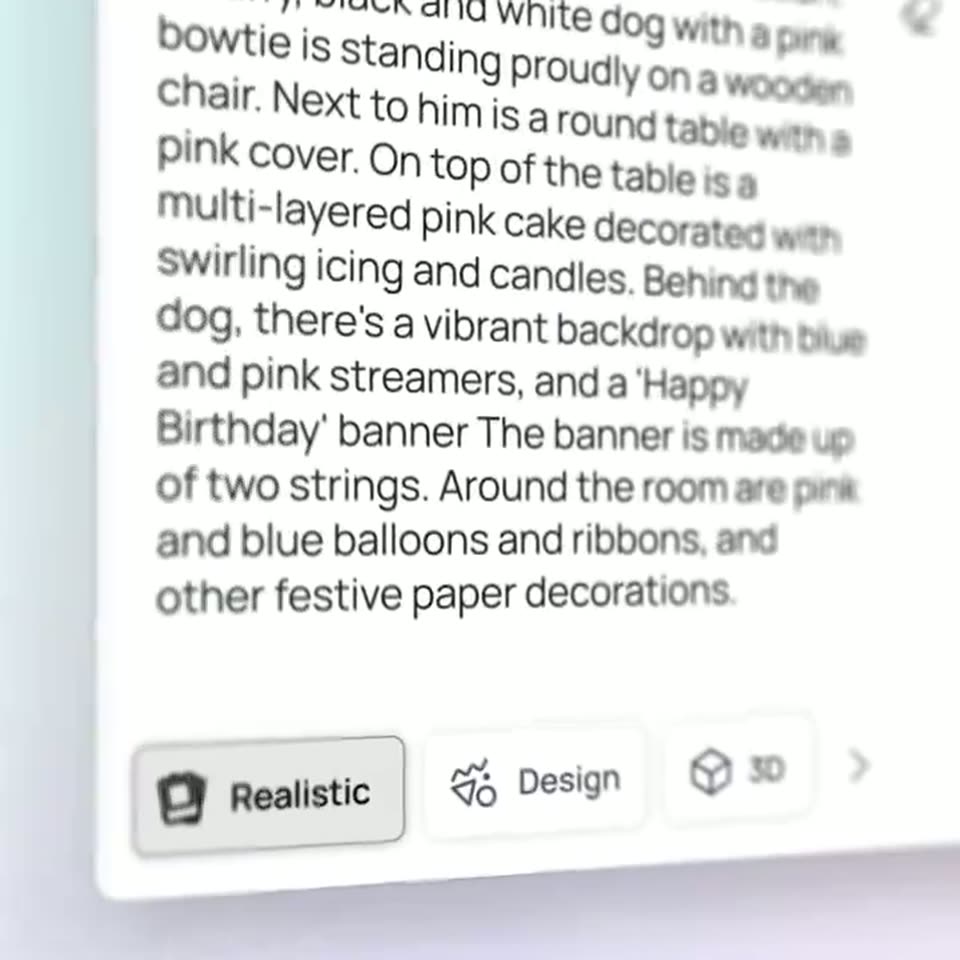 0:24–0:25Ideogram · Ideogram - Introducing Ideogram 2.0 — our most advanced text-to-image model, nowA white prompt card, tilted in 3D against a soft blue-to-pink gradient, holds a serif paragraph about a dog's birthday photo. The camera pushes in on the body copy, sharpening the center lines, while a small fixed caption reads Even the details.
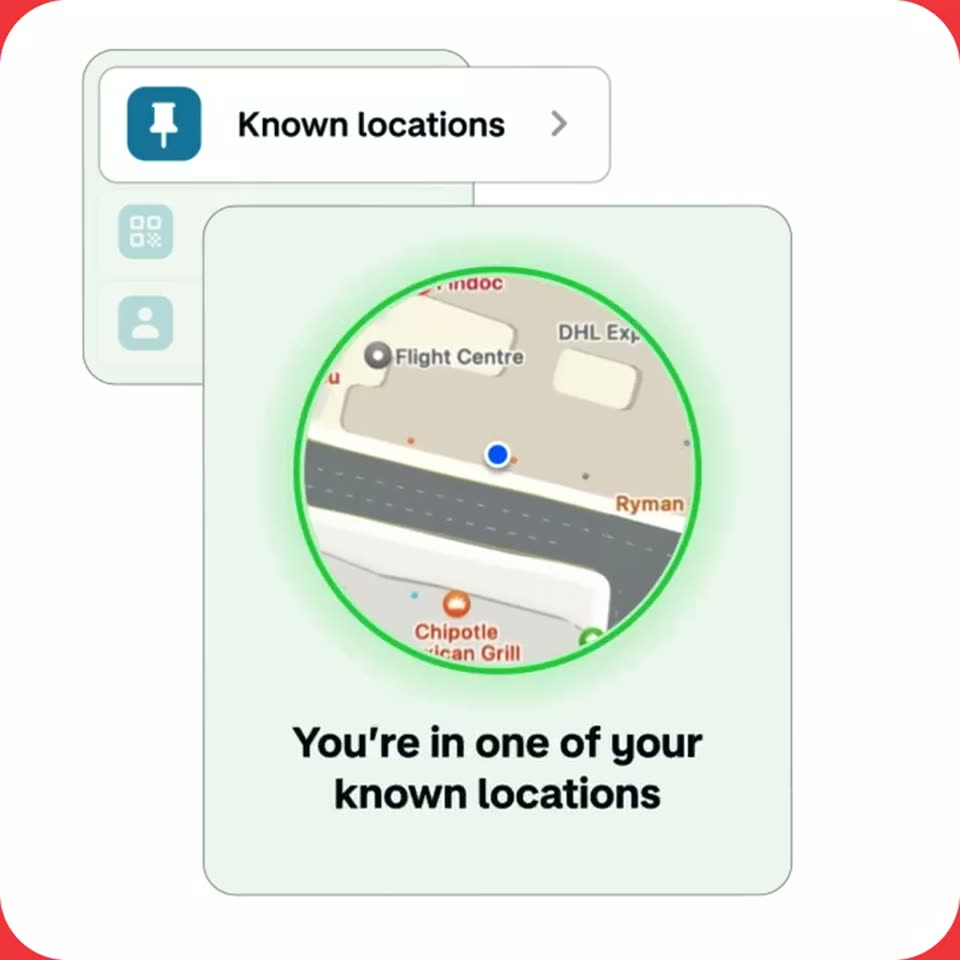 0:05–0:10Monzo · Monzo 🏦 - INTRODUCING: A trio of industry-first security controls 📣 Stop fraudA light green card frames a circular map that zooms from a regional view to street level, with a white 'Known locations' row behind it. A green ring outlines the map as the caption changes from 'Checking your location' to 'You're in one of your known locations'.
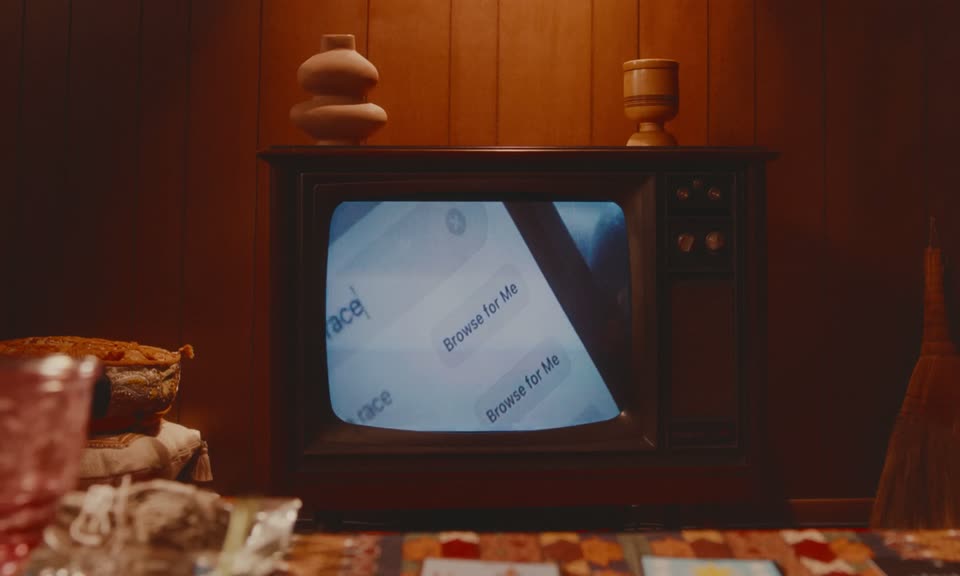 0:34–0:35The Browser Company · “Who are the Beatles?” | An Arc Search ad from 1961A vintage television on a wooden cabinet in a warm paneled room plays a grainy black-and-white clip of a man gesturing, then the screen cuts to a white interface and zooms in on the Browse for Me button as the word race passes by.
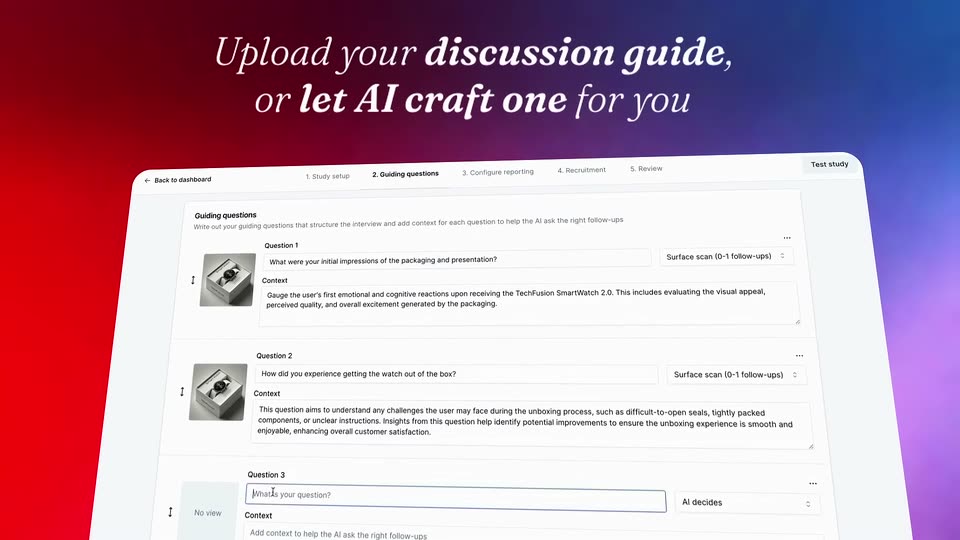 0:28–0:30Conveo · Conveo in 60 SecondsA tilted 3D mockup of a white study-setup form sits on a red-to-blue gradient, with a white serif headline above it. The form scrolls down, revealing a second question row and an AI-decides dropdown as the panel scales up.
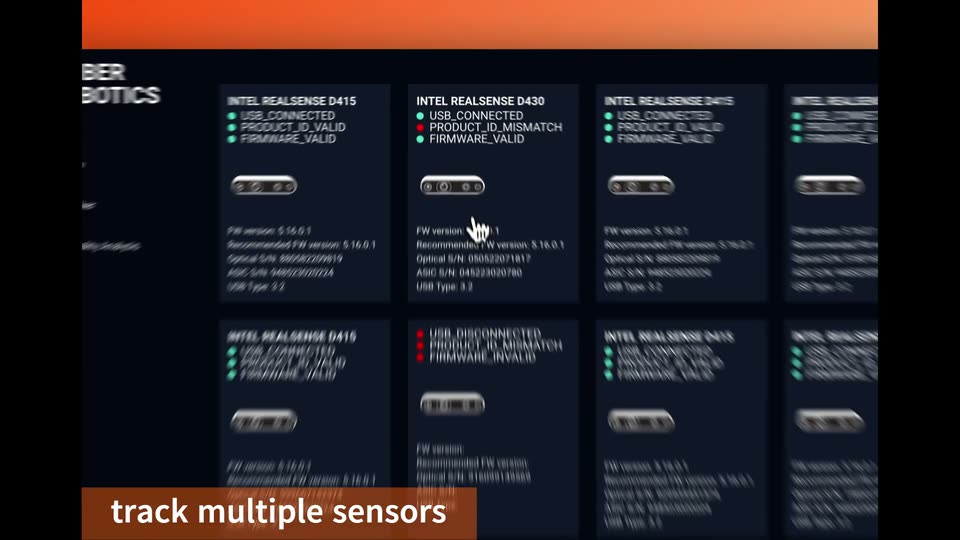 0:02–0:04Ember Robotics · 🔥 Introducing Ember Assistant 🔥- Robotics Camera System Assistant!A dark dashboard grid of Intel Realsense sensor cards with status dots zooms in toward the cards. A cursor hovers over one card while the caption 'track multiple sensors' types in word by word on an orange band at the bottom.
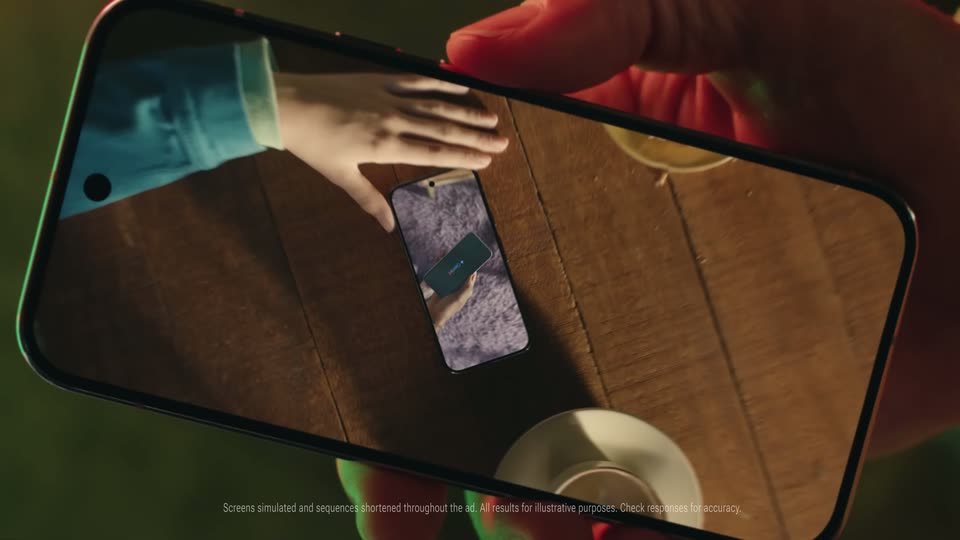 0:11–0:12Google · Meet Google Pixel 9 and Pixel 9 Pro With Gemini | The Best of Google AIA close-up of the Gemini logo on a phone screen held in a hand pulls back to reveal the phone lying on a wooden table, the close-up now playing as a small inset on the display. A legal disclaimer scales in at the bottom.
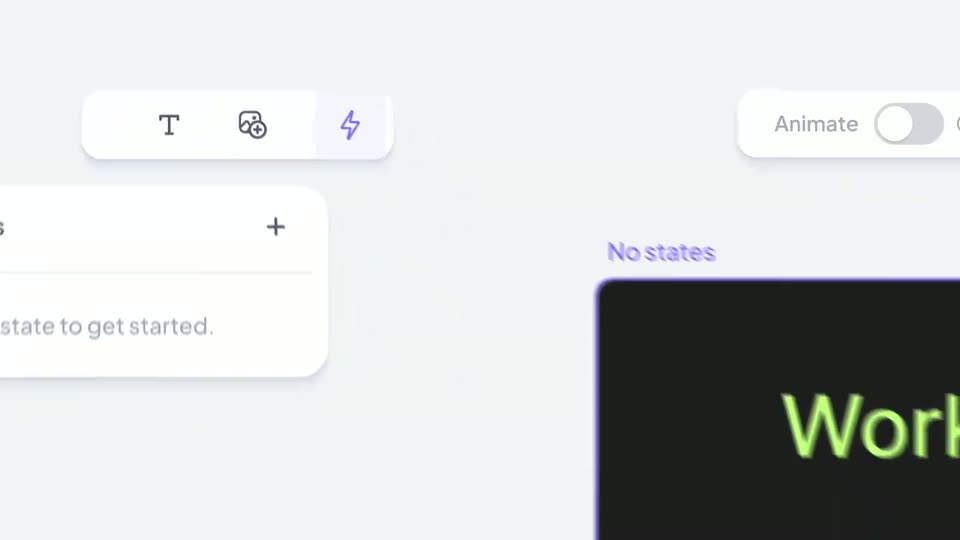 0:09–0:11Lottielab · Lottielab - Interactivity is now live on Lottielab. 📣Floating white panels with icons and an Animate toggle drift across a light workspace as the view reframes onto a dark fitness card showing Rowing and Cycling rows in green.
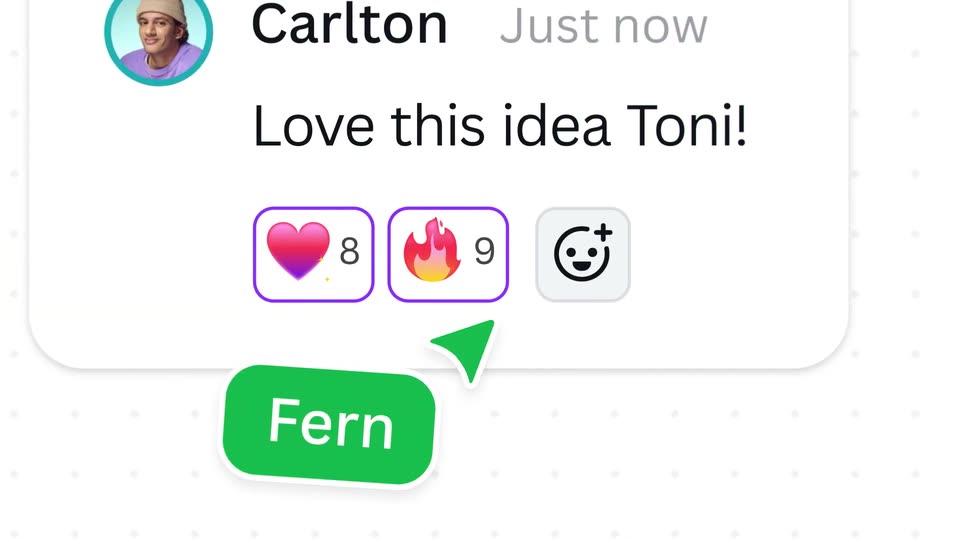 0:46–0:48Canva · Introducing Canva’s Brand RefreshA shared photo of a woman sits inside a purple selection box while green, purple and red name pills point to it, a reaction and a comment card. The view zooms into the comment card as a heart and fire reaction count up, then a fist emoji pops in, leaving three emojis centered on white.
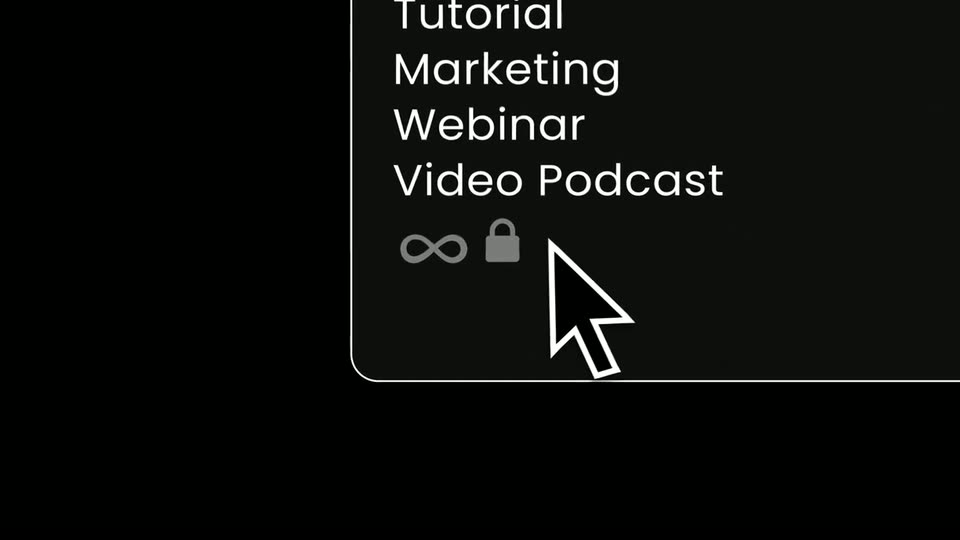 0:05–0:08OpusClip · OpusClip - Introducing 𝘾𝙡𝙞𝙥𝘼𝙣𝙮𝙩𝙝𝙞𝙣𝙜, the first-ever multimodal AI clipping thatA dark Genres dropdown lists video formats on black. A large outlined cursor glides down the rows, flashing a white pill on Interview and Webinar. The view zooms in and the list scrolls, ending on a padlock that flips open beside a gold infinity symbol.
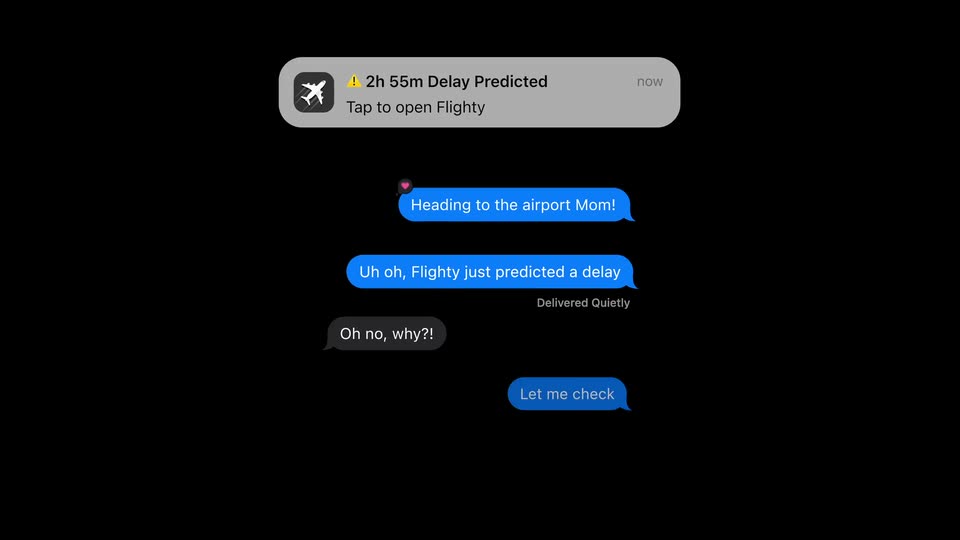 0:08–0:14Flighty · Flighty - Introducing @Flighty 4 😱 See WHY you're delayed. Finally! ✈️ Late AiA gray notification banner slides in at the top of a black screen as iMessage bubbles pop in one by one: two blue sent messages, a gray reply, and a final blue “Let me check”. The view then zooms into the notification, which expands to fill the frame.
 0:06–0:07Pax · Pax AI (YC s24) LaunchA dark Pix AI upload screen tilts in 3D perspective over a purple-to-cyan gradient, then flattens to a straight-on view. A blue-gradient headline reads at the top while files populate the import list and a file-type dropdown opens on the export side.
 0:18–0:19Audi · Meet the Audi A6 Avant e-tronClose-up of a phone screen showing a car status card. The shot starts soft and racks into focus as the card text pushes in slightly, the refresh icon sliding at the right.
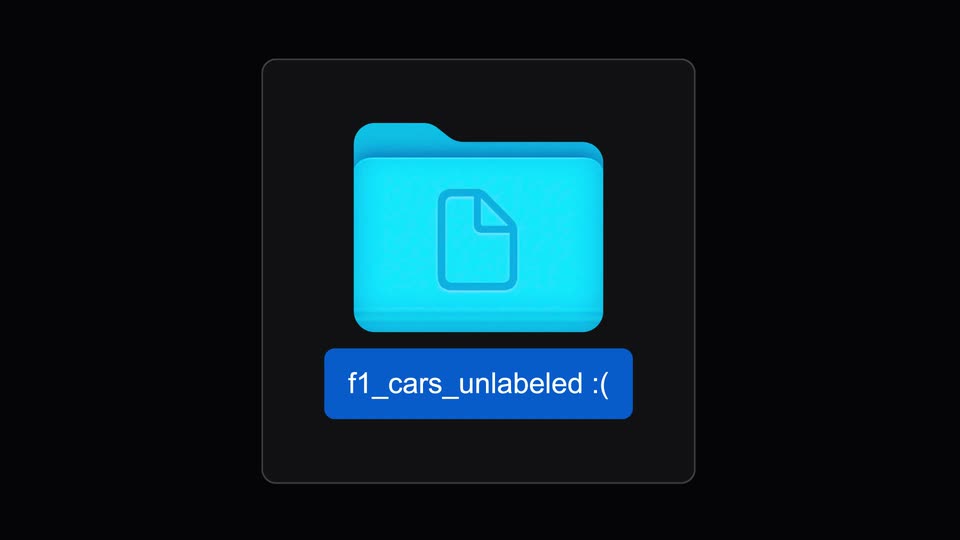 0:11–0:14Overeasy · Meet IRISA blue folder icon with a document symbol rests on a dark rounded card, labeled f1_cars_unlabeled :(. A large white pixel cursor overlaps the label, then moves off as the view reframes down onto the label.
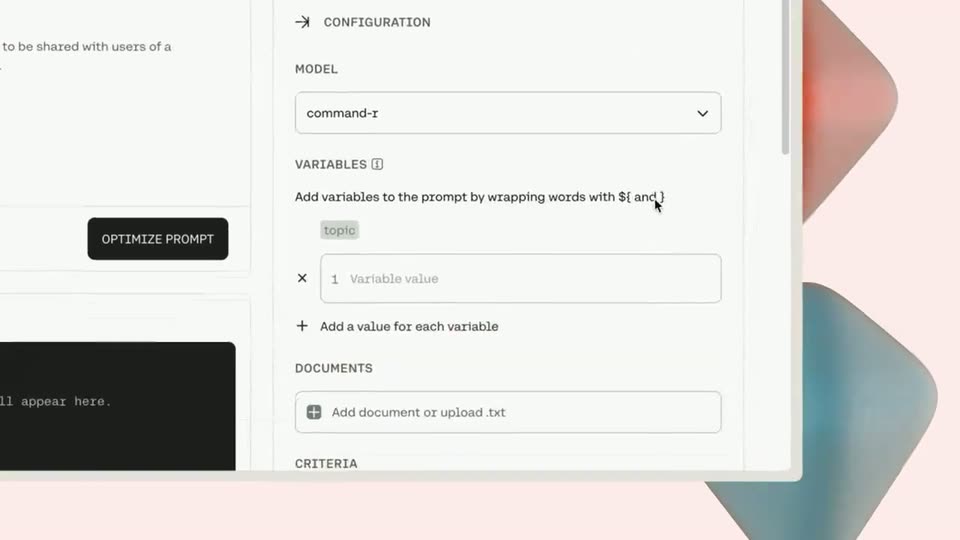 0:15–0:16Cohere · Cohere - We are excited to be introducing Prompt Tuner in beta today. It is aA white Prompt Tuner panel sits on a pale pink background beside a curved 3D ribbon. The view zooms into the form as a cursor hovers over the variables and model fields, then pulls back to reveal the full card and the brand logo at the bottom.
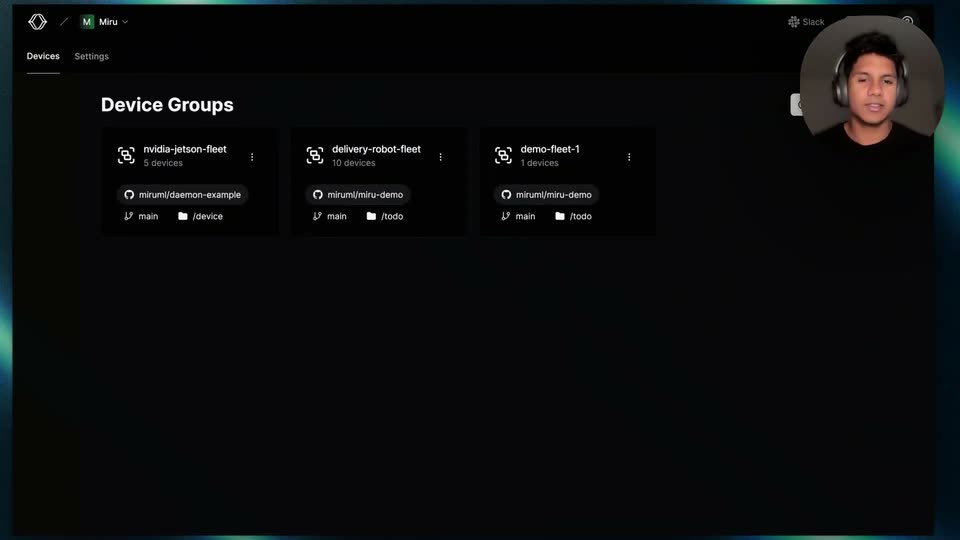 0:11–0:12Miru · Miru Demo YC LaunchA dark app screen lists three device group cards beneath the heading Device Groups. The view zooms in on the heading as a presenter wearing a headset holds in a small video window at the top right.
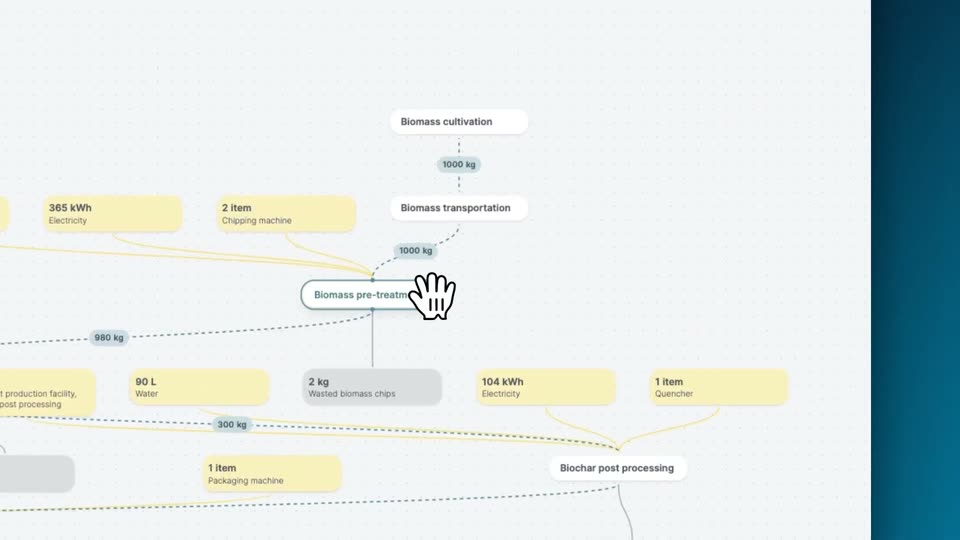 0:00–0:05Offstream · Offstream: Streamlined carbon compliance for project developersA white OFFSTREAM interface card sits on a dark blue field, its LCA flowchart of small yellow and gray nodes filling the canvas. The view zooms into the diagram as a grab-hand cursor drags it, panning across nodes such as Biomass pre-treatment and Biochar post processing.
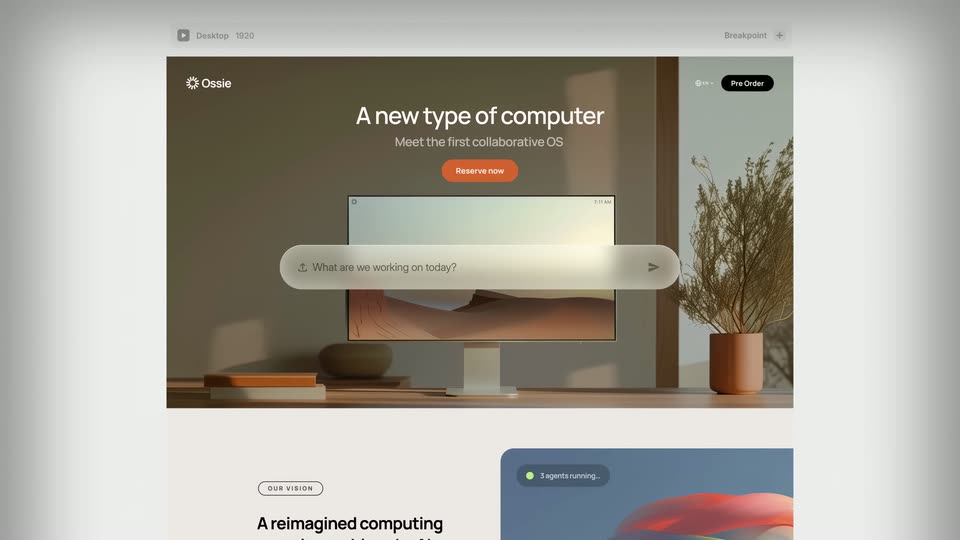 0:04–0:05Framer · Framer Design: Design on an intuitive CanvasA Framer desktop editor frame shows the Ossie landing page hero: a 3D-rendered desk with a monitor, a glass input bar, and a white headline over a warm room. The view eases with a slight zoom-out as the page settles into place.
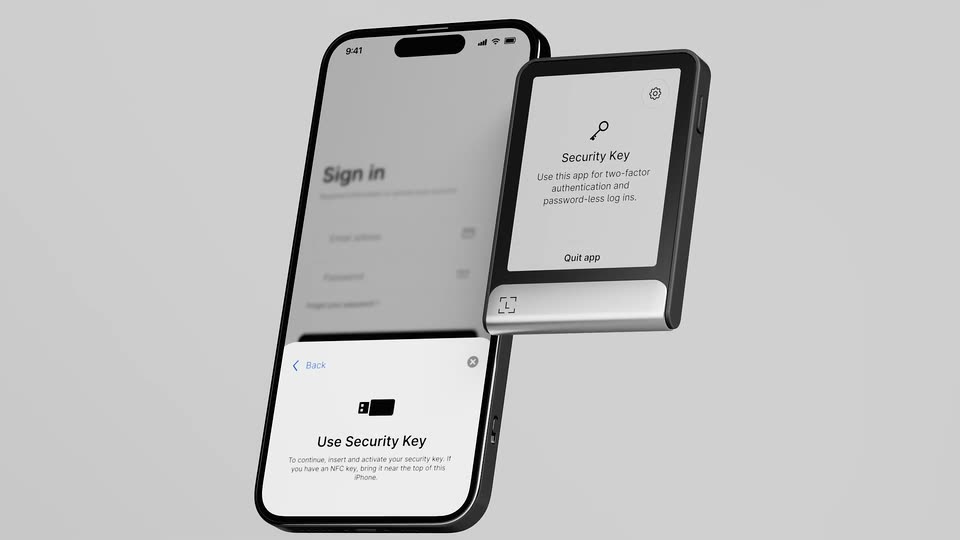 0:17–0:22Ledger · Introducing Ledger FlexA phone and a screen-equipped security key float in 3D on a light gray field. The phone cycles through sign-in sheets as the key drifts to the phone's top edge, NFC arcs pulse, then both screens show a checkmark. The shot ends on a blurred close-up of the key's base.
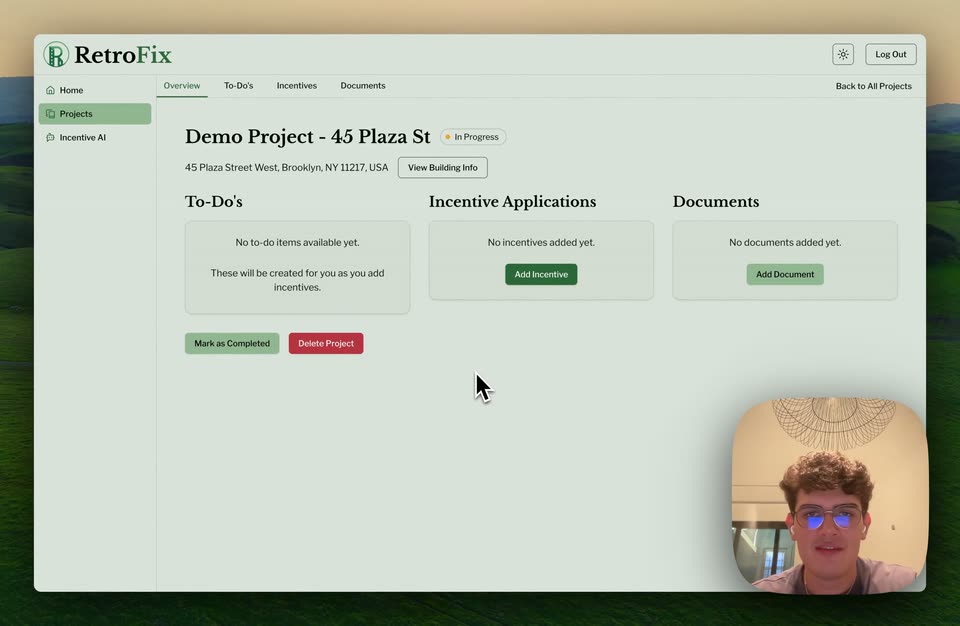 0:00–0:21RetroFix · RetroFix Product DemoA RetroFix project overview page fills the frame over a blurred landscape, with a small rounded video of a presenter in the bottom right. The view zooms into the empty To-Do's and Incentive panels, then the cursor clicks Add Incentive, opening a recommendation dialog.
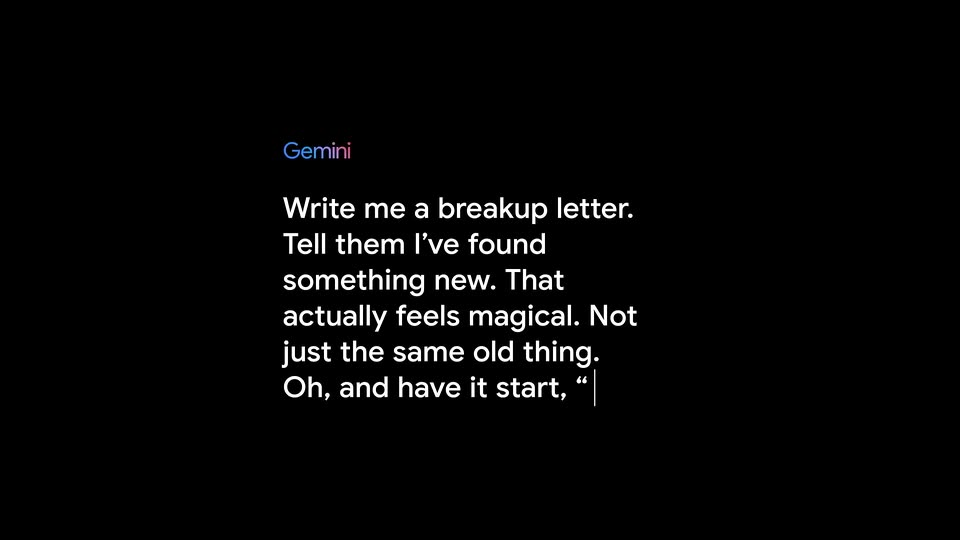 0:00–0:20Google · Introducing the Google Pixel 9 ProA black Gemini screen shows a gradient greeting that fades, then a prompt types out letter by letter behind a blinking cursor. The view pulls back to reveal the text inside a chat bubble on a 3D-tilted phone with a glowing purple edge and placeholder bars.
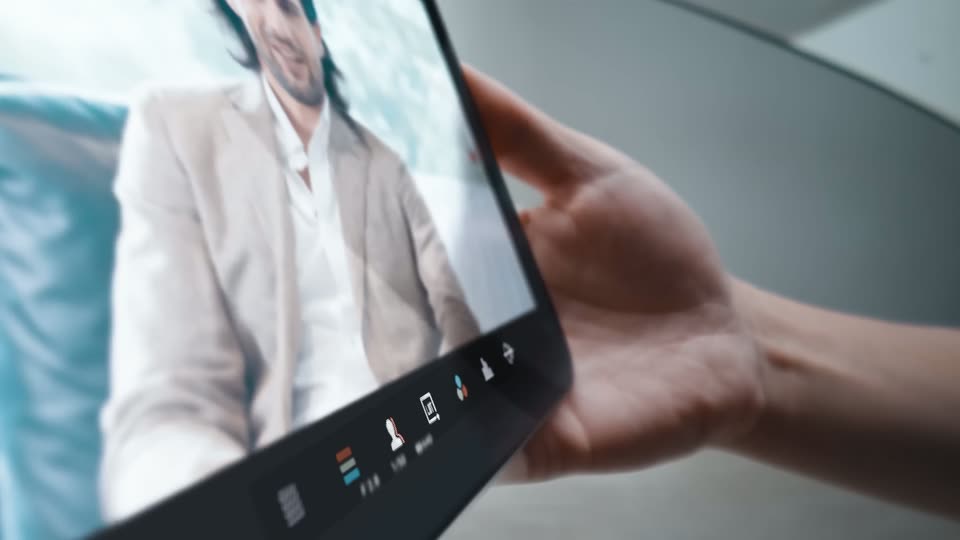 0:59–1:02DJI · Introducing DJI SDR TransmissionA hand holds a black tablet in a bright white interior; its screen shows a man seated on a sofa. The camera pushes in as a finger taps the screen's bottom edge, revealing a row of small white icons along the lower bar.
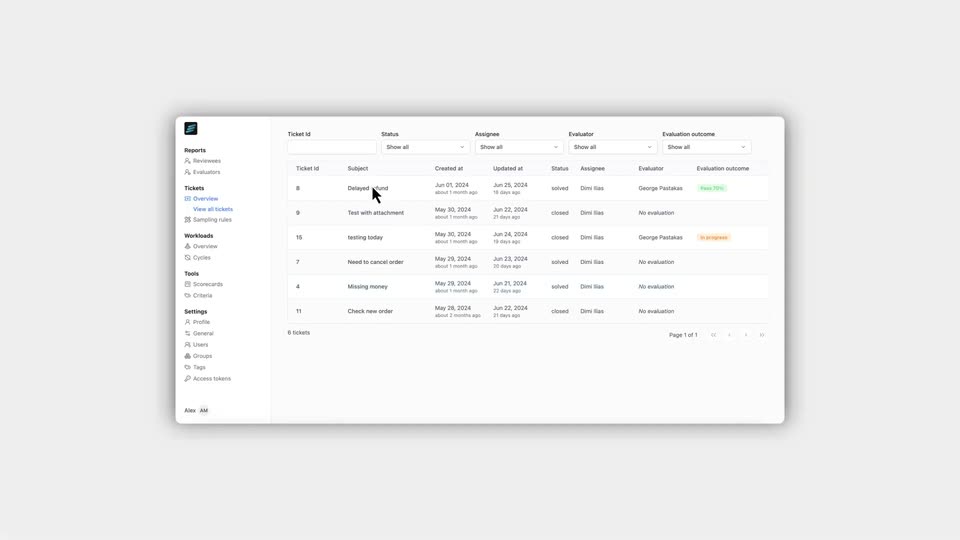 0:18–0:19Intryc · Intryc YC Launch videoA ticket management interface with a left navigation sidebar and a central data table scales up toward the viewer. A mouse cursor hovers over the table rows, which list ticket IDs, subjects, dates, statuses, and evaluation outcomes.
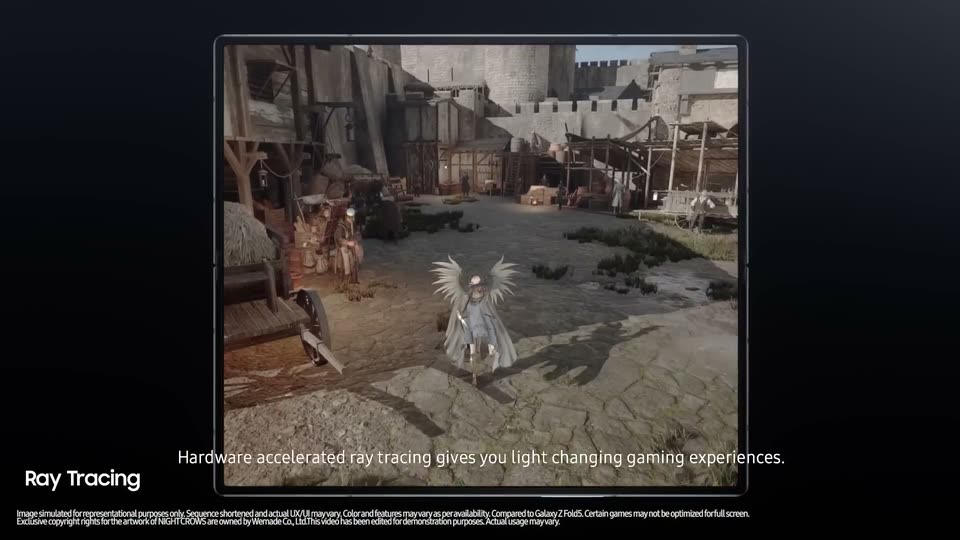 1:25–1:26Samsung · Introducing Galaxy Z Fold6 and Z Flip6 | SamsungA fast, blurred zoom settles onto a tilted 3D tablet mockup displaying a medieval game with a winged character. The white 'Ray Tracing' label and a one-line caption lock in at the bottom of the dark frame.
 0:02–0:04Suno · Suno iOS App is Here! Make any song you can imagineA 3D iPhone mockup rests on a dark table scattered with posters and vinyl, its screen glowing pink with a Suno welcome screen. The framing tightens toward the phone while large white serif words slide left across the frame.
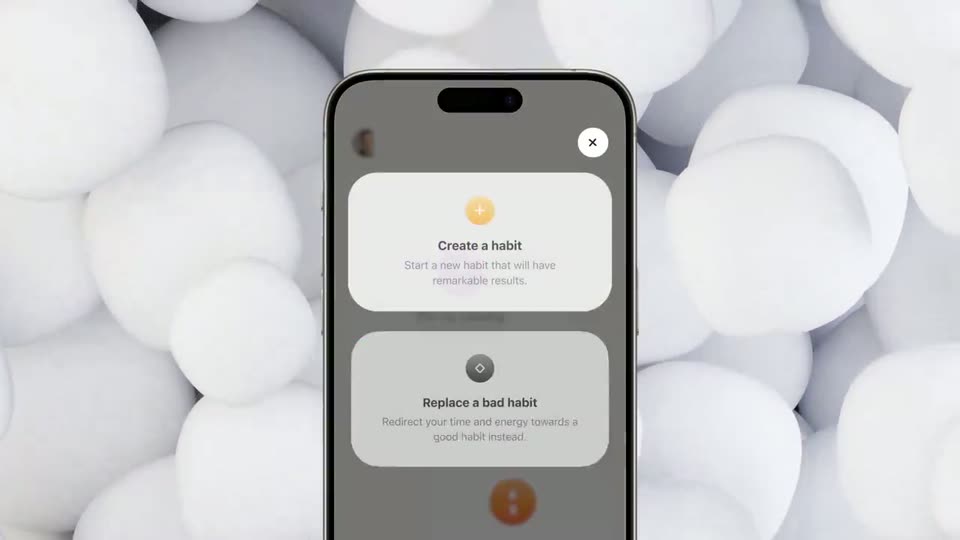 0:07–0:09Atoms · Metalab - Say goodbye to bad habits. Together with @JamesClear (you know who),A 3D phone mockup sits centered on a field of white eggs, showing a habit list with a purple and an orange card. The camera zooms into the screen as a dark overlay reveals two white option cards, Create a habit and Replace a bad habit.
 0:11–0:12Captions · Mirage - What if AI could edit your videos for you? Now it can. Introducing AA hand holds a tilted smartphone with a dark purple screen on a near-black grid background while the headline “Sit back” sits left. The camera pushes in on the screen, which shows a rounded card and a vertical purple progress line, then a large “CINEMATIC” label scales in.
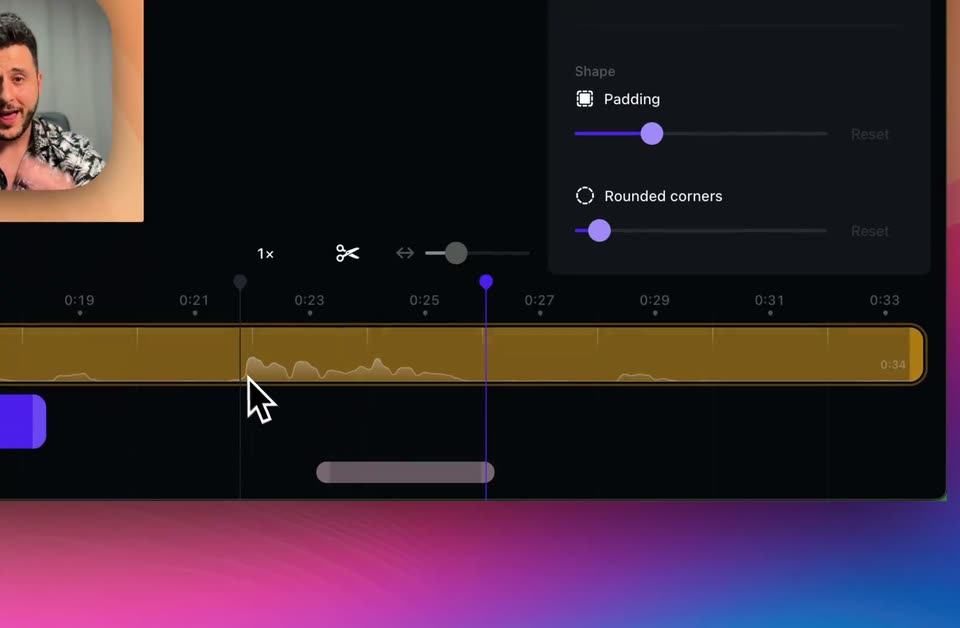 0:00–0:05Screen Studio · Screen Studio - There is a major new update coming soon to Screen Studio! The updateA dark video-editor window floats in 3D perspective over a warm pink and orange gradient. The view zooms into the timeline strip, a cursor clicks a small layout toggle, then the camera pulls back to the full window.
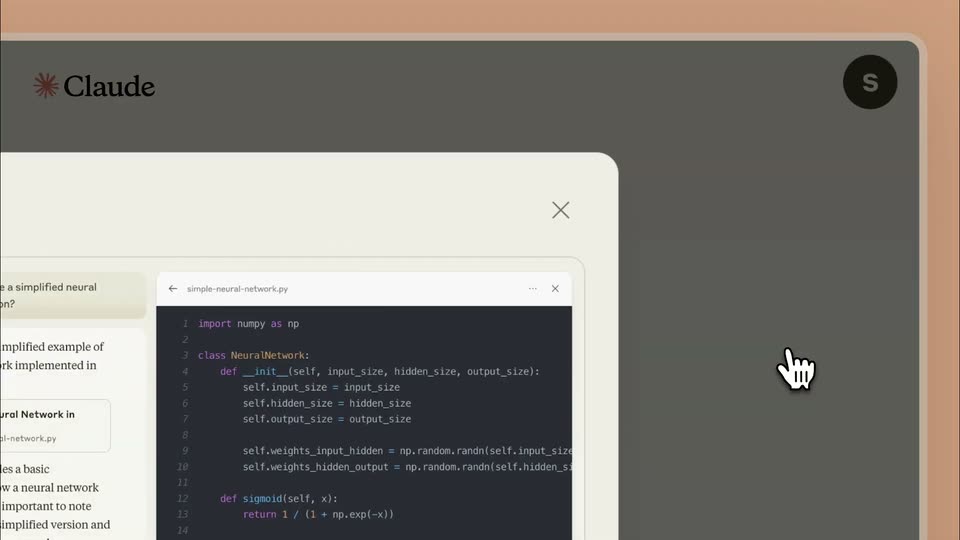 0:01 · 0.8sAnthropic · Claude 3.5 Sonnet for sparking creativityA flat Claude chat screen shows a greeting and a code editor card; the view zooms in to center the Python code window as a hand cursor hovers over it.
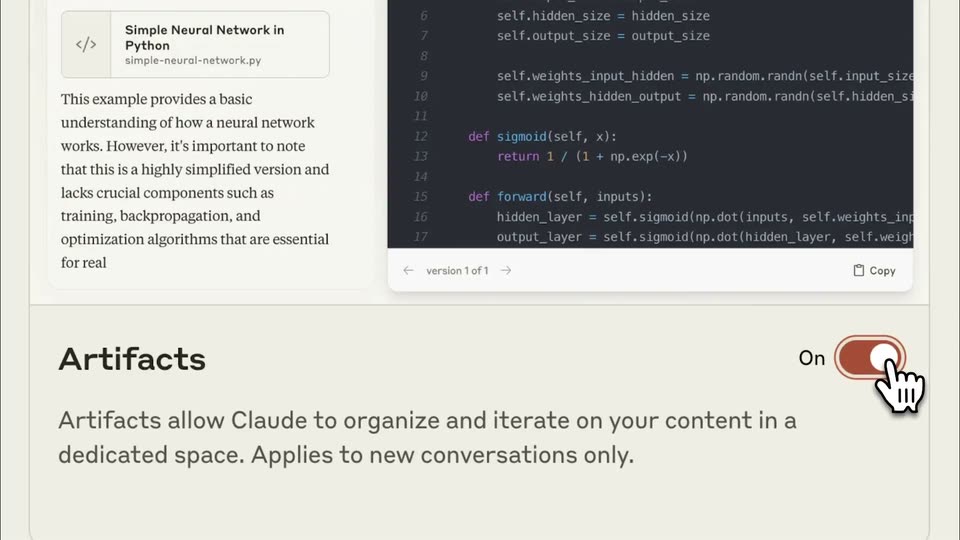 0:01–0:04Anthropic · Anthropic - We're also launching a preview of Artifacts on You can ask Claude toA white mask wipes open onto a close-up of the Artifacts panel. A hand cursor taps the toggle, flipping it from Off to On. The view then pulls back to a tilted phone mockup showing a Claude chat that asks for an 8-bit crab.
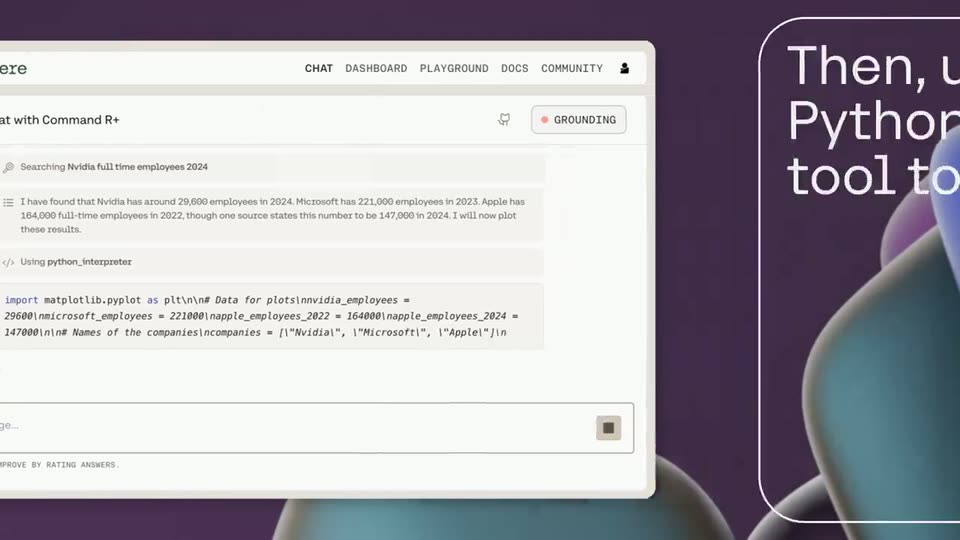 0:25 · 0.4sCohere · Cohere - Multi-step tool use is now available in the Cohere API! Build advancThe Cohere chat window, showing a search query and a Python code block, shrinks and slides to the left as a dark text panel with a white headline slides in from the right edge.
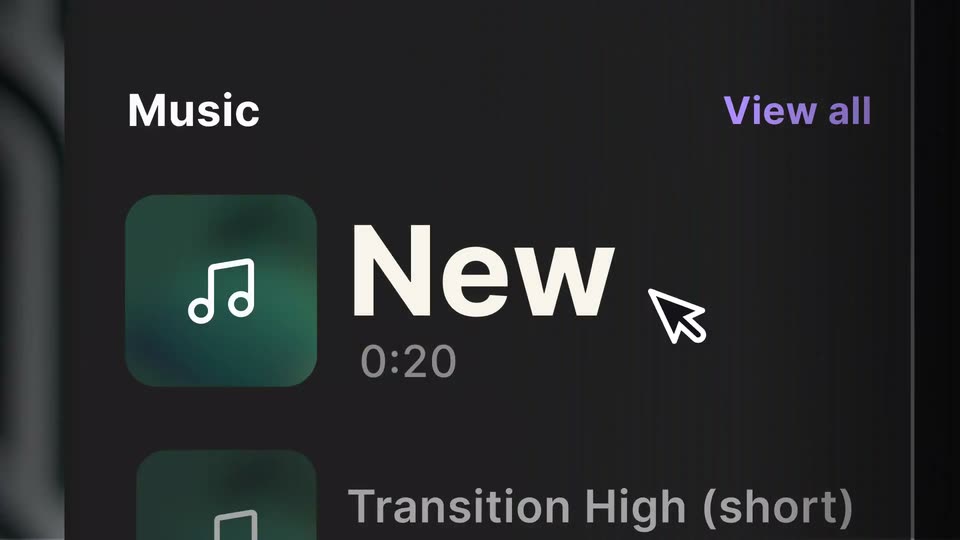 0:01 · 0.6sRiverside · Riverside - Introducing the new Conversation Studio. With full HD live streamingA dark product screen shows a 'Convert text to speech' dialog over a dimmed media library, then the dialog clears to reveal a Music list where a generated 'New' item sits with a music-note icon and a cursor hovering it.
 0:29–0:30Luma AI · Introducing Luma Dream Machine - Next Generation AI VideoA 4x4 grid of cinematic AI video clips fills the frame, each tagged with a small creator handle in the lower-left corner. The grid holds, then dives into its center, smearing into a radial blur of colored streaks.
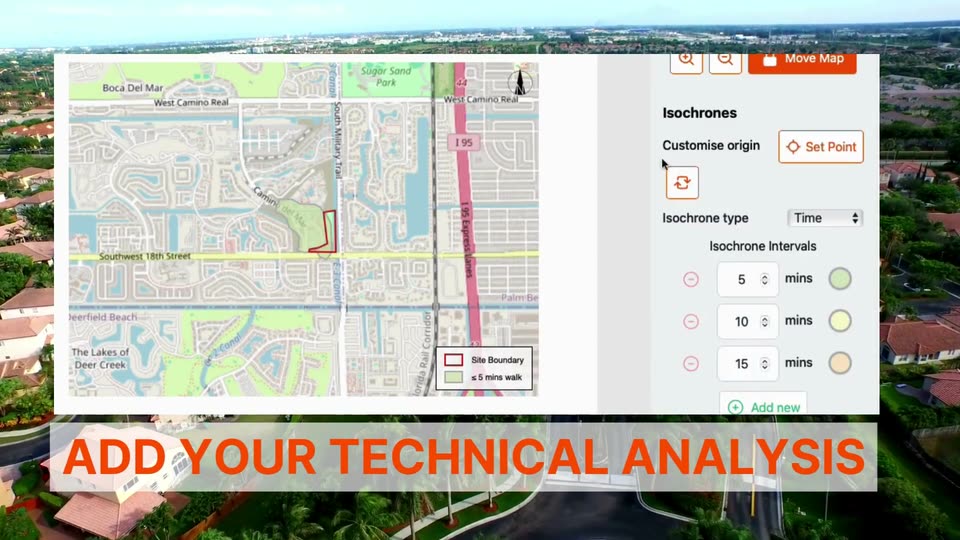 0:07–0:10SchemeFlow · SchemeFlow Intro VideoA flat map interface with an isochrones panel sits over an aerial view of a suburban neighborhood. A cursor clicks the Add new button, a 15 minute interval row appears, and colored walk-time layers expand across the map. The cursor then clicks zoom in.
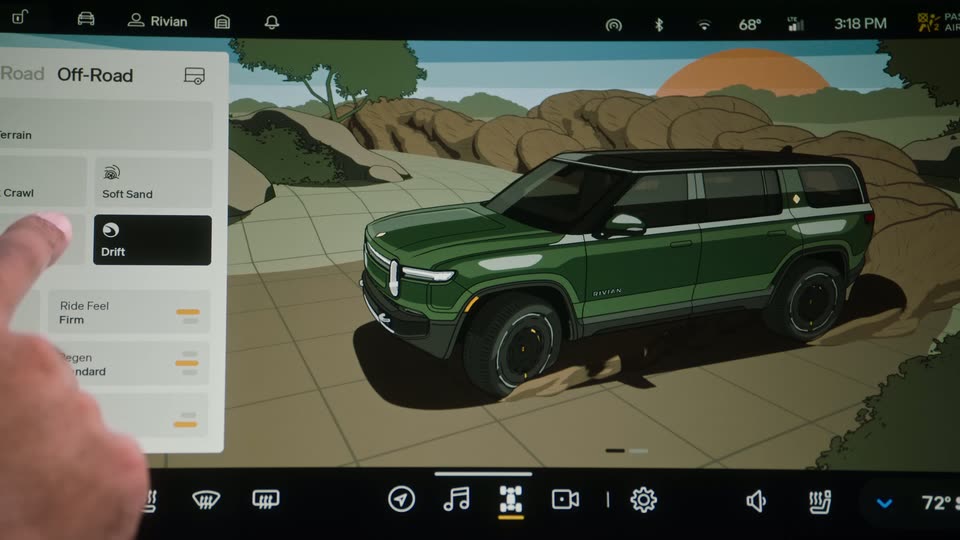 0:26–0:30Rivian · Meet the New R1 | Favorite Things | RivianThe infotainment screen shows the Off Road menu beside a green SUV in a painted desert scene. The view crossfades in, pushes in slightly, then a finger taps the Drift tile.
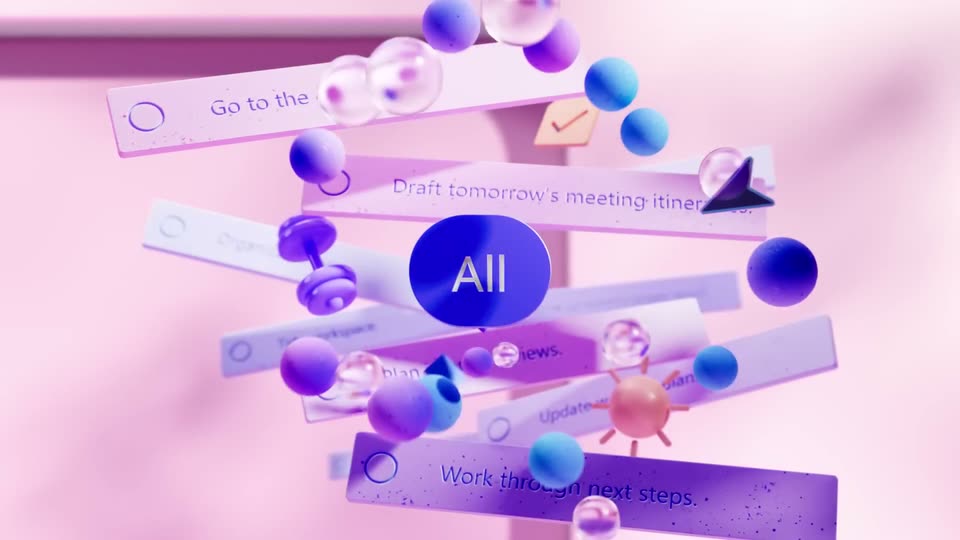 0:08–0:09Microsoft · The new Microsoft Planner is here! Streamline the planning, management, and execution of workA blue circular button labeled All sits at the center of angled, translucent task bars floating in 3D space. Glassy purple and pink spheres and a dark arrow cursor drift around them. The shot starts soft and blurred, then snaps into focus as the bars spread apart.
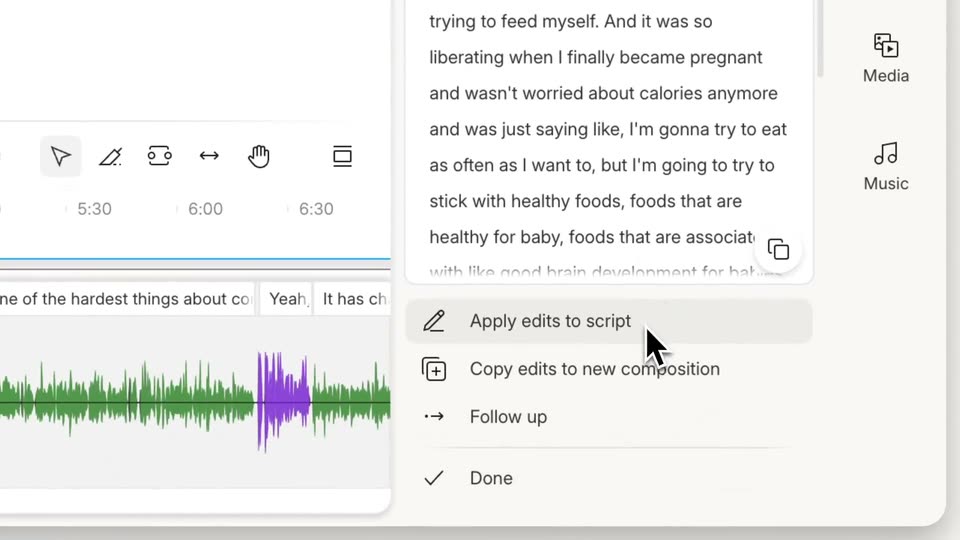 1:53–2:00Descript · Descript - Today, we're launching Descript's new AI assistant editor, Underlord.Left of the app panel, a small video shows a woman with headphones. A cursor clicks Submit in the Edit for clarity panel, a transcript fills with redacted strikethrough lines, then the view reframes onto a waveform as the cursor clicks Done.
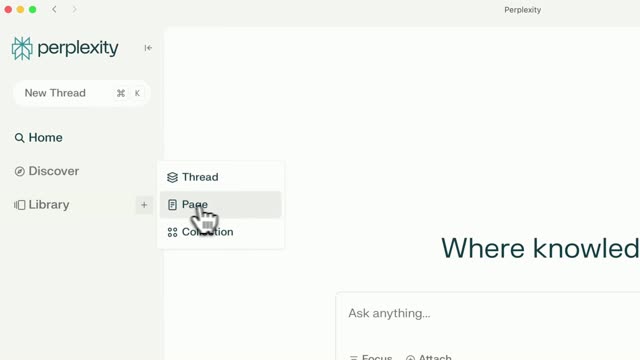 0:03–0:09Perplexity · Introducing Perplexity PagesScreen recording of the Perplexity web app in a browser window. The view zooms into the left sidebar, a hand cursor clicks the plus icon beside Library, and a small menu with Thread, Page, Collection pops up as the cursor moves to Page.
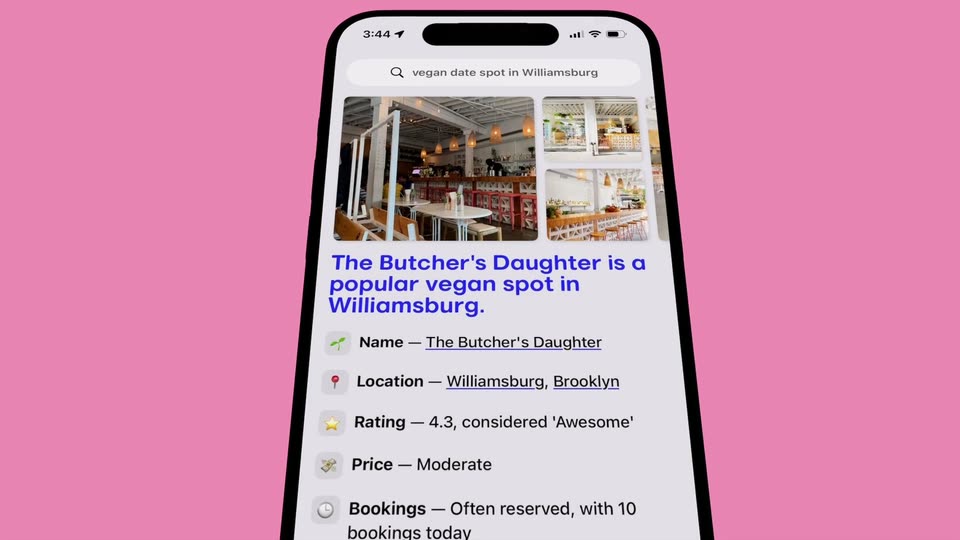 0:19–0:21The Browser Company · Call Arc | For questions on the goA 3D phone on a pink field tilts and scrolls an Arc search result for a vegan spot, then pushes in on the headline. It cuts to a purple card with a framed photo of a man above the title.
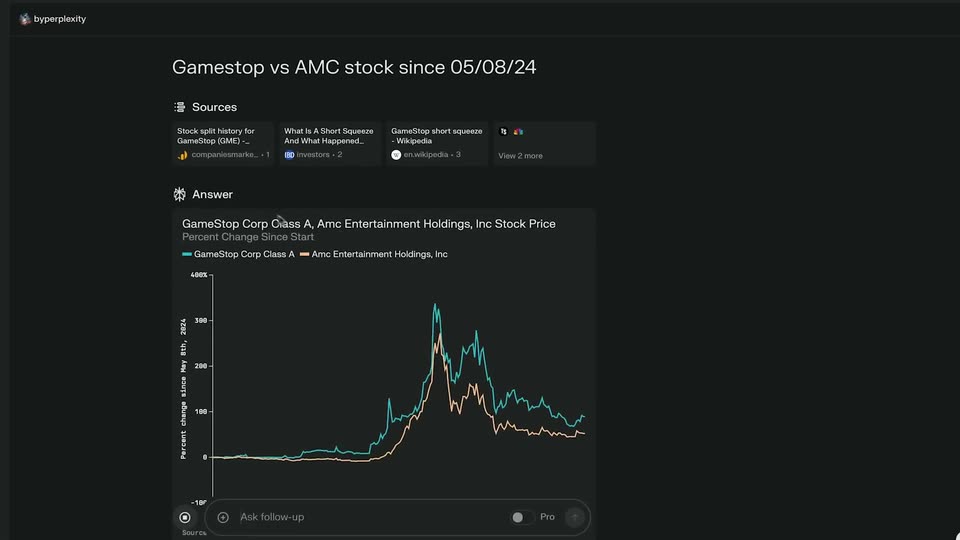 0:07–0:08Perplexity · Introducing Interactive Knowledge CardsA dark AI answer screen shows a GameStop query with source cards and an empty answer box. The view zooms out to reveal the full interface with a left icon rail, a byperplexity watermark, and a two-line stock chart drawing itself in the answer panel above a follow-up input.
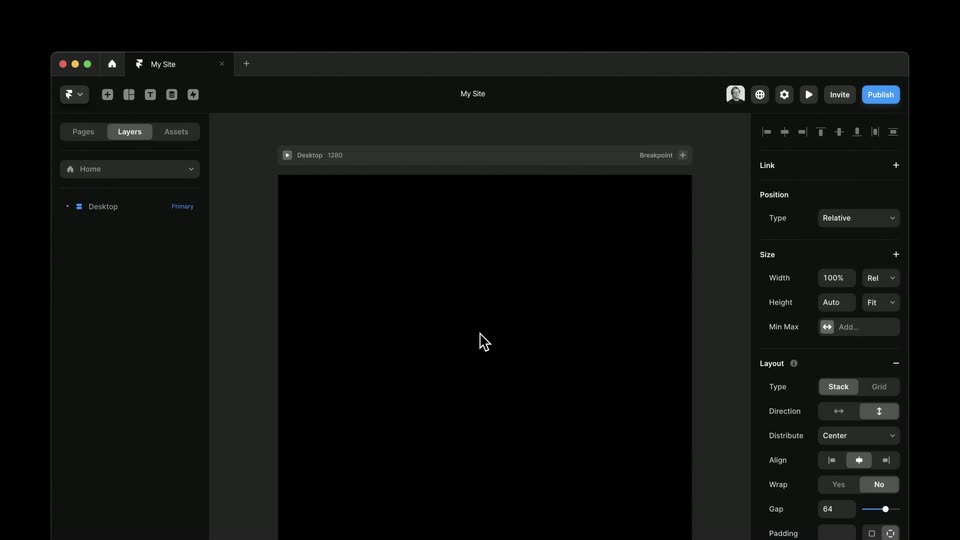 0:11–0:12Framer · Framer: All Design, No Code, Real WebsitesA dark website-builder screen with a layers panel, empty canvas and properties panel drifts and zooms in; a rounded dark tile with orange, purple, blue and green dots drops in at the top center while the panel rows slide.
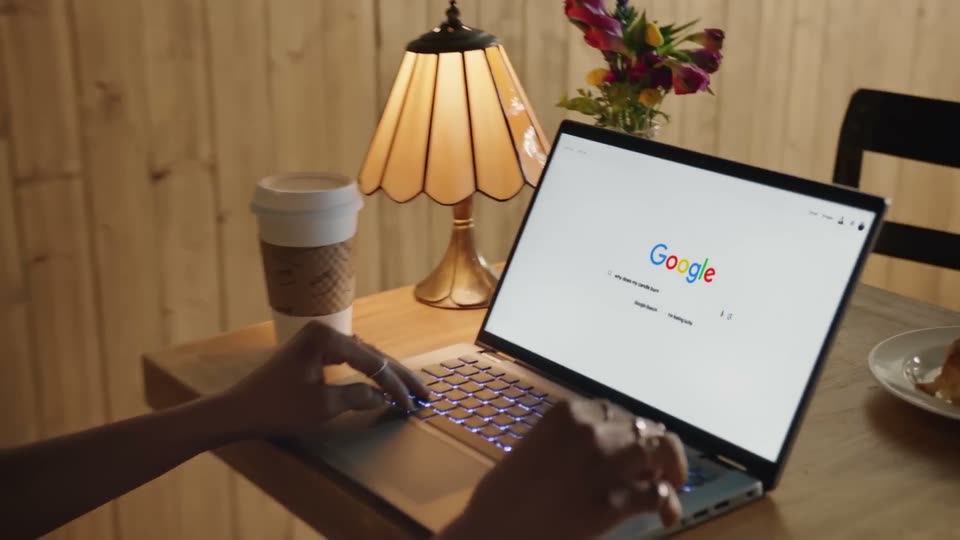 0:06–0:07Google · Search in the Gemini era | Google I/O 2024A woman in a striped shirt types on a laptop at a wood-paneled table with a lamp and coffee cup. The camera pushes in to a close-up of the screen, showing the Google logo and the typed query about a candle.
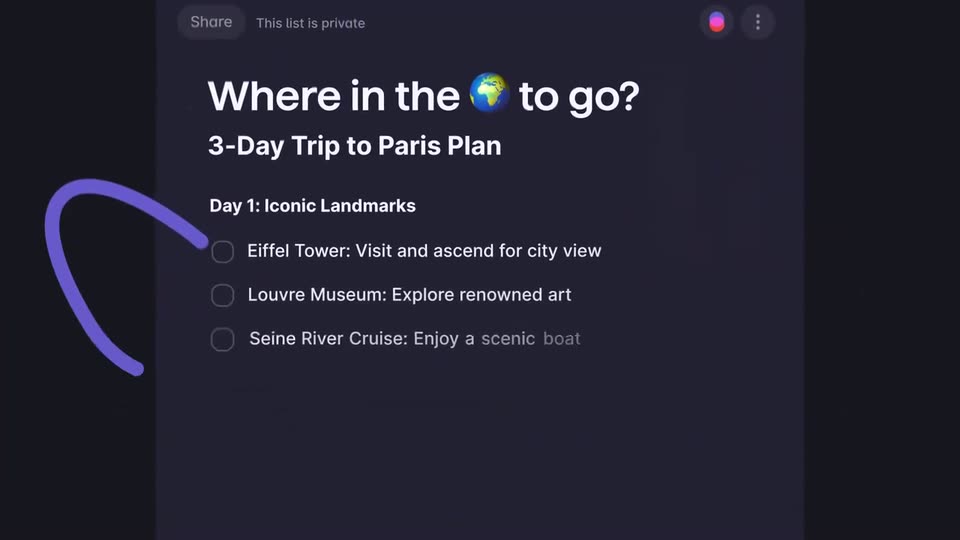 0:05–0:18Superlist · Superlist - Make it happen. Make it reality. Make it magic. 👉 Make is our firsA dark note card sits under a white headline that crossfades between two lines. A cursor types a prompt and clicks a button, a red and purple squiggle draws across the frame, and the card fills with a generated Paris plan before the view pulls back to the full app.
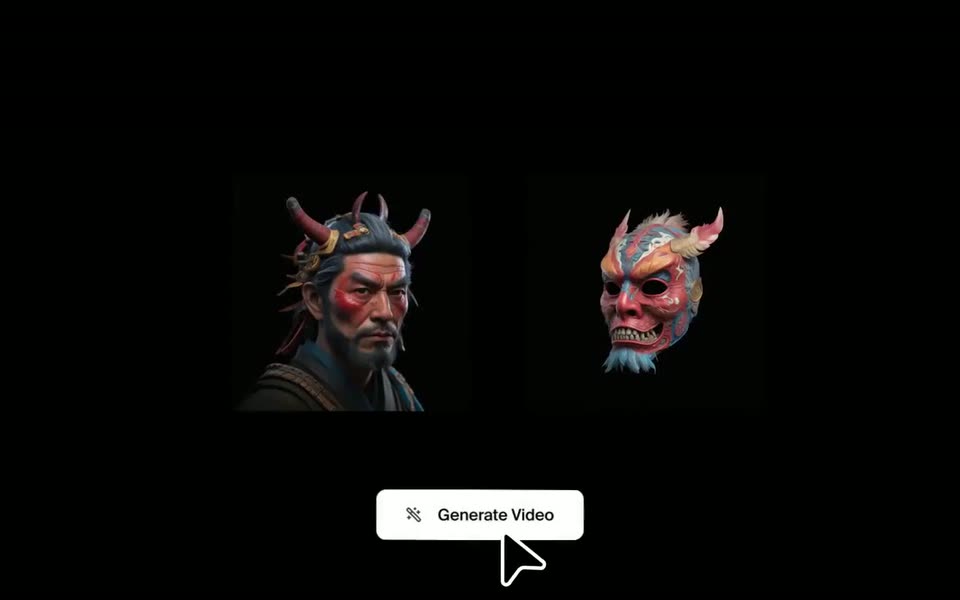 0:00–0:02Krea · Krea - Krea Video is here! this is how it works 👇 - (sound on)Two painted stills, a horned man and a horned mask, sit side by side on black. The left still expands to center as the right fades out, and a dim Generate Video button brightens to white beneath a cursor that slides up onto it.
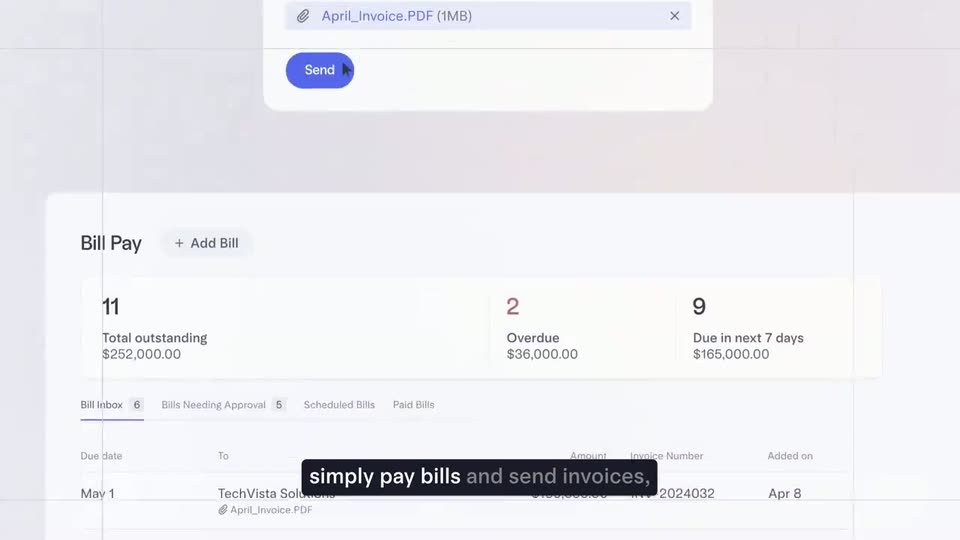 0:54 · 0.8sMercury · Mercury - The next evolution of Mercury is here. Introducing new software thatA Mercury Bill Pay screen scrolls down from a Forward Message modal, with an attached PDF and a cursor resting on the Send button, to reveal the dashboard stats and invoice table, while a black caption pill carries the voiceover line at the bottom.
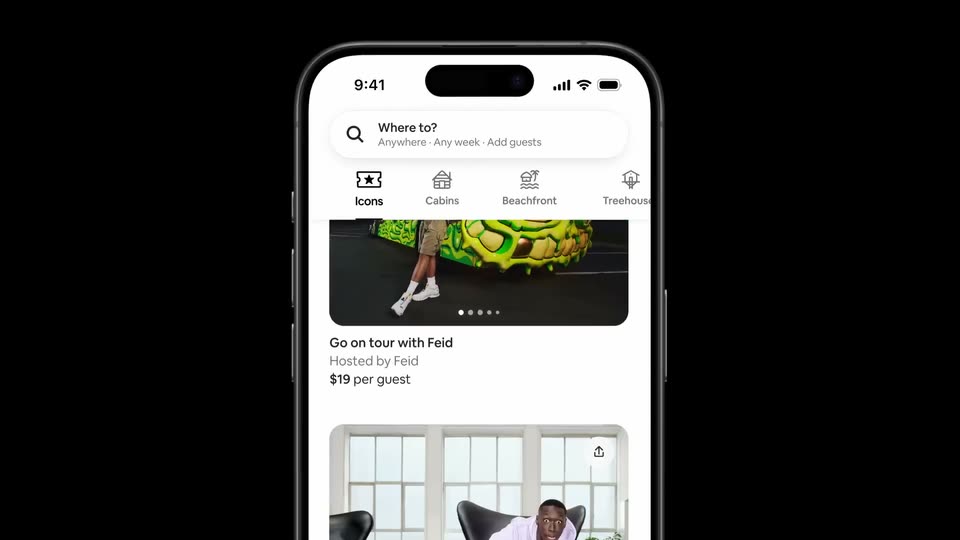 1:23–1:24Airbnb · Introducing IconsA flat iPhone mockup on a black background scales up as its experience feed scrolls, the Khaby Lame card sliding out and the Go on tour with Feid card sliding into view.
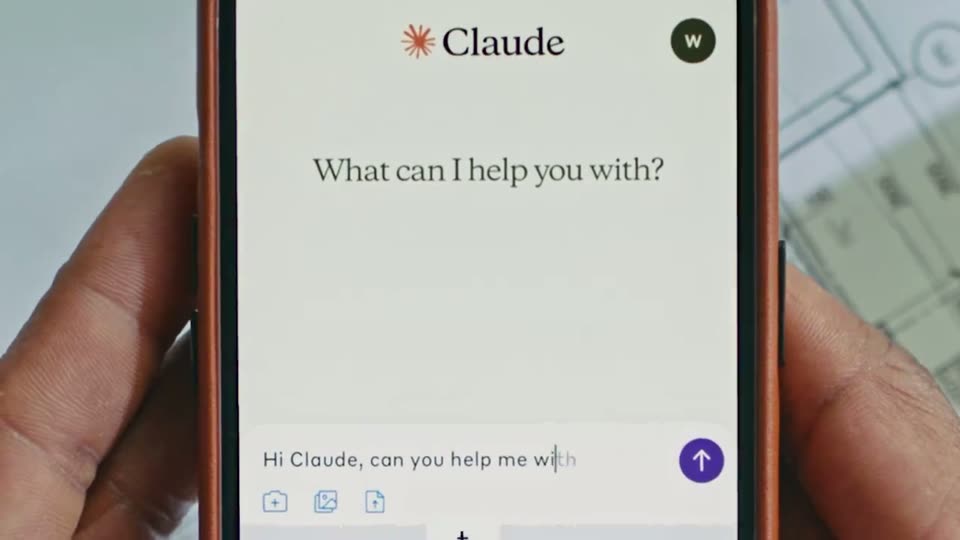 0:00–0:01Anthropic · Anthropic - The Claude iOS app has arrived. The power of frontier intelligence isA hand holds a phone showing the Claude chat screen while a typed message builds in the input bar. The shot then blurs and reframes to a dark card where a large white serif C scales in.
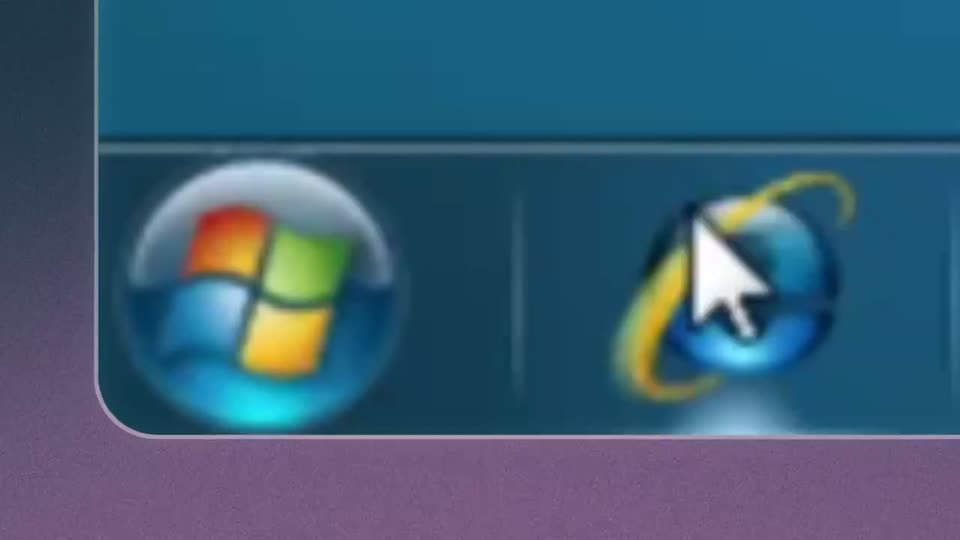 0:11–0:12The Browser Company · The Browser Company - Arc on Windows is finally here. No more waitlists, no more betas. DA defocused close-up of a Windows taskbar shows the start orb and the Internet Explorer icon. A white arrow cursor glides left from the browser icon toward the start button as the word start slides in.
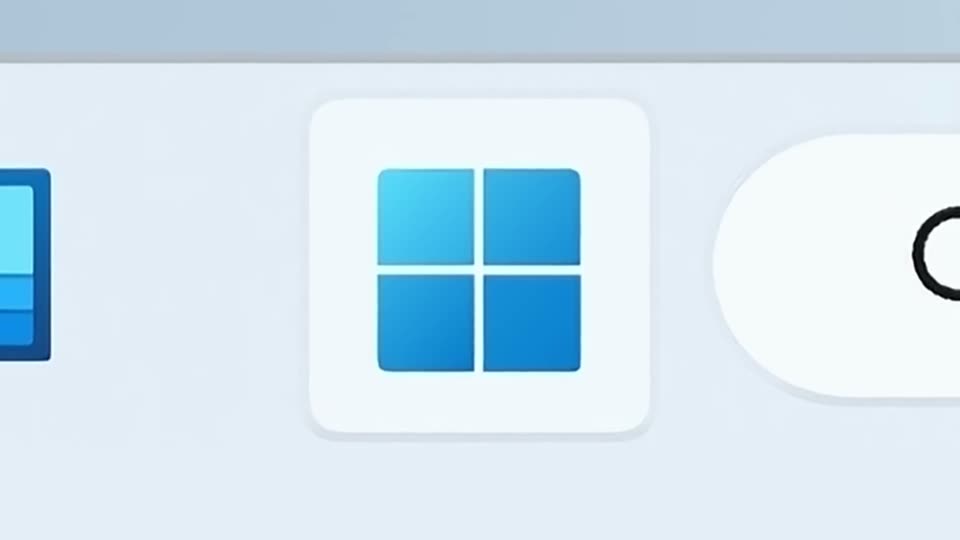 0:12–0:13The Browser Company · Arc on Windows. Download now.A close-up of a dark taskbar with a cursor on the Windows logo cuts to a light interface, zooming in on the logo tile.
 0:03–0:16Vanta · Vanta: VantaAIA flat Trust Center page sits on a purple gradient under a white headline. The view zooms to the top-right as a cursor clicks Ask a question, types and sends a query; a Vanta AI reply with reference pills and sparkles fills the panel, then the UI slides off left.