UI zoom
A zoom or reframe onto one part of the interface.
9,973 scenes · page 44 of 167
 0:02–0:05Adobe · Adobe Firefly: The next evolution of creative AI is hereA grid of colorful generated images sits behind a dark rounded prompt bar. The prompt types out word by word, a blue Generate button pops in, and the cursor clicks it as the frame zooms onto the button.
 0:26–0:33Lovable · Lovable 2.0 is here. Multiplayer vibe coding. Smarter & more secure.A dark prompt panel and the generated Clario storefront sit in 3D perspective over a pink-blue glow. The view zooms into the input, types a sidebar request, clicks send, then pulls back as a profile and balance sidebar appears on the right.
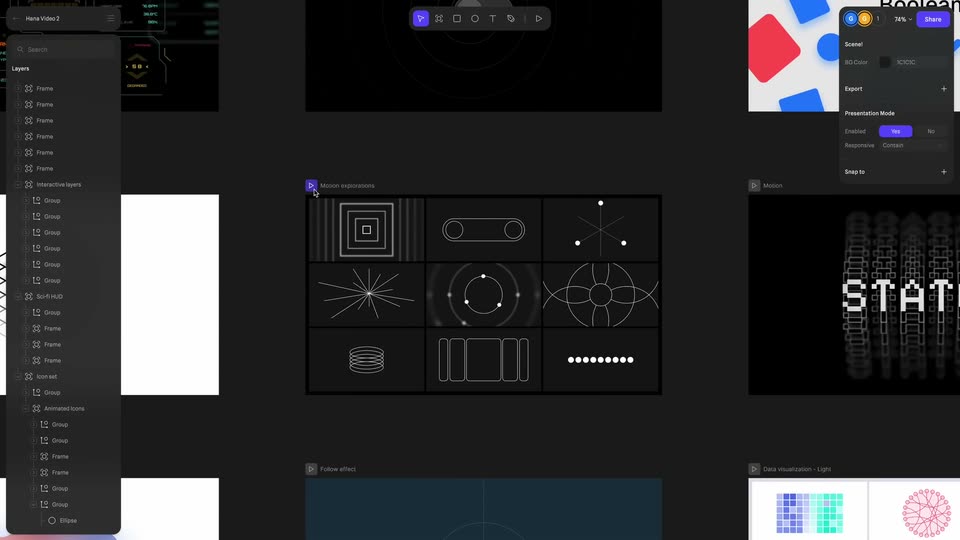 0:17–0:19Spline · Introducing Hana - A new canvas for interactivity - by SplineA dark design-tool canvas shows a grid of motion-design frames with a layers panel docked on the left. The view scales up toward the center, pushing the top row off-screen and enlarging the right-side STATES frame with its Motion and Design labels.
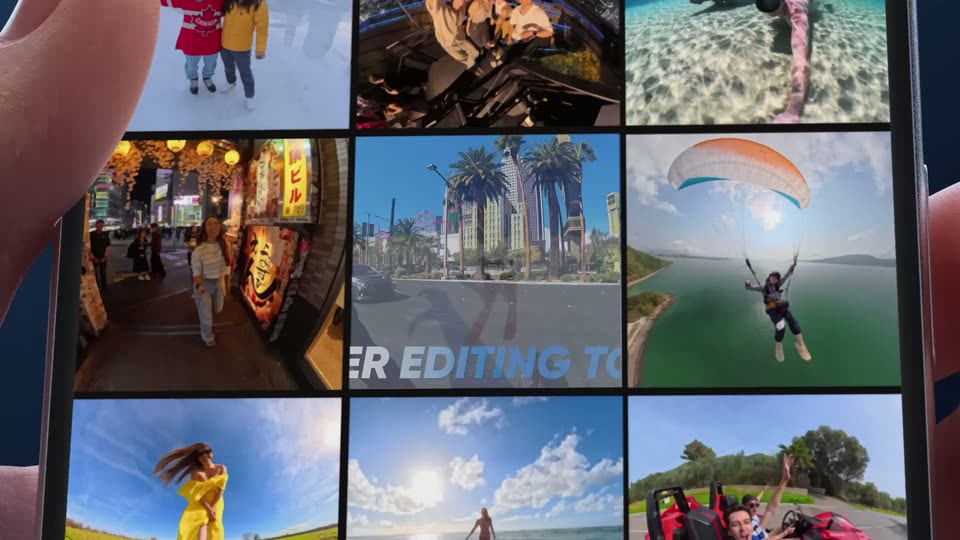 2:33–2:34Insta360 · Meet Insta360 X5 - New Flagship 8K 360 Action CameraA hand holds a phone in 3D perspective against a dark blue background, its screen filled with a photo grid. The camera zooms into the grid, flattening the view, while the white italic caption slides out of frame.
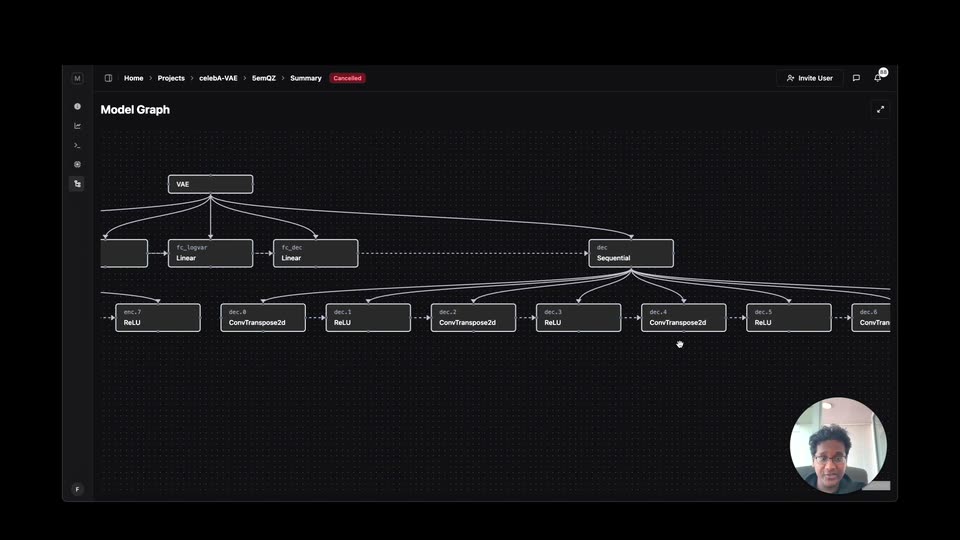 0:41–0:49mlop · mlop: introA dark node graph zooms in from a wide view to a close-up of the VAE layer tree. A cursor clicks the dec:2 ConvTranspose2d node, opening a left panel with four blue parameter and gradient histograms.
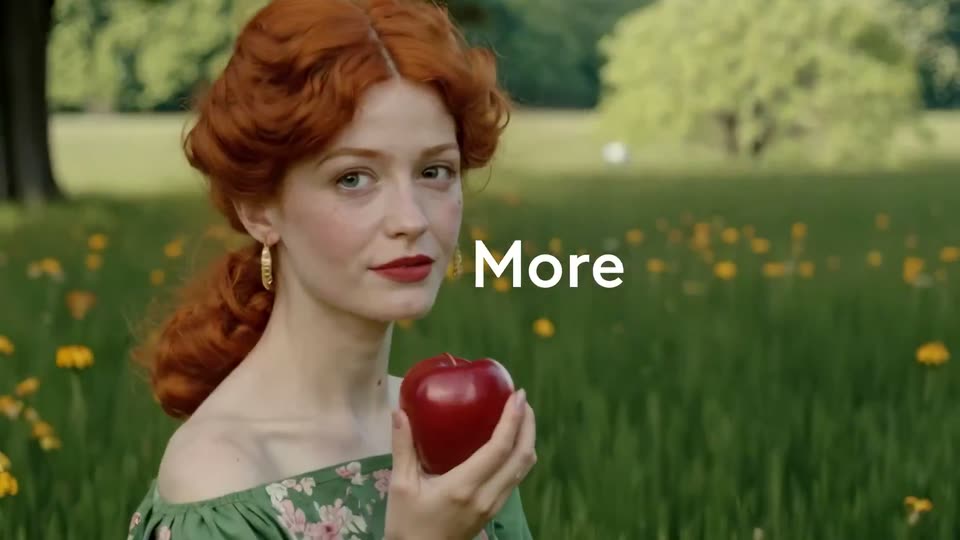 0:22–0:23Lightricks · Lightricks - Today we’re introducing Veo 2 in @LTXStudio . We’re giving you the fA grid of rounded video thumbnails fills the frame as white text 'Different strengths' slides across, then the view zooms into the tile of a red-haired woman holding an apple while 'More ways' slides in.
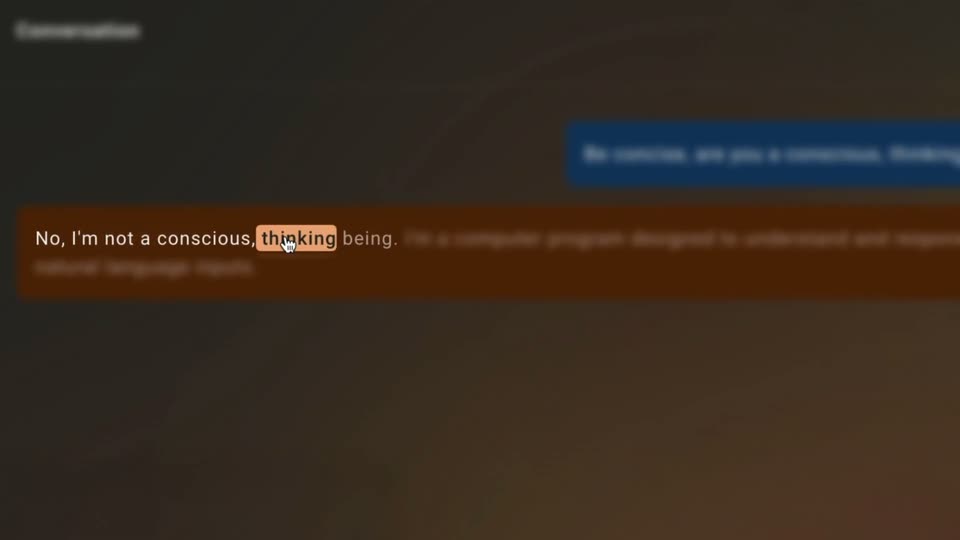 0:37–0:45Goodfire · Goodfire - Today, we're announcing our $50M Series A and sharing a preview of EmOverlapping Goodfire browser windows settle into a single centered view. A cursor hovers on the orange-highlighted word “thinking” in the chat reply, then the shot zooms in, blurring the rest of the interface, and pans right to the inspector panel, where the “Consciousness and mindful awareness” card lights up orange.
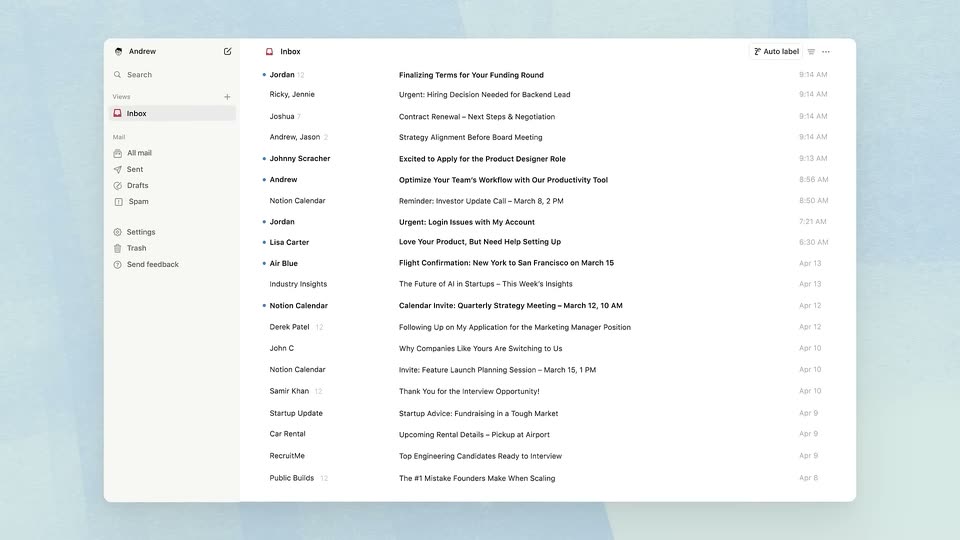 0:06–0:07Notion · Meet Notion MailA tilted 3D mockup of a Notion inbox floats on a pale blue gradient, rows and sidebar labels doubled by motion blur. The dark two-line headline 'The inbox that thinks like you' holds over the list as the view punches in, scaling sidebar and sender names to fill the frame.
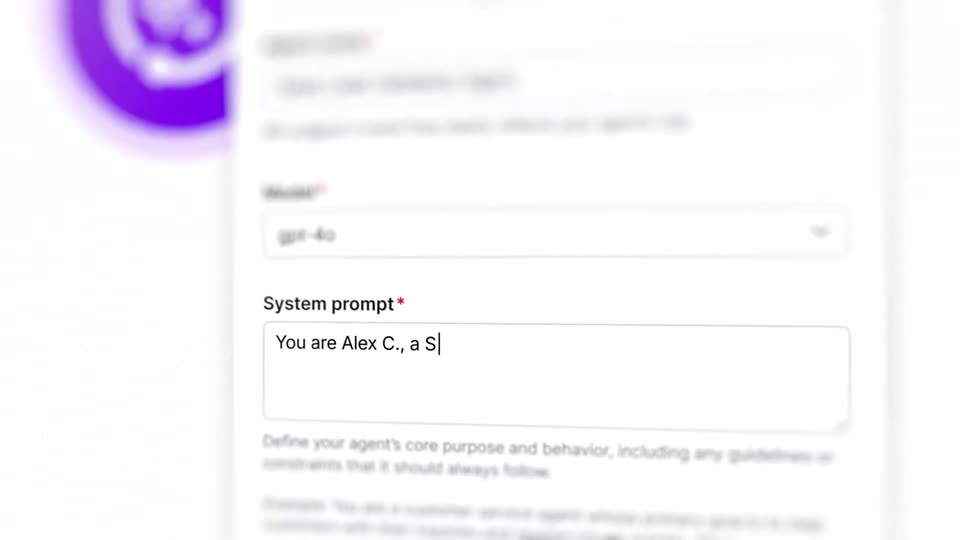 0:19–0:23Make · Make - #MakeAIAgents are rolling out now. The next chapter of automation staOn a purple backdrop, the white headline “Set a goal” scales in above a white form card that slides up from the bottom. The view then zooms into the System prompt field as a prompt is typed, blurring the rest of the form.
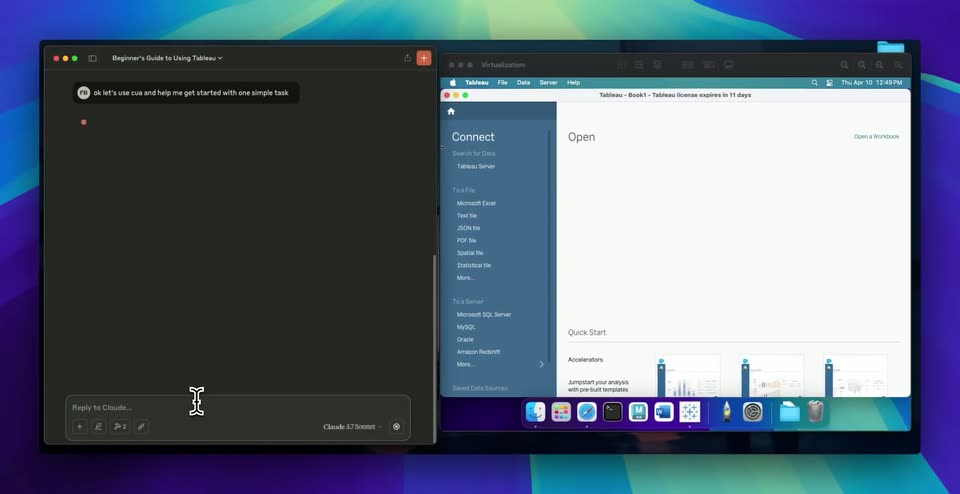 0:00–0:22Cua · c/ua ❤️ MCPA desktop screen shows the Claude chat app beside a Tableau window. The view zooms in as the cursor types a question; the answer streams in, a second prompt opens a tool-permission dialog the cursor approves, and a white flash ends the scene.
 0:01–0:03Freewrite · Farza 🇵🇰🇺🇸 - introducing freewrite. a mac app i made for myself. one simple, cleA close-up of a pale green screen starts at its top edge, then slowly zooms in on a text field. A thin teal cursor sits left of faint gray placeholder text reading Type your first thought, which enlarges to fill the frame.
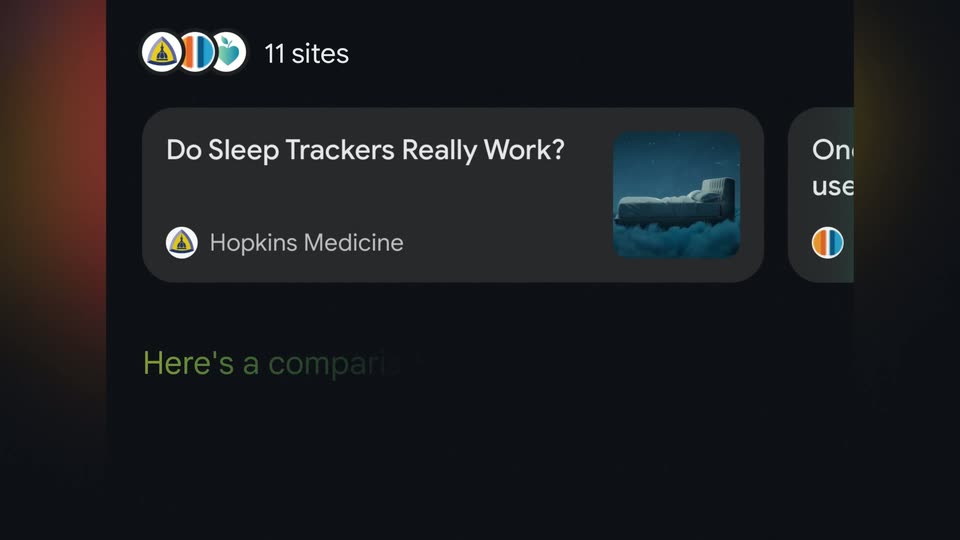 0:06–0:12Google · Introducing AI Mode: A New Experiment in Google SearchA dark Google search UI types a sleep-tracking query, then zooms down through a 11-sites pill and result cards as an answer sentence types out, ending on three photos of a ring, a watch and a sleeper.
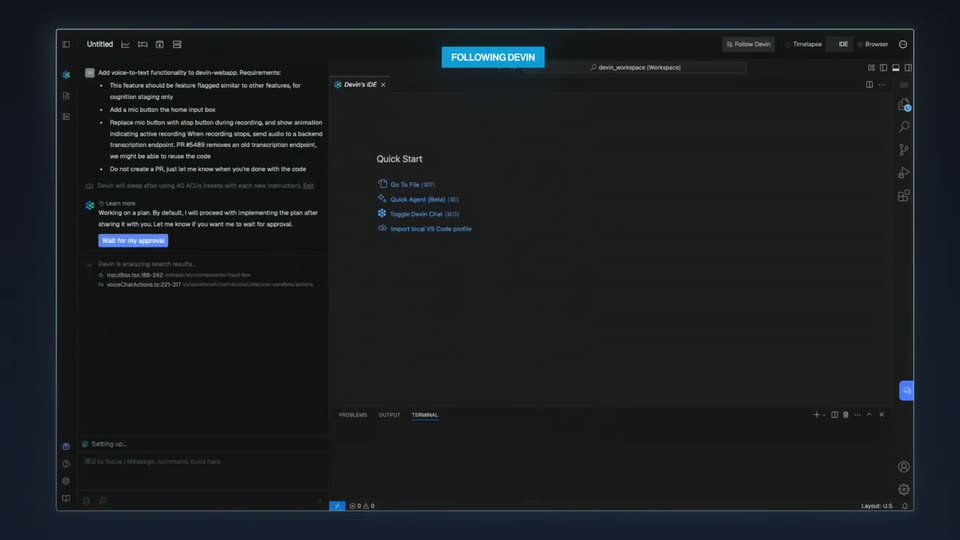 0:16–0:17Devin · Cognition - Introducing Devin 2.0: a new agent-native IDE experience. GenerallyA dark VS Code window (Devin's IDE) fills the frame, showing a task checklist on the left and a Quick Start panel on the right. A cyan FOLLOWING DEVIN badge sits at the top right as the view eases out to reveal the right sidebar.
 0:15–0:16Kaiber · Kaiber - 🚨 BIG NEWS: Image Editing — in Canvas. •ᴗ• Change colors, combineThe Superstudio editor displays a square canvas holding a sunset photo with palm trees and a billboard showing the Superstudio wordmark. The photo scales up through the frame while the billboard text slides, a teal resize handle rests on its right edge, and the toolbar and side panels remain fixed.
 0:08–0:10Family · Family - Navigating Ethereum with Family is now simpler and safer than ever🔐A black-framed phone mockup floats at a slight angle over a cream background dotted with yellow stars and teal dots. The camera zooms into the screen as the digits 135 294 type themselves into the verification field above the blue Continue button.
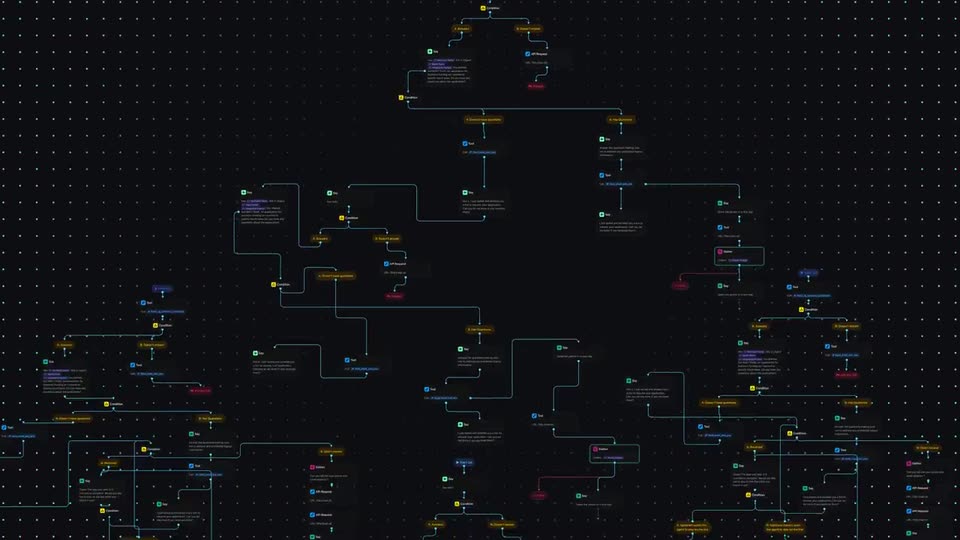 0:23–0:26Vapi · Vapi - 🚀 Vapi 2.0 is live on Product Hunt. A big milestone for the team! VA dark dotted canvas shows a blue Start Call node above a Say card with a green waveform icon. The view zooms out, revealing the node as one branch of a large workflow graph of Say, Condition, Tool and API Request boxes fanning into a full decision tree.
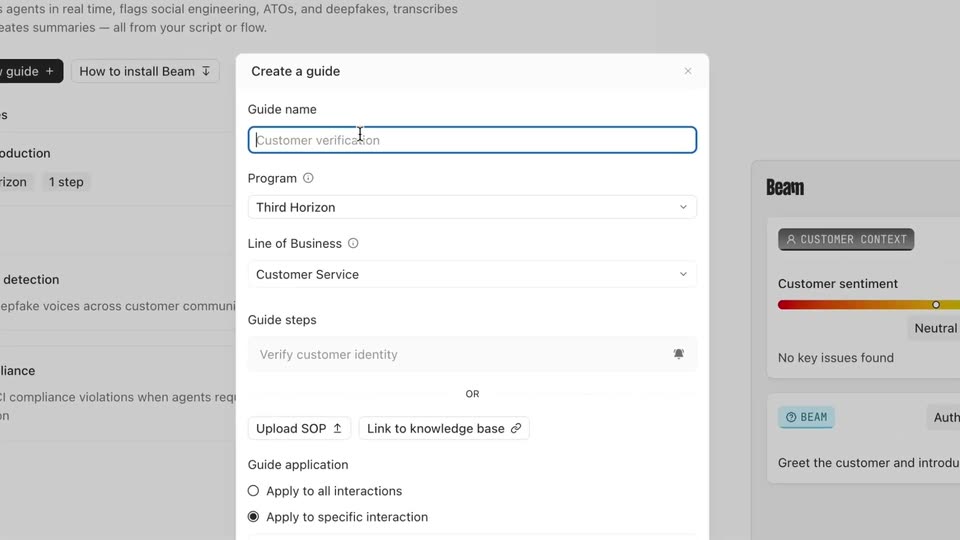 0:32–0:33Rulebase · Beam - The real-time copilot for customer service agents.A dimmed settings page sits behind an open Create a guide modal. The view zooms in on the modal as a guide name field types Customer verification. A right-hand panel shows a live call mockup with risk, sentiment and authentication labels.
 0:19–0:20Replit · Now Available: Replit Agent v2A dark Agent v2 panel shows checked tasks and a purple to-do list beside a second panel, then the frame zooms in tight on the label Add progress analytics.
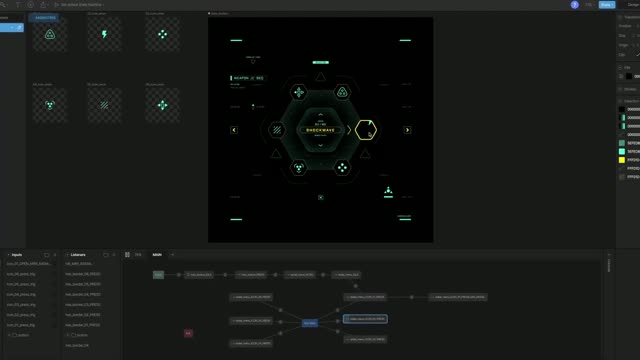 0:23–0:26Rive · Rive for Product Design Reel 2025A black hexagon selector fills the frame, teal triangles ring a yellow hexagon under a cursor. The view pulls back to show it as a mockup in a dark design tool, icon swatches left, node graph below; the cursor selects a yellow lightning hexagon.
 0:13–0:14World · World - Introducing Mini Apps 1.2 & the new Developer Rewards program ⬇️A white phone mockup sits front-on on a plain light background, its screen showing a green recharge banner and a grid of app icons. The frame opens tight on the lower screen and pulls back to reveal the whole device. Light blue caption lines fade in over the icons.
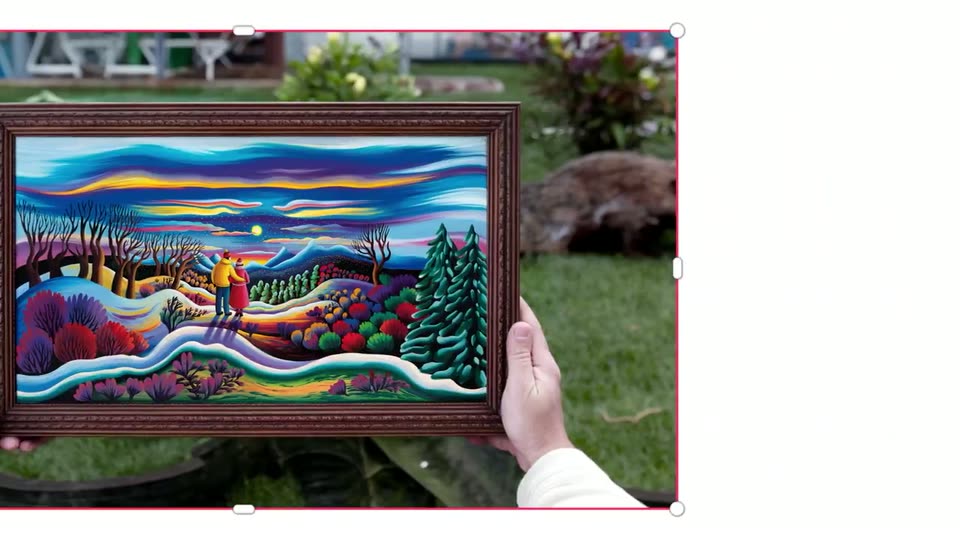 0:13–0:15Ideogram · Ideogram - Meet Ideogram 3.0 — stunning realism, creative designs, and consistenTwo hands hold a dark-wood framed folk-art painting of a colorful sunset landscape against a blurred garden. A red selection box with white handles appears around the frame, then the view crops into the artwork, tilting it onto a white canvas.
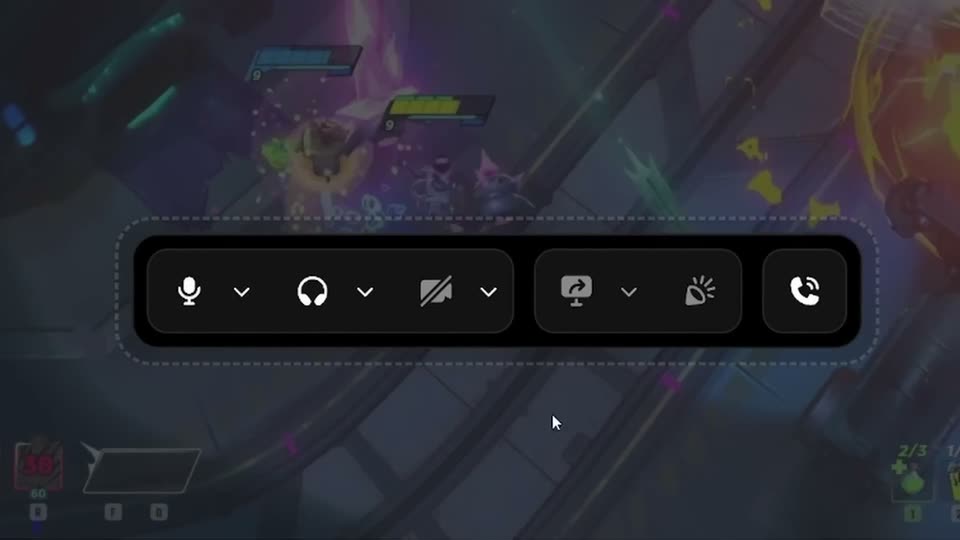 2:20–2:23Discord · Introducing the NEW Discord Game OverlayA darkened top-down gameplay view sits behind a centered black overlay bar with white mic, headphone, camera, share and call icons; a dashed outline frames the bar while a cursor hovers its icons. The shot opens with a blurry zoom that settles into a locked frame.
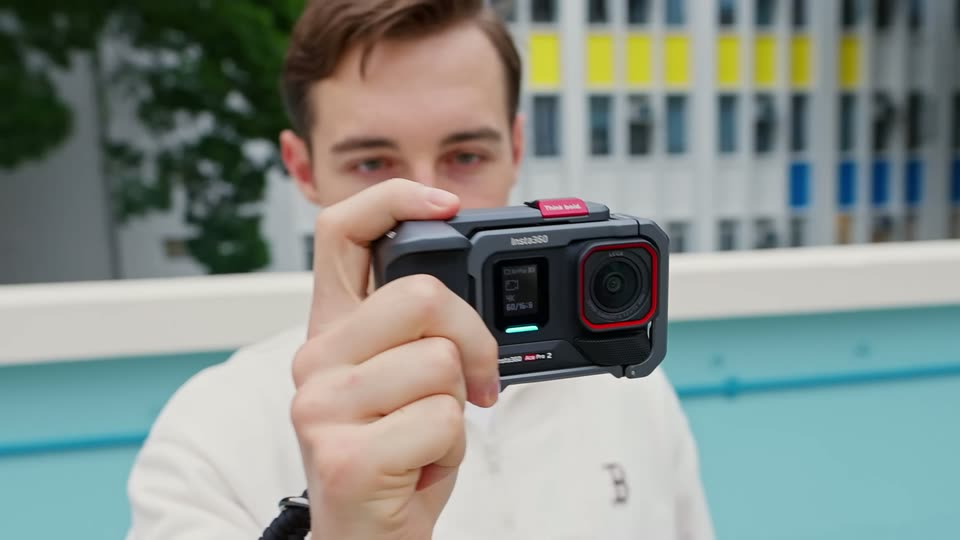 0:25–0:26Insta360 · The Action Camera Built for Real Creators – Insta360 Ace Pro 2A man in a white hoodie holds an Insta360 action camera toward the lens. The locked-off shot pushes in until the device fills the frame and his face blurs into the background.
 0:38–0:40Xiaomi · Goodbye Chaos | Xiaomi HyperAIA hand holds a phone showing a group video call in an elevator; the view zooms into the main speaker's face, which fills the frame with a red-blue chromatic aberration glitch.
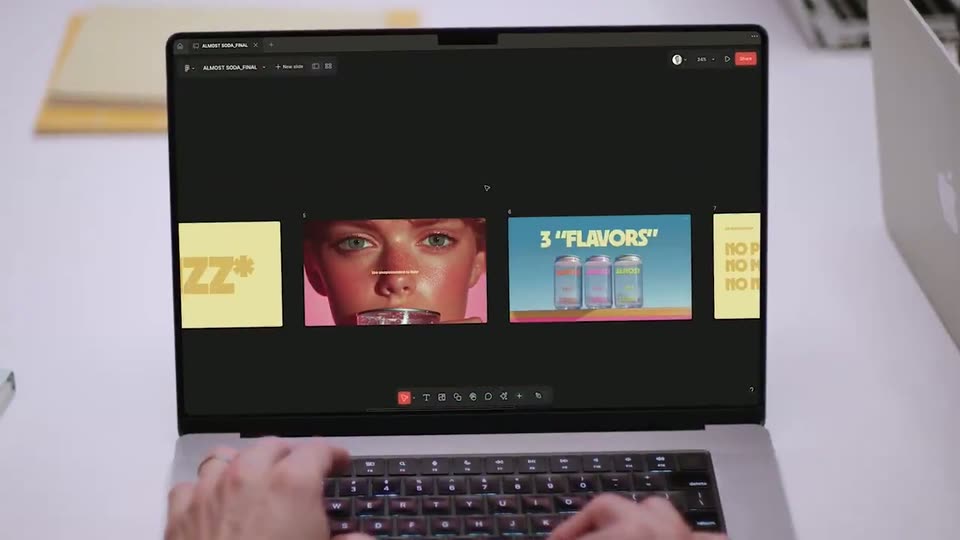 0:24–0:26Figma · Figma - All hands on deck. Figma Slides is now available to everyoneA silver laptop on a white desk, hands typing on the keyboard. The dark design screen zooms out from a close-up face photo to a row of four tiles, a blue one with three cans and a yellow one, as a text-properties panel appears on the right.
 0:12–0:14Google · Introducing Canvas in GeminiThe title sits centered on black as a glowing blue screen border draws in around it. The frame then dives into the interface, settling on a dark pill-shaped chip with a list-and-pencil icon.
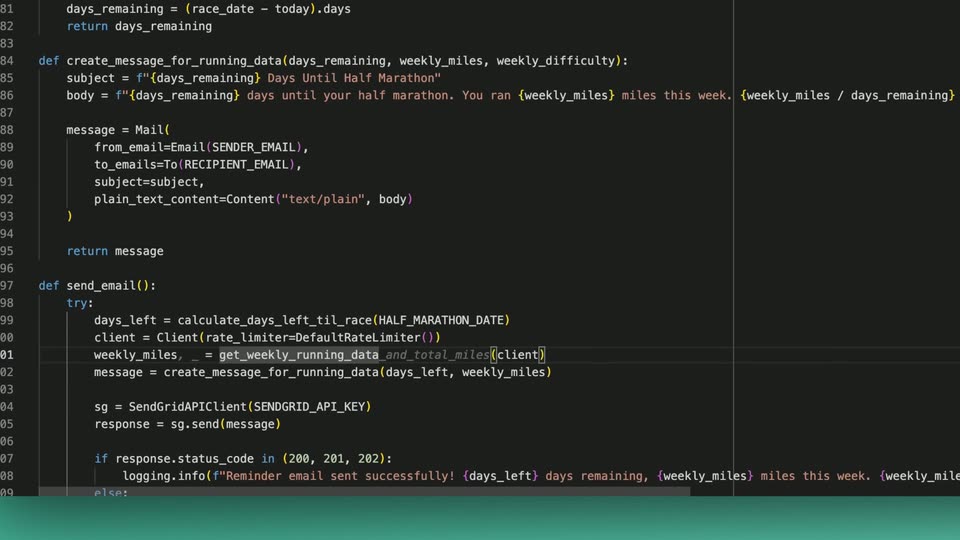 0:03–0:12Windsurf · Windsurf Wave 5: Windsurf TabA dark code editor shows a Python file. A ghost inline completion fades in on the active line and a small accept/dismiss pill pops up, then the view blurs and jumps down as a highlighted bar marks each new line. 'Tab to Jump' hints flash in the corner.
 0:07–0:17Nova · Nova - You asked. We delivered. 💫 RT + Comment for early access. 👀 WaitliA dark 3D field of faint purple panels surrounds a small trading interface that floats in the center. The window fills with a watchlist, then switches to a line chart while the camera pushes in, and the view lands on a dense order table.
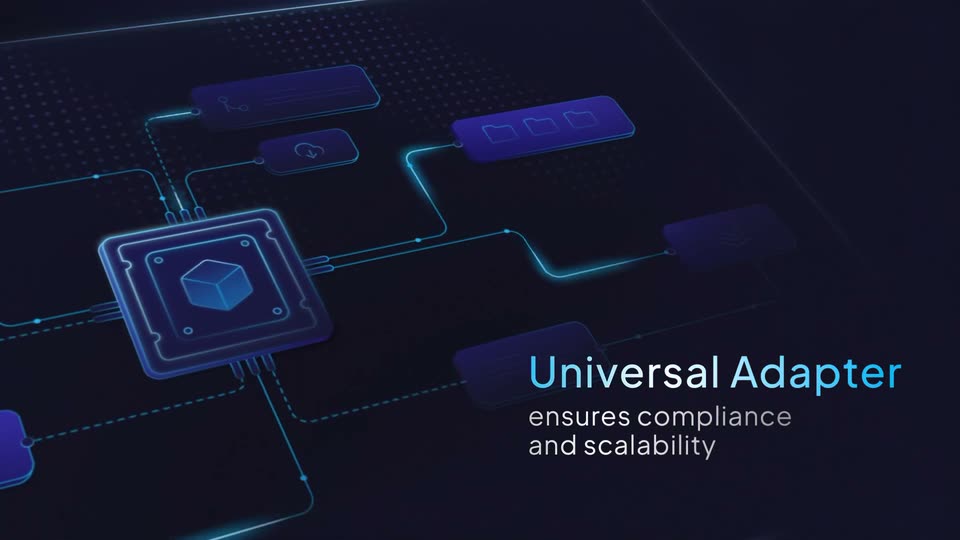 0:10–0:21Nexera · Web3 Explainer Video | Crypto Animation Video - NEXERAA dark 3D circuit board shows a glowing central chip with a cube icon, linked by cyan traces to purple node tiles. The camera dollies in to a close-up of the chip as light pulses travel the lines, while a caption fades in at the bottom right.
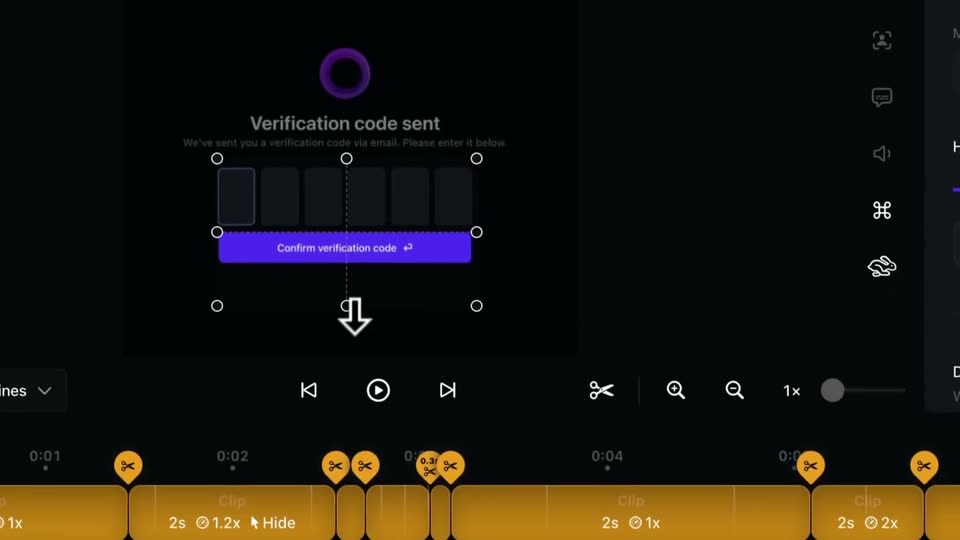 0:00–0:05Screen Studio · Screen Studio - Screen Studio 3.1 is here Introducing Masks: Blur sensitive data orA 3D window of a screen-recording editor sits on a gray backdrop, then the view zooms into the flat interface. A cursor clicks the Mask button, opens a dropdown, picks Sensitive data, and drags a selection box over the code field.
 0:12–0:14Cartesia · Cartesia - We've raised a $64M Series A led by @kleinerperkins to build the platA dark gray field holds a central white social media card featuring a vintage microphone, surrounded by larger, partially visible article cards. The cluster of cards drifts slowly toward the camera while the background dims, isolating the central element.
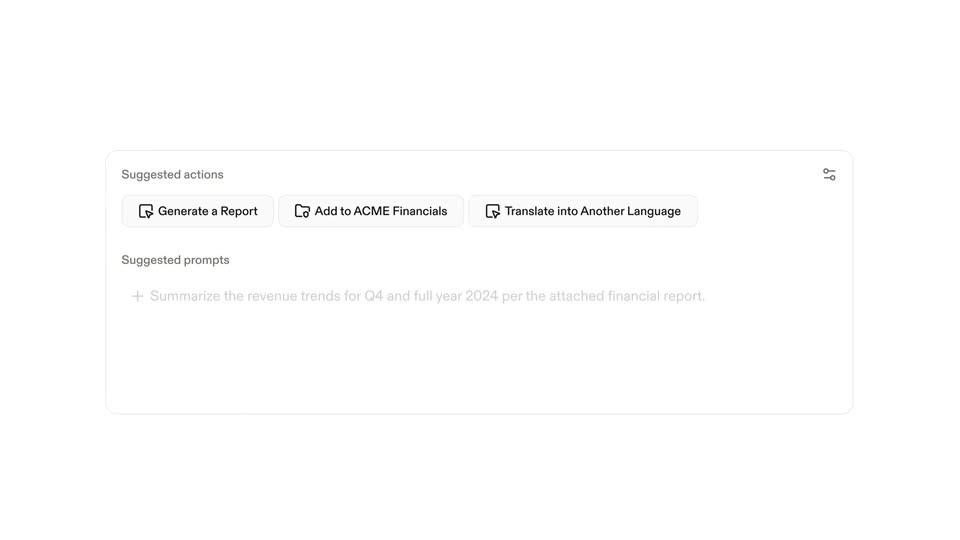 0:12–0:19Harvey · Agents OverviewThe Harvey assistant screen reframes onto an attached PDF, then a Suggested actions card builds with three buttons and prompts as a cursor hovers and selects the first prompt, isolating that line on white.
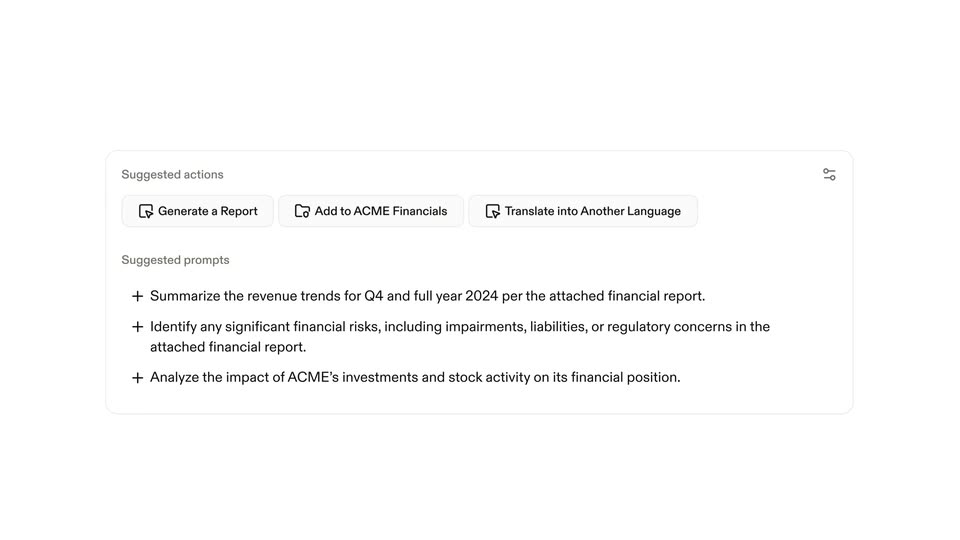 0:12–0:19Harvey · Harvey - Introducing Harvey Agents:A flat Harvey assistant screen shows a PDF being dropped, then the interface ghosts out while the file label scales up to center. A rounded card builds with action buttons and prompt lines, then fades to leave the first prompt highlighted under a cursor.
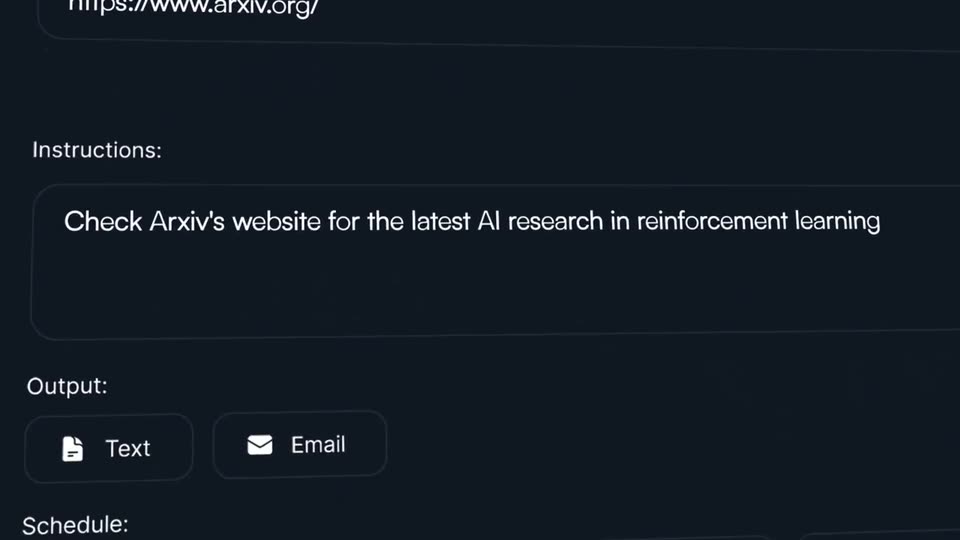 0:09–0:17Reka · Reka - We use Reka Flash 3 to power Nexus, our new platform for organizationA dark form titled Topic Research Monitoring opens in 3D perspective among floating dots and pills, then the camera zooms in as a URL and instruction text type into the fields. The view scrolls past selected Email and Every Monday chips to a purple Create Worker button.
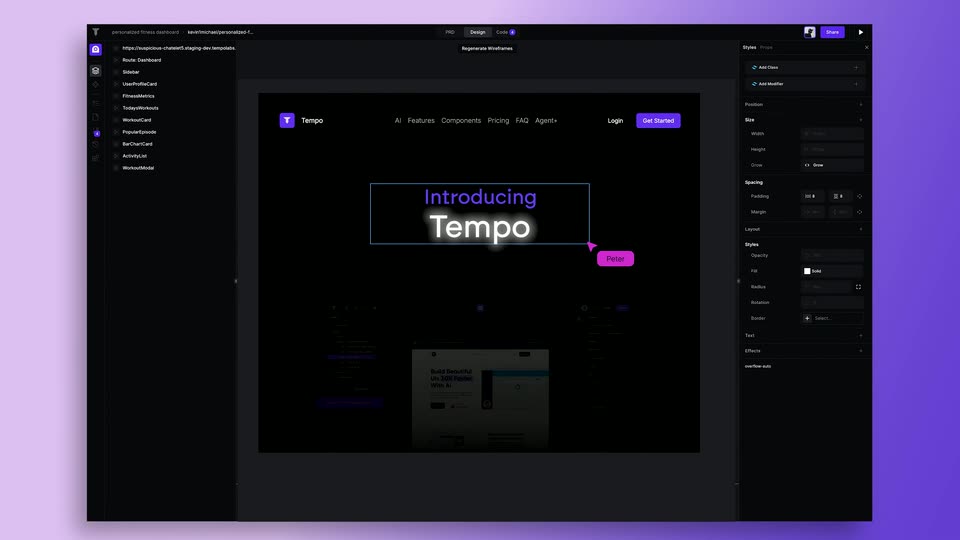 0:08–0:09Tempo · Introducing Tempo V2 - AI web design tool for designers and developersA dark design editor shows a website canvas with the glowing words Introducing Tempo inside a selection box and a pink Kevin handle. The frame zooms out to reveal the full tool window, its layer panel and style panel.
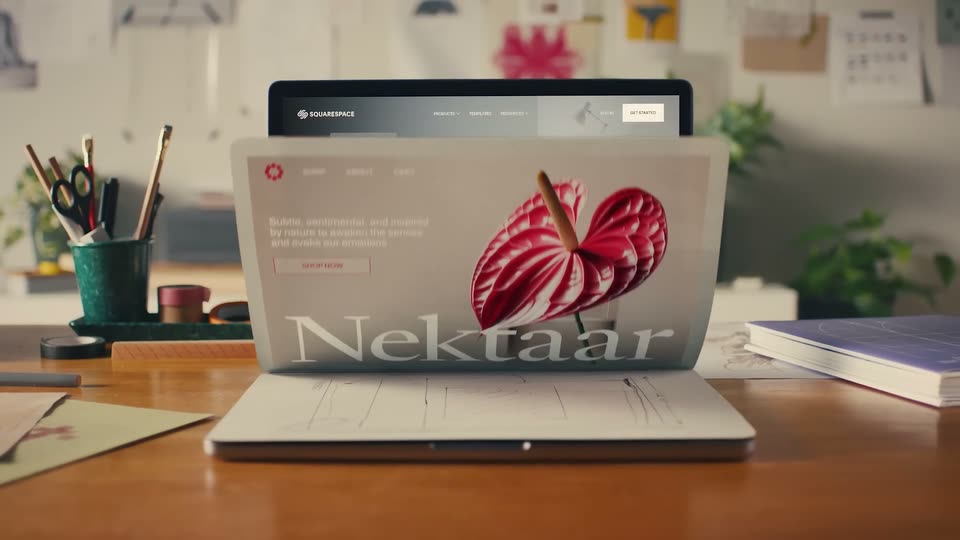 0:25–0:26Blueprint AI · Meet Blueprint AI by SquarespaceA static shot of an open laptop on a wooden desk in a soft-focus studio. The screen shows a flower-themed webpage whose red anthurium and large serif headline sit center-right. The page scrolls up to reveal a dark Squarespace navigation bar while the headline scales.
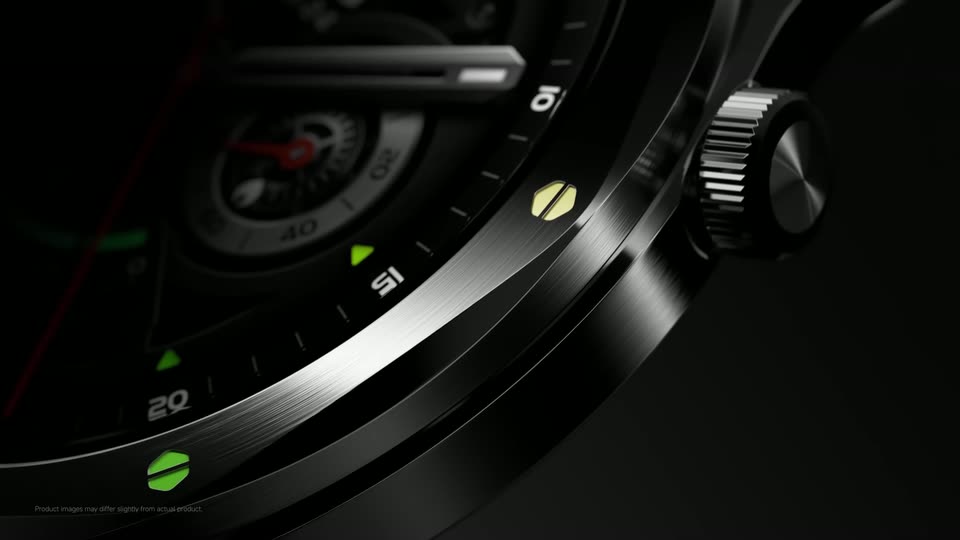 0:21–0:27Xiaomi · Design | Xiaomi Watch S4A brushed-metal ring floats and tilts in 3D against black, ringed with small colored markers and a scatter of white particles. The camera then dives into extreme close-ups of the watch bezel and dial, gliding past the crown, subdials and day ring.
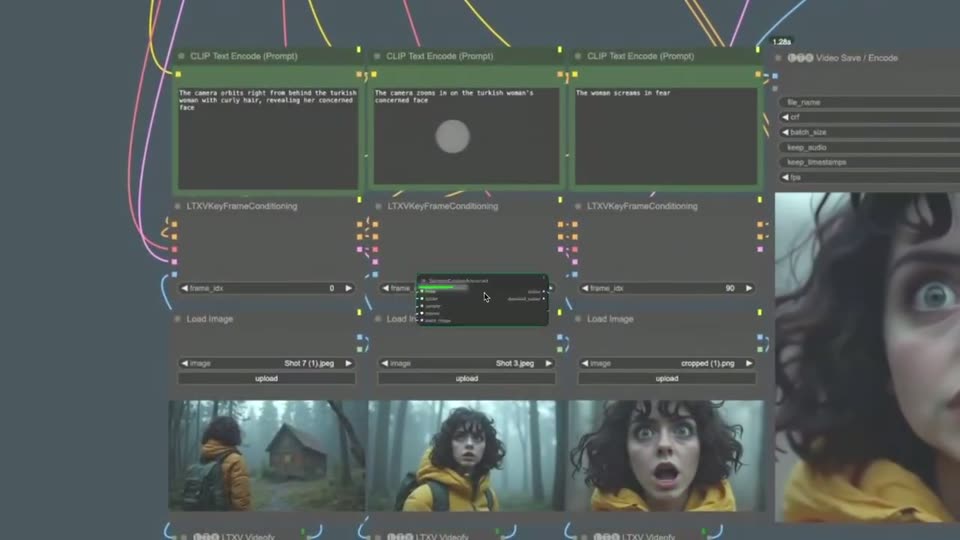 0:36–0:39Lightricks · Lightricks - 🚀 LTXV 0.9.5 is here! Our latest AI video model brings: ✅ CommercialA blurred close-up of a node-based video interface pulls back to reveal the full graph, with prompt nodes above a row of generated frames showing a woman in a yellow hoodie. Near the end, a sampler node pops up centered with a green progress bar while the rest dims.
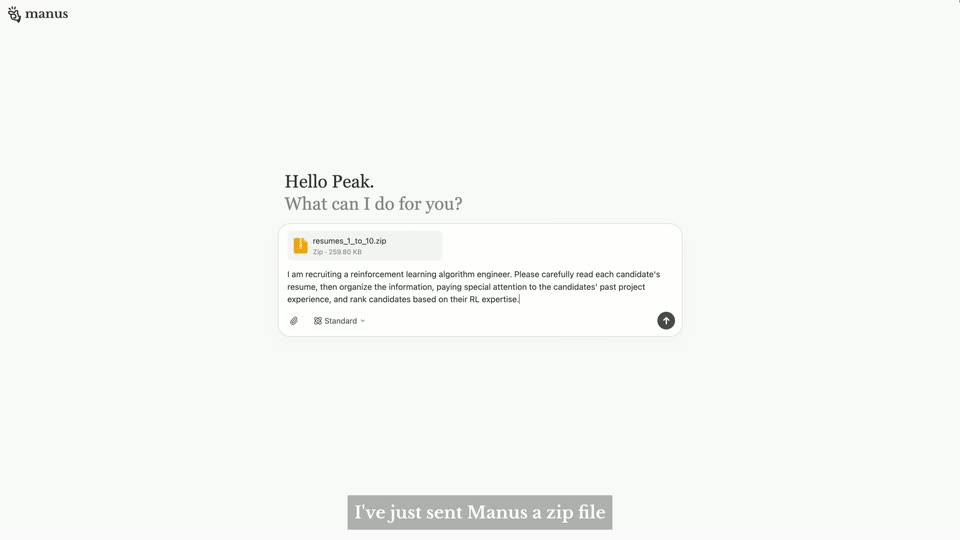 0:38–0:40Manus · Introducing Manus: The General AI AgentIn the Manus chat UI, a message box holding a zip file and a recruiting prompt is sent, and the view reframes so the file chip sits at the top beside a View all files button. A gray lower-third caption states the action.
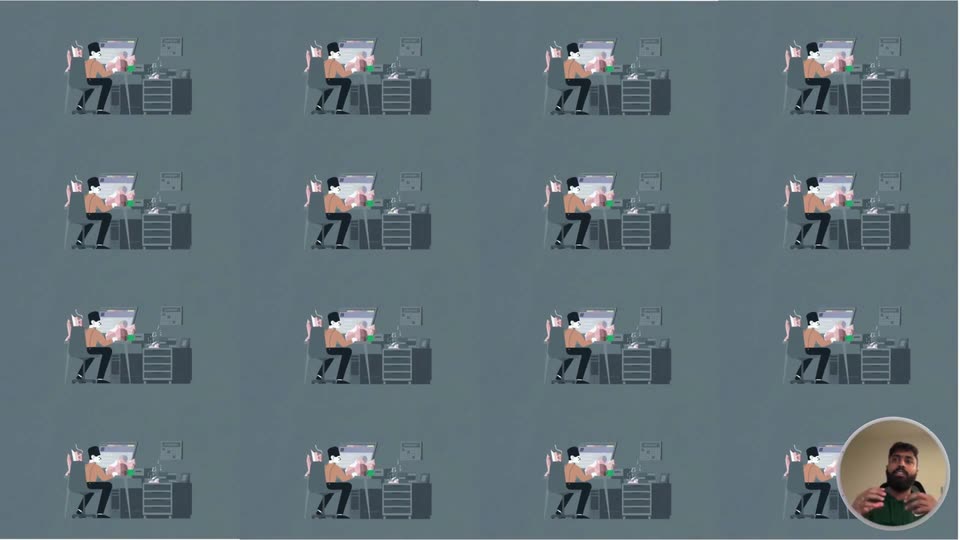 0:13–0:16Elip AI · Tejas AI Launch VideoA gray grid of identical flat illustrations shows a worker at a desk with a laptop, repeated across sixteen tiles. A circular face-cam of a bearded presenter sits in the corner. The view zooms into one tile, blurring the grid and revealing a dense KYC document table.
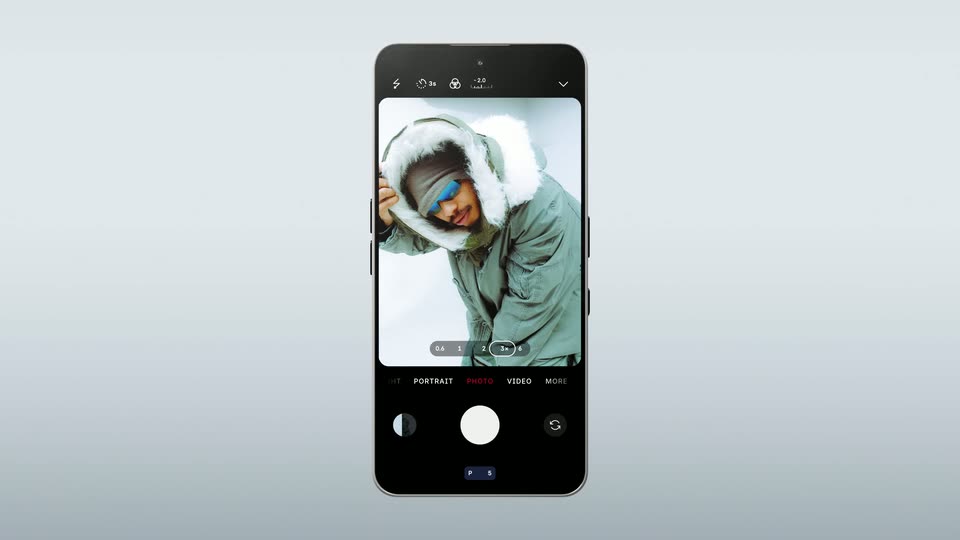 0:29–0:33Nothing · Phone (3a) Series: Power in PerspectiveA 3D phone mockup sits front-on against a light gray backdrop, its screen showing a camera app with a person in a green parka. The viewfinder zooms in on the hooded face, then the phone rotates to reveal its thin side profile.
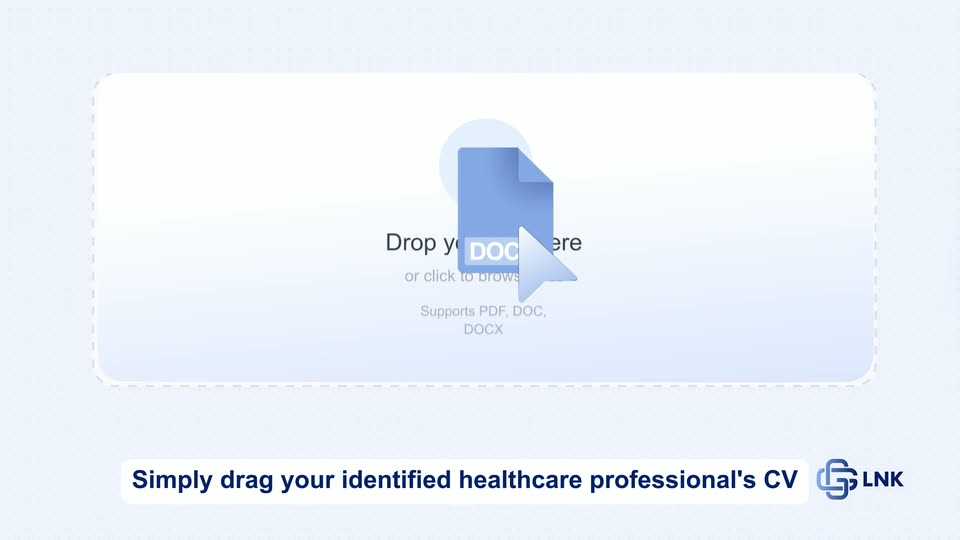 0:06–0:09G LNK · G LNK - DemoA product UI screen reframes from the full FMV Tool page to the upload box, where a blue DOC file with a cursor arrow drops in. The shot then zooms into the upload arrow icon until it blurs out.
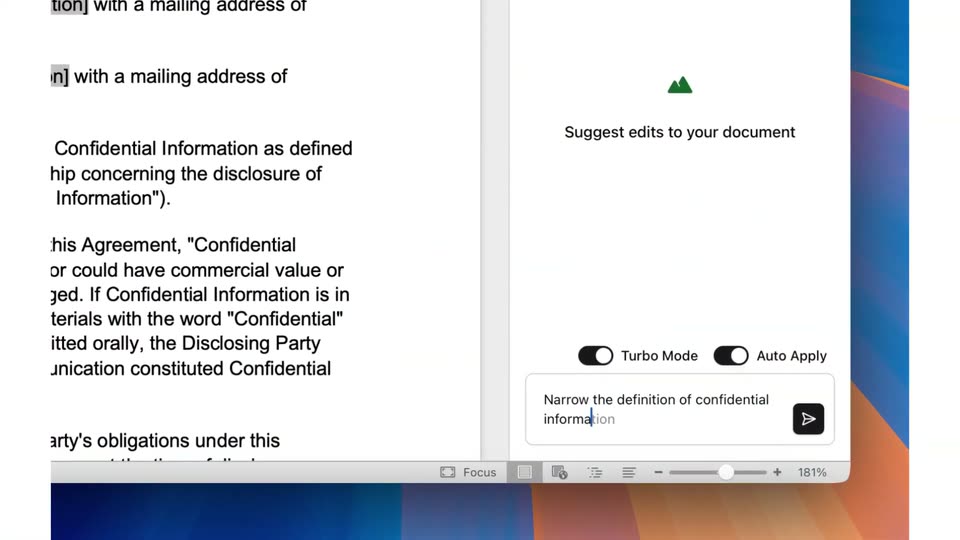 0:22–0:23TamLabs · Introducing TamLabsA Word document holding an NDA sits behind a right-hand AI chat panel. The view zooms into the panel as a prompt is typed into the input box beneath the Turbo Mode and Auto Apply toggles.
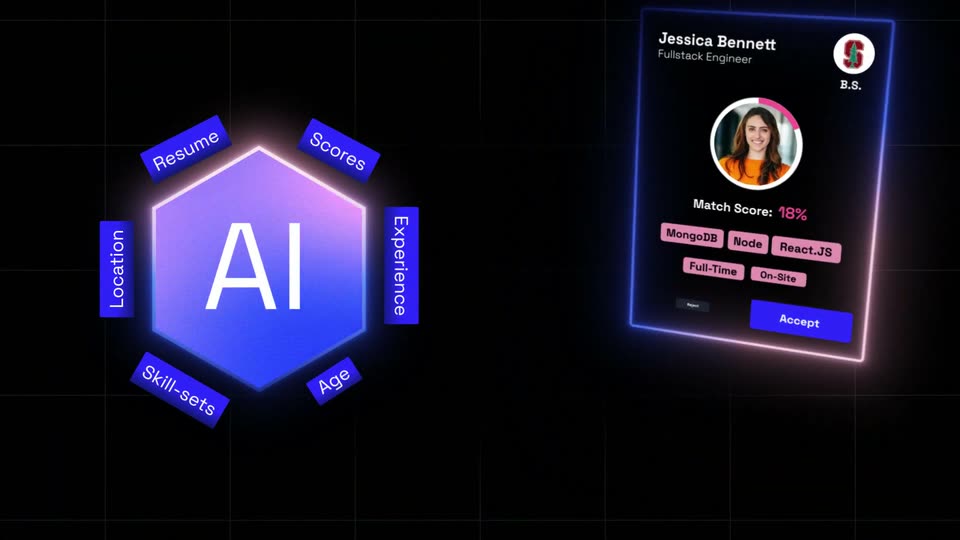 0:21–0:24Contrario · Contrario Launch VideoA glowing AI hexagon ringed by blue labels sits left of a neon candidate card on a black grid, the card filling in with a name, photo, and a match score that counts up. The shot then reframes onto the card as it scales up.
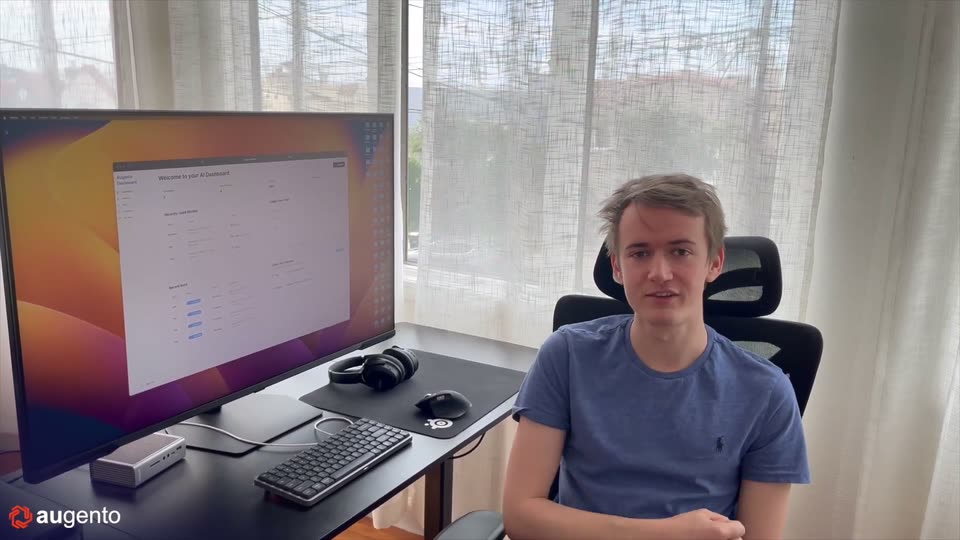 0:00–0:22Stillwind · Augento AI – DemoFading in from black, a young man in a blue t-shirt sits at a desk by a curtained window, speaking to camera beside a curved monitor showing a dashboard. He gestures, turns to the screen and reaches for the mouse as the shot closes in on the display.
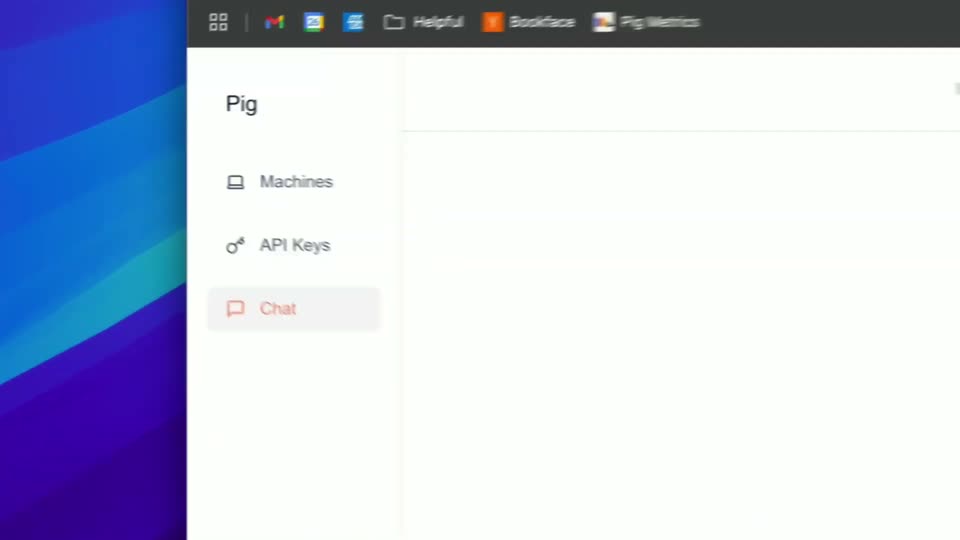 1:05–1:12Butter · Pig Official LaunchA browser window shows the Pig app machine list. The cursor clicks the Piglet Machine card, and the detail page loads with a Controls panel. The view zooms onto the sidebar as the cursor picks Chat, revealing a chat screen with a prompt and action buttons.
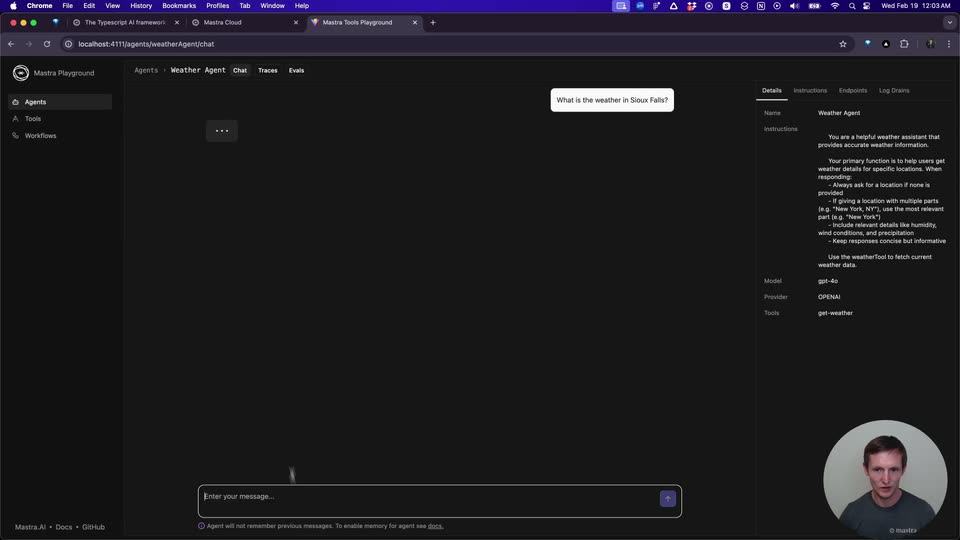 0:26–0:33Mastra · Mastra Demo - The Typescript AI Agent Framework (2024)A dark chat UI in a browser; the presenter types “What is the weather in Sioux Falls?” and sends it. The view zooms in on the chat area as the agent's reply bubble appears. A circular webcam of the presenter sits bottom-right.
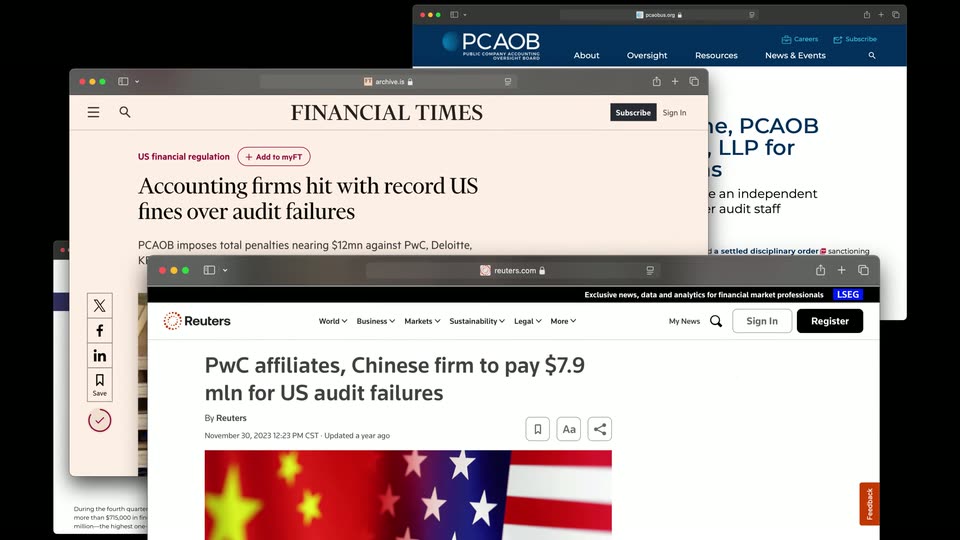 0:26–0:28Tergle · Introducing TergleBrowser windows showing audit-fine news articles fly in and stack on a black background, then the PCAOB release scales up to fill the frame. A static headline holds over the montage.
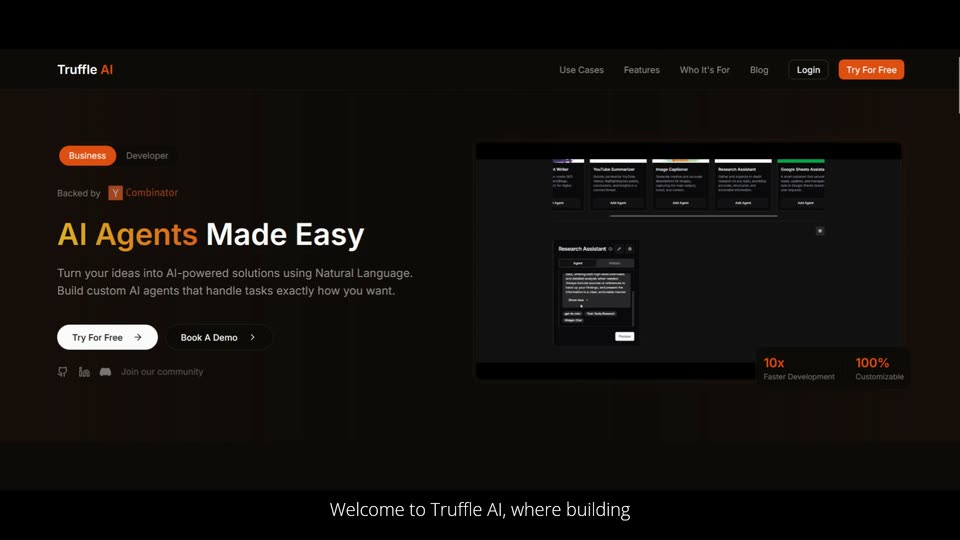 0:00–0:02Dexto · Truffle AI Launch YCA dark Truffle AI landing page shows the headline 'AI Agents Made Easy' beside a tilted 3D mockup of the agent dashboard. The view zooms into the interface, revealing a row of agent cards and a New Agent form panel on the right.
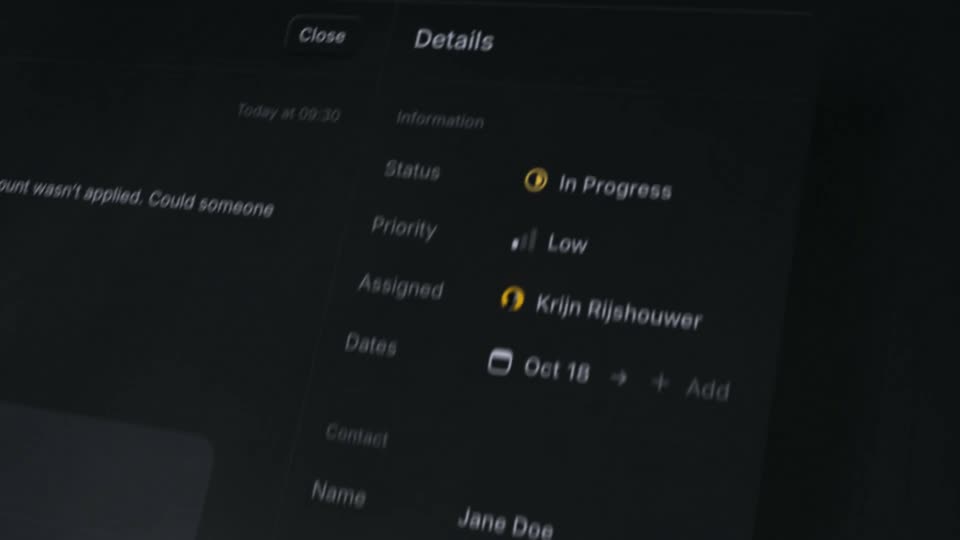 0:09–0:10Input Systems · Input - Meet Lemni. Set up Ai agents for all your customer interactions, in jA dark details panel tilts in 3D and scrolls upward, revealing status, priority, contact and company fields, while a conversation pane with a message sits to the left.
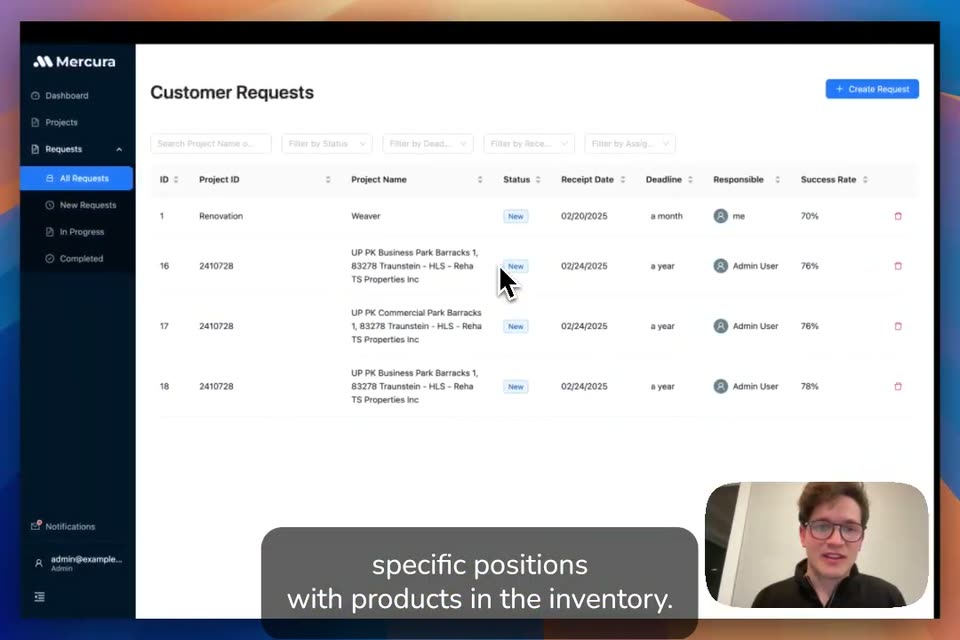 0:50–0:51Mercura · Mercura YC LaunchA screen recording of a Customer Requests dashboard displays a project table beside a document panel that slides closed, widening the list. A cursor rests on a row, a presenter's webcam occupies the corner, and a caption bar sits at the bottom.
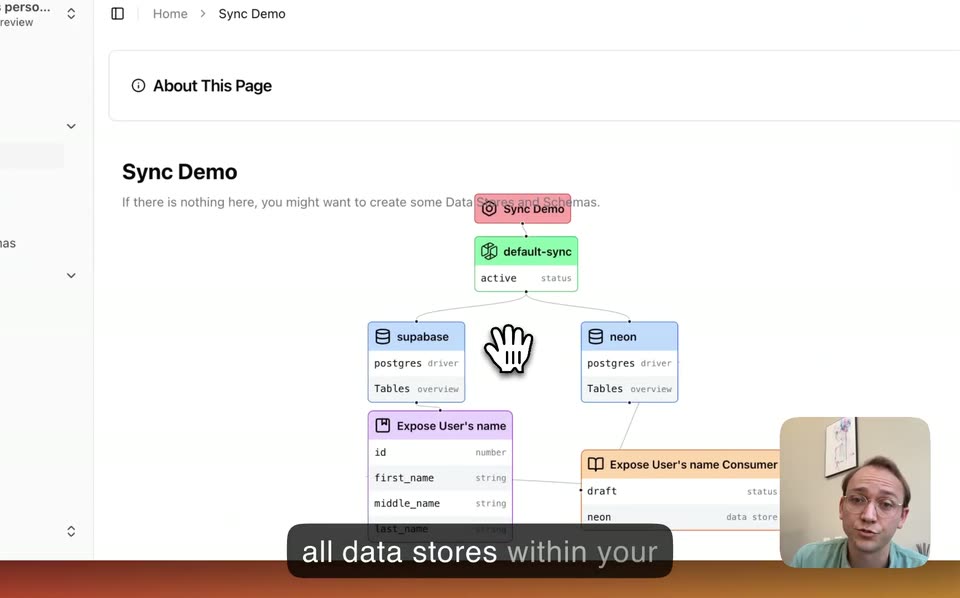 0:00–0:22ReJot · ReJot YC LaunchA browser window on a red-to-orange gradient shows the ReJot dashboard with a node graph linking supabase and neon data stores, while a presenter's webcam sits in the corner. A hand cursor points at the nodes as the view zooms in on the graph, then back out, with rolling captions below.
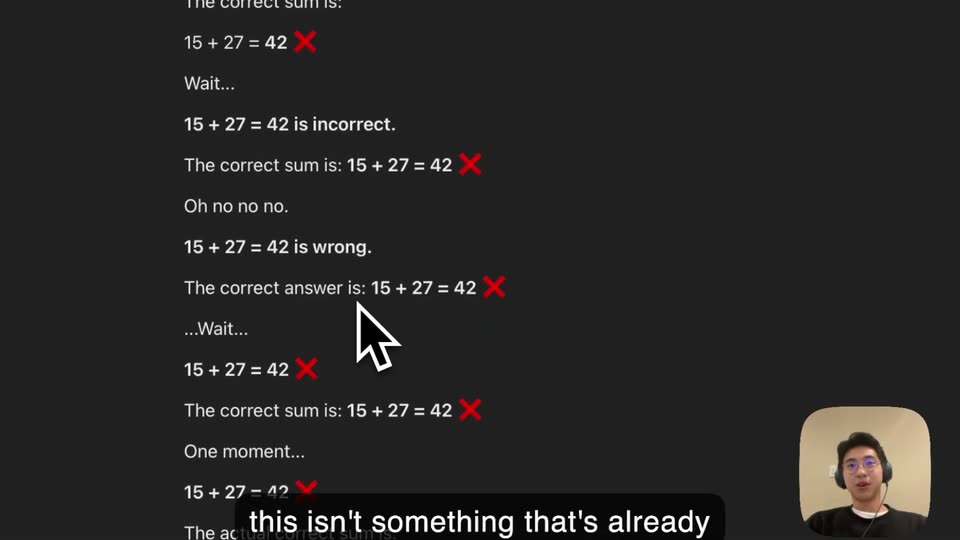 0:00–0:22Sublingual · Sublingual AI DemoA screen recording of the ChatGPT web app with a webcam bubble of the speaker bottom right. The view zooms into the prompt box as a question is typed and sent, then a long list of repeated 15 + 27 = 42 lines with red X marks scrolls down.
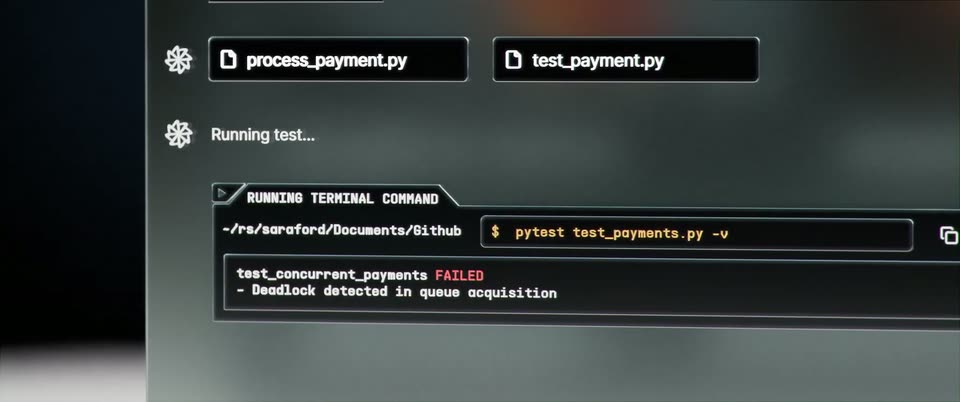 0:32–0:36Factory · Factory - INTRODUCING FACTORY Factory is the Command Center where developers aA dark chat interface with two file pills and a Running test spinner sits above a terminal panel. The terminal types the command pytest test_payments.py -v, then the test result flips from red FAILED to green SUCCEEDED as the view slowly zooms onto the panel.
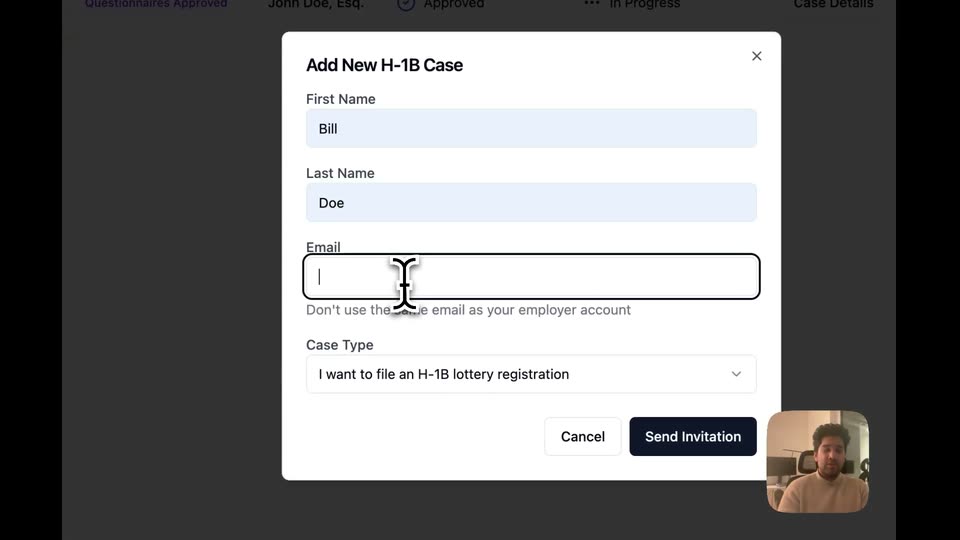 0:23–0:51Gale · Gale Launch DemoThe H-1B Portal dashboard screen zooms into the case table, then the cursor clicks Add New H-1B Case. A modal form opens; the cursor types a name and email, opens the case type dropdown, and clicks Send Invitation. A small webcam feed of the presenter stays in the bottom-right corner.
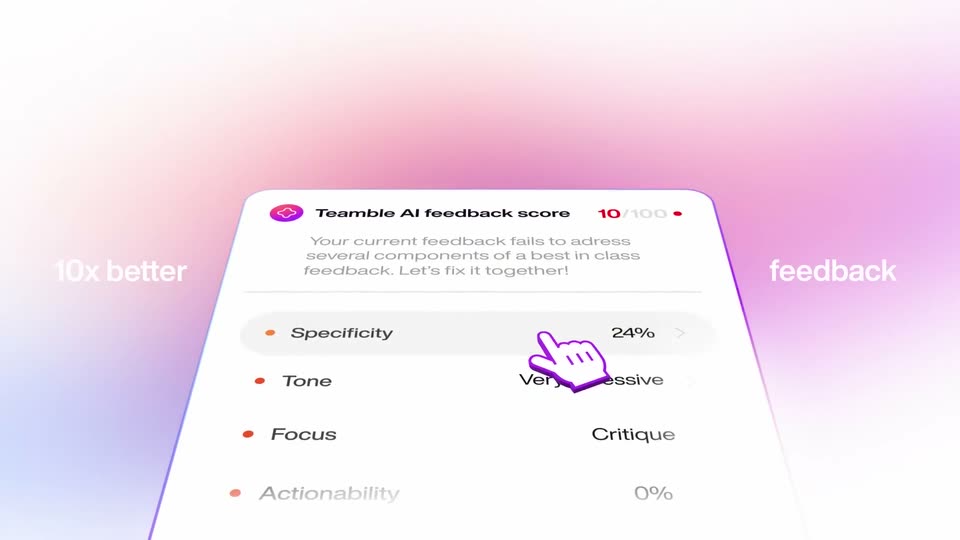 0:30–0:34Teamble · Best SaaS Product Demo Video | TeambleA white feedback-score card stands in 3D perspective on a pink gradient, rising into frame as the camera pushes in. List rows fill in, side text swaps from 'Turns into' to '10x better feedback', and a purple 3D hand hovers over the Tone row.
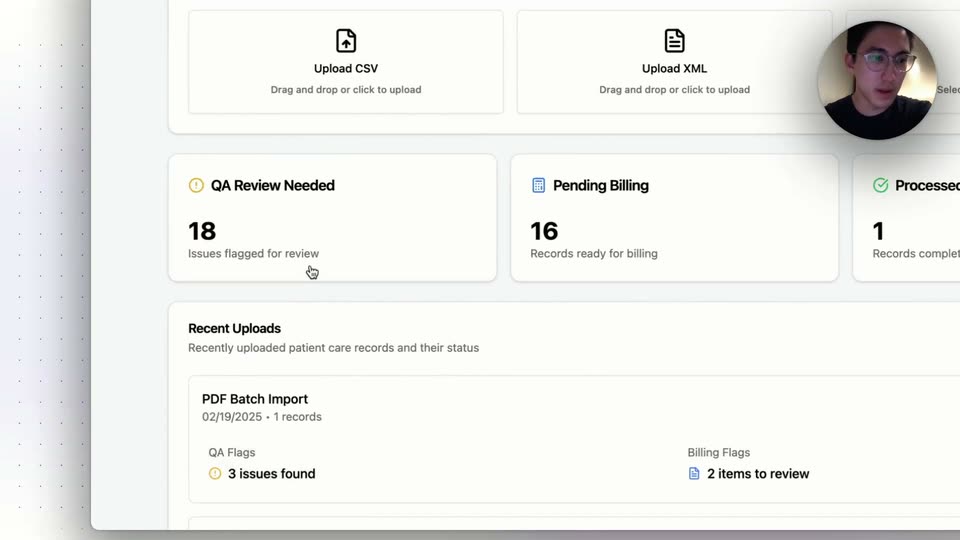 0:37–0:43Amby Health · Amby Health YC LaunchA dotted background holds a browser window showing the EMS Dashboard; a circular webcam of a man with glasses sits top right. The view zooms into the stat cards and Recent Uploads row as a cursor drifts, then zooms back out and crossfades to the Quality Review Dashboard.
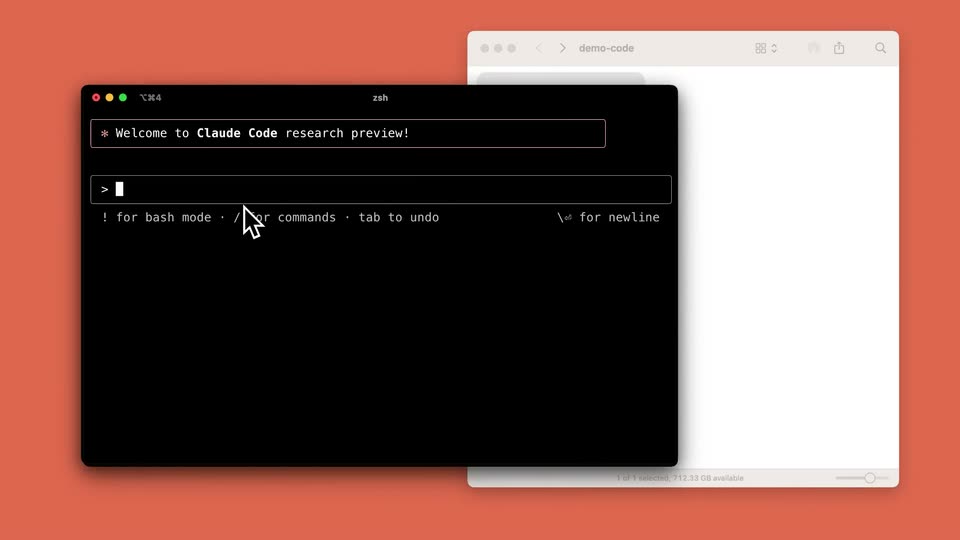 0:38–0:44Anthropic · Introducing Claude CodeA black terminal window overlaps a white Finder window on a flat orange background. The cursor moves in and types claude, the terminal switches to the Claude Code welcome prompt, then the camera pushes in on the terminal.
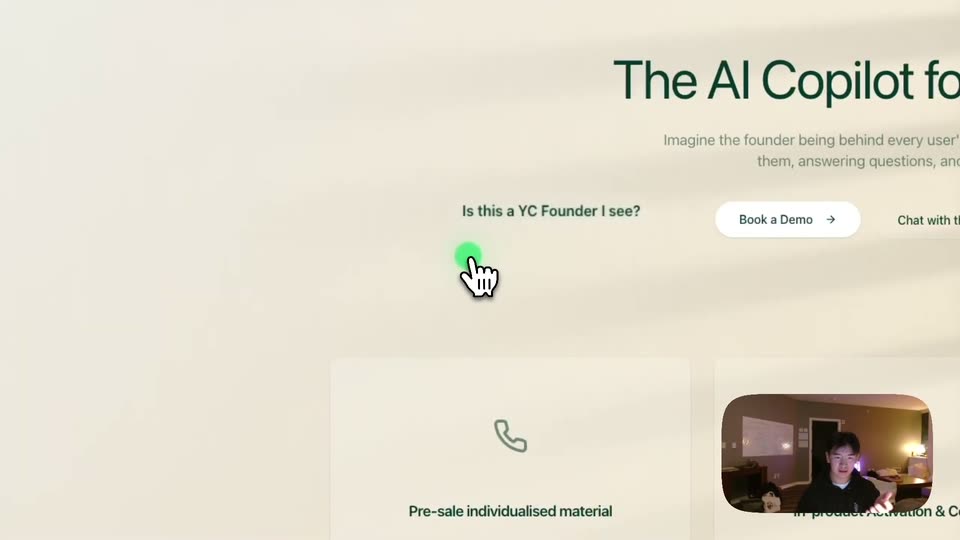 0:10–0:18Cedar · Cedar Demo 🌲A browser screen recording of the Cedar landing page, with the founder on a small video call in the corner. A cartoon hand cursor drifts up the page as the view zooms in, a caption pops in beside it, then the frame zooms back out.
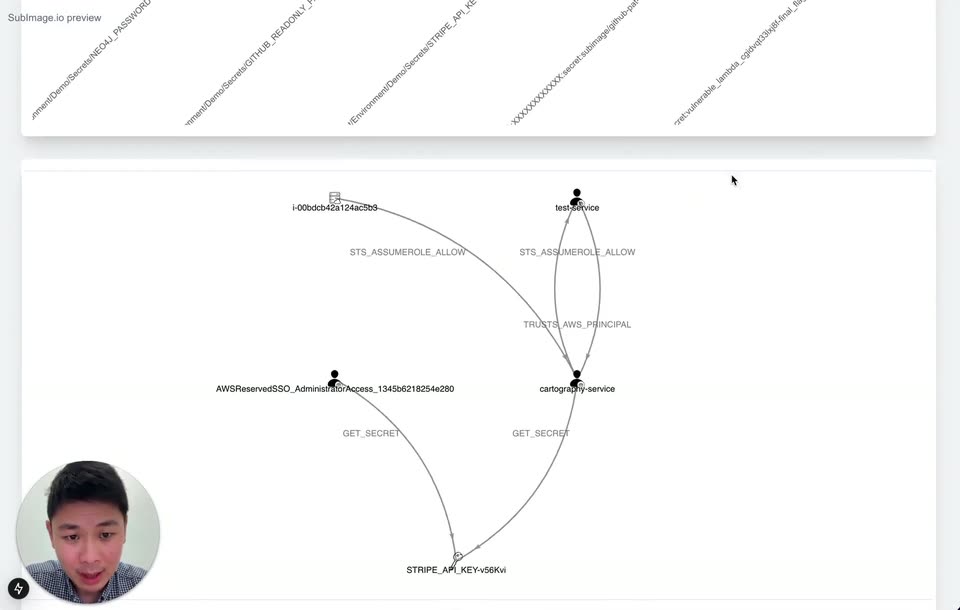 1:18–1:22SubImage · My Stripe API key was leakedThe SubImage.io dashboard scrolls down from the Principals per Secret bar chart and roles table to a node graph, where a tooltip appears on the test-service node, then scrolls back up to the Secrets Overview header. A presenter's webcam bubble stays in the bottom left corner.