UI zoom
A zoom or reframe onto one part of the interface.
9,964 scenes · page 43 of 167
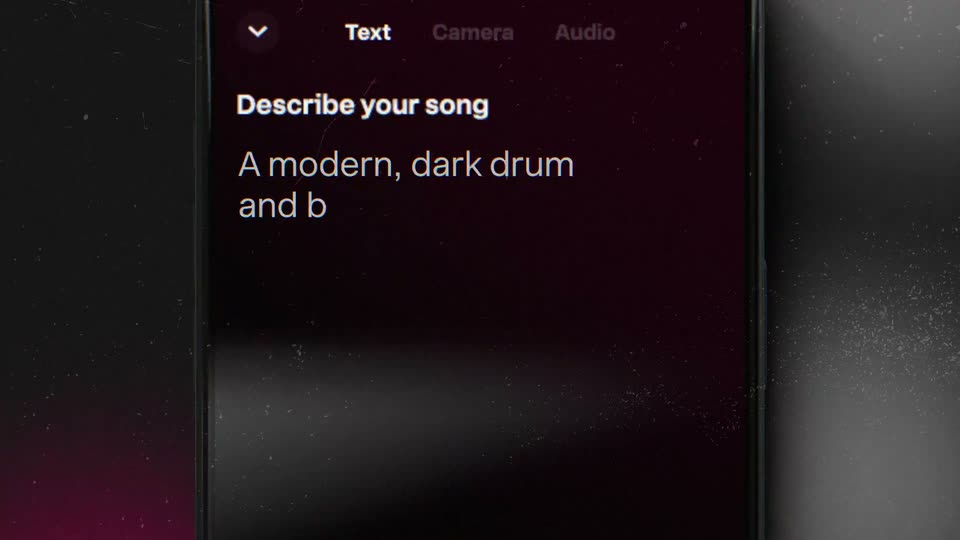 0:03–0:08Udio · udio - Udio is now available on iOS so you can make your music on the go andA phone mockup sits angled in 3D against a dark field of pink glitch bars, a white banner reading WHEN IT STRIKES across it. The frame zooms into the screen as a song prompt types itself, then scrolls down to a pink Create button.
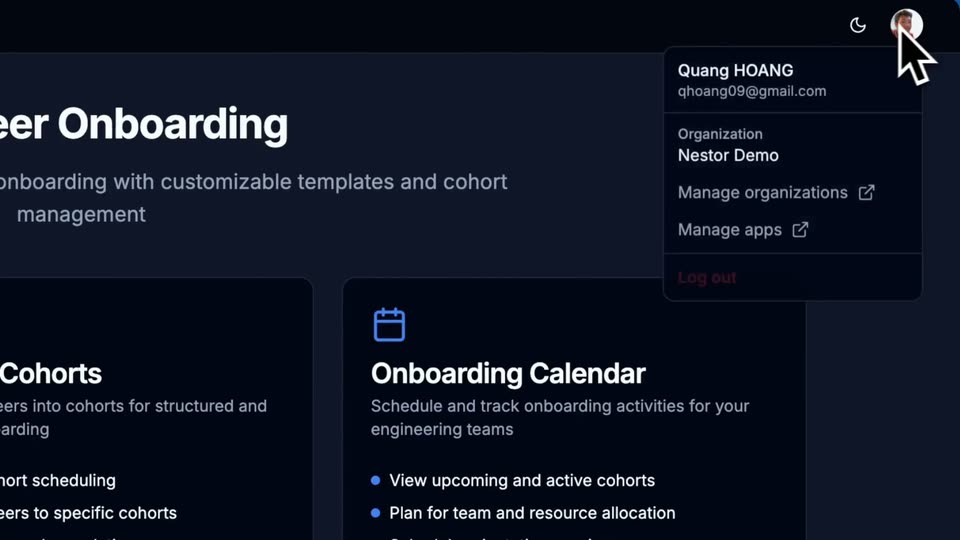 1:30–1:36Vybe · Vybe Demo - Build internal apps 10X fasterA dark onboarding dashboard with three feature cards fills the frame. A cursor glides to the top-right avatar and opens a profile dropdown. The view zooms in on the menu, the cursor hovers over an option, then zooms back out as the menu closes.
 0:07–0:08Bramante · Bramante Biologics (YC X25) Launch VideoA close-up of a Reuters article on a screen, tilted with red and blue color fringing. The bold black headline names Chinese firms in red, and the frame slowly zooms in, tightening on the headline and byline.
 0:03 · 0.4scubic · Introducing cubic.devA black frame holds a white two-line headline on the left that slides in, beside a file list with a blue text caret on the right; the shot then zooms in on the list.
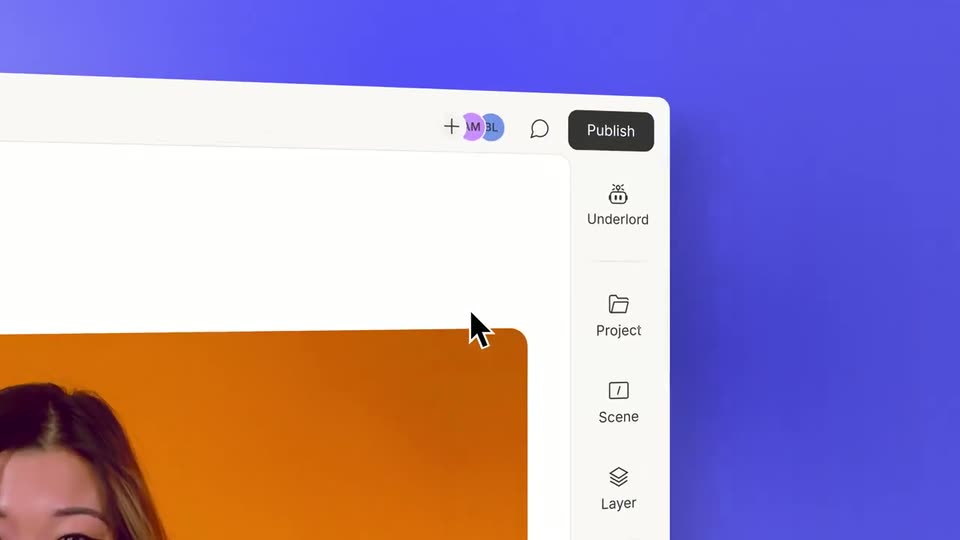 0:03–0:04Descript · Descript - Vibe editing is here. Any job, any video. Underlord’s got it.A flat browser window sits on a purple background, showing a document on the left and an orange video panel with a woman on the right. The camera pans right and zooms in to reveal the top toolbar with a Publish button and a vertical sidebar of icons.
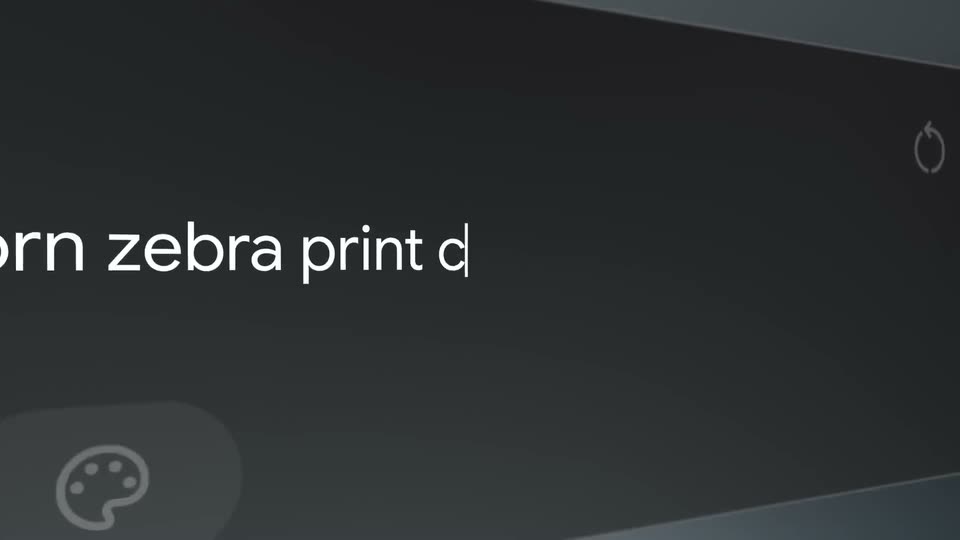 0:23–0:31Google · Introducing Flow | Google’s New AI Filmmaking ToolA dark prompt box tilts in 3D perspective as the camera pushes in and pans right. A hand cursor hovers over the field, thumbnails of a yellow taxi, a jellyfish, and a seat slot in below, and the prompt text types out character by character.
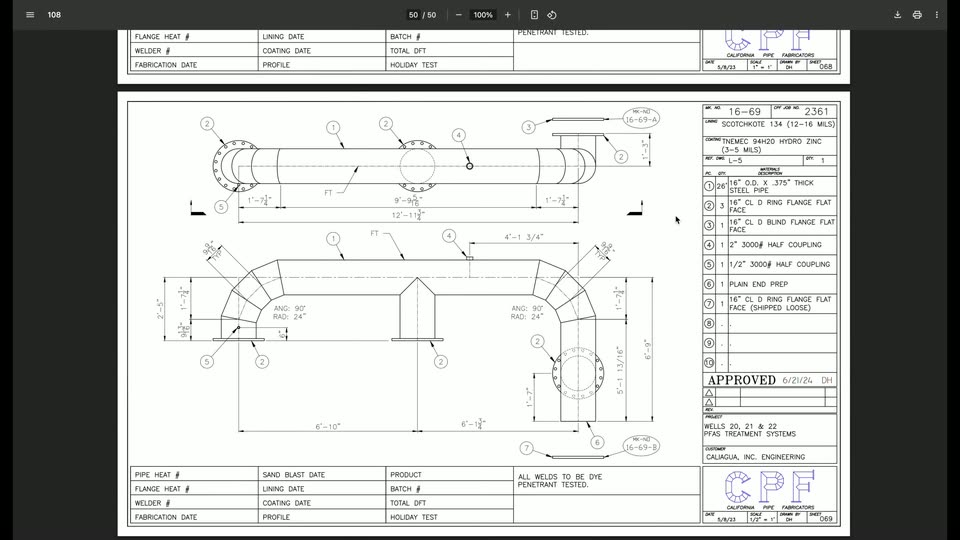 1:50–2:00Jeevy Fabrication · Introducing Jeevy FabricationA pipe spool technical drawing fills a document viewer. The view zooms into the materials table and title block on the right edge, a cursor drifts to the rows, then the view zooms back out to the full sheet.
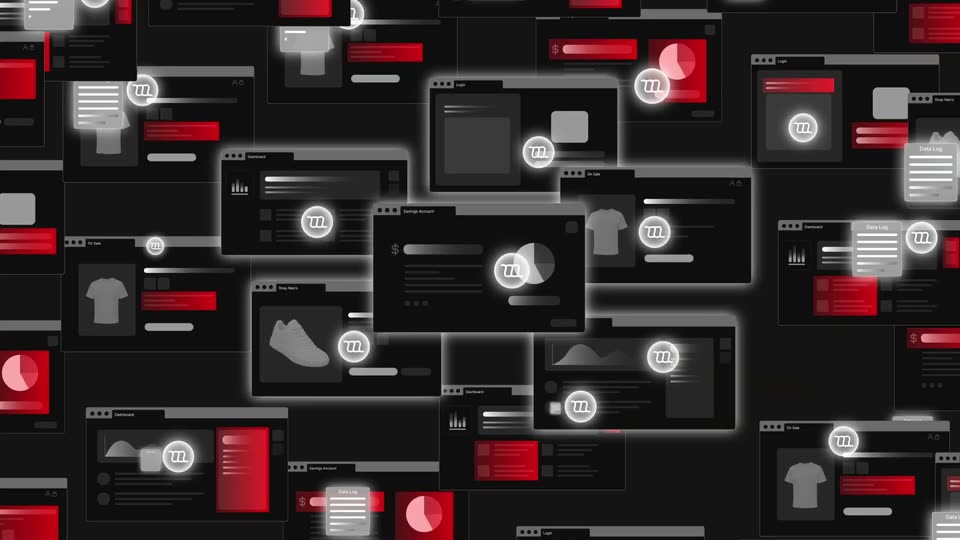 0:25–0:33MindFort · Security is dead - Introducing MindFort.aiA dark “Savings Account” card with a red balance bar and pie chart sits center. Glowing white “w” orbs and “Data Log” cards pop up across the layout, then the camera pulls back to reveal a dense tiled grid of interface panels, each stamped with a glowing “w” logo.
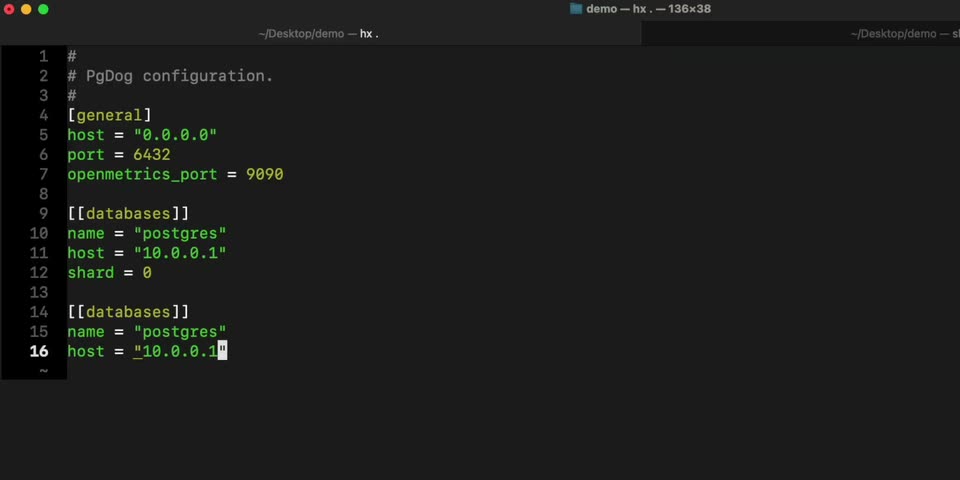 0:04–0:08PgDog · PgDog LaunchA dark terminal code editor displays a configuration file being typed. The window opens as a floating panel with a drop shadow, then zooms to fill the frame as the host and shard lines complete.
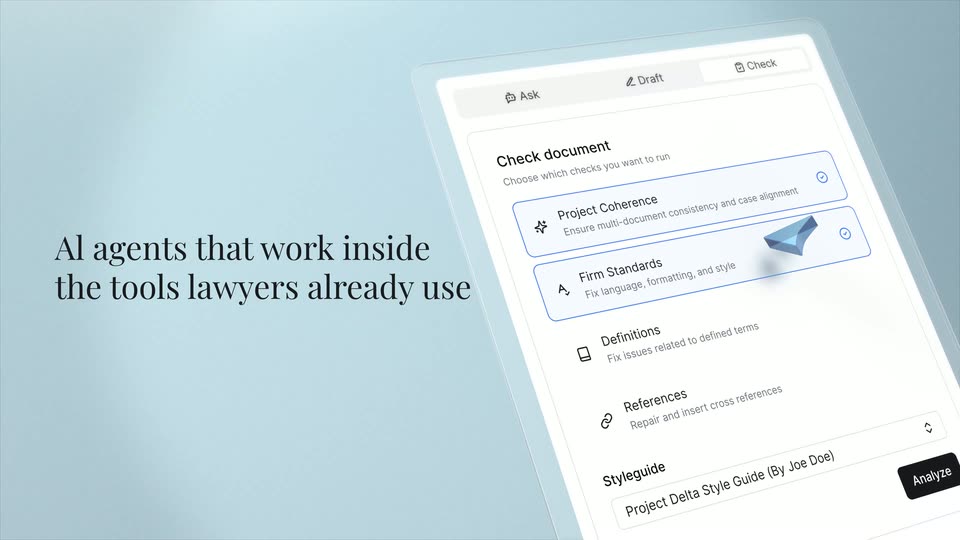 0:18–0:21Vesence · Vesence - Agentic AI for Transactional Law FirmsA 3D-tilted mockup of a document editor, with a Check document panel and a floating blue checkmark, rotates toward the camera and flattens to a front view. A black serif headline on the left fades out as the interface fills the frame.
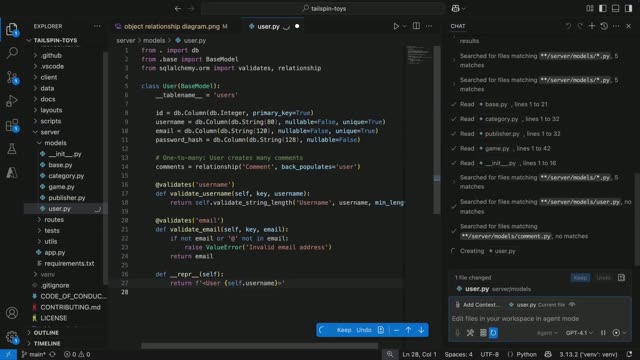 0:05–0:08GitHub · Introducing the GitHub Copilot coding agentA close-up of the Copilot chat input shows the prompt “implement this data diagram” being typed with a folder and image attached, then the view pulls back to the full editor as the agent lists file searches and writes user.py and comment.py.
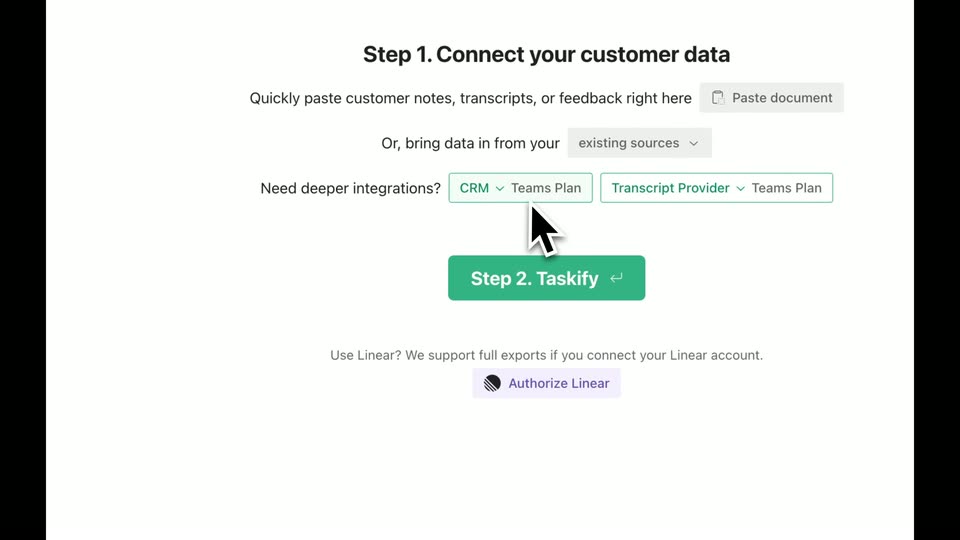 0:17–0:27Kestral · Kestral - Your AI Work Prioritizer -- Launch YCA flat product window floats on a gradient desktop, showing an onboarding screen titled Transform your documents into action. The camera zooms into the panel as a cursor clicks the existing sources dropdown, opening a list of integrations such as Notion and Google Drive.
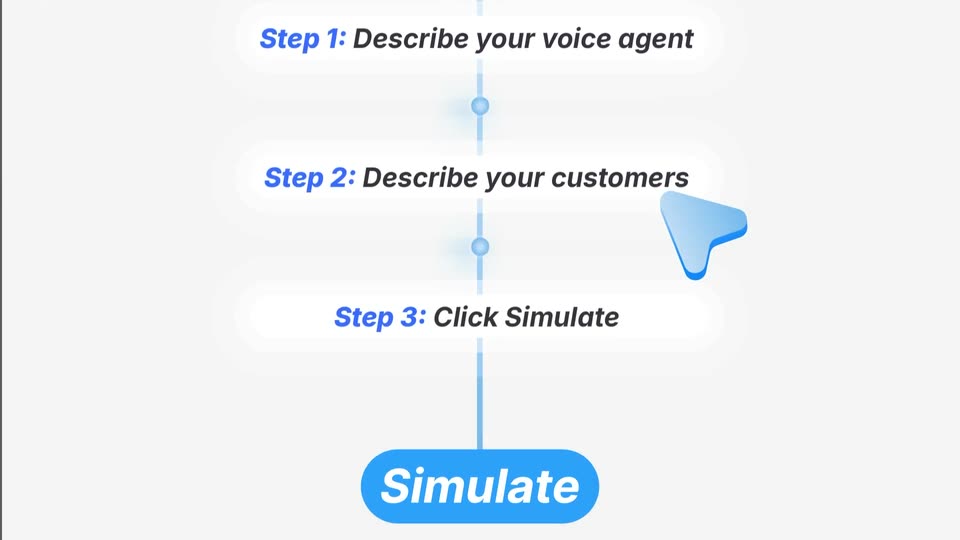 0:27–0:31Bluejay · Bluejay: Quality Assurance for AI Voice AgentsA vertical three-step timeline with a glowing blue line scrolls down on a light gray background. A glossy 3D blue cursor arrow glides along the right side and lands on the blue Simulate button at the bottom.
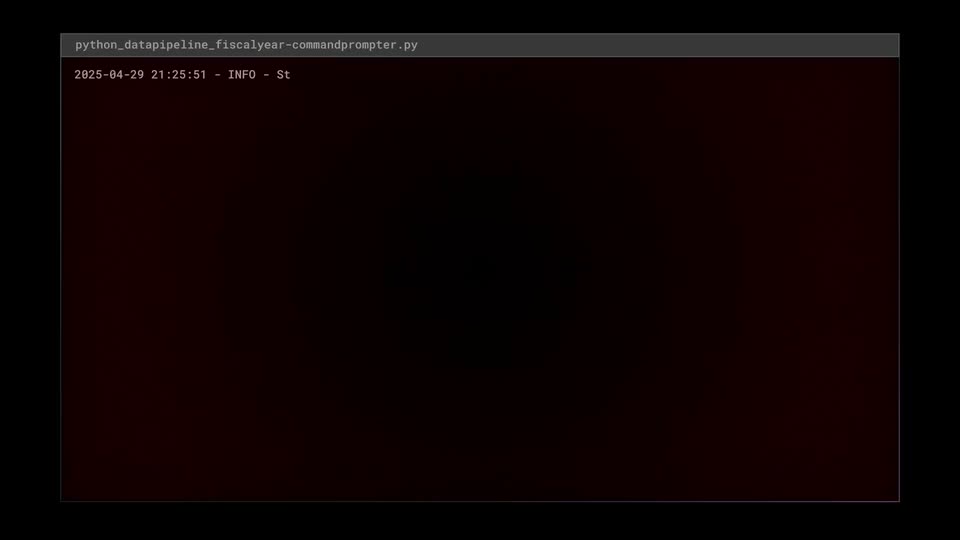 0:00 · 0.8ssieve · sieve (YC X25) launch videoA terminal window appears as a thin outlined box at the center of a black screen, then scales up to fill the frame. Monospace log lines type themselves in, reporting the start of a data pipeline run.
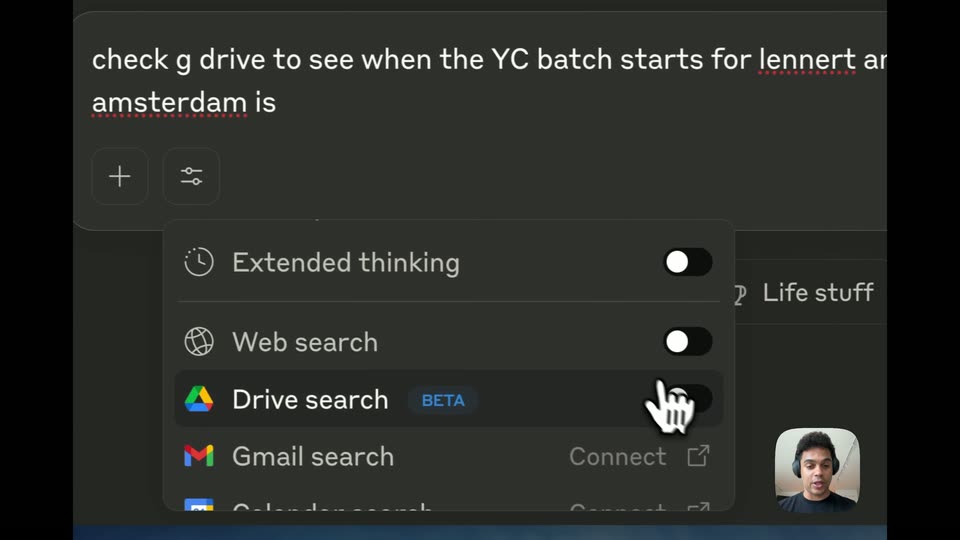 0:04–0:17Airweave · Airweave AI // Launch YC DemoA dark Claude interface greets 'Evening, Lennert' with a presenter in a corner video inset. The frame zooms in while a prompt is typed, then a hand cursor opens the settings menu and toggles on Drive search.
 0:15–0:16Minerva · Meet MinervaA rounded-rectangle mask reveals a close-up of a tablet screen showing a spreadsheet, its blue highlighted cell block centered, while the surrounding frame stays blurred with a diagonal line texture. The shot drifts in slowly.
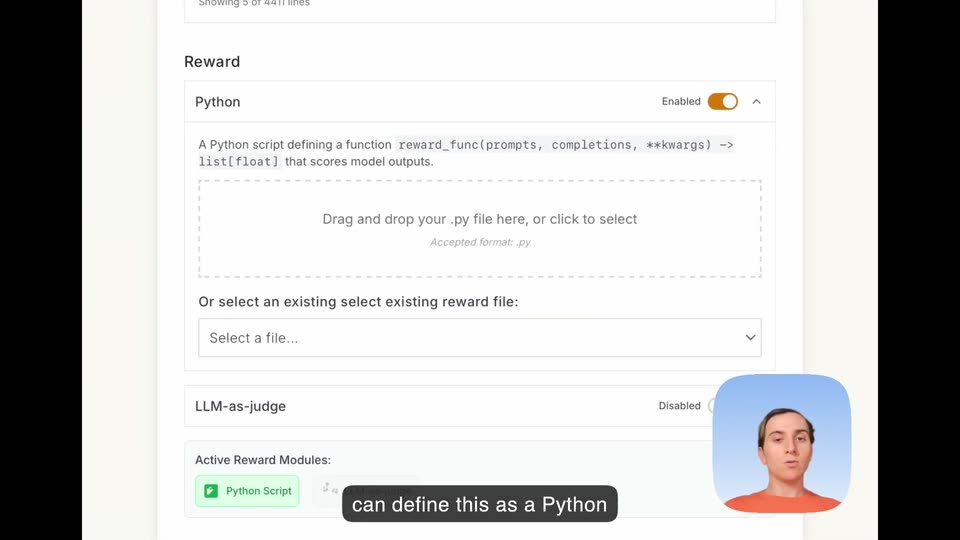 0:14–0:47RunRL · RunRLA tilted 3D browser window over a gradient background shows the RunRL submit form, with a presenter's face in a rounded card at bottom right. The page scrolls down through the prompt preview, reward section and run configuration as the cursor moves and selects files, while captions roll along the bottom.
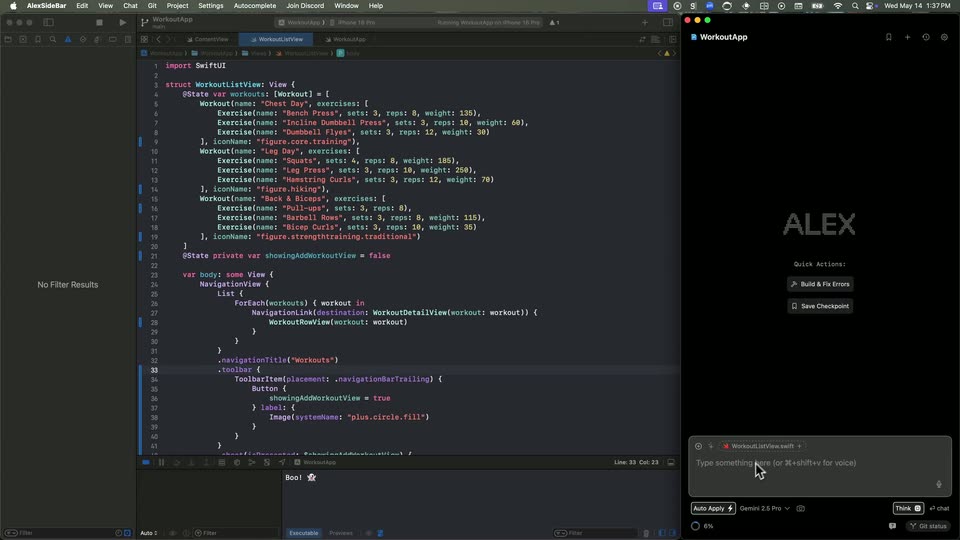 0:03 · 0.8sAlex · Alex - Xcode AI Coding AssistantA fast zoom dives into the bottom-right corner of the IDE, reframing on the chat prompt box. The close-up lands on the placeholder line, microphone icon, and the model and action buttons beneath it.
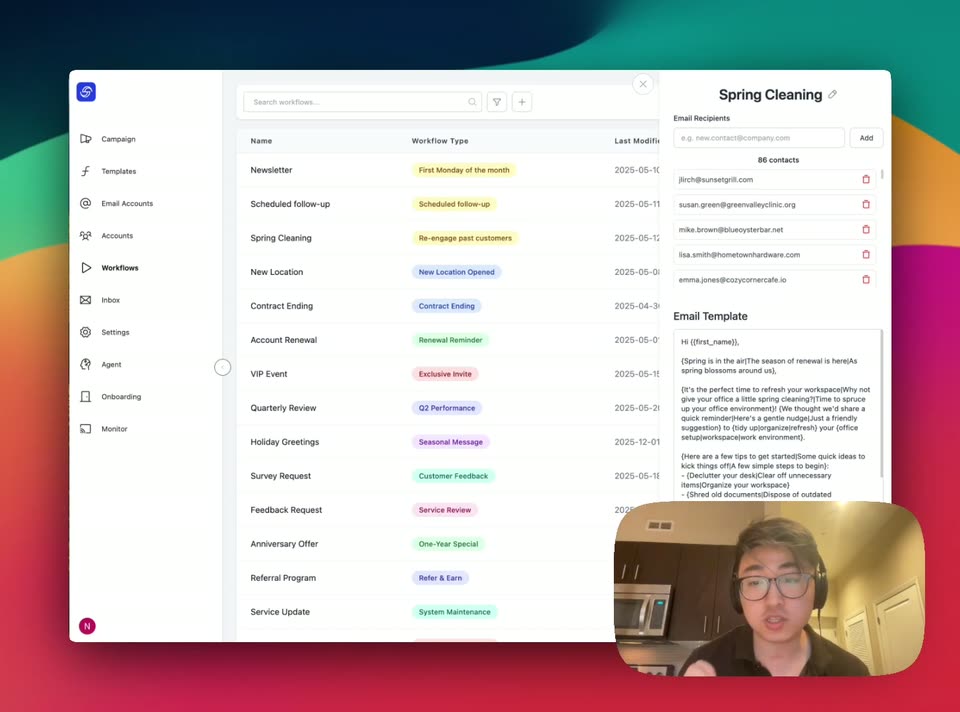 0:00–0:27Cohesive · Cohesive AI (YC X25) - The agentic CRM for blue-collar commercial servicesA workflows dashboard with a right-hand email panel floats on a multicolor gradient, a small face-cam of a man in glasses in the lower right. A cursor clicks the sidebar, then the view zooms into the list with a hand pointer.
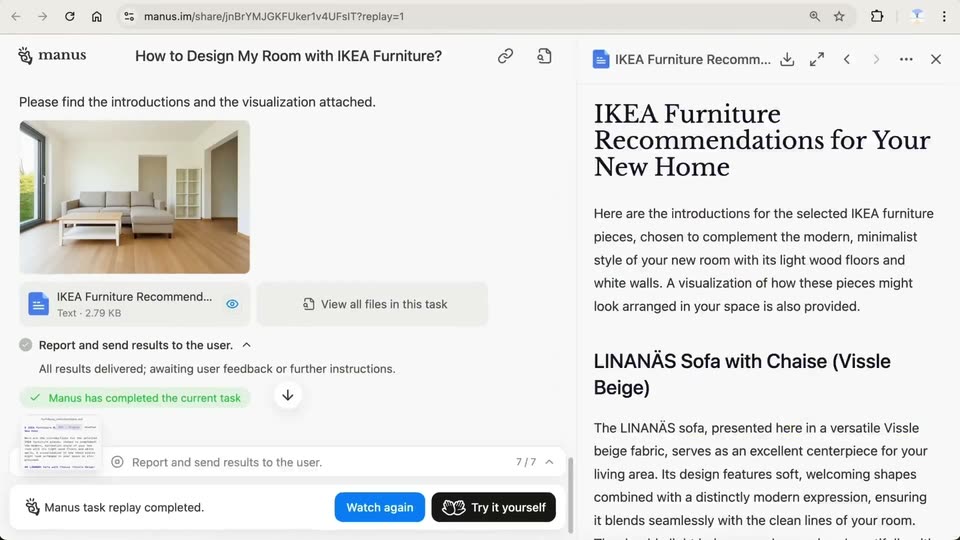 0:16–0:17Manus · Manus - Introducing Manus image generation. Manus doesn’t just generate imagA web app interface shows a chat panel on the left and a document panel on the right. The view then zooms into the right panel, revealing a markdown file with a room photo and furniture recommendation text.
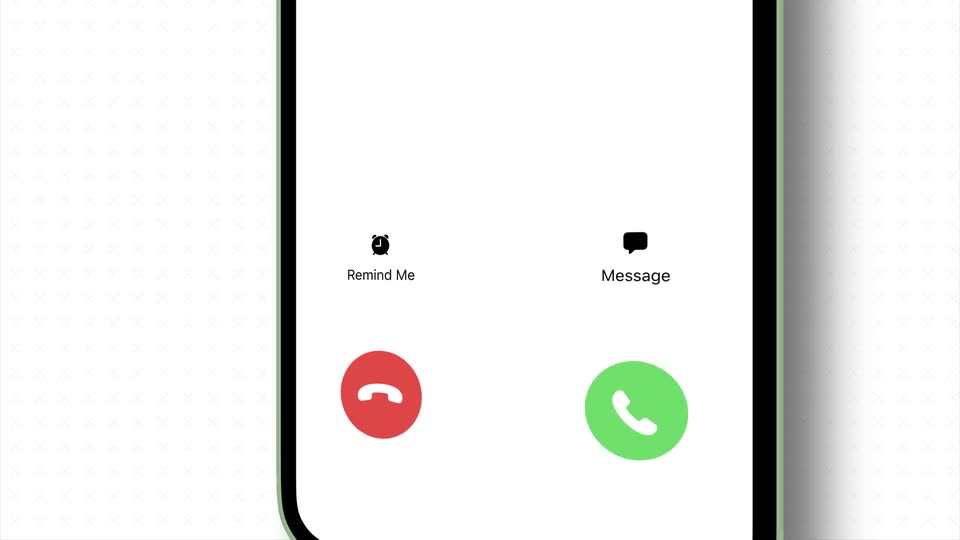 0:00–0:03Novoflow · Novoflow Launch (YC X25)A front-facing phone mockup shows an in-call screen with a teal avatar, the name Patient, and call controls. The camera zooms into the Remind Me and Message buttons, then the phone slides left while a copy of the avatar and name slides in from the right over the patterned background.
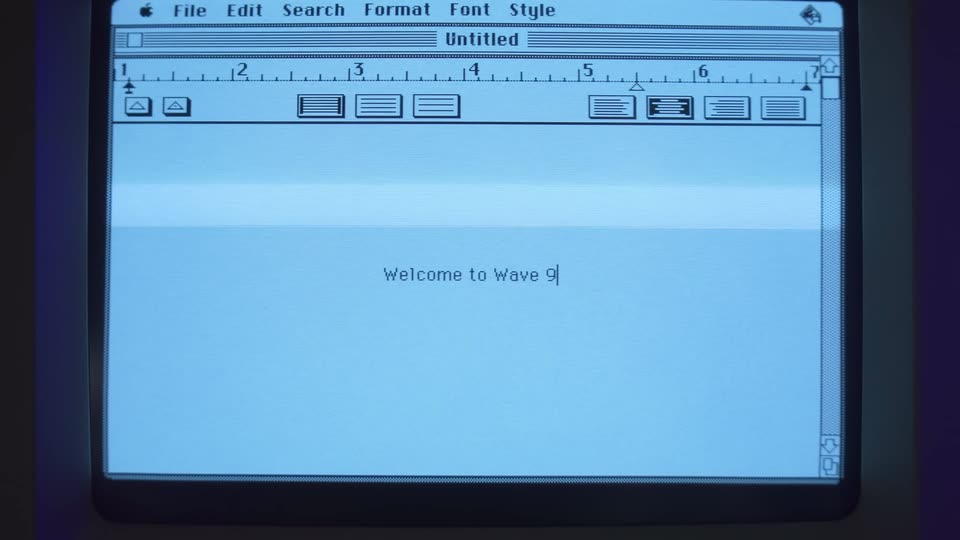 0:04–0:08Windsurf · Windsurf Wave 9: Introducing SWE-1, Our Frontier ModelsA retro Macintosh document window fills the screen of a dark tablet, edged by pink and blue light. In the pale blue page, “Welcome to Wave 9” types out letter by letter at the center while the camera slowly zooms in on the screen.
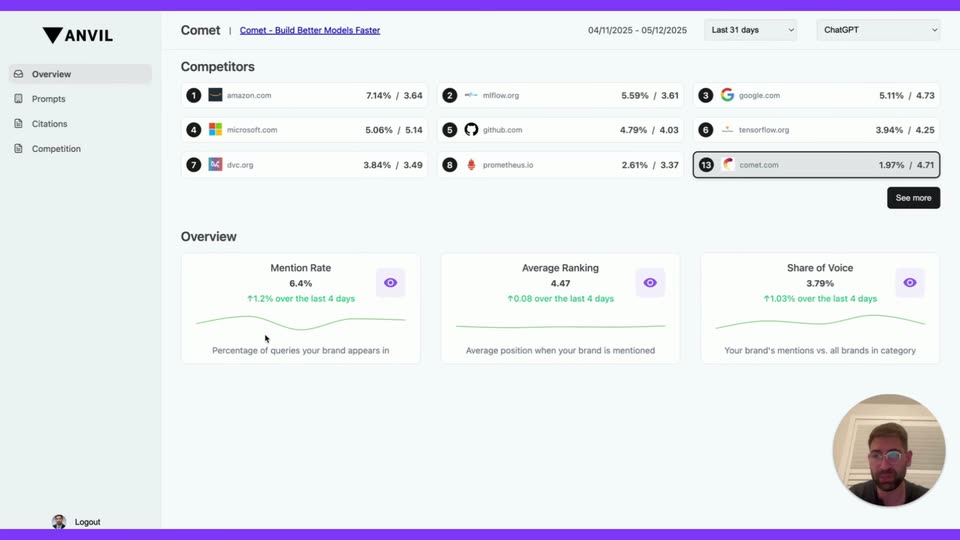 0:07–0:29Acolite · Anvil (YC X25) - Launch VideoA dashboard screen shows a competitor ranking grid and three metric cards. The cursor hovers a chart to reveal a value, then the view zooms in and pans across the cards while a presenter's webcam sits in the corner.
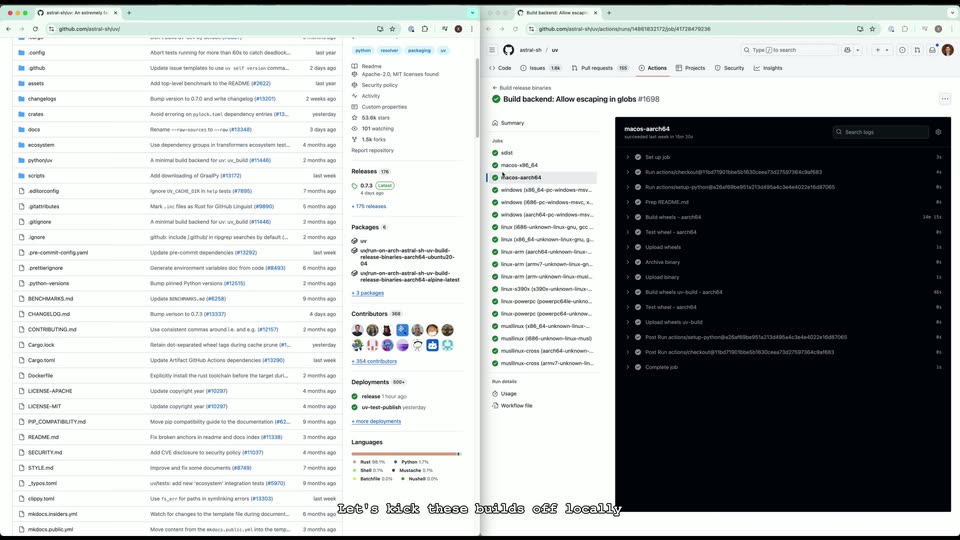 0:09–0:18Attune · Attune - Faster Builds, Zero EffortSplit screen of two GitHub pages: the uv repository file list and README sidebar on the left, the Actions workflow run with its job list on the right. The left panel scrolls down to reveal the Languages section, which a red hand-drawn circle highlights, then a second circle marks the 14m 15s job time on the right. White typewriter captions run along the bottom.
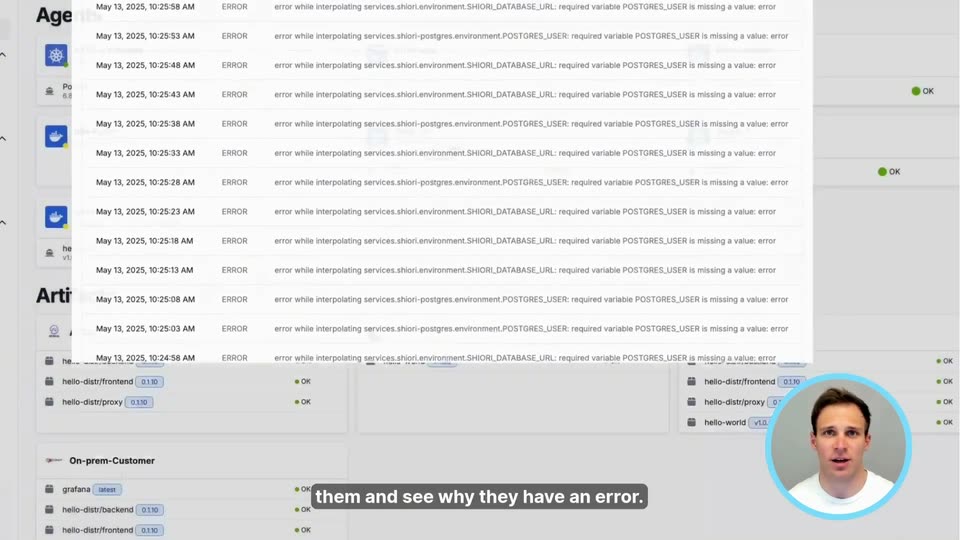 0:25–1:19Glasskube · Distr DemoScreen recording of the Distr vendor portal dashboard, with Agents and Artifacts cards showing OK, Error, and Stale statuses. A circular presenter video sits bottom-right and subtitles roll at the bottom. The view zooms into the agent cards, an error log table, and the artifacts list.
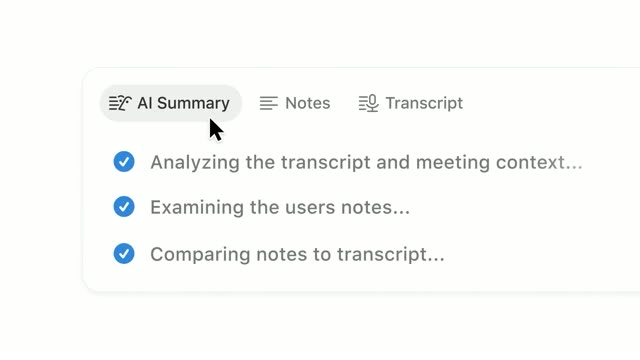 0:16–0:19Notion · Introducing AI Meeting NotesA white interface card sits on a light gray field. The cursor clicks the AI Summary tab, the frame tightens on the card, and the live transcript cross-fades into a generated summary with a Key Points list.
 0:10–0:12Notion · Introducing Enterprise SearchA dashboard home screen with a greeting and four recents cards zooms into the search bar, then into the empty input field where a caret blinks. A cursor moves up from the cards toward the bar.
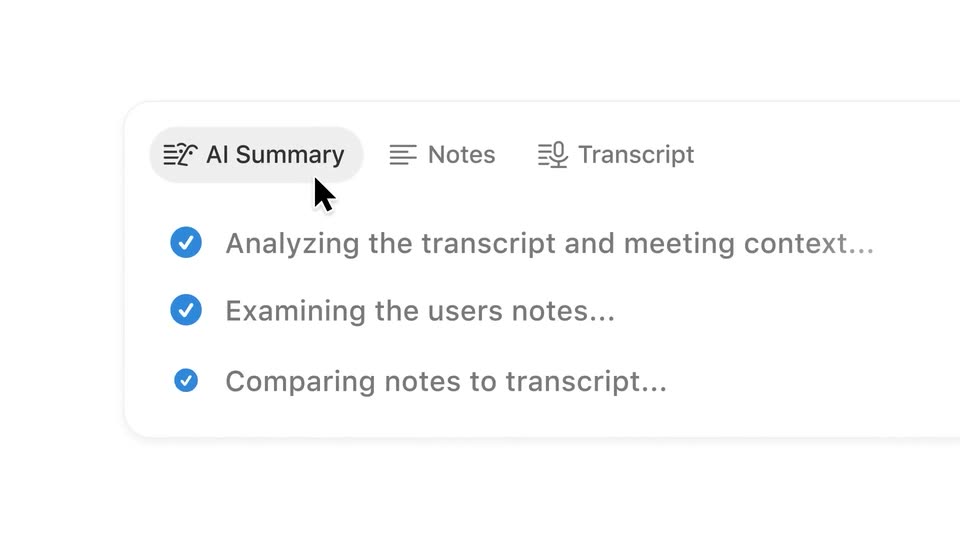 0:13–0:22Notion · Meet the all-in-one Notion AI for workA gray audio waveform on white gives way to a white card with three tabs. The transcript types out, a cursor clicks the AI Summary tab, status lines check off, and the summary appears. The view pulls back to show the app frame.
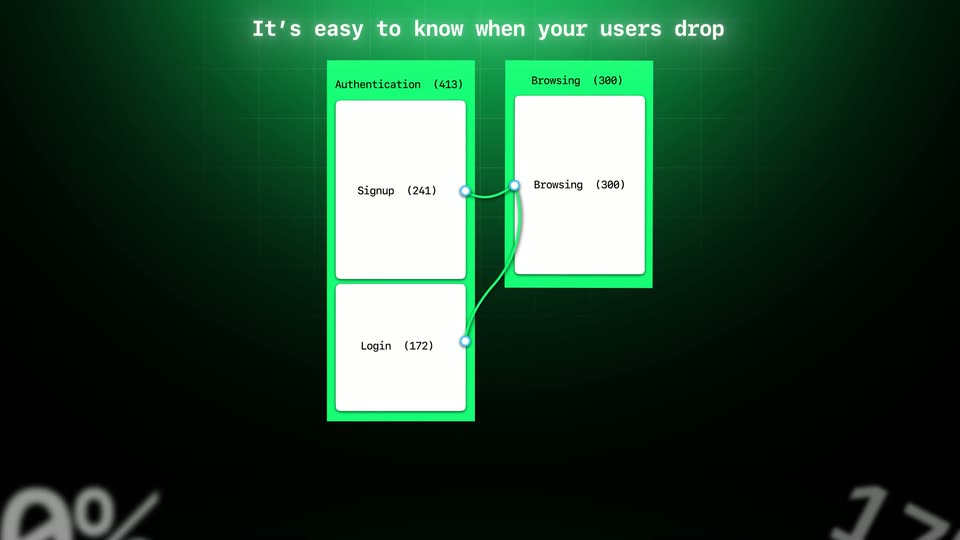 0:00–0:02Human Behavior · Human Behavior LaunchTwo green funnel cards slide in from the edges and settle over a dark green grid as the heading fades in word by word. Curved green lines draw between the card nodes, then the view zooms in and large blurred percentages appear at the bottom.
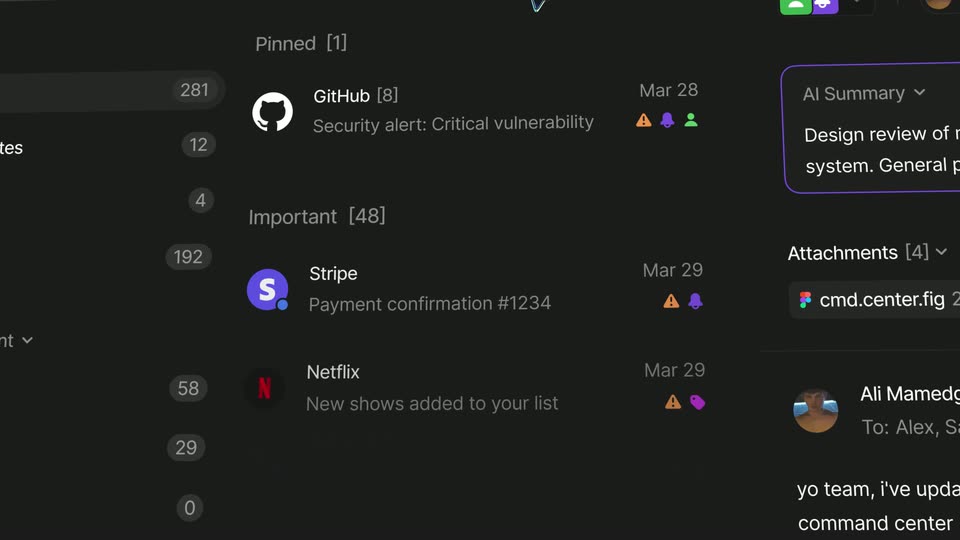 0:41–0:44Orchid · Zero - The AI-native email that manages your inboxA dark email client fills the frame as a cursor clicks the Important tab, swapping the inbox list for priority senders like Stripe and Netflix. The view zooms into the list while the headline Eliminate clutter. scales in.
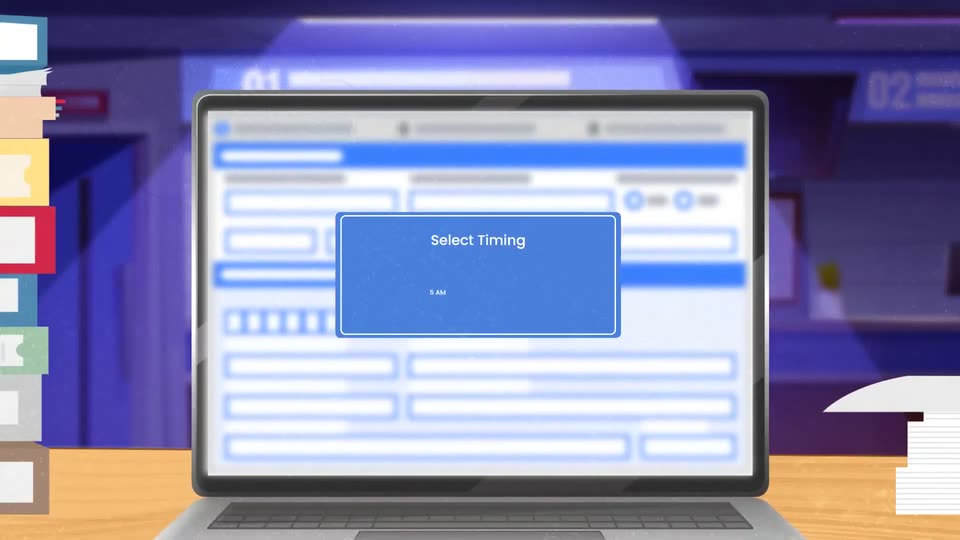 0:27 · 0.5sAdentris · Adentris – AI Compliance Copilot for Healthcare Providers | Prevent Claim DenialsA flat 2D nurse with glasses sits at a desk, a thought bubble listing charting doubts beside her, while a tablet in the foreground shows a blurred blue medical chart. The camera zooms into the tablet screen as a timing dialog with a 5 AM option scales in.
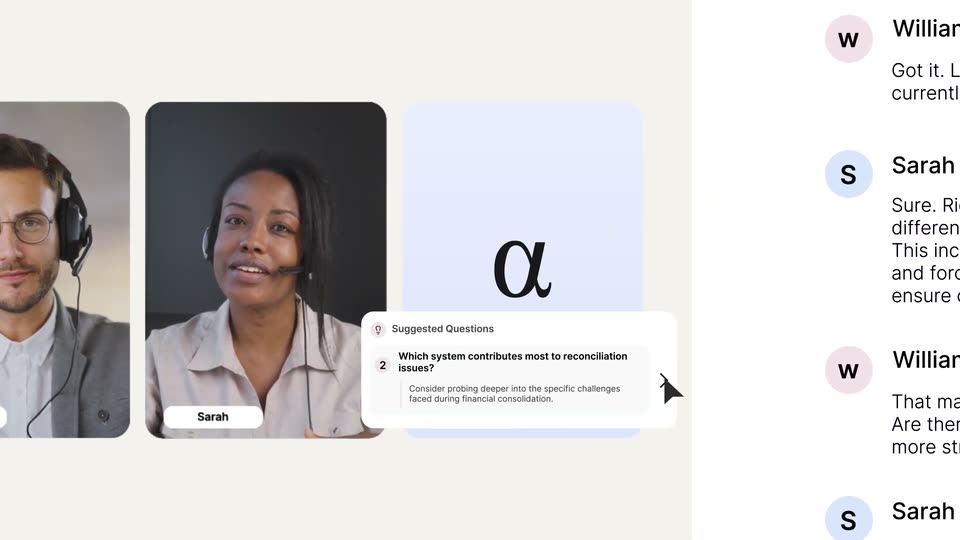 0:37–0:47Auctor · Auctor AI (YC X25) Launch VideoA product screen with a three-tile video call on the left and a scrolling transcript on the right. The camera zooms onto the tiles as a Suggested Questions tooltip pops up, then pulls back while a cursor clicks the Questions & Answers tab and opens a Sources panel.
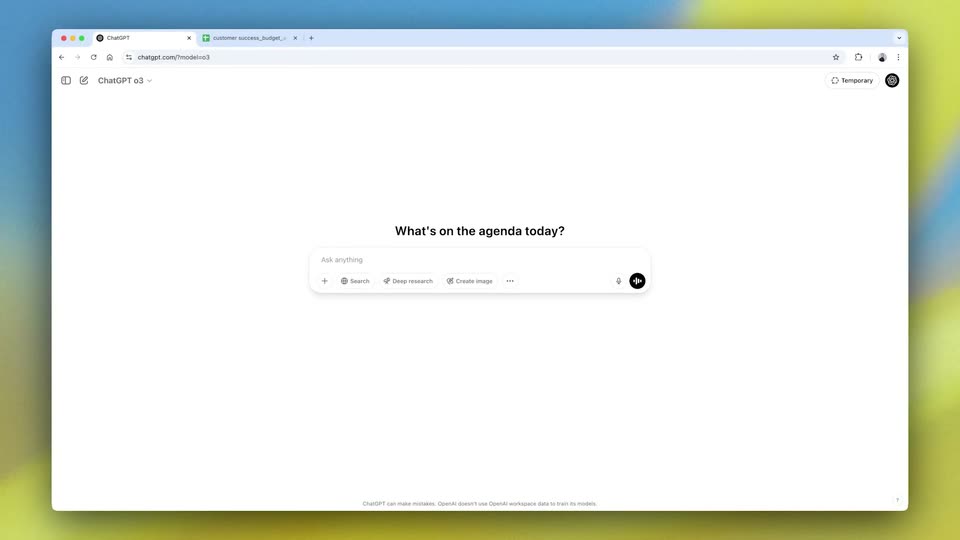 0:08–0:26OpenAI · Automate complex workflows with OpenAI o3A browser window shows the ChatGPT home screen. The view zooms into the model menu as the cursor selects o3, then zooms into the prompt box where a long variance-report prompt is typed. The frame pulls back and zooms in again on the text box.
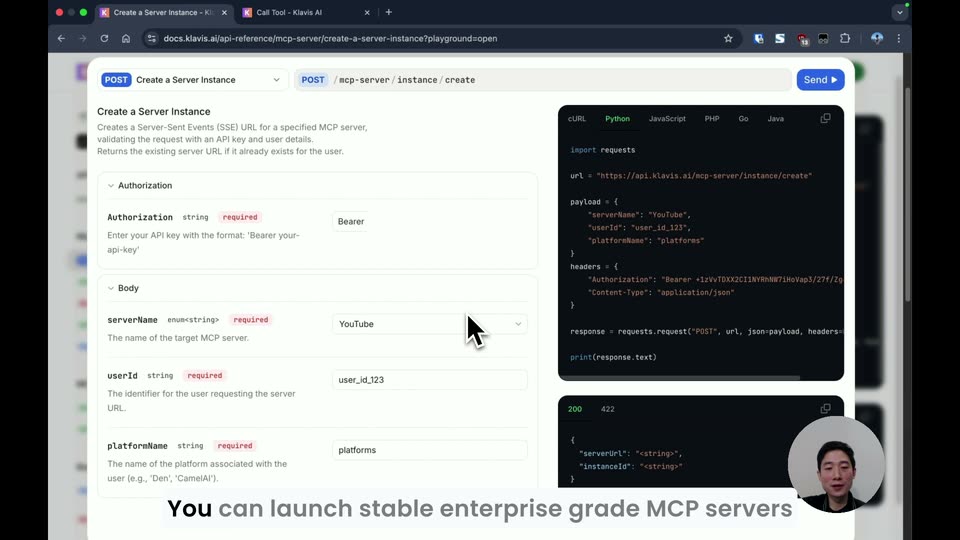 0:26–0:30Klavis AI · Klavis AI: Open Source MCP integrations for AI ApplicationsScreen recording of the Klavius API docs page: the Create a Server Instance form with filled fields beside a Python code panel. A cursor moves to click the blue Send button as the view zooms in. A presenter appears in a small circular webcam bubble at bottom right.
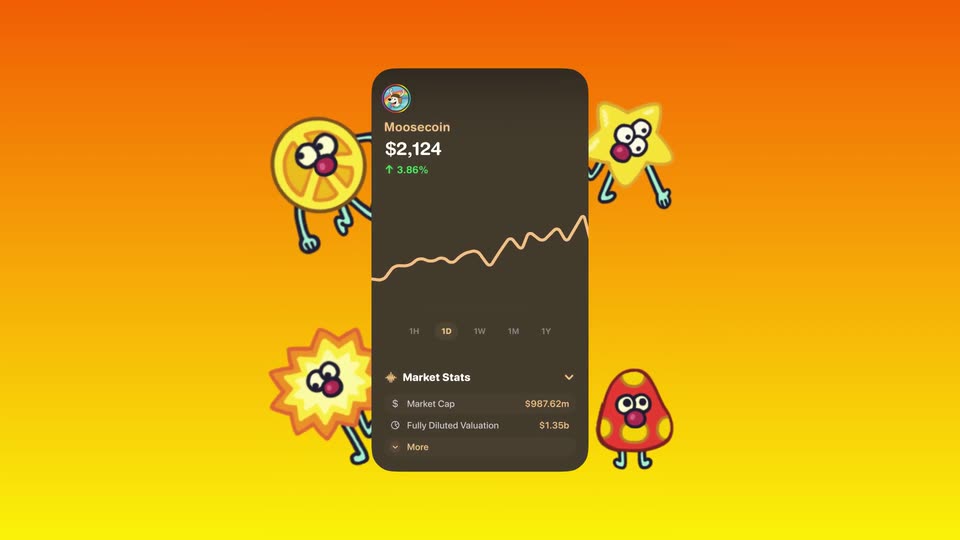 0:24–0:27Rainbow · Rainbow - 🌈 Meet Rainbow's Token Launcher! No more clunky launchpads. You canA flat phone mockup sits centered on an orange-to-yellow gradient, ringed by cartoon coin, star, sunburst and red-blob characters with faces. The Moosecoin price ticks upward over a line chart. The screen then scrolls down to a green cloud view reading XNo hiring.
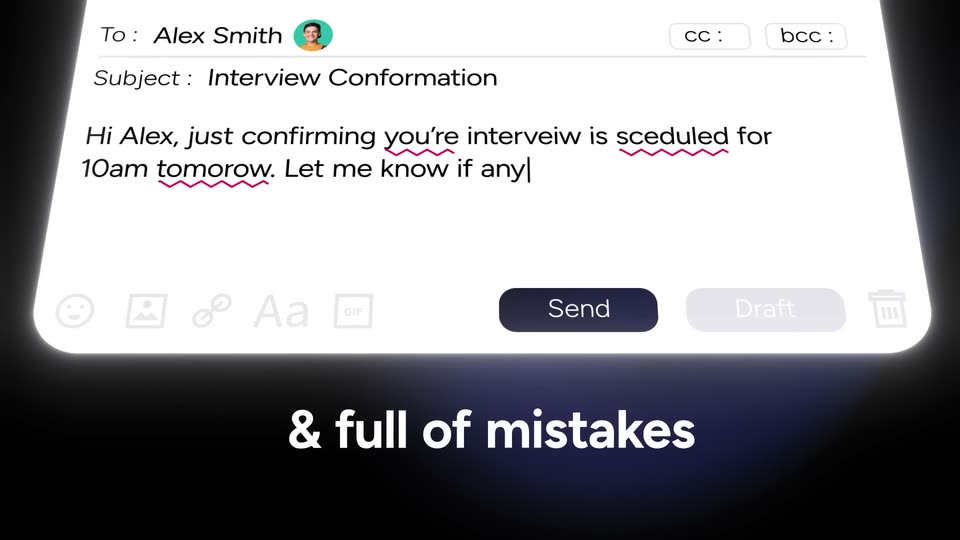 0:05–0:08Willow · Meet Willow — Make Voice Your New KeyboardA tilted 3D email compose window glows on a dark field as the body types itself out, red squiggles marking misspelled words. The camera pushes from a row of blurred windows into a close-up of the text, while white captions appear at the left and bottom.
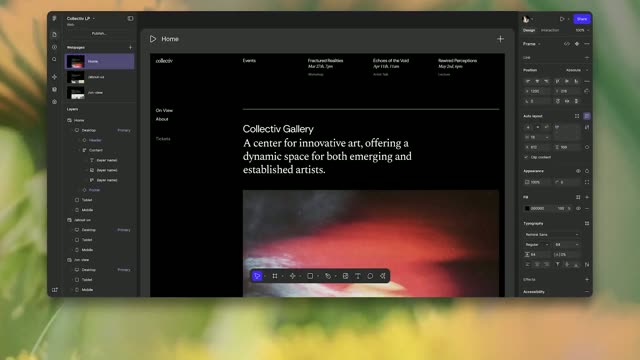 0:05–0:06Figma · All the launches at Config 2025 | FigmaA flat design-tool window sits over a blurred warm bokeh backdrop. The center canvas shows a black art-gallery site with white serif headlines, while the left layers and right properties panels slowly reveal more rows as the window gently pushes in.
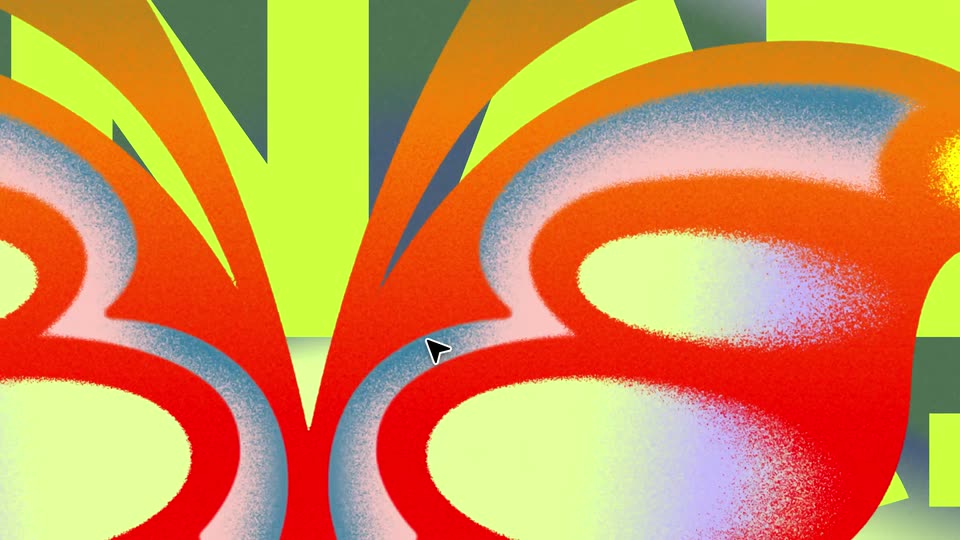 0:38–0:41Figma · Figma - Introducing Figma Draw New fills, effects, brushes, and more, now inA colorful abstract bird illustration fills the frame with a white Texture panel on the left. A cursor drags the Spread slider, adding a grainy noise texture to the shapes. The panel vanishes and the view zooms into the textured wings.
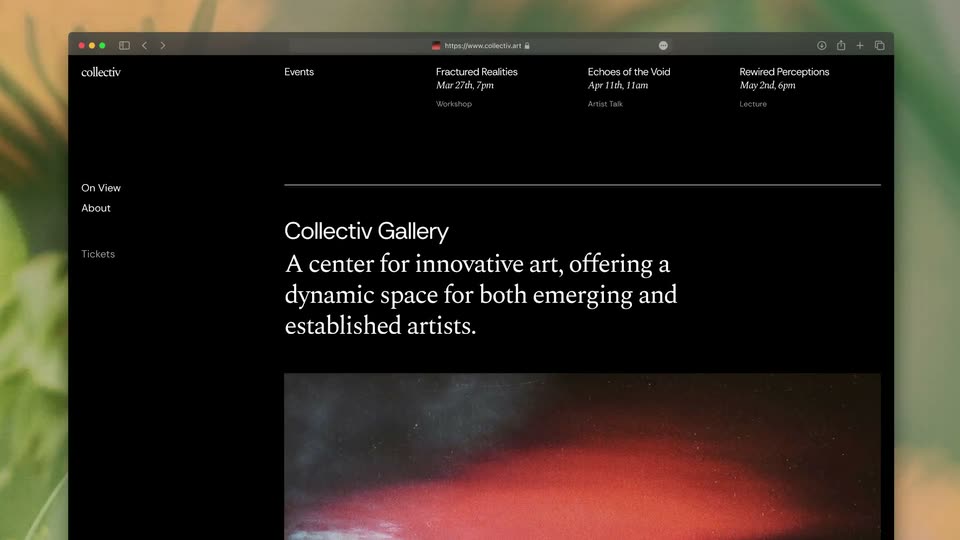 0:00–0:01Figma · Figma - Introducing Figma Sites Take your designs straight to the web. WithA dark browser window on a blurred green background zooms out to reveal the full frame. The Collectiv Gallery page shows a heading and a paragraph, then a red nebula image fades in below the text.
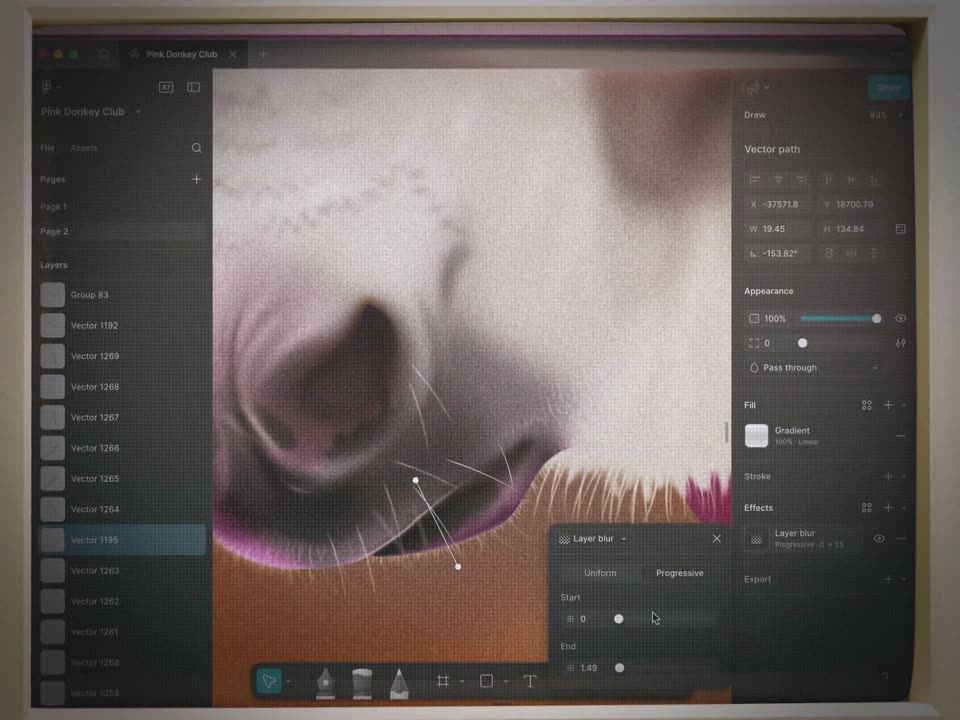 1:51–1:54Figma · Figma - PSA: Don’t let your loved ones be the last to know about Figma Draw #A live-action shot of a white dog nuzzling two hugging people cross-dissolves into a design-app canvas. The view zooms to a close-up of the dog's nose and tongue, and a cursor drags the layer-blur slider.
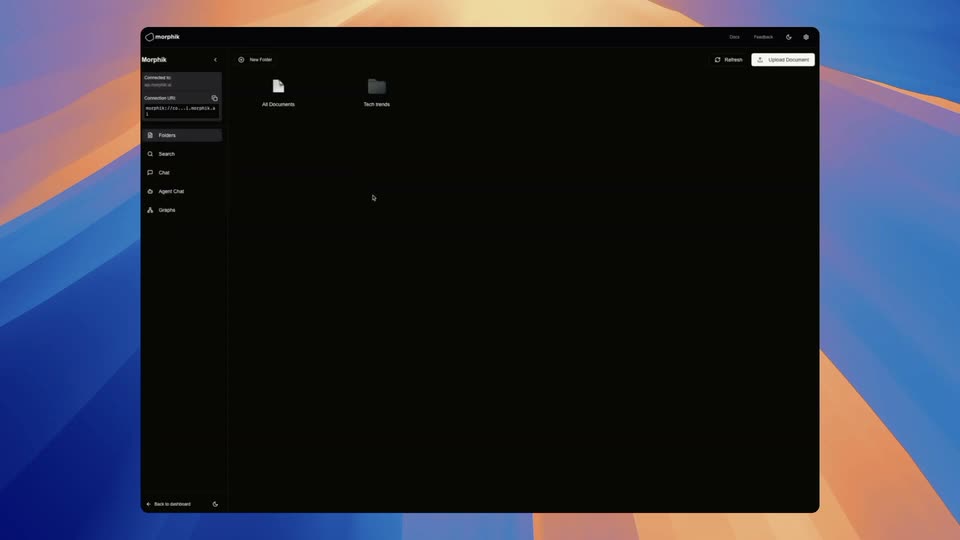 0:04–0:15Morphik · Morphik Launch DemoA dark dashboard of application cards sits over a blue-orange gradient; the cursor moves toward the Consulting Reports card. The view switches to a file browser with a sidebar, zooms in on the Tech trends folder, the cursor clicks, and an empty folder with an upload prompt appears.
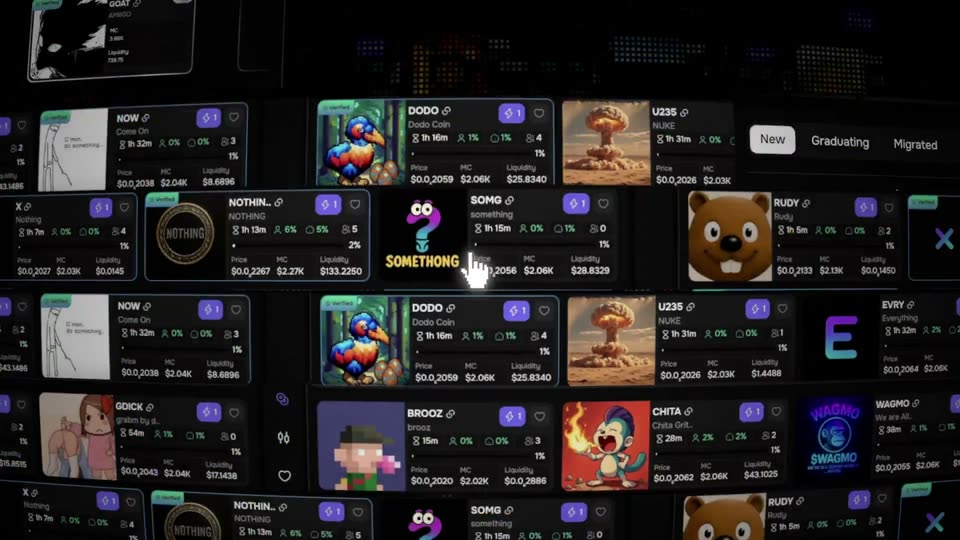 0:01–0:02Something · something - Updates/features will be dropping daily. Early Adopters have access:A dense grid of NFT cards on a dark background. The view zooms out to reveal more rows while a white hand cursor hovers over individual cards.
 0:02–0:09Stripe · Stripe - Introducing Stablecoin Financial Accounts. Hold a stablecoin balance.A tilted 3D view of the Balances screen, showing a transaction list, rotates to face the camera as the dark backdrop turns white. The view then zooms into the action buttons, and the Add funds button lights up with a gradient outline.
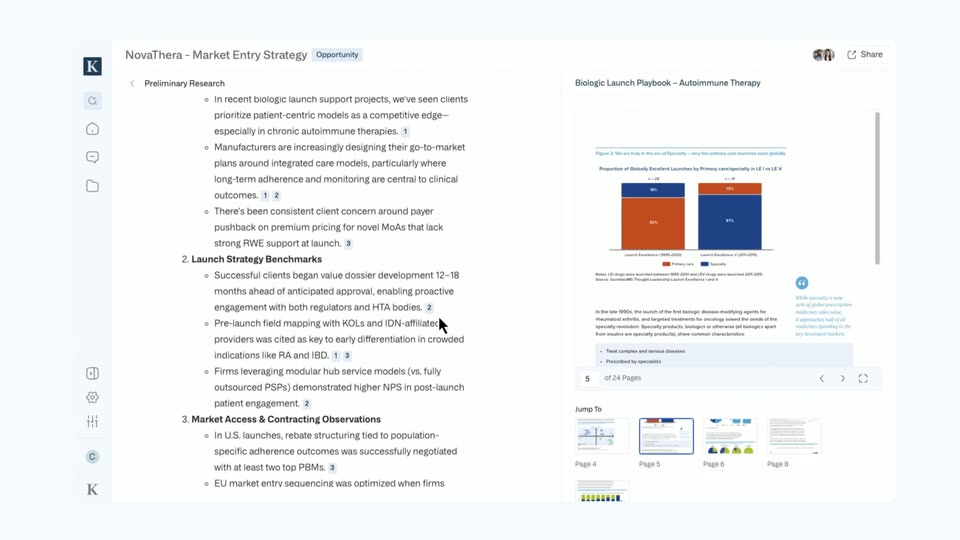 0:13–0:17Kenley · Introducing Kenley WorkStreamsA document editor and a slide deck sit side by side. A cursor hovers a small blue comment icon in the body text, the view zooms in on it, then pulls back and scrolls down to reveal two comment cards with headshots and names beneath the text.
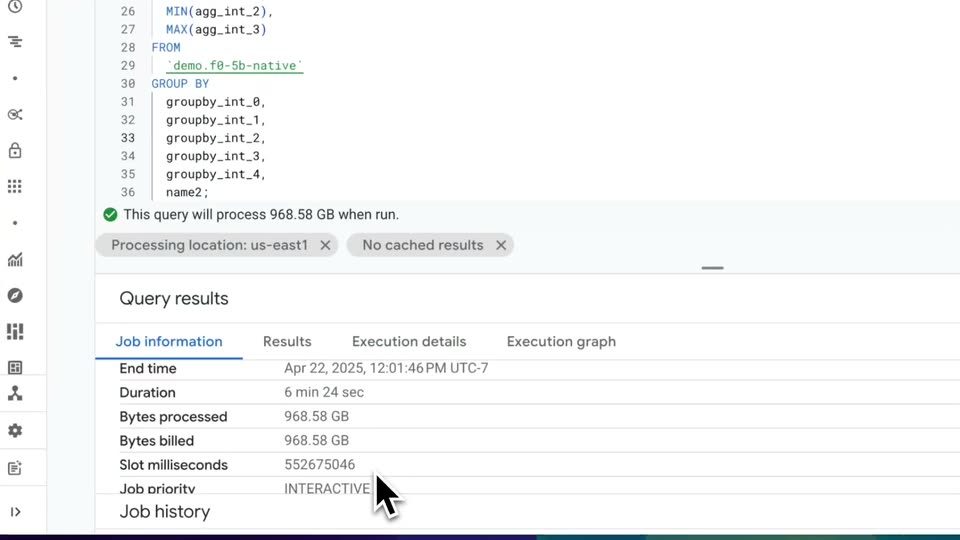 0:13–0:29ParaQuery · Launch YC: ParaQuery - cloud data processing for the GPU eraA BigQuery editor shows a SQL query above a job information table. The cursor hovers near the table, then the view zooms in as the cursor selects the Slot milliseconds value, highlighting it in blue, before zooming back out.
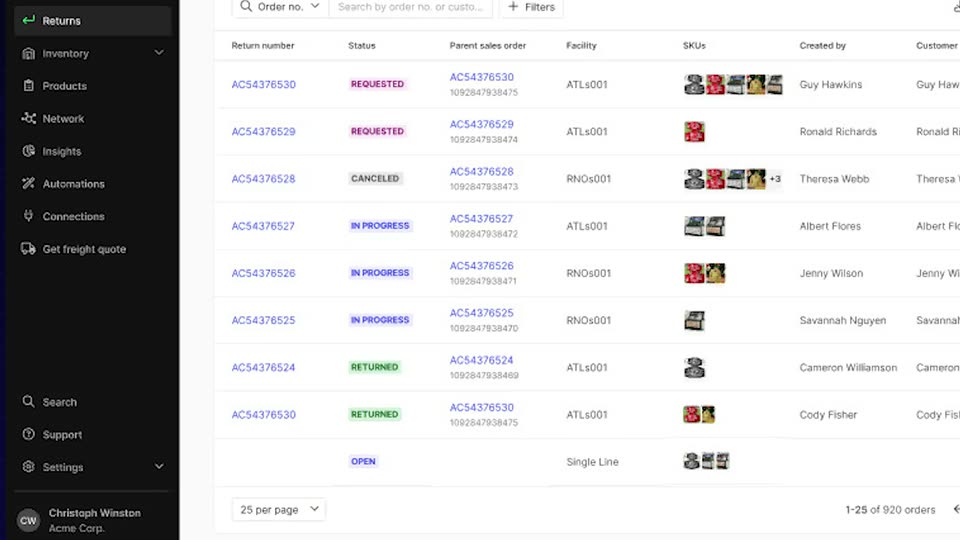 1:30–1:35Stord · Stord Returns - Product UpdateThe Stord Returns screen fills the frame over a dark blue backdrop. The camera pushes in on the data table, reframing until the Status column dominates, where a pink band highlights the status labels as the image softens into blur.
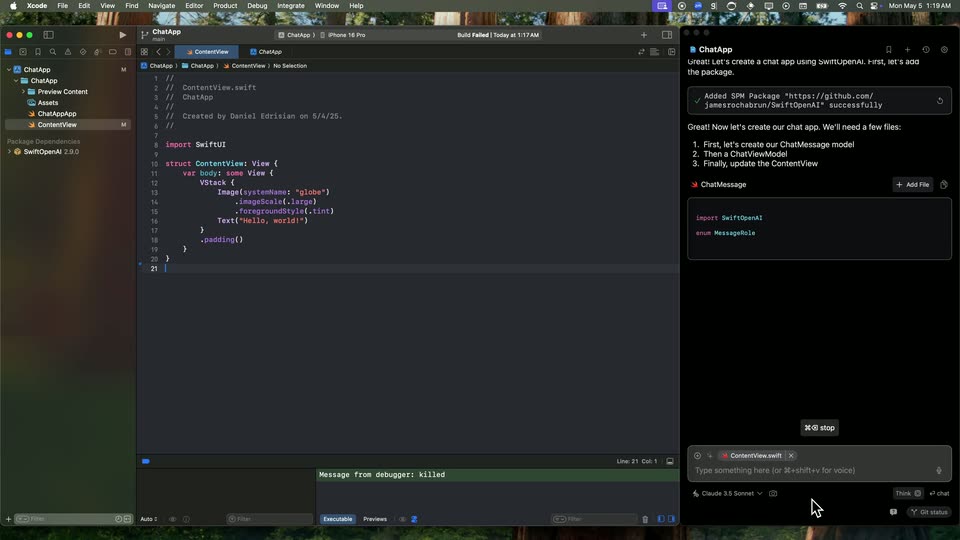 0:00–0:34Alex · Alex - Xcode AI Coding AssistantA locked-off screen capture of a code editor with a chat panel. The view reframes onto the input, where a cursor types a prompt. The panel then fills with reply bubbles, a package dialog, and streaming Swift code blocks as the file tree updates.
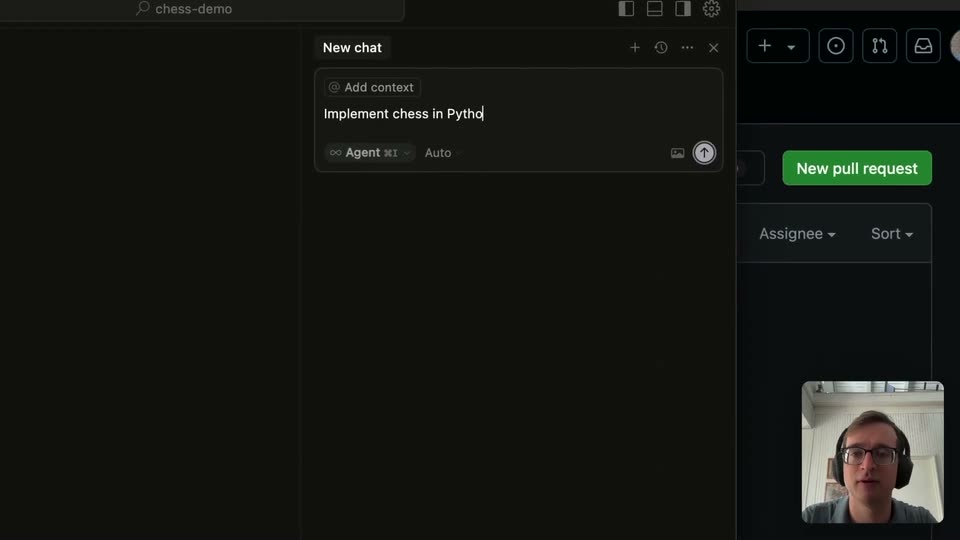 0:07–0:27Cartpole · Jazzberry DemoA screen recording of the dark Cursor IDE, with a small facecam of a man in headphones in the corner. The view zooms into the chat input as a prompt is typed, then the agent's reply streams in below it.
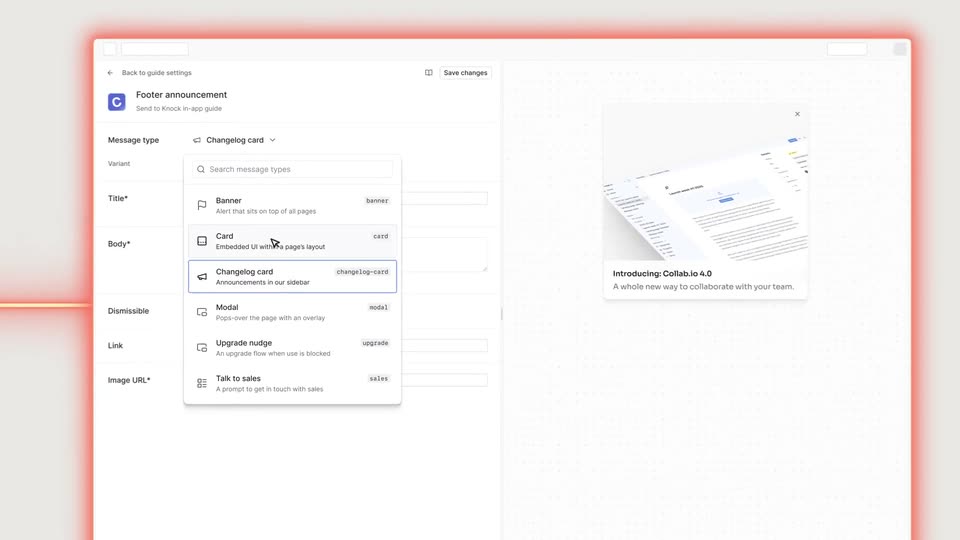 0:25–0:27Knock · Knock - Launch week → Day 5 Introducing Knock guides. Guides enable you toA settings panel shows an open message-type dropdown with a cursor hovering the options; the right-hand preview switches from a changelog card to a faster-uploads card as the view reframes tighter.
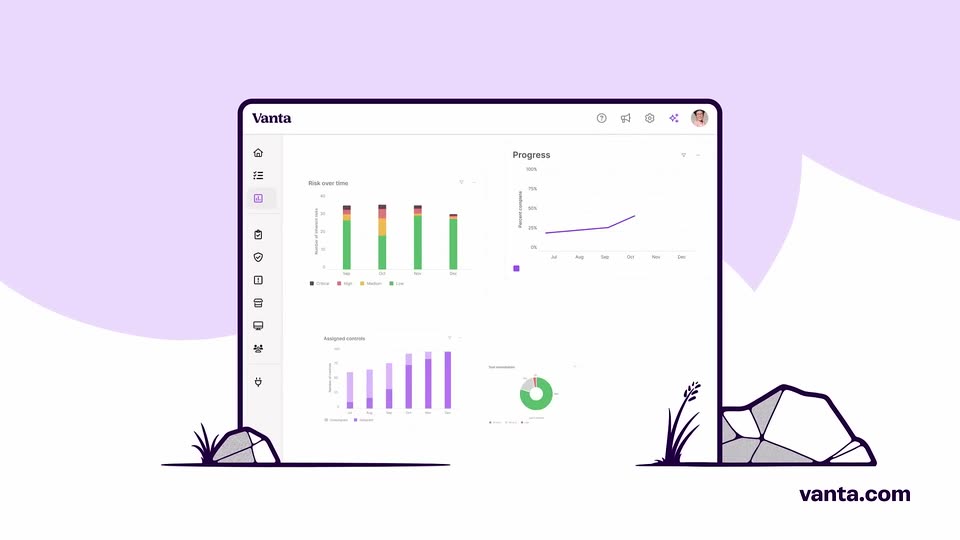 0:15–0:19Vanta · Meet the new way to GRCThe headline “Continuous compliance” sits above a flat laptop on a lavender backdrop with illustrated rocks. The dashboard populates as bars grow, a line draws and a donut fills, then the frame zooms into the Progress chart where a cursor hovers a SOC 2 tag.
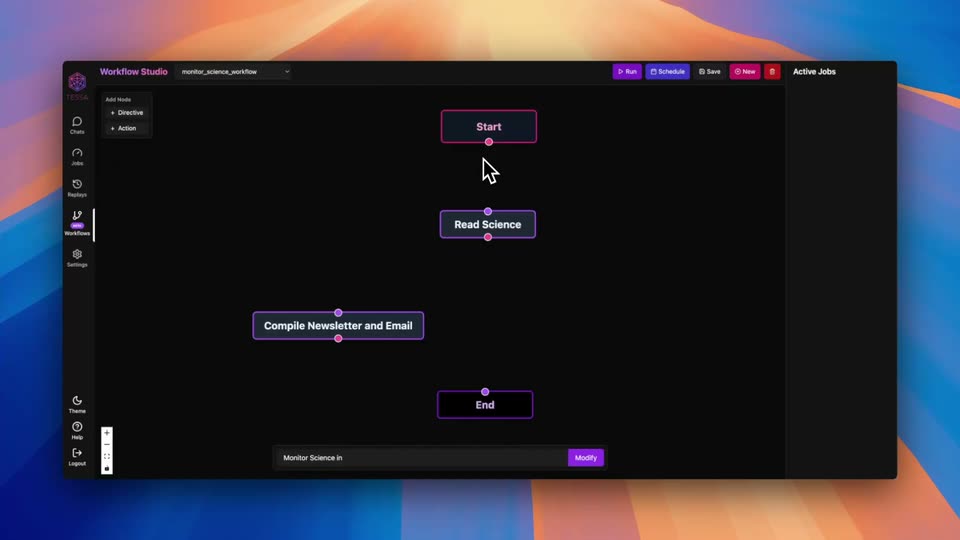 0:00–0:11Altrina · Workflow EditorA dark node-based workflow editor sits on a flowing orange and blue gradient. Nodes Start, Read Science, Compile Newsletter and Email, and End connect vertically while a white cursor hovers beside Start. The frame holds for ten seconds, then zooms in on the Start node.
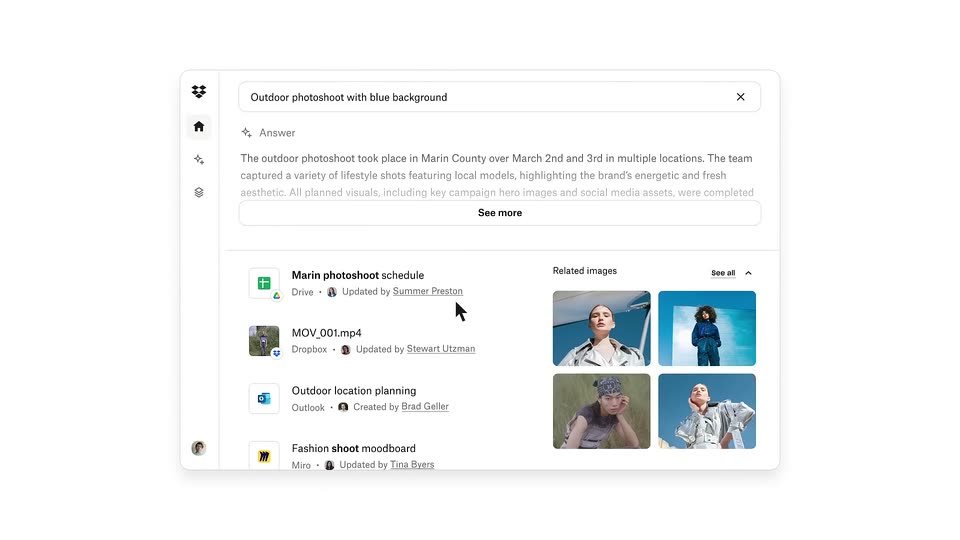 0:06–0:08Dropbox Dash · Dropbox Dash: Search videos, images, and create content fastA Dropbox answer card on a white background: an enlarged query pill fades out as the answer text, four file rows and a grid of four model photos fade in, while the cursor glides to hover See all.
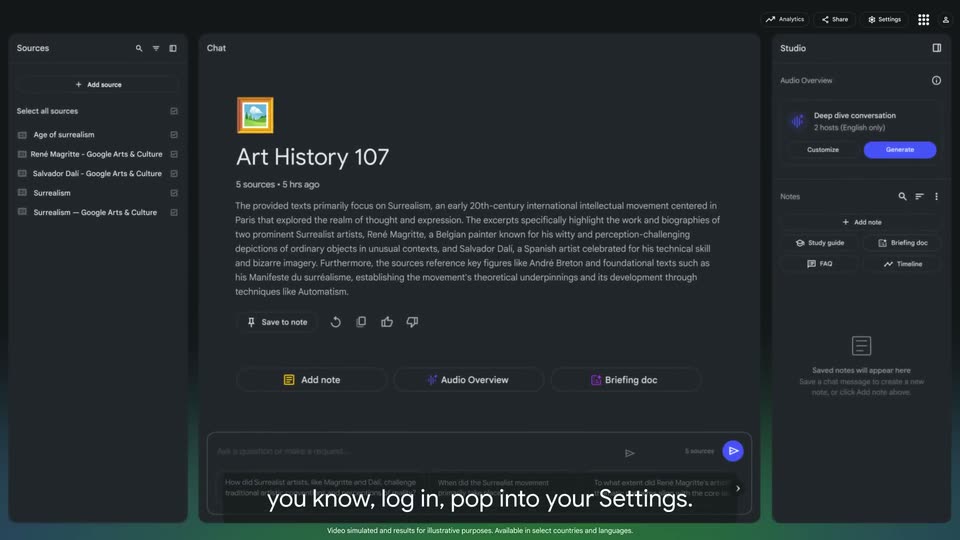 0:58–1:00Google · NotebookLM launches Audio Overviews in over 50 new languagesA dark three-panel workspace interface (Sources, Chat, Studio) with an Art History 107 note zooms in and brightens to full frame. White caption text sits at the bottom throughout the locked-off shot.
 0:02–0:08Knock · Knock - Launch week → Day 2 Introducing Knock workflows 3.0. Rebuilt with aA white workflow interface tilts in 3D perspective with shallow depth of field. The view pushes in from the step list to the red Commit button, then racks out of focus. Headline phrases appear in turn: The fastest way, to create modern, product messaging.
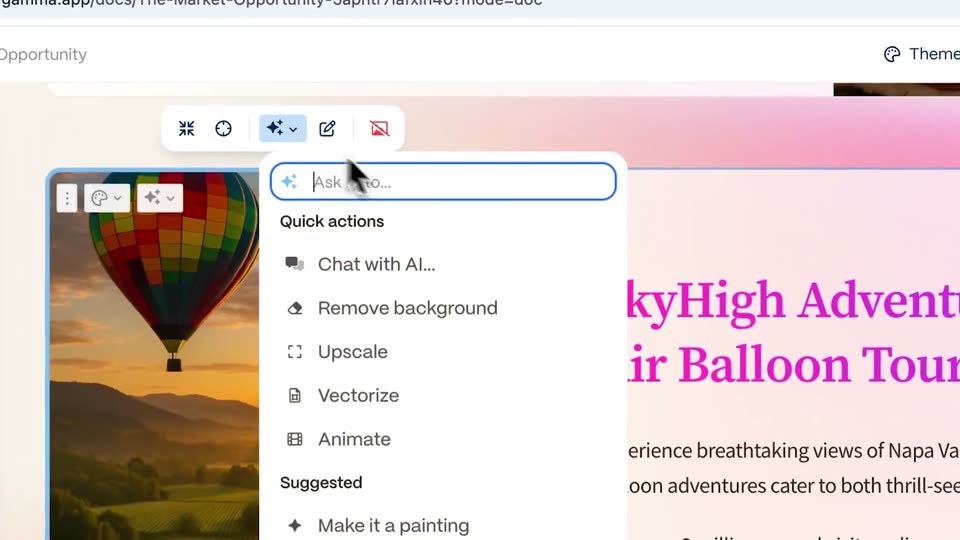 0:04–0:05Gamma · Gamma - Introducing AI Image Editing with animation! You can now edit and anA screen recording of the Gamma editor shows a slide with a hot air balloon photo. The cursor moves to the top toolbar and clicks the Ask AI button, opening a dropdown menu, as the view zooms in on the toolbar.
 0:20 · 0.8sKnock · Knock - Launch week → Day 1 Introducing Knock Agent Toolkit. Build AI agentA dark pill with red monospace text slides over a light gray code editor panel with line numbers, reframing from a wider workflow graph of gray action labels.
 0:02–0:05Adobe · Adobe Firefly: The next evolution of creative AI is hereA grid of colorful generated images sits behind a dark rounded prompt bar. The prompt types out word by word, a blue Generate button pops in, and the cursor clicks it as the frame zooms onto the button.
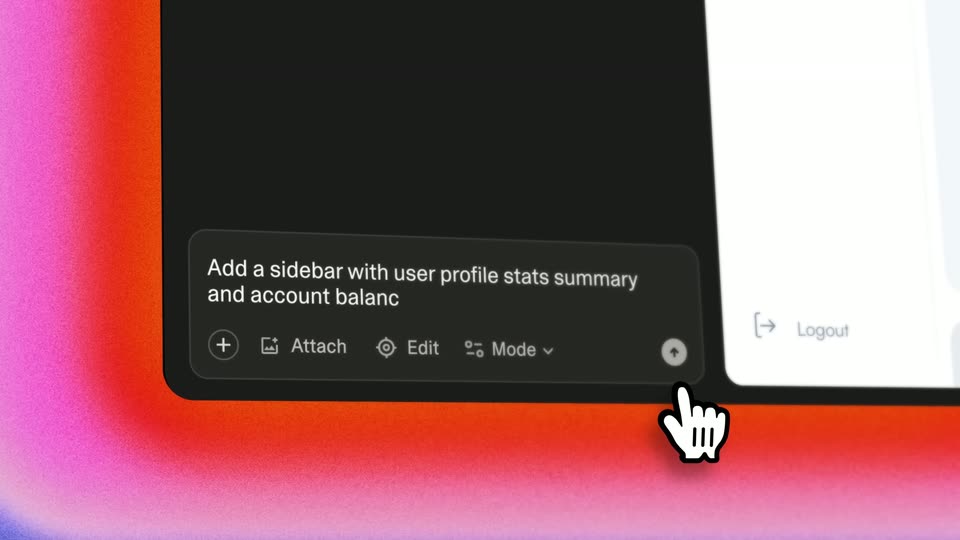 0:26–0:33Lovable · Lovable 2.0 is here. Multiplayer vibe coding. Smarter & more secure.A dark prompt panel and the generated Clario storefront sit in 3D perspective over a pink-blue glow. The view zooms into the input, types a sidebar request, clicks send, then pulls back as a profile and balance sidebar appears on the right.
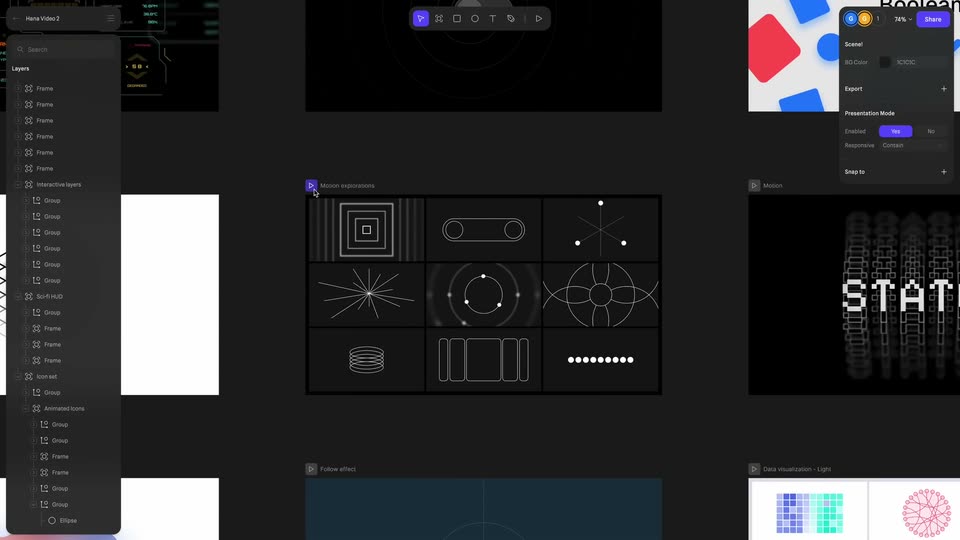 0:17–0:19Spline · Introducing Hana - A new canvas for interactivity - by SplineA dark design-tool canvas shows a grid of motion-design frames with a layers panel docked on the left. The view scales up toward the center, pushing the top row off-screen and enlarging the right-side STATES frame with its Motion and Design labels.
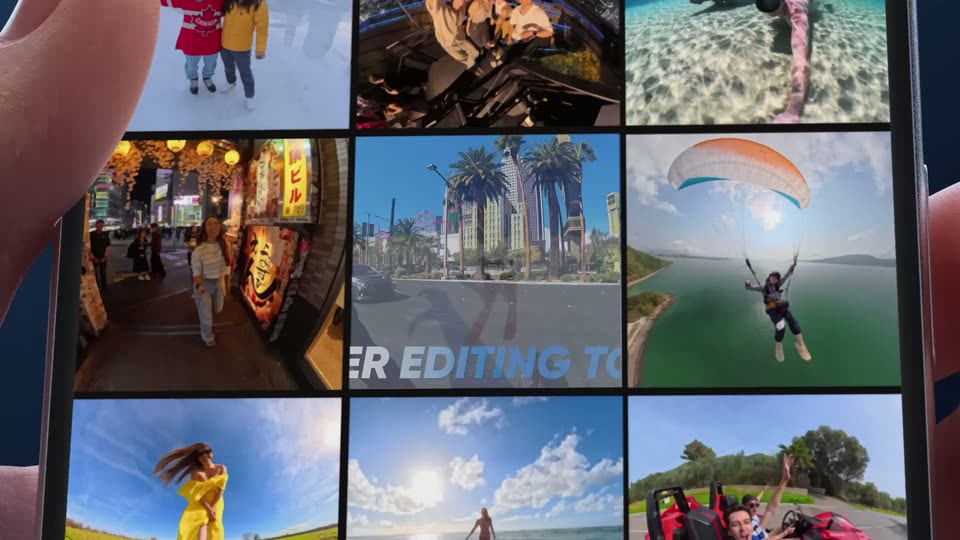 2:33–2:34Insta360 · Meet Insta360 X5 - New Flagship 8K 360 Action CameraA hand holds a phone in 3D perspective against a dark blue background, its screen filled with a photo grid. The camera zooms into the grid, flattening the view, while the white italic caption slides out of frame.