UI zoom
A zoom or reframe onto one part of the interface.
9,964 scenes · page 41 of 167
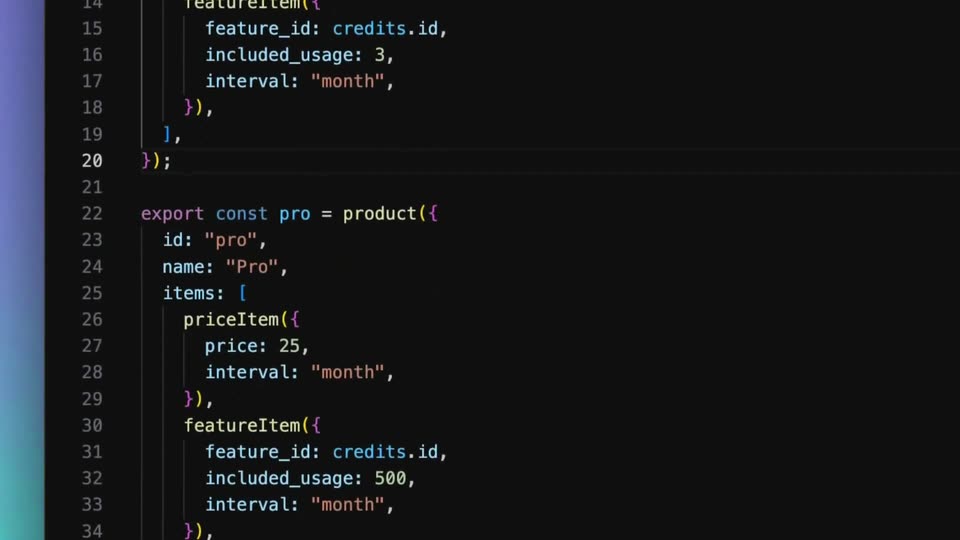 0:59–1:12Autumn · Autumn: Stripe for AI StartupsA dark code editor shows a TypeScript file; the camera zooms in and scrolls down while a blue selection highlight moves across the credits, free and pro plan blocks. A white caption fades in at the bottom.
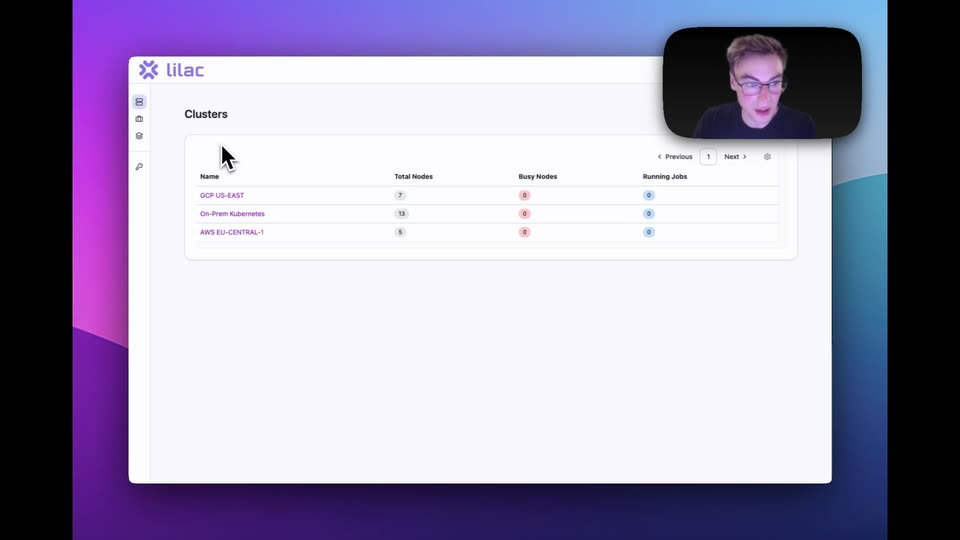 0:27–0:38Lilac · Lilac Launch -- Ensuring GPU Availability!A white lilac dashboard panel shows a Clusters table with three rows; a mouse cursor glides down to hover the GCP US-EAST row, tinting it purple, while a small webcam feed of the presenter sits in the top right corner. The view then zooms into the table.
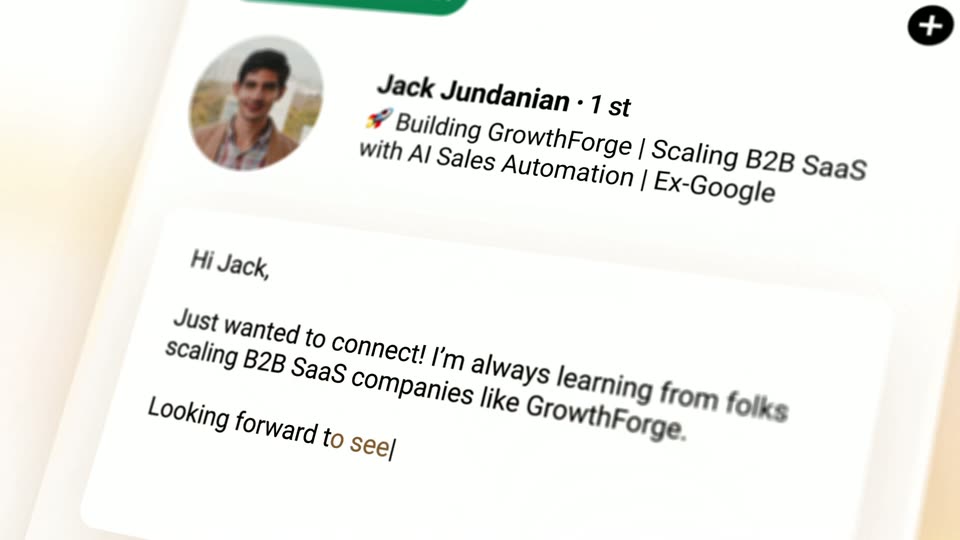 0:20–0:24Lindy · Lindy - Lindy 3.0 is live. You can now create agents with a simple prompt anA white LinkedIn message card floats tilted in 3D space as the note to Jack Jundanian types itself out, an orange Lindy Agent pill with a cursor hovering at its corner. The camera pushes in on the card, then blurs into a giant tan Step caption.
 0:29–0:30Nia · arlan rakh - introducing nia. ship reliable code 10x fasterA browser window opens on the Stripe docs page with a dark code editor floating over it. The shot begins tilted and out of focus, then straightens and sharpens onto the JavaScript snippet as the editor settles to the bottom.
 0:17–0:18Synthetic Society · Synthetic Society Launch VideoTwo interface panels, a chat card on the left and a terminal on the right, sit side by side. The camera pushes in on them while the white phrase faster than ever stays fixed across the center.
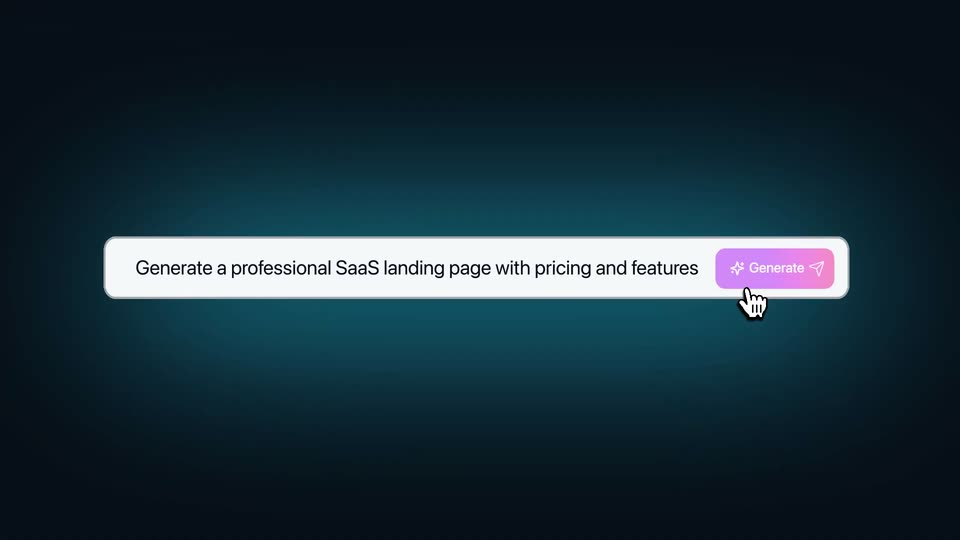 0:15–0:17VibeFlow · YC Launch Video: VibeFlowA white rounded prompt bar on a dark teal gradient. The prompt types in letter by letter while the bar zooms out to a centered size; a purple Generate button with sparkle and send icons appears, and a hand cursor moves in to hover.
 0:00–0:01Screen Studio · Screen Studio - Screen Studio detects when you rotate your iPhone screen and automatiA front-facing smartphone mockup floats on a blurred blue and purple abstract background. The camera pushes in on the lower screen, settling on a dock of three app icons, one carrying an N logo with a 13 badge.
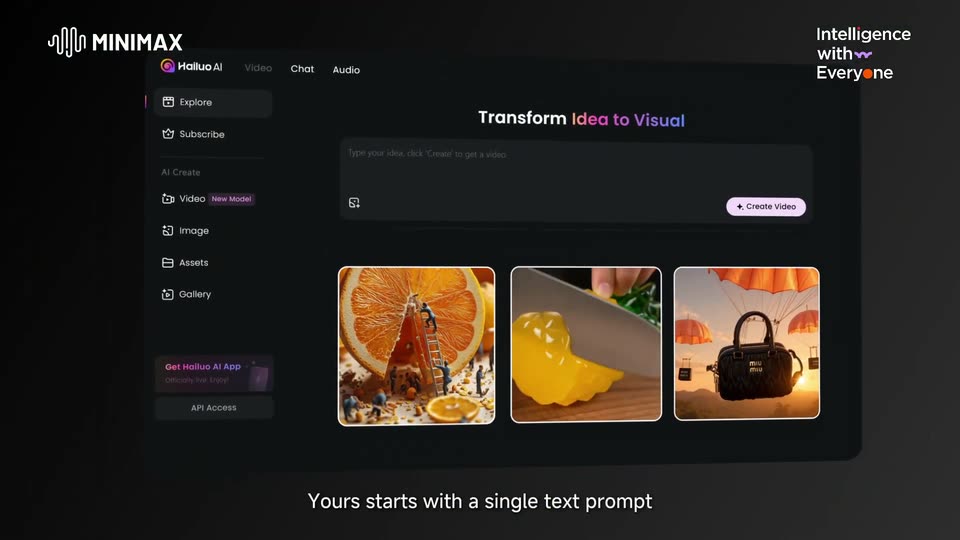 0:03–0:05Hailuo · MiniMax Design (H3) - 🚀 Hailuo Agent Templates just leveled up 🎬 Editable Storyboards are hA dark Hailuo AI interface with a left sidebar and a prompt box sits over a blurred background. The view zooms in as three video thumbnails of an orange, a jelly and a handbag scale up, while a caption fades in at the bottom.
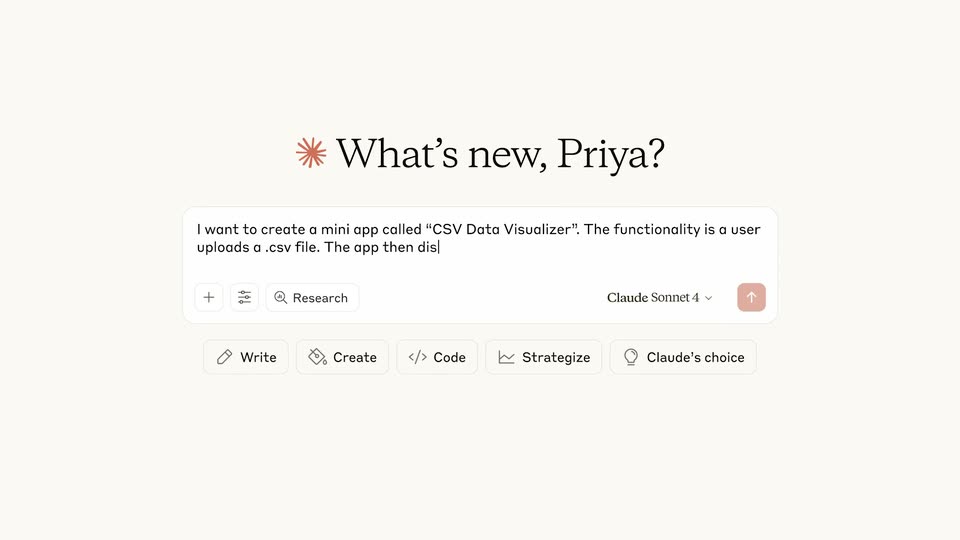 0:02–0:07Anthropic · Anthropic - Claude artifacts are now even better. Upload PDFs, images, code fileA hand-drawn chat panel with black corner scribbles on coral zooms into a clean cream screen showing the “What’s new, Priya?” greeting. A prompt to build a CSV Data Visualizer app types into the input box.
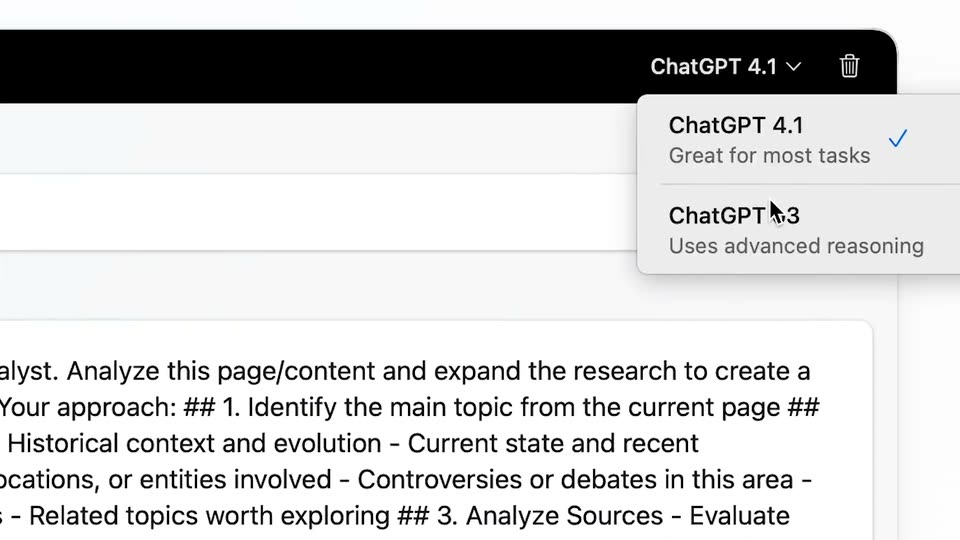 0:30–0:32The Browser Company · Dia - Sometimes you need a bit more… power. Reasoning models, now availablA dark scene with a bright central glow cuts to a product screen showing the deep-research prompt. The frame pans right to the model selector, where a cursor opens the dropdown and selects ChatGPT o3.
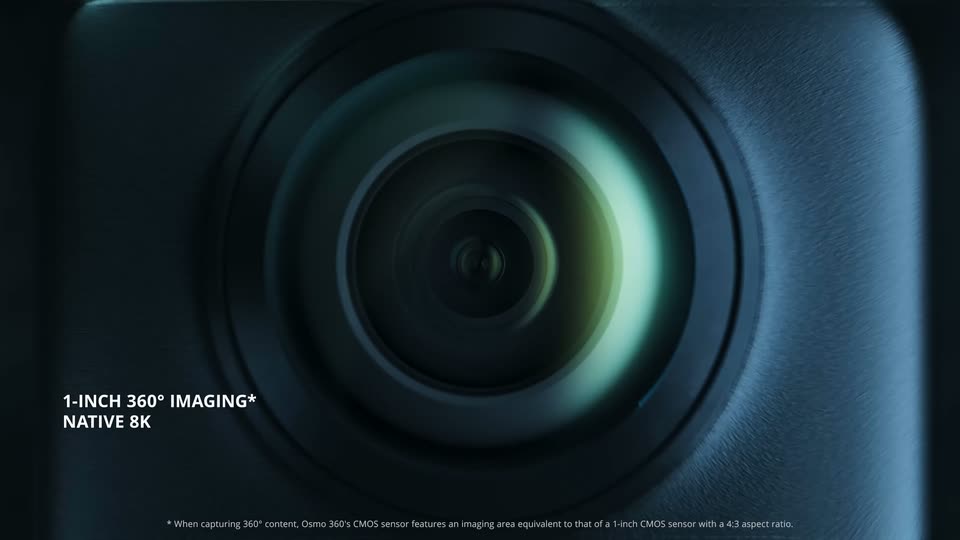 0:17–0:18DJI · Meet DJI Osmo 360 - 8K Revolutionary 360° CameraA 3D Osmo 360 camera floats on a black background, its front screen showing a 360-degree mountain shot. The view pushes in until the lens fills the frame, its concentric rings catching a teal glint.
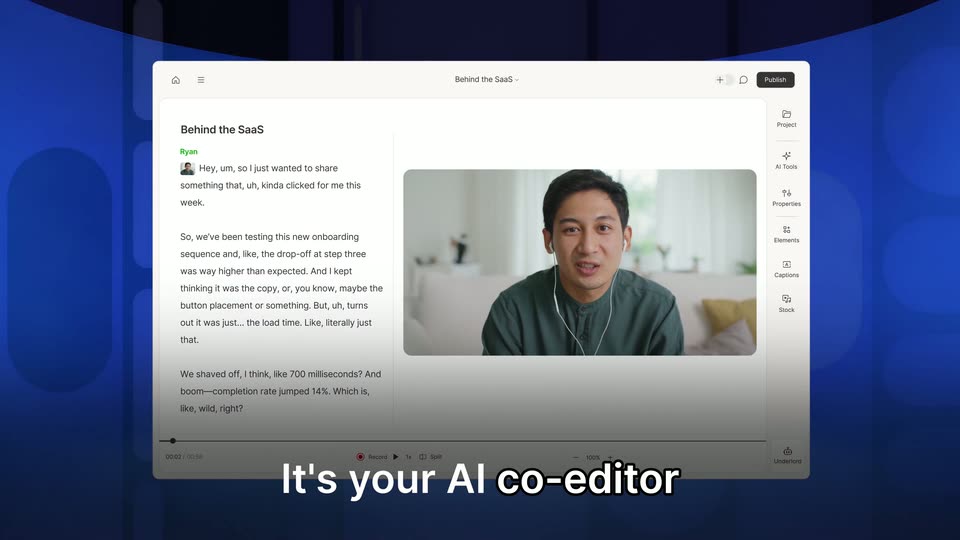 0:29 · 0.8sDescript · Descript - Never edit alone again. Underlord is now available in beta. UnderlorA web video editor interface floats in 3D over a deep blue field of soft rounded shapes. The mockup tilts as the camera pushes in, reframing onto the top of the layout where a talking-head video plays beside a text panel. A white caption holds the bottom edge.
 0:11–0:14Imprezia · Imprezia Launch VideoA white press-release page appears as a small window over an orange and blue gradient, then the view zooms steadily into the blue headline and gray body copy until the article fills the frame. A mouse cursor hovers near the top of the text.
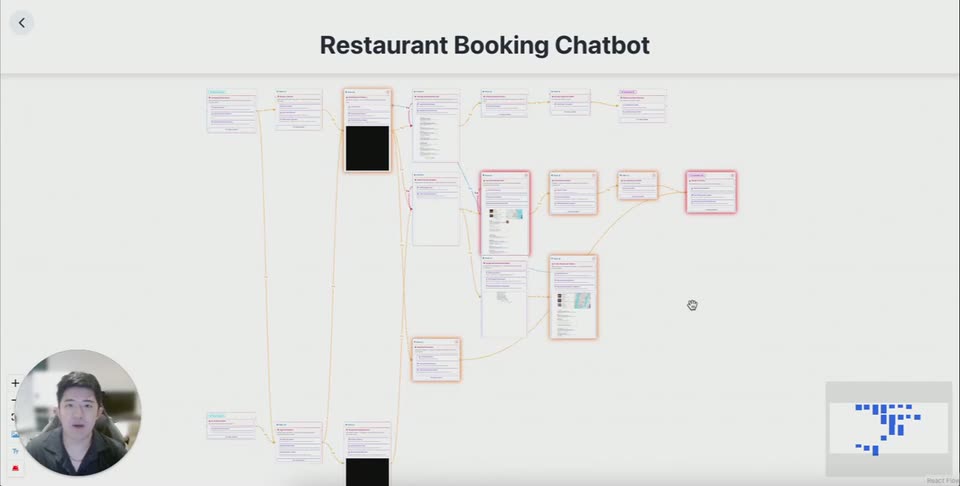 2:53–3:06Lucidic AI · Lucidic HN DemoA screen recording shows a node-graph interface titled Restaurant Booking Chatbot, its cards linked by colored lines. The view scrolls in on the cluster while a cursor drifts across the canvas; a circular webcam of a presenter sits bottom-left and a minimap bottom-right.
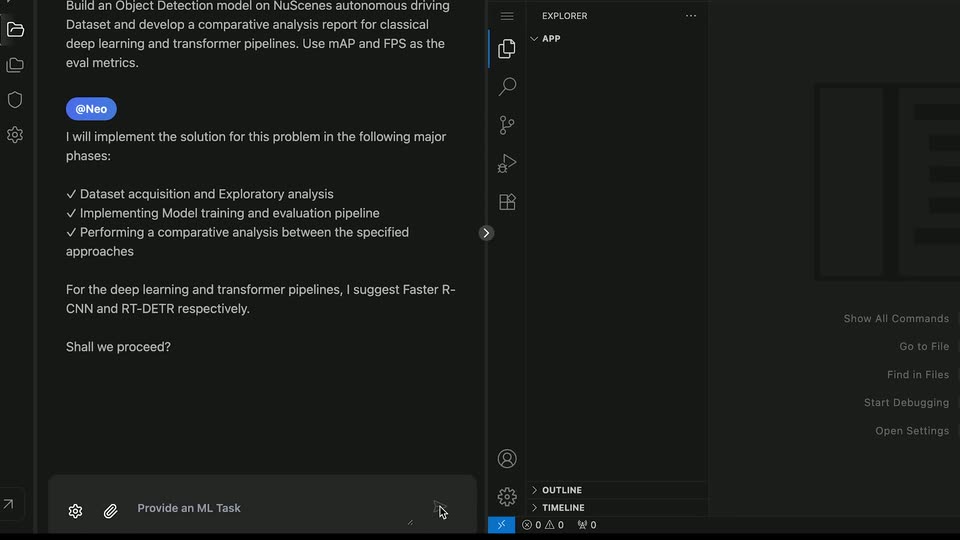 0:49–0:50Neo AI · Neo AI - Introducing NEO: The first Agentic Machine Learning Engineer. It worA dark IDE window opens on a chat panel where an agent outlines an object-detection task, then the frame pulls back to reveal the full editor with a file explorer and command list on the right.
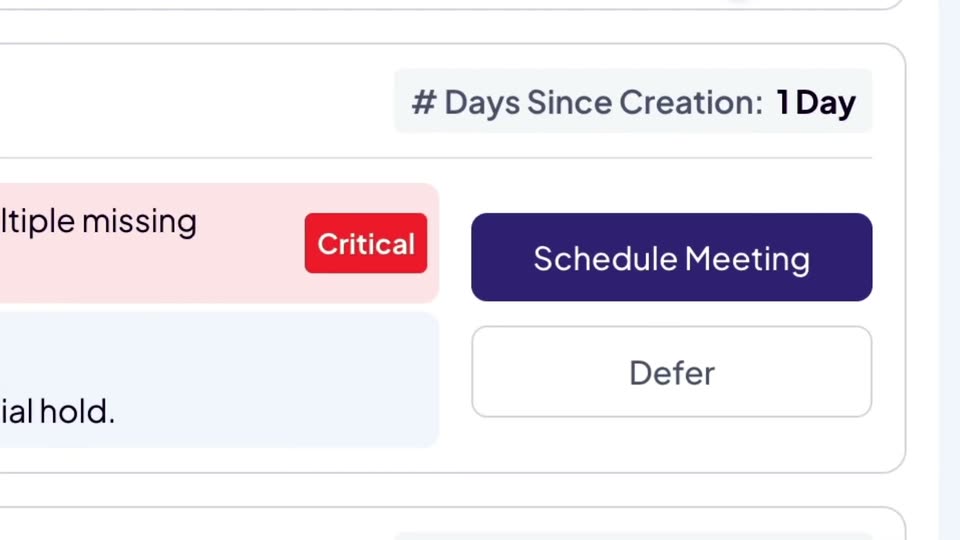 0:38–0:40Risely AI · Introducing Risely: AI agents that automate administrative tasks for universitiesThe full Triage Center screen dims as the view zooms into the first student row, isolating the red Critical flag and the Schedule Meeting button; a hand cursor then hovers over the button.
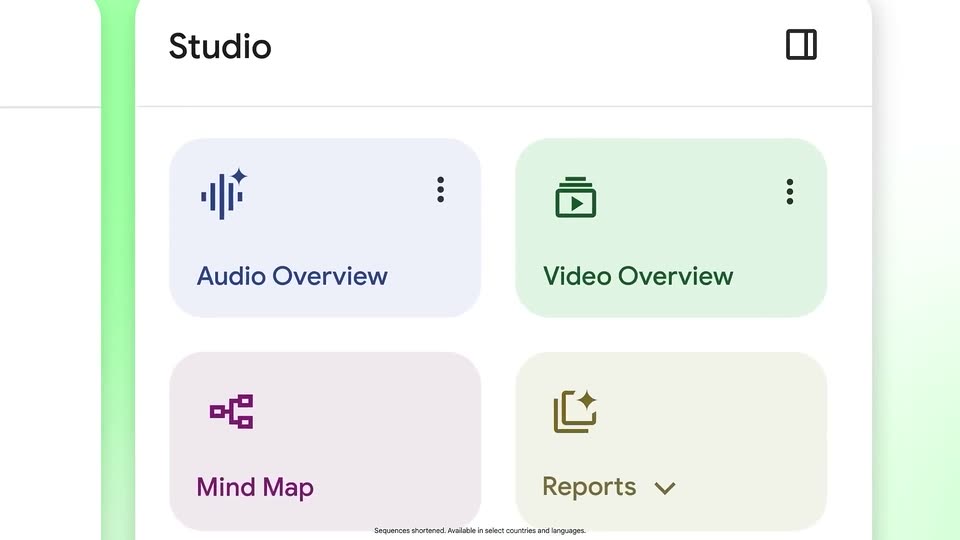 0:00–0:01Google · Introducing NotebookLM Video OverviewsA multi-panel interface with a chat view and two Studio panels sits on a green gradient. The view zooms into the right Studio panel, centering four feature cards: Audio Overview, Video Overview, Mind Map, and Reports.
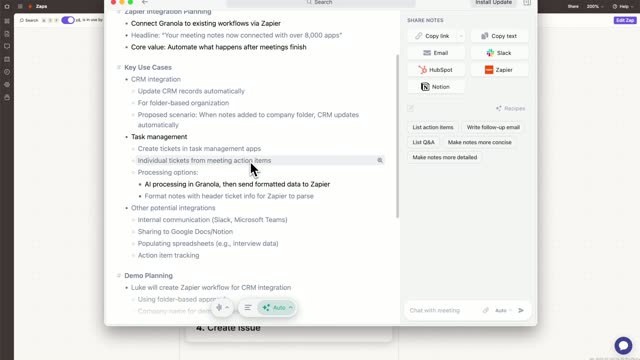 0:47–0:54Granola · Introducing Granola + Zapier | Your meeting notes, now connected with over 8,000 appsA notes app window shows a document titled Zapier Launch Video! with a bulleted list. The view zooms in on the heading, then pulls back out. The cursor moves down the list, highlighting lines as it passes.
 0:03–0:06Design Arena · Design Arena: Can AI Actually Design?A white input bar sits centered on a light gray field. The gray label One Prompt gives way to the typed prompt Make a glass wallet component as the round arrow button brightens to green, then the camera pushes in past the letters until they fill the frame.
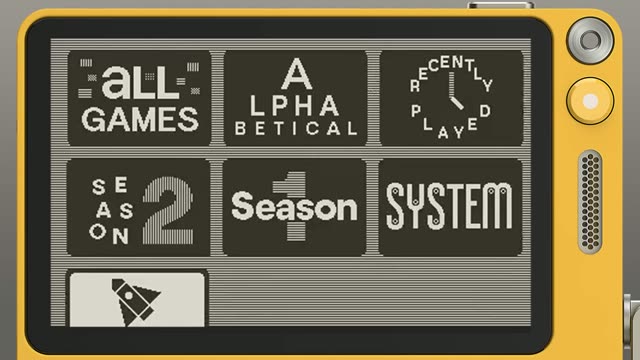 0:15–0:16Playdate · Coming Soon: Playdate System 3.0A yellow handheld device mockup sits in 3D perspective, its screen filled with a grid of game library tiles. The view then zooms into the display, where radial lines burst outward around a large 0:360 counter.
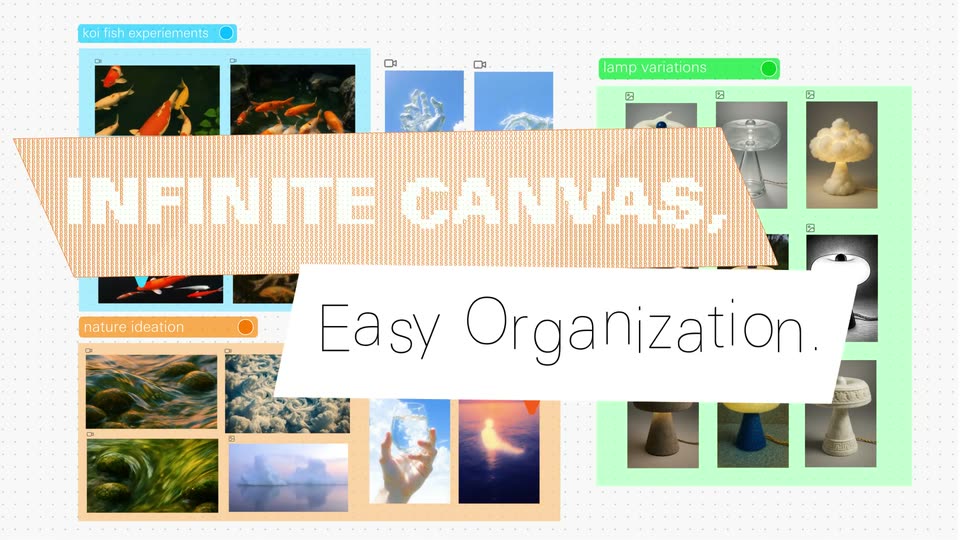 0:13–0:17Stewdio · 🍲 Stewdio: Creative Intelligence Meets Infinite CanvasThe camera pulls back from a close-up to reveal a dotted canvas holding three colored boards of koi, lamp, and nature media, as blue and orange cursors drift over the tiles. Two angled ribbon banners then appear with the headlines, and the view pushes in on them.
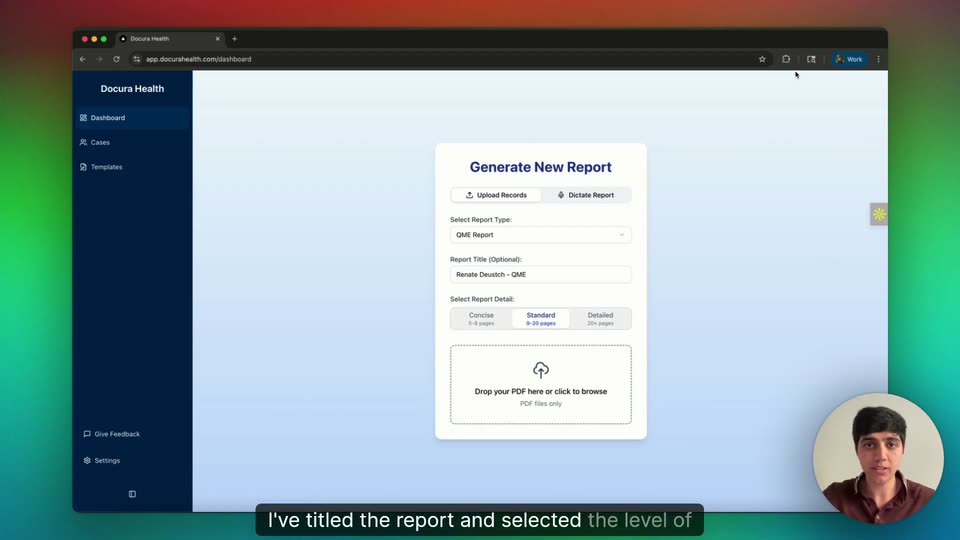 0:10–0:24Docura Health · Docura Health DemoA browser window on a gradient background shows the Docura Health app's Generate New Report card; a presenter's head sits in a circular inset bottom right. Captions roll at the bottom, then the view zooms in on the card as the cursor reaches the PDF drop zone.
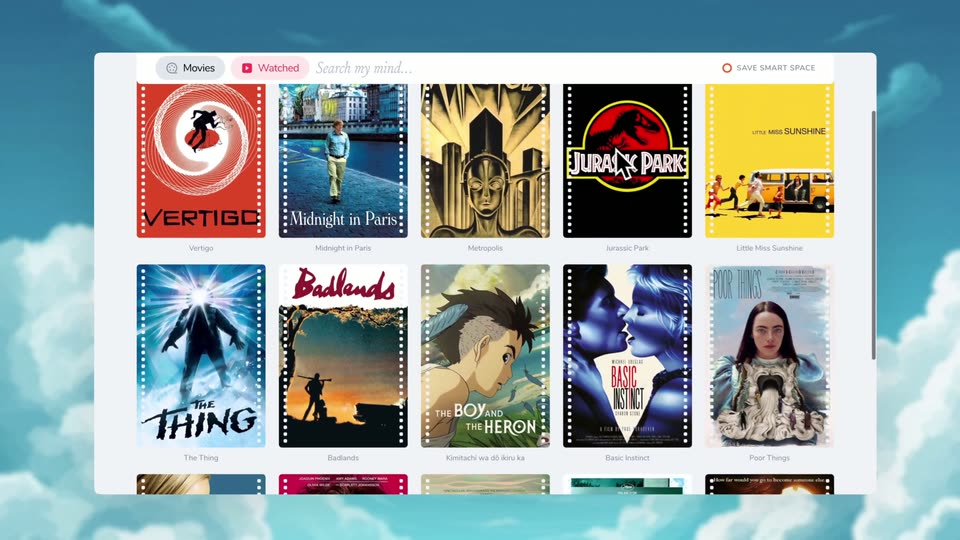 0:05–0:09mymind · mymind - You asked for it, we shipped it 🧡 We hope you enjoy this new feature!A tilted white app panel floats over a cloudy blue sky. The shot opens tight on the Movies and Watched pills, then pulls back to the full poster grid; the cursor hovers the Jurassic Park poster and an Add to MOVIE tag pops in.
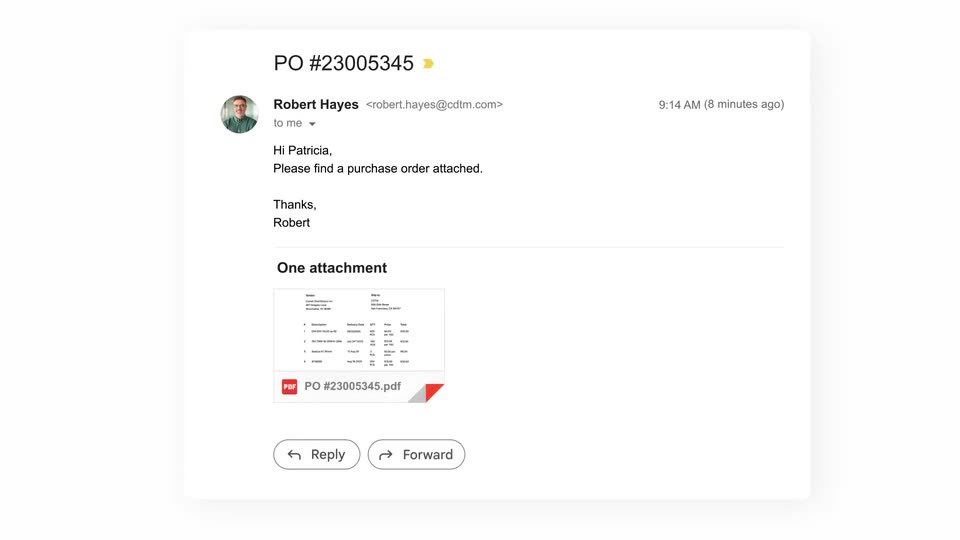 0:18–0:23Comena · Comena Launch Demo - Automated PO ProcessingA white email card with a purchase order PDF attachment fades in on a light background. The view zooms into the card as a black cursor glides to the Forward button.
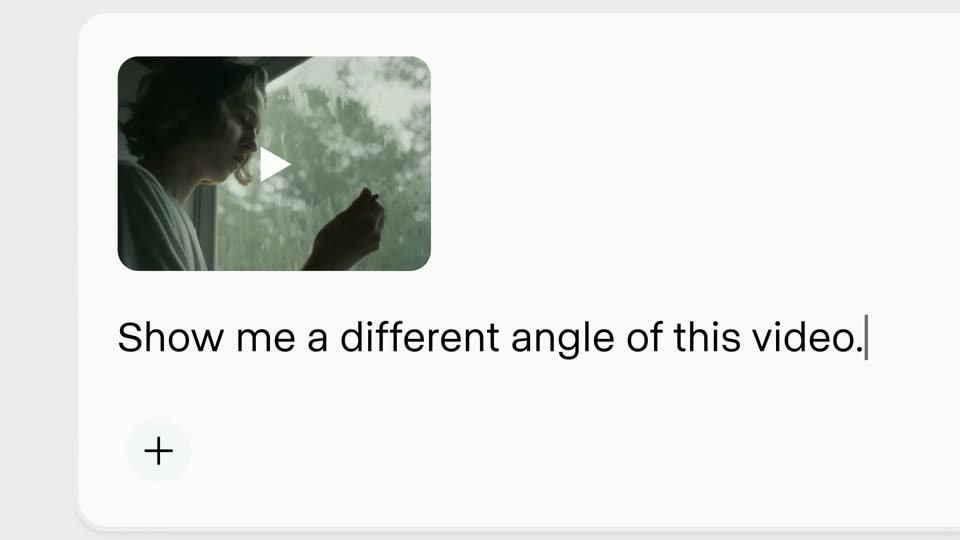 0:03–0:06Runway · Introducing Runway Aleph | A new way to edit, transform and generate video.A white idea card on a gray field holds a video thumbnail of a woman at a window. The card scales up from the corner as a prompt is typed into its input line, replacing the placeholder. The frame stays locked while the panel grows.
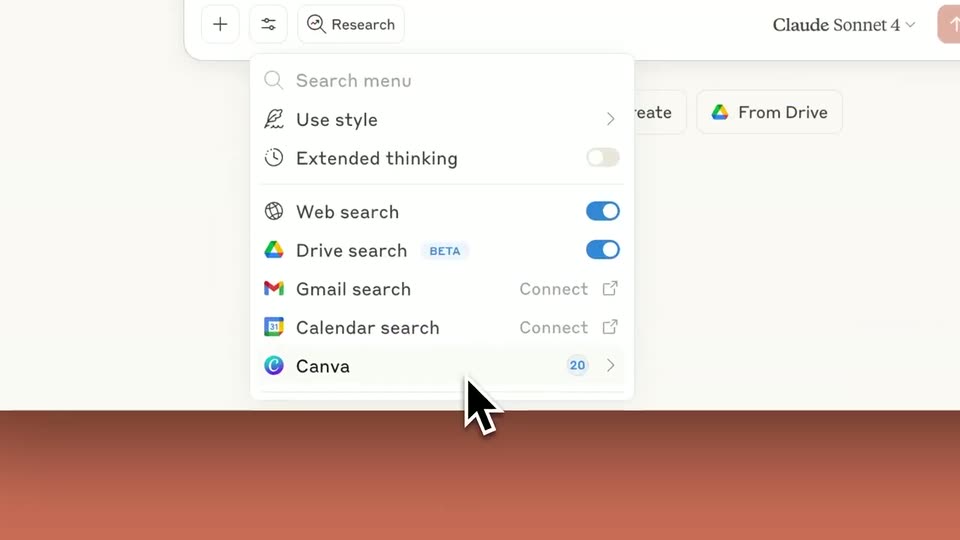 0:02–0:06Anthropic · Anthropic - Turn written content into professional designs with Claude + @canvaA browser window mockup of a chat app sits on a brick background. A cursor moves to the sliders button and a search-connectors dropdown opens below it. The view zooms into the menu, then pulls back as the menu closes.
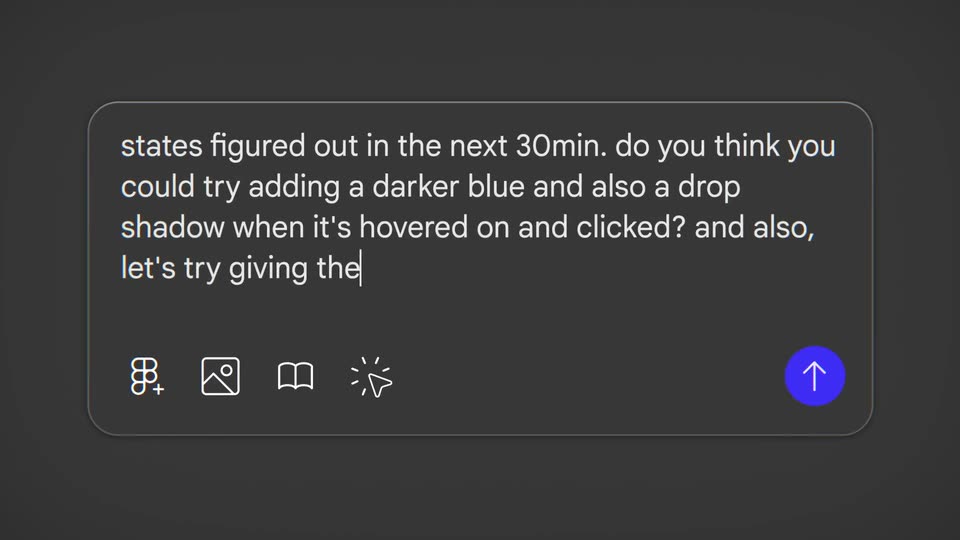 0:16–0:19Figma · Figma - Prompt it. Then push it to make it better. Figma Make, now availableA dark rounded prompt card on a gray field types out a message about button states, a blinking caret trailing the white text. A row of tool icons and a blue send button sit below. The text scrolls up and the card blurs as a new outline slides over it.
 0:06–0:07GhostEye · Introducing: GhostEyeA dark blog page shows the ChooseFive logo as a large centered watermark under the header Security Awareness Training Blog. The view zooms into article headlines about AI impersonation and the FBI, then settles back on the logo.
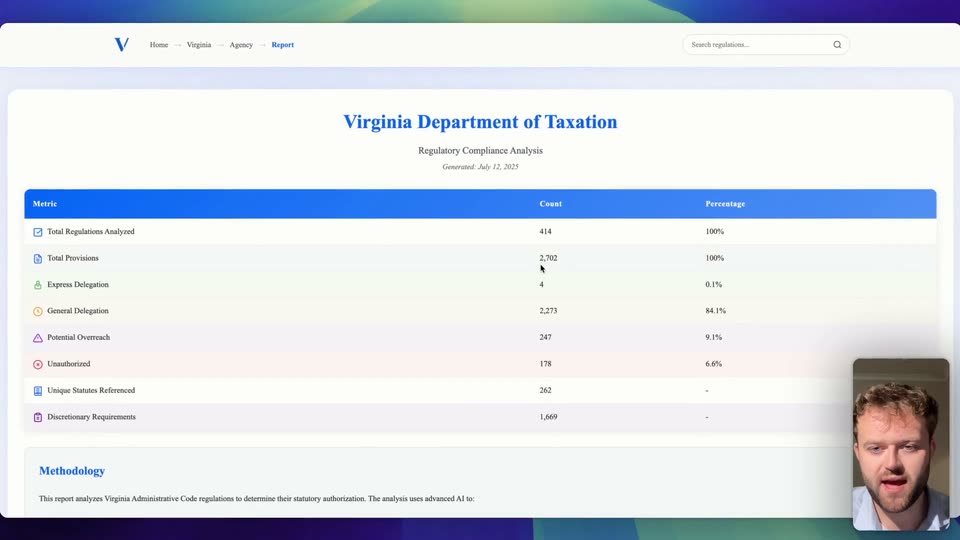 0:22–0:33Vulcan Technologies · Virginia Required Our Product by LawA compliance report page for the Virginia Department of Taxation fills the screen, its data table zooming in and out to highlight the count and percentage columns. A cursor hovers over the rows while a small webcam feed of a man talking sits in the corner.
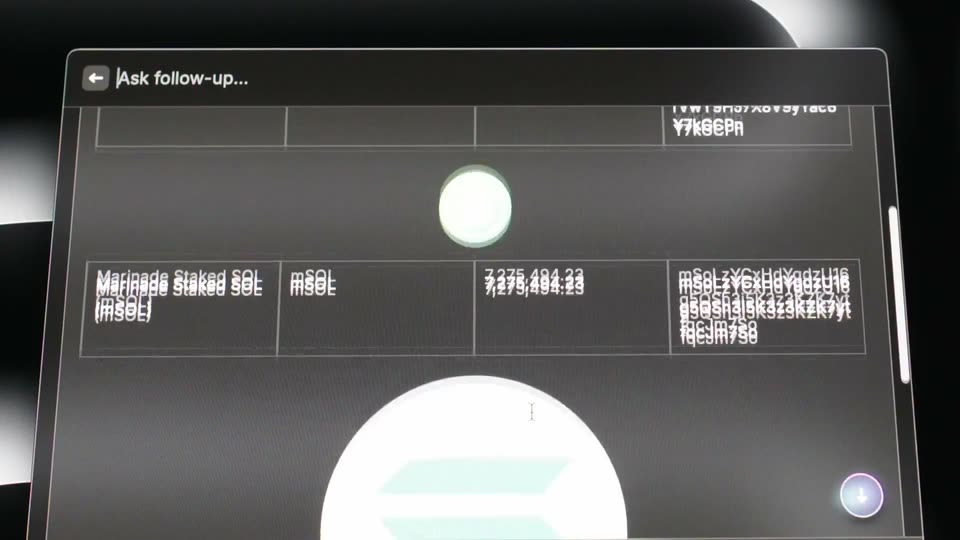 0:32–0:35SendAI · Yash - Introducing SendAI Raycast Analyse. Buy/Sell. Limit Orders. DCA. LauA dark tablet mockup in 3D perspective shows a token data table listing Jito and Marinade Staked SOL with volumes and addresses. The camera pushes in on the table, accelerating into a blurred close-up of a round token logo.
 0:18–0:19Sira · HR, Payroll & Time Tracking… Automated in Minutes with AI 🤯The Sira dashboard fills the frame, logo and tagline on the left, a payroll panel on the right. The interface then blurs and zooms out, leaving the chat message centered on a faint grid.
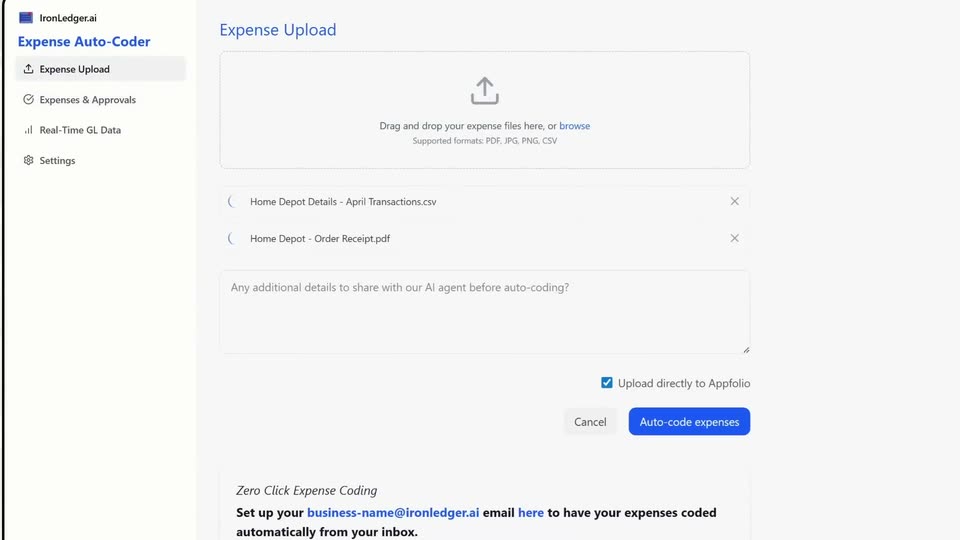 0:10–0:17IronLedger.ai · The easiest way to do your property accounting | Save 100s of hours coding invoices and expensesThe Expense Upload interface sits in a laptop frame under a grey headline; chat and mail icons pop in at right, then the view zooms flat into the screen as two file rows load and turn to green checkmarks.
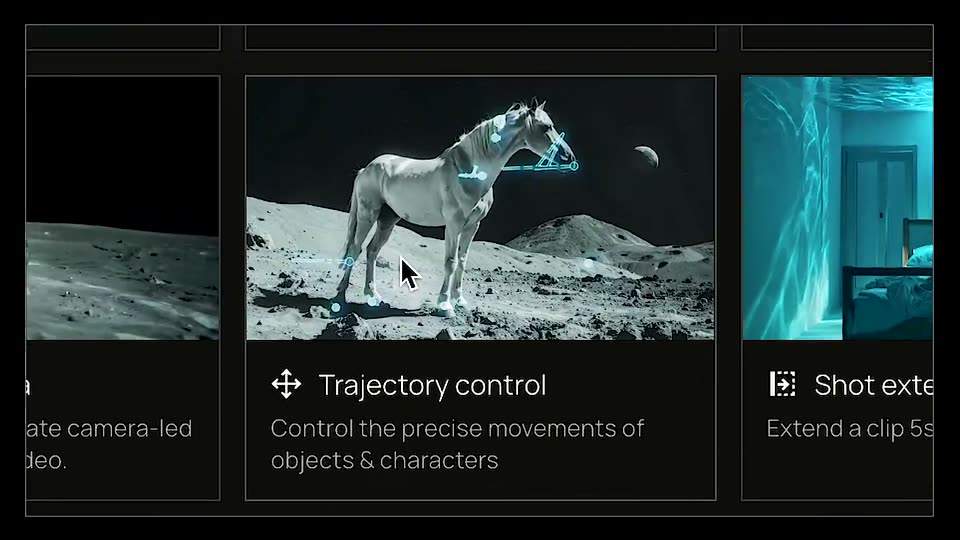 0:02–0:04Marey · Moonvalley - Most AI video tools rely on text prompts or preset motions to defineA dark grid of feature cards zooms in on a central card showing a horse on a rocky surface, overlaid with cyan trajectory lines and control points. A cursor hovers over the card while the label Trajectory control and its caption sit below.
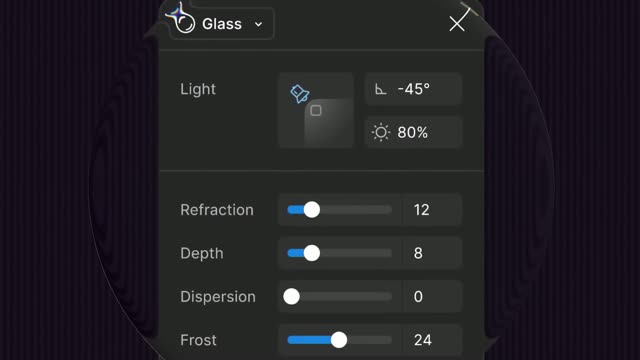 0:00–0:03Figma · Introducing Figma’s new glass effectA dark glass settings panel is revealed through an expanding circular mask while the camera pulls back from a close-up of a toggle to the full card, showing Light controls and sliders for Refraction, Depth, Dispersion and Frost.
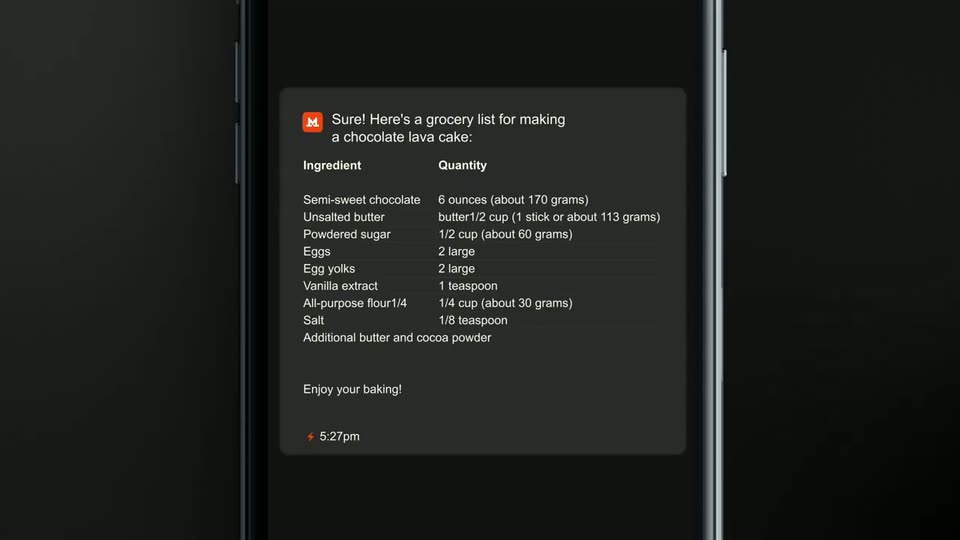 1:05–1:06Mistral AI · Mistral AI - Introducing powerful new features in Le Chat, making it more capableA phone screen on a dark background shows an assistant message with a grocery list table for a chocolate lava cake. The camera zooms steadily into the message card, cropping the top, while a pixelated red and yellow bar rises along the bottom edge.
 0:37–0:41OpenAI · Introducing ChatGPT agentA chat prompt field below the heading 'What can I do for you?' fills with typed text about San Francisco's ACFR reports. The view zooms in on the line's end as 2020-2024 completes, holding on the mic icon and black send button.
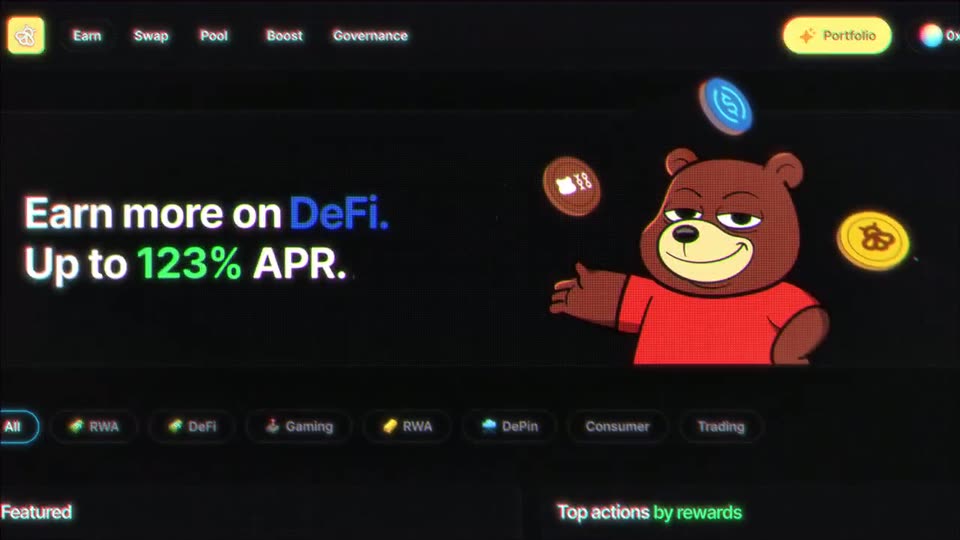 0:12–0:14Berachain · Berachain Foundation 🐻⛓ - Welcome to the New Hub.A cream Macintosh Classic sits on a 3D desk beside a red clock, books and colorful posters on a blue wall. The camera pushes into the monitor until the dark DeFi interface fills the frame, showing a grinning bear and the line Earn more on DeFi. Up to 123% APR.
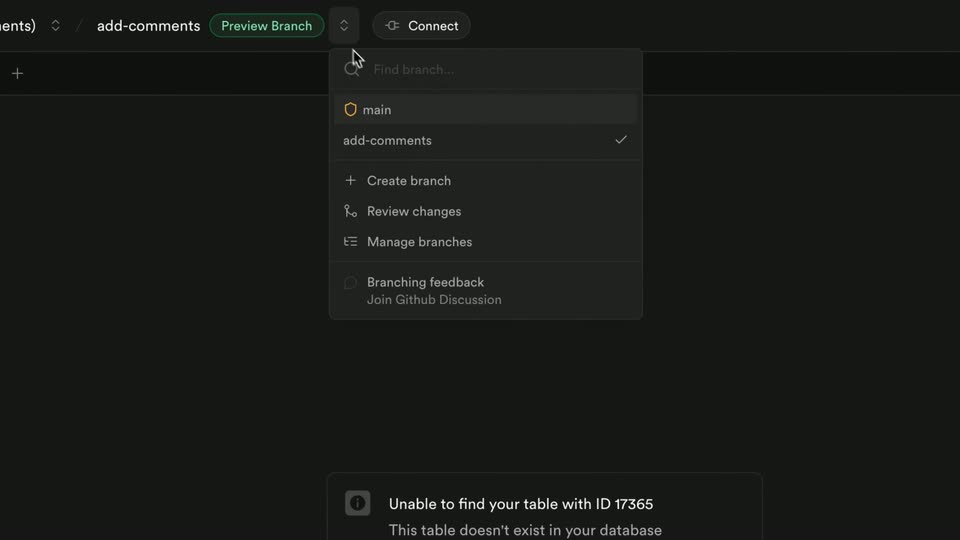 0:42–0:43Supabase · Branching just got a whole lot easier!A dark table editor UI with an open branch dropdown at the top. The frame zooms in on the navigation bar as the cursor moves onto the Find branch field, while an error dialog stays centered below.
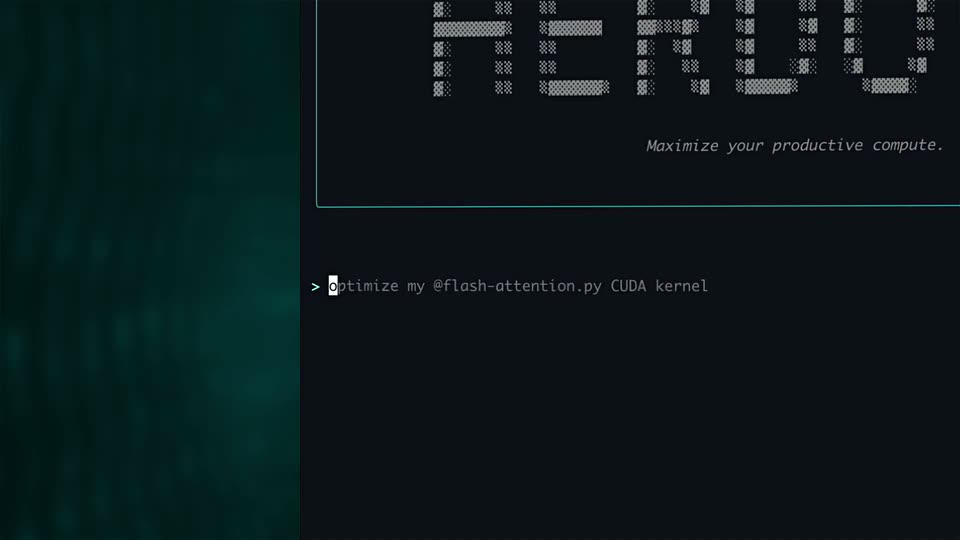 0:23–0:24Wafer · From sand to chip | Herdora (YC S25)Two tilted terminal windows float in 3D perspective on a black field, the front one showing a prompt line and the rear one a pixel HERDORA logo. The camera pushes in steadily, reframing from the stacked windows to a close-up of the logo and the prompt.
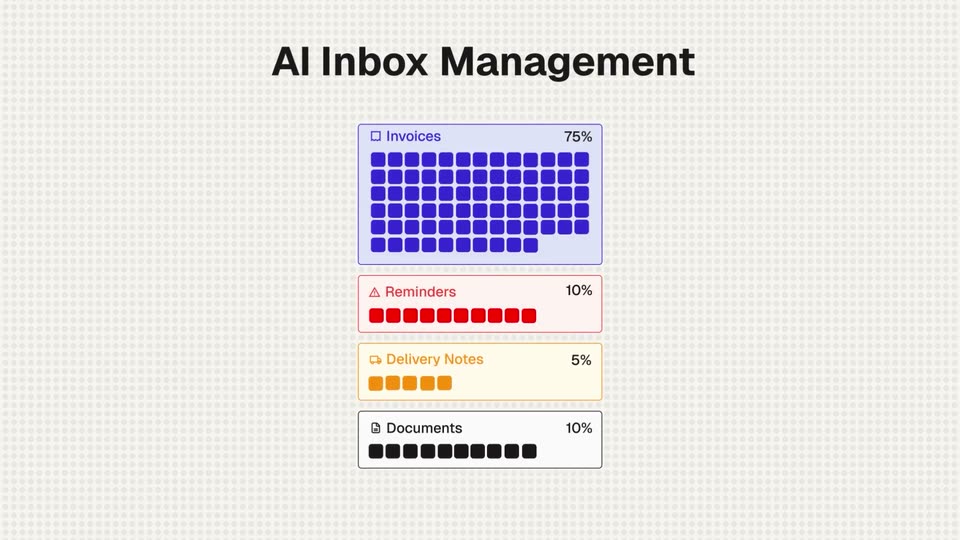 0:29–0:32Finto · Finto (Y Combinator) - AI Accounting for EnterprisesOn a dotted light-gray field, colored rounded squares fly into four labeled rows, filling them as percentage bars for Invoices, Reminders, Delivery Notes, and Documents. The heading AI Inbox Management appears above, then the view zooms into the Invoices row.
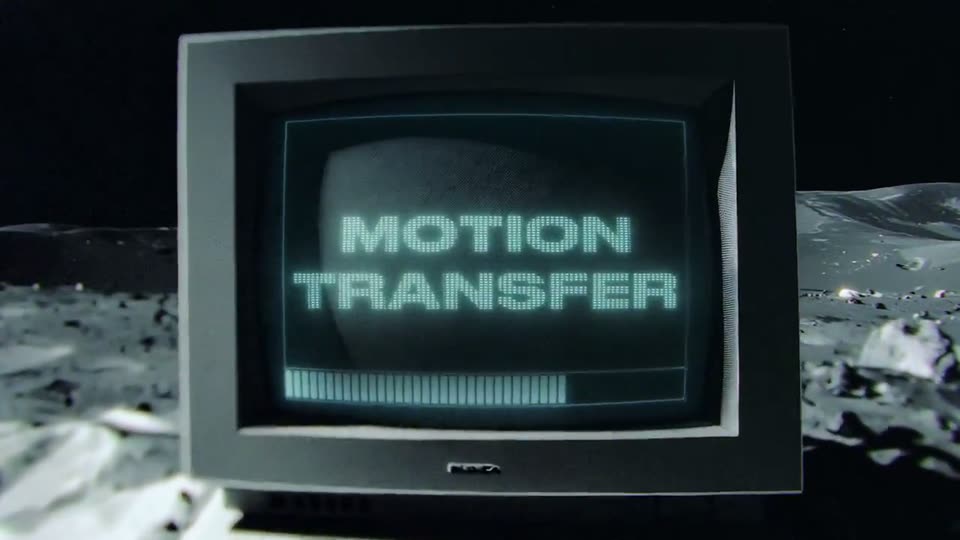 0:00–0:02Marey · Moonvalley - Copy the motion, change the scene. Motion transfer for Marey lets yA beige retro computer with keyboard rests on a grey rocky lunar surface under a black sky. The camera pushes in on its screen, where a dotted cyan title reads MOTION TRANSFER and a segmented progress bar fills along the bottom edge.
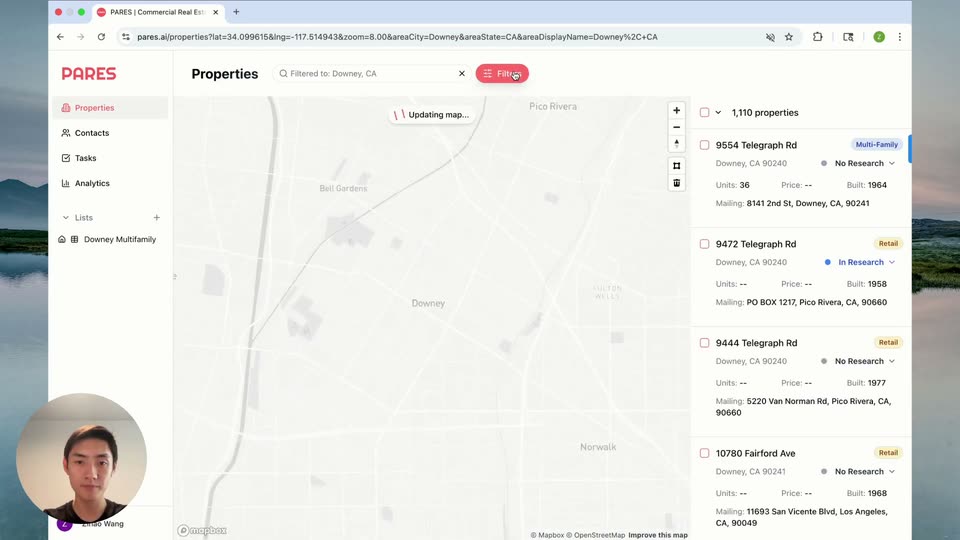 0:46–1:40PARES AI · PARES AI Launch VideoScreen recording of the PARES app beside a small circular presenter video. A cursor opens a centered modal, types a list name, then searches a city. The map zooms in as red filter chips appear, shrinking the markers to four dots before an export dialog opens.
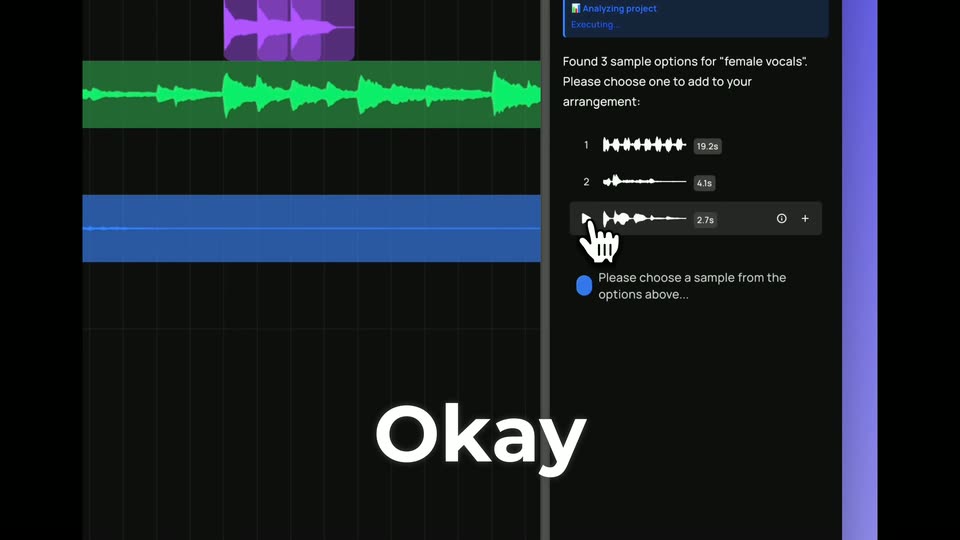 0:38–0:55Physical Turing · Welcome to RiffClose-up of a music app chat panel: a hand cursor picks the third sample option and clicks add. The view zooms out to the full timeline with a small webcam of a man in the corner, as bold white captions appear phrase by phrase.
 0:38–0:44TectoAI · Introducing Tecto - Governance Platform for AI EmployeesA tilted 3D laptop shows the AI Resources dashboard under a purple headline that slides in. A cursor hovers over tool cards, expanding them to reveal compliance and trust scores, then the view zooms into the grid and back as the cursor types in the search bar.
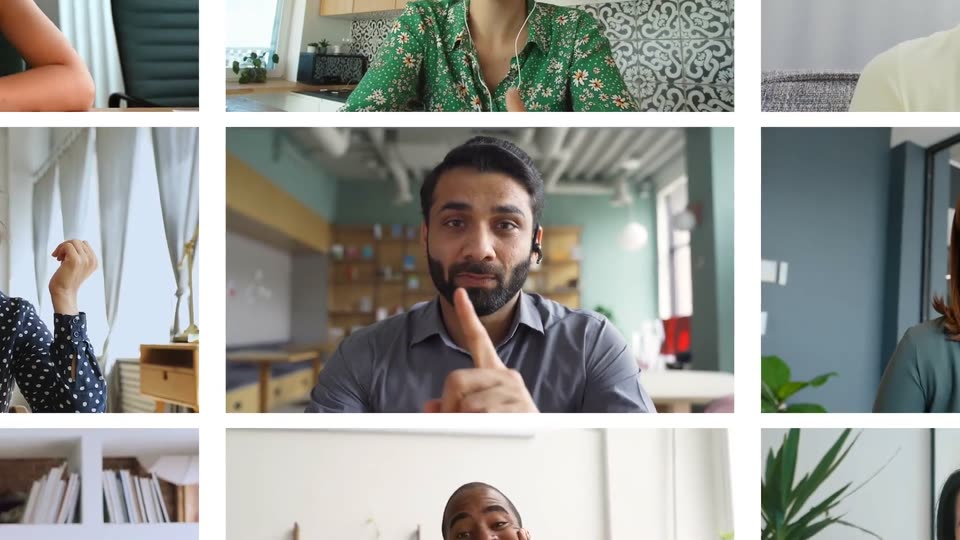 0:38–0:41Motives · Motives AIA single video-call tile of a smiling man in a grey shirt zooms out into a 3x3 grid of nine participants, each in a different home or office, as he raises a finger then looks down.
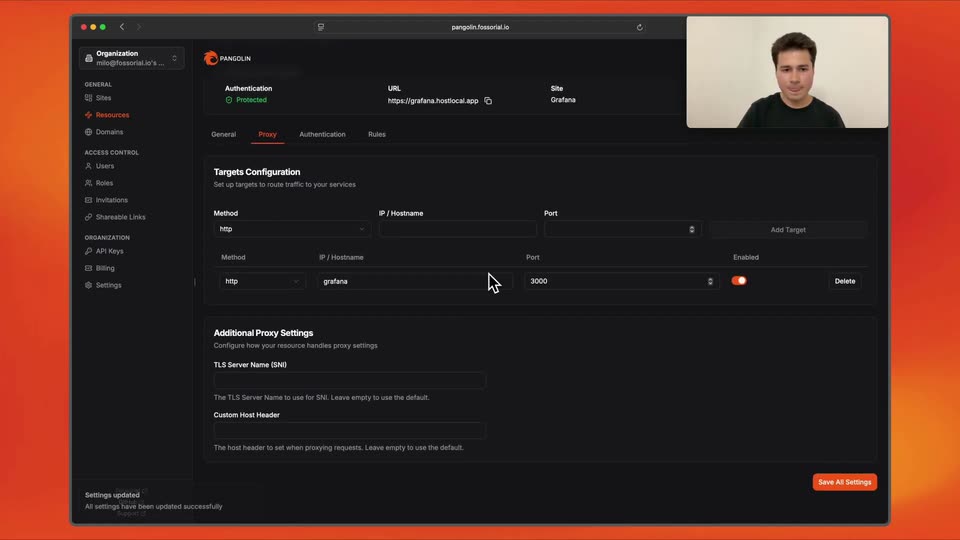 0:40–1:38Pangolin · Pangolin - Secure gateway to your private networksA dark Pangolin dashboard fills the frame while a presenter appears in a small top-right window. The cursor types a domain, scrolls, switches the General, Proxy and Authentication tabs, adds a target, and opens a PIN modal. White captions roll on a black bar at the bottom.
 0:58–1:05BootLoop · BootLoop LaunchOn a black screen, a prompt types itself word by word into a thin input box. A reply line and a blue Thinking status appear above a second empty box, then the frame zooms into the text.
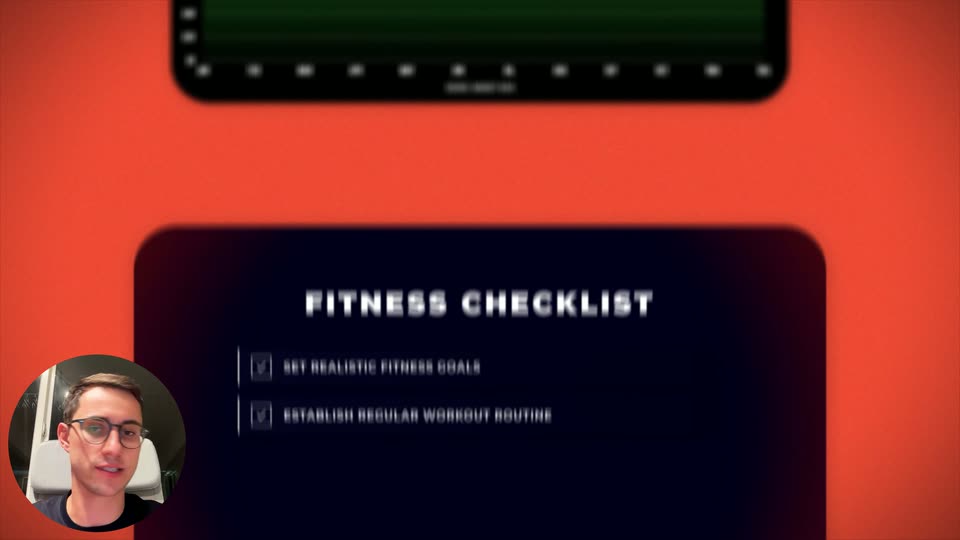 0:06–0:07Hera · Hera, Your AI Motion Designer | Launch YCOn an orange background, dark rounded cards scroll upward: a green market-chart card exits the top as a dark checklist card with two checked items rises into focus. A small circular webcam of the presenter stays pinned in the lower left corner.
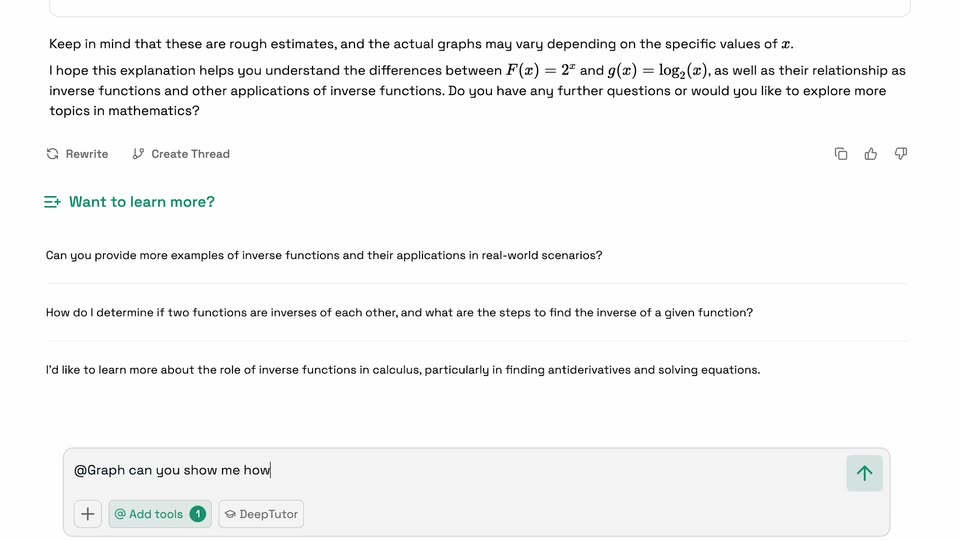 0:35–0:39Opennote · Introducing OpennoteA chat interface about exponential and logarithmic functions holds on screen. The input field at the bottom types out “@Graph can you show me how this would look?” character by character, then the frame reframes toward the lower part of the interface.
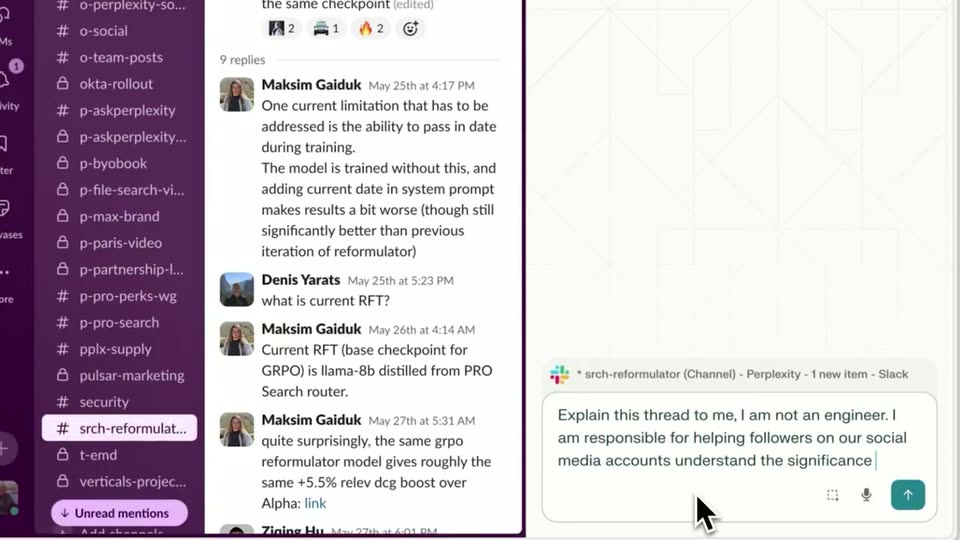 0:26–0:35Perplexity · Perplexity - Comet is here. A web browser built for today’s internet.A blurred serif headline “Understand more” sits left of an out-of-focus Slack window, then both sharpen as the headline vanishes. The view reframes onto the Assistant panel where a cursor types a prompt and an answer scrolls in.
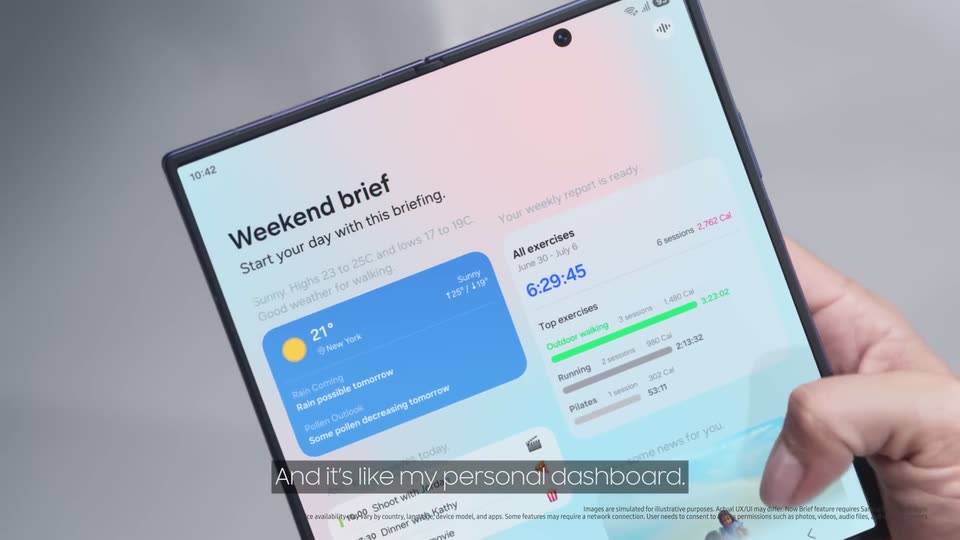 2:12–2:16Samsung · Introducing Galaxy Z Fold7 | Galaxy AI | SamsungA hand holds a foldable phone at an angle against a soft gray backdrop. The blank screen fills in with a Weekend brief dashboard of weather, events and activity cards as the device tilts to face the camera.
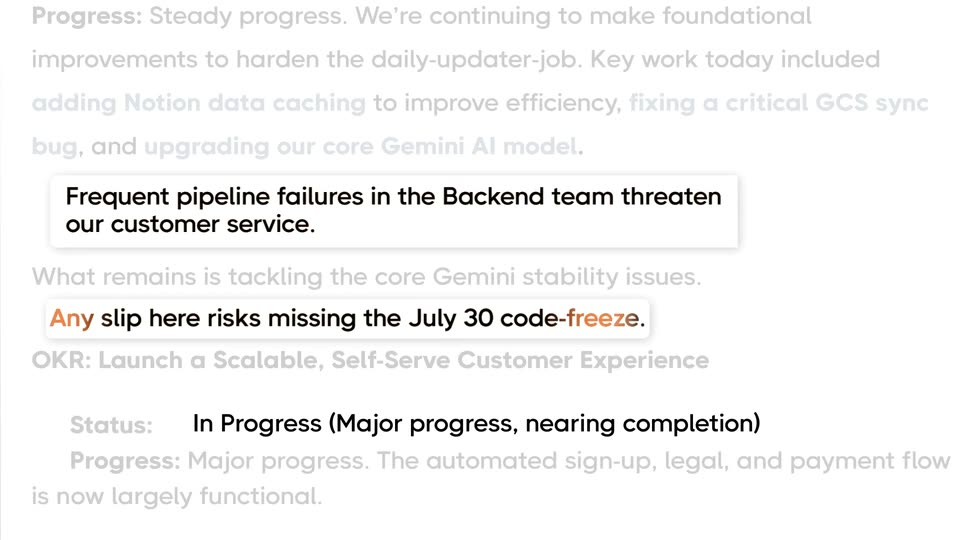 0:08–0:15Oki Home · Oki AI - Personalized Updates on Company ProgressA tilted 3D phone displays a morning OKR report on a dark background. The camera zooms into the screen with a radial blur, flattening the page. White highlight boxes sweep across key sentences one by one, filling with an orange gradient, as the document scrolls.
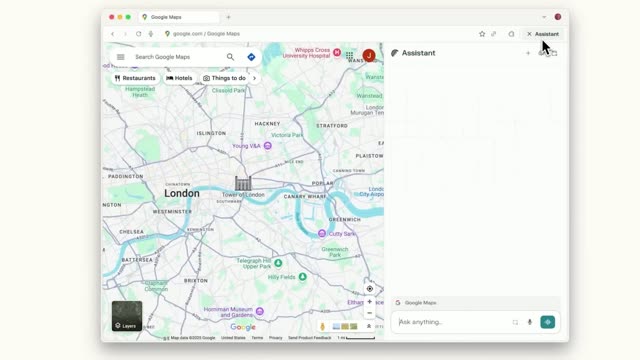 0:15–0:16Perplexity · Introducing Comet: Browse at the Speed of ThoughtA browser window showing the Google Maps interface scales up on a pale background while a cursor slides to the top right and clicks the red Assistant button.
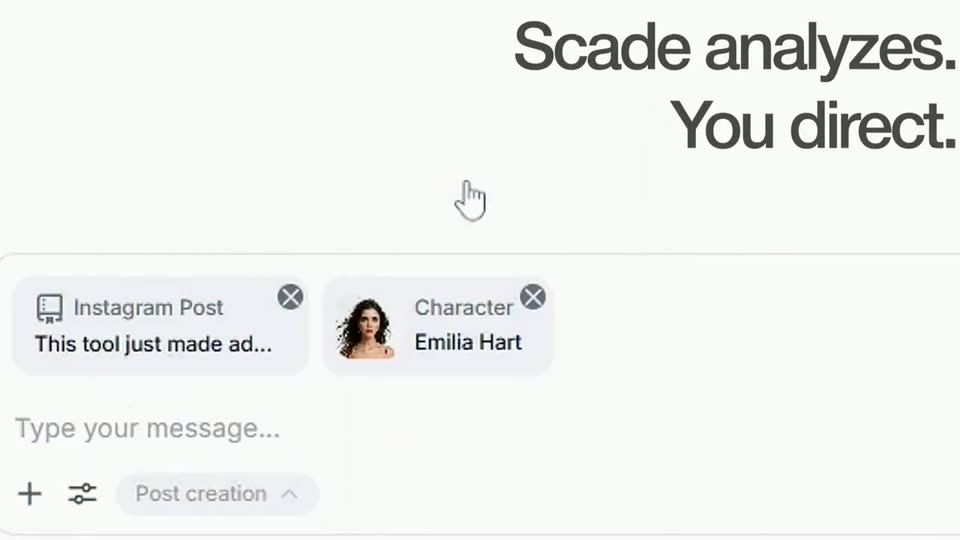 0:04–0:05Scade · scade.xyz - Meet Scade. The first full-cycle marketing system Forget the 30-persA light interface shows a left menu and a character roster with avatars. A hand cursor slides from the highlighted Character row up to the Emilia Hart entry, then the screen reframes to a post-creation bar holding a Character chip and a message field.
 0:00–0:01Jitter · Jitter - New this week: Pen tool & morphing 🖊️ You can now draw your ownA close-up of the editor's top toolbar zooms in from the full workspace, then a white cursor arrow slides in to point at the pen tool icon before moving away.
 0:38–0:39Marey · Moonvalley - Introducing Marey by Moonvalley, the world’s first fully licensed AIA cyan wireframe grid plane sits in 3D perspective inside a thin rectangular viewport frame. The frame zooms in to fill the screen, then a jagged white contour line draws itself across the left of the grid.
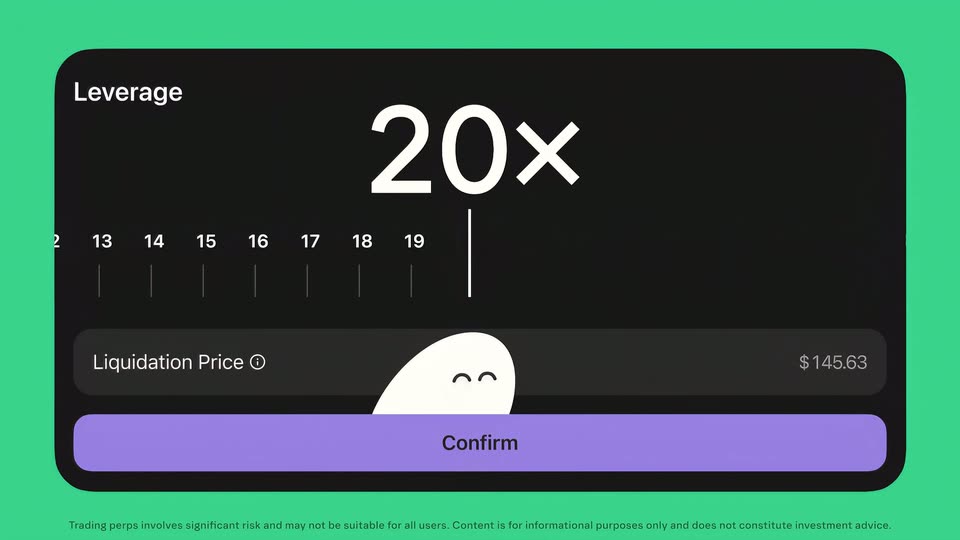 0:11–0:14Phantom · Phantom - Introducing: Phantom Perps 👻 ♾️ Go long or short in just a few taps.A dark leverage panel on a green field shows the multiplier counting up from 1x to 20x as a white handle slides right along a numbered ruler; the liquidation price updates below. A white cartoon blob pops up behind the purple Confirm button. The frame zooms in on the panel.
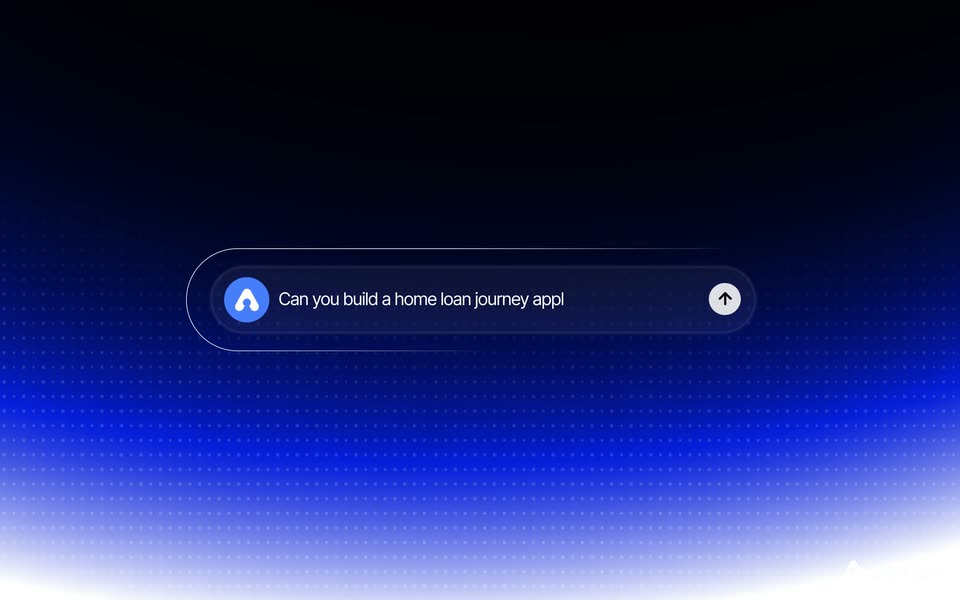 0:16–0:18a0.dev · a0.dev - Phase 1 (WAGMA)A blue logo disc slides left into a rounded prompt bar over a dark blue dotted gradient. The prompt is typed out letter by letter with a caret, then the frame zooms in on the bar's right end and its up arrow button.
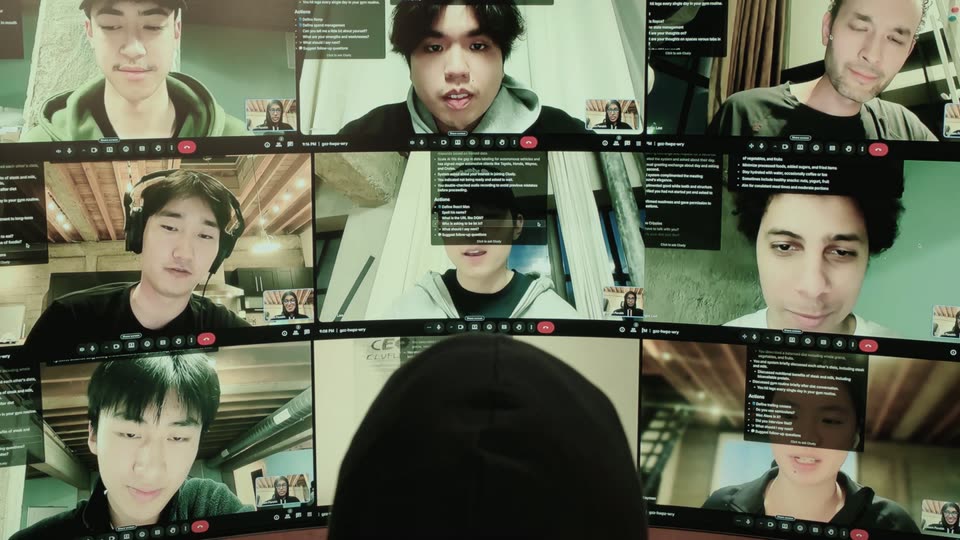 0:00–0:03Cluely · Roy - soham parekh gets away with it thanks to tools like @cluelyA tight shot on one video-call window pulls back to a 3D wall of call windows, each framing a participant with a dark AI text panel. A silhouetted head in a black cap watches the grid from the foreground.
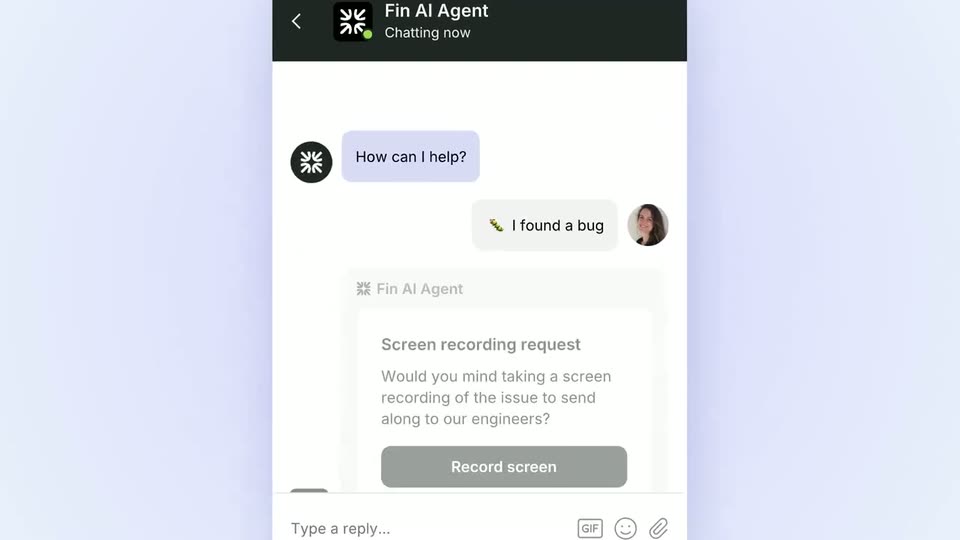 0:04–0:09Jam · Jam.dev - Just launched! @Fin_ai + Jam Now @Intercom's AI agent can get bug reA chat card on a pale lavender field shows the Fin AI Agent greeting, then a user bubble with avatar. The view zooms into the thread to reveal a screen-recording request card with a Record screen button and a Customer tag, a cursor hovering. The card fades out.