UI zoom
A zoom or reframe onto one part of the interface.
9,960 scenes · page 39 of 166
 0:02–0:03Multifactor · Multifactor: Share Online Accounts with Humans & AI Agents (0:59)A small white app window centered on a plain background scales up to fill the frame as the backdrop turns a red-to-yellow gradient with a faint chevron pattern. The interface shows a logo top left, a text list on the left, a button top right, and a dark blue folded shape at right.
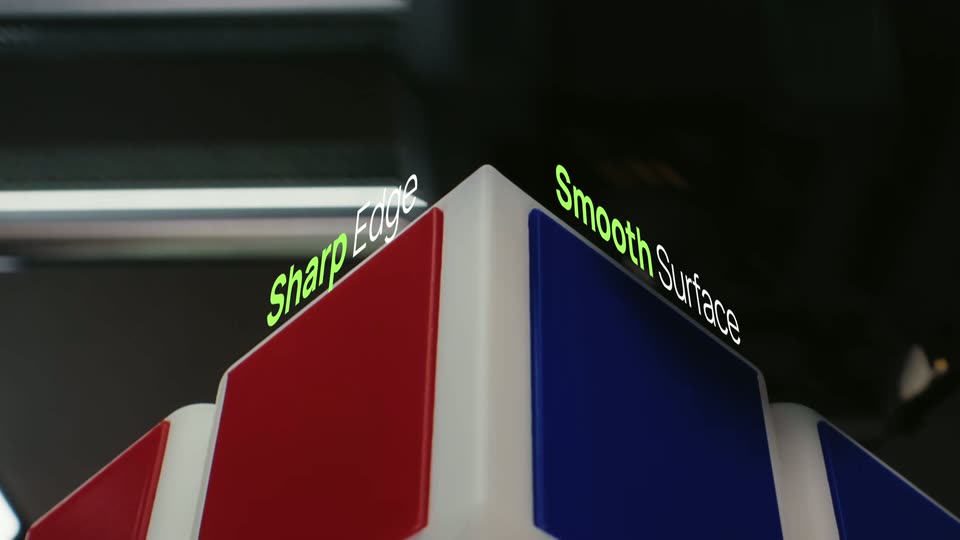 0:30–0:32Bambu Lab · The P2S is here! Our most popular printer just got smarter. 🚀A 3D printer nozzle hovers over a multi-colored test cube that rotates slowly. The view reframes to a close-up of the cube's red and blue faces as two angled callouts, SharpEdge and Smooth Surface, fade in along the top edges.
 0:39–0:42Uplane · Uplane - Marketing will never be the sameA blue growth line rises across a pale gradient while a dark Uplane tooltip rides a point on the line. The camera pulls back to reveal floating UI cards: a dashboard tile on the left, a social post on the right, and comment chips below.
 0:05 · 0.8sLayers · Telemetron DemoA dark corridor of code panels recedes in 3D perspective behind a white headline, a support chat card, and a circular presenter webcam top right. The view then whips into a fast blur as it zooms into a help center page with a left sidebar.
 0:03–0:11Linear · Linear - Linear Mobile, refined. Built with a new custom frosted glass materA dark phone screen in 3D perspective, angled close-up. A pill-shaped bar holds four white icons that light up in sequence: home, car, target, layers. The view then reframes right to a circular search button. A blurred list of categories sits behind.
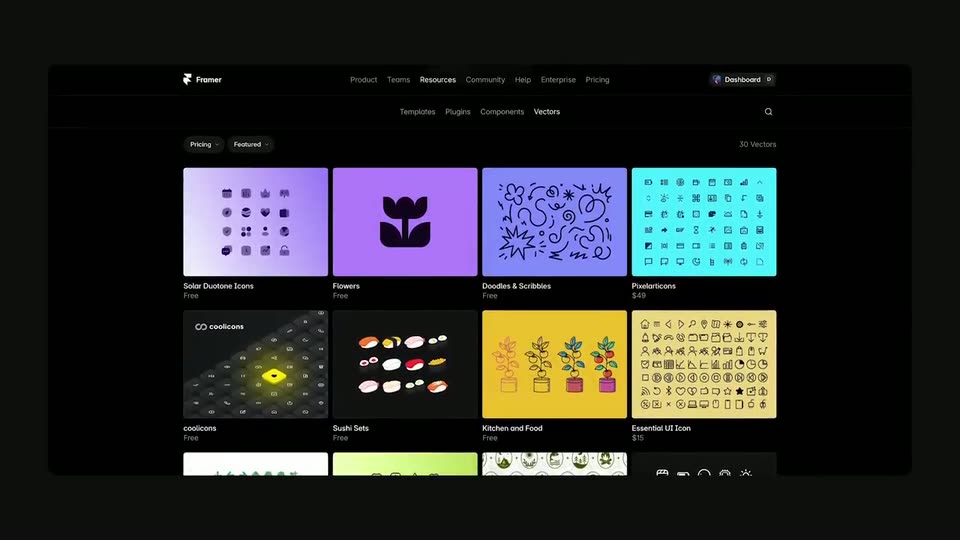 0:02–0:06Framer · Framer - 🖌️ Vectors are now available on the Framer Marketplace. Easily add reA dark Framer marketplace page fades in from a ghosted overlay, revealing a grid of colorful icon-pack thumbnails under the active Vectors tab. The view then zooms in slowly, enlarging the grid and cropping the lower row.
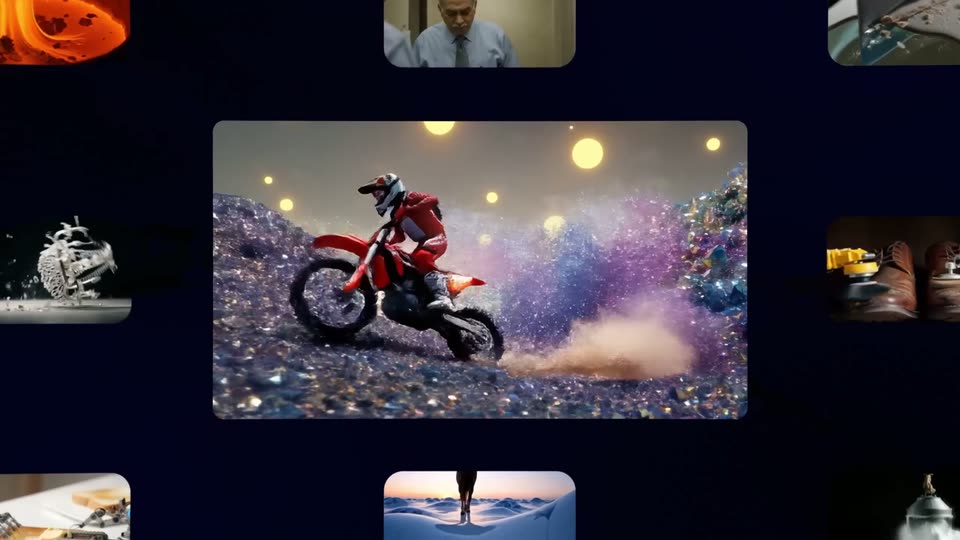 0:00–0:02Google · Veo 3.1 - Designed to empower creativesA grid of small video tiles sits on a dark navy field. A huge white 111 scales in over the grid, then dissolves as the central tile expands into a large player showing a motorcyclist kicking up dust, while the surrounding tiles shrink to the edges.
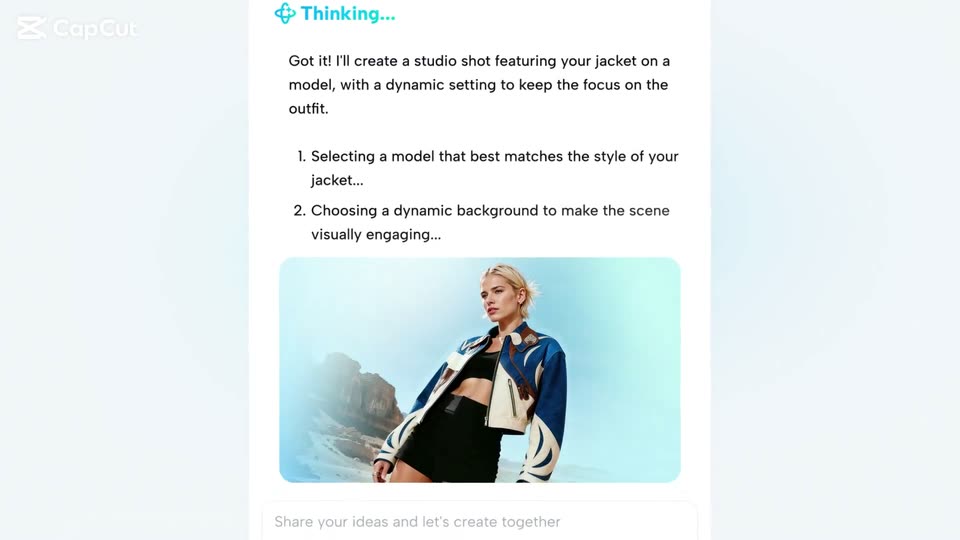 0:16 · 0.8sCapCut · CapCut - Your all-in-one e-comm toolkit is here. Meet the new CapCut Desktop!A CapCut chat panel zooms out from the Thinking header to the full conversation. The AI plan lists two steps, then a generated photo of a blonde model in a blue jacket fades into a rounded frame above the input bar.
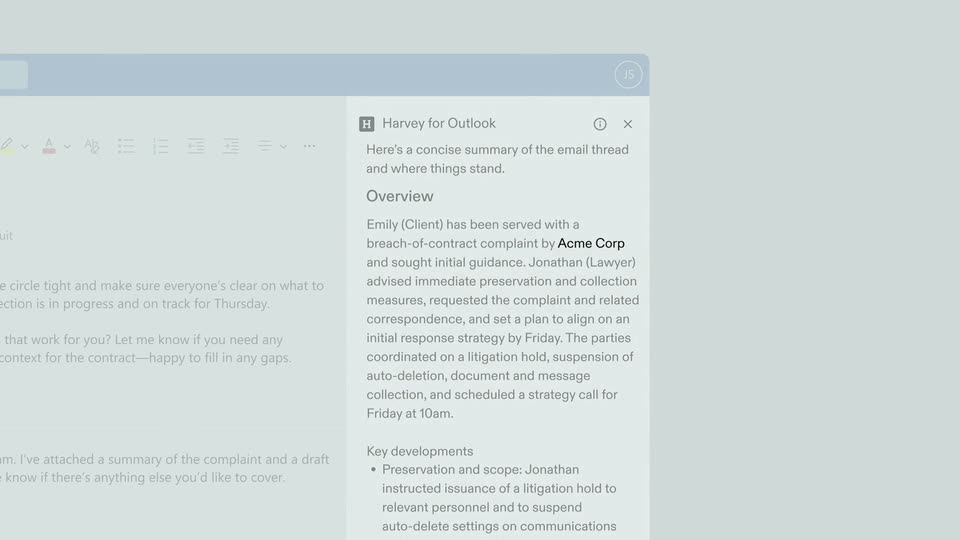 0:20–0:32Harvey · Work Without BoundariesAn Outlook compose window sits left as the Harvey for Outlook panel slides in from the right. A prompt fills the input, the cursor taps send, a spinner turns, and a summary with Overview and Key developments streams in. The panel dims as a white Acme Corp pill pops up.
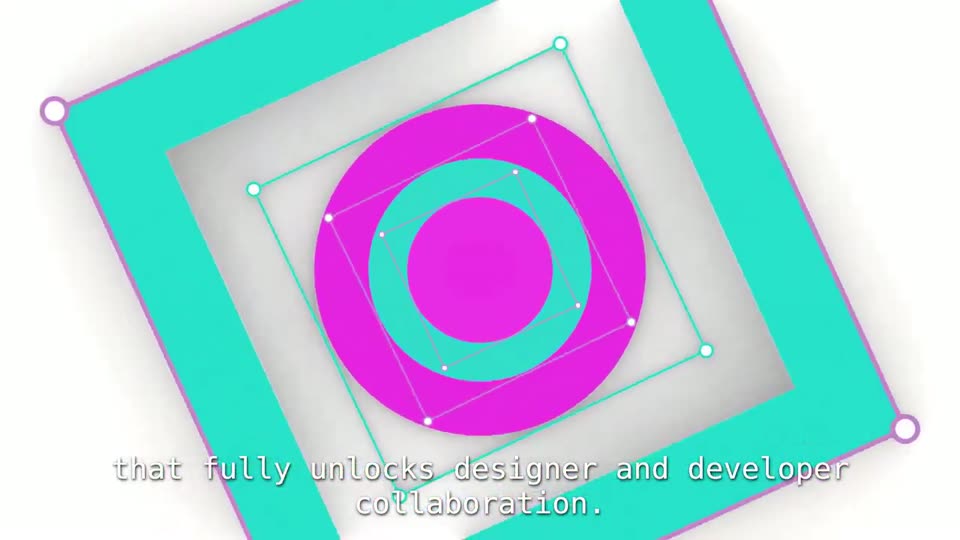 0:36–0:40Penpot · Penpot - This is Penpot, the open-source design & code toolA tilted 3D artboard with a teal square, magenta circle and vector node outlines sits on a white canvas as the camera zooms into its center. The right-side UI panel fades out, and the accelerating zoom lands on a dark circle holding a flat illustration of a person working.
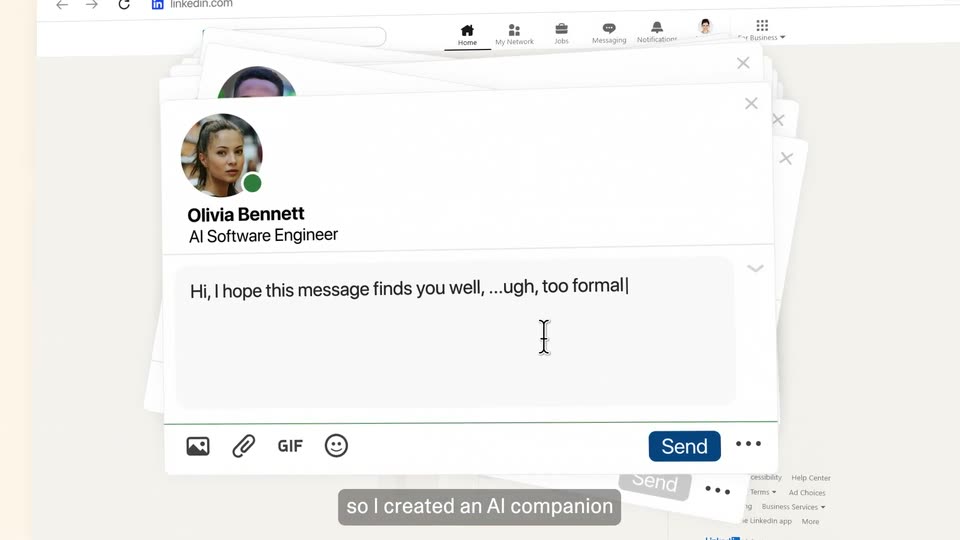 0:12–0:19Strawberry · Charles Maddock - We've raised $6M from General Catalyst, EQT Ventures, and founders ofA flat browser mockup shows LinkedIn, where a fan of stacked chat windows shuffles, swapping contact names and titles. The view then zooms into the front window as a greeting is typed, ending with the words ugh, too formal.
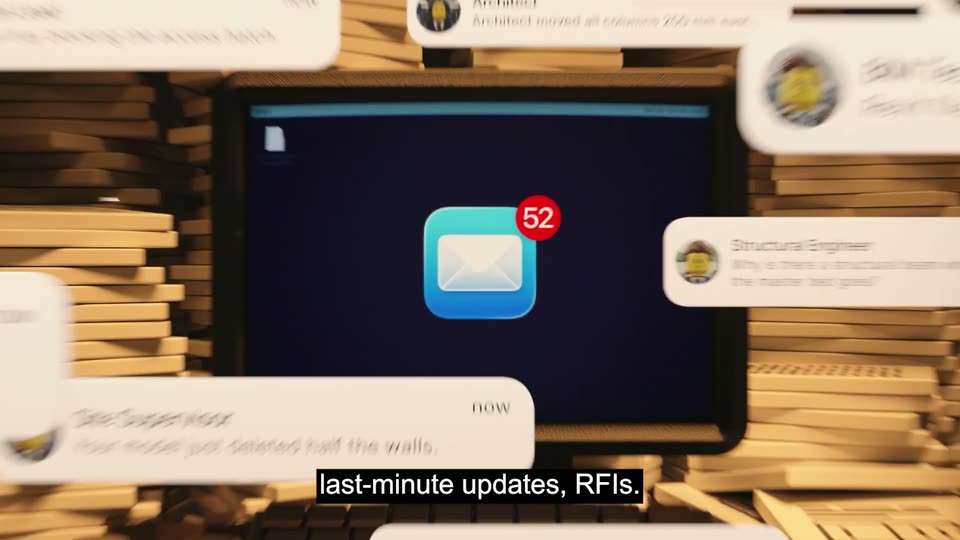 0:16–0:21Structured AI · Structured AI: Agentic AI workforce for pre-construction design engineeringA monitor sits amid towering stacks of beige keyboards as white email notification bubbles pop in from both sides. The red badge on the envelope icon counts from 1 to 99+ while the camera pushes in to a close-up of the icon.
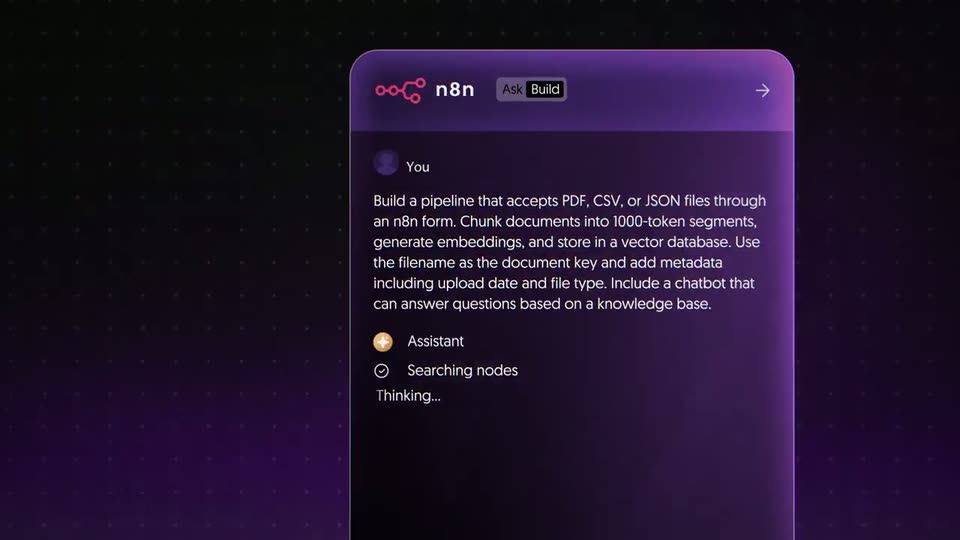 0:34–0:37n8n · n8n.io - 🚀 Introducing AI Workflow Builder (Beta) - Turn prompts into living wA purple n8n chat card sits centered on a dark dotted grid, then scales up to fill the frame. It slides right and shrinks to reveal a node-based workflow canvas on the left, with Vector Store Retriever, Document Loader and AI Agent nodes linked by lines.
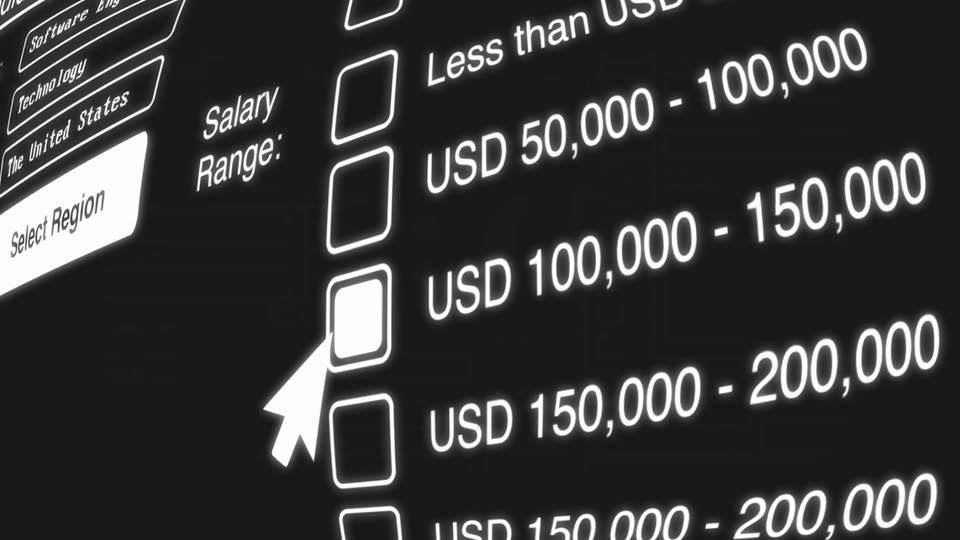 0:09 · 0.5sClicks Health · Clicks (YC F25) Launch VideoA tilted job-form interface in 3D perspective. A cursor clicks a salary-range checkbox, then the view cuts to a wider angle as a glowing red dollar icon fades in at the center of the form.
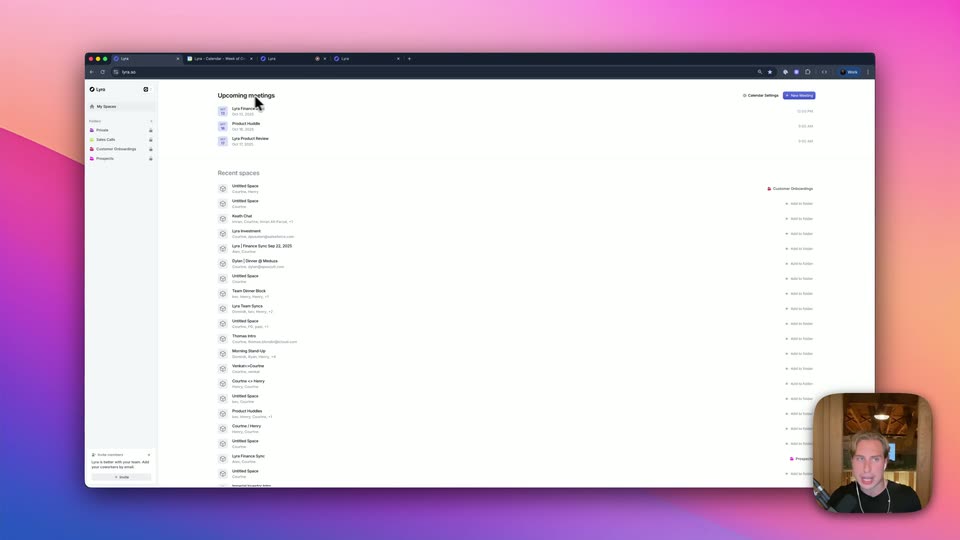 0:17–0:19IRBC · Lyra, The Final Meeting Platform.A browser window of the Lyra app displays an inbox with an upcoming meetings list and a recent spaces column, plus a small self-view video in the corner. The view then zooms into the meetings section, enlarging the list against a pink gradient background.
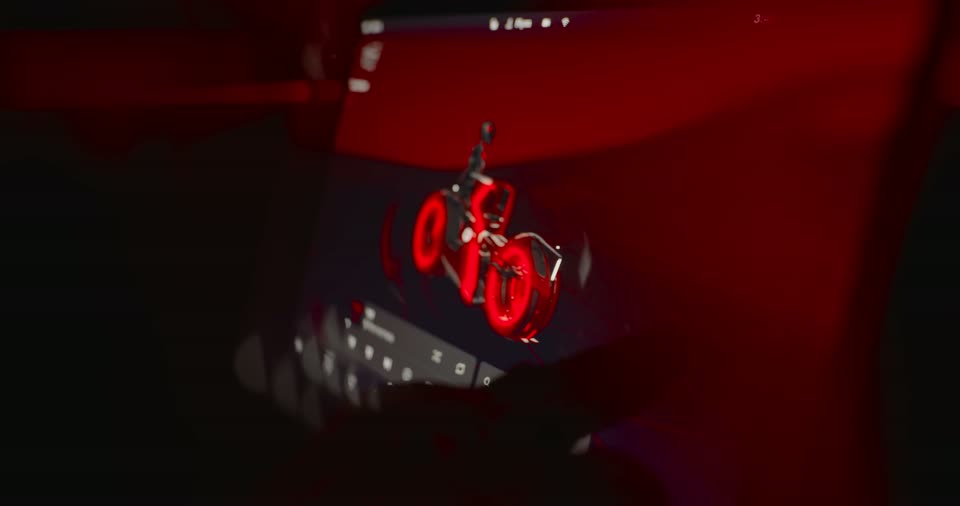 0:04–0:07Tesla · TRON ModeA tablet tilts in 3D perspective inside a dark space lit in red. A solid red wash fills the screen, then fades to reveal a motorcycle model with small UI labels. The camera pushes in toward the wheels as the red clears.
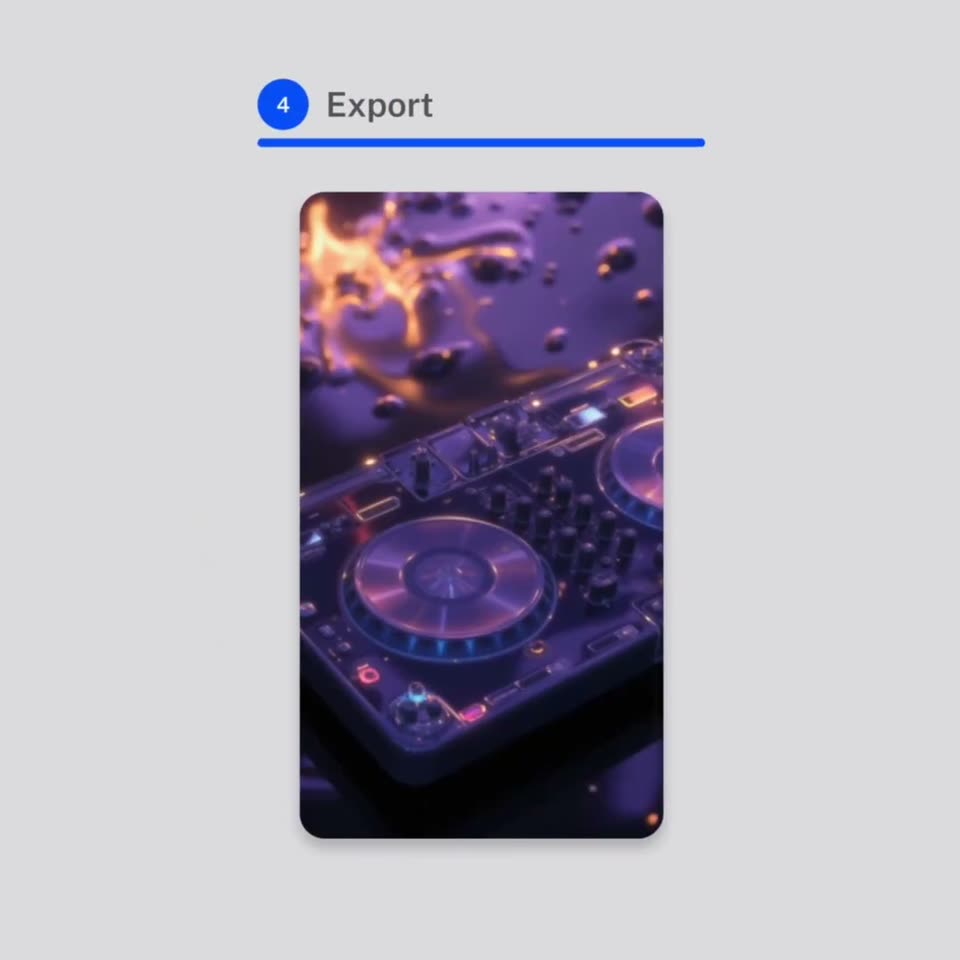 0:21–0:22Kaiber · Kaiber - Most AI tools just generate. But Superstudio helps you create. MakeA grid of vertical video thumbnails collapses into one selected purple DJ-deck clip while the top step marker advances from 3 to 4. A cursor sits at the bottom, then a control panel with Speed, Transitions and Aspect Ratio tabs slides up.
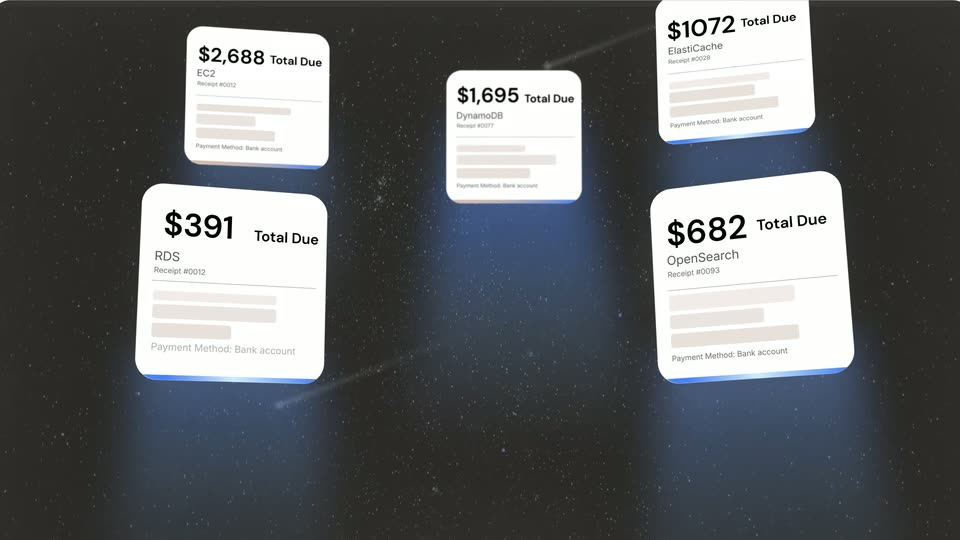 0:02–0:03Opsima · Opsima - We commit. You save.Five white invoice cards float in 3D perspective over a dark starfield, their dollar amounts shifting frame to frame. A dark caption bar at the bottom swaps from a question to a statement, then the camera pushes in close on two cards.
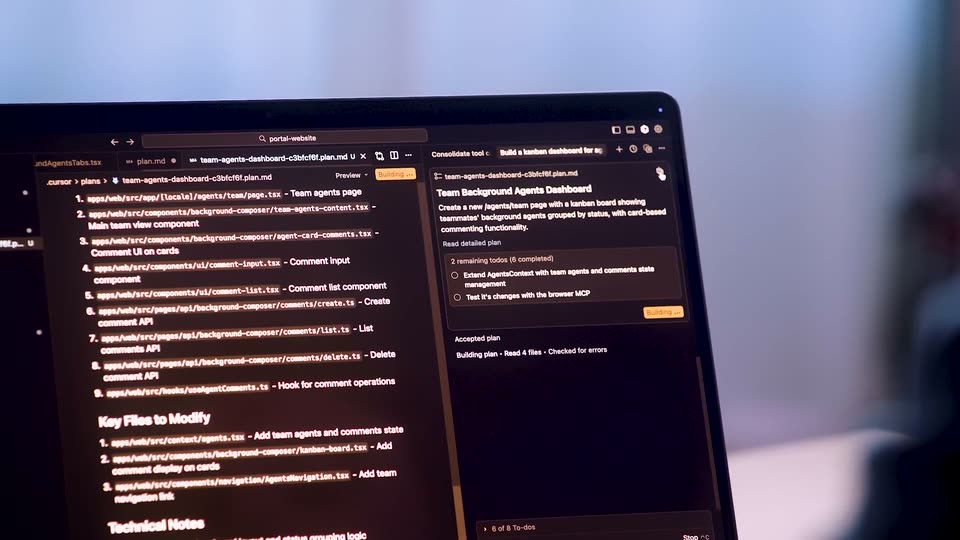 1:43–1:48Cursor · Introducing Plan ModeA laptop screen fills the frame in a dark code editor: a markdown plan lists files to modify on the left, an agent panel with a building status on the right. The camera pushes in from an angled view past a blurred hand to a straight-on close-up of the display.
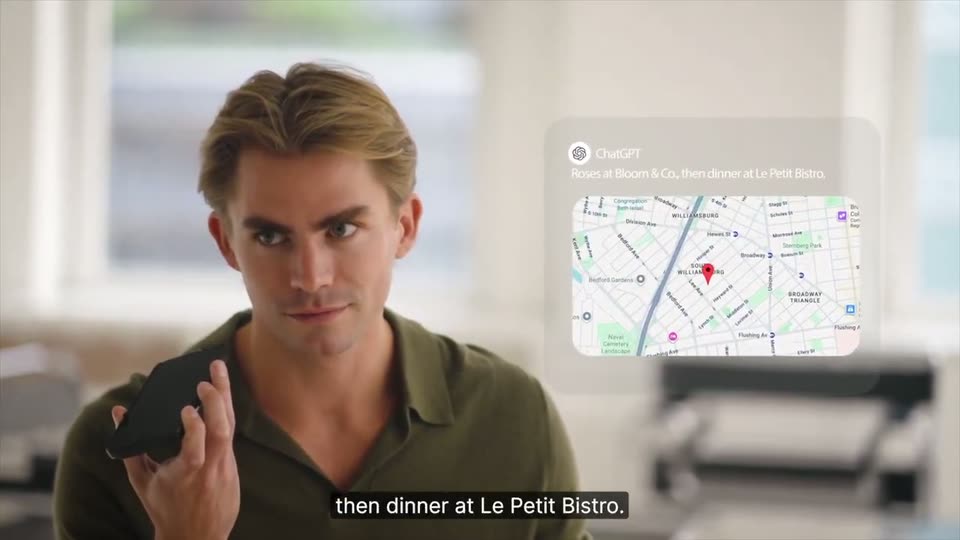 0:11–0:15Meridian · Alex Dees - Introducing Meridian. 50% of searches are now powered by AI (Think CA man in an olive polo holds a phone in a sunlit room, glancing up at the camera. A floating ChatGPT card on the right types its answer word by word above a map that pans between two red pins. Bottom subtitles caption the spoken line.
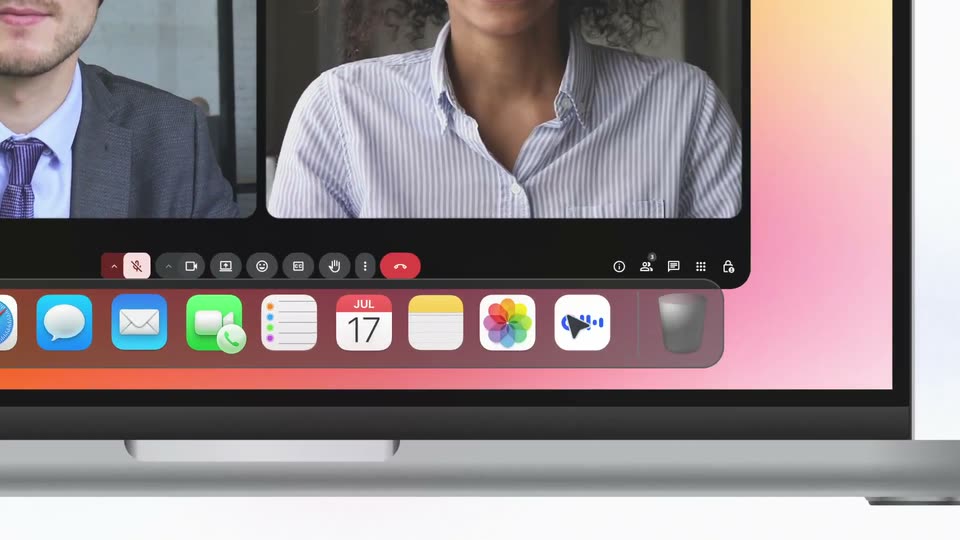 0:11–0:15Otter · Otter.ai - Introducing the Otter Desktop App for Mac 🖥️ and Windows coming soon!A front-facing MacBook on a white background shows a two-person video call. The view zooms into the Dock at the bottom of the screen as the cursor moves to the Otter.ai icon and its tooltip pops up.
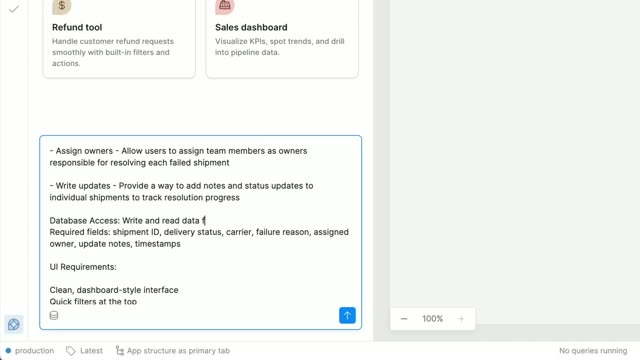 0:15–0:34Retool · Introducing Enterprise AppGen: AI-Assisted Development from RetoolA screen recording of a design tool zooms into the chat input as a multi-line prompt is typed, listing features for a shipment triage app. The cursor adds an @ mention, opens a resources list, picks a database chip, then hovers a resource icon.
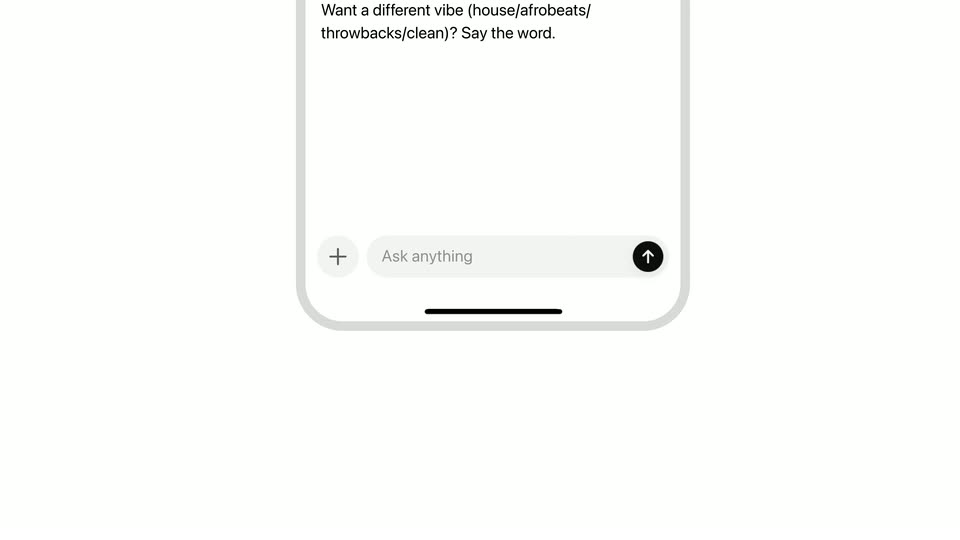 0:12–0:17OpenAI · Apps in ChatGPTA flat phone mockup of a ChatGPT chat zooms out from the prompt bubble to the full screen, where a numbered song list scrolls in. The view slides to the input bar, a green Spotify icon pops up, then zooms forward beside the caption “Use Spotify for this answer”.
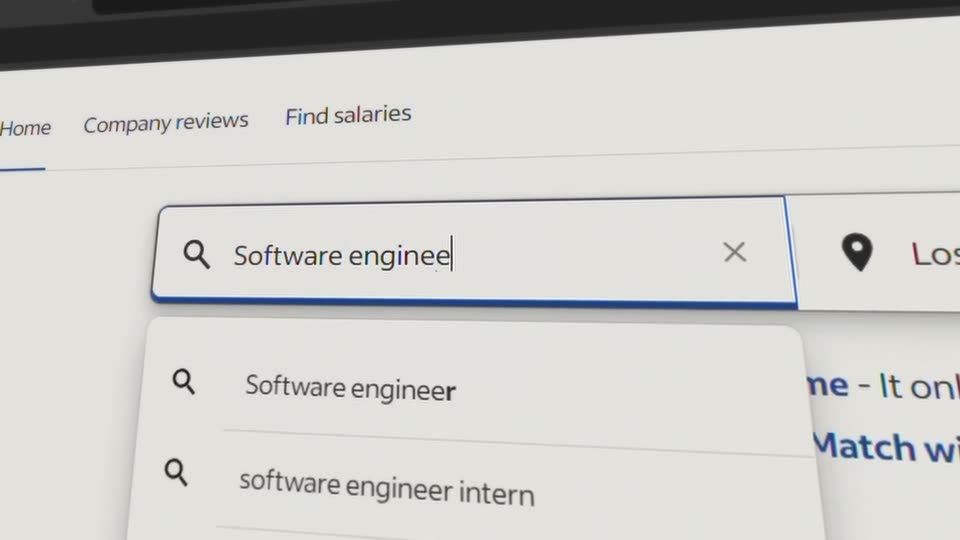 0:02–0:03Sorce · Y Combinator - Sorce (@sorcejobs) is building Tinder for Jobs. When you swipe rightA tilted 3D view of a job site search field where a cursor types “Software engineer,” then the frame reframes to a column of job cards with company, salary and location details.
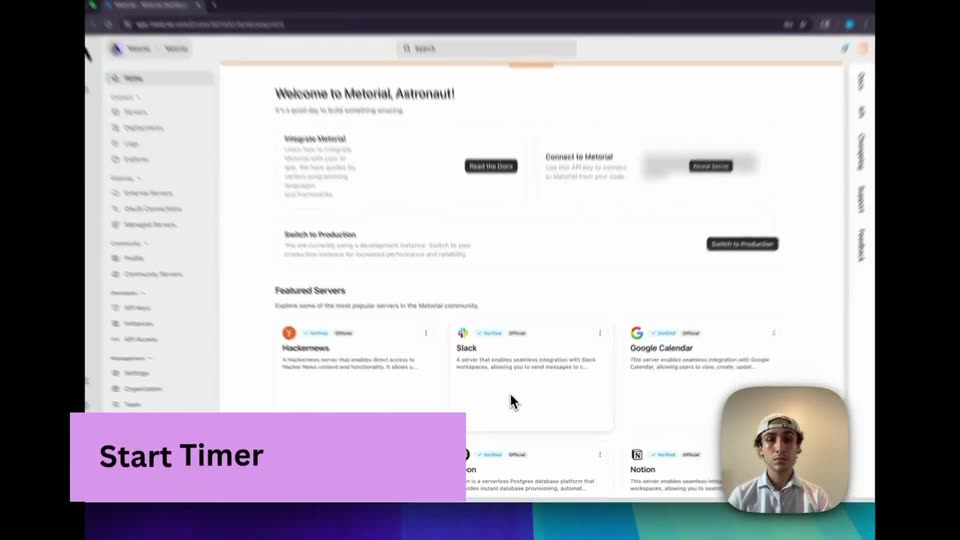 0:23–0:25Metorial · Introducing Metorial - YC F25A soft, zoomed close-up of the Metorial dashboard pulls back and sharpens into the full interface, showing the sidebar, welcome heading and featured server cards. A lavender Start Timer button sits bottom left and a small webcam tile with a man's face bottom right.
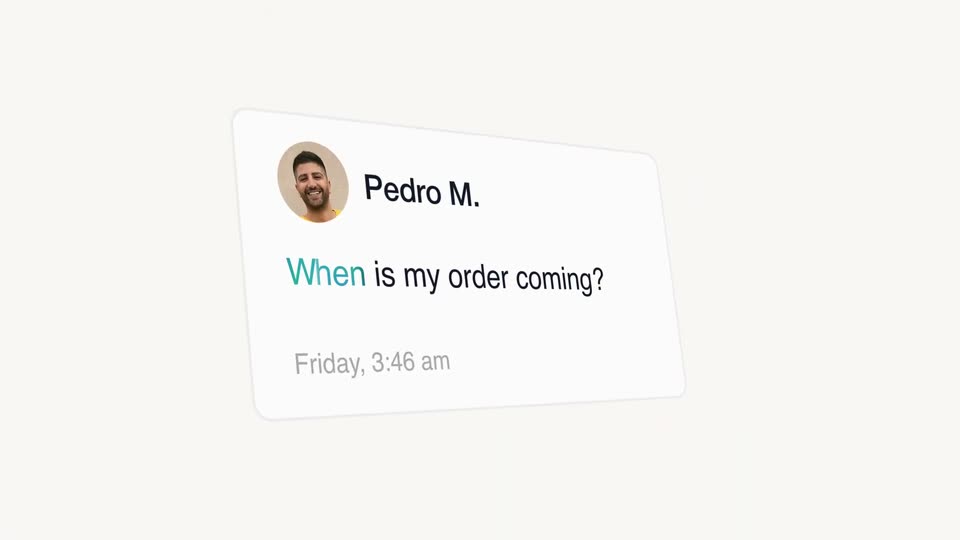 0:24–0:28Boom AI · Boom VideoA white chat card with a circular avatar and the name Pedro M. starts small at center, then scales up and rotates flat toward the camera, revealing the question When is my order coming? and the timestamp Friday, 3:46 am.
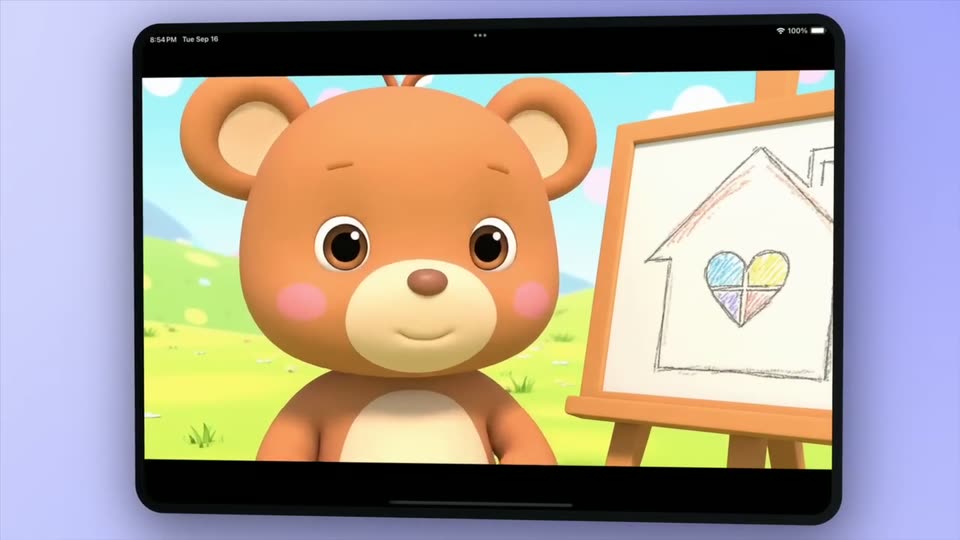 0:29–0:34Pixley AI · Introducing Pixley AIA tablet mockup on a lavender field plays a 3D cartoon of a teddy bear beside an easel. The dimmed screen brightens as the video starts, then the frame zooms into the bear's face and the drawing. A rainbow glint runs along the top edge of the device.
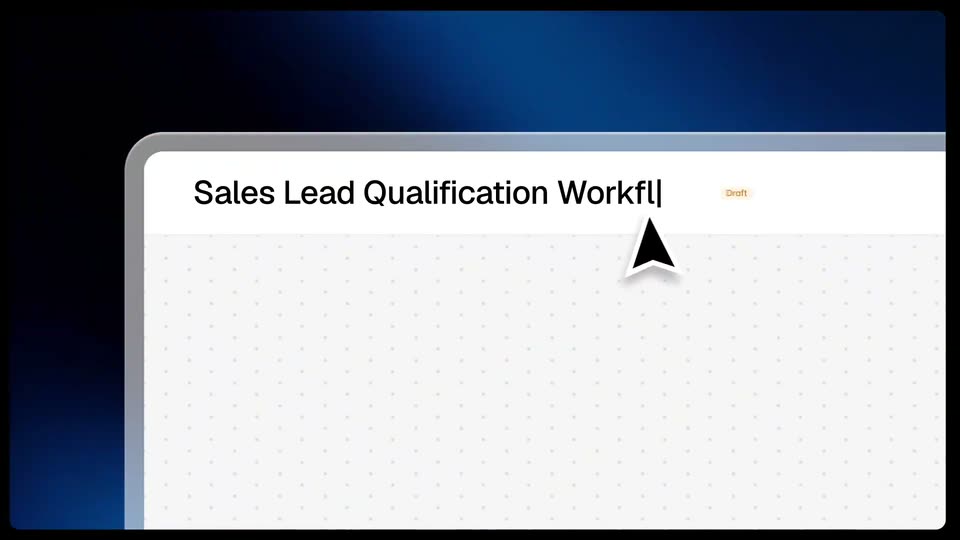 0:32–0:34Nexus · Nexus - Enabling business teams to build agent without codingA white dotted card on a blue gradient shows a title field. A black arrow cursor hovers below as the words type out character by character, then an orange Draft badge pops in at the right edge while the frame reframes to reveal the header bar.
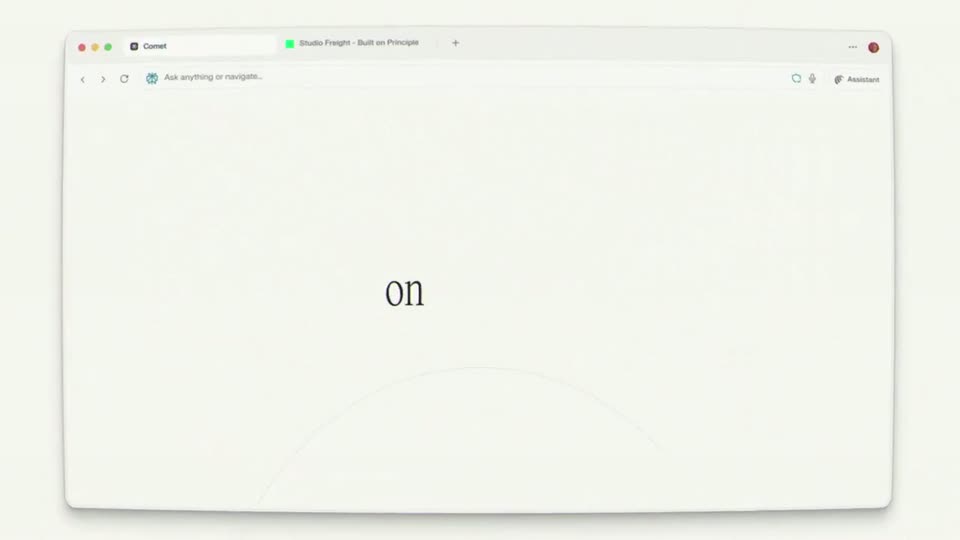 0:10–0:15Perplexity · Perplexity - Comet is now available to everyone in the world. In the last 84 daysThree Comet browser windows sit side by side on a cream background, linked by dotted lines and red nodes. The center window scales up to fill the frame as the serif headline swaps from “that works for you” to “on anything”, then “and everything.”
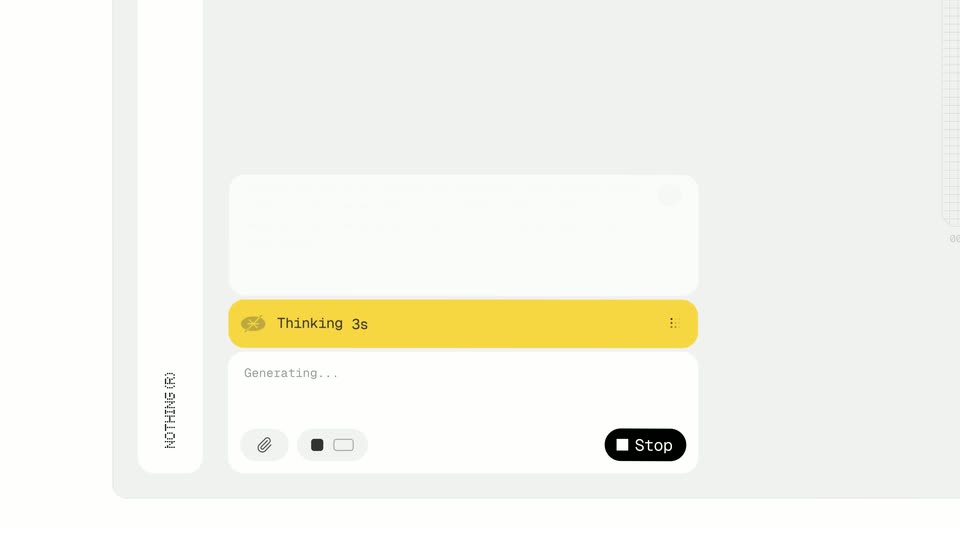 0:08–0:15Nothing · Introducing PlaygroundThe frame zooms from a full browser window to the prompt box, where a monospace request types itself out and the yellow Create button is pressed. A yellow Thinking bar expands with streaming text, and the chat scrolls as more lines appear.
 0:11–0:13Mem · Mem - Meet Mem, your AI thought partner.A cream navigation bar with a red home icon, a search glass, a plus button, an arrow icon and a small avatar drifts down-right and scales up on a beige background, while the plus button's highlight grows into a pill.
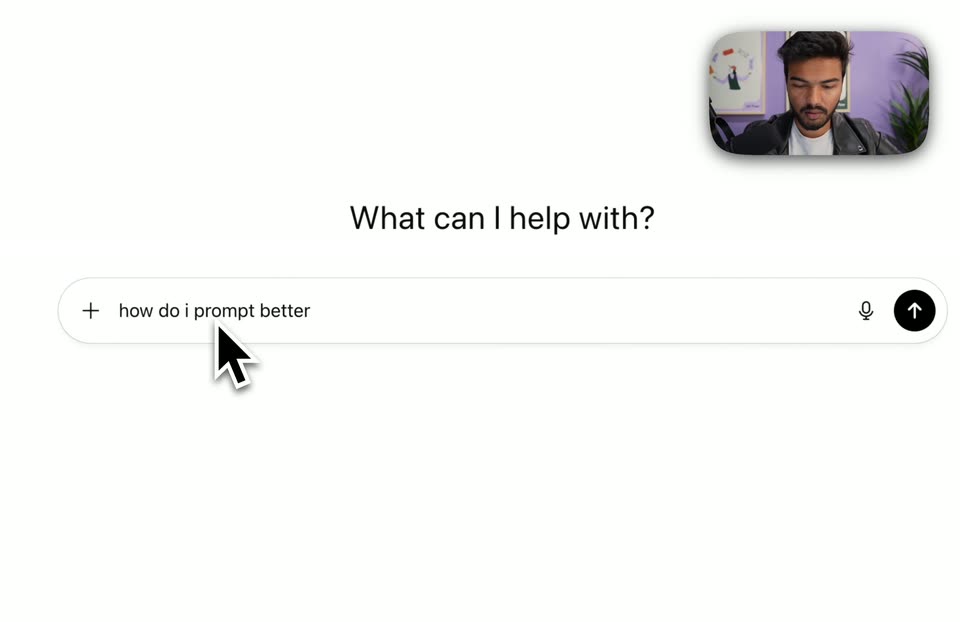 0:00–0:11Wispr Flow · Intro to Wispr Flow: voice-to-text AI that turns speech into clear, polished writing in every app.A white AI chat interface: the heading “What can I help with?” sits above an input bar where a query is typed letter by letter, suggestion rows fading in and out below. A webcam video of a man is pinned top-right. The frame zooms out to reveal the browser.
 1:16–1:22Bolt · bolt.new - Today vibe coding goes pro. Introducing Bolt v2: → World's best ageA close-up of a dark prompt bar pulls back to reveal a chat panel where a plan checklist builds, the first item switching from Thinking... to Applying database migration. The white caption Deep Planning. holds on the right until the frame darkens and No more slides in.
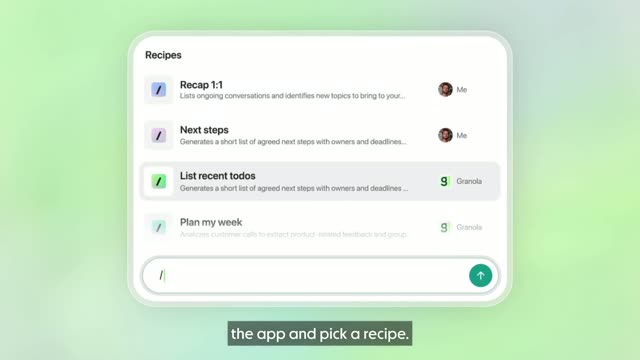 0:09–0:12Granola · Say hello to RecipesA white Recipes panel floats on a soft green gradient, listing four recipe rows above a chat input. A slash and caret sit in the input, then the panel zooms in, cropping the header as the input resets to a placeholder.
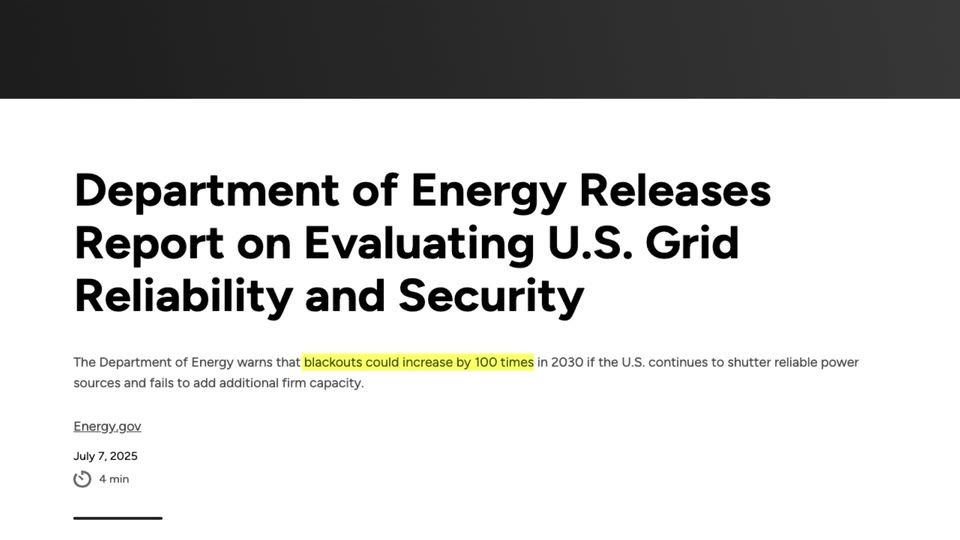 0:10–0:15Iron Grid · Zyner.io | Portfolio - Irongrid - YC Launch Video - YC S25A rounded browser window on a dark grid scrolls through news articles, then scales down to hold on a California blackout headline. A white page slides in from the right, panning across the Department of Energy report title with a yellow highlight.
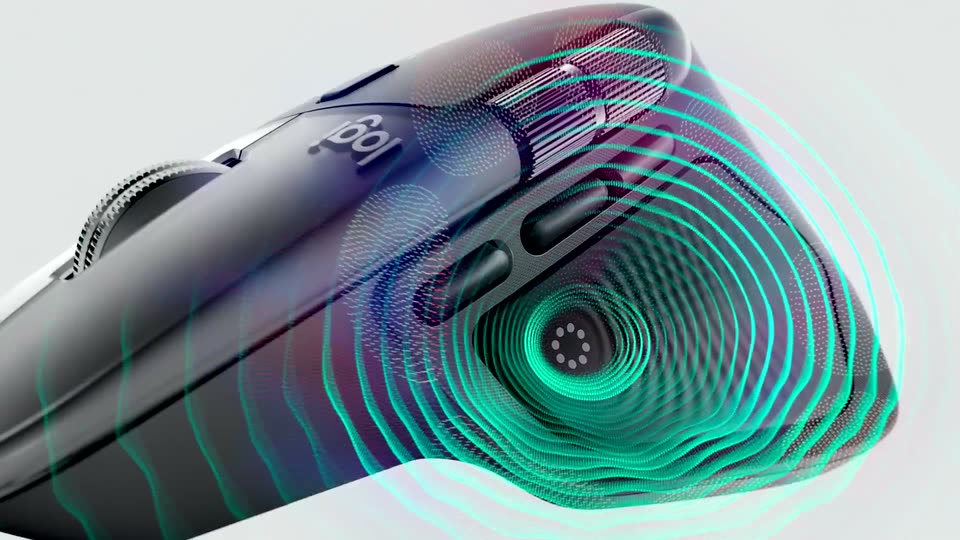 0:11–0:12Logitech · Designed for sustainability | Logitech MX Master 4 with haptic feedbackA black Logitech mouse floats in 3D perspective on a light gray backdrop, tilting and rotating as teal ripple rings expand from its base sensor. The camera pushes in toward the glowing sensor while the white tagline fades in over the ripples.
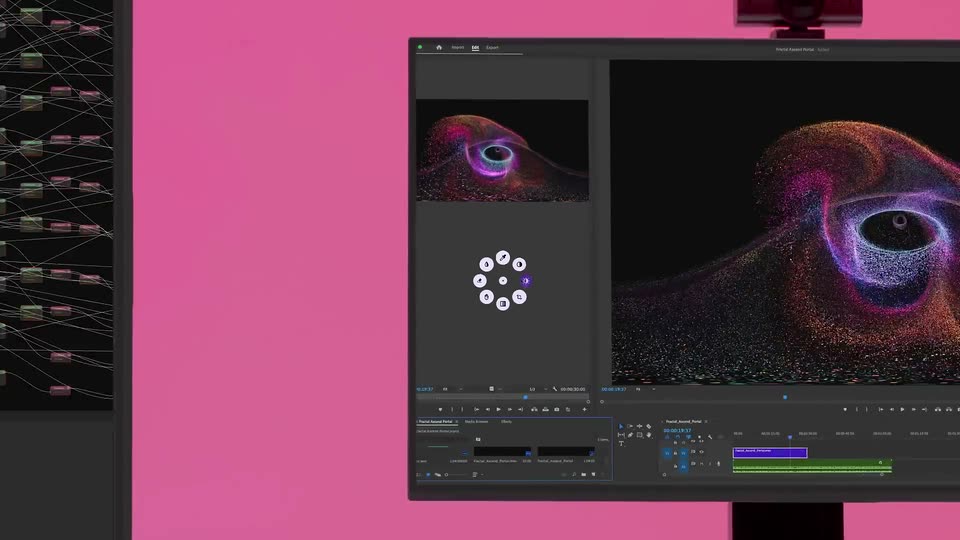 0:19–0:20Logitech · Introducing Logitech MX Master 4 | Our most advanced wireless mouseThe camera pulls back from a close-up of a dark app screen with a radial cluster of round icon buttons to a pink desk. Two monitors show the interface, a node graph on the left and a particle face on the right, while small figurines and a yellow ball sit on the desk.
 1:16–1:22StackBlitz · Bolt.new V2 Is Here: The Future of BuildingThe view moves into the agent selector and Deep Planning workflow. A planning panel opens and fills with steps for the same project.
 0:40–0:41SyncMonster.AI · AI Lip Sync, Dubbing & Video Translation Demo | SyncMonsterA small polaroid card of a woman floats on a red gradient, then the view pulls back as the card dissolves into a dark video-editor interface with a timeline. White text appears at the bottom.
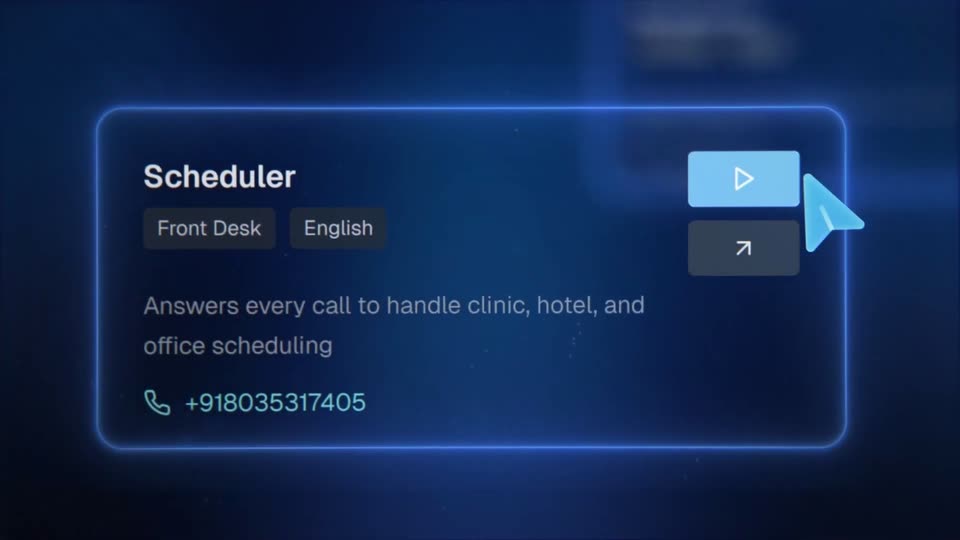 0:21–0:22Bolna AI · Bolna - Voice AI for IndiaA glowing blue card rack-focuses into view over a blurred duplicate behind it, settling on the Scheduler panel with its tags and phone line. A bright light line sweeps the card's top edge as a blue cursor hovers at the upper right.
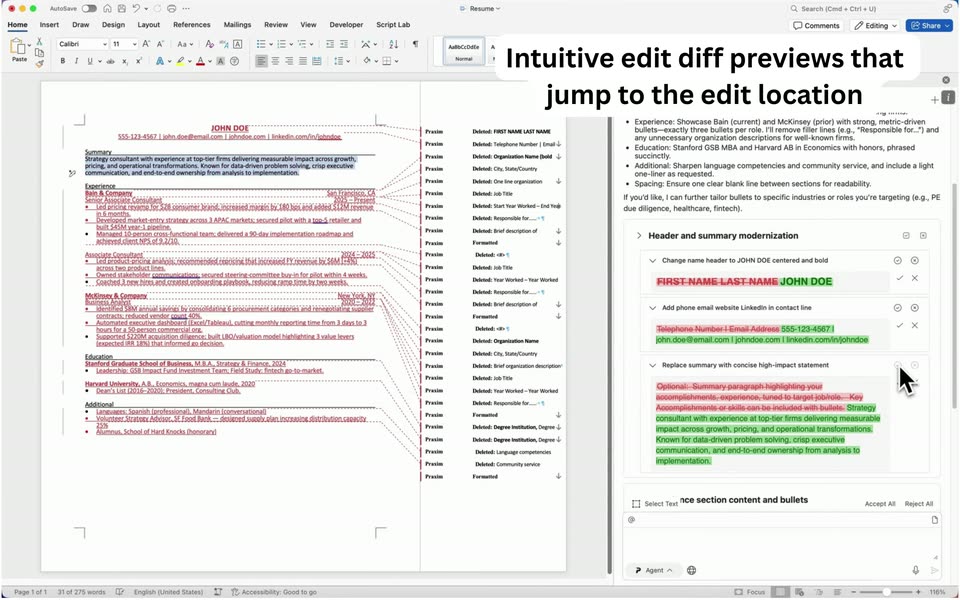 0:00–0:21Praxim · Praxim for Word DemoA Word window pairs a resume template with an AI agent panel. The view zooms in as a cursor taps the mic and a prompt fills the box. The agent searches the web, then tracked changes fill the document. The cursor accepts each diff preview, rewriting the resume.
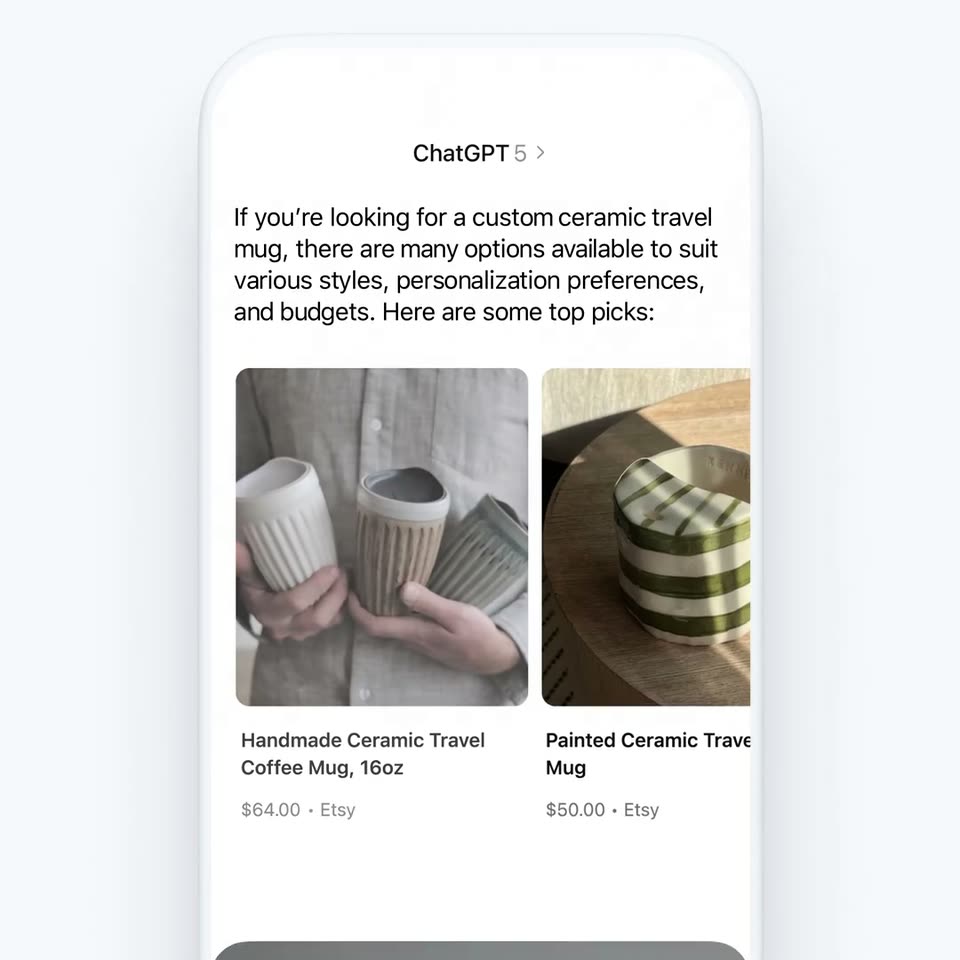 0:03–0:04Stripe · Stripe - We’re codeveloping an open standard for agentic commerce with @OpenAIA white rounded card shows a ChatGPT answer about ceramic travel mugs with two product thumbnails and prices. A second card slides up from the bottom, covering the lower half with an enlarged mug photo and a close button.
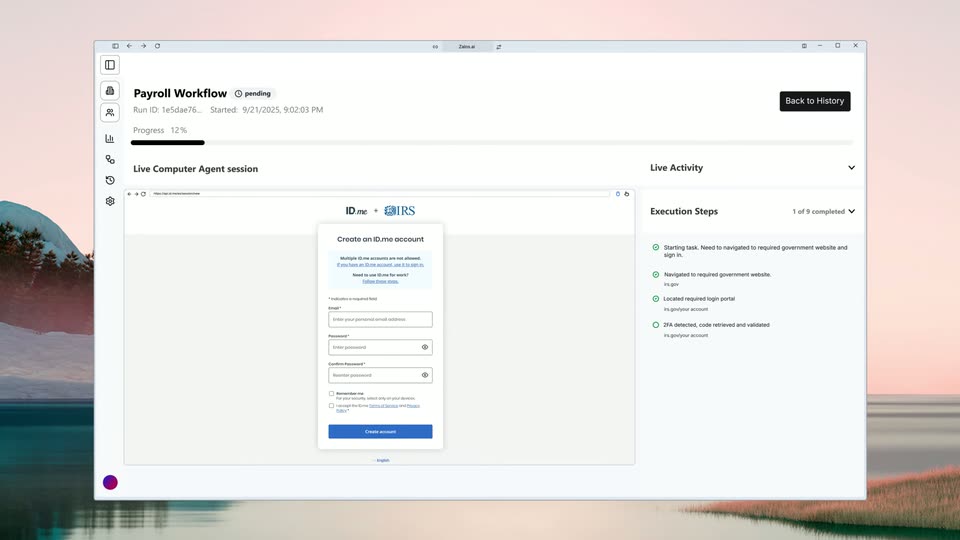 0:26–0:28Zalos · Meet ZalosA 3D mockup of a workflow interface sits against a blurred landscape. The camera starts wide over a browser session on the IRS site, then zooms in on the right panel where execution steps check off sequentially with green icons.
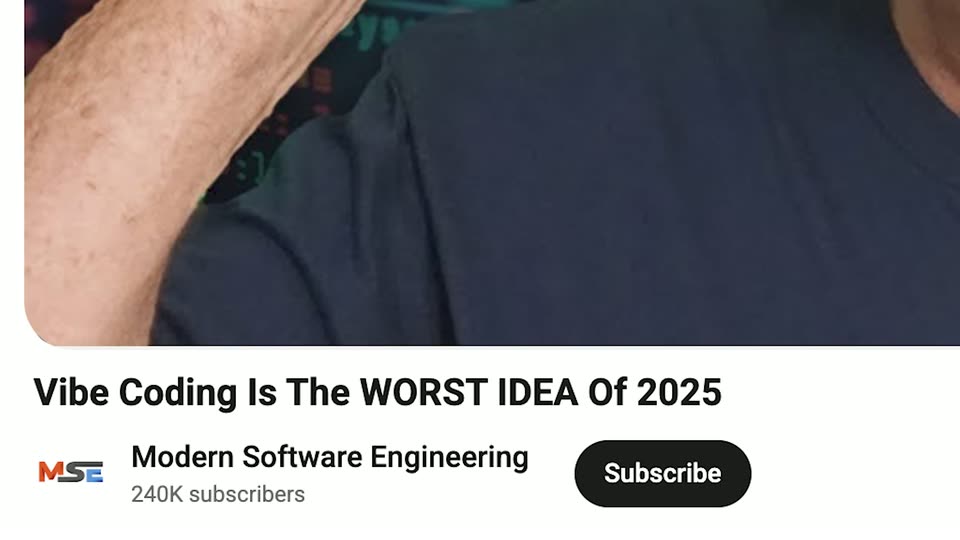 0:28–0:29Anything · Introducing Anything MaxA YouTube video card fills the frame: a thumbnail of a person in a dark shirt before a code terminal, with the title, channel name, subscriber count and Subscribe button below. The locked-off card slowly scales up, zooming into the interface.
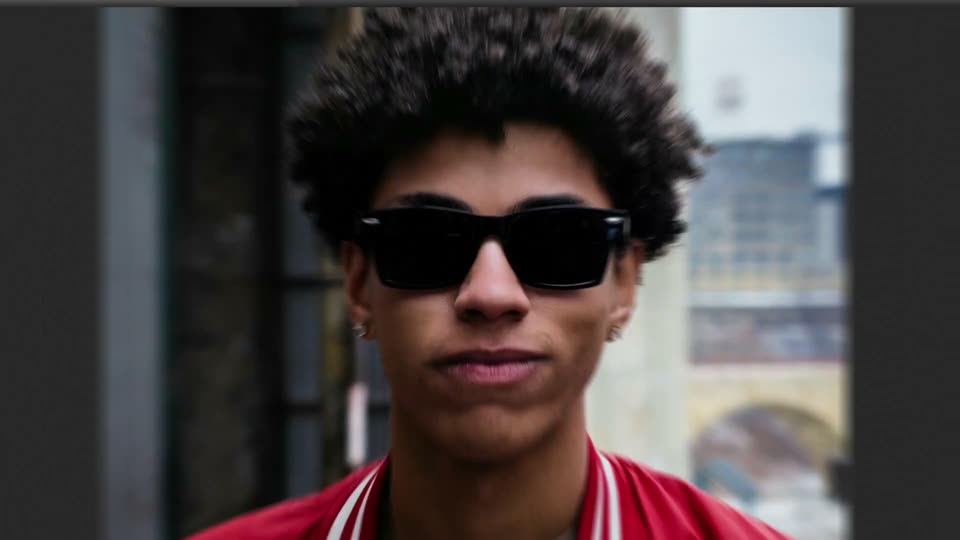 0:14–0:16Black Forest Labs · Black Forest Labs - FLUX.1 Kontext [Pro] is now in Photoshop! Starting today, creators wA photo-editing interface frames a portrait of a young man with curly hair, black sunglasses and a red jacket, flanked by vertical toolbars. The view slowly pushes in on his face while the top option bar stays in place.
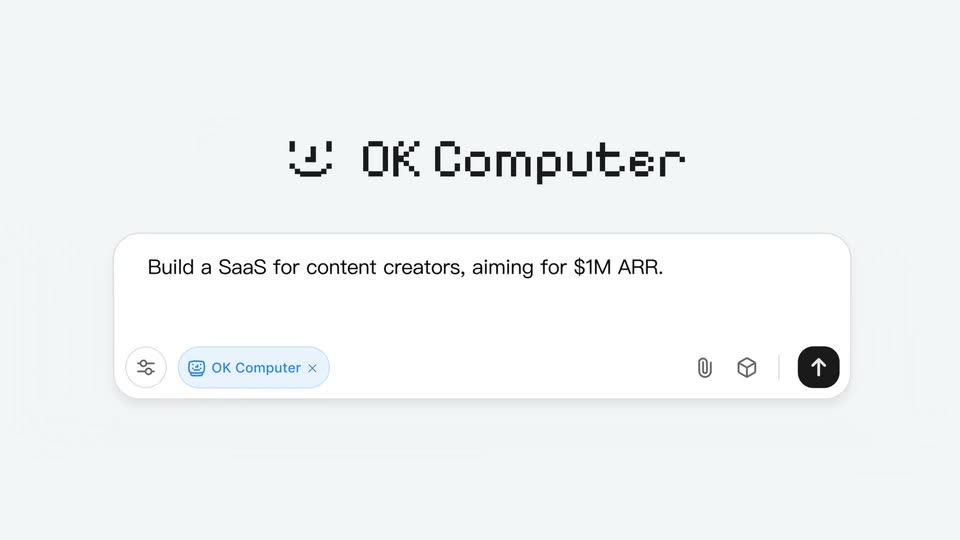 0:05–0:09Moonshot AI · Kimi.ai - Say hi to OK Computer, Kimi's agent mode 🤖🎸 Your AI product & engA blurred macro of the white input field pulls back to a flat front view under the pixel OK Computer logo. The prompt types out character by character, then the field morphs into a compact card reading Executing task with a pulsing green dot.
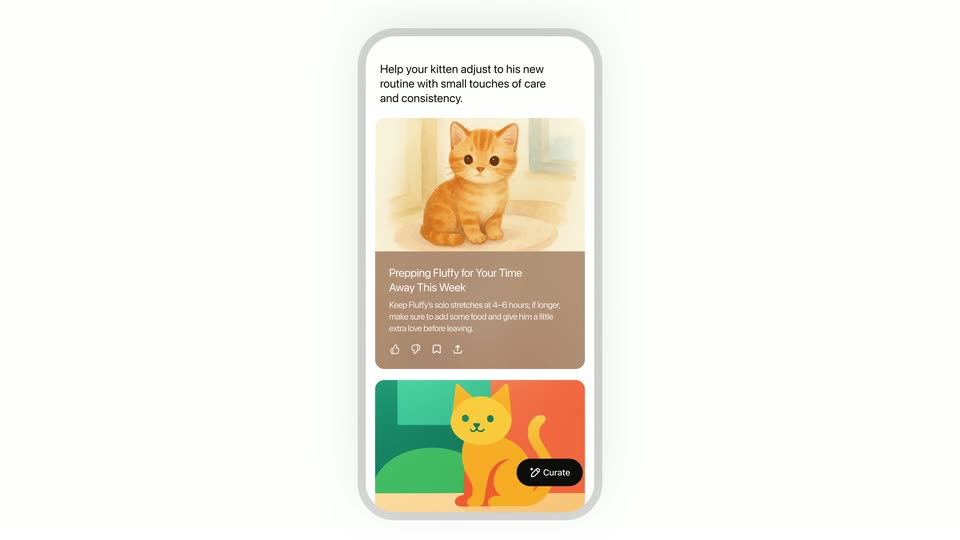 0:21–0:26OpenAI · Introducing ChatGPT PulseA front-facing phone mockup on a white background. A three-line caption fades in at the top, then the view pulls back as the feed scrolls up, revealing a watercolor kitten post and an illustrated cat card with a Curate button.
 0:04–0:05Harvey · Outlook Add-InA flat front-facing phone mockup sits centered on a pale gray field. The device and its white screen scale up steadily, zooming into the interface so the faint serif Harvey wordmark and the bottom action row grow larger and fill more of the frame.
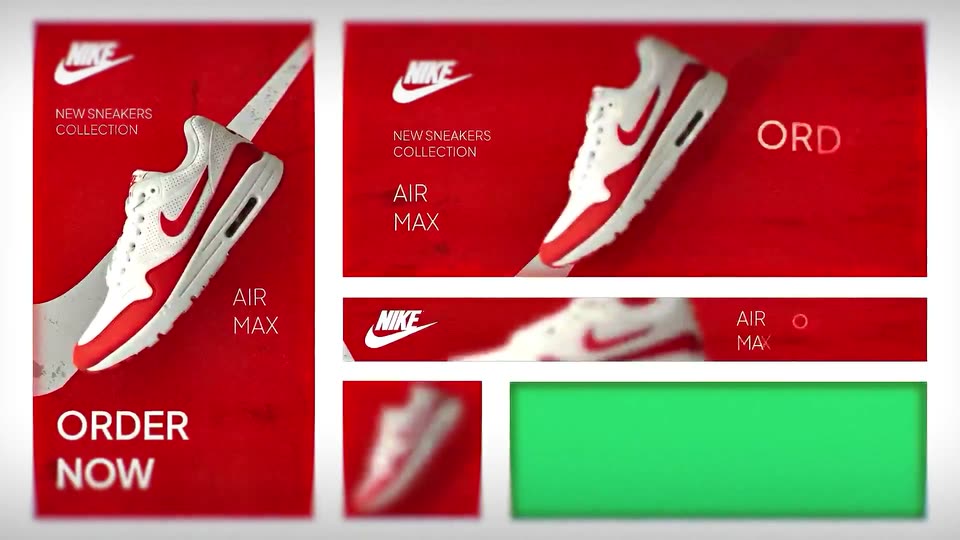 0:11–0:12Burp · Lottielab - Introducing Burp - Your AI motion editor. ✨ Waitlist is now officialA grid of red Nike Air Max banners on white starts out of focus, then sharpens as the color swatches on the right swap for banner variants. The tall left banner scales up to fill the frame while the others shrink to the right edge.
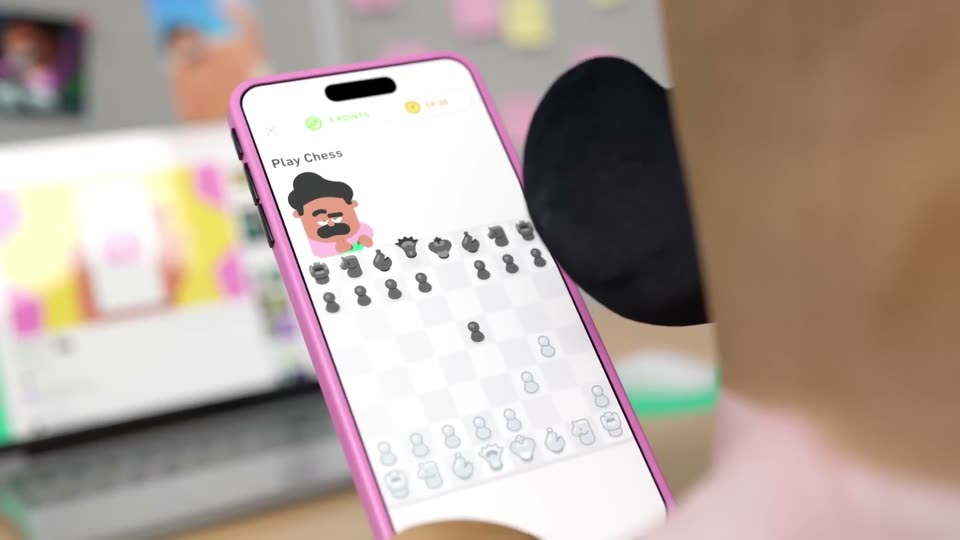 0:32–0:36Duolingo · Introducing...Duolingo Chess!A 3D cartoon character in a cap and glasses sits at a desk holding a pink phone, a laptop and pink mug beside them. The camera pushes in on the phone screen, then zooms hard onto a chess board as pieces shift.
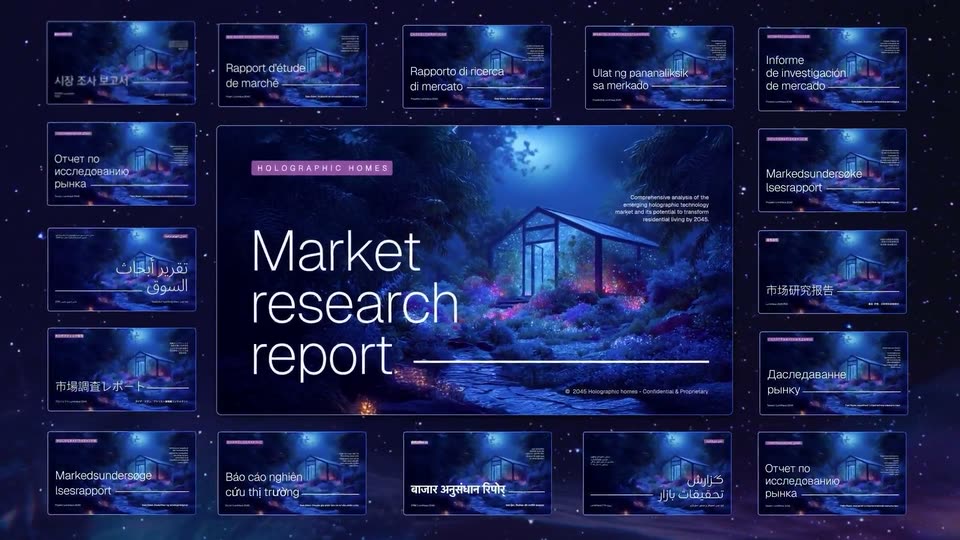 0:28–0:30Gamma · Gamma - Introducing Gamma API: a connector to automate your workflows. It'sA central slide reading Market research report floats in a starry void, ringed by dozens of the same slide in other languages. The camera pushes in on the center card as the surrounding cards recede to the edges and blur, the title scaling up.
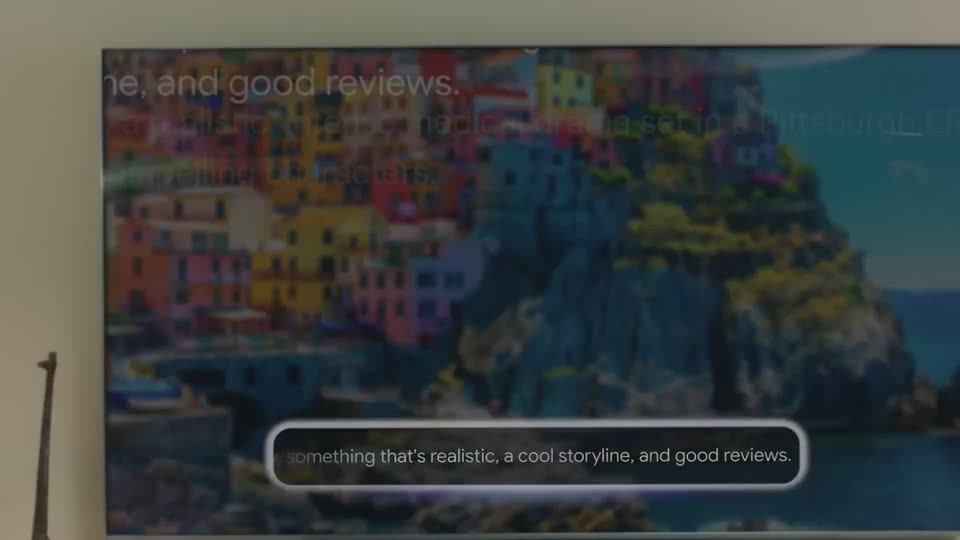 0:17–0:18Google · Introducing Gemini for Google TVA flat TV in a bright living room plays a colorful coastal town image. A rounded caption bubble at the bottom holds the user's prompt, and as the camera pushes in, a faded answer line about a hospital show slides in on the right.
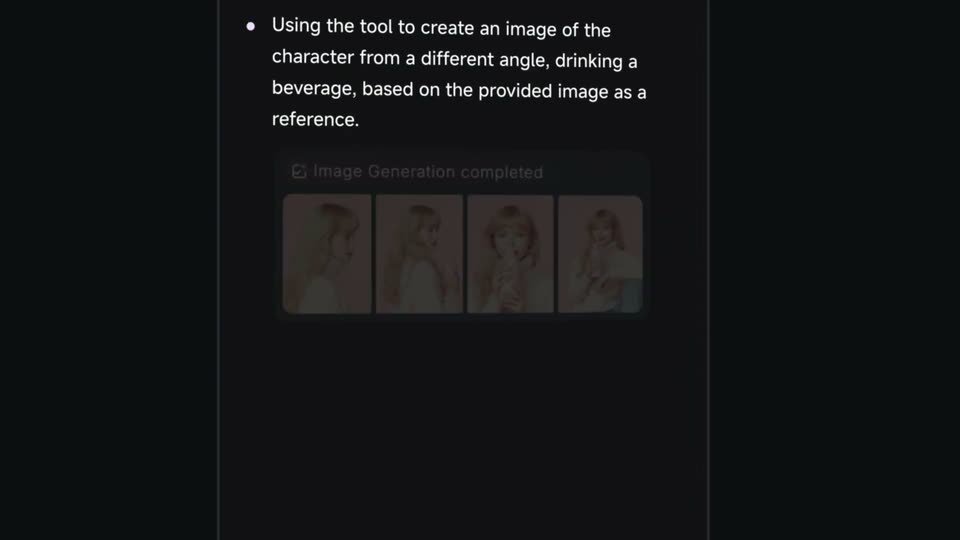 0:02–0:05Hailuo · MiniMax Design (H3) - Introducing Hailuo AI Agent: Your next-gen creative flow — FREE for oA dark chat interface shows a prompt card and an AI avatar replying. The view zooms into the plan text being typed, then reframes to the full workspace: two generated portraits on the left and a project panel with four thumbnails on the right, under a gradient headline.
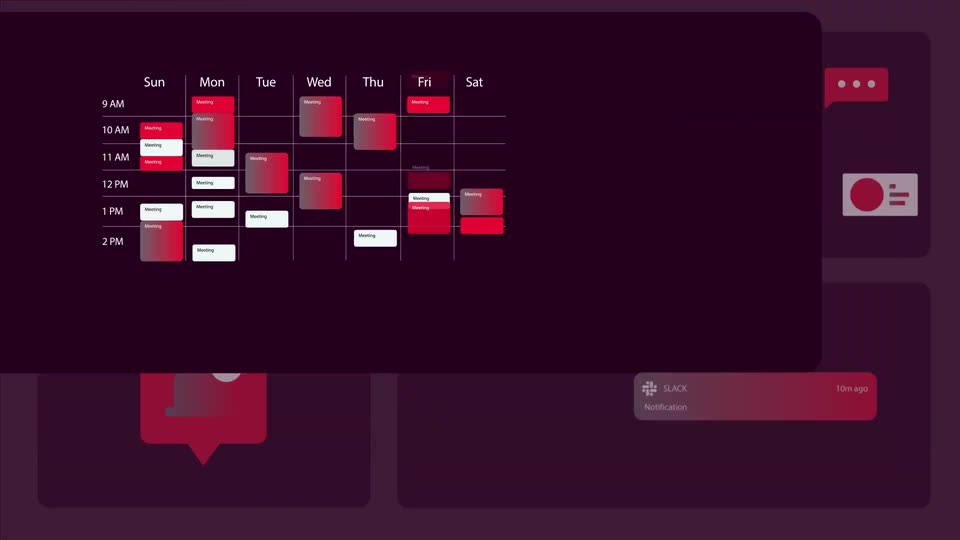 0:17–0:18Mesmer · Mesmer: The AI Operating System for Engineering • Vision VideoA weekly calendar grid of red and white meeting blocks on a dark purple background zooms in, the day headers and time rows scaling up until the view tightens onto the schedule.
 0:04–0:05Aviro · Cortex by AviroA dark Perplexity Pro interface slowly zooms in as a prompt types itself into the search field, a blinking caret trailing the words. Tool icons and a blue send button sit inside the field, with suggestion pills below.
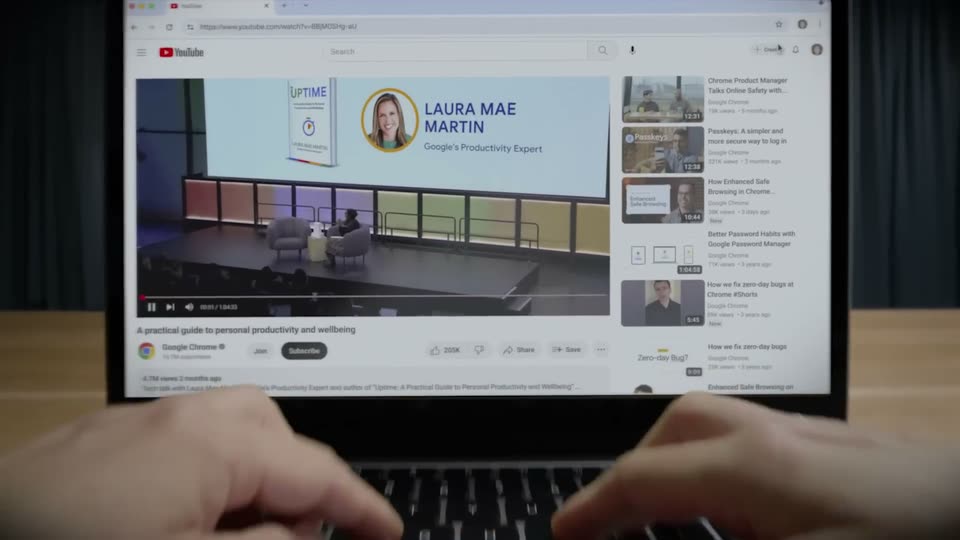 0:06–0:07Google · Behind the Browser: AI Edition HighlightsA laptop screen showing a YouTube talk fills the frame as the camera pushes in, the slide with a speaker's name and photo growing larger. Hands type on the keyboard at the start.
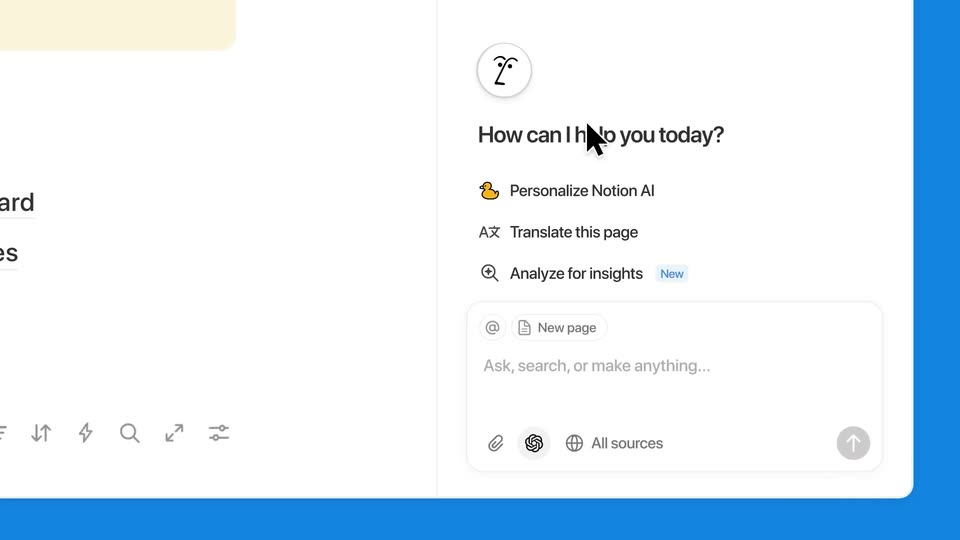 0:04–0:10Notion · Introducing Notion 3.0: AgentsA Notion-style page shows a to-do list as the cursor hovers the first item, then the view reframes right onto the AI panel where the cursor clicks the assistant icon and a greeting bubble pops up.
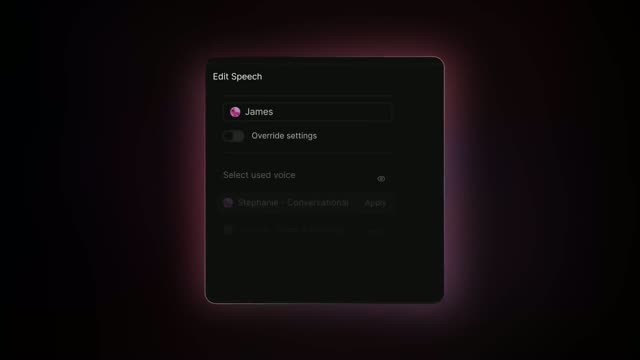 0:13 · 0.8sElevenLabs · Introducing Studio 3.0 — The Best AI Audio Models in One EditorA dark Speech panel floats over a blurred window. It scales up to a close-up of the voice settings, the video preview of a seated man giving way to a list of named voices, each with an Apply button.
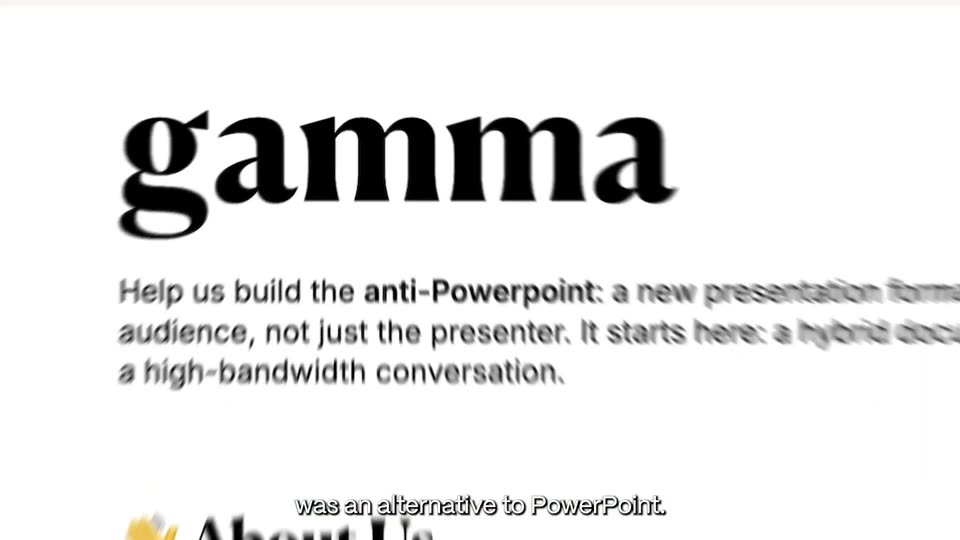 0:24–0:27Gamma · Gamma - Gamma 3.0 is here, so we put our CEO in a spaceship. And it got millA Gamma document page floats on a dark starry field, then the camera zooms into the black gamma wordmark, blurring the page until only the title and first paragraph remain on white.
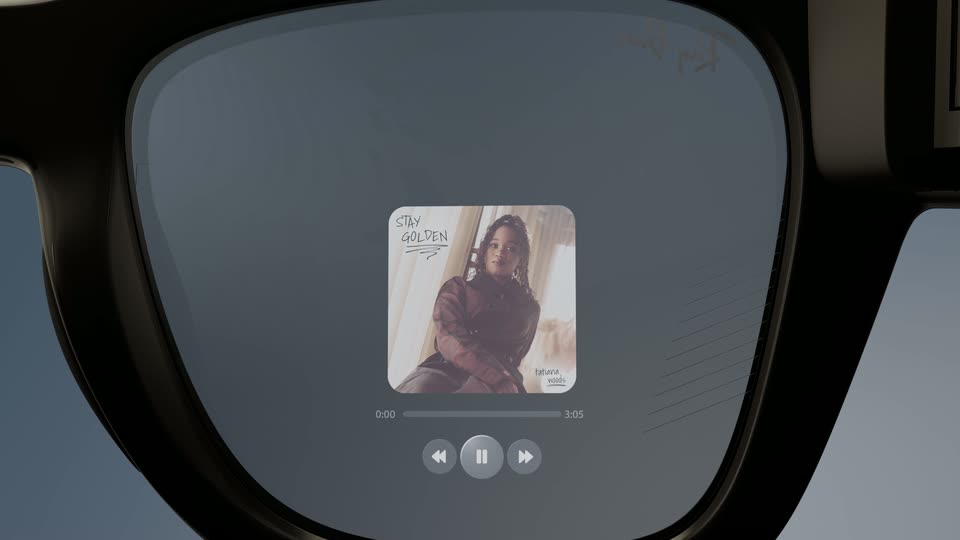 0:02–0:04Meta · Meta Ray-Ban Display: AI Glasses With an EMG WristbandA black smart-glasses frame floats against a plain blue-gray backdrop. A music player with album art, a progress bar and transport buttons glows on the lens as the camera pushes in, and the cover art switches from a beach scene to a portrait.