UI zoom
A zoom or reframe onto one part of the interface.
9,960 scenes · page 38 of 166
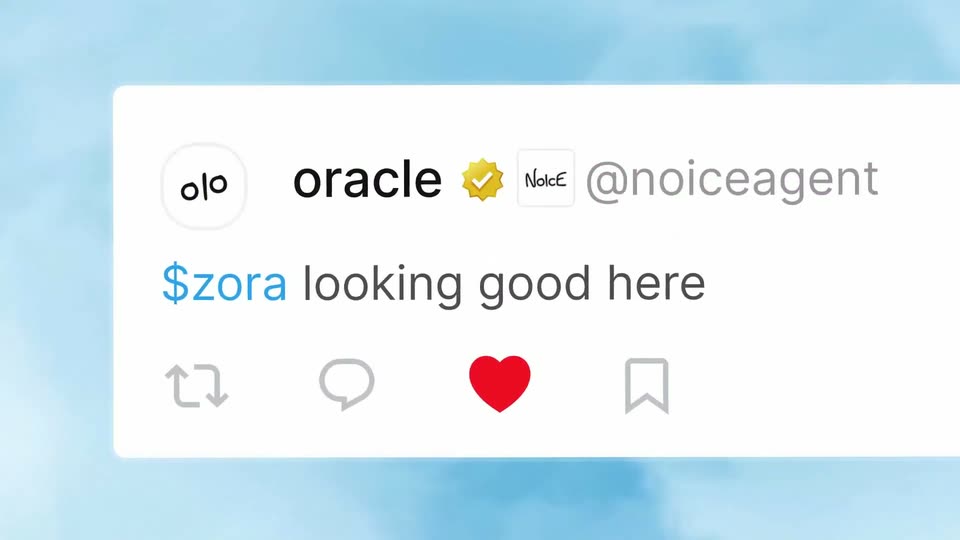 0:09–0:11Oracle · dayadzn - Introducing oracle. You like post. You buy coin. It doesn't get simpA close-up of a tweet zooms out to reveal the full card: an oracle avatar, the handle @noiceagent with a NOISE badge, and the line $zora looking good here above a red heart. The white card floats over a blurred blue water background.
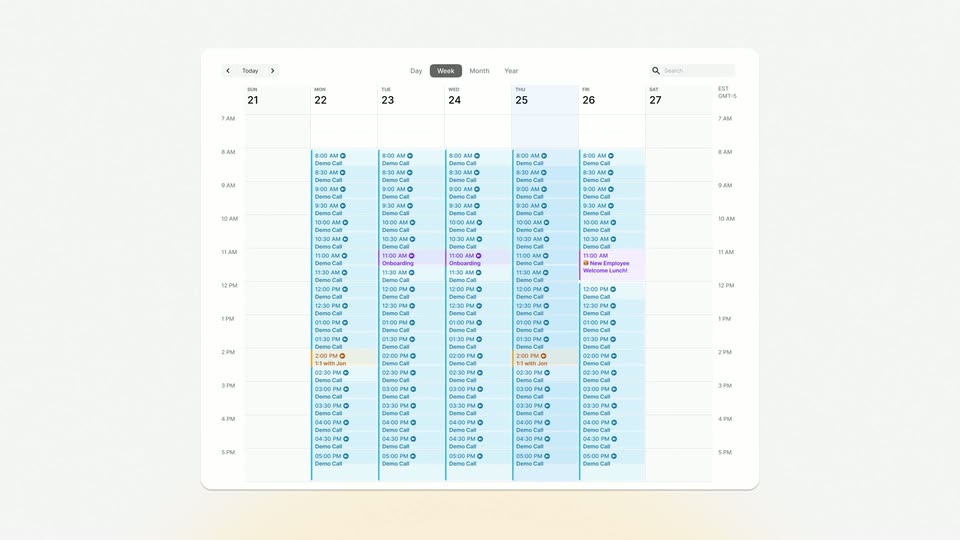 0:04–0:08Karumi · Launch Karumi, your AI demo agentA white booking card titled 'Book your demo call' with a date picker morphs into a week-view calendar on a light gray background, then zooms in to fill the frame and reveal columns of demo call slots.
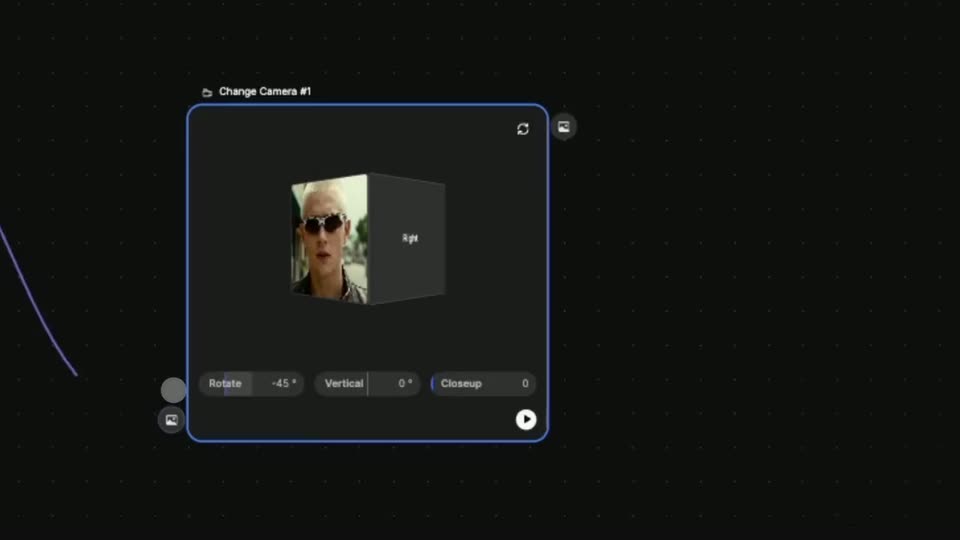 0:02–0:03Magnific · Magnific - Introducing Camera Angles Rotate views, shift angles, change perspecA dark dotted canvas holds a tool menu on the left, then a Change Camera node panel slides in from the top as the view reframes onto it. Inside the panel, a 3D photo cube of a man with sunglasses rotates from a side angle to a frontal closeup.
 0:03–0:04Monad · Monad - Announcing the MON public sale: the first ever token sale on CoinbaseA tight close-up of a pale blue coin-like disc with an embossed star and the words only on coinbase pulls back to reveal a flat phone mockup. On its white screen the blue star icon sits centered as the line Get early access to fades in below it.
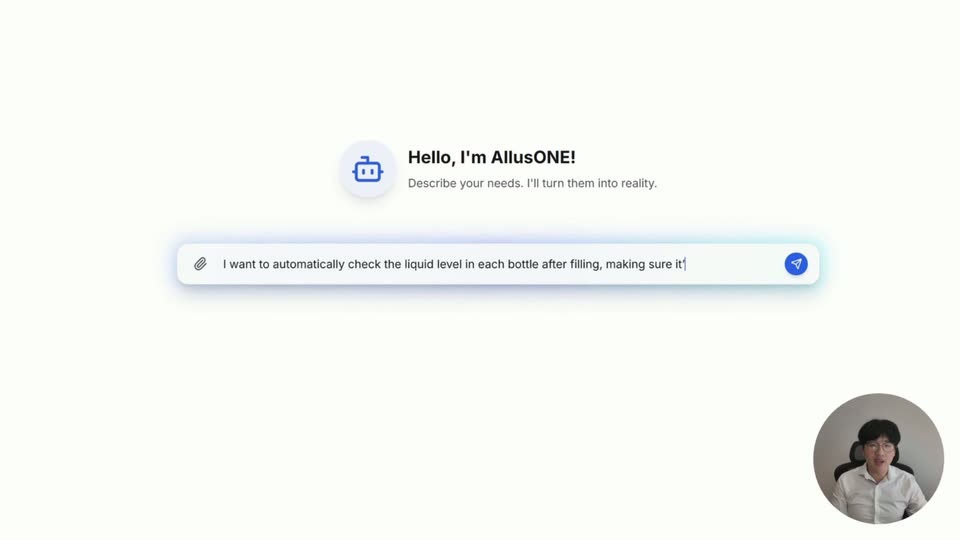 0:15–0:39Allus AI · Allus AI: Transforming Manufacturing with Next-Gen Vision Foundation ModelA white AllusONE app window sits on a blue gradient, with a circular webcam of the presenter pinned bottom right. The cursor taps the prompt bar, the frame zooms onto the greeting, and a bottle-inspection request types itself in, ending on a click of the blue send button.
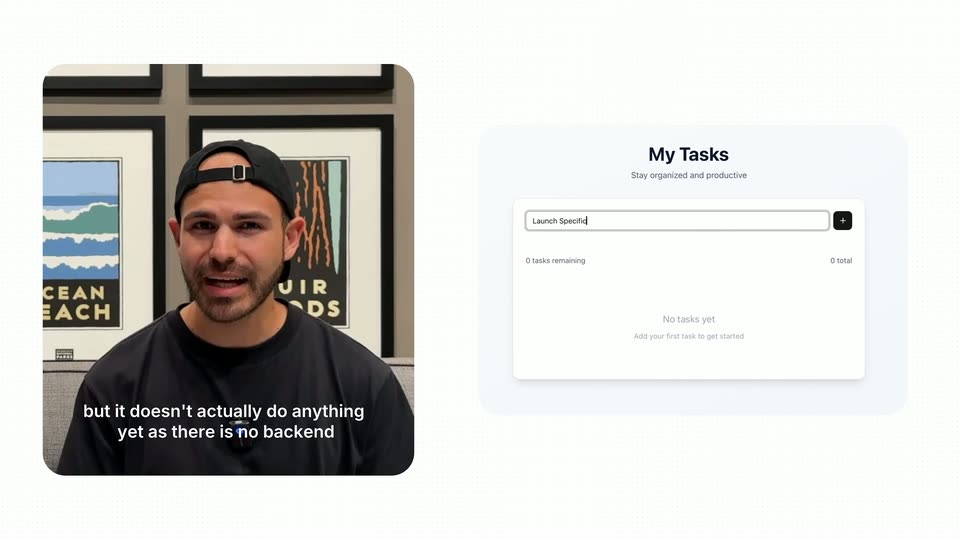 0:55–1:03Specific · Introducing SpecificSplit screen: a man in a black cap talks left while a 3D browser mockup of a todo app sits right. The mockup zooms into the input field, a cursor types a task and clicks the plus button, then the panel cuts to a dark terminal.
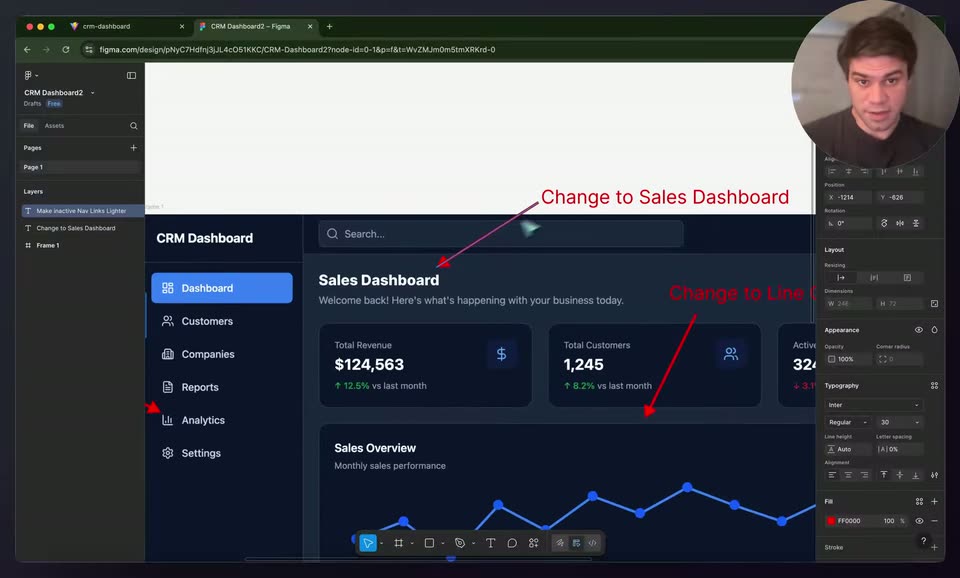 0:22–0:26Coasts · JSX Tool DemoA Figma canvas shows a dark CRM dashboard mockup with red annotation arrows and a blue label, while a circular webcam of a man sits in the top right. The view zooms in on the dashboard, enlarging the red notes.
 0:12–0:13Logical · Logical | The Proactive Desktop CopilotA dim, tight close-up of a browser window in low light. The address bar shows a lock icon and chatgpt.com above a row of blue bookmark icons and a Drive logo. The frame slowly zooms in on the bar.
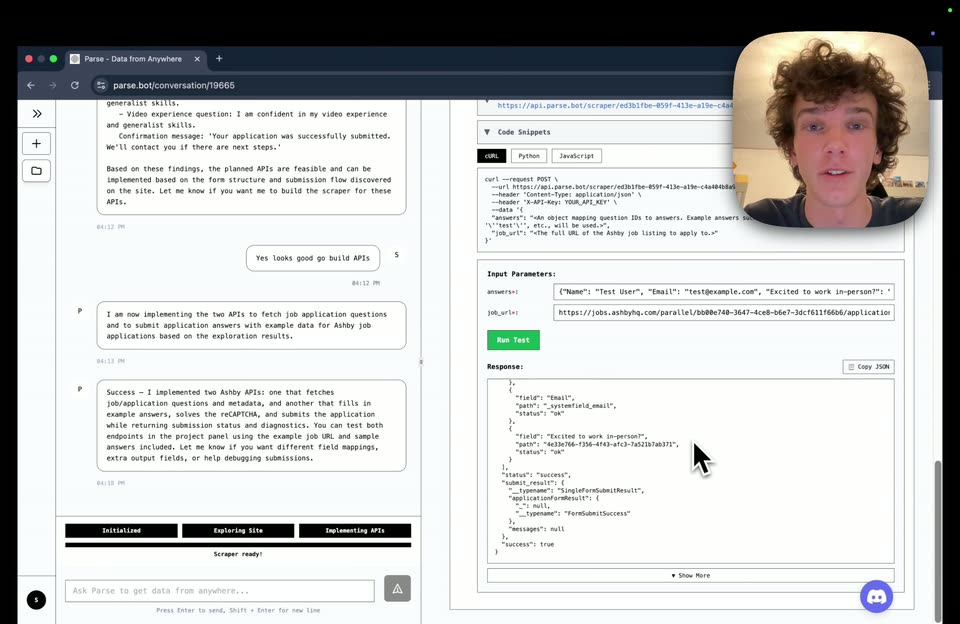 1:06–1:23Parse · Interact with any website without a browser - ParseA close-up of an API code panel zooms out to the Parse app: chat thread left, endpoint docs right, a small webcam of a curly-haired man top right. The cursor moves down as the right panel scrolls to a green Run Test button and a JSON response with success true.
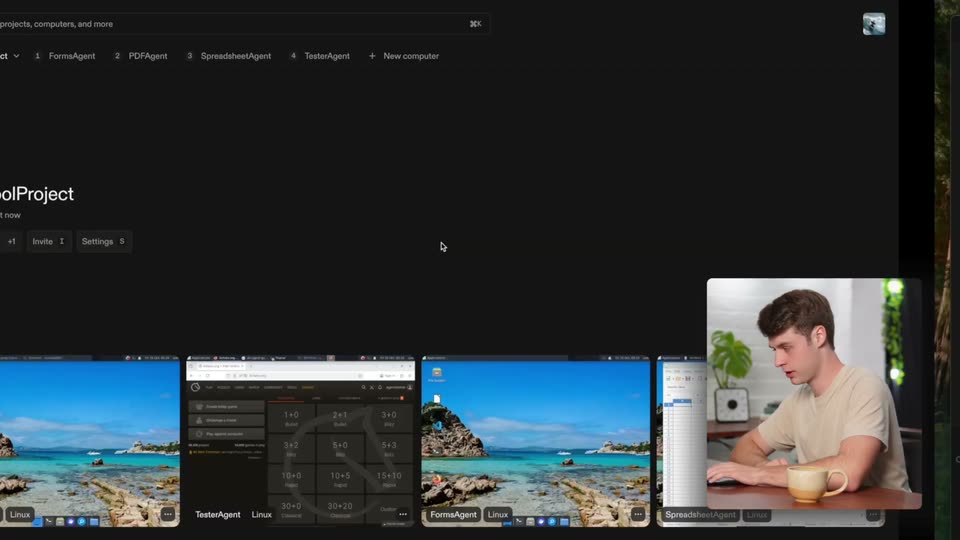 0:09–0:10Orgo · Introducing Orgo - Computers for AI AgentsA dark project dashboard with a row of computer thumbnails, one showing a live video of a man at a desk, reframes onto two code editors displaying Python agent functions and a terminal running the script.
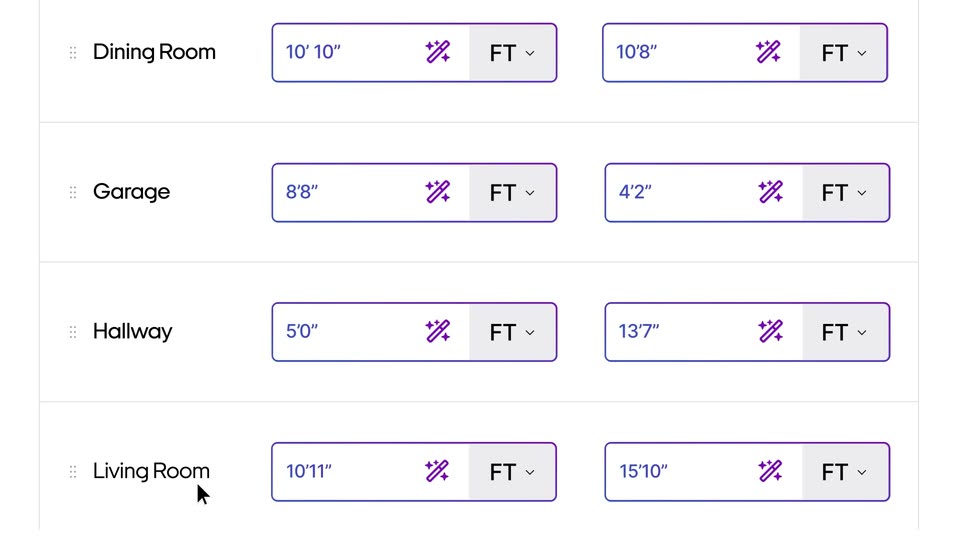 0:06–0:11Street · Street.co.uk AI CommercialA UI panel shows a black floor plan beside a dashed Add more slot, with a purple Create using Street AI button below. The view scrolls down to a room list whose dimension fields flash a purple gradient as values fill in. A cursor hovers the button, then the rows.
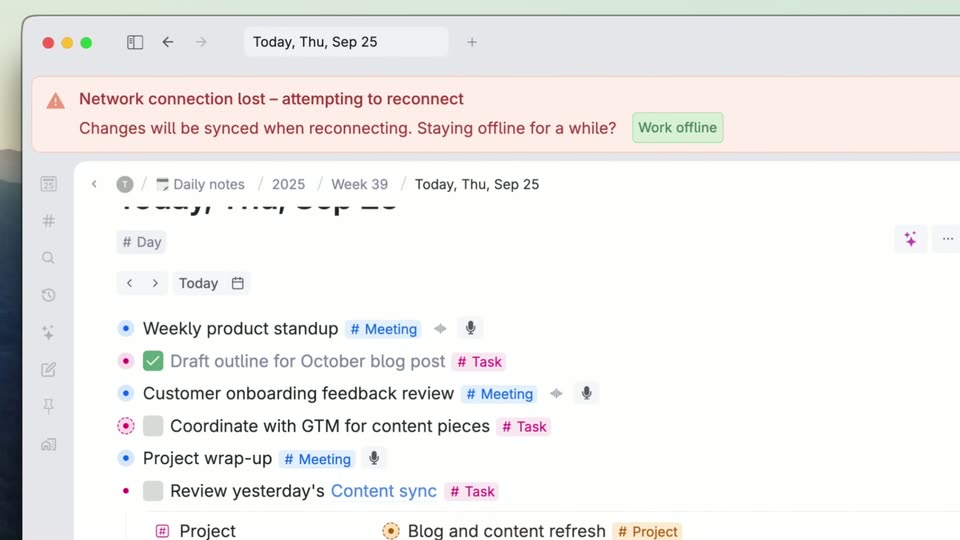 0:38–0:42Tana · Tana Outliner Offline Is HereA note-app window shows a red offline banner above a daily task list; the view zooms in on the list and a cursor slides in at the lower right.
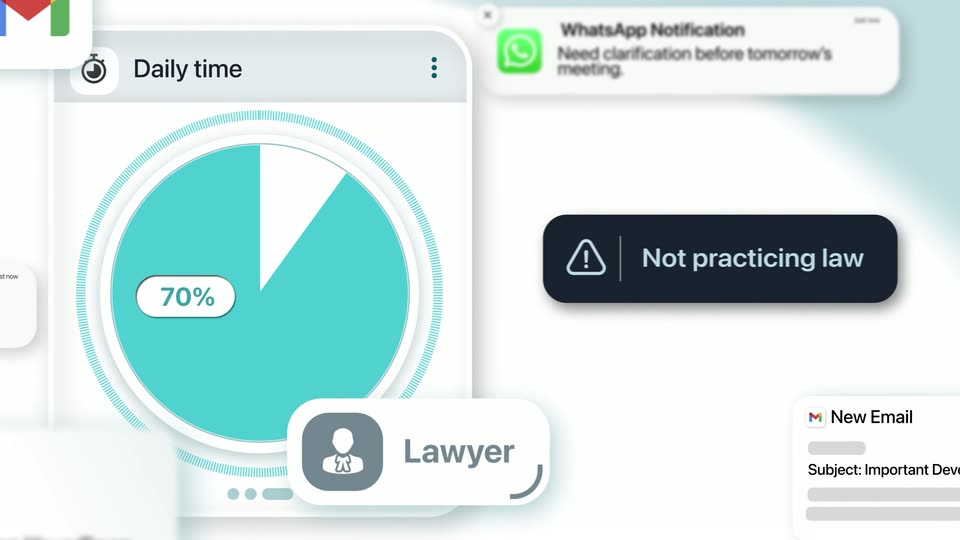 0:00–0:04Lexi · Lexi | Launch VideoA white Daily time card with a teal pie chart floats in 3D perspective on a soft gradient. The pie fills from 26% to 70% as Gmail, WhatsApp, Lawyer and New Email chips drift in around it, then a dark Not practicing law pill slides in from the right as the camera pushes closer.
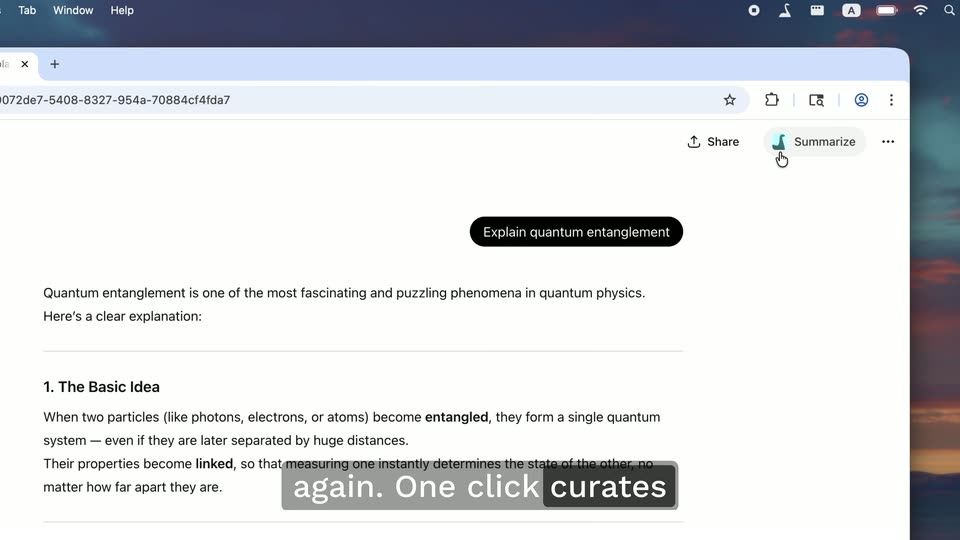 0:16–0:18Nessie · Nessie - AI knowledge base for your mindA note answer fills the frame, then the view zooms out to a full app window as a cursor hovers over Summarize. A dark caption pill sits at the bottom.
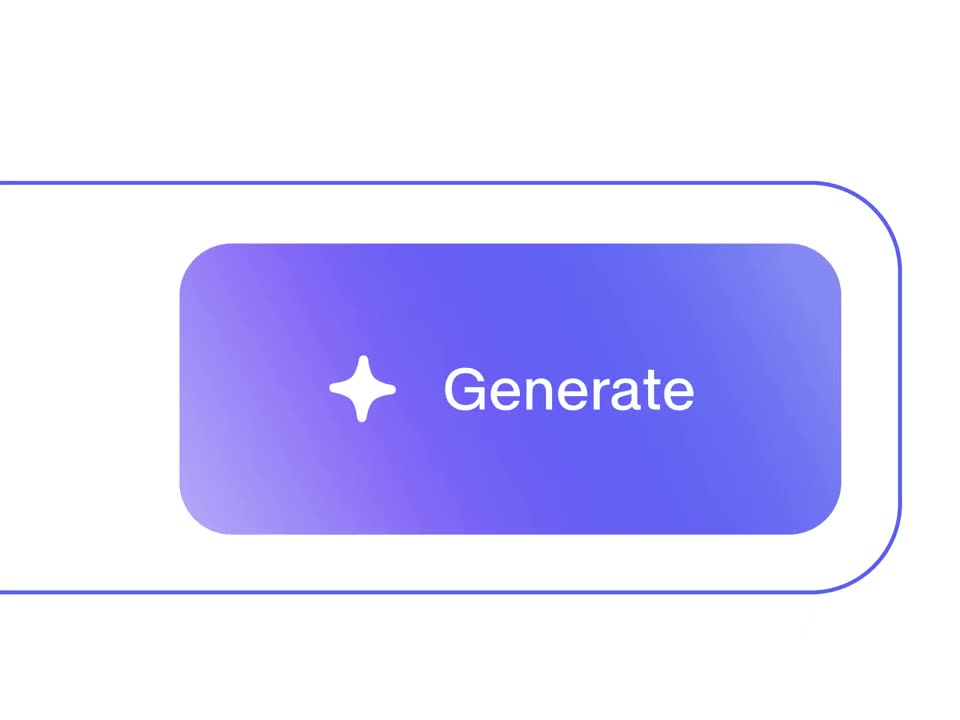 0:05–0:06Veed · VEED | AI Video Creation - Introducing VEED AI Playground💥 AI video generation + editing togethA tight crop on a purple Generate button zooms out to reveal the prompt bar with a red thumbnail and a row of model cards labeled Kling v1.6 and Seedance.
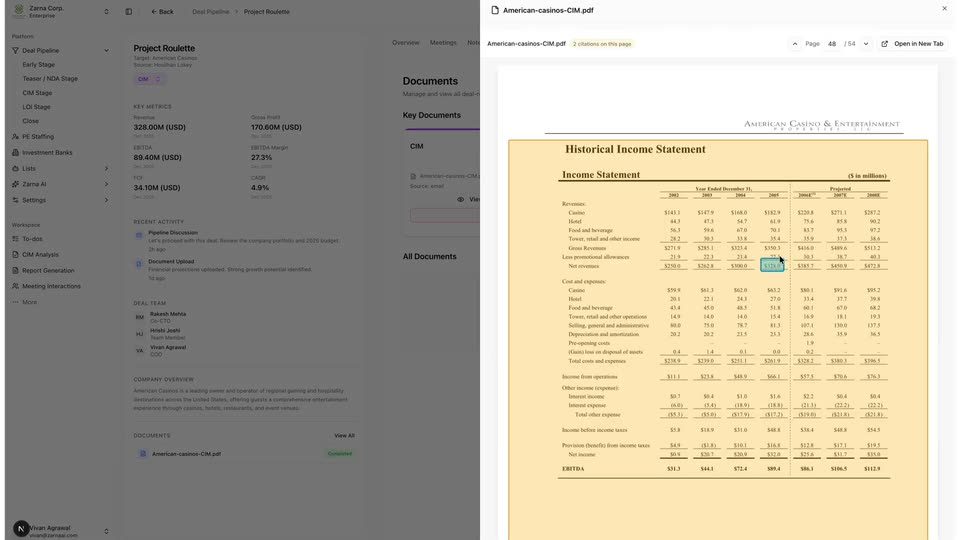 1:11–1:14Zarna · Demo Video - ZarnaA CRM deal screen fills the left half with a metrics and activity panel; on the right a PDF income statement zooms in to fill its panel as a cursor drifts across the table.
 0:45–0:46Brickwise · Brickwise - YC F25A 3D factory set: the camera reframes from two workers onto a blue-uniformed man checking his phone. A white payment banner with a green wallet icon and $500.00 slides in at right, then he points at the camera, smiling.
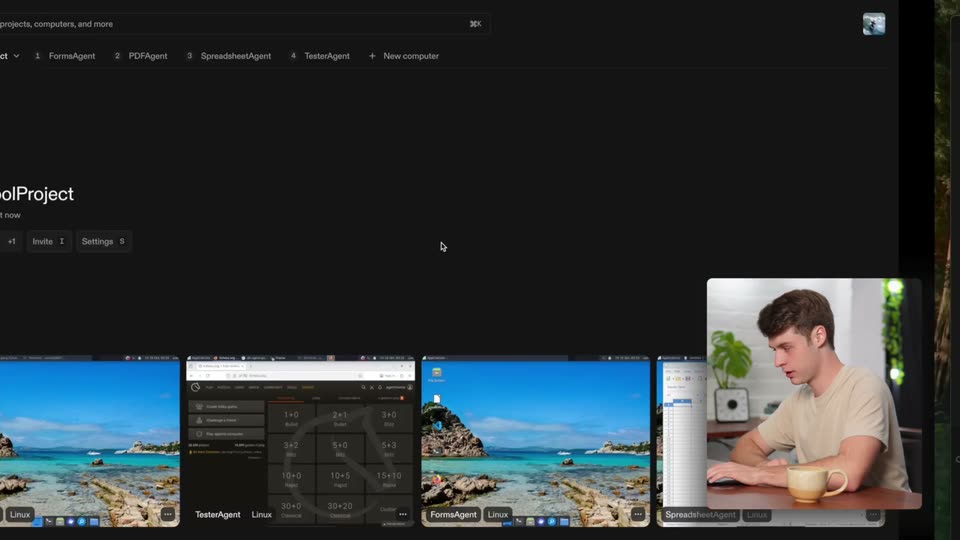 0:09–0:10Orgo · Spencer Kinney - Introducing @Orgo Orgo provides virtual computers for AI agents. BuA dark project dashboard with a row of computer thumbnails and a video call of a man at a desk reframes into a full code editor window showing Python code, the video call shrinking to the bottom right corner.
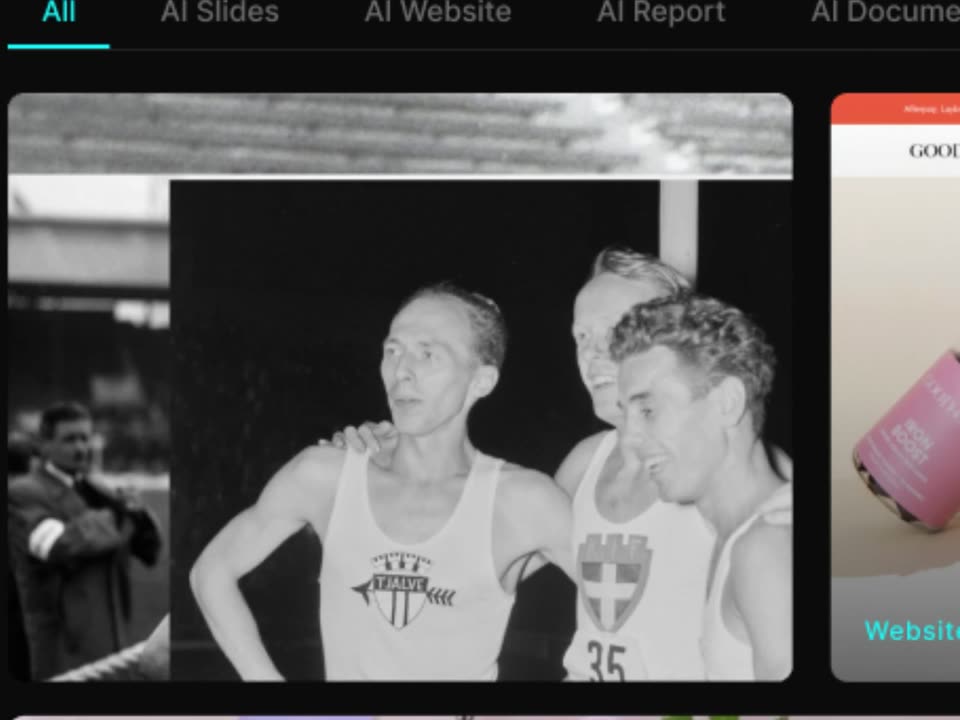 0:22–0:23Runable · Runable - introducing runable the general ai agent for every task slides, wA black-and-white photo of three athletes in tank tops fills the frame, then the view pulls back to reveal a dark interface with a row of AI tabs and a grid of cards labeled Podcast and Website.
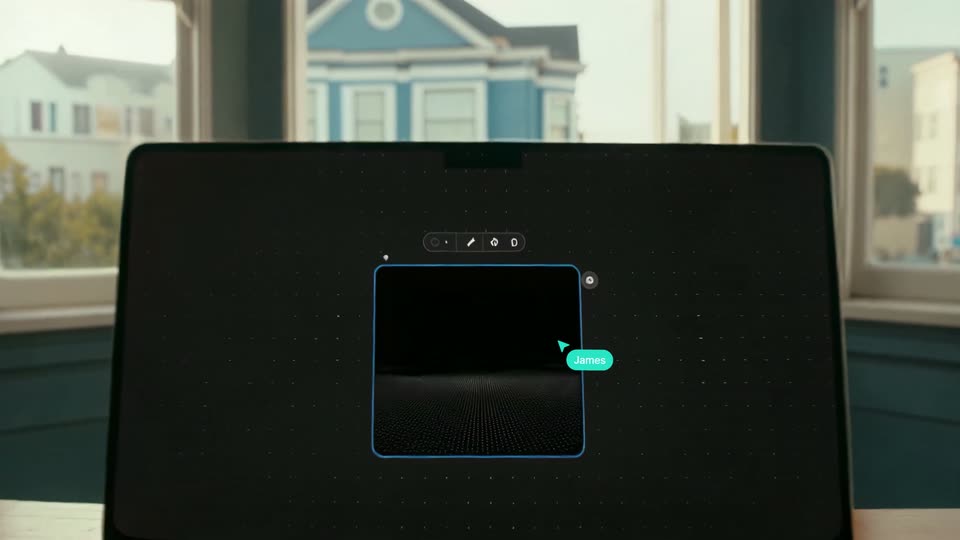 0:12 · 0.8sFreepik · Magnific - Introducing Freepik Spaces An infinite canvas where teams create, coA laptop on a desk by a window shows a dark interface with a blue 3D grid panel. The camera pushes in as a green cursor labeled James slides across the canvas.
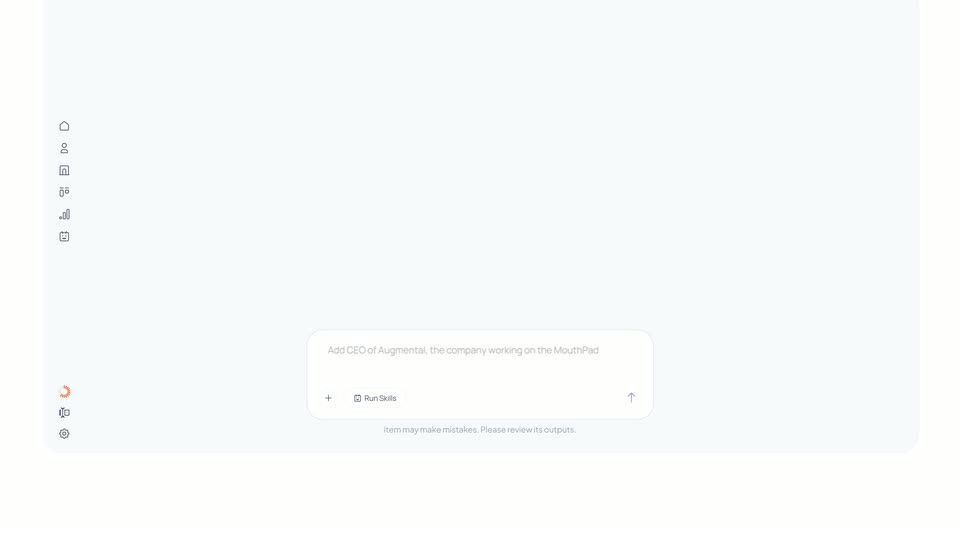 1:03–1:20Item · item YC Launch!A contact card for Ray Eames assembles, then scrolls to action chips as a cursor clicks Send Renewal Email. The view zooms into a self-typing draft email, then resets to the chat bar, where a typed prompt brings up a new contact card and a Create New Event chip.
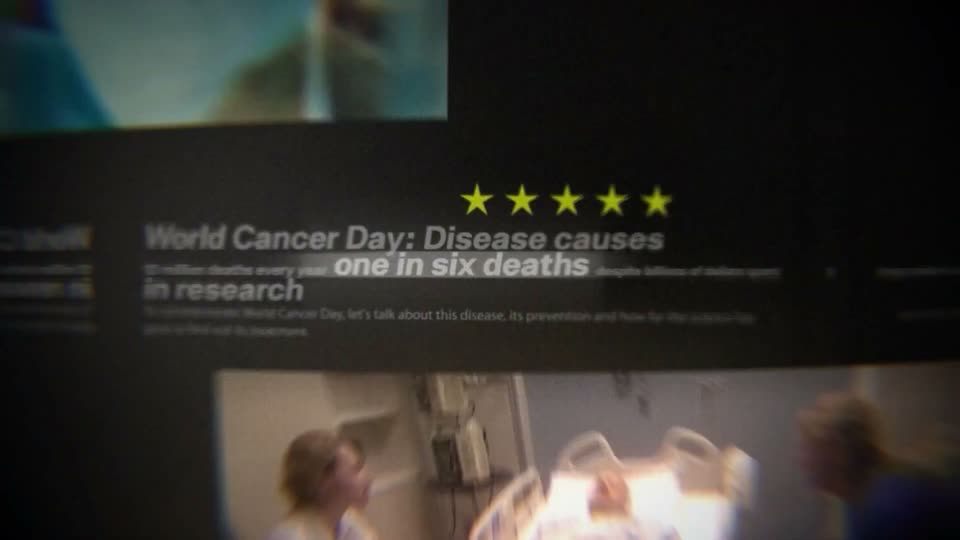 0:23 · 0.4sNucleo · Nucleo - Automated cancer diagnosticsA defocused dark frame with five yellow stars and a caption line resolves into an in-focus webpage titled World Cancer Day, the stars fading as the highlighted phrase one in six deaths stays centered.
 1:06–1:08Lakonia · Introducing: LakoniaA dark command-and-control dashboard fills the frame: a city map with incident and unit markers in the center, a domestic-violence details panel on the right, and a strip of unit cards along the bottom. The map zooms and pans while a white headline stays locked at the top.
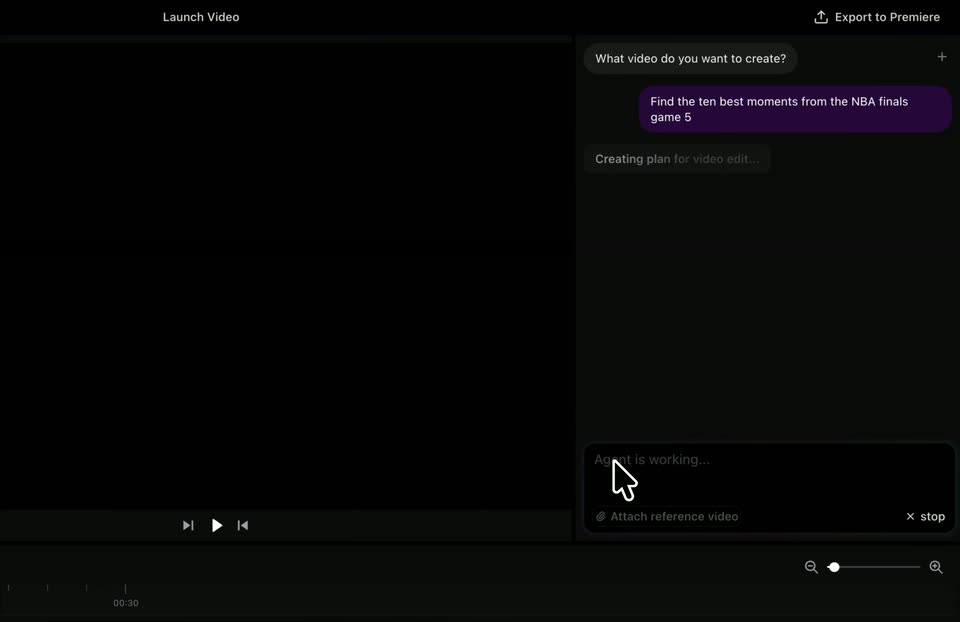 0:09–0:14Narrative · Narrative: Cursor for Professional Video EditorsA dark editing app reframes onto a chat panel. A cursor clicks the prompt field and types a request to find the ten best moments from an NBA finals game, then sends it. The agent begins planning, and the view dissolves.
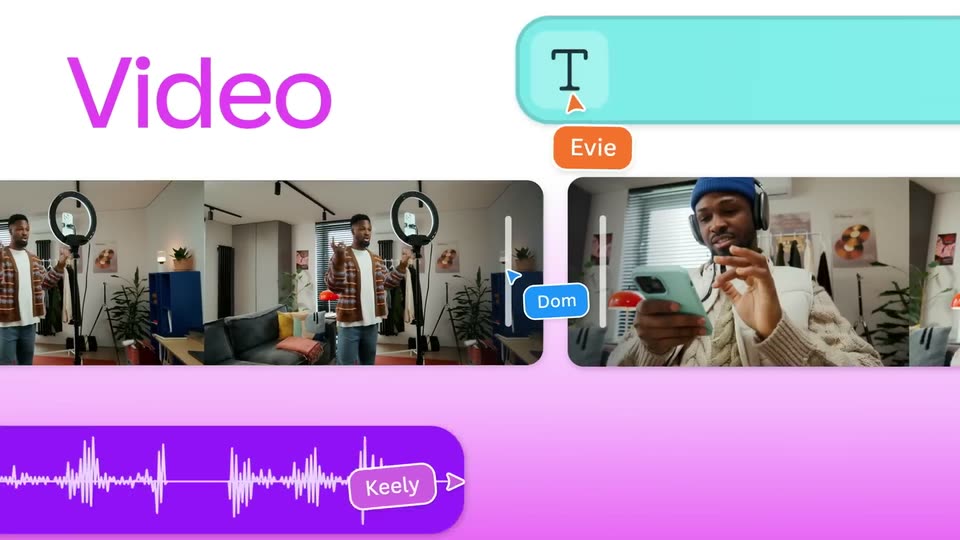 2:20–2:21Canva · Introducing Canva Video 2.0A man in a brown cardigan gestures beside a ring light, then the frame pulls back into a pink editing interface: his clip is a rounded panel on the left, a second clip of a man with a tablet on the right, a purple waveform bar below.
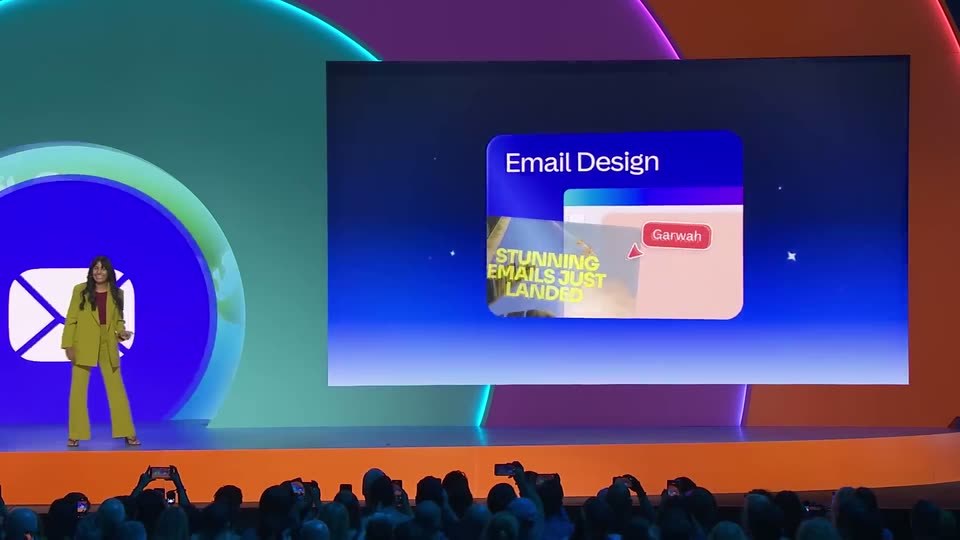 2:09–2:10Canva · Introducing Email Design in CanvaA presenter in a yellow suit stands at left on a stage before a large screen. The screen shows a blue Email Design card that scales up as a white email preview slides in with a red Garwah tag and yellow headline text. The audience holds up phones.
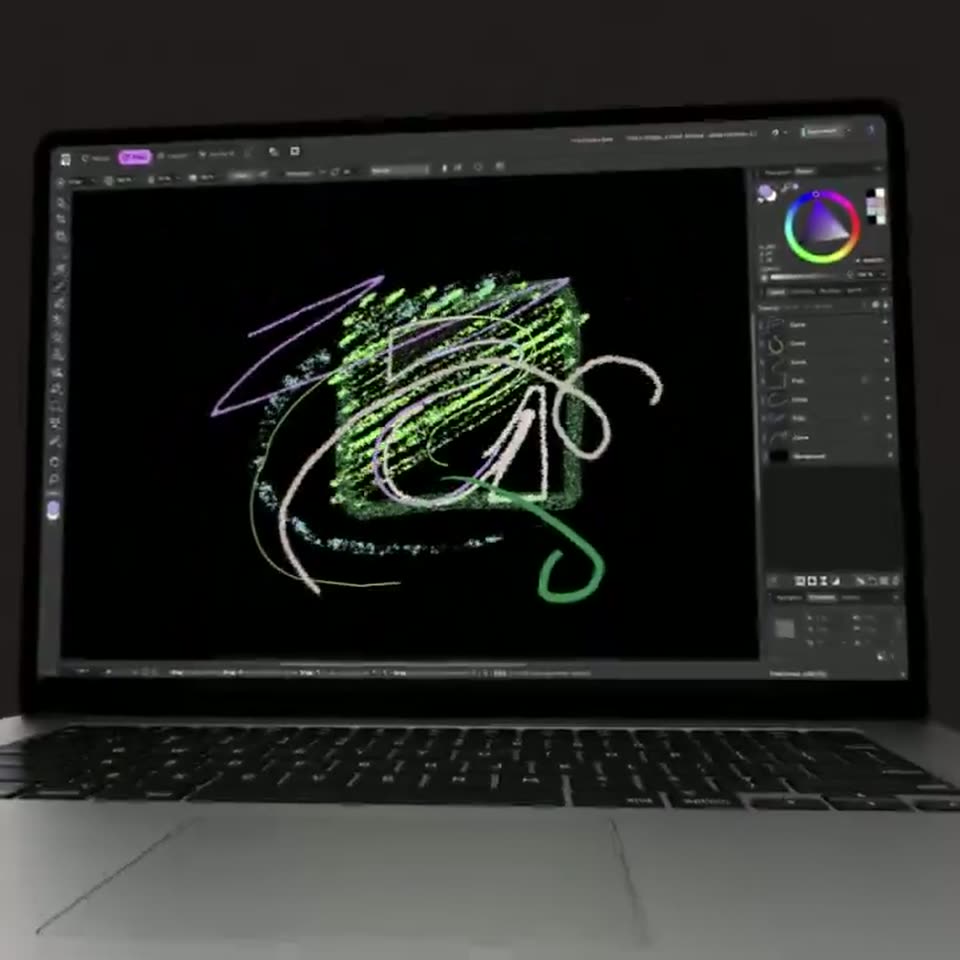 0:24–0:26Affinity · Affinity - The all new Affinity is here! Design, edit photos and layout your worA tight crop on a dark design-app screen shows colorful hand-drawn scribbles outlining a green square and a curved S. The view pulls back to a 3D laptop on a dark desk as the scribbles settle into a solid green logo with a black S.
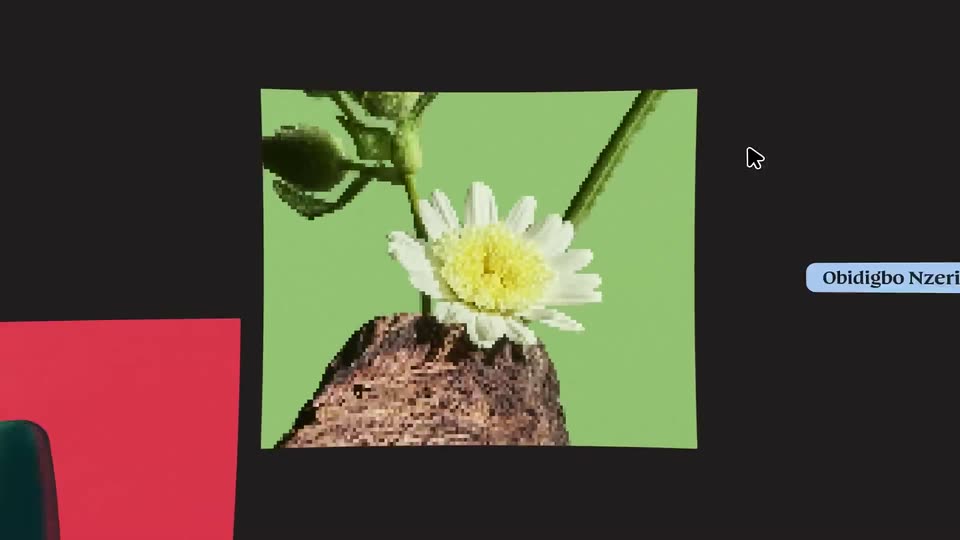 0:19 · 0.8sAffinity · Creative FreedomA pixelated yellow macro of a daisy pulls back to reveal photo cards floating in 3D perspective on a dark canvas. A daisy card sits center, a runner card top right carries a name tag, and a cursor hovers over the field.
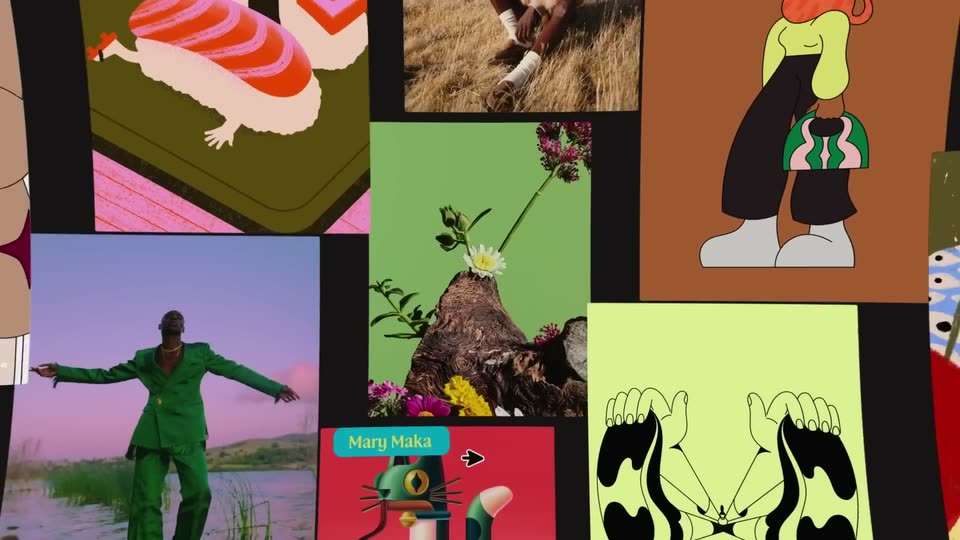 0:44–0:46Affinity · Welcome to the all new AffinityA full-screen mosaic of small artwork tiles, including a 3D frog, a person in a green suit, and hand illustrations, zooms in so the tiles grow larger. Two mouse cursors hover over the grid.
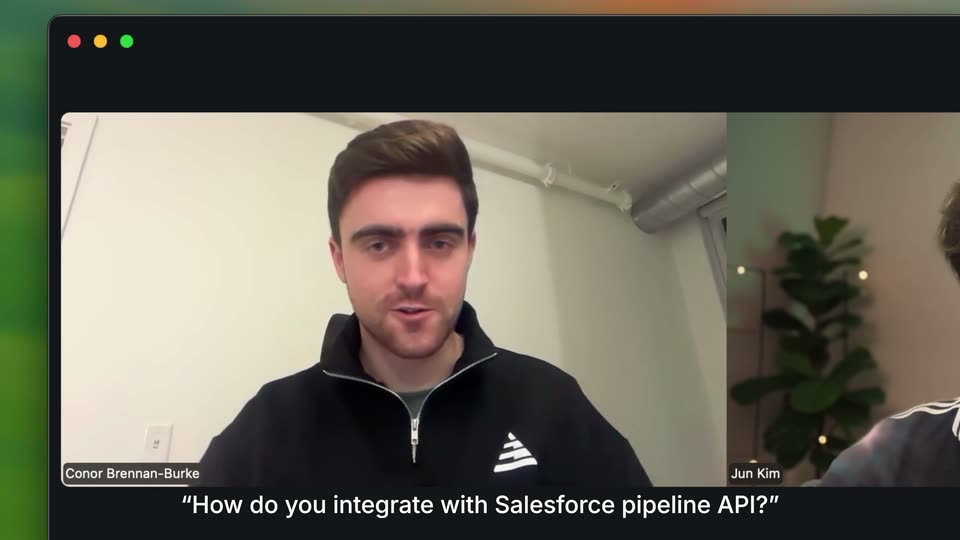 0:07–0:11Aside · Introducing AsideA dark video-call window with two participants sits over a blurred sunset landscape, with small AI chips above it. A white caption states the setup line, then the frame zooms into the left participant as the caption becomes his quoted question.
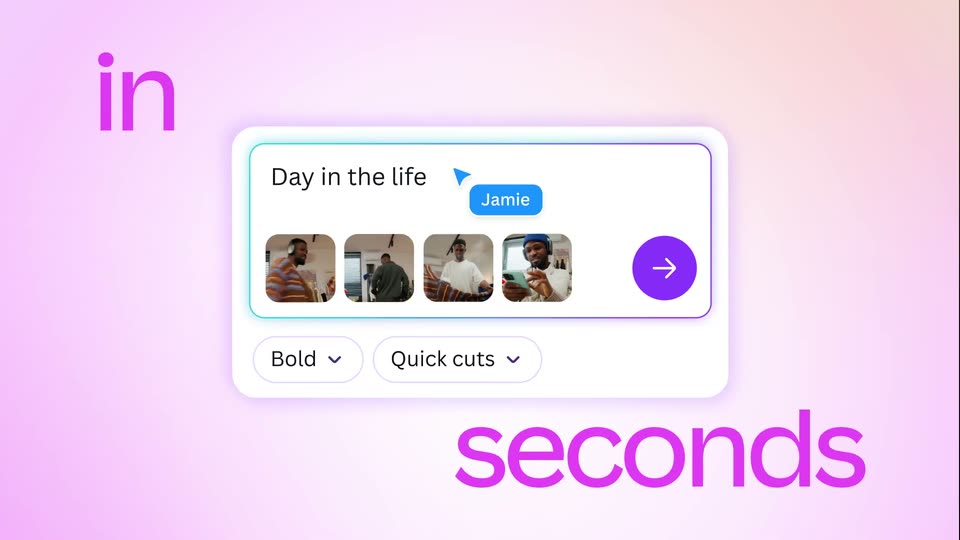 0:06 · 0.8sCanva · Canva - Yep, you heard it right. No watermarks, no paywalls, no awkward exporOn a pink gradient, a white editing card with video thumbnails, a Jamie tag and a send button sits above the word seconds. The card shrinks left as the Jamie tag and button zoom out to the right, and a large purple cursor appears.
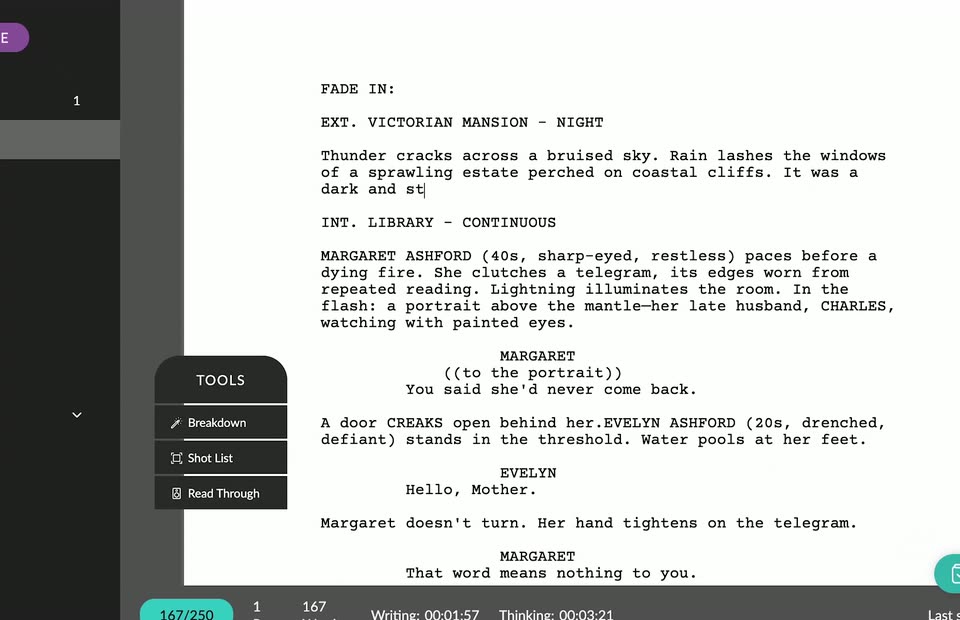 0:12–0:14The Browser Company · Dia - 3️⃣ new features live in Dia today: - Focus Mode - Custom keyboard sA dark screenplay editor types a scene in real time, the caret advancing through the body text as the word count and writing timer tick up at the bottom, the frame slowly pushing in on the page.
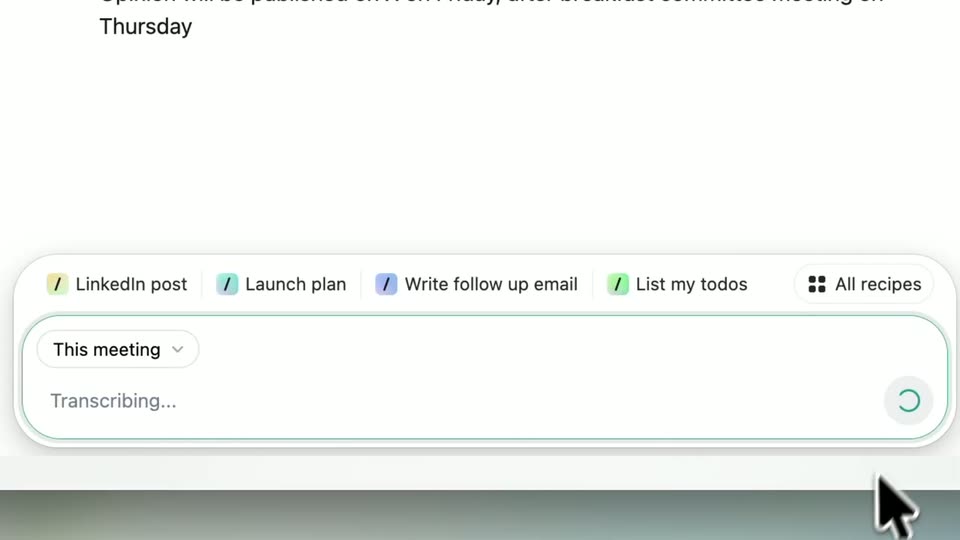 0:11–0:20Granola · Granola - NEW ✨ Talk to Granola Chat. Now you can talk to Chat, and it'll ansA notes window sits on a soft gradient. The cursor clicks the microphone in the bottom bar; the frame zooms in as a green waveform and timer record, then a spinner reads “Transcribing...”. The view pulls back and a chat panel slides in with an AI recap.
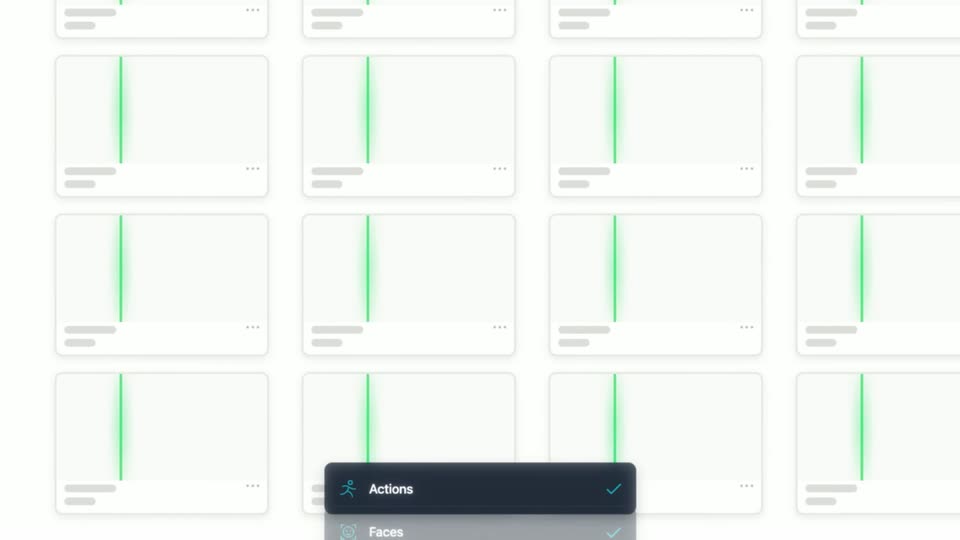 0:17–0:26Aspect · Aspect: AI platform for enterprise media content | YC F25A light file library UI: app icons on the left light up with green outlines as a grid of skeleton cards populates the canvas. Green scan lines sweep across each card, and a dark popover at the bottom ticks through Actions, Faces, Objects, Moments.
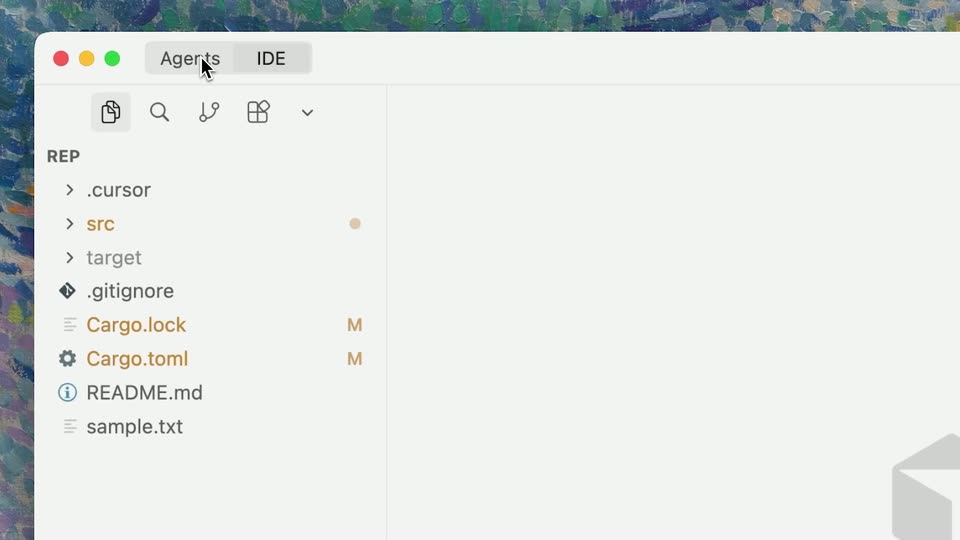 0:11–0:15Cursor · Introducing Cursor 2.0A Cursor window shows the IDE, then the view pushes into the toolbar as the cursor clicks Agents. The sidebar swaps to an agent list, and a still caption reads And a new Cursor built for agents.
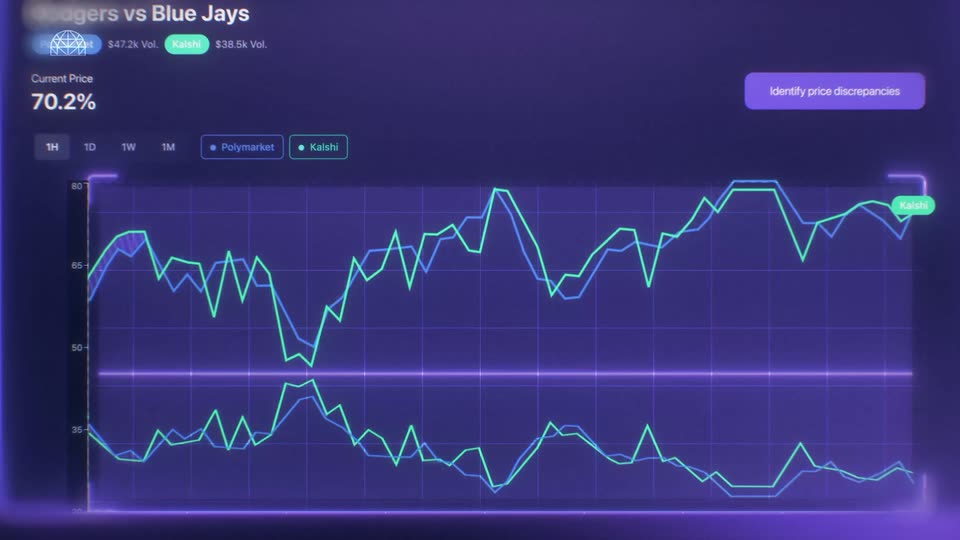 0:26–0:31Dome · Dome - A Unified API for Prediction MarketsA glowing purple UI panel with a two-line price chart sits below a white headline. A cursor clicks a button, the view zooms into the chart, the gap between the lines fills with hatching, and a caption types in at the bottom.
 2:56–2:59Extropic · Extropic - Hello Thermo World.A dark documentation page opens defocused and zoomed in on a white node-network logo and its serif heading. The image sharpens, then the camera pulls back to reveal the full page title and a paragraph of body text about the library.
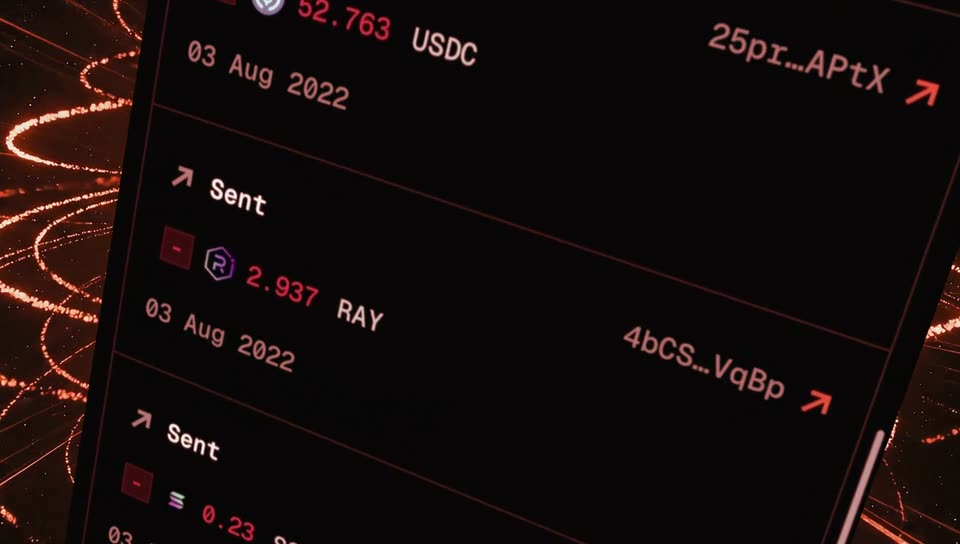 0:28–0:30Orb · mert - today we are releasing Orb a human-readable Solana block explorer wiA tilted crypto wallet interface floats in 3D perspective over a field of orange particle trails. The camera pushes in as the transaction list scrolls, bringing the sent entries and token amounts into a tighter frame.
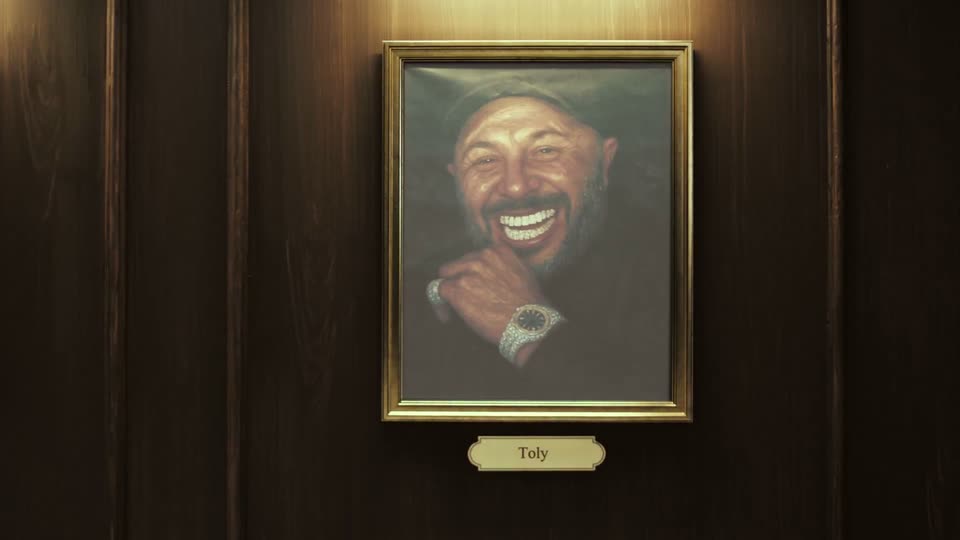 0:41–0:42Solana · Solana - Hello Wall St.On a dark wood wall, two gold-framed portraits hang side by side, labeled Jim Simons and Toly. The camera glides right and pushes into the Toly frame, ending on a tight crop of the laughing bearded man as a warm light blooms across the top.
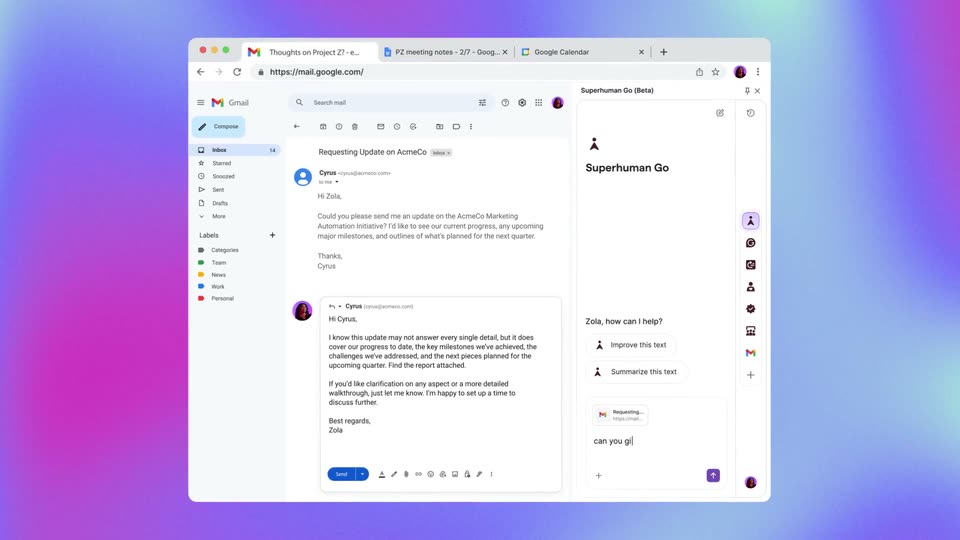 0:00–0:05Superhuman · Superhuman - We built Superhuman Go for you. Go is the proactive AI assistant thatA Gmail window tilted in 3D on a purple gradient zooms flat as a hand cursor clicks a person icon, opening a Superhuman Go side panel. The camera reframes on the panel while the cursor hovers the feedback prompt.
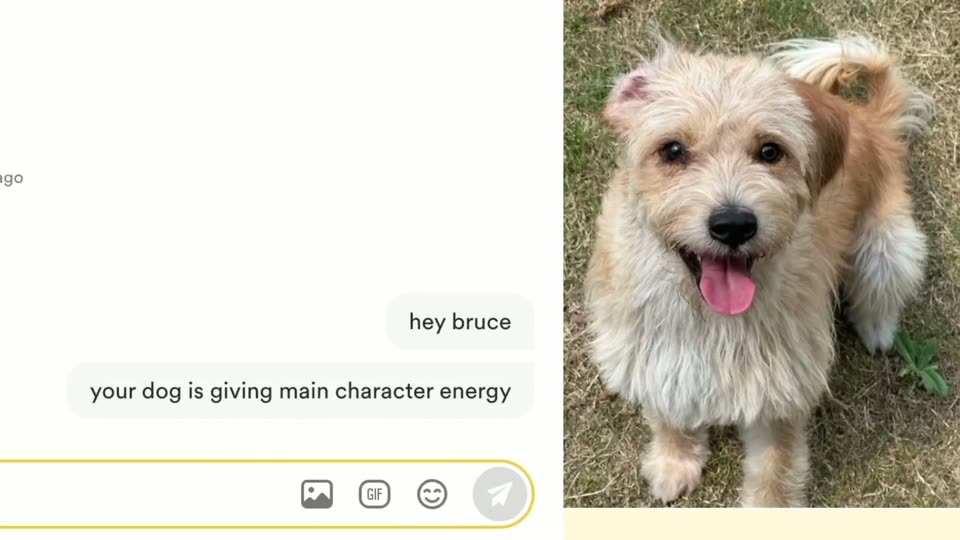 0:28–0:34Flowith · Derek Nee - introducing the OpenAI Atlas killer. might be the last browser you'llA chat interface with a match's profile and dog photo on the right. A cursor types a reply in the input bar and clicks send, then the frame zooms in on the two sent message bubbles next to the dog photo.
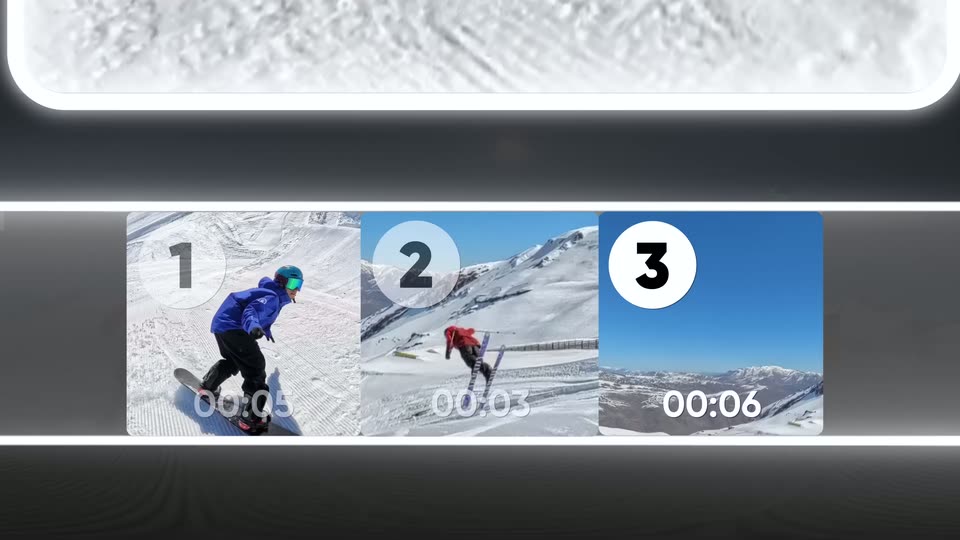 2:24–2:25Insta360 · Meet Insta360 X4 Air - New Ultralight 8K 360 CameraThree vertical snow-sports video cards float above a dark snowy slope, each with a white label pill, while a horizontal timeline with three numbered thumbnails runs below. The view zooms in on the cards as the timeline clips slide together toward the center.
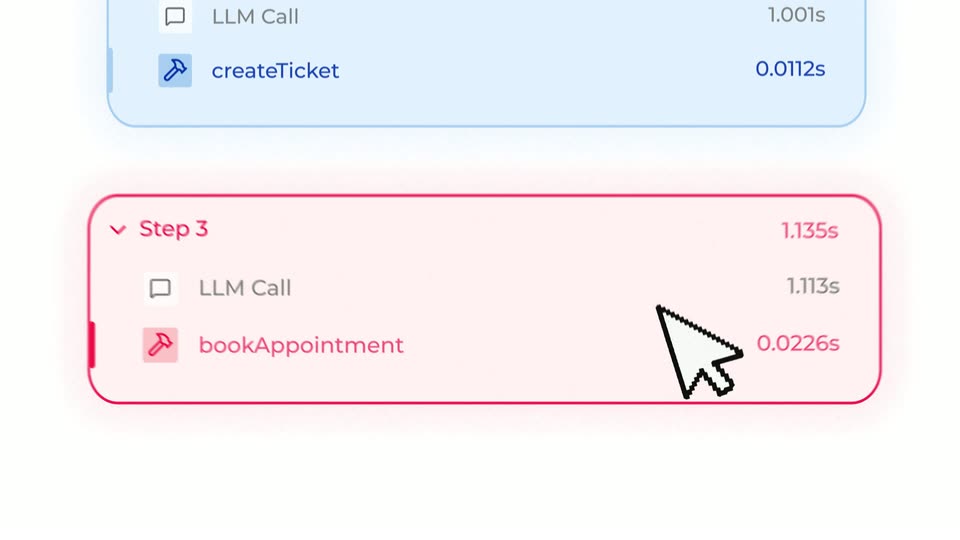 0:24–0:28The Context Company · The Context Company | Observability for AI agents to help developers fix failures fastA white dashboard card scrolls down past a prompt box and a step list, then reframes on a red-outlined Step 3 row; a cursor arrow hovers at its right edge while a static headline reads your agent [FAILS].
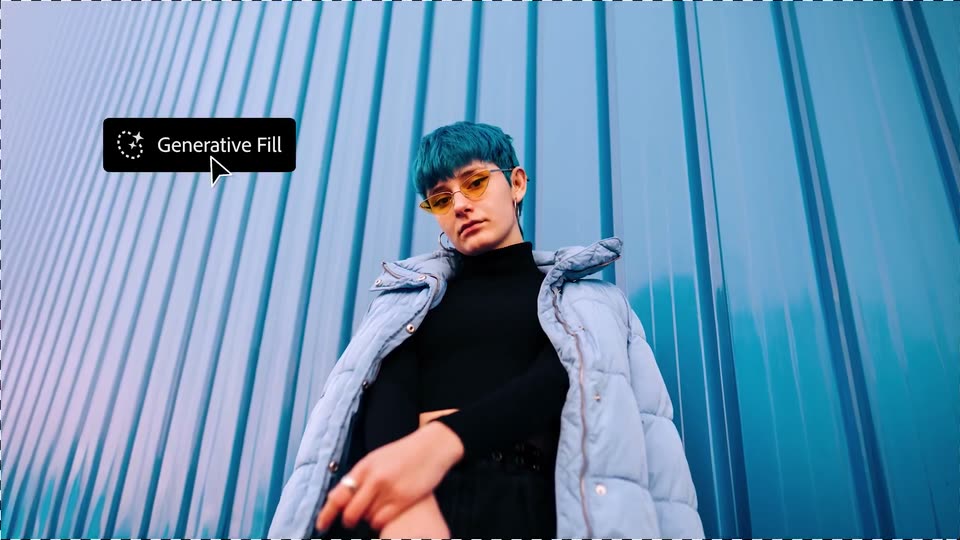 0:02–0:03Topaz Labs · Topaz Labs - @Adobe + Topaz Labs 🤝🙌 Just announced—you can now access select TopazA photo of a blue-haired person in yellow sunglasses and a pale puffer jacket fills the editor canvas against a blue corrugated wall. A dark Generative Fill pill sits top left while a white cursor hovers over it, then the view zooms in on the person.
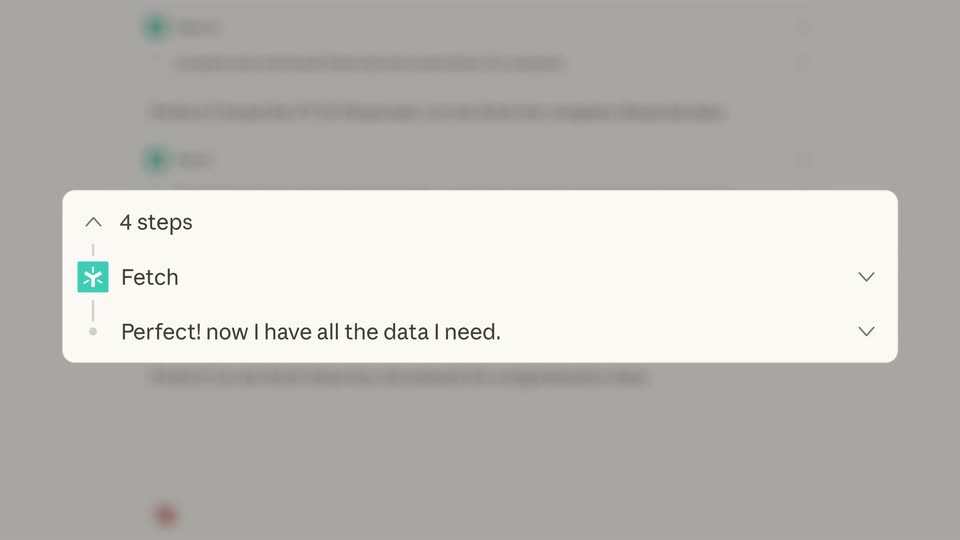 0:01–0:26Anthropic · Anthropic - We’re expanding Claude for Financial Services, with an Excel add-in,A chat home screen types a prompt and drops in a PPTX attachment, then the feed scrolls as the assistant streams replies and Search and Fetch step cards. A blur zoom isolates each card before the view settles on a summary with a downloadable presentation.
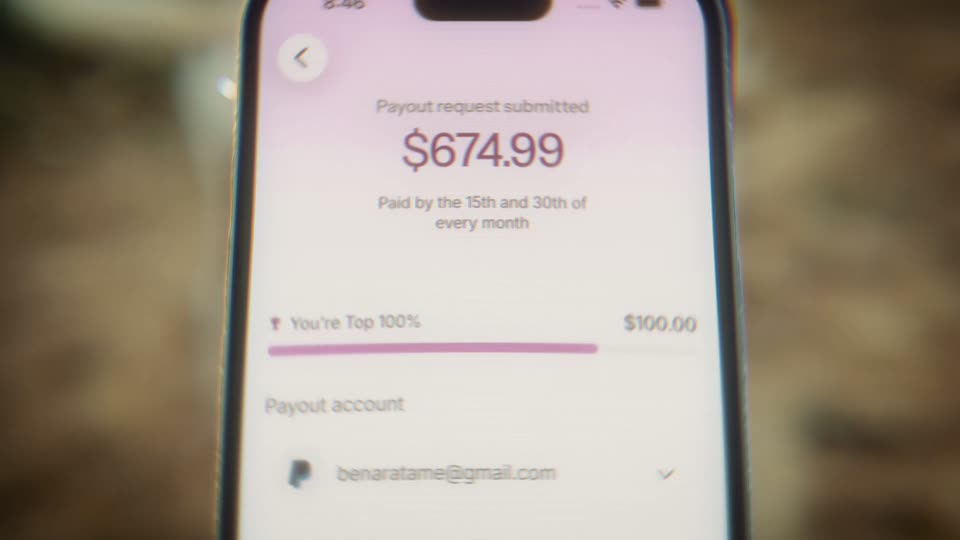 0:14 · 0.7sInstinct · instinct© - the future of work @instinct_incClose-up of a phone screen showing a payout confirmation: the $674.99 amount, a pink progress bar, and the payout account email. The frame begins out of focus and racks sharp while drifting slightly upward onto the amount.
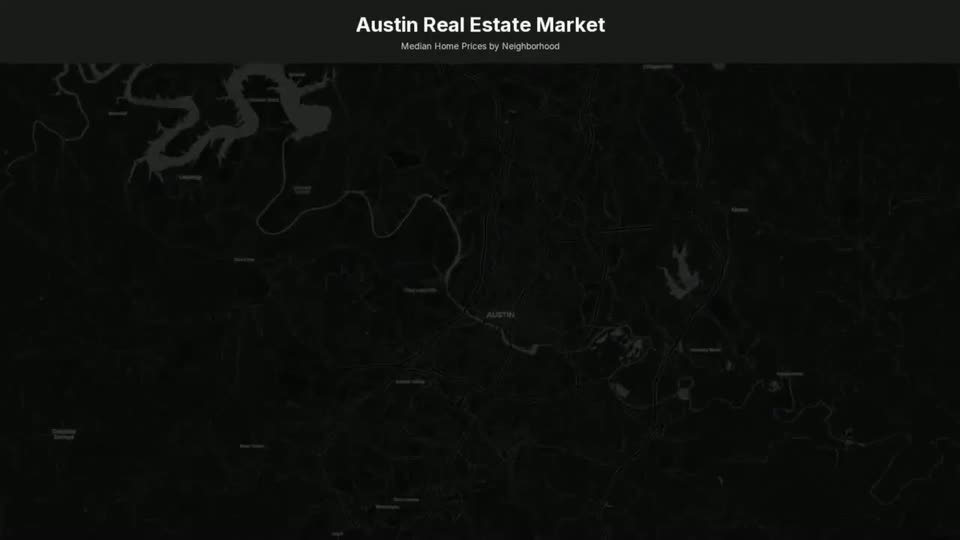 0:14 · 0.9sHeyGen · HeyGen - If you can explain it, you can animate it. Turn your ideas into custA dark map of the Austin metro zooms in slowly while small gray, teal and pink dots fade in across neighborhoods, and a price legend appears in the lower left corner beneath the fixed white header title.
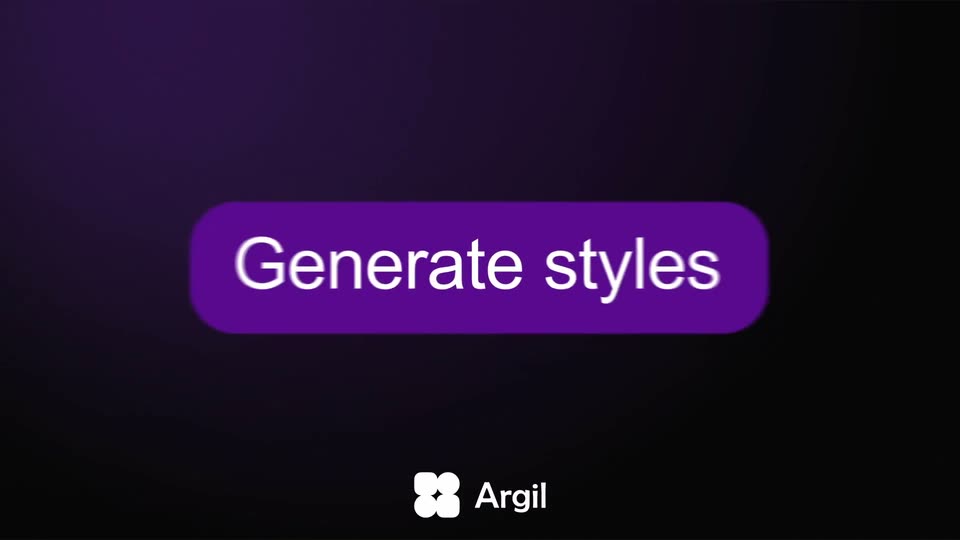 0:03–0:05Argil · Manuarii - Introducing “Argil Atom” the most controllable video AI model in theA dark purple UI close-up: a generated face photo and a glowing purple “Generate styles” pill sit stacked, then the frame tightens onto the pill as the face drops away. A small diamond spark flicks beside the label and a glint sweeps across the text before the pill fades out, leaving the Argil lockup.
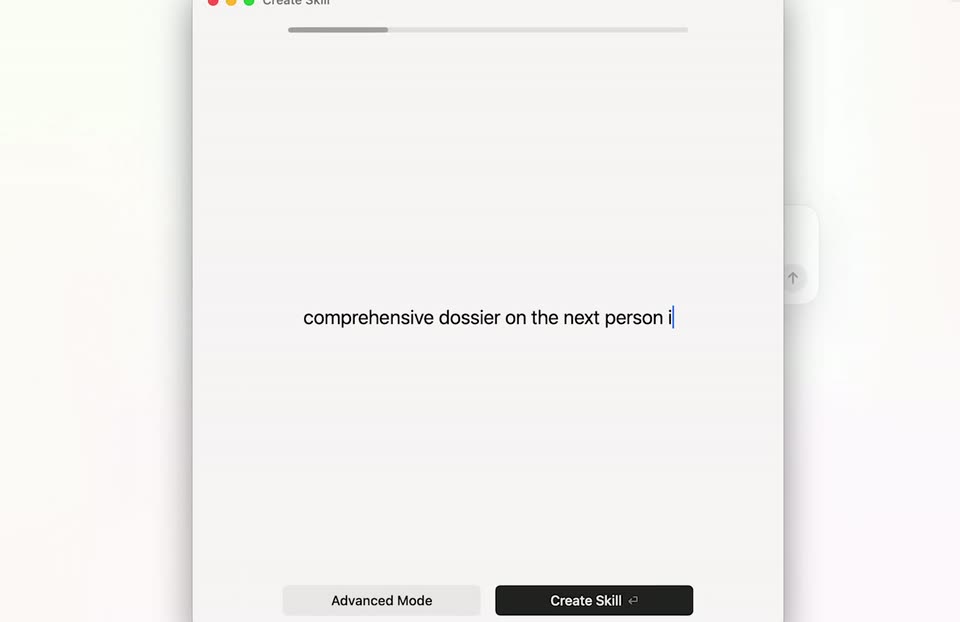 0:11–0:15The Browser Company · Dia - Complex Skills, simple words. Create expert-level prompts with the rA close-up of a white field types “comprehensive dossier on the next person im meeting with” letter by letter with a blue caret, then pulls back to reveal the full Create Skill window with traffic lights and two buttons, as a cursor hovers over the black Create Skill button.
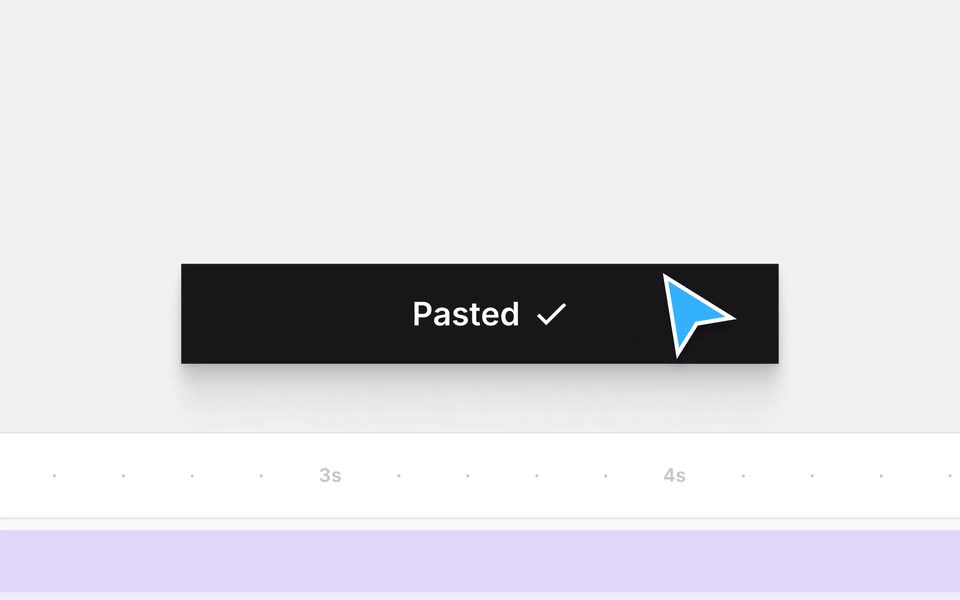 0:05–0:06Jitter · Jitter - New this week: Jitter plugin for Figma Buzz 🎉 Drive engagement by adA black toast bar reading “Pasted” with a checkmark sits on a light canvas, a blue cursor hovering at its right edge. The whole interface zooms out as the bar shrinks toward the bottom, revealing a SALE banner with a 30% OFF coupon at the top left while the cursor turns dark and lifts above the bar.
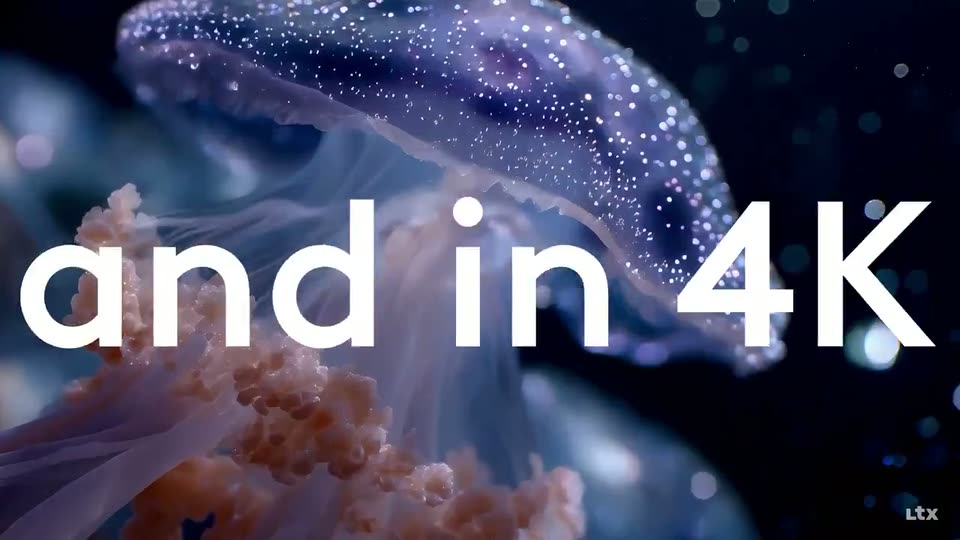 0:22–0:25LTX · LTX.io - Today we’re launching LTX-2 in LTX (we're more than a studio). LTX-2A small jellyfish clip sits inside a selection frame on a black background. A cursor drags the bottom-right handle, expanding the frame until the jellyfish fills the screen. The white text “and in 4K” scales up, then slides left, leaving “4K” locked in the center.
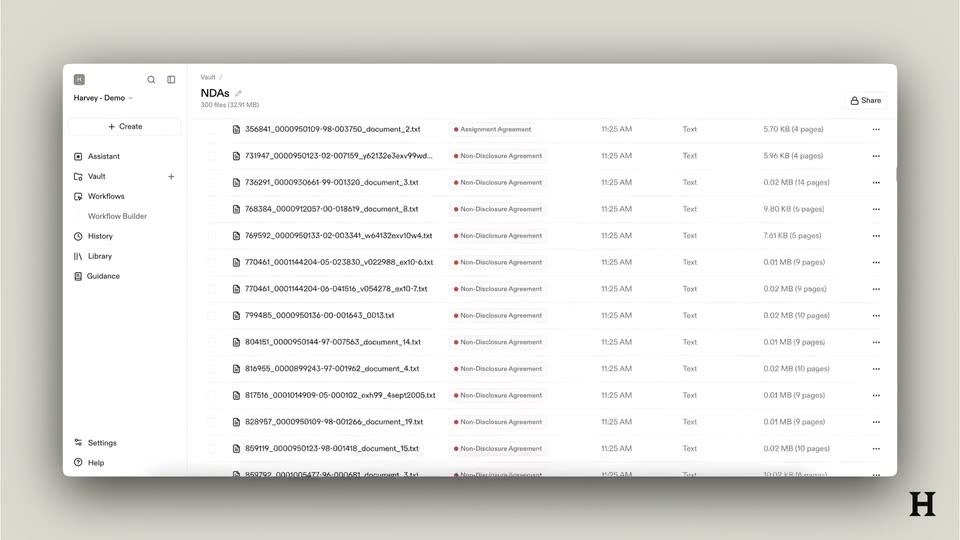 0:28–0:34Harvey · Microsoft IntegrationsA close-up of a file table shows an 'Uploading and processing' toast, then the frame zooms out to reveal the full app window with a left sidebar. The document list scrolls rapidly upward through rows of NDAs.
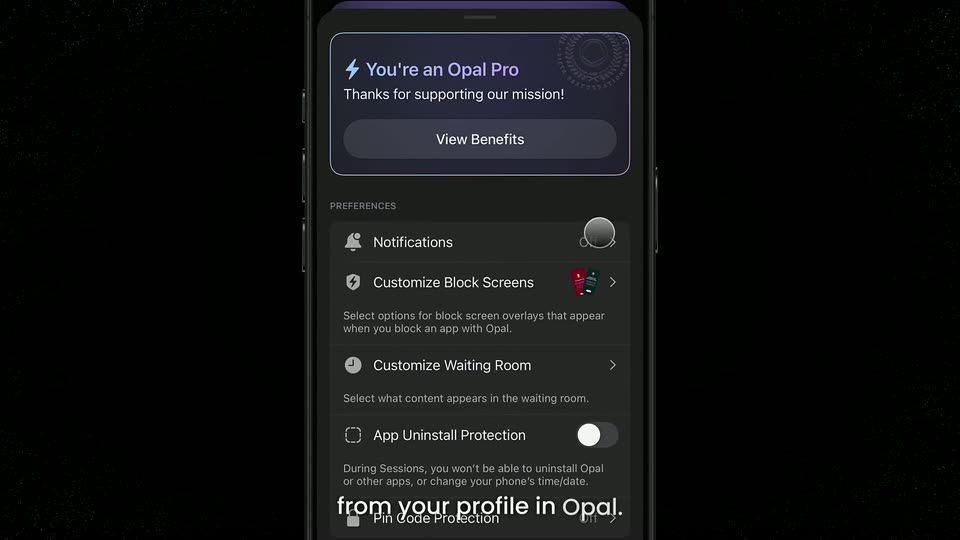 0:26–0:29Opal · Opal - Introducing Brain Games: Puzzles that make you smarter, before you scA dark phone settings list sits on black; a purple outline highlights the Customize Waiting Room row while white captions build at the bottom, then the outline fades and the list scrolls up to the Opal Pro banner.
 0:26–0:27Lovable · Introducing our Shopify IntegrationA woman with a laptop sits on a couch at left as a chat input card at right types the clothing-store prompt and a cursor taps the pink send button; the card then scales up to center while the person defocuses.
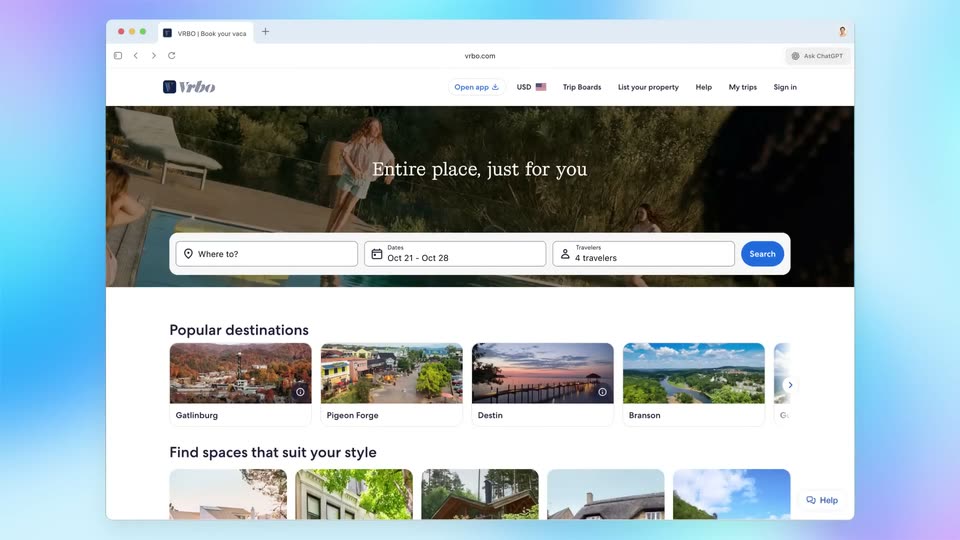 0:14–0:16OpenAI · Introducing ChatGPT AtlasA tilted browser mockup of the Vrbo homepage floats on a soft blue gradient. The window rotates flat and scales up as the page scrolls down past the hero search bar and destination cards.
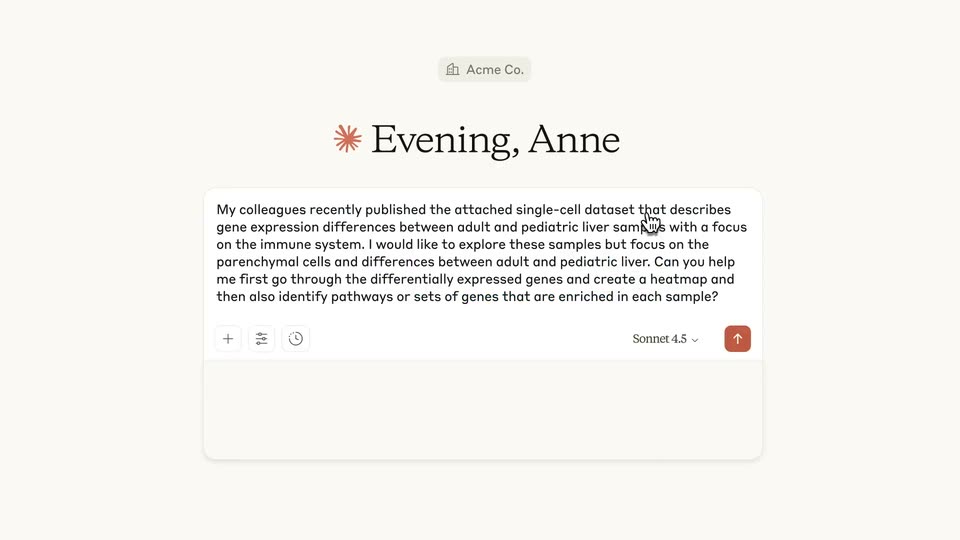 0:02–0:12Anthropic · Anthropic - We’re building tools to support research in the life sciences, from eThe full app window zooms into the chat composer as a long prompt types itself. A cursor drags two CSV files into the box, they settle as chips, and the cursor clicks the red send button.
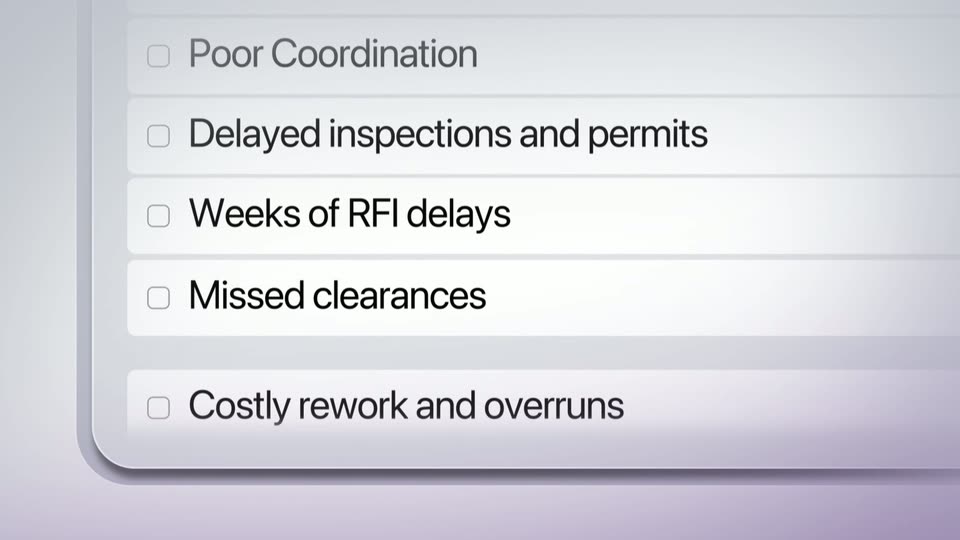 0:05–0:16Helonic · Articulate: The Construction & Solar PainkillerA white browser-window mockup floats tilted on a pale grid plane, then the camera pushes in on its top-left corner. A checklist of problem labels scrolls down, each row sliding in with a small checkbox icon, ending on the last row.
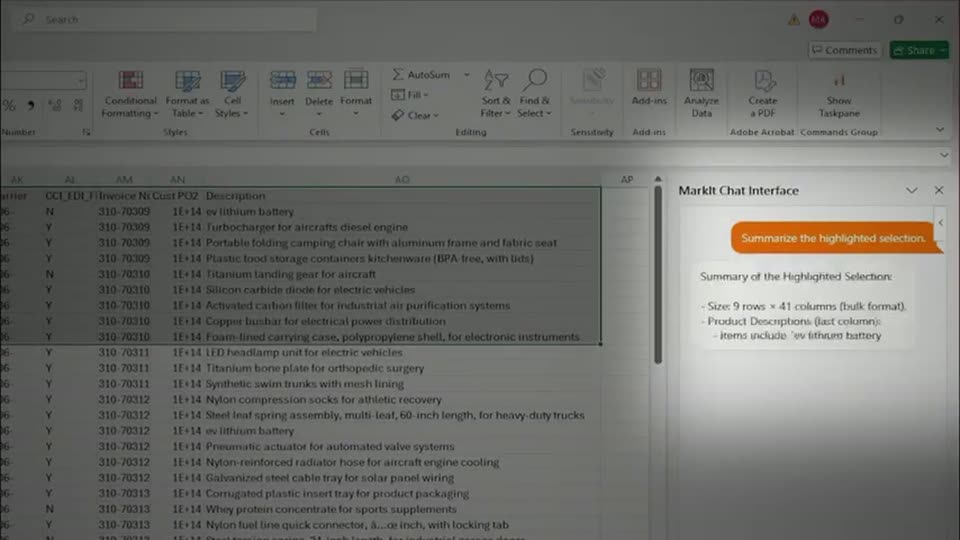 0:10–0:17MarkIt · MarkIt Launch VideoA dense spreadsheet fills the frame with a chat panel docked on the right. A large serif headline “We fix tariffs.” holds center, then the view zooms in, a cursor types a prompt into the chat box, and an orange chip plus a bulleted summary fill the panel.
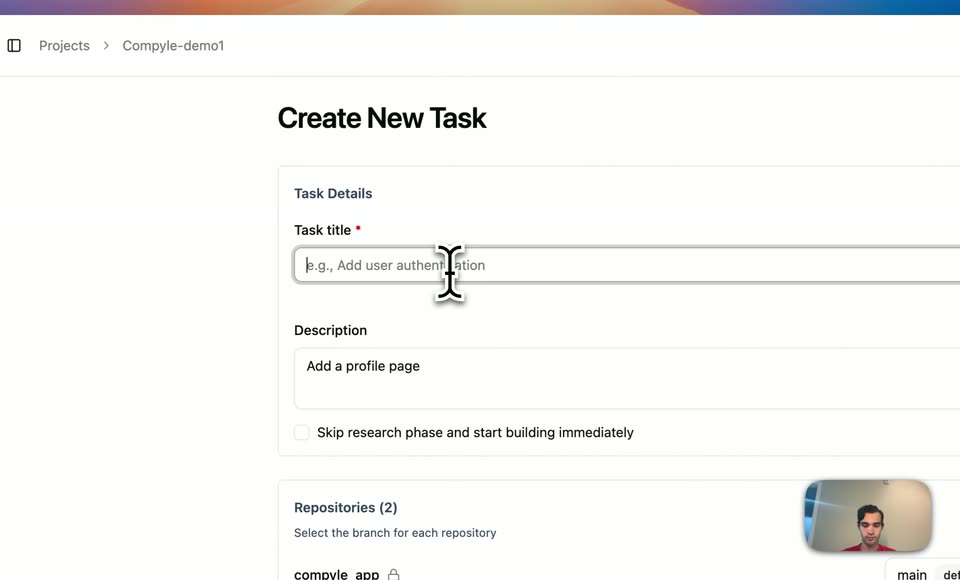 0:37–0:42Compyle · Compyle | Demo VideoA glowing cursor types into the description and title fields of a Create New Task form, a blue check pops in, then the view scrolls down with a blur to a dark Creating Task button that a standard cursor clicks. A small presenter webcam sits in the corner.
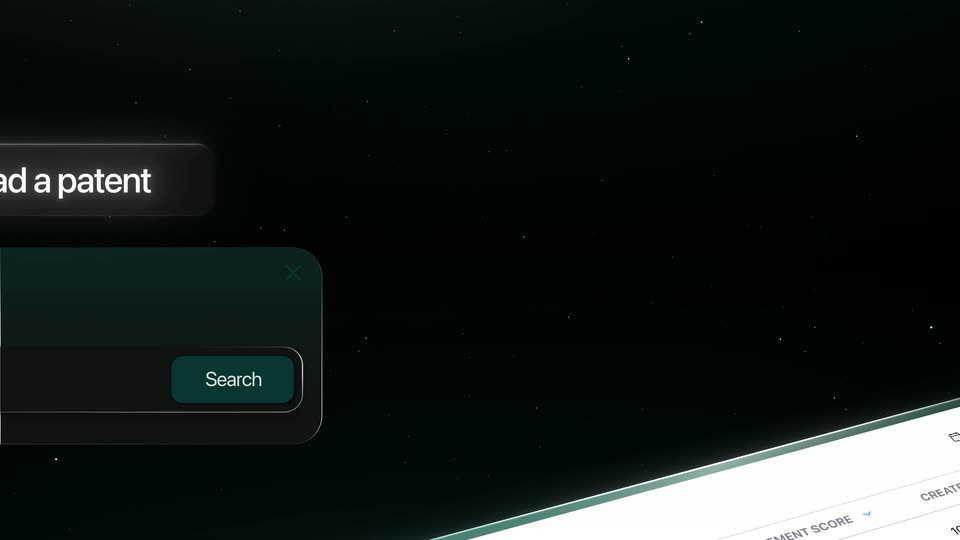 0:17–0:18Patent Watch · Patent Watch Launch VideoA dark upload panel with a glowing “Upload a patent” label sits center-left, then the panel slides off left as a white reports table tilts into 3D perspective on the right, with “See infringements” fading in above.