UI zoom
A zoom or reframe onto one part of the interface.
9,964 scenes · page 42 of 167
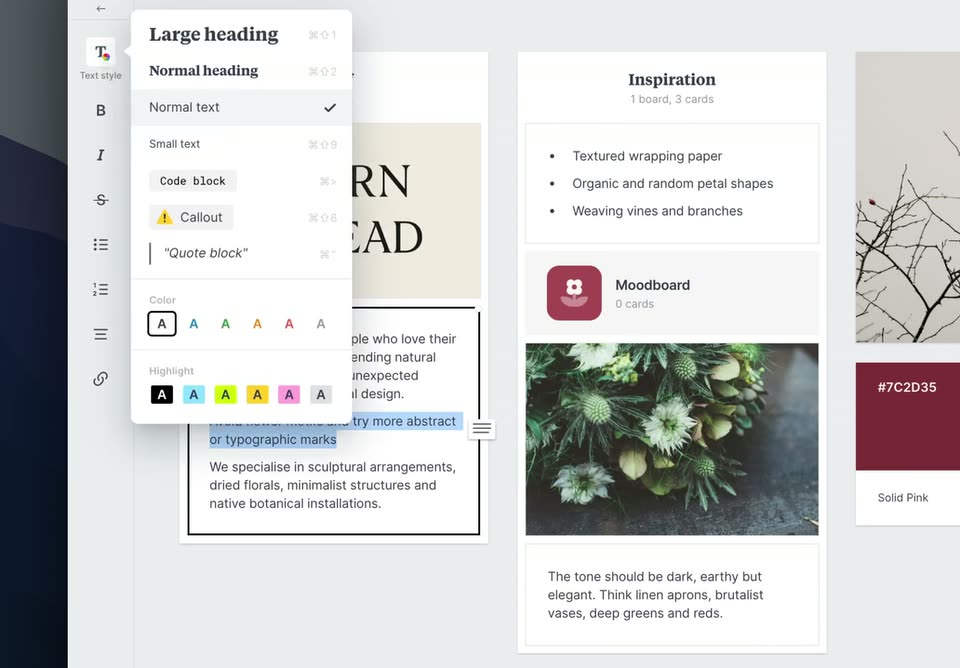 0:00–0:11Milanote · 1K views | New in Milanote: ⚠️ Callouts Highlight key ideas, organise feedback, and draw attention to important details. Add a matching emoji to make sure it stands out! ❌⚠️✅🔑 | MilanoteA close-up of a Logo Brief board zooms in on the Brief card. The cursor selects a line of body text, opens the Text style menu and picks Callout, so the line re-styles into a grey callout box with a warning triangle.
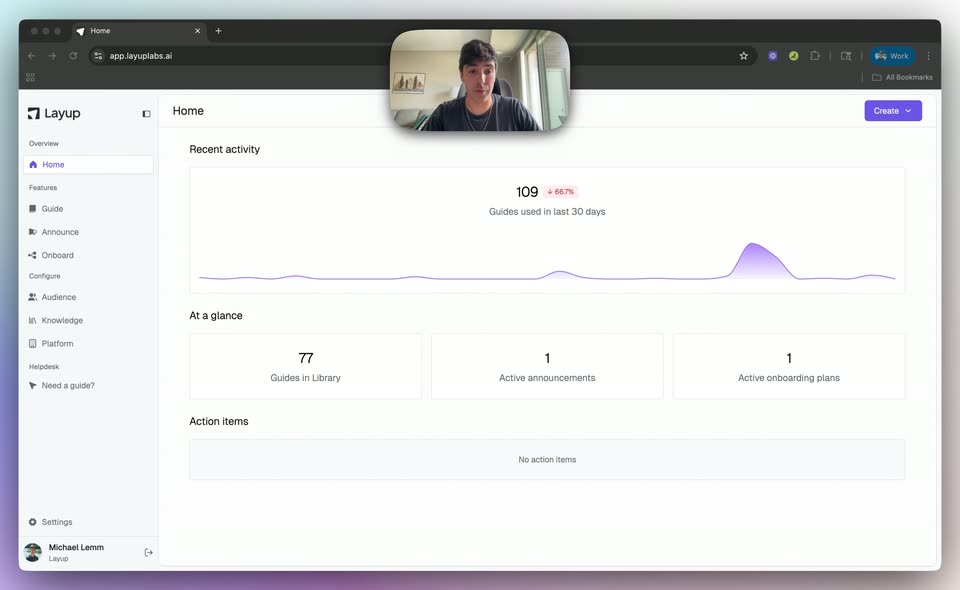 0:00–0:19Andco · Layup 2.0 July LaunchA screen recording of the Layup dashboard, with its activity chart and stat cards, fills the frame beside a small webcam video of the presenter. The view zooms in as a cursor clicks the sidebar, opening a dark task panel the cursor then hovers.
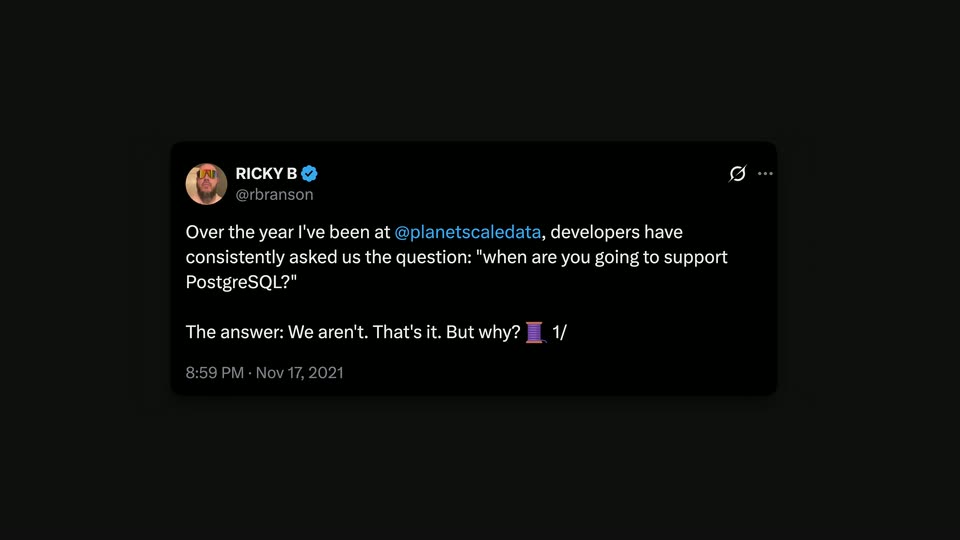 0:09–0:12PlanetScale · PlanetScale - PlanetScale now supports Postgres.On a dark background, a tweet card from Ricky B about PostgreSQL support scales up from a small, dimmed state to full size, then a second tweet slides in from the left and a third appears below it.
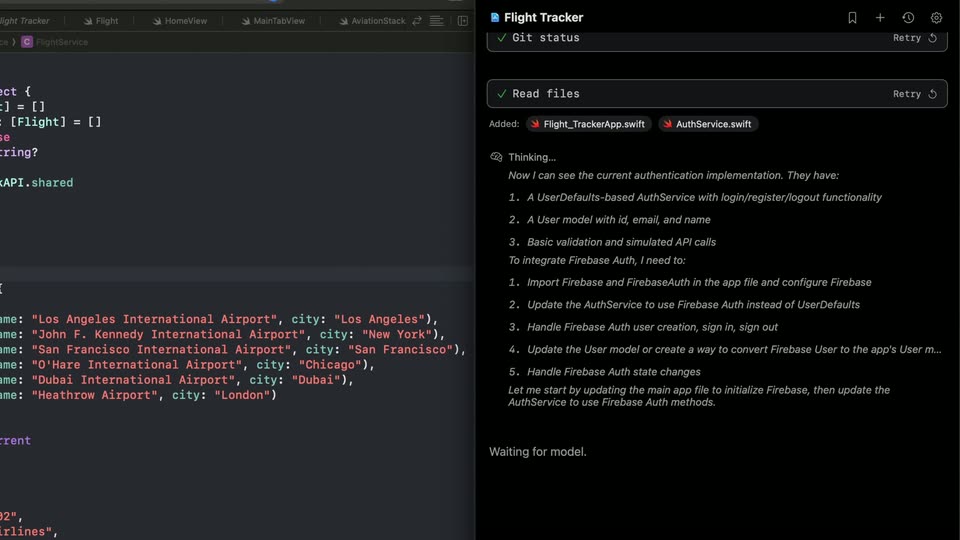 0:02–0:19Alex · Alex - Xcode AI Coding AssistantXcode code on the left, an AI chat panel on the right, a white “Planning” title over the code. The view zooms into the chat as a cursor types and sends a Firebase Auth request; the assistant’s reply, action rows and a numbered plan stream in as the panel scrolls.
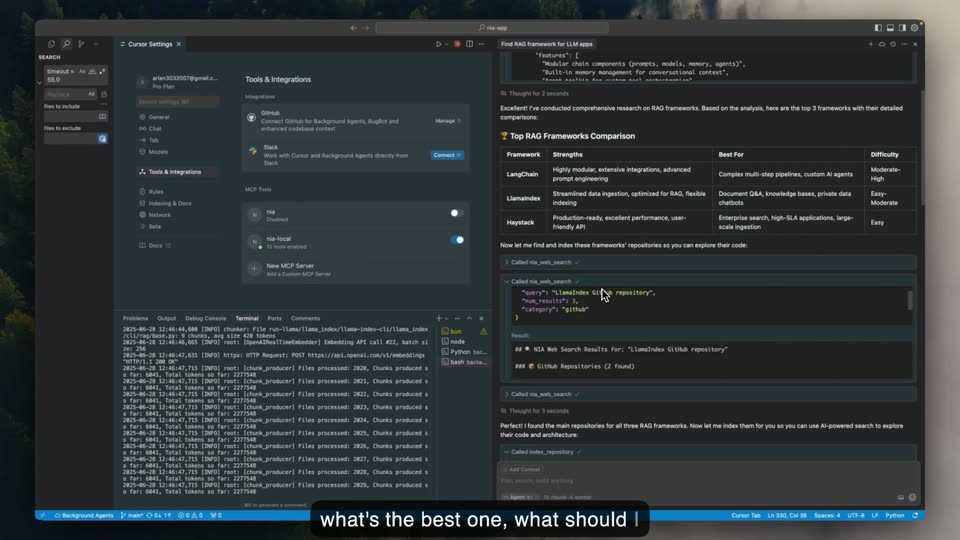 1:10–1:47Nozomio · Nia MCP v0 | Launch videoA screen recording of the IDE opens with a soft zoom that settles on the full window. A cursor hovers over the chat panel as the agent's output scrolls, revealing a comparison table and code blocks, while white subtitles run along the bottom.
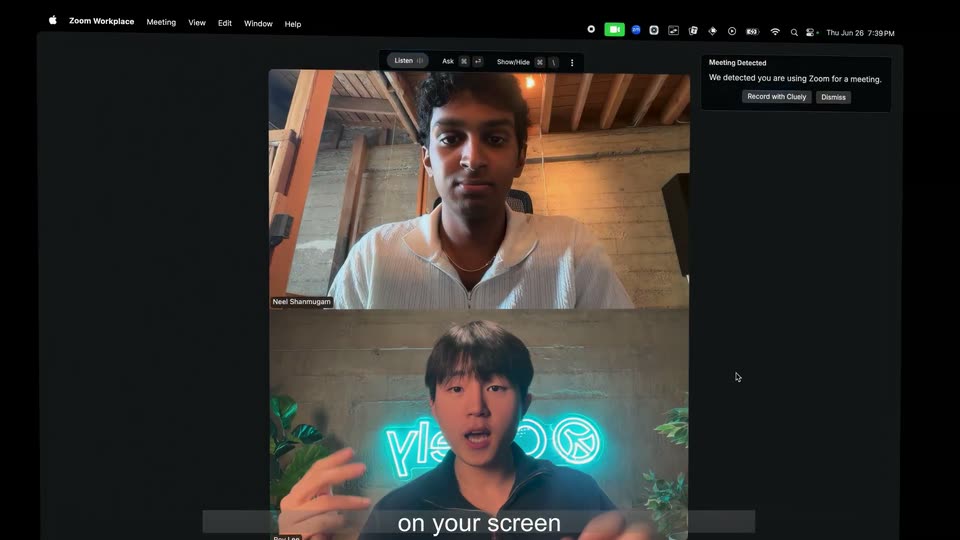 0:09–0:17Cluely · Roy - introducing @cluely. today is the start of a world where you never hA Zoom meeting window shows two participants stacked vertically with a Meeting Detected panel on the right. The view zooms in and tilts to the top control bar, then to the Record with Cluely button as a cursor hovers over it.
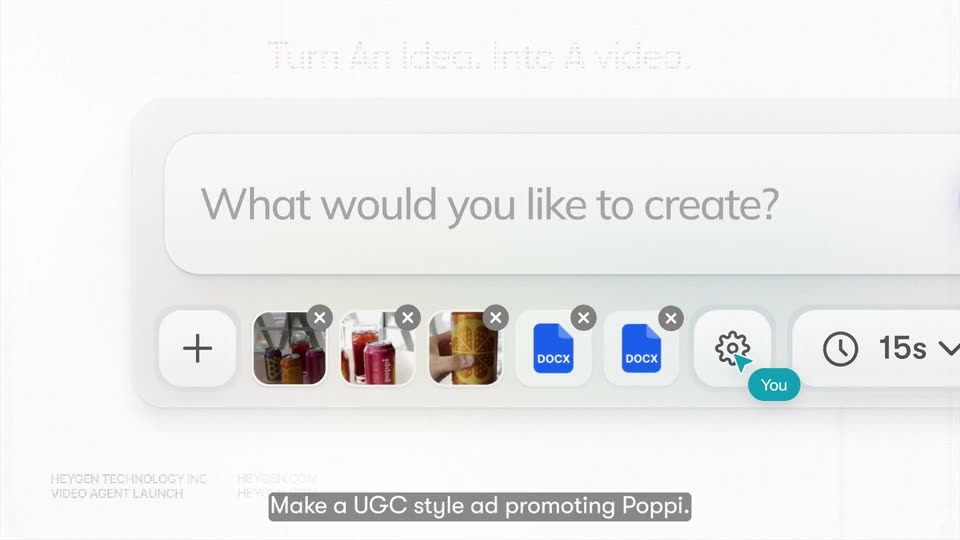 0:01–0:04HeyGen · Joshua Xu - Today we’re introducing you to the future of video. The world’s firsA light prompt field types a request as media thumbnails load beneath it, then the view zooms onto a purple Generate button. A teal cursor tagged You moves across the controls and hovers the button.
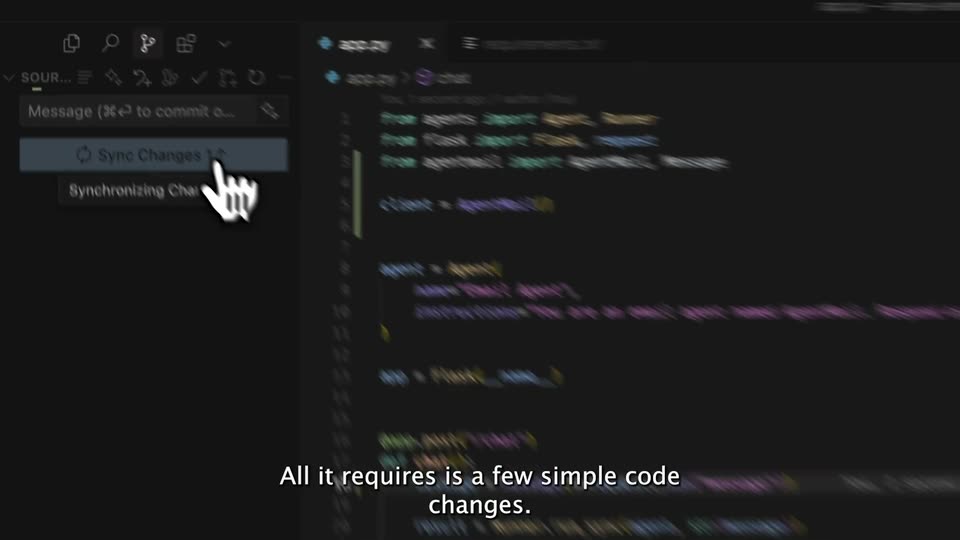 0:01–0:20AgentMail · AgentMail Integration DemoScreen recording of a code editor: Python code for an email agent above a terminal with a curl request. A cursor clicks the terminal, the view zooms into the code as a new import is typed, then the cursor clicks a Sync Changes button. White subtitles caption the voiceover.
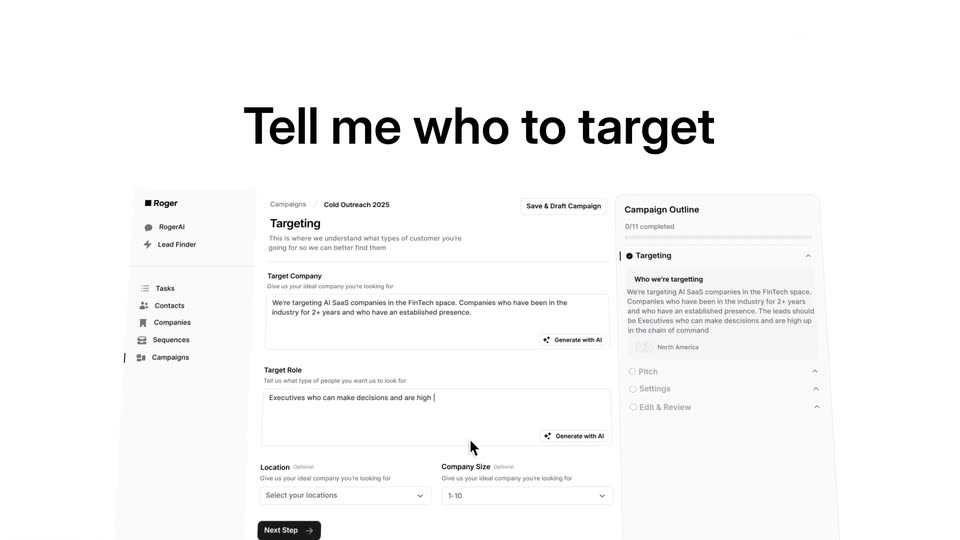 0:07–0:12Augment Inc. · HireRoger - Your AI SidekickA zoomed-in targeting form types out a company description, then pulls back to the full campaign builder with a cursor hovering the fields. The interface panel then spins in 3D and blurs away beneath the static headline “Tell me who to target”.
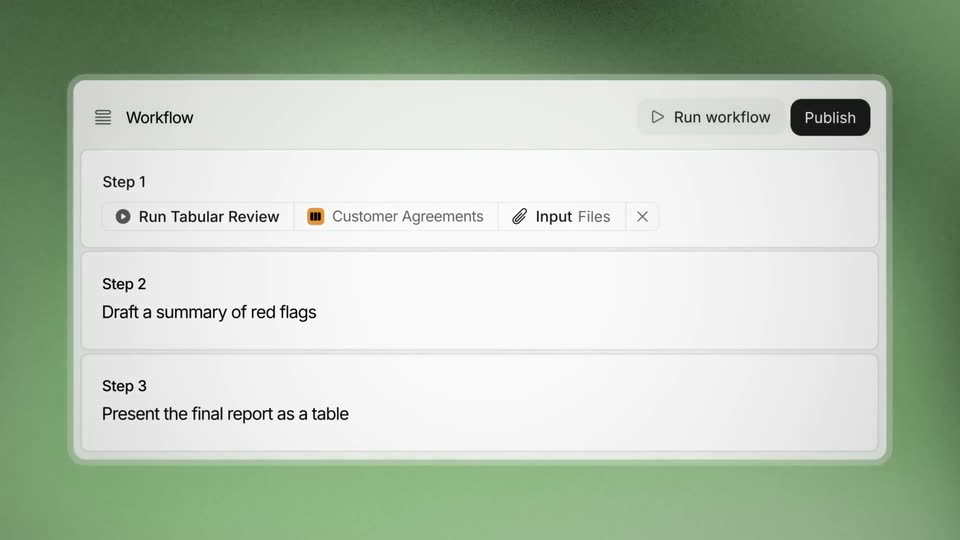 0:12–0:15Legora · Legora Workflows - The orchestration layer for legal workA white workflow card scales up over a blurred green background. A cursor clicks Add step, and Step 2 and Step 3 rows appear. The card then slides left into a split screen with live-action drumming on the right.
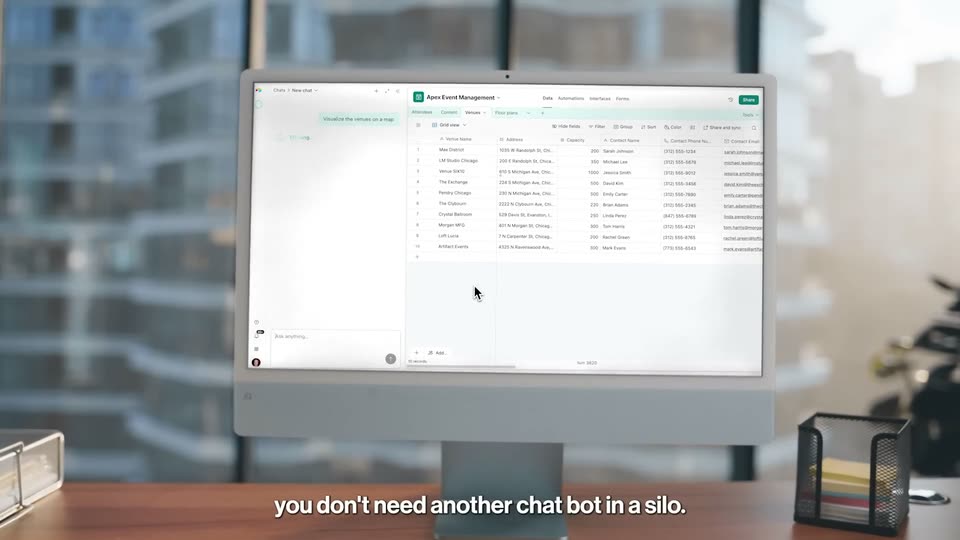 0:00–0:04Airtable · Introducing a new generation of Airtable - built for the AI eraA monitor on a desk in a blurred office shows an event-management interface in 3D perspective; a cursor types in the chat panel and a venue table highlights. The view then zooms into the table as captions play at the bottom.
 0:17–0:18LangEase · Best SaaS Product Launch Ad Video | LangEaseA flat grid of video cards holds a blue selection box and a hand cursor over the History Lecture tile. The tile zooms out from the grid, lifts into 3D, and spins on a white surface, leaving tilted ghost copies behind.
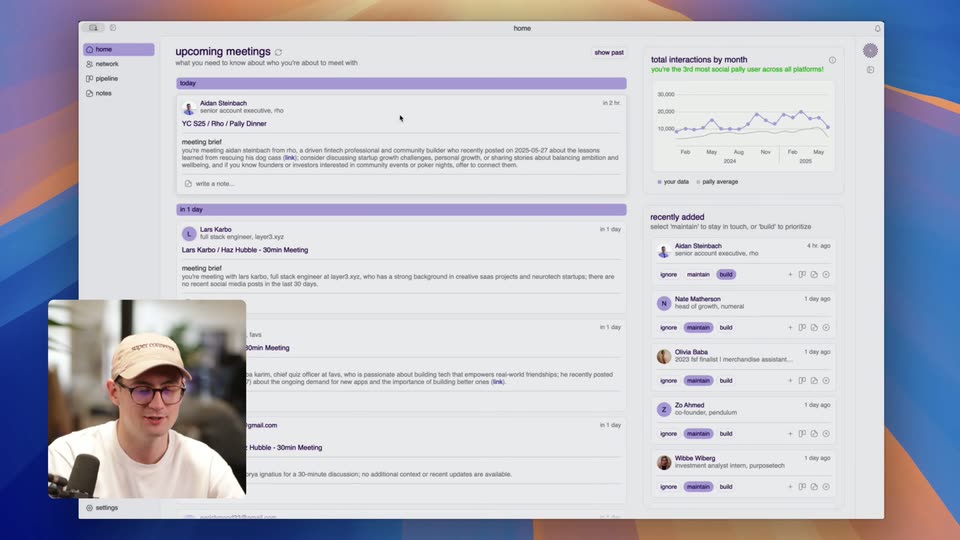 0:27–0:41Pally · Pally Launch VideoThe pally home screen fills the desktop over a striped orange and blue wallpaper, showing upcoming meetings, an interactions chart, and a recently added list. A small video window in the lower left shows the presenter talking. The frame stays static, then zooms into the Aiden Steinbach meeting card.
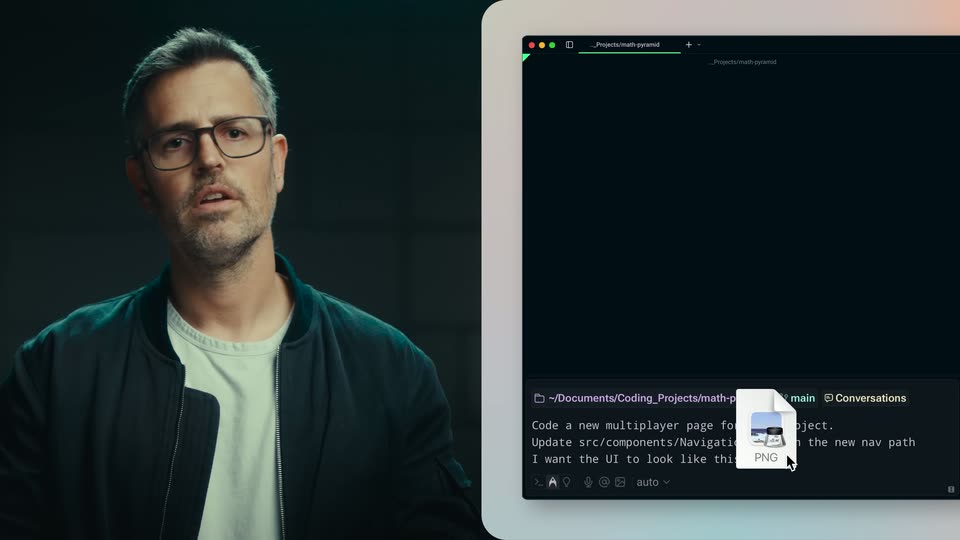 0:34–0:49Warp · Introducing Warp 2.0: The Agentic Development EnvironmentA bespectacled man in a dark jacket gestures on the left while a tilted 3D code editor on the right types a prompt and drops in a PNG file chip. The frame then pushes onto the interface, blurring the man, as a green check appears.
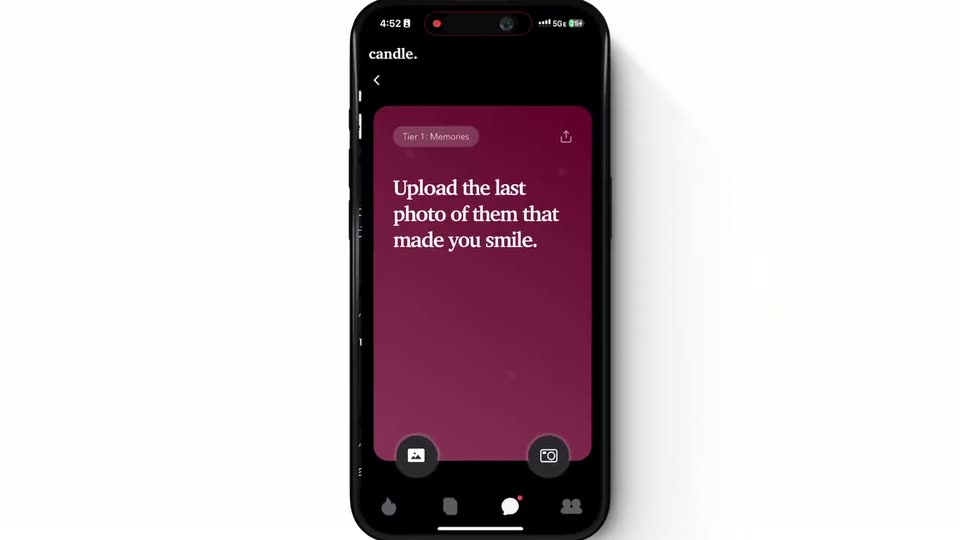 0:04–0:05Candle · Couple Games & Photos - Launch!A tilted phone mockup rotates to face the camera on a white background. Its dark screen shows a list of response cards that collapses into one expanded card reading 'Upload the last photo of them that made you smile.' Two round buttons sit at the bottom.
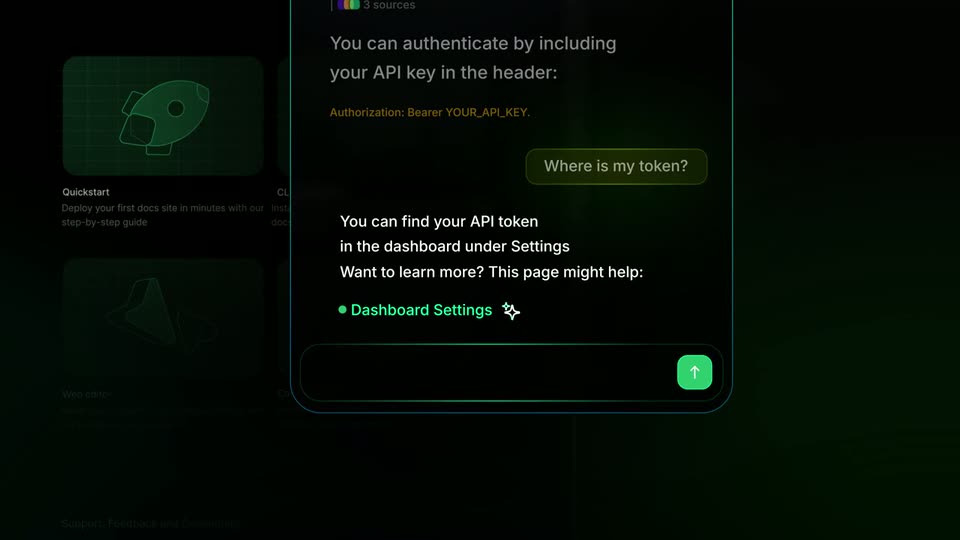 0:14–0:20Mintlify · Mintlify - The future of documentation is AI native and personalized. Answers gA dark chat panel over a dimmed docs page scales up into frame while reply lines appear one by one. A cursor moves to the sparkle beside the Dashboard Settings link, then a green curved shape wipes in and covers the scene.
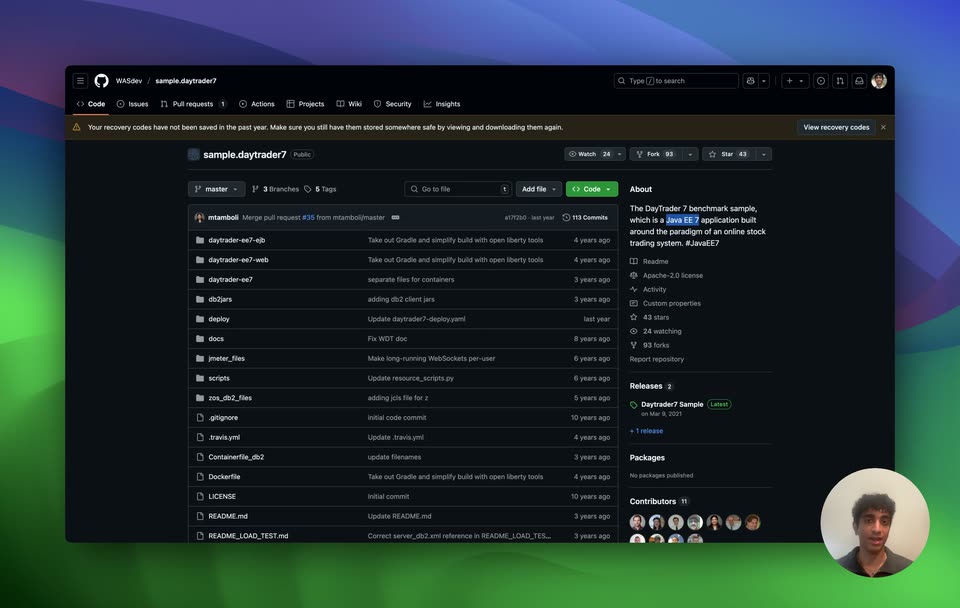 0:19–0:37Axal · Extract Functional Requirements from Legacy CodeA dark GitHub repository page floats over a blue-green gradient, with a circular webcam bubble of a presenter in the corner. The view zooms into the repo name and file list, then pulls back as a cursor hovers the About text.
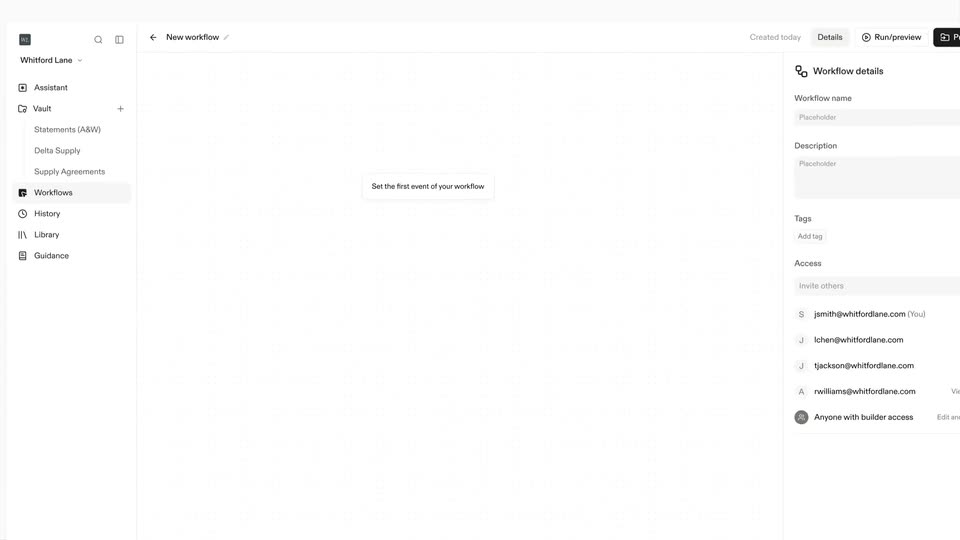 0:03–0:04Harvey · Workflow BuilderA light workflow editor interface zooms from a soft, wide framing to a sharp close-up, the Workflow details panel sliding in on the right while a cursor hovers over the Access field.
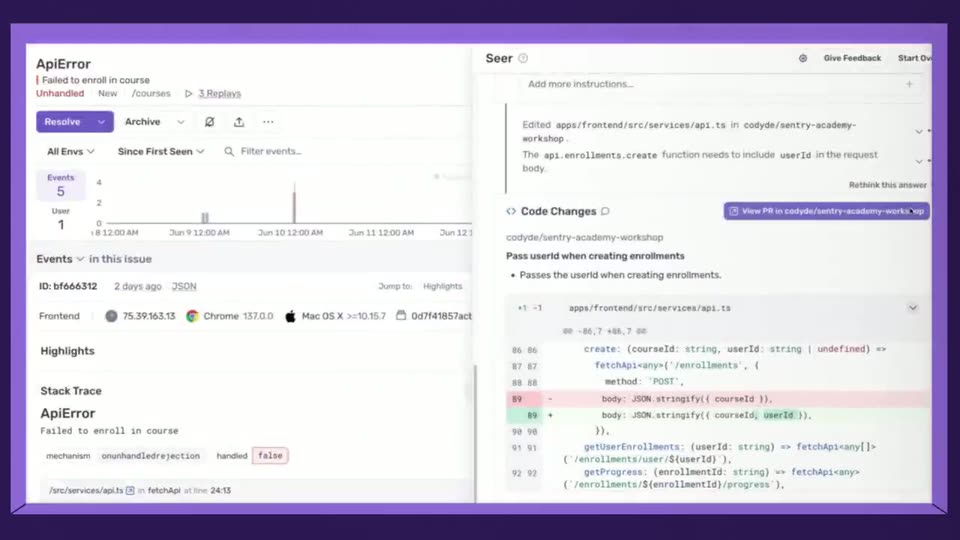 0:23 · 0.8sSentry · Sentry - Seer, Sentry’s AI debugger, is now generally available. It taps intoA blurred close-up of a code diff zooms out to reveal the full Seer interface: an error detail panel on the left and an AI code-change panel on the right, framed by a purple border.
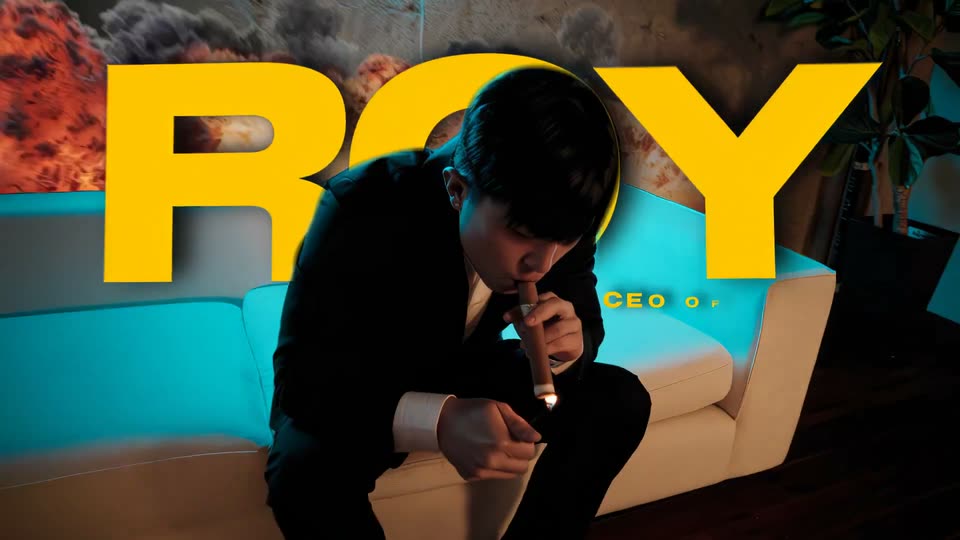 0:03–0:05Cluely · Roy - introducing the @cluely marketing teamA man in a black suit sits on a white couch beneath a neon wall sign reading MEET THE MINDS AT @Cluely. The camera pushes in as he lights a cigar, and giant yellow letters ROY with the caption CEO OF CLUELY overlay the frame.
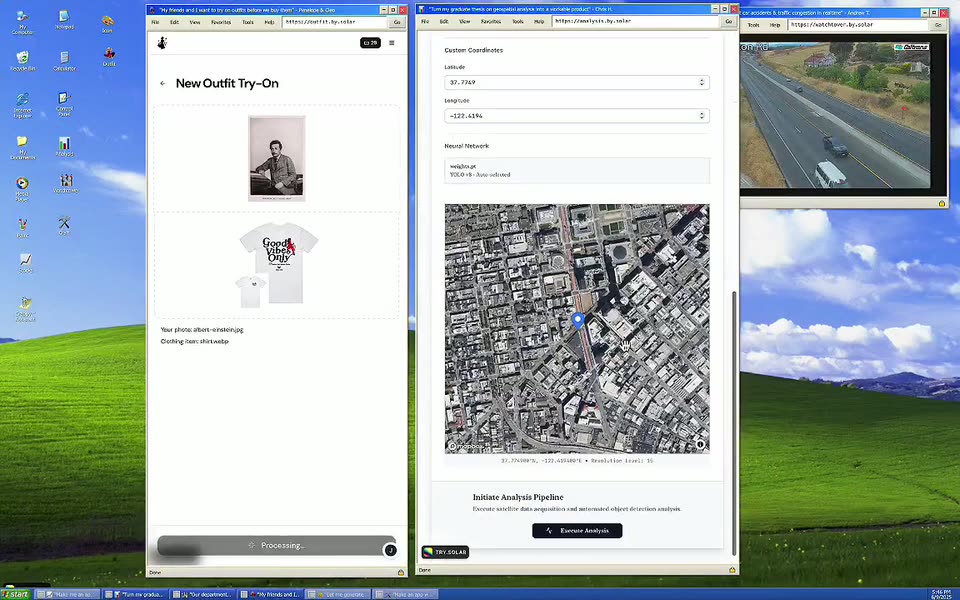 0:11–0:12Sharpe · Introducing Solar by LumenaryOn a Windows XP desktop, three browser windows sit side by side: a virtual try-on panel with a portrait and a printed tee, a satellite-map analysis panel, and a highway game view. The camera pans and zooms toward the middle window.
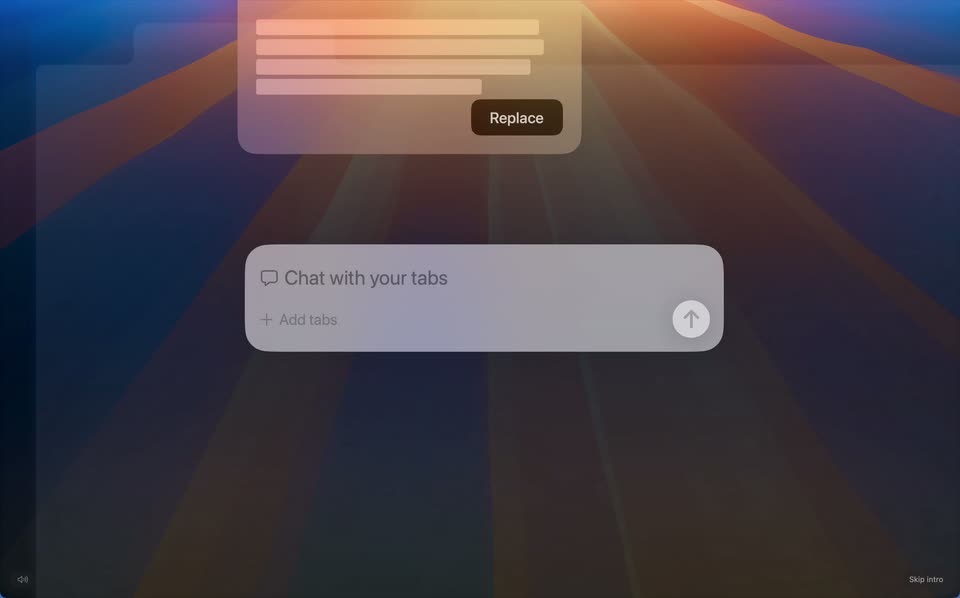 0:20–0:21The Browser Company · The Browser Company - Meet @diabrowser. Now available for Arc members.A frosted glass UI interface floats over a vibrant, low-poly 3D landscape with light rays. The interface transitions from a small input box with a Replace button to a larger Welcome panel featuring a list of AI capabilities and a Let's Go button.
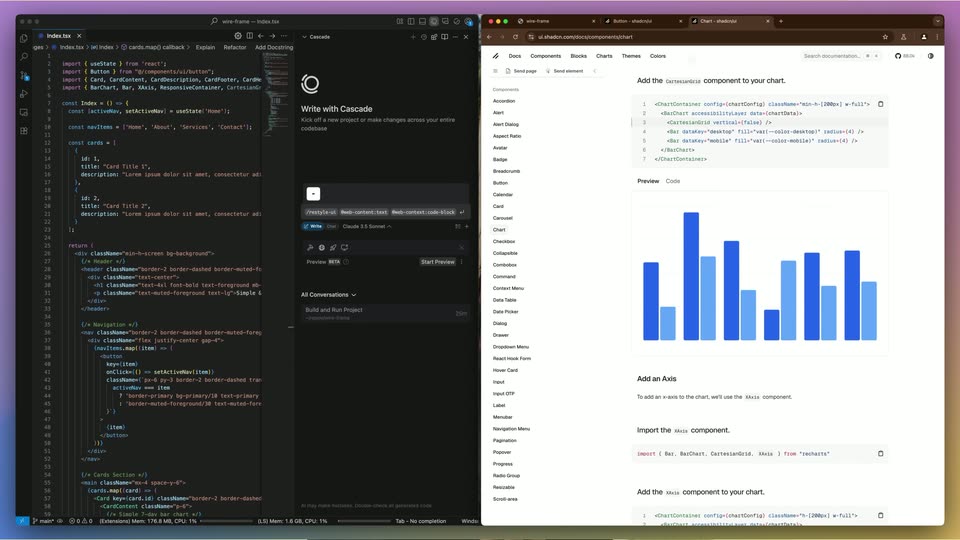 0:24–0:29Windsurf · Windsurf Wave 10 – Day 2: Windsurf BrowserA code editor with a Cascade chat panel sits left of a documentation browser. The docs page cycles through wireframes, a component list, a button example, and a blue bar chart, then the view zooms into the chart, blurring the editor.
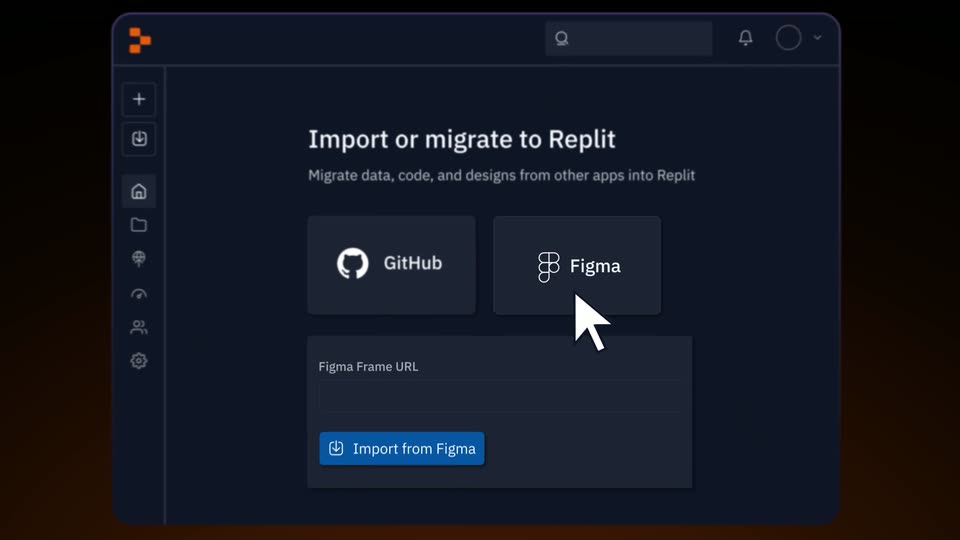 0:05 · 0.7sReplit · Replit ⠕ - Import Figma & Other Designs into Fully Functional Apps with ReplA dark Replit interface shows an import screen with four app tiles. A white cursor clicks the Figma tile, and a URL field with an Import from Figma button appears below as the view zooms in slightly.
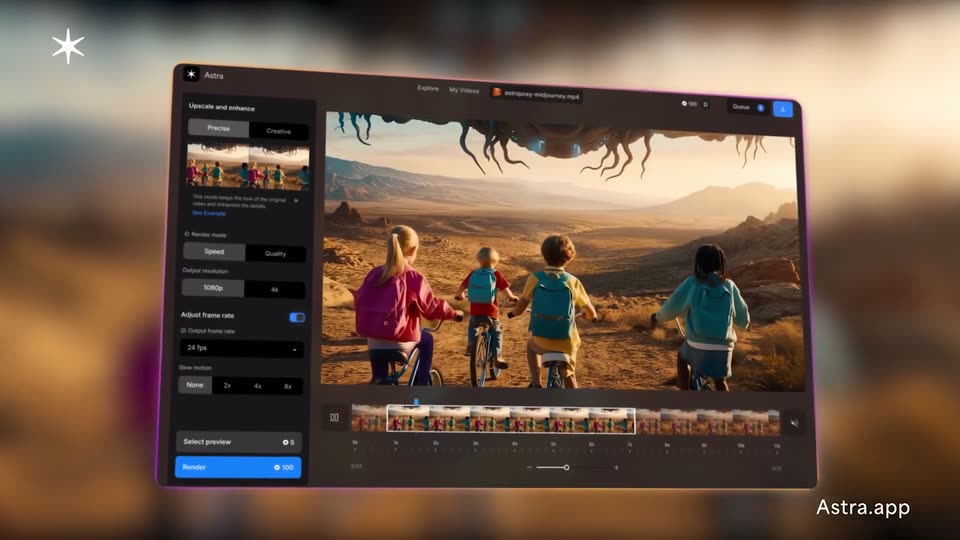 0:47–0:49Topaz Labs · Topaz Labs - 🚀BIG NEWS! We’re launching Astra: the first-ever creative upscaler foThe Astra interface sits in 3D perspective against a blurred warm backdrop, showing a desert video of children on bikes. Two overlapping windows zoom and merge into one centered panel that flattens toward the camera, then a horizontal motion blur wipes the frame out.
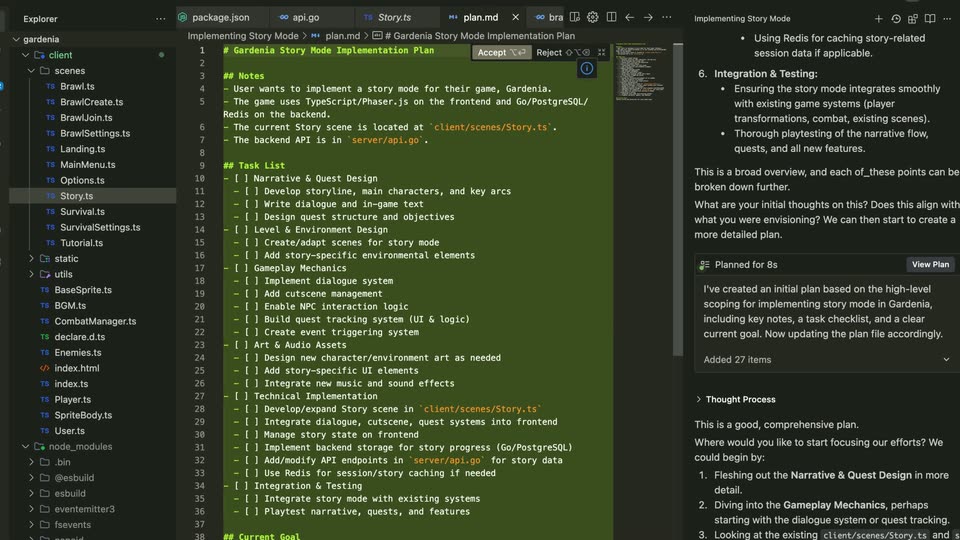 0:34–0:37Windsurf · Windsurf Wave 10 – Day 1: Planning ModeA motion-blurred close-up of the editor pulls back to a sharp full view of the IDE: a markdown plan file fills the center pane while an AI chat panel with a plan card sits on the right and a file tree on the left.
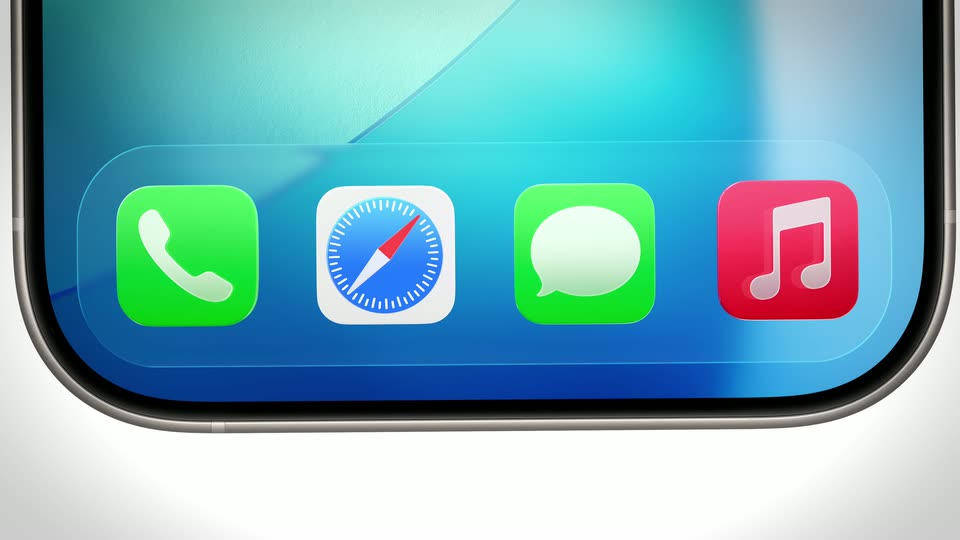 1:04–1:07Apple · iOS 26: Introducing Liquid GlassA 3D iPhone screen opens tightly zoomed on the Safari compass icon, then the camera pulls back to reveal the dock with Phone, Safari, Messages and Music icons on a blue wallpaper.
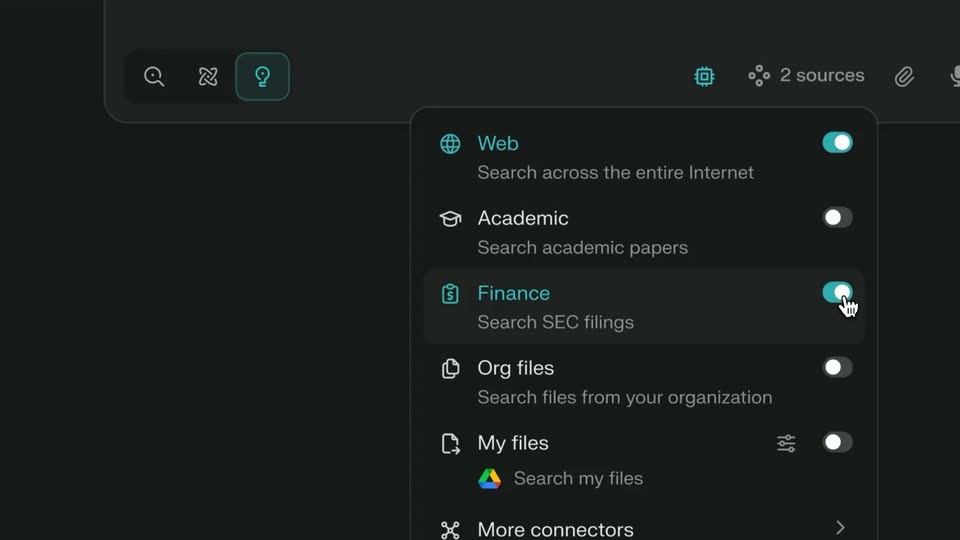 0:10–0:13Perplexity · Perplexity - Starting today, all Perplexity users have access to SEC data across SA dark Perplexity Pro interface shows the logo between two 'Create anything' input bars; the view zooms into the lower bar while a sources dropdown opens, and a cursor moves to the Finance row, highlighting it.
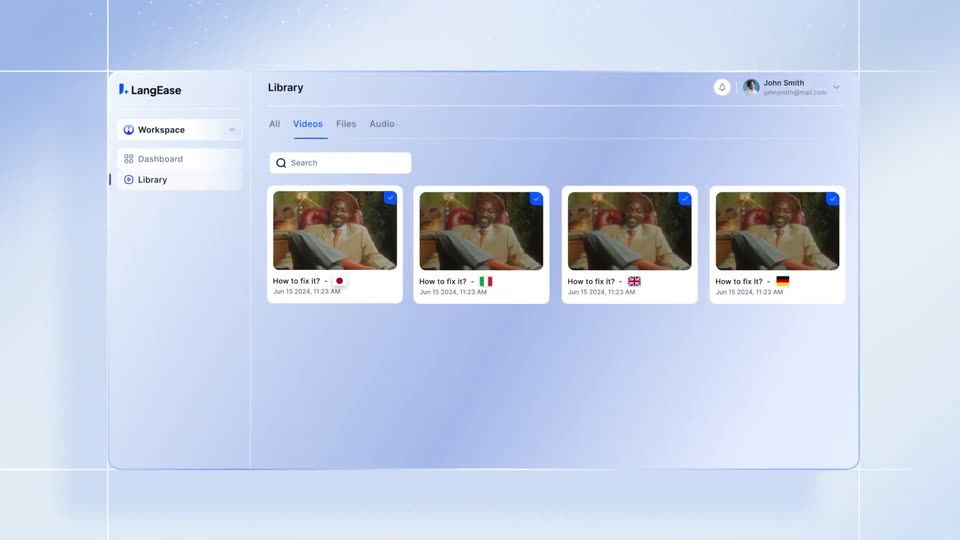 0:01–0:04LangEase · B2B Corporate Video Ad Example for SaaS Companies | LangEaseA LangEase library screen pulls back from a single video card to a row of four, each tagged with a country flag (Italy, UK, Germany), then the whole interface shrinks and morphs into a phone frame centered on a light grid background.
 0:17–0:18Submagic · Submagic - Meet AI Caption Translation. What if your best video could reach milTestimonial cards with colored avatars and short quotes slide across a pale background. The top card then expands and centers into a full modal panel marked with a back arrow and close button, a small image emerging at its lower edge.
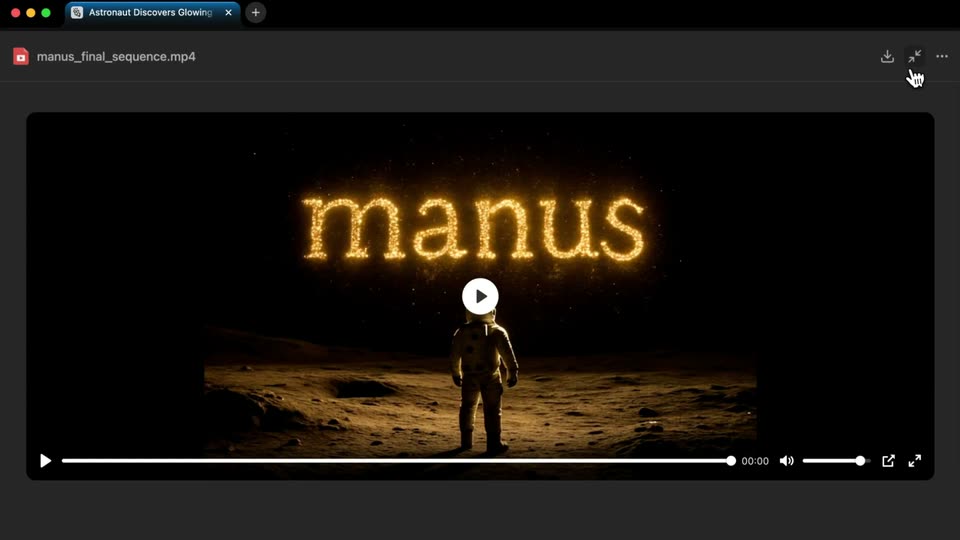 0:29–0:32Manus · Manus - Introducing Manus video generation. Manus transforms your prompts inA dark browser window shows a paused video of an astronaut on the lunar surface beneath a glowing particle wordmark. The cursor hovers over the minimize icon, then the view reframes to reveal the Manus chat panel on the left with a scene list and two buttons.
 0:08 · 0.7sBlaxel · Introducing Blaxel - The cloud for your AI agentsClose-up of a retro Netscape browser window. A cursor sits on the highlighted Open button in the toolbar, then the frame shifts down to the blank page body and a status bar reading Reading file at 2.0K per sec.
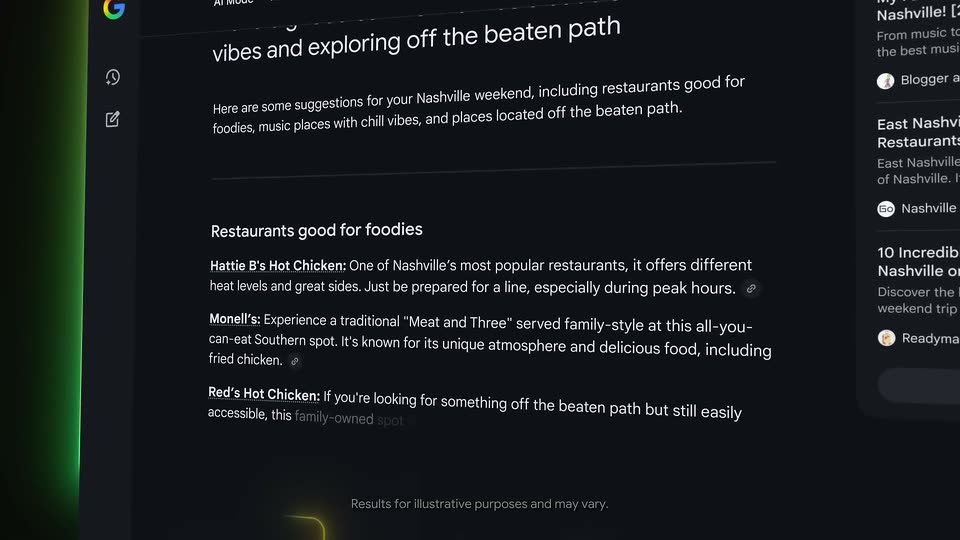 0:07–0:10Google · Meet AI Mode - Try a whole new way to searchThe Google AI Mode search interface opens tilted in 3D perspective, the Nashville food and music query near the glowing top edge. The camera flattens and pushes in, then the page scrolls down through restaurant descriptions to a row of four photo cards with ratings and addresses.
 0:11–0:12OpusClip · OpusClip - Welcome OpusSearch, the first AI growth agent that can automaticallyA flat grid of dark YouTube channel pages on an orange background zooms in toward the central Tom Bilyeu channel, tightening the frame around its banner and video list.
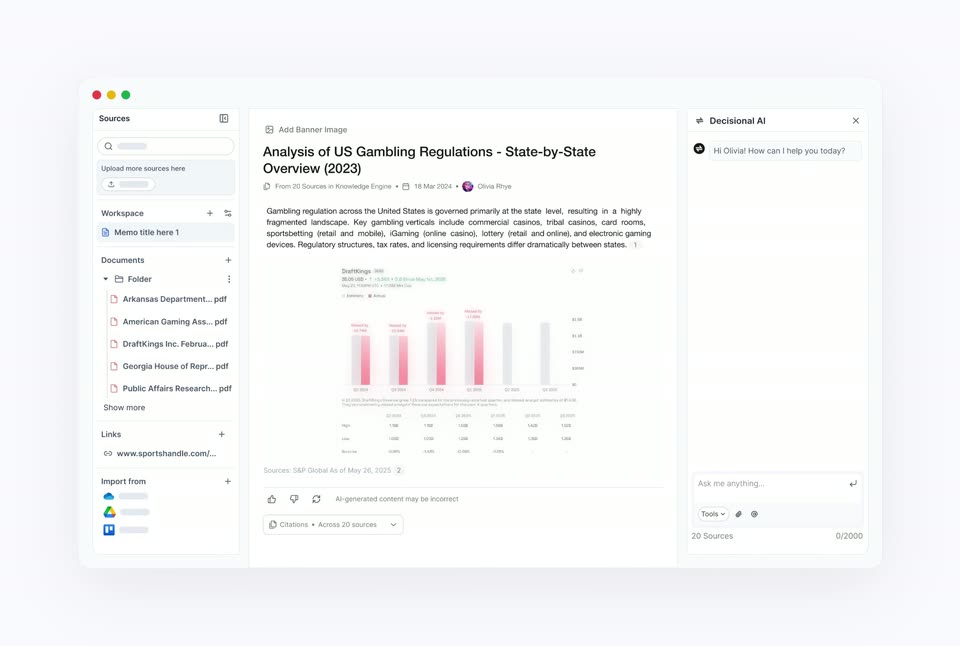 0:05–0:17Decisional AI · Decisional Knowledge Engine TeaserA product window on a light background: the cursor types a memo prompt, clicks send, and the pane shows Diving Deep steps, a skeleton loader, then a generated memo with a bar chart and citation tooltip. The view zooms out to reveal a second window with the source PDF.
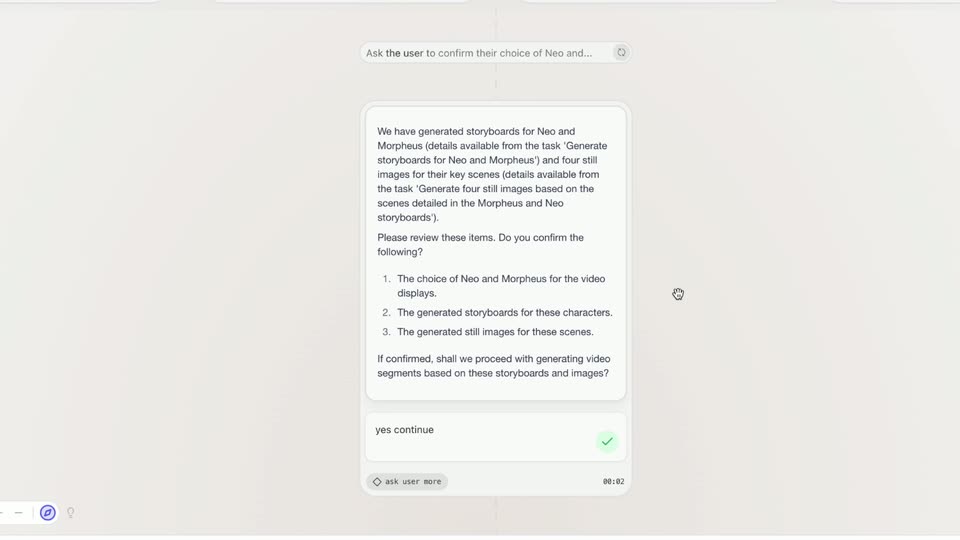 0:32–0:34Flowith · Flowith - flowith neo is now open to everyone. no more codes hunting. gen anytA confirmation card with body text and a yes continue button fills the frame, then the view pulls back to reveal the full canvas, a left task list, storyboard thumbnails across the top, and result cards along the bottom.
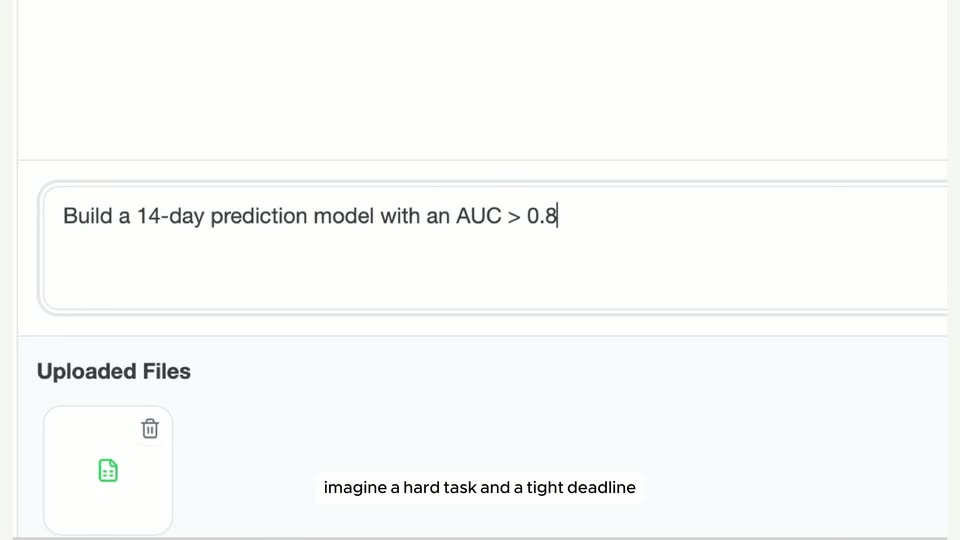 0:24–0:26Leeroo · Leeroo Continuous Learning AgentsA close-up of a chat input shows the prompt 'Build a 14-day prediction model with an AUC > 0.8' typed with a blinking cursor, then the view zooms out to the full ML Engineer agent interface with sidebar and empty chat canvas. A black caption sits at the bottom throughout.
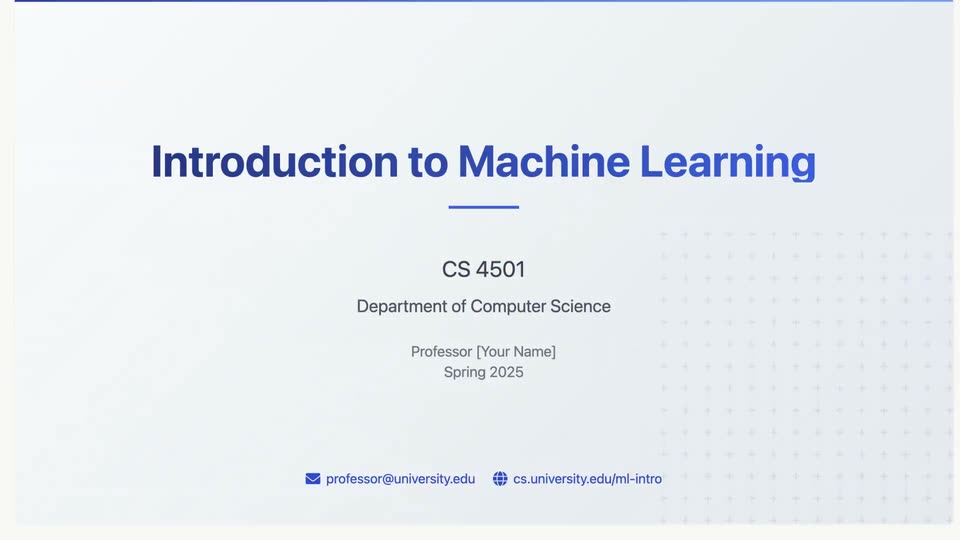 0:08–0:09Manus · Manus - Today, we are introducing Manus slides! Manus creates stunning, struA browser window frames the product interface, a task chat beside a two-page slide preview. The view then zooms and blurs onto the first slide, its blue title scaling up to fill the frame.
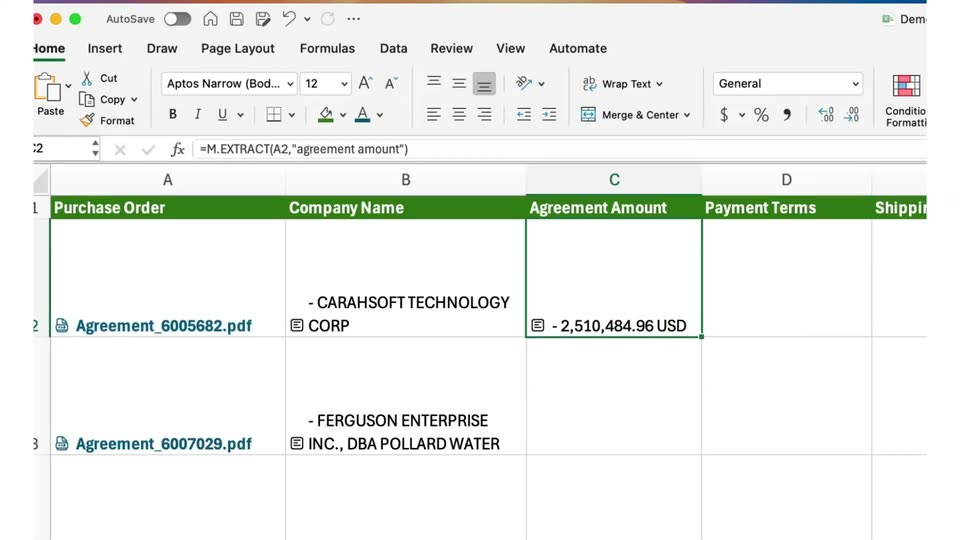 0:04–0:10Melder · Melder - AI for ExcelA full-screen Excel window shows a purchase-order table. The cursor types the formula =M.EXTRACT(A2, “agreement amount”) into cell C2, an autocomplete tooltip appears, and the extracted value fills the cell. The view then scrolls down the Agreement Amount column as more rows populate with USD figures.
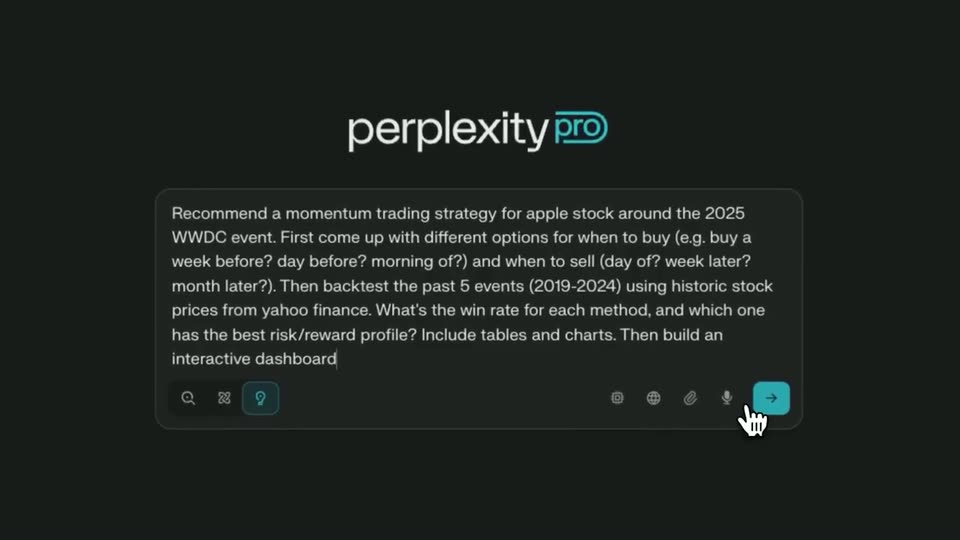 0:00–0:05Perplexity · Perplexity - Today we're launching Perplexity Labs. Labs is for your more complexDark UI close-up: the perplexity pro logo sits above a search bar with an Ask anything placeholder. A cursor hovers the lightbulb icon, a Labs tooltip pops in, the bar fills with a long trading prompt, and the view pulls back as the cursor clicks the teal send arrow.
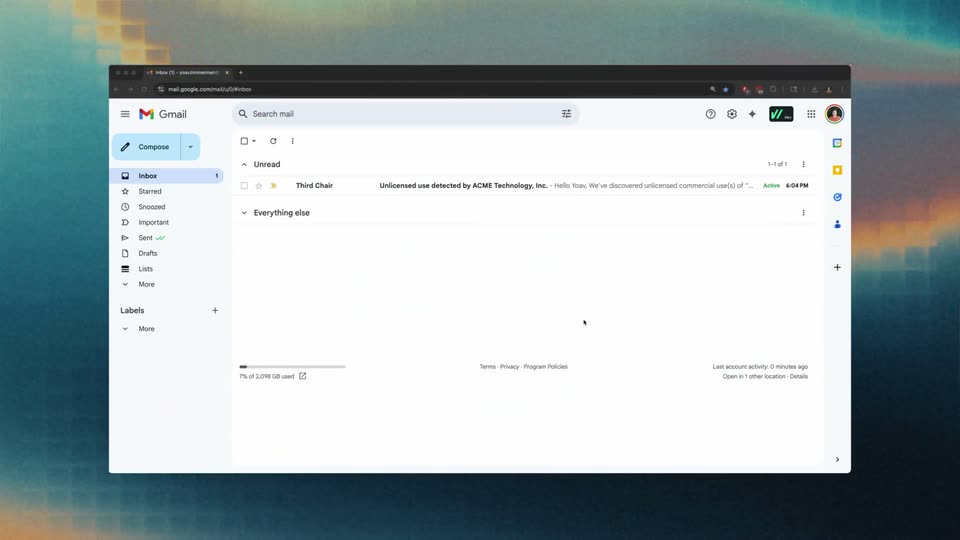 0:12–0:18Third Chair · Third Chair Product DemoA Gmail inbox in a browser window sits over a pixelated blue-orange background. The camera pushes in on the top of the interface, ending on the search bar and one unread email from Third Chair. A cursor moves near the subject line.
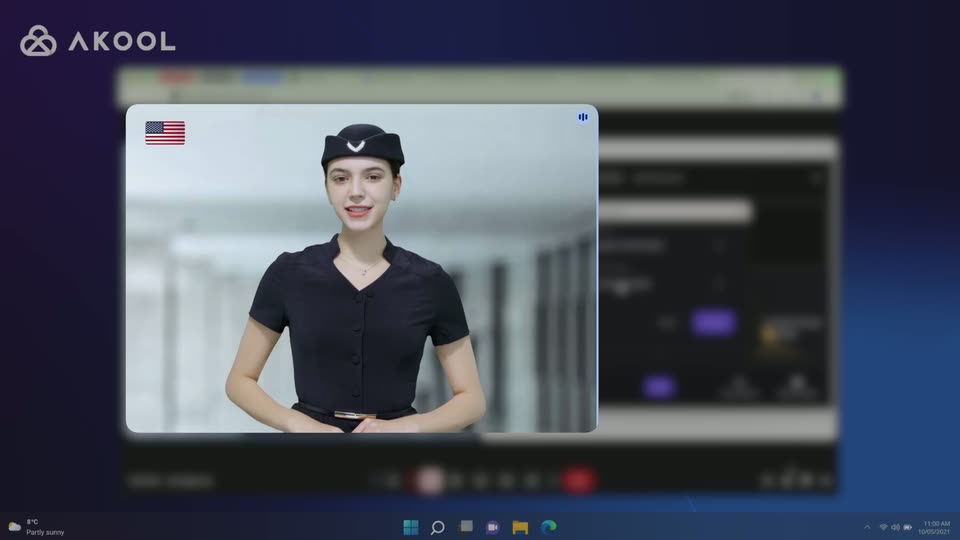 1:17–1:18Akool Inc · Introducing Akool Live Camera: Real-Time AI Video CreationA desktop screen shows a video call: a woman in a black uniform with a US flag badge on the left, a translation settings panel on the right. The camera zooms into her tile as the panel blurs and slides out of frame.
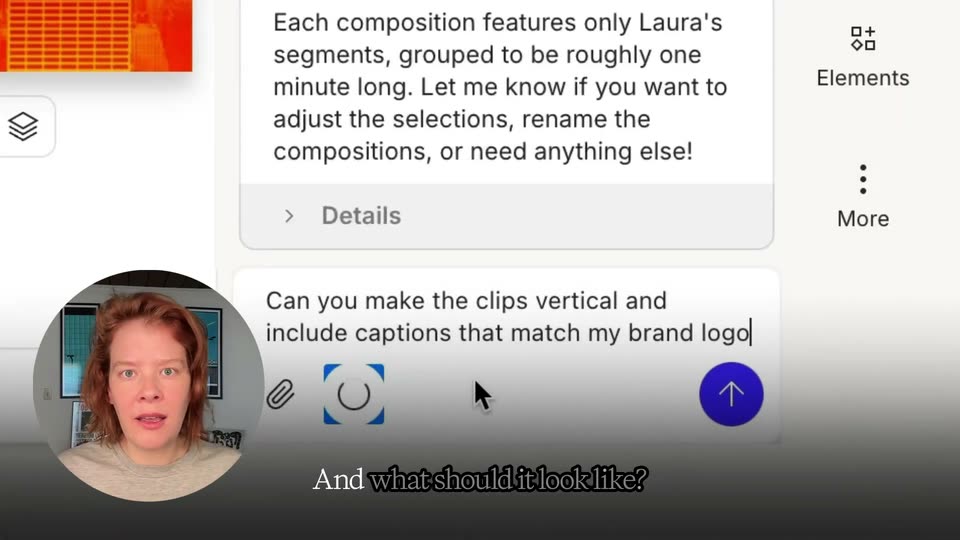 0:58–1:00Descript · Meet the Underlord: Descript's Open Beta Feature DropA chat interface shows a message thread while a woman's face reacts inside a circular avatar at the lower left. Question captions swap along the bottom, then the view blurs and reframes onto a vertical video clip at the left edge.
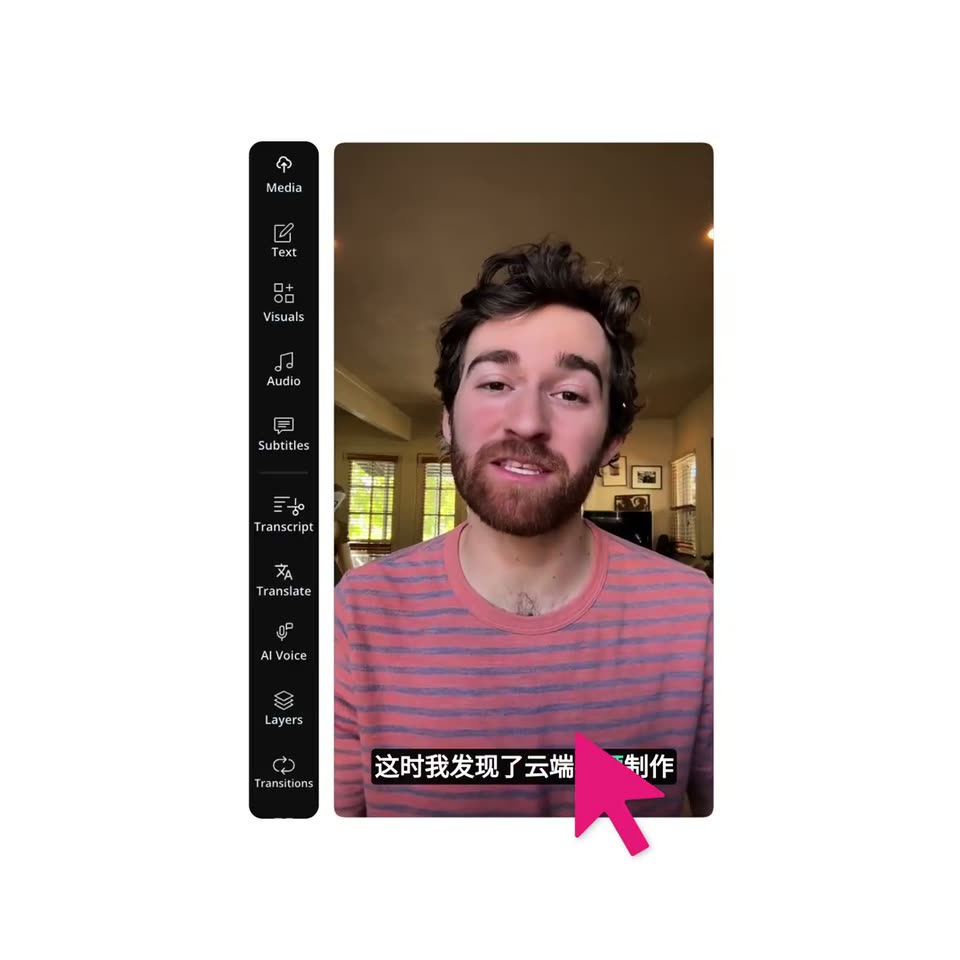 0:09–0:14Kapwing · Kapwing - Reaching a global audience just got easier 🌍 Kapwing’s AI Dubbing toA video editor interface shows a man in a striped shirt in the preview, with a black tool sidebar on the left. A pink cursor arrow points at the subtitles at the bottom, which update as he speaks. The view scrolls up to reveal a Translate label.
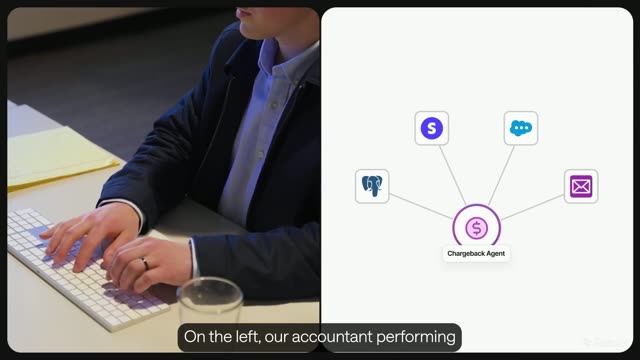 0:50–0:51Retool · Introducing Agents from RetoolSplit screen: a man in a dark jacket types on a white keyboard at a desk on the left; on the right, a white panel shows a network of colored icons that zooms into a small cluster labeled Chargeback Agent.
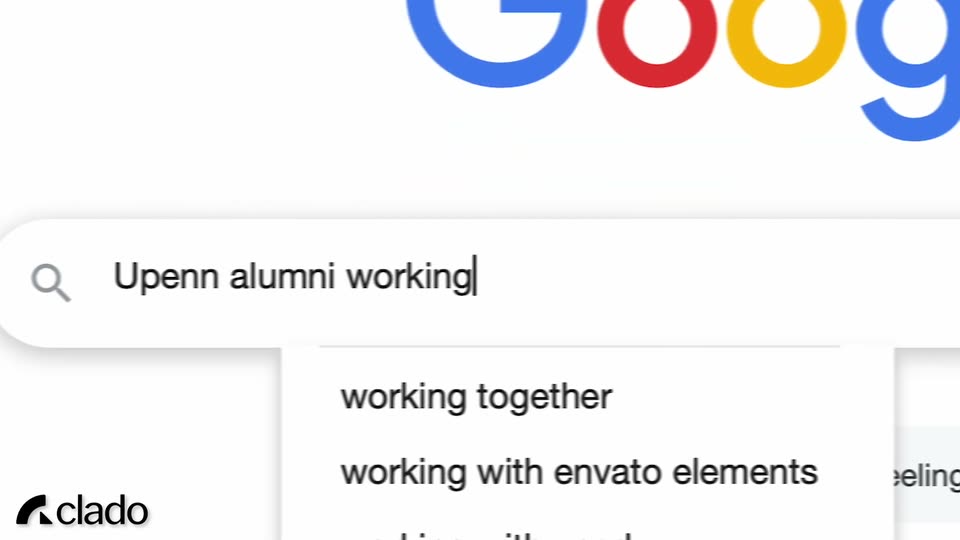 0:00–0:02Freesolo · Introducing Clado (YC X25): Deep Research for PeopleThe Google homepage fills the frame, then the view zooms into the search bar as a query about upenn alumni in investment is typed, with autocomplete suggestions appearing below the field.
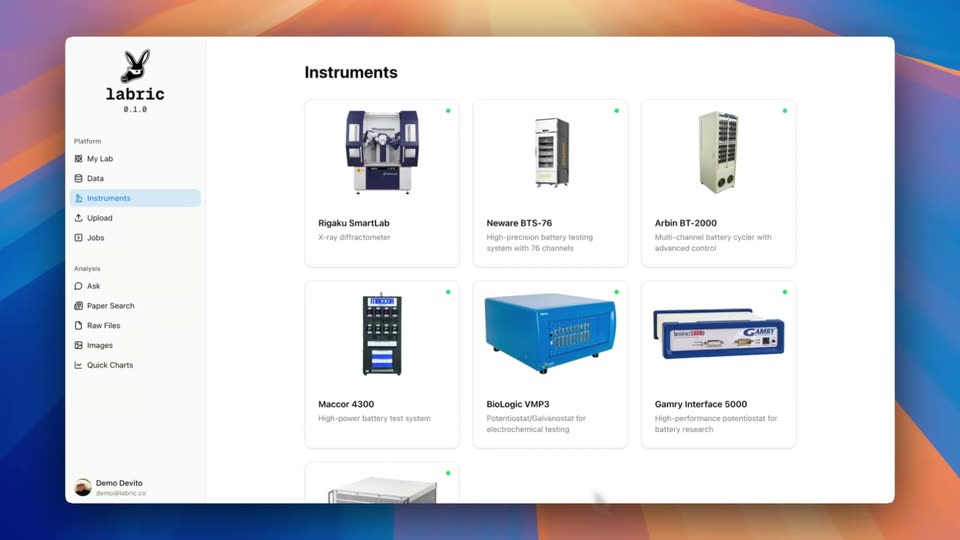 0:16–0:21Labric · Labric (YC X25) Launch VideoA white labric dashboard panel floats on a blue and orange gradient, listing instrument cards beside a sidebar. The view zooms into the grid as a cursor approaches the BioLogic VMP3 tile, whose blue device image lifts out of the card in 3D.
 0:09–0:10Sketch · Sketch - Remember when we said auto layout was coming to Sketch? It’s here. ItA six-row action list with colored icons on a soft blue gradient; the third row is boxed by a selection marquee with a cursor. The list shrinks and slides left as a Frame label and a cyan dot appear, and the cursor moves right.
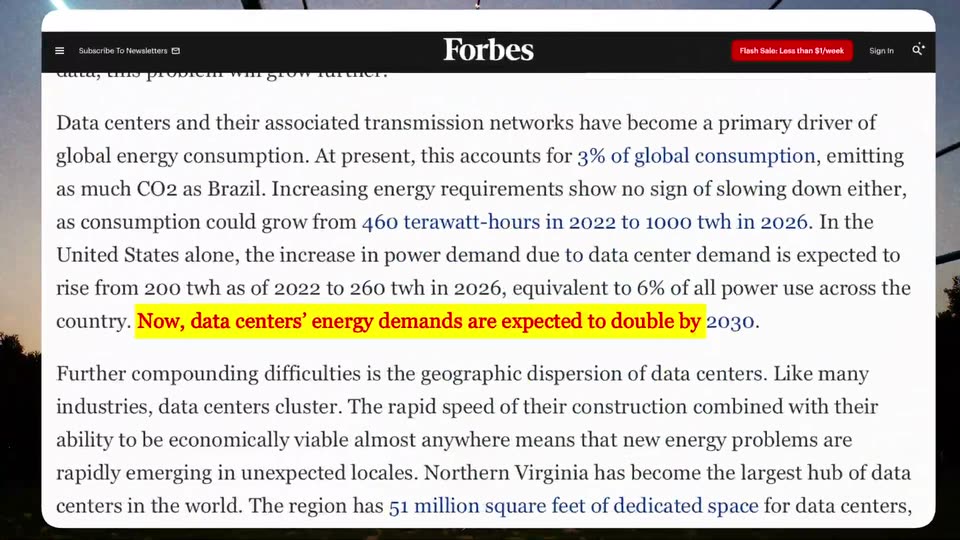 0:14–0:15Sygaldry Technologies · Sygaldry: Quantum-Accelerated AI ServersA Forbes article page sits in a rounded browser card over a dark starfield background. The view zooms into the body copy as the line about data centers' energy demand gets a yellow highlight with red text.
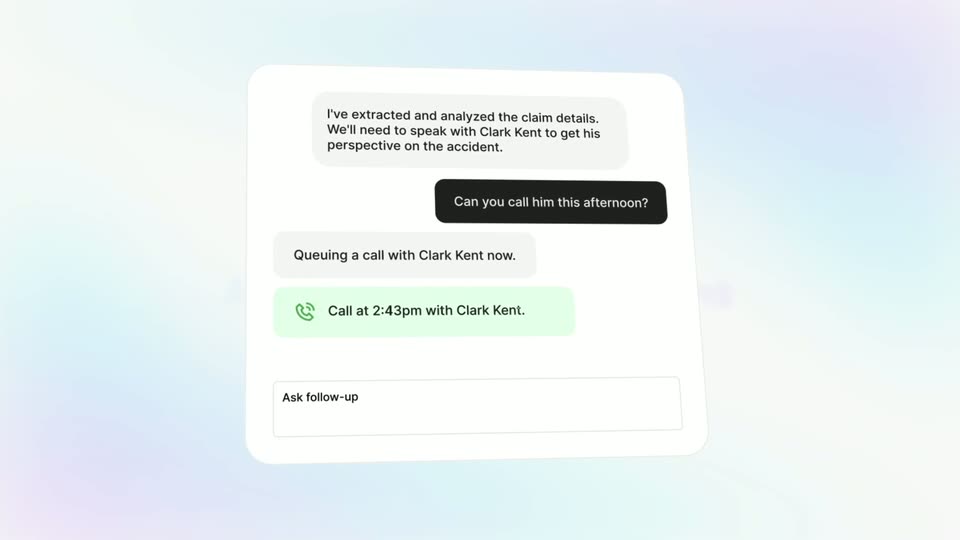 0:25–0:28Avallon AI · Introducing Avallon AIA tilted chat card showing a claim conversation floats in 3D over a blurred blue headline. It rotates to face the camera, scales up, then slides right to reveal the claims dashboard with sidebar and claim info panel behind it.
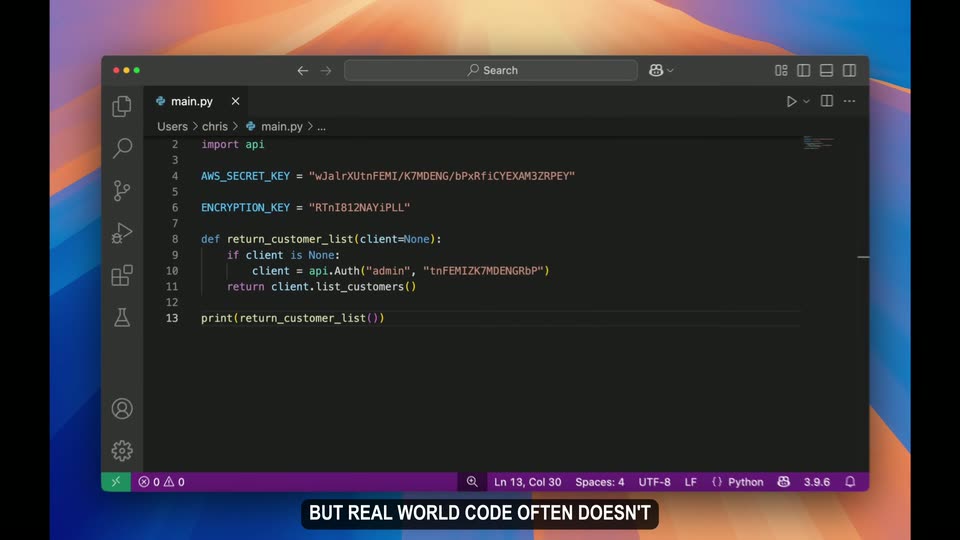 0:40–0:44BitPatrol · BitPatrol - Secret Detection That Actually Works (YC X25 Launch Video)A dark code editor highlights a Python line holding an AWS secret key. Two white leader lines drop to the labels Prefix and Regex. Bottom captions swap with the voiceover, then the view zooms out to the full editor window.
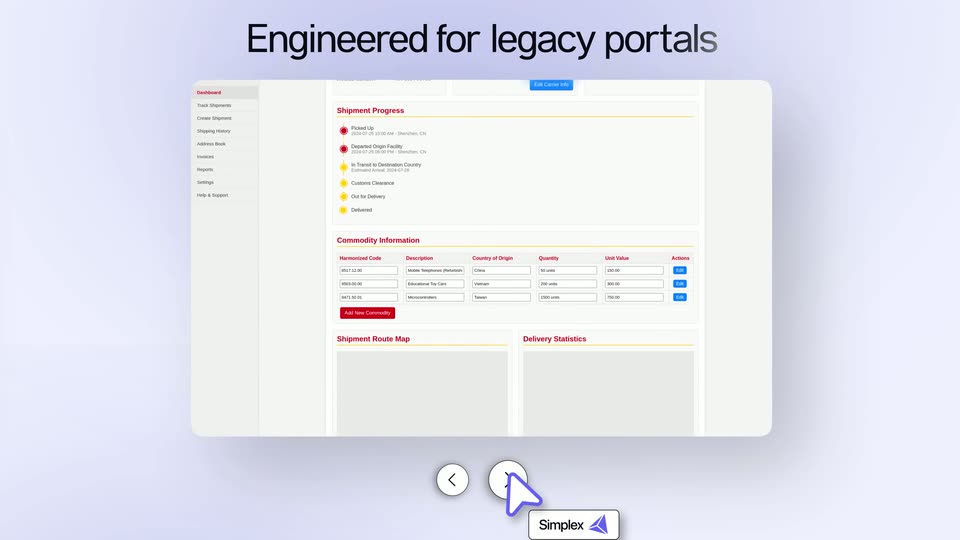 0:15–0:19Simplex · Simplex Launch VideoA carousel of flat browser windows showing legacy portal screens slides left as a large cursor rests on the next arrow, bringing a shipment dashboard to center. The centered window then scales up under the static headline, while the Simplex logo slides down out of frame.
 0:24–0:31ValueMate · ValueMate: Automating Real Estate Appraisals with AIA dimmed appraisal report floats centered on a dark purple field while a gradient headline types in word by word, followed by a white second line. The report shrinks to the top as a purple pill with a checkmark and “Completed” scales up below.
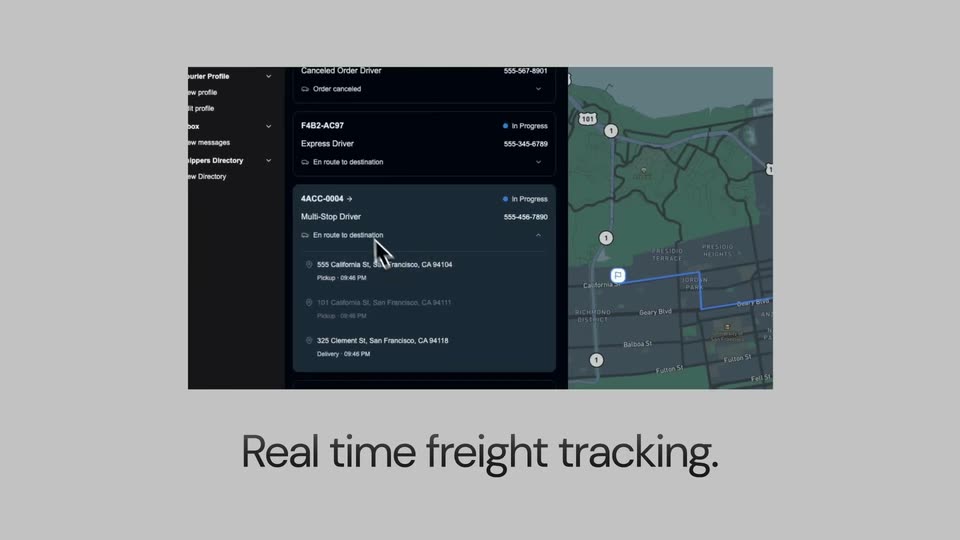 0:13–0:18chrt · chrt YC LaunchA flat delivery-app screen sits on a gray field, order list left, San Francisco map with a blue route right. A cursor expands an order card, then the frame zooms into the list. Below, the caption swaps and the new line slides in word by word.
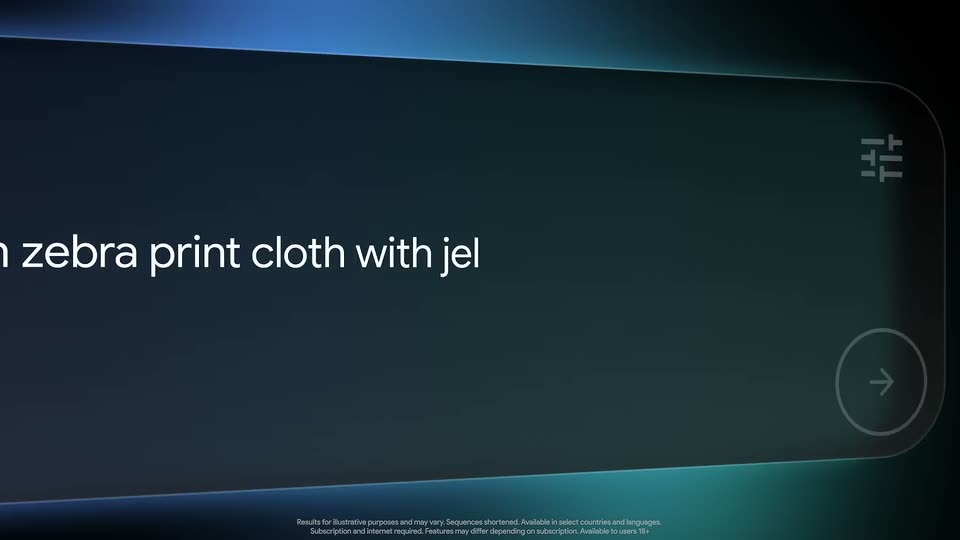 0:33–0:36Google · Introducing Google AI Ultra: The best of Google AI in one subscriptionA blue-glowing 3D panel shows the tool's interface. A pill button sits above a prompt line that types out a taxi scene, with circular thumbnails of a taxi, jellyfish and sofa below. The camera pans right to a sliders icon and a round arrow button.
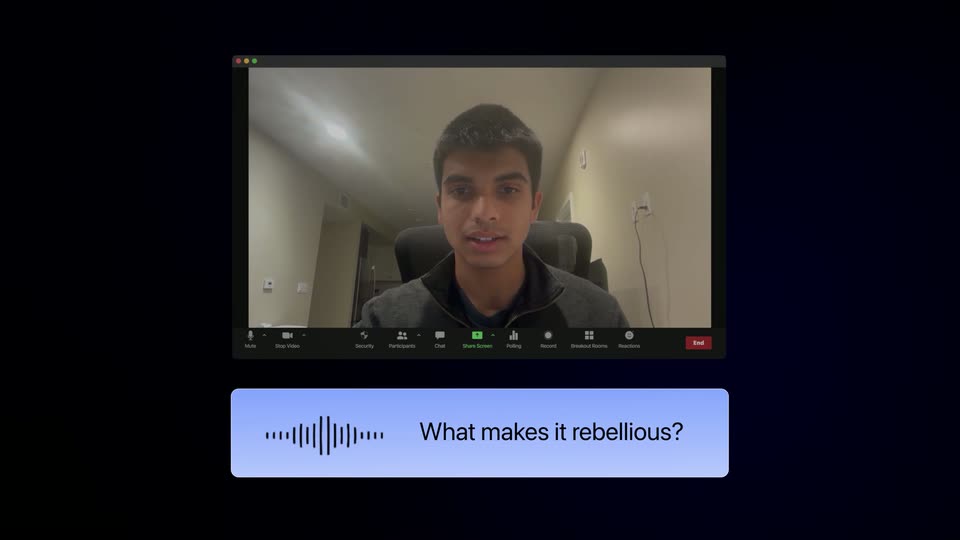 0:34–0:37stratify · Stratify Demo VideoA video call window with a man speaking sits centered on a dark background. A light blue caption card with an animated waveform and the question slides up beneath it, then the window zooms in to fill the frame as the card exits.
 0:12–0:20Besimple AI · Besimple AI: Spin up your own data annotation platform in 60 secondsOpens on the full app window, then zooms onto the prompt box as “I'm building an AI support agent” types out. The view scrolls to a JSON field that fills with code, a green “Data attached” badge appears, then a zoom onto the “Vibing...” loading state.
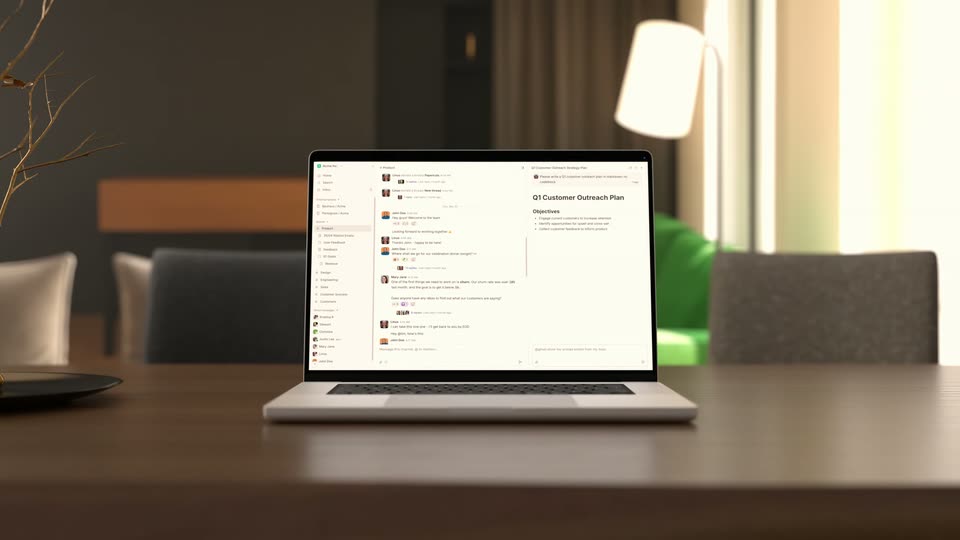 0:20–0:21Den · Introducing Den (2025)A soft-focus close crop of the app screen pulls back to reveal a laptop centered on a wooden table, set in a dim room with a desk lamp, chairs and a plant. The screen holds a three-pane workspace view.
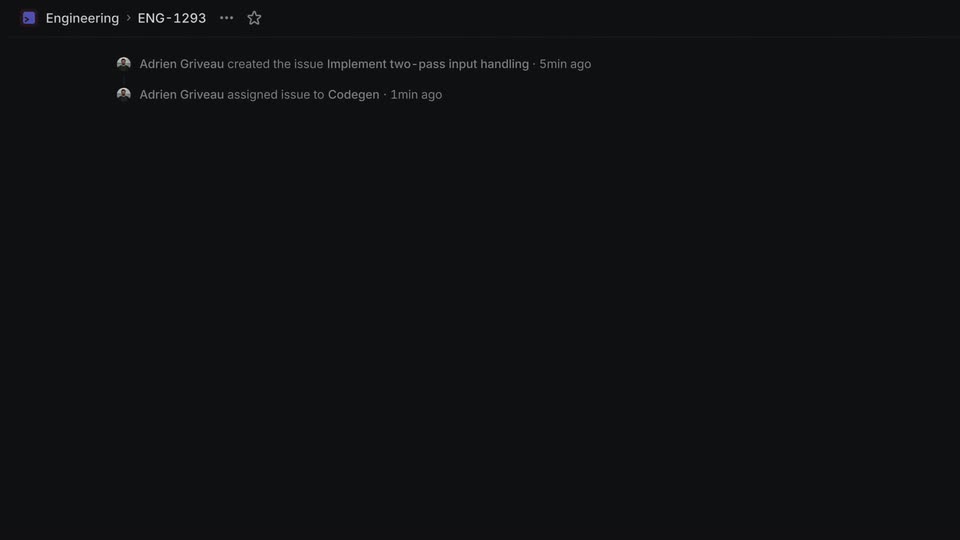 0:08 · 0.8sLinear · Introducing Linear For AgentsThe screen displays a dark project management interface. The view evolves from a muted task list to an issue detail, revealing the activity feed and breadcrumb navigation.
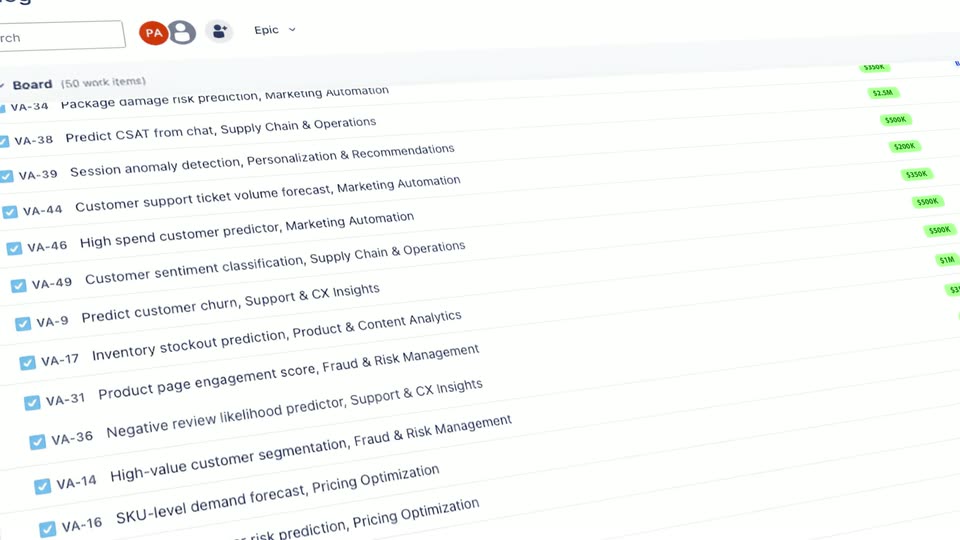 0:03–0:06Plexe · Plexe AI Launch VideoTwo tilted backlog screens float in 3D on a dark navy background. A large green 'untapped revenue' headline sits across them as a white italic '*your ML backlog' caption types out at bottom right, then the view zooms through the screens into a flat list close-up.