Cursor demo
A visible cursor operates the interface.
15,082 scenes · page 69 of 252
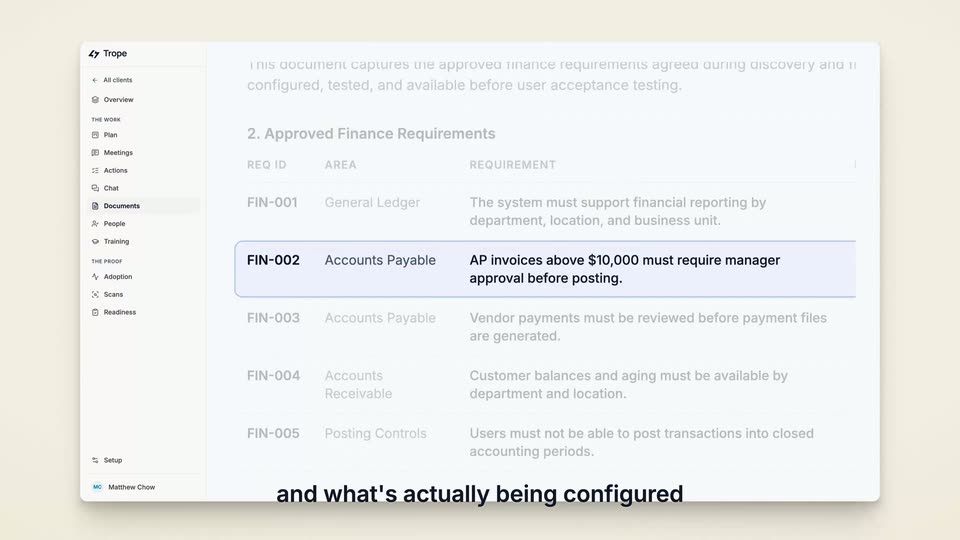 0:28–0:30Trope · Matt Chow - @trope_ai is backed by YC to make ERP transformations AI-native CompThe Trope document UI fills the frame, showing a finance requirements table with a cursor on the page. The view zooms into the table, the FIN-002 row outlines in blue while the surrounding rows dim. A bottom caption tracks the voiceover.
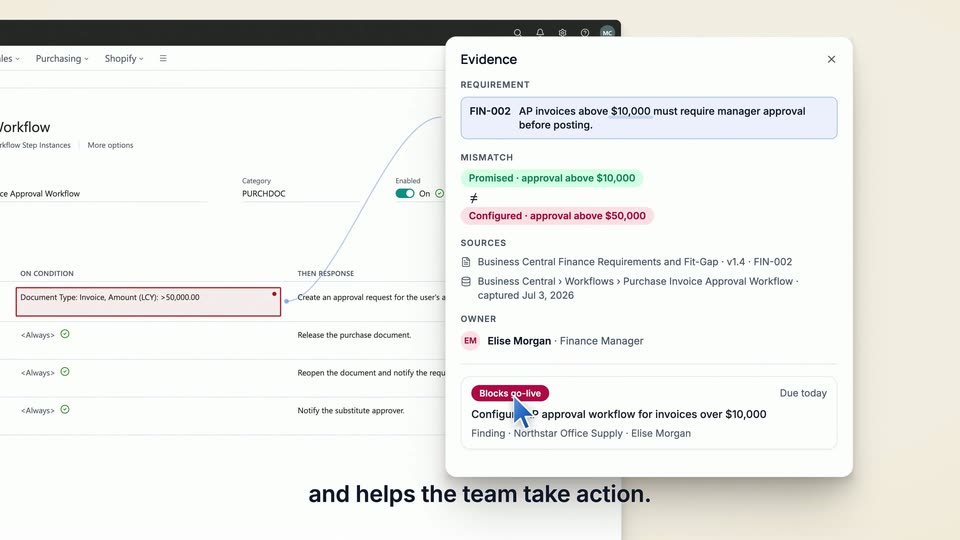 0:31–0:40Trope · Trope (YC S26) Launch VideoA Dynamics 365 workflow screen zooms into a red-highlighted condition cell, then an Evidence panel slides in from the right with a curved connecting line. A cursor hovers as a task card appears, and the camera pulls back to the full window.
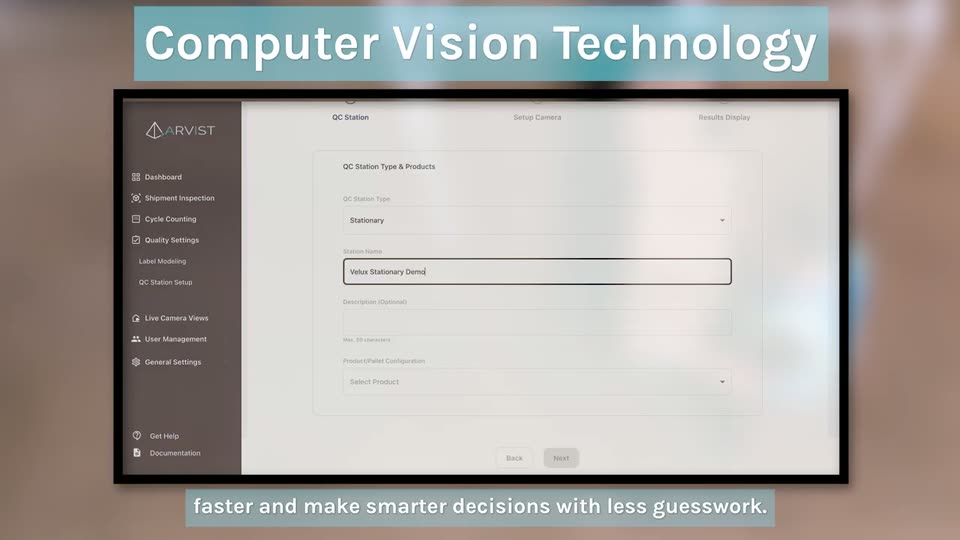 1:36–1:44Arvist · Arvist: experience centerFlat software setup screen centered over a blurred live background. A cursor selects Stationary in a dropdown and types a station name as the top banner swaps to Computer Vision Technology and the caption updates; ends on a motion-blur whip to a blurred floor.
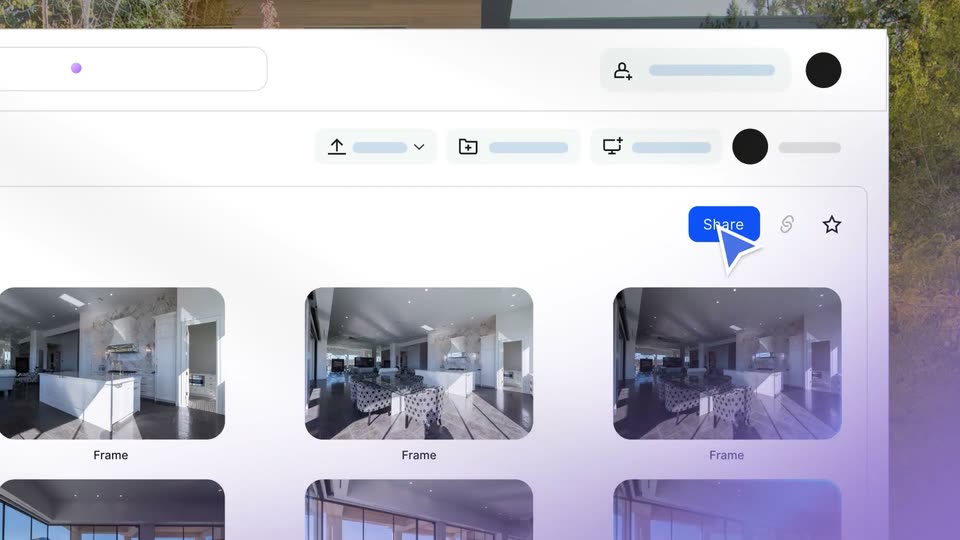 0:09 · 0.7sAutoHDR · Best SaaS Product Video | AutoHDRA white file-sharing window tilted in 3D over a soft house exterior shows a grid of interior thumbnails labeled Frame. A blue cursor moves to the link icon and clicks, opening a Copy link dialog that confirms the link was copied.
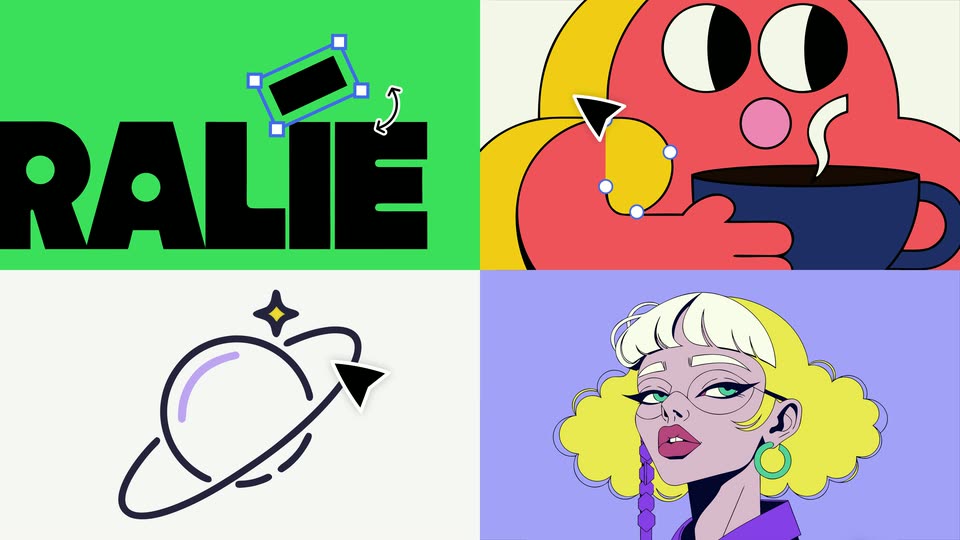 0:06–0:08Recraft · Recraft - You asked, we delivered. Say hello to Recraft’s Vector Editor. TweakA 2x2 split screen shows four vector artworks being edited. A cursor rotates a selected shape on a bold green wordmark and deletes a bezier point on a red character holding a cup, while a planet line drawing and a blonde portrait stay still below.
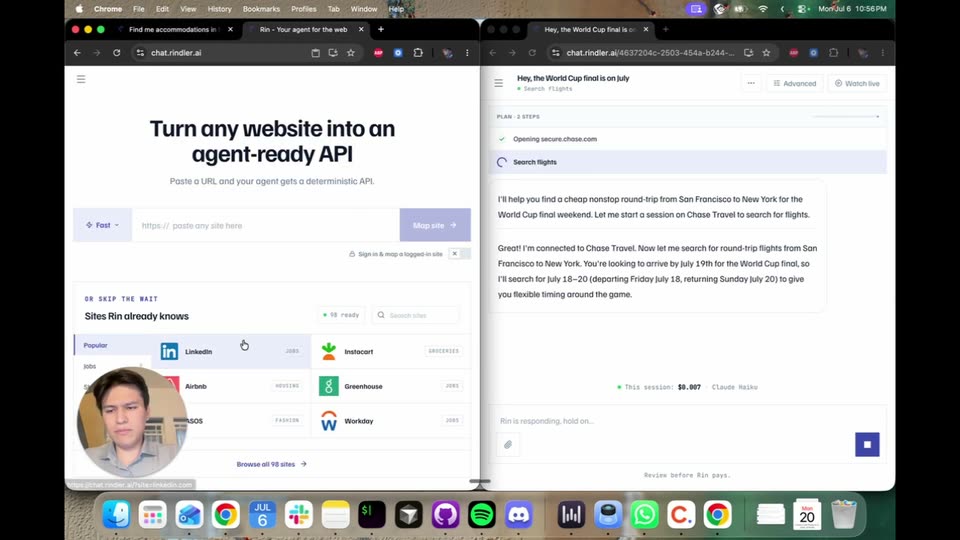 0:25–0:29Rindler · Rindler LaunchA split-screen shows two browser windows of the Rin product. The left pane cycles from a chat to a landing page to a LinkedIn-scoped new chat as a cursor hovers and types, while the right pane runs a two-step flight search. A face-cam sits in the lower-left corner.
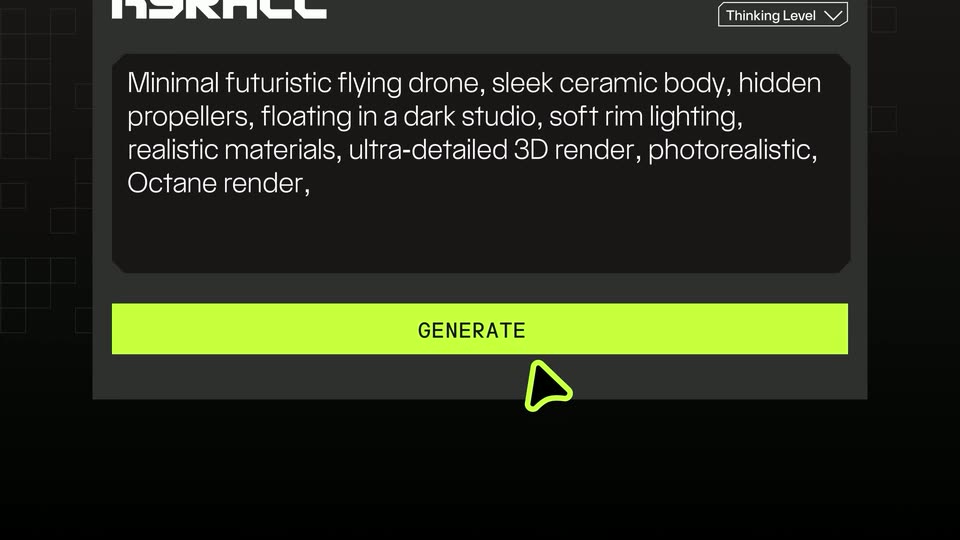 0:37–0:39Kyrall · OsamaAtwi - Today, we're officially launching Kyrall Until now, AI models couldnA dark interface panel holding a typed drone prompt slides upward; a green outline cursor glides down and rests on the GENERATE button, which then frames itself in a green selection box.
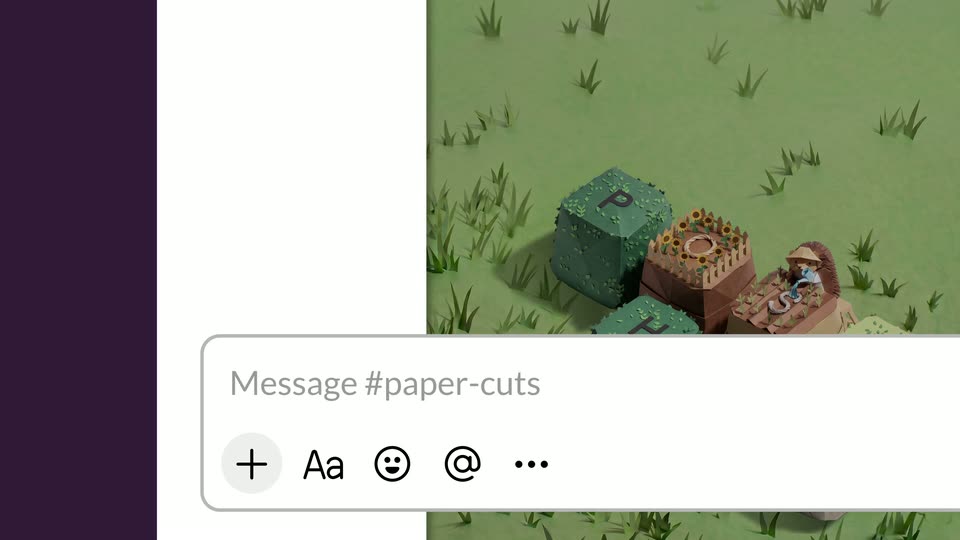 0:04–0:05Posthog · PostHog - Don't open PostHog. @PostHog in Slack.A 3D isometric diorama of grass and cube structures sits behind a flat white chat bar. The bar holds the typed line 'Hey @PostHog this list is ugly!' with a hand cursor on the green send button, then empties to a gray placeholder.
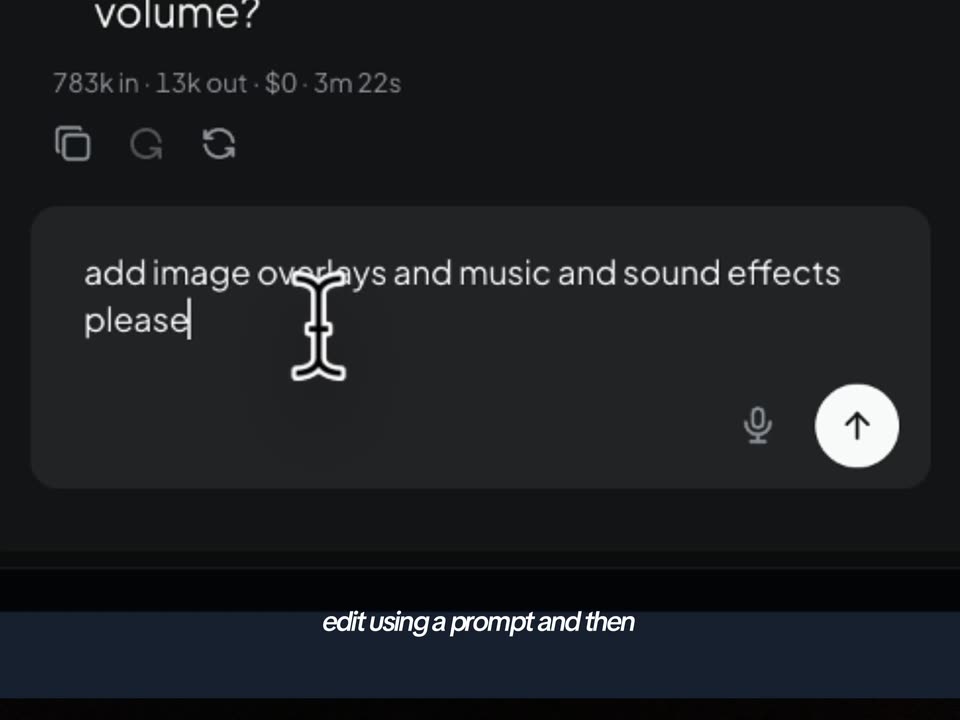 0:47–0:48Stanley · Daniel Park - Today, we're launching Claude Fable for video editing. Stanley is buClose-up of a dark prompt input field where text types out character by character behind a large ornamental I-beam cursor. A small white italic caption is locked at the bottom of the frame.
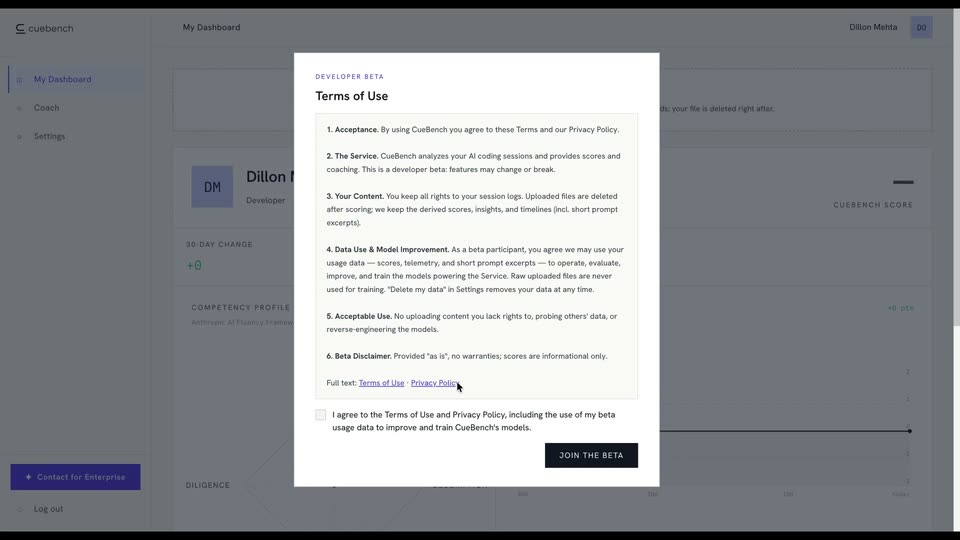 0:09–0:12CueBench · CueBench for Developers DemoA dimmed dashboard sits behind a centered white Terms of Use modal. A cursor hovers over the terms, then ticks the agreement checkbox and presses the black Join the Beta button.
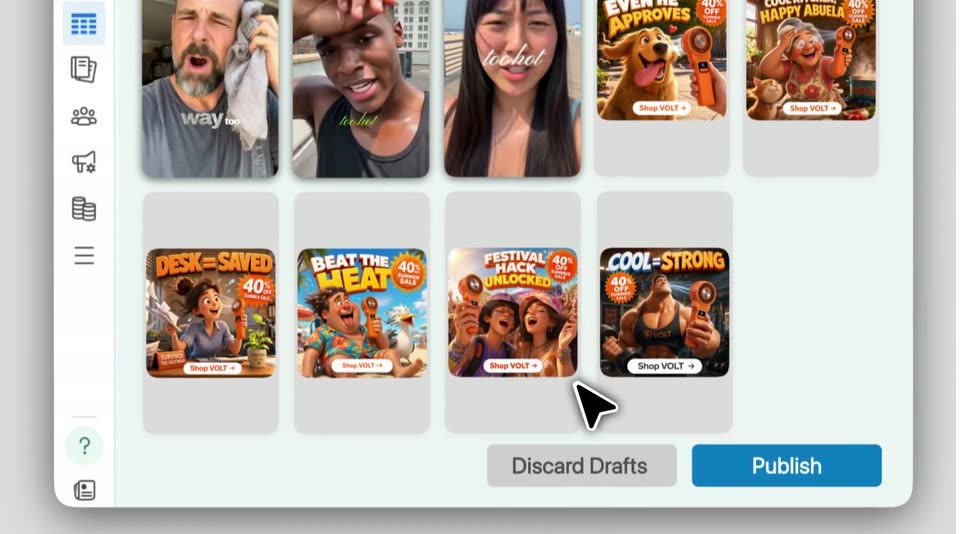 0:40–0:42Arcads · arcads AI - Introducing Claude x Arcads in Slack: Get viral ads in your Slack DMA view of a Meta Ads Manager interface zooms out to reveal a grid of ad creatives. A cursor moves down and clicks a blue Publish button.
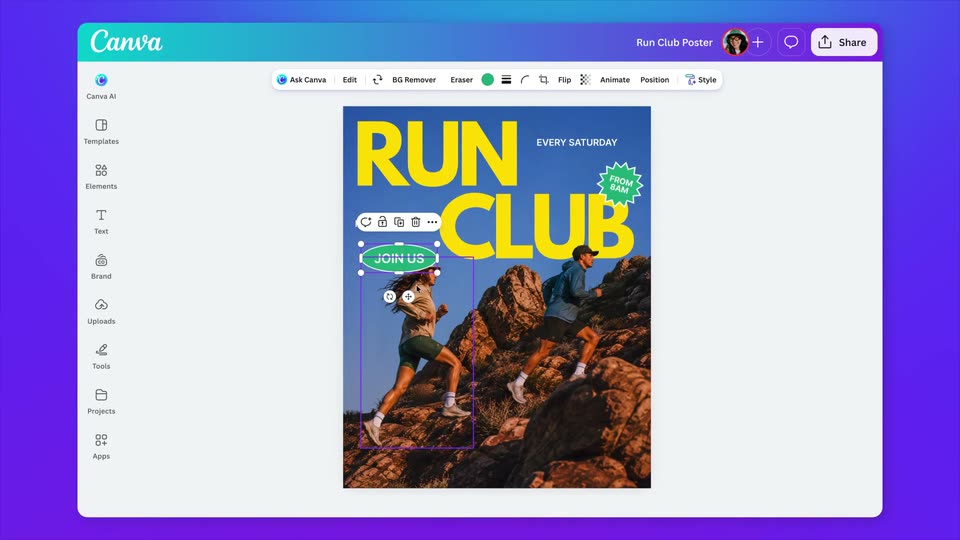 0:15–0:29Canva · Canva - Millions of people are trying out new workflows pairing Canva and AIA Canva editor on a purple-to-teal gradient shows a cursor assembling a poster: a runner photo is cropped and resized, bold yellow RUN CLUB type and white labels appear, a green starburst badge lands, then the selection boxes clear to reveal the finished design.
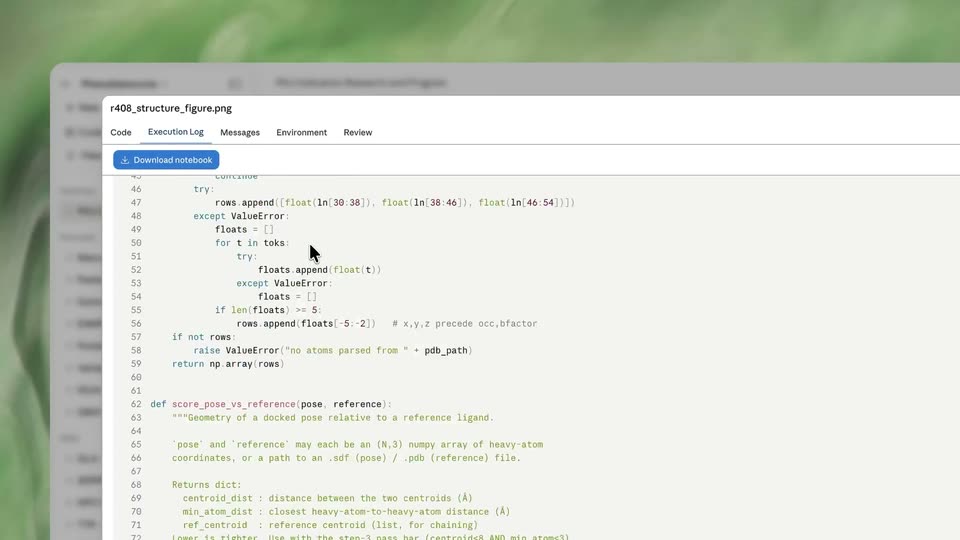 0:18–0:21Anthropic · Introducing Claude Science (now in beta)A close-up of a code editor window over a blurred green background. The cursor hovers over the download button, then the Code tab switches to Execution Log and the script scrolls down past a terminal line.
 0:02–0:05Browserbase · Browserbase - Computer use is finally reliable. It just needed a real harness. NowA monospace prompt types itself in a light input field on a grid background. The camera pulls back to show the full line, a red Run button pops in, then a hand cursor clicks it as the view zooms in and the button turns blue with a Starting spinner.
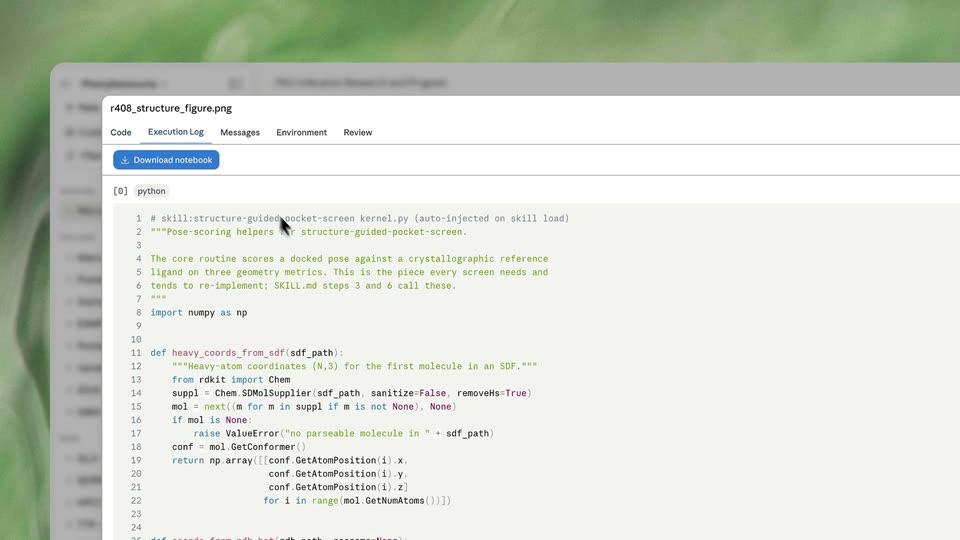 0:18–0:21Anthropic · Claude - Introducing Claude Science, a new app designed with every stage of reA floating code editor window on a blurred green backdrop shows a numbered Python script. The cursor clicks the Execution Log tab and the panel dissolves into a log of a PDB file download and a new code block.
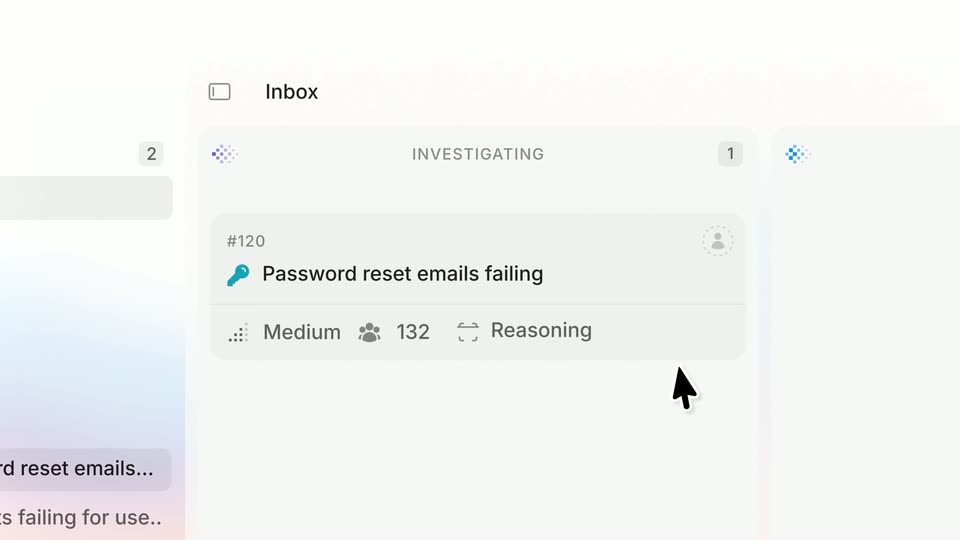 0:17–0:19Interfere · Interfere - Introducing Interfere. Interfere observes everything that happens inA light task board close-up shows an Inbox panel with an INVESTIGATING column holding a ticket card titled Password reset emails failing, tagged Medium and Reasoning. A black cursor enters from the right and glides down and left across the card while the headcount number ticks.
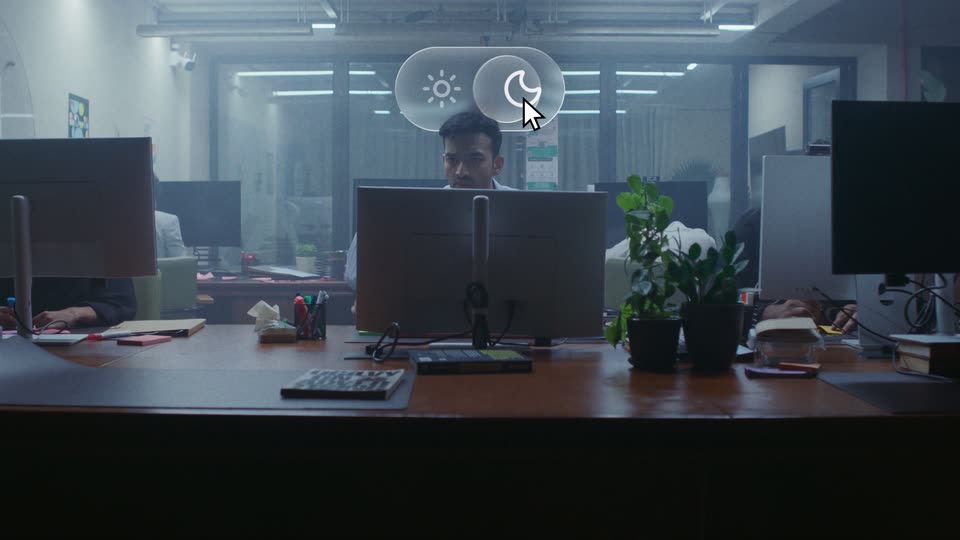 0:28 · 0.8sRiffle · deo - introducing riffle 2.0 welcome to the social era of music creation.In a dim open office, a worker sits at a desk while a floating glass toggle hovers above his monitor. A cursor slides the toggle from the sun icon to the moon icon, switching the view to dark mode.
 0:34–0:35Riverside · Nadav Keyson - AI Videos are ALL slop. AI should be making you a content machine.A glossy pink cursor hovers over a purple Approve & Send button next to an outlined Make Changes button, with checklist lines above. The focus racks, blurring the buttons and bringing a phone mockup of a man in a black jacket into view, with a yellow play icon at right.
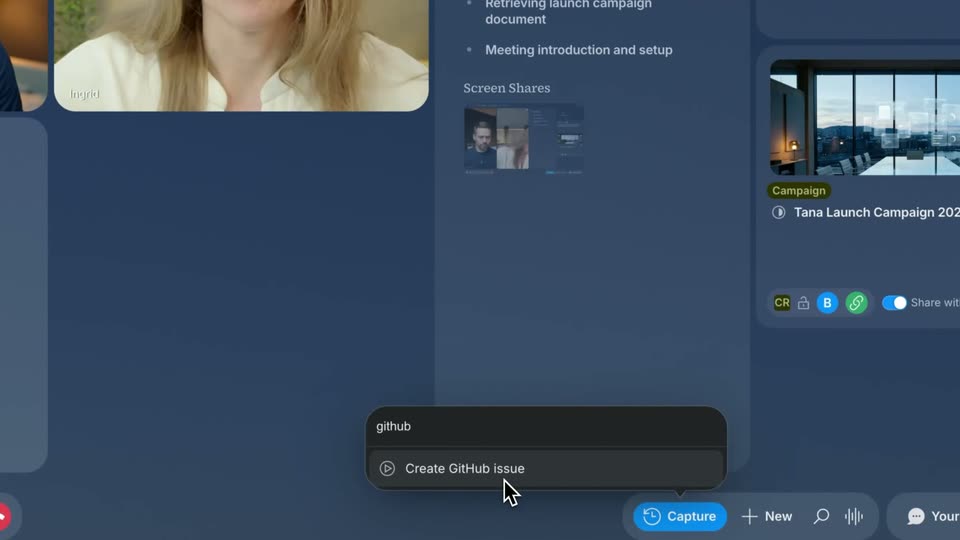 0:37–0:41Tana · Beyond AI Meeting Notes: Meet the New TanaA dark collaboration app interface sharpens from a blur, framing a video tile, a sidebar and a campaign card. A dark command bar at the bottom holds 'github' with a 'Create GitHub Issue' row, where a cursor hovers and clicks.
 0:06–0:07Clerk · Clerk - Give your customers control of their SSO setup. Now their IT adminsA security settings panel dissolves into a soft blue and purple gradient, leaving a black cursor arrow pointing at a Start configuration button in the left center.
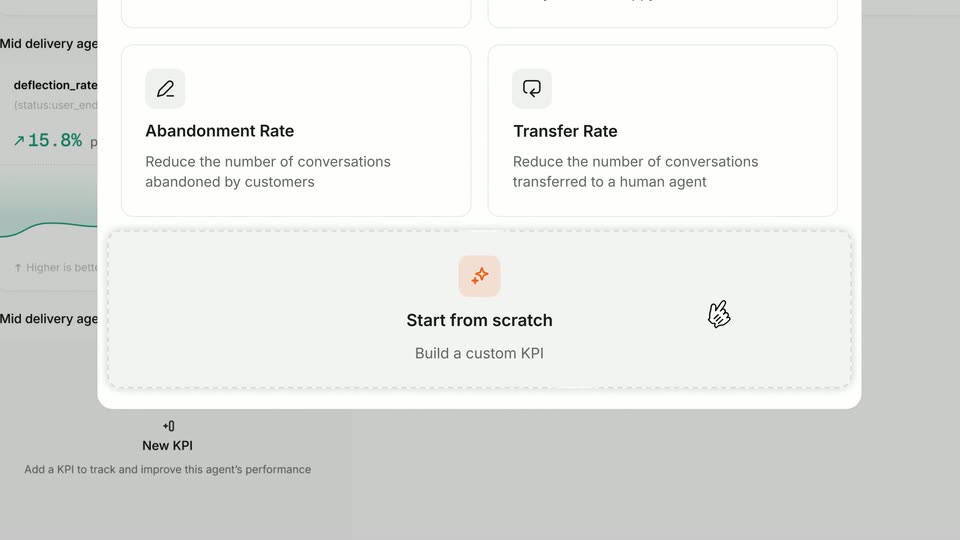 1:05–1:06Giga (Scout) · Giga - Introducing Scout. Tell it the KPI you care about, like funded deposA white KPI panel floats over a dashboard, listing Abandonment Rate and Transfer Rate cards above a dashed Start from scratch tile. A hand cursor rests on the tile as the view scrolls slightly upward.
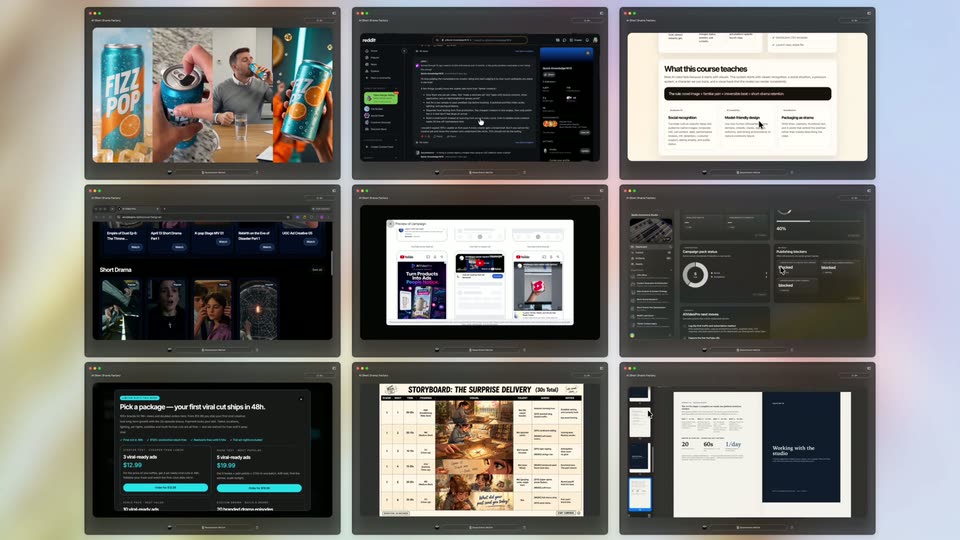 0:54–0:57Matrix · Matrix - what if you can run an entire 0-person company — without the grind ofA 3x3 grid of flat browser windows fills the frame against a soft gradient, each looping a different product view: a soda-can video plays, chat and document panels scroll, dashboards and a storyboard update, while cursors click through menus.
 0:32–0:33HeyGen · HeyGen - The next generation of HyperFrames skills is here 9 workflows your aA blue folder icon labeled skills sits centered on a pale yellow field with a white arrow cursor. The cursor moves onto the folder and clicks, the icon scales up, and a translucent Finder window with a sidebar fades in behind it.
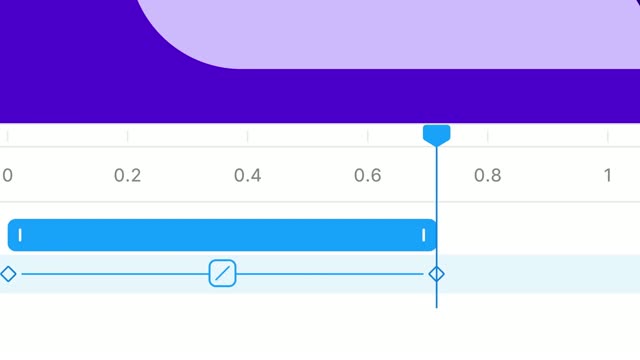 0:12–0:15Figma · Introducing Figma Motion: Your canvas now has a timelineA purple canvas shows a circular logo with control handles and a black cursor. The view reframes down to the timeline, where the cursor slides to a checkmark on a blue layer bar and clicks it.
 0:12–0:13HeyGen · HeyGen - Making a video is easy, making it engaging is hard so we turned theA dark prompt input field on a black background. A typed sentence completes and is submitted, reappearing as a message line above the now-empty input box, while a mouse cursor hovers at the field's right edge and a spinner turns under the model label.
 0:12–0:13Runway · Introducing Runway Agent 2.0 | RunwayClose-up of a dark rounded card on black: a slider icon sits left of a white button bearing a right arrow. A large white cursor with a black outline moves up and presses the button, which shrinks slightly.
 0:12–0:13Runway · Runway - Introducing Agent 2.0 Go from a simple prompt to fully realized markA dark interface panel holds a slider icon on the left and a white rounded button with a black arrow. A large white cursor with a black outline glides in from the lower right and hovers over the arrow.
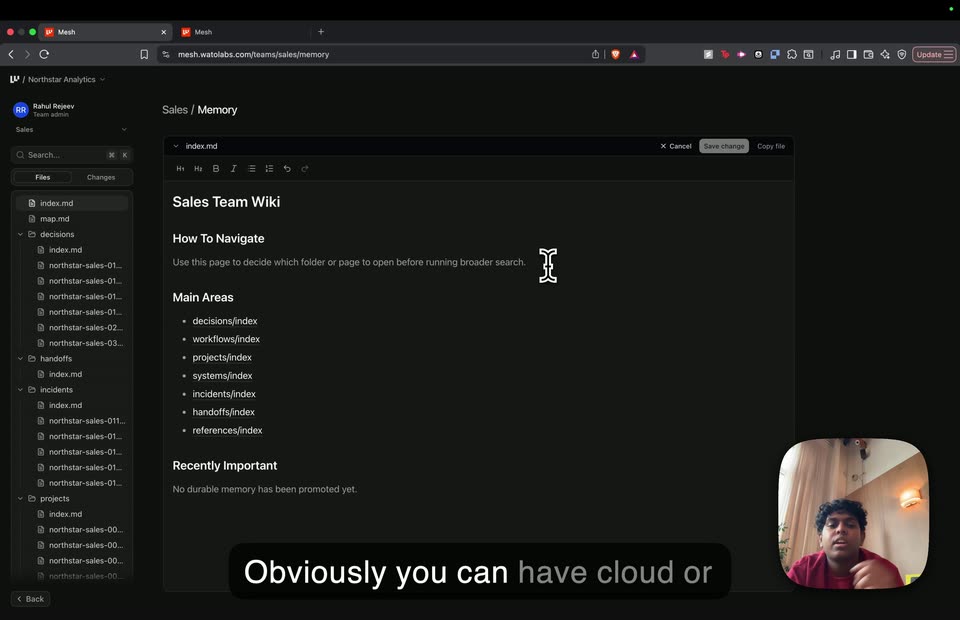 1:34–2:14Wato · Wato - A feature that sales teams love: Live Artifacts. Here's a revenue-riA dark wiki screen shows a Sales Team Wiki page with a file tree on the left and a small webcam of a man in red at bottom right. The cursor clicks Edit file, opening a toolbar and caret, while white captions cycle on a black pill below.
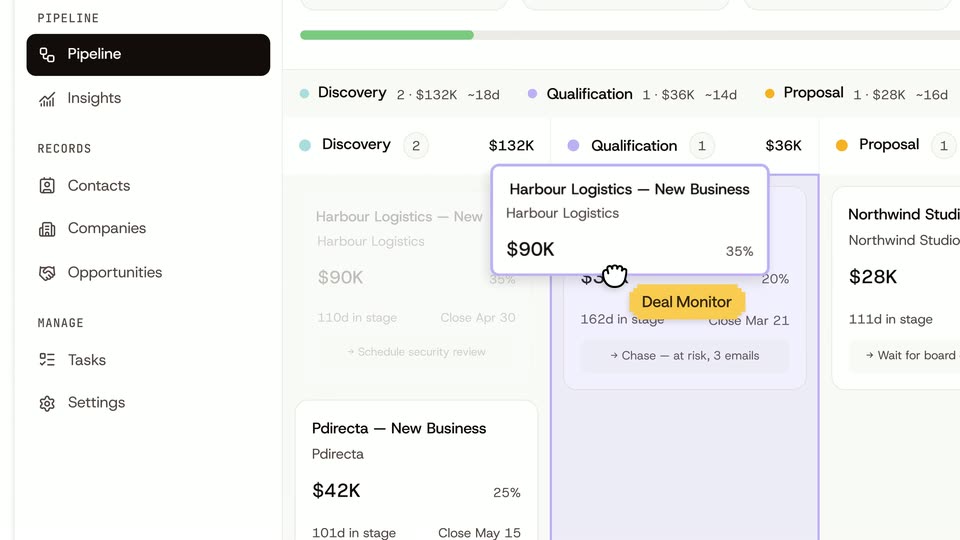 0:25–0:26Zaro · Zaro.ai - Today, we're excited to launch Zaro. Your knowledge is scattered acrA CRM pipeline board fills the frame. A hand cursor grabs the Harbour Logistics card in the Discovery column and drags it right into the Qualification column, leaving a faded ghost behind, while a yellow Deal Monitor callout sits below.
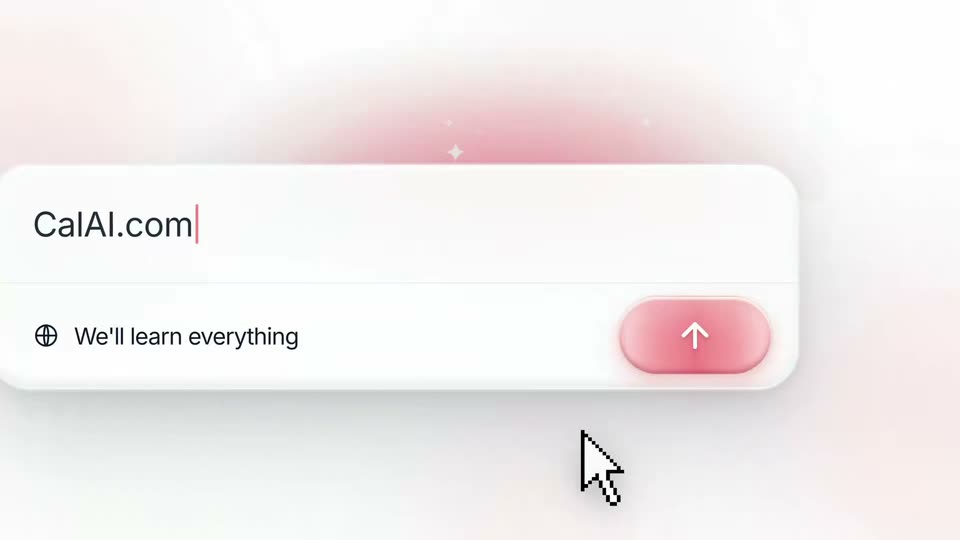 0:05–0:07Anthropic · Jock Ferguson - Today, we're introducing Claude for Content. Just enter your websiteA white rounded input card on a pale pink gradient with sparkles. The URL CalAI.com types itself into the field above the line We'll learn everything as the view zooms in, then a pixel cursor glides in and clicks the pink up-arrow button.
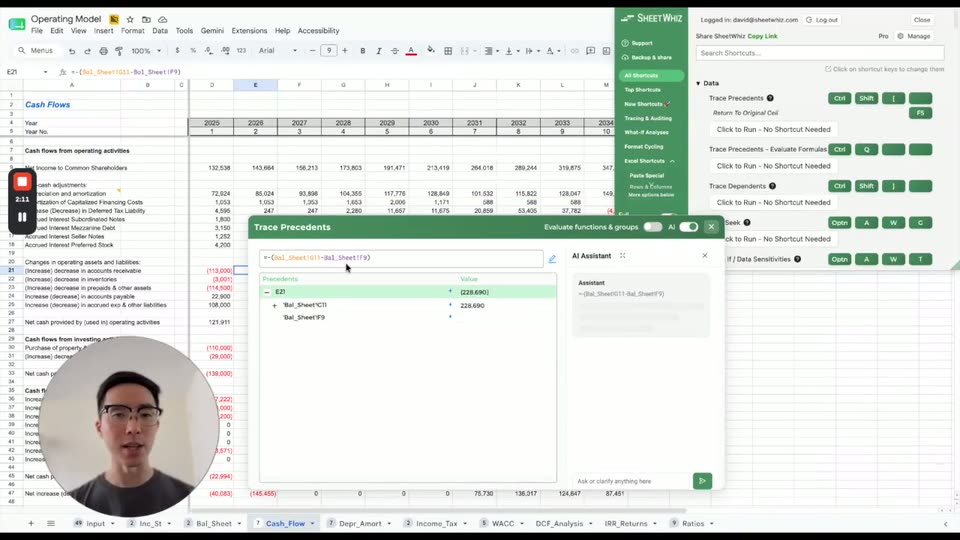 0:05–0:09Dimely · SheetWhiz Trace Precedents AI DemoA spreadsheet screen with the SheetWiz sidebar and a Trace Precedents popup listing the cells that feed a formula. A cursor hovers the list, then the sheet reframes to the balance sheet. A round webcam of the presenter holds the lower-left corner.
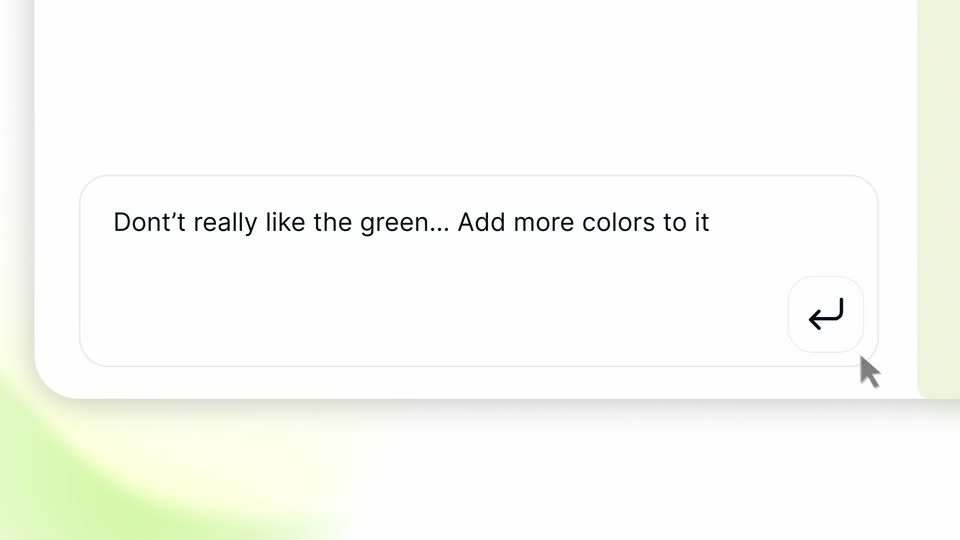 0:05–0:08Genspark · Genspark - 🎨 Introducing Genspark Design The next-gen AI for design and creatioA prompt box reading “Dont’t really like the green... Add more colors to it” fills the frame over blurred green phone mockups; a cursor clicks the send arrow, then the camera pulls back and slides right to expose the generated To-do and onboarding screens.
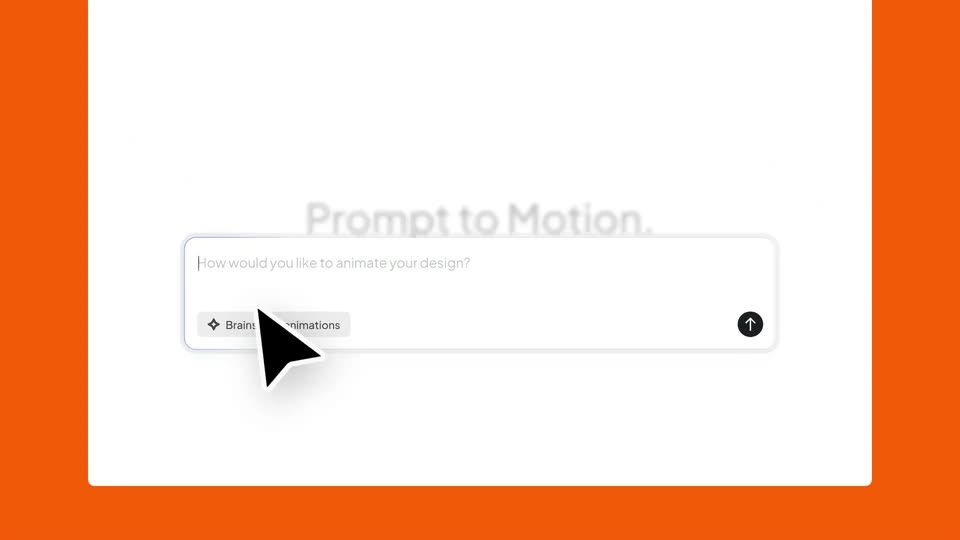 0:06–0:08Lottielab · Lottielab - Introducing Magic Animator beta 3.0✨ Prompt and edit animations in FA black cursor hovers over a Figma prompt input field beneath a two-line headline. The frame zooms out, revealing the white input card on a peach background with a thin orange border around the edges.
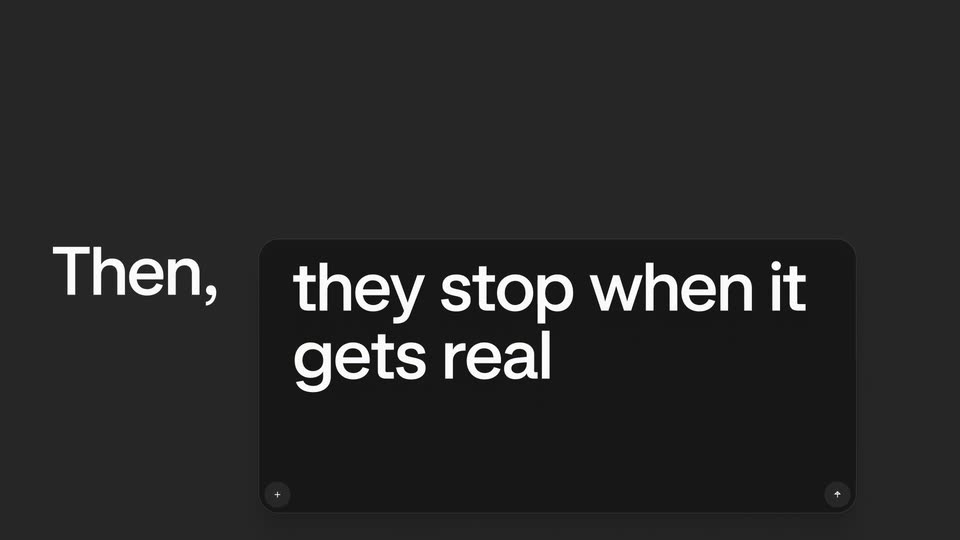 0:08–0:13Aside · jun - Today, we're launching Aside, the AI browser you’ve waited for. ⋅ CrA close-up of two Connect App buttons with a cursor over the right one gives way to the caption buttons... on a dark field. A rounded prompt card slides up from the bottom as the line Then, they stop when it gets real fades in and reflows around it.
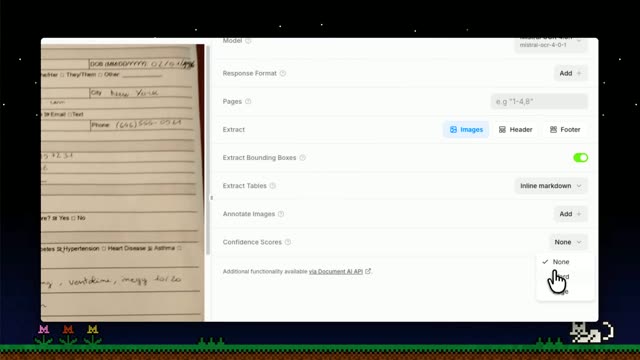 1:28–1:33Mistral AI · Introducing Mistral OCR 4A browser window of the Document Intelligence tool shows a handwritten form beside a settings panel. A cursor flips the bounding-box toggle green, then opens the confidence-scores dropdown, while the frame zooms in on the panel and back out. A pixel-art strip lines the bottom.
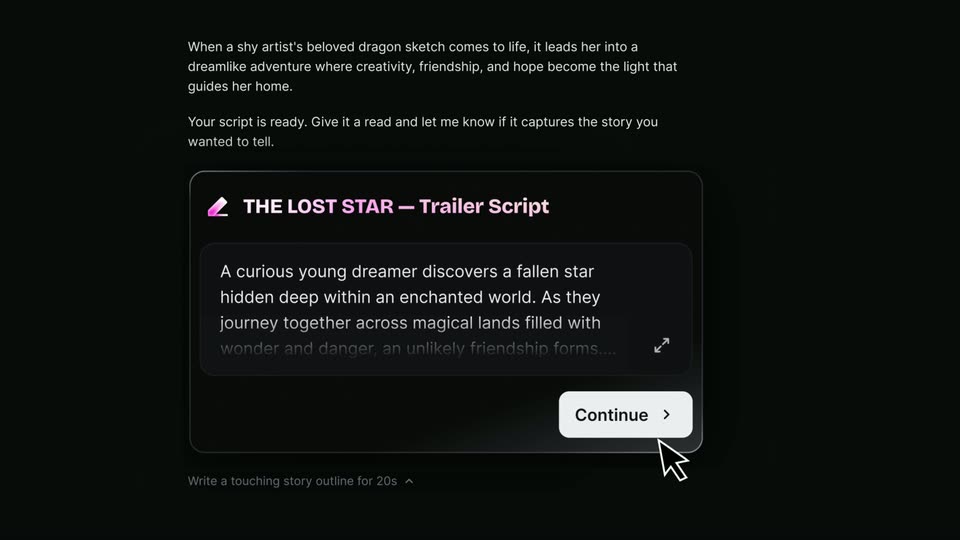 0:36–0:37OpenArt · OpenArt - The way videos are made is about to change. Introducing OpenArt DireA dark interface shows a story script card with a paragraph and a white Continue button. A cursor hovers near the button, moving slightly toward it.
 0:20–0:24Rippling · Rippling - We just launched Business Banking* — earn up to 32x** more on your opA banking dashboard zooms in on the purple banner and its Run Payroll button. A cursor moves to the button, the button disappears, and the large headline “Here's where things” appears above the banner.
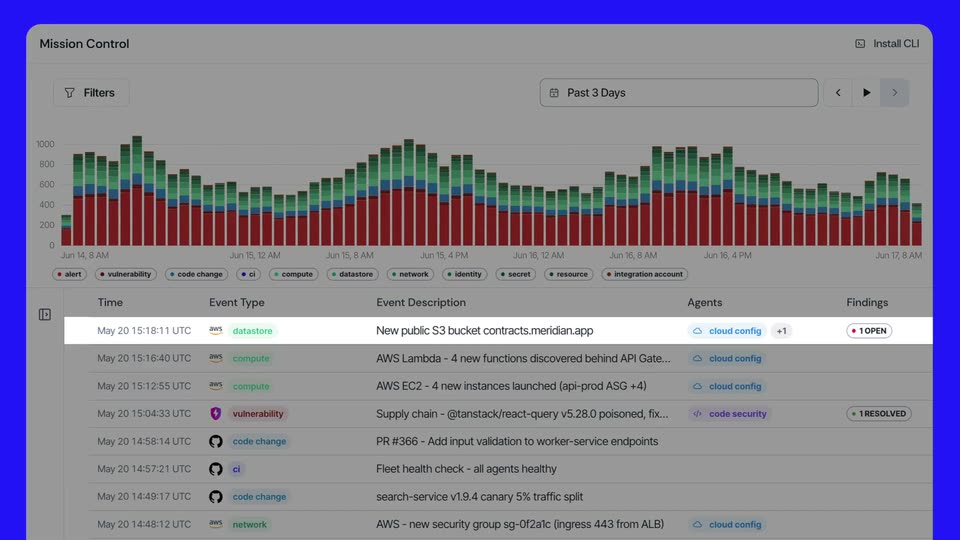 0:43–0:59Tolmo · Tolmo Product DemoA Mission Control dashboard on a blue background with a stacked bar chart and event table. The list scrolls as a new S3 bucket row lands on top, highlighted while the rest dims. A cursor clicks its 1 OPEN badge and a detail panel slides in from the right.
 0:28–0:30Syndicate · Syndicate - $4M generated. 752M views. 82 campaigns, all built on faceless and AIA dark rounded card types out “We need more creators...” above three outline icons, gear, pencil, camera. A cursor clicks the pink Expand button, and the card swaps to a small logo with “Loading Requirements” typed in.
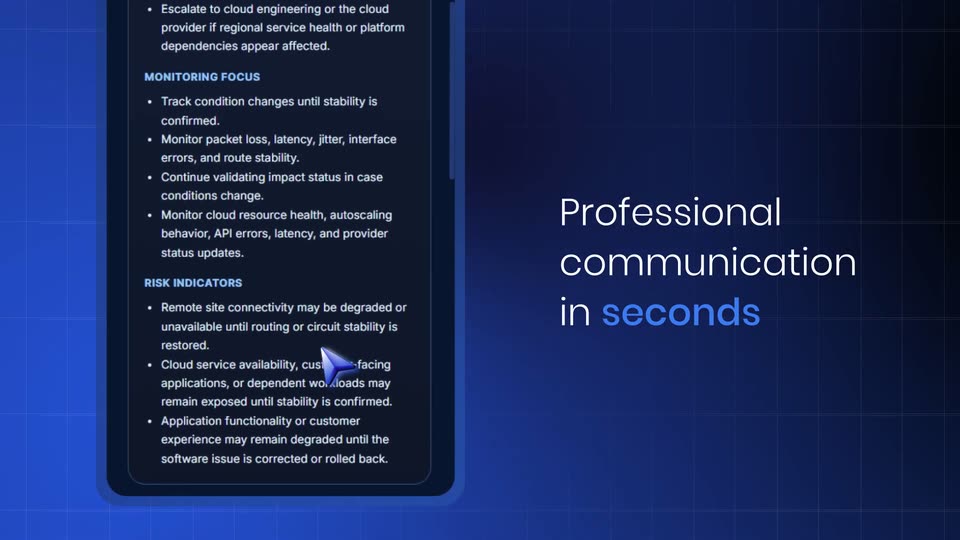 0:24–0:27BridgeOpsOne · BridgeOpsOne – Turning Critical Incidents Into Actionable InsightsA dark document panel on the left scrolls upward through a technical report while a cursor arrow hovers over it. On the right, a white headline reads “Rough Technical updates into clear”, then swaps to “Professional communication in seconds” with the key word in blue.
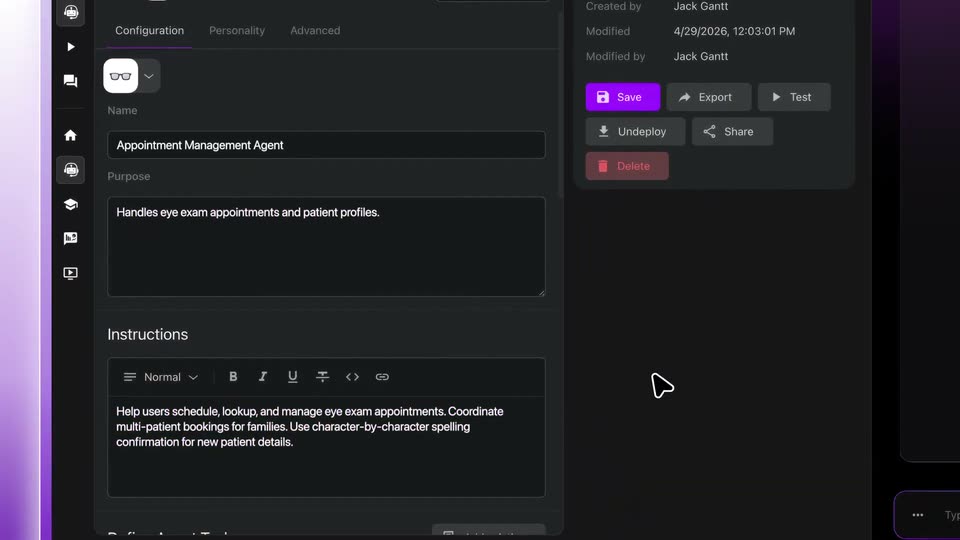 0:16–0:20OASYS · OASYS – The World's First Self-Learning Orchestrated Agentic AI PlatformA dark agent configuration screen fills the frame. A cursor clicks the Name field and types the agent name, then the Purpose and Instructions fields fill in as the view scrolls down and pans right onto the metadata and action buttons.
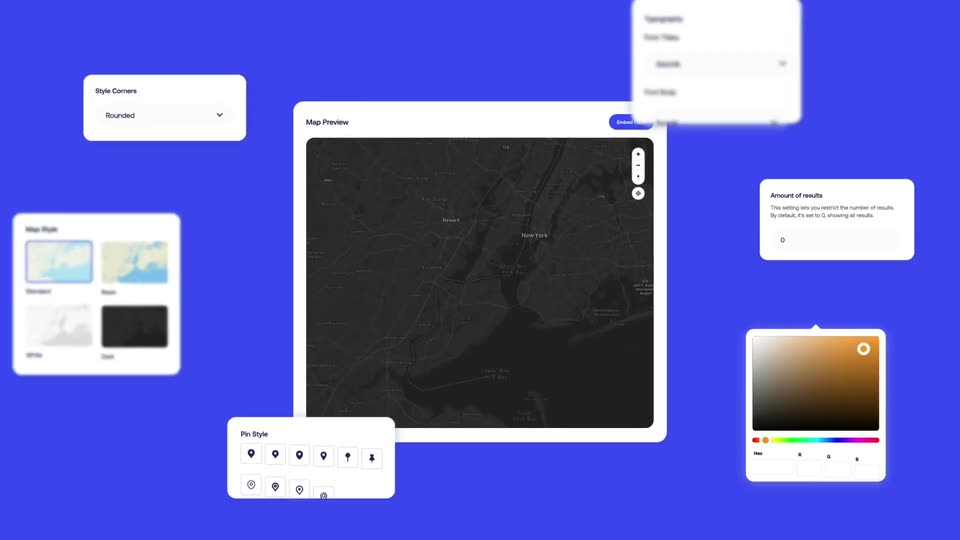 0:25–0:29StoreTrack · StoreTrack – Simplify Store Discovery & Location ManagementA dark map preview card on a blue background shrinks to center as a white pin badge pops above it, then six customization panels (style, pins, color, results) fly in around the card from the edges.
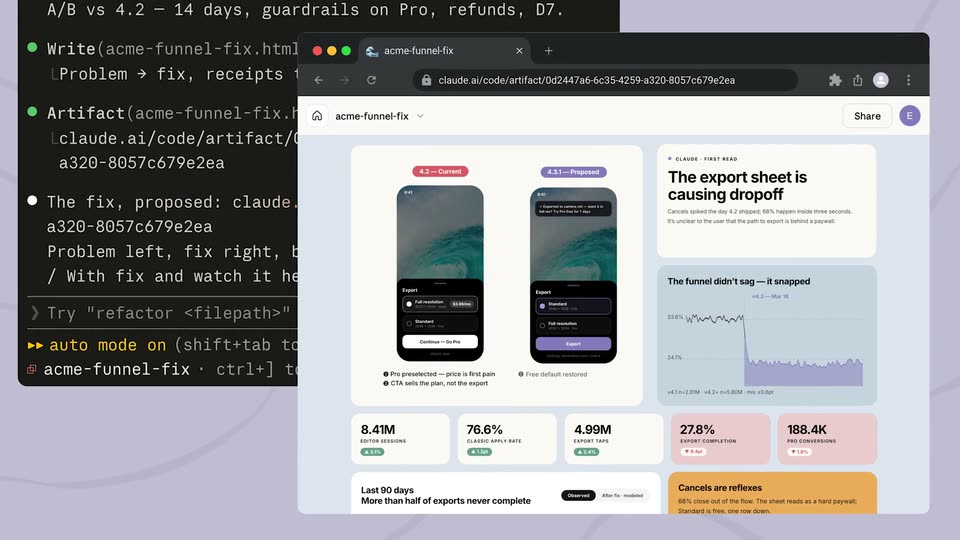 0:21–0:23Anthropic · Claude - New in Claude Code: Artifacts. Interactive pages built from your sesA dark code editor window holds the left side while a light browser dashboard slides in from the right and settles over it, exposing a dropoff chart and a row of metric cards. A mouse cursor appears over the metrics near the end.
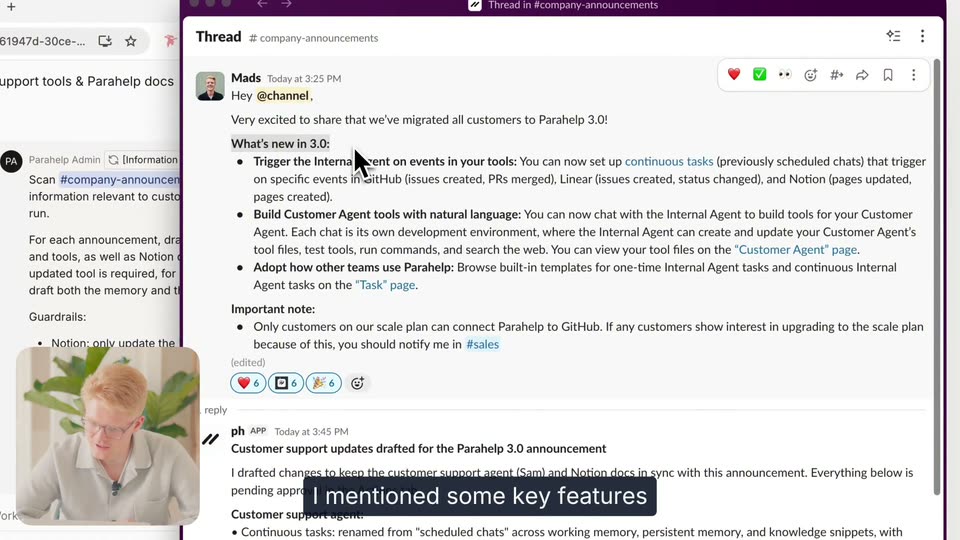 1:12 · 0.7sParahelp · Mads Lunau - Today, we’re launching Parahelp 3. With Parahelp 3, we’re doubling dA Slack thread lists Parahelp 3.0 features beside a partial document window and a small presenter video in the lower left. A dark caption pill at the bottom reads the line. A cursor rests on the message. The frame holds static.
 0:37–0:42Perplexity · Perplexity - Introducing Brain in Computer. Brain is a continuously learning memoA cream document screen shows a launch plan, lines of body text filling in, then the view zooms into the line holding the teal Acme Launch memory link as a cursor glides in to rest on it.
 0:43–0:45Convey · Rohan Chopra - We’re announcing a $38M Series A led by @a16z. 1 million hours of auA chat window with a sidebar and message thread reframes onto the input bar; a cursor glides to the Start call button beside the send arrow.
 0:57–0:59Pramaana Labs · ranjan_raj - Today, I'm thrilled to announce Pramaana's $27M seed, led by @khoslavA dark tax-calculator interface fills the frame, soft at first and then sharp, as the income slider moves right and the gross income, tax, and take-home figures update while the effective rate scales.
 0:20–0:22Retool · Vibe coded apps meet enterprise security in RetoolA white rounded prompt card sits on a dark purple gradient. Instruction text types out line by line beside a CSV file chip, while a cursor hovers over the file and the blue send button.
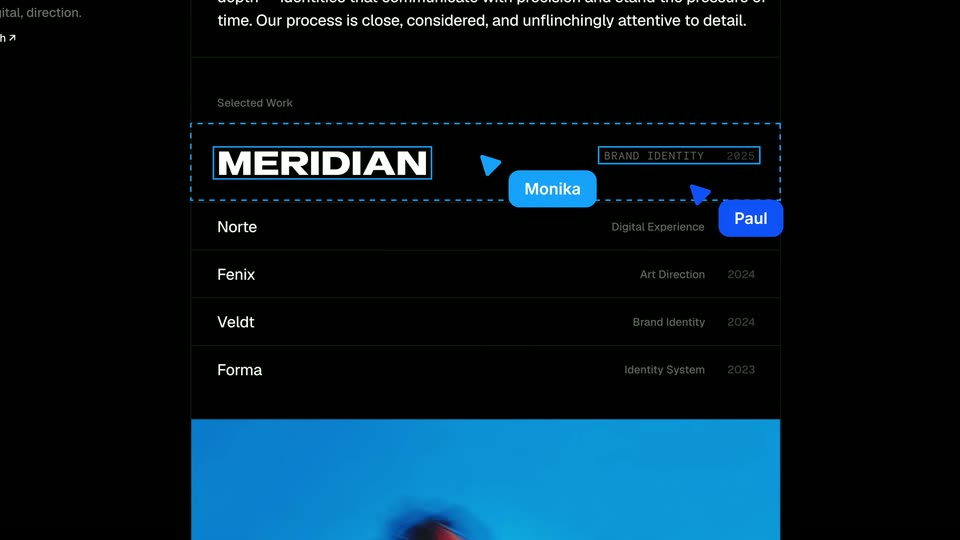 0:19–0:20Framer · Framer 3.0 with Agents, Branching, and a new CommunityA dark portfolio interface shows a Selected Work list with the MERIDIAN row outlined in blue and tagged. Blue pointer cursors mark a name pill that slides right. A chat bar labeled GPT 5.5 rises into view and a line of text is typed into it.
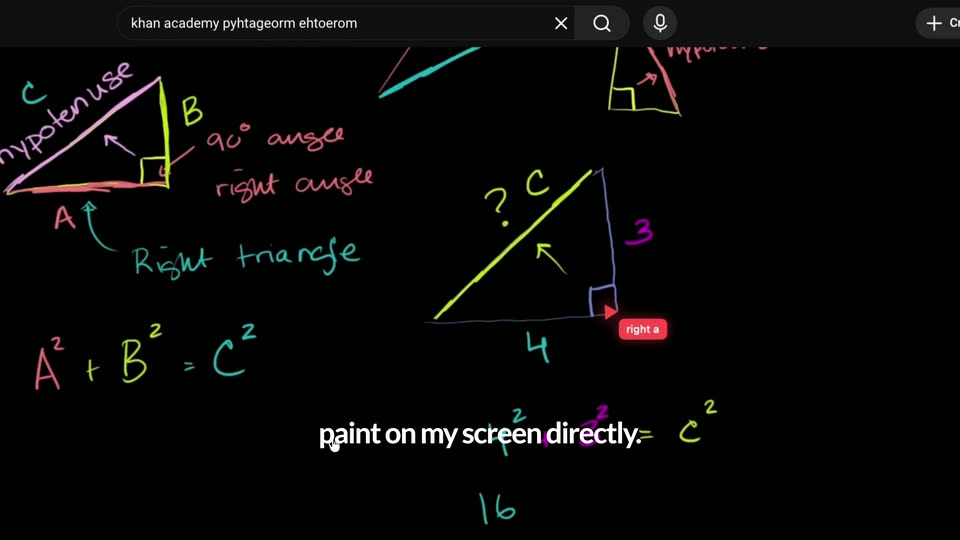 0:27–0:28HeyClicky · Farza 🇵🇰🇺🇸 - We built an AI that can draw on your screen. It's a true personal tuA browser window floats in 3D over a blurred living room, then the view dives into the black canvas of a Khan Academy video where a red pen cursor marks the right angle of a hand-drawn triangle. The white caption sits centered at the bottom throughout.
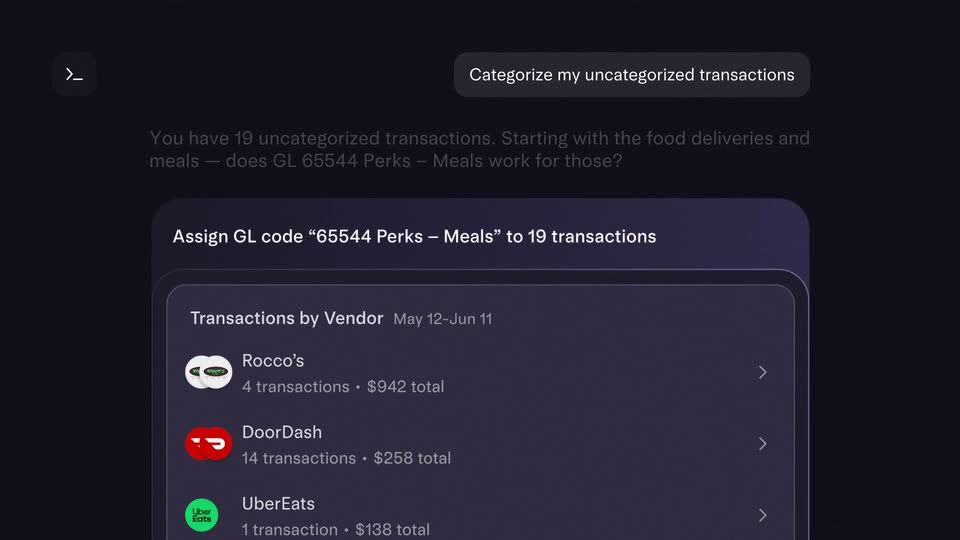 0:10–0:15Mercury · Mercury - Mercury Command is live. AI built directly into your Mercury accounA dark chat UI scrolls up from a dim account list to a prompt and a vendor card listing Rocco's, DoorDash and UberEats, then scrolls down to the footer as a cursor hovers over the Assign button.
 0:20–0:24Rippling · Rippling: BankingSizzle FullLengthA flat banking dashboard mockup on a maroon background zooms in on the Run Payroll button; a cursor slides in and clicks it, then the frame cuts to a maroon card carrying the black headline “Here’s where things” beside a green check icon.
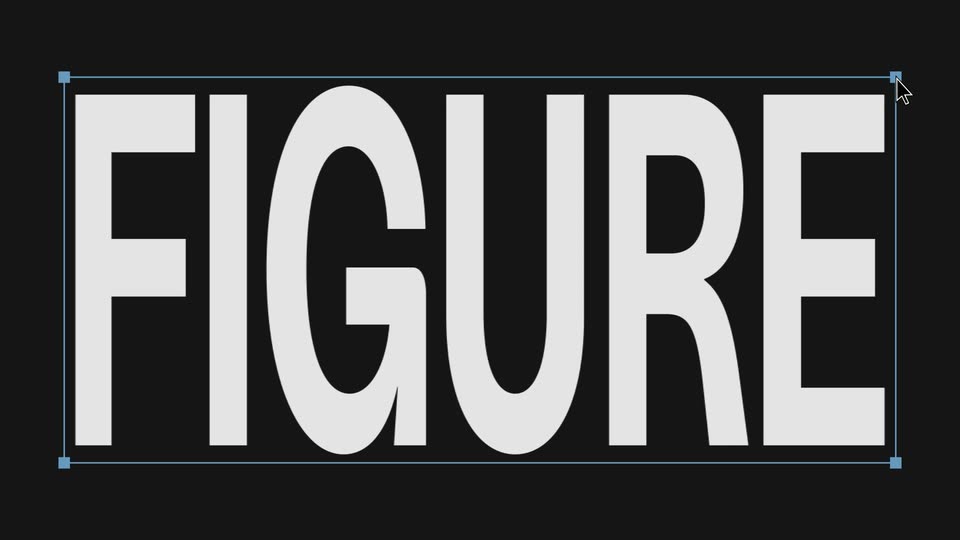 0:13 · 0.4sWhop · Whop - The future isn't built with yesterday's tools. Next-gen businesses nA white word 'YOU' sits inside a blue vector selection box on a black background. A cursor grabs the top-right handle and drags it, stretching the letters horizontally until the word reads 'GOTTA'.
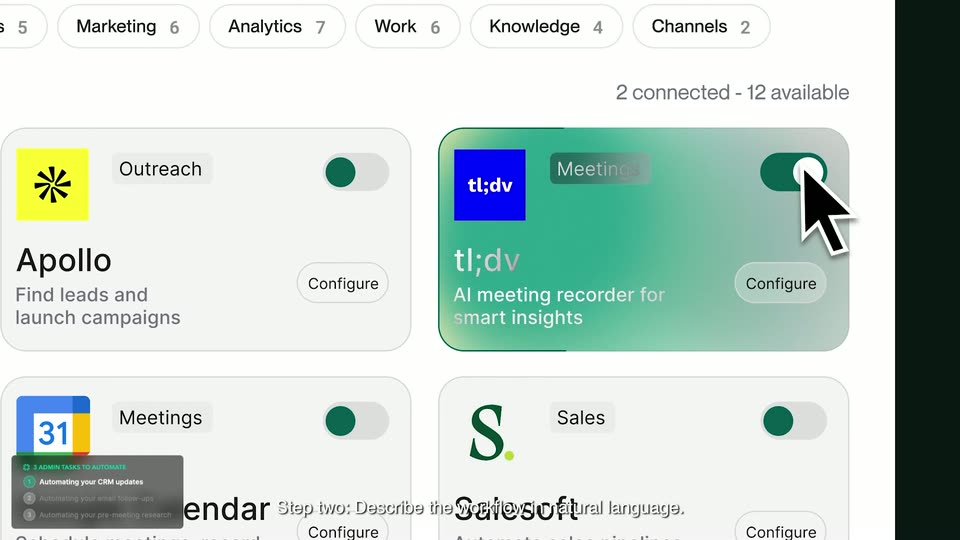 0:38–0:40Expertise · Expertise AI - Introducing Expertise: the executive assistant for Account ExecutivesAn integrations grid of app cards (HubSpot, Salesforce, tl;dv, Calendly) pans left as a cursor hovers the tl;dv card, which gains a green border and soft glow. A white panel then wipes in from the right to cover the screen.
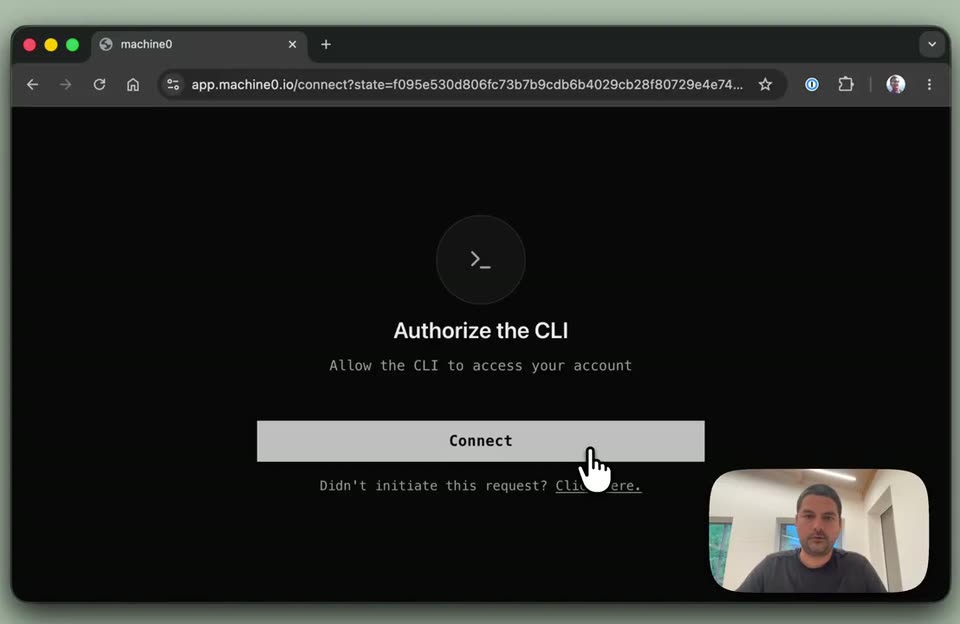 0:19–0:30machine0 · machine0 (YC S26) - Introducing machine0: Persistent, powerful NixOS and Ubuntu VMS fromA browser window plays the machine0 sign-in flow as a cursor clicks Continue with Google, then Connect on the Authorize the CLI page, landing on Connected Successfully before a cut to a terminal. A webcam inset of the speaker sits in the corner.
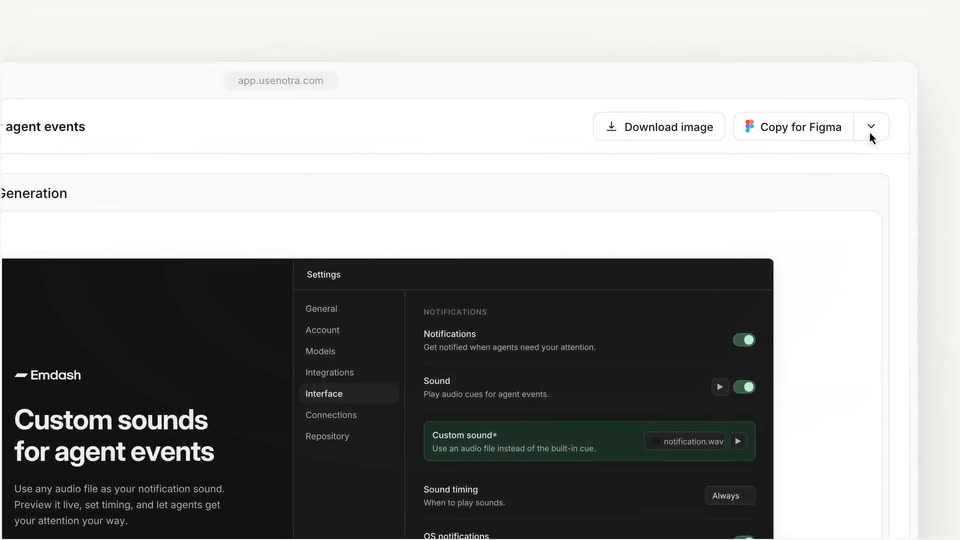 0:16 · 0.4sNotra · Notra - Introducing Notra Image Generation On-brand marketing visuals, straiA browser window displays the Emdash settings page, a dark panel with notifications and sound options beside a custom sounds block. A cursor hovers at the top right by the Copy for Figma button while a headline slides in.
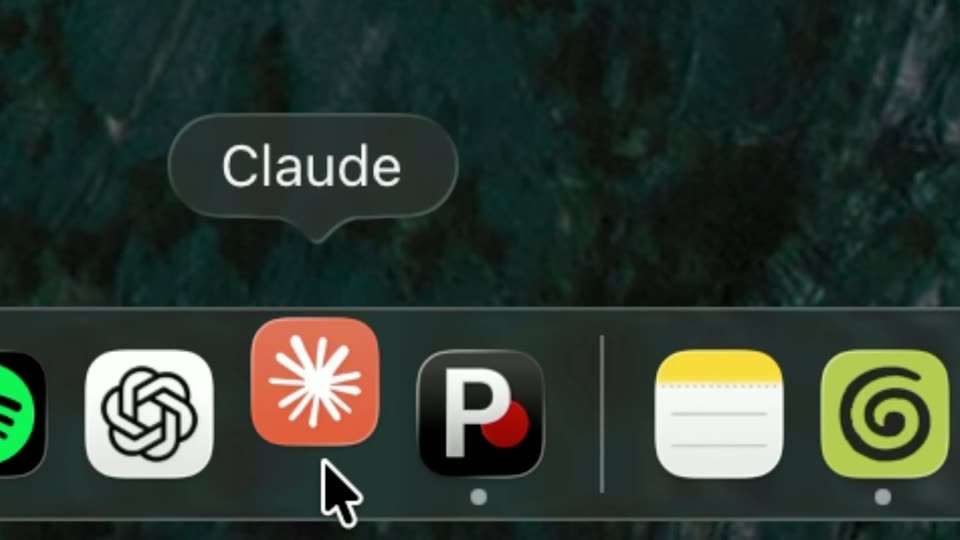 0:05–0:07Palmier · Palmier (YC S24) Launch VideoA dark forest wallpaper sits behind a macOS dock. A white cursor lifts the black PalmierPro icon, showing its tooltip, then slides left to the orange Claude icon as the tooltip changes.
 0:09 · 0.5sRunway · Runway - Use Runway inside ChatGPT to generate and edit video and images. No tA light interface sidebar lists menu rows with the Apps row highlighted in gray beneath a black cursor arrow. The shot cuts to a rounded search field where the letters Ru appear beside a magnifying glass icon.
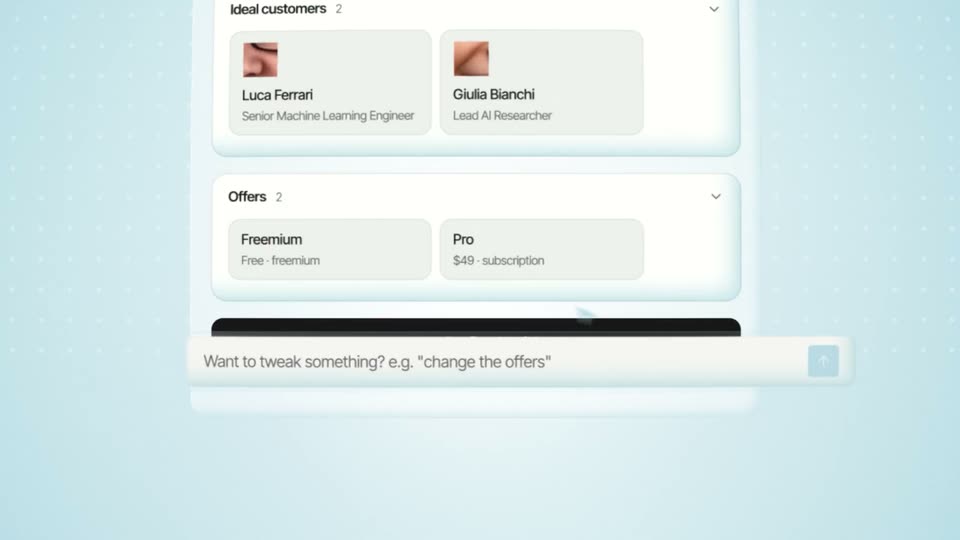 0:08–0:10Vibiz · Vibiz - We just dropped the first AI that runs an entire business for you whiA light blue chat interface scrolls vertically through an AI workflow: a clarifying question with three option cards, then two team member cards, then offer cards, settling on a dark Confirm & build button that a cursor hovers. White dots drift in the background.
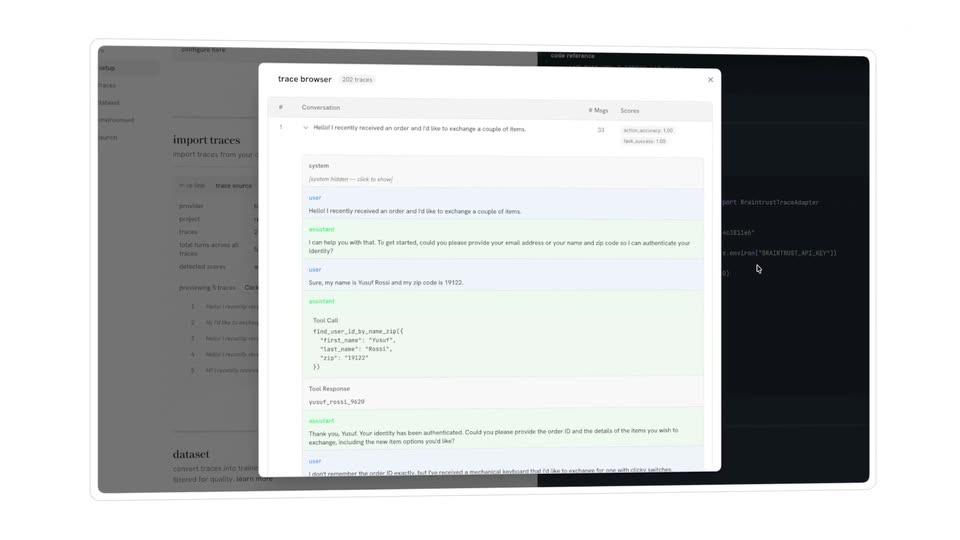 0:52–0:53Castform · girish - “don’t train your own model” is common ai advice. it's wrong. your toA white trace browser window with colored message blocks sits over a blurred dashboard. The view slowly zooms in on the window while a cursor moves on the right.