Cursor demo
A visible cursor operates the interface.
15,084 scenes · page 70 of 252
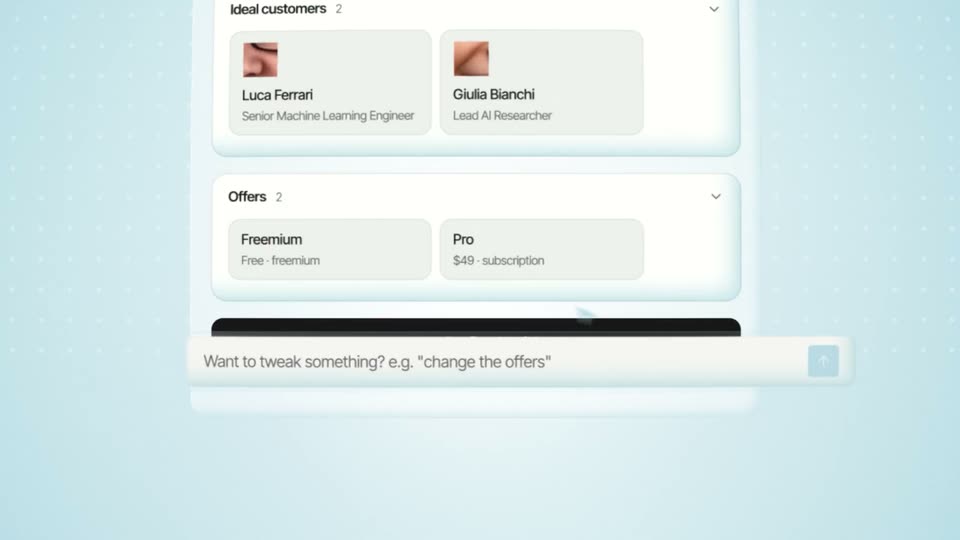 0:08–0:10Vibiz · Vibiz - We just dropped the first AI that runs an entire business for you whiA light blue chat interface scrolls vertically through an AI workflow: a clarifying question with three option cards, then two team member cards, then offer cards, settling on a dark Confirm & build button that a cursor hovers. White dots drift in the background.
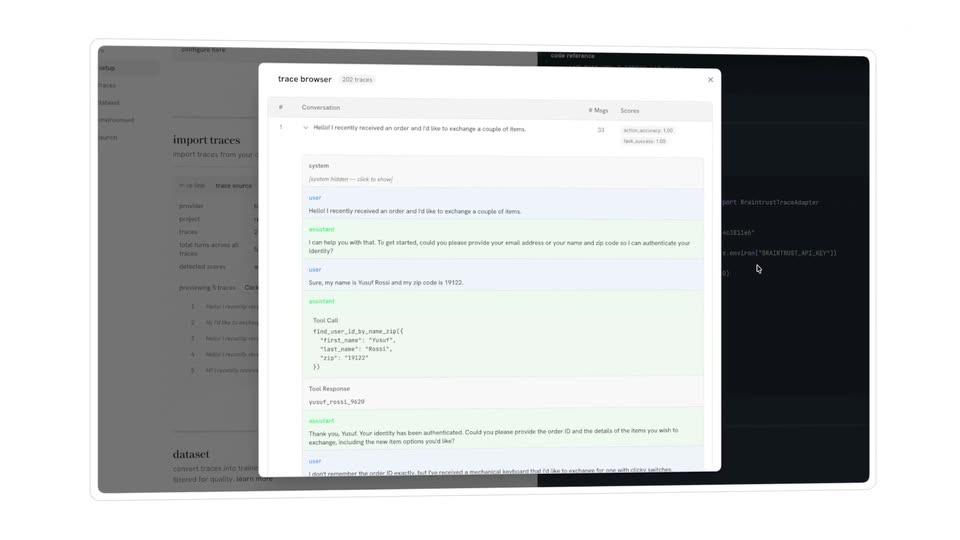 0:52–0:53Castform · girish - “don’t train your own model” is common ai advice. it's wrong. your toA white trace browser window with colored message blocks sits over a blurred dashboard. The view slowly zooms in on the window while a cursor moves on the right.
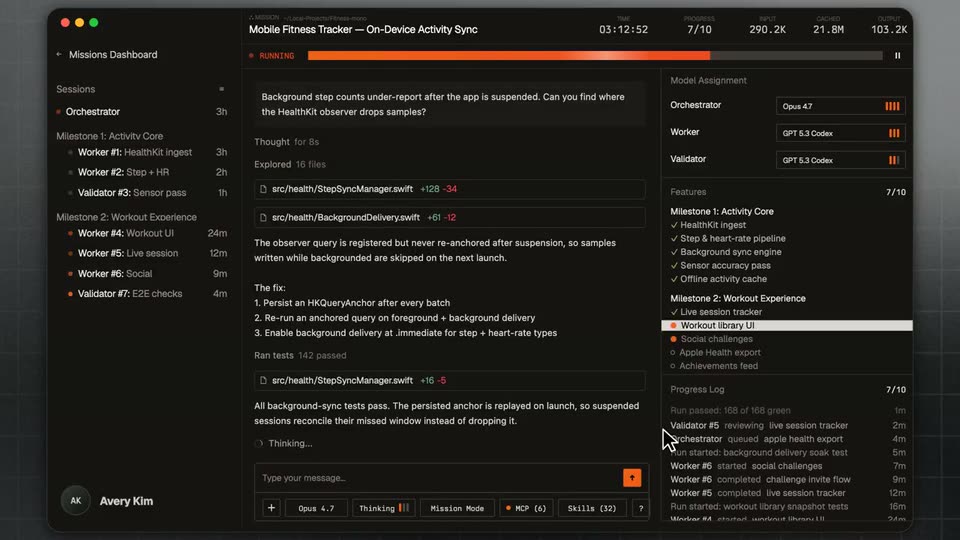 0:06–0:12Factory · Factory - Missions are now available on Factory Desktop.A starburst logo and 'FACTORY Desktop' title slide away over a dimmed dark dashboard, which brightens into a full desktop app view. The interface updates live: an orange bar fills, counters tick, log rows stream in, and a cursor hovers across the panels.
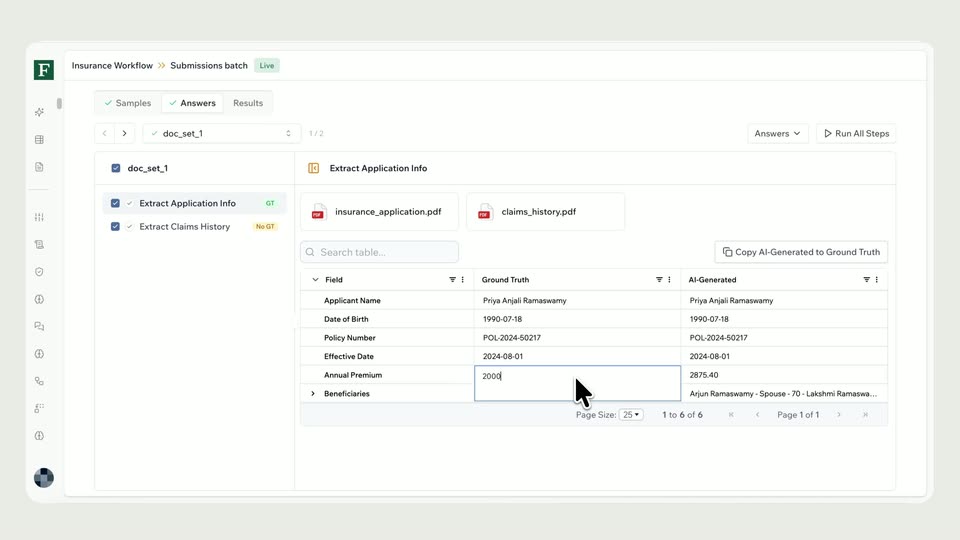 0:55–0:56FurtherAI · FurtherAI - Today we're launching Eval Studio — a test bench for AI workflows inA light-themed evaluation screen displays a table of insurance fields with Ground Truth and AI-Generated columns. A cursor clicks the Annual Premium cell, types a value, and a dropdown list opens in the row below.
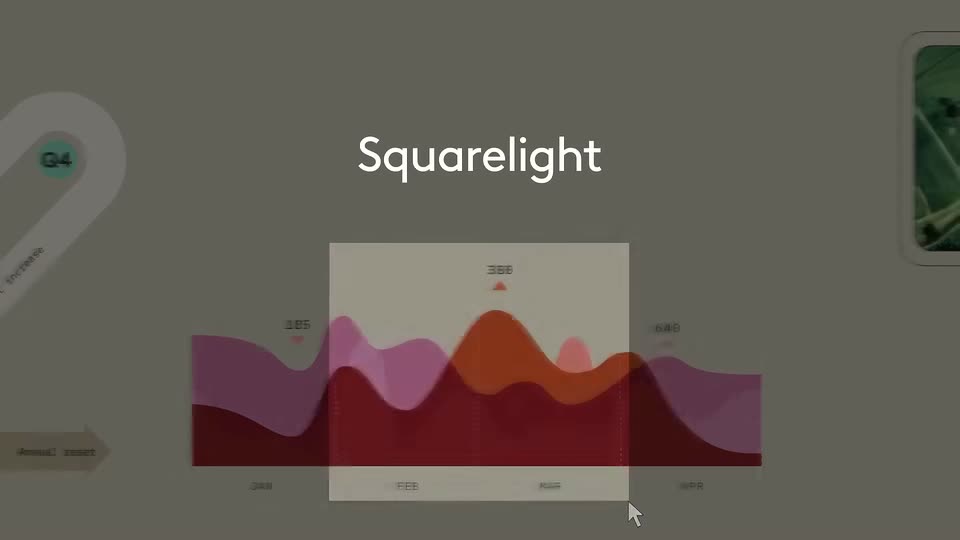 0:14–0:16Logitech · Present, engage, inspire | Logitech Spotlight 2A dimmed analytics chart with wavy red, pink and orange area fills sits center frame, the title Squarelight above it. A cream rectangle highlights the February to March span, a cursor rests at its lower right corner, and the whole group brightens from a muted state.
 0:12 · 0.4sAntioch · Antioch - Introducing Antioch Agent. For the first time, simulate the full physA flat browser window over a painted village landscape shows the Antioch chat view. A file chip and a prompt about onboarding the Spot robot fade from a translucent ghost into the input box while a cursor with a green dot moves to the line's end.
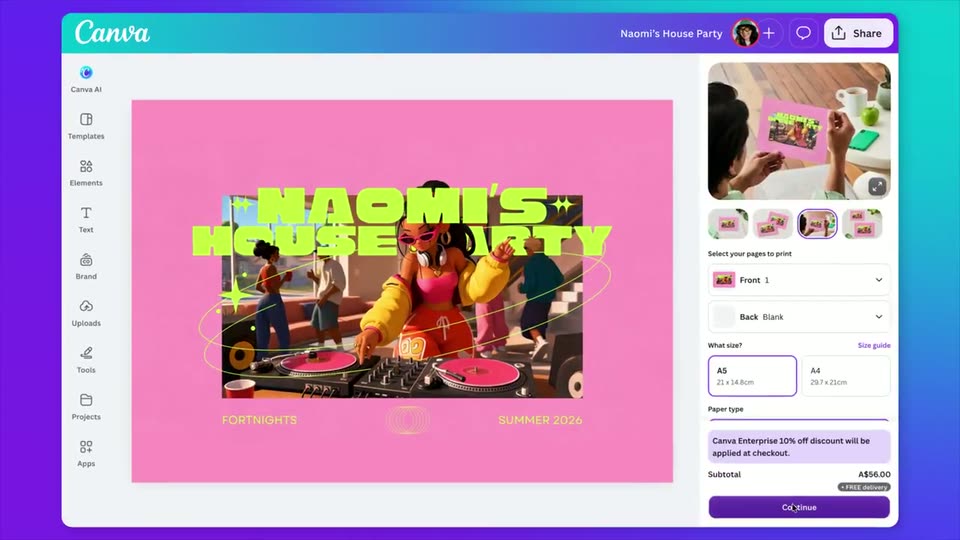 0:26–0:27Canva · Canva - PSA 📣 You can now turn your ChatGPT-generated images into fully editaThe Canva editor shows a pink “Naomi’s House Party” poster with lime-green display type over a DJ illustration, while a print checkout panel sits on the right; a cursor moves from the checkout button to the Share button as the view pulls back slightly.
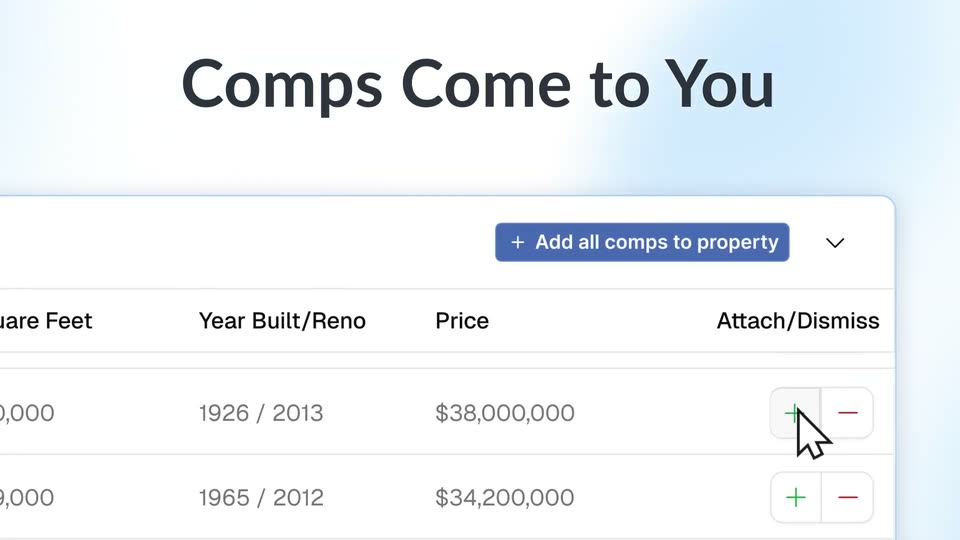 0:20–0:25DealPath · DealPath SaaS Video - AI Sales PlatformA white comps table on a pale blue gradient slides left to right, revealing price and attach columns. A cursor clicks the green plus buttons on two rows while the list scrolls. The headline “Comps Come to You” sits above; the frame blurs out at the end.
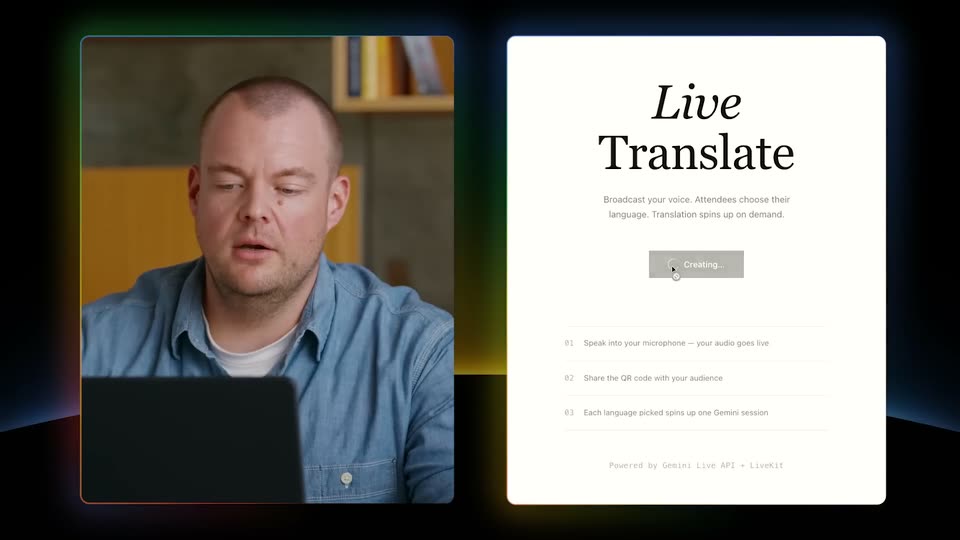 1:18–1:20Google · Introducing Gemini 3.5 Live TranslateSplit screen on a black backdrop: left a man in a denim shirt talks to a laptop, right a white card shows the Live Translate panel. A cursor clicks the Create session button, the serif headline fades, and a QR code appears below the button.
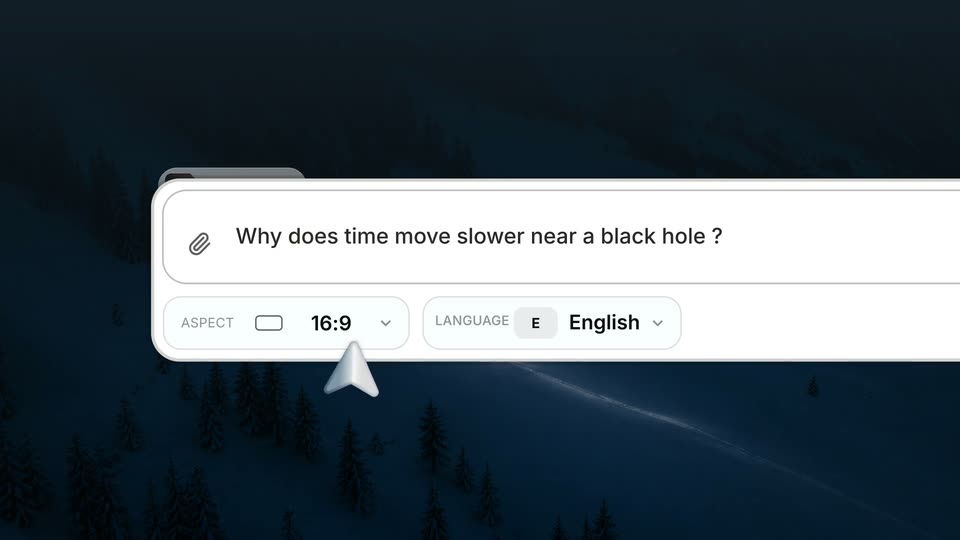 0:32–0:39Lamina Labs · Simi - The Fastest Way to Generate Whiteboard Explainer Videos Just from A Single PromptA white prompt bar floats over a dark snowy slope. It types a black-hole question, format chips pop above the paperclip, the cursor clicks the aspect control, and a three-option ratio panel opens. A two-line headline scales in.
 0:15–0:16Pika · Pika - Take your content global, already! The Language Swap skill via PikaA product prompt card holding a video thumbnail and a typed question slides up off the top of a cream background. A serif response line with an orange spark icon then scales in at the left.
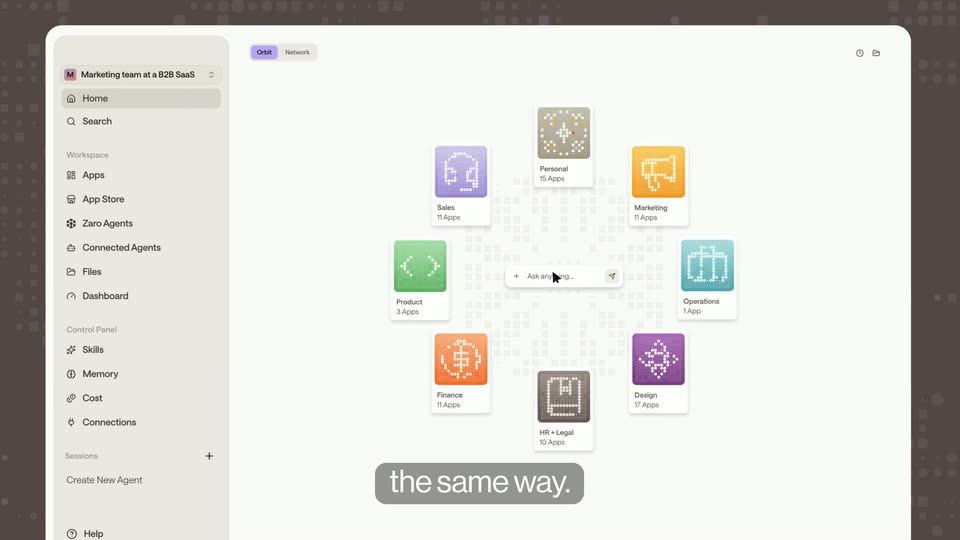 0:36–0:37Zaro · Michael Bajwa - In three years every company will have a context layer the same way eA flat app interface with a left sidebar and a central network of colored square nodes. The nodes blur and snap into a grid around an input field as a cursor hovers the green tile. A bottom caption swaps from “You can build agents” to “the same way.”
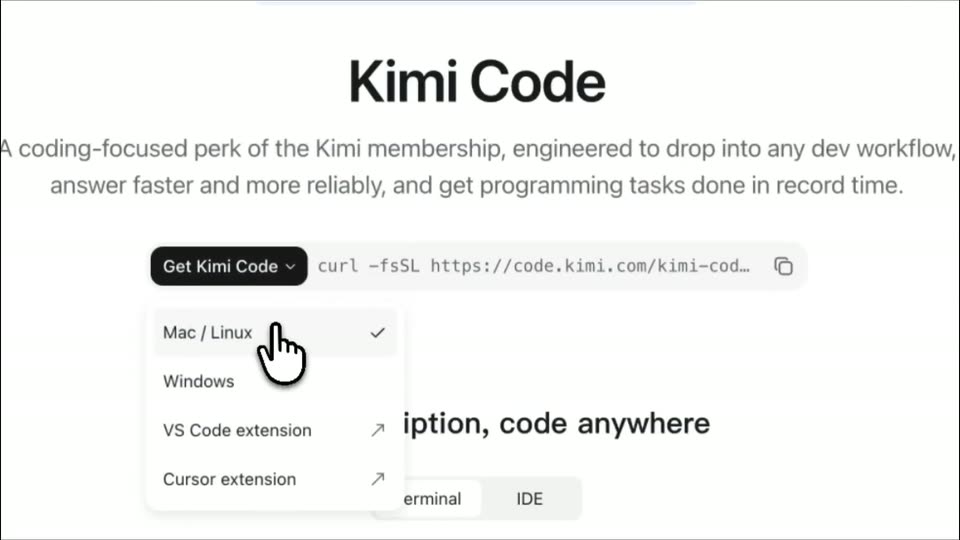 0:08–0:09Moonshot AI · Kimi Code, our open-source coding agent, just got a major upgrade!A product webpage shows the Kimi Code heading and an open Get Kimi Code dropdown listing Mac / Linux, Windows, VS Code and Cursor options. An animated hand cursor slides down and clicks Mac / Linux beside a copy command field.
 0:11–0:13Lattice Health · Lattice Health: Your AI Governance TeamA dark interface panel on a teal field opens on the Lattice logo and top of a left nav. The view pulls back to show the full sidebar, a cursor rests on Models, then it zooms in on the nav beside a Model Registry table.
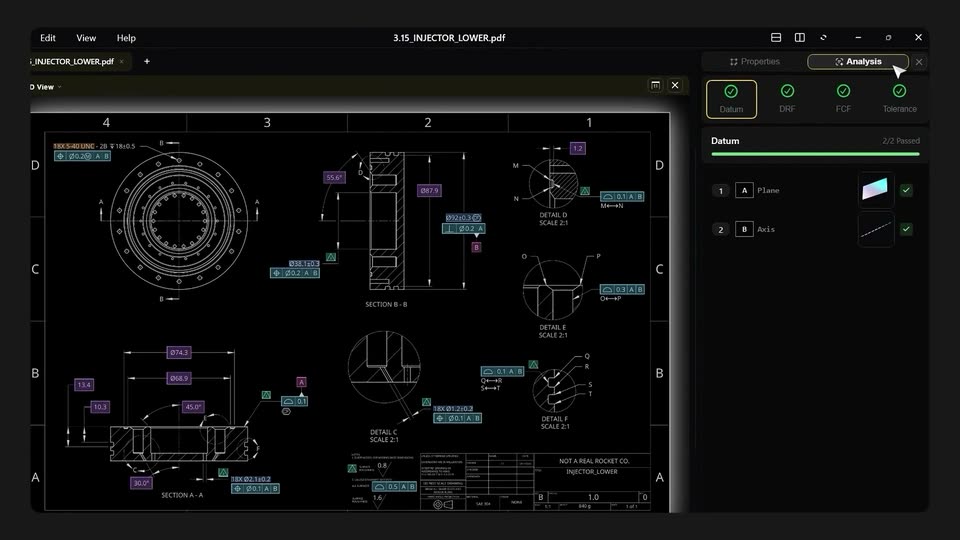 0:53–0:54F4 · F4 YC LaunchInside a CAD application, a black technical drawing of an injector lower fills the canvas while the cursor moves to the Analysis tab. The side panel switches from Properties to an Analysis view, showing green checkmarks for Datum, DRE, FCF, and Tolerance.
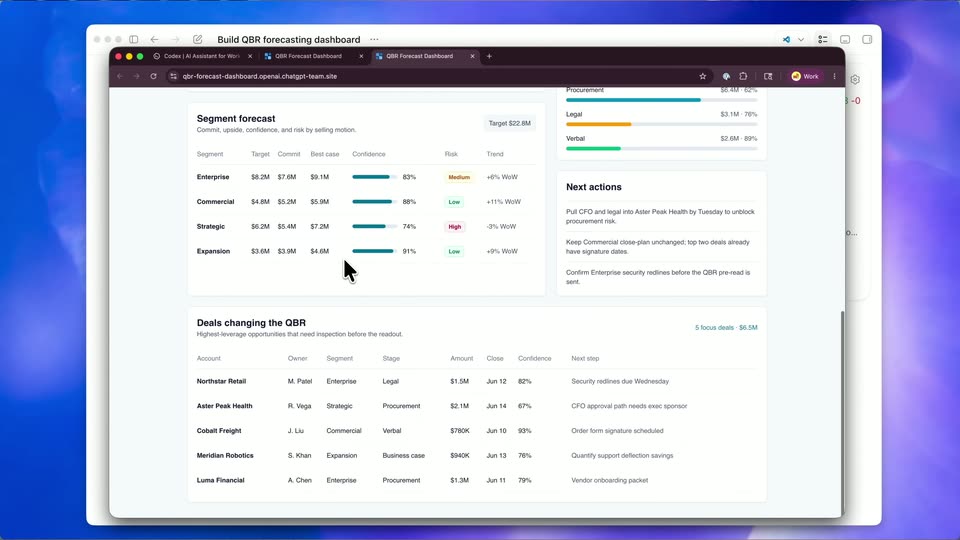 0:08–0:14OpenAI · Introducing Sites in CodexA browser window on a blue desktop shows a QBR forecast dashboard with a dark header and light body. The page scrolls down past KPI cards, a weekly bar chart and two data tables, then scrolls back to the top, while a cursor drifts across the layout.
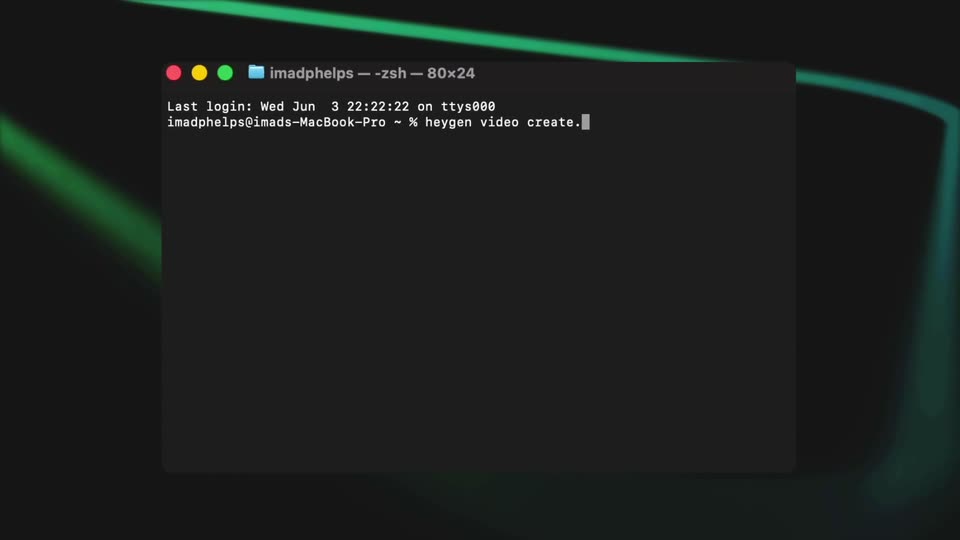 0:36–0:39HeyGen · HeyGen - Cinematic_avatar api is live keep your likeness, add cinematic rangeA dark macOS terminal window floats on a black background crossed by thin green light beams. The prompt types the command 'heygen video create...' letter by letter behind a blinking block caret, while the window eases and tilts slightly.
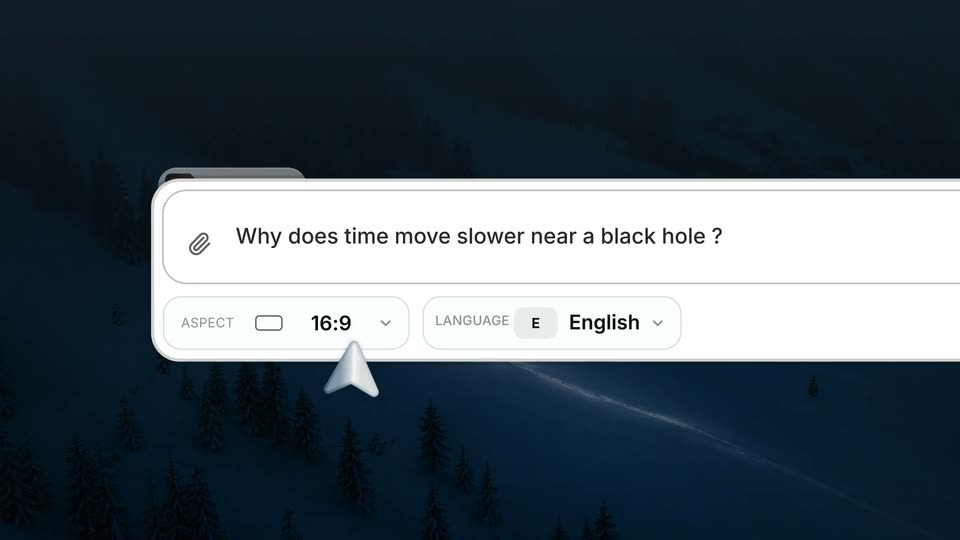 0:32–0:39Lamina Labs · Y Combinator - Lamina Labs is building the fastest infra for explainer videos. TheA white input card floats over a dark aerial night shot of a snowy forest. A cursor types the question about time near a black hole, format chips for PowerPoint, PDF, Word, TXT and MD slide in above the card, then the cursor opens the aspect ratio popover and selects Portrait as the panel reframes left.
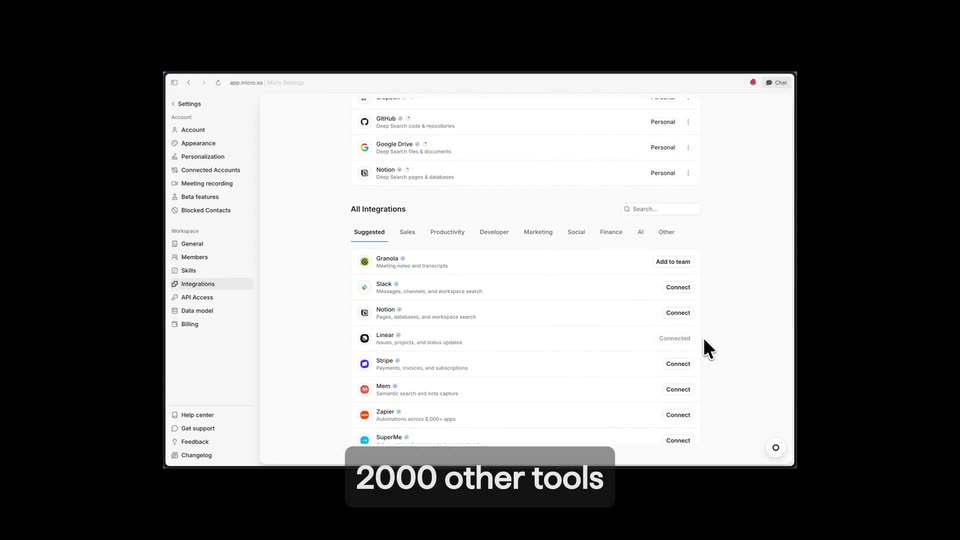 1:26–1:28Micro · brett goldstein - AI has terrible memory Introducing Micro, an agent that remembers moA macOS window opens on the Integrations settings panel, crossfading from a memory list to a long scrollable integrations table. A cursor hovers near a Connect button on the right. A dark rounded caption at the bottom reads 2000 other tools.
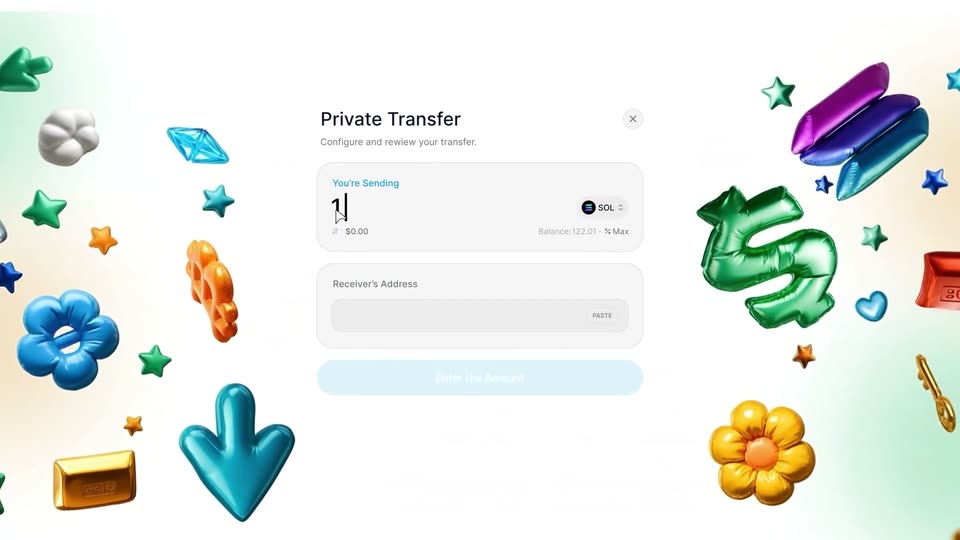 0:27–0:29Umbra Privacy · Umbra Privacy - Umbra Web, live now.A flat white transfer panel sits centered against a soft gradient, framed by bobbing 3D stars, flowers, a dollar balloon and a gold bar. The amount field counts up from 0 to 13.86 SOL as a cursor taps it, then resets to 4 and back.
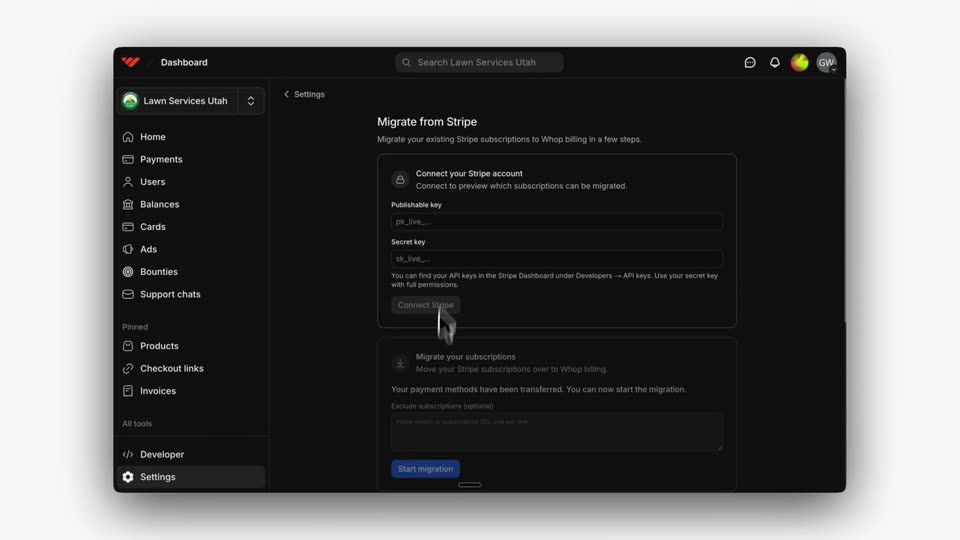 0:04–0:06Whop · Whop MigrationsA dark dashboard interface floats in 3D perspective on a pale background. A cursor moves down the settings list and clicks the Stripe row, and the view switches to a Migrate from Stripe page with two key fields and a blue Start migration button.
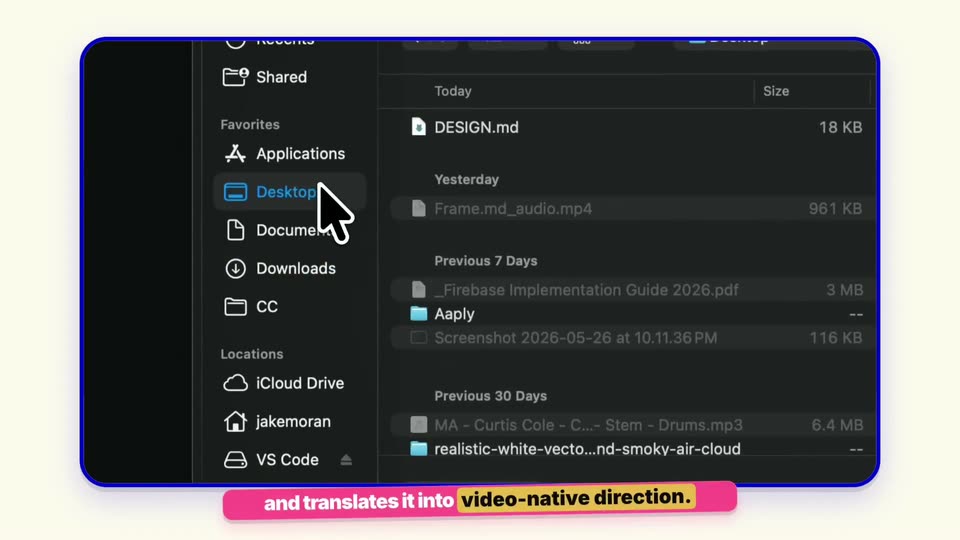 0:30–0:33HeyGen · HeyGen - Introducing frame.md, a spec built for videos & motion design.mdA dark macOS Finder window in a blue-bordered frame on cream. A large white and green headline, Start with a design.md, slides over the file list while a cursor picks DESIGN.md, then the view zooms onto the file row. A pink caption pill at the bottom carries the voiceover line.
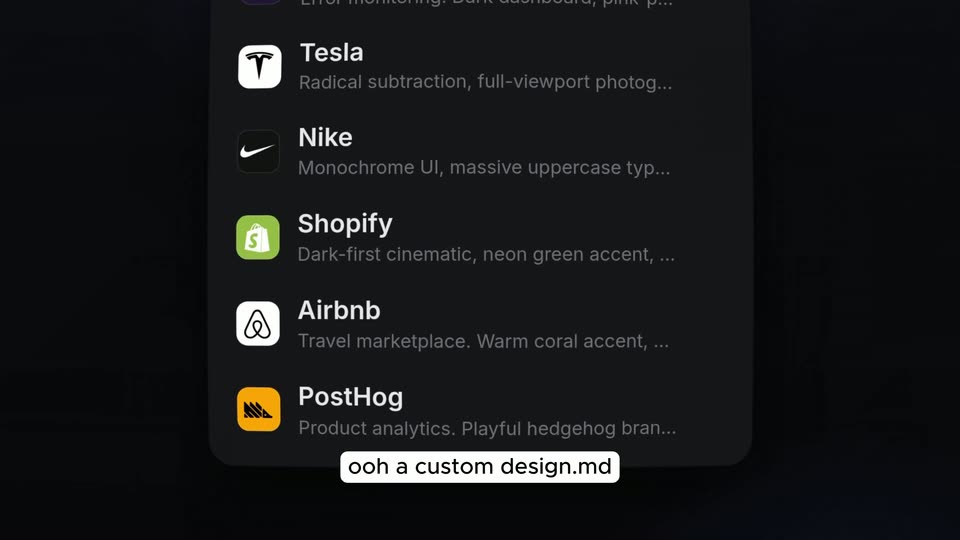 0:16–0:19Motion · Adish Jain ☕️ - we’re launching Motion, the frontier agent for tasteful motion designA dark dropdown menu of design system presets scrolls down past brand logos and names, then the menu closes and a cursor rests on the white circular send button. White caption bubbles read “ooh a custom design.md”, then “this one”.
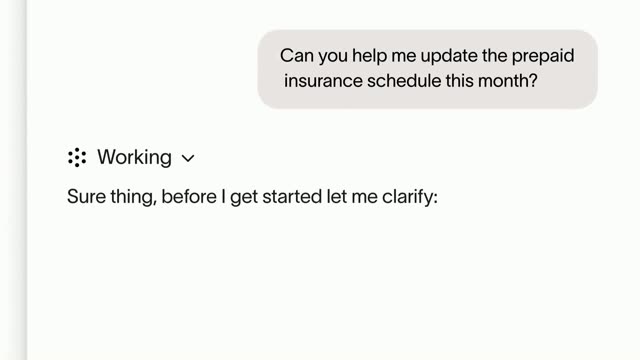 0:08–0:14Ramp · Introducing Stack | AI built for accountants | by RampA chat screen shows a user message bubble and an assistant status that shifts from Thinking to Working, then a reply line. The view scrolls to a file confirmation card with a CSV chip and four numbered options; a cursor hovers over Yes.
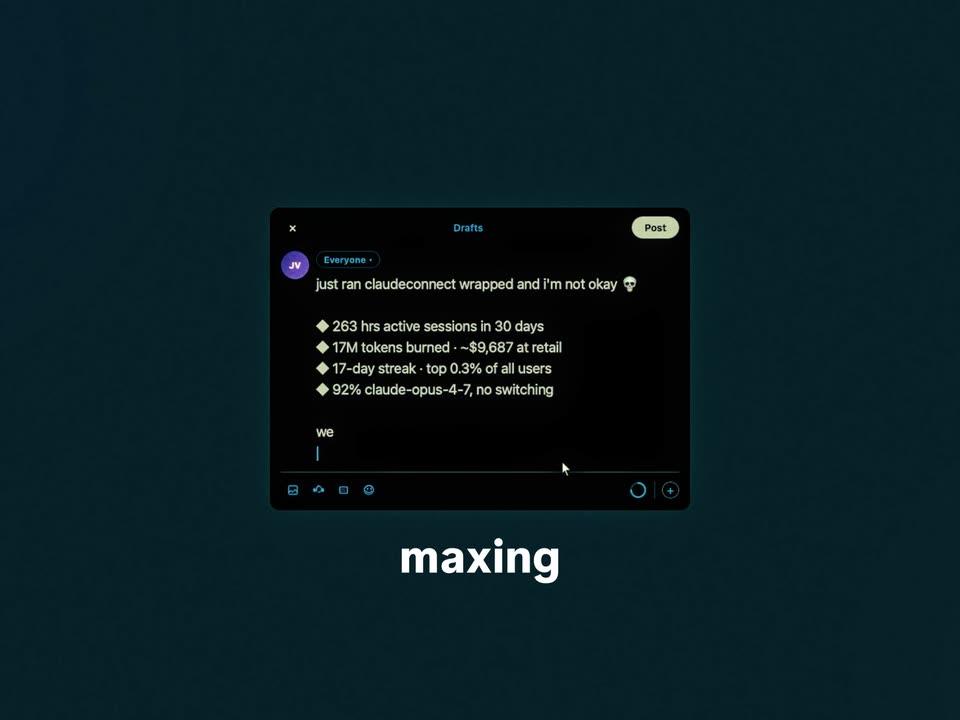 0:32–0:34Standout · Standout (CLI) — Hiring is broken. We're fixing itA flat X draft window on a dark teal field types a tweet with diamond-bulleted stats, a cursor hovers the toolbar, and a large white caption at the bottom switches from Send to friends.
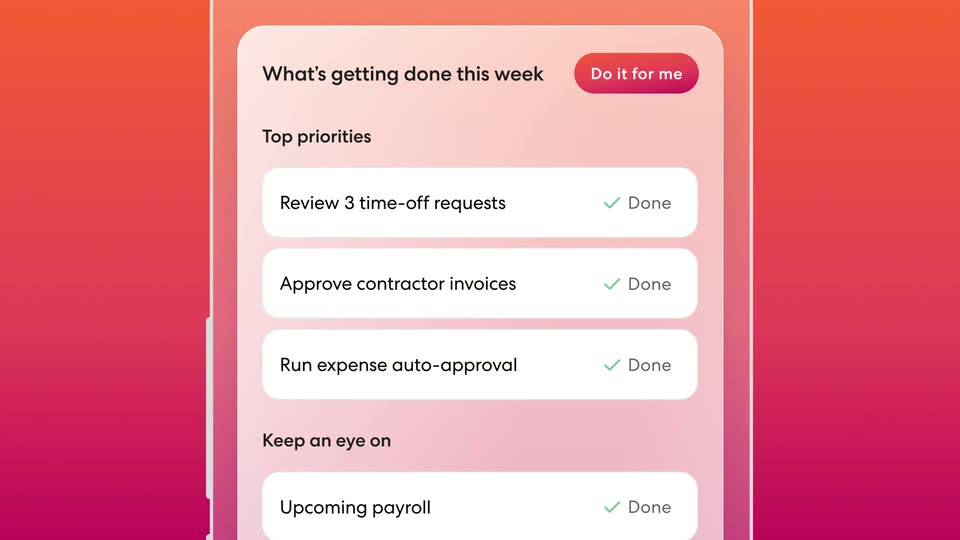 0:33–0:35Gusto · Gusto - Meet Gusto Cofounder, your new AI teammate. It doesn't just answer qA phone screen on an orange-to-pink gradient shows a weekly tasks card. A hand cursor taps the “Do it for me” button, and each task row’s “View” button switches to a green checkmark labeled “Done”.
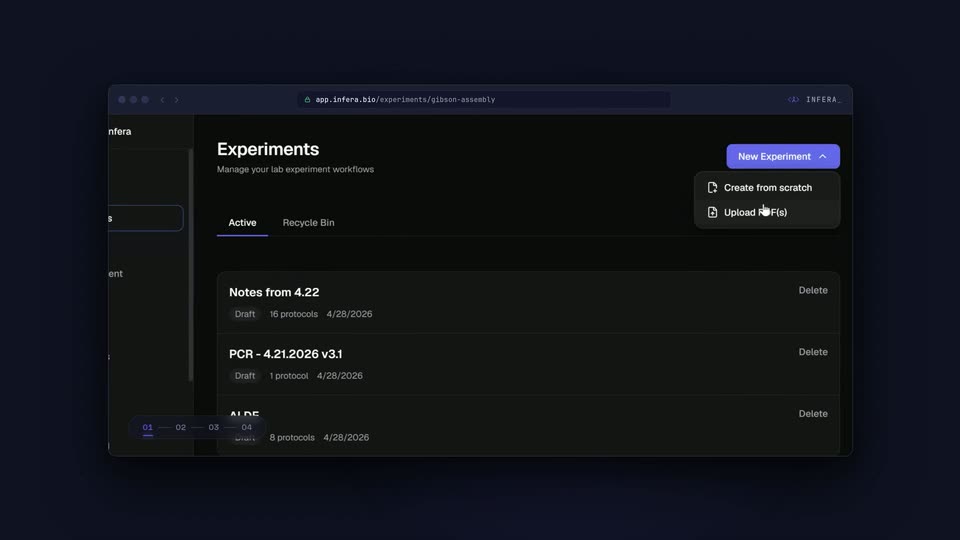 0:04–0:05Infera · Product DemoA dark browser window of the Infera app sits on a near-black backdrop, locked off. The Experiments page shows a list of drafts while a cursor hovers over the open New Experiment dropdown, resting on the Upload PDF(s) option. A step indicator 01 to 04 sits at the bottom left.
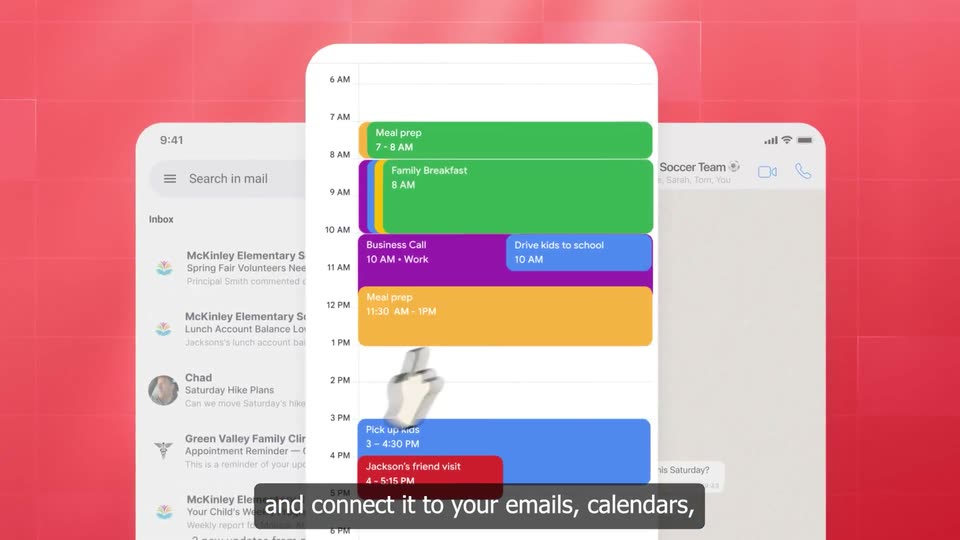 0:32–0:33Ollie · Bill Lennon - AI can now make you a great parent. Introducing Ollie: the world’s fA mail inbox and a color-block calendar app float side by side in 3D perspective over a pink backdrop with soft circles. A hand cursor taps an event block on the calendar as a black caption bar sits at the bottom.
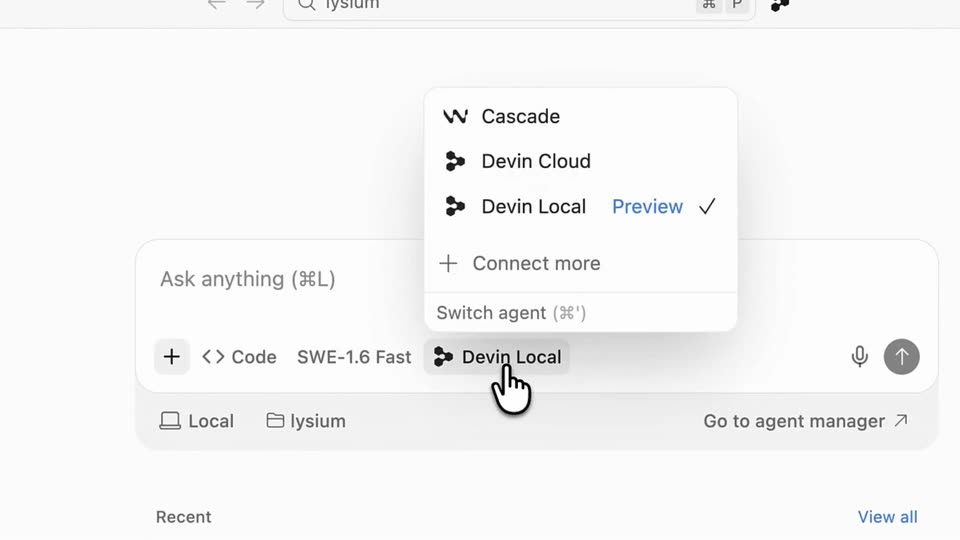 0:19–0:21Windsurf · Devin Developers - Introducing Devin Desktop: the next generation of Windsurf Manage flA light UI screen sharpens from a blur as a cursor clicks the agent field, opening a dropdown that lists Cascade, Devin Cloud and Devin Local, the hand pointer resting on the checked Devin Local row.
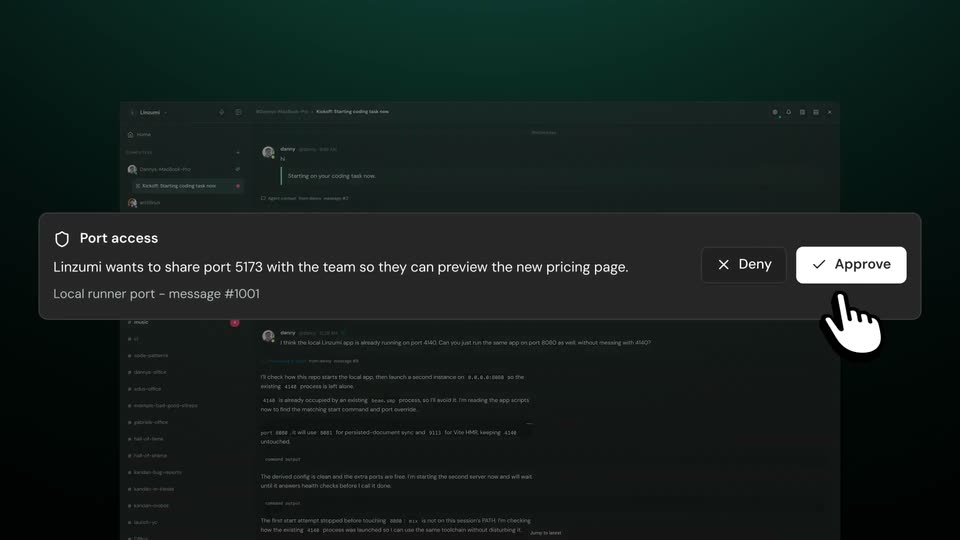 0:27–0:28Linzumi · Welcome to LinzumiOn a dark teal field a dimmed chat window sits behind a centered modal that scales in. The shield-titled Port access dialog slides its text in while a white hand cursor glides right and presses the white Approve button.
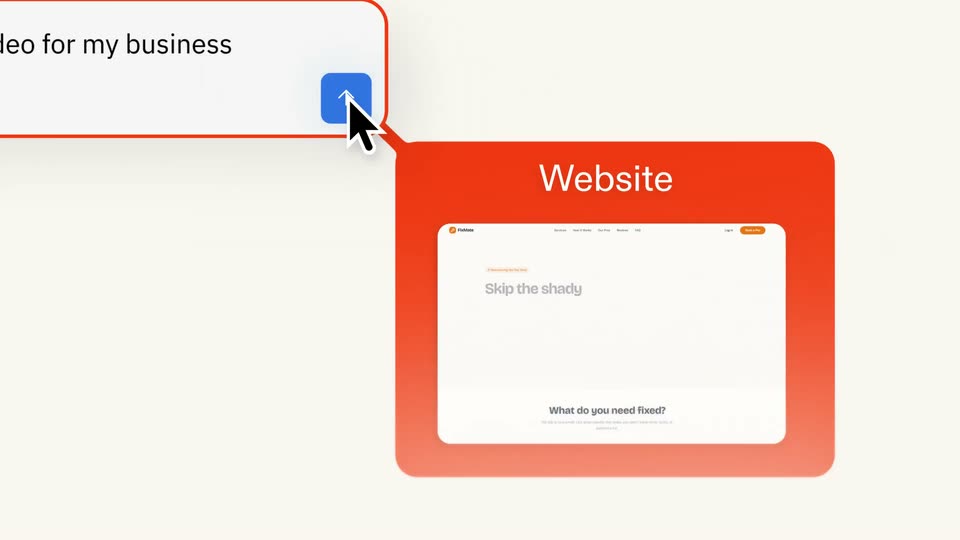 0:09–0:10Replit · Replit ⠕ - Can you build a real business for free with a single prompt? StartinOn a cream ground, a white prompt bubble sits left and an orange reply bubble right, a black cursor resting on the blue send icon. The orange bubble labeled Website scales up, its flat site mockup revealing the headline Skip the shady.
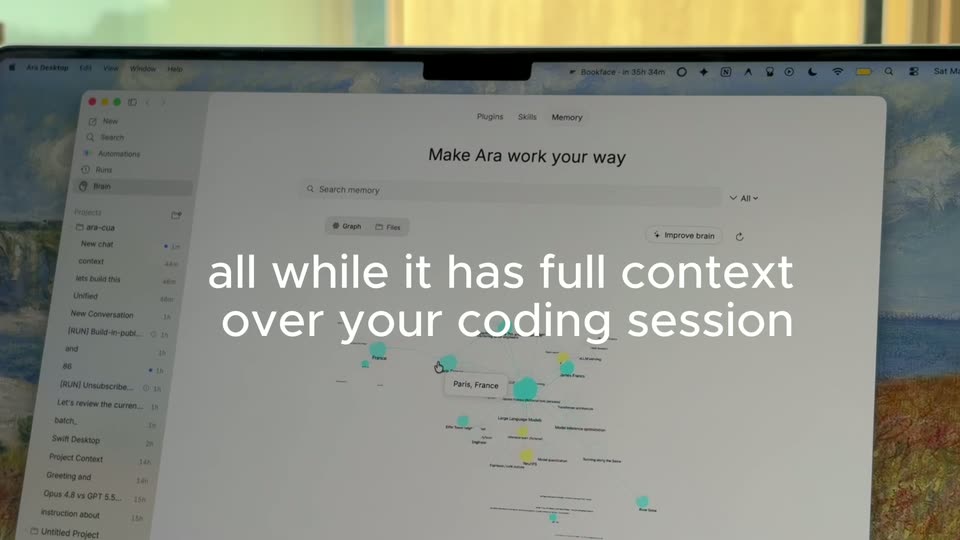 0:12–0:16Reason Machines · Ara (YC P26) Launch VideoA slightly angled laptop screen displays a memory graph of connected cyan and yellow nodes. A cursor moves over the nodes, triggering small tooltips, while a two-line white caption overlays the center.
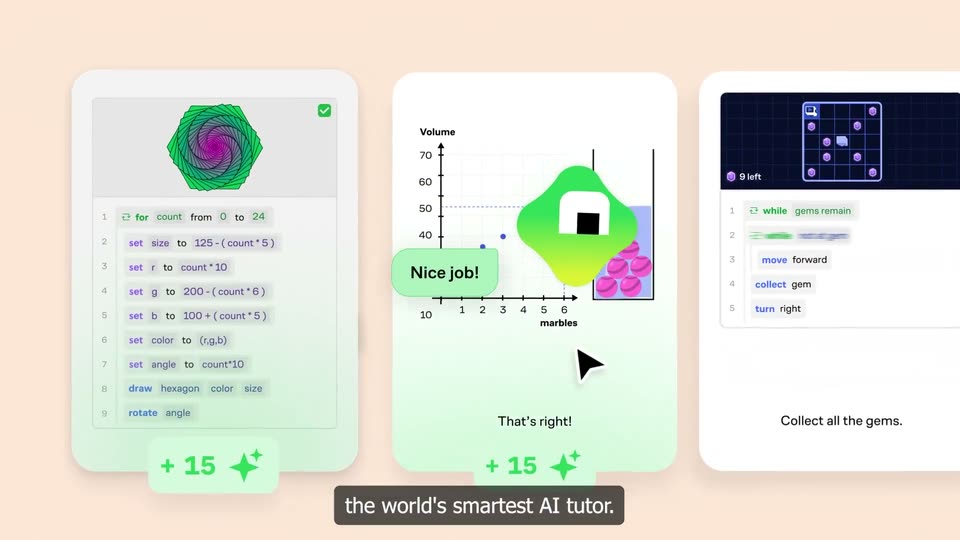 0:03–0:05Koji · Sue - AI is making kids dumber. It should be making them geniuses. IntrodThree app cards show coding and math exercises with a green blob mascot and a black cursor. As each task completes, green Nice job! bubbles and +15 badges pop in while the view pans right across the row. A dark caption reads the world's smartest AI tutor.
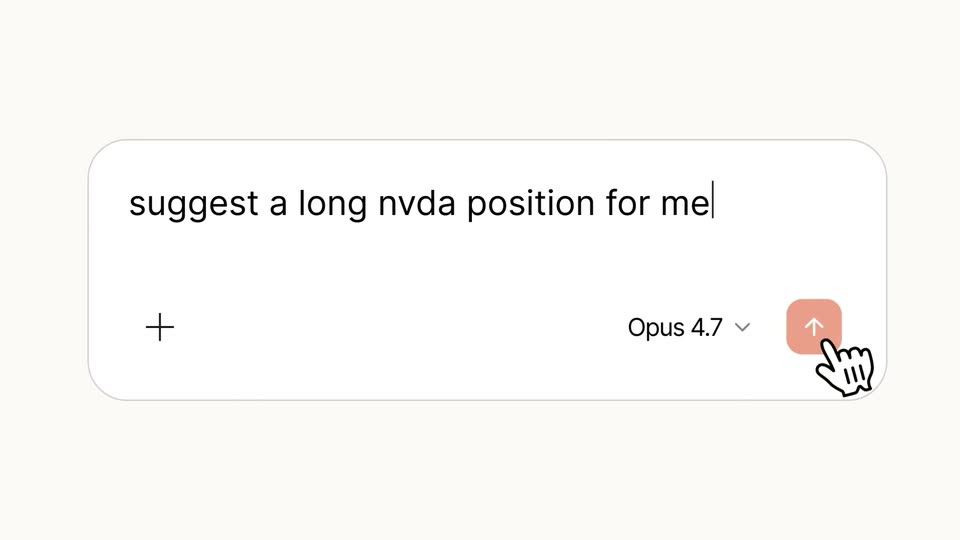 0:22–0:24Liquid · Liquid - The edge used to be scattered and gatekept. Now it's yours.A rounded chat input on a cream background holds the typed prompt beside an Opus 4.7 label and an orange send button. A cartoon hand cursor presses the button while the prompt text resolves from a doubled state into a single line.
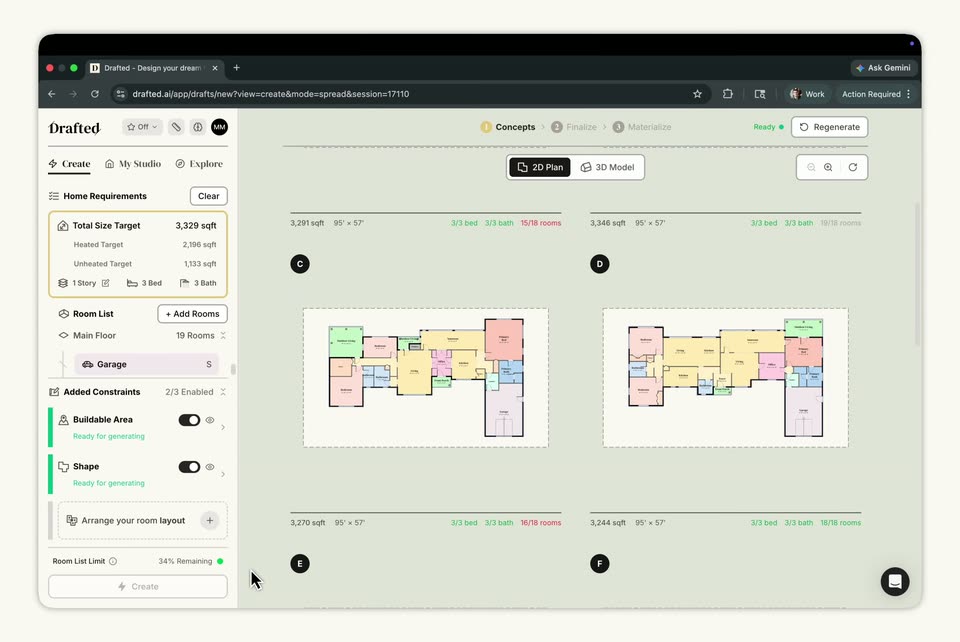 0:03–0:07Drafted · Drafted Shaping FeatureA browser window shows the Drafted app with a left sidebar of home requirements. The main grid of colored floor plan thumbnails scrolls down past options A through F, then zooms in on two plans revealing labeled rooms, while a cursor hovers over them.
 0:58 · 0.8sMiora · Tencent AI - Meet Miora ✨your AI creative agent studio, now in international beta.A dark rounded chat card sits in 3D over a maroon-to-orange gradient, its IRON VANGUARD prompt glowing, a cursor resting on the yellow Confirm button. The card blurs and flips into a blank white card.
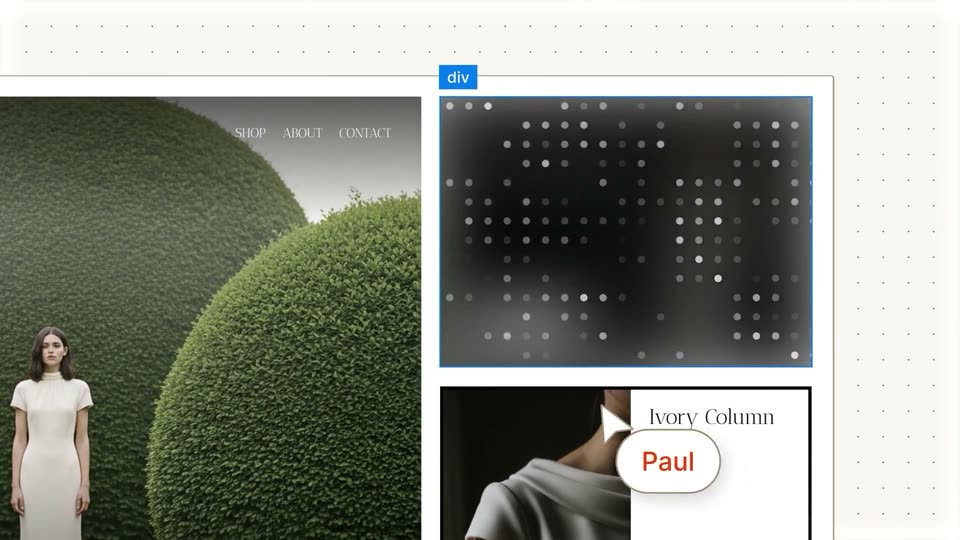 0:24–0:35Replit · Replit ⠕ - The best design work doesn't happen in a chat box. You need space toA fashion website mockup assembles beneath the heading 'Refine designs just by chatting.' The view zooms into the Dresses panel, a cursor selects it, and a chat input types 'Add a background image,' swapping the panel to a model photo. 'Or edit by hand' fades in below.
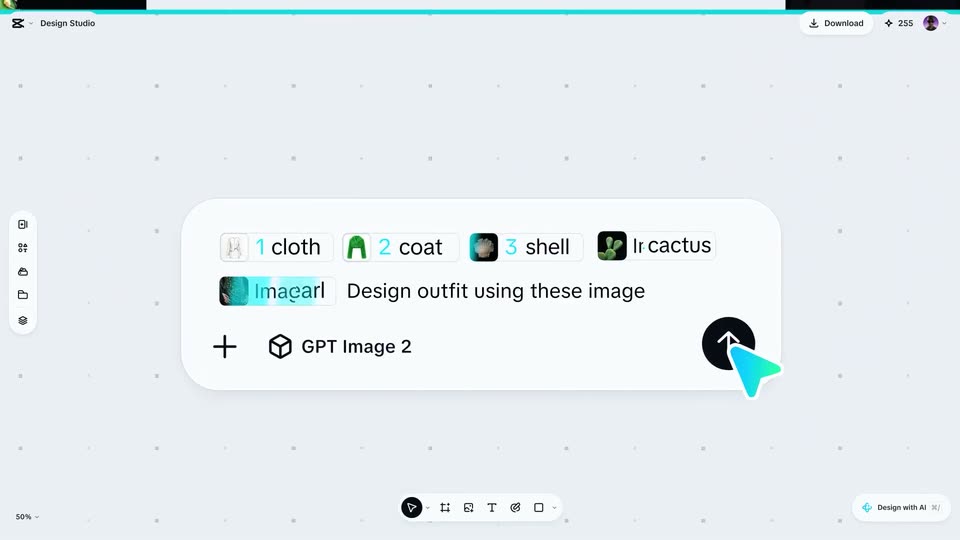 0:12–0:17CapCut · CapCut - Introducing CapCut Design Studio 2.0. A reimagined experience for DeA faint 'Remix Any Idea' headline scales in above a dotted canvas as a cursor draws a cyan box around reference images. Numbered note badges pop in on each image, then the canvas clears into a prompt card of labeled chips and a text prompt.
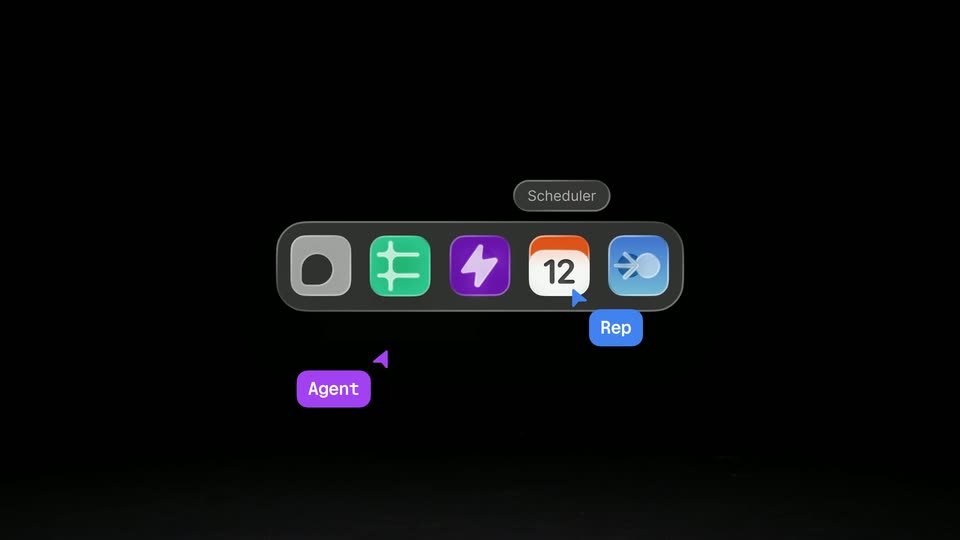 0:47–0:50Default · nico - Today, I'm incredibly excited to announce @withdefault's Series A ledOn black, a dark dock of five app icons is centered; a blue cursor hops across it, highlighting each icon in turn as gray labels fade in above. Purple Agent and blue Rep callout pills drift below the dock.
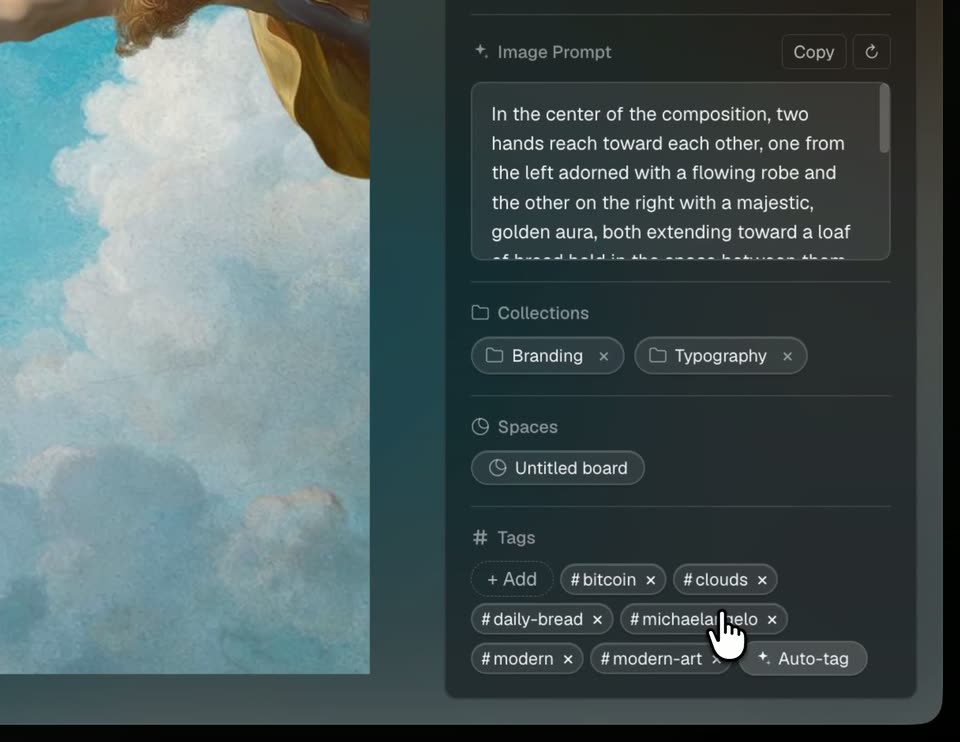 0:02–0:11GatherOS · Brett - Introducing GatherOS™ [beta]. The Mac app for design inspiration, buA dark image-library UI shows a Bread poster with a cursor; it zooms into the right details panel where the cursor clicks Auto-tag and hashtag chips appear, then cuts back to the full poster and a Library grid view.
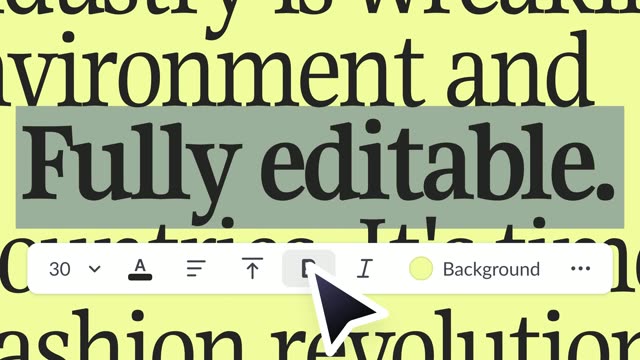 0:04–0:07Pitch · Pitch Agent: On-brand AI presentations, made for professionalsClose-up of a text editor on a pale yellow canvas: a gray selection highlight expands over the serif phrase Fully editable. while a large dark cursor glides down to the floating formatting bar and taps the bold button, then the view pulls back slightly to reveal more lines of text.
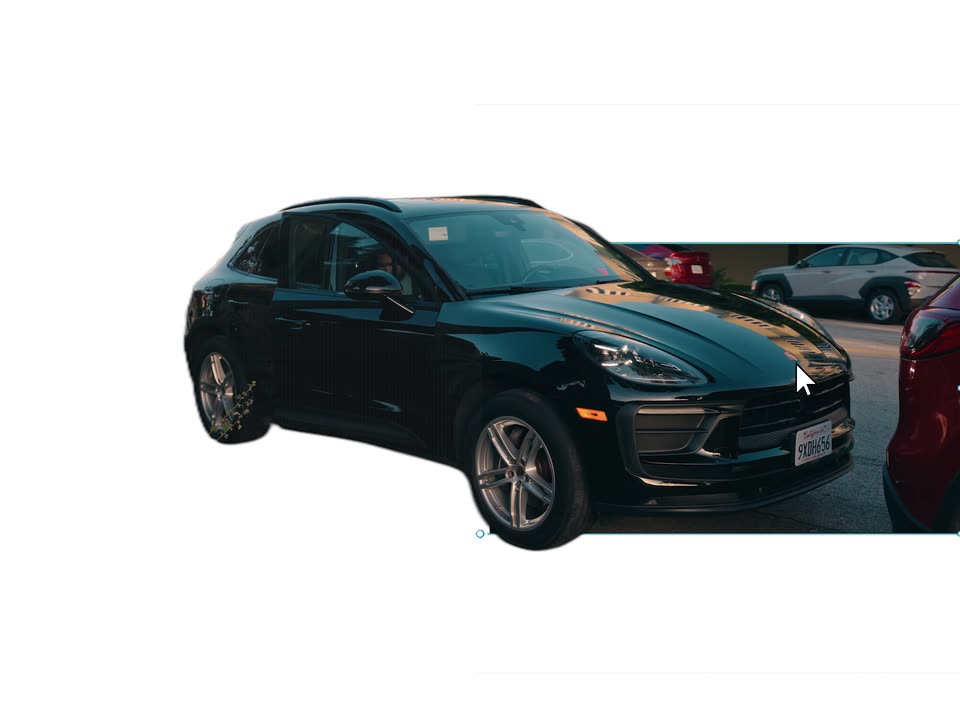 0:00–0:02ProjectX · InfinityOS- YC LaunchA black SUV cutout sits on a white canvas while a white cursor hovers over its hood. On the right, a cyan selection box tilts and widens, opening to reveal a parking lot with red and silver cars behind the car.
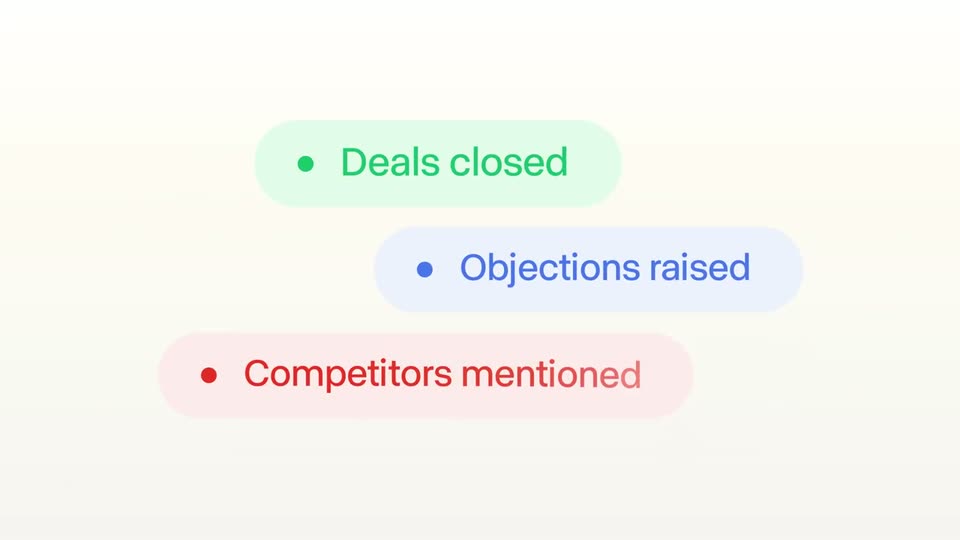 0:12–0:16Allo · The Mobile-First Company - Tagging calls by hand is the first task teams drop when they get busyThree tinted pill labels, green, blue and red, cascade in diagonally on a cream background, each scaling in with a colored dot. They fade as a timestamped transcript appears with a green Allo chat bubble and a cursor pointer.
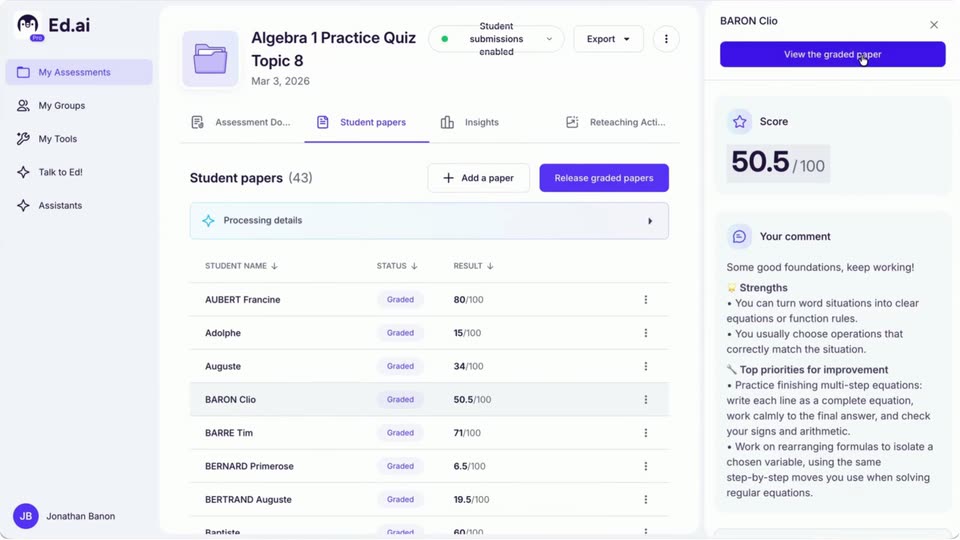 0:04–0:06Ed.ai · Ed.ai in 1 minuteA static dashboard view of the Ed.ai assessment screen shows a student papers table on the left and a grading panel for one student on the right. A cursor glides to the purple View the graded paper button and clicks it.
 0:02–0:03e2e · TesterArmy: Test your app with natural languageA dark test-description panel with white body copy and a cursor on the orange send button sits centered on black, then slides right to reveal a man in a dark shirt standing before a brick wall and window.
 0:53–0:57Meticulous · Meticulous YC VideoOn a purple-to-peach gradient with a faint pixel grid, the white wordmark Meticulous and the line Book a demo today to find out more sit above a black search bar. A cursor types the URL https://www.meticulous.ai/ into the bar while a bottom caption fades out and customer logos brighten below.
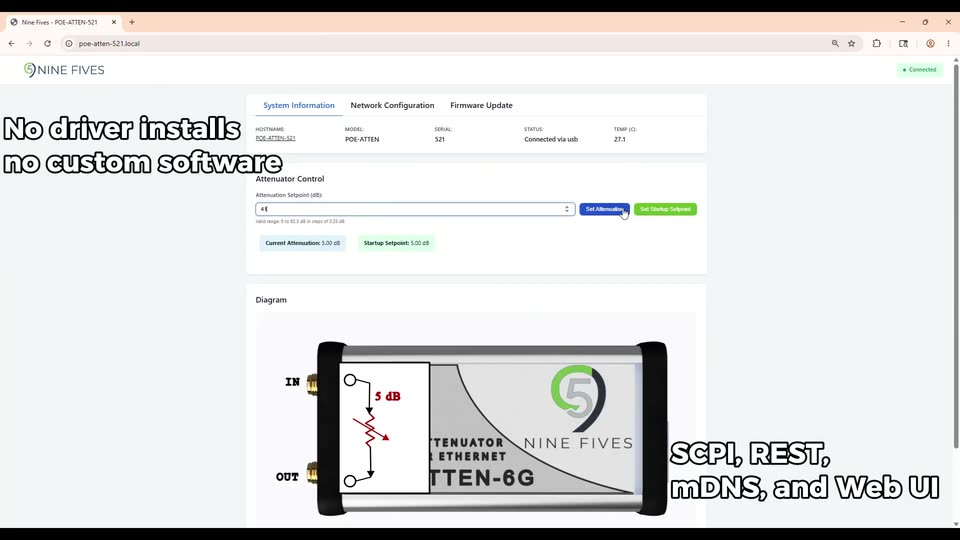 0:33–0:36Nine Fives · Nine Fives | Get SmashedA browser window shows the Nine Fives attenuator web UI. A cursor types 41 into the attenuation field, the current value and diagram label update from 5 dB to 41 dB. White outlined captions sit at left and lower right.
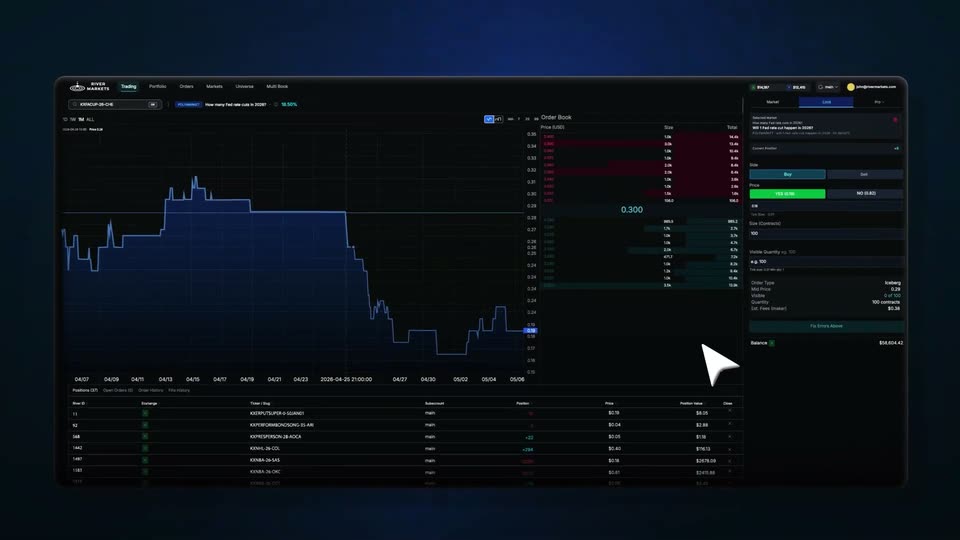 0:30–0:32River Markets · River Markets - Launch VideoA dark trading dashboard with a blue area chart, an order book and an order entry panel floats at an angle against a deep blue background, then rotates to a flat front view. A white cursor hovers over the balance row on the right.
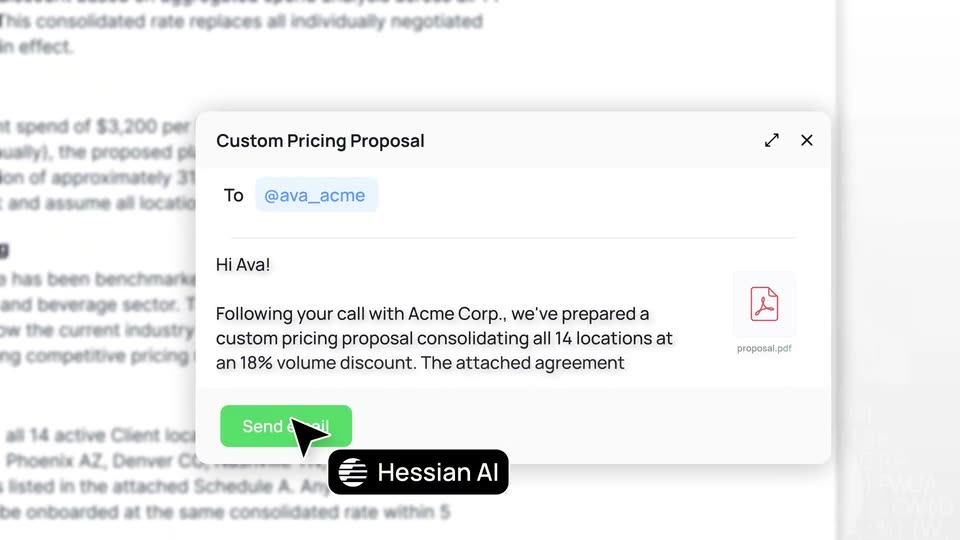 0:53–0:57Hessian · Y Combinator - Every company is racing to adopt AI, but many don't know where to staA blurred pricing document fills the background as an email composer card slides to center, its body text filling in while the cursor hovers the green Send email button. A black Hessian AI badge drifts around the card before it slides off to the upper left.
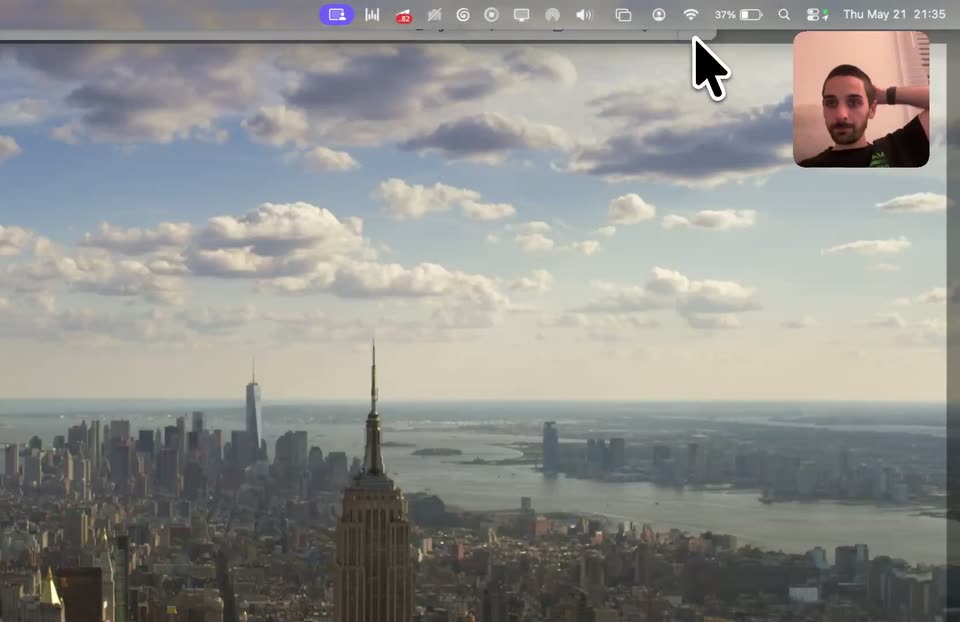 0:08–0:10OpenWork · Benjamin Shafii - ok sorry guys, but openai realtime is really dope super scrappy demA desktop shows a city skyline wallpaper with a man's facecam in the top right. A white app window slides in from the left edge, expanding across the screen to reveal a task interface, as a cursor moves along the top bar.
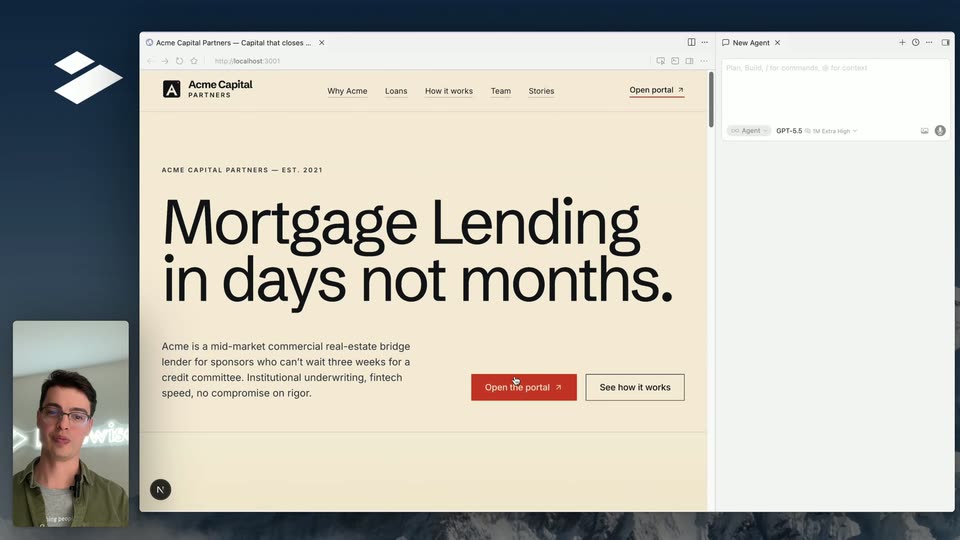 0:53–0:54Parsewise · Parsewise API LaunchA browser window opens on the Acme Capital landing page, then the cursor clicks the red portal button and the view switches to an internal dashboard listing active deals. A small webcam feed of a presenter sits in the lower left corner.
 0:03–0:04ZoomInfo · Henry Schuck - GTM Audience to Ads in a couple of clicks in ZoomInfo GTM Studio is NA centered white pill button with a blue plus and blue label sits on a pale background. A black cursor hovers below it, then the label fades out, leaving an empty white card.
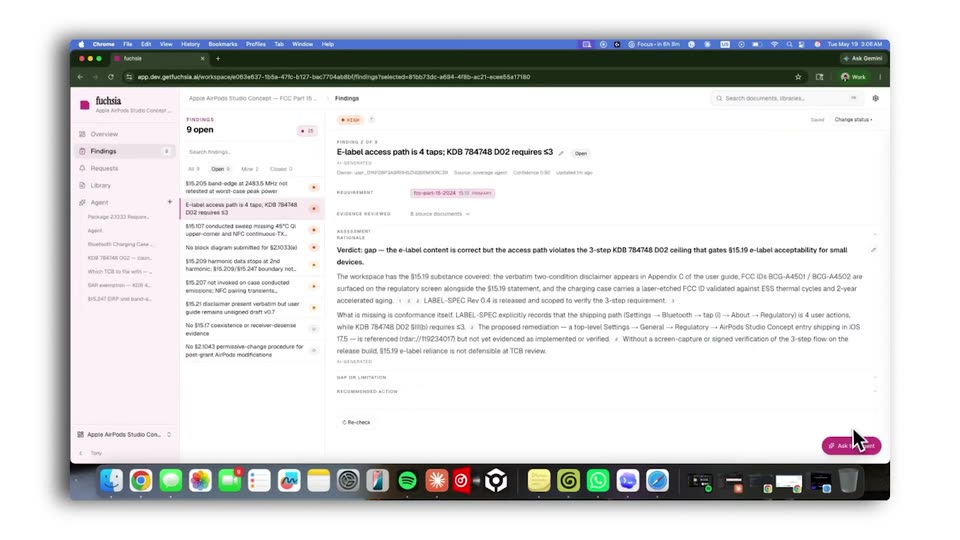 0:57–1:01Fuchsia · Y Combinator - Fuchsia (@getfuchsia) is the fastest way to get your hardware certifiA screen recording of the fuchsia compliance app: the cursor moves through the document library and detail panels, then the window shrinks to a corner. It cuts to a man on a white couch against a brick wall as 'One platform' appears below him.
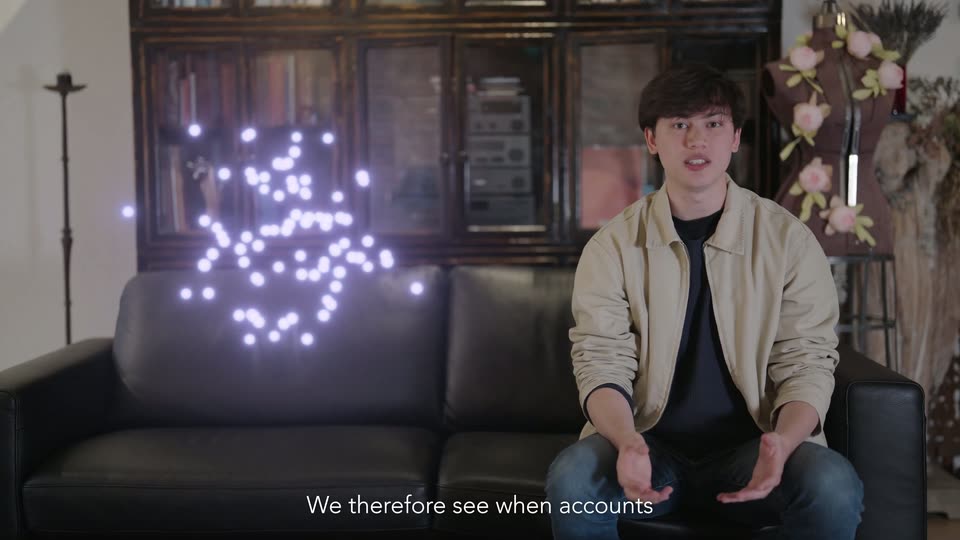 0:26–0:50Incandor · Y Combinator - Banks can't tell which human is actually operating an account. @IncanA man in a beige jacket sits on a black leather sofa, speaking and gesturing. A white session-replay card with a blue cursor trace appears at left, then a swarm of glowing lavender dots clusters over the couch; red rings circle the clusters as the dots turn red.
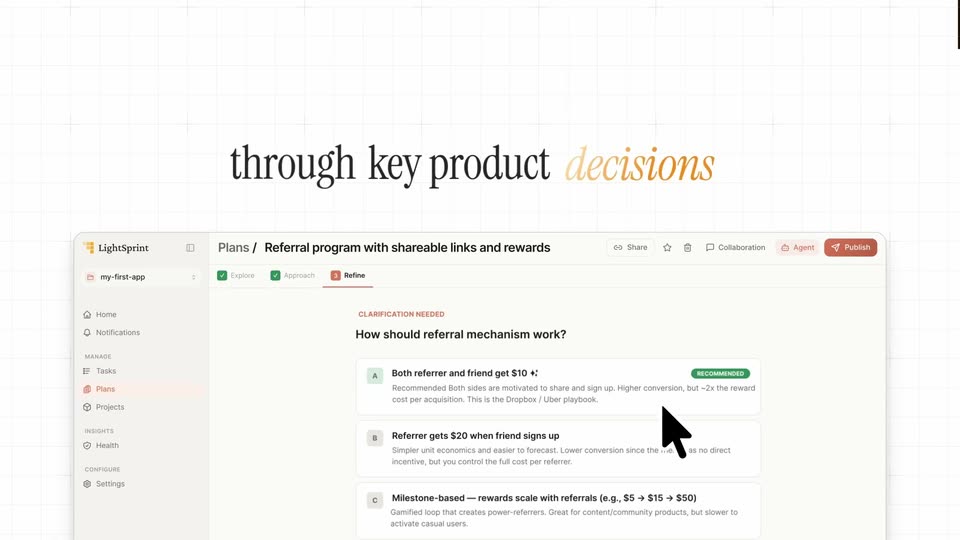 0:24–0:27LightSprint · Lightsprint - Collaborative Agentic DevelopmentA large serif headline builds the sentence over a grid backdrop, the final word in italic gold. Below, a flat LightSprint UI shows a referral question as a cursor moves and option A highlights green.
 0:20–0:22LightSprint · Y Combinator - Lightsprint (@lightsprintai) is a collaborative platform that helps tA black cursor clicks a floating orange send button on a light grid background. The view then tilts into a 3D perspective of the LightSprint app, with a top toolbar, a left sidebar, and a loading status at the bottom.
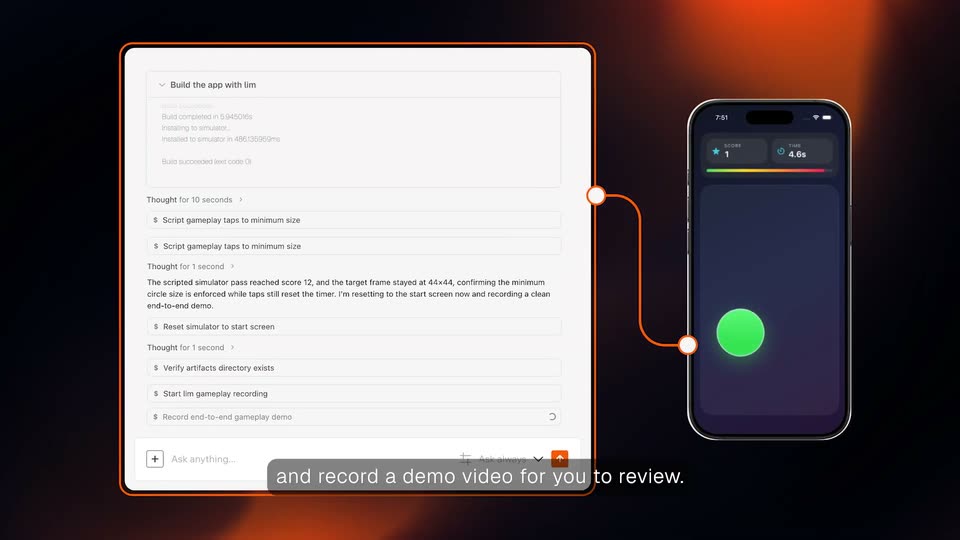 0:25–0:29Limrun · Limrun - Your cloud agent can build mobile apps nowA white task card with an orange glowing border lists build steps on the left, linked by an orange line to a 3D iPhone mockup on the right. The phone shows the Speedy Circles start screen; a cursor taps Start, and the game launches with moving circles and a timer.
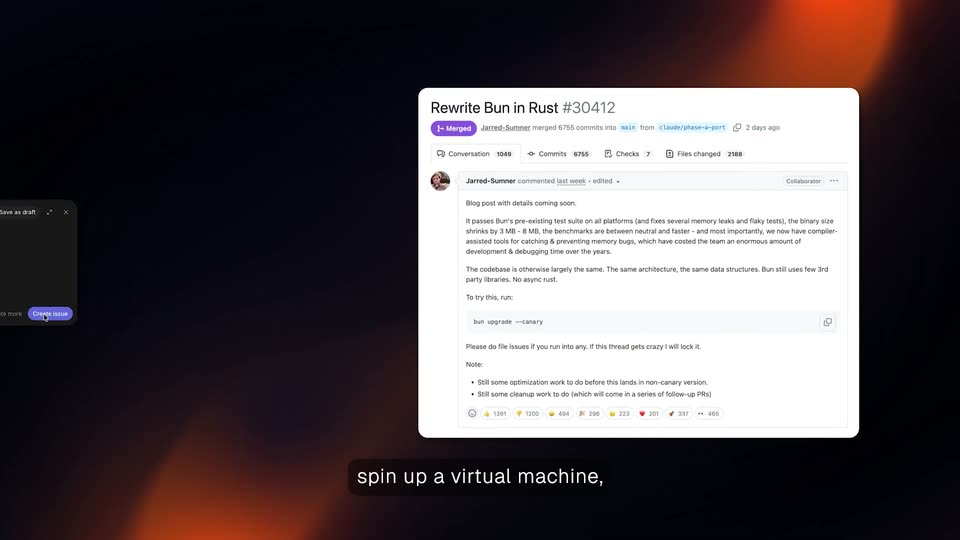 0:07–0:08Limrun · Y Combinator - Limrun (@limrun) provides the infrastructure to leverage your favoritA dark gradient background with an orange glow. A Linear issue creation card sits center-left with a cursor on its Create issue button, while a larger issue detail card slides in from the right and scales up. A white caption reads spin up a virtual machine, at the bottom.
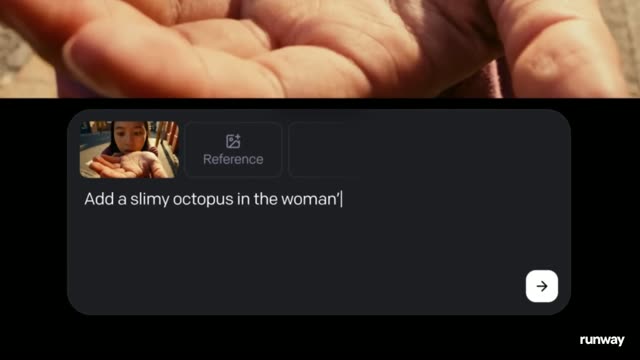 0:08–0:10Runway · Introducing Aleph 2.0 | RunwayA dark Runway panel sits over a close-up of an open hand. The prompt types into the input box, then the panel shrinks and the top image becomes a woman holding a slimy octopus.
 1:24–1:27Whip · samagra14 - Today we’re launching @joinwhip AI has made it easier than ever to bA rounded search bar with a branching arrow icon and a blue arrow button sits centered on a pale blue dot-grid gradient. The sentence types out word by word, then a hand cursor clicks the blue button.