1:21
Windsurf Wave 10 – Day 1: Planning Mode
Windsurf · Developer tools · Jun 2025
Canva · Jun 2026 · 0:32 · AI-annotated
Canva’s 0:32 launch film runs 10 scenes, about 3.2 s each. The product is on screen from the first frame and 1 feature is revealed. There is no explicit call to action. The video bookends one continuous workflow on the Canva-OpenAI lockup: a typographic promise card gives way to a locked-off chat-to-editor demo that closes on a live-action print proof. Pacing is brisk at roughly 11 cuts per minute over a 123 bpm feel, built on slow gradient drifts, crisp UI motion, and a single design carried from prompt to poster.
Is this your launch? to your site or press kit.
Windsurf · Developer tools · Jun 2025
Microsoft · AI · Jan 2024
Lovable · Developer tools · Apr 2026
On a shifting purple-to-teal gradient, the white Canva script wordmark draws itself in at center, then a thin vertical line and the bold OpenAI wordmark appear to its right.
On-screen text: “Canva”, “OpenAI”
Techniques: Kinetic type
Camera: Static
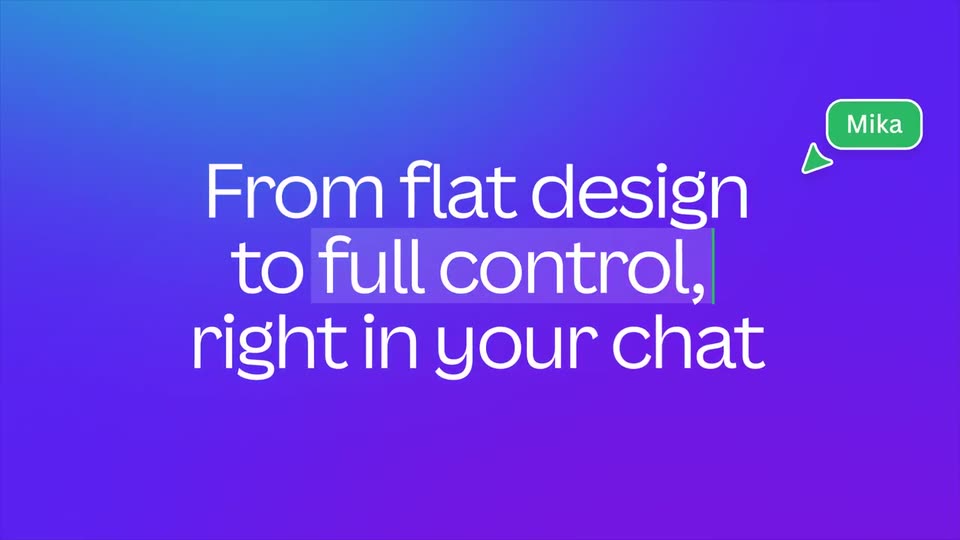
Teal-to-purple gradient holds the Canva and OpenAI wordmarks, which give way to the white headline “From flat design to full control, right in your chat.” A green “Mika” chat pill slides from the lower left to the upper right with a cursor arrow as the headline fades.
On-screen text: “Canva”, “OpenAI”, “From flat design”, “to full control,”, “right in your chat”, “Mika”
Techniques: Kinetic type
Camera: Push in
A white chat card sits centered on a blue-to-violet gradient, with a left rail of line icons and a prompt box holding a 3D image prompt. A three-line headline, 'From flat design to full control, right in your chat,' is held static over the scene as the frame stays locked off.
On-screen text: “From flat design”, “to full control,”, “right in your chat”, “Mika”
Camera: Static
A white chat panel on a purple-to-cyan gradient shows a prompt bubble; a dot-grid loading card resolves into a 3D render of a girl DJ, then a typed @Canva mention turns the same image into an editable design card.
Camera: Static
The Canva editor shows a pink artboard with an illustrated DJ at a party, framed by a selection box and a small Ask Canva toolbar. The view then zooms into the selected image, the pink field sliding out for a tighter white-cropped frame.
Techniques: UI zoom
Camera: Static
A Canva editor window sits on a purple-to-teal gradient, its pink canvas showing a DJ at turntables. A lime-green headline 'NAOMI'S' scales in, then 'HOUSE PARTY' stacks below it. A cursor opens the Position panel and clicks Backward, after which a star and a yellow ring drop onto the art.
On-screen text: “NAOMI'S”, “HOUSE PARTY”
Techniques: Kinetic type, Cursor demo
Camera: Static
The Canva editor window sits on a cyan-to-purple gradient. Inside, a pink party poster assembles: a lime-green headline types in, then two date labels and a disc icon drop into the bottom row, and the Share panel slides open at the right.
Camera: Static
The Canva editor shows a pink “Naomi’s House Party” poster with lime-green display type over a DJ illustration, while a print checkout panel sits on the right; a cursor moves from the checkout button to the Share button as the view pulls back slightly.
Techniques: Cursor demo
Camera: Static
Top-down locked-off shot of two hands holding a pink party invitation over a white table, with a light blue envelope angled behind it. The card shows a 3D-rendered house party scene under bold yellow lettering.
Camera: Push in
A purple and teal gradient background slowly shifts its color angle while the white Canva script logo and OpenAI sans logo remain centered, split by a thin vertical line.
On-screen text: “Canva”, “OpenAI”
Camera: Static