1:55

Fishlover @Asakana (YC) - Food distribution will be needed no matter how far AI advances. But t
Asakana · B2B · Oct 2026
Default’s 1:29 launch film runs 38 scenes, about 2.3 s each. The product shows up at 0:01 and 3 features are revealed. The call to action lands at 1:13 (83% in), over a voiceover. A lone presenter on a black stage carries the talk while kinetic 3D UI cards, floating icon clusters and snap-on selection brackets burst in around him on each beat. Cuts land on a ~130 bpm pulse, and motion-blur warp transitions plus the recurring triangle outline form the signature moves.
Is this your launch? to your site or press kit.
Asakana · B2B · Oct 2026
Runway · AI · Sep 2026
Framer · Design · Nov 2026
Films whose music sounds like this one, voice left out
Expo · Modern electronic
Airtable - Hyperagent · Modern electronic
Prescience · Cinematic ambient electronic
A dark aerial view of a downtown skyline opens, then the camera rushes forward down a traffic-filled street between tall buildings. Heavy motion blur streaks the frame in warm sunset light.
Camera: Push in
A fast-forward blurred view of a city street warps into a dark tunnel of radiating light streaks, then resolves on a person standing centered, hands clasped, in dim light.
Techniques: Speed ramp
Camera: Static
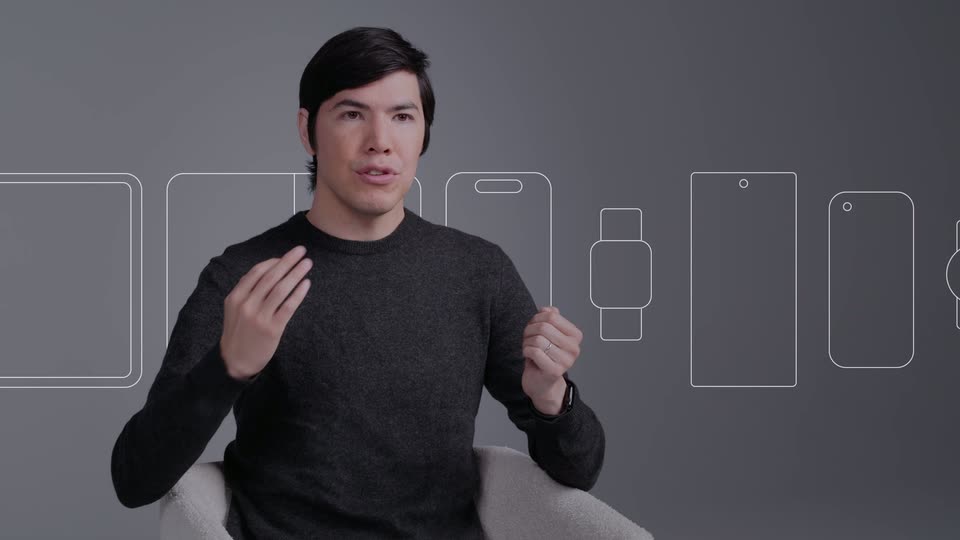
A man in a dark sweater stands center on a black stage under three overhead light bars, gesturing as he speaks. Behind him a large dollar counter rolls up to $20,000,000, then the names 8VC, CRAFT and Jack Altman fade in across the frame and out.
On-screen text: “$20,000,000”, “8VC”, “CRAFT”, “Jack Altman”
Techniques: Kinetic type
Camera: Static
A man in a dark ribbed sweater speaks on the left against a black background. On the right, two white wordmark logos, Owner and cortex, fade and slide into place beside his head.
On-screen text: “Owner”, “cortex”
Camera: Static
A man in a dark sweater talks to camera on a black background. Outlined white triangle logos drift in around his head, then red selection brackets snap onto them, and the graphics clear.
On-screen text: “Owner”, “cortex”
Techniques: Particles
Camera: Static
A presenter in black stands center on a dark stage under three overhead light bars, gesturing with both hands as he speaks. Large letters scale in over the locked-off frame.
On-screen text: “1”, “n”
Techniques: Kinetic type
Camera: Static
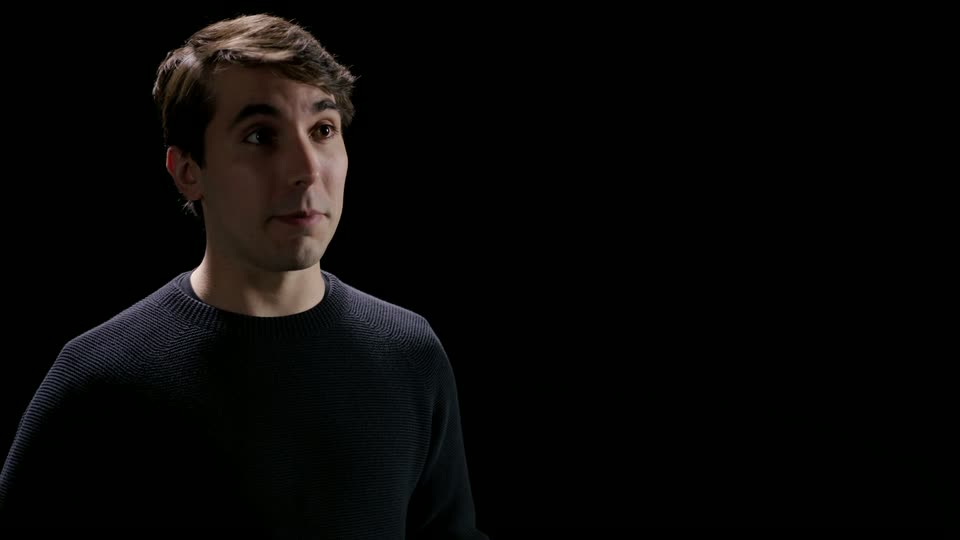
A man in a dark knit sweater stands left of frame against a black background, lit from the front left. He speaks while looking off-camera to the right, his head turning slightly. The shot holds steady on his upper body.
Camera: Static
A man in black stands on a dark stage under three light bars as colorful app icons float around him. Orange selection brackets snap onto each icon, then the icons spread out and a dark contact card labeled Marc Reinert slides in to his left.
Camera: Static
A presenter stands center on a dark stage. Behind him a contact card for Marc Benioff types in its fields, Title through Lists, while rounded app icons for Slack, Salesforce, a calendar and a snowflake float on either side, linked by thin lines.
Camera: Static
A presenter in black stands center on a dark stage before a wall of contact cards. Floating app icons and a profile card fade out to reveal the full grid, then small Agent tags pop onto individual cards as a cursor moves.
Techniques: Cursor demo
Camera: Static
A man in a dark ribbed sweater stands against a black background, lit from the left, framed in medium close-up on the left third of the screen. He looks off camera to the right and speaks, his mouth moving, while the right side stays empty black space.
Camera: Push in
A dark grid of rounded square app icon tiles brightens from near-black to full color, revealing logos such as Slack, Salesforce, a calendar tile marked 31, and Atlassian. The tiles hold still while the whole frame lights up.
Camera: Static
A dark records table fades in row by row: names, colored status pills and company logos appear in the grid, then the frame pulls back fast into a blurred wall of many rows.
Techniques: UI zoom
Camera: Pull out
A dark, defocused field of vertical light streaks fills the frame. A faint horizontal input bar with a small circular icon at its right edge emerges in the center, still blurred, as the view stays out of focus.
Camera: Static
A dark chat input bar with an 'Ask anything...' placeholder slides up as a second bar types 'How can we hit our number?' word by word. The query pops into a right-aligned bubble, and a reply with a pipeline table fades in above an empty input bar.
Techniques: Kinetic type
Camera: Static
A dark chat interface displays an AI reply above a pipeline data table. The input bar at the bottom slides upward as a new user message bubble appears just above it.
Camera: Static
A dark chat feed scrolls up, revealing an enterprise pipeline table and a quarterly bar chart, while right-aligned prompt bubbles and a fixed input bar frame the view.
Camera: Pan
A dark assistant interface: the typed question slides out of the input bar into a small pill that floats up at the right, while a headline and a bar chart card of four quarter pairs slide up from below into place.
Camera: Static
A dark AI chat view: a table of rep names, quotas and status sharpens and slides up into place beneath a heading, while a query bubble fades out at the right edge.
Camera: Pan
A five-icon dock fades up from black on a glossy dark stage, a 'Default' tag hovering over the left icon. Purple 'Agent' and blue 'Rep' speech bubbles pop in below, each with a small pointer arrow.
On-screen text: “Agent”, “Rep”
Camera: Static
On black, a dark dock of five app icons is centered; a blue cursor hops across it, highlighting each icon in turn as gray labels fade in above. Purple Agent and blue Rep callout pills drift below the dock.
On-screen text: “Agent”, “Rep”
Techniques: Cursor demo
Camera: Static
A dark app dock with five icons sits centered on black, with gray, purple and blue pill callouts labeled Routing, Agent and Rep pointing to it. The whole cluster then blurs and flies apart in a fast zoom as the labels scale and slide outward.
On-screen text: “Routing”, “Rep”, “Agent”
Techniques: Speed ramp
Camera: Static
A man in a black shirt stands center frame on a dark stage, gesturing with open hands. Behind him a thin white line draws in from left to right in rising steps, with a faint gray gradient filling the area beneath it.
Camera: Static
A man in a dark ribbed sweater stands left of frame against a black background, lit from the front. He gestures with both hands, fingers curled, while speaking toward the right side of the frame.
Camera: Static
A presenter in black stands center stage on a dark set under three overhead light bars, gesturing as he speaks. Floating app buttons and small circular icons around him morph into green CSV file icons labeled with report filenames.
Techniques: Morph
Camera: Static
A man in a dark knit sweater stands left of frame against a black background, speaking and gesturing with both hands at waist level. He faces slightly right into the empty space, lit from the front left, while the camera holds a static medium shot.
Camera: Static
On a black stage with a faint floor, a dark rounded prompt field sits centered. The query types out word by word, a cursor moves to the up-arrow send button, which glows blue, then the field shrinks into a small pill and slides off to the right.
Techniques: Kinetic type, Cursor demo, Morph
Camera: Static
A dark frame holds a single rounded pill on the right side. The gray text inside it fades in and scales slightly while the camera stays locked off, isolating the prompt chip against the black background.
On-screen text: “Analyze our last 3 quarters”
Camera: Static
On a black 3D stage, a dark prompt pill reading 'Analyze our last 3 quarters' sits top right while three green-iconed suggestion pills sharpen into focus at bottom left, then the view warps fast into a blurred bar chart.
Techniques: 3D mockup, Speed ramp
Camera: Static
A dark scene resolves from horizontal motion blur into a sharp leads table card. A status line and a white headline sit above the card, which lists four rows of email, company, size, and ARR values.
On-screen text: “Deploying the Analyst agent”, “Here is a list of all leads you got in the last 3 quarters”
Techniques: Kinetic type
Camera: Push in
A black screen fades up to a white headline and a 3D workflow card tilted in perspective. The card links nodes labeled default.com and demo to a Demo form v1 panel with a bright green button, settling into focus against the dark background.
On-screen text: “Here is a workflow that needs updates from your website:”
Techniques: 3D mockup
Camera: Pull out
A dark rounded card holding an isometric 3D workflow diagram, with a green-outlined form panel and labeled nodes, scales up from the center. Above it, a white headline and a small pink status line hold position while the card zooms.
On-screen text: “Suggesting changes...”, “Here is a workflow that needs updates from your website:”
Techniques: 3D mockup, UI zoom
Camera: Pull out
On a black background, the caption “Suggesting changes...” and the line “Here is a workflow that needs pipeline changes:” slide down from above with motion blur, settling over a dark table card. The card eases down into place, listing four stage names with blue and gray toggle switches, a faint reflection below.
On-screen text: “Suggesting changes...”, “Here is a workflow that needs pipeline changes:”
Techniques: Kinetic type
Camera: Static
A dark workflow card fades and slides up into a locked frame on black, replacing a faint card sliding off the top. The card holds a node diagram (Trigger, Multi-Branch, Create Record, Match Record) above a title block, with a heading scaling in above it.
On-screen text: “Suggesting changes...”, “Here is a routing workflow that needs updating:”, “Contact Routing for Salesforce”, “Route contacts to sales reps by territory, size, industry, and custom rules.”
Camera: Static
A man in a dark sweater speaks and gestures on the left against a black background. To his right, pill-shaped labels with small cursor arrows pop in one by one: yellow Executive, blue Rep, purple Operator, then white Agent chips appear beside each.
On-screen text: “Executive”, “Rep”, “Operator”, “Agent”
Camera: Static
A man in a black long-sleeve shirt stands center frame on a dark stage under three horizontal light bars, gesturing as he talks. A burst of small white triangle outlines swirls around him, then coalesces into a large triangle outline at the right edge before clearing.
On-screen text: “8”, “444”, “2”
Techniques: Particles
Camera: Push in
A man in a black shirt stands on a black stage, then the frame darkens and a logo of two overlapping rounded squares, one filled white and one outlined, appears at center next to the word Default.
On-screen text: “Default”
Camera: Static
A black screen holds a small white icon and the word Default in the center, remaining static throughout the clip.
On-screen text: “Default”
Camera: Static