Cursor demo
A visible cursor operates the interface.
15,082 scenes · page 68 of 252
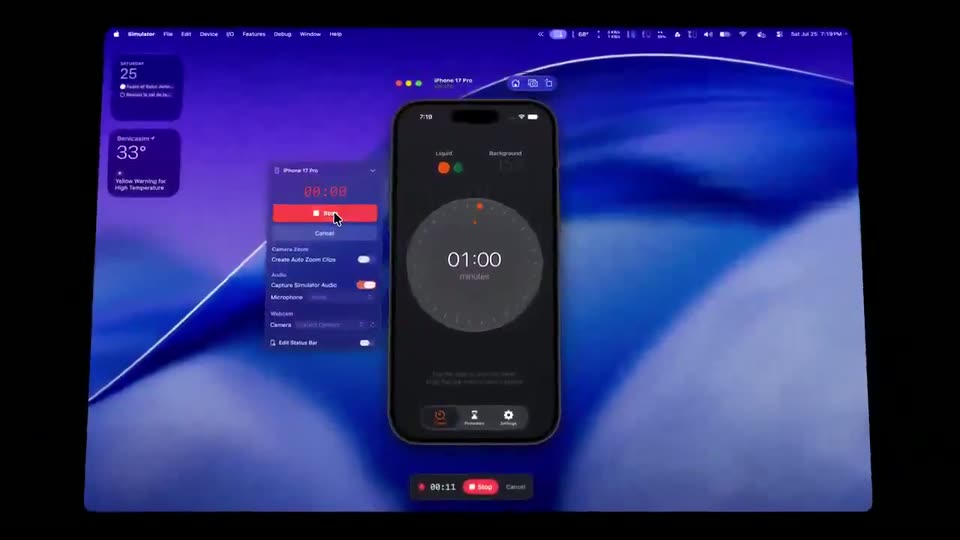 0:04–0:06Matte · Matte - Introducing Matte 2.0 Beta Capture & edit your screen and iOS apA desktop screen sits in 3D perspective on a blue gradient backdrop, showing an iOS simulator with a phone timer at 01:00 and a settings panel. The view eases from a tilted angle to a flatter, closer framing while a cursor rests on the orange Record button.
 0:23–0:46Dialogus · Dialogus (YCS26)A man in a black polo stands against a brick wall, speaking into his phone, as white UI cards stack up on the right showing a network monitor, an offline router, a CRM search and a visit history, a cursor gliding across the rows.
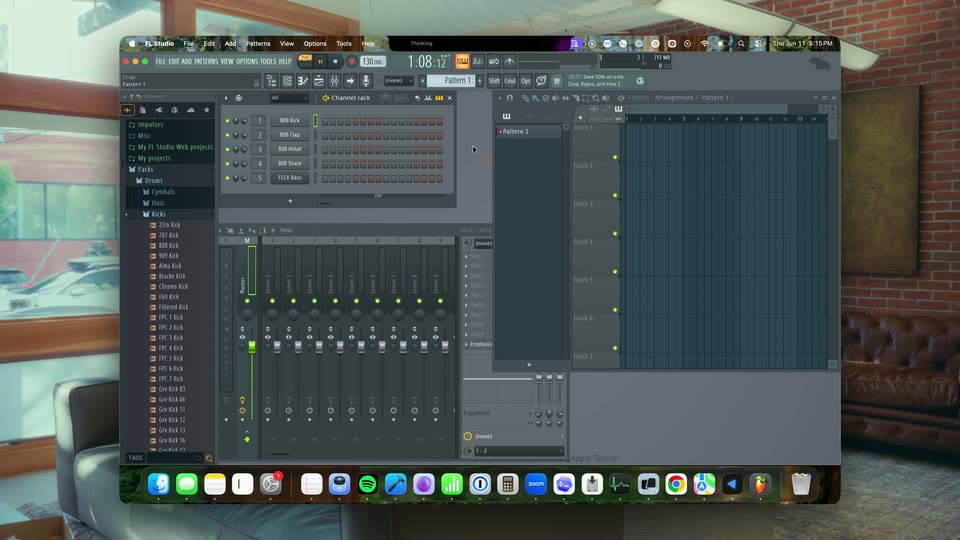 1:22–1:25HeyClicky · we built an ai that draws on your screen.A screen recording of FL Studio fills a Mac window over a blurred living room. The cursor drifts across the channel rack and pattern grid while a white caption stays fixed at the bottom.
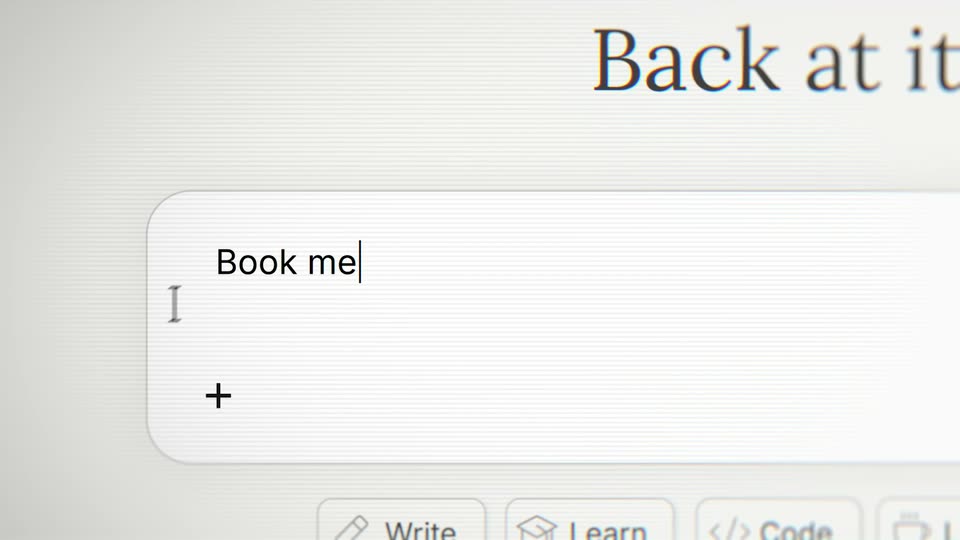 0:11 · 0.5sLovable · Lovable - Every ad in SF says "agents agents agents" We skipped the billboardClose-up of a white input field on a light gray screen. The prompt types from “Boo” to “Book me a fli” with a blinking caret, a mouse pointer drifts in at the left, and a serif heading plus Write, Learn, Code buttons sit blurred behind.
 0:01–0:02PixVerse · PixVerse - Wanna turn any song into a music video? VibeMV is live now! Just uploA dark teal field holds the PixVerse lockup: gradient 3D mark, light wordmark, a cyan CTA button with a hovering cursor, and a one-line tagline. The mark then scales up fast until it fills the frame, hiding the wordmark, button and tagline.
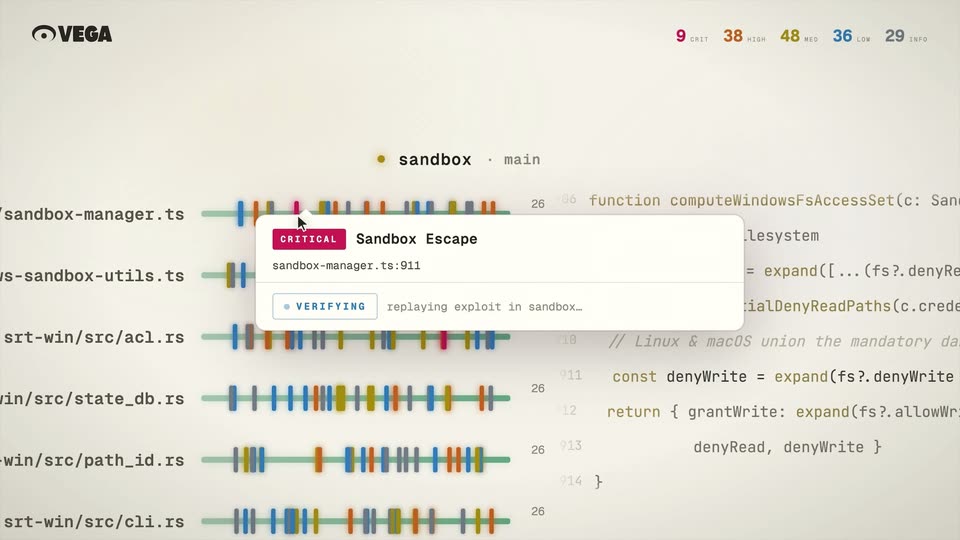 0:13–0:19NebuSec · Vega Launch VideoA code-review screen lists files with colored finding markers beside source code. A cursor hovers a red marker, opening a card that cycles OPEN, VERIFYING, VERIFIED. The view zooms to a bottom bar with the VEGA logo, a scan summary and an explain input.
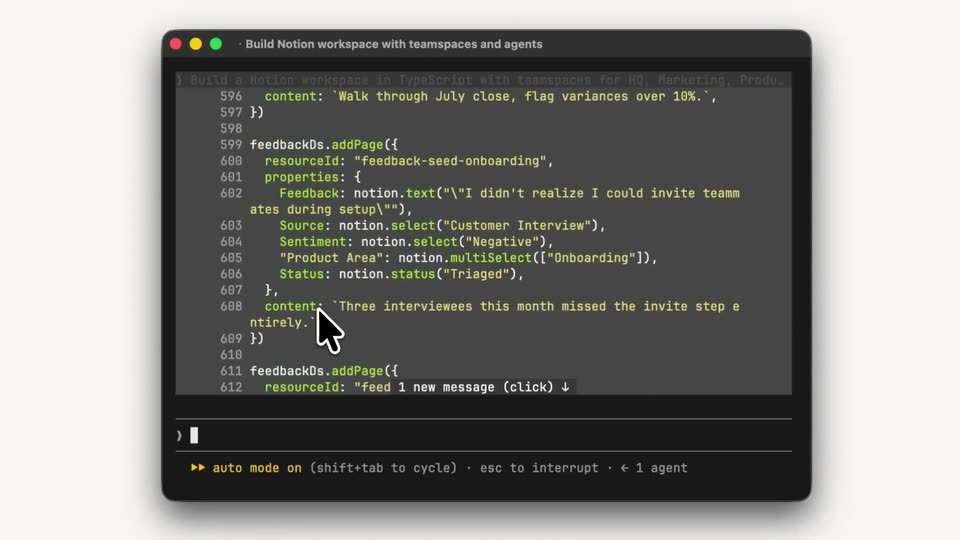 0:29–0:33Notion · Notion - Now in beta: Notion as code. Define an entire workspace in TypeScripA dark code editor window on a light gray background scrolls TypeScript code rapidly upward as it is generated, line numbers shifting, a white cursor arrow resting over the lines, and a small “1 new message” badge and status bar pinned at the bottom.
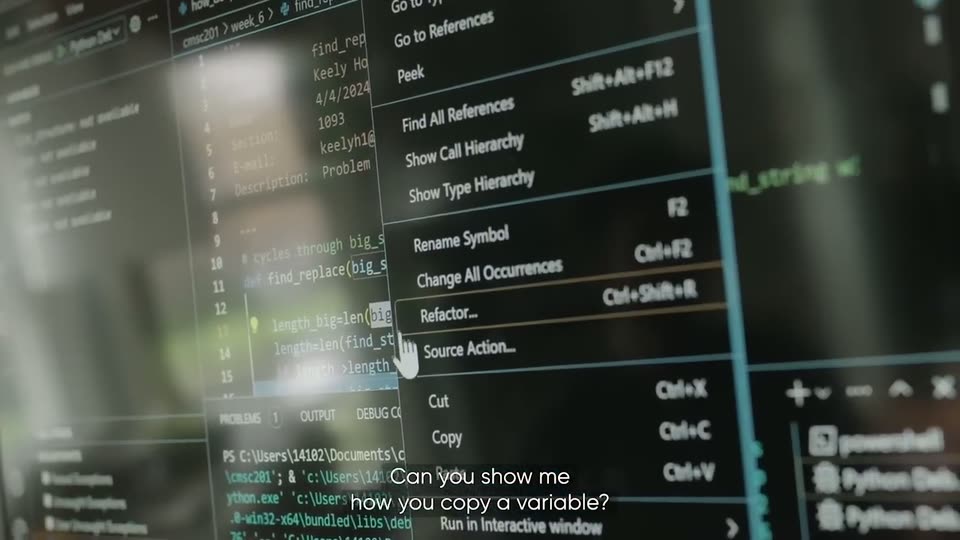 0:53–0:55Augmental · MouthPad is now availableA code editor with a context menu open over Python code; a hand cursor moves down the list, the menu expands, and the cursor clicks Cut, then Copy. A terminal window runs below the editor.
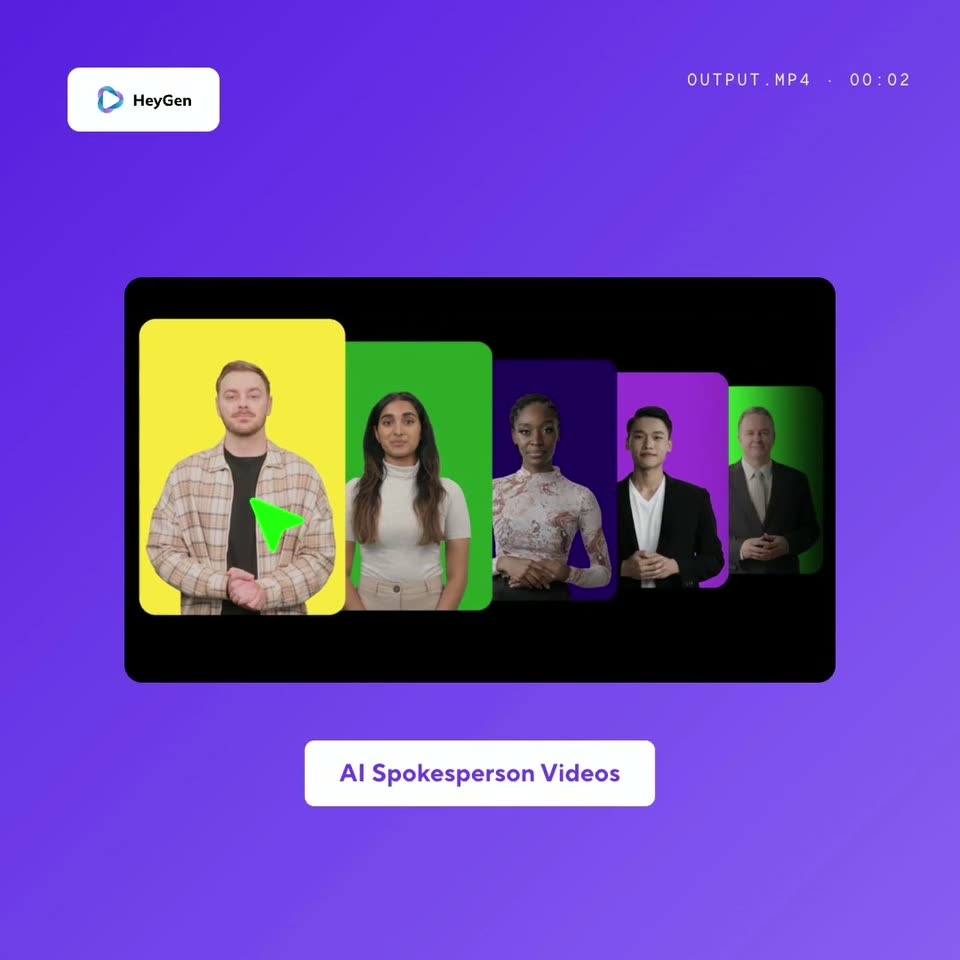 0:10–0:13HeyGen · HeyGen - Introducing companion mode The difference between ordering a video aA flat black video frame on a violet field holds five portrait cards of spokespersons on colored backdrops. A green cursor arrow glides left across the cards while a file-name and timecode overlay ticks in the corner and a white pill caption sits below.
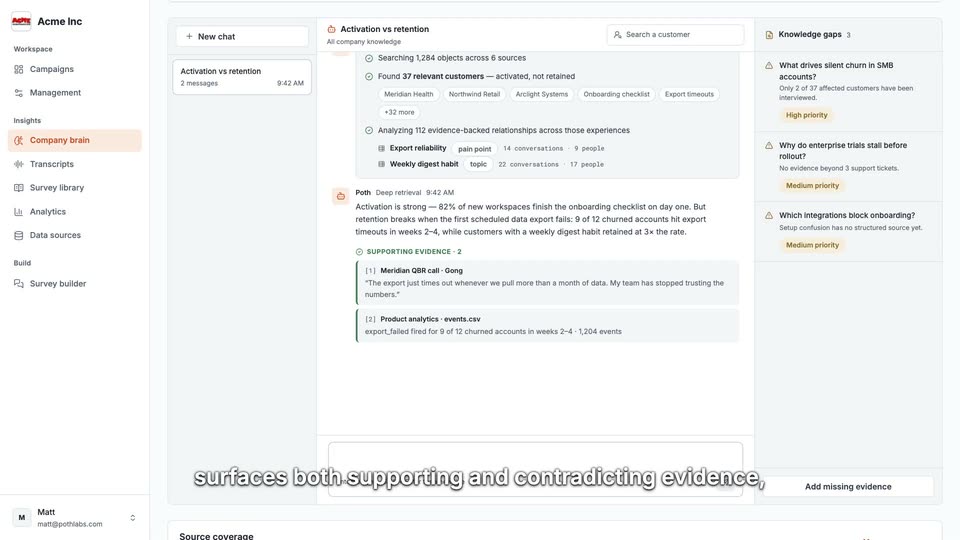 1:00–1:17Poth Labs · Ask PothA flat product UI fills the frame. A question is typed into the chat box and sent, then a response panel builds step by step: search status, customer chips, evidence rows, and a confidence bar, while the view scrolls up. Bottom captions narrate the steps.
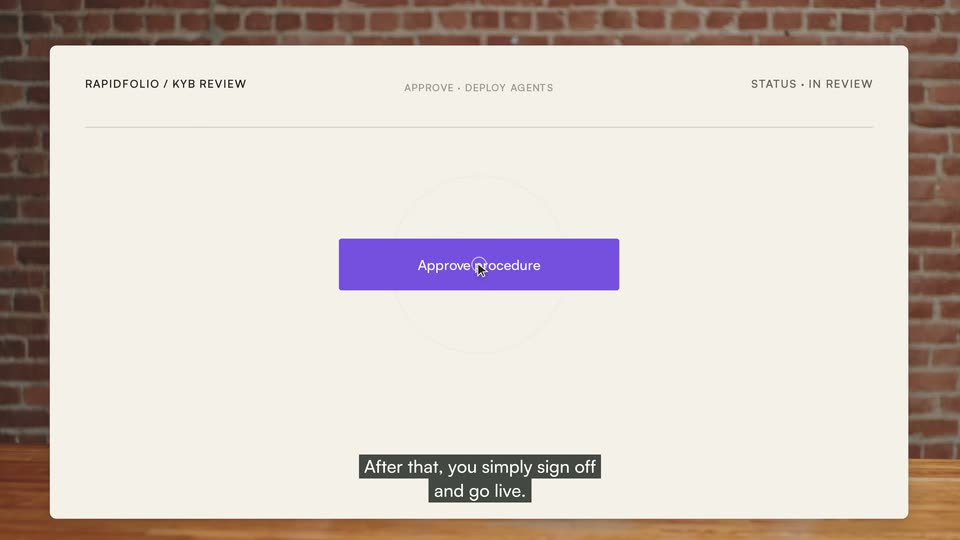 1:12–1:13Rapidfolio · Introducing Rapidfolio (Y Combinator S26)A cream interface card on a brick wall shows a purple “Approve procedure” button. A cursor glides in and clicks it, sending a thin ring outward, while a two-line caption sits at the bottom.
 0:31–0:32Gorgias · Romain Lapeyre - We’ve raised over $100M to create AI customer support that doesn’t soA black cursor arrow clicks the send button on a white command bar holding a typed prompt, then the bar clears and a serif “How can I help you?” heading appears above it. A dark caption strip at the bottom reads “Right now, Gaia is scanning our”.
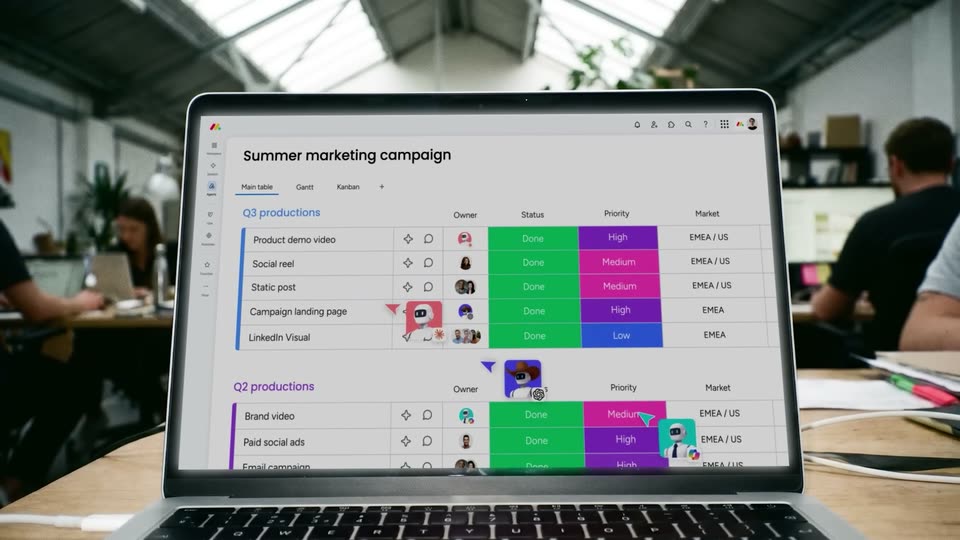 0:19–0:22monday.com · Welcome your AI agents to the team | The AI Work Platform by monday.comA laptop on an office desk pulls from blur into focus, showing a Summer marketing campaign table with green Done cells and purple, pink, blue priority tags. Small cartoon avatar icons hop between rows while teal cursor arrows point at cells; blurred coworkers sit in the background.
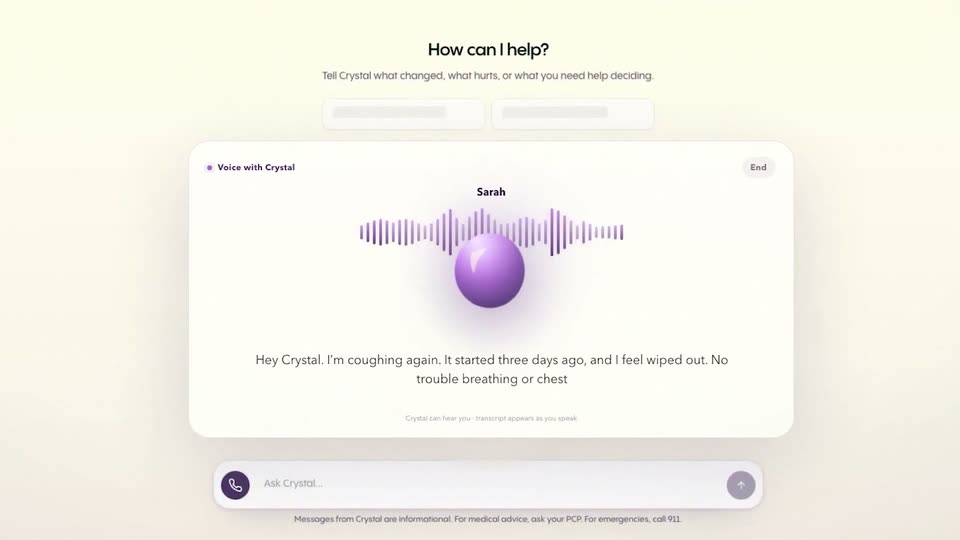 0:29–0:34Prescience, Inc. · Prescience - Launch YC - Modern Health InsuranceFull member-portal chat screen with a purple orb; the cursor taps the voice button in the input bar, and the view zooms into the Voice with Crystal card. A purple waveform animates around the orb while the transcript types out Sarah's cough complaint word by word.
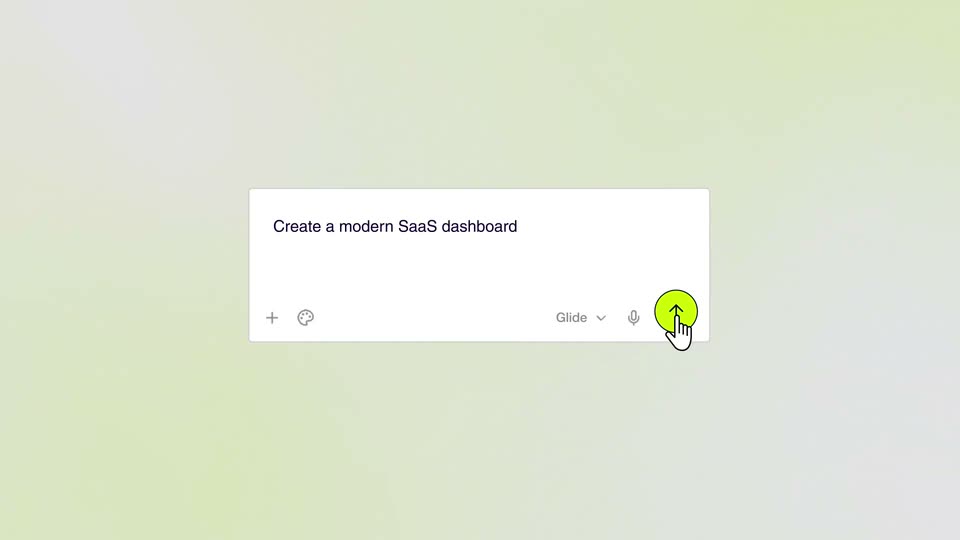 0:17–0:19UX Pilot · UX Pilot AI - 1M users. A new era of product design. Welcome to UX Pilot 2.0 ✨A white prompt card on a soft gray-green gradient types out a SaaS dashboard request as a hand cursor taps the green send button. The card gives way to a pixelated blob that morphs from purple to green.
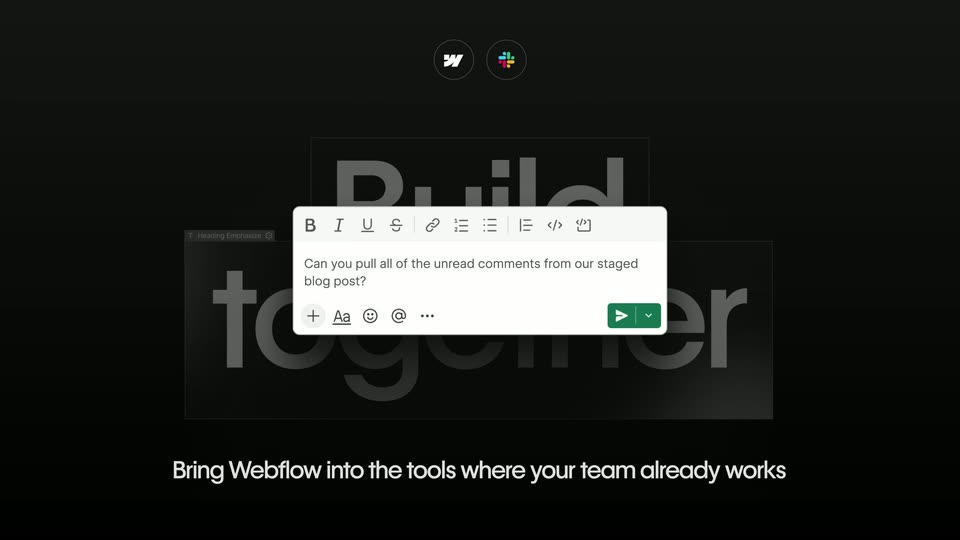 0:56–0:58Webflow · MCP 2.0: Don't Just Build Fast. Build for What's Next.A white comment box with a formatting toolbar floats over a dark document reading “Build together.” A caret types a request about unread comments into the box, with a green send button at the right. Webflow and Slack logos sit above, and a white caption fades in below.
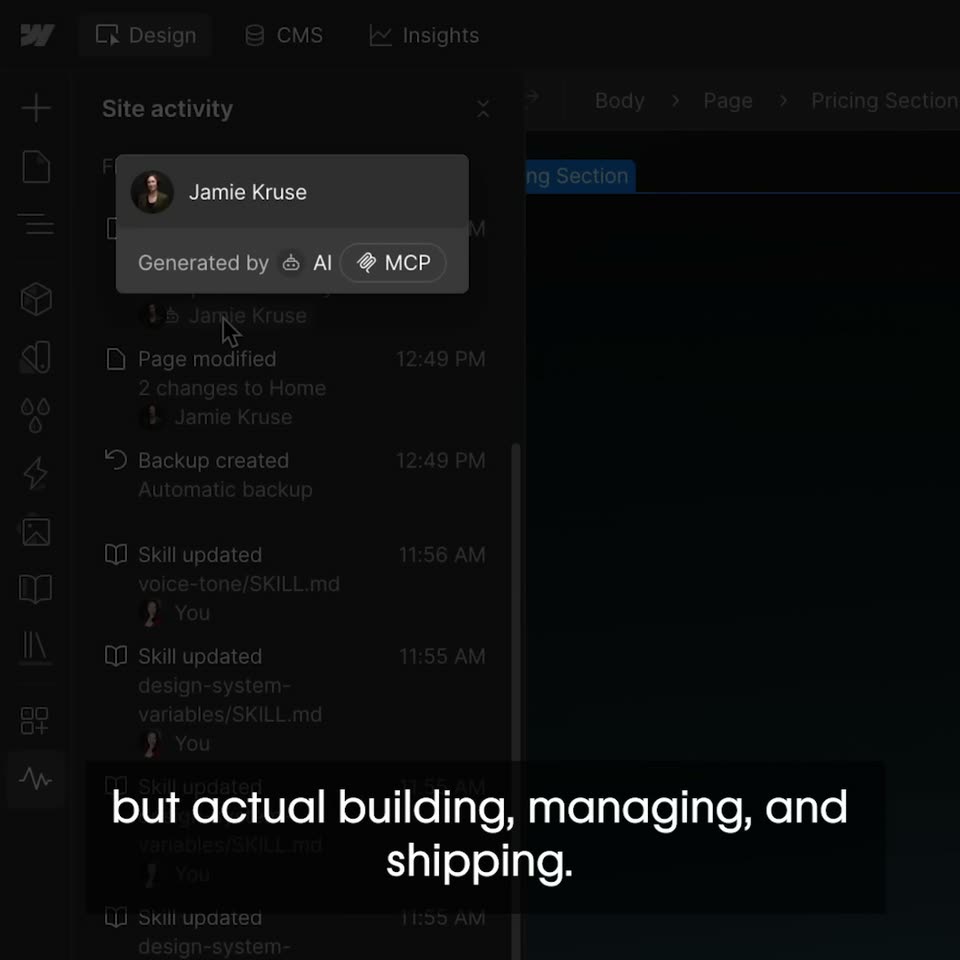 0:08–0:11Webflow · Webflow MCP 2.0 just droppedA dark site-activity panel lists recent changes; the cursor hovers a row and a tooltip pops up with the author and AI/MCP badges as the panel dims. A cut reveals the design canvas with a properties panel, a blue headline badge on top, and a new caption below.
 0:22–0:24American Heart Association · Healthcare Product Explainer Video | American Heart Association x MotionCueA red gear badge on a horizontal dotted line sits left of a red pill button with a link icon and the words “Secure EHR link”; the button fades in as a black cursor glides up to hover over it. Locked-off frame.
 0:32–0:39Wildcard · Kaushik Mahorker - Introducing Wildcard. The command center for agentic commerce. We hA white editor card fills the frame; the camera zooms into its status bar where product data and brand guidelines cards populate, reframes onto skeleton lines with one blue selected block, then pushes into the top-right buttons as a cursor clicks the green Approve & Publish button.
 0:24–0:28Wildcard · Wildcard: Become the Answer AI Chooses | AEO for EcommerceA man in a beige sweatshirt stands in a pharmacy aisle, turns to face the camera and lifts a yellow sunscreen tube. A frosted 'Purchase' button with a cursor fades in beside him over the shelves.
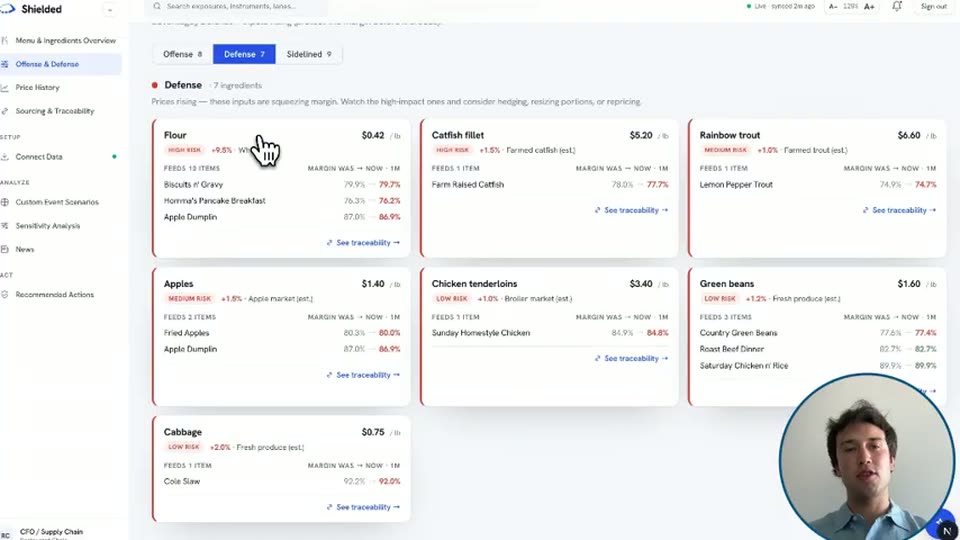 0:12–0:18Shielded · Shielded Live DemoA dashboard screen shows a grid of ingredient cards under an Offense & Defense heading. A cursor scrolls the list, then clicks the Defense tab, and the cards swap to a red-bordered risk list while a presenter talks in a small circle at the bottom right.
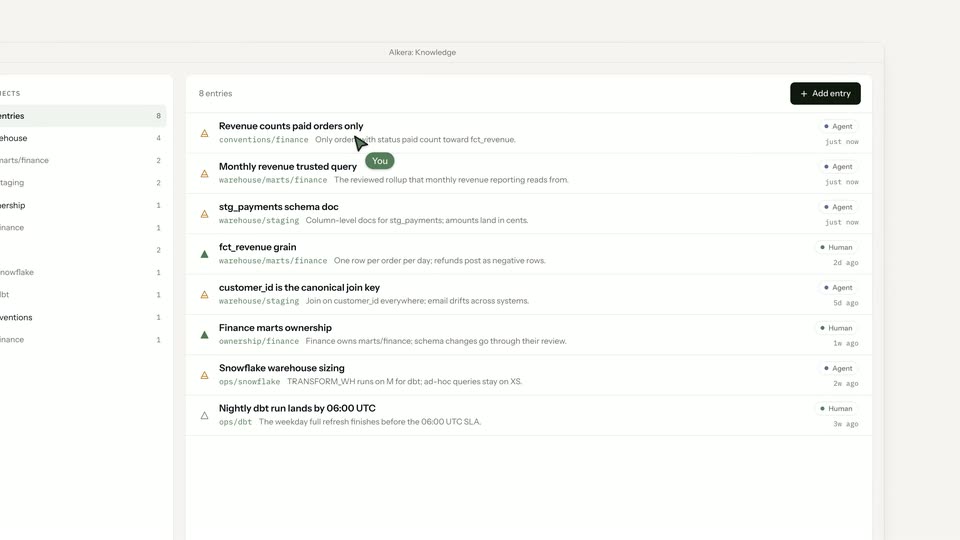 1:00–1:09Alkera AI · Alkera AI (YC S26) - Introducing Alkera – the reliable and safe data engineering/analysis/A flat knowledge-base UI in a browser window. A cursor clicks the Add entry button and new rows slide in at the top of the list one after another. A detail panel then slides in from the right, and its status badge flips from amber Agent-set to green Verified.
 0:07–0:11Hoplite · Ryan Morrissey - We have spent weeks making the best cloud coding platform out thereScreen recording of a browser on the Hoplite site. The cursor clicks the Get started button; the page fades to a dark login view where a centered card offers Google and GitHub sign-in. A small webcam feed of the speaker stays in the bottom-right corner above the subtitles.
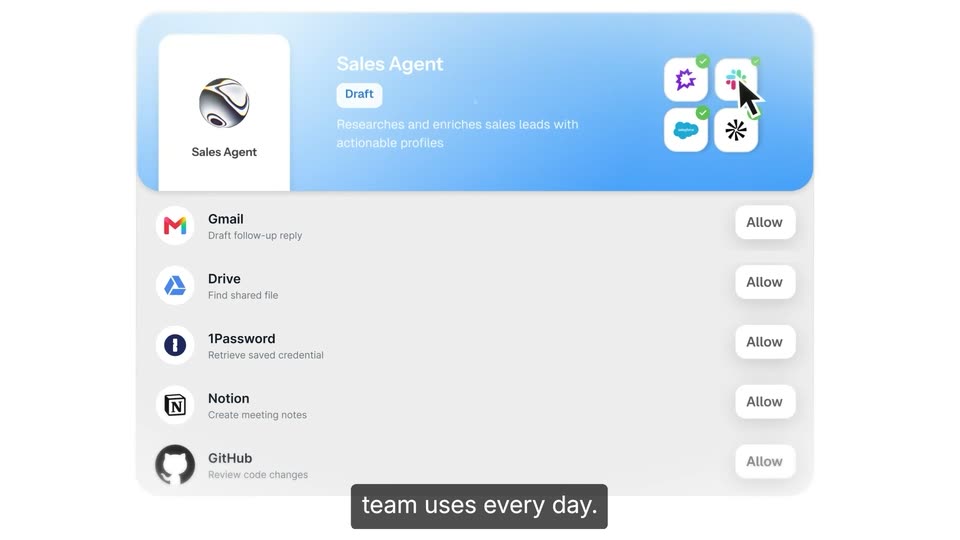 0:29–0:31Oasis · Stefano - Your next coworker won’t be human. Introducing Oasis: The first virtA blue Sales Agent card sits above a list of integrations, each row paired with an Allow button. A cursor moves across the card, tapping small permission icons as green check marks appear. A dark caption bar reads at the bottom of the frame.
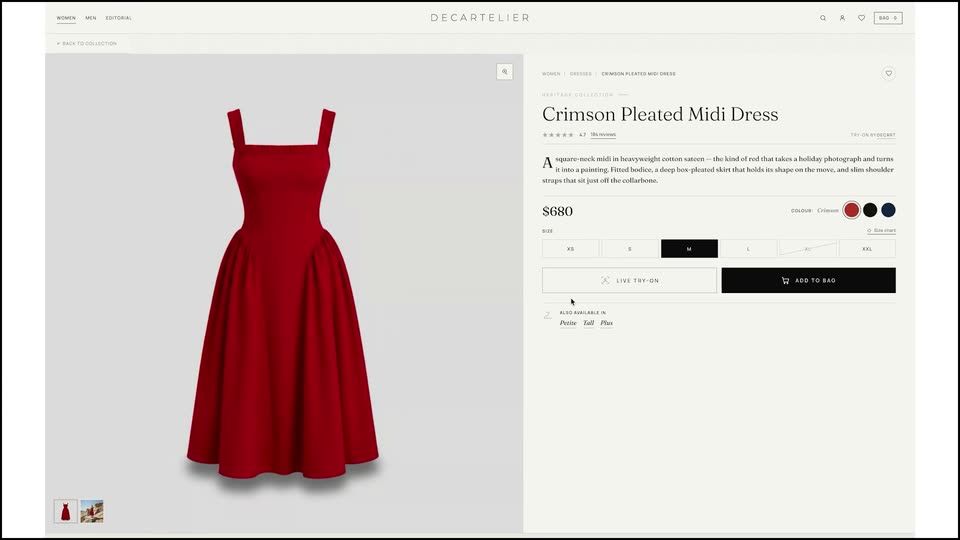 0:11–0:12Lucy 2.5 · Decart - Meet Lucy 2.5, our most advanced Live AI model yet. Lucy edits videoA locked-off e-commerce product page shows a crimson pleated midi dress on a gray panel at left, with title, price, colour swatches and size options at right. A mouse cursor drifts toward the Live Try-On button.
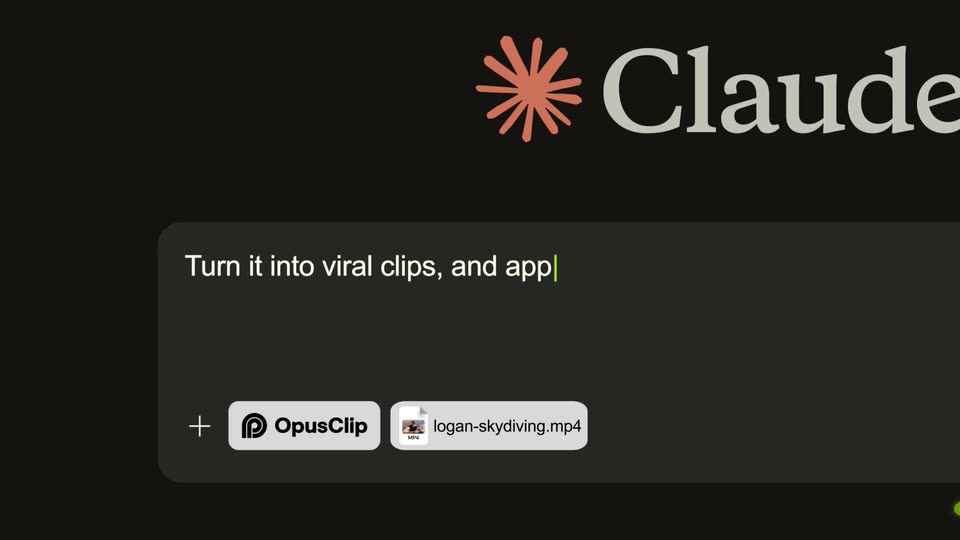 0:07–0:09OpusClip · OpusClip - The #1 AI video clipping product is now agent friendly. IntroducingThe Claude logo sits above a dark chat input bar holding an attached video file. A white cursor hovers the file chip, then the frame zooms in as the prompt “Turn it into viral clips, and apply my usual edits” types out, ending on the send button.
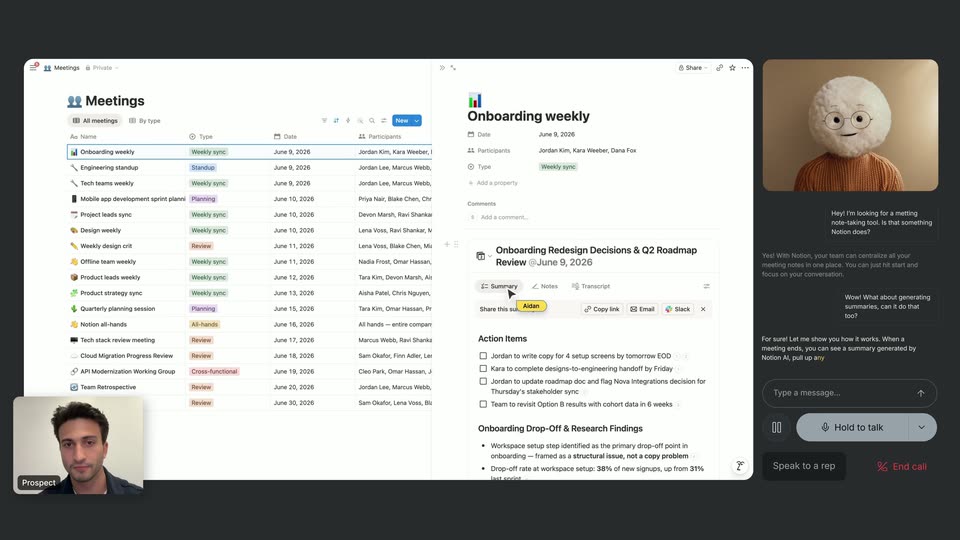 0:22–0:51Sable · Nim Ravid - Introducing Aidan, your newest AI employee Aidan is the first computA dark screen shows a Notion meetings workspace beside a chat panel with a 3D character and a small video tile. A yellow cursor named Aidan clicks through the interface, starting a recording, generating a summary, and switching meetings while chat messages appear.
 0:33–0:39Scalar Field · Scaler Field | Agentic Trading DeskThe dashboard zooms into the prompt box as a cursor types a trading instruction and clicks send. The sent prompt appears as a bubble above a bordered Agent Documentation & Specifications card, then a form with preselected option chips and a Submit button.
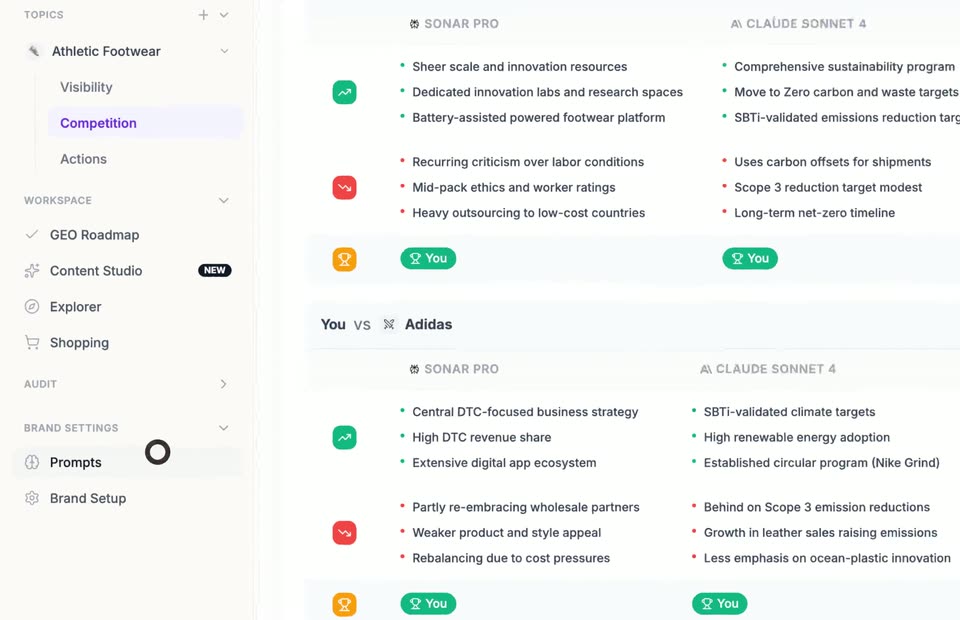 0:15–0:21GetMint · GetMint Demo in 60 Seconds: Track Your Visibility on ChatGPT, Gemini and PerplexityA crossfade resolves into a full competitive-analysis dashboard, a dark caption card centered over the table reading “Win rate vs every competitor, across every AI engine.” The view then zooms into the left sidebar as a cursor moves to the Prompts row, marked by a focus ring.
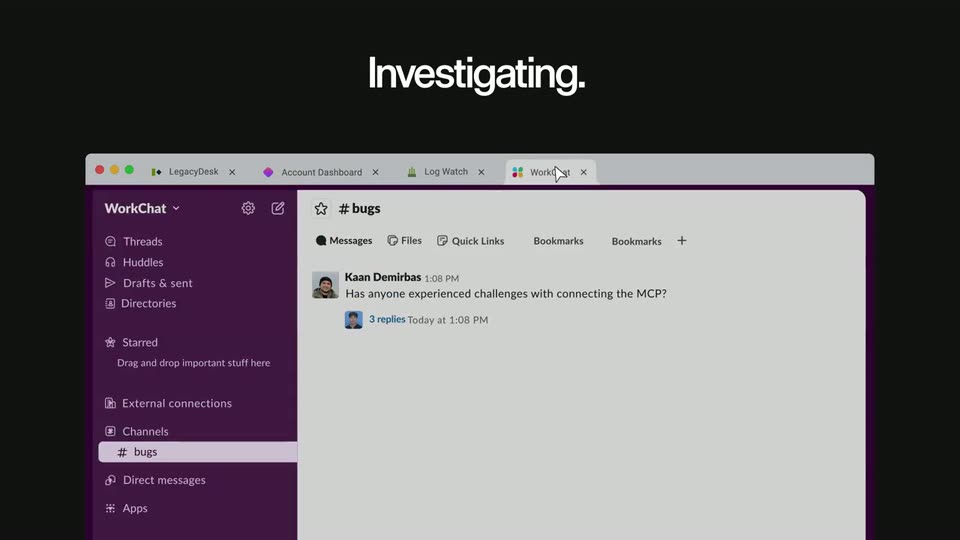 0:05–0:06Pylon · Pylon - Customer support is going agentic. Today, we’re introducing the newA browser window with a WorkChat app sits below the white word “Investigating.” on a black background. A cursor glides across the top tabs, hovering between the WorkChat and LegacyDesk tabs. The # bugs channel shows a user message about MCP.
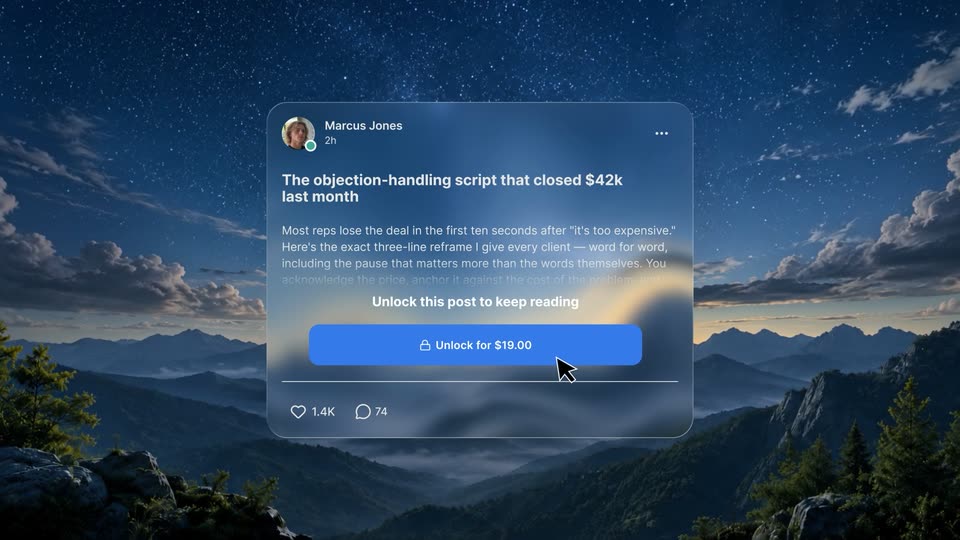 0:14–0:17Commas · Commas | Where you make money on the internetA glassmorphic social post card floats over a mountain landscape that shifts from starry night to bright day. A cursor moves to the blue Unlock for $19.00 button and clicks it, and the locked body text expands into the full script.
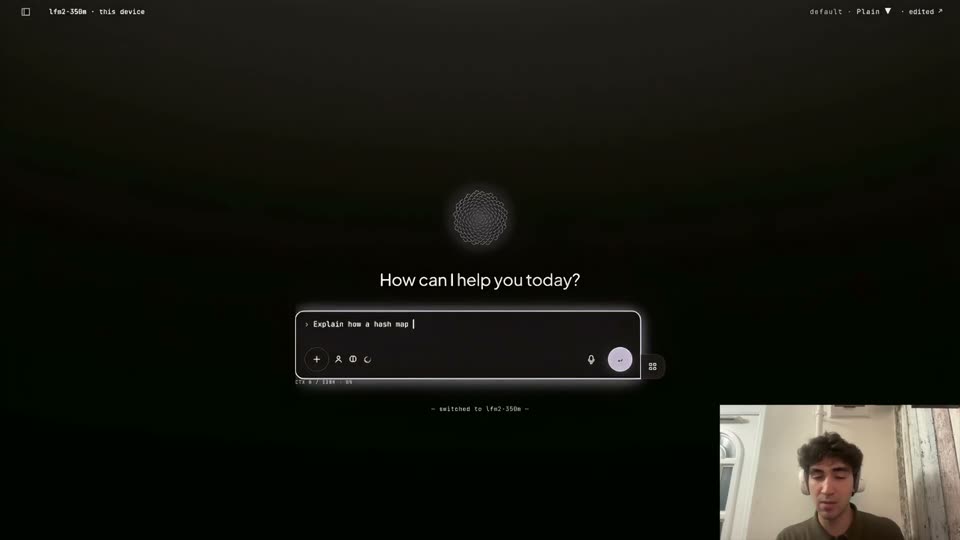 0:06–0:33Conifer · Conifer Demo VideoA dark chat interface fills the frame, a presenter's webcam in the corner. A cursor opens the model menu, picks an on-device model, then types a prompt into the input box while the send button turns lavender.
 0:13–0:14CrowdReply · CrowdReply - Today we're introducing Claude for Marketing. The first AI agent thaOn a white field with a soft pink glow at the lower left, the centered black word 'Just' swaps to 'Ask' as a circular send button and a cursor slide in beside it.
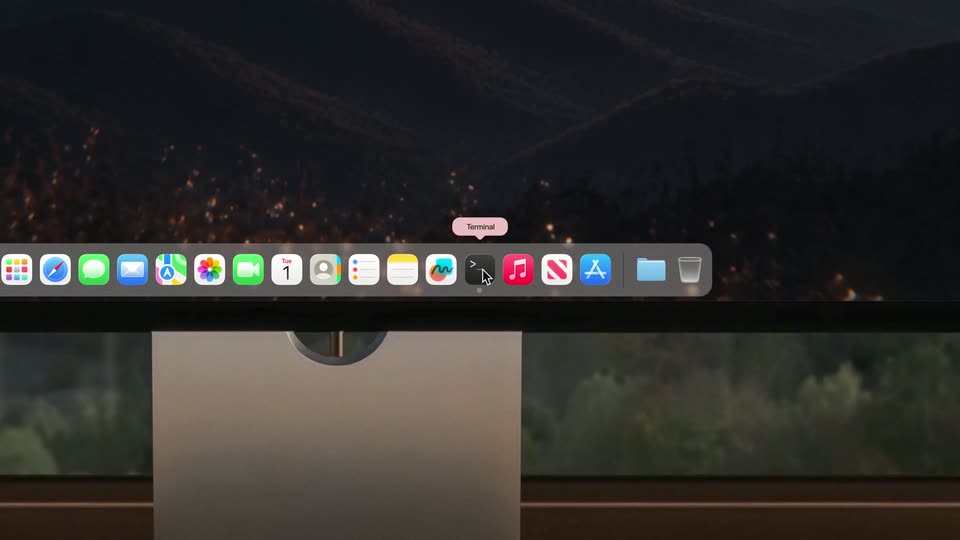 0:06–0:07Giga (Scout) · Giga - Everyone is trying to build a support agent. Now you can build one iA close-up of an iMac screen at dusk shows the macOS Dock; a cursor rests on the Terminal icon and a small tooltip pops up above it as the camera slowly pushes in.
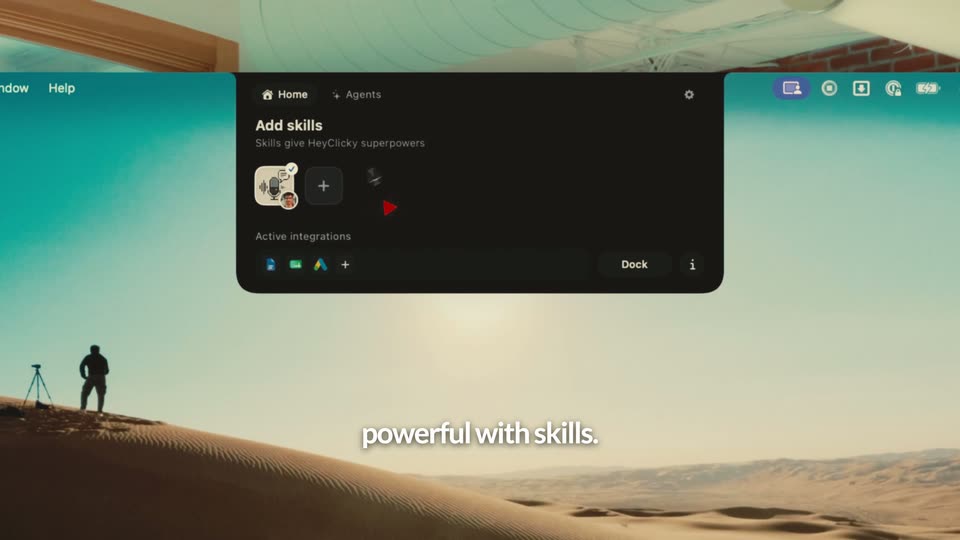 1:24 · 0.9sHeyClicky · Farza 🇵🇰🇺🇸 - Today we're shipping screen-aware dictation. First, we built a speedA dark HeyClicky panel floats over a desert desktop wallpaper. The cursor glides to hover the plus button as a red play mark pops in, while a bottom caption swaps from 'gets so much more' to 'powerful with skills.'
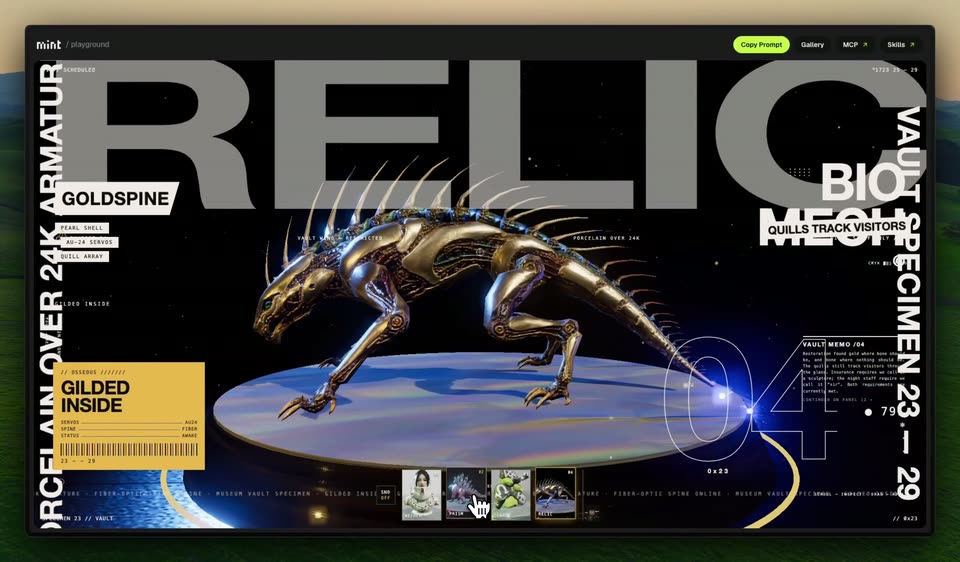 0:02 · 0.6sMint MCP · tamrat - Introducing Mint MCP - It turns your coding agent into a 3D engine!Inside a flat browser window, a metallic gold lizard specimen with data labels and giant RELIC type clears away, leaving an empty iridescent disc platform and drifting orange embers. A cursor hovers over the bottom thumbnail strip.
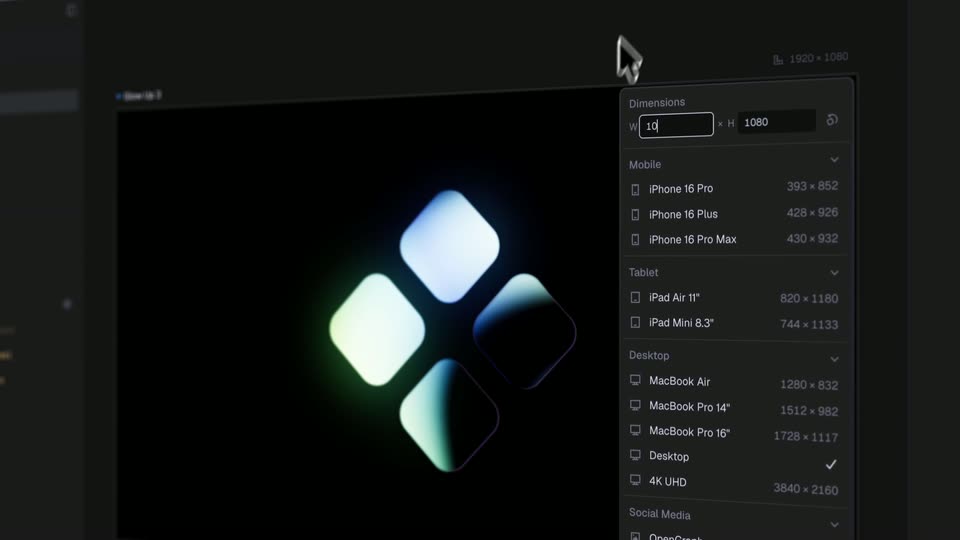 0:10–0:11Shaders · shaders - Introducing Shaders v3 🔥 Our biggest release yet. Built for design eA dark design editor screen shows a 3D logo of four glowing rounded squares on a black canvas, with a device list panel on the right. A cursor moves up the panel as the width field changes from 1080 to 1280.
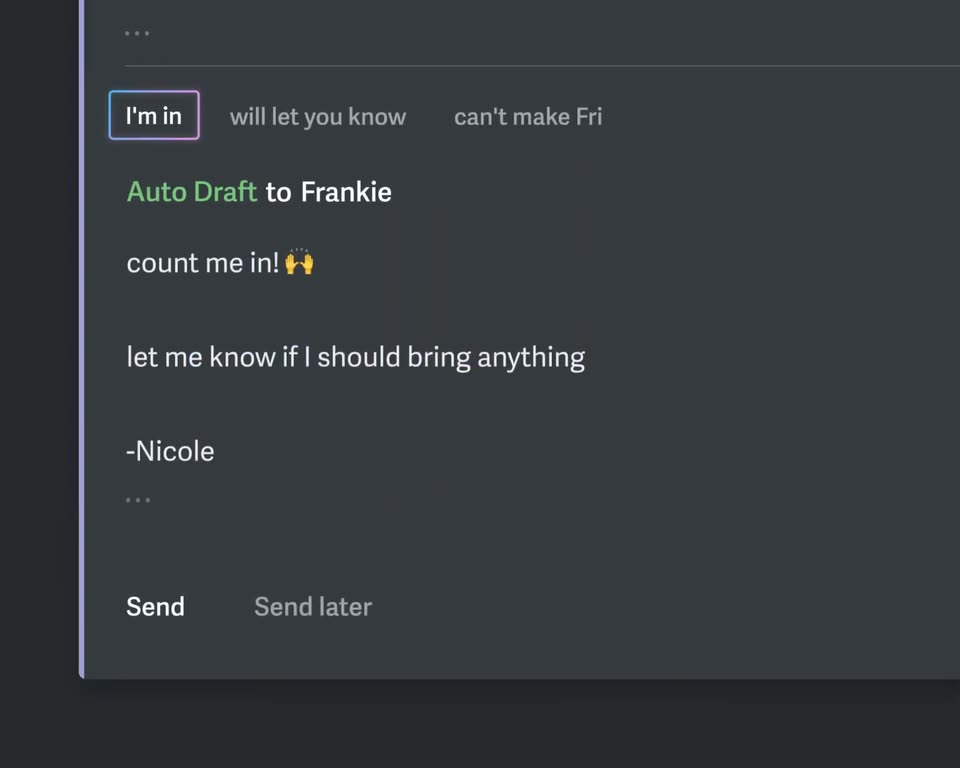 0:23–0:28Superhuman · Introducing: Auto Drafts 2.0 ✨A dark email card fades in with the subject “poker night!” and a row of quick-reply chips. The view scrolls down as the “I'm in” chip highlights and an Auto Draft reply appears. A hand cursor clicks Send, then the screen fades to black.
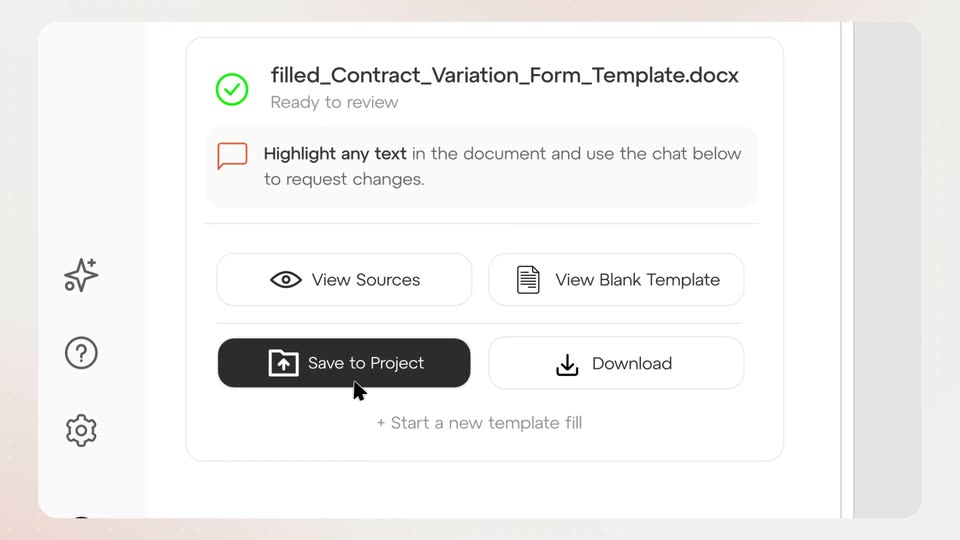 0:39–0:40Alloovium · Alloovium - Today, we launched @alloovium on @ycombinator On major projects, docA white document panel shows a completed contract file with a green check and a row of action buttons. A cursor glides up and hovers over the dark Save to Project button.
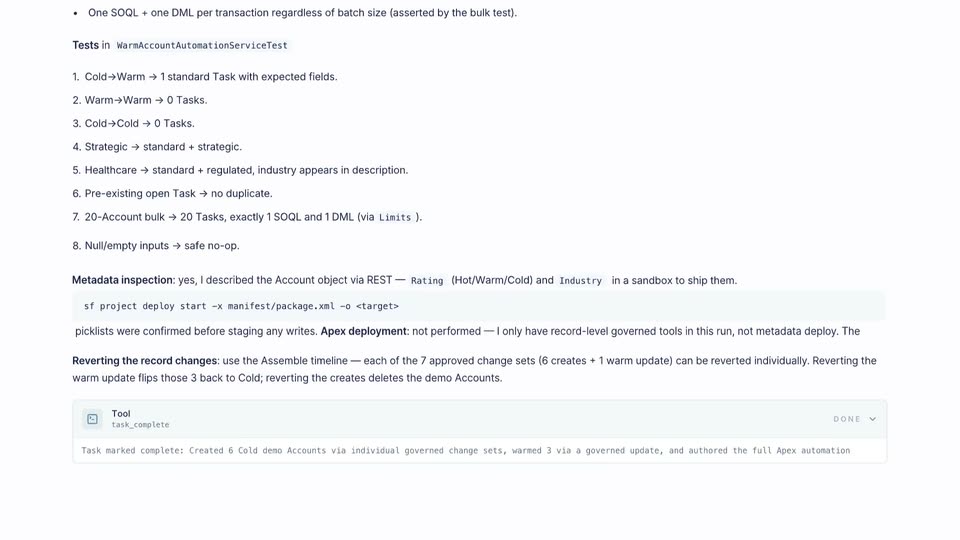 0:42–0:46Assemble · Assemble - Assemble builds agents that help IT teams maintain enterprise systemsA documentation panel scrolls through implementation notes and a numbered test list, a cursor drifting across it. The view blurs and crossfades to a node canvas, where a white AWS node card scales in on a connector line and a blue Assemble button slides up beneath the cursor.
 0:21–0:23Hanover Park · Chris Hladczuk - No CFO signed up to be human duct tape. Today, we’re cutting the tapA dark rounded chat field on a pale background starts blurred, then sharpens as white text types out a prompt with a blinking caret. A black arrow cursor slides in from the right and clicks the send button, blurring the field. A gray caption pill below reads 'or run budget versus actual.'
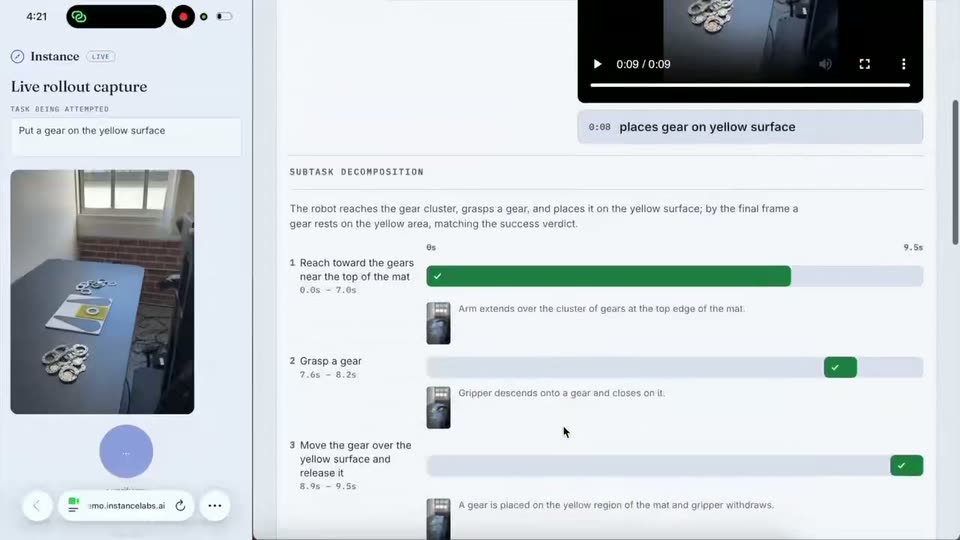 1:01–1:02Instance · Lucy Cai - We’re excited to launch Instance – a success detector for robot rolloA light dashboard shows a green PASS verdict and a video player, then scrolls down to a subtask list where green bars fill and checkmarks appear; a cursor hovers over the rows.
 0:16–0:20Keystroke · Blake Rouse - Introducing Keystroke: an n8n alternative built for Cursor, Claude CoA tilted 3D mockup of a chat interface rests on a light background, sharp on the right and blurred on the left. A prompt types itself into the composer box as the frame holds still.
 0:21–0:22Tilion · Tilion | For the internet's next evolutionA black whiteboard shows hand-drawn equations and a pink coordinate grid; a green line is drawn along the x-axis while a white cursor hovers at the origin. The centered white headline “learn everything” settles in from a horizontal glitch.
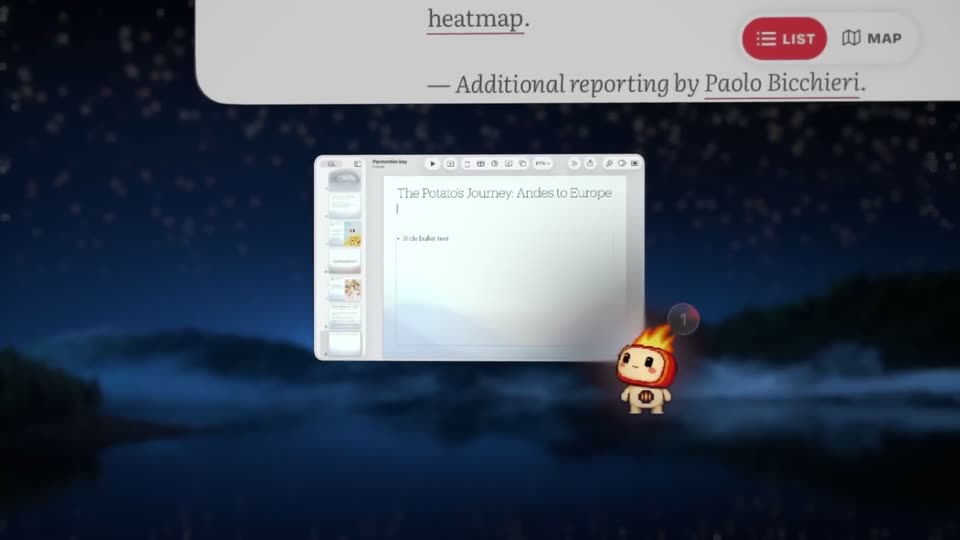 0:24–0:34OpenAI · ChatGPT Computer Use: Now faster with Live Picture-in-PictureOver a blurred night-lake backdrop, a white notes panel slides out left, revealing a centered Keynote window. A cursor clicks its toolbar as the slide title and bullets type in, while a webpage panel scrolls above. A flame-headed mascot with a 1 badge stands bottom right.
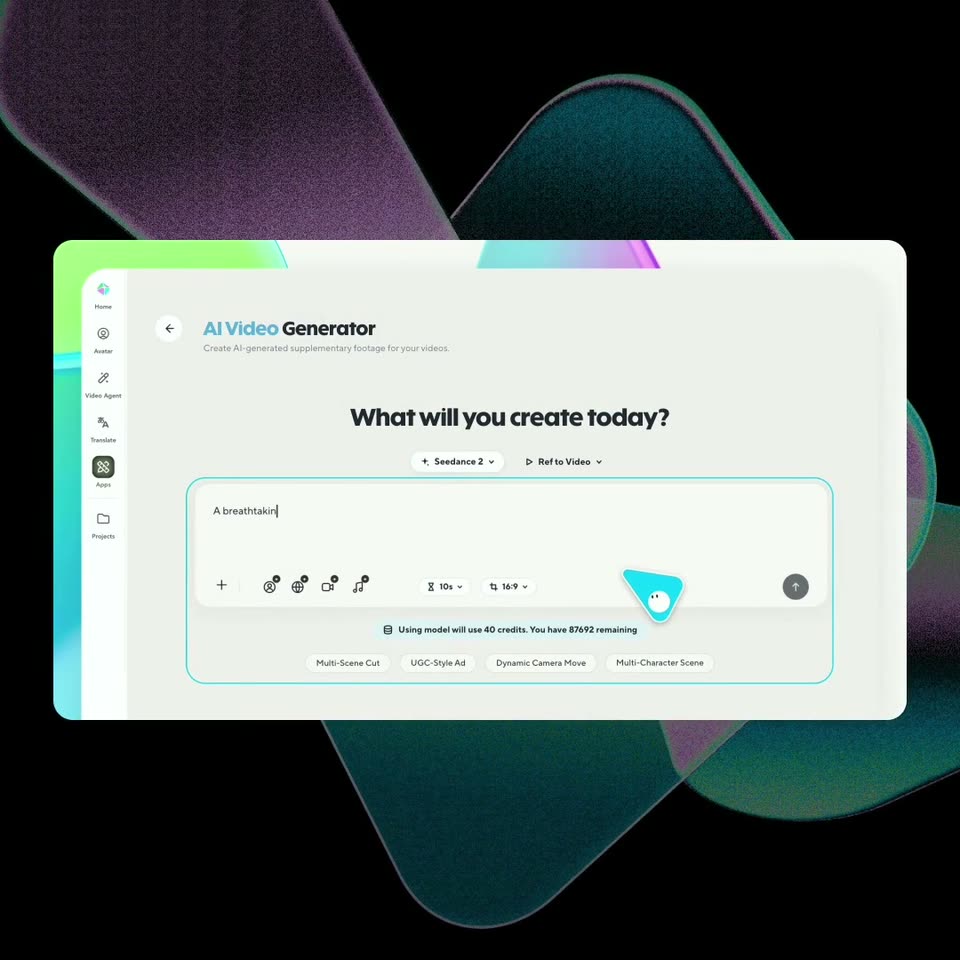 0:25–0:28HyperFrames · HeyGen - Figma -> HyperFrames Designers can now ship launch videos straighA flat AI video generator interface sits over a dark backdrop of purple and teal rounded shapes. A cyan cursor with a smiley face glides from the model dropdown to the prompt box, where a falcon scene prompt is typed in.
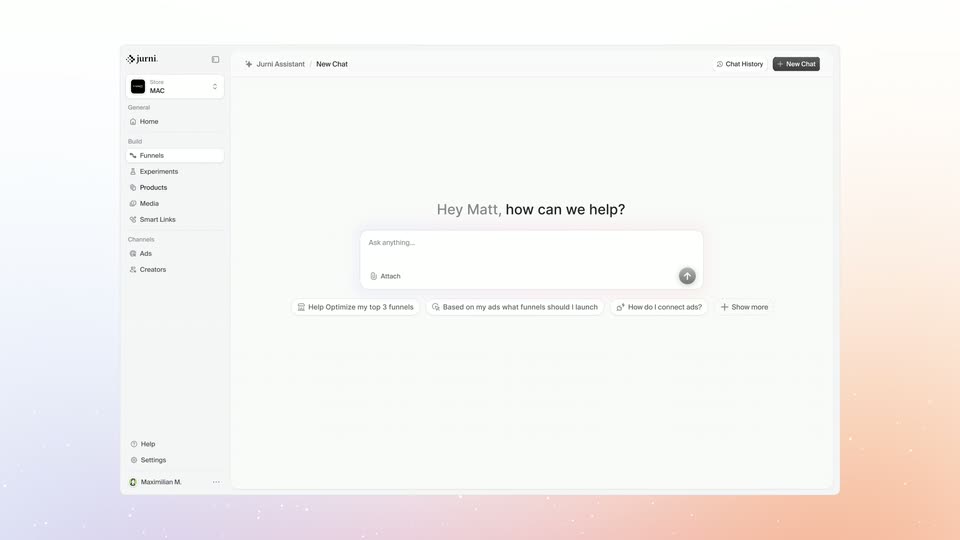 0:22–0:25Jurni AI · Alex Socoloff - Another Friday, another brand launch. Excited to share the new brandA slim Jurni sidebar scales into the full app window against a soft peach gradient. A hand cursor then drops a tilted photo card into the chat input field.
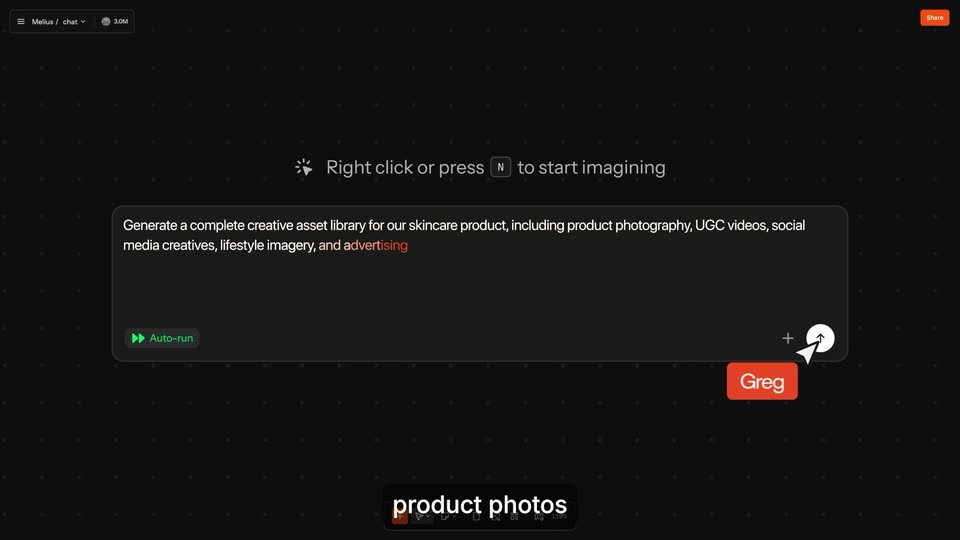 0:12–0:13Melius · joowon - If you’re a creative not using AI you’re fcked. Introducing Melius:A dark chat screen on a dotted grid shows a prompt being typed into the input box while a Product Brief card expands above it. The cursor drifts toward an orange Greg tag and the bottom caption switches from and you need to product photos.
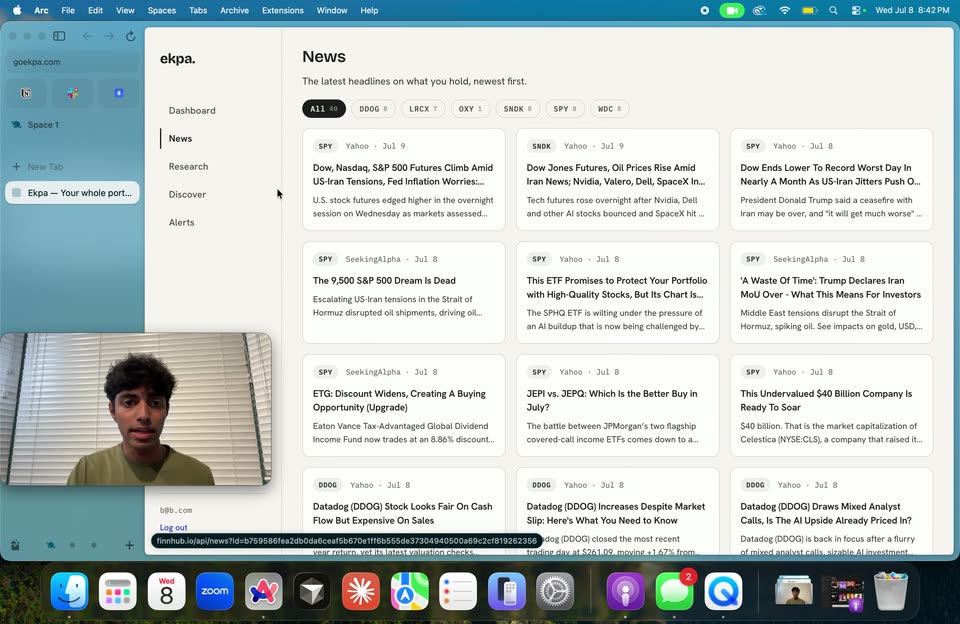 0:13–0:20Ekpa · Ekpa Demo VideoA screen recording of the ekpa news page shows a grid of stock-tied headlines; a cursor hovers a card to highlight it, then clicks Research in the sidebar, switching to a recommendations questionnaire. A man talks in a small webcam inset at the lower left.
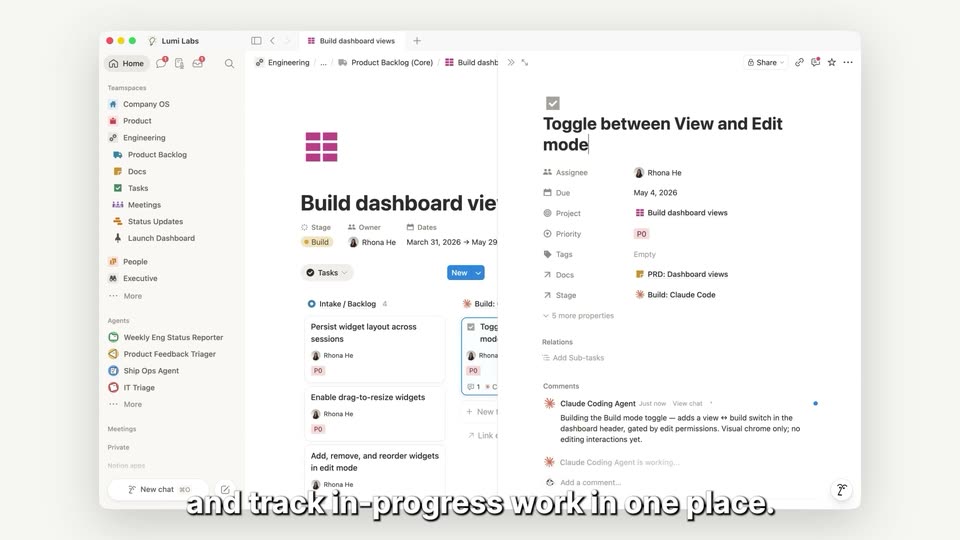 0:28–0:35Notion · Notion - Introducing Ship OS: The agent-native way to ship software. Run yourAn AI prompt panel types a task-breakdown request, then the view pulls back to a four-column task board as generated cards appear. A cursor selects a card, and the camera pushes in on a detail pane where a coding agent posts status comments.
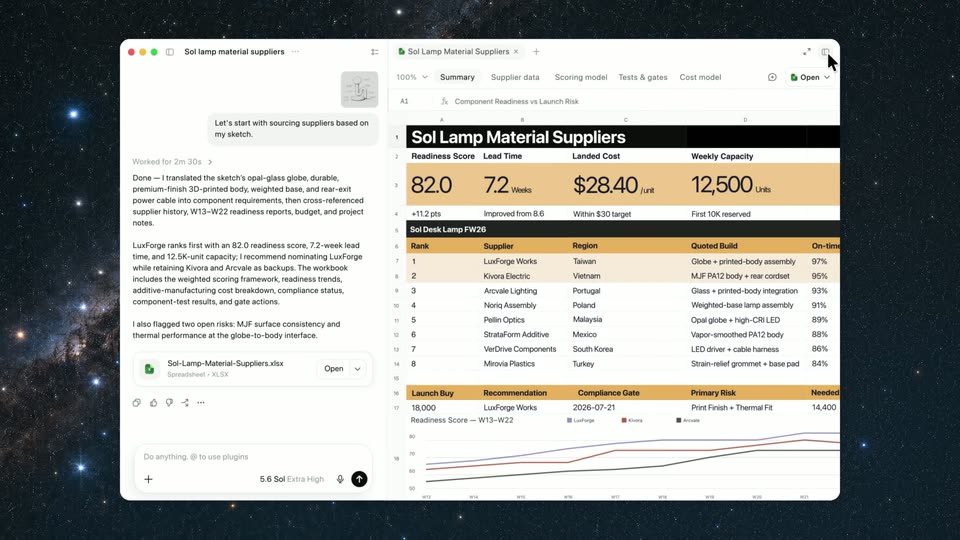 0:36–0:38OpenAI · Meet ChatGPT WorkA window with a chat assistant on the left and a supplier spreadsheet on the right sits on a starfield. The window zooms in as it settles, then a cursor moves to the top-right corner and clicks the Open control.
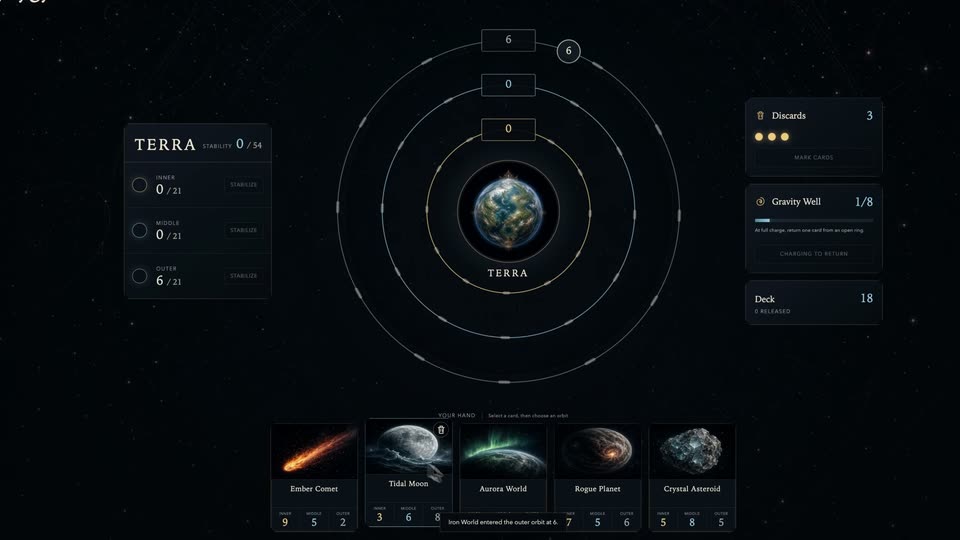 0:27–0:33OpenAI · Meet GPT-5.6A browser window shows a dark space card game with a central planet and orbital rings, plus a presenter in a video call inset at top right. The view zooms into the interface as a cursor drags planet cards from the hand onto the orbits, filling them with values.
 0:11–0:12Wix Harmony · The new way to tell your story | Wix HarmonyExtreme close-up of a prompt field where the words “cipies blog.” scroll left as a period types in, then the frame reframes onto a blue Generate Site button with a mouse cursor resting on it.
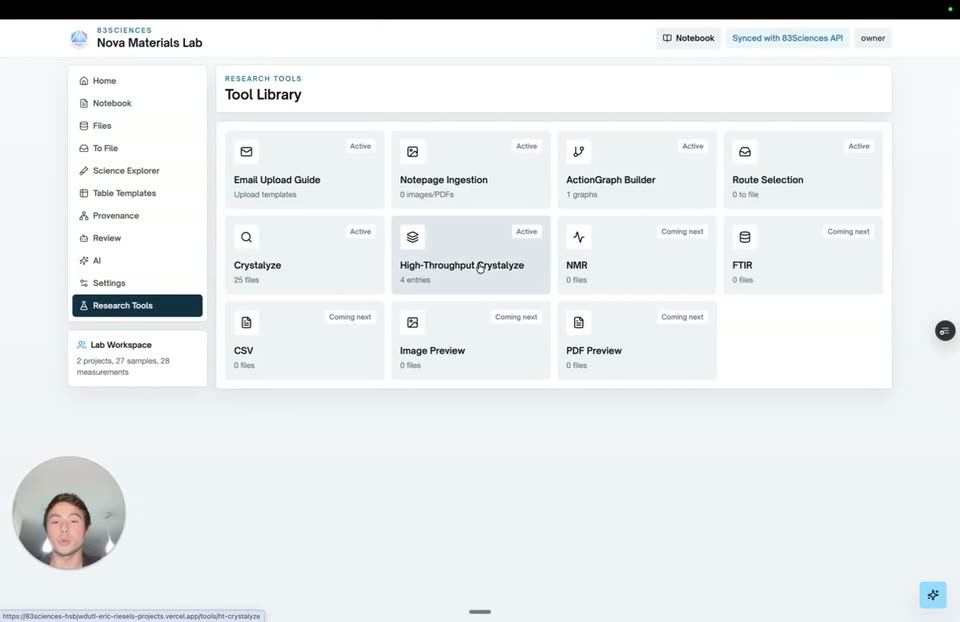 0:48–0:5083 Sciences · 83 Sciences - The next industrial era will be built on materials discoveries and inA web app interface loads from a Loading workspace data state into a Tool Library grid of tool cards. A cursor glides across the grid and hovers on the High-Throughput Crystalalyze card, which highlights. A small circular webcam feed of the presenter sits in the lower left corner.
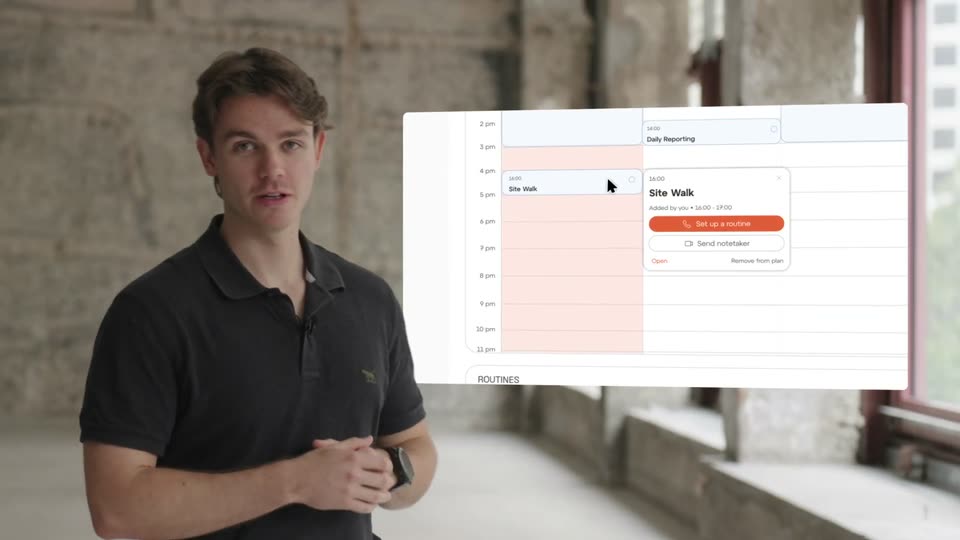 0:37–0:41Alloovium · Alloovium: Construction paperwork that finally works for your teamA man in a black polo stands in a raw concrete room beside a floating, angled Alloview scheduling panel. The panel zooms into the evening calendar where a cursor hovers over a Site Walk event, then shrinks away, leaving the man gesturing.
 0:10–0:11Clueso · Fully Automate Your Product Videos | Clueso AgentsA red-to-blue gradient fills the frame while a thin curved line with two control handles drifts upward. A small cursor rests on the lower orange point. The caption sits locked at the bottom center.
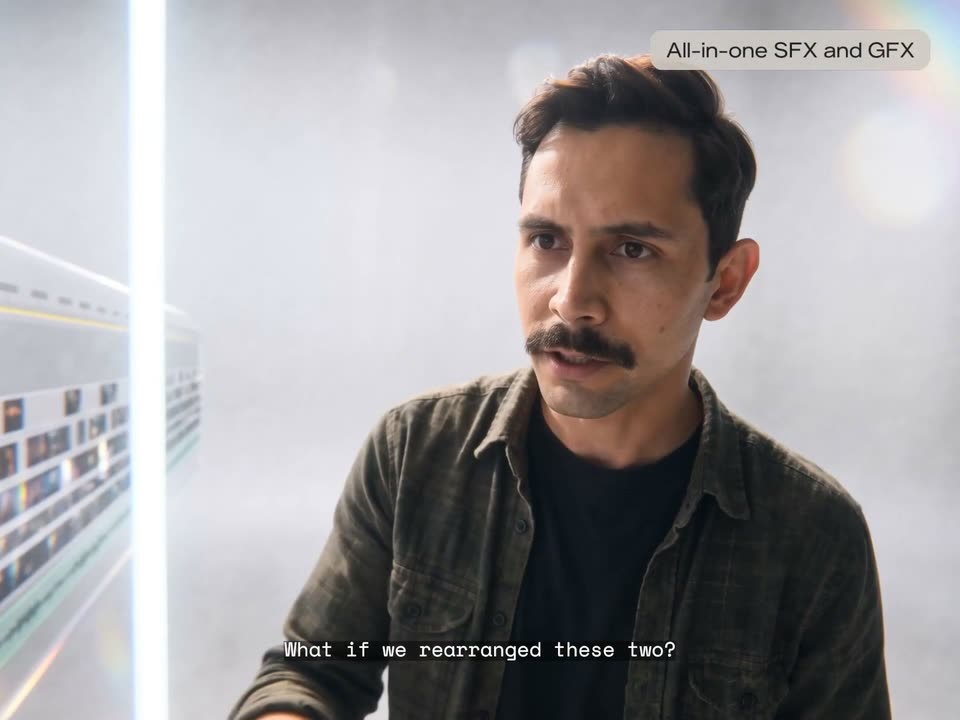 1:16–1:17Pika · Pika - Lights. Camera. EVERYTHING. Pika Director’s Suite, our experimentalA mustached man in a green shirt stands in a hazy white space beside a 3D wall of video clips, gesturing toward it. The view then cuts to a closer 3D perspective of the clip grid, audio waveforms below, with a hand cursor on the right.
 0:17–0:18PromptQL · Tanmai Gopal - We raised $136M to kill Slack. Introducing PromptQL: The first AI veA light integration panel with a grid of app cards. The view zooms onto the Claude Code row as a cursor flips its toggle to green, blurring the surrounding cards. A dark caption box at the bottom reads the line.
 0:24–0:26Sidekick · Sidekick | Run Frontline Operations Over TextA close-up of a light interface with shallow focus shows a company dropdown above an orange Invite Workers button. A cursor glides to the button, which shifts to blue as the pointer hovers over it.
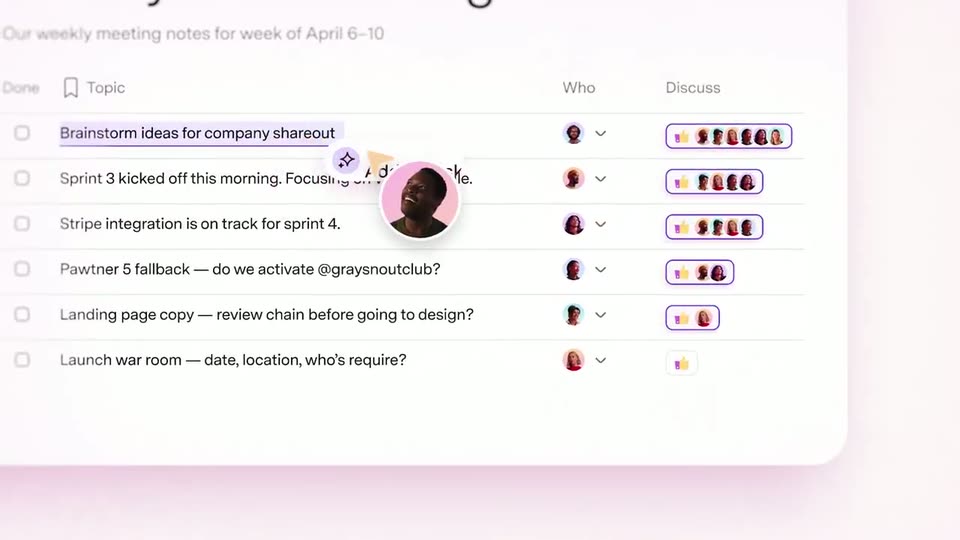 0:51–0:52Superhuman · Superhuman - Work together. Plan together. Stay ahead of the game together. CodaA light meeting-notes table with Topic, Who and Discuss columns fills the frame. An illustrated avatar in a pink circle glides left across the rows as a purple 'Add to task list' pill with a sparkle icon pops in. The rows shift, text overlapping mid-motion.