0:29
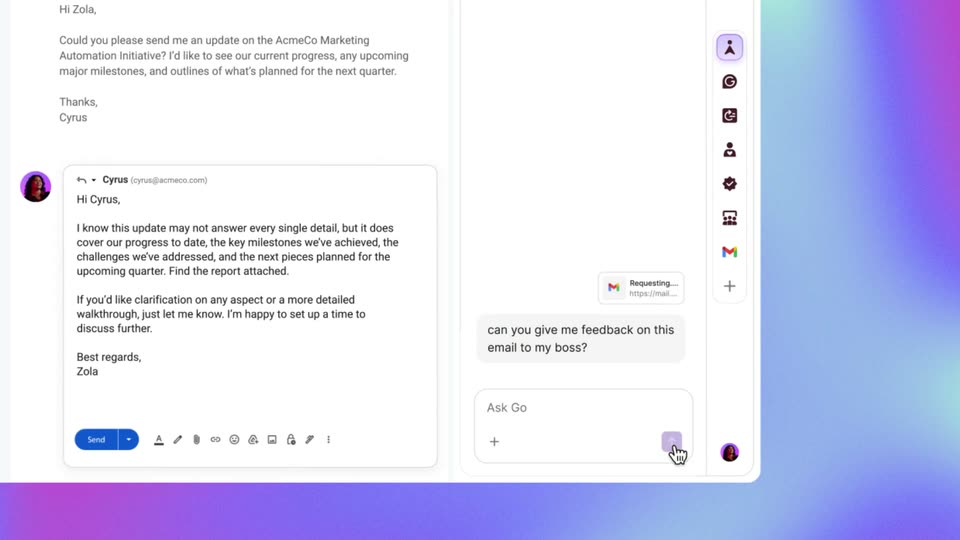

Superhuman - We built Superhuman Go for you. Go is the proactive AI assistant that
Superhuman · Productivity · Oct 2025
Canva · Jul 2026 · 0:29 · AI-annotated
Canva’s 0:29 launch film runs 6 scenes, about 4.9 s each. The product is on screen from the first frame. There is no explicit call to action. The video opens on a brand lockup, then runs as one continuous screen-recording demo: a typed prompt becomes a generated runner photo, which is converted and assembled into a poster inside the Canva editor. Locked-off UI frames sit on a slowly shifting teal-to-purple gradient, with motion driven by the cursor and by content fading in, keeping the pace steady and the focus on the interface.
Is this your launch? to your site or press kit.
Superhuman · Productivity · Oct 2025
Agent 37 · B2B · Oct 2026
Hoplite · B2B · Jul 2026
A static lockup of the black Canva wordmark and the Google Gemini logo with its multicolor four-point star, divided by a thin vertical line, centered on a soft gradient that fades from white at the top to teal and purple at the bottom.
Camera: Static
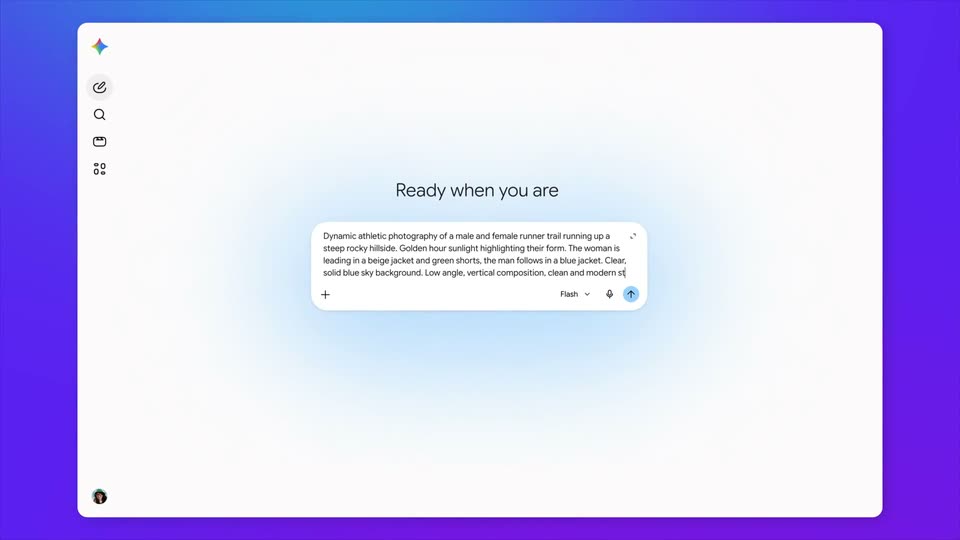
A white app window with a left icon rail sits centered on a blue-to-purple gradient. The heading “Ready when you are” and a prompt box filled with running-photo text remain fixed in a locked-off frame.
On-screen text: “Ready when you are”
Camera: Static
A white chat panel floats on a purple-to-cyan gradient. A prompt bubble sits top right above a Creating your image status and spinner, with an empty image placeholder fading in below. The panel stays static while the placeholder settles into place.
Camera: Static
A white Gemini chat card on a purple-teal gradient shows a generated photo of two runners on a rocky hill. The input bar types 'Turn this into an editable design @Canva', a Canva chip pops above it. On submit the view scrolls up and three dots load.
Camera: Static
A white Gemini chat panel sits on a cyan-to-purple gradient. A loading dot resolves into a message, then a link and a Canva card that fills with a photo of two runners on a rocky ridge. A cursor drifts in from the right and rests on the photo.
Techniques: Cursor demo
Camera: Static
A Canva editor on a purple-to-teal gradient shows a cursor assembling a poster: a runner photo is cropped and resized, bold yellow RUN CLUB type and white labels appear, a green starburst badge lands, then the selection boxes clear to reveal the finished design.
On-screen text: “Open your design on Canva”
Techniques: Cursor demo
Camera: Push in