UI zoom
A zoom or reframe onto one part of the interface.
10,006 scenes · page 74 of 167
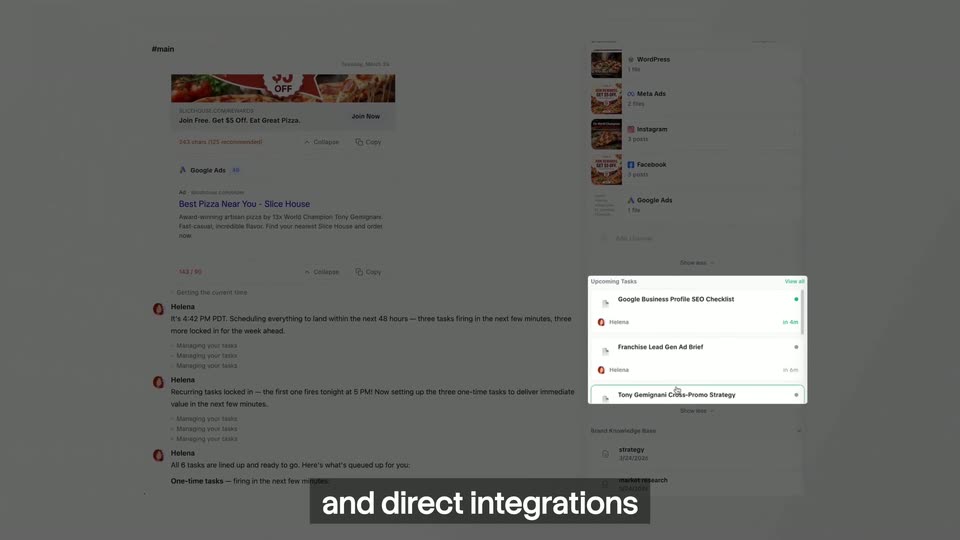 0:29–0:37Enrich Labs · Seijin Jung - Introducing Helena: the world's first autonomous AI marketer. BusineA flat marketing dashboard: chat feed left, channel list right. The view zooms onto the Upcoming Tasks card, then the Channels card, each lifting to a white panel as the rest dims. A cursor hovers over rows while bottom captions swap in sequence.
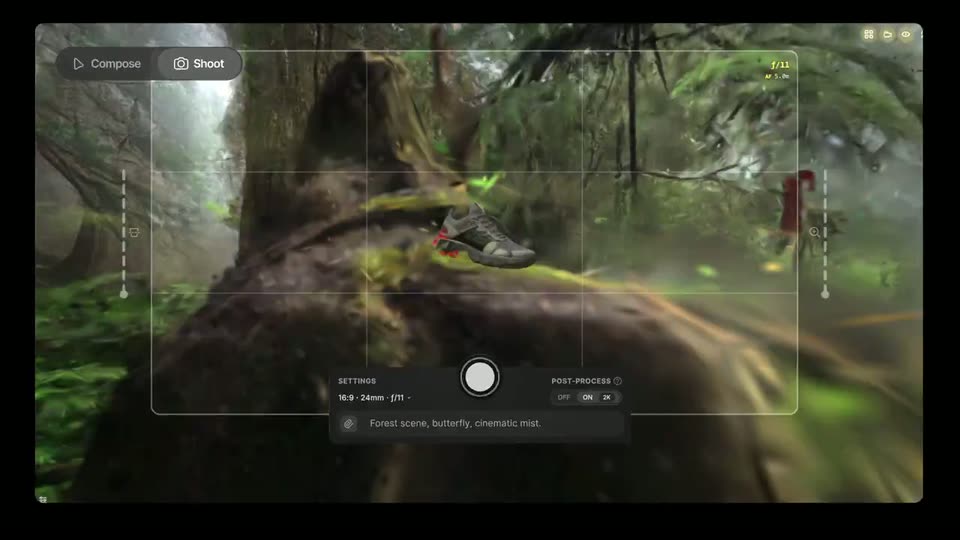 0:13–0:14Magnific · Magnific - Your next 3D photo shoot will be done with AI 3D Scenes generates fuThe product's shoot interface shows a 3D scene with a rule-of-thirds grid. It opens on a bright studio set, then switches to a misty forest with a grey sneaker on a mossy log as the settings bar shrinks to the bottom and the top tabs scale in.
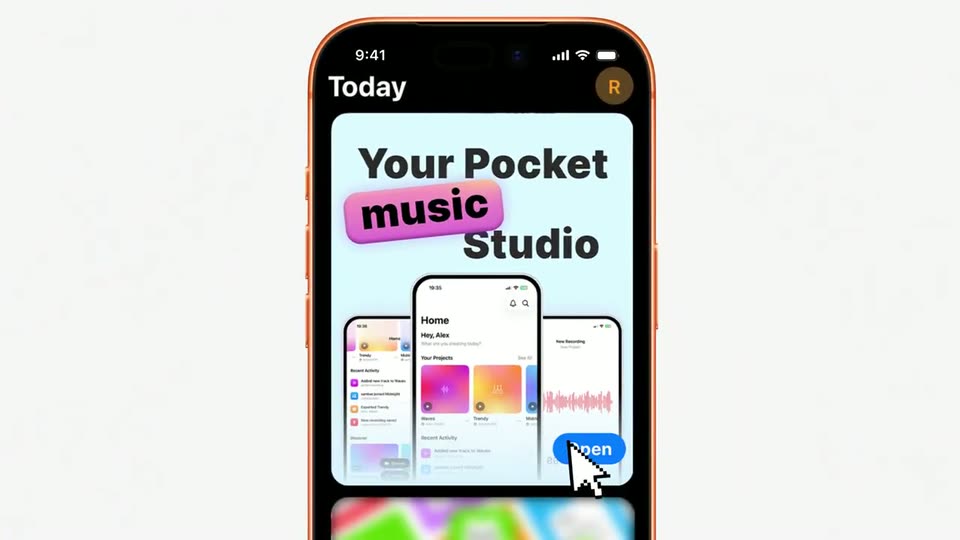 0:16–0:18Rork · Rork - Introducing Rork Max Publishing Rork Max can now fill your entire ApA copper phone stands in 3D perspective against a light gray field. On its screen an app store card reads Your Pocket music Studio; a cursor rests on the Open button, then the view pulls back to expose the app icon header and a smaller phone mockup.
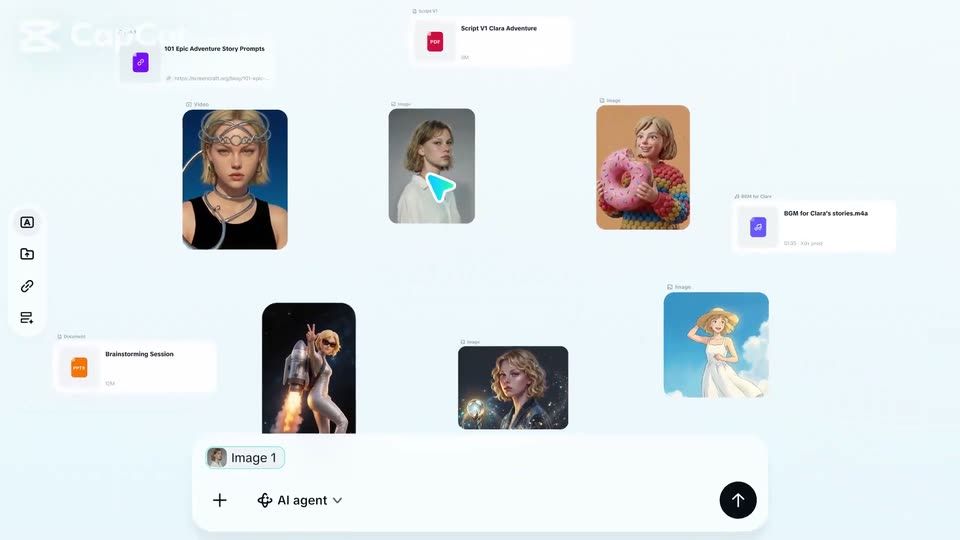 0:10–0:14CapCut · CapCut - Introducing CapCut Video Studio, a timeline-free way to create videosScattered rounded image cards float on a pale blue canvas while the headline “Let's meet CapCut Video Studio with Dreamina Seedance 2.0” builds line by line in the center. The camera pulls back to reveal the full CapCut workspace and its AI agent input bar, a teal cursor hovering.
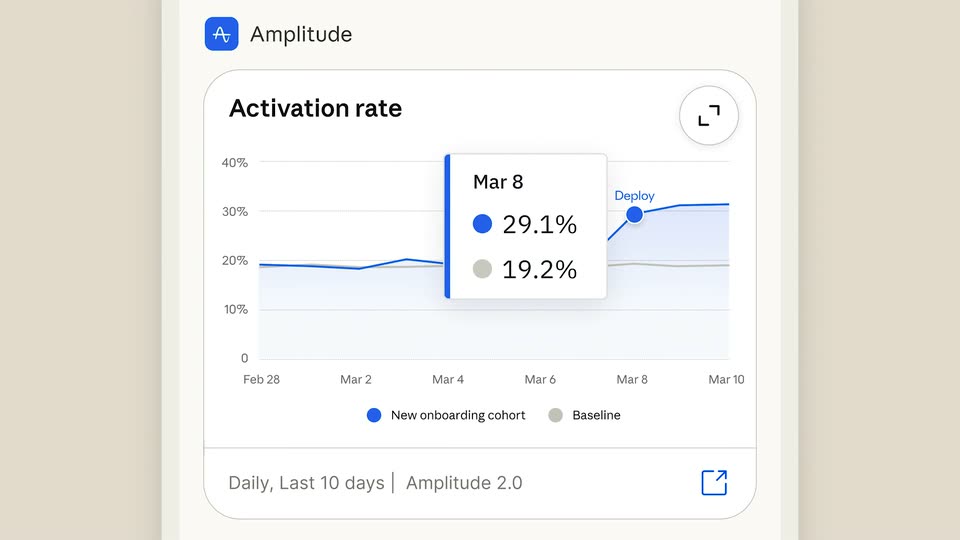 0:15–0:22Anthropic · Claude - Your work tools in Claude are now available on mobile. Explore FigmaA card scrolls up to reveal an Activation rate chart; the blue cohort line spikes after a Deploy marker while serif caption text types in below. The frame zooms into the chart as a tooltip slides from Mar 8 to Mar 10, reading 31.4% against a 19.2% baseline.
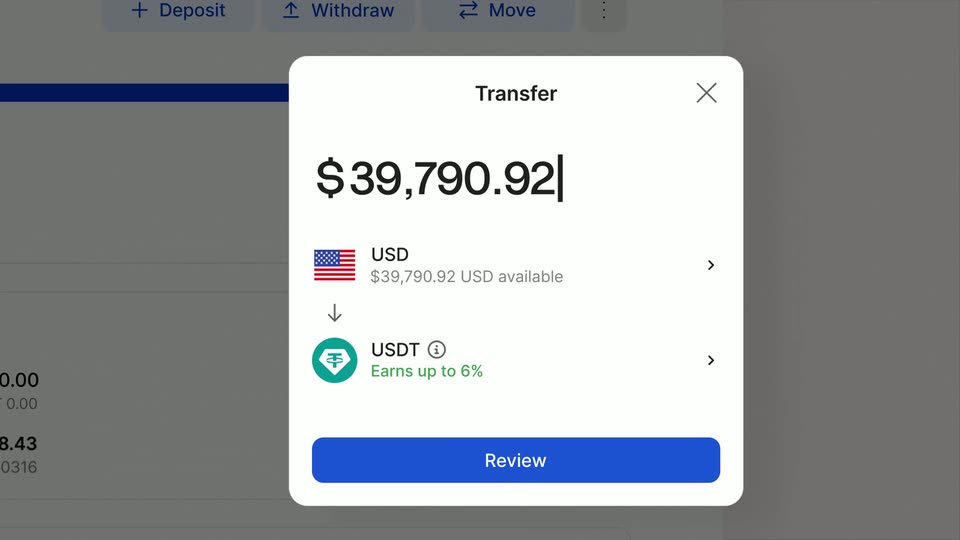 0:08–0:13Whop · Whop - Introducing Whop Treasury. Earn 6% yield on all money earned on Whop.A dimmed dashboard sits behind a white Transfer modal that the view zooms into. A cursor types the amount 39,790.92, hovers the blue Review button, and the panel switches to a Review transfer view with a green confirm bar.
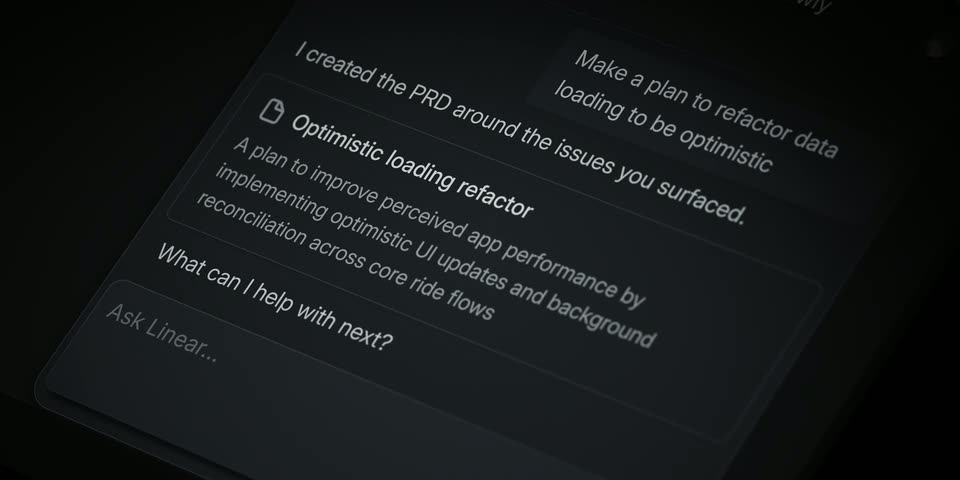 0:40–0:45Linear · Introducing Linear AgentA dark chat interface sits tilted in 3D perspective on black. Messages type in one after another: a prompt bubble, a user note, an AI plan card, a follow-up line. The camera slowly pushes in as the focus racks sharp.
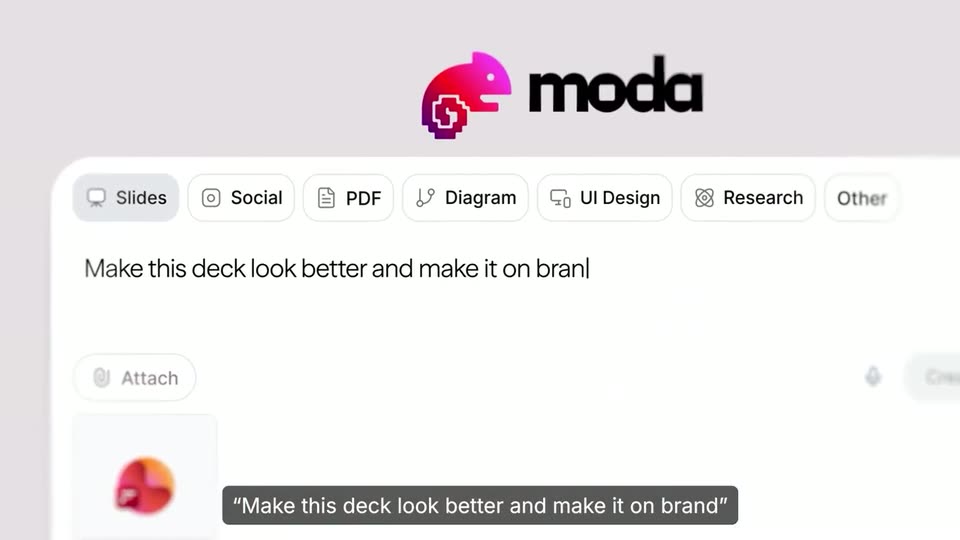 0:23–0:27Moda · Anvisha - We raised $7.5M to kill AI slop. Introducing Moda: the world's firstA black cursor drags a red PowerPoint icon into a white composer card, then the view zooms in as the prompt 'Make this deck look better and make it on brand' types itself. Dark caption bars with the voiceover line up at the bottom.
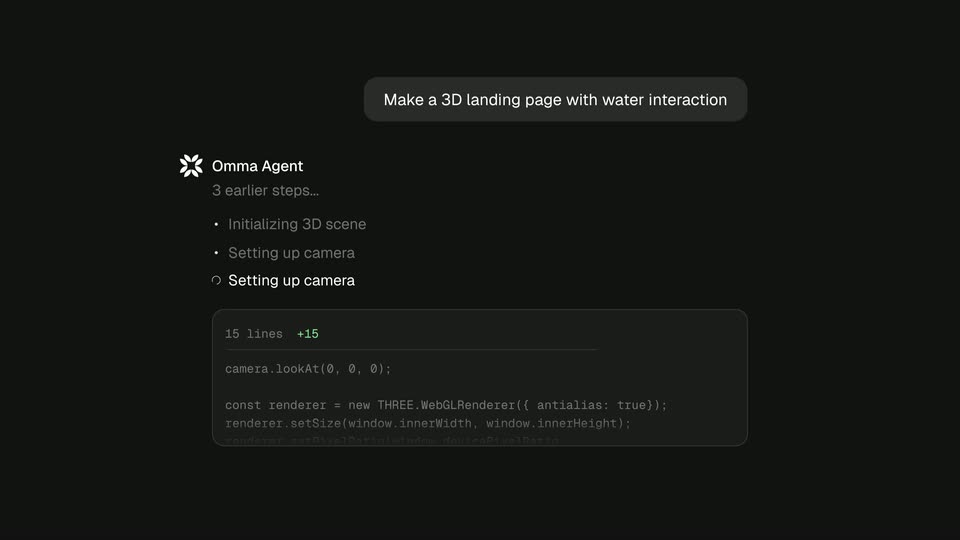 0:03–0:05Omma · Spline - Today, we're releasing Omma. Create 3D, Websites, and Apps with AI aA dark agent interface shows a centered prompt bubble reading “Make a 3D landing page with water interaction” above an Omma Agent card listing steps and a code block. The view reframes wider to reveal a top toolbar and a 2x2 grid of generation cards v1 to v4.
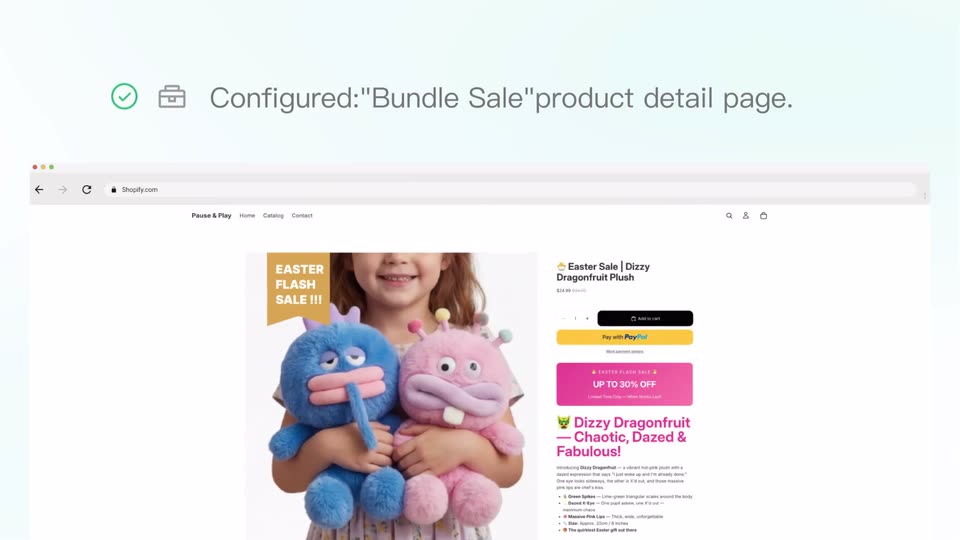 0:42–0:43Accio Work · Accio - Running a business shouldn’t mean doing 8 jobs alone. Meet Accio WorkA green checkmark and briefcase icon sit beside a gray caption above a Shopify product page in a browser window. The top caption clears and the browser window scales up to fill the frame, enlarging the plush-toy listing.
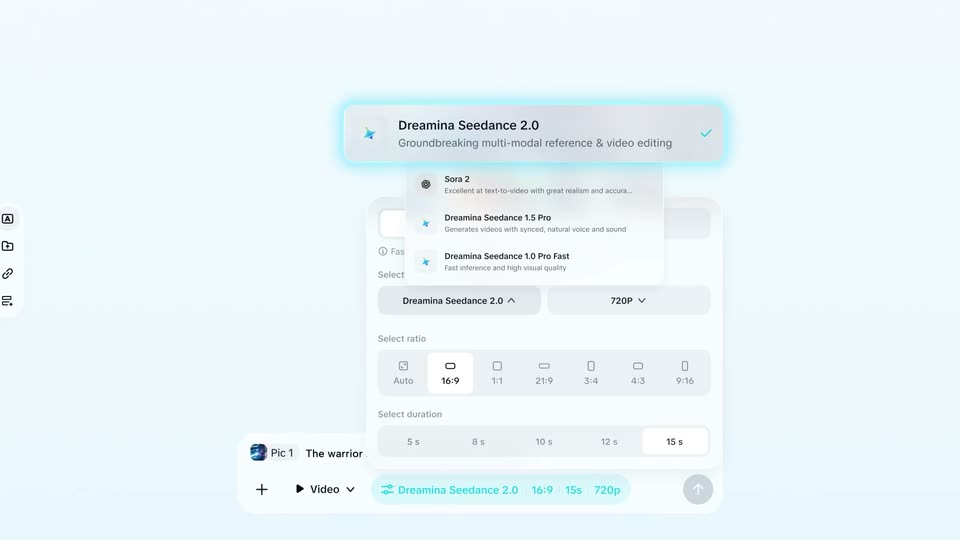 0:25–0:28CapCut · CapCut - Dreamina Seedance 2.0 is LIVE on CapCut app, desktop & web, startA close-up of an open model dropdown in a video editor zooms out to reveal the full CapCut interface with its project header and prompt bar. The CapCut logo fades in at the top left corner while the dropdown list collapses.
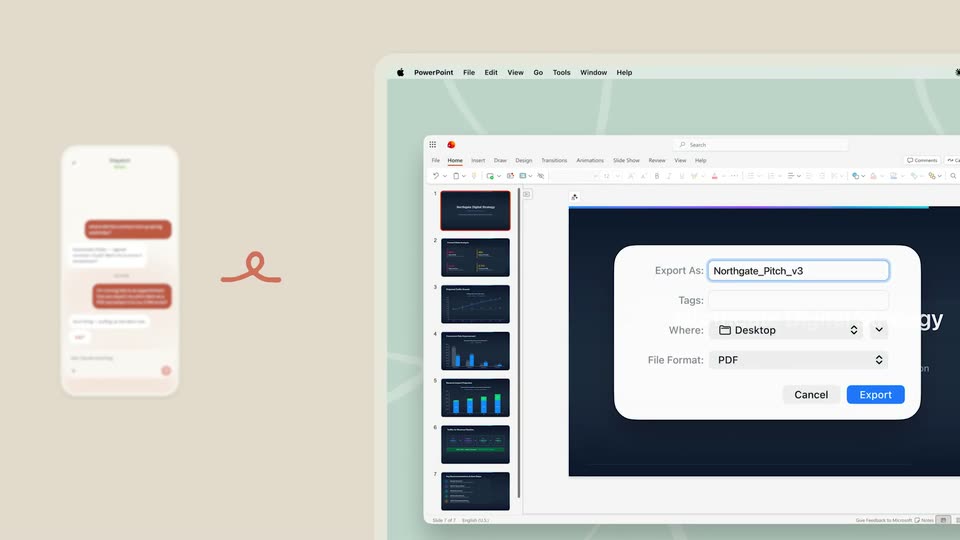 0:12–0:16Anthropic · Claude - You can now enable Claude to use your computer to complete tasks. ItA 3D laptop and a blurred phone mockup sit on a beige background with a small orange squiggle between them. The camera pushes into the laptop screen as PowerPoint opens a File menu, then an Export dialog set to PDF. The squiggle loops and reshapes throughout.
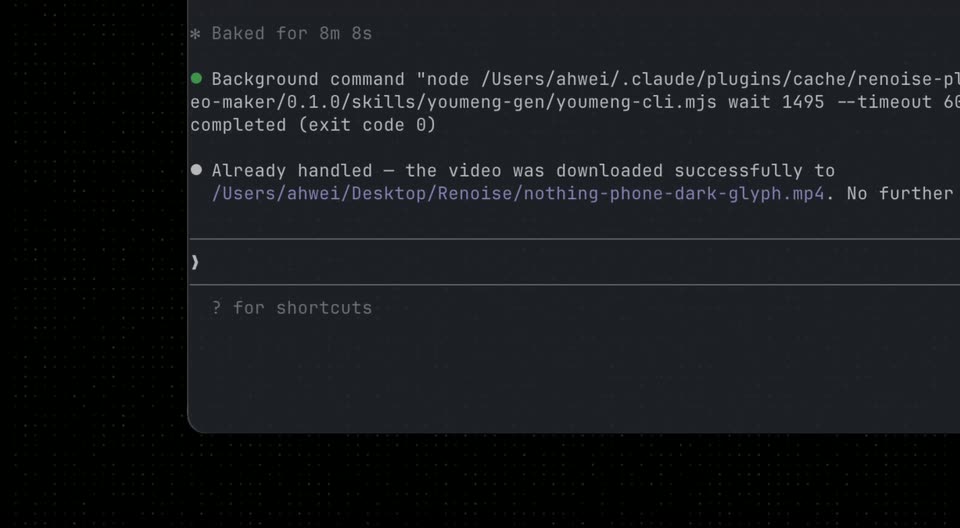 0:20–0:21Renoise · Renoise - Don't make videos — program them. Introducing Renoise = Claude CodeA dark terminal window sits on a black dotted grid, filled with monospace CLI log lines. The camera zooms into the lower half, reframing on the completed-command and download-path lines.
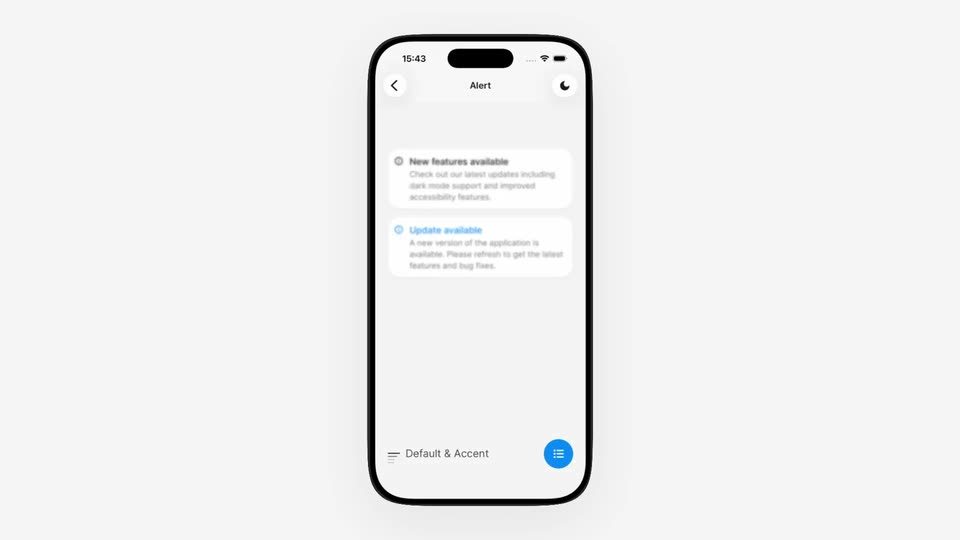 0:08 · 0.5sHeroUI · HeroUI: native releaseA white smartphone mockup centered on a light gray background zooms out from a close-up of the Alert screen to reveal the full device. Two alert cards and a bottom bar stay static inside the screen.
 0:22–0:23HeroUI · Introducing HeroUI v3A light-gray design-system layout with flat button and label elements frames a small 3D funnel shape with a blue ring. The camera pushes in fast, centering on the object until the gray cone and blue ring fill the frame and the surrounding UI slides out of view.
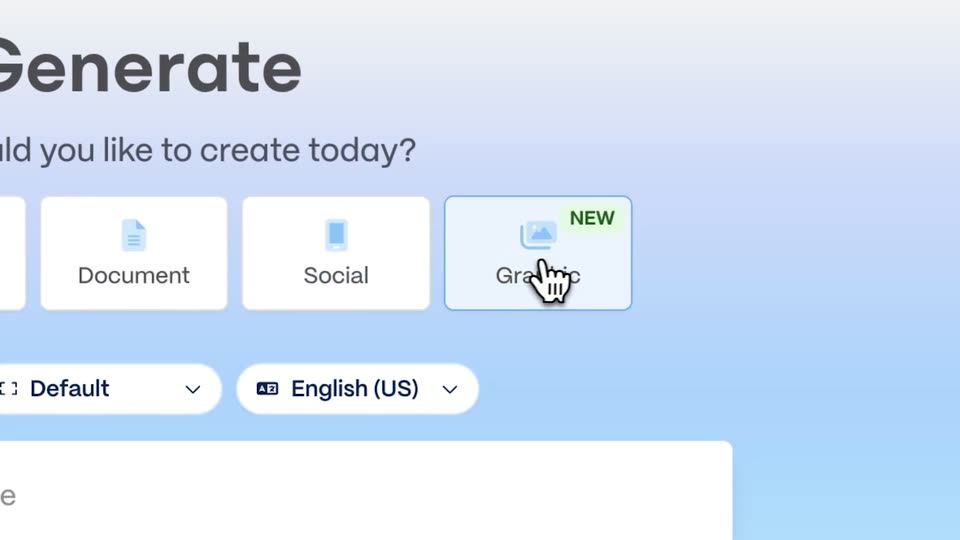 0:05–0:07Gamma · Gamma - Introducing Gamma Imagine! Gamma Imagine lets you create standaloneThe screen zooms in on a row of option cards under the Generate heading. A cursor slides right and clicks the Graphic card, which highlights with a blue border and a NEW badge.
 0:28–0:34xAI · Grok - When one brain isn't enough, switch to Grok 4.20. Four independent aA dark screen shows pixelated colorful avatar circles beside gray pill bubbles where white sans-serif text types out task lines, while Web Pages and X Posts counters tick up. The view zooms in toward the feed's center.
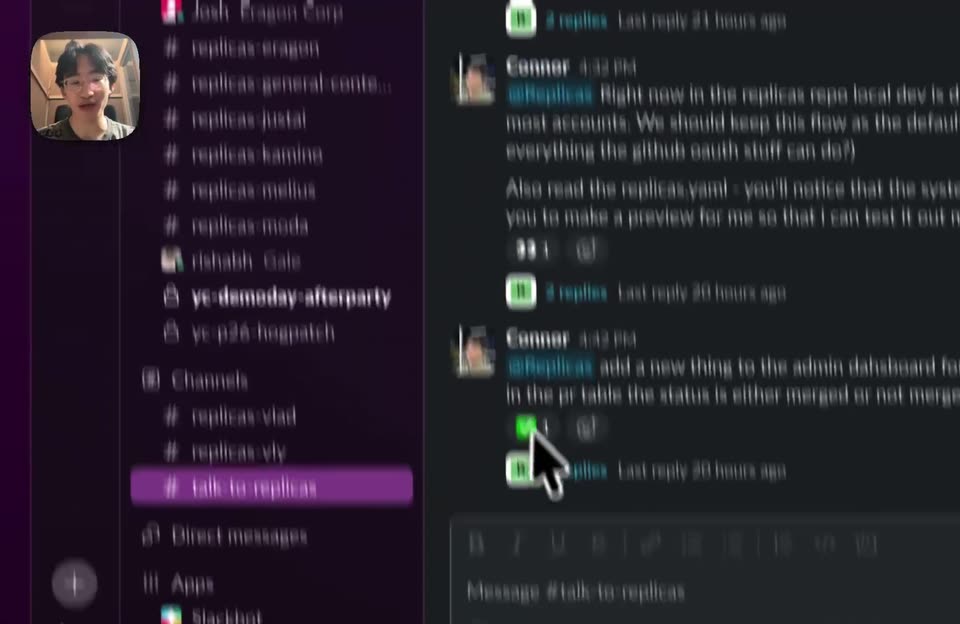 0:10 · 0.8sReplicas · Replicas V1 DemoA dark chat workspace reframes from a conversation thread to the channel sidebar as a white cursor glides toward a highlighted direct message. The left panel lists channels and apps above a message input box.
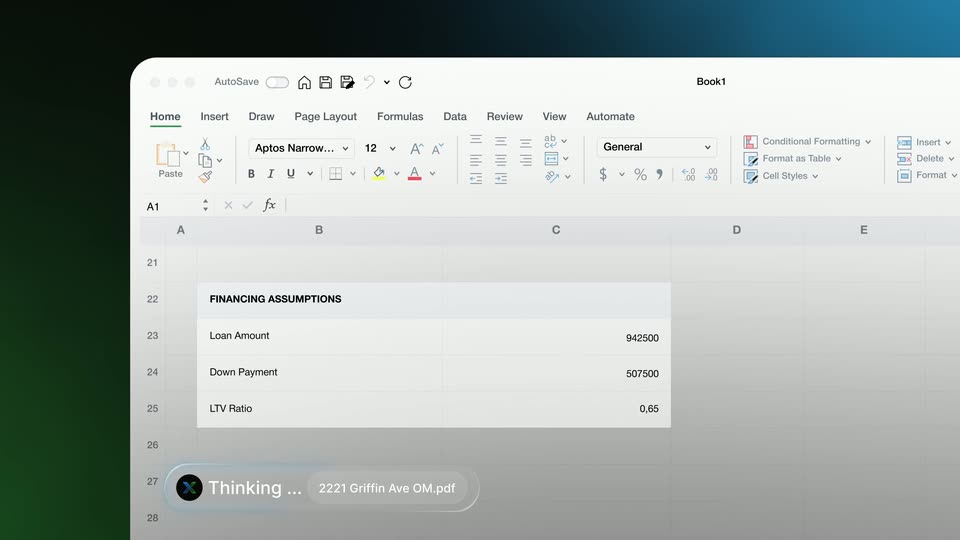 1:07–1:19Alt-X · Y Combinator - Alt-X (@downloadaltx) builds AI agents that turn real estate deal docA tilted Excel window snaps into focus on a dark green and blue gradient, its assumption tables filling with numbers row by row as the sheet scrolls down past a Thinking pill. A circular iris closes over the sheet to end the shot.
 0:49–0:53Perplexity · Perplexity - Comet is now available for iOS. Download on the App Store:A front-facing iPhone on a black background shows a Safari page on theinfatuation.com. The view zooms from the article header down to the bottom toolbar, where a teal ring highlights the Assistant button in the Safari bar.
 0:12–0:13OpenArt · OpenArt - Today, we’re launching a new way to create with AI. With OpenArt WorPanels of a stylized game landscape float in 3D perspective; the view pushes into the center panel as the headline appears word by word over the river valley.
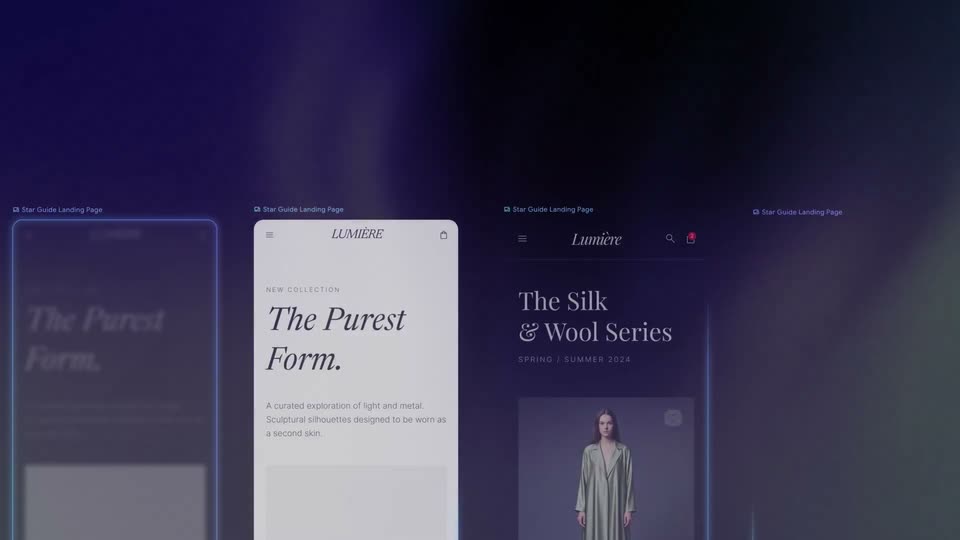 1:16–1:17Stitch · Stitch by Google - Meet the new Stitch, your vibe design partner. Here are 5 major upgrThree webpage mockups stand in 3D perspective on a dark purple gradient, each tagged with a small label. The camera pulls back from a close crop on two panels to a wider frame revealing the third, holding on the row of landing pages.
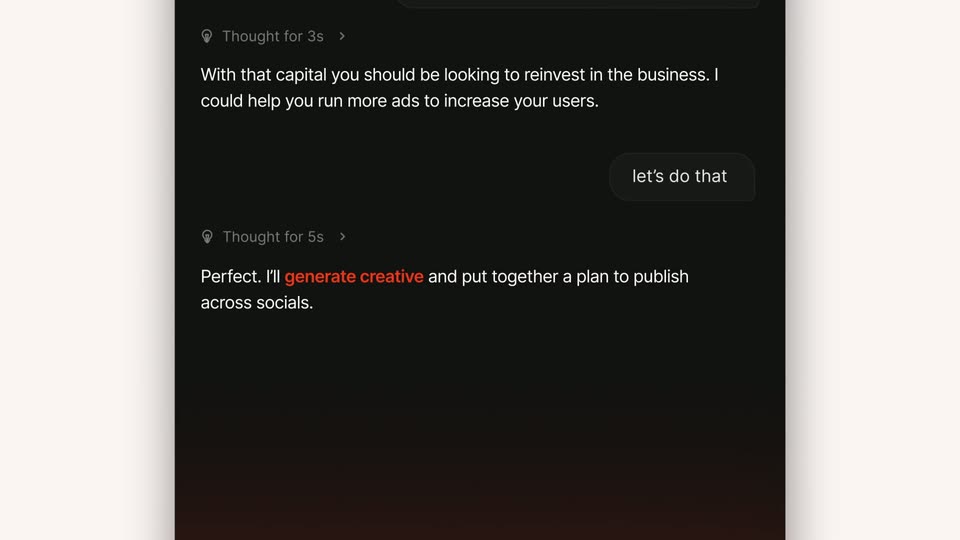 0:19–0:24Whop · Whop: ros5jbr3A dark chat card on a cream background starts blurred, racks into focus, then scrolls as the conversation unfolds: user question, AI reply, user confirmation, and a second reply with 'generate creative' in red. The frame pulls back to show the whole card.
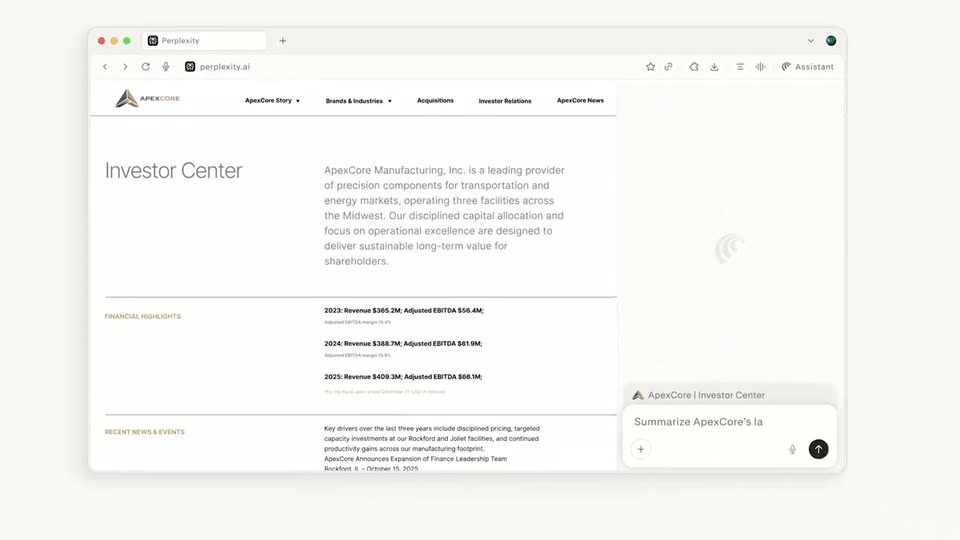 0:35–0:39Perplexity · Perplexity - Today we're launching Comet Enterprise. Now, the most powerful AI brA 3D browser mockup on a cream background, angled right, rotates to face the viewer and reveals an ApexCore Investor Center page. The view then zooms into the page while a chat box at the lower right types out a summarization prompt.
 0:13–0:15Durable · James Clift - Introducing Durable. The first AI business builder that replaces youA light landing page with a serif headline zooms into a prompt field as the sentence types out, then reframes on the dark Start for free button as a black cursor arrow moves in and hovers over it.
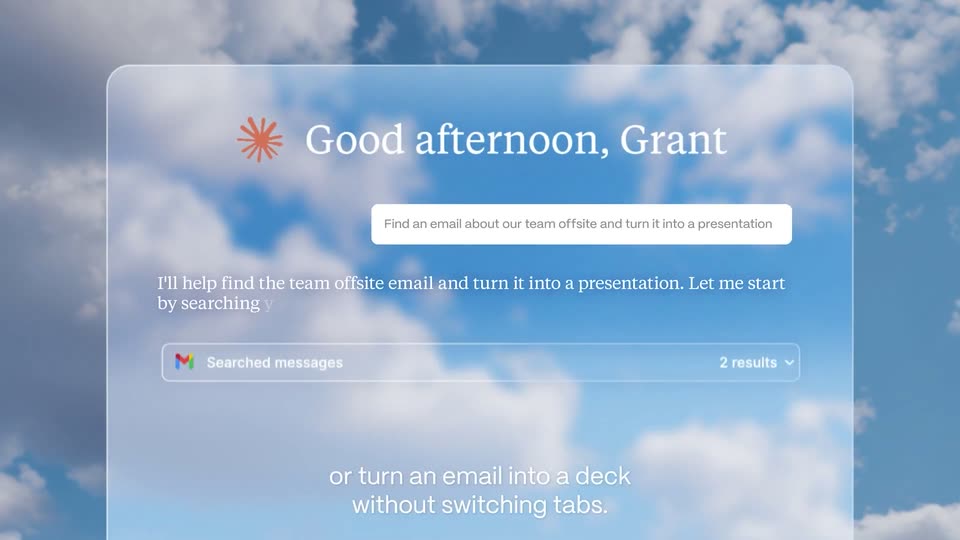 1:09–1:14Gamma · Grant Lee - There's a hidden tax on every knowledge worker in the world, and noboA frosted-glass chat card fades in over a moving cloud sky, showing a greeting and a prompt to turn an email into a presentation. The view zooms into the card as it scrolls through search results and a Creating with GAMMA tile, while bottom captions swap.
 0:42–0:44Mistral AI · Introducing Mistral ForgeA dark code editor fills the frame with syntax-highlighted C++ lines and line numbers. The snippet dissolves into a new header block that scales up, while a white caption “In codebases.” holds centered.
 0:00–0:01Harbor · Y Combinator - Harbor (@runharbor) is a new electronic data capture platform for cliA blurred article headline zooms out to a ClinicalTrials Arena web page titled 'The unsustainability of clinical trials and need for transformative change', showing a person at a desk. A black caption 'are getting slower' is pinned at the bottom.
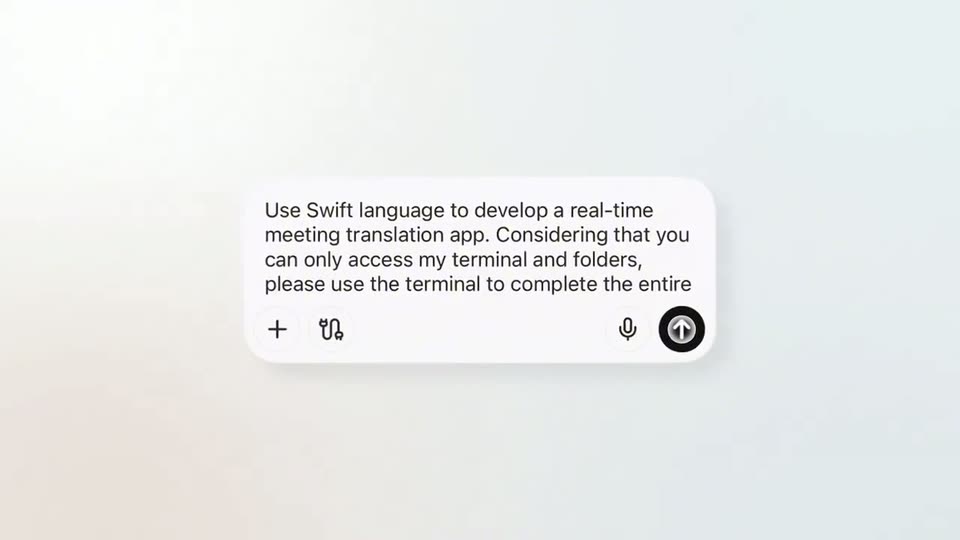 0:35–0:37Manus · Manus - Today, we're taking Manus out of the cloud and putting it on your desA white chat input card pulls back and docks into the top of a tilted phone mockup, revealing the full chat interface with a model selector and an agent reply. The words Instantly From Anywhere fade in on the right.
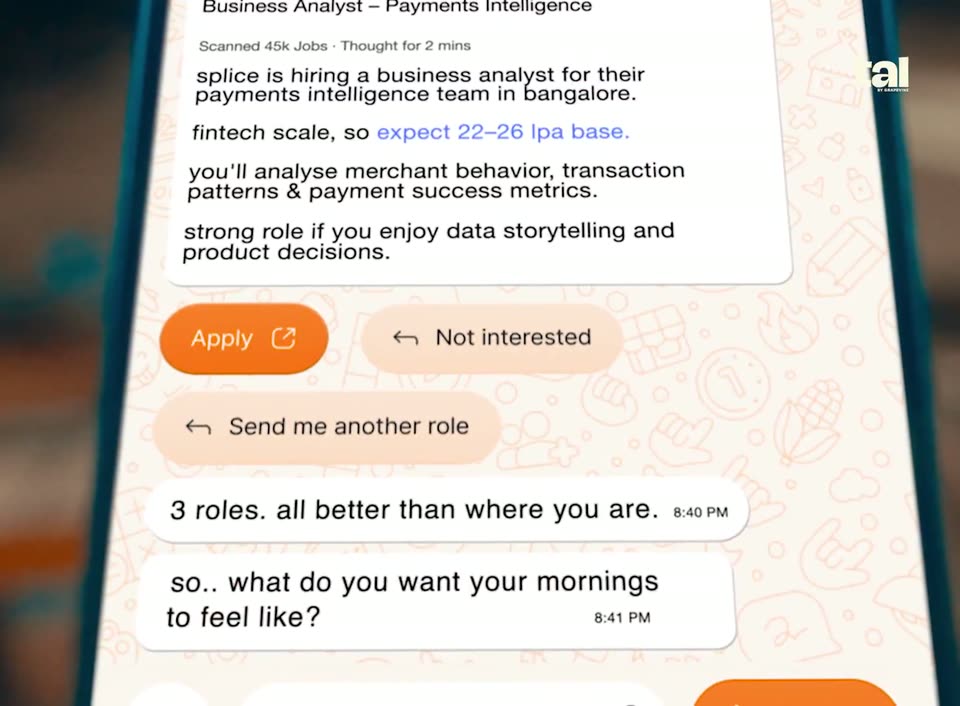 0:40–0:42TAL · Saumil - We’ve raised $4.1M to let AI find the right job for everyone. So todaA phone mockup in 3D perspective shows a chat interface with a job card and an orange Apply button. The view slowly zooms in on the message bubbles while the cream doodle background and the white tal logo stay fixed.
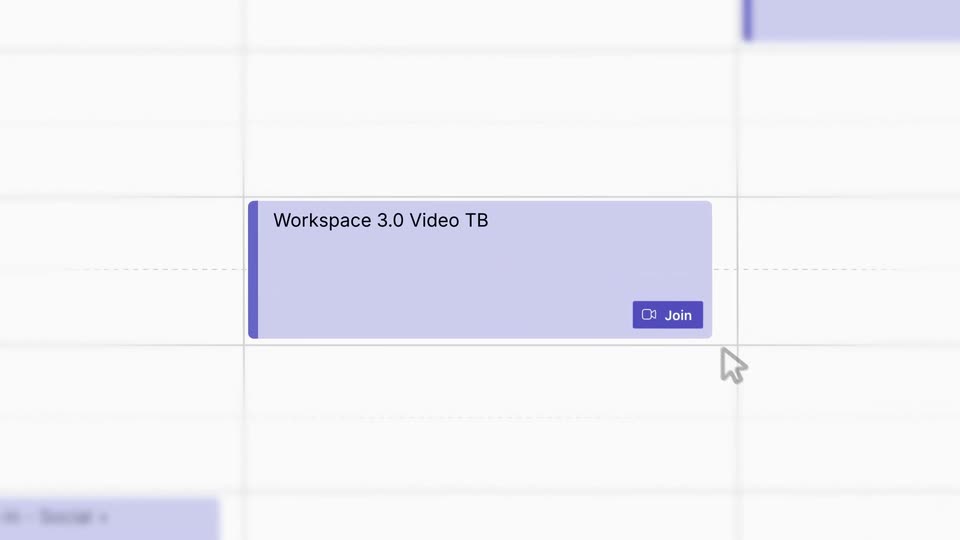 1:22–1:25Genspark · Genspark - 🚀 Introducing Genspark AI Workspace 3.0: Your First AI Employee We'vA light calendar week view zooms into a purple event block titled Workspace 3.0 Video TB as the surrounding grid blurs. A cursor slides in and hovers the Join button that appears on the card.
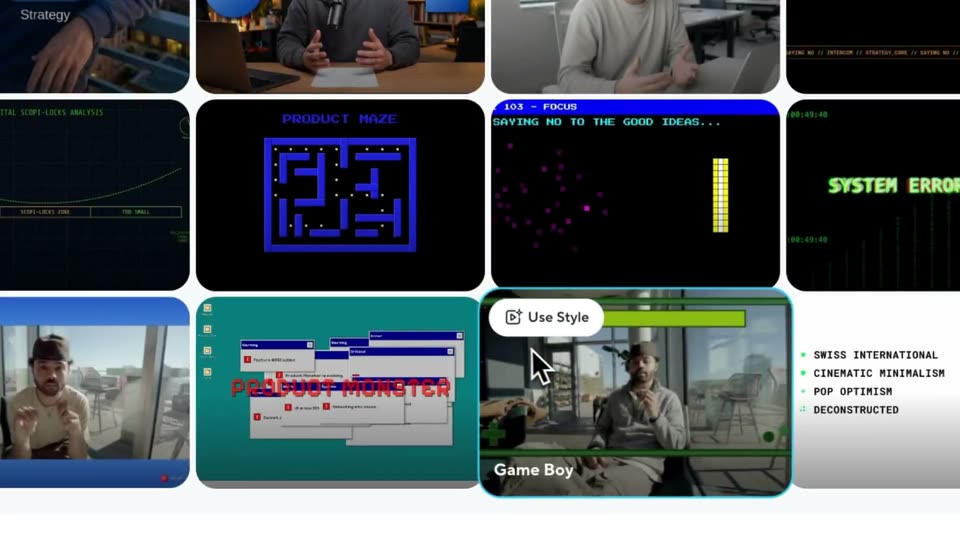 0:16–0:20HeyGen · HeyGen - Most videos fail in the first 3 seconds. They all look the same. TodA 3D interface mockup scales up, zooming into a grid of video style thumbnails. A cursor hovers over a Game Boy style card, revealing a Use Style tooltip before the grid fills the frame.
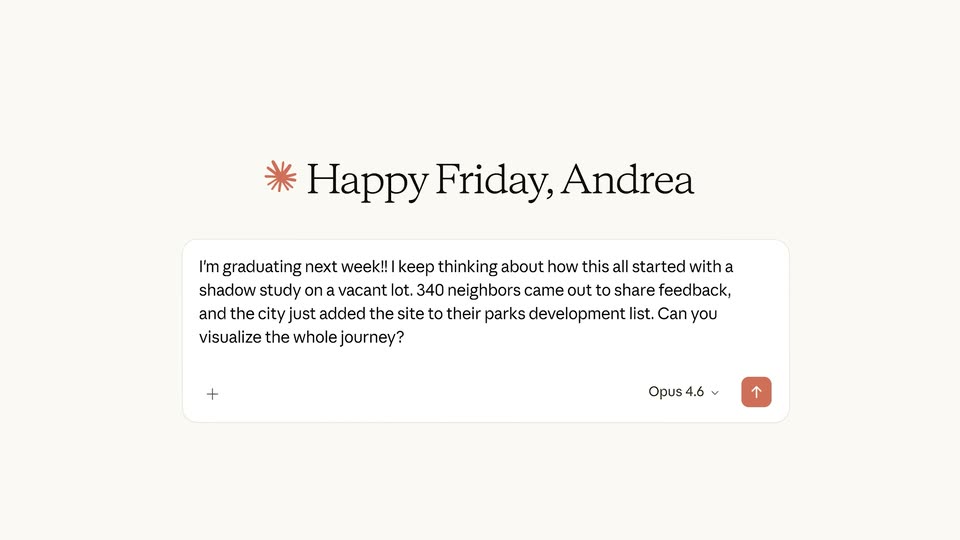 0:59–1:08Anthropic · Claude - Claude can now build interactive charts and diagrams, directly in theOn a cream background, a chat greeting and input box slide in, then a long prompt types itself into the field. After the send, the reply types out below, and the frame zooms out to reveal the full window with a timeline.
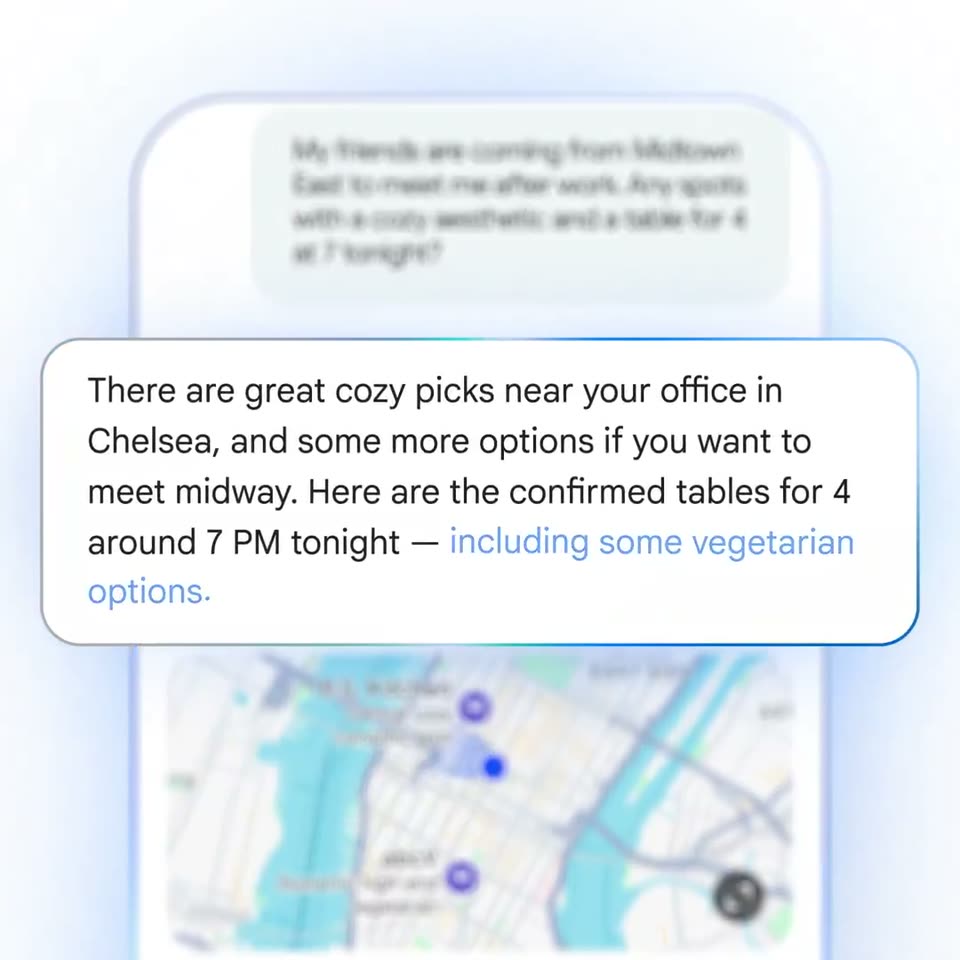 0:23–0:27Google · Google - Today @GoogleMaps is getting its biggest upgrade in over a decade. ByA chat interface on a pale background: a user question bubble above an assistant reply and a map of restaurant pins. The text opens oversized and scales to fit, then the frame zooms into the reply bubble as the rest blurs out of focus, 'including some vegetarian options' turning blue.
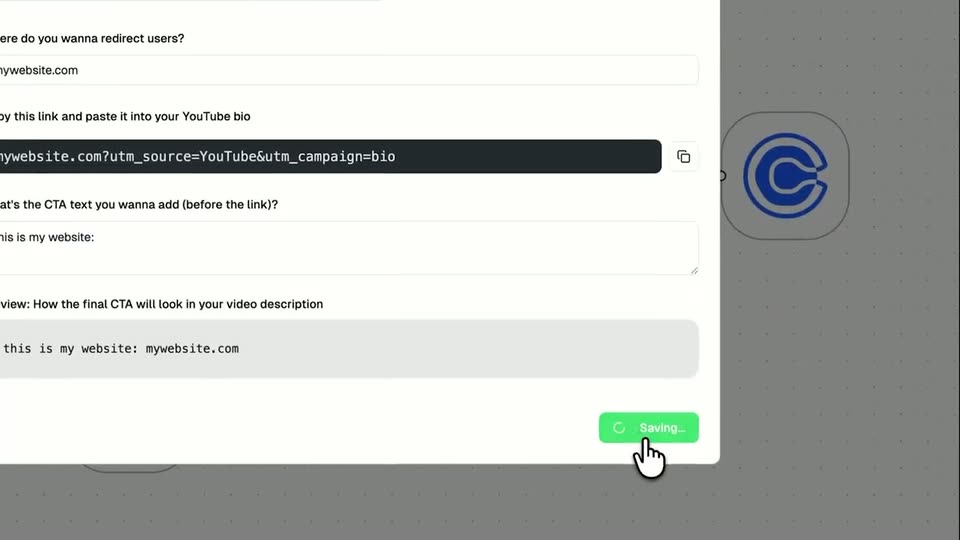 0:12–0:18Pulse · Pulse App - YouTubers creating b2b content keep looking at youtube dashboard thinA white YouTube Node Setup modal on a dotted gray canvas. A cursor types a domain and CTA text into fields while a live preview updates below. The camera zooms in, then pulls back as the modal switches to the Step 3 video grid beside a blue C node.
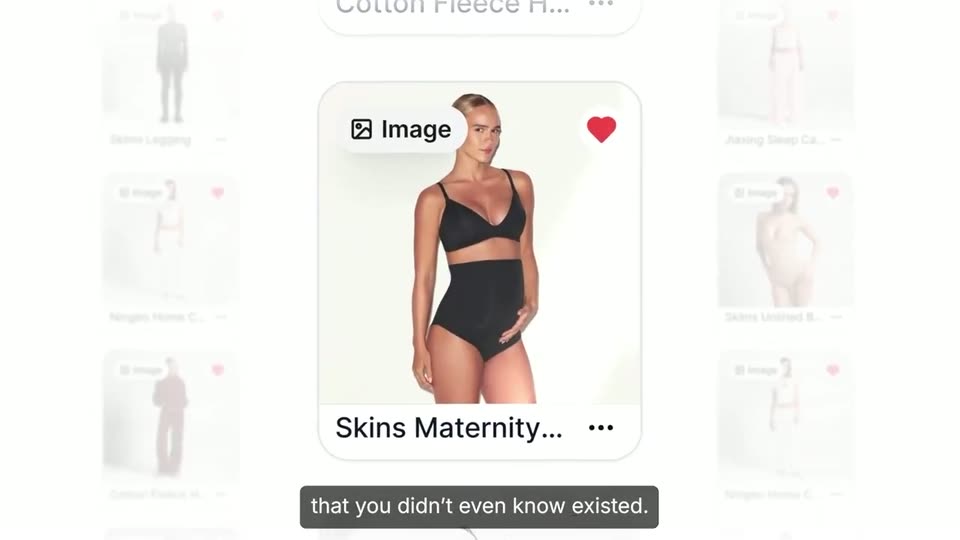 1:35–1:36Bustem · oliverb - We raised $64M for this moment: Introducing Bustem. Bustem scans theA vertical product feed scrolls upward on a white background. The center card, a pregnant model in a black maternity bodysuit, stays sharp and scales up while the surrounding cards blur and dim. A red heart sits in its top corner. A dark caption pill reads at the bottom.
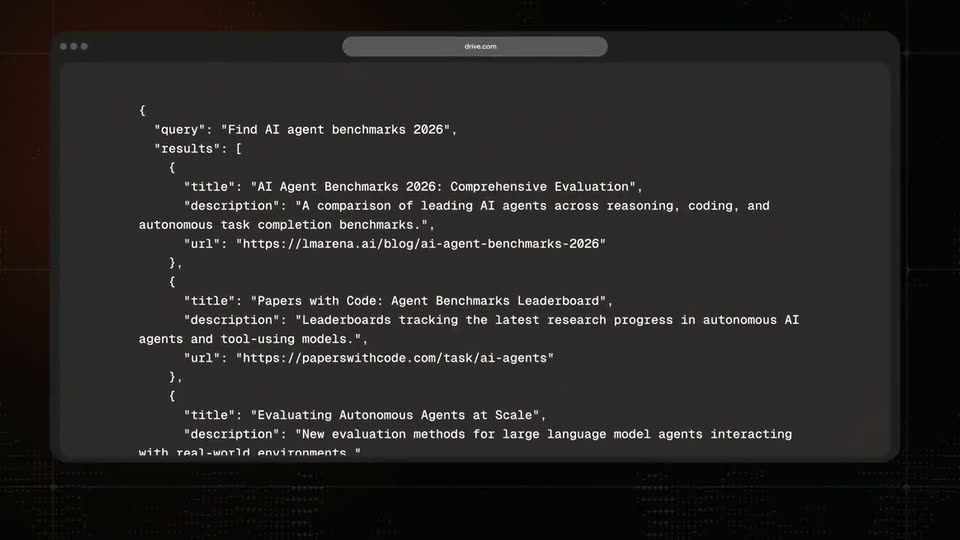 0:24–0:26Firecrawl · Firecrawl - Introducing the new Firecrawl CLI 🔥 The toolkit for agents to scrapeA dark browser window holds a JSON code block over a black grid. The code scrolls up to reveal three search results, then the view pushes in and blurs out. An orange glow sits at the left edge and a pixelated cross flickers in the top-left corner.
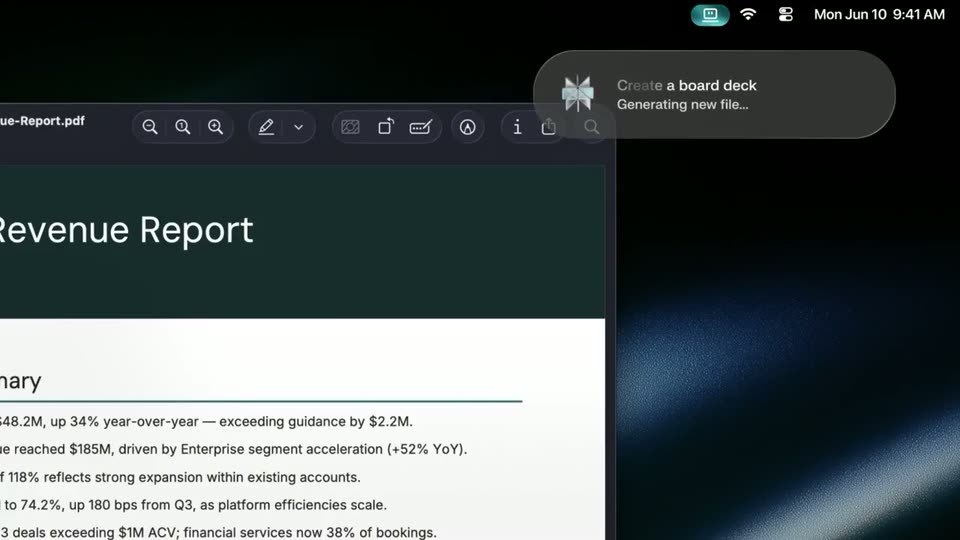 0:49–1:03Perplexity · Perplexity - Announcing Personal Computer. Personal Computer is an always on, locA Mac desktop shows a PDF viewer with a revenue report. A top-right notification cycles through status lines, pauses to ask a question with selectable chips, and a cursor clicks one. The view then pulls back to reveal the full window, menu bar and dock.
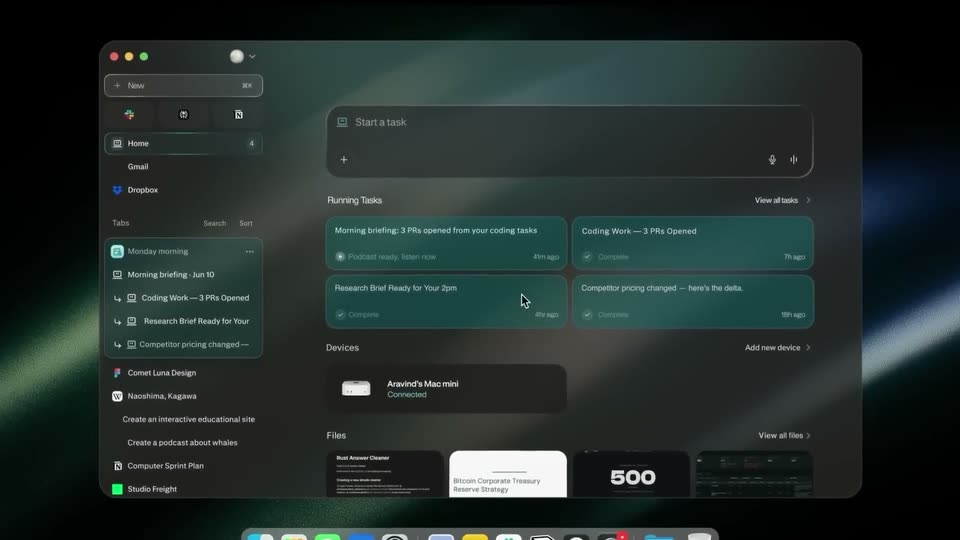 0:09–0:10Perplexity · Personal Computer, by PerplexityA dark desktop shows a task manager window centered over a blurred green and blue wallpaper. The window zooms in to fill the frame, and a cursor moves to hover over a teal task card in the running tasks grid.
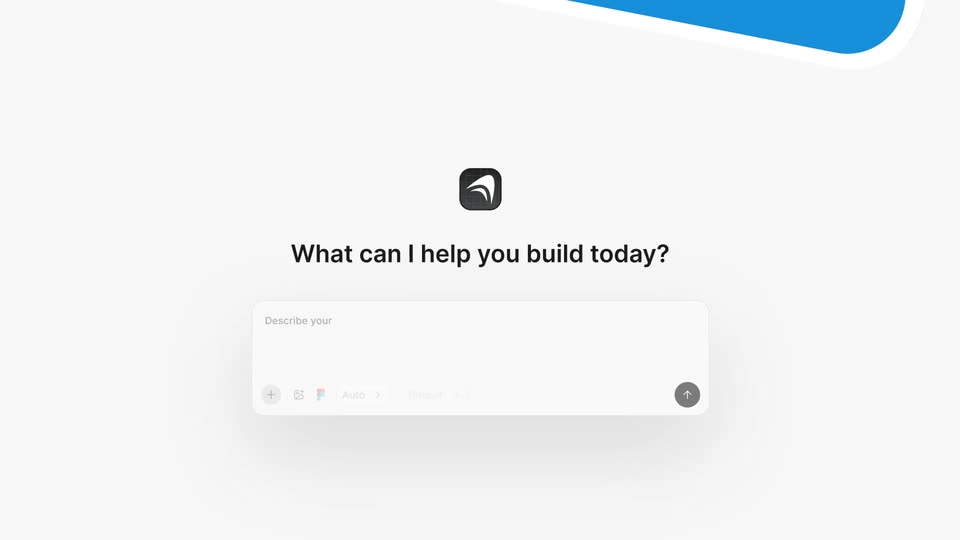 0:18 · 0.8sAnything · Anything - BREAKING: design-first vibe coding is here! import your Figma designA close-up of the blue 'Link copied.' tooltip with a hand pointer scales out to the full prompt screen, where a dark rounded logo sits above the headline and an input field with Auto and Default chips.
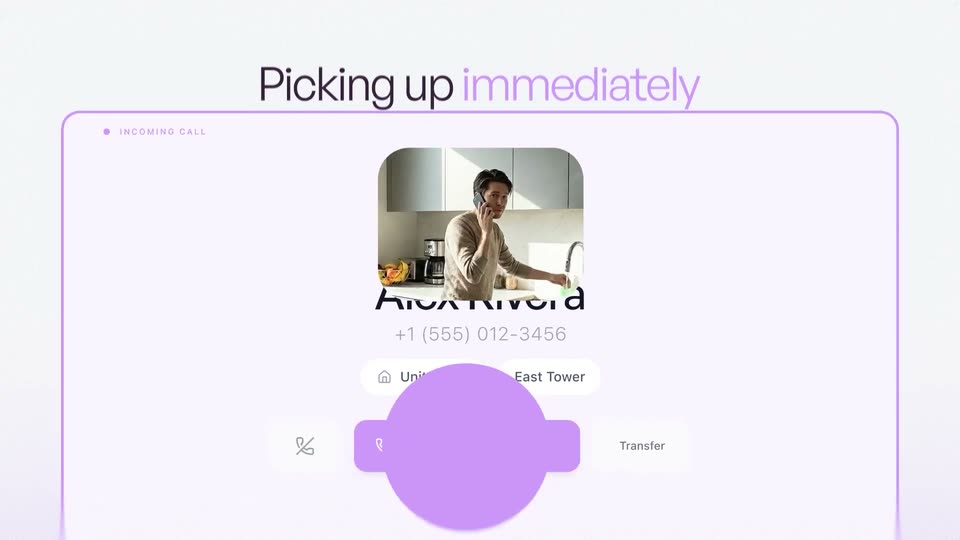 0:13 · 0.7sSamora AI · Y Combinator - .@Samora_AI's voice agents speak local dialects, complete tasks, learA light-lavender incoming-call card sits under the headline. A small video tile of a man holding a phone in a kitchen expands to fill the card, revealing the counter and sink, while the accept button grows into a large circle.
 0:15–0:22ZeroSettle · Y Combinator - ZeroSettle (@ZeroSettle) is building a drop-in direct billing SDK forA close-up of a dark phone screen locks on the Switch to Direct Billing card and the green Save 20% Forever button. The frame zooms out to the full phone mockup, then a payment sheet with an Apple Pay button slides up over the dimmed interface.
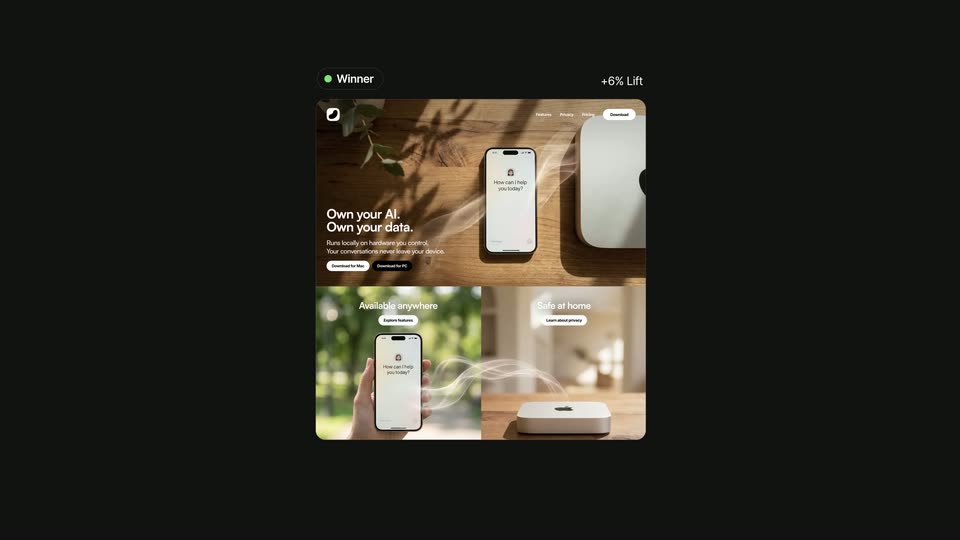 0:15–0:18Framer · Framer Convert: Understand, Test, and Optimize.Two webpage mockups overlap on a dark field, tagged Old and Winner with a +6% Lift note. The dimmed Old card fades out, then the view pushes in on the Winner hero section showing the phone and Mac.
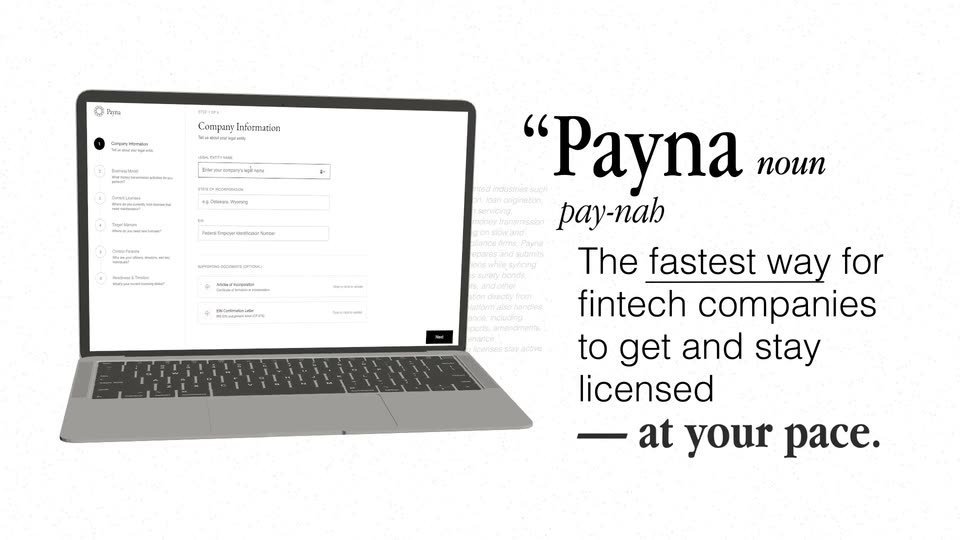 0:18–0:21Payna · Payna (YC W26) LaunchA 3D laptop on the left plays the Payna landing page, then the Company Information form with a letter typed in; the view zooms into the form while the serif headline block on the right fades out.
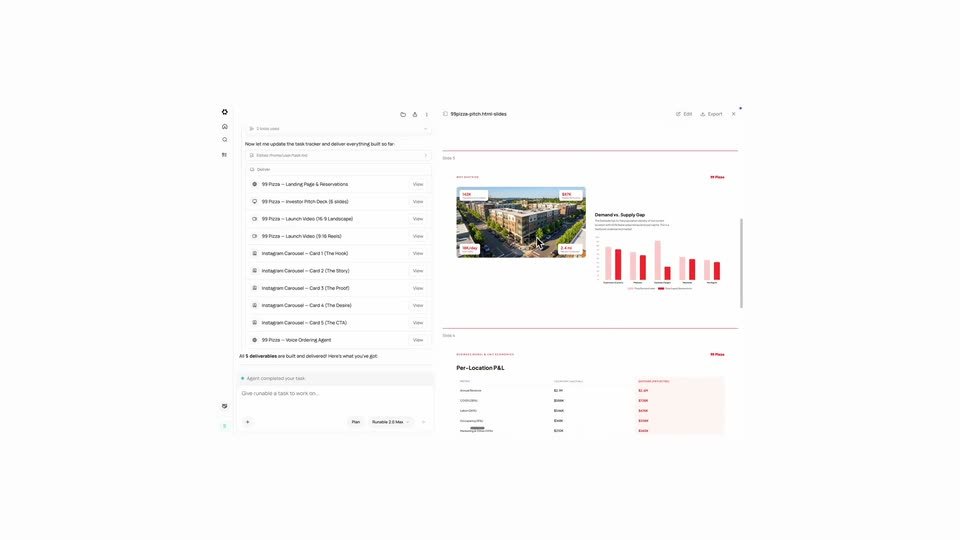 1:45–1:50Runable · Umesh Kumar - Introducing Runable 2.0 — the best way to work with AI. Runable nowA cursor hovers the View button on a deliverables list while the caption below fades from light gray to solid black. The frame then widens to the full workspace, and the cursor scrolls the pitch-deck slides, revealing charts, a map and figures.
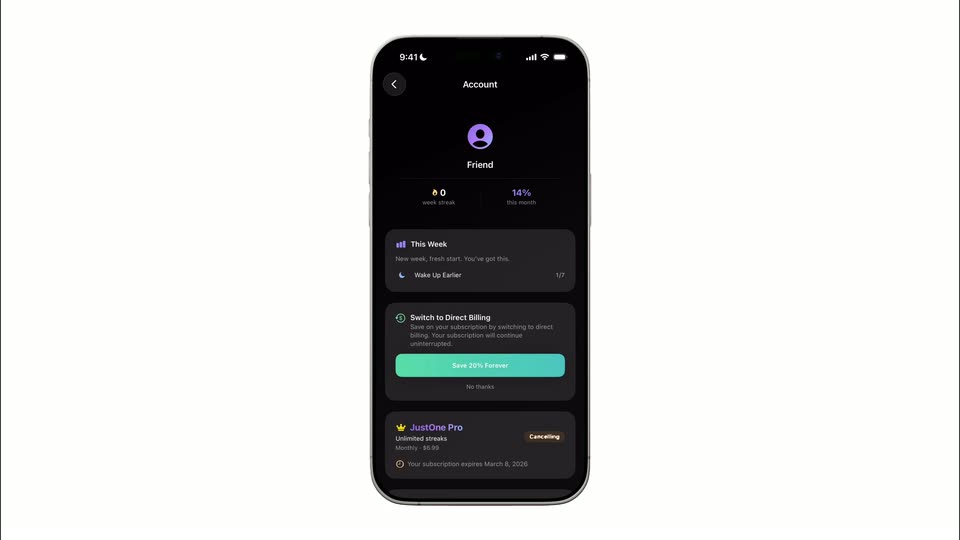 0:16–0:24ZeroSettle · ZeroSettle - Keep More of your Mobile App Revenue with Direct Billing!A locked-off close-up of a dark phone screen shows a direct-billing card with a green Save 20% Forever button. The frame zooms out to the full Account view, then a payment sheet slides up with an Apple Pay button.
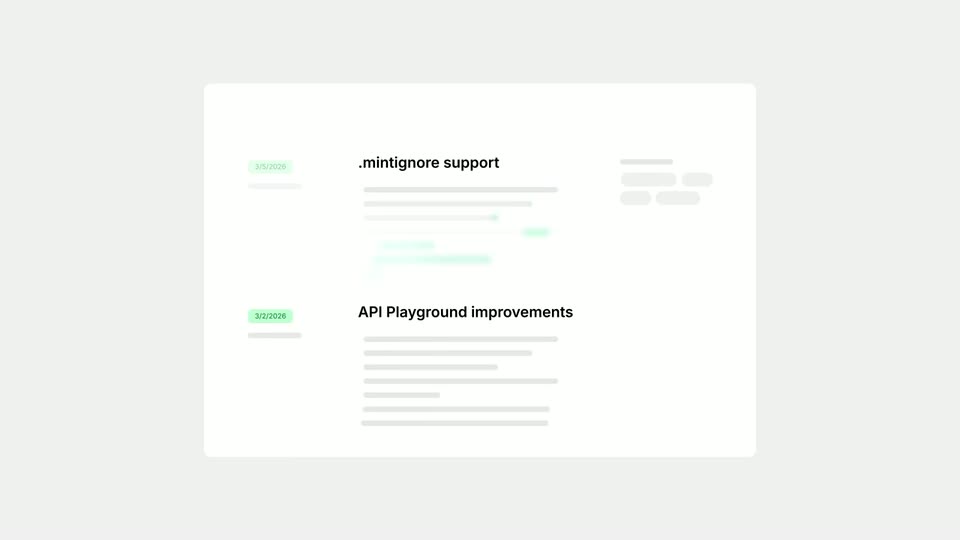 0:03–0:07Mintlify · Mintlify - Introducing workflows for always on self-updating docs. Let workflowA white changelog card on a gray background scales in, dated entries with gray placeholder lines stack up as the list scrolls, then the view reframes onto a new window mockup titled “Translate docs”.
 0:14–0:16Wabi · wabi - Allow me to reintroduce myself.A headline builds word by word on a light gray field, each word easing from light to dark gray. A beveled 3D toggle switch with a lock icon sits at the right, then the camera pushes in until the toggle fills the frame.
 0:46–0:47Luma AI · Introducing Luma AgentsA grid of images on a white background zooms rapidly into a photo of a man sketching at a desk.
 0:20–0:25Nothing · Meet Phone (4a)A phone lock screen with a large 10:20 clock sits under the serif label Nothing OS; the view slides to a home screen of white widgets and a dock, then the camera zooms into a 3D corner close-up as the caption with Essential AI tools appears.
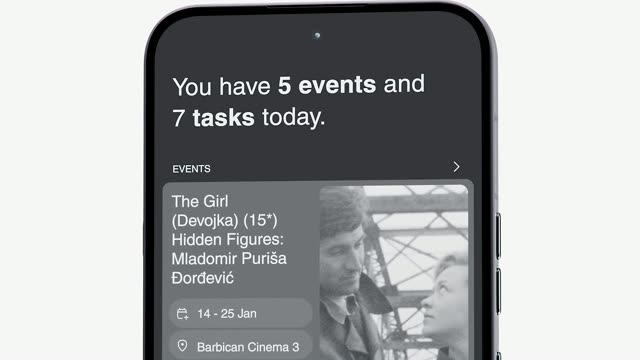 0:17–0:21Nothing · Meet Phone (4a) ProA tight crop of a dark phone UI shows a task row; a summary screen with a headline and a film event card fades in over it, then the phone turns in 3D perspective to reveal its side edge.
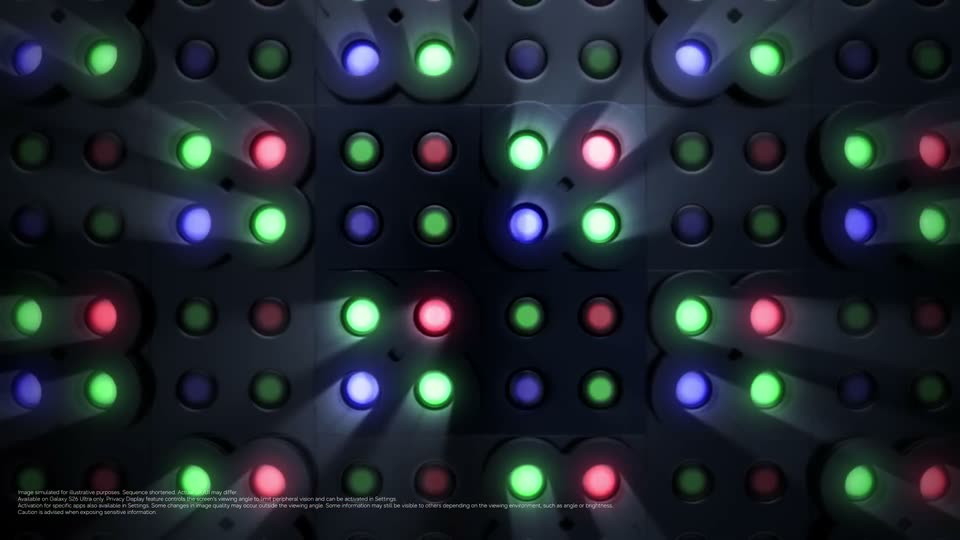 1:14–1:15Samsung · Introducing Galaxy S26 Ultra | Galaxy AI | SamsungA dark grid of glowing green, red and blue dots; a central square of eight dots glows brighter with radiating light beams, then the view pulls back so the full dot wall fills the frame. Small labels 'Narrow pixel' and 'Wide pixel' hold at the sides.
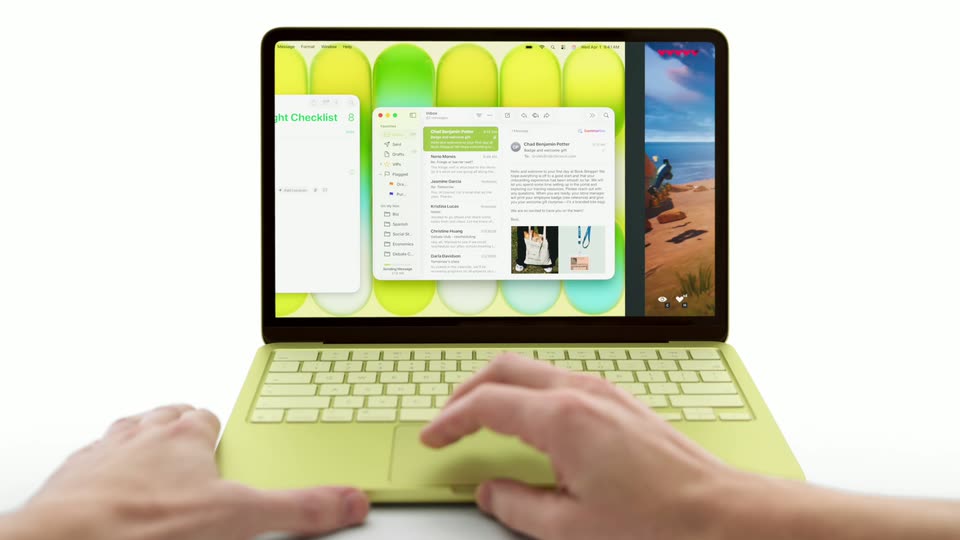 2:15–2:16Apple · Hello, MacBook NeoA pair of hands types on a green laptop against a white background. The screen shows a checklist window beside an inbox window; the interface reframes to center the inbox while a video thumbnail plays on the right.
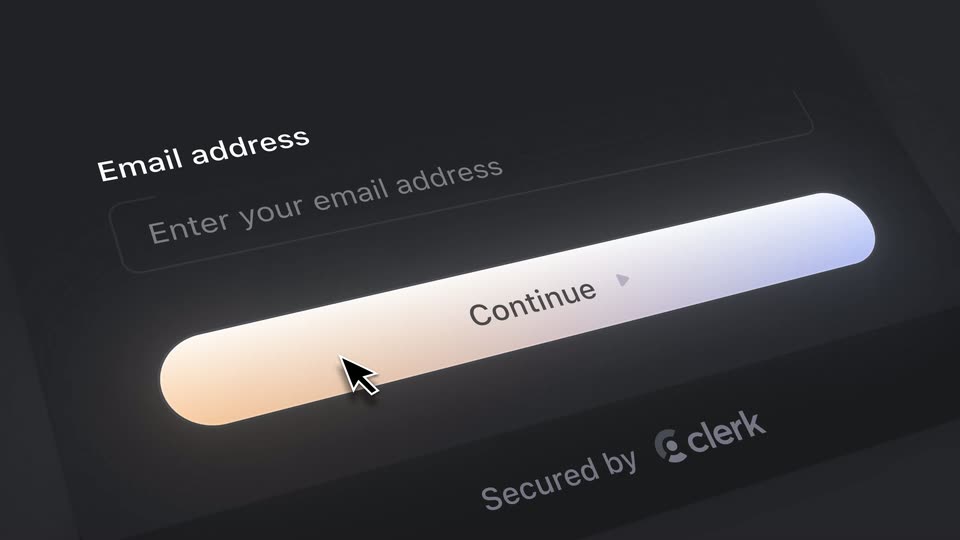 0:19–0:20Clerk · Clerk - Your UI. Our APIs. Core 3 upgrades our hooks to make building customIn 3D perspective, the view opens tight on a dark Continue button. A cursor hovers and a peach glow spreads across the pill, flaring to white. The camera pulls back to show the email field and a Secured by clerk footer.
 0:04–0:06Glaze · Raycast - Today we're launching Glaze 💠 Create any desktop app in minutes by cA dark app window with traffic-light dots and a New button holds still as the line Okay, let's start building your app. fades in, then a spinner with Preparing project... appears. The view pushes in on the My Library pill button.
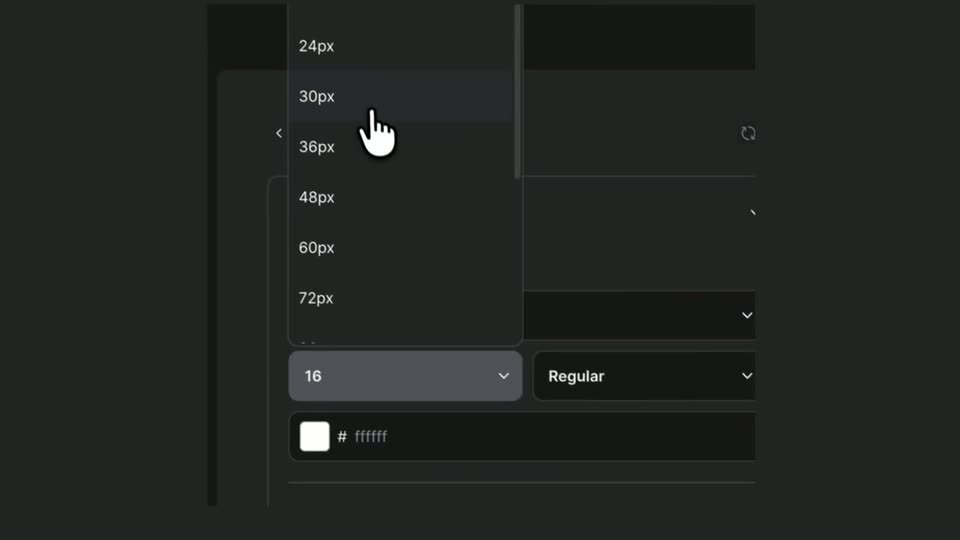 0:42–0:44Lightricks · LTX.io - Introducing Dubbing and Captions in LTX Studio. Now available for enA dark typography settings panel shows font, size, weight and align controls. A white hand cursor taps the size field, a dropdown of pixel values opens, and the view zooms onto the list.
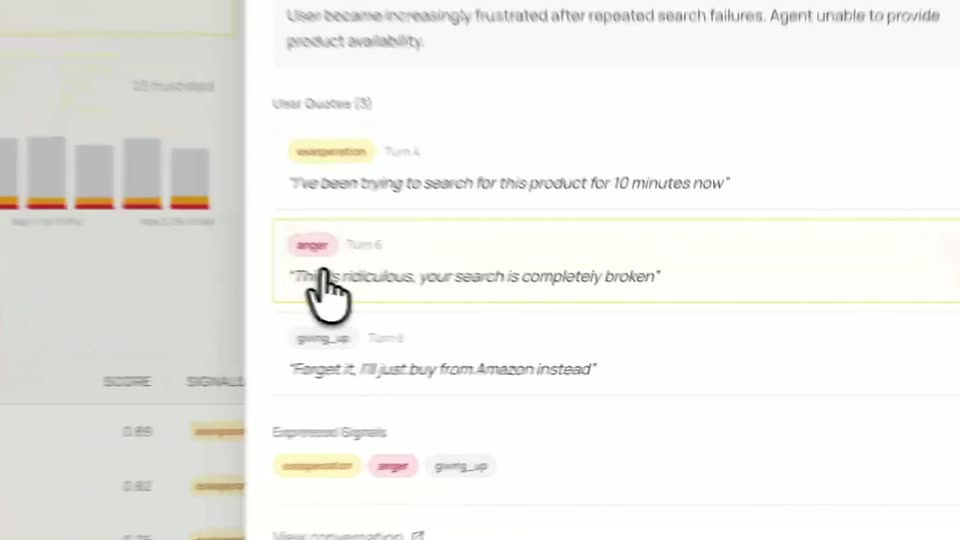 0:42–0:45Moda · Moda Launch YCA close-up of a frustration detail panel zooms out to reveal a full analytics dashboard with a bar chart and conversation table, then zooms back in as a hand cursor highlights an angry user quote.
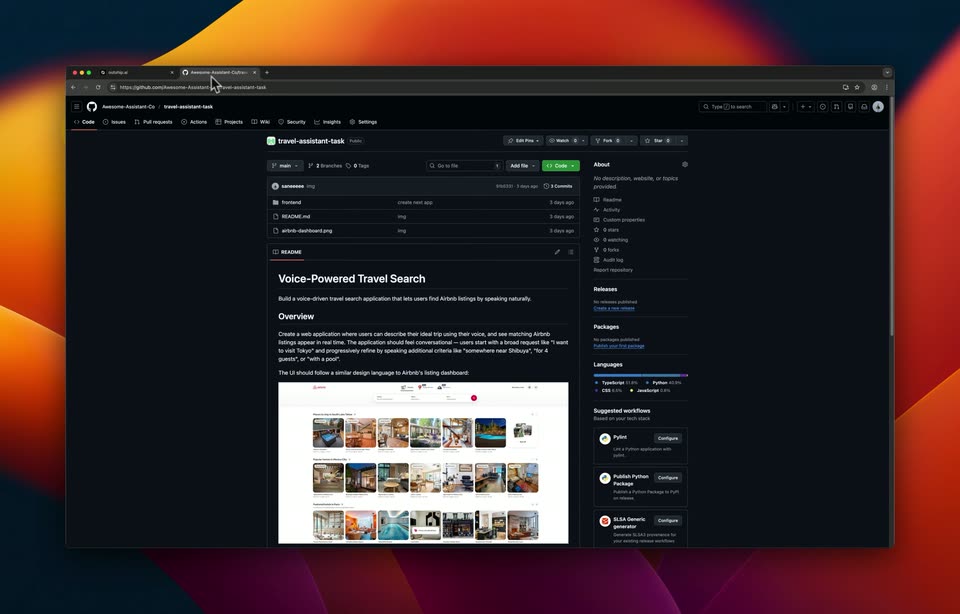 0:12–0:15Outship · OutshipA browser window mockup of a GitHub repository page floats in 3D perspective over a warm gradient background. It begins tilted and blurred, rotates to face the camera and snaps into focus, then the view zooms toward the top of the page as it softens again.
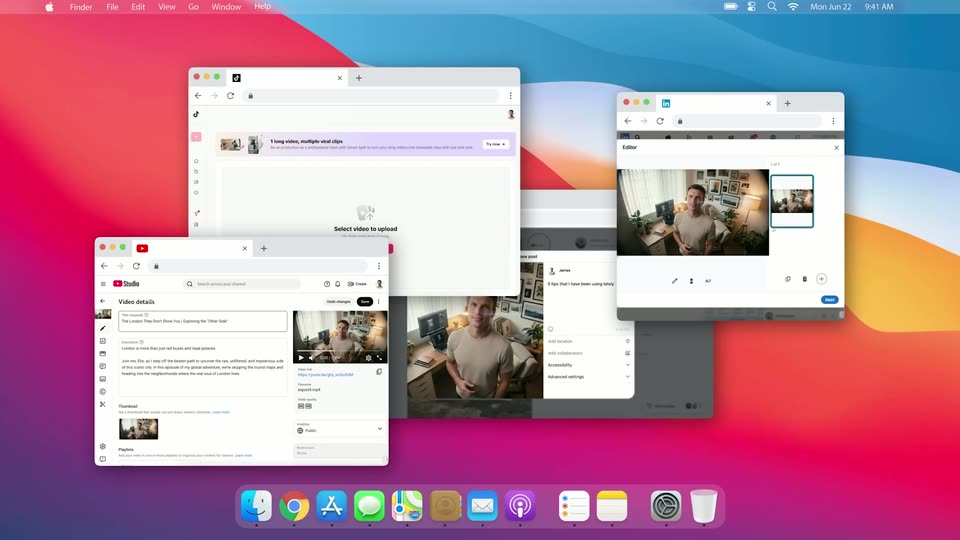 0:14–0:15Submagic · Submagic - Introducing our new Publishing feature. A new way to share your contA close-up of a post-creation window zooms out to reveal a desktop with several browser windows open, each showing a different social media editor. The colorful gradient wallpaper and dock stay in place.
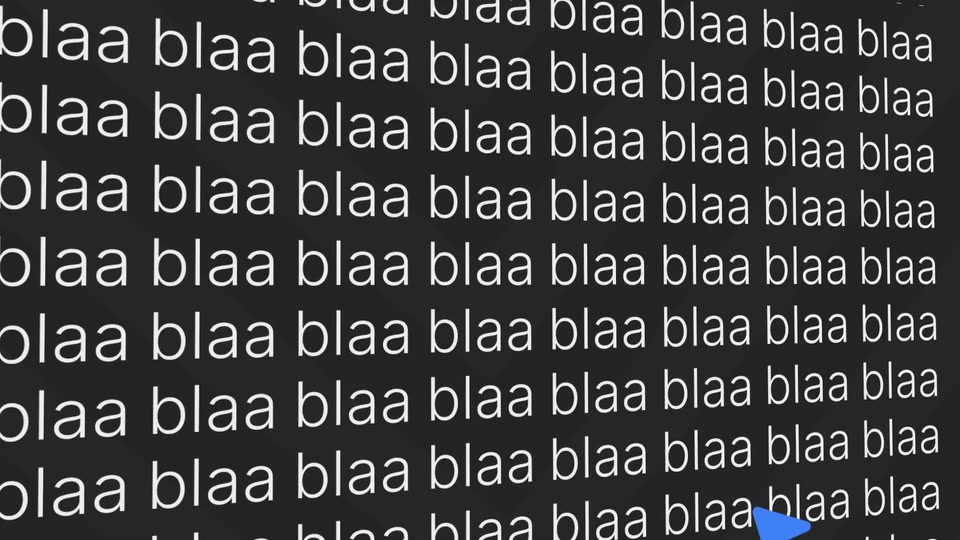 0:11–0:14The Token Company · The Token Company (YC W26) Launch VideoA dark chat screen holds a question bubble over gray placeholder bars, then the view dives into the response, a 3D grid of the word blaa receding into the distance. The grid levels to fill the frame as a blue cursor with a Your AI tag slides in bottom right.