1:48

Zaplar (YC S26) - Today, we’re announcing Summit. A powerful addition to the Zaplar fl
Zaplar · B2B · Nov 2026
Google Maps · Mar 2026 · 1:07 · Full motion · AI-annotated
Google Maps’s 1:07 launch film runs 23 scenes, about 2.9 s each. The product is on screen from the first frame and 3 features are revealed. The call to action lands at 1:00 (90% in). The video alternates centered headline cards over a soft blue glow with 3D phone and card mockups, each beat announcing a capability then demoing it. Pacing is steady at about six cuts per minute, driven by blur-to-focus text, wireframe-to-solid UI builds, and 3D tilts that settle flat.
Is this your launch? to your site or press kit.
Zaplar · B2B · Nov 2026
ElevenLabs · AI · Nov 2026
Apple · Hardware · Oct 2026
On a white field with a soft blue glow, the headline “Introducing Ask Maps” blurs into focus at center. Thin cyan lines draw a crosshair through the frame, then the composition rotates and zooms, pushing the text out of view.
On-screen text: “Introducing Ask Maps”
Techniques: Kinetic type
Camera: Static
A blue search pill labeled Ask Maps, with a magnifying-glass and sparkle icon, floats tilted in 3D over a thin wireframe grid. It rotates to face the camera and shrinks, settling flat above a blurred map card that shows a home icon.
Techniques: 3D mockup, Parallax
Camera: Push in
Close-up of a Maps screen's top-left corner. The UI resolves from a blue wireframe into solid color, the blue Ask Maps pill flashing with a soft halo, above a street map labeled Birdland Jazz Club and Times Square. The rounded screen edge stays in frame.
Techniques: UI zoom, Light sweep
Camera: Static
On a plain white background, the headline words fade in one by one: A new way to ask, then anything about anywhere, with anything and anywhere in blue. The frame stays locked off throughout.
On-screen text: “A new way to ask”, “anything about anywhere”
Techniques: Kinetic type
Camera: Static
A tilted phone mockup scales into frame on a pale blue background, displaying the Maps Ask panel. The greeting fades in line by line, then four suggestion rows with circular icons appear in sequence above a question input bar.
Techniques: 3D mockup
Camera: Pull out
A tilted phone mockup with a glowing blue edge scales up on a pale background, its Maps screen showing an Ask Maps panel with a greeting and four suggestion rows. Above it, the headline Built with Gemini 3 fades into focus.
On-screen text: “Built with Gemini 3”
Techniques: 3D mockup
Camera: Pull out
A front-facing phone mockup with a blue glowing edge floats on a pale background under the headline “Built with Gemini 3,” whose final letter resolves from a circle. The Maps “Ask Maps” screen greets Elise and lists four route suggestions, while the phone eases down and slightly smaller into place.
On-screen text: “Built with Gemini 3”
Camera: Pan
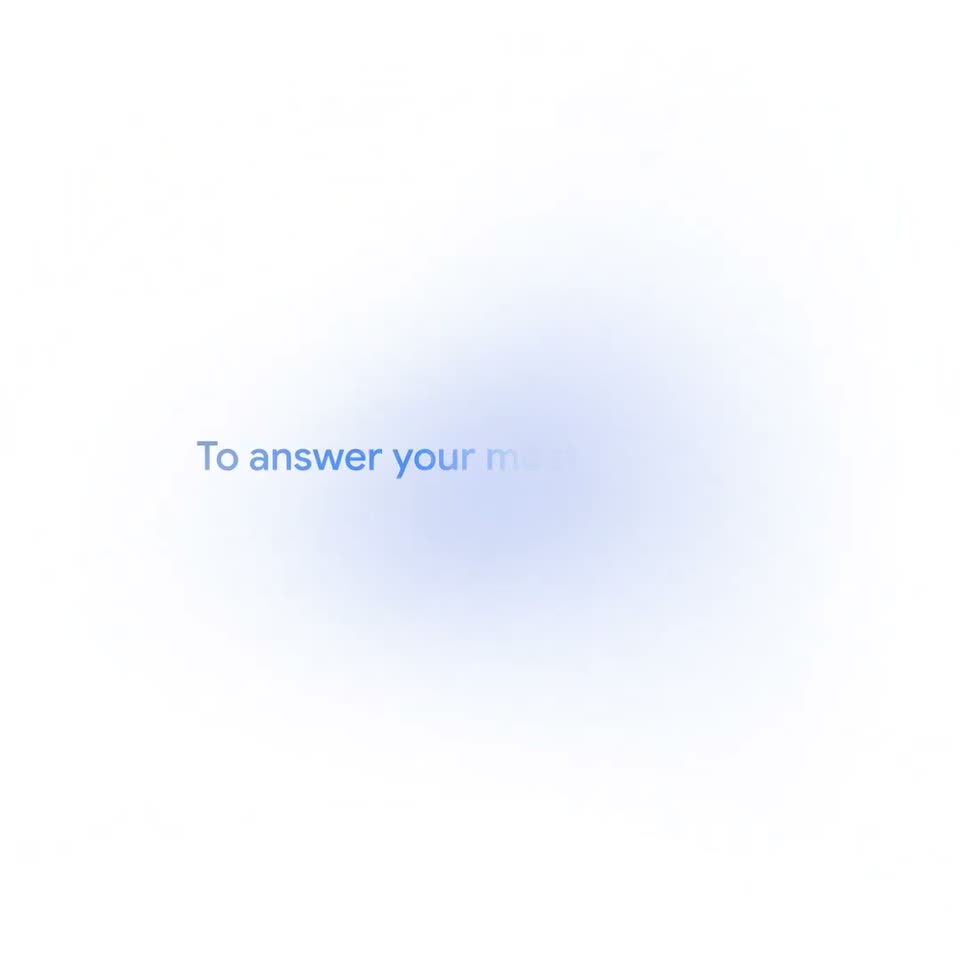
A blurred phone screen dissolves out over a white field with a soft blue glow, then a single line of text wipes in from the left.
On-screen text: “To answer your most complex,”
Techniques: Kinetic type
Camera: Static
A centered two-line headline fades in over a soft blue glow on a white background. The glow brightens then fades while the text stays locked in place.
On-screen text: “To answer your most complex, specific questions”
Camera: Static
A white rounded chat input field with a microphone and send icon sits on a soft blue gradient. A sentence types out word by word behind a blinking caret, the active line in light blue, while the field grows and drifts left as the text wraps to new lines.
On-screen text: “My friends are coming from Midtown East to meet me after work. Any spots with a cozy aesthetic and a table for 4 at 7 tonight?”
Techniques: Kinetic type
Camera: Static
A chat interface on a pale background: a user question bubble above an assistant reply and a map of restaurant pins. The text opens oversized and scales to fit, then the frame zooms into the reply bubble as the rest blurs out of focus, 'including some vegetarian options' turning blue.
Techniques: UI zoom
Camera: Pull out
The headline “With recommendations tailored to you” resolves from a blur on a white background with a soft blue glow, then a restaurant card for Willow Vegan Bistro tilts into view in 3D perspective with a blue border, showing a rating, price range, and two photos.
On-screen text: “With recommendations”, “tailored to you”
Techniques: Kinetic type, 3D mockup
Camera: Static
A tilted 3D phone screen shows a restaurant list scrolling up. The saved “want to go” note lifts out of the list into a floating callout card, then a second callout, “People call the mushroom walnut bolognese a must-order.”, pops in as the background blurs.
Techniques: 3D mockup, Morph, Parallax
Camera: Pull out
On a white field a soft blue radial glow blooms outward from the center. The words All, grounded, in drift in scattered, then snap into a single centered line and shift from blue to dark navy.
On-screen text: “All grounded in”
Techniques: Kinetic type
Camera: Static
White headline fades in over a dark blue grid, then Google Maps cards (traffic video, crash alert, route map, Drive) slide in from the frame edges around it.
On-screen text: “All Google”, “Google Maps' unmatched”, “understanding of the world”
Camera: Pull out
A 2x2 grid of rounded cards sits on a dark blue background: a traffic video, a crash notification, a route map, and a Drive summary. The camera pulls back to reveal the full grid while the white headline Real-time traffic brightens in the center.
On-screen text: “Real-time traffic”
Camera: Pull out
A grid of app cards floats over a blurred backdrop of more cards. Four highlighted cards crossfade from food photos and reviews to business info panels as the centered headline changes from “Billions of photos and reviews” to “and business information.”
On-screen text: “Billions of photos and reviews”, “and business information”
Techniques: Parallax
Camera: Pull out
A white rounded card holding the tagline sits on a dark grid of app screenshots, then scales up to fill the frame as a light blue field. The tagline blurs while a large blue word Personal scales in, flanked by two product cards sliding in from top and bottom.
On-screen text: “Imagine a map that's more”, “Personal”
Techniques: Kinetic type
Camera: Static
On a pale blue field, a grid of Google Maps cards swaps between salon, florist and chat screens as a large blue word crossfades from Personal to Conversational to Intelligent. The camera then pulls back, tilting the grid into 3D perspective.
On-screen text: “Personal”, “Conversational”, “Intelligent”
Techniques: Kinetic type, 3D mockup
Camera: Push in
Maps interface cards float in 3D on a pale lavender field, showing a route query and a restaurant listing. The camera dollies in fast, the cards growing larger and blurring as they pass the lens.
Techniques: 3D mockup, Parallax
Camera: Static
On a pale lavender field, the line “All you have to do is ask” sharpens and scales up at center while two blurred cards, a map and a restaurant listing, sit at the bottom edge and soften out of focus.
On-screen text: “All you have to do is ask”
Techniques: Kinetic type
Camera: Static
A dark gray tagline on a pale blue gradient background scales gently, then fades out as the gray Google Maps wordmark with its location pin fades in at center.
On-screen text: “All you have to do is ask”, “Google Maps”
Techniques: Kinetic type
Camera: Static
On a white background, the black Google Maps wordmark fades in, with Maps resolving after Google. A rainbow gradient map pin appears above the wordmark, the lockup holds, then everything fades to white.
On-screen text: “Google Maps”
Techniques: Kinetic type
Camera: Static