Cursor demo
A visible cursor operates the interface.
15,172 scenes · page 124 of 253
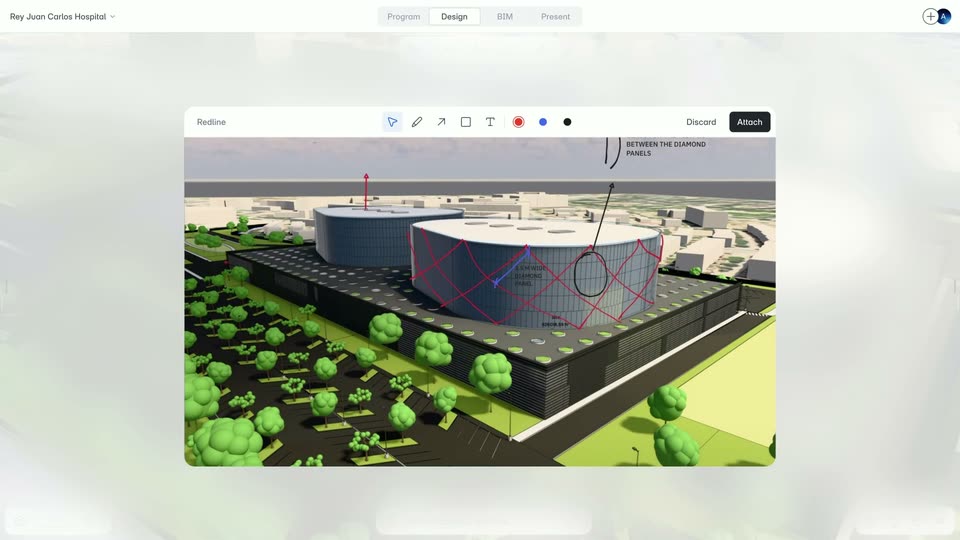 1:25–1:29Snaptrude · Altaf Ganihar - Today we're launching @snaptrude Agent, the most advanced agent for bA cursor draws red lines and a black circle with an arrow on a 3D hospital model in the Redline panel, then a text note appears. The scene cuts to a chat layout where a second 3D building carries a red arrow annotation.
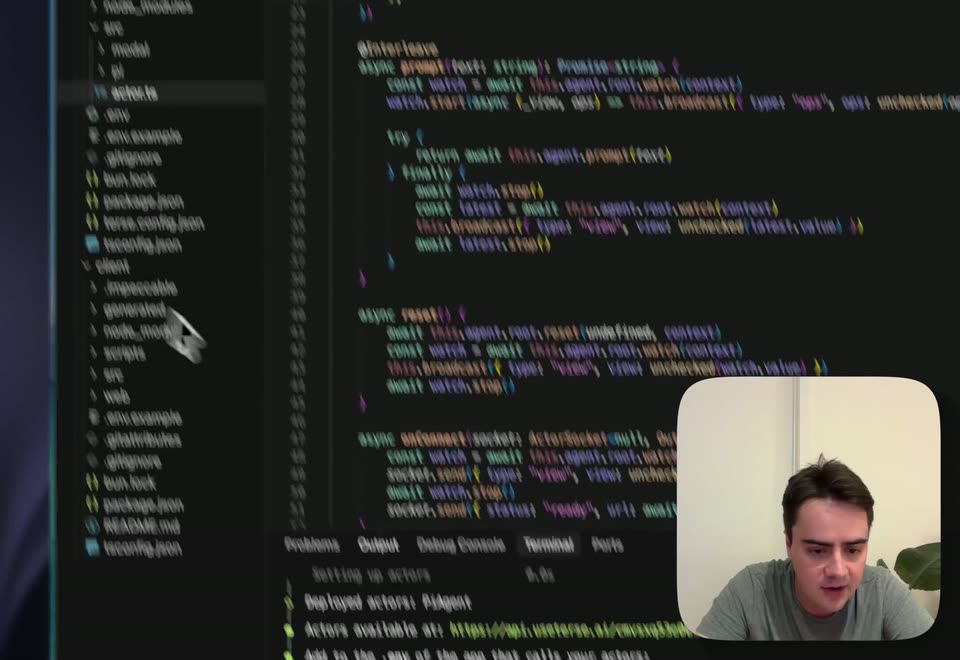 1:26–1:36Terse · Durable Actors Launch YC Demo VideoA code editor fills the screen, terminal panel showing deployment output, with a small webcam feed of the presenter in the lower right. The mouse cursor moves across the file tree, expands folders and opens a context menu on the client folder.
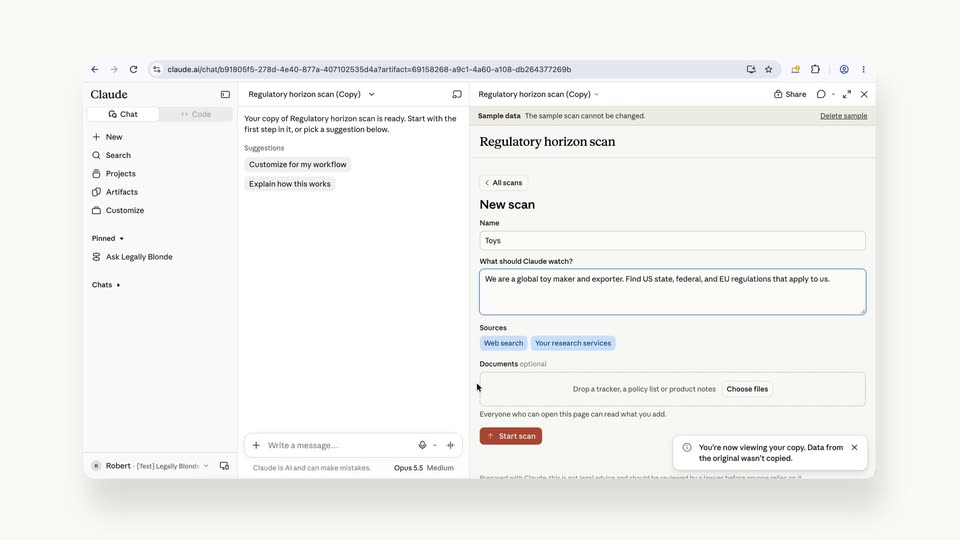 0:10–0:18Anthropic · Claude - New in Claude for Legal: a gallery of ready-made artifacts for contraA browser window displays the Claude app, with a New scan form on the right. A cursor types a sentence into the watch field, then clicks Start scan, and the panel switches to a waiting state.
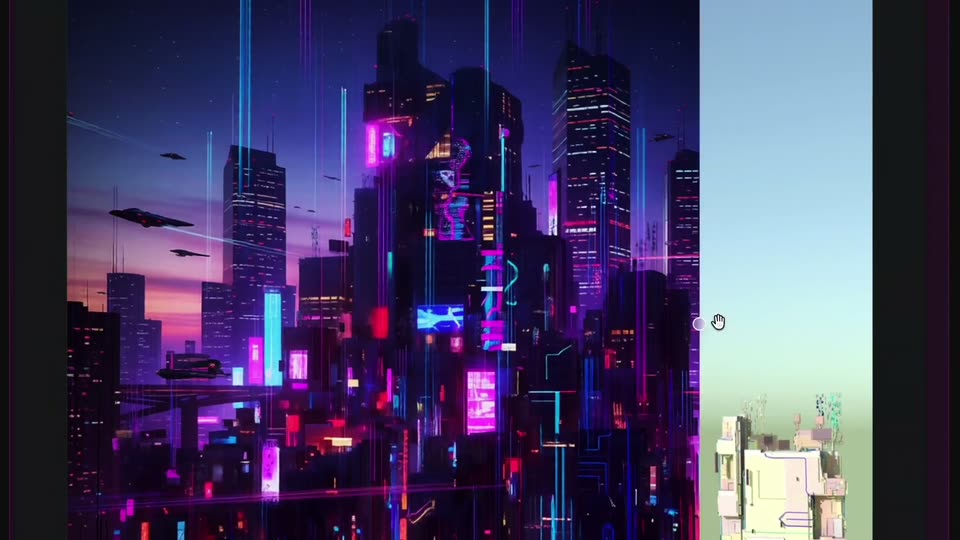 0:35–0:37Apple · New MacBook Pro with PROLED XDR Display and Touch: The world’s best laptop displayA pale beige 3D city tower stands in a soft sky, then a neon cyberpunk skyline wipes in from the left along a vertical seam marked by a cursor hand, and the wipe closes back to the pale city.
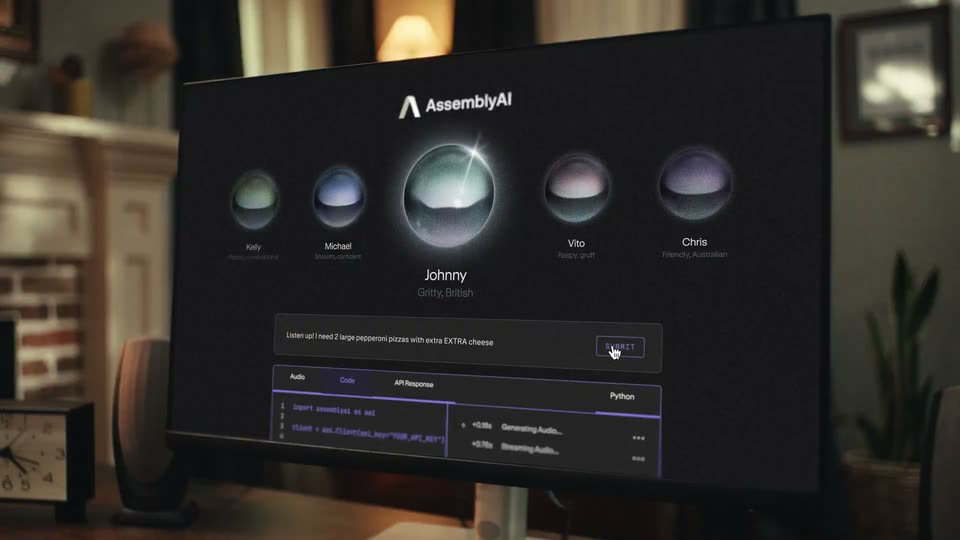 0:55–0:57AssemblyAI · AssemblyAI - Introducing AssemblyAI-TTS-1, our first text-to-speech model. NaturaA monitor in a dim living room shows the AssemblyAI voice picker at an angle. Five glowing orbs sit in a row, the center one labeled Johnny enlarged and lit, a cursor rests on the submit button above a code panel.
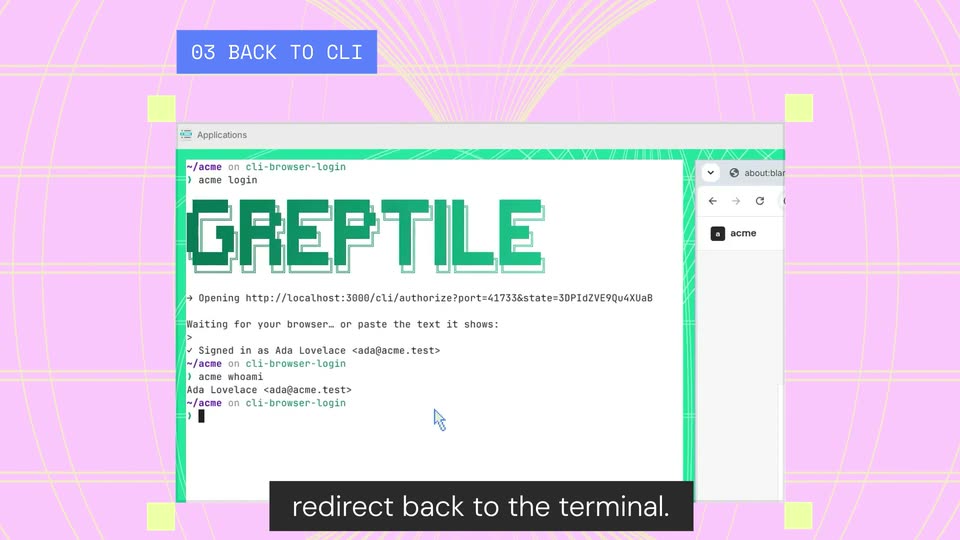 0:34–0:35Greptile · Greptile - Introducing Computer Use in TREX. TREX now spins up the relevant serA white terminal window sits on a pink grid backdrop, framed by a blue 03 BACK TO CLI banner and a black caption below. A green pixelated GREPTILE logo fills the terminal as a blue cursor hovers and new command lines type out.
 0:31 · 0.6sMagnific · Magnific - Meet Magnific Move: motion graphics you can talk to Animated charts,A dark toolbar sits in 3D perspective with an FX icon, a Brand button and a clock icon. A white outlined cursor arrow glides in from the lower right and stops just below the Brand button.
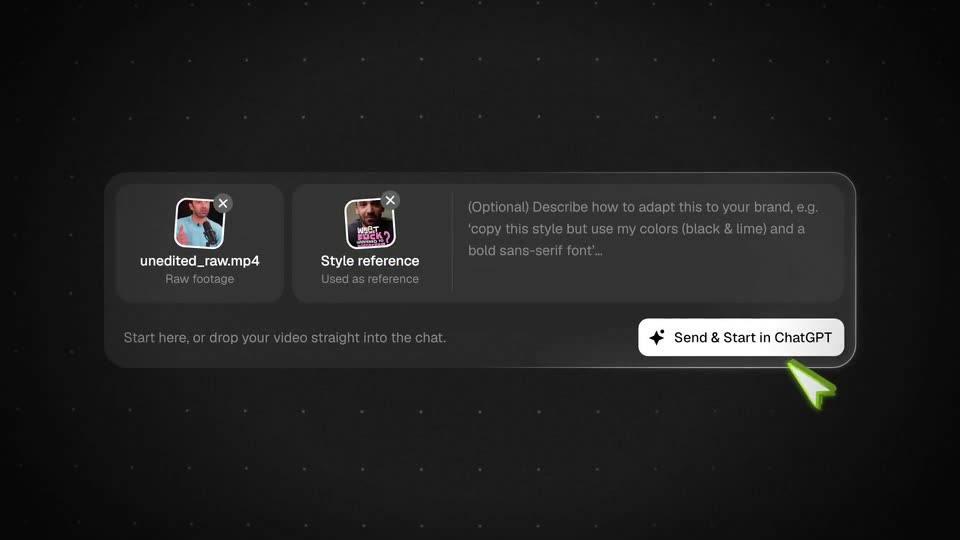 0:14–0:18OpusClip · OpusClip - Introducing AI Producer, the AI editor that learns from viral videos.A dark chat panel fades in over a dotted grid with two attachment cards: a raw footage clip and a style reference thumbnail. A prompt placeholder fills in, then a cursor moves to the white Send & Start in ChatGPT button as the background flickers with static.
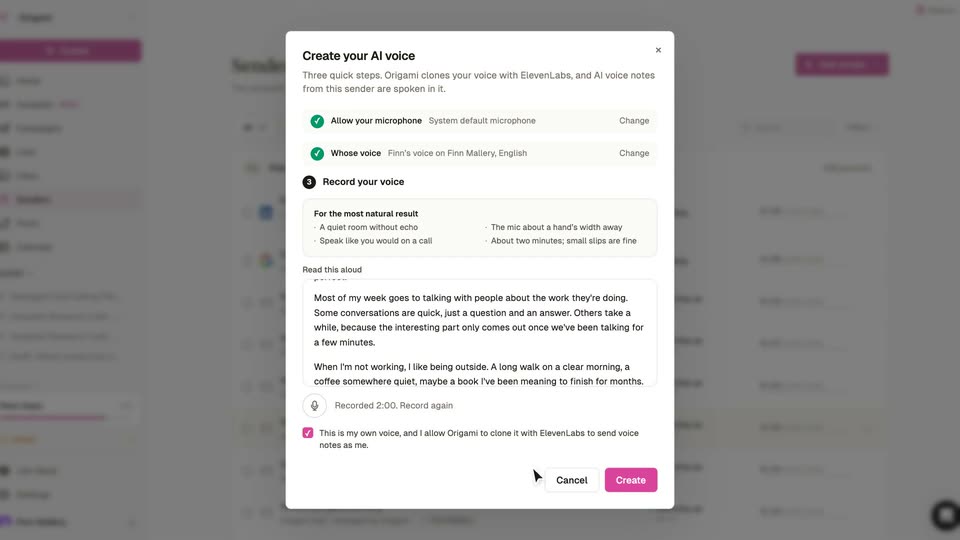 0:17–0:23Origami · Origami - Introducing voice cloning to Origami. (🔊 Audio: ON to hear the AI-clA white 'Create your AI voice' modal sits over a blurred app. A pink record dot and timer count up while the read-aloud paragraph scrolls, then a cursor ticks the consent checkbox and clicks the pink Create button.
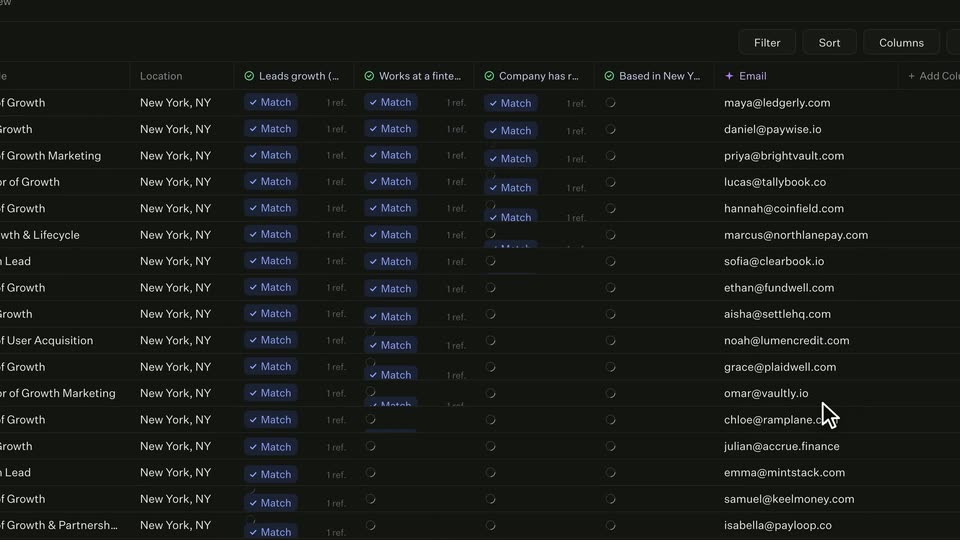 0:33–0:36Ploid · Manny Hernandez - Introducing Ploid. I think the world's data should belong to everyA dark lead table of names, companies and titles fills the frame. The view pans right as green Match badges populate a row of filter columns, then settles on the email addresses. A cursor hovers over one badge.
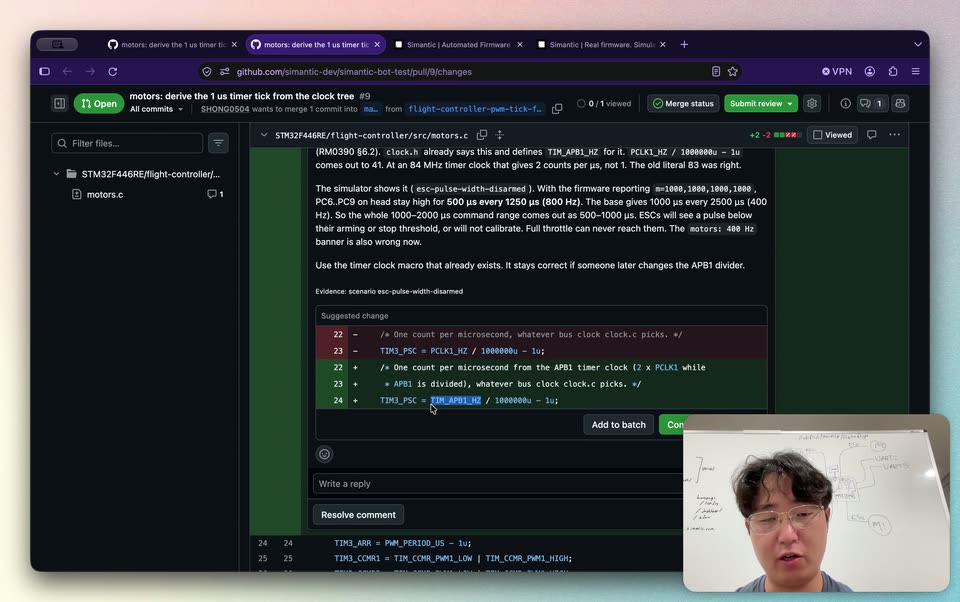 2:55–3:58Simantic · Seungmin Hong - We're launching Greptile for firmware. AI code reviewers are great fA dark GitHub pull-request page scrolls vertically through a code-review comment and a red-and-green suggested-change diff, the cursor pausing on the new code lines. A small webcam feed of a bespectacled man stays fixed in the bottom-right corner.
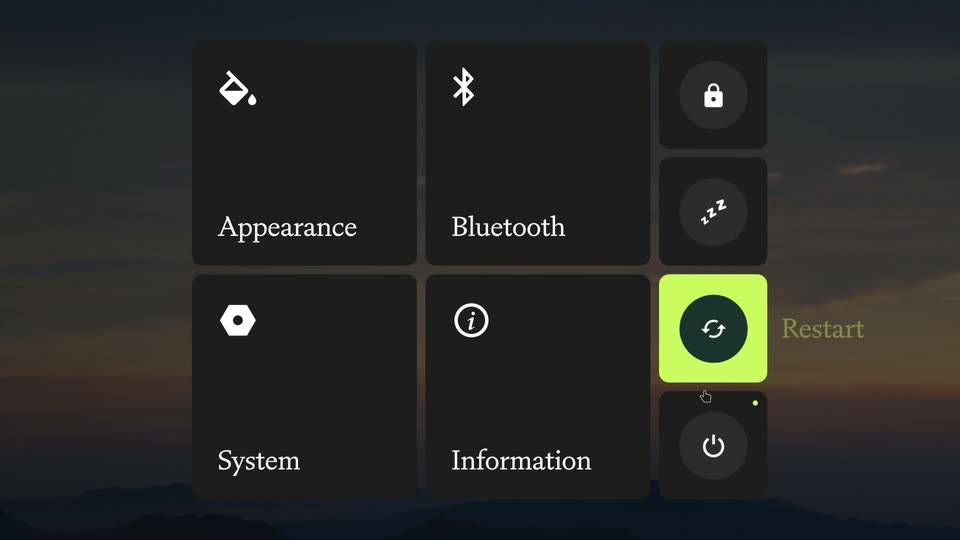 0:15–0:16Butterfly · Butterfly - Pond, our linux operating system, is now available for anyone to try!A dark quick-settings grid floats over a dusk mountain backdrop. The cursor leaves the highlighted pink Sleep tile and moves down; the Restart tile glows lime with a colored caption while the power tile below turns red.
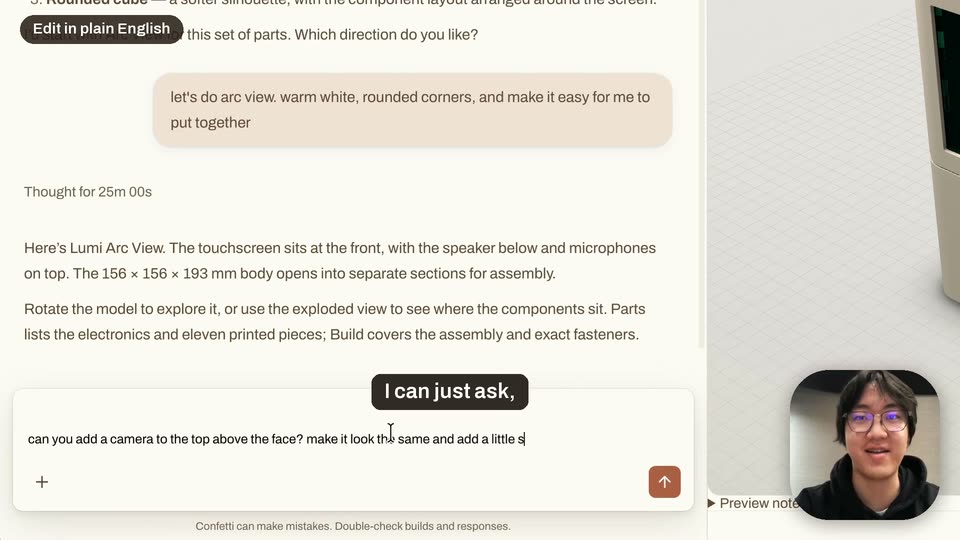 0:26–0:43Confetti · Introducing Confetti — Build hardware from a single promptA screen recording of the Confetti interface: a beige robot renders in 3D while a cursor ticks the exploded-view checkbox, revealing internal boards. The view reframes onto the chat, where a camera request is typed, and the model regenerates with a new lens.
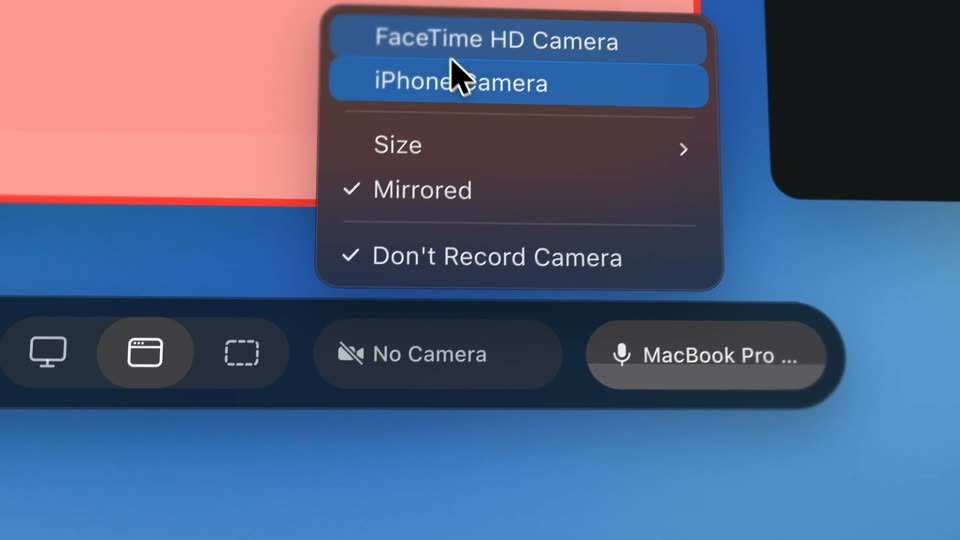 0:08–0:09Jam · Jam.dev - Jam for Mac is officially out - Get logs from Chrome, Safari + ElectA dark dropdown menu lists camera options with a cursor hovering over the highlighted FaceTime HD Camera row, above a toolbar showing No Camera and MacBook Pro labels, as the frame zooms out slightly.
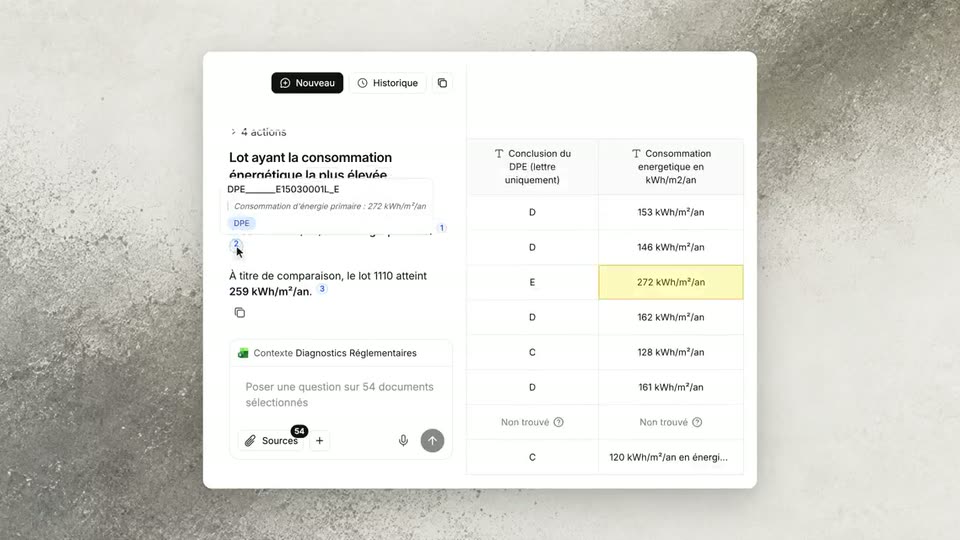 0:25–0:37Oguste · #notariat #intelligenceartificielle #oguste | OgusteA white app card on a concrete background: a data table switches to a chat panel, a cursor types a question, an answer with citations appears, then clicking a citation opens a DPE certificate PDF over the table, highlighting the 272 kWh/m² row.
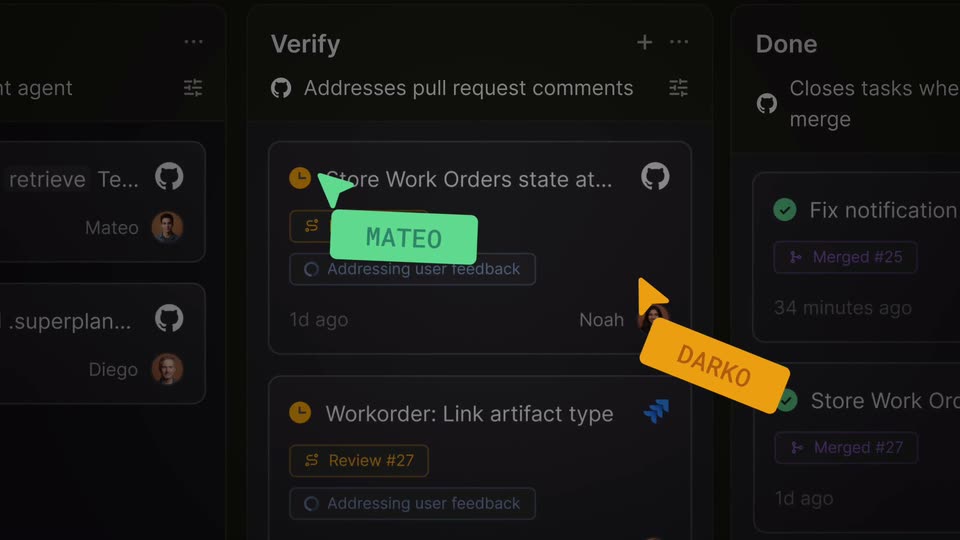 1:39–1:49SuperPlane · Darko Fabijan - Last month, 52% of the pull requests our team merged were automated tA dark four-column kanban board sits on a blurred orange and teal backdrop. The camera pulls back from the Done column to the full board, then zooms into Verify as tilted name stickers and cursors pop onto tasks, joined by hand emojis.
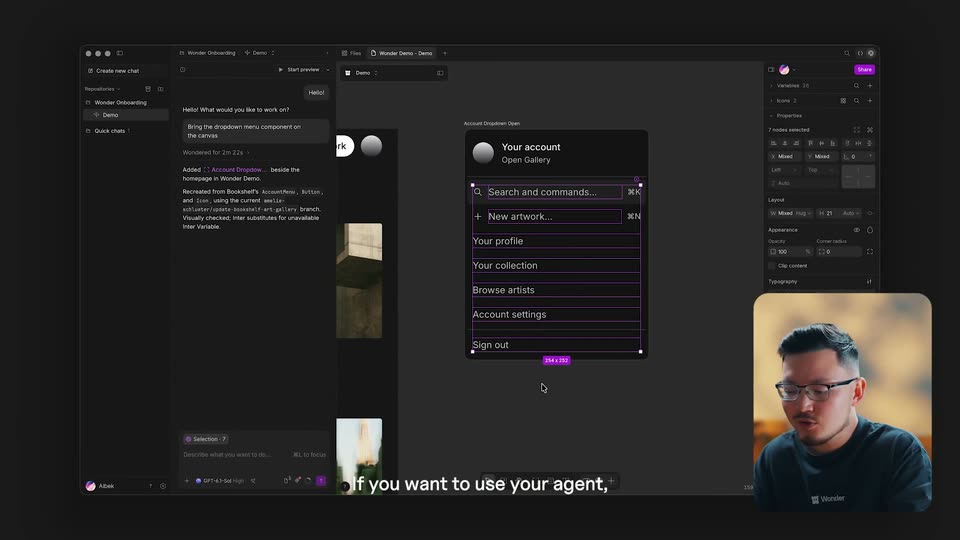 1:18–1:19Wonder · Wonder - Today we're launching the new Wonder! The fastest way to go from desA dark design-tool interface fills the frame, an open account dropdown centered between a chat panel and a properties panel. A small inset video of a man in glasses sits bottom right, a cursor hovers below the menu, and a subtitle appears at the bottom.
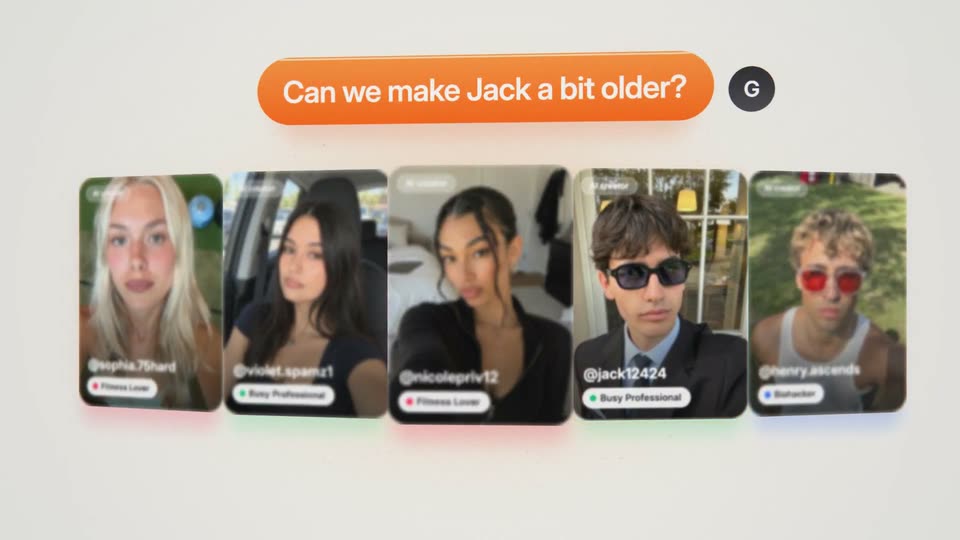 0:58–1:00Fastlane · Fastlane - Today we're introducing Claude for Ads. Just enter your website andA chat thread with an orange user bubble sits above five AI creator profile cards. A pixelated cursor hovers over the @jack12424 card, then the frame zooms into that card as a white “Sure.” bubble pops in at the left.
 0:58–1:00Riverside · Nadav Keyson - Meet Riverside Agents, the first AI production team built only for viA dark video editor interface fills the frame in shallow focus, a preview panel showing a checkered background and a Riverside 2.0 label. A cursor glides down to rest on the Add to timeline button as the timecode ticks forward. White subtitles read at the bottom edge.
 0:18–0:20Runway · Runway - Introducing Runway App Studio. Build the creative app you wish existA man in a green sweater faces the camera against an olive backdrop, his expression shifting as a white rounded button labeled Change cast with a cursor icon pops in at the bottom. A large white headline scales in over the locked-off shot.
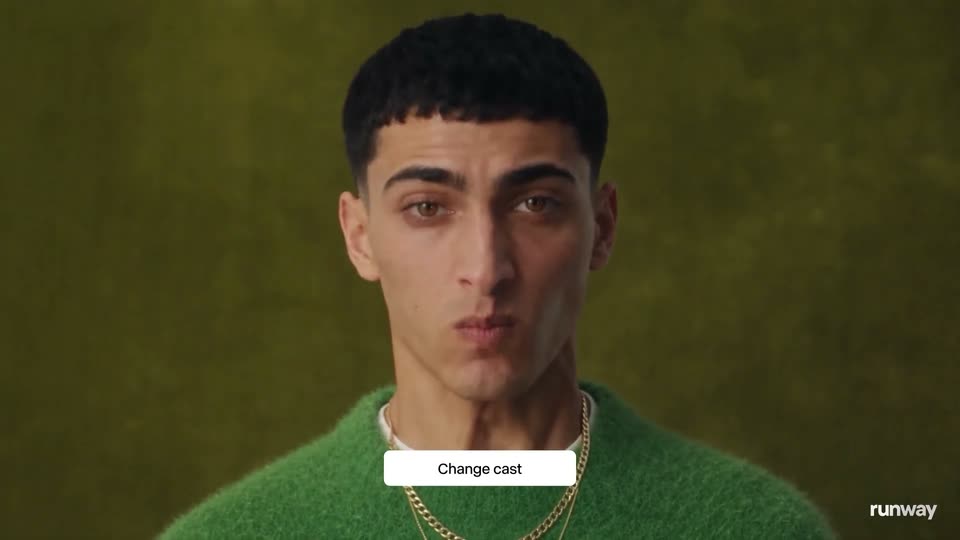 0:18–0:20Runway · Introducing App Studio | RunwayA young man in a green sweater against an olive backdrop holds a neutral gaze, then puckers his lips and scrunches his nose as a white pill button labeled Change cast with a cursor arrow scales in at the bottom center.
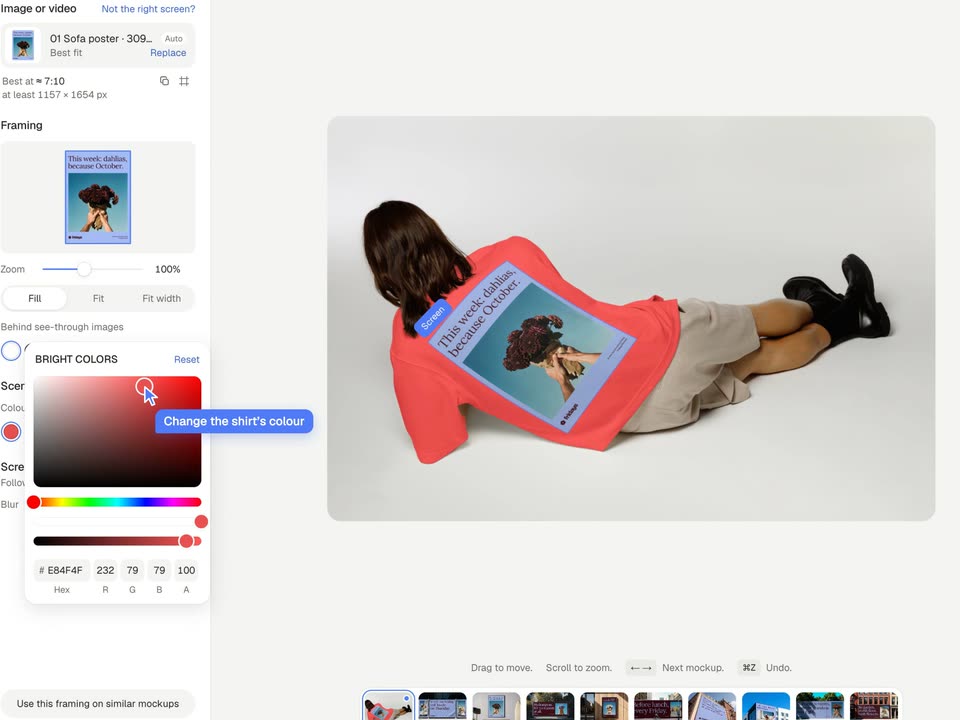 0:18–0:23Showroom · Seyi - Introducing Showroom, an app that lets you see your designs in everyA mockup editor shows a person lying on the ground in a t-shirt printed with a poster. The view reframes onto the colour panel as a cursor drags the hue slider, and the shirt cycles from white to red, orange and purple.
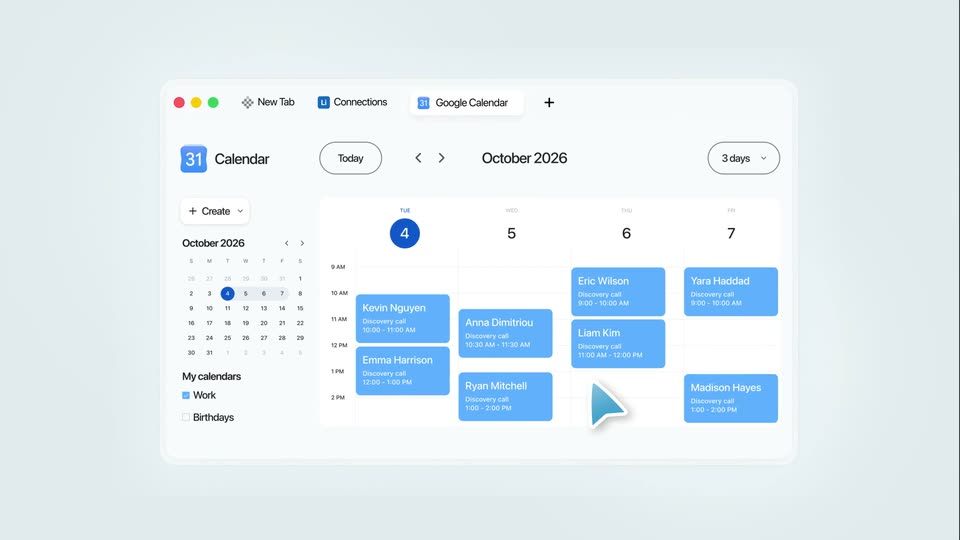 0:22–0:24Strawberry · Charles Maddock - Delete Chrome Delete Granola Delete Claude Strawberry 1.0 is here, tA frosted profile card for Madison Hayes, with a cursor arrow, sits over a Google Calendar view in a browser window. The card dissolves away, revealing the full weekly grid filled with blue event blocks.
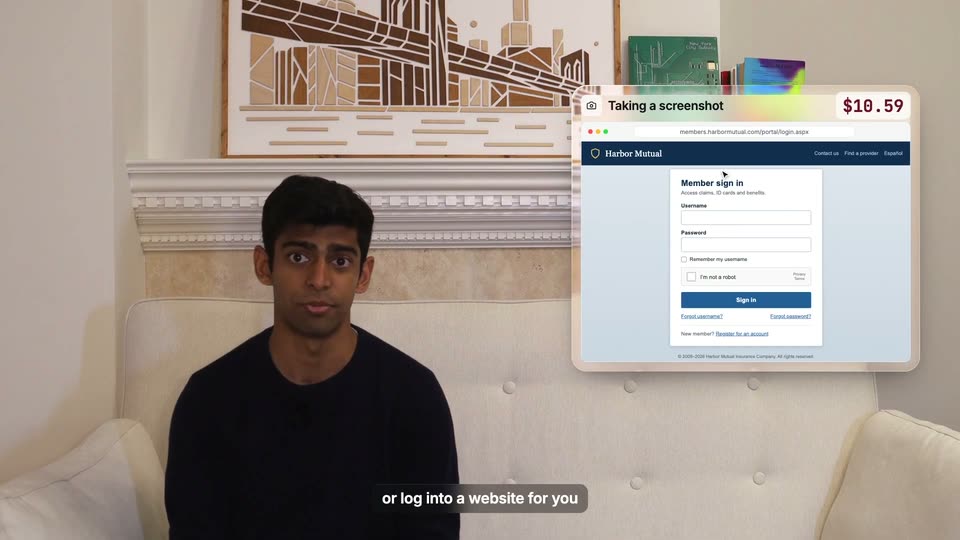 0:16 · 0.9sPomerado · Pomerado (YC F26) - faster, cheaper, more reliable browser useA man in a dark sweater sits on a cream sofa, talking. A tilted 3D browser window floats to his right, showing a sign-in page. The status bar switches from Thinking... to Clicking at (263, 337) as the page zooms onto the form and a dollar counter ticks up.
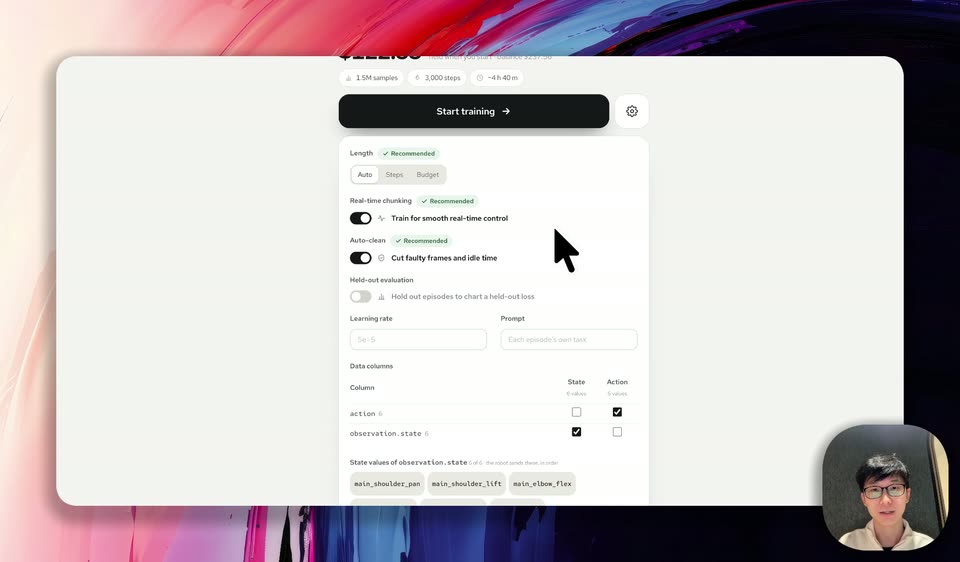 0:21–0:30Dreamscale Labs · Chris Yoo ⚡ CoRL - Fine-tuning VLAs just got so much easier. Today, we're releasing TraA close-up of a training settings panel zooms out to the full card; a cursor hovers over the Real-time and Auto-clean toggles, then the view scrolls up to the Start section, a hand cursor on the Start training button, with a facecam in the corner.
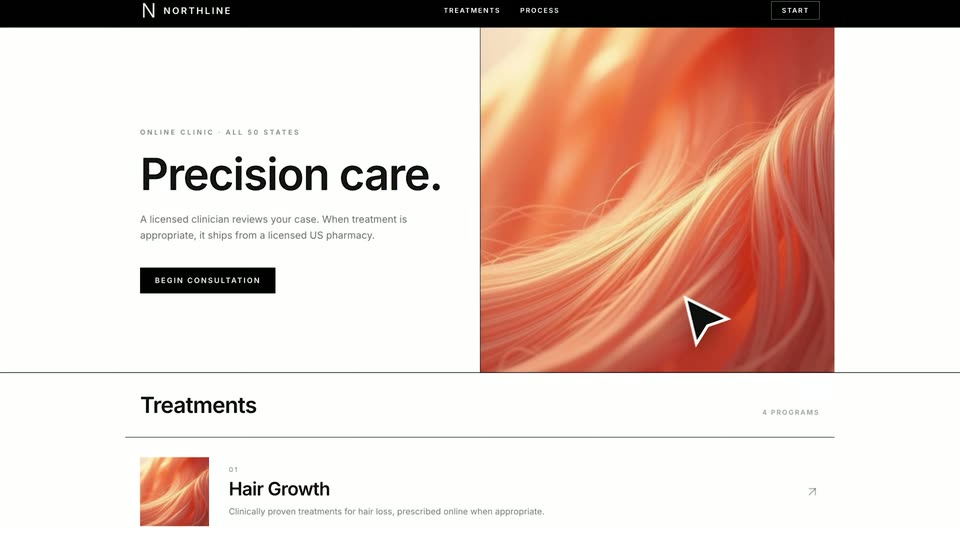 0:30 · 0.8sTagadaRx · TagadaRx motion design video: launch the next Hims & HersA large outlined cursor hovers over an orange hair image beside the 'Precision care.' hero, then the page scrolls down to the 'Better hair, personalized to you.' section with Hair Growth and Weight Loss cards.
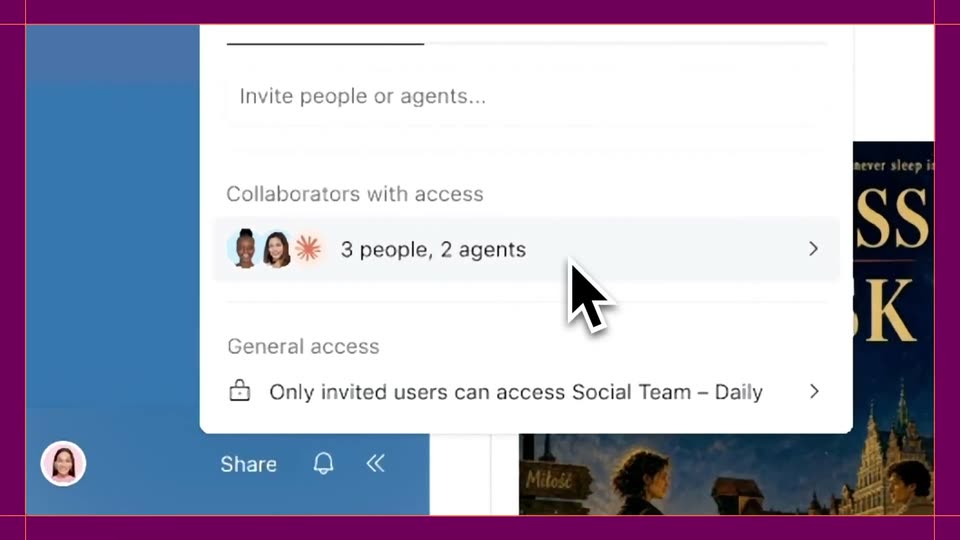 0:44–0:45Airtable · October 2026 Launch: BYO AgentsA white access panel floats over a blue sidebar, listing collaborator avatars and a lock-protected general access line. A black cursor hovers over the collaborators row while the frame zooms in slightly.
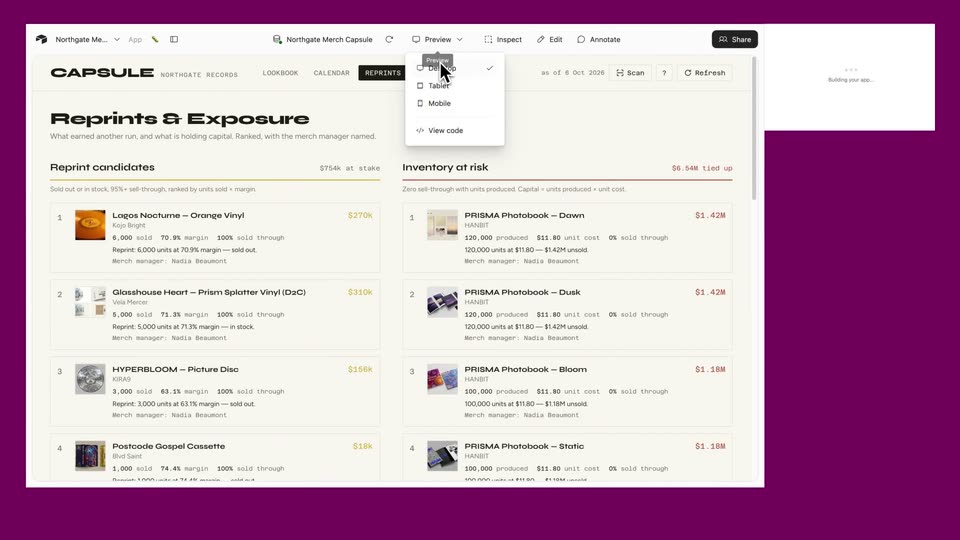 0:19–0:23Airtable · October 2026 Launch: CanvasThe interface shows a Reprints & Exposure page with two ranked lists, Reprint candidates and Inventory at risk. A cursor moves from the REPRINTS tab up to the Preview dropdown, which opens a menu, and the cursor hovers over the Mobile option.
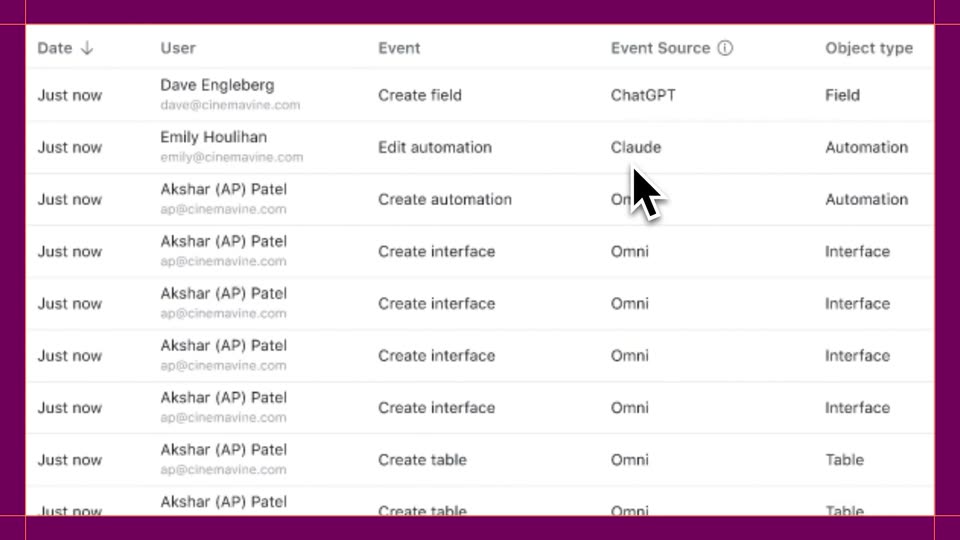 0:31–0:40Airtable · October 2026 Launch: GovernanceA white activity table on a magenta grid background zooms in from a small centered card to fill the screen. A black arrow cursor hops between rows, pointing at event sources and object types, then the view pulls back slightly.
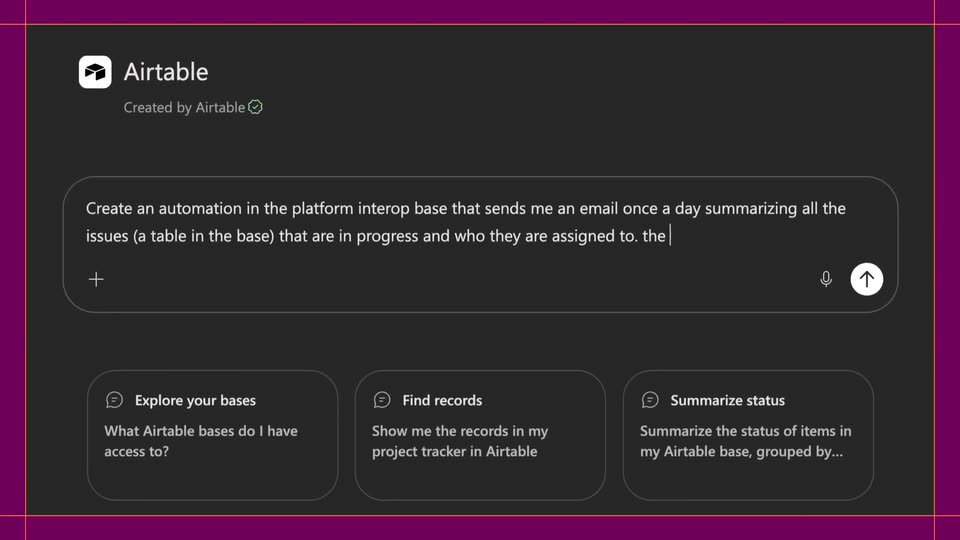 0:35–0:39Airtable · October 2026 Launch: MCPA dark Airtable prompt screen inside a magenta frame: a long instruction types itself into the prompt bar character by character while three suggestion cards slide down and off. The scene then cuts to an empty state with the Message Airtable placeholder and a small disclaimer.
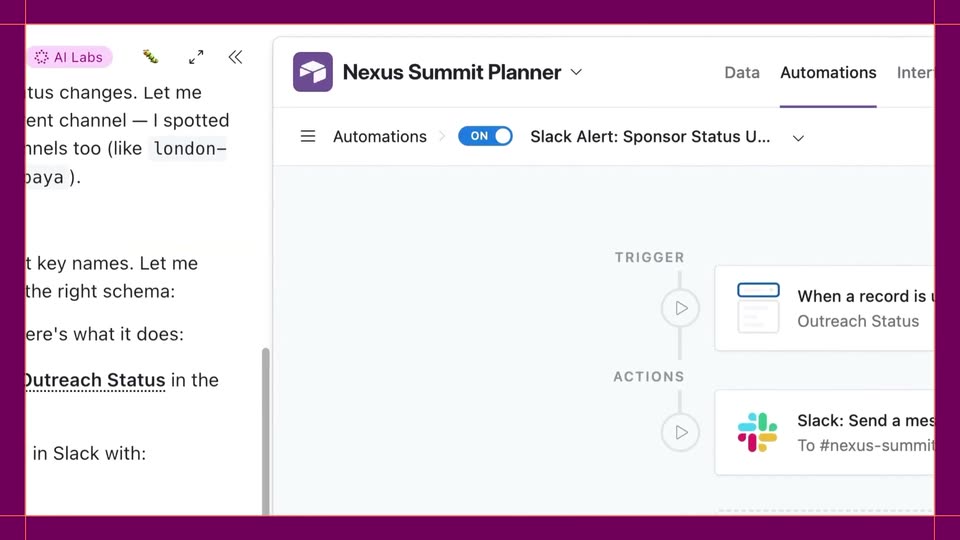 0:31–0:35Airtable · October 2026 Launch: OmniA two-pane view pairs an AI chat on the left with the Nexus Summit Planner automations screen on the right. The frame zooms in as a cursor clicks the OFF toggle to ON, then eases back to show the trigger and Slack action.
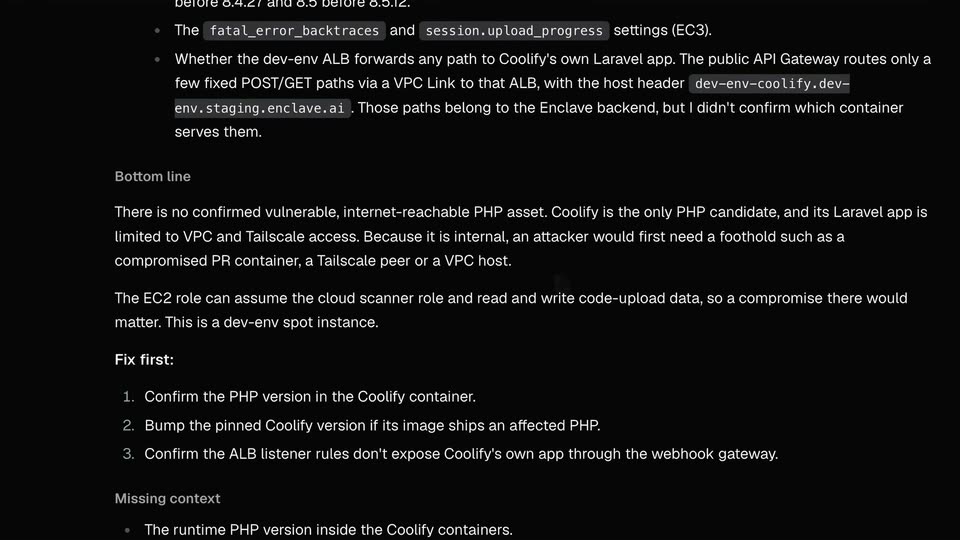 0:47–0:54Enclave · Enclave - Big news: Enclave is now open to everyone, and today we're launchingA long white-on-black technical report scrolls upward, then stops. A mouse cursor moves in and drags across a paragraph under Bottom line, highlighting it in blue.
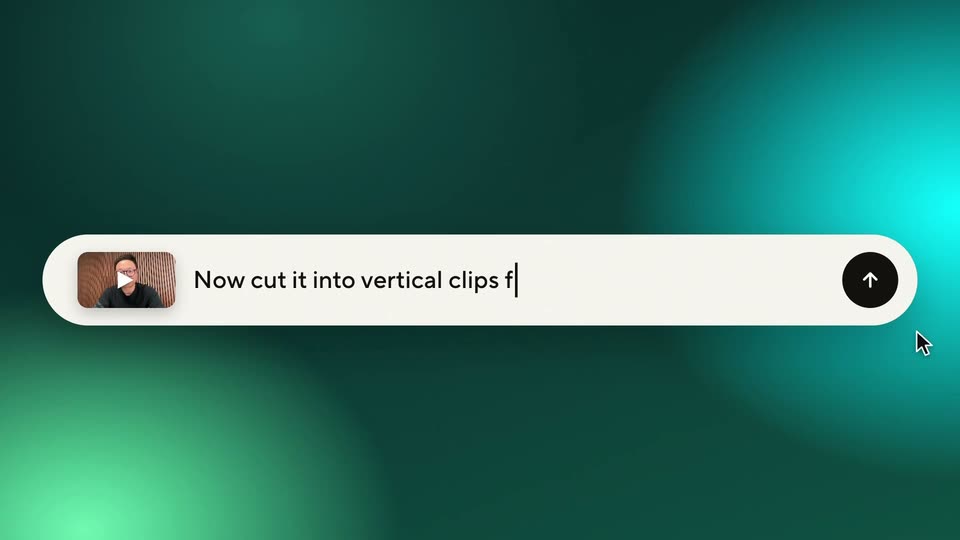 0:50–0:52HyperFrames · HyperFrames - script based editing is live in HyperFrames Studio edit long-form anA rounded chat bar on a teal gradient holds a small video thumbnail of two men at the left. The bar widens and types the prompt “Now cut it into vertical clips for socials.” while a cursor blinks, and a mouse pointer hovers the send button.
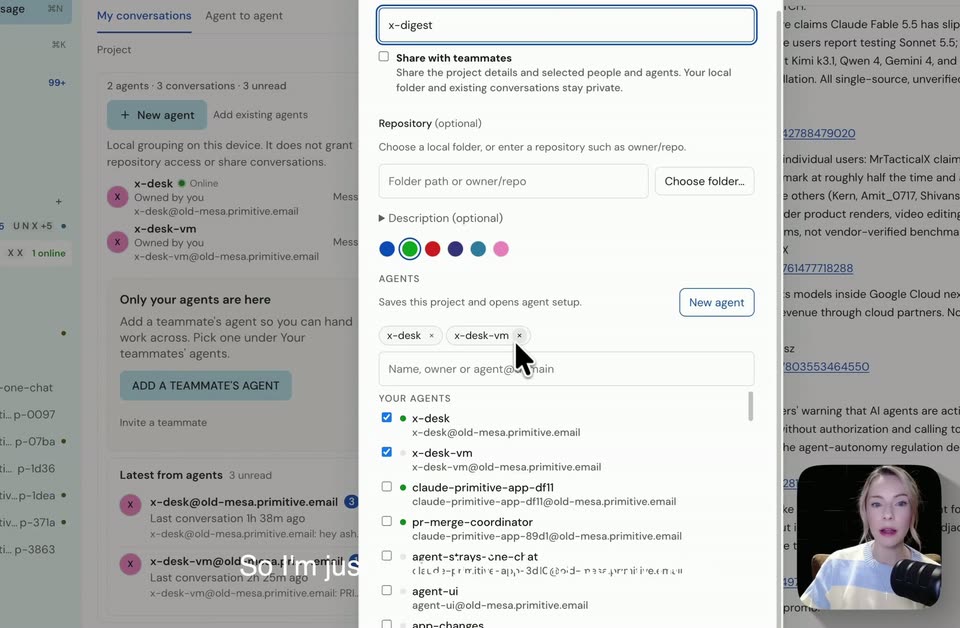 1:12–1:16primitive · Primitive - we 💌 emailA project panel fills the center with a name field, agent chips, and a checked agent list, beside a face-cam inset of a woman at bottom right and a document on the right edge. A cursor moves across the fields as white captions read at the bottom.
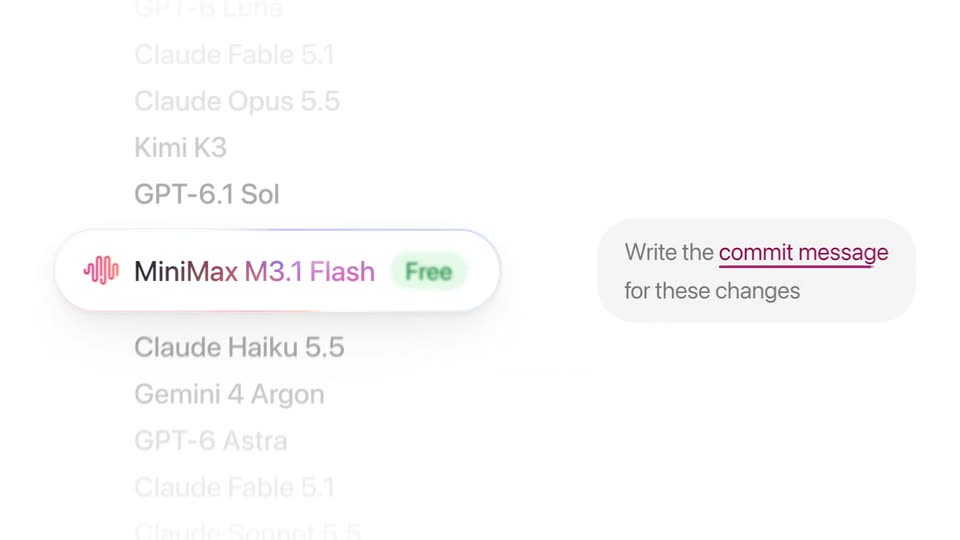 0:36–0:38AutoRouter · ty - Meet AutoRouter, the most intelligent way to pick models You’re wastA model picker dropdown floats over a code editor, the cursor rests on AutoRouter while the list scrolls past Claude, GPT and Gemini rows and a Routing label fades out. The view crossfades to a task card with an AutoRouter button beside a panel of on-plan and pay-as-you-go models.
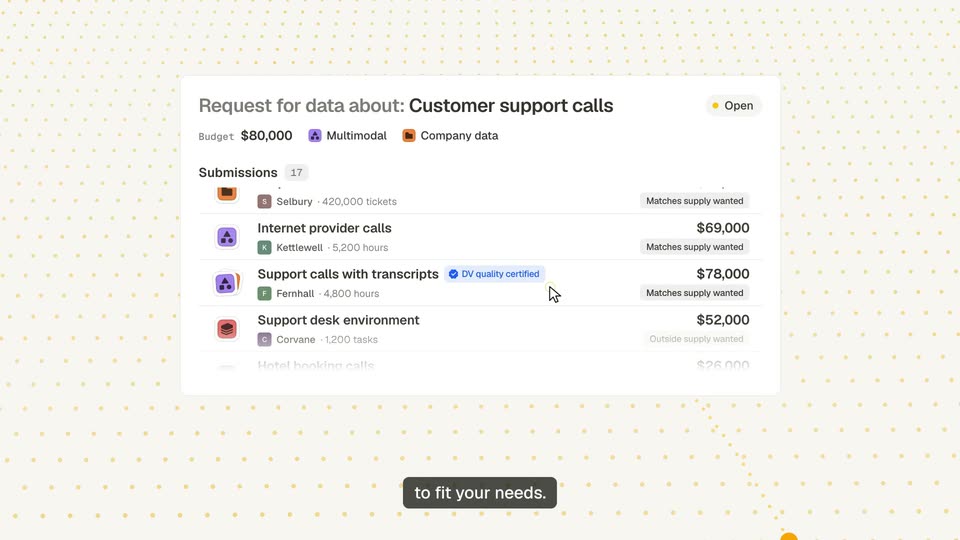 1:09–1:13DataVendor · DataVendor - We're announcing the public beta of We spent the last two years builA white request card on a cream dotted background scrolls its submissions list through vendor offers and prices while a cursor hovers a row. The card fades out as a dotted grid with yellow icons and dashed connectors assembles into a rounded shape.
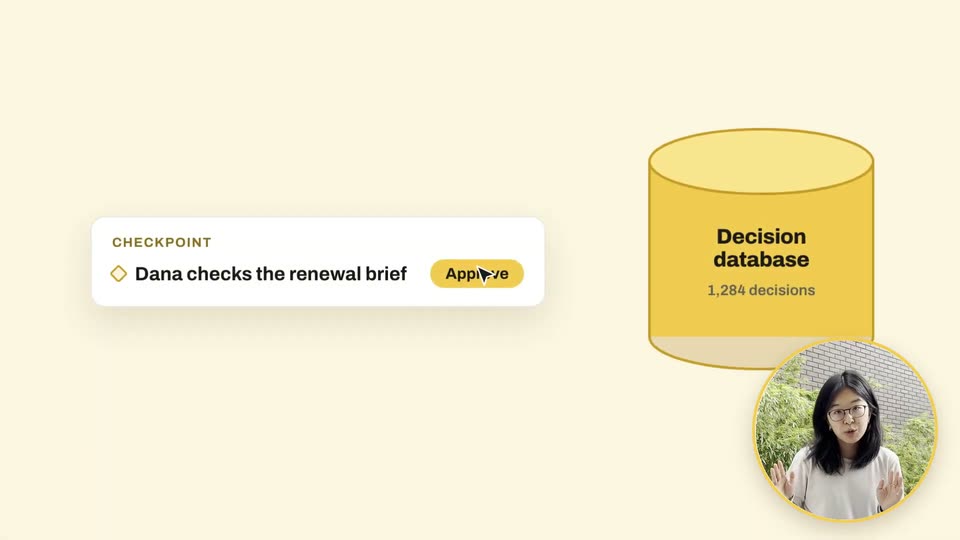 0:53–0:54Kiwi · Kiwi (YC F26) - Launch VideoA product form modal with a yellow Start the run button closes, revealing a white checkpoint card with an Approve button on a cream background. A yellow 3D cylinder labeled Decision database sits to the right while a presenter talks in a circular inset.
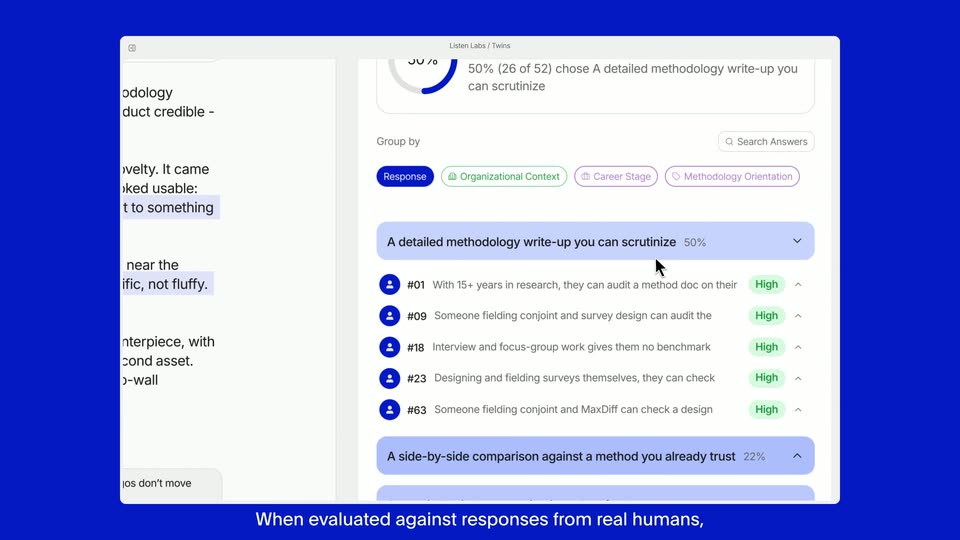 0:43–0:44Listen Labs · Alfred Wahlforss - Introducing Listen Twins. 1:1 digital twins of real people, each buiA product interface on a blue background shows a response-analysis panel: a donut chart, group-by pills, and a list of ranked answers with green High tags. A cursor hovers over the list while the left column of text scrolls slightly. A white caption sits at the bottom.
 2:18–2:19OpenEvidence · Memorial Sloan Kettering Cancer Center and OpenEvidence Partner to Advance Precision OncologyAn angled, soft-focus close-up of a white search field on the OpenEvidence interface. A text cursor blinks as the query types out letter by letter to read 'What is', with a faint suggestion row visible below.
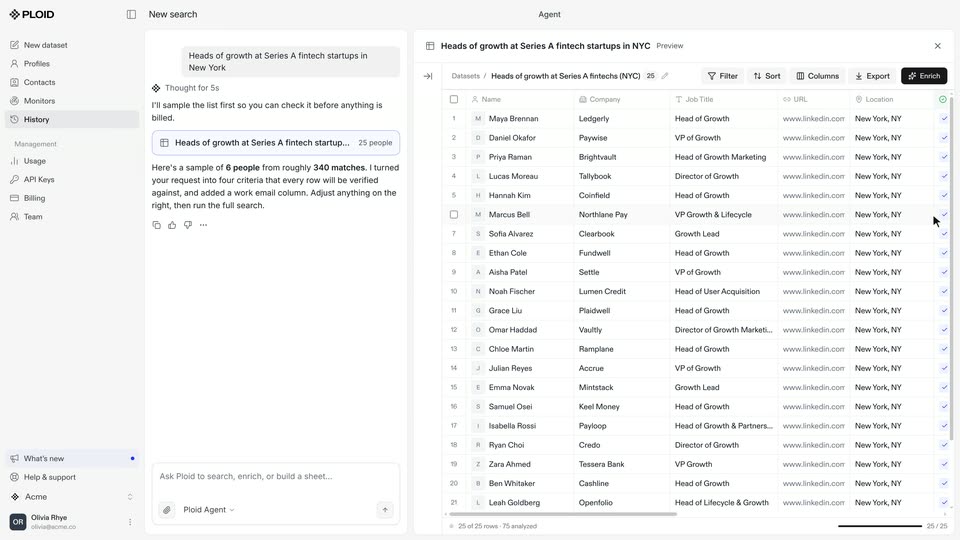 0:19–0:34Ploid · Ploid Demo: Creating a DatasetA split-screen view of the Ploid app: an AI agent chat on the left explains a search while a contacts table on the right fills row by row, then scrolls horizontally to reveal email columns. A cursor drifts across the panels.
 1:31–1:36Aucert · Aucert (YC F26): AI experts that test your mobile app before it shipsOn a near-black background, the aucert.ai lockup sits centered, the white triangular app icon left of the wordmark. A white cursor slides in from the right and a green Book a demo pill settles in beneath the .ai, the cursor resting at its left edge.
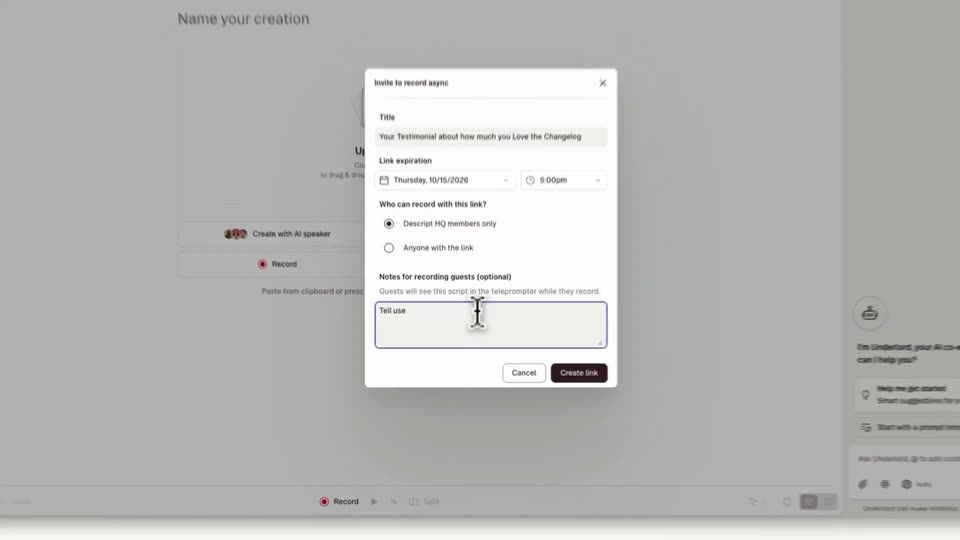 0:53–1:03Descript · New in Descript: Drive Search, Recording Requests, ElevenLabs v4 & MiniMax H3An 'Invite to record async' modal sits over a dimmed Descript project page. The cursor types a title, the view zooms in on the modal, then the cursor types a guest note and clicks Create link, swapping the modal for a confirmation card with a Copy link button.
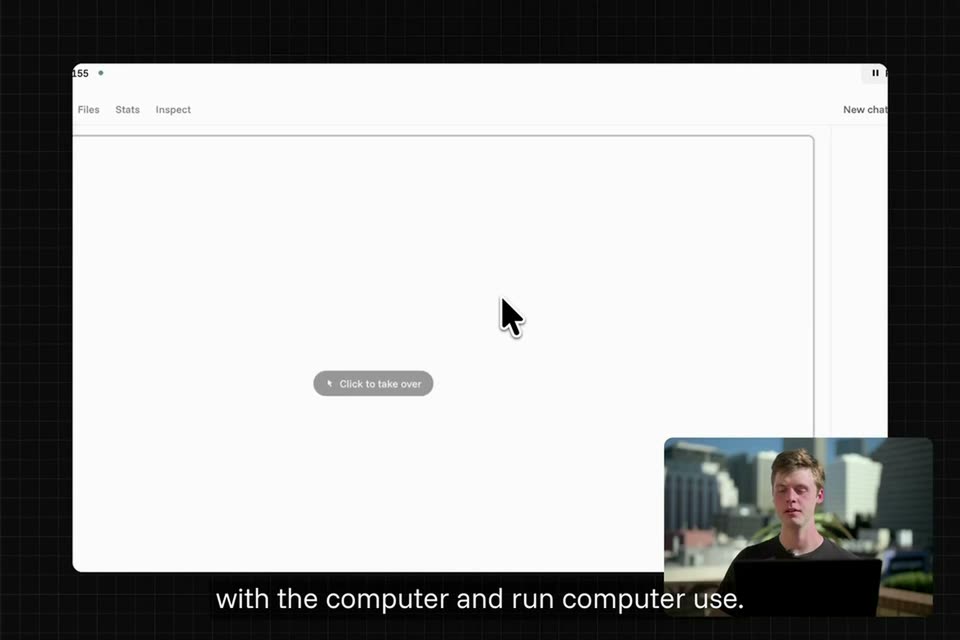 0:25–0:27Orgo · Orgo - Introducing Orgo: computers for agents. Give every agent its own desA white product dashboard fills the frame, listing a computer row with a status label and a black cursor in the center. A small inset video of a man at a laptop sits in the bottom right, and white subtitles run along the bottom edge.
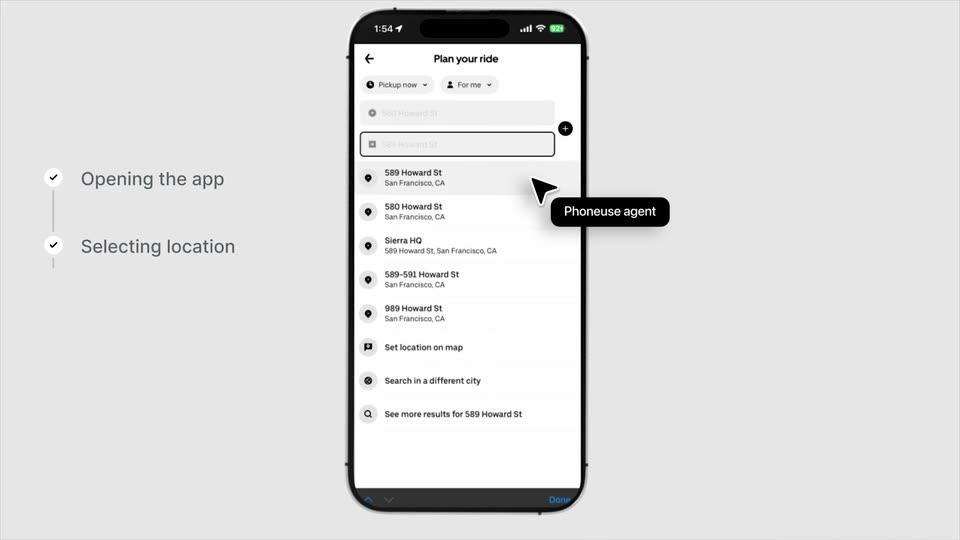 0:06–0:07PhoneUse · Abdulla Ababakre - defining a new category: phone-use an mcp/api that gives ai agents tA tilted phone mockup on a light gray background shows a ride app with a scrolling location list. A cursor moves through the screen while a black 'Phoneuse agent' tag trails it. Two checklist items, 'Opening the app' and 'Selecting location', sit at left with checkmarks.
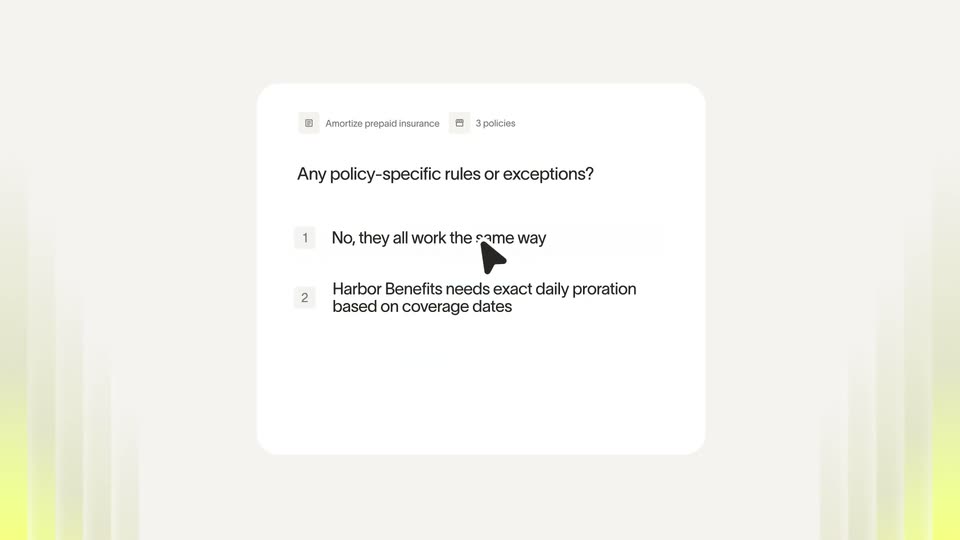 0:48–0:50Ramp · Introducing Ramp for Accounting FirmsA white question card with two numbered answer options sits on a pale background. A gray cursor slides up to the first option, which highlights in light blue, then the card scales down to a wider framing.
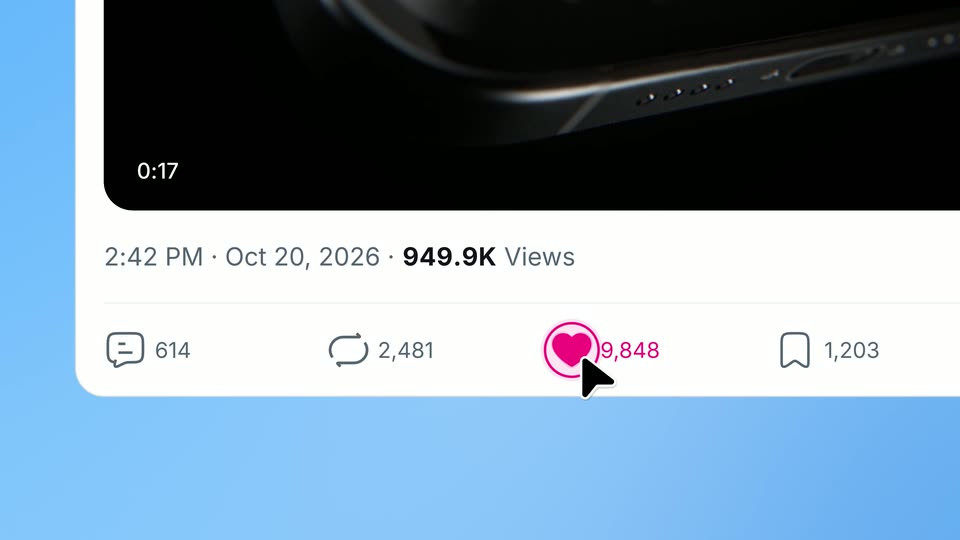 0:32–0:33Raylight · Raylight - Raylight API is live. Every release ships with a video, on autopilot.Close-up of a video page on a light blue field. A black cursor clicks the heart icon, which fills from outline to solid pink, then slides right toward the bookmark icon while the view count ticks up.
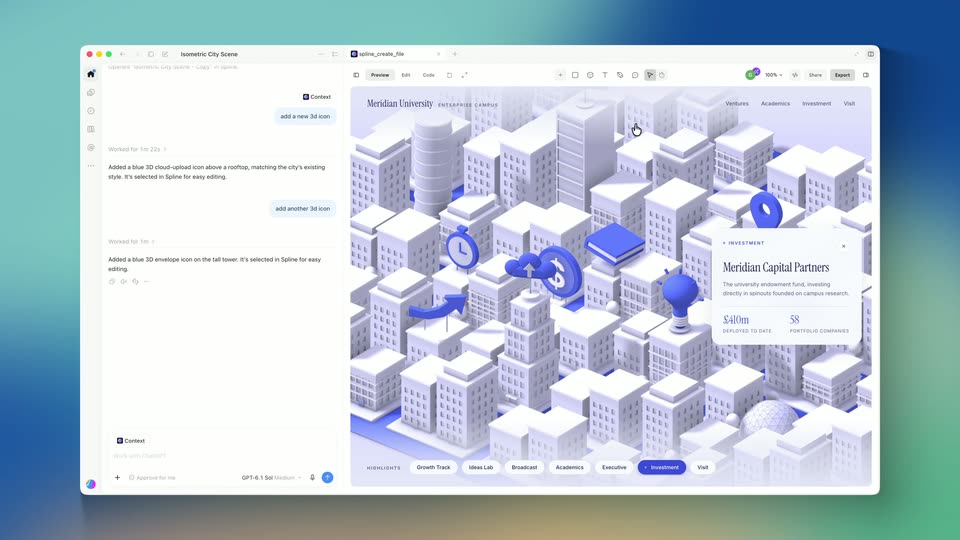 0:27–0:28Spline · Introducing Spline for ChatGPT 🚀A Spline editor window holds an isometric 3D city of pale buildings with blue icons and a Meridian Capital Partners card. The frame stays locked while a cursor glides over the rooftops and the left chat panel remains static.
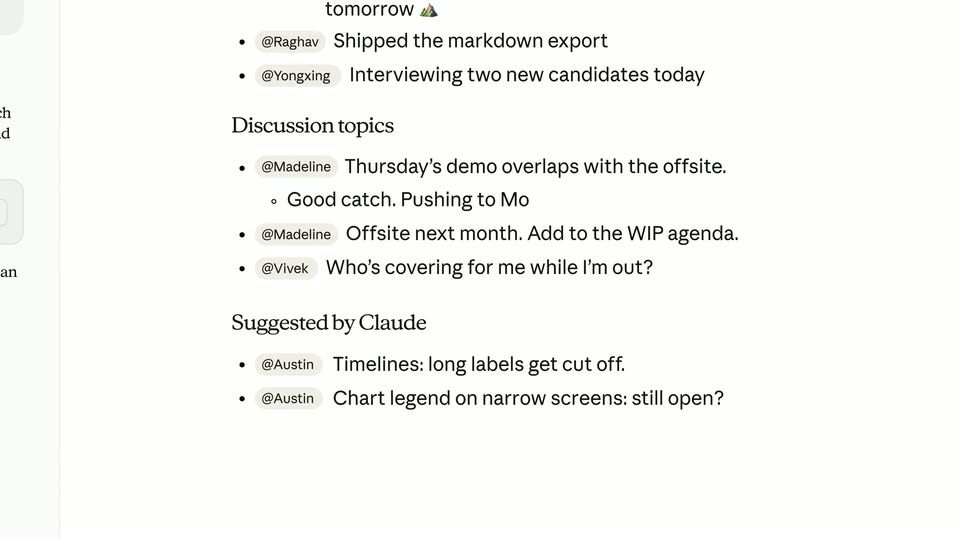 0:25–0:36Anthropic · How an Anthropic engineer uses Claude DocsA zoomed-in view of a markdown document pulls back to the full page. A cursor highlights the line “Thursday's demo overlaps with the offsite.”, moves it into Discussion topics, and types two nested replies while the list reflows.
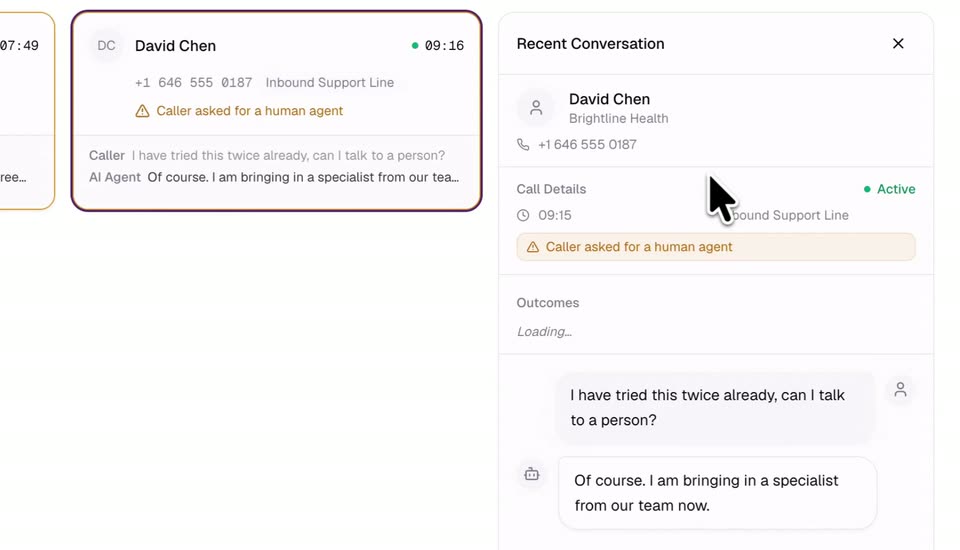 0:09–0:12Callab AI · Callab AI | Human-centered AI for CX teamsA cursor hovers over a purple-outlined call card in a list, the right panel shows the caller's conversation transcript, then the frame blurs and pulls back to reveal the full Live Calls dashboard.
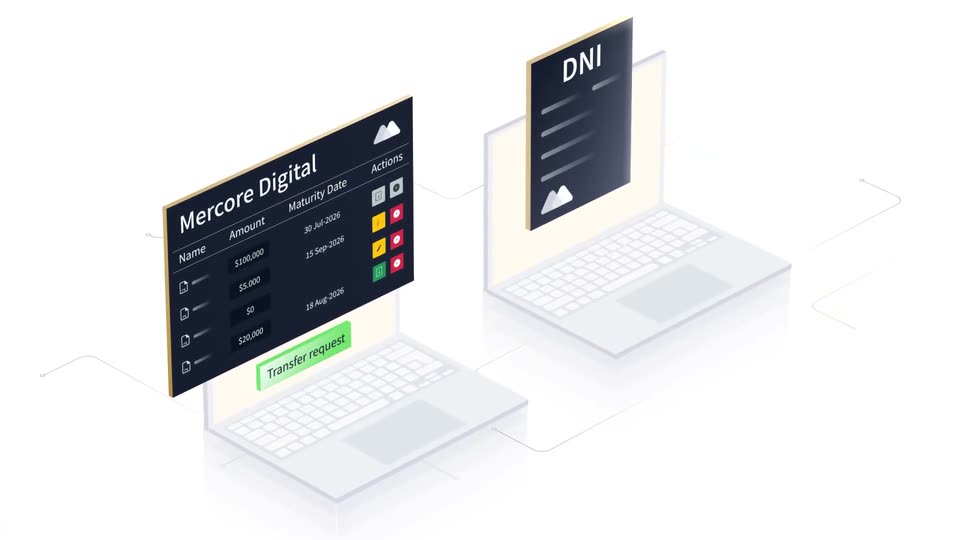 1:31–1:34Mercore · B2B Enterprise Software Video: Digitize Trade Finance with Mercore | Fintech SaaS Product DemoTwo white laptops float in isometric 3D on a white field, linked by thin lines. The left screen holds a dark data table titled Mercore Digital with a green Transfer request button under a cursor. The right screen fills in with a dark DNI card and a mountain icon.
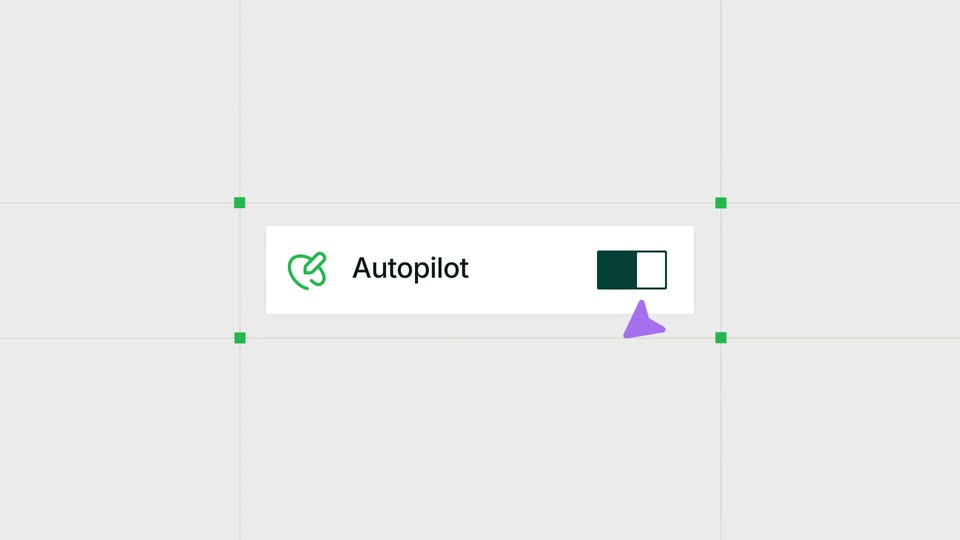 0:23–0:25Mintlify · Mintlify - Introducing Autopilot: an always-on agent for your docs. Connect youA light gray grid with green corner markers frames a white settings row holding a green loop icon, the label Autopilot, and a toggle. A purple cursor rests on the toggle and flips it on, the switch sliding to a dark green state.
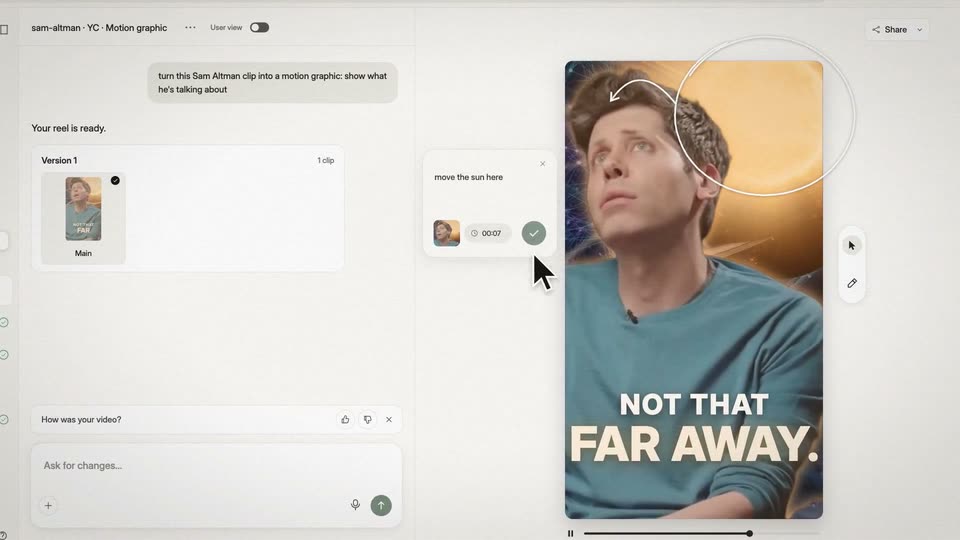 0:26–0:33Motion · Adish Jain ☕️ - today, we're launching the General Video Agent. GVA edited this entiThe view opens tight on a vertical video preview of a man in a teal shirt against shifting space backdrops with captions, then pulls back to reveal the full app: a chat panel on the left with a prompt and a result card, the video on the right. A cursor circles the sun in the frame and sends a comment, after which the preview updates, the sun replaced by a ringed planet.
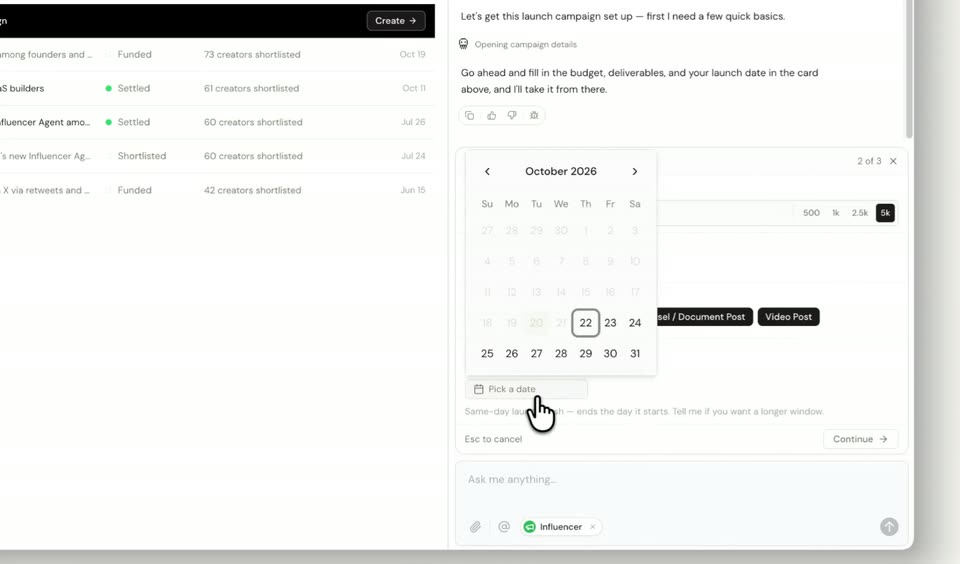 0:07–0:12Okara · Okara - Today we're launching the world's first LinkedIn Influencer Agent. TA flat white campaign form fills the right half of the screen. A cursor clicks the 5k budget chip, selects Video Post, opens a calendar and picks Oct 26, 2026, then hovers the Continue button. The campaign list on the left stays still.
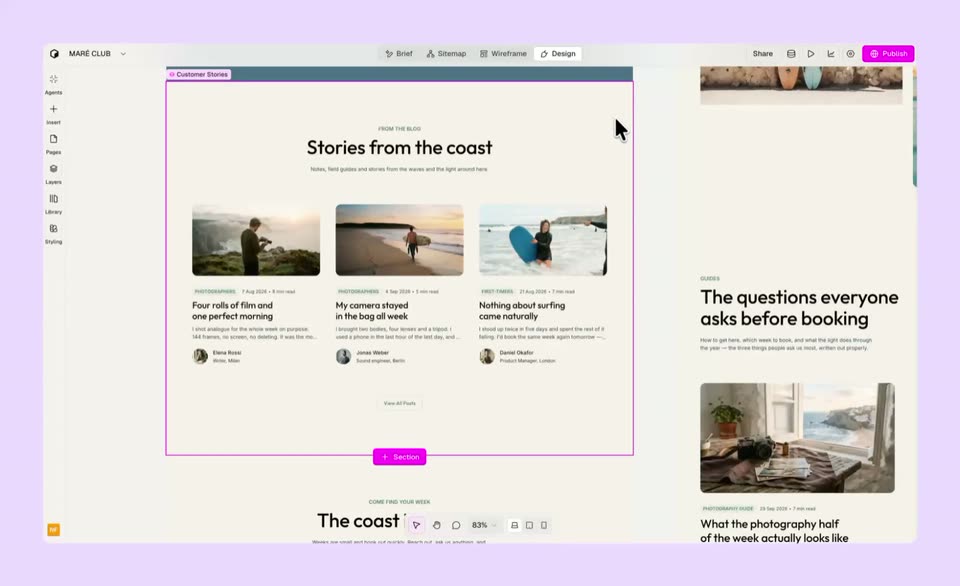 0:22–0:25Relume · Relume - Introducing Relume CMS. → Swap layouts without reconnecting anythingA design tool canvas displays a coastal blog page. A cursor hovers over the Customer Stories section, the view zooms out to reveal the full page, then zooms back in as a component properties panel opens on the right.
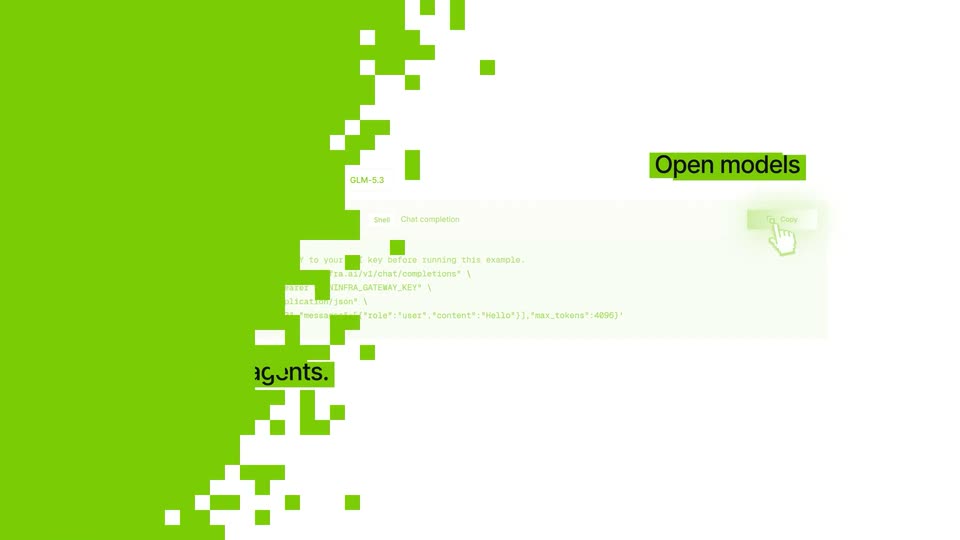 0:31–0:32RightNow · RunInfra coding plan | fastest open models for Claude Code, Codex and moreA code snippet interface with a hand cursor clicking a copy button is wiped out by a green pixelated shape moving from left to right.
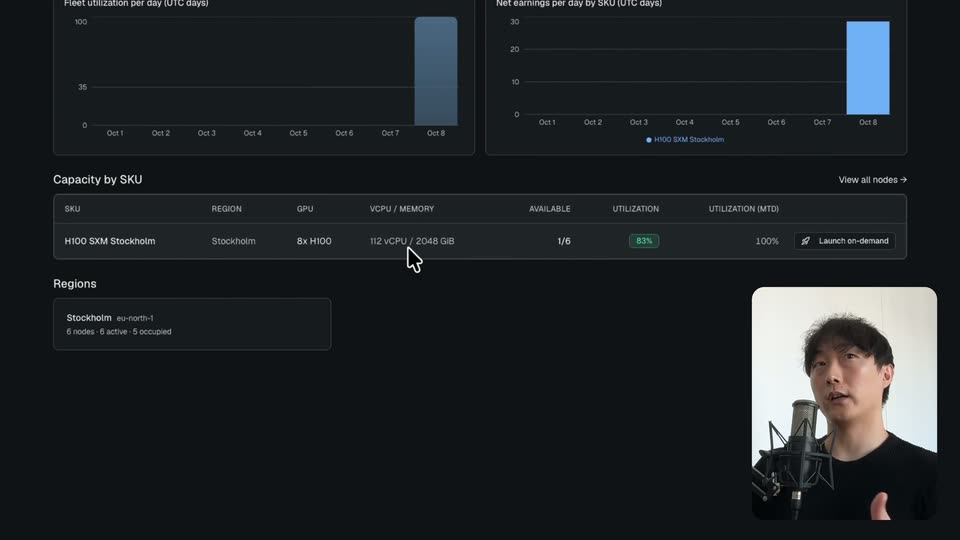 1:34–2:17Shadeform · Shadeform - Some of the most in-demand GPUs on Earth are sitting idle right now,A dark dashboard titled Northlight Compute AB Overview eases in, then scrolls to a capacity table and regions card. A cursor hovers a cell as the row's available and utilization figures update live, then the view zooms onto the Launch on-demand button while a presenter talks in a corner webcam.
 2:07–2:11ShogunAI · Toru.T - Your AI forgets you every time you close it. Every assistant todayA dark, blurred backdrop holds the blue ShogunAI mark and white wordmark, a gray tagline, a blue CTA pill, and a fine-print line. A cursor taps the pill, then the tagline, pill, and fine print fade out while the logo and wordmark scale up to a centered sign-off.
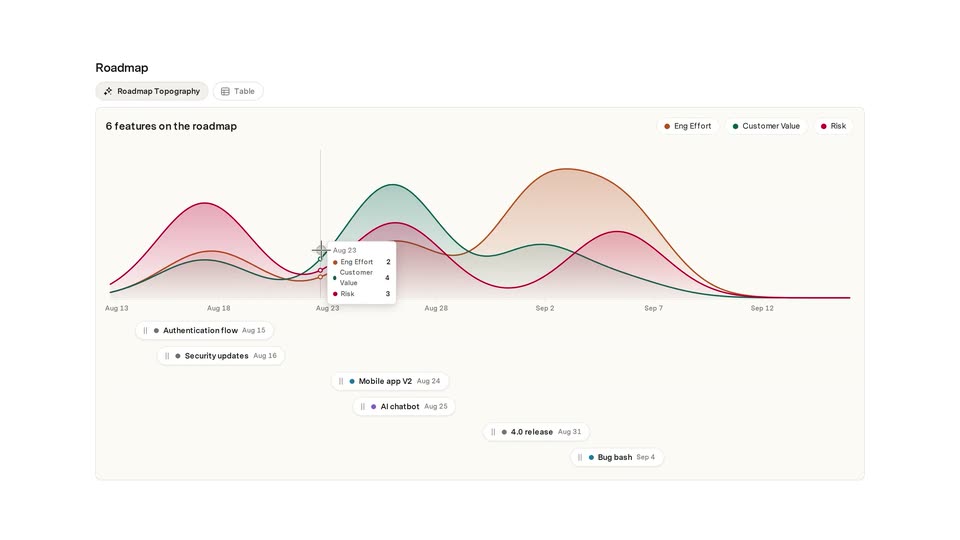 0:12–0:16Superhuman · Superhuman - We just launched AI views in open beta, one of our most anticipated fA roadmap topography chart with three colored area curves animates its peaks while a cursor glides across the plot. Hovering over the chart raises a vertical marker and a tooltip listing effort, value and risk values for the date.
 0:40–0:41Visually · Best AI SaaS Product Launch Video | VisuallyA dark toolbar holds three circular buttons: a waveform, a profile, and a green send button with an up arrow. A white cursor slides in and presses the green button, which compresses and its arrow shifts, while a green glow rises along the bottom edge.
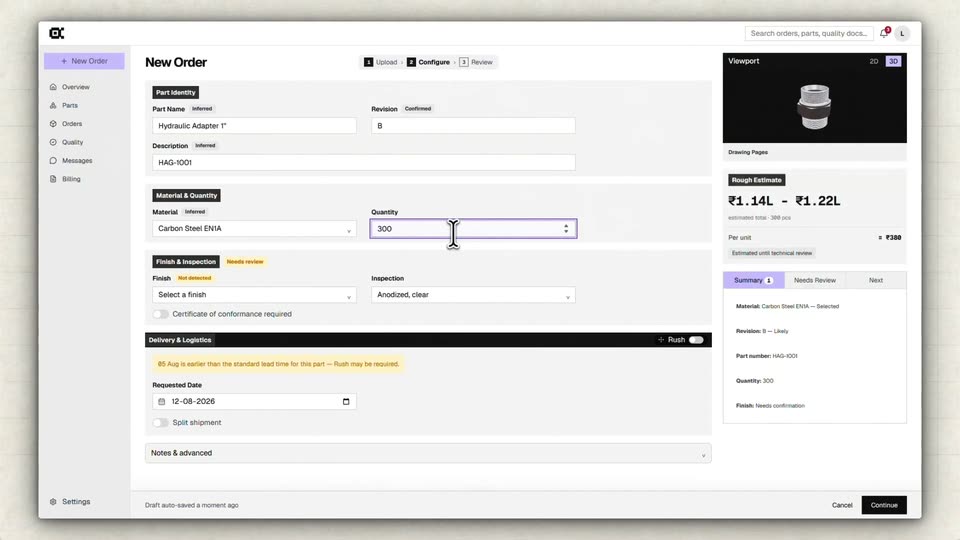 0:51–0:53Antropi Robotics · Antropi Robotics (F26) | Launch VideoA light order form fills the frame with a 3D part in the right viewport. A text cursor types 300 into the quantity field, then a pointer clicks Continue. The screen crossfades into a submitted-for-review confirmation as the panel swaps to a rough estimate.