Cursor demo
A visible cursor operates the interface.
15,172 scenes · page 123 of 253
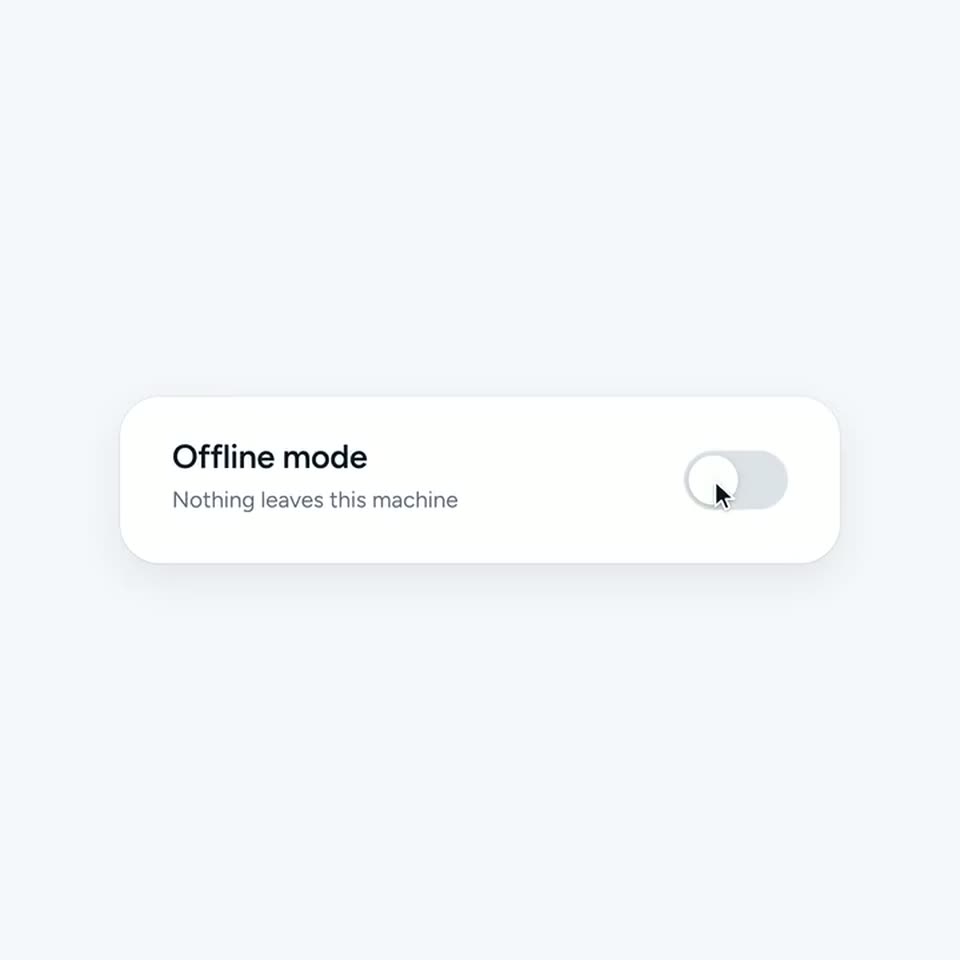 0:07–0:08Pulse Local · Pulse Local: budgeting that never leaves your machineA white rounded settings card sits centered on a pale gray background, showing an Offline mode label with the subline Nothing leaves this machine and a toggle in the off position. A mouse cursor hovers over the toggle on a locked-off frame.
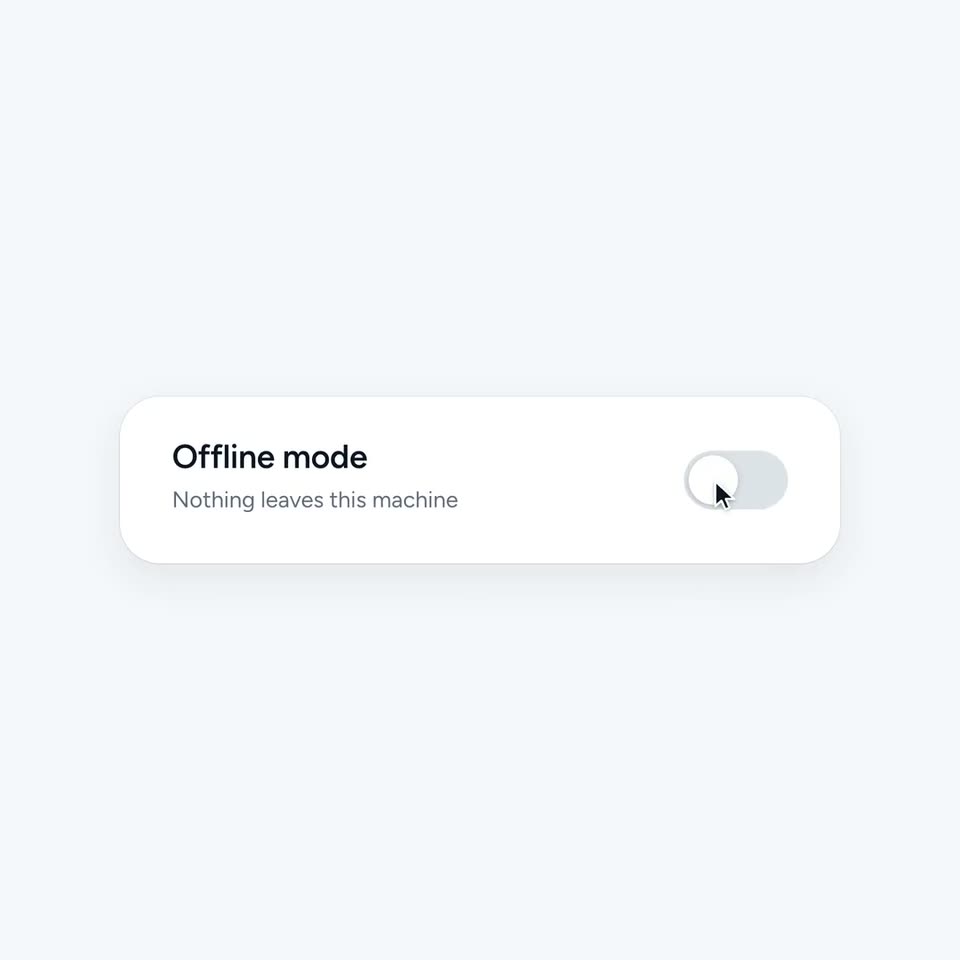 0:07–0:08Pulse Local · Pulse Local: reelA white rounded settings card sits centered on a light gray background. It reads “Offline mode” with the line “Nothing leaves this machine” beneath, and a toggle switch on the right. A black cursor hovers over the toggle knob. Locked-off frame.
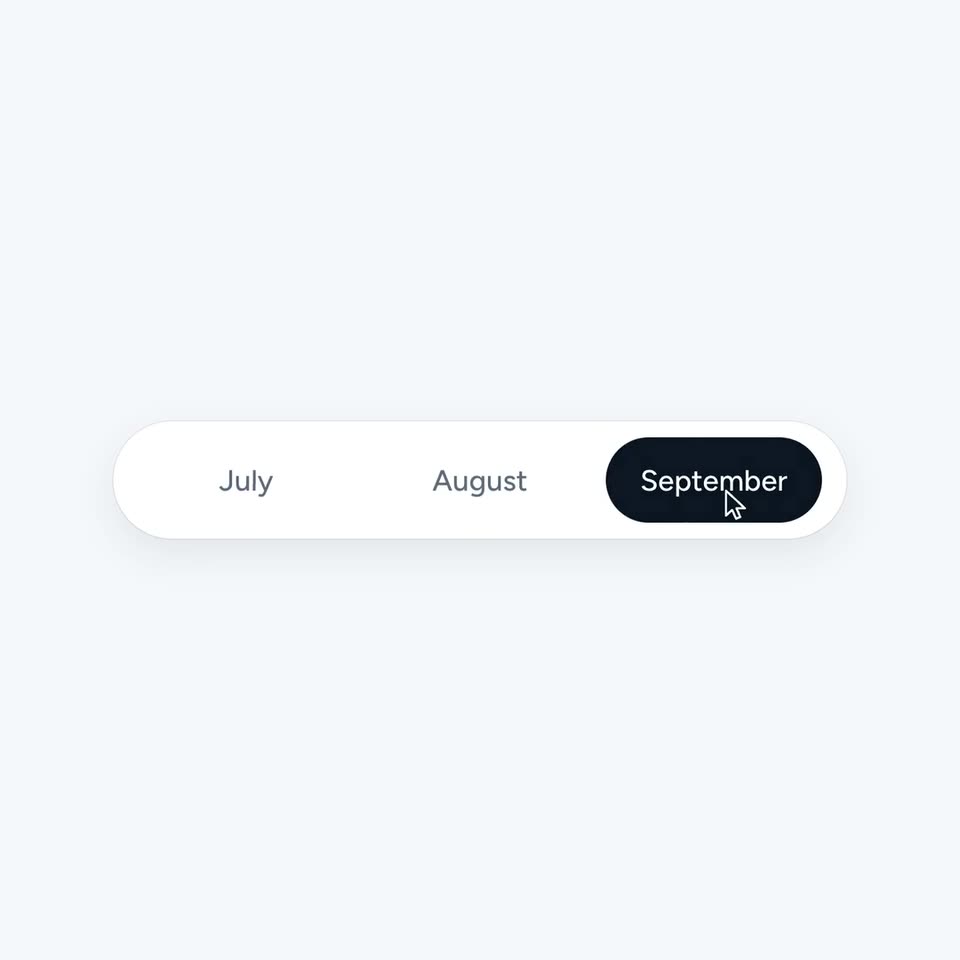 0:11–0:12Pulse Local · Pulse Local: reel connectedA light interface close-up holds a month pill with September selected under a cursor, then opens into a Money flow card as a teal income bar rises beside a gray expenses bar.
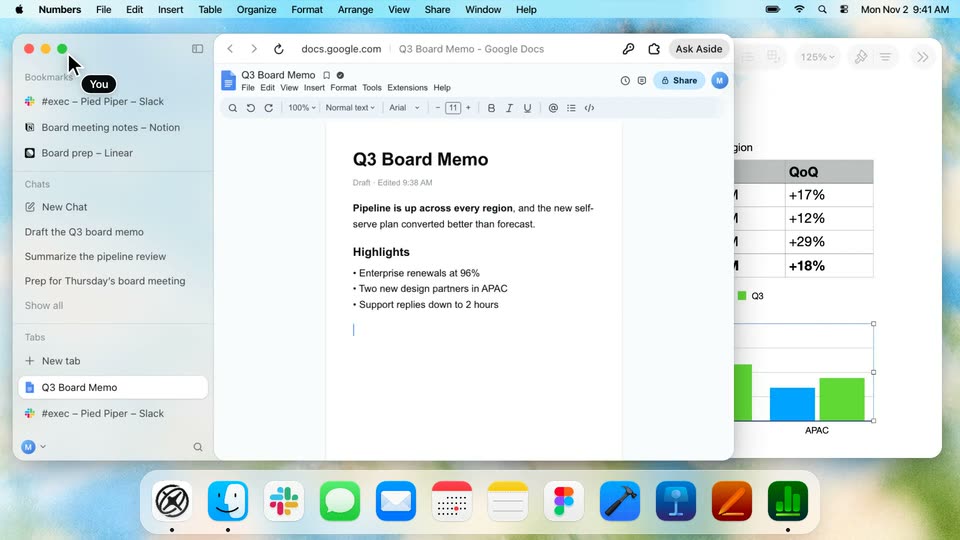 0:08–0:09Aside · Aside - Introducing Aside Computer Use. 80% of work happens on browser, thisA macOS desktop shows a Numbers memo window on the left and a Q3 Revenue table with bar chart on the right. A cursor clicks the red close button on the left window, which slides away to reveal a Google Docs window behind it.
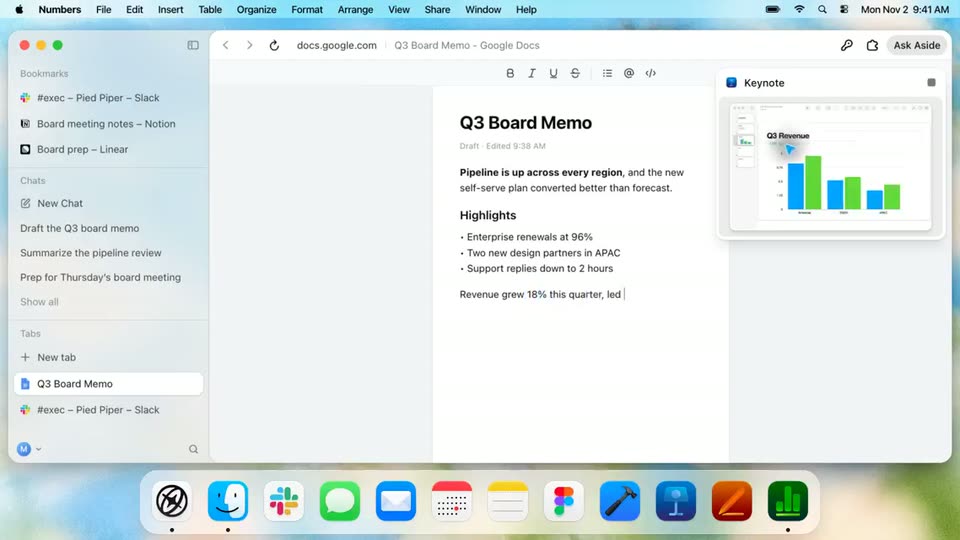 0:09–0:12Aside · Introducing Aside Computer Use. 80% of work happens on browser, this covers the rest. - 2.7x faster with 65% fewer tokens vs Codex* - Runs in the background across multiple apps (macOS) - Available… | AsideA macOS desktop shows a Google Docs memo resolving from a blur into crisp text beside a Keynote window. A bar chart fades into the slide, then a small region table window slides in over it as the cursor drags it into place.
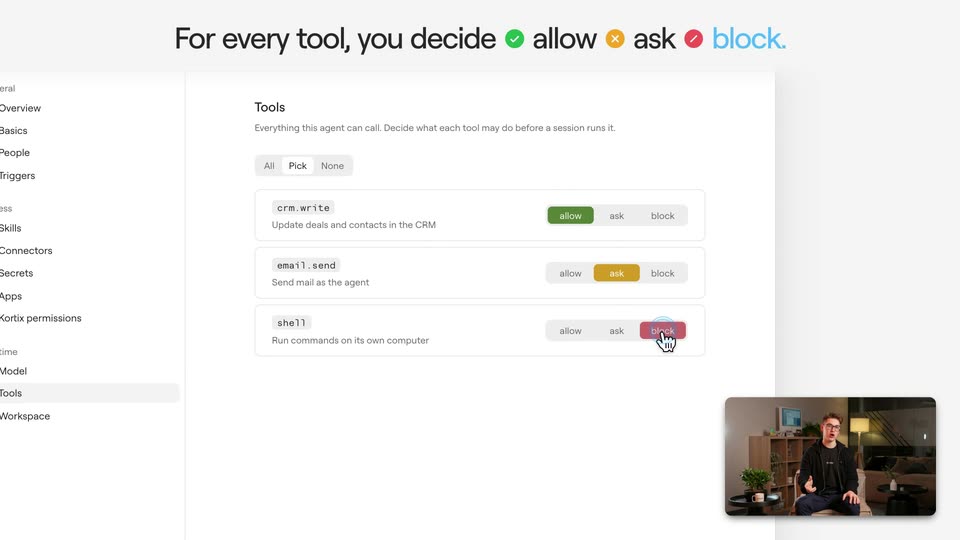 0:29–0:33Kortix · Marko Kraemer - Introducing the open-source @kortix CompanyOS: Your entire companyA light Tools settings panel fills the frame as a cursor clicks allow, ask, and block on three tool rows, each button turning green, yellow, or red. A headline builds word by word above, and a small video of a man in a room sits in the corner.
 0:21–0:22Maket · Maket - Describe it. Create it. See it in your space. Turn a text prompt intA white rounded prompt bar sits centered on a pale isometric cube pattern. The gray placeholder fades out as dark text types in letter by letter behind a blue caret, while a blue arrow button holds on the right.
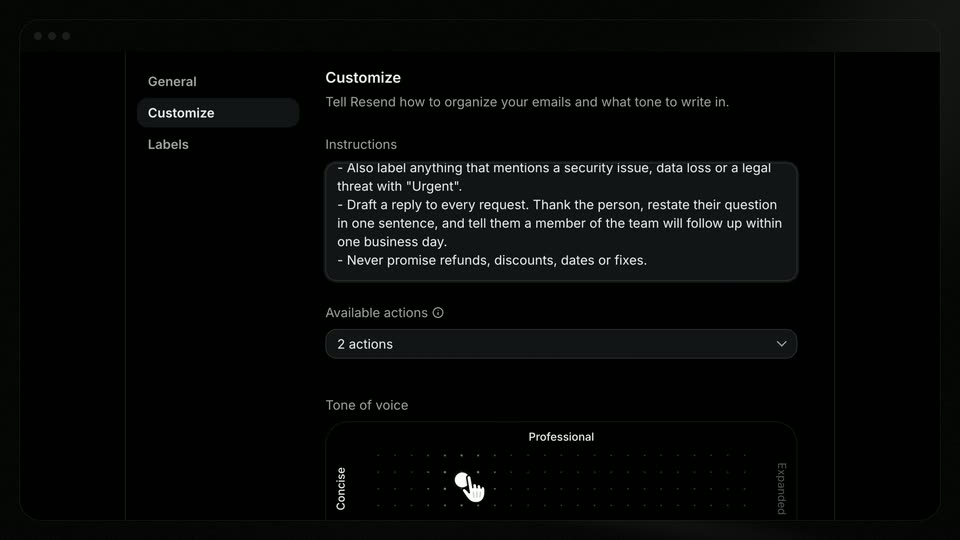 0:13–0:15Resend · Triage support with your agentsA dark settings panel for the Customize tab sits flat on black. A cursor moves from the instructions text box to the actions dropdown, then drags the tone-of-voice dot rightward across a dot grid.
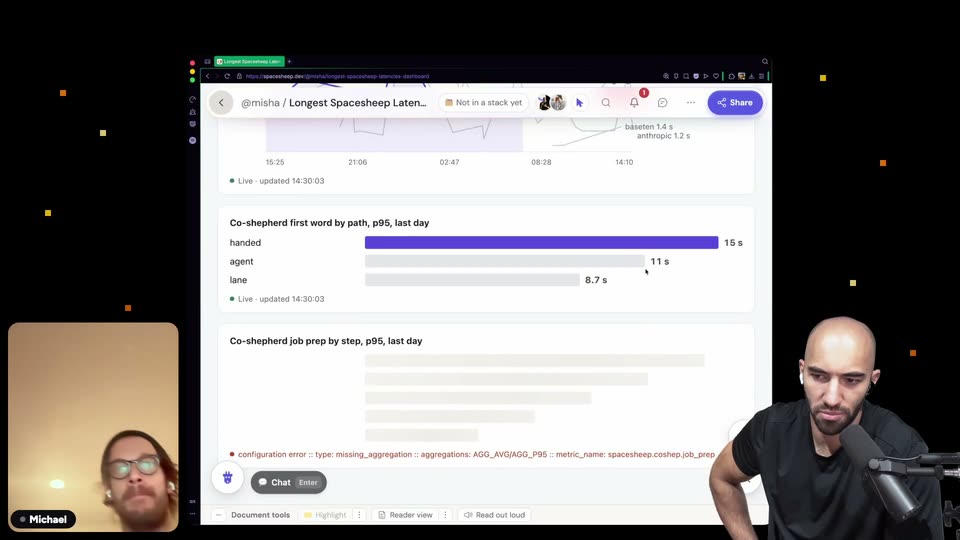 2:13–2:24Spacesheep · spacesheep - dashboard creation should be as fast as a comet here’s how spacesheeA browser window on a black dotted background shows a latency dashboard with metric cards and purple bar charts. The page scrolls down while a cursor tagged 'Michael' hovers over the bars and the numbers tick down live. Two hosts sit in small video-call windows at the lower corners.
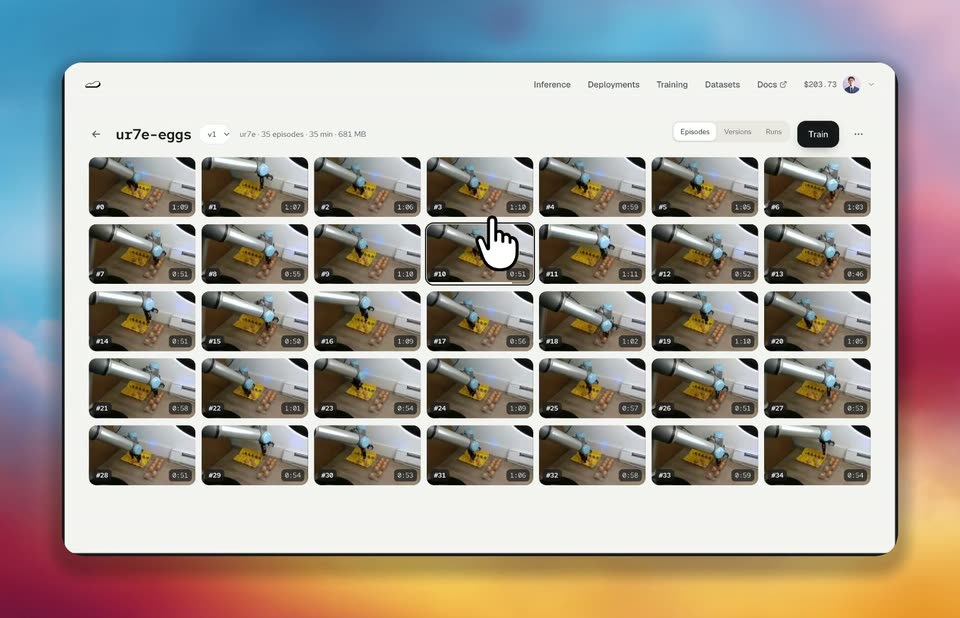 0:09–0:11Dreamscale Labs · Dreamscale Labs (YC F26) - Dreamscale Datasets is now live!A dashboard window floats on a blue-to-orange gradient. Its grid of 35 episode thumbnails fills in one by one with clips of a robotic arm handling eggs, while a hand cursor hovers over tile #10.
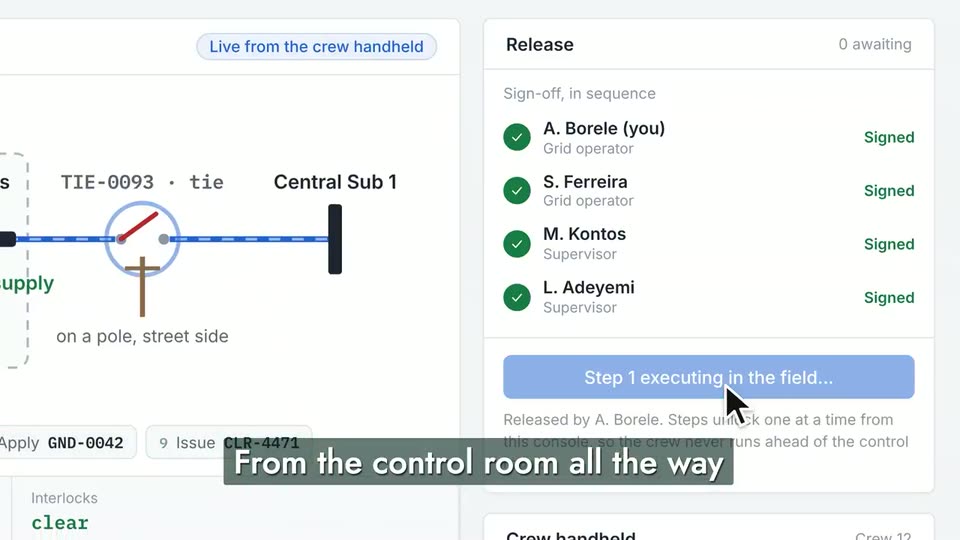 1:25–1:27Evardi · Evardi - Outages cost Americans up to $121B in a single year, and most start bProduct console shows a grid tie diagram left and a Release panel right with four signed sign-offs. A cursor clicks the green Release to crew button, which becomes a progress bar, while a bottom caption reads that our agents implement. then From the control room all the way.
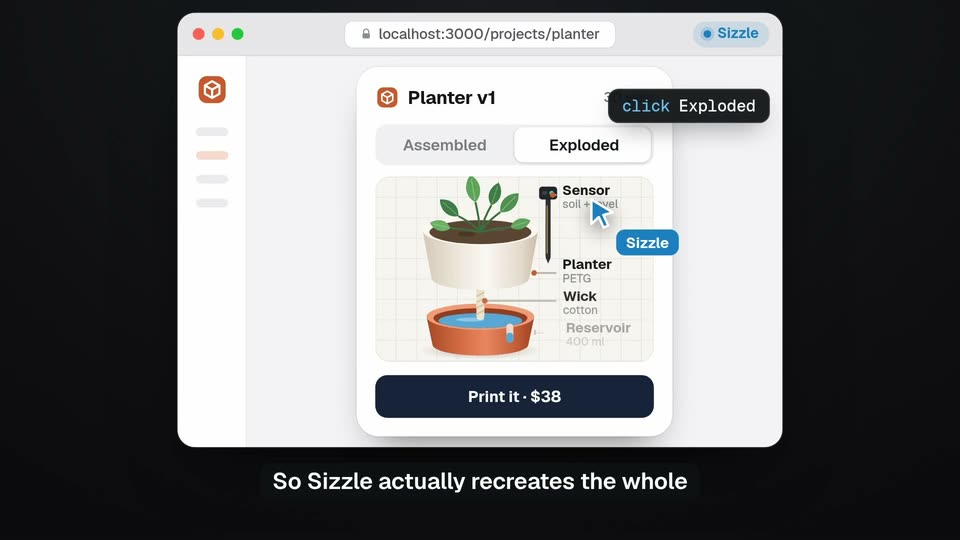 0:18–0:20Hyperagent · Hyperagent - We're launching Sizzle: the agent that creates demo videos for everytA flat browser window shows a planter design app. A cursor clicks the Exploded tab, a click tooltip pops, and the assembled pot separates into labeled parts as two Sizzle cursors drift. A caption runs along the bottom.
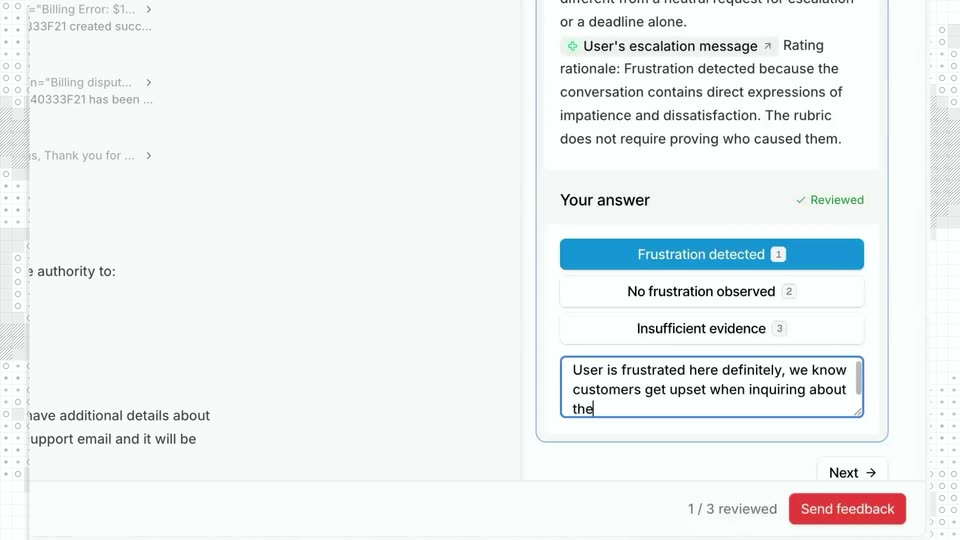 0:33–0:43Judgment Labs · Judgment Labs - Is your Jev-as-a-judge, LLM-as-a-judge, or agent-as-a-judge checkingA review screen zooms into its right-hand answer panel, where a cursor clicks the Frustration detected option, turning it blue, then types a short comment into the text field before the frame whites out.
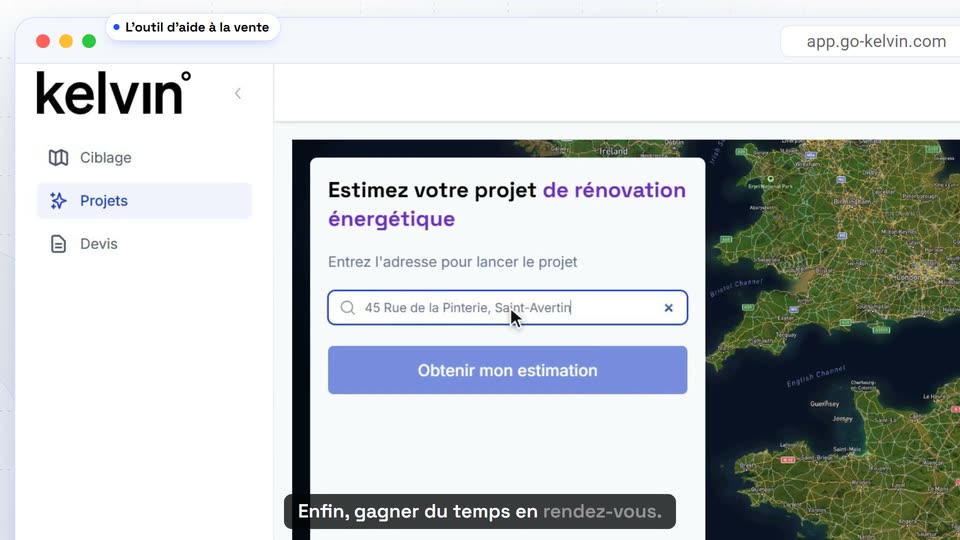 1:07–1:09Kelvin · Les 3 outils kelvin° : ciblage, simulateur, aide à la venteA web browser displays the Kelvin app. A cursor types a street address into a search field, then a two-line dropdown of matching addresses appears beneath it. A dark caption bar sits at the bottom of the frame.
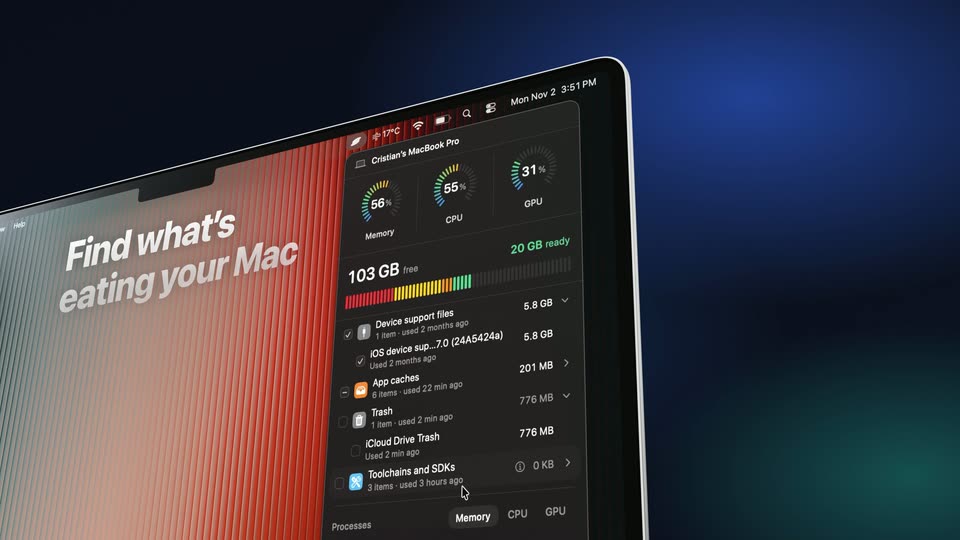 0:27–0:44Levo · cristian rus - introducing Levo! a menubar app where your own AI agent finds what'sA tilted MacBook Pro in 3D perspective shows a dark menu-bar panel cycling through quit, uninstall and storage views. White italic headlines on the left swap from 'Quit what slows your Mac' to 'Uninstall in seconds' to 'Find what's eating your Mac' as the camera reframes to a side angle.
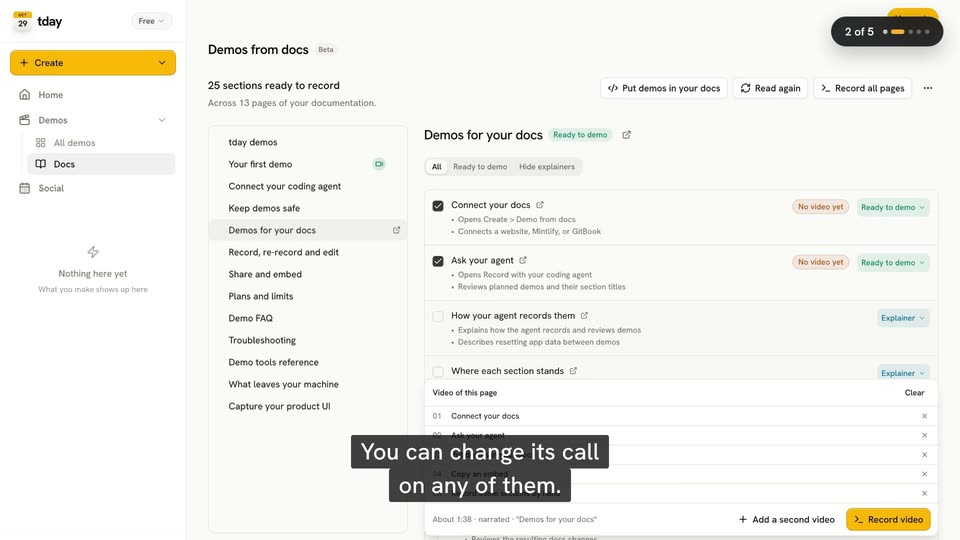 0:19–0:29tday.com · tday - product demos your coding agent recordsA flat screenshot of the tday documentation interface stays static while a cursor with a blue highlight ring clicks a sidebar item; a dark step badge reads in top-left then slides off, and three white caption lines swap in at the bottom.
 0:21 · 0.8sTopograph · Topograph | The data layer for KYBA flat browser mockup of the Topograph app, cursor resting on the Downloaded button, fades out as a card fades in: serif headline and subtext on the left, an empty comparison table for Topograph and Black-box providers on the right.
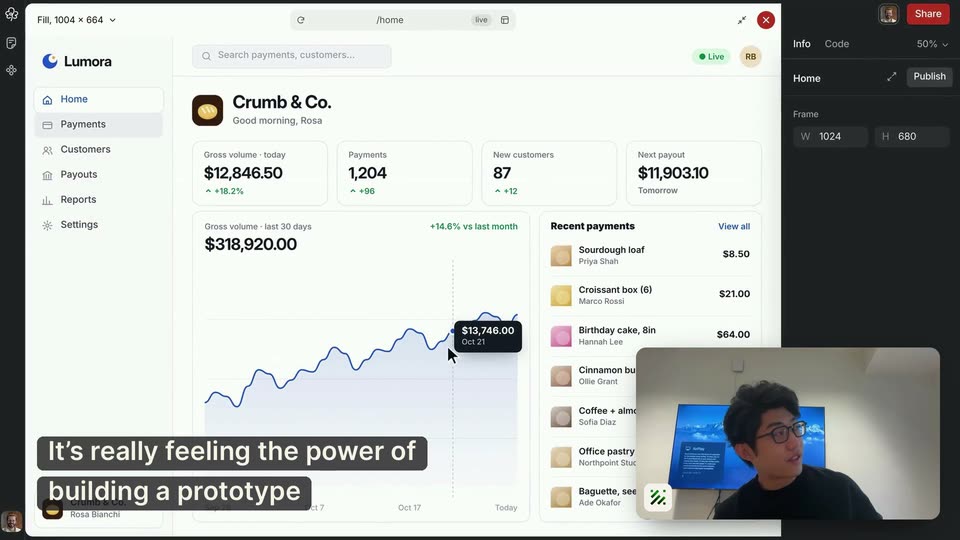 1:22–1:24Dessn · Gabriella - We built what you wished Figma could be. There's not a single designA flat screen capture of the Lumora payments dashboard. The cursor drifts from the revenue chart to the sidebar and clicks Payments, swapping the home view for a transactions table, while a webcam inset of the presenter sits in the lower right corner.
 0:29–0:32Enrich Labs · Seijin Jung - Today, we're introducing Agent Conversion Optimization → Muse, InstiA Google results page for “tools for ai visibility” scrolls past sponsored listings to an AI Overview block, where a sentence about ChatGPT citations is bolded blue. A cursor hovers over a result above a dark pill caption with white text at the bottom.
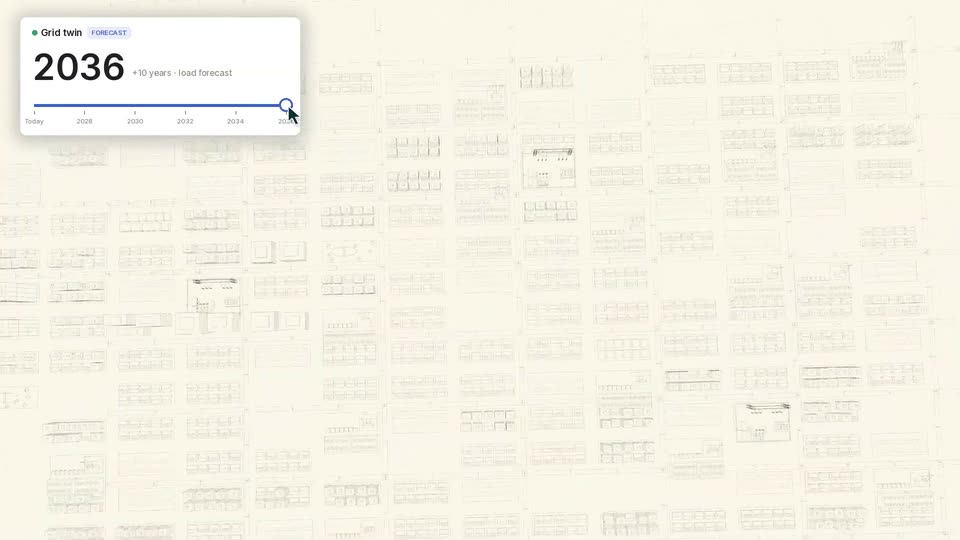 1:10–1:13Evardi · Evardi: Agents that engineer the grid edgeA wireframe city in 3D perspective sits on a cream background beneath a forecast card. A cursor drags the timeline slider from 2031 to 2036 as the camera tilts to top-down and green checkmarks pop in across the map.
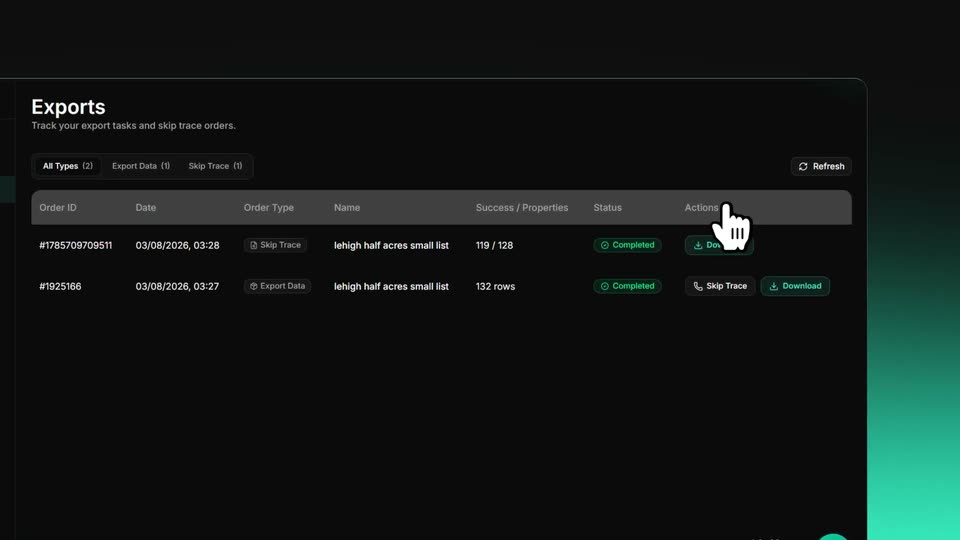 0:38–0:40LandAtlas · Launch Video for LandAtlasA dark Exports table with two completed rows. A ghost duplicate of the panel drifts and fades as the main panel settles into place, while a white hand cursor glides from a row action up to the Refresh button.
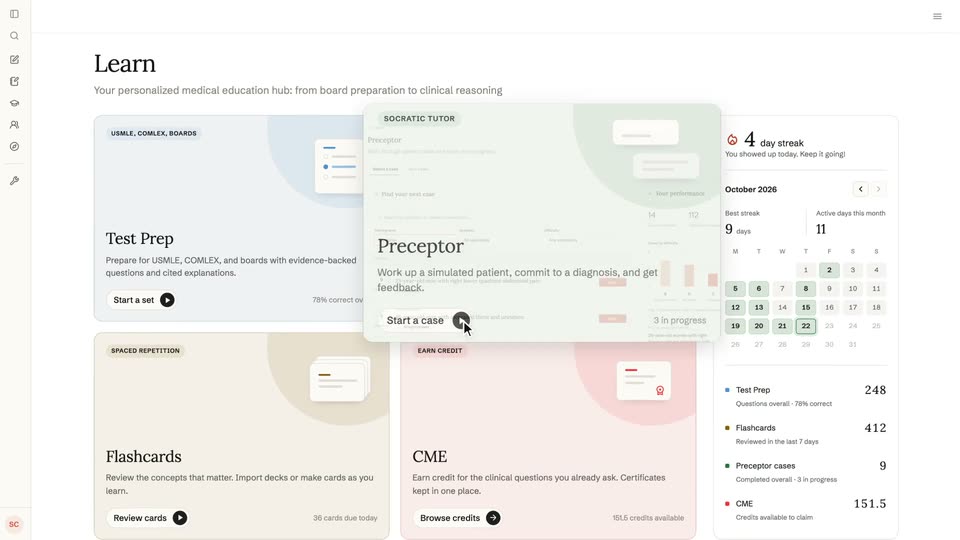 0:20–0:21OpenEvidence · OpenEvidence - Introducing Learn, a free, personalized medical education platform frA cursor taps the Start a case button on the Preceptor card, and the grid zooms into the Preceptor detail page showing a searchable case list. The right panel swaps from a calendar to performance stats.
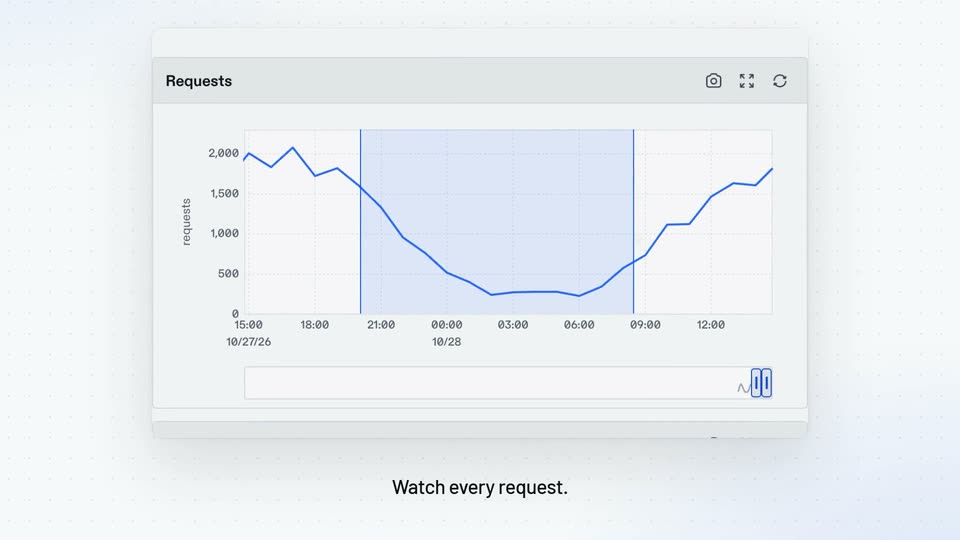 2:36–2:38Oumi · Manos Koukoumidis - We're using AI agents to automate everything. Except the engineeringA Requests dashboard panel floats in 3D perspective on a dotted off-white backdrop. It rotates from a tilted angle toward the camera while a blue time-range band widens and a cursor traces the line graph. The caption Watch every request. sits below.
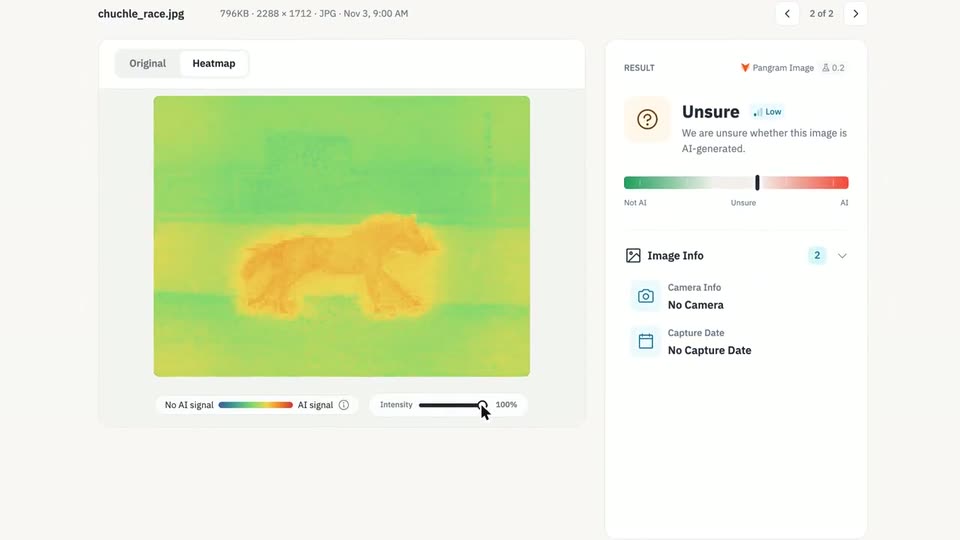 0:27–0:30Pangram · Pangram - Introducing Pangram Image 1.0, our newest model for AI image and videA cursor clicks the next arrow in an AI-detection interface, swapping the horse-race photo for a second image. The left panel flips to a green heatmap, then the intensity slider is dragged to 100%, drawing black radial lines from the center.
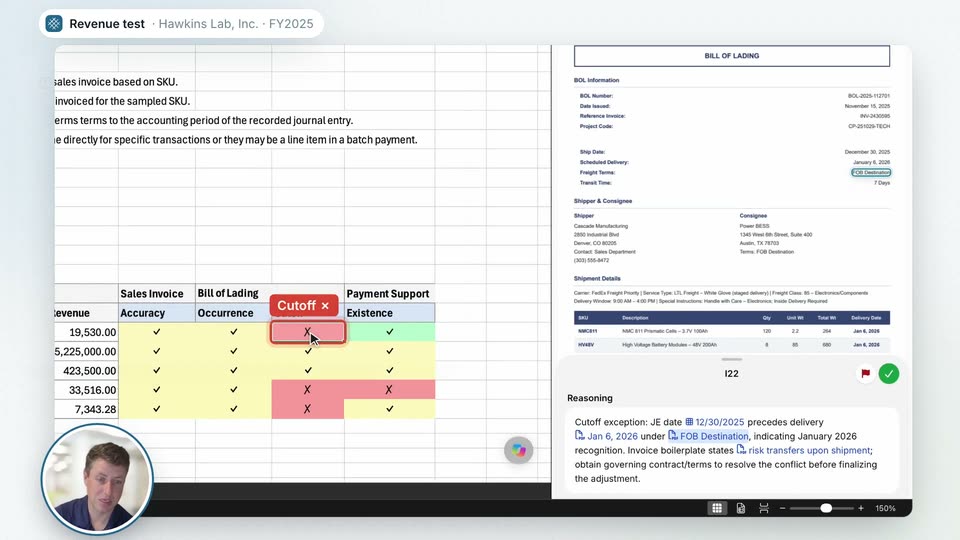 1:08–1:10Punchcard · Punchcard in Excel: Verify agent work like a formulaA split audit screen shows a spreadsheet of checkmarks and red X marks on the left and a Bill of Lading document with a Reasoning note on the right. A cursor hovers over a red Cutoff cell while a small webcam feed of a man sits in the lower left.
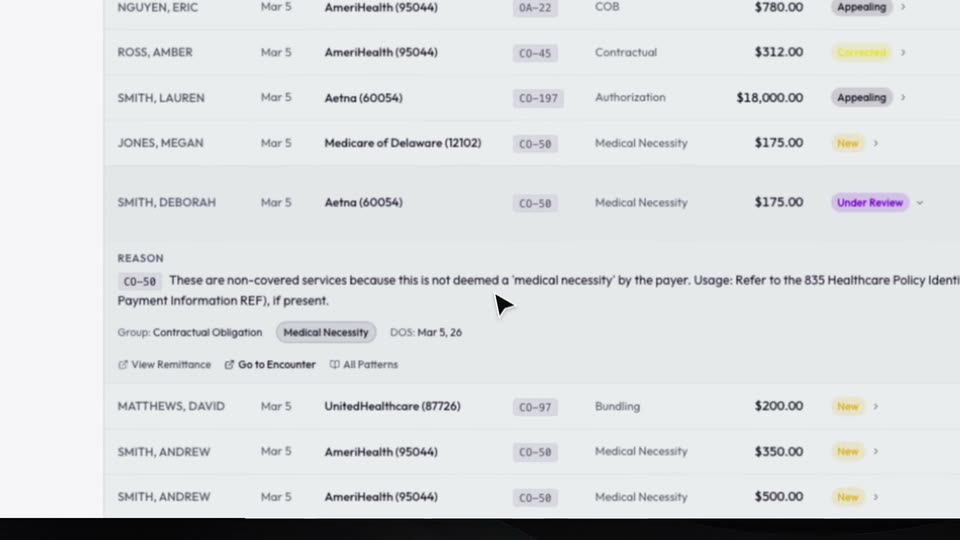 0:57–1:02Altair Health · Altair Health: manifestoA light billing dashboard opens on a payments table. The cursor moves down, clicks a row, and the row expands to reveal the denial reason as the frame zooms in. A large static headline reads WHEN A DENIAL LANDS.
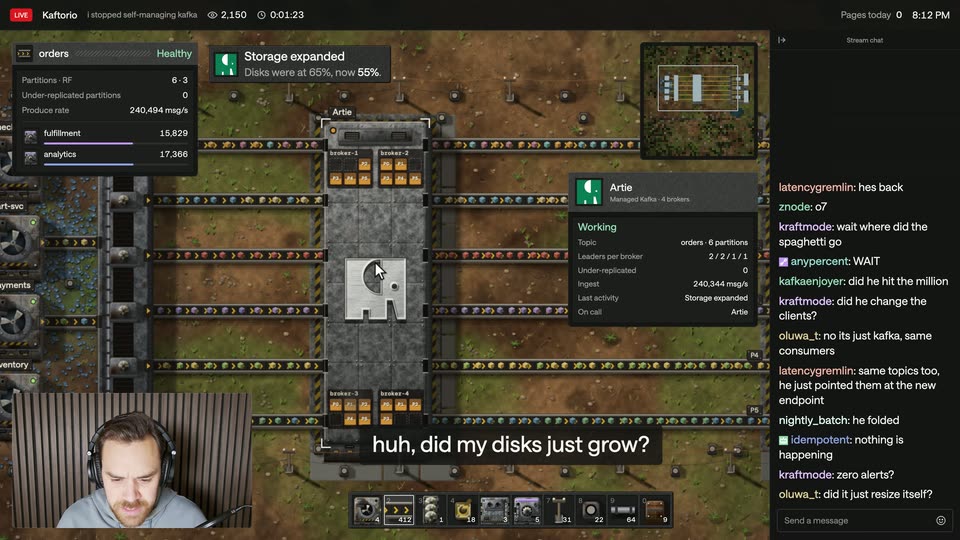 1:10–1:24Artie · Artie Managed Kafka is live: we carry the pagerA locked-off top-down factory game screen carries the Artie status panel and an orders health card, while a webcam of the host and a live chat sit in the corners. The host hovers the cursor over the central building as Storage expanded and Partitions rebalanced notifications drop in at the top.
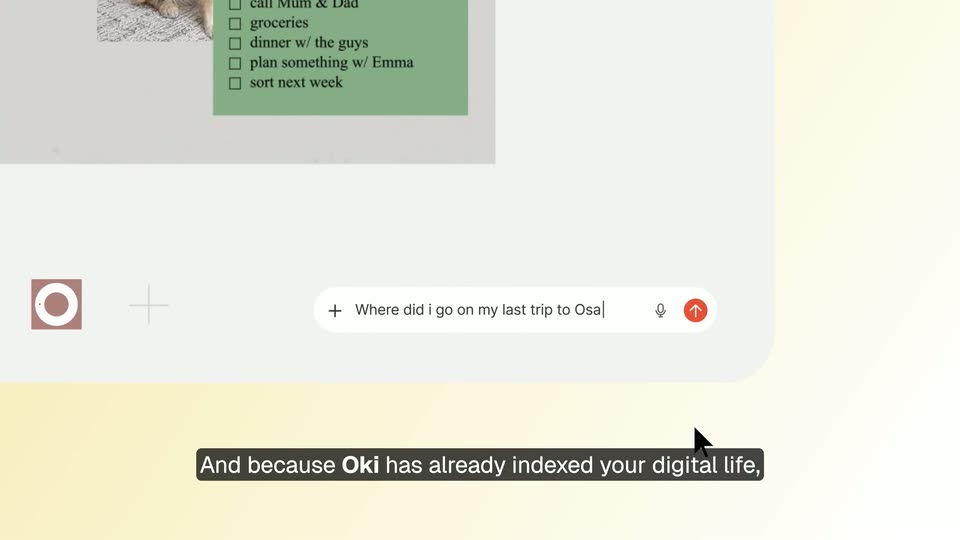 0:51–0:54Oki Home · Oki Home YC Launch VideoA desk view filled with scattered notes, photos and documents reframes down to a search bar, where a cursor types a question about a past trip and clicks the orange send button. A dark caption bar sits at the bottom.
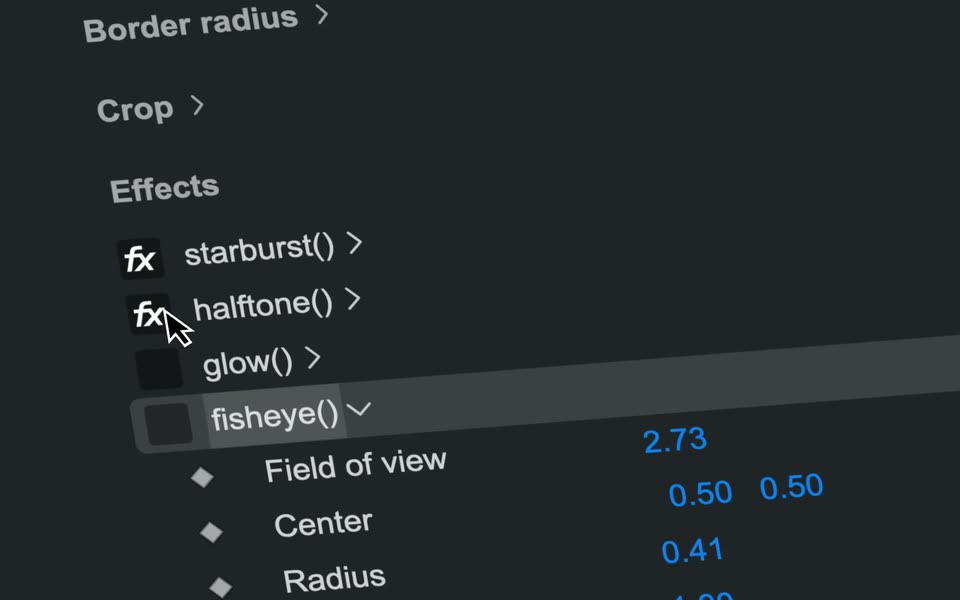 0:20–0:21Remotion · Remotion — edit agent-made videosA dark effects panel, tilted a few degrees, fills the frame. A white cursor slides down the list from starburst to glow, where an fx icon pops in, then settles on the highlighted fisheye row showing its parameter values.
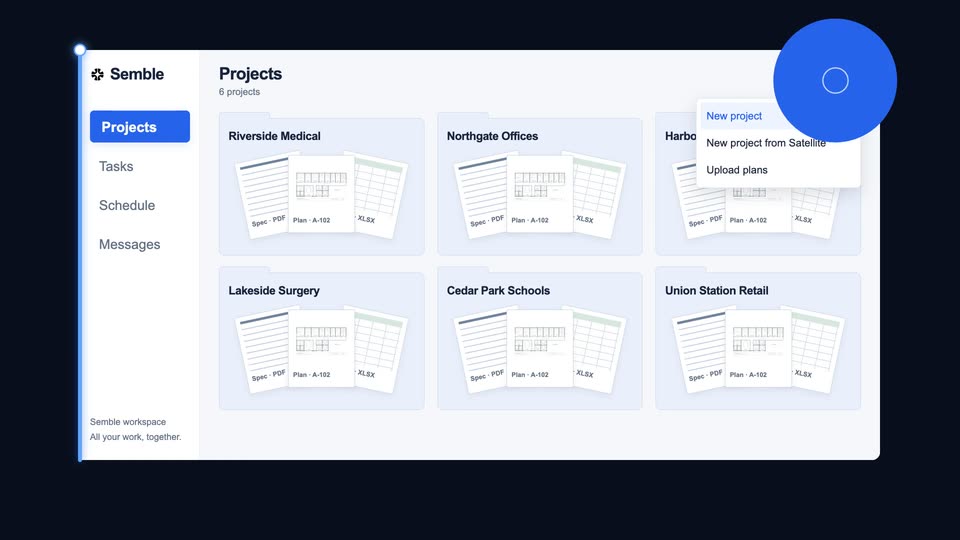 0:17–0:18Semble · Semble launch filmA light project dashboard shows a six-card grid under a Projects header, with the New button's dropdown open and a cursor resting on it. A large blue circle then wipes in from the right as a transition.
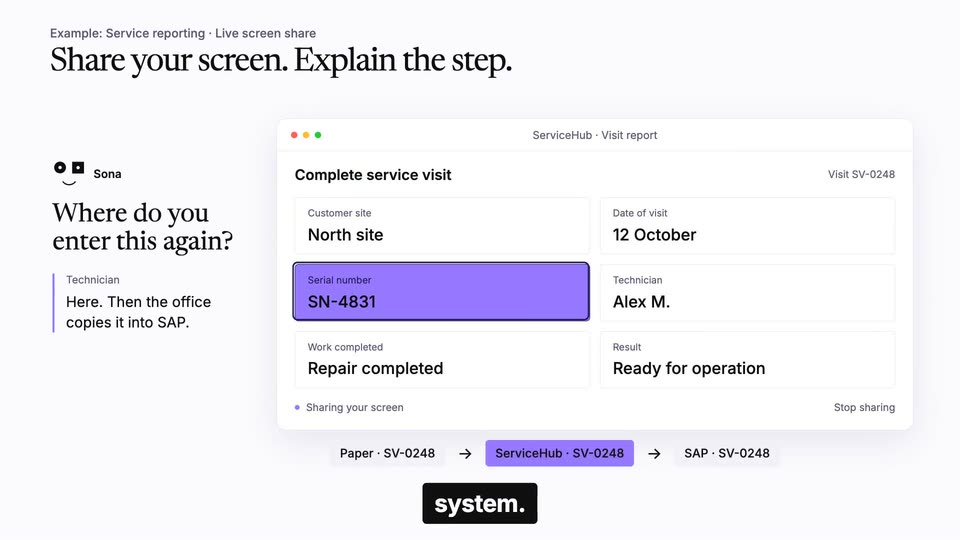 0:30–0:34Sona8 · Sona8 (F26) - Launch & DemoA flat service-report form sits on a light background, the Serial number field highlighted purple with a cursor and tooltip. A left column fades in with an avatar, a serif question and a short transcription. A Paper-to-SAP flow appears below the form while black caption pills crossfade.
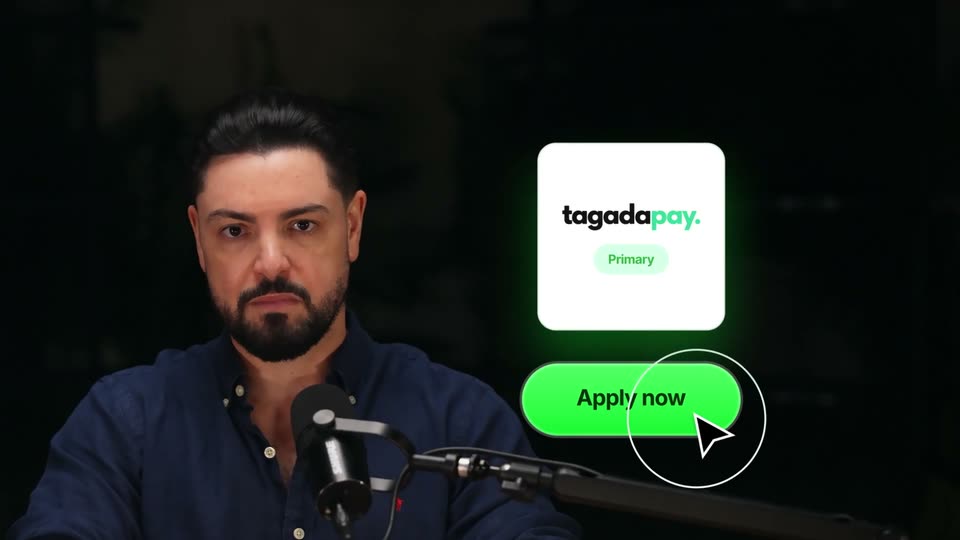 0:56–0:57Tagada Pay · Eden - Scaling Direct Response offers? We shipped Tagada V3 fully AI native.A man in a navy shirt sits at a studio mic on a dark set. On the right, a white tagadapay card with a Primary pill slides in and grows, a white cursor moves onto a green Apply now button below, and a green Live badge pops in.
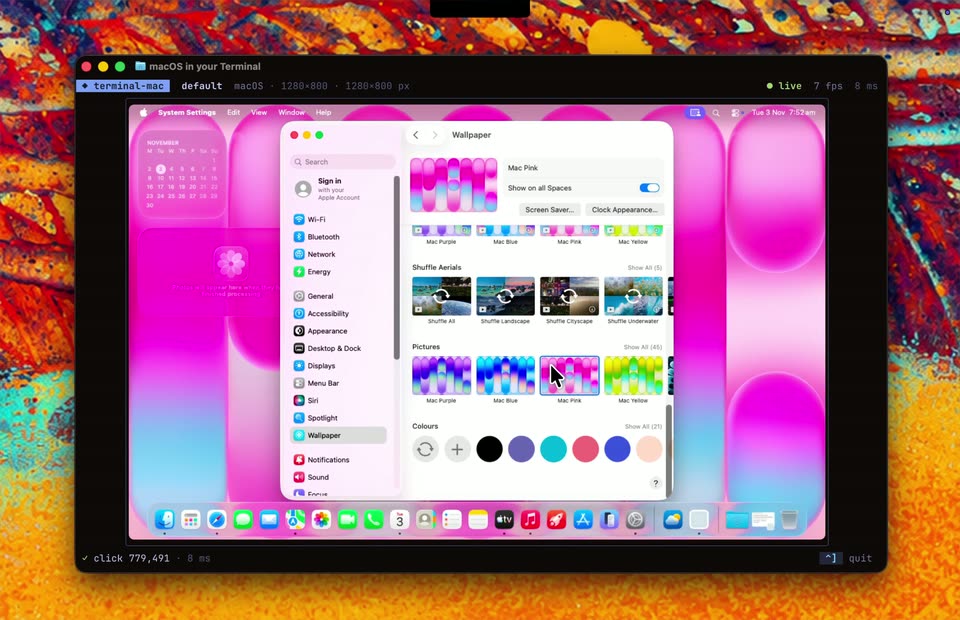 0:19–0:21terminal-mac · govi - Introducing terminal-mac. Entire MacOS that runs inside your existinA macOS System Settings window sits inside a terminal frame. A cursor moves across the Wallpaper options, and the desktop background behind the window shifts from blue to pink to yellow.
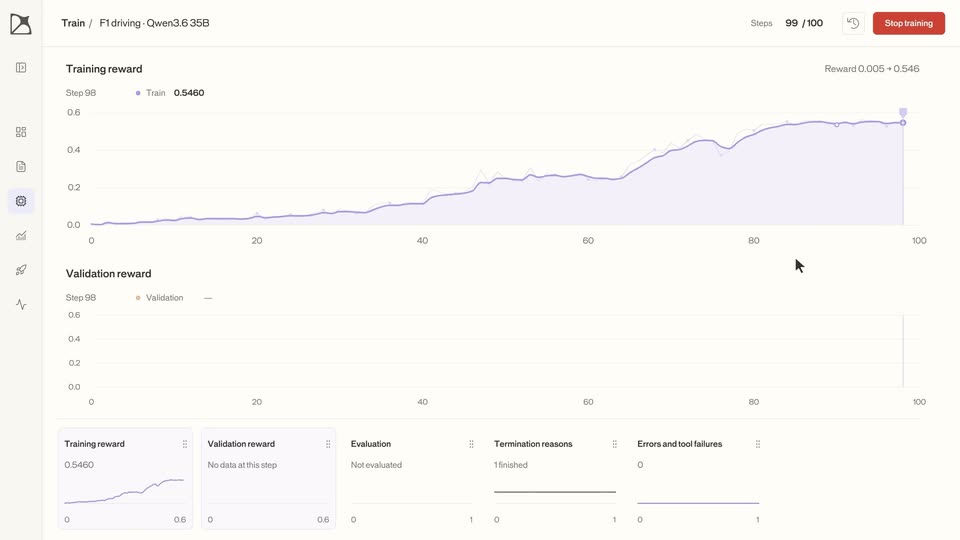 2:06–2:07Trajectory · Trajectory - Yesterday we launched the Trajectory platform to the world, the easieA light training dashboard shows two line charts. A purple reward curve extends right as the step counter updates and the reward value ticks up, while a cursor glides across the plots.
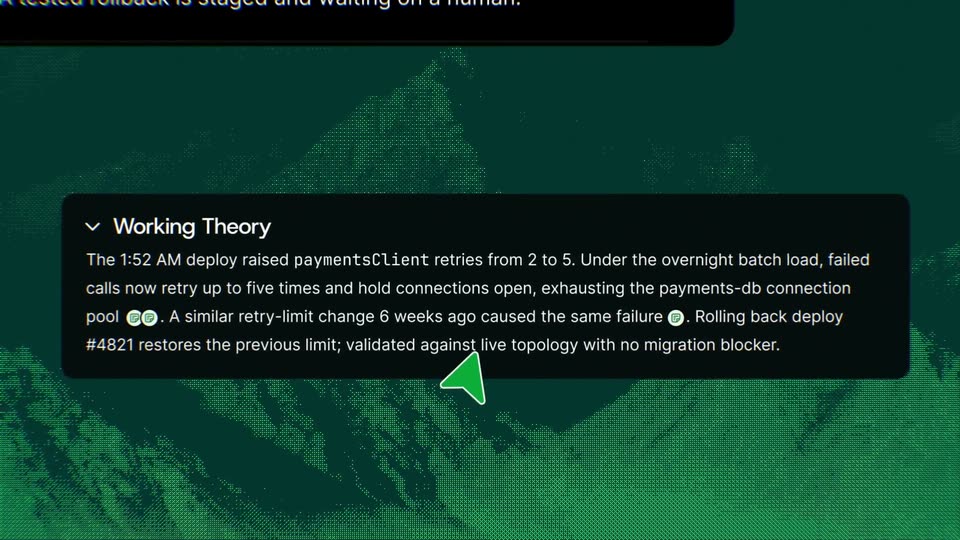 0:30–0:33Traversal AI · Introducing Traversal, the AI SRE for the enterpriseA dark incident scratchpad with two note cards sits on a green pixel-textured background. The frame zooms in on the lower Working Theory card while a green arrow cursor drifts across its body text.
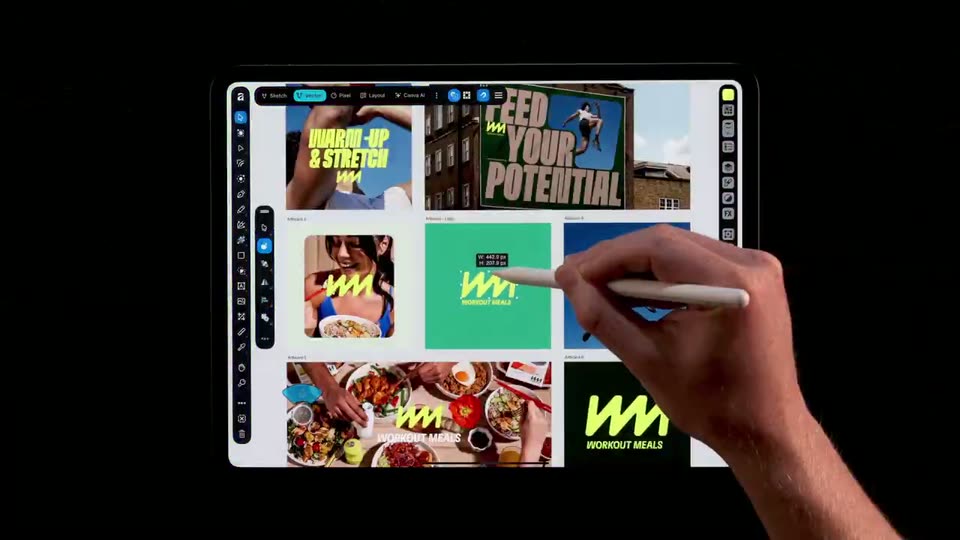 0:22–0:24Affinity · Affinity - When iPad? NOW iPad. Affinity for iPad is live 🔥 One app to craft iA tablet on black shows a design app: the canvas flips from a yellow-to-blue gradient with a ball illustration to a grid of workout-meal images, then a hand holding a white stylus draws a line across the screen.
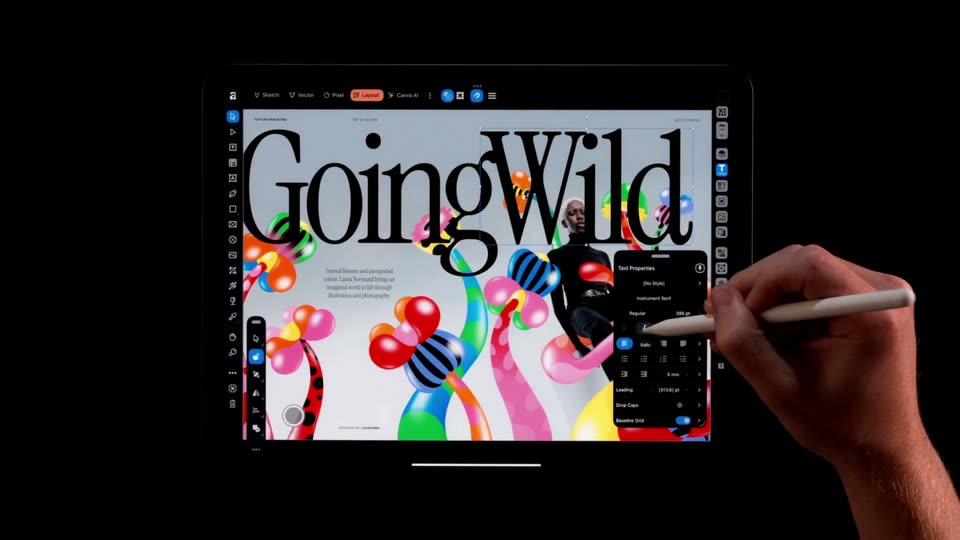 0:16–0:17Affinity · One app to craft it all, Affinity for iPad is officially live!A hand holds a white stylus over a tablet running a layout app. The stylus taps a properties panel on the right edge while a magazine cover reading Going Wild, set with glossy 3D balloon shapes, fills the canvas.
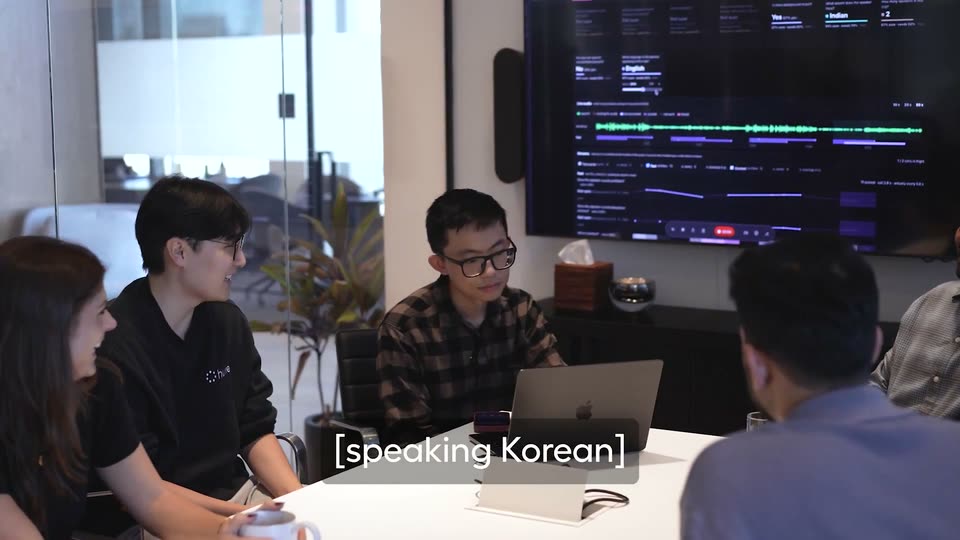 2:29–2:32Hume AI · Hume AI - Introducing the Hume Audio Decision API. Ask anything: How many speaA group sits around a white conference table, a man in a plaid shirt works a laptop, a wall monitor shows an audio timeline. The camera pans left across the room, then two analysis cards and a waveform overlay slide in over the footage with a cursor.
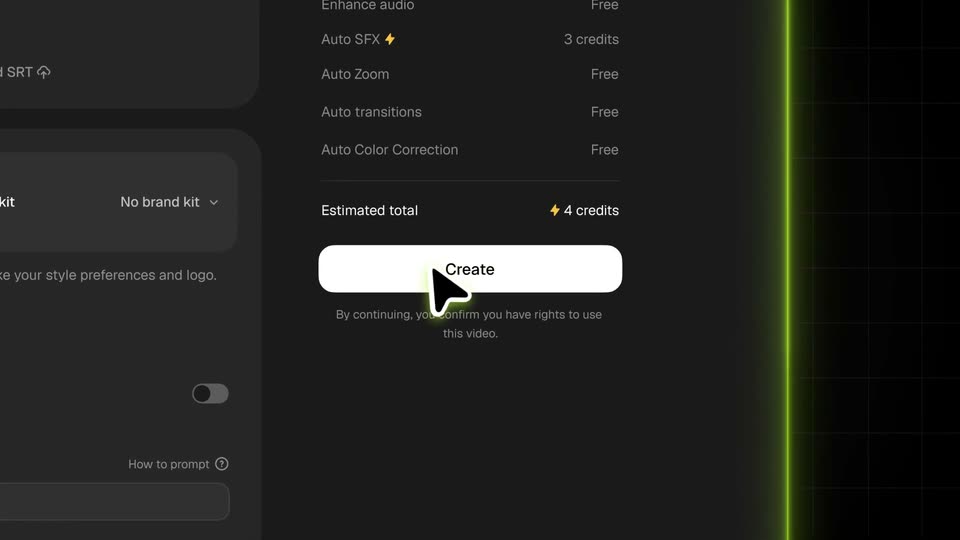 0:55–0:56OpusClip · OpusClip - OpusClip 4.0 is here. We used to find the best moments in your videoA dark settings screen with a left panel and a list of auto-enhance options; a glowing white cursor rests on the white Create button as the interface drifts upward, a thin green line glows at the right edge.
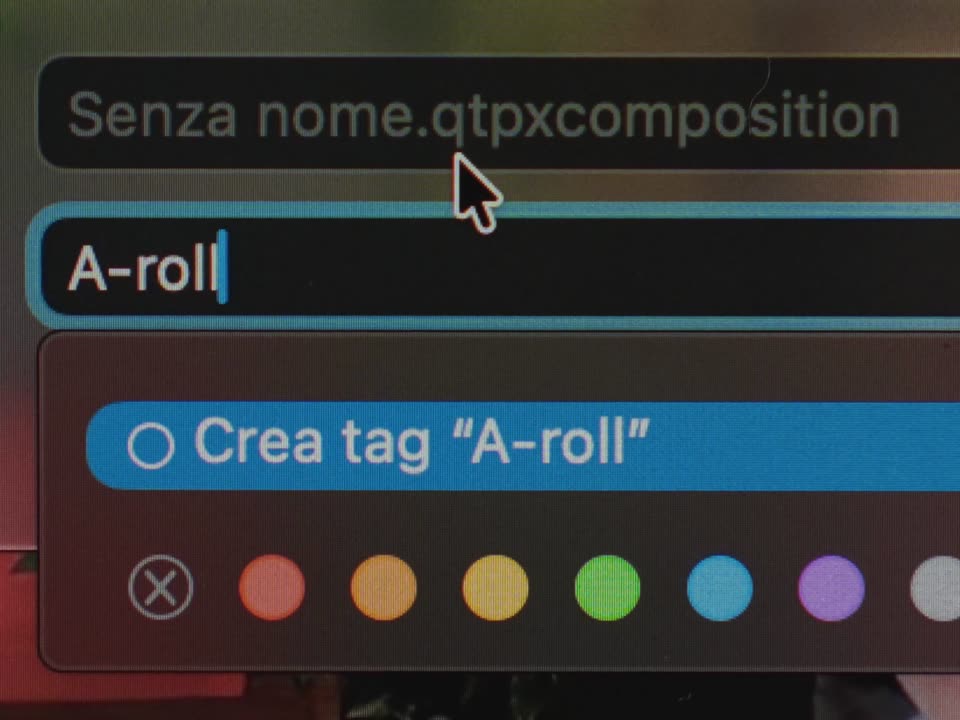 0:15 · 0.8sScreen Studio · Screen Studio - Screen Studio 4.0 is live on Product Hunt. What should we build nexA tight close-up of a dark tag-creation field on a filmed screen. The word “A-roll” types out letter by letter behind a blinking caret, with a mouse arrow hovering above and a blue “Crea tag” suggestion plus a row of color dots below.
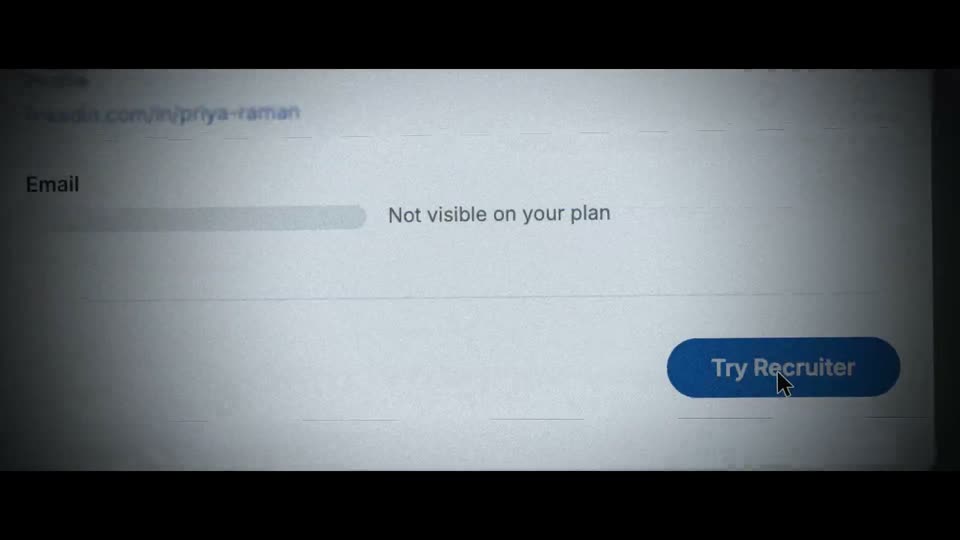 0:02–0:04Composio · Karan Vaidya - Hiring is no longer a problem, We built the best Recruiter agent ItA profile card for Priya Raman blurs and scales away, revealing the search screen behind it; the query in the search bar updates to Staff Engineer as the cursor hovers the Search button.
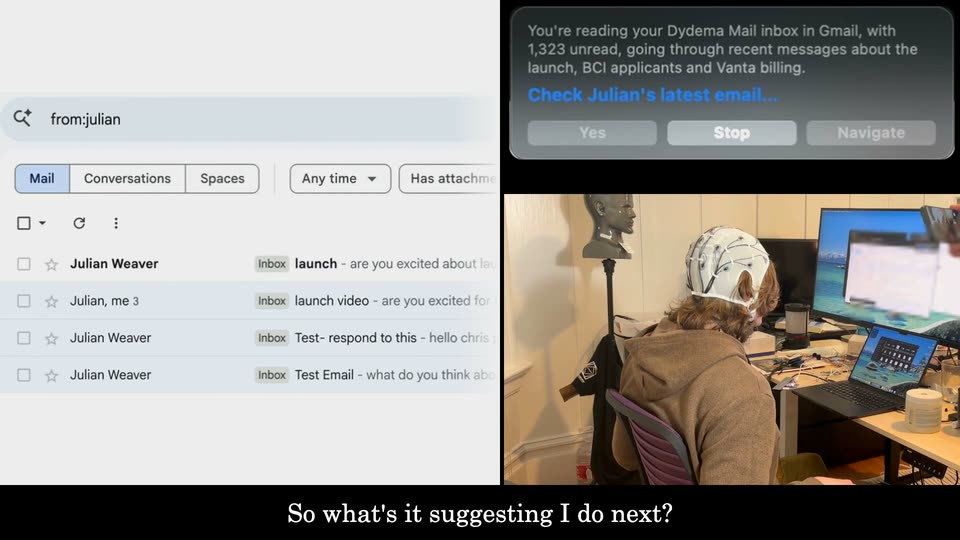 1:56–2:07Dydema · Dydema - We've launched!Split screen: left, a Gmail inbox types a from:julian search, filters the list and opens the launch email; right, a person in a white BCI cap sits at a desk under a dark card narrating the screen with Yes, Rethink, Navigate buttons; the live shot cuts from close-up to wide.
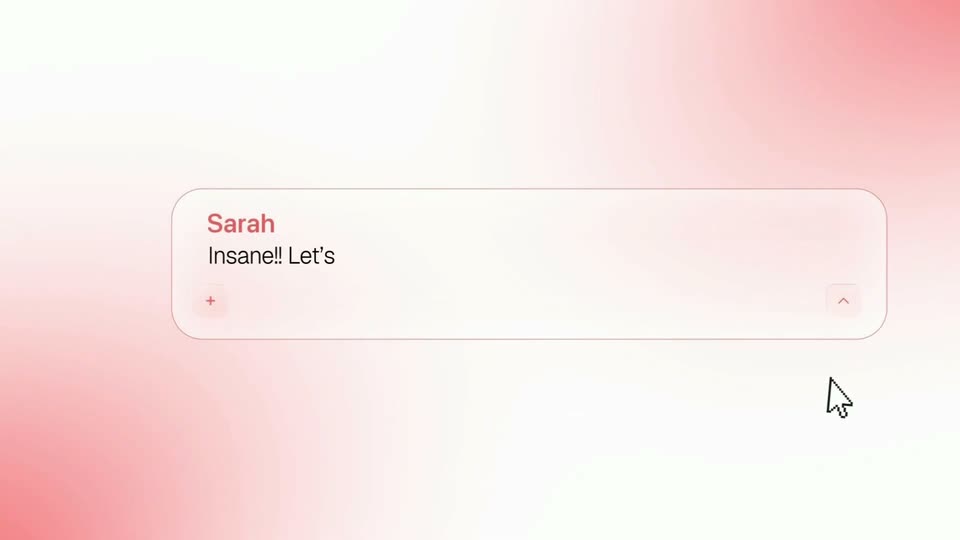 0:40–0:42Fastlane · Gaurav - We raised $3.5M to build Claude for Ads. Just enter your website, anA rounded message card floats on a soft pink gradient. The coral name Sarah sits at the top left as the line Insane!! Let's launch them types out letter by letter with a blinking caret, and a mouse cursor slides in to hover the chevron button at the bottom right.
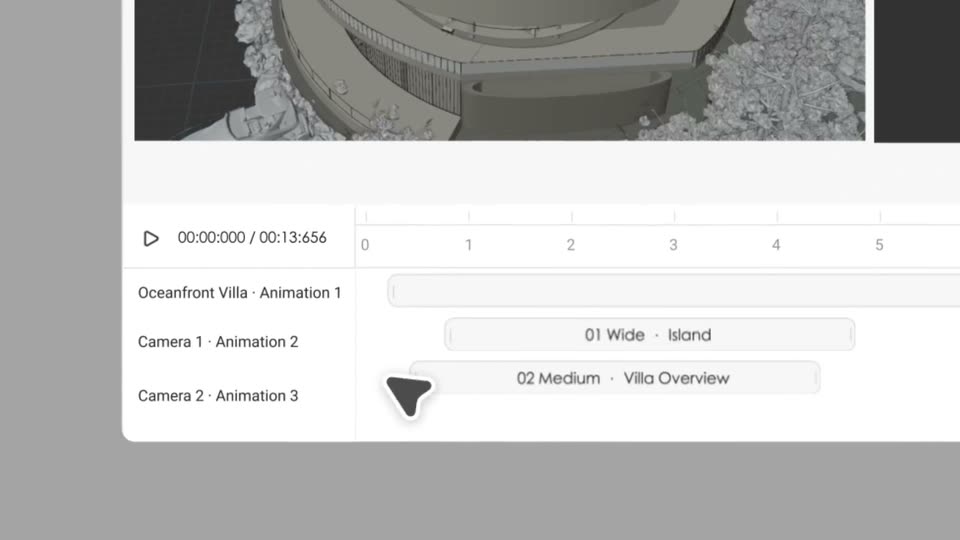 0:18–0:19Moonshot AI · Introducing 3D Make in KimiA white editor panel on a gray backdrop scrolls up to reveal a grayscale 3D villa preview above a timeline. A black cursor moves down the track list past camera animation rows while a blue playhead sits at zero.
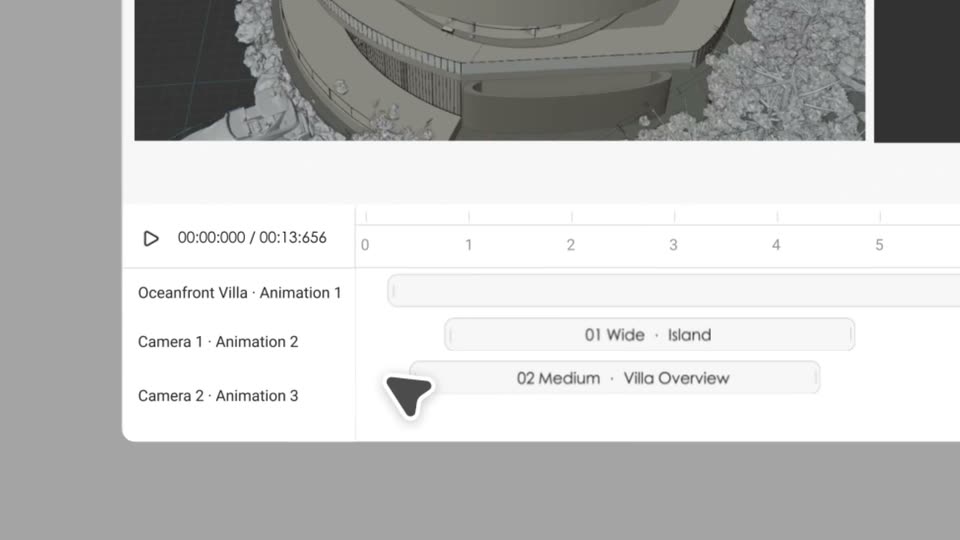 0:18–0:19Moonshot AI · Kimi.ai - Introducing 3D Make in Kimi. Kimi connects to tools like Blender andA white timeline panel of a video editor fills the lower frame beneath a grayscale 3D preview. Clip rows slide in from the left while a blue playhead line and a black triangle marker travel across the track.
 0:27–0:29Orior AI · Orior - you don’t need a prompt anymore. find a pose. drag it in. one click.Two browser windows sit side by side on a cream field, a From headline and TikTok logo above. A cursor drags a pose-reference photo card from the dark TikTok view into the onereal reference grid, while the frame zooms onto the right window.
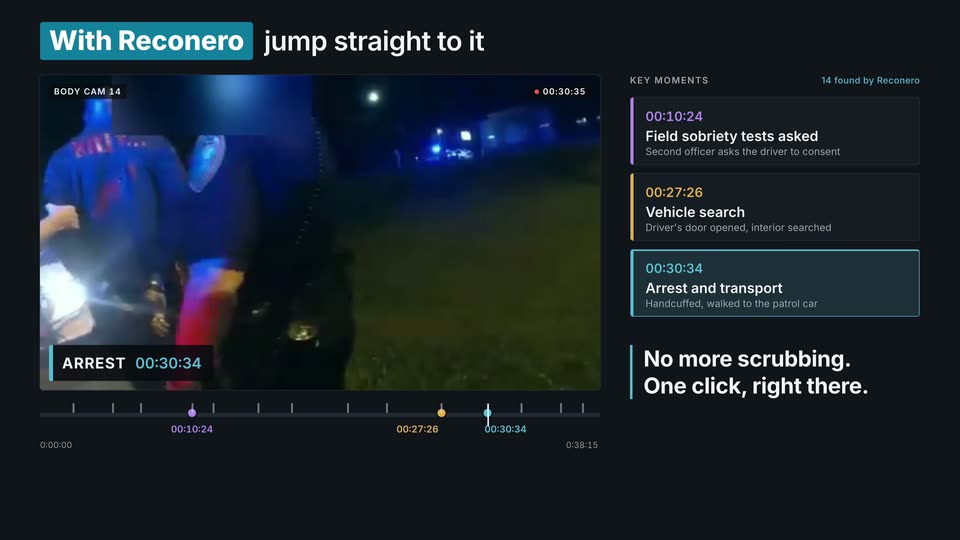 0:33–0:37Reconero · Reconero: Supercharge your police force with AIA cursor clicks the Arrest and transport card in a Key Moments list, and the body-cam player jumps to 00:30:34. The screen holds the headline With Reconero jump straight to it and bottom captions that swap to No more scrubbing. One click, right there.
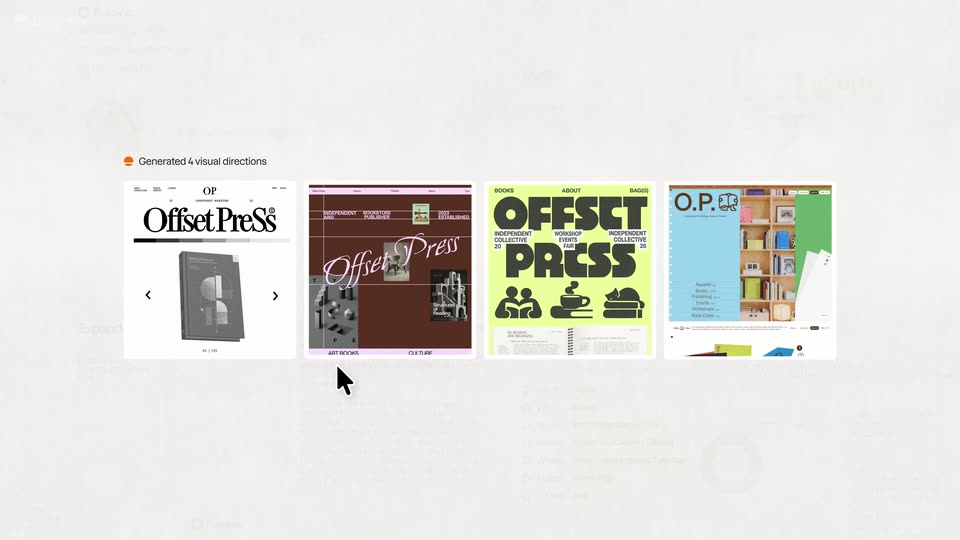 0:07–0:08Base44 · Beautiful from the first prompt | Base44A pale gray interface shows the prompt for an Offset Press bookstore site above a 'Generated 4 visual directions' label. Four website mockups fade into view in a row, and a cursor moves in to hover over the second one.
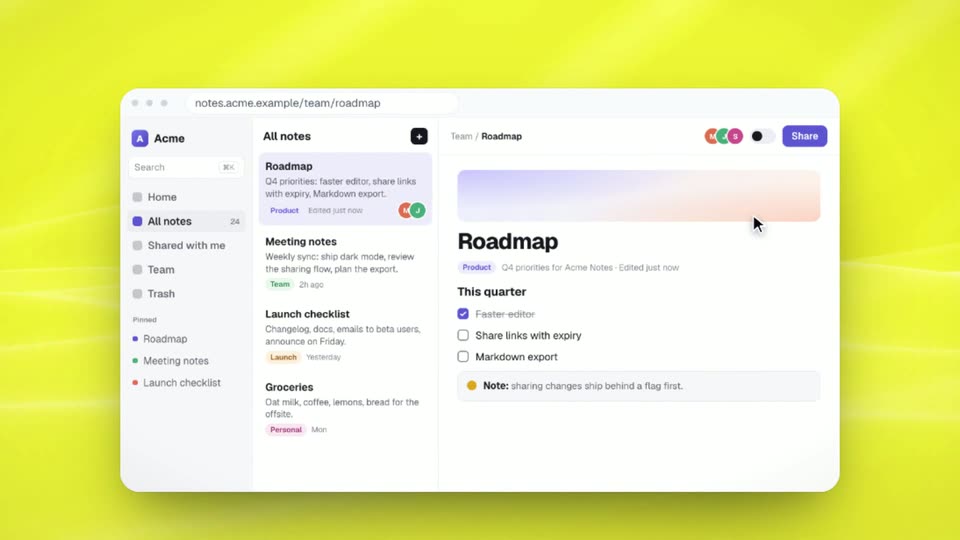 0:29–0:30Composal · Introducing Composal: A swarm of agents that tests your product like real usersA browser window mockup of a notes app floats at a slight angle on a yellow background with diagonal light streaks. Three columns show a sidebar, a notes list, and an open Roadmap note with a gradient banner and checklist. A cursor drifts down to the note callout.
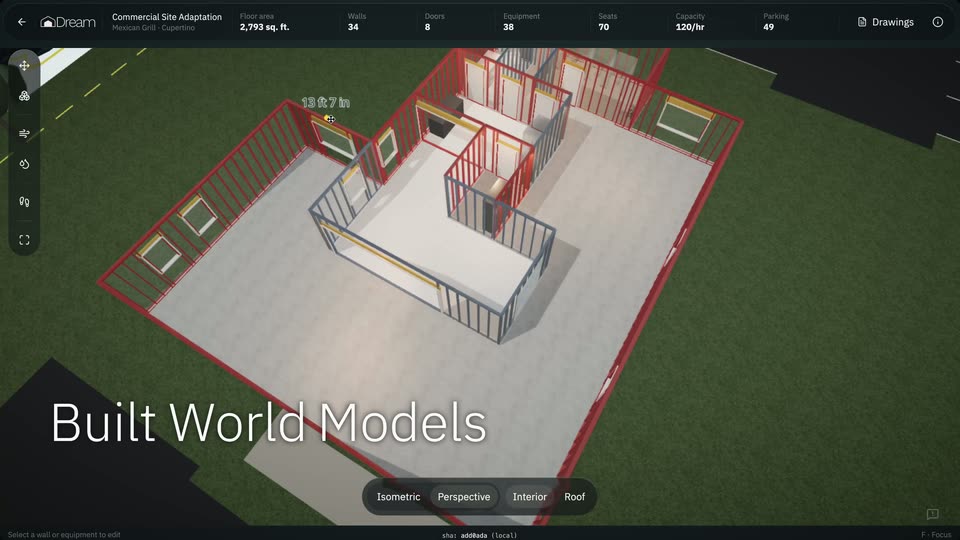 0:46–0:51Dream · Andy Elder - Today @arjunmathur_ and I are introducing Dream. We’re announcing $1The 3D camera orbits and zooms over a furnished restaurant model in perspective inside the editor; a cursor drags a wall panel around the building's edge. A large white caption “Built World Models” holds at the lower left.
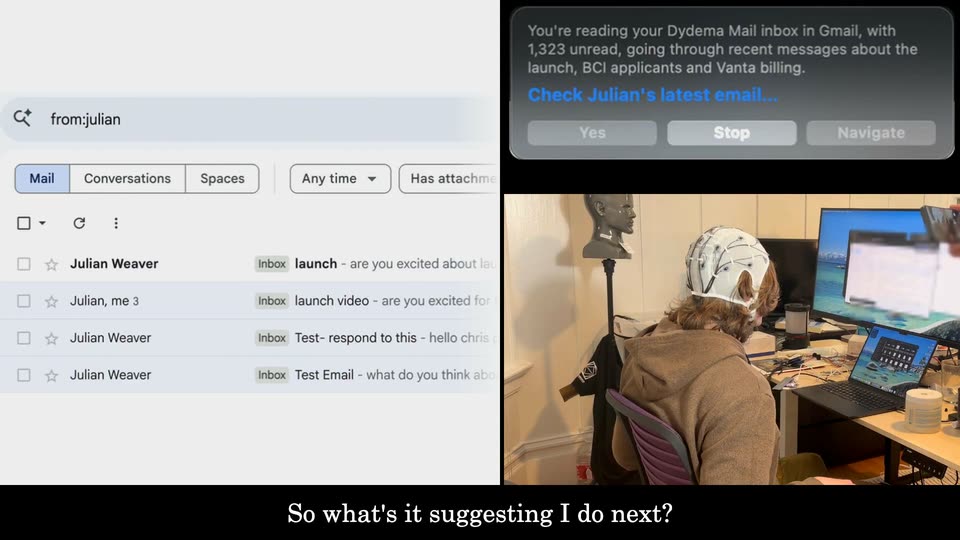 1:56–2:07Dydema · Dydema (YC F26) Launch DemoSplit screen: left shows a Gmail inbox where a search field types from:julian, the list filters and an email opens; right top is a dark caption panel with Yes, Stop, Navigate buttons; right bottom shows a person in a white BCI headband at a desk.
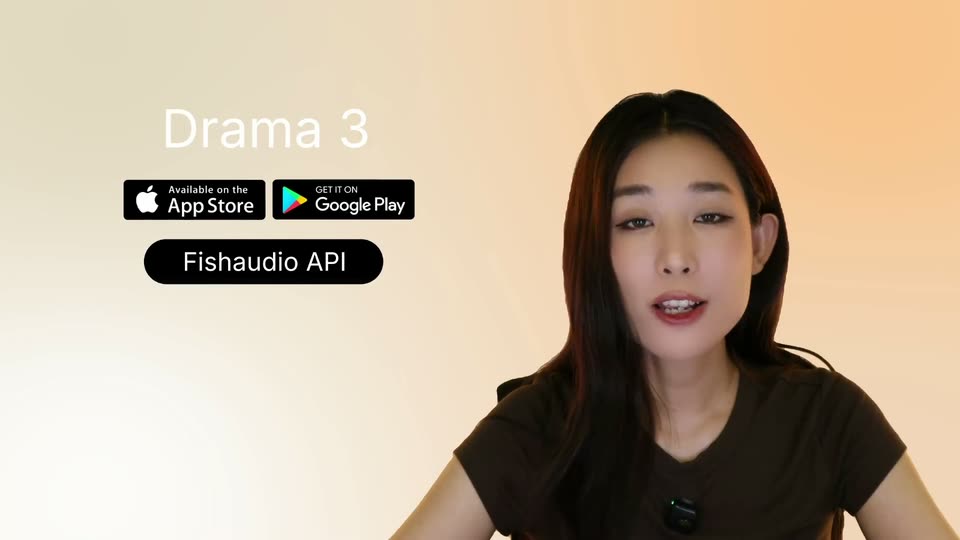 0:35–0:43Fish Audio · Fish Audio Drama 3 (Full Guide)A woman in a brown shirt talks to camera at right against a cream gradient. Left, a Drama 3 heading tops a Fish Audio menu; a cursor highlights Text To Speech. The menu swaps to App Store and Google Play badges and a Fishaudio API button, then fades.
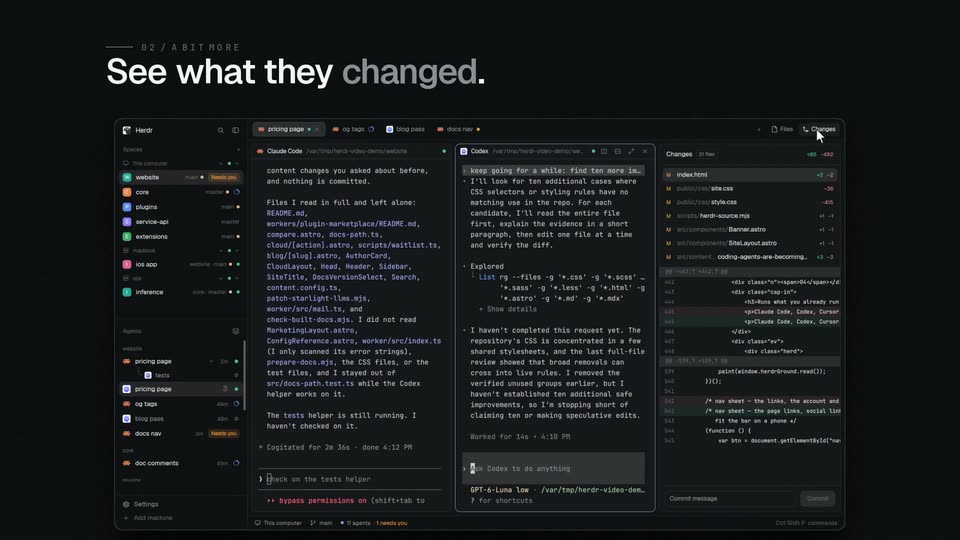 0:31–0:35herdr · herdr - *ehm ehm* BIG ANNOUNCEMENTS DAY 📣 two new things cooking in herdr laA dark Herdr interface shows a sidebar of repos and agents beside two agent chat panels. A cursor clicks the Changes tab, and a Changes panel slides in from the right, listing changed files with diff stats and a colored diff view. The view slowly pushes in on the window.
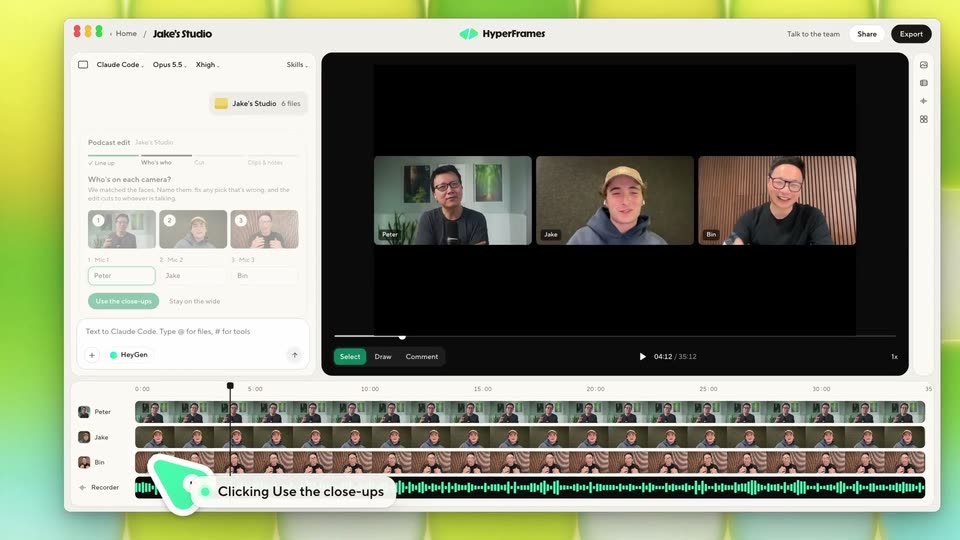 0:16–0:17HyperFrames · HyperFrames - the AI slop launch video killer is here Computer use is live in HypeA light podcast editing interface fills the locked-off frame, with three speaker tiles in a dark preview and a multi-track timeline below. A green click indicator and caption sit at lower left.
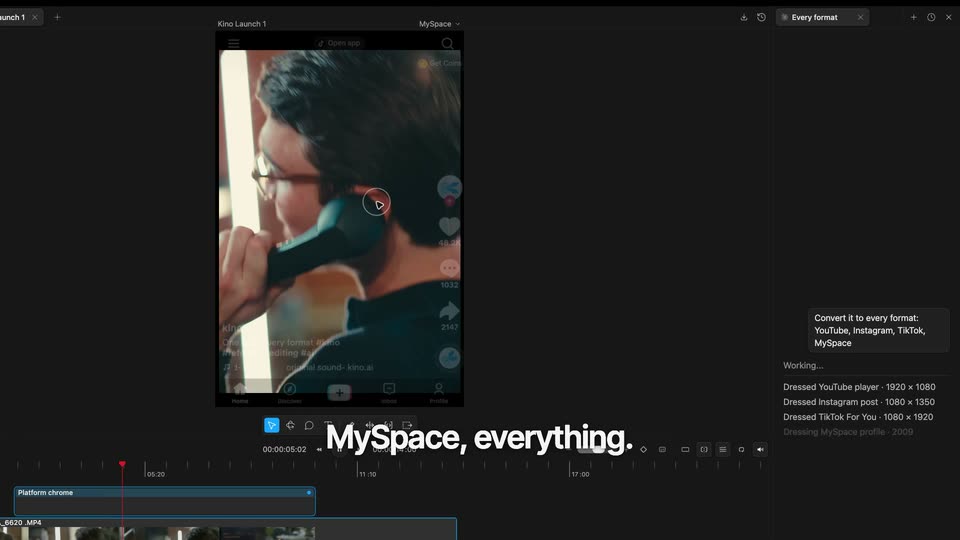 0:53–0:54Kino · Luke Igel - Introducing Kino: make videos end-to-end with Claude Code and Codex.A dark editor UI: the center preview switches from a vertical TikTok layout to a horizontal one as a format dropdown opens. A right panel lists conversions. A large white caption at the bottom reads “YouTube, Instagram, TikTok,” then “MySpace, everything.” A cursor hovers the dropdown.
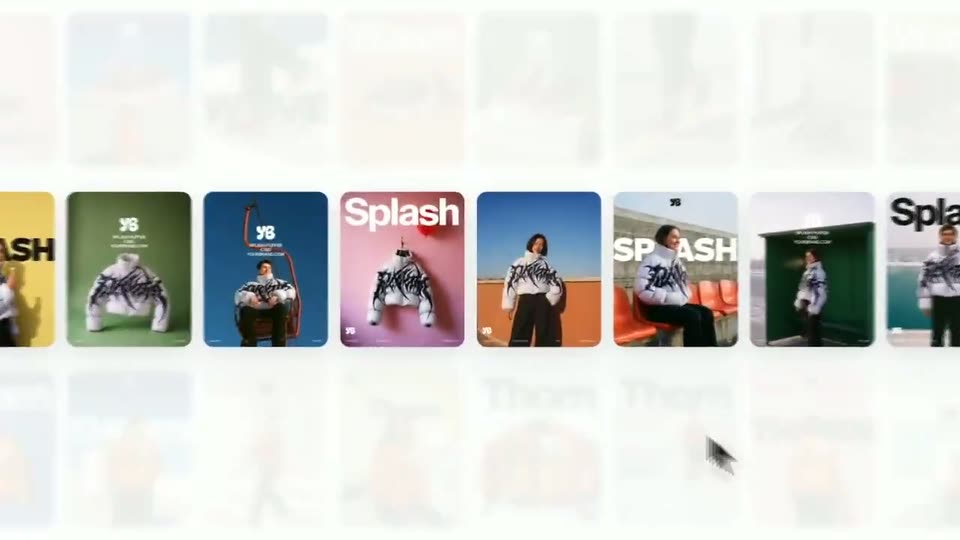 0:15–0:17Krea · Krea - introducing Ad Studio. - powered by our new Krea 3 expert model forA grid of fashion cards flies in from scattered, blurred positions and snaps into two neat rows on a white background, then the view zooms onto the top row as a cursor hovers over a card.
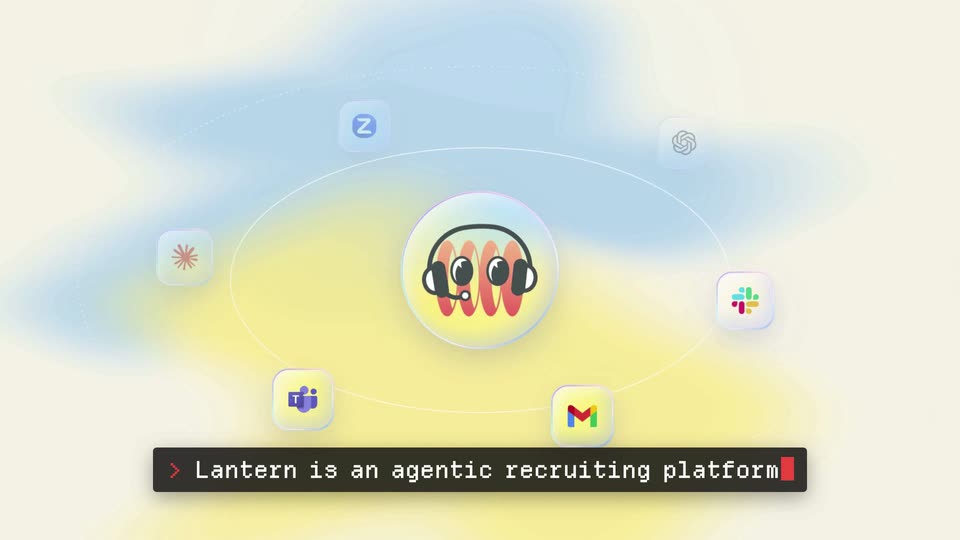 0:24–0:26Lantern AI · Thomas Chan - Today, we are killing Workday, SuccessFactors and Ashby. RecruitiA chat card with a hiring prompt and a red send button sits on a cream field, a cursor clicks the button, and a dark terminal bar at the bottom types out a caption. The card blurs as a central headset agent badge forms, ringed by an orbit of small app icons.
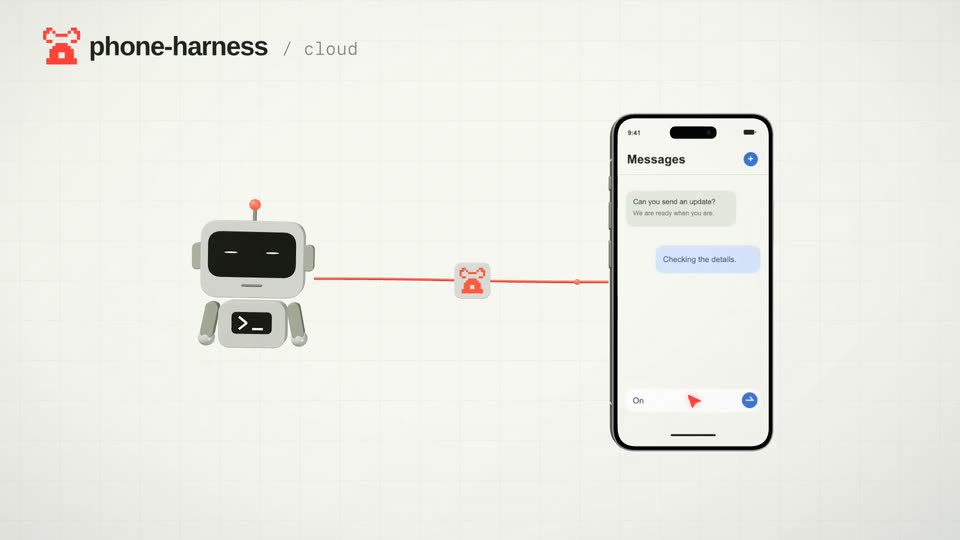 0:34–0:39Phone Harness · Phone Harness: Give your AI agent a real iPhone or AndroidA gray 3D robot on a grid background links to a 3D phone mockup through an orange line with moving dots. A red cursor swipes the Messages list, opens a chat, and types a reply that sends as a blue bubble. White outlined captions cycle at the bottom.
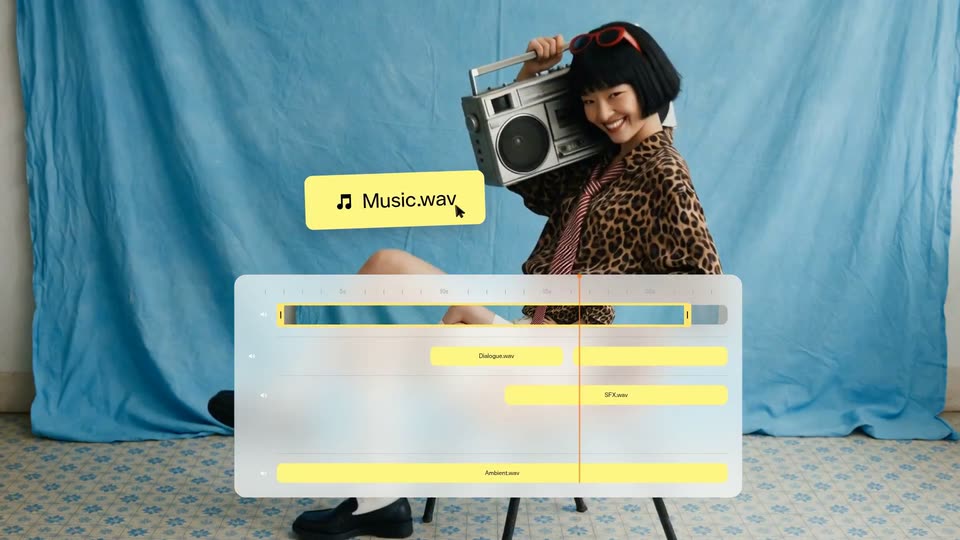 0:43–0:49Pika H3 Flex · Pika - Meet Pika H3 Flex, debuting today as the #1 open weight model on DesiA smiling person in a leopard jacket sits on an orange chair holding a silver boombox, swaying. Yellow file chips labeled Dialogue.wav, Music.wav, Ambient.wav, Foley.wav and SFX.wav pop in around them, then a frosted DAW timeline with yellow clips slides up in the lower center as the chips fade.
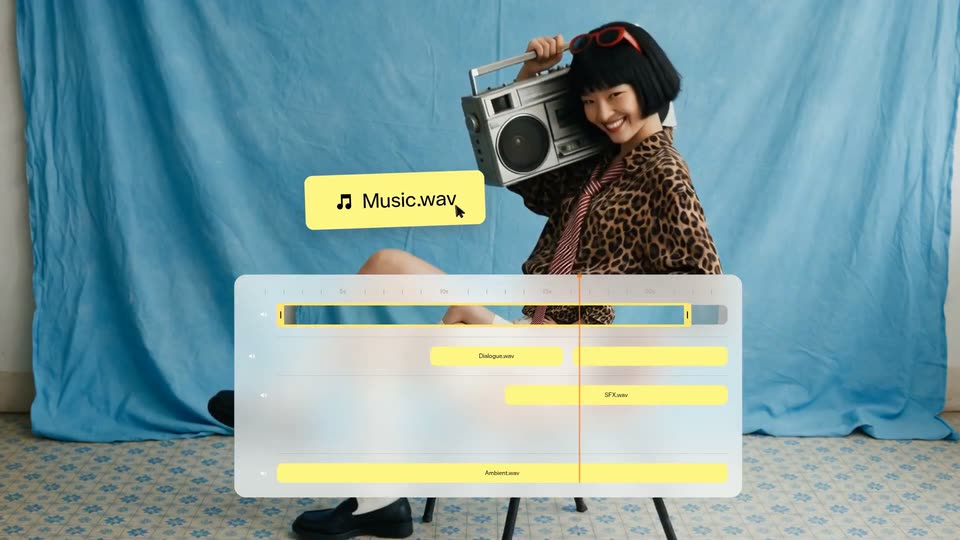 0:43–0:49Pika · Introducing Pika H3 Flex | Built for Professional IterationA woman in leopard print poses with a boombox over her face on an orange chair against a blue backdrop. Yellow file-name chips pop in around her, then a translucent audio timeline rises in front of her as the chips fade and a cursor moves across the tracks.