Cursor demo
A visible cursor operates the interface.
15,085 scenes · page 74 of 252
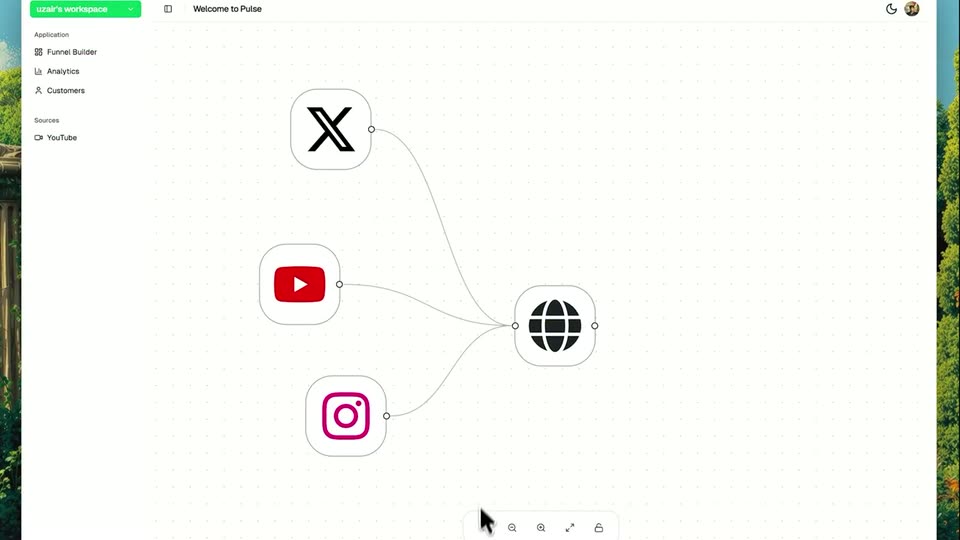 0:04–0:06Pulse · Pulse App - YouTubers creating b2b content keep looking at youtube dashboard thinA dotted-grid node canvas shows X, YouTube and Instagram source cards linked by curved lines to a globe node. A cursor drags the YouTube card into the left column, then hovers over the bottom toolbar, raising a green Add Node tooltip.
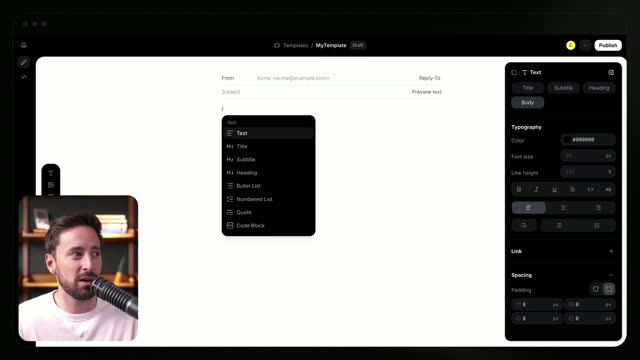 1:11–1:16Resend · The NEW Email Editor is here!Locked-off screen recording of a dark email template editor. The cursor types in the body, triggers a slash menu, then opens a block menu from the left toolbar. A presenter's webcam feed in a rounded frame sits in the lower-left corner.
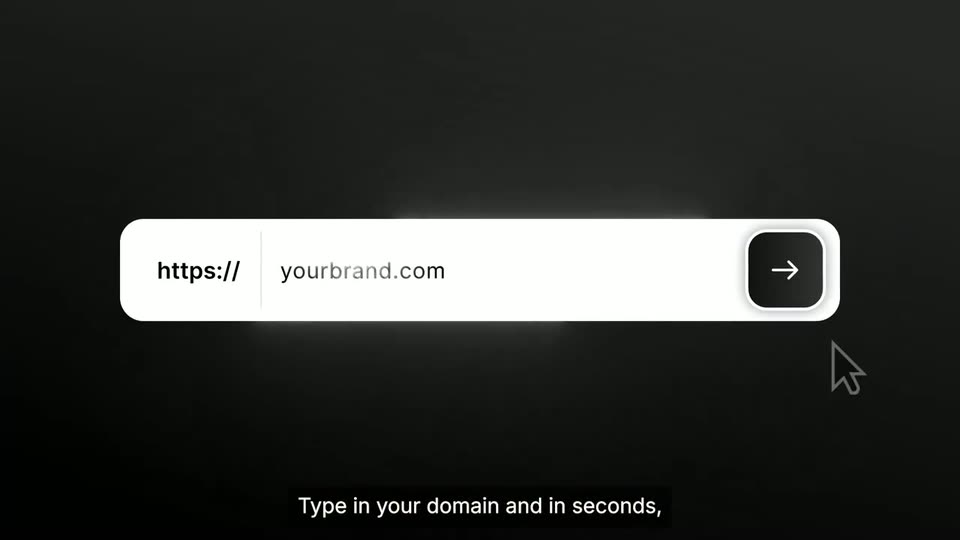 1:30–1:31Bustem · oliverb - We raised $64M for this moment: Introducing Bustem. Bustem scans theA gray browser address bar showing https://yourbrand.com sits centered on a dark background. A cursor glides to the arrow button and clicks it, then a white rounded panel scales up from the bar to fill the frame.
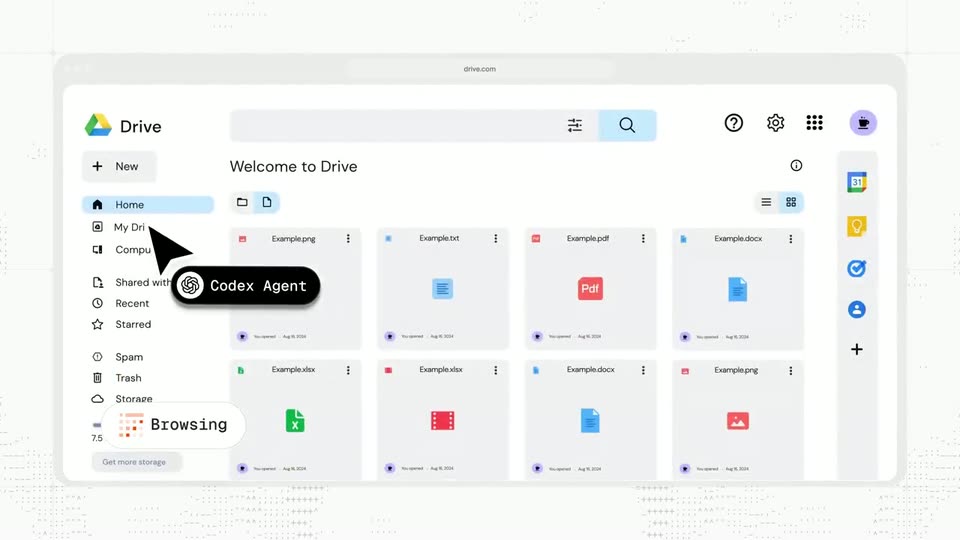 0:32–0:33Firecrawl · Firecrawl - Introducing the new Firecrawl CLI 🔥 The toolkit for agents to scrapeA locked-off browser window on drive.com crossfades from a Google sign-in page, cursor resting on the Sign in button, to a Drive file grid. The dark Codex Agent badge slides left toward the sidebar while a Browsing chip stays in the bottom-left corner.
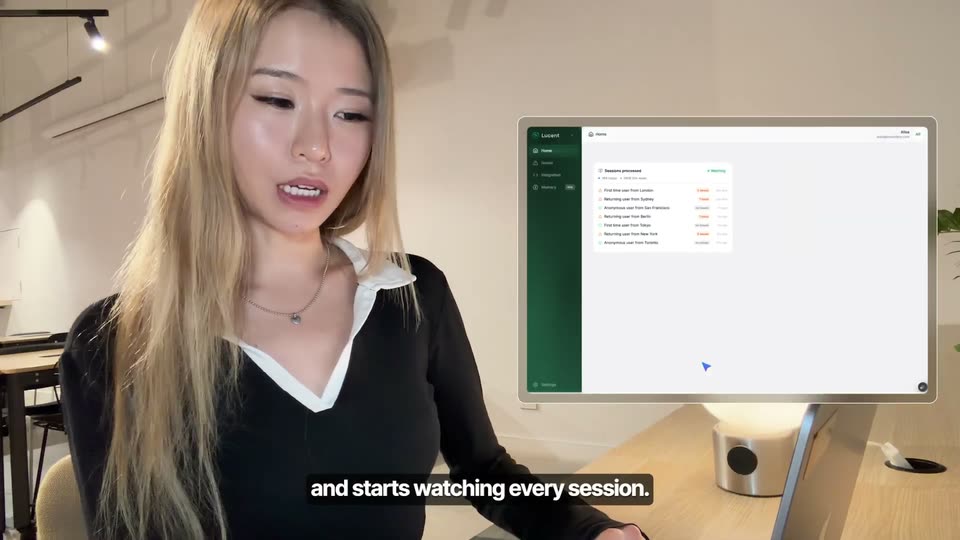 0:21–0:23Lucent · Lucent Launch VideoA blonde woman in a black top sits at a desk in a bright office, talking to camera, while a monitor beside her cycles through Lucent screens: a property grid with a welcome modal, a PostHog map panel, and a session dashboard. Bottom subtitles name the PostHog connection.
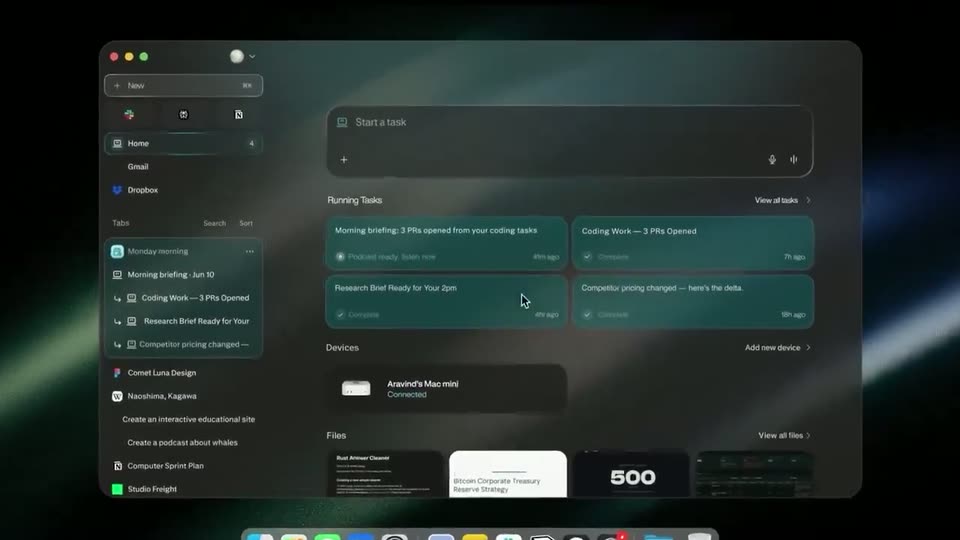 0:09–0:10Perplexity · Perplexity - Announcing Personal Computer. Personal Computer is an always on, locA flat task-management window fills a dark macOS desktop, listing running tasks, a connected device and file thumbnails. A cursor glides in and hovers over a task card while the window scales up slightly.
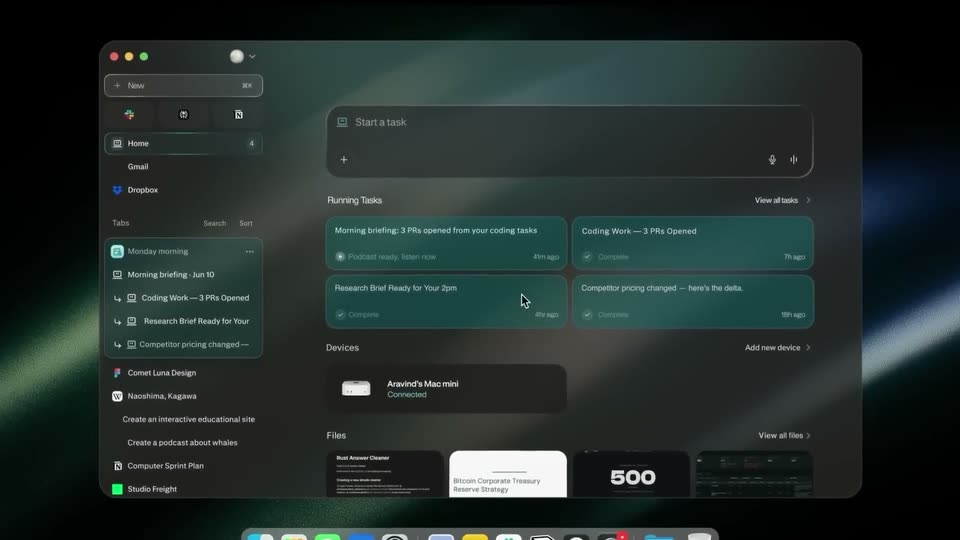 0:09–0:10Perplexity · Personal Computer, by PerplexityA dark desktop shows a task manager window centered over a blurred green and blue wallpaper. The window zooms in to fill the frame, and a cursor moves to hover over a teal task card in the running tasks grid.
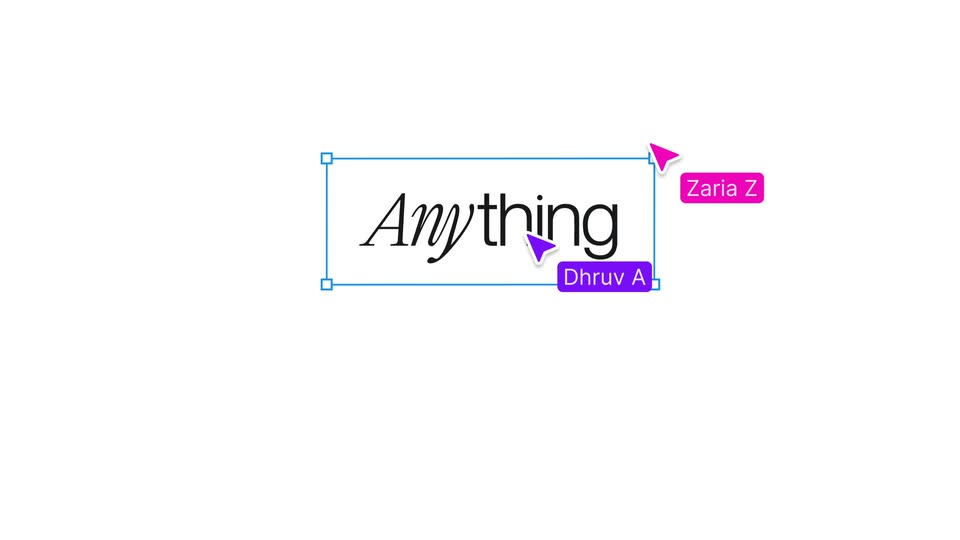 0:05–0:06Anything · Anything - BREAKING: design-first vibe coding is here! import your Figma designA Figma canvas with text layers inside blue selection boxes drifts as two multiplayer cursors, tagged Dhruv A and Zaria Z, hover over the words. The italic serif Anything and the large Introducing shift position while the cursors move.
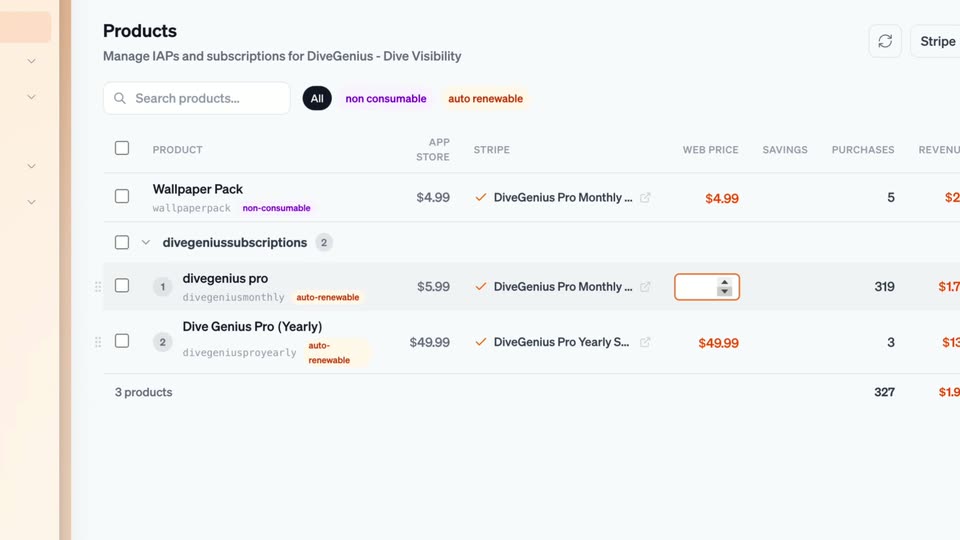 0:53–0:59ZeroSettle · Y Combinator - ZeroSettle (@ZeroSettle) is building a drop-in direct billing SDK forThe full admin dashboard appears as a shadowed card, then the view zooms into the Products table. A cursor clicks the web-price spinner on the divegenius pro row, dropping 5.99 to 4.99, and the row tints green with a -17% savings tag.
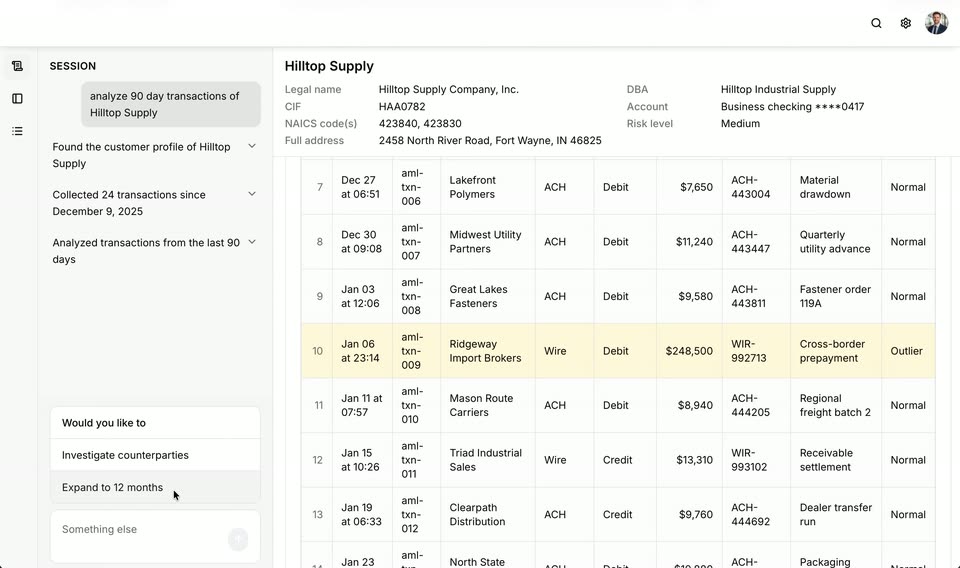 0:24–1:02Fenrock AI · Fenrock AI - back office AI agents for banks and private lendersA flat two-panel product view: a session log and suggestion menu on the left, a Hilltop Supply profile header and transactions table on the right, with one row shaded yellow. A cursor leaves the table and hovers on the 'Expand to 12 months' option.
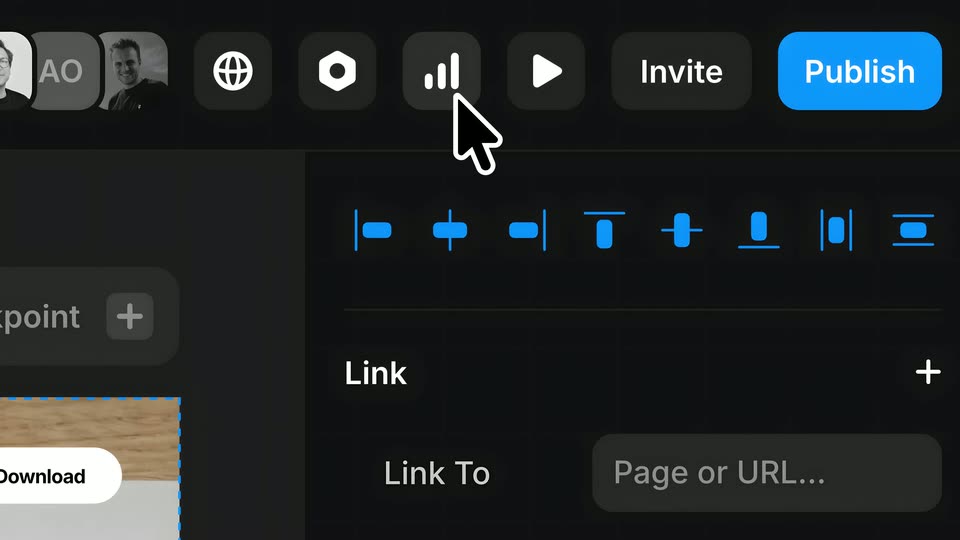 0:03–0:05Framer · Framer Convert: Understand, Test, and Optimize.A dark Framer editor fills the frame as a white cursor glides from the Breakpoint control to the analytics icon in the toolbar, then down to the Link panel. The view eases back to reveal the full top bar while a caption scales in over the UI.
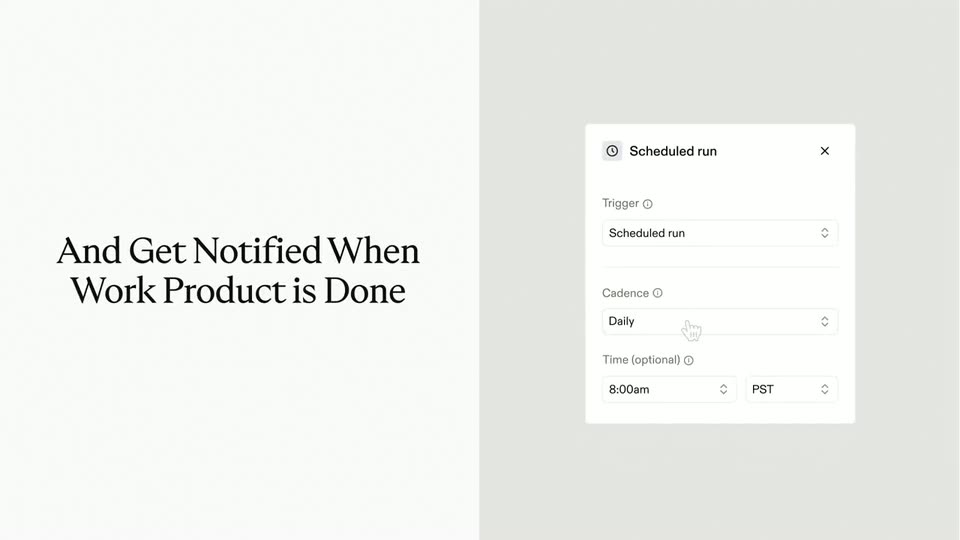 0:14–0:19Harvey · Harvey - Introducing Agent Builder in Harvey. Teams can build autonomous agentA split layout shows a serif headline on a white left panel and a Scheduled run dialog card on a gray right panel. The headline crossfades through three phrases as a cursor clicks the Cadence dropdown, switching Every 2 weeks to Daily.
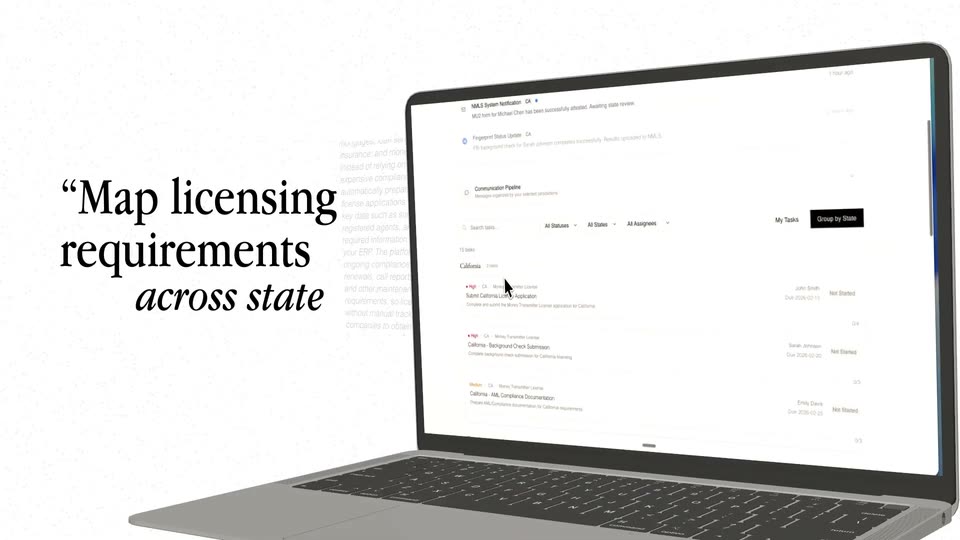 0:26–0:27Payna · Payna (YC W26) LaunchA silver laptop in 3D perspective on a light paper background shows a task board. The list scrolls up to reveal California compliance tasks while a large black serif headline sits at left.
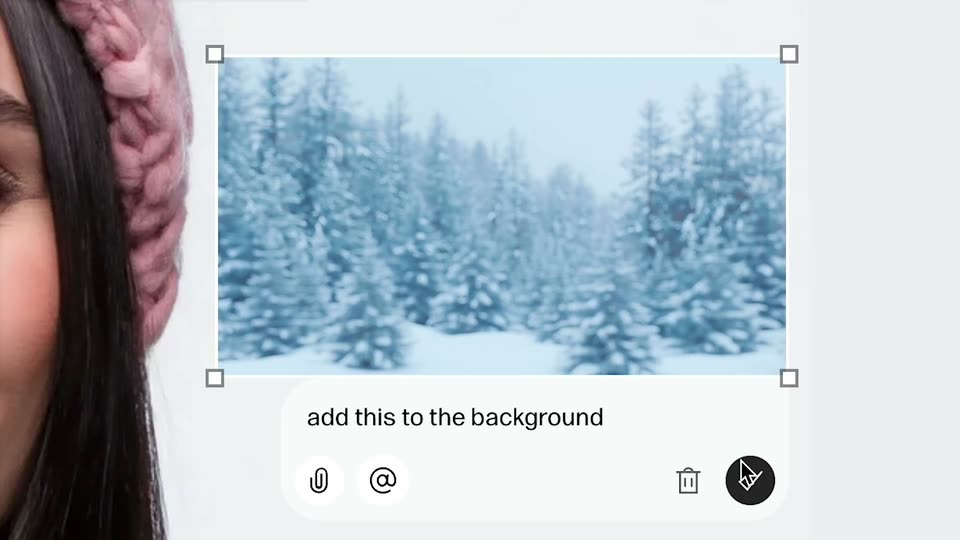 0:17–0:18Reve · Reve - Show, not tell.A person in a pink knit hat sits at the left edge while a right panel shows a snowy forest image with selection handles. A cursor hovers over the image as the prompt field types out a request, then the checkmark button fills black.
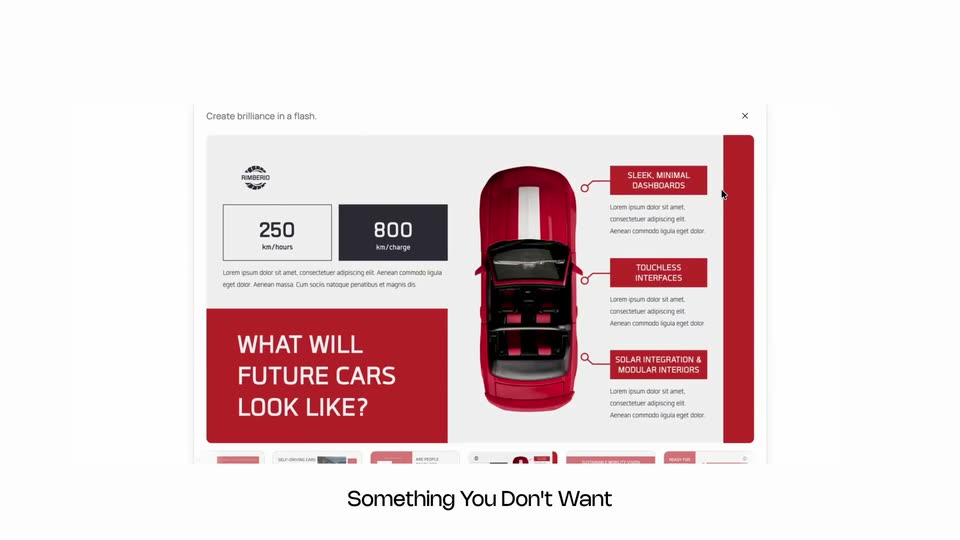 0:55–0:56Runable · Umesh Kumar - Introducing Runable 2.0 — the best way to work with AI. Runable nowA flat webpage mockup on a white field shows a red top-view car beside spec boxes and three red feature labels. A black caption sits below it. A mouse cursor glides to the close icon at the top right.
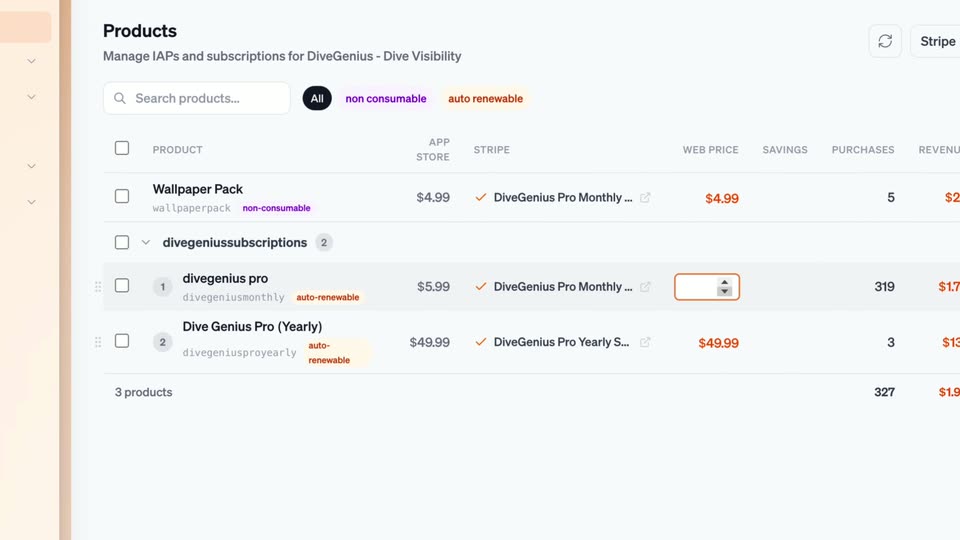 0:53–0:59ZeroSettle · ZeroSettle - Keep More of your Mobile App Revenue with Direct Billing!The app dashboard zooms into the Products table. A cursor clicks the web price cell of the divegenius pro row and lowers the value from 5.99 to 4.99, then a -17% savings figure appears in the row. The screen fades to white.
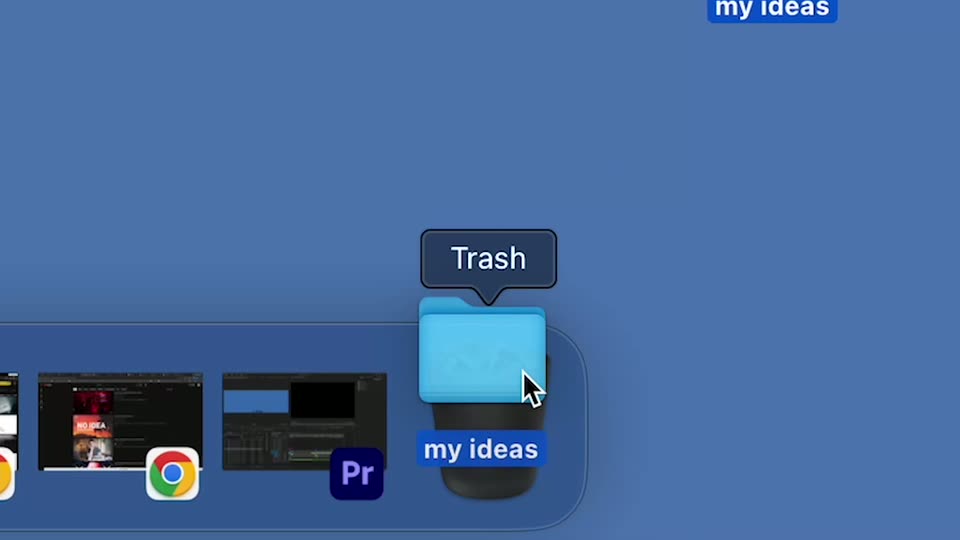 0:41–0:43Wabi · wabi - Allow me to reintroduce myself.On a blue desktop, a cursor drags a blue folder labeled my ideas from the upper area down to the dock, where a Trash tooltip pops up and the folder drops into the bin. White caption text sits over the dock row.
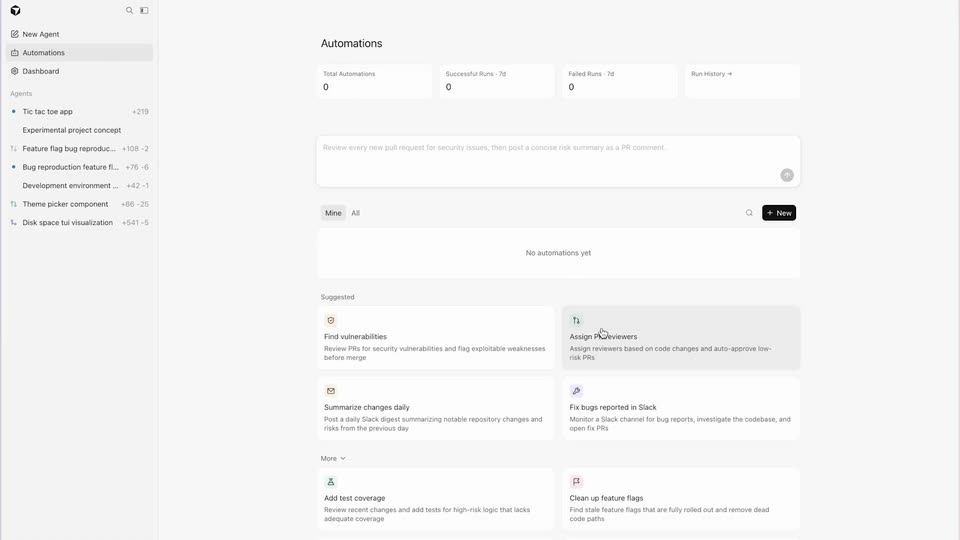 0:04–0:09Cursor · Introducing Automations: always-on coding agentsA light dashboard view of an Automations page with a left sidebar and a grid of suggested cards. A mouse cursor glides from the sidebar to the search field, then hovers one card, which tints gray. The layout stays static.
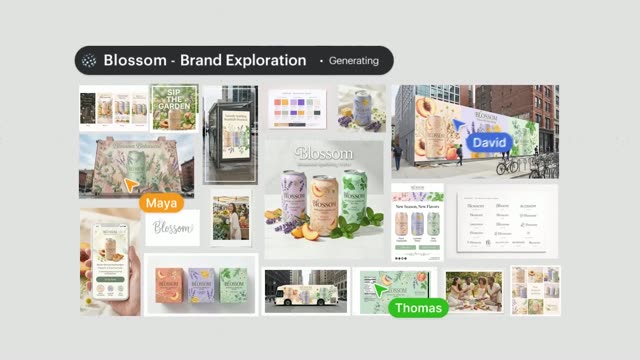 0:44–0:46Luma AI · Introducing Luma AgentsA light gray board fills the frame under a dark pill header reading Blossom - Brand Exploration and Generating. A moodboard of floral brand mockups reflows as colored collaborator tags labeled Maya, David and Thomas jump between tiles.
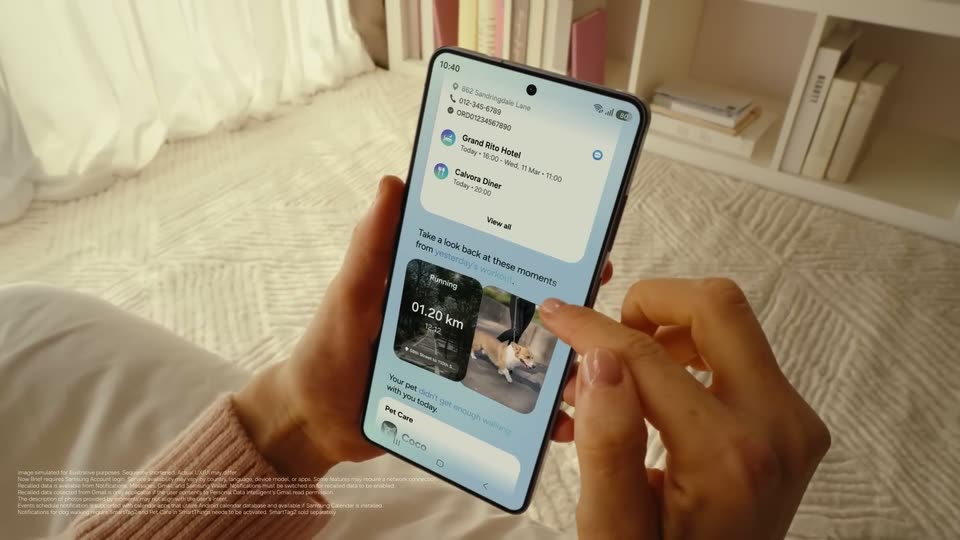 3:08–3:09Samsung · Introducing Galaxy S26 Ultra | Galaxy AI | SamsungTwo hands hold a tilted smartphone in a bright bedroom, the screen showing a calendar list and a memory card with a dog photo. A finger taps and scrolls the interface as the camera holds a steady close-up.
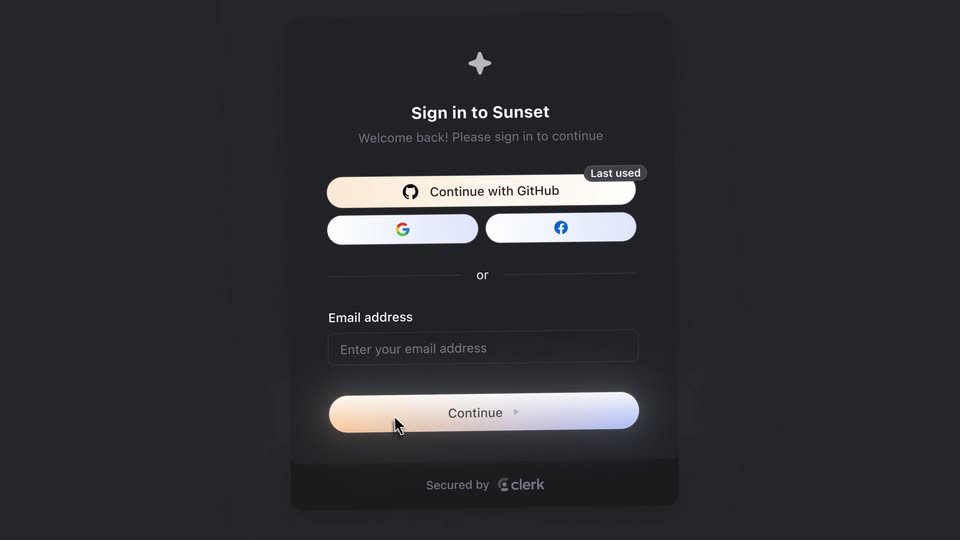 0:20–0:22Clerk · Clerk - Your UI. Our APIs. Core 3 upgrades our hooks to make building customA dark sign-in card for Sunset sits centered on a near-black background. The view pulls back from a tight crop on the gradient Continue button to reveal the full form, with a cursor resting on the button.
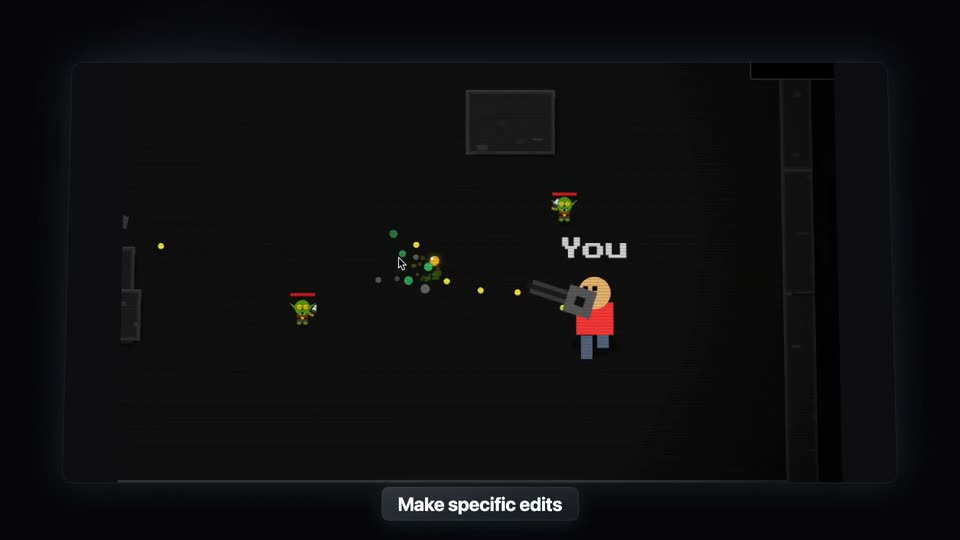 0:14–0:21CodeWisp · CodeWisp - AI Game Creation PlatformA dark pixel-art shooter plays out; a crosshair selects the red Hero, a prompt bar types '@Hero make him huge', and the character grows large. The bottom caption swaps from 'Play instantly' to 'Make specific edits'.
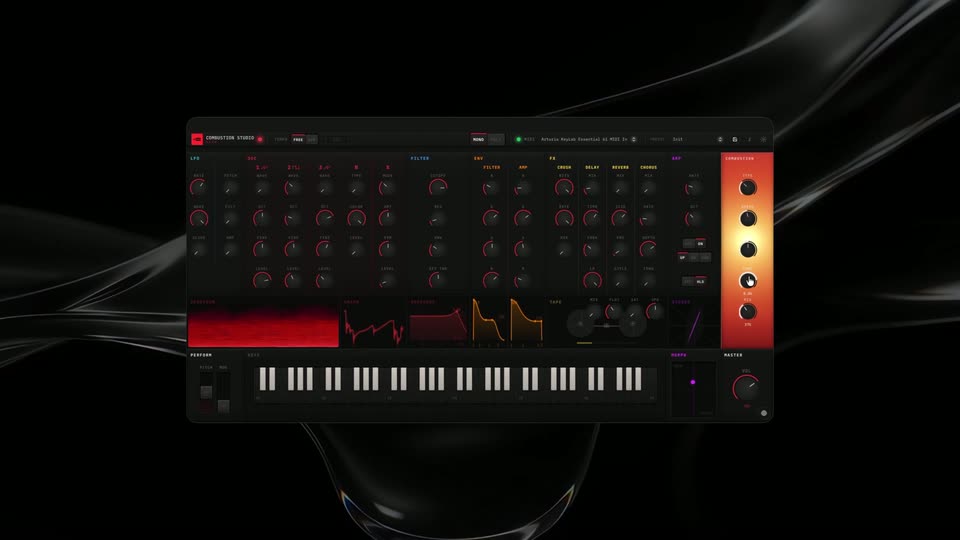 0:13–0:17Glaze · Raycast - Today we're launching Glaze 💠 Create any desktop app in minutes by cA dark music-plugin interface with red side panels and a piano keyboard sits centered over flowing pale silk strands. The camera slowly pushes in as a vertical light band sweeps down the right panel and a cursor hovers over its knobs.
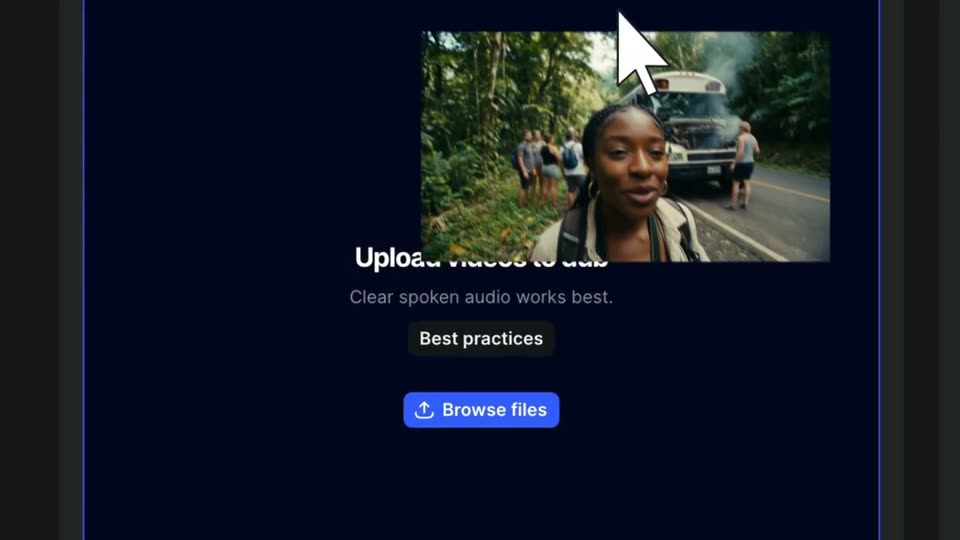 0:21 · 0.6sLightricks · LTX.io - Introducing Dubbing and Captions in LTX Studio. Now available for enA dark navy upload screen: a clip of a woman speaking plays in a thumbnail at the top, with a large white cursor arrow above it that drifts upward. Below sit the heading, a gray caption, a dark Best practices button and a blue Browse files button, all still.
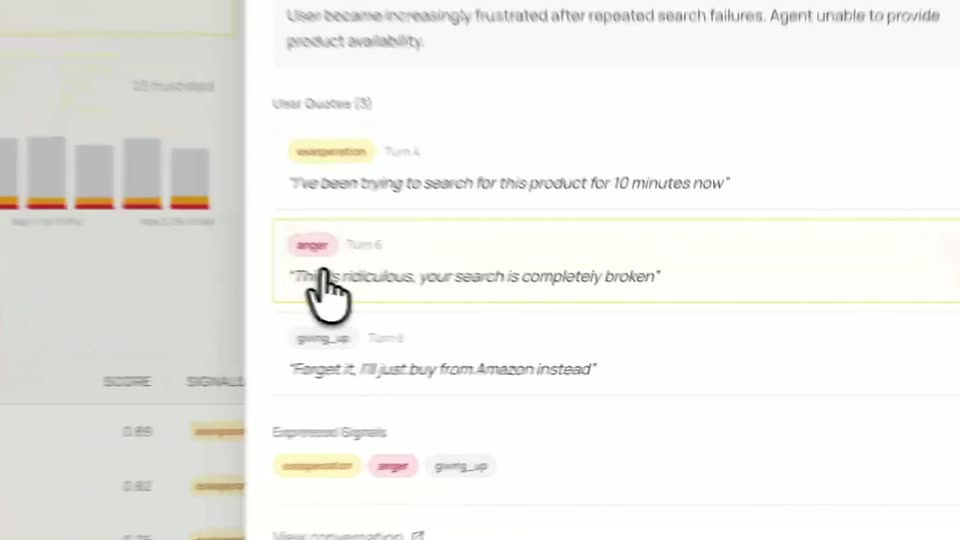 0:42–0:45Moda · Moda Launch YCA close-up of a frustration detail panel zooms out to reveal a full analytics dashboard with a bar chart and conversation table, then zooms back in as a hand cursor highlights an angry user quote.
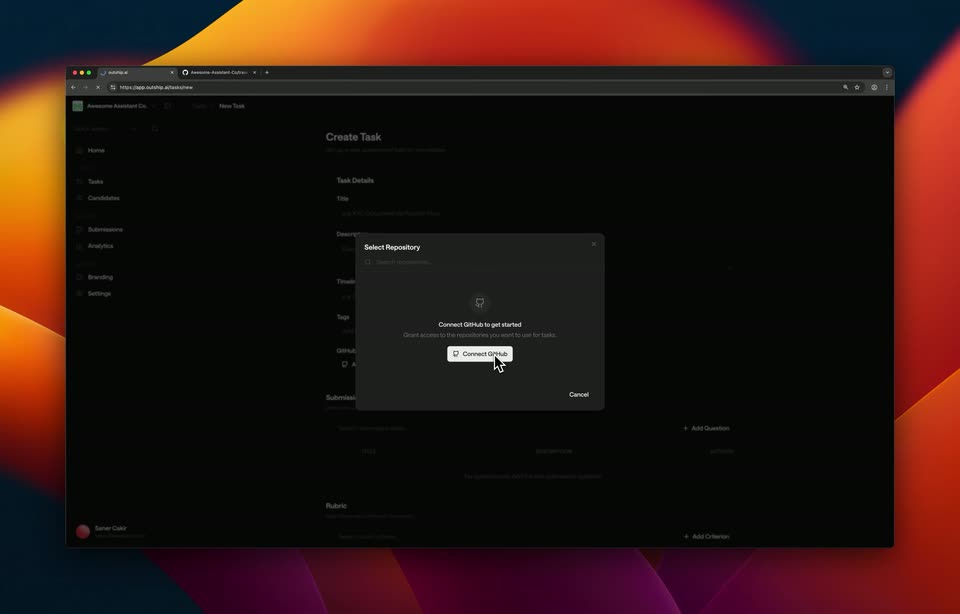 0:15–0:17Outship · OutshipA dark browser window tilts in 3D over a warm gradient, showing the Outsiph home dashboard, then rotates flat to a Create Task screen with a centered modal where a cursor hovers on the Connect GitHub button.
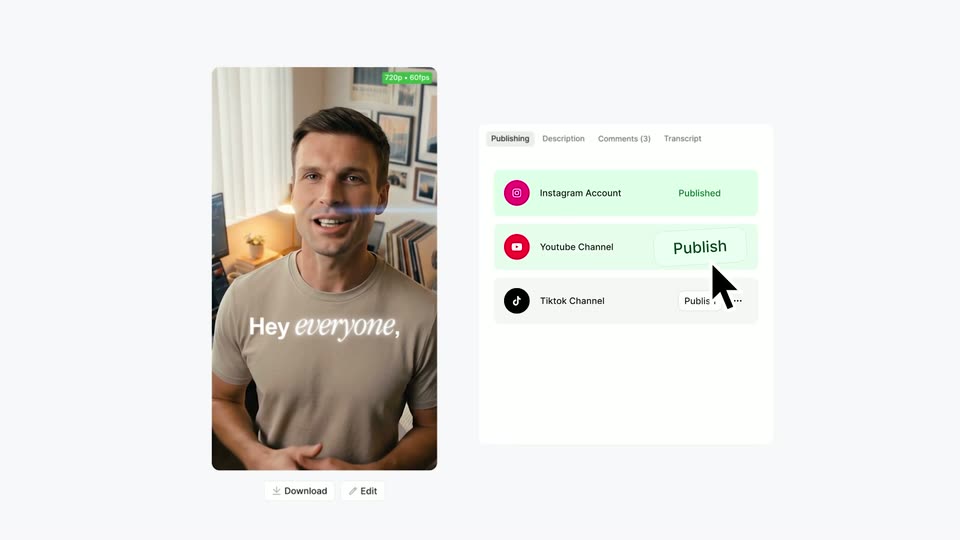 0:21–0:24Submagic · Submagic - Introducing our new Publishing feature. A new way to share your contA publishing panel sits beside a vertical video preview of a man talking. The cursor clicks the Instagram Publish button, the row turns green with Published, then the cursor moves down and clicks the YouTube Publish button. The frame settles from a soft zoom at the start.
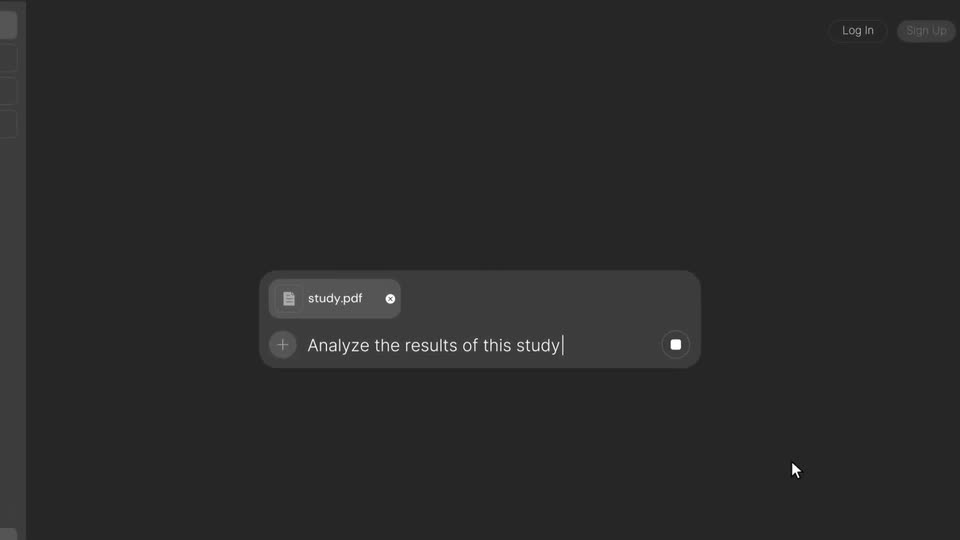 0:02–0:03The Token Company · The Token Company (YC W26) Launch VideoA dark interface centers a prompt card holding a study.pdf chip and a typed question. A mouse cursor rests on the round send button, which flips from an up arrow to a stop square while the chip's lock icon becomes a close X.
 1:07–1:08Apple · The new MacBook Pro with M5 Pro and M5 MaxA dark settings panel racks from heavy blur into sharp focus, revealing training parameters and a Start Training button as a cursor settles on it. A colorful figure stays soft and out of focus along the left edge.
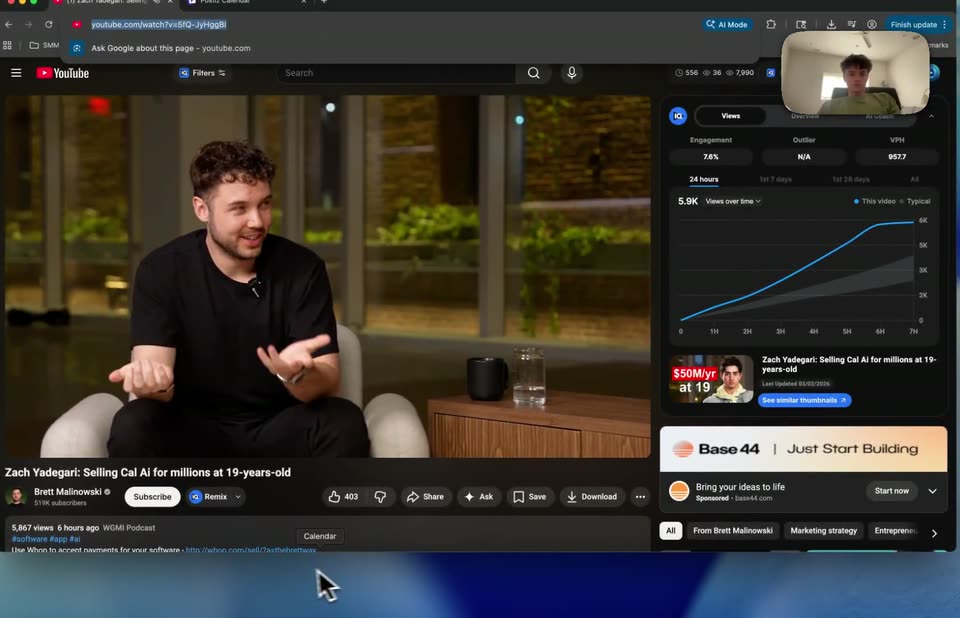 0:02–0:05Clippers · 0xMarioNawfal - CLIPPERS ARE DONE. Drop a YouTube link. AI finds the viral cuts, ediA dark browser window on a blue desktop scales up into a full-screen YouTube page. The video shows a man seated in a chair, with a dark analytics panel to the right and a webcam feed in the top-right corner. A cursor drifts down the page.
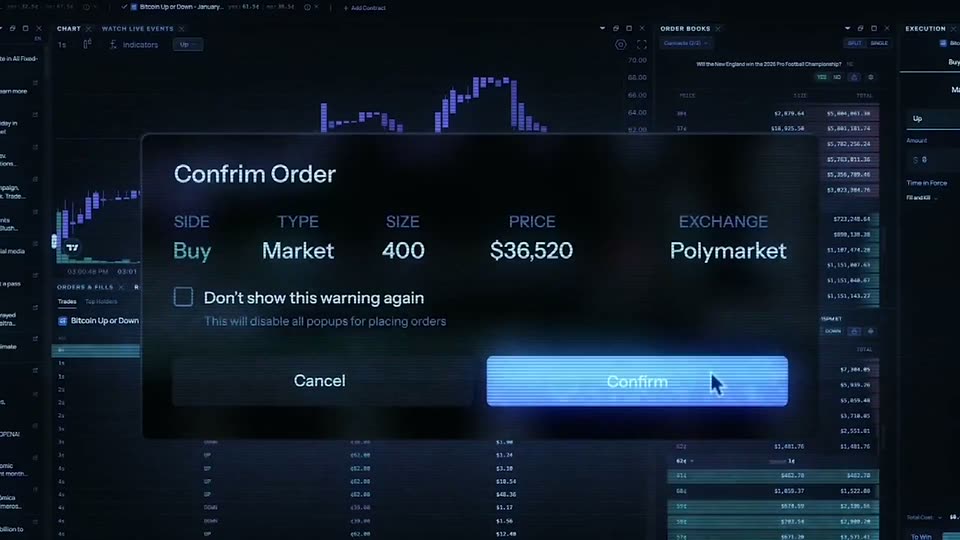 0:44 · 0.5sKairos · Kairos - THE OPPORTUNE MOMENT IS HERE. KAIROS. RT for Access.A static dark trading dashboard with a centered Confirm Order dialog listing Buy, Market, 400, $36,520, Polymarket. A cursor hovers on the glowing blue Confirm button beside a gray Cancel, while the background charts and order book stay dimmed.
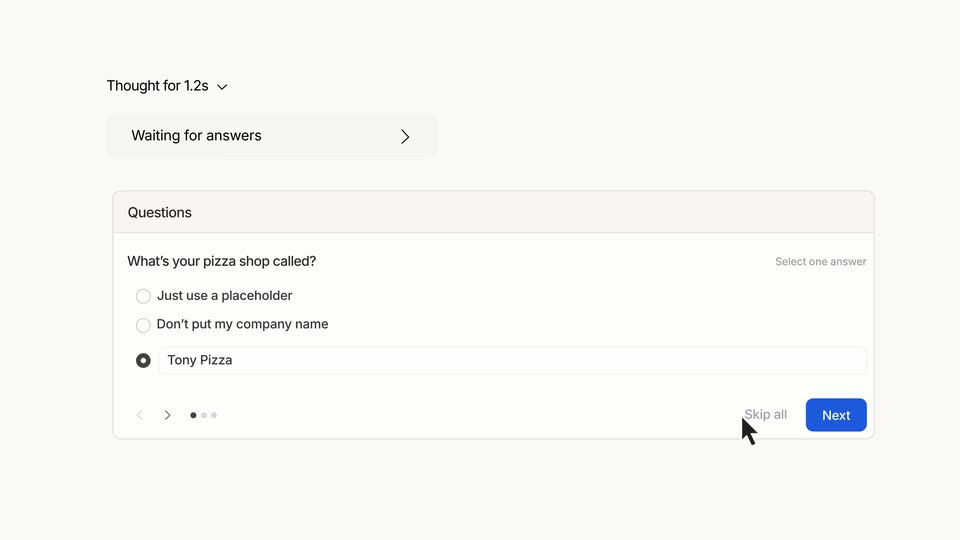 0:16–0:19Kodo · Michael Goldstein - The way we design hasn’t changed in 20 years. We think it’s time itA white onboarding form shows a question card asking for a pizza shop name. A cursor selects the third radio option, types Tony Pizza into the field, then clicks the blue Next button. The card crossfades to the next question listing three style options.
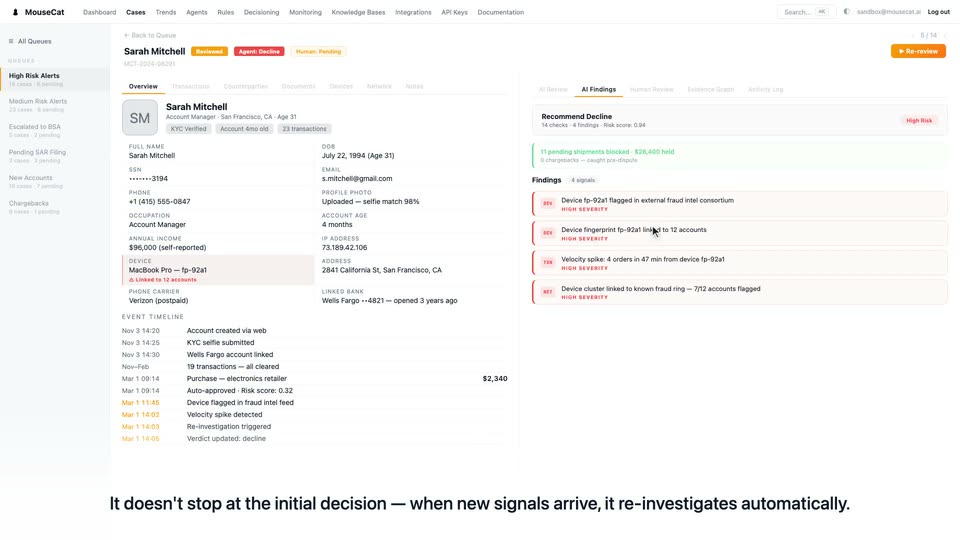 0:17–0:24MouseCat · MouseCat 🐭🐱 AI-Powered Fraud InvestigationsA fraud case dashboard for Sarah Mitchell holds in a locked frame. In the right panel a re-investigation spins up, the verdict flips from Approve, Low Risk, to Decline, High Risk, and four red findings appear. A bottom caption changes once.
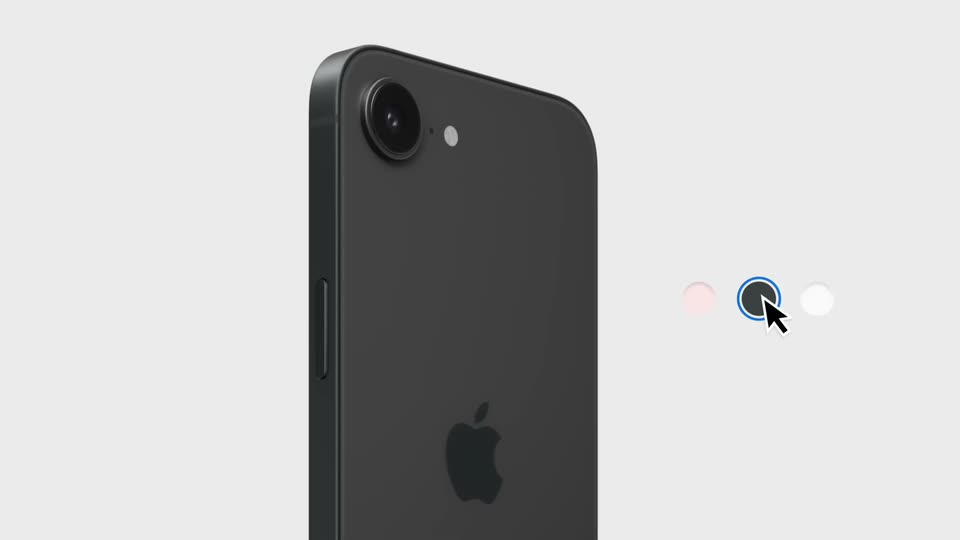 0:05 · 0.7siPhone 17e · iPhone 17e: A Powerful iPhone at a Great PriceA black iPhone back is angled in 3D on a light gray field. Three color dots sit to the right, the black one ringed in blue, while a cursor hovers over it and drifts right.
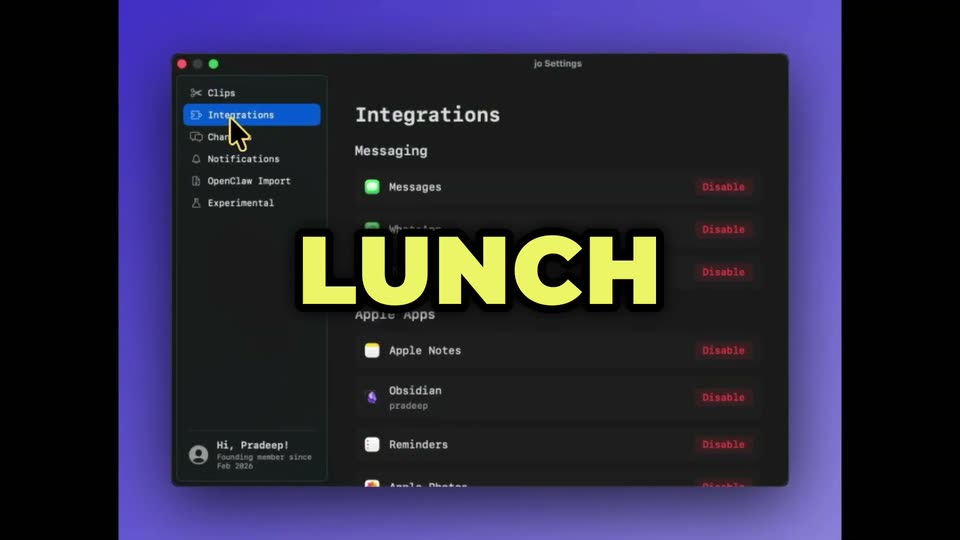 0:15–0:23jo · jo 1.0 releaseA dark Jo Settings window floats on a purple gradient. A yellow cursor clicks Integrations in the sidebar, and the page scrolls down the app list. Huge outlined words pop in one by one across the center, spelling out the voiceover.
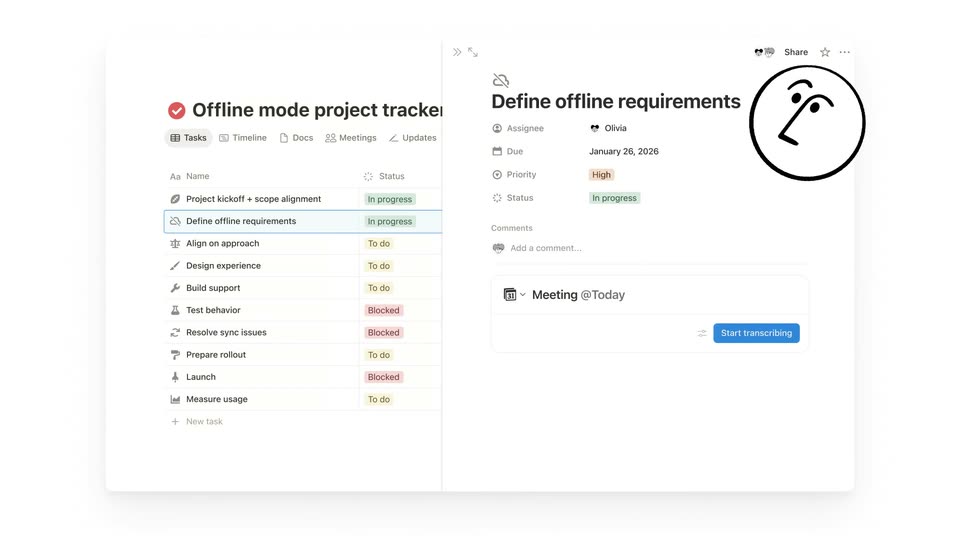 0:30–0:35Notion · Notion - Allow us to reintroduce ourselves.A flat white project-tracker card assembles on a light background: the task list fills with due dates, priorities and assignees, then a detail panel for one task slides open on the right. A doodle face logo sits in the corner while a cursor hovers a row.
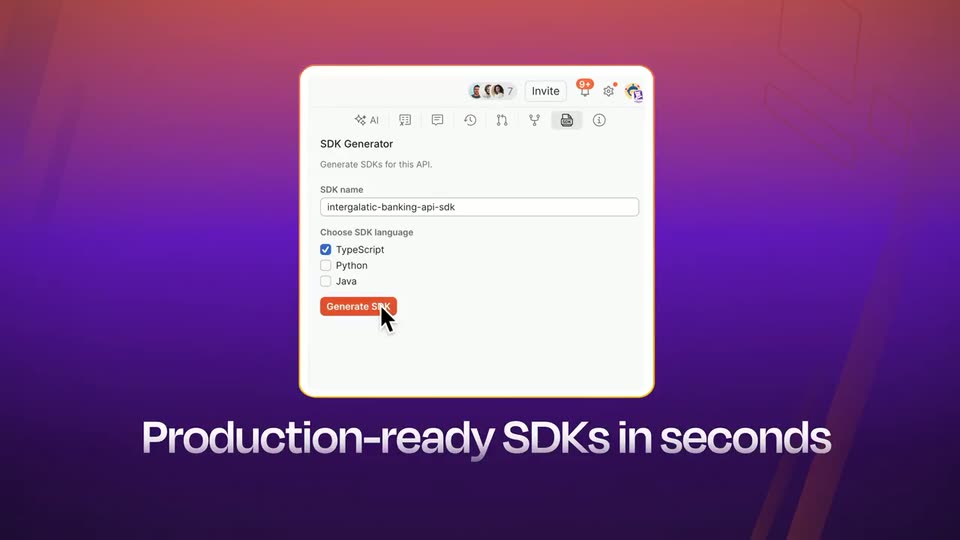 0:31–0:33Postman · Postman - The AI-native API platform is here. Meet the new Postman. 🚀 🔸 API sA white SDK Generator panel with a filled name field and checked TypeScript box sits on a purple gradient; a cursor glides down to the orange Generate SDK button while the headline holds below. It cuts to a purple sparkle logo in a ringed circle on dark purple.
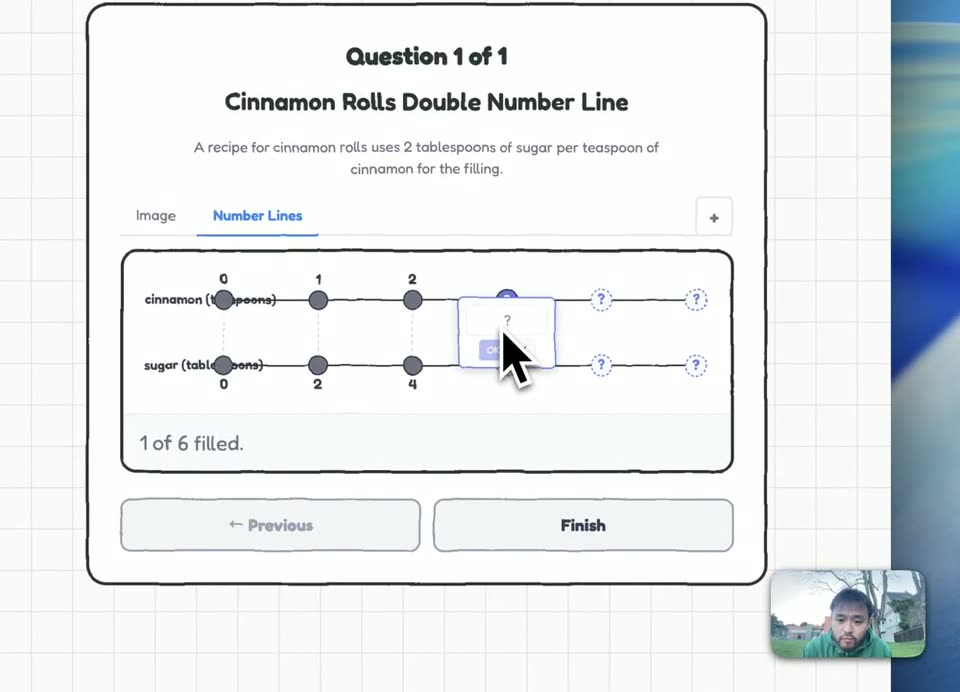 1:41–2:01Tegore · Tegore AI: The Math Bear - The promise of 1:1 high-quality on-demand tutoring is here! Watch tScreen recording of the Tegore app: a double number line exercise with a bear mascot and a typing chat bubble. The cursor clicks a blank spot, an input box pops up, the view zooms into the card before pulling back as 6 is entered. A webcam feed overlays the corner.
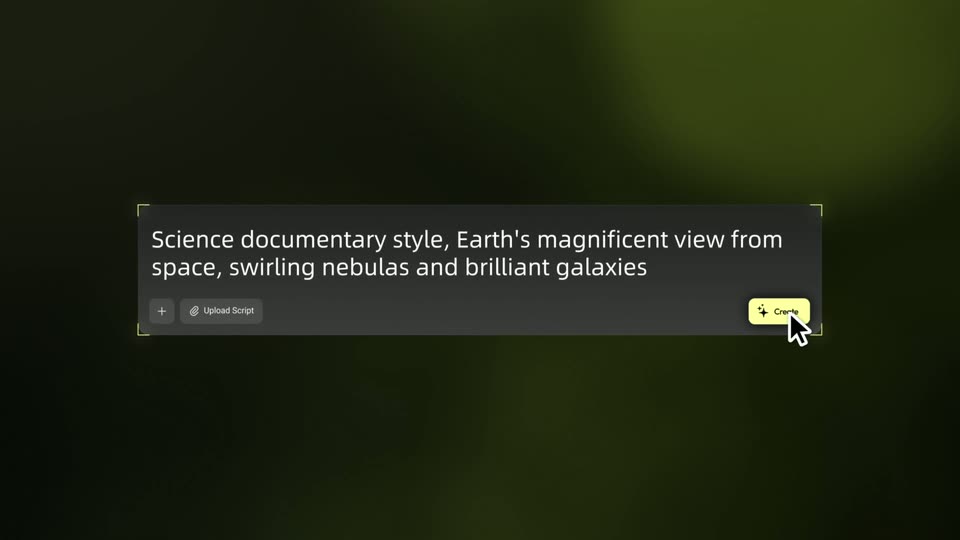 0:24 · 0.6sZopia · Zopia AI - We’re introducing Zopia — an end-to-end AI Video Director Agent for FA dark prompt box sits centered on a blurred green background, its typed text ending on a blinking caret. A mouse pointer rests on the yellow Create button and clicks it, while a white caption at the bottom of the frame fades out.
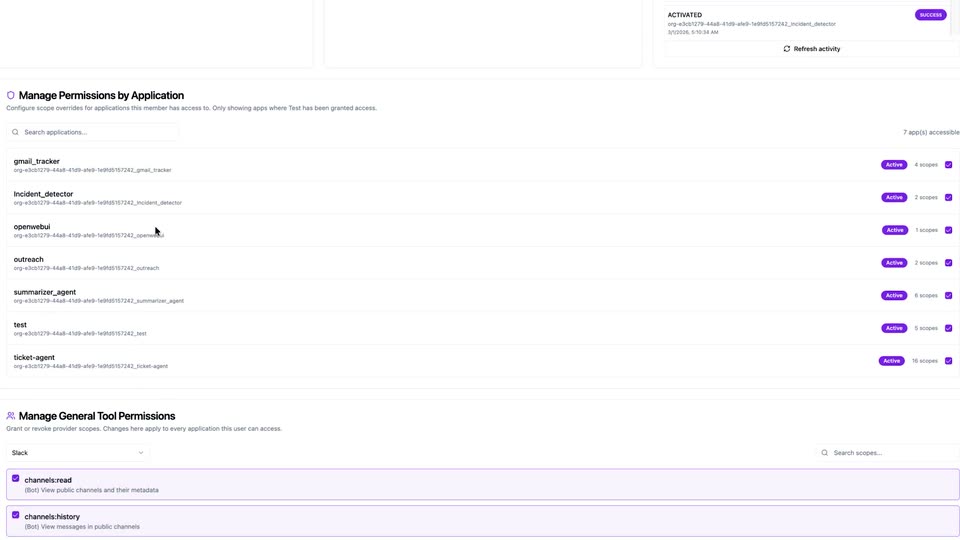 0:33–0:34Agentic Fabriq · Agentic Fabriq YC W26 LaunchA light admin panel lists application permissions with Active badges and checkboxes. A cursor moves down the list while a caption about managing agents and limiting them to the user slides in line by line.
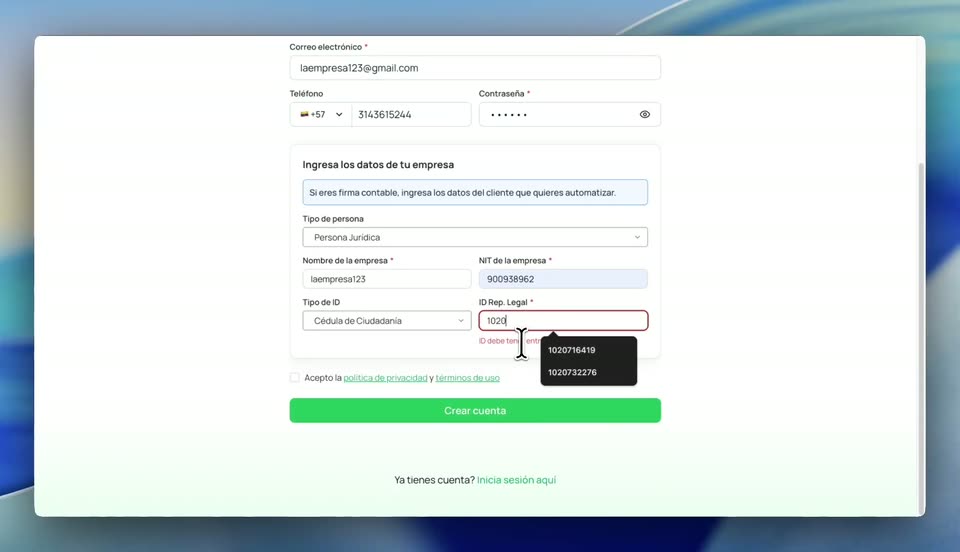 0:07–0:20Cifrato · Demo CifratoA white account form sits on a blurred blue background. A cursor types the company name, selects the NIT and legal ID from dark dropdown lists, ticks the privacy box, and clicks the green button, fading to the next screen.
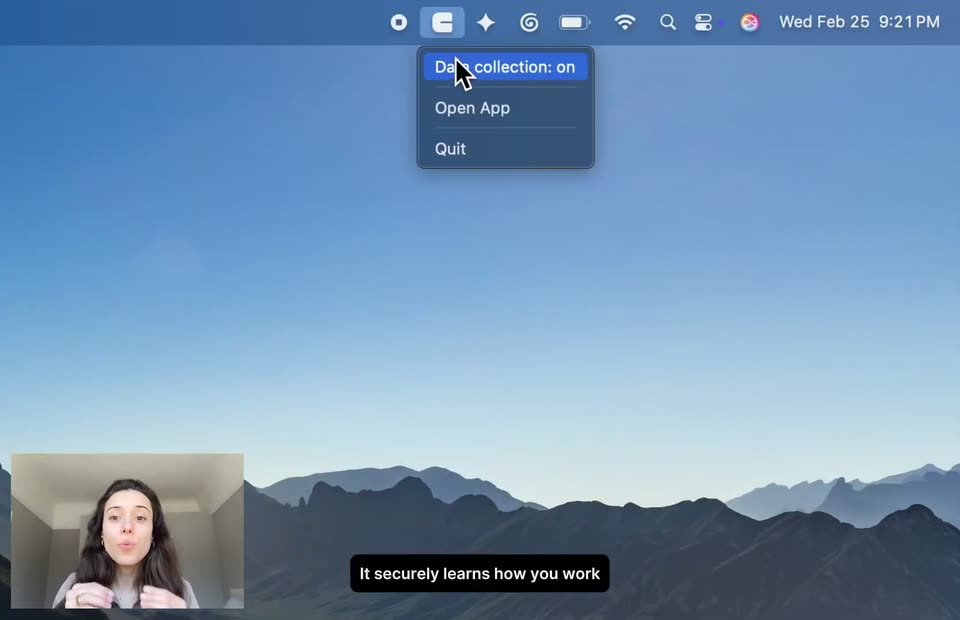 0:04–0:08Cofia · Introducing CofiaA macOS menu bar shows the app icon's open dropdown; the cursor hovers the highlighted data-collection item, then moves to the icon and the menu closes as a white panel slides up from the bottom left. A presenter speaks in a small inset, and a caption sits at the bottom.
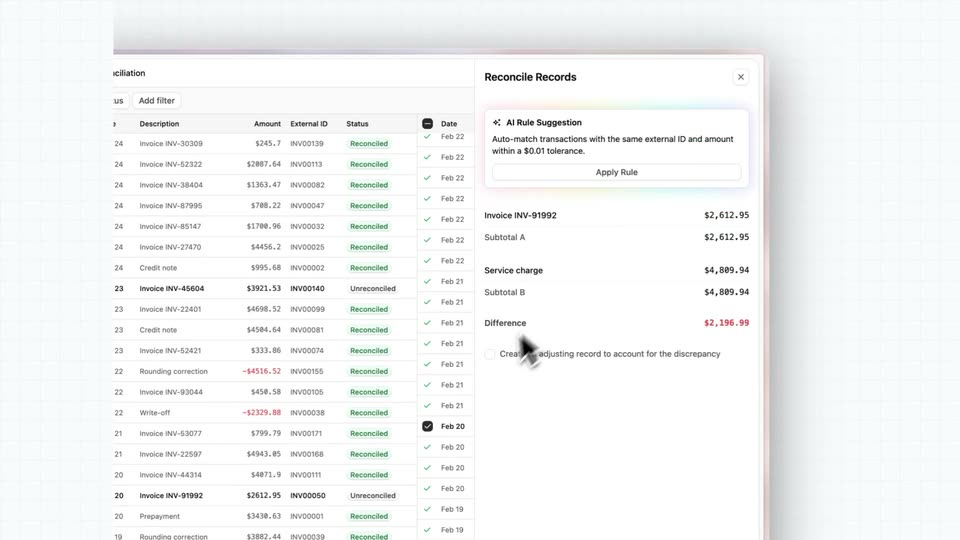 0:53–0:55End Close · Y Combinator - End Close builds automatic reconciliation for payments companies, repA reconciliation table with invoice rows and green Reconciled tags fills the left; on the right, a Reconcile Records panel lists an AI rule suggestion card and a line-item breakdown, while a cursor glides from the top corner down to a checkbox.
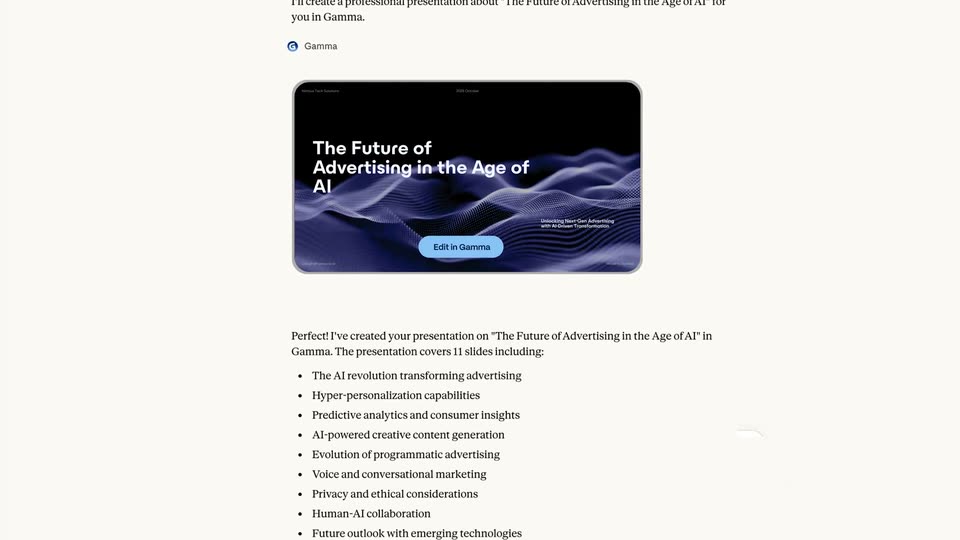 0:11–0:14Gamma · Gamma - Gamma is now on @claudeai! You can generate a presentation with GammOn a cream chat screen, a dark blue slide preview with a white title and wavy 3D lines fades in from a blur at center, while body text and a bulleted list appear below. A cursor glides to the card's bottom-right corner.
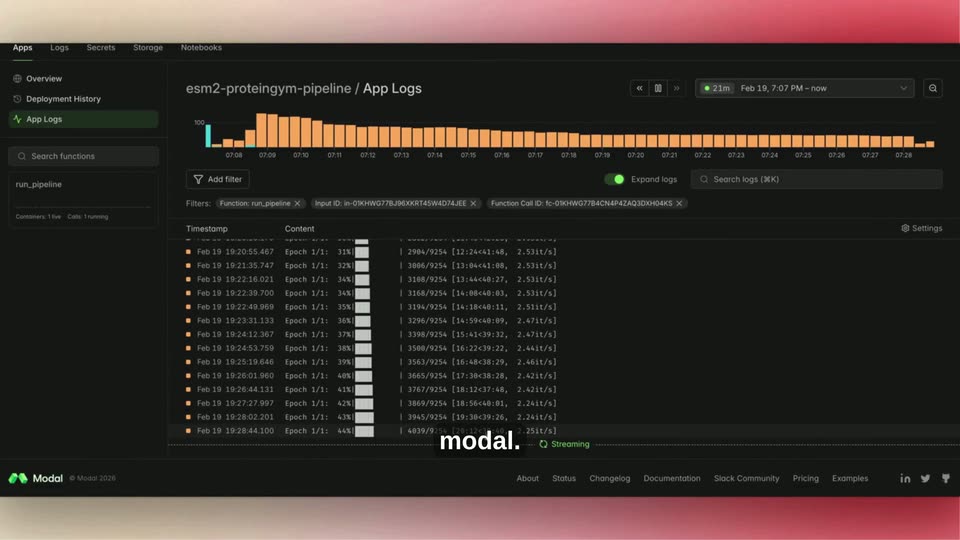 0:41–0:46SynScience · Y Combinator - .@SynScience is building AI co-scientists for end-to-end scientific rA dark logs dashboard fills the frame, an orange histogram across the top and a left nav rail. A table of training logs scrolls upward as new rows populate, while a mouse cursor drifts to the top navigation bar. White caption text sits along the bottom edge.
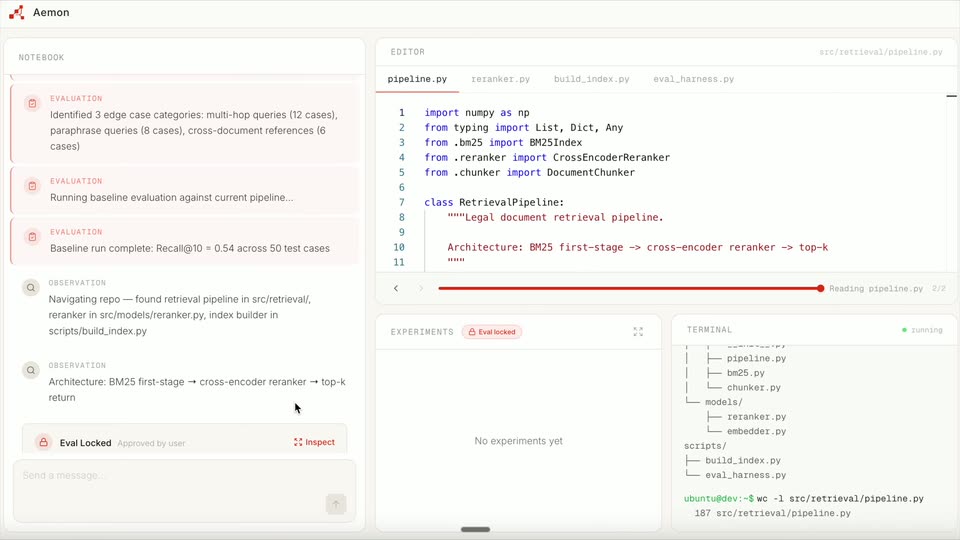 0:38–0:44Aemon · Aemon (YC W26) — The AI R&D EngineerA four-panel Aemon workspace fills the frame. The code editor flips between file tabs, the notebook feed scrolls new evaluation cards upward, and the terminal types out commands as a cursor clicks Approve & Lock.
 0:05–0:06Bitmor · Bitmor - we build a habit, for your future. stack sats with @bitmor_btcA close-up of a dark interface shows a rounded USDC button with a blue coin icon. A white hand cursor glides in from the right and clicks the button while the orange headline “Load your wallet.” builds word by word above it.
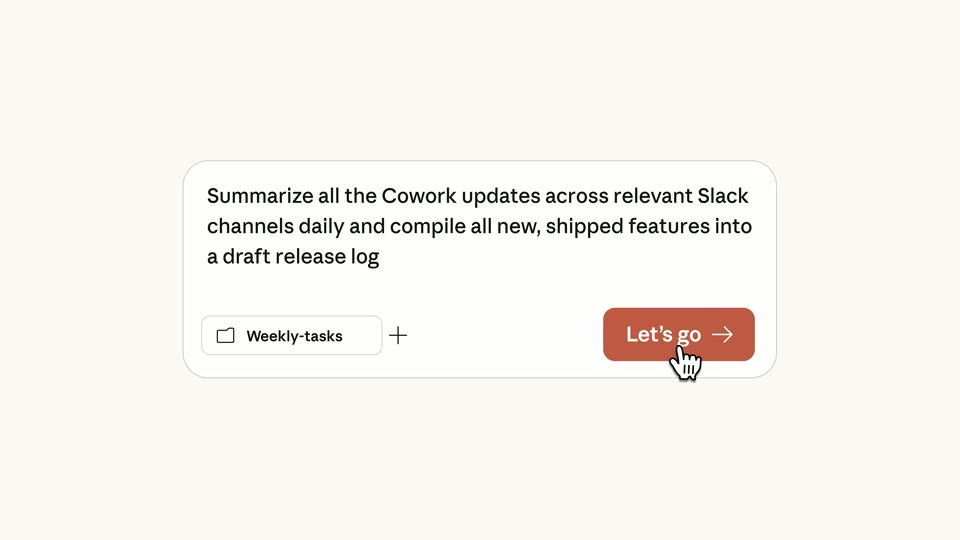 0:05–0:08Anthropic · Claude - New in Cowork: scheduled tasks. Claude can now complete recurring taA white prompt card on a cream background. A serif headline slides in at the top, then a hand cursor hovers the rust Let's go button while the prompt types out letter by letter and the folder chip changes to Weekly-tasks.
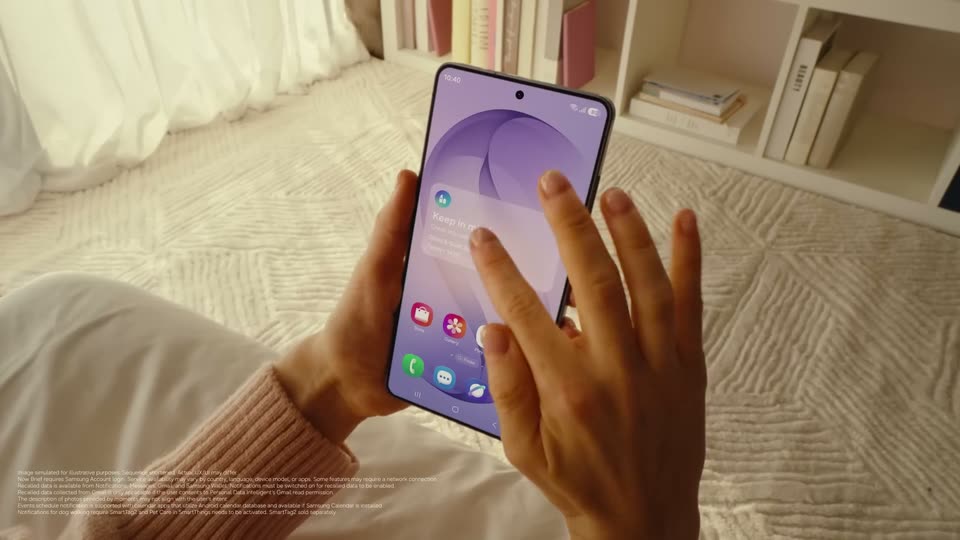 3:04–3:05Samsung · Introducing Galaxy S26 Ultra | Galaxy AI | SamsungA person reclines on a white bed holding a smartphone in two hands. The right index finger swipes across the home screen, which shows a purple wallpaper and a notification card. Soft daylight fills the room, with a bookshelf and books in the background.
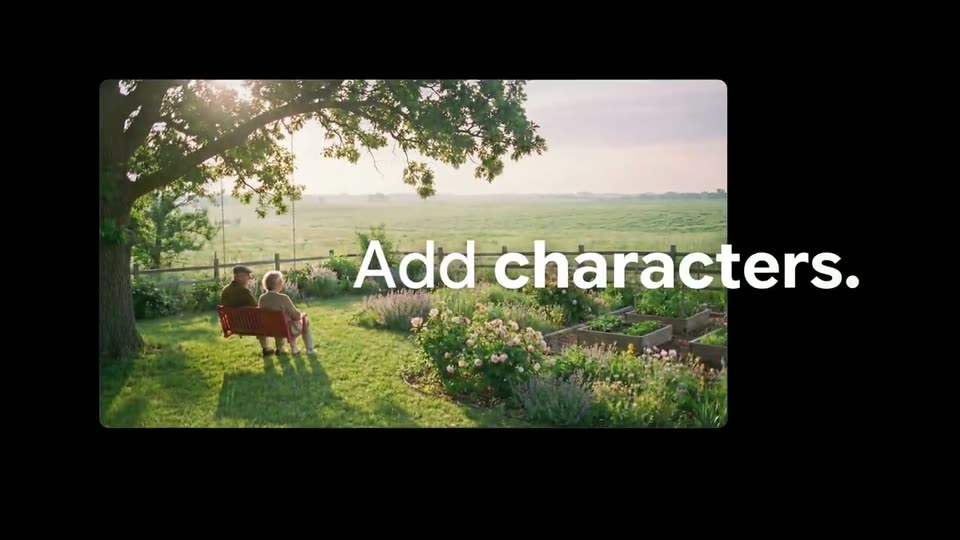 0:13–0:18Google · Google Flow - Today we're expanding Flow into a full AI creative studio. We’ve redeA prompt bar with a portrait thumbnail reads add grandparents.portrait to the swing over a garden photo, a dashed oval marking the red swing. The cursor clicks the send arrow, the image blurs into a wider card where the couple now sits on the swing, captioned Add characters.
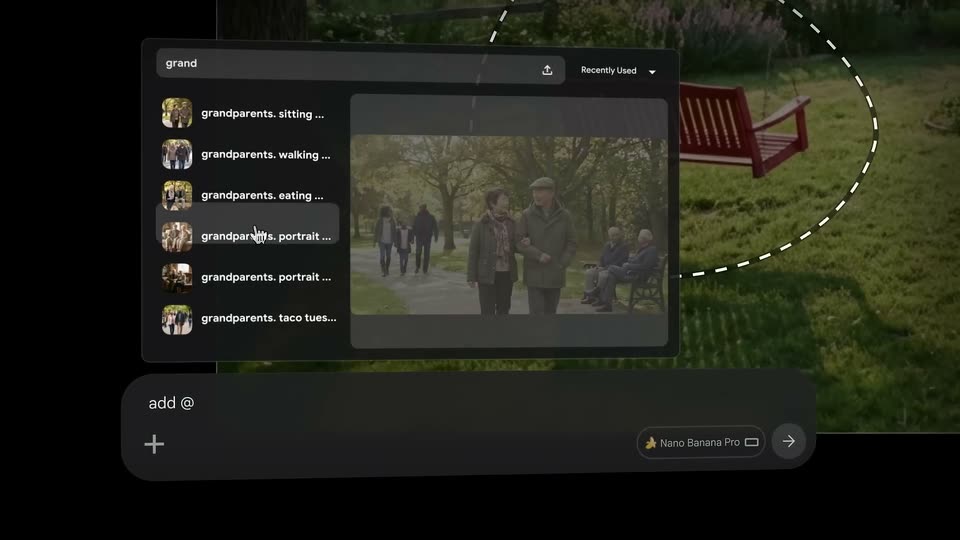 0:10–0:13Google · Introducing the New Flow, Your AI Creative StudioA dark prompt panel floats over a blurred garden. The left list and right preview swap from a top-down pool shot to an elderly couple as the query changes, while a hand cursor hovers the rows. A dashed oval marks the right side.
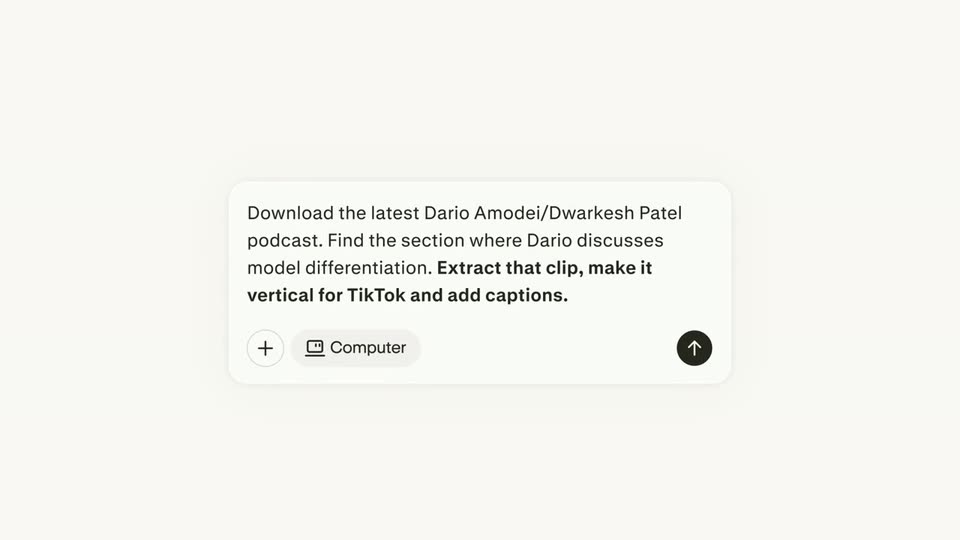 0:42–0:46Perplexity · Perplexity - Introducing Perplexity Computer. Computer unifies every current AI cA white input card sits centered on a cream background as a prompt is typed out line by line, the closing sentence in bold. A teal cursor slides in and hovers over the circular send button.
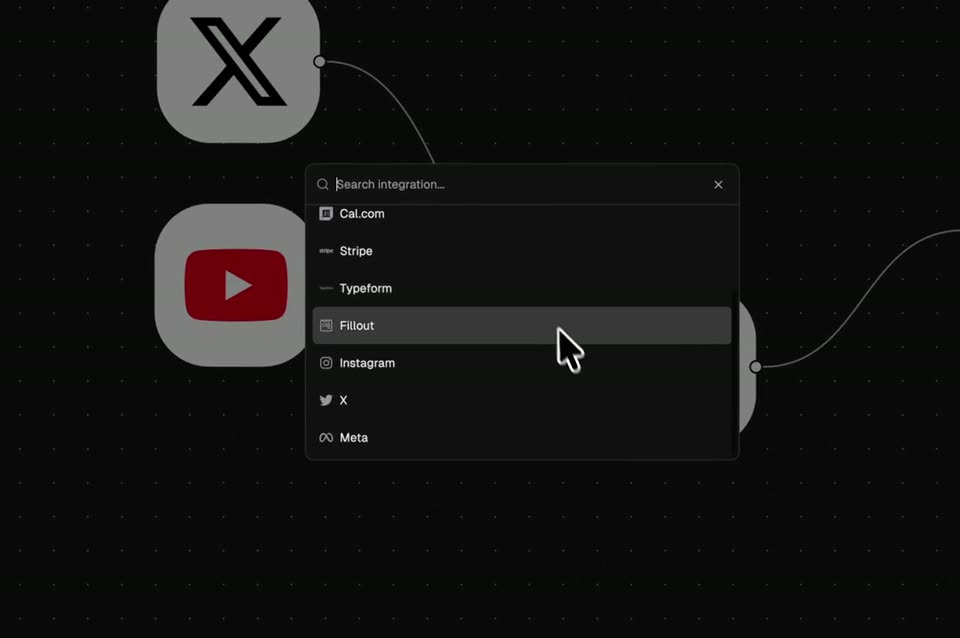 0:03–0:07Pulse · Pulse App - Psst, dark mode is here. If you're running youtube lead gen offers,A dark integration search panel sits centered on a dotted grid, its list of app names scrolling upward as a white cursor glides down the rows. Large flat app icons for X, YouTube and Meta anchor the background, joined by thin curved connector lines.
 0:08–0:10QuiverAI · Joan Rodriguez - Introducing @QuiverAI, a new AI lab and product company focused on frA white hexagonal logo with a red inner mark sits on a pink-to-purple gradient inside a blue selection box with corner handles. A cursor drags the bottom-right handle, scaling the logo up until the box disappears and the mark fills the frame.
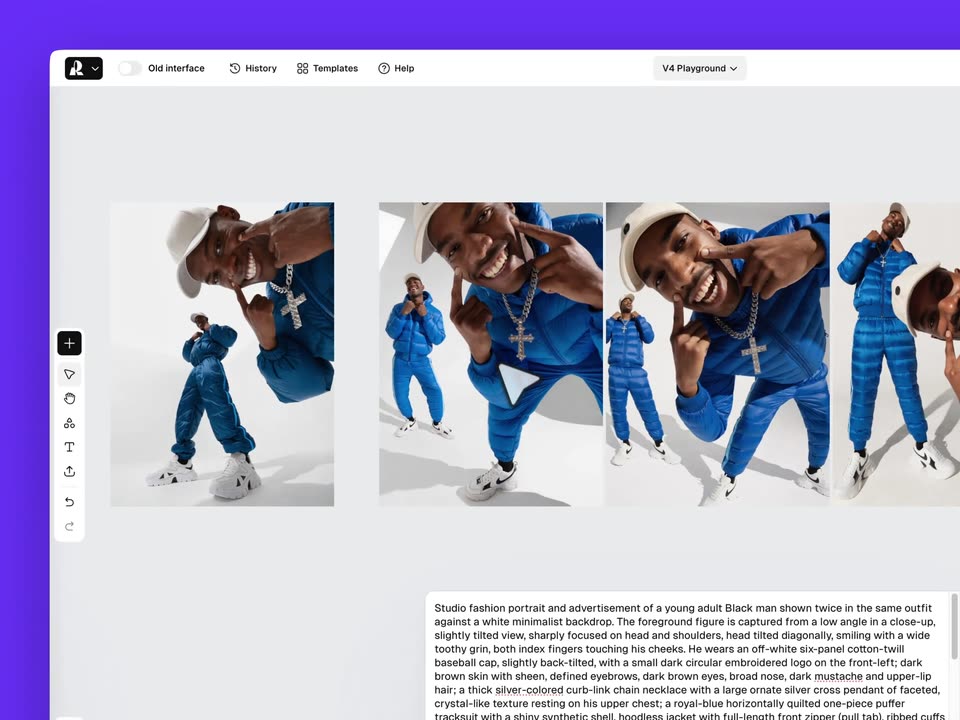 0:10–0:18Recraft · Recraft - Recreate any image. Yes, really. Our Extract Prompt tool analyzes anA Recraft window settles flat on a purple field as four gray Generating tiles fill with portraits of a man in a blue puffer suit and white cap. The camera zooms into the grid, drifts across the images with a white cursor, then pulls back to the full interface.
 0:25–0:26Whop · Steven Schwartz 🦅 - We are excited to announce that @tether, the largest stablecoin compaA locked-off close-up of a social network profile row shows a photo of a man before a mask stall, the name Omar Jimenez, and a blue Poke button with a hand icon. A white arrow cursor rests on the button while the name scales slightly.
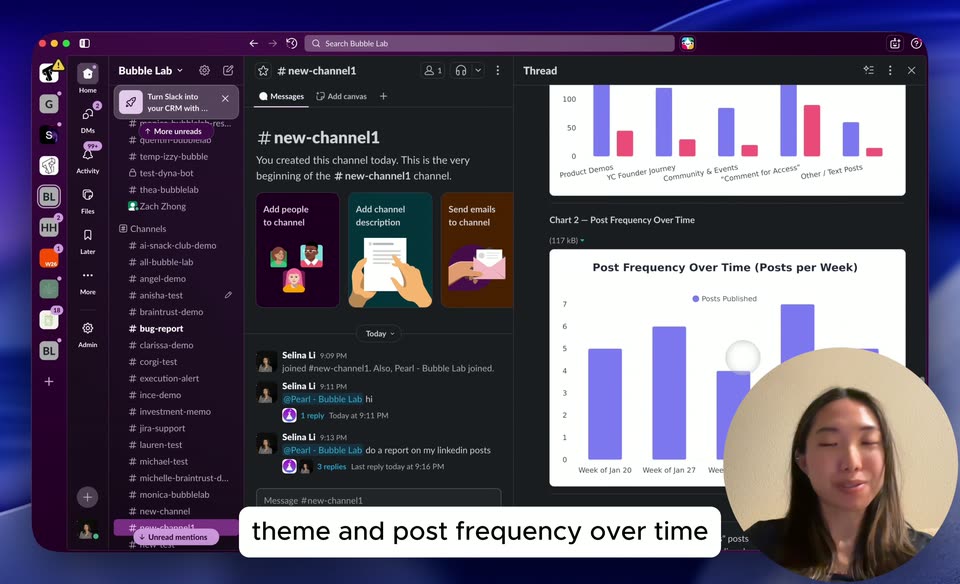 0:46–0:52Bubble Lab · Pearl in Slack (Bubble Lab) demo!A Slack-style workspace fills the frame; the view zooms into the thread panel's blue-and-red bar chart, a cursor hovers over it, then pulls back to the full window showing stacked charts. A circular presenter webcam and a caption pill sit at the bottom.
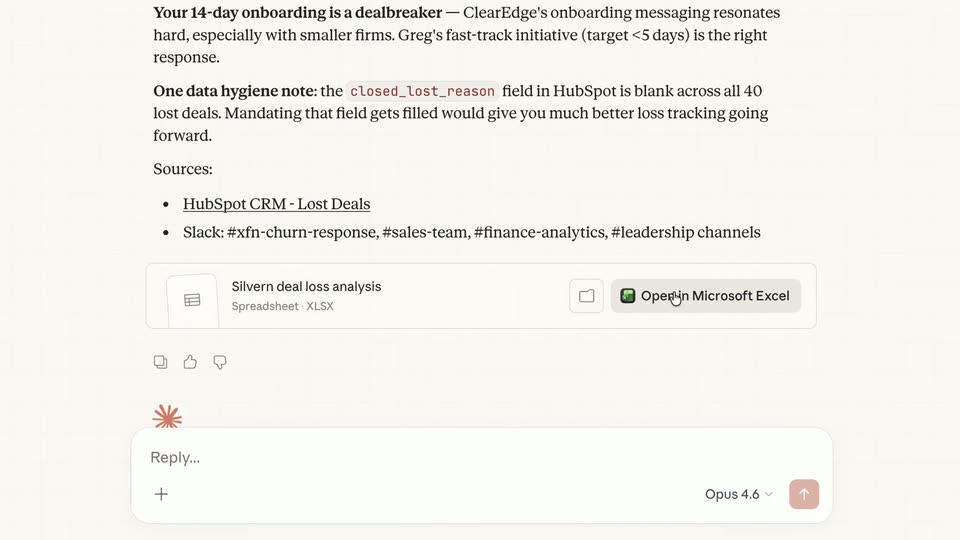 0:30–0:32Anthropic · Claude - Introducing Cowork and plugin updates that help enterprises customizeA light cream chat window fills the frame, showing an analysis message and a right-hand sidebar of connectors. The view then zooms into the lower half, and a cursor glides to hover the Open in Microsoft Excel button on a spreadsheet card.
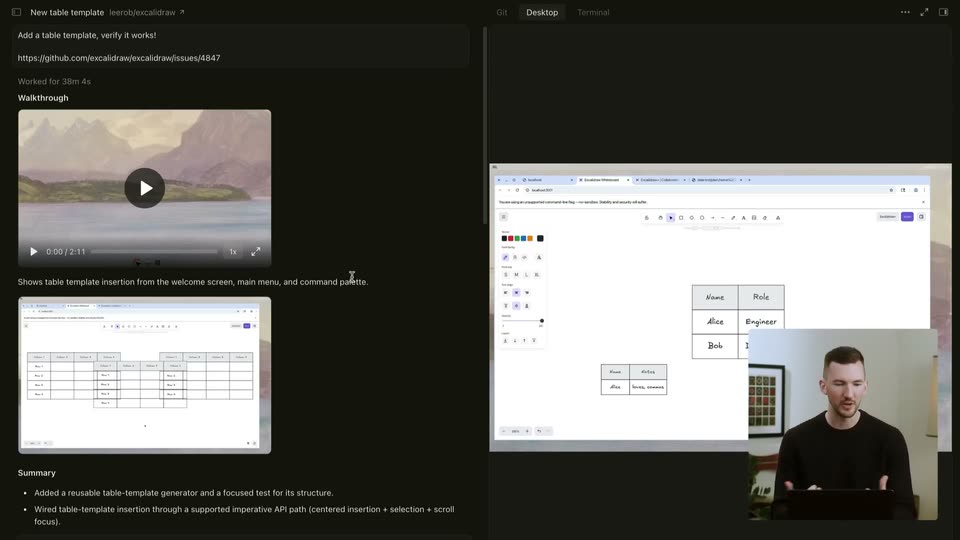 0:42–0:55Cursor · A computer for every agentA dark artifact page splits the frame: a left panel holds a GitHub link, a landscape video thumbnail, and a summary; the right shows a desktop mockup of a drawing app with a table and a man on a video call. The landscape video expands to fill the left half.
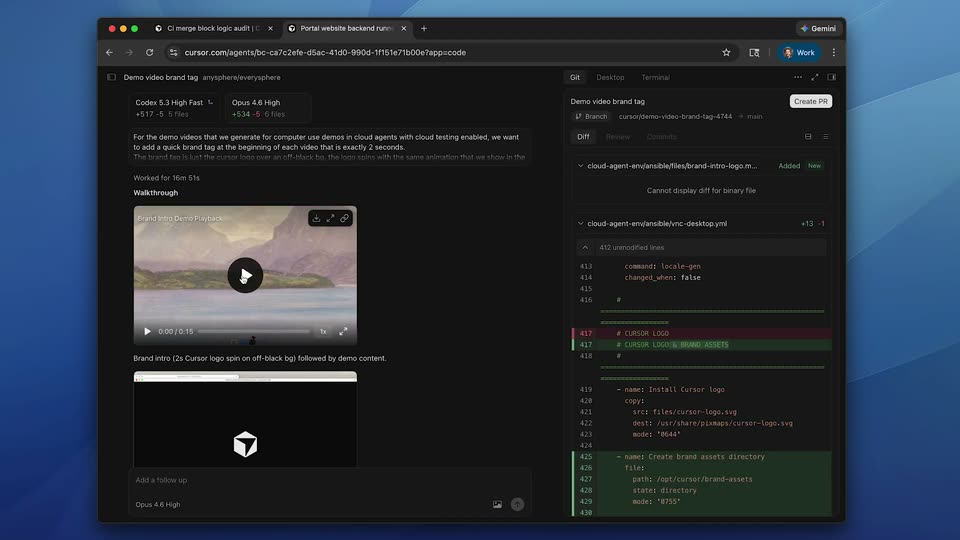 0:06–0:08Cursor · Cursor now shows you demos, not diffsA dark Cursor agent window fills the frame, split into a chat pane with an embedded video player on the left and a code diff on the right. The cursor glides to the video's play button as the player header updates to a playback label.